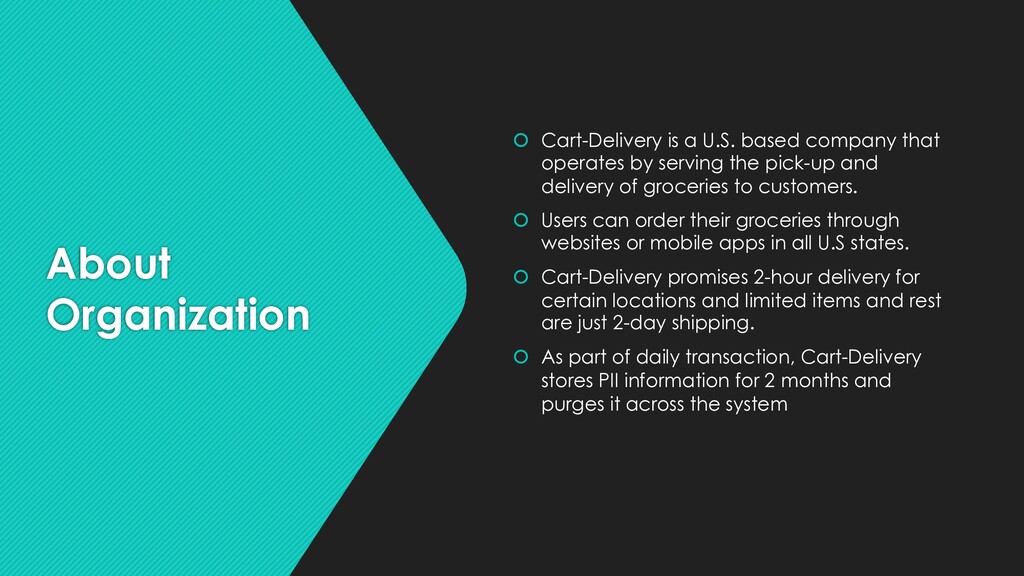
operates by serving the pick-up and delivery of groceries to customers. Users can order their groceries through websites or mobile apps in all U.S states. Cart-Delivery promises 2-hour delivery for certain locations and limited items and rest are just 2-day shipping. As part of daily transaction, Cart-Delivery stores PII information for 2 months and purges it across the system
inadequate monitoring and prompt response to get into the system without being detected. Until 2016, Nearly every major incidents was detected only after 6 months after it occurred due to insufficient logging or Monitoring. Logging and monitoring enables the company to identify any issues or anomalies quickly and react according to the threat.
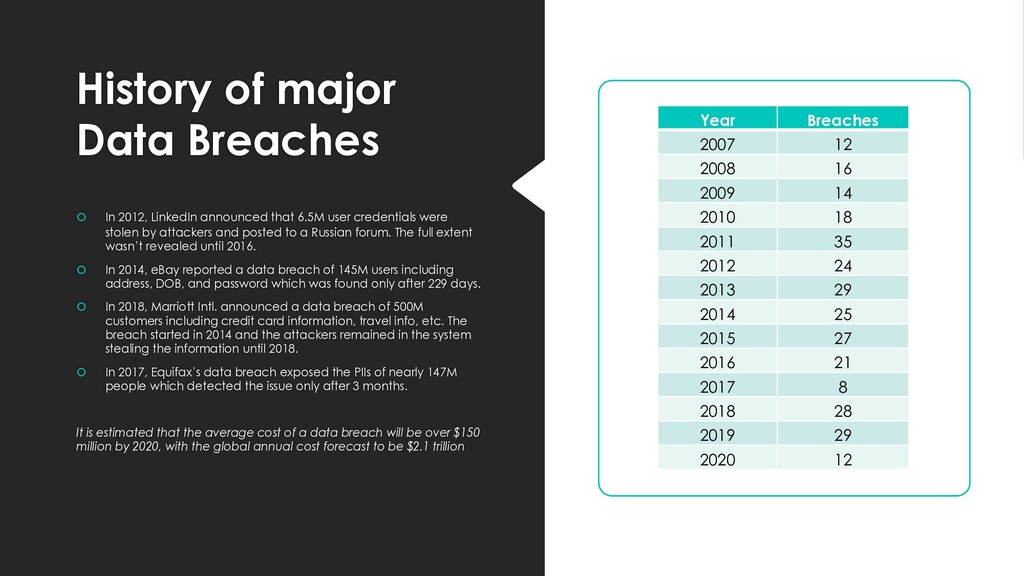
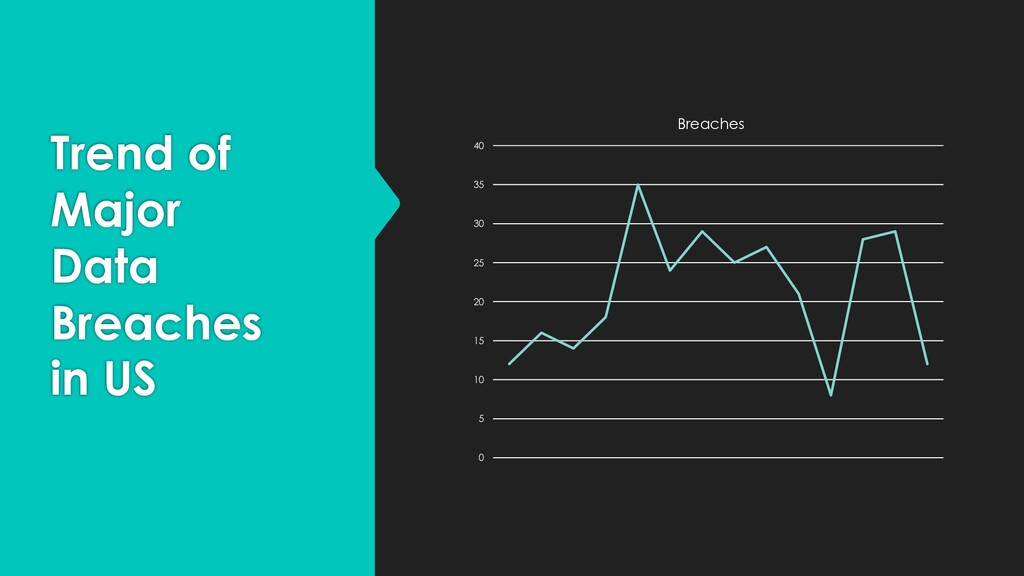
that 6.5M user credentials were stolen by attackers and posted to a Russian forum. The full extent wasn’t revealed until 2016. In 2014, eBay reported a data breach of 145M users including address, DOB, and password which was found only after 229 days. In 2018, Marriott Intl. announced a data breach of 500M customers including credit card information, travel info, etc. The breach started in 2014 and the attackers remained in the system stealing the information until 2018. In 2017, Equifax’s data breach exposed the PIIs of nearly 147M people which detected the issue only after 3 months. It is estimated that the average cost of a data breach will be over $150 million by 2020, with the global annual cost forecast to be $2.1 trillion Year Breaches 2007 12 2008 16 2009 14 2010 18 2011 35 2012 24 2013 29 2014 25 2015 27 2016 21 2017 8 2018 28 2019 29 2020 12
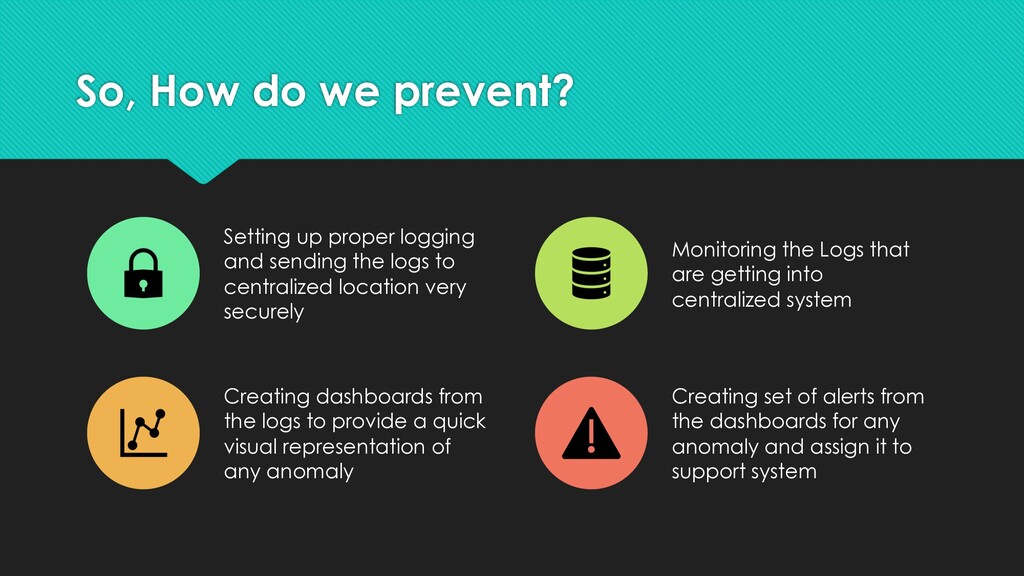
sending the logs to centralized location very securely Monitoring the Logs that are getting into centralized system Creating dashboards from the logs to provide a quick visual representation of any anomaly Creating set of alerts from the dashboards for any anomaly and assign it to support system
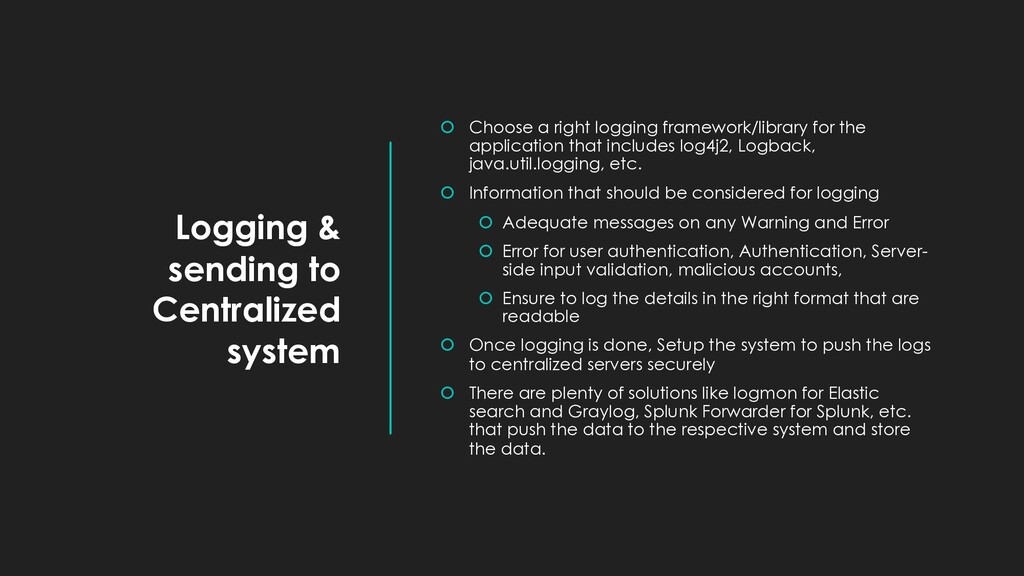
logging framework/library for the application that includes log4j2, Logback, java.util.logging, etc. Information that should be considered for logging Adequate messages on any Warning and Error Error for user authentication, Authentication, Server- side input validation, malicious accounts, Ensure to log the details in the right format that are readable Once logging is done, Setup the system to push the logs to centralized servers securely There are plenty of solutions like logmon for Elastic search and Graylog, Splunk Forwarder for Splunk, etc. that push the data to the respective system and store the data.
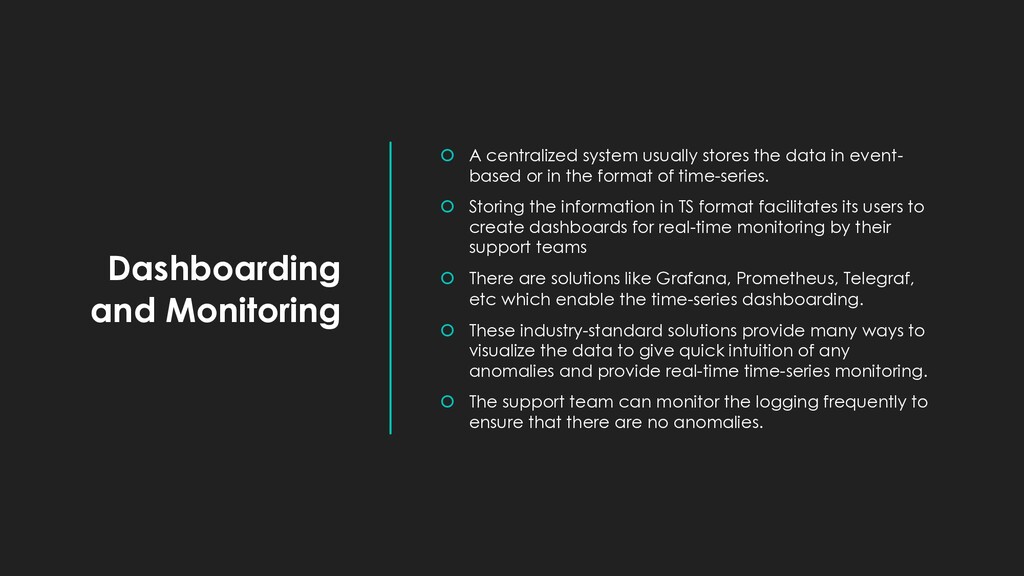
data in event- based or in the format of time-series. Storing the information in TS format facilitates its users to create dashboards for real-time monitoring by their support teams There are solutions like Grafana, Prometheus, Telegraf, etc which enable the time-series dashboarding. These industry-standard solutions provide many ways to visualize the data to give quick intuition of any anomalies and provide real-time time-series monitoring. The support team can monitor the logging frequently to ensure that there are no anomalies.
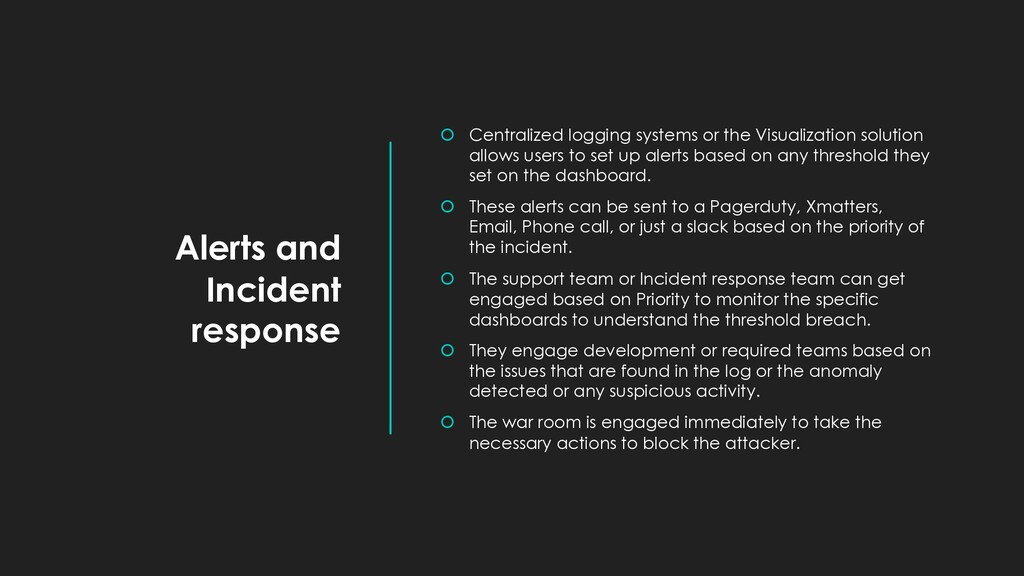
Visualization solution allows users to set up alerts based on any threshold they set on the dashboard. These alerts can be sent to a Pagerduty, Xmatters, Email, Phone call, or just a slack based on the priority of the incident. The support team or Incident response team can get engaged based on Priority to monitor the specific dashboards to understand the threshold breach. They engage development or required teams based on the issues that are found in the log or the anomaly detected or any suspicious activity. The war room is engaged immediately to take the necessary actions to block the attacker.
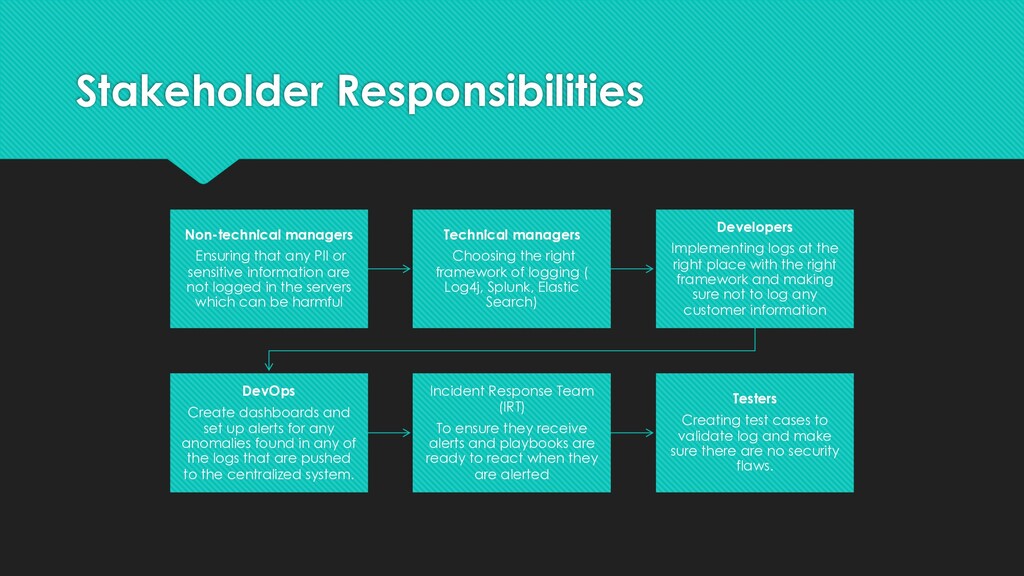
information are not logged in the servers which can be harmful Technical managers Choosing the right framework of logging ( Log4j, Splunk, Elastic Search) Developers Implementing logs at the right place with the right framework and making sure not to log any customer information DevOps Create dashboards and set up alerts for any anomalies found in any of the logs that are pushed to the centralized system. Incident Response Team (IRT) To ensure they receive alerts and playbooks are ready to react when they are alerted Testers Creating test cases to validate log and make sure there are no security flaws.


 iamshreeram
 terasawat
 cbtlibrary
 hiola
hiola
 signer
 3l4l5
3l4l5
 akiraasano
 juanmartin2026
 bvr7352
 pawan_pharm
 rkendrick25
 rmw
rmw
 aleyda
 productmarketing
 palkan
 axbom
axbom
 ipullrank
 frankvandijk
 inesmontani
 smashingmag