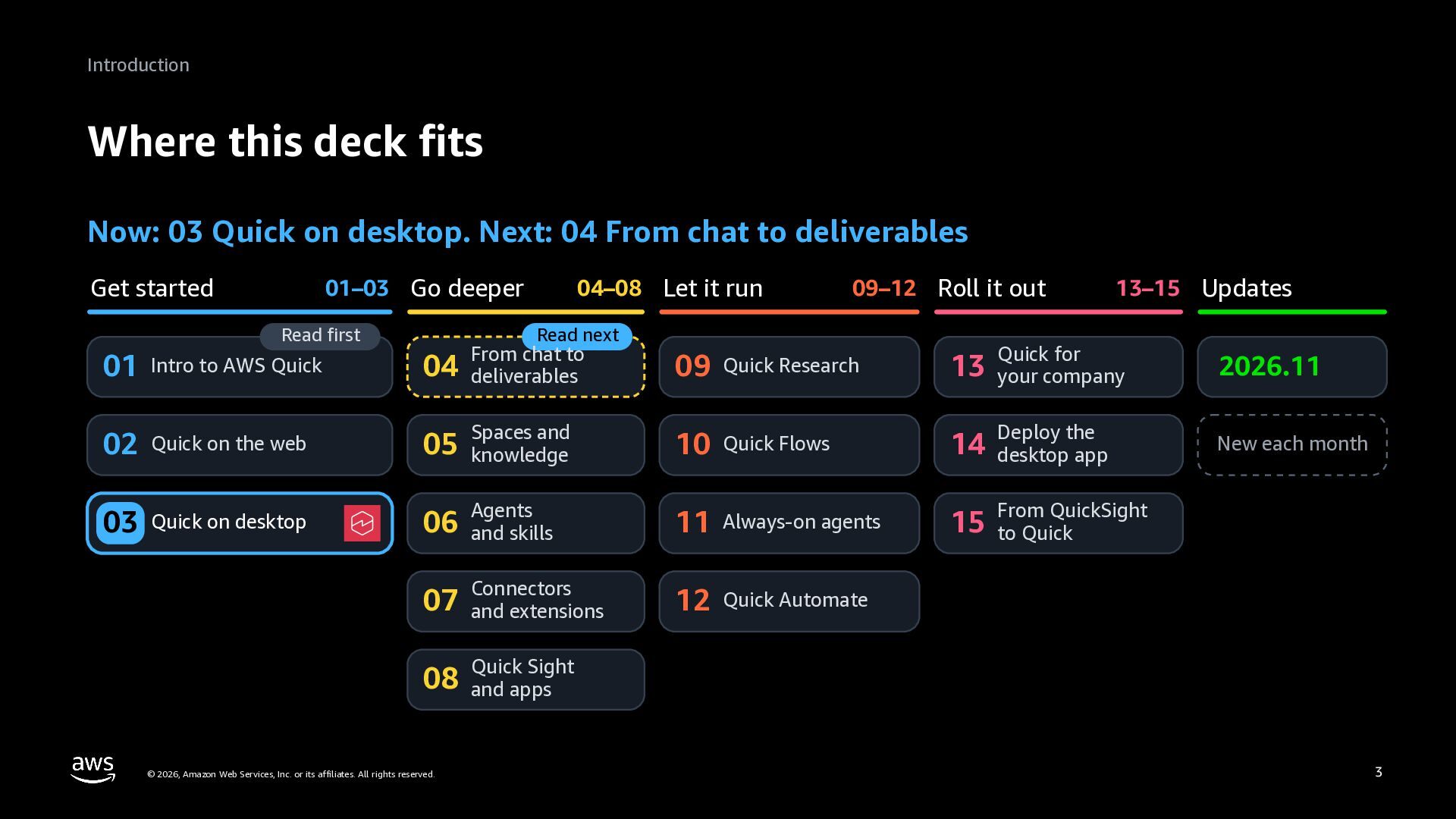
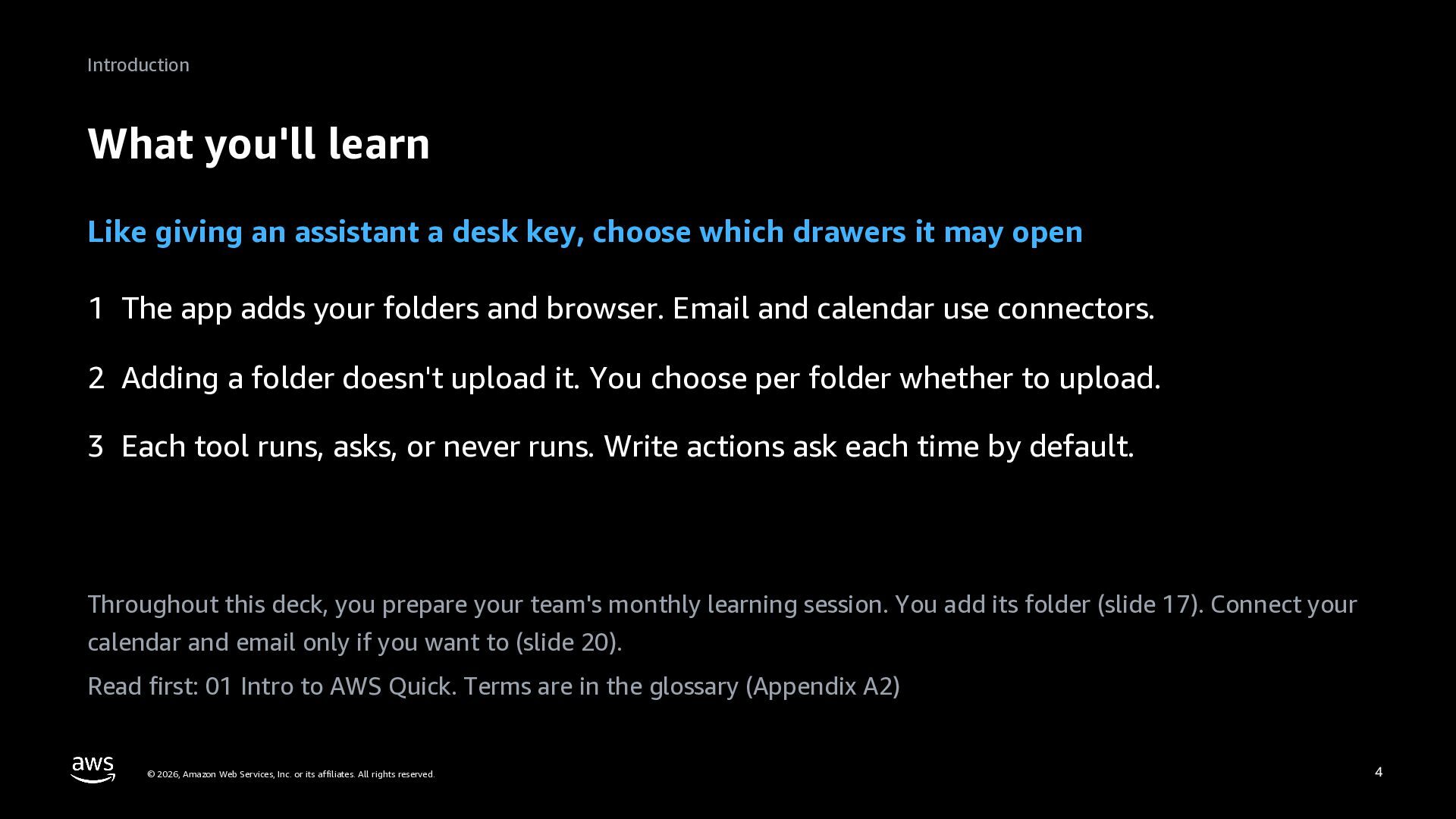
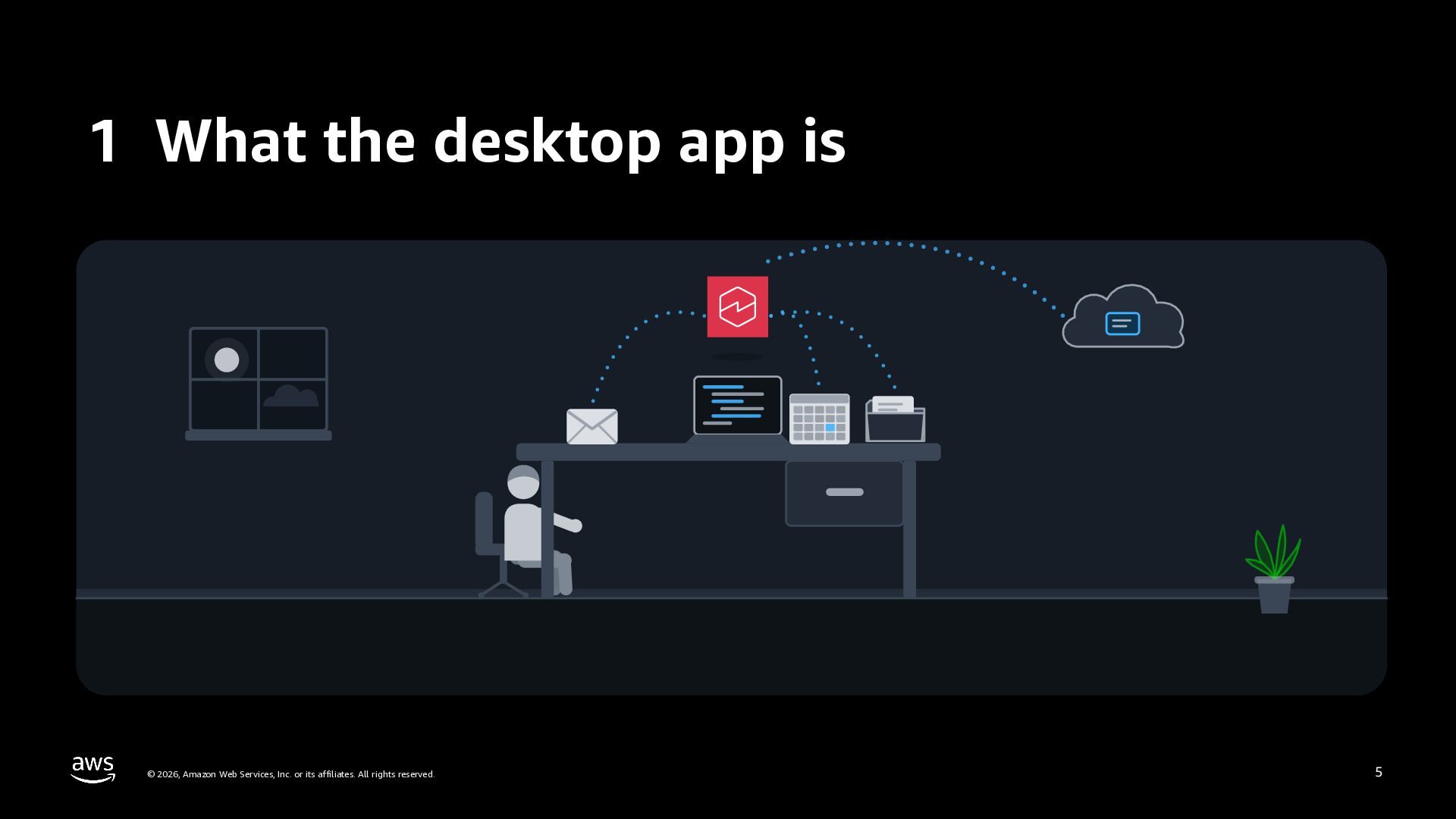
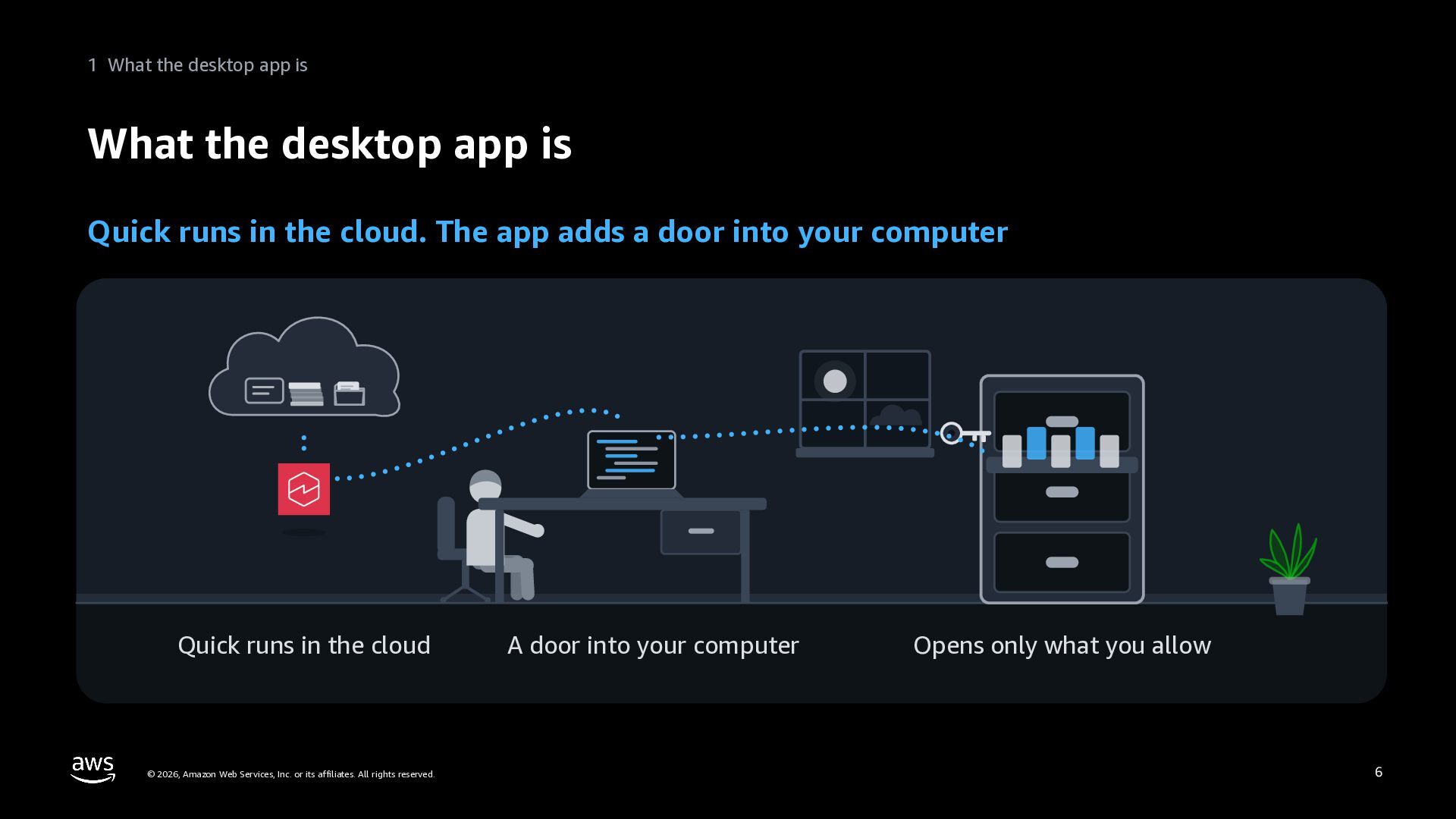
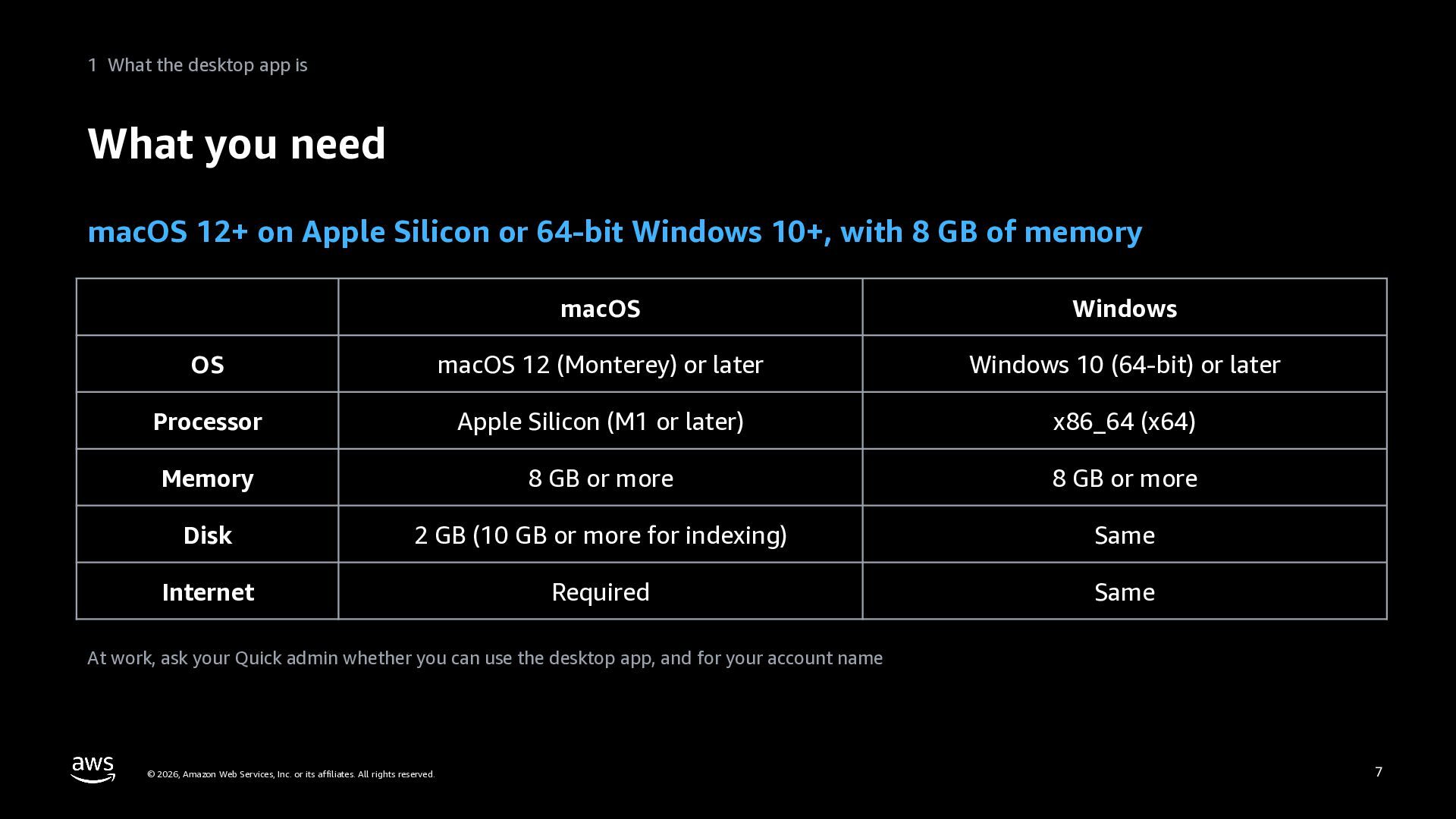
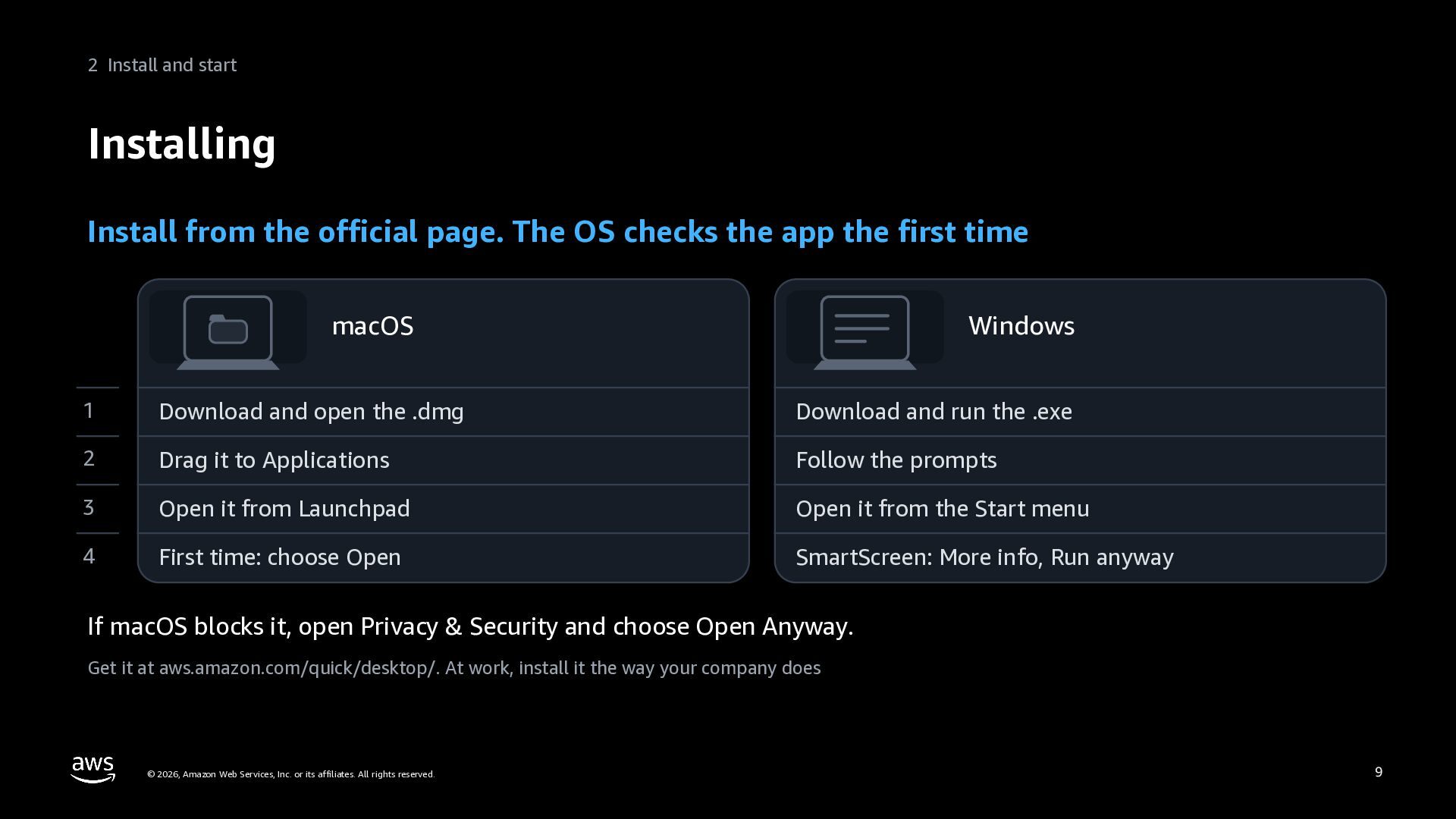
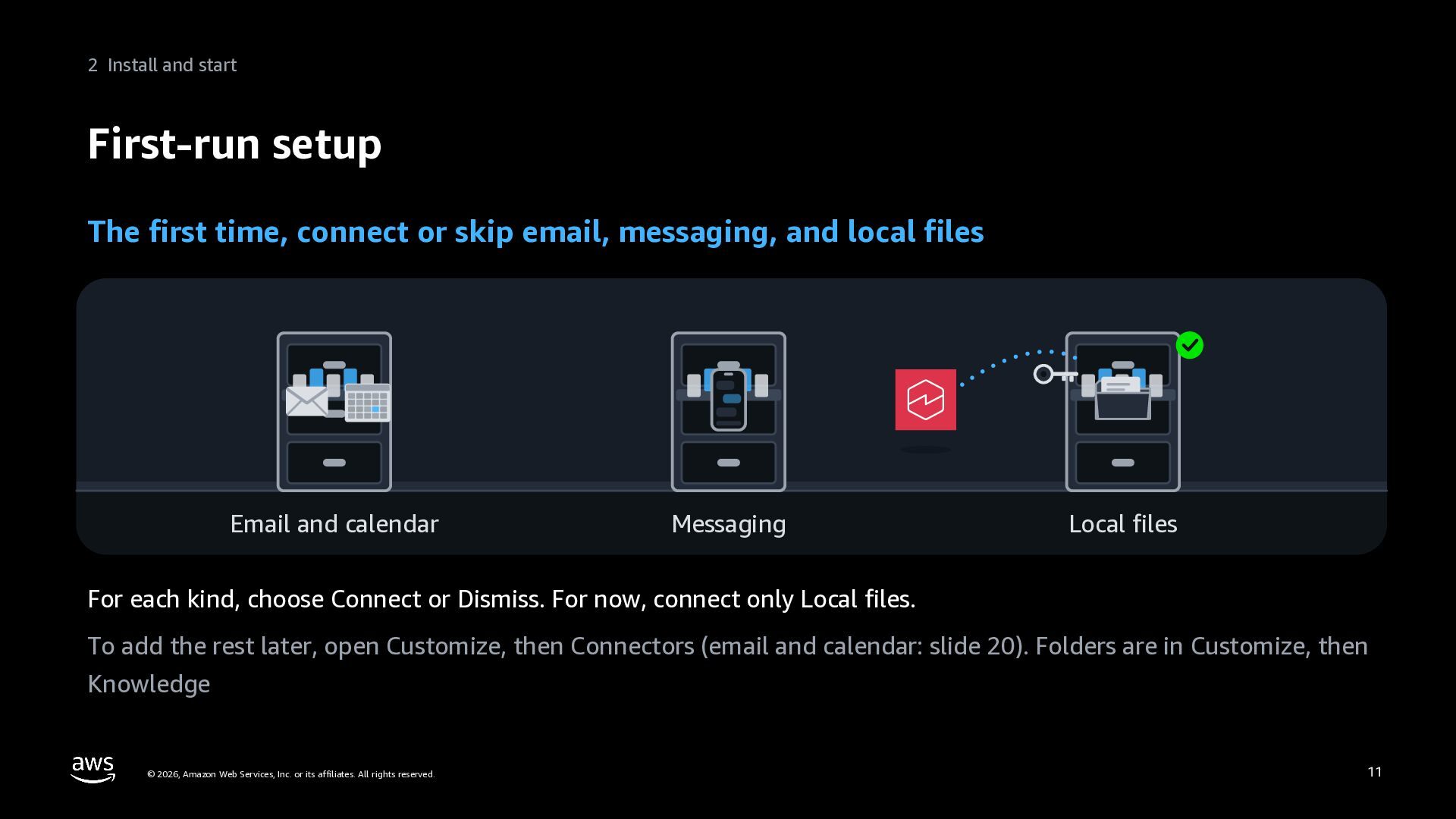
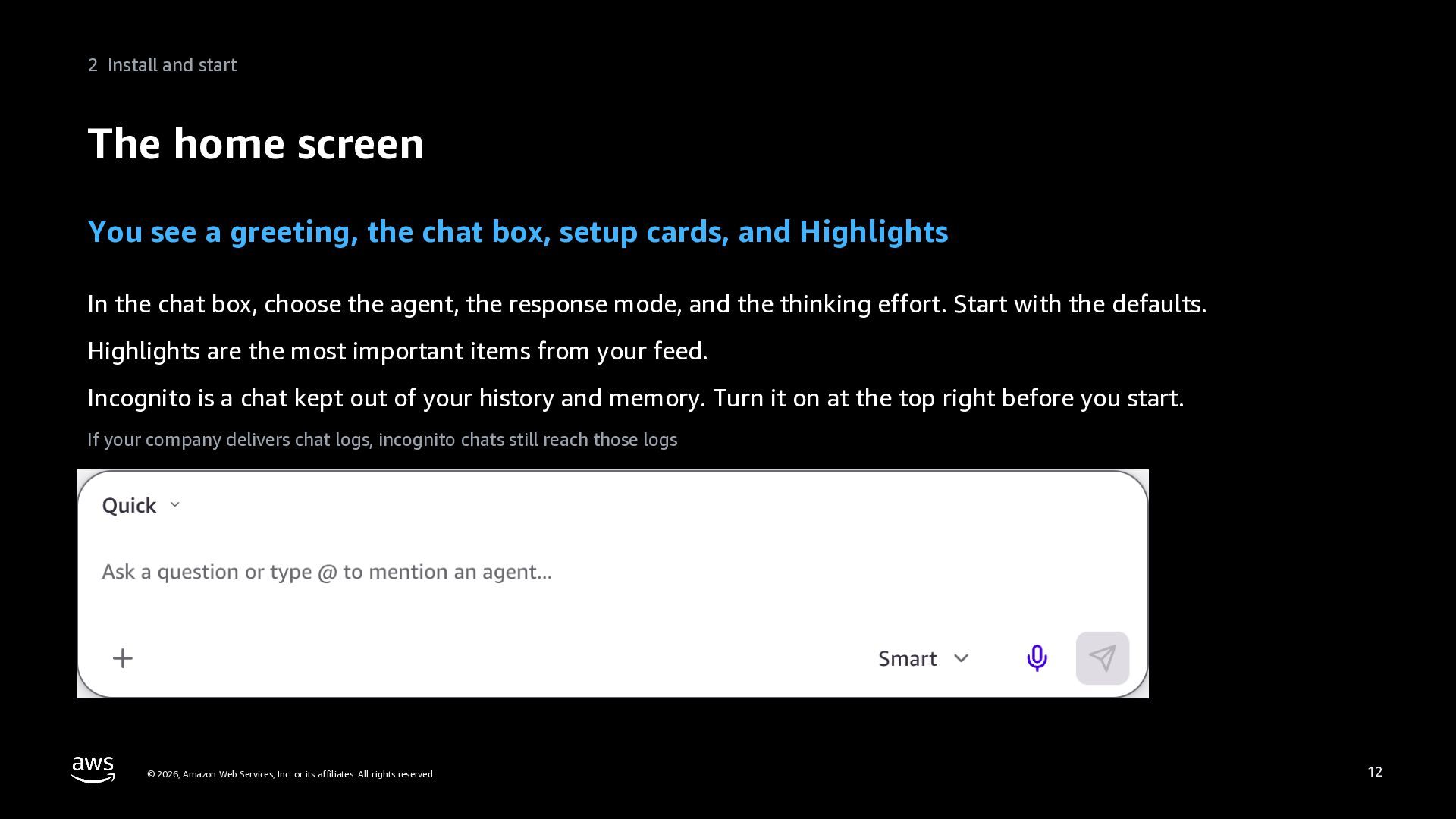
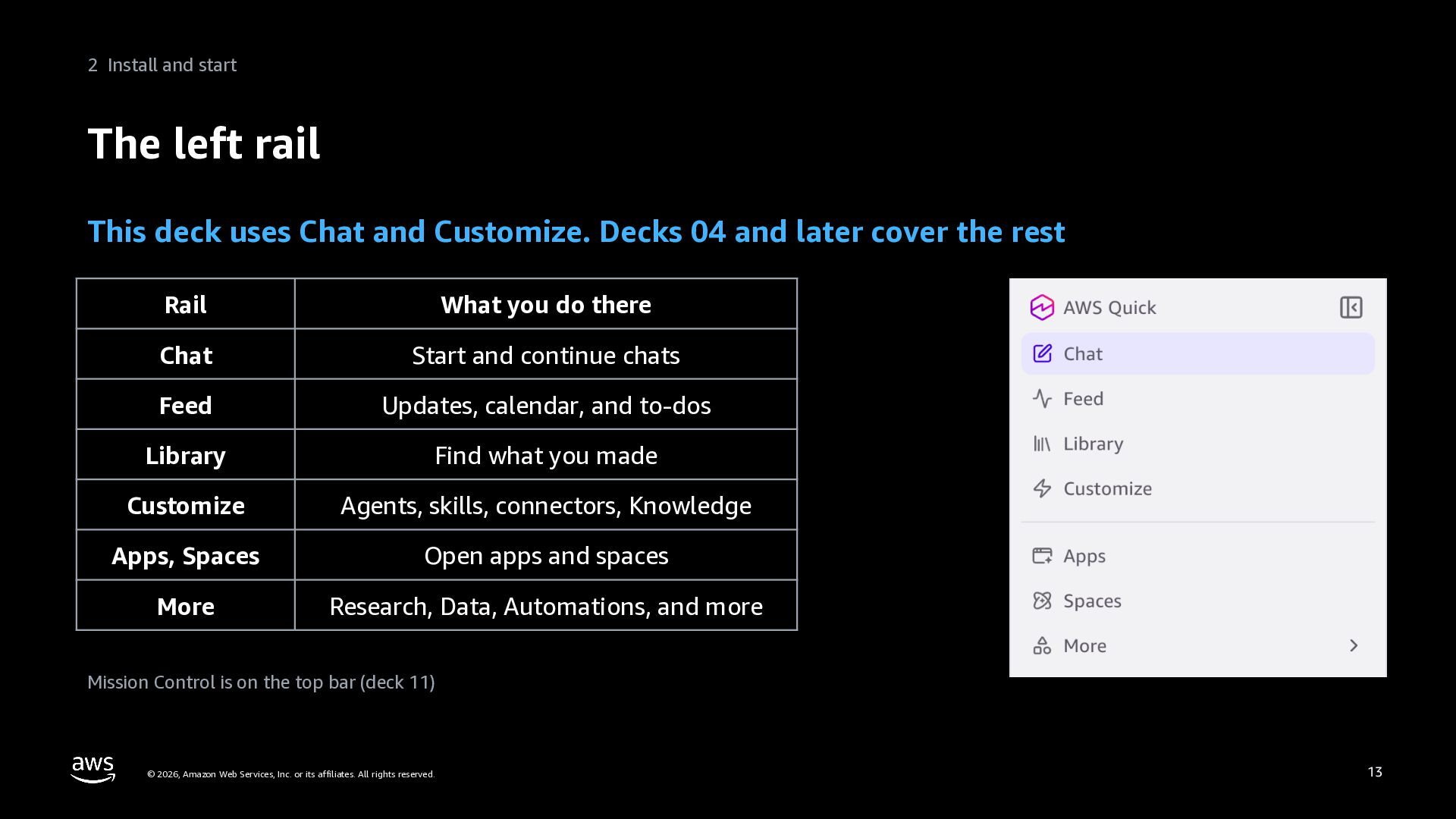
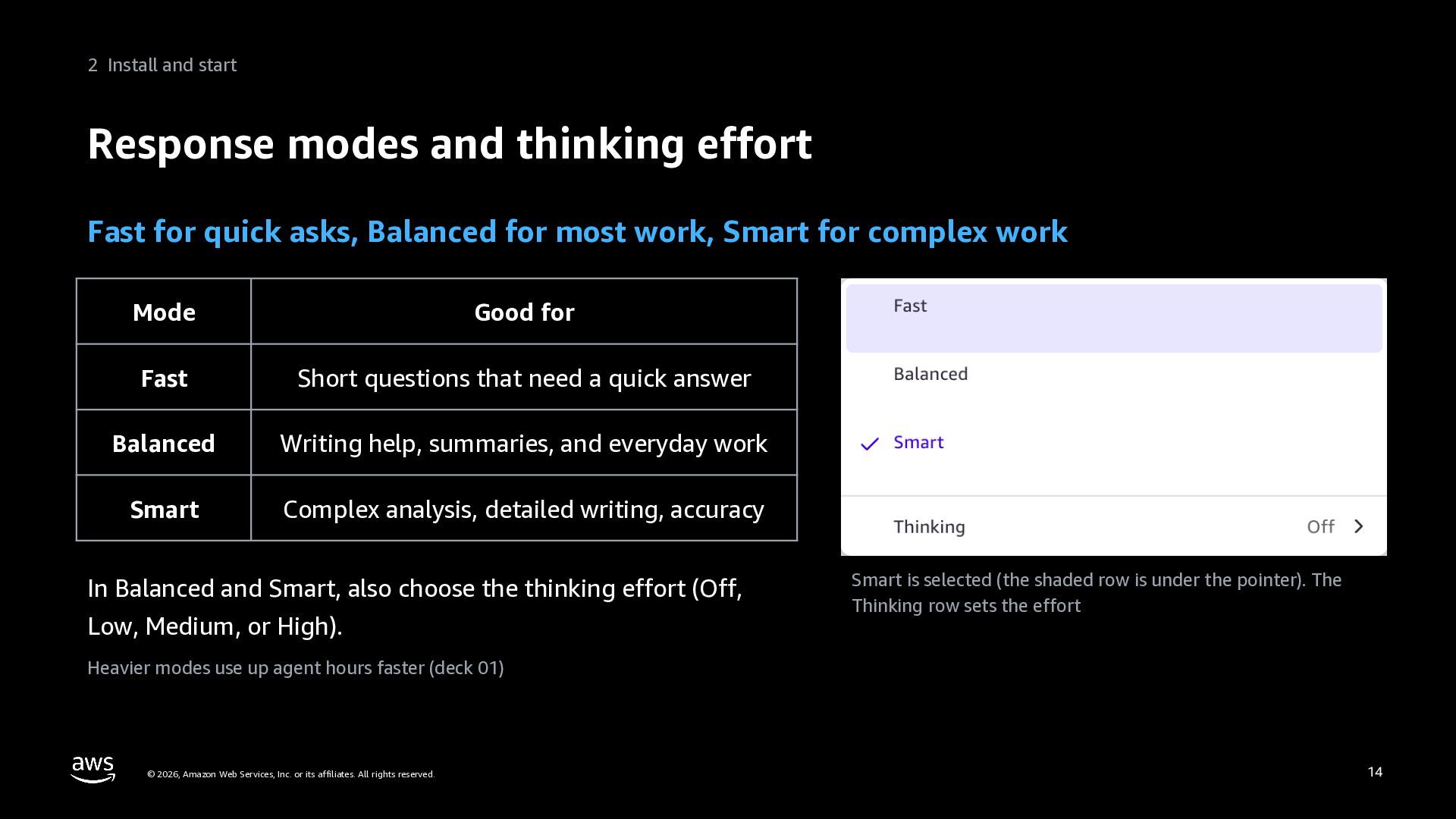
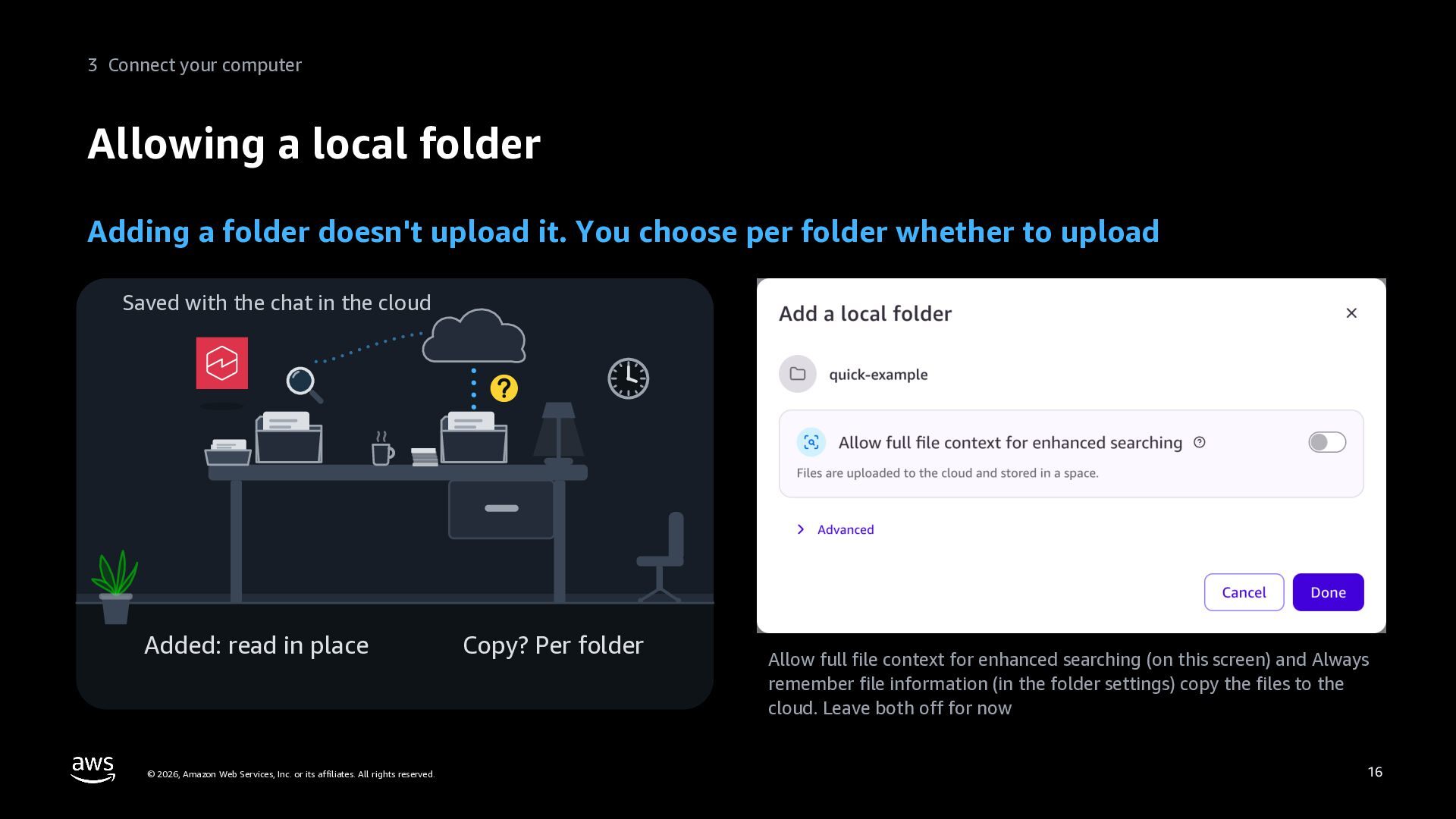
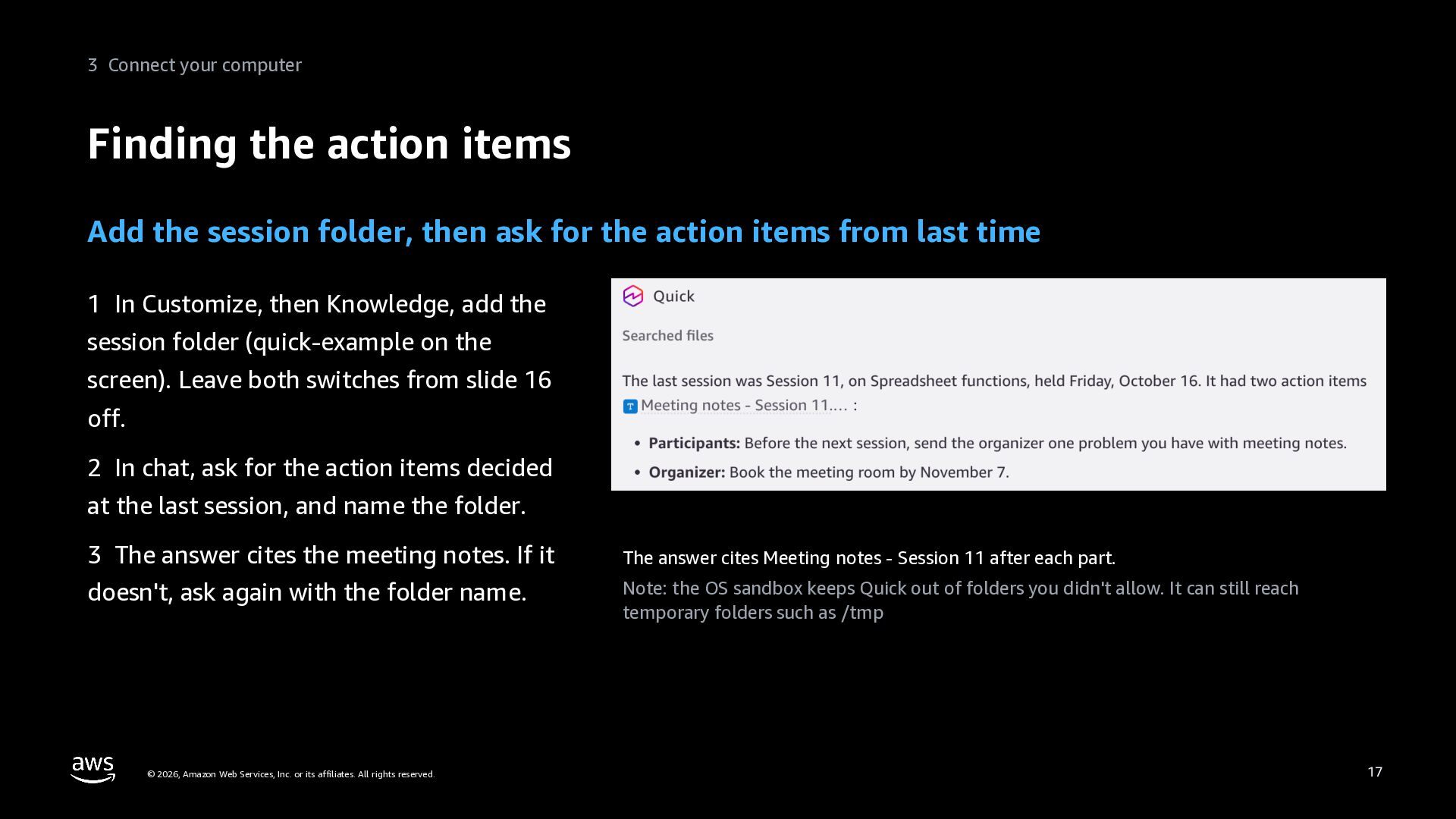
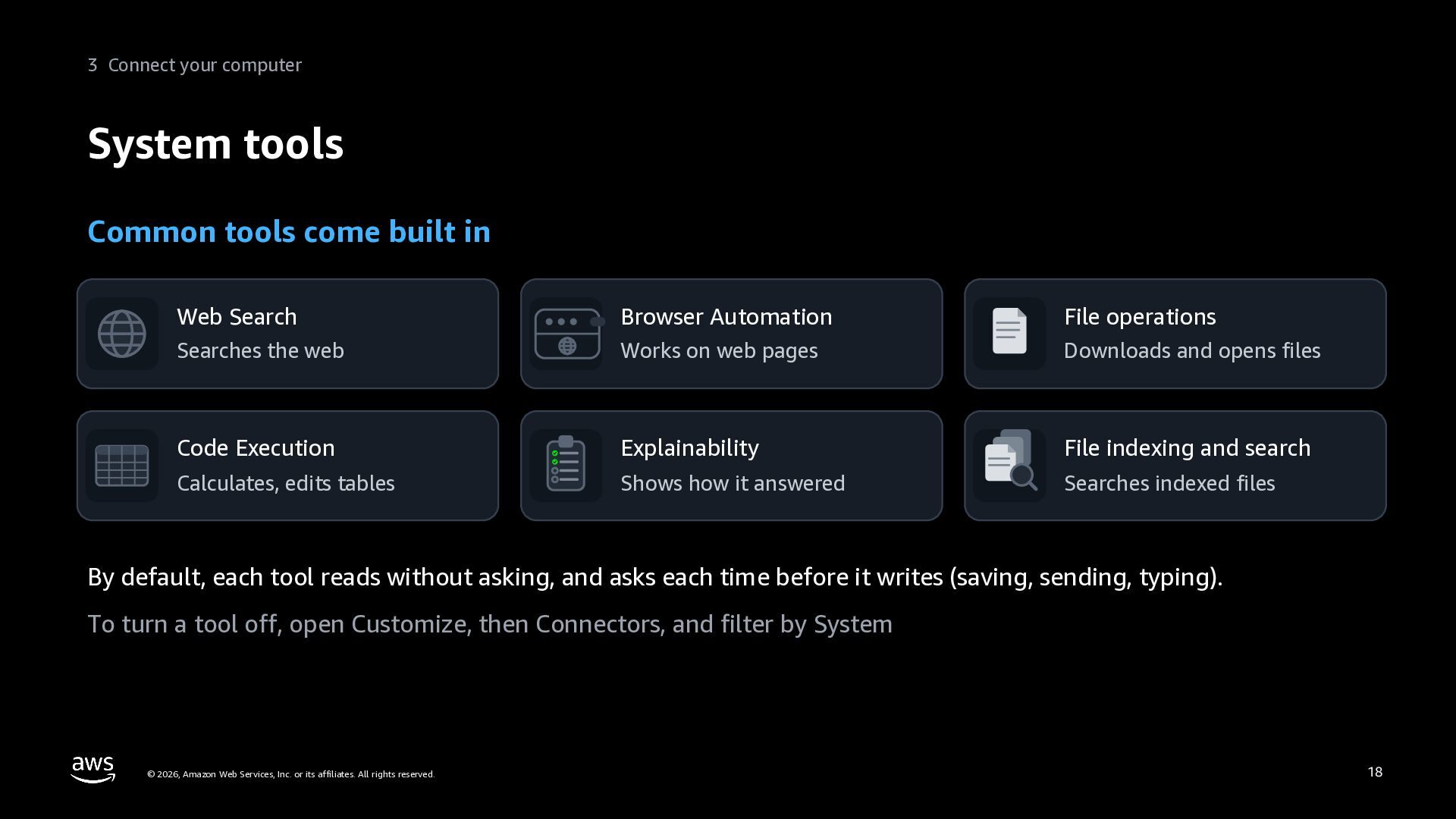
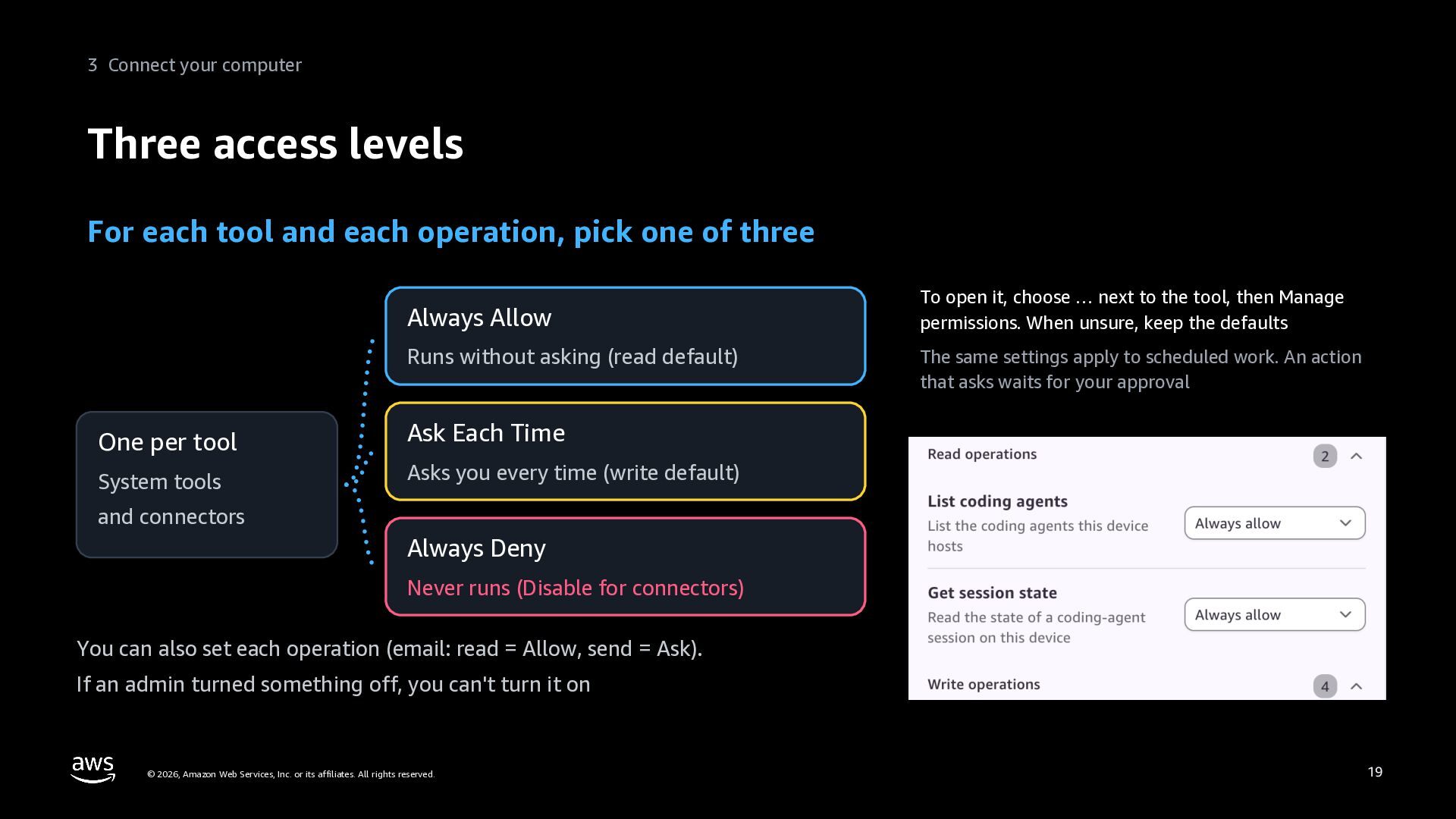
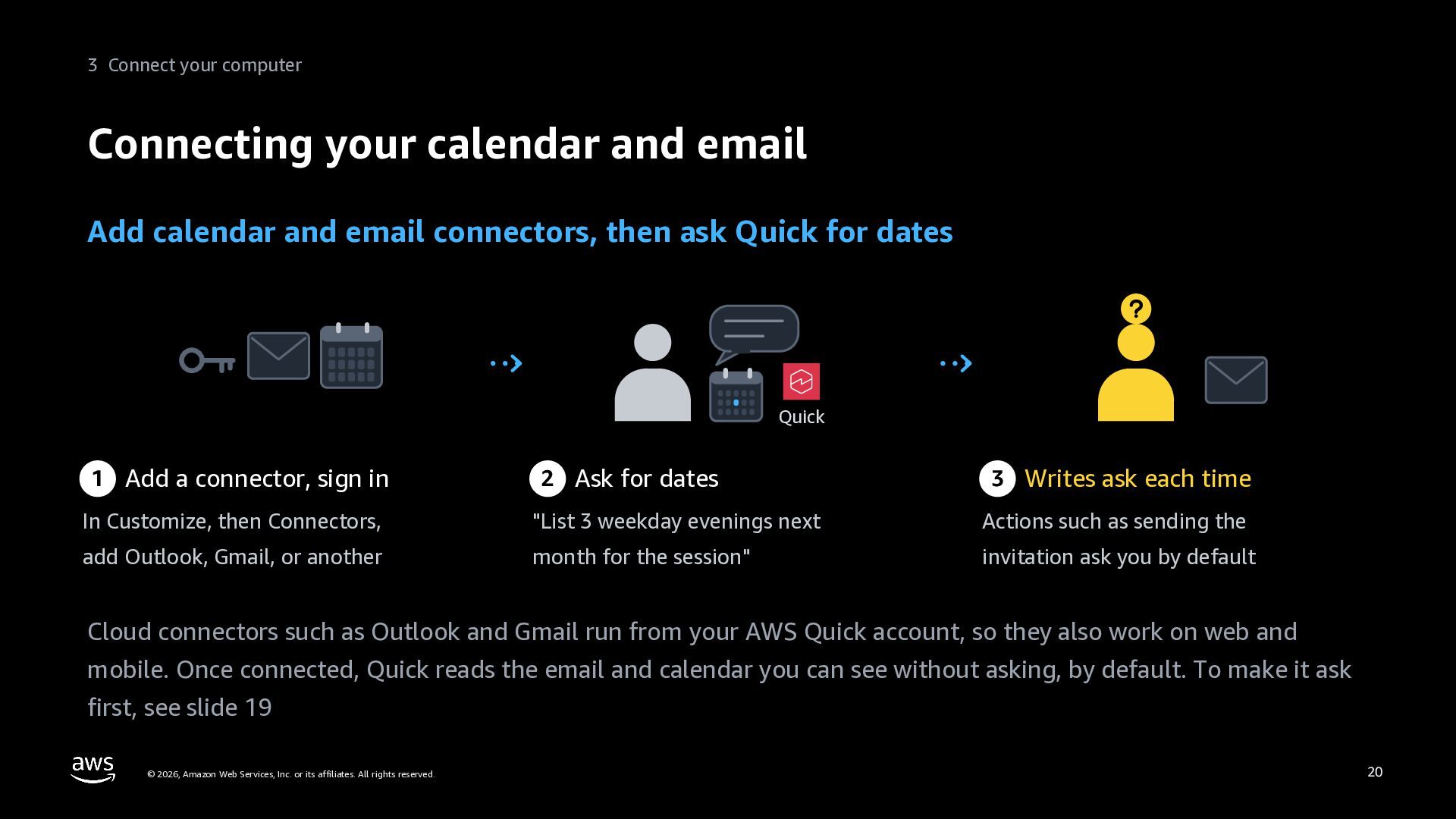
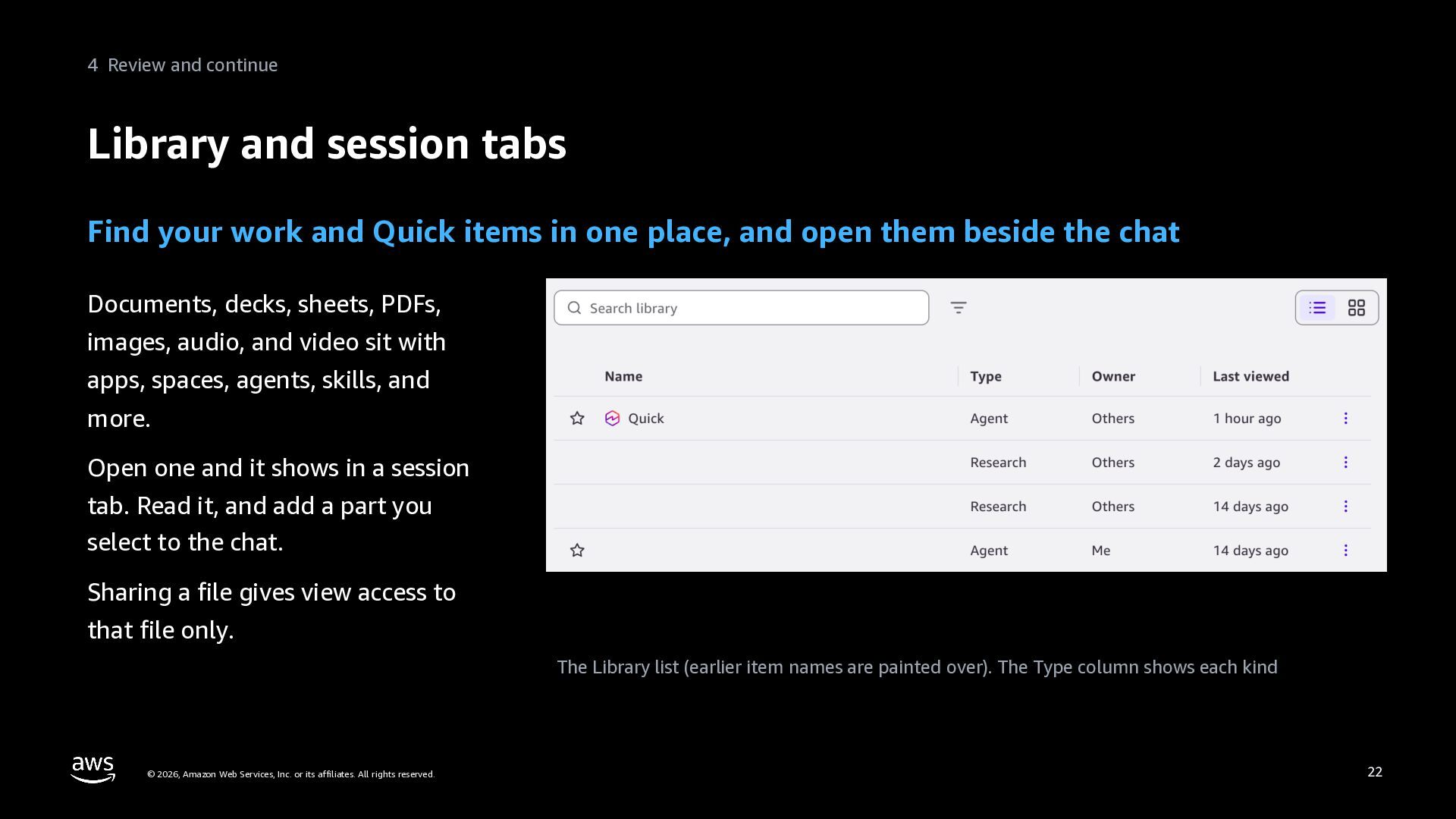
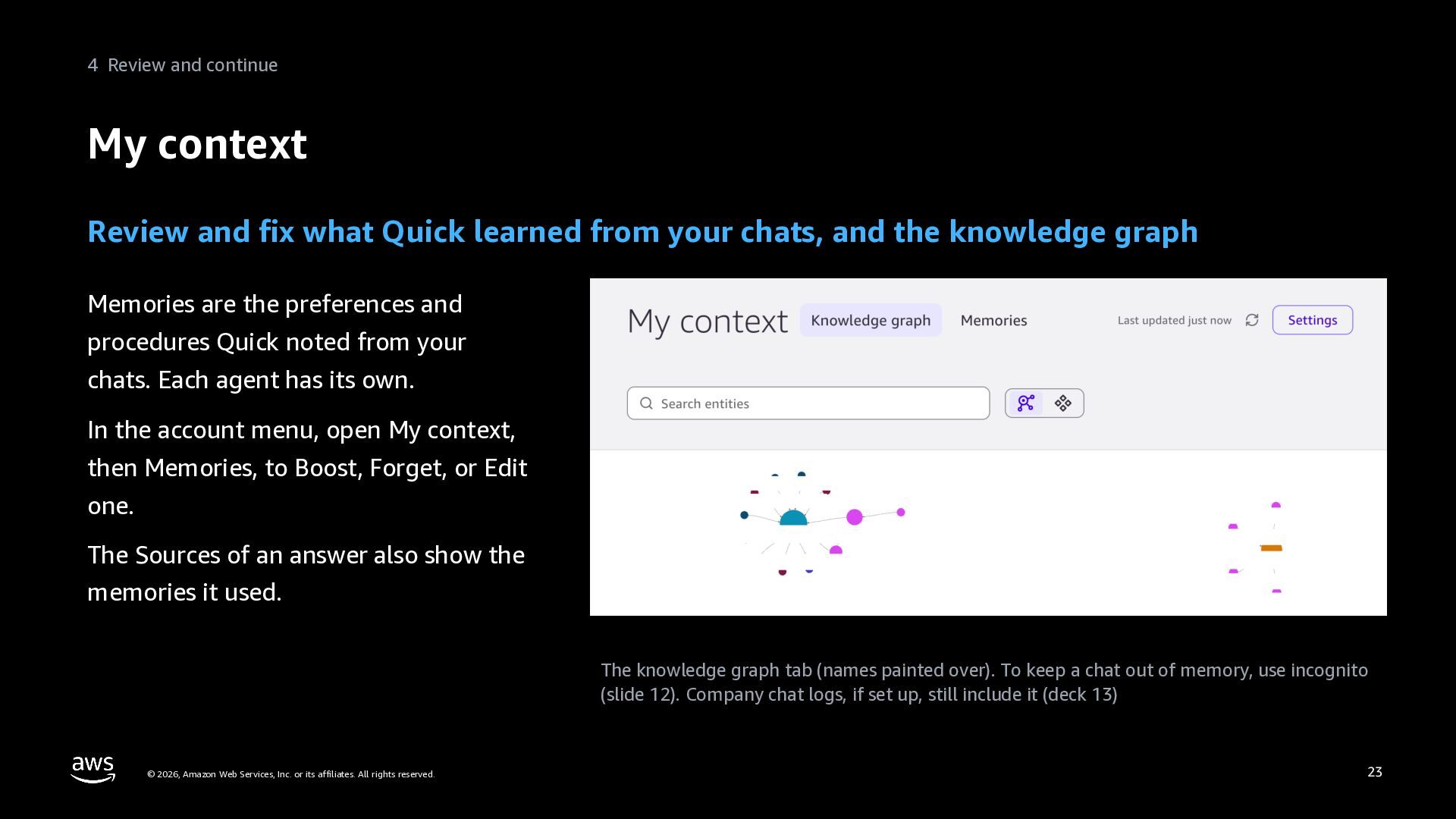
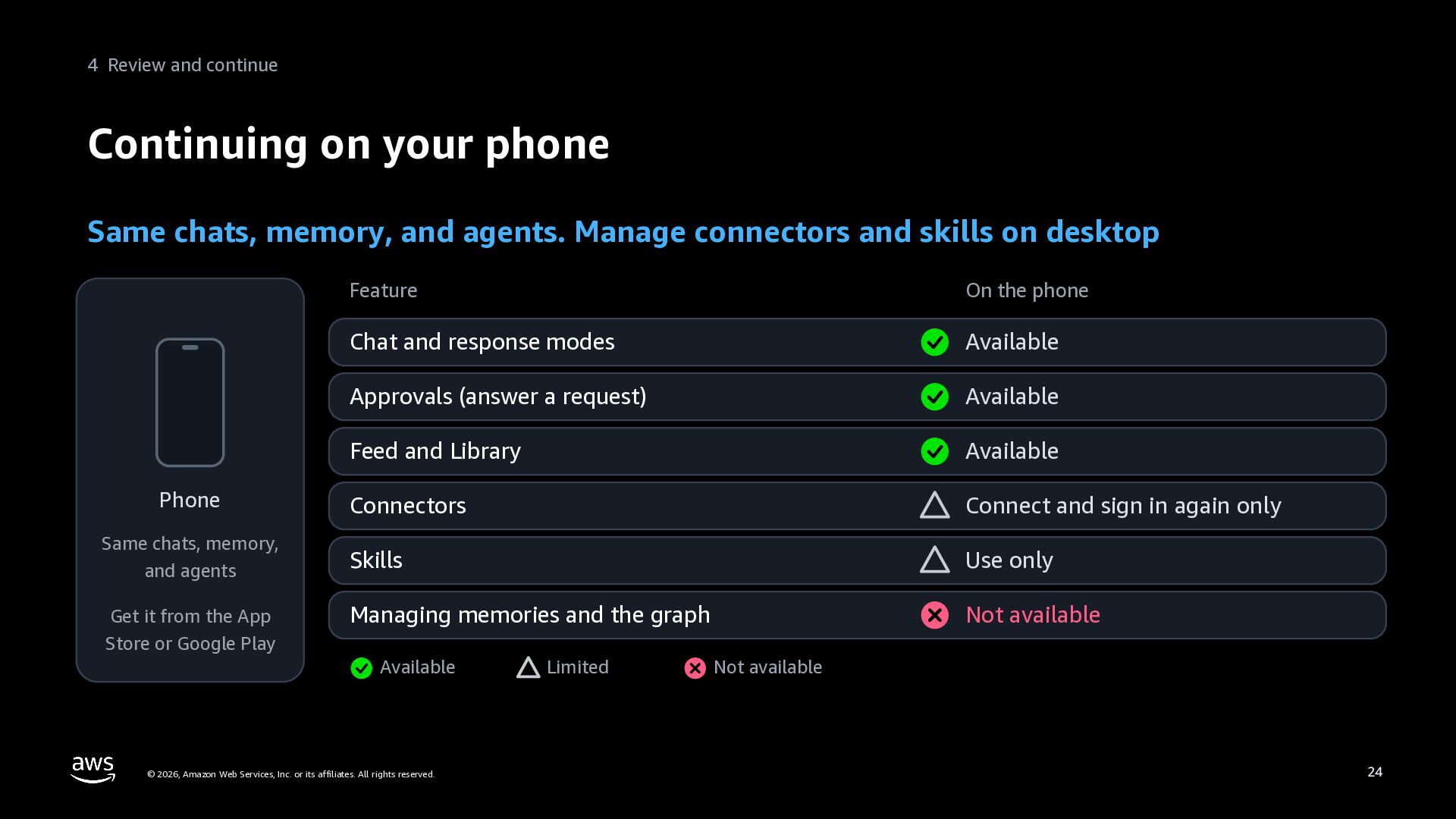
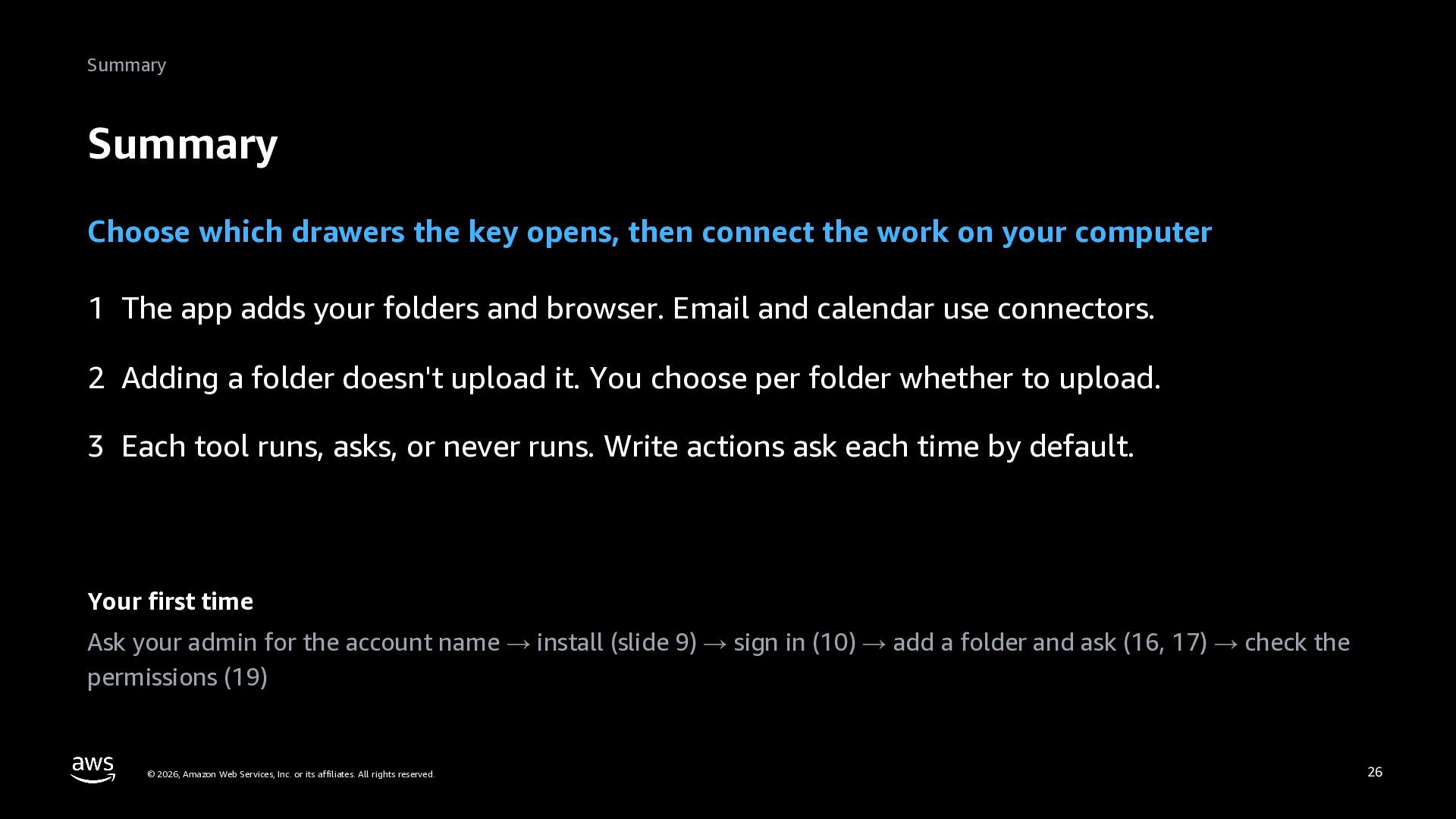
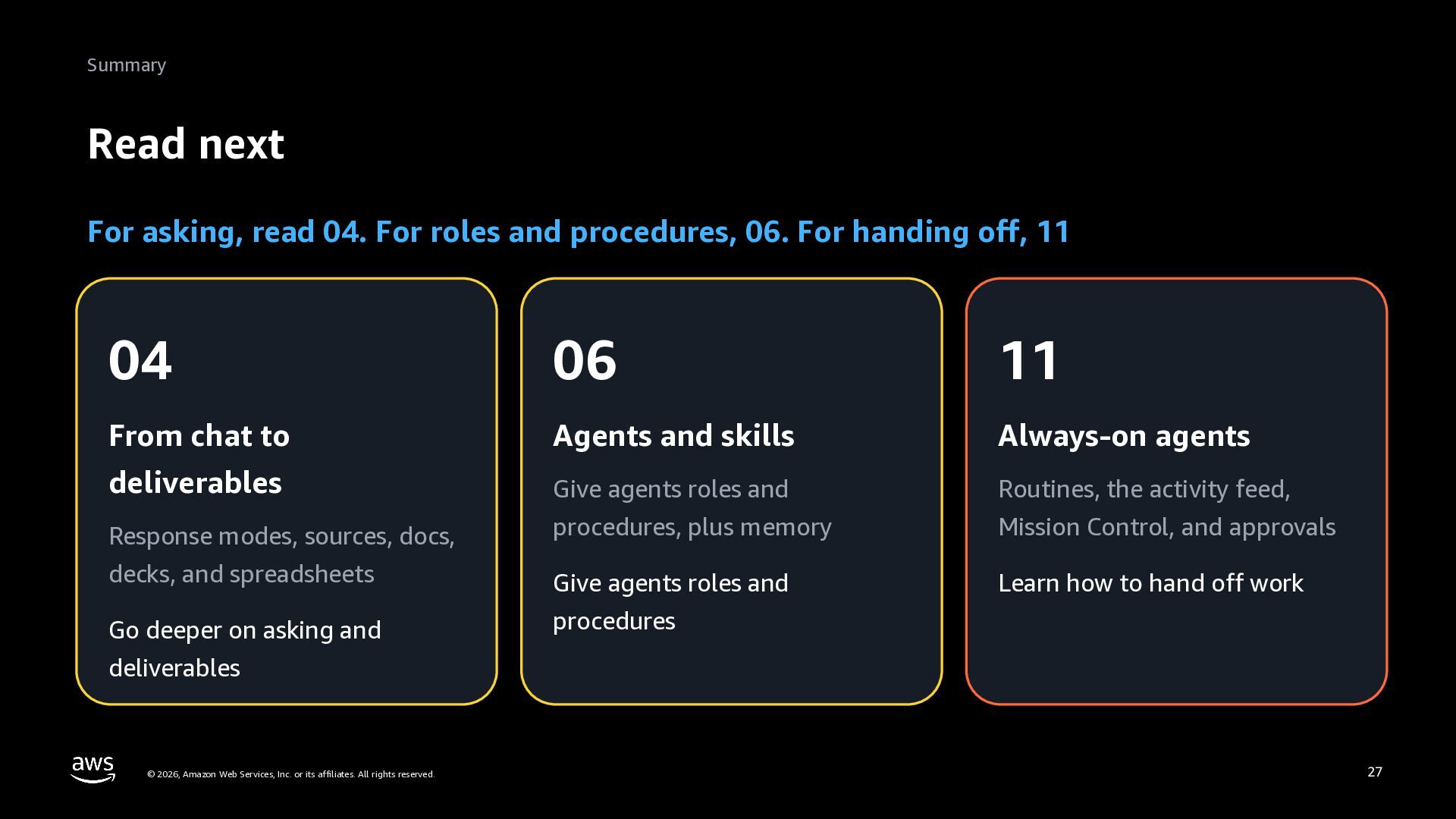
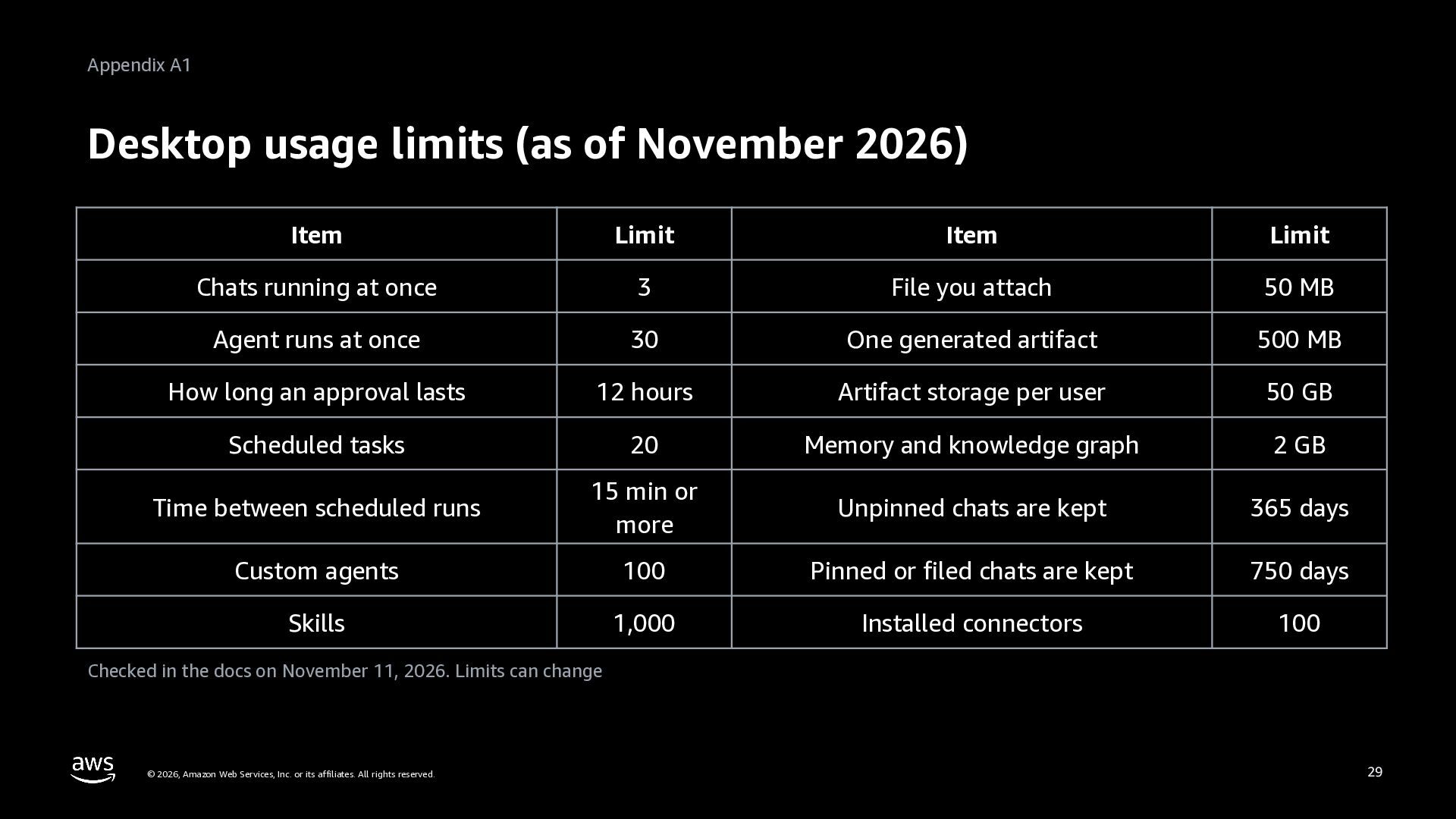
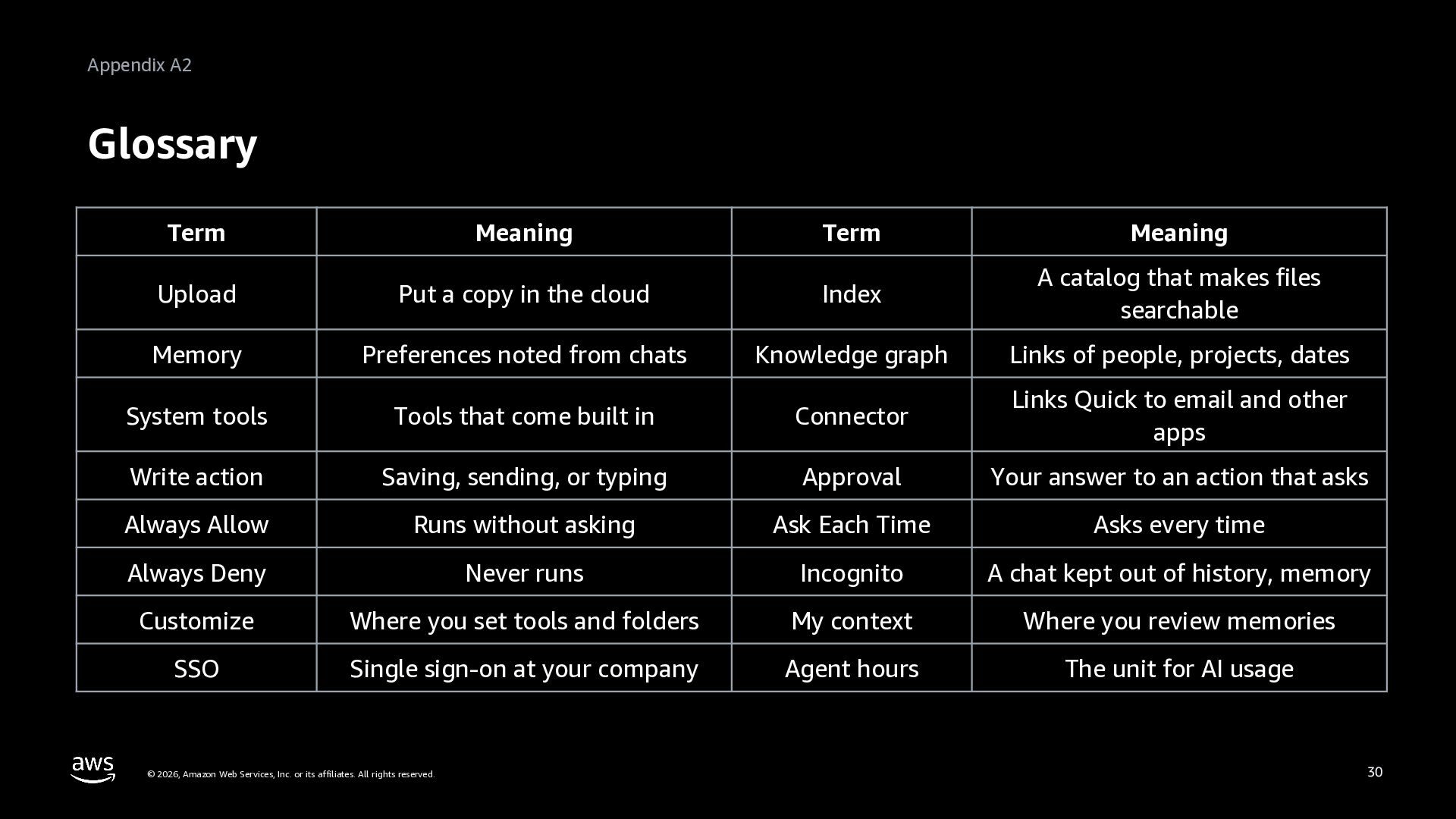
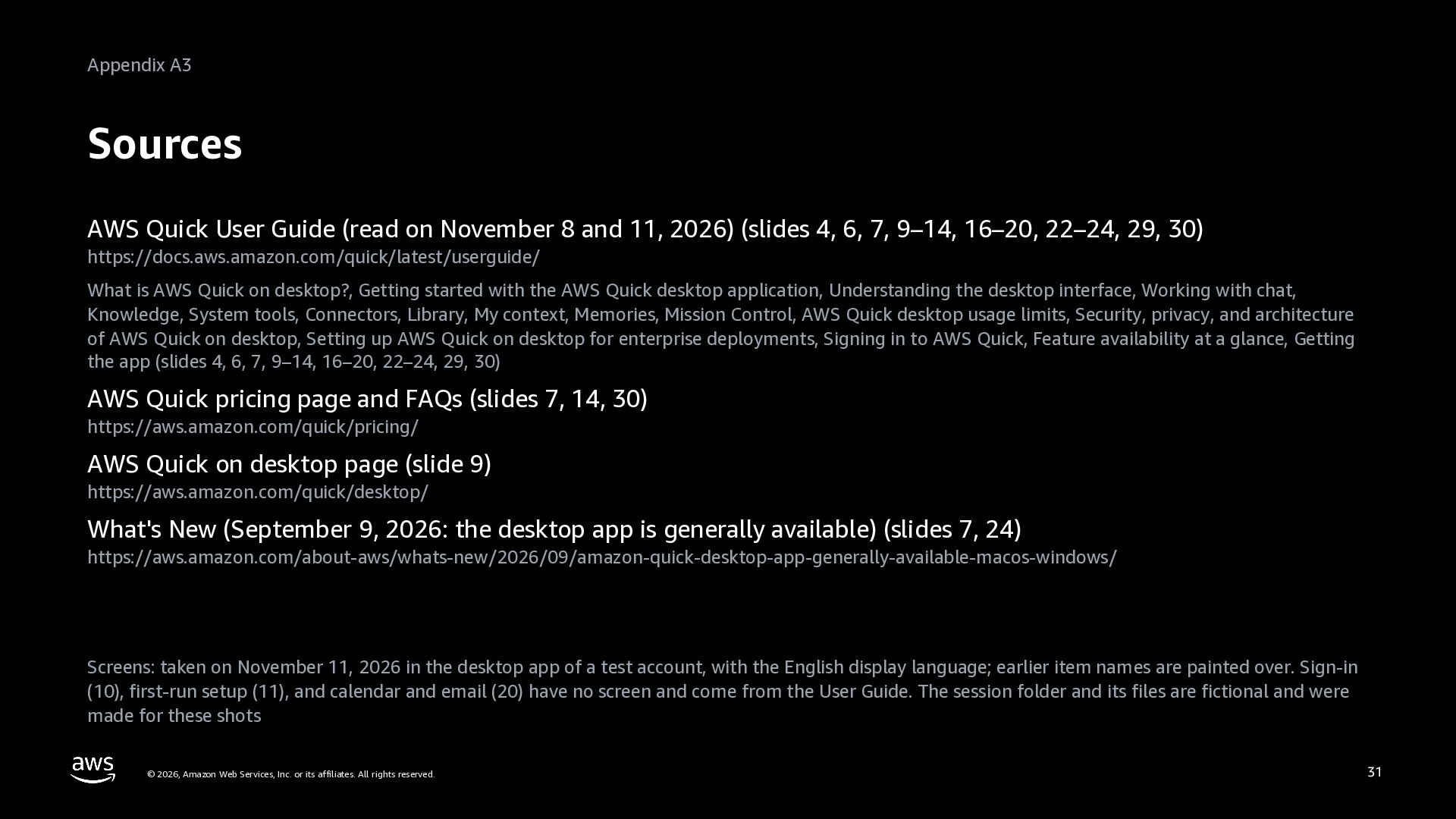
Level 100. An introduction to AWS Quick on desktop, for business users who have started using AWS Quick. It explains what the desktop app adds to AWS Quick on the web (folders on your computer, your browser, and running code on your computer), and that email and calendar come through cloud connectors. It walks through installing, signing in, first-run setup, the home screen, the left rail, and response modes, with screens captured in English. Using a team's monthly learning session as the running scenario, it adds a folder in Customize, then Knowledge (adding a folder does not upload it, and you choose per folder whether to upload), asks for the action items in the meeting notes, and explains system tools and their three access levels (write actions ask each time by default). It also covers connecting your calendar and email, the Library and session tabs, My context (memories and the knowledge graph), and continuing on your phone. The appendix has desktop usage limits, a glossary, and sources. Based on public documentation and screens as of November 2026. Deck 03 (Get started) of the series AWS Quick: Zero to Hero.


 inariku
 iwamot
 toshi_atsumi
 cyberagentdevelopers
 sansantech
 kentosuzuki
 nagix
 gotok365
 kintotechdev
 ryouto715
 shisyu_gaku
 shift_evolve
 yoshidashingo
 brad_frost
 bluesmoon
 katarinadahlin
 techseoconnect
 charlesmeaden
 nikkihalliwell
 hannesfritz
 soudai
 mkilby
 danielanewman
 davidcarrasco
 sergeychernyshev