first contribution A beginner’s guide for Hacktoberfest participants Original content: CC BY-SA 4.0 Credit the author. Share alike. Pro Git illustrations retain CC BY-NC-SA 3.0. 01
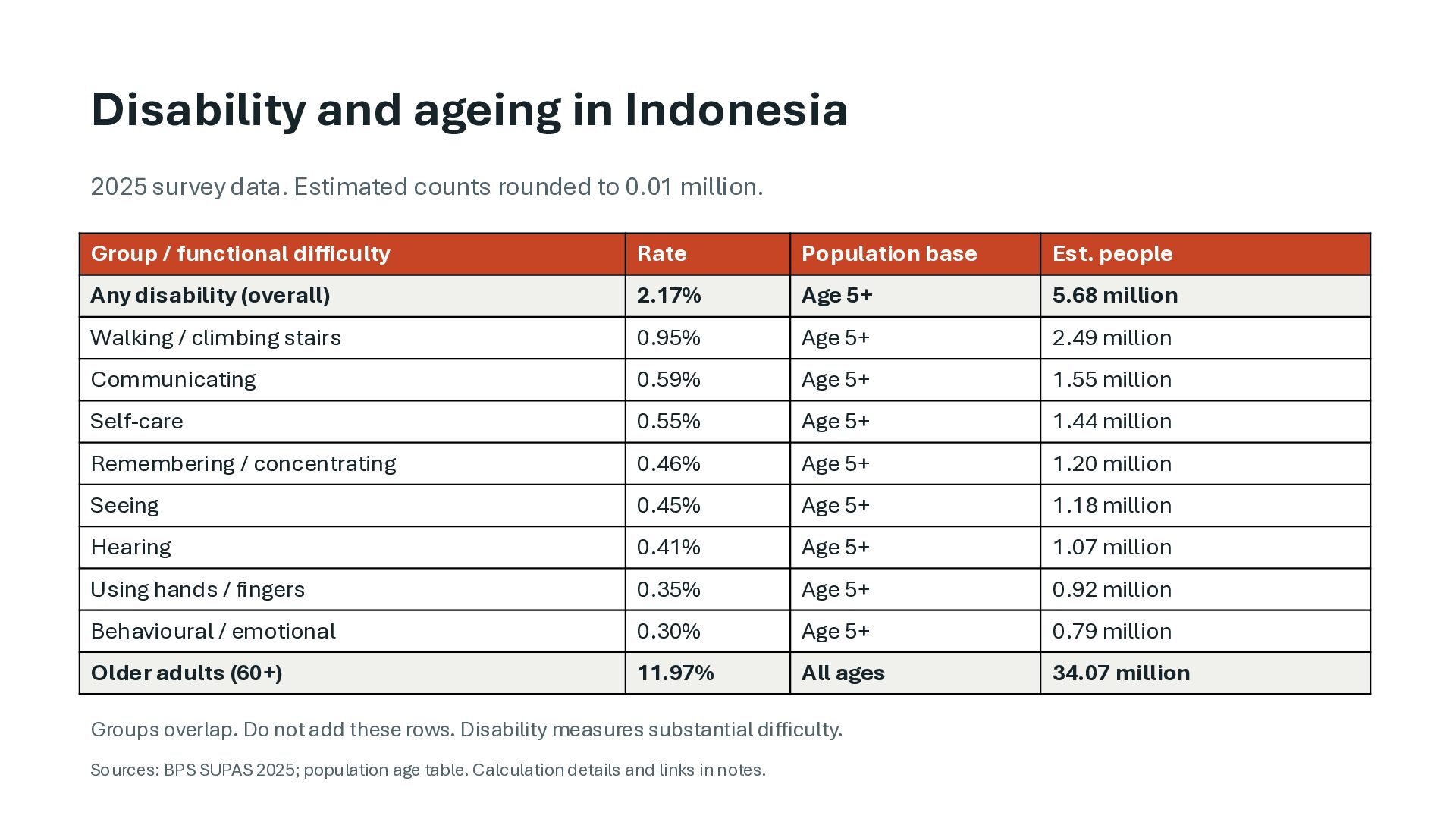
rounded to 0.01 million. Group / functional difficulty Rate Population base Est. people Any disability (overall) 2.17% Age 5+ 5.68 million Walking / climbing stairs 0.95% Age 5+ 2.49 million Communicating 0.59% Age 5+ 1.55 million Self-care 0.55% Age 5+ 1.44 million Remembering / concentrating 0.46% Age 5+ 1.20 million Seeing 0.45% Age 5+ 1.18 million Hearing 0.41% Age 5+ 1.07 million Using hands / fingers 0.35% Age 5+ 0.92 million Behavioural / emotional 0.30% Age 5+ 0.79 million Older adults (60+) 11.97% All ages 34.07 million Groups overlap. Do not add these rows. Disability measures substantial difficulty. Sources: BPS SUPAS 2025; population age table. Calculation details and links in notes.
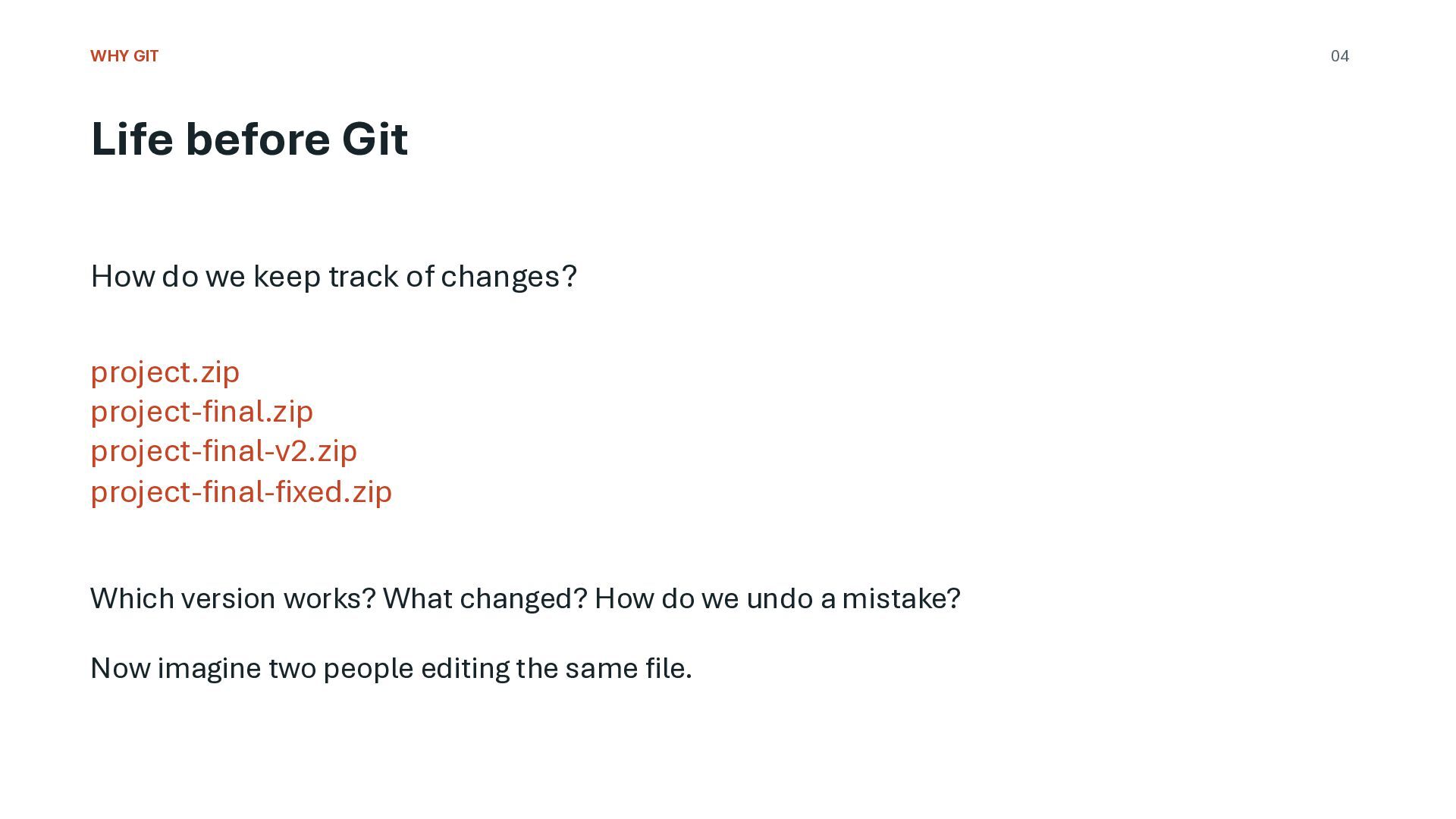
of changes? project.zip project-final.zip project-final-v2.zip project-final-fixed.zip Which version works? What changed? How do we undo a mistake? Now imagine two people editing the same file. 04
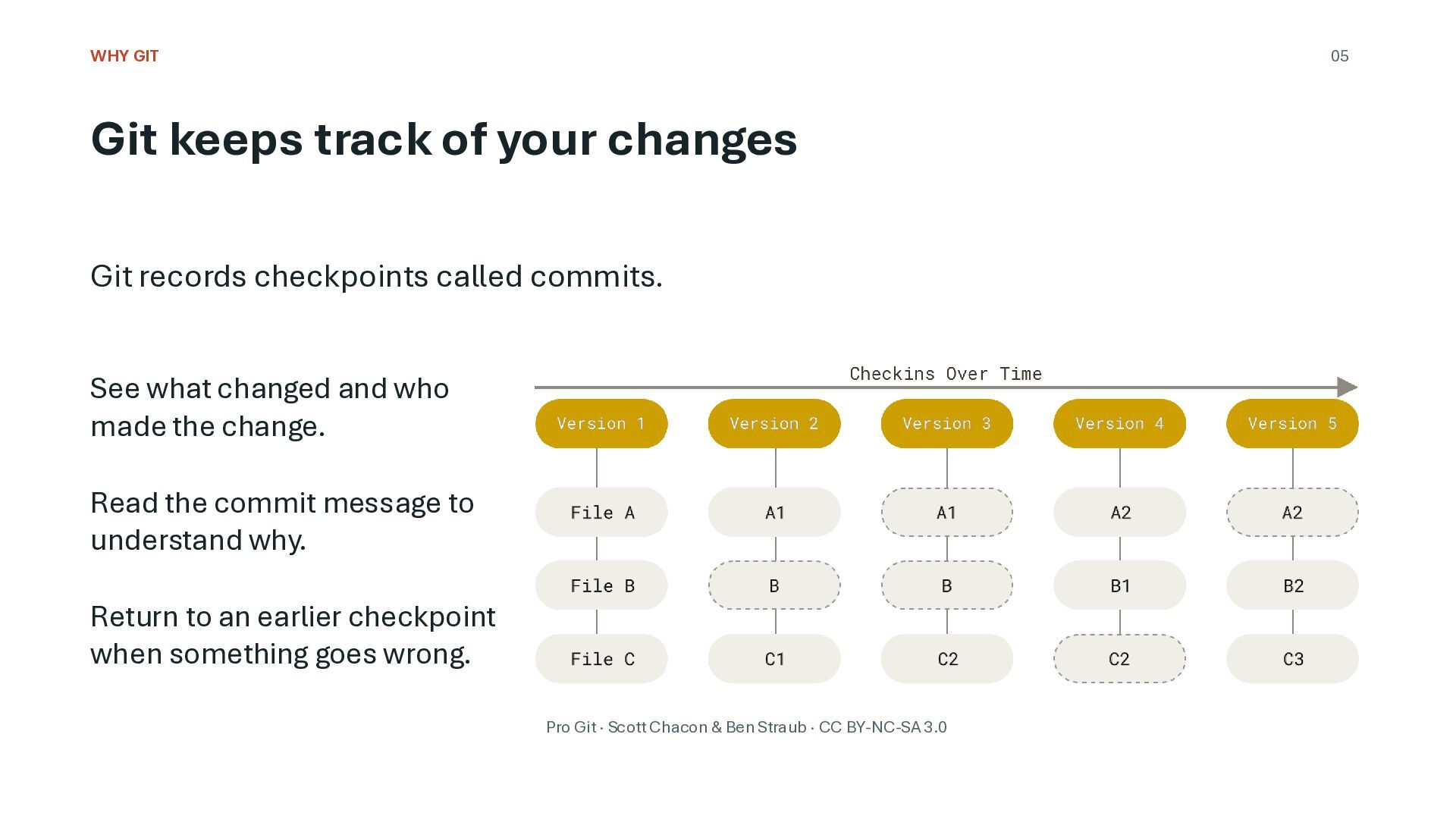
records checkpoints called commits. See what changed and who made the change. Read the commit message to understand why. Return to an earlier checkpoint when something goes wrong. Pro Git · Scott Chacon & Ben Straub · CC BY-NC-SA 3.0
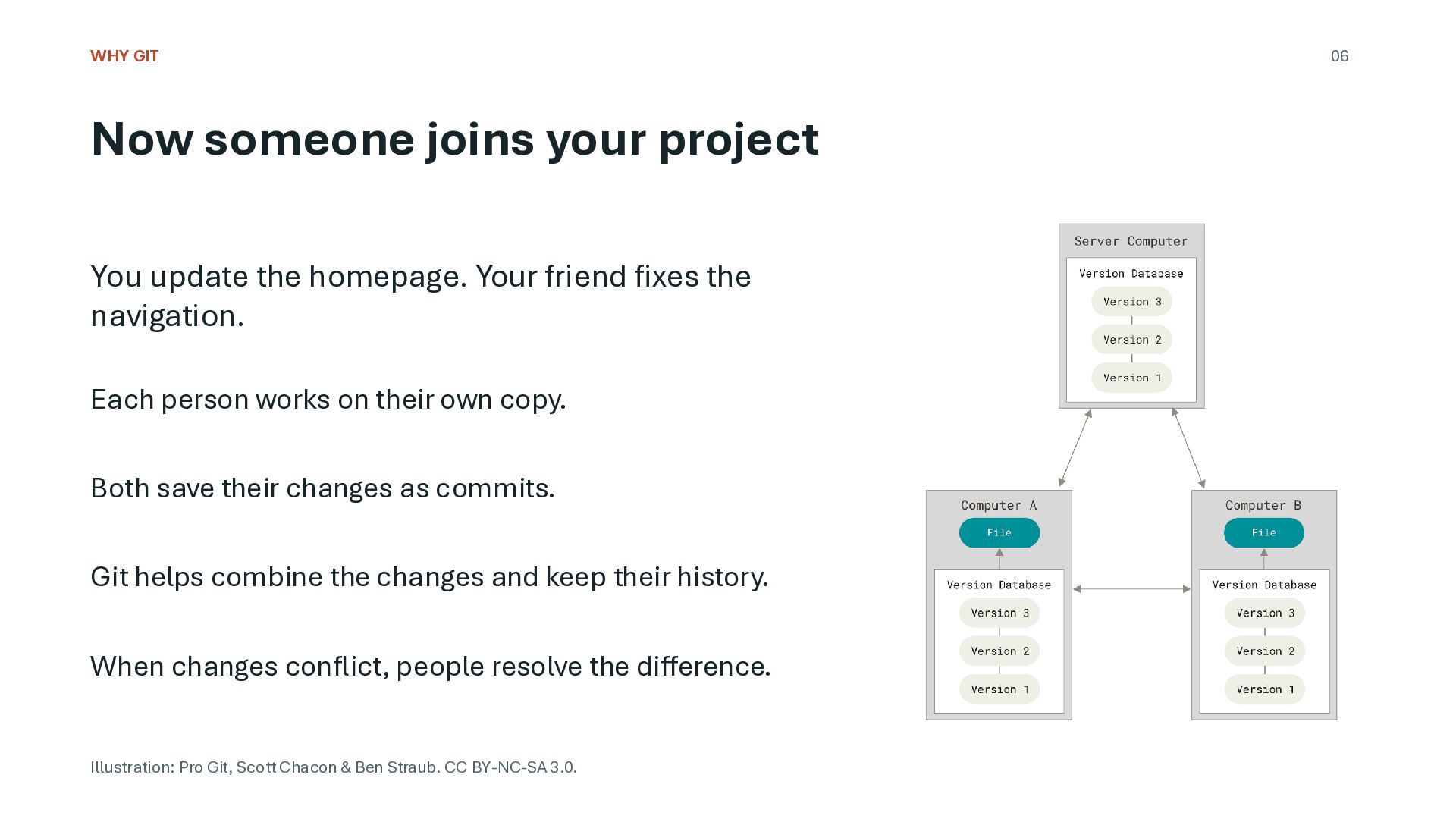
homepage. Your friend fixes the navigation. Each person works on their own copy. Both save their changes as commits. Git helps combine the changes and keep their history. When changes conflict, people resolve the difference. Illustration: Pro Git, Scott Chacon & Ben Straub. CC BY-NC-SA 3.0. 06
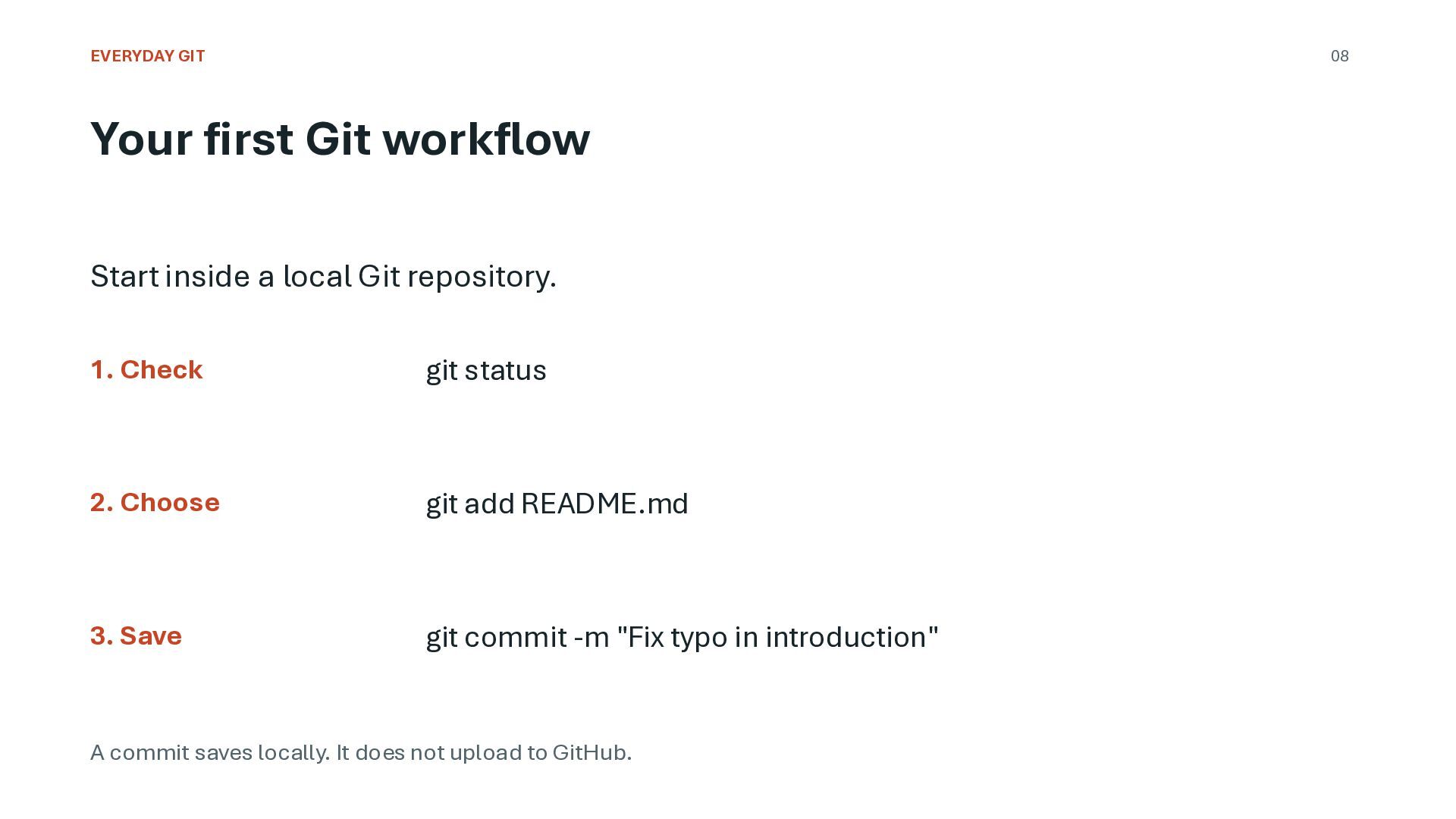
local Git repository. 1. Check git status 2. Choose git add README.md 3. Save git commit -m "Fix typo in introduction" A commit saves locally. It does not upload to GitHub.
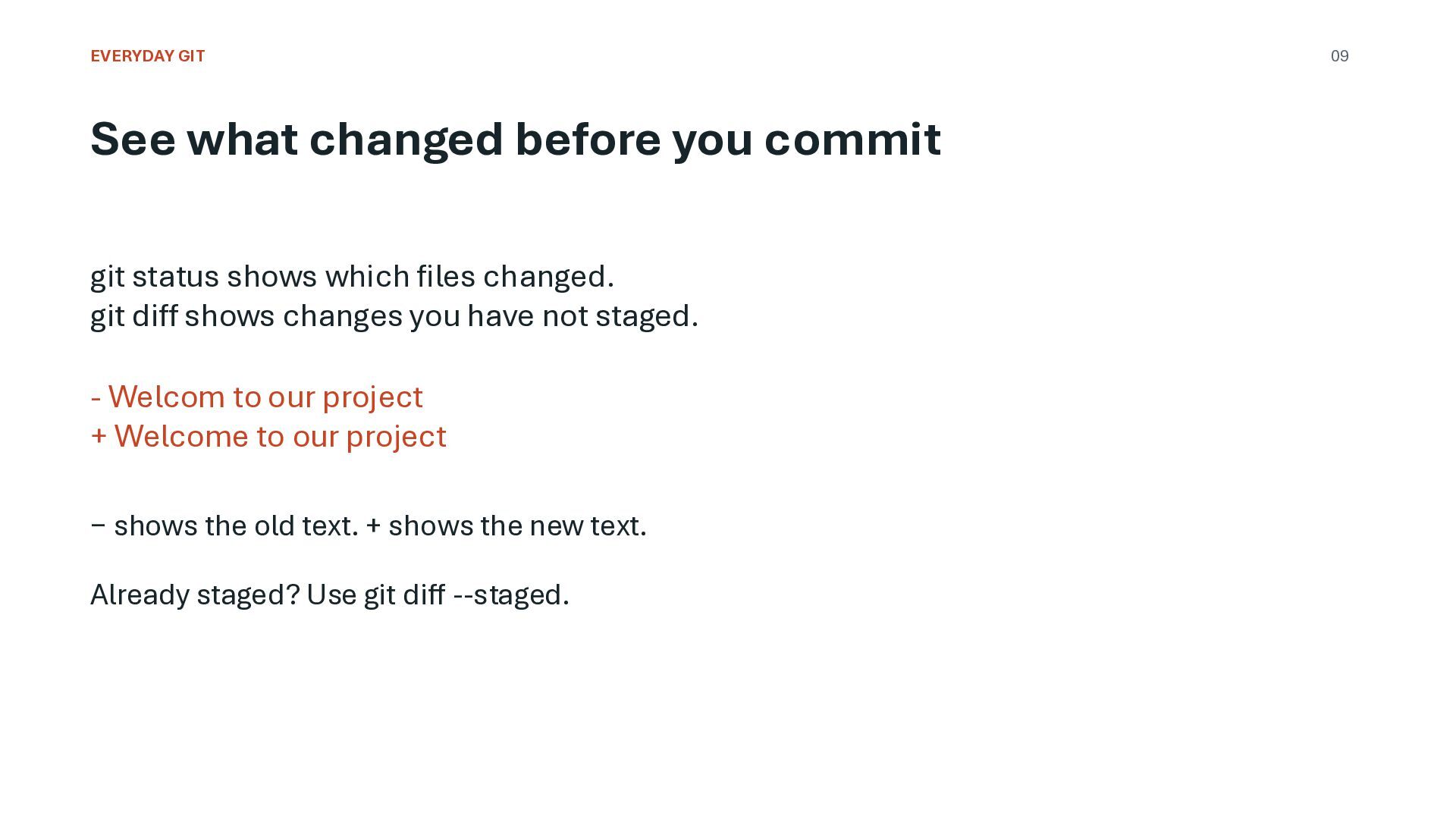
shows which files changed. git diff shows changes you have not staged. - Welcom to our project + Welcome to our project − shows the old text. + shows the new text. Already staged? Use git diff --staged. 09
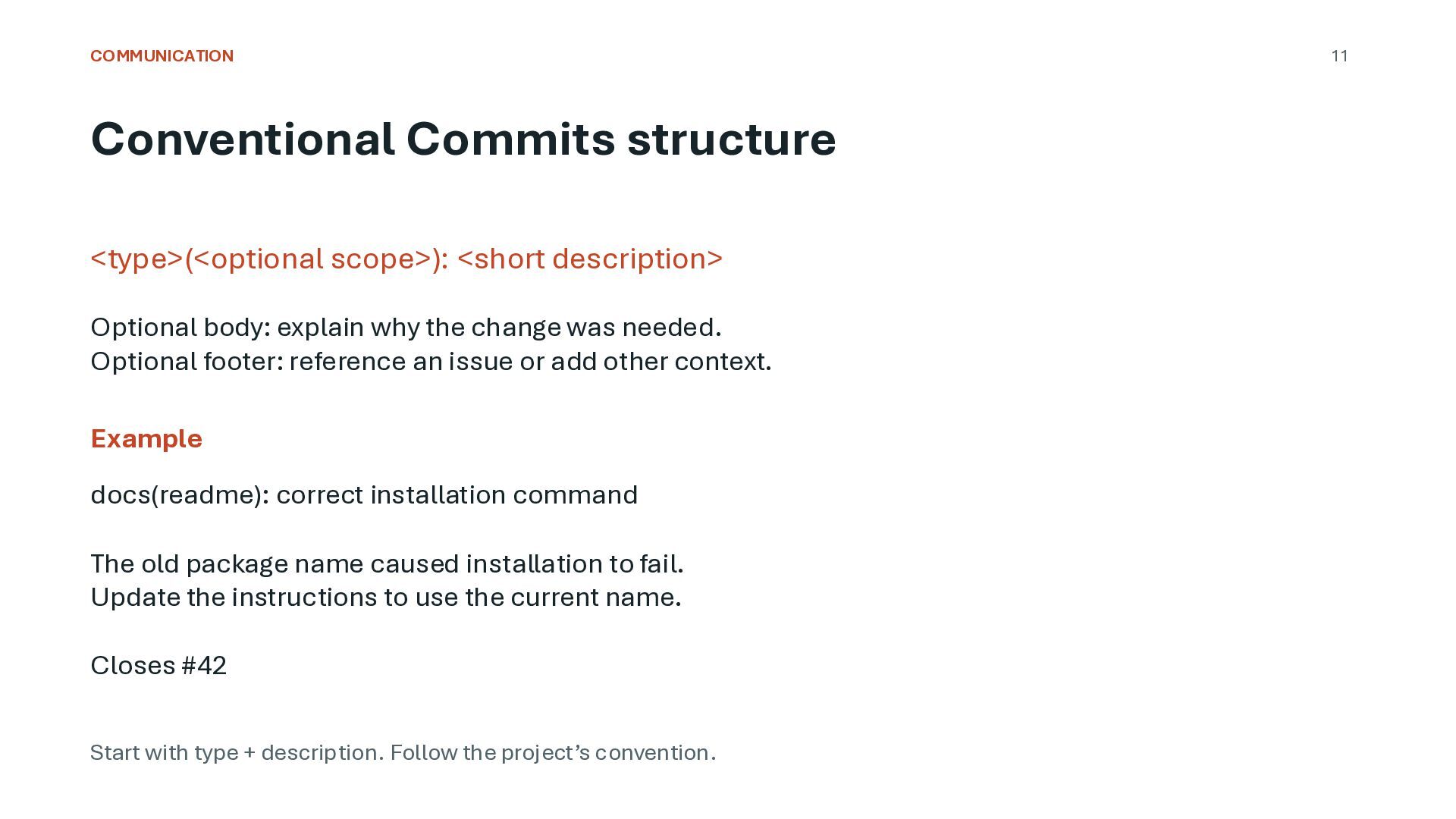
explain why the change was needed. Optional footer: reference an issue or add other context. Example docs(readme): correct installation command The old package name caused installation to fail. Update the instructions to use the current name. Closes #42 Start with type + description. Follow the project’s convention. 11
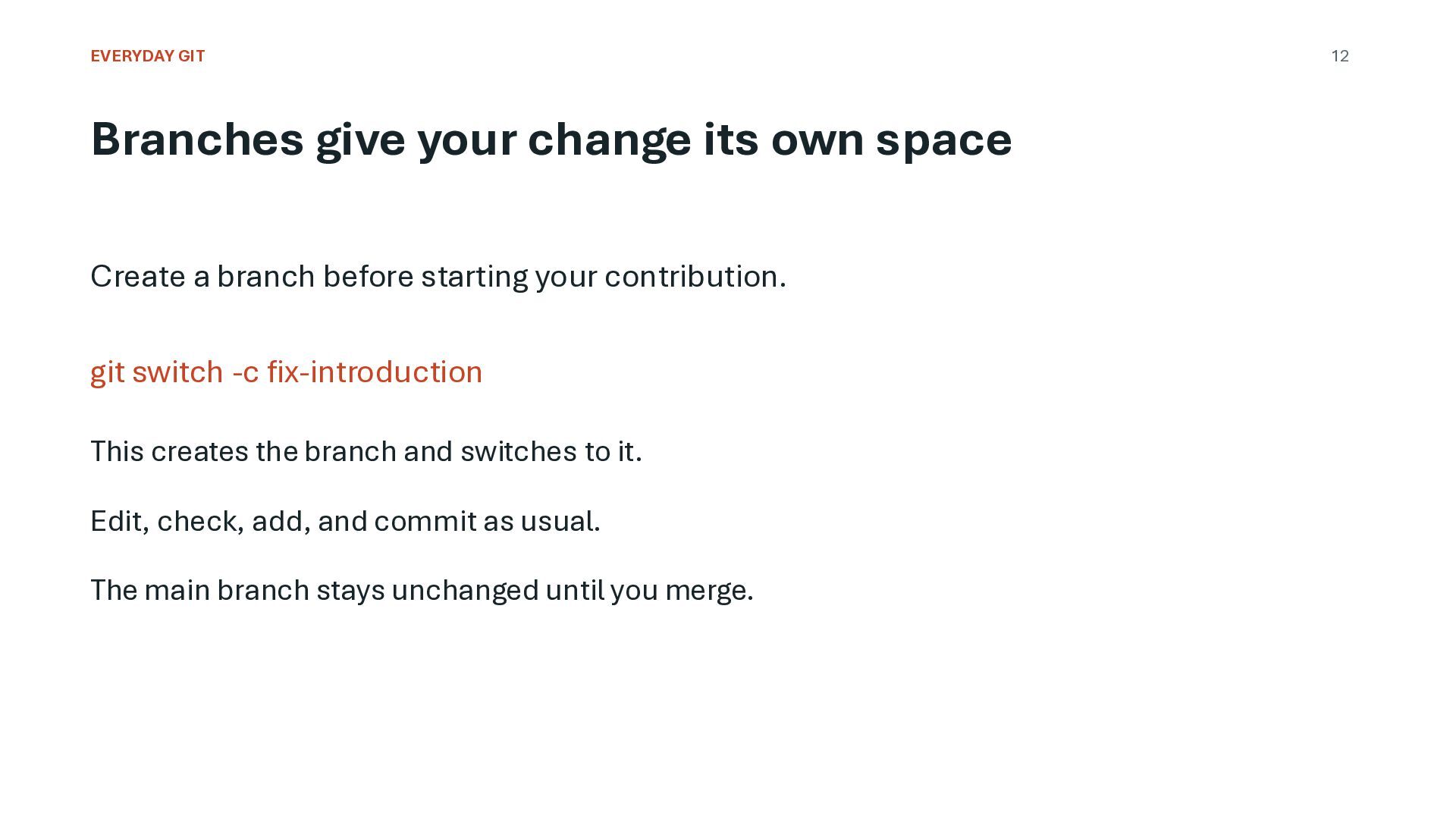
a branch before starting your contribution. git switch -c fix-introduction This creates the branch and switches to it. Edit, check, add, and commit as usual. The main branch stays unchanged until you merge. 12
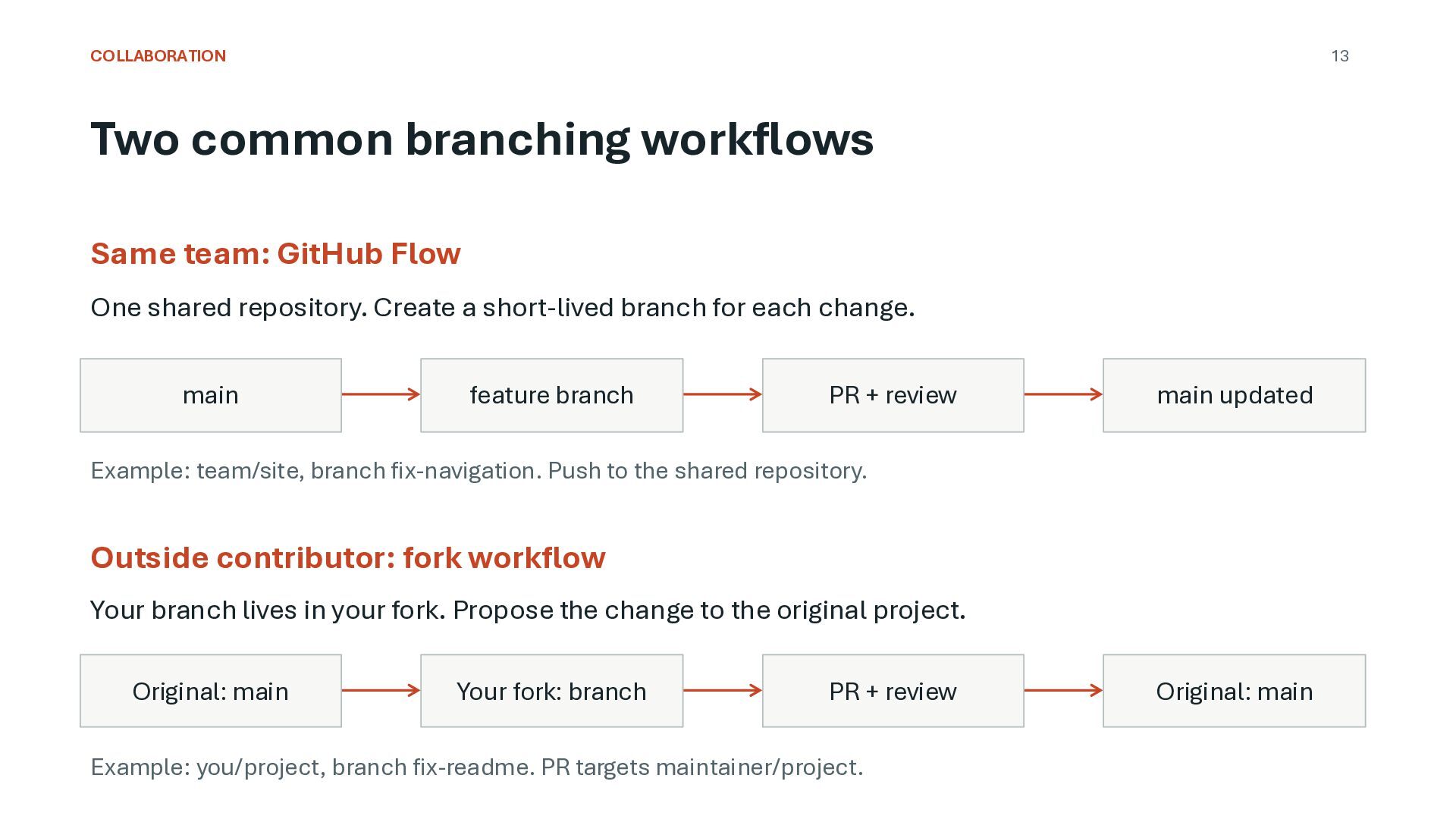
One shared repository. Create a short-lived branch for each change. main feature branch PR + review main updated Example: team/site, branch fix-navigation. Push to the shared repository. Outside contributor: fork workflow Your branch lives in your fork. Propose the change to the original project. Original: main Your fork: branch PR + review Example: you/project, branch fix-readme. PR targets maintainer/project. Original: main
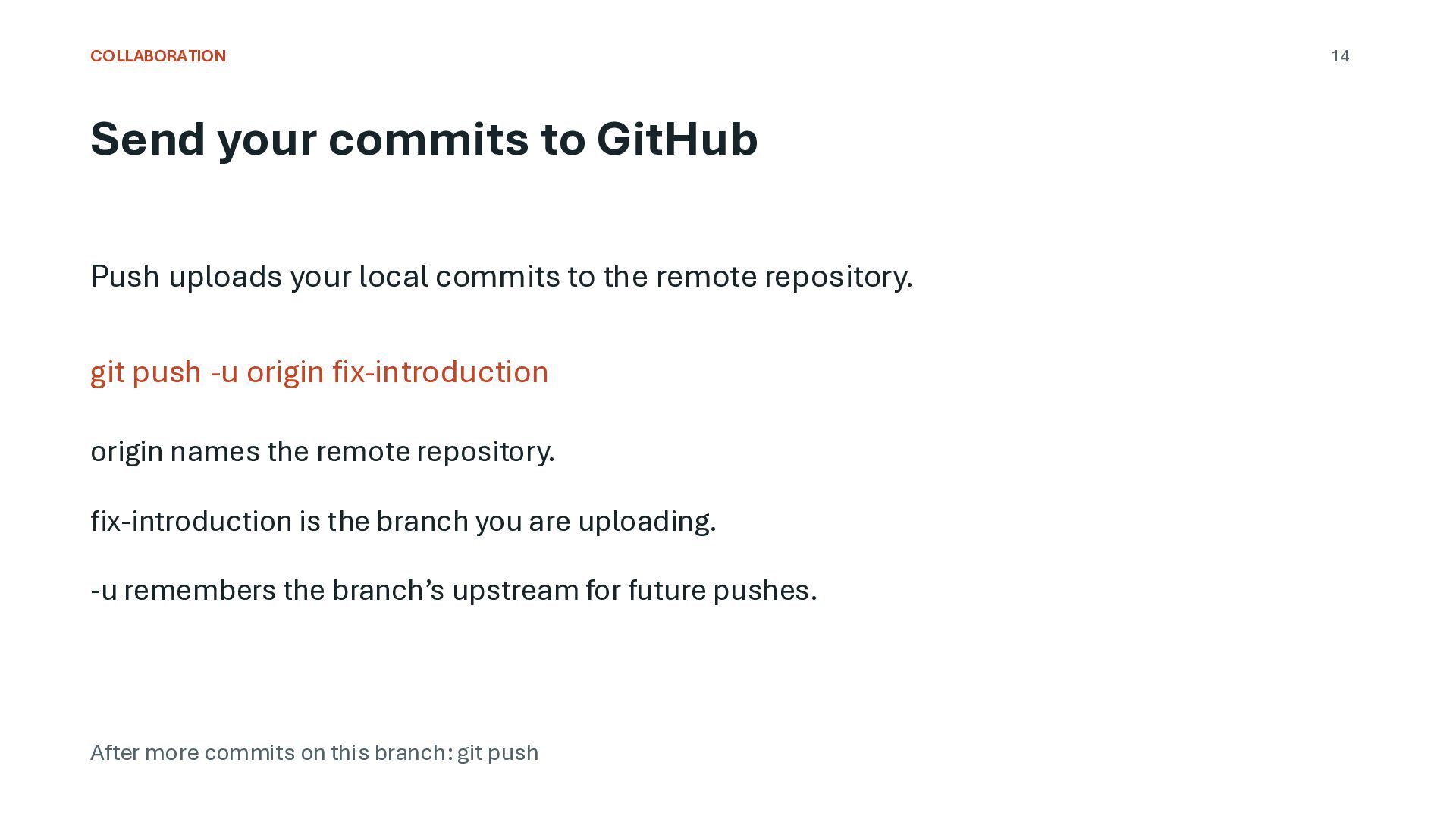
commits to the remote repository. git push -u origin fix-introduction origin names the remote repository. fix-introduction is the branch you are uploading. -u remembers the branch’s upstream for future pushes. After more commits on this branch: git push 14
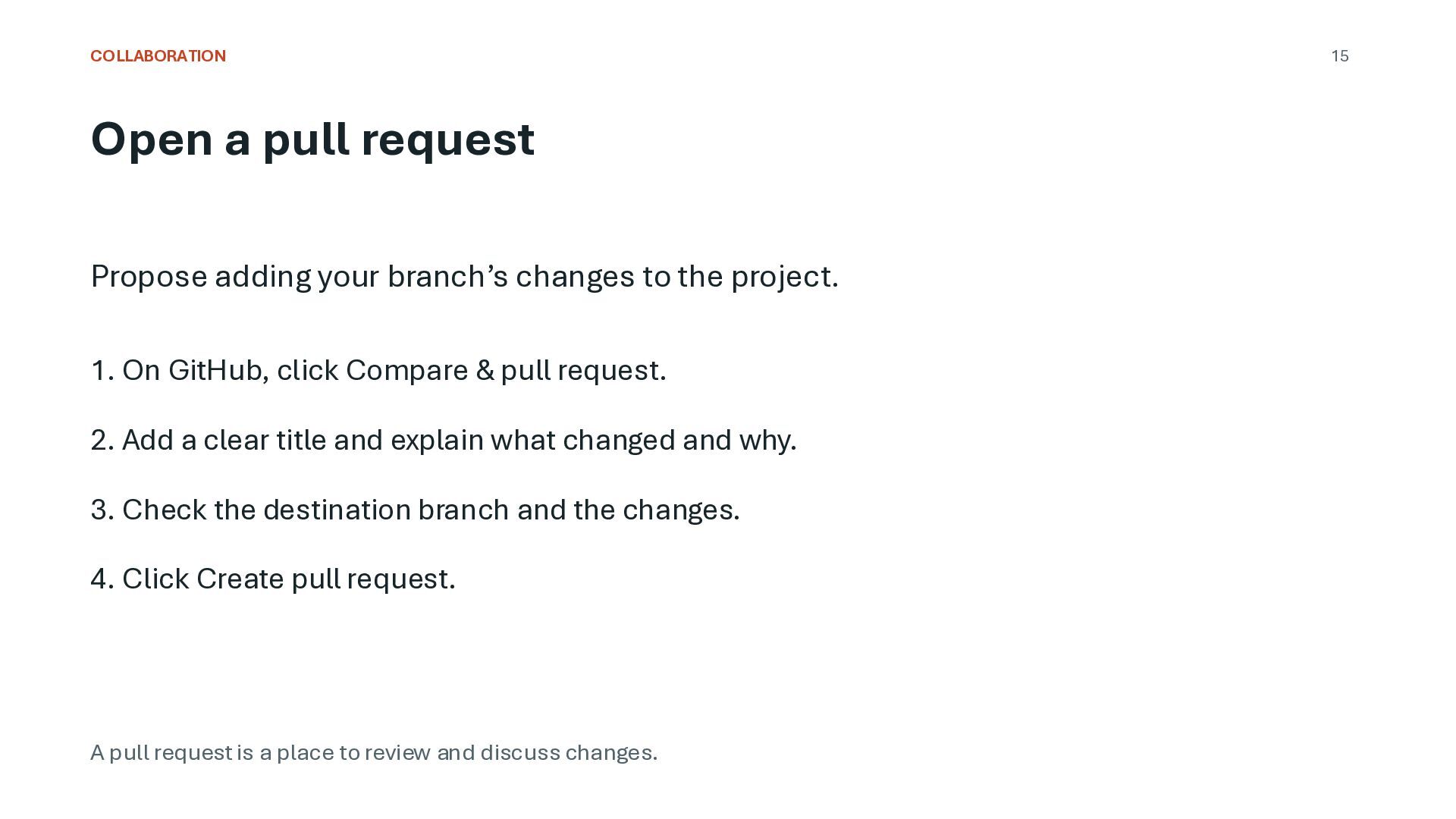
to the project. 1. On GitHub, click Compare & pull request. 2. Add a clear title and explain what changed and why. 3. Check the destination branch and the changes. 4. Click Create pull request. A pull request is a place to review and discuss changes. 15
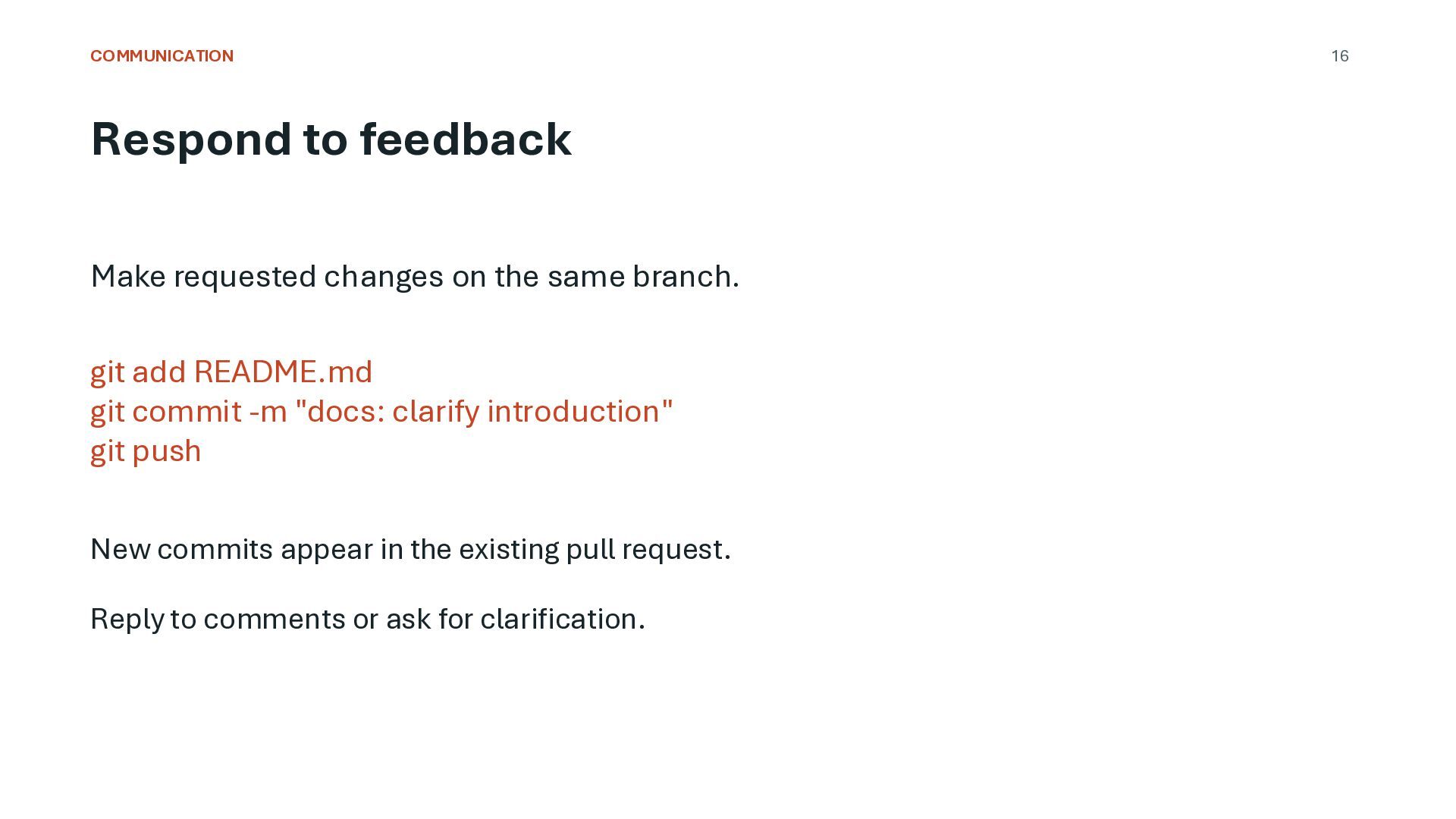
branch. git add README.md git commit -m "docs: clarify introduction" git push New commits appear in the existing pull request. Reply to comments or ask for clarification. 16
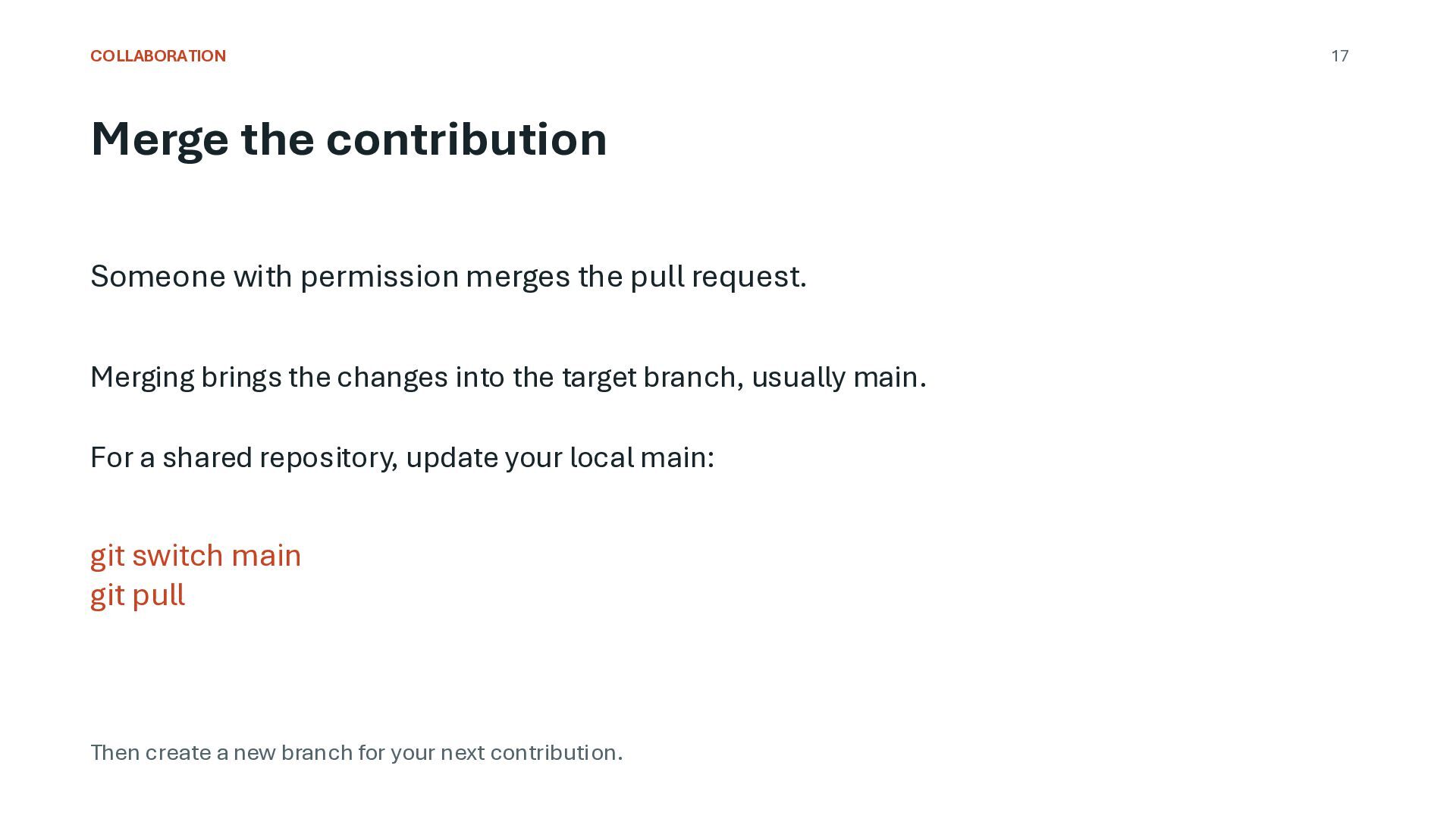
request. Merging brings the changes into the target branch, usually main. For a shared repository, update your local main: git switch main git pull Then create a new branch for your next contribution. 17
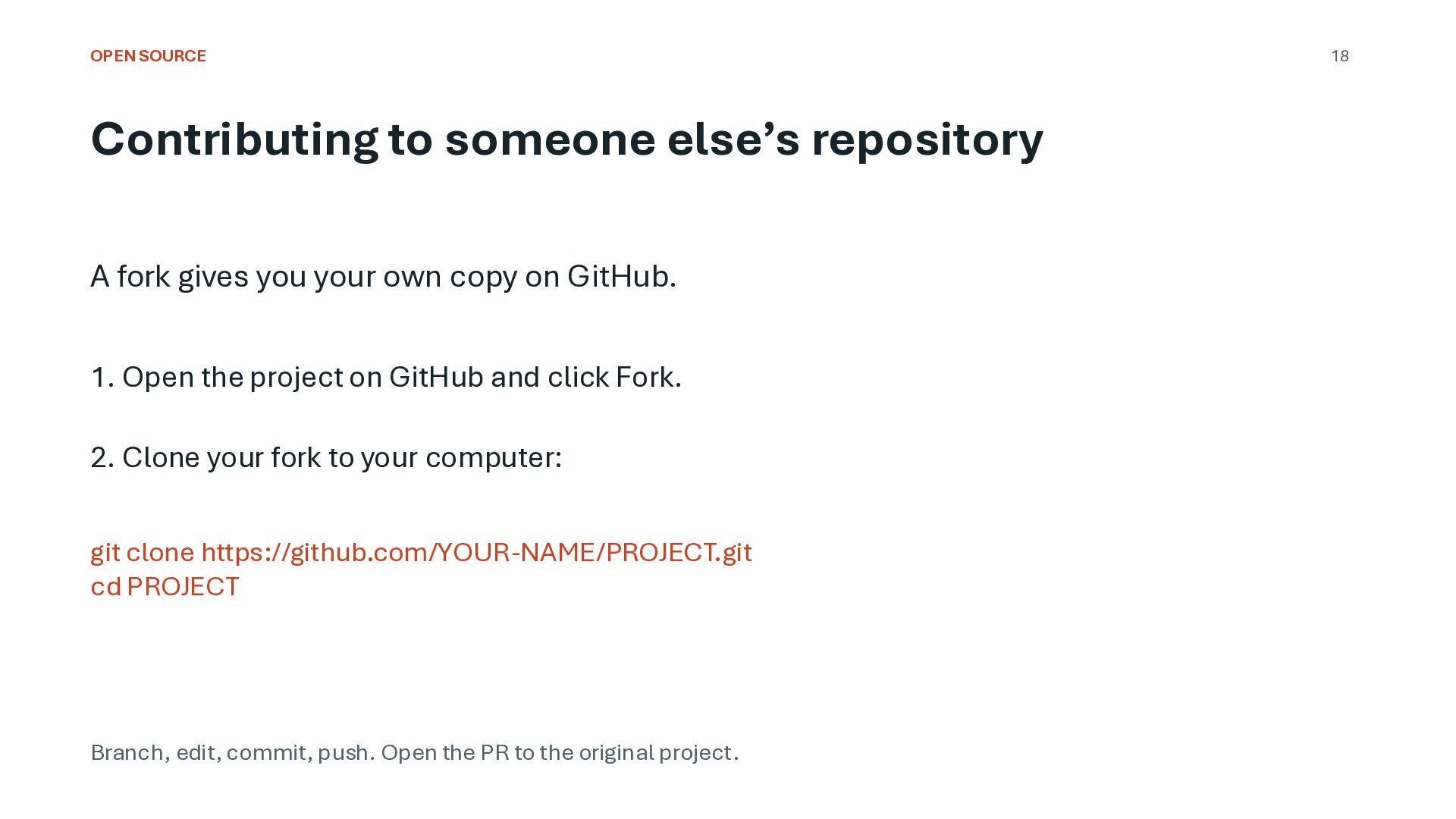
you your own copy on GitHub. 1. Open the project on GitHub and click Fork. 2. Clone your fork to your computer: git clone https://github.com/YOUR-NAME/PROJECT.git cd PROJECT Branch, edit, commit, push. Open the PR to the original project. 18
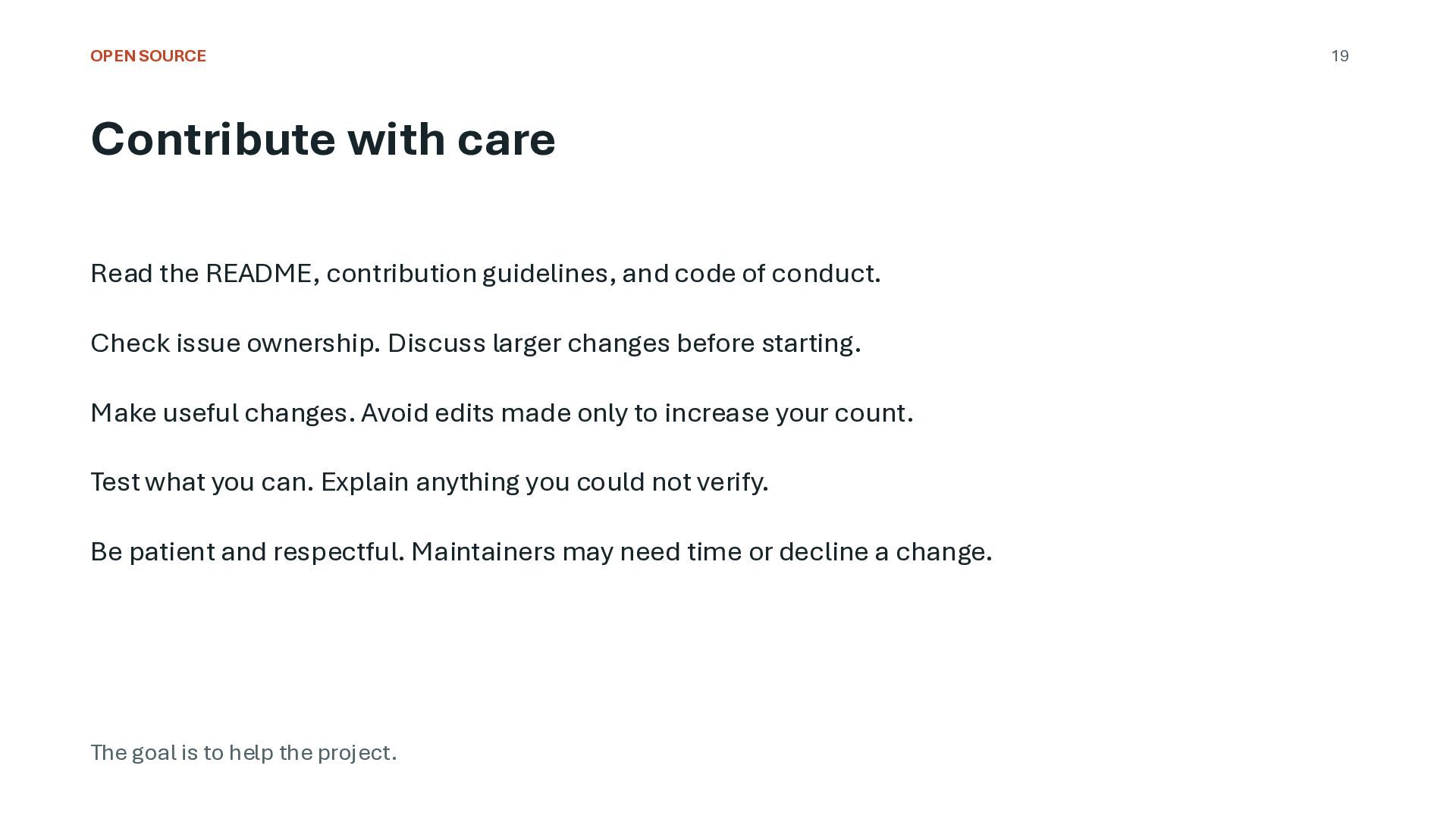
and code of conduct. Check issue ownership. Discuss larger changes before starting. Make useful changes. Avoid edits made only to increase your count. Test what you can. Explain anything you could not verify. Be patient and respectful. Maintainers may need time or decline a change. The goal is to help the project. 19
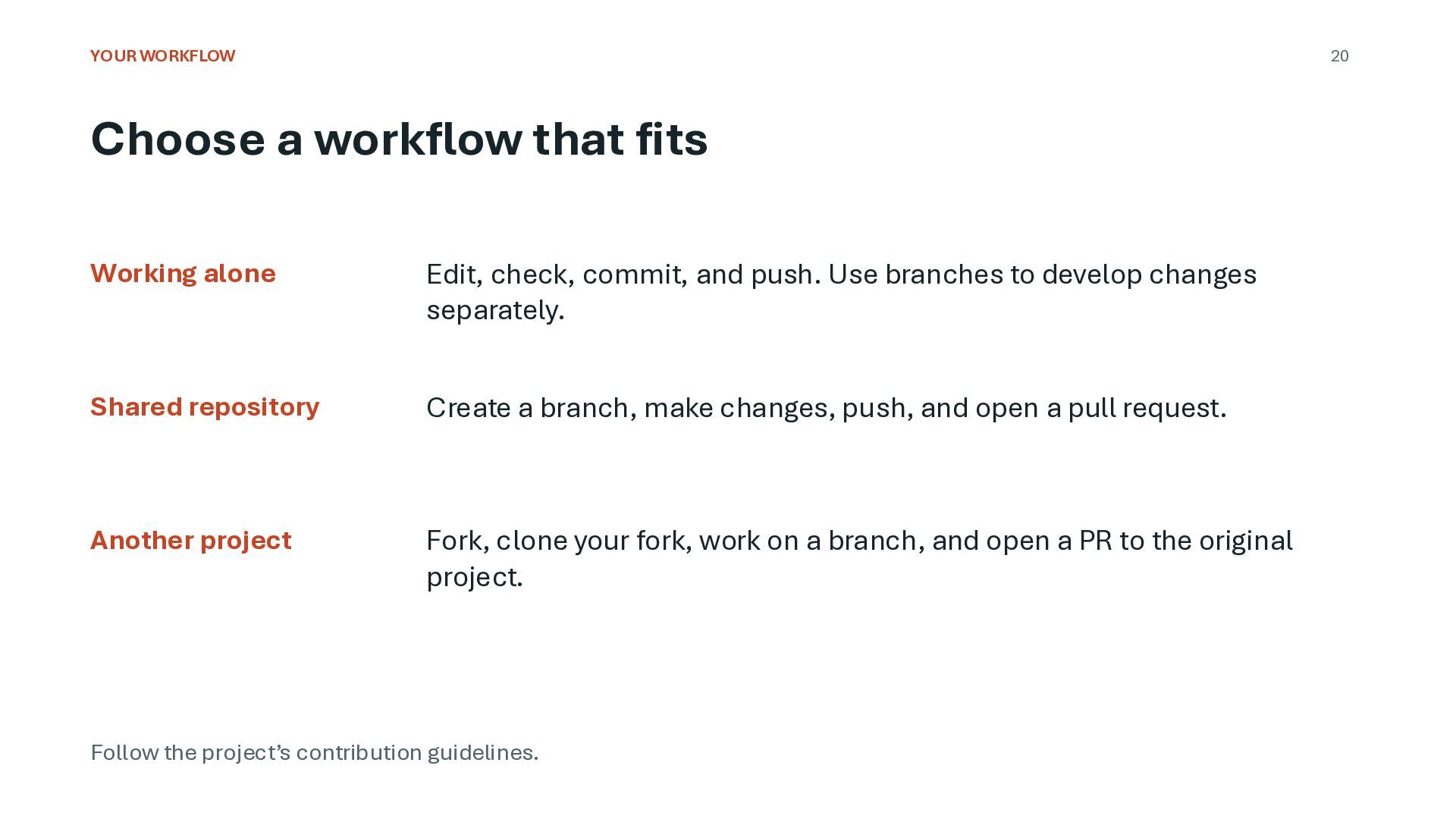
Edit, check, commit, and push. Use branches to develop changes separately. Shared repository Create a branch, make changes, push, and open a pull request. Another project Fork, clone your fork, work on a branch, and open a PR to the original project. Follow the project’s contribution guidelines.
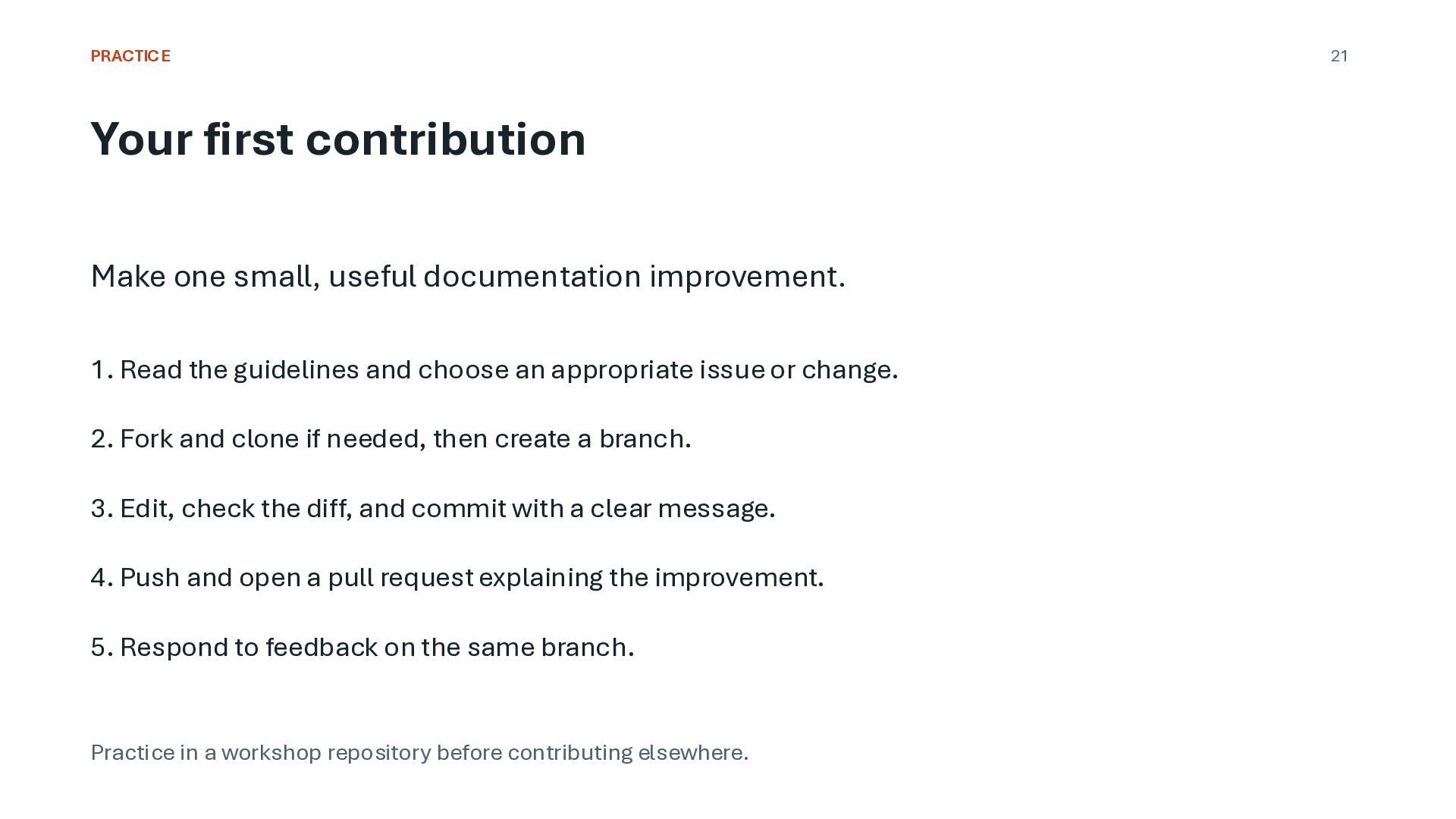
1. Read the guidelines and choose an appropriate issue or change. 2. Fork and clone if needed, then create a branch. 3. Edit, check the diff, and commit with a clear message. 4. Push and open a pull request explaining the improvement. 5. Respond to feedback on the same branch. Practice in a workshop repository before contributing elsewhere. 21
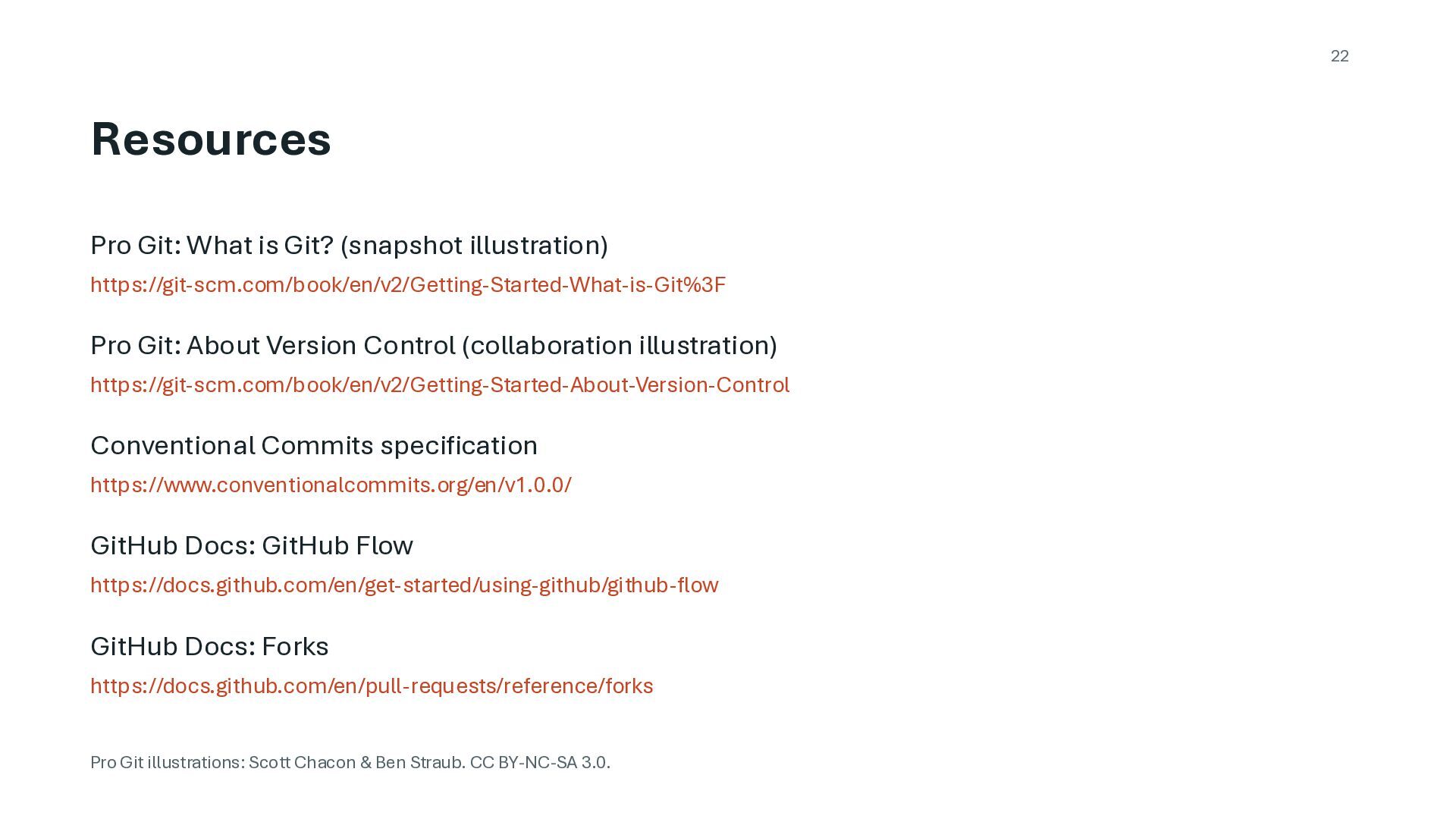
Pro Git: About Version Control (collaboration illustration) https://git-scm.com/book/en/v2/Getting-Started-About-Version-Control Conventional Commits specification https://www.conventionalcommits.org/en/v1.0.0/ GitHub Docs: GitHub Flow https://docs.github.com/en/get-started/using-github/github-flow GitHub Docs: Forks https://docs.github.com/en/pull-requests/reference/forks Pro Git illustrations: Scott Chacon & Ben Straub. CC BY-NC-SA 3.0.


 isatrio
 sylph01
 mofurune
 uyuki234
 tmikov2023
 a_matsuda
 ivargrimstad
 optim
optim
 akit37
 kenjiyoneyama
 jame2408
 hschwentner
 utakaha
 portentint
 lauravandoore
 inesmontani
 holman
 davetheseo
 pedronauck
.jpg) cargoodrich
cargoodrich
 aleyda
 codingconduct
 tammyeverts
 stuffmc