Upgrade to Pro — share decks privately, control downloads, hide ads and more …

Technical SEO for Local Websites and Why It Mat...

Sponsored · Your Podcast. Everywhere. Effortlessly. Share. Educate. Inspire. Entertain. You do you. We'll handle the rest. →
Avatar for Iva Iva
October 24, 2025

Technical SEO for Local Websites and Why It Matters - Local SEO for Good 2025 Deck

The talk "Technical SEO for Local Websites and Why It Matters" done for Local SEO for Good 2025
Description: Local businesses rely heavily on organic visibility to attract nearby customers, but they also need a strong technical SEO foundation. Most businesses deal with a technically challenging website, or have no budget to take care of this - but what happens when the loading takes forever? Or if Core Web Vitals fail? What does all this mean for local businesses? With examples, practical tips, and common mistakes, this talk will break down the essential technical elements that directly impact local search performance and how to prioritize and address these issues.

Avatar for Iva

Iva

October 24, 2025

Other Decks in Marketing & SEO

Transcript

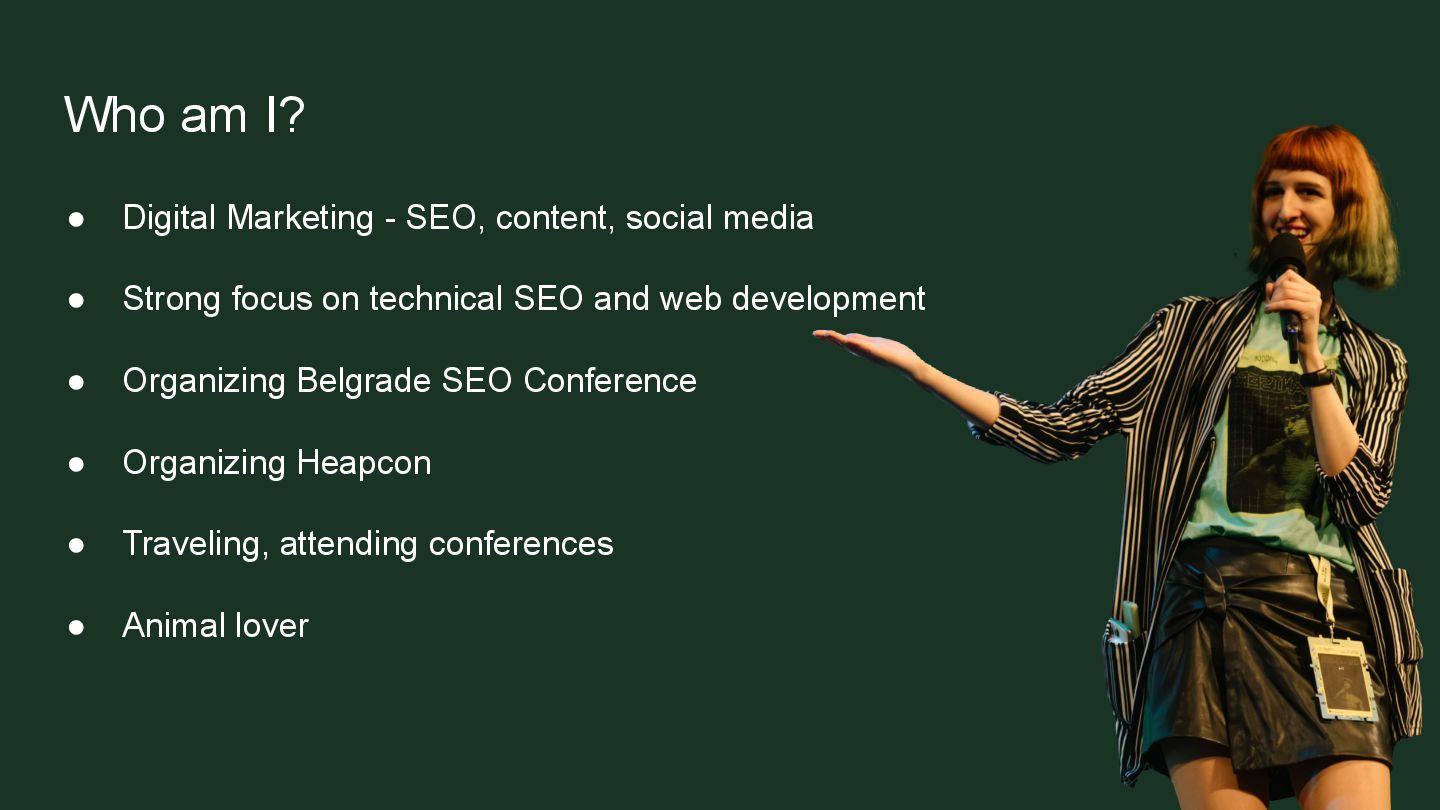
  1. Who am I? • Digital Marketing - SEO, content, social

    media • Strong focus on technical SEO and web development • Organizing Belgrade SEO Conference • Organizing Heapcon • Traveling, attending conferences • Animal lover
  2. What is Technical SEO? ➢ Website performance ➢ Website speed

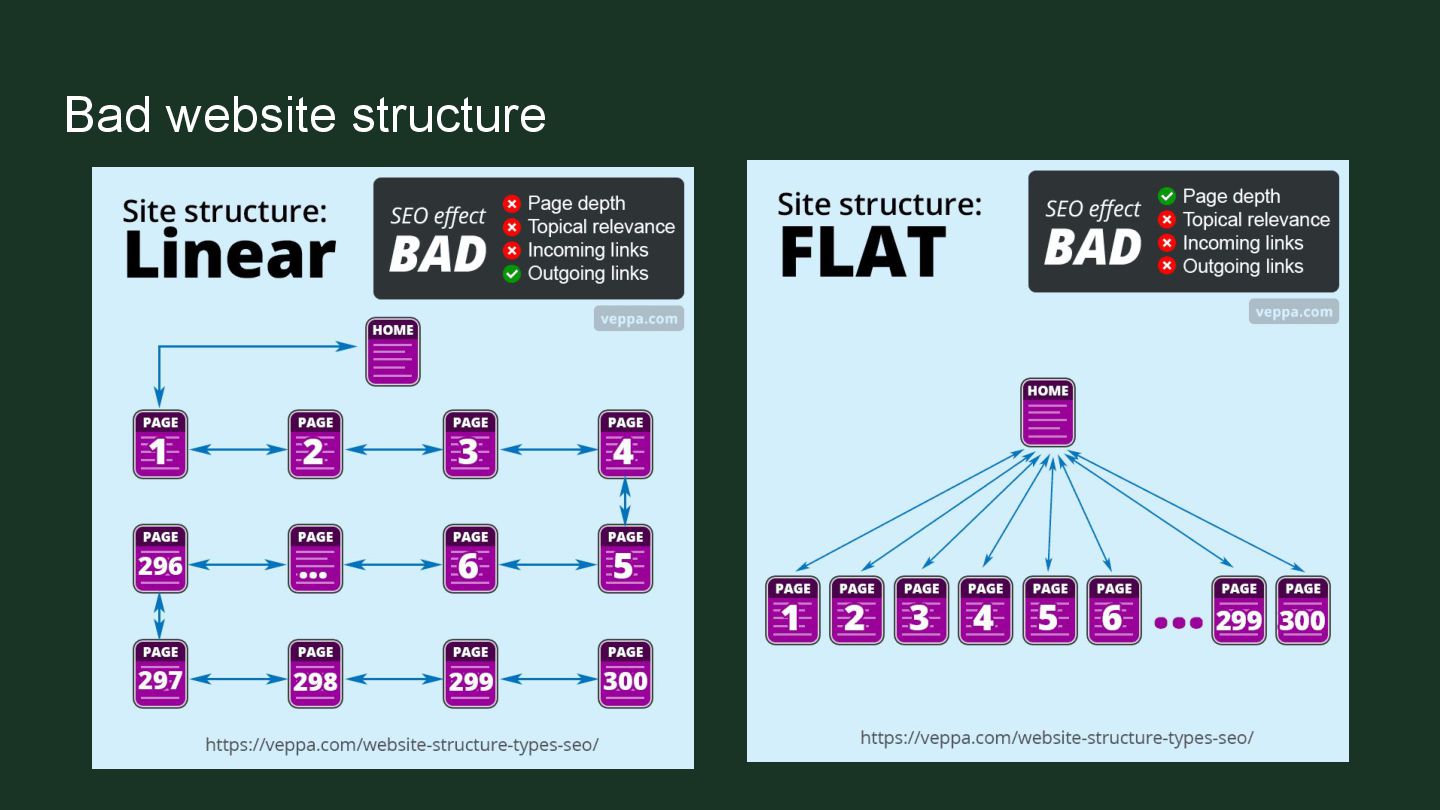
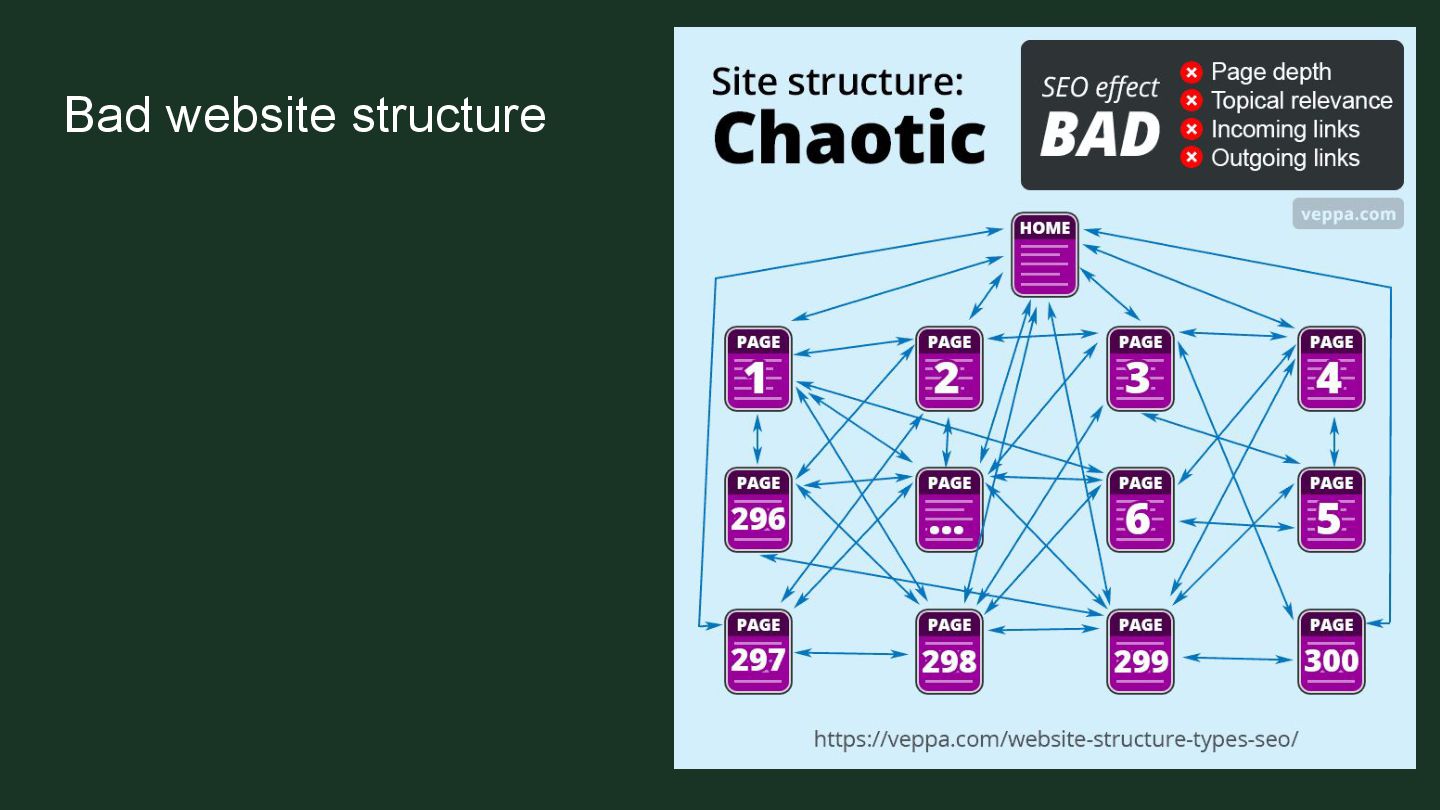
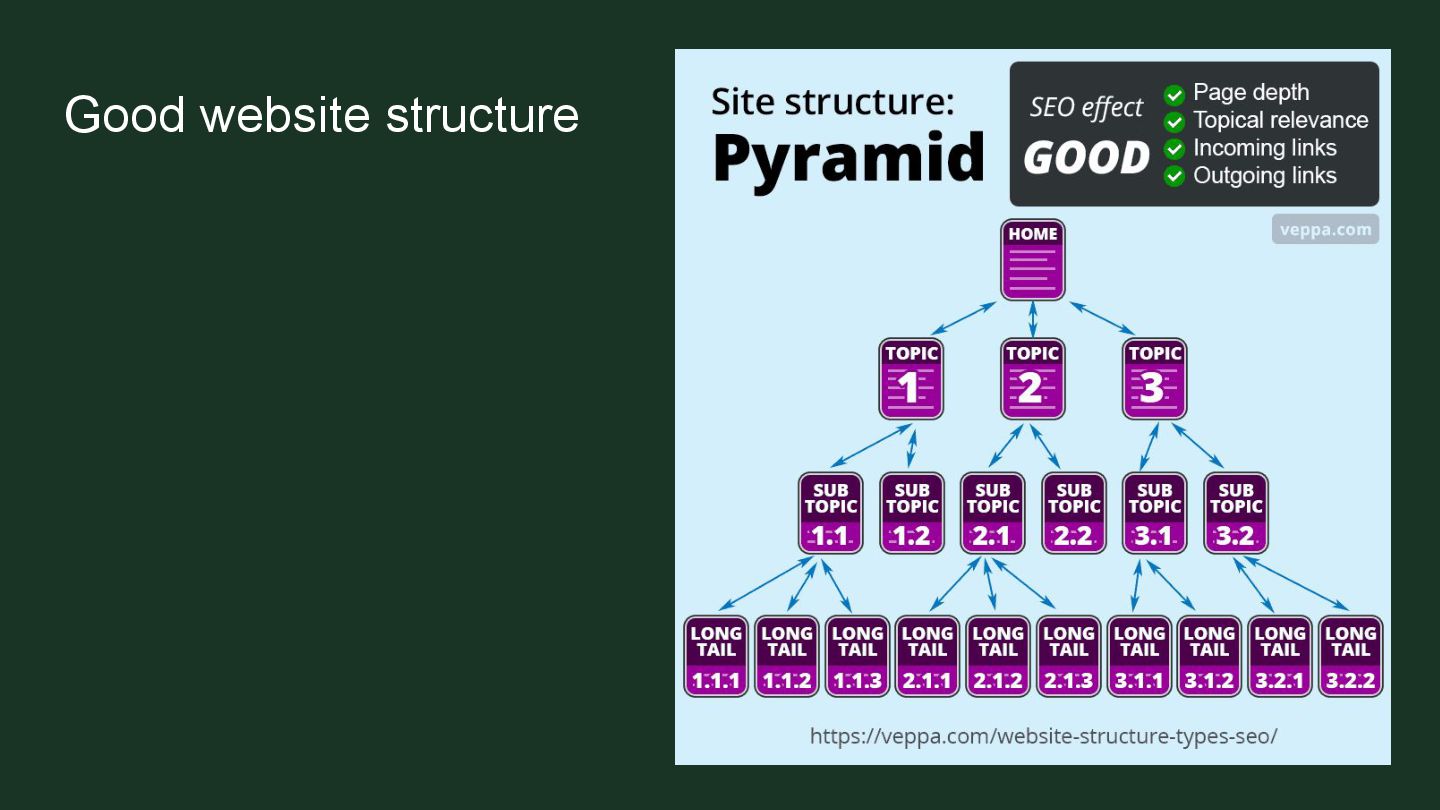
    ➢ Website structure ➢ Mobile-friendliness and responsive design
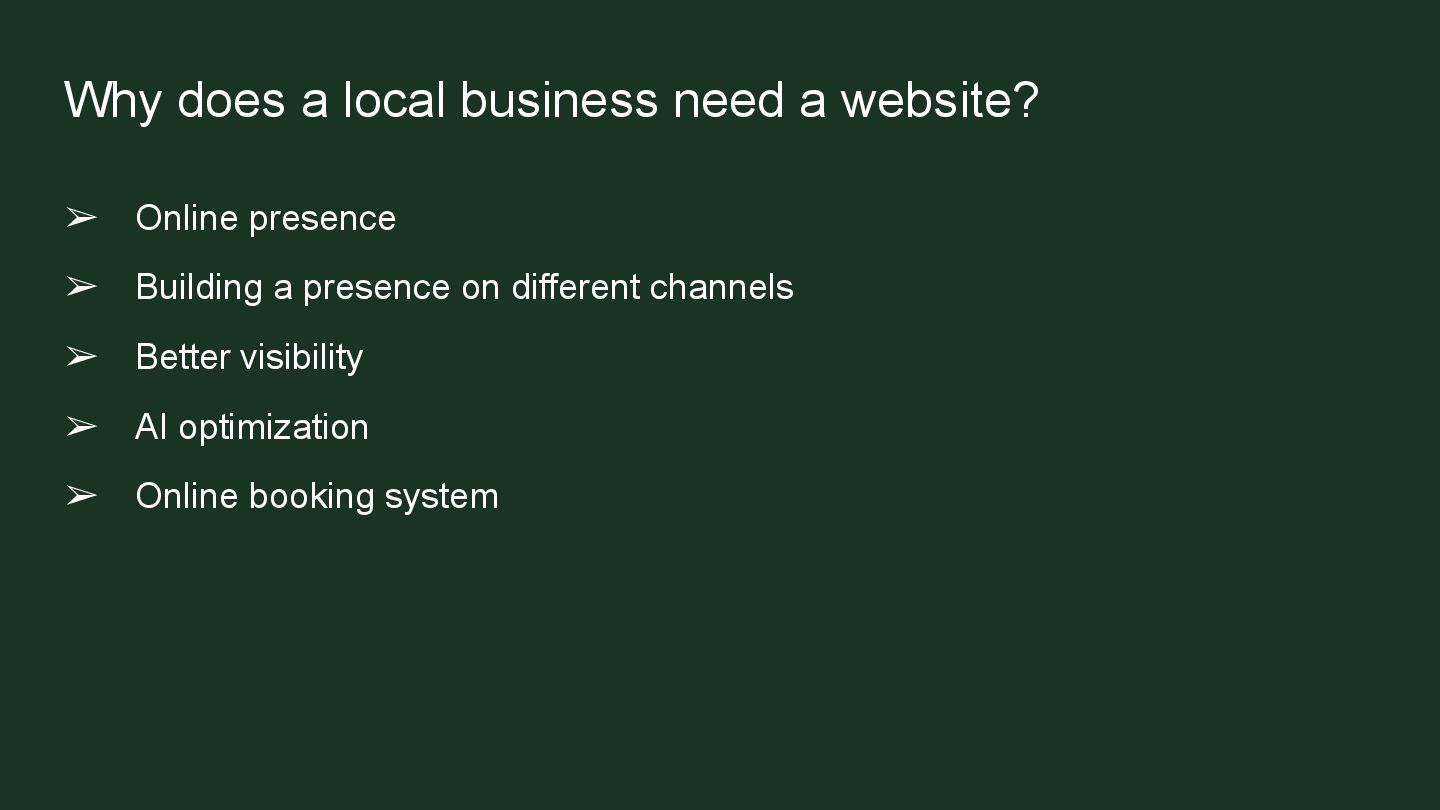
  3. Why does a local business need a website? ➢ Online

    presence ➢ Building a presence on different channels ➢ Better visibility ➢ AI optimization ➢ Online booking system
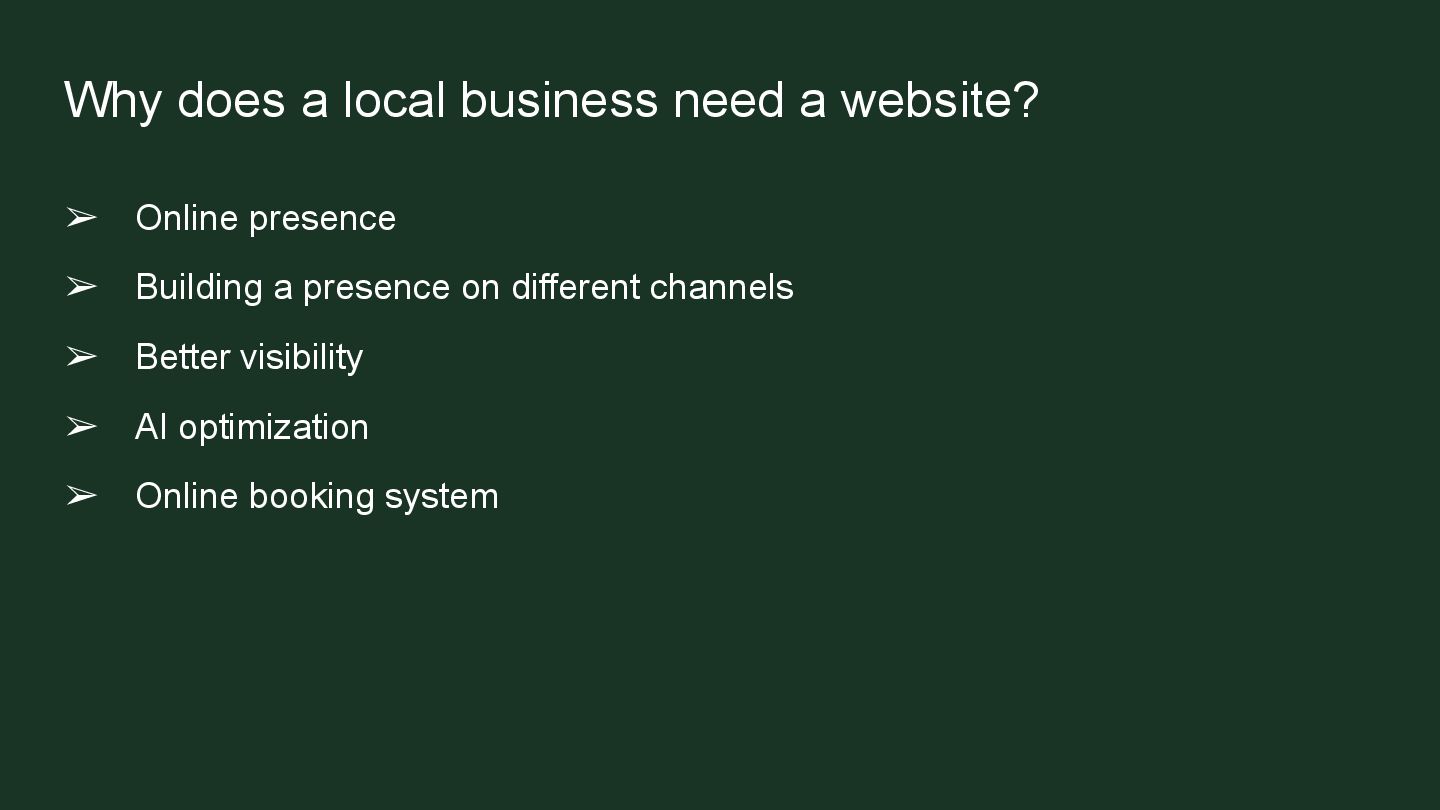
  4. Why does a local business need a website? ➢ Online

    presence ➢ Building a presence on different channels ➢ Better visibility ➢ AI optimization ➢ Online booking system
  5. Why technical SEO matters ➢ Local SEO needs Technical SEO

    ➢ Technical SEO allows content and websites to perform to its full potential.
  6. Why technical SEO matters ➢ Local SEO needs Technical SEO

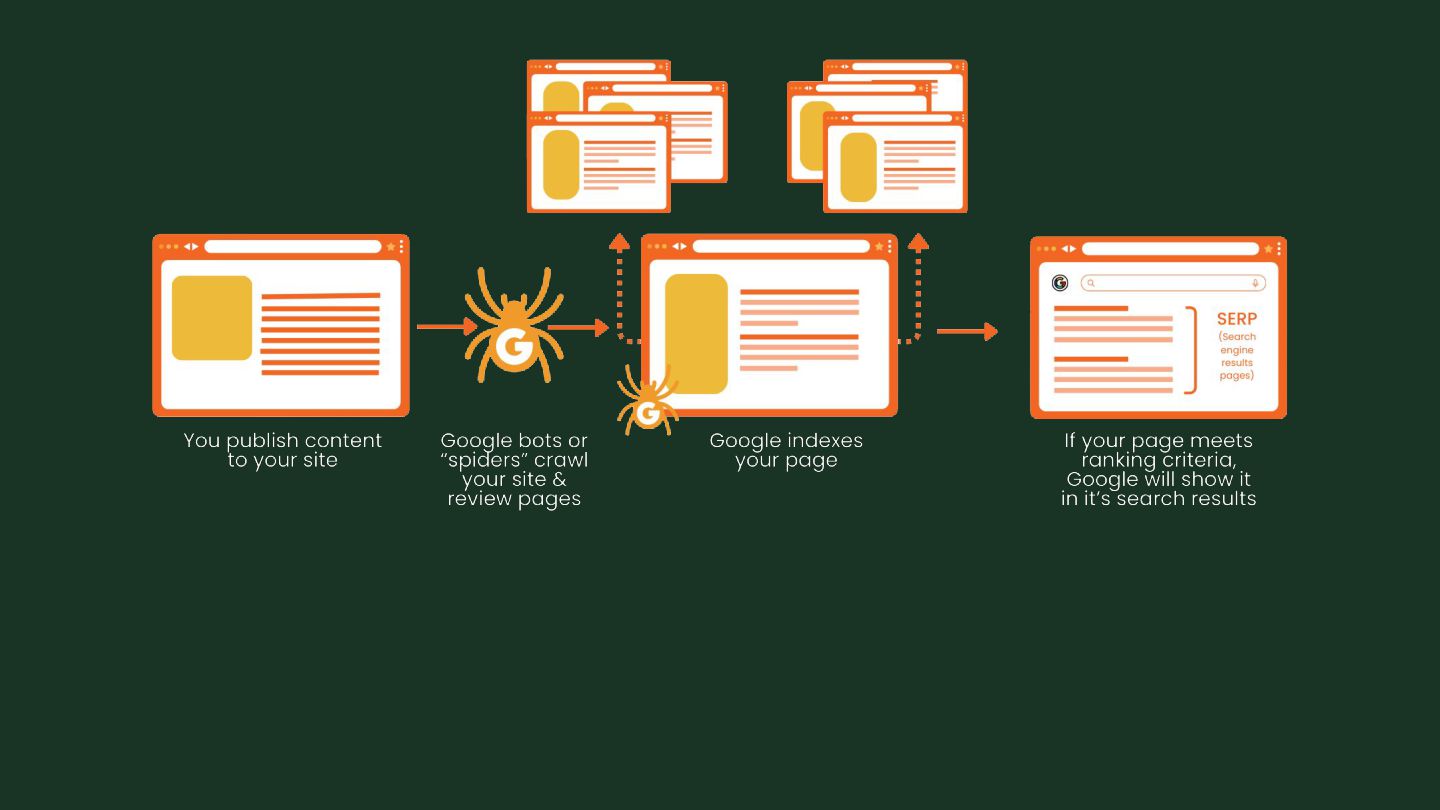
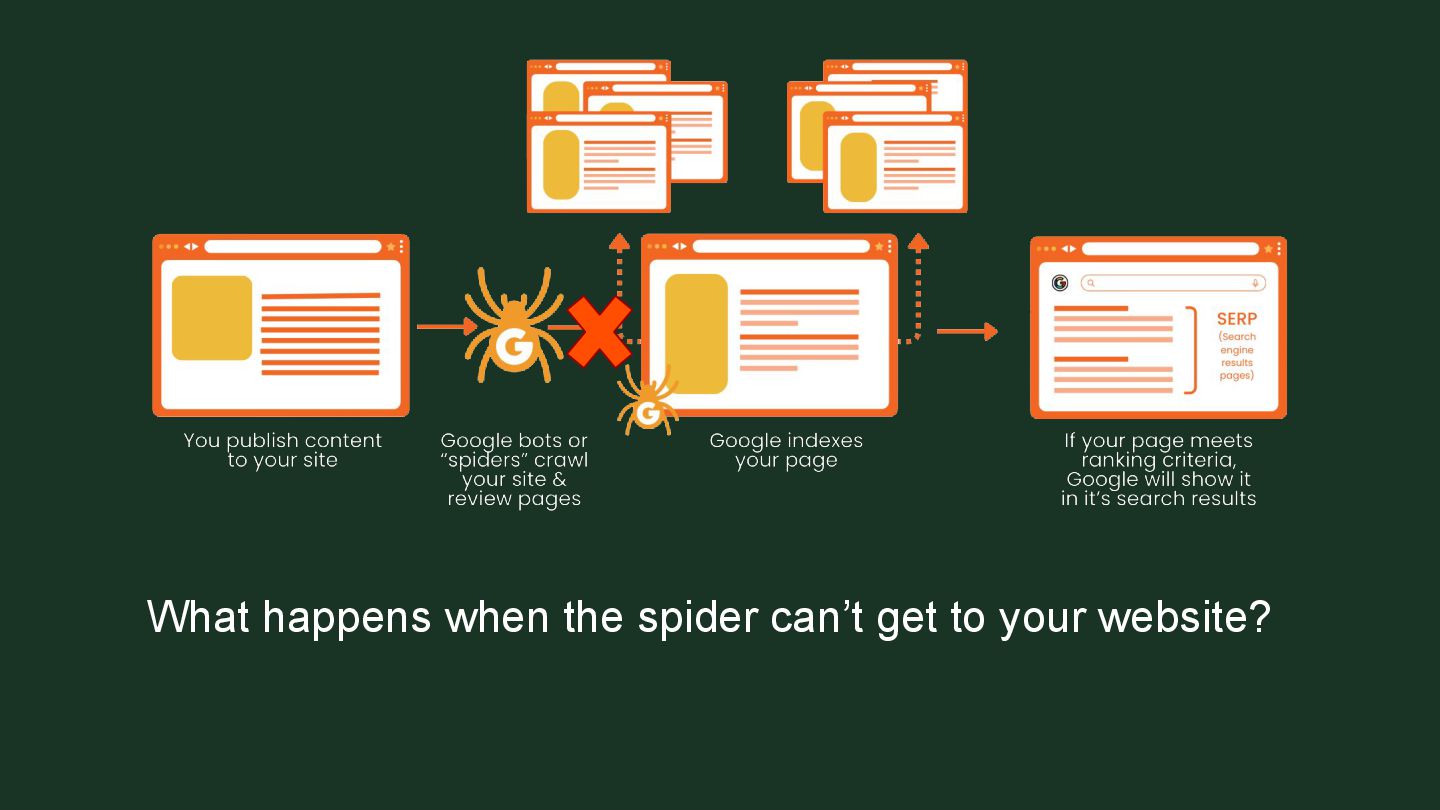
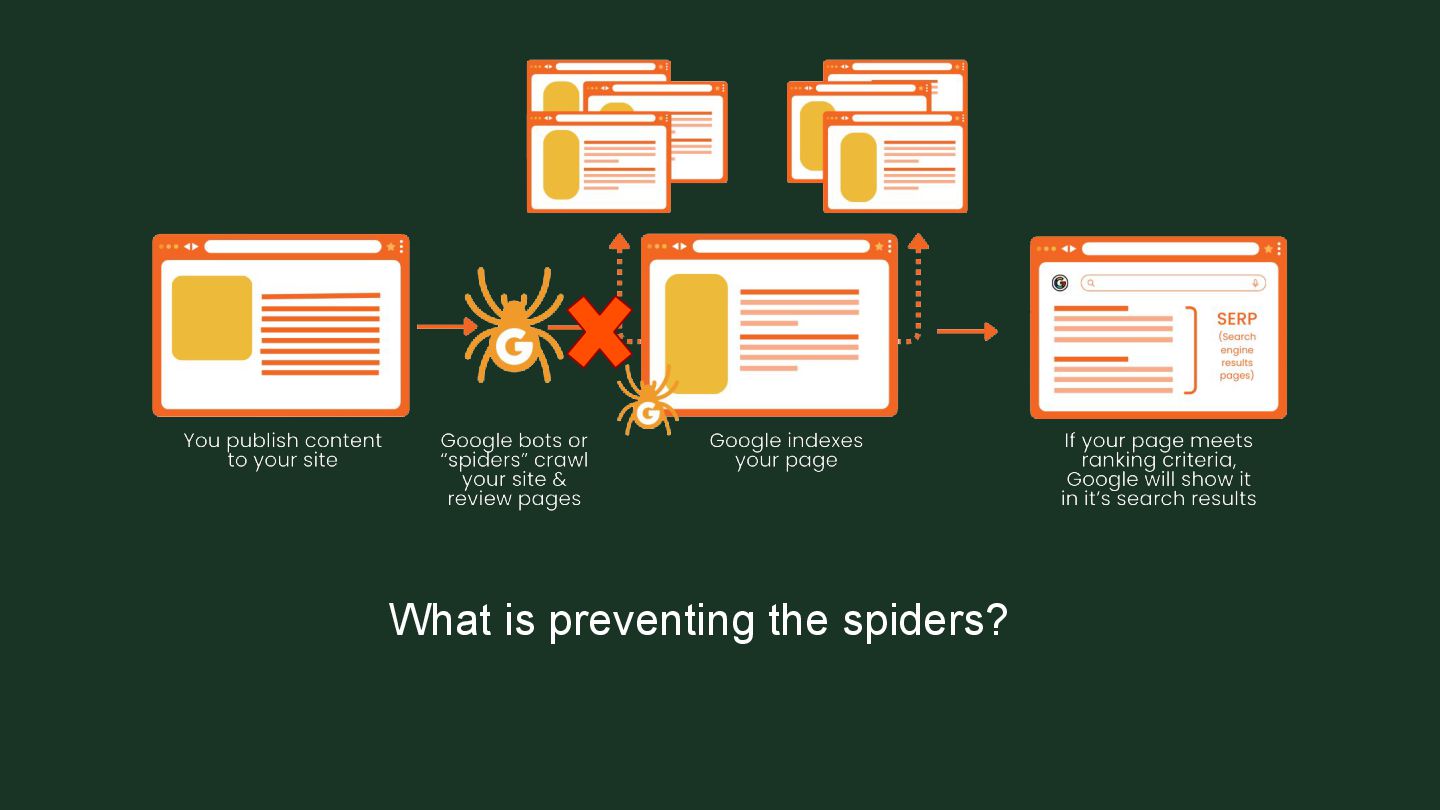
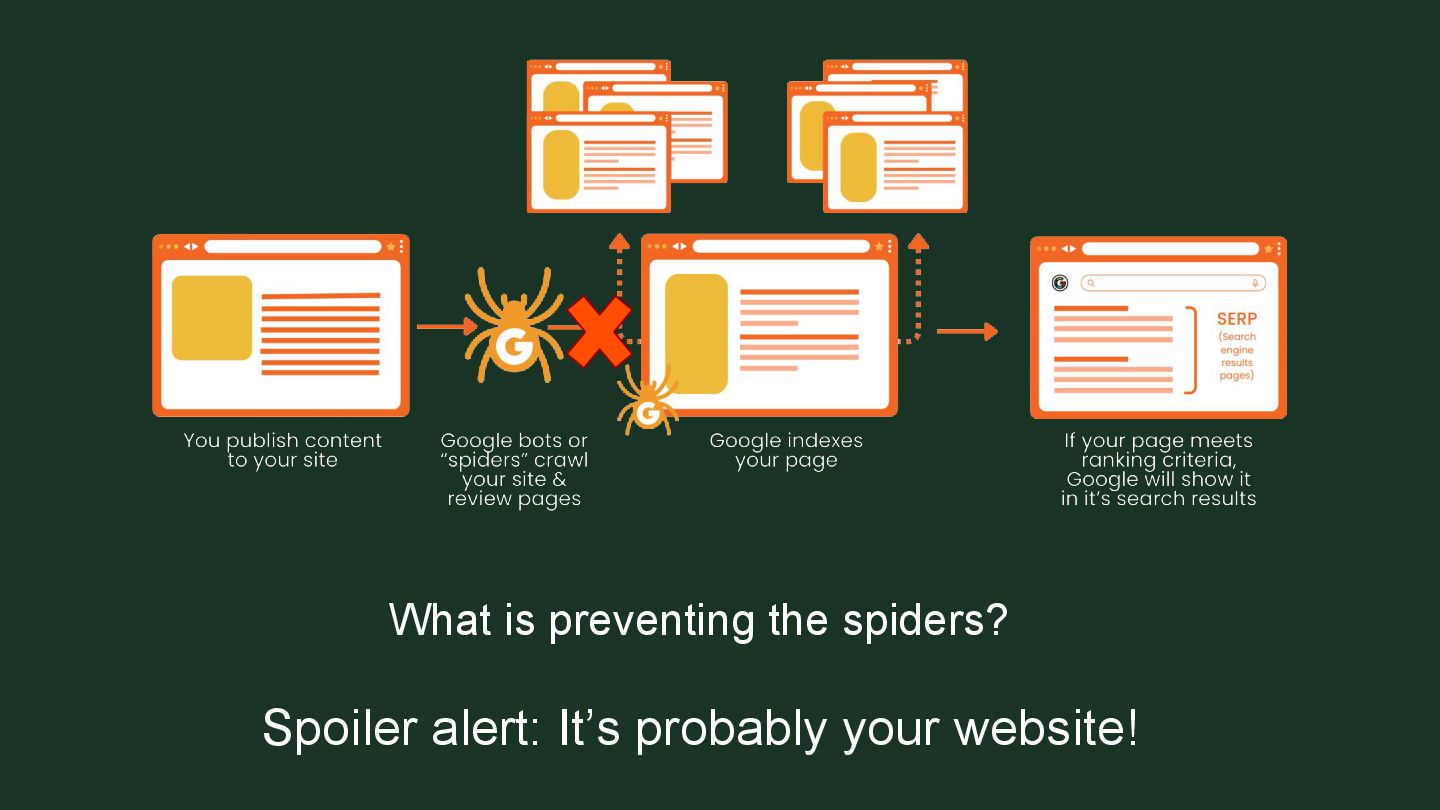
    ➢ Technical SEO allows content and websites to perform to its full potential. ➢ It helps search engines find, understand, and index your website and its content.
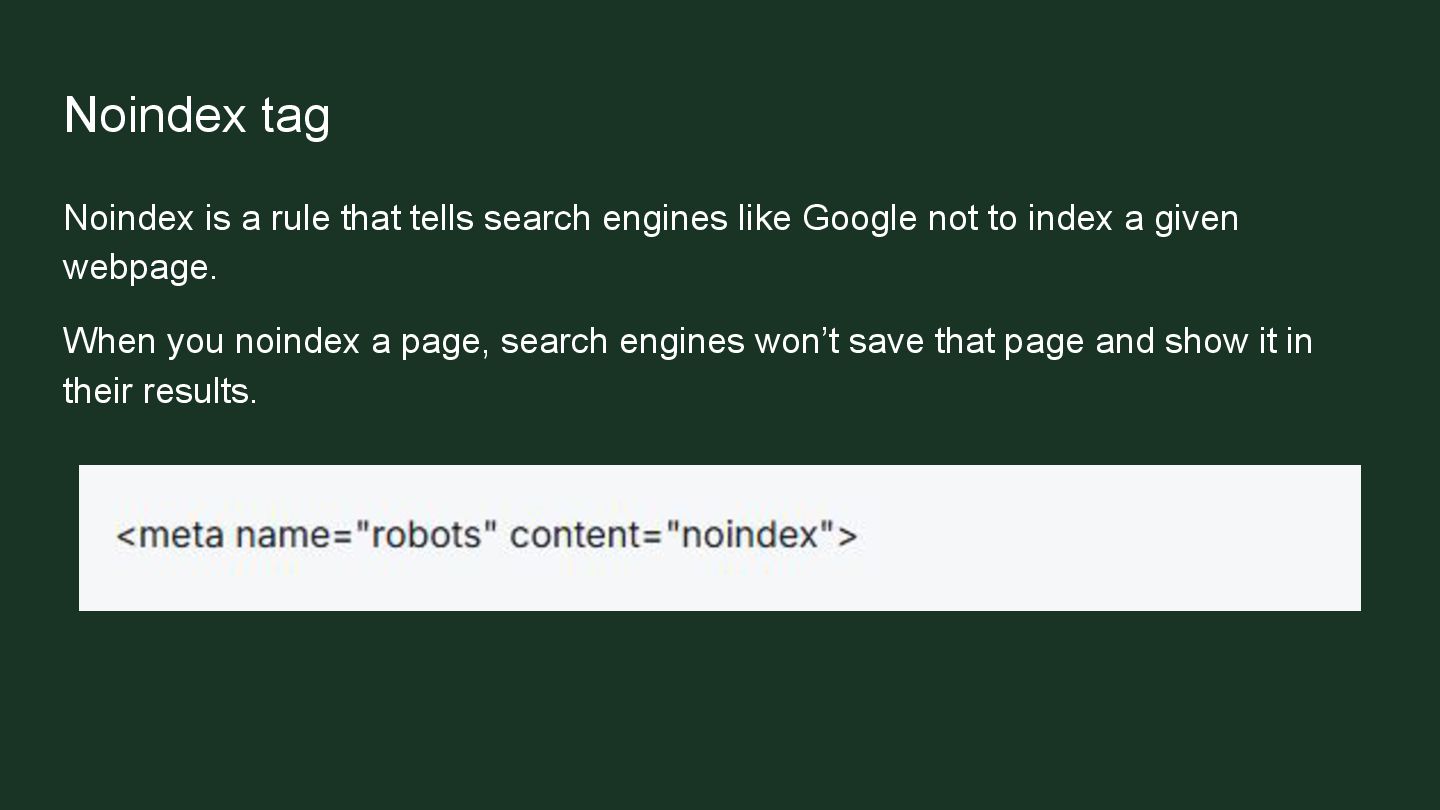
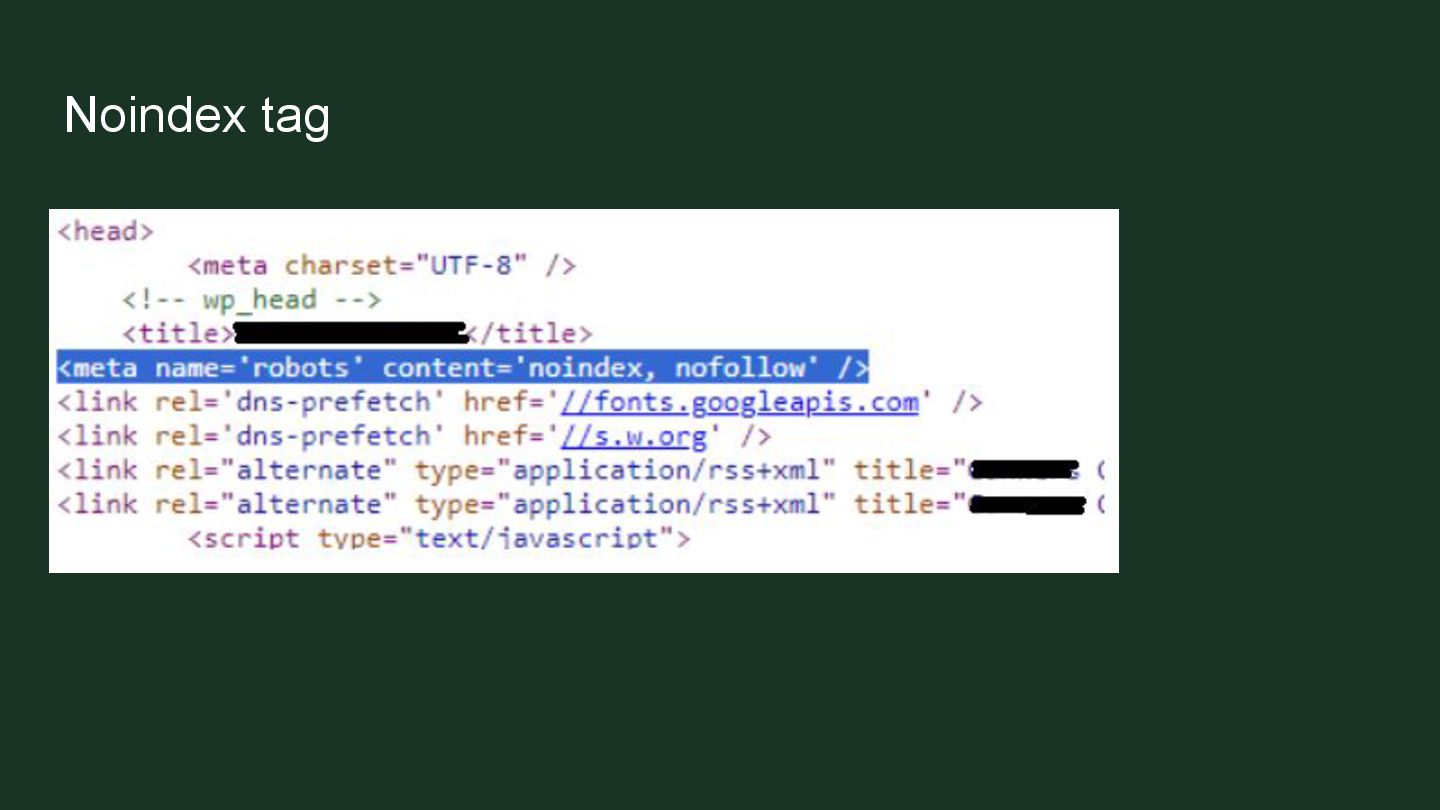
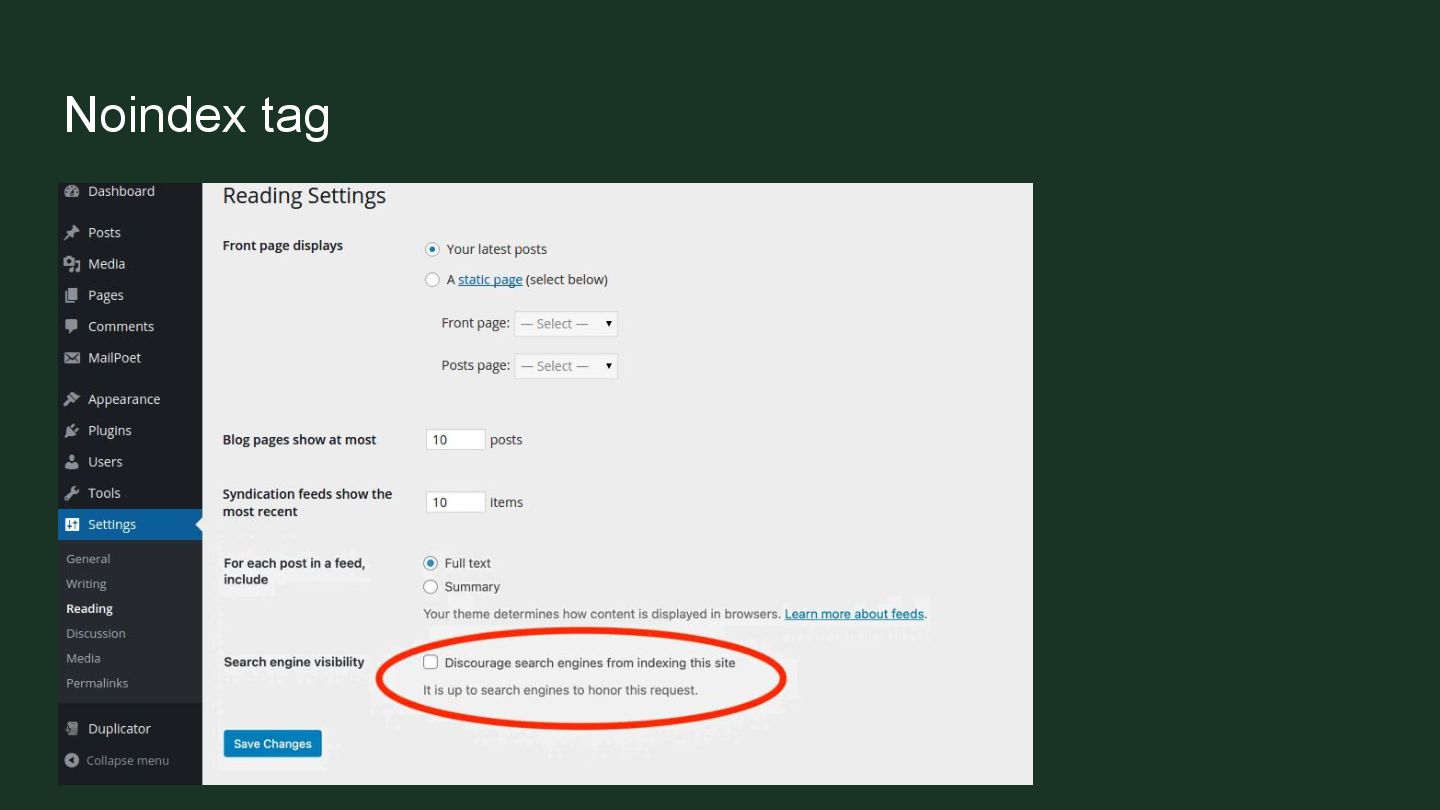
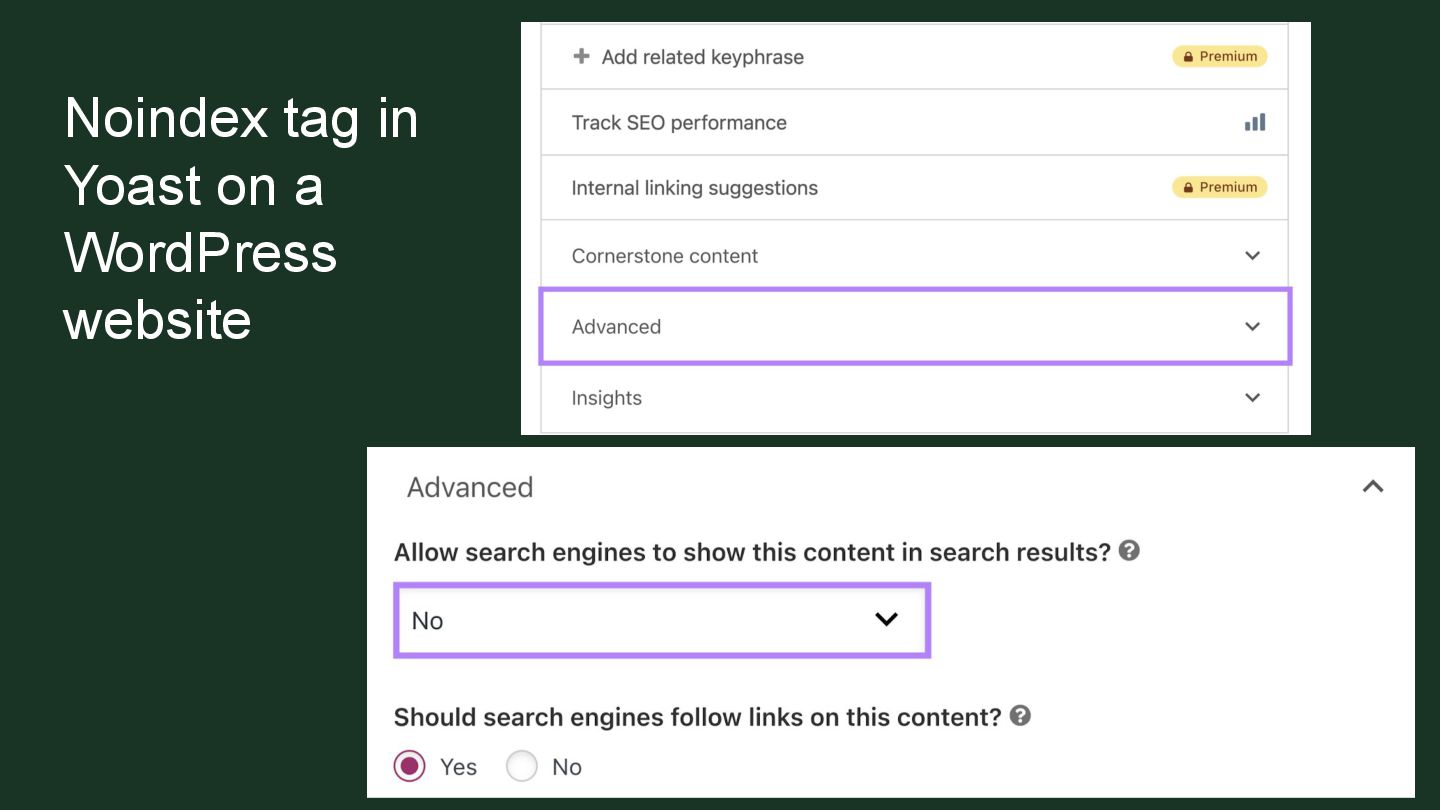
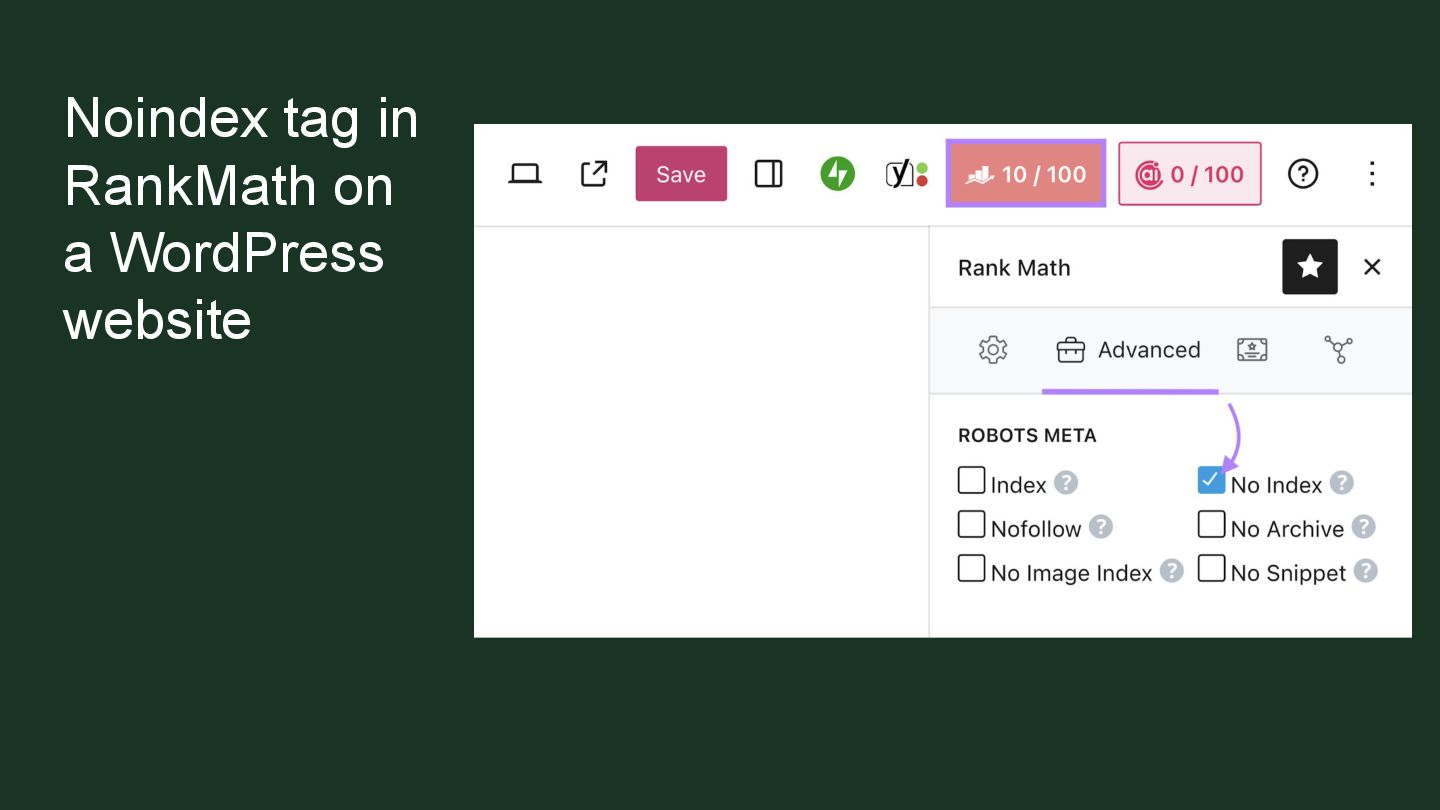
  7. Noindex tag Noindex is a rule that tells search engines

    like Google not to index a given webpage. When you noindex a page, search engines won’t save that page and show it in their results.
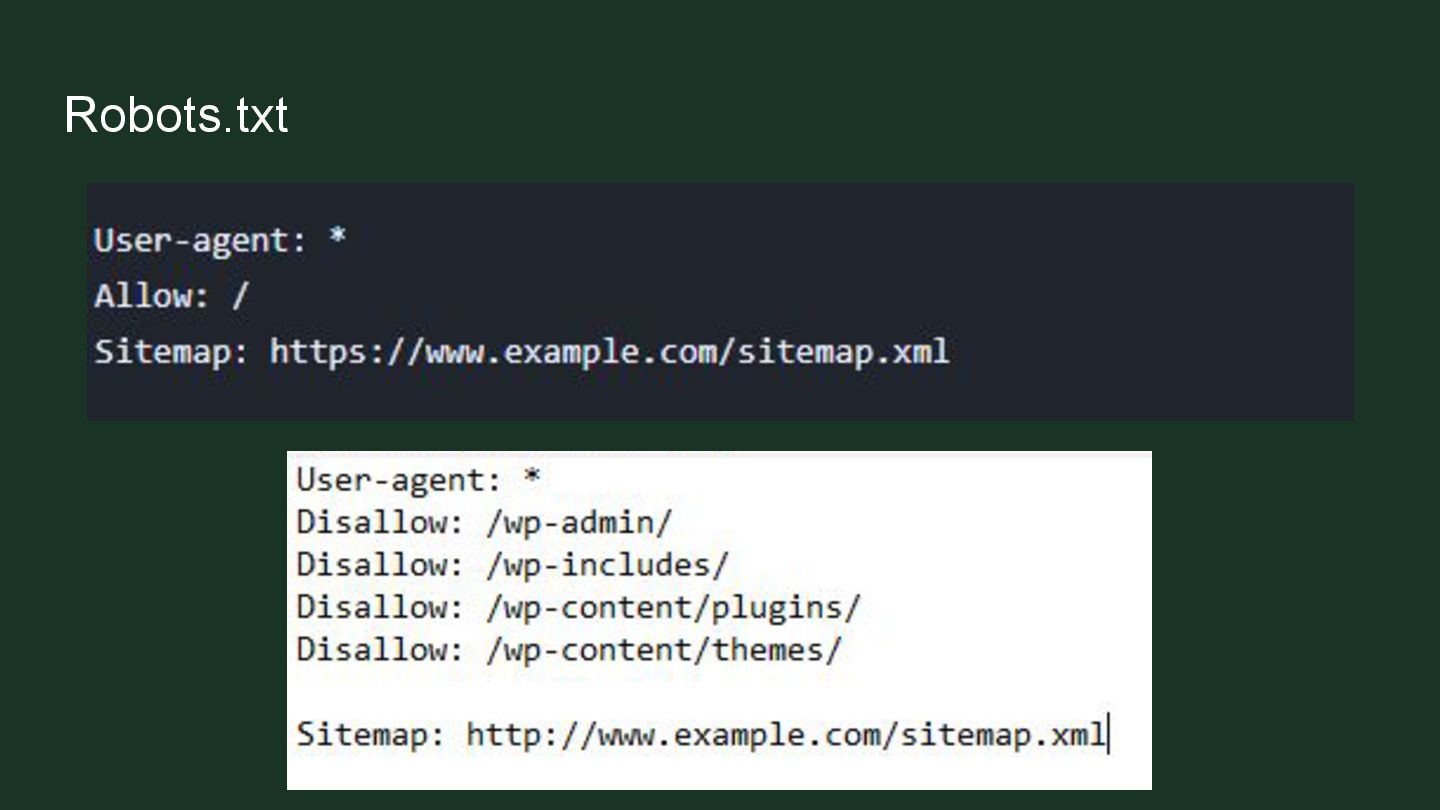
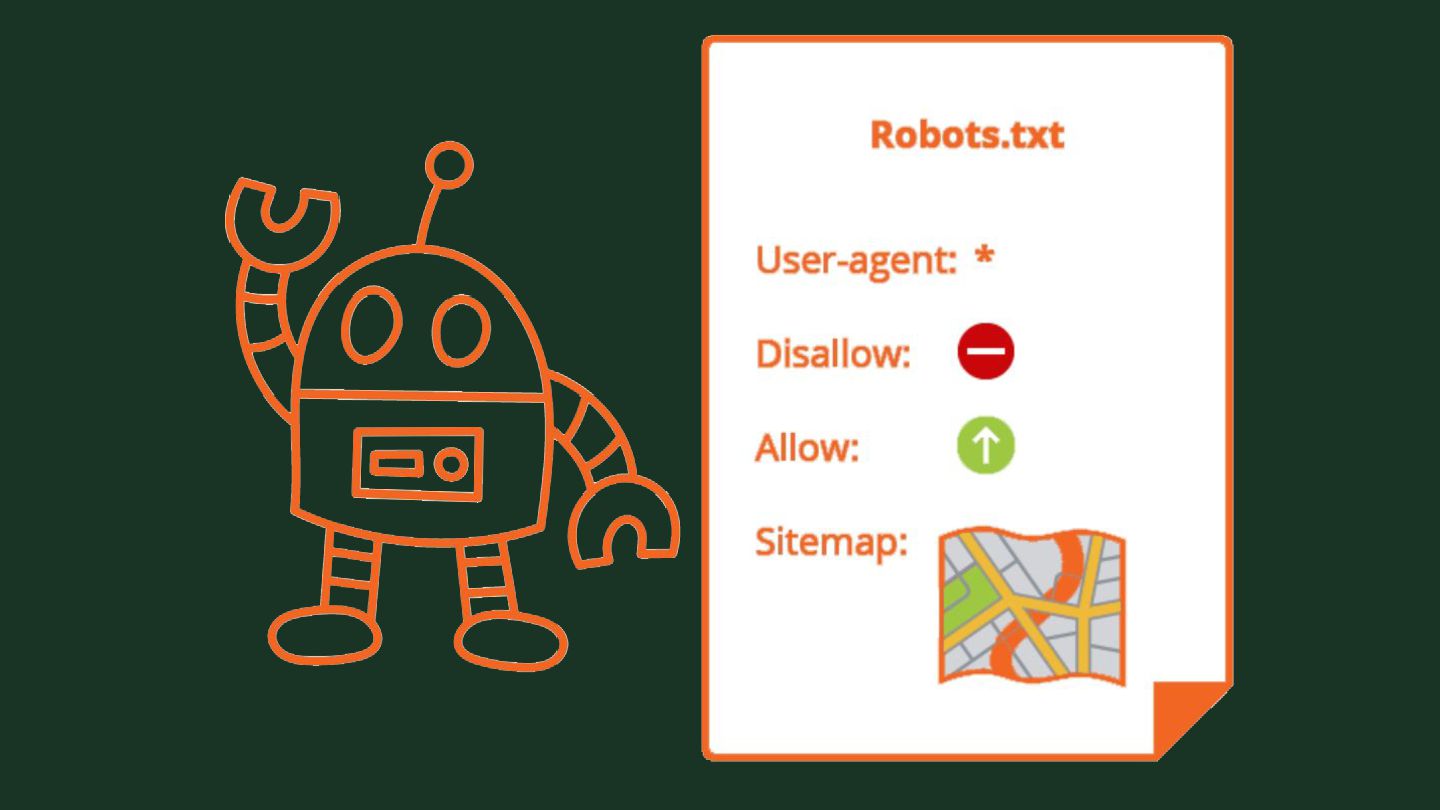
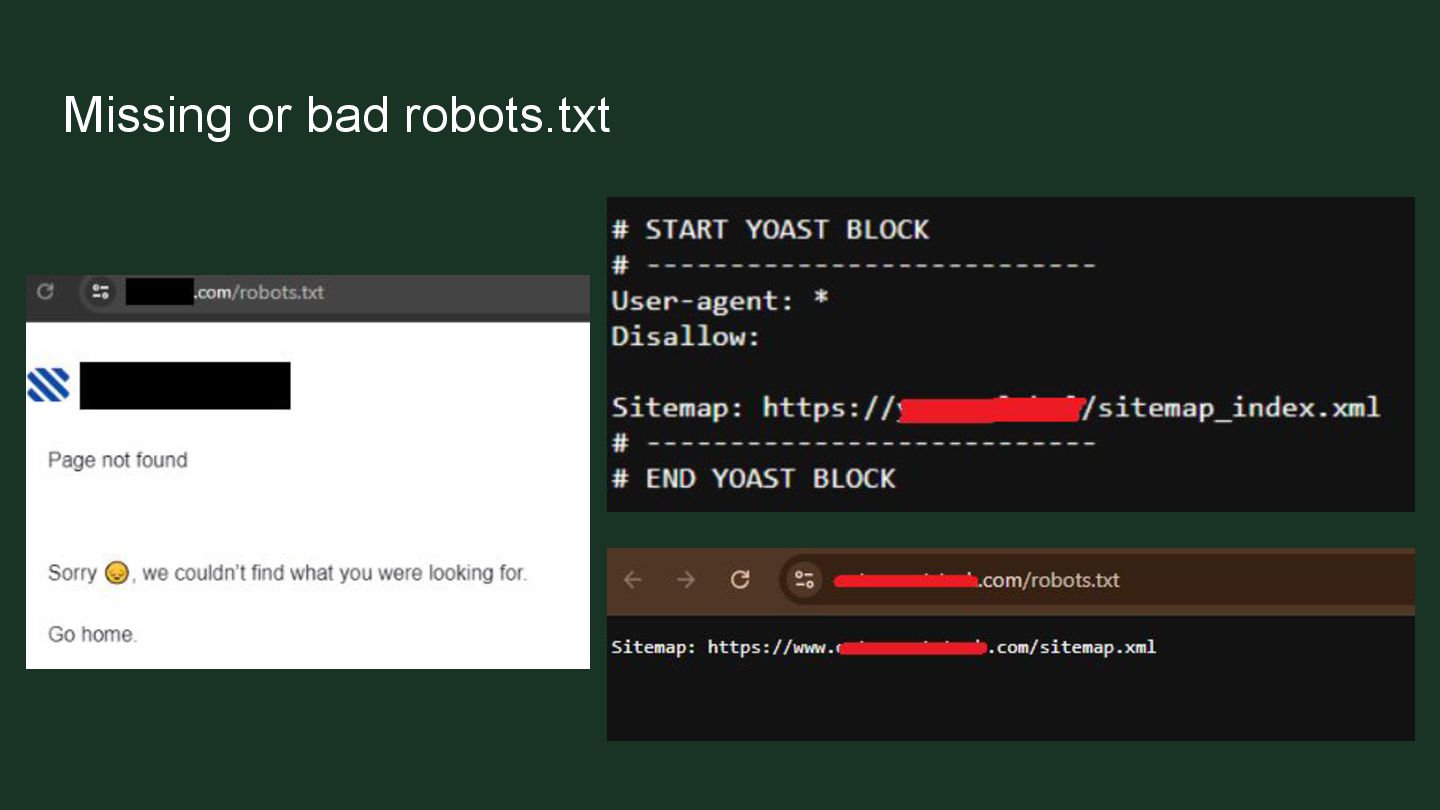
  8. Robots.txt A robots.txt file is a file placed in a

    website's directory that tells web crawlers and bots which parts of the website they are allowed to crawl and index, and which parts to avoid.
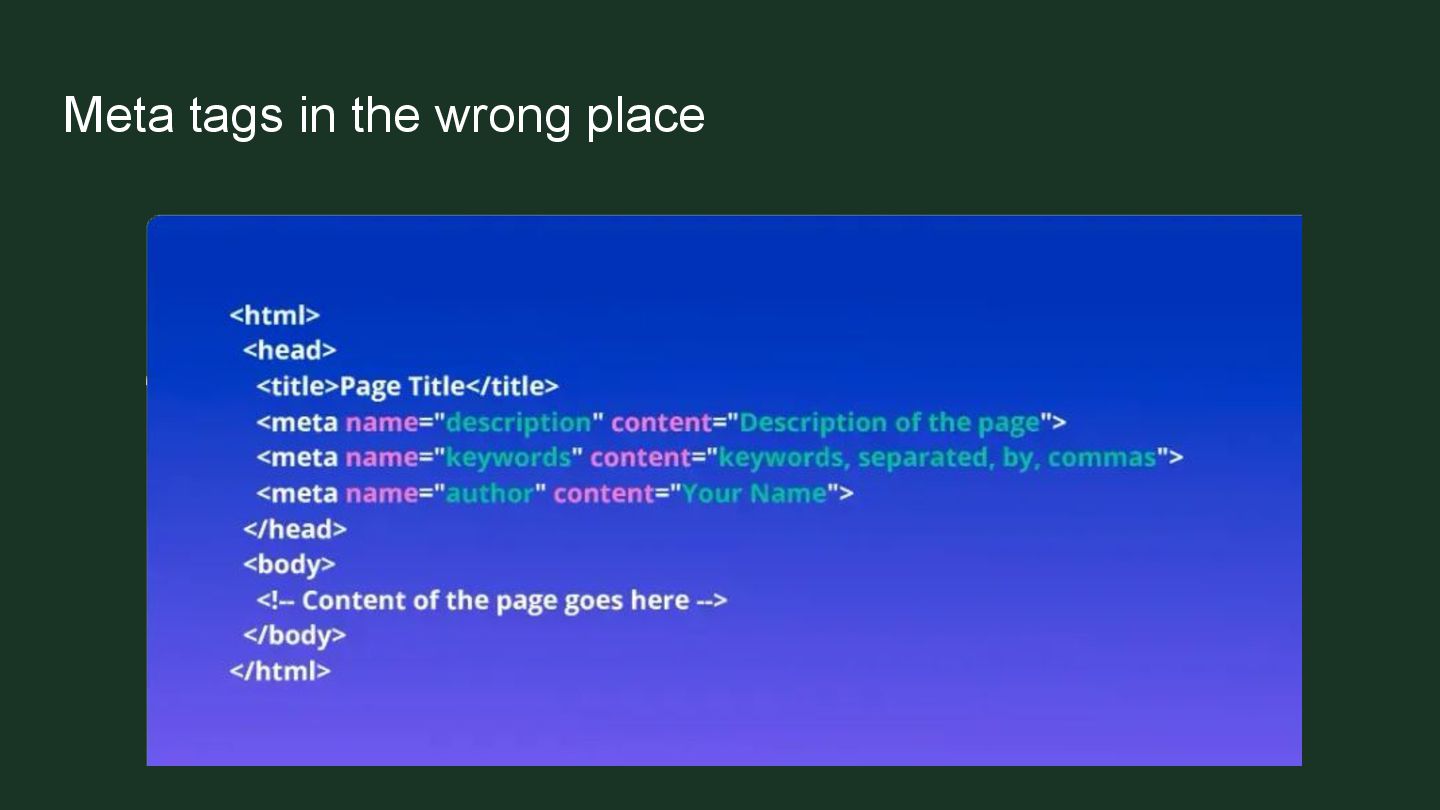
  9. Meta tags in the wrong place ➢ They must be

    placed in the <head> ➢ When placed in <body> they probably won’t get noticed by crawlers
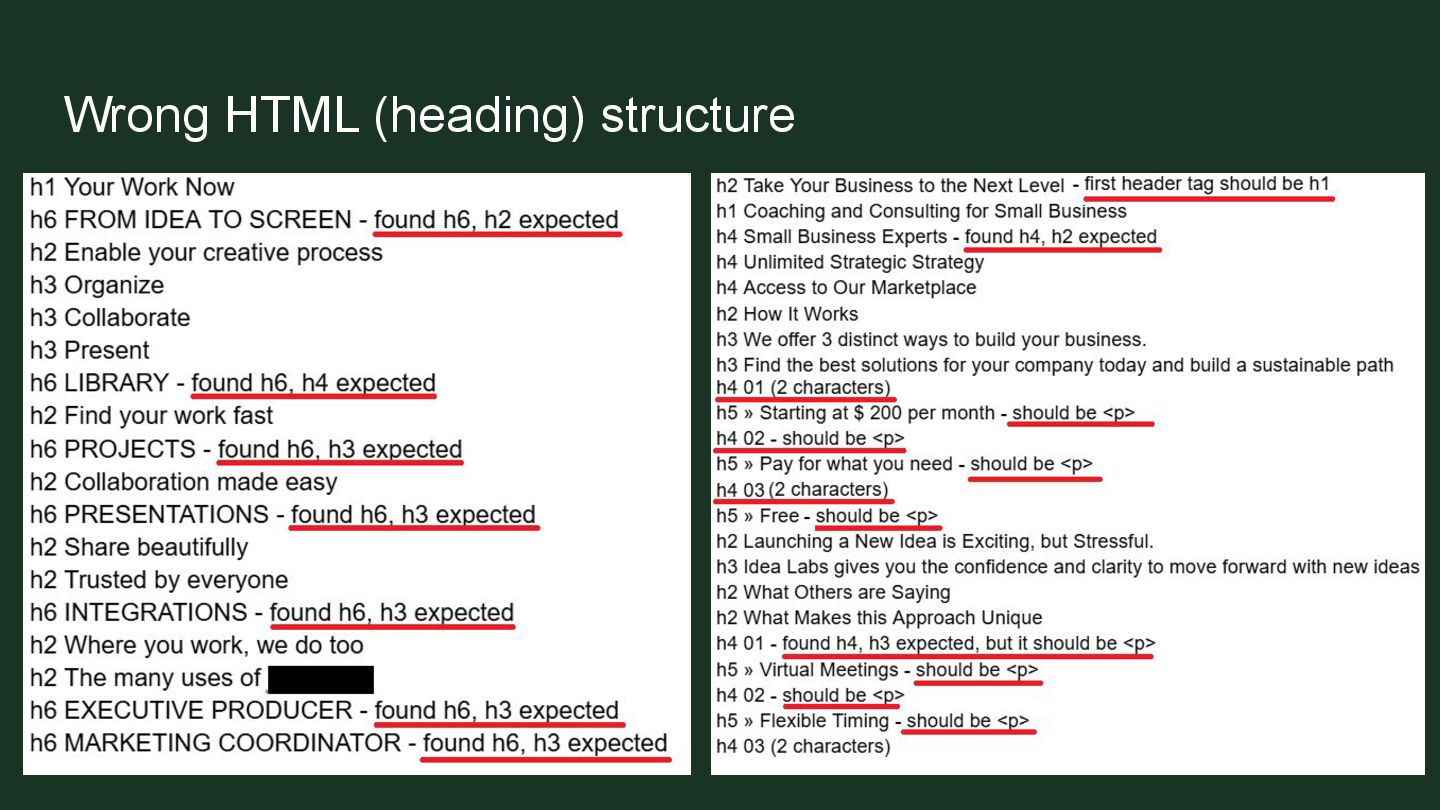
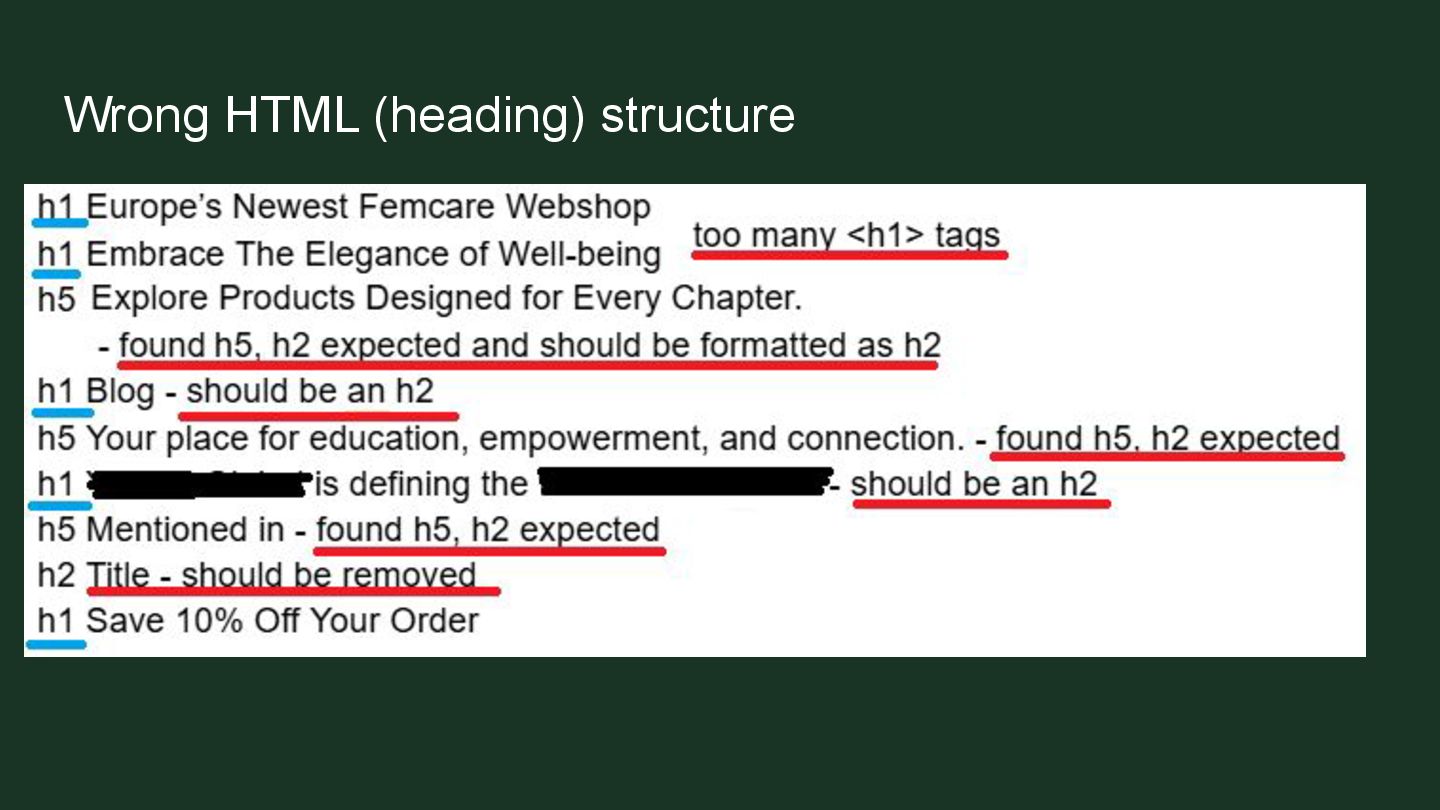
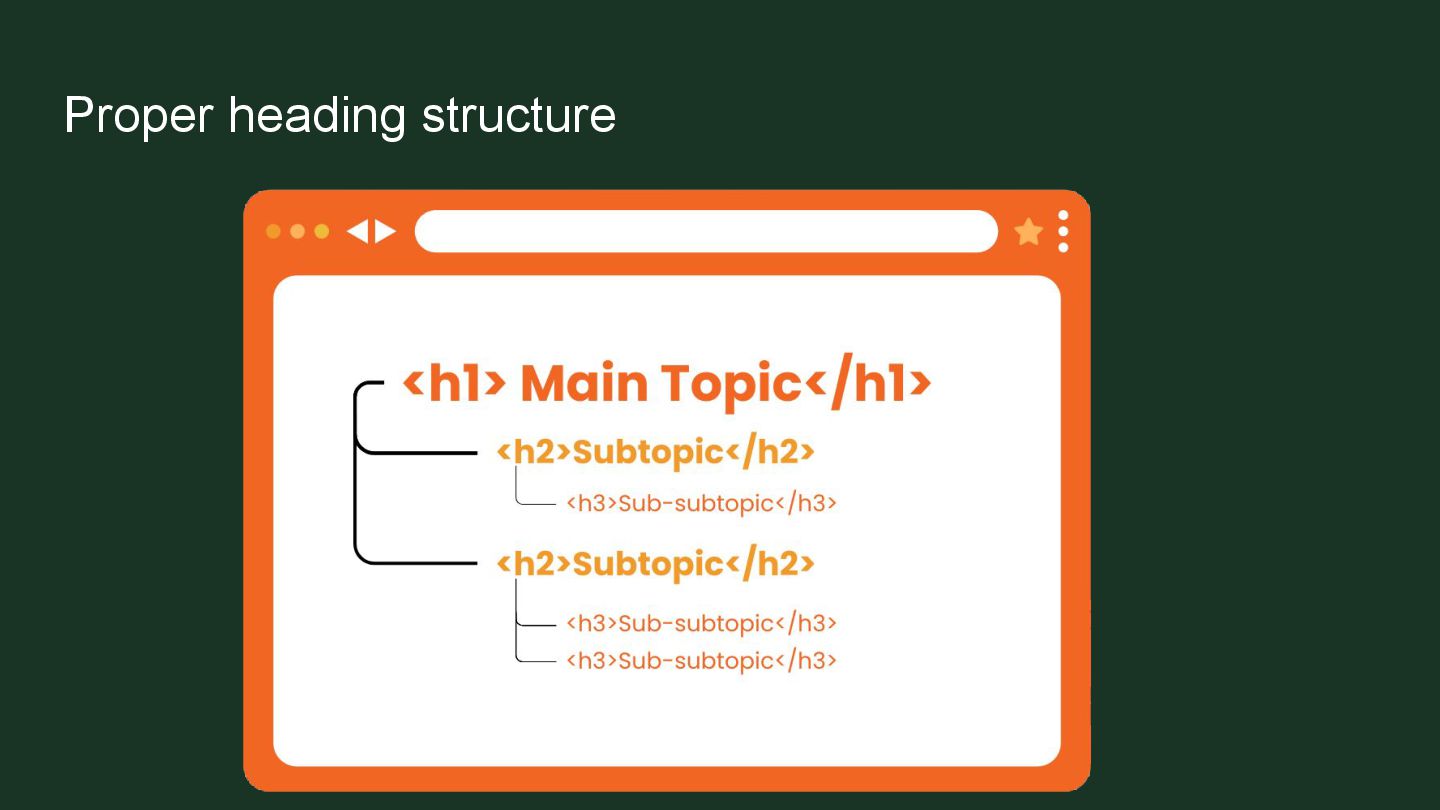
  10. Proper heading structure Follow the heading numbers like you’re counting

    them Use headings for elements that should be headings
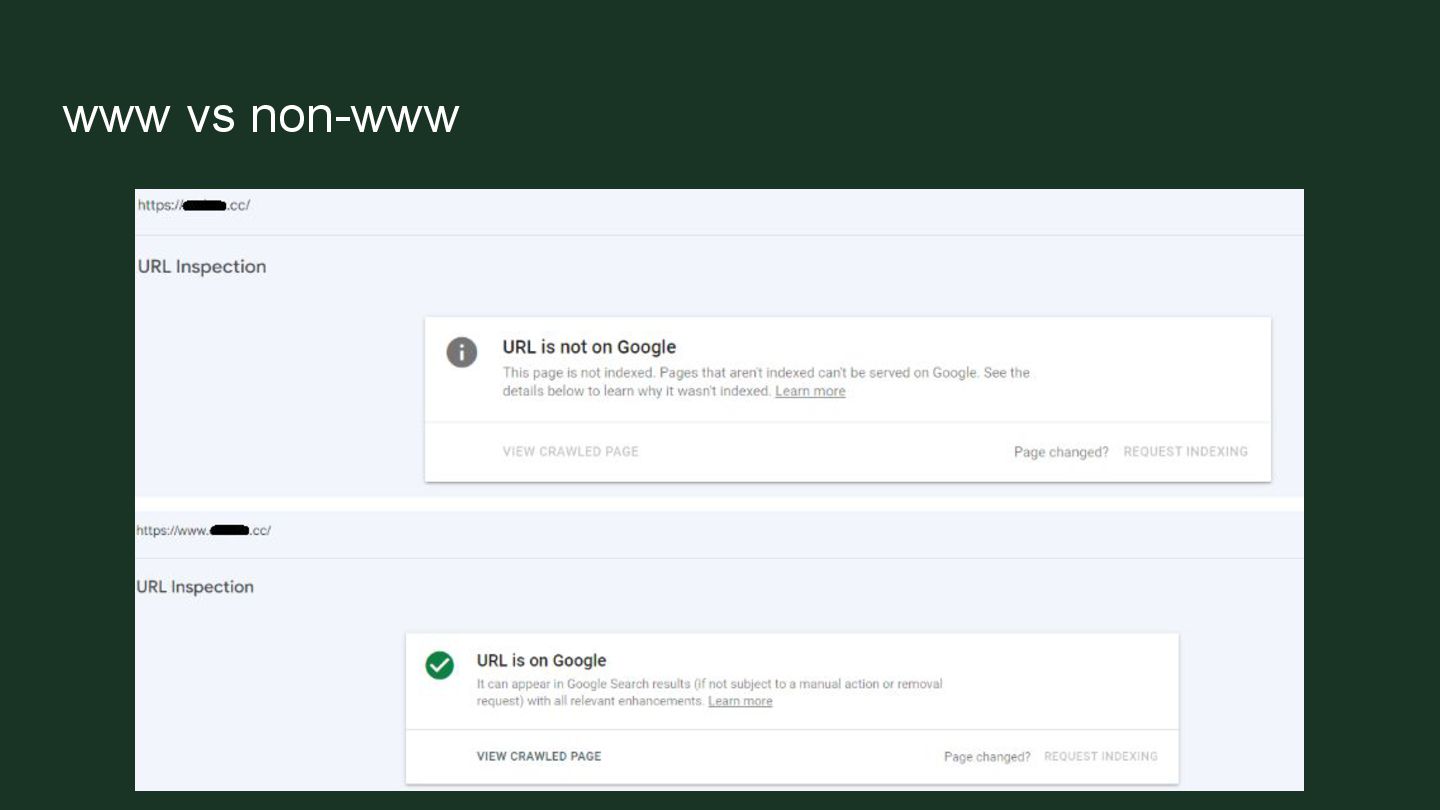
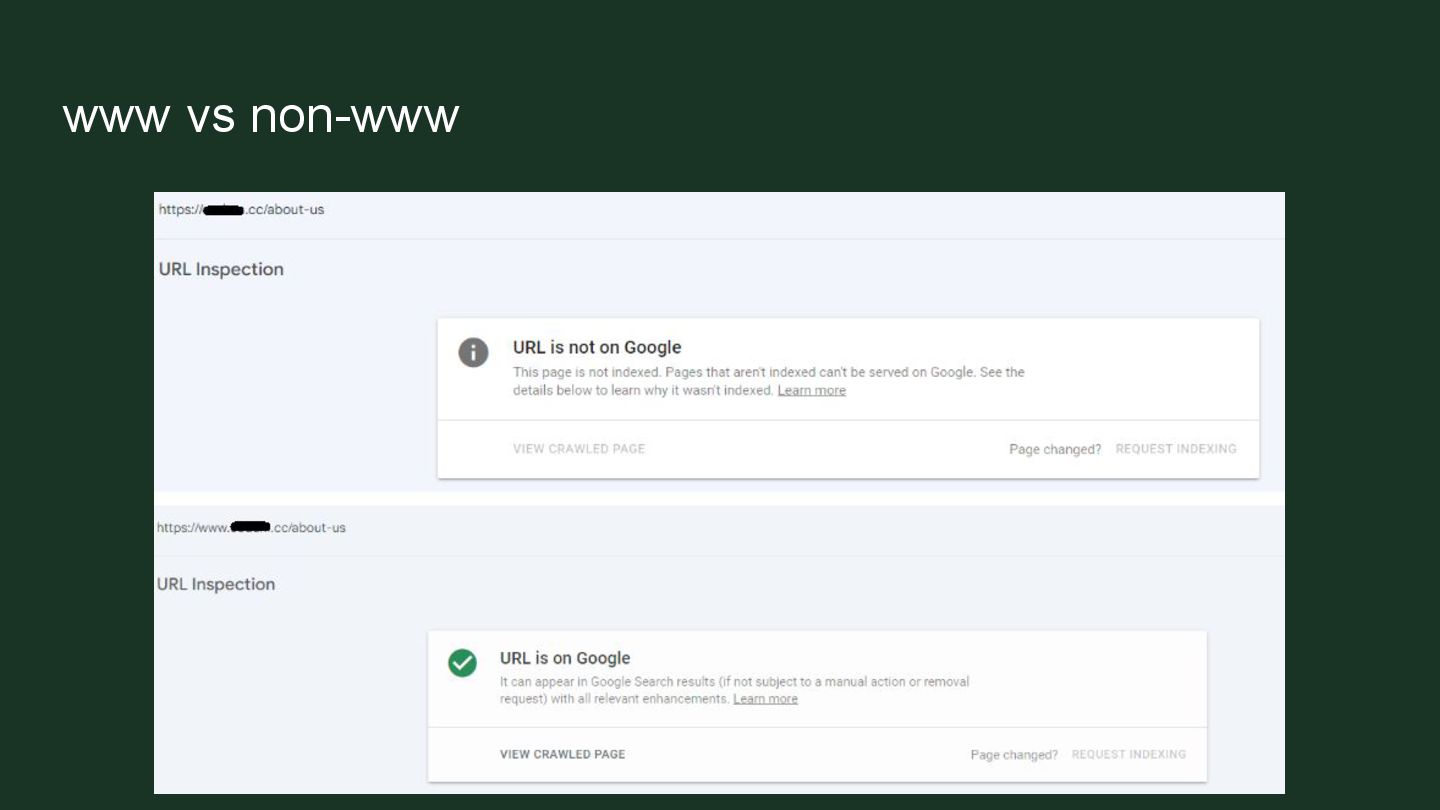
  11. www vs non-www Having multiple versions of the website available.

    It means you have a duplicate of every page on a different URL.
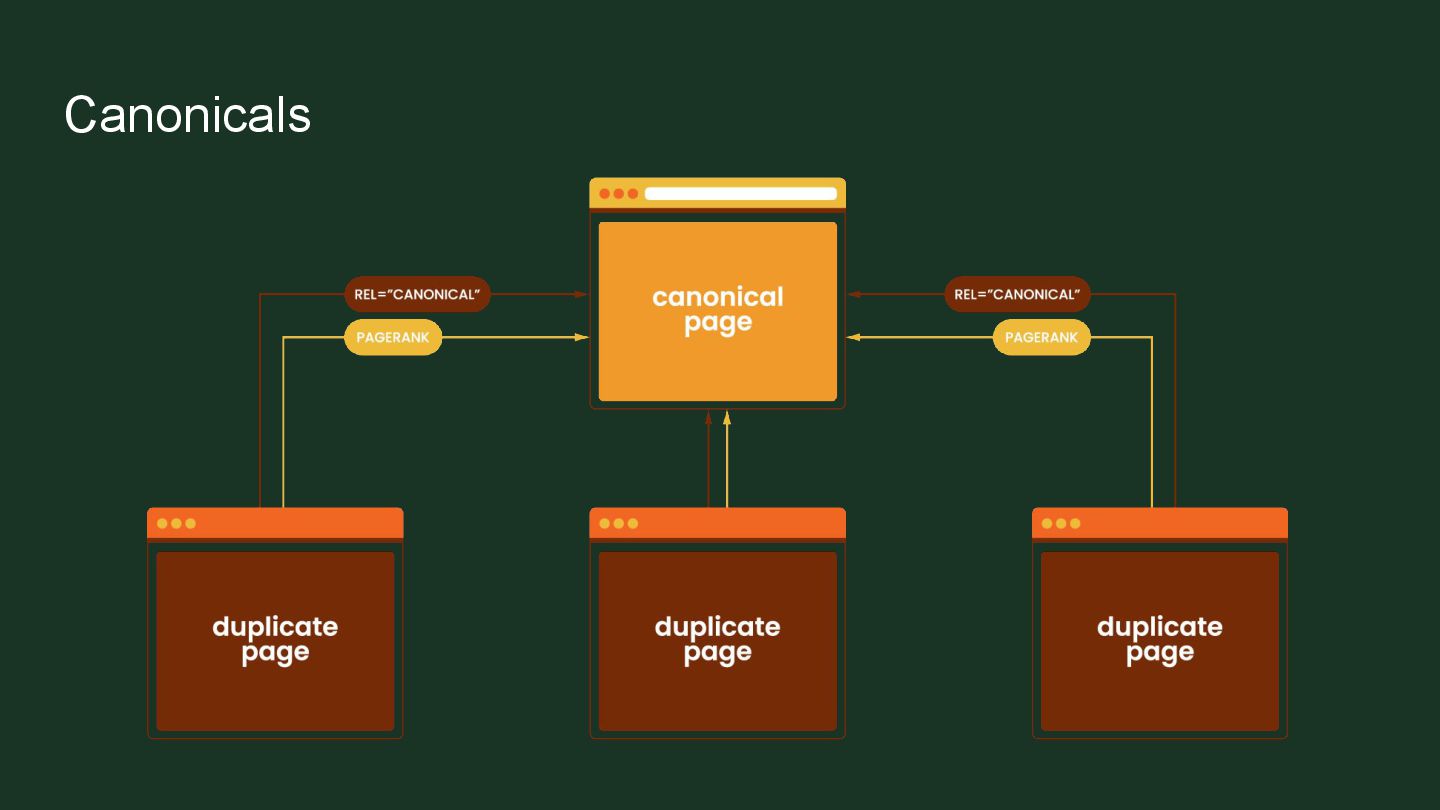
  12. Canonicals A way of telling crawlers which page is the

    original It is the master version of a page that should be indexed when the same content is available at multiple different URLs
  13. Canonicals For every page in the group of duplicates, you

    should pick one canonical version that you want to be indexed in search results. Add its URL to the "rel=canonical" labeling on each page with duplicated content, including the canonical page itself.
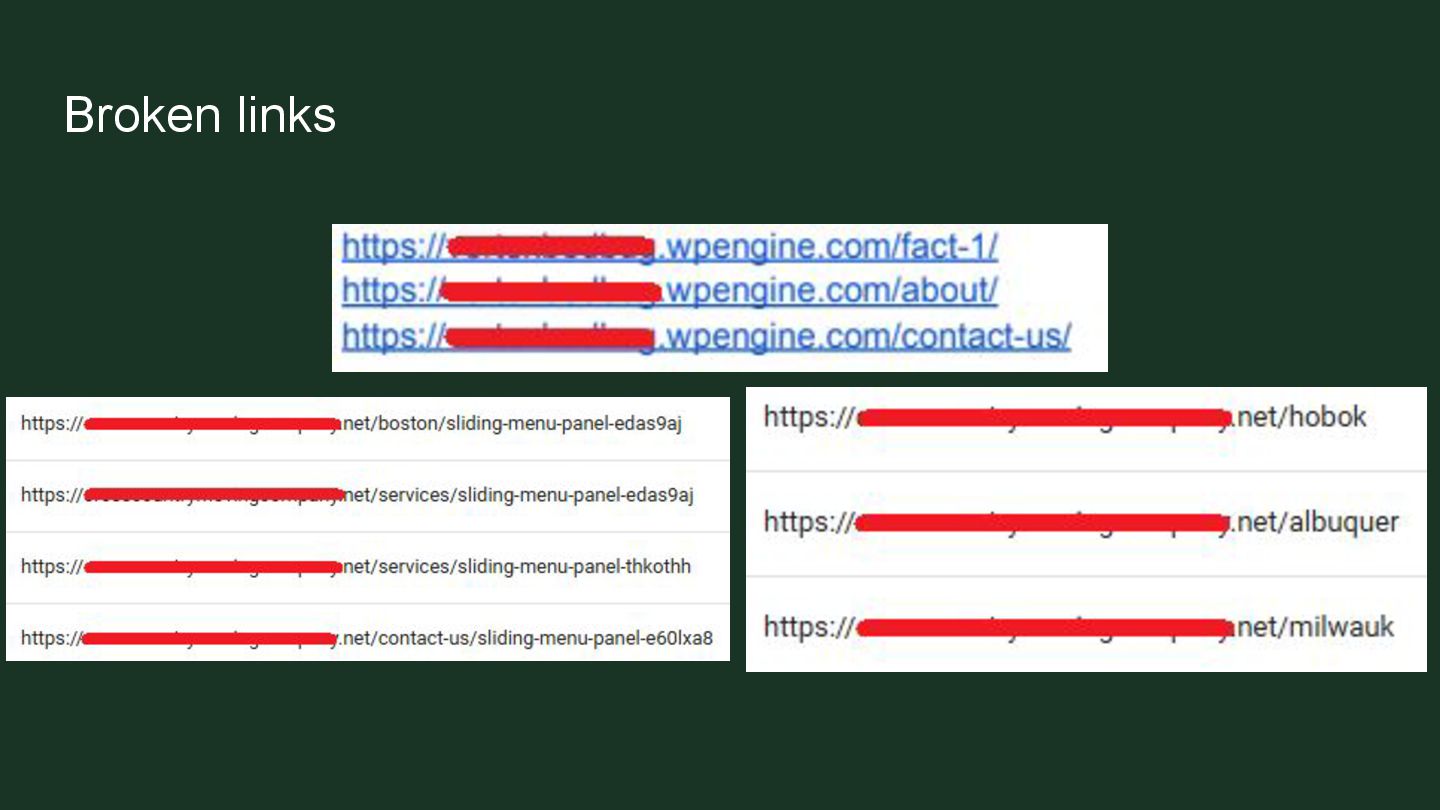
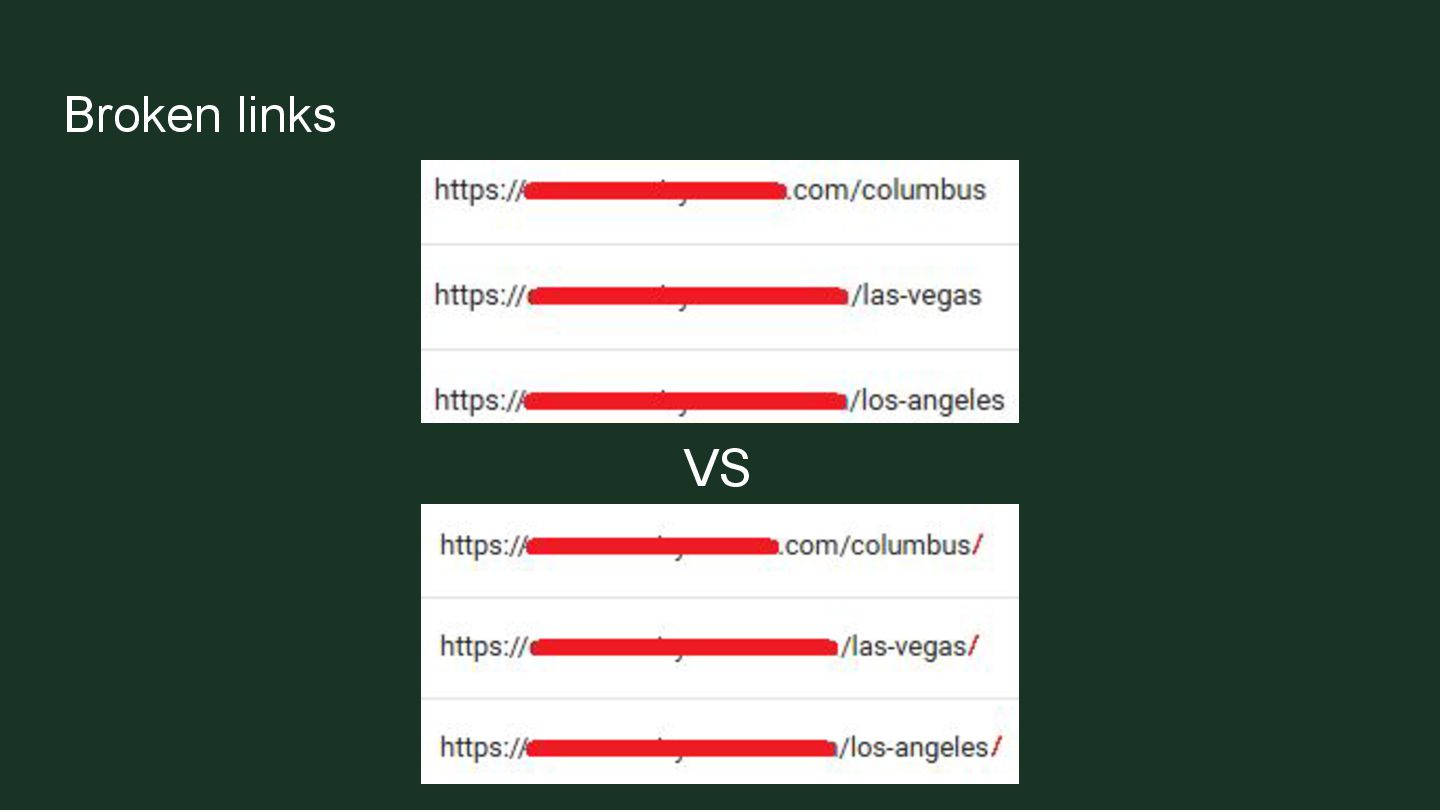
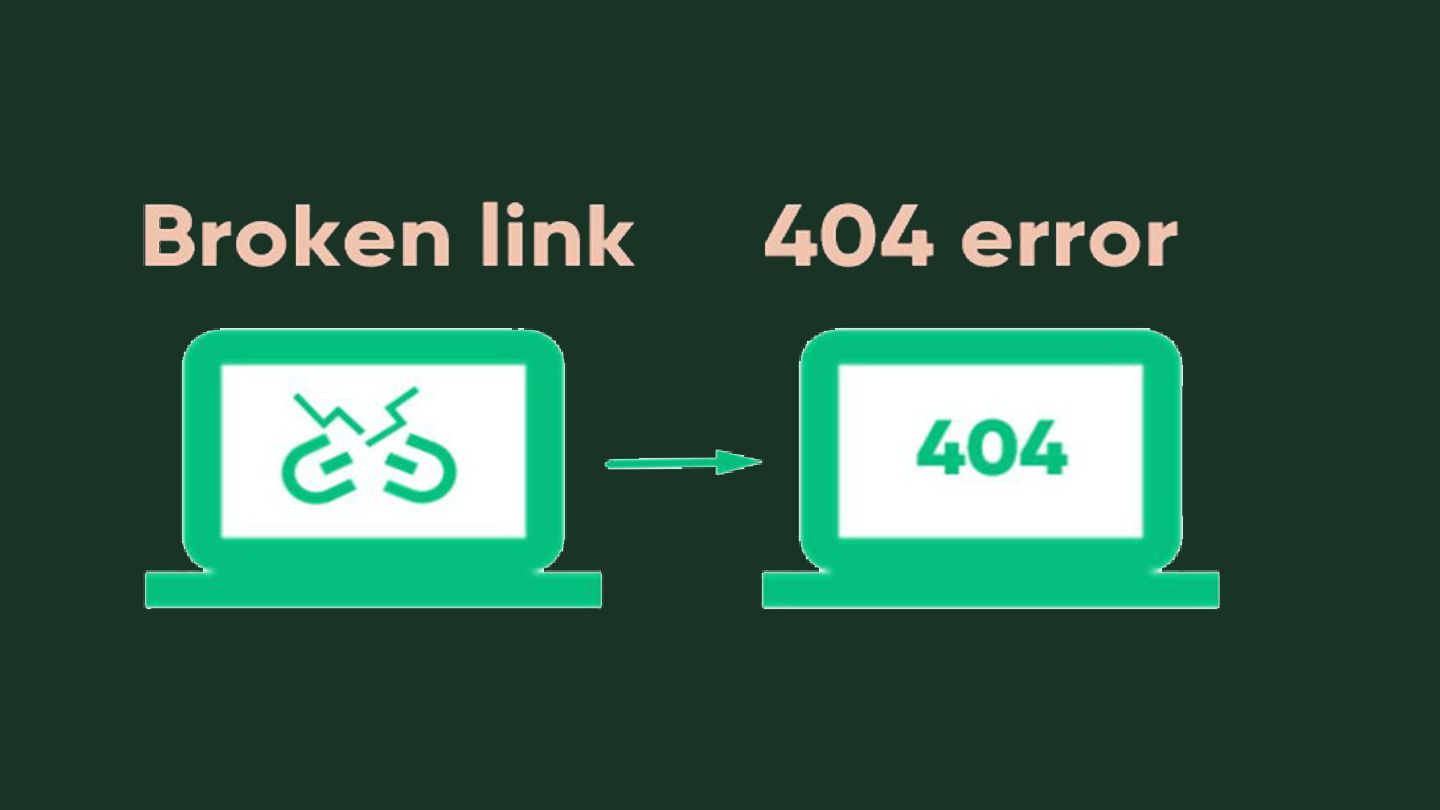
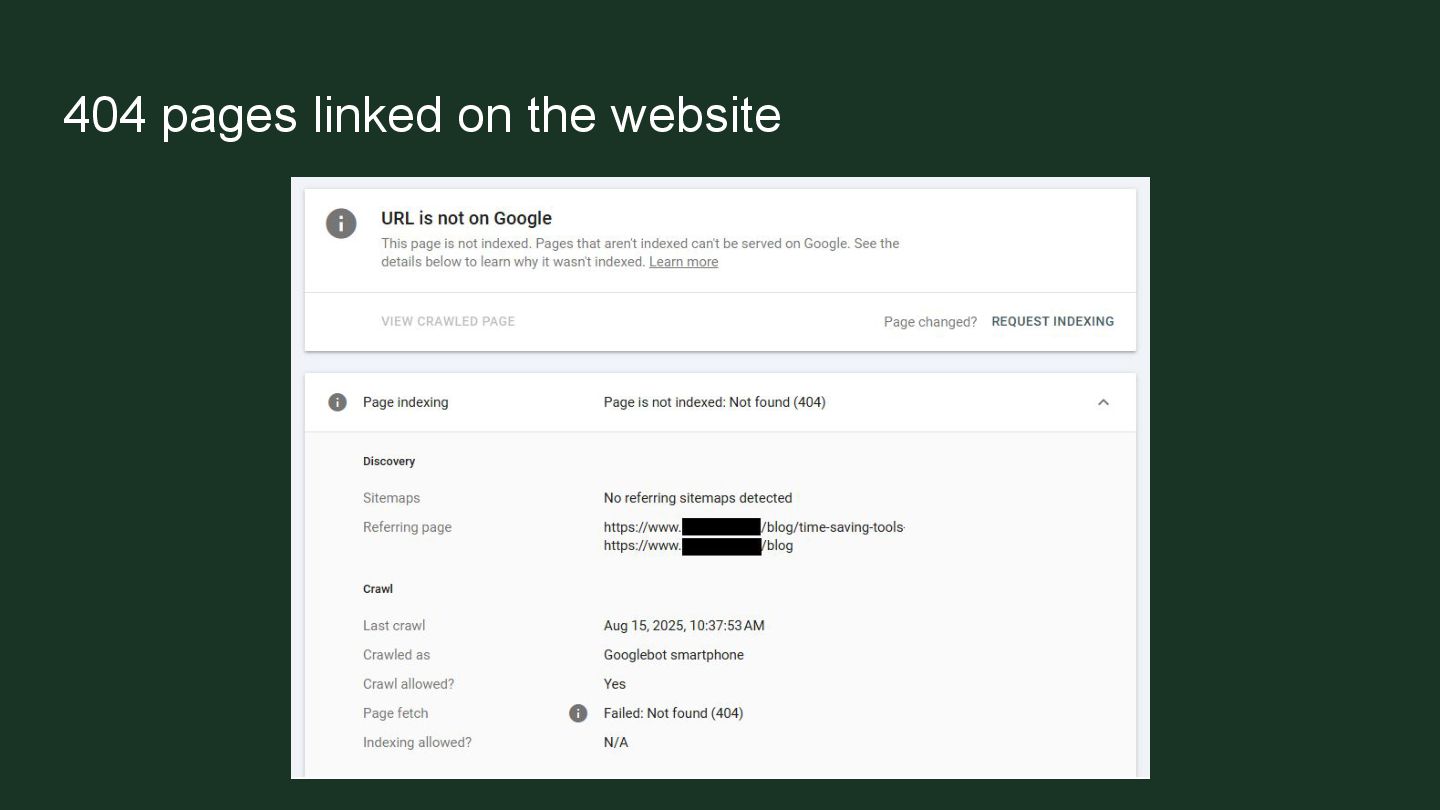
  14. Broken links ➢ Leaving staging links ➢ Not redirecting or

    removing links after deleting ➢ Linking incomplete URLs ➢ Adding links without the / at the end
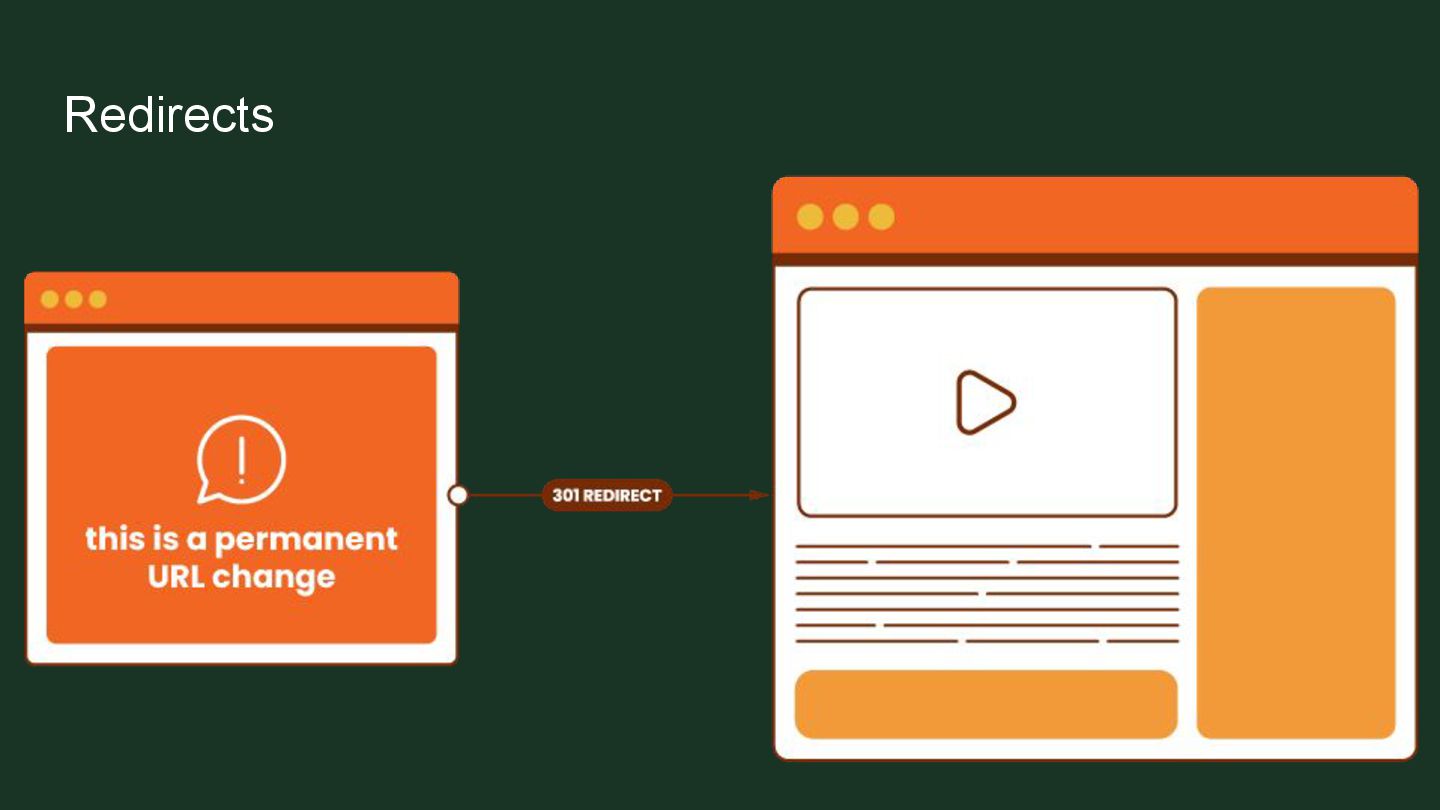
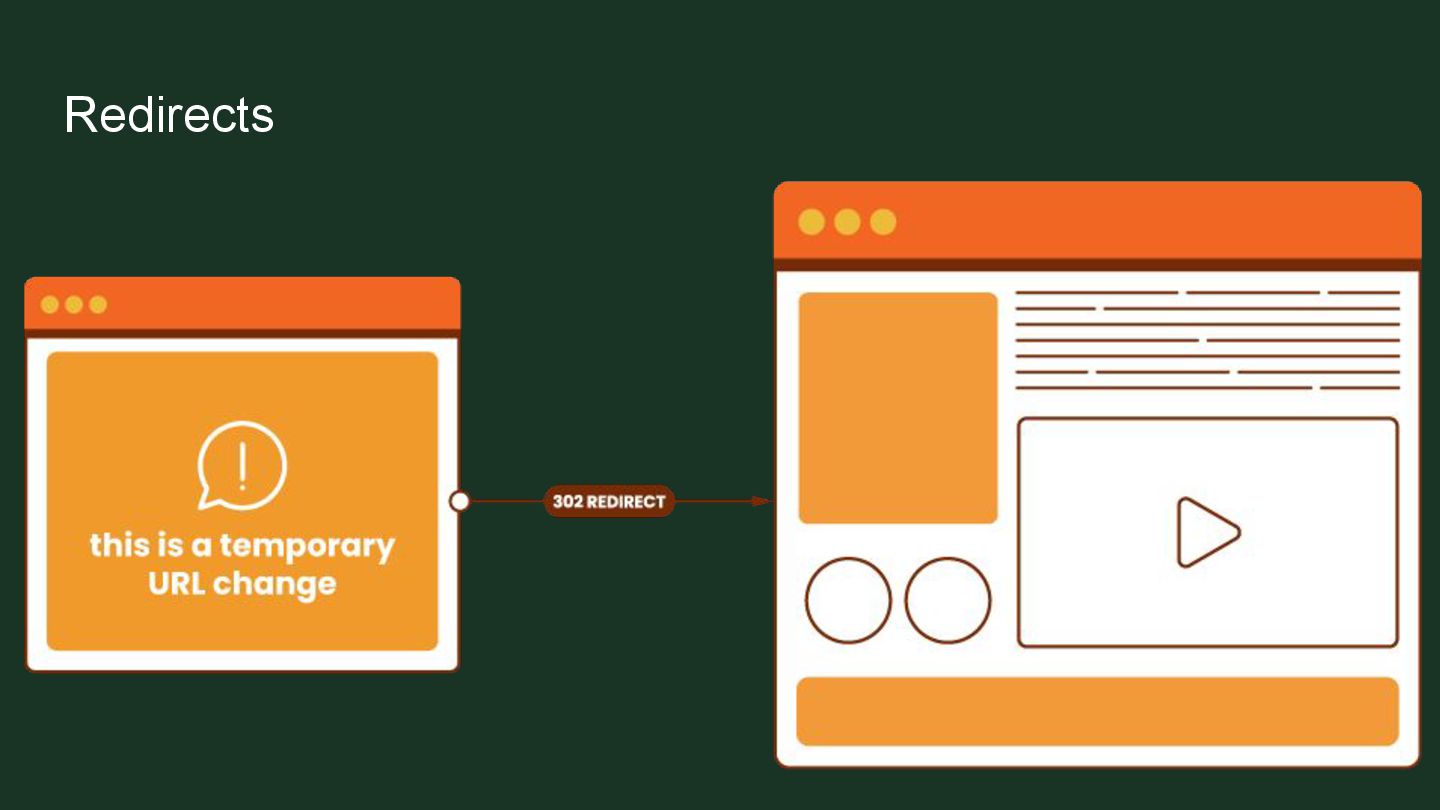
  15. Redirects ➢ A must when deleting pages ➢ But not

    great to have too many ➢ Be careful when placing redirects
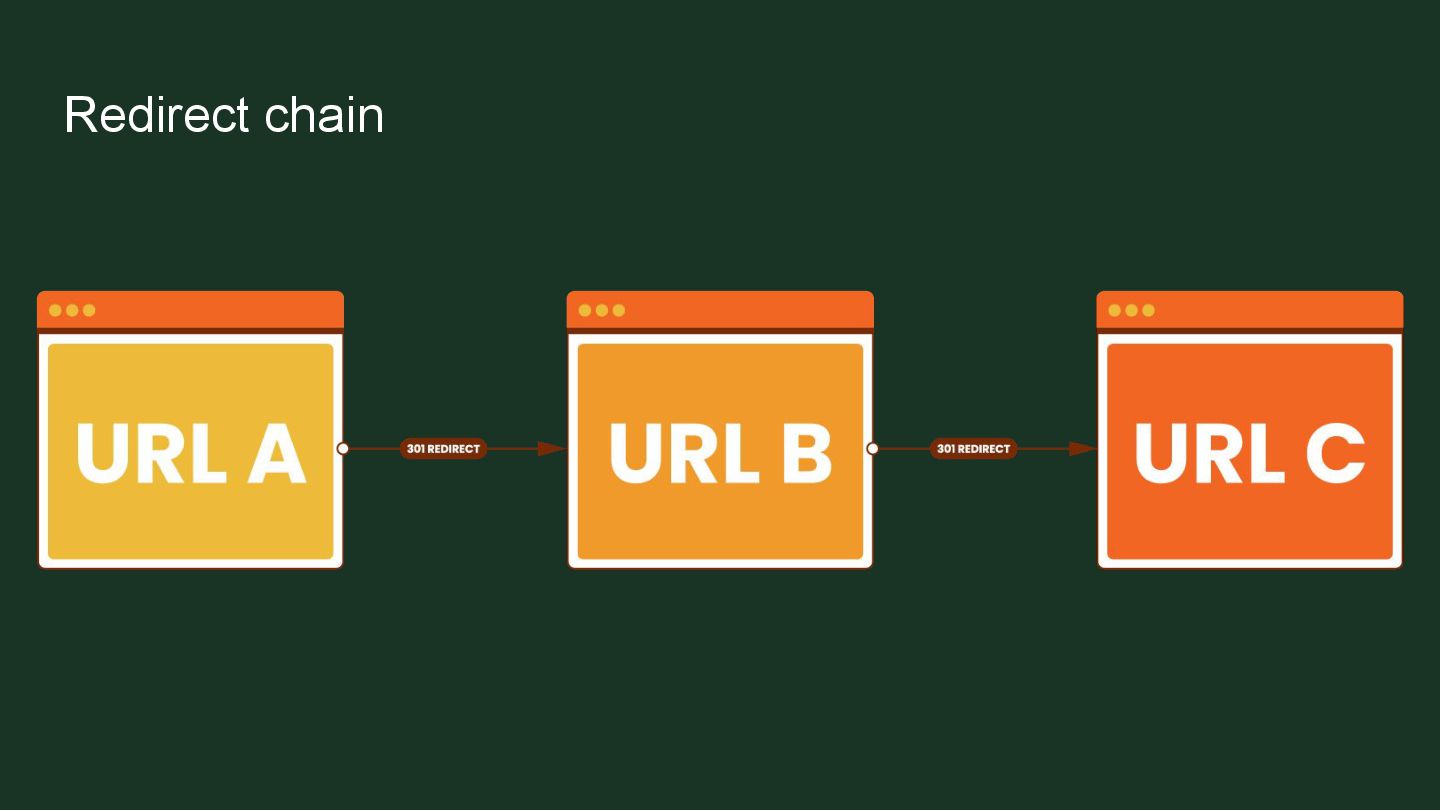
  16. Redirect chains ➢ When there are multiple redirects between an

    initial URL and final URL ➢ Makes the final URL the user gets load longer ➢ Google aborts following redirects after 5 hops to preserve its crawling resources
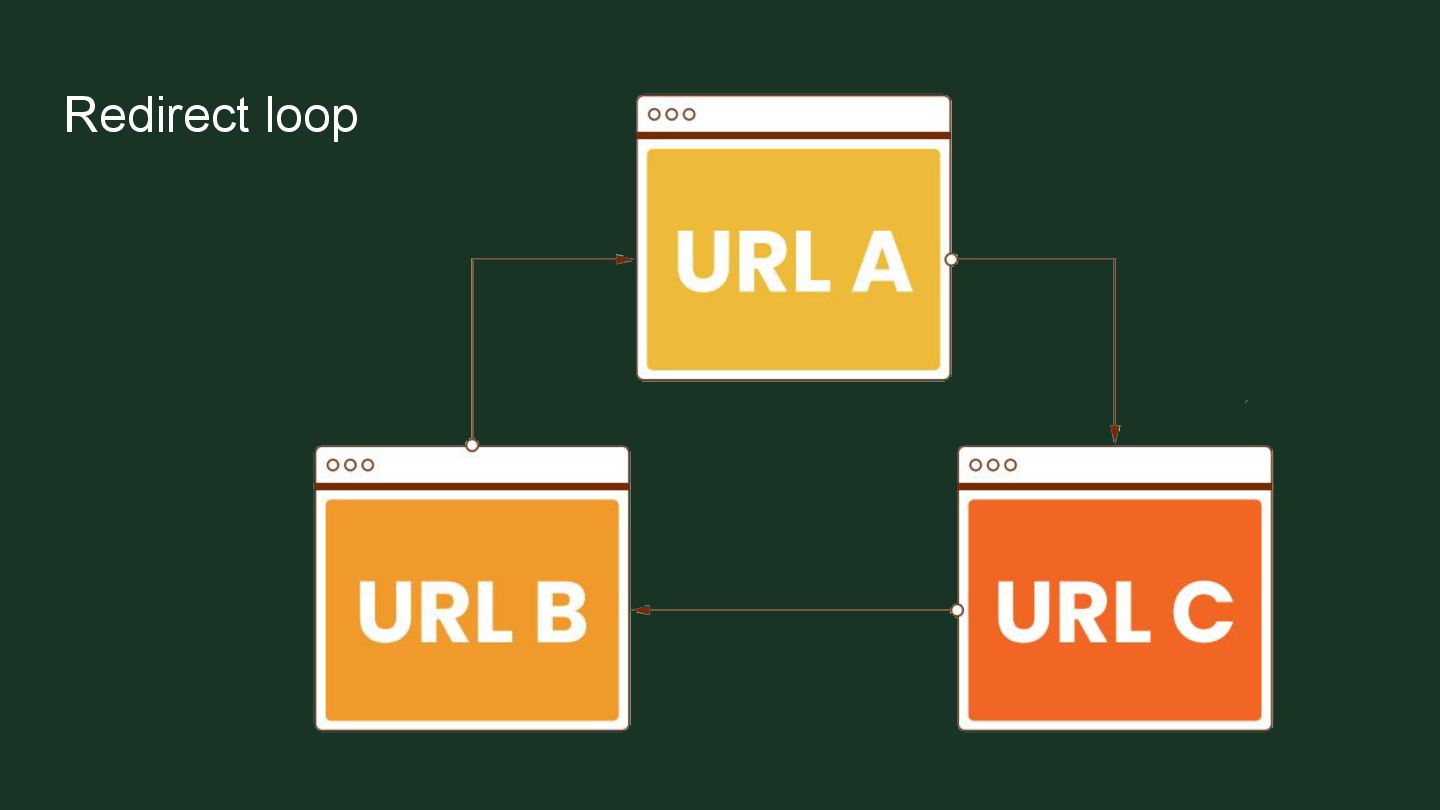
  17. Redirect loops ➢ When URL is redirected to another URL,

    which in turn redirects back to the URL that was originally requested ➢ Creates an infinite cycle of redirects
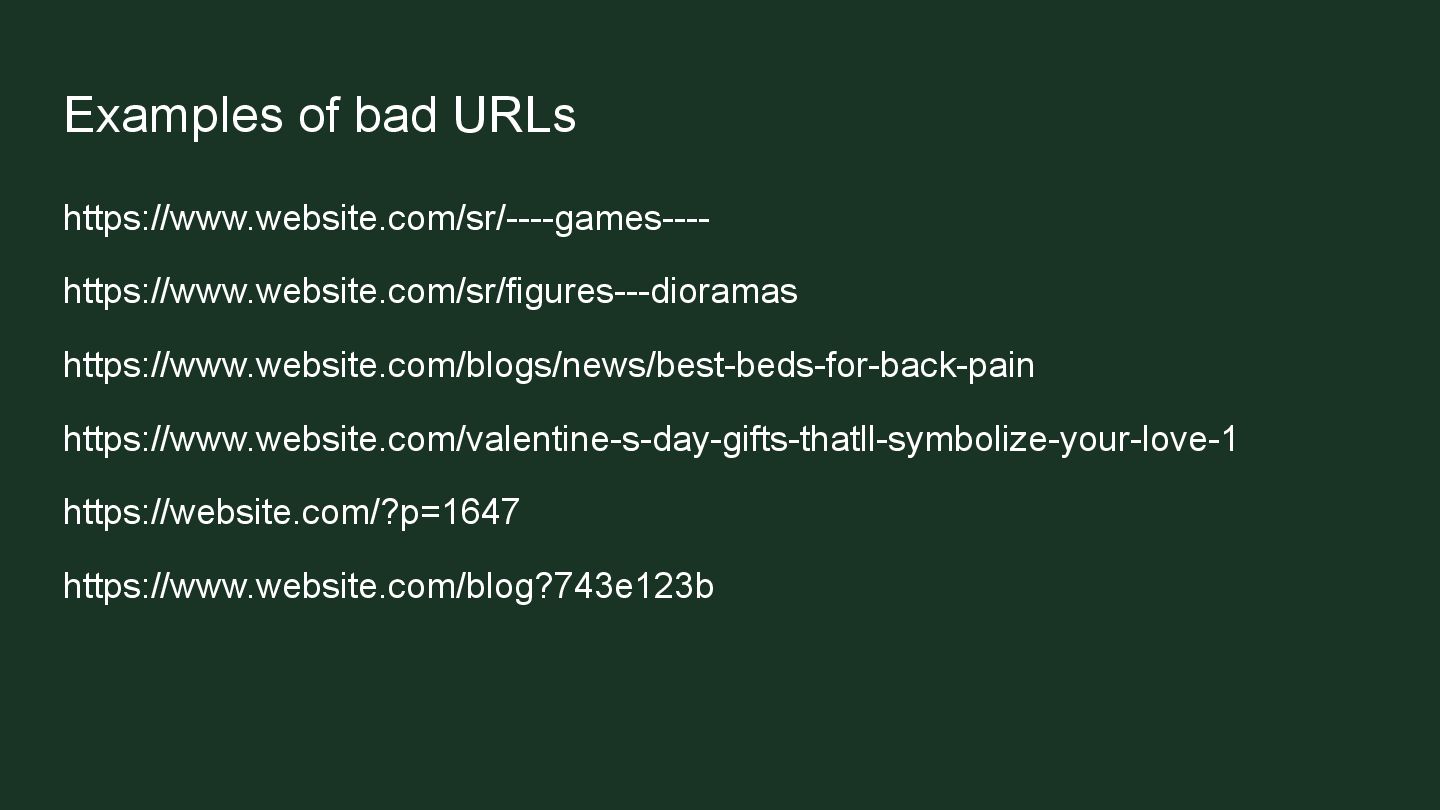
  18. Bad URL structure ➢ Using long, complicated URLs ➢ Using

    auto-generated strings ➢ Mixing uppercase and lowercase letters ➢ Using underscores instead of hyphens ➢ Including spaces or special characters ➢ Duplicate URLs for the same page
  19. Using blog posts as pages ➢ Instead of creating pages

    ➢ Using blog posts for location pages or landing pages
  20. Having your blog as a blog category ➢ Happens when

    using blog posts for something else ➢ Using a category named Blog for the blog posts
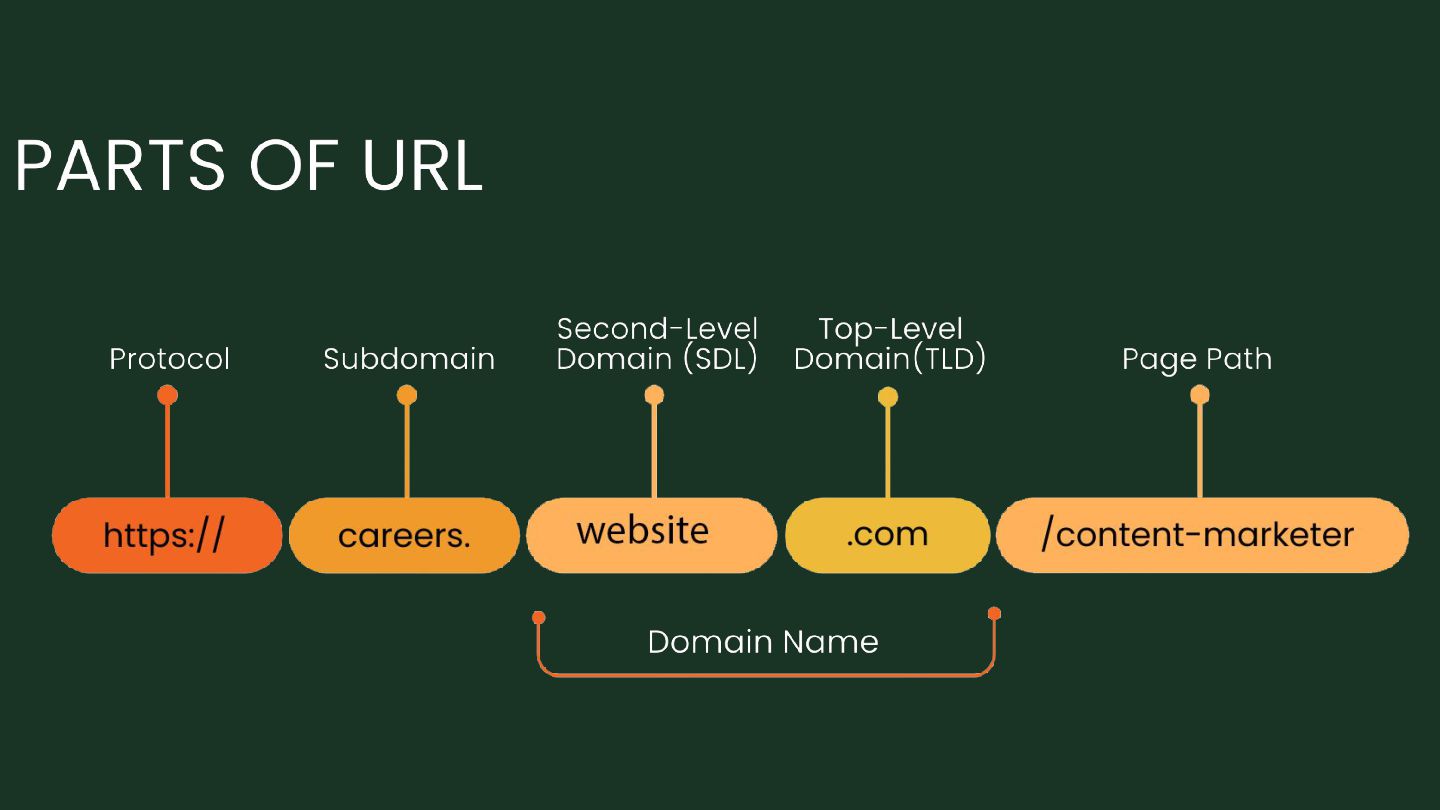
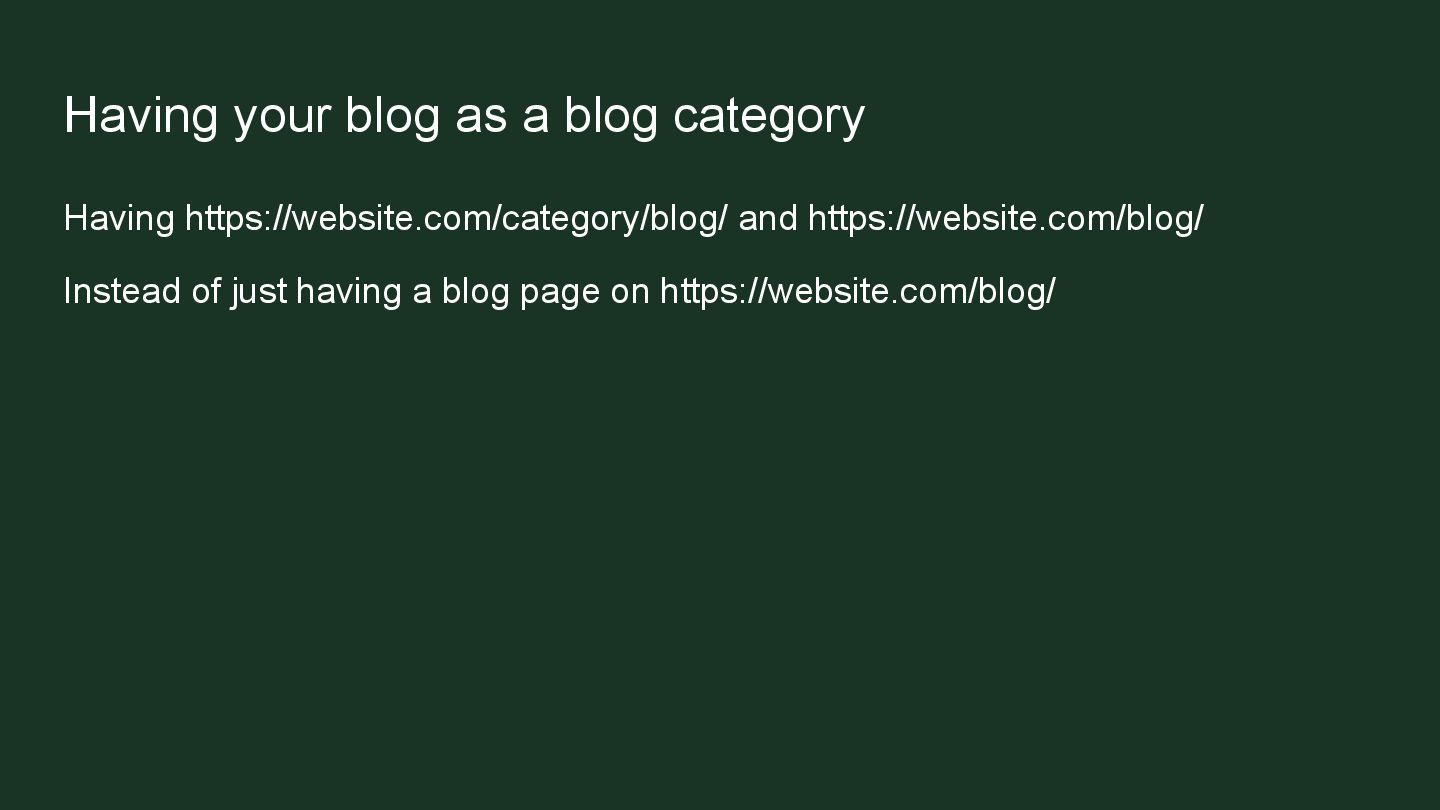
  21. Having your blog as a blog category Having https://website.com/category/blog/ and

    https://website.com/blog/ Instead of just having a blog page on https://website.com/blog/
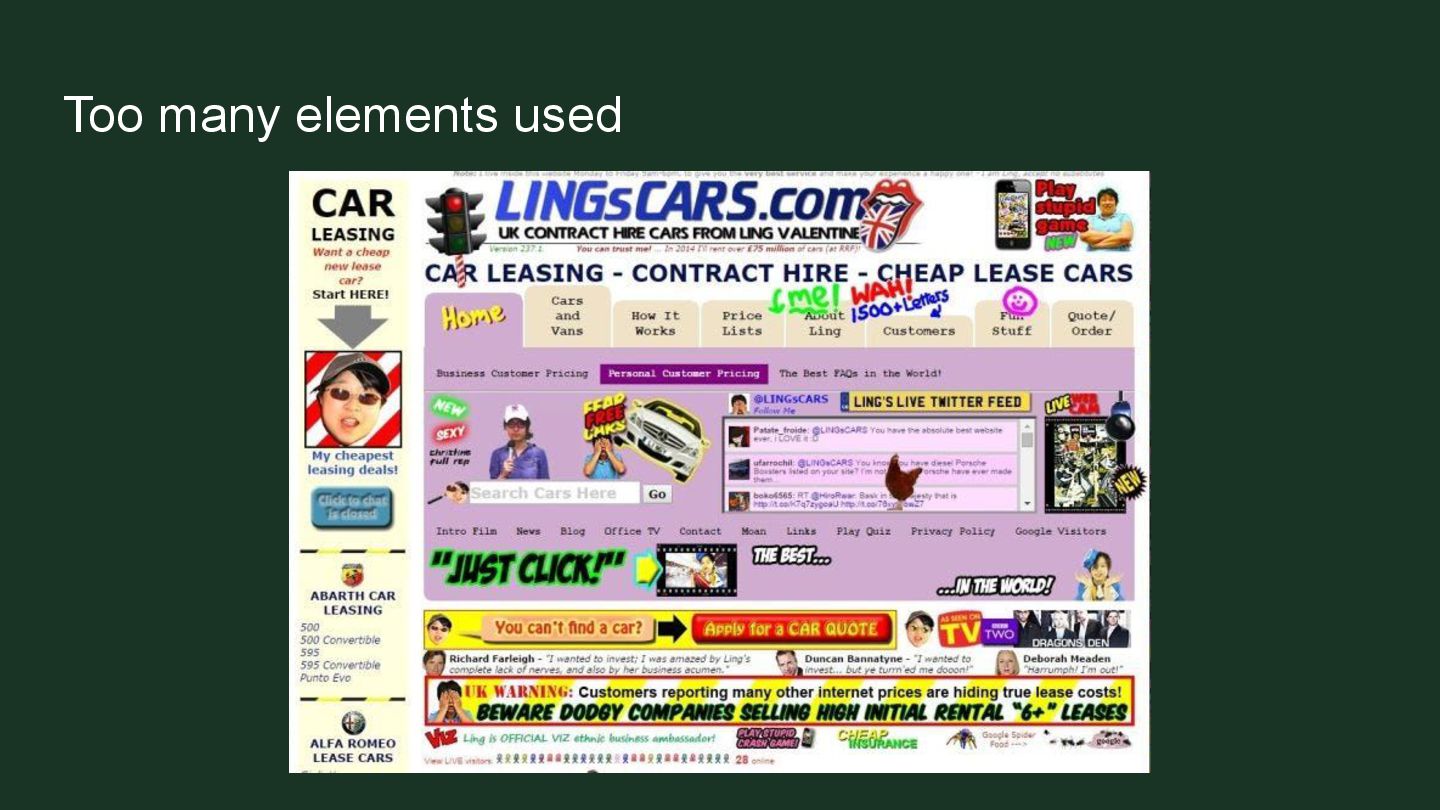
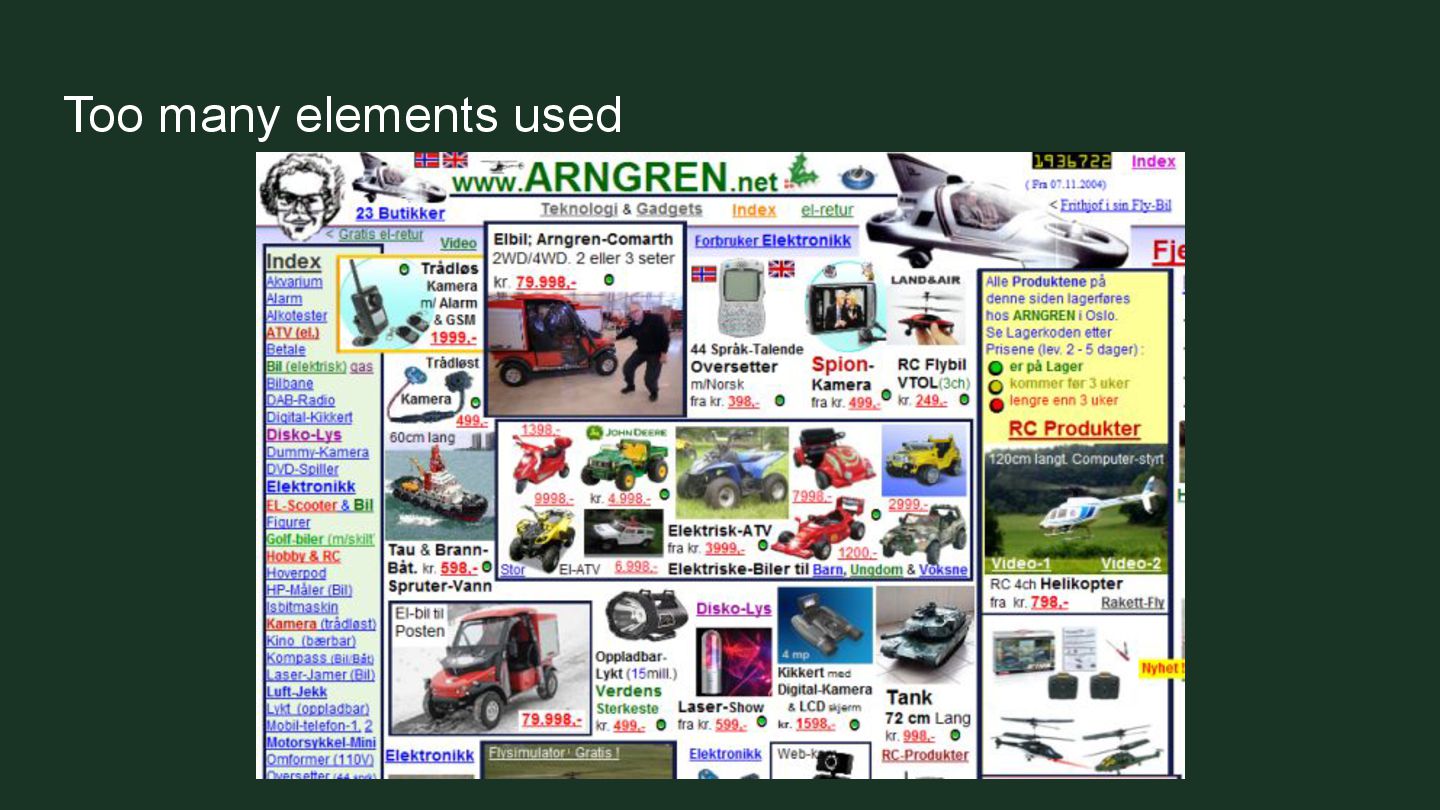
  22. Using too much JavaScript elements ➢ Overloading the website with

    too much JavaScript elements ➢ Slows down the website ➢ Often makes bad user experience
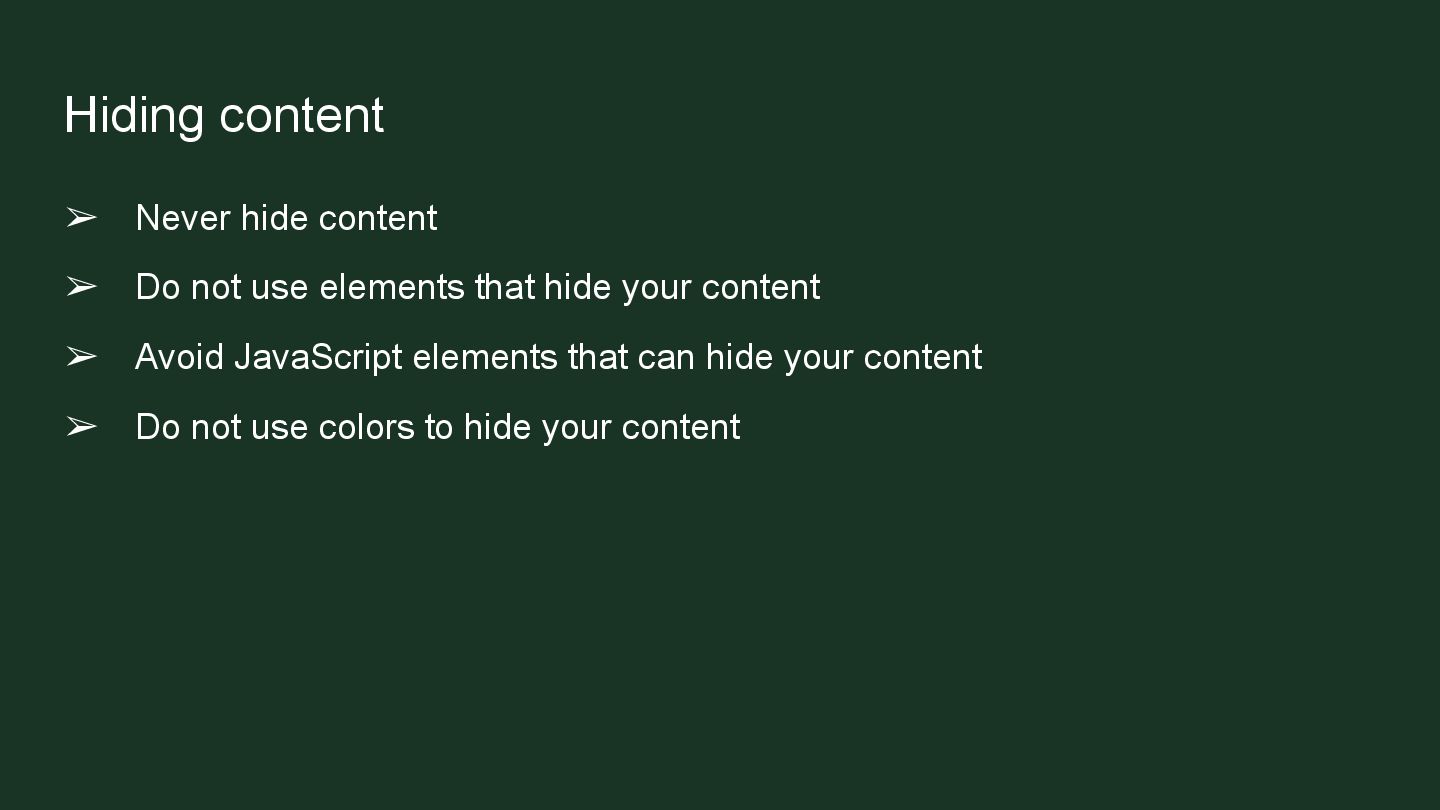
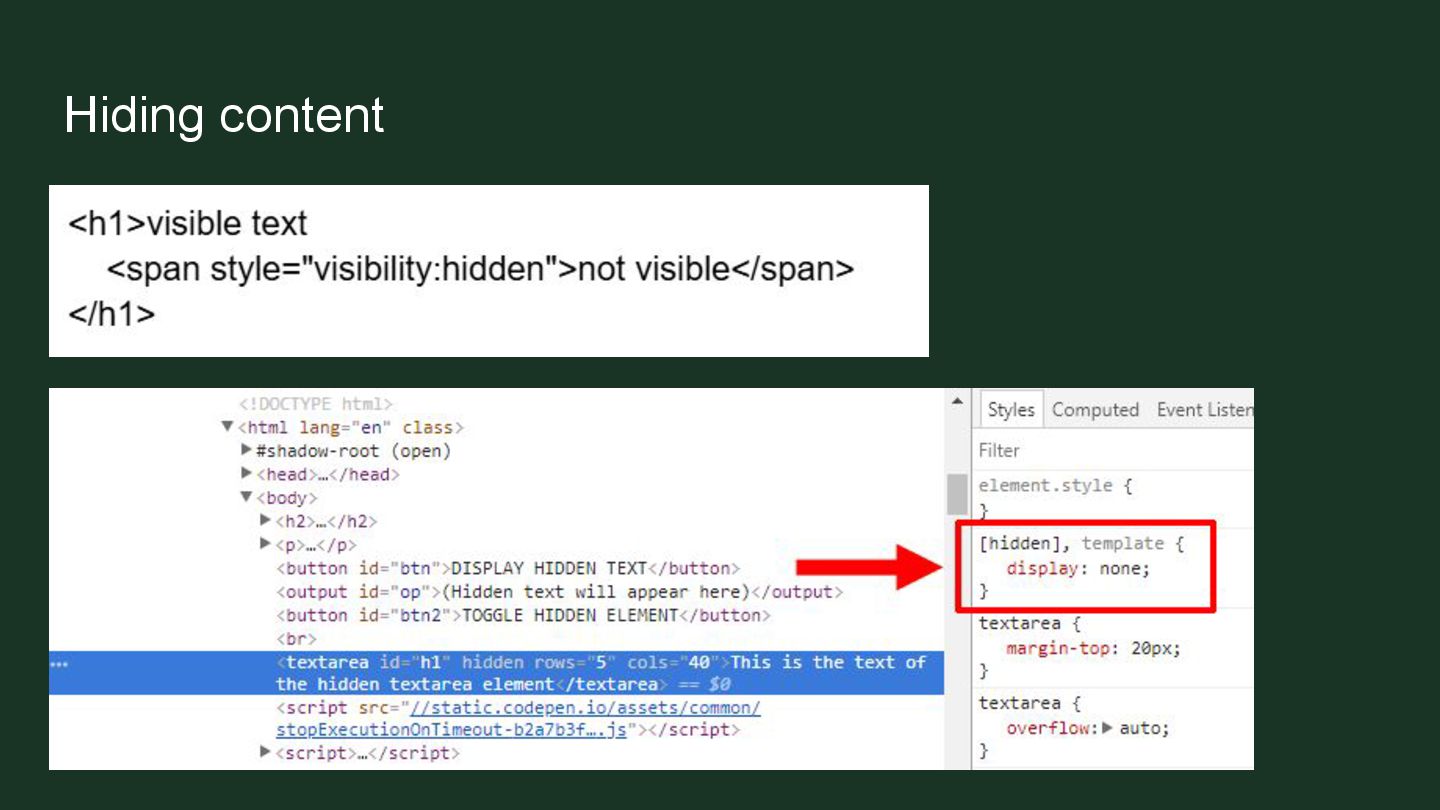
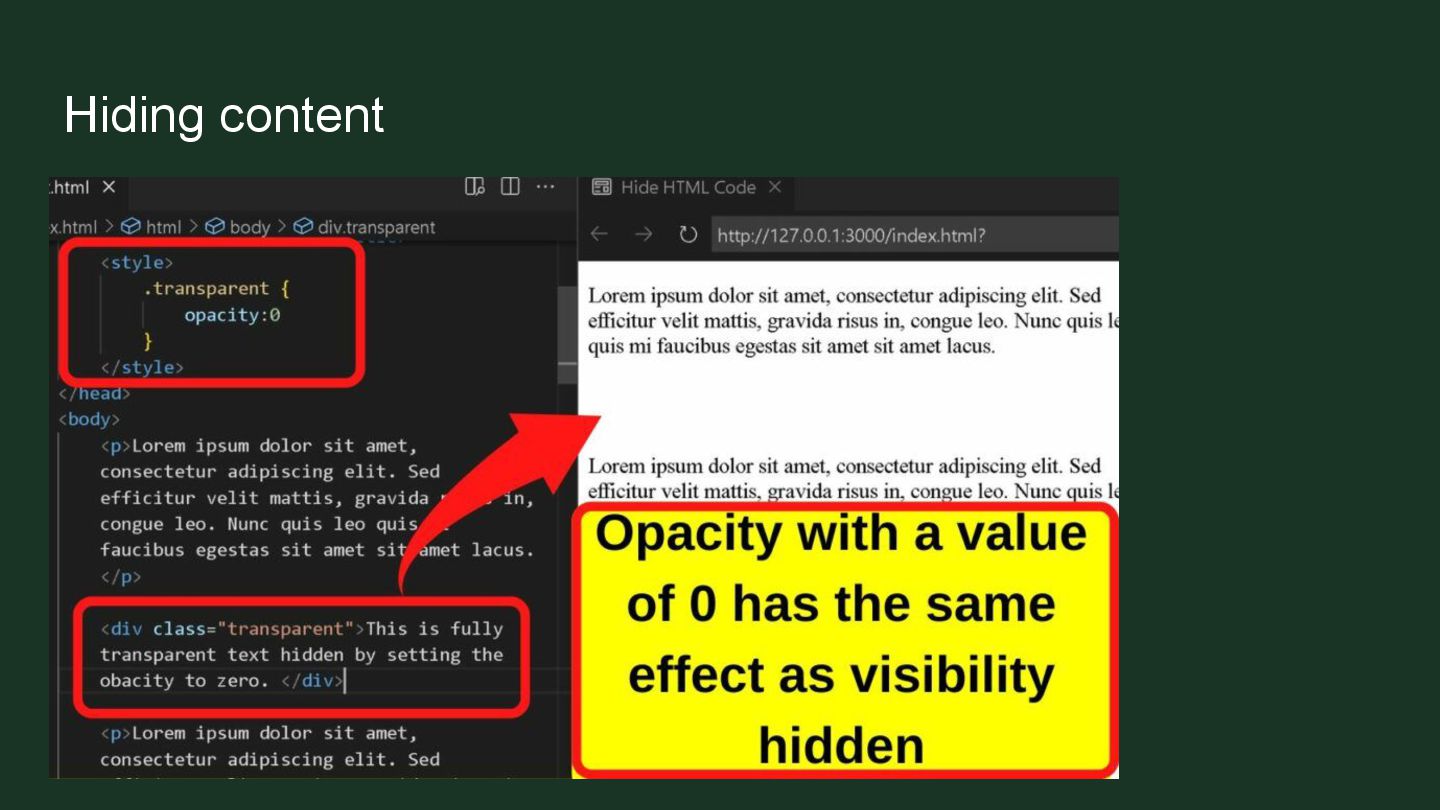
  23. Hiding content ➢ Never hide content ➢ Do not use

    elements that hide your content ➢ Avoid JavaScript elements that can hide your content ➢ Do not use colors to hide your content
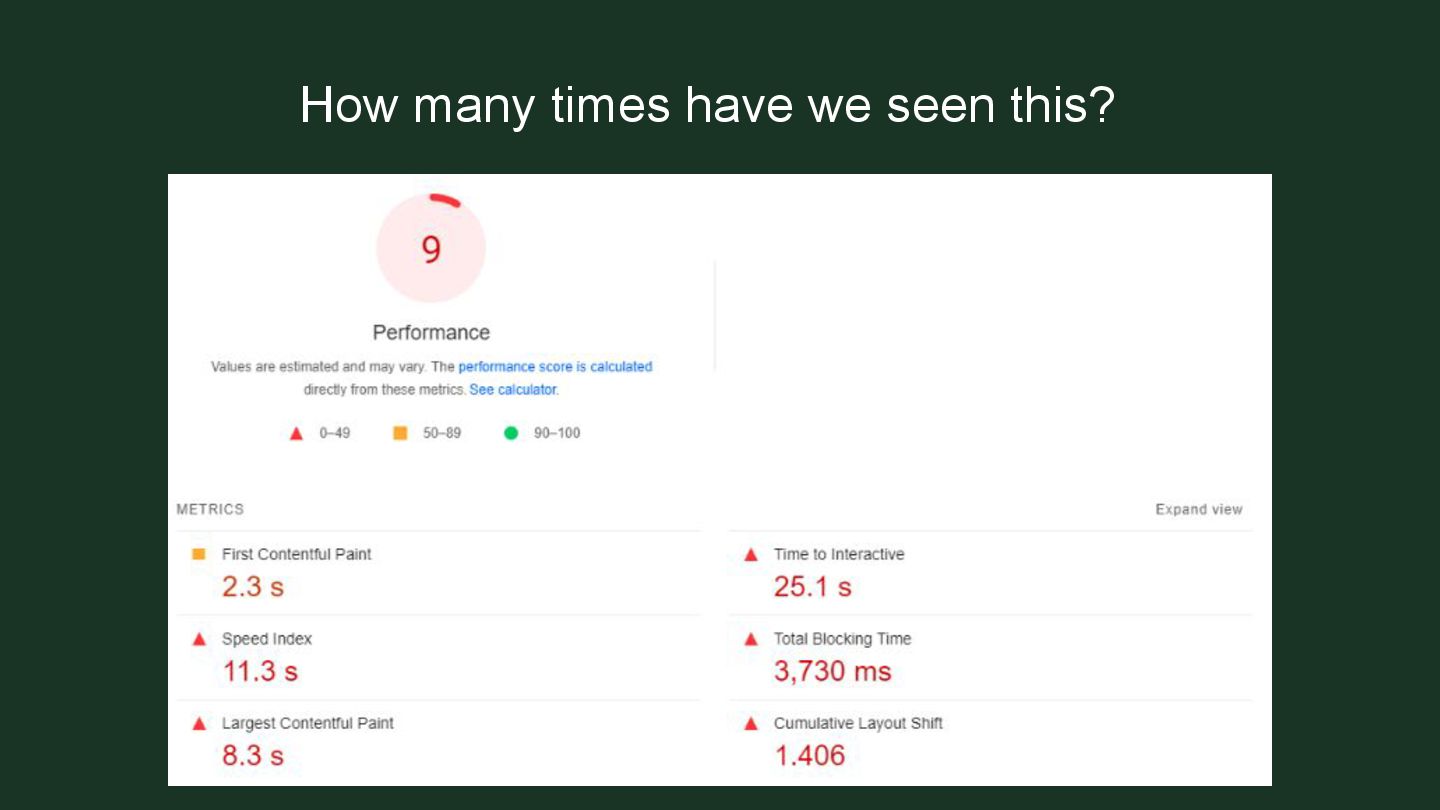
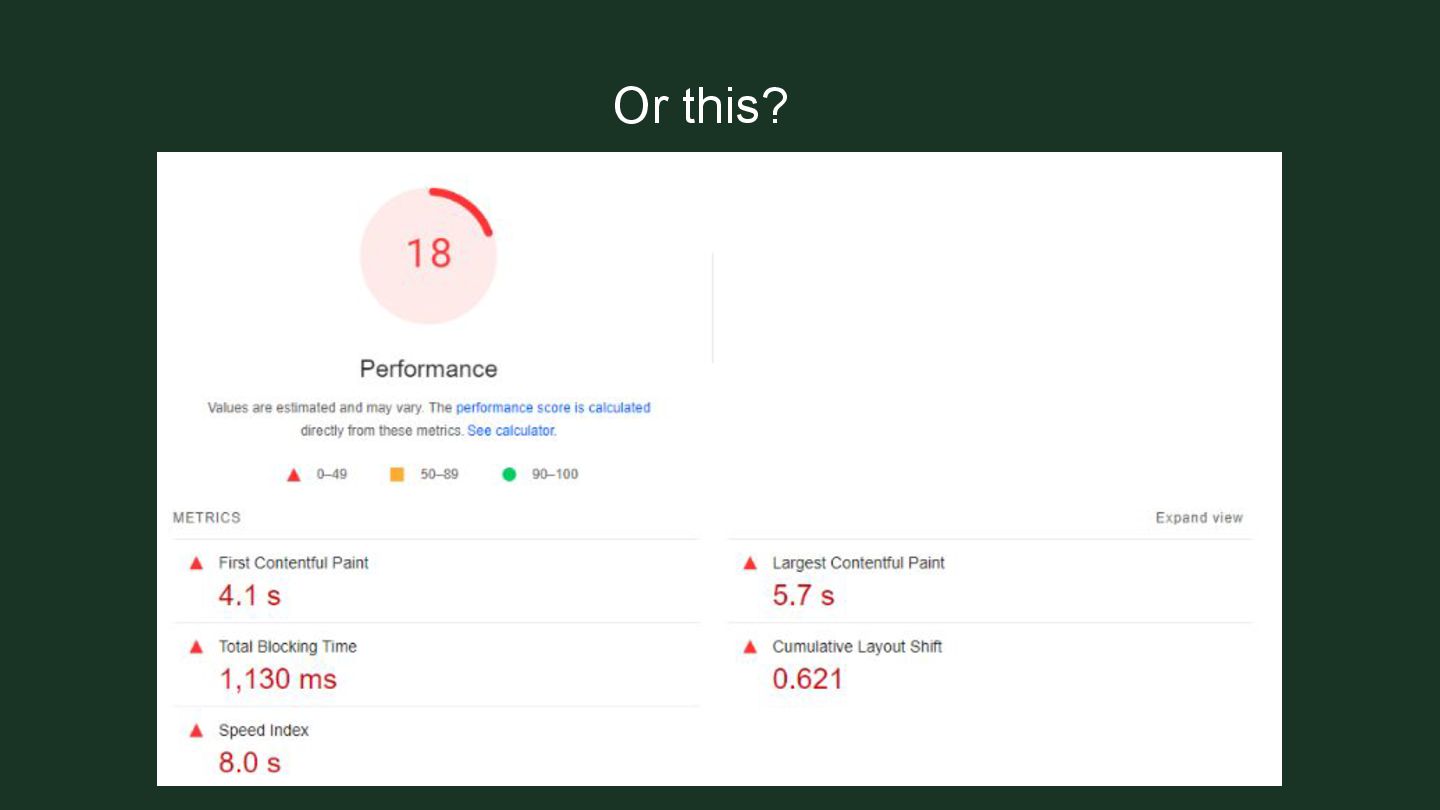
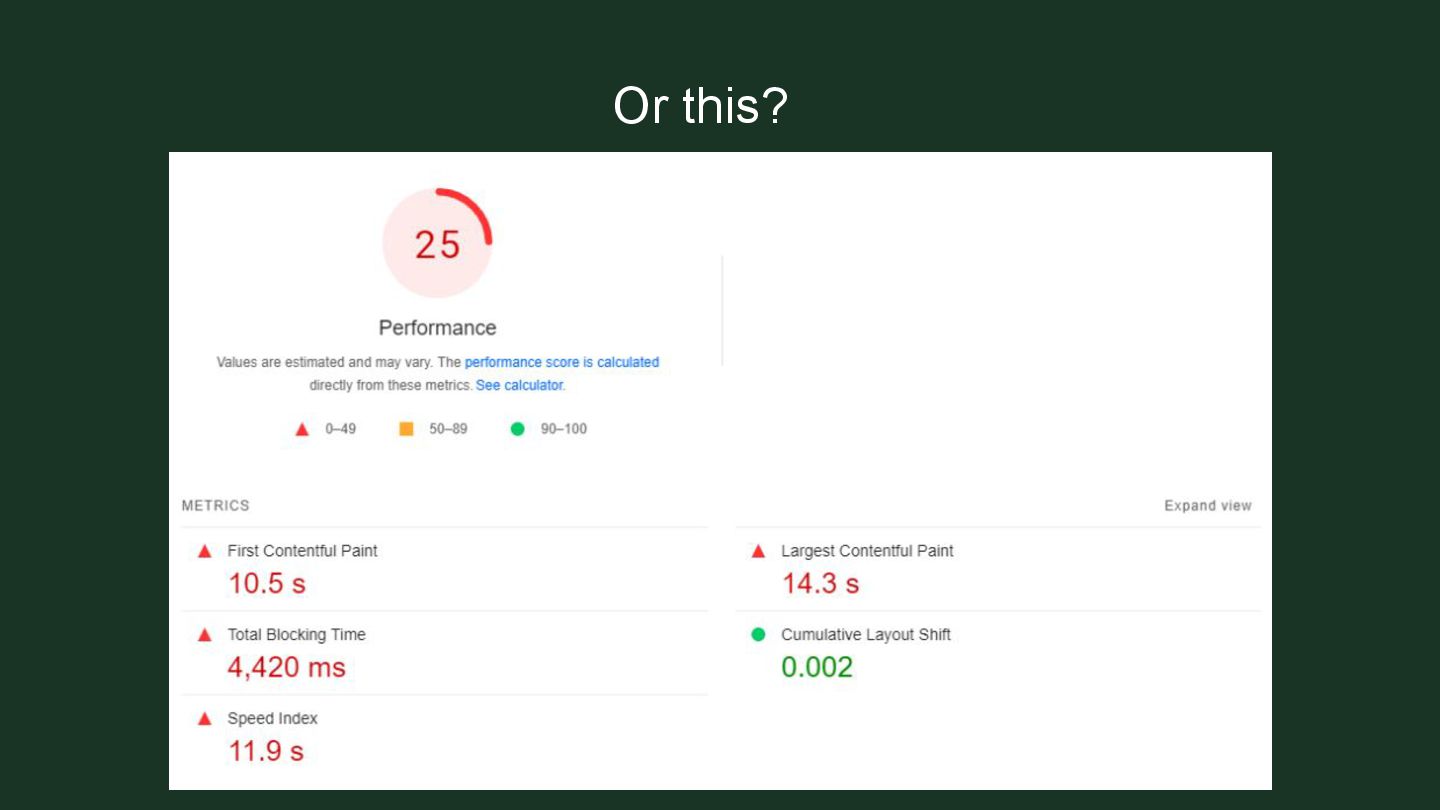
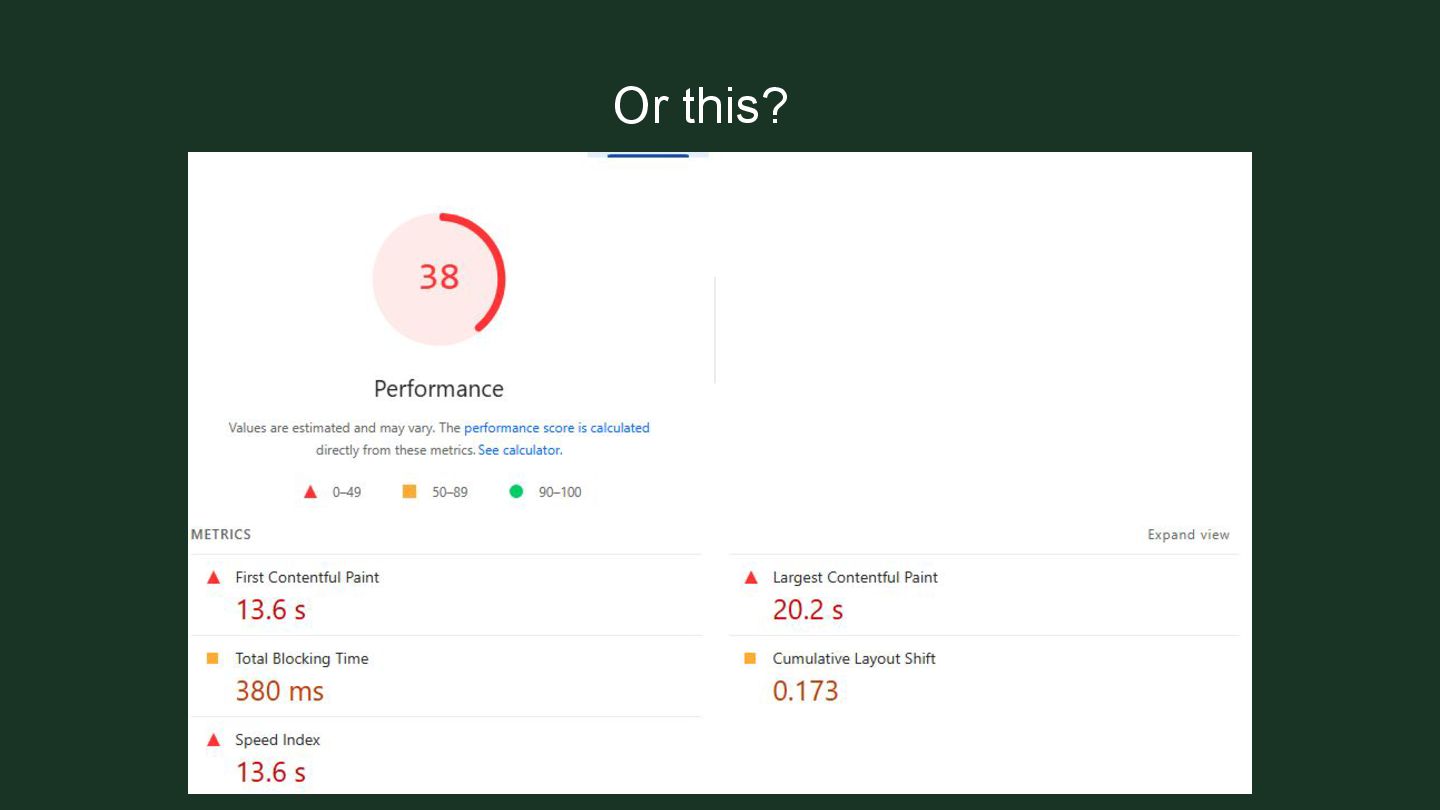
  24. How to beat this? ➢ Properly size images. Do not

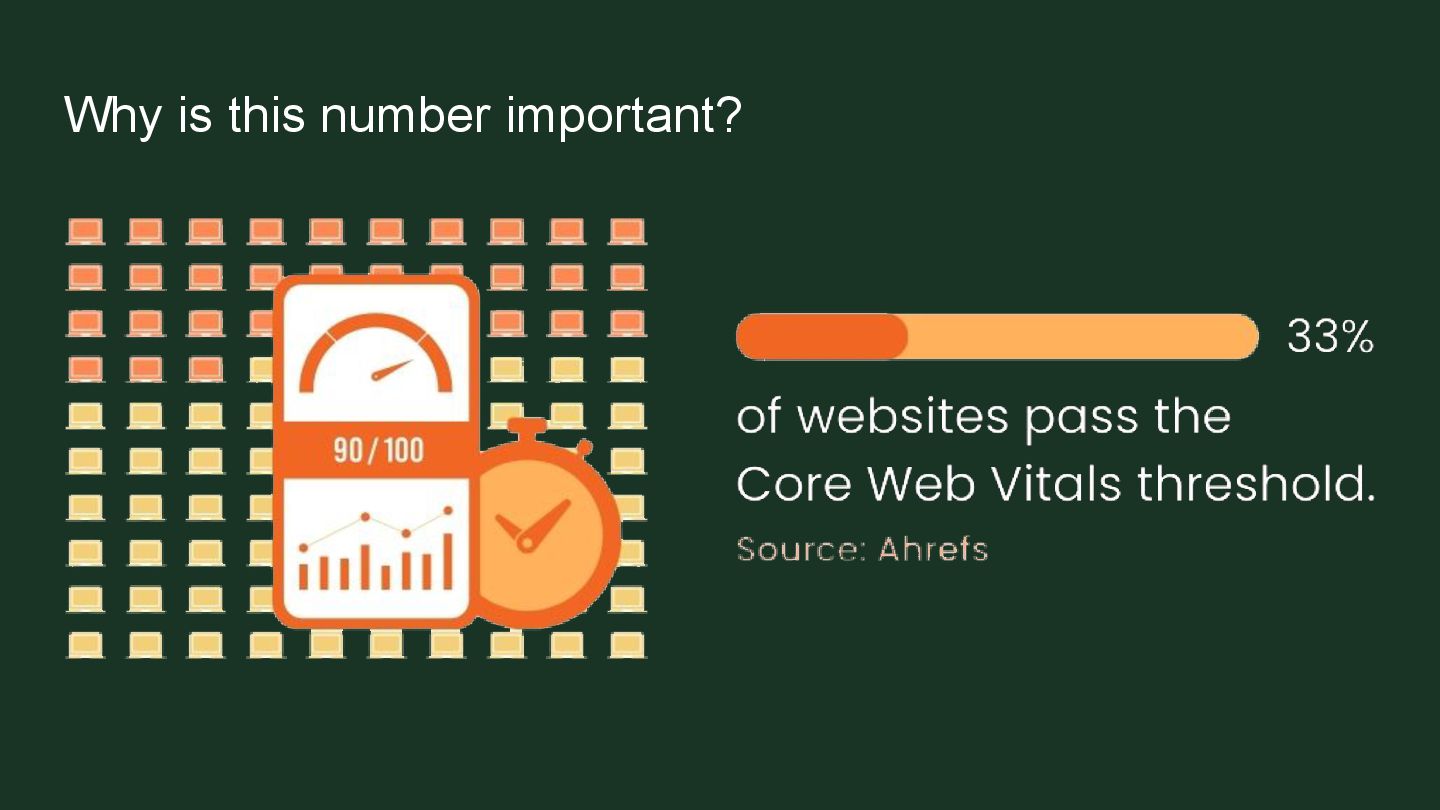
    upload that 5MB image. ➢ Reduce unused CSS and JavaScript. Get your developer to go through the code and see what’s being used or not. ➢ Minimize files. WordPress users can use a plugin for this. ➢ Make sure you have an efficient cache policy.
  25. No responsive design ➢ Mobile usability is very important ➢

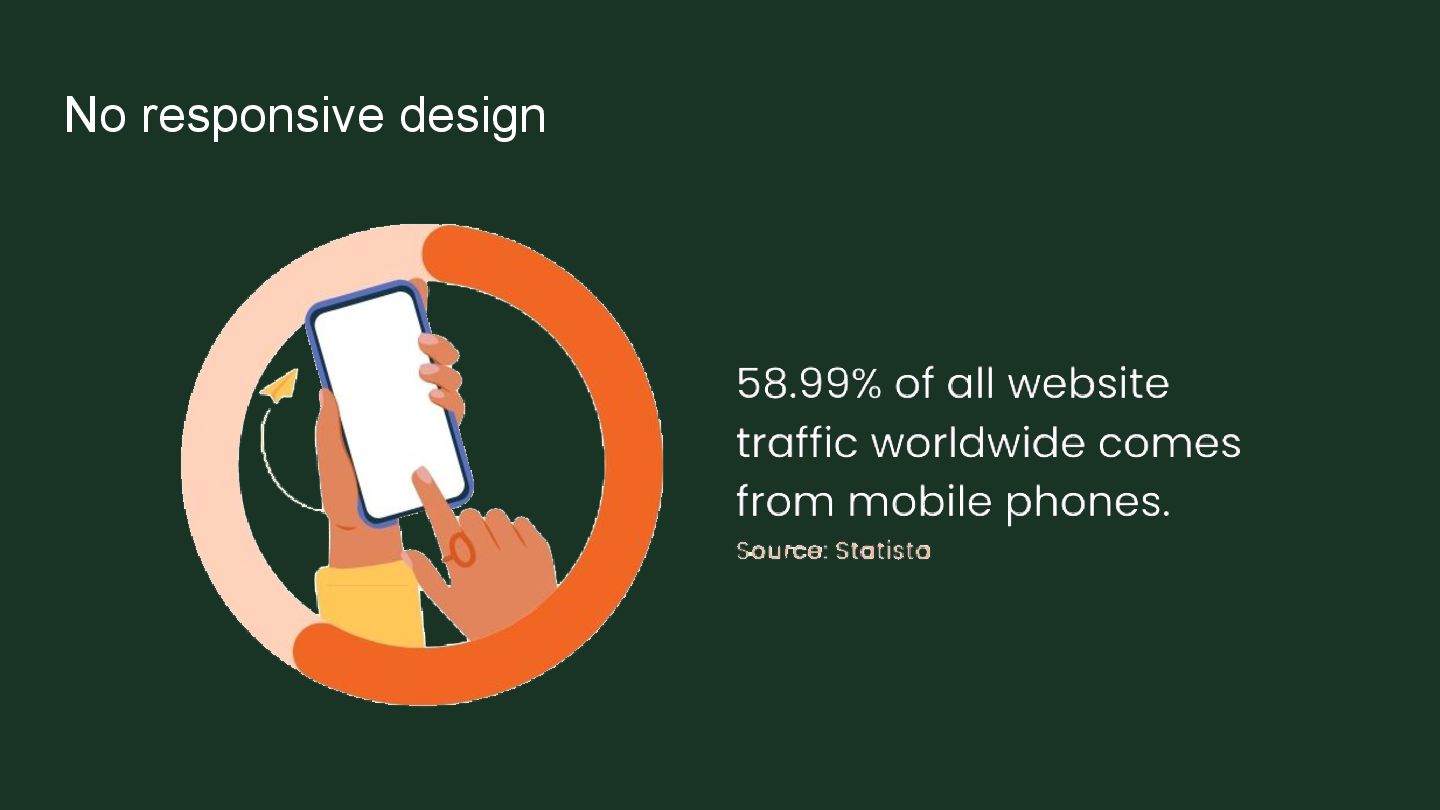
    Your design must be functional on the phone ➢ Crawlers and users both need mobile to be functional
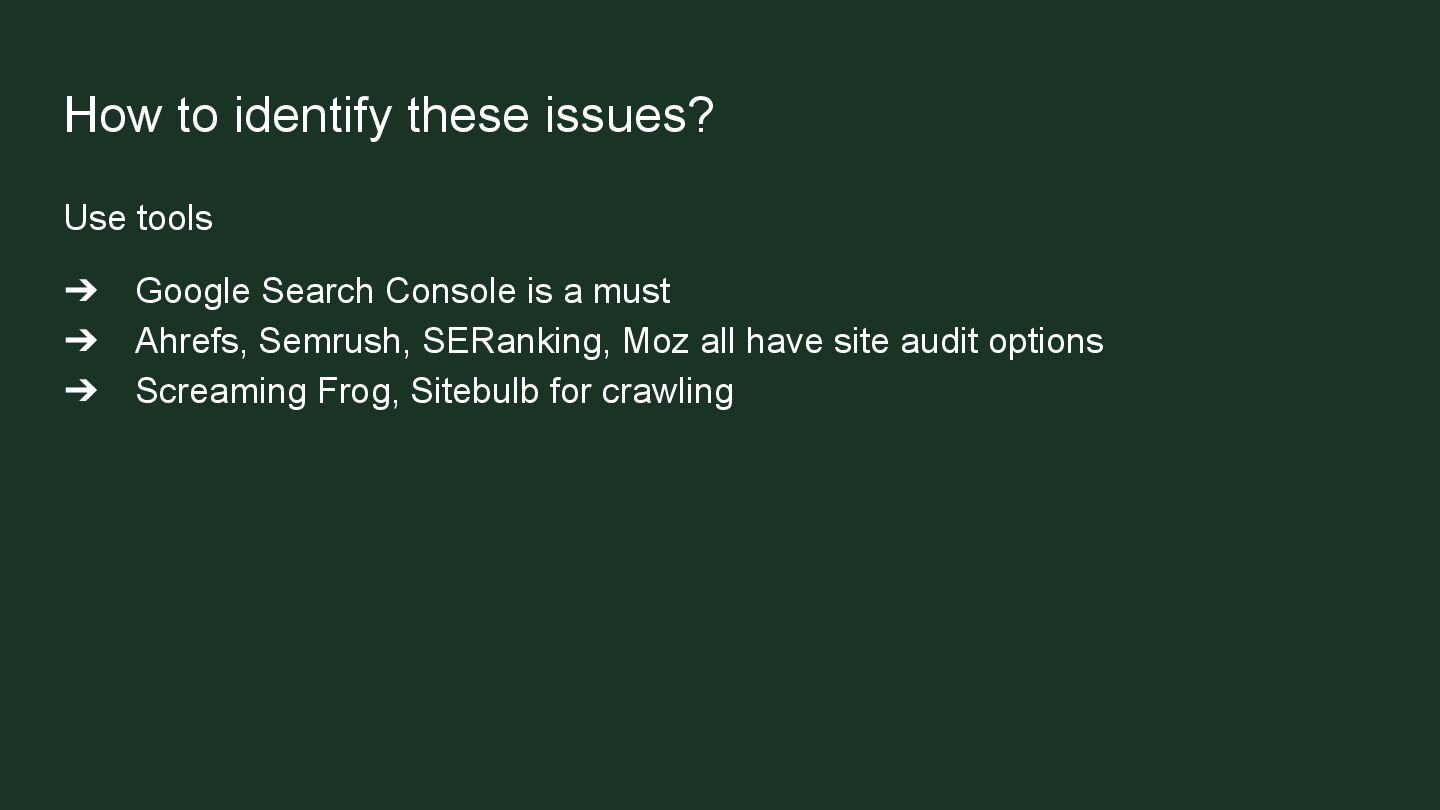
  26. How to identify these issues? Use tools ➔ Google Search

    Console is a must ➔ Ahrefs, Semrush, SERanking, Moz all have site audit options ➔ Screaming Frog, Sitebulb for crawling
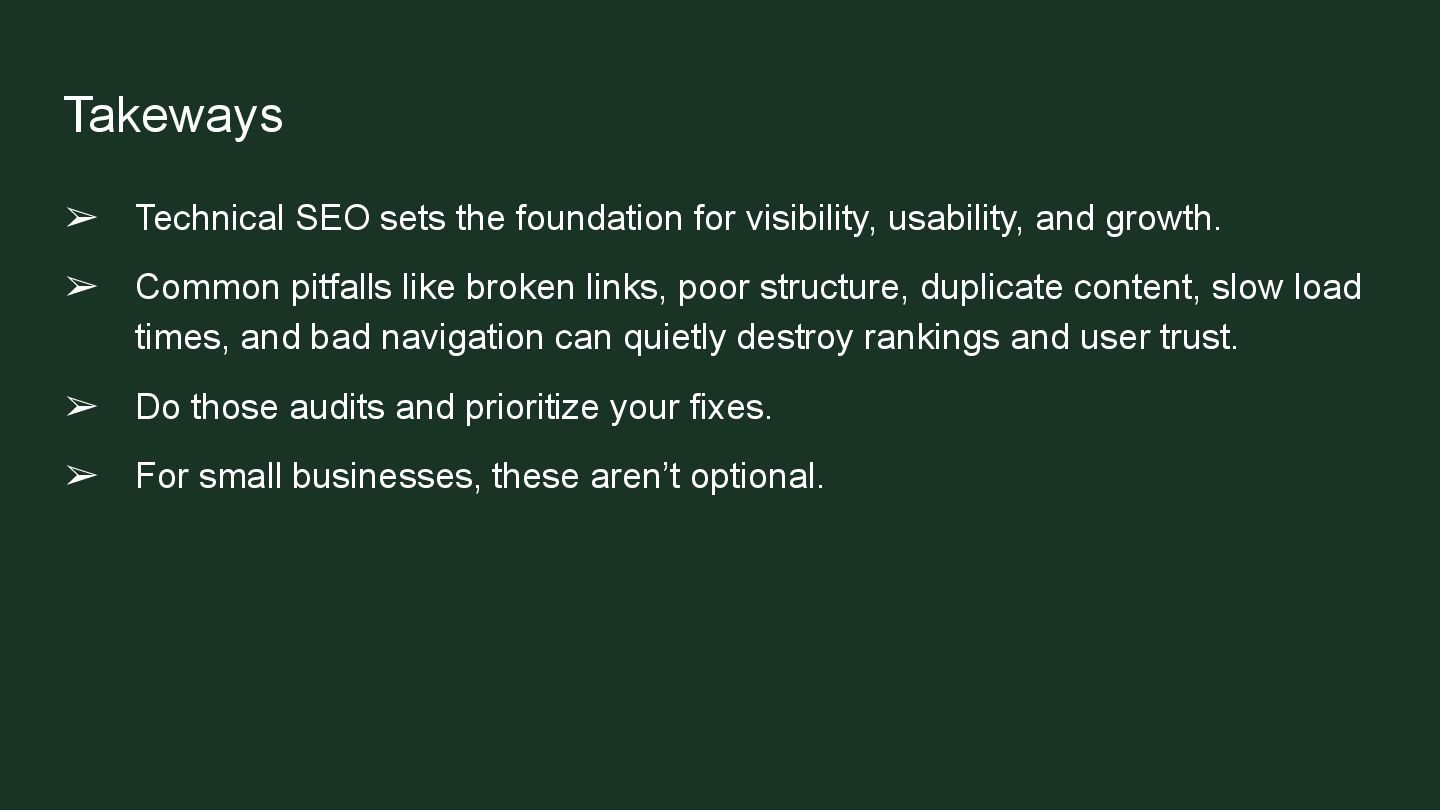
  27. Takeways ➢ Technical SEO sets the foundation for visibility, usability,

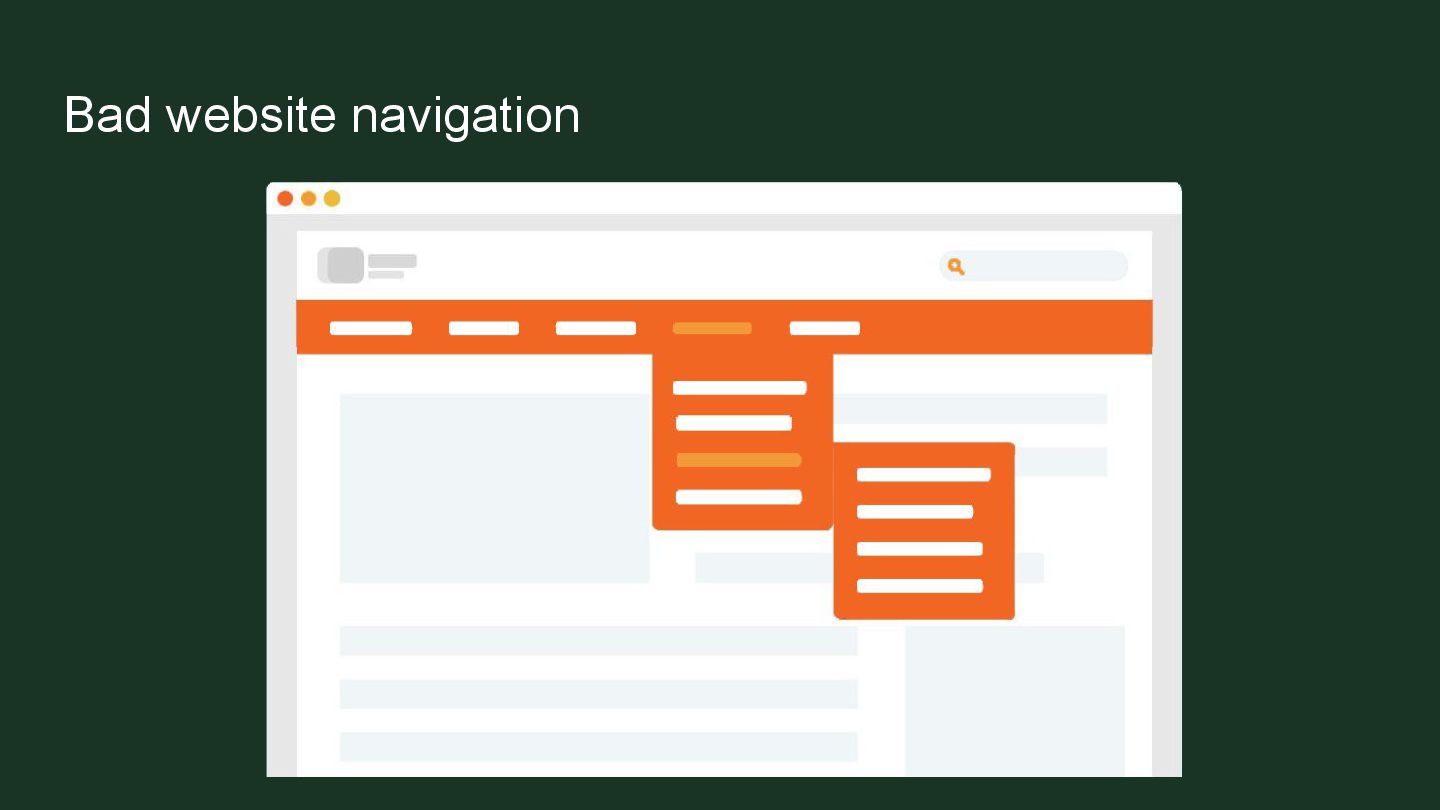
    and growth. ➢ Common pitfalls like broken links, poor structure, duplicate content, slow load times, and bad navigation can quietly destroy rankings and user trust. ➢ Do those audits and prioritize your fixes. ➢ For small businesses, these aren’t optional.