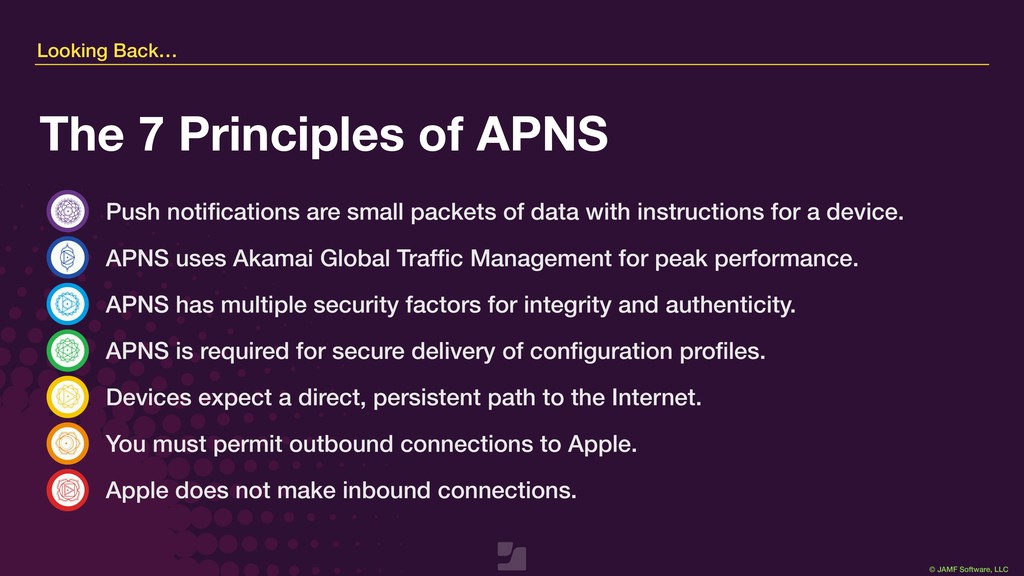
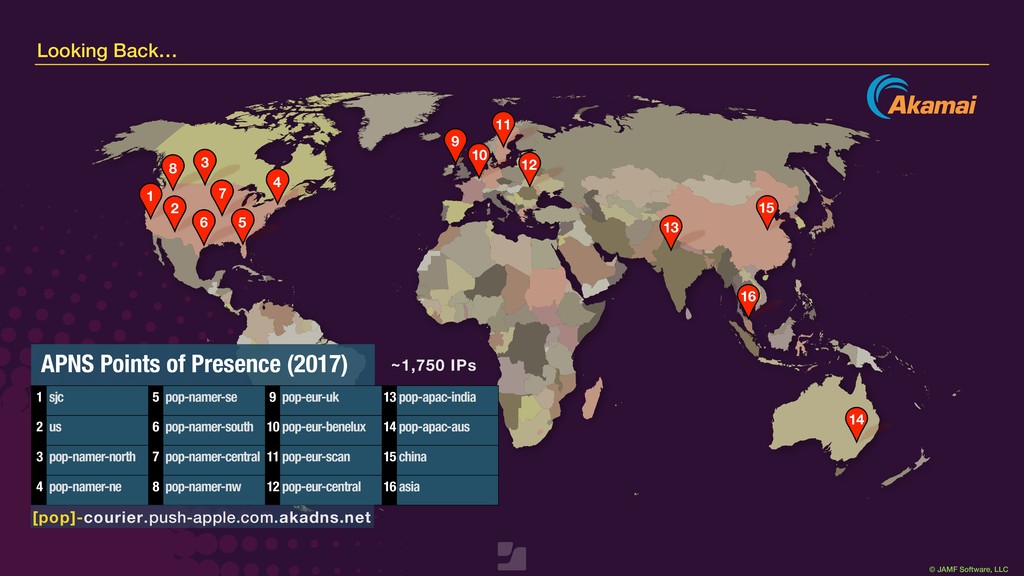
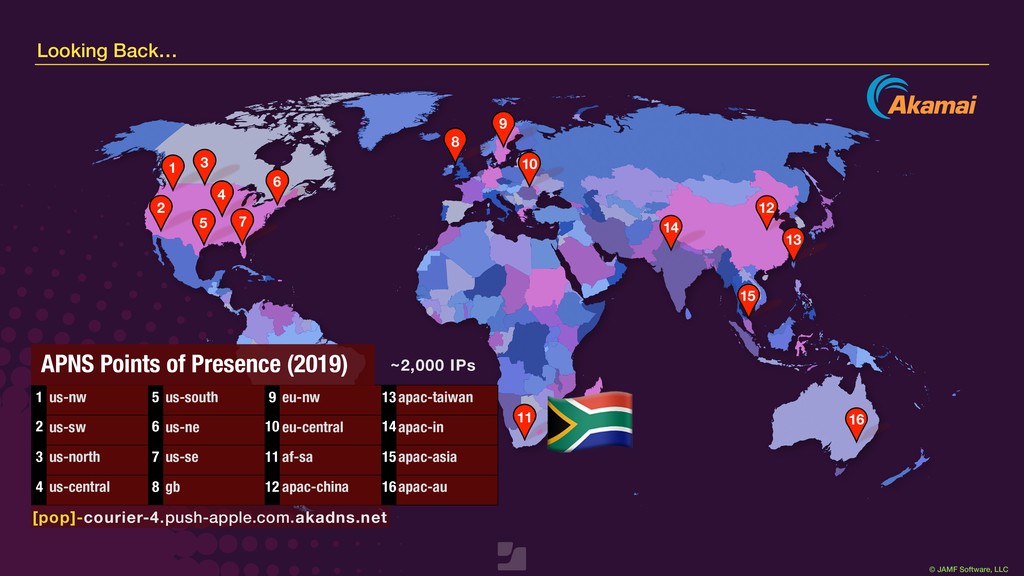
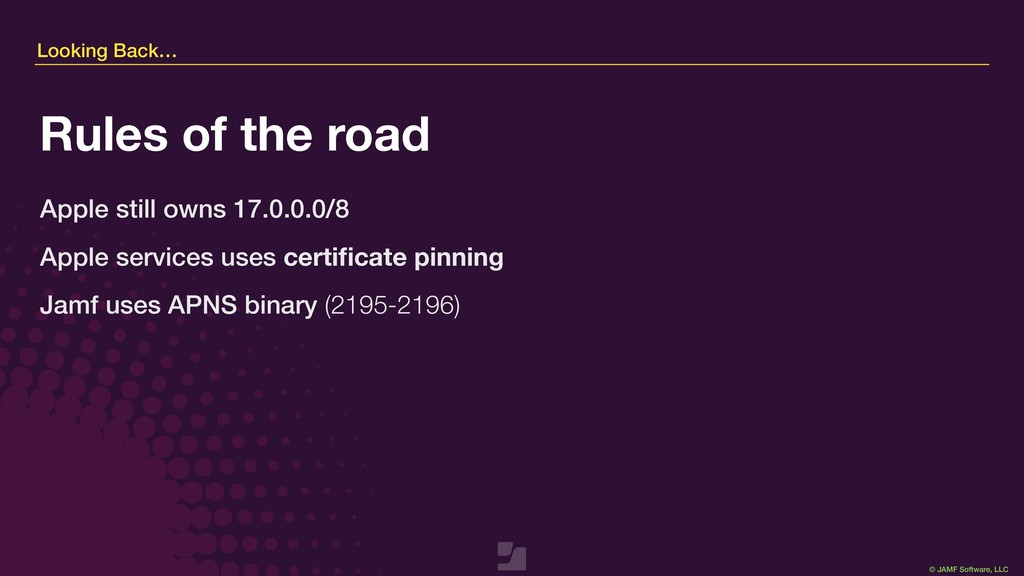
data with instructions for a device. APNS uses Akamai Global Traffic Management for peak performance. APNS has multiple security factors for integrity and authenticity. APNS is required for secure delivery of configuration profiles. Devices expect a direct, persistent path to the Internet. You must permit outbound connections to Apple. Apple does not make inbound connections. Looking Back… The 7 Principles of APNS
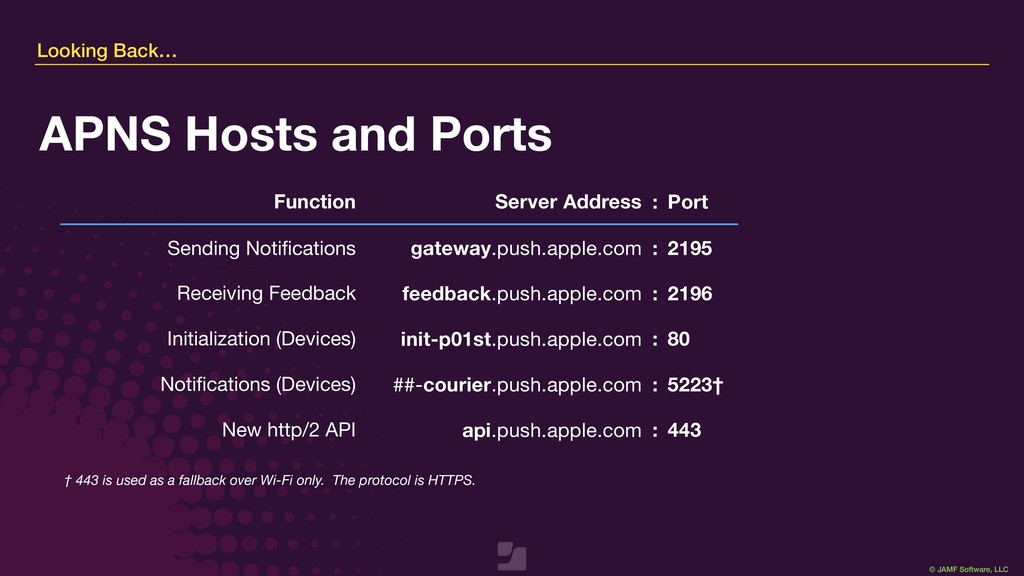
fallback over Wi-Fi only. The protocol is HTTPS. Function Server Address : Port Sending Notifications gateway.push.apple.com : 2195 Receiving Feedback feedback.push.apple.com : 2196 Initialization (Devices) init-p01st.push.apple.com : 80 Notifications (Devices) ##-courier.push.apple.com : 5223† New http/2 API api.push.apple.com : 443 Looking Back… APNS Hosts and Ports
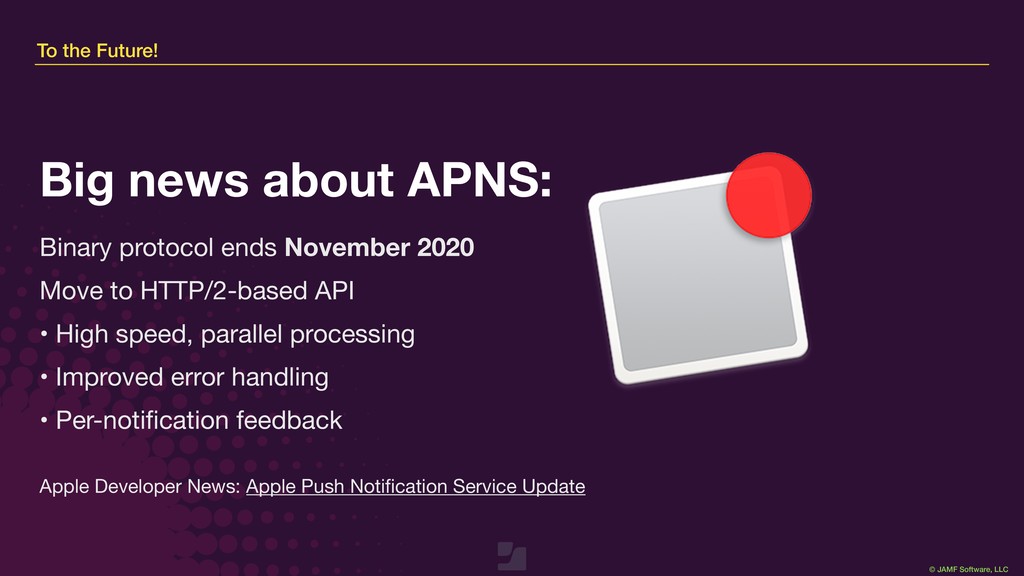
November 2020 Move to HTTP/2-based API • High speed, parallel processing • Improved error handling • Per-notification feedback Big news about APNS: Apple Developer News: Apple Push Notification Service Update
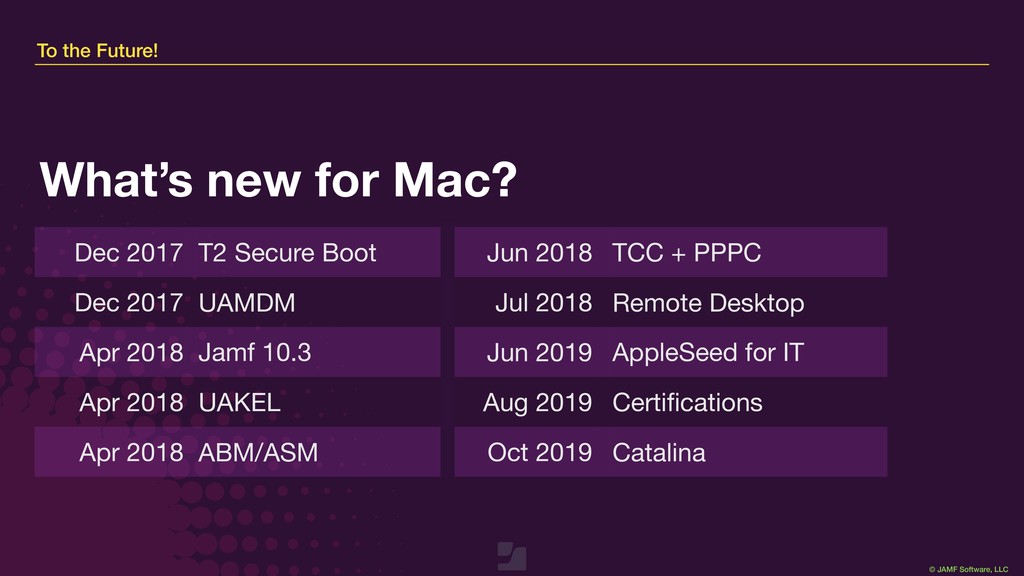
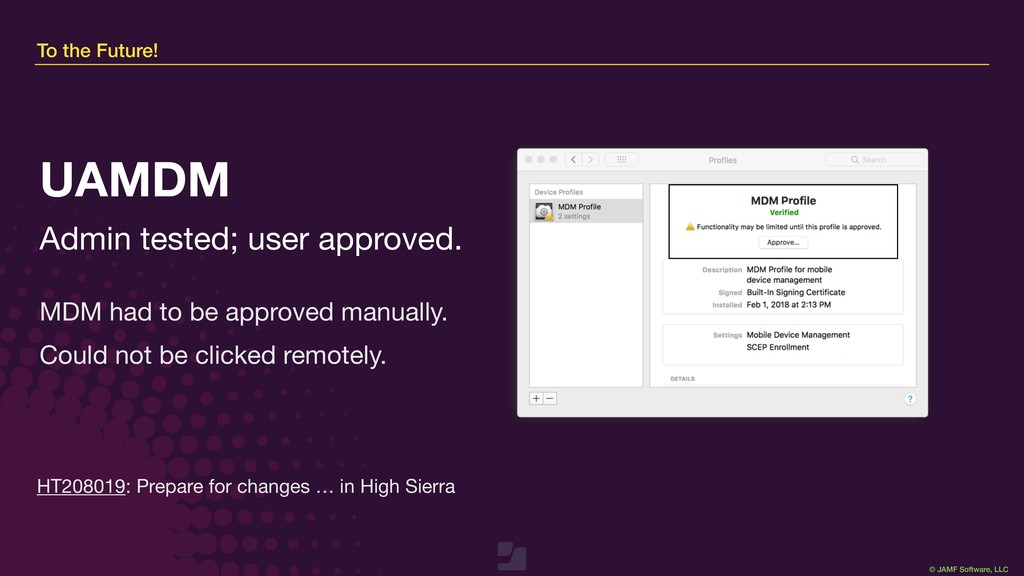
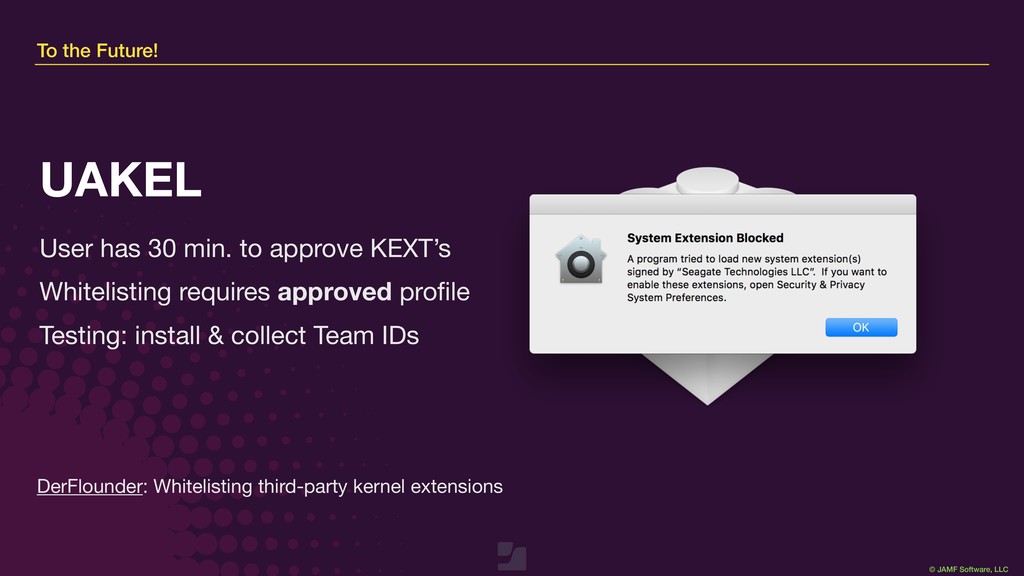
Mac? Dec 2017 T2 Secure Boot Jun 2018 TCC + PPPC Dec 2017 UAMDM Jul 2018 Remote Desktop Apr 2018 Jamf 10.3 Jun 2019 AppleSeed for IT Apr 2018 UAKEL Aug 2019 Certifications Apr 2018 ABM/ASM Oct 2019 Catalina
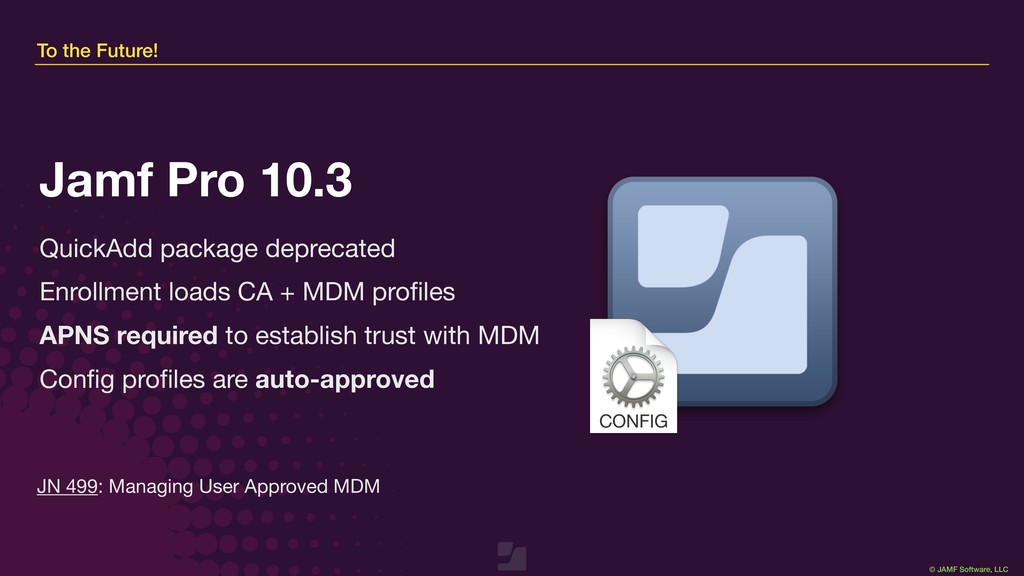
Enrollment loads CA + MDM profiles APNS required to establish trust with MDM Config profiles are auto-approved Jamf Pro 10.3 JN 499: Managing User Approved MDM
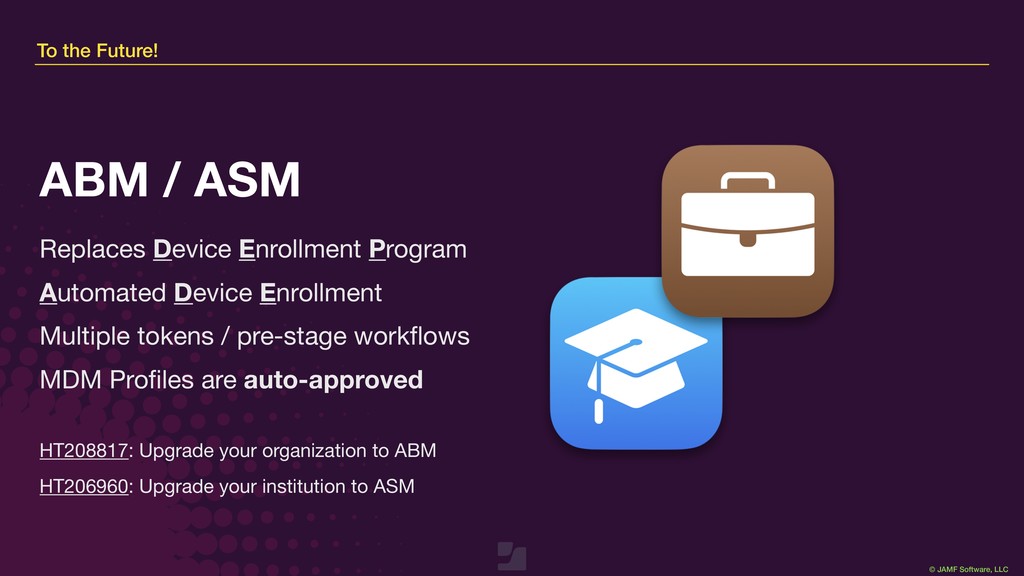
Program Automated Device Enrollment Multiple tokens / pre-stage workflows MDM Profiles are auto-approved ABM / ASM HT208817: Upgrade your organization to ABM HT206960: Upgrade your institution to ASM
by every app requesting specific permissions. Whitelist* with approved MDM profile Jamf updates often to support new TCC permissions TCC + PPPC macOS User Guide: Change privacy preferences on Mac JNUC 2018: PPPC, TCC, User Data Protection and You
& observe was removed during 10.14 beta cycle Enable with configuration profile (requires UAMDM) While shadowing with senior SE, I attended a meeting at Hooli & The Social Network. They asked about how to provision 1000s of headless Mac Minis. Q: How do you verify if Macs are able to utilize this? A: Look at Jamf record for User Approved MDM. Remote Desktop HT209161: Use the kickstart CLI in 10.14 and later
testers via ABM / ASM …or let a “staff admin” do it for you! Ongoing testing + feedback to Apple AppleSeed for IT MobCo: AppleSeed for IT is now available for everybody
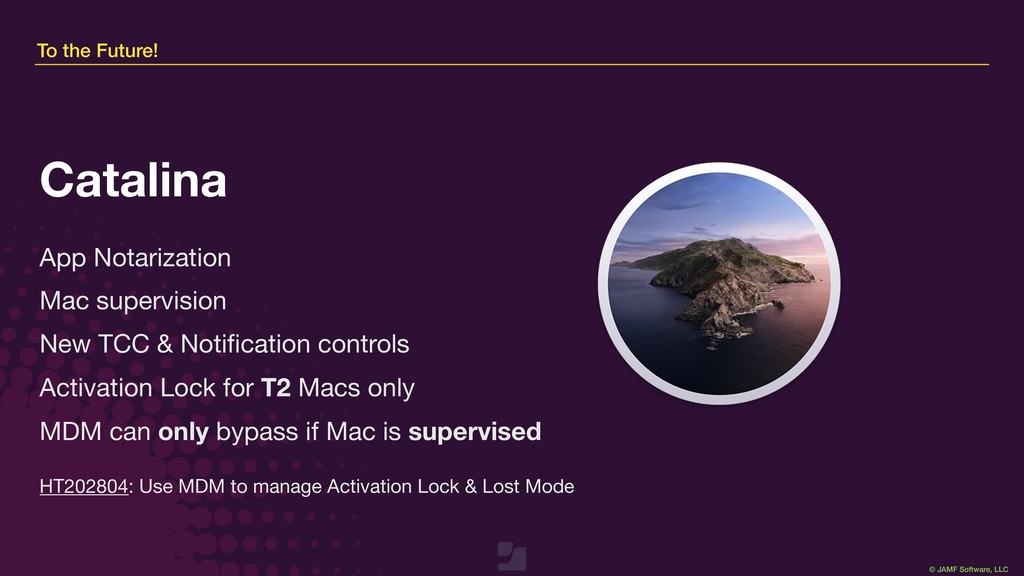
supervision New TCC & Notification controls Activation Lock for T2 Macs only MDM can only bypass if Mac is supervised Catalina HT202804: Use MDM to manage Activation Lock & Lost Mode
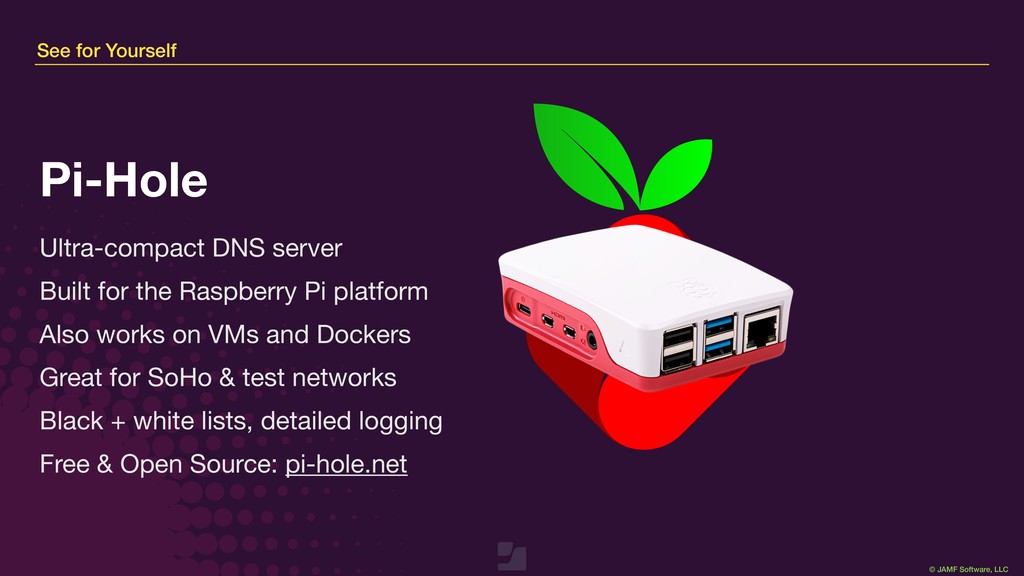
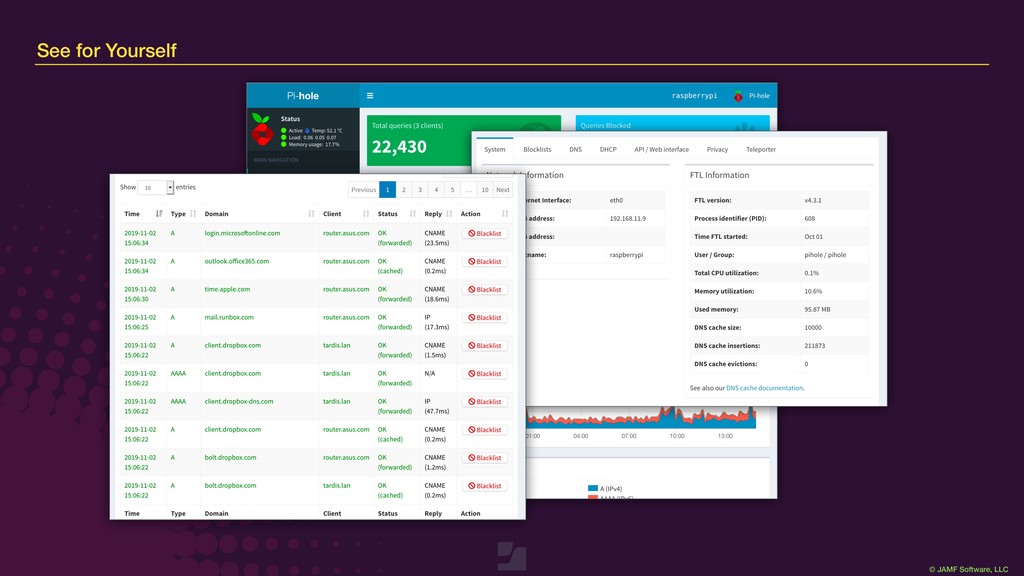
Built for the Raspberry Pi platform Also works on VMs and Dockers Great for SoHo & test networks Black + white lists, detailed logging Free & Open Source: pi-hole.net Pi-Hole
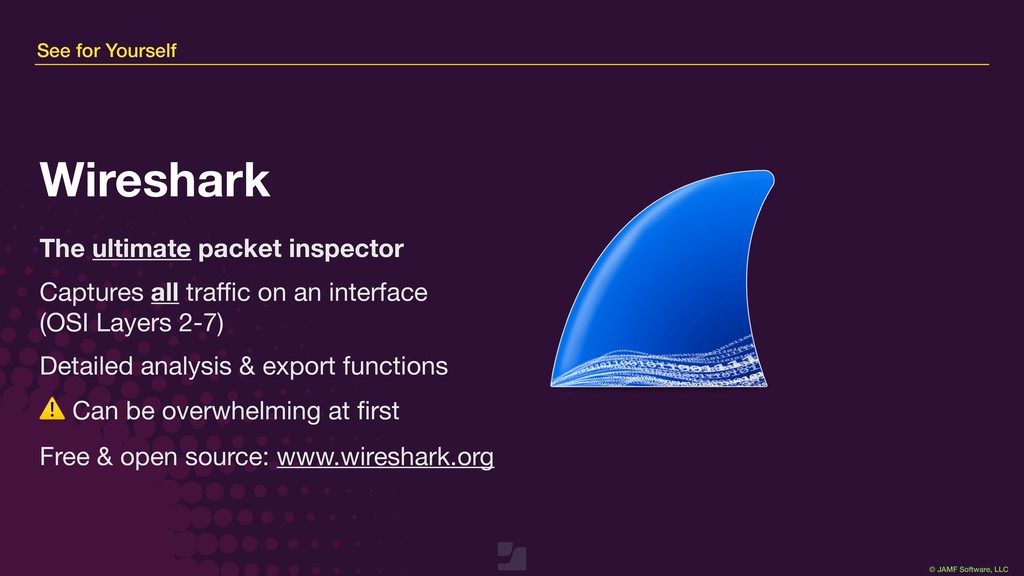
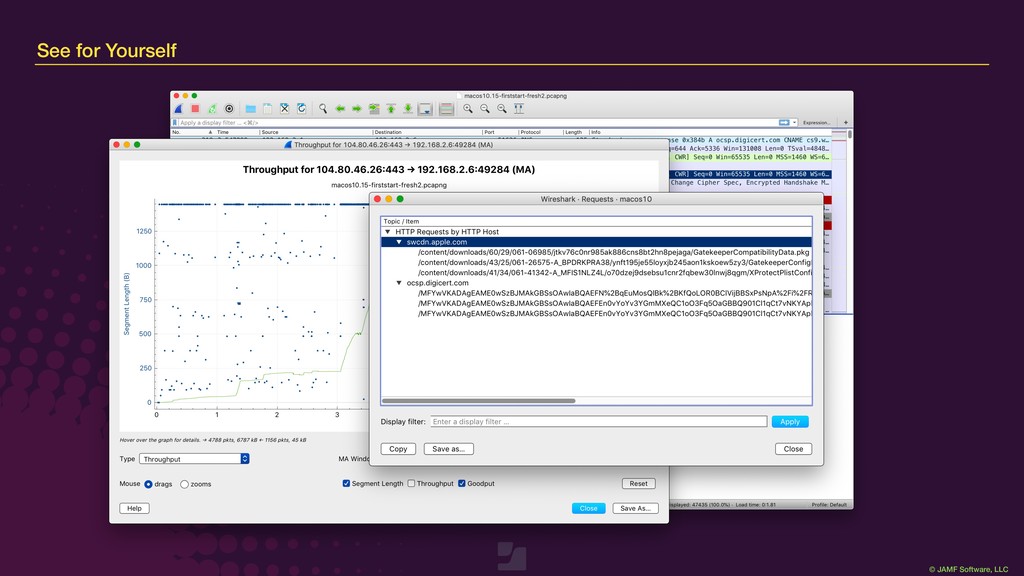
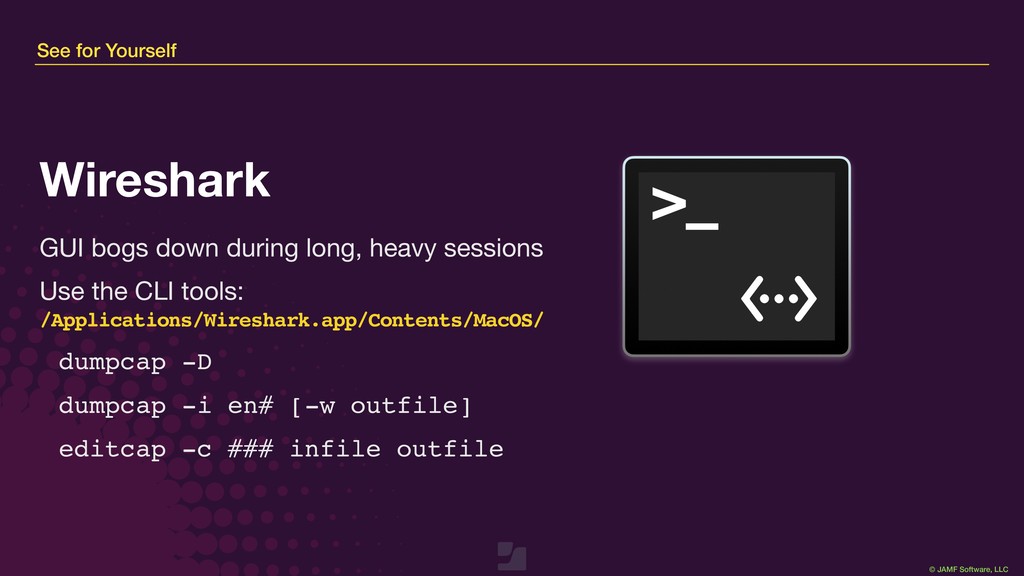
inspector Captures all traffic on an interface (OSI Layers 2-7) Detailed analysis & export functions ⚠ Can be overwhelming at first Free & open source: www.wireshark.org Wireshark
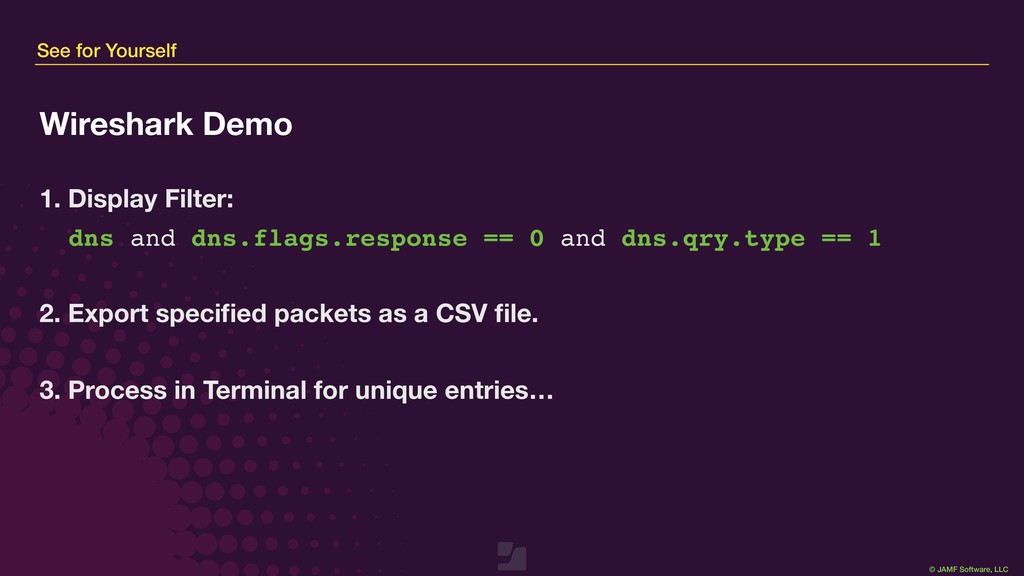
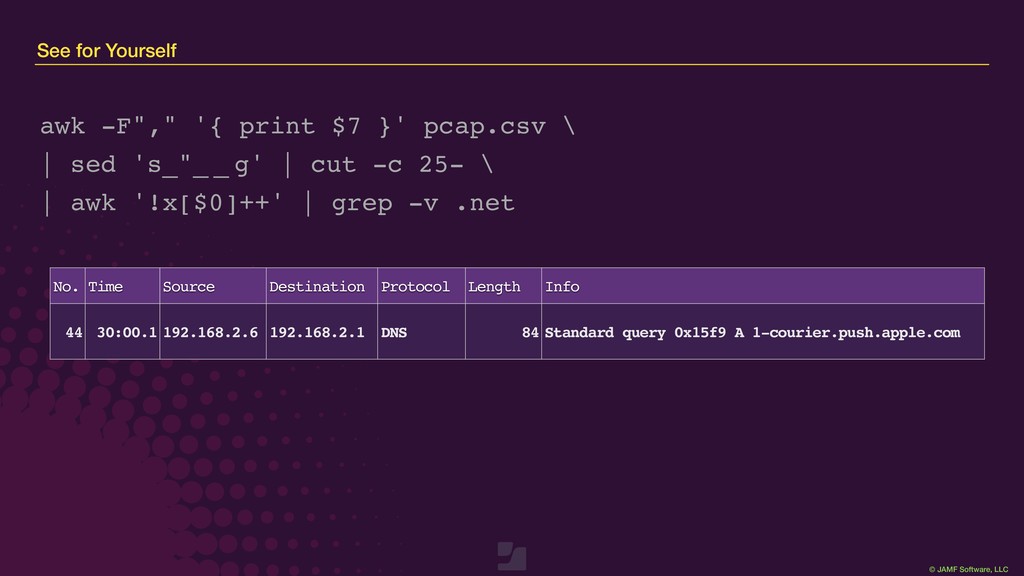
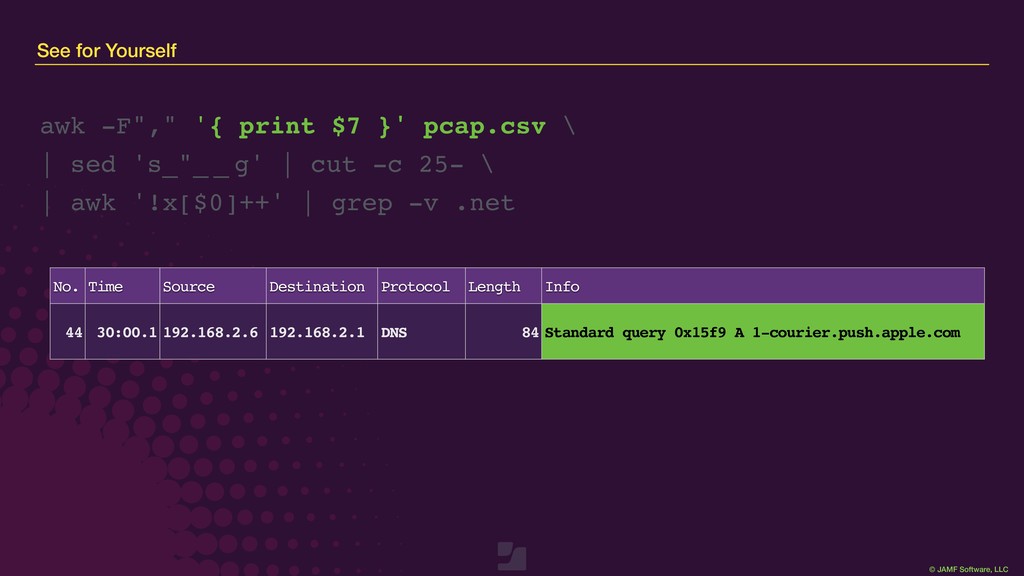
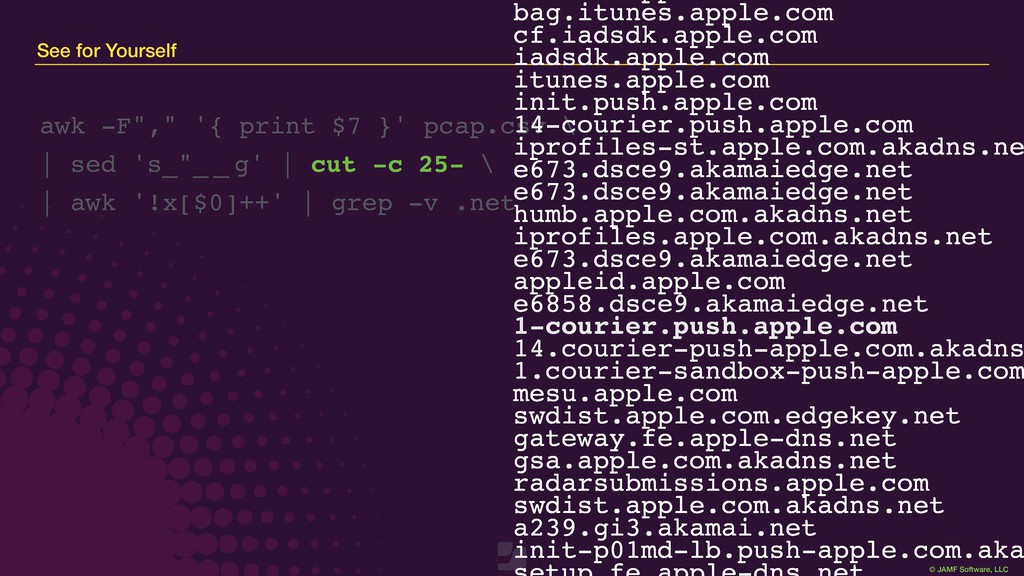
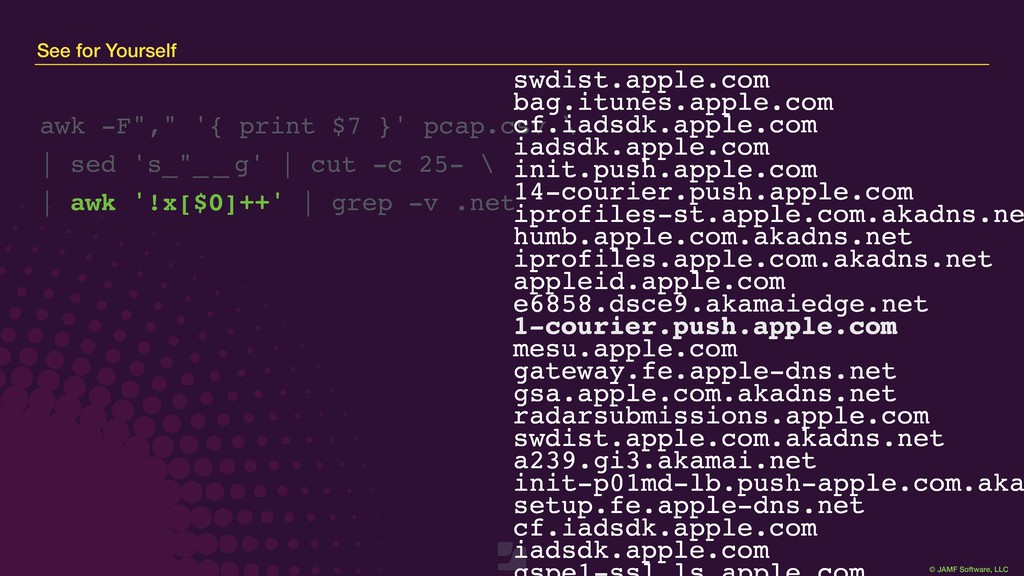
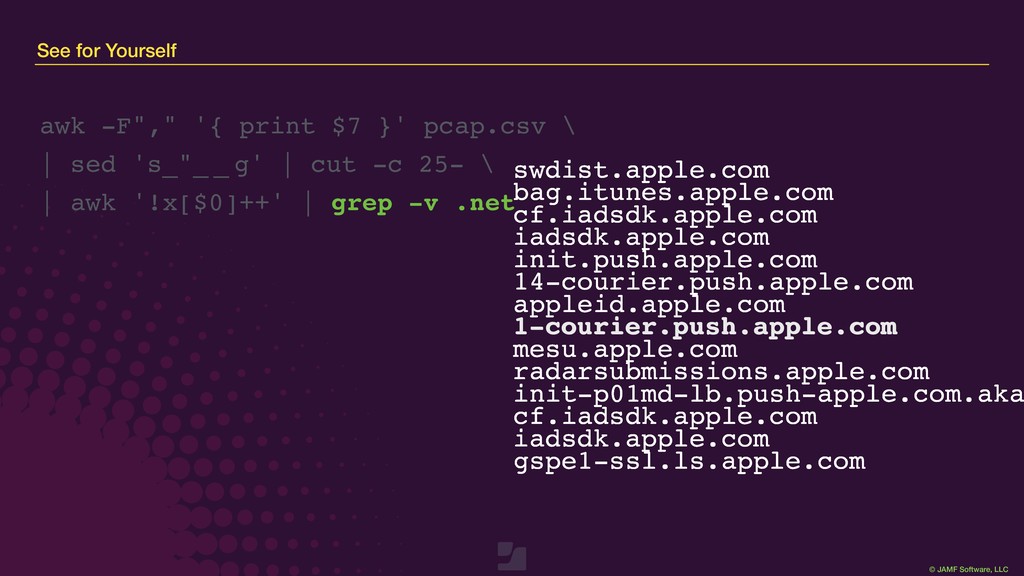
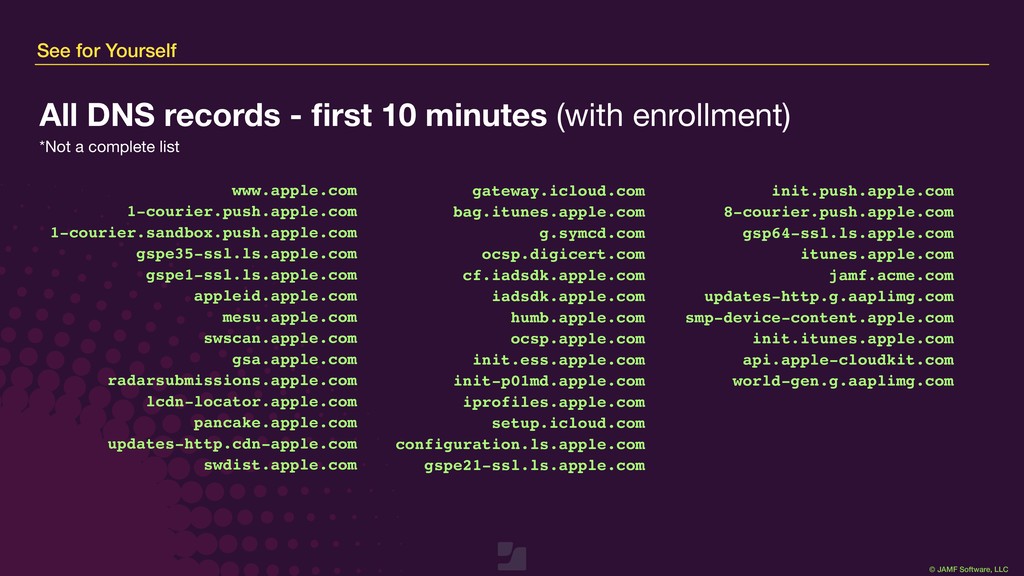
Display Filter: dns and dns.flags.response == 0 and dns.qry.type == 1 2. Export specified packets as a CSV file. 3. Process in Terminal for unique entries…
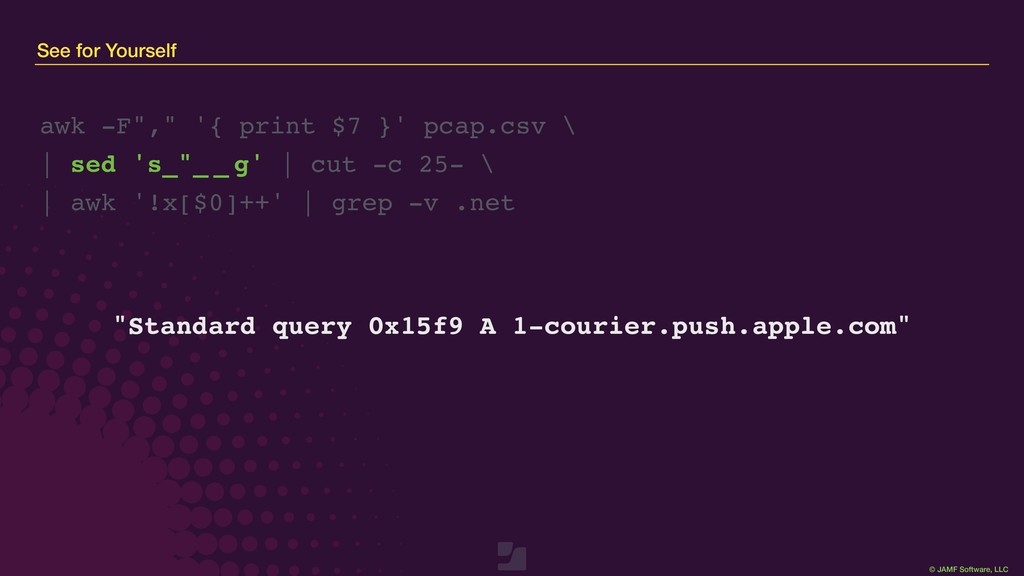
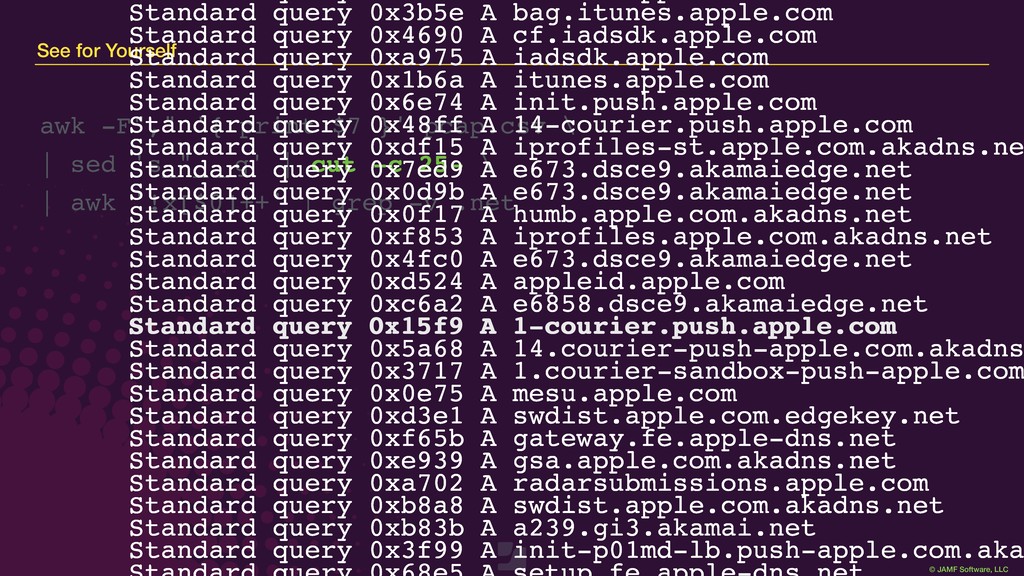
print $7 }' pcap.csv \ | sed 's_"_ _ g' | cut -c 25- \ | awk '!x[$0]++' | grep -v .net Standard query 0x3b5e A bag.itunes.apple.com Standard query 0x4690 A cf.iadsdk.apple.com Standard query 0xa975 A iadsdk.apple.com Standard query 0x1b6a A itunes.apple.com Standard query 0x6e74 A init.push.apple.com Standard query 0x48ff A 14-courier.push.apple.com Standard query 0xdf15 A iprofiles-st.apple.com.akadns.ne Standard query 0x7ed9 A e673.dsce9.akamaiedge.net Standard query 0x0d9b A e673.dsce9.akamaiedge.net Standard query 0x0f17 A humb.apple.com.akadns.net Standard query 0xf853 A iprofiles.apple.com.akadns.net Standard query 0x4fc0 A e673.dsce9.akamaiedge.net Standard query 0xd524 A appleid.apple.com Standard query 0xc6a2 A e6858.dsce9.akamaiedge.net Standard query 0x15f9 A 1-courier.push.apple.com Standard query 0x5a68 A 14.courier-push-apple.com.akadns Standard query 0x3717 A 1.courier-sandbox-push-apple.com Standard query 0x0e75 A mesu.apple.com Standard query 0xd3e1 A swdist.apple.com.edgekey.net Standard query 0xf65b A gateway.fe.apple-dns.net Standard query 0xe939 A gsa.apple.com.akadns.net Standard query 0xa702 A radarsubmissions.apple.com Standard query 0xb8a8 A swdist.apple.com.akadns.net Standard query 0xb83b A a239.gi3.akamai.net Standard query 0x3f99 A init-p01md-lb.push-apple.com.aka Standard query 0x15f9 A 1-courier.push.apple.com
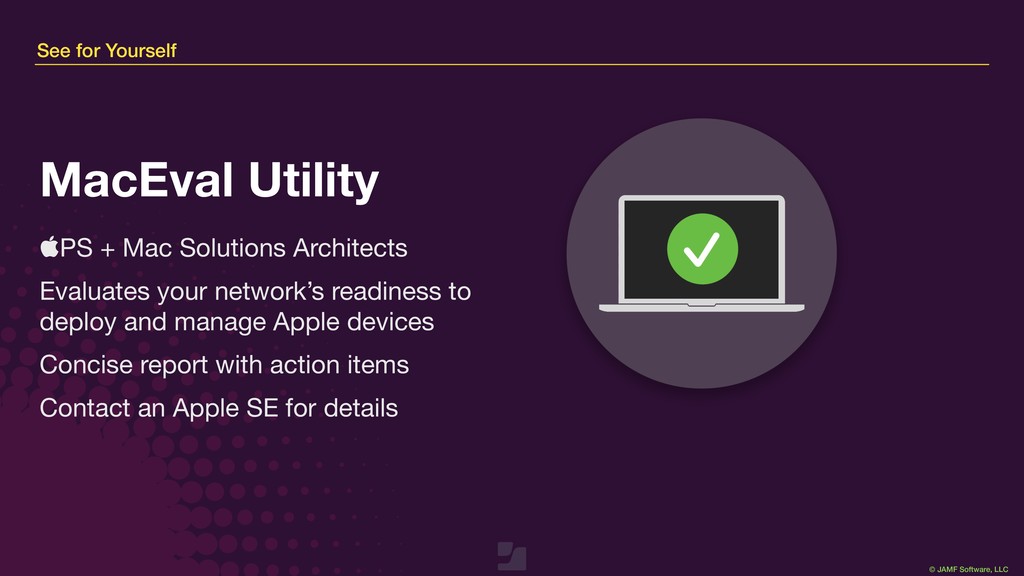
+ Mac Solutions Architects Evaluates your network’s readiness to deploy and manage Apple devices Concise report with action items Contact an Apple SE for details
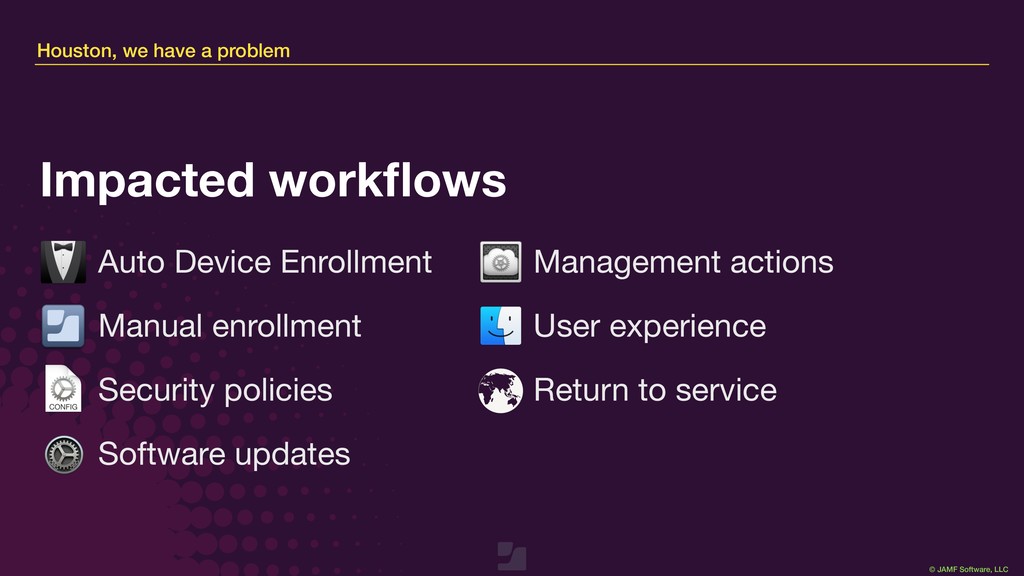
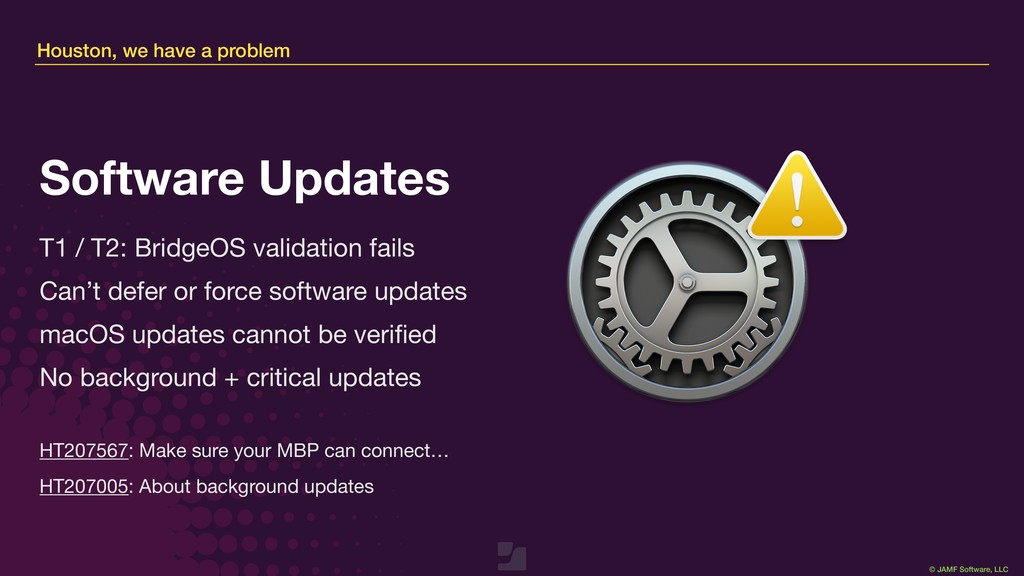
/ T2: BridgeOS validation fails Can’t defer or force software updates macOS updates cannot be verified No background + critical updates Software Updates HT207567: Make sure your MBP can connect… HT207005: About background updates
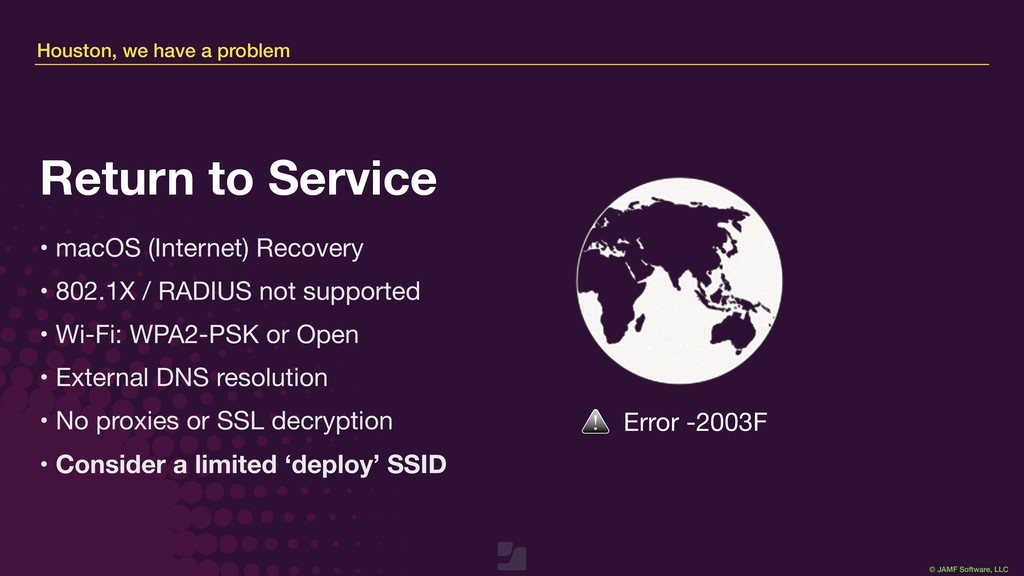
macOS (Internet) Recovery • 802.1X / RADIUS not supported • Wi-Fi: WPA2-PSK or Open • External DNS resolution • No proxies or SSL decryption • Consider a limited ‘deploy’ SSID Return to Service Error -2003F
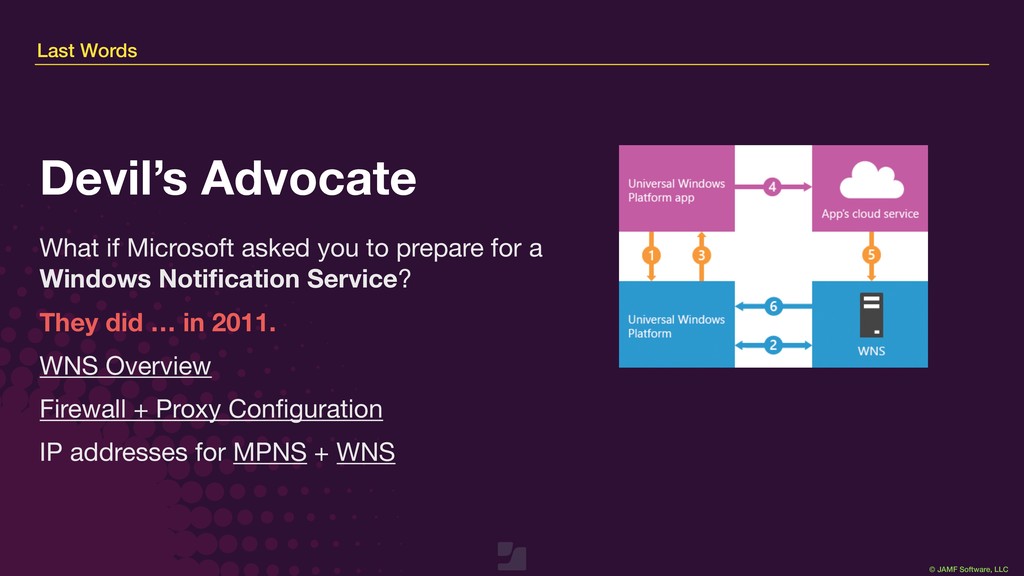
you to prepare for a Windows Notification Service? They did … in 2011. WNS Overview Firewall + Proxy Configuration IP addresses for MPNS + WNS Devil’s Advocate
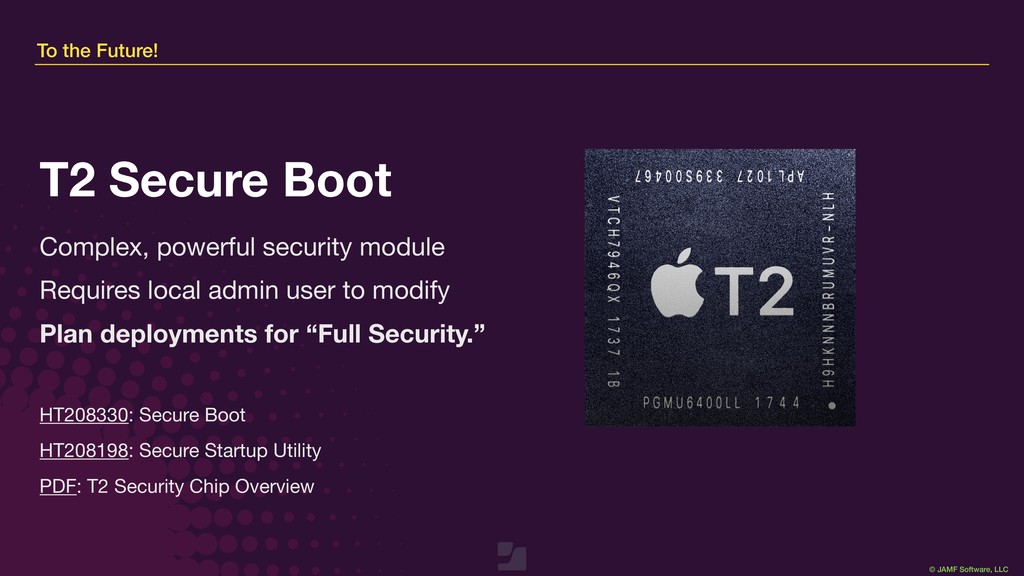
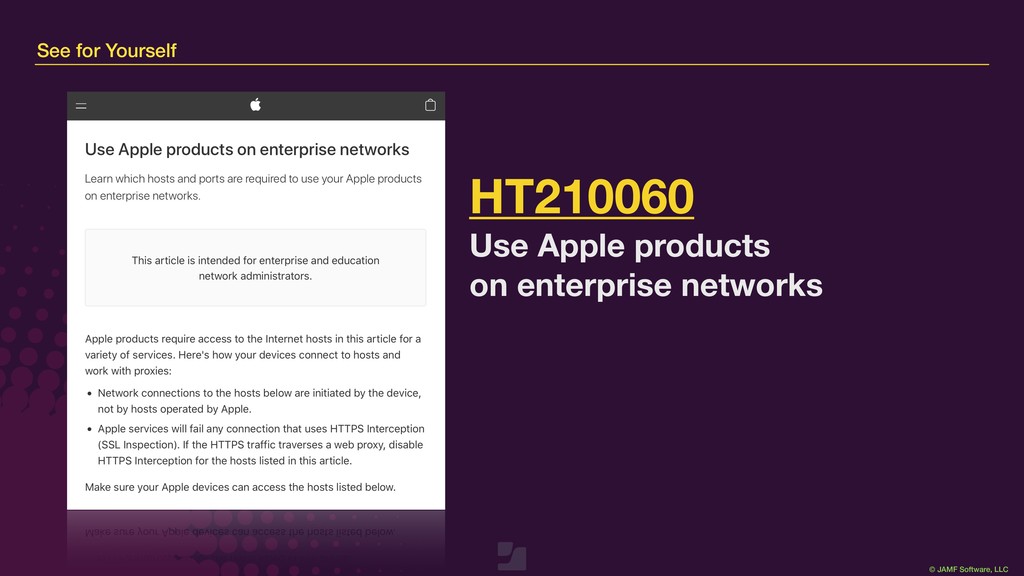
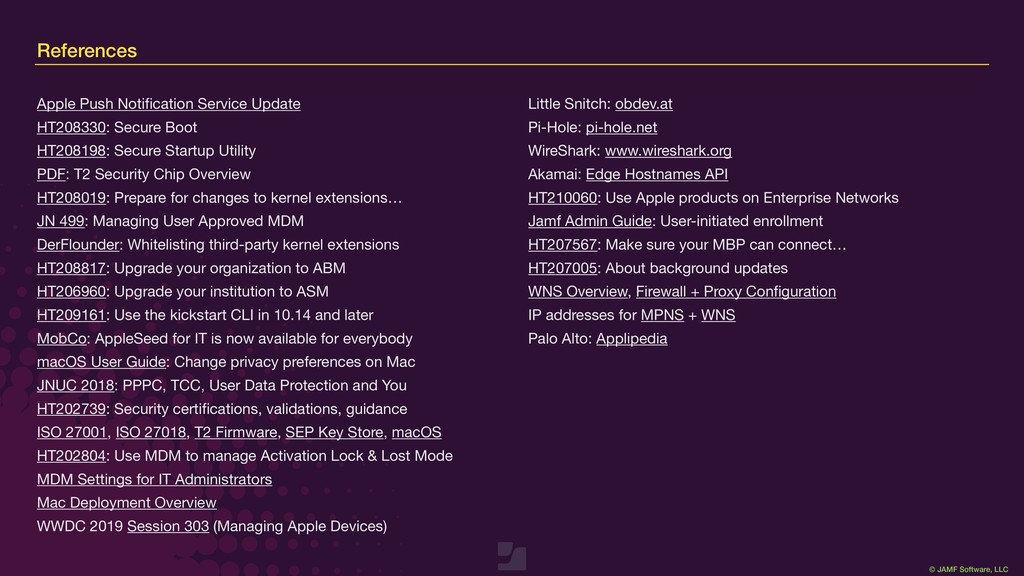
HT208330: Secure Boot HT208198: Secure Startup Utility PDF: T2 Security Chip Overview HT208019: Prepare for changes to kernel extensions… JN 499: Managing User Approved MDM DerFlounder: Whitelisting third-party kernel extensions HT208817: Upgrade your organization to ABM HT206960: Upgrade your institution to ASM HT209161: Use the kickstart CLI in 10.14 and later MobCo: AppleSeed for IT is now available for everybody macOS User Guide: Change privacy preferences on Mac JNUC 2018: PPPC, TCC, User Data Protection and You HT202739: Security certifications, validations, guidance ISO 27001, ISO 27018, T2 Firmware, SEP Key Store, macOS HT202804: Use MDM to manage Activation Lock & Lost Mode MDM Settings for IT Administrators Mac Deployment Overview WWDC 2019 Session 303 (Managing Apple Devices) Little Snitch: obdev.at Pi-Hole: pi-hole.net WireShark: www.wireshark.org Akamai: Edge Hostnames API HT210060: Use Apple products on Enterprise Networks Jamf Admin Guide: User-initiated enrollment HT207567: Make sure your MBP can connect… HT207005: About background updates WNS Overview, Firewall + Proxy Configuration IP addresses for MPNS + WNS Palo Alto: Applipedia

 Your Podcast. Everywhere. Effortlessly.


 jamf
jamf
 palkan
 sstephenson
 akademiya2063
 hatefulcrawdad
 nwiizo
 speakerdeck
 smashingmag
 carmenintech
 dugsong
 lara
lara
 panda_program
 oripsolob