iOS: Custom Modality – Mobile Warsaw, January 23rd 2017
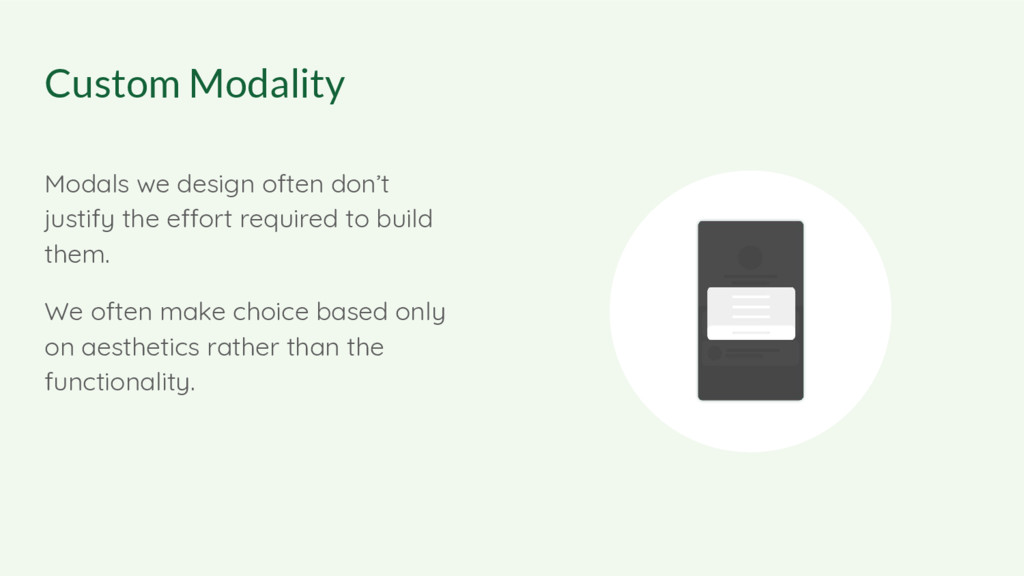
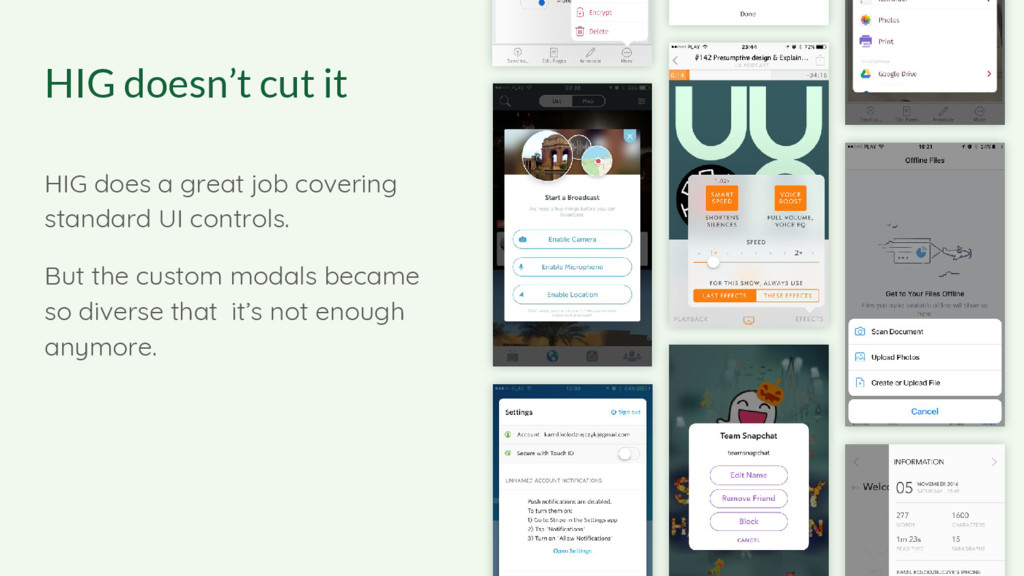
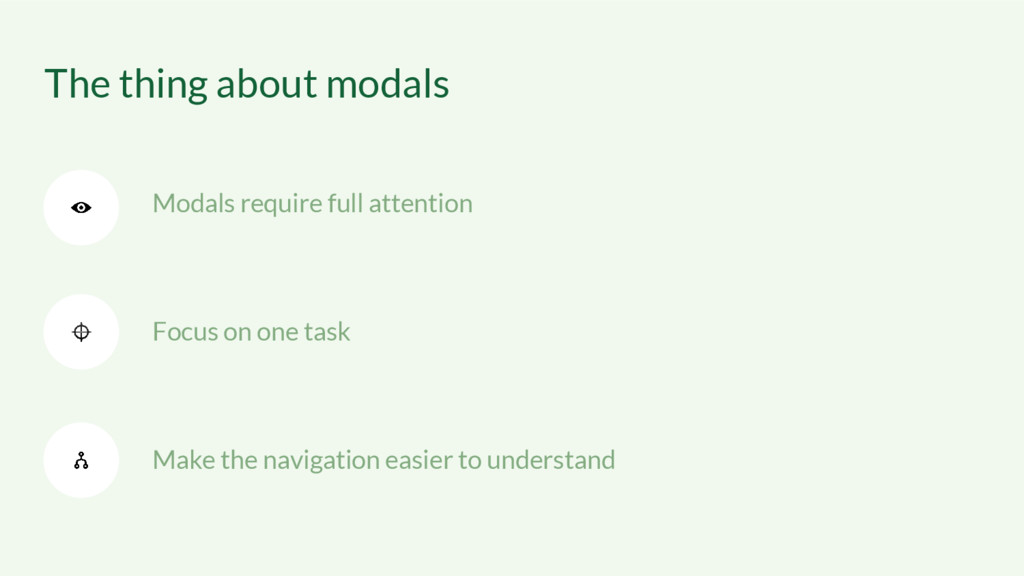
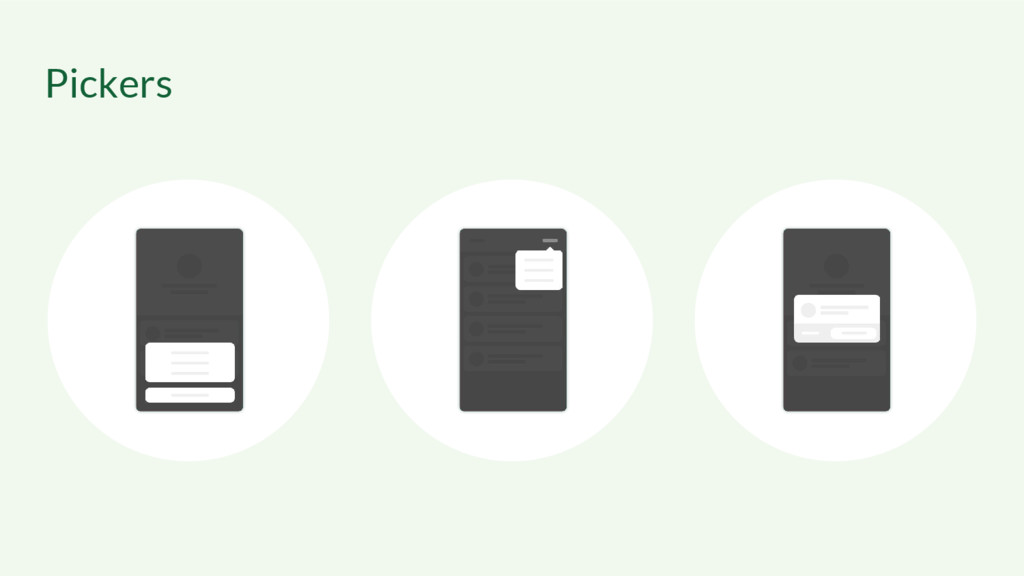
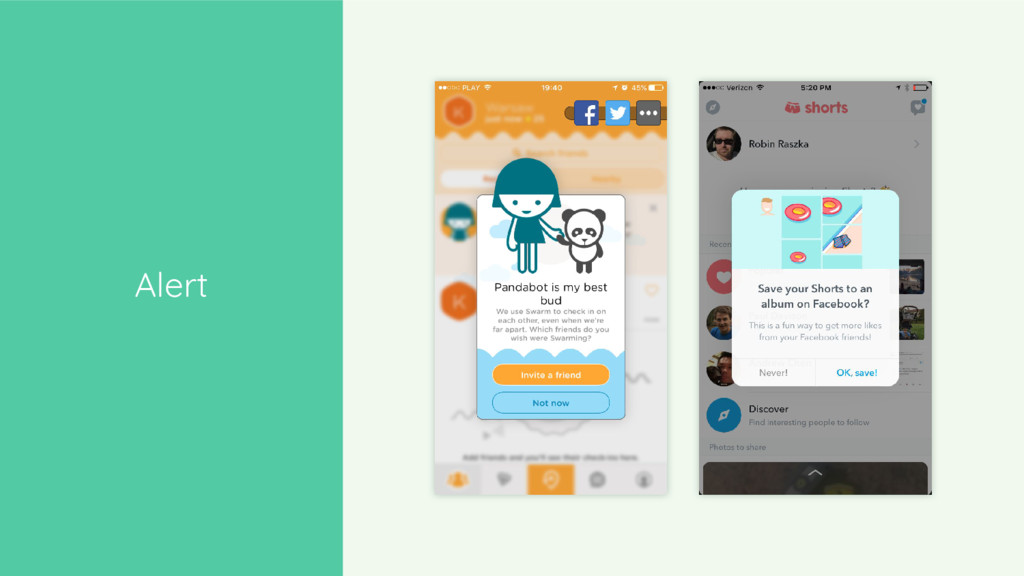
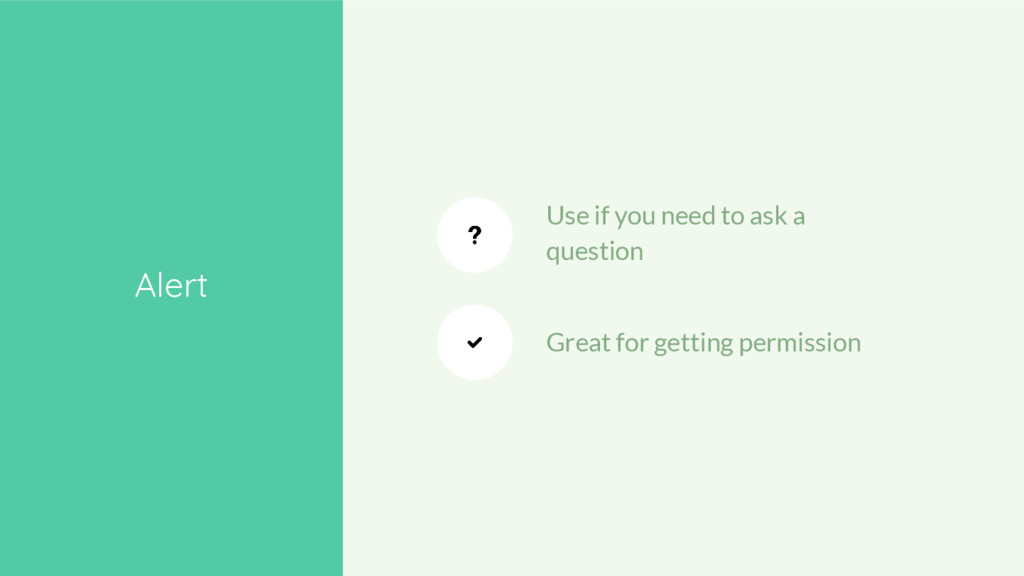
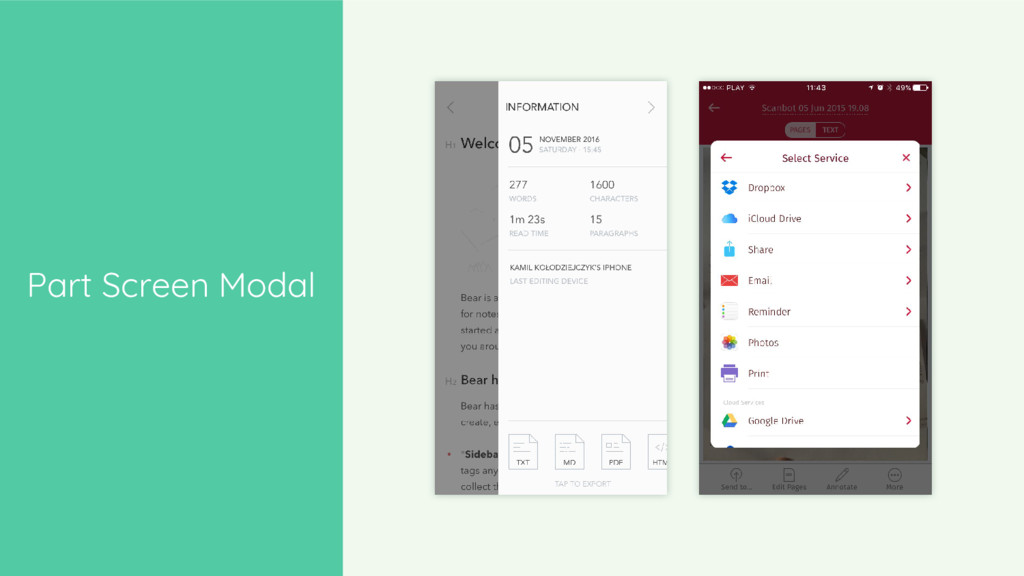
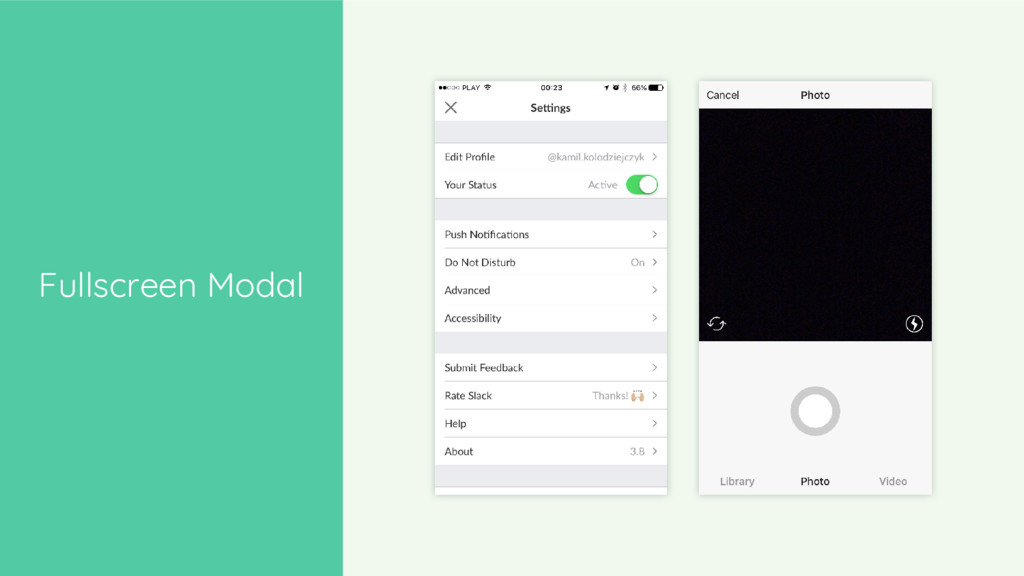
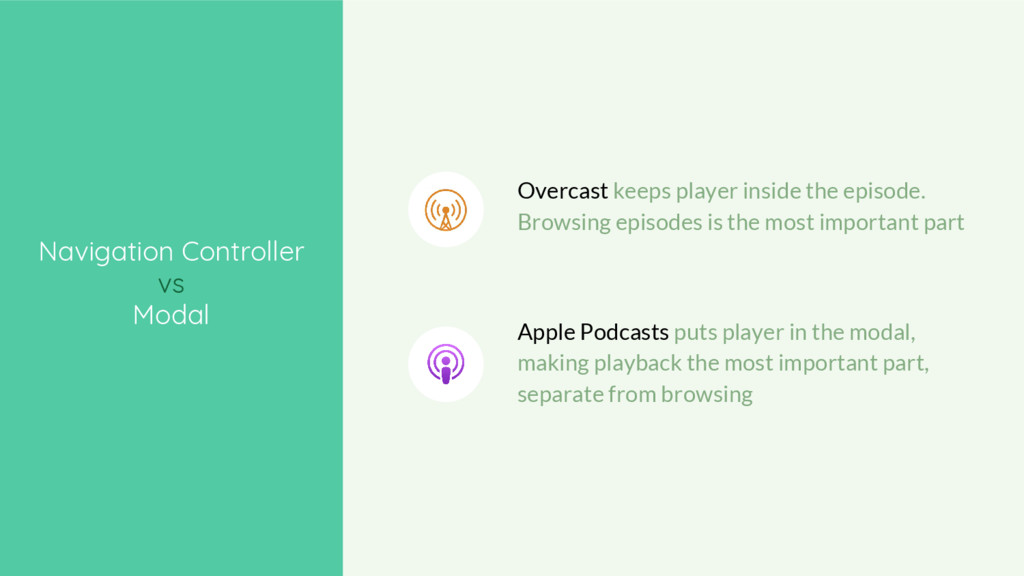
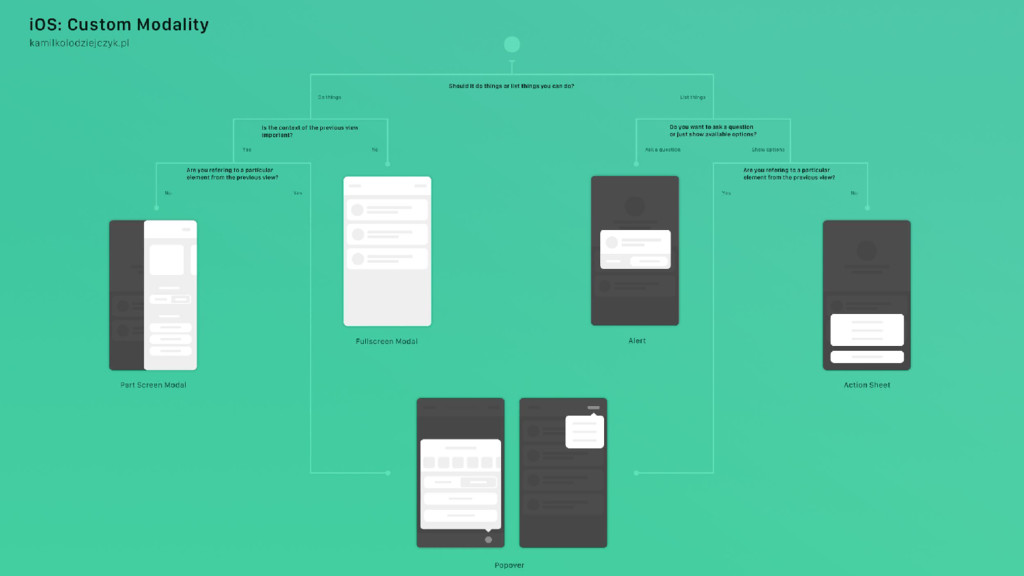
Modality is a very effective tool. When done right, it makes apps feel much faster and easier to use. But modals became so diverse that Apple’s HIG no longer cuts it. How to choose from all the custom options out there?
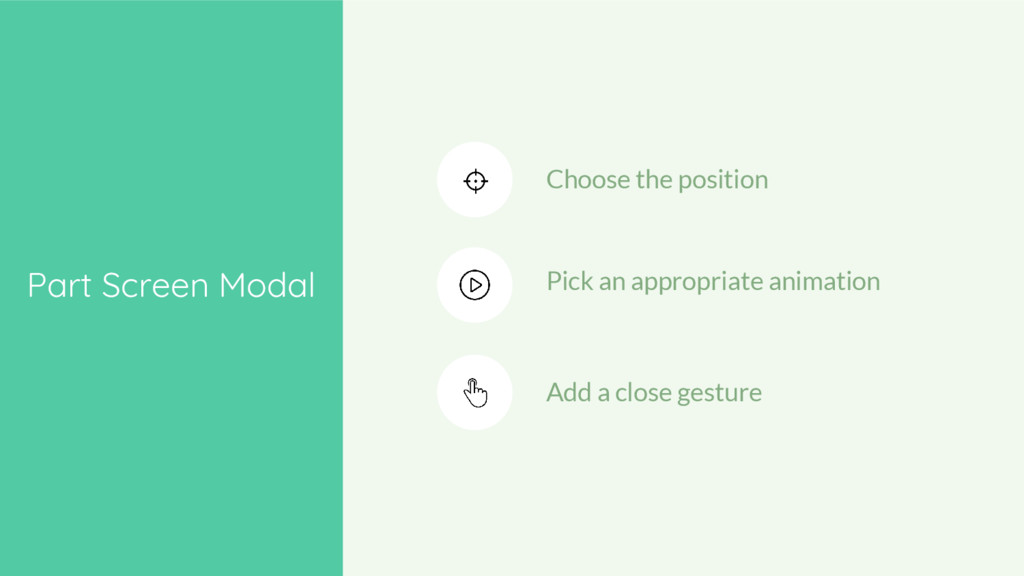
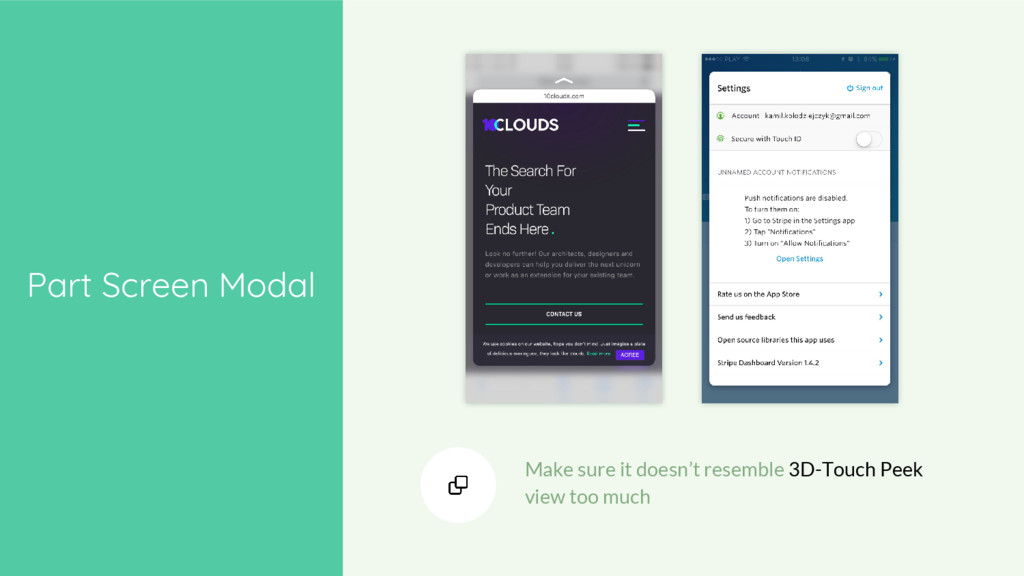
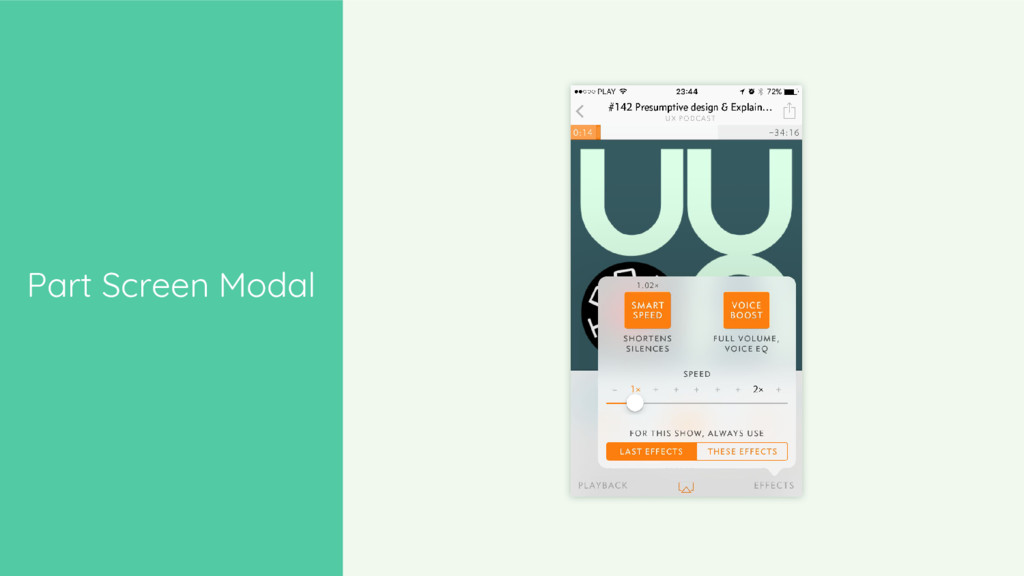
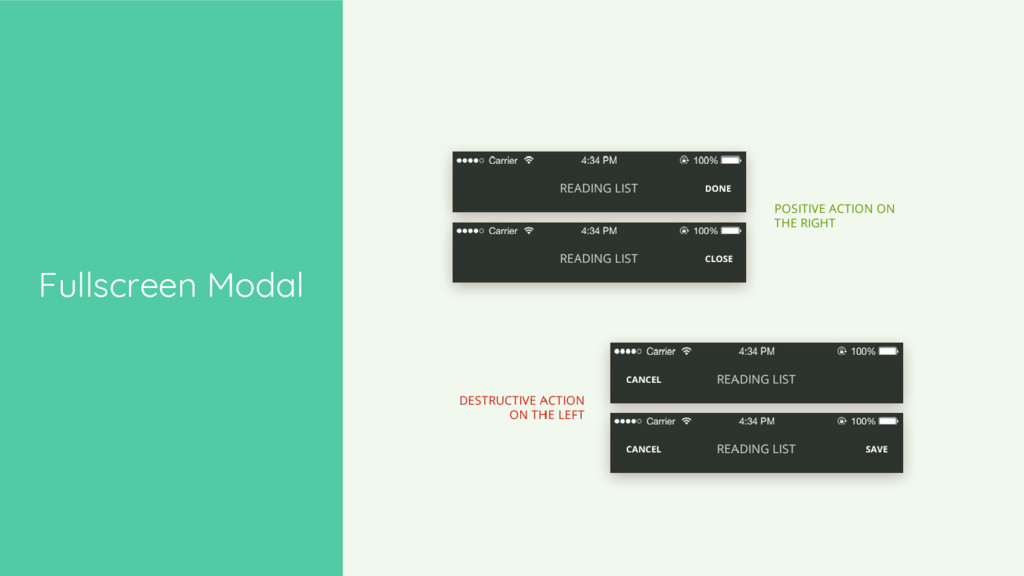
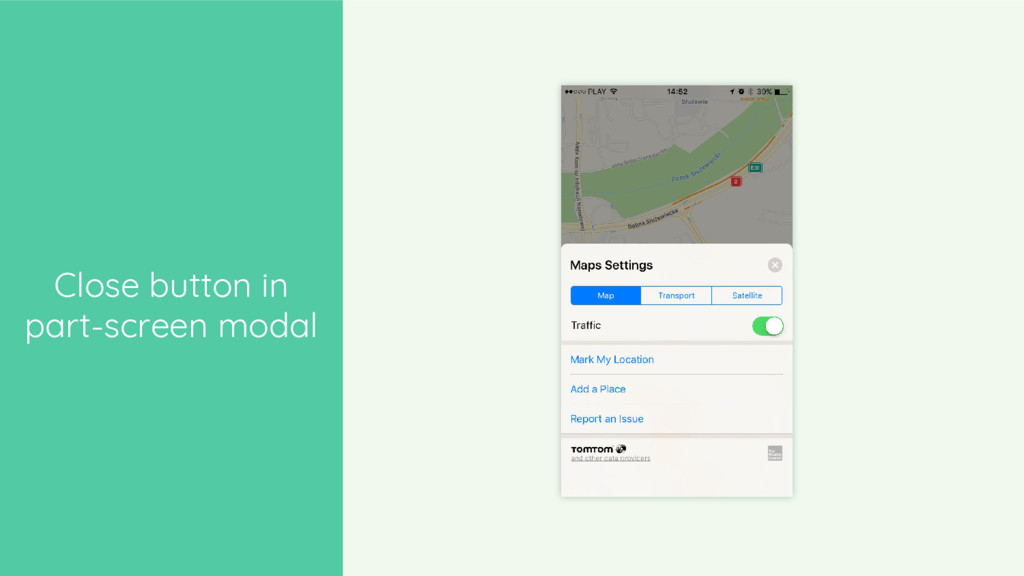
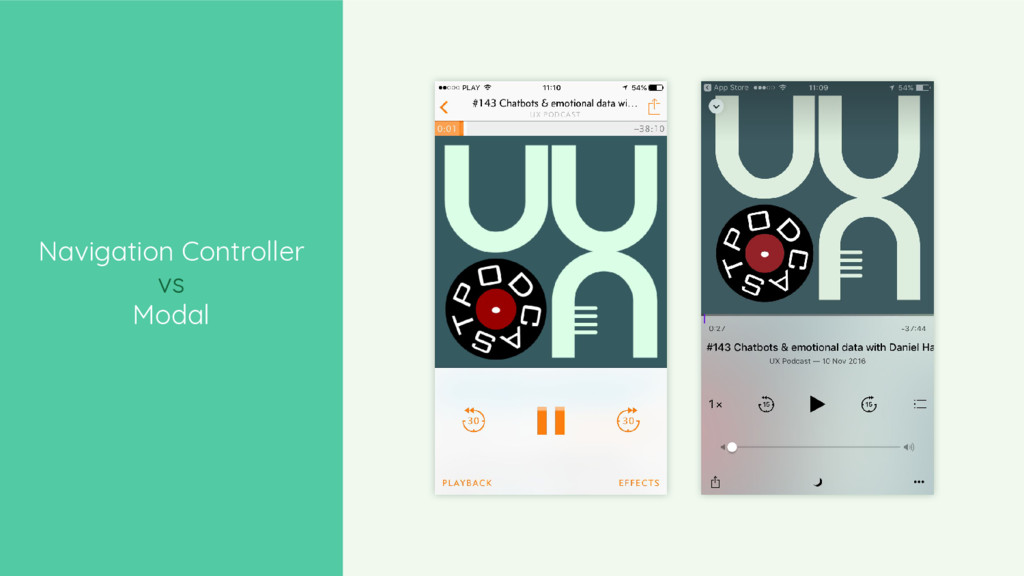
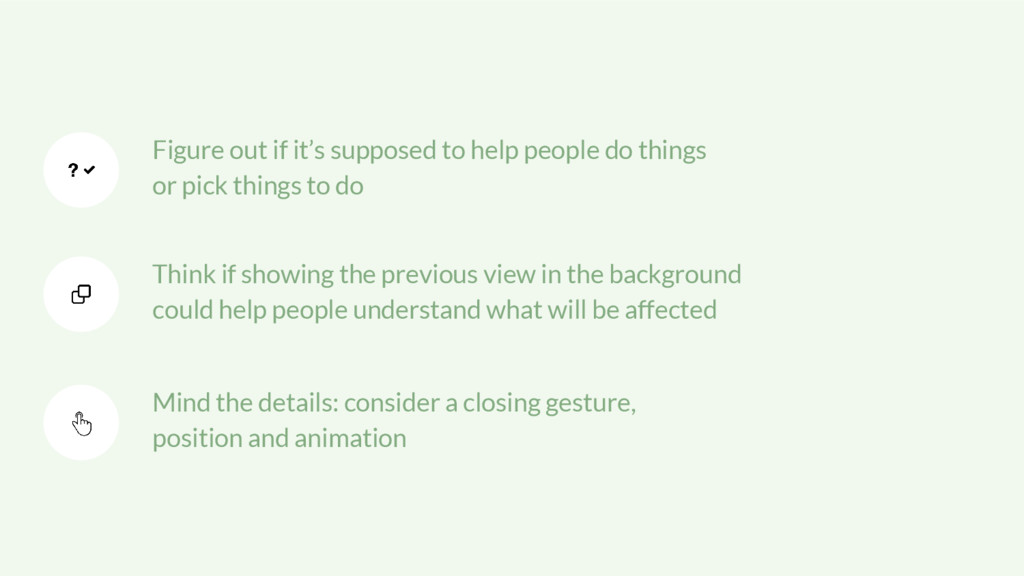
or pick things to do Think if showing the previous view in the background could help people understand what will be affected Mind the details: consider a closing gesture, position and animation


 bengo4com
 kentarofujii
 occhi
occhi
 akhino
 finengine
 yut0naga1_fa
 carta_engineering
 pfn
pfn
 akitoshiga
 takanorip
 tokuty
 ivry_presentationmaterials
 akashhashmi
 marketingsoph
 swwweet
.png) helenjbeal
helenjbeal
 axbom
axbom
 sarafernandez
 addyosmani
 katiecoart
 rkendrick25
 jonoalderson
 marktimemedia
 sabderemane