Upgrade to Pro — share decks privately, control downloads, hide ads and more …

はじめてのCoreSpotlight

Sponsored · SiteGround - Reliable hosting with speed, security, and support you can count on.

 はじめてのCoreSpotlight

Avatar for Kanta Oikawa

Kanta Oikawa

July 25, 2026

More Decks by Kanta Oikawa

Other Decks in Technology

Transcript

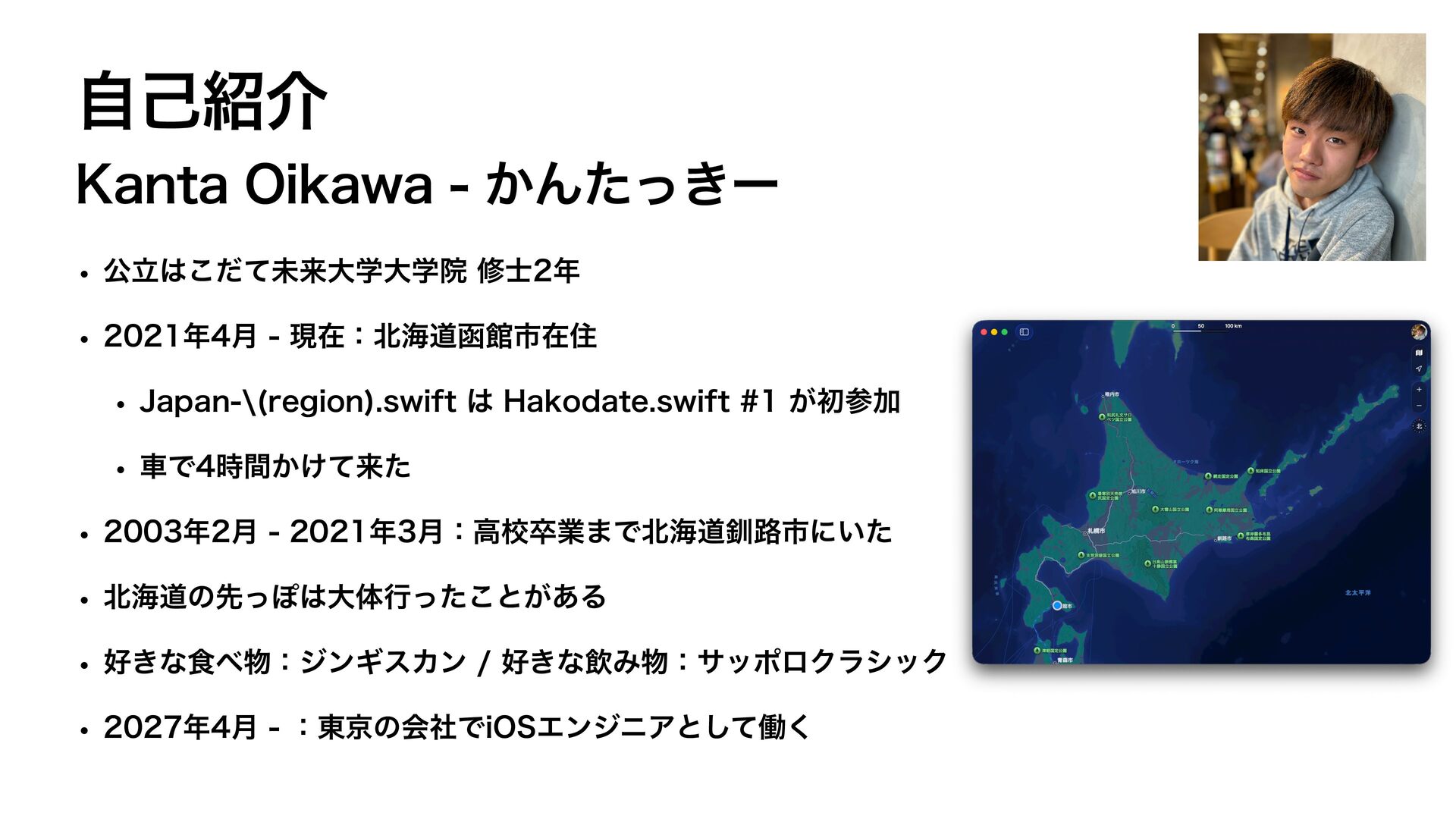
  1. 自己紹介 Kanta Oikawa - かんたっきー • 公立はこだて未来大学大学院 修士2年 • 2021年4月

    - 現在:北海道函館市在住 • Japan-\(region).swift は Hakodate.swift #1 が初参加 • 車で4時間かけて来た • 2003年2月 - 2021年3月:高校卒業まで北海道釧路市にいた • 北海道の先っぽは大体行ったことがある • 好きな食べ物:ジンギスカン / 好きな飲み物:サッポロクラシック • 2027年4月 - :東京の会社でiOSエンジニアとして働く
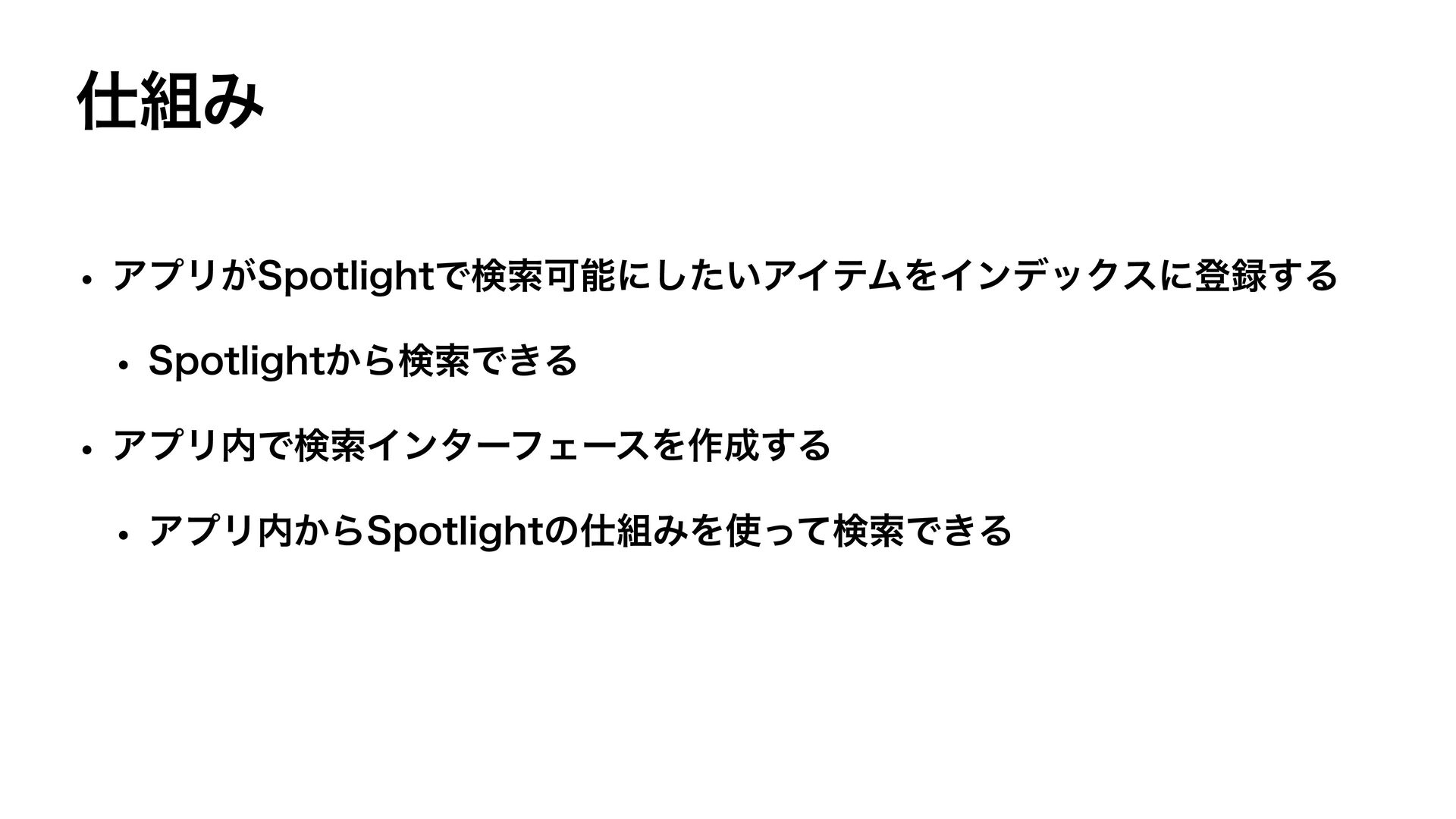
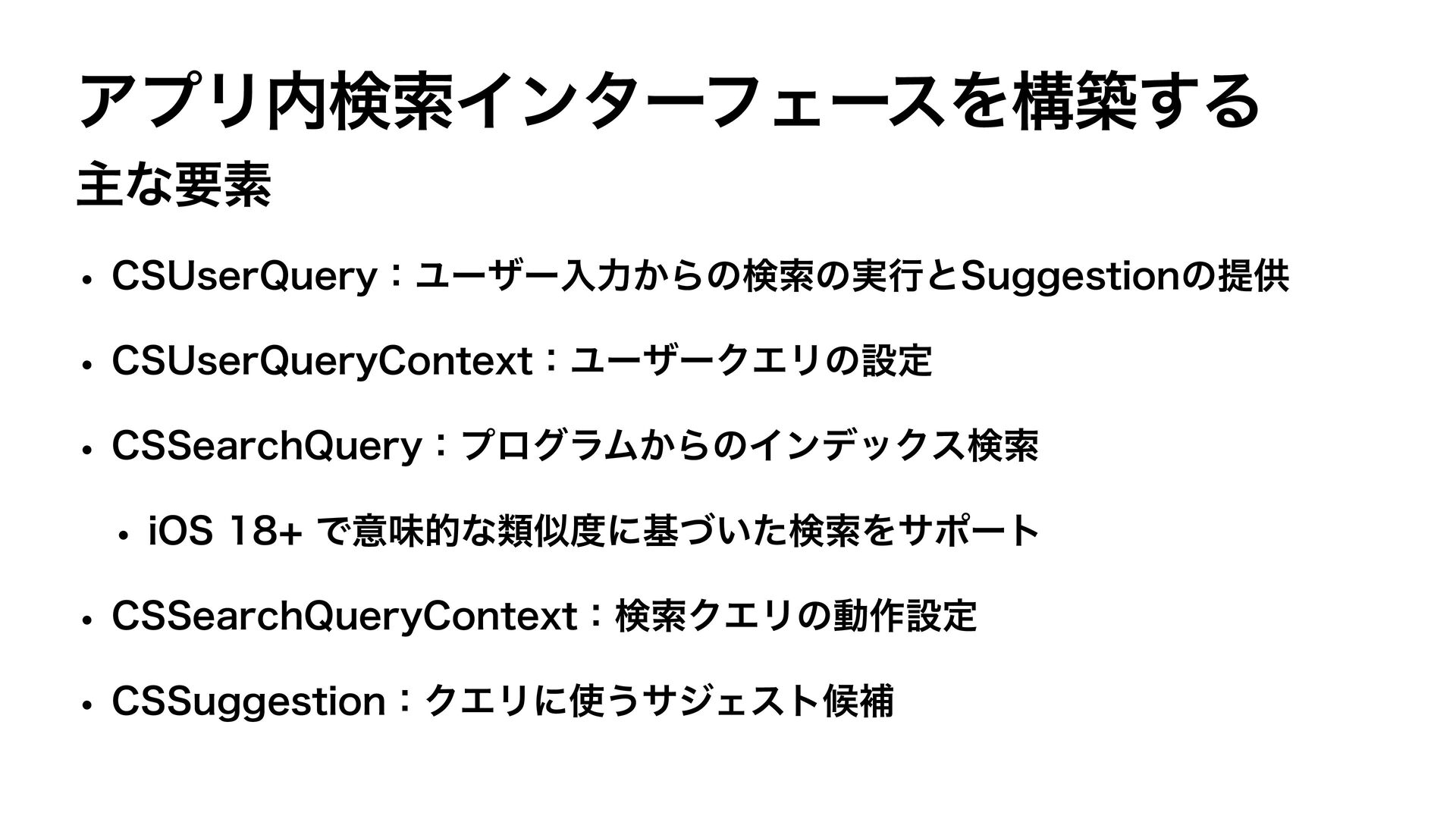
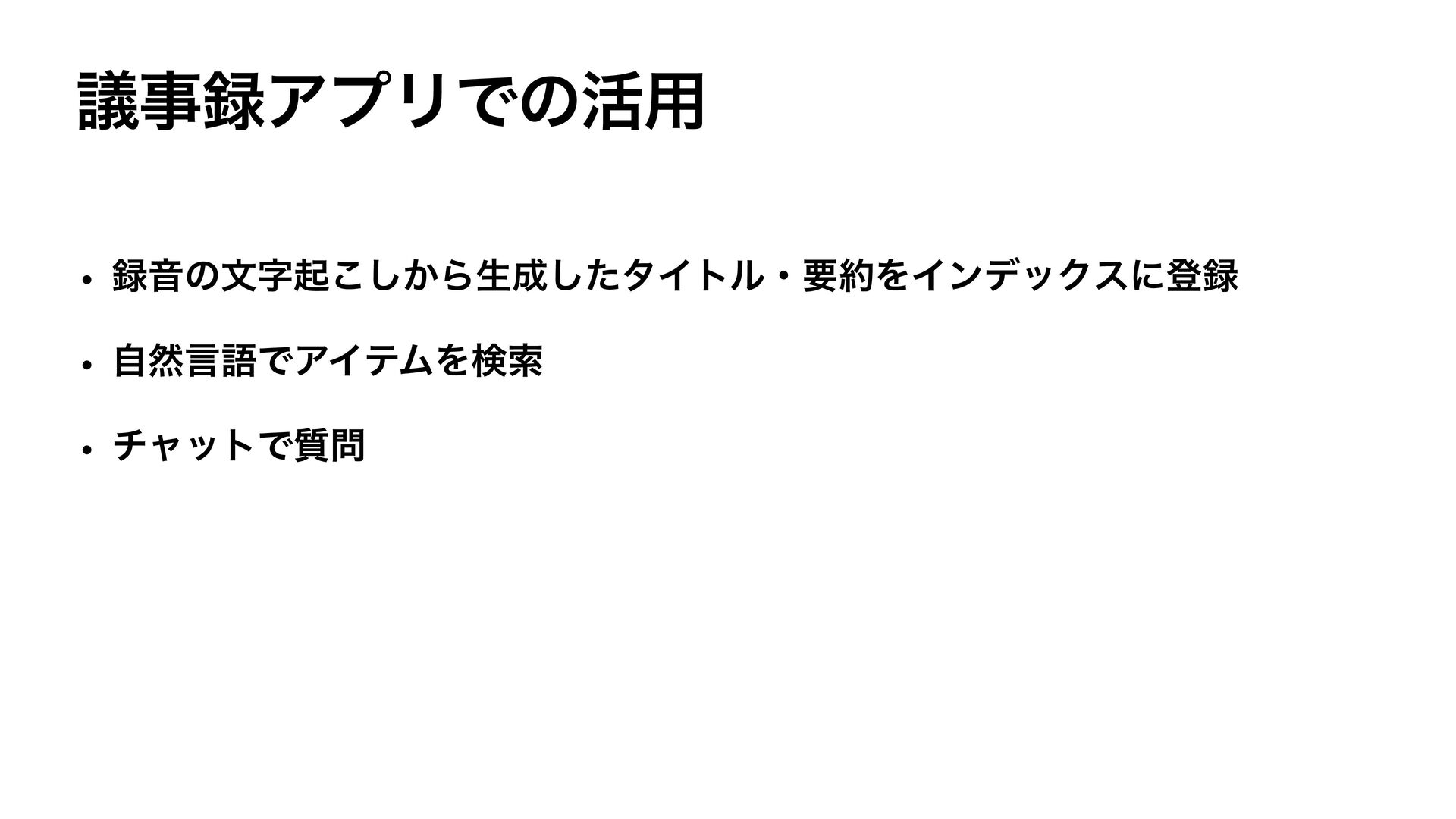
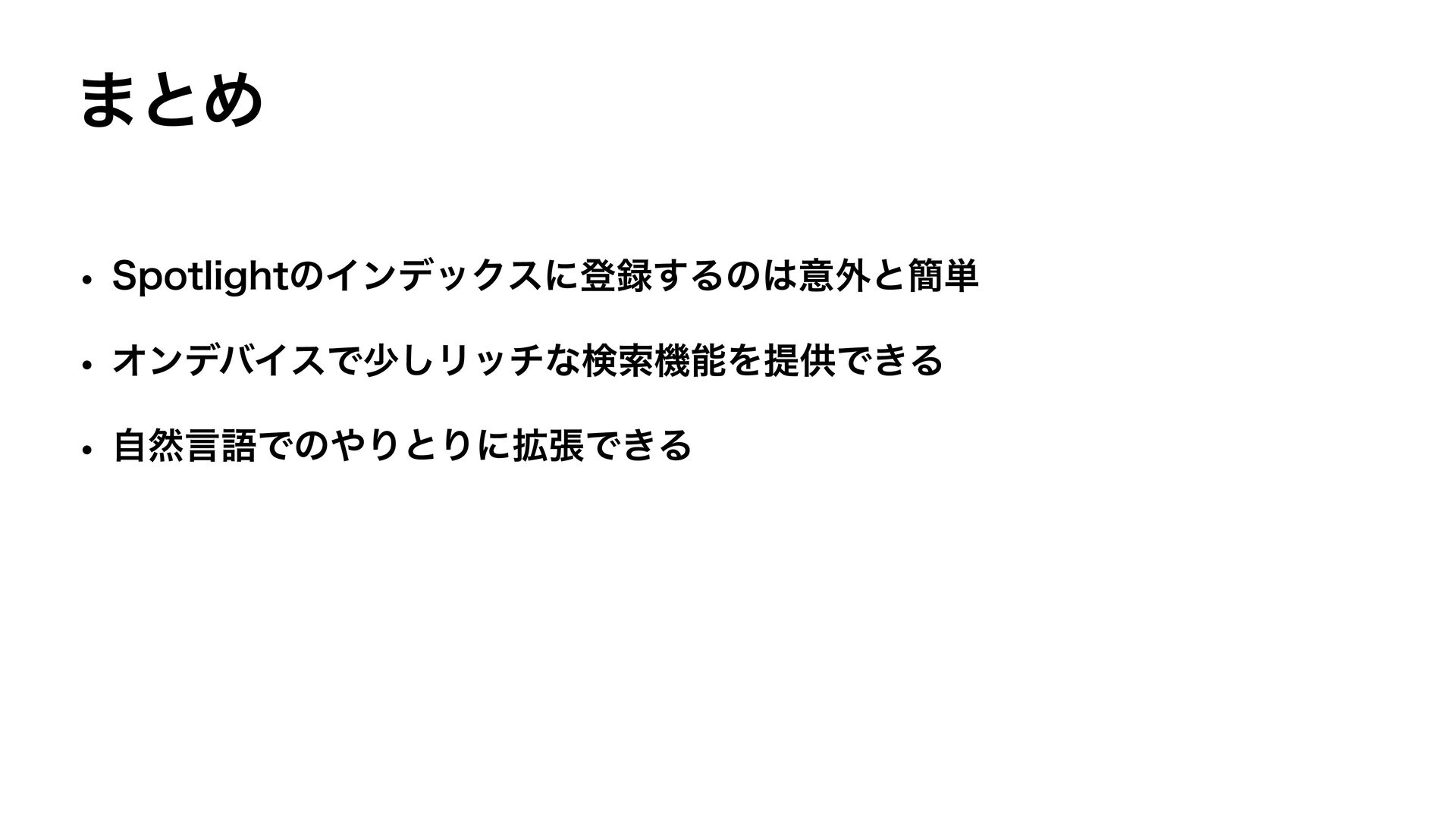
  2. お話しすること • Core Spotlightとは • SpotlightSearchTool + Foundation Models •

    議事録アプリでの活用 • 自然言語でアイテムを検索 • チャットで質問する
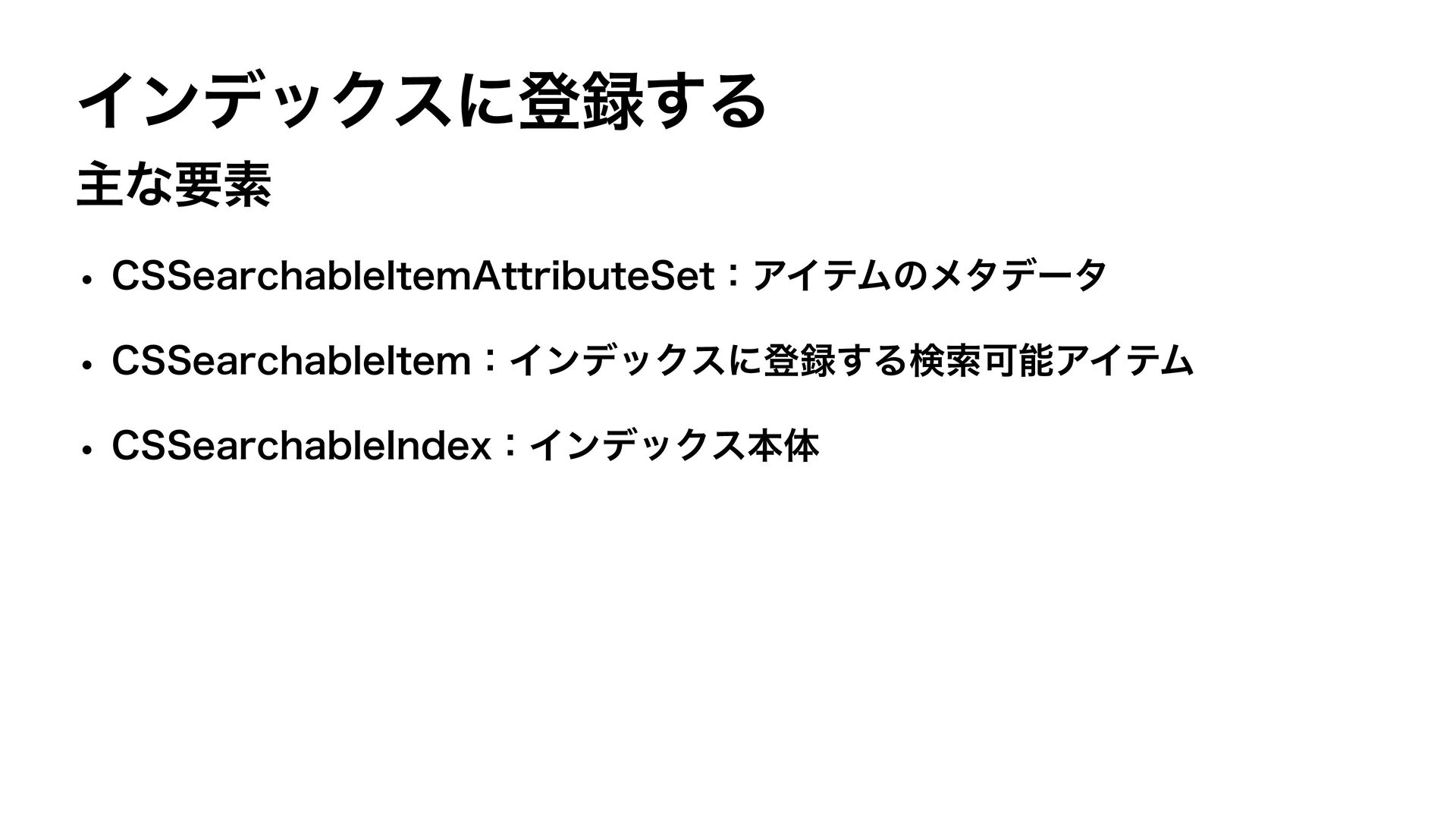
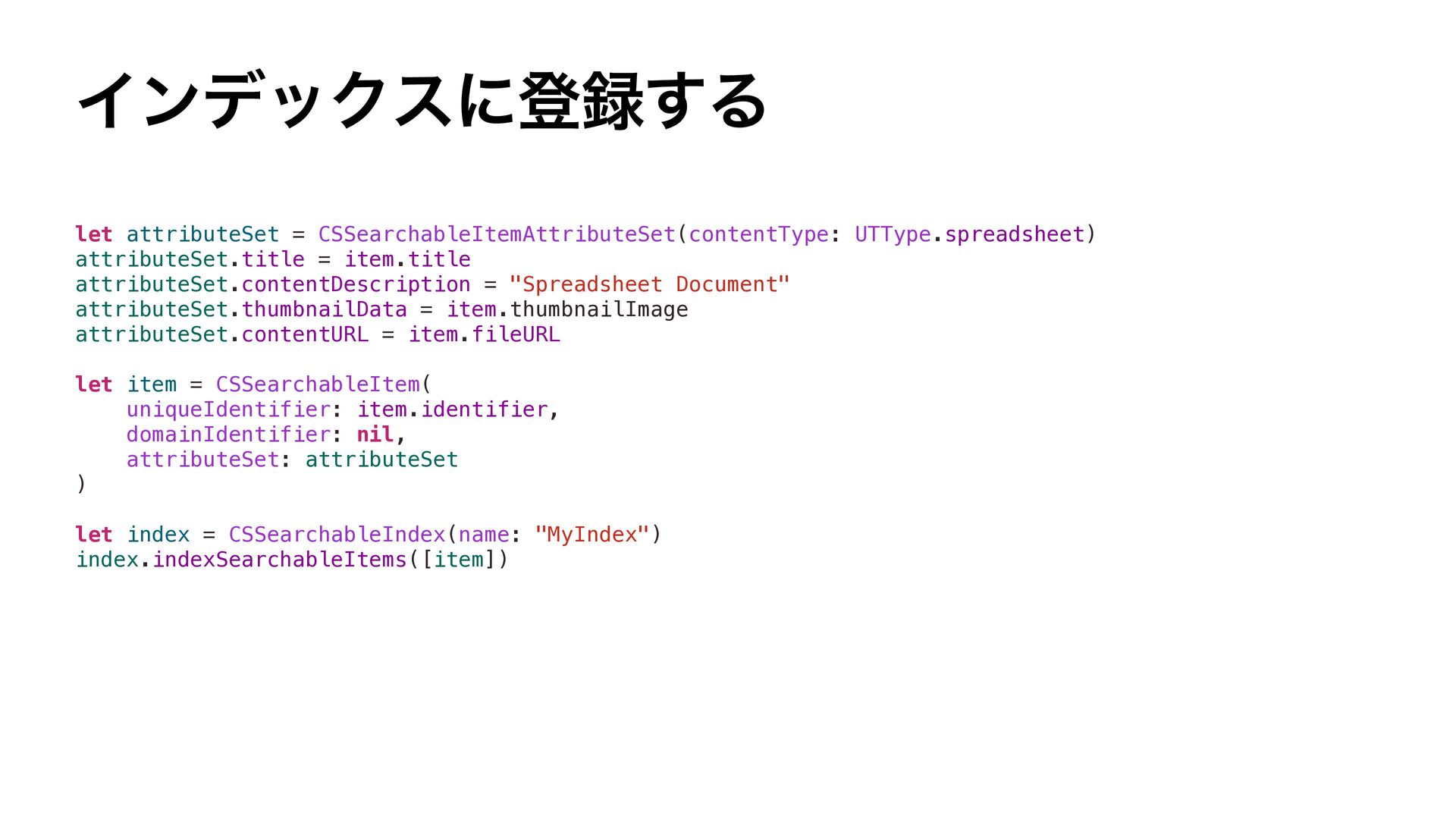
  3. インデックスに登録する let attributeSet = CSSearchableItemAttributeSet(contentType: UTType.spreadsheet) attributeSet.title = item.title attributeSet.contentDescription

    = "Spreadsheet Document" attributeSet.thumbnailData = item.thumbnailImage attributeSet.contentURL = item.fileURL let item = CSSearchableItem( uniqueIdentifier: item.identifier, domainIdentifier: nil, attributeSet: attributeSet ) let index = CSSearchableIndex(name: "MyIndex") index.indexSearchableItems([item])
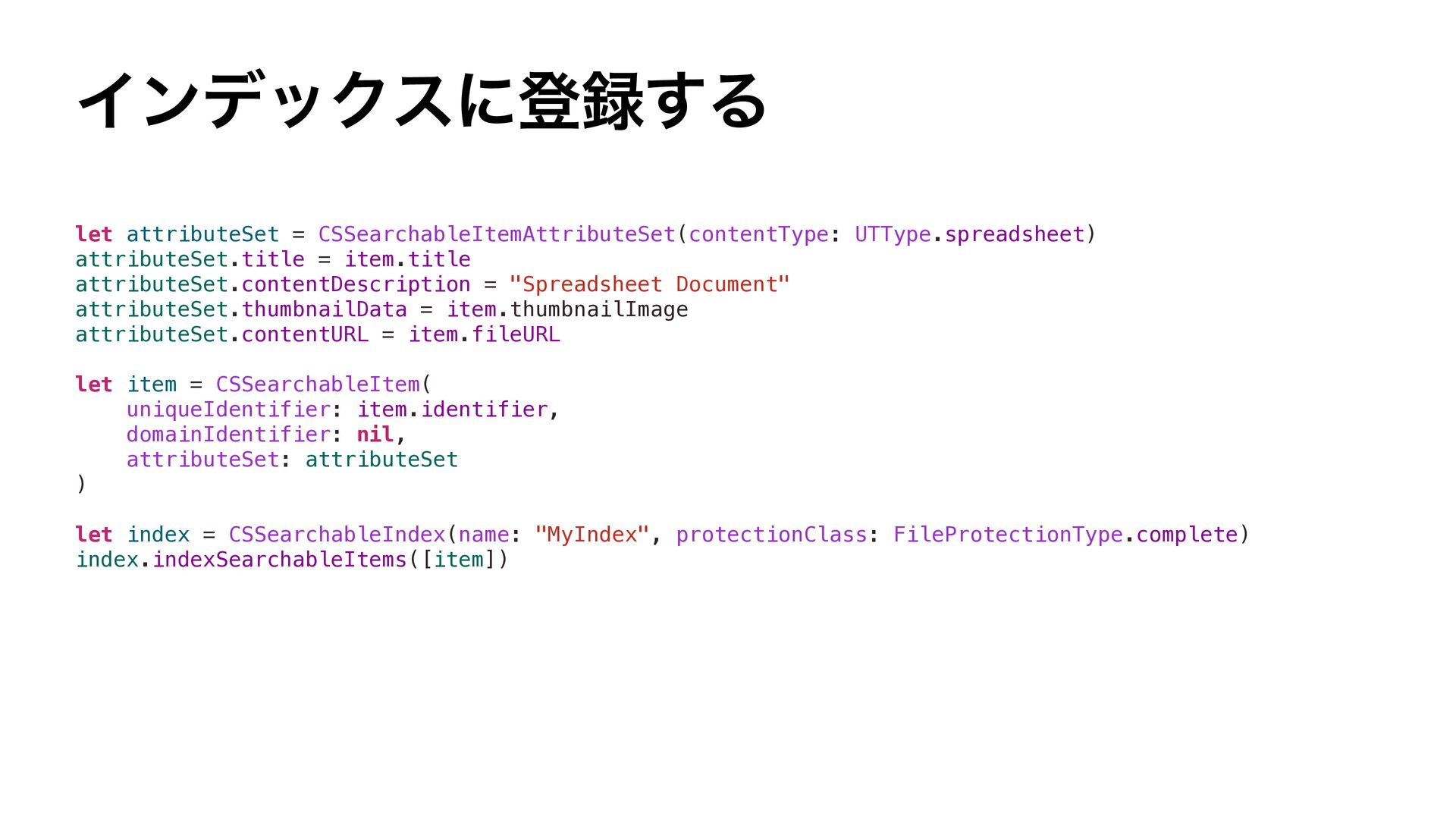
  4. インデックスに登録する let attributeSet = CSSearchableItemAttributeSet(contentType: UTType.spreadsheet) attributeSet.title = item.title attributeSet.contentDescription

    = "Spreadsheet Document" attributeSet.thumbnailData = item.thumbnailImage attributeSet.contentURL = item.fileURL let item = CSSearchableItem( uniqueIdentifier: item.identifier, domainIdentifier: nil, attributeSet: attributeSet ) let index = CSSearchableIndex(name: "MyIndex", protectionClass: FileProtectionType.complete) index.indexSearchableItems([item])
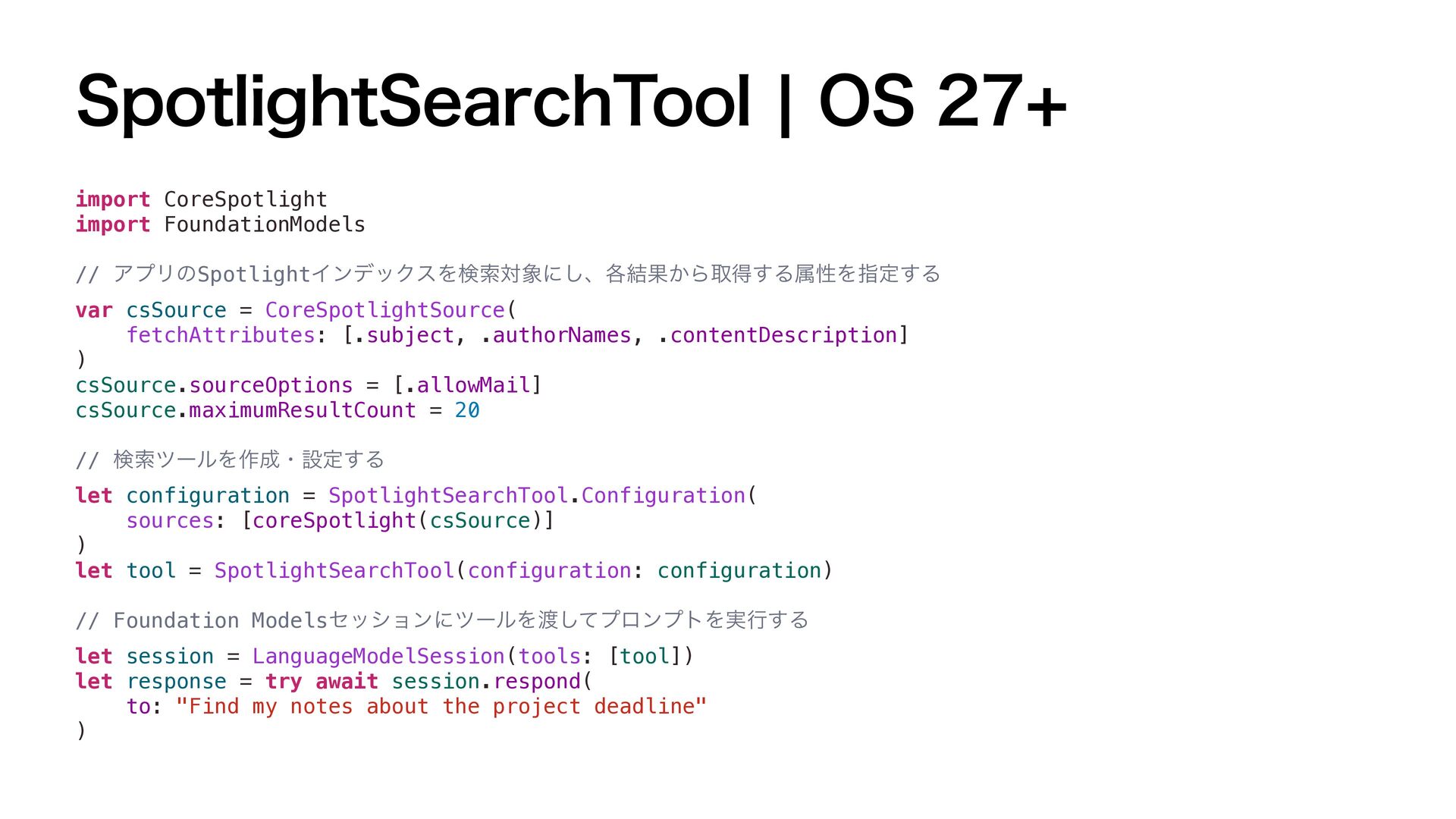
  5. SpotlightSearchTool | OS 27+ import CoreSpotlight import FoundationModels // アプリのSpotlightインデックスを検索対象にし、各結果から取得する属性を指定する

    var csSource = CoreSpotlightSource( fetchAttributes: [.subject, .authorNames, .contentDescription] ) csSource.sourceOptions = [.allowMail] csSource.maximumResultCount = 20 // 検索ツールを作成・設定する let configuration = SpotlightSearchTool.Configuration( sources: [coreSpotlight(csSource)] ) let tool = SpotlightSearchTool(configuration: configuration) // Foundation Modelsセッションにツールを渡してプロンプトを実行する let session = LanguageModelSession(tools: [tool]) let response = try await session.respond( to: "Find my notes about the project deadline" )
  6. 議事録アプリでの活用 録音の文字起こしから生成したタイトル・要約をインデックスに登録 func reindexAll(_ records: [Record], fileClient: FileClient) async throws

    { let domainIdentifier = "com.kantacky.Recall.records" let searchableIndex = CSSearchableIndex(name: “RecordIndex") try await searchableIndex.deleteSearchableItems(withDomainIdentifiers: [domainIdentifier]) let items = records.map { record -> CSSearchableItem in let attributes = CSSearchableItemAttributeSet(contentType: .audio) attributes.title = record.title attributes.displayName = record.title attributes.contentDescription = record.description attributes.textContent = fileClient.structuredReport(for: record.id) attributes.contentCreationDate = record.startedAt attributes.contentModificationDate = record.endedAt ?? record.startedAt let item = CSSearchableItem( uniqueIdentifier: "record:\(record.id)", domainIdentifier: domainIdentifier, attributeSet: attributes ) item.expirationDate = .distantFuture return item } } try await searchableIndex.indexSearchableItems(items)
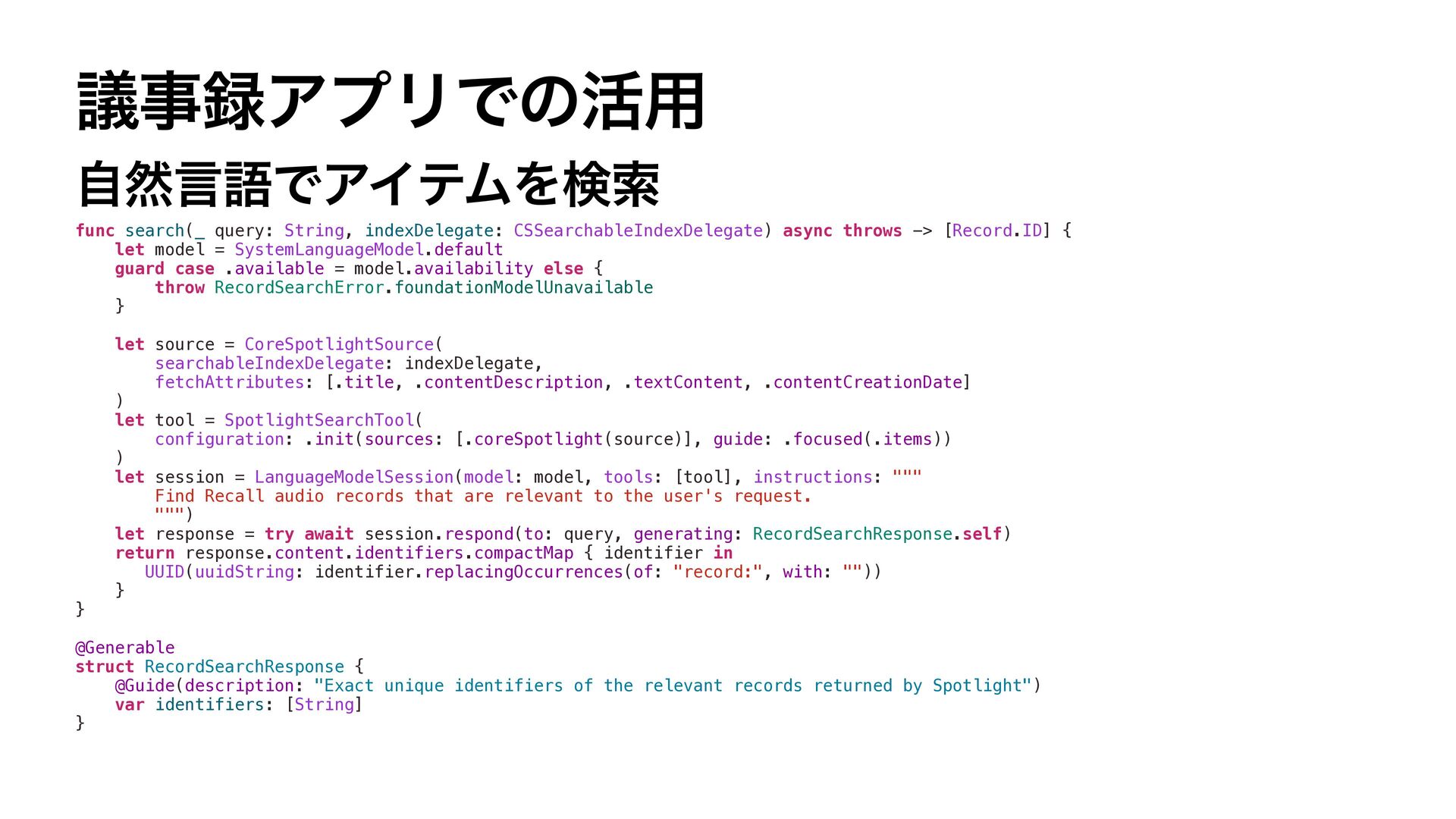
  7. 議事録アプリでの活用 自然言語でアイテムを検索 func search(_ query: String, indexDelegate: CSSearchableIndexDelegate) async throws

    -> [Record.ID] { let model = SystemLanguageModel.default guard case .available = model.availability else { throw RecordSearchError.foundationModelUnavailable } } let source = CoreSpotlightSource( searchableIndexDelegate: indexDelegate, fetchAttributes: [.title, .contentDescription, .textContent, .contentCreationDate] ) let tool = SpotlightSearchTool( configuration: .init(sources: [.coreSpotlight(source)], guide: .focused(.items)) ) let session = LanguageModelSession(model: model, tools: [tool], instructions: """ Find Recall audio records that are relevant to the user's request. """) let response = try await session.respond(to: query, generating: RecordSearchResponse.self) return response.content.identifiers.compactMap { identifier in UUID(uuidString: identifier.replacingOccurrences(of: "record:", with: "")) } @Generable struct RecordSearchResponse { @Guide(description: "Exact unique identifiers of the relevant records returned by Spotlight") var identifiers: [String] }
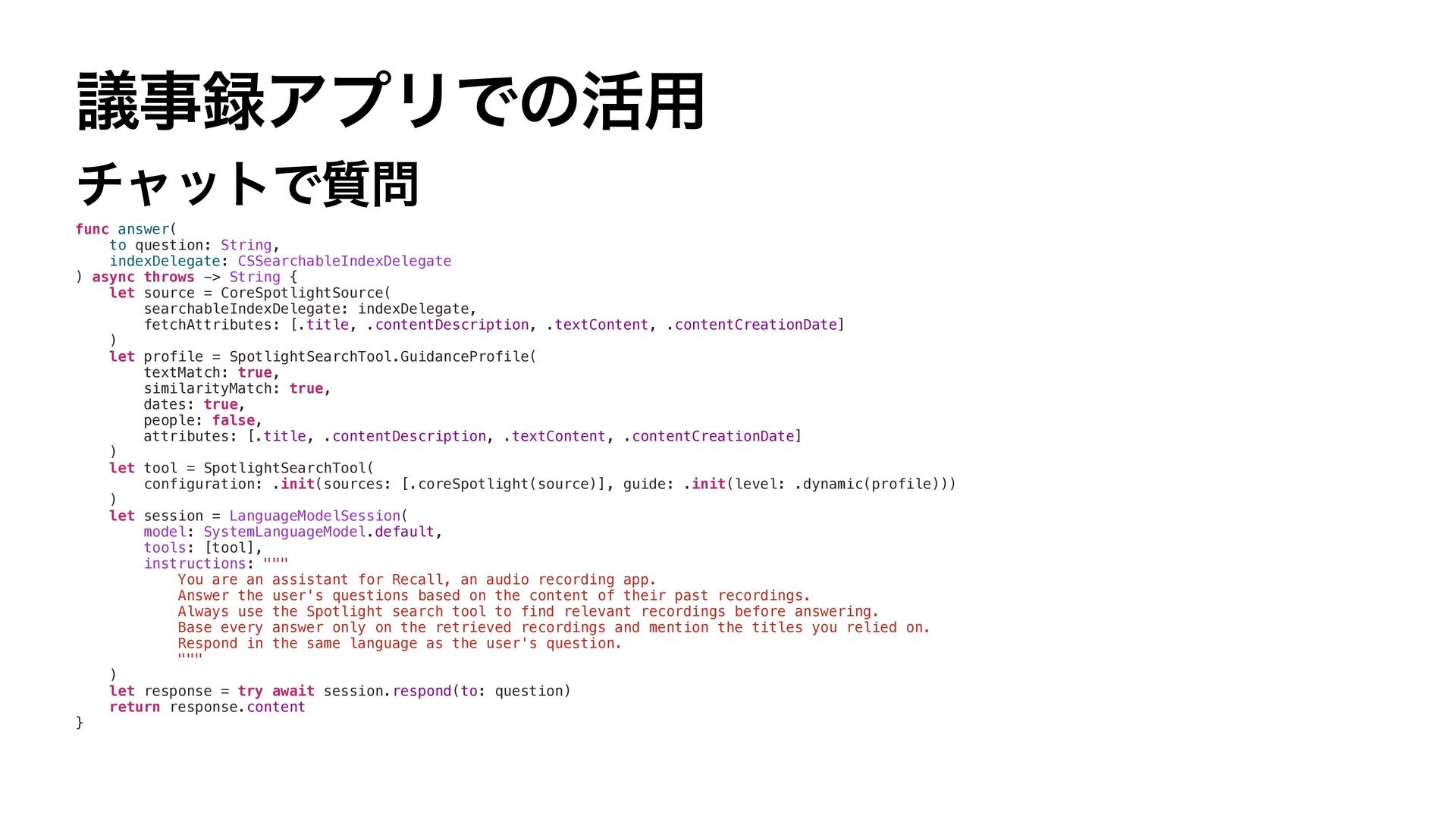
  8. 議事録アプリでの活用 チャットで質問 func answer( to question: String, indexDelegate: CSSearchableIndexDelegate )

    async throws -> String { let source = CoreSpotlightSource( searchableIndexDelegate: indexDelegate, fetchAttributes: [.title, .contentDescription, .textContent, .contentCreationDate] ) let profile = SpotlightSearchTool.GuidanceProfile( textMatch: true, similarityMatch: true, dates: true, people: false, attributes: [.title, .contentDescription, .textContent, .contentCreationDate] ) let tool = SpotlightSearchTool( configuration: .init(sources: [.coreSpotlight(source)], guide: .init(level: .dynamic(profile))) ) let session = LanguageModelSession( model: SystemLanguageModel.default, tools: [tool], instructions: """ You are an assistant for Recall, an audio recording app. Answer the user's questions based on the content of their past recordings. Always use the Spotlight search tool to find relevant recordings before answering. Base every answer only on the retrieved recordings and mention the titles you relied on. Respond in the same language as the user's question. """ ) let response = try await session.respond(to: question) return response.content }
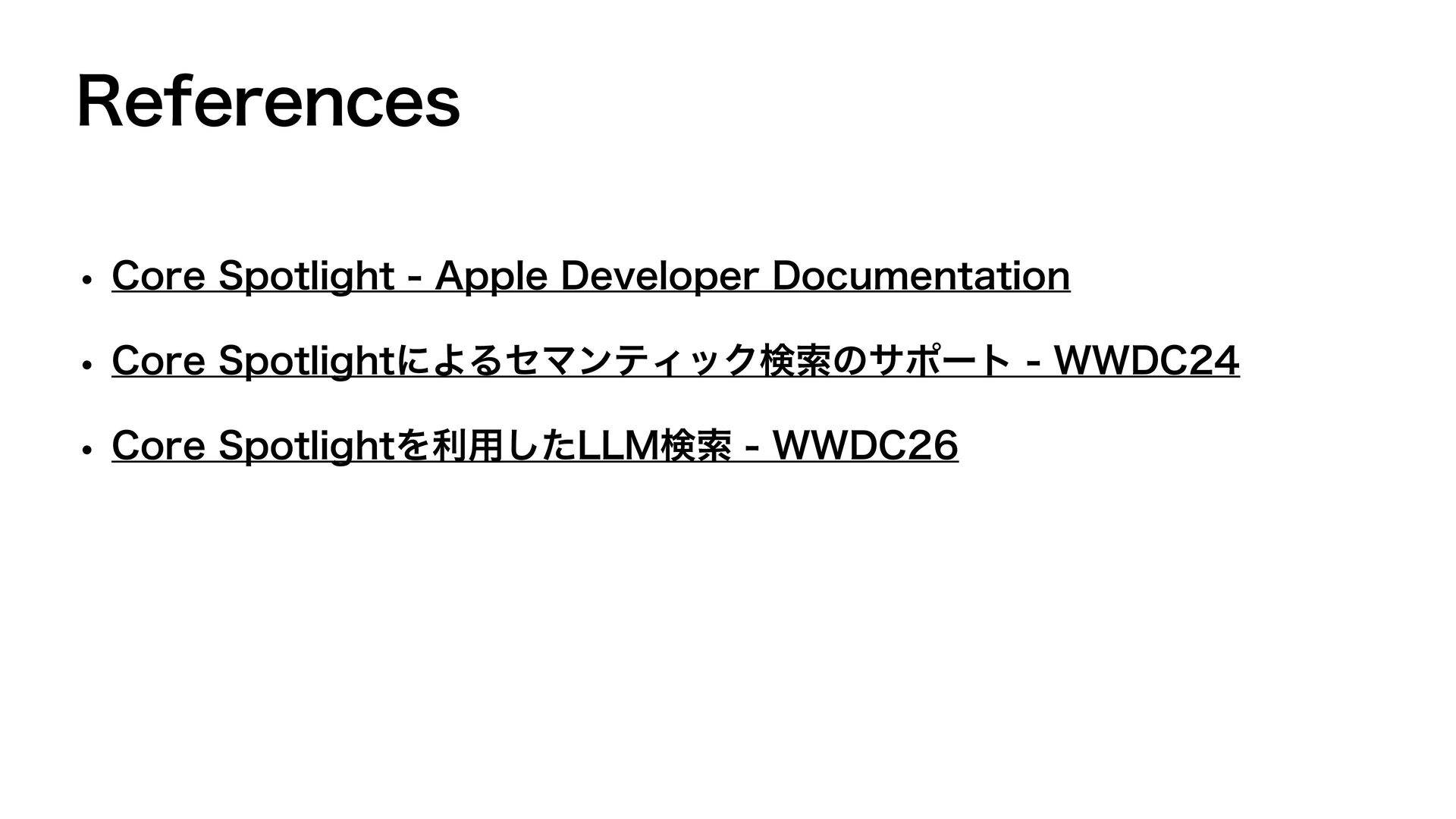
  9. References • Core Spotlight - Apple Developer Documentation • Core

    Spotlightによるセマンティック検索のサポート - WWDC24 • Core Spotlightを利用したLLM検索 - WWDC26