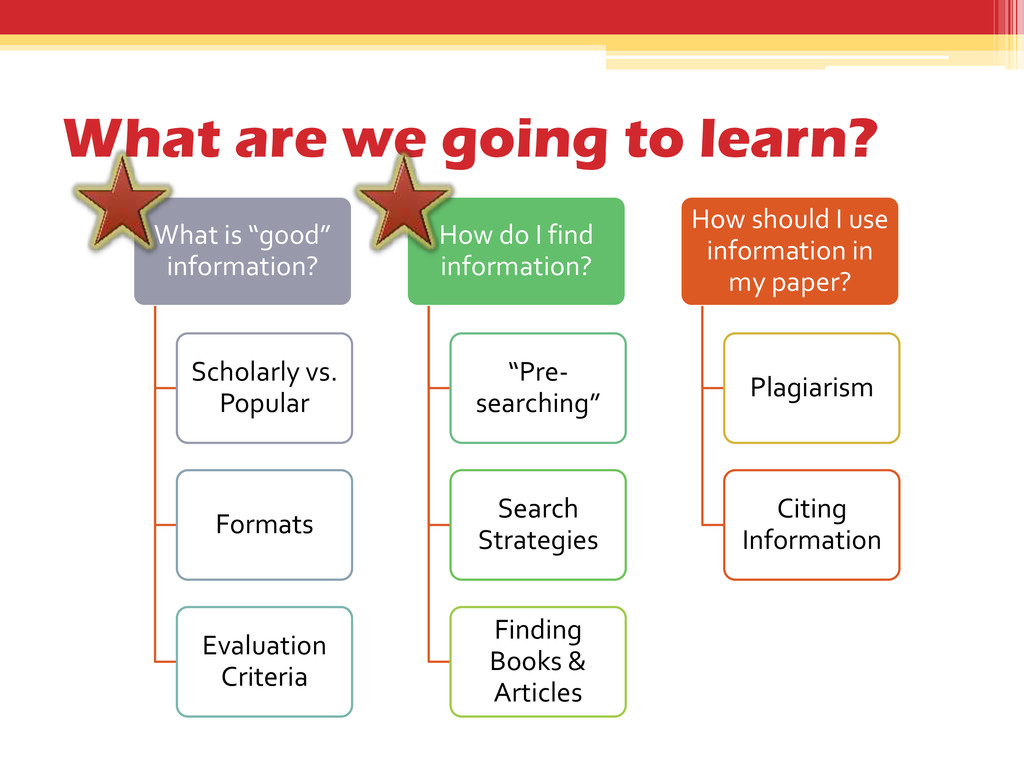
Scholarly vs. Popular Formats Evaluation Criteria How do I find information? “Pre- searching” Search Strategies Finding Books & Articles How should I use information in my paper? Plagiarism Citing Information
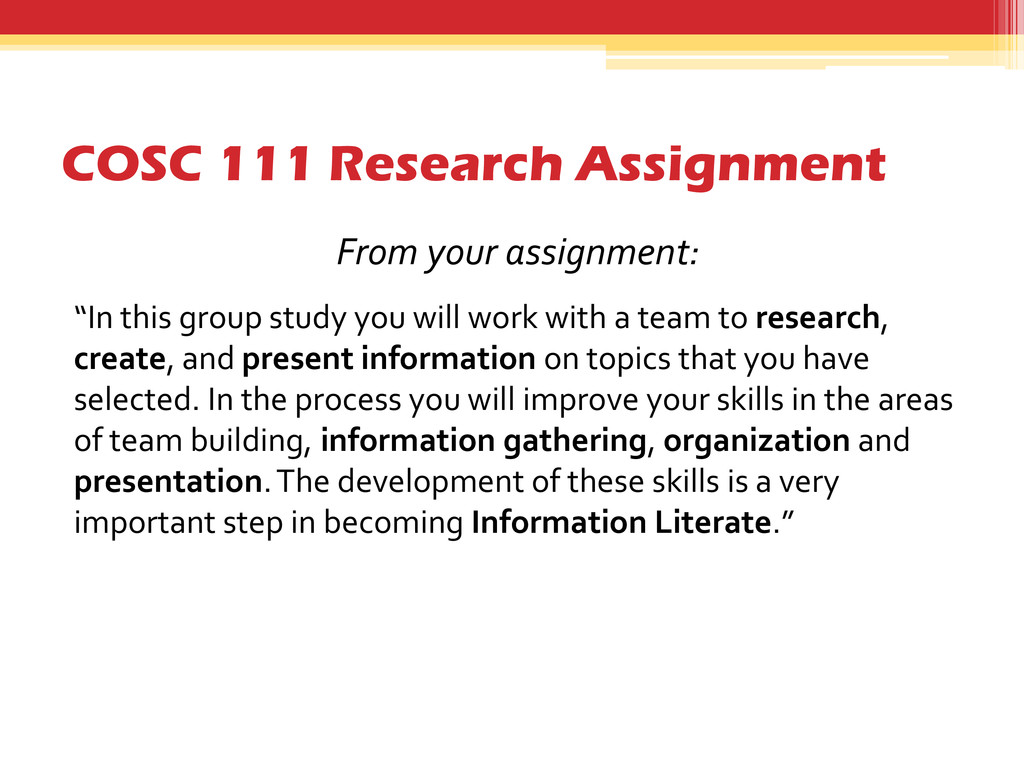
study you will work with a team to research, create, and present information on topics that you have selected. In the process you will improve your skills in the areas of team building, information gathering, organization and presentation. The development of these skills is a very important step in becoming Information Literate.”
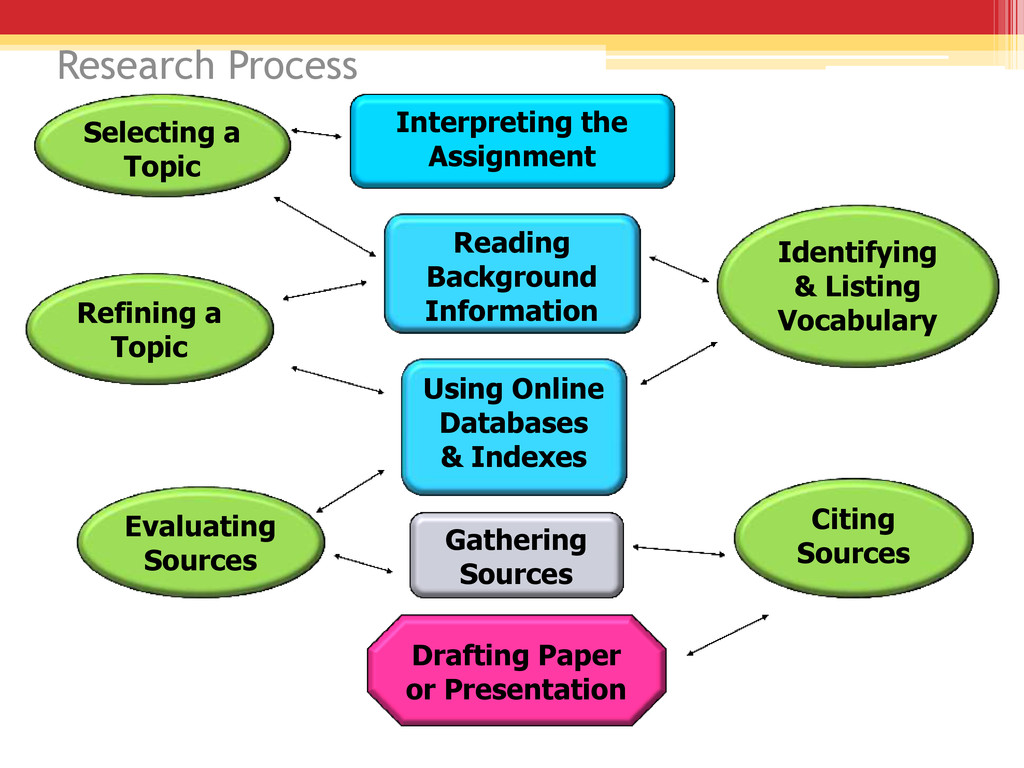
Indexes Gathering Sources Drafting Paper or Presentation Identifying & Listing Vocabulary Citing Sources Refining a Topic Evaluating Sources Selecting a Topic Research Process
instructions? ▫ What issues/concepts/subtopics are related to your main topic? ▫ Why is the topic important or interesting? ▫ What do you need to learn more about to become the class “expert” on the topic?
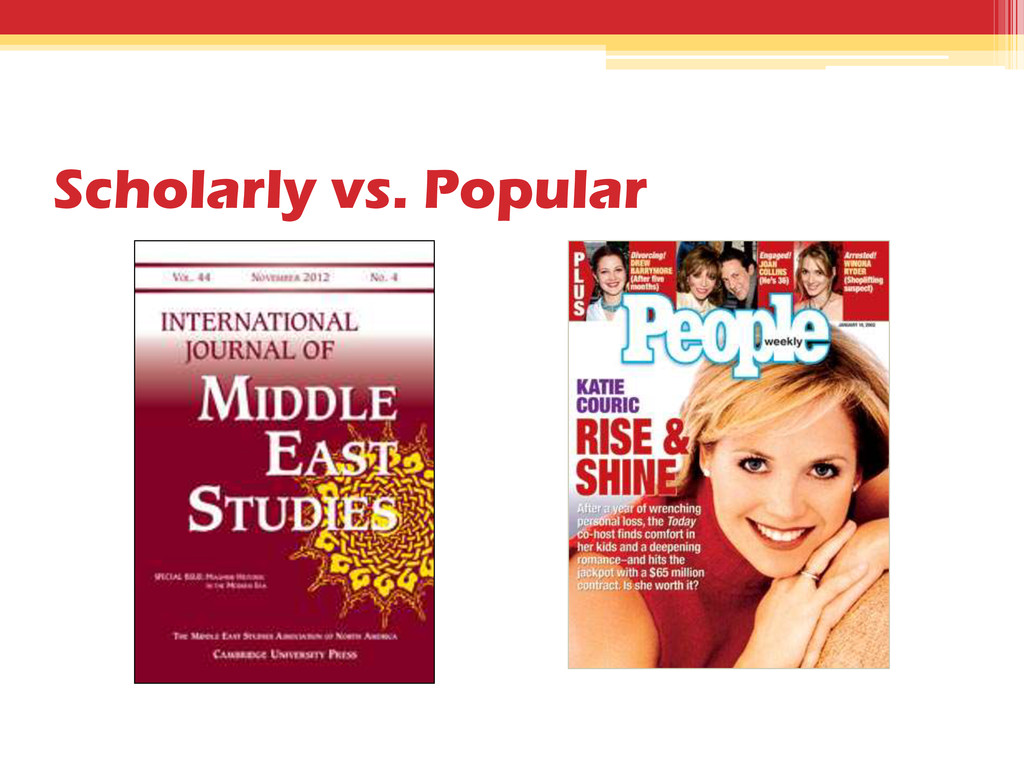
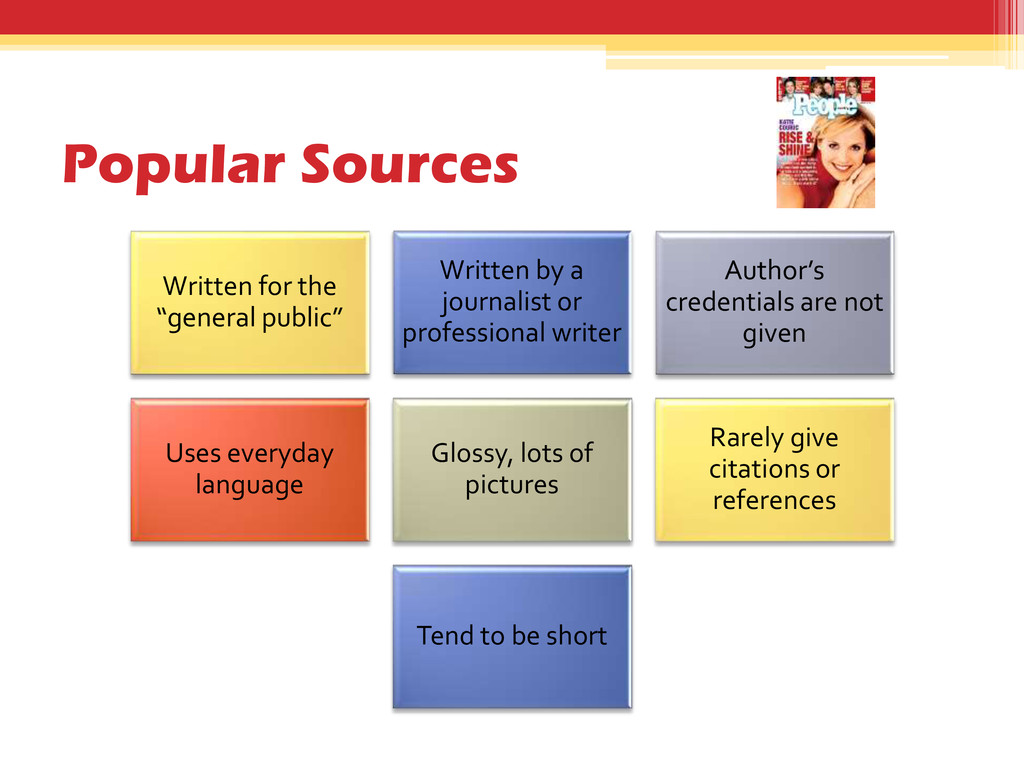
journalist or professional writer Author’s credentials are not given Uses everyday language Glossy, lots of pictures Rarely give citations or references Tend to be short
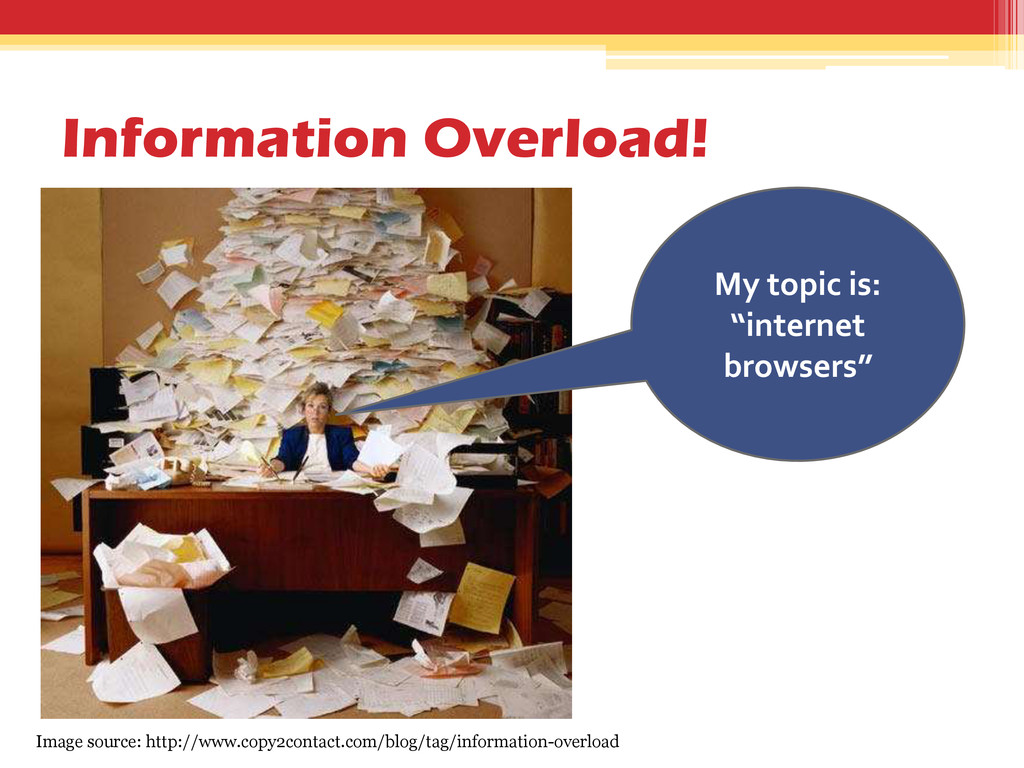
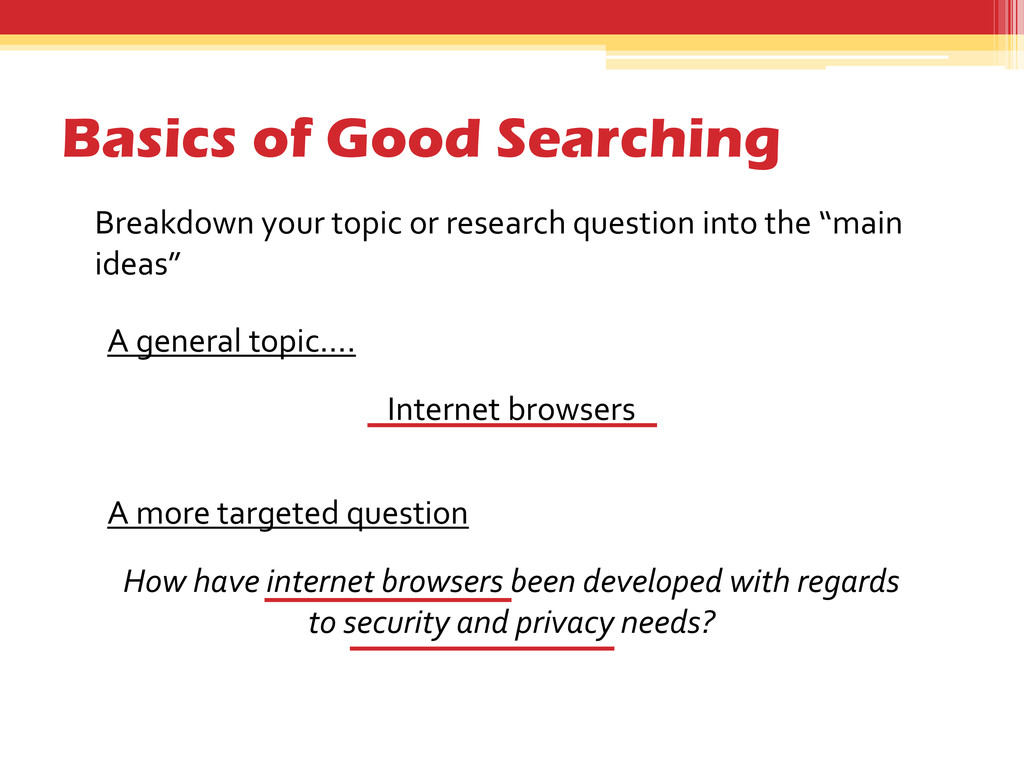
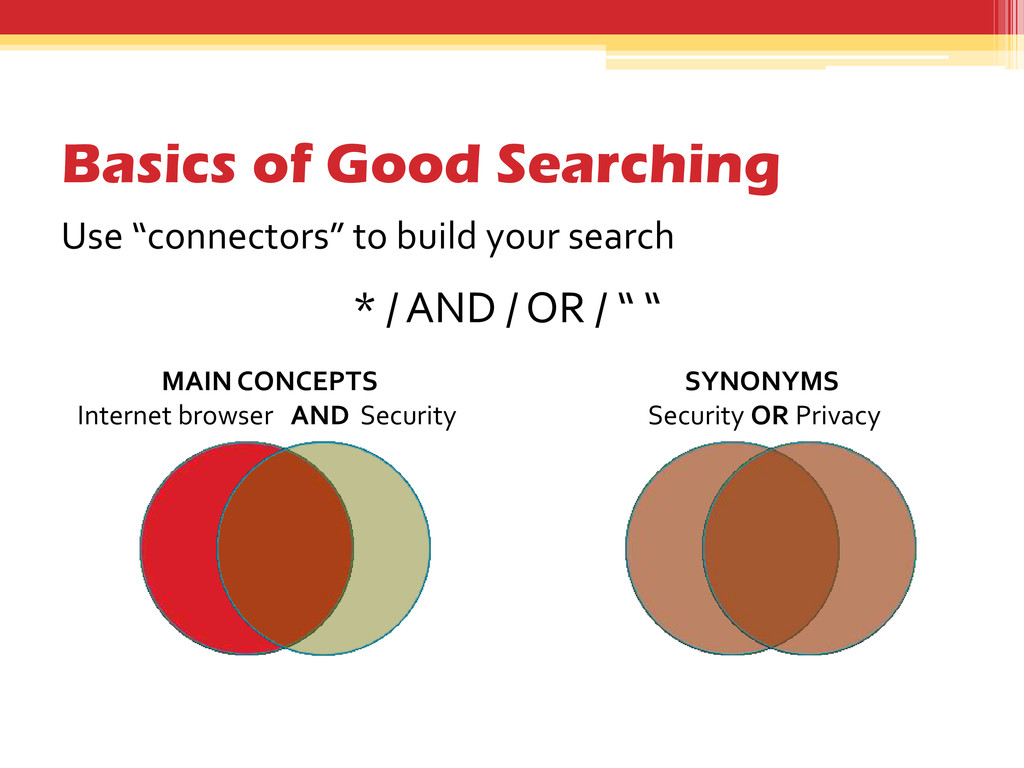
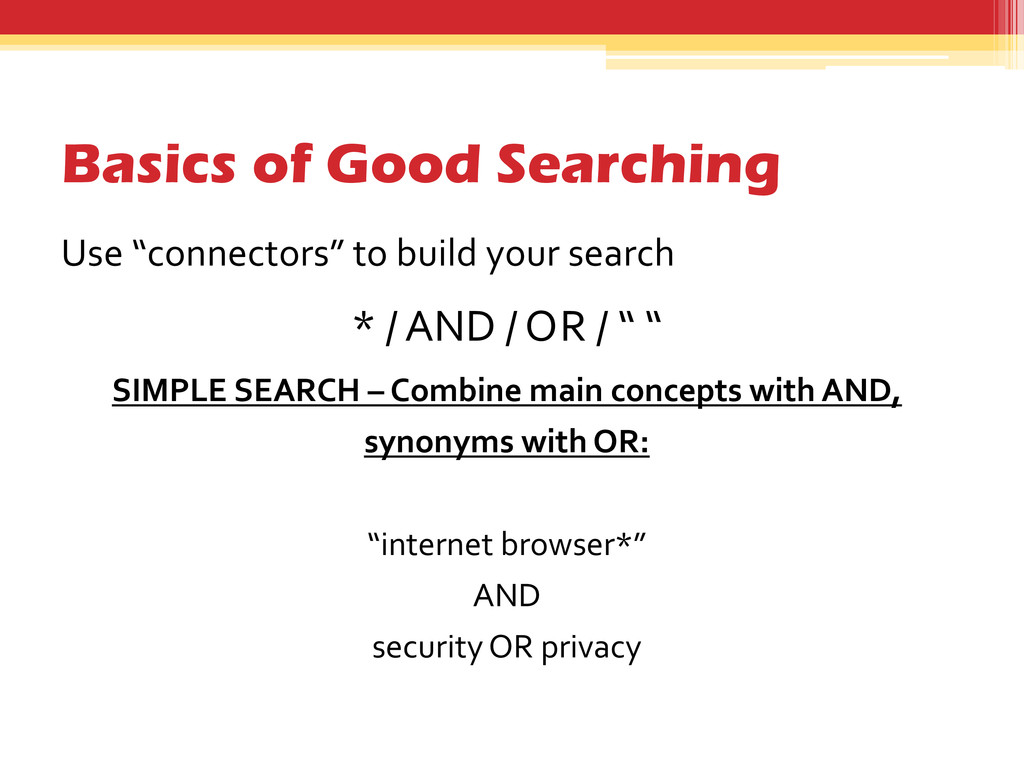
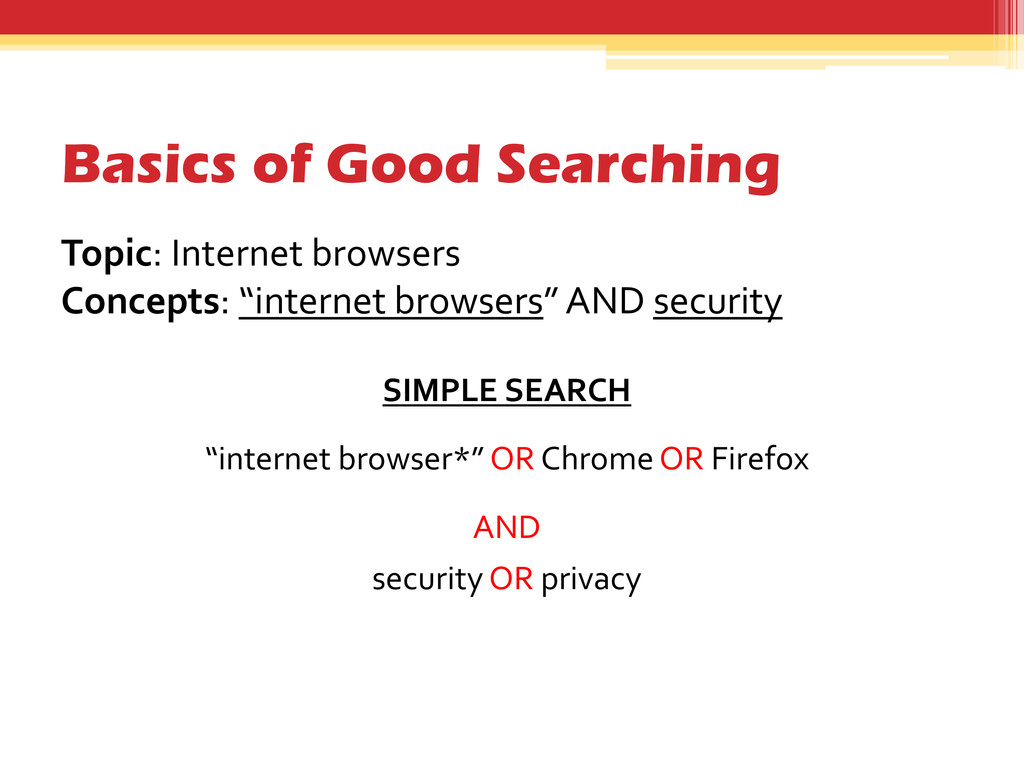
internet browsers been developed with regards to security and privacy needs? Breakdown your topic or research question into the “main ideas” A general topic…. Internet browsers
on your worksheet • Identify at least two main concepts or facets of your topic that you’d like to find information about. Write these in the second box on your worksheet.
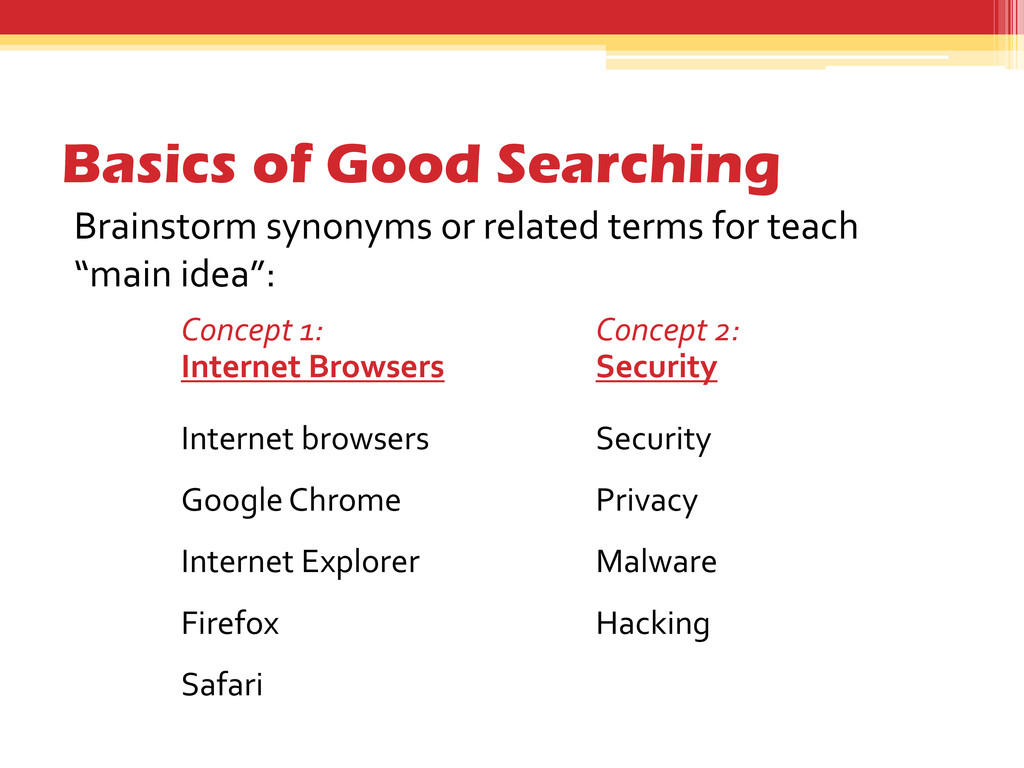
teach “main idea”: Concept 1: Internet Browsers Internet browsers Google Chrome Internet Explorer Firefox Safari Concept 2: Security Security Privacy Malware Hacking
your worksheet, list additional key terms (synonyms) you might be able to use in your search • What other words can you use to describe each main concept? • At the bottom of the page, try to construct a simple search using the boxes and connectors provided
whether you find it through the World Wide Web or through the library? 2. How might evaluating information for a college-level research paper be different than for your every-day information needs? How might it be similar? 3. How can you tell if something is a “good” source? What are some criteria you should use to evaluate information?
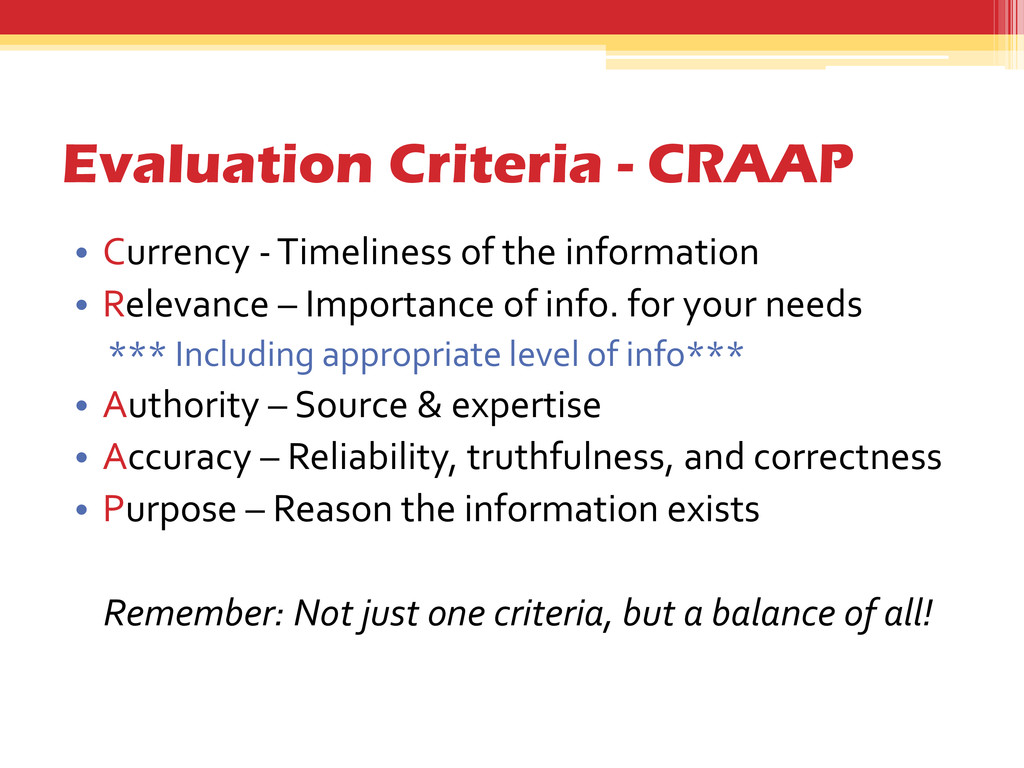
information • Relevance – Importance of info. for your needs *** Including appropriate level of info*** • Authority – Source & expertise • Accuracy – Reliability, truthfulness, and correctness • Purpose – Reason the information exists Remember: Not just one criteria, but a balance of all!
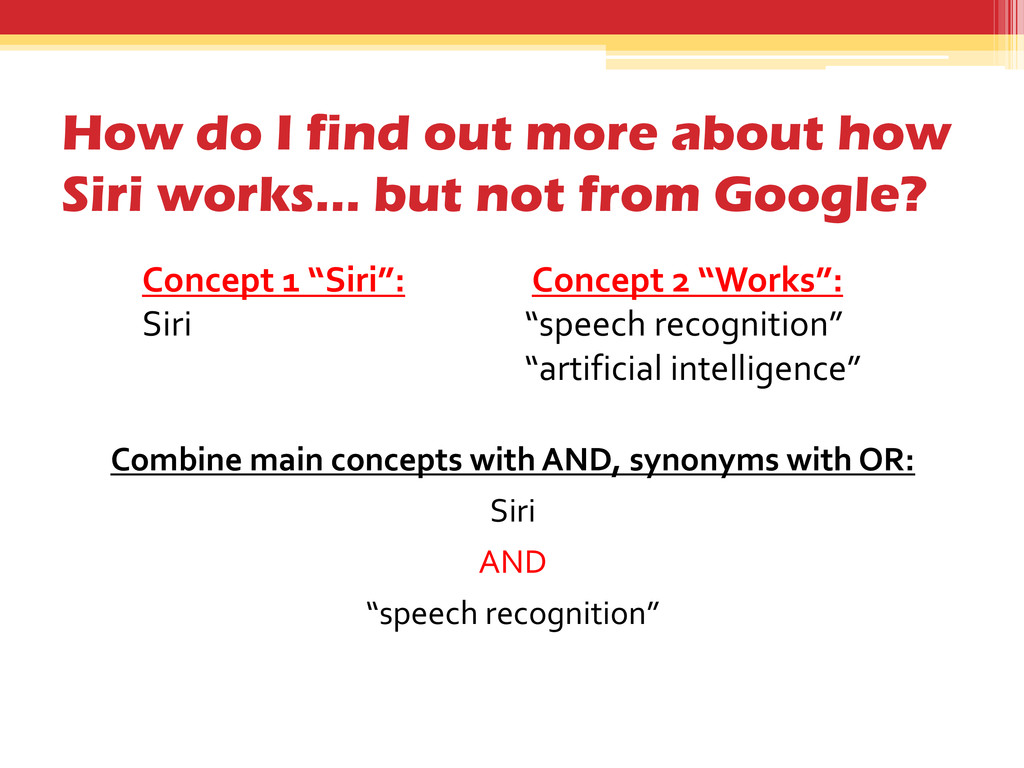
but not from Google? Concept 1 “Siri”: Siri Concept 2 “Works”: “speech recognition” “artificial intelligence” Combine main concepts with AND, synonyms with OR: Siri AND “speech recognition”
of the Library's resources at once. • Find books, articles, media, government information, and other library resources all in one place. • Search what Towson owns as well as resources at other USMAI Libraries. *but not ALL!!
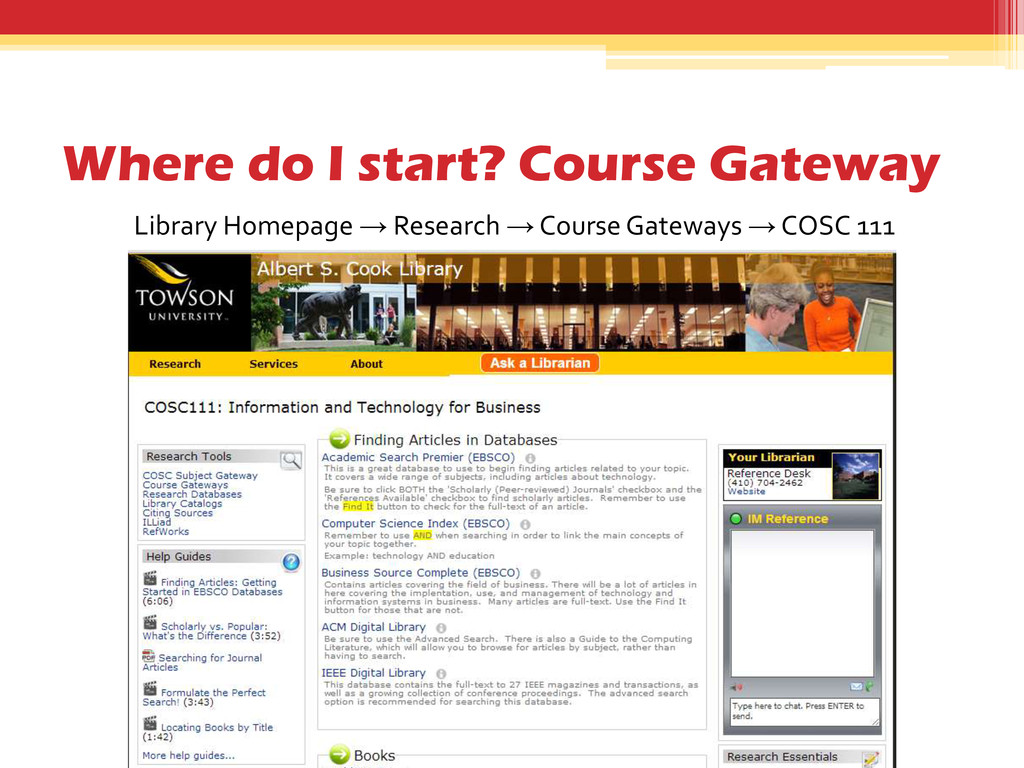
resources to find information about your topic You may use an Internet Search Engine, Course Gateway resource, or Cook OneSearch • Use the “CRAAP Test” worksheet to evaluate the information, then fill in Part 2 of your assignment. • Be ready to share your source of information and your evaluation with the class.
Topic development and keyword searching ▫ Use the library’s resources to find sources relevant to your research topic – Remember to attach your “CRAAP Test” worksheet • Parts 1 & 2 are due: Thursday, October 3rd ▫ Turn in to Kim’s box at the Library’s Research Help Desk


 kimberlymiller3
 matleenalaakso
 terasawat
 yasslab
 2720japanoke
 yatabe
 cbtlibrary
 pawan_pharm
 ishii_mit
 bvr7352
 suisan
 hiola
hiola
 lauravandoore
 samlambert
 livdayseo
 tomoyanonymous
 michaelherold
 nonsquared
 caitiem20
 techseoconnect
 hatefulcrawdad
.jpg) cargoodrich
cargoodrich
 shlominoach
 tonyrice
![Ask a Librarian! • Kimberly Miller ▫ [email protected] ▫ 410-704-6324](https://files.speakerdeck.com/presentations/2a0de860133f0131eee9569080c4c5ad/slide_1.jpg)