Upgrade to Pro
— share decks privately, control downloads, hide ads and more …
Speaker Deck
Sign up for free
Menu
Search
Features
All features
Private URLs
Password Protection
Custom URLS
Scheduled publishing
Remove Branding
Restrict embedding
Deck Collections
Notes
Features
All features
Private URLs
Password Protection
Custom URLS
Scheduled publishing
Remove Branding
Restrict embedding
Deck Collections
Notes
Explore
Featured decks
Featured speakers
Programming
Technology
Storyboards
Explore
Featured decks
Featured speakers
Programming
Technology
Storyboards
Pricing
Search
Sign in
Sign up for free
三者三様 宣言的UI
Search
Keita Kagurazaka
October 21, 2025
Programming
600
0
Share
Embed
Copy iframe code
Copy JS code
Copy link
Start on current slide
三者三様 宣言的UI
React / Jetpack Compose / Flutterの3つの宣言的フレームワークの共通点・相違点を実践的なトピックに絞って概説します。
Keita Kagurazaka
October 21, 2025
More Decks by Keita Kagurazaka
See All by Keita Kagurazaka
SELECT FOR UPDATEの話
kkagurazaka
0
540
Mobileアプリのアーキテクチャ設計法
kkagurazaka
2
1.5k
原理から完全理解するDagger Hilt Migration
kkagurazaka
1
2k
今後のJetpackでAndroid開発はこう変わる!
kkagurazaka
16
6.5k
外部SDKのViewにマスク処理をする方法と罠
kkagurazaka
0
1.1k
AWAのフルリニューアルを支えたアーキテクチャ
kkagurazaka
1
990
CQRS Architecture on Android
kkagurazaka
7
3.2k
suspending functionの裏側
kkagurazaka
3
490
coroutinesで非同期ページネーション
kkagurazaka
1
720
Other Decks in Programming
See All in Programming
[ハンズオン]AIへの指示だけで「五目並べ」を作ってみよう
satoshi256kbyte
1
380
JAWS-UG 東京支部が始める、JAWS-UG支部コラボ / JAWS-UG lunchtime LT Collaboration
y0hgi
0
280
自作Discord音声botをLambda MicroVMsに移行した話 / Migrating My Discord Voice Bot to Lambda MicroVMs
akihisaikeda
0
120
Vue Fes Japan の “作る側”に関わってみて
naokihaba
0
170
Railsのためのパスキー実践入門 〜マルチテナントSaaSでの意思決定〜
utakaha
3
920
GemmaをJevのように使ってみる / Use Gemma like Jev
kishida
5
810
[2026-10-14](C)Re:ゼロから始める異世界生活〜始まりの終わりと終わりの始まり〜
tosite
0
130
コードレビューのボトルネックを"する側"と"される側"の両面から解消する
yub0n
2
1.6k
AWSに止められる覚悟してますか?
morizo_1984
2
540
ジョジョの世界をXRで再現する
mofurune
0
180
Next.js: The final boss of Web Performance
guaca
0
290
Long Living Tokens, Die, Die, Die! (or: The One Ring is Banned in Modern)
sylph01
0
340
Featured
See All Featured
Ethics towards AI in product and experience design
skipperchong
2
440
Build The Right Thing And Hit Your Dates
maggiecrowley
39
3.5k
Documentation Writing (for coders)
carmenintech
77
5.6k
Rails Girls Zürich Keynote
gr2m
96
14k
Why You Should Never Use an ORM
jnunemaker
PRO
61
10k
Mind Mapping
helmedeiros
1
400
sira's awesome portfolio website redesign presentation
elsirapls
0
460
Building a Scalable Design System with Sketch
lauravandoore
464
34k
Max Prin - Stacking Signals: How International SEO Comes Together (And Falls Apart)
techseoconnect
PRO
0
490
What Being in a Rock Band Can Teach Us About Real World SEO
427marketing
0
1.1k
Building Experiences: Design Systems, User Experience, and Full Site Editing
marktimemedia
1
630
Leveraging LLMs for student feedback in introductory data science courses - posit::conf(2025)
minecr
1
440
Transcript
三者三様 宣言的UI React / Compose / Flutter を見比べて Keita Kagurazaka
@ ANDPAD Inc.
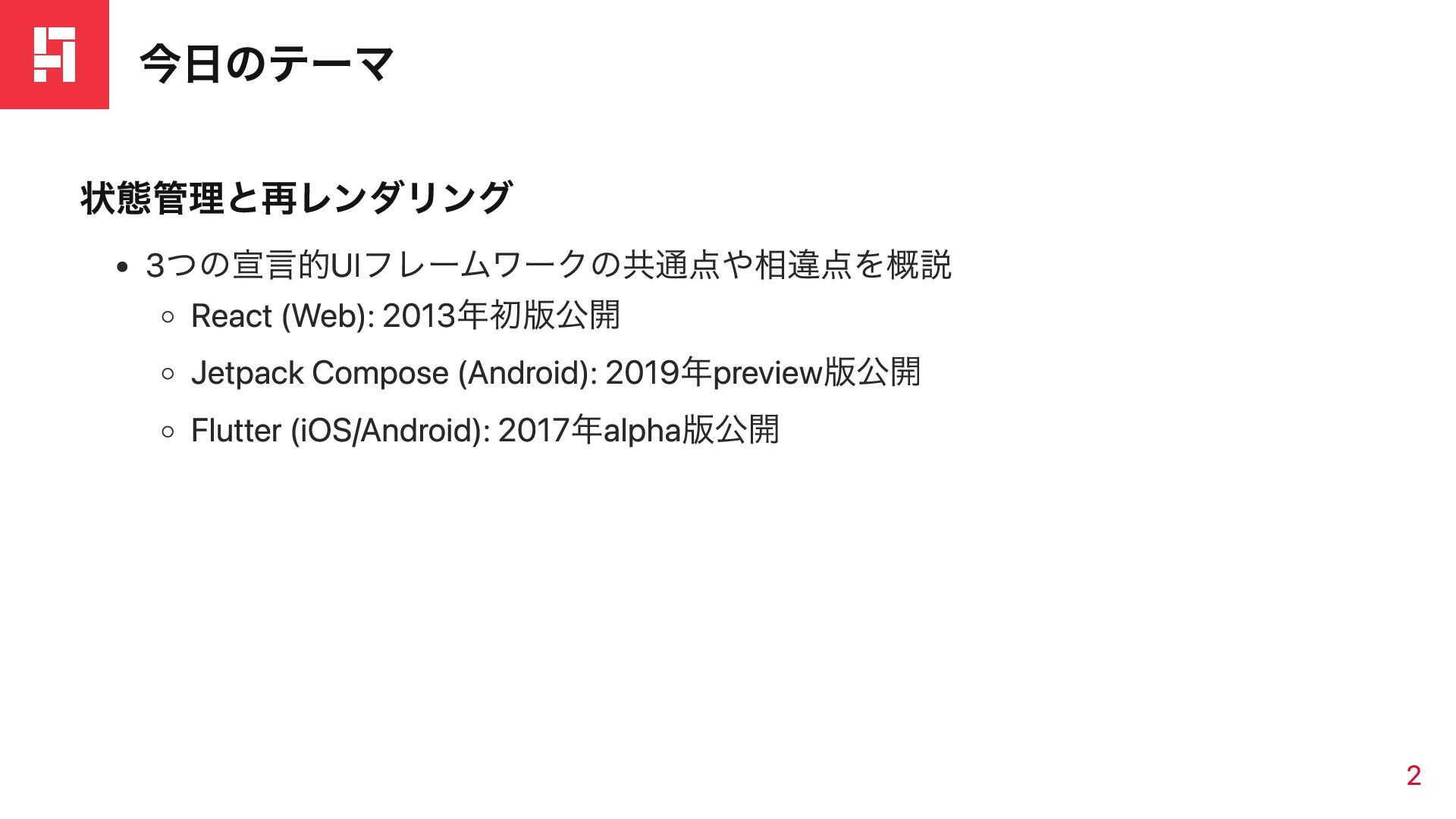
今日のテーマ 状態管理と再レンダリング 3つの宣言的UIフレームワークの共通点や相違点を概説 React (Web): 2013年初版公開 Jetpack Compose (Android): 2019年preview版公開
Flutter (iOS/Android): 2017年alpha版公開 2
アプリの状態管理
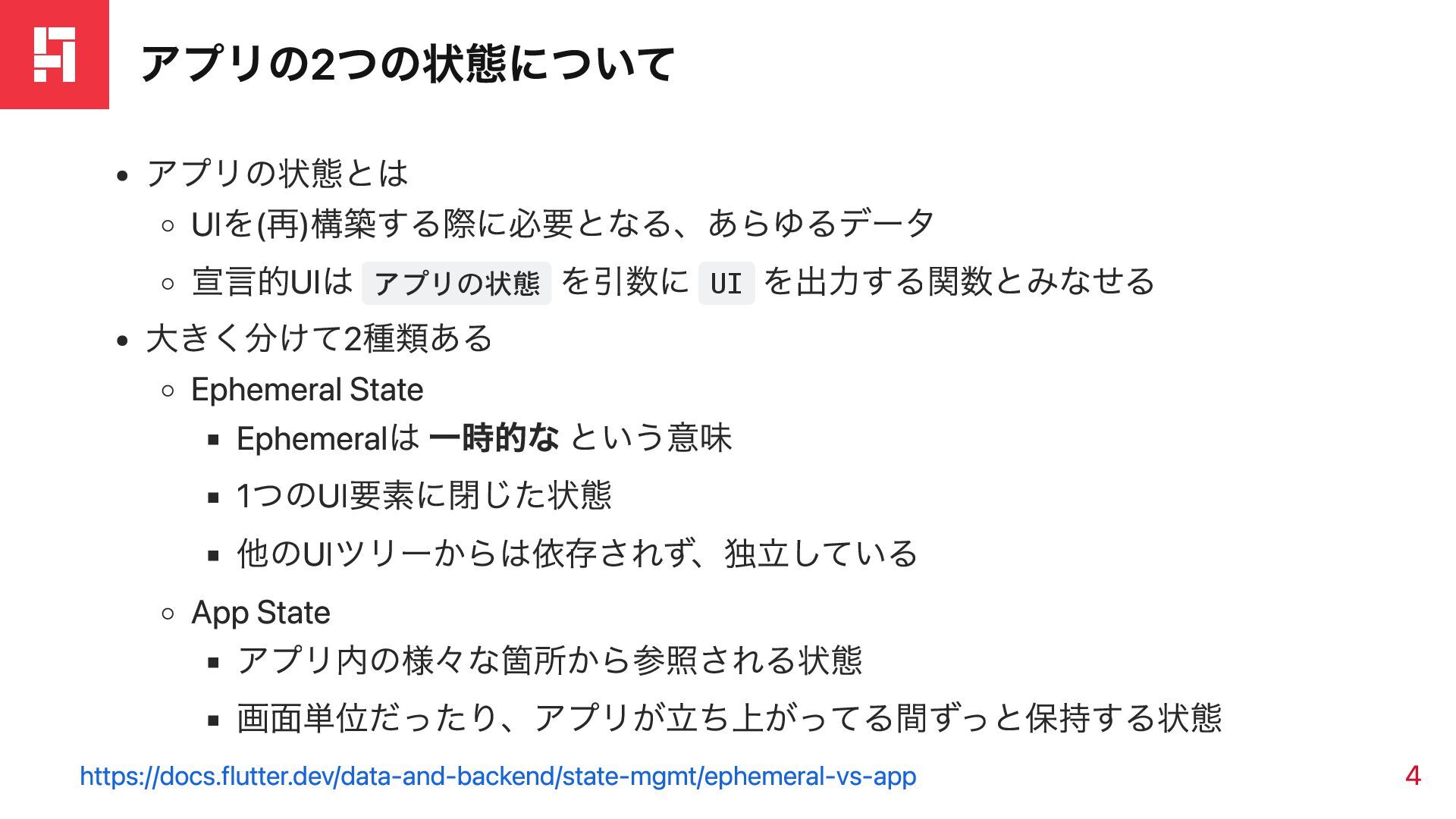
アプリの2つの状態について アプリの状態とは UIを(再)構築する際に必要となる、あらゆるデータ 宣言的UIは アプリの状態 を引数に UI を出力する関数とみなせる 大きく分けて2種類ある Ephemeral
State Ephemeralは 一時的な という意味 1つのUI要素に閉じた状態 他のUIツリーからは依存されず、独立している App State アプリ内の様々な箇所から参照される状態 画面単位だったり、アプリが立ち上がってる間ずっと保持する状態 https://docs.flutter.dev/data-and-backend/state-mgmt/ephemeral-vs-app 4
Ephemeral Stateの扱い方
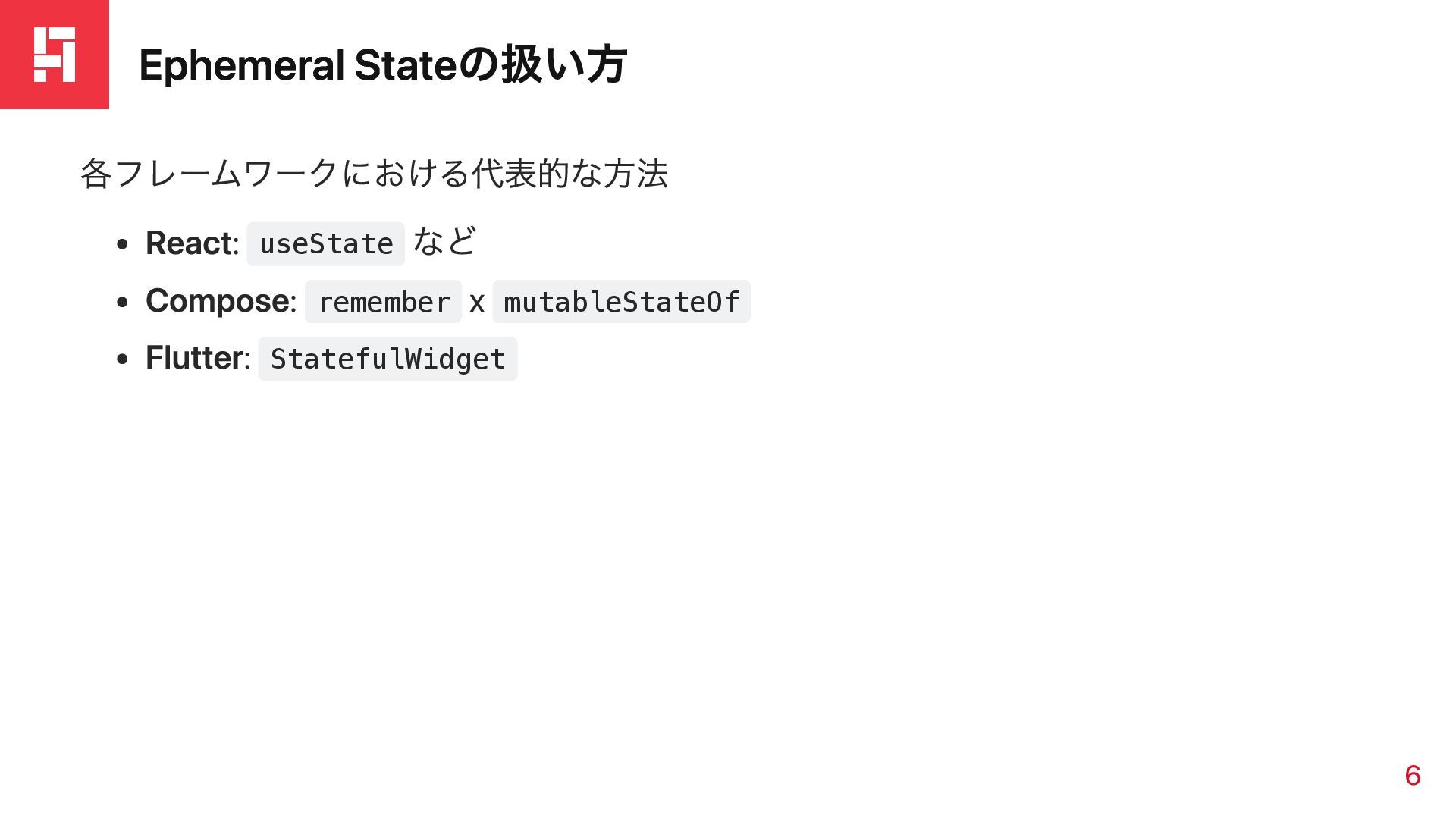
Ephemeral Stateの扱い方 各フレームワークにおける代表的な方法 React: useState など Compose: remember x mutableStateOf
Flutter: StatefulWidget 6
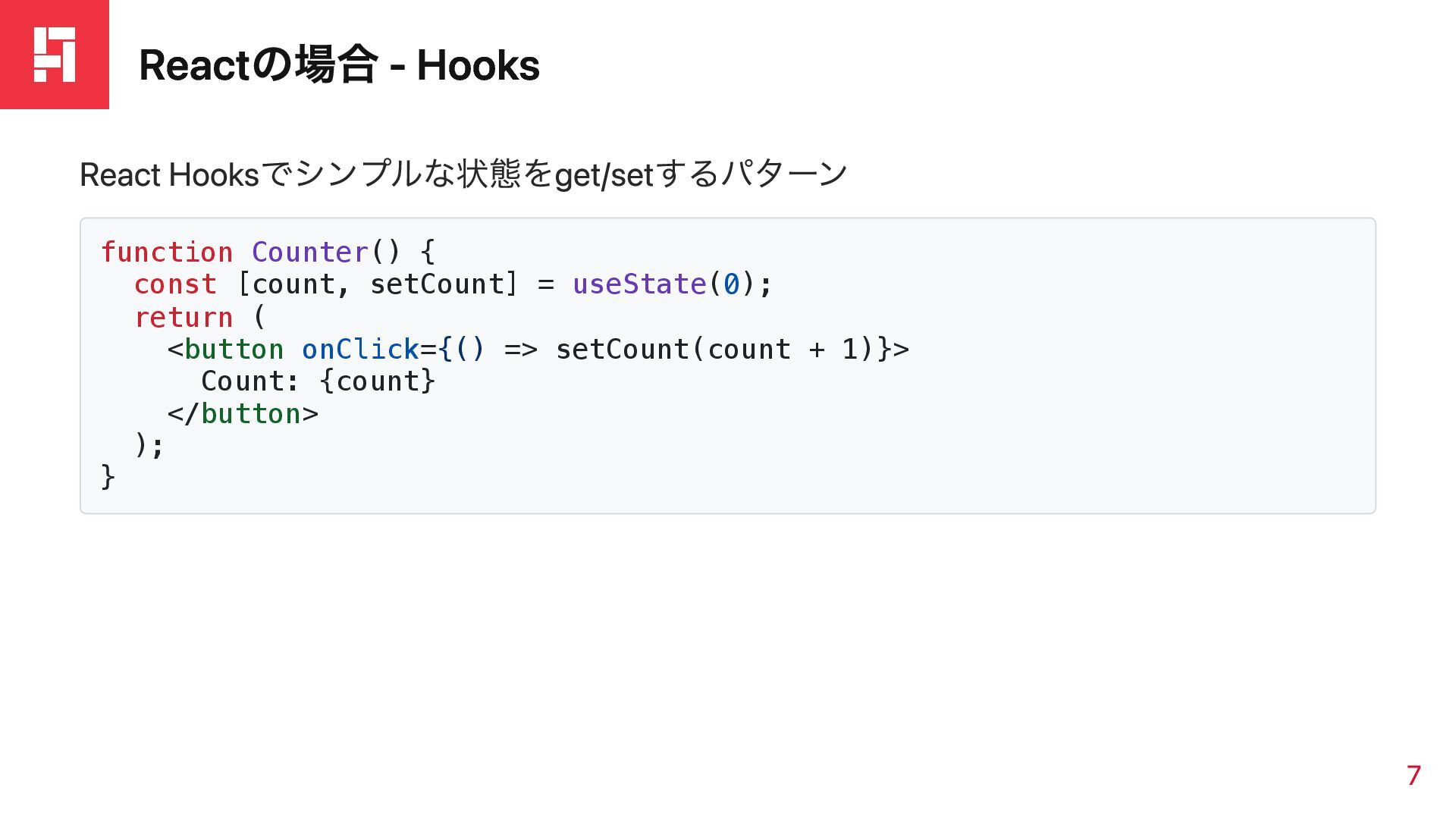
Reactの場合 - Hooks React Hooksでシンプルな状態をget/setするパターン function Counter() { const [count,
setCount] = useState(0); return ( <button onClick={() => setCount(count + 1)}> Count: {count} </button> ); } 7
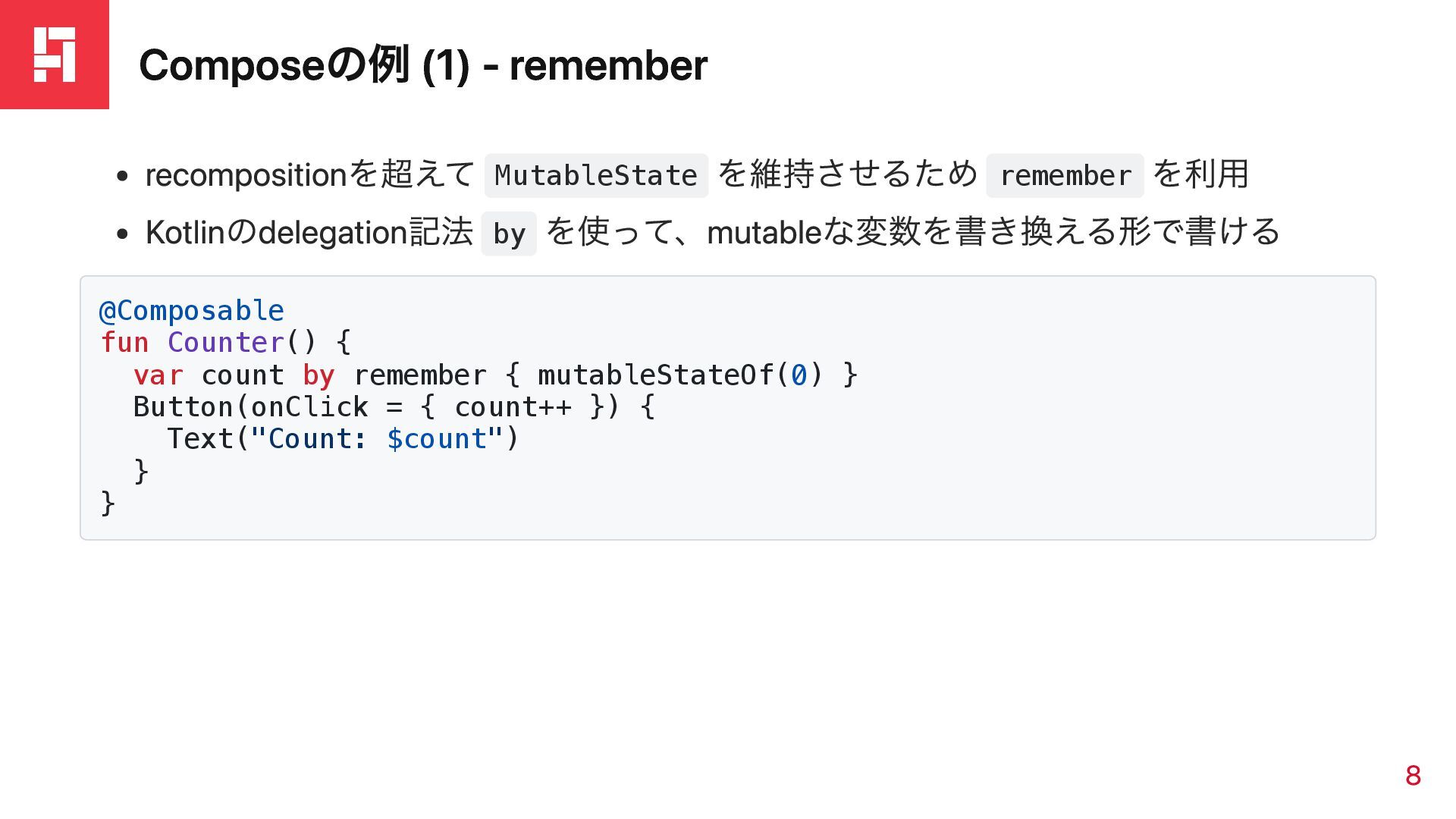
Composeの例 (1) - remember recompositionを超えて MutableState を維持させるため remember を利用 Kotlinのdelegation記法
by を使って、mutableな変数を書き換える形で書ける @Composable fun Counter() { var count by remember { mutableStateOf(0) } Button(onClick = { count++ }) { Text("Count: $count") } } 8
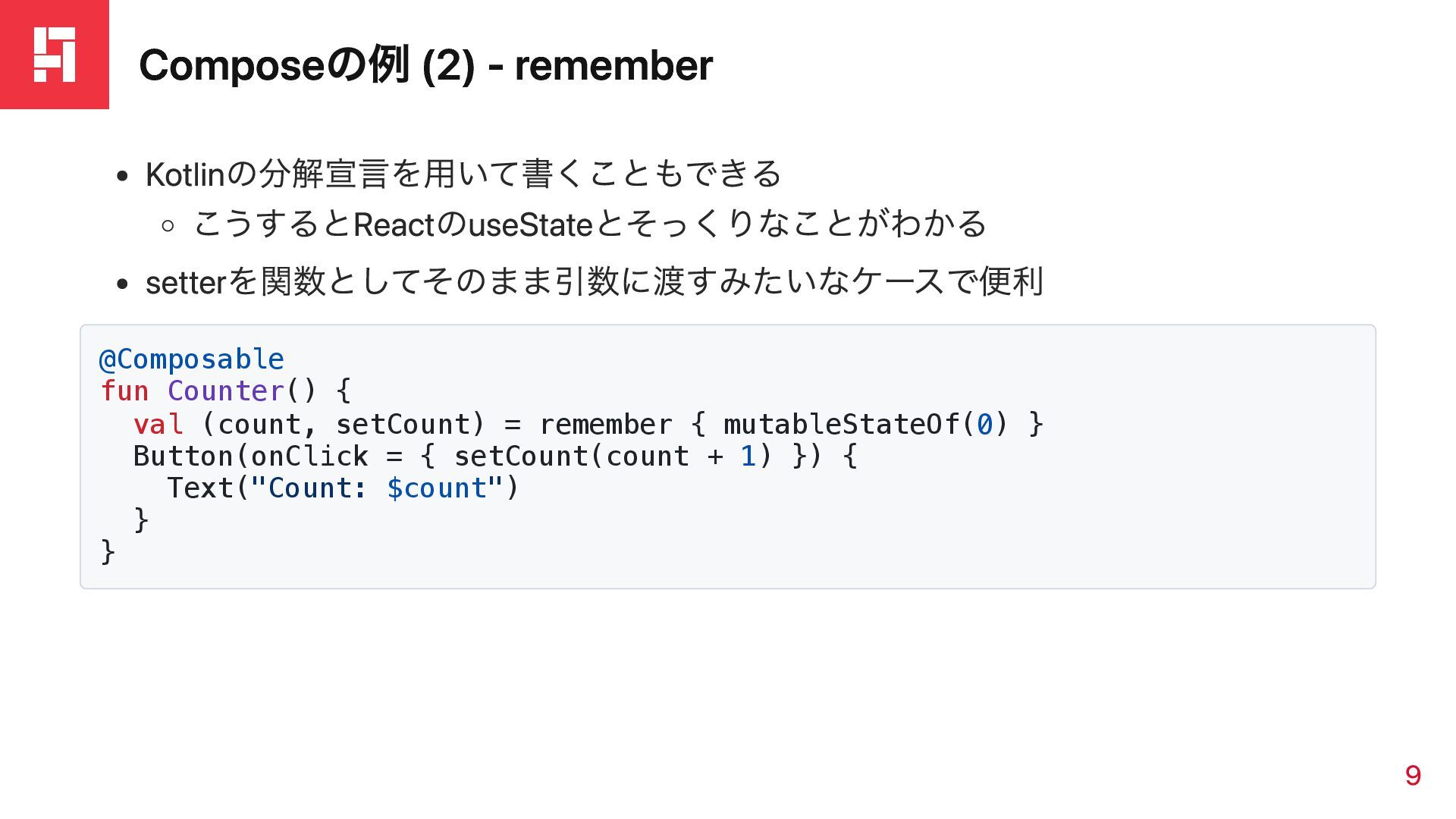
Composeの例 (2) - remember Kotlinの分解宣言を用いて書くこともできる こうするとReactのuseStateとそっくりなことがわかる setterを関数としてそのまま引数に渡すみたいなケースで便利 @Composable fun Counter()
{ val (count, setCount) = remember { mutableStateOf(0) } Button(onClick = { setCount(count + 1) }) { Text("Count: $count") } } 9
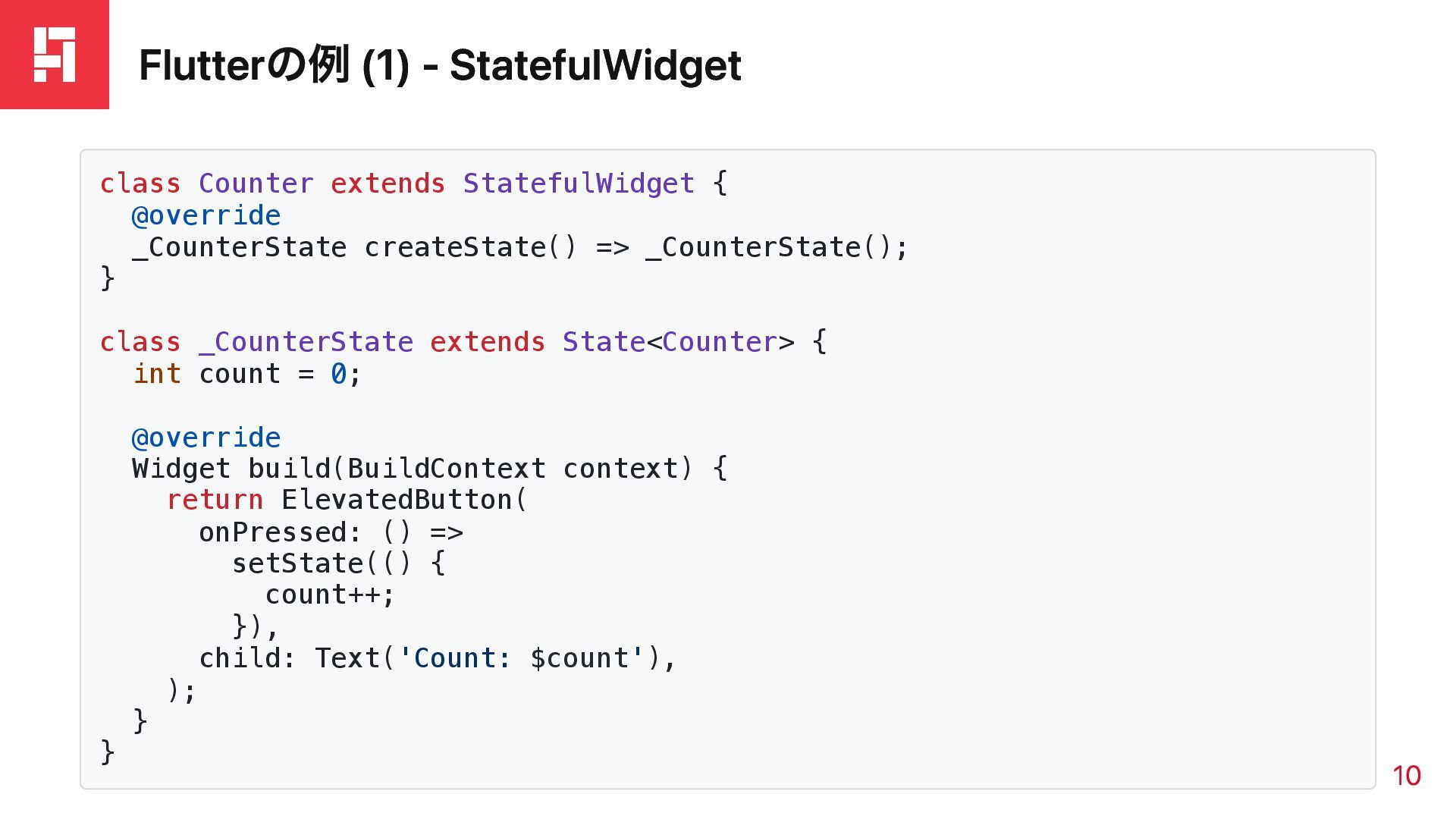
Flutterの例 (1) - StatefulWidget class Counter extends StatefulWidget { @override
_CounterState createState() => _CounterState(); } class _CounterState extends State<Counter> { int count = 0; @override Widget build(BuildContext context) { return ElevatedButton( onPressed: () => setState(() { count++; }), child: Text('Count: $count'), ); } } 10
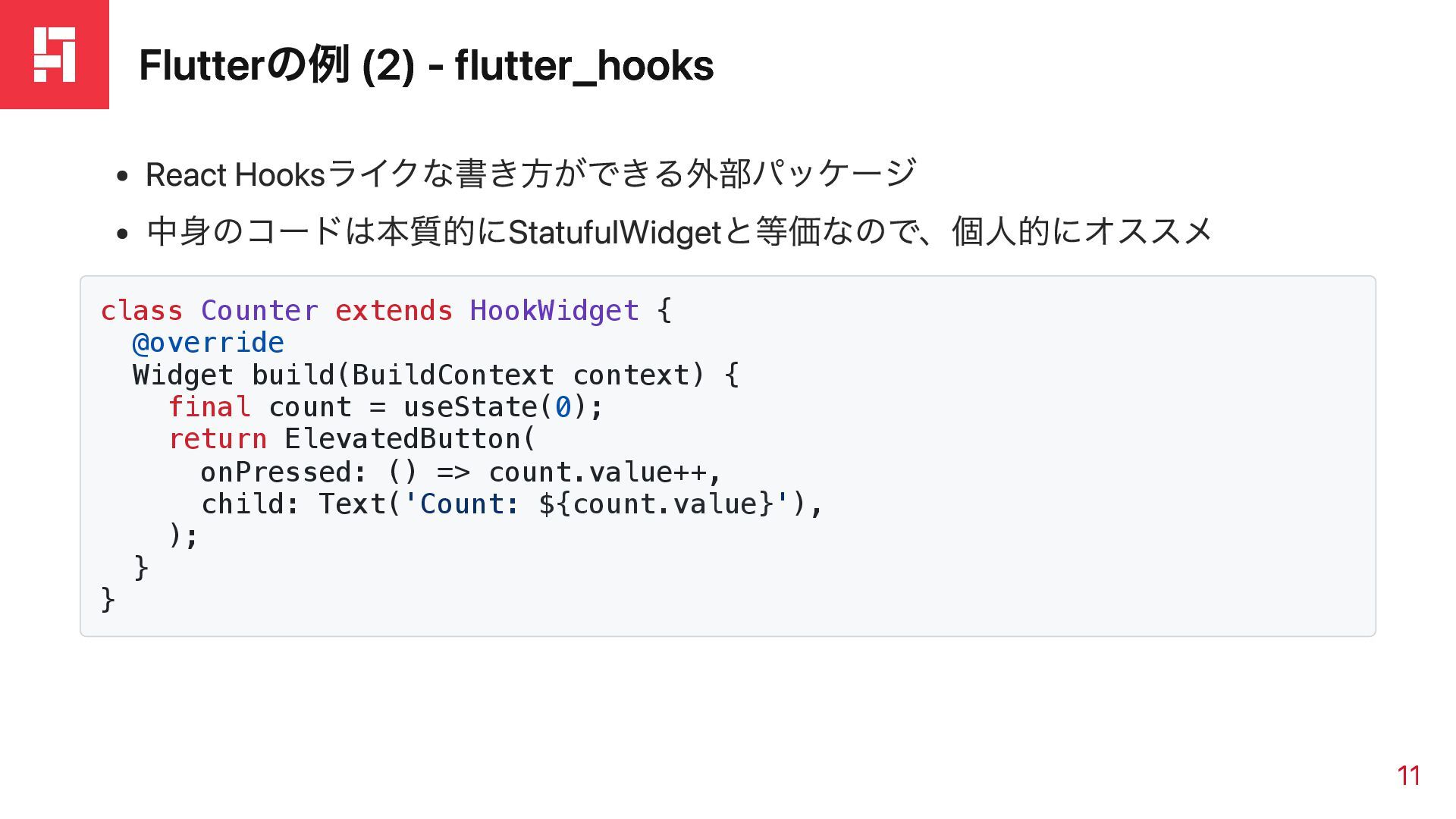
Flutterの例 (2) - flutter_hooks React Hooksライクな書き方ができる外部パッケージ 中身のコードは本質的にStatufulWidgetと等価なので、個人的にオススメ class Counter extends
HookWidget { @override Widget build(BuildContext context) { final count = useState(0); return ElevatedButton( onPressed: () => count.value++, child: Text('Count: ${count.value}'), ); } } 11
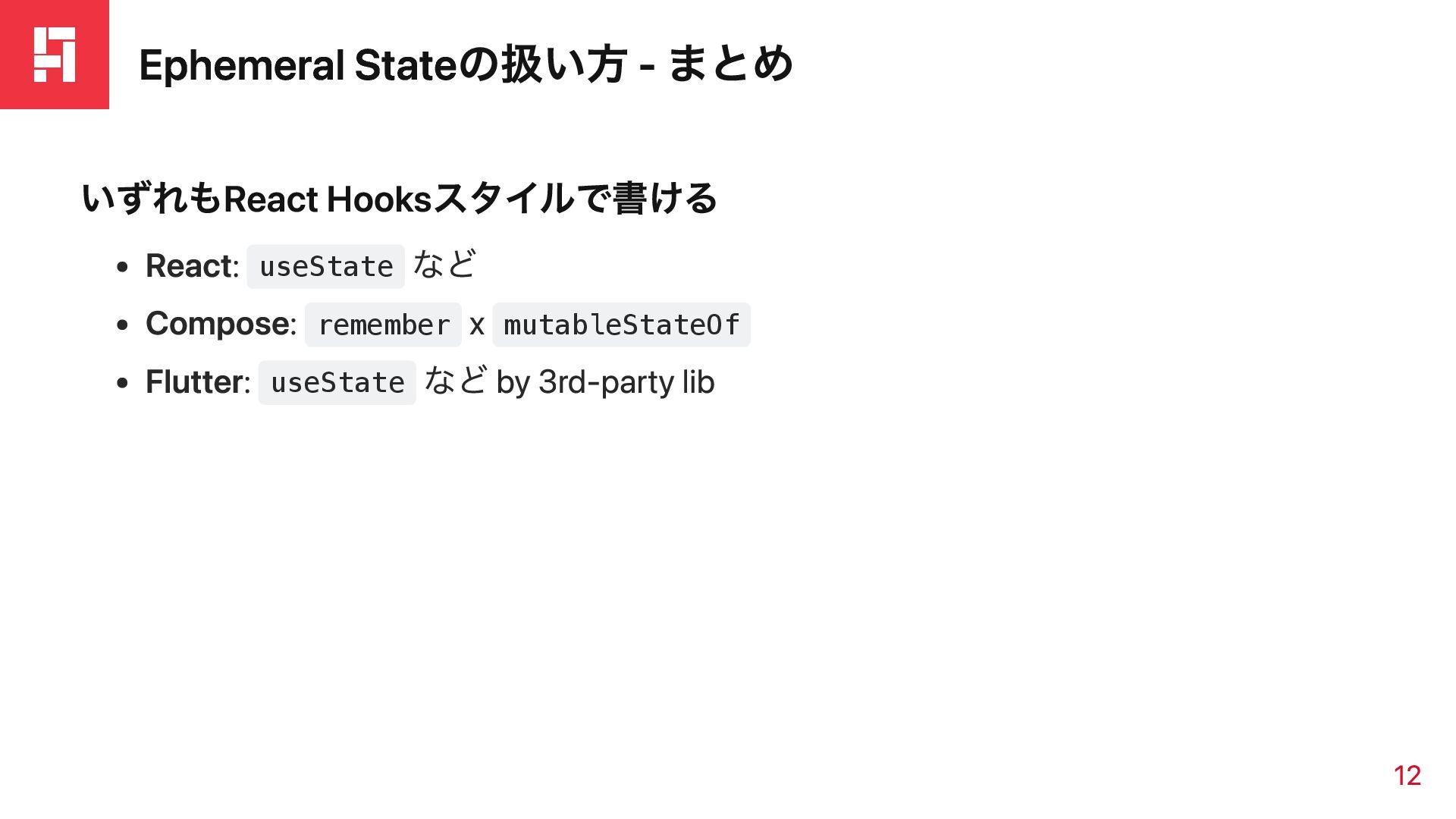
Ephemeral Stateの扱い方 - まとめ いずれもReact Hooksスタイルで書ける React: useState など Compose:
remember x mutableStateOf Flutter: useState など by 3rd-party lib 12
暗黙的な状態伝達
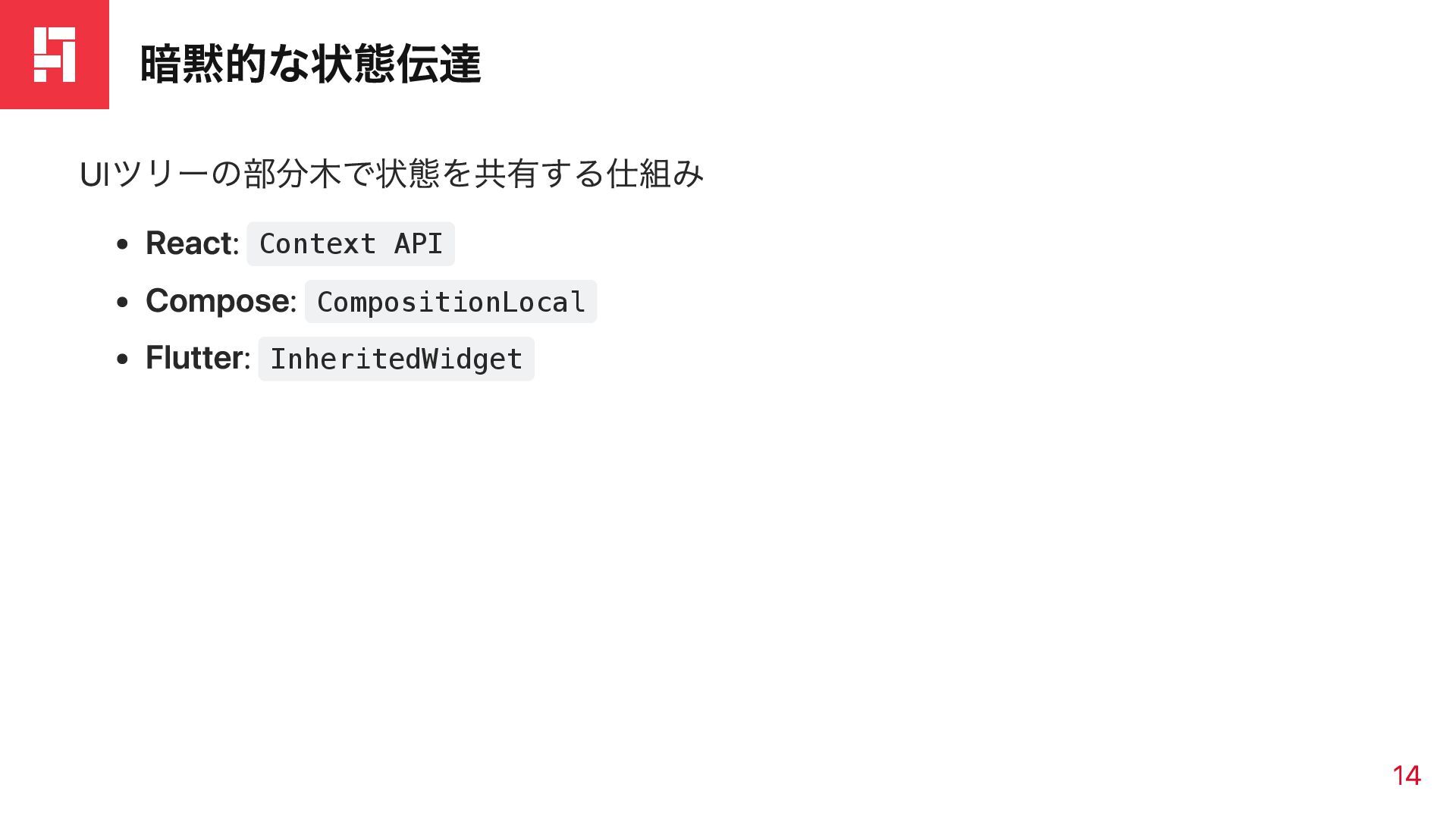
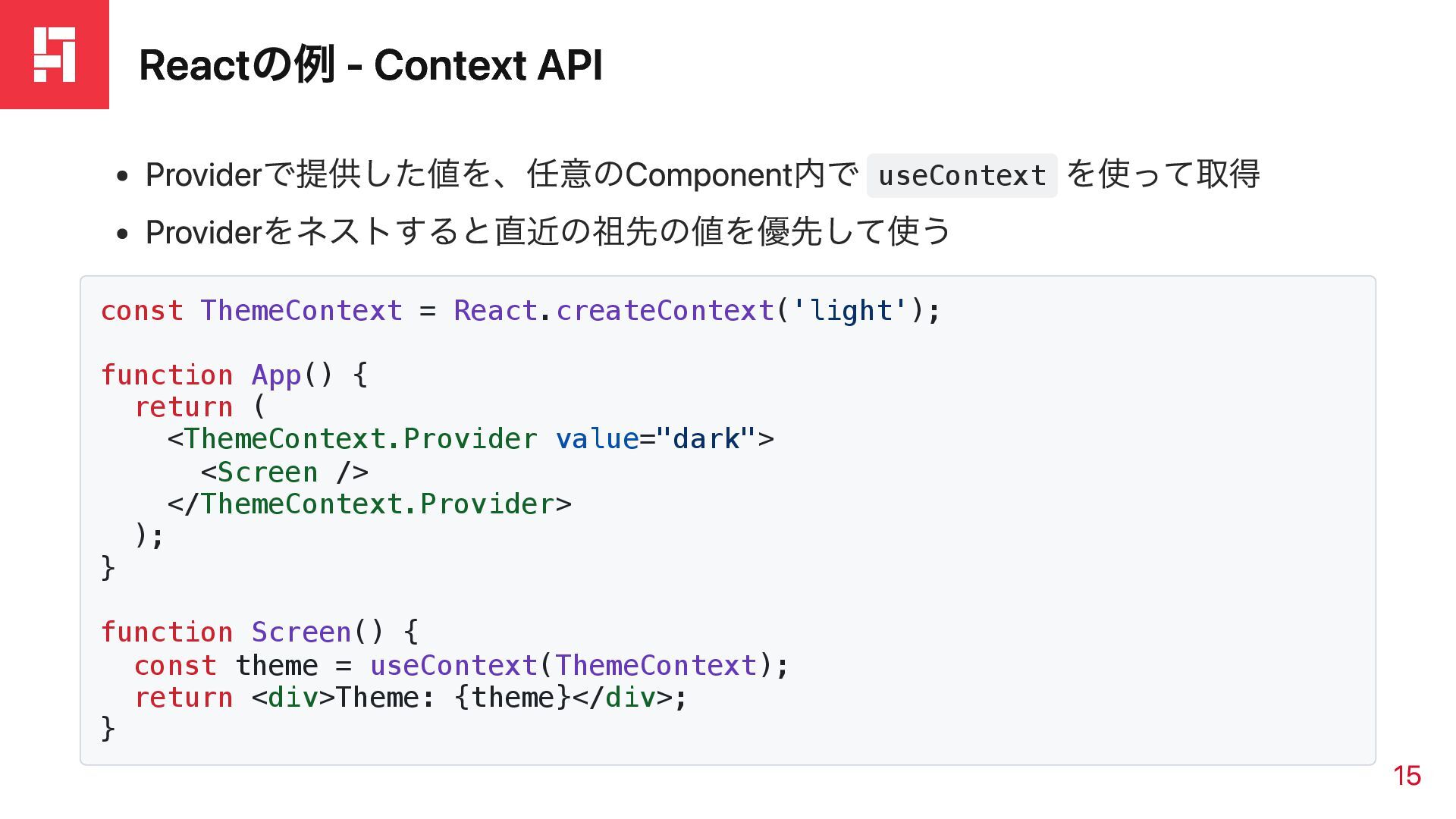
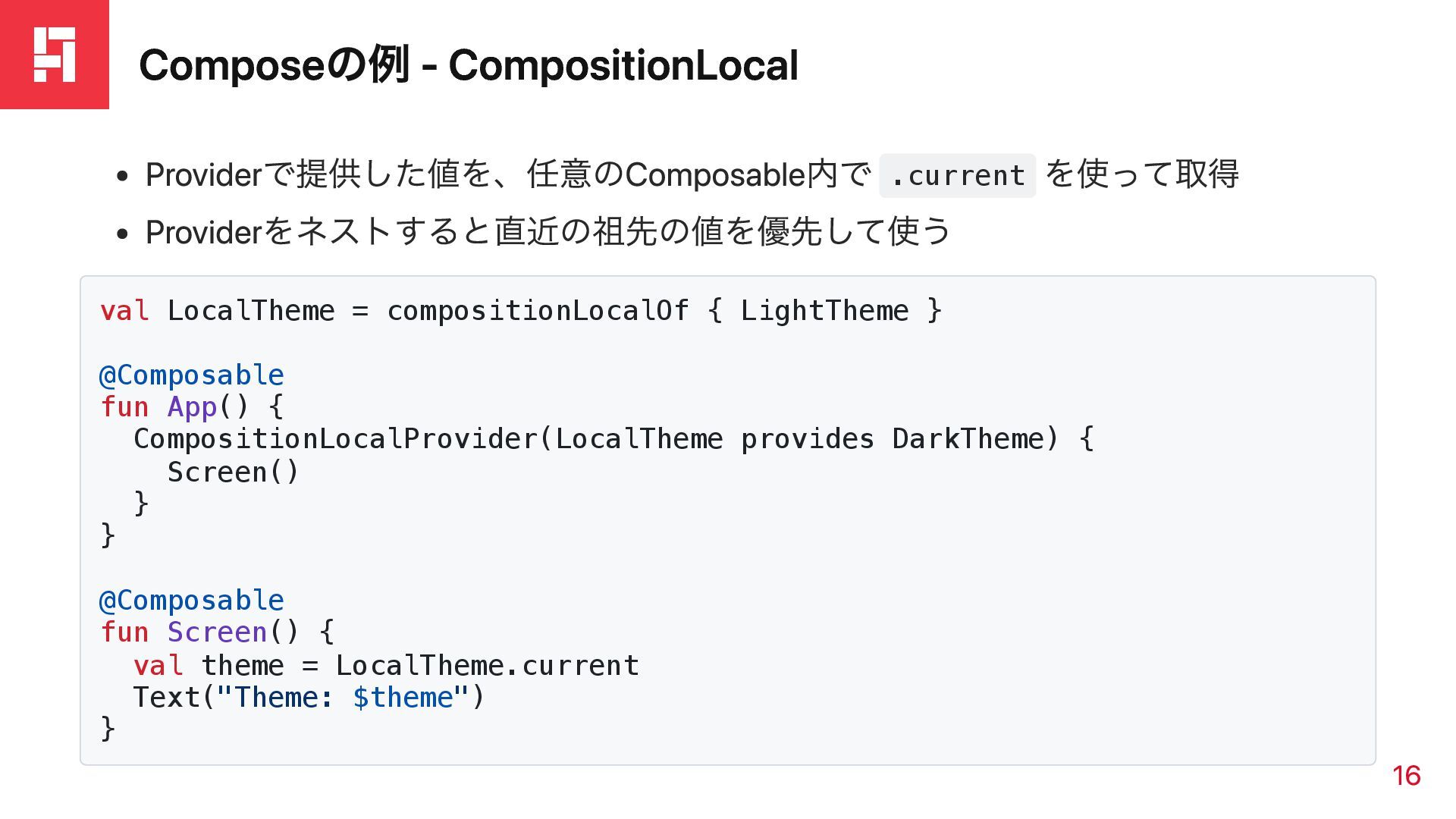
暗黙的な状態伝達 UIツリーの部分木で状態を共有する仕組み React: Context API Compose: CompositionLocal Flutter: InheritedWidget 14
Reactの例 - Context API Providerで提供した値を、任意のComponent内で useContext を使って取得 Providerをネストすると直近の祖先の値を優先して使う const ThemeContext
= React.createContext('light'); function App() { return ( <ThemeContext.Provider value="dark"> <Screen /> </ThemeContext.Provider> ); } function Screen() { const theme = useContext(ThemeContext); return <div>Theme: {theme}</div>; } 15
Composeの例 - CompositionLocal Providerで提供した値を、任意のComposable内で .current を使って取得 Providerをネストすると直近の祖先の値を優先して使う val LocalTheme =
compositionLocalOf { LightTheme } @Composable fun App() { CompositionLocalProvider(LocalTheme provides DarkTheme) { Screen() } } @Composable fun Screen() { val theme = LocalTheme.current Text("Theme: $theme") } 16
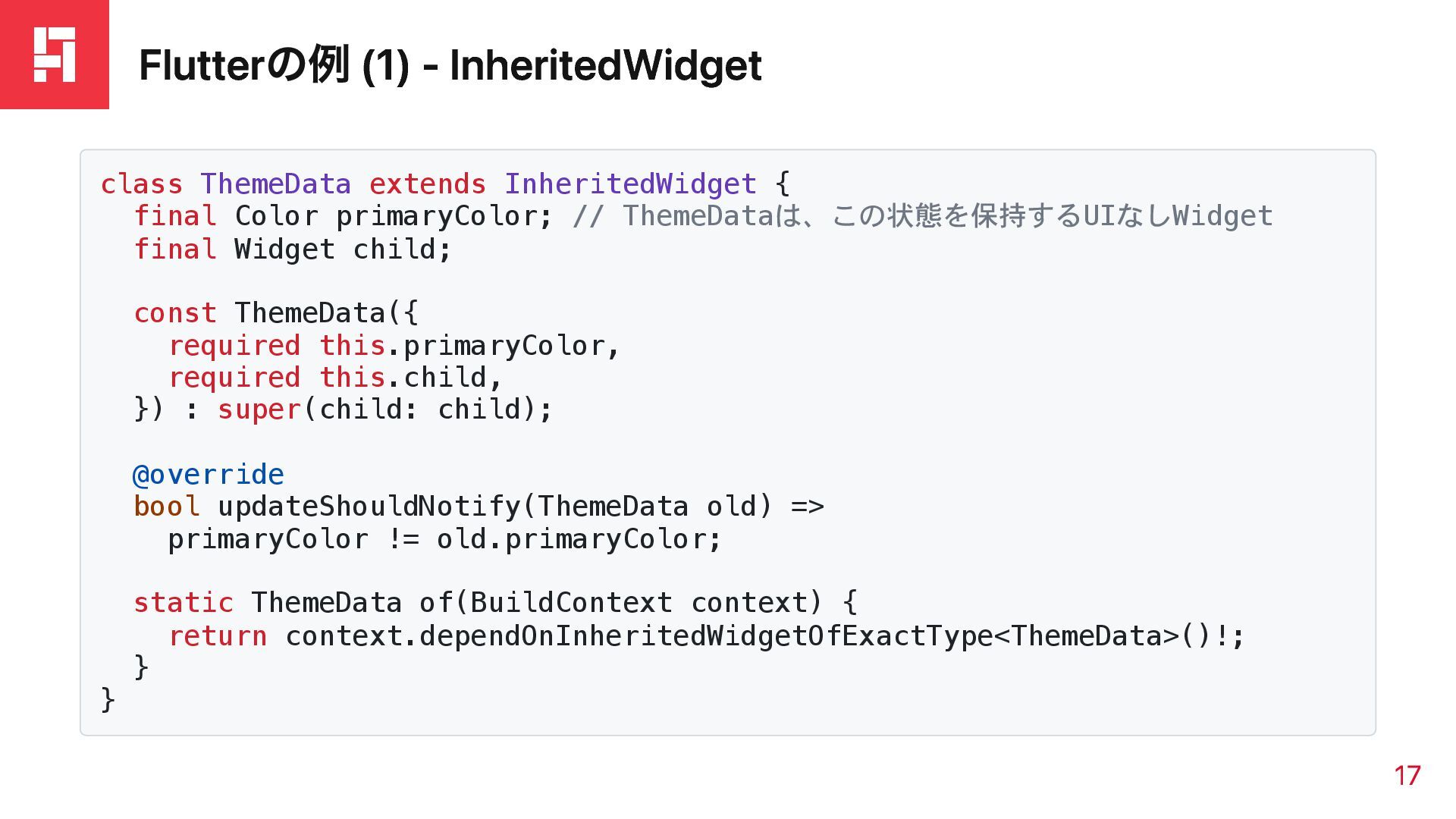
Flutterの例 (1) - InheritedWidget class ThemeData extends InheritedWidget { final
Color primaryColor; // ThemeDataは、この状態を保持するUIなしWidget final Widget child; const ThemeData({ required this.primaryColor, required this.child, }) : super(child: child); @override bool updateShouldNotify(ThemeData old) => primaryColor != old.primaryColor; static ThemeData of(BuildContext context) { return context.dependOnInheritedWidgetOfExactType<ThemeData>()!; } } 17
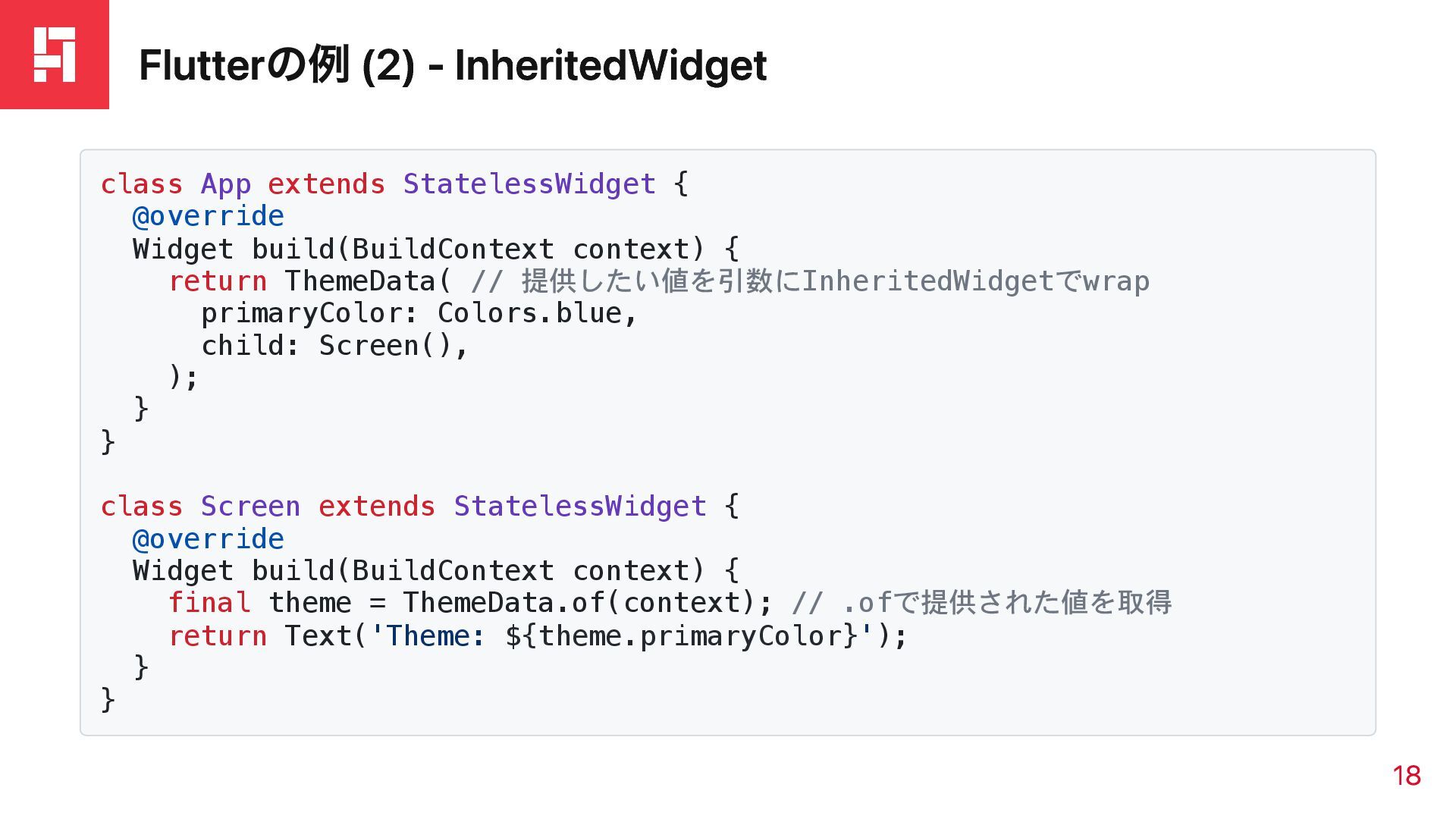
Flutterの例 (2) - InheritedWidget class App extends StatelessWidget { @override
Widget build(BuildContext context) { return ThemeData( // 提供したい値を引数にInheritedWidgetでwrap primaryColor: Colors.blue, child: Screen(), ); } } class Screen extends StatelessWidget { @override Widget build(BuildContext context) { final theme = ThemeData.of(context); // .ofで提供された値を取得 return Text('Theme: ${theme.primaryColor}'); } } 18
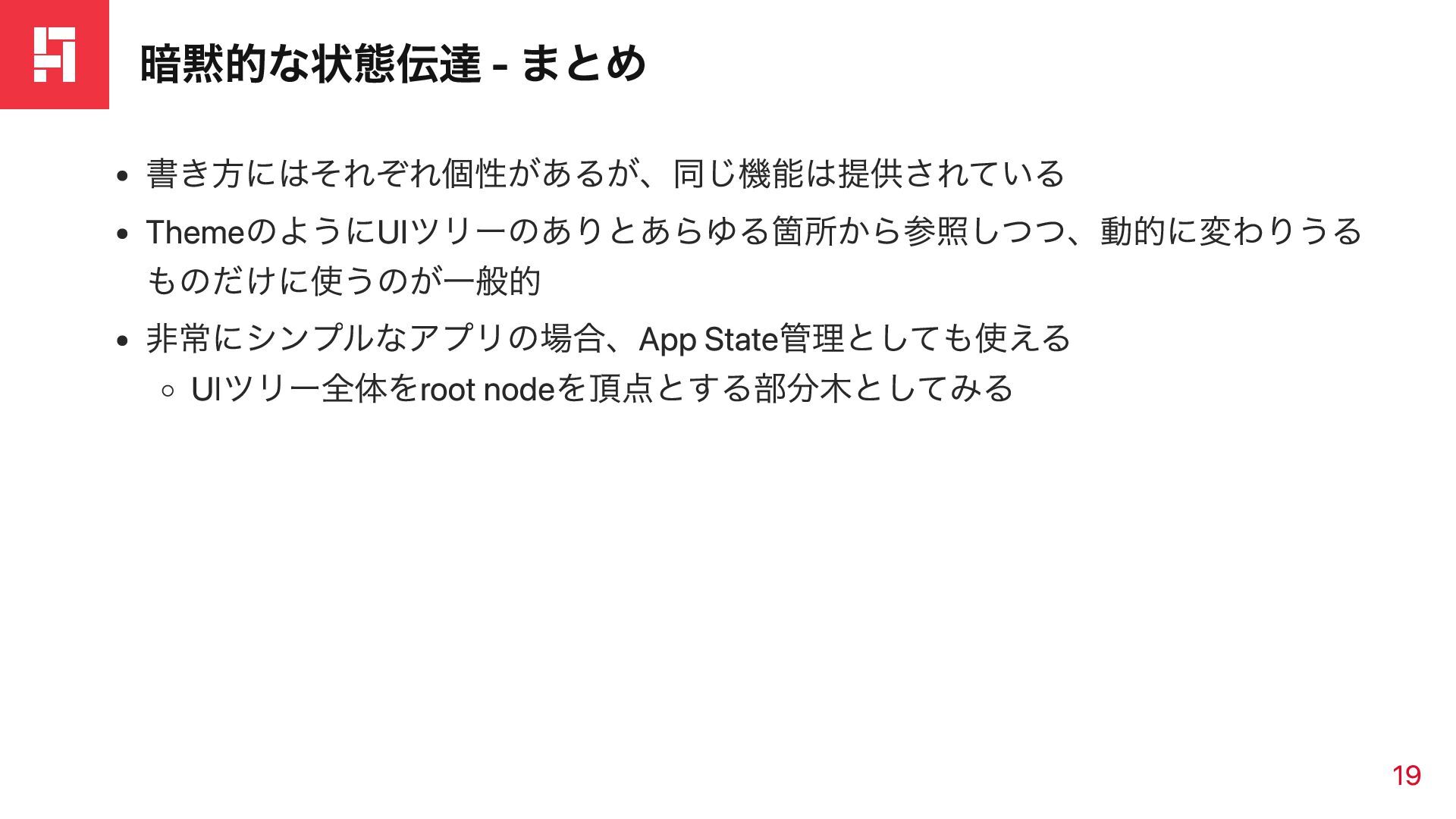
暗黙的な状態伝達 - まとめ 書き方にはそれぞれ個性があるが、同じ機能は提供されている ThemeのようにUIツリーのありとあらゆる箇所から参照しつつ、動的に変わりうる ものだけに使うのが一般的 非常にシンプルなアプリの場合、App State管理としても使える UIツリー全体をroot nodeを頂点とする部分木としてみる
19
App Stateの扱い方
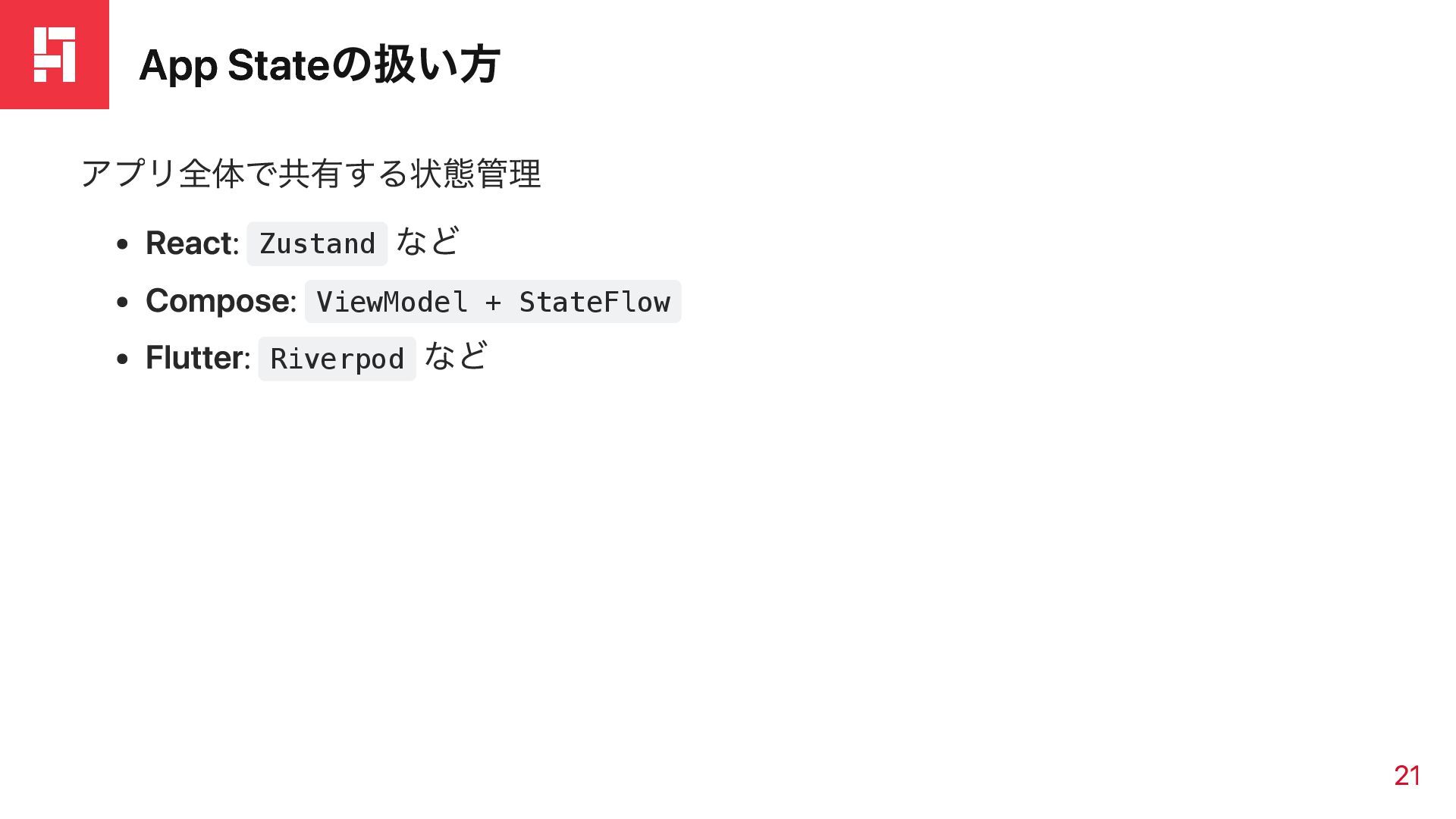
App Stateの扱い方 アプリ全体で共有する状態管理 React: Zustand など Compose: ViewModel + StateFlow
Flutter: Riverpod など 21
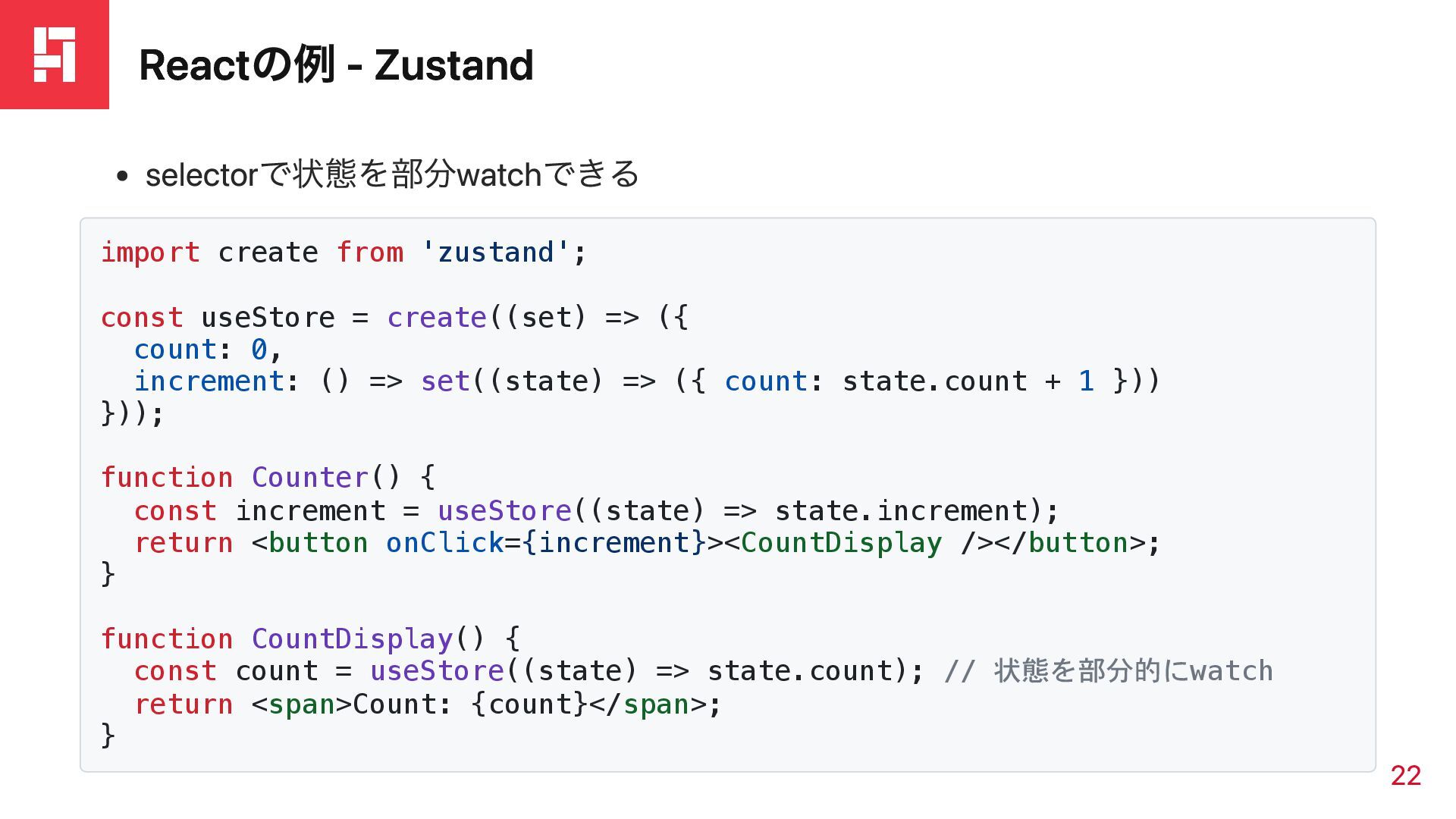
Reactの例 - Zustand selectorで状態を部分watchできる import create from 'zustand'; const useStore
= create((set) => ({ count: 0, increment: () => set((state) => ({ count: state.count + 1 })) })); function Counter() { const increment = useStore((state) => state.increment); return <button onClick={increment}><CountDisplay /></button>; } function CountDisplay() { const count = useStore((state) => state.count); // 状態を部分的にwatch return <span>Count: {count}</span>; } 22
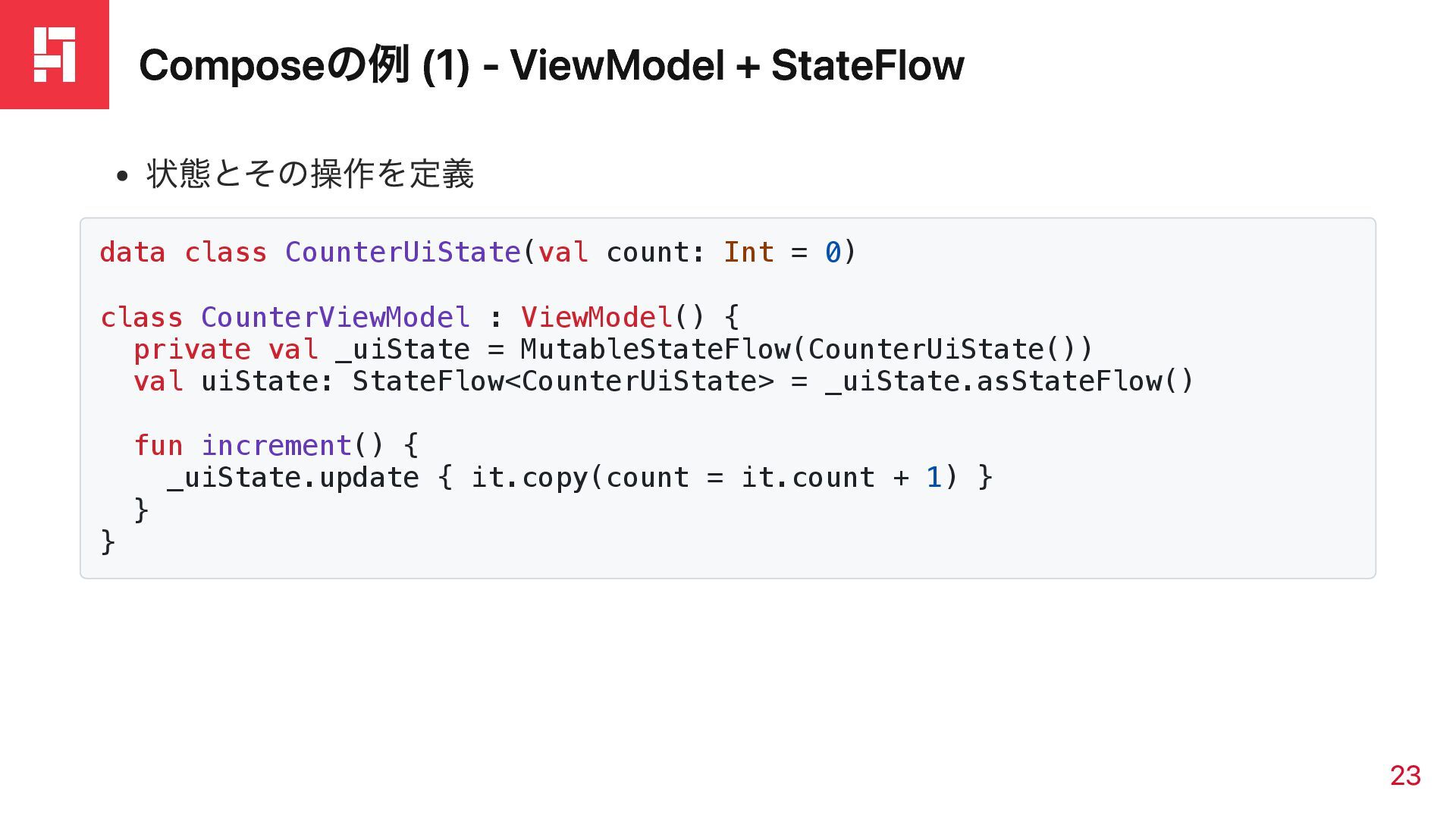
Composeの例 (1) - ViewModel + StateFlow 状態とその操作を定義 data class CounterUiState(val
count: Int = 0) class CounterViewModel : ViewModel() { private val _uiState = MutableStateFlow(CounterUiState()) val uiState: StateFlow<CounterUiState> = _uiState.asStateFlow() fun increment() { _uiState.update { it.copy(count = it.count + 1) } } } 23
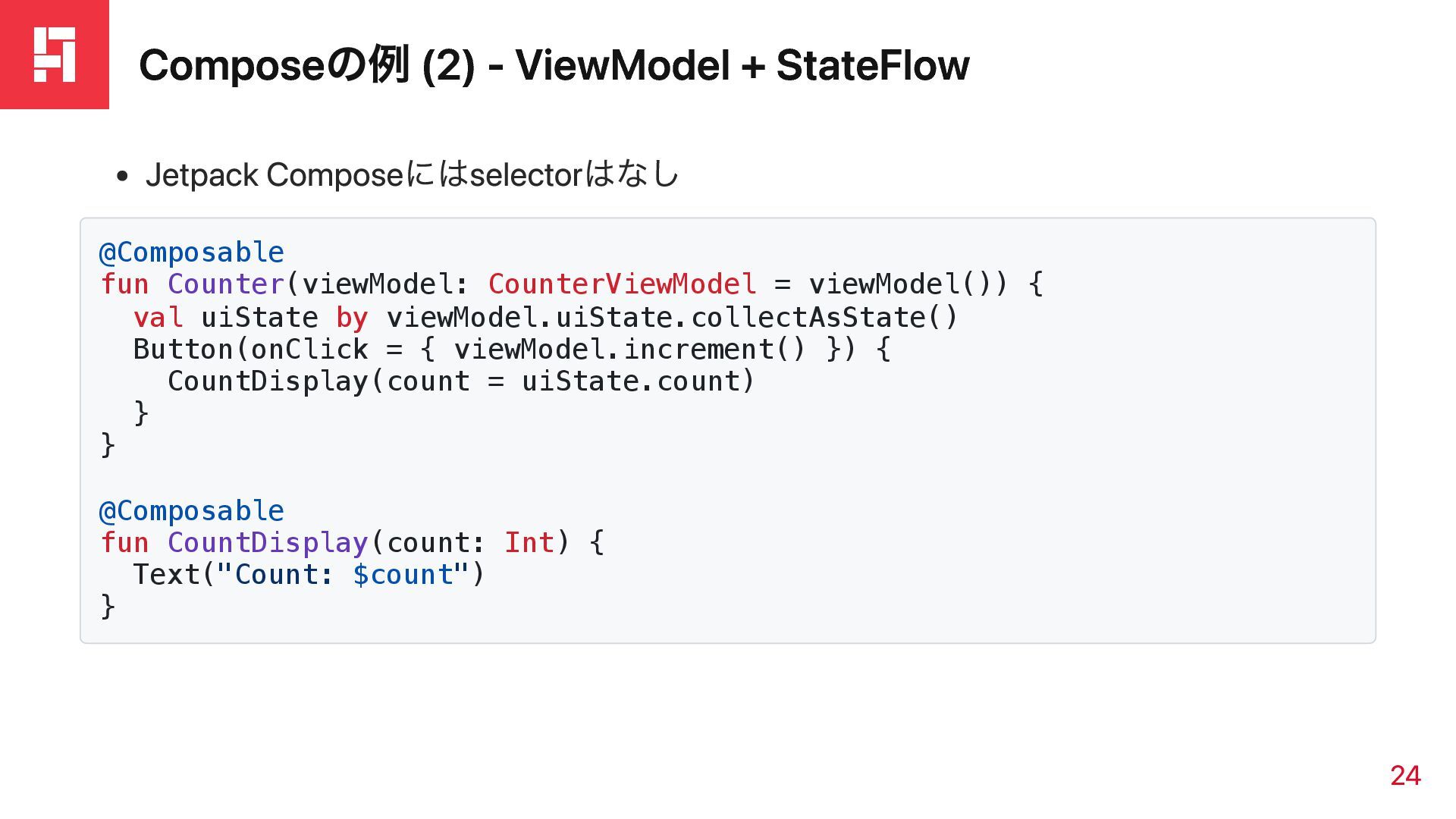
Composeの例 (2) - ViewModel + StateFlow Jetpack Composeにはselectorはなし @Composable fun
Counter(viewModel: CounterViewModel = viewModel()) { val uiState by viewModel.uiState.collectAsState() Button(onClick = { viewModel.increment() }) { CountDisplay(count = uiState.count) } } @Composable fun CountDisplay(count: Int) { Text("Count: $count") } 24
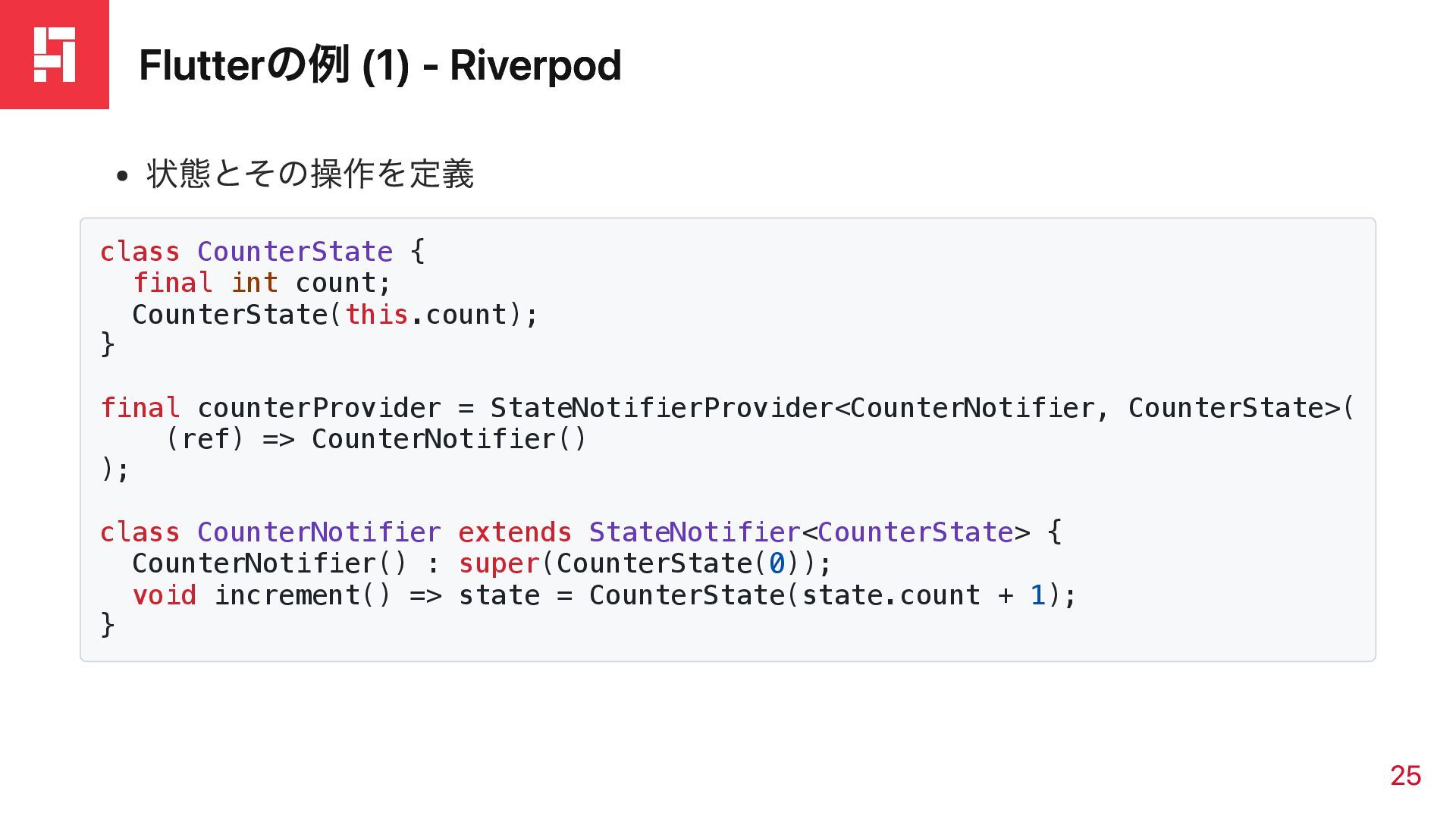
Flutterの例 (1) - Riverpod 状態とその操作を定義 class CounterState { final int
count; CounterState(this.count); } final counterProvider = StateNotifierProvider<CounterNotifier, CounterState>( (ref) => CounterNotifier() ); class CounterNotifier extends StateNotifier<CounterState> { CounterNotifier() : super(CounterState(0)); void increment() => state = CounterState(state.count + 1); } 25
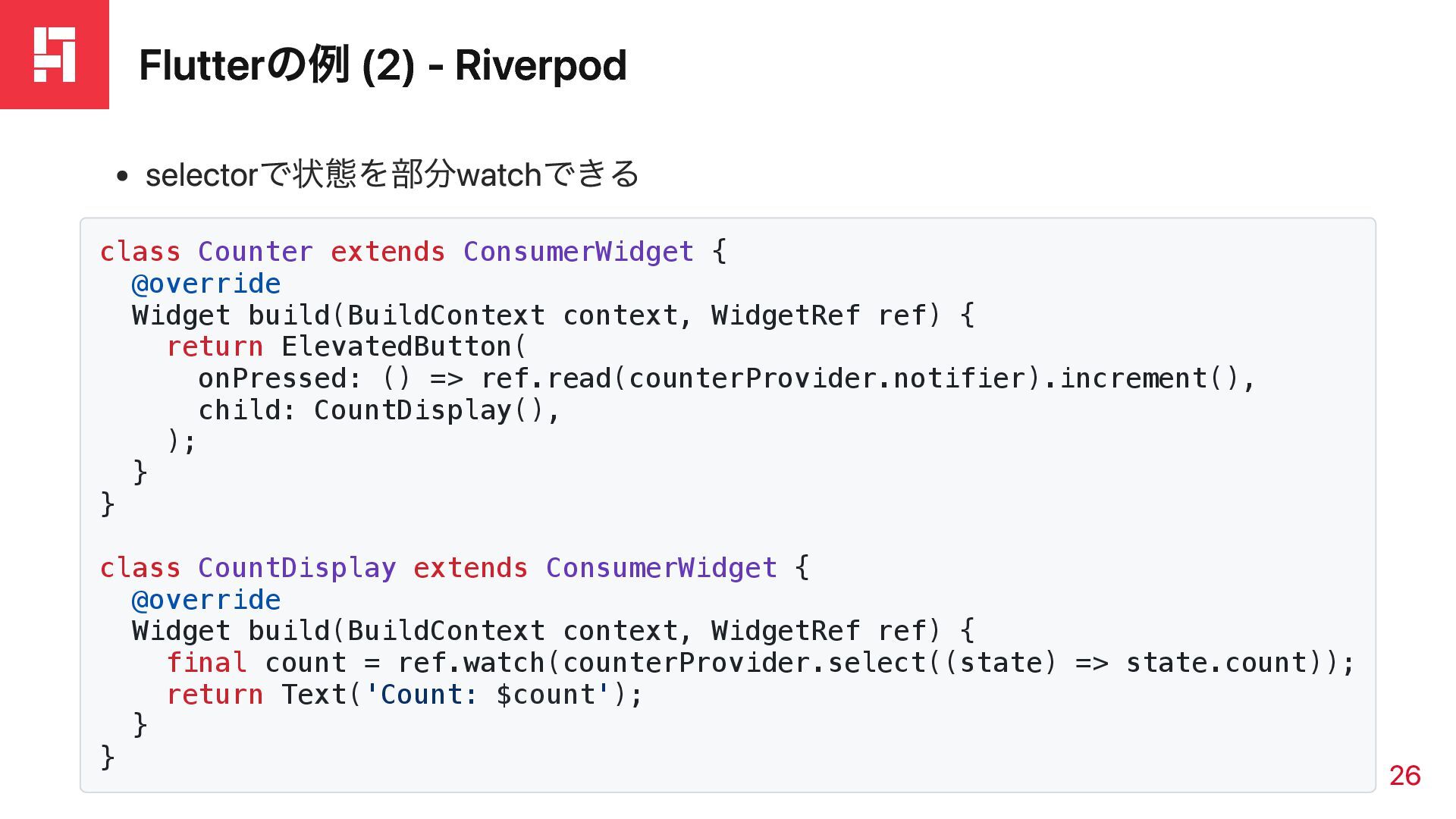
Flutterの例 (2) - Riverpod selectorで状態を部分watchできる class Counter extends ConsumerWidget {
@override Widget build(BuildContext context, WidgetRef ref) { return ElevatedButton( onPressed: () => ref.read(counterProvider.notifier).increment(), child: CountDisplay(), ); } } class CountDisplay extends ConsumerWidget { @override Widget build(BuildContext context, WidgetRef ref) { final count = ref.watch(counterProvider.select((state) => state.count)); return Text('Count: $count'); } } 26
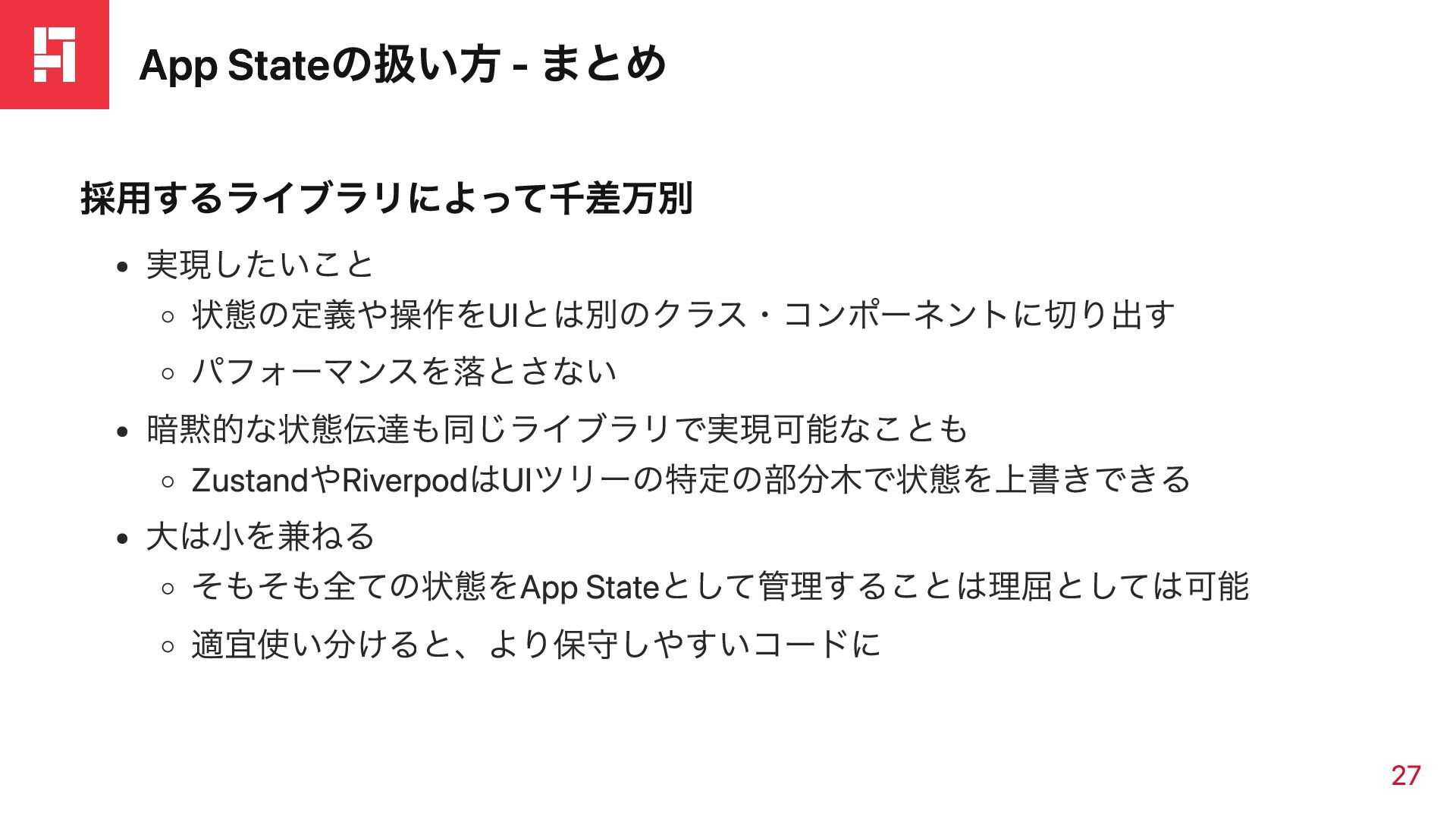
App Stateの扱い方 - まとめ 採用するライブラリによって千差万別 実現したいこと 状態の定義や操作をUIとは別のクラス・コンポーネントに切り出す パフォーマンスを落とさない 暗黙的な状態伝達も同じライブラリで実現可能なことも ZustandやRiverpodはUIツリーの特定の部分木で状態を上書きできる
大は小を兼ねる そもそも全ての状態をApp Stateとして管理することは理屈としては可能 適宜使い分けると、より保守しやすいコードに 27
再レンダリングの思想
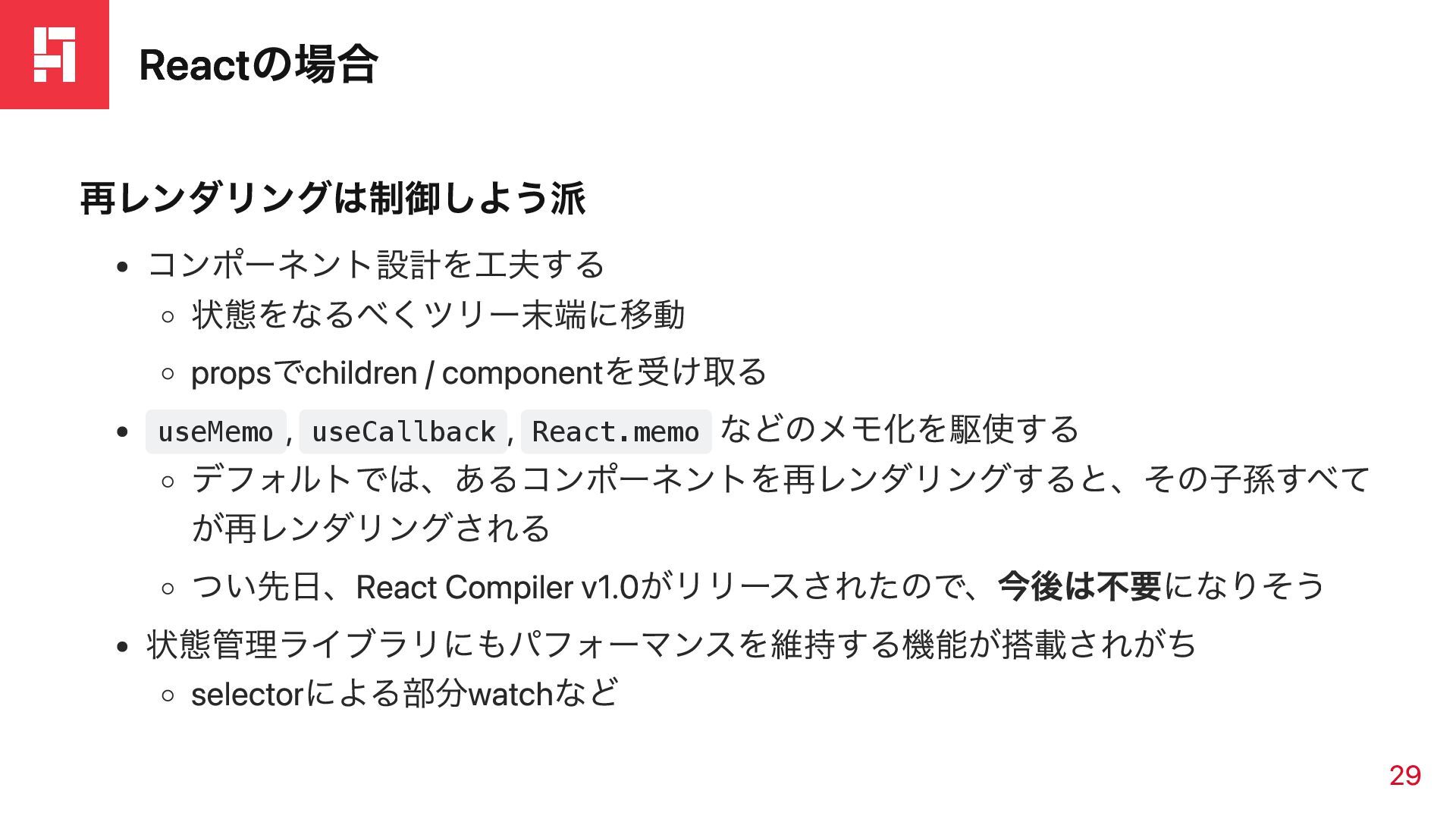
Reactの場合 再レンダリングは制御しよう派 コンポーネント設計を工夫する 状態をなるべくツリー末端に移動 propsでchildren / componentを受け取る useMemo , useCallback
, React.memo などのメモ化を駆使する デフォルトでは、あるコンポーネントを再レンダリングすると、その子孫すべて が再レンダリングされる つい先日、React Compiler v1.0がリリースされたので、今後は不要になりそう 状態管理ライブラリにもパフォーマンスを維持する機能が搭載されがち selectorによる部分watchなど 29
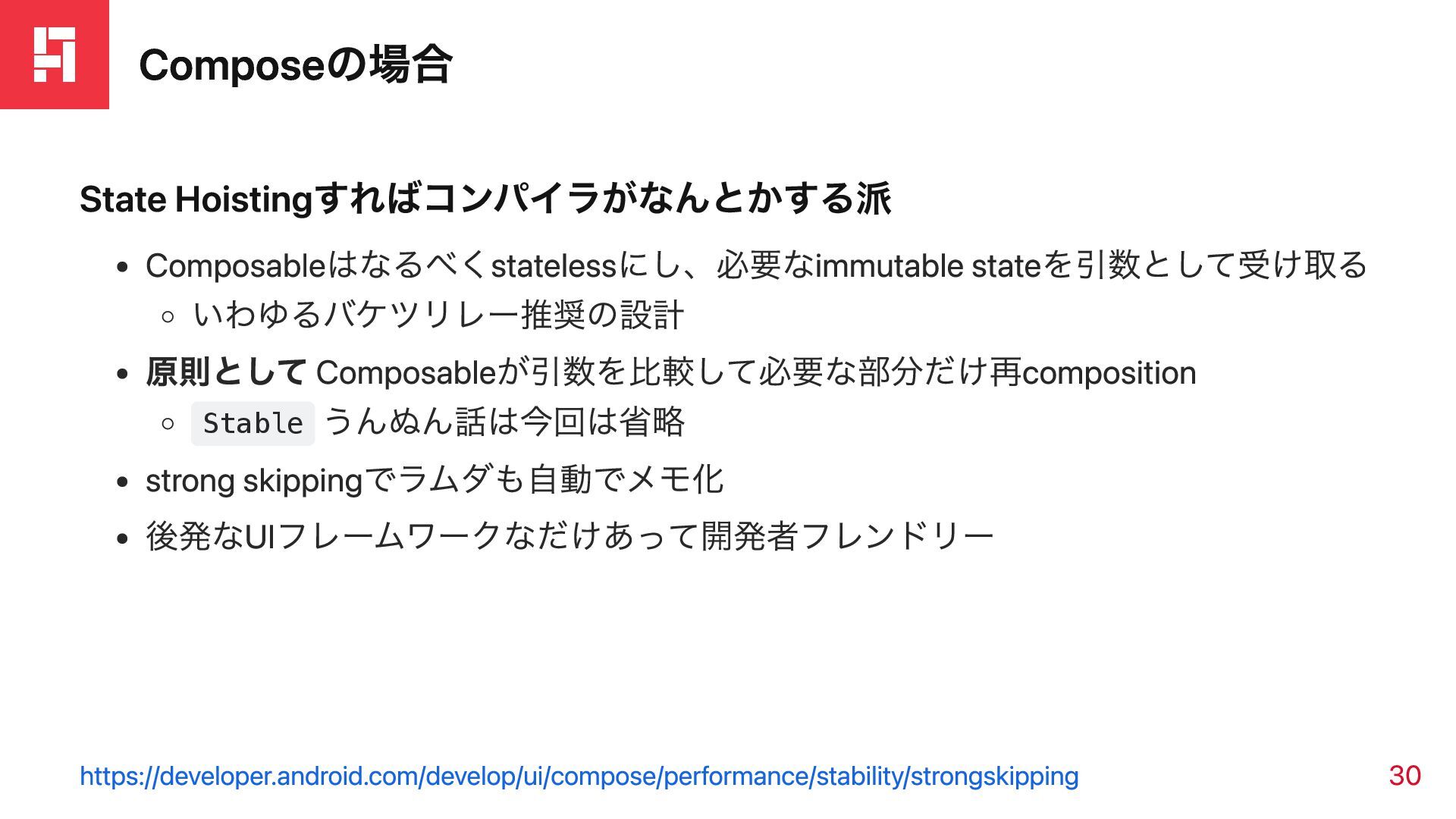
Composeの場合 State Hoistingすればコンパイラがなんとかする派 Composableはなるべくstatelessにし、必要なimmutable stateを引数として受け取る いわゆるバケツリレー推奨の設計 原則として Composableが引数を比較して必要な部分だけ再composition Stable うんぬん話は今回は省略
strong skippingでラムダも自動でメモ化 後発なUIフレームワークなだけあって開発者フレンドリー https://developer.android.com/develop/ui/compose/performance/stability/strongskipping 30
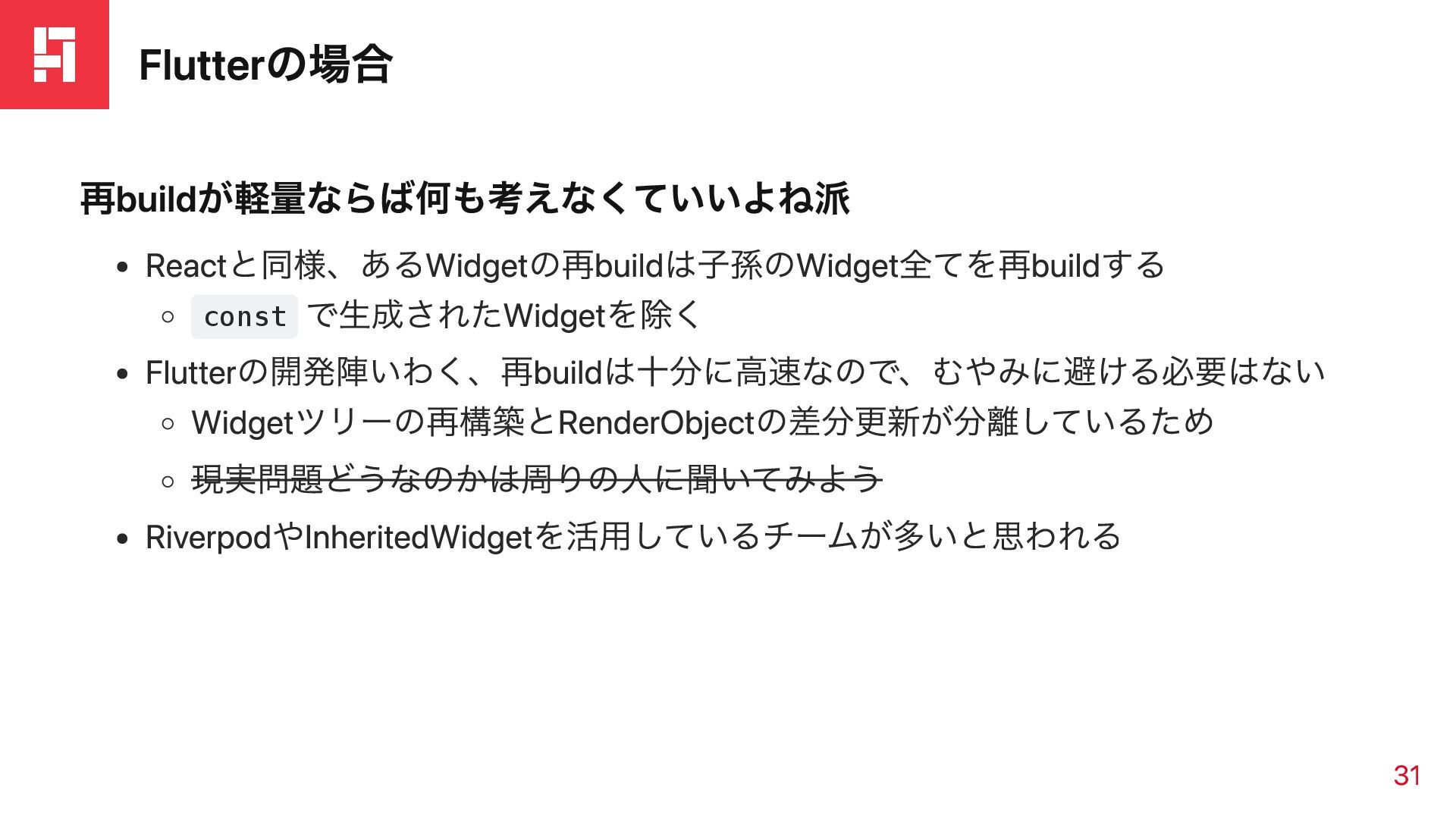
Flutterの場合 再buildが軽量ならば何も考えなくていいよね派 Reactと同様、あるWidgetの再buildは子孫のWidget全てを再buildする const で生成されたWidgetを除く Flutterの開発陣いわく、再buildは十分に高速なので、むやみに避ける必要はない Widgetツリーの再構築とRenderObjectの差分更新が分離しているため 現実問題どうなのかは周りの人に聞いてみよう RiverpodやInheritedWidgetを活用しているチームが多いと思われる 31
まとめ
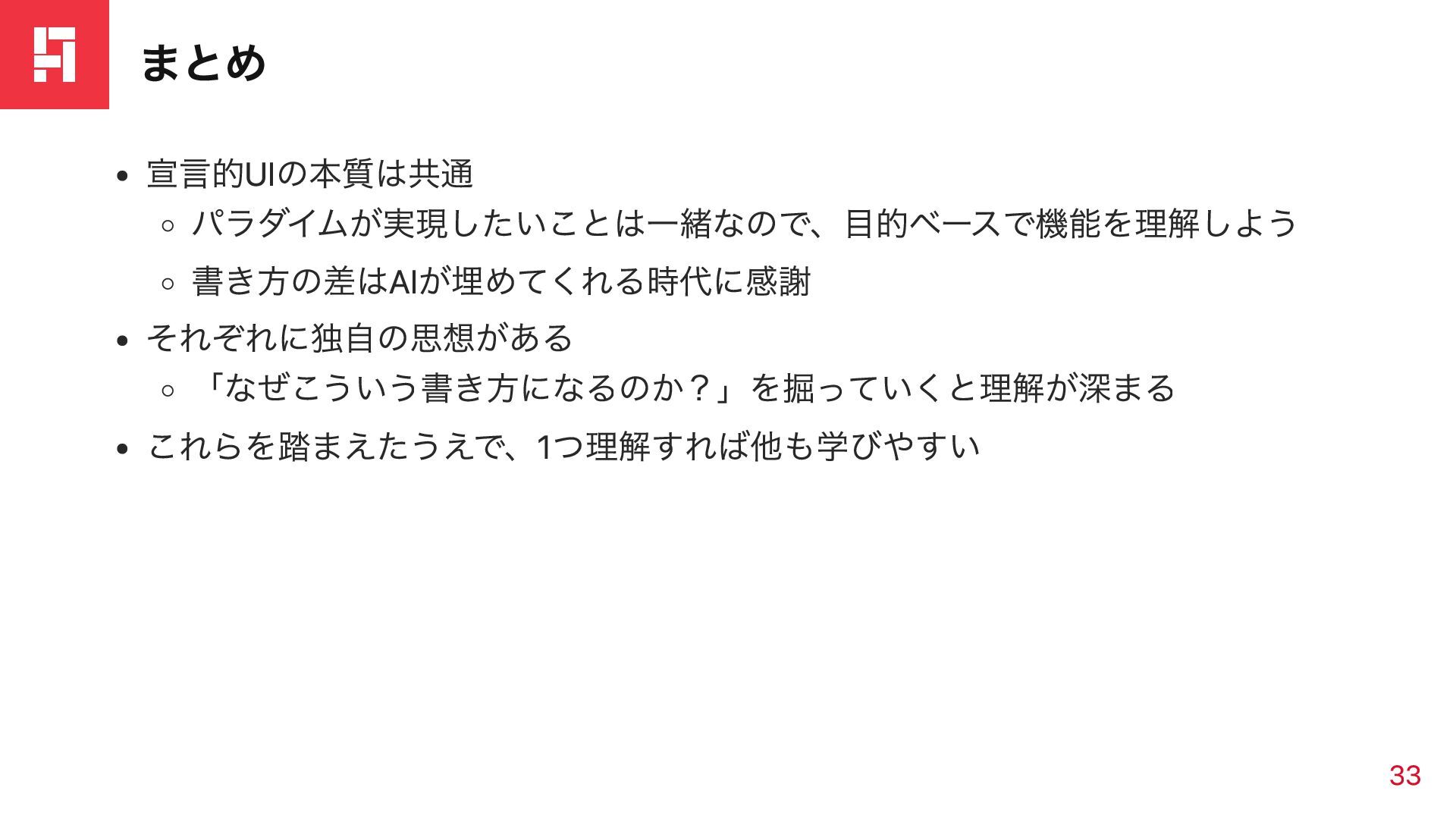
まとめ 宣言的UIの本質は共通 パラダイムが実現したいことは一緒なので、目的ベースで機能を理解しよう 書き方の差はAIが埋めてくれる時代に感謝 それぞれに独自の思想がある 「なぜこういう書き方になるのか?」を掘っていくと理解が深まる これらを踏まえたうえで、1つ理解すれば他も学びやすい 33
ありがとうございました


 kkagurazaka
 satoshi256kbyte
 y0hgi
y0hgi
 akihisaikeda
 naokihaba
 utakaha
 kishida
 tosite
 yub0n
yub0n
 morizo_1984
 mofurune
 guaca
guaca
 sylph01
 skipperchong
 maggiecrowley
 carmenintech
 gr2m
gr2m
 jnunemaker
 helmedeiros
 elsirapls
 lauravandoore
 techseoconnect
 427marketing
 marktimemedia
 minecr