Share
Embed
GKE Security and Services
Yoshiyuki Komazaki
January 30, 2020
Transcript
62 slides
-
話すこと • GKEにおけるセキュリティ対策 • GKE Sandbox • Binary Authorization •
Anthos Config Management セキュリティ対策・運用のための機能について -
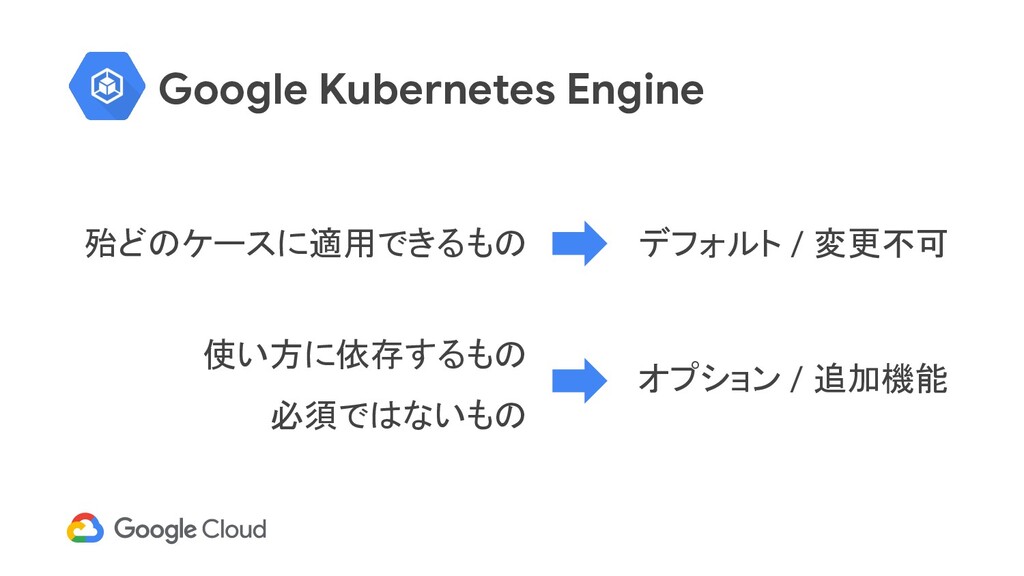
使い方に依存するもの 必須ではないもの オプション / 追加機能 殆どのケースに適用できるもの デフォルト / 変更不可 Google
Kubernetes Engine -
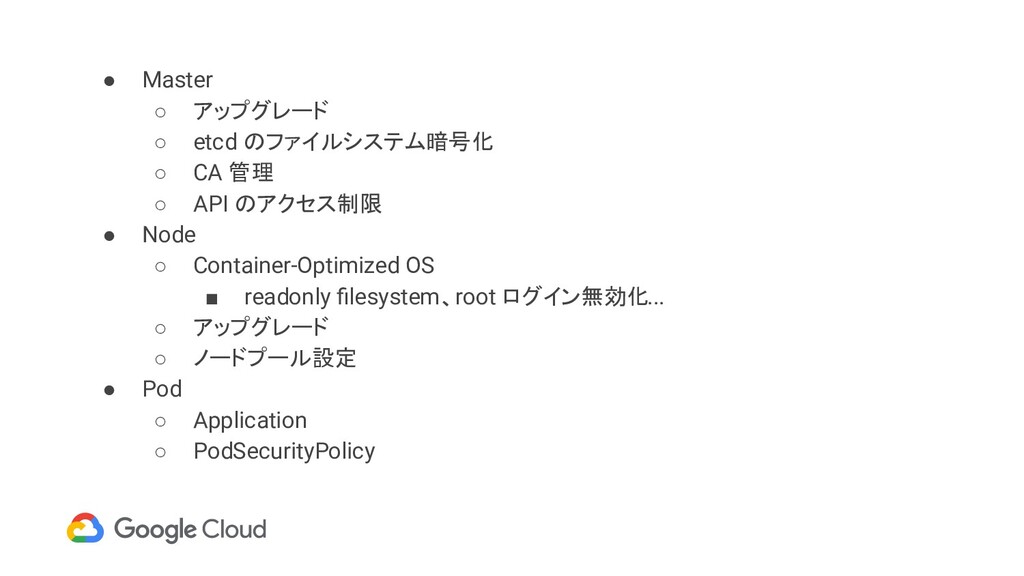
• Master ◦ アップグレード ◦ etcd のファイルシステム暗号化 ◦ CA 管理
◦ API のアクセス制限 • Node ◦ Container-Optimized OS ▪ readonly filesystem、root ログイン無効化... ◦ アップグレード ◦ ノードプール設定 • Pod ◦ Application ◦ PodSecurityPolicy -
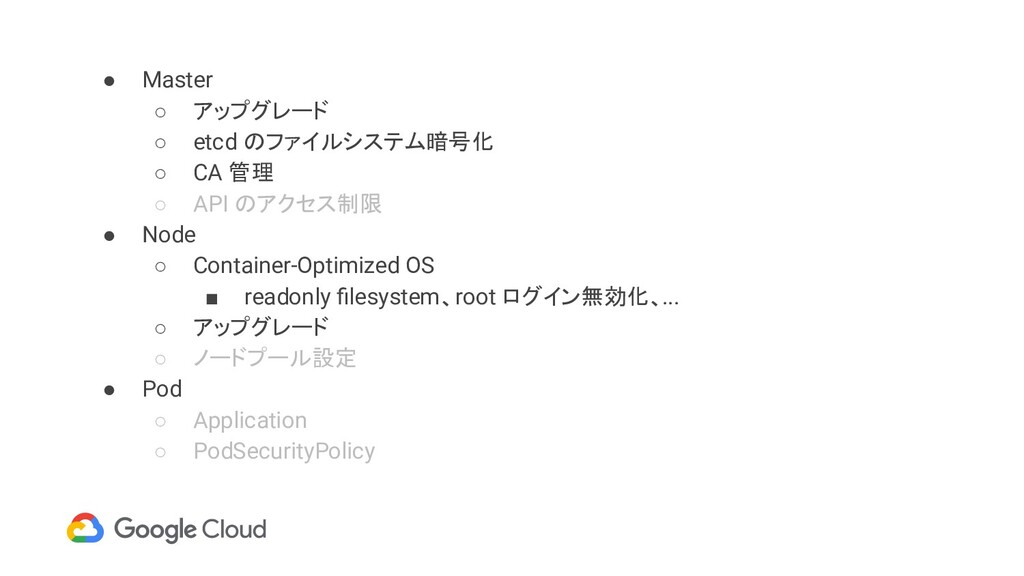
• Master ◦ アップグレード ◦ etcd のファイルシステム暗号化 ◦ CA 管理
◦ API のアクセス制限 • Node ◦ Container-Optimized OS ▪ readonly filesystem、root ログイン無効化、... ◦ アップグレード ◦ ノードプール設定 • Pod ◦ Application ◦ PodSecurityPolicy -
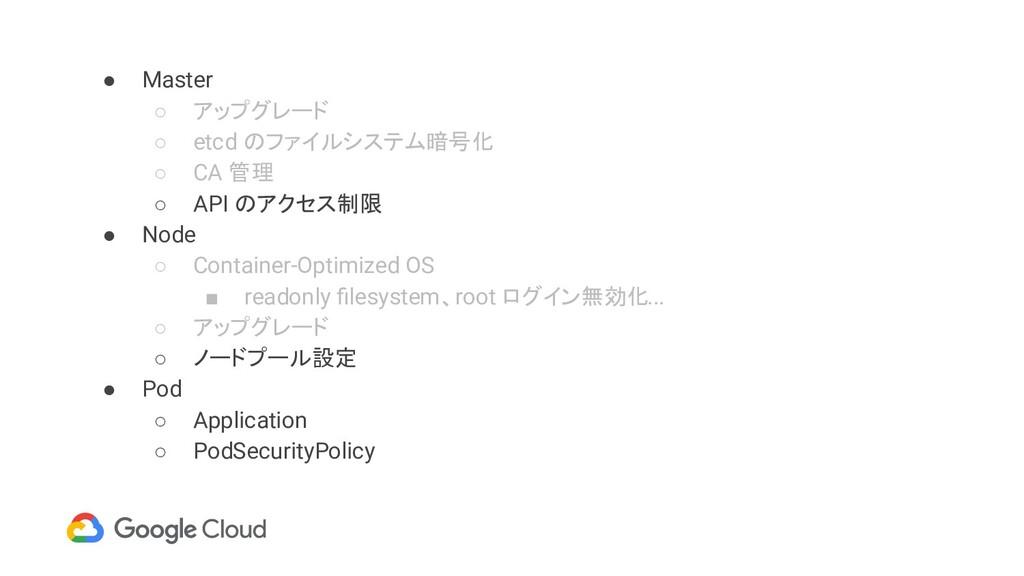
• Master ◦ アップグレード ◦ etcd のファイルシステム暗号化 ◦ CA 管理
◦ API のアクセス制限 • Node ◦ Container-Optimized OS ▪ readonly filesystem、root ログイン無効化... ◦ アップグレード ◦ ノードプール設定 • Pod ◦ Application ◦ PodSecurityPolicy -
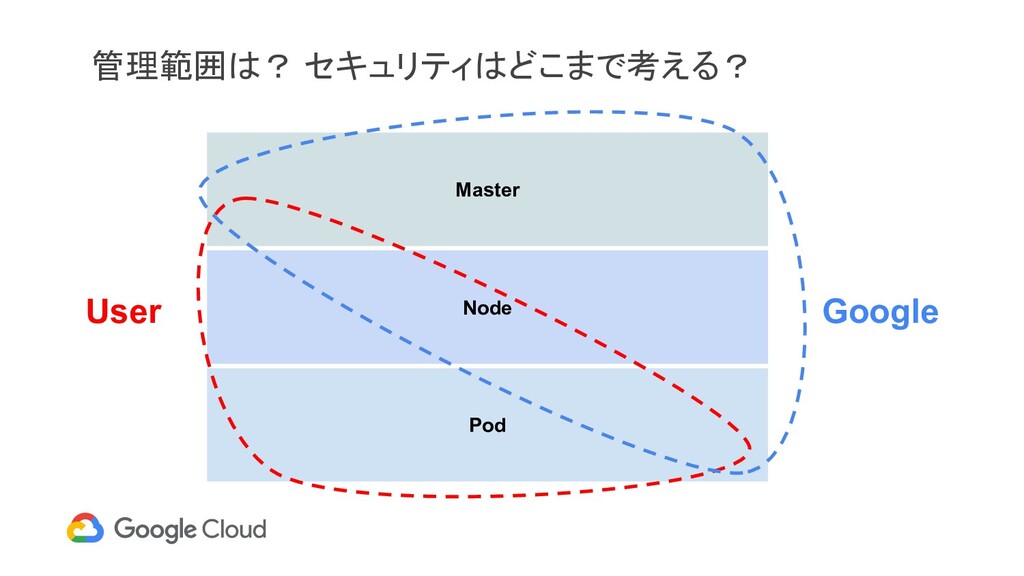
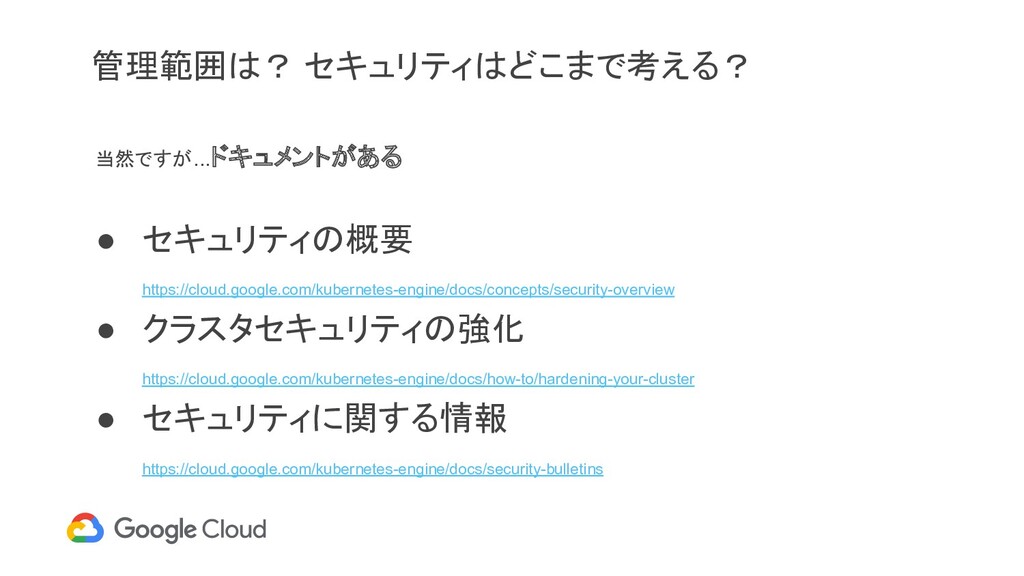
管理範囲は? セキュリティはどこまで考える? • セキュリティの概要 https://cloud.google.com/kubernetes-engine/docs/concepts/security-overview • クラスタセキュリティの強化 https://cloud.google.com/kubernetes-engine/docs/how-to/hardening-your-cluster • セキュリティに関する情報
https://cloud.google.com/kubernetes-engine/docs/security-bulletins 当然ですが...ドキュメントがある -
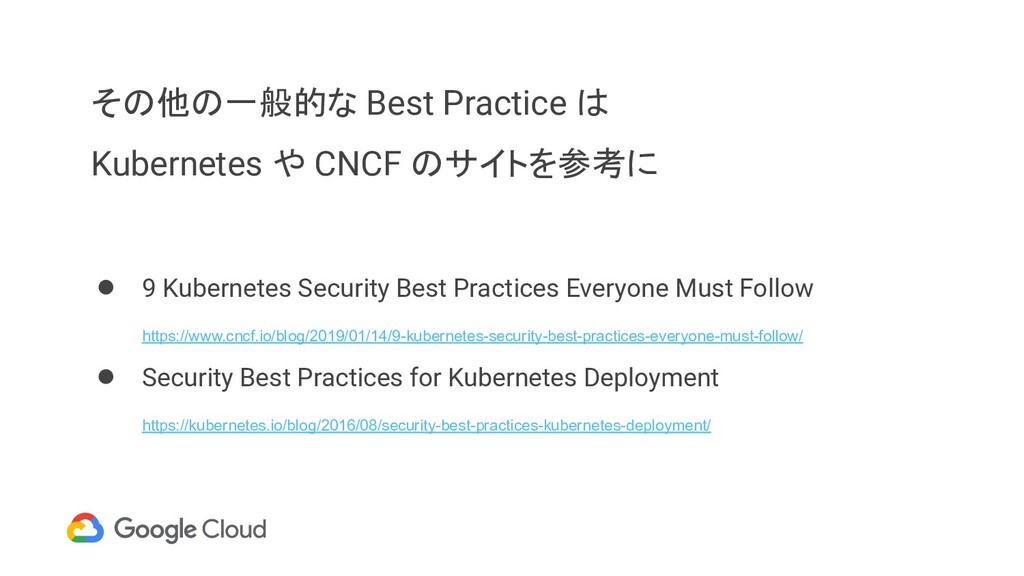
その他の一般的な Best Practice は Kubernetes や CNCF のサイトを参考に • 9
Kubernetes Security Best Practices Everyone Must Follow https://www.cncf.io/blog/2019/01/14/9-kubernetes-security-best-practices-everyone-must-follow/ • Security Best Practices for Kubernetes Deployment https://kubernetes.io/blog/2016/08/security-best-practices-kubernetes-deployment/ -
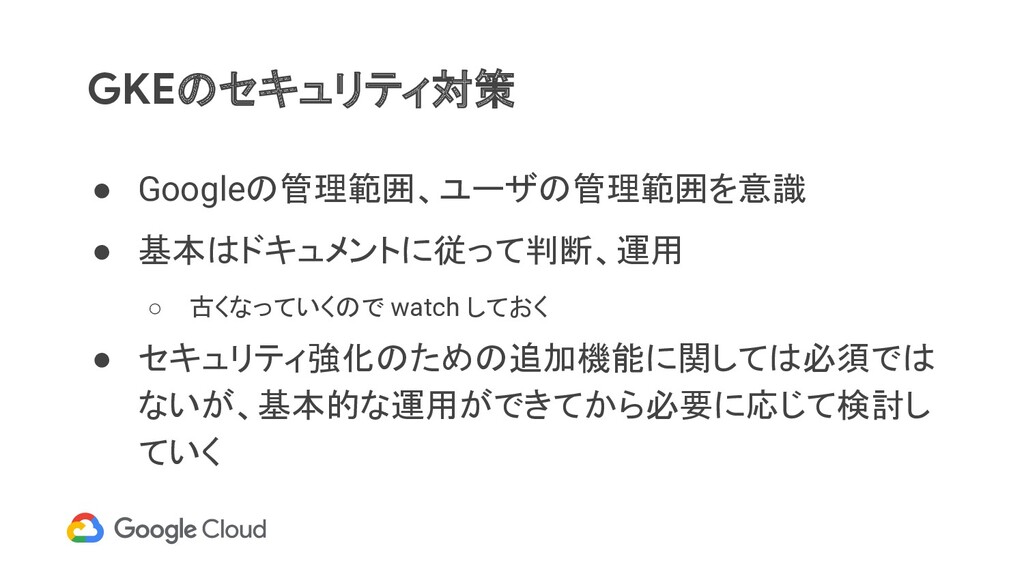
GKEのセキュリティ対策 • Googleの管理範囲、ユーザの管理範囲を意識 • 基本はドキュメントに従って判断、運用 ◦ 古くなっていくので watch しておく •
セキュリティ強化のための追加機能に関しては必須では ないが、基本的な運用ができてから必要に応じて検討し ていく -
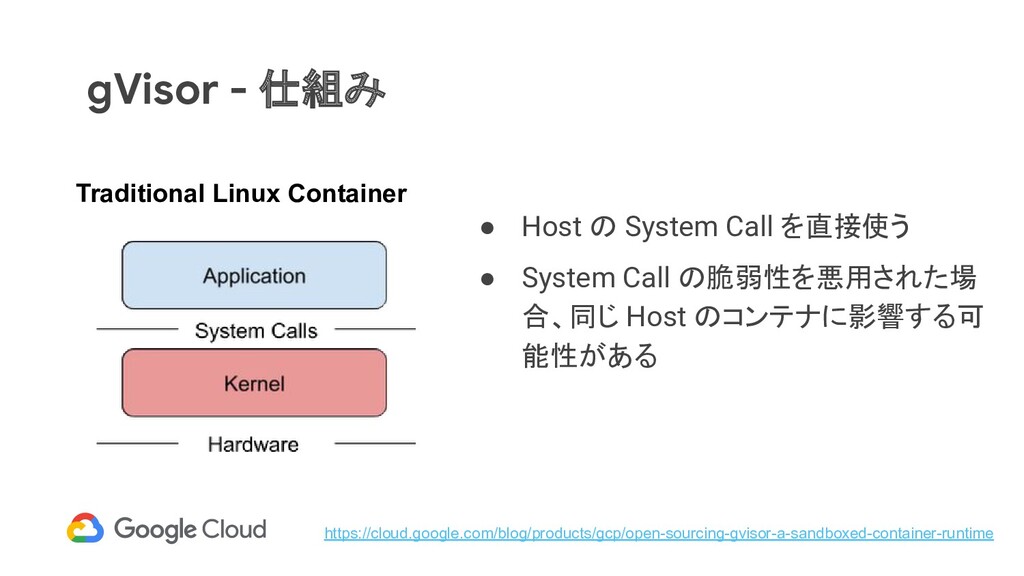
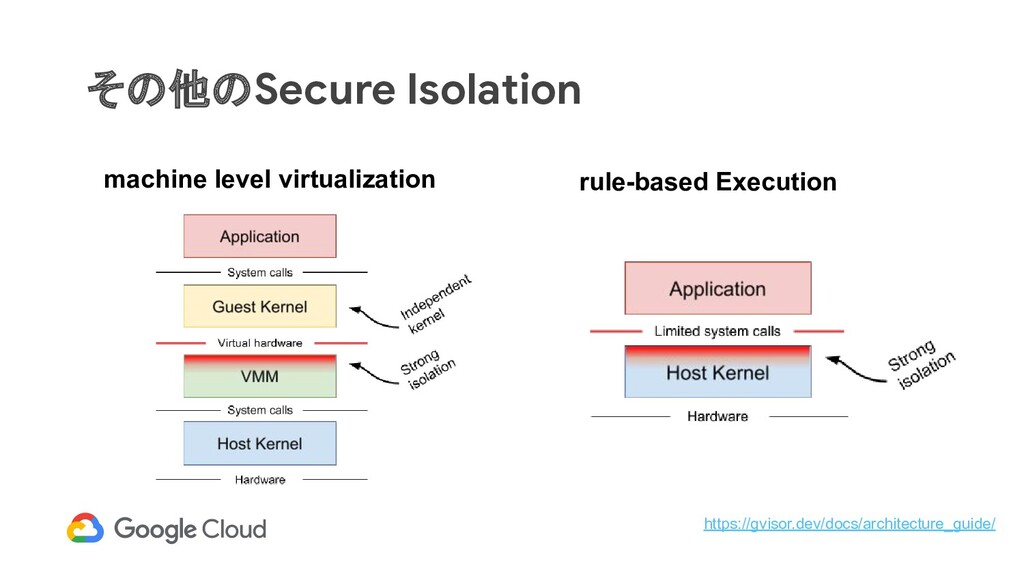
gVisor - 仕組み Traditional Linux Container https://cloud.google.com/blog/products/gcp/open-sourcing-gvisor-a-sandboxed-container-runtime • Host の
System Call を直接使う • System Call の脆弱性を悪用された場 合、同じ Host のコンテナに影響する可 能性がある -
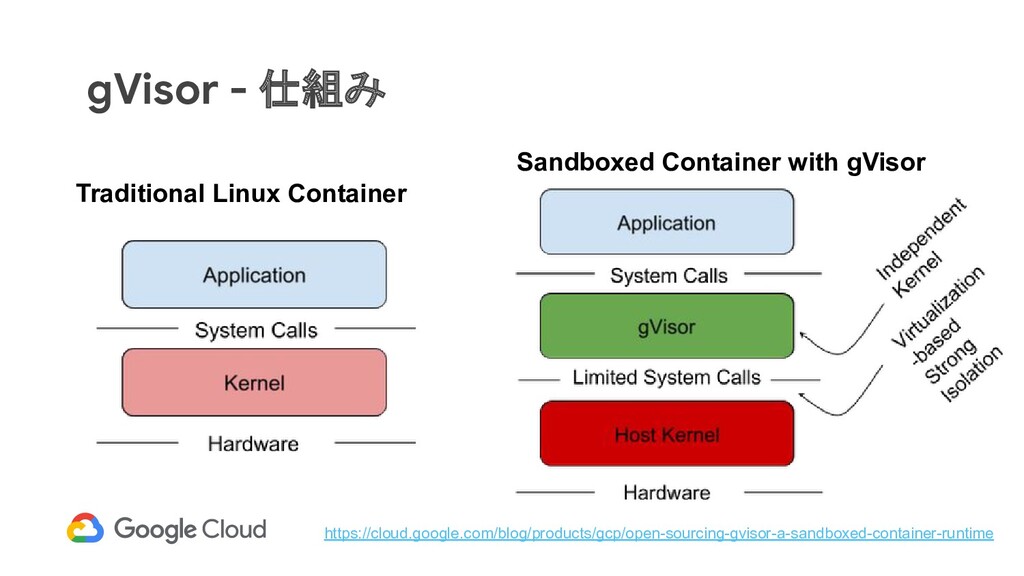
gVisor - 仕組み Traditional Linux Container Sandboxed Container with gVisor
https://cloud.google.com/blog/products/gcp/open-sourcing-gvisor-a-sandboxed-container-runtime -
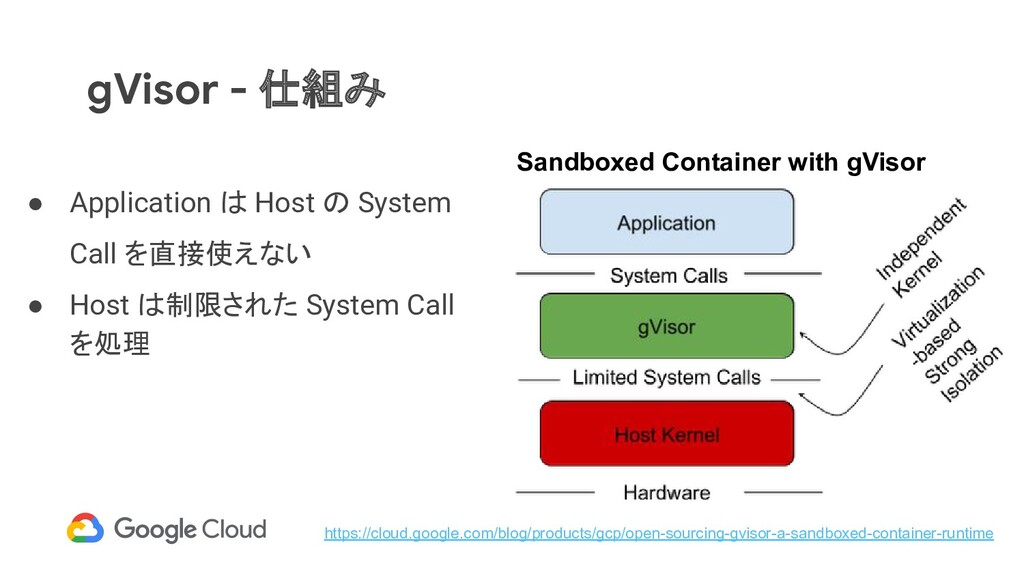
Sandboxed Container with gVisor • Application は Host の System
Call を直接使えない • Host は制限された System Call を処理 gVisor - 仕組み https://cloud.google.com/blog/products/gcp/open-sourcing-gvisor-a-sandboxed-container-runtime -
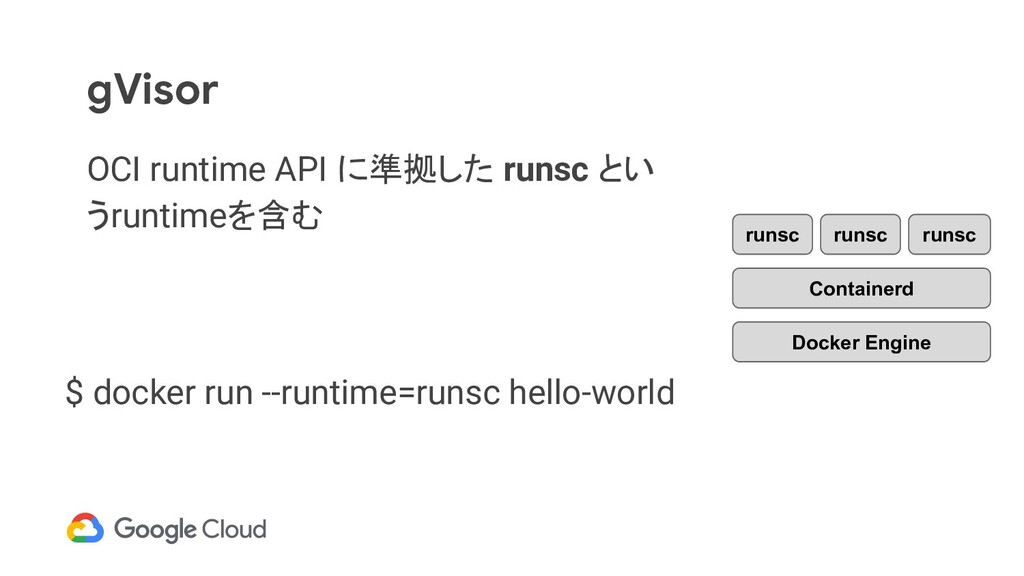
gVisor OCI runtime API に準拠した runsc とい うruntimeを含む $ docker
run --runtime=runsc hello-world Docker Engine Containerd runsc runsc runsc -
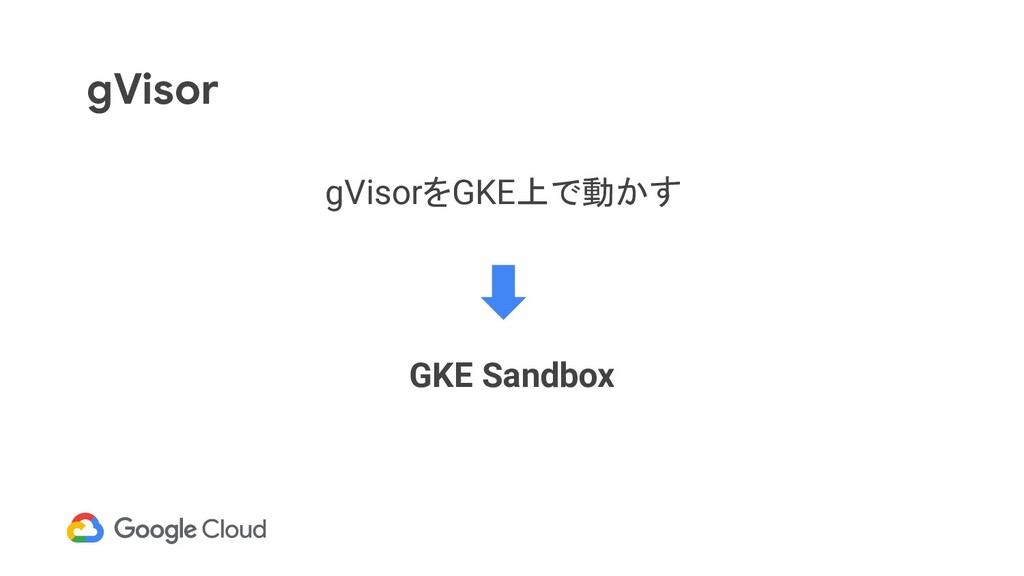
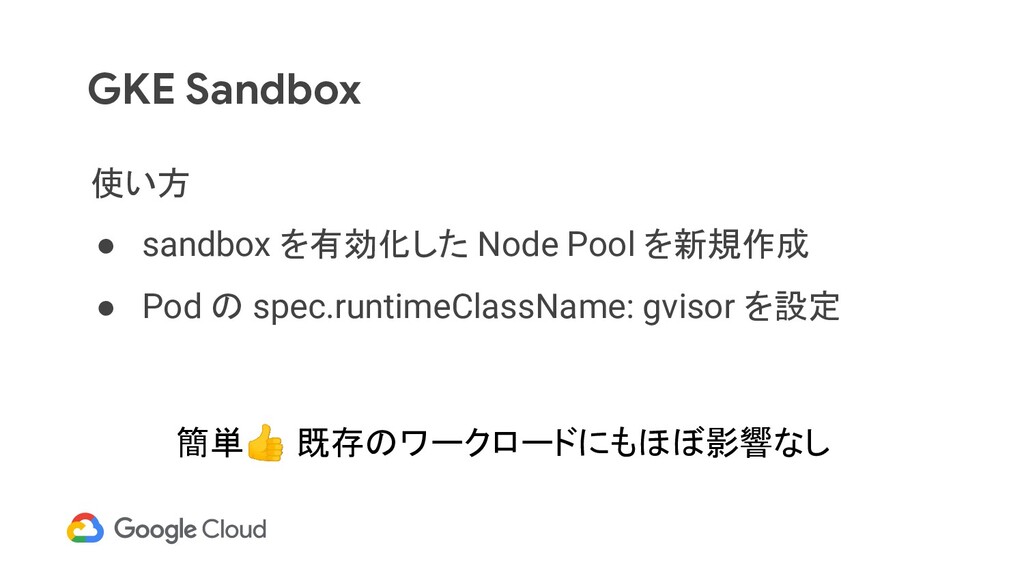
GKE Sandbox 使い方 • sandbox を有効化した Node Pool を新規作成 •
Pod の spec.runtimeClassName: gvisor を設定 簡単 既存のワークロードにもほぼ影響なし -
GKE Sandbox やめ方 • sandbox を有効化した Node Pool を削除 簡単
既存のワークロードにもほぼ影響なし -
GKE Sandbox • sandbox が有効化された Node Pool には taints •
gVisorで動かす Pod には affinity と tolerations 通常の Pod とは隔離された状態で動作する -
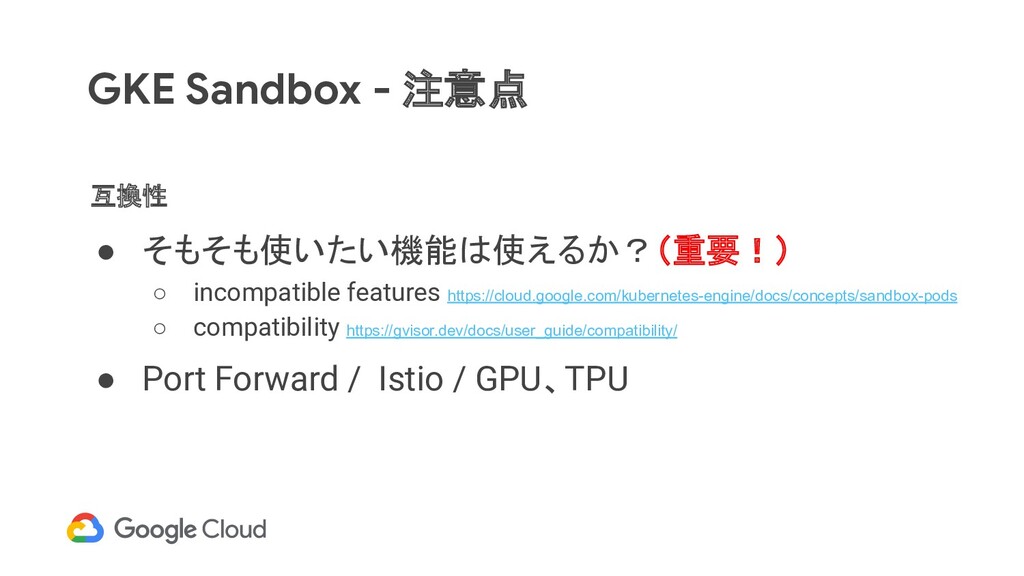
GKE Sandbox - 注意点 互換性 • そもそも使いたい機能は使えるか?(重要!) ◦ incompatible features
https://cloud.google.com/kubernetes-engine/docs/concepts/sandbox-pods ◦ compatibility https://gvisor.dev/docs/user_guide/compatibility/ • Port Forward / Istio / GPU、TPU -
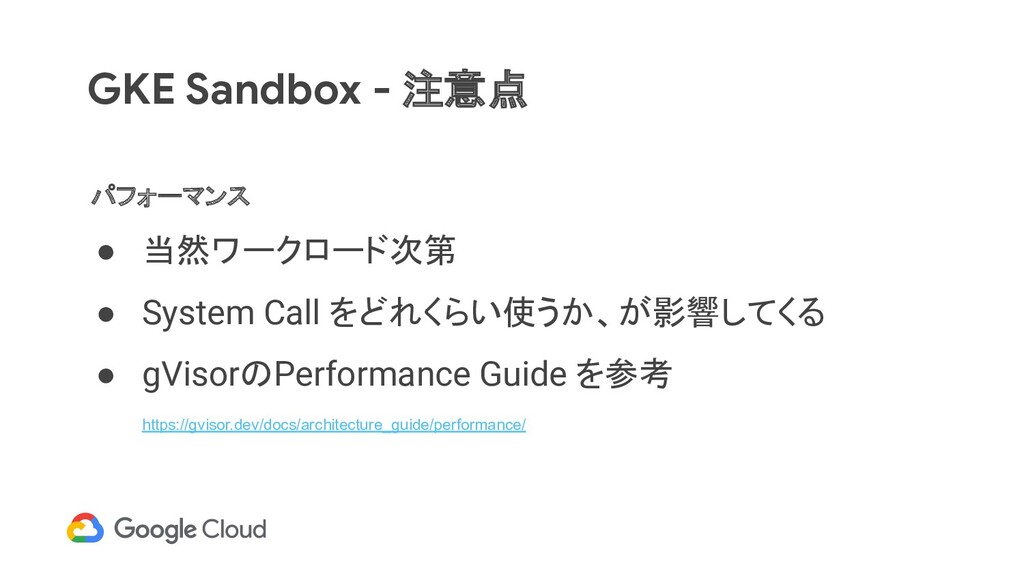
GKE Sandbox - 注意点 パフォーマンス • 当然ワークロード次第 • System Call
をどれくらい使うか、が影響してくる • gVisorのPerformance Guide を参考 https://gvisor.dev/docs/architecture_guide/performance/ -
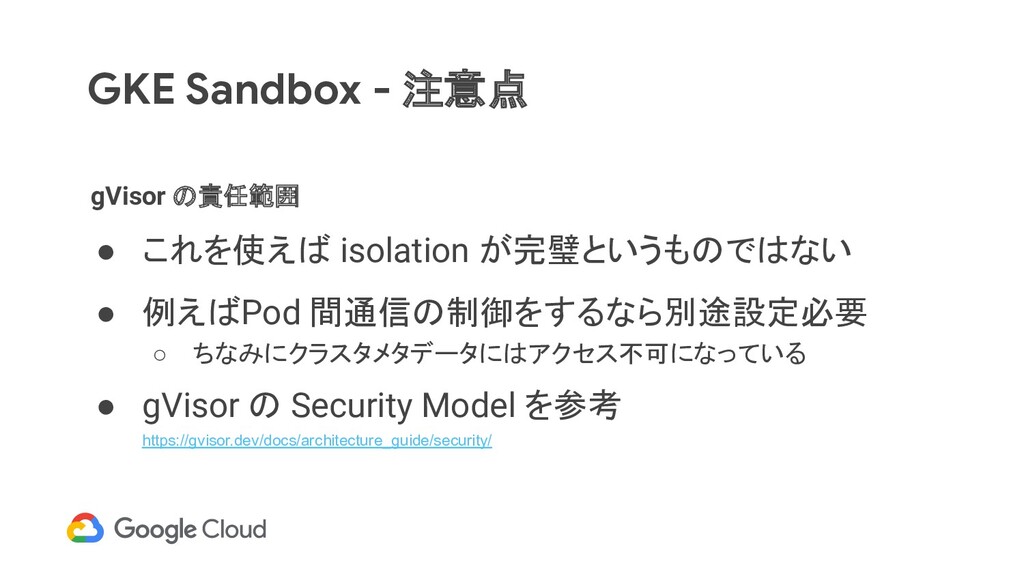
GKE Sandbox - 注意点 gVisor の責任範囲 • これを使えば isolation が完璧というものではない
• 例えばPod 間通信の制御をするなら別途設定必要 ◦ ちなみにクラスタメタデータにはアクセス不可になっている • gVisor の Security Model を参考 https://gvisor.dev/docs/architecture_guide/security/ -
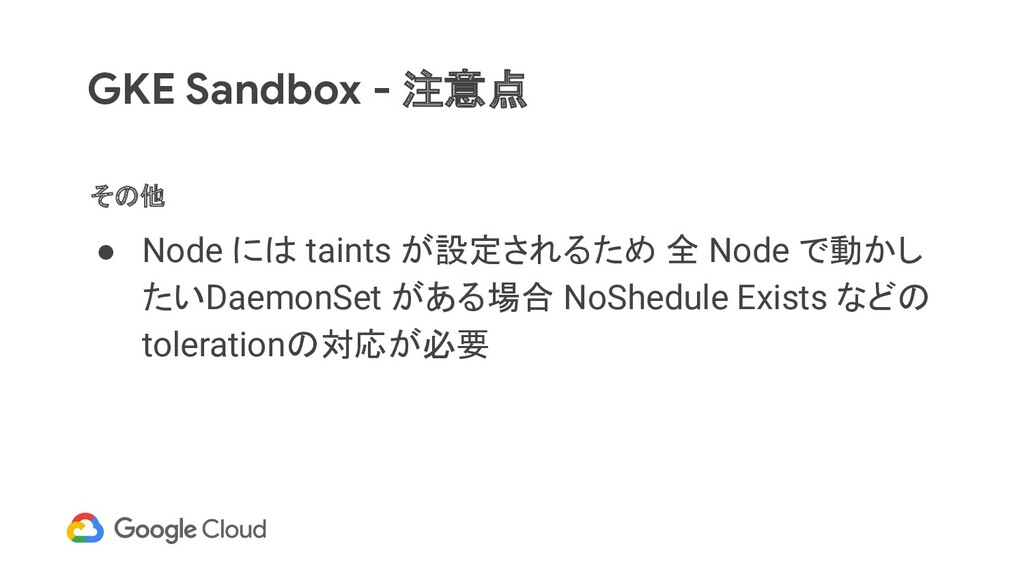
GKE Sandbox - 注意点 その他 • Node には taints が設定されるため
全 Node で動かし たいDaemonSet がある場合 NoShedule Exists などの tolerationの対応が必要 -
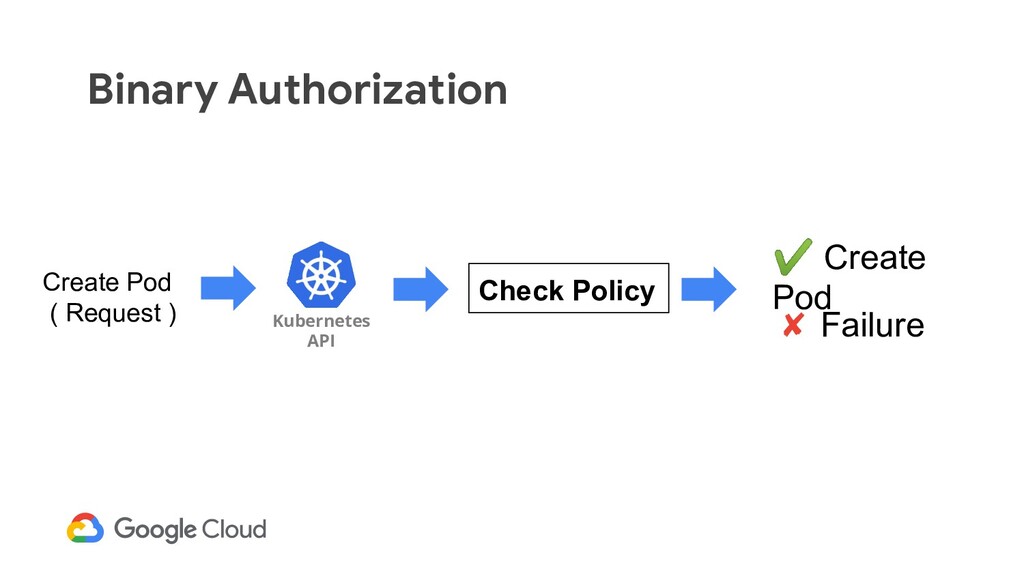
Binary Authorization Kubernetes API Create Pod ( Request ) Check
Policy ✘ Failure ✔ Create Pod -
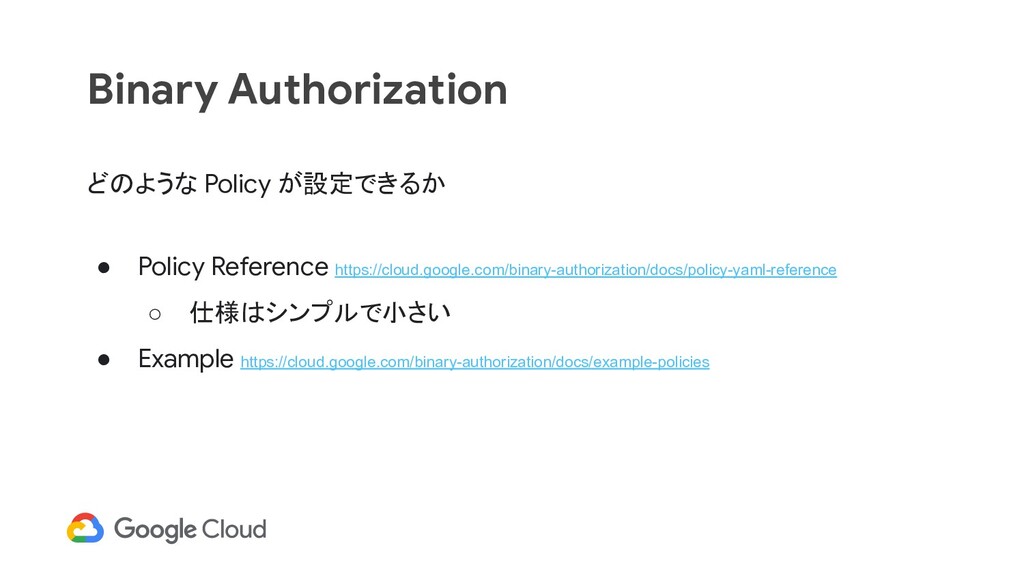
Binary Authorization どのような Policy が設定できるか • Policy Reference https://cloud.google.com/binary-authorization/docs/policy-yaml-reference ◦
仕様はシンプルで小さい • Example https://cloud.google.com/binary-authorization/docs/example-policies -
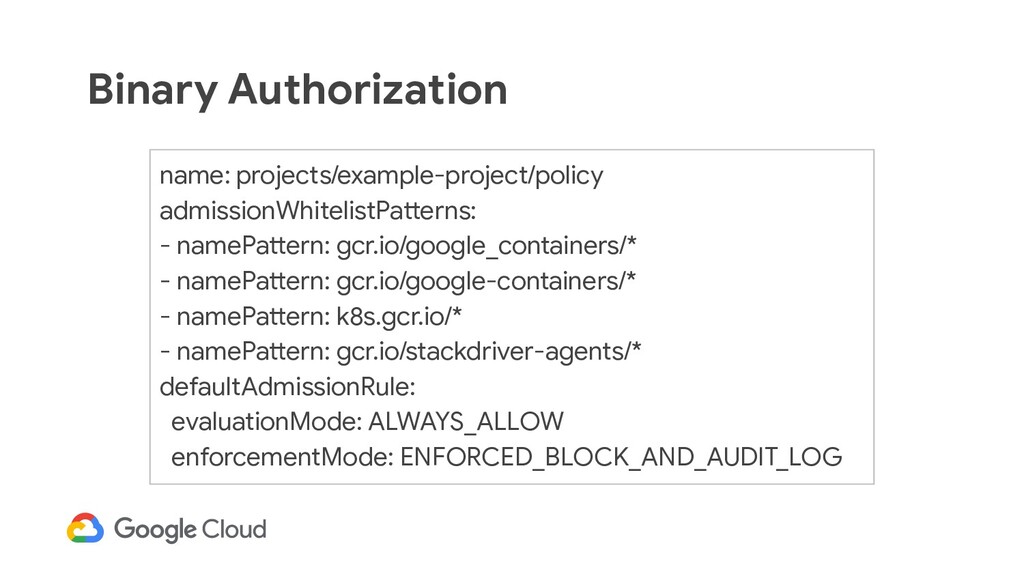
Binary Authorization name: projects/example-project/policy admissionWhitelistPatterns: - namePattern: gcr.io/google_containers/* - namePattern:
gcr.io/google-containers/* - namePattern: k8s.gcr.io/* - namePattern: gcr.io/stackdriver-agents/* defaultAdmissionRule: evaluationMode: ALWAYS_ALLOW enforcementMode: ENFORCED_BLOCK_AND_AUDIT_LOG -
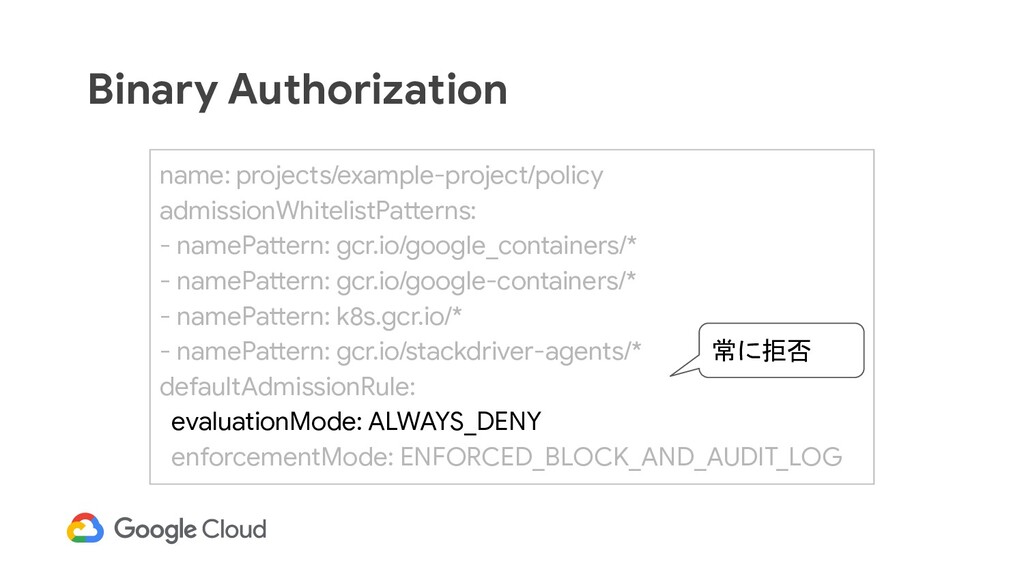
Binary Authorization name: projects/example-project/policy admissionWhitelistPatterns: - namePattern: gcr.io/google_containers/* - namePattern:
gcr.io/google-containers/* - namePattern: k8s.gcr.io/* - namePattern: gcr.io/stackdriver-agents/* defaultAdmissionRule: evaluationMode: ALWAYS_DENY enforcementMode: ENFORCED_BLOCK_AND_AUDIT_LOG 常に拒否 -
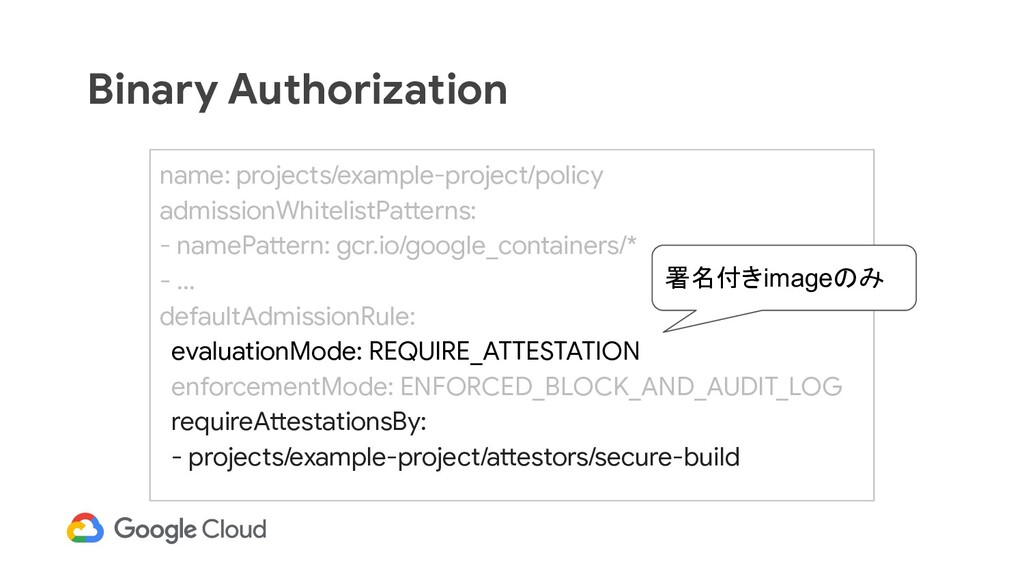
Binary Authorization name: projects/example-project/policy admissionWhitelistPatterns: - namePattern: gcr.io/google_containers/* - ...
defaultAdmissionRule: evaluationMode: REQUIRE_ATTESTATION enforcementMode: ENFORCED_BLOCK_AND_AUDIT_LOG requireAttestationsBy: - projects/example-project/attestors/secure-build 署名付きimageのみ -
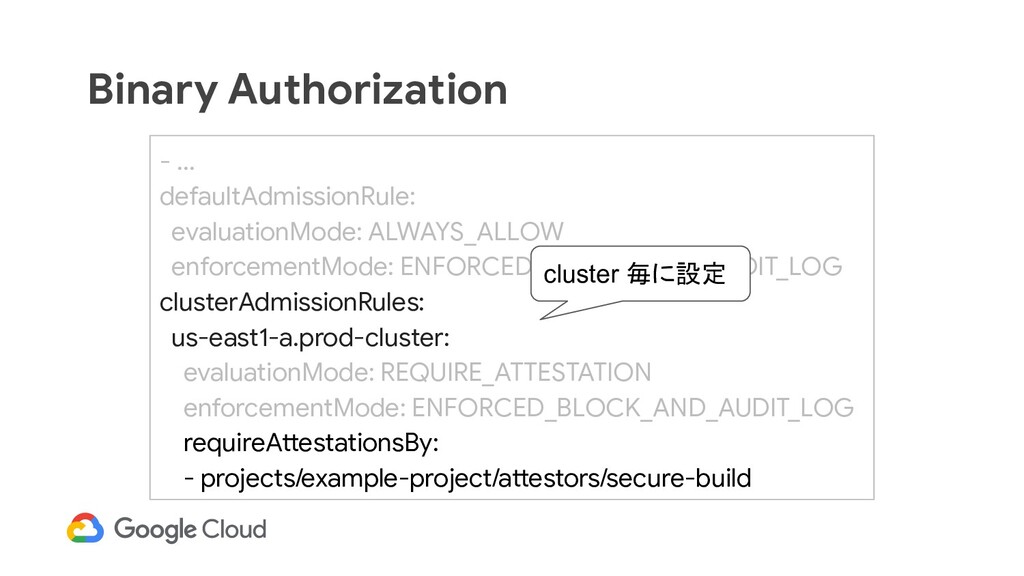
Binary Authorization - ... defaultAdmissionRule: evaluationMode: ALWAYS_ALLOW enforcementMode: ENFORCED_BLOCK_AND_AUDIT_LOG clusterAdmissionRules:
us-east1-a.prod-cluster: evaluationMode: REQUIRE_ATTESTATION enforcementMode: ENFORCED_BLOCK_AND_AUDIT_LOG requireAttestationsBy: - projects/example-project/attestors/secure-build cluster 毎に設定 -
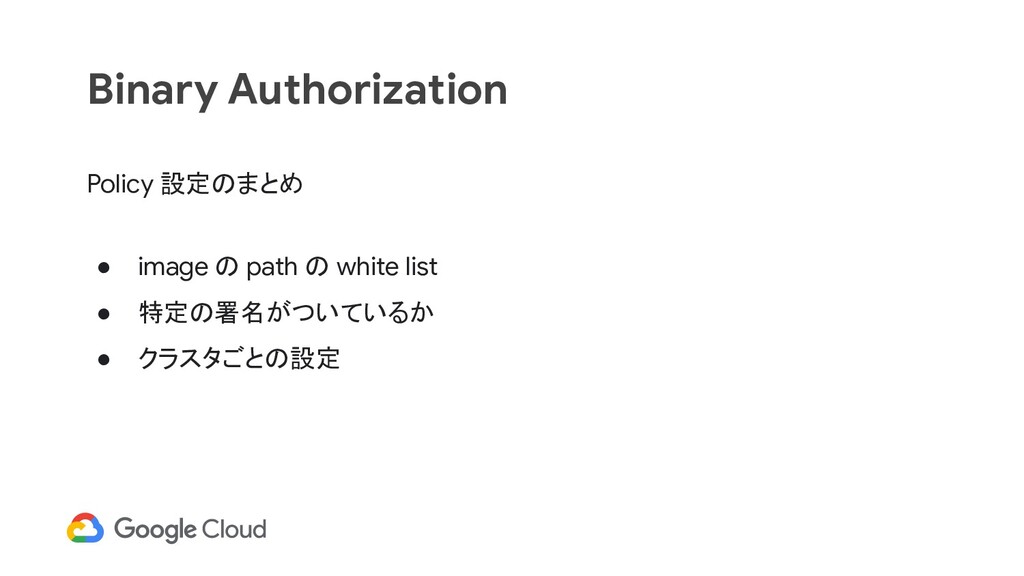
Binary Authorization Policy 設定のまとめ • image の path の white
list • 特定の署名がついているか • クラスタごとの設定 -
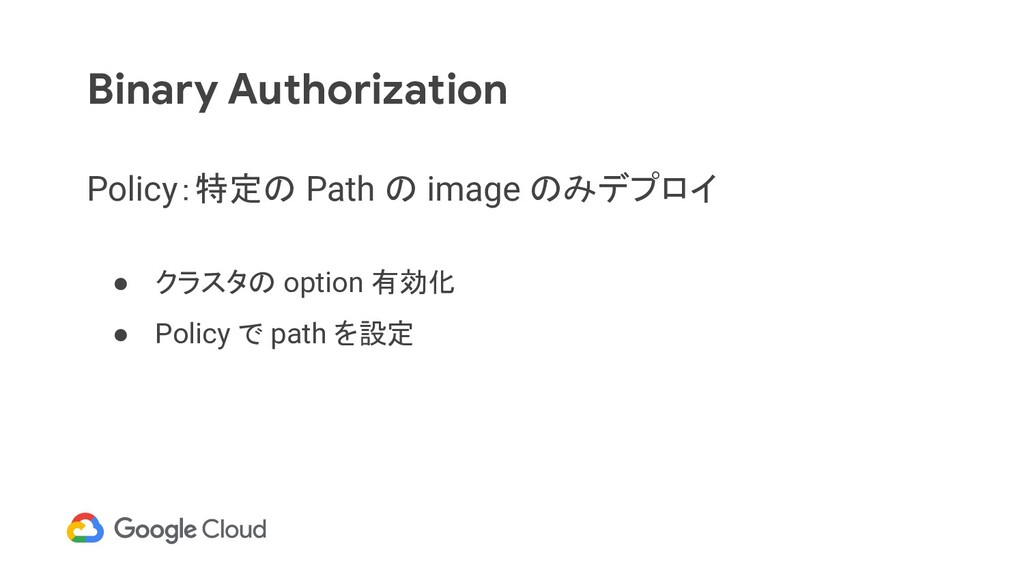
Binary Authorization Policy:特定の Path の image のみデプロイ • クラスタの option
有効化 • Policy で path を設定 -
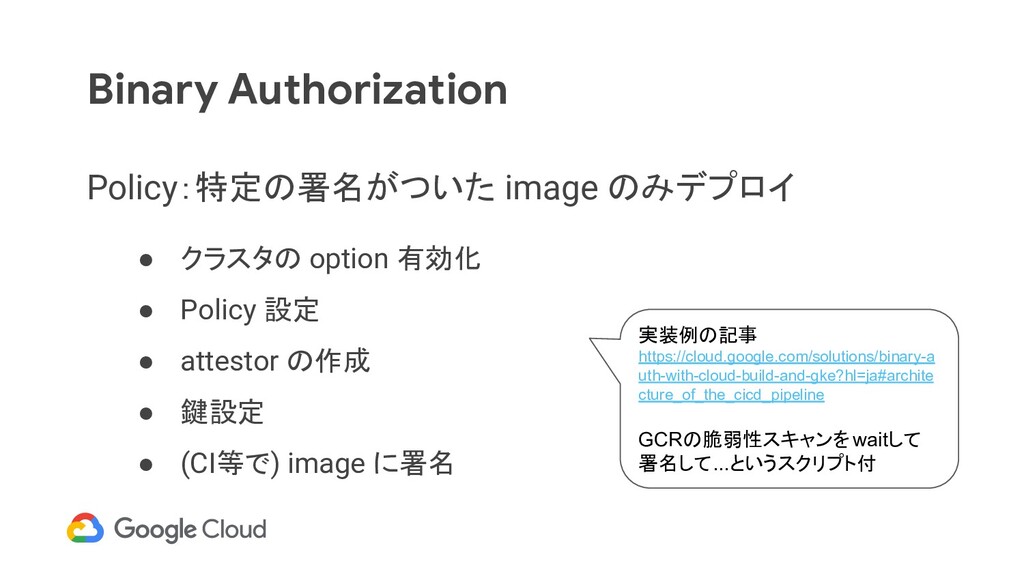
Binary Authorization Policy:特定の署名がついた image のみデプロイ 実装例の記事 https://cloud.google.com/solutions/binary-a uth-with-cloud-build-and-gke?hl=ja#archite cture_of_the_cicd_pipeline GCRの脆弱性スキャンを
waitして 署名して...というスクリプト付 • クラスタの option 有効化 • Policy 設定 • attestor の作成 • 鍵設定 • (CI等で) image に署名 -
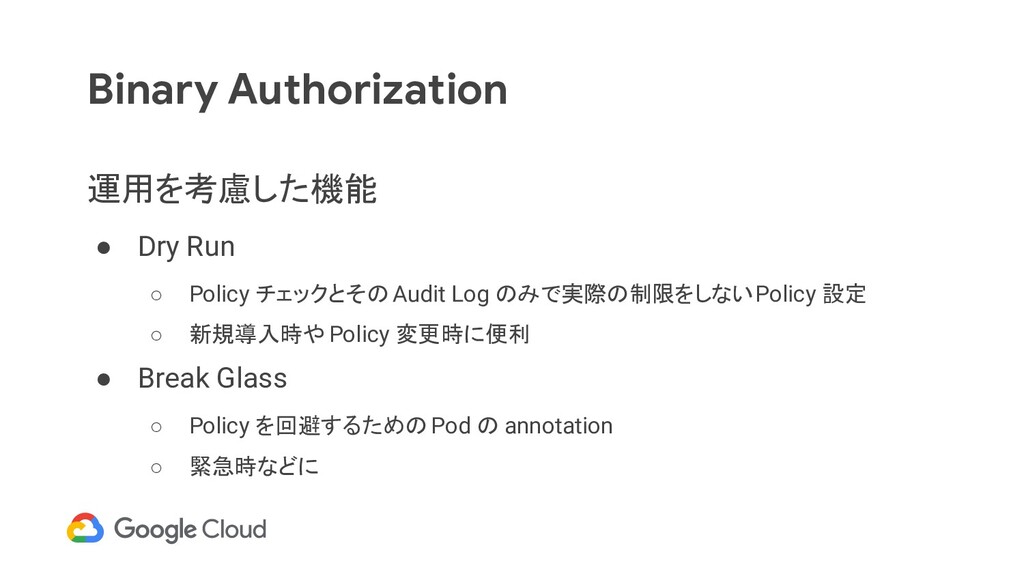
Binary Authorization 運用を考慮した機能 • Dry Run ◦ Policy チェックとその Audit
Log のみで実際の制限をしない Policy 設定 ◦ 新規導入時や Policy 変更時に便利 • Break Glass ◦ Policy を回避するための Pod の annotation ◦ 緊急時などに -
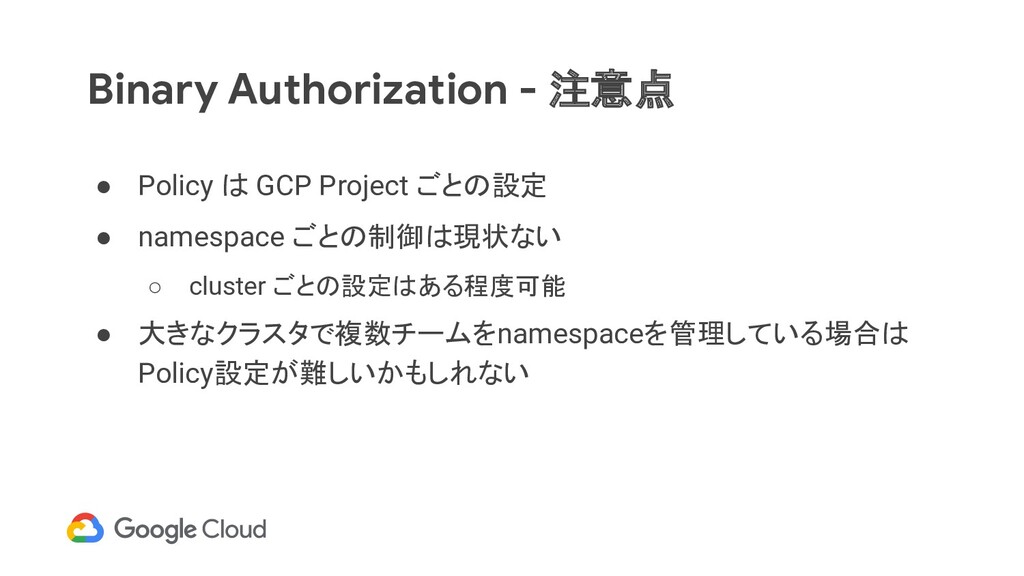
Binary Authorization - 注意点 • Policy は GCP Project ごとの設定
• namespace ごとの制御は現状ない ◦ cluster ごとの設定はある程度可能 • 大きなクラスタで複数チームをnamespaceを管理している場合は Policy設定が難しいかもしれない -
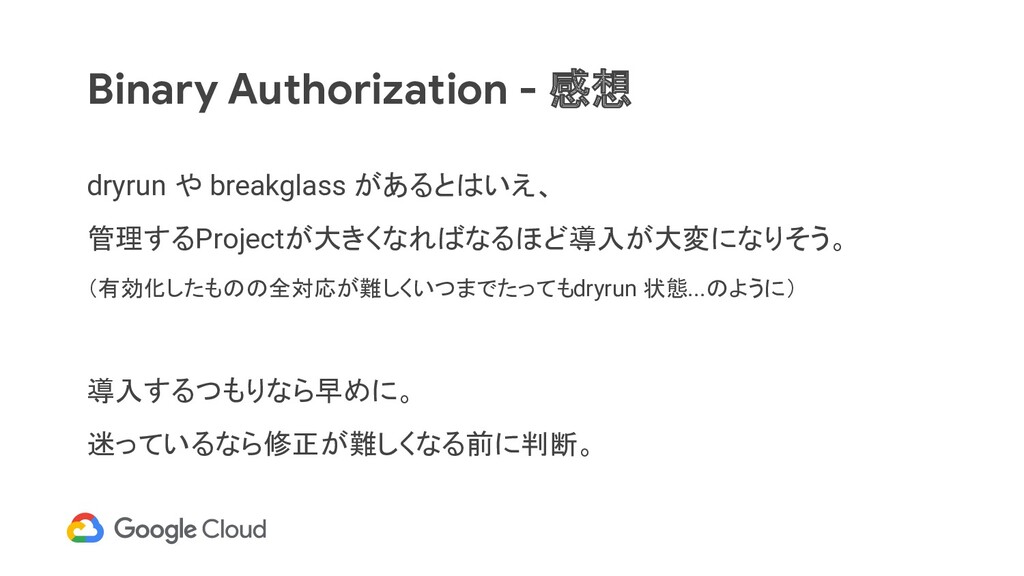
Binary Authorization - 感想 dryrun や breakglass があるとはいえ、 管理するProjectが大きくなればなるほど導入が大変になりそう。 (有効化したものの全対応が難しくいつまでたっても
dryrun 状態...のように) 導入するつもりなら早めに。 迷っているなら修正が難しくなる前に判断。 -
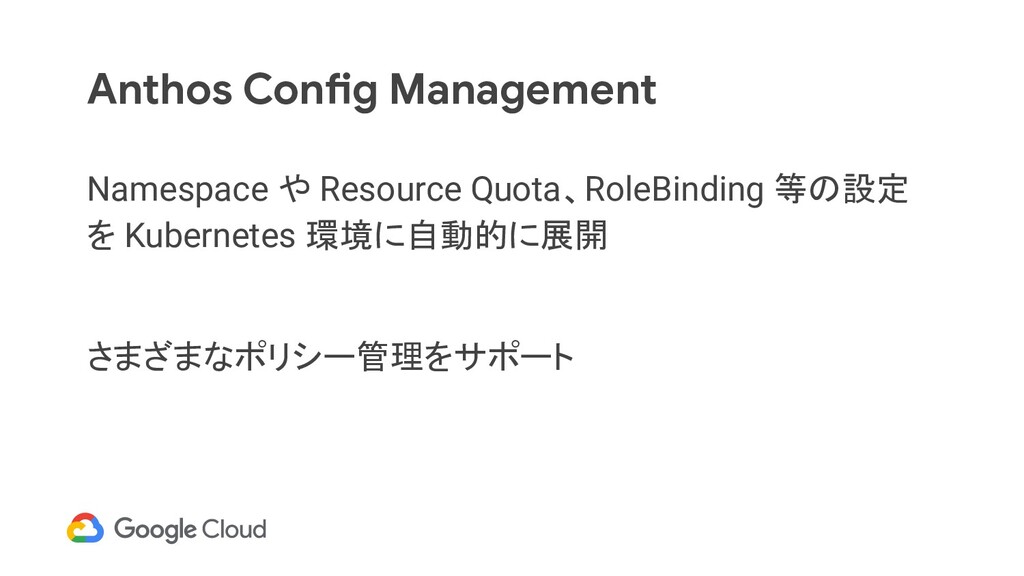
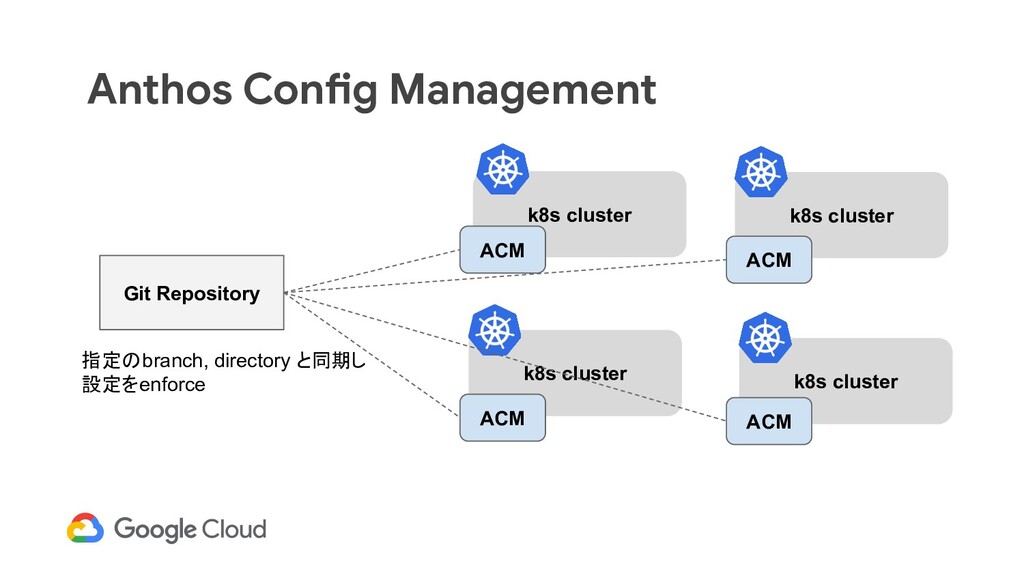
Anthos Config Management Namespace や Resource Quota、RoleBinding 等の設定 を Kubernetes
環境に自動的に展開 さまざまなポリシー管理をサポート -
Anthos Config Management Git Repository k8s cluster k8s cluster ACM
ACM 指定のbranch, directory と同期し 設定をenforce k8s cluster ACM k8s cluster ACM -
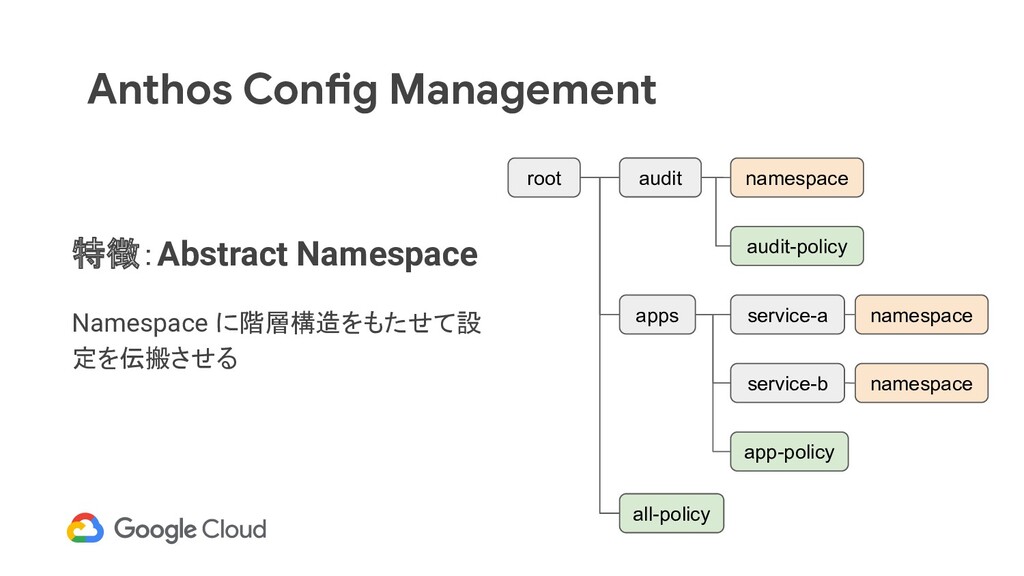
Anthos Config Management 特徴:Abstract Namespace root audit all-policy apps namespace
audit-policy service-a service-b namespace namespace app-policy Namespace に階層構造をもたせて設 定を伝搬させる -
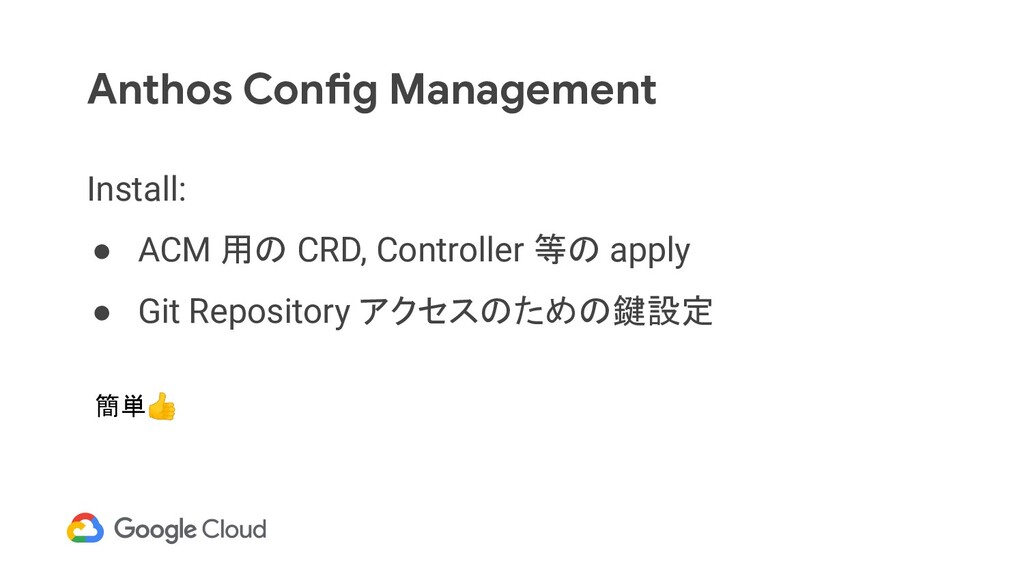
Anthos Config Management Install: • ACM 用の CRD, Controller 等の
apply • Git Repository アクセスのための鍵設定 簡単 -
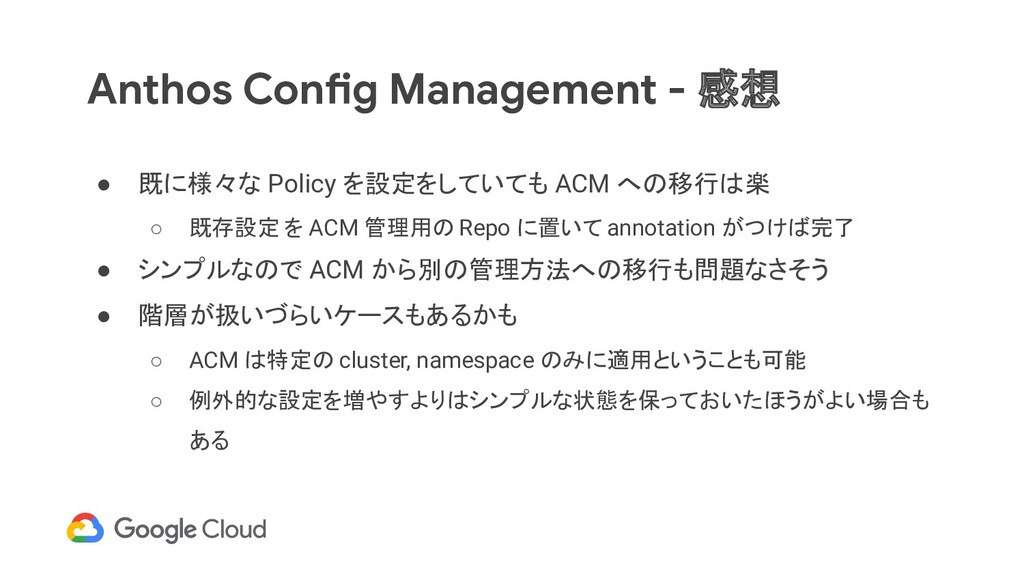
Anthos Config Management - 感想 • 既に様々な Policy を設定をしていても ACM
への移行は楽 ◦ 既存設定 を ACM 管理用の Repo に置いて annotation がつけば完了 • シンプルなので ACM から別の管理方法への移行も問題なさそう • 階層が扱いづらいケースもあるかも ◦ ACM は特定の cluster, namespace のみに適用ということも可能 ◦ 例外的な設定を増やすよりはシンプルな状態を保っておいたほうがよい場合も ある -
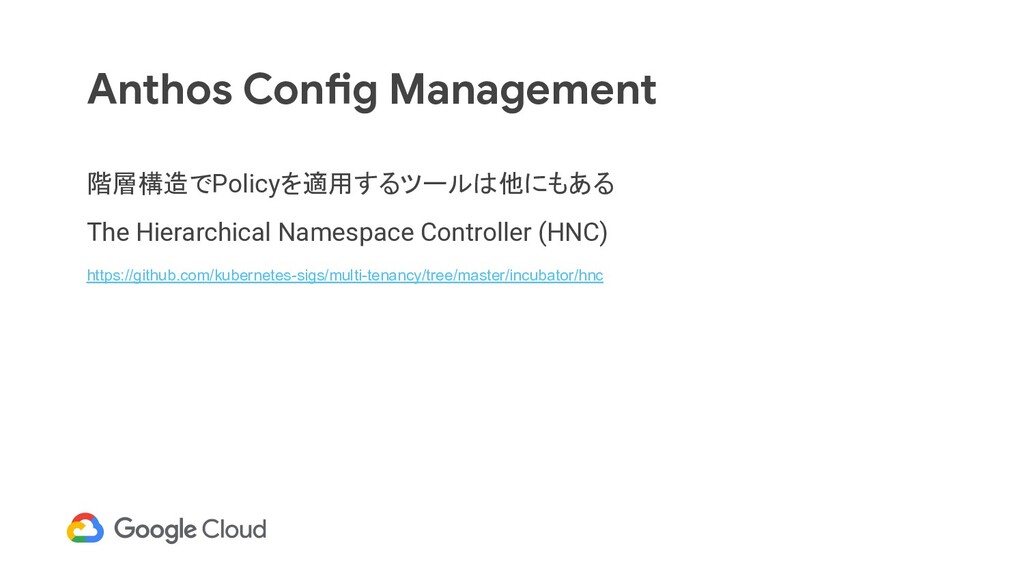
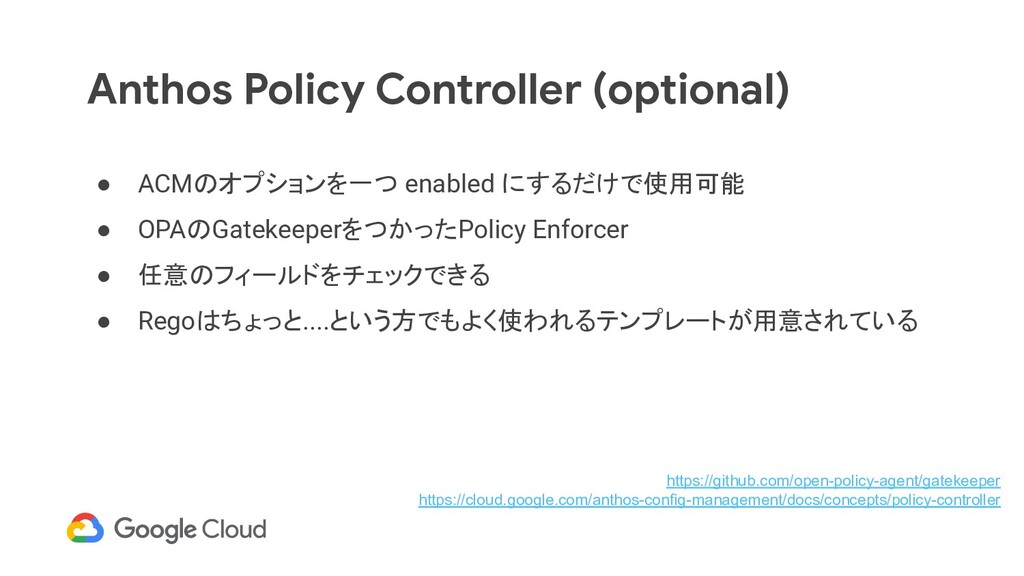
Anthos Policy Controller (optional) • ACMのオプションを一つ enabled にするだけで使用可能 • OPAのGatekeeperをつかったPolicy
Enforcer • 任意のフィールドをチェックできる • Regoはちょっと....という方でもよく使われるテンプレートが用意されている https://github.com/open-policy-agent/gatekeeper https://cloud.google.com/anthos-config-management/docs/concepts/policy-controller -
今日話したこと • GKEにおけるセキュリティ対策 • GKE Sandbox • Binary Authorization •
Anthos Config Management セキュリティ対策・運用のための機能について