Upgrade to Pro — share decks privately, control downloads, hide ads and more …

Should you trust Trusted Publishing?

Sponsored · Your Podcast. Everywhere. Effortlessly. Share. Educate. Inspire. Entertain. You do you. We'll handle the rest. →

Should you trust Trusted Publishing?

First presented at EuroPython 2026 in Kraków, Poland.

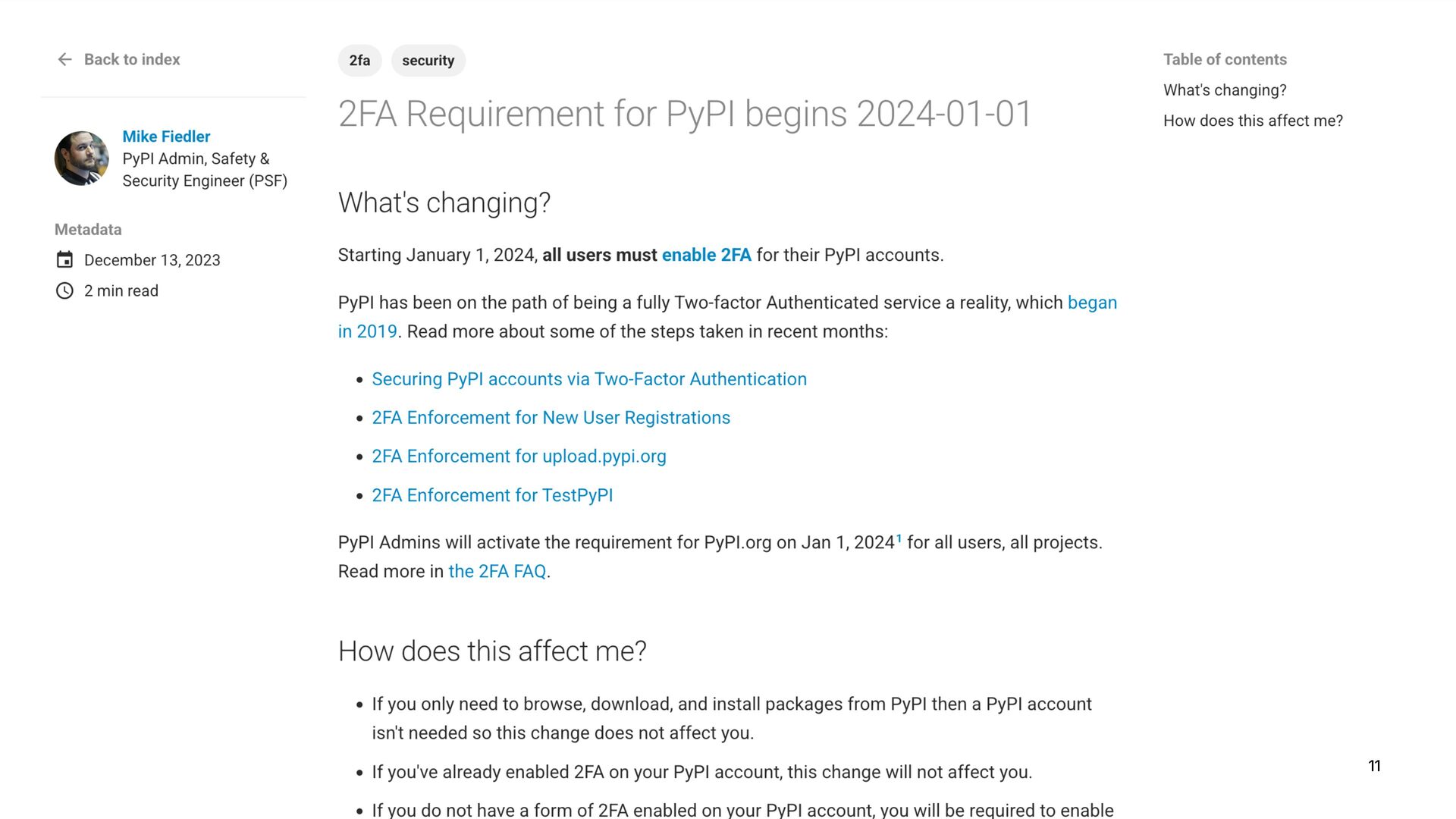
In 2023, PyPI started supporting Trusted Publishers: A way to publish Python packages to PyPI without relying on insecure password and short-lived tokens. Three years later, this approach has become the default answer to package registries' security, as it found its way into NPM, crates.io, and RubyGems. But does it actually offer the benefits we hoped it would? Can you really trust the green checkmark, and if you can't, what's the point?

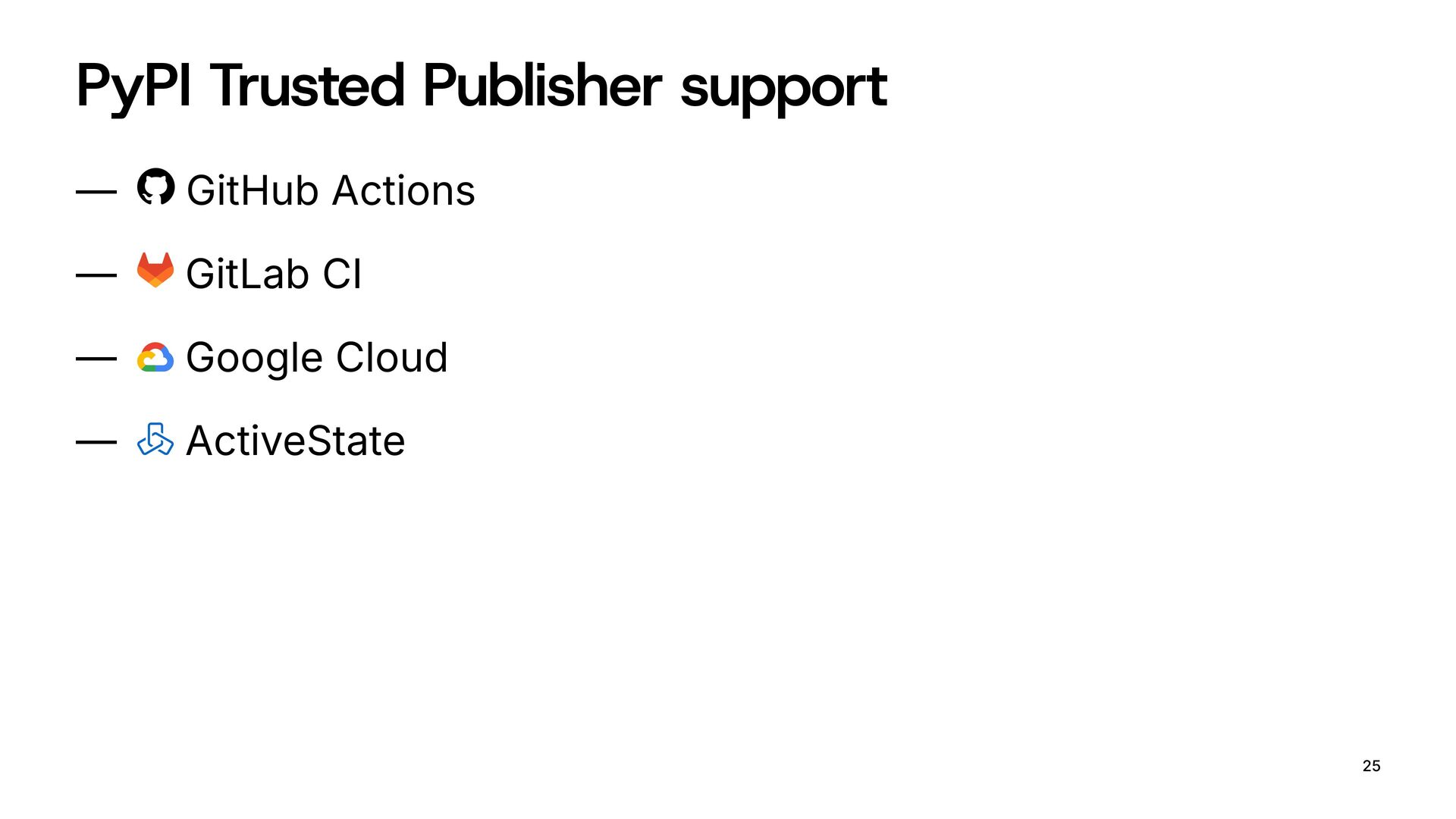
In this talk, I want to look closely at what Trusted Publishers are, and what we might think they are; who they do and do not protect. We'll explore the potential centralization problem of relying on Big Tech, US-based CI providers, leaving little room for smaller players like Codeberg and Sourcehut, as well as self-hosted Git forges and CI engines.

Avatar for Nikita Karamov

Nikita Karamov

July 15, 2026

More Decks by Nikita Karamov

Other Decks in Programming

Transcript

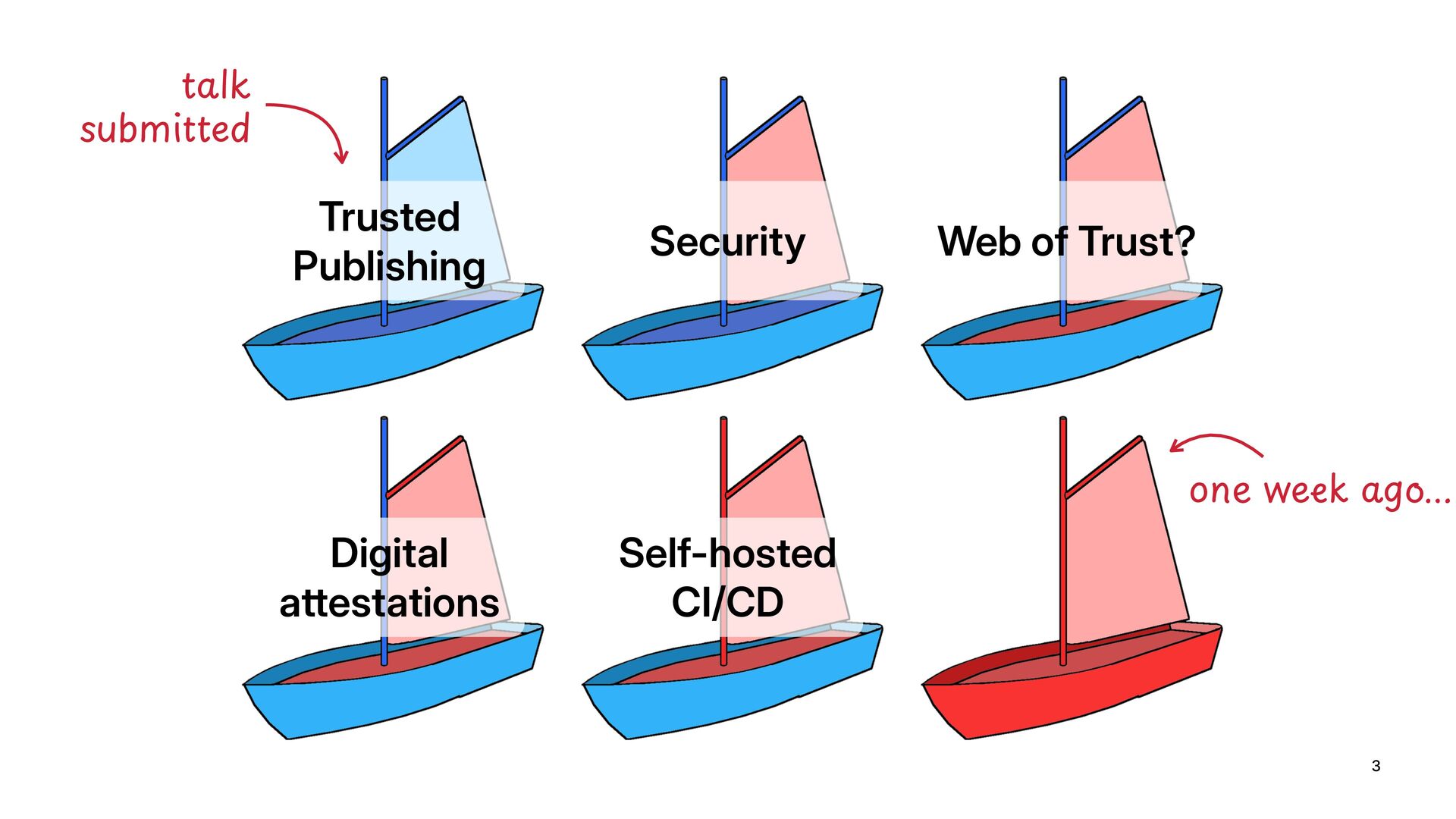
  1. 3 Trusted Publishing Security Self-hosted CI/CD Web of Trust? Digital

    attestations !"#$% &'()*+ted /01%23456"78.:;
  2. 7

  3. 8

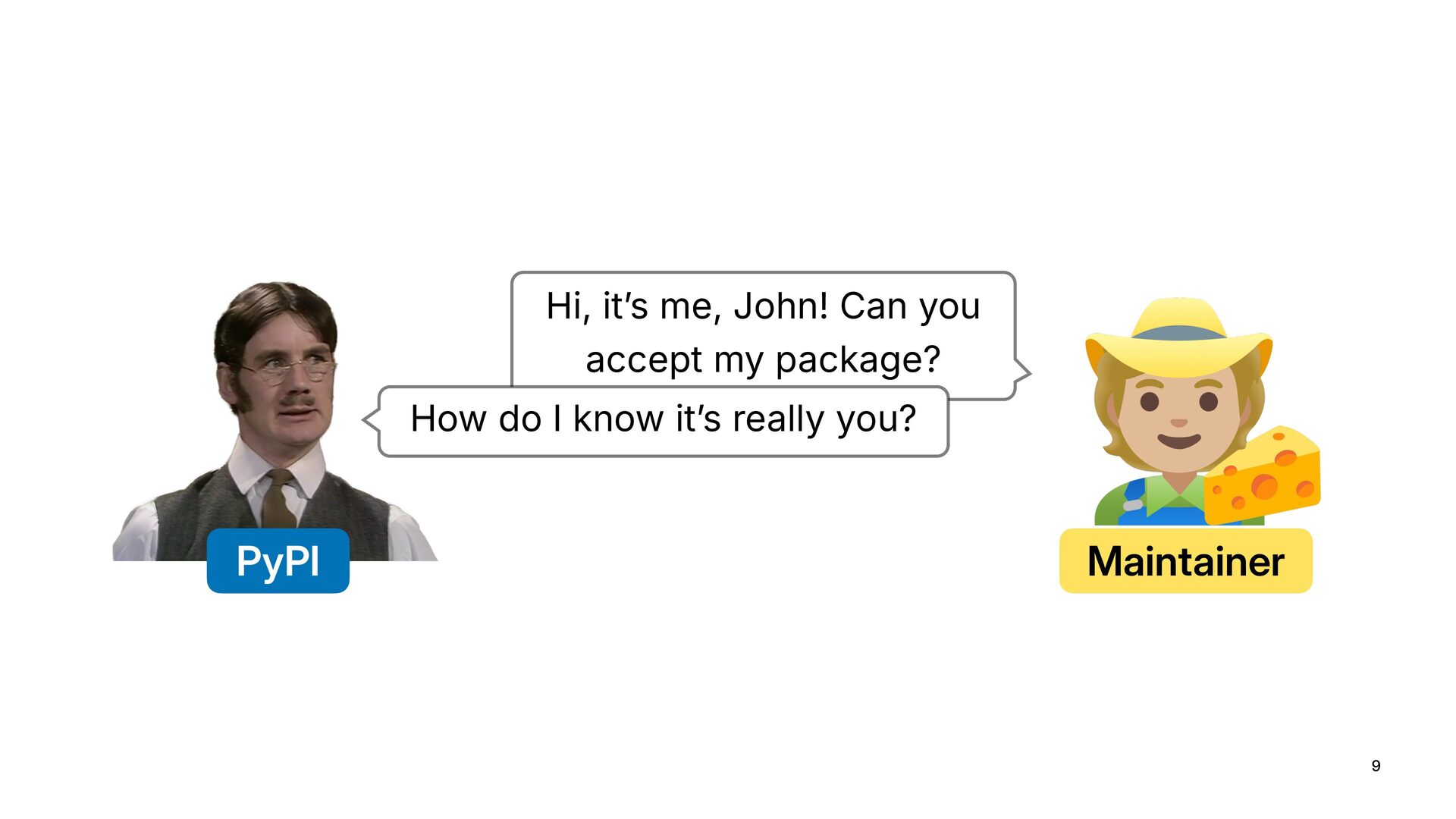
  4. 9 PyPI Maintainer Hi, it’s me, John! Can you accept

    my package? How do I know it’s really you?
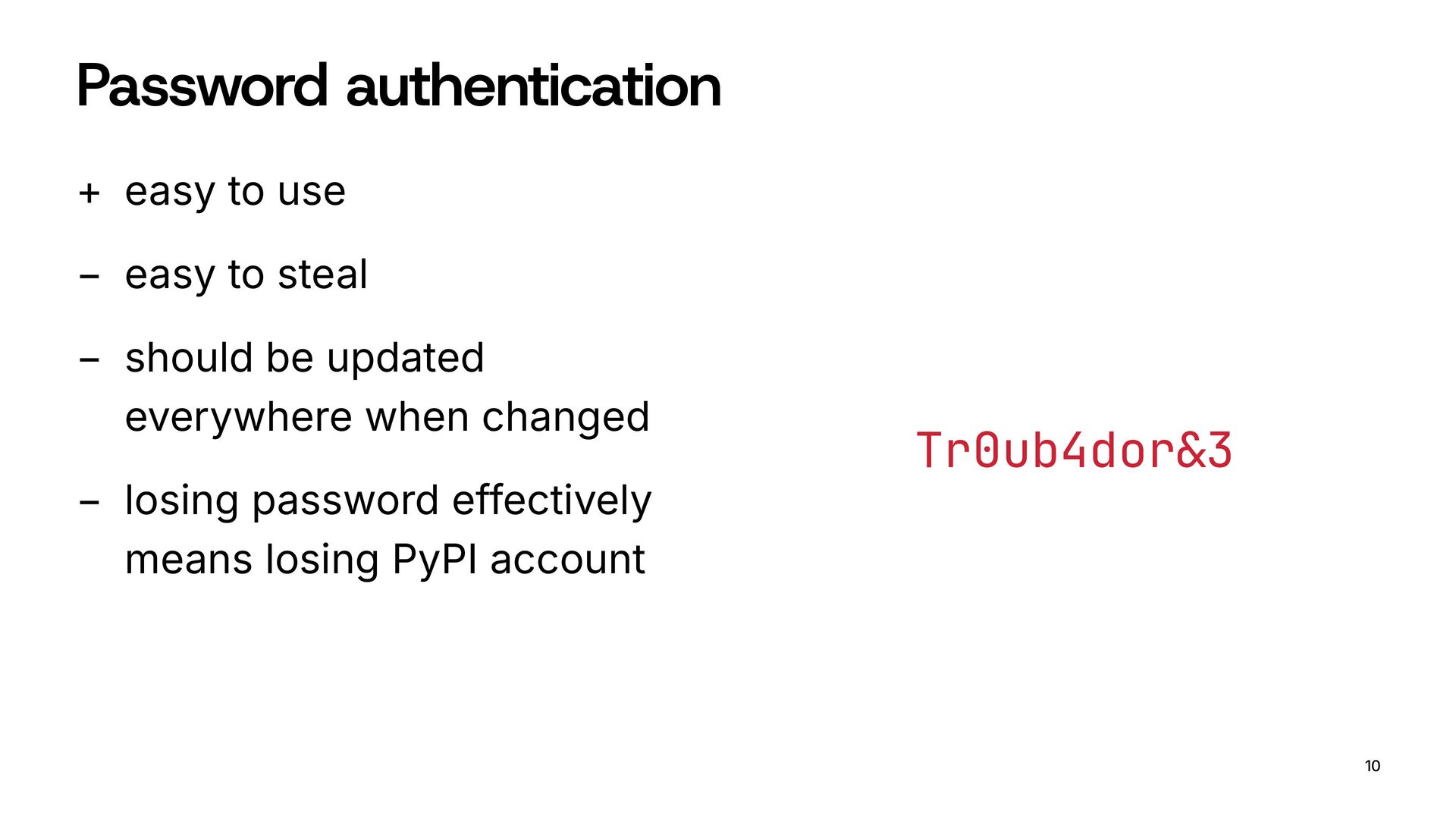
  5. Password authentication + easy to use − easy to steal

    − should be updated everywhere when changed − losing password effectively means losing PyPI account 10 Tr0ub4dor&3
  6. 11

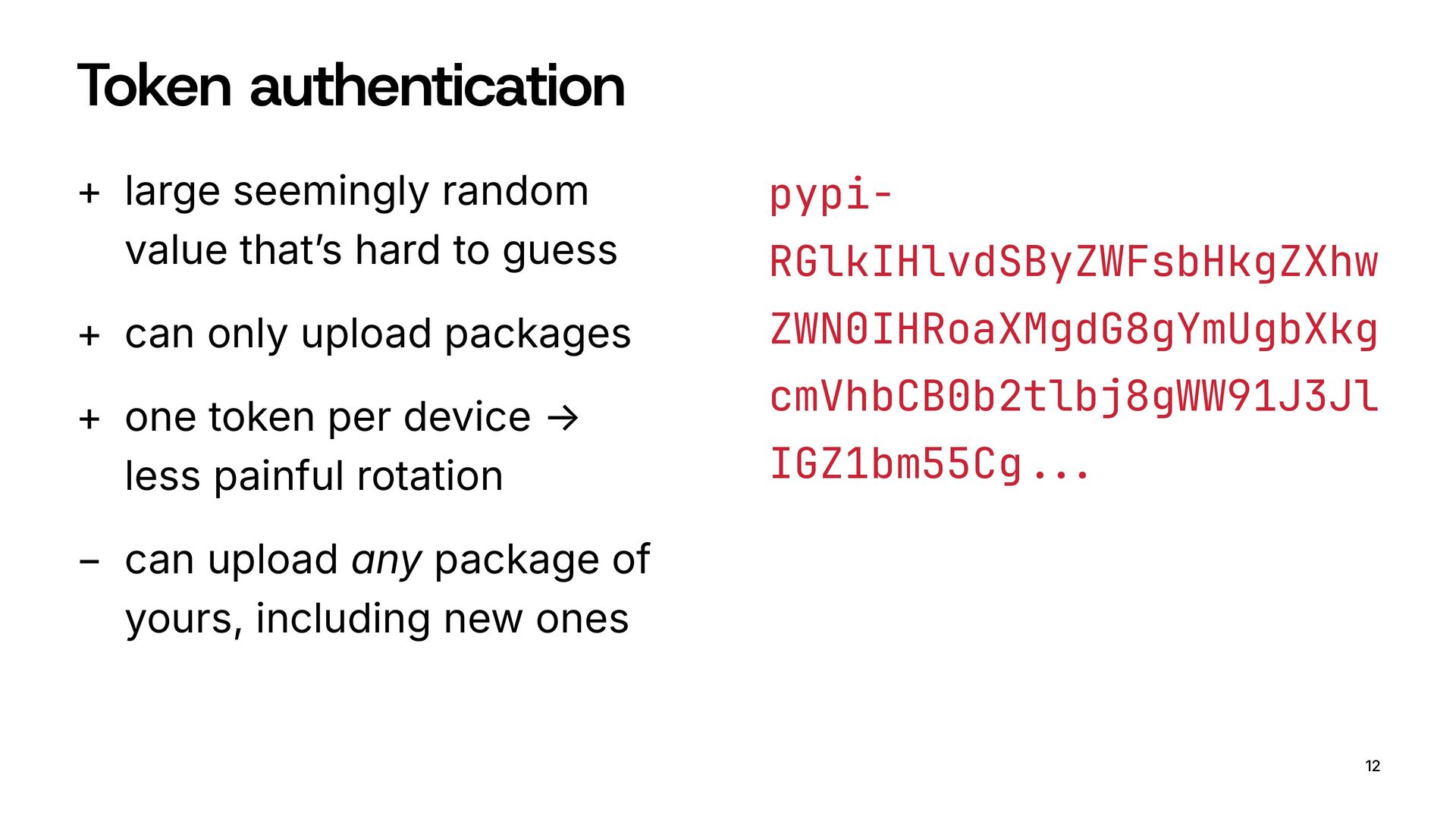
  7. Token authentication + large seemingly random value that’s hard to

    guess + can only upload packages + one token per device → less painful rotation − can upload any package of yours, including new ones 12 pypi- RGlkIHlvdSByZWFsbHkgZXhw ZWN0IHRoaXMgdG8gYmUgbXkg cmVhbCB0b2tlbj8gWW91J3Jl IGZ1bm55Cg!!"
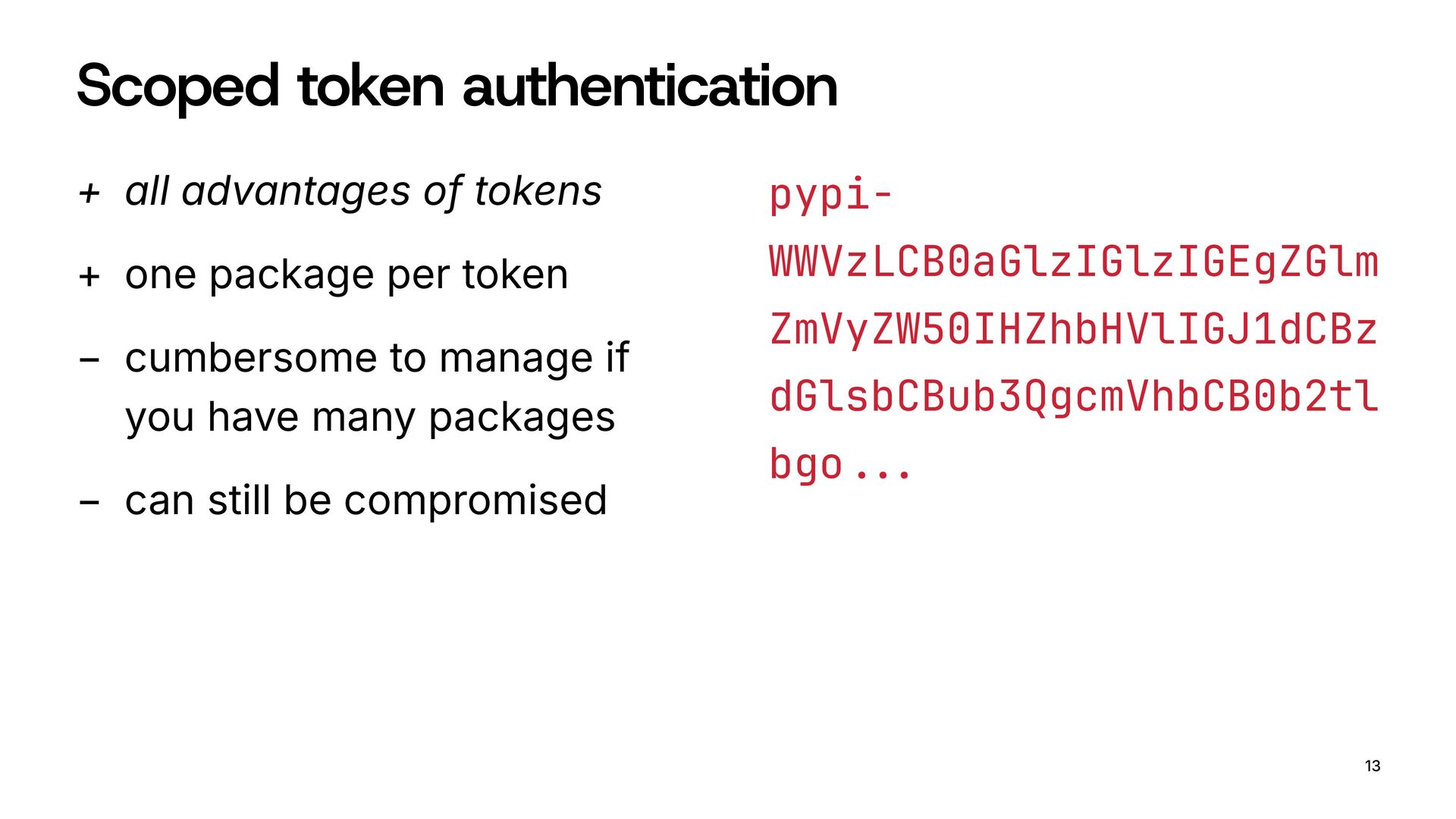
  8. Scoped token authentication + all advantages of tokens + one

    package per token − cumbersome to manage if you have many packages − can still be compromised 13 pypi- WWVzLCB0aGlzIGlzIGEgZGlm ZmVyZW50IHZhbHVlIGJ1dCBz dGlsbCBub3QgcmVhbCB0b2tl bgo!!"
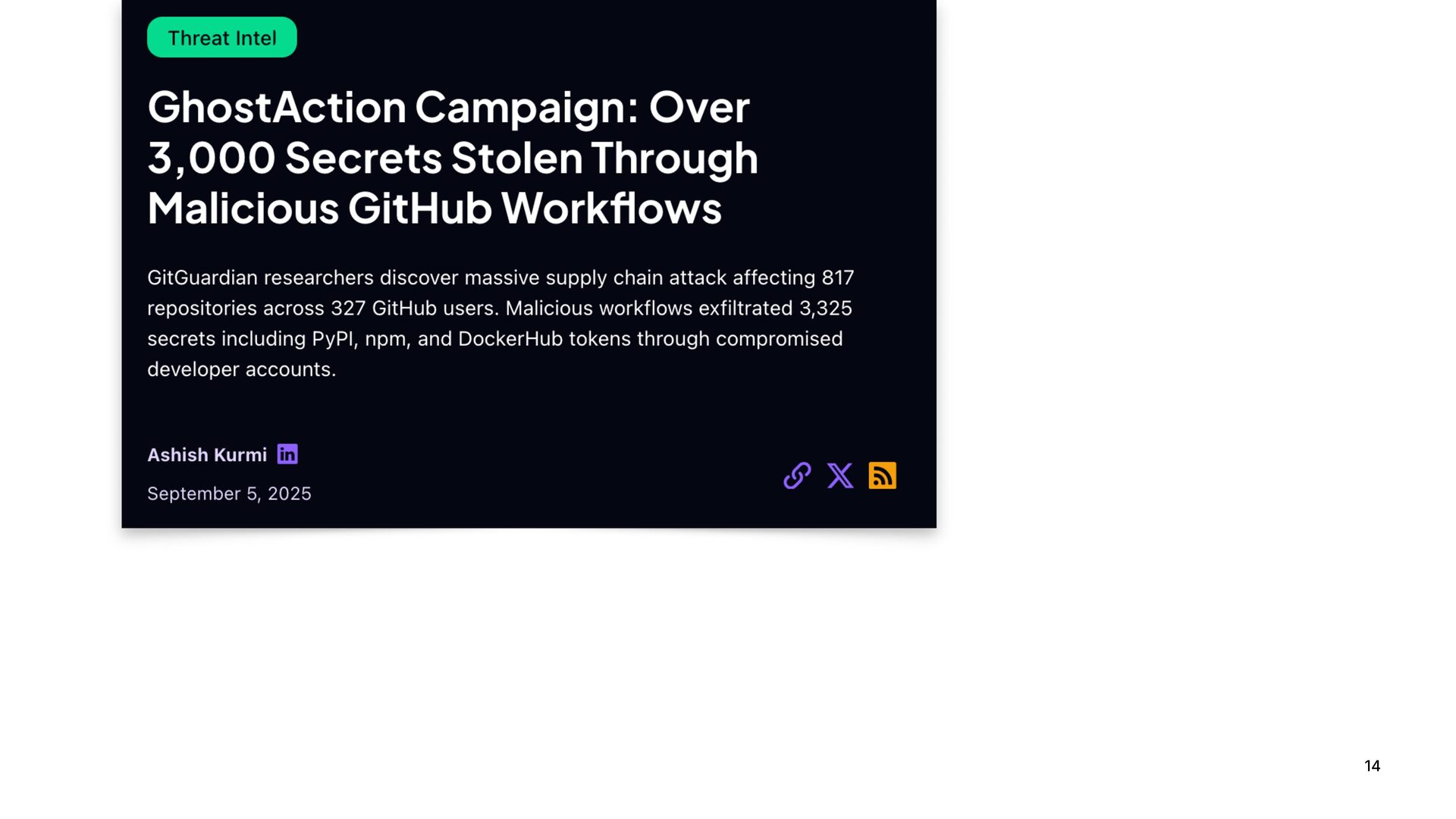
  9. 14

  10. 14

  11. 14

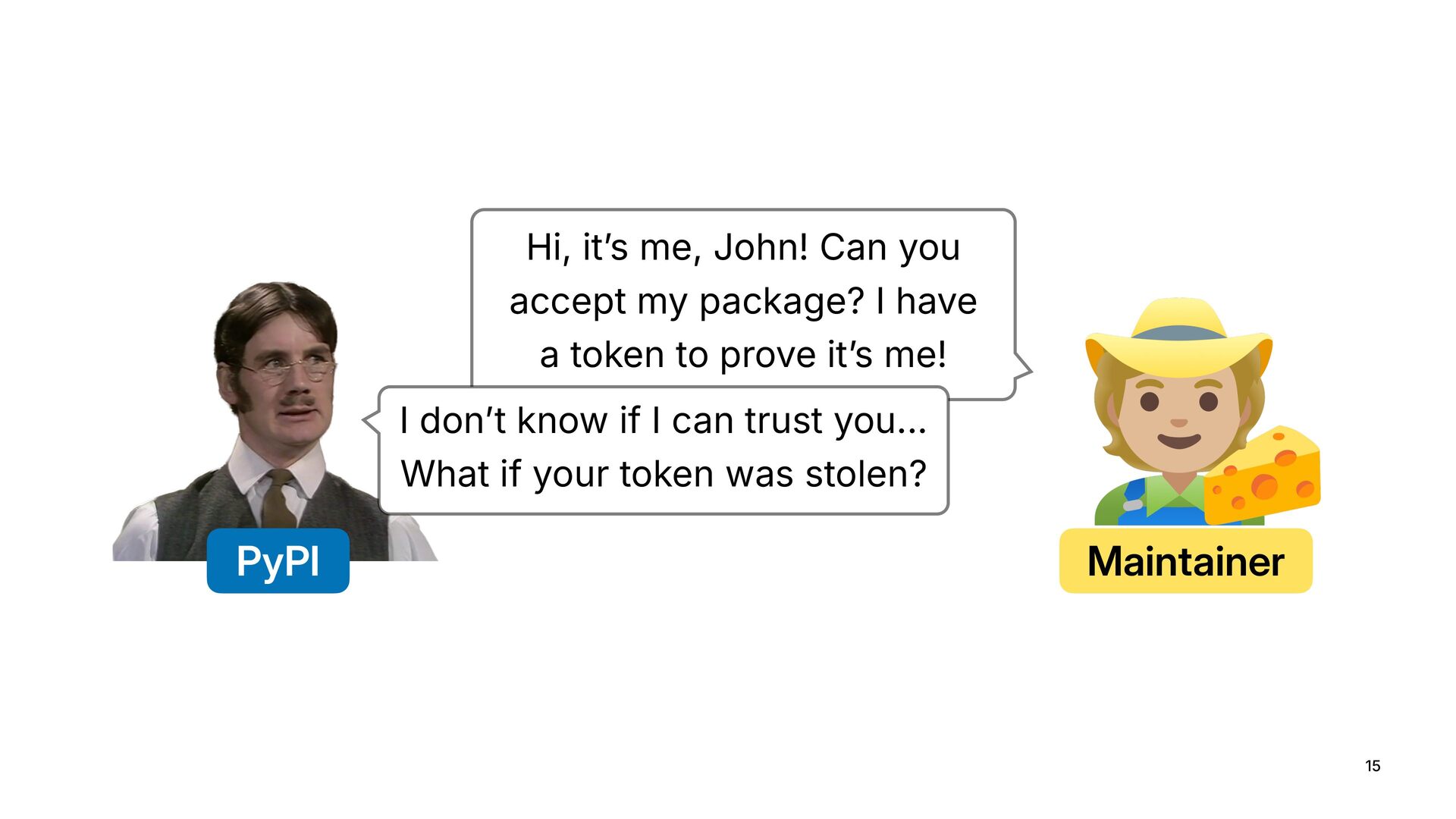
  12. 15 PyPI Maintainer Hi, it’s me, John! Can you accept

    my package? I have a token to prove it’s me! I don’t know if I can trust you... What if your token was stolen?
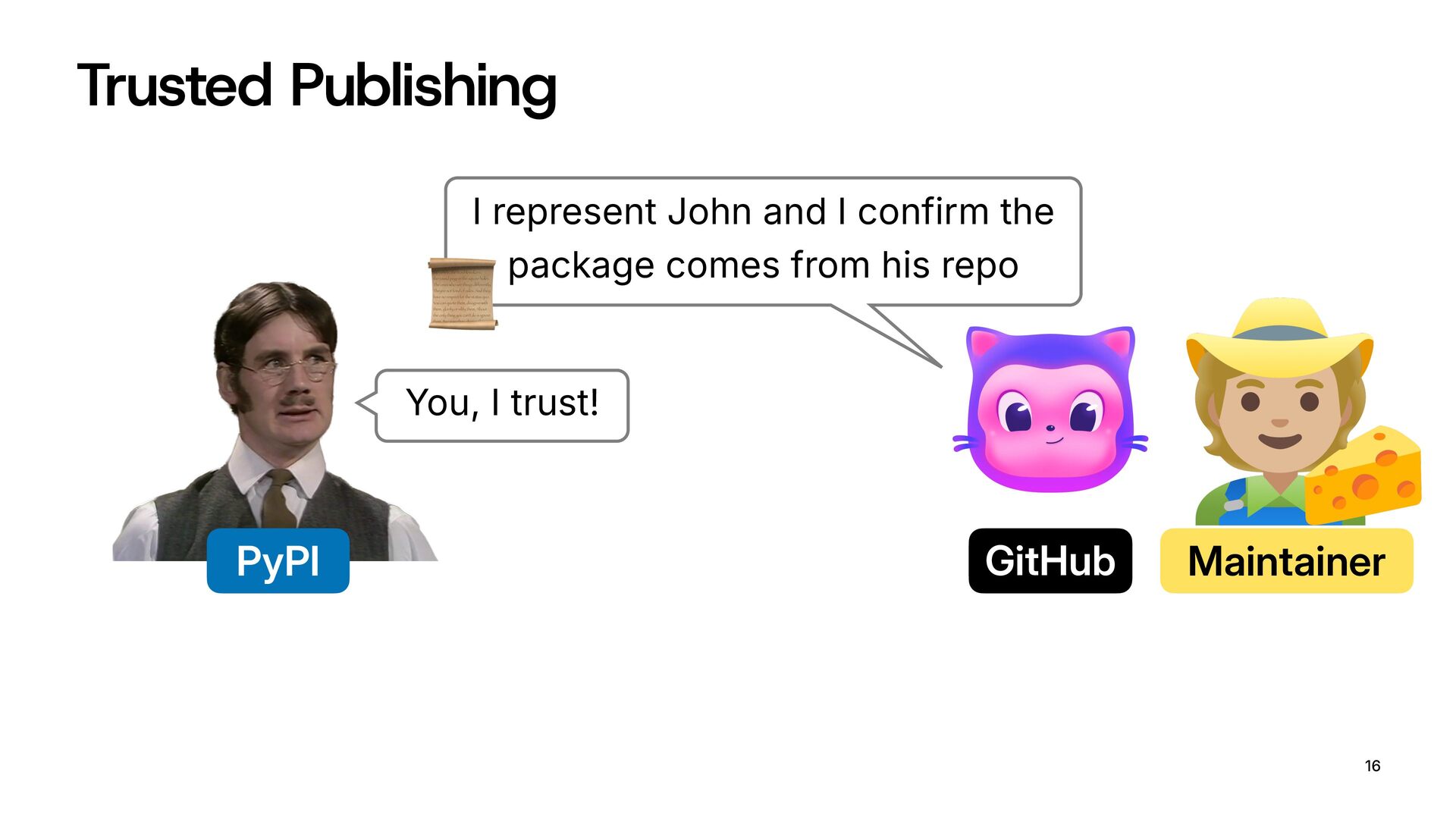
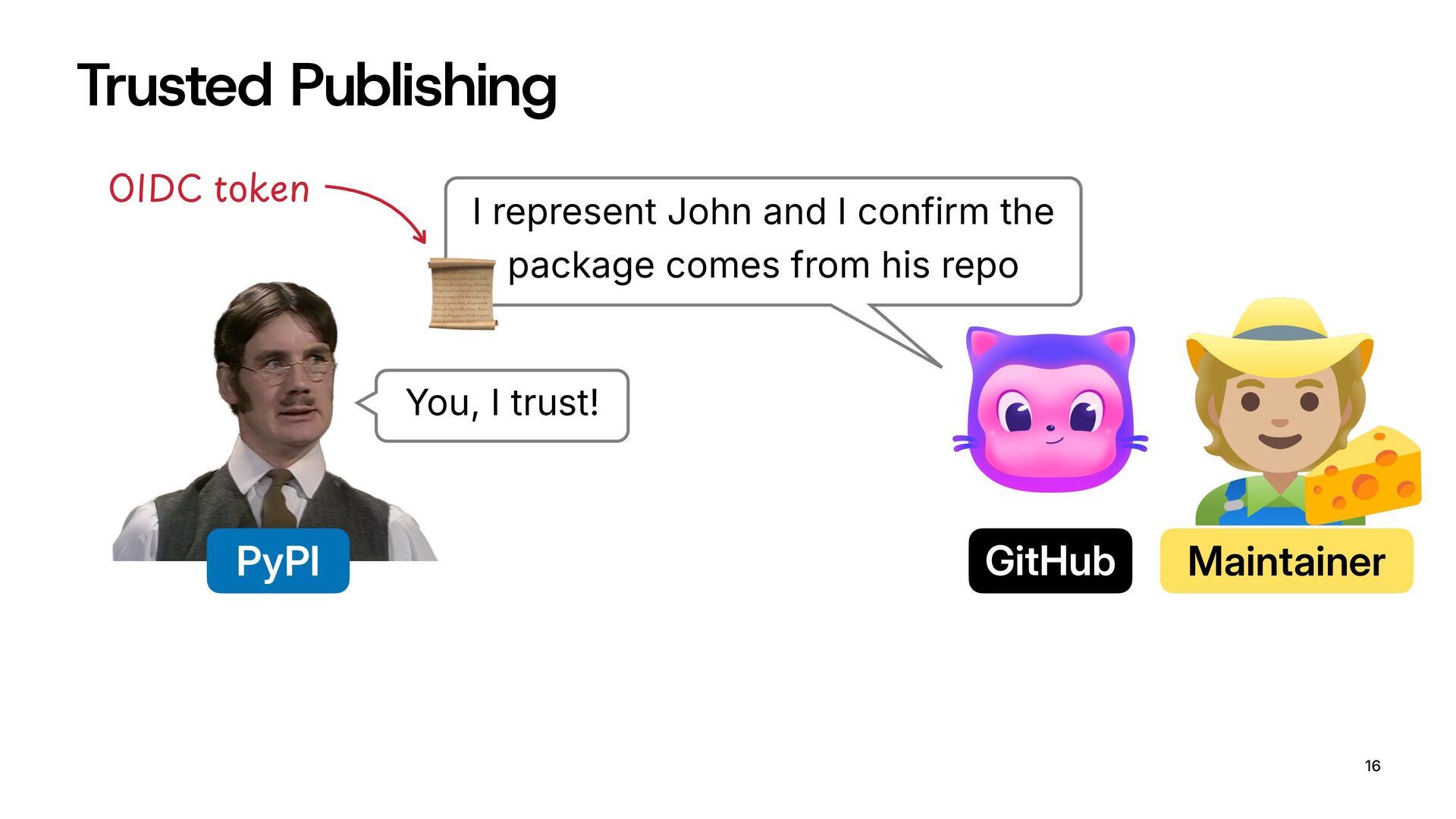
  13. Trusted Publishing 16 PyPI Maintainer I represent John and I

    confirm the package comes from his repo You, I trust! GitHub "
  14. Trusted Publishing 16 PyPI Maintainer I represent John and I

    confirm the package comes from his repo You, I trust! GitHub " <=>?@ABkeD
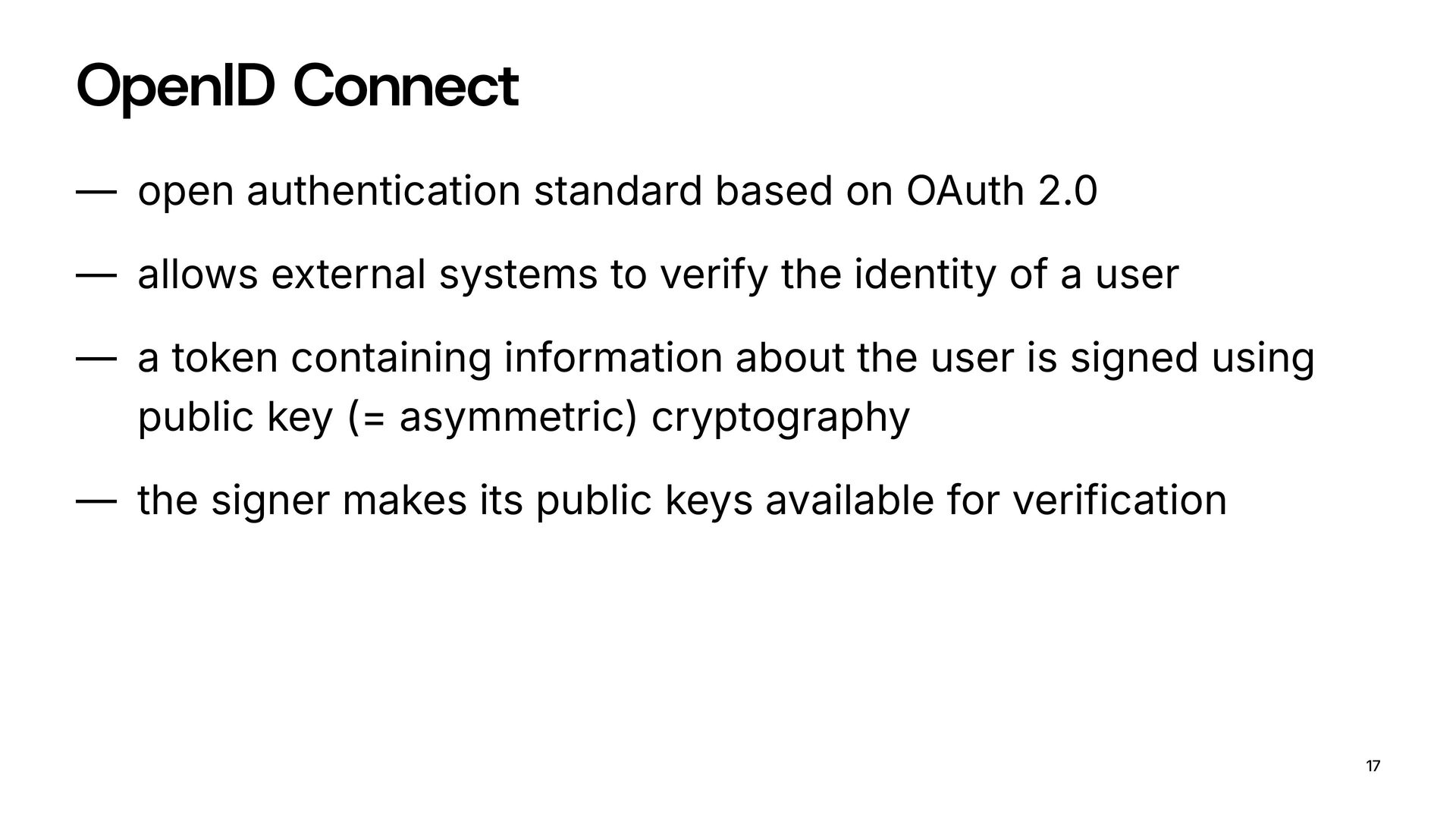
  15. OpenID Connect — open authentication standard based on OAuth 2.0

    — allows external systems to verify the identity of a user — a token containing information about the user is signed using public key (= asymmetric) cryptography — the signer makes its public keys available for verification 17
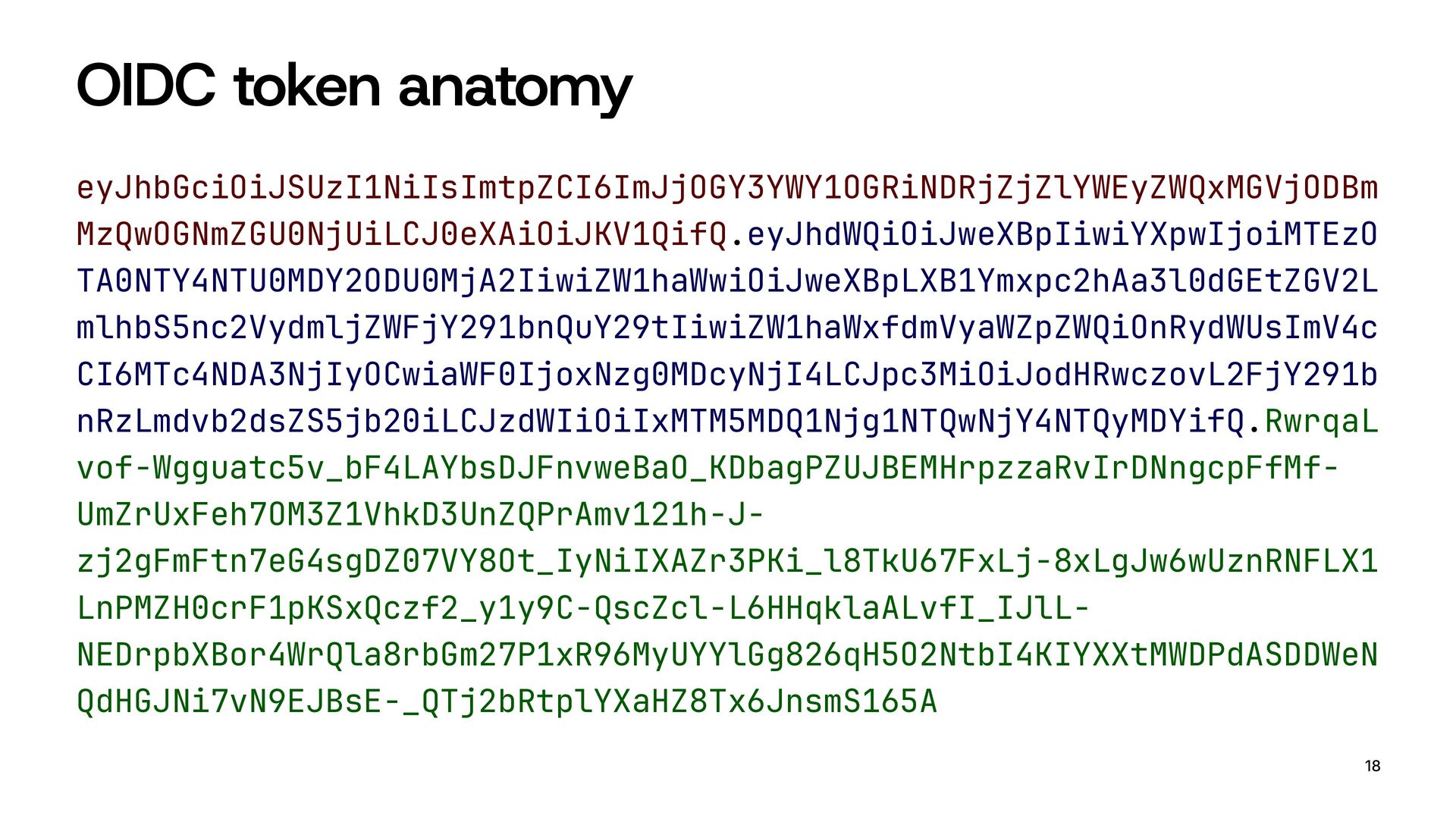
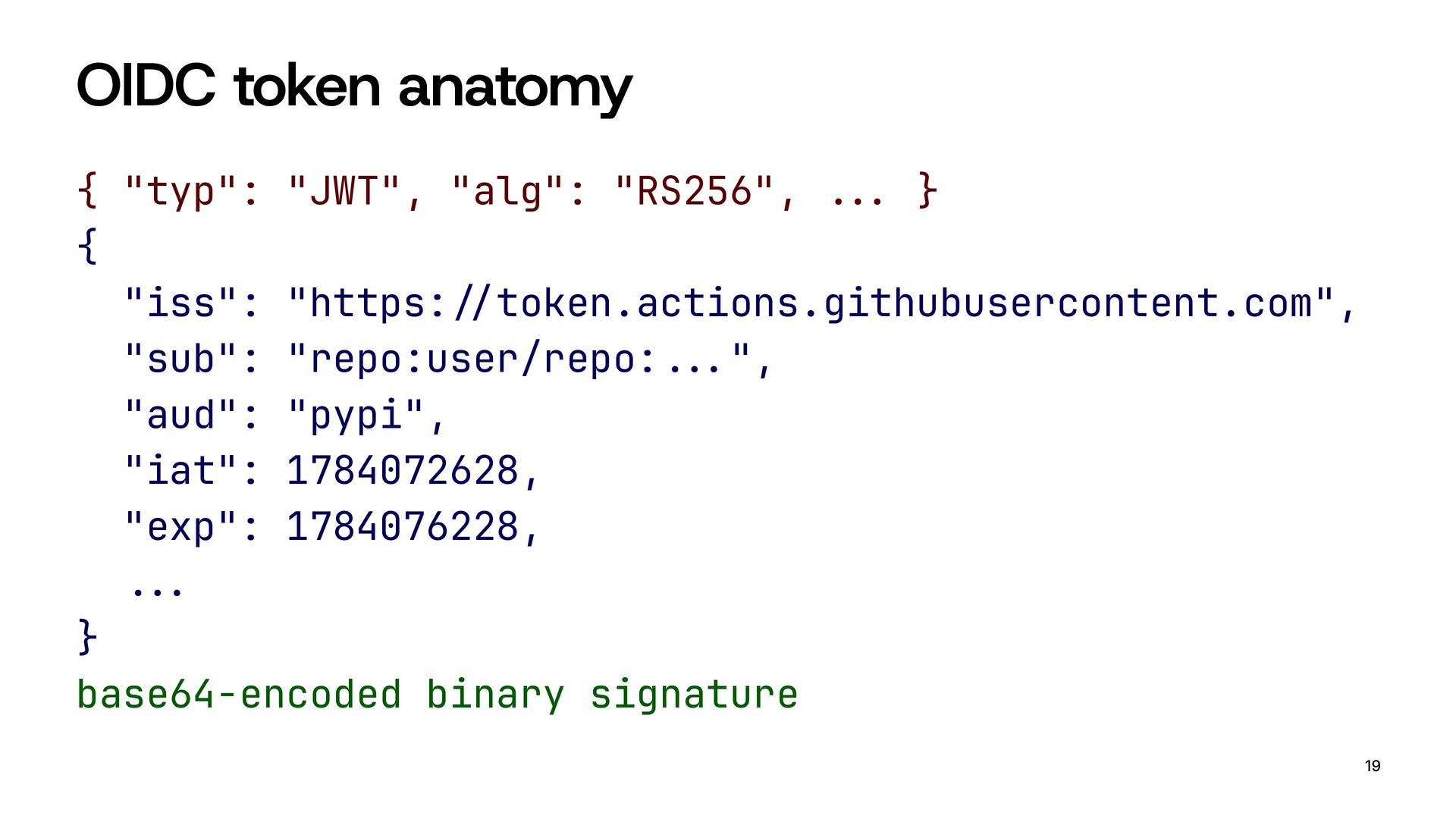
  16. OIDC token anatomy { "typ": "JWT", "alg": "RS256", !!" }
    { "iss": "https:!#token.actions.githubusercontent.com", "sub": "repo:user/repo:!!"", "aud": "pypi", "iat": 1784072628, "exp": 1784076228, !!" } base64-encoded binary signature 19
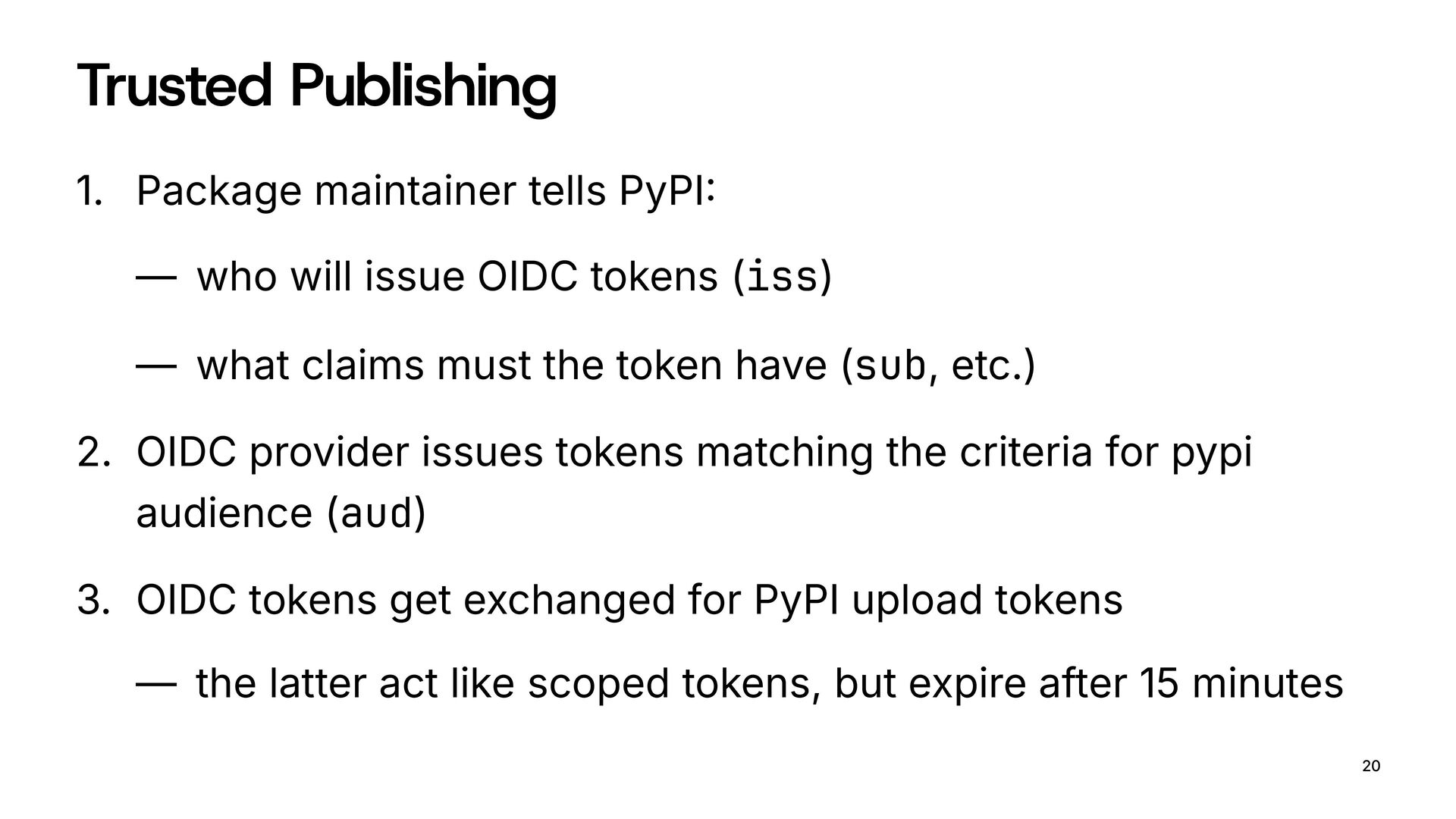
  17. Trusted Publishing 1. Package maintainer tells PyPI: — who will

    issue OIDC tokens (iss) — what claims must the token have (sub, etc.) 2. OIDC provider issues tokens matching the criteria for pypi audience (aud) 3. OIDC tokens get exchanged for PyPI upload tokens — the latter act like scoped tokens, but expire after 15 minutes 20
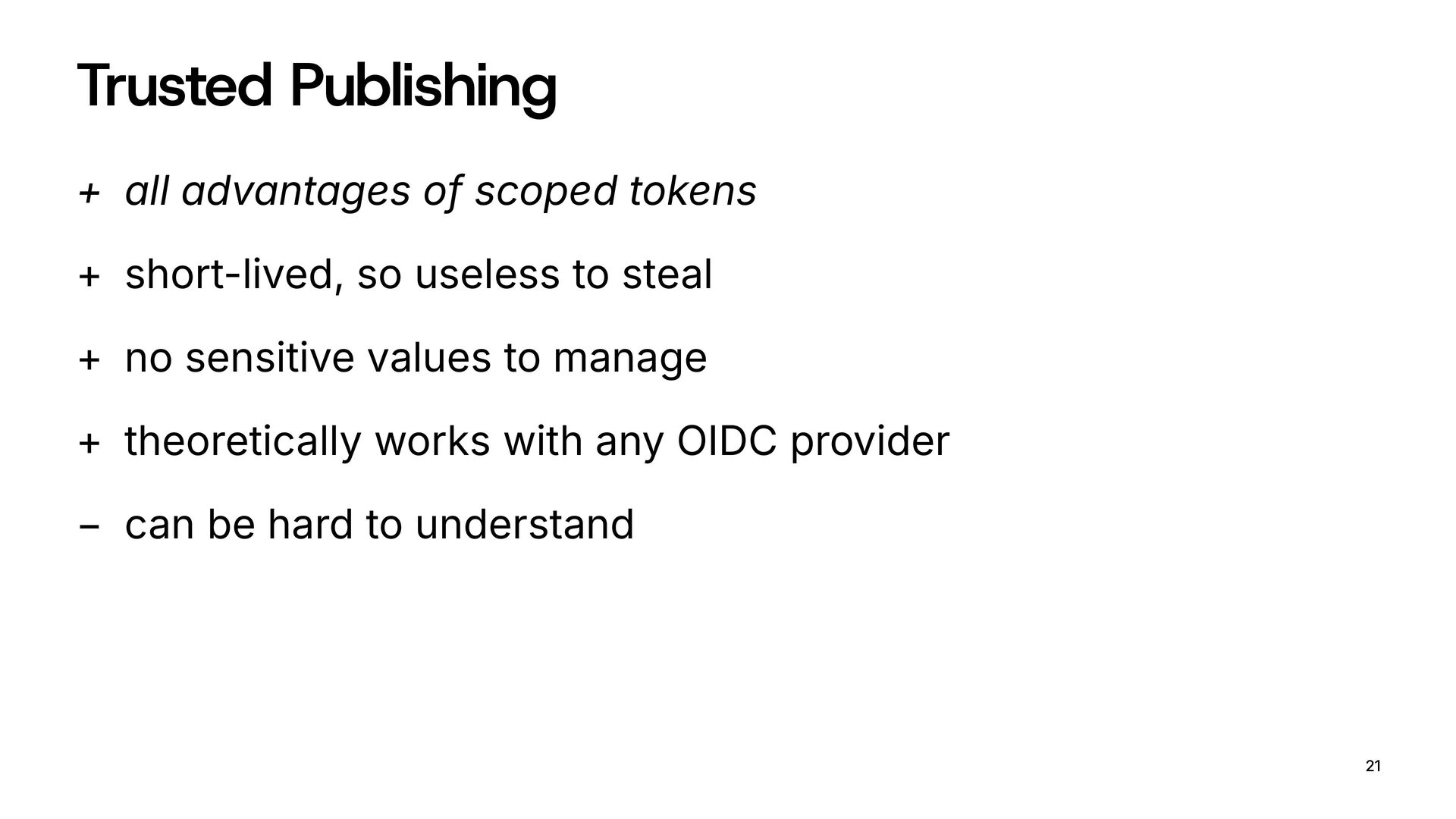
  18. Trusted Publishing + all advantages of scoped tokens + short-lived,

    so useless to steal + no sensitive values to manage + theoretically works with any OIDC provider − can be hard to understand 21
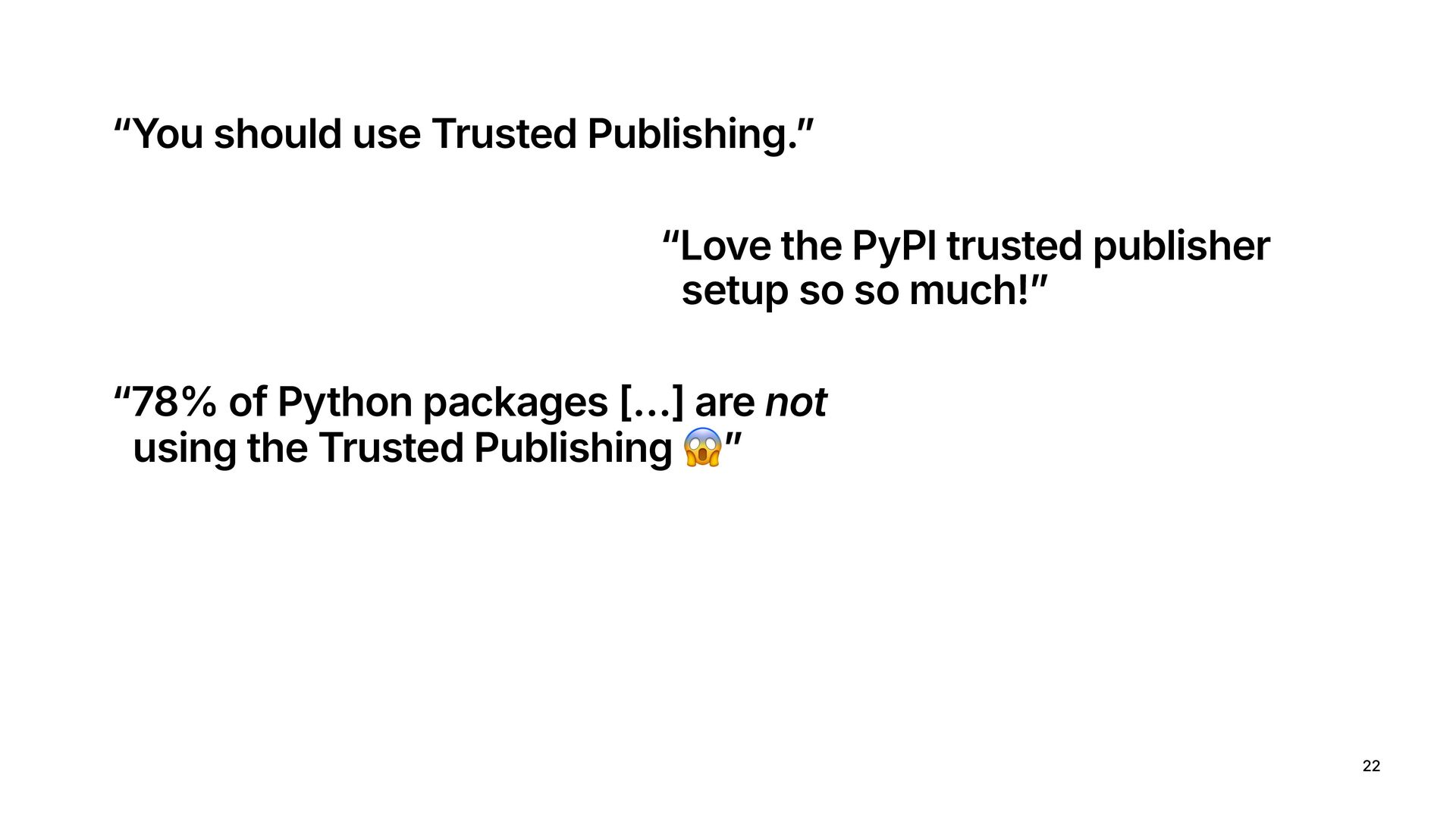
  19. 22 “You should use Trusted Publishing.” “Love the PyPI trusted

    publisher setup so so much!” “78% of Python packages […] are not using the Trusted Publishing #”
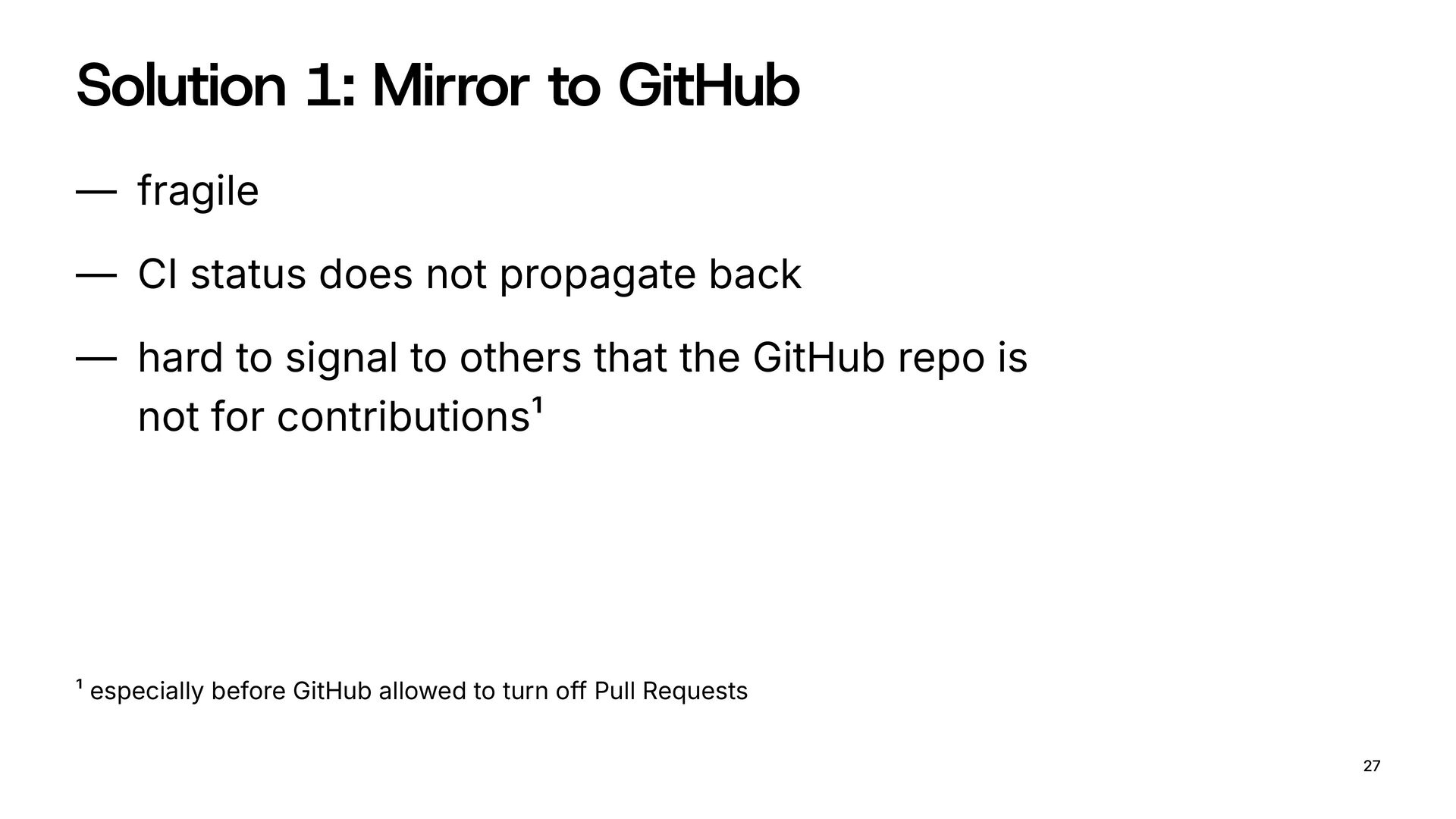
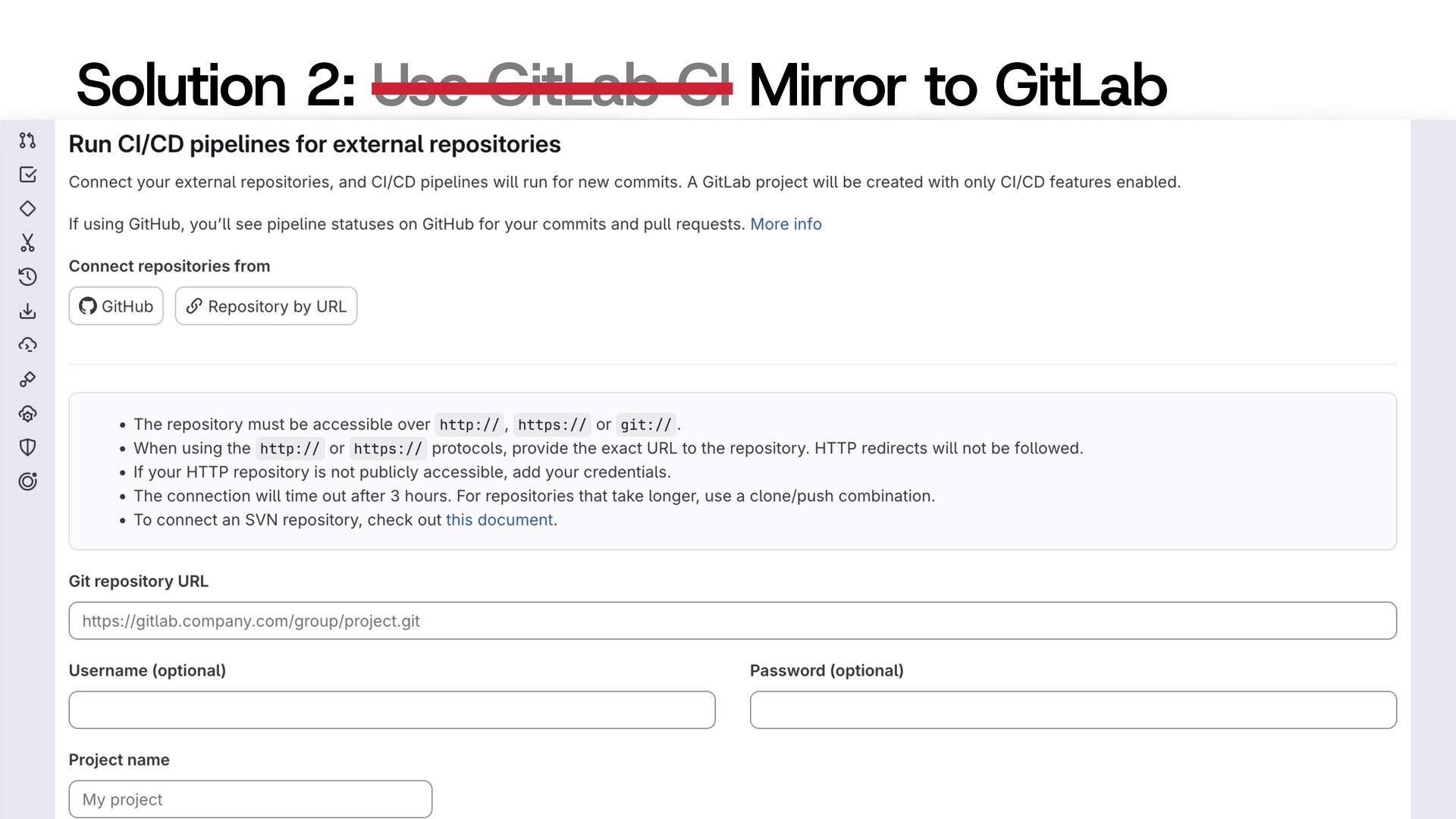
  20. Solution 1: Mirror to GitHub — fragile — CI status

    does not propagate back — hard to signal to others that the GitHub repo is not for contributions1 27 1 especially before GitHub allowed to turn off Pull Requests
  21. Solution 3: Use Google Cloud Build — costs money —

    complicated pricing — hard to set up 30
  22. Solution 3: Use Google Cloud Build — costs money —

    complicated pricing — hard to set up 31
  23. Requirements for Google Cloud Trusted Publisher — PyPI requires an

    OIDC token with iss=<google>, aud=pypi, and an agreed upon sub=* — Inside Cloud Build, you call a URL to get this token — Cloud Build Run environments are automatically authorized to call that URL — But can it happen manually? 32
  24. Google Cloud IAM OIDC — Normally, you “assign” a service

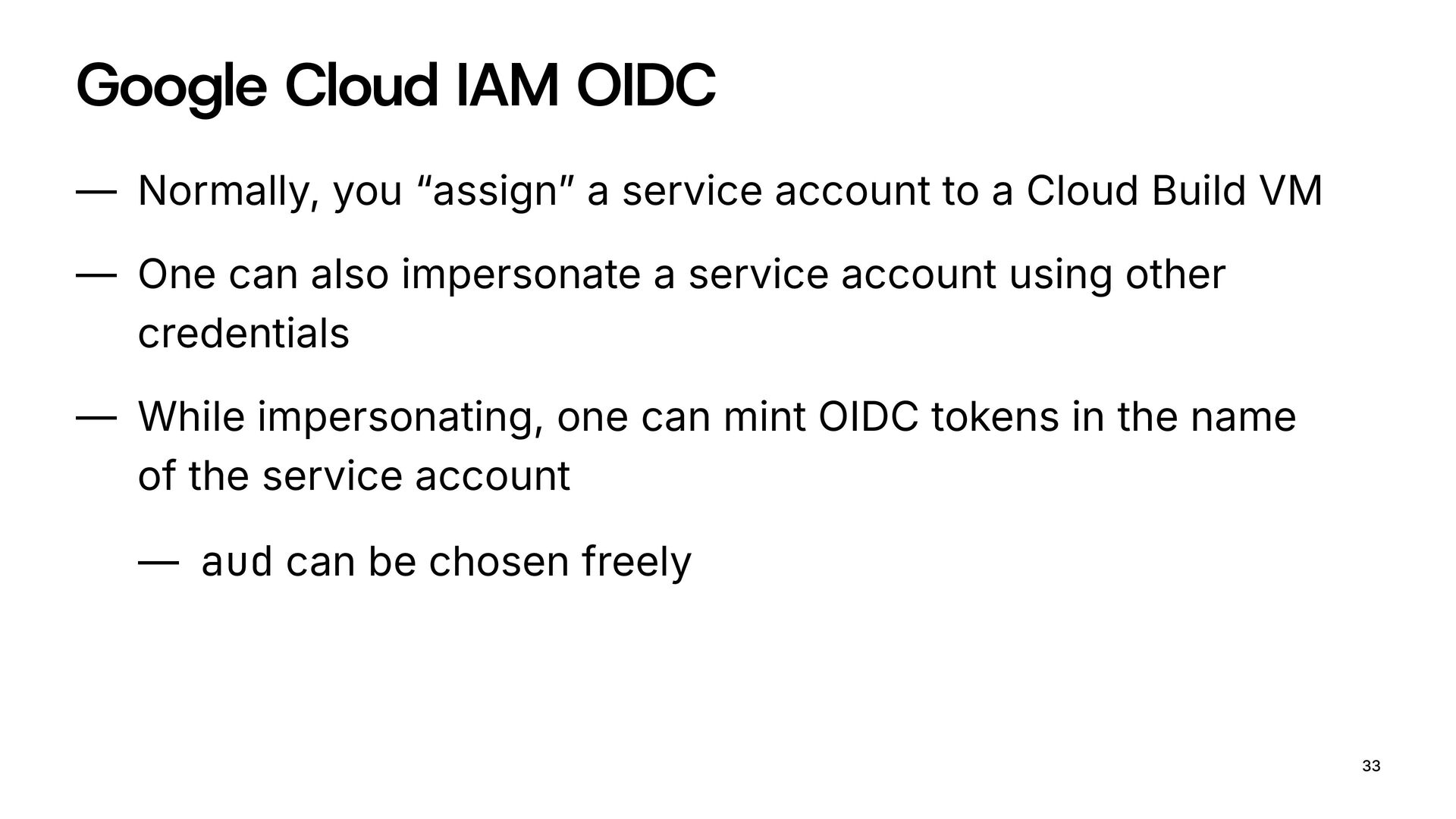
    account to a Cloud Build VM — One can also impersonate a service account using other credentials — While impersonating, one can mint OIDC tokens in the name of the service account — aud can be chosen freely 33
  25. Google Cloud Trusted Publisher 1. Create a GCP service account

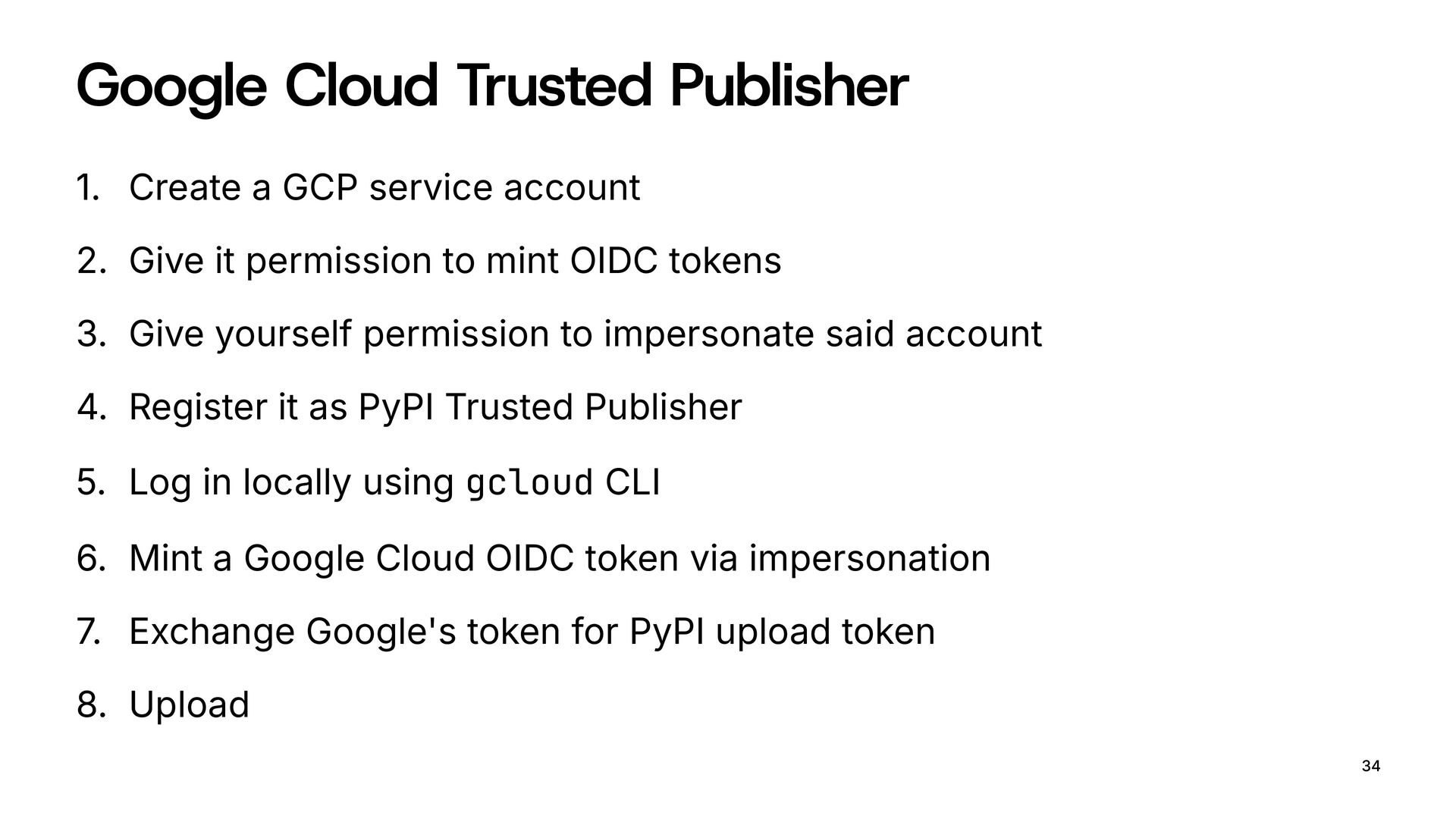
    2. Give it permission to mint OIDC tokens 3. Give yourself permission to impersonate said account 4. Register it as PyPI Trusted Publisher 5. Log in locally using gcloud CLI 6. Mint a Google Cloud OIDC token via impersonation 7. Exchange Google's token for PyPI upload token 8. Upload 34
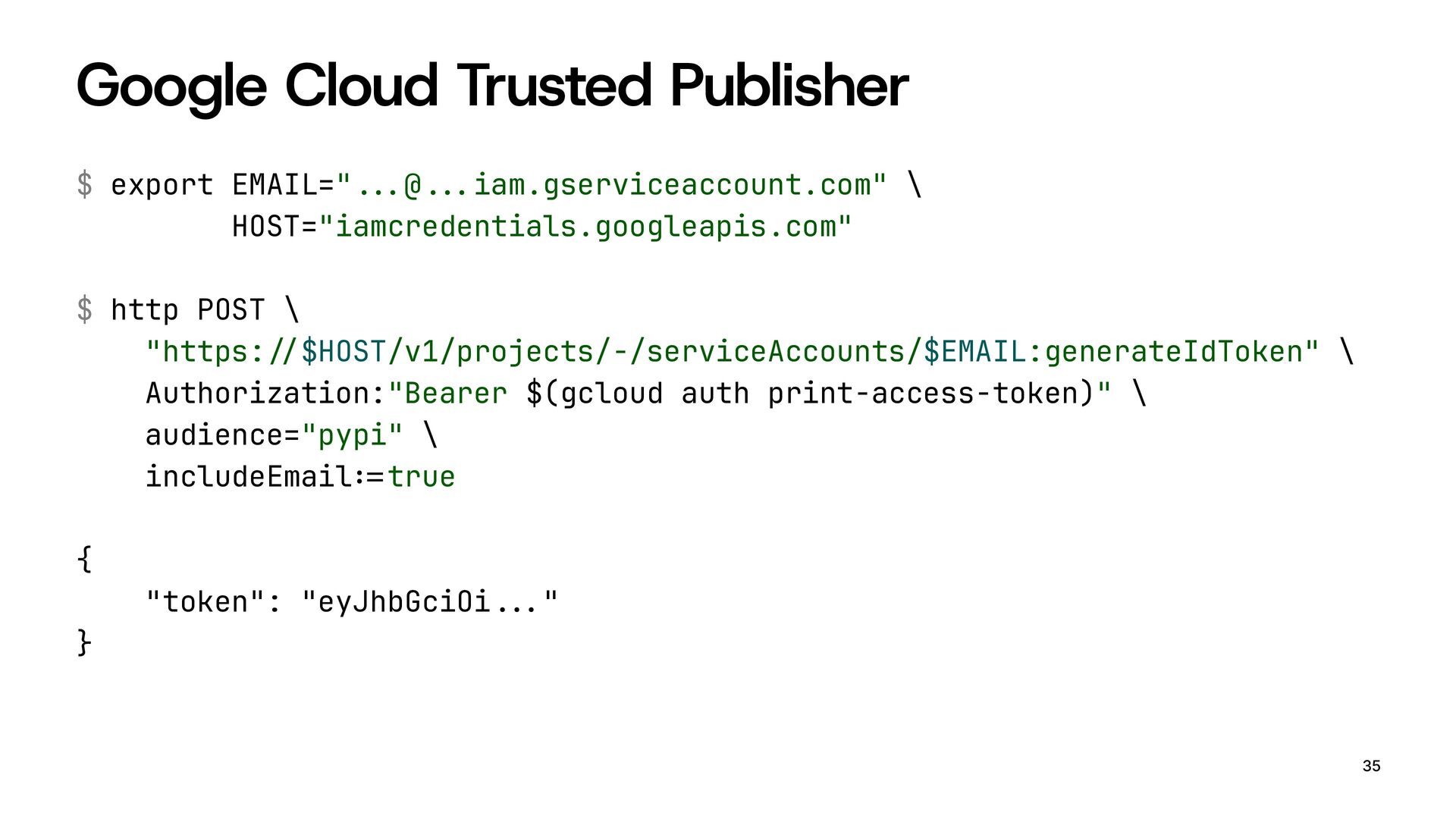
  26. Google Cloud Trusted Publisher $ export EMAIL="!!"@!!"iam.gserviceaccount.com" \ HOST="iamcredentials.googleapis.com" $

    http POST \ "https:!#$HOST/v1/projects/-/serviceAccounts/$EMAIL:generateIdToken" \ Authorization:"Bearer $(gcloud auth print-access-token)" \ audience="pypi" \ includeEmail!$true { "token": "eyJhbGciOi!!"" } 35
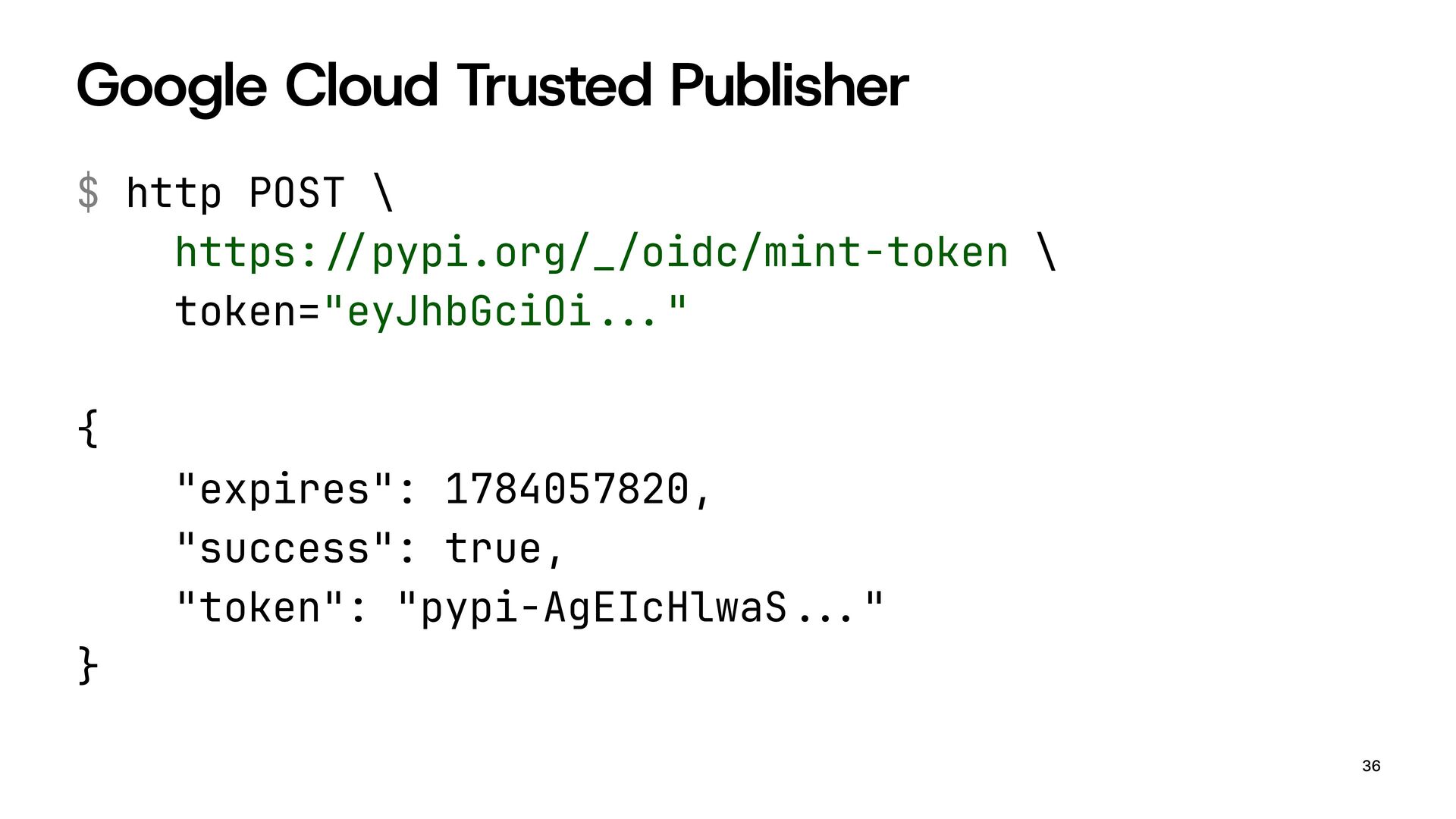
  27. Google Cloud Trusted Publisher $ http POST \ https:!#pypi.org/_/oidc/mint-token \

    token="eyJhbGciOi!!"" { "expires": 1784057820, "success": true, "token": "pypi-AgEIcHlwaS!!"" } 36
  28. Google Cloud Trusted Publisher $ export TWINE_USERNAME=!%token!% \ TWINE_PASSWORD="pypi-AgEIcHlwaS!!"" $

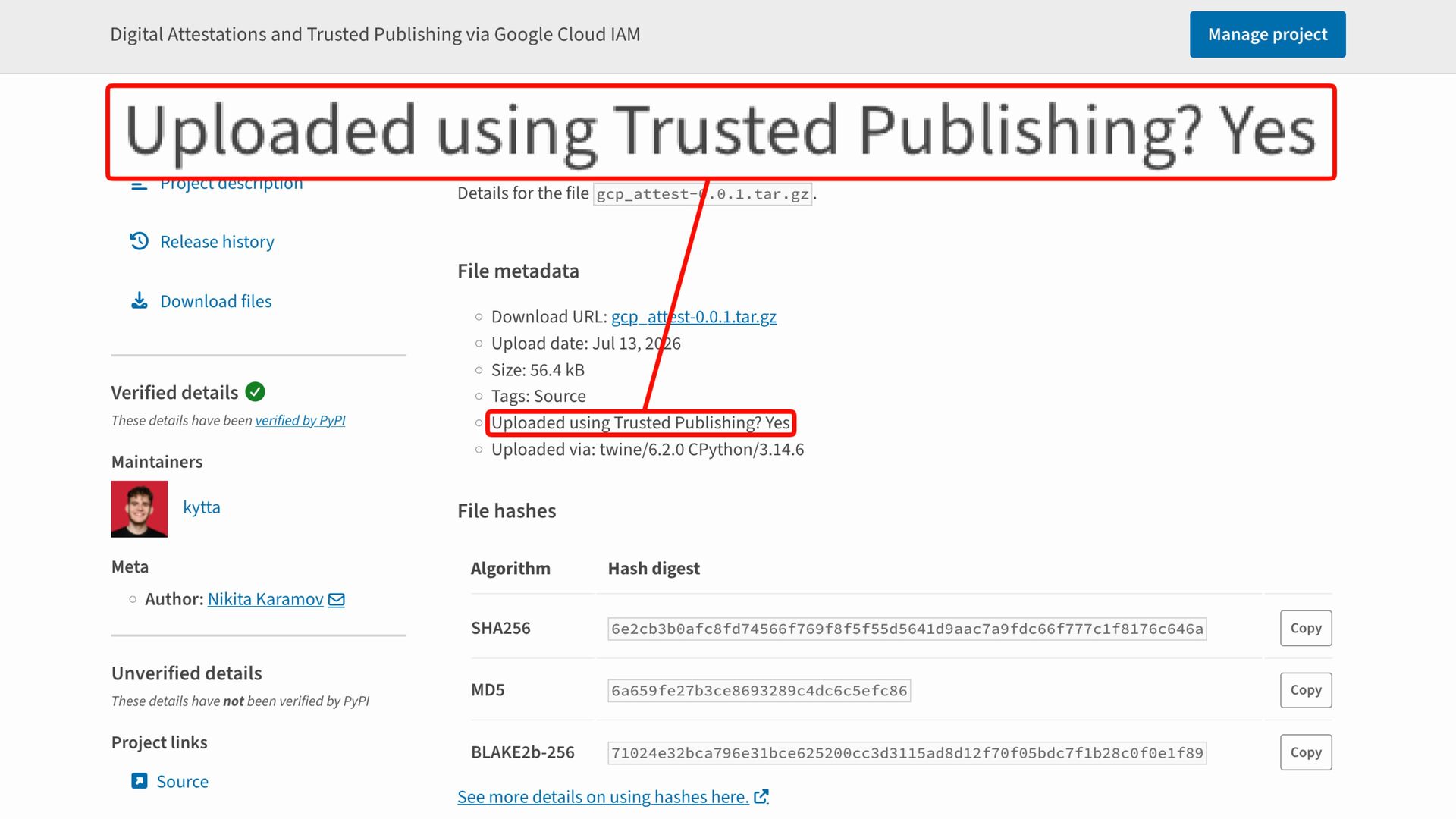
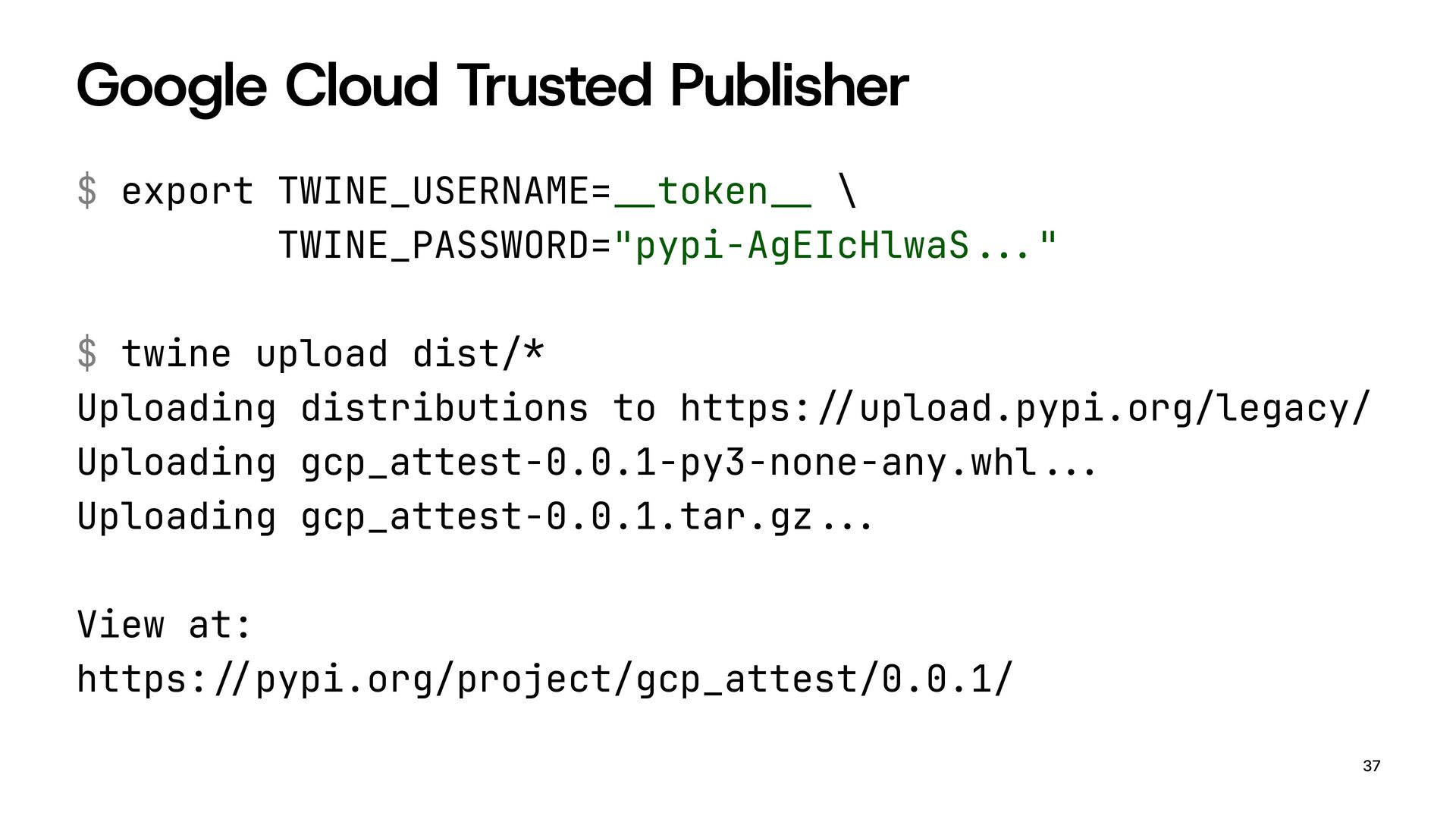
    twine upload dist!& Uploading distributions to https:!#upload.pypi.org/legacy/ Uploading gcp_attest-0.0.1-py3-none-any.whl!!" Uploading gcp_attest-0.0.1.tar.gz!!" View at: https:!#pypi.org/project/gcp_attest/0.0.1/ 37
  29. 38

  30. 39

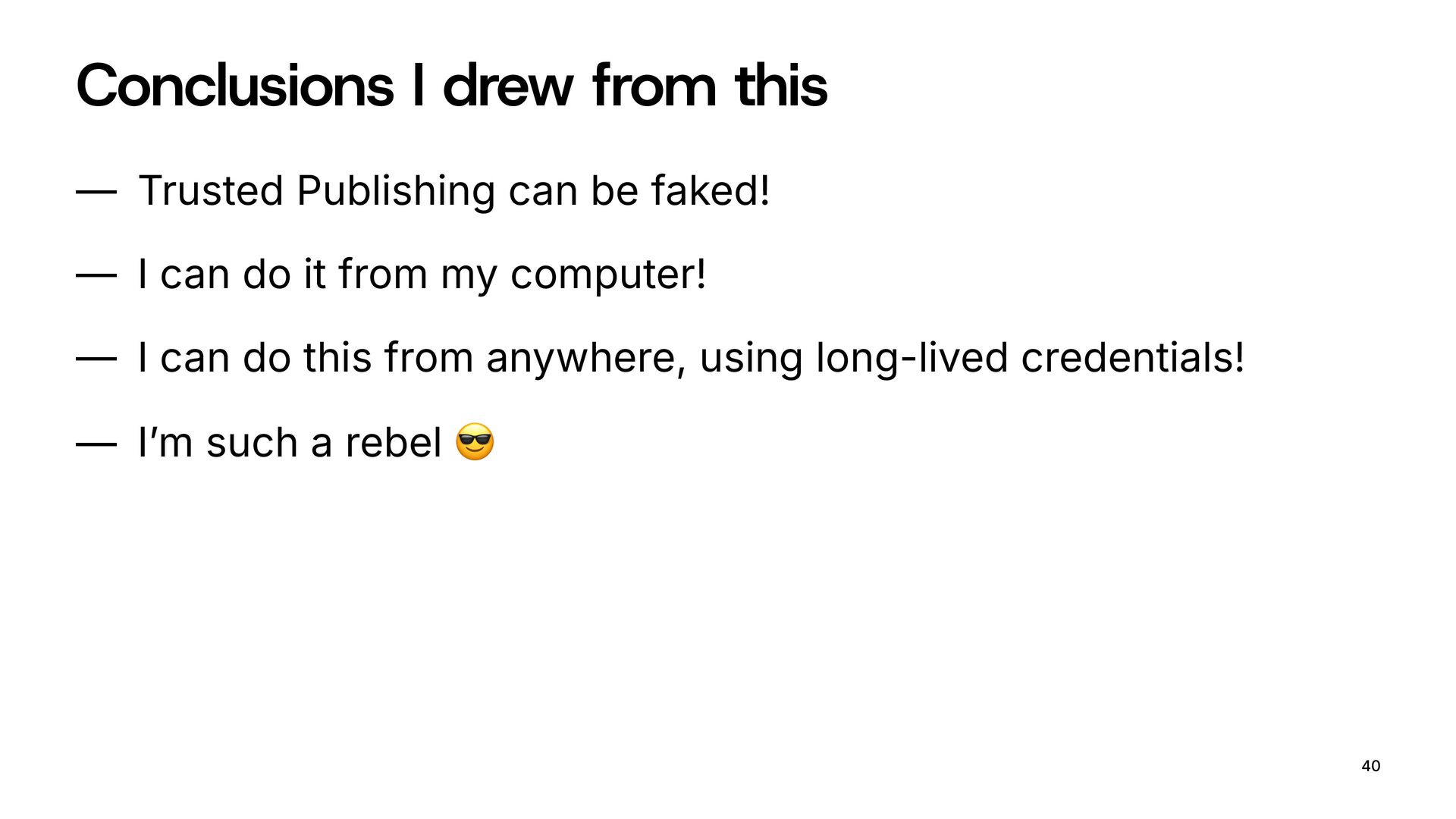
  31. Conclusions I drew from this — Trusted Publishing can be

    faked! — I can do it from my computer! — I can do this from anywhere, using long-lived credentials! — I’m such a rebel $ 40
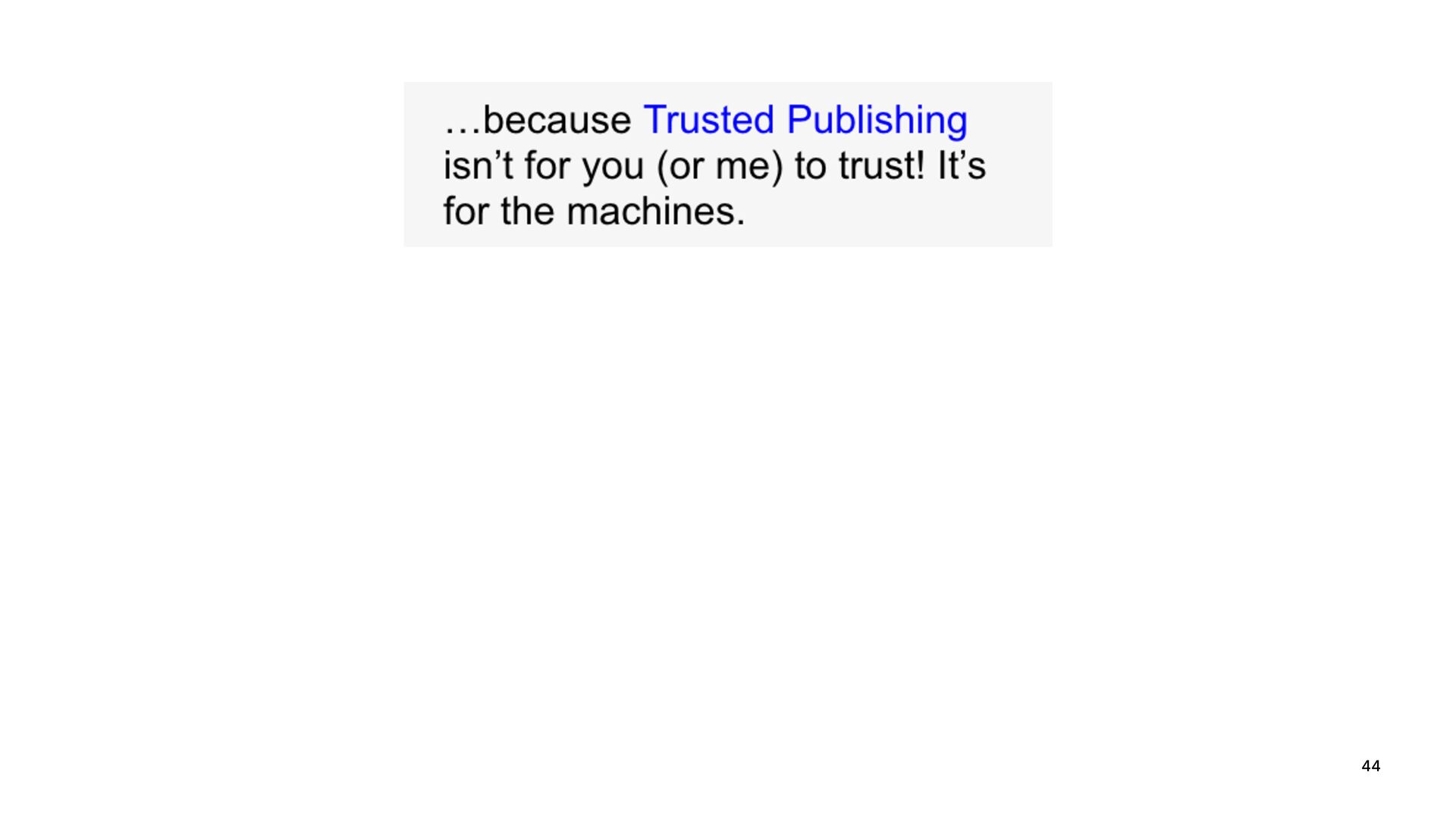
  32. — Trusted Publishing was never meant to directly protect the

    consumer. — Instead, it protects the path from your build system to PyPI — Using Trusted Publishing like that is not insecure — still using asymmetric cryptography — still using short-lived tokens 42
  33. 44

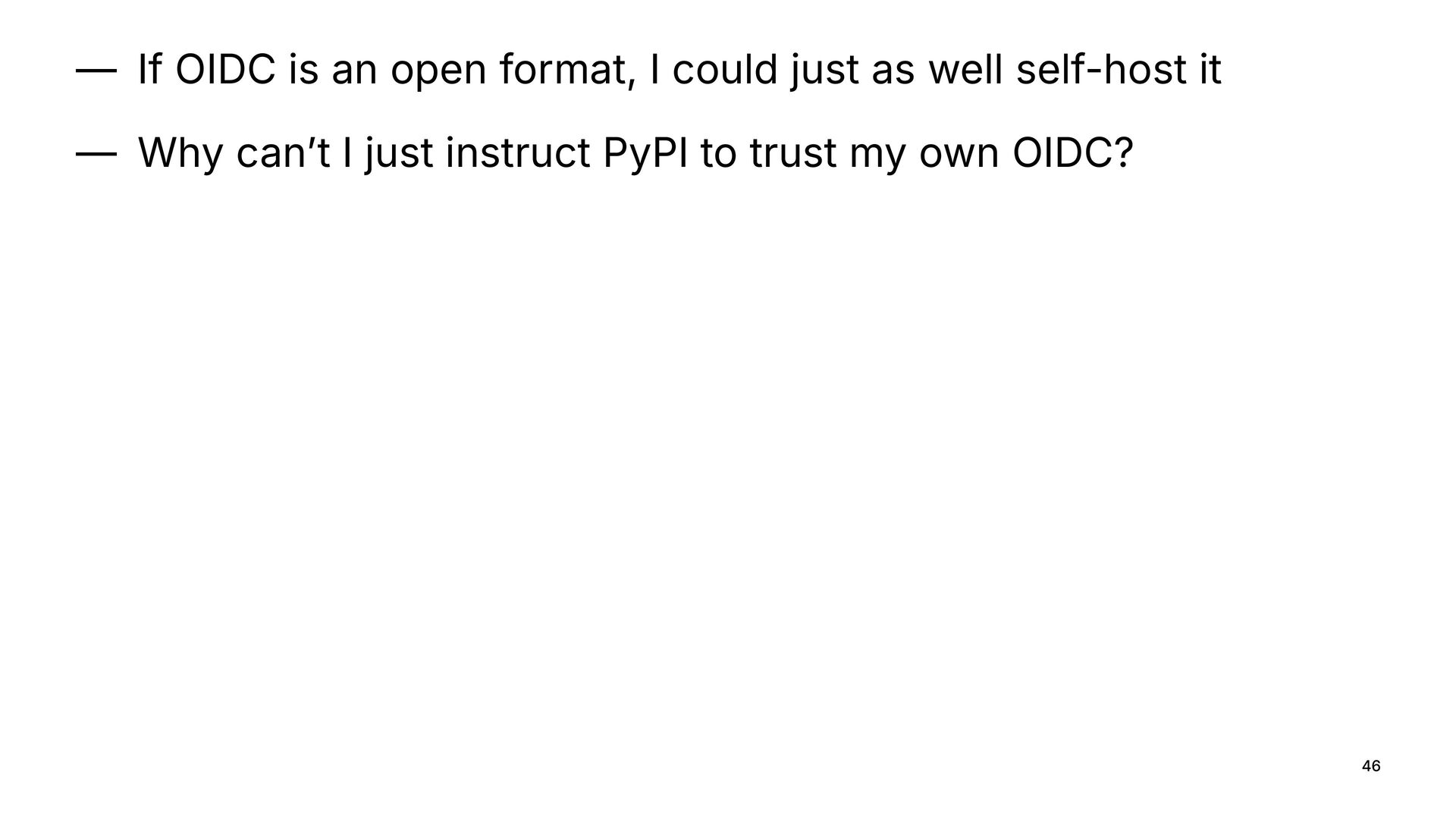
  34. — If OIDC is an open format, I could just

    as well self-host it — Why can’t I just instruct PyPI to trust my own OIDC? 46
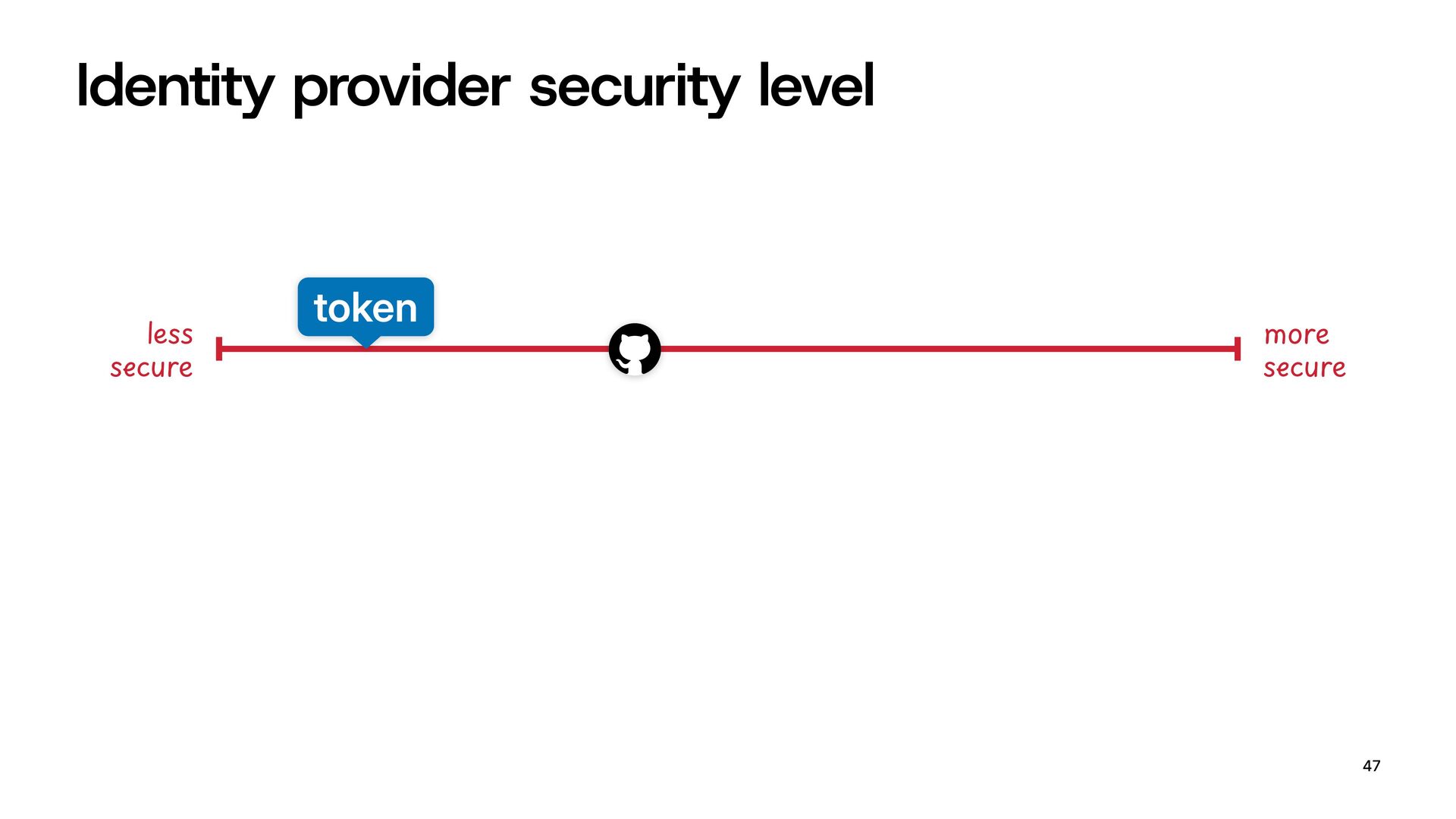
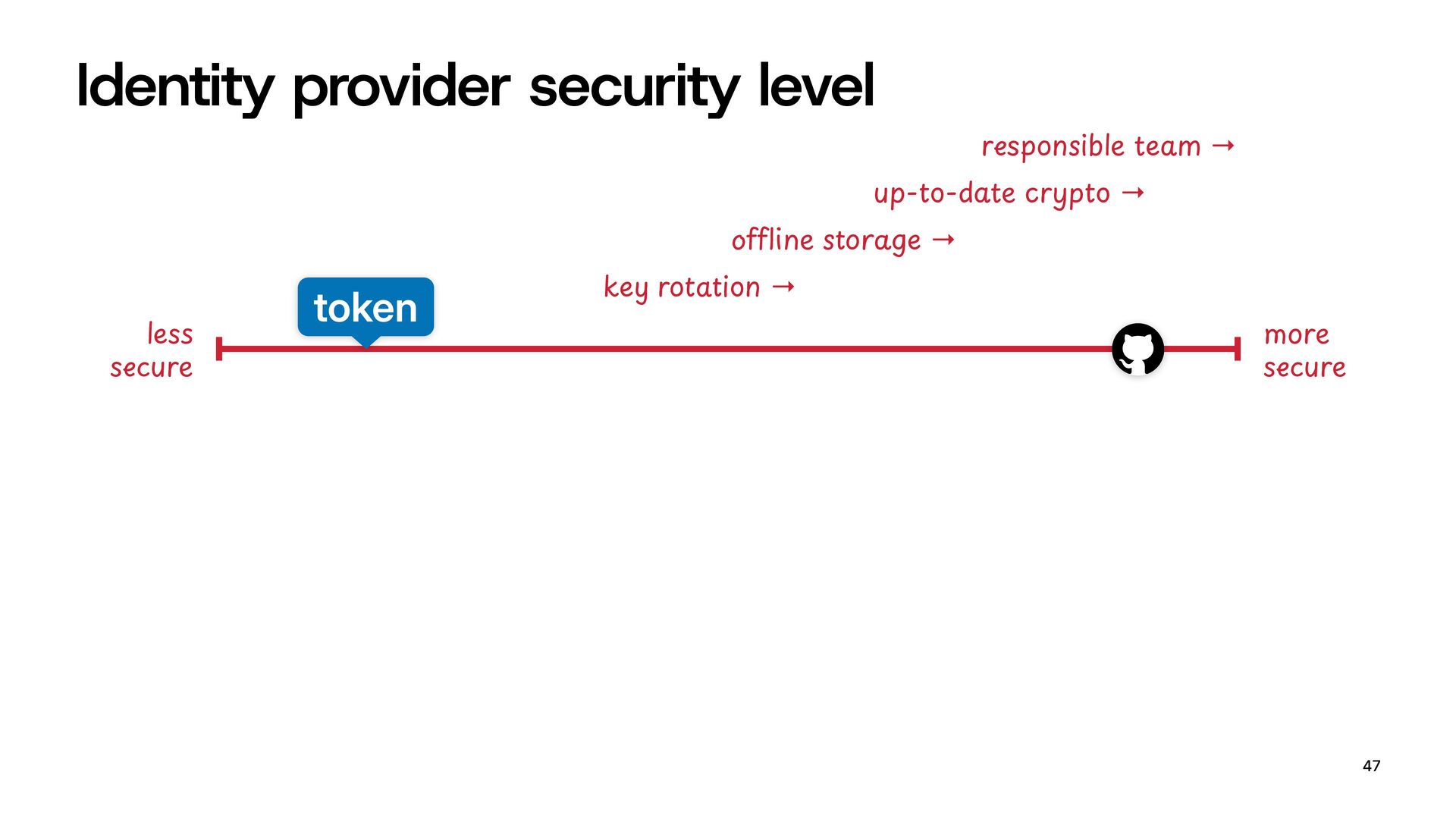
  35. Identity provider security level 47 EFG16 &HIur1 L3&M6 &HIur1 $3N@G/OP+Qon6→

    TUVW*X1YZ+[\]ge6→ up-to-ab!16cGdeto → GHgh/nZi(#1%!3am@→ token
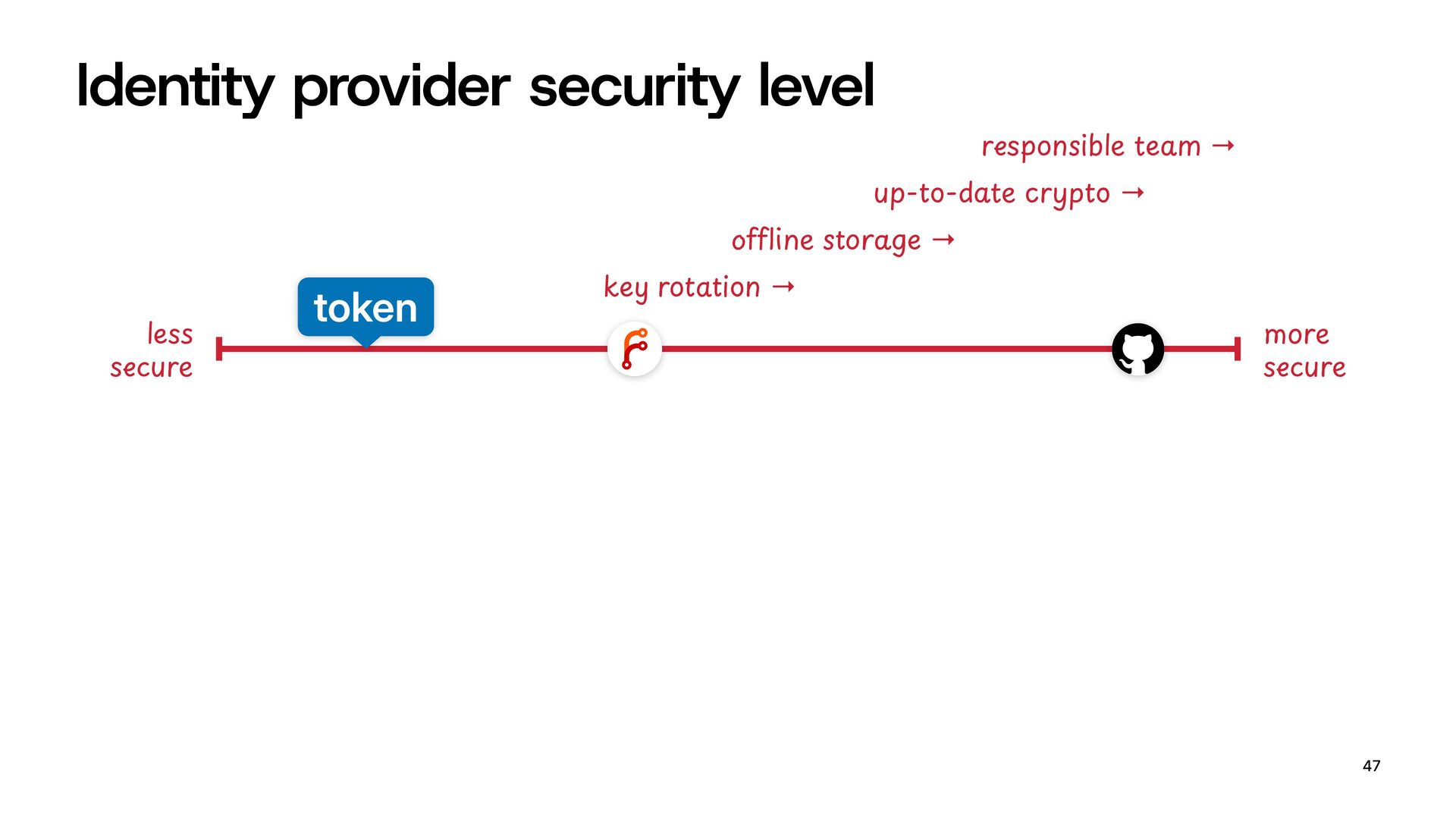
  36. Identity provider security level 47 EFG16 &HIur1 L3&M6 &HIur1 $3N@G/OP+Qon6→

    TUVW*X1YZ+[\]ge6→ up-to-ab!16cGdeto → GHgh/nZi(#1%!3am@→ token
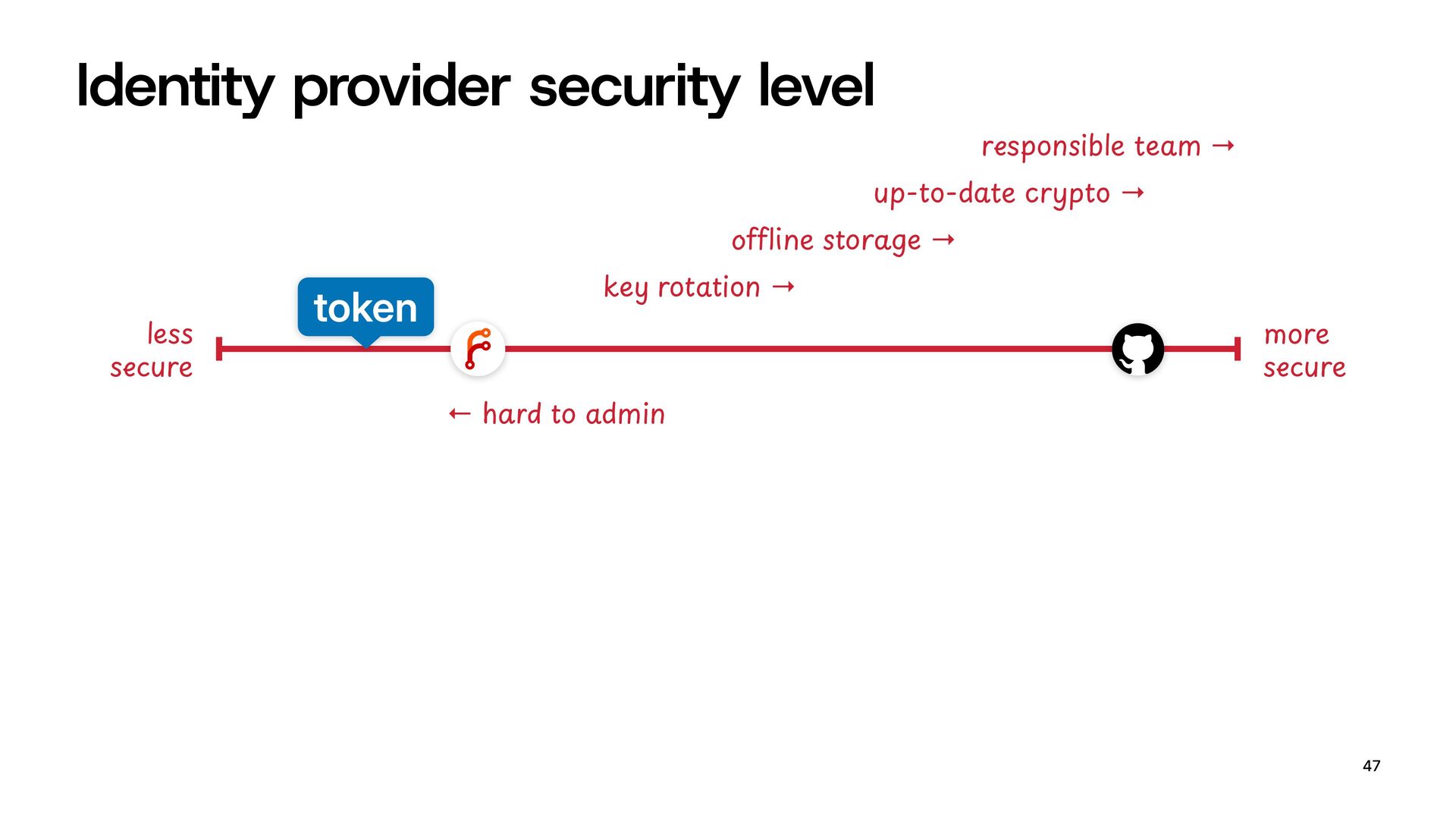
  37. Identity provider security level 47 EFG16 &HIur1 L3&M6 &HIur1 $3N@G/OP+Qon6→

    TUVW*X1YZ+[\]ge6→ up-to-ab!16cGdeto → GHgh/nZi(#1%!3am@→ token ←6lmno%+[%Pamin
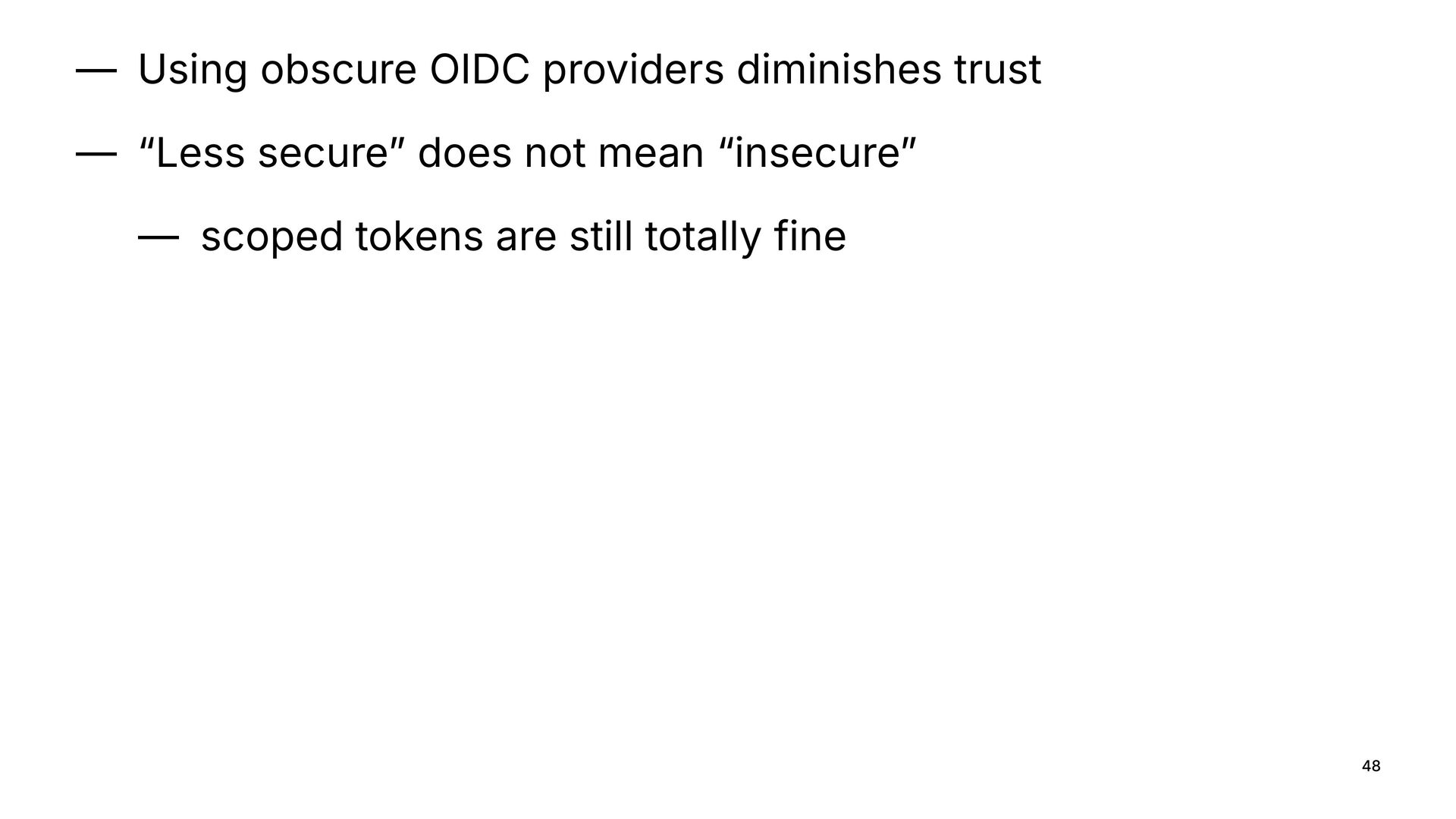
  38. — Using obscure OIDC providers diminishes trust — “Less secure”

    does not mean “insecure” — scoped tokens are still totally fine 48
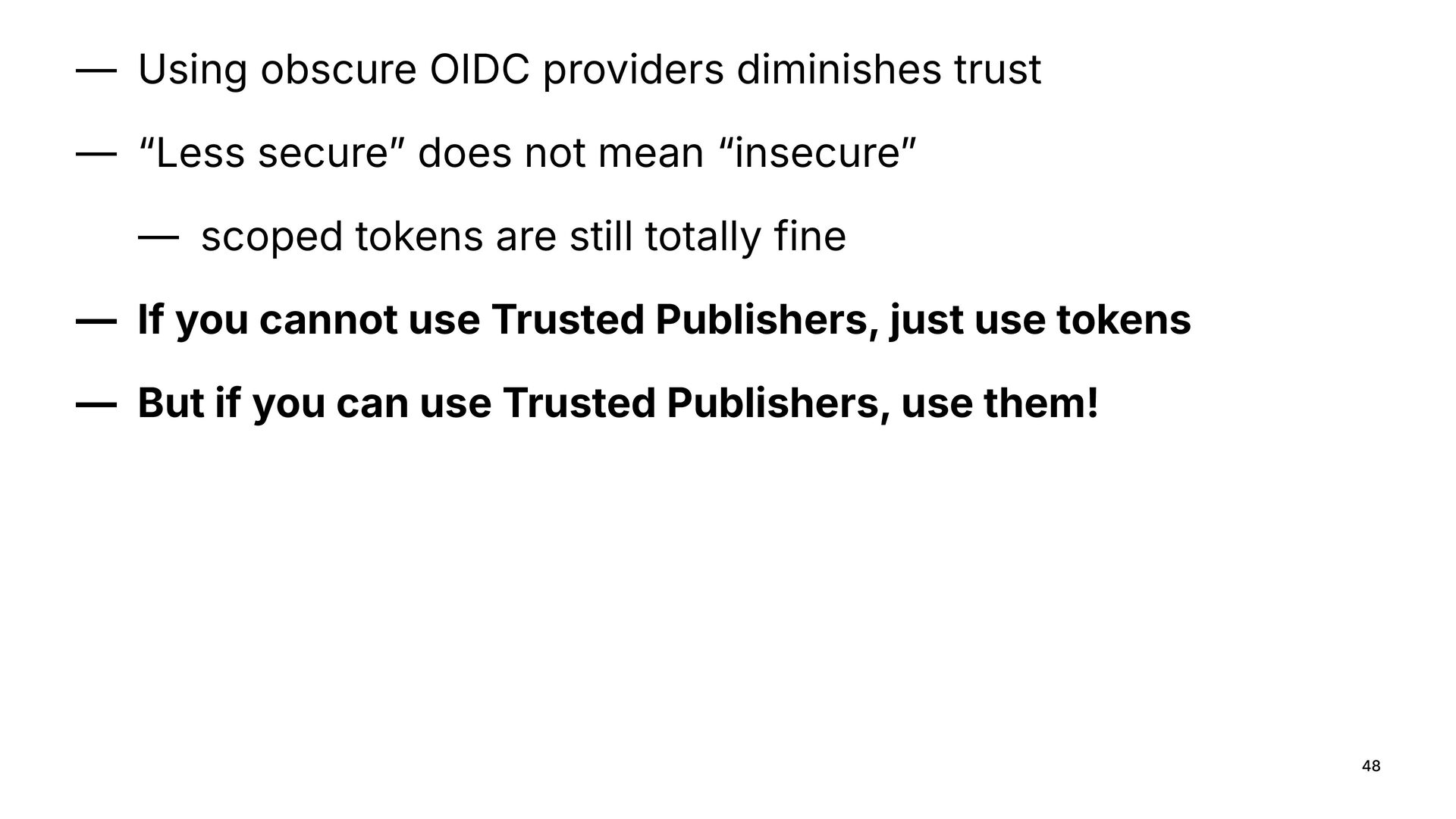
  39. — Using obscure OIDC providers diminishes trust — “Less secure”

    does not mean “insecure” — scoped tokens are still totally fine — If you cannot use Trusted Publishers, just use tokens — But if you can use Trusted Publishers, use them! 48