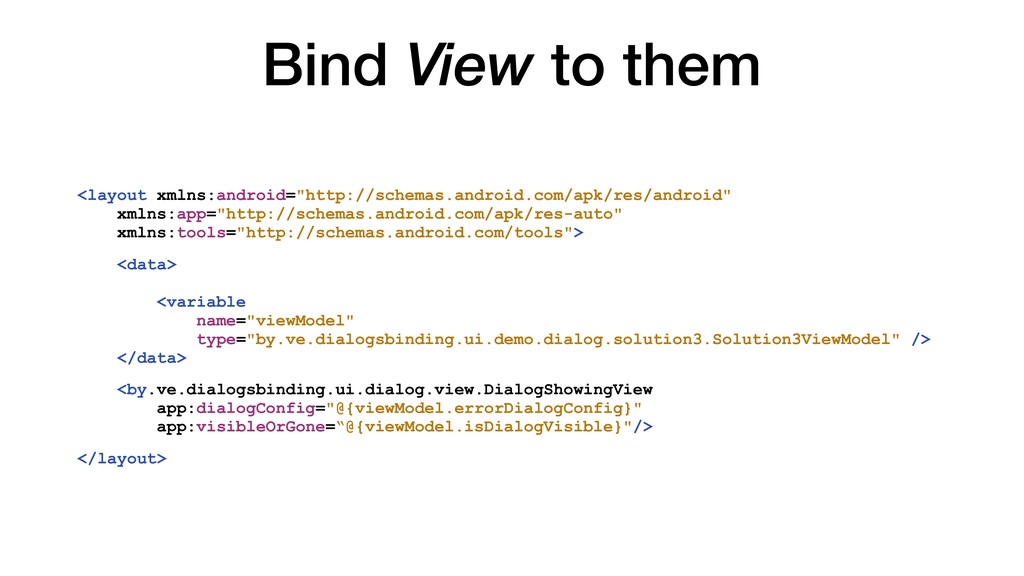
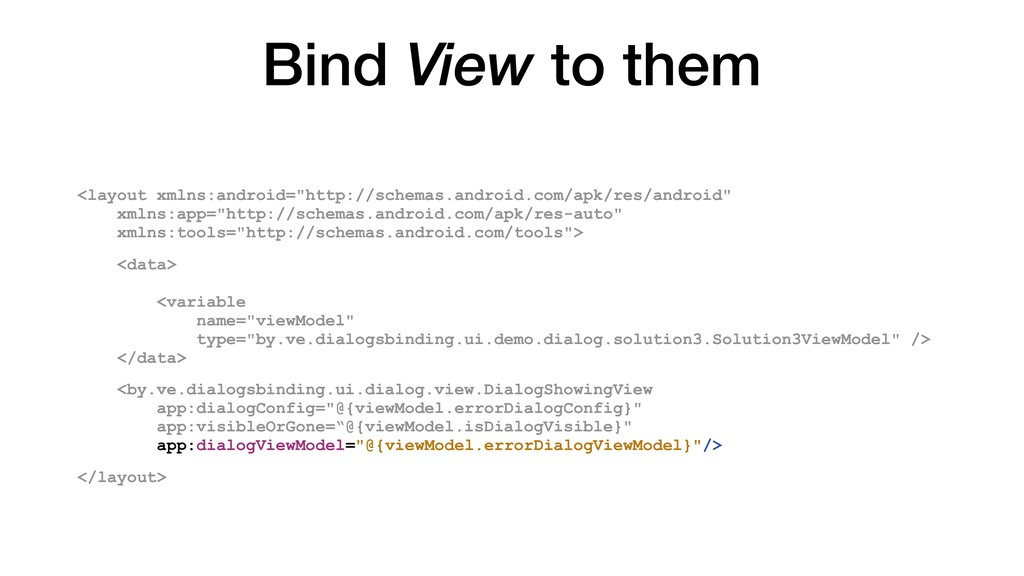
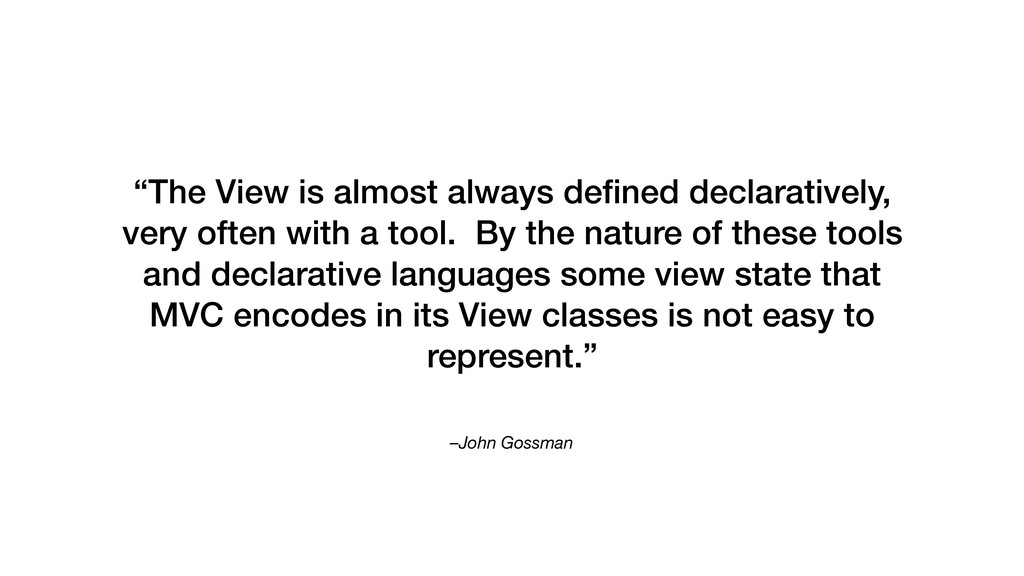
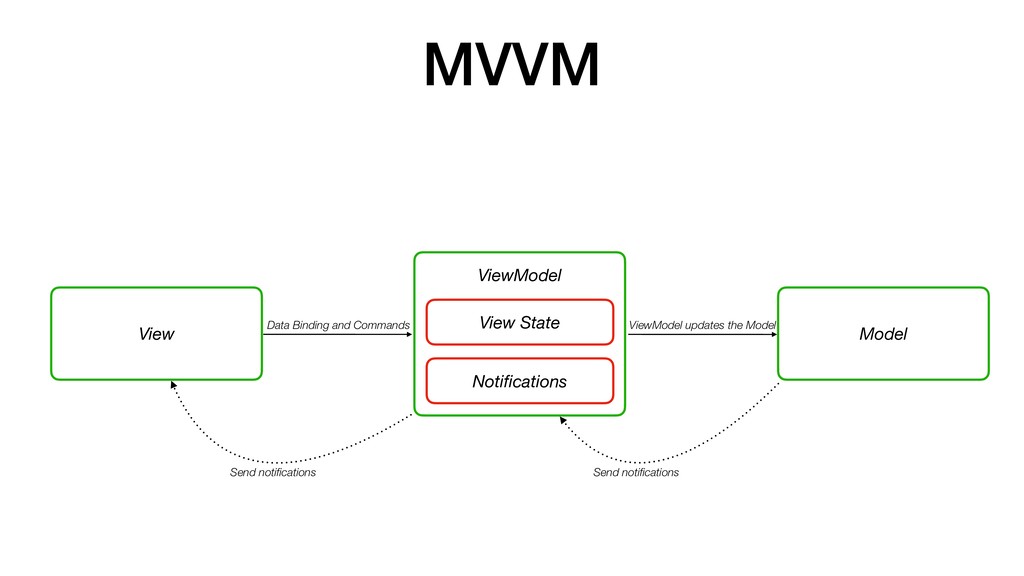
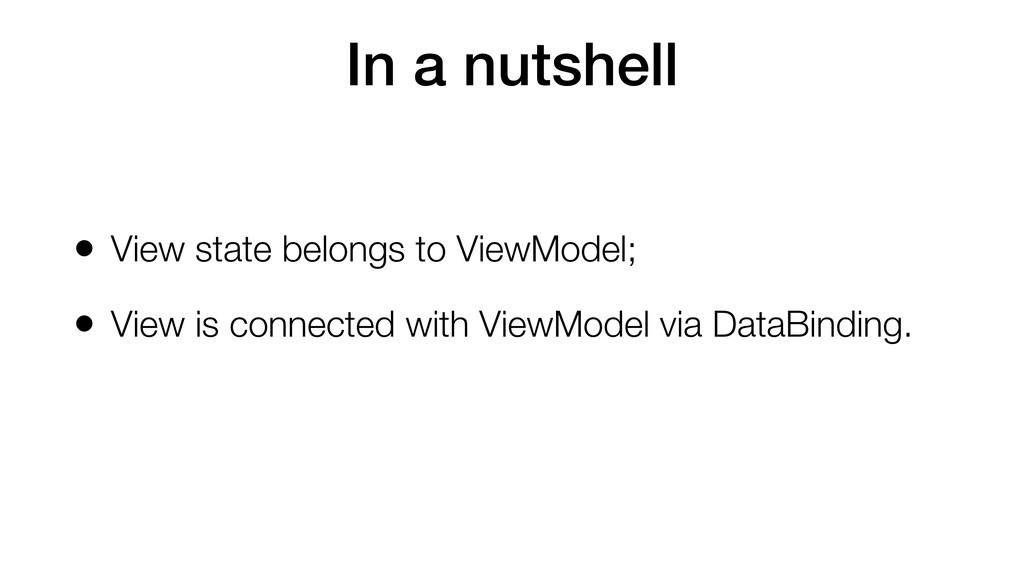
often with a tool. By the nature of these tools and declarative languages some view state that MVC encodes in its View classes is not easy to represent.”
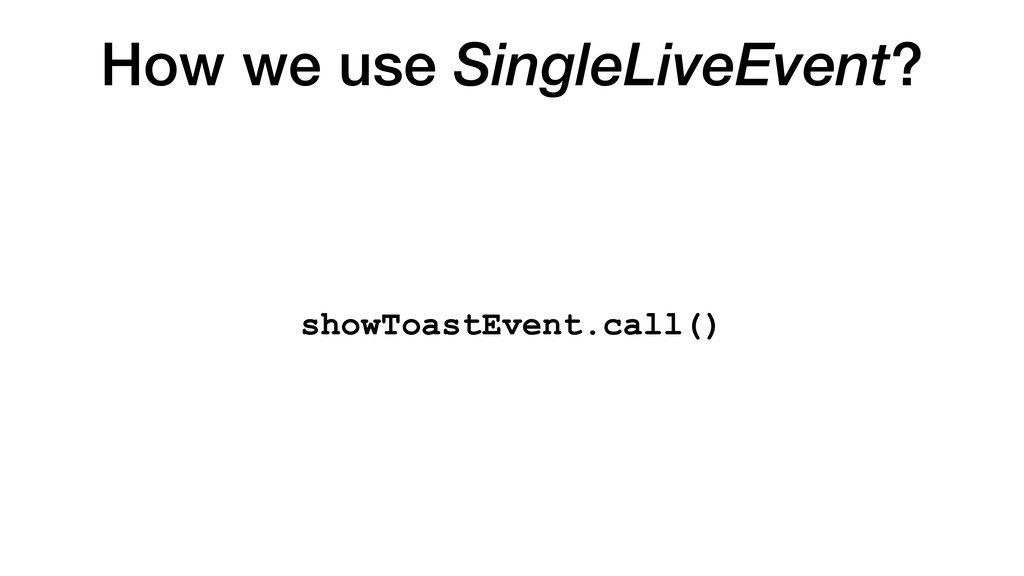
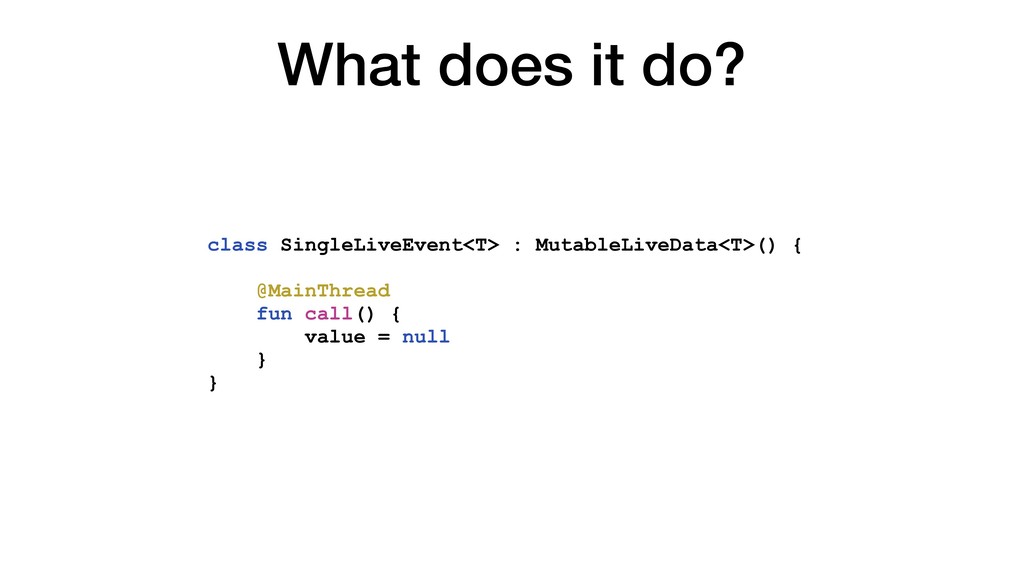
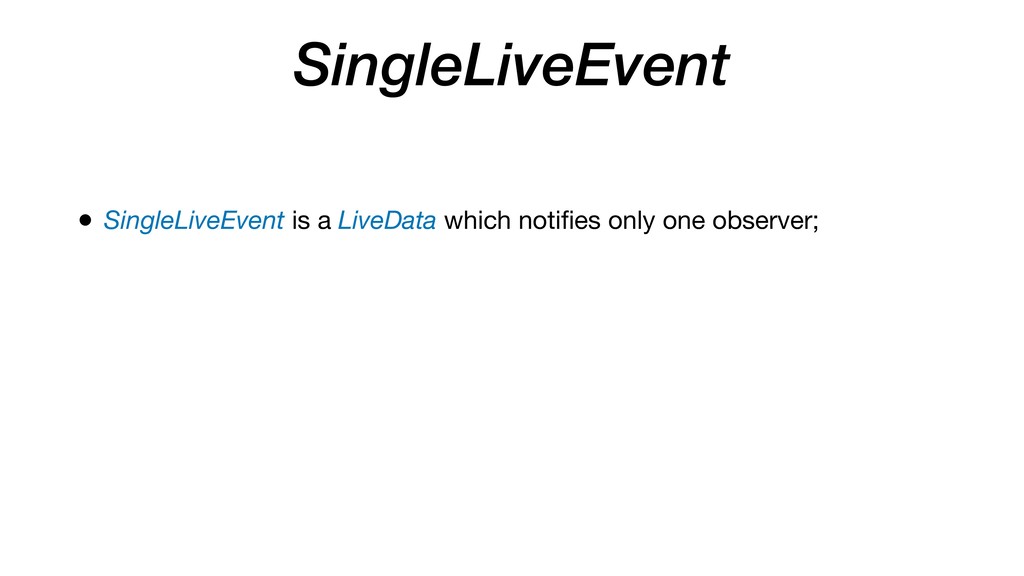
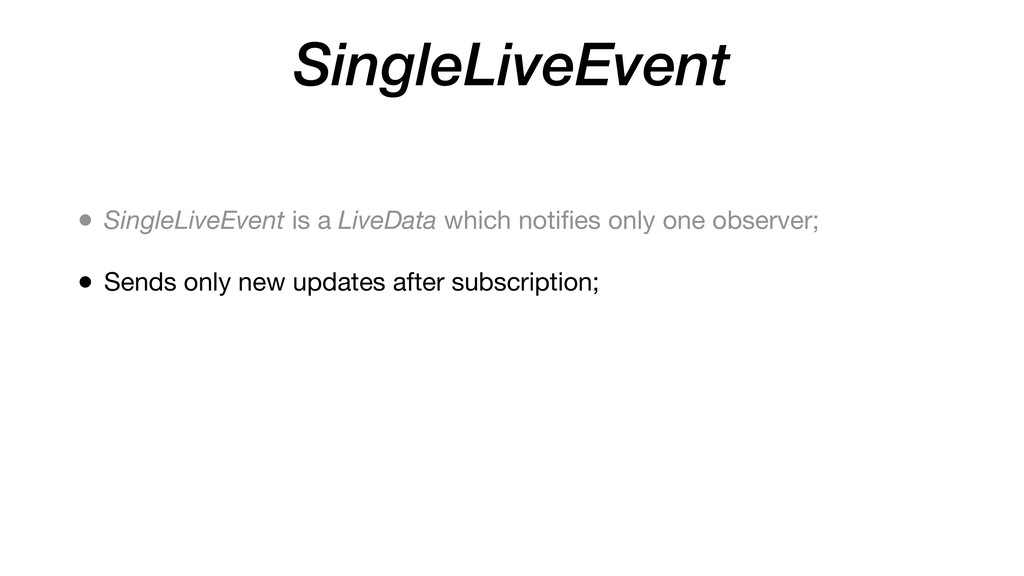
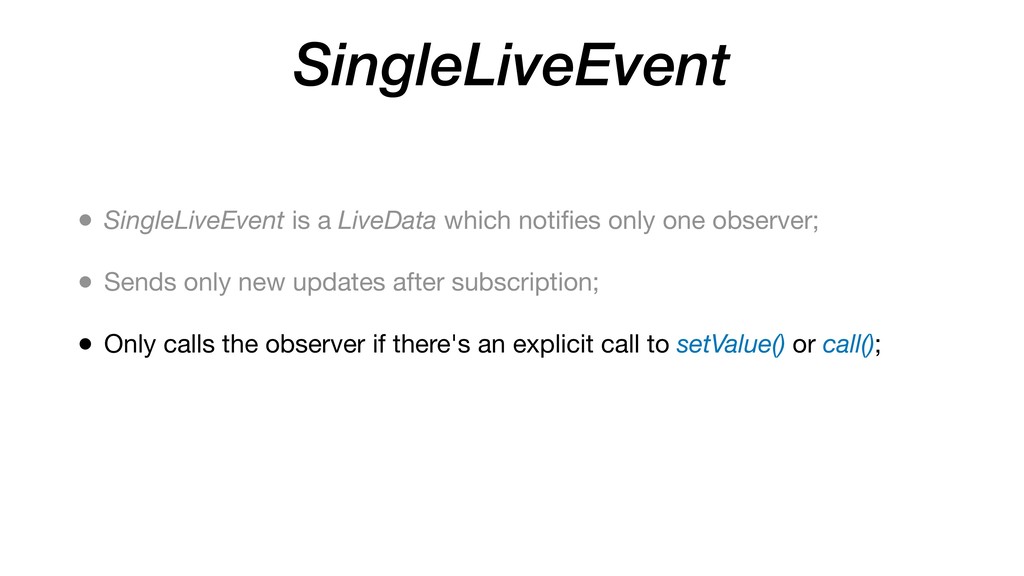
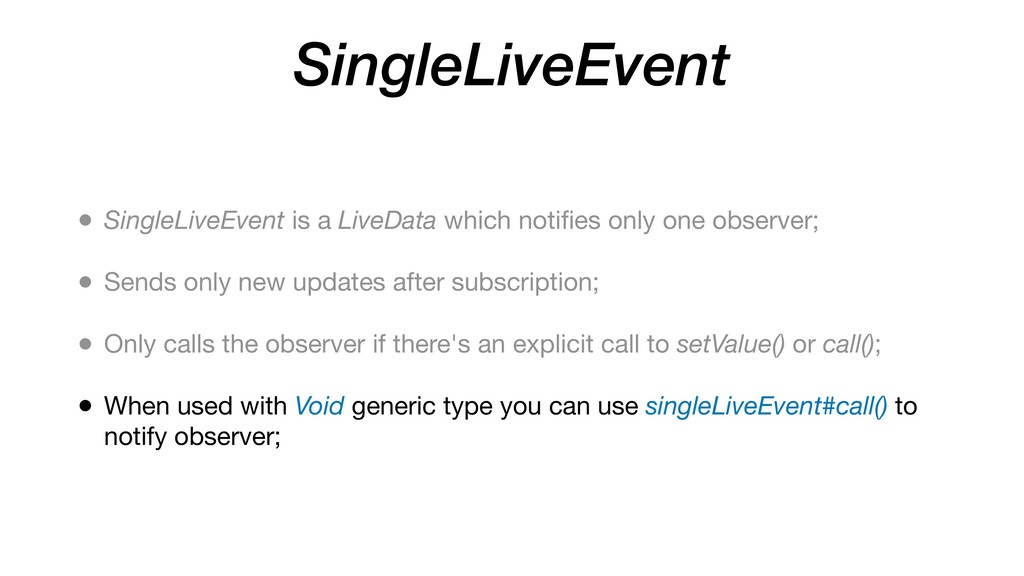
observer; • Sends only new updates after subscription; • Only calls the observer if there's an explicit call to setValue() or call(); • When used with Void generic type you can use singleLiveEvent#call() to notify observer;
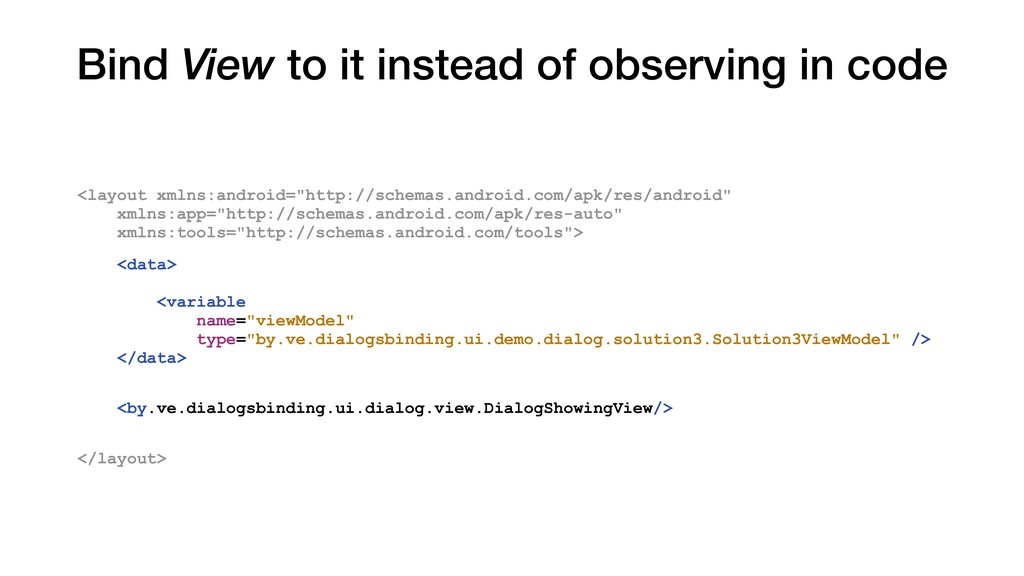
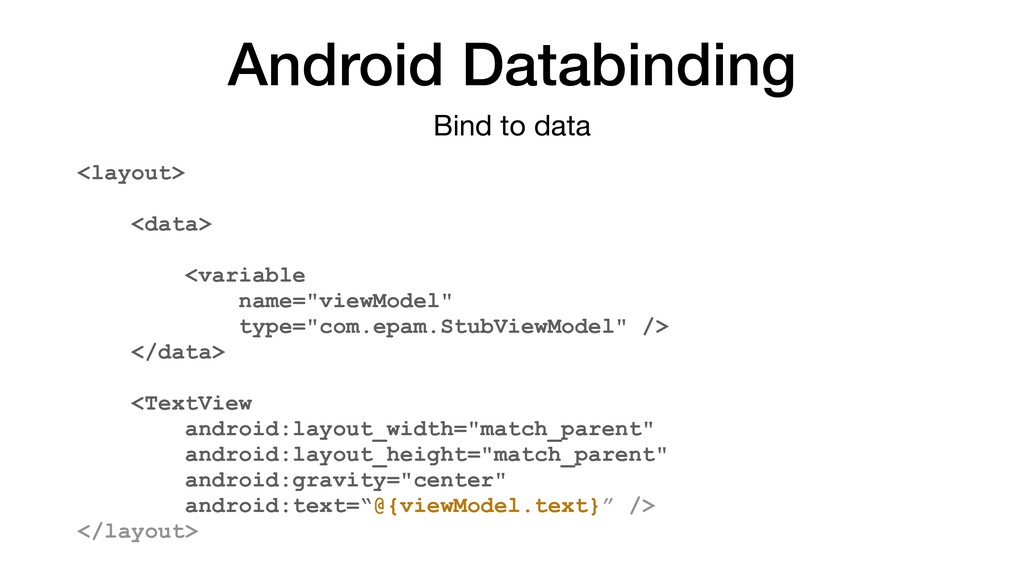
android:layout_width="match_parent" android:layout_height="match_parent" android:gravity="center" android:text=“@{viewModel.text}” /> </layout> Bind to data
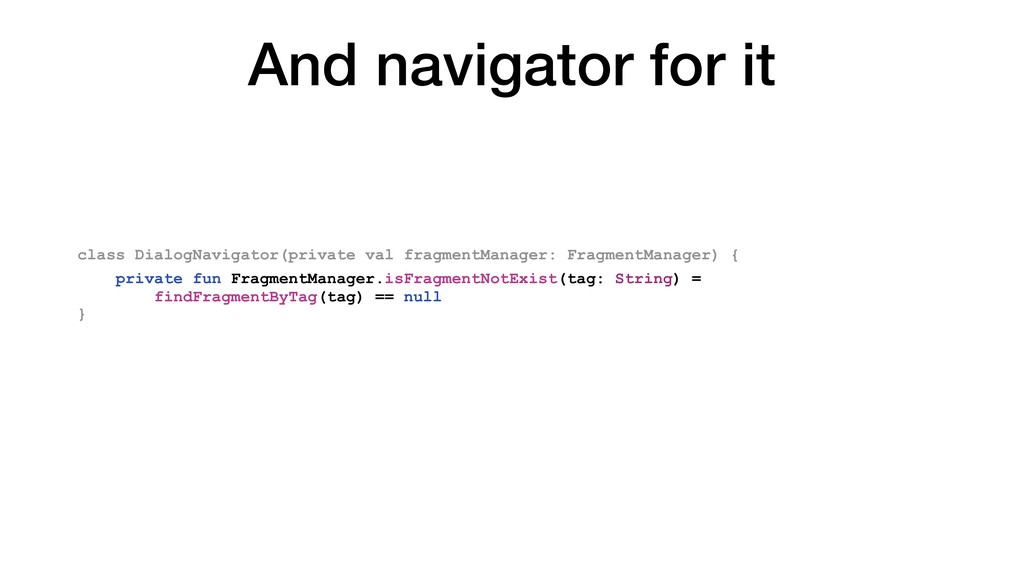
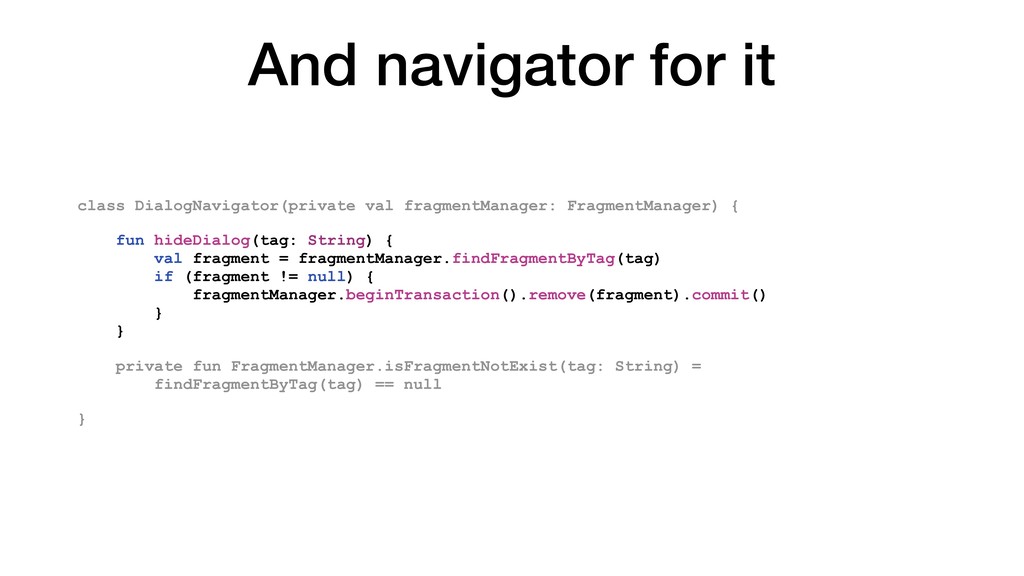
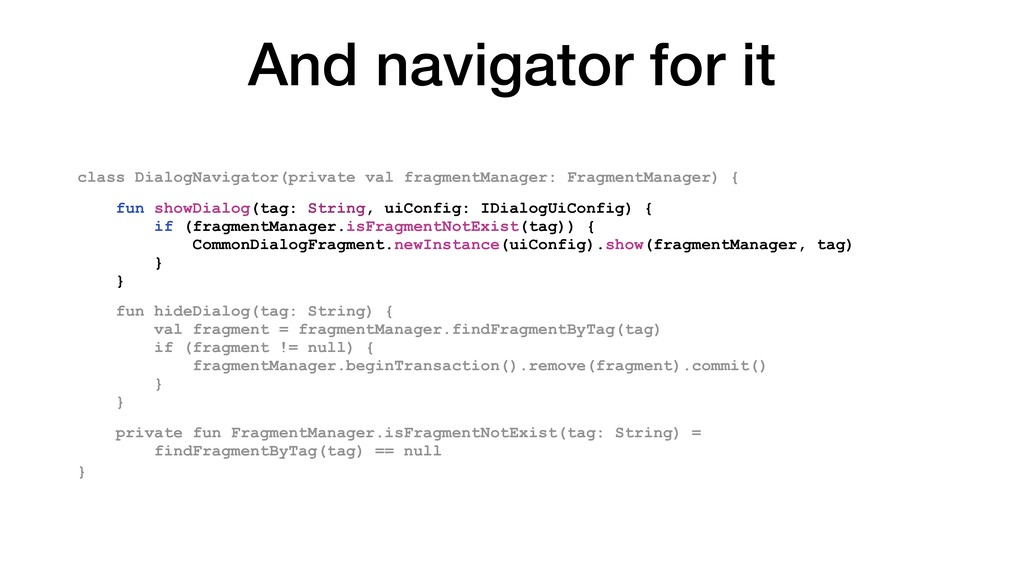
fun hideDialog(tag: String) { val fragment = fragmentManager.findFragmentByTag(tag) if (fragment != null) { fragmentManager.beginTransaction().remove(fragment).commit() } } private fun FragmentManager.isFragmentNotExist(tag: String) = findFragmentByTag(tag) == null }
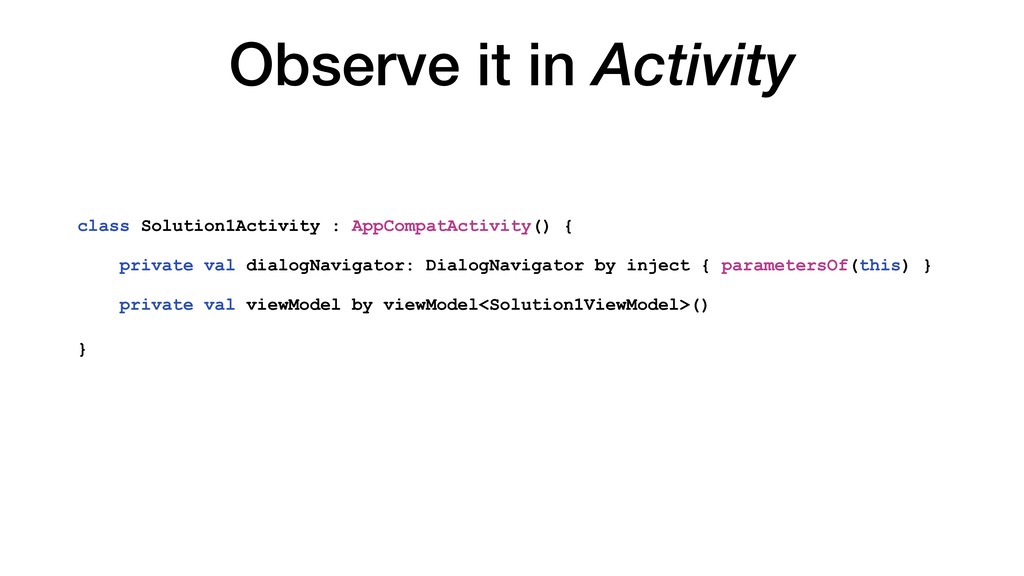
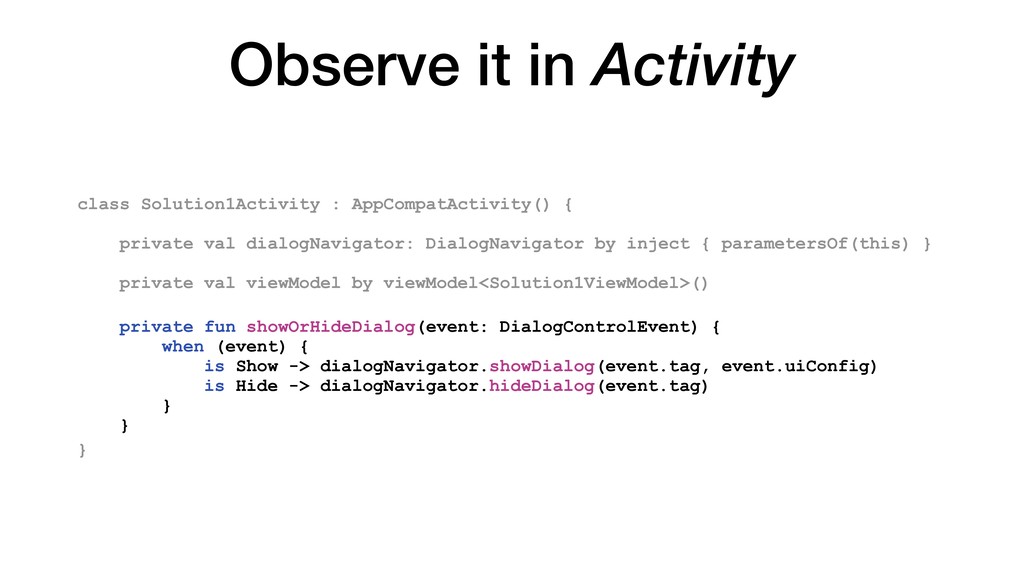
private val dialogNavigator: DialogNavigator by inject { parametersOf(this) } private val viewModel by viewModel<Solution1ViewModel>() private fun showOrHideDialog(event: DialogControlEvent) { when (event) { is Show -> dialogNavigator.showDialog(event.tag, event.uiConfig) is Hide -> dialogNavigator.hideDialog(event.tag) } }
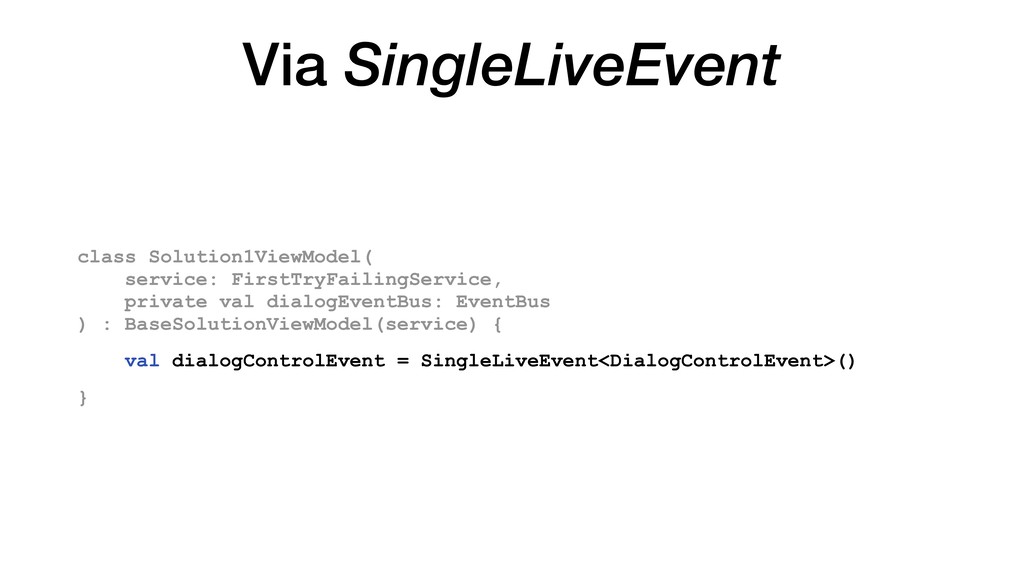
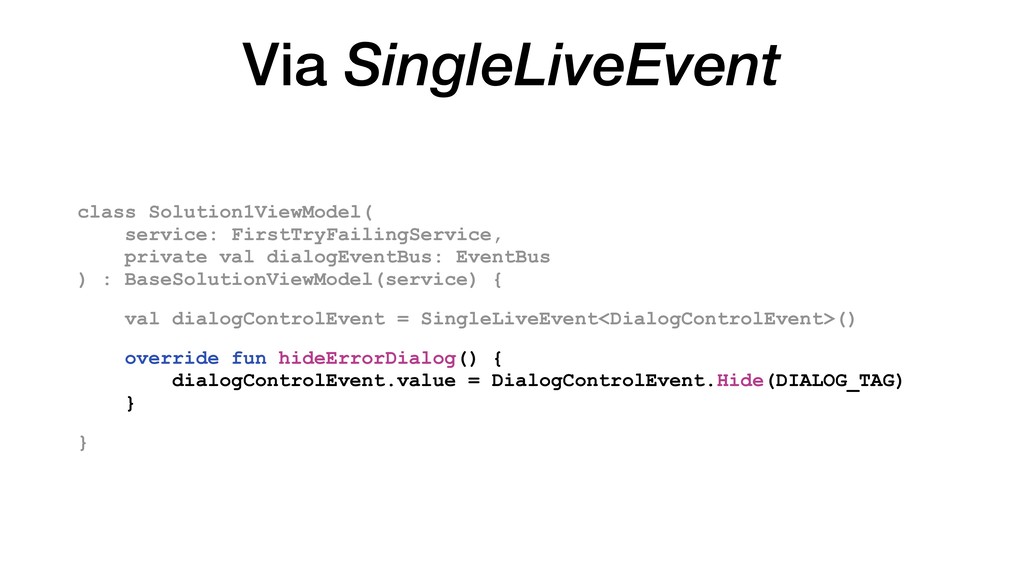
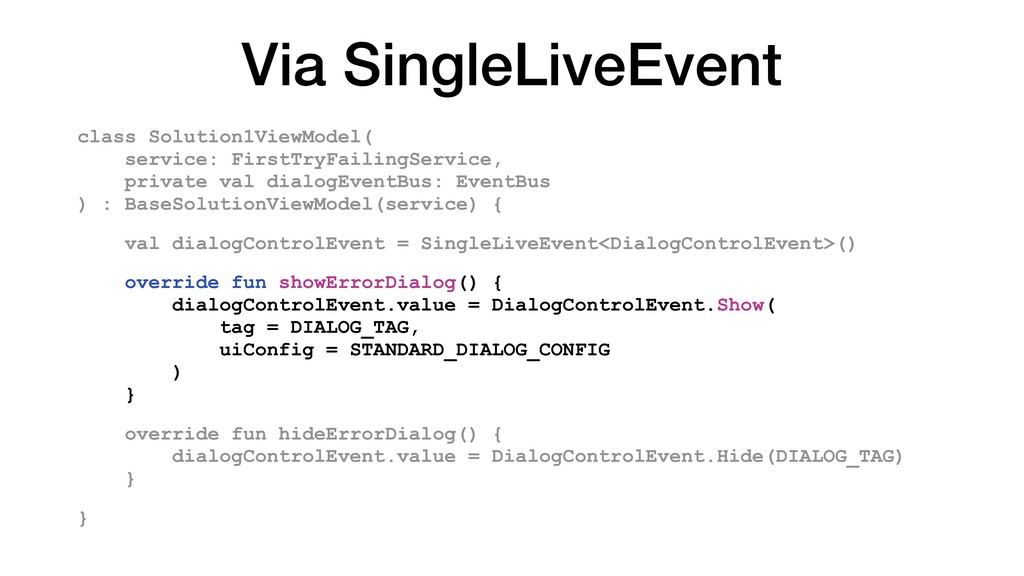
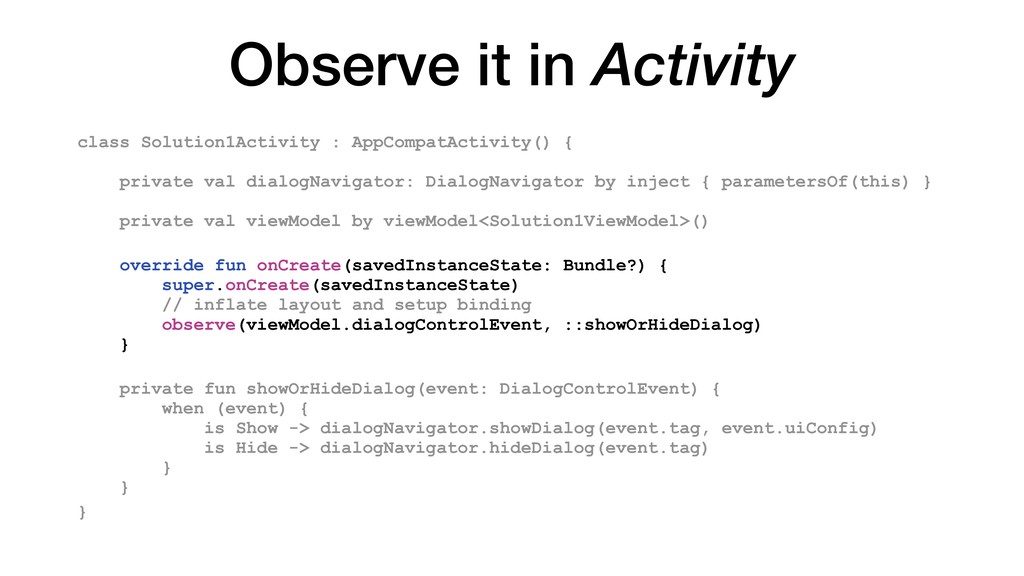
private val dialogNavigator: DialogNavigator by inject { parametersOf(this) } private val viewModel by viewModel<Solution1ViewModel>() override fun onCreate(savedInstanceState: Bundle?) { super.onCreate(savedInstanceState) // inflate layout and setup binding observe(viewModel.dialogControlEvent, ::showOrHideDialog) } private fun showOrHideDialog(event: DialogControlEvent) { when (event) { is Show -> dialogNavigator.showDialog(event.tag, event.uiConfig) is Hide -> dialogNavigator.hideDialog(event.tag) } }
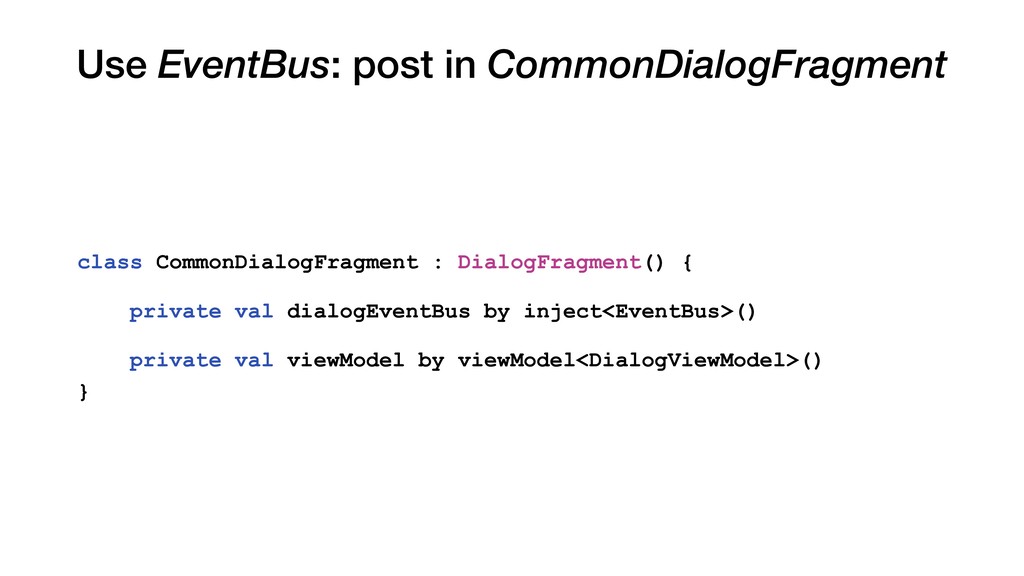
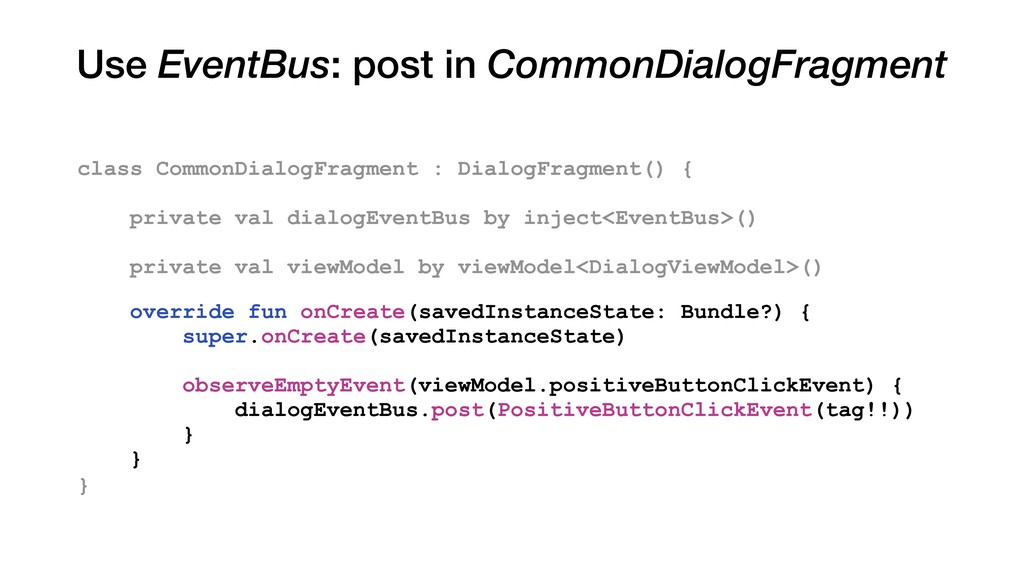
{ private val dialogEventBus by inject<EventBus>() private val viewModel by viewModel<DialogViewModel>() override fun onCreate(savedInstanceState: Bundle?) { super.onCreate(savedInstanceState) observeEmptyEvent(viewModel.positiveButtonClickEvent) { dialogEventBus.post(PositiveButtonClickEvent(tag!!)) } }
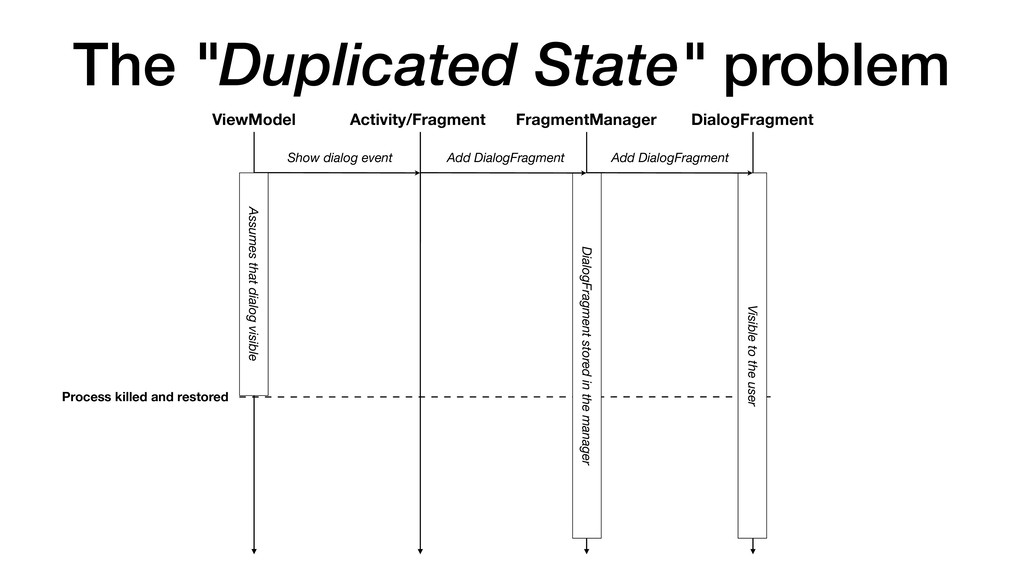
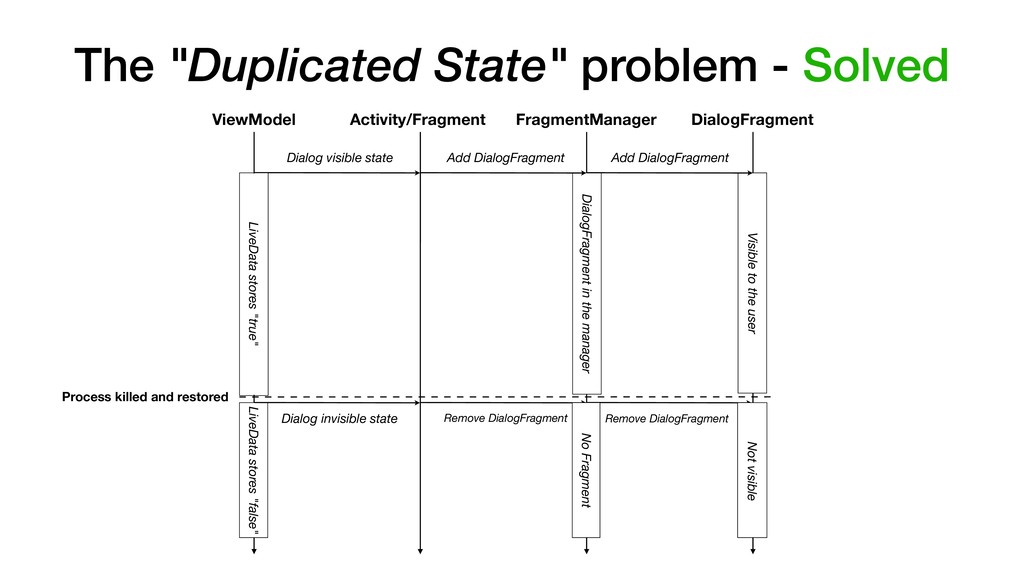
that dialog visible Process killed and restored FragmentManager DialogFragment stored in the manager DialogFragment Visible to the user The "Duplicated State" problem
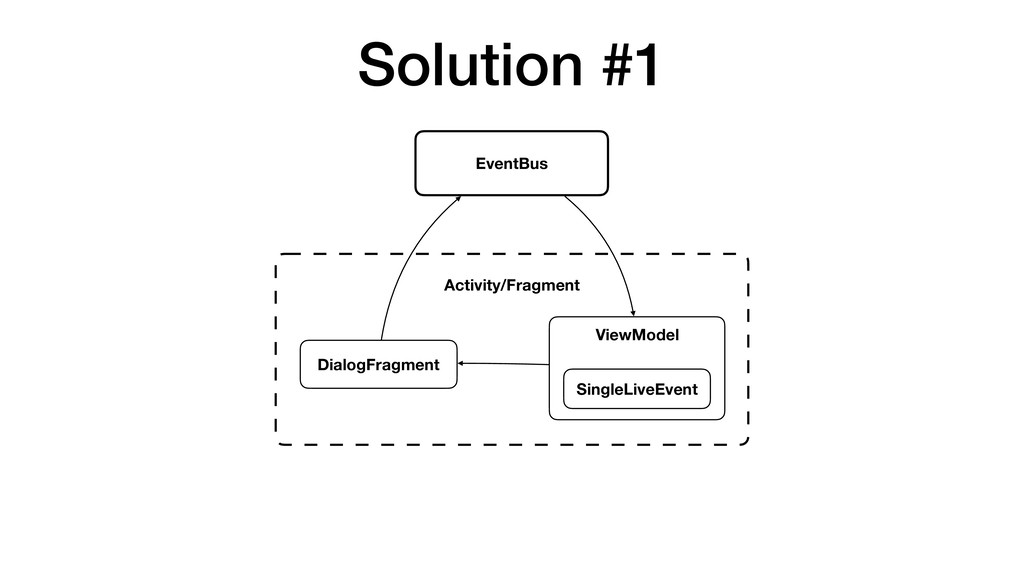
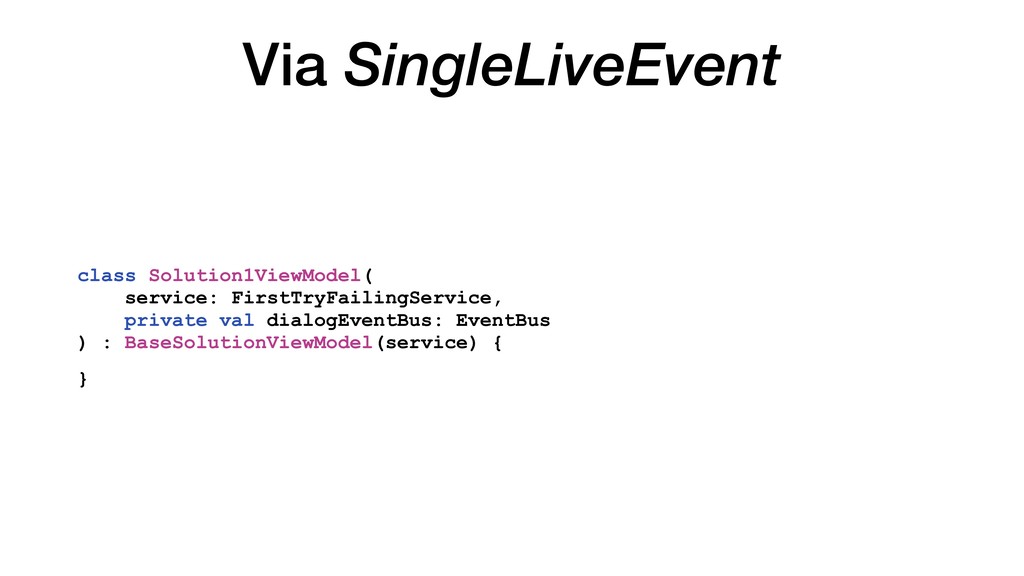
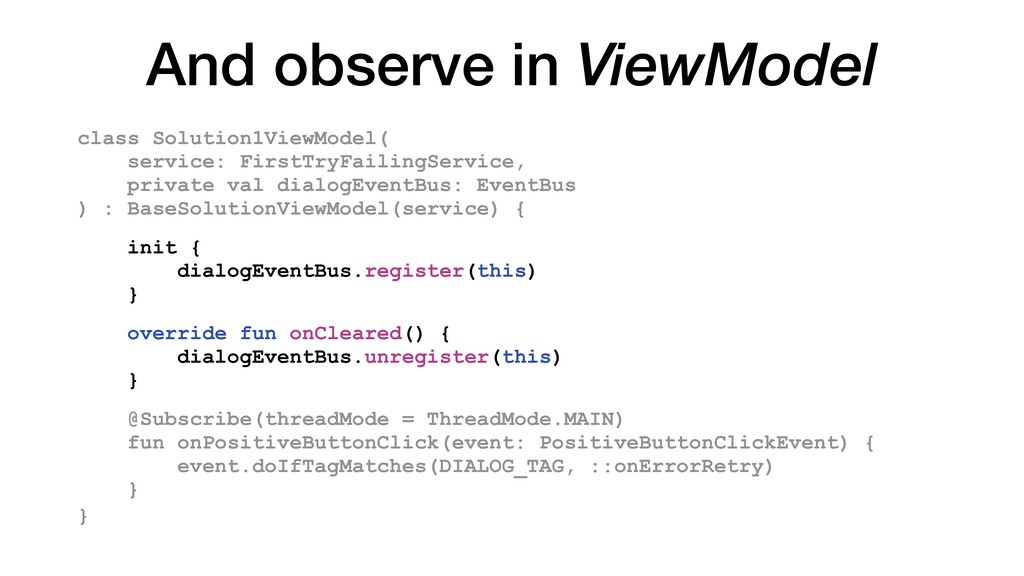
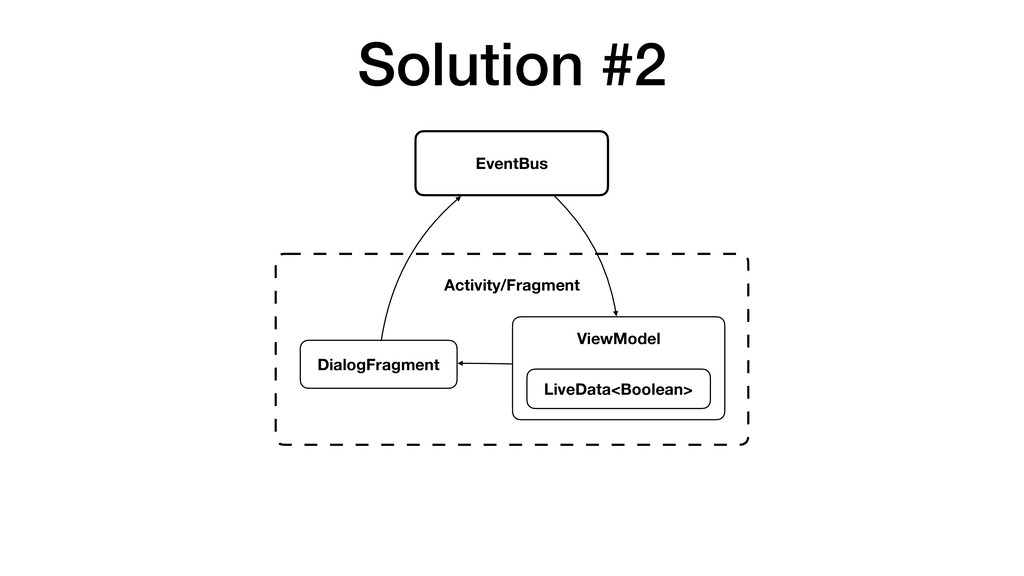
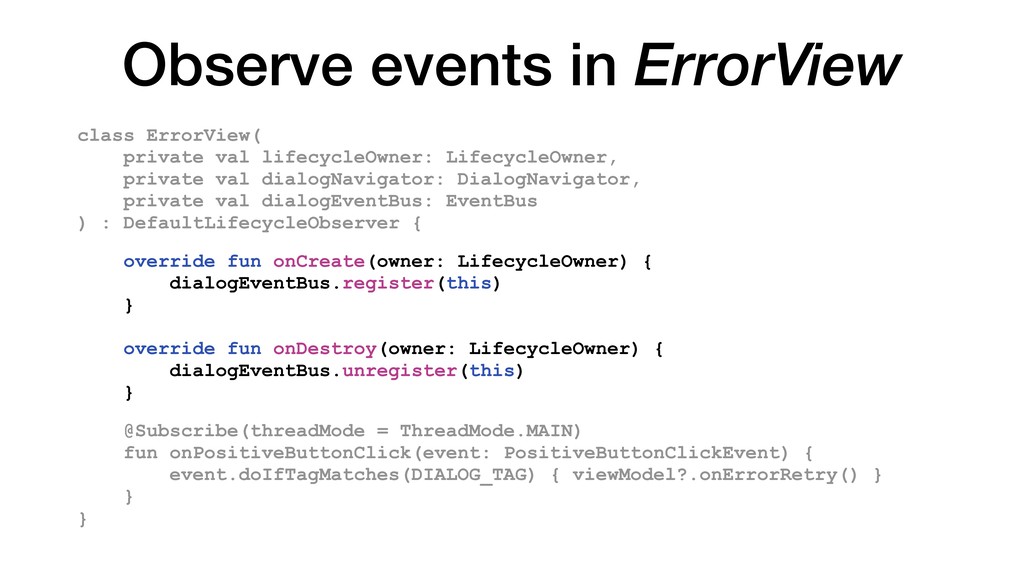
and easy to integrate into any activity/ fragment we used EventBus for CommonDialogFragment and ViewModel communication. EventBus has to live in the scope width enough for both CommonDialogFragment and ViewModel i.e. in the singleton scope. Thus we need to manage lifecycle manually to prevent potential leaks.
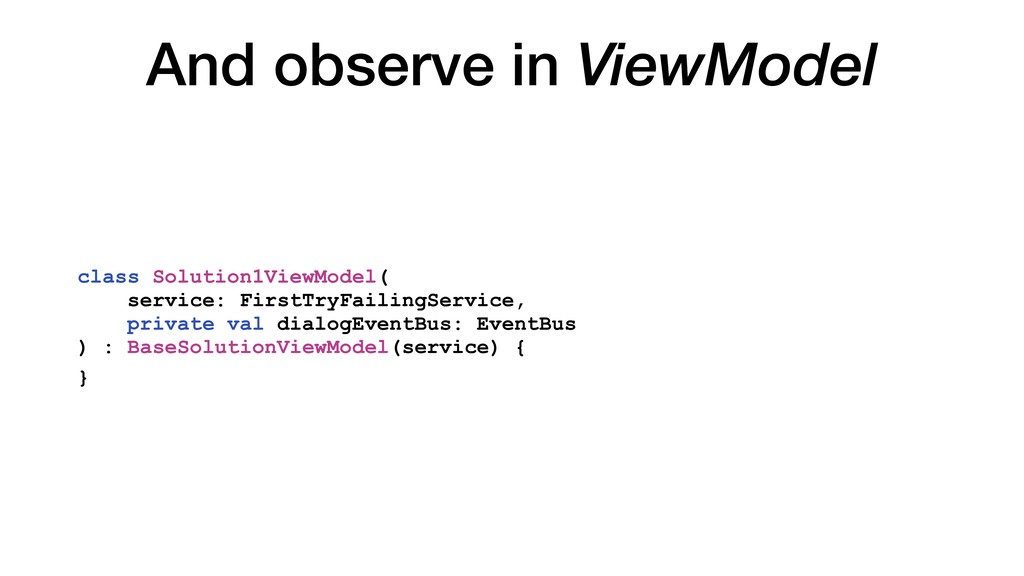
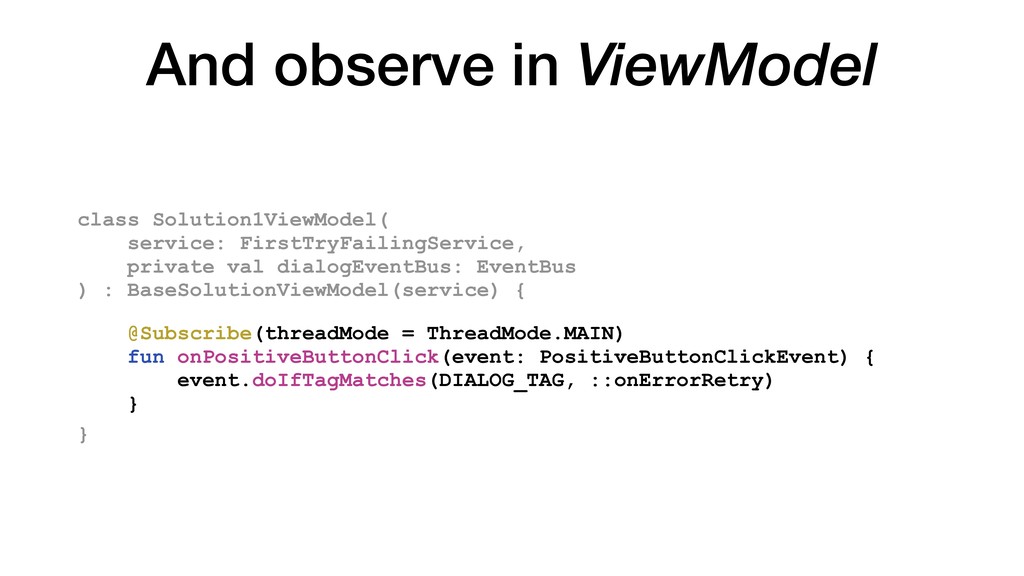
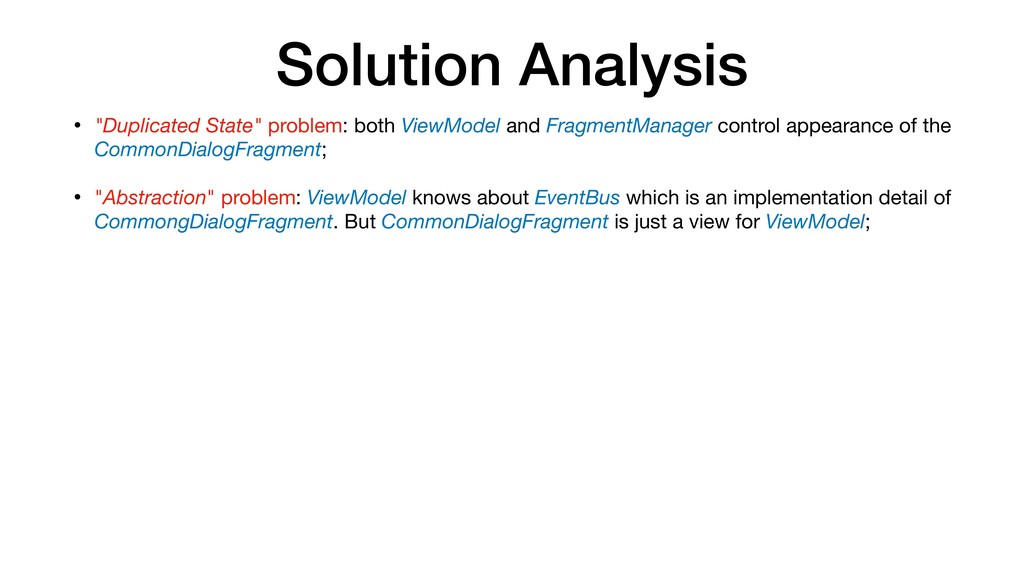
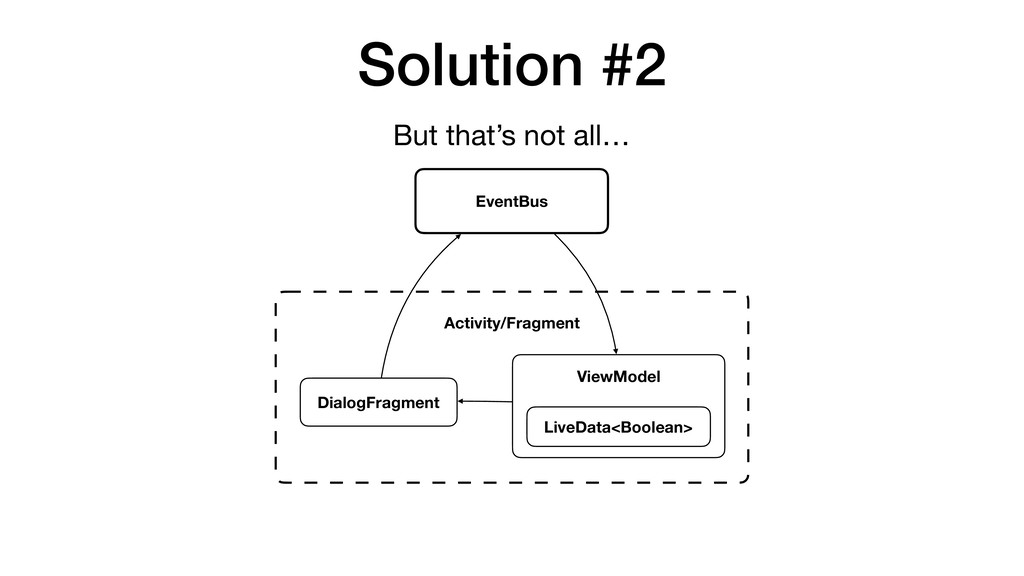
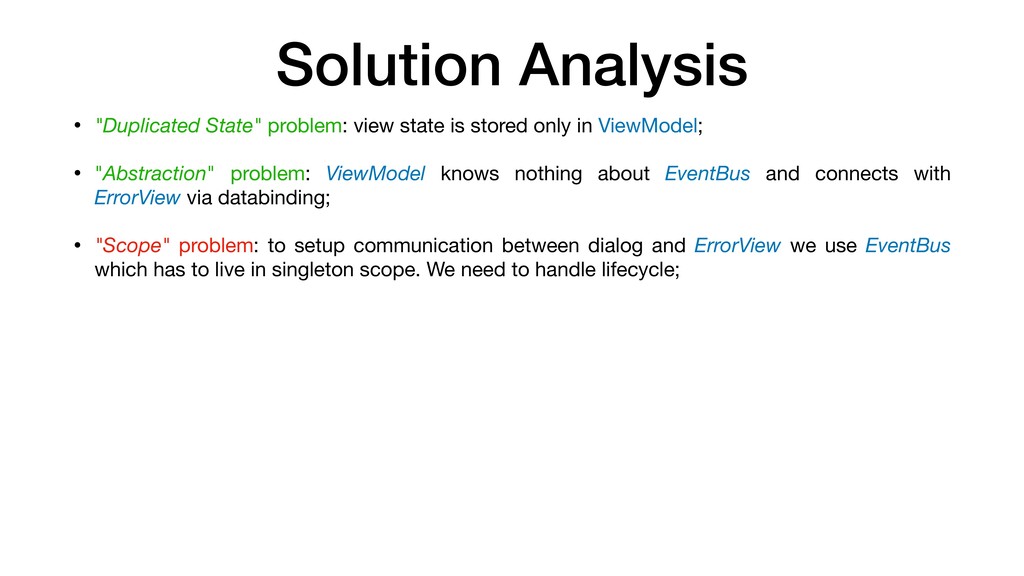
control appearance of the CommonDialogFragment; • "Abstraction" problem: ViewModel knows about EventBus which is an implementation detail of CommongDialogFragment. But CommonDialogFragment is just a view for ViewModel;
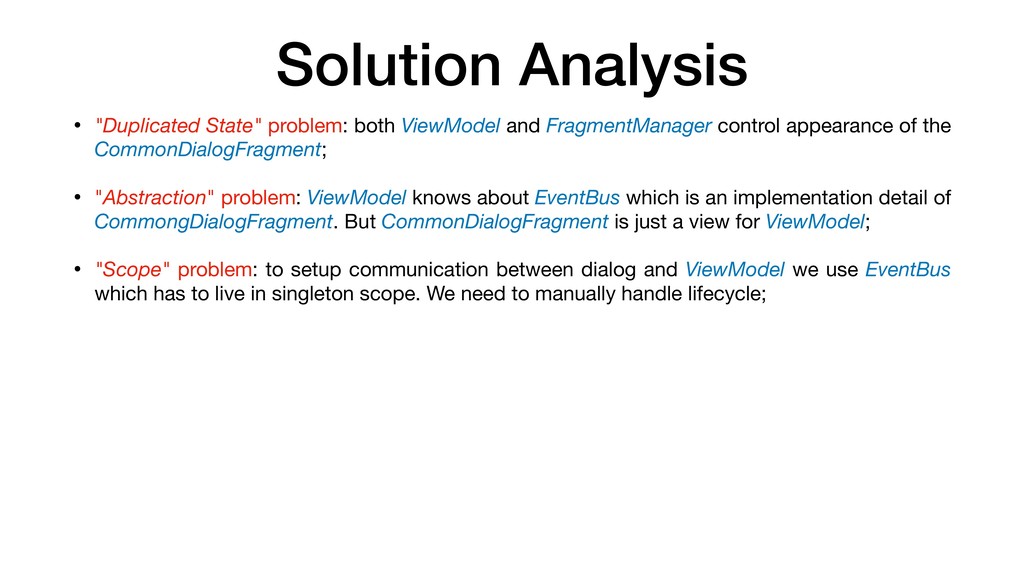
control appearance of the CommonDialogFragment; • "Abstraction" problem: ViewModel knows about EventBus which is an implementation detail of CommongDialogFragment. But CommonDialogFragment is just a view for ViewModel; • "Scope" problem: to setup communication between dialog and ViewModel we use EventBus which has to live in singleton scope. We need to manually handle lifecycle;
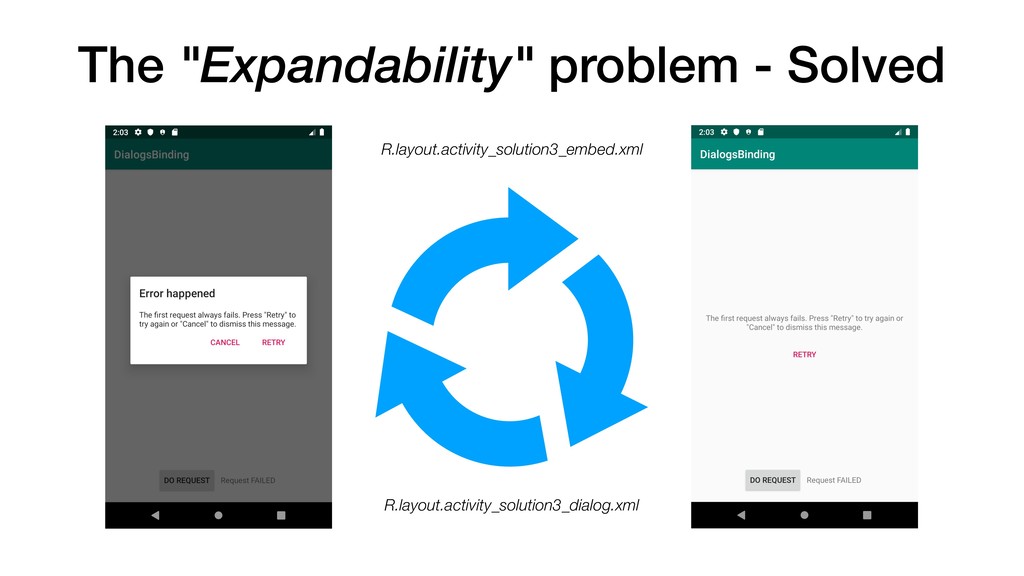
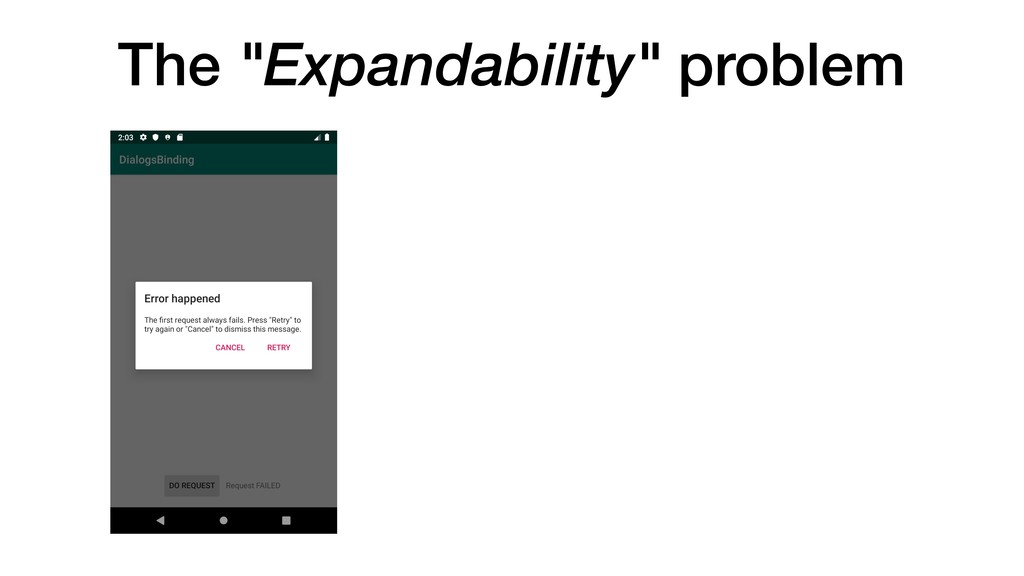
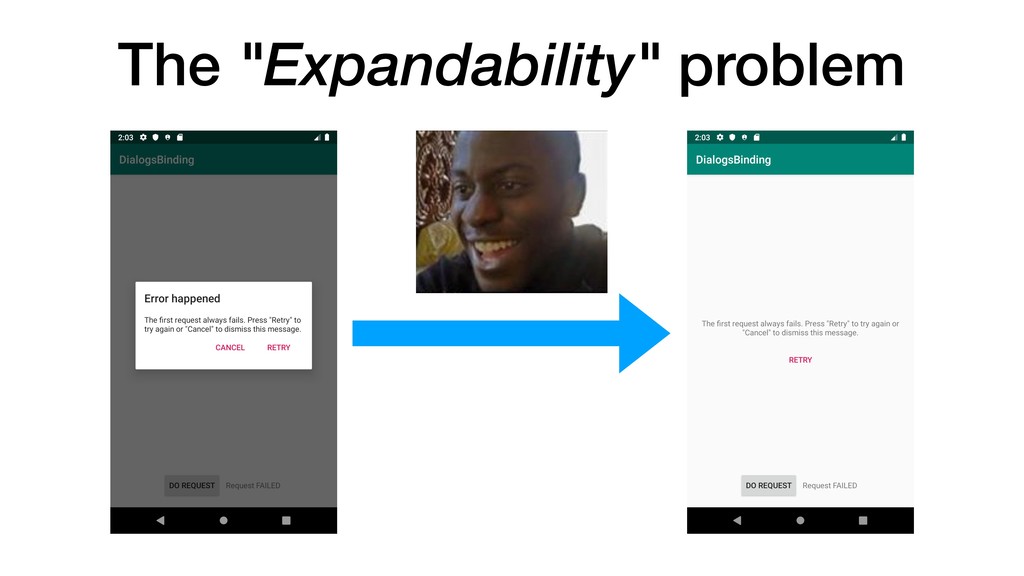
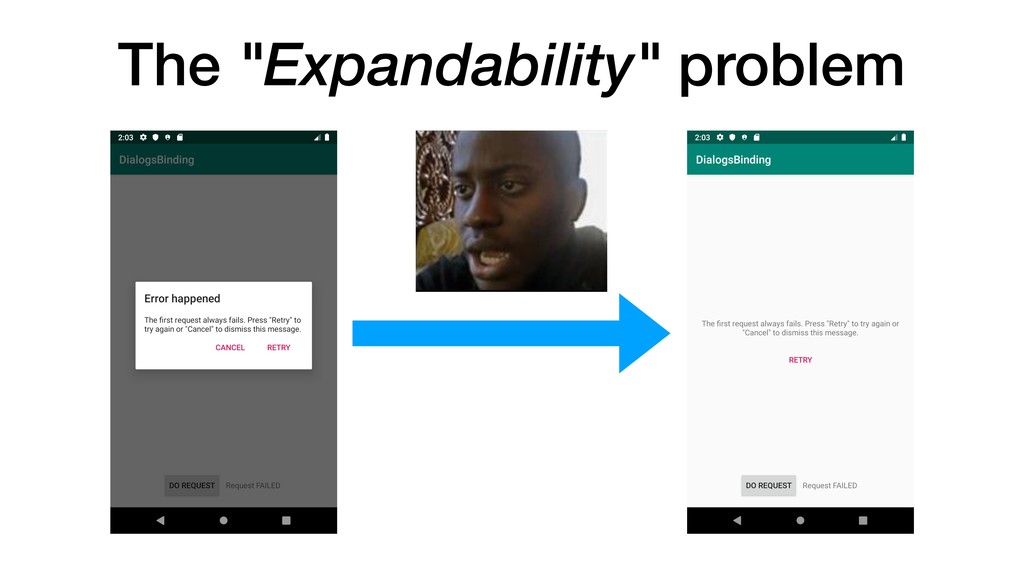
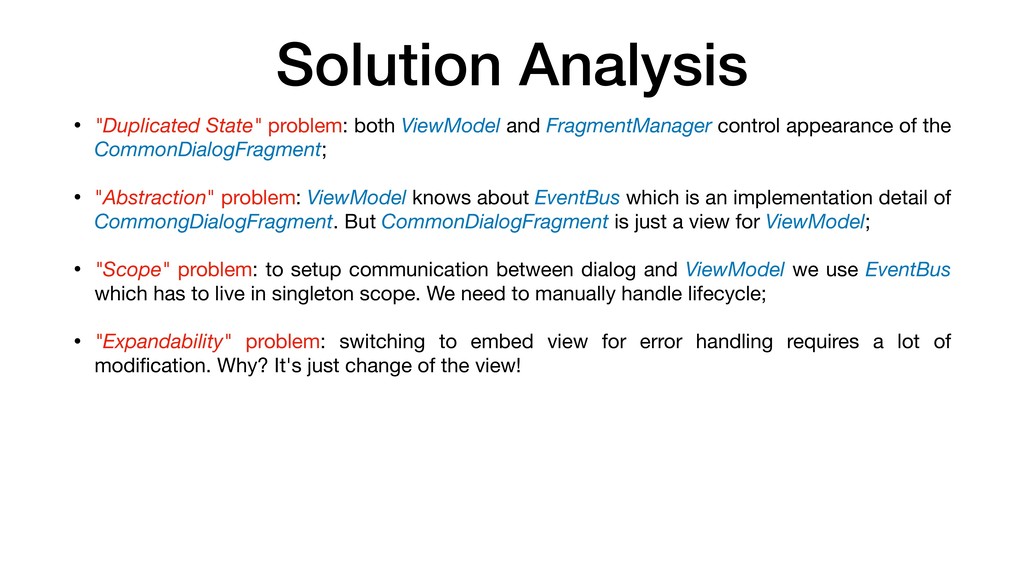
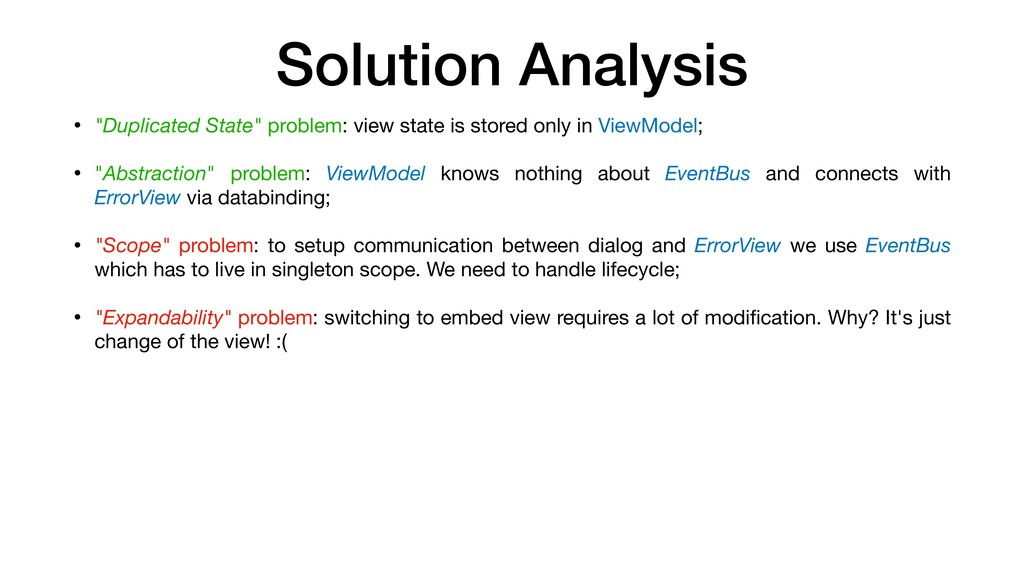
control appearance of the CommonDialogFragment; • "Abstraction" problem: ViewModel knows about EventBus which is an implementation detail of CommongDialogFragment. But CommonDialogFragment is just a view for ViewModel; • "Scope" problem: to setup communication between dialog and ViewModel we use EventBus which has to live in singleton scope. We need to manually handle lifecycle; • "Expandability" problem: switching to embed view for error handling requires a lot of modification. Why? It's just change of the view!
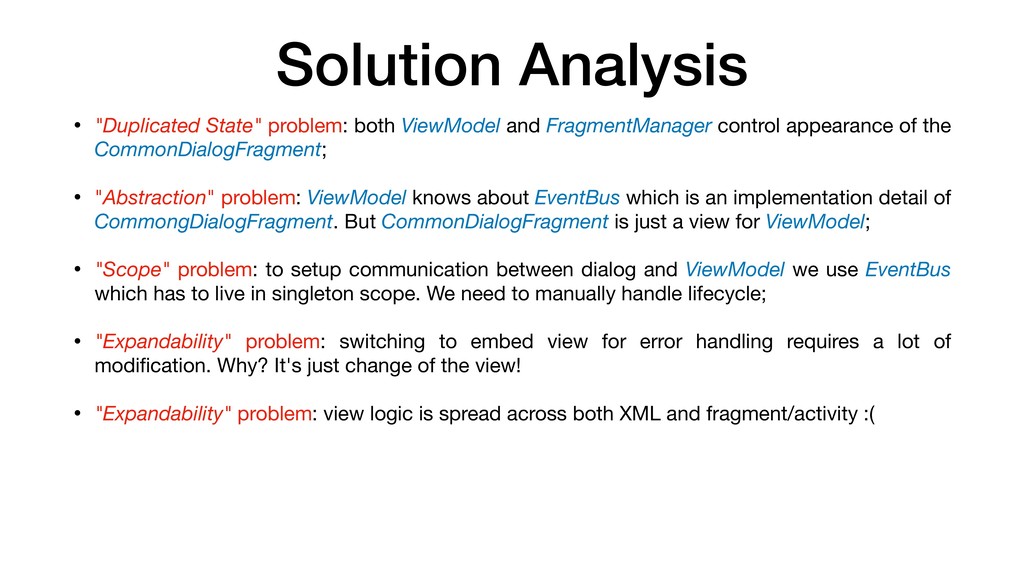
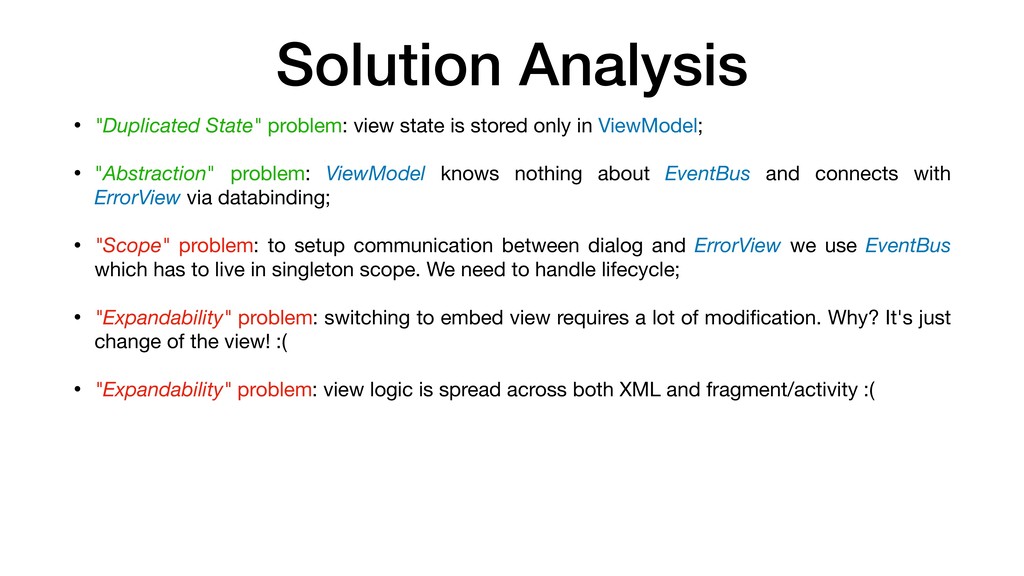
control appearance of the CommonDialogFragment; • "Abstraction" problem: ViewModel knows about EventBus which is an implementation detail of CommongDialogFragment. But CommonDialogFragment is just a view for ViewModel; • "Scope" problem: to setup communication between dialog and ViewModel we use EventBus which has to live in singleton scope. We need to manually handle lifecycle; • "Expandability" problem: switching to embed view for error handling requires a lot of modification. Why? It's just change of the view! • "Expandability" problem: view logic is spread across both XML and fragment/activity :(
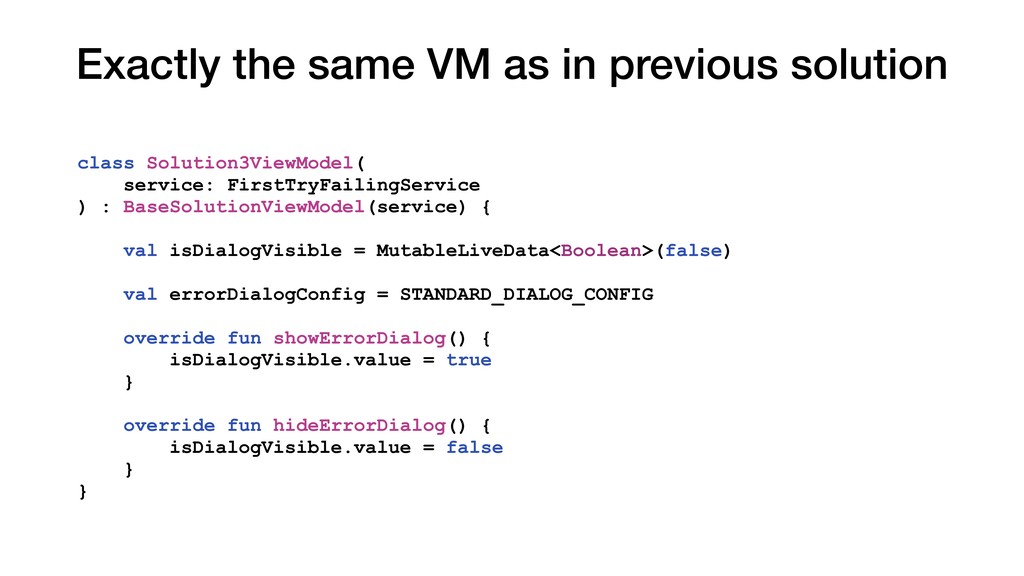
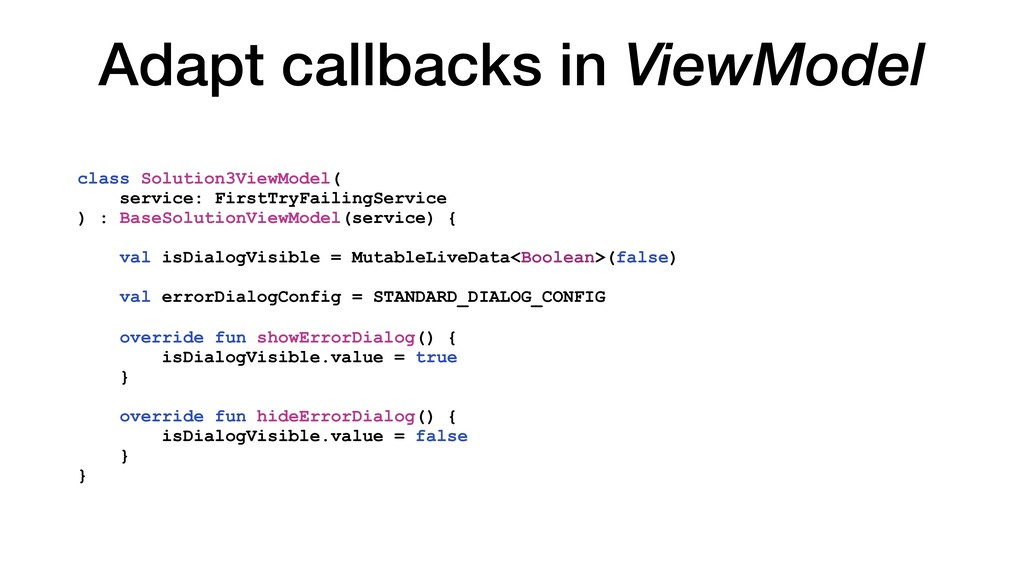
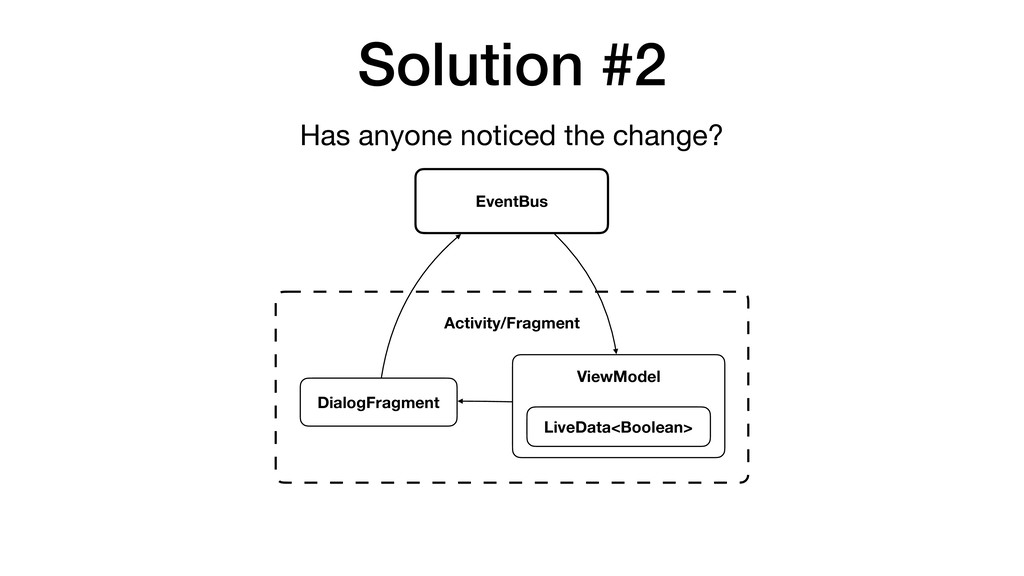
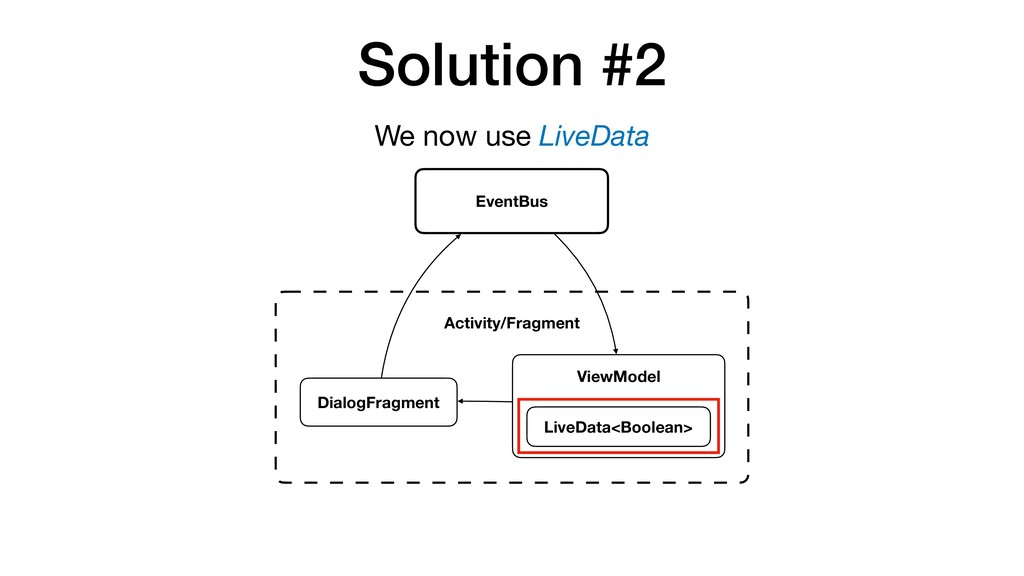
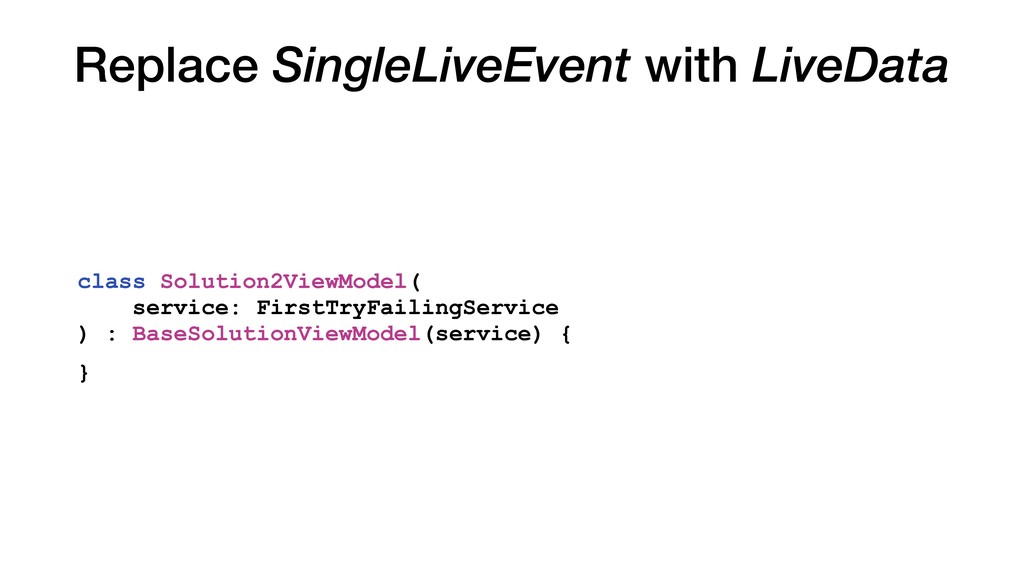
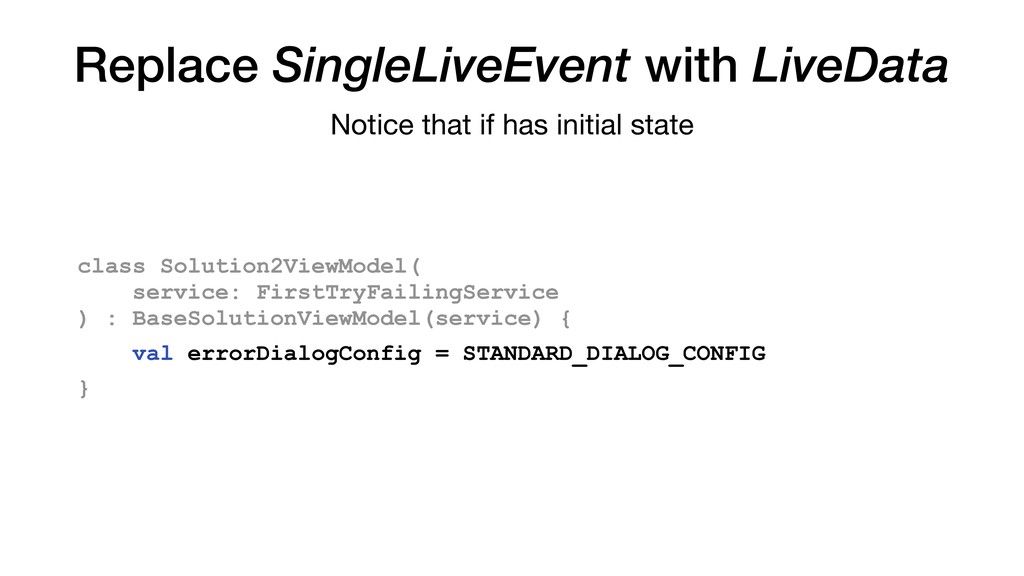
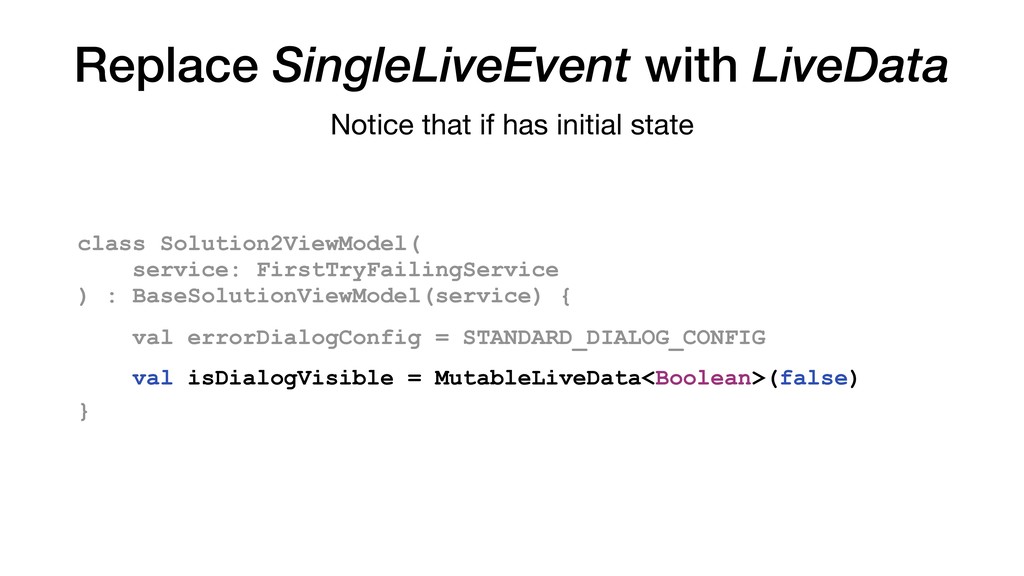
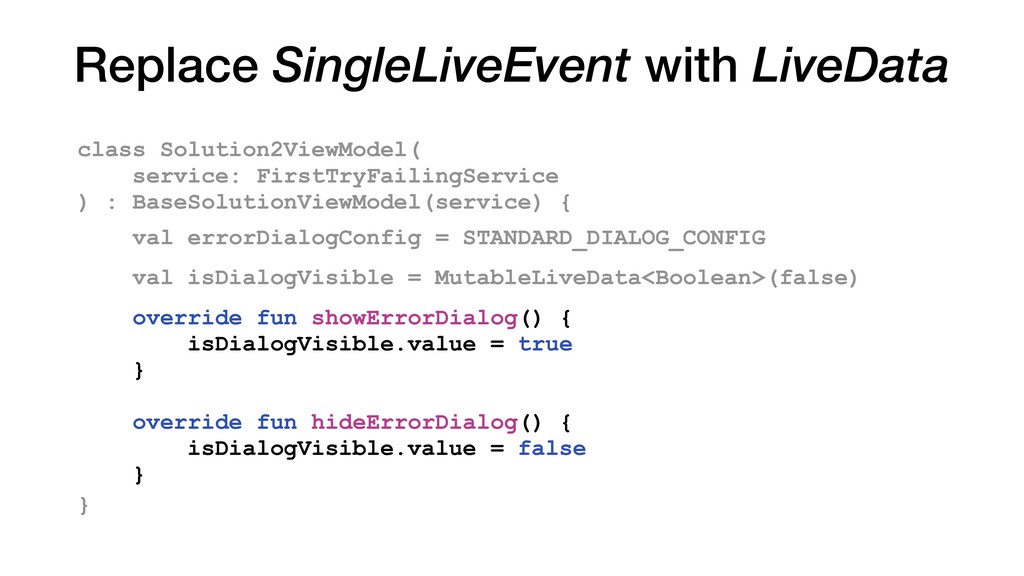
: BaseSolutionViewModel(service) { val isDialogVisible = MutableLiveData<Boolean>(false) Notice that if has initial state val errorDialogConfig = STANDARD_DIALOG_CONFIG
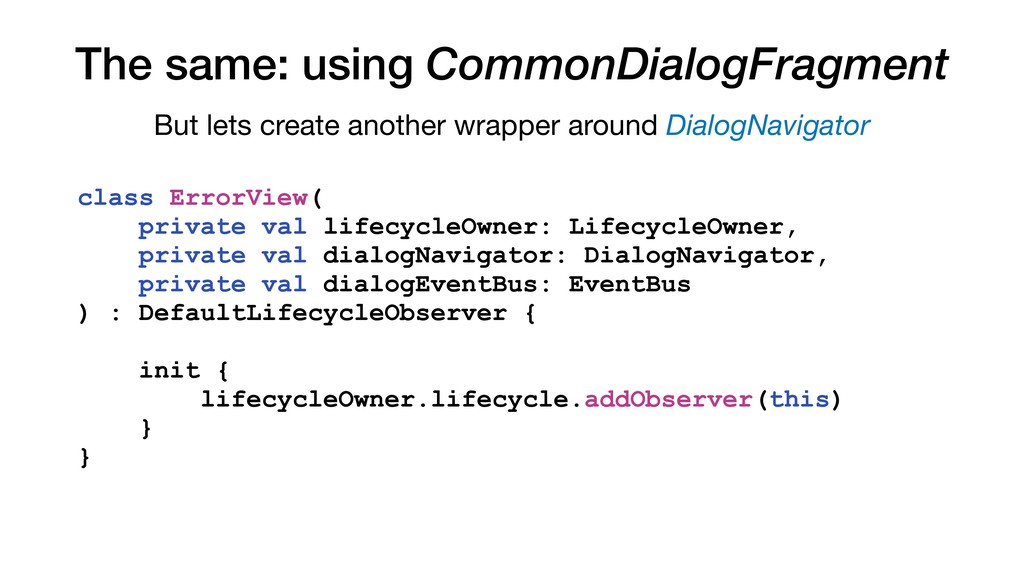
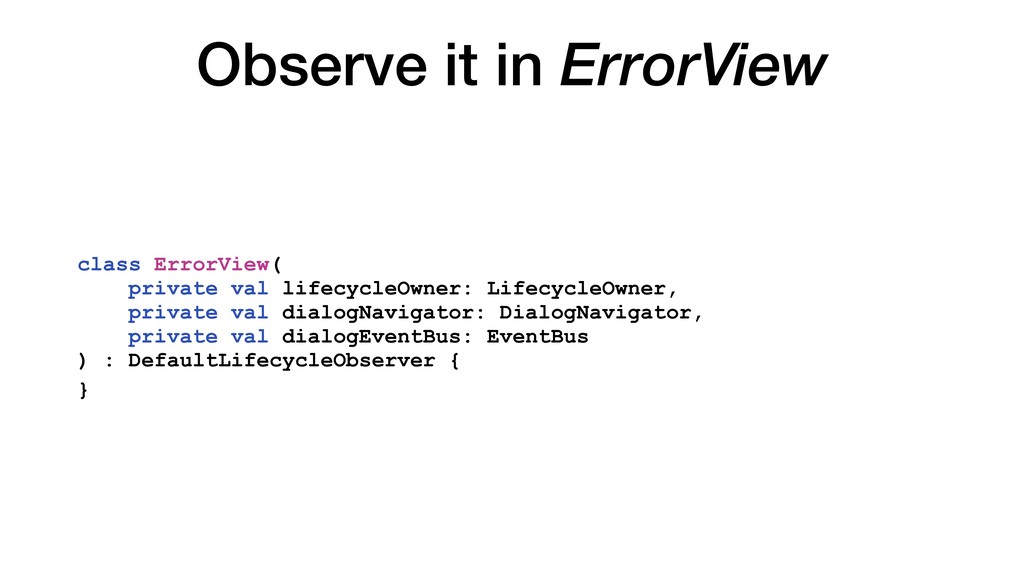
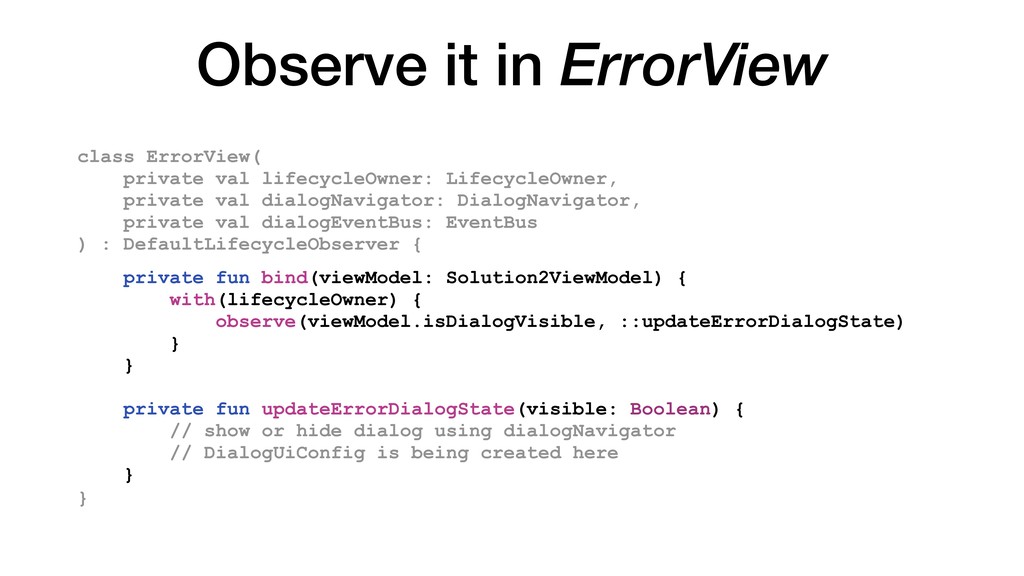
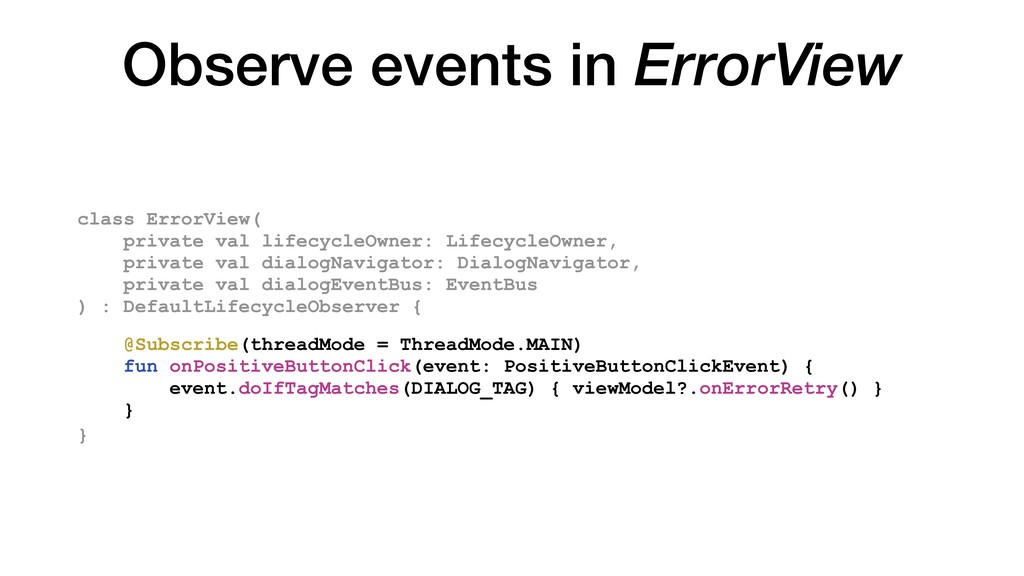
LifecycleOwner, private val dialogNavigator: DialogNavigator, private val dialogEventBus: EventBus ) : DefaultLifecycleObserver { private fun bind(viewModel: Solution2ViewModel) { with(lifecycleOwner) { observe(viewModel.isDialogVisible, ::updateErrorDialogState) } } private fun updateErrorDialogState(visible: Boolean) { // show or hide dialog using dialogNavigator // DialogUiConfig is being created here }
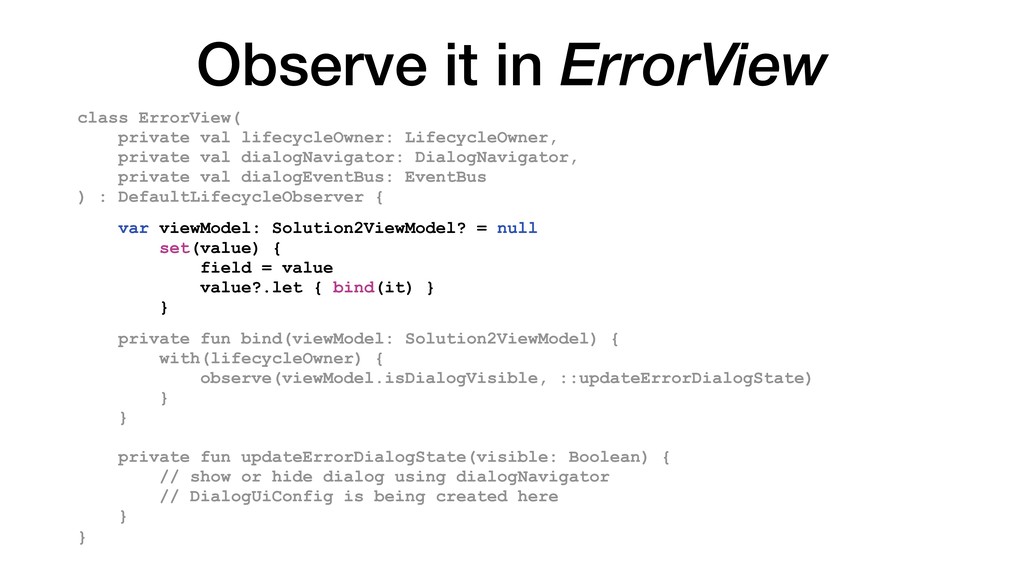
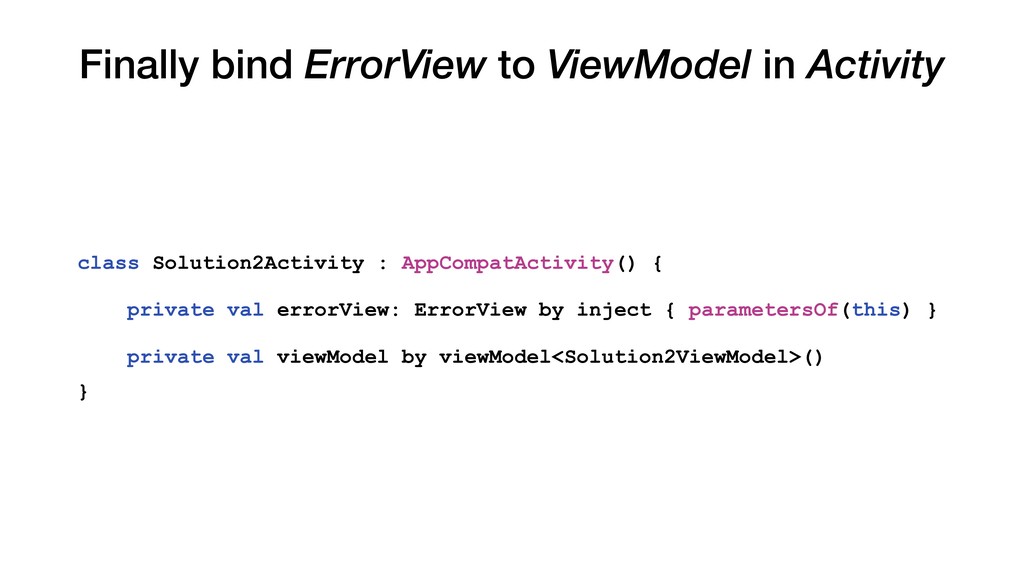
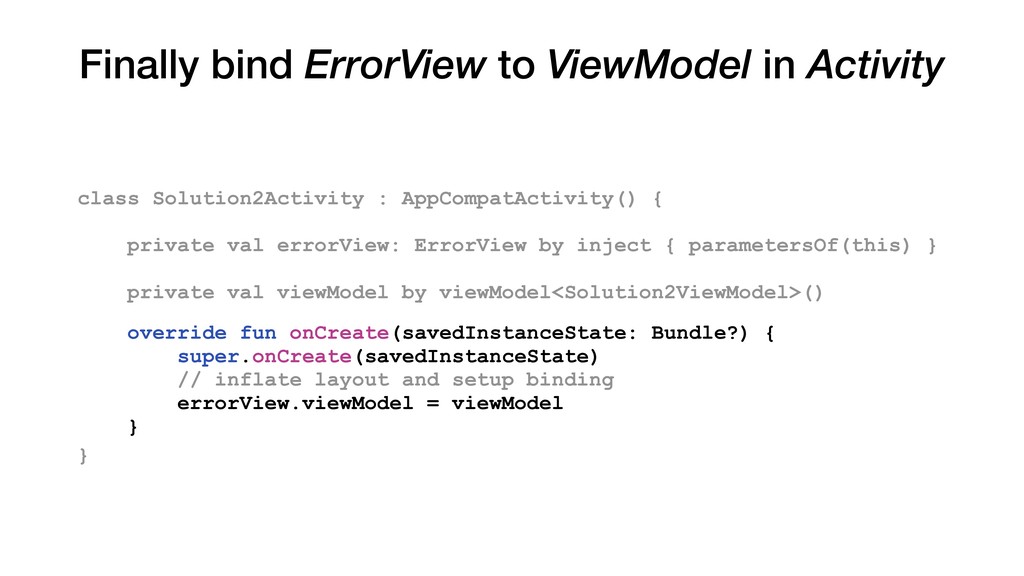
LifecycleOwner, private val dialogNavigator: DialogNavigator, private val dialogEventBus: EventBus ) : DefaultLifecycleObserver { var viewModel: Solution2ViewModel? = null set(value) { field = value value?.let { bind(it) } } private fun bind(viewModel: Solution2ViewModel) { with(lifecycleOwner) { observe(viewModel.isDialogVisible, ::updateErrorDialogState) } } private fun updateErrorDialogState(visible: Boolean) { // show or hide dialog using dialogNavigator // DialogUiConfig is being created here }
and restored FragmentManager DialogFragment in the manager DialogFragment Visible to the user The "Duplicated State" problem - Solved ViewModel LiveData stores "false" LiveData stores "true" No Fragment Not visible Dialog invisible state Remove DialogFragment Remove DialogFragment
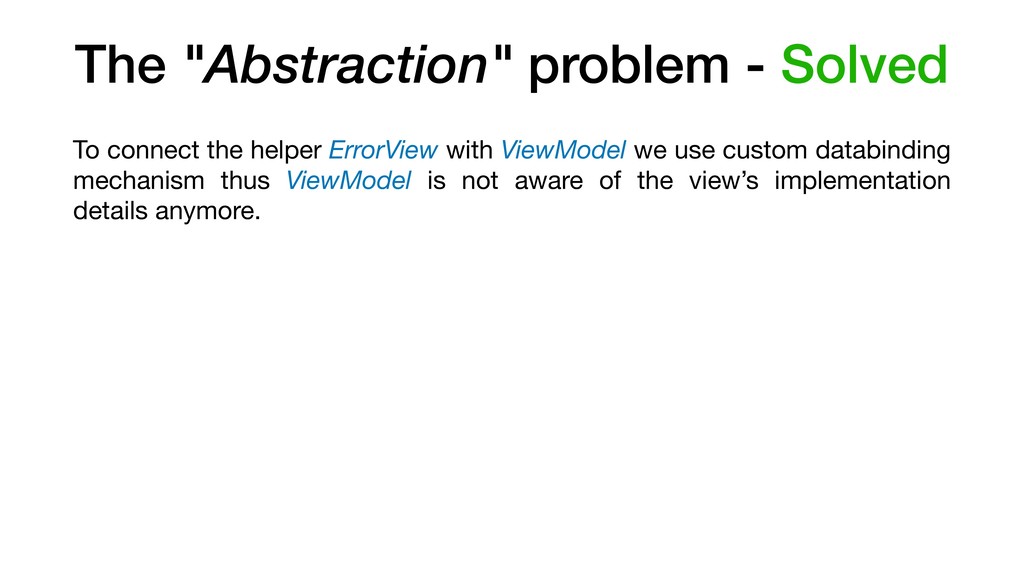
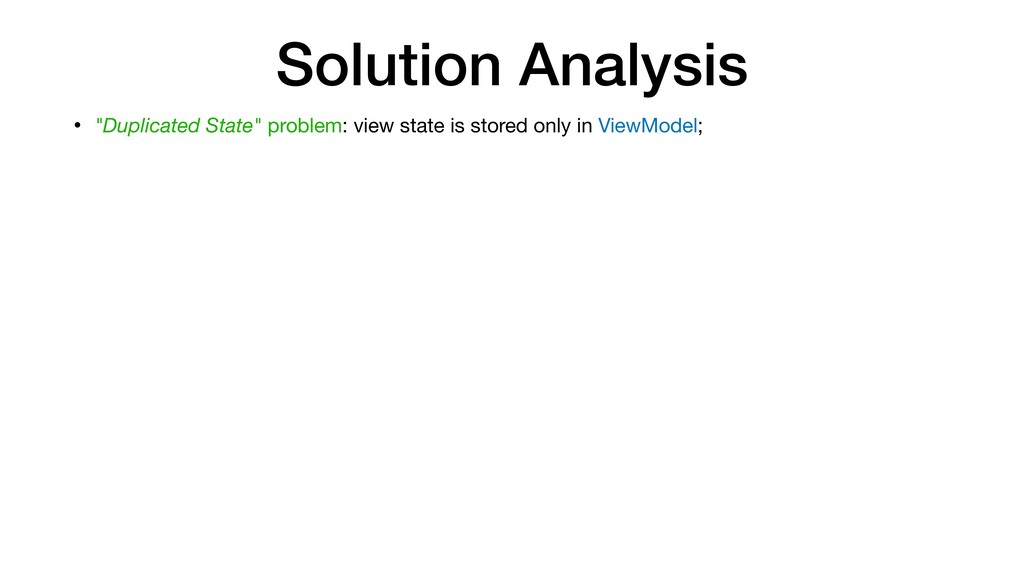
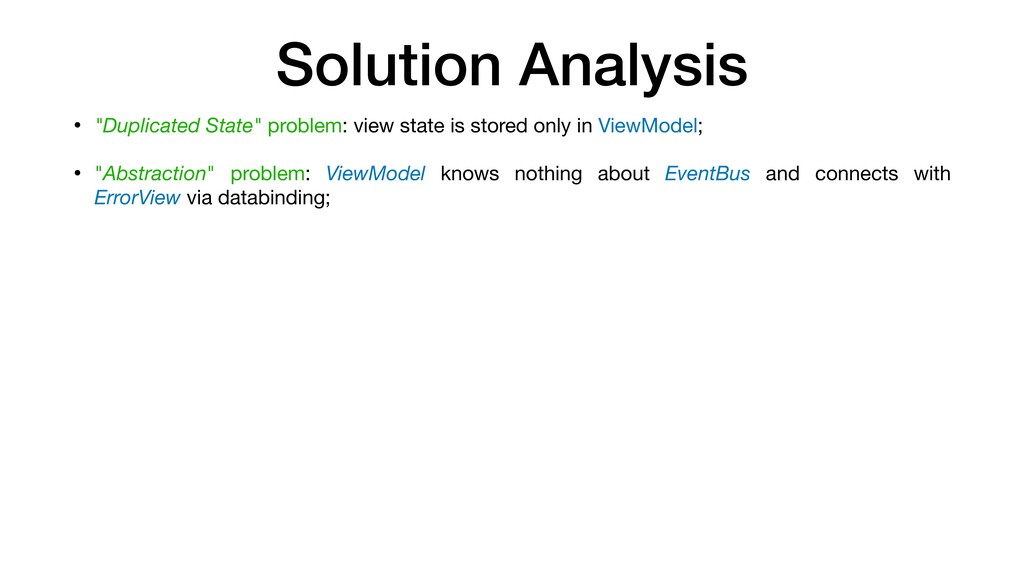
only in ViewModel; • "Abstraction" problem: ViewModel knows nothing about EventBus and connects with ErrorView via databinding; • "Scope" problem: to setup communication between dialog and ErrorView we use EventBus which has to live in singleton scope. We need to handle lifecycle;
only in ViewModel; • "Abstraction" problem: ViewModel knows nothing about EventBus and connects with ErrorView via databinding; • "Scope" problem: to setup communication between dialog and ErrorView we use EventBus which has to live in singleton scope. We need to handle lifecycle; • "Expandability" problem: switching to embed view requires a lot of modification. Why? It's just change of the view! :(
only in ViewModel; • "Abstraction" problem: ViewModel knows nothing about EventBus and connects with ErrorView via databinding; • "Scope" problem: to setup communication between dialog and ErrorView we use EventBus which has to live in singleton scope. We need to handle lifecycle; • "Expandability" problem: switching to embed view requires a lot of modification. Why? It's just change of the view! :( • "Expandability" problem: view logic is spread across both XML and fragment/activity :(
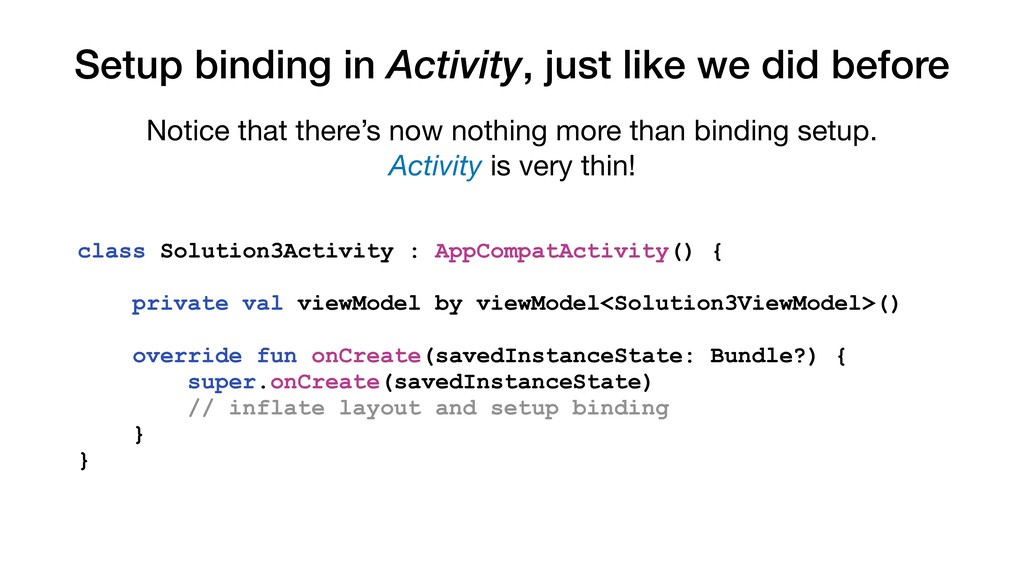
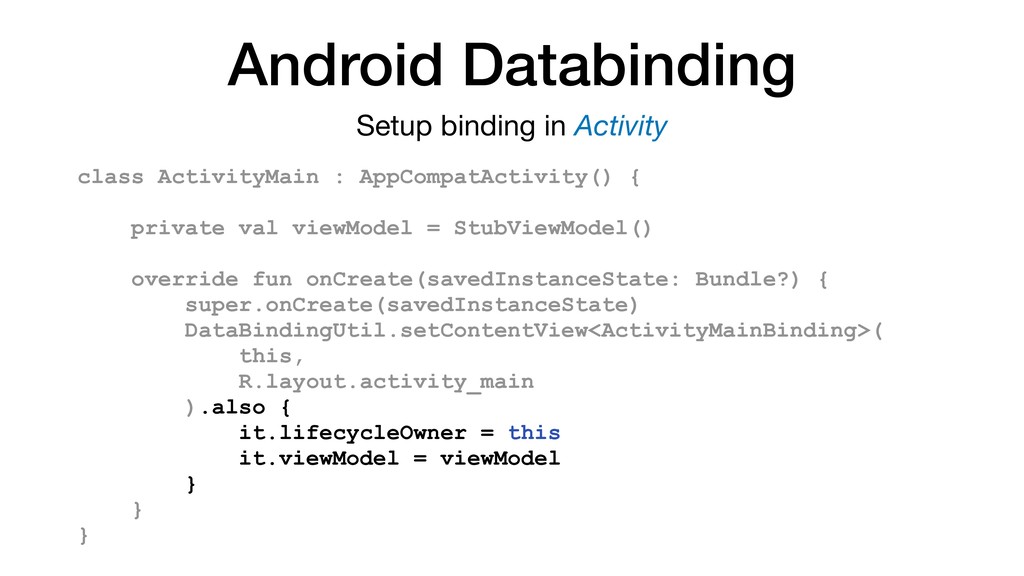
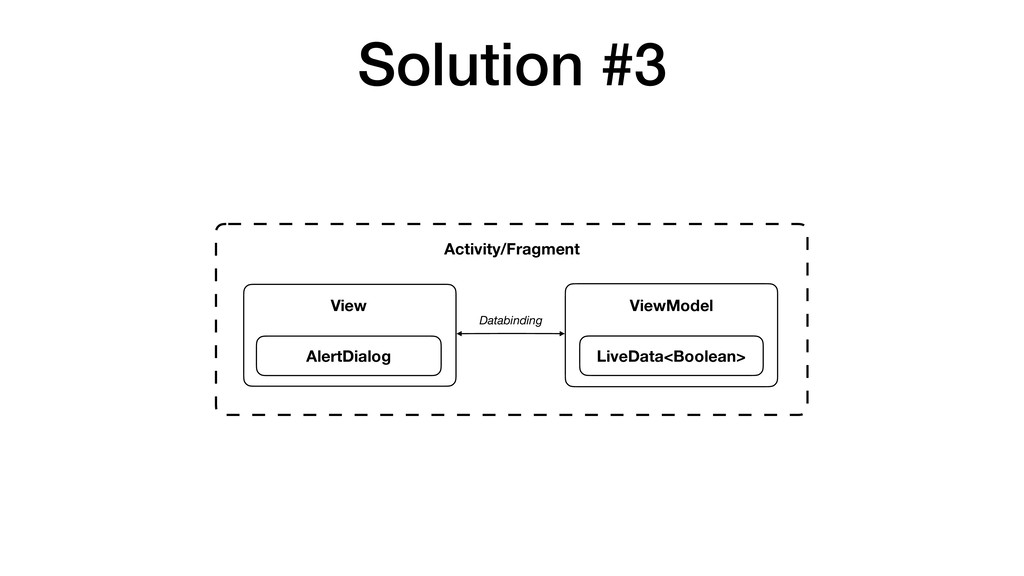
that there’s now nothing more than binding setup. Activity is very thin! class Solution3Activity : AppCompatActivity() { private val viewModel by viewModel<Solution3ViewModel>() override fun onCreate(savedInstanceState: Bundle?) { super.onCreate(savedInstanceState) // inflate layout and setup binding } }
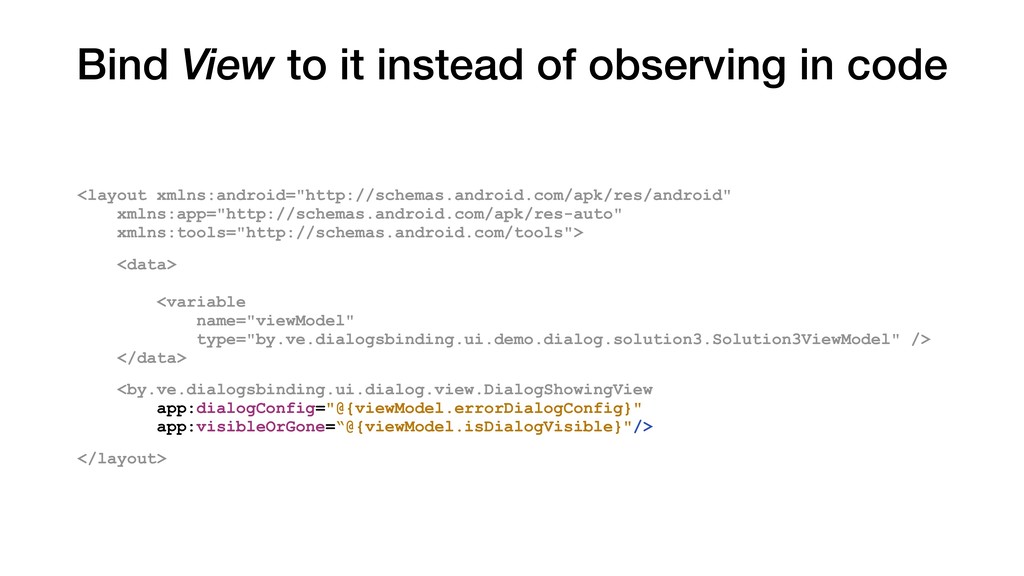
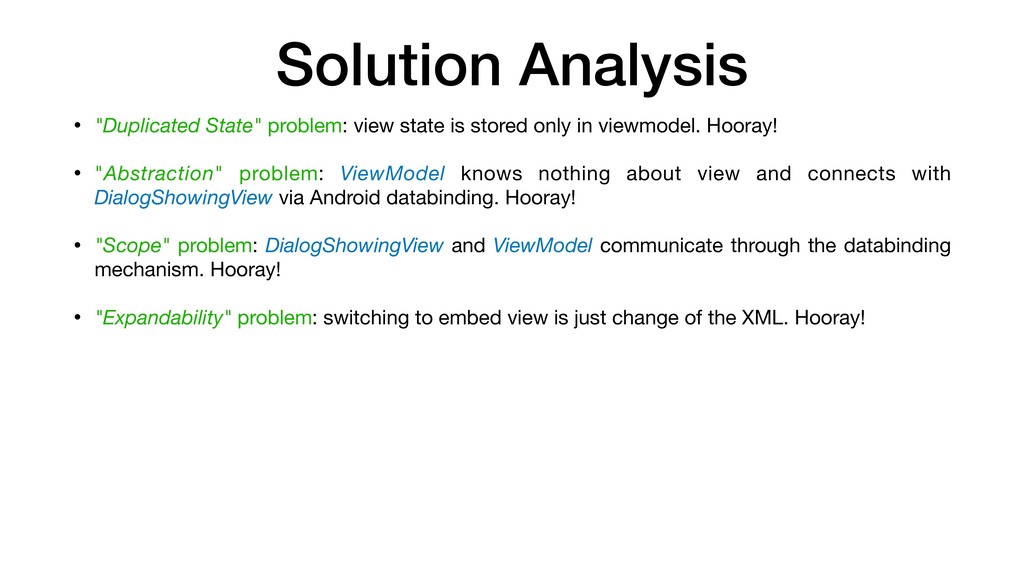
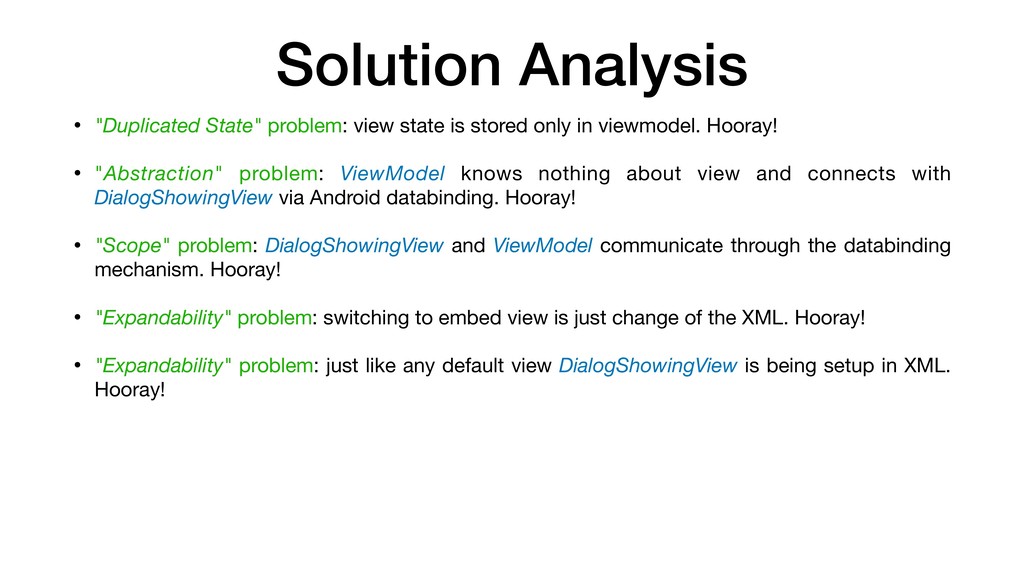
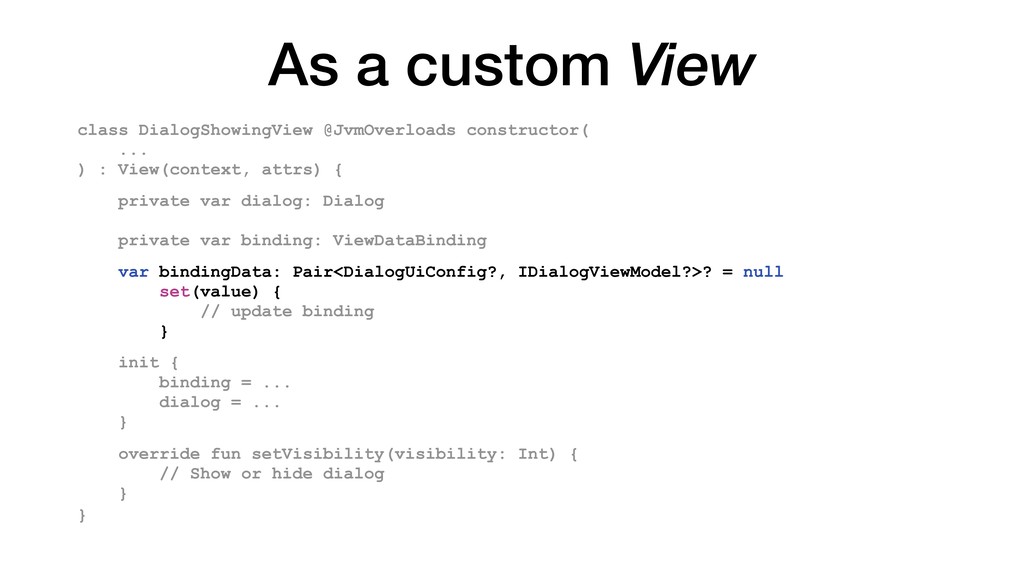
only in viewmodel. Hooray! • "Abstraction" problem: ViewModel knows nothing about view and connects with DialogShowingView via Android databinding. Hooray!
only in viewmodel. Hooray! • "Abstraction" problem: ViewModel knows nothing about view and connects with DialogShowingView via Android databinding. Hooray! • "Scope" problem: DialogShowingView and ViewModel communicate through the databinding mechanism. Hooray!
only in viewmodel. Hooray! • "Abstraction" problem: ViewModel knows nothing about view and connects with DialogShowingView via Android databinding. Hooray! • "Scope" problem: DialogShowingView and ViewModel communicate through the databinding mechanism. Hooray! • "Expandability" problem: switching to embed view is just change of the XML. Hooray!
only in viewmodel. Hooray! • "Abstraction" problem: ViewModel knows nothing about view and connects with DialogShowingView via Android databinding. Hooray! • "Scope" problem: DialogShowingView and ViewModel communicate through the databinding mechanism. Hooray! • "Expandability" problem: switching to embed view is just change of the XML. Hooray! • "Expandability" problem: just like any default view DialogShowingView is being setup in XML. Hooray!
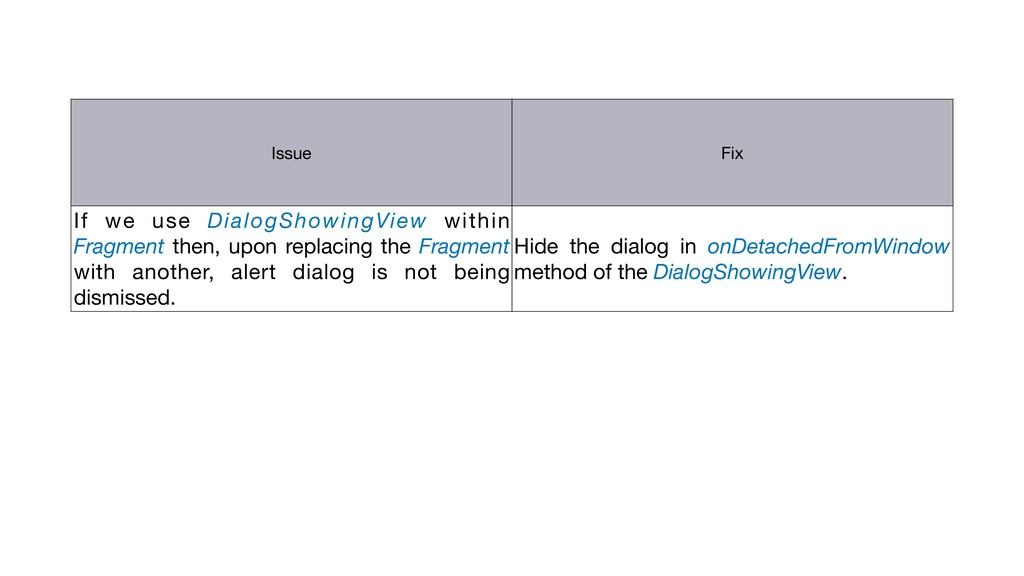
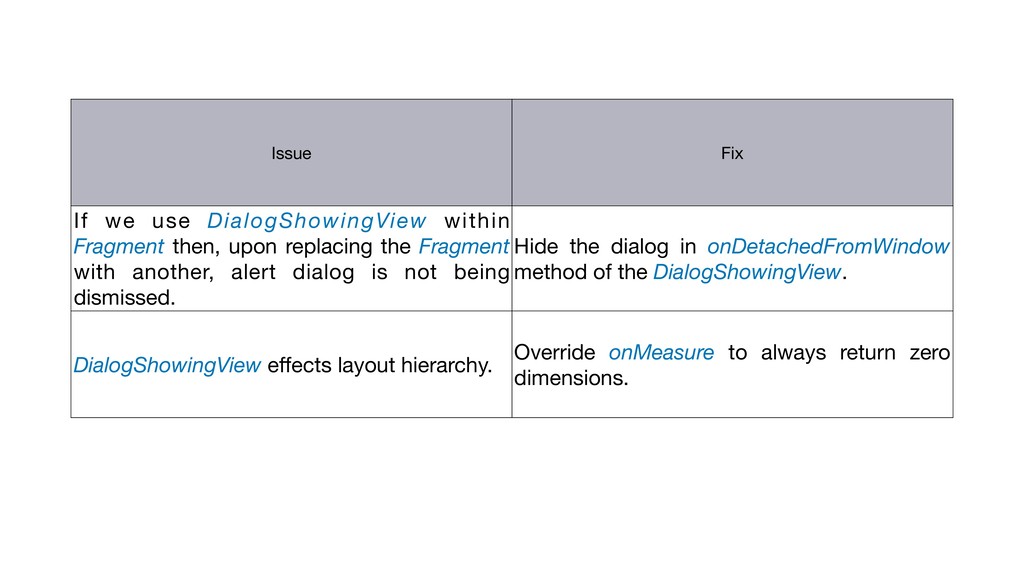
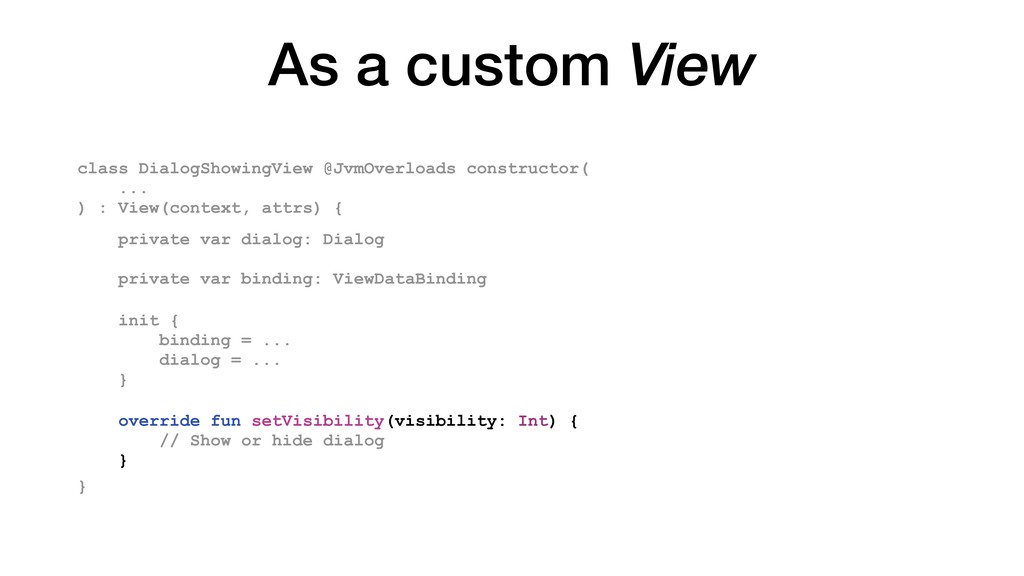
Fragment with another, alert dialog is not being dismissed. Hide the dialog in onDetachedFromWindow method of the DialogShowingView. DialogShowingView effects layout hierarchy. Override onMeasure to always return zero dimensions. Issue Fix
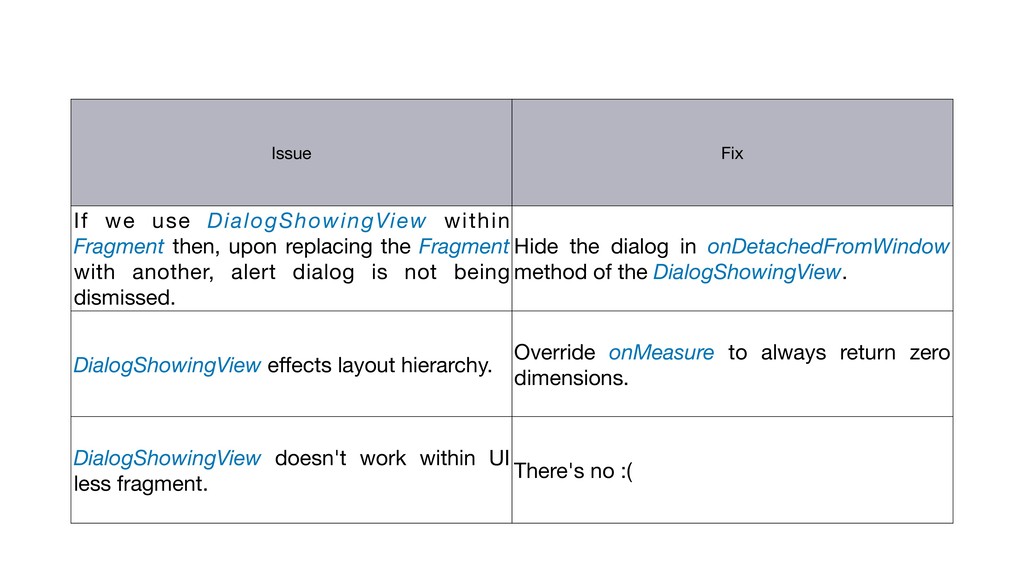
Fragment with another, alert dialog is not being dismissed. Hide the dialog in onDetachedFromWindow method of the DialogShowingView. DialogShowingView effects layout hierarchy. Override onMeasure to always return zero dimensions. DialogShowingView doesn't work within UI less fragment. There's no :( Issue Fix
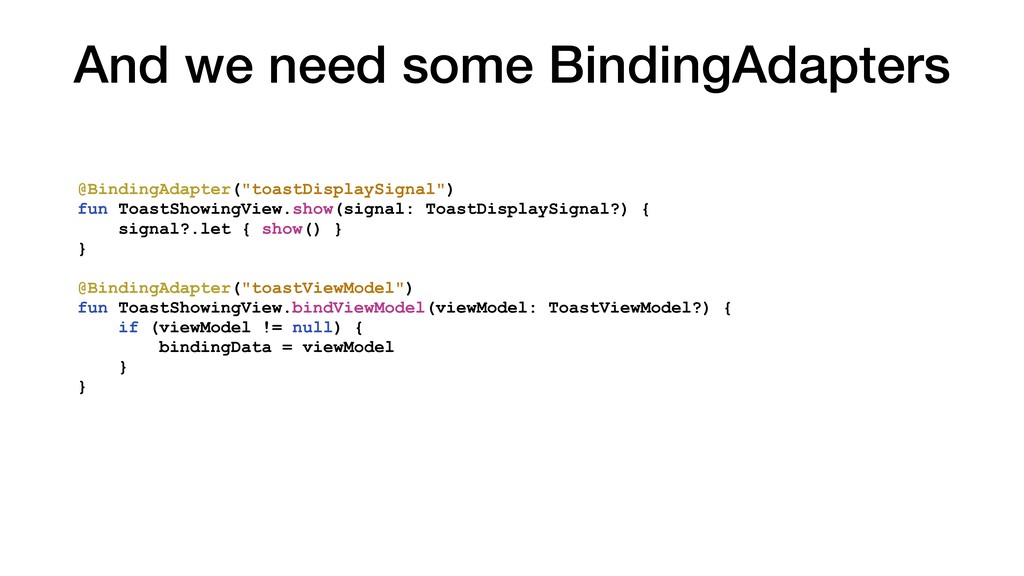
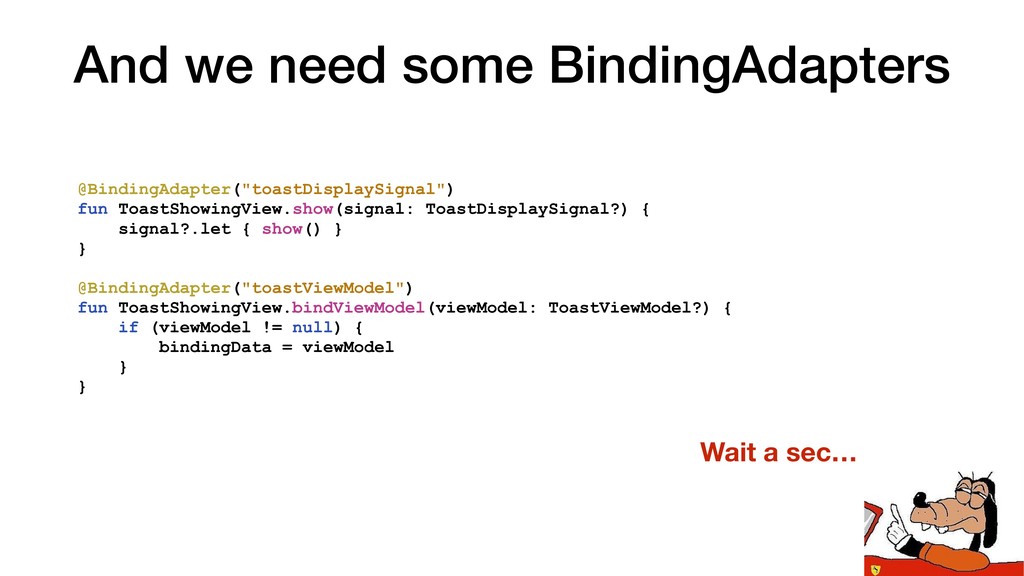
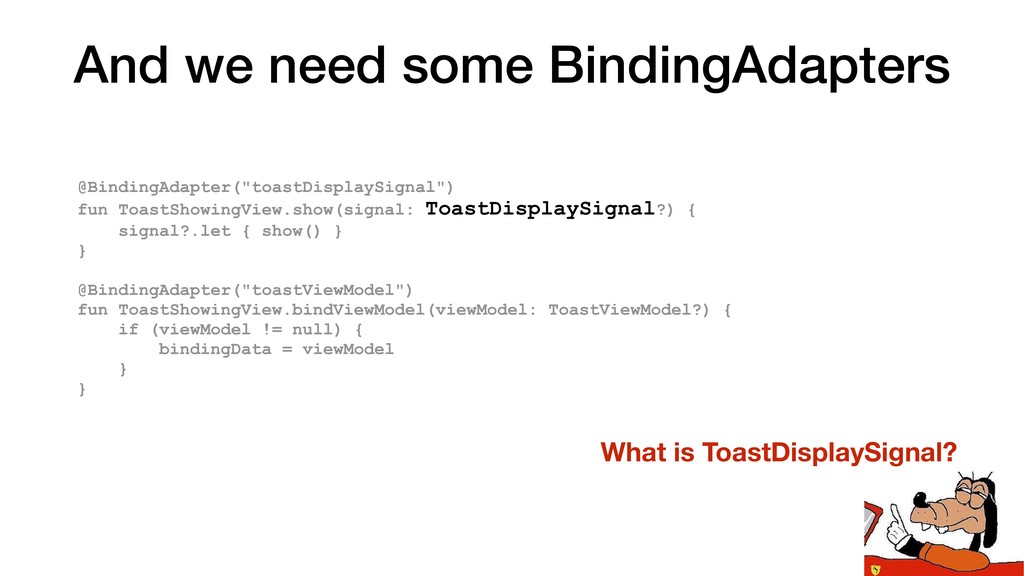
@BindingAdapter("toastViewModel") fun ToastShowingView.bindViewModel(viewModel: ToastViewModel?) { if (viewModel != null) { bindingData = viewModel } } And we need some BindingAdapters
@BindingAdapter("toastViewModel") fun ToastShowingView.bindViewModel(viewModel: ToastViewModel?) { if (viewModel != null) { bindingData = viewModel } } And we need some BindingAdapters Wait a sec…
@BindingAdapter("toastViewModel") fun ToastShowingView.bindViewModel(viewModel: ToastViewModel?) { if (viewModel != null) { bindingData = viewModel } } And we need some BindingAdapters What is ToastDisplaySignal?
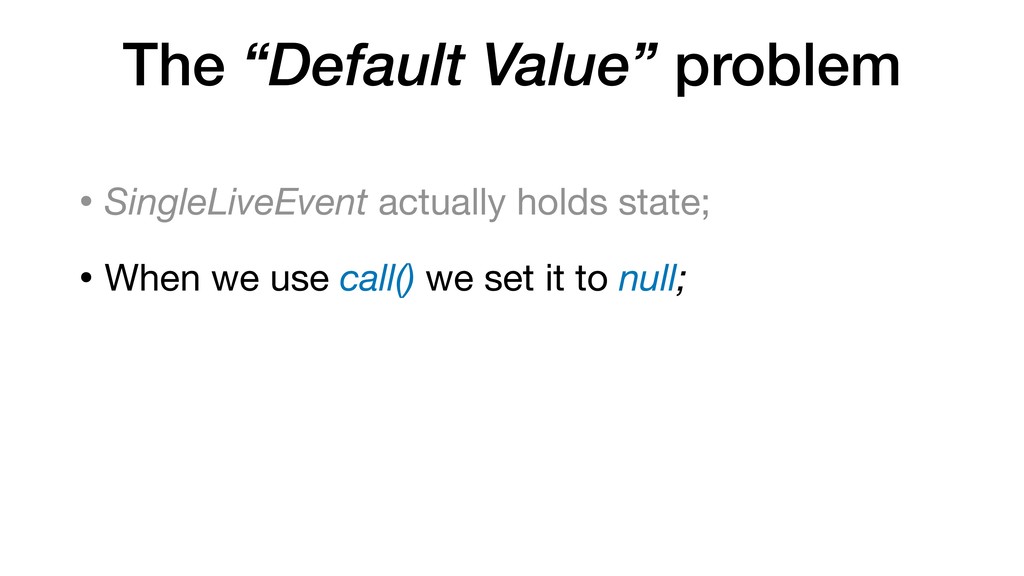
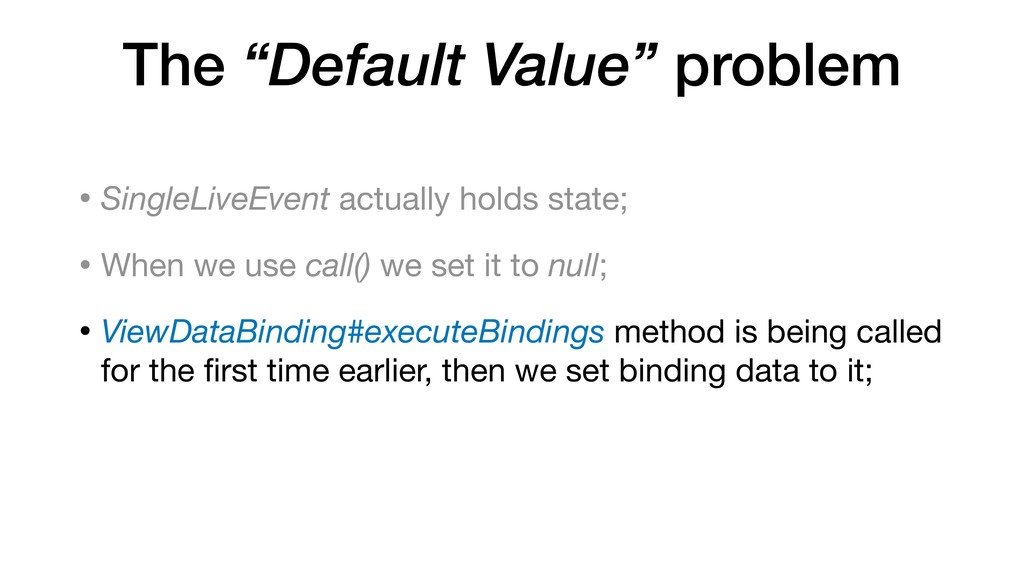
When we use call() we set it to null; • ViewDataBinding#executeBindings method is being called for the first time earlier, then we set binding data to it;
When we use call() we set it to null; • ViewDataBinding#executeBindings method is being called for the first time earlier, then we set binding data to it; • And thus it passes default value to the binding adapters. This value is null;
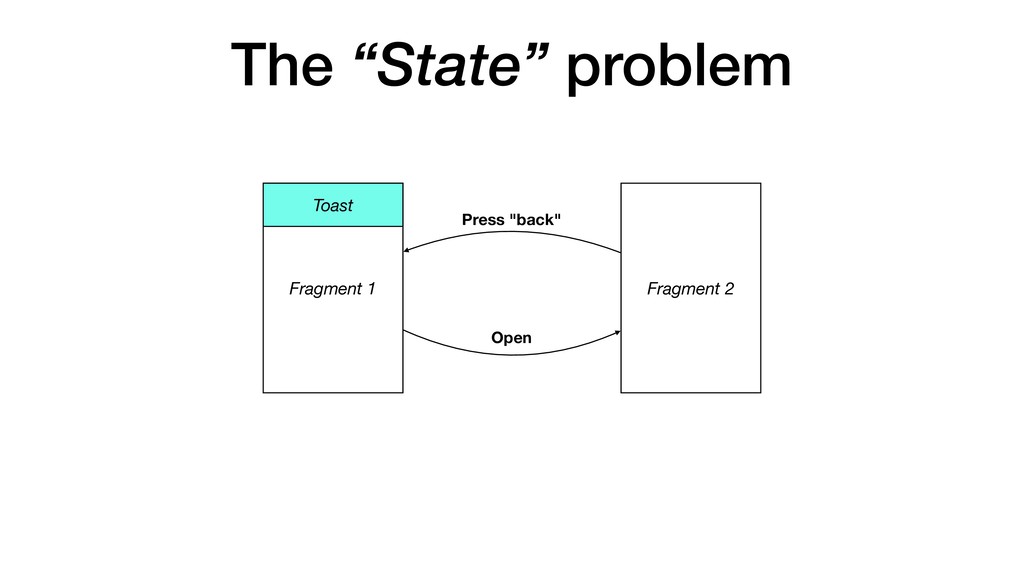
holds state; • ViewDataBinding#executeBindings is being executed each time we get back to the first Fragment; • It gets value of SingleLiveEvent via getter;
holds state; • ViewDataBinding#executeBindings is being executed each time we get back to the first Fragment; • It gets value of SingleLiveEvent via getter; • That value is not null anymore as we’ve already shown the Toast;
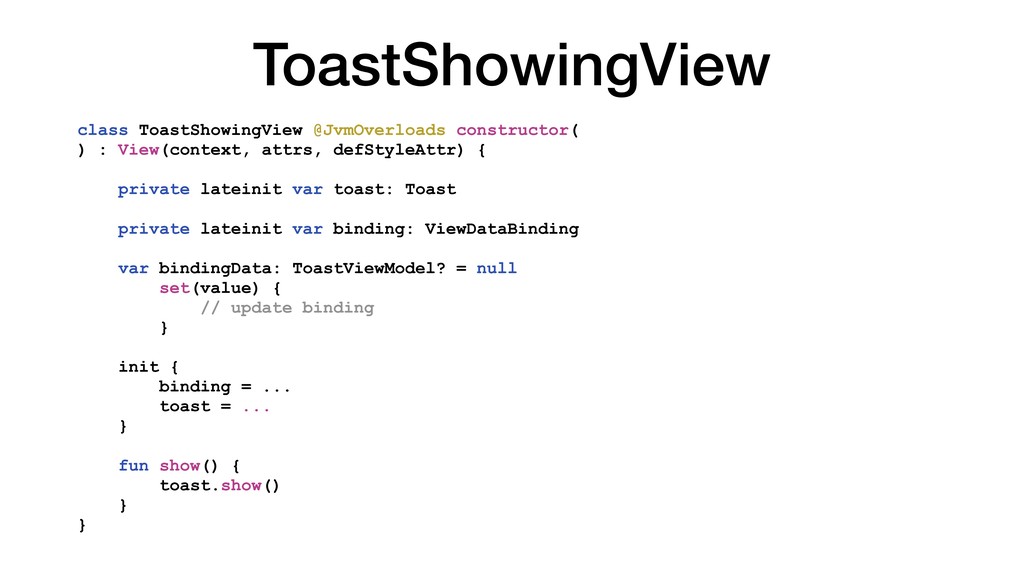
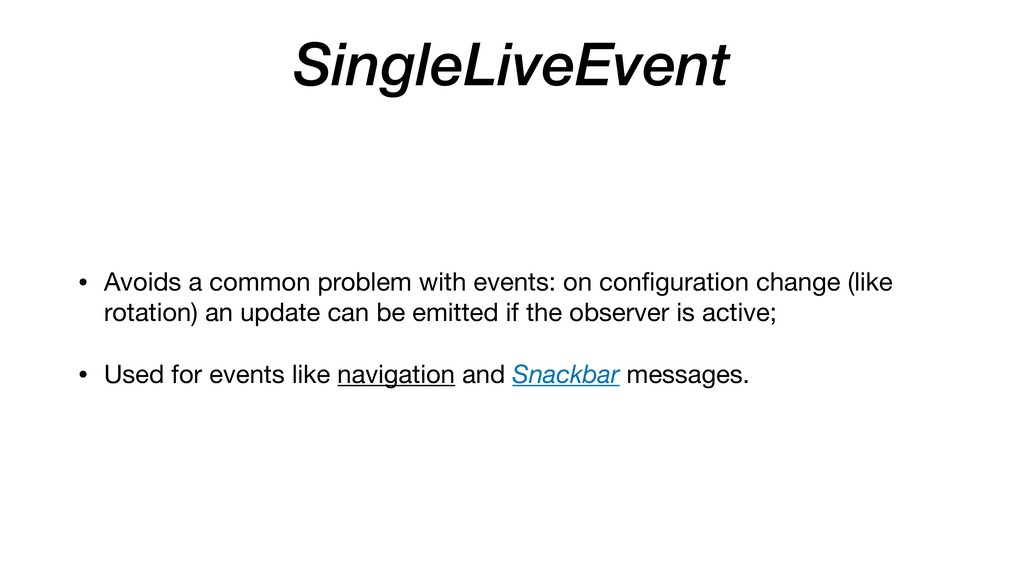
be setup in layout.xml and managed as any other Android View; • Helper views, which display them, must have zero dimensions; • To use SingleLiveEvent with databinding you need to "fix" it first!


 kasacchiful
 y0hgi
y0hgi
 tmikov2023
 naokihaba
 marcoroth
 iwiwi
iwiwi
 panda728
 findyinc
 n_takehata
 a_matsuda
 lynnswap
.jpg) yumnumm
yumnumm
 morganepeng
 ryanjones
 malarkey
 charlesmeaden
 inesmontani
 sergeychernyshev
 coloredviolet
 rkendrick25
 akashhashmi
 keathley
 jnunemaker
 badams
![And we need some BindingAdapters @BindingAdapter(value = ["dialogConfig", "dialogViewModel"], requireAll](https://files.speakerdeck.com/presentations/033e7403cae343cca6cd3c8e6a12d098/slide_93.jpg)