Upgrade to Pro — share decks privately, control downloads, hide ads and more …

100 Cyber Attack Vectors Every Business Must Know

100 Cyber Attack Vectors Every Business Must Know

Many organizations still face serious cybersecurity risks despite holding certifications. The issue arises because certifications often emphasize broad compliance standards instead of addressing evolving, real-world threats. This can create blind spots, inconsistent defenses, and a false sense of security, leaving companies vulnerable. To address this, the CyberUpgrade Team ( https://cyberupgrade.net/ ) developed a practical guide that highlights the most dangerous cyberattack vectors and provides actionable defense strategies. The guide helps organizations assess their true security posture, close critical gaps, and strengthen resilience against rapidly changing cyber threats.

Avatar for Marius Ilgauskas

Marius Ilgauskas

August 29, 2025

Other Decks in Education

Transcript

  1. 100 Cyber Attack Vectors Every Business Must Know Your Guide
    for Cybersecurity Resilience by Cyber Upgrade
  2. After working with hundreds of clients, we noticed a troubling

    pattern: even with certifications in place, many organizations remain vulnerable to cyberattacks. This often happens because certifications focus on broad standards rather than specific threats, leaving gaps in protection. As cyber threats evolve rapidly, certifications may not keep up, causing critical vulnerabilities to be overlooked.

 Additionally, inconsistent implementation of controls and a false sense of security from certification can lead to incomplete defenses. Organizations might believe they’re fully protected, neglecting the need for continuous monitoring and updates, which leaves them exposed to significant risks.

 On paper, your compliance might look solid – you’ve got all the controls for, say, phishing attacks in place. But when you conduct a thorough evaluation, the reality hits: your defenses are falling short. A Word from the CyberUpgrade Team
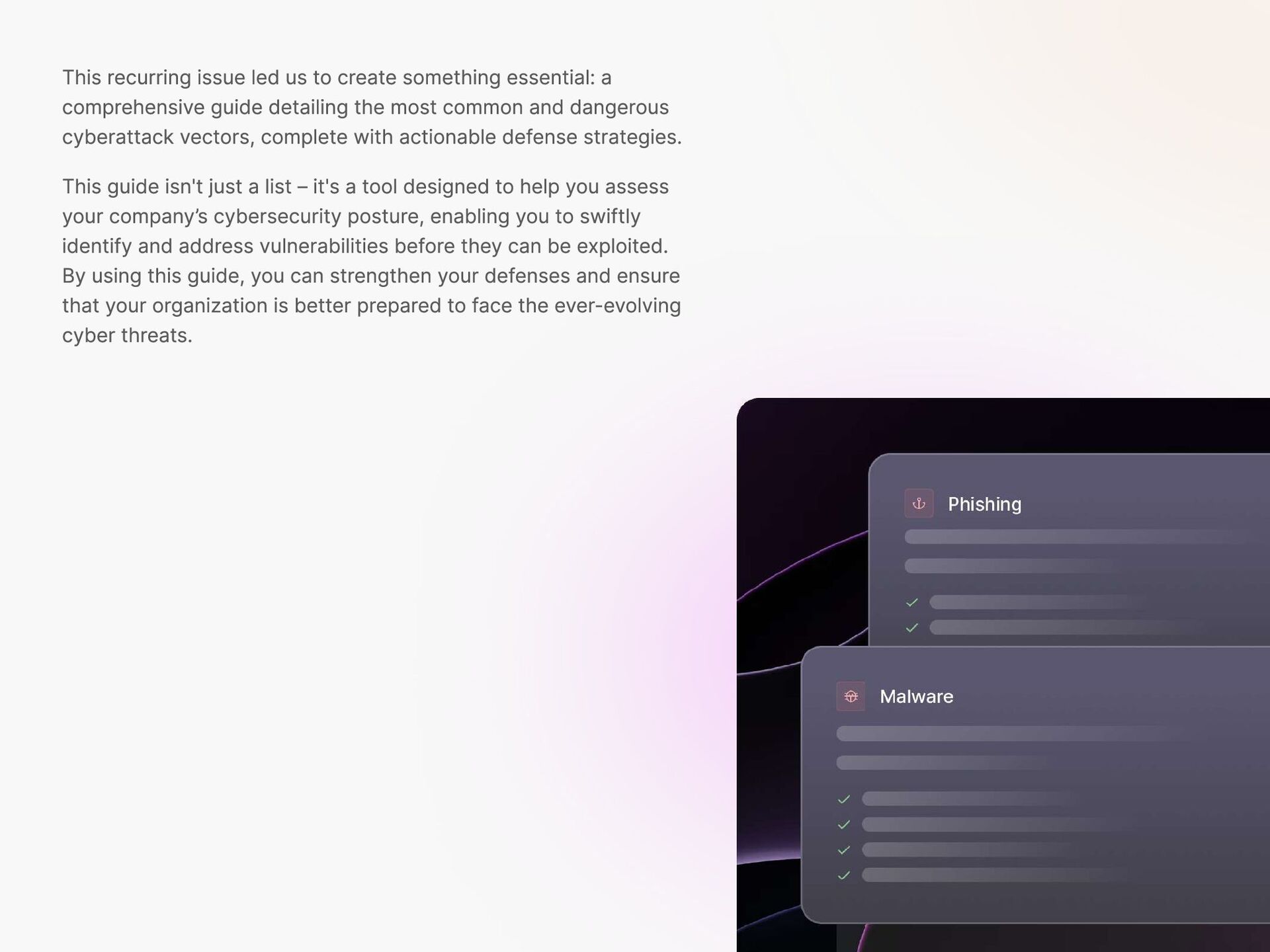
  3. This recurring issue led us to create something essential: a

    comprehensive guide detailing the most common and dangerous cyberattack vectors, complete with actionable defense strategies. This guide isn't just a list – it's a tool designed to help you assess your company’s cybersecurity posture, enabling you to swiftly identify and address vulnerabilities before they can be exploited. By using this guide, you can strengthen your defenses and ensure that your organization is better prepared to face the ever-evolving cyber threats.
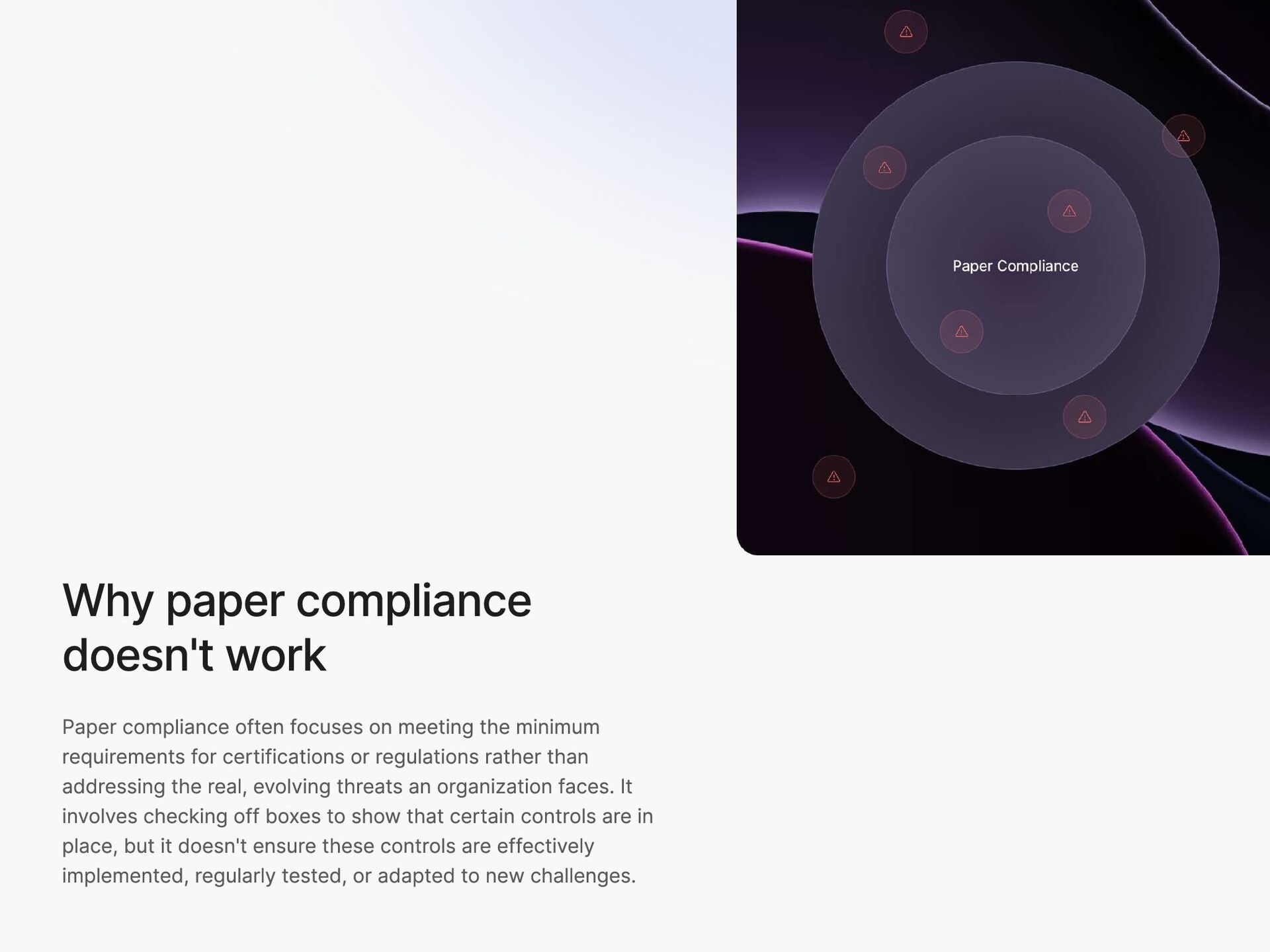
  4. Why paper compliance doesn't work Paper compliance often focuses on

    meeting the minimum requirements for certifications or regulations rather than addressing the real, evolving threats an organization faces. It involves checking off boxes to show that certain controls are in place, but it doesn't ensure these controls are effectively implemented, regularly tested, or adapted to new challenges.
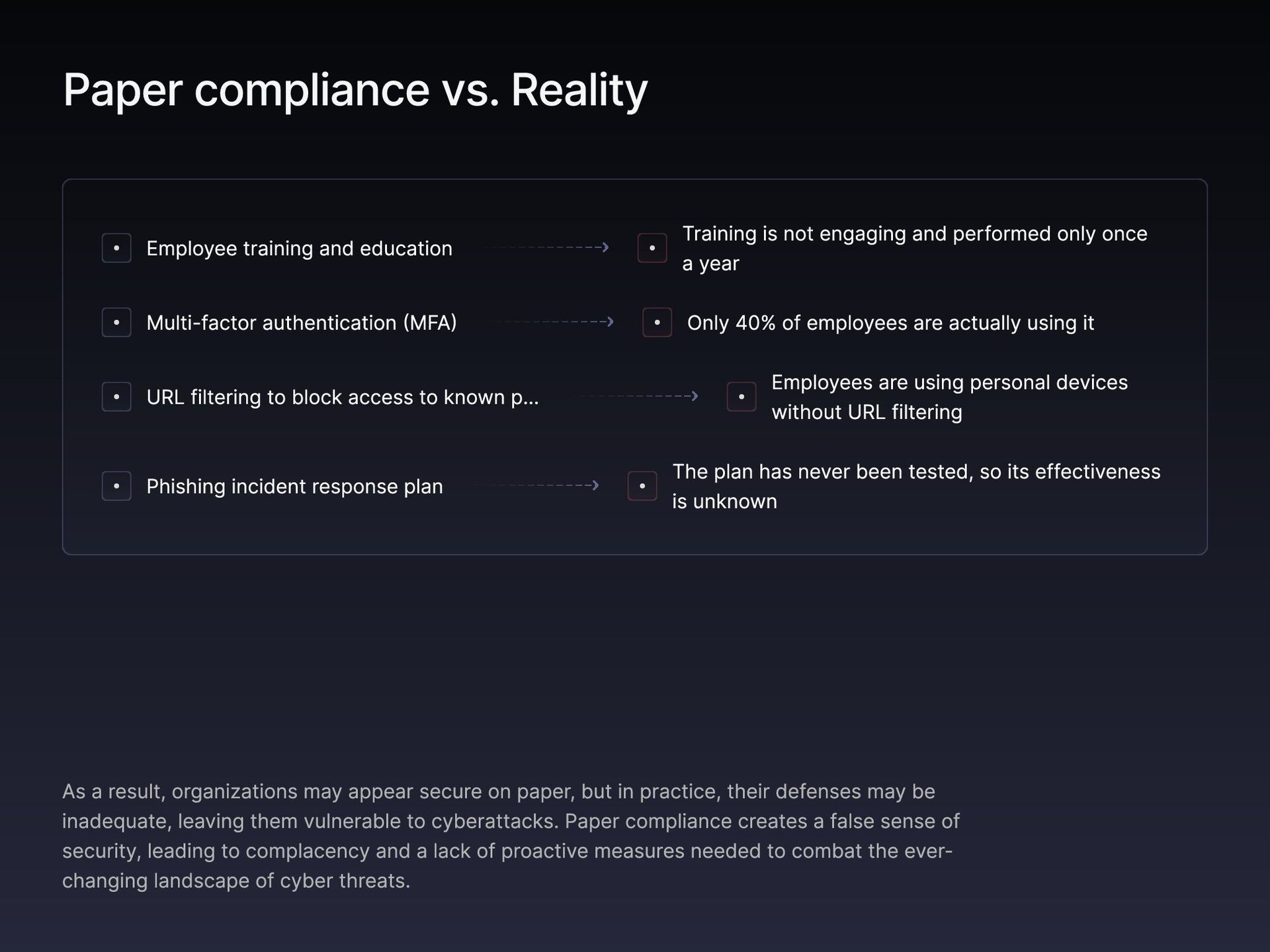
  5. Paper compliance vs. Reality Employee training and education Training is

    not engaging and performed only once a year Multi-factor authentication (MFA) Only 40% of employees are actually using it URL filtering to block access to known –“ Employees are using personal devices without URL filtering Phishing incident response plan The plan has never been tested, so its effectiveness is unknown As a result, organizations may appear secure on paper, but in practice, their defenses may be inadequate, leaving them vulnerable to cyberattacks. Paper compliance creates a false sense of security, leading to complacency and a lack of proactive measures needed to combat the ever- changing landscape of cyber threats.
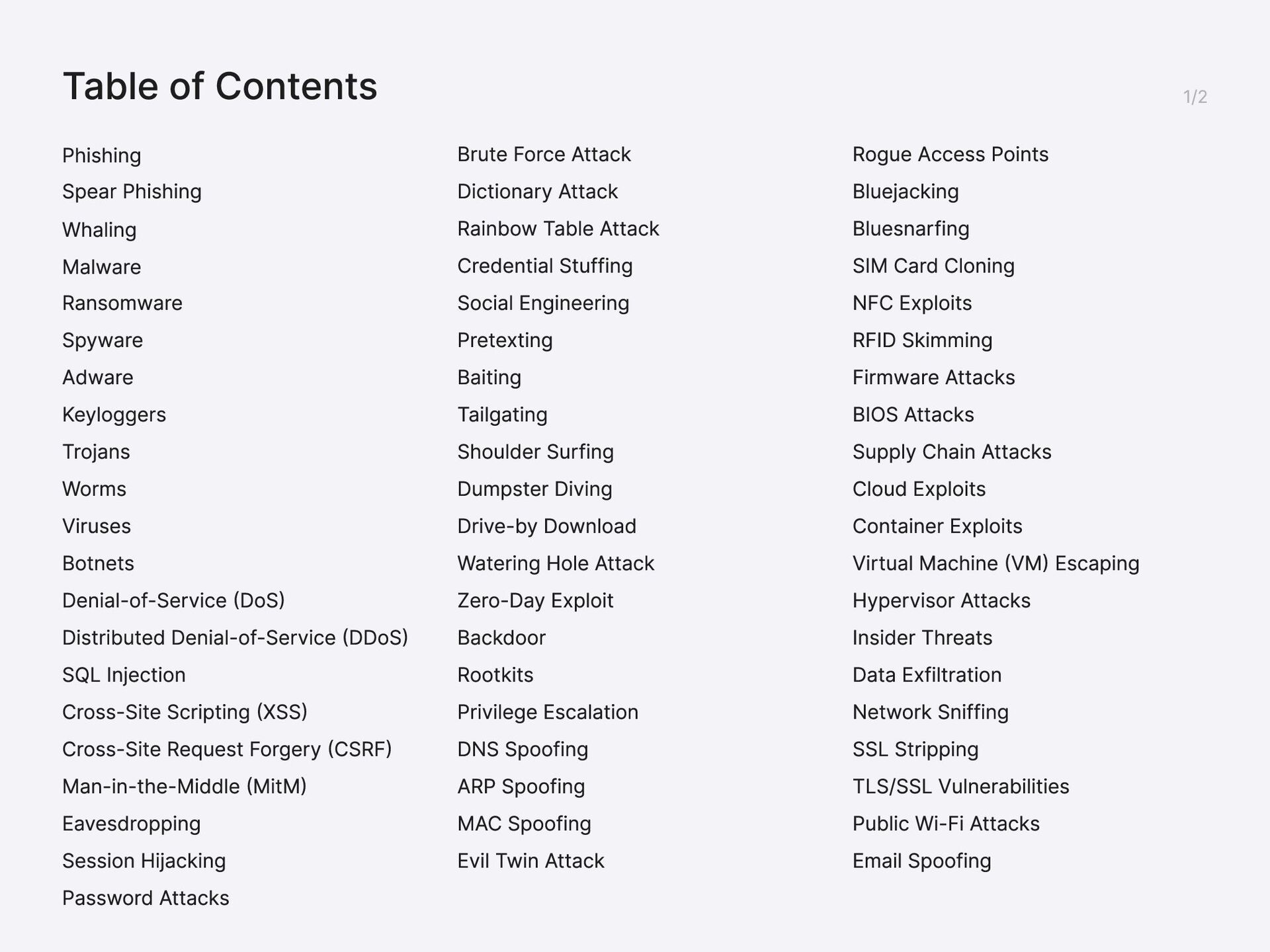
  6. Table of Contents Phishing Spear Phishing Whaling Malware Ransomware Spyware

    Adware Keyloggers Trojans Worms Viruses Botnets Denial-of-Service (DoS) Distributed Denial-of-Service (DDoS) SQL Injection Cross-Site Scripting (XSS) Cross-Site Request Forgery (CSRF) Man-in-the-Middle (MitM) Eavesdropping Session Hijacking Password Attacks Brute Force Attack Dictionary Attack Rainbow Table Attack Credential Stuffing Social Engineering Pretexting Baiting Tailgating Shoulder Surfing Dumpster Diving Drive-by Download Watering Hole Attack Zero-Day Exploit Backdoor Rootkits Privilege Escalation DNS Spoofing ARP Spoofing MAC Spoofing Evil Twin Attack Rogue Access Points Bluejacking Bluesnarfing SIM Card Cloning NFC Exploits RFID Skimming Firmware Attacks BIOS Attacks Supply Chain Attacks Cloud Exploits Container Exploits Virtual Machine (VM) Escaping Hypervisor Attacks Insider Threats Data Exfiltration Network Sniffing SSL Stripping TLS/SSL Vulnerabilities Public Wi-Fi Attacks Email Spoofing
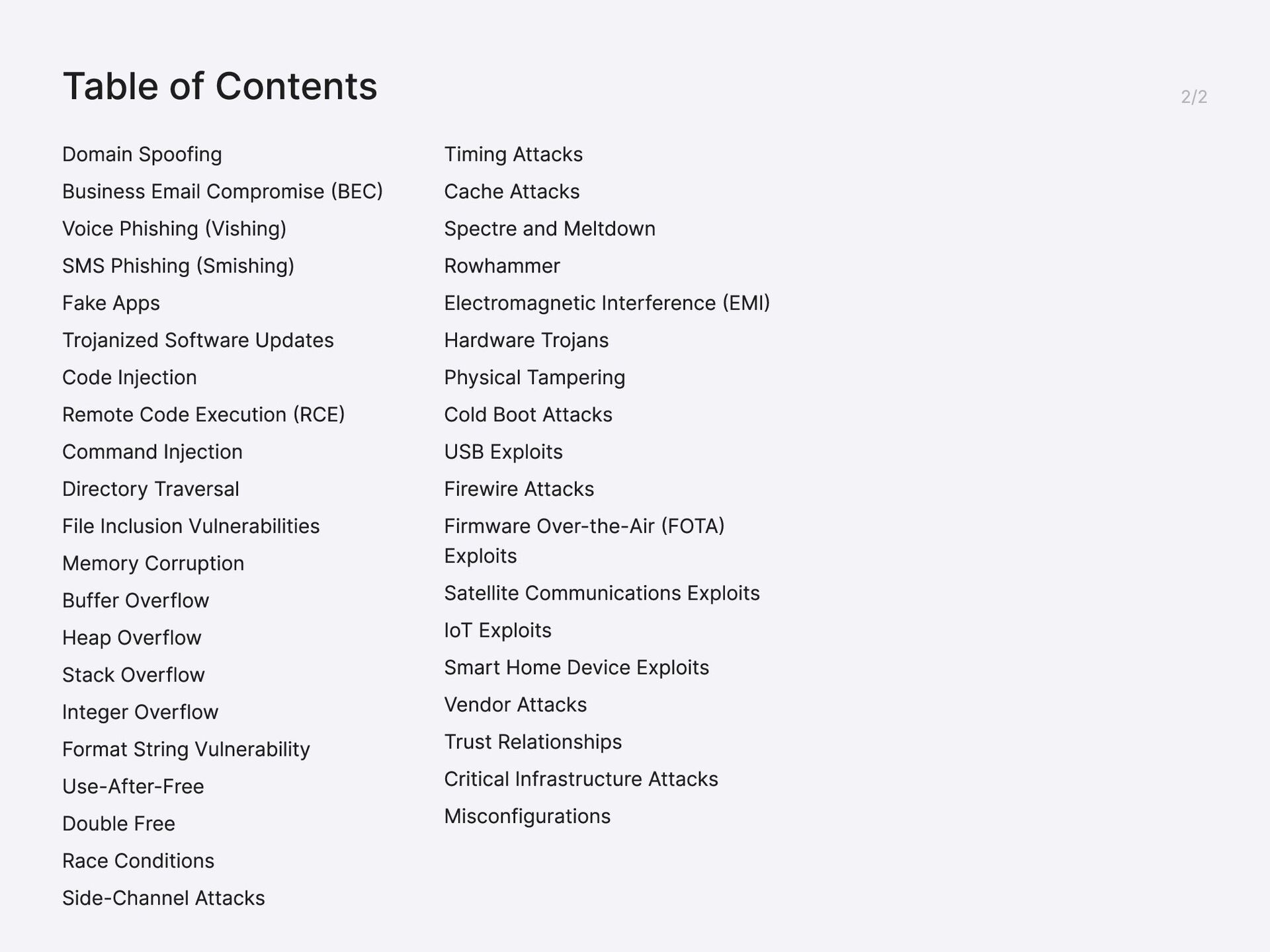
  7. Table of Contents Domain Spoofing Business Email Compromise (BEC) Voice

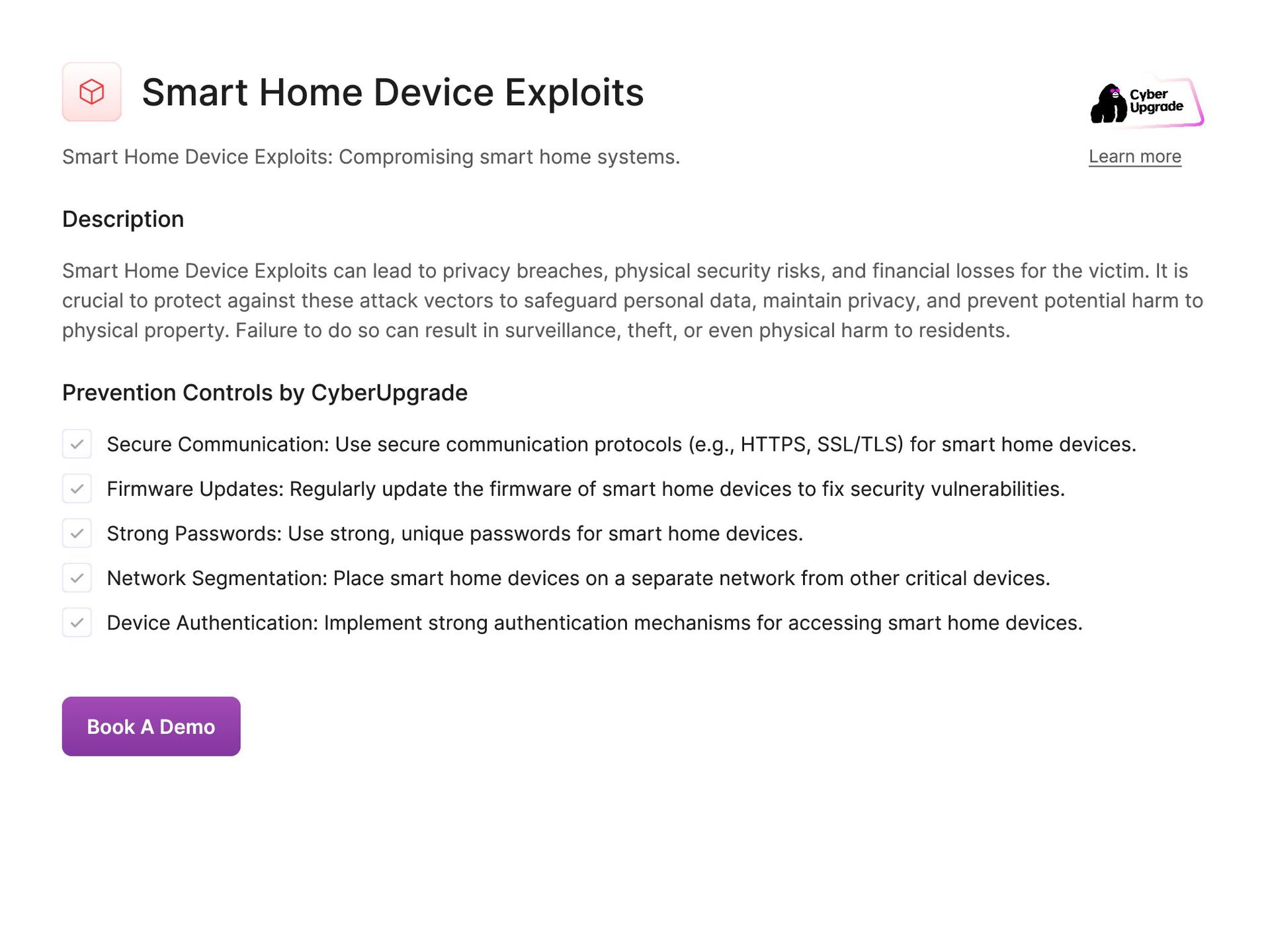
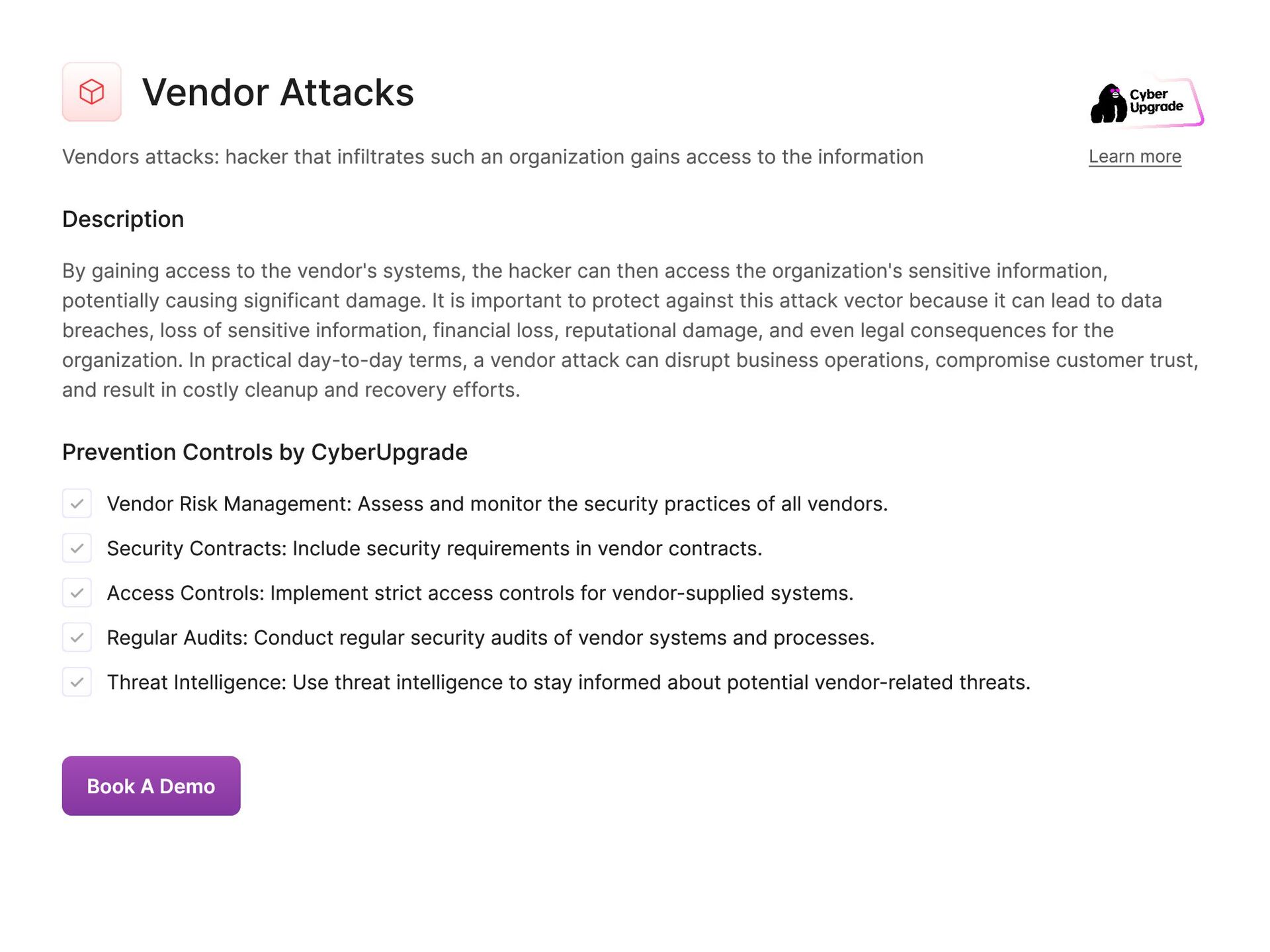
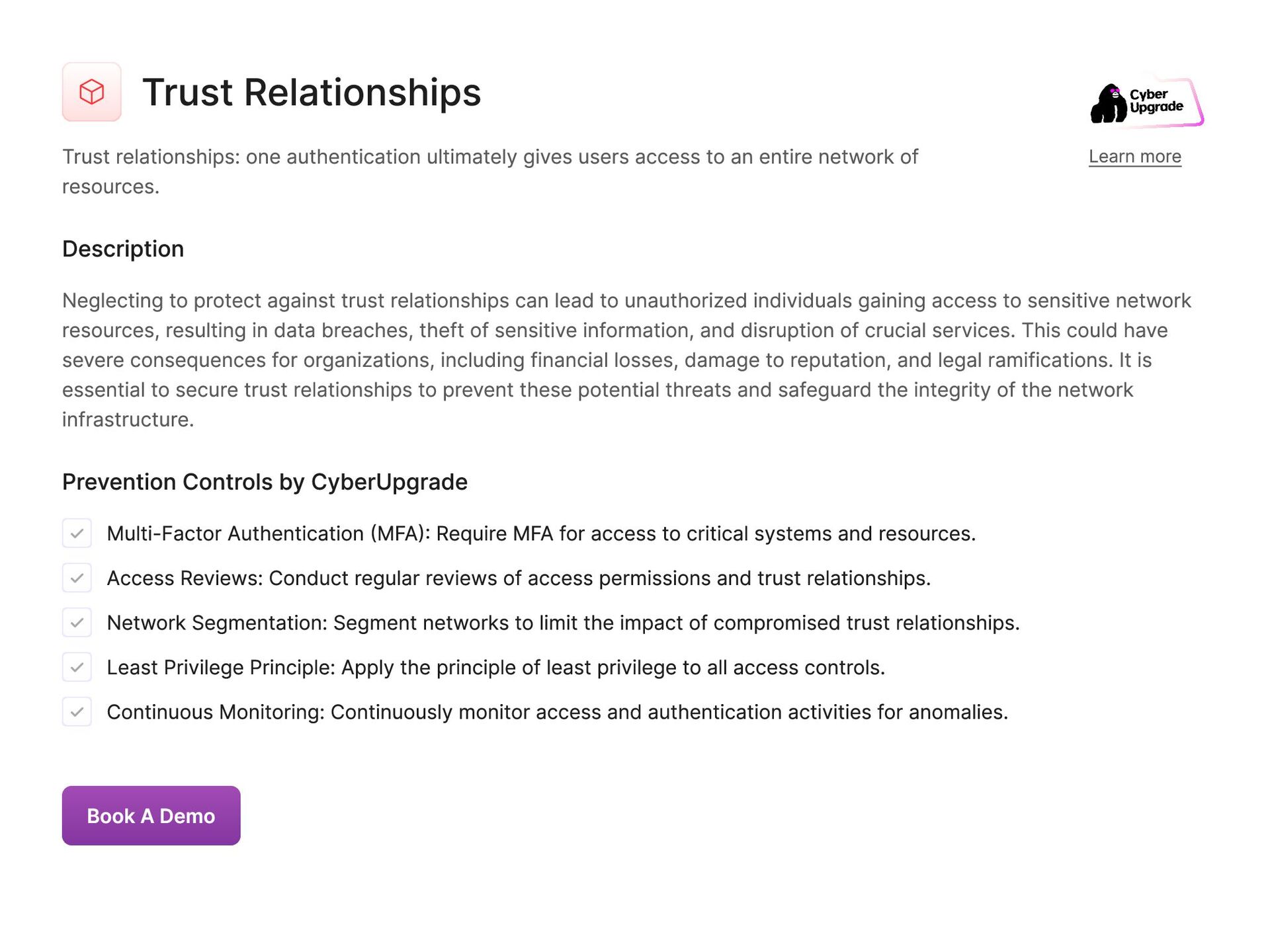
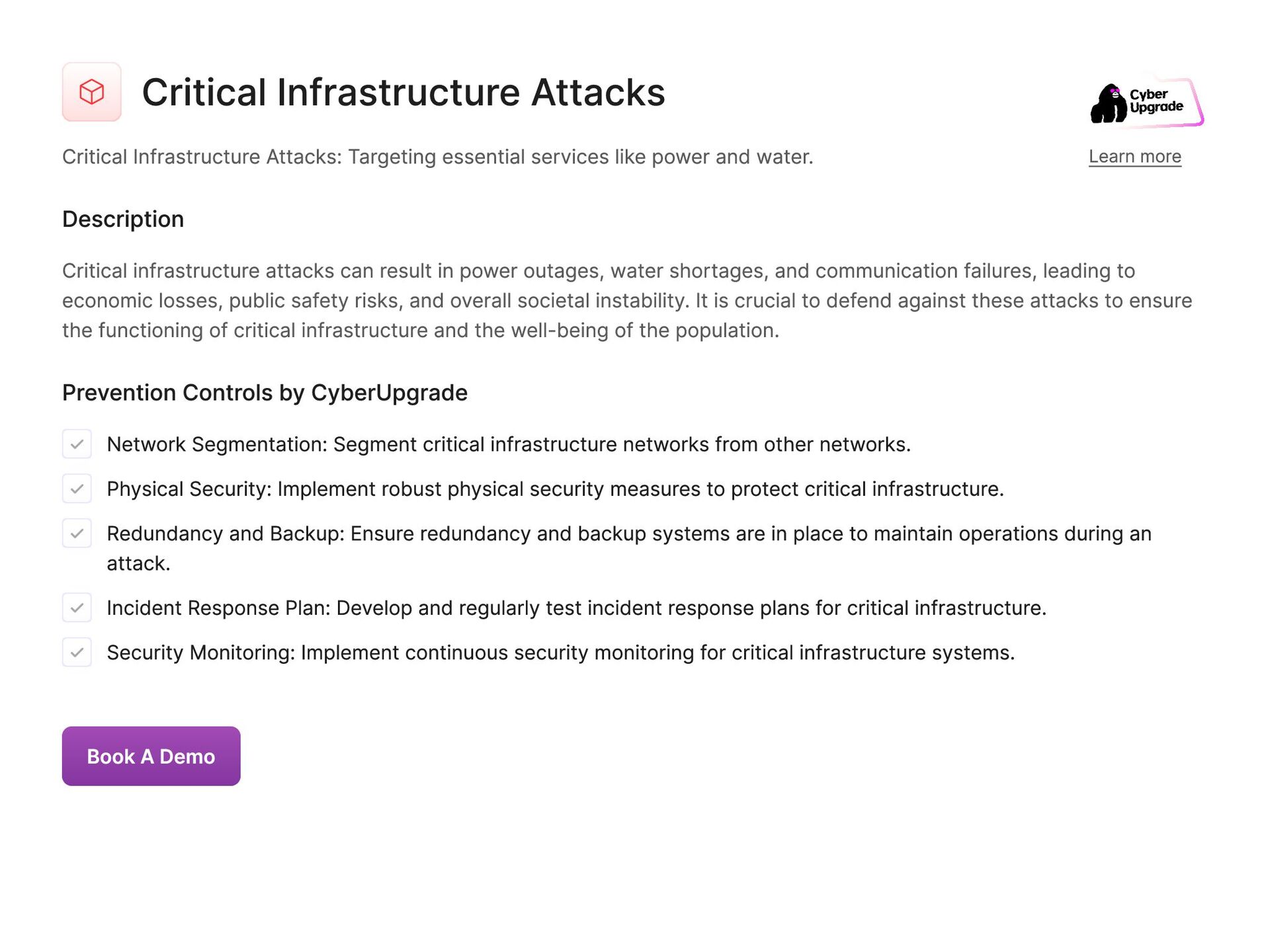
    Phishing (Vishing) SMS Phishing (Smishing) Fake Apps Trojanized Software Updates Code Injection Remote Code Execution (RCE) Command Injection Directory Traversal File Inclusion Vulnerabilities Memory Corruption Buffer Overflow Heap Overflow Stack Overflow Integer Overflow Format String Vulnerability Use-After-Free Double Free Race Conditions Side-Channel Attacks Timing Attacks Cache Attacks Spectre and Meltdown Rowhammer Electromagnetic Interference (EMI) Hardware Trojans Physical Tampering Cold Boot Attacks USB Exploits Firewire Attacks Firmware Over-the-Air (FOTA) Exploits Satellite Communications Exploits IoT Exploits Smart Home Device Exploits Vendor Attacks Trust Relationships Critical Infrastructure Attacks Misconfigurations
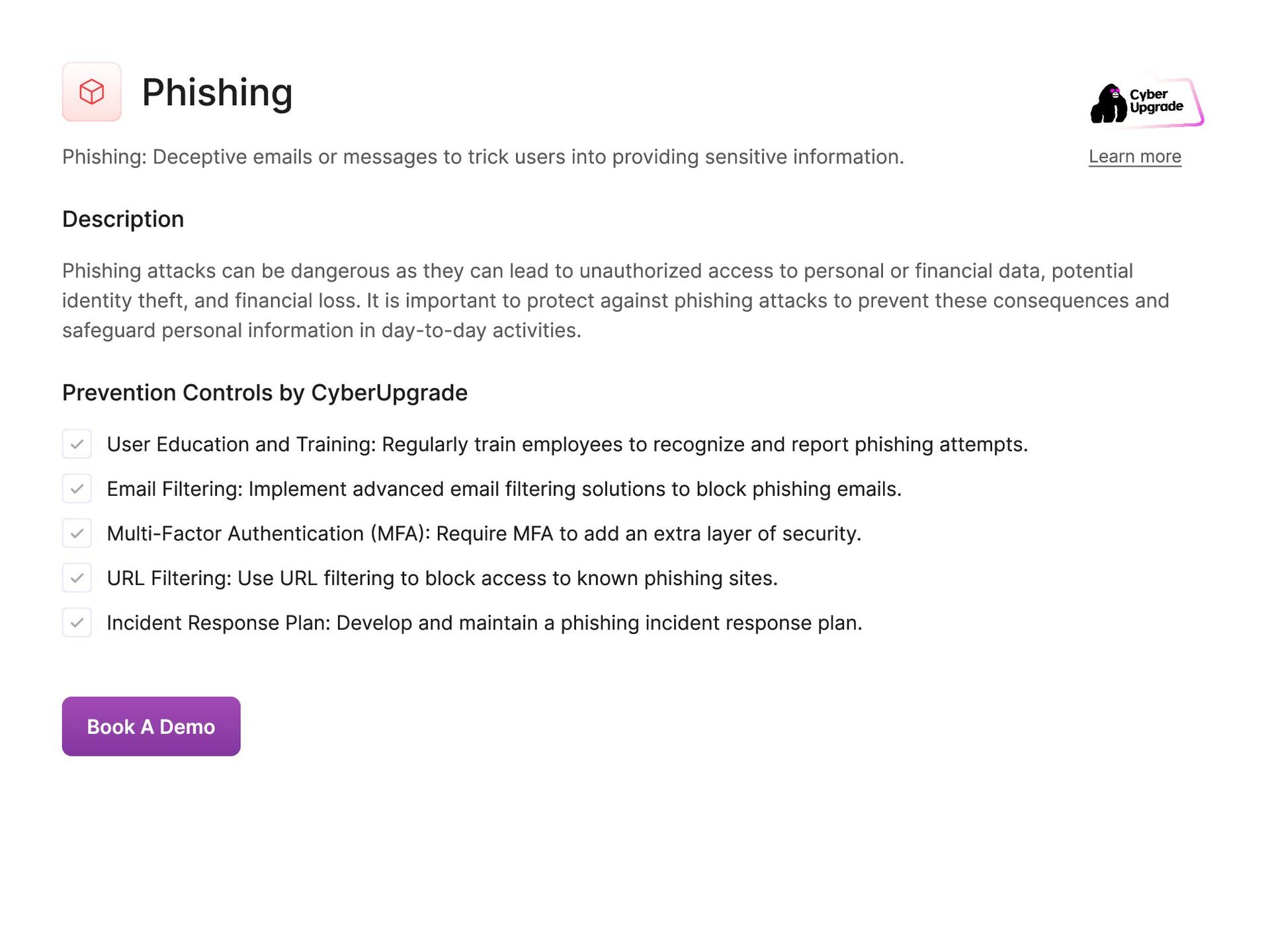
  8. Phishing Phishing: Deceptive emails or messages to trick users into

    providing sensitive information. Learn more Description Phishing attacks can be dangerous as they can lead to unauthorized access to personal or financial data, potential identity theft, and financial loss. It is important to protect against phishing attacks to prevent these consequences and safeguard personal information in day-to-day activities. Prevention Controls by CyberUpgrade User Education and Training: Regularly train employees to recognize and report phishing attempts. Email Filtering: Implement advanced email filtering solutions to block phishing emails. Multi-Factor Authentication (MFA): Require MFA to add an extra layer of security. URL Filtering: Use URL filtering to block access to known phishing sites. Incident Response Plan: Develop and maintain a phishing incident response plan. Book A Demo
  9. Spear Phishing Spear Phishing: Targeted phishing aimed at specific individuals

    or organizations. Learn more Description Spear phishing attack is dangerous because it often relies on social engineering tactics to tailor phishing emails or messages that appear legitimate, making it more difficult for the victims to detect the fraudulent nature of the communication. If not protected against, spear phishing can result in data breaches, financial losses, reputational damage, and unauthorized access to critical systems or information, ultimately causing significant disruption to daily operations and compromising the security of individuals and organizations. Prevention Controls by CyberUpgrade User Awareness Programs: Conduct targeted training for employees, especially those in high-risk roles. Email Verification Tools: Implement tools that verify the sender’s email address and display warnings. Behavioral Analysis: Use behavioral analytics to detect anomalies in email usage patterns. DMARC, DKIM, and SPF: Deploy DMARC, DKIM, and SPF protocols to authenticate legitimate emails. Regular Security Audits: Perform regular security audits and vulnerability assessments. Book A Demo
  10. Whaling Whaling: Phishing attacks targeting high-profile executives. Learn more Description

    Failure to protect against whaling attacks can result in significant financial loss, reputational damage, and potential legal consequences for the targeted organization. Executives may unknowingly disclose confidential data, transfer funds to fraudulent accounts, or compromise network security through malware installation. These attacks can disrupt business operations, harm customer trust, and undermine employee morale. It is crucial for organizations to implement robust security measures, such as employee training, multi-factor authentication, email encryption, and advanced threat detection systems, to mitigate the risks associated with whaling attacks. By proactively defending against these sophisticated and targeted threats, businesses can safeguard their assets, maintain compliance with regulations, and preserve their reputation in the face of evolving cybersecurity challenges. Prevention Controls by CyberUpgrade Executive Training: Provide specialized training for executives on recognizing whaling attacks. Enhanced Email Security: Implement additional email security measures for executive email accounts. Direct Verification: Encourage executives to verify suspicious requests through direct communication. Role-Based Access Control (RBAC): Restrict access to sensitive information based on roles. Secure Communication Channels: Use secure channels for sensitive communications involving executives. Book A Demo
  11. Malware Malware: Software designed to damage or disrupt systems. Learn

    more Description Malware can lead to various damages in practical day-to-day activities such as data loss, financial loss, identity theft, system downtime, and compromised sensitive information. Prevention Controls by CyberUpgrade Antivirus and Anti-Malware Software: Install and regularly update antivirus and anti-malware solutions. Regular Software Updates: Ensure all software and systems are up-to-date with the latest security patches. Network Segmentation: Segment networks to limit the spread of malware. User Privileges: Implement the principle of least privilege to minimize access rights. Behavioral Monitoring: Use tools to monitor and analyze behavior for signs of malware infection. Book A Demo
  12. Ransomware Ransomware: Malware that encrypts data and demands payment for

    decryption. Learn more Description Ransomware is extremely dangerous as it can lead to significant financial loss, data breaches, and disruptions to daily operations. Failure to protect against ransomware can result in critical data being inaccessible, sensitive information being exposed, and potential legal consequences. In practical day-to-day terms, a ransomware attack can cripple a business, leading to loss of revenue, reputation damage, and even permanent data loss. It is essential for organizations to implement robust cybersecurity measures to prevent ransomware attacks and mitigate the potential consequences. Prevention Controls by CyberUpgrade Regular Backups: Maintain regular, offline backups of critical data. Endpoint Protection: Deploy endpoint protection solutions with anti-ransomware capabilities. Network Segmentation: Segment networks to contain the spread of ransomware. Email Filtering: Use email filters to block malicious attachments and links. Incident Response Plan: Develop and test a ransomware-specific incident response plan. Book A Demo
  13. Spyware Spyware: Software that secretly monitors and collects user information.

    Learn more Description Spyware can track keystrokes, capture passwords, log browsing habits, and even take screenshots of the user's activities. This can lead to identity theft, financial loss, invasion of privacy, and compromised sensitive data. It is dangerous not to protect from this attack vector because it can result in personal and financial information being stolen, confidential documents being leaked, and accounts being hacked. In practical day-to-day life, spyware can cause disruption to one's online activities, damage to one's reputation, and financial hardship. Prevention Controls by CyberUpgrade Anti-Spyware Software: Deploy and regularly update anti-spyware solutions. Application Whitelisting: Use application whitelisting to control which applications can run. Regular Scans: Perform regular system scans for spyware. User Training: Educate users about the dangers of spyware and how to avoid it. Restrict Downloads: Limit the ability to download and install software to trusted sources. Book A Demo
  14. Adware Adware: Software that automatically displays or downloads advertising material.

    Learn more Description Adware can collect user data and browsing habits, leading to privacy breaches and targeted advertising. It can also slow down system performance and consume bandwidth, making devices vulnerable to other cyber threats like malware or phishing attacks. Failure to protect against adware can result in compromised personal information, financial loss, and damage to a user's online reputation and trust. Prevention Controls by CyberUpgrade Ad-Blocking Software: Use ad-blocking software to prevent adware delivery. Anti-Adware Tools: Install and regularly update anti-adware tools. Browser Security: Configure browser settings to block pop-ups and unwanted ads. Regular Scanning: Conduct regular scans for adware infections. User Education: Educate users about the risks of adware and safe browsing practices. Book A Demo
  15. Keyloggers Keyloggers: Software or hardware that records keystrokes. Learn more

    Description Keyloggers can pose a significant threat as it can capture sensitive information such as passwords, credit card numbers, and personal messages. Without protection from keyloggers, individuals and organizations are at risk of having their confidential data stolen and misused. This can result in financial loss, identity theft, data breaches, and damage to reputation. It is essential to implement measures to safeguard against keyloggers to ensure the security and privacy of digital information. Prevention Controls by CyberUpgrade Anti-Keylogger Software: Deploy anti-keylogger software to detect and block keyloggers. Regular System Scans: Perform regular scans for keylogger infections. Hardware Controls: Use hardware-based security measures like secure keyboards. Keystroke Encryption: Implement keystroke encryption to protect data entered via the keyboard. User Training: Train users to recognize and avoid potential keylogger installation methods. Book A Demo
  16. Trojans Trojans: Malicious software disguised as legitimate software. Learn more

    Description Once activated, Trojans can carry out a range of harmful activities, such as stealing sensitive information, spying on user activities, installing additional malware, or causing system crashes. Failure to protect against Trojans can result in serious consequences, including compromised personal and financial information, loss of data, disruption of services, and damage to reputation. In practical day-to-day scenarios, unprotected devices can be vulnerable to Trojans, leading to financial loss, identity theft, privacy violations, and general disruption of normal operations. Prevention Controls by CyberUpgrade Endpoint Protection: Use comprehensive endpoint protection solutions. User Privileges: Apply the principle of least privilege to limit user access. Application Whitelisting: Use whitelisting to control which applications can run. Regular Updates: Ensure all software and operating systems are up-to-date. Security Awareness Training: Educate users about the risks and signs of trojans. Book A Demo
  17. Worms Worms: Self-replicating malware that spreads without user intervention. Learn

    more Description Worms can quickly infect a large number of devices within a network, causing widespread damage. If not protected against, worms can lead to data breaches, loss of sensitive information, disruption of services, financial losses, and damage to an organization's reputation. It is crucial to have robust cybersecurity measures in place to prevent and mitigate the impact of worm attacks. Prevention Controls by CyberUpgrade Network Segmentation: Segment networks to contain the spread of worms. Patch Management: Regularly update and patch systems and software. Firewalls: Use firewalls to block unauthorized access and traffic. Intrusion Detection Systems (IDS): Deploy IDS to detect and alert on suspicious activities. User Education: Train users on safe practices to avoid worm infections. Book A Demo
  18. Viruses Viruses: Malicious code that attaches to legitimate programs and

    spreads. Learn more Description Virus attacks are dangerous because they can cause significant damage to a company's data and infrastructure, leading to financial losses, reputational damage, and legal liabilities. In practical day-to-day terms, a virus attack can result in a complete shutdown of systems, loss of sensitive information, disruption of operations, and decreased productivity. It is crucial to protect against virus attacks to prevent these detrimental consequences. Prevention Controls by CyberUpgrade Antivirus Software: Install and regularly update antivirus software to detect and remove viruses. Email Filtering: Implement email filtering solutions to block emails with malicious attachments. User Training: Educate users about the risks of opening unknown attachments or links. Regular Software Updates: Ensure all software and operating systems are up-to-date with the latest patches. Application Whitelisting: Use application whitelisting to allow only approved software to run. Book A Demo
  19. Botnets Botnets: Networks of infected computers controlled by an attacker.

    Learn more Description Botnets can launch DDoS attacks, send spam, steal sensitive information, and spread malware, posing serious risks to individuals and organizations. A DDoS attack can cripple websites, causing revenue loss, reputational damage, and business disruptions. Botnets also steal personal and financial data, leading to identity theft, and use infected computers to send spam and phishing scams. The consequences of botnet attacks include financial loss, legal repercussions, and compromised sensitive information, making robust cybersecurity measures essential to prevent and mitigate these threats. Prevention Controls by CyberUpgrade Firewall and IDS/IPS: Use firewalls and Intrusion Detection/Prevention Systems to detect and block botnet communications. Endpoint Security: Deploy comprehensive endpoint security solutions to detect and block botnet infections. Network Segmentation: Segment networks to limit the spread and impact of botnets. Regular Patching: Keep all systems and applications updated with the latest security patches. Botnet Detection Tools: Use specialized tools to detect and mitigate botnet activity. Book A Demo
  20. Denial-of-Service (DoS) Denial-of-Service (DoS): Attacks that overwhelm systems, making them

    unavailable. Learn more Description A Denial-of-Service (DoS) attack can lead to significant disruptions in day-to-day operations, resulting in loss of revenue, damage to reputation, and compromised productivity. It is crucial to protect against DoS attacks to ensure the continuous availability of systems and services. Failure to do so can result in serious financial and operational consequences for organizations, as well as potential data breaches and loss of customer trust. Prevention Controls by CyberUpgrade Rate Limiting: Implement rate limiting to control the amount of traffic a system can handle. WAF (Web Application Firewall): Deploy a WAF to filter out malicious traffic. Redundancy and Failover: Use redundant systems and failover mechanisms to maintain availability during attacks. Traffic Analysis: Monitor and analyze traffic patterns to detect and respond to DoS attacks. Incident Response Plan: Develop and test a DoS-specific incident response plan. Book A Demo
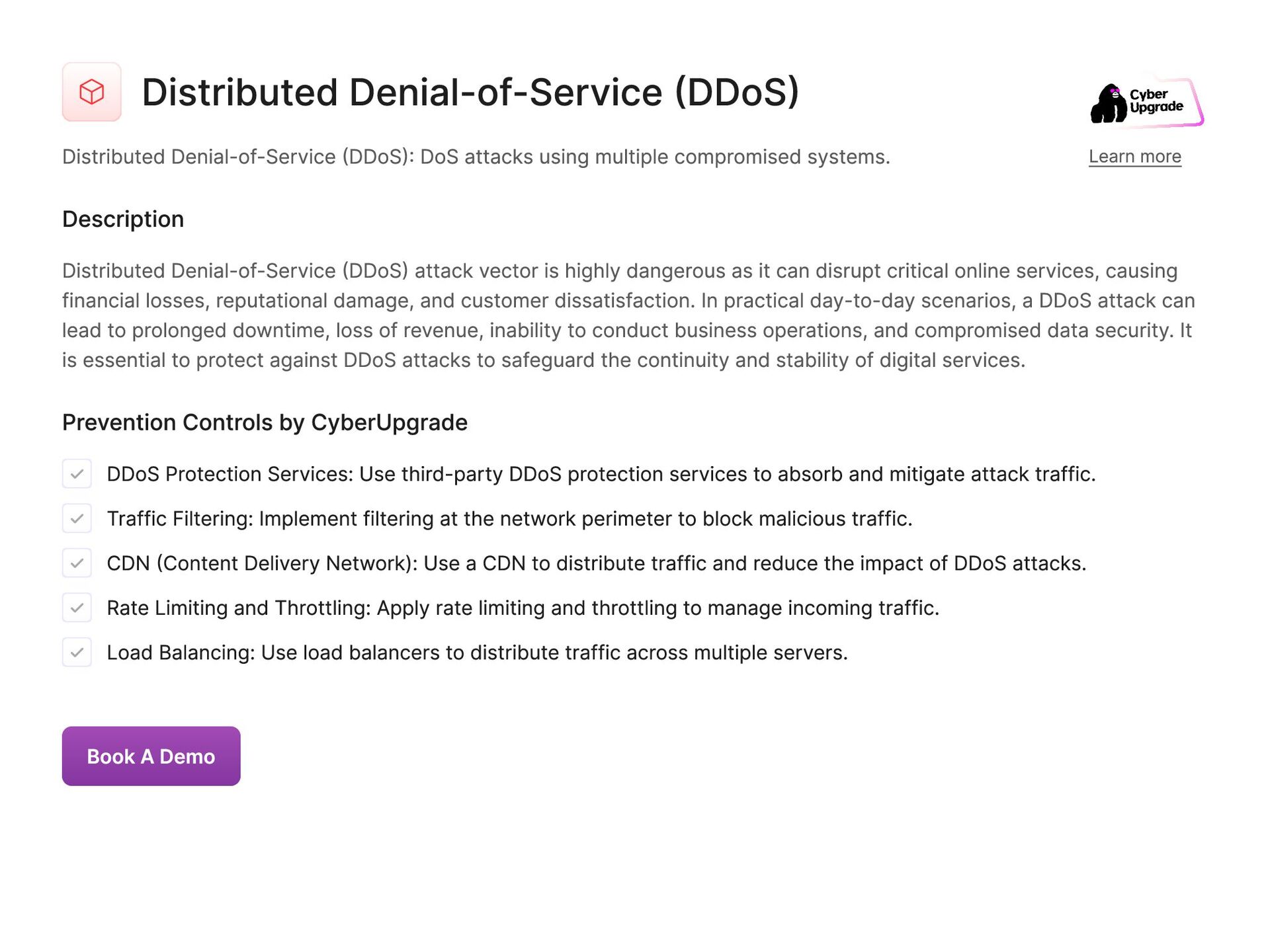
  21. Distributed Denial-of-Service (DDoS) Distributed Denial-of-Service (DDoS): DoS attacks using multiple

    compromised systems. Learn more Description Distributed Denial-of-Service (DDoS) attack vector is highly dangerous as it can disrupt critical online services, causing financial losses, reputational damage, and customer dissatisfaction. In practical day-to-day scenarios, a DDoS attack can lead to prolonged downtime, loss of revenue, inability to conduct business operations, and compromised data security. It is essential to protect against DDoS attacks to safeguard the continuity and stability of digital services. Prevention Controls by CyberUpgrade DDoS Protection Services: Use third-party DDoS protection services to absorb and mitigate attack traffic. Traffic Filtering: Implement filtering at the network perimeter to block malicious traffic. CDN (Content Delivery Network): Use a CDN to distribute traffic and reduce the impact of DDoS attacks. Rate Limiting and Throttling: Apply rate limiting and throttling to manage incoming traffic. Load Balancing: Use load balancers to distribute traffic across multiple servers. Book A Demo
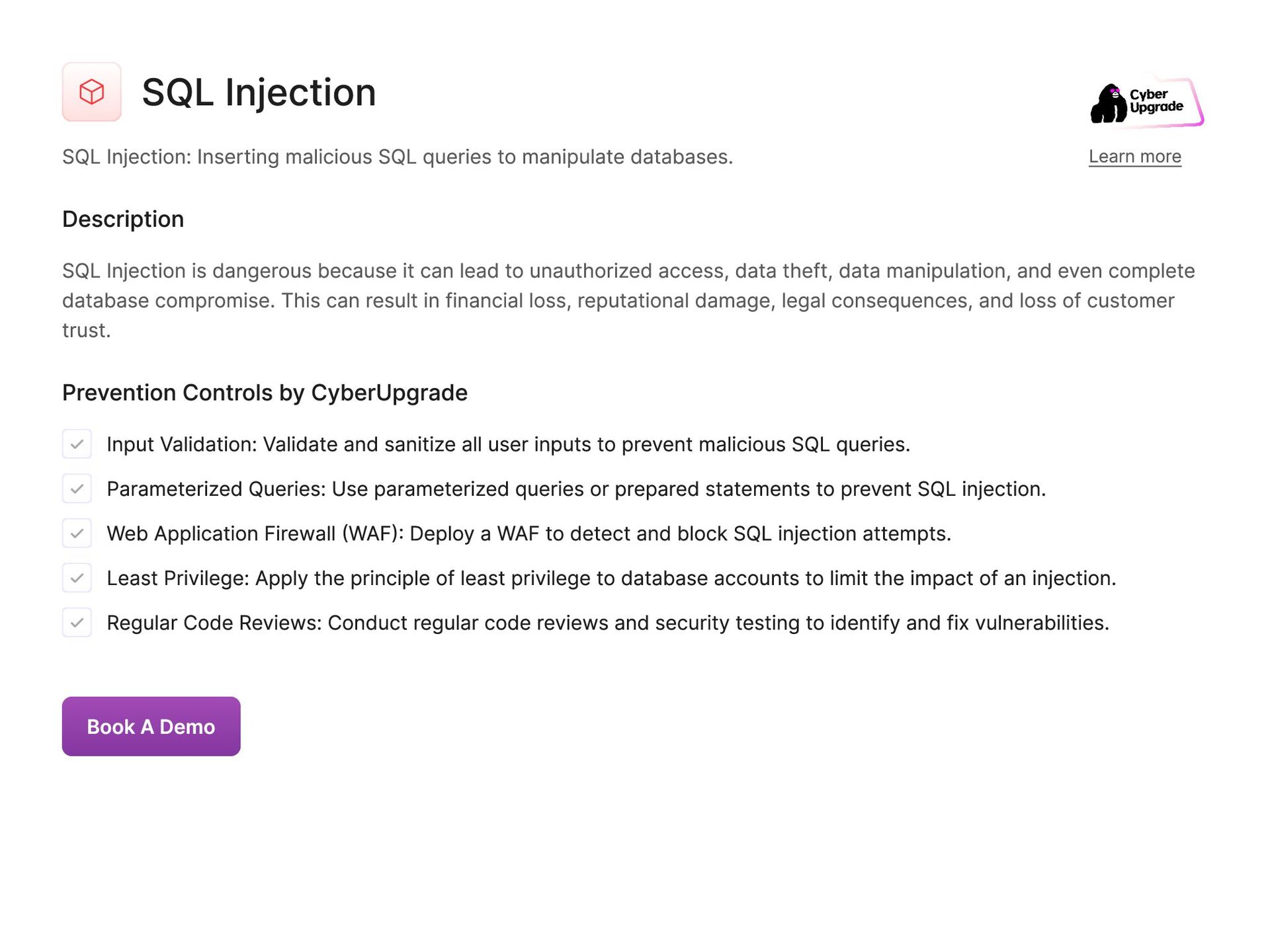
  22. SQL Injection SQL Injection: Inserting malicious SQL queries to manipulate

    databases. Learn more Description SQL Injection is dangerous because it can lead to unauthorized access, data theft, data manipulation, and even complete database compromise. This can result in financial loss, reputational damage, legal consequences, and loss of customer trust. Prevention Controls by CyberUpgrade Input Validation: Validate and sanitize all user inputs to prevent malicious SQL queries. Parameterized Queries: Use parameterized queries or prepared statements to prevent SQL injection. Web Application Firewall (WAF): Deploy a WAF to detect and block SQL injection attempts. Least Privilege: Apply the principle of least privilege to database accounts to limit the impact of an injection. Regular Code Reviews: Conduct regular code reviews and security testing to identify and fix vulnerabilities. Book A Demo
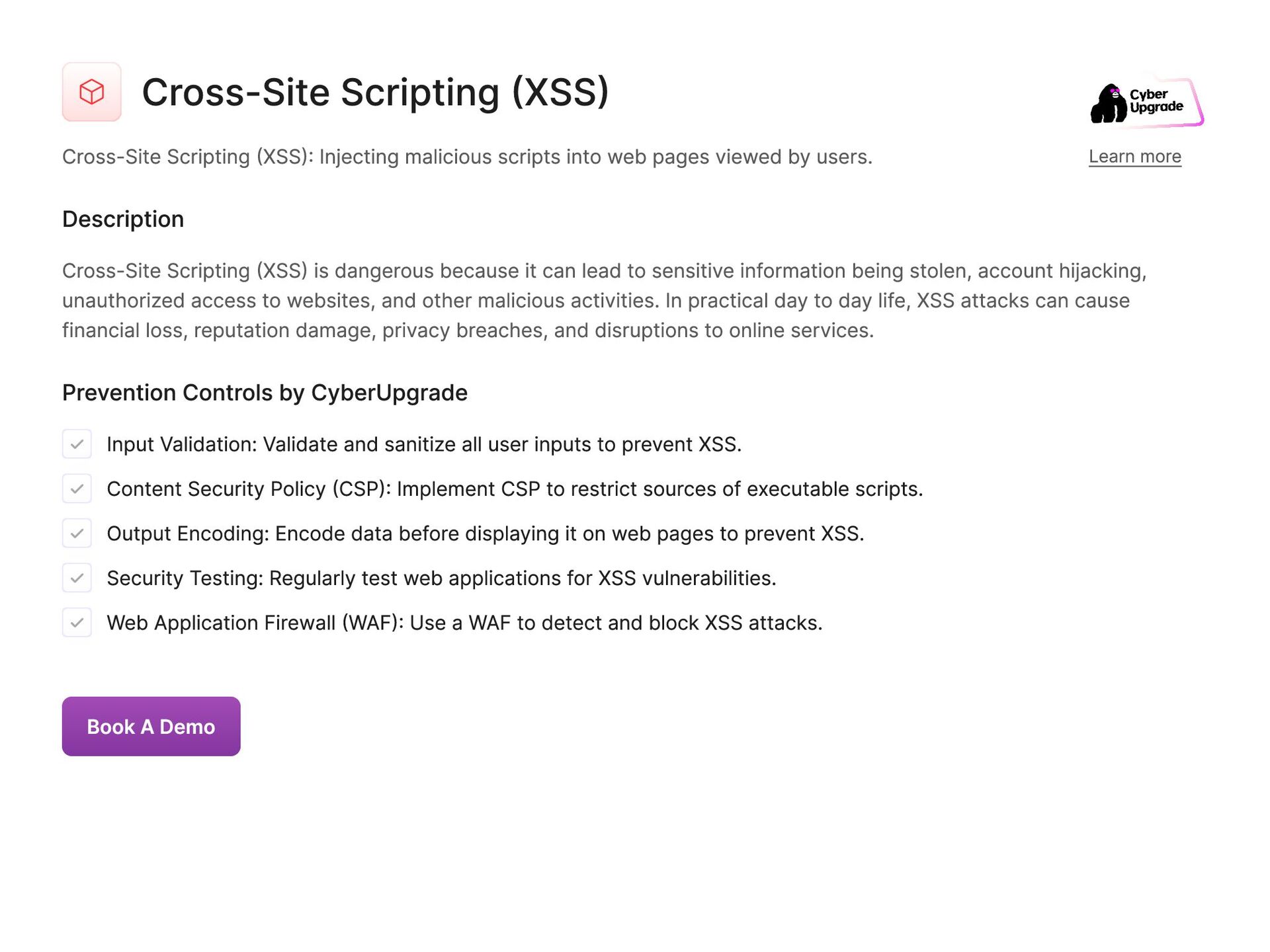
  23. Cross-Site Scripting (XSS) Cross-Site Scripting (XSS): Injecting malicious scripts into

    web pages viewed by users. Learn more Description Cross-Site Scripting (XSS) is dangerous because it can lead to sensitive information being stolen, account hijacking, unauthorized access to websites, and other malicious activities. In practical day to day life, XSS attacks can cause financial loss, reputation damage, privacy breaches, and disruptions to online services. Prevention Controls by CyberUpgrade Input Validation: Validate and sanitize all user inputs to prevent XSS. Content Security Policy (CSP): Implement CSP to restrict sources of executable scripts. Output Encoding: Encode data before displaying it on web pages to prevent XSS. Security Testing: Regularly test web applications for XSS vulnerabilities. Web Application Firewall (WAF): Use a WAF to detect and block XSS attacks. Book A Demo
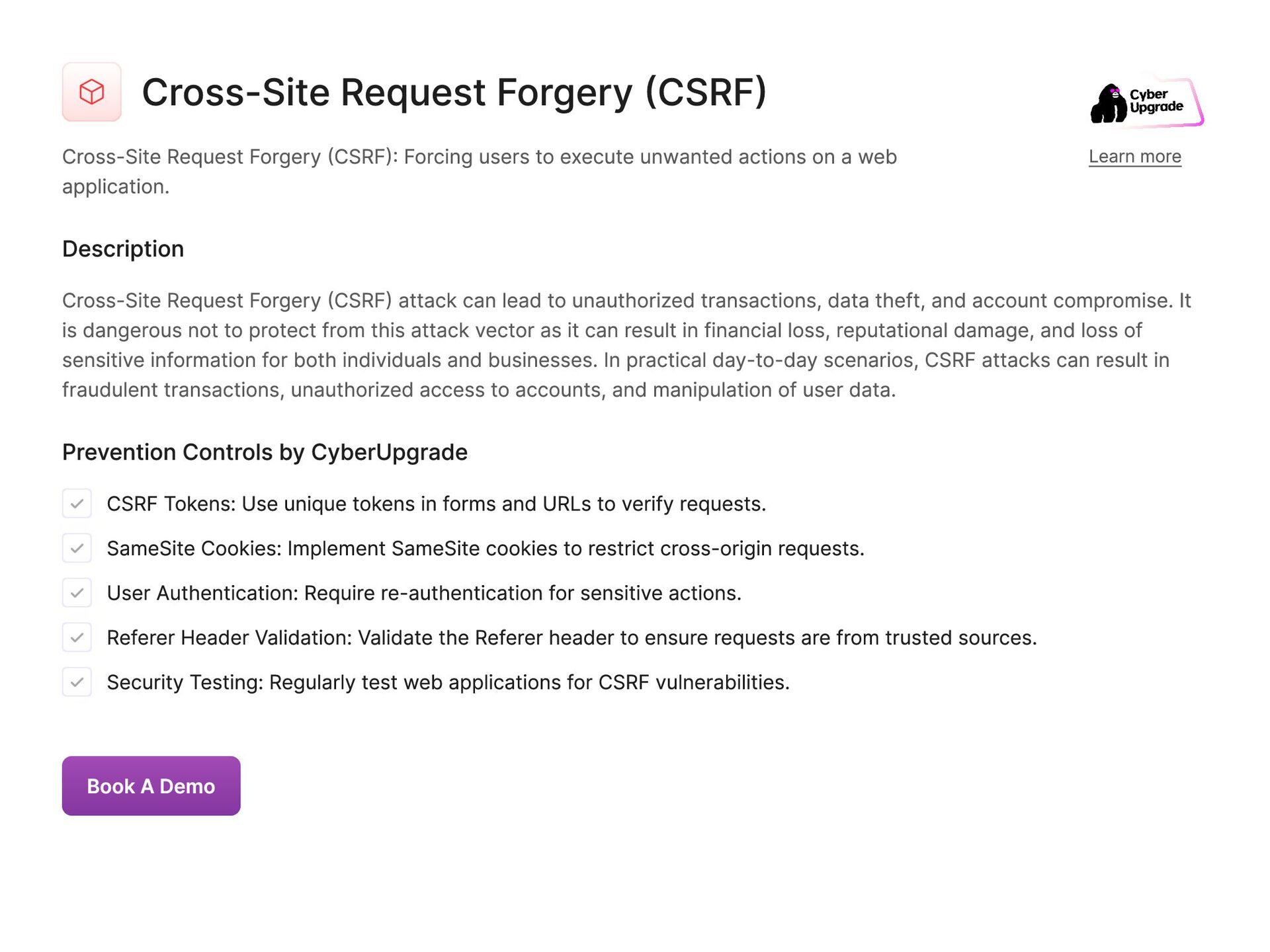
  24. Cross-Site Request Forgery (CSRF) Cross-Site Request Forgery (CSRF): Forcing users

    to execute unwanted actions on a web application. Learn more Description Cross-Site Request Forgery (CSRF) attack can lead to unauthorized transactions, data theft, and account compromise. It is dangerous not to protect from this attack vector as it can result in financial loss, reputational damage, and loss of sensitive information for both individuals and businesses. In practical day-to-day scenarios, CSRF attacks can result in fraudulent transactions, unauthorized access to accounts, and manipulation of user data. Prevention Controls by CyberUpgrade CSRF Tokens: Use unique tokens in forms and URLs to verify requests. SameSite Cookies: Implement SameSite cookies to restrict cross-origin requests. User Authentication: Require re-authentication for sensitive actions. Referer Header Validation: Validate the Referer header to ensure requests are from trusted sources. Security Testing: Regularly test web applications for CSRF vulnerabilities. Book A Demo
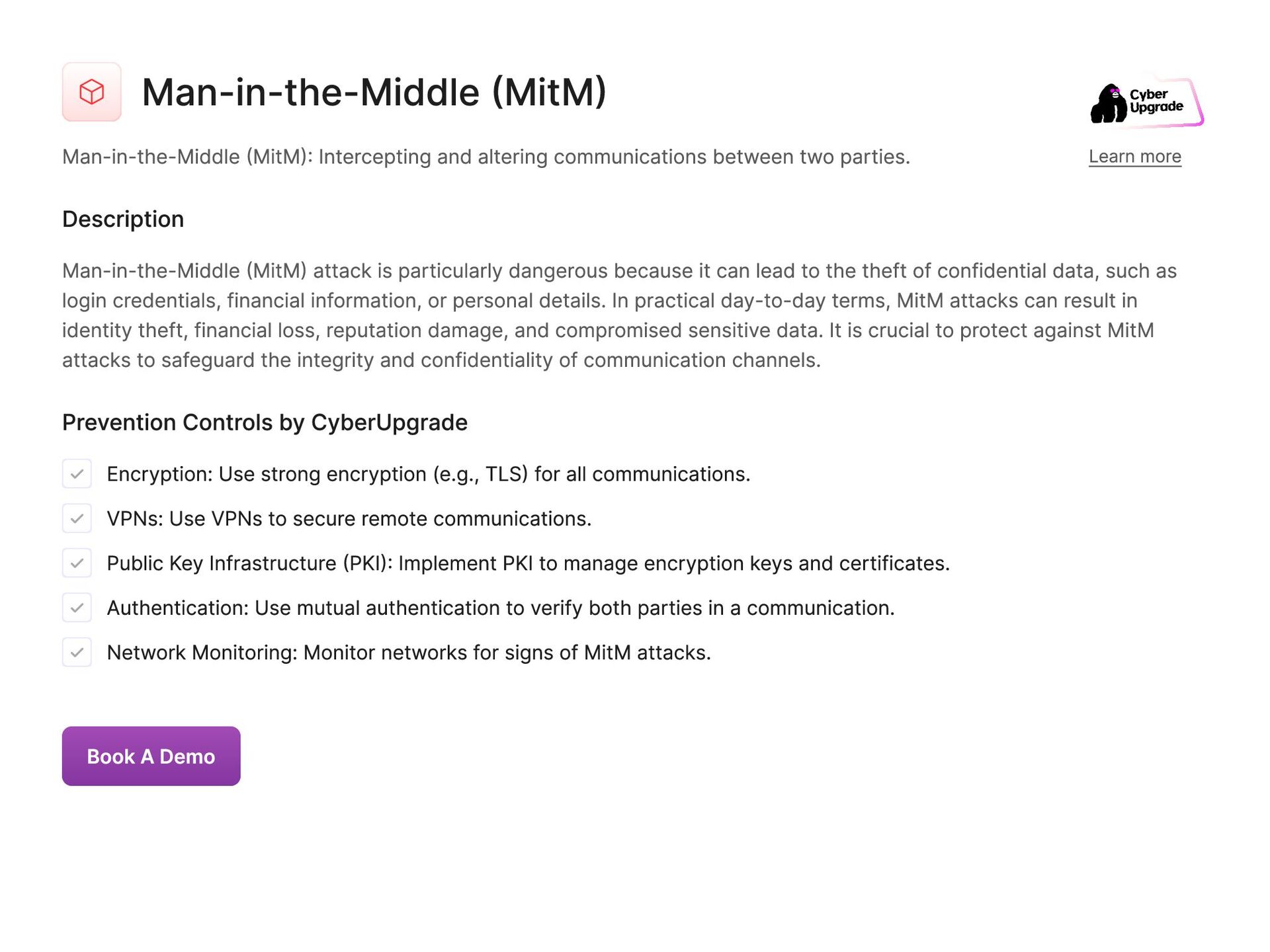
  25. Man-in-the-Middle (MitM) Man-in-the-Middle (MitM): Intercepting and altering communications between two

    parties. Learn more Description Man-in-the-Middle (MitM) attack is particularly dangerous because it can lead to the theft of confidential data, such as login credentials, financial information, or personal details. In practical day-to-day terms, MitM attacks can result in identity theft, financial loss, reputation damage, and compromised sensitive data. It is crucial to protect against MitM attacks to safeguard the integrity and confidentiality of communication channels. Prevention Controls by CyberUpgrade Encryption: Use strong encryption (e.g., TLS) for all communications. VPNs: Use VPNs to secure remote communications. Public Key Infrastructure (PKI): Implement PKI to manage encryption keys and certificates. Authentication: Use mutual authentication to verify both parties in a communication. Network Monitoring: Monitor networks for signs of MitM attacks. Book A Demo
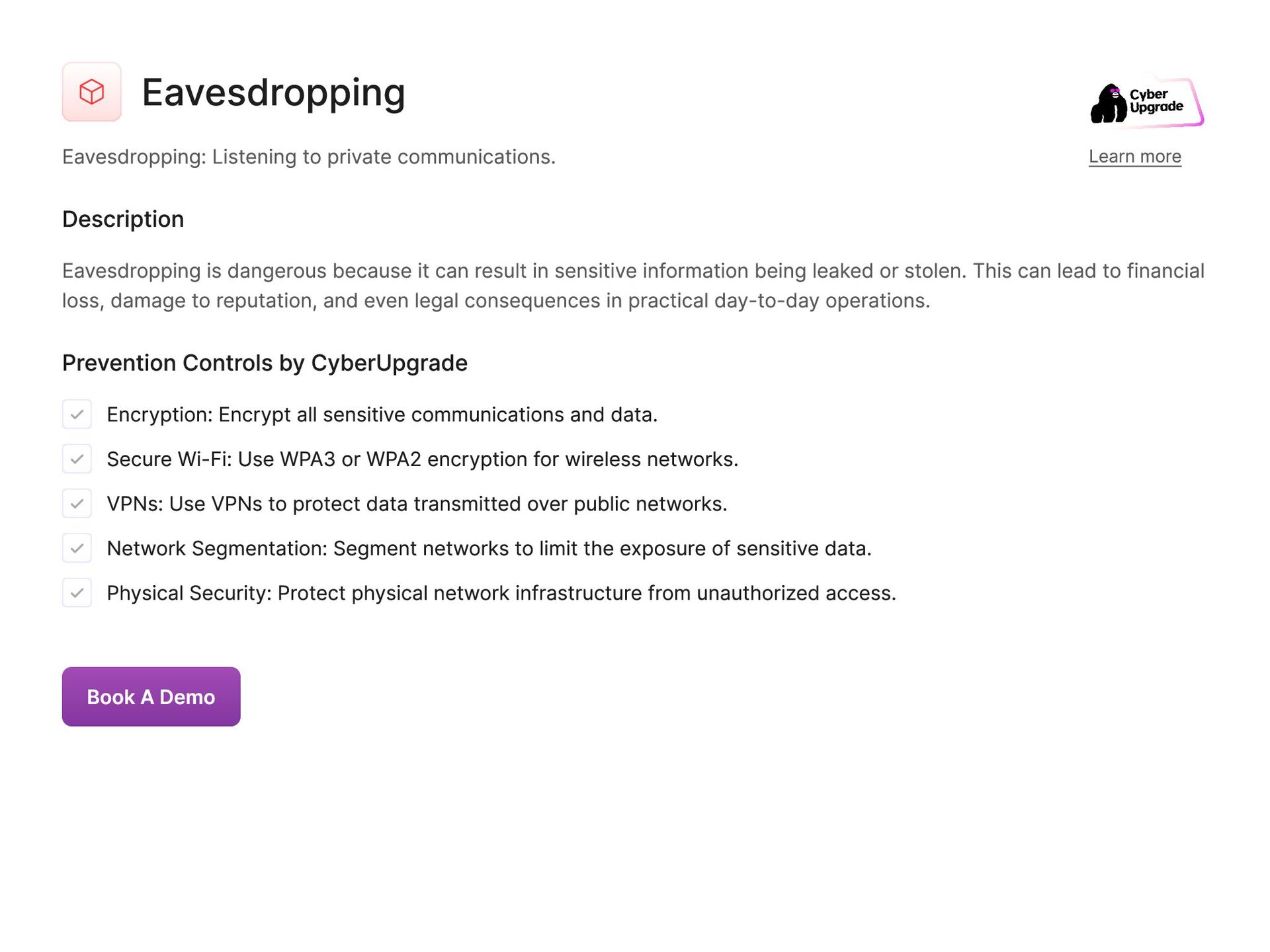
  26. Eavesdropping Eavesdropping: Listening to private communications. Learn more Description Eavesdropping

    is dangerous because it can result in sensitive information being leaked or stolen. This can lead to financial loss, damage to reputation, and even legal consequences in practical day-to-day operations. Prevention Controls by CyberUpgrade Encryption: Encrypt all sensitive communications and data. Secure Wi-Fi: Use WPA3 or WPA2 encryption for wireless networks. VPNs: Use VPNs to protect data transmitted over public networks. Network Segmentation: Segment networks to limit the exposure of sensitive data. Physical Security: Protect physical network infrastructure from unauthorized access. Book A Demo
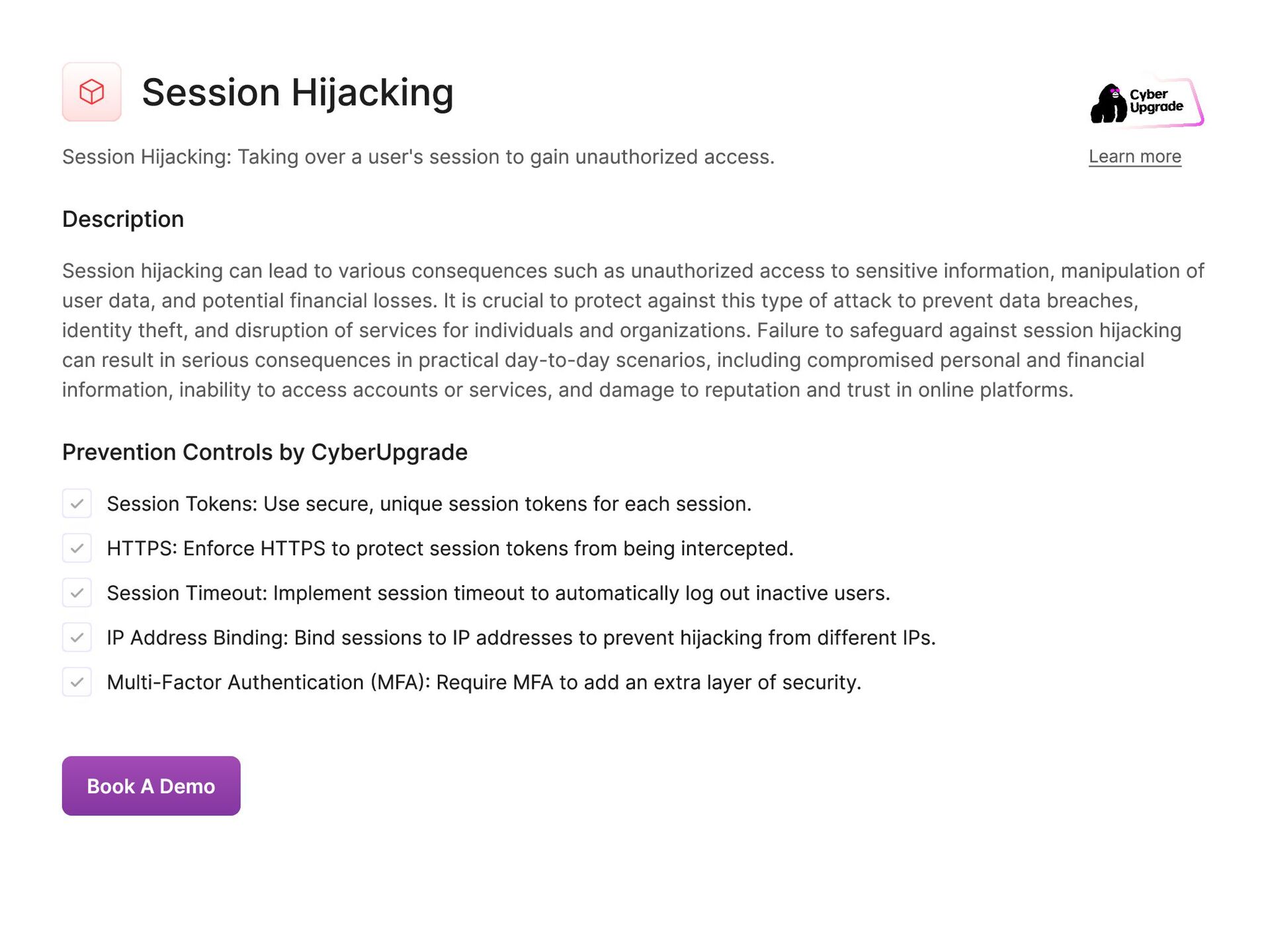
  27. Session Hijacking Session Hijacking: Taking over a user's session to

    gain unauthorized access. Learn more Description Session hijacking can lead to various consequences such as unauthorized access to sensitive information, manipulation of user data, and potential financial losses. It is crucial to protect against this type of attack to prevent data breaches, identity theft, and disruption of services for individuals and organizations. Failure to safeguard against session hijacking can result in serious consequences in practical day-to-day scenarios, including compromised personal and financial information, inability to access accounts or services, and damage to reputation and trust in online platforms. Prevention Controls by CyberUpgrade Session Tokens: Use secure, unique session tokens for each session. HTTPS: Enforce HTTPS to protect session tokens from being intercepted. Session Timeout: Implement session timeout to automatically log out inactive users. IP Address Binding: Bind sessions to IP addresses to prevent hijacking from different IPs. Multi-Factor Authentication (MFA): Require MFA to add an extra layer of security. Book A Demo
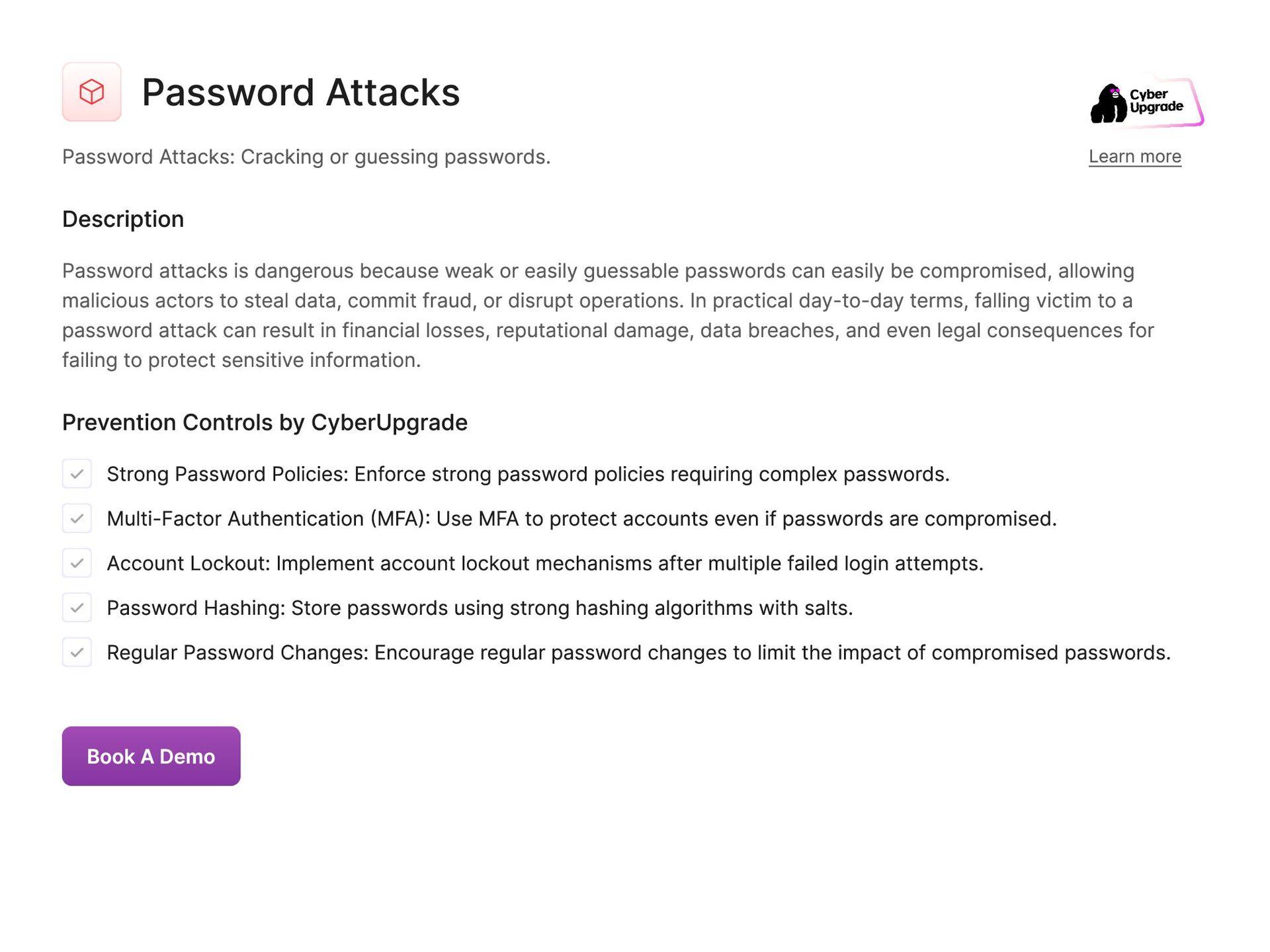
  28. Password Attacks Password Attacks: Cracking or guessing passwords. Learn more

    Description Password attacks is dangerous because weak or easily guessable passwords can easily be compromised, allowing malicious actors to steal data, commit fraud, or disrupt operations. In practical day-to-day terms, falling victim to a password attack can result in financial losses, reputational damage, data breaches, and even legal consequences for failing to protect sensitive information. Prevention Controls by CyberUpgrade Strong Password Policies: Enforce strong password policies requiring complex passwords. Multi-Factor Authentication (MFA): Use MFA to protect accounts even if passwords are compromised. Account Lockout: Implement account lockout mechanisms after multiple failed login attempts. Password Hashing: Store passwords using strong hashing algorithms with salts. Regular Password Changes: Encourage regular password changes to limit the impact of compromised passwords. Book A Demo
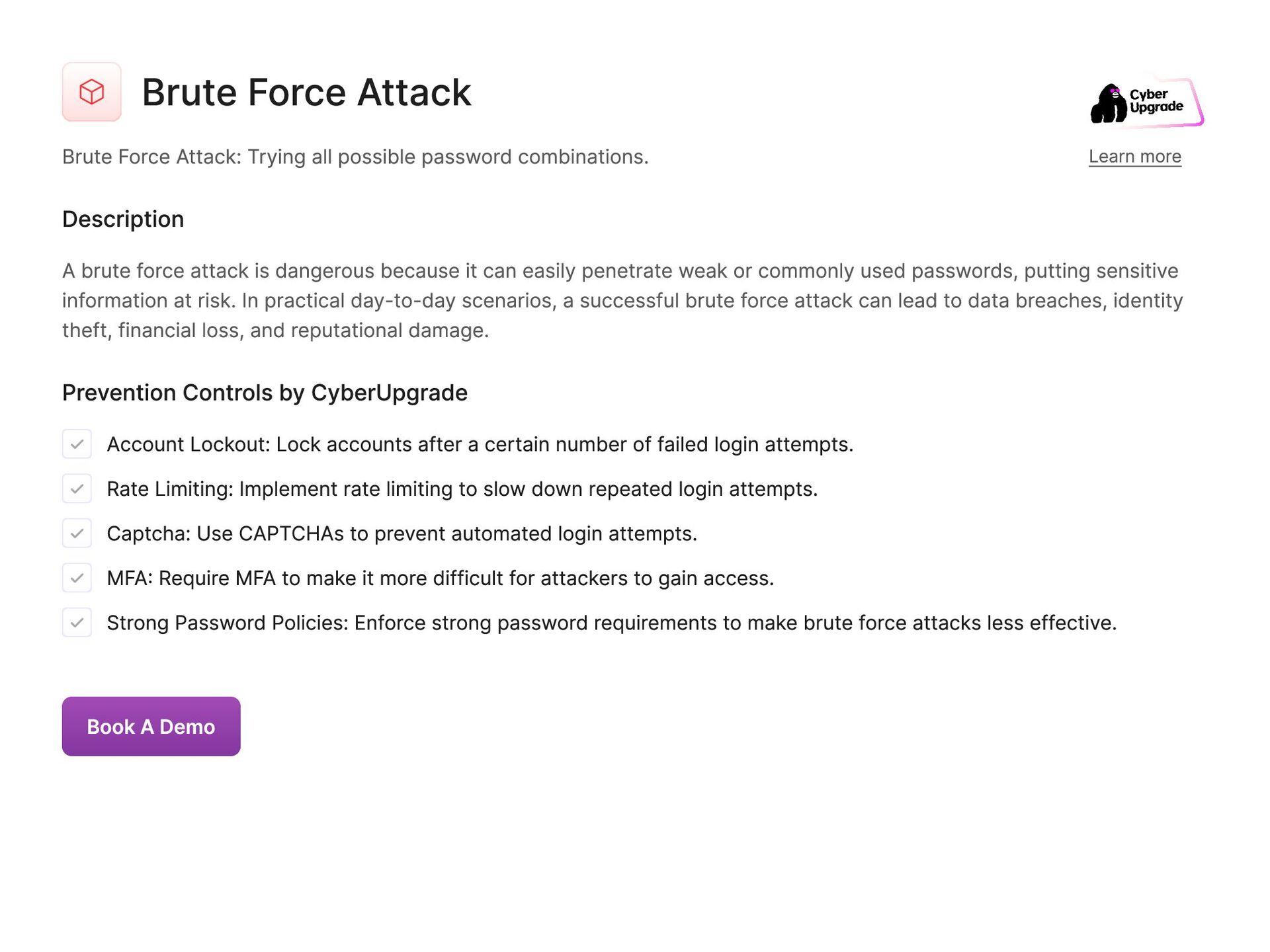
  29. Brute Force Attack Brute Force Attack: Trying all possible password

    combinations. Learn more Description A brute force attack is dangerous because it can easily penetrate weak or commonly used passwords, putting sensitive information at risk. In practical day-to-day scenarios, a successful brute force attack can lead to data breaches, identity theft, financial loss, and reputational damage. Prevention Controls by CyberUpgrade Account Lockout: Lock accounts after a certain number of failed login attempts. Rate Limiting: Implement rate limiting to slow down repeated login attempts. Captcha: Use CAPTCHAs to prevent automated login attempts. MFA: Require MFA to make it more difficult for attackers to gain access. Strong Password Policies: Enforce strong password requirements to make brute force attacks less effective. Book A Demo
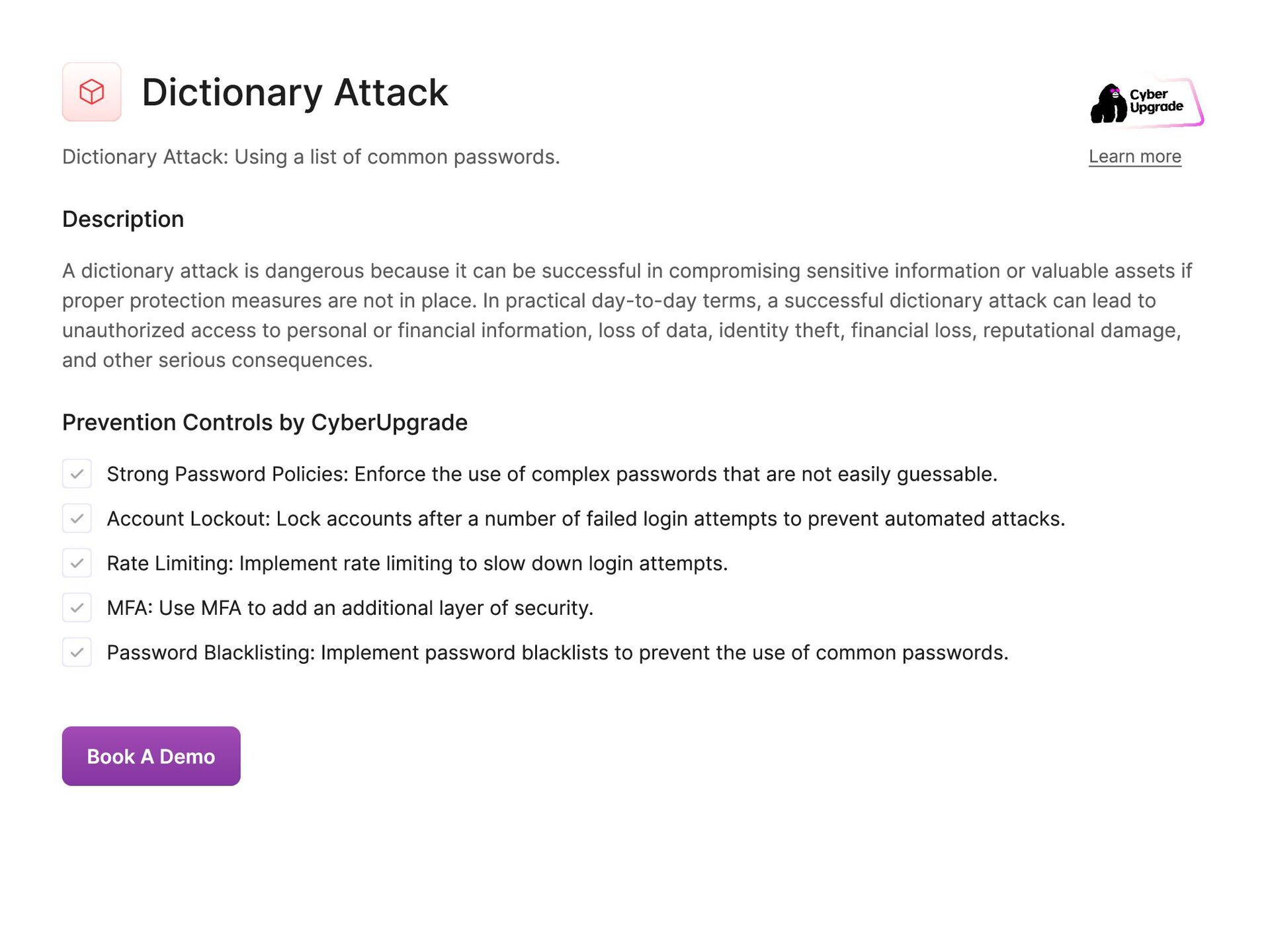
  30. Dictionary Attack Dictionary Attack: Using a list of common passwords.

    Learn more Description A dictionary attack is dangerous because it can be successful in compromising sensitive information or valuable assets if proper protection measures are not in place. In practical day-to-day terms, a successful dictionary attack can lead to unauthorized access to personal or financial information, loss of data, identity theft, financial loss, reputational damage, and other serious consequences. Prevention Controls by CyberUpgrade Strong Password Policies: Enforce the use of complex passwords that are not easily guessable. Account Lockout: Lock accounts after a number of failed login attempts to prevent automated attacks. Rate Limiting: Implement rate limiting to slow down login attempts. MFA: Use MFA to add an additional layer of security. Password Blacklisting: Implement password blacklists to prevent the use of common passwords. Book A Demo
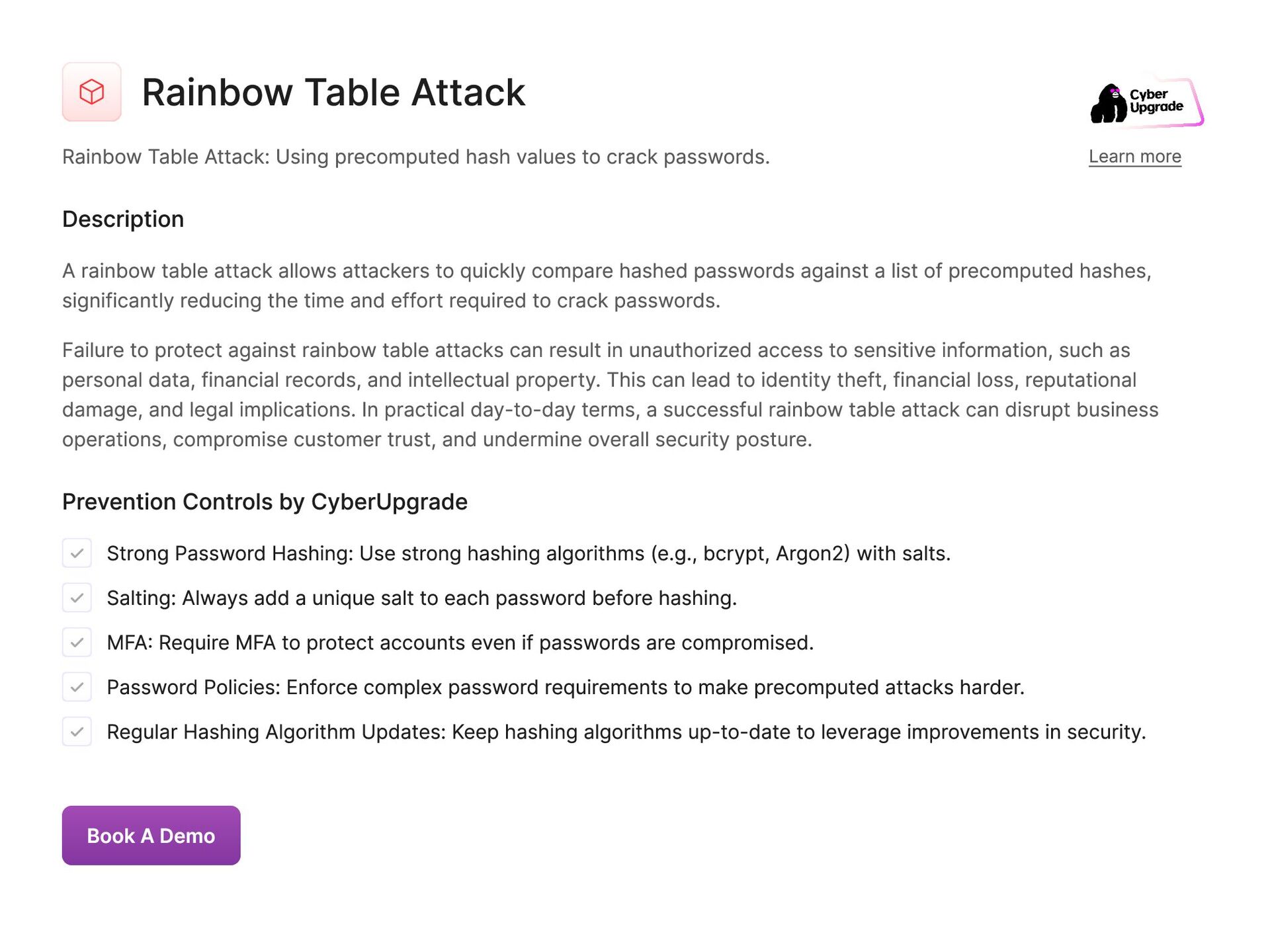
  31. Rainbow Table Attack Rainbow Table Attack: Using precomputed hash values

    to crack passwords. Learn more Description A rainbow table attack allows attackers to quickly compare hashed passwords against a list of precomputed hashes, significantly reducing the time and effort required to crack passwords. Failure to protect against rainbow table attacks can result in unauthorized access to sensitive information, such as personal data, financial records, and intellectual property. This can lead to identity theft, financial loss, reputational damage, and legal implications. In practical day-to-day terms, a successful rainbow table attack can disrupt business operations, compromise customer trust, and undermine overall security posture. Prevention Controls by CyberUpgrade Strong Password Hashing: Use strong hashing algorithms (e.g., bcrypt, Argon2) with salts. Salting: Always add a unique salt to each password before hashing. MFA: Require MFA to protect accounts even if passwords are compromised. Password Policies: Enforce complex password requirements to make precomputed attacks harder. Regular Hashing Algorithm Updates: Keep hashing algorithms up-to-date to leverage improvements in security. Book A Demo
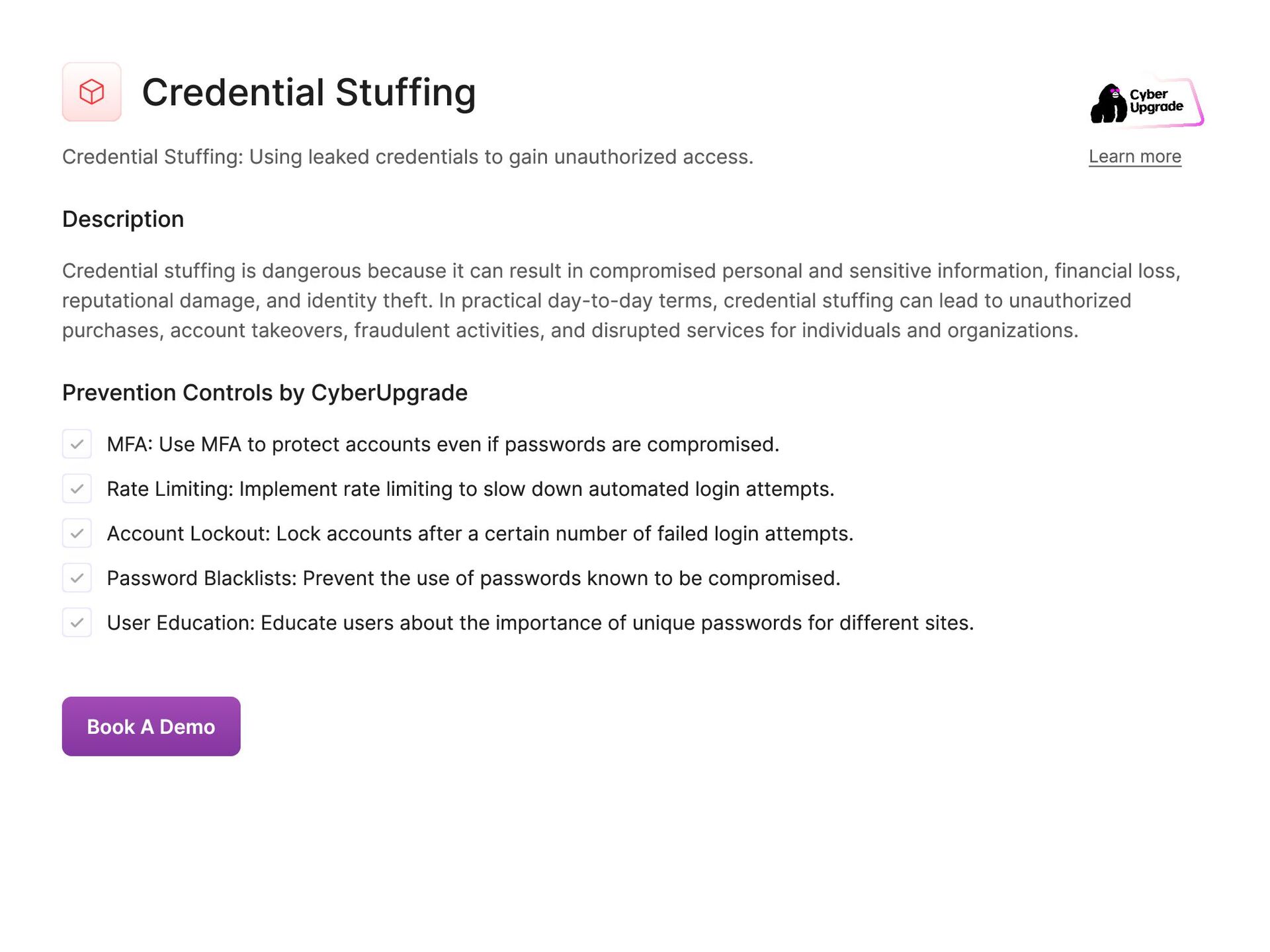
  32. Credential Stuffing Credential Stuffing: Using leaked credentials to gain unauthorized

    access. Learn more Description Credential stuffing is dangerous because it can result in compromised personal and sensitive information, financial loss, reputational damage, and identity theft. In practical day-to-day terms, credential stuffing can lead to unauthorized purchases, account takeovers, fraudulent activities, and disrupted services for individuals and organizations. Prevention Controls by CyberUpgrade MFA: Use MFA to protect accounts even if passwords are compromised. Rate Limiting: Implement rate limiting to slow down automated login attempts. Account Lockout: Lock accounts after a certain number of failed login attempts. Password Blacklists: Prevent the use of passwords known to be compromised. User Education: Educate users about the importance of unique passwords for different sites. Book A Demo
  33. Social Engineering Social Engineering: Manipulating individuals into divulging confidential information.

    Learn more Description Social engineering can be done through techniques such as phishing emails, pretexting, or baiting. If not protected against, social engineering can be extremely dangerous as it can lead to unauthorized access to sensitive data, financial loss, and reputational damage for individuals and organizations. In practical day-to-day life, social engineering attacks can result in identity theft, fraud, and the compromise of personal and financial information. Prevention Controls by CyberUpgrade User Education: Regularly train employees to recognize and respond to social engineering attacks. Verification Procedures: Implement procedures to verify the identity of individuals requesting sensitive information. Security Awareness Campaigns: Conduct ongoing security awareness campaigns to reinforce training. Incident Reporting: Encourage employees to report suspicious activities immediately. Simulated Attacks: Conduct simulated social engineering attacks to test and improve employee response. Book A Demo
  34. Pretexting Pretexting: Creating a fabricated scenario to steal information. Learn

    more Description Pretexting can result in significant damages, such as identity theft, financial loss, and reputational harm. It is crucial to protect against pretexting to prevent falling victim to fraudulent schemes and safeguard personal and confidential data. Failure to defend against pretexting can have severe consequences in everyday life, including compromised personal information, unauthorized access to accounts, and manipulation of sensitive data for malicious purposes. Prevention Controls by CyberUpgrade Identity Verification: Implement strict identity verification procedures for sensitive transactions. Employee Training: Train employees to recognize and respond to pretexting attempts. Access Controls: Limit access to sensitive information based on roles and necessity. Incident Reporting: Establish a clear process for reporting suspected pretexting incidents. Security Policies: Develop and enforce security policies that address pretexting risks. Book A Demo
  35. Baiting Baiting: Using false promises to lure victims into a

    trap. Learn more Description Falling victim to baiting can have serious consequences, such as identity theft, financial loss, or the installation of malware on devices. This type of attack can also damage an individual's reputation or credibility, as the information obtained through baiting may be used against them in various ways. Furthermore, failing to protect against baiting can leave individuals and organizations vulnerable to additional cyber attacks, as perpetrators may use compromised information to launch more targeted or sophisticated schemes. It is crucial for individuals to exercise caution and skepticism when encountering enticing offers or requests for personal information in order to prevent falling victim to baiting attacks. Prevention Controls by CyberUpgrade User Education: Train employees to recognize and avoid baiting tactics. Physical Security: Restrict physical access to areas where malicious devices could be left. Device Scanning: Implement regular scanning for unauthorized devices connected to the network. Software Policies: Prohibit the use of unauthorized software and media devices. Incident Response: Develop a clear incident response plan for handling baiting incidents. Book A Demo
  36. Tailgating Tailgating: Following an authorized person into a restricted area.

    Learn more Description Tailgating can lead to unauthorized access to sensitive information, theft of physical assets, and compromise of security measures. It is dangerous not to protect from this attack vector because it can result in data breaches, financial loss, reputational damage, and disruption of operations. In practical day-to-day, tailgating can cause disruption in workflow, loss of intellectual property, compromise of personal information, and violation of regulatory compliance. Prevention Controls by CyberUpgrade Access Control Systems: Use electronic access control systems to secure entry points. Security Awareness: Educate employees about the risks and signs of tailgating. Physical Barriers: Install physical barriers such as turnstiles or security gates. Security Personnel: Employ security personnel to monitor entry points. Visitor Policies: Implement and enforce strict visitor access policies, including escort requirements. Book A Demo
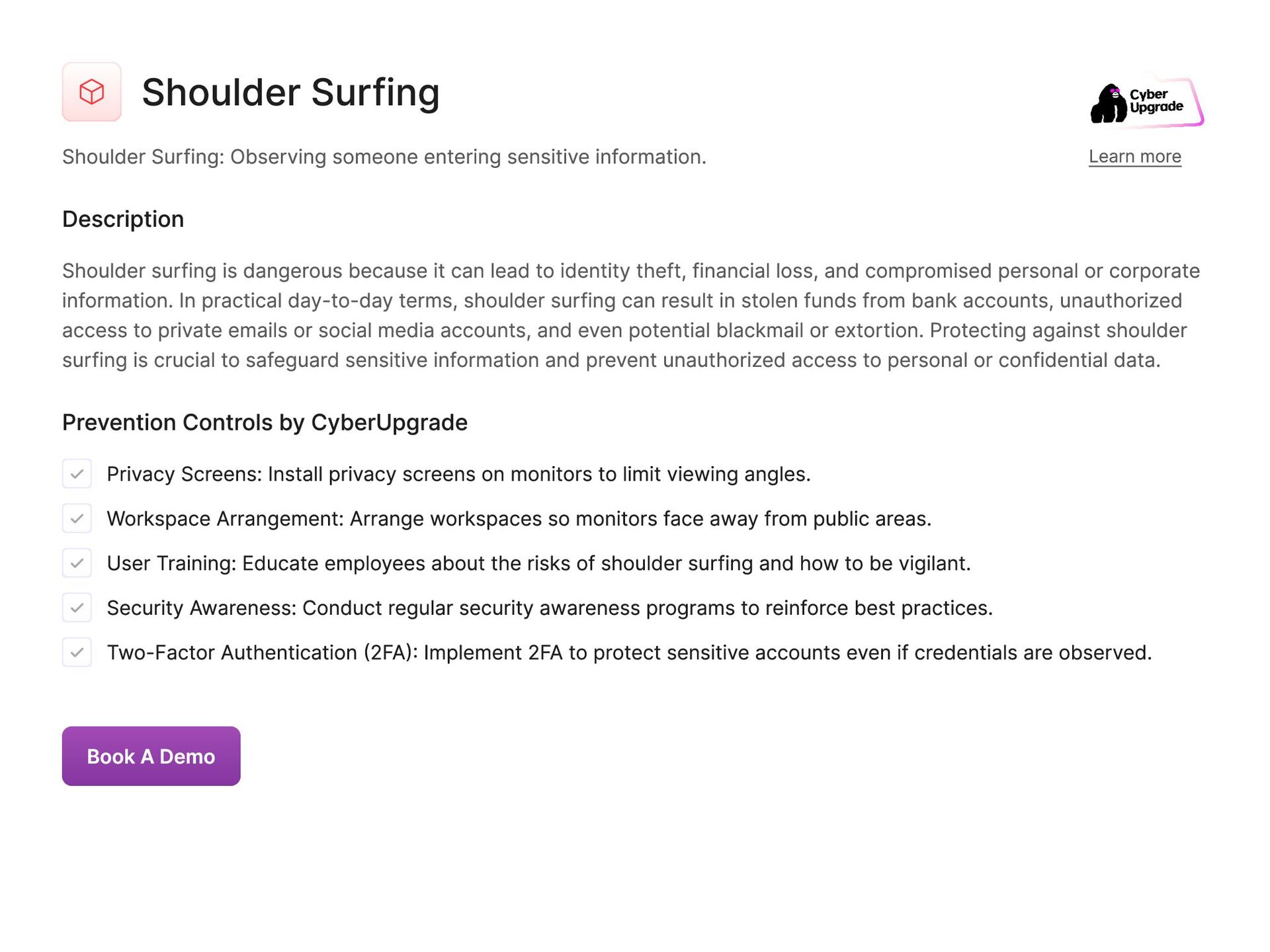
  37. Shoulder Surfing Shoulder Surfing: Observing someone entering sensitive information. Learn

    more Description Shoulder surfing is dangerous because it can lead to identity theft, financial loss, and compromised personal or corporate information. In practical day-to-day terms, shoulder surfing can result in stolen funds from bank accounts, unauthorized access to private emails or social media accounts, and even potential blackmail or extortion. Protecting against shoulder surfing is crucial to safeguard sensitive information and prevent unauthorized access to personal or confidential data. Prevention Controls by CyberUpgrade Privacy Screens: Install privacy screens on monitors to limit viewing angles. Workspace Arrangement: Arrange workspaces so monitors face away from public areas. User Training: Educate employees about the risks of shoulder surfing and how to be vigilant. Security Awareness: Conduct regular security awareness programs to reinforce best practices. Two-Factor Authentication (2FA): Implement 2FA to protect sensitive accounts even if credentials are observed. Book A Demo
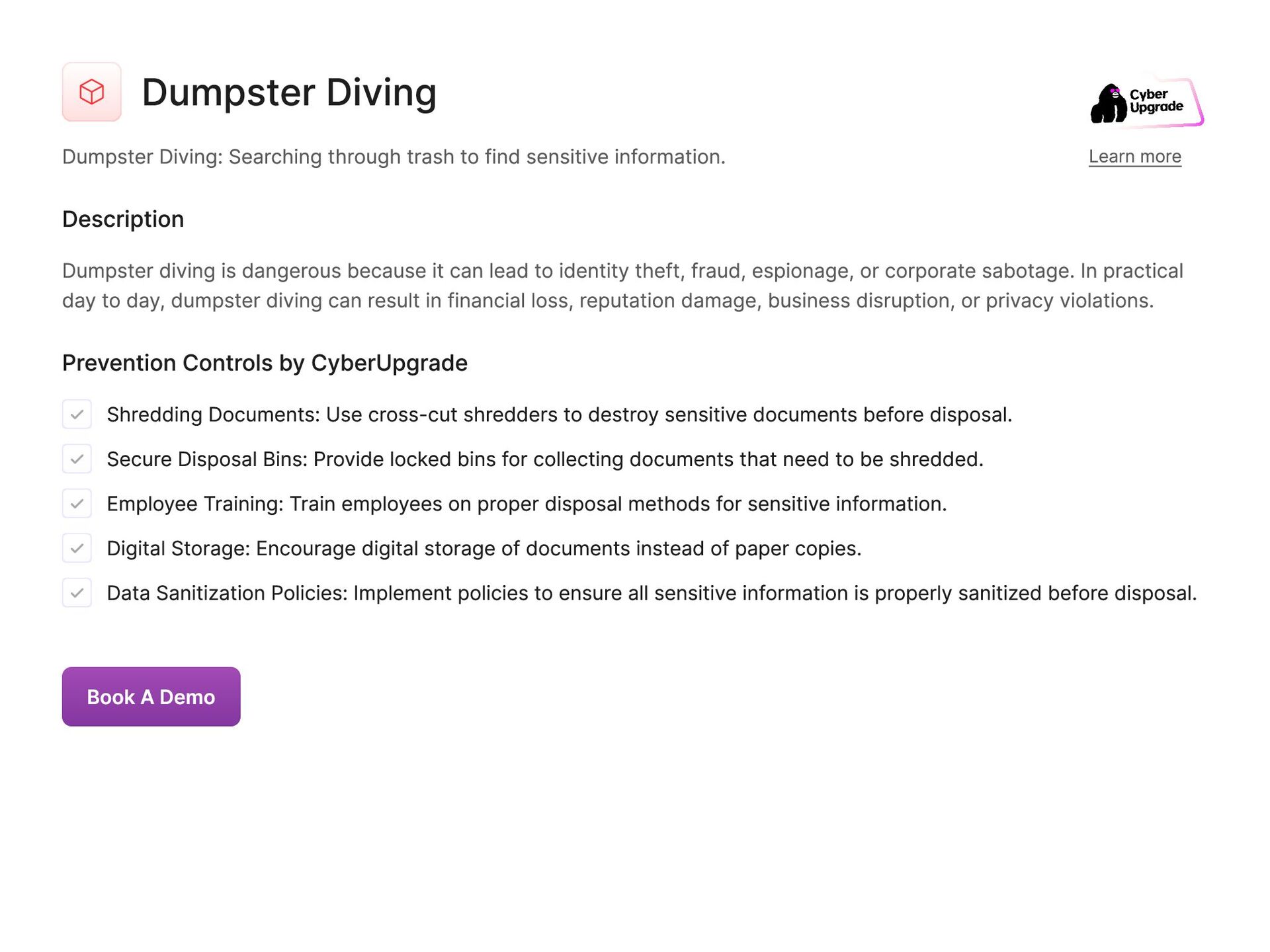
  38. Dumpster Diving Dumpster Diving: Searching through trash to find sensitive

    information. Learn more Description Dumpster diving is dangerous because it can lead to identity theft, fraud, espionage, or corporate sabotage. In practical day to day, dumpster diving can result in financial loss, reputation damage, business disruption, or privacy violations. Prevention Controls by CyberUpgrade Shredding Documents: Use cross-cut shredders to destroy sensitive documents before disposal. Secure Disposal Bins: Provide locked bins for collecting documents that need to be shredded. Employee Training: Train employees on proper disposal methods for sensitive information. Digital Storage: Encourage digital storage of documents instead of paper copies. Data Sanitization Policies: Implement policies to ensure all sensitive information is properly sanitized before disposal. Book A Demo
  39. Drive-by Download Drive-by Download: Unintentionally downloading malware from a compromised

    website. Learn more Description Drive-by download is dangerous as it can lead to unauthorized access to sensitive information, financial loss, and system instability. It can result in data breaches, loss of personal and corporate data, identity theft, financial fraud, and disruption of business operations. Additionally, drive-by downloads can also compromise the performance and security of the infected device and network, potentially allowing the attacker to gain control over the system for malicious purposes. Prevention Controls by CyberUpgrade Antivirus Software: Ensure antivirus software is installed and up-to-date on all systems. Browser Security: Use secure browsers and configure them to block pop-ups and malicious downloads. Patch Management: Regularly update all software to patch vulnerabilities. Web Filtering: Use web filtering tools to block access to known malicious websites. User Training: Educate users on the risks of drive-by downloads and safe browsing practices. Book A Demo
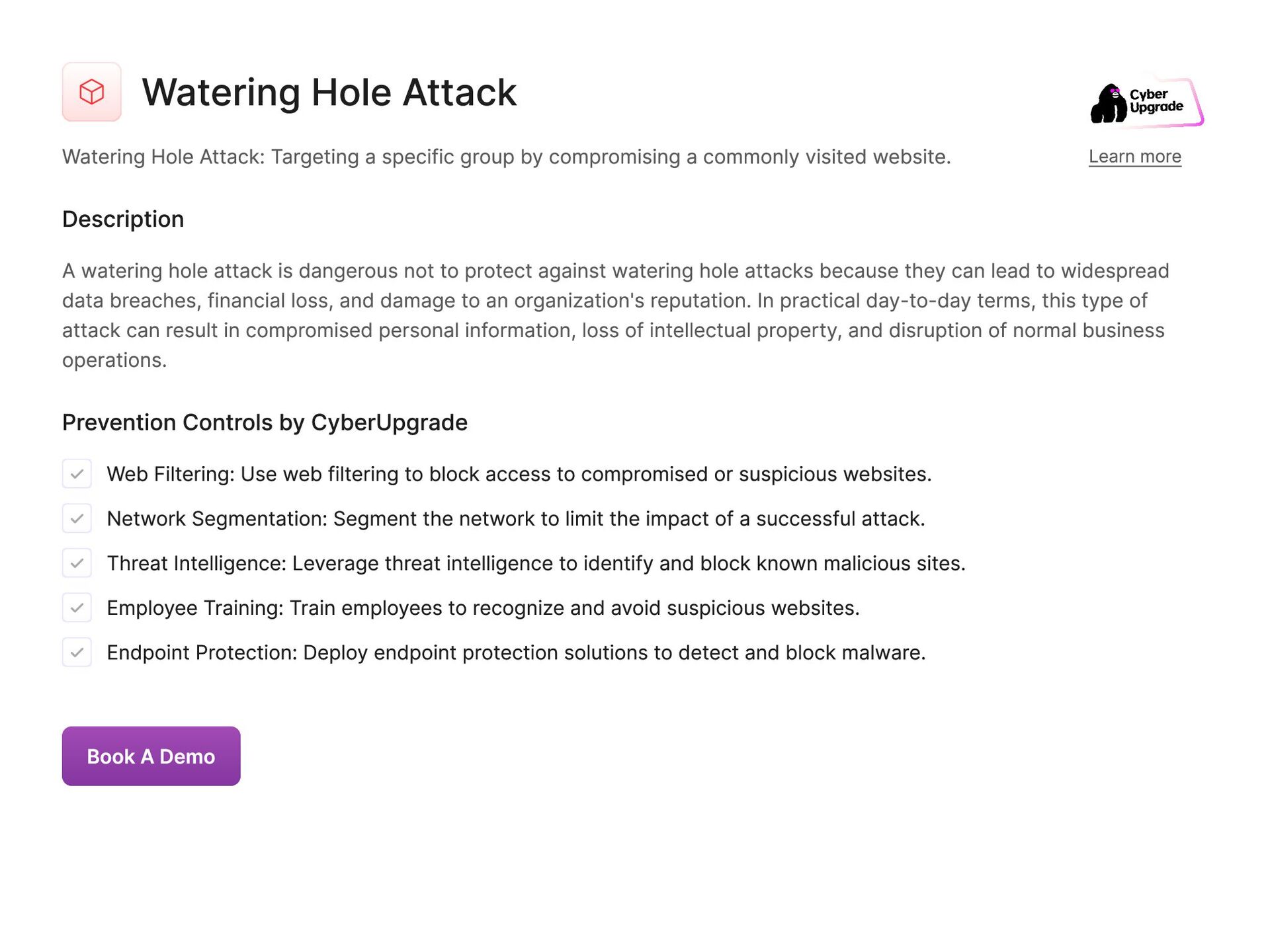
  40. Watering Hole Attack Watering Hole Attack: Targeting a specific group

    by compromising a commonly visited website. Learn more Description A watering hole attack is dangerous not to protect against watering hole attacks because they can lead to widespread data breaches, financial loss, and damage to an organization's reputation. In practical day-to-day terms, this type of attack can result in compromised personal information, loss of intellectual property, and disruption of normal business operations. Prevention Controls by CyberUpgrade Web Filtering: Use web filtering to block access to compromised or suspicious websites. Network Segmentation: Segment the network to limit the impact of a successful attack. Threat Intelligence: Leverage threat intelligence to identify and block known malicious sites. Employee Training: Train employees to recognize and avoid suspicious websites. Endpoint Protection: Deploy endpoint protection solutions to detect and block malware. Book A Demo
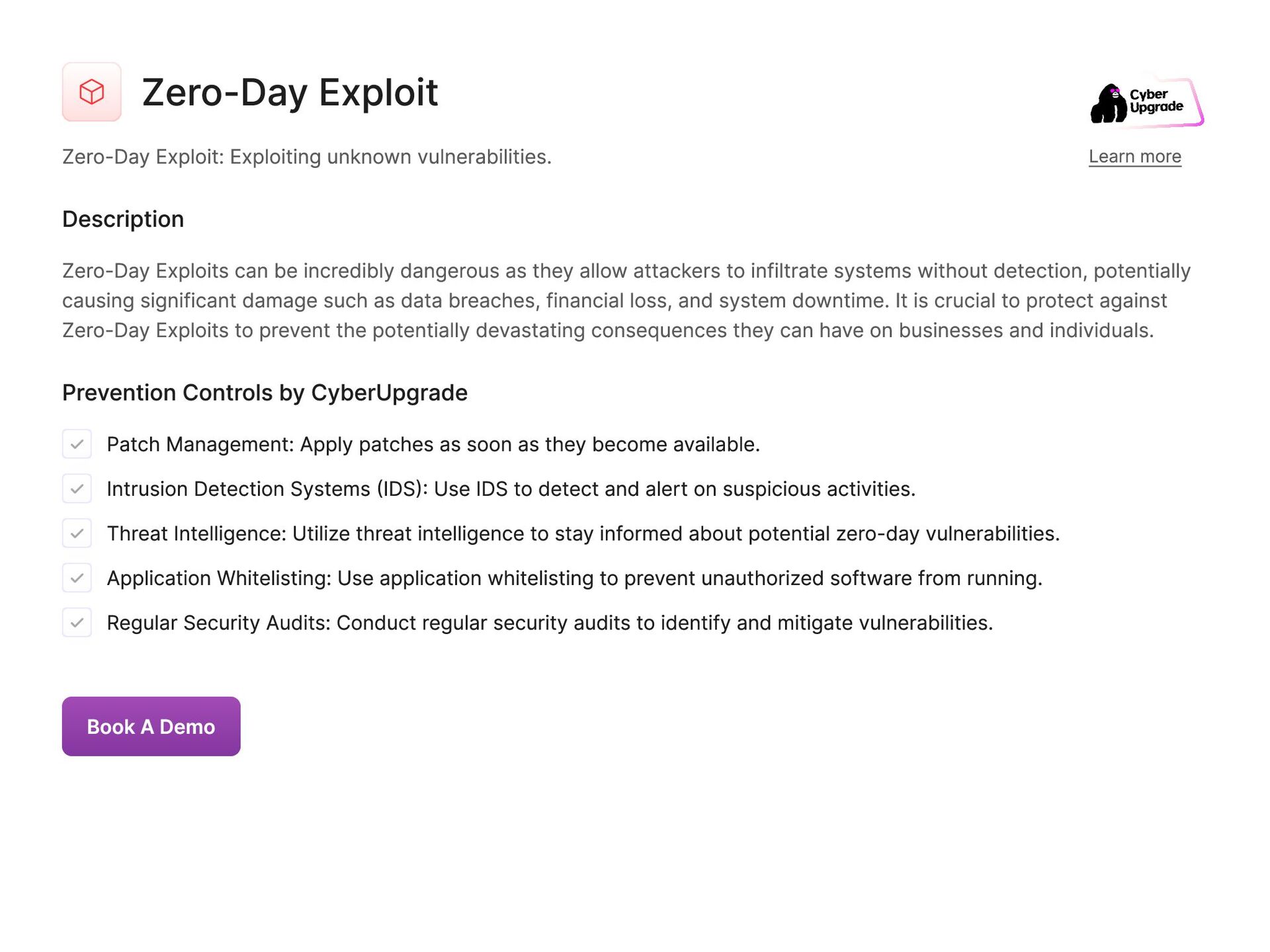
  41. Zero-Day Exploit Zero-Day Exploit: Exploiting unknown vulnerabilities. Learn more Description

    Zero-Day Exploits can be incredibly dangerous as they allow attackers to infiltrate systems without detection, potentially causing significant damage such as data breaches, financial loss, and system downtime. It is crucial to protect against Zero-Day Exploits to prevent the potentially devastating consequences they can have on businesses and individuals. Prevention Controls by CyberUpgrade Patch Management: Apply patches as soon as they become available. Intrusion Detection Systems (IDS): Use IDS to detect and alert on suspicious activities. Threat Intelligence: Utilize threat intelligence to stay informed about potential zero-day vulnerabilities. Application Whitelisting: Use application whitelisting to prevent unauthorized software from running. Regular Security Audits: Conduct regular security audits to identify and mitigate vulnerabilities. Book A Demo
  42. Backdoor Backdoor: Hidden access points in software or systems. Learn

    more Description Backdoors allows criminals to bypass security measures and gain unauthorized access to sensitive information or conduct malicious activities. Failing to protect against backdoors can lead to severe consequences in practical day-to-day operations, including data breaches, financial loss, reputational damage, and compromised system integrity. Prevention Controls by CyberUpgrade Regular Security Audits: Conduct frequent security audits to identify and close backdoors. Access Controls: Implement strict access controls to limit the ability to create backdoors. Network Monitoring: Monitor network traffic for unusual activity that may indicate a backdoor. Patch Management: Keep all systems and software updated to prevent exploitation. Endpoint Protection: Use endpoint protection tools to detect and block backdoor installation. Book A Demo
  43. Rootkits Rootkits: Software that hides malicious activity. Learn more Description

    Rootkits is dangerous because it can steal sensitive information, disrupt system operations, and provide unauthorized access to cybercriminals. Failing to protect against rootkits can result in data breaches, financial losses, identity theft, and reputational damage for individuals and organizations. Prevention Controls by CyberUpgrade Rootkit Scanners: Use specialized rootkit detection tools to scan for hidden malware. Secure Boot: Enable Secure Boot to prevent unauthorized software from loading during startup. Regular Scans: Conduct regular scans of systems to detect rootkits. Endpoint Protection: Deploy endpoint protection solutions with rootkit detection capabilities. System Integrity Monitoring: Use tools to monitor system integrity and detect unauthorized changes. Book A Demo
  44. Privilege Escalation Privilege Escalation: Gaining higher access levels within a

    system. Learn more Description Privilege escalation is dangerous as it allows threat actors to obtain unauthorized access to sensitive data, manipulate or delete critical information, install malware, and conduct other malicious activities. Failing to protect against privilege escalation can lead to severe consequences in practical day-to-day operations, including compromised system integrity, financial losses, reputational damage, and legal liabilities. Prevention Controls by CyberUpgrade Least Privilege Principle: Grant users the minimum level of access necessary for their role. Patch Management: Regularly update software to patch vulnerabilities that could be exploited. Access Controls: Implement robust access control mechanisms to prevent unauthorized access. Regular Audits: Conduct regular security audits to identify and mitigate potential privilege escalation paths. Multi-Factor Authentication (MFA): Use MFA to add an extra layer of security for privileged accounts. Book A Demo
  45. DNS Spoofing DNS Spoofing: Altering DNS records to redirect traffic.

    Learn more Description DNS Spoofing can lead to users unknowingly visiting fake websites where their sensitive information such as login credentials or financial details can be stolen. Without protection from this attack vector, individuals and organizations are at risk of falling victim to phishing attacks, data breaches, and financial losses. In practical day-to-day scenarios, DNS Spoofing can result in compromised security, loss of trust in online services, and damage to reputation for both individuals and businesses. Prevention Controls by CyberUpgrade DNSSEC: Implement DNS Security Extensions to protect against DNS spoofing. Network Monitoring: Monitor network traffic for signs of DNS spoofing. Regular Audits: Conduct regular security audits of DNS settings and configurations. Firewall Rules: Configure firewalls to block malicious DNS traffic. Employee Training: Train employees on the risks of DNS spoofing and how to recognize it. Book A Demo
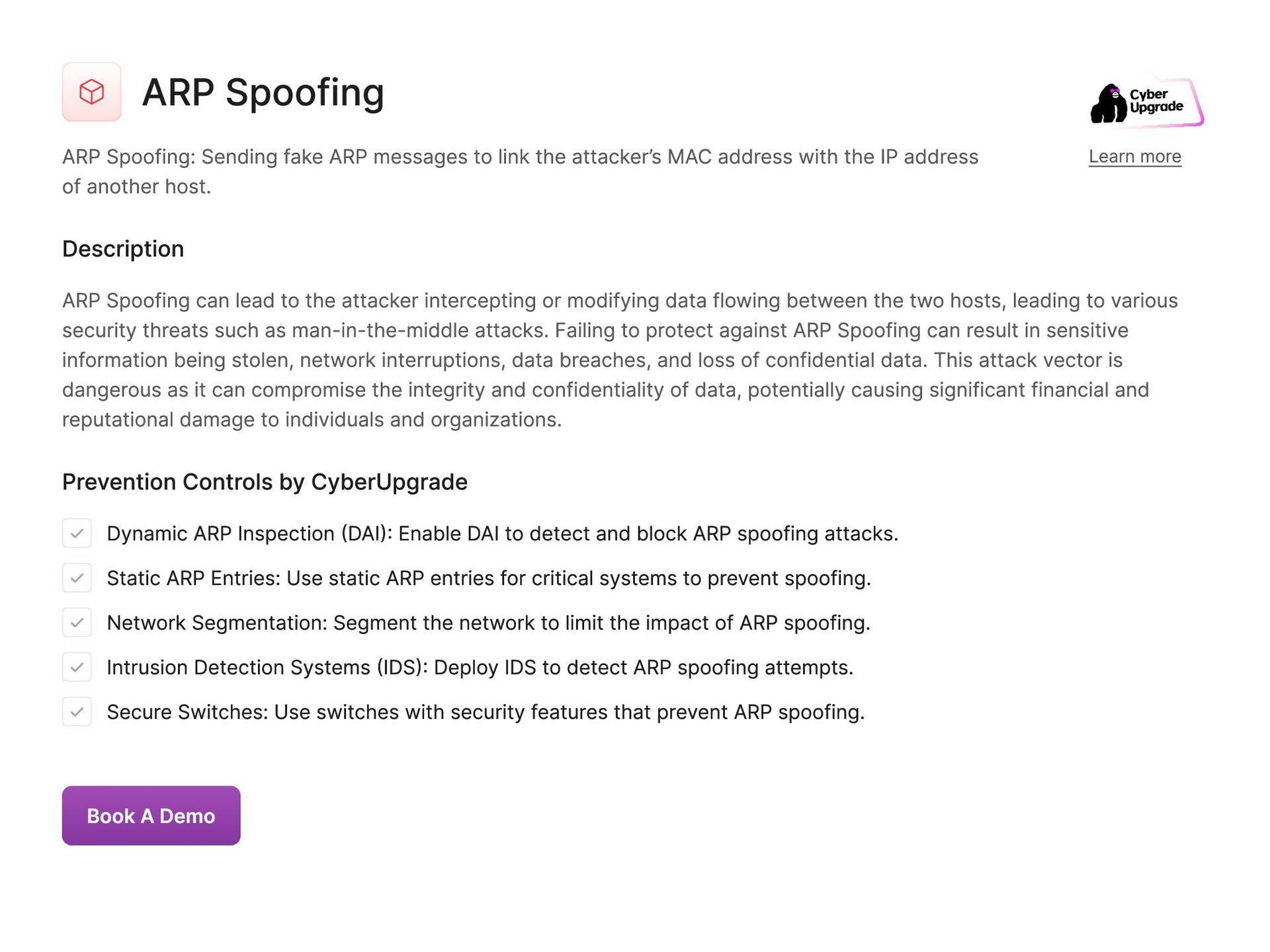
  46. ARP Spoofing ARP Spoofing: Sending fake ARP messages to link

    the attacker’s MAC address with the IP address of another host. Learn more Description ARP Spoofing can lead to the attacker intercepting or modifying data flowing between the two hosts, leading to various security threats such as man-in-the-middle attacks. Failing to protect against ARP Spoofing can result in sensitive information being stolen, network interruptions, data breaches, and loss of confidential data. This attack vector is dangerous as it can compromise the integrity and confidentiality of data, potentially causing significant financial and reputational damage to individuals and organizations. Prevention Controls by CyberUpgrade Dynamic ARP Inspection (DAI): Enable DAI to detect and block ARP spoofing attacks. Static ARP Entries: Use static ARP entries for critical systems to prevent spoofing. Network Segmentation: Segment the network to limit the impact of ARP spoofing. Intrusion Detection Systems (IDS): Deploy IDS to detect ARP spoofing attempts. Secure Switches: Use switches with security features that prevent ARP spoofing. Book A Demo
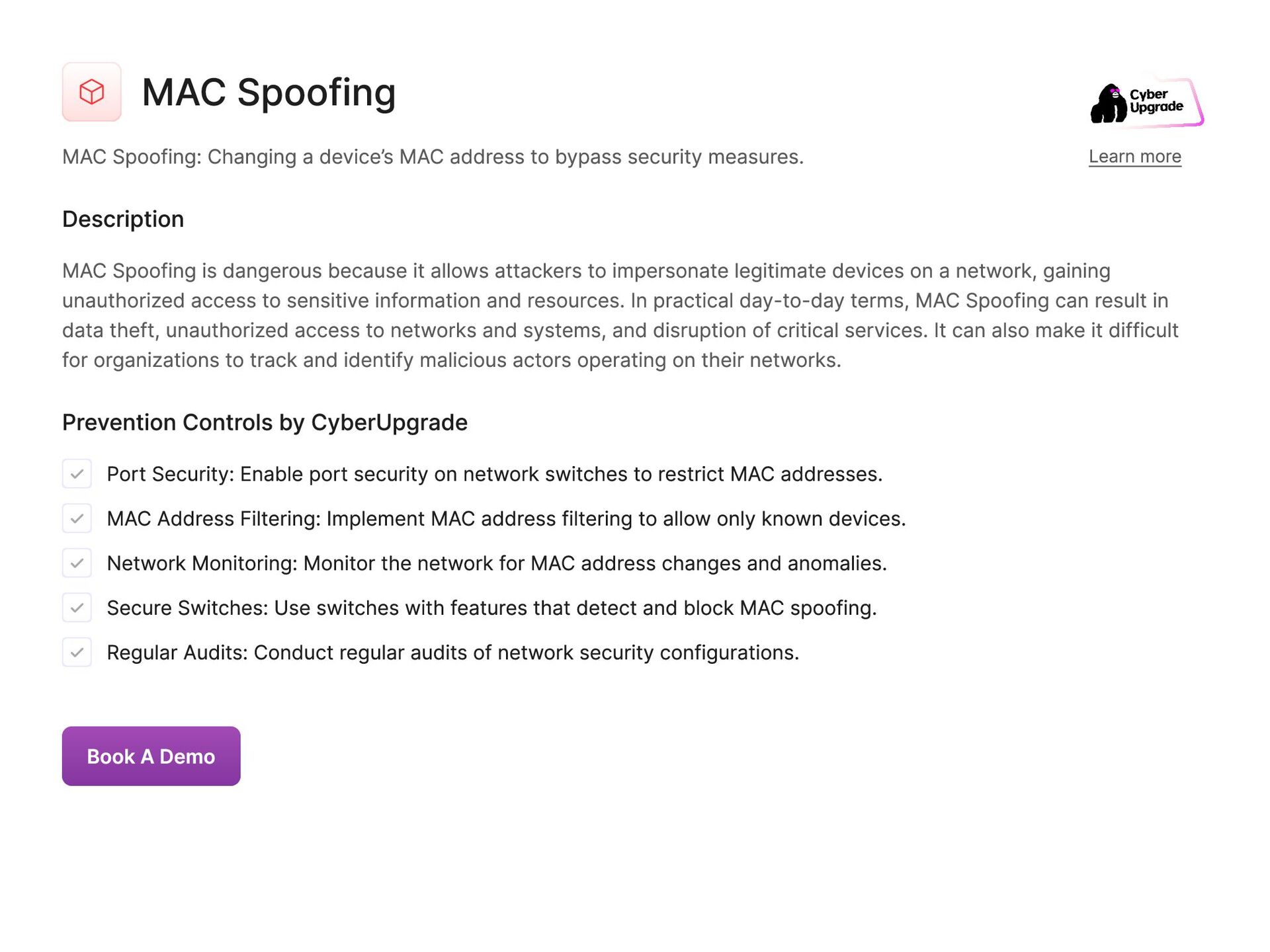
  47. MAC Spoofing MAC Spoofing: Changing a device’s MAC address to

    bypass security measures. Learn more Description MAC Spoofing is dangerous because it allows attackers to impersonate legitimate devices on a network, gaining unauthorized access to sensitive information and resources. In practical day-to-day terms, MAC Spoofing can result in data theft, unauthorized access to networks and systems, and disruption of critical services. It can also make it difficult for organizations to track and identify malicious actors operating on their networks. Prevention Controls by CyberUpgrade Port Security: Enable port security on network switches to restrict MAC addresses. MAC Address Filtering: Implement MAC address filtering to allow only known devices. Network Monitoring: Monitor the network for MAC address changes and anomalies. Secure Switches: Use switches with features that detect and block MAC spoofing. Regular Audits: Conduct regular audits of network security configurations. Book A Demo
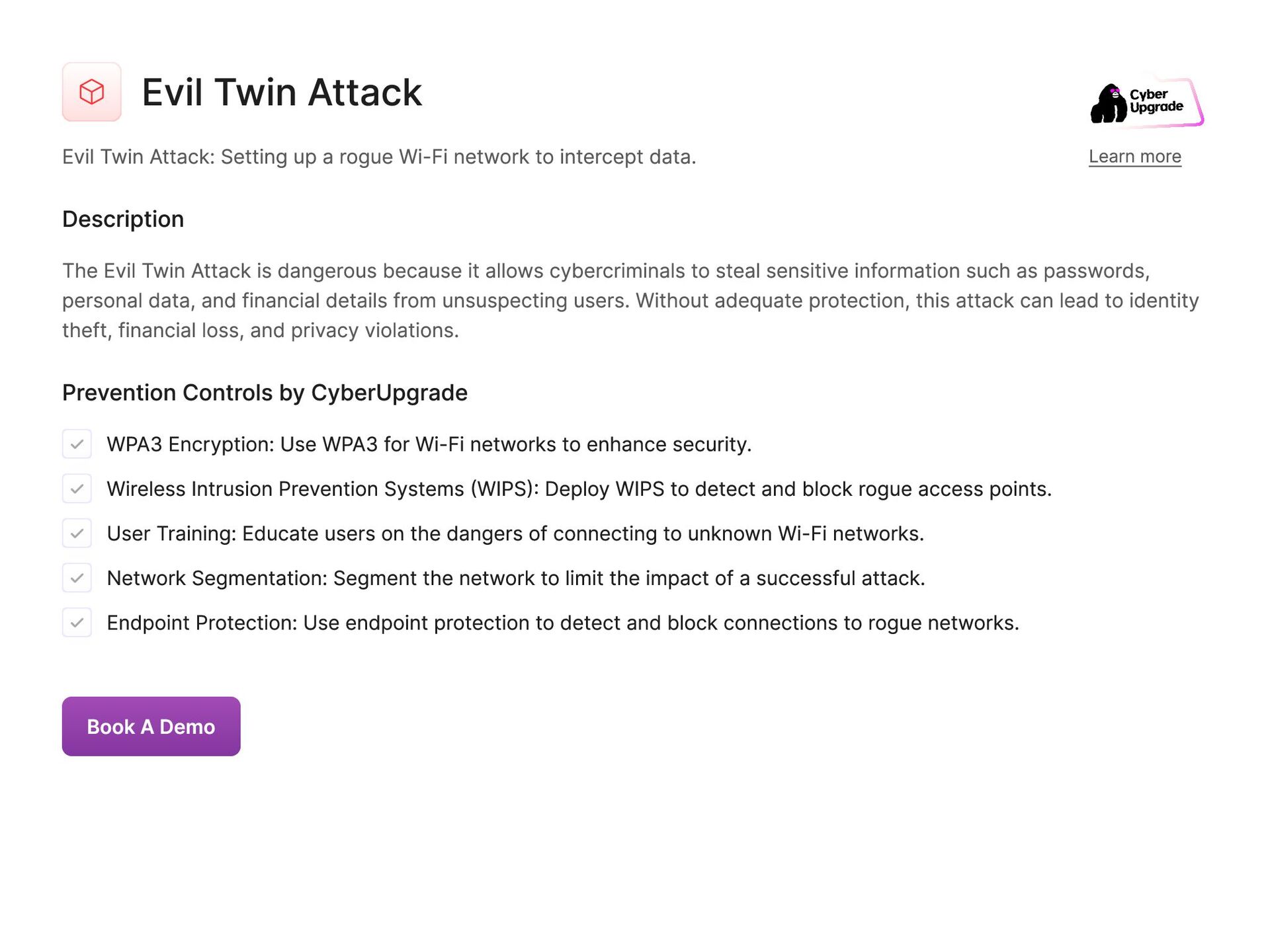
  48. Evil Twin Attack Evil Twin Attack: Setting up a rogue

    Wi-Fi network to intercept data. Learn more Description The Evil Twin Attack is dangerous because it allows cybercriminals to steal sensitive information such as passwords, personal data, and financial details from unsuspecting users. Without adequate protection, this attack can lead to identity theft, financial loss, and privacy violations. Prevention Controls by CyberUpgrade WPA3 Encryption: Use WPA3 for Wi-Fi networks to enhance security. Wireless Intrusion Prevention Systems (WIPS): Deploy WIPS to detect and block rogue access points. User Training: Educate users on the dangers of connecting to unknown Wi-Fi networks. Network Segmentation: Segment the network to limit the impact of a successful attack. Endpoint Protection: Use endpoint protection to detect and block connections to rogue networks. Book A Demo
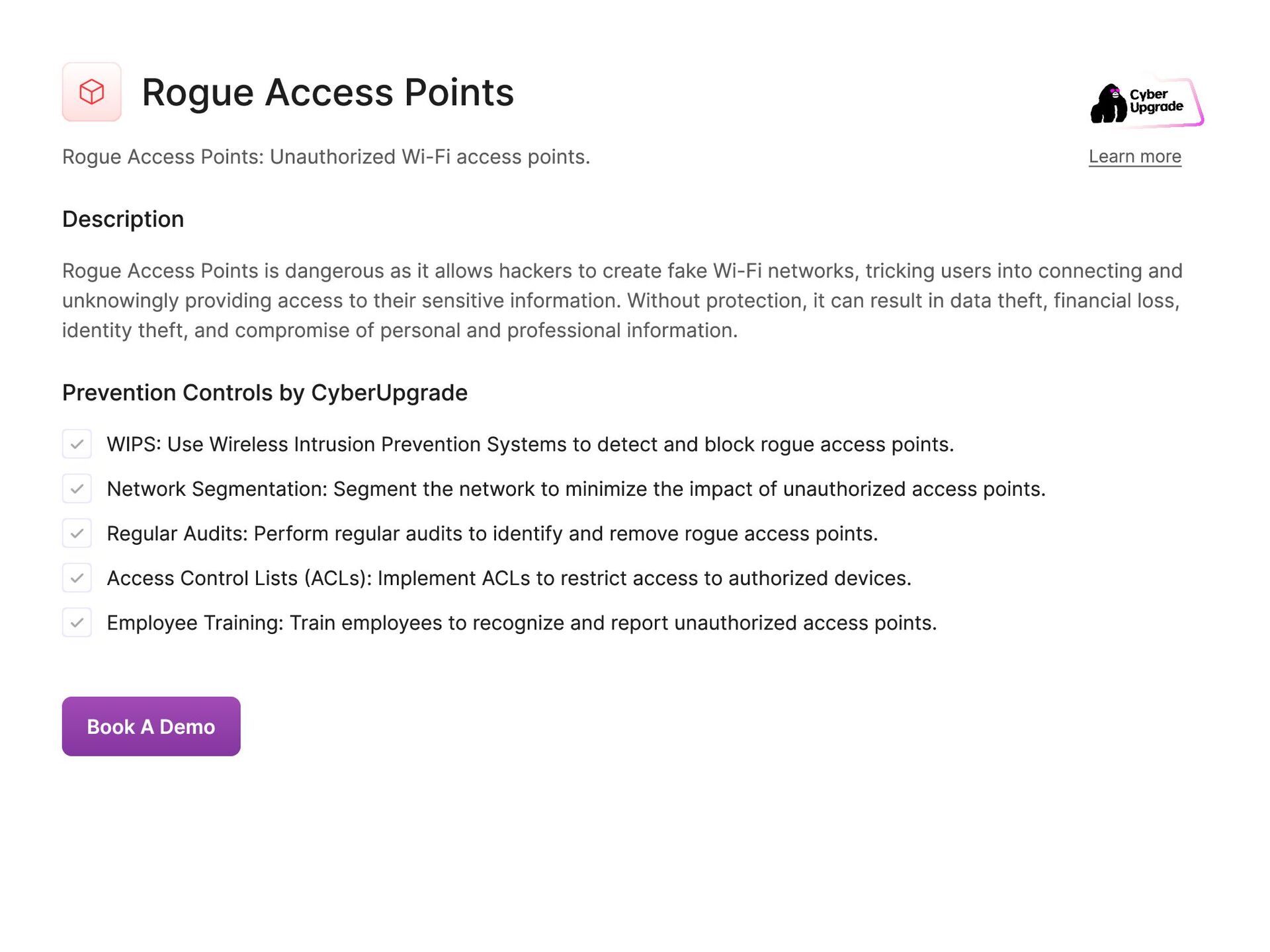
  49. Rogue Access Points Rogue Access Points: Unauthorized Wi-Fi access points.

    Learn more Description Rogue Access Points is dangerous as it allows hackers to create fake Wi-Fi networks, tricking users into connecting and unknowingly providing access to their sensitive information. Without protection, it can result in data theft, financial loss, identity theft, and compromise of personal and professional information. Prevention Controls by CyberUpgrade WIPS: Use Wireless Intrusion Prevention Systems to detect and block rogue access points. Network Segmentation: Segment the network to minimize the impact of unauthorized access points. Regular Audits: Perform regular audits to identify and remove rogue access points. Access Control Lists (ACLs): Implement ACLs to restrict access to authorized devices. Employee Training: Train employees to recognize and report unauthorized access points. Book A Demo
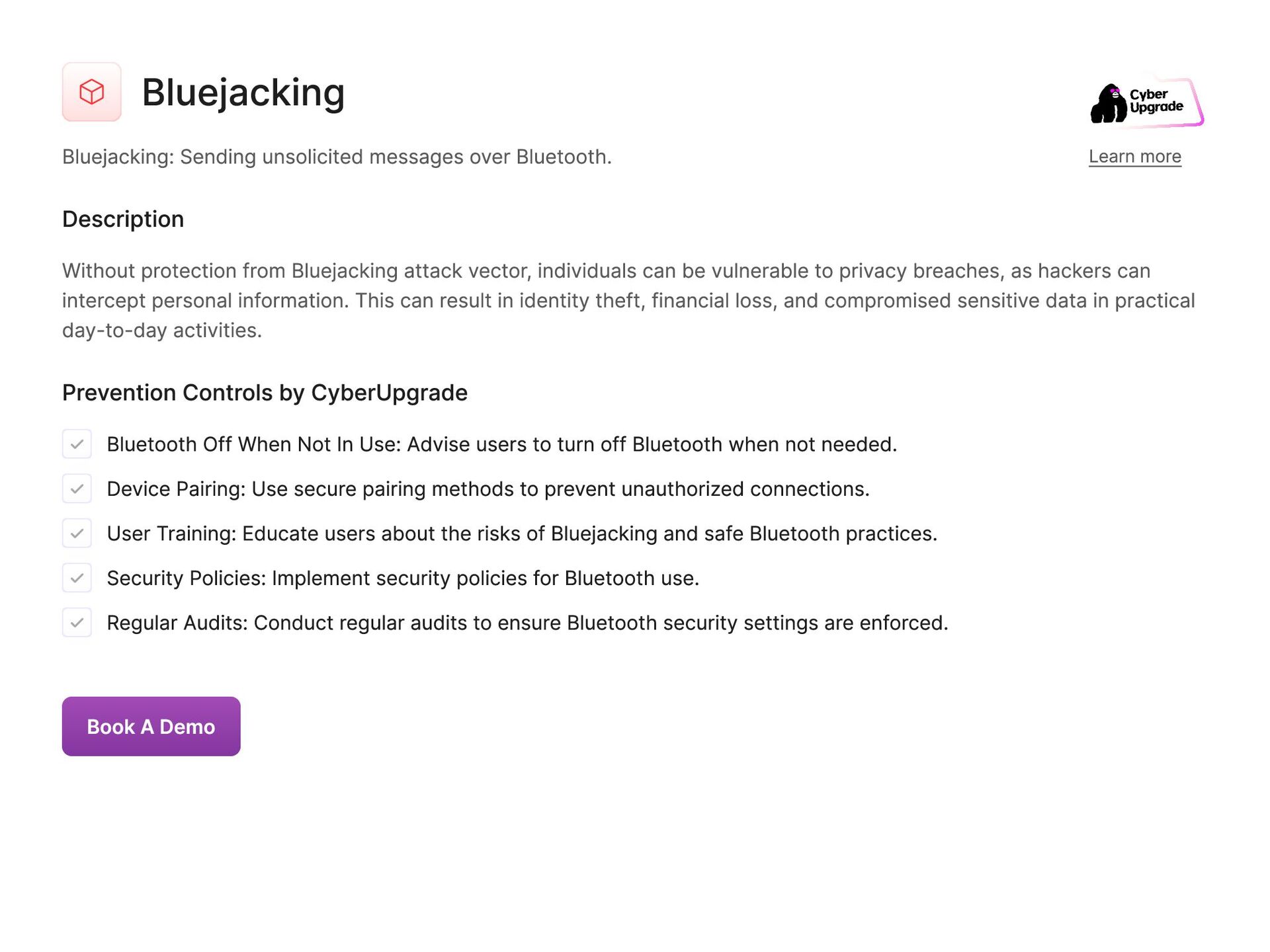
  50. Bluejacking Bluejacking: Sending unsolicited messages over Bluetooth. Learn more Description

    Without protection from Bluejacking attack vector, individuals can be vulnerable to privacy breaches, as hackers can intercept personal information. This can result in identity theft, financial loss, and compromised sensitive data in practical day-to-day activities. Prevention Controls by CyberUpgrade Bluetooth Off When Not In Use: Advise users to turn off Bluetooth when not needed. Device Pairing: Use secure pairing methods to prevent unauthorized connections. User Training: Educate users about the risks of Bluejacking and safe Bluetooth practices. Security Policies: Implement security policies for Bluetooth use. Regular Audits: Conduct regular audits to ensure Bluetooth security settings are enforced. Book A Demo
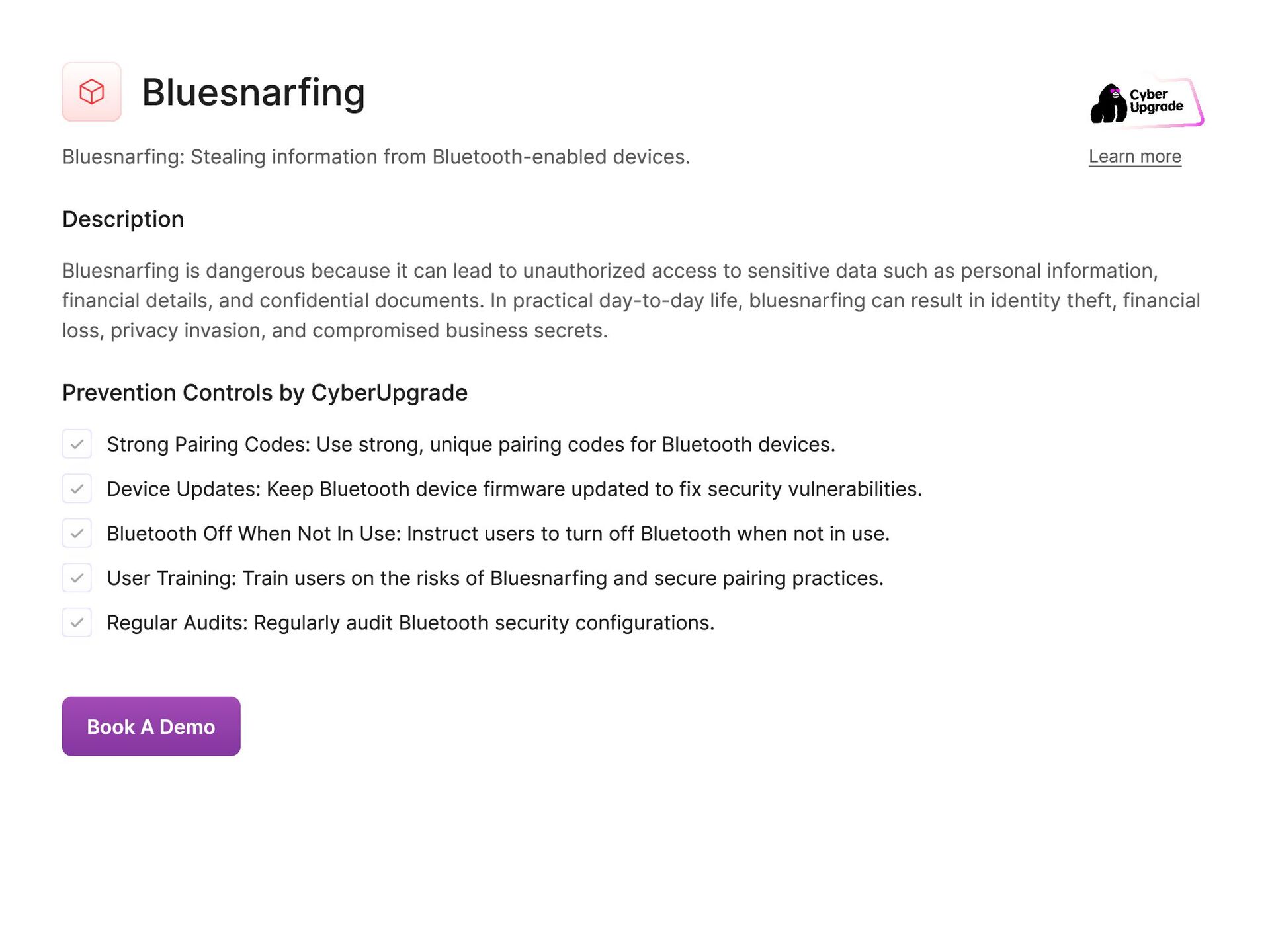
  51. Bluesnarfing Bluesnarfing: Stealing information from Bluetooth-enabled devices. Learn more Description

    Bluesnarfing is dangerous because it can lead to unauthorized access to sensitive data such as personal information, financial details, and confidential documents. In practical day-to-day life, bluesnarfing can result in identity theft, financial loss, privacy invasion, and compromised business secrets. Prevention Controls by CyberUpgrade Strong Pairing Codes: Use strong, unique pairing codes for Bluetooth devices. Device Updates: Keep Bluetooth device firmware updated to fix security vulnerabilities. Bluetooth Off When Not In Use: Instruct users to turn off Bluetooth when not in use. User Training: Train users on the risks of Bluesnarfing and secure pairing practices. Regular Audits: Regularly audit Bluetooth security configurations. Book A Demo
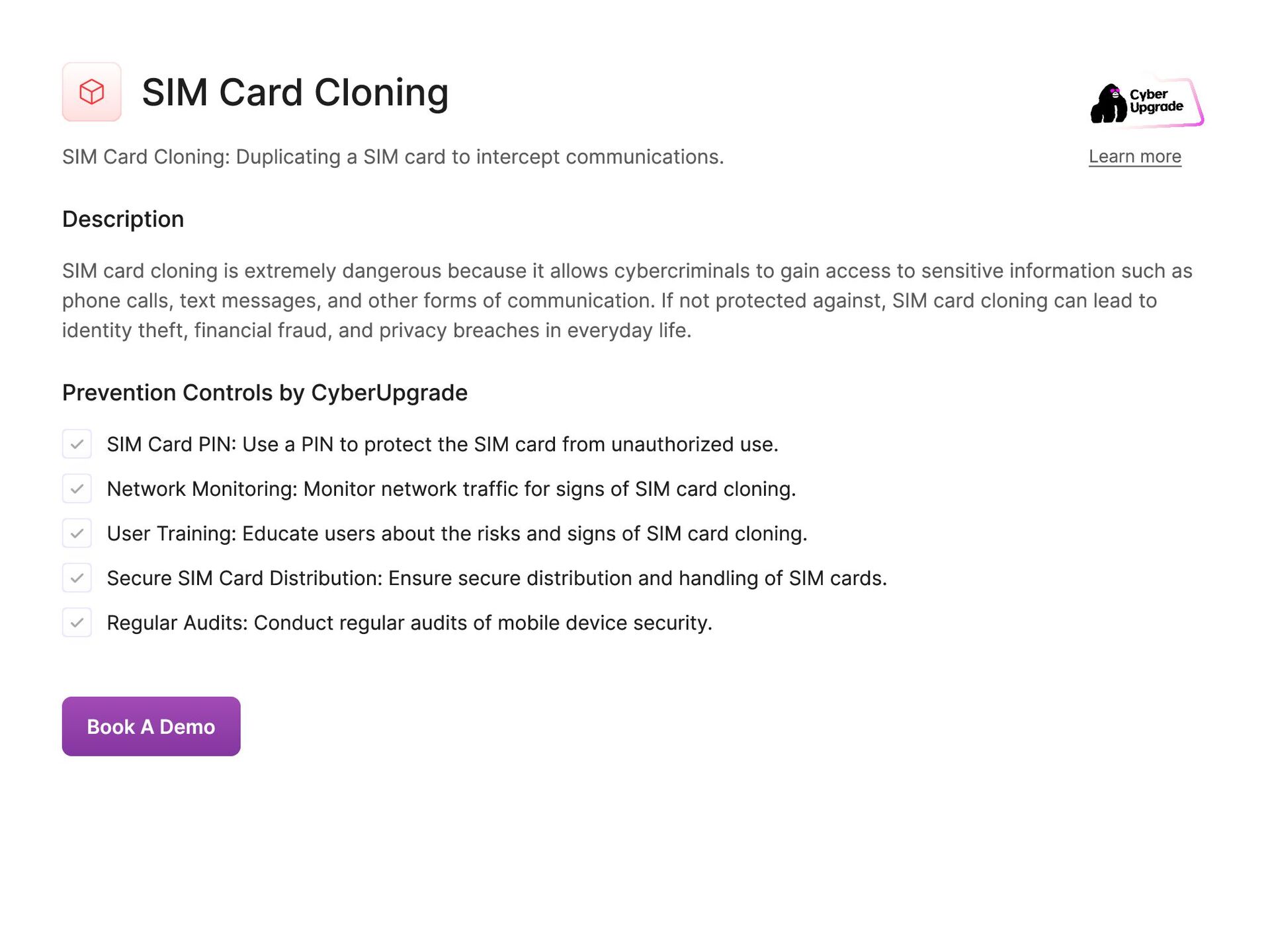
  52. SIM Card Cloning SIM Card Cloning: Duplicating a SIM card

    to intercept communications. Learn more Description SIM card cloning is extremely dangerous because it allows cybercriminals to gain access to sensitive information such as phone calls, text messages, and other forms of communication. If not protected against, SIM card cloning can lead to identity theft, financial fraud, and privacy breaches in everyday life. Prevention Controls by CyberUpgrade SIM Card PIN: Use a PIN to protect the SIM card from unauthorized use. Network Monitoring: Monitor network traffic for signs of SIM card cloning. User Training: Educate users about the risks and signs of SIM card cloning. Secure SIM Card Distribution: Ensure secure distribution and handling of SIM cards. Regular Audits: Conduct regular audits of mobile device security. Book A Demo
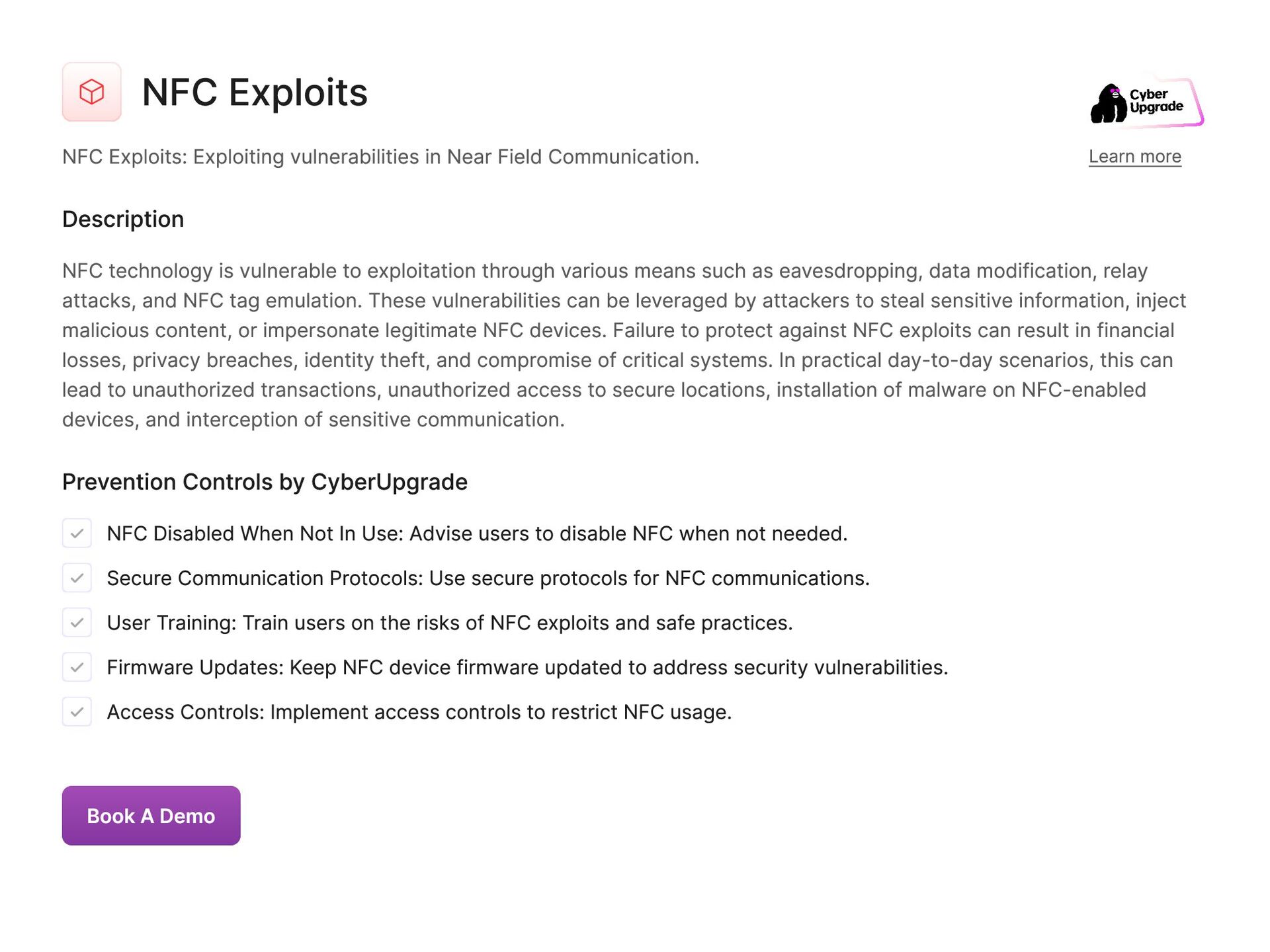
  53. NFC Exploits NFC Exploits: Exploiting vulnerabilities in Near Field Communication.

    Learn more Description NFC technology is vulnerable to exploitation through various means such as eavesdropping, data modification, relay attacks, and NFC tag emulation. These vulnerabilities can be leveraged by attackers to steal sensitive information, inject malicious content, or impersonate legitimate NFC devices. Failure to protect against NFC exploits can result in financial losses, privacy breaches, identity theft, and compromise of critical systems. In practical day-to-day scenarios, this can lead to unauthorized transactions, unauthorized access to secure locations, installation of malware on NFC-enabled devices, and interception of sensitive communication. Prevention Controls by CyberUpgrade NFC Disabled When Not In Use: Advise users to disable NFC when not needed. Secure Communication Protocols: Use secure protocols for NFC communications. User Training: Train users on the risks of NFC exploits and safe practices. Firmware Updates: Keep NFC device firmware updated to address security vulnerabilities. Access Controls: Implement access controls to restrict NFC usage. Book A Demo
  54. RFID Skimming RFID Skimming: Stealing information from RFID-enabled cards. Learn

    more Description RFID Skimming is dangerous because it allows attackers to steal sensitive information such as credit card details, personal information, and access credentials. Without protection from RFID Skimming, individuals can suffer financial losses, identity theft, and compromise of personal and sensitive information in their day-to-day activities. Prevention Controls by CyberUpgrade RFID Blocking Sleeves: Use RFID blocking sleeves or wallets to protect cards. Secure RFID Chips: Use RFID chips with security features to prevent unauthorized access. User Training: Educate users about the risks of RFID skimming and protective measures. Access Controls: Implement access controls for RFID-enabled devices. Regular Audits: Conduct regular audits of RFID security measures. Book A Demo
  55. Firmware Attacks Firmware Attacks: Compromising firmware to control hardware. Learn

    more Description Firmware attacks is particularly dangerous because it can allow malicious actors to manipulate the functioning of devices, such as computers, IoT devices, and network equipment. Failure to protect against firmware attacks can result in various damages in practical day-to-day scenarios. For instance, attackers can remotely take control of a victim's device and steal sensitive information, disrupt operations, or even cause physical harm by tampering with critical systems. Additionally, compromised firmware can enable persistent access to devices, making it difficult to detect and remove malicious code. Therefore, securing firmware is crucial for safeguarding the integrity and security of devices, as well as protecting users' privacy and preventing potentially catastrophic consequences. Prevention Controls by CyberUpgrade Firmware Updates: Regularly update firmware to fix security vulnerabilities. Secure Boot: Enable Secure Boot to ensure only trusted firmware is loaded. Endpoint Protection: Use endpoint protection to detect and block malicious firmware. Access Controls: Restrict access to firmware updates to authorized personnel. Regular Audits: Perform regular audits of firmware security. Book A Demo
  56. BIOS Attacks BIOS Attacks: Targeting the BIOS to control system

    startup. Learn more Description By compromising the BIOS, attackers can potentially gain unauthorized access to the system, install malware, or manipulate the system's behavior. Failing to protect against BIOS attacks can be extremely dangerous as it can lead to a variety of damaging consequences in practical day-to-day operations. For example, attackers can use BIOS attacks to bypass security measures, steal sensitive information, disrupt critical processes, or even render the system inoperable. Additionally, since the BIOS controls the initial startup process of the system, any unauthorized changes to the BIOS can have long-lasting and widespread impacts on the system's overall security and functionality. Prevention Controls by CyberUpgrade BIOS Password Protection: Use passwords to protect BIOS settings. Secure Boot: Enable Secure Boot to prevent unauthorized BIOS modifications. Firmware Updates: Regularly update BIOS firmware to address security vulnerabilities. Endpoint Protection: Deploy endpoint protection to detect and block BIOS attacks. Regular Audits: Conduct regular audits of BIOS security settings. Book A Demo
  57. Supply Chain Attacks Supply Chain Attacks: Compromising software or hardware

    before it reaches the target. Learn more Description Failure to protect against Supply chain attack vector can result in the infiltration of malicious code or malware into systems, leading to data breaches, theft of sensitive information, financial losses, and reputational damage in day-to-day operations. Prevention Controls by CyberUpgrade Vendor Risk Management: Implement a vendor risk management program to assess and monitor third-party vendors. Code Review and Testing: Conduct thorough code reviews and testing for any third-party software or updates. Security Contracts: Include security requirements in contracts with suppliers and vendors. Threat Intelligence: Utilize threat intelligence to stay informed about potential supply chain threats. Regular Audits: Perform regular security audits and assessments of suppliers and vendors. Book A Demo
  58. Cloud Exploits Cloud Exploits: Exploiting vulnerabilities in cloud services. Learn

    more Description Without proper protection from Cloud exploits attack, organizations can face severe consequences such as data breaches, financial losses, reputational damage, legal penalties, and operational disruptions. It is crucial to safeguard cloud services against exploits to mitigate the risks and protect sensitive information from falling into the wrong hands. Prevention Controls by CyberUpgrade Access Controls: Implement strict access controls and use role-based access control (RBAC) in cloud environments. Encryption: Encrypt data at rest and in transit within the cloud. Security Monitoring: Use cloud security monitoring tools to detect and respond to threats. Multi-Factor Authentication (MFA): Require MFA for all users accessing cloud services. Regular Security Assessments: Conduct regular security assessments and penetration testing of cloud services. Book A Demo
  59. Container Exploits Container Exploits: Attacks targeting containerized applications. Learn more

    Description Failing to protect from Container exploits attack vector can result in data breaches, service disruptions, and financial losses for organizations. In practical day-to-day operations, this could lead to sensitive information being leaked, systems being compromised, and customer trust being eroded. It is crucial to secure container environments to prevent these damaging consequences. Prevention Controls by CyberUpgrade Image Scanning: Scan container images for vulnerabilities before deployment. Least Privilege: Run containers with the least privilege necessary for their function. Network Segmentation: Use network segmentation to isolate containerized applications. Security Patching: Regularly update and patch container runtimes and orchestrators. Runtime Protection: Implement runtime security tools to monitor and protect running containers. Book A Demo
  60. Virtual Machine (VM) Escaping Virtual Machine (VM) Escaping: Breaking out

    of a VM to access the host system. Learn more Description Virtual Machine (VM) Escaping is extremely dangerous because it allows unauthorized access to the host system, potentially leading to the theft or manipulation of sensitive data, the installation of malware, or the disruption of critical operations. Failure to protect against VM Escaping can result in significant damage in practical day-to-day operations, including financial loss, reputational damage, legal consequences, and compromised network security. Prevention Controls by CyberUpgrade Hypervisor Hardening: Harden hypervisors by applying the latest patches and security updates. Access Controls: Restrict access to hypervisors and VM management interfaces. Isolation: Use strong isolation techniques to separate VMs. Regular Monitoring: Monitor VM and hypervisor activity for signs of suspicious behavior. Security Testing: Regularly test VM environments for vulnerabilities that could lead to VM escape. Book A Demo
  61. Hypervisor Attacks Hypervisor Attacks: Compromising the hypervisor controlling VMs. Learn

    more Description A hypervisor attack is extremely dangerous as it allows threat actors to gain unauthorized access to multiple VMs on a single physical server. If not protected against, a hypervisor attack can result in significant damage in practical day-to-day operations, including data theft, service disruptions, unauthorized access to sensitive information, and potential sabotage of critical systems. Prevention Controls by CyberUpgrade Patch Management: Regularly update and patch hypervisors. Access Controls: Implement strict access controls for hypervisor management interfaces. Intrusion Detection Systems (IDS): Deploy IDS to monitor hypervisor activity. Network Segmentation: Segment hypervisor management networks from other network segments. Security Audits: Conduct regular security audits and vulnerability assessments of hypervisors. Book A Demo
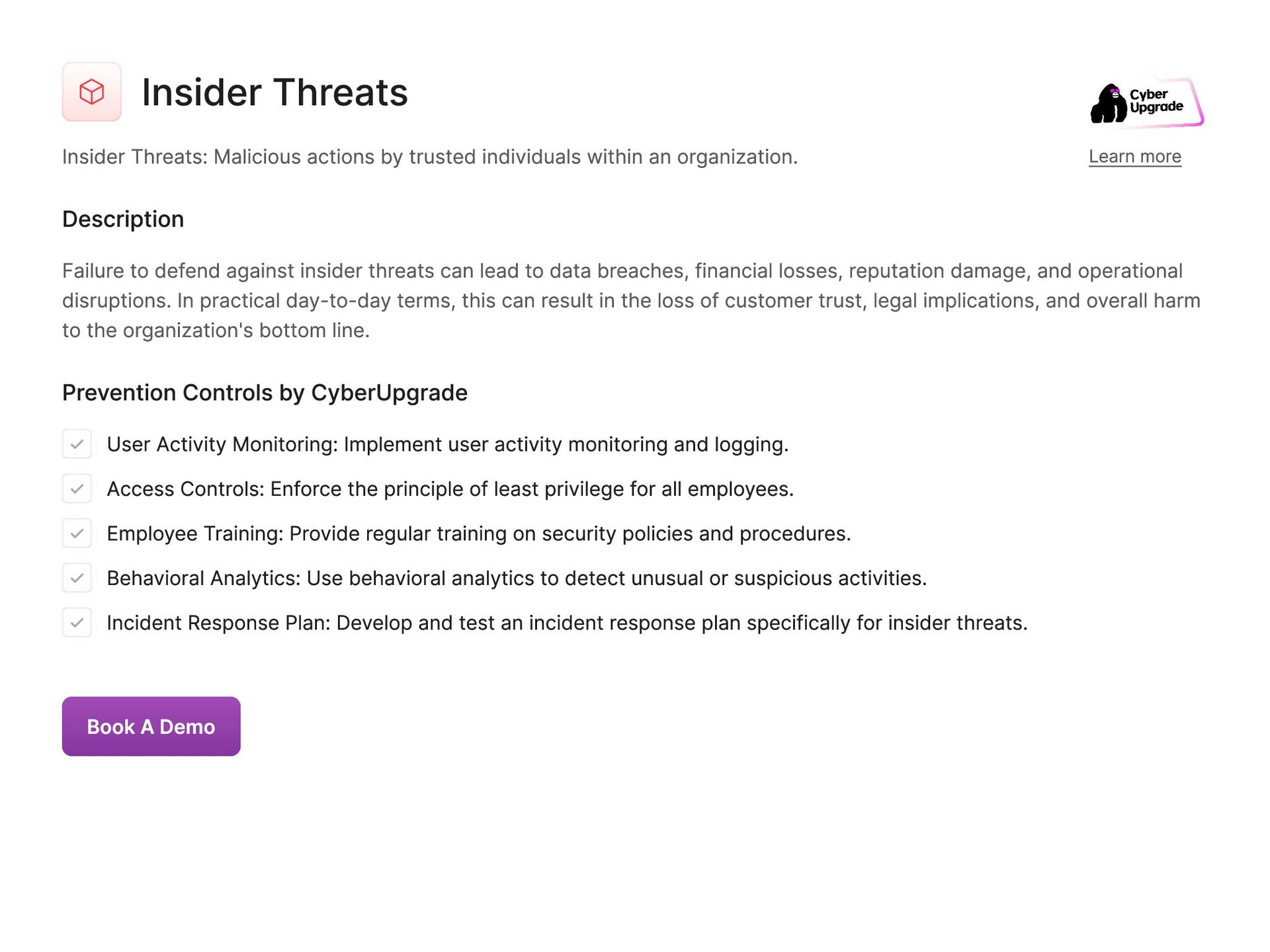
  62. Insider Threats Insider Threats: Malicious actions by trusted individuals within

    an organization. Learn more Description Failure to defend against insider threats can lead to data breaches, financial losses, reputation damage, and operational disruptions. In practical day-to-day terms, this can result in the loss of customer trust, legal implications, and overall harm to the organization's bottom line. Prevention Controls by CyberUpgrade User Activity Monitoring: Implement user activity monitoring and logging. Access Controls: Enforce the principle of least privilege for all employees. Employee Training: Provide regular training on security policies and procedures. Behavioral Analytics: Use behavioral analytics to detect unusual or suspicious activities. Incident Response Plan: Develop and test an incident response plan specifically for insider threats. Book A Demo
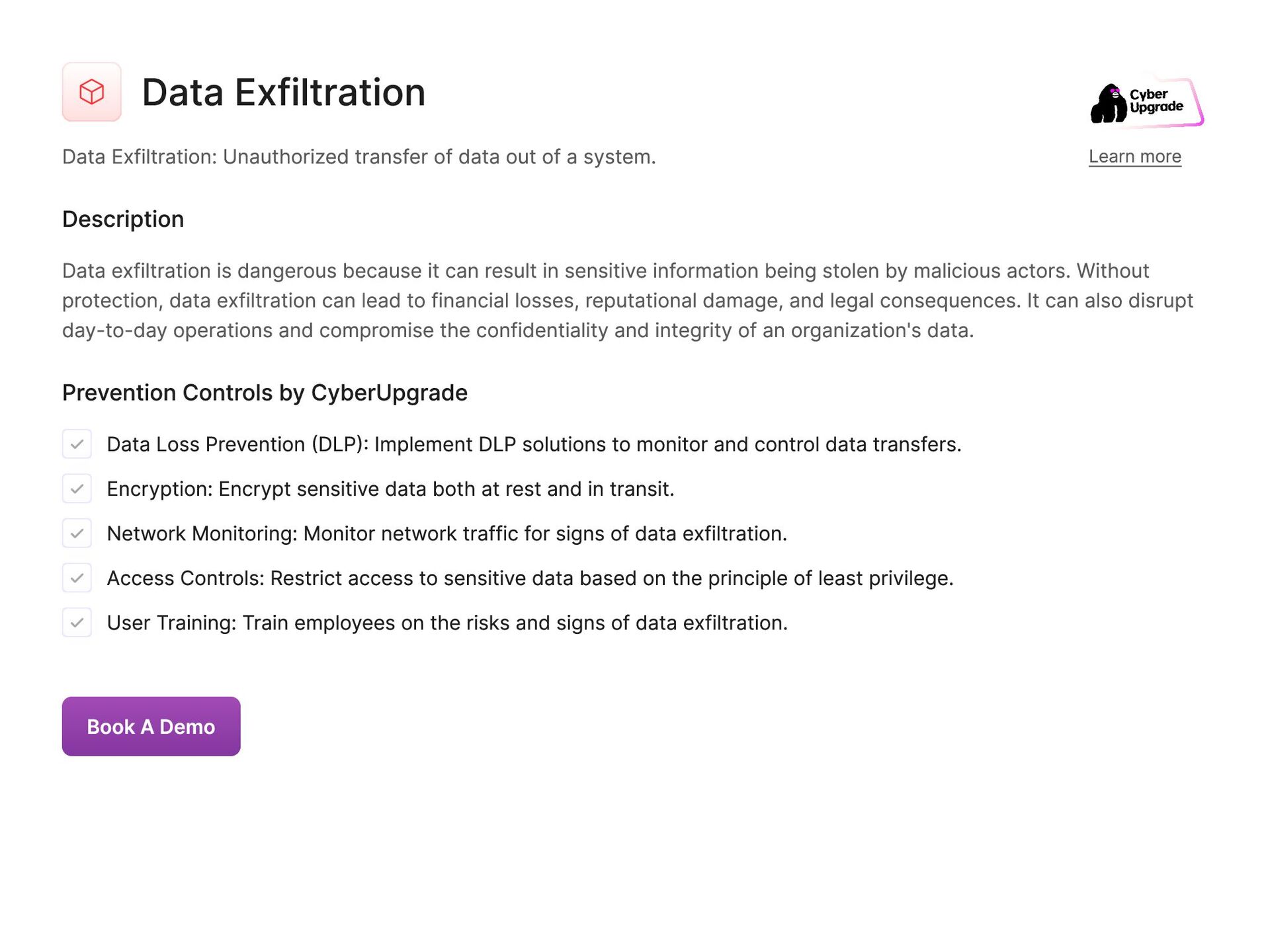
  63. Data Exfiltration Data Exfiltration: Unauthorized transfer of data out of

    a system. Learn more Description Data exfiltration is dangerous because it can result in sensitive information being stolen by malicious actors. Without protection, data exfiltration can lead to financial losses, reputational damage, and legal consequences. It can also disrupt day-to-day operations and compromise the confidentiality and integrity of an organization's data. Prevention Controls by CyberUpgrade Data Loss Prevention (DLP): Implement DLP solutions to monitor and control data transfers. Encryption: Encrypt sensitive data both at rest and in transit. Network Monitoring: Monitor network traffic for signs of data exfiltration. Access Controls: Restrict access to sensitive data based on the principle of least privilege. User Training: Train employees on the risks and signs of data exfiltration. Book A Demo
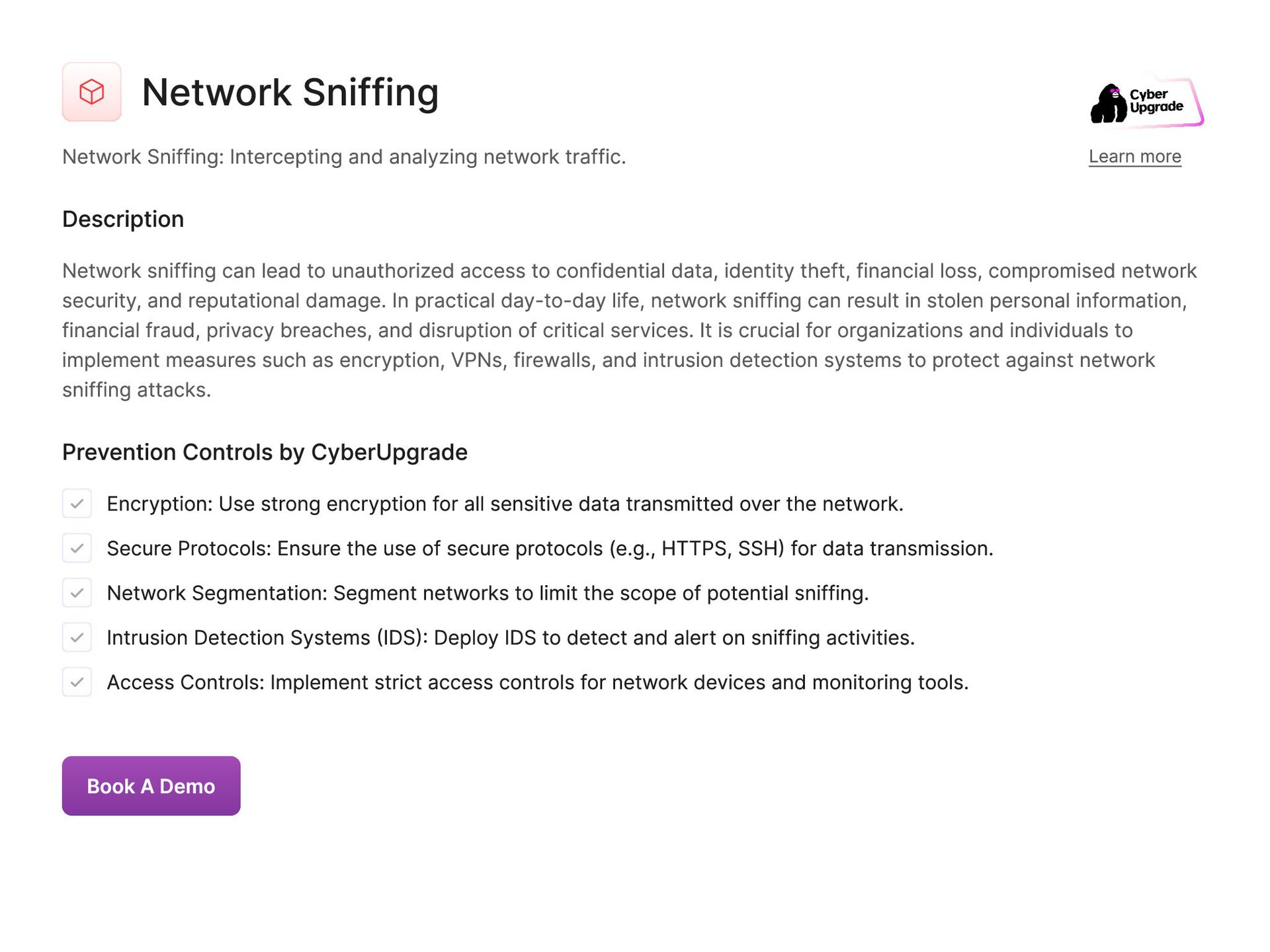
  64. Network Sniffing Network Sniffing: Intercepting and analyzing network traffic. Learn

    more Description Network sniffing can lead to unauthorized access to confidential data, identity theft, financial loss, compromised network security, and reputational damage. In practical day-to-day life, network sniffing can result in stolen personal information, financial fraud, privacy breaches, and disruption of critical services. It is crucial for organizations and individuals to implement measures such as encryption, VPNs, firewalls, and intrusion detection systems to protect against network sniffing attacks. Prevention Controls by CyberUpgrade Encryption: Use strong encryption for all sensitive data transmitted over the network. Secure Protocols: Ensure the use of secure protocols (e.g., HTTPS, SSH) for data transmission. Network Segmentation: Segment networks to limit the scope of potential sniffing. Intrusion Detection Systems (IDS): Deploy IDS to detect and alert on sniffing activities. Access Controls: Implement strict access controls for network devices and monitoring tools. Book A Demo
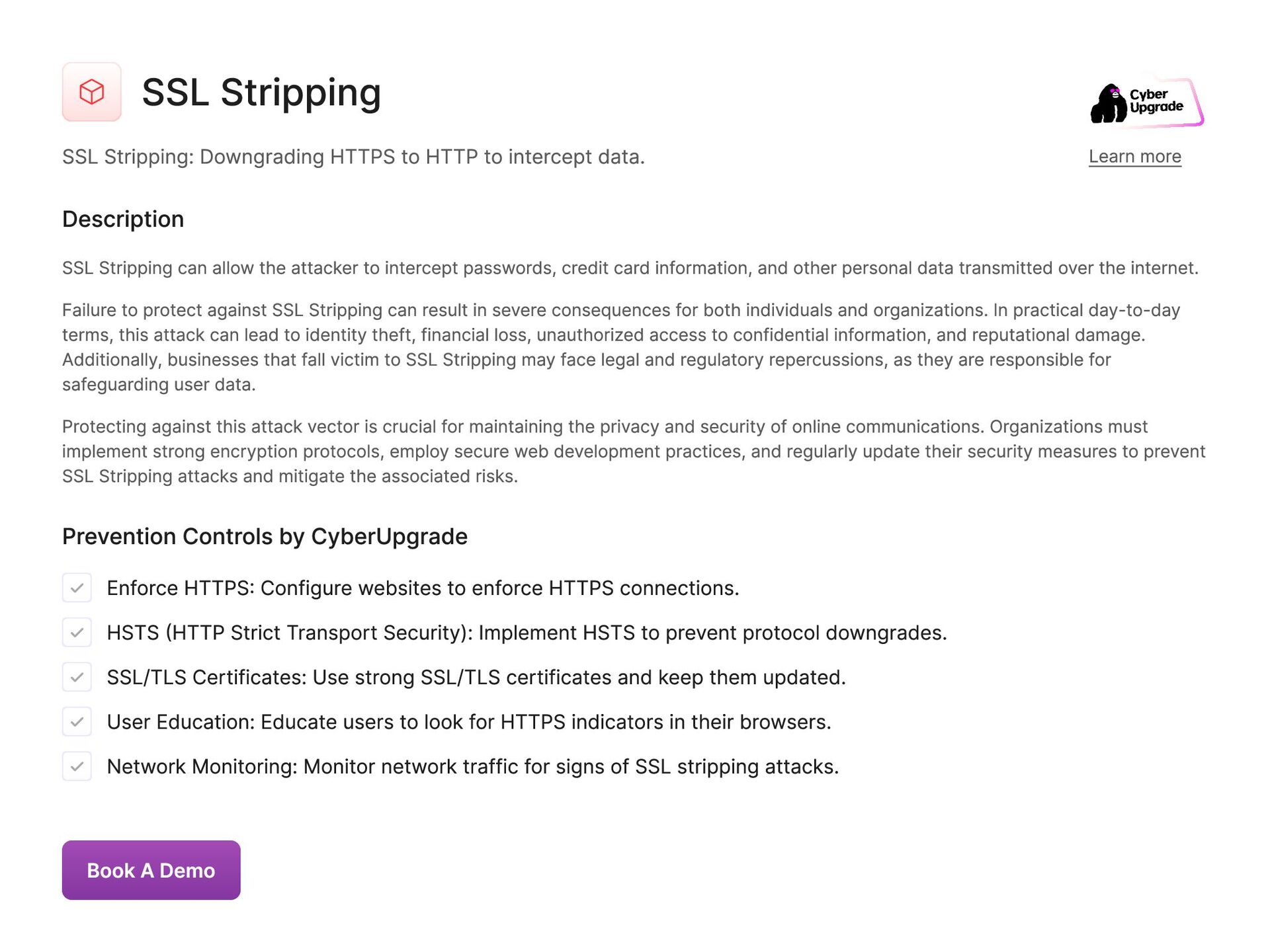
  65. SSL Stripping SSL Stripping: Downgrading HTTPS to HTTP to intercept

    data. Learn more Description SSL Stripping can allow the attacker to intercept passwords, credit card information, and other personal data transmitted over the internet. Failure to protect against SSL Stripping can result in severe consequences for both individuals and organizations. In practical day-to-day terms, this attack can lead to identity theft, financial loss, unauthorized access to confidential information, and reputational damage. Additionally, businesses that fall victim to SSL Stripping may face legal and regulatory repercussions, as they are responsible for safeguarding user data. Protecting against this attack vector is crucial for maintaining the privacy and security of online communications. Organizations must implement strong encryption protocols, employ secure web development practices, and regularly update their security measures to prevent SSL Stripping attacks and mitigate the associated risks. Prevention Controls by CyberUpgrade Enforce HTTPS: Configure websites to enforce HTTPS connections. HSTS (HTTP Strict Transport Security): Implement HSTS to prevent protocol downgrades. SSL/TLS Certificates: Use strong SSL/TLS certificates and keep them updated. User Education: Educate users to look for HTTPS indicators in their browsers. Network Monitoring: Monitor network traffic for signs of SSL stripping attacks. Book A Demo
  66. TLS/SSL Vulnerabilities TLS/SSL Vulnerabilities: Exploiting weaknesses in encryption protocols. Learn

    more Description TLS/SSL vulnerabilities can result in data breaches, financial loss, reputational damage, and legal ramifications for organizations. Failure to protect against this attack vector can have severe consequences for businesses and individuals, compromising the confidentiality, integrity, and availability of data. Prevention Controls by CyberUpgrade Regular Updates: Keep SSL/TLS libraries and configurations up-to-date. Strong Cipher Suites: Use strong cipher suites and disable weak ones. Certificate Management: Implement proper certificate management practices, including regular renewals and revocations. Vulnerability Scanning: Regularly scan for SSL/TLS vulnerabilities. Security Audits: Conduct periodic security audits to ensure compliance with best practices. Book A Demo
  67. Public Wi-Fi Attacks Public Wi-Fi Attacks: Exploiting unsecured public Wi-Fi

    networks. Learn more Description Attackers can perform Public Wi-Fi attack techniques such as man-in-the-middle attacks, packet sniffing, and session hijacking to steal sensitive information such as usernames, passwords, financial data, and personal information. Failure to protect against these attacks can result in serious consequences, including identity theft, financial loss, unauthorized access to accounts, loss of sensitive information, and breach of privacy. In practical day-to-day terms, this can lead to compromised online accounts, fraudulent transactions, loss of confidential data, and damage to personal and professional reputation. It is essential to secure connections when using public Wi-Fi to prevent falling victim to these potentially devastating attacks. Prevention Controls by CyberUpgrade VPN: Use a VPN to encrypt data when connected to public Wi-Fi. User Training: Educate users about the risks of using public Wi-Fi and safe practices. Firewall: Ensure personal firewalls are enabled on devices. HTTPS: Encourage the use of HTTPS websites for secure browsing. Disable Auto-Connect: Disable auto-connect features to prevent automatic connection to public Wi-Fi networks. Book A Demo
  68. Email Spoofing Email Spoofing: Sending emails from forged addresses. Learn

    more Description Email spoofing can be dangerous as it can lead to phishing attacks, malware distribution, and data theft. If not protected against, email spoofing can result in sensitive information being compromised, financial losses, and damage to a company's reputation. It is important to implement email authentication protocols such as SPF, DKIM, and DMARC to prevent email spoofing attacks. Prevention Controls by CyberUpgrade Email Authentication: Implement email authentication protocols like SPF, DKIM, and DMARC. Email Filtering: Use advanced email filtering solutions to detect and block spoofed emails. User Training: Train users to recognize and report spoofed emails. Secure Email Gateway: Deploy a secure email gateway to filter malicious emails. Incident Response Plan: Develop and test an incident response plan for email spoofing incidents. Book A Demo
  69. Domain Spoofing Domain Spoofing: Creating fake domains to impersonate legitimate

    sites. Learn more Description Domain spoofing is dangerous because it can lead to identity theft, financial fraud, and data breaches. In practical day-to- day terms, domain spoofing can result in stolen personal information, unauthorized access to accounts, and financial losses. It is crucial to protect against this attack vector to safeguard both individuals and organizations from falling victim to cybercriminals. Prevention Controls by CyberUpgrade Domain Monitoring: Monitor for similar or spoofed domain registrations. DMARC: Implement DMARC to authenticate legitimate email domains. User Awareness: Educate users to recognize and verify legitimate domains. SSL Certificates: Use SSL certificates to authenticate your domain and build trust. Threat Intelligence: Leverage threat intelligence to identify and block spoofed domains. Book A Demo
  70. Business Email Compromise (BEC) Business Email Compromise (BEC): Scamming businesses

    through email fraud. Learn more Description Business Email Compromise (BEC) attacks can result in financial loss, intellectual property theft, and damage to the company's reputation. It is crucial for businesses to implement security measures such as multi-factor authentication, employee training, and email filtering to prevent falling victim to BEC scams. Failure to protect against BEC attacks can lead to significant financial harm, legal consequences, and loss of customer trust. Prevention Controls by CyberUpgrade MFA: Implement MFA for email accounts, especially for executives and financial personnel. Email Authentication: Use SPF, DKIM, and DMARC to authenticate emails. User Training: Conduct regular training on recognizing and reporting BEC attempts. Email Filtering: Use advanced email filtering to detect and block fraudulent emails. Financial Controls: Implement verification procedures for financial transactions and changes in payment instructions. Book A Demo
  71. Voice Phishing (Vishing) Voice Phishing (Vishing): Phishing via phone calls.

    Learn more Description Voice phishing (vishing) tactic preys on the human tendency to trust an authoritative voice, making it a dangerous threat to cybersecurity. Failure to protect against vishing can result in financial loss, identity theft, and compromised personal and corporate data. It can have practical day-to-day consequences such as unauthorized account access, fraudulent charges, and reputational damage. Prevention Controls by CyberUpgrade Caller ID Verification: Encourage verification of caller identities for sensitive information requests. User Training: Train employees to recognize and respond to vishing attempts. Incident Reporting: Establish a process for reporting suspected vishing incidents. Awareness Campaigns: Conduct awareness campaigns to highlight the risks of vishing. Secure Communication Channels: Use secure communication channels for sensitive information exchanges. Book A Demo
  72. SMS Phishing (Smishing) SMS Phishing (Smishing): Phishing via text messages.

    Learn more Description It is dangerous not to protect from Smishing attack vector as it can result in financial loss, identity theft, and compromise of personal information. In practical day-to-day scenarios, smishing attacks can lead to unauthorized access to bank accounts, credit card fraud, and manipulation of personal data for malicious purposes. Prevention Controls by CyberUpgrade User Training: Educate users about the risks of smishing and how to recognize suspicious messages. Incident Reporting: Establish a clear process for reporting smishing attempts. Phone Number Verification: Verify the source of SMS messages requesting sensitive information. MFA: Use MFA to protect accounts from smishing-related attacks. Security Awareness Campaigns: Conduct regular security awareness campaigns on the dangers of smishing. Book A Demo
  73. Fake Apps Fake Apps: Malicious applications posing as legitimate ones.

    Learn more Description Fake apps are designed to steal sensitive information such as login credentials, financial data, and personal details. They can also install malware on devices, allowing cybercriminals access to the device and potentially causing further harm. Failure to protect against this attack vector can result in financial loss, identity theft, data breaches, and compromised device performance. Furthermore, the practical day-to-day damage caused by fake apps can include unauthorized transactions, system crashes, loss of personal information, and a compromised digital identity. Prevention Controls by CyberUpgrade Official App Stores: Encourage downloading apps only from official app stores. App Reviews: Educate users to read app reviews and ratings before downloading. Mobile Security: Use mobile security solutions to detect and block fake apps. Permissions Management: Restrict app permissions to minimize risk. Regular Updates: Keep mobile operating systems and apps updated to protect against vulnerabilities. Book A Demo
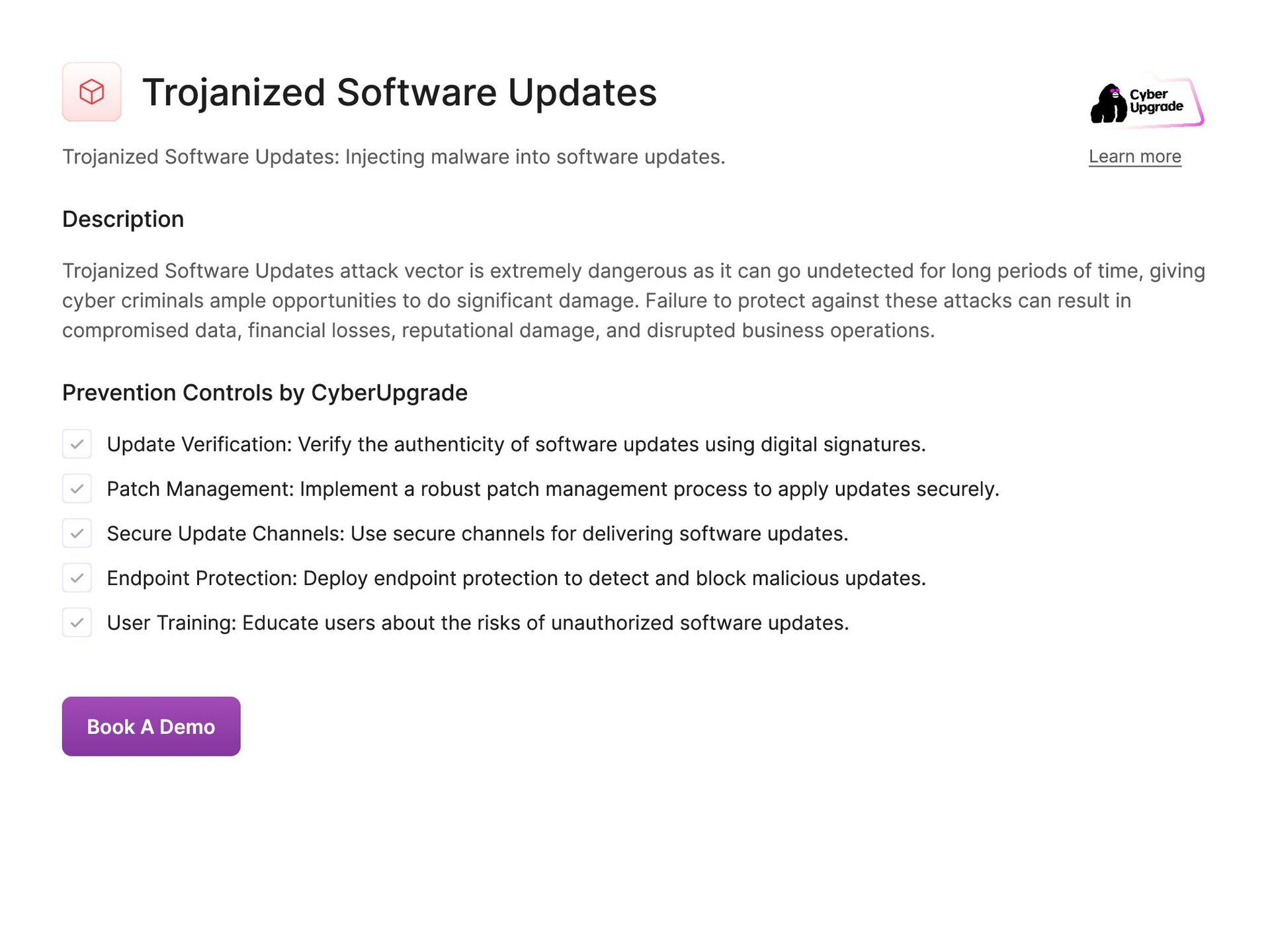
  74. Trojanized Software Updates Trojanized Software Updates: Injecting malware into software

    updates. Learn more Description Trojanized Software Updates attack vector is extremely dangerous as it can go undetected for long periods of time, giving cyber criminals ample opportunities to do significant damage. Failure to protect against these attacks can result in compromised data, financial losses, reputational damage, and disrupted business operations. Prevention Controls by CyberUpgrade Update Verification: Verify the authenticity of software updates using digital signatures. Patch Management: Implement a robust patch management process to apply updates securely. Secure Update Channels: Use secure channels for delivering software updates. Endpoint Protection: Deploy endpoint protection to detect and block malicious updates. User Training: Educate users about the risks of unauthorized software updates. Book A Demo
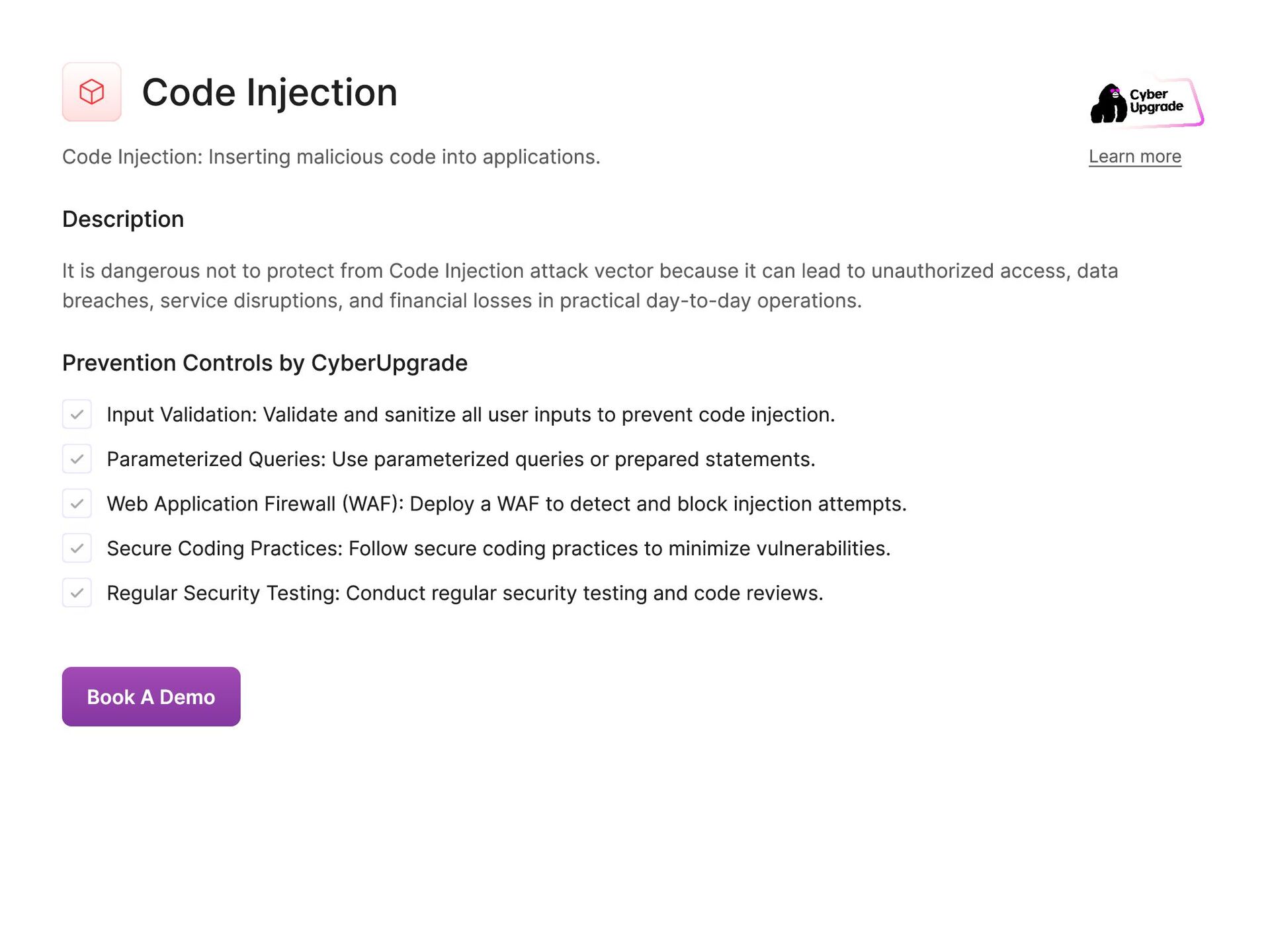
  75. Code Injection Code Injection: Inserting malicious code into applications. Learn

    more Description It is dangerous not to protect from Code Injection attack vector because it can lead to unauthorized access, data breaches, service disruptions, and financial losses in practical day-to-day operations. Prevention Controls by CyberUpgrade Input Validation: Validate and sanitize all user inputs to prevent code injection. Parameterized Queries: Use parameterized queries or prepared statements. Web Application Firewall (WAF): Deploy a WAF to detect and block injection attempts. Secure Coding Practices: Follow secure coding practices to minimize vulnerabilities. Regular Security Testing: Conduct regular security testing and code reviews. Book A Demo
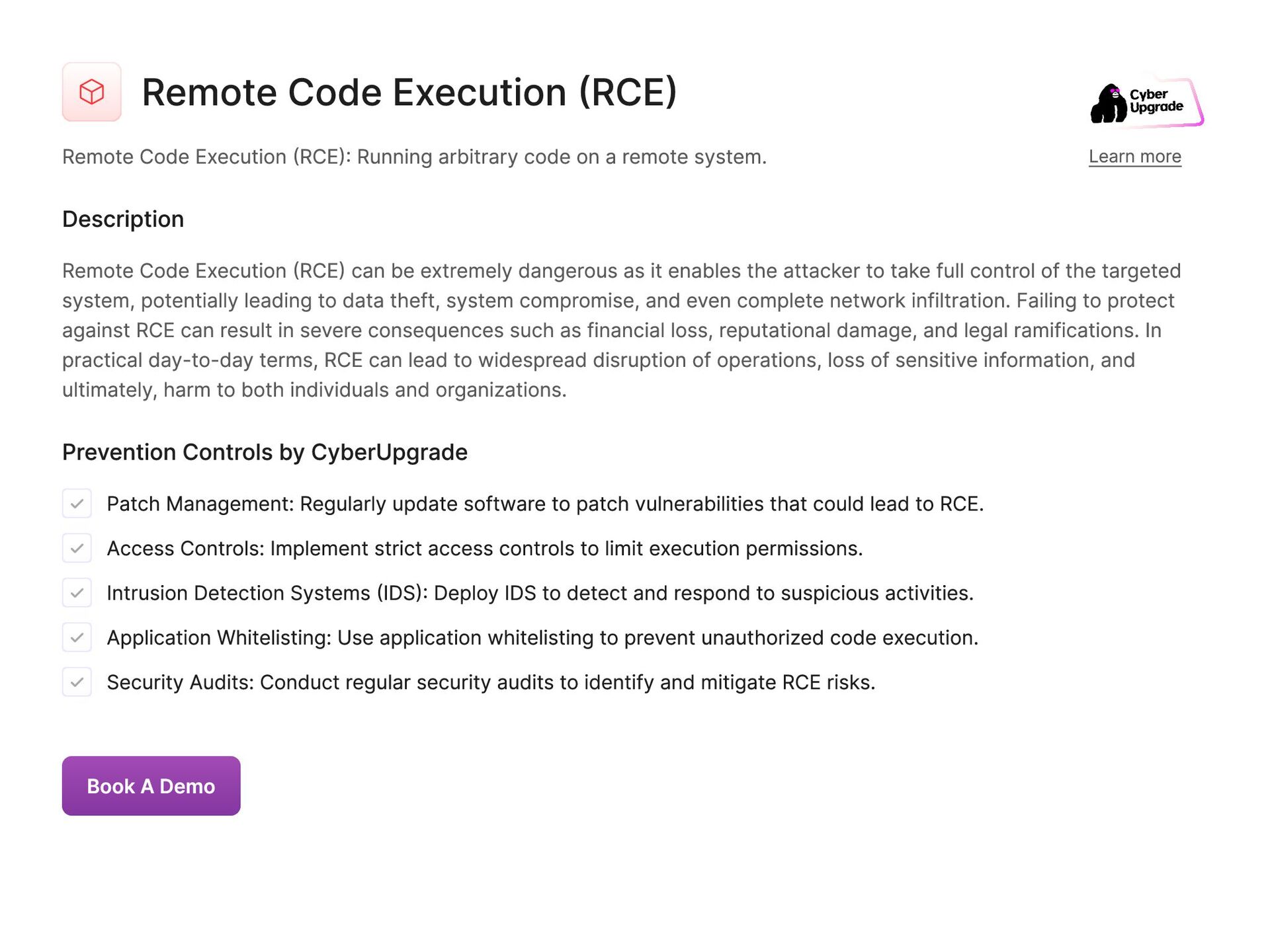
  76. Remote Code Execution (RCE) Remote Code Execution (RCE): Running arbitrary

    code on a remote system. Learn more Description Remote Code Execution (RCE) can be extremely dangerous as it enables the attacker to take full control of the targeted system, potentially leading to data theft, system compromise, and even complete network infiltration. Failing to protect against RCE can result in severe consequences such as financial loss, reputational damage, and legal ramifications. In practical day-to-day terms, RCE can lead to widespread disruption of operations, loss of sensitive information, and ultimately, harm to both individuals and organizations. Prevention Controls by CyberUpgrade Patch Management: Regularly update software to patch vulnerabilities that could lead to RCE. Access Controls: Implement strict access controls to limit execution permissions. Intrusion Detection Systems (IDS): Deploy IDS to detect and respond to suspicious activities. Application Whitelisting: Use application whitelisting to prevent unauthorized code execution. Security Audits: Conduct regular security audits to identify and mitigate RCE risks. Book A Demo
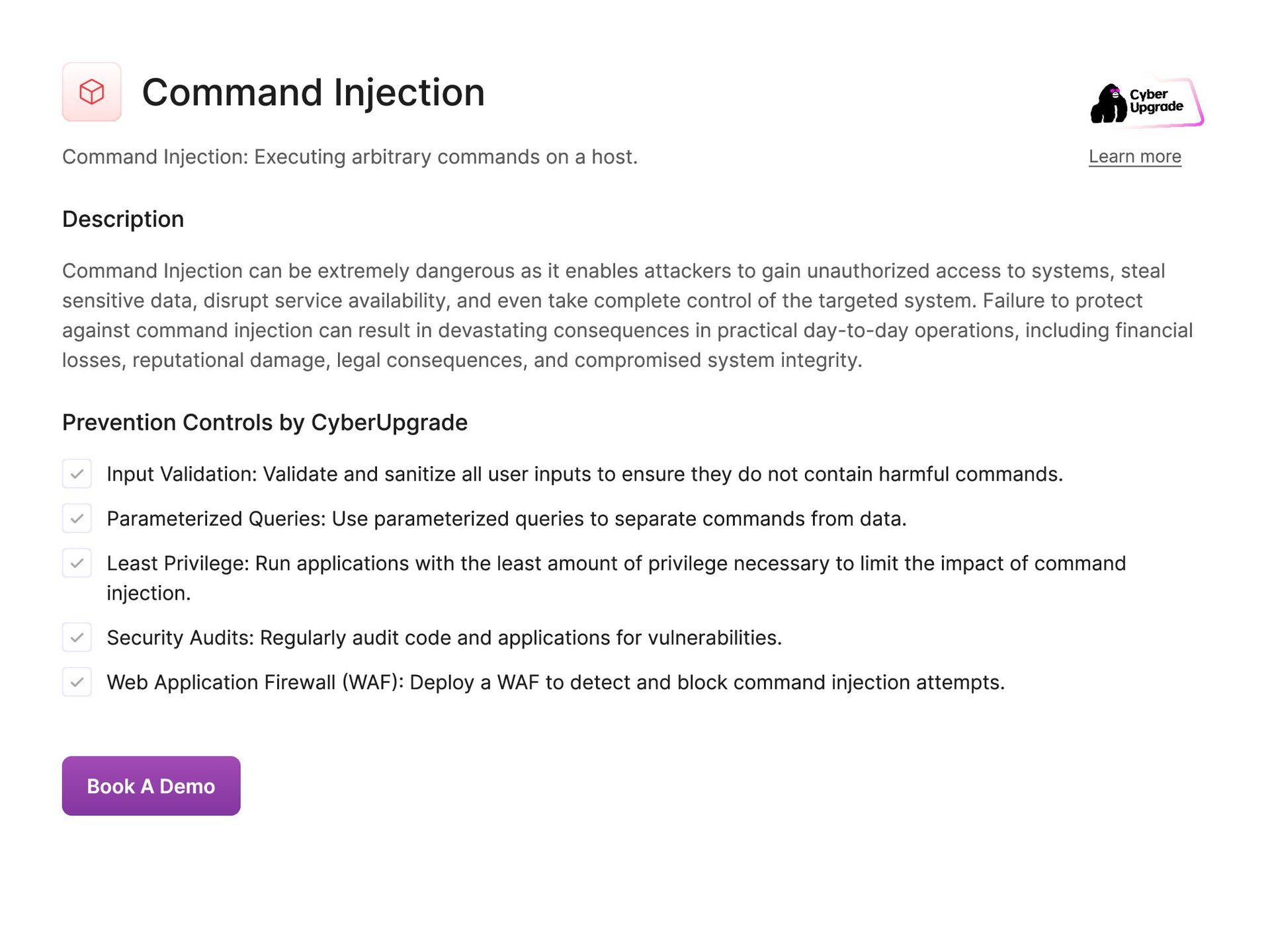
  77. Command Injection Command Injection: Executing arbitrary commands on a host.

    Learn more Description Command Injection can be extremely dangerous as it enables attackers to gain unauthorized access to systems, steal sensitive data, disrupt service availability, and even take complete control of the targeted system. Failure to protect against command injection can result in devastating consequences in practical day-to-day operations, including financial losses, reputational damage, legal consequences, and compromised system integrity. Prevention Controls by CyberUpgrade Input Validation: Validate and sanitize all user inputs to ensure they do not contain harmful commands. Parameterized Queries: Use parameterized queries to separate commands from data. Least Privilege: Run applications with the least amount of privilege necessary to limit the impact of command injection. Security Audits: Regularly audit code and applications for vulnerabilities. Web Application Firewall (WAF): Deploy a WAF to detect and block command injection attempts. Book A Demo
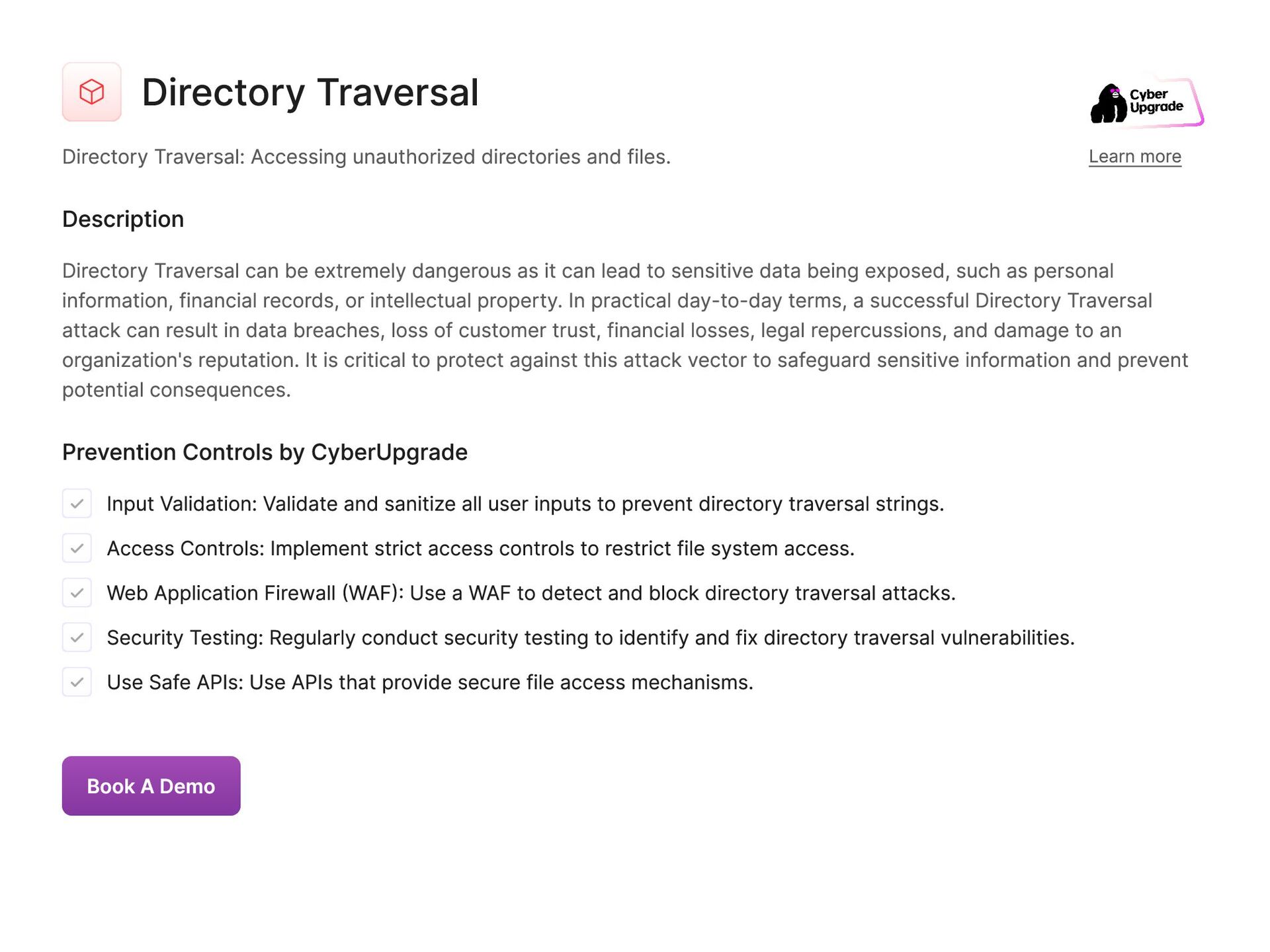
  78. Directory Traversal Directory Traversal: Accessing unauthorized directories and files. Learn

    more Description Directory Traversal can be extremely dangerous as it can lead to sensitive data being exposed, such as personal information, financial records, or intellectual property. In practical day-to-day terms, a successful Directory Traversal attack can result in data breaches, loss of customer trust, financial losses, legal repercussions, and damage to an organization's reputation. It is critical to protect against this attack vector to safeguard sensitive information and prevent potential consequences. Prevention Controls by CyberUpgrade Input Validation: Validate and sanitize all user inputs to prevent directory traversal strings. Access Controls: Implement strict access controls to restrict file system access. Web Application Firewall (WAF): Use a WAF to detect and block directory traversal attacks. Security Testing: Regularly conduct security testing to identify and fix directory traversal vulnerabilities. Use Safe APIs: Use APIs that provide secure file access mechanisms. Book A Demo
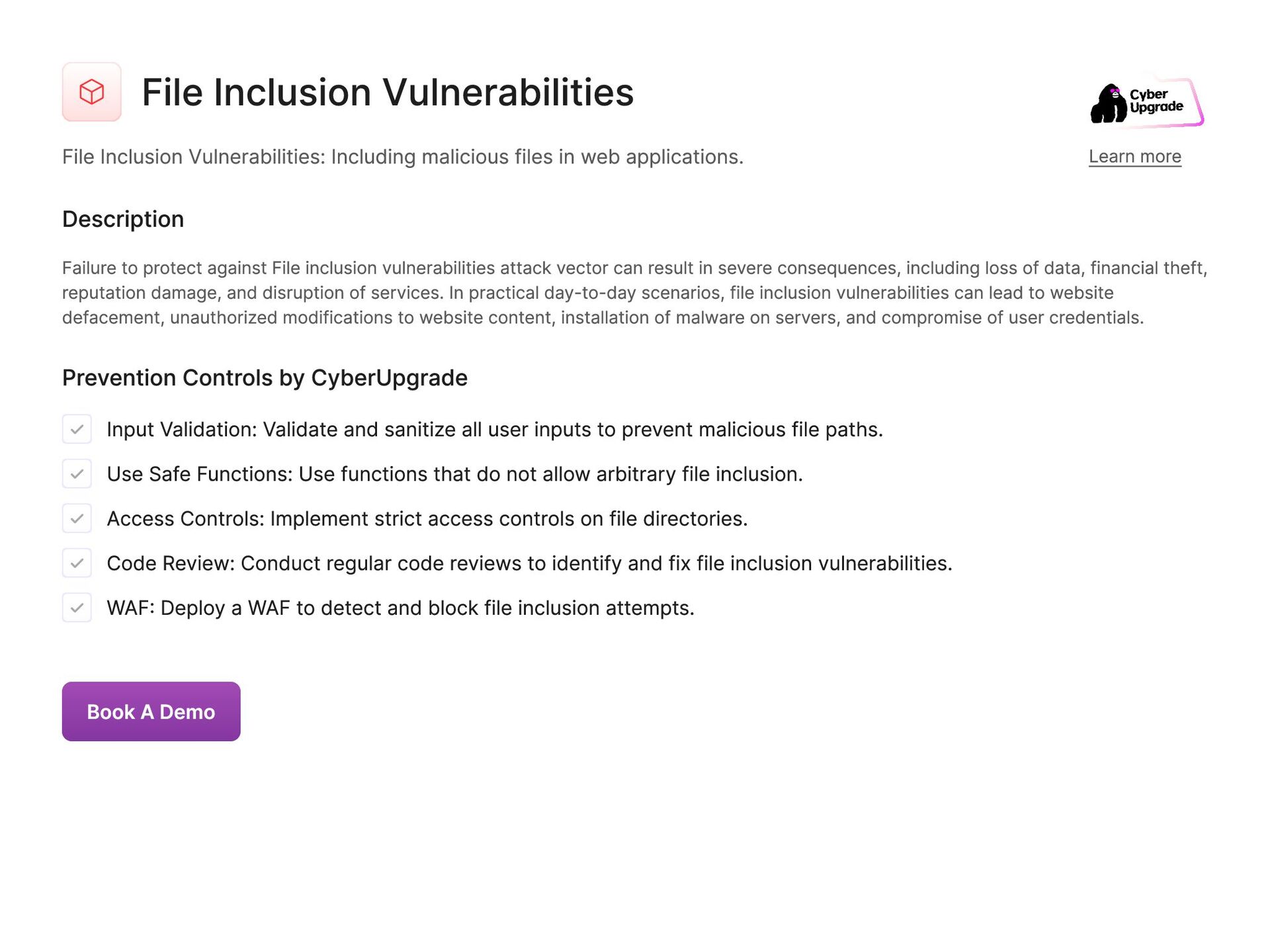
  79. File Inclusion Vulnerabilities File Inclusion Vulnerabilities: Including malicious files in

    web applications. Learn more Description Failure to protect against File inclusion vulnerabilities attack vector can result in severe consequences, including loss of data, financial theft, reputation damage, and disruption of services. In practical day-to-day scenarios, file inclusion vulnerabilities can lead to website defacement, unauthorized modifications to website content, installation of malware on servers, and compromise of user credentials. Prevention Controls by CyberUpgrade Input Validation: Validate and sanitize all user inputs to prevent malicious file paths. Use Safe Functions: Use functions that do not allow arbitrary file inclusion. Access Controls: Implement strict access controls on file directories. Code Review: Conduct regular code reviews to identify and fix file inclusion vulnerabilities. WAF: Deploy a WAF to detect and block file inclusion attempts. Book A Demo
  80. Memory Corruption Memory Corruption: Exploiting software bugs to alter memory.

    Learn more Description Memory corruption is extremely dangerous as it can allow unauthorized access to sensitive data, manipulation of code execution, and ultimately compromise the entire system. Without proper protection from memory corruption attacks, cybercriminals can steal personal information, financial data, and intellectual property. This can result in financial loss, damage to reputation, legal consequences, and disruption of daily operations for both individuals and organizations. Prevention Controls by CyberUpgrade Bounds Checking: Implement bounds checking to prevent memory corruption. Use Safe Functions: Use programming functions that manage memory safely. Regular Updates: Keep all software and libraries updated to patch memory corruption vulnerabilities. Security Testing: Conduct regular security testing to identify memory corruption vulnerabilities. Compiler Security Features: Use compiler security features such as stack canaries and ASLR (Address Space Layout Randomization). Book A Demo
  81. Buffer Overflow Buffer Overflow: Overwriting memory to execute arbitrary code.

    Learn more Description Failure to defend against Buffer Overflow can lead to unauthorized access to sensitive information, manipulation of data, and disruption of operations. In practical day to day terms, this can result in financial loss, reputation damage, loss of customer trust, and legal consequences. Prevention Controls by CyberUpgrade Bounds Checking: Implement bounds checking to prevent buffer overflows. Use Safe Libraries: Use programming libraries that manage memory safely. Input Validation: Validate and sanitize all user inputs to prevent buffer overflows. Compiler Security Features: Enable compiler security features like stack canaries and ASLR. Regular Code Audits: Conduct regular code audits to identify and fix buffer overflow vulnerabilities. Book A Demo
  82. Heap Overflow Heap Overflow: Exploiting memory allocation errors. Learn more

    Description Heap overflow can result in corrupting memory, altering program behavior, and potentially allowing an attacker to execute malicious code. If not protected against, heap overflow can lead to data leaks, system crashes, unauthorized access to sensitive information, and even full control of the targeted system by an attacker. In practical day-to-day scenarios, it can result in compromised user data, financial losses, reputation damage, and legal consequences. Prevention Controls by CyberUpgrade Input Validation: Validate and sanitize all user inputs to prevent heap overflows. Use Safe Memory Functions: Use functions that safely manage memory allocation and deallocation. Security Audits: Conduct regular security audits to identify and mitigate heap overflow vulnerabilities. ASLR: Implement Address Space Layout Randomization to make exploitation harder. Memory Management Tools: Use tools that detect and prevent heap overflow vulnerabilities. Book A Demo
  83. Stack Overflow Stack Overflow: Overwriting stack memory to control execution

    flow. Learn more Description Stack overflow allows attackers to inject malicious code into a program's memory and manipulate the program's behavior. If not protected against, this attack vector can lead to unauthorized access to sensitive data, system crashes, and even complete compromise of a system. The damage caused by stack overflow attacks can disrupt daily operations, compromise confidential information, and result in financial losses for organizations. Prevention Controls by CyberUpgrade Input Validation: Validate and sanitize all user inputs to prevent stack overflows. Use Safe Functions: Use functions that manage stack memory safely. Compiler Security Features: Enable security features such as stack canaries and ASLR. Code Reviews: Conduct regular code reviews to identify and fix stack overflow vulnerabilities. Security Testing: Perform regular security testing to detect stack overflow issues. Book A Demo
  84. Integer Overflow Integer Overflow: Exploiting arithmetic operations to cause unexpected

    behavior. Learn more Description Integer overflow can lead to unexpected behavior such as data corruption, crashes, or even security vulnerabilities. Failure to protect against integer overflow can be dangerous as it can be exploited by attackers to manipulate calculations and potentially gain unauthorized access to systems or cause denial of service attacks. In practical day-to-day scenarios, integer overflow can lead to financial losses, loss of sensitive data, system downtime, and damage to the organization's reputation. It is crucial to implement proper input validation and use data types with appropriate storage capacities to mitigate the risk of integer overflow vulnerabilities. Prevention Controls by CyberUpgrade Input Validation: Validate and sanitize all user inputs to prevent integer overflows. Use Safe Arithmetic Operations: Use programming languages or libraries that handle integer operations safely. Bounds Checking: Implement bounds checking for all arithmetic operations. Code Reviews: Regularly review code to identify and fix integer overflow vulnerabilities. Security Testing: Conduct security testing to detect integer overflow vulnerabilities. Book A Demo
  85. Format String Vulnerability Format String Vulnerability: Exploiting improperly handled string

    formatting. Learn more Description A format string vulnerability can lead to unauthorized data disclosure, denial of service, or arbitrary code execution. Failing to protect against this attack vector can result in sensitive information being leaked, critical system files being altered or deleted, and ultimately, compromise of the entire system. Prevention Controls by CyberUpgrade Input Validation: Validate and sanitize all user inputs to prevent format string vulnerabilities. Use Safe Functions: Use functions that do not allow arbitrary format strings. Code Reviews: Conduct regular code reviews to identify and fix format string vulnerabilities. Security Testing: Perform regular security testing to detect format string issues. Least Privilege: Run applications with the least amount of privilege necessary. Book A Demo
  86. Use-After-Free Use-After-Free: Using memory after it has been freed. Learn

    more Description Failure to protect against Use-After-Free attack vector can be extremely dangerous as it can result in the execution of arbitrary code, granting attackers access to sensitive information or control over the system. In practical day-to-day scenarios, Use-After-Free attacks can lead to data breaches, financial losses, compromised systems, and damage to an organization's reputation. It is essential for organizations to implement proper memory management techniques and secure coding practices to mitigate the risks associated with this attack vector. Prevention Controls by CyberUpgrade Memory Management Tools: Use tools that detect use-after-free vulnerabilities. Secure Coding Practices: Follow secure coding practices to manage memory allocation and deallocation safely. Code Reviews: Conduct regular code reviews to identify and fix use-after-free vulnerabilities. Compiler Security Features: Enable compiler security features that detect use-after-free issues. Security Testing: Perform regular security testing to detect use-after-free vulnerabilities. Book A Demo
  87. Double Free Double Free: Freeing memory more than once. Learn

    more Description Double Free attack can result in memory corruption, leading to unpredictable behavior, crashes, and even remote code execution. Failure to protect against this attack vector can lead to data leakage, loss of sensitive information, and compromise of system integrity. In practical day-to-day scenarios, it can cause system downtime, financial loss, and damage to an organization's reputation. Prevention Controls by CyberUpgrade Memory Management Tools: Use tools that detect double free vulnerabilities. Secure Coding Practices: Follow secure coding practices to manage memory allocation and deallocation safely. Code Reviews: Conduct regular code reviews to identify and fix double free vulnerabilities. Compiler Security Features: Enable compiler security features that detect double free issues. Security Testing: Perform regular security testing to detect double free vulnerabilities. Book A Demo
  88. Race Conditions Race Conditions: Exploiting timing issues to alter system

    behavior. Learn more Description Attackers can exploit Race conditions to manipulate system behavior and potentially gain unauthorized access or cause system malfunctions. It is dangerous not to protect against race conditions as they can lead to data corruption, system crashes, unauthorized access, or the execution of malicious code. In practical day-to-day scenarios, race condition attacks can disrupt critical systems, compromise sensitive data, and result in financial losses or reputational damage for organizations. Prevention Controls by CyberUpgrade Thread Synchronization: Implement proper thread synchronization to prevent race conditions. Atomic Operations: Use atomic operations where applicable to prevent race conditions. Code Reviews: Conduct regular code reviews to identify and fix race condition vulnerabilities. Security Testing: Perform regular security testing to detect race condition issues. Use Safe Functions: Use functions and libraries that handle concurrent operations safely. Book A Demo
  89. Side-Channel Attacks Side-Channel Attacks: Extracting information from physical or timing

    characteristics. Learn more Description Side-channel can be extremely dangerous because they can allow attackers to obtain confidential data, such as encryption keys or passwords, without directly interacting with the system. If organizations fail to protect against side- channel attacks, they could suffer from data breaches, financial losses, reputational damage, and legal consequences. In practical day-to-day terms, this could result in compromised personal information, financial fraud, and disrupted operations. Prevention Controls by CyberUpgrade Constant-Time Algorithms: Use constant-time algorithms to prevent timing analysis. Noise Introduction: Introduce noise to obfuscate side-channel signals. Hardware Security Features: Utilize hardware security features to mitigate side-channel attacks. Code Reviews: Conduct regular code reviews to identify and fix side-channel vulnerabilities. Security Testing: Perform regular security testing to detect side-channel vulnerabilities. Book A Demo
  90. Timing Attacks Timing Attacks: Exploiting the timing of operations to

    gain information. Learn more Description Attackers can use Timing attacks to infer data based on the variations in processing times, such as decrypting encrypted data or obtaining user credentials. Failing to protect against timing attacks can be extremely dangerous as it can lead to unauthorized access to critical systems, theft of sensitive information, and compromise of user privacy. In practical day- to-day scenarios, timing attacks can result in financial loss, reputational damage, and disruption of services, leading to significant consequences for both individuals and organizations. Prevention Controls by CyberUpgrade Constant-Time Operations: Implement constant-time operations to prevent timing attacks. Noise Introduction: Introduce noise to obscure timing differences. Security Testing: Perform regular security testing to detect timing attack vulnerabilities. Code Reviews: Conduct regular code reviews to identify and fix timing attack vulnerabilities. Use Secure Algorithms: Use cryptographic algorithms that are resistant to timing attacks. Book A Demo
  91. Cache Attacks Cache Attacks: Exploiting CPU cache behavior to leak

    information. Learn more Description Failing to protect against cache attacks can be extremely dangerous as it can result in a significant breach of privacy and security. In practical day-to-day terms, this type of attack can lead to data theft, financial loss, reputational damage, and legal consequences. It can also undermine user trust, jeopardize business operations, and compromise overall system integrity. Protecting against cache attacks is crucial to safeguarding sensitive information and maintaining a secure computing environment. Organizations must implement appropriate security measures such as using secure coding practices, regularly updating software, monitoring cache access patterns, and utilizing hardware-level security features to mitigate the risk of cache attacks. Prevention Controls by CyberUpgrade Cache Partitioning: Implement cache partitioning to isolate sensitive data. Constant-Time Algorithms: Use constant-time algorithms to prevent cache analysis. Security Testing: Perform regular security testing to detect cache attack vulnerabilities. Hardware Security Features: Utilize hardware security features to mitigate cache attacks. Code Reviews: Conduct regular code reviews to identify and fix cache attack vulnerabilities. Book A Demo
  92. Spectre and Meltdown Spectre and Meltdown: Exploiting CPU vulnerabilities to

    access sensitive data. Learn more Description Without protection from Spectre and Meltdown, it can be dangerous as it allows malicious actors to steal confidential information, leading to potential financial loss, privacy breaches, and reputation damage in practical day-to-day scenarios. Prevention Controls by CyberUpgrade Patch Management: Apply patches and updates provided by hardware and software vendors. Microcode Updates: Implement microcode updates to mitigate vulnerabilities. Isolation Techniques: Use isolation techniques to separate sensitive data. Security Audits: Conduct regular security audits to ensure all mitigations are in place. Hardware Security Features: Utilize hardware security features provided to mitigate common sense vulnerabilities. Book A Demo
  93. Rowhammer Rowhammer: Flipping bits in DRAM to gain unauthorized access.

    Learn more Description If left unprotected, Rowhammer attack can lead to severe consequences in practical day-to-day operations, such as data breaches, unauthorized access to personal information, financial loss, and damage to reputation. It is crucial to implement robust security measures to safeguard against this attack vector and mitigate the potential risks and damages. Prevention Controls by CyberUpgrade Memory Refresh Rates: Increase memory refresh rates to mitigate rowhammer attacks. Error-Correcting Code (ECC) Memory: Use ECC memory to detect and correct bit flips. Hardware Security Features: Utilize hardware security features to mitigate rowhammer. Security Testing: Perform regular security testing to detect rowhammer vulnerabilities. Isolation Techniques: Implement isolation techniques to prevent rowhammer attacks. Book A Demo
  94. Electromagnetic Interference (EMI) Electromagnetic Interference (EMI): Disrupting electronics with electromagnetic

    fields. Learn more Description Electromagnetic Interference (EMI) can lead to the malfunctioning of electronic devices, data corruption, and even hardware damage. It is dangerous not to protect from this attack vector because it can have a cascading effect on various systems and networks, leading to a significant loss of productivity and resources in organizations. In practical day-to-day life, EMI can cause disruptions in critical infrastructure, communication systems, and other electronic devices that we rely on for our daily activities. It is essential to implement measures to mitigate the risk of EMI attacks to ensure the smooth functioning of our technological environment. Prevention Controls by CyberUpgrade Shielding: Use electromagnetic shielding to protect devices. Secure Cabling: Use secure and shielded cabling to prevent EMI. Hardware Security Features: Utilize hardware designed to withstand EMI. Environmental Controls: Implement environmental controls to reduce EMI. Regular Testing: Perform regular testing for susceptibility to EMI. Book A Demo
  95. Hardware Trojans Hardware Trojans: Malicious modifications to hardware components. Learn

    more Description Hardware Trojans is particularly dangerous because it can be difficult to detect, as the modifications are made at the manufacturing or supply chain level. Without protection from Hardware Trojans, organizations are at risk of compromised systems, data breaches, and sabotage. This can result in financial losses, damage to reputation, and disruption to daily operations. Prevention Controls by CyberUpgrade Supply Chain Security: Implement supply chain security measures to ensure hardware integrity. Hardware Audits: Conduct regular hardware audits to detect tampering. Tamper-Evident Packaging: Use tamper-evident packaging for hardware components. Security Testing: Perform regular security testing on hardware. Trusted Suppliers: Source hardware from trusted and verified suppliers. Book A Demo
  96. Physical Tampering Physical Tampering: Direct physical interference with devices. Learn

    more Description Physical tampering attack vector is extremely dangerous because it allows malicious actors to gain unauthorized access to sensitive information or manipulate systems to their advantage. Failing to protect against physical tampering can result in a wide range of damaging consequences in day-to-day life, including data breaches, identity theft, financial loss, and disruption of critical services. It is essential to implement robust physical security measures to prevent against this type of attack and safeguard against potential harm. Prevention Controls by CyberUpgrade Physical Security Controls: Implement physical security measures such as locks and surveillance. Tamper-Evident Seals: Use tamper-evident seals on devices. Access Controls: Restrict physical access to sensitive devices. Regular Inspections: Conduct regular inspections of devices for signs of tampering. Environmental Controls: Implement environmental controls to detect and prevent tampering. Book A Demo
  97. Cold Boot Attacks Cold Boot Attacks: Extracting encryption keys from

    RAM. Learn more Description A Cold Boot Attack can be highly dangerous as it allows hackers to bypass encryption protocols and gain access to sensitive data such as passwords, financial information, and personal documents. In practical day-to-day scenarios, this attack can lead to identity theft, financial loss, data breaches, and compromised privacy. Prevention Controls by CyberUpgrade Full Disk Encryption: Use full disk encryption to protect sensitive data on endpoint Memory Encryption: Implement memory encryption to protect data in RAM. BIOS/UEFI Passwords: Set BIOS/UEFI passwords to prevent unauthorized access to system settings. Disable Sleep/Hibernate: Disable sleep and hibernate modes to ensure data is not retained in RAM. Physical Security: Implement physical security measures to prevent unauthorized access to devices. Book A Demo
  98. USB Exploits USB Exploits: Attacks using malicious USB devices. Learn

    more Description USB exploits are dangerous because it can lead to data theft, malware infections, and disruption of critical systems, causing significant damage in practical day-to-day operations. Prevention Controls by CyberUpgrade Endpoint Protection: Use endpoint protection to detect and block malicious USB devices. USB Port Control: Implement USB port control to restrict or disable USB access. User Training: Educate users on the risks of using unknown USB devices. Auto-Run Disabling: Disable auto-run features for USB devices. Device Whitelisting: Use device whitelisting to allow only authorized USB devices. Book A Demo
  99. Firewire Attacks Firewire Attacks: Exploiting Firewire interfaces for direct memory

    access. Learn more Description Firewire attack vector is dangerous because it allows attackers to bypass security measures and potentially steal sensitive data or execute malicious code. Failure to protect against Firewire attacks can result in unauthorized access to personal or corporate information, financial losses, and damage to reputation. In practical day-to-day scenarios, Firewire attacks can lead to data breaches, identity theft, and disruption of business operations. Prevention Controls by CyberUpgrade Disable Firewire Ports: Disable Firewire ports if not in use. Access Controls: Implement strict access controls for Firewire-enabled systems. Encryption: Use encryption to protect sensitive data from unauthorized access. Physical Security: Ensure physical security measures are in place to prevent unauthorized access to Firewire ports. Regular Audits: Conduct regular security audits to identify and mitigate Firewire vulnerabilities. Book A Demo
  100. Firmware Over-the-Air (FOTA) Exploits Firmware Over-the-Air (FOTA) Exploits: Compromising wireless

    firmware updates. Learn more Description Firmware Over-the-Air (FOTA) attack vector is dangerous because it can allow malicious actors to implant malware or gain unauthorized access to devices, resulting in data theft, privacy violations, and potential system malfunctions in practical day-to-day operations. Prevention Controls by CyberUpgrade Secure Updates: Use secure methods for delivering firmware updates, such as encryption and digital signatures. Access Controls: Restrict access to FOTA update mechanisms. Regular Firmware Updates: Regularly update firmware to patch known vulnerabilities. Security Audits: Conduct regular security audits of FOTA processes. User Training: Educate users on the importance of installing updates only from trusted sources. Book A Demo
  101. Satellite Communications Exploits Satellite Communications Exploits: Attacks on satellite communication

    systems. Learn more Description Satellite Communications Exploits attack allows attackers to eavesdrop on sensitive information, inject malicious data, or even take control of satellite networks, potentially causing widespread disruption to critical services such as telecommunications, navigation, and surveillance. Failing to protect against this attack vector can lead to compromised data integrity, privacy breaches, and operational outages with far-reaching consequences for businesses, governments, and individuals relying on satellite communications for their daily operations. Prevention Controls by CyberUpgrade Encryption: Encrypt data transmitted via satellite communications. Access Controls: Implement strict access controls for satellite communication systems. Regular Updates: Ensure satellite communication systems are regularly updated with the latest security patches. Security Monitoring: Monitor satellite communications for signs of exploitation. Redundancy and Failover: Implement redundancy and failover mechanisms to maintain communication integrity. Book A Demo
  102. IoT Exploits IoT Exploits: Targeting Internet of Things devices. Learn

    more Description IoT exploits can lead to unauthorized access, data breaches, malware infections, and device hijacking. Failing to protect IoT devices from these attacks can result in compromised personal information, financial loss, privacy breaches, and even physical harm if attackers gain control of critical systems such as smart home appliances or medical devices. It is essential to secure IoT devices to prevent potential damage in practical day-to-day scenarios. Prevention Controls by CyberUpgrade Device Authentication: Implement strong authentication mechanisms for IoT devices. Firmware Updates: Regularly update IoT device firmware to patch vulnerabilities. Network Segmentation: Segment IoT devices on separate networks to limit the impact of an exploit. Encryption: Encrypt data transmitted to and from IoT devices. Access Controls: Implement strict access controls for IoT devices. Book A Demo
  103. Smart Home Device Exploits Smart Home Device Exploits: Compromising smart

    home systems. Learn more Description Smart Home Device Exploits can lead to privacy breaches, physical security risks, and financial losses for the victim. It is crucial to protect against these attack vectors to safeguard personal data, maintain privacy, and prevent potential harm to physical property. Failure to do so can result in surveillance, theft, or even physical harm to residents. Prevention Controls by CyberUpgrade Secure Communication: Use secure communication protocols (e.g., HTTPS, SSL/TLS) for smart home devices. Firmware Updates: Regularly update the firmware of smart home devices to fix security vulnerabilities. Strong Passwords: Use strong, unique passwords for smart home devices. Network Segmentation: Place smart home devices on a separate network from other critical devices. Device Authentication: Implement strong authentication mechanisms for accessing smart home devices. Book A Demo
  104. Vendor Attacks Vendors attacks: hacker that infiltrates such an organization

    gains access to the information Learn more Description By gaining access to the vendor's systems, the hacker can then access the organization's sensitive information, potentially causing significant damage. It is important to protect against this attack vector because it can lead to data breaches, loss of sensitive information, financial loss, reputational damage, and even legal consequences for the organization. In practical day-to-day terms, a vendor attack can disrupt business operations, compromise customer trust, and result in costly cleanup and recovery efforts. Prevention Controls by CyberUpgrade Vendor Risk Management: Assess and monitor the security practices of all vendors. Security Contracts: Include security requirements in vendor contracts. Access Controls: Implement strict access controls for vendor-supplied systems. Regular Audits: Conduct regular security audits of vendor systems and processes. Threat Intelligence: Use threat intelligence to stay informed about potential vendor-related threats. Book A Demo
  105. Trust Relationships Trust relationships: one authentication ultimately gives users access

    to an entire network of resources. Learn more Description Neglecting to protect against trust relationships can lead to unauthorized individuals gaining access to sensitive network resources, resulting in data breaches, theft of sensitive information, and disruption of crucial services. This could have severe consequences for organizations, including financial losses, damage to reputation, and legal ramifications. It is essential to secure trust relationships to prevent these potential threats and safeguard the integrity of the network infrastructure. Prevention Controls by CyberUpgrade Multi-Factor Authentication (MFA): Require MFA for access to critical systems and resources. Access Reviews: Conduct regular reviews of access permissions and trust relationships. Network Segmentation: Segment networks to limit the impact of compromised trust relationships. Least Privilege Principle: Apply the principle of least privilege to all access controls. Continuous Monitoring: Continuously monitor access and authentication activities for anomalies. Book A Demo
  106. Critical Infrastructure Attacks Critical Infrastructure Attacks: Targeting essential services like

    power and water. Learn more Description Critical infrastructure attacks can result in power outages, water shortages, and communication failures, leading to economic losses, public safety risks, and overall societal instability. It is crucial to defend against these attacks to ensure the functioning of critical infrastructure and the well-being of the population. Prevention Controls by CyberUpgrade Network Segmentation: Segment critical infrastructure networks from other networks. Physical Security: Implement robust physical security measures to protect critical infrastructure. Redundancy and Backup: Ensure redundancy and backup systems are in place to maintain operations during an attack. Incident Response Plan: Develop and regularly test incident response plans for critical infrastructure. Security Monitoring: Implement continuous security monitoring for critical infrastructure systems. Book A Demo
  107. Misconfigurations Misconfigurations: unintended vulnerability within the security settings. Learn more

    Description Misconfigurations can result in unauthorized access to sensitive data, system downtime, and potential financial losses for organizations. It is crucial to protect against these attack vectors to prevent data breaches, loss of trust from customers, and costly regulatory fines. Prevention Controls by CyberUpgrade Automated Configuration Management: Use automated tools to manage and enforce secure configurations. Regular Audits: Conduct regular audits to identify and rectify misconfigurations. Baseline Configurations: Establish and enforce secure baseline configurations for all systems. Change Management: Implement a change management process to control and document configuration changes. Training and Awareness: Train IT staff on secure configuration practices and the risks of misconfigurations. Book A Demo
  108. Feeling overwhelmed? Offload 95% of ICT compliance tasks to our

    proactive cybersec Copilot. Our AI-powered platform helps CTOs understand the real state of their ICT security, proposes plans for improvement, guides execution and prepares ICT compliance documentation. No prior cybersecurity or compliance experience needed. Book A Demo