Upgrade to Pro
— share decks privately, control downloads, hide ads and more …
Speaker Deck
Sign up for free
Menu
Search
Features
All features
Private URLs
Password Protection
Custom URLS
Scheduled publishing
Remove Branding
Restrict embedding
Deck Collections
Notes
Features
All features
Private URLs
Password Protection
Custom URLS
Scheduled publishing
Remove Branding
Restrict embedding
Deck Collections
Notes
Explore
Featured decks
Featured speakers
Programming
Technology
Storyboards
Explore
Featured decks
Featured speakers
Programming
Technology
Storyboards
Pricing
Search
Sign in
Sign up for free
Notebookを比較する_MLforBegginers
Search
Sponsored
·
SiteGround - Reliable hosting with speed, security, and support you can count on.
→
Megumi Takahira
January 18, 2020
Technology
150
0
Share
Embed
Copy iframe code
Copy JS code
Copy link
Start on current slide
Notebookを比較する_MLforBegginers
Megumi Takahira
January 18, 2020
More Decks by Megumi Takahira
See All by Megumi Takahira
JTUGスピンオフ_Google_BigQueryのデータをTableauでビジュアライズしてみよう.pdf
megumit
1
410
GCPUG女子会#9 BigQueryでSQL入門
megumit
0
840
第4回 前向きデータ整備人 もう一度、表計算ソフトを愛でる
megumit
2
3.4k
第5回GCPUG女子会_Tableauコラボ
megumit
0
86
はじめてみよう_BigQuery_in_GCPUG女子会
megumit
0
170
Other Decks in Technology
See All in Technology
スキマバイトという雇用形態は存在しないので、雇用期間1日のアルバイト契約を事業者とワーカーが結ぶ手続きを支えるのがタイミーなんです
akitoshiga
0
200
USB PDを使ってスマホを労わりたい
raspython3
0
180
"優秀な誰か"の下位互換にならないために
yut0naga1_fa
1
1.8k
Classmethod Company Deck
satoshi7
1
730
古い指輪から広がった JAVA コミュニティ とのつながり
yamad
0
130
Persisting Massive Data with Rails ~Designing for 60 billion rows, and fighting the bottlenecks~ Railsで挑む大量データ永続化 〜600億件を永続化するための設計とボトルネックとの戦い〜
occhi
0
730
DGX Spark でどこまでハッキングができるのか?
kash1064
3
1.4k
会社説明資料
persolserverworks
0
9.8k
Conditional PED-ANOVA: Hyperparameter Importance in Hierarchical & Dynamic Search Spaces
pfn
PRO
0
140
Kiro Crewで「みのるん式」仕事術やってみた
minorun365
PRO
1
240
『SAR衛星データ解析入門』の ご紹介とその応用
syuchimu
0
120
Refining Active Record
shugo
0
160
Featured
See All Featured
Agile that works and the tools we love
rasmusluckow
331
22k
Fantastic passwords and where to find them - at NoRuKo
philnash
53
4k
The Limits of Empathy - UXLibs8
cassininazir
2
720
Become a Pro
speakerdeck
PRO
31
6.3k
Highjacked: Video Game Concept Design
rkendrick25
PRO
1
480
Navigating the Design Leadership Dip - Product Design Week Design Leaders+ Conference 2024
apolaine
2
480
Amusing Abliteration
ianozsvald
1
350
Max Prin - Stacking Signals: How International SEO Comes Together (And Falls Apart)
techseoconnect
PRO
0
490
Claude Code どこまでも/ Claude Code Everywhere
nwiizo
68
59k
Between Models and Reality
mayunak
4
500
Why You Should Never Use an ORM
jnunemaker
PRO
61
10k
GraphQLとの向き合い方2022年版
quramy
50
15k
Transcript
Google が提供する Jupyterノートブック環境 を比べてみました @Machine Learning for Beginners! MeetUp #3
LT会
Hello! たかひらめぐみ と申します ・GCP 特にBigQuery大好き(GCPUG女子会運営) ・現在無職(そろそろ働きはじめる...か?) ・前職ではデータエンジニア?整備人? ・機械学習は素人(勉強中!) @megumi_takahira 2
Jupyterノートブックって みなさん使っていますか?
Jupyterノートブック ? ・プログラムと実行結果、関連する説明をまとめて管理できるツール https://jupyter.org/ ・OSSなので誰でも無料で利用可 ・データ分析でよく使われる ・ブラウザで動作する ・もともとはPythonを実行するためのツールだったけど 今は多くの言語に対応している(RubyやC#、Goなどいろいろ) https://github.com/jupyter/jupyter/wiki/Jupyter-kernels
Jupyterノートブック ? ・機械学習の入門書でもよく使われている ・インストールはそんなにハードル高くない でもこれからはじめるのであれば もっと楽な方法があるんです・・・!
これからMLの勉強をはじめる方には... Google Colaboratory がオススメ!
Google Colaboratory ? ・Googleが提供しているクラウド上のJupyterノートブック環境 ・無料 !!! ・ブラウザとGoogleアカウントがあればすぐはじめられる ・環境設定が不要で機械学習に必要なライブラリの大半は構築済 ・クラウド上なのでローカルのマシンスペック気にする必要なし 初心者にうれしすぎる環境
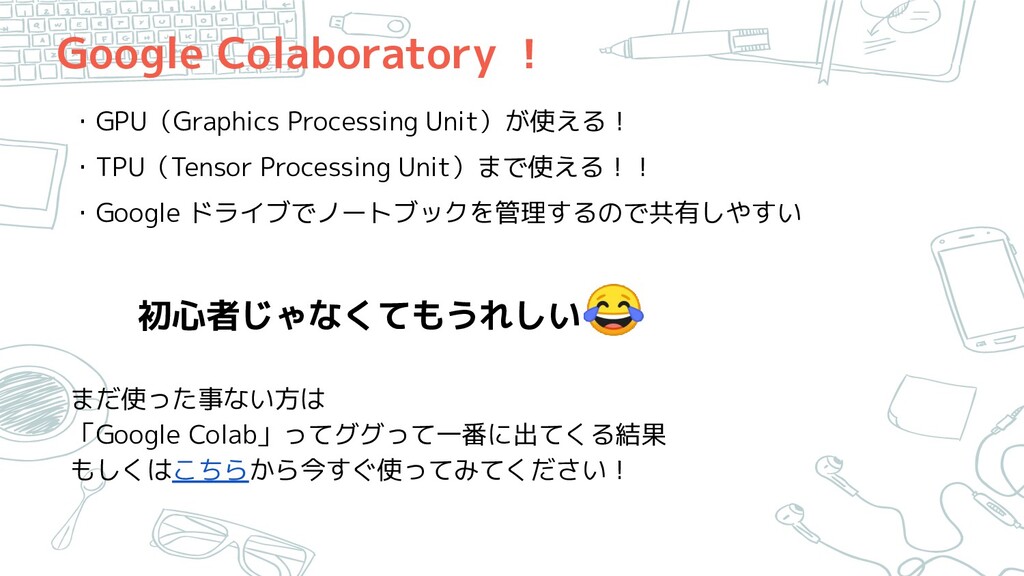
Google Colaboratory ! ・GPU(Graphics Processing Unit)が使える! ・TPU(Tensor Processing Unit)まで使える!! ・Google
ドライブでノートブックを管理するので共有しやすい 初心者じゃなくてもうれしい まだ使った事ない方は 「Google Colab」ってググって一番に出てくる結果 もしくはこちらから今すぐ使ってみてください!
ここまでなんだかColab推しの流れだけど、このLTのタイトル ↓ Googleが提供するJupyterノートブック環境 を比べてみました 比べるって、なにと?
ご存じですか? Google AI Platform Notebook https://cloud.google.com/ai-platform-notebooks/?hl=ja
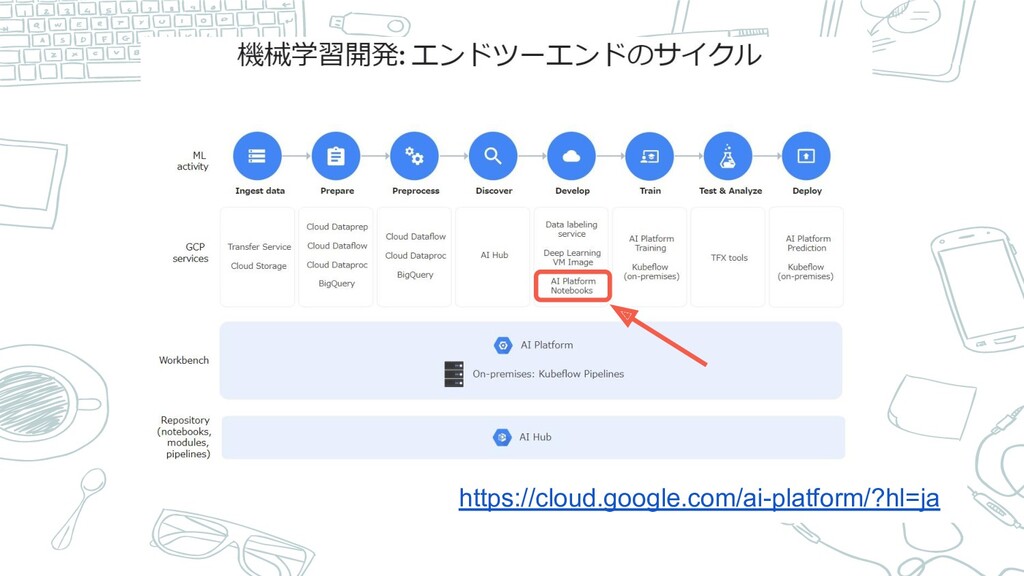
https://cloud.google.com/ai-platform/?hl=ja
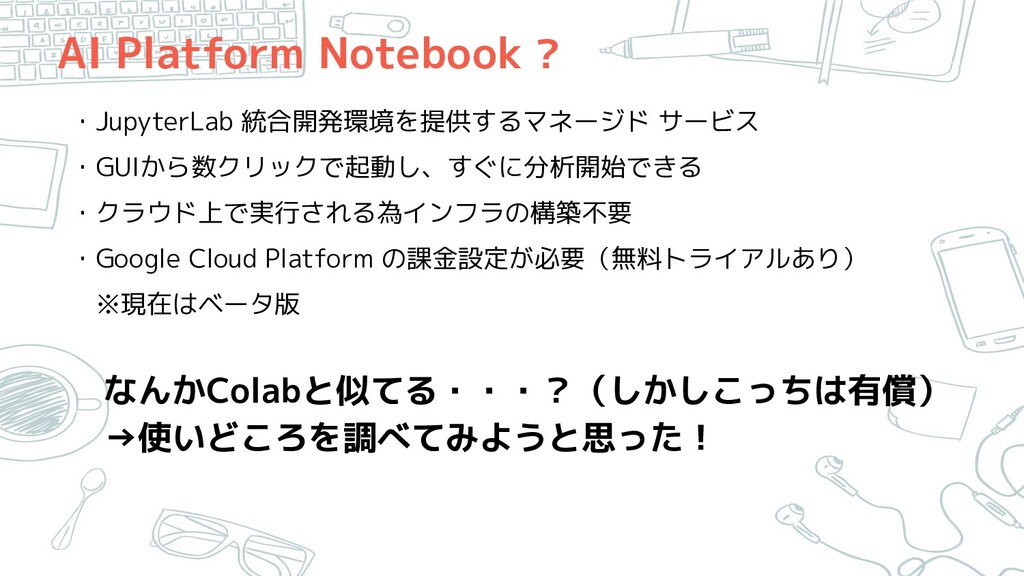
AI Platform Notebook ? ・JupyterLab 統合開発環境を提供するマネージド サービス ・GUIから数クリックで起動し、すぐに分析開始できる ・クラウド上で実行される為インフラの構築不要 ・Google
Cloud Platform の課金設定が必要(無料トライアルあり) ※現在はベータ版 なんかColabと似てる・・・?(しかしこっちは有償) →使いどころを調べてみようと思った!
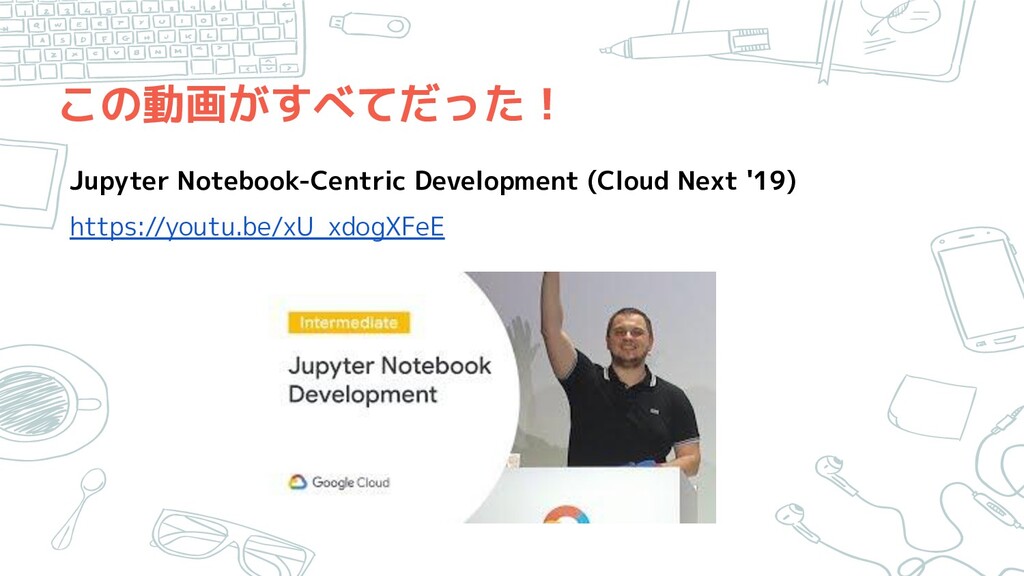
この動画がすべてだった! Jupyter Notebook-Centric Development (Cloud Next '19) https://youtu.be/xU_xdogXFeE
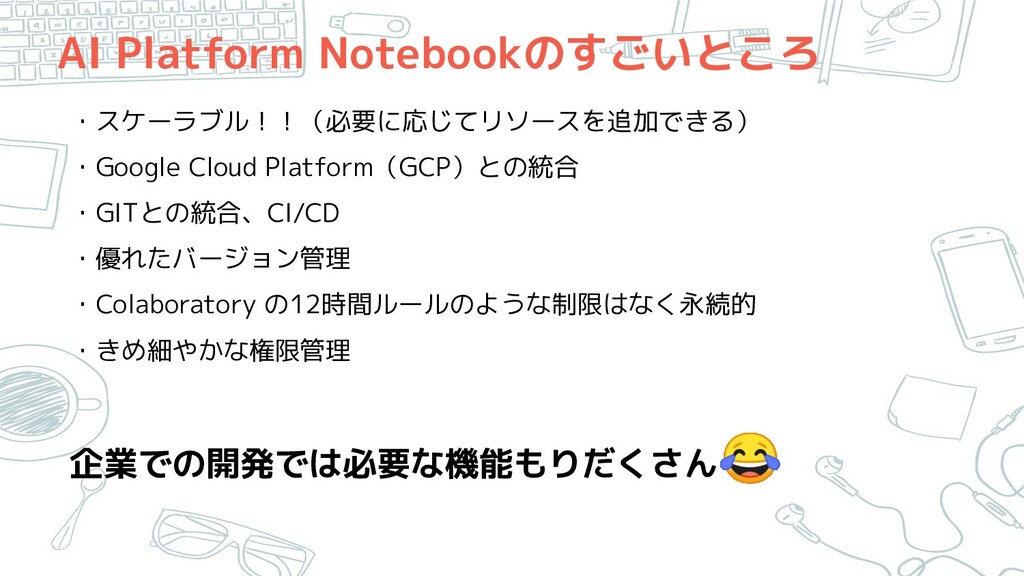
AI Platform Notebookのすごいところ ・スケーラブル!!(必要に応じてリソースを追加できる) ・Google Cloud Platform(GCP)との統合 ・GITとの統合、CI/CD ・優れたバージョン管理 ・Colaboratory
の12時間ルールのような制限はなく永続的 ・きめ細やかな権限管理 企業での開発では必要な機能もりだくさん
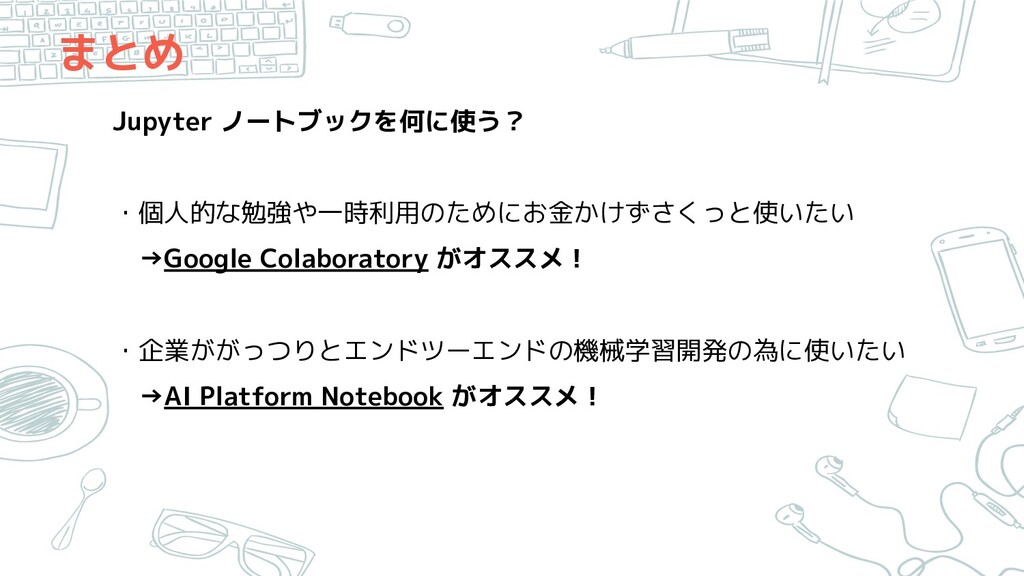
まとめ Jupyter ノートブックを何に使う? ・個人的な勉強や一時利用のためにお金かけずさくっと使いたい →Google Colaboratory がオススメ! ・企業ががっつりとエンドツーエンドの機械学習開発の為に使いたい →AI Platform
Notebook がオススメ!
そもそも・・・ Colaboratory は、機械学習/Deep Learningの教育や研究の促進を目 的とした Google 研究プロジェクト AI Platformは、Google がクラウド上で提供するサービス群である
Google Cloud Platform(GCP)の中の、AIと機械学習プロダクト そもそも目的が違いますよね、面目次第もございません・・・
とはいえ! Colaboratoryは企業でも、アドホック分析や内部レビュー 等々 使いどころはたくさんあります それぞれのメリデメを把握した上で 使えるものは使っていきましょう!
GCPUG女子会について GCPUG 女子会は Google Cloud Platform(GCP) の 女性の User Groupです
https://gcpug-joshi.connpass.com/ 数ヶ月に1回程度初心者向けのハンズオンイベントを ゆる〜く開催中です。 Joishikai
Thanks! 19 @megumi_takahira 気軽にフォローよろしくです

 SiteGround - Reliable hosting with speed, security, and support you can count on.


 megumit
 akitoshiga
 raspython3
 yut0naga1_fa
 satoshi7
.png) yamad
yamad
 occhi
occhi
 kash1064
 persolserverworks
 pfn
pfn
 minorun365
 syuchimu
 shugo
shugo
 rasmusluckow
 philnash
 cassininazir
 speakerdeck
 rkendrick25
 apolaine
 ianozsvald
 techseoconnect
 nwiizo
 mayunak
 jnunemaker
 quramy