Upgrade to Pro — share decks privately, control downloads, hide ads and more …

Personal Digital Security

Personal Digital Security

You are one of the most significant security threats to your company. We all know we are going to fix better passwords / encryption / firewalls / etc. one day. Getting properly hacked is one of those things that is a lot more comfortable to prevent beforehand than to gather the shattered pieces afterwards. In this talk, we will take a practical approach to good personal digital security. We will start with the easy parts before drilling through the layers of security, down to the parts that are unpredictable and dangerous. Bring your laptop and a tin foil hat.

Topics include: What it's like to get properly hacked. Using password managers. Operating system security. Browser security. Encryption, firewalls, factors, and other means of protection.

Held at JavaZone 2016, Oslo, Norway

Avatar for Michael Johansen

Michael Johansen

September 07, 2016

Other Decks in Technology
Transcript

  1. PErsOnaL dIgiTal seCurIty Copyright © 2016 Michael Johansen. Do not
    distribute without my written consent. Michael Johansen [email protected] JavaZone 2016
  2. An example from the real world HOw BadLy You caN

    gEt HacKed Copyright © 2016 Michael Johansen. Do not distribute without my written consent.
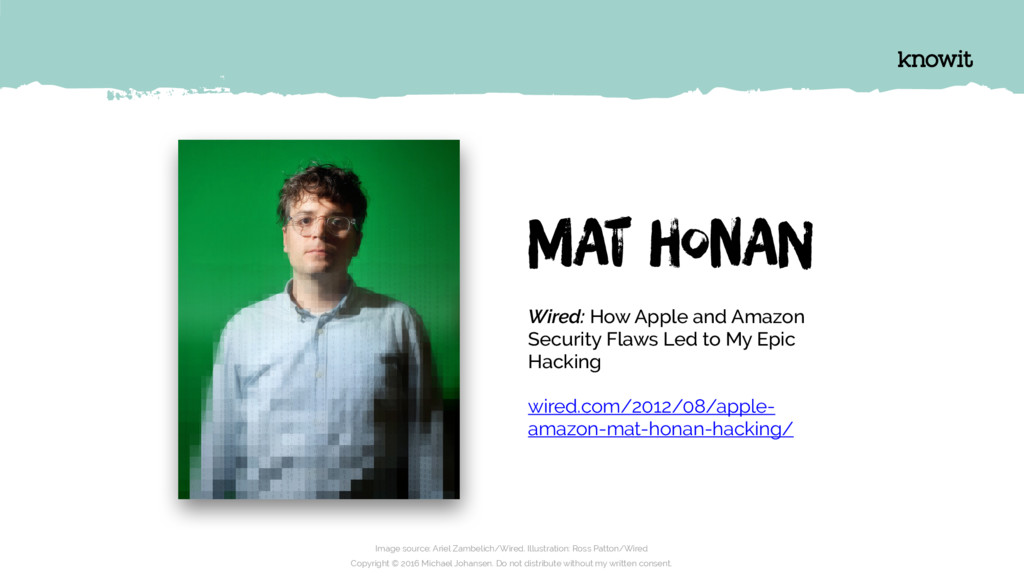
  3. Image source: Ariel Zambelich/Wired. Illustration: Ross Patton/Wired Copyright © 2016

    Michael Johansen. Do not distribute without my written consent. Wired: How Apple and Amazon Security Flaws Led to My Epic Hacking wired.com/2012/08/apple- amazon-mat-honan-hacking/ MAt honAn
  4. “I still can’t get into Gmail. My phone and iPads

    are down. Apple tells me that the remote wipe [of my MacBook] is likely irrecoverable. Because I’m a jerk who doesn’t back up data, I’ve lost at more than a year’s worth of photos, emails, documents, (…) and who knows what else. It’s been a shitty night.” Quote source: http:/ /www.emptyage.com/post/28679875595/yes-i-was-hacked-hard Copyright © 2016 Michael Johansen. Do not distribute without my written consent.
  5. Copyright © 2016 Michael Johansen. Do not distribute without my

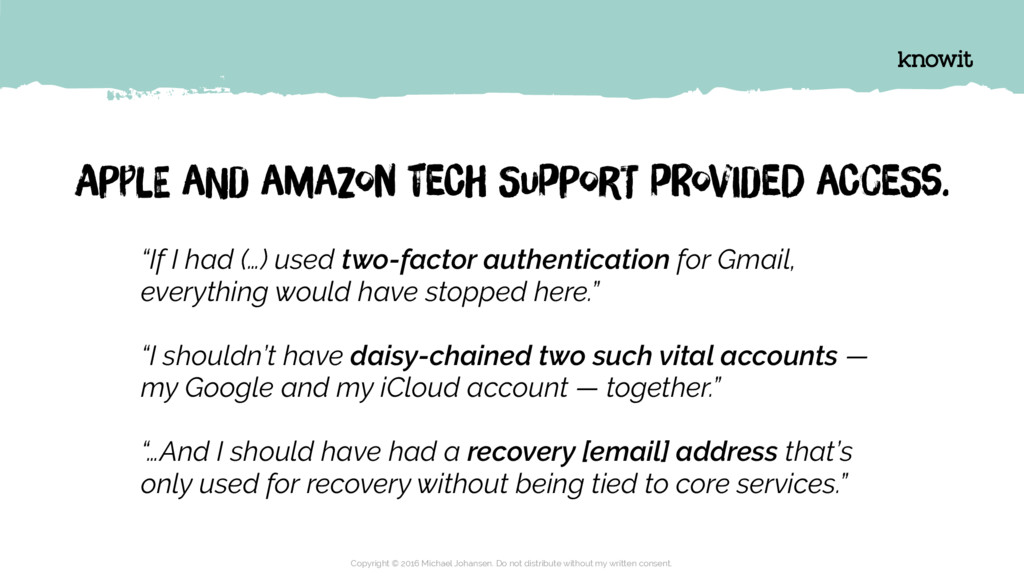
    written consent. APplE aNd amaZon teCh SupPorT pRovIdeD aCceSs. “If I had (…) used two-factor authentication for Gmail, everything would have stopped here.” “I shouldn’t have daisy-chained two such vital accounts — my Google and my iCloud account — together.” “…And I should have had a recovery [email] address that’s only used for recovery without being tied to core services.”
  6. * clapping game * Copyright © 2016 Michael Johansen. Do

    not distribute without my written consent.
  7. I have a few passwords I use just about everywhere.

    Copyright © 2016 Michael Johansen. Do not distribute without my written consent.
  8. But I only use the good password on the important

    things! Copyright © 2016 Michael Johansen. Do not distribute without my written consent.
  9. I haven’t had time to fix all of the password

    stuff yet, but I will definitely do it one day. Copyright © 2016 Michael Johansen. Do not distribute without my written consent.
  10. If I’m being honest with myself, I have lost track

    of how many user accounts I have out there. Copyright © 2016 Michael Johansen. Do not distribute without my written consent.
  11. A love/hate relationship PAssWorDs And you Copyright © 2016 Michael

    Johansen. Do not distribute without my written consent.
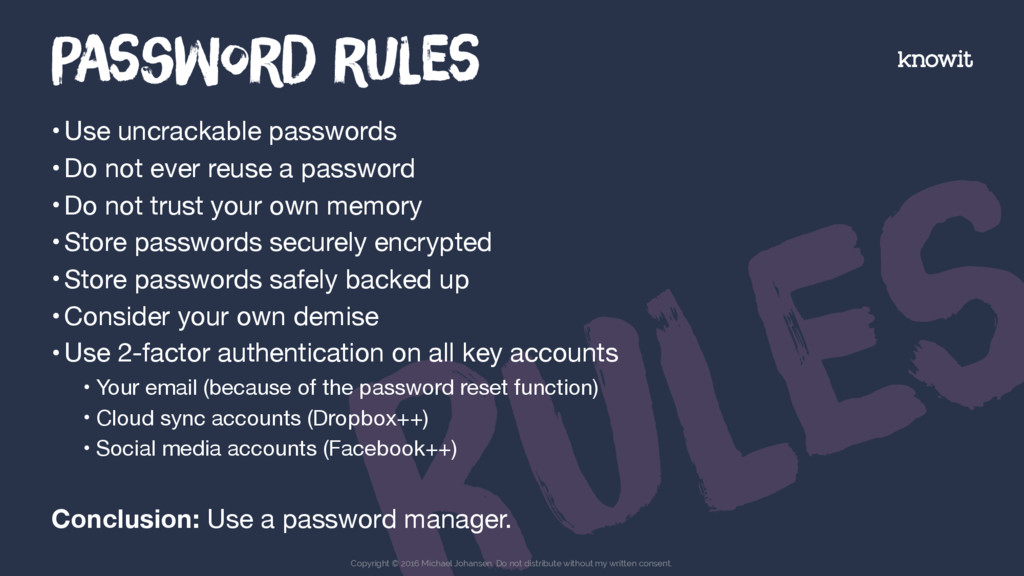
  12. Ules •Use uncrackable passwords •Do not ever reuse a password

    •Do not trust your own memory •Store passwords securely encrypted •Store passwords safely backed up •Consider your own demise •Use 2-factor authentication on all key accounts • Your email (because of the password reset function) • Cloud sync accounts (Dropbox++) • Social media accounts (Facebook++) Conclusion: Use a password manager. PAssWorD rUles Copyright © 2016 Michael Johansen. Do not distribute without my written consent.
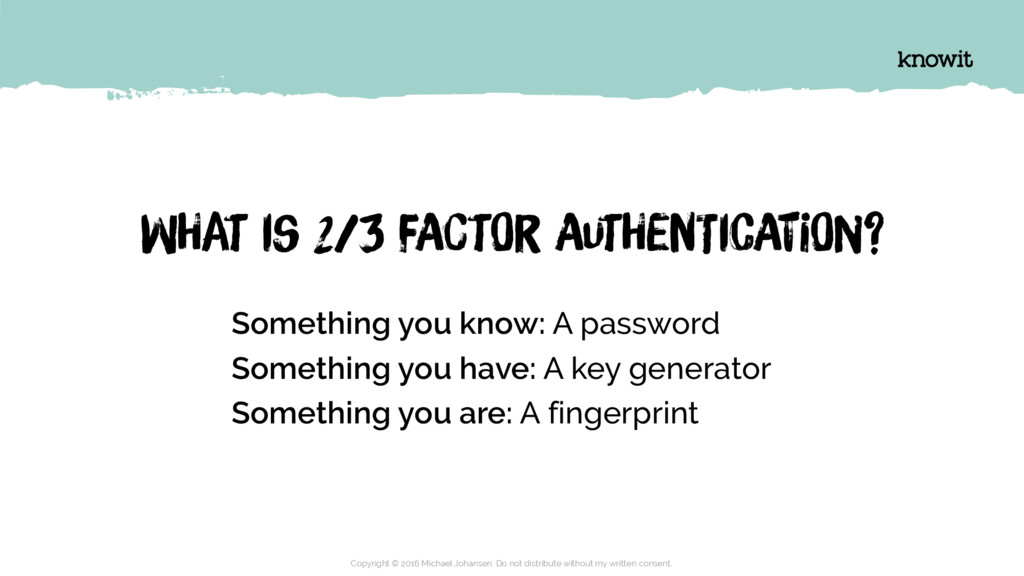
  13. Something you know: A password Something you have: A key

    generator Something you are: A fingerprint Copyright © 2016 Michael Johansen. Do not distribute without my written consent. WHat is 2/3 fActOr AutHenTicAtiOn?
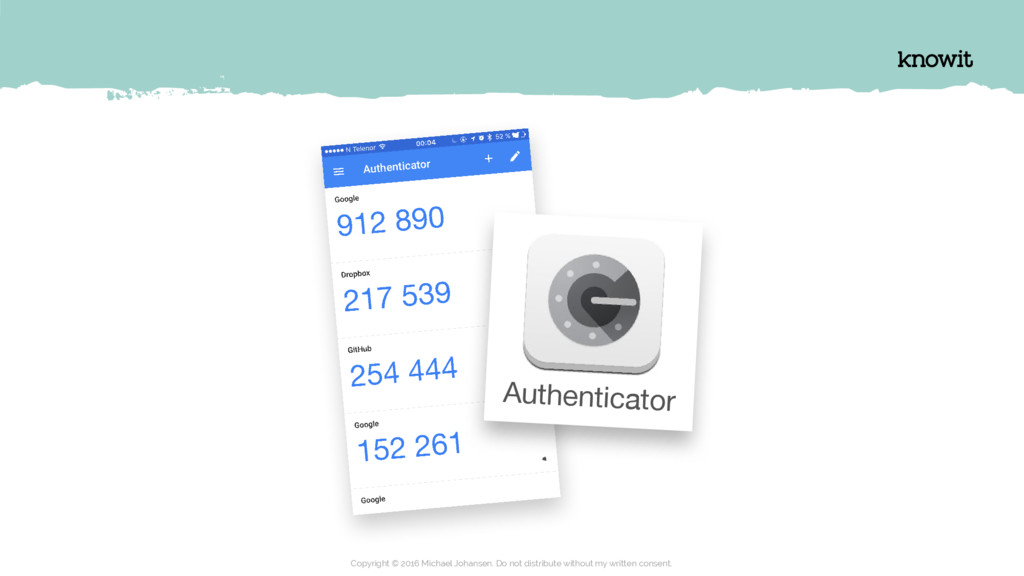
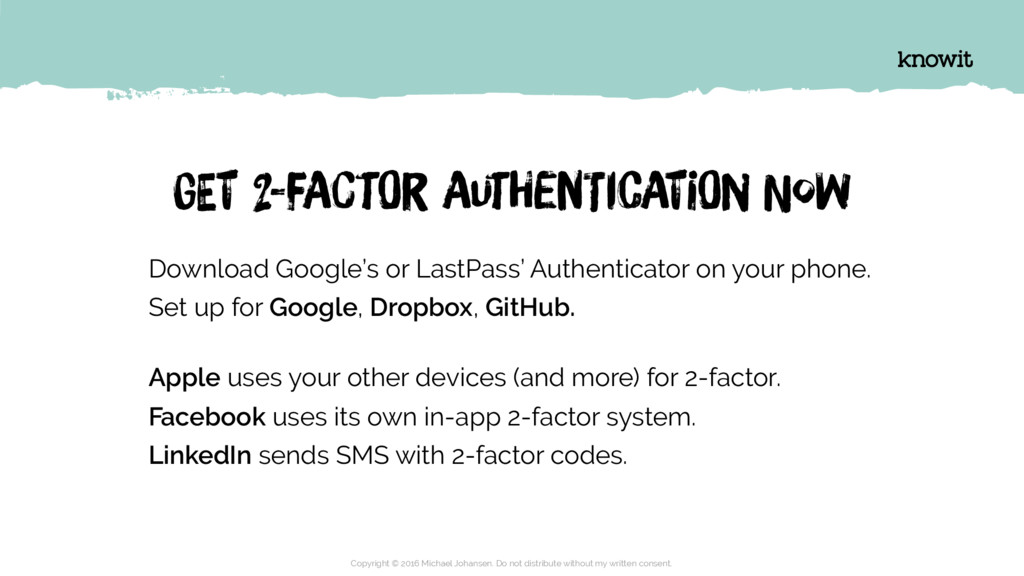
  14. Download Google’s or LastPass’ Authenticator on your phone. Set up

    for Google, Dropbox, GitHub.
 Apple uses your other devices (and more) for 2-factor. Facebook uses its own in-app 2-factor system. LinkedIn sends SMS with 2-factor codes. Copyright © 2016 Michael Johansen. Do not distribute without my written consent. GEt 2-fActOr AutHenTicAtiOn Now
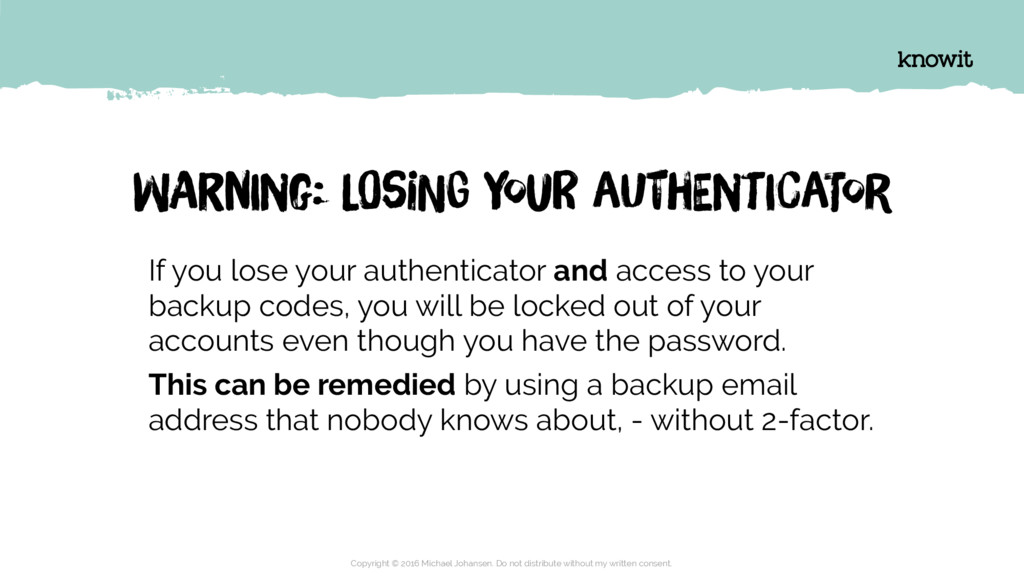
  15. If you lose your authenticator and access to your backup

    codes, you will be locked out of your accounts even though you have the password. This can be remedied by using a backup email address that nobody knows about, - without 2-factor. Copyright © 2016 Michael Johansen. Do not distribute without my written consent. WArnIng: LOsiNg YouR aUthEntIcaTor
  16. Diving into the password manager EXplOriNg LasTpaSs Copyright © 2016

    Michael Johansen. Do not distribute without my written consent.
  17. Copyright © 2016 Michael Johansen. Do not distribute without my

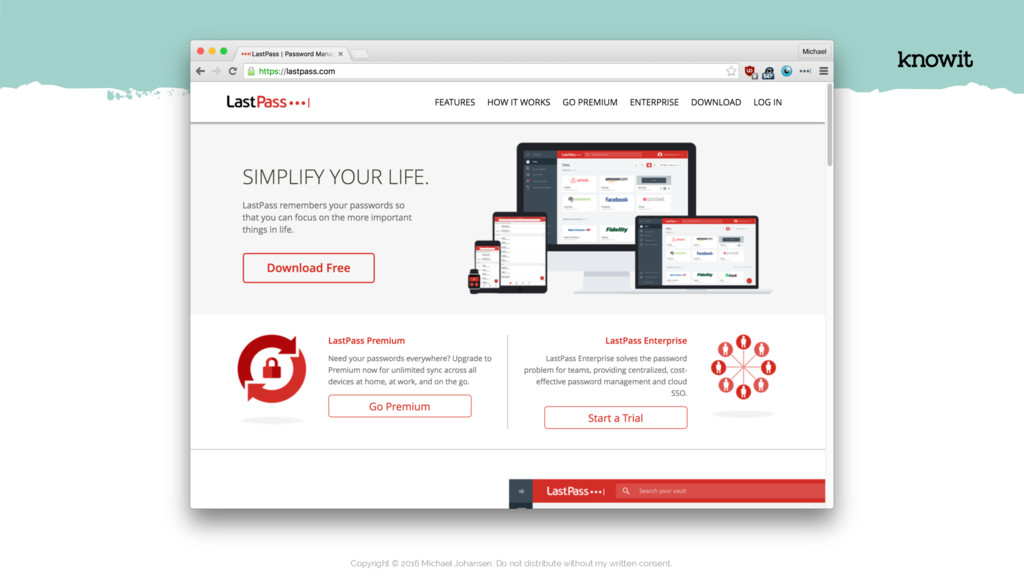
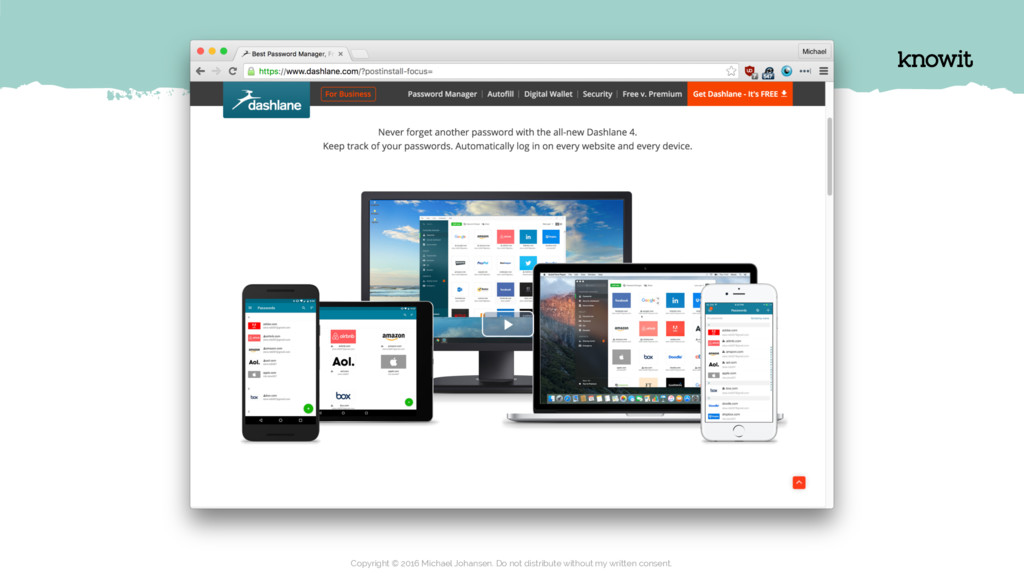
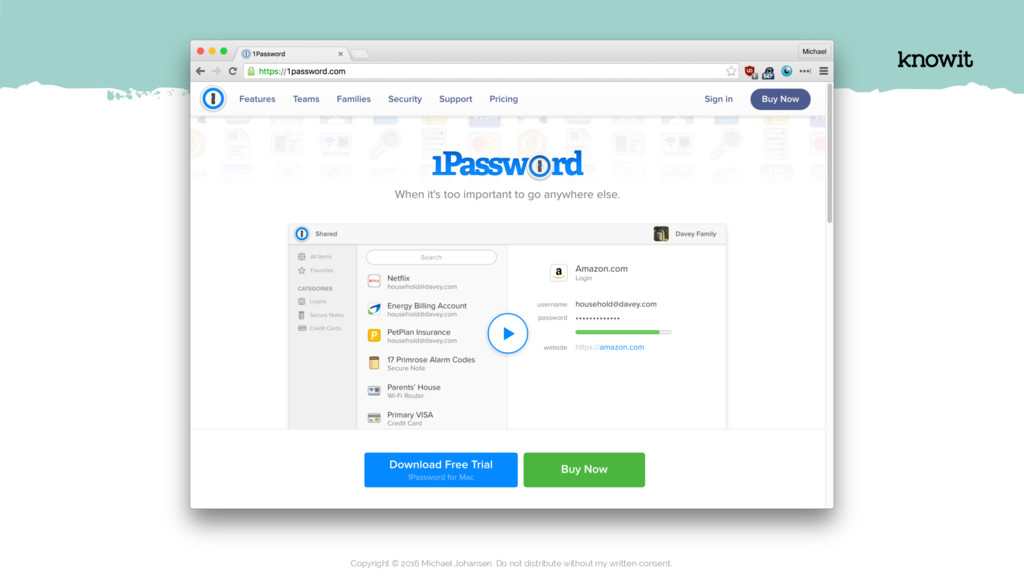
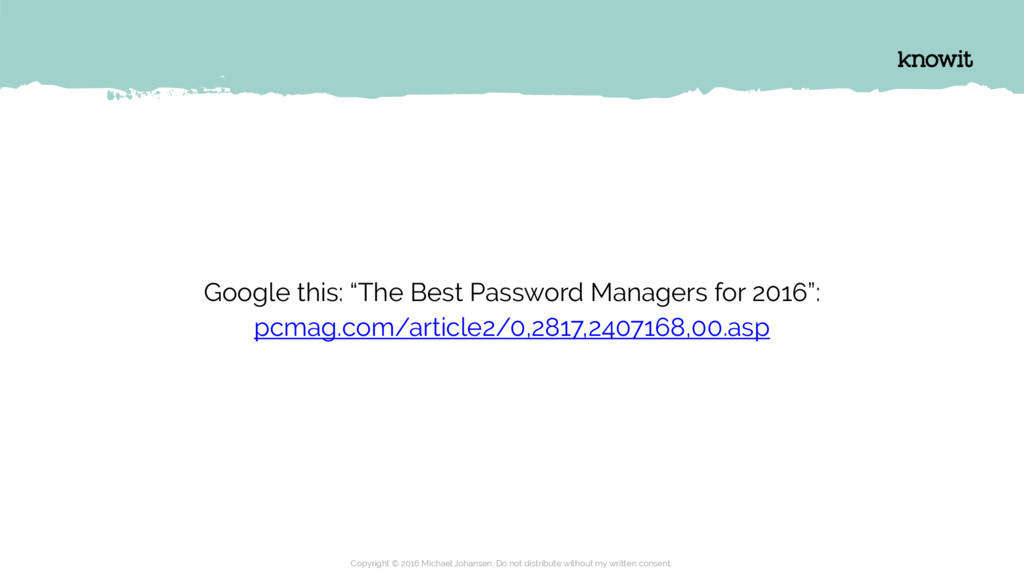
    written consent. Google this: “The Best Password Managers for 2016”: pcmag.com/article2/0,2817,2407168,00.asp
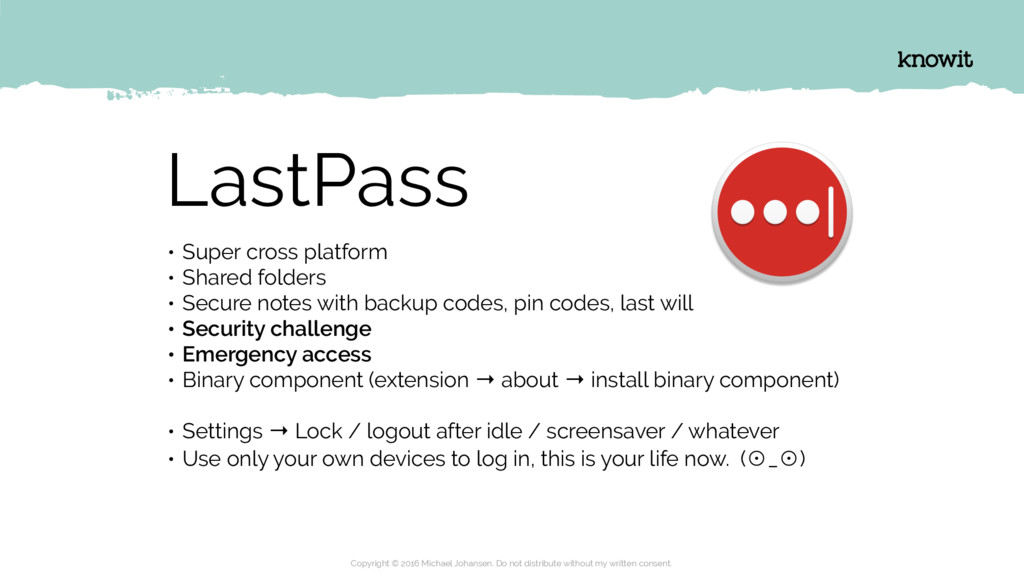
  18. LastPass • Super cross platform • Shared folders • Secure

    notes with backup codes, pin codes, last will • Security challenge • Emergency access • Binary component (extension → about → install binary component) • Settings → Lock / logout after idle / screensaver / whatever • Use only your own devices to log in, this is your life now. (̥_̥) Copyright © 2016 Michael Johansen. Do not distribute without my written consent.
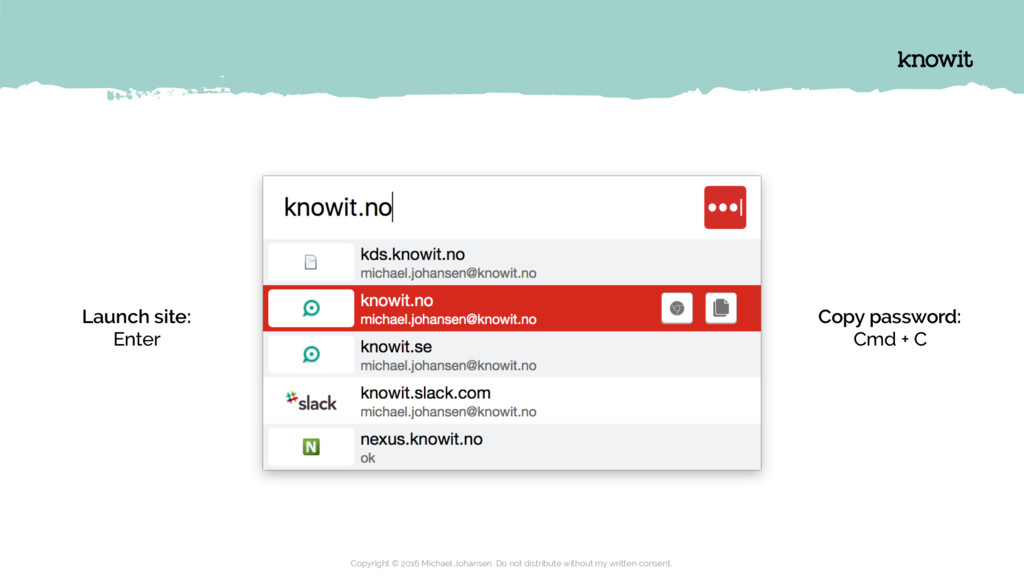
  19. Copyright © 2016 Michael Johansen. Do not distribute without my

    written consent. Copy password:
 Cmd + C Launch site: Enter
  20. Diving into the OS EXplOriNg Macos Copyright © 2016 Michael

    Johansen. Do not distribute without my written consent.
  21. macOS • Sleep (Cmd + Alt + Power) • Lock

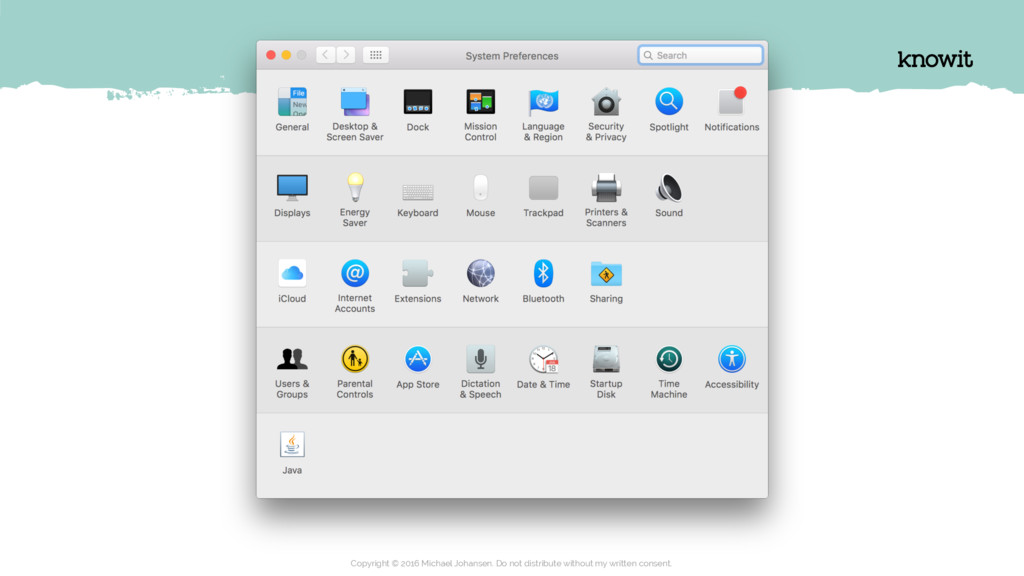
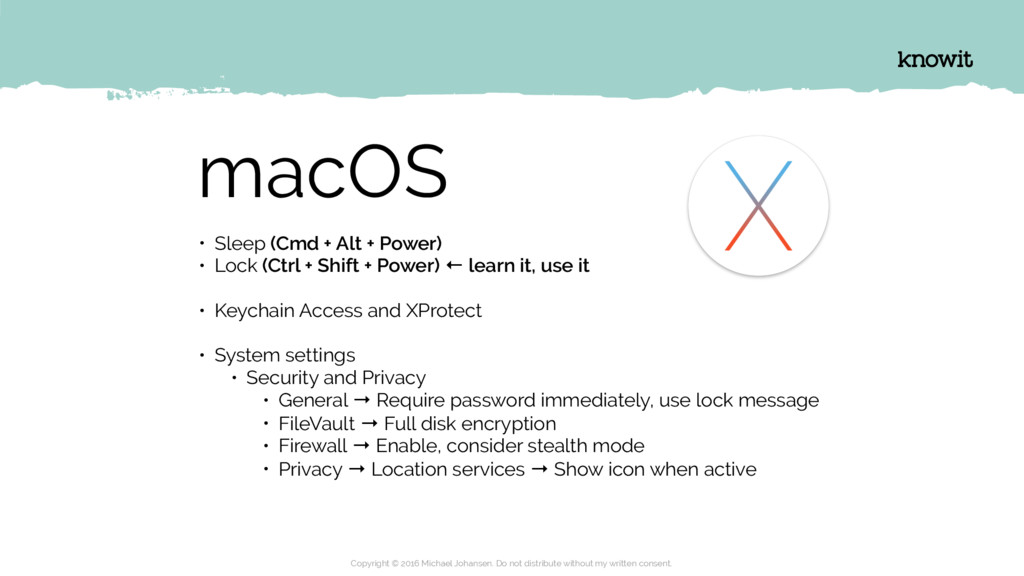
    (Ctrl + Shift + Power) ← learn it, use it • Keychain Access and XProtect • System settings • Security and Privacy • General → Require password immediately, use lock message • FileVault → Full disk encryption • Firewall → Enable, consider stealth mode • Privacy → Location services → Show icon when active Copyright © 2016 Michael Johansen. Do not distribute without my written consent.
  22. macOS • System settings • iCloud • Keychain • Find

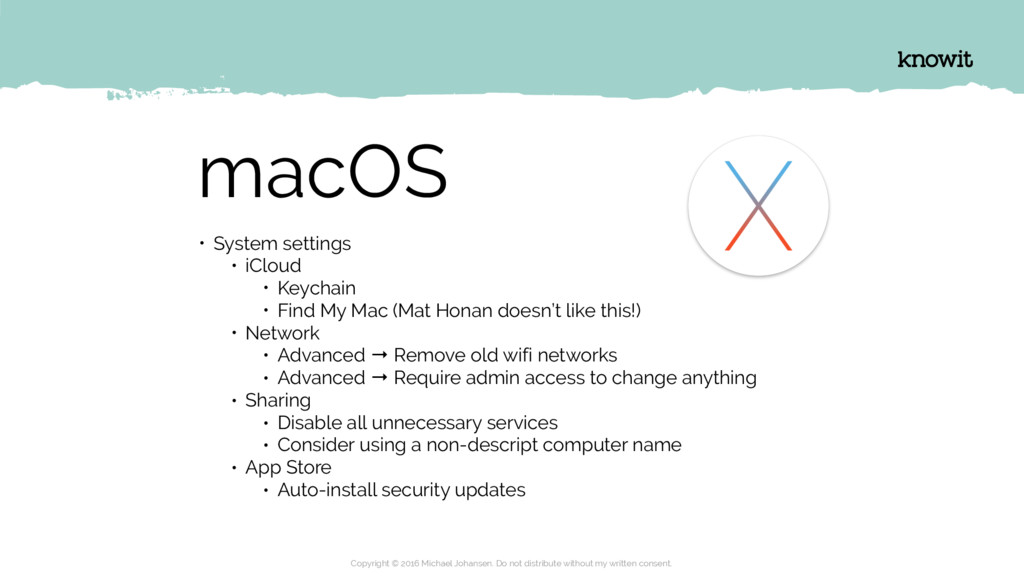
    My Mac (Mat Honan doesn’t like this!) • Network • Advanced → Remove old wifi networks • Advanced → Require admin access to change anything • Sharing • Disable all unnecessary services • Consider using a non-descript computer name • App Store • Auto-install security updates Copyright © 2016 Michael Johansen. Do not distribute without my written consent.
  23. Diving into the browser EXplOriNg ChrOme Copyright © 2016 Michael

    Johansen. Do not distribute without my written consent.
  24. Copyright © 2016 Michael Johansen. Do not distribute without my

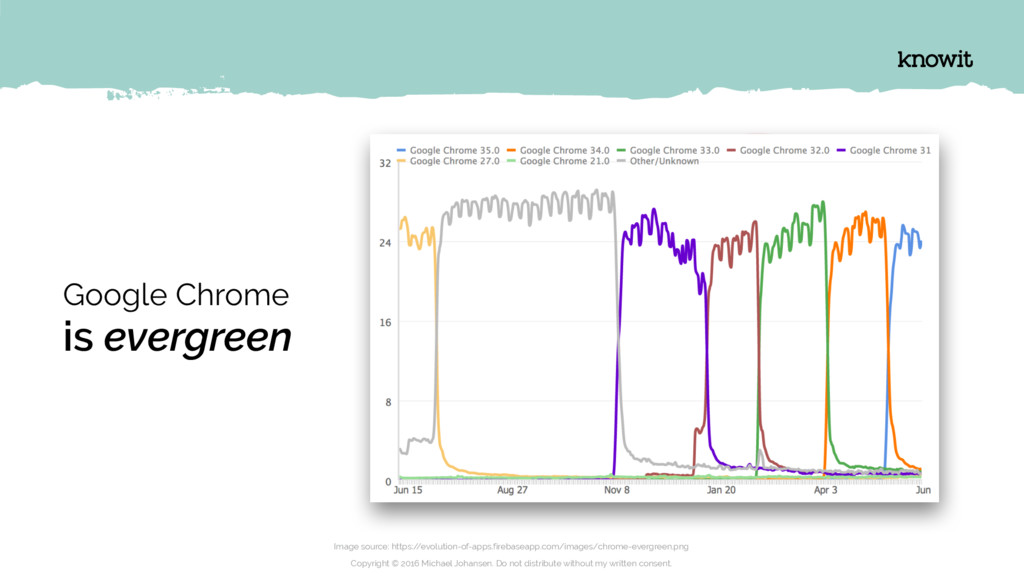
    written consent. Google Chrome is evergreen Image source: https:/ /evolution-of-apps.firebaseapp.com/images/chrome-evergreen.png
  25. Marking HTTP as insecure The transition of the entire web

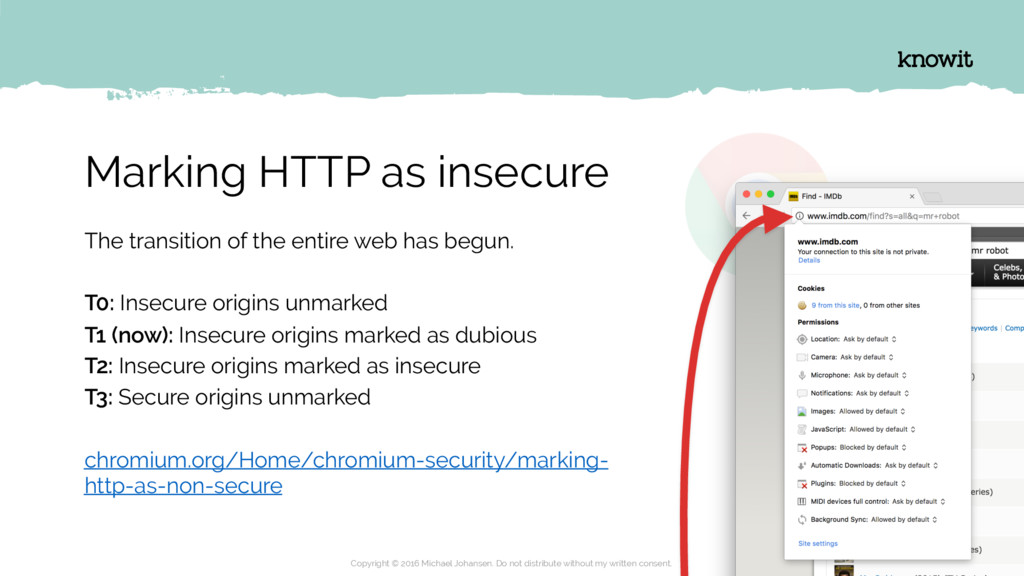
    has begun. T0: Insecure origins unmarked T1 (now): Insecure origins marked as dubious T2: Insecure origins marked as insecure T3: Secure origins unmarked chromium.org/Home/chromium-security/marking- http-as-non-secure Copyright © 2016 Michael Johansen. Do not distribute without my written consent.
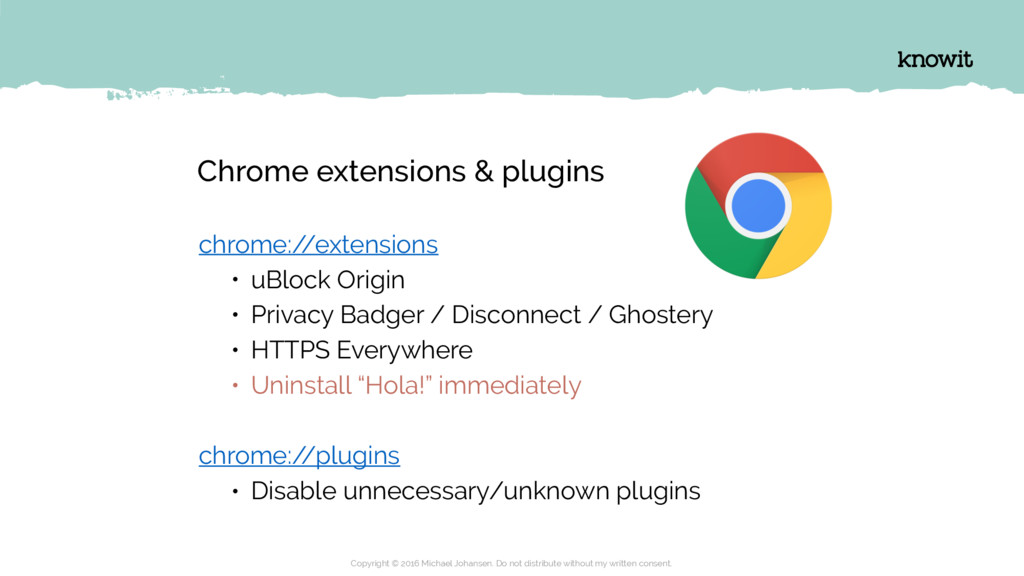
  26. Chrome extensions & plugins chrome:/ /extensions • uBlock Origin •

    Privacy Badger / Disconnect / Ghostery • HTTPS Everywhere • Uninstall “Hola!” immediately chrome:/ /plugins • Disable unnecessary/unknown plugins Copyright © 2016 Michael Johansen. Do not distribute without my written consent.
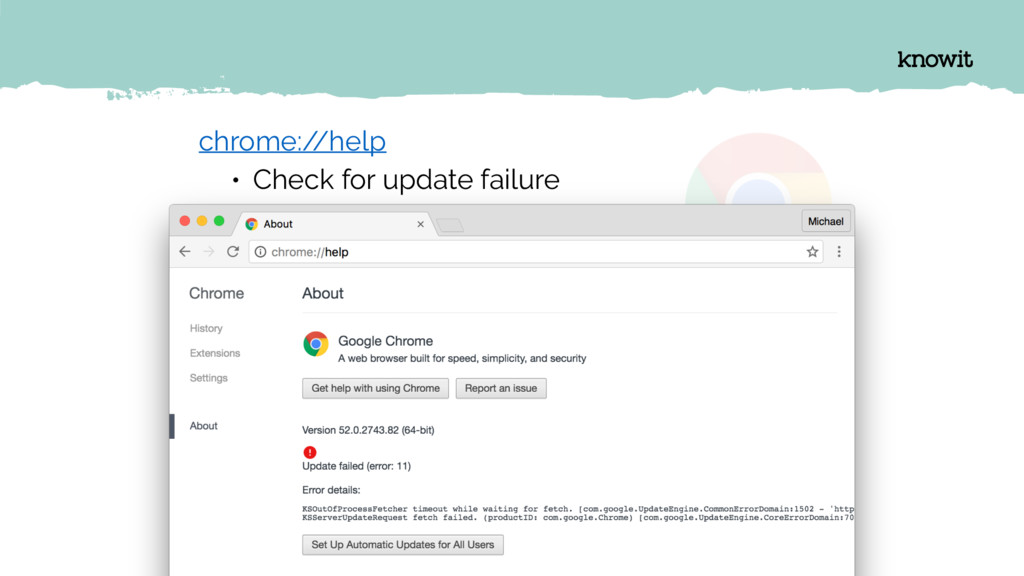
  27. Copyright © 2016 Michael Johansen. Do not distribute without my

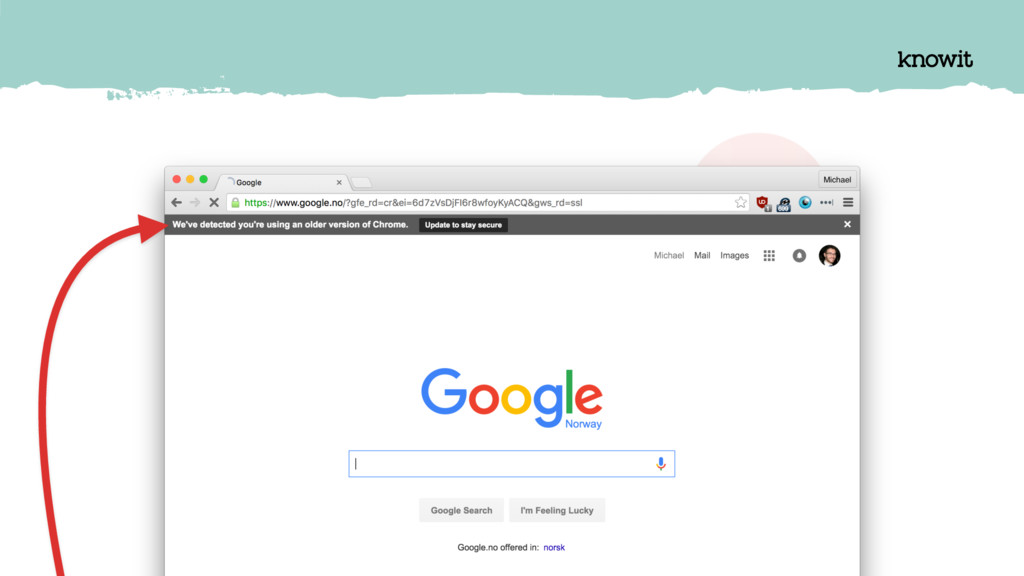
    written consent. chrome:/ /help • Check for update failure
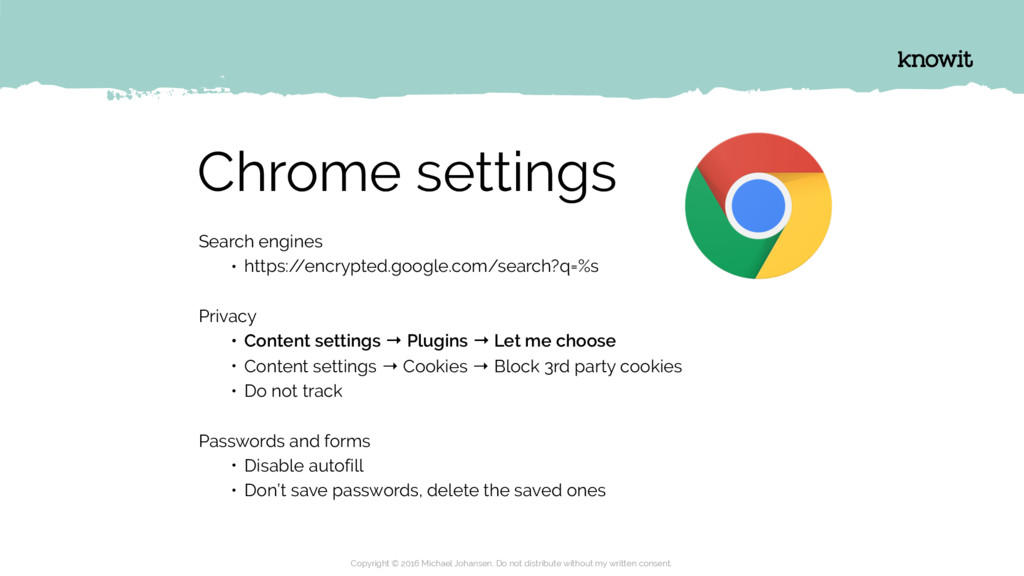
  28. Chrome settings Search engines • https:/ /encrypted.google.com/search?q=%s Privacy • Content

    settings → Plugins → Let me choose • Content settings → Cookies → Block 3rd party cookies • Do not track Passwords and forms • Disable autofill • Don’t save passwords, delete the saved ones Copyright © 2016 Michael Johansen. Do not distribute without my written consent.
  29. Diving into the phone EXplOriNg IOs Copyright © 2016 Michael

    Johansen. Do not distribute without my written consent.
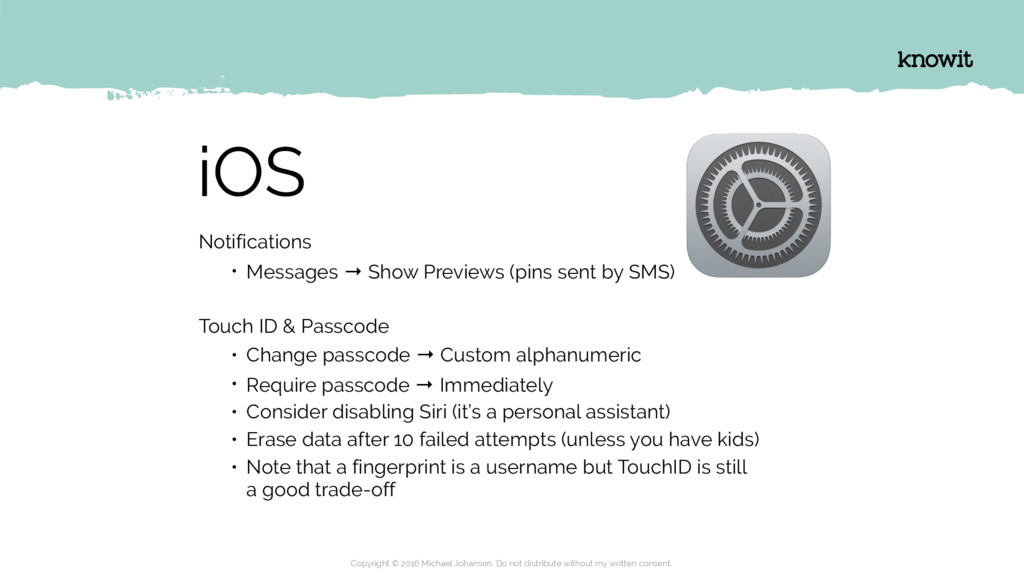
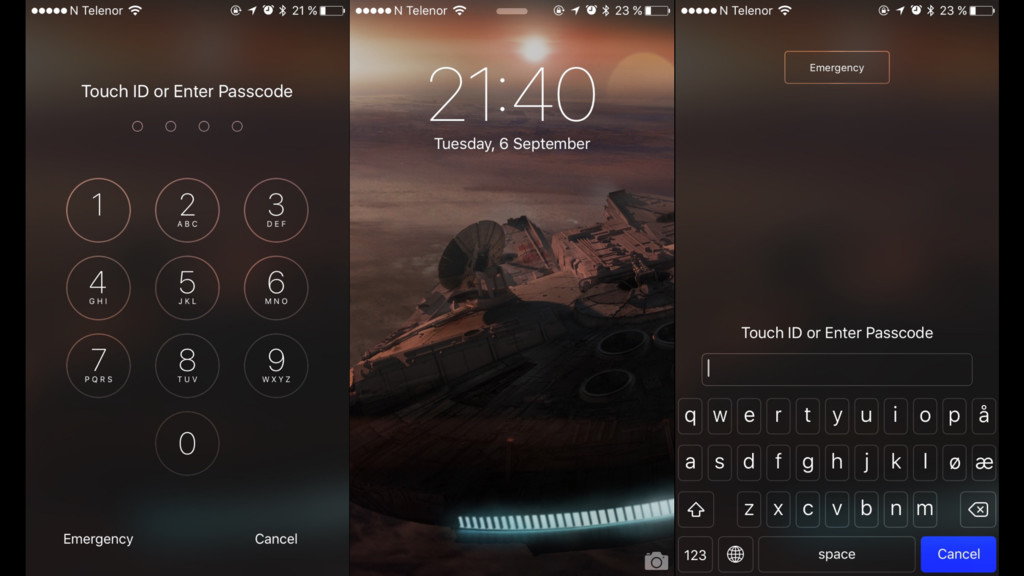
  30. iOS Notifications • Messages → Show Previews (pins sent by

    SMS) Touch ID & Passcode • Change passcode → Custom alphanumeric • Require passcode → Immediately • Consider disabling Siri (it’s a personal assistant) • Erase data after 10 failed attempts (unless you have kids) • Note that a fingerprint is a username but TouchID is still a good trade-off Copyright © 2016 Michael Johansen. Do not distribute without my written consent.
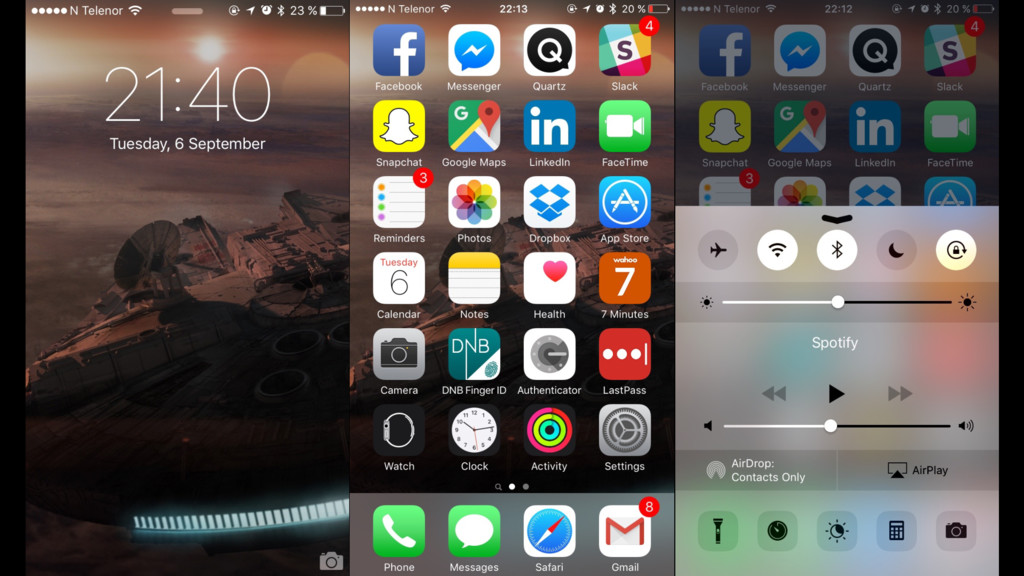
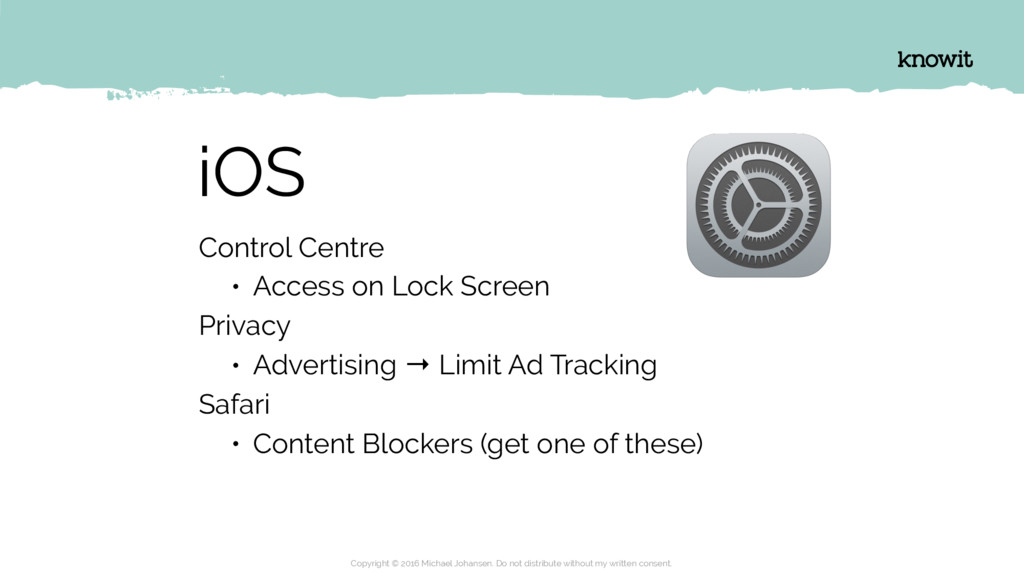
  31. iOS Control Centre • Access on Lock Screen Privacy •

    Advertising → Limit Ad Tracking Safari • Content Blockers (get one of these) Copyright © 2016 Michael Johansen. Do not distribute without my written consent.
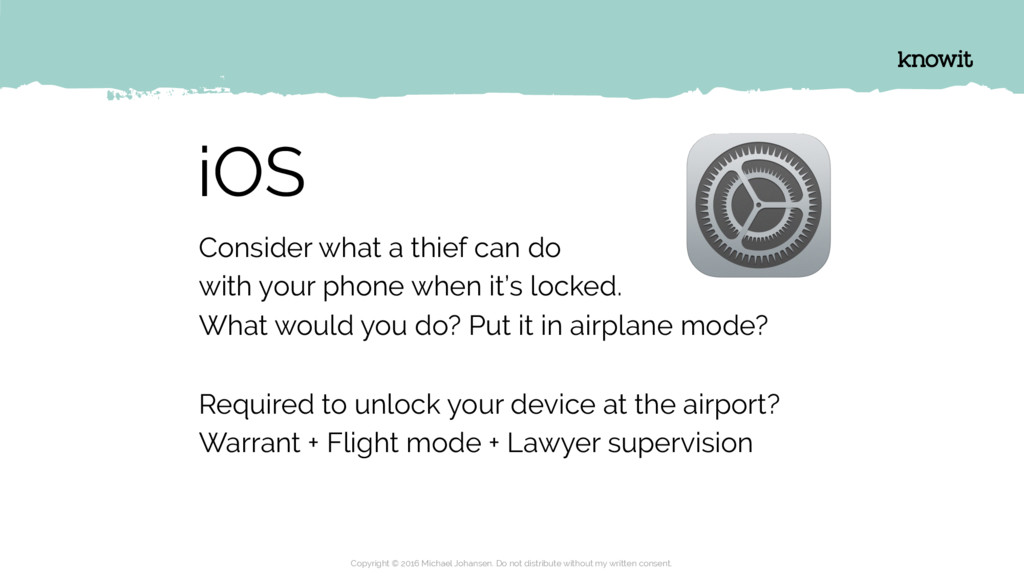
  32. iOS Consider what a thief can do with your phone

    when it’s locked. What would you do? Put it in airplane mode? Required to unlock your device at the airport? Warrant + Flight mode + Lawyer supervision Copyright © 2016 Michael Johansen. Do not distribute without my written consent.
  33. Here and there NUggEts of inSigHt Copyright © 2016 Michael

    Johansen. Do not distribute without my written consent.
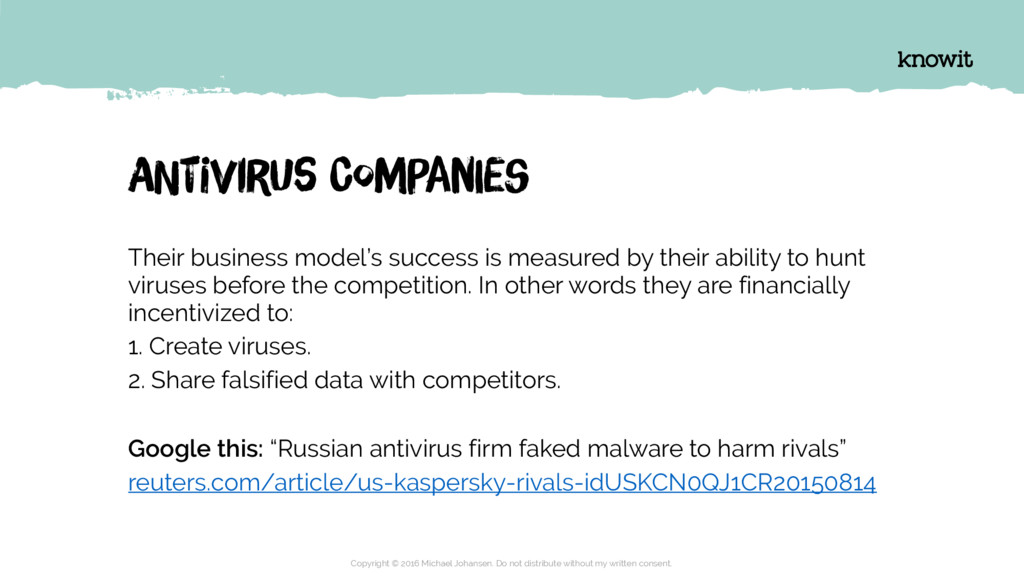
  34. ANtiVirUs ComPanIes Their business model’s success is measured by their

    ability to hunt viruses before the competition. In other words they are financially incentivized to: 1. Create viruses. 2. Share falsified data with competitors. Google this: “Russian antivirus firm faked malware to harm rivals” reuters.com/article/us-kaspersky-rivals-idUSKCN0QJ1CR20150814 Copyright © 2016 Michael Johansen. Do not distribute without my written consent.
  35. YOur teRmiNal Prevent a keylogger from recording your keystrokes by

    enabling “secure keyboard entry” in iTerm. Copyright © 2016 Michael Johansen. Do not distribute without my written consent.
  36. YOur coNneCtiOn ExpressVPN has a pretty UI and fast connectivity.

    PrivateInternetAccess (PIA) has a nice kill switch. Copyright © 2016 Michael Johansen. Do not distribute without my written consent.
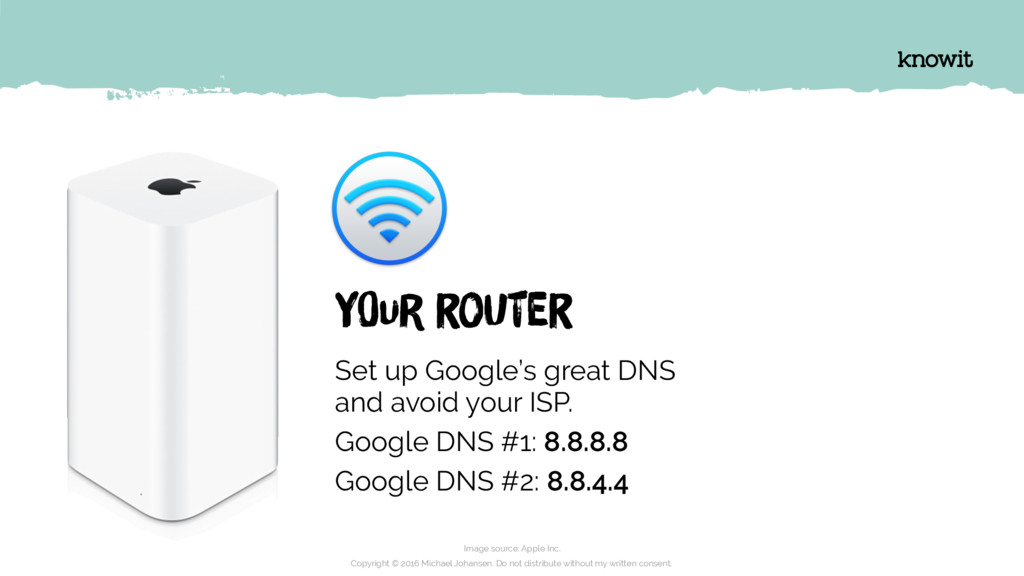
  37. Image source: Apple Inc. Copyright © 2016 Michael Johansen. Do

    not distribute without my written consent. YOur roUter Set up Google’s great DNS
 and avoid your ISP. Google DNS #1: 8.8.8.8 Google DNS #2: 8.8.4.4
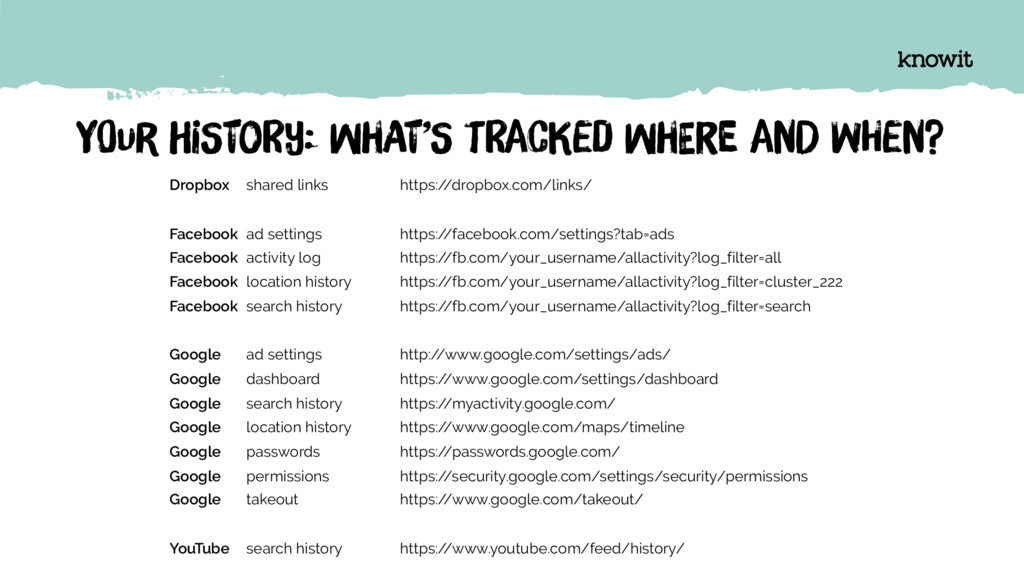
  38. YOur hiStoRy: whAt’S tRacKed whEre anD wHen? Dropbox shared links

    https:/ /dropbox.com/links/ Facebook ad settings https:/ /facebook.com/settings?tab=ads Facebook activity log https:/ /fb.com/your_username/allactivity?log_filter=all Facebook location history https:/ /fb.com/your_username/allactivity?log_filter=cluster_222 Facebook search history https:/ /fb.com/your_username/allactivity?log_filter=search Google ad settings http:/ /www.google.com/settings/ads/ Google dashboard https:/ /www.google.com/settings/dashboard Google search history https:/ /myactivity.google.com/ Google location history https:/ /www.google.com/maps/timeline Google passwords https:/ /passwords.google.com/ Google permissions https:/ /security.google.com/settings/security/permissions Google takeout https:/ /www.google.com/takeout/ YouTube search history https:/ /www.youtube.com/feed/history/
  39. This isn’t even my memory stick. Copyright © 2016 Michael

    Johansen. Do not distribute without my written consent.
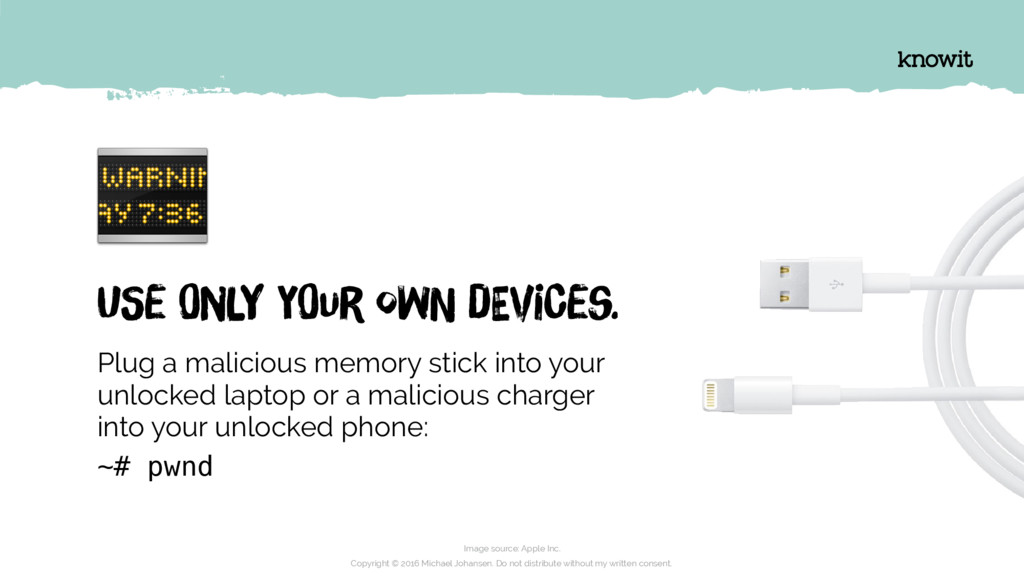
  40. Image source: Apple Inc. Copyright © 2016 Michael Johansen. Do

    not distribute without my written consent. USe OnlY yOur owN dEviCes. Plug a malicious memory stick into your unlocked laptop or a malicious charger
 into your unlocked phone: ~# pwnd
  41. SOmeOne haS cHanGed yoUr PosTal adDreSs, anD iS oRdeRinG cRedIt

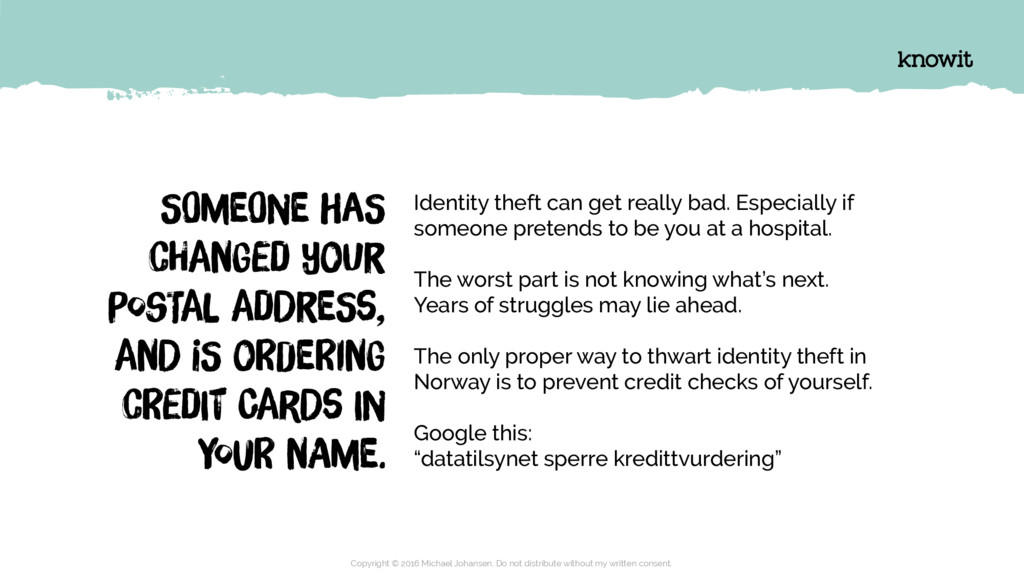
    CarDs In YouR nAme. Identity theft can get really bad. Especially if someone pretends to be you at a hospital. The worst part is not knowing what’s next. Years of struggles may lie ahead. The only proper way to thwart identity theft in Norway is to prevent credit checks of yourself. Google this: “datatilsynet sperre kredittvurdering” Copyright © 2016 Michael Johansen. Do not distribute without my written consent.
  42. WHat caN tHey do wIth yoUr dIffEreNt pAssWorDs 1. Your

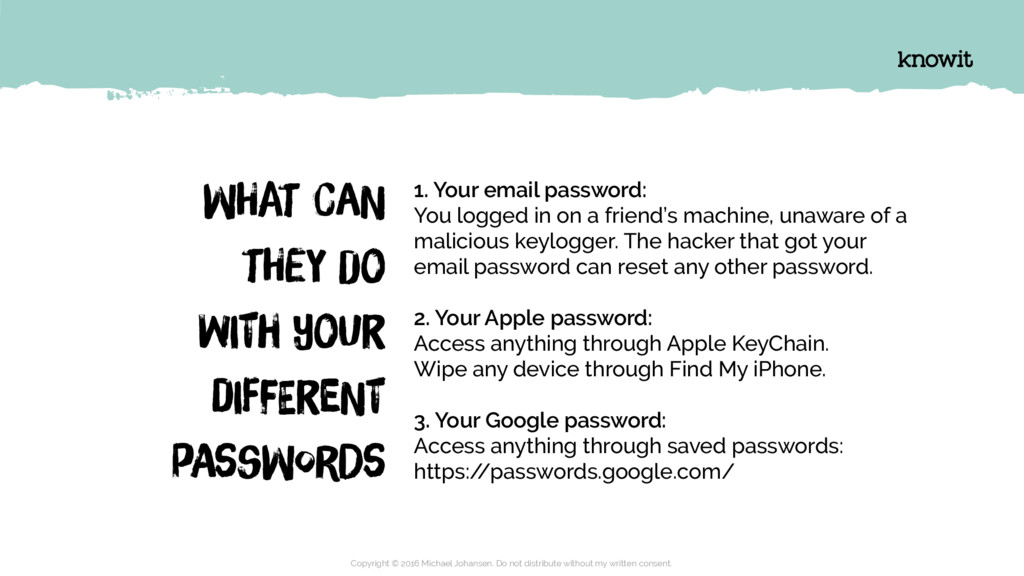
    email password: You logged in on a friend’s machine, unaware of a malicious keylogger. The hacker that got your email password can reset any other password. 2. Your Apple password: Access anything through Apple KeyChain. Wipe any device through Find My iPhone. 3. Your Google password: Access anything through saved passwords: https:/ /passwords.google.com/ Copyright © 2016 Michael Johansen. Do not distribute without my written consent.
  43. YOur baCkpAck geTs StoLen toNigHt. it haD yOur laPtoP, TabLet

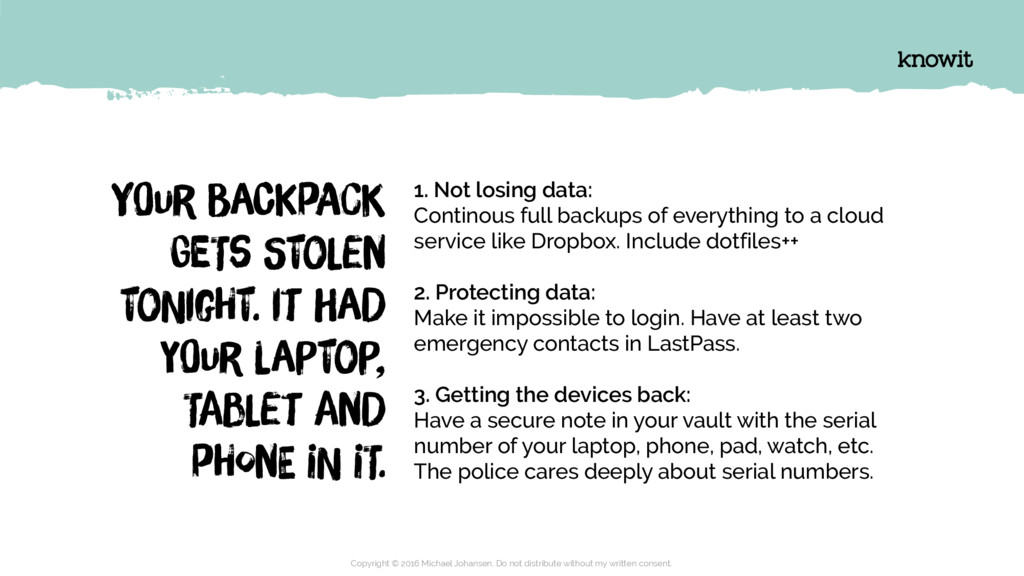
    anD pHonE iN iT. 1. Not losing data: Continous full backups of everything to a cloud service like Dropbox. Include dotfiles++ 2. Protecting data: Make it impossible to login. Have at least two emergency contacts in LastPass. 3. Getting the devices back: Have a secure note in your vault with the serial number of your laptop, phone, pad, watch, etc. The police cares deeply about serial numbers. Copyright © 2016 Michael Johansen. Do not distribute without my written consent.
  44. YOur laPtoP iS iNfeCteD wIth raNsoMwaRe. yoUr EntIre clOud baCkuP

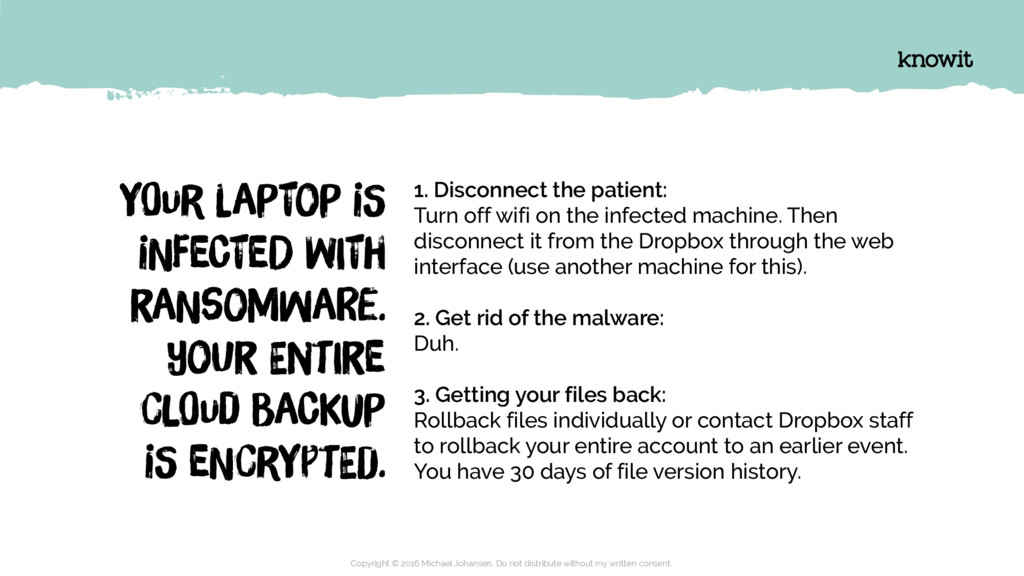
    iS eNcrYptEd. 1. Disconnect the patient: Turn off wifi on the infected machine. Then disconnect it from the Dropbox through the web interface (use another machine for this). 2. Get rid of the malware: Duh. 3. Getting your files back: Rollback files individually or contact Dropbox staff to rollback your entire account to an earlier event. You have 30 days of file version history. Copyright © 2016 Michael Johansen. Do not distribute without my written consent.
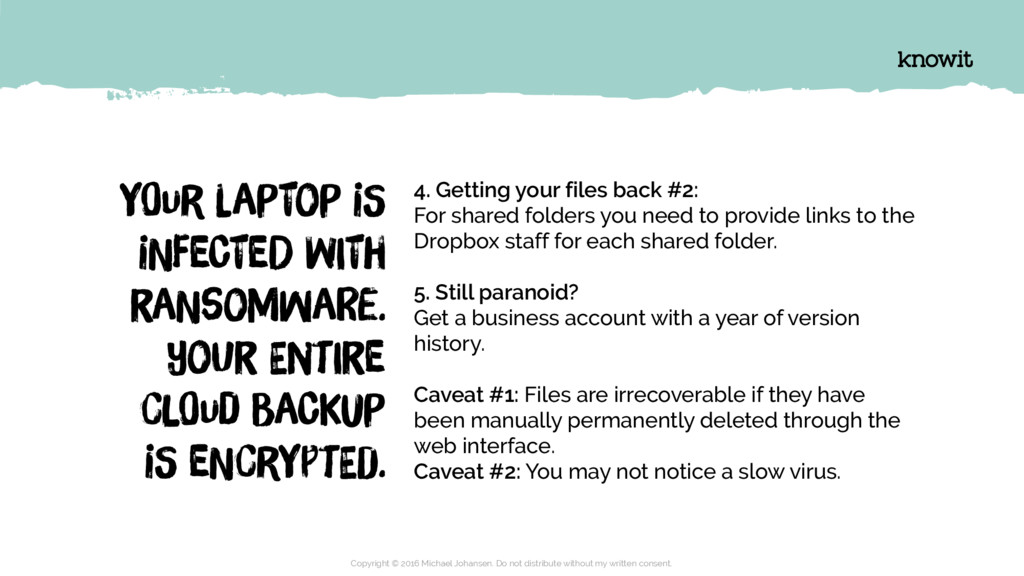
  45. YOur laPtoP iS iNfeCteD wIth raNsoMwaRe. yoUr EntIre clOud baCkuP

    iS eNcrYptEd. 4. Getting your files back #2: For shared folders you need to provide links to the Dropbox staff for each shared folder. 5. Still paranoid? Get a business account with a year of version history. Caveat #1: Files are irrecoverable if they have been manually permanently deleted through the web interface. Caveat #2: You may not notice a slow virus. Copyright © 2016 Michael Johansen. Do not distribute without my written consent.
  46. Want to get serious? Pay attention to… cOmmOn VulNerAbiLitIes anD

    eXpoSurEs Copyright © 2016 Michael Johansen. Do not distribute without my written consent.
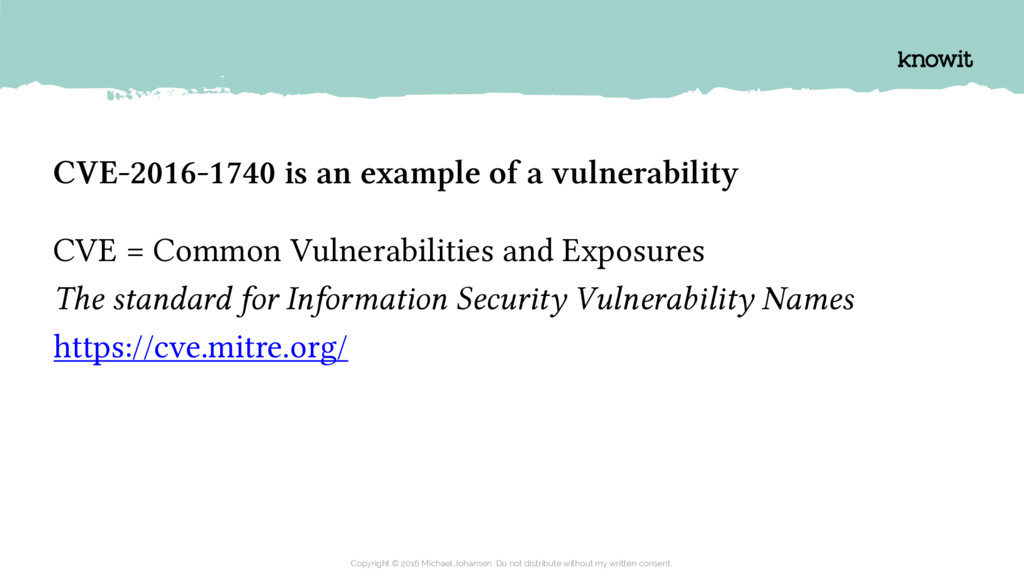
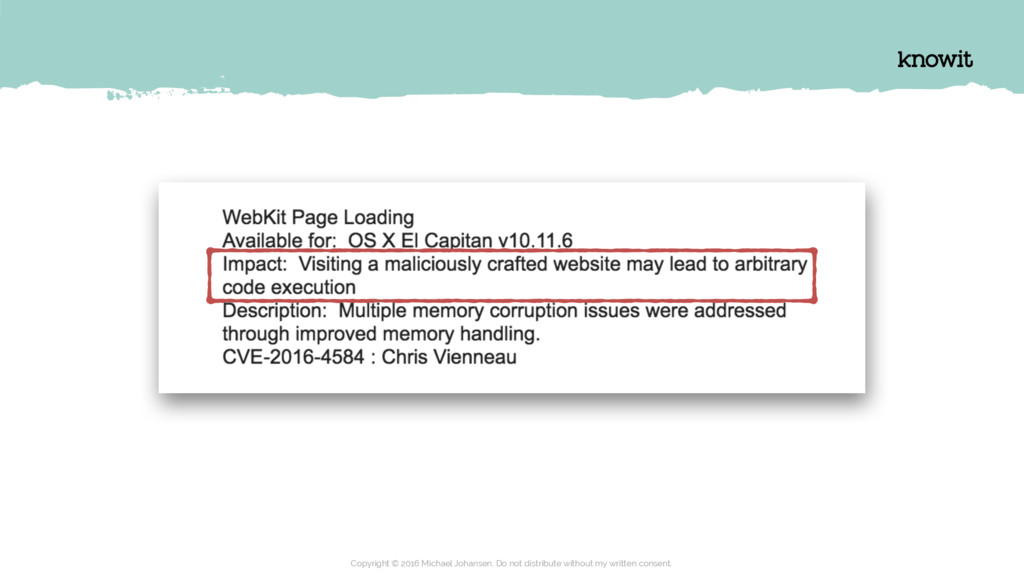
  47. CVE-2016-1740 is an example of a vulnerability CVE = Common

    Vulnerabilities and Exposures The standard for Information Security Vulnerability Names https://cve.mitre.org/ Copyright © 2016 Michael Johansen. Do not distribute without my written consent.
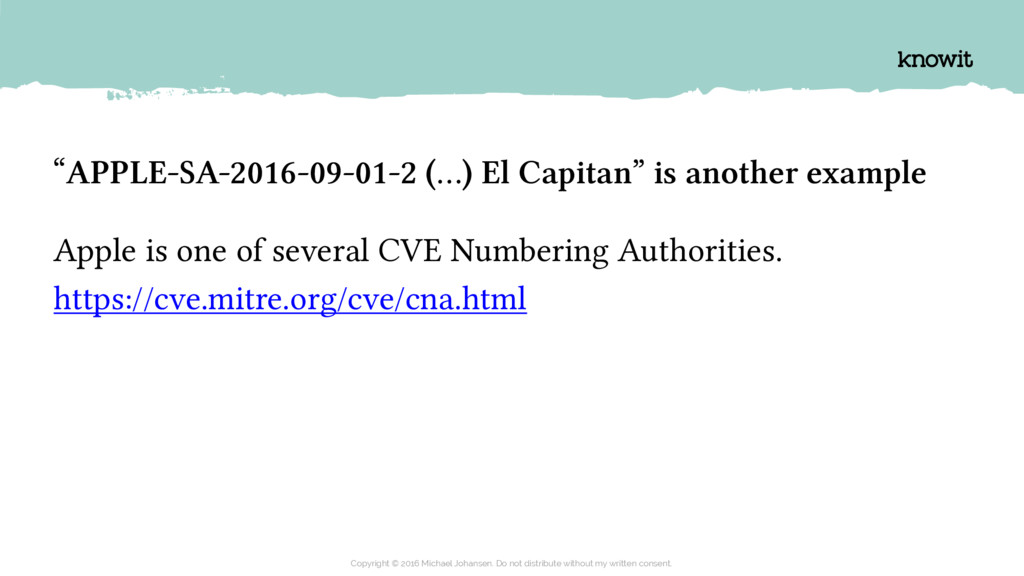
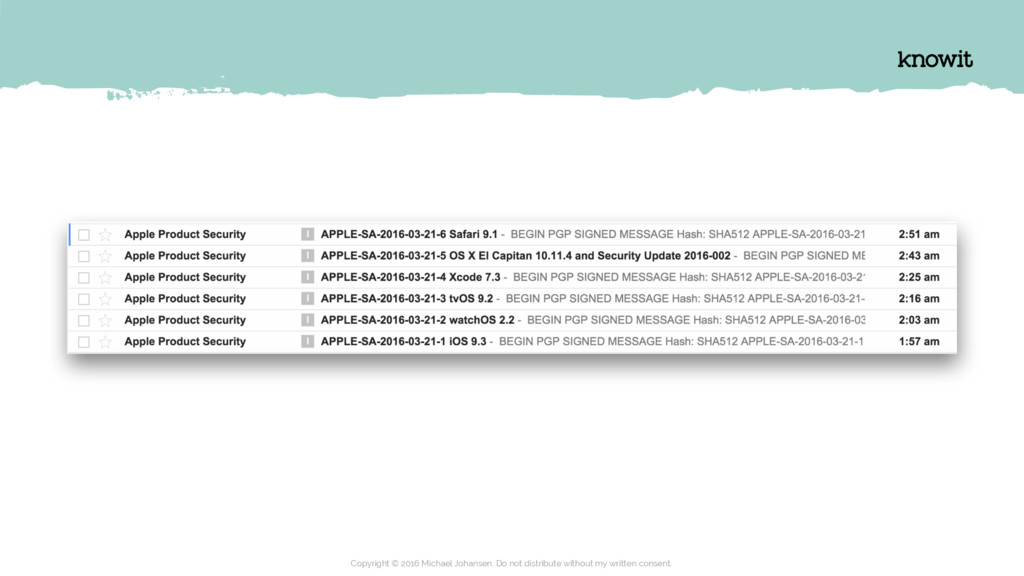
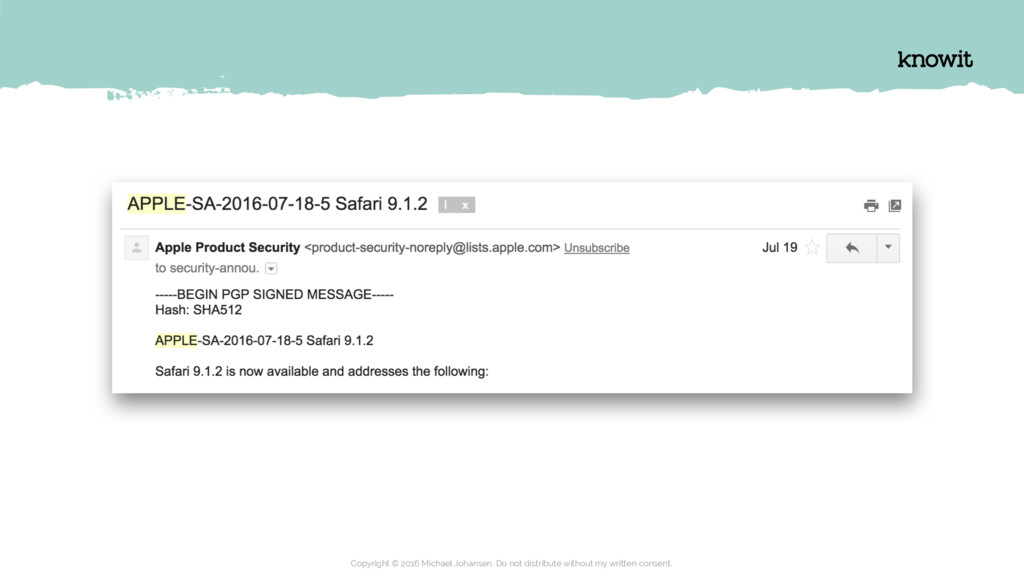
  48. “APPLE-SA-2016-09-01-2 (…) El Capitan” is another example Apple is one

    of several CVE Numbering Authorities. https://cve.mitre.org/cve/cna.html Copyright © 2016 Michael Johansen. Do not distribute without my written consent.
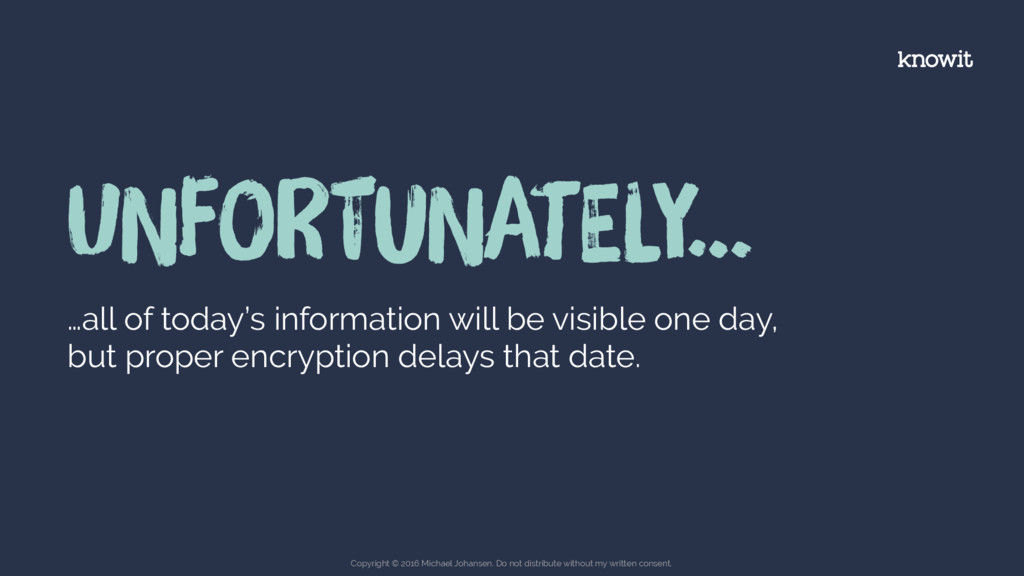
  49. UNfoRtuNatEly… …all of today’s information will be visible one day,

    but proper encryption delays that date. Copyright © 2016 Michael Johansen. Do not distribute without my written consent.
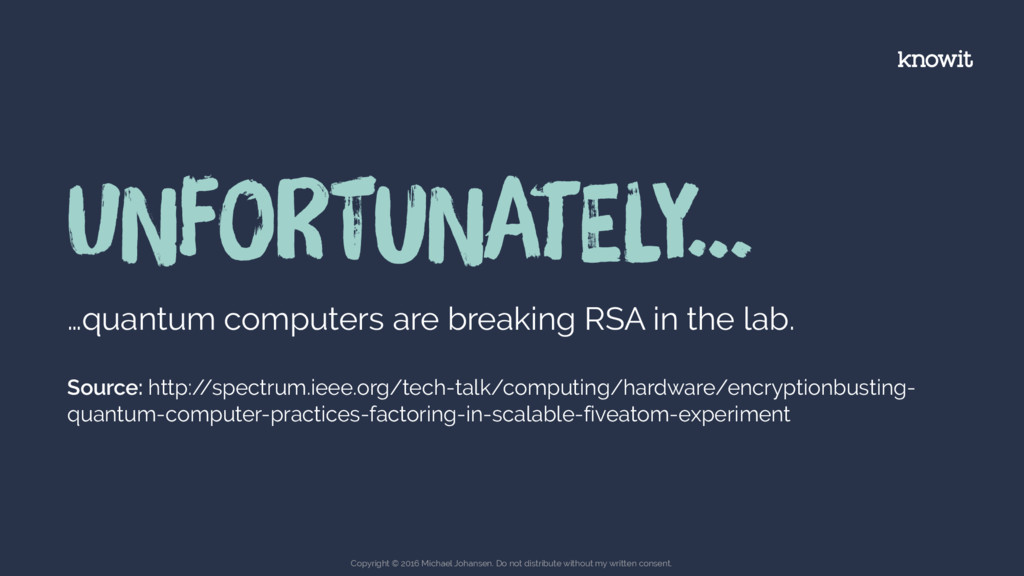
  50. UNfoRtuNatEly… …quantum computers are breaking RSA in the lab. Source:

    http:/ /spectrum.ieee.org/tech-talk/computing/hardware/encryptionbusting- quantum-computer-practices-factoring-in-scalable-fiveatom-experiment Copyright © 2016 Michael Johansen. Do not distribute without my written consent.
  51. fOrtUnaTely… …most stuff stops being sensitive over time. Copyright ©

    2016 Michael Johansen. Do not distribute without my written consent.
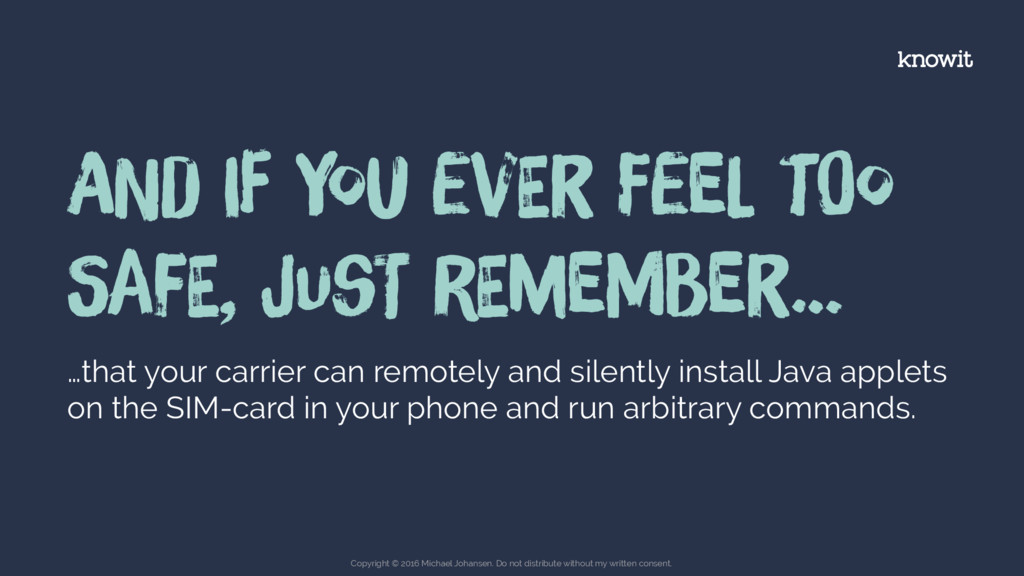
  52. …that your carrier can remotely and silently install Java applets

    on the SIM-card in your phone and run arbitrary commands. ANd If You evEr FeeL tOo SafE, JusT rEmeMber… Copyright © 2016 Michael Johansen. Do not distribute without my written consent.
  53. Stay safe. Reach me at [email protected] Copyright © 2016 Michael

    Johansen. Do not distribute without my written consent.