Upgrade to Pro — share decks privately, control downloads, hide ads and more …

Getting more out of Maven (JavaZone)

Getting more out of Maven (JavaZone)

Maven is an ubiquitous build tool in the Java ecosystem, some even claim it’s the de facto standard build tool. Configuring Maven is deceptively simple, after all it’s just a matter of writing XML, isn’t it? Things look differently when the rubber meets the road. One must know the intricacies of the build lifecycle; how plugins, goals (mojos), and phases come together; rules for dependency resolution; configuration inheritance between parent – child POM files; enhancing the build with profiles; and more. That’s a lot to keep track of. Fortunately modern IDEs like IntelliJ IDEA provide great support to configure and run Maven, with code completion, navigation, custom run configurations, and more.

Come learn how both tools can be used together for better results in your daily work.

Avatar for Marit van Dijk
Marit van Dijk
September 03, 2026

More Decks by Marit van Dijk

Other Decks in Programming

Transcript

  1. Getting more out of Maven Andres Almiray 🐘 @aalmiray 🦋

    @andresalmiray.com 🌐 www.andresalmiray.com Seasoned Sourceror Marit van Dijk @maritvandijk.bsky.social 🦋 @MaritvanDijk77 🐦 www.maritvandijk.com 🌐 Senior Developer Advocate
  2. Agenda • • • • • • • • •

    Getting started Maven wrapper Maven Lifecycle & Goals Inheritance Effective pom Profiles Enforcer plugin Dependency & plugin management Dealing with vulnerabilities
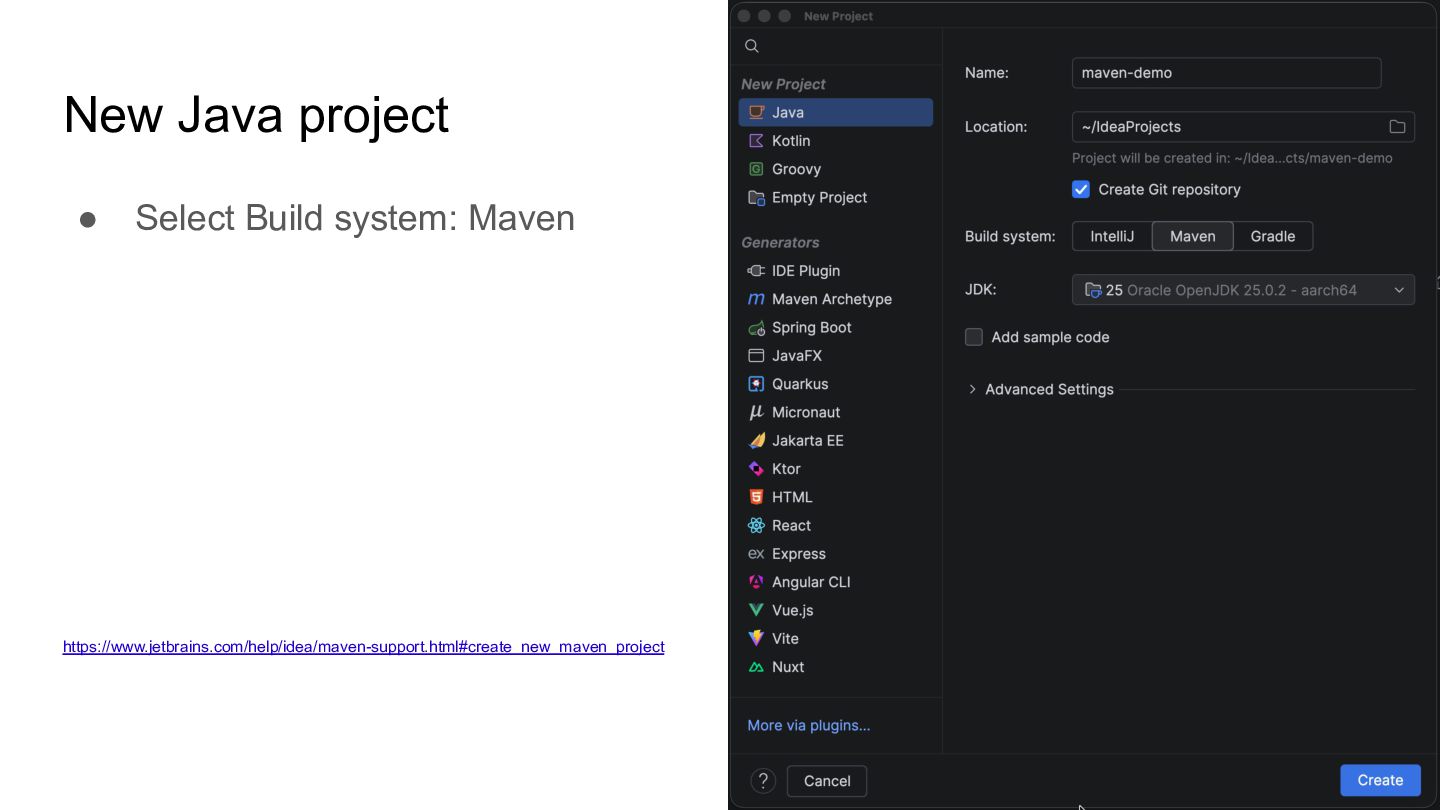
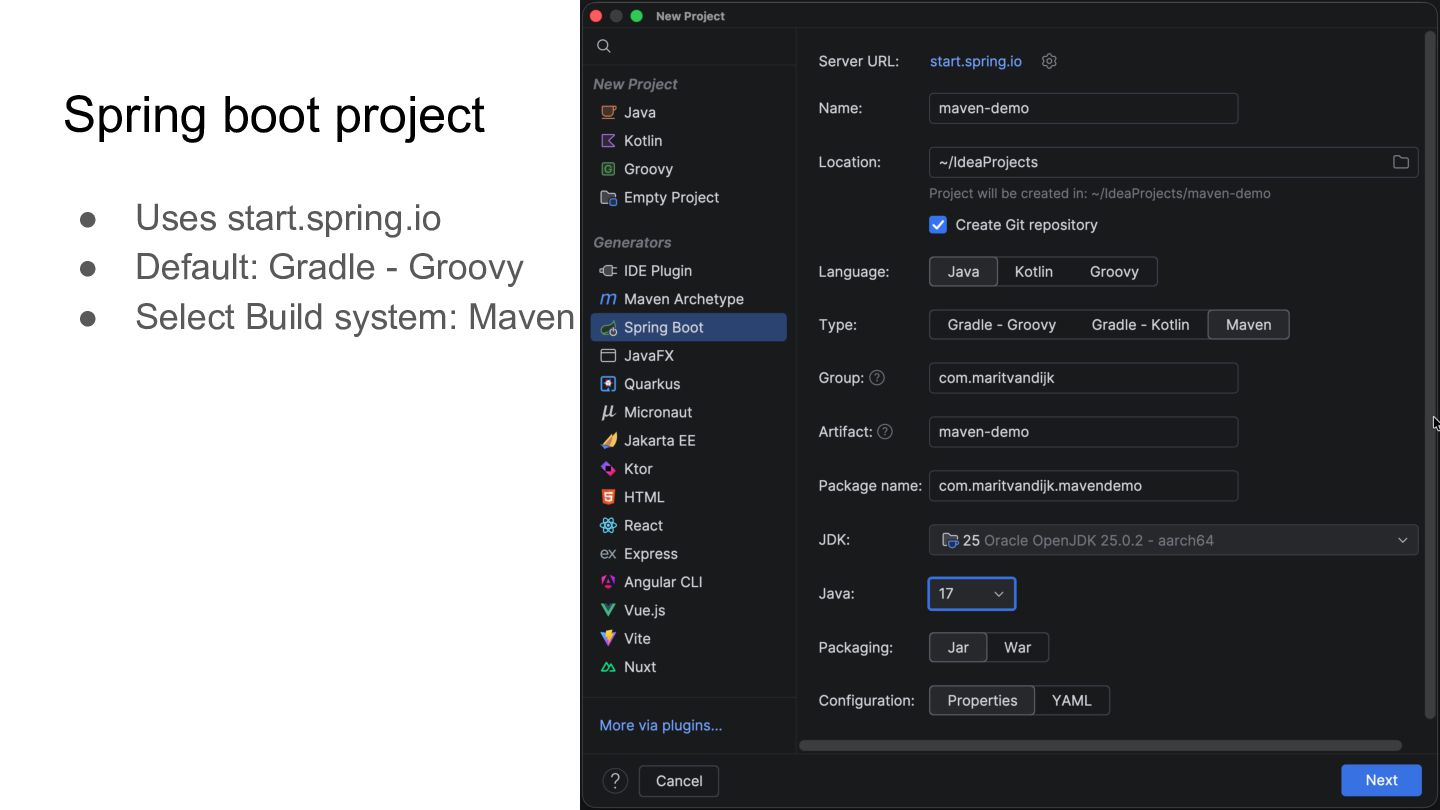
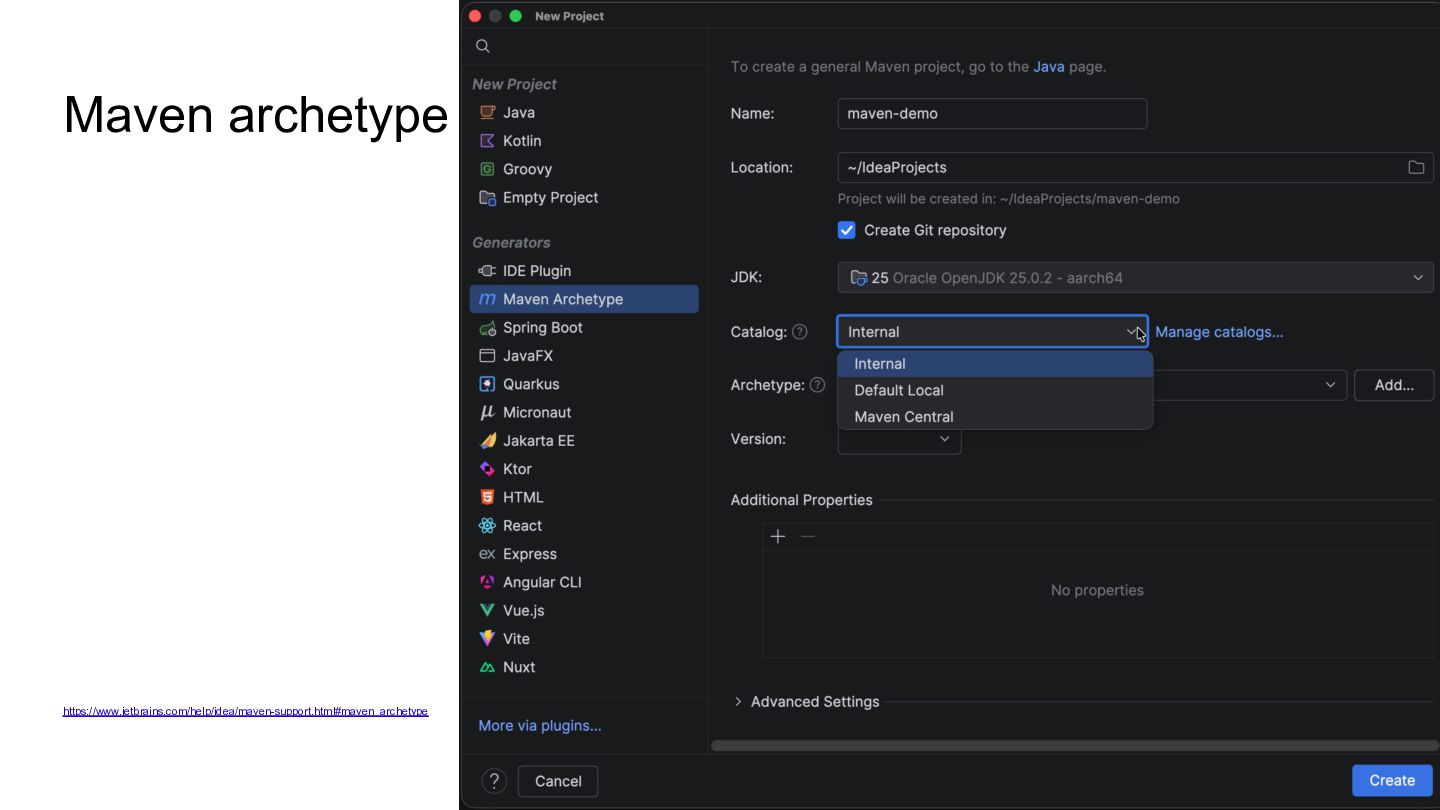
  3. Getting started • Creating a new project ◦ ◦ ◦

    From scratch Using a framework starter Using an archetype https://www.jetbrains.com/help/idea/maven-support.html ▶
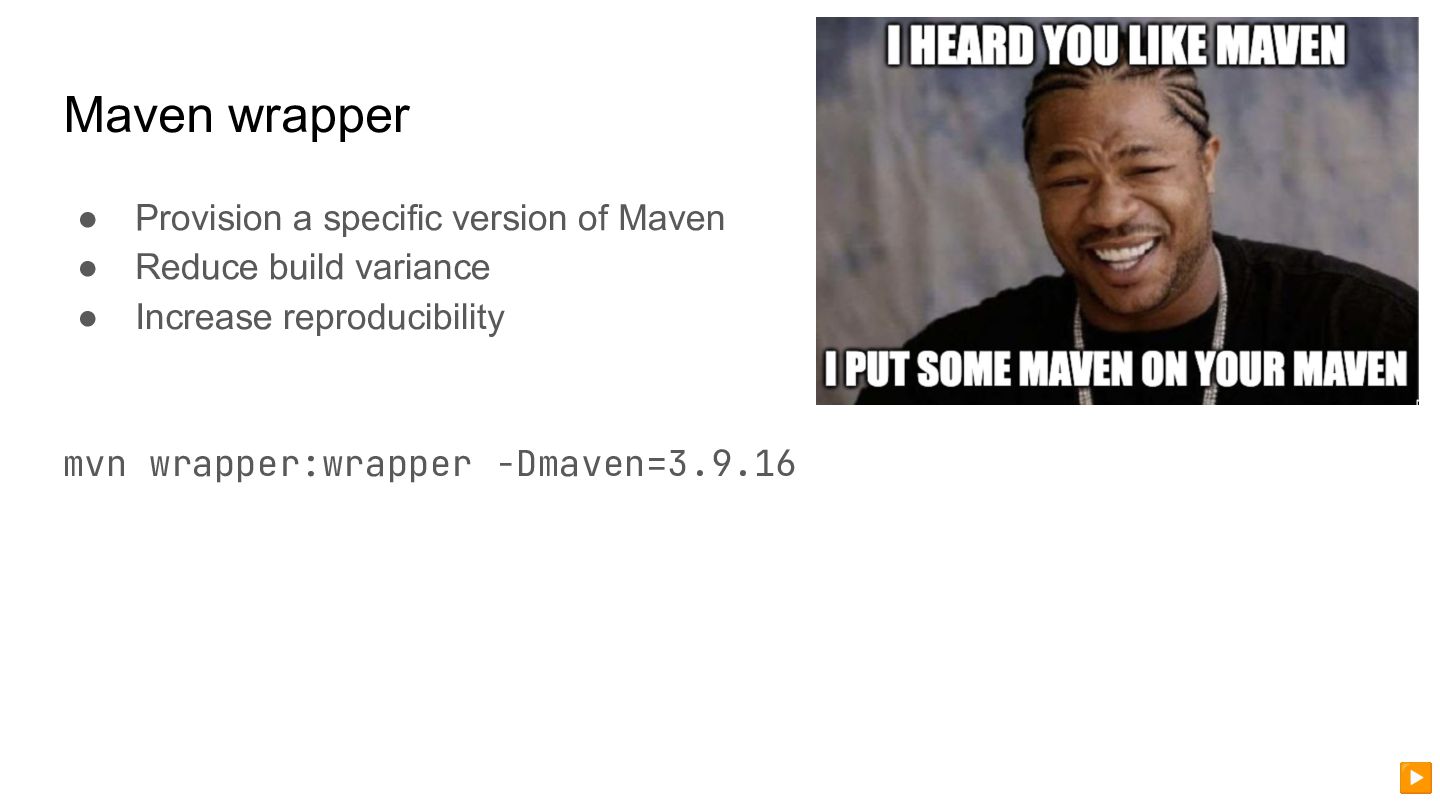
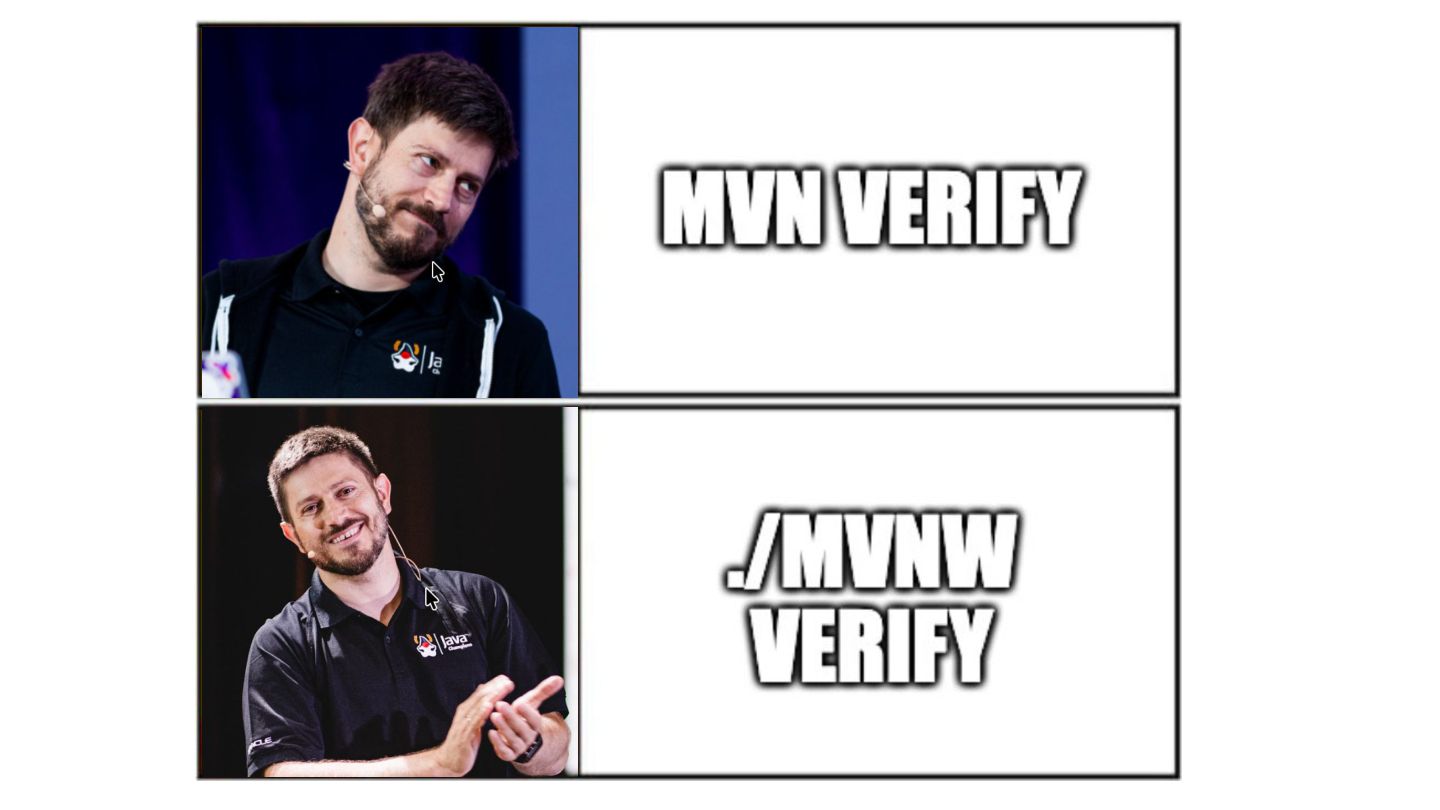
  4. Maven wrapper • • • Provision a specific version of

    Maven Reduce build variance Increase reproducibility mvn wrapper:wrapper -Dmaven=3.9.16 ▶
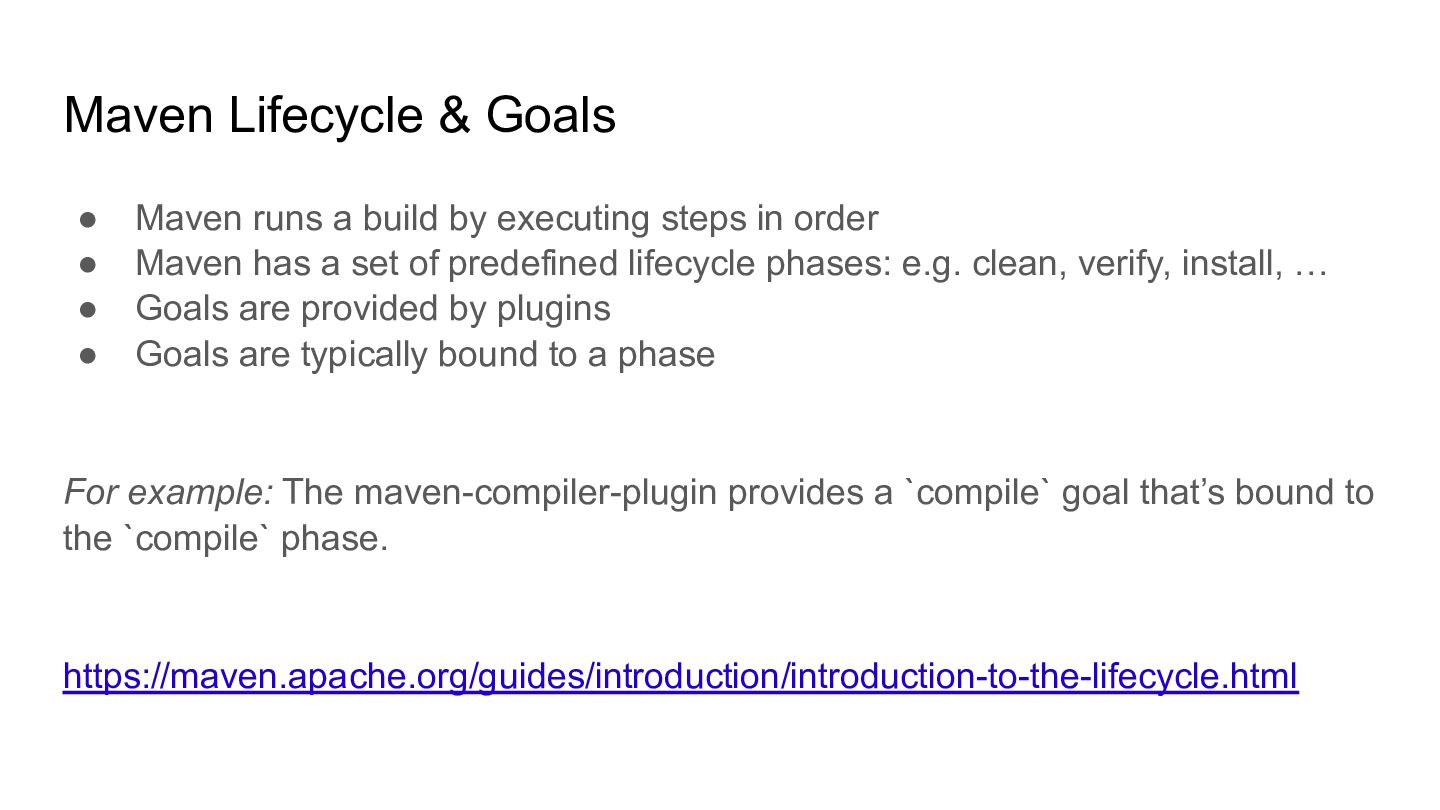
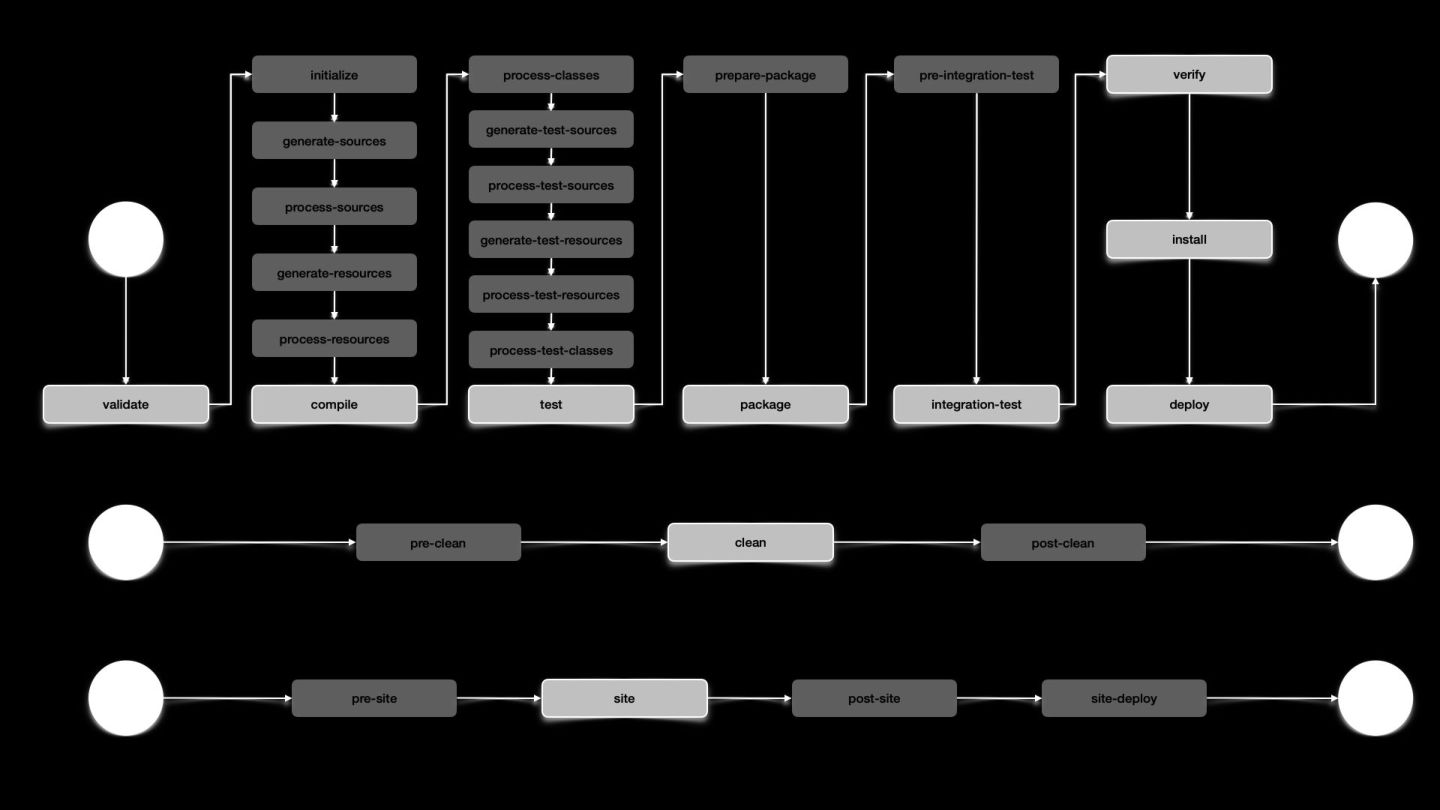
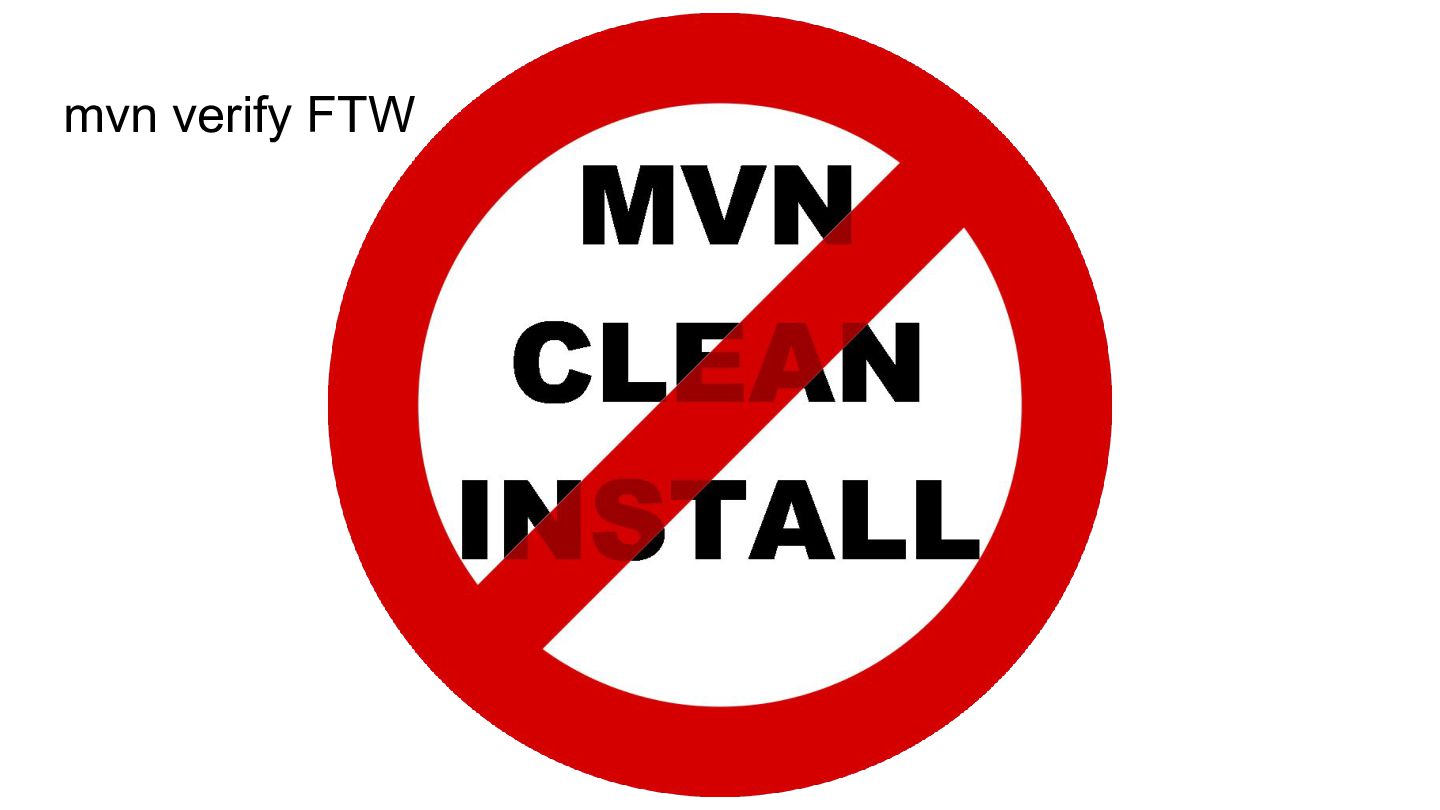
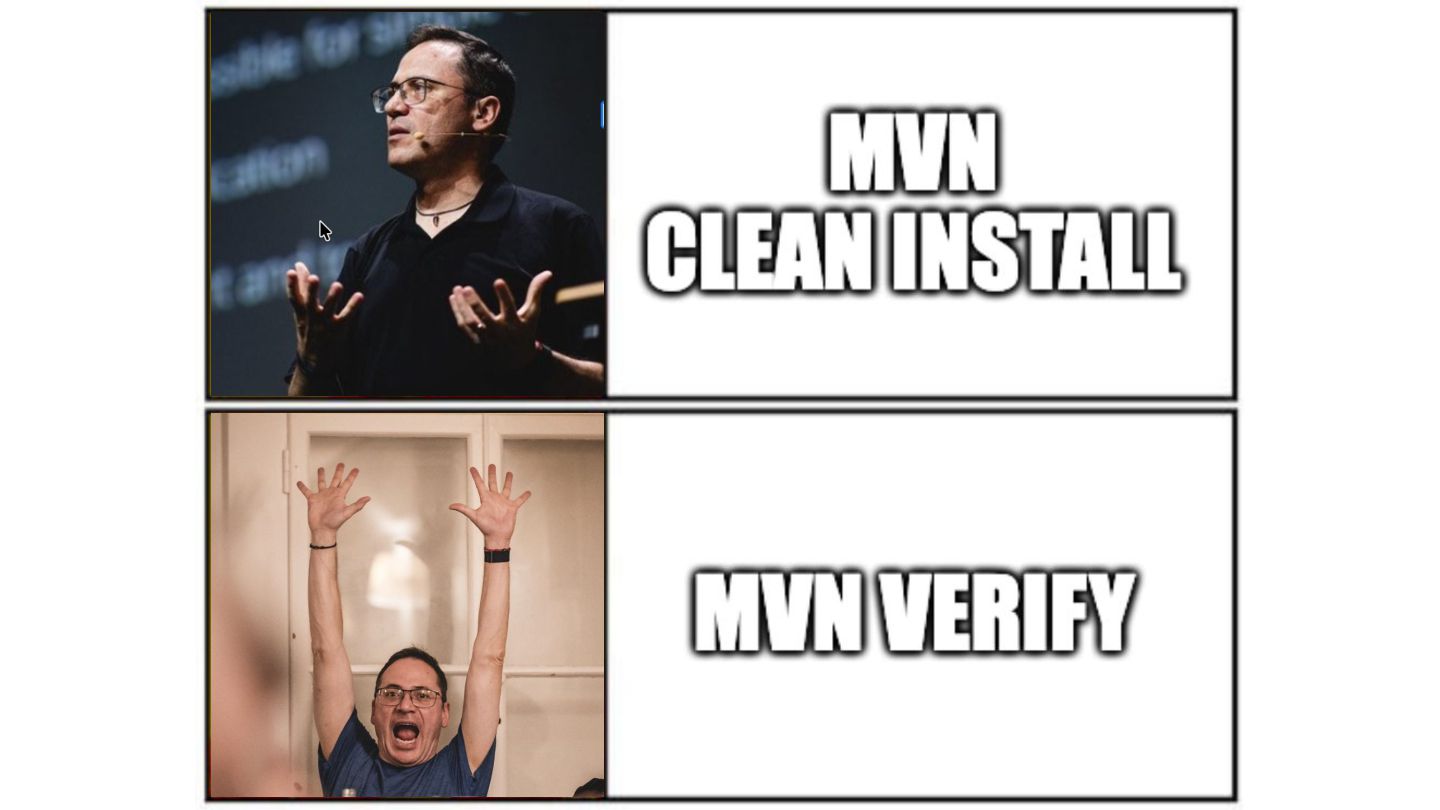
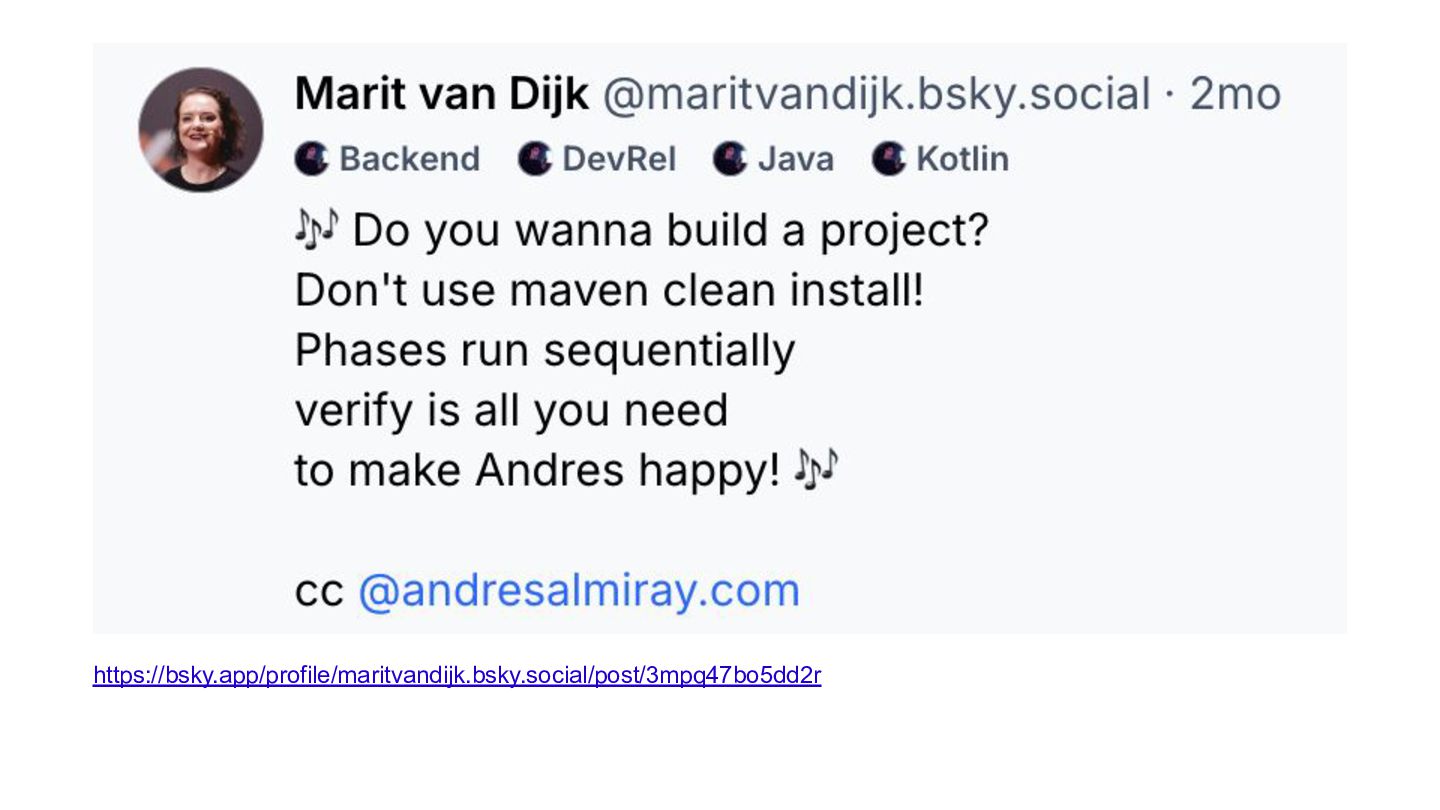
  5. Maven Lifecycle & Goals • • • • Maven runs

    a build by executing steps in order Maven has a set of predefined lifecycle phases: e.g. clean, verify, install, … Goals are provided by plugins Goals are typically bound to a phase For example: The maven-compiler-plugin provides a `compile` goal that’s bound to the `compile` phase. https://maven.apache.org/guides/introduction/introduction-to-the-lifecycle.html
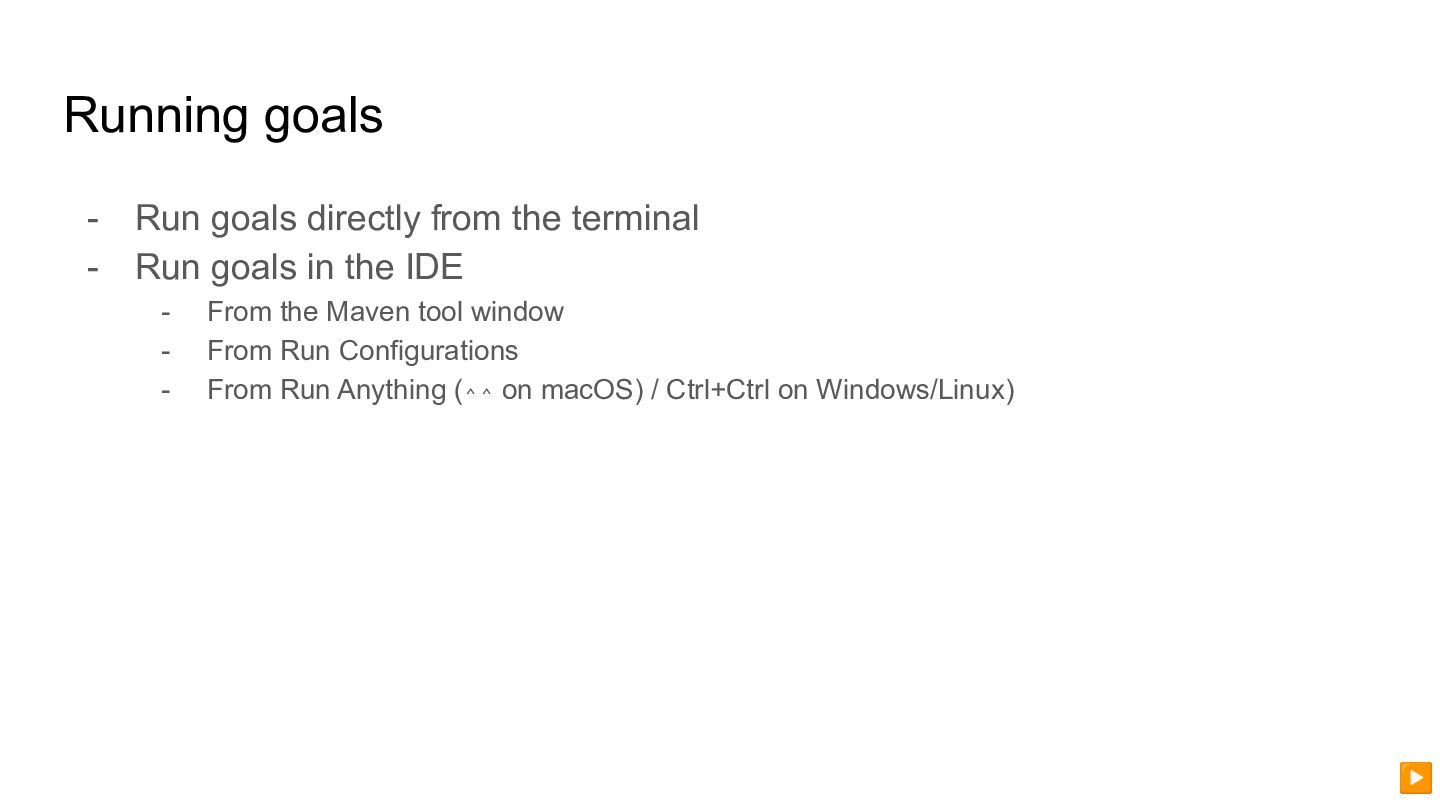
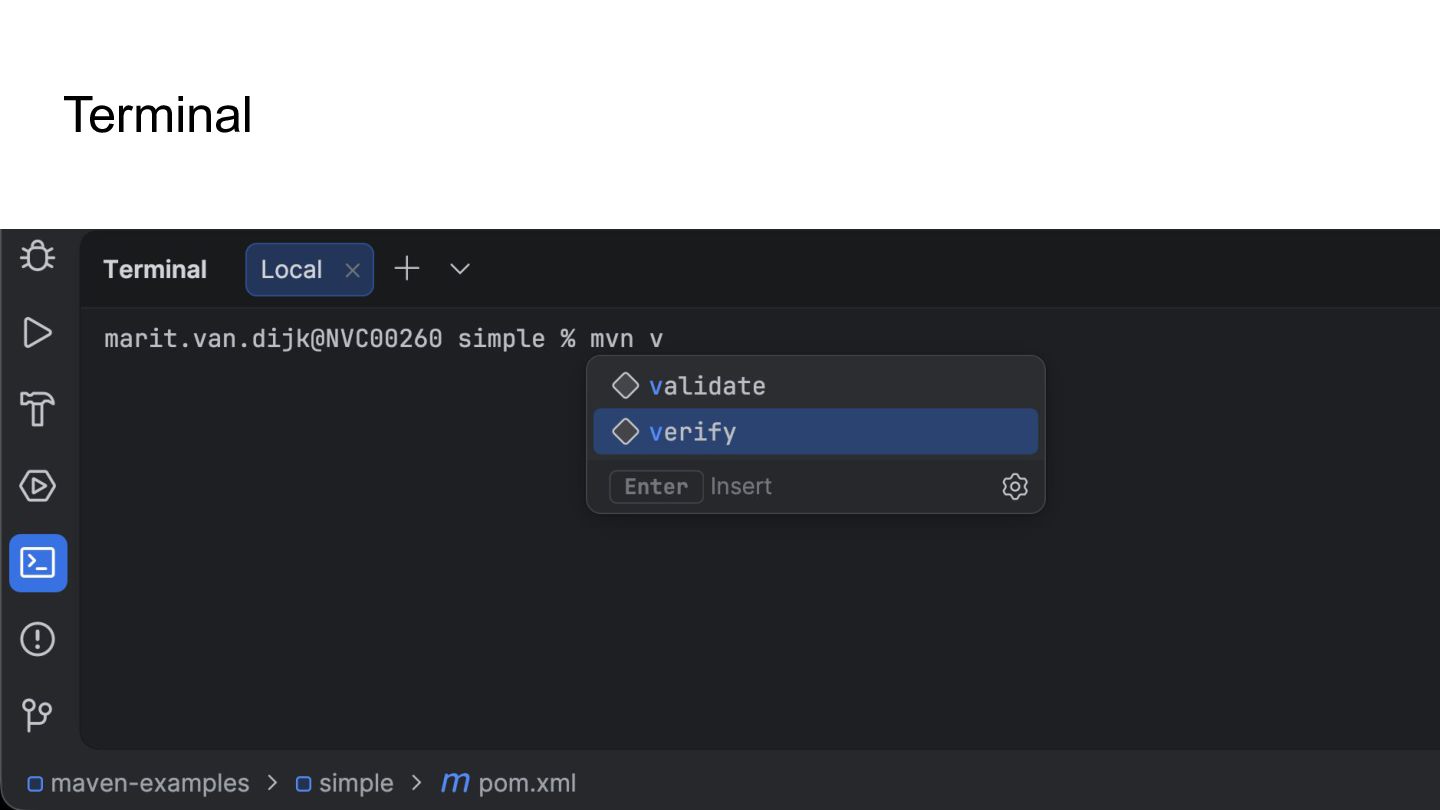
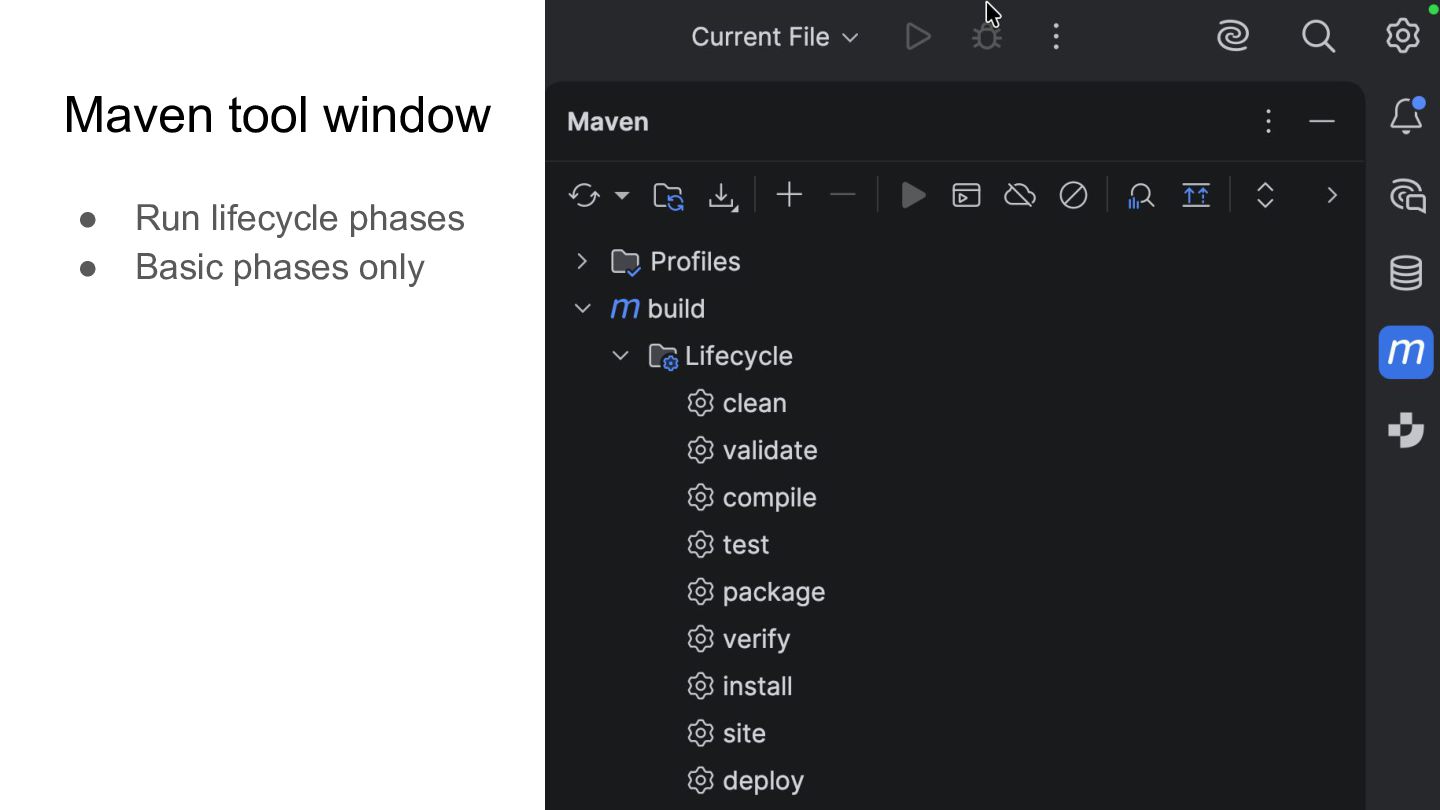
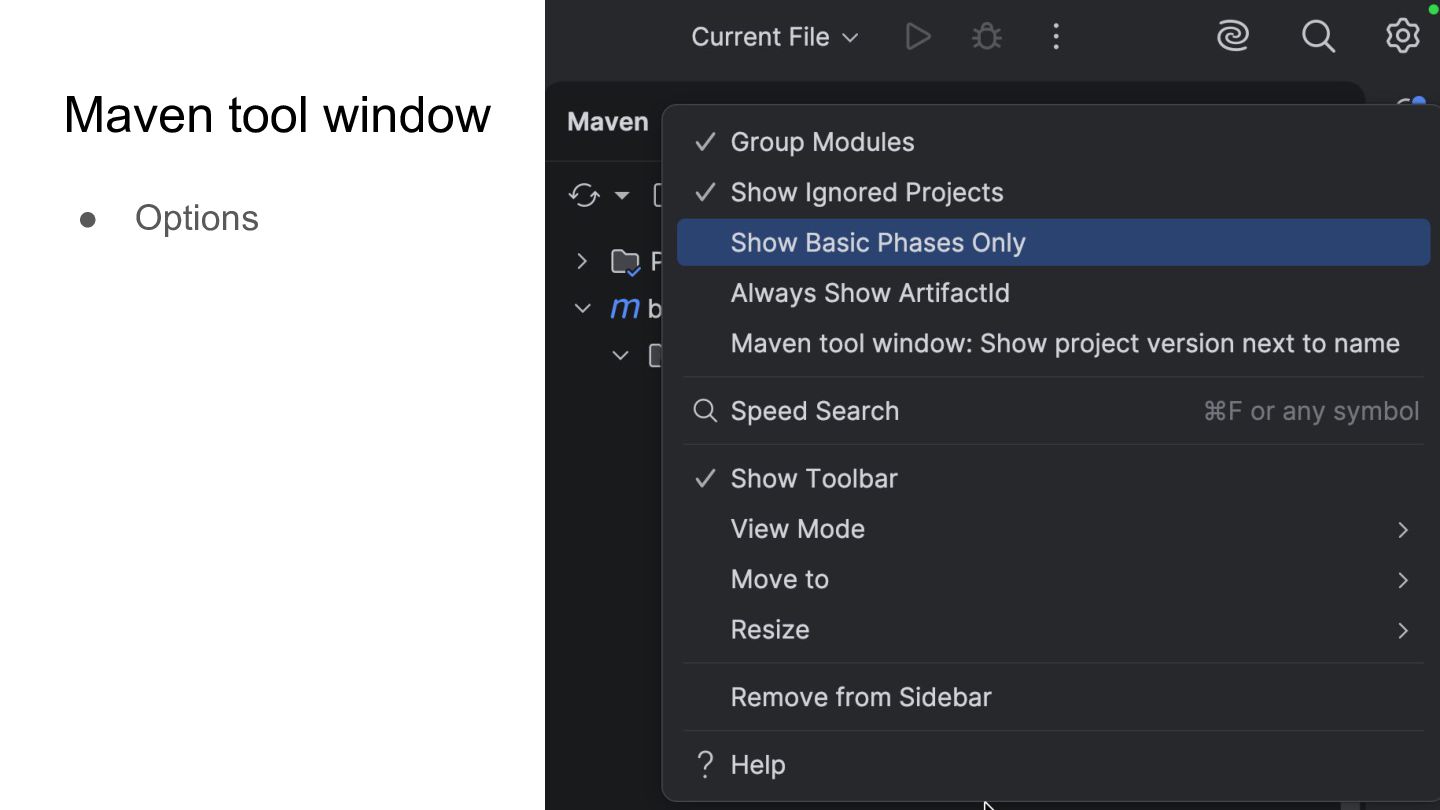
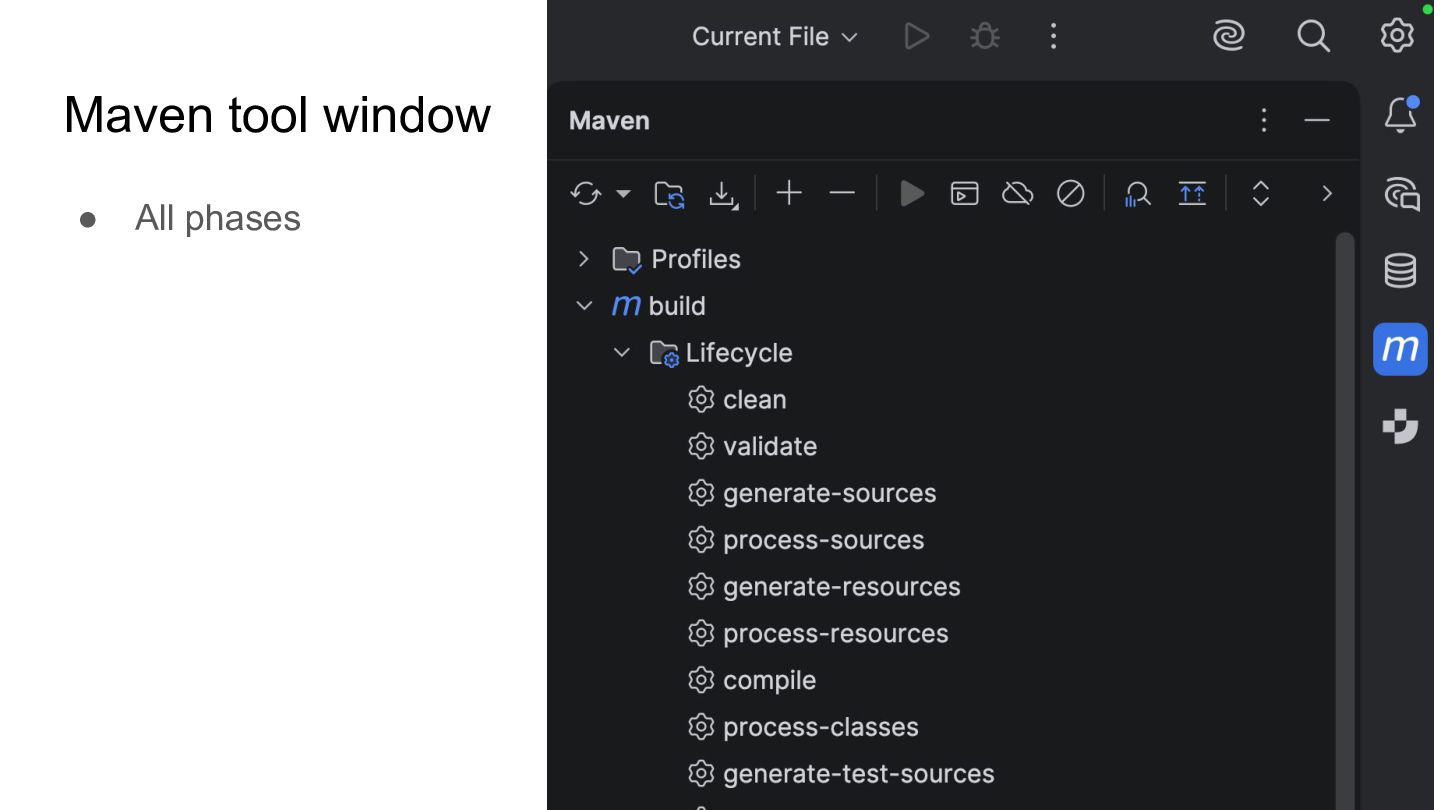
  6. Running goals - Run goals directly from the terminal Run

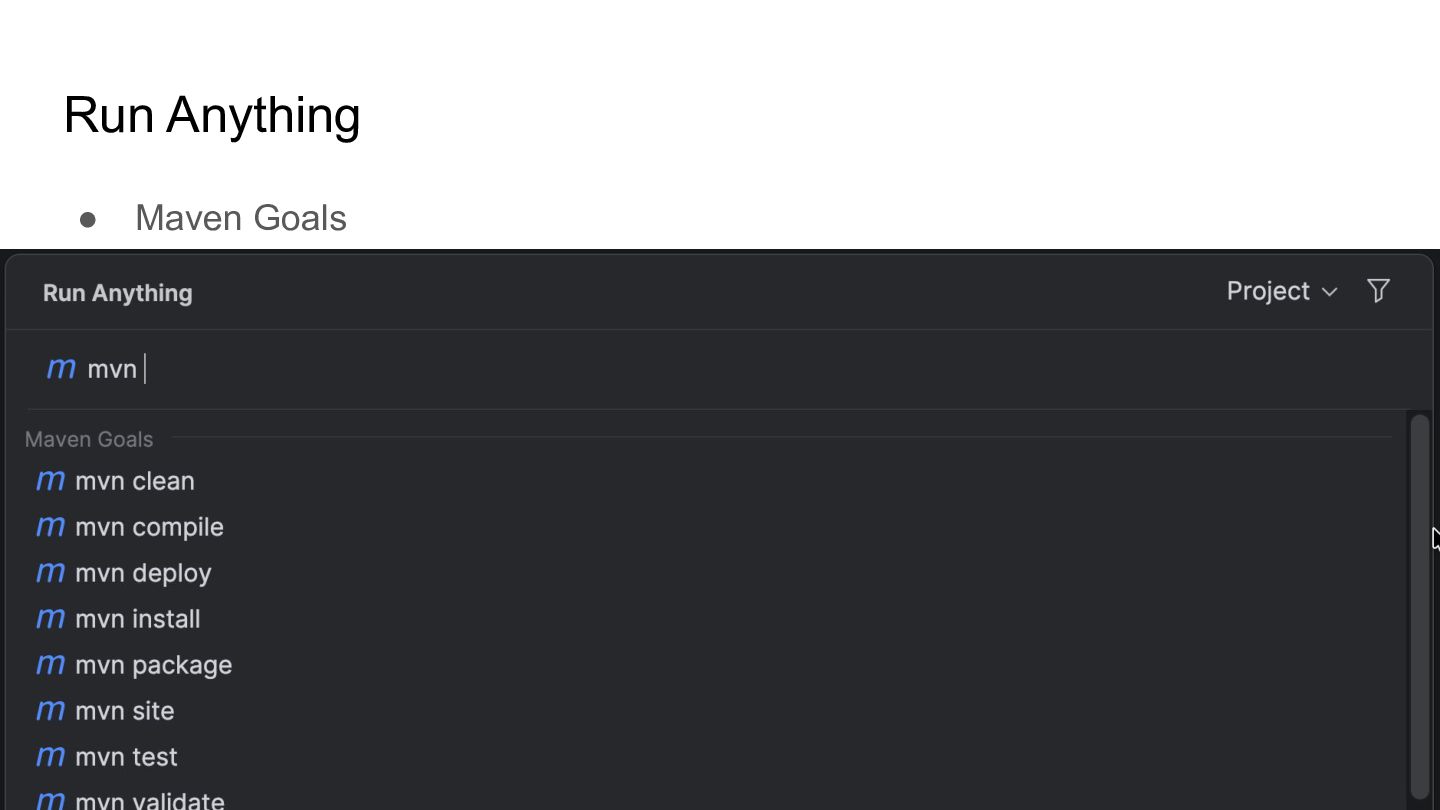
    goals in the IDE - From the Maven tool window From Run Configurations From Run Anything (⌃⌃ on macOS) / Ctrl+Ctrl on Windows/Linux) ▶
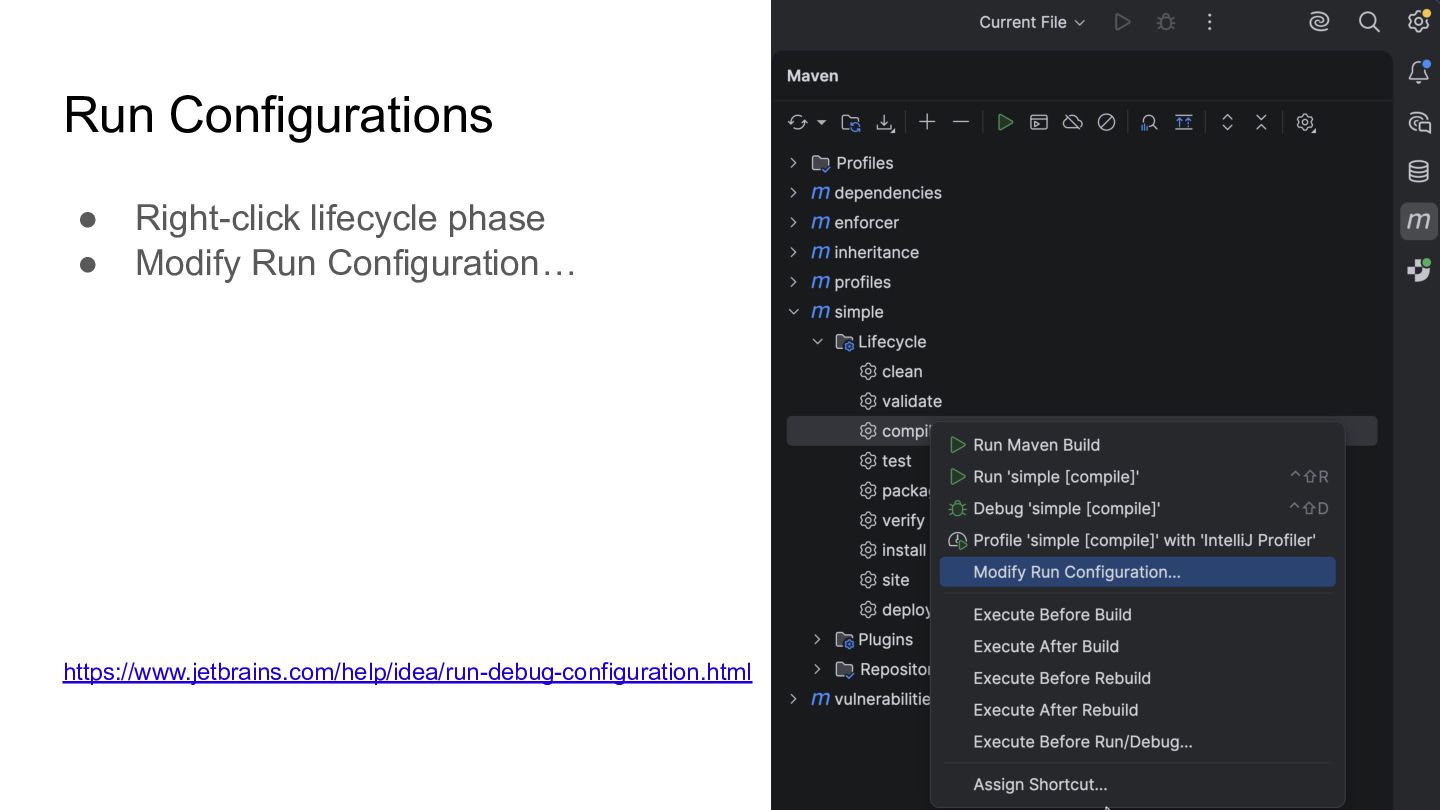
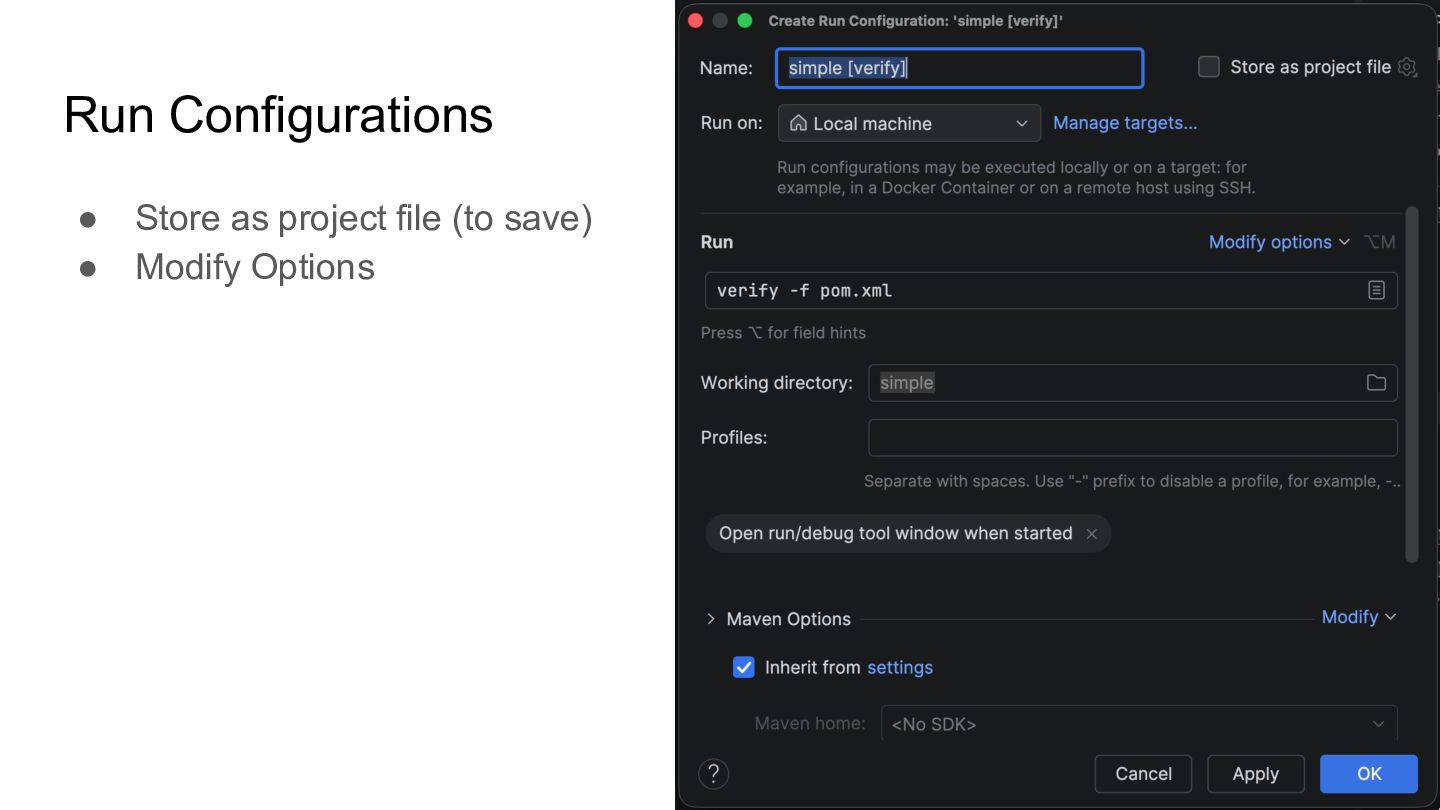
  7. Run Configurations • • Right-click lifecycle phase Modify Run Configuration…

    https://www.jetbrains.com/help/idea/run-debug-configuration.html
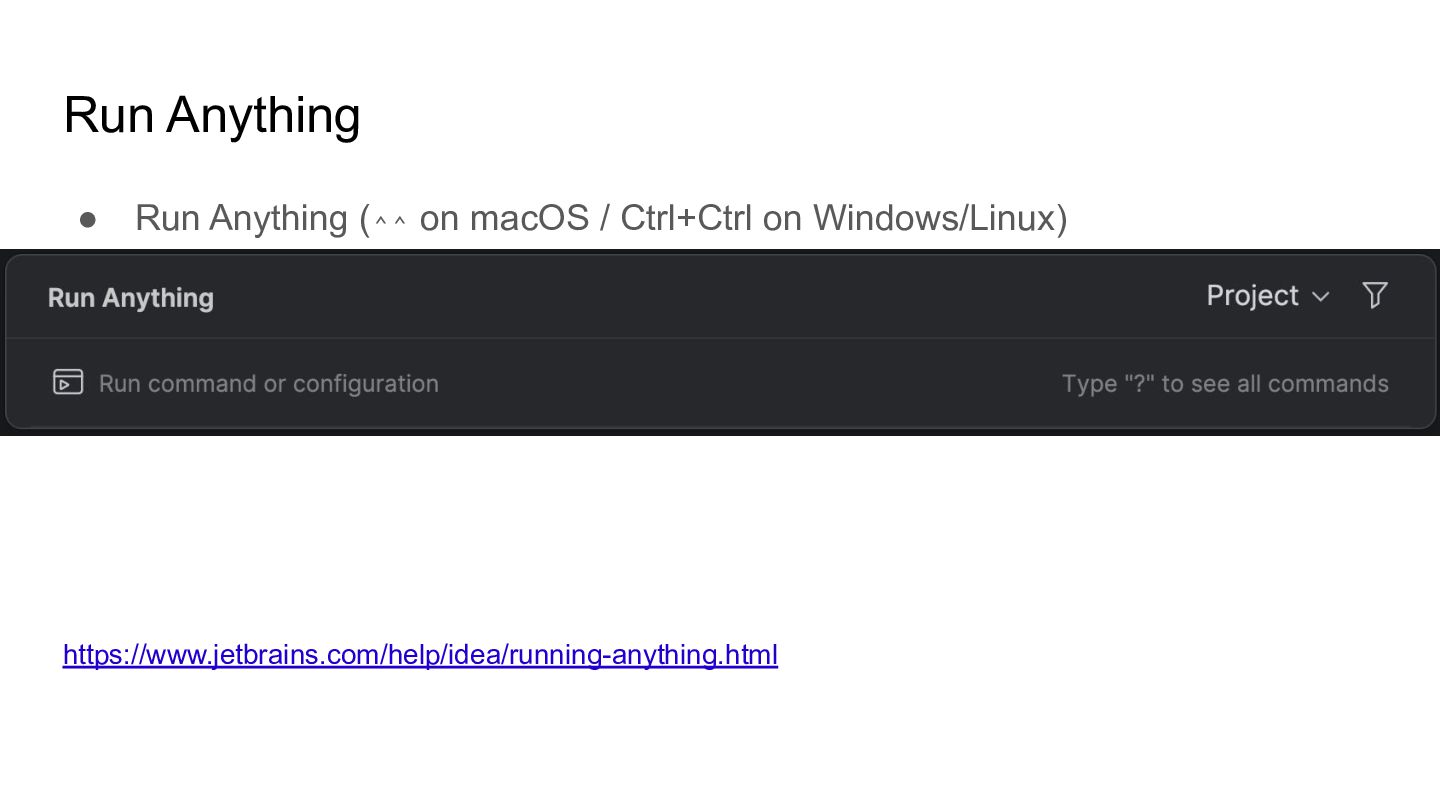
  8. Run Anything • Run Anything (⌃⌃ on macOS / Ctrl+Ctrl

    on Windows/Linux) https://www.jetbrains.com/help/idea/running-anything.html
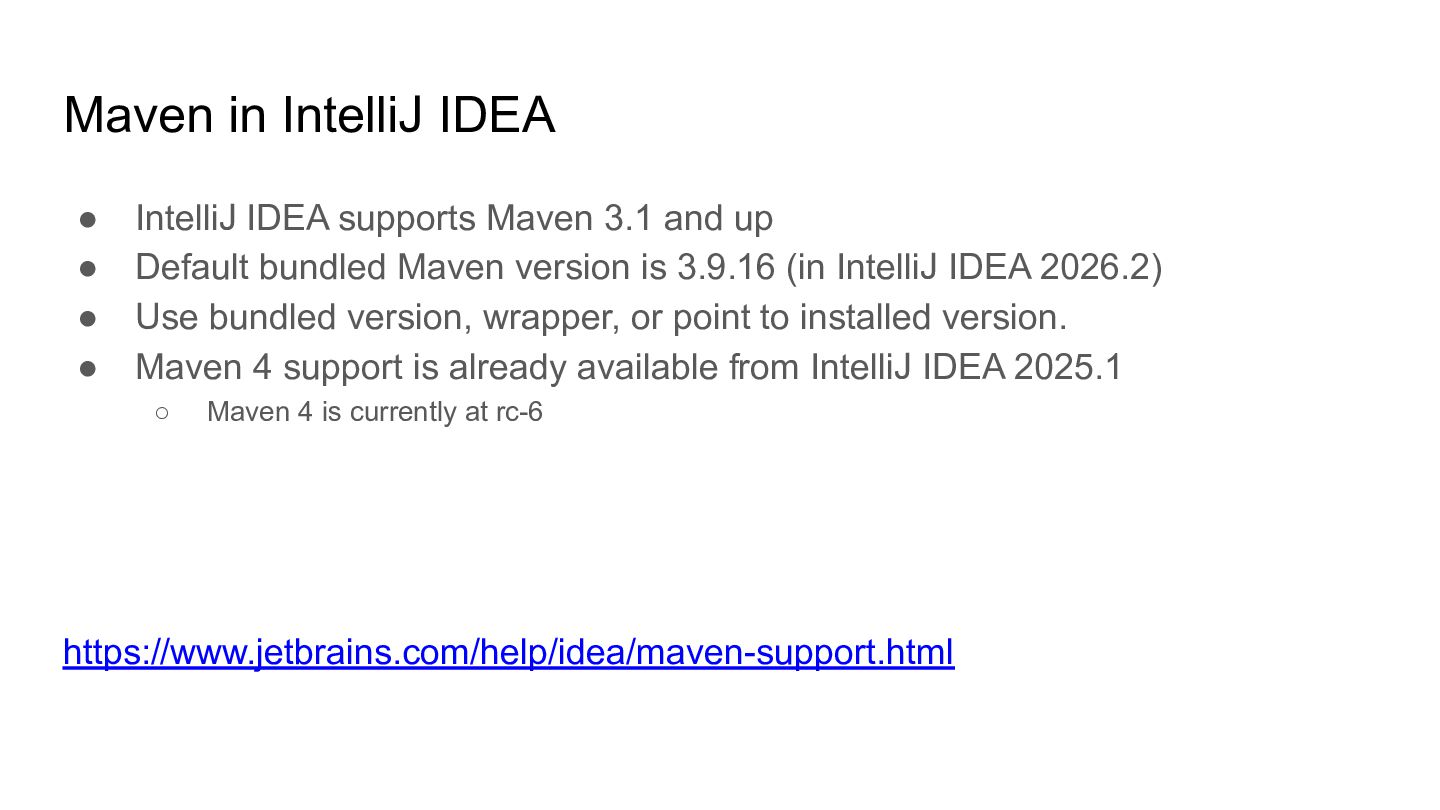
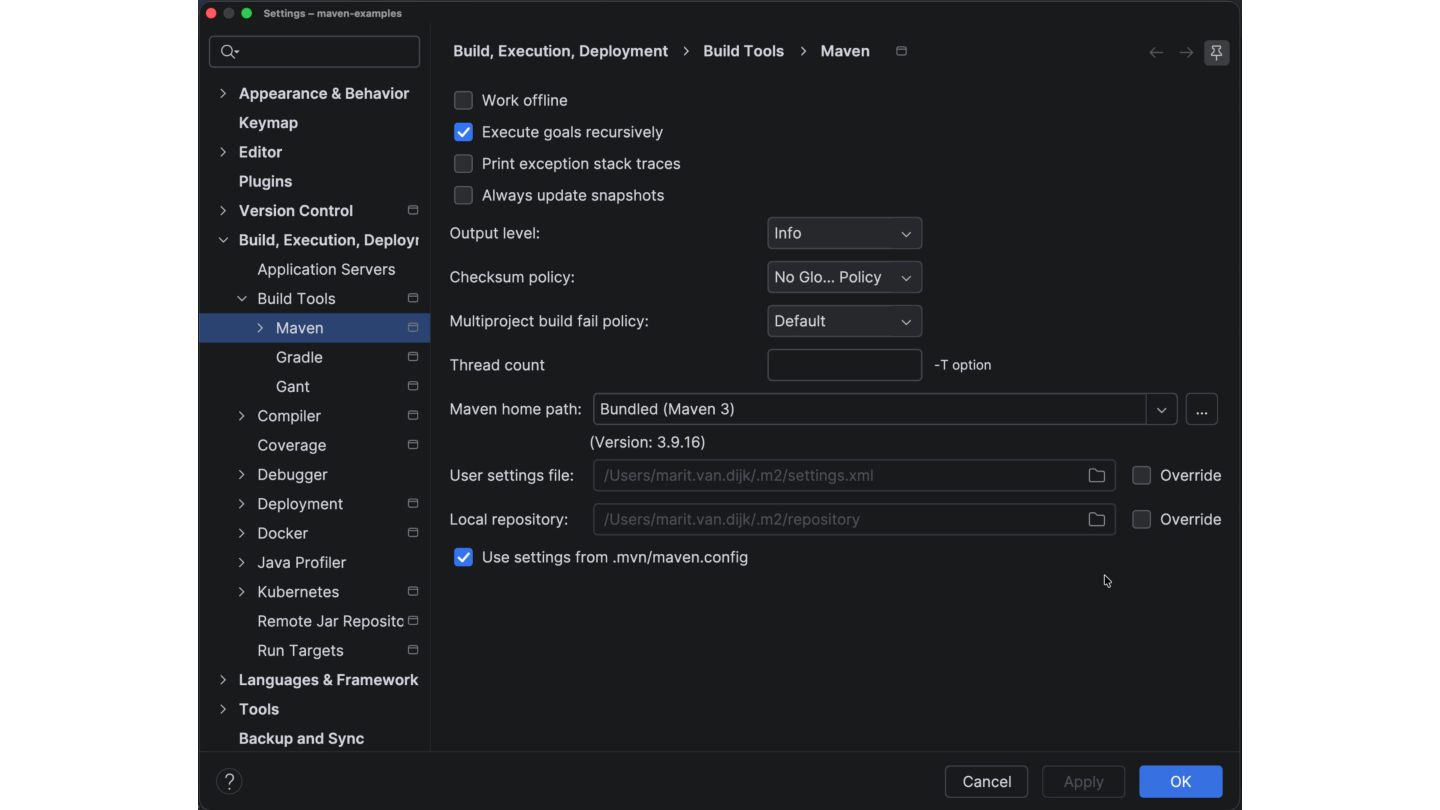
  9. Maven in IntelliJ IDEA • • • • IntelliJ IDEA

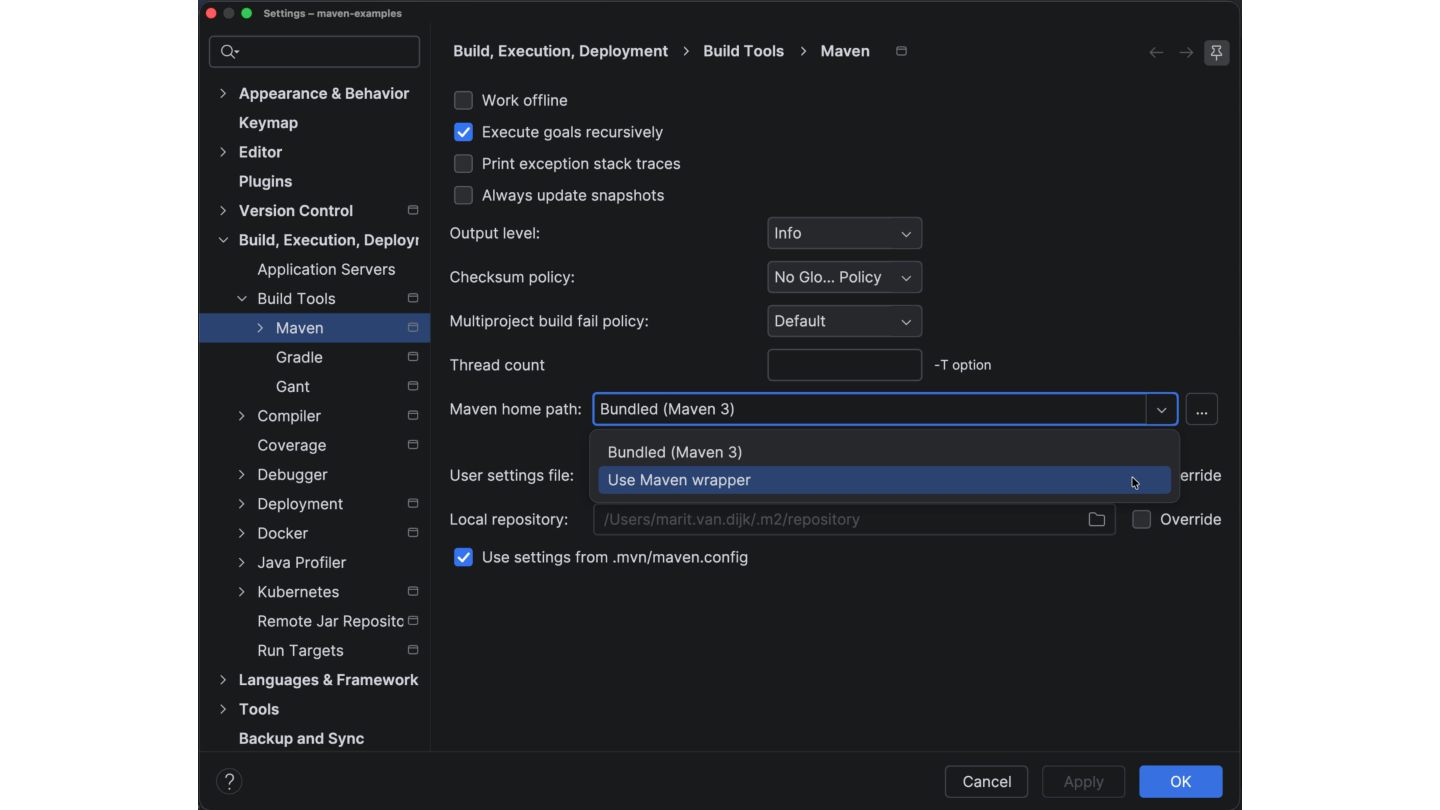
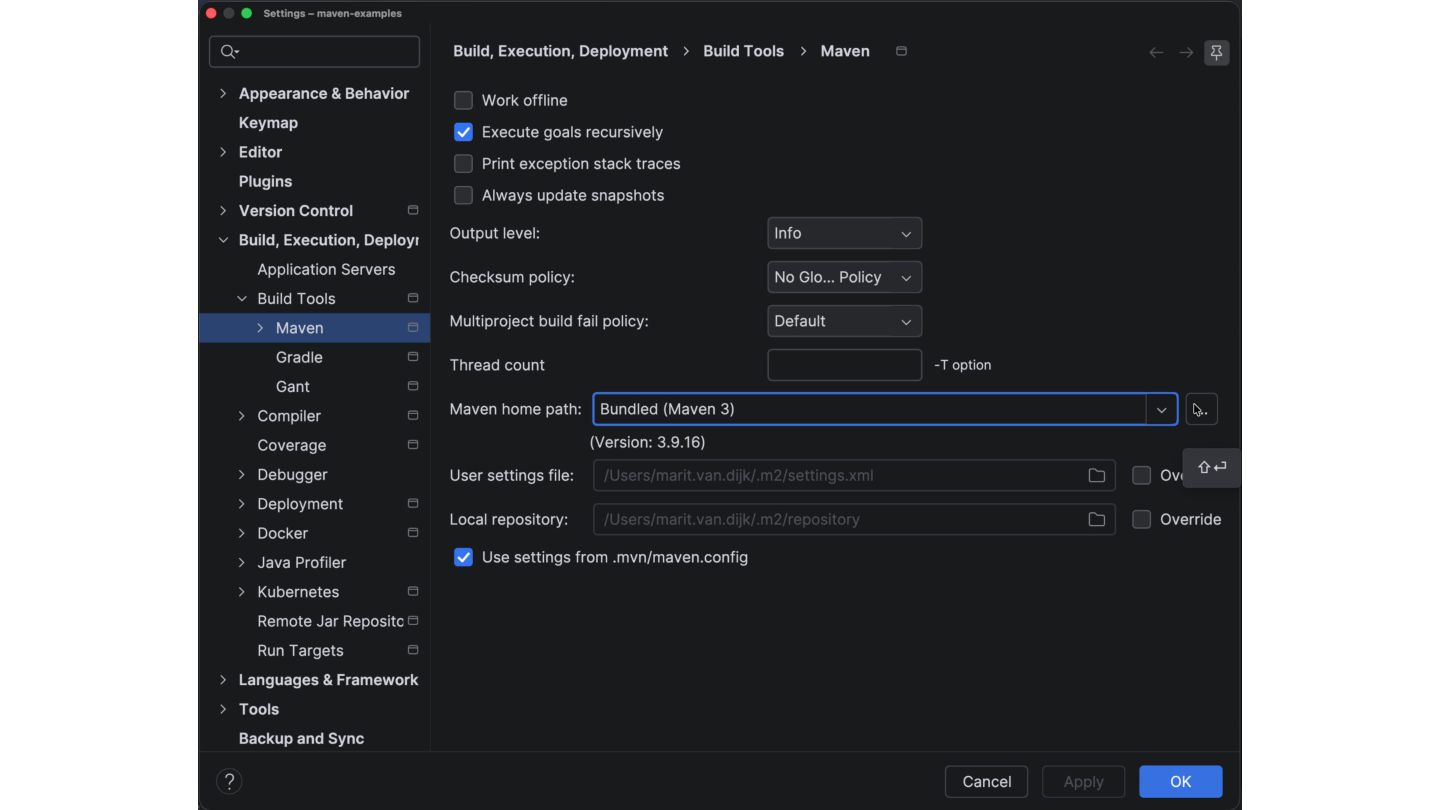
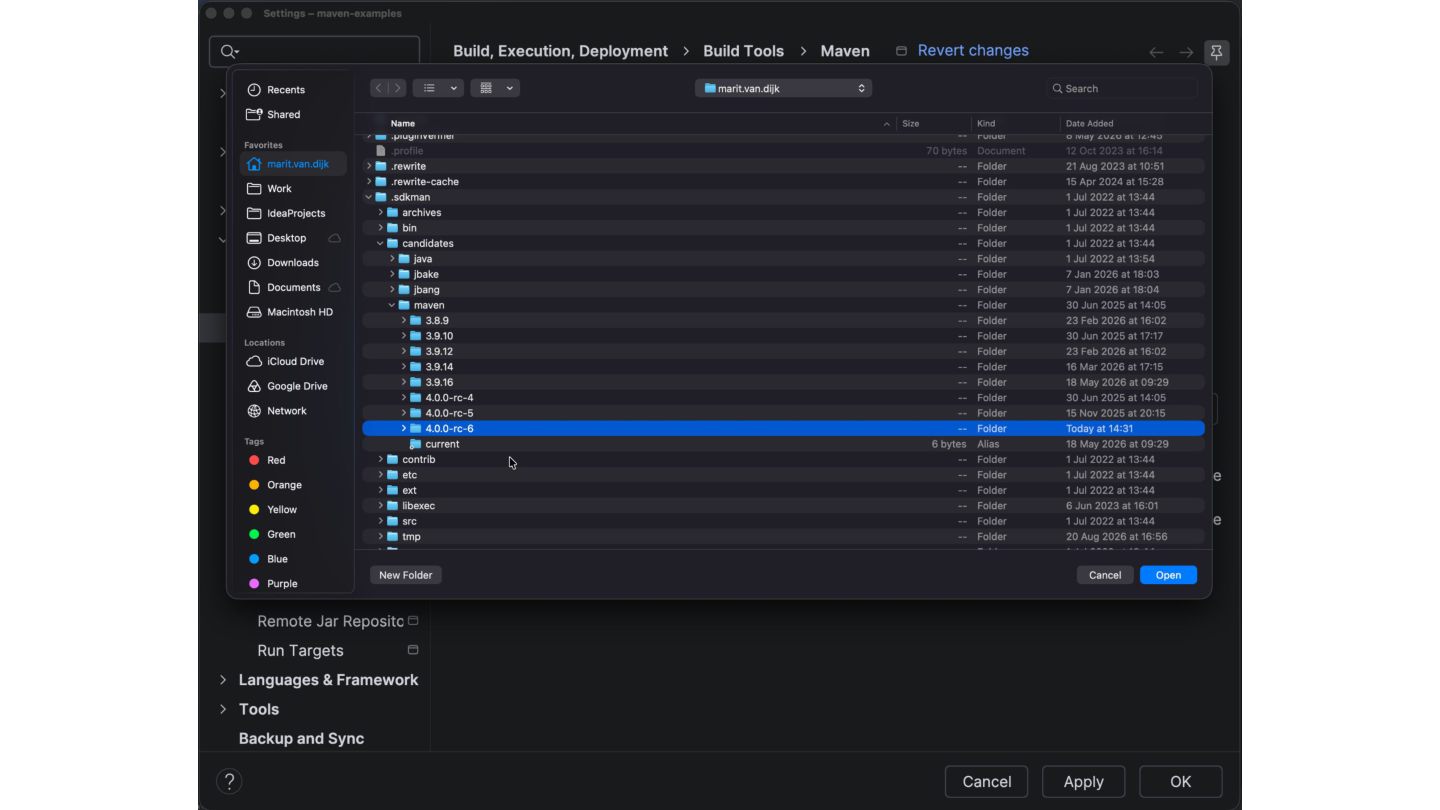
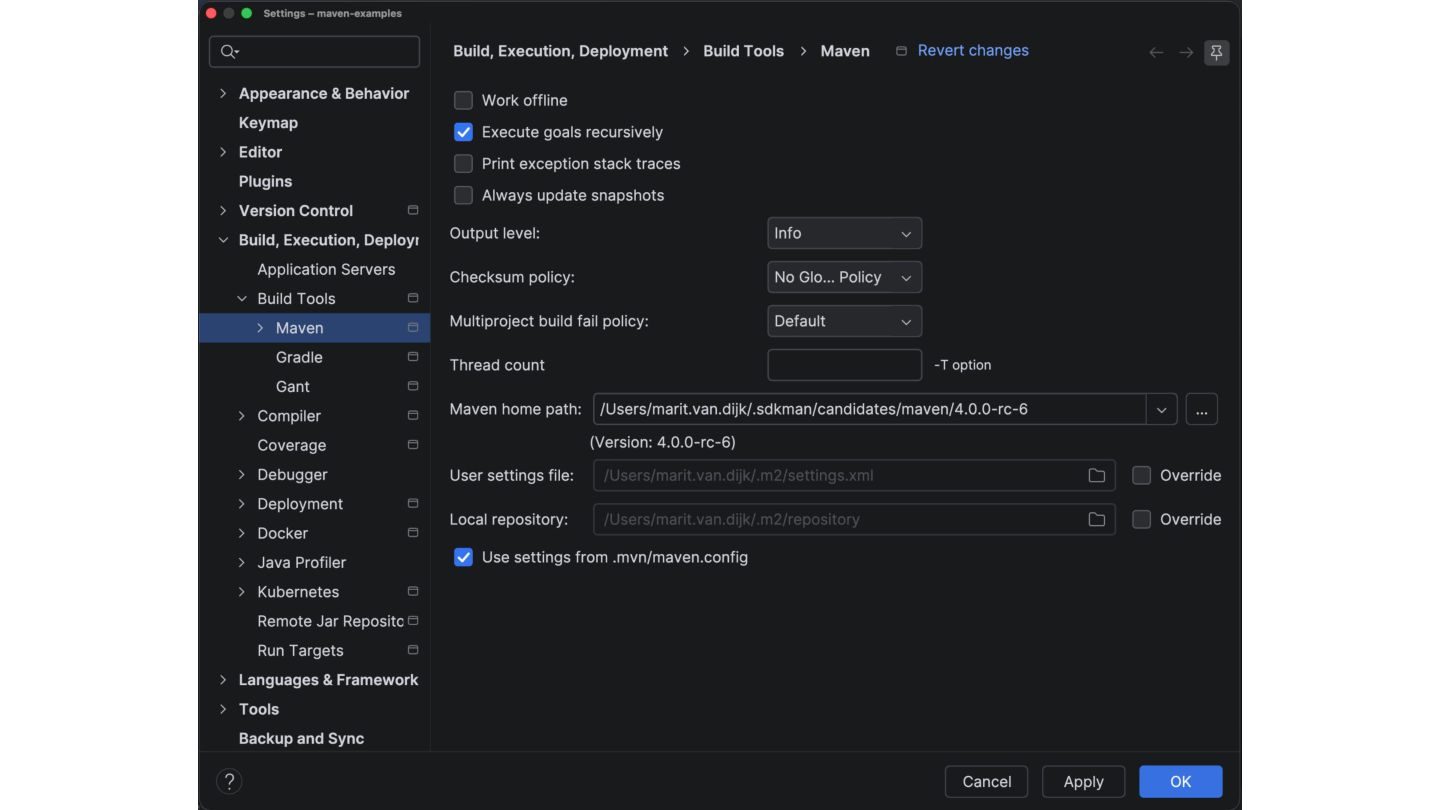
    supports Maven 3.1 and up Default bundled Maven version is 3.9.16 (in IntelliJ IDEA 2026.2) Use bundled version, wrapper, or point to installed version. Maven 4 support is already available from IntelliJ IDEA 2025.1 ◦ Maven 4 is currently at rc-6 https://www.jetbrains.com/help/idea/maven-support.html
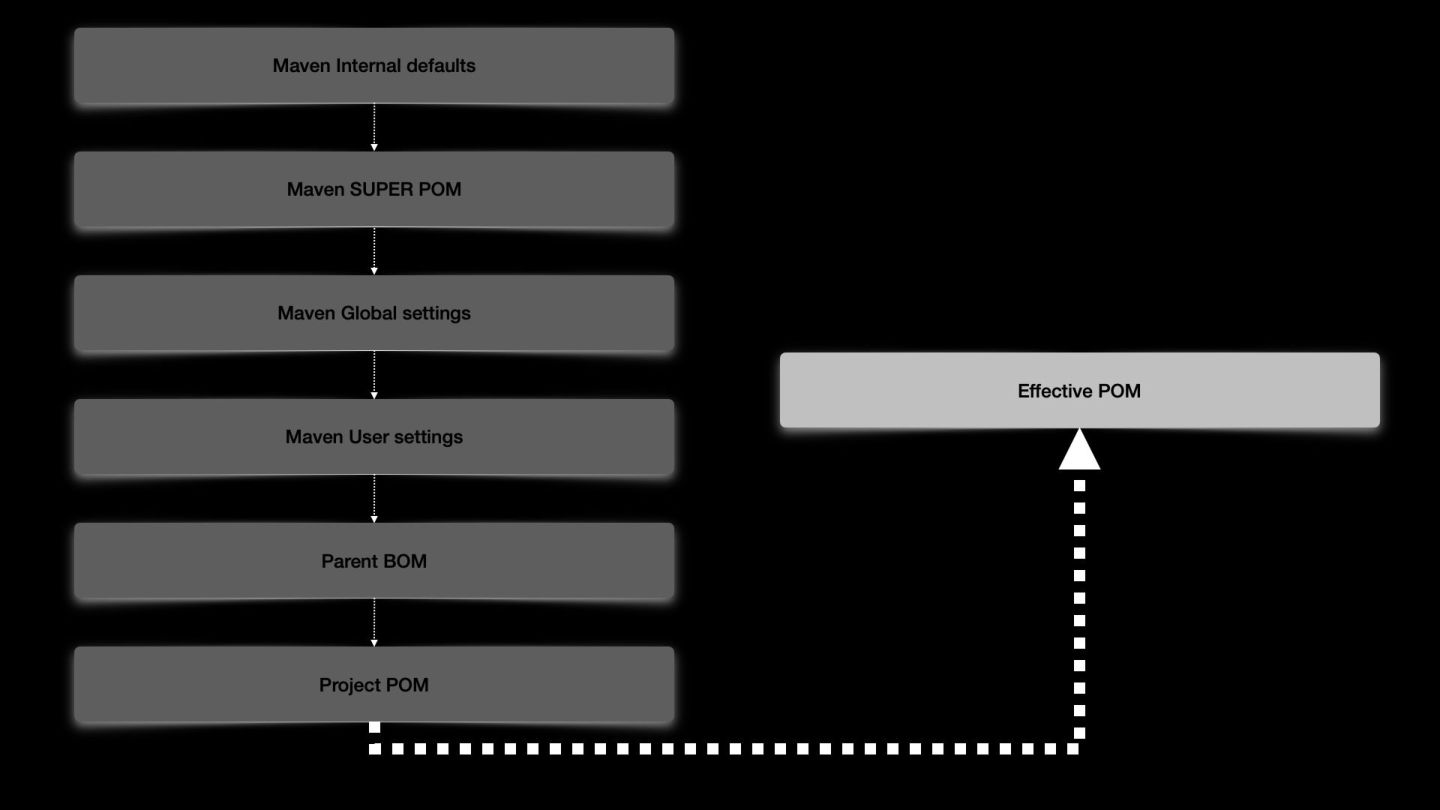
  10. Inheritance • • • • Super pom Parent / child

    Order of resolution How values are propagated down the chain
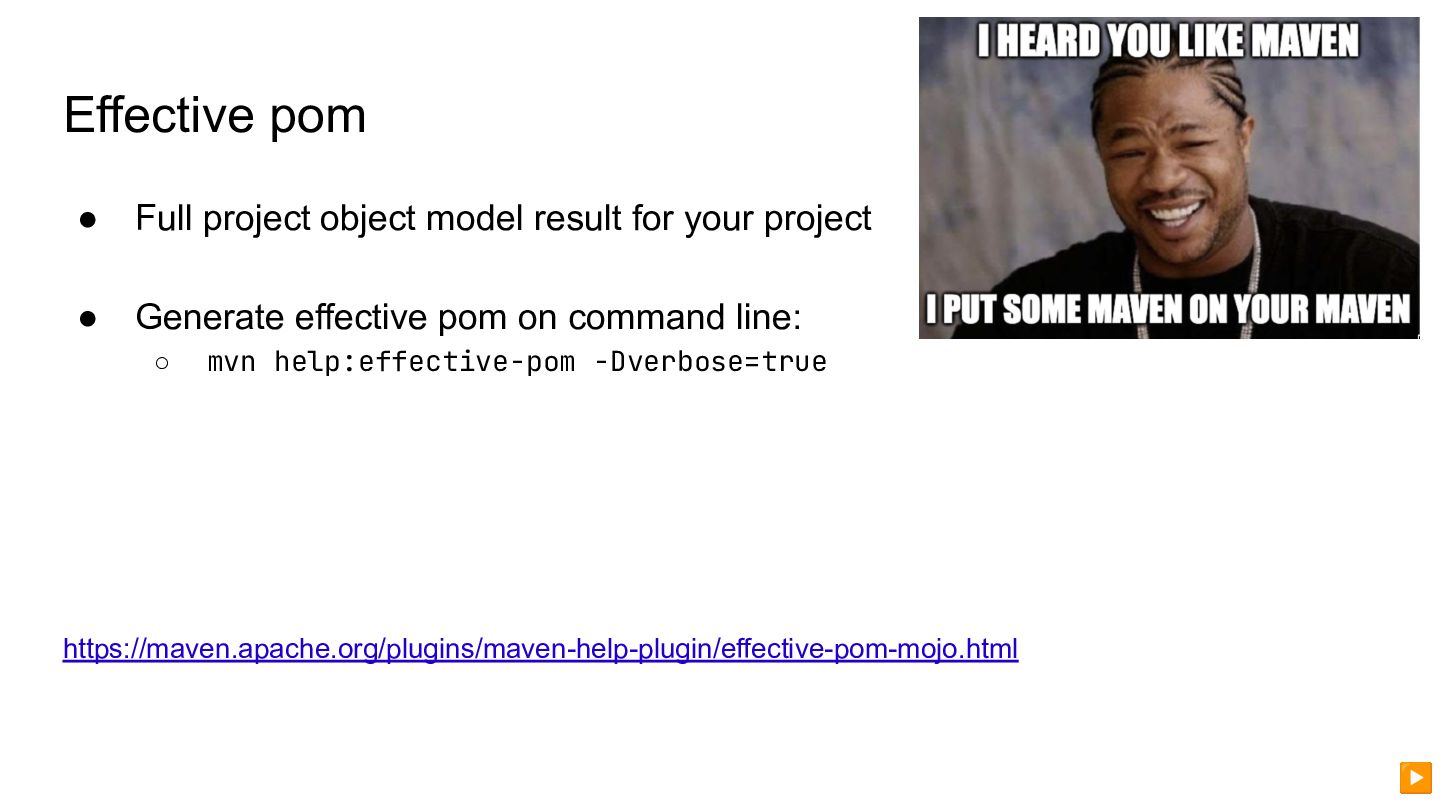
  11. Effective pom • Full project object model result for your

    project • Generate effective pom on command line: ◦ mvn help:effective-pom -Dverbose=true https://maven.apache.org/plugins/maven-help-plugin/effective-pom-mojo.html ▶
  12. Profiles • • • Can enhance default configuration of your

    build Add new sections, or override existing ones When you have plugins that should not be part of the main execution, e.g. ◦ ◦ ◦ ◦ Generate JavaDoc and sources jars Running quality gate checks Enable/disable a test module under certain conditions Publish to Maven Central https://maven.apache.org/guides/introduction/introduction-to-profiles.html ▶
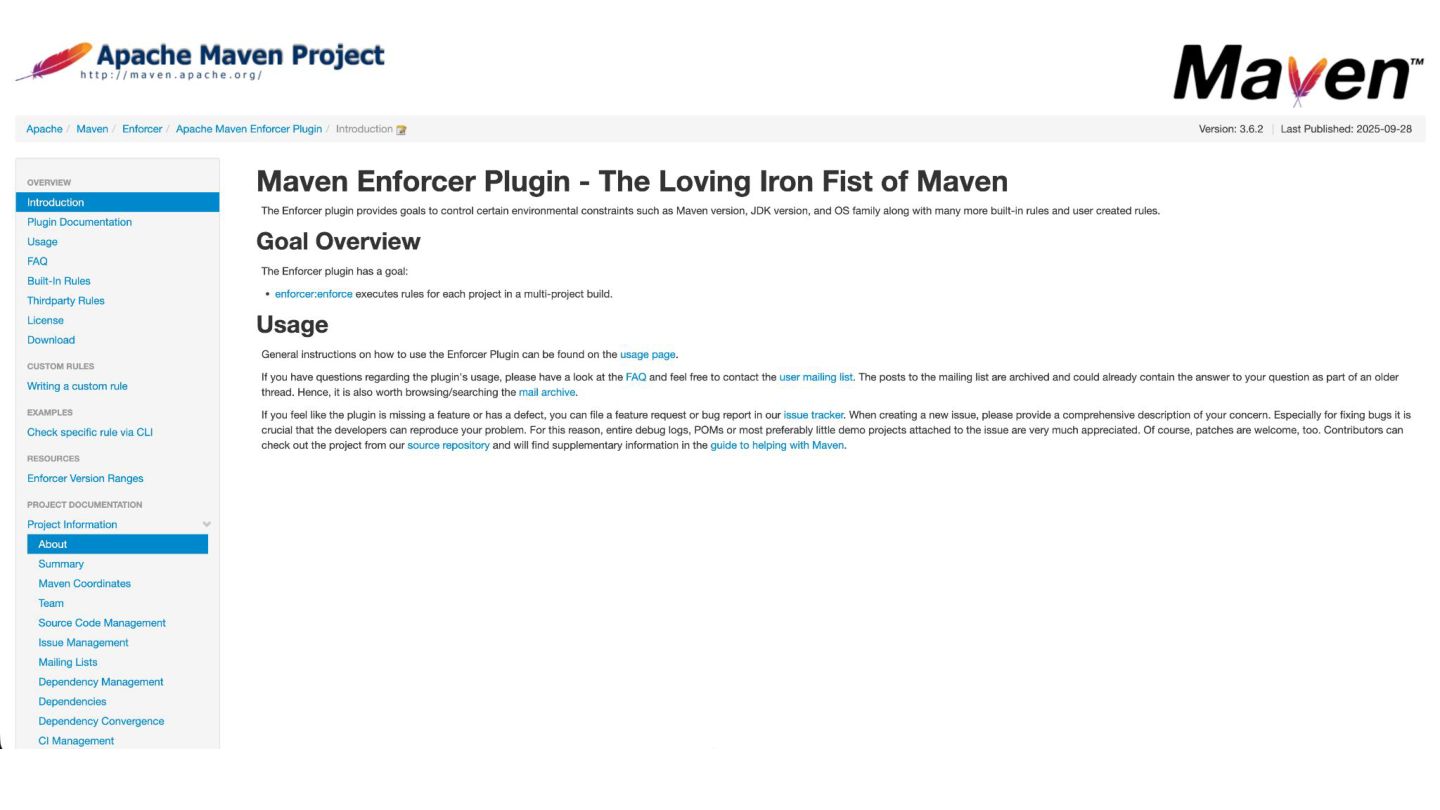
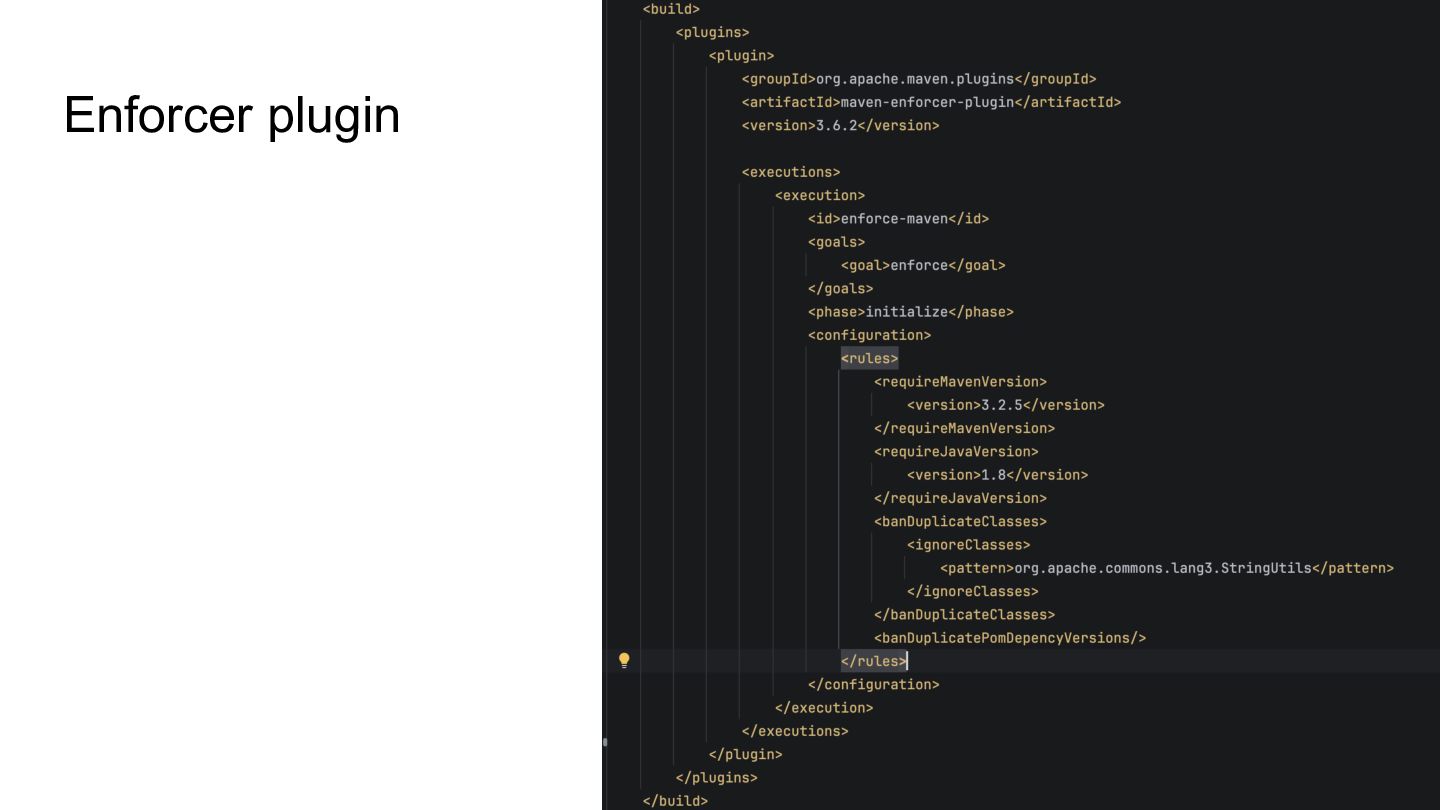
  13. Enforcer plugin • • Reproducibility Verify invariants & restrictions Control

    environmental constraints: • • • • Maven version JDK version Dependencies (semver, duplicates, snapshots, bytecode version, etc) and more https://maven.apache.org/enforcer/maven-enforcer-plugin/
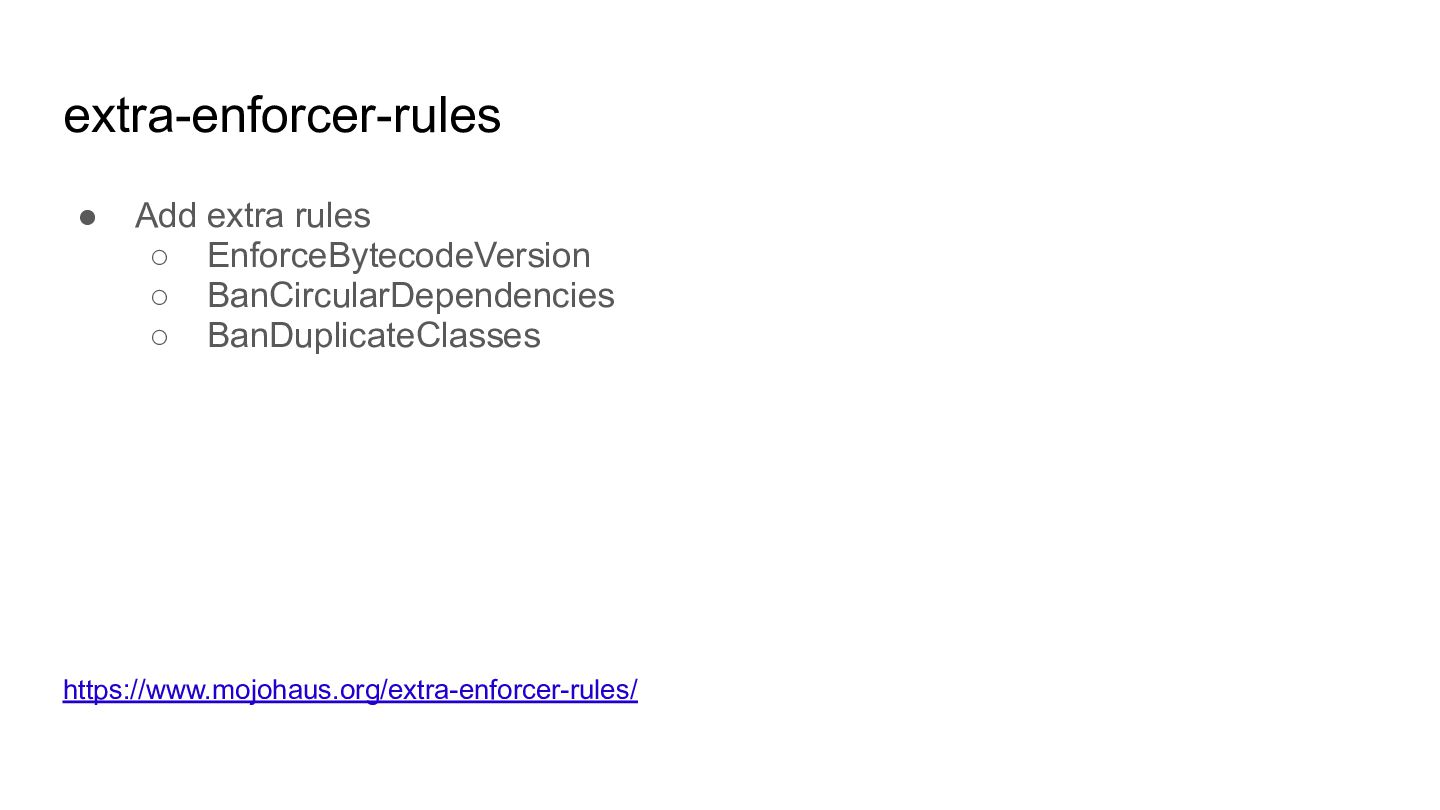
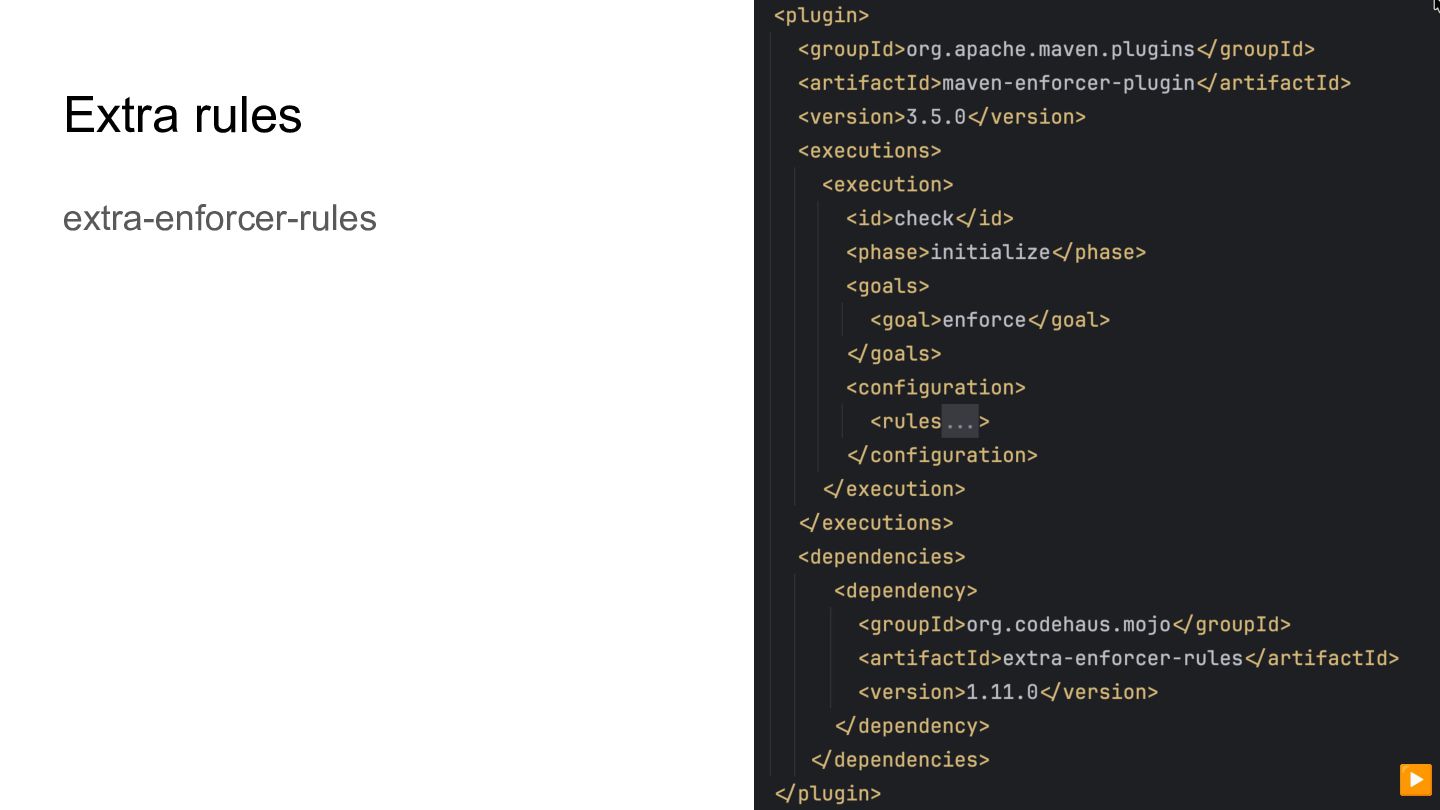
  14. extra-enforcer-rules • Add extra rules ◦ EnforceBytecodeVersion ◦ BanCircularDependencies ◦

    BanDuplicateClasses https://www.mojohaus.org/extra-enforcer-rules/
  15. Dependency & plugin management • • • Adding dependencies Managing

    dependencies Finding and resolving conflicts ▶
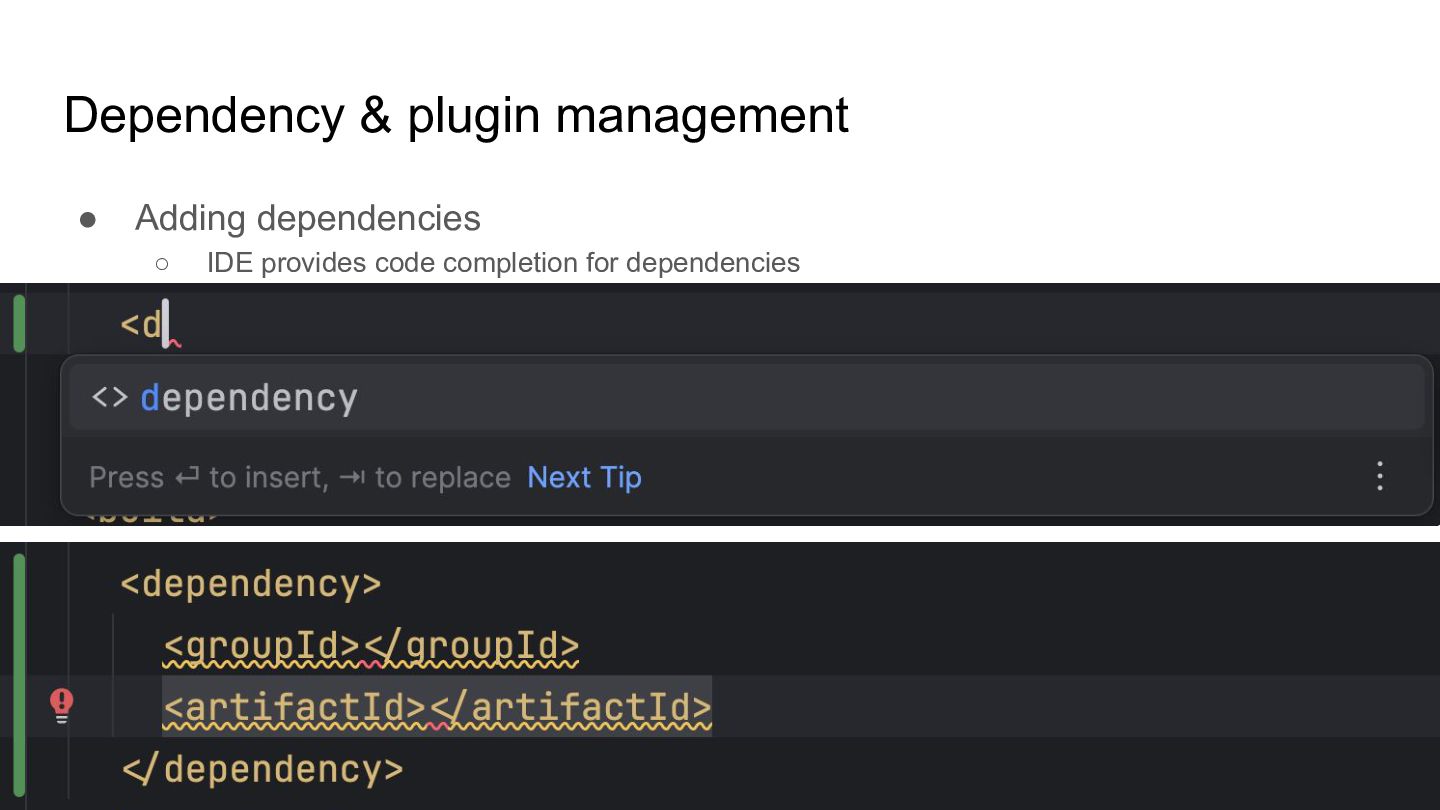
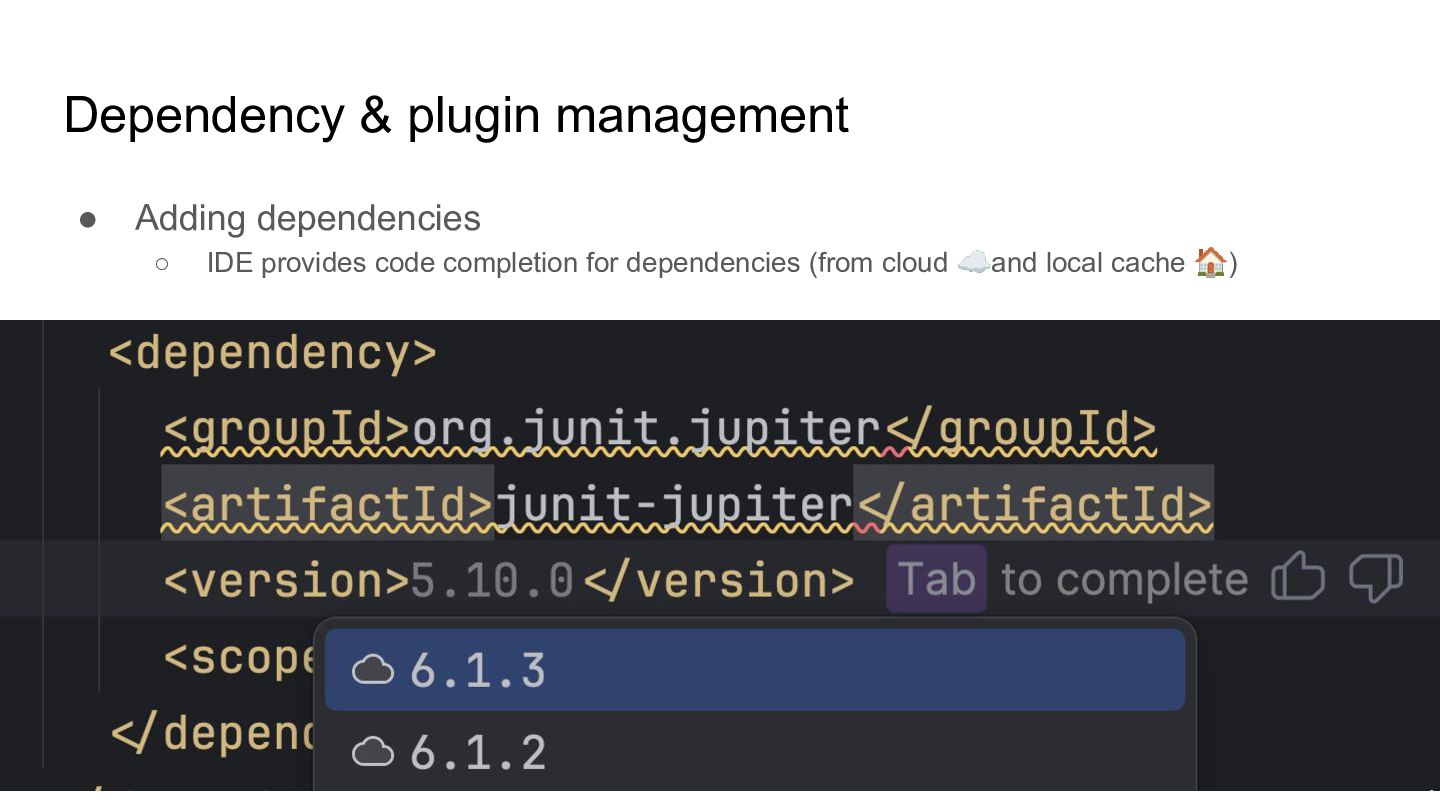
  16. Dependency & plugin management • Adding dependencies ◦ IDE provides

    code completion for dependencies (from cloud ☁and local cache 🏠)
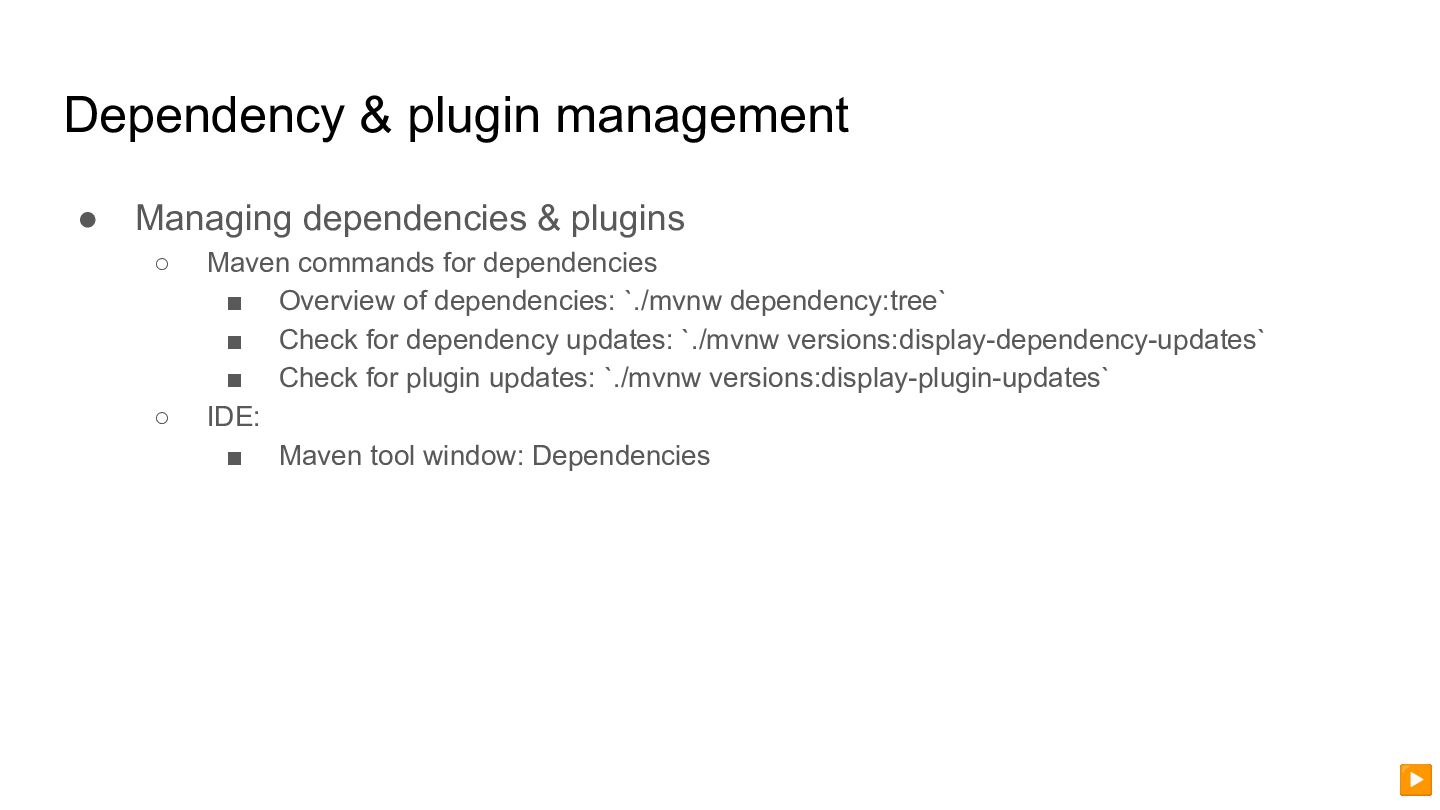
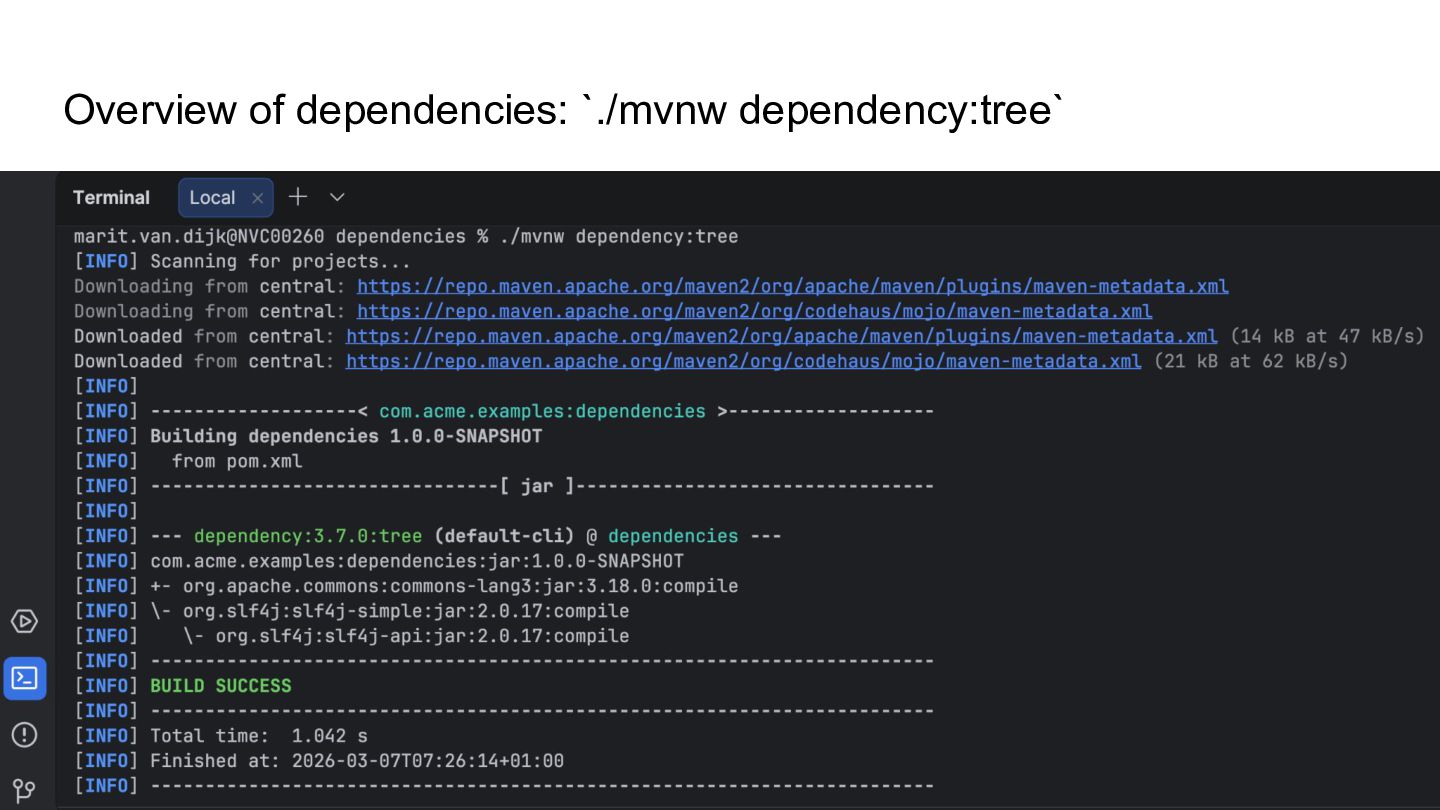
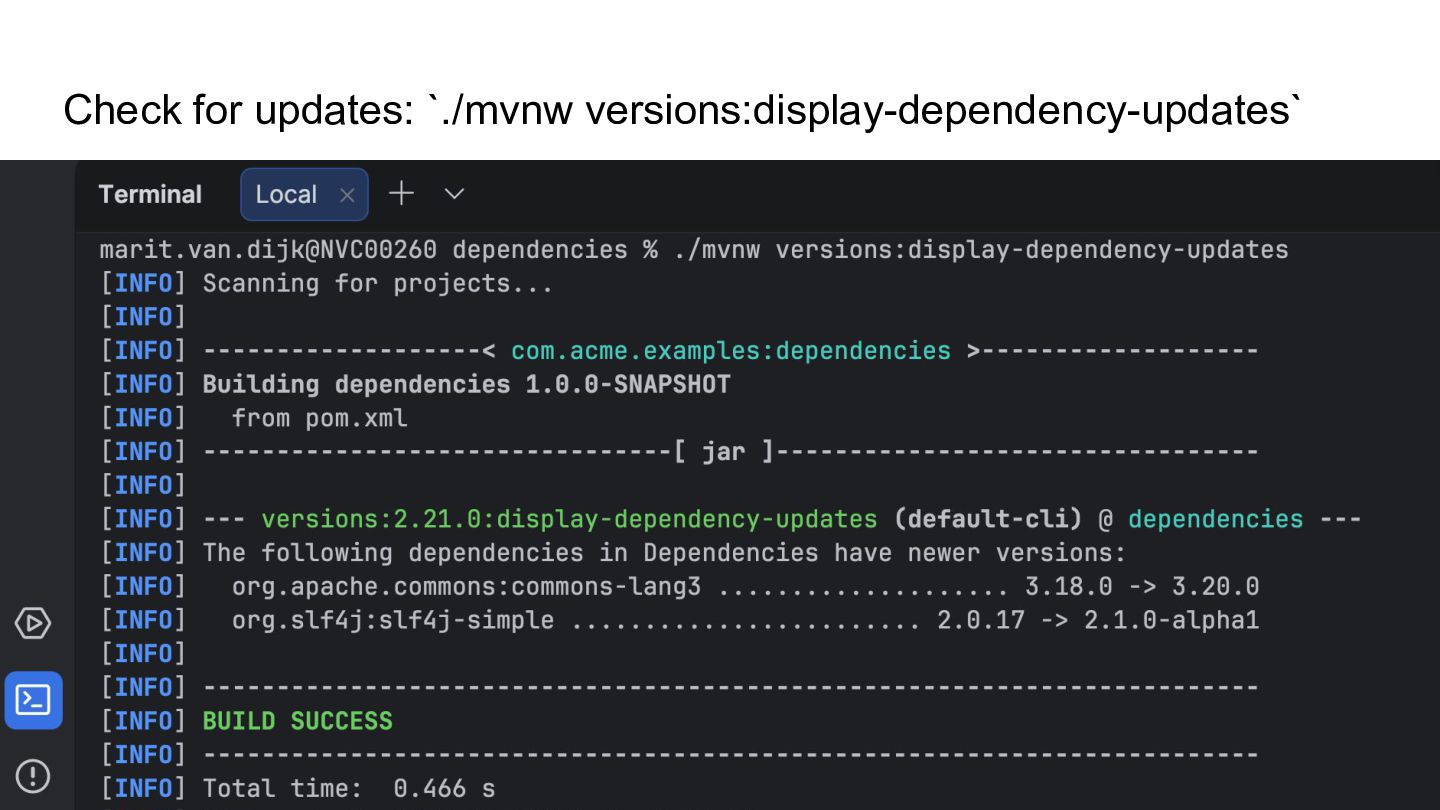
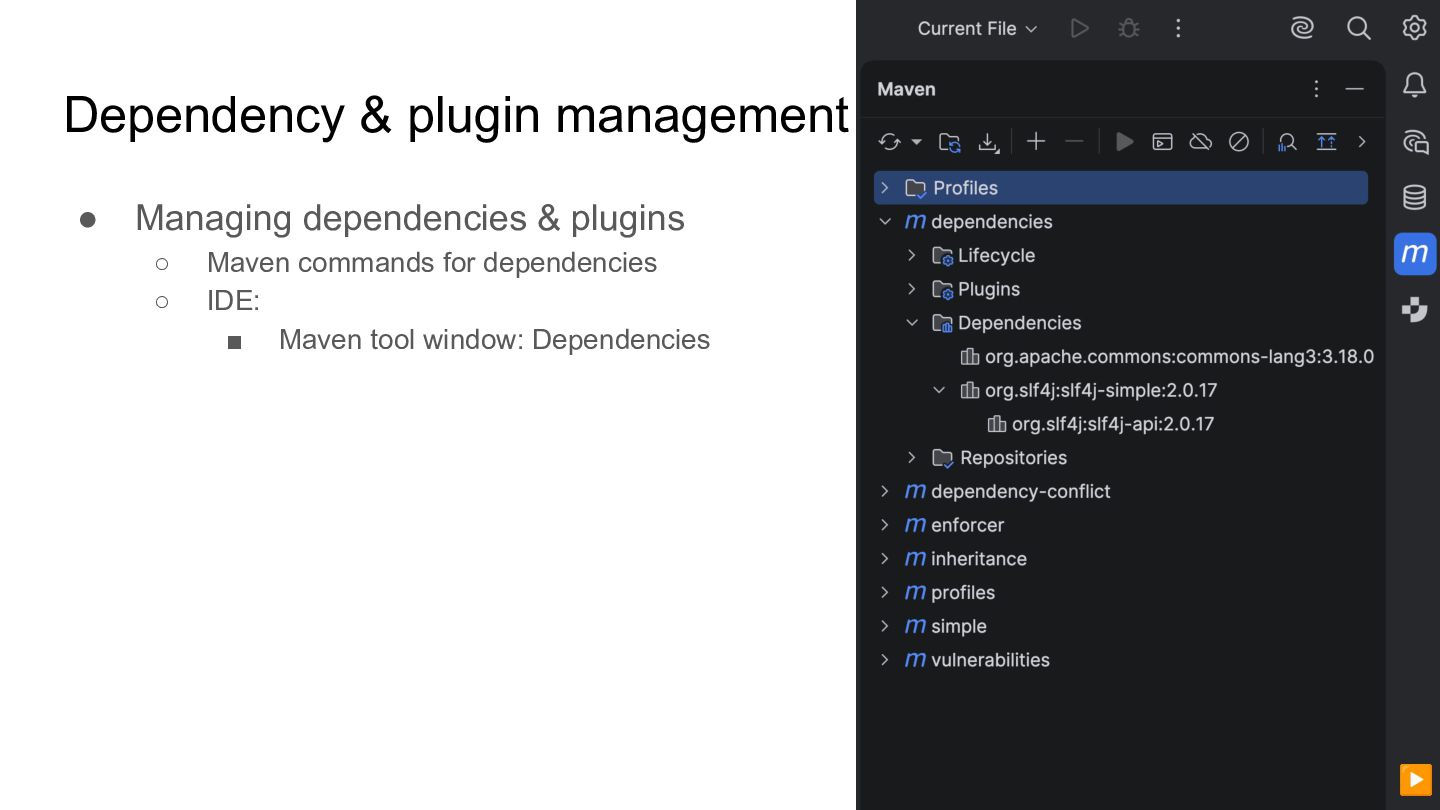
  17. Dependency & plugin management • Managing dependencies & plugins ◦

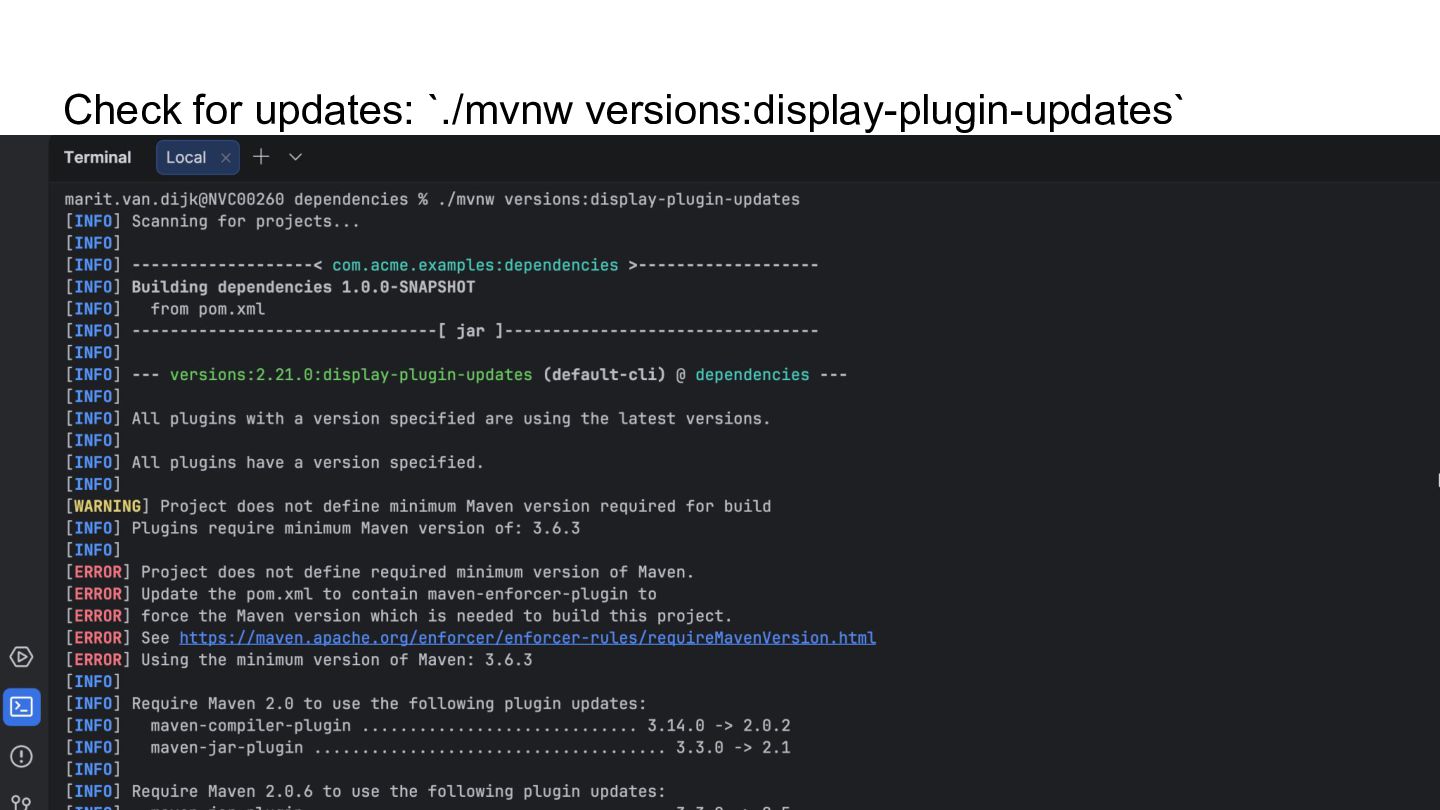
    ◦ Maven commands for dependencies ▪ Overview of dependencies: `./mvnw dependency:tree` ▪ Check for dependency updates: `./mvnw versions:display-dependency-updates` ▪ Check for plugin updates: `./mvnw versions:display-plugin-updates` IDE: ▪ Maven tool window: Dependencies ▶
  18. Dependency & plugin management • Managing dependencies & plugins ◦

    ◦ Maven commands for dependencies IDE: ▪ Maven tool window: Dependencies ▶
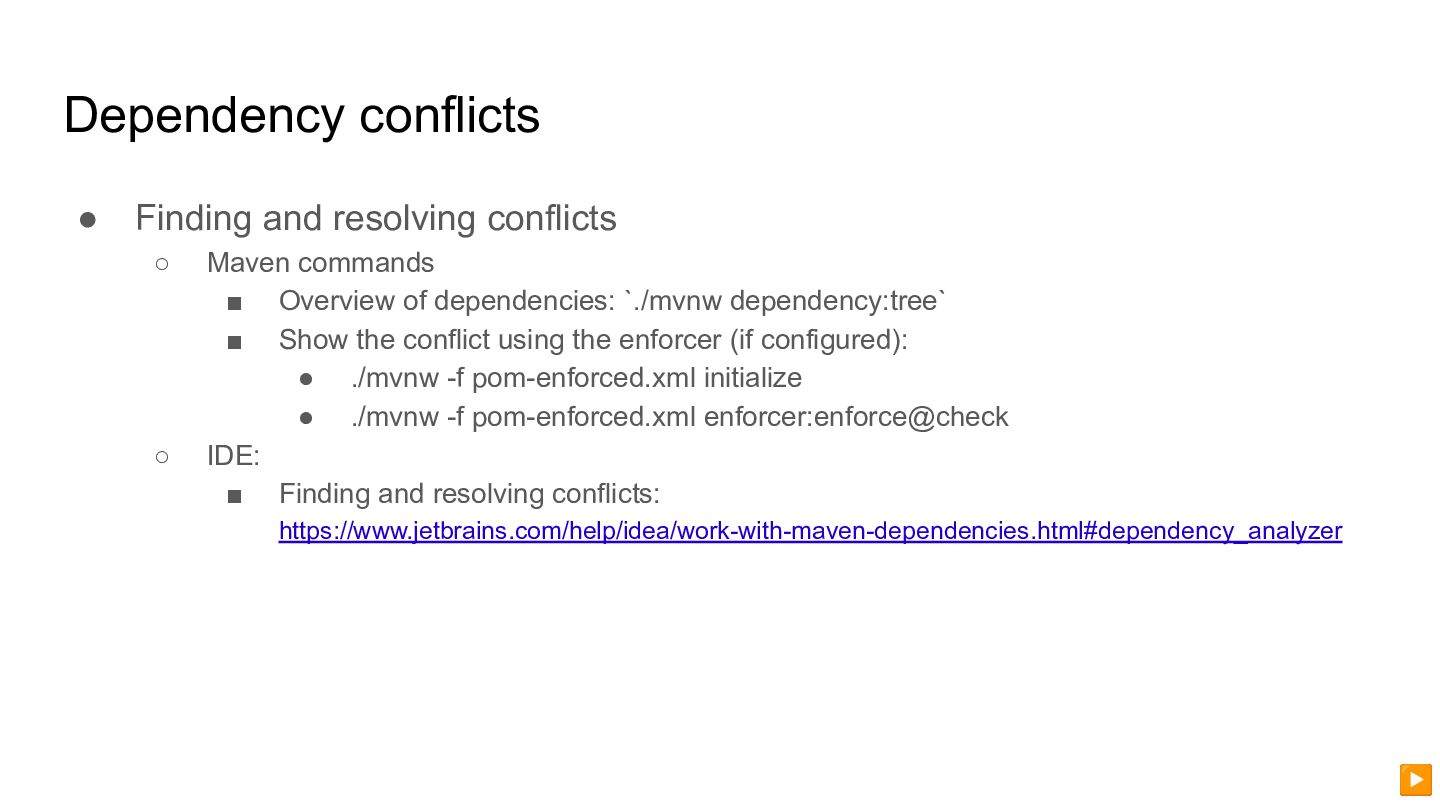
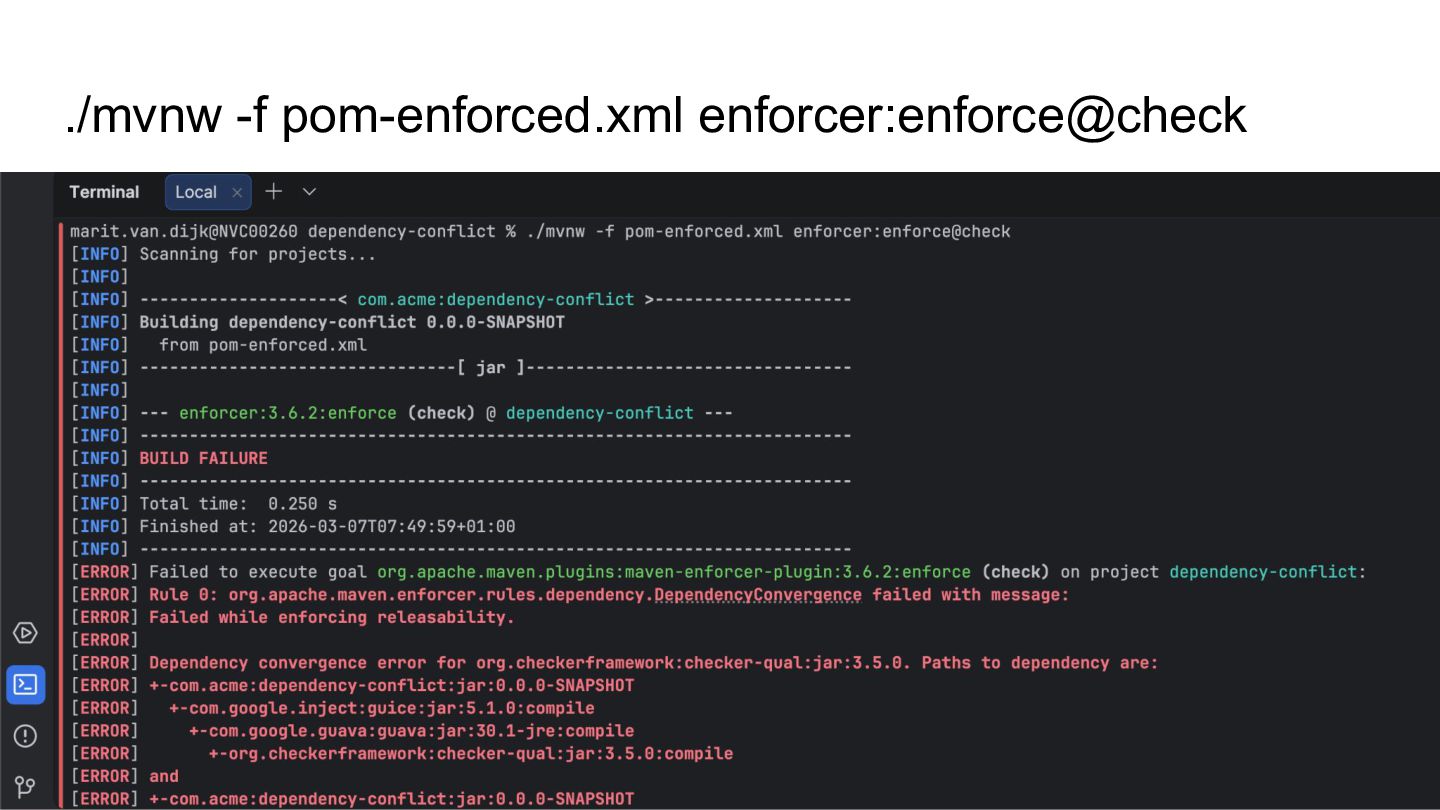
  19. Dependency conflicts • Finding and resolving conflicts ◦ ◦ Maven

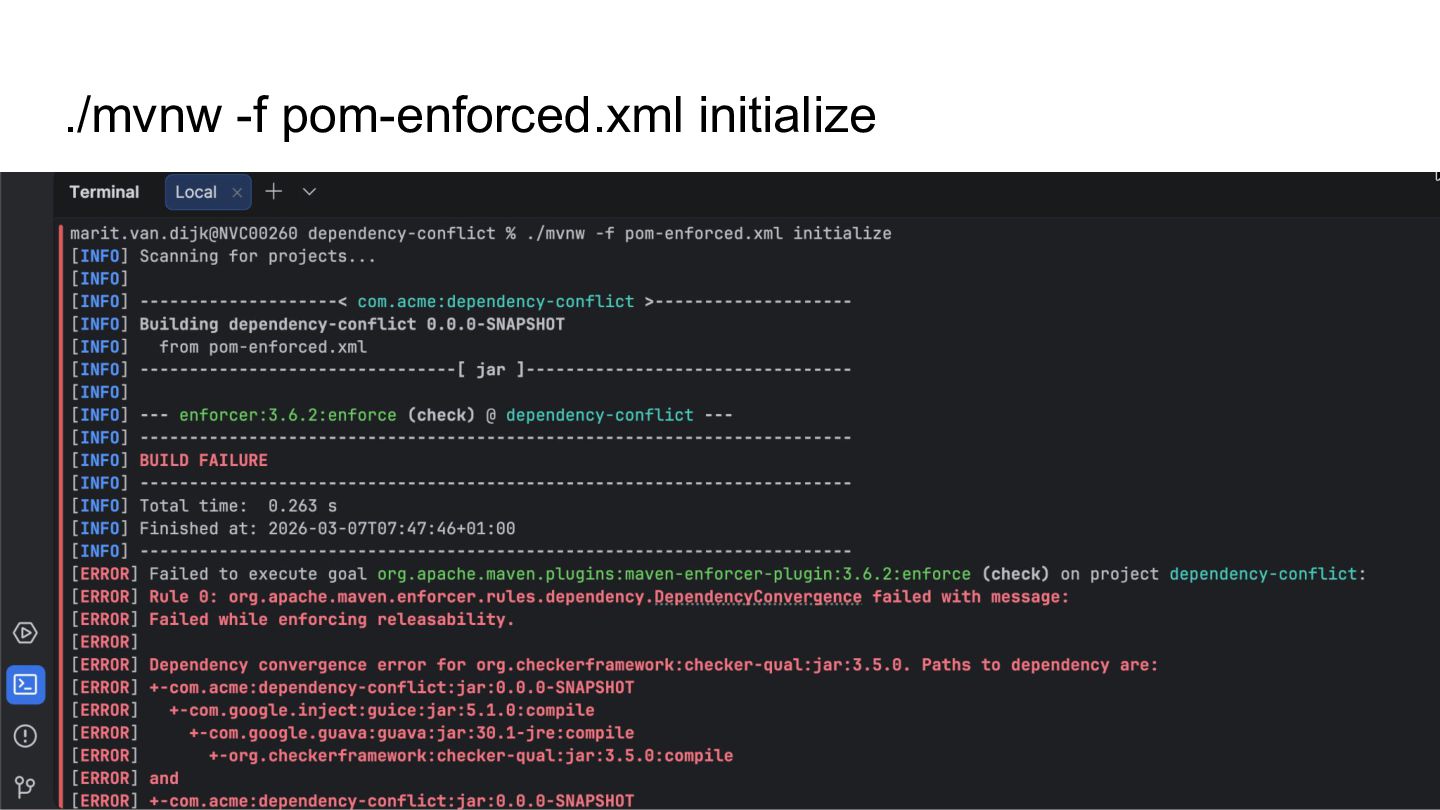
    commands ▪ Overview of dependencies: `./mvnw dependency:tree` ▪ Show the conflict using the enforcer (if configured): • ./mvnw -f pom-enforced.xml initialize • ./mvnw -f pom-enforced.xml enforcer:enforce@check IDE: ▪ Finding and resolving conflicts: https://www.jetbrains.com/help/idea/work-with-maven-dependencies.html#dependency_analyzer ▶
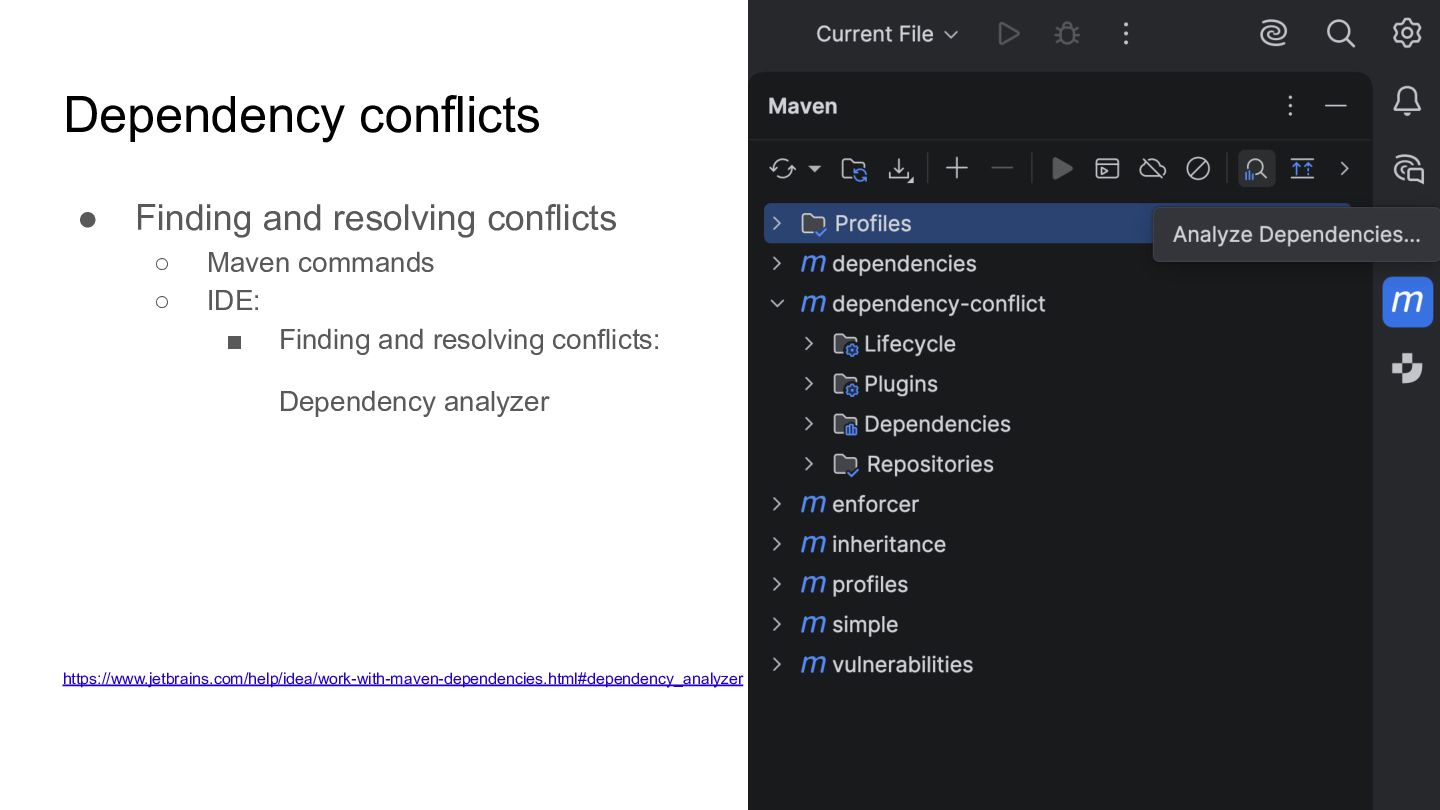
  20. Dependency conflicts • Finding and resolving conflicts ◦ ◦ Maven

    commands IDE: ▪ Finding and resolving conflicts: Dependency analyzer https://www.jetbrains.com/help/idea/work-with-maven-dependencies.html#dependency_analyzer ▶
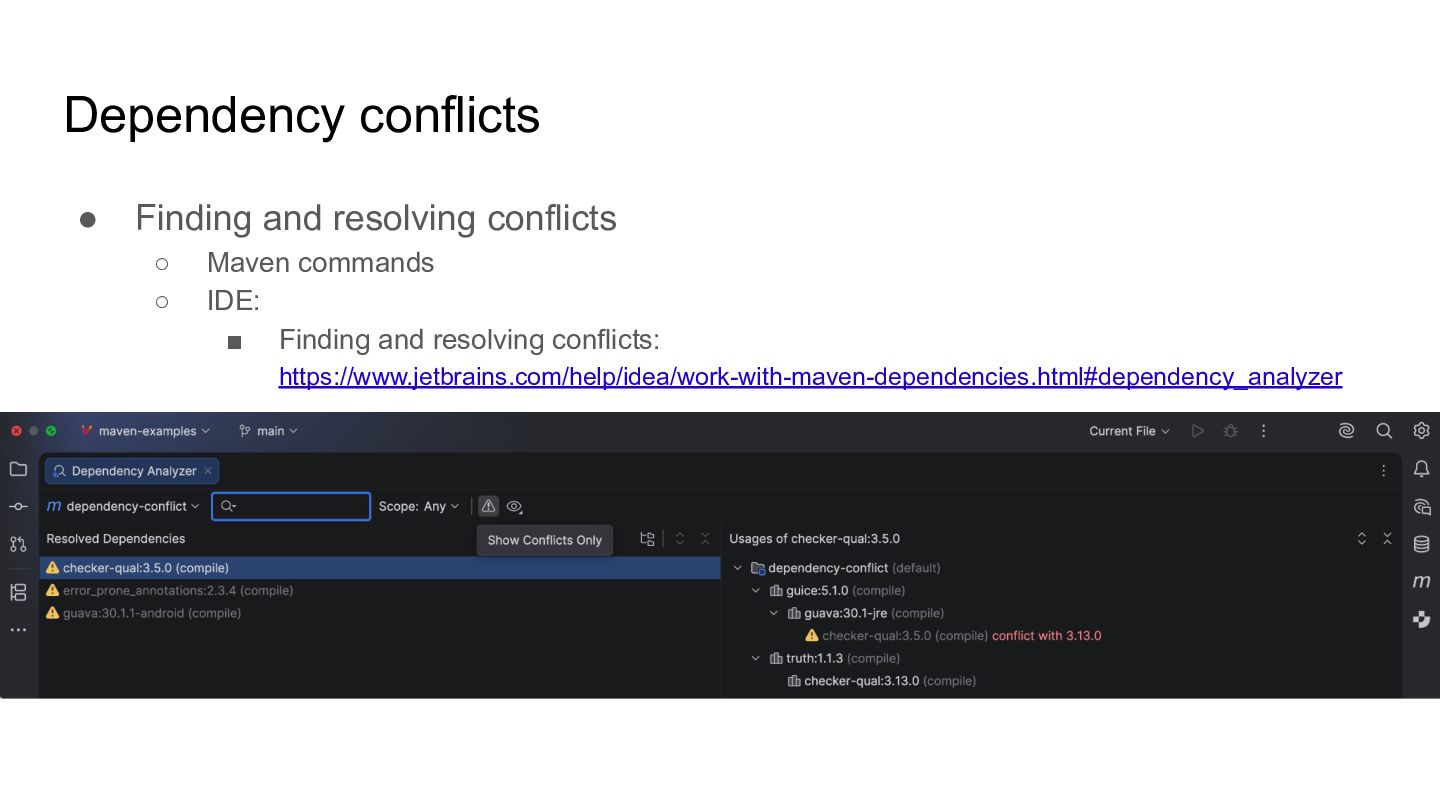
  21. Dependency conflicts • Finding and resolving conflicts ◦ ◦ Maven

    commands IDE: ▪ Finding and resolving conflicts: https://www.jetbrains.com/help/idea/work-with-maven-dependencies.html#dependency_analyzer
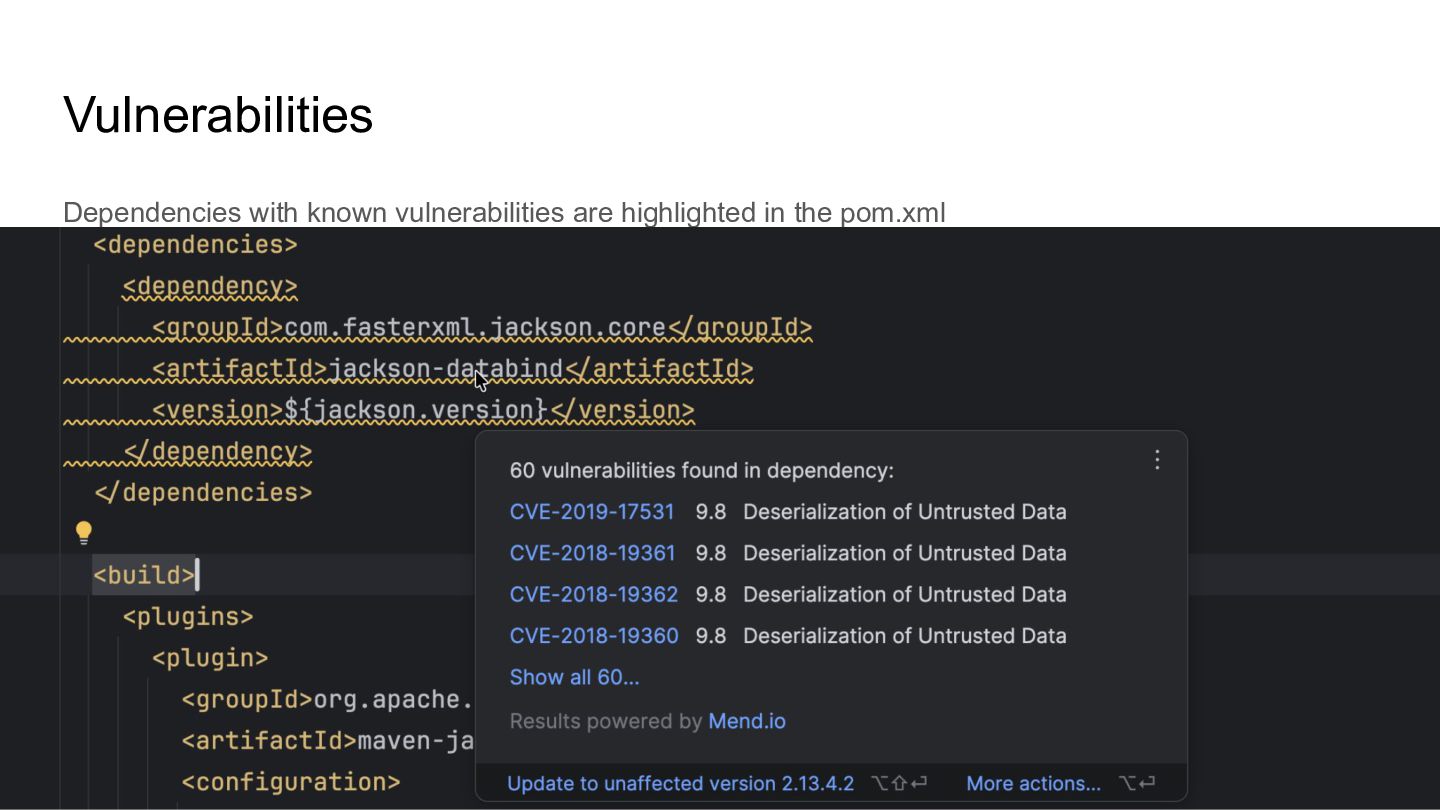
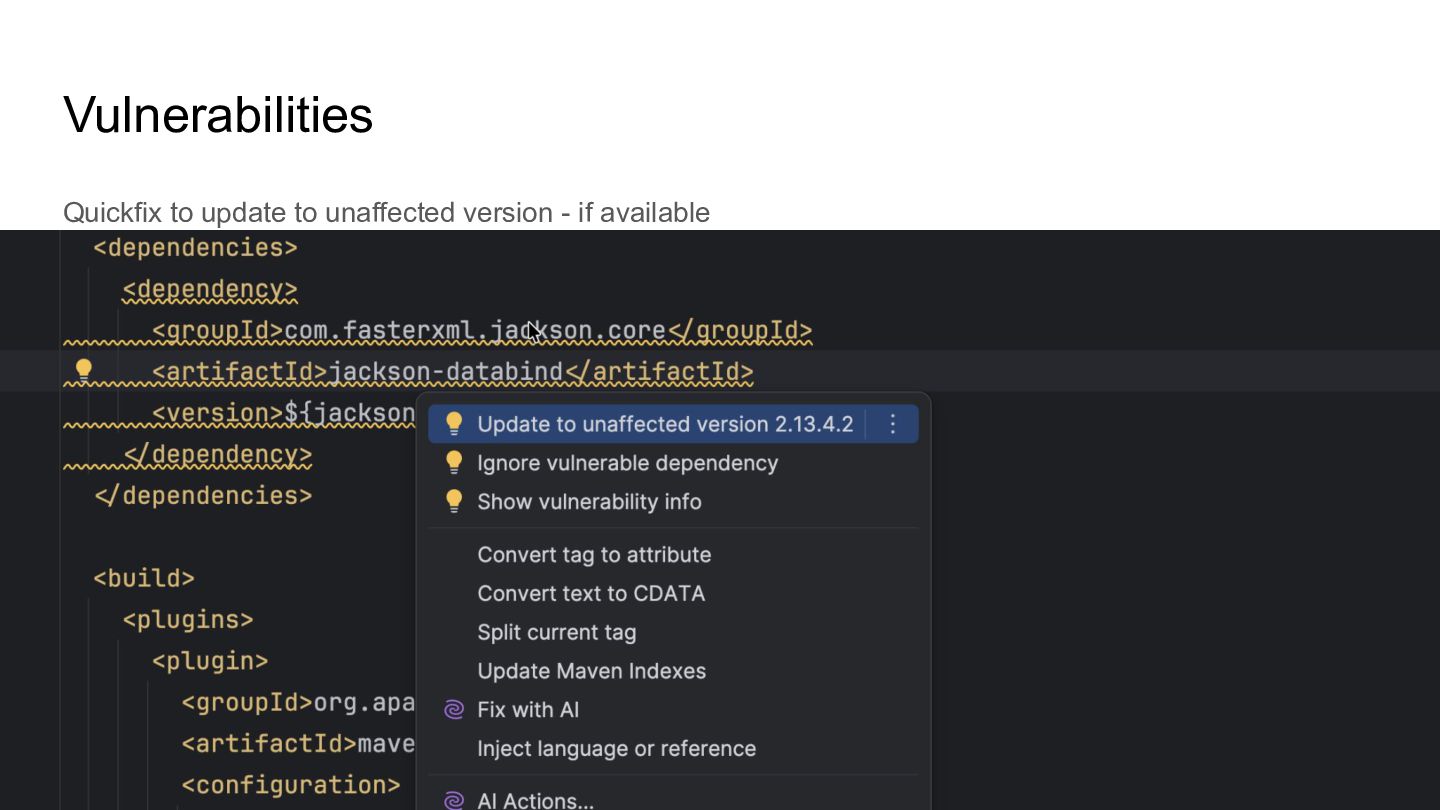
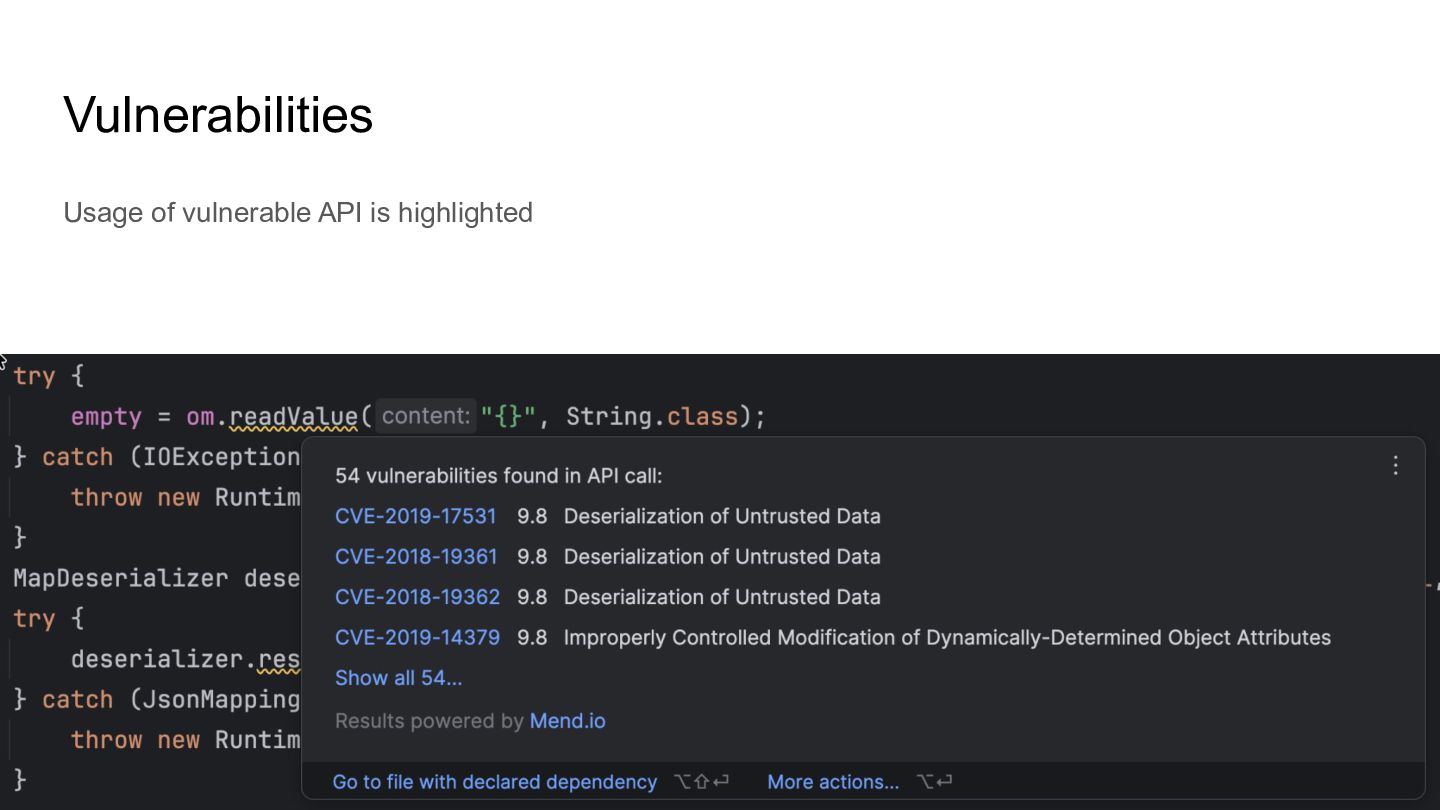
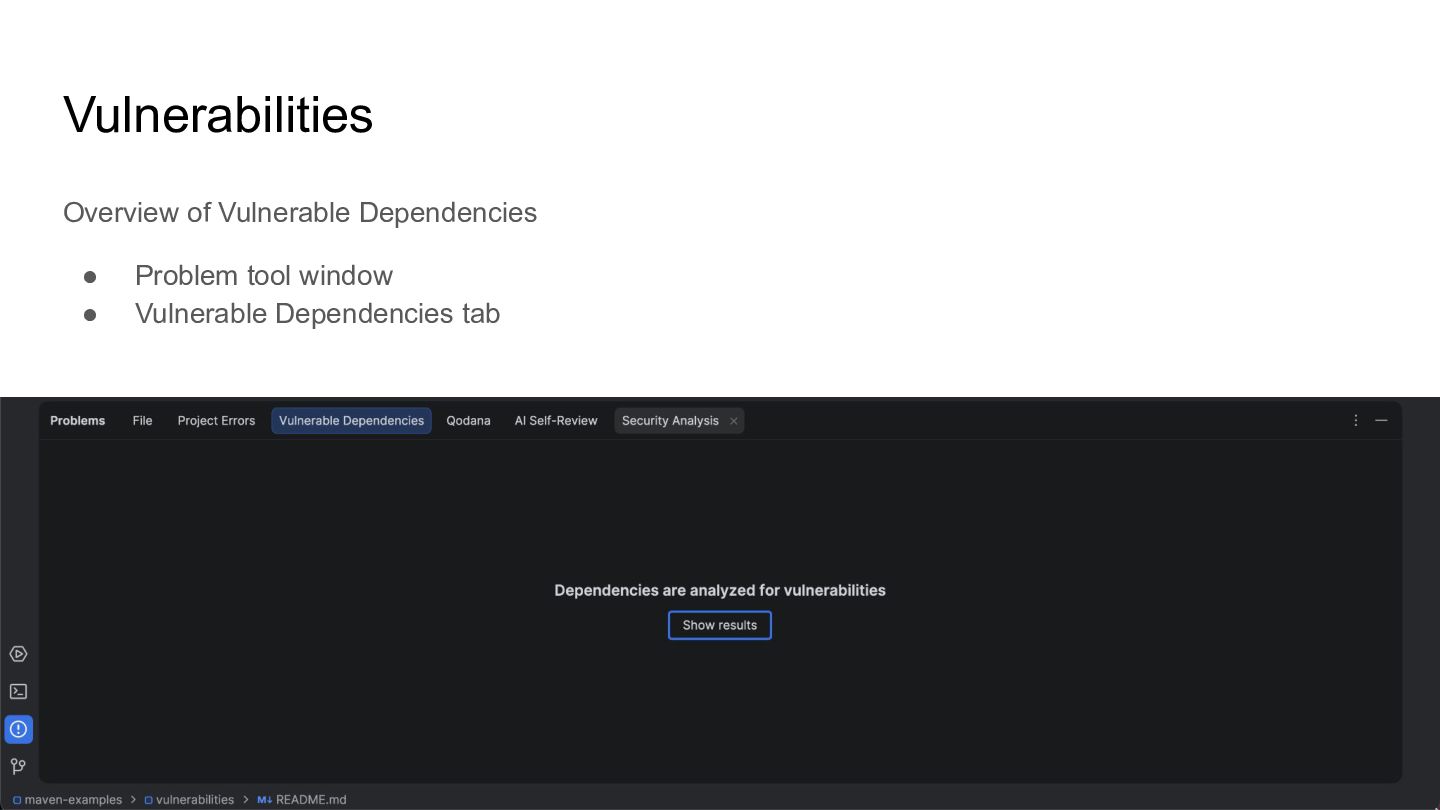
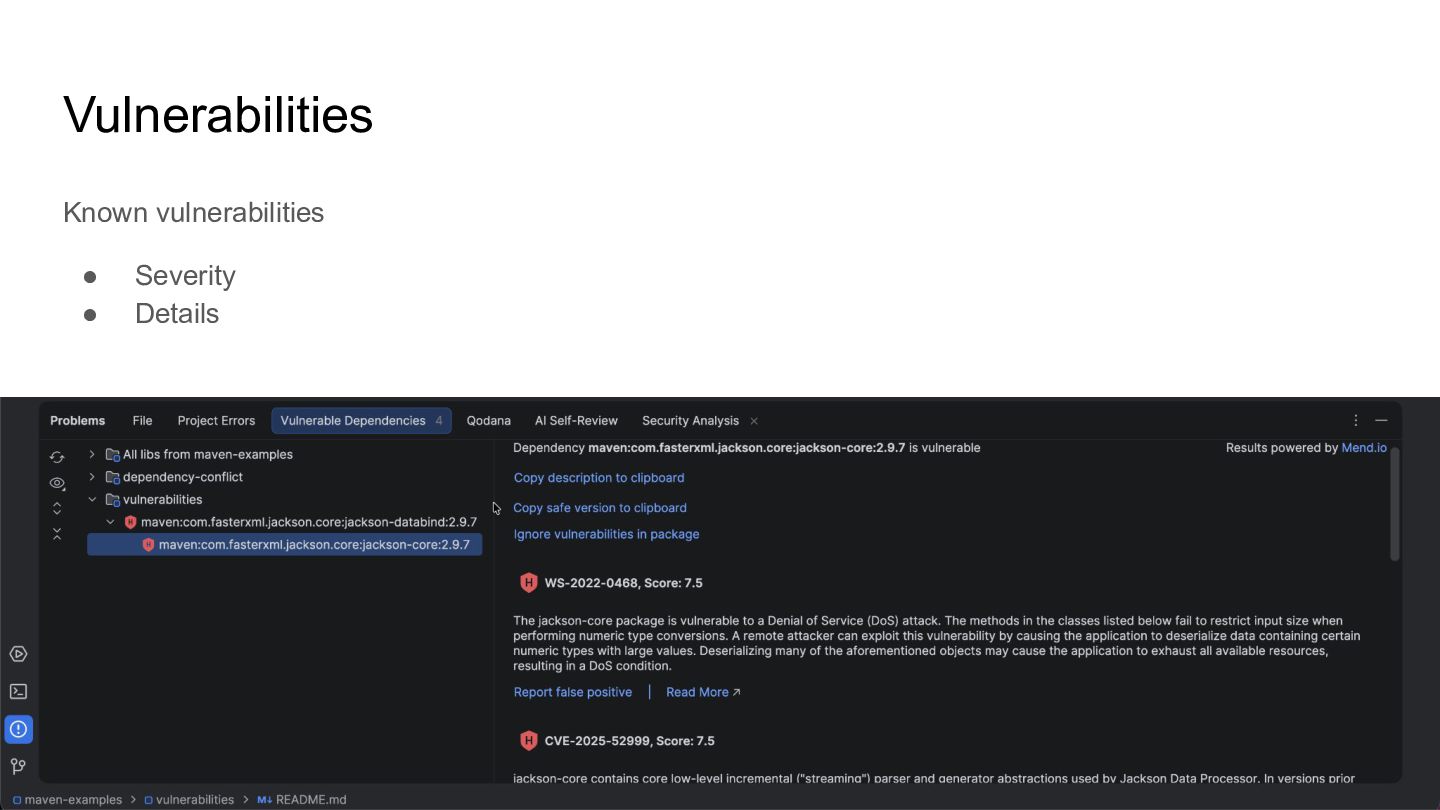
  22. Vulnerabilities • • Scan for known vulnerabilities Remediate by upgrading

    (if available / possible) • Help in the IDE ◦ https://www.jetbrains.com/help/idea/package-analysis.html ▶
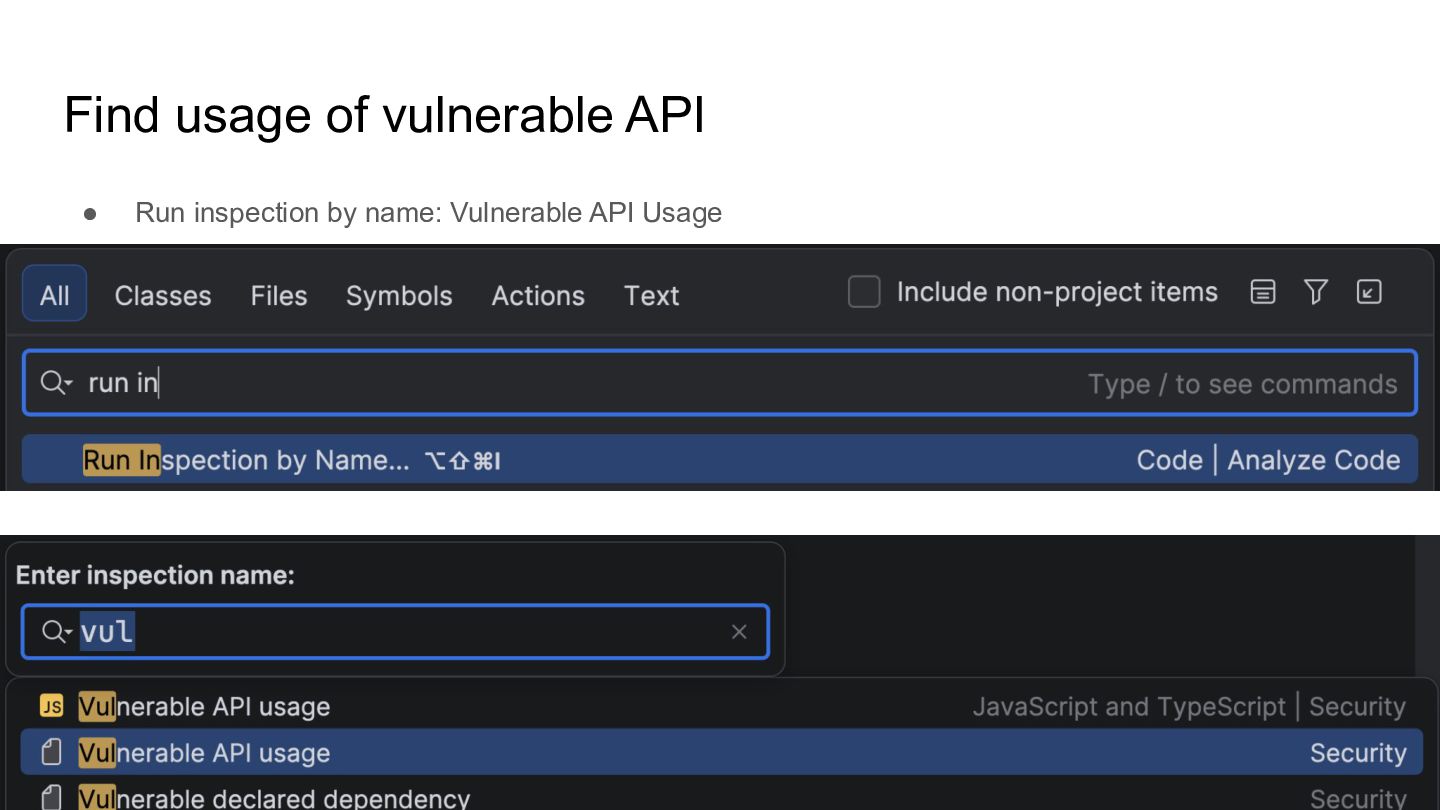
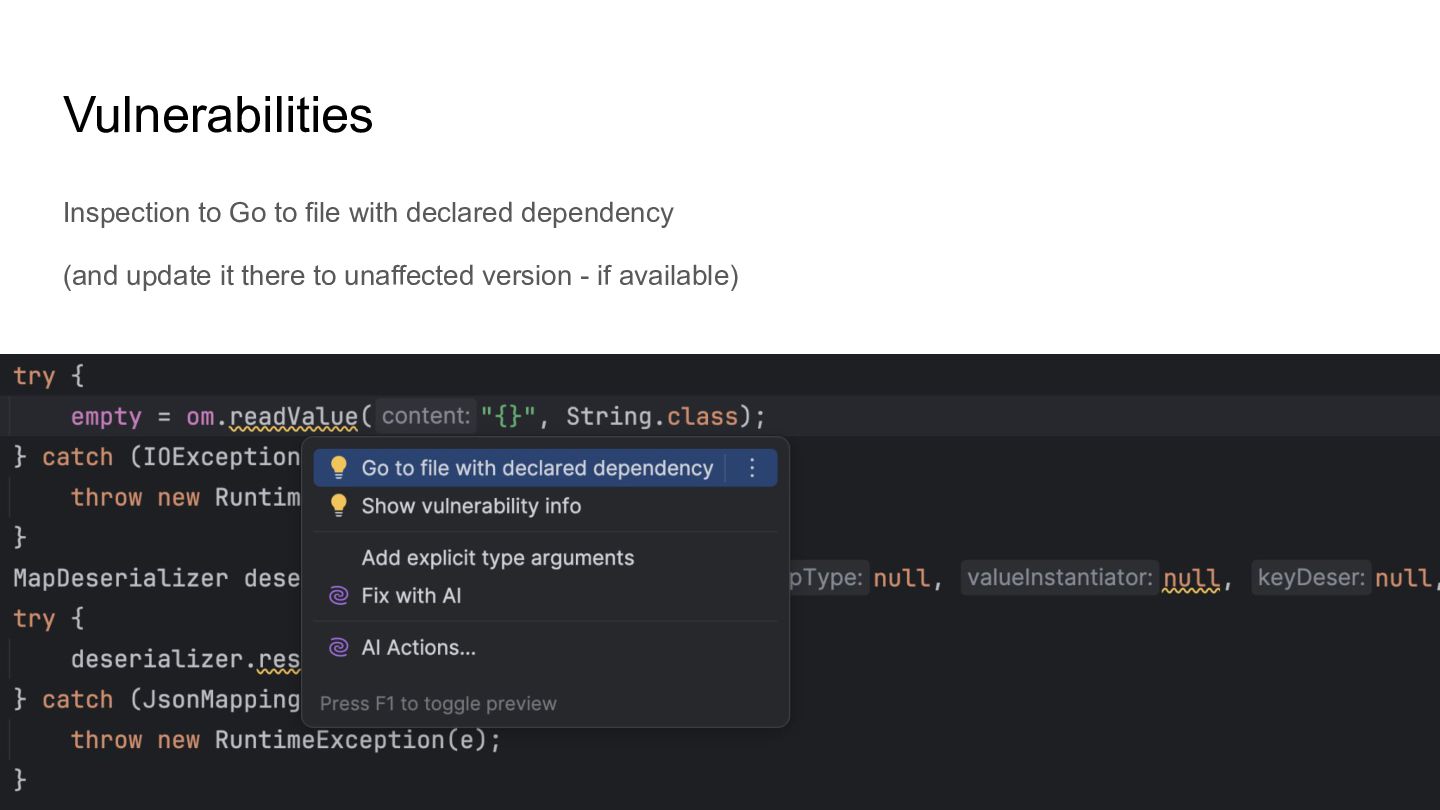
  23. Vulnerabilities Inspection to Go to file with declared dependency (and

    update it there to unaffected version - if available)
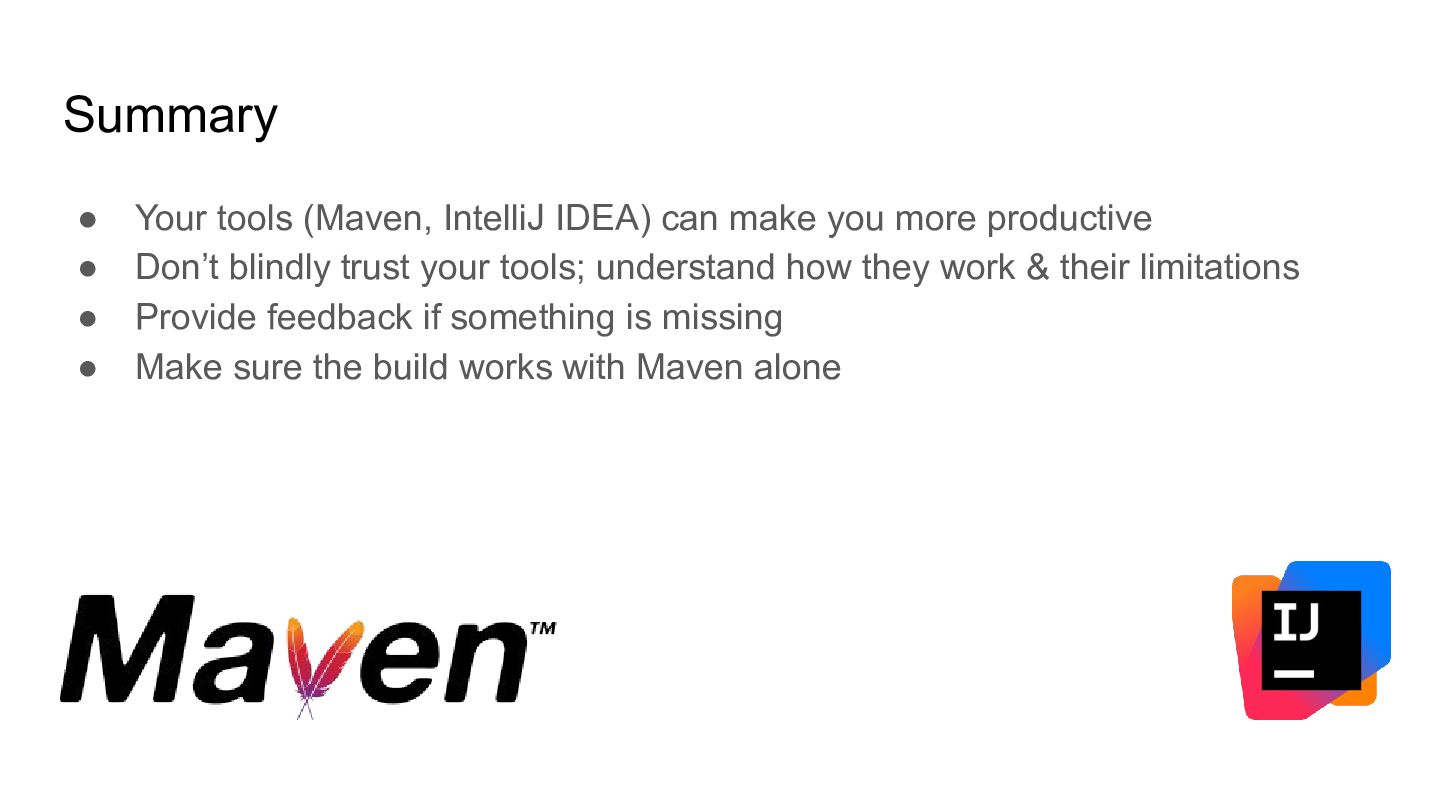
  24. Summary • • • • Your tools (Maven, IntelliJ IDEA)

    can make you more productive Don’t blindly trust your tools; understand how they work & their limitations Provide feedback if something is missing Make sure the build works with Maven alone
  25. Thank you! Andres Almiray 🐘 @aalmiray 🦋 @andresalmiray.com 🌐 www.andresalmiray.com

    Seasoned Sourceror Marit van Dijk @maritvandijk.bsky.social 🦋 @MaritvanDijk77 🐦 www.maritvandijk.com 🌐 Senior Developer Advocate