Upgrade to Pro
— share decks privately, control downloads, hide ads and more …
Speaker Deck
Sign up for free
Menu
Search
Features
All features
Private URLs
Password Protection
Custom URLS
Scheduled publishing
Remove Branding
Restrict embedding
Deck Collections
Notes
Features
All features
Private URLs
Password Protection
Custom URLS
Scheduled publishing
Remove Branding
Restrict embedding
Deck Collections
Notes
Explore
Featured decks
Featured speakers
Programming
Technology
Storyboards
Explore
Featured decks
Featured speakers
Programming
Technology
Storyboards
Pricing
Search
Sign in
Sign up for free
Nuxt 3でElement Plusを使ってみた
Search
Munieru
May 18, 2023
1.8k
1
Share
Embed
Copy iframe code
Copy JS code
Copy link
Start on current slide
Nuxt 3でElement Plusを使ってみた
https://vuejs-meetup.connpass.com/event/279254/
Munieru
May 18, 2023
More Decks by Munieru
See All by Munieru
エアコン本体とリモコンの温度設定にズレが生じる問題〜プログラムによる再現〜 / 2018-08-29
munieru_jp
0
2.5k
エアコン本体とリモコンの温度設定にズレが生じる問題〜プログラムによる再現〜 / 2018-08-09
munieru_jp
2
5k
JavaScriptフレームワークVue.jsの紹介 / 2018-05-11
munieru_jp
0
5.4k
勉強のすすめ / 2018-04-13
munieru_jp
0
5k
こんなスライドはやめろ!プレゼン資料のアンチパターン / 2018-02-18
munieru_jp
0
15k
Featured
See All Featured
Exploring the Power of Turbo Streams & Action Cable | RailsConf2023
kevinliebholz
37
6.6k
Rails Girls Zürich Keynote
gr2m
96
14k
Optimising Largest Contentful Paint
csswizardry
37
4k
CoffeeScript is Beautiful & I Never Want to Write Plain JavaScript Again
sstephenson
162
16k
ピンチをチャンスに:未来をつくるプロダクトロードマップ #pmconf2020
aki_iinuma
128
56k
Imperfection Machines: The Place of Print at Facebook
scottboms
270
14k
[Rails World 2026] Durable orchestration on Rails: from continuation to workflow
palkan
2
980
Unlocking the hidden potential of vector embeddings in international SEO
frankvandijk
0
1k
30 Presentation Tips
portentint
PRO
1
450
How to build an LLM SEO readiness audit: a practical framework
nmsamuel
2
970
Building a Modern Day E-commerce SEO Strategy
aleyda
45
9.3k
What does AI have to do with Human Rights?
axbom
PRO
1
2.5k
Transcript
2023-05-18 ムニエル @munieru_jp Nuxt 3で Element Plusを使ってみた © Munieru
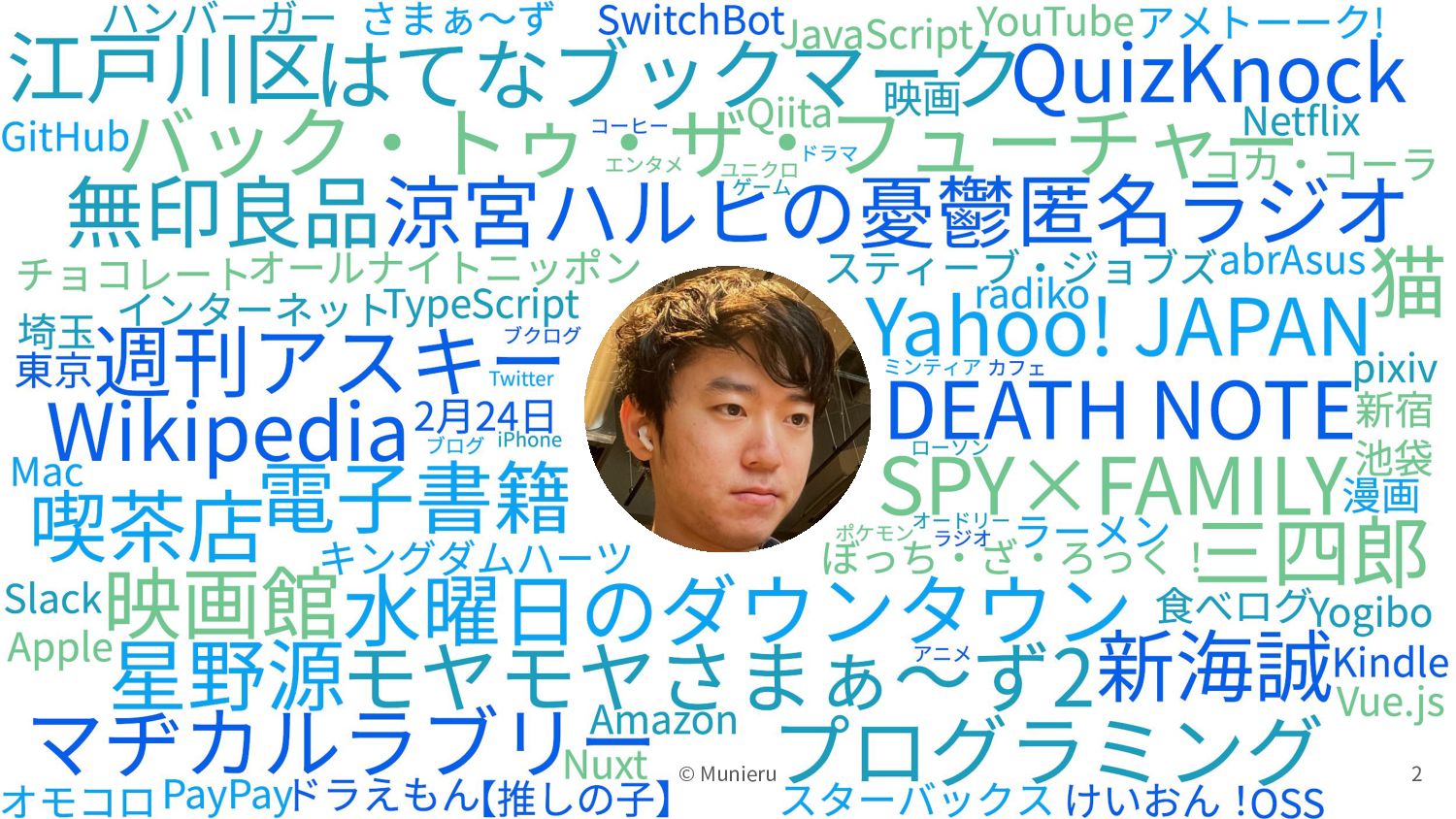
2 © Munieru
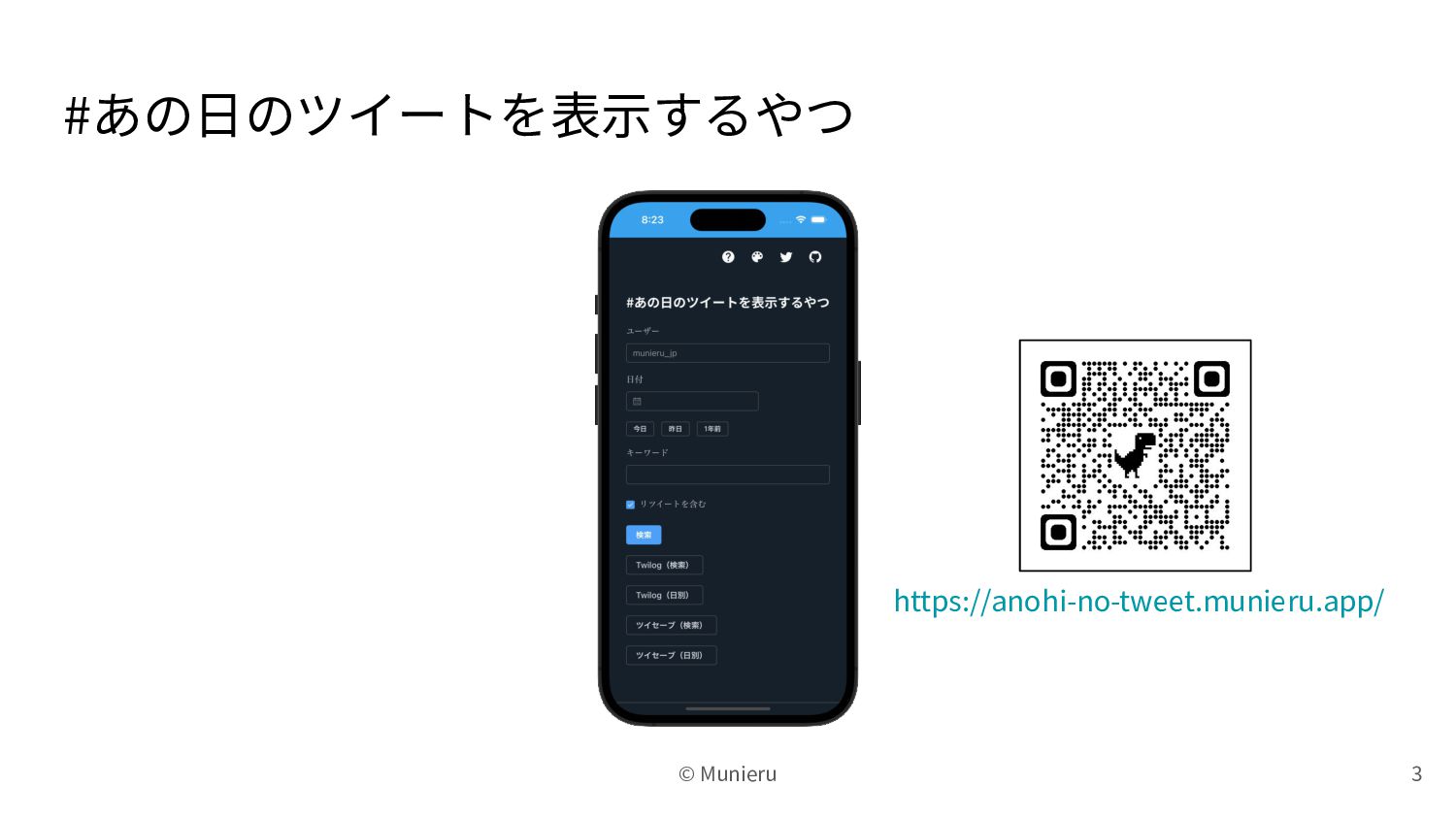
#あの⽇のツイートを表⽰するやつ 3 https://anohi-no-tweet.munieru.app/ © Munieru
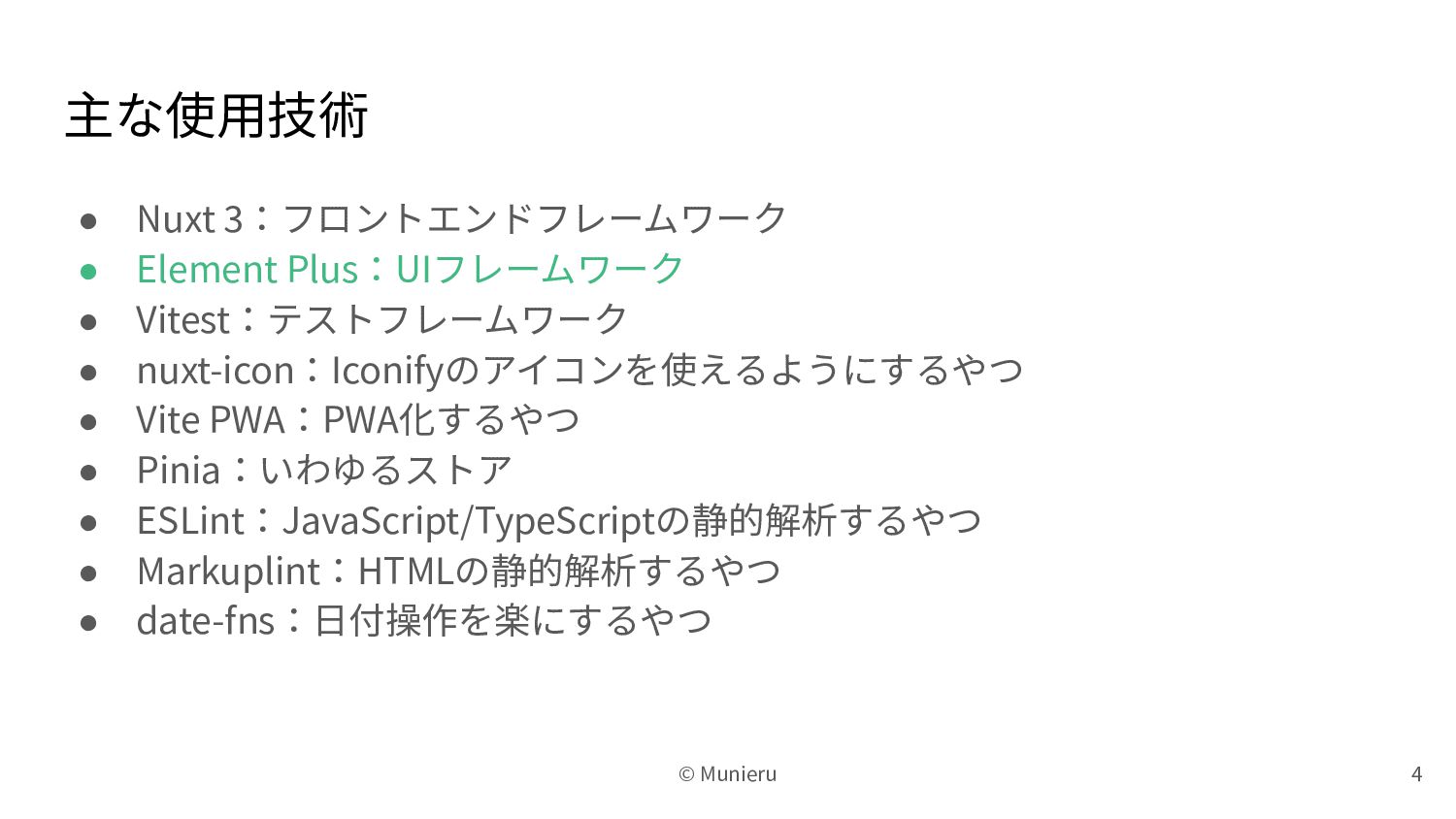
主な使⽤技術 • Nuxt 3:フロントエンドフレームワーク • Element Plus:UIフレームワーク • Vitest:テストフレームワーク •
nuxt-icon:Iconifyのアイコンを使えるようにするやつ • Vite PWA:PWA化するやつ • Pinia:いわゆるストア • ESLint:JavaScript/TypeScriptの静的解析するやつ • Markuplint:HTMLの静的解析するやつ • date-fns:⽇付操作を楽にするやつ 4 © Munieru
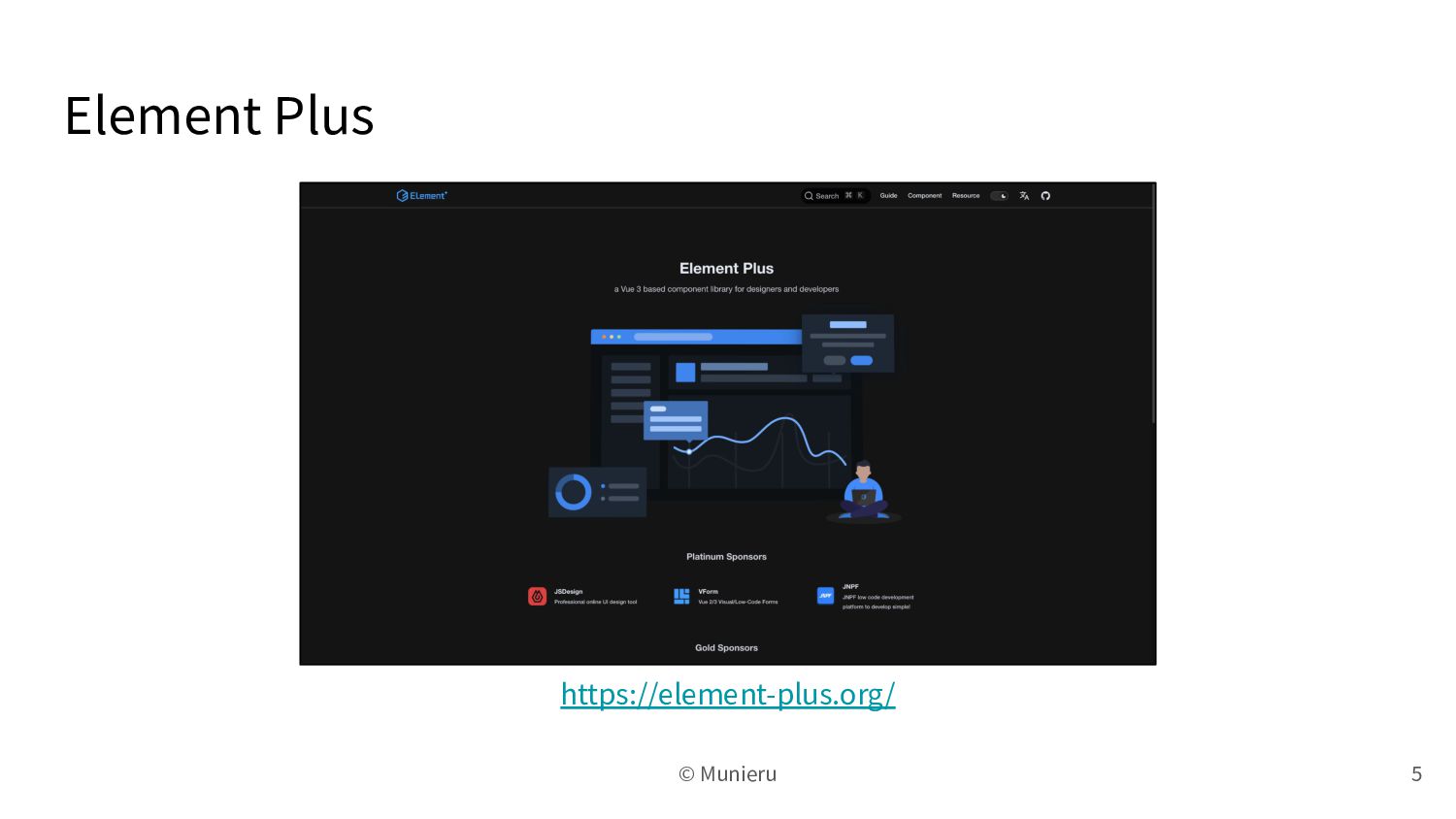
Element Plus 5 https://element-plus.org/ © Munieru
Element Plusのいいところ 6 • レスポンシブ対応 • ダークモード対応 • コンポーネントが豊富 •
i18nサポート(⽇本語対応) © Munieru
Element Plusのイマイチなところ 7 © Munieru
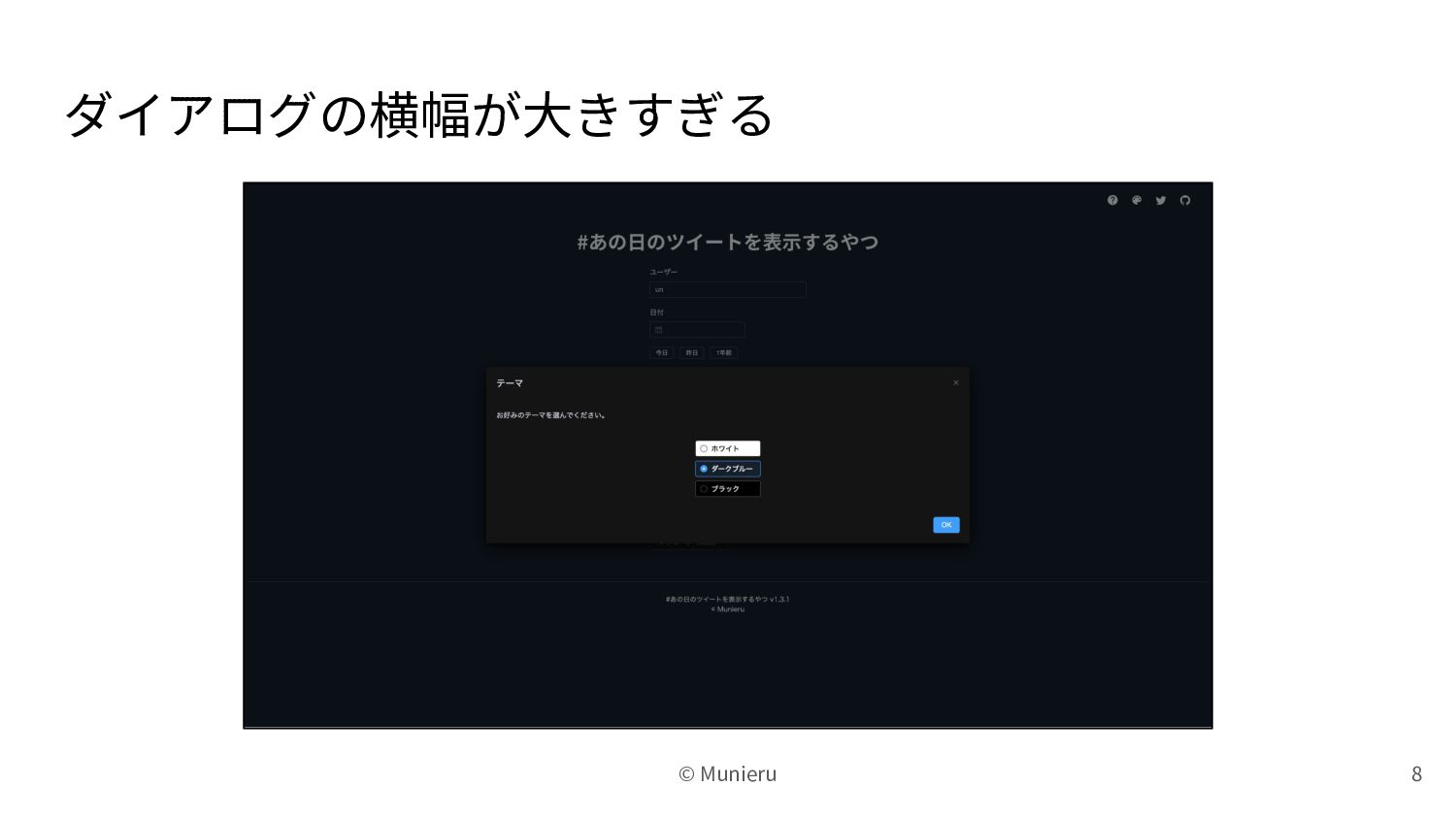
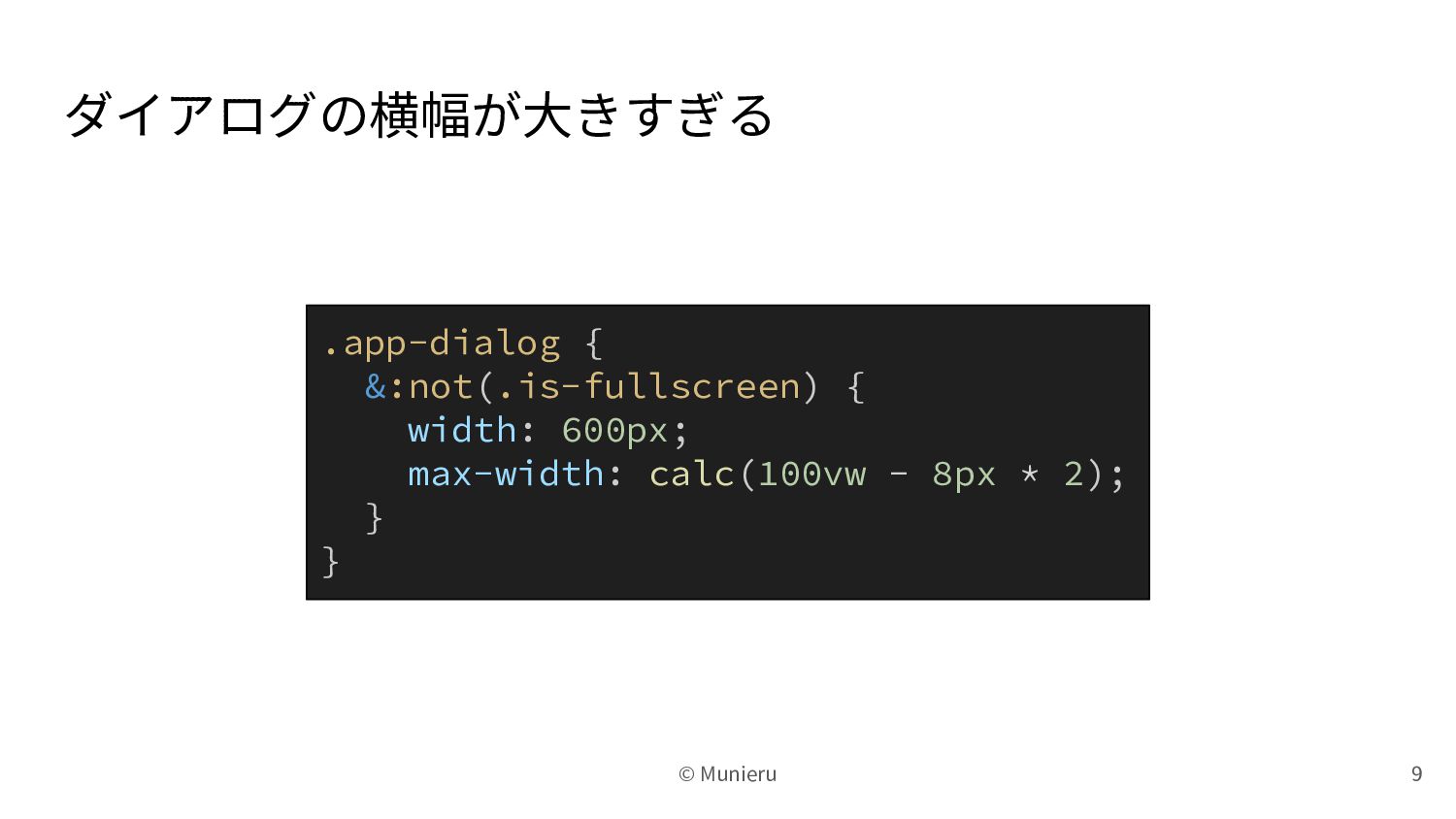
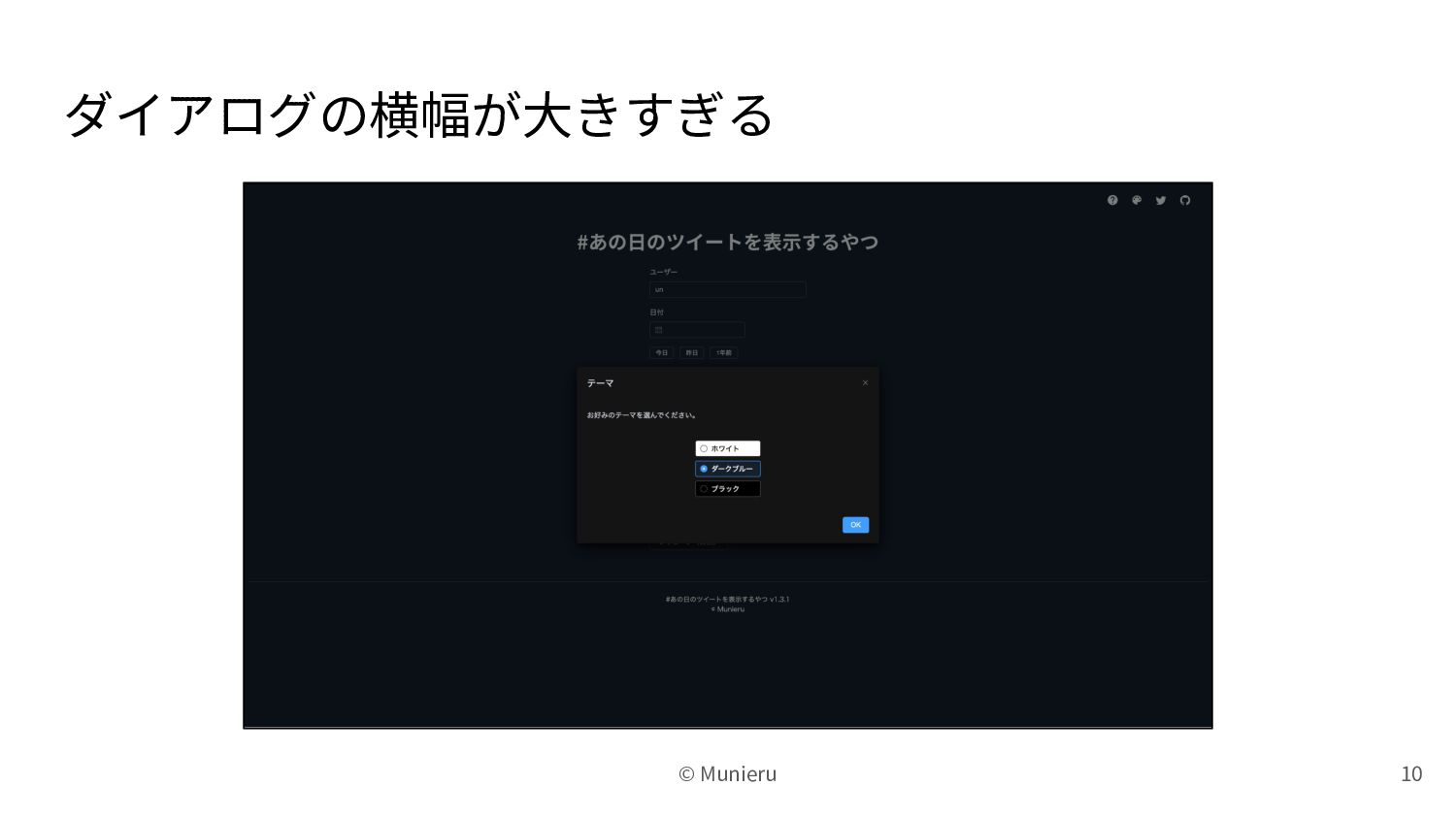
ダイアログの横幅が⼤きすぎる 8 © Munieru
ダイアログの横幅が⼤きすぎる 9 © Munieru .app-dialog { &:not(.is-fullscreen) { width: 600px;
max-width: calc(100vw - 8px * 2); } }
ダイアログの横幅が⼤きすぎる 10 © Munieru
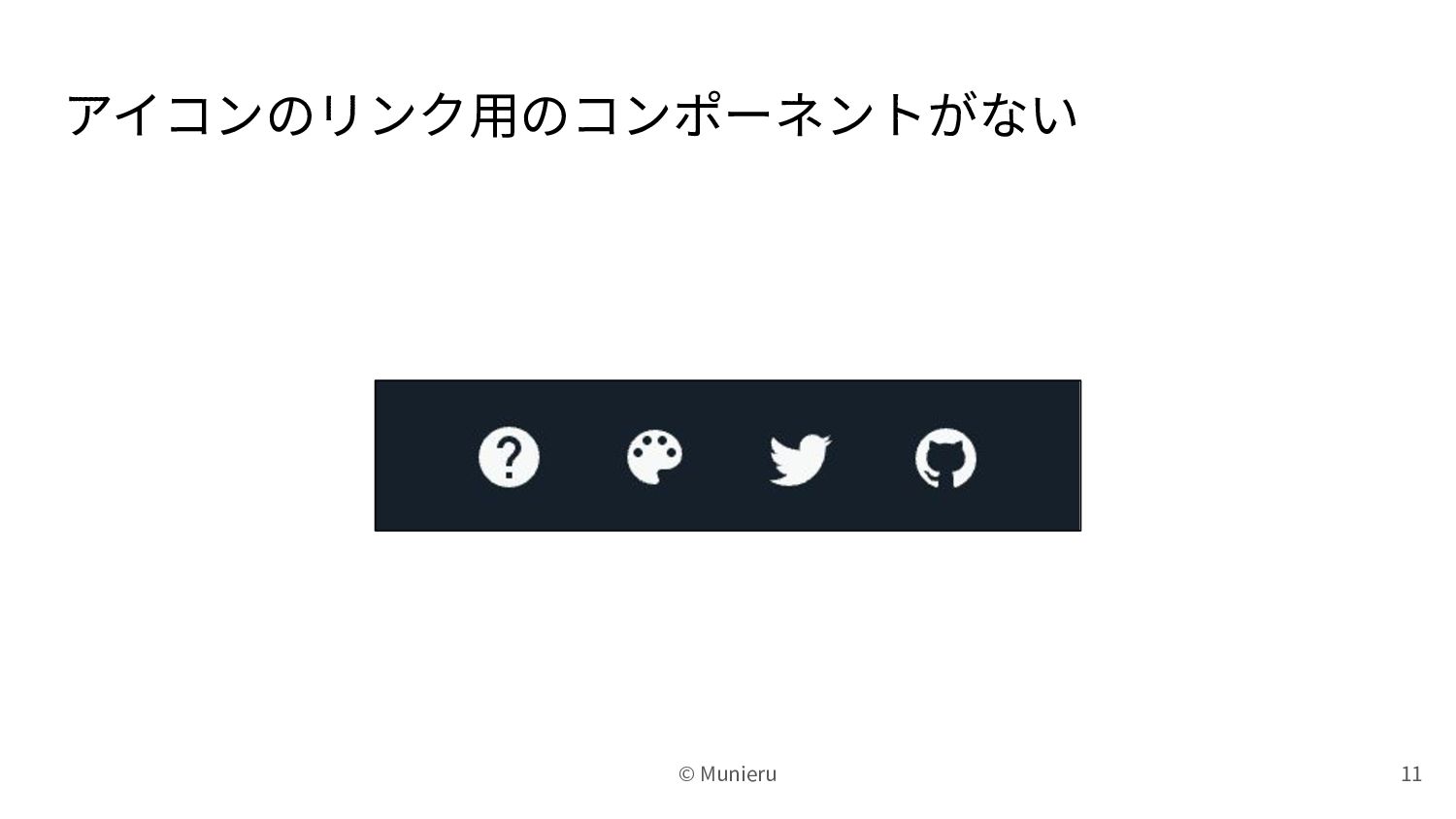
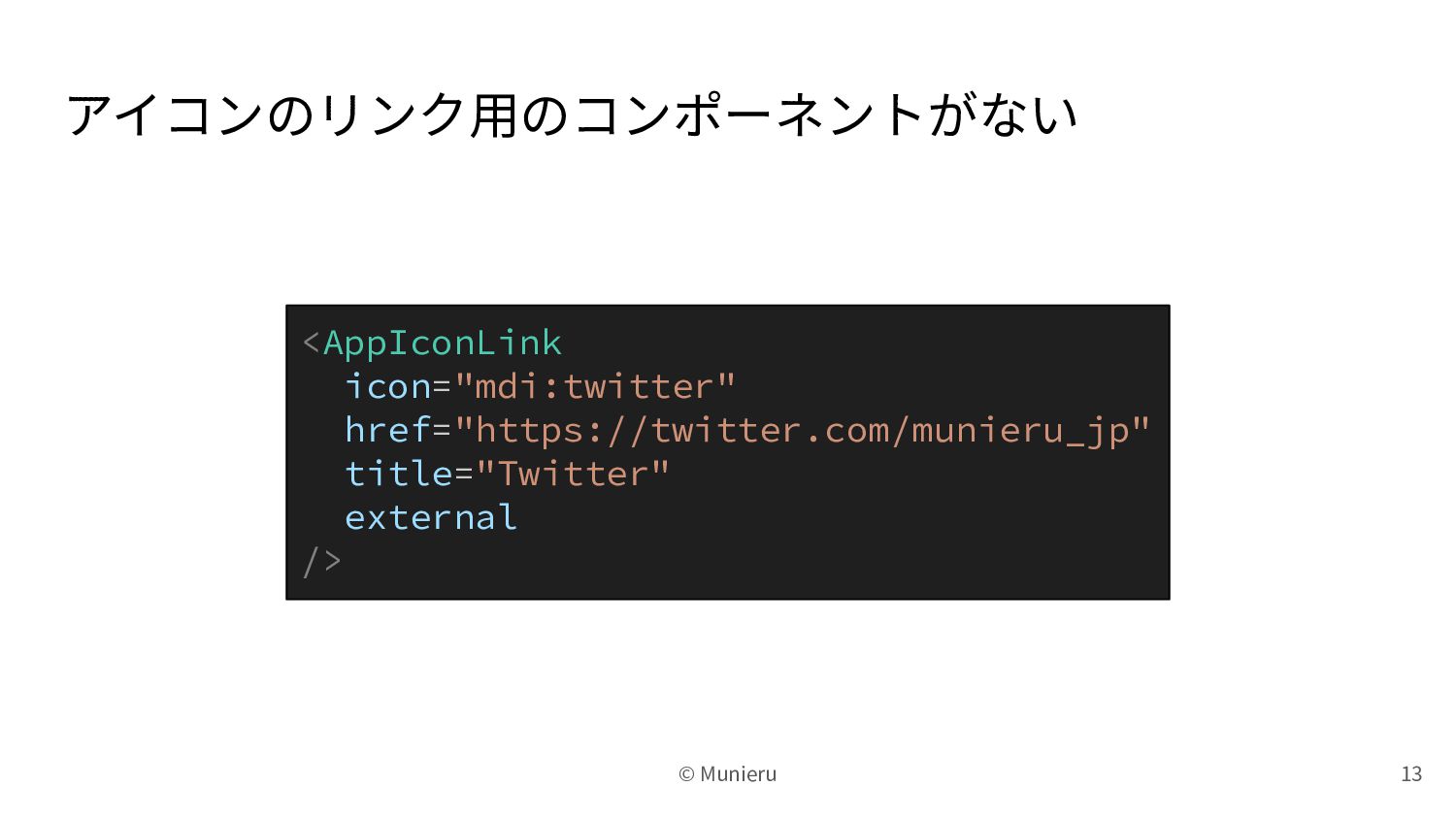
アイコンのリンク⽤のコンポーネントがない 11 © Munieru
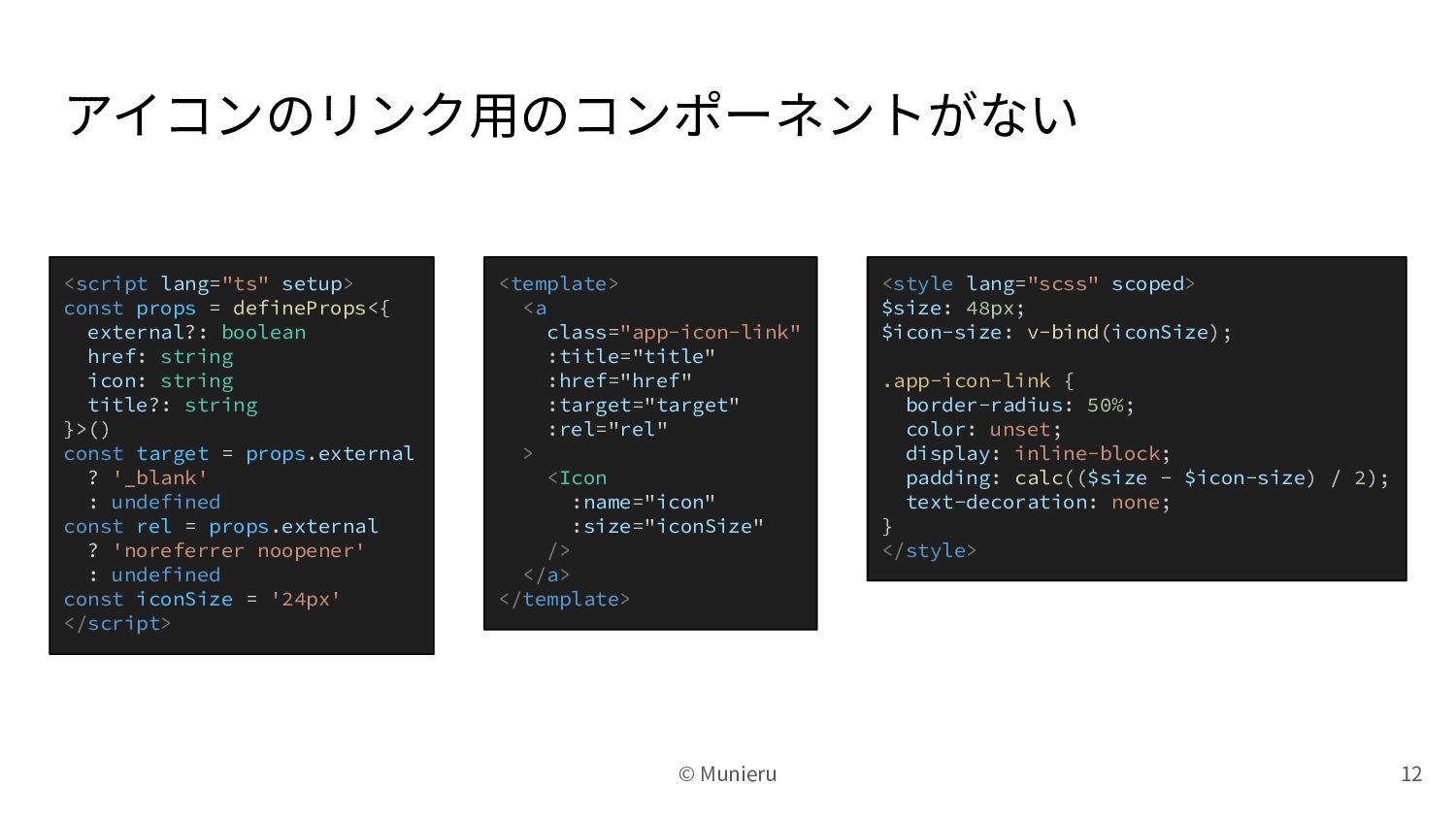
アイコンのリンク⽤のコンポーネントがない 12 © Munieru <script lang="ts" setup> const props =
defineProps<{ external?: boolean href: string icon: string title?: string }>() const target = props.external ? '_blank' : undefined const rel = props.external ? 'noreferrer noopener' : undefined const iconSize = '24px' </script> <template> <a class="app-icon-link" :title="title" :href="href" :target="target" :rel="rel" > <Icon :name="icon" :size="iconSize" /> </a> </template> <style lang="scss" scoped> $size: 48px; $icon-size: v-bind(iconSize); .app-icon-link { border-radius: 50%; color: unset; display: inline-block; padding: calc(($size - $icon-size) / 2); text-decoration: none; } </style>
アイコンのリンク⽤のコンポーネントがない <AppIconLink icon="mdi:twitter" href="https://twitter.com/munieru_jp" title="Twitter" external /> 13 © Munieru
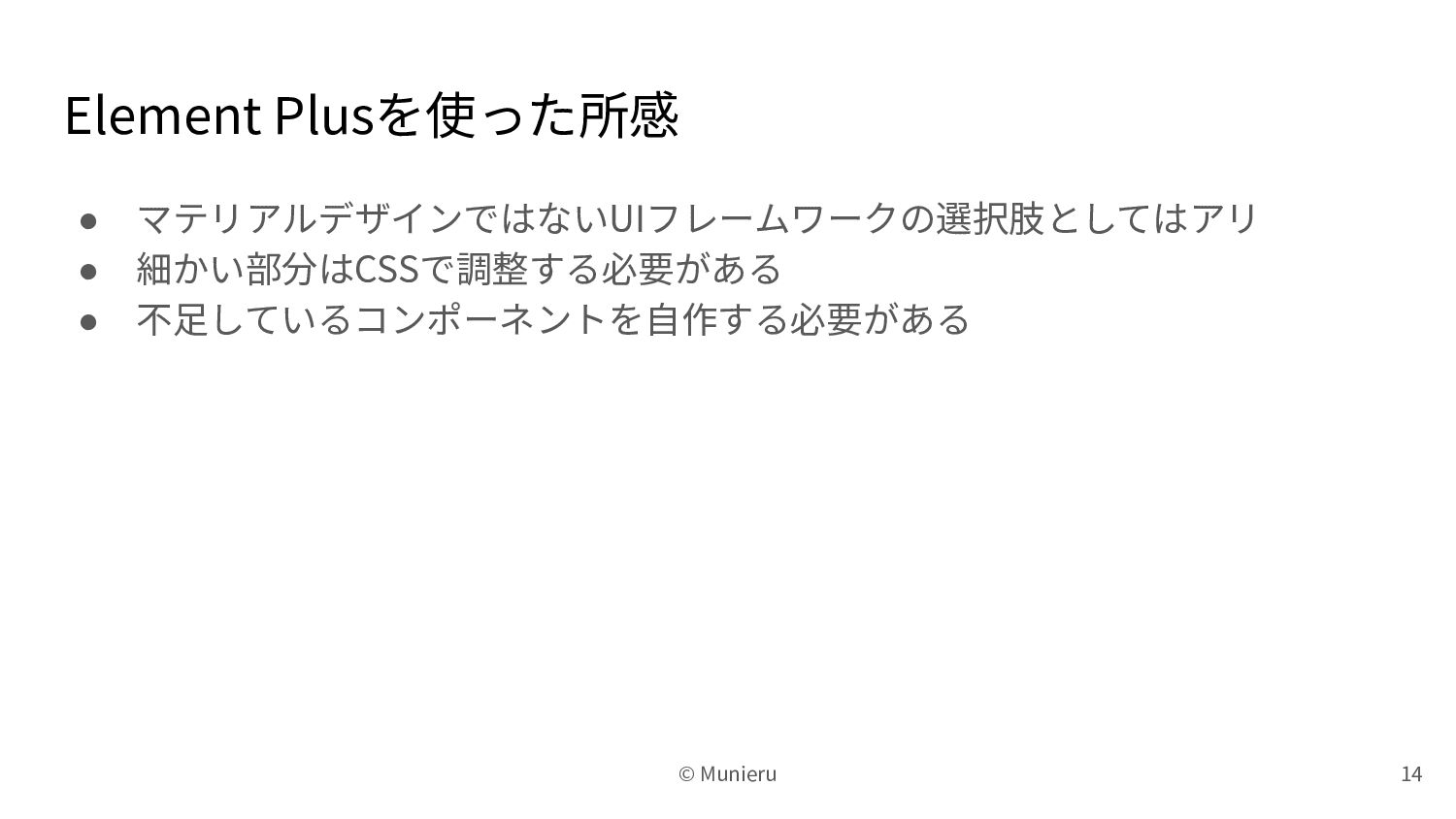
Element Plusを使った所感 • マテリアルデザインではないUIフレームワークの選択肢としてはアリ • 細かい部分はCSSで調整する必要がある • 不⾜しているコンポーネントを⾃作する必要がある 14 ©
Munieru


 munieru_jp
 kevinliebholz
 gr2m
gr2m
 csswizardry
 sstephenson
 aki_iinuma
 scottboms
 palkan
 frankvandijk
 portentint
 nmsamuel
 aleyda
 axbom
axbom