Upgrade to Pro — share decks privately, control downloads, hide ads and more …

Research Reporting and Presentation

Research Reporting and Presentation

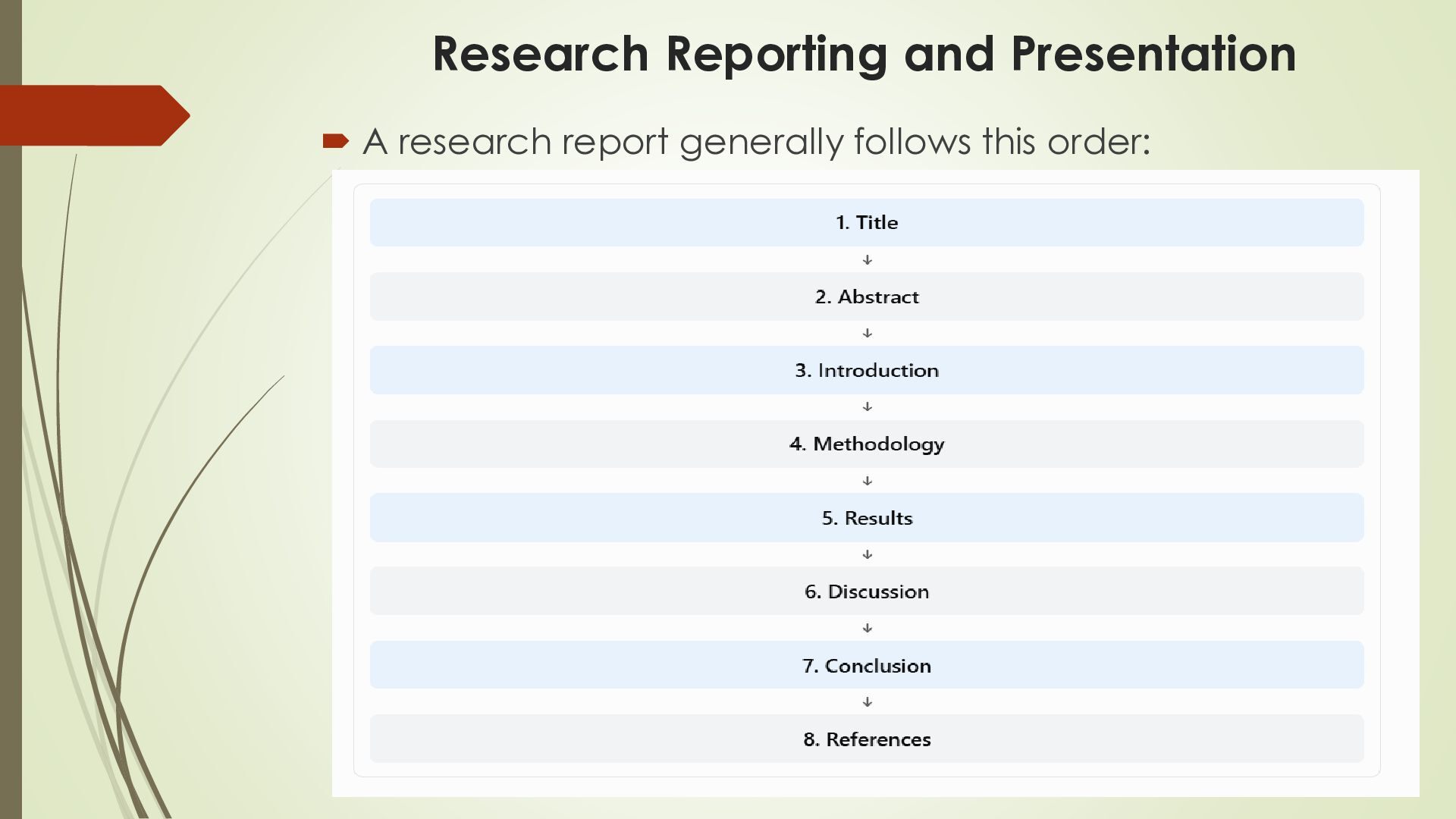
This presentation provides a practical introduction to research reporting and presentation for undergraduate students. It explains the major sections of a research report, including the title, abstract, introduction, methodology, results, discussion, conclusion, and references.

The presentation also covers referencing styles (APA, MLA, and Vancouver), reference management tools such as Mendeley and Zotero, literature review and synthesis, research tables and charts, effective oral presentations, and research poster design. Examples and illustrations help students understand how to organize research findings, cite sources correctly, avoid plagiarism, and communicate research outcomes effectively.

Avatar for Dr.Nagaraju Kilari

Dr.Nagaraju Kilari

October 19, 2026

More Decks by Dr.Nagaraju Kilari

Other Decks in Research

Transcript

  1. Research Reporting and Presentation By Dr. Nagaraju Kilari Associate Professor

    Kristu Jayanti (Deemed To Be University) Bengaluru Karnataka India
  2. Research Reporting and Presentation  A research report is a

    document that explains what we studied, why we studied it, how we conducted the study, what we found, and what the results mean.  Example:  A BCA student studies “The Impact of AI Tools on Student Academic Performance.”  After collecting information from 100 students, the student prepares a report explaining the findings.
  3. Research Reporting and Presentation  2. Major Sections of a

    Research Report:  2.1 Title:  The title tells the reader what the research is about.  A good title should be clear, specific, short, and related to the research topic.  Too broad: Artificial Intelligence  Better: Machine Prediction Learning for Student Performance
  4. Research Reporting and Presentation  2.2 Abstract  An abstract

    is a short summary of the entire research study.  It usually includes:  Research problem  Objective  Method used  Important results  Conclusion
  5. Research Reporting and Presentation  Example:  A study was

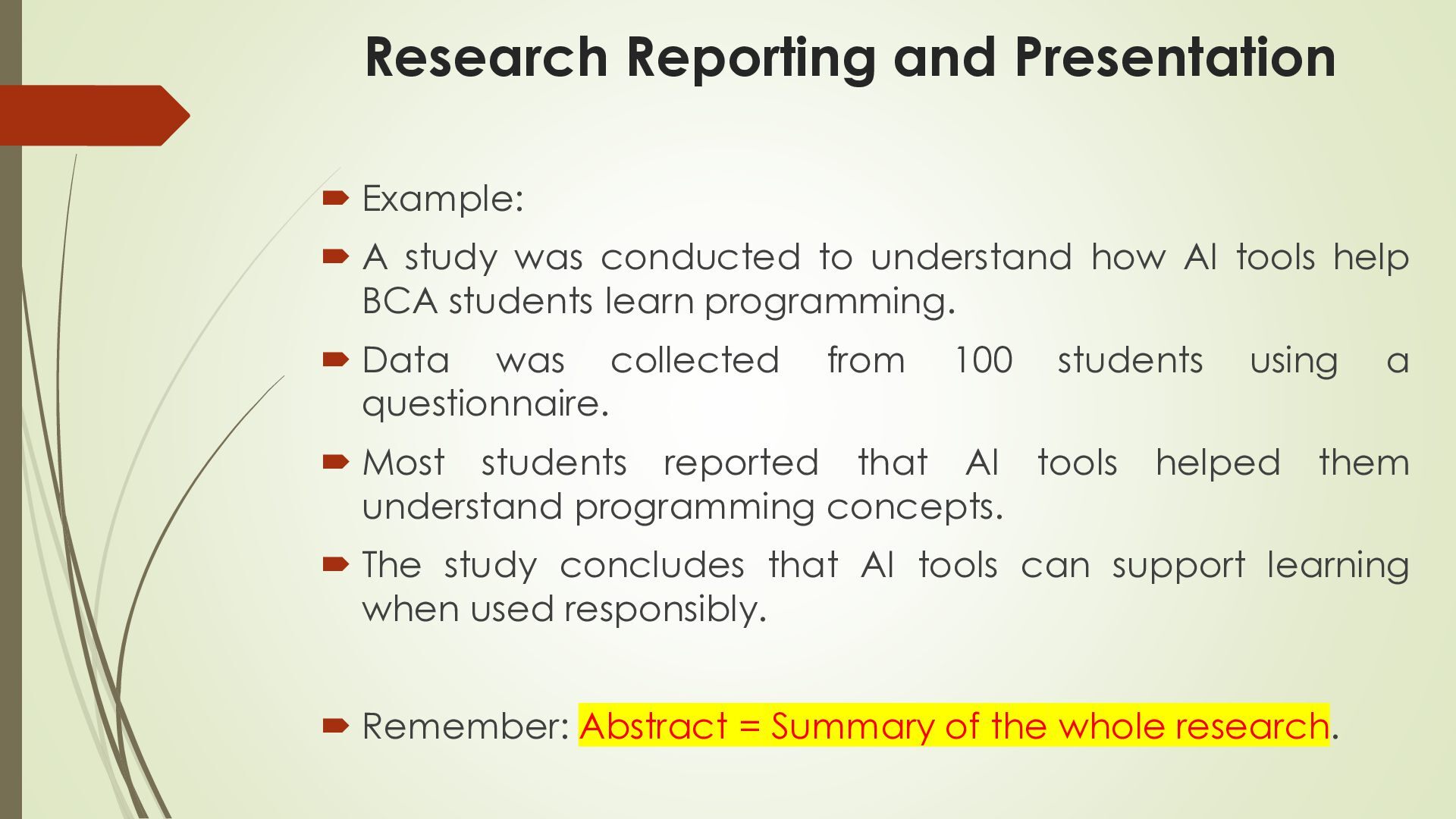
    conducted to understand how AI tools help BCA students learn programming.  Data was collected questionnaire. from 100 students  Most students reported that AI tools understand programming concepts. using helped a them  The study concludes that AI tools can support learning when used responsibly.  Remember: Abstract = Summary of the whole research.
  6. Research Reporting and Presentation  2.3 Introduction  The introduction

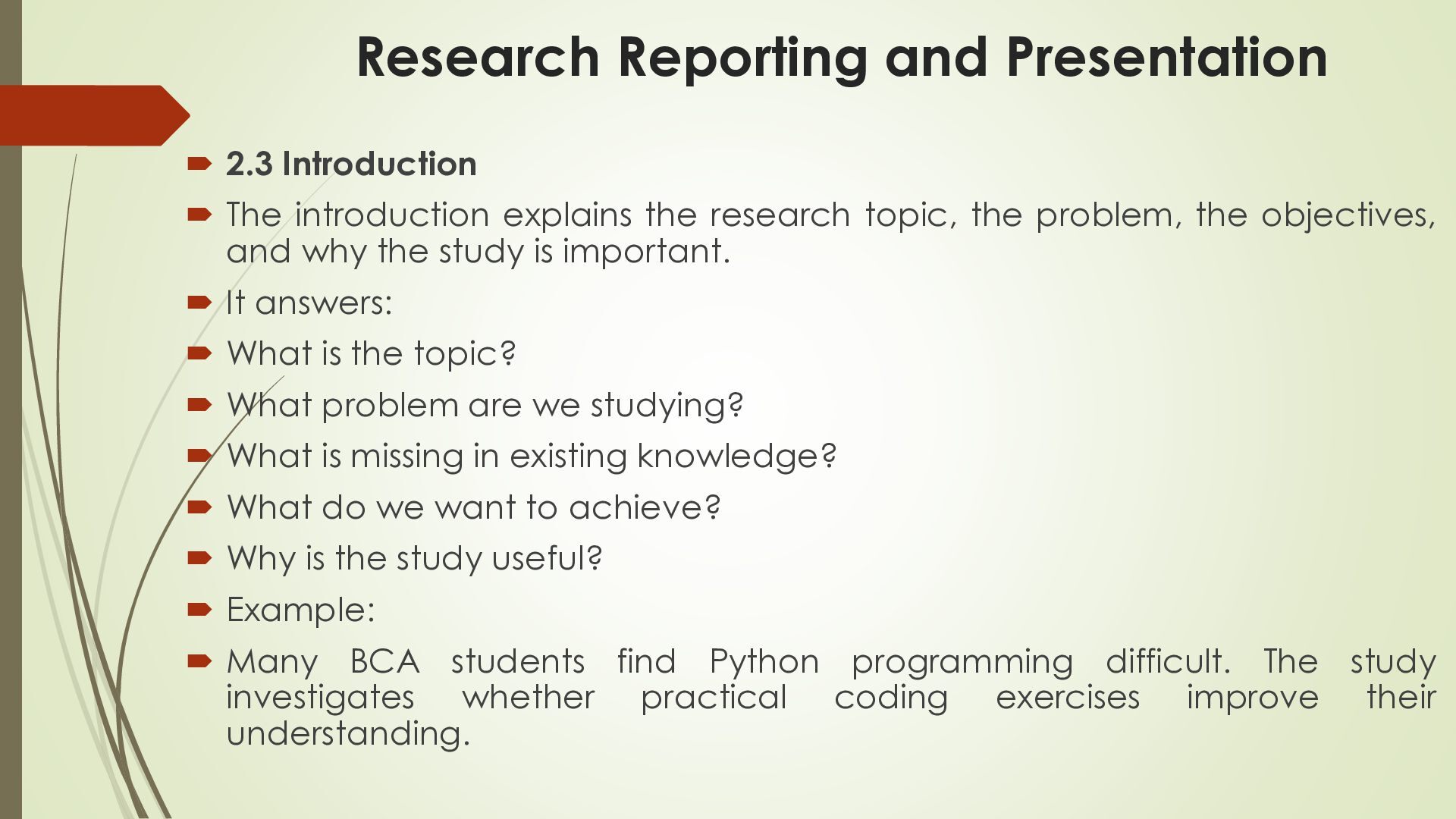
    explains the research topic, the problem, the objectives, and why the study is important.  It answers:  What is the topic?  What problem are we studying?  What is missing in existing knowledge?  What do we want to achieve?  Why is the study useful?  Example:  Many BCA students find Python programming difficult. The study investigates whether practical coding exercises improve their understanding.
  7. Research Reporting and Presentation  2.4 Methodology  Meaning: Methodology

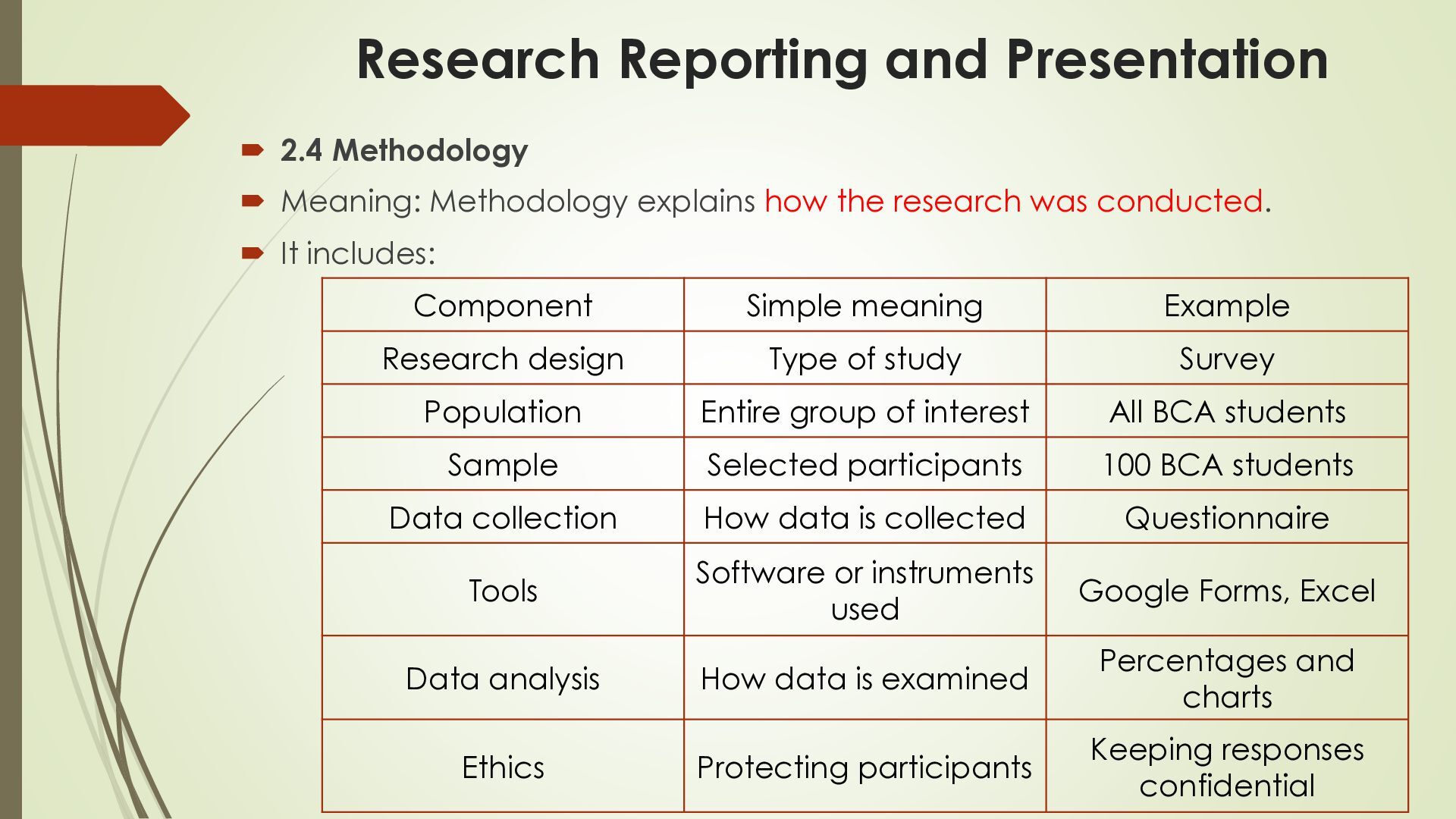
    explains how the research was conducted.  It includes: Component Simple meaning Example Research design Type of study Survey Population Entire group of interest All BCA students Sample Selected participants 100 BCA students Data collection How data is collected Questionnaire Tools Software or instruments used Google Forms, Excel Data analysis How data is examined Percentages and charts Ethics Protecting participants Keeping responses confidential
  8. Research Reporting and Presentation  Example:  A researcher collects

    responses from 100 BCA students using Google Forms and analyzes the results in Excel.
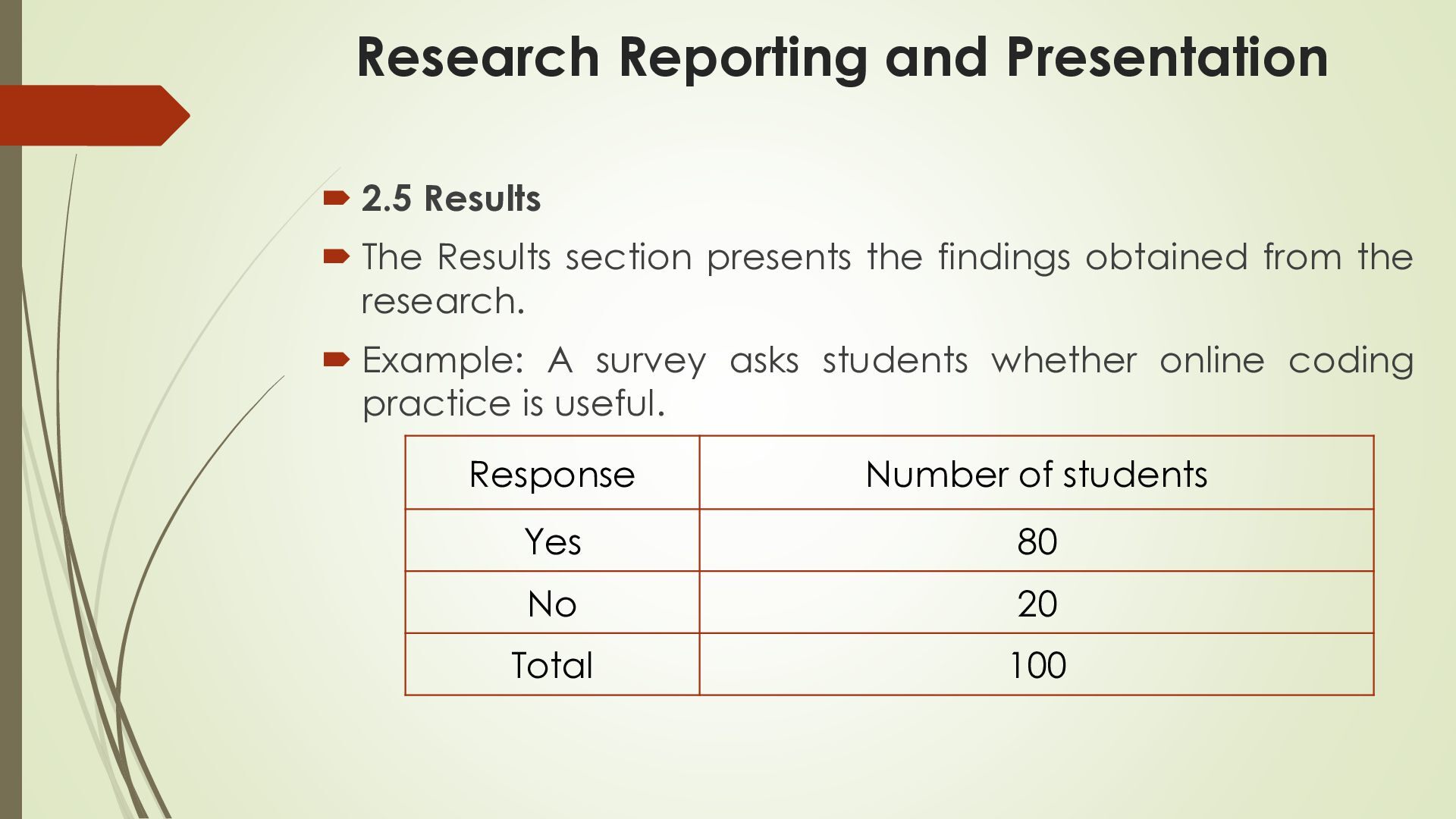
  9. Research Reporting and Presentation  2.5 Results  The Results

    section presents the findings obtained from the research.  Example: A survey asks students whether online coding practice is useful. Response Number of students Yes 80 No 20 Total 100
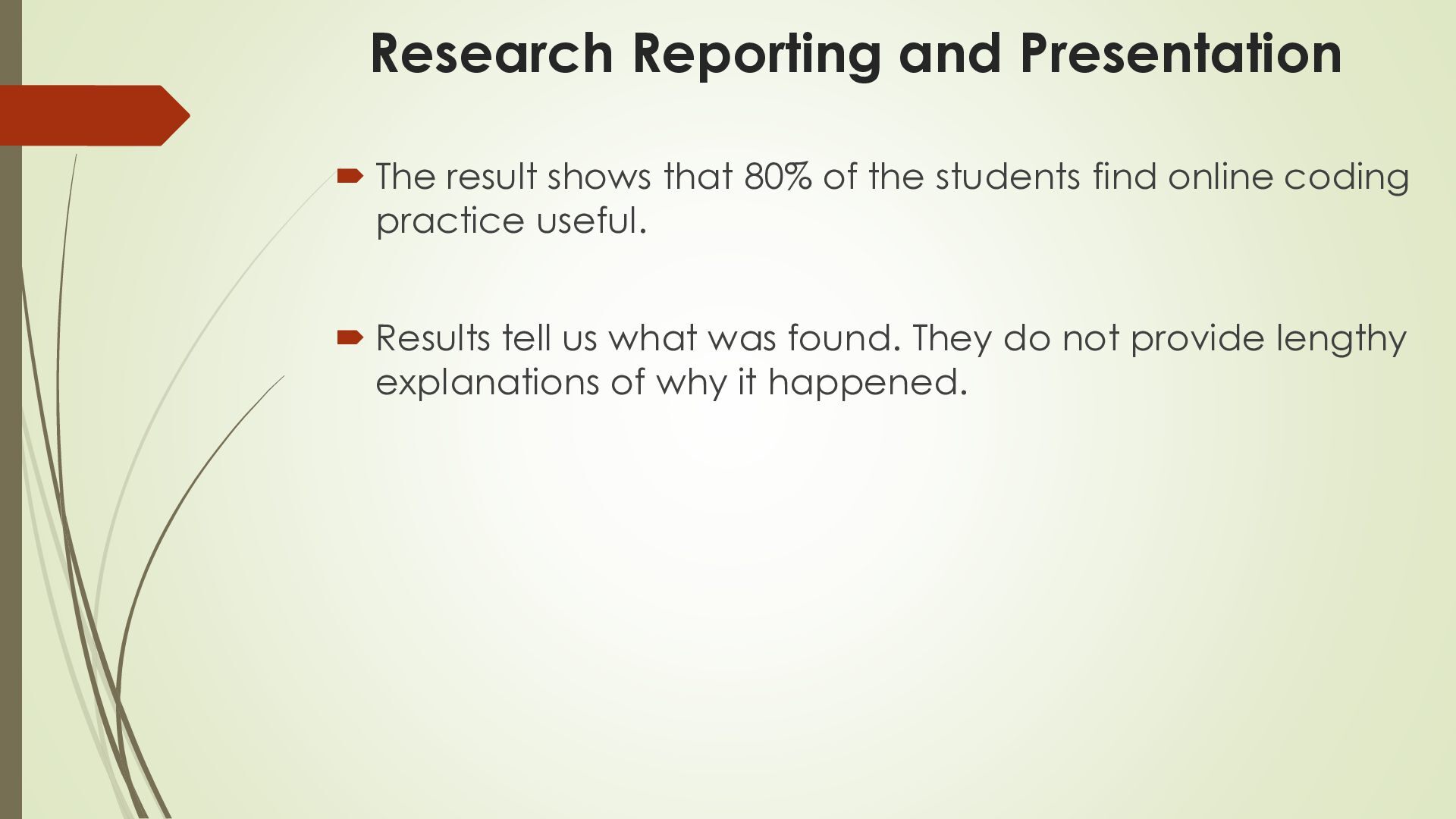
  10. Research Reporting and Presentation  The result shows that 80%

    of the students find online coding practice useful.  Results tell us what was found. They do not provide lengthy explanations of why it happened.
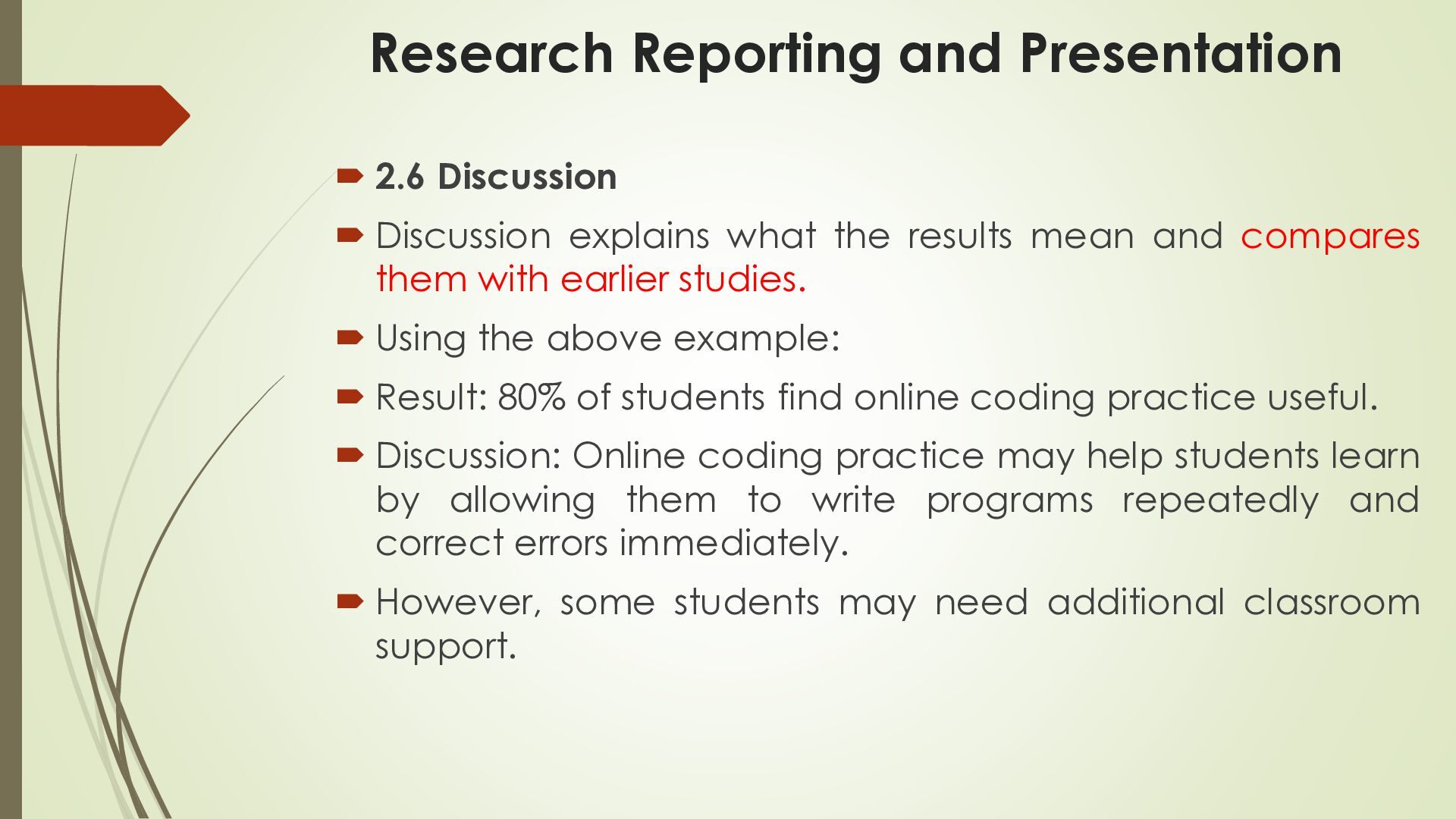
  11. Research Reporting and Presentation  2.6 Discussion  Discussion explains

    what the results mean and compares them with earlier studies.  Using the above example:  Result: 80% of students find online coding practice useful.  Discussion: Online coding practice may help students learn by allowing them to write programs repeatedly and correct errors immediately.  However, some students may need additional classroom support.
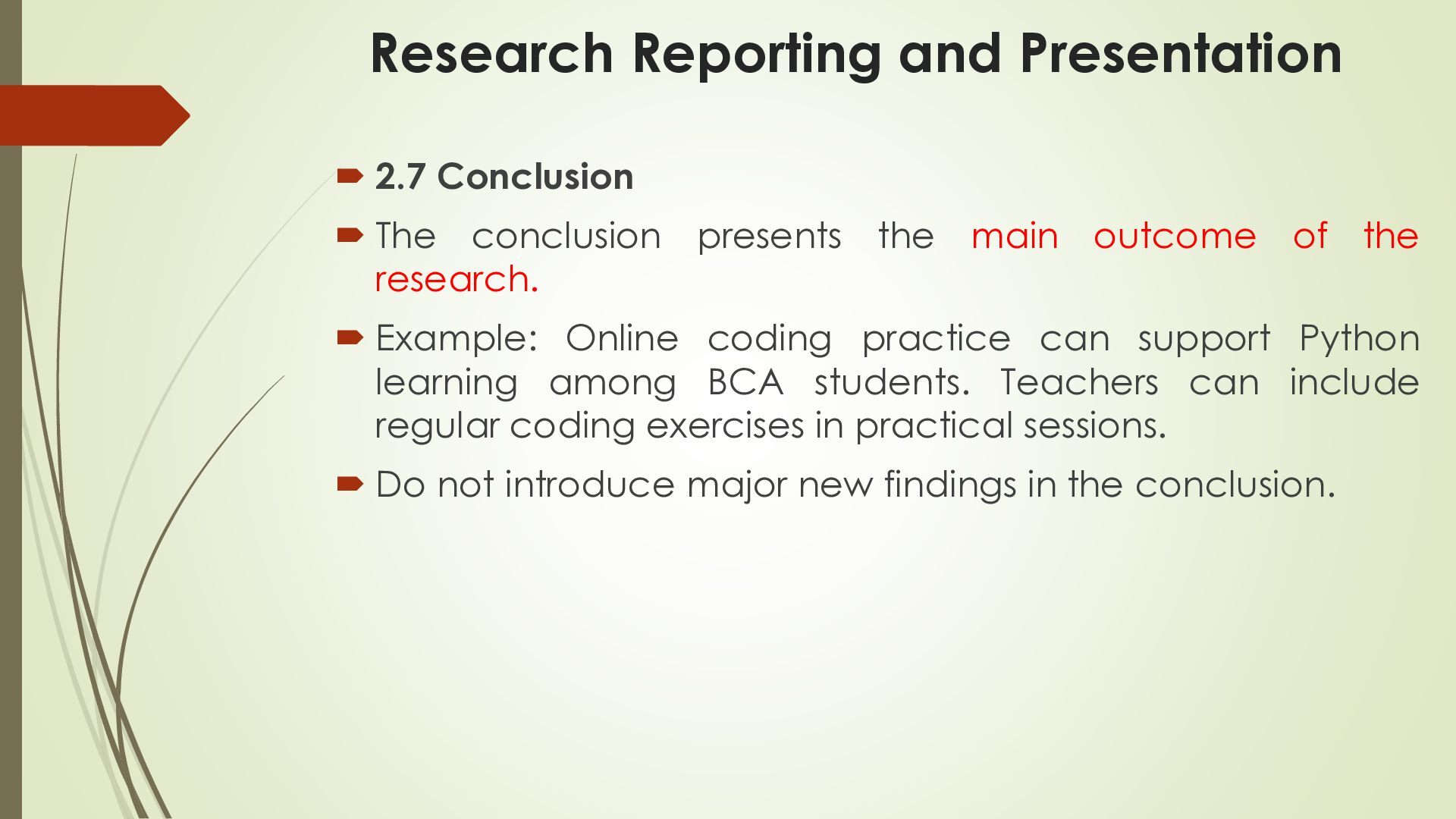
  12. Research Reporting and Presentation  2.7 Conclusion  The conclusion

    presents the main outcome of the research.  Example: Online coding practice can support Python learning among BCA students. Teachers can include regular coding exercises in practical sessions.  Do not introduce major new findings in the conclusion.
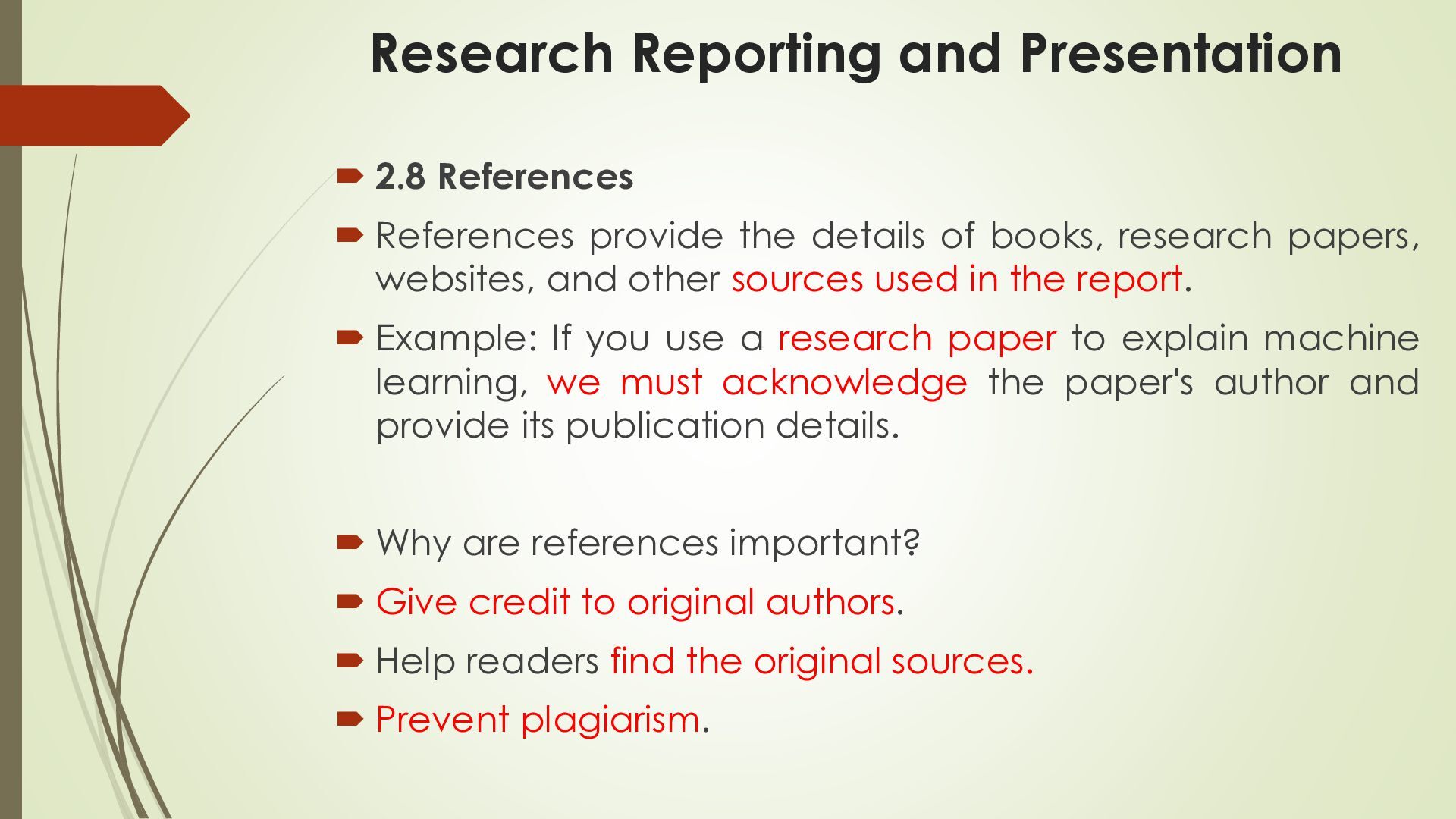
  13. Research Reporting and Presentation  2.8 References  References provide

    the details of books, research papers, websites, and other sources used in the report.  Example: If you use a research paper to explain machine learning, we must acknowledge the paper's author and provide its publication details.  Why are references important?  Give credit to original authors.  Help readers find the original sources.  Prevent plagiarism.
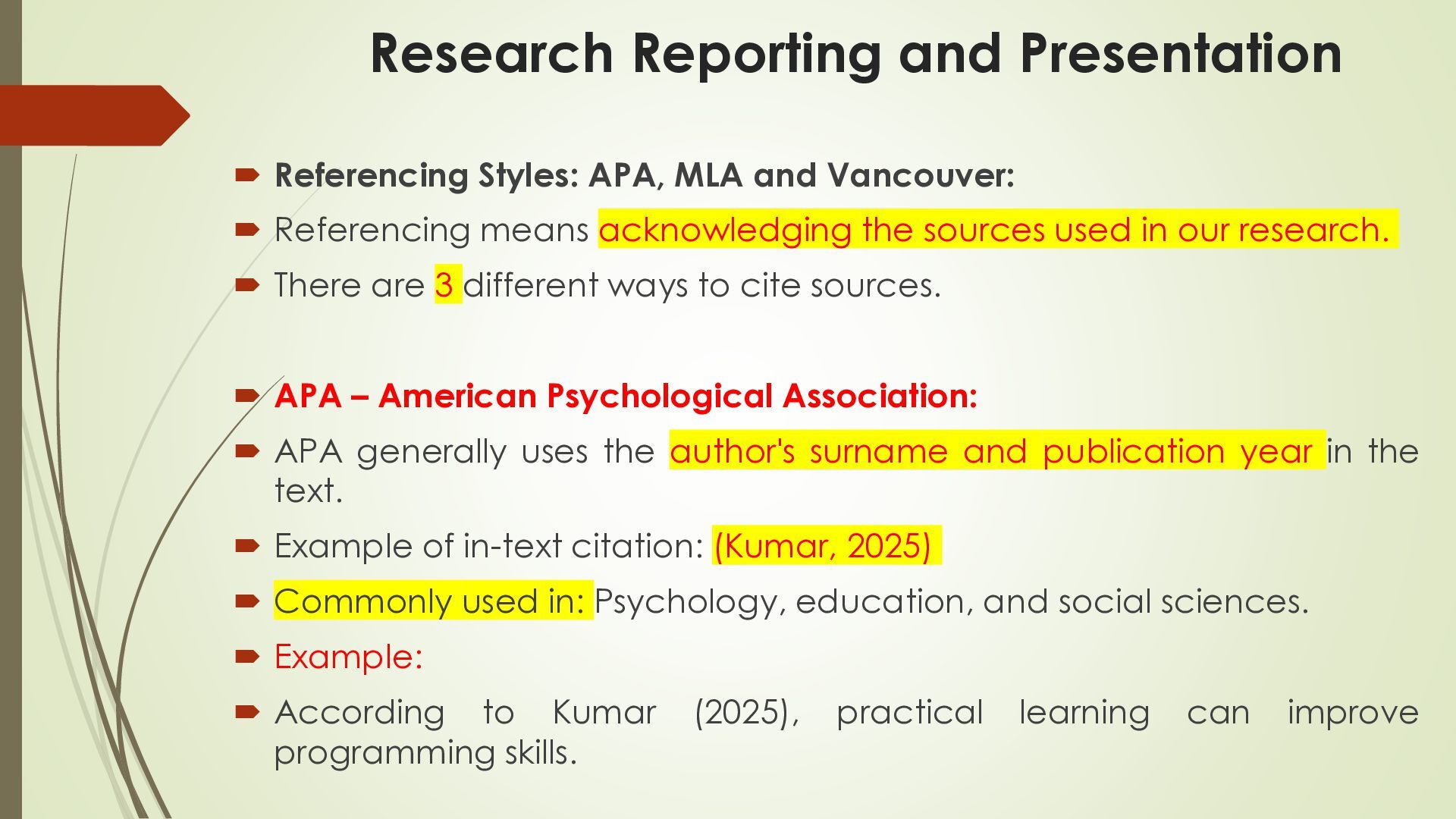
  14. Research Reporting and Presentation  Referencing Styles: APA, MLA and

    Vancouver:  Referencing means acknowledging the sources used in our research.  There are 3 different ways to cite sources.  APA – American Psychological Association:  APA generally uses the author's surname and publication year in the text.  Example of in-text citation: (Kumar, 2025)  Commonly used in: Psychology, education, and social sciences.  Example:  According to Kumar programming skills. (2025), practical learning can improve
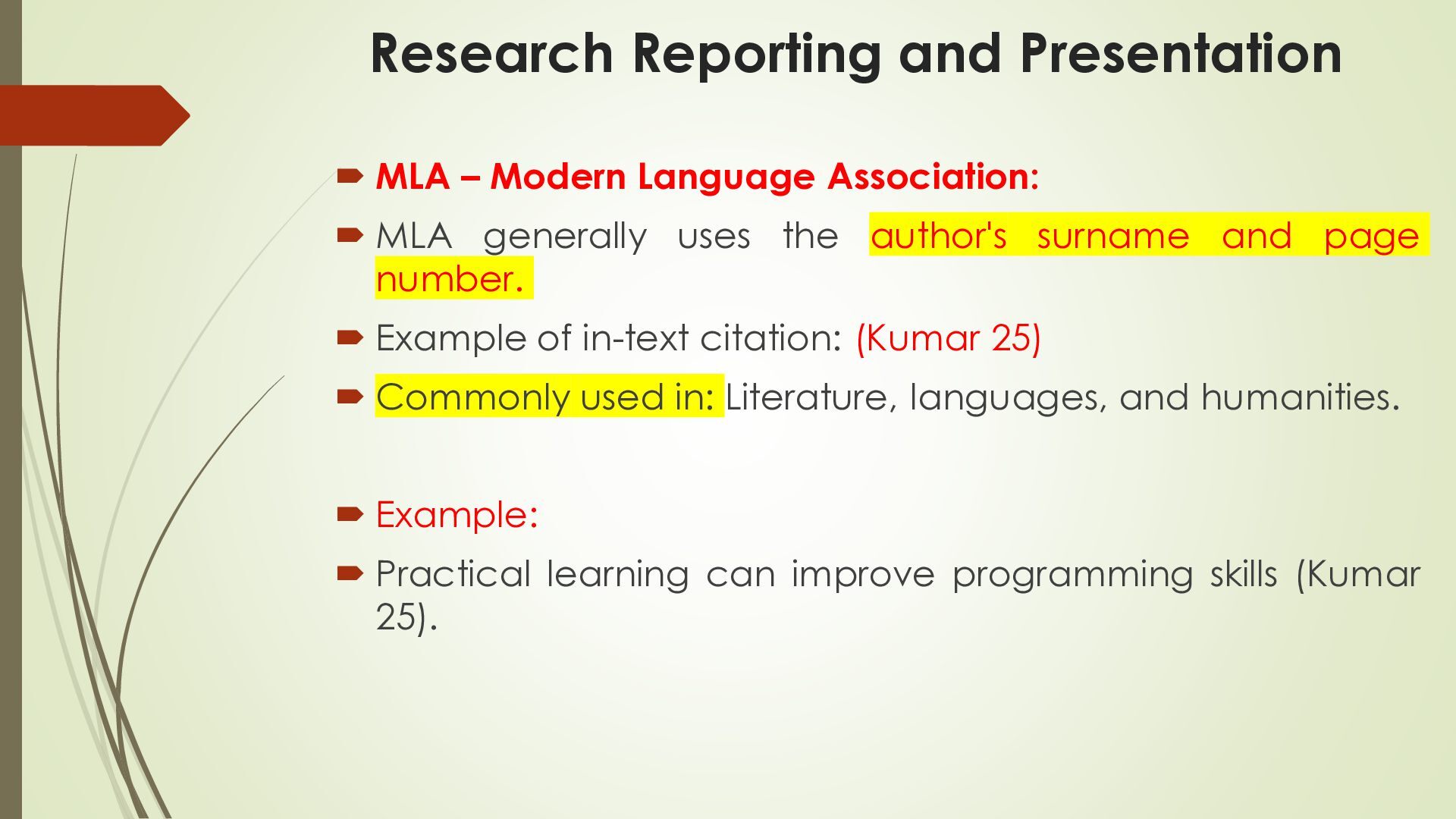
  15. Research Reporting and Presentation  MLA – Modern Language Association:

     MLA generally uses the author's surname and page number.  Example of in-text citation: (Kumar 25)  Commonly used in: Literature, languages, and humanities.  Example:  Practical learning can improve programming skills (Kumar 25).
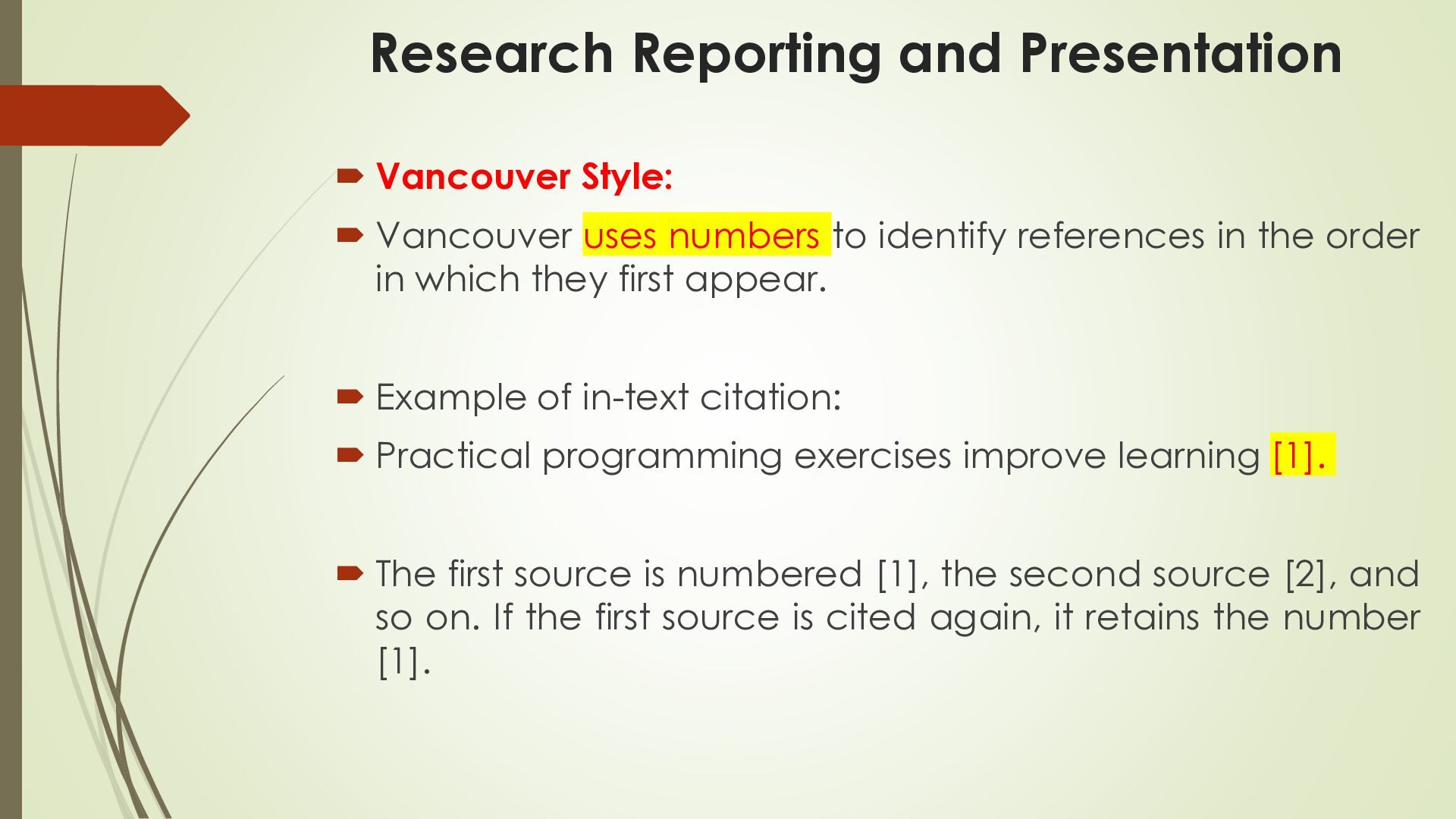
  16. Research Reporting and Presentation  Vancouver Style:  Vancouver uses

    numbers to identify references in the order in which they first appear.  Example of in-text citation:  Practical programming exercises improve learning [1].  The first source is numbered [1], the second source [2], and so on. If the first source is cited again, it retains the number [1].
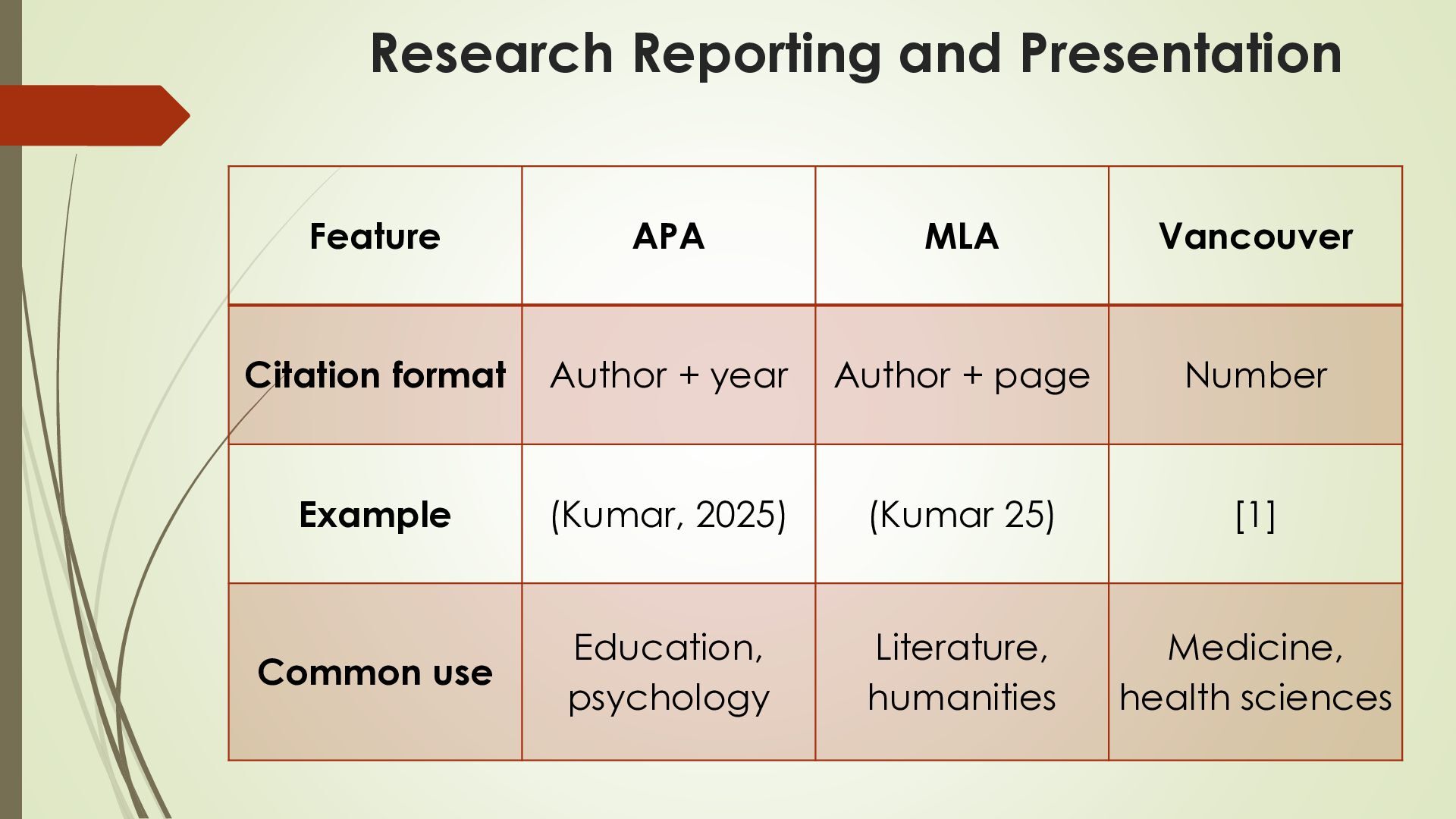
  17. Research Reporting and Presentation Feature APA MLA Vancouver Citation format

    Author + year Author + page Number Example (Kumar, 2025) (Kumar 25) [1] Common use Education, psychology Literature, humanities Medicine, health sciences
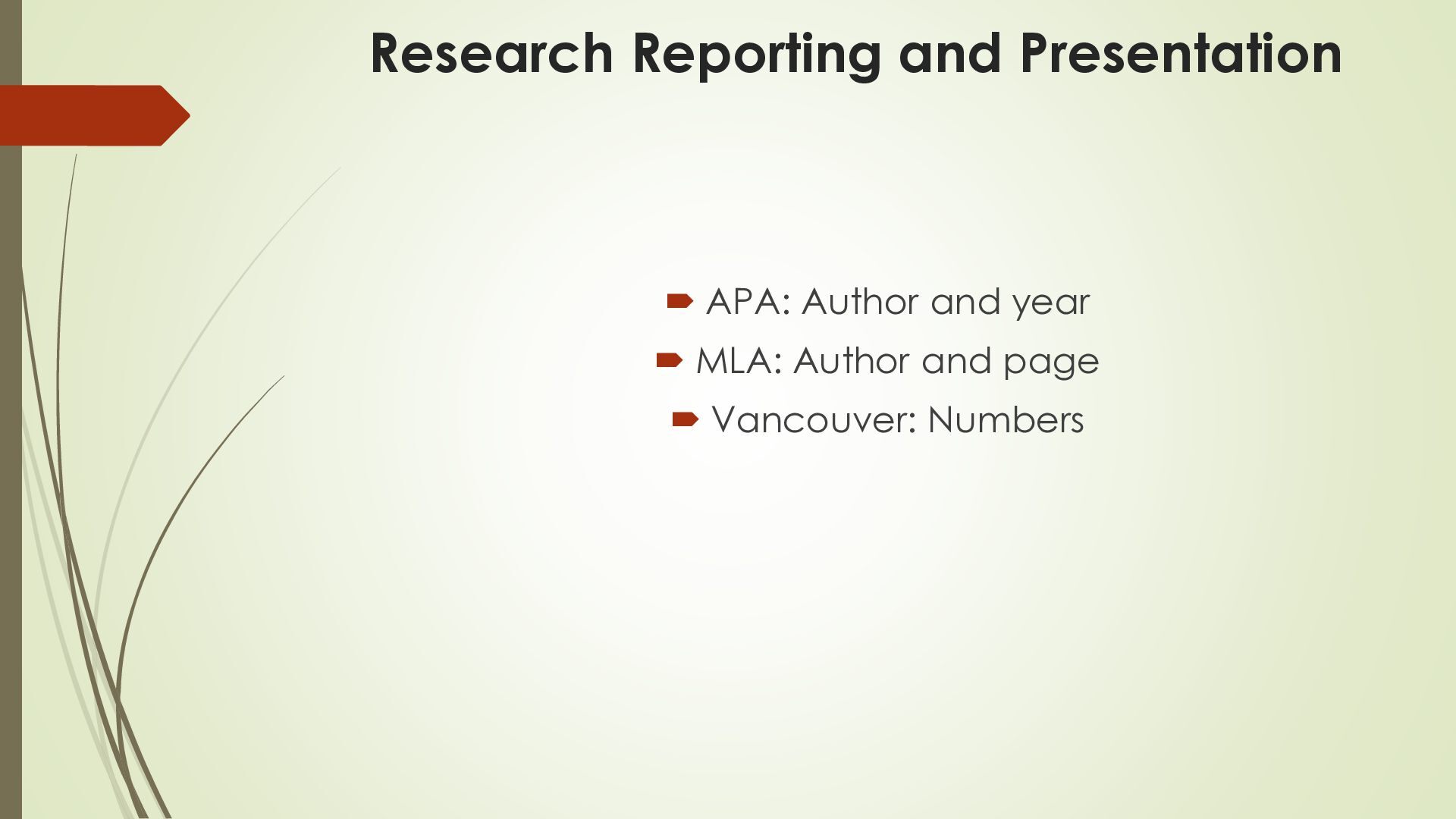
  18. Research Reporting and Presentation  APA: Author and year 

    MLA: Author and page  Vancouver: Numbers
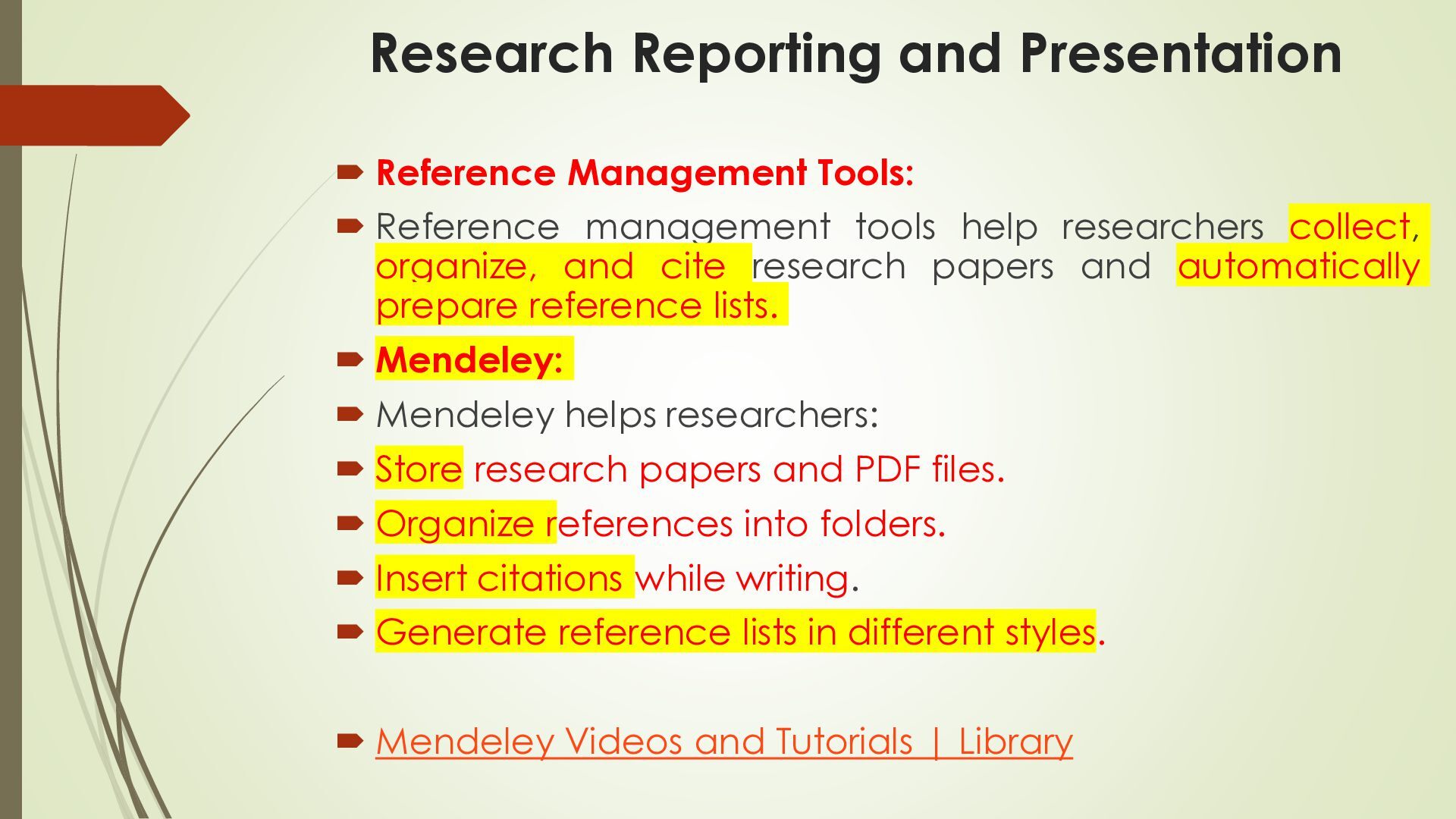
  19. Research Reporting and Presentation  Reference Management Tools:  Reference

    management tools help researchers collect, organize, and cite research papers and automatically prepare reference lists.  Mendeley:  Mendeley helps researchers:  Store research papers and PDF files.  Organize references into folders.  Insert citations while writing.  Generate reference lists in different styles.  Mendeley Videos and Tutorials | Library
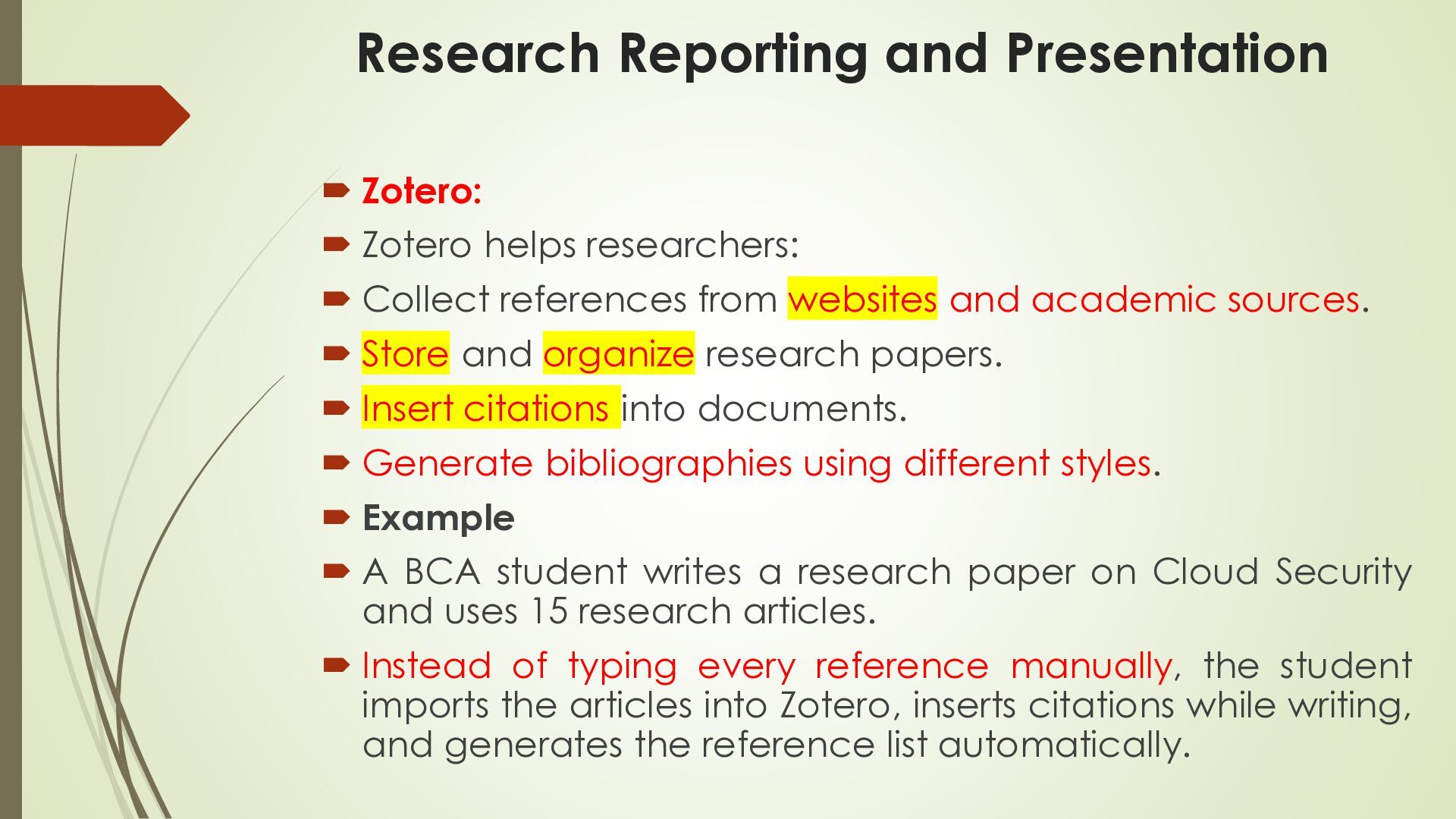
  20. Research Reporting and Presentation  Zotero:  Zotero helps researchers:

     Collect references from websites and academic sources.  Store and organize research papers.  Insert citations into documents.  Generate bibliographies using different styles.  Example  A BCA student writes a research paper on Cloud Security and uses 15 research articles.  Instead of typing every reference manually, the student imports the articles into Zotero, inserts citations while writing, and generates the reference list automatically.
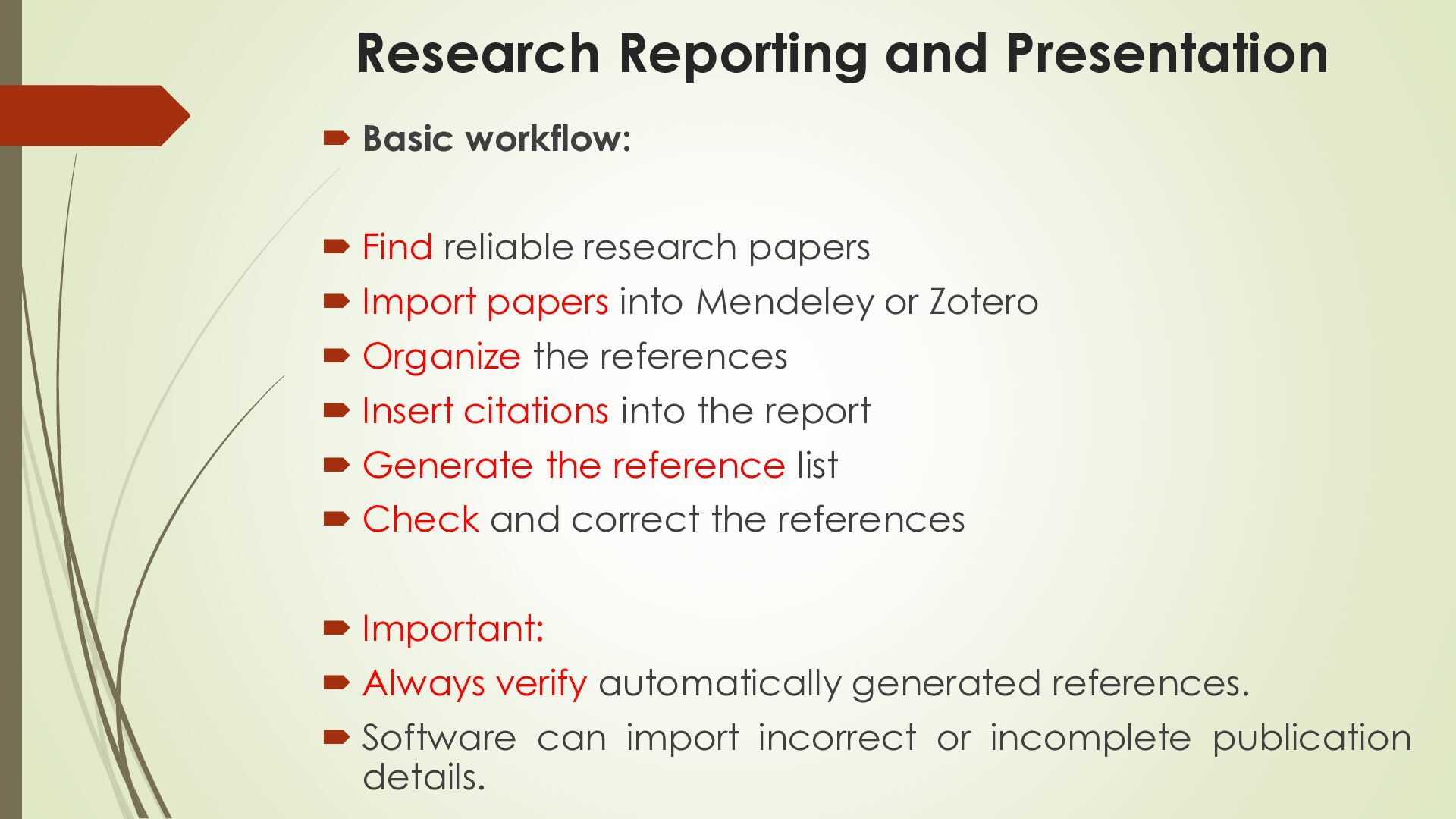
  21. Research Reporting and Presentation  Basic workflow:  Find reliable

    research papers  Import papers into Mendeley or Zotero  Organize the references  Insert citations into the report  Generate the reference list  Check and correct the references  Important:  Always verify automatically generated references.  Software can import incorrect or incomplete publication details.
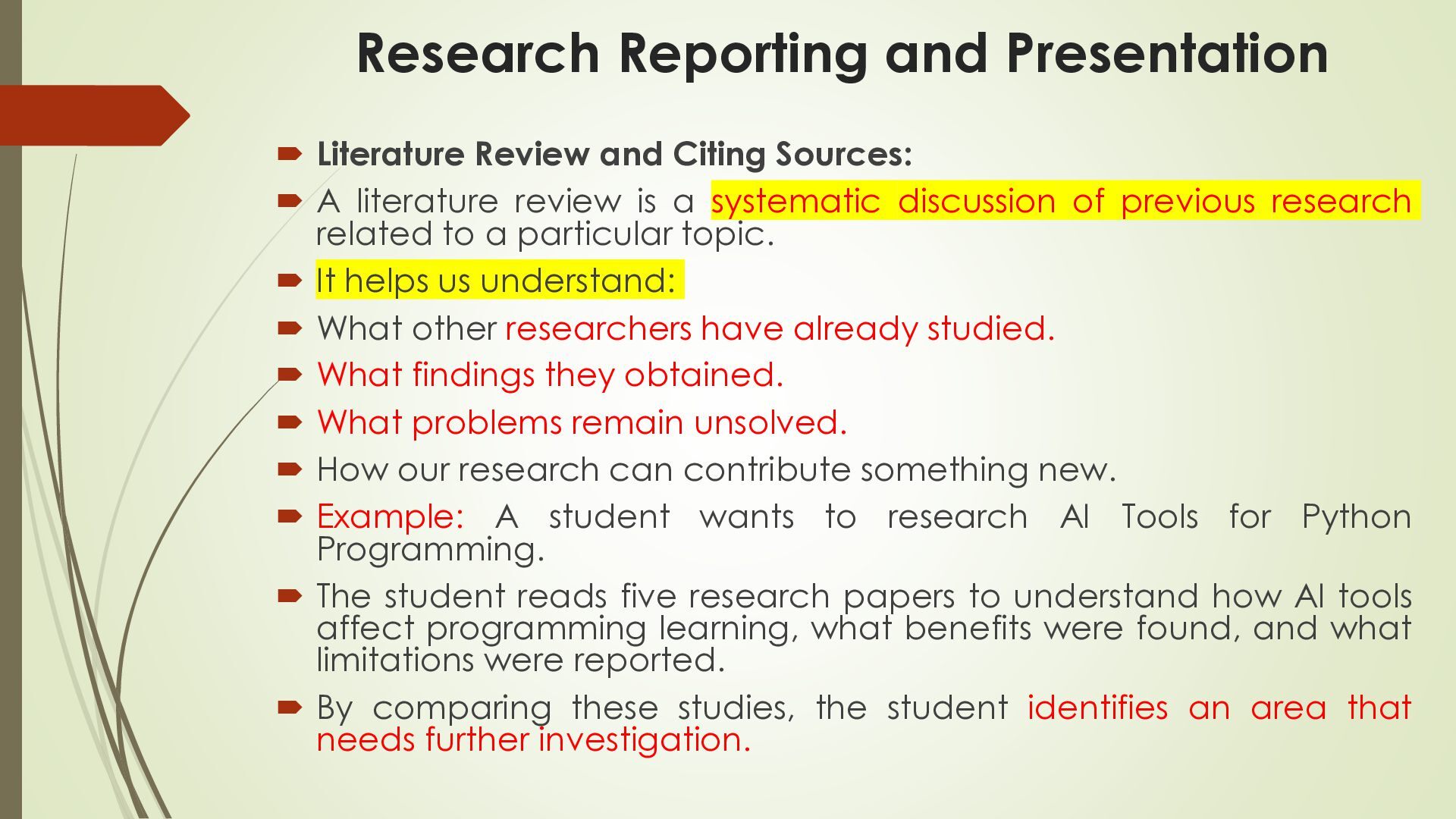
  22. Research Reporting and Presentation  Literature Review and Citing Sources:

     A literature review is a systematic discussion of previous research related to a particular topic.  It helps us understand:  What other researchers have already studied.  What findings they obtained.  What problems remain unsolved.  How our research can contribute something new.  Example: A student wants to research AI Tools for Python Programming.  The student reads five research papers to understand how AI tools affect programming learning, what benefits were found, and what limitations were reported.  By comparing these studies, the student identifies an area that needs further investigation.
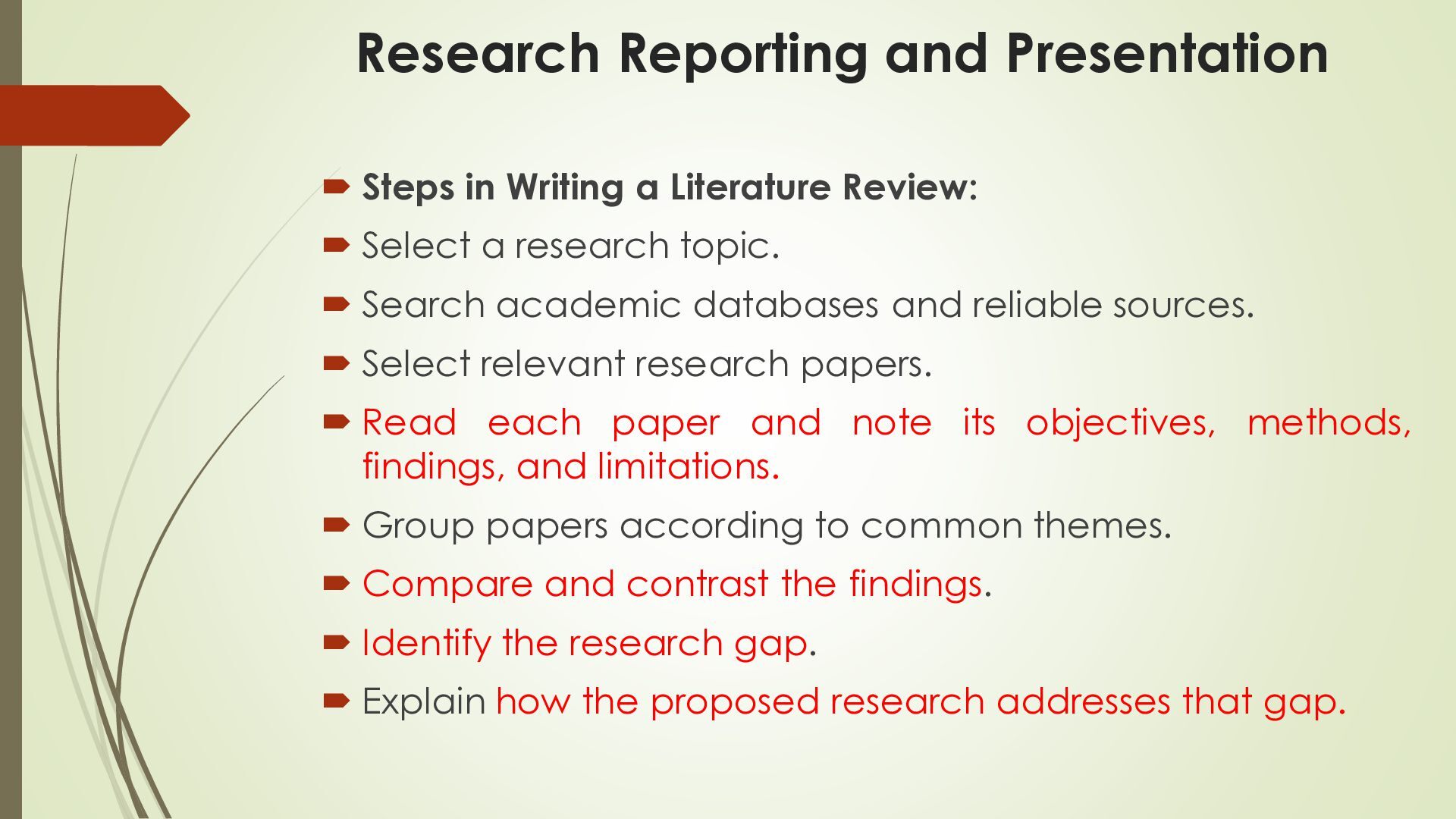
  23. Research Reporting and Presentation  Steps in Writing a Literature

    Review:  Select a research topic.  Search academic databases and reliable sources.  Select relevant research papers.  Read each paper and note its objectives, methods, findings, and limitations.  Group papers according to common themes.  Compare and contrast the findings.  Identify the research gap.  Explain how the proposed research addresses that gap.
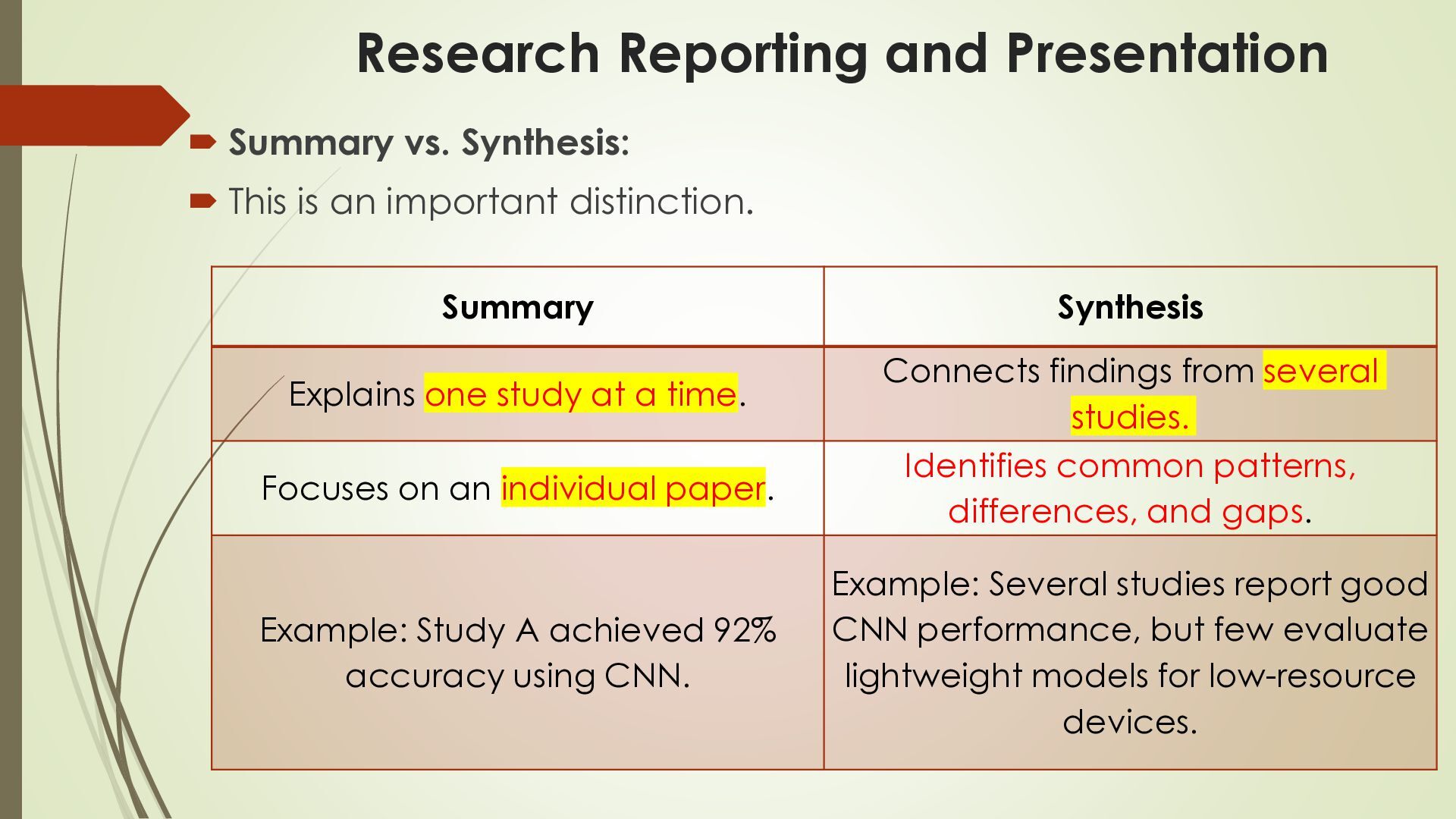
  24. Research Reporting and Presentation  Summary vs. Synthesis:  This

    is an important distinction. Summary Explains one study at a time. Focuses on an individual paper. Example: Study A achieved 92% accuracy using CNN. Synthesis Connects findings from several studies. Identifies common patterns, differences, and gaps. Example: Several studies report good CNN performance, but few evaluate lightweight models for low-resource devices.
  25. Research Reporting and Presentation  Example:  Suppose three studies

    examine AI-based learning:  Study A: AI helps students understand Python.  Study B: AI helps students identify coding errors.  Study C: Some students become dependent on AIgenerated answers.  A synthesis connects these findings: AI can support programming education, but students also need to develop independent problem-solving skills.
  26. Research Reporting and Presentation  6. Preparing Visual Aids: Tables,

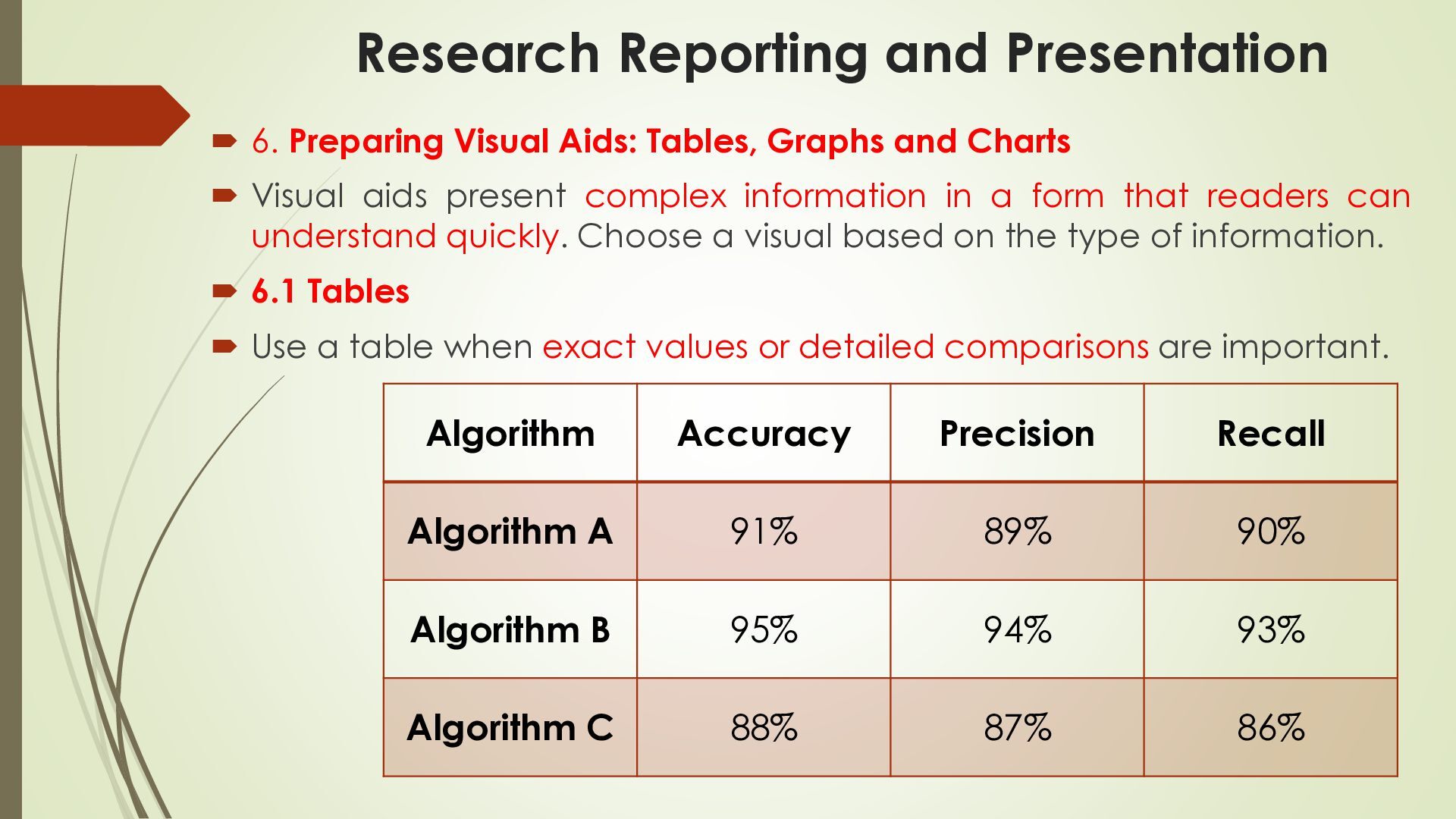
    Graphs and Charts  Visual aids present complex information in a form that readers can understand quickly. Choose a visual based on the type of information.  6.1 Tables  Use a table when exact values or detailed comparisons are important. Algorithm Accuracy Precision Recall Algorithm A 91% 89% 90% Algorithm B 95% 94% 93% Algorithm C 88% 87% 86%
  27. Research Reporting and Presentation  6.2 Graphs and Charts 

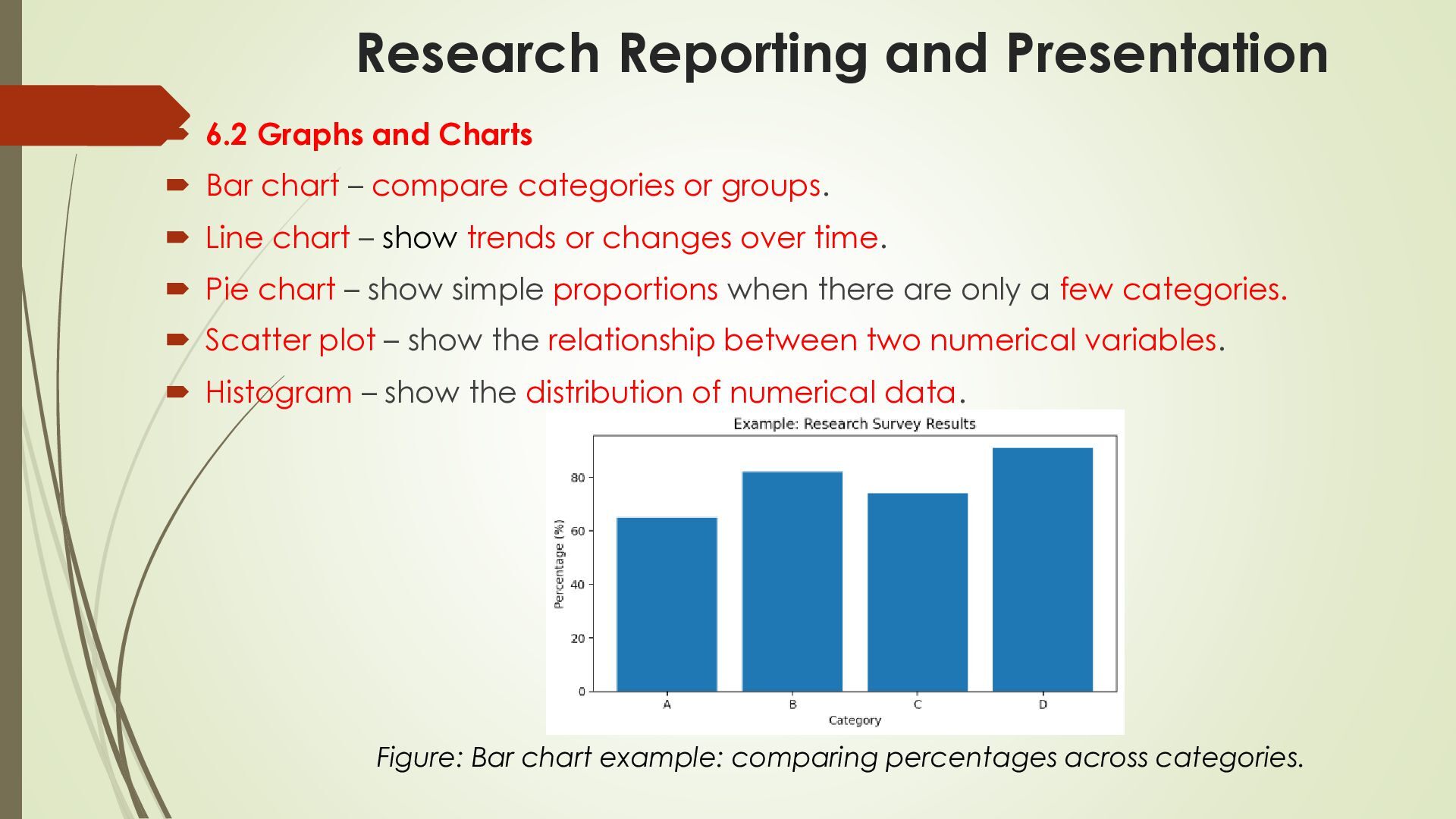
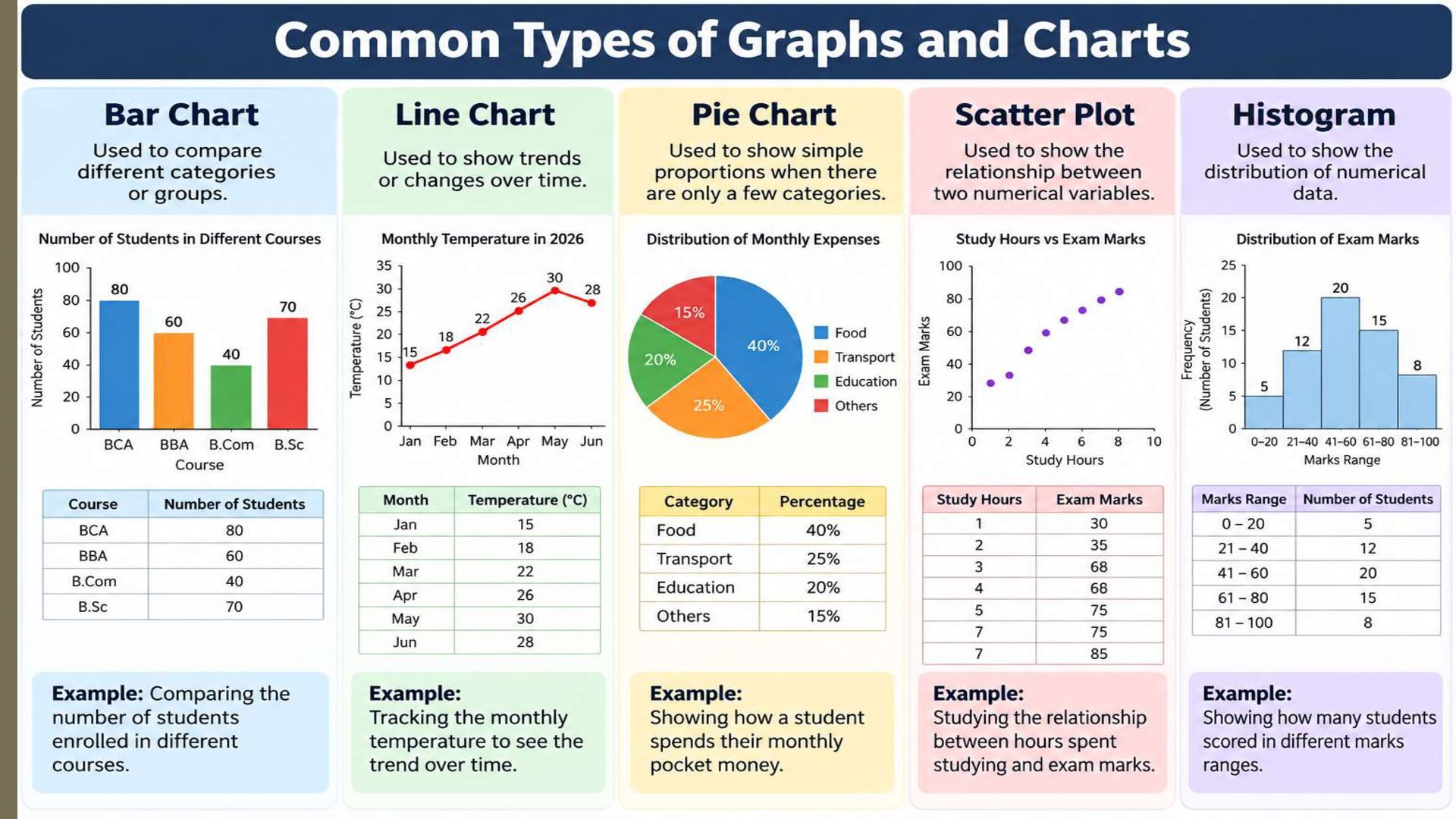
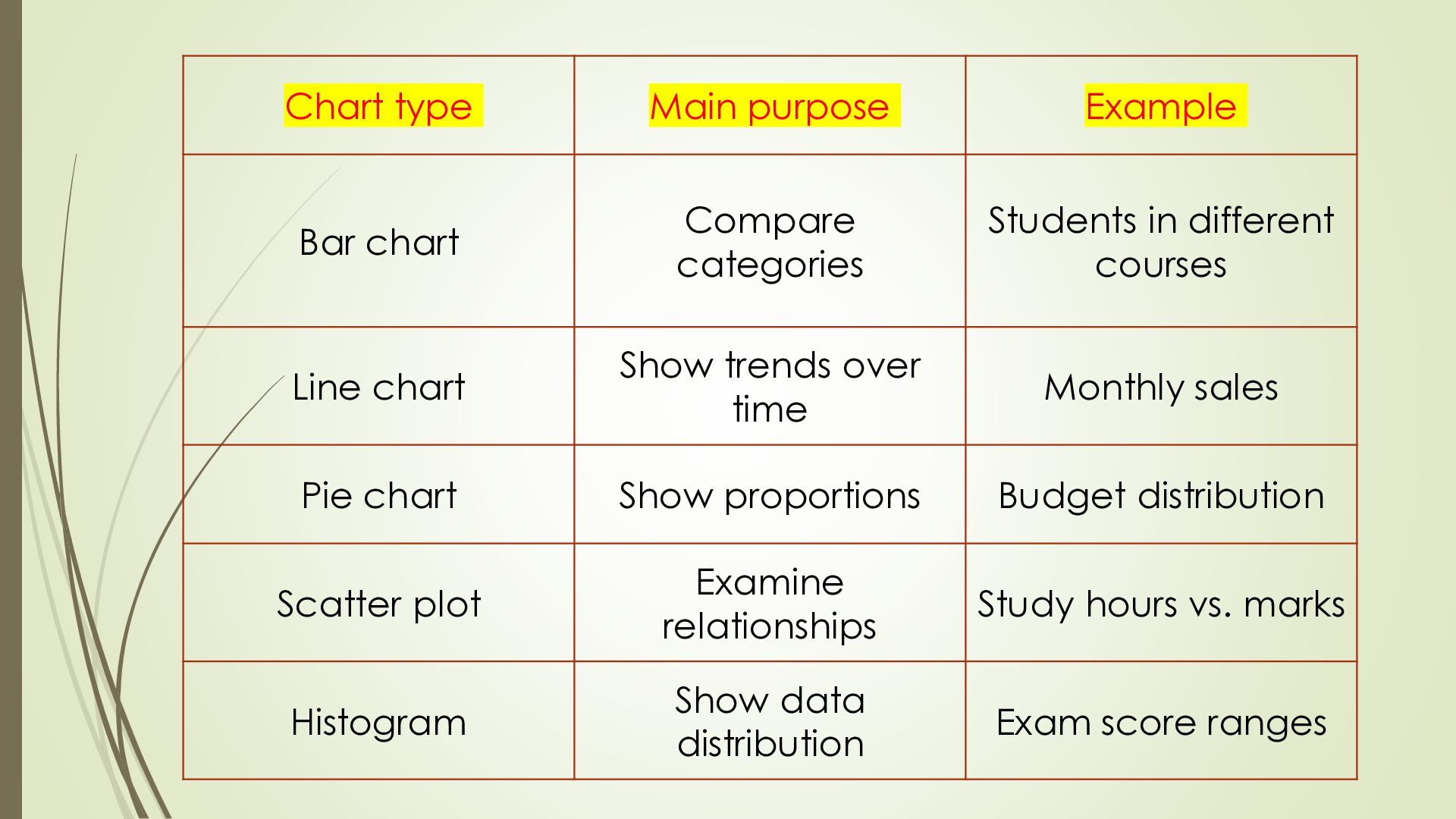
    Bar chart – compare categories or groups.  Line chart – show trends or changes over time.  Pie chart – show simple proportions when there are only a few categories.  Scatter plot – show the relationship between two numerical variables.  Histogram – show the distribution of numerical data. Figure: Bar chart example: comparing percentages across categories.
  28. Chart type Main purpose Example Bar chart Compare categories Students

    in different courses Line chart Show trends over time Monthly sales Pie chart Show proportions Budget distribution Scatter plot Examine relationships Study hours vs. marks Histogram Show data distribution Exam score ranges
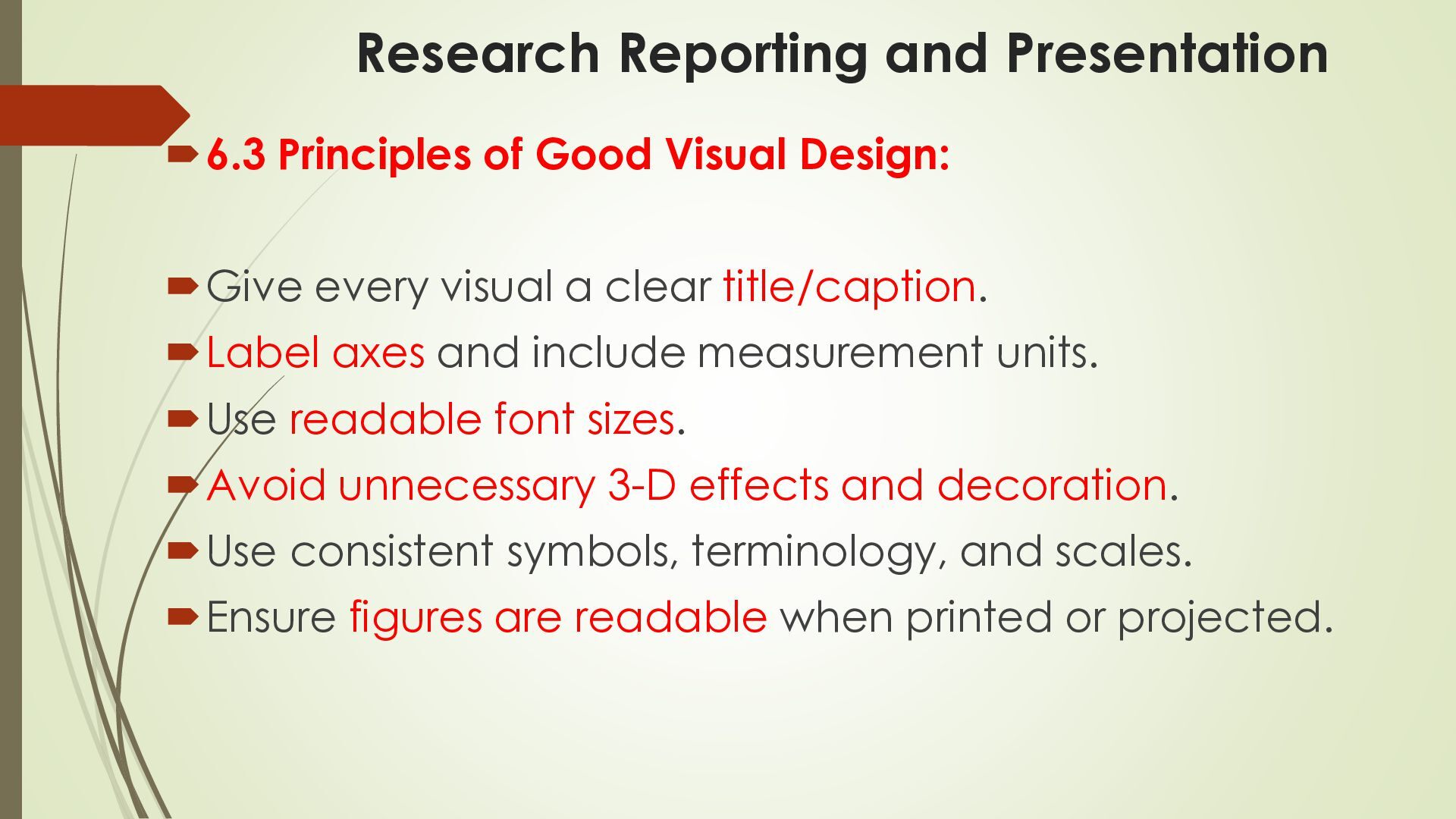
  29. Research Reporting and Presentation 6.3 Principles of Good Visual Design:

    Give every visual a clear title/caption. Label axes and include measurement units. Use readable font sizes. Avoid unnecessary 3-D effects and decoration. Use consistent symbols, terminology, and scales. Ensure figures are readable when printed or projected.
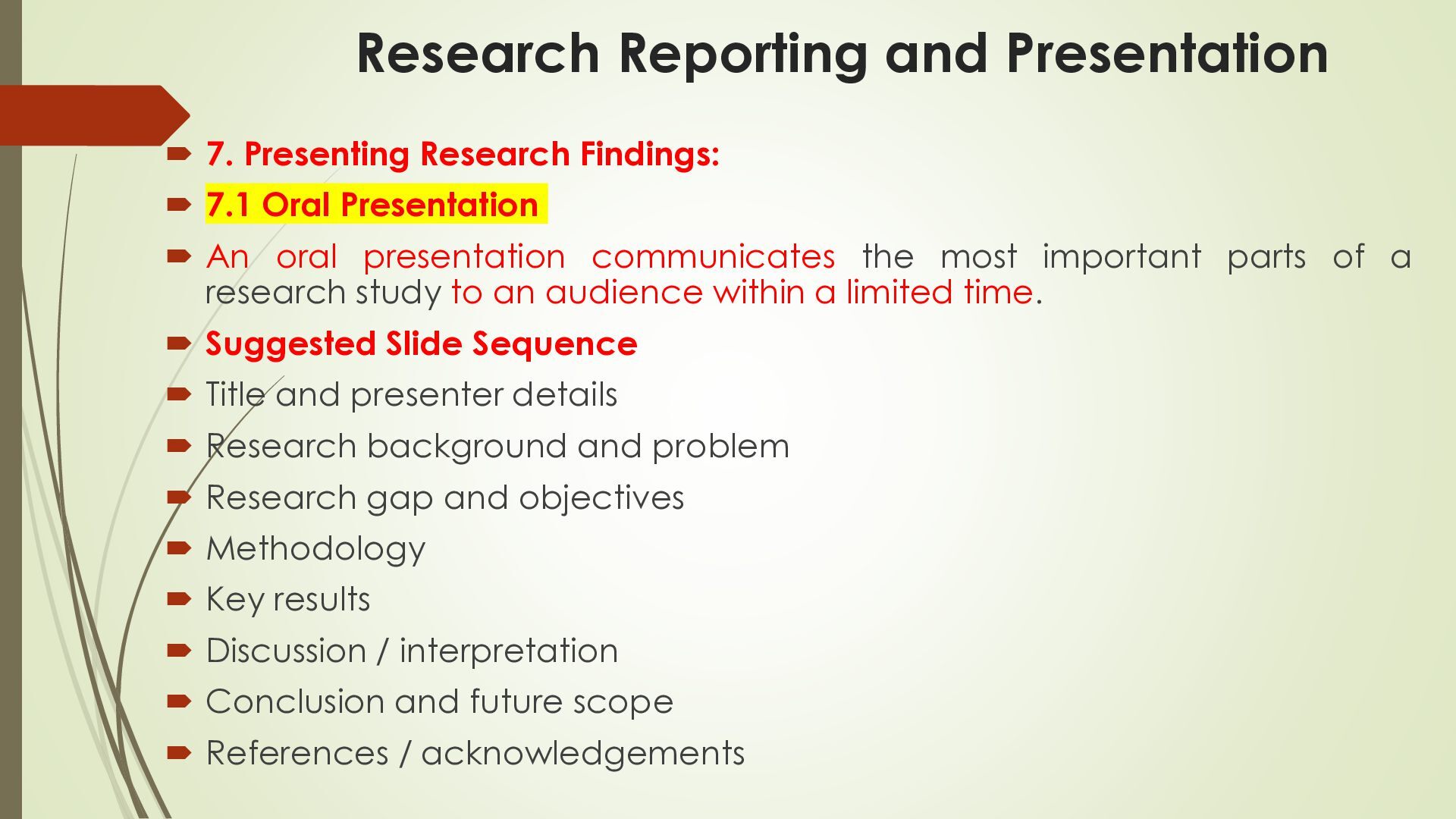
  30. Research Reporting and Presentation  7. Presenting Research Findings: 

    7.1 Oral Presentation  An oral presentation communicates the most important parts of a research study to an audience within a limited time.  Suggested Slide Sequence  Title and presenter details  Research background and problem  Research gap and objectives  Methodology  Key results  Discussion / interpretation  Conclusion and future scope  References / acknowledgements
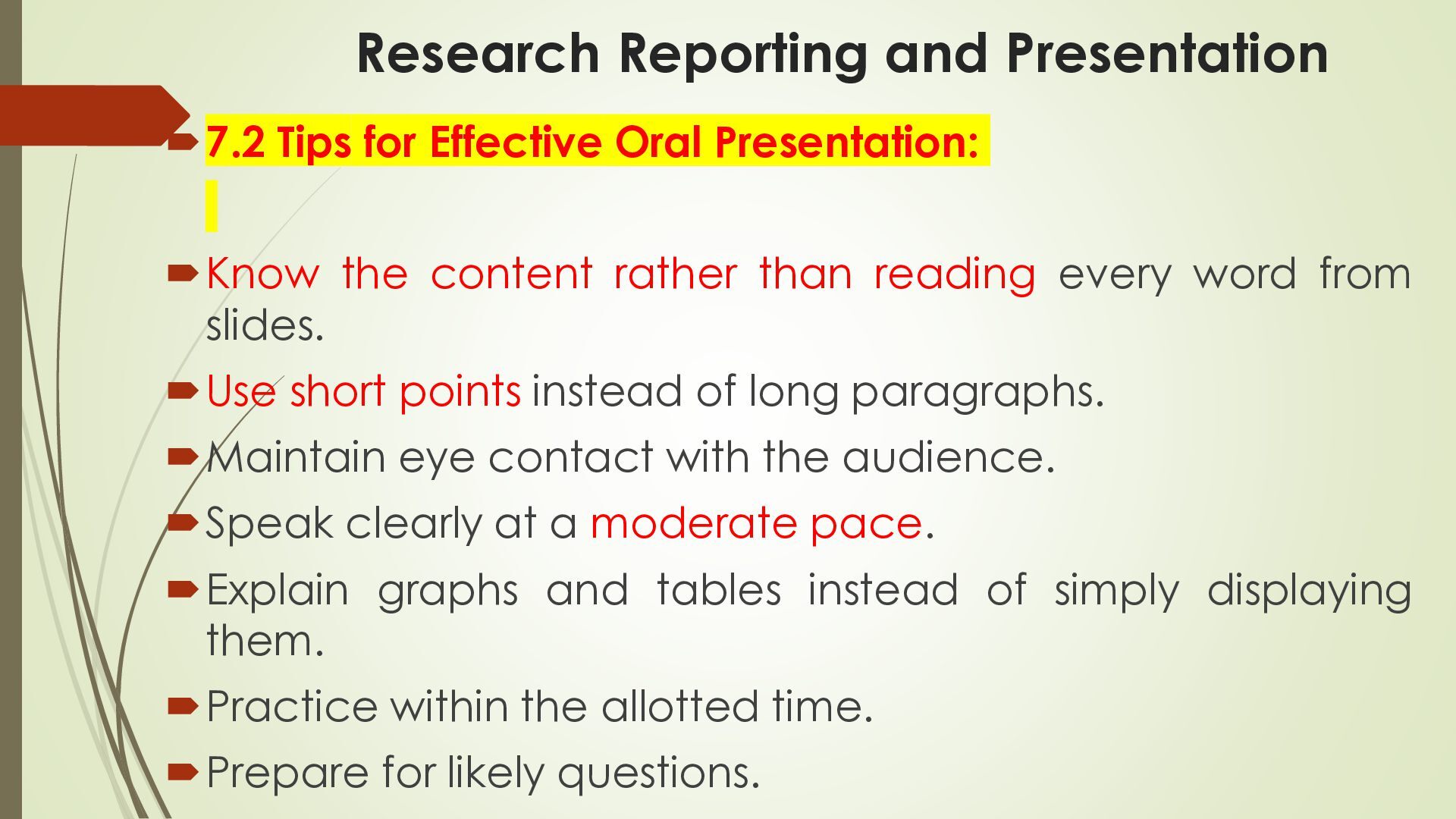
  31. Research Reporting and Presentation 7.2 Tips for Effective Oral Presentation:

    Know the content rather than reading every word from slides. Use short points instead of long paragraphs. Maintain eye contact with the audience. Speak clearly at a moderate pace. Explain graphs and tables instead of simply displaying them. Practice within the allotted time. Prepare for likely questions.
  32. Research Reporting and Presentation  7.3 Poster Presentation  A

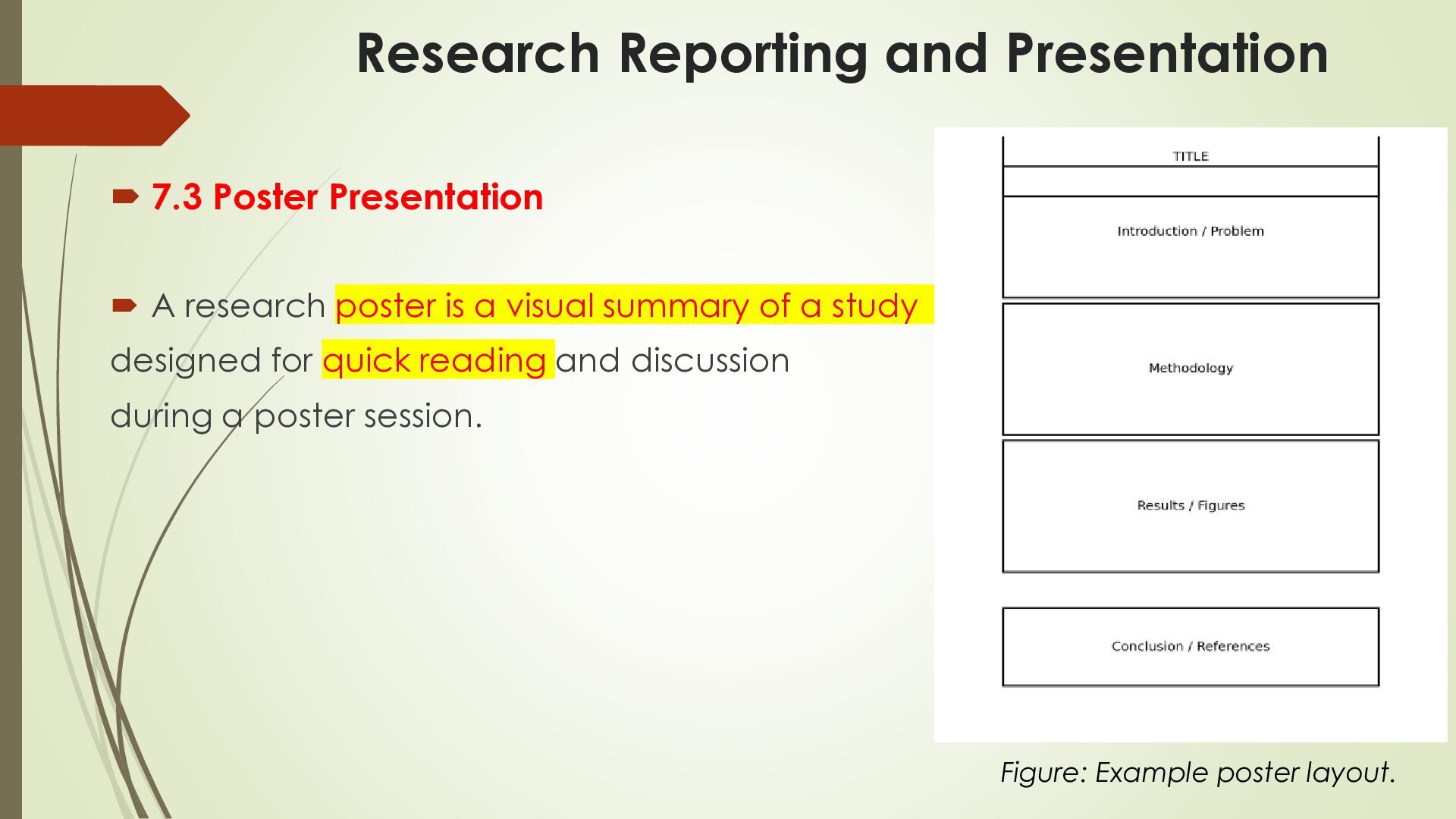
    research poster is a visual summary of a study designed for quick reading and discussion during a poster session. Figure: Example poster layout.
  33. Research Reporting and Presentation  Title: Research title, author names,

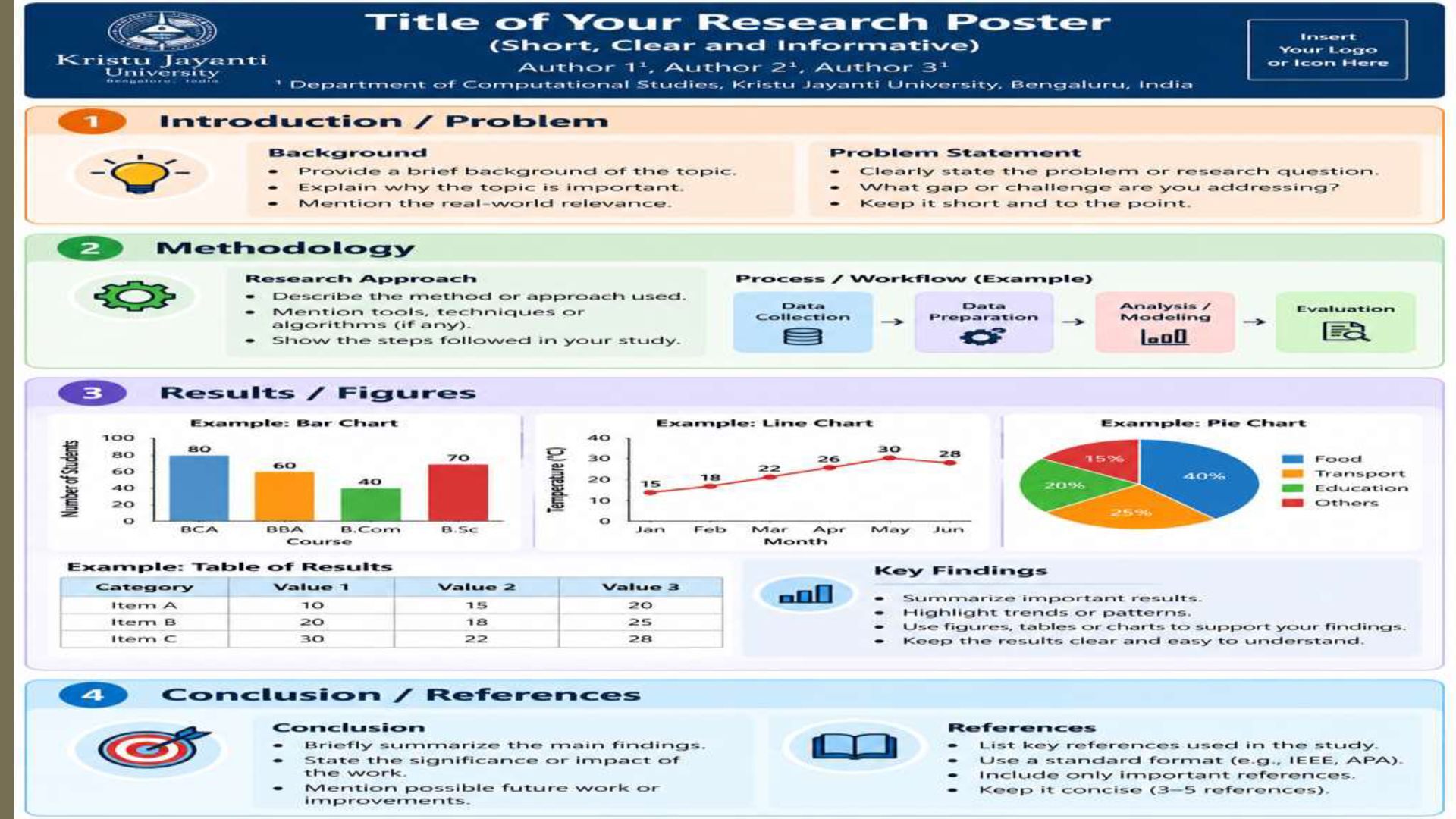
    department, and institution.  Introduction / Problem: Background, importance of the topic, research problem, and research question.  Methodology: Research approach, data collection, tools used, analysis techniques, and workflow.  Results / Figures: Charts, tables, key findings, and interpretation of results.  Conclusion / References: Main findings, significance, future work, and 3–5 key references.
  34. Research Reporting and Presentation  Typical Poster Sections:  Title

    and author/institution details  Background / Introduction  Research problem and objectives  Methodology  Key results using figures/tables  Conclusion and implications  Selected references and acknowledgements
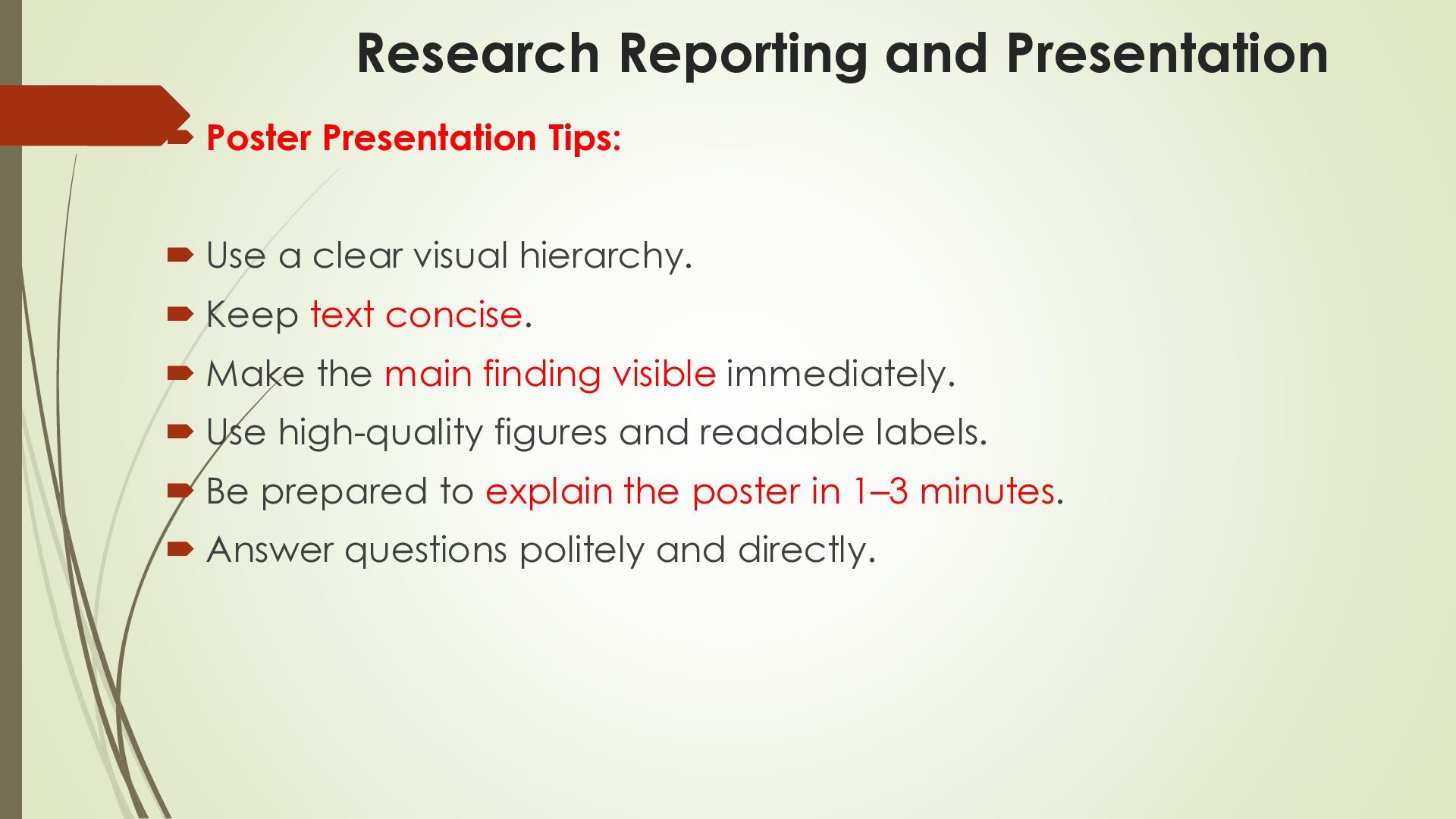
  35. Research Reporting and Presentation  Poster Presentation Tips:  Use

    a clear visual hierarchy.  Keep text concise.  Make the main finding visible immediately.  Use high-quality figures and readable labels.  Be prepared to explain the poster in 1–3 minutes.  Answer questions politely and directly.
  36. Research Reporting and Presentation  8. Common Mistakes to Avoid:

     Using a title that is too broad or unclear.  Writing an abstract that does not match the actual study.  Providing methodology without enough detail.  Mixing results and discussion without a clear structure.  Using sources without citations.  Copying text without quotation or proper paraphrasing.  Mixing APA, MLA, and Vancouver formats.  Adding references that were never cited.  Using graphs without axis labels or units.  Overloading presentation slides with text.  Reading slides word-for-word.  Presenting results without explaining their significance.
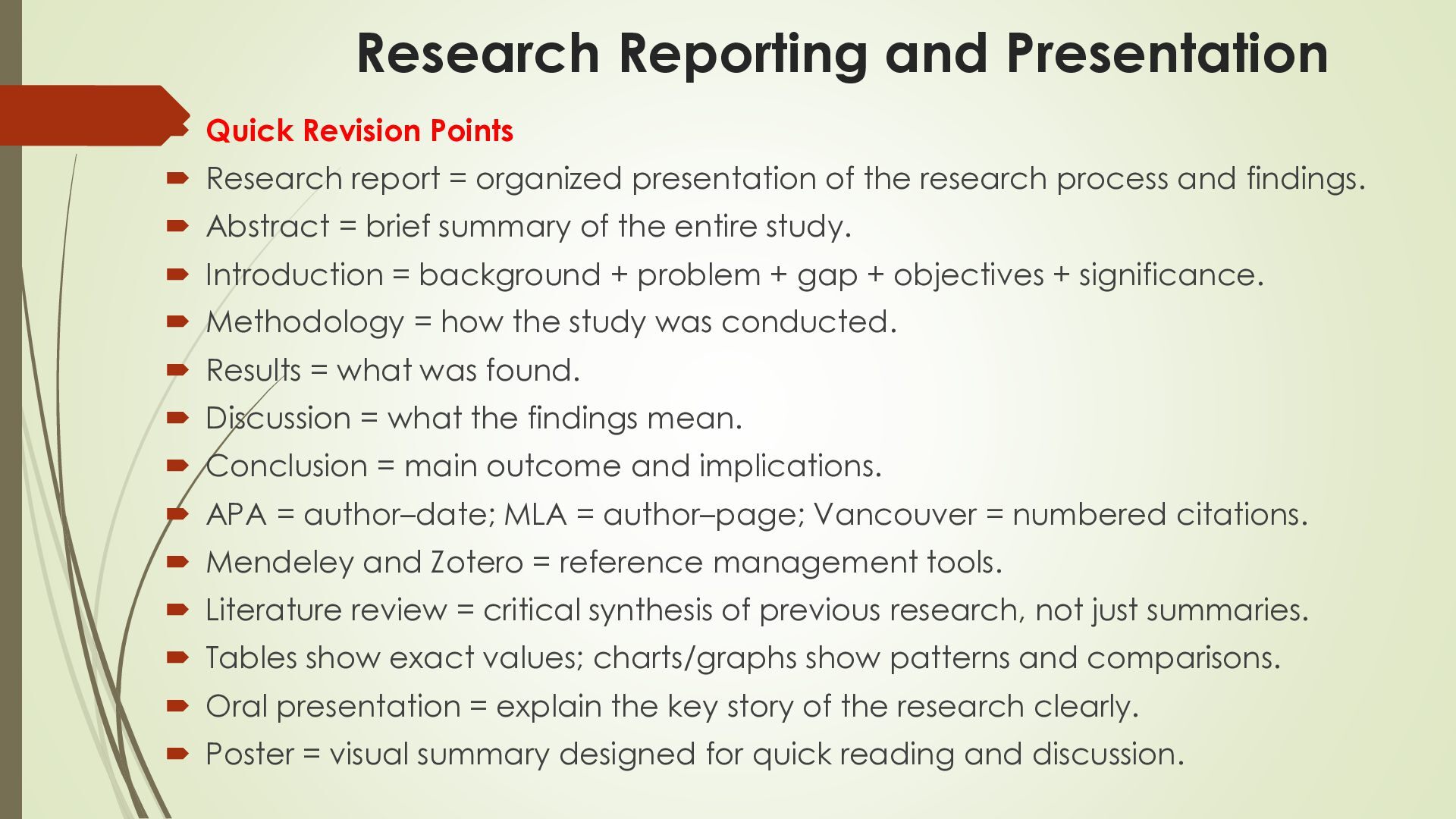
  37. Research Reporting and Presentation  Quick Revision Points  Research

    report = organized presentation of the research process and findings.  Abstract = brief summary of the entire study.  Introduction = background + problem + gap + objectives + significance.  Methodology = how the study was conducted.  Results = what was found.  Discussion = what the findings mean.  Conclusion = main outcome and implications.  APA = author–date; MLA = author–page; Vancouver = numbered citations.  Mendeley and Zotero = reference management tools.  Literature review = critical synthesis of previous research, not just summaries.  Tables show exact values; charts/graphs show patterns and comparisons.  Oral presentation = explain the key story of the research clearly.  Poster = visual summary designed for quick reading and discussion.
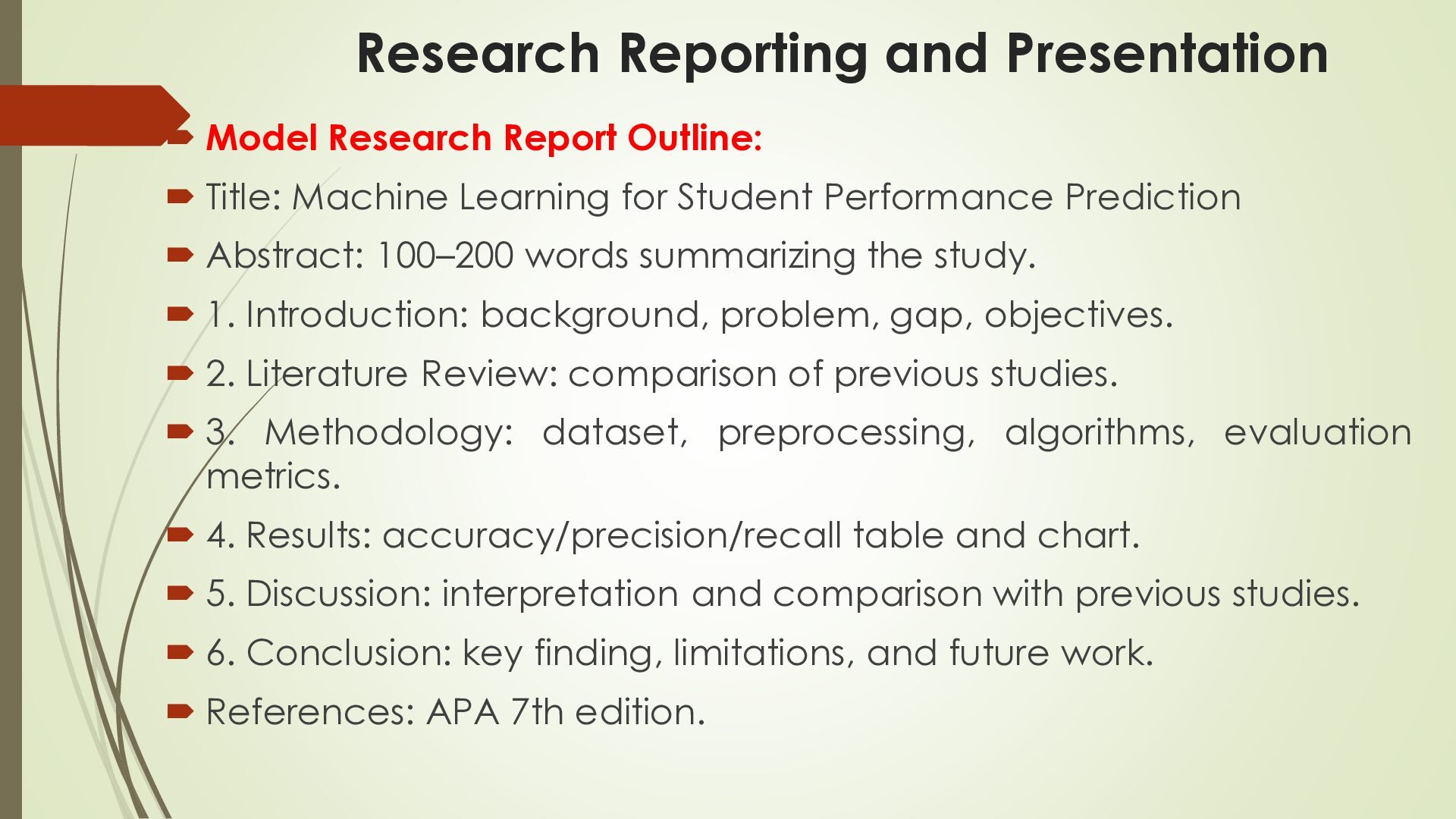
  38. Research Reporting and Presentation  Model Research Report Outline: 

    Title: Machine Learning for Student Performance Prediction  Abstract: 100–200 words summarizing the study.  1. Introduction: background, problem, gap, objectives.  2. Literature Review: comparison of previous studies.  3. Methodology: dataset, preprocessing, algorithms, evaluation metrics.  4. Results: accuracy/precision/recall table and chart.  5. Discussion: interpretation and comparison with previous studies.  6. Conclusion: key finding, limitations, and future work.  References: APA 7th edition.
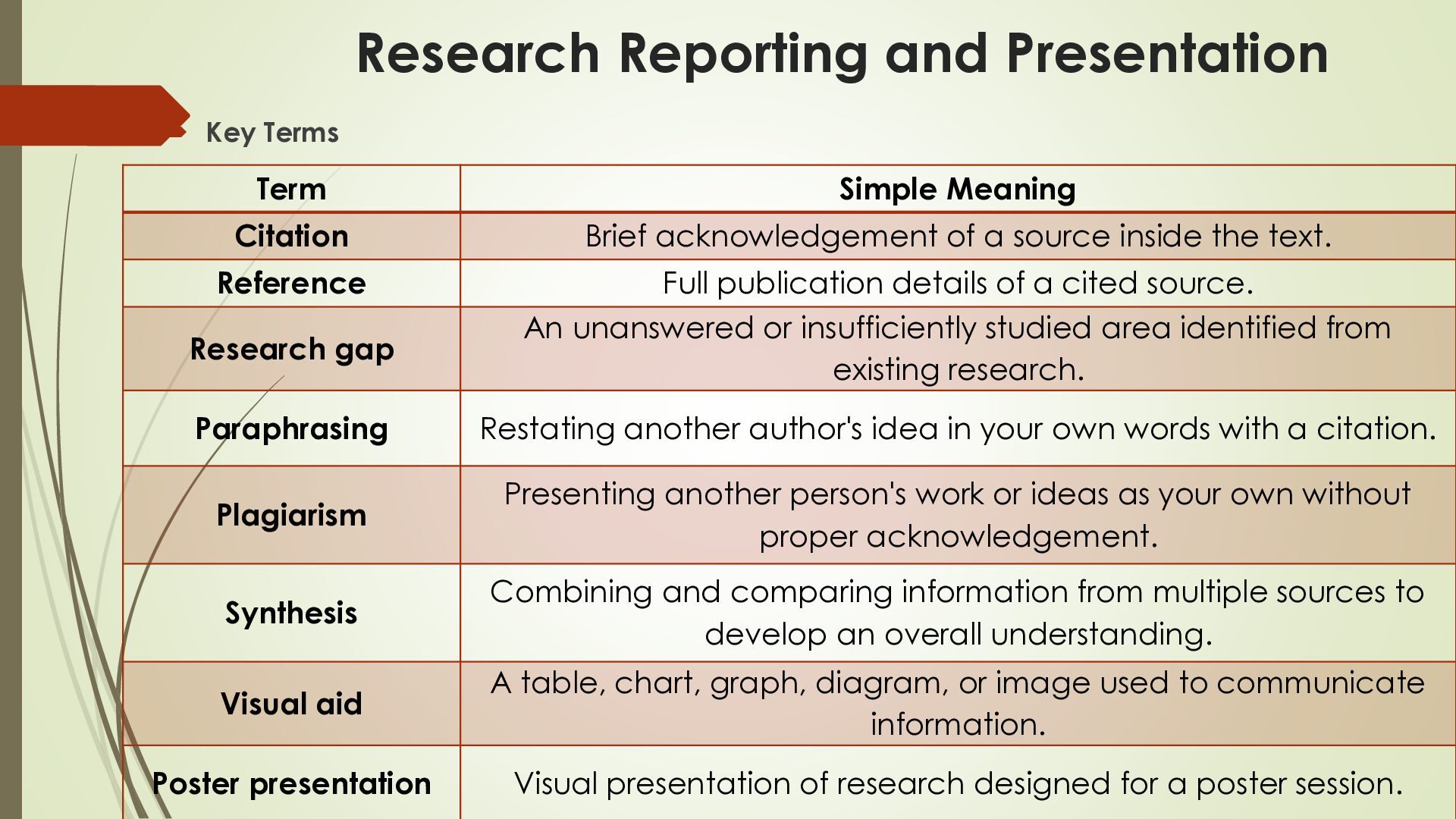
  39. Research Reporting and Presentation  Key Terms Term Simple Meaning

    Citation Brief acknowledgement of a source inside the text. Reference Full publication details of a cited source. An unanswered or insufficiently studied area identified from existing research. Research gap Paraphrasing Restating another author's idea in your own words with a citation. Plagiarism Presenting another person's work or ideas as your own without proper acknowledgement. Synthesis Combining and comparing information from multiple sources to develop an overall understanding. Visual aid A table, chart, graph, diagram, or image used to communicate information. Poster presentation Visual presentation of research designed for a poster session.