Upgrade to Pro — share decks privately, control downloads, hide ads and more …

UI via API? Über Entkopplung, A2UI und MCP Apps

UI via API? Über Entkopplung, A2UI und MCP Apps

Chatbots sind nett, aber irgendwann will man einen Button, eine Tabelle oder eine Karte sehen. Nur: Wer rendert das? Der Chat-Host oder der, der das Tool gebaut hat? Ich schaue mir mehrere aktuelle Antworten an:

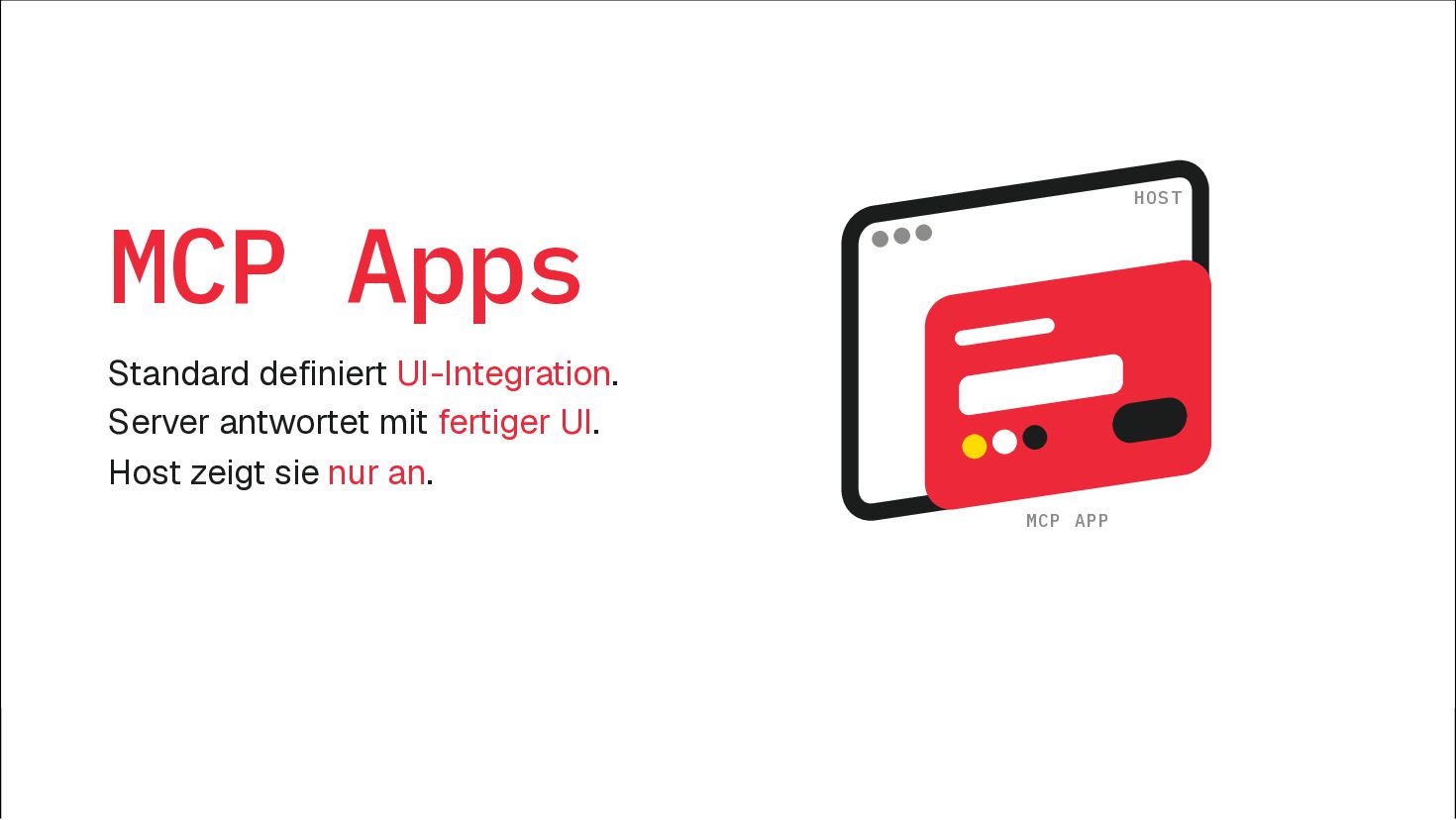
- MCP Apps Quelle bringt eigenes HTML mit
- A2UI UI als JSON, der Host entscheidet die Darstellung

Dazu ein Blick drumherum: AG-UI, json-render, Adaptive Cards und was sich sonst noch so bewegt. Klingt nach Micro Frontends, ist es irgendwie auch.

Michael Geers

October 08, 2026

Transcript

20 slides
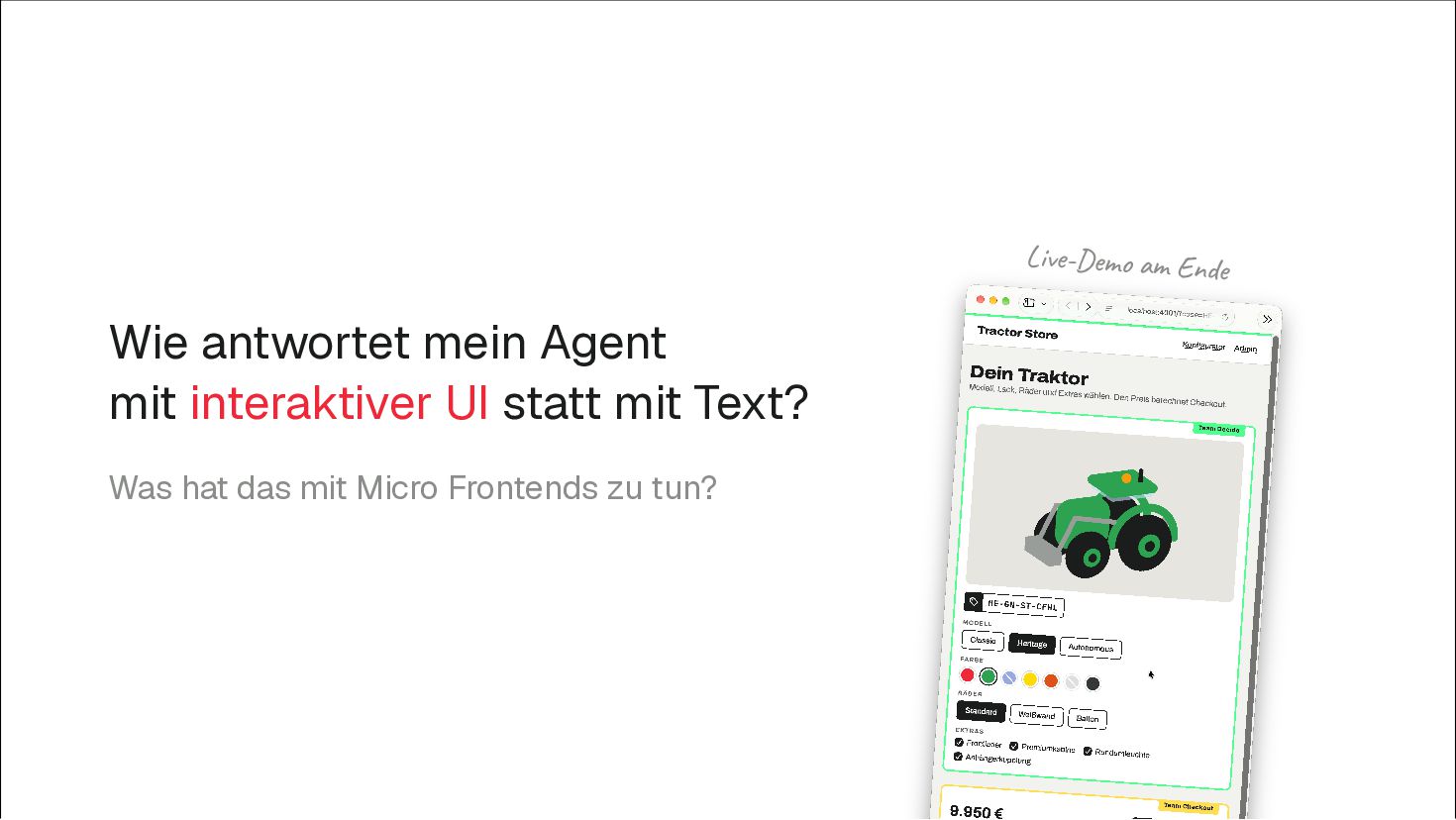
  1. Live-Demo am Ende Wie antwortet mein Agent mit interaktiver UI

    statt mit Text? Was hat das mit Micro Frontends zu tun?
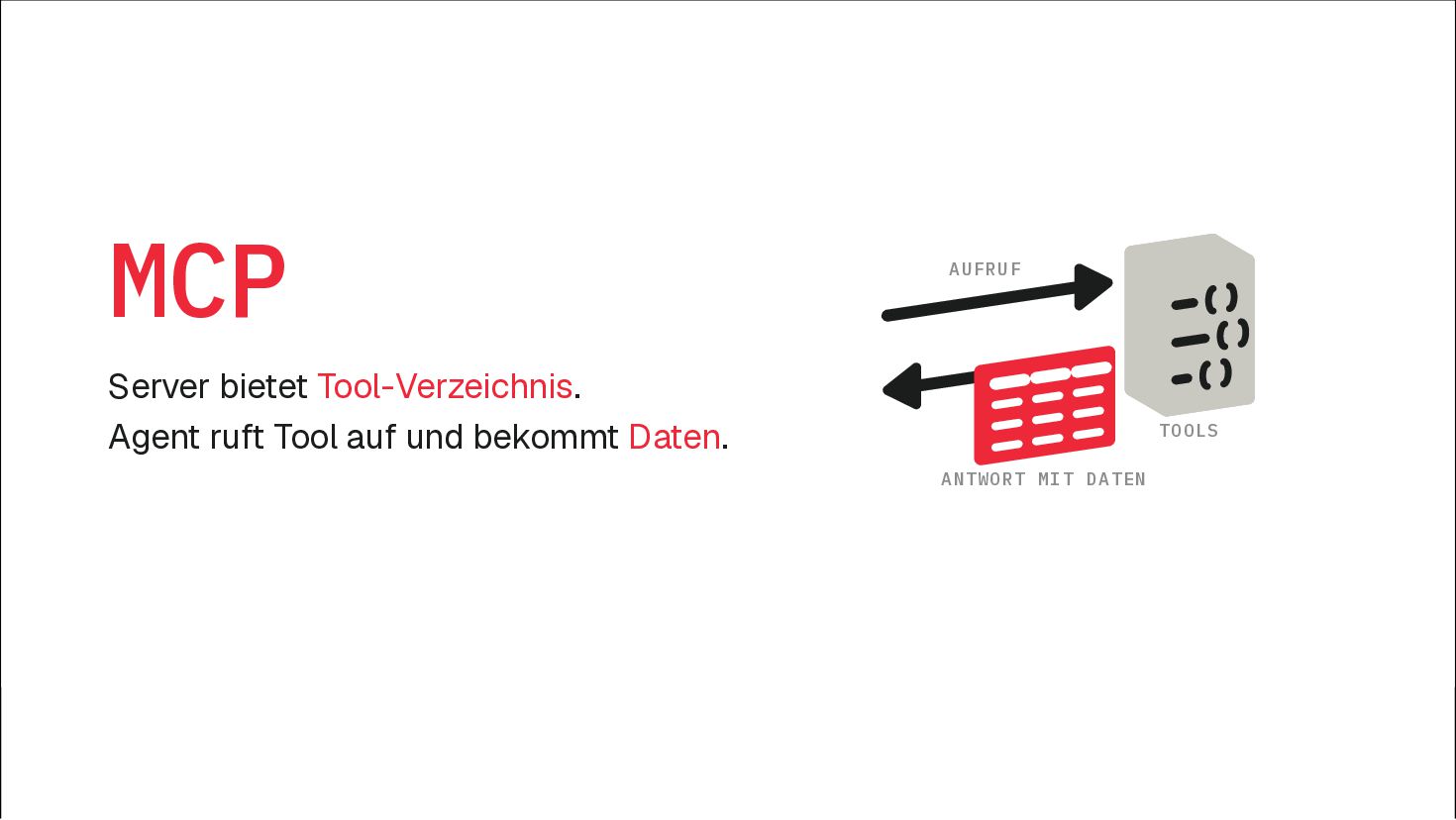
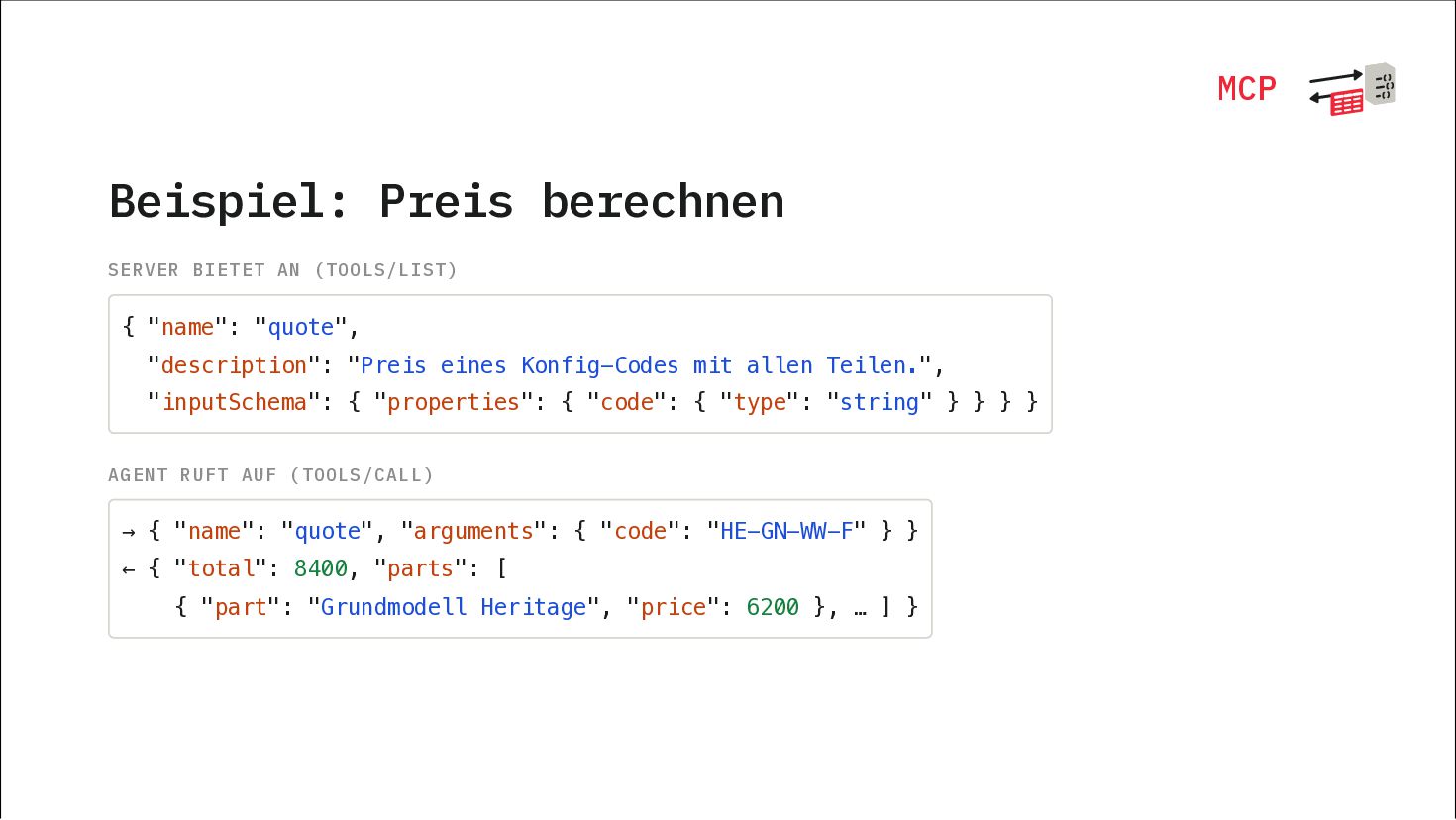
  2. MCP Beispiel: Preis berechnen SERVER BIETET AN (TOOLS/LIST) { "name":

    "quote", "description": "Preis eines Konfig-Codes mit allen Teilen.", "inputSchema": { "properties": { "code": { "type": "string" } } } } AGENT RUFT AUF (TOOLS/CALL) → { "name": "quote", "arguments": { "code": "HE-GN-WW-F" } } ← { "total": 8400, "parts": [ { "part": "Grundmodell Heritage", "price": 6200 }, … ] }
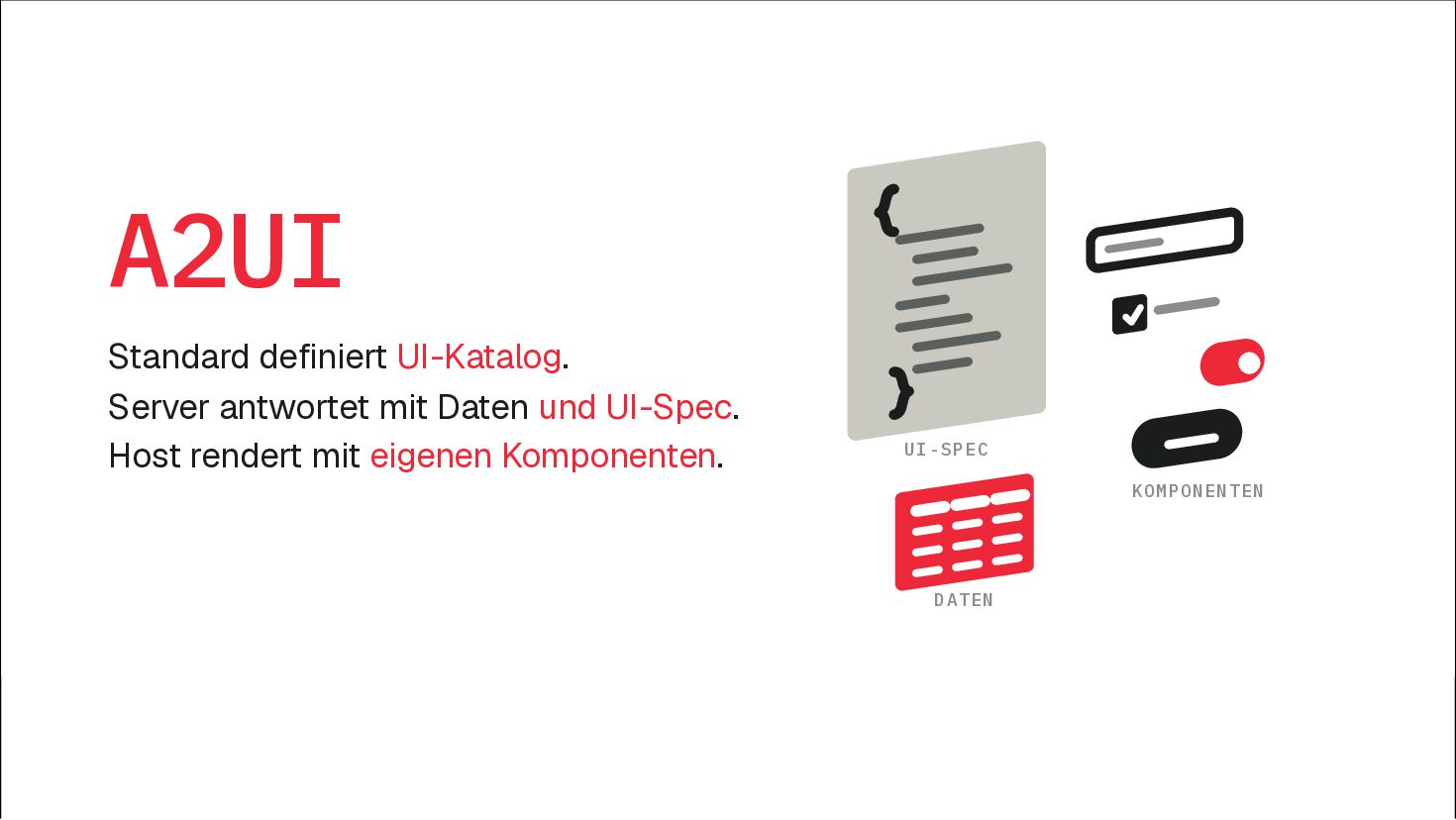
  3. A2UI Standard definiert UI-Katalog. Server antwortet mit Daten und UI-Spec.

    Host rendert mit eigenen Komponenten. UI-SPEC KOMPONENTEN DATEN
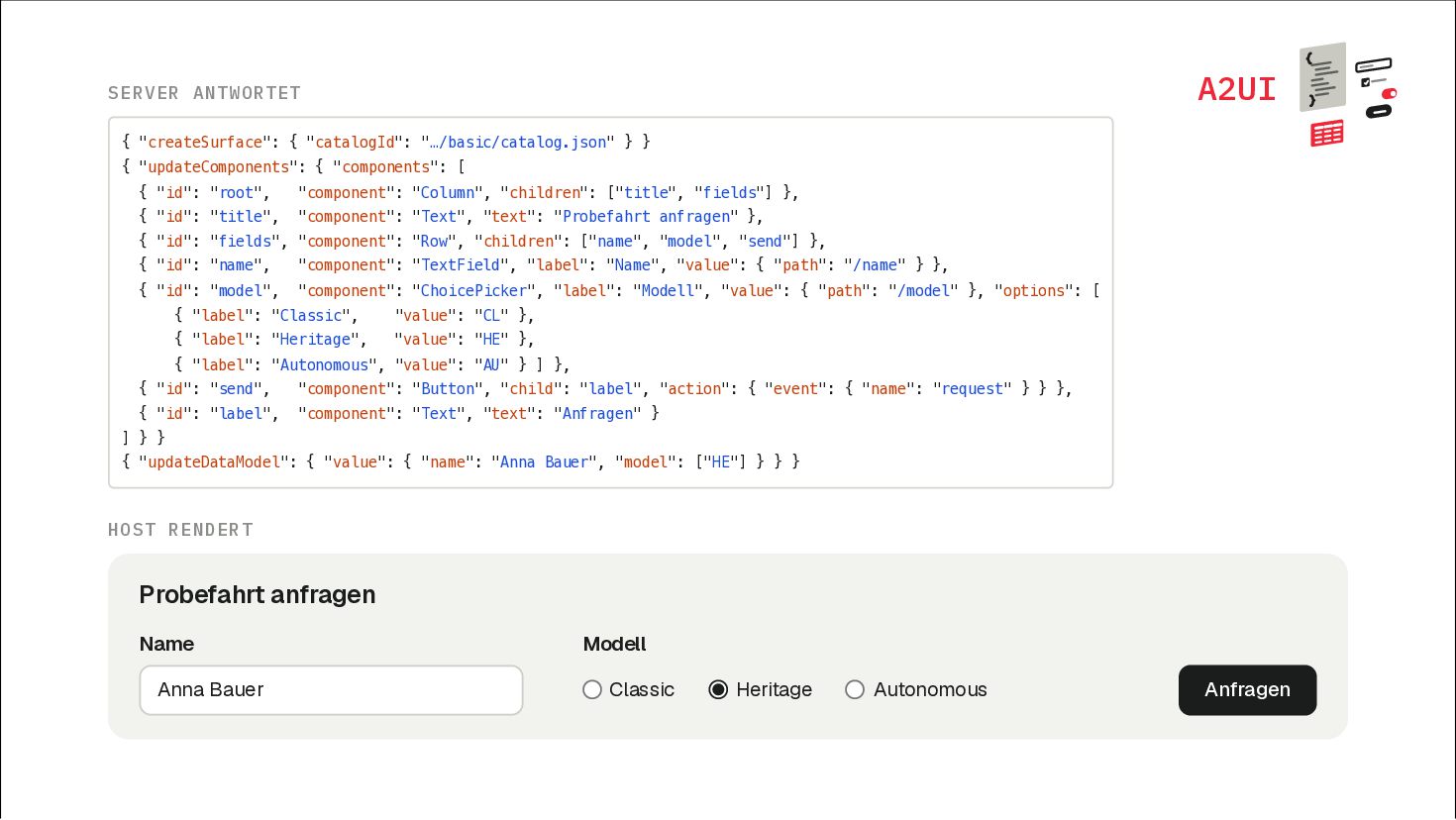
  4. A2UI SERVER ANTWORTET { "createSurface": { "catalogId": "…/basic/catalog.json" } }

    { "updateComponents": { "components": [ { "id": "root", "component": "Column", "children": ["title", "fields"] }, { "id": "title", "component": "Text", "text": "Probefahrt anfragen" }, { "id": "fields", "component": "Row", "children": ["name", "model", "send"] }, { "id": "name", "component": "TextField", "label": "Name", "value": { "path": "/name" } }, { "id": "model", "component": "ChoicePicker", "label": "Modell", "value": { "path": "/model" }, "options": [ { "label": "Classic", "value": "CL" }, { "label": "Heritage", "value": "HE" }, { "label": "Autonomous", "value": "AU" } ] }, { "id": "send", "component": "Button", "child": "label", "action": { "event": { "name": "request" } } }, { "id": "label", "component": "Text", "text": "Anfragen" } ] } } { "updateDataModel": { "value": { "name": "Anna Bauer", "model": ["HE"] } } } HOST RENDERT Probefahrt anfragen Name Anna Bauer Modell Classic Heritage Autonomous Anfragen
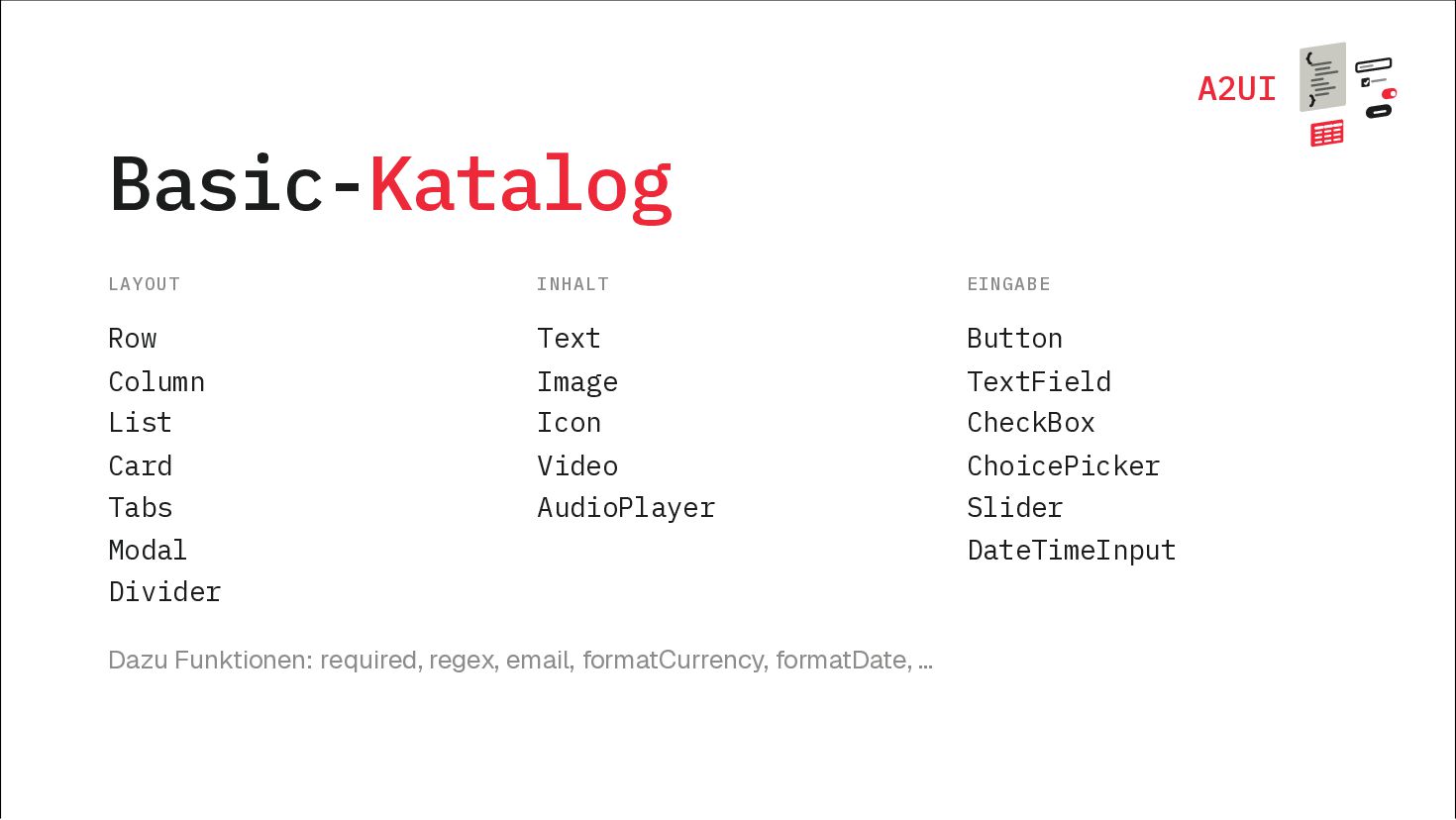
  5. A2UI Basic-Katalog LAYOUT INHALT EINGABE Row Text Button Column Image

    TextField List Icon CheckBox Card Video ChoicePicker Tabs AudioPlayer Slider Modal Divider Dazu Funktionen: required, regex, email, formatCurrency, formatDate, … DateTimeInput
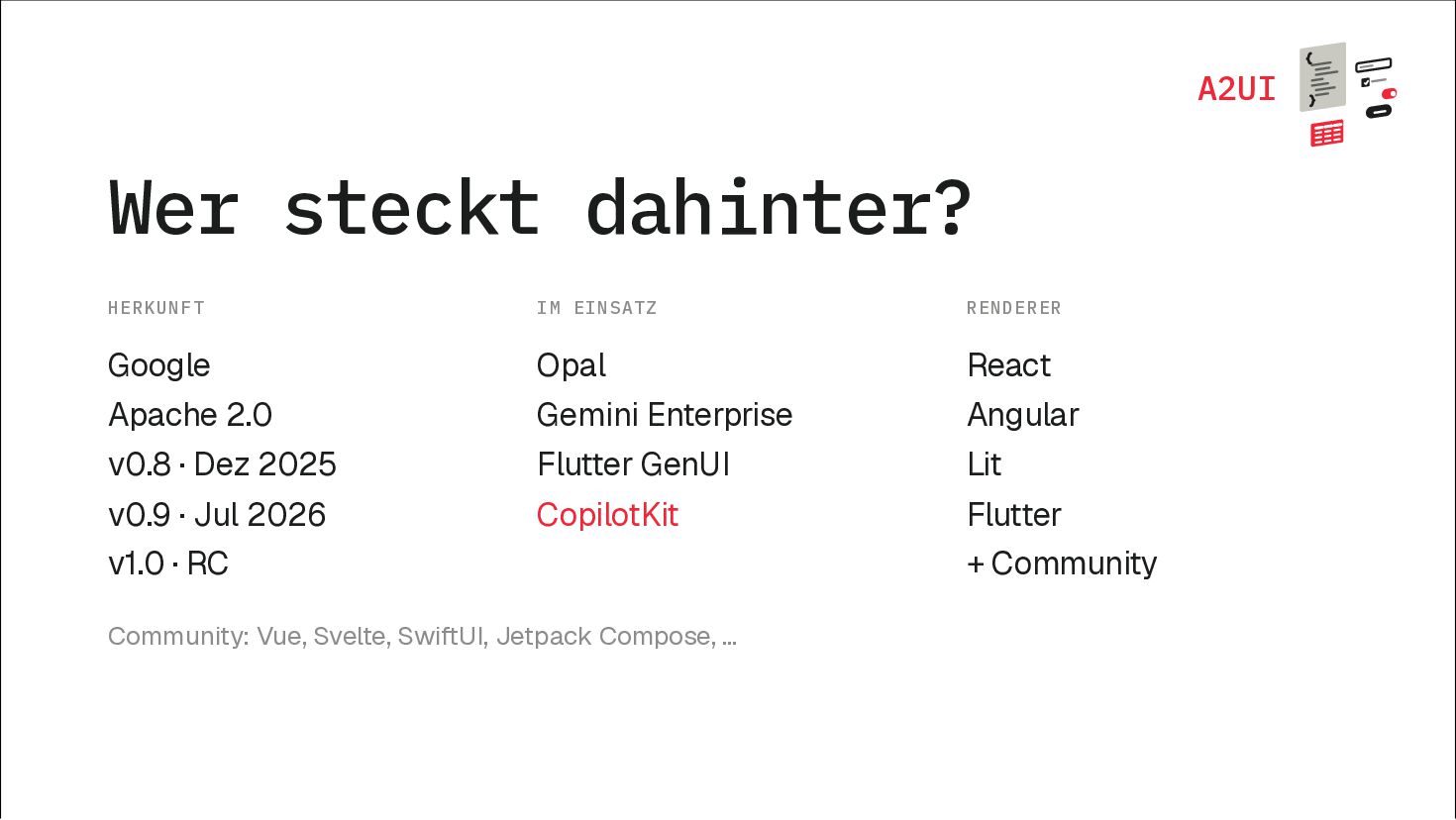
  6. A2UI Wer steckt dahinter? HERKUNFT IM EINSATZ RENDERER Google Opal

    React Apache 2.0 Gemini Enterprise Angular v0.8 · Dez 2025 Flutter GenUI Lit v0.9 · Jul 2026 CopilotKit Flutter v1.0 · RC Community: Vue, Svelte, SwiftUI, Jetpack Compose, … + Community
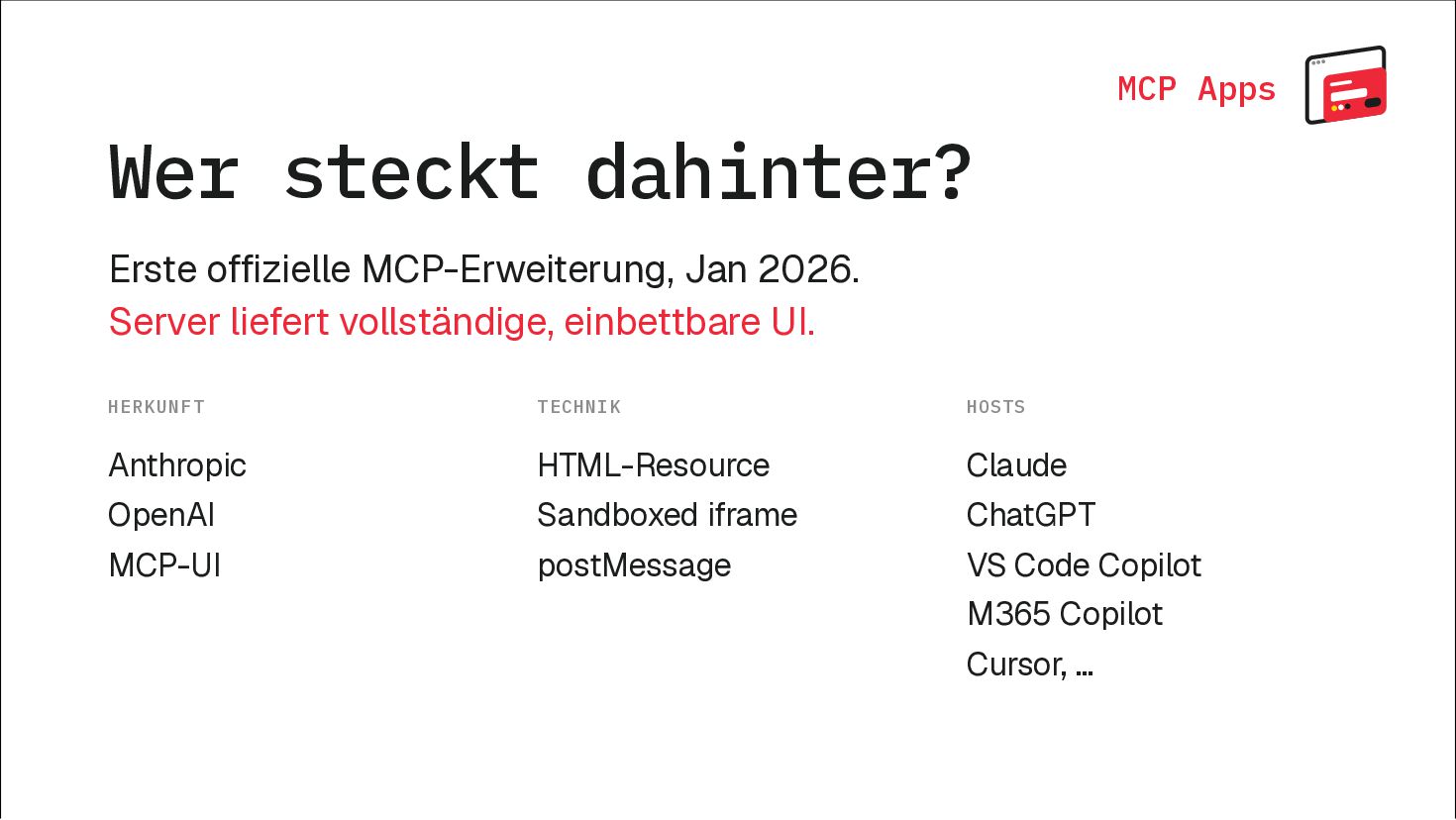
  7. MCP Apps Wer steckt dahinter? Erste offizielle MCP-Erweiterung, Jan 2026.

    Server liefert vollständige, einbettbare UI. HERKUNFT TECHNIK HOSTS Anthropic HTML-Resource Claude OpenAI Sandboxed iframe ChatGPT MCP-UI postMessage VS Code Copilot M365 Copilot Cursor, …
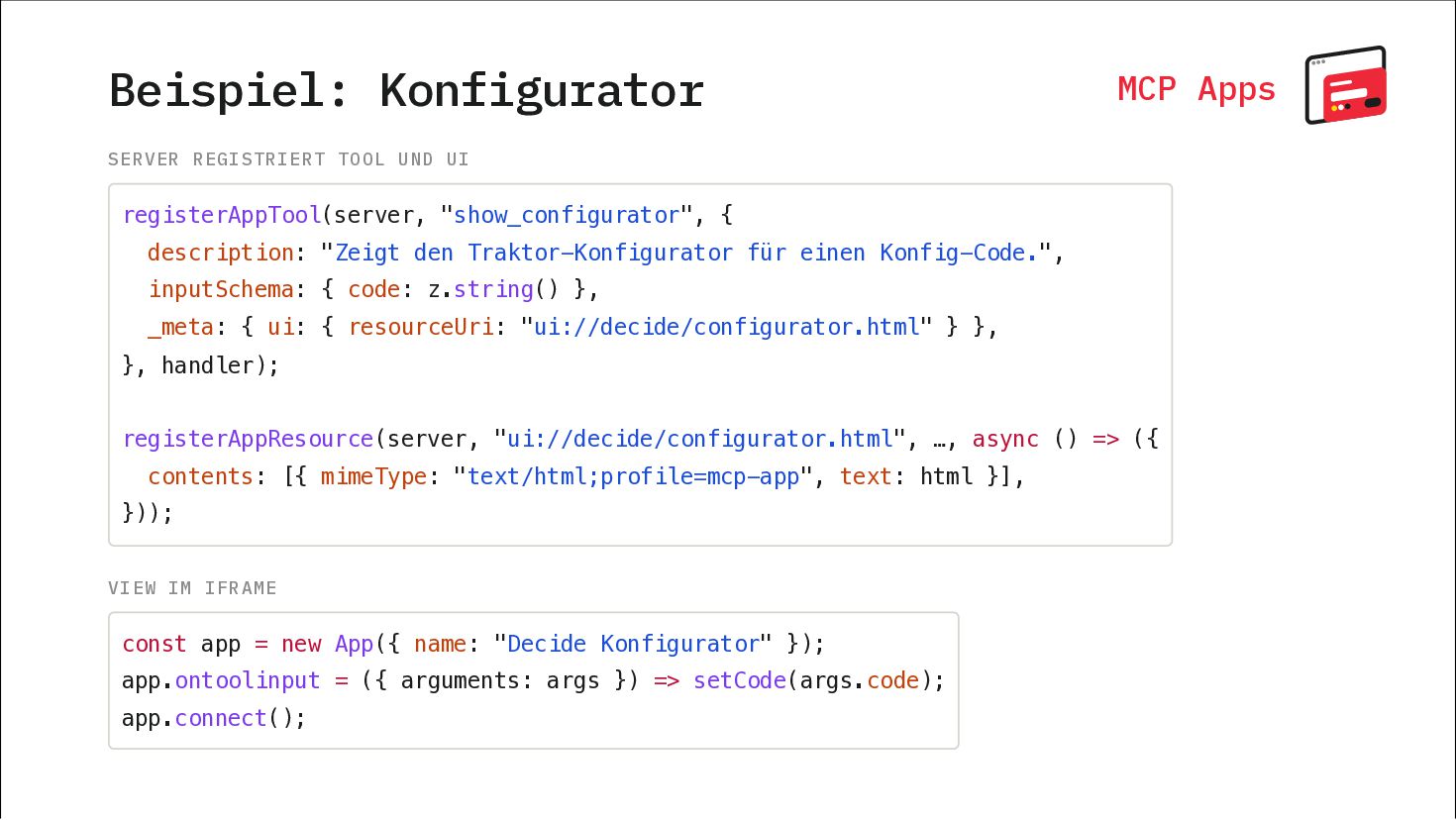
  8. Beispiel: Konfigurator MCP Apps SERVER REGISTRIERT TOOL UND UI registerAppTool(server,

    "show_configurator", { description: "Zeigt den Traktor-Konfigurator für einen Konfig-Code.", inputSchema: { code: z.string() }, _meta: { ui: { resourceUri: "ui://decide/configurator.html" } }, }, handler); registerAppResource(server, "ui://decide/configurator.html", …, async () => ({ contents: [{ mimeType: "text/html;profile=mcp-app", text: html }], })); VIEW IM IFRAME const app = new App({ name: "Decide Konfigurator" }); app.ontoolinput = ({ arguments: args }) => setCode(args.code); app.connect();
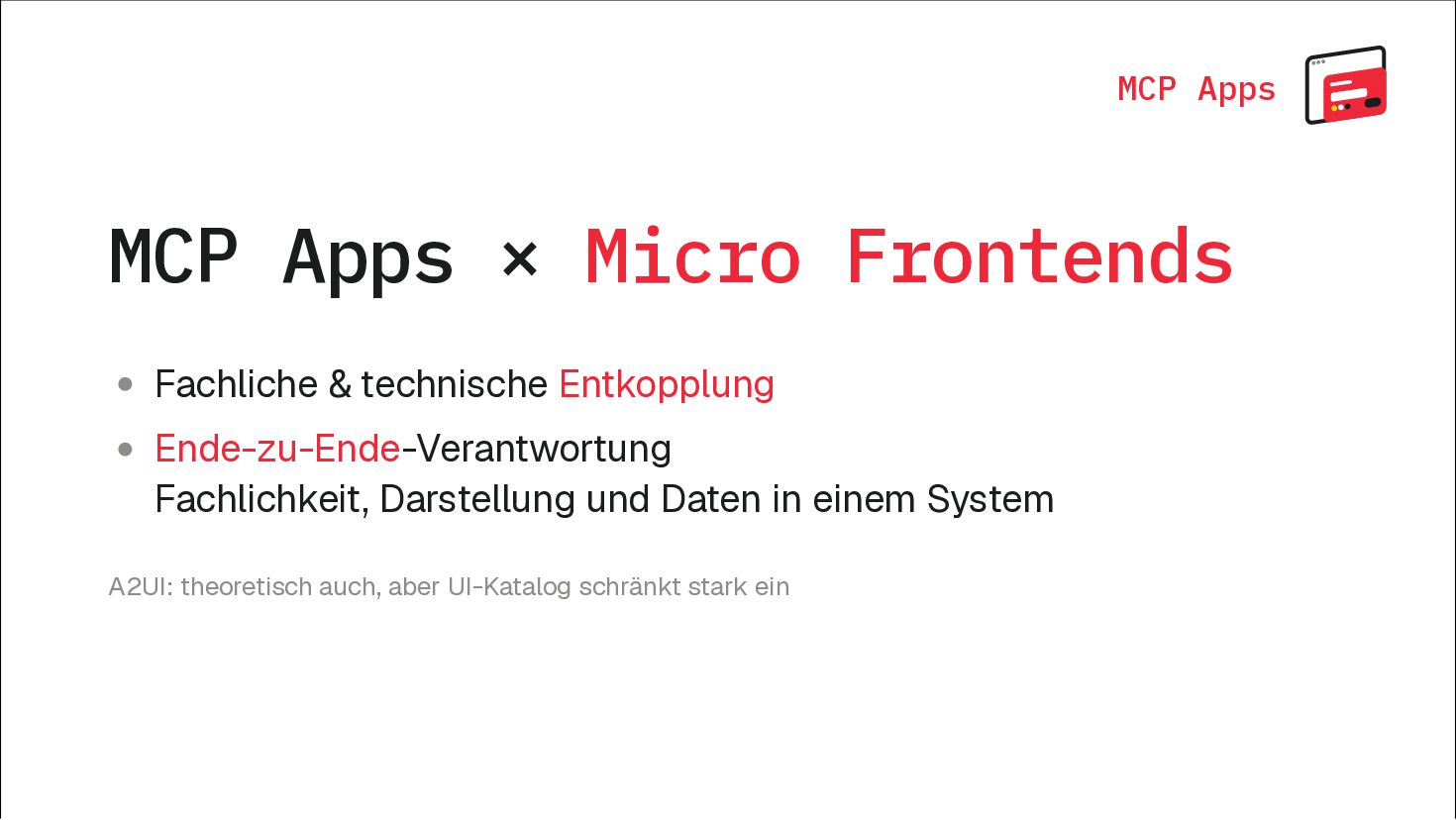
  9. MCP Apps MCP Apps × Micro Frontends Fachliche & technische

    Entkopplung Ende-zu-Ende-Verantwortung Fachlichkeit, Darstellung und Daten in einem System A2UI: theoretisch auch, aber UI-Katalog schränkt stark ein
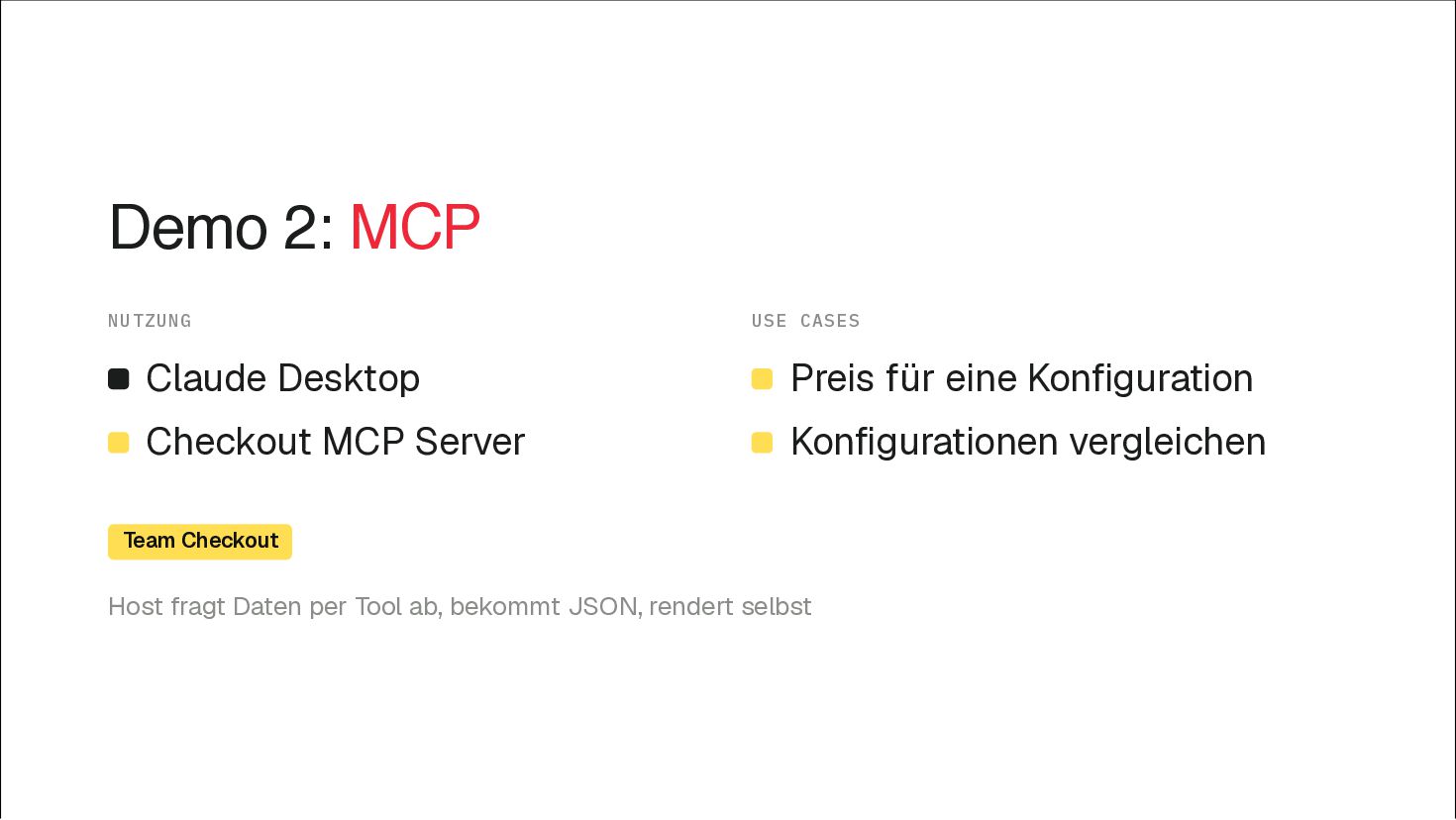
  10. Demo 2: MCP NUTZUNG USE CASES Claude Desktop Preis für

    eine Konfiguration Checkout MCP Server Konfigurationen vergleichen Team Checkout Host fragt Daten per Tool ab, bekommt JSON, rendert selbst
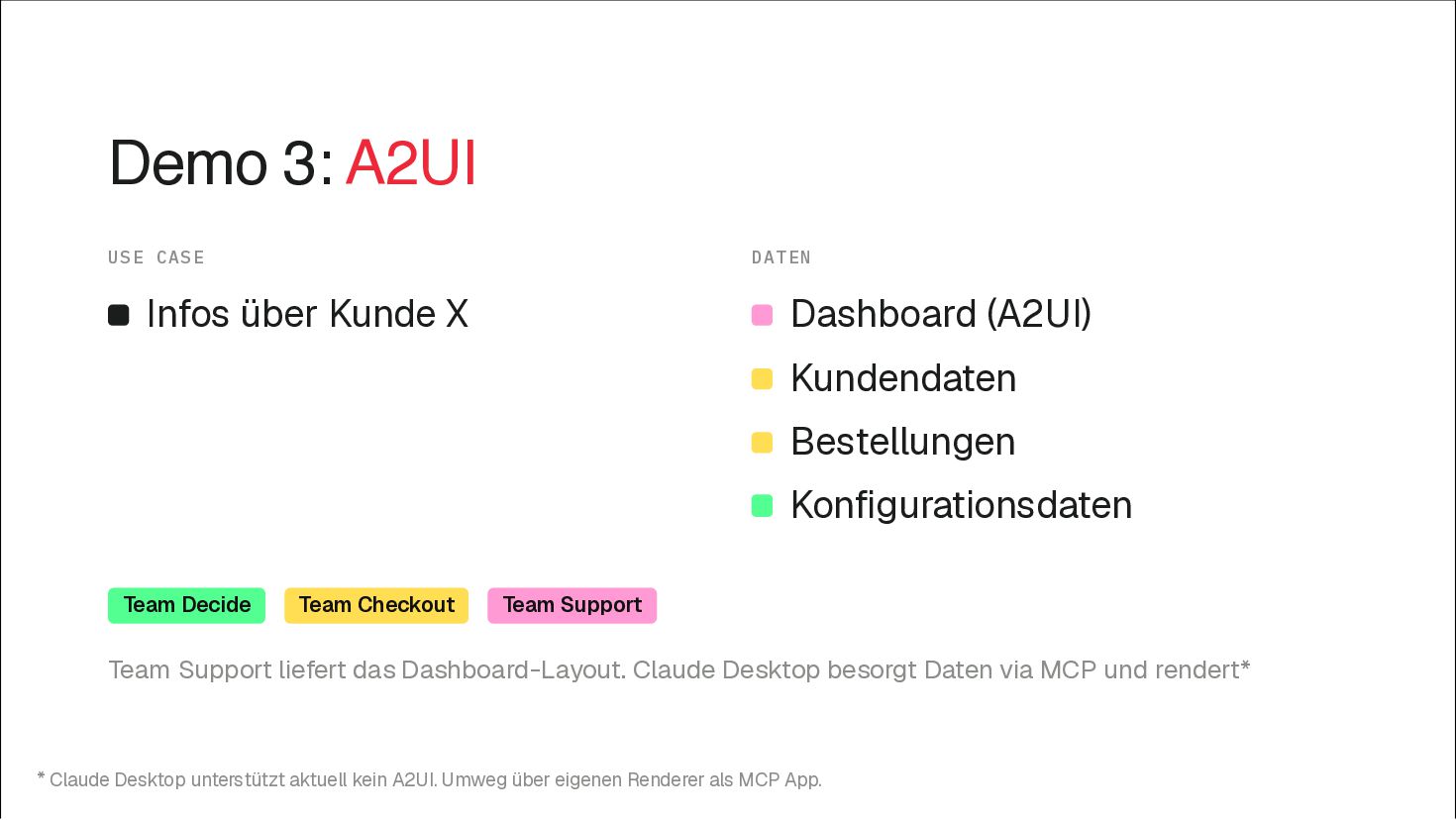
  11. Demo 3: A2UI USE CASE DATEN Infos über Kunde X

    Dashboard (A2UI) Kundendaten Bestellungen Konfigurationsdaten Team Decide Team Checkout Team Support Team Support liefert das Dashboard-Layout. Claude Desktop besorgt Daten via MCP und rendert* * Claude Desktop unterstützt aktuell kein A2UI. Umweg über eigenen Renderer als MCP App.
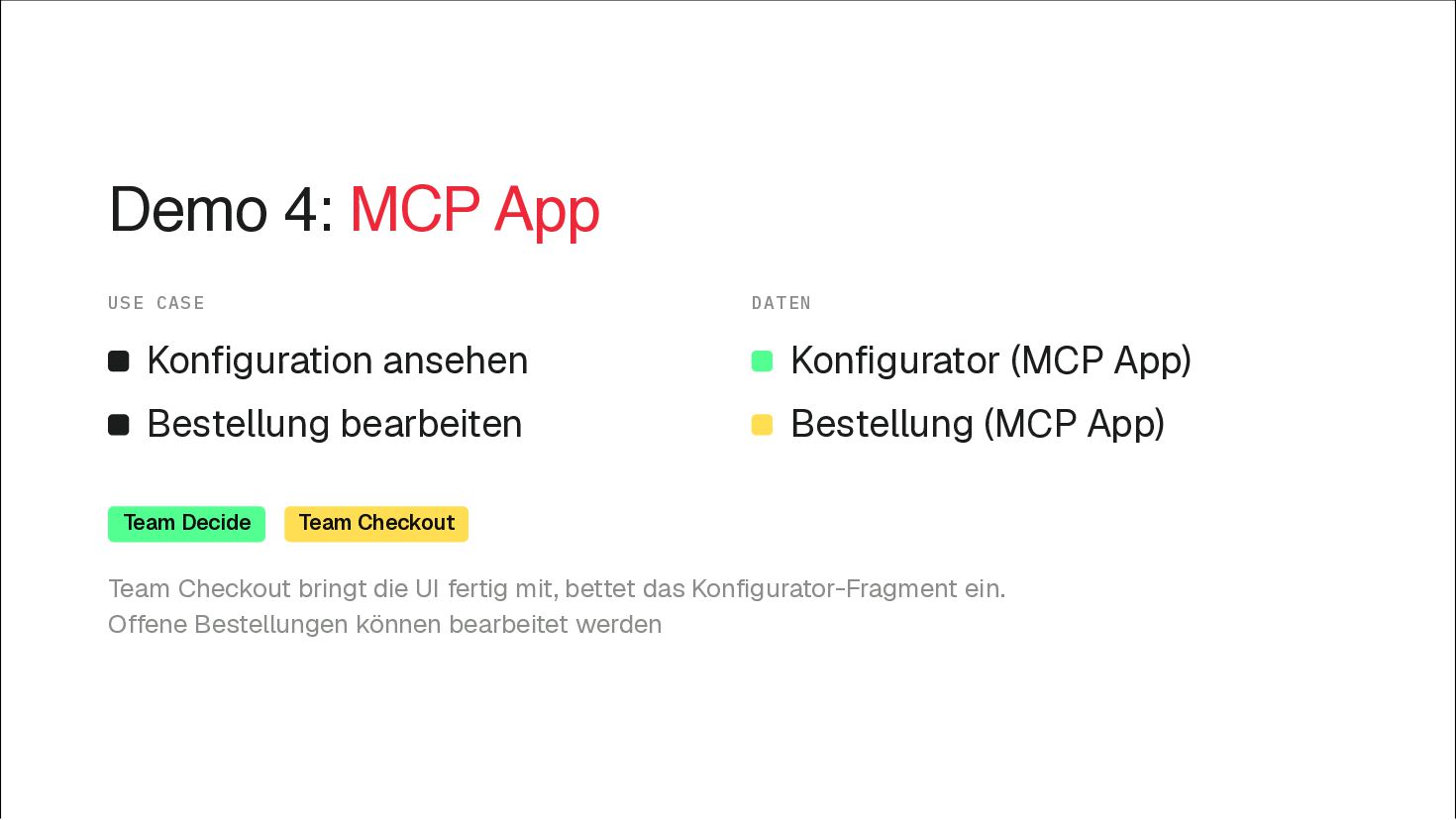
  12. Demo 4: MCP App USE CASE DATEN Konfiguration ansehen Konfigurator

    (MCP App) Bestellung bearbeiten Bestellung (MCP App) Team Decide Team Checkout Team Checkout bringt die UI fertig mit, bettet das Konfigurator-Fragment ein. Offene Bestellungen können bearbeitet werden

More Decks by Michael Geers

Other Decks in Technology