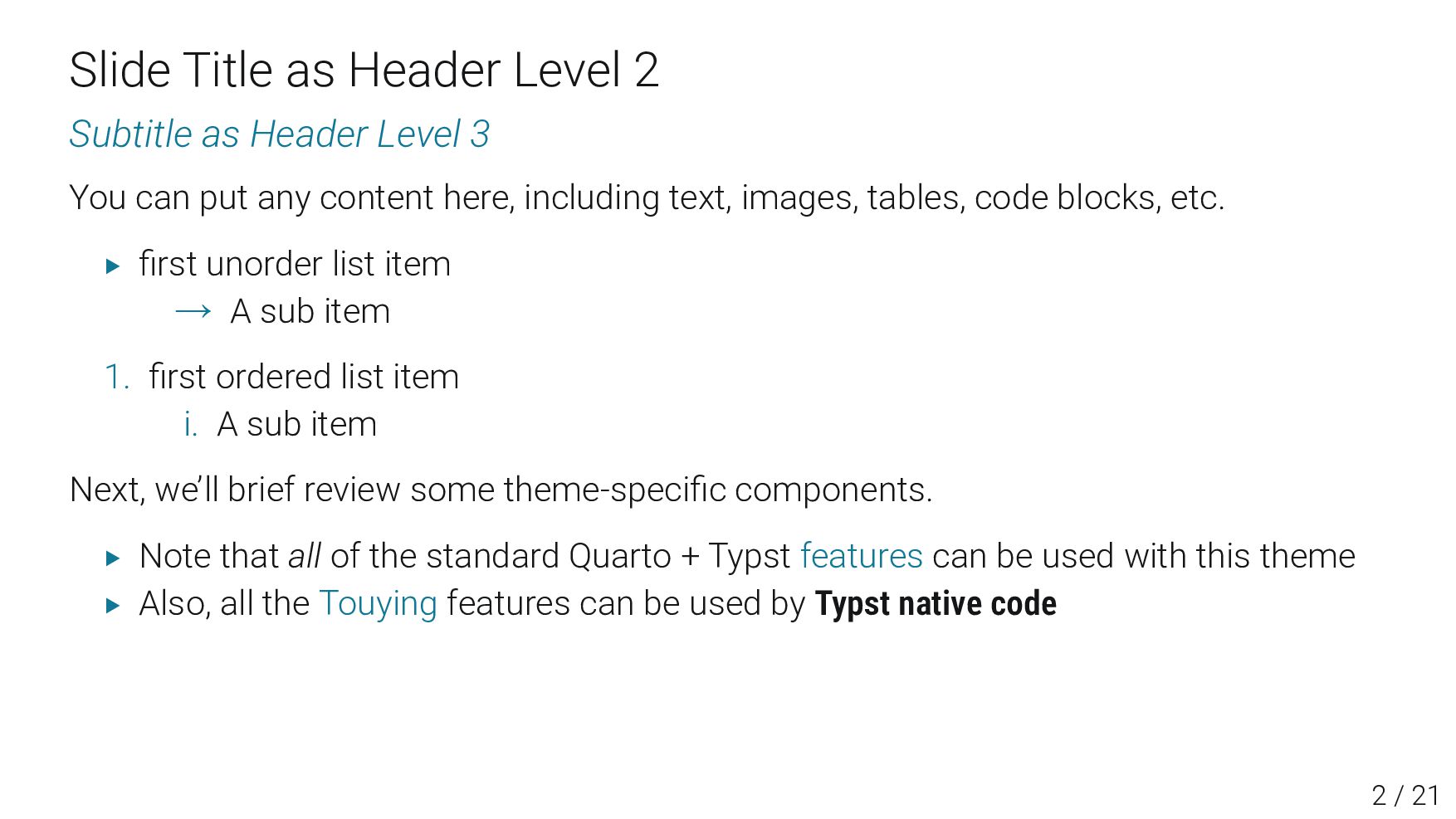
3 You can put any content here, including text, images, tables, code blocks, etc. ▶ first unorder list item → A sub item 1. first ordered list item i. A sub item Next, we’ll brief review some theme-specific components. ▶ Note that all of the standard Quarto + Typst features can be used with this theme ▶ Also, all the Touying features can be used by Typst native code 2 / 23
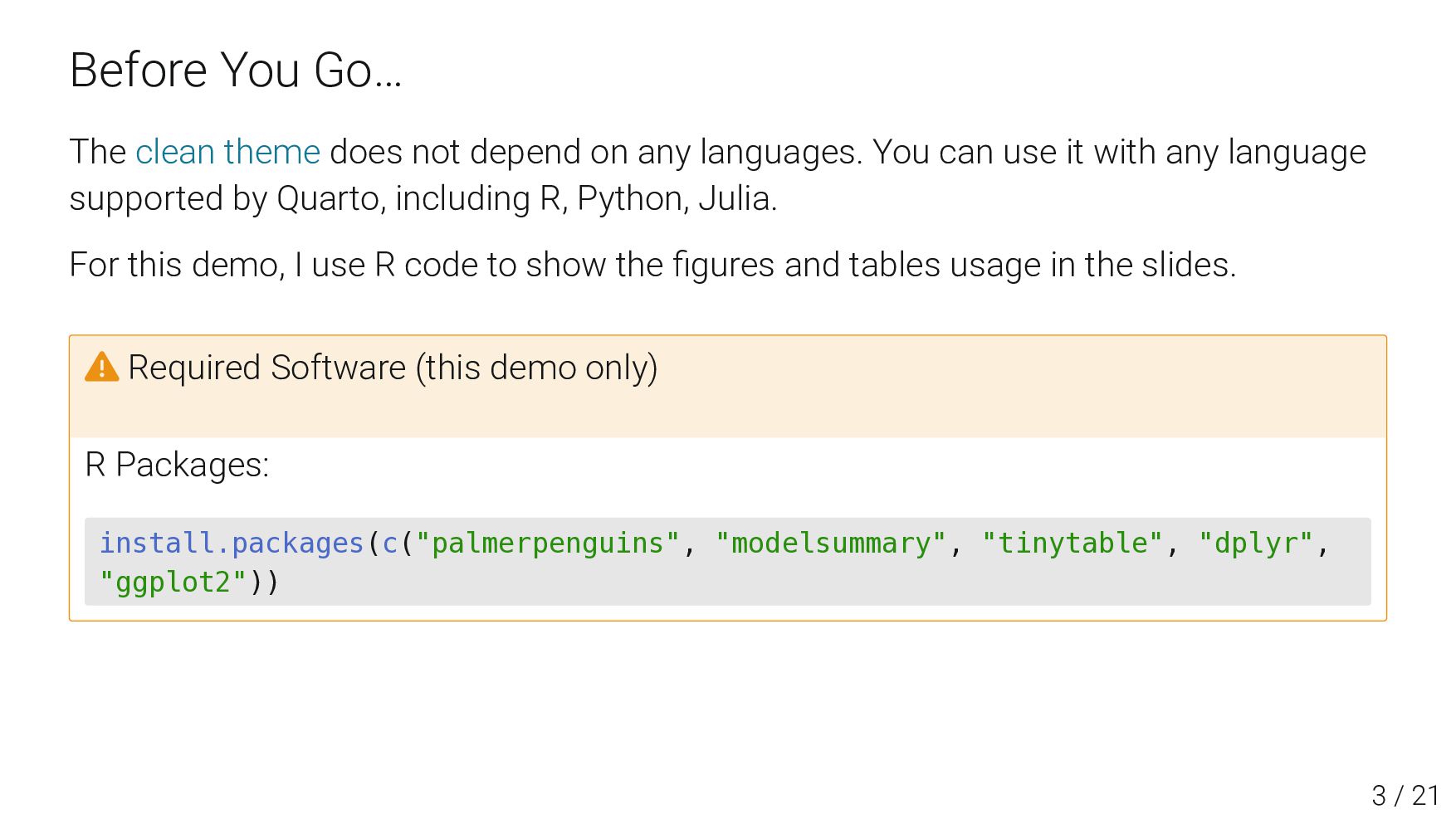
any languages. You can use it with any language supported by Quarto, including R, Python, Julia. For this demo, I use R code to show the figures and tables usage in the slides. ⚠ Required Software (this demo only) R Packages: install.packages(c("palmerpenguins", "modelsummary", "tinytable", "dplyr", "ggplot2", "showtext")) 3 / 23
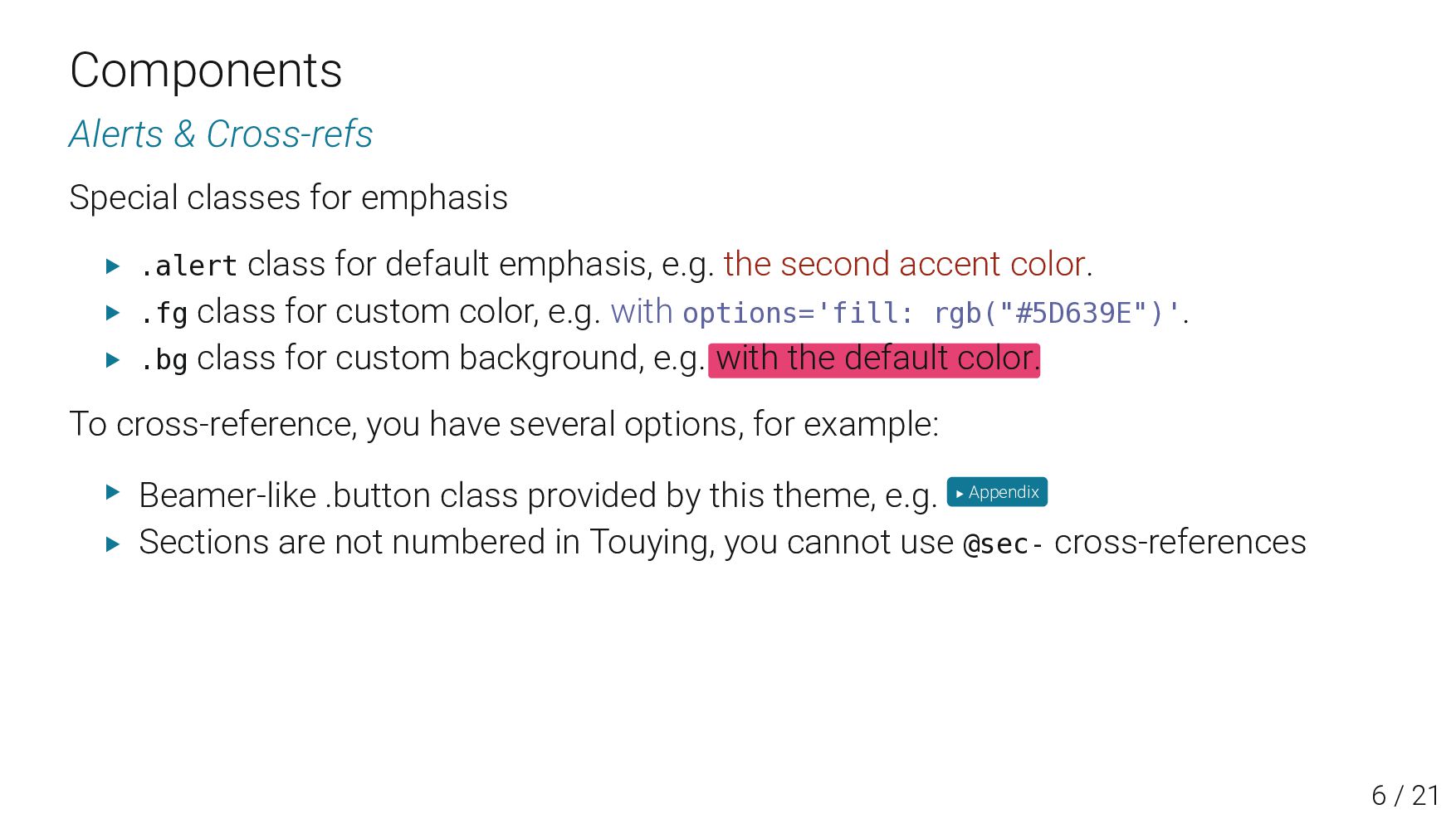
class for default emphasis, e.g. the second accent color. ▶ .fg class for custom color, e.g. with options='fill: rgb("#5D639E")'. ▶ .bg class for custom background, e.g. with the default color. To cross-reference, you have several options, for example: ▶ Beamer-like .button class provided by this theme, e.g. ▶ Appendix ▶ Sections are not numbered in Touying, you cannot use @sec- cross-references 6 / 23
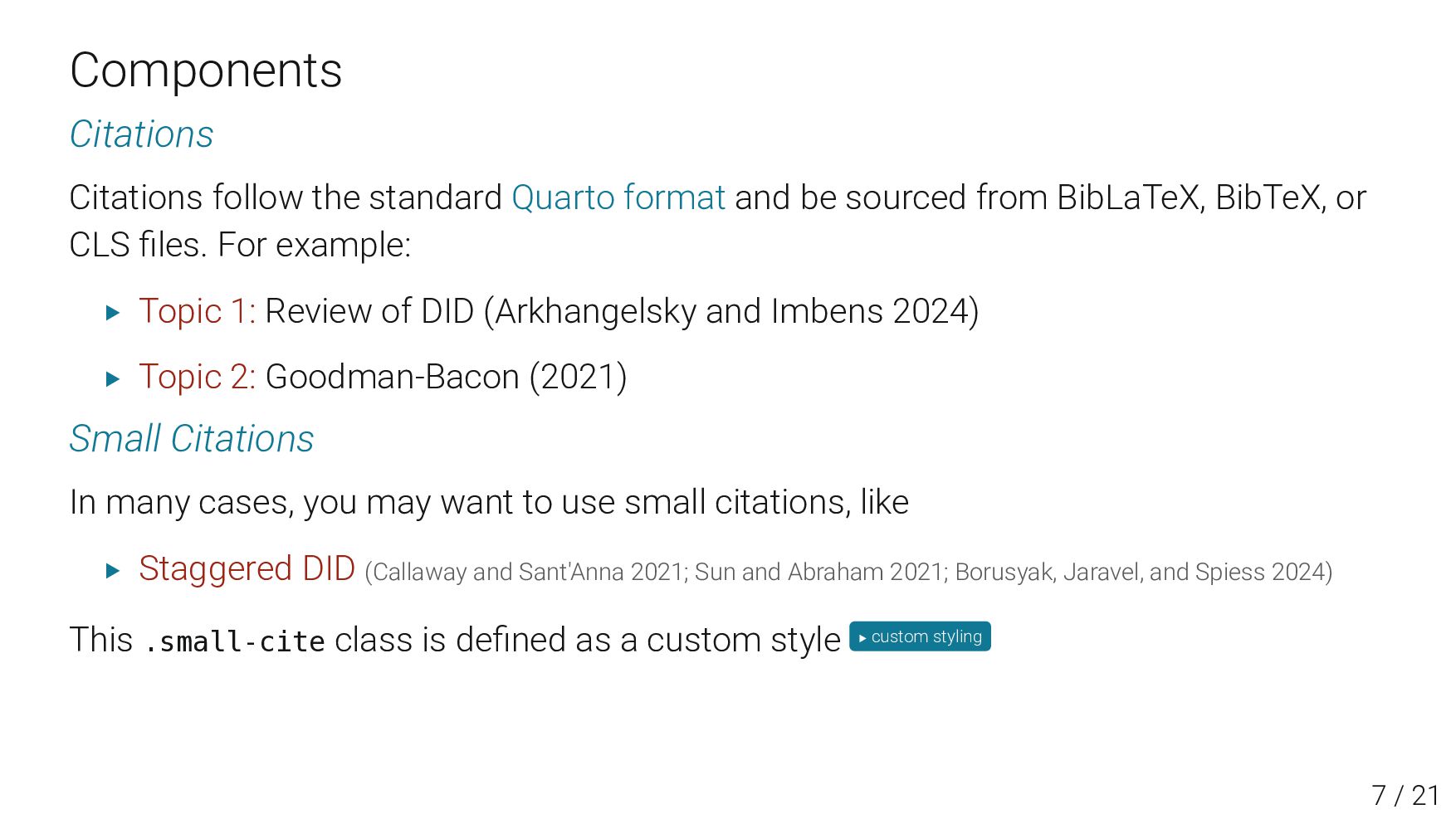
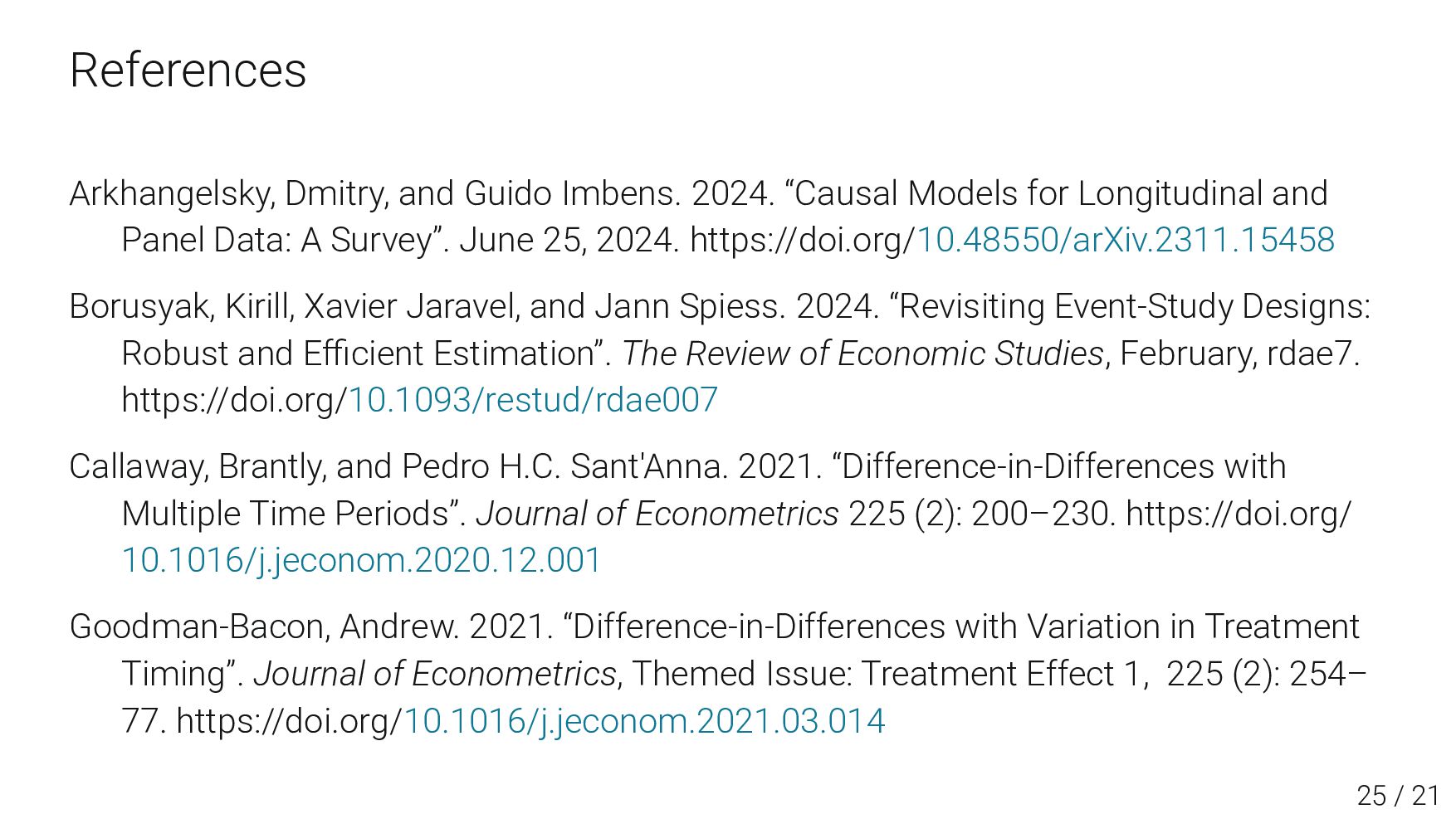
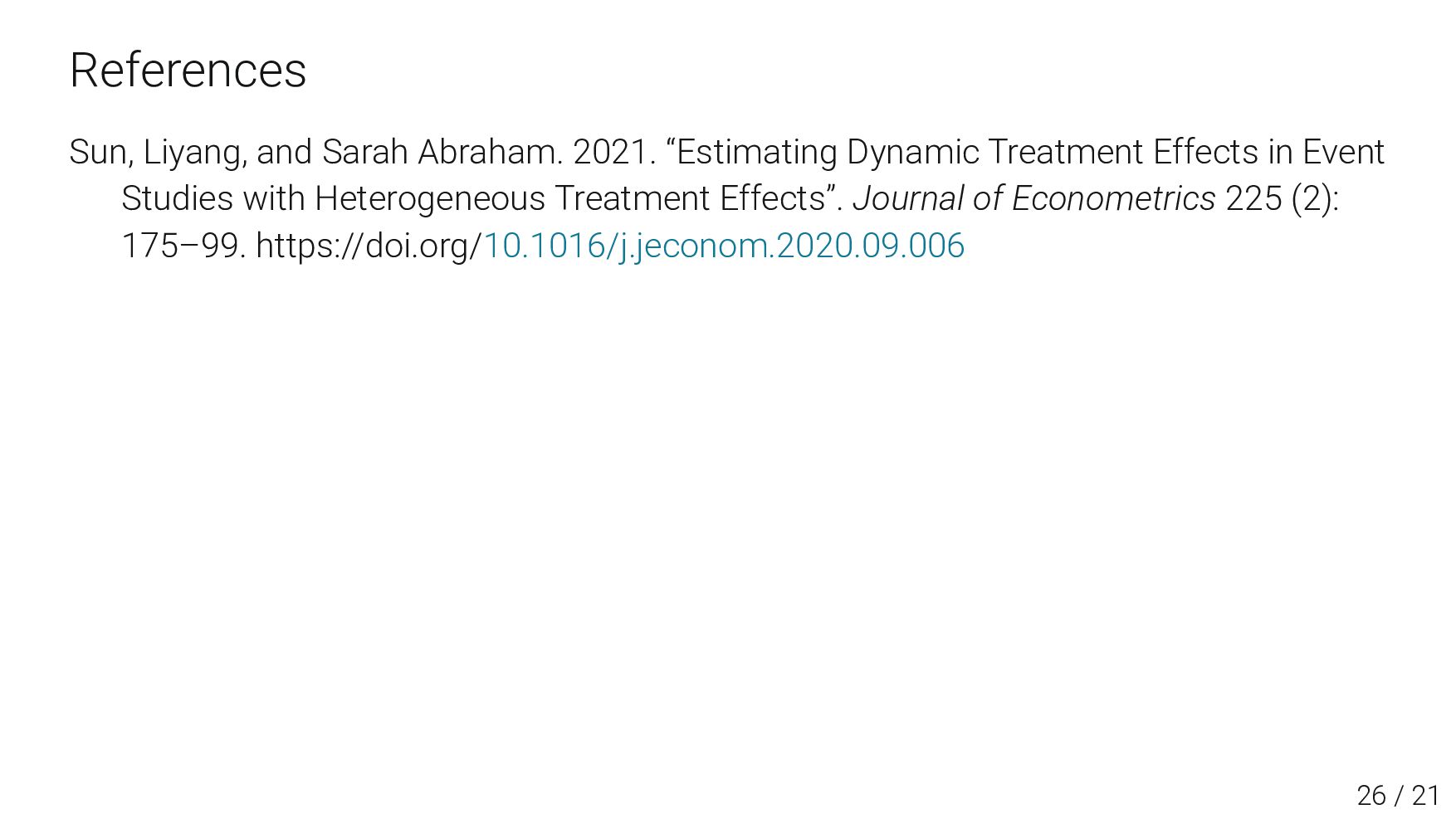
sourced from BibLaTeX, BibTeX, or CLS files. For example: ▶ Topic 1: Review of DID (Arkhangelsky and Imbens 2024) ▶ Topic 2: Goodman-Bacon (2021) Small Citations In many cases, you may want to use small citations, like ▶ Staggered DID (Callaway and Sant'Anna 2021; Sun and Abraham 2021; Borusyak, Jaravel, and Spiess 2024) This .small-cite class is defined as a custom style ▶ custom styling 7 / 23
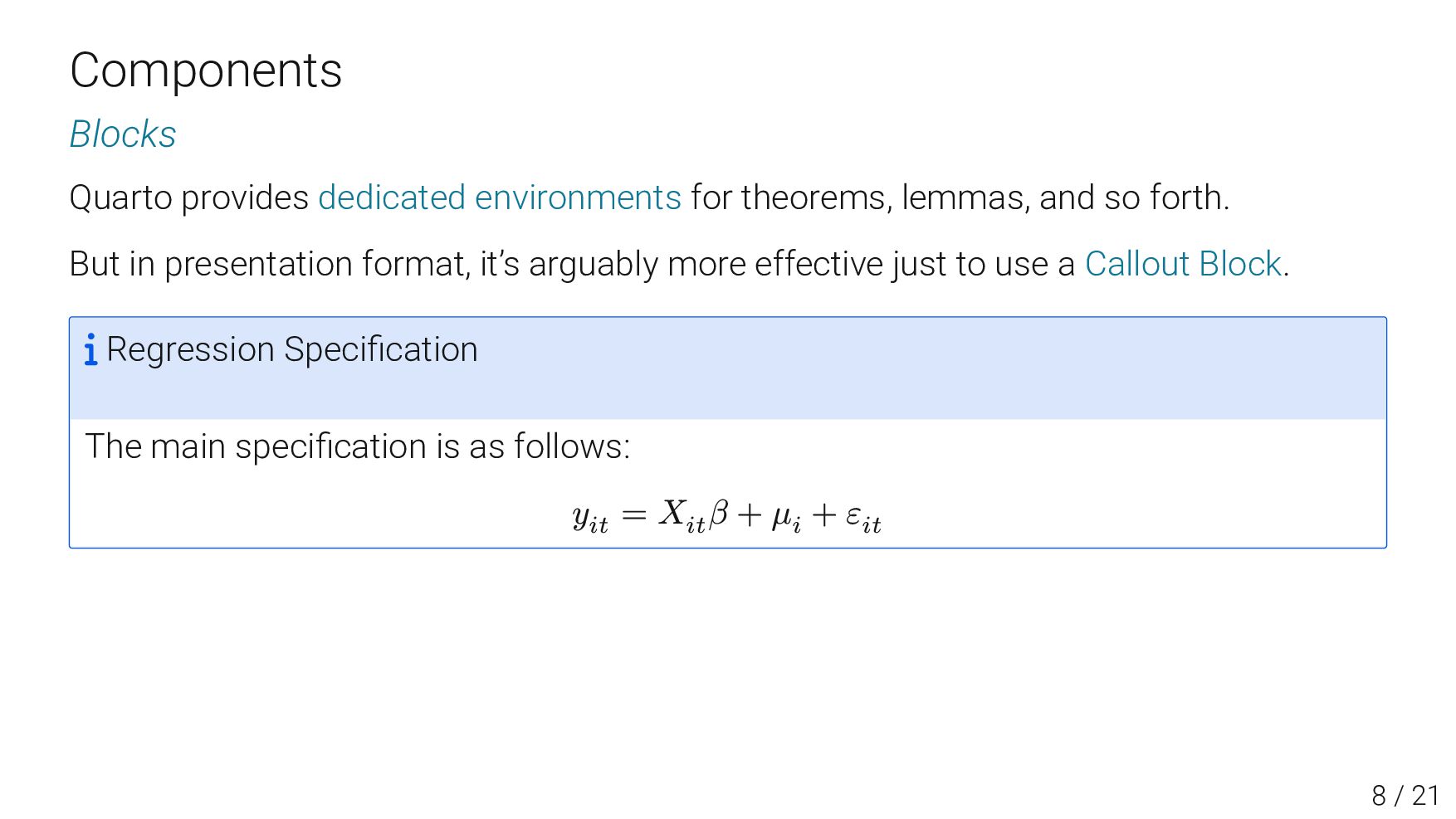
so forth. But in presentation format, it’s arguably more effective just to use a Callout Block. Regression Specification The main specification is as follows: 𝑦𝑖𝑡 = 𝑋𝑖𝑡 𝛽 + 𝜇𝑖 + 𝜀𝑖𝑡 8 / 23
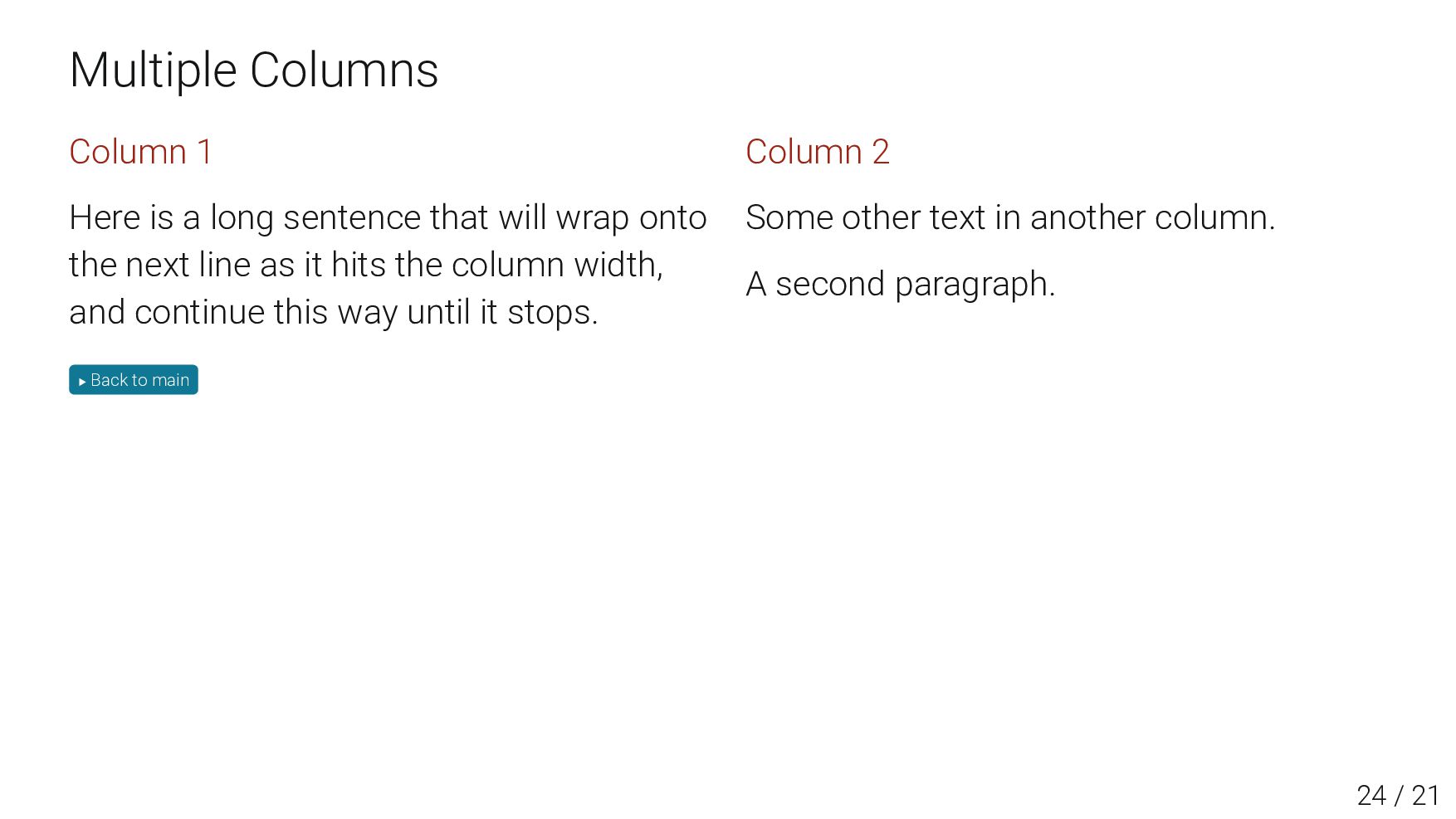
long sentence that will wrap onto the next line as it hits the column width, and continue this way until it stops. Some text that should be laid out below the code Column 2 Some other text in another column. A second paragraph. Quarto’s layout is more simple and flexible than Touying’s native multicolumn support. 9 / 23
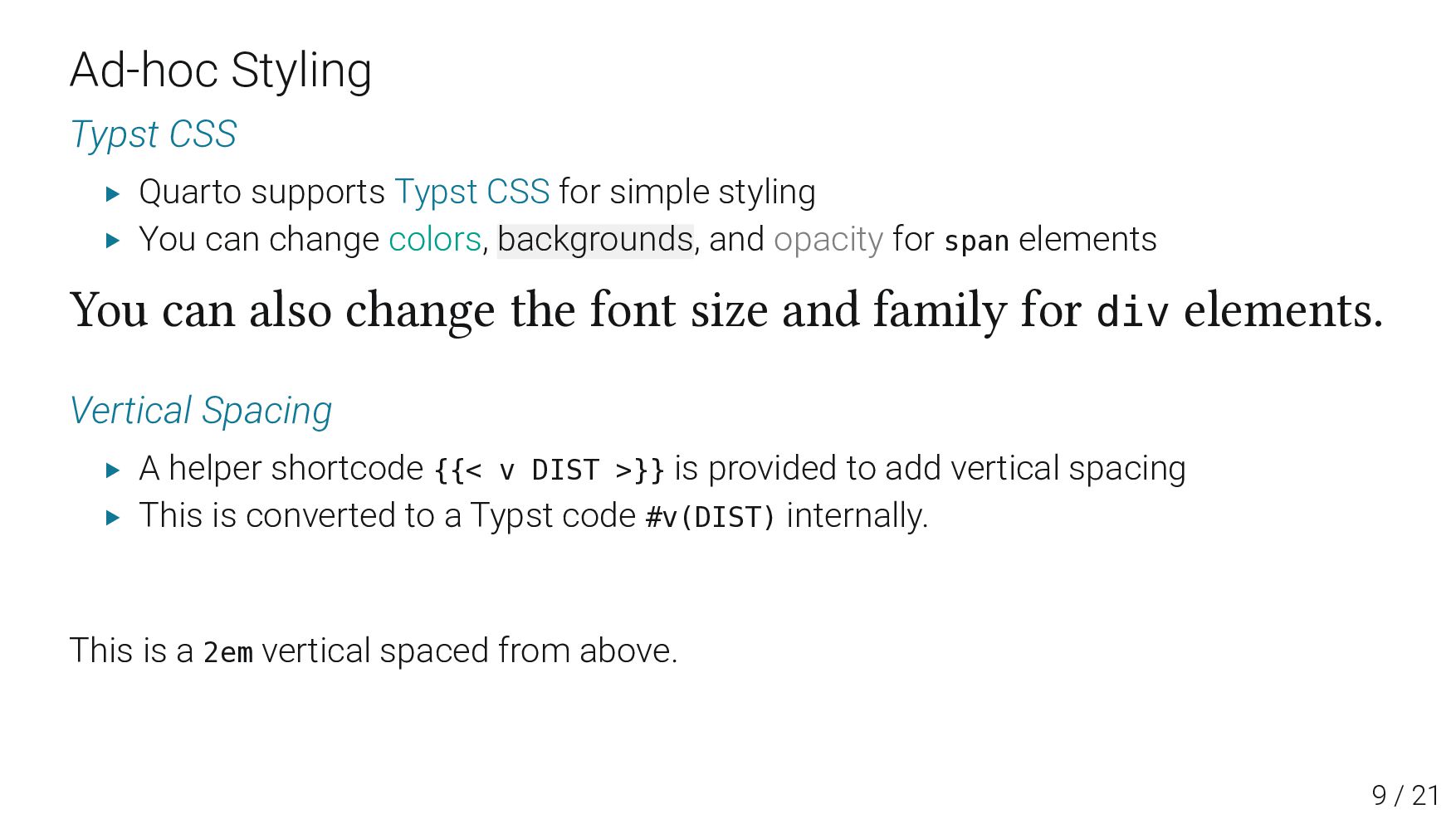
simple styling ▶ You can change colors, backgrounds, and opacity for span elements You can also change the font size and family for div elements. Vertical Spacing ▶ A helper shortcode {{< v DIST >}} is provided to add vertical spacing ▶ This is converted to a Typst code #v(DIST) internally. This is a 2em vertical spaced from above. 11 / 23
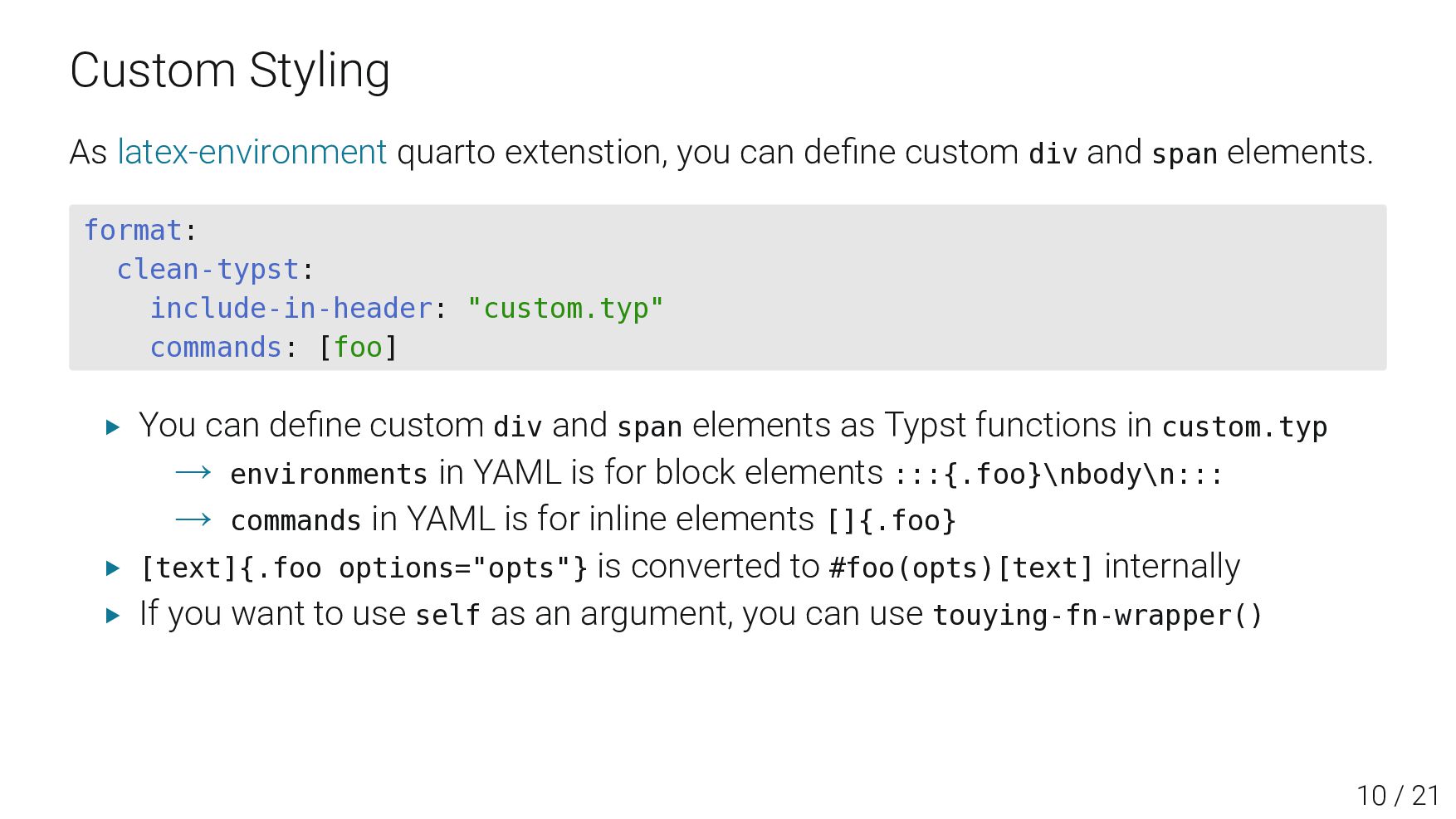
div and span elements. format: clean-typst: include-in-header: "custom.typ" commands: [foo] ▶ You can define custom div and span elements as Typst functions in custom.typ → environments in YAML is for block elements :::{.foo}\nbody\n::: → commands in YAML is for inline elements []{.foo} ▶ [text]{.foo options="opts"} is converted to #foo(opts)[text] internally ▶ If you want to use self as an argument, you can use touying-fn-wrapper() 12 / 23
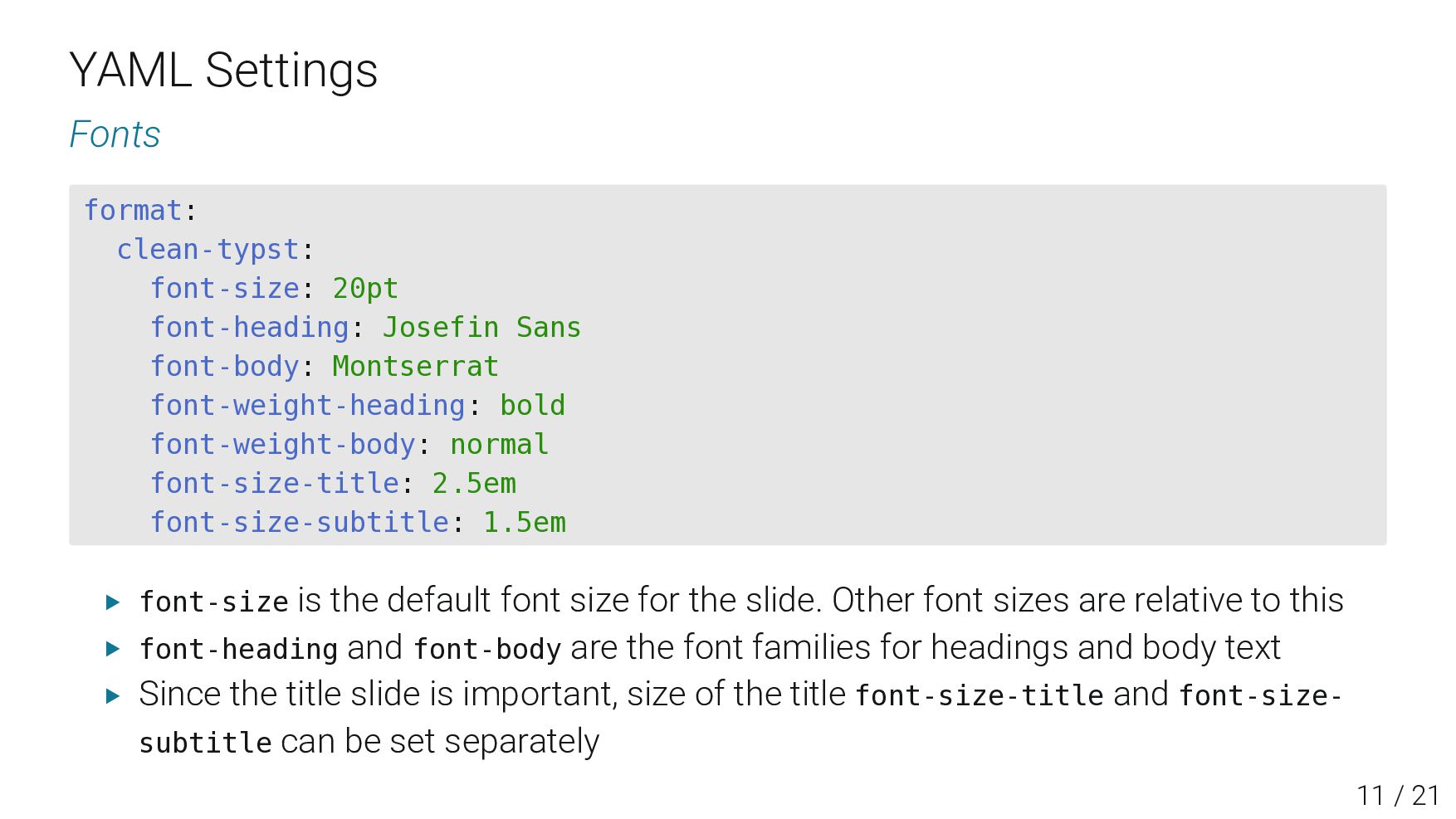
font-body: Montserrat font-weight-heading: bold font-weight-body: normal font-size-title: 2.5em font-size-subtitle: 1.5em ▶ font-size is the default font size for the slide. Other font sizes are relative to this ▶ font-heading and font-body are the font families for headings and body text ▶ Since the title slide is important, size of the title font-size-title and font-size- subtitle can be set separately 13 / 23
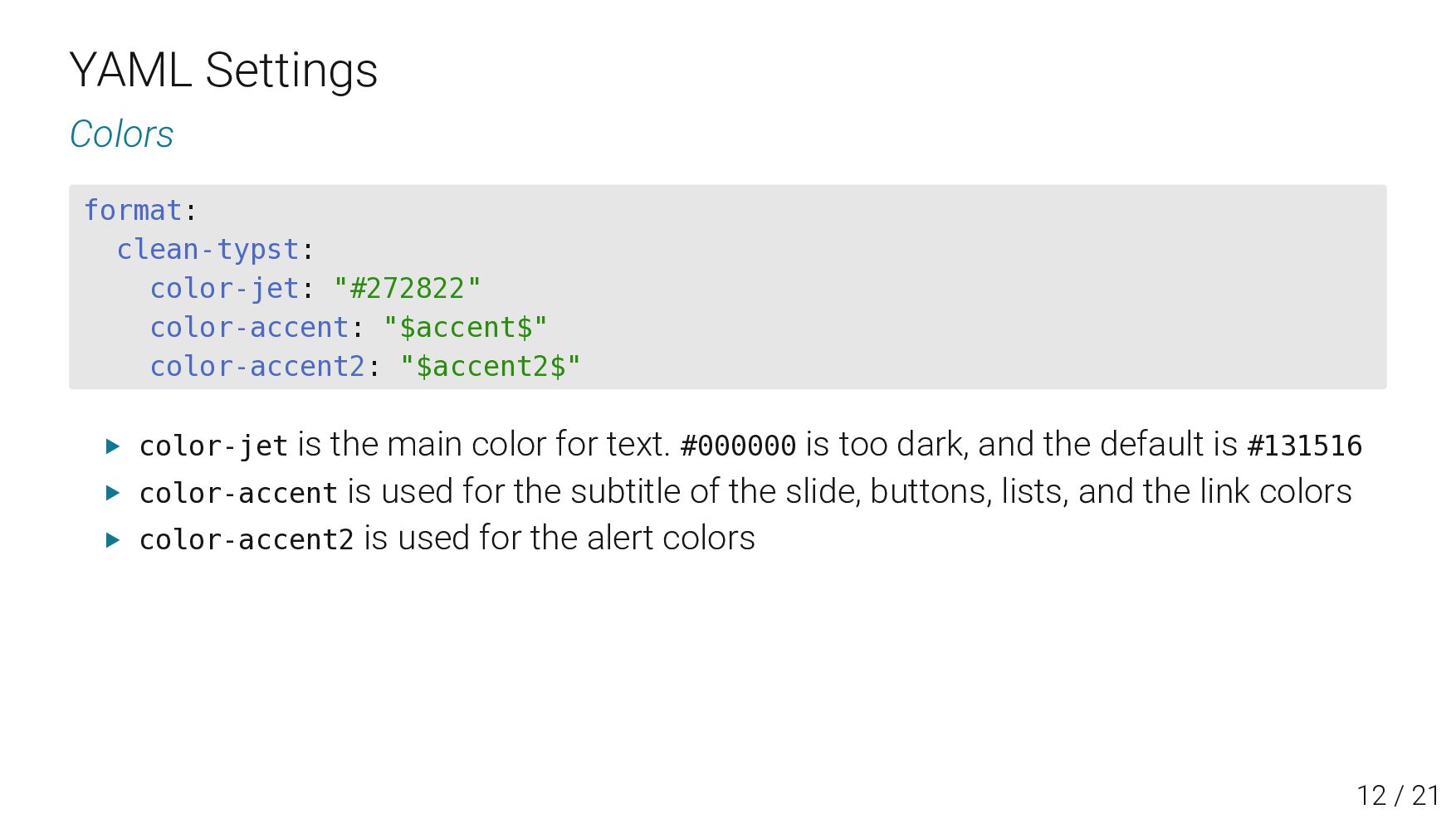
"$accent2$" ▶ color-jet is the main color for text. #000000 is too dark, and the default is #131516 ▶ color-accent is used for the subtitle of the slide, buttons, lists, and the link colors ▶ color-accent2 is used for the alert colors 14 / 23
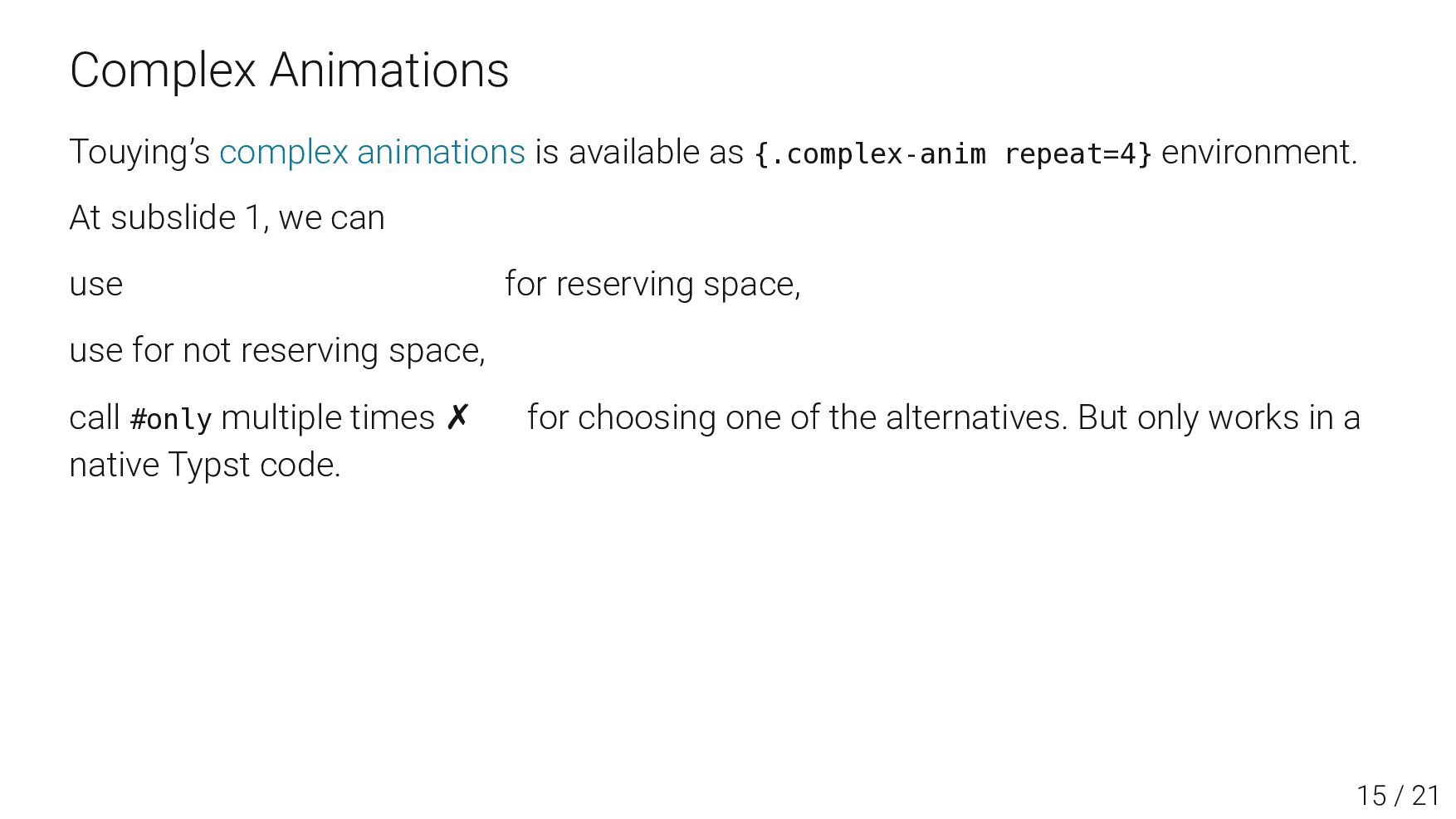
environment. At subslide 1, we can use {.uncover} environment for reserving space, use for not reserving space, call #only multiple times ✗ for choosing one of the alternatives. But only works in a native Typst code. 17 / 23
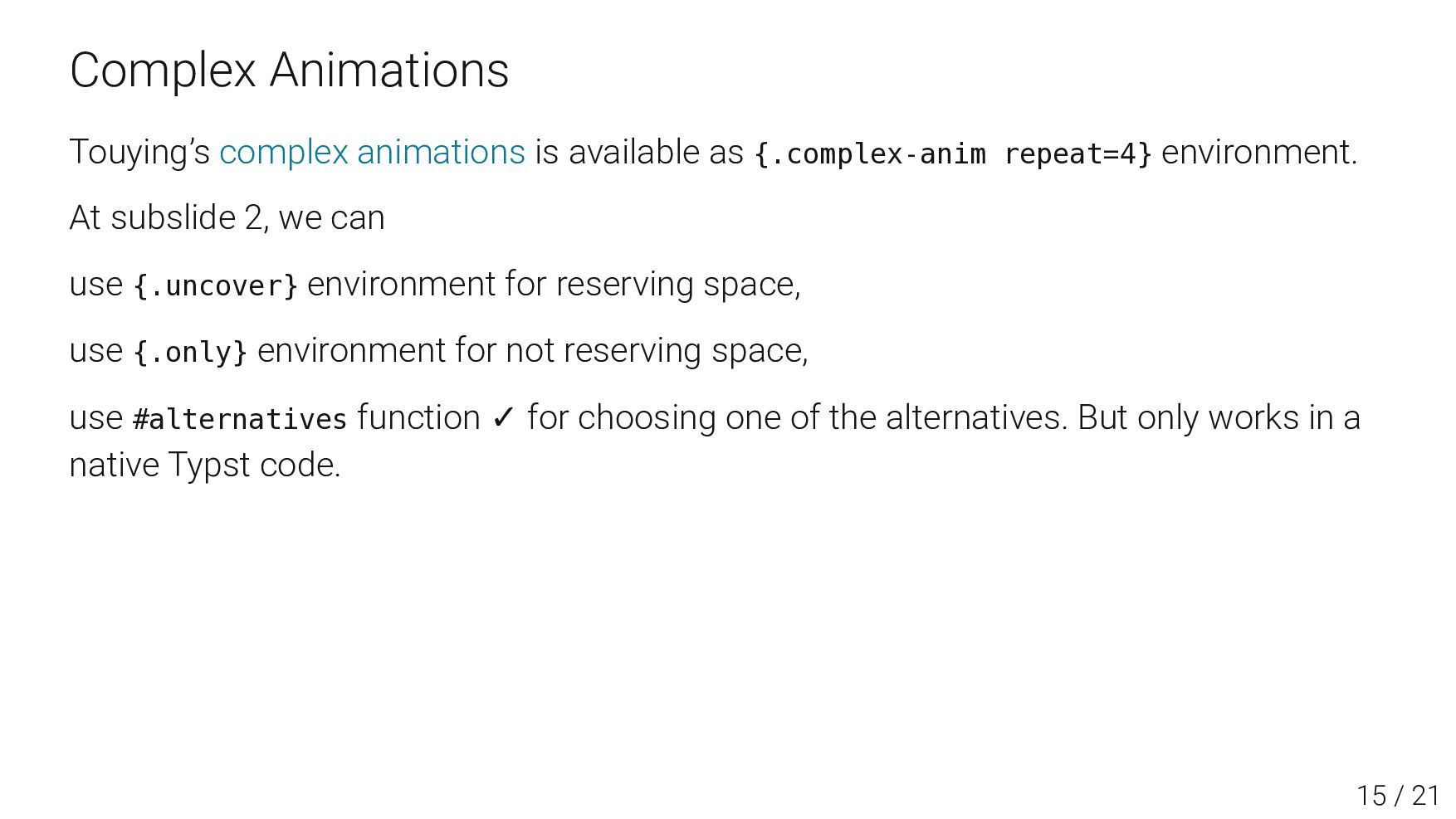
environment. At subslide 2, we can use {.uncover} environment for reserving space, use {.only} environment for not reserving space, use #alternatives function ✓ for choosing one of the alternatives. But only works in a native Typst code. 17 / 23
environment. At subslide 3, we can use {.uncover} environment for reserving space, use {.only} environment for not reserving space, use #alternatives function ✓ for choosing one of the alternatives. But only works in a native Typst code. 17 / 23
environment. At subslide 4, we can use {.uncover} environment for reserving space, use {.only} environment for not reserving space, use #alternatives function ✓ for choosing one of the alternatives. But only works in a native Typst code. Other Features ▶ All the animation functions can be used in Typst Math code ▶ Appendix ▶ handout: true in YAML header is available for handout mode (without animations) 17 / 23
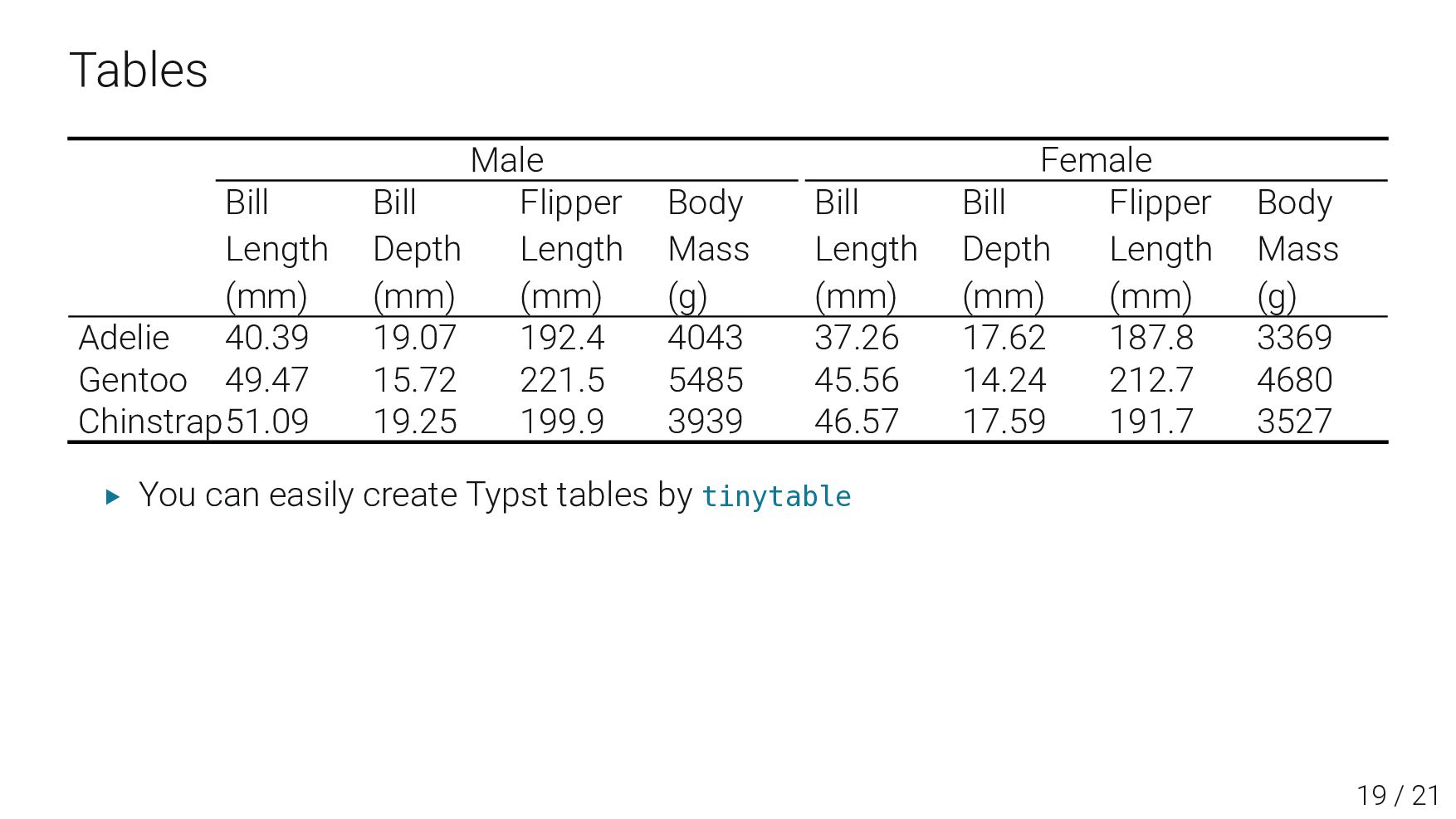
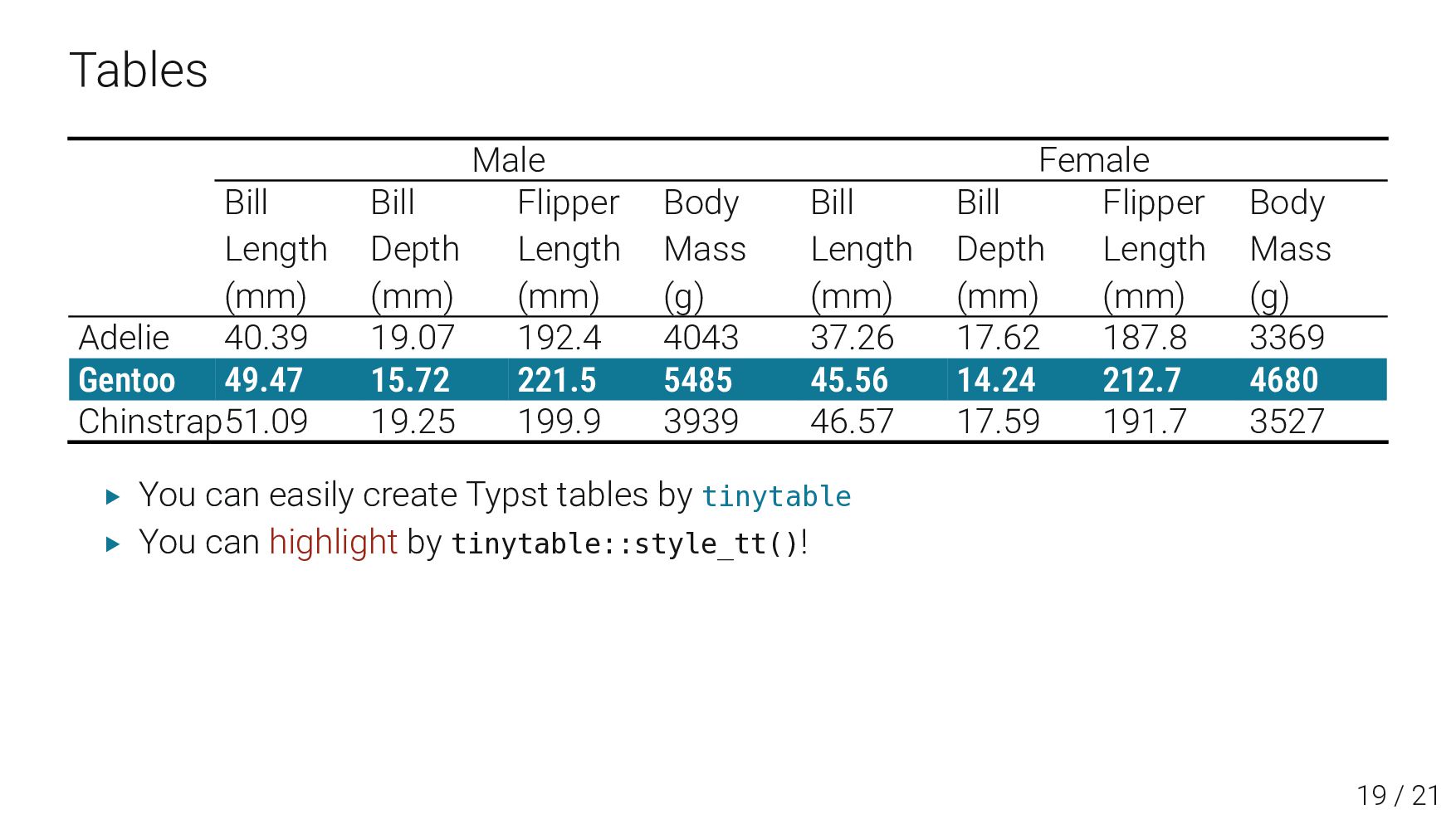
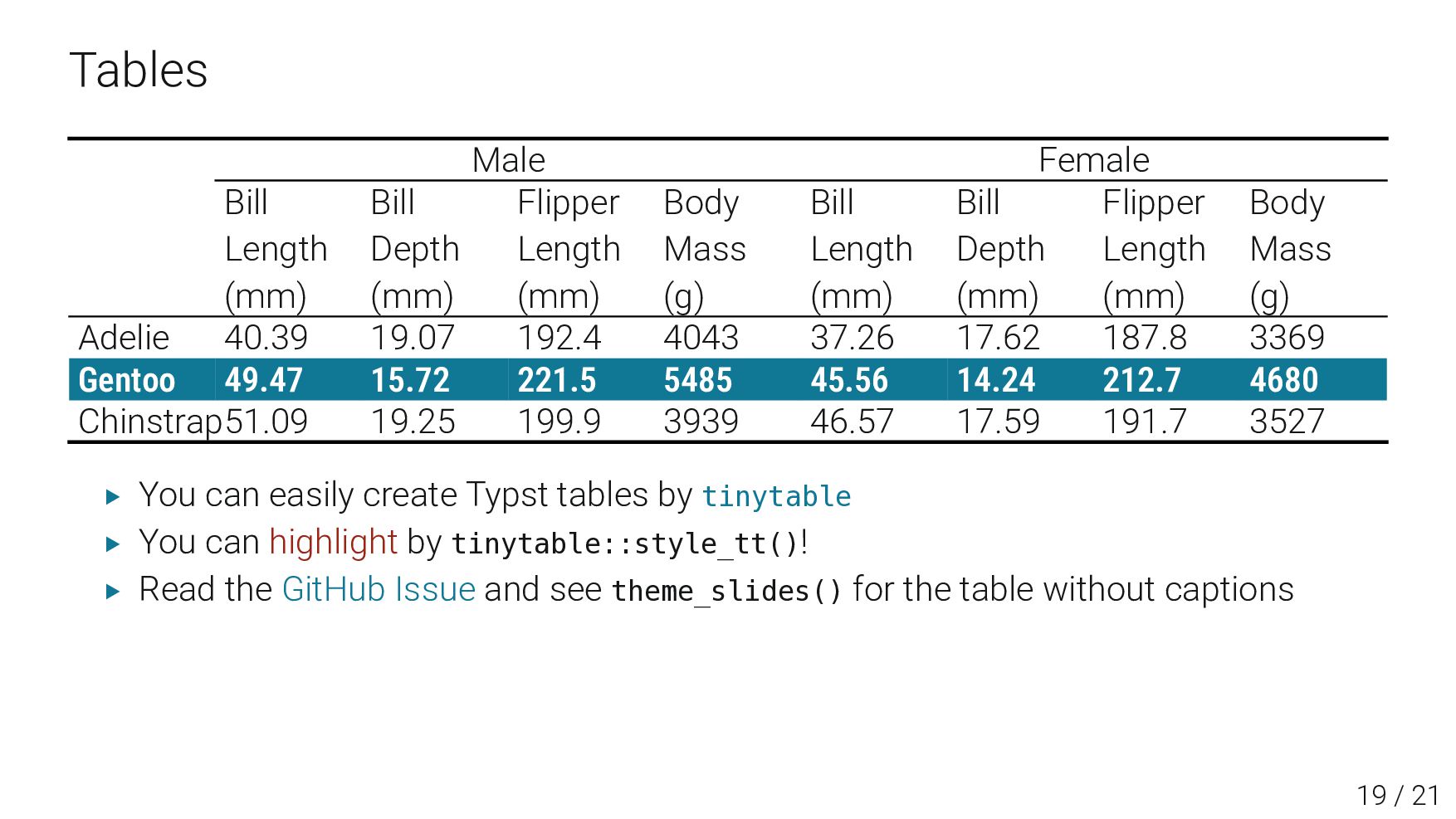
Length (mm) Body Mass (g) Bill Length (mm) Bill Depth (mm) Flipper Length (mm) Body Mass (g) Adelie 40.39 19.07 192.4 4043 37.26 17.62 187.8 3369 Gentoo 49.47 15.72 221.5 5485 45.56 14.24 212.7 4680 Chinstrap51.09 19.25 199.9 3939 46.57 17.59 191.7 3527 ▶ You can easily create Typst tables by tinytable ▶You can highlight by tinytable::style_tt()! ▶Read the GitHub Issue and see theme_slides() for the table without captions 21 / 23
Length (mm) Body Mass (g) Bill Length (mm) Bill Depth (mm) Flipper Length (mm) Body Mass (g) Adelie 40.39 19.07 192.4 4043 37.26 17.62 187.8 3369 Gentoo 49.47 15.72 221.5 5485 45.56 14.24 212.7 4680 Chinstrap51.09 19.25 199.9 3939 46.57 17.59 191.7 3527 ▶ You can easily create Typst tables by tinytable ▶ You can highlight by tinytable::style_tt()! ▶Read the GitHub Issue and see theme_slides() for the table without captions 21 / 23
Length (mm) Body Mass (g) Bill Length (mm) Bill Depth (mm) Flipper Length (mm) Body Mass (g) Adelie 40.39 19.07 192.4 4043 37.26 17.62 187.8 3369 Gentoo 49.47 15.72 221.5 5485 45.56 14.24 212.7 4680 Chinstrap51.09 19.25 199.9 3939 46.57 17.59 191.7 3527 ▶ You can easily create Typst tables by tinytable ▶ You can highlight by tinytable::style_tt()! ▶ Read the GitHub Issue and see theme_slides() for the table without captions 21 / 23
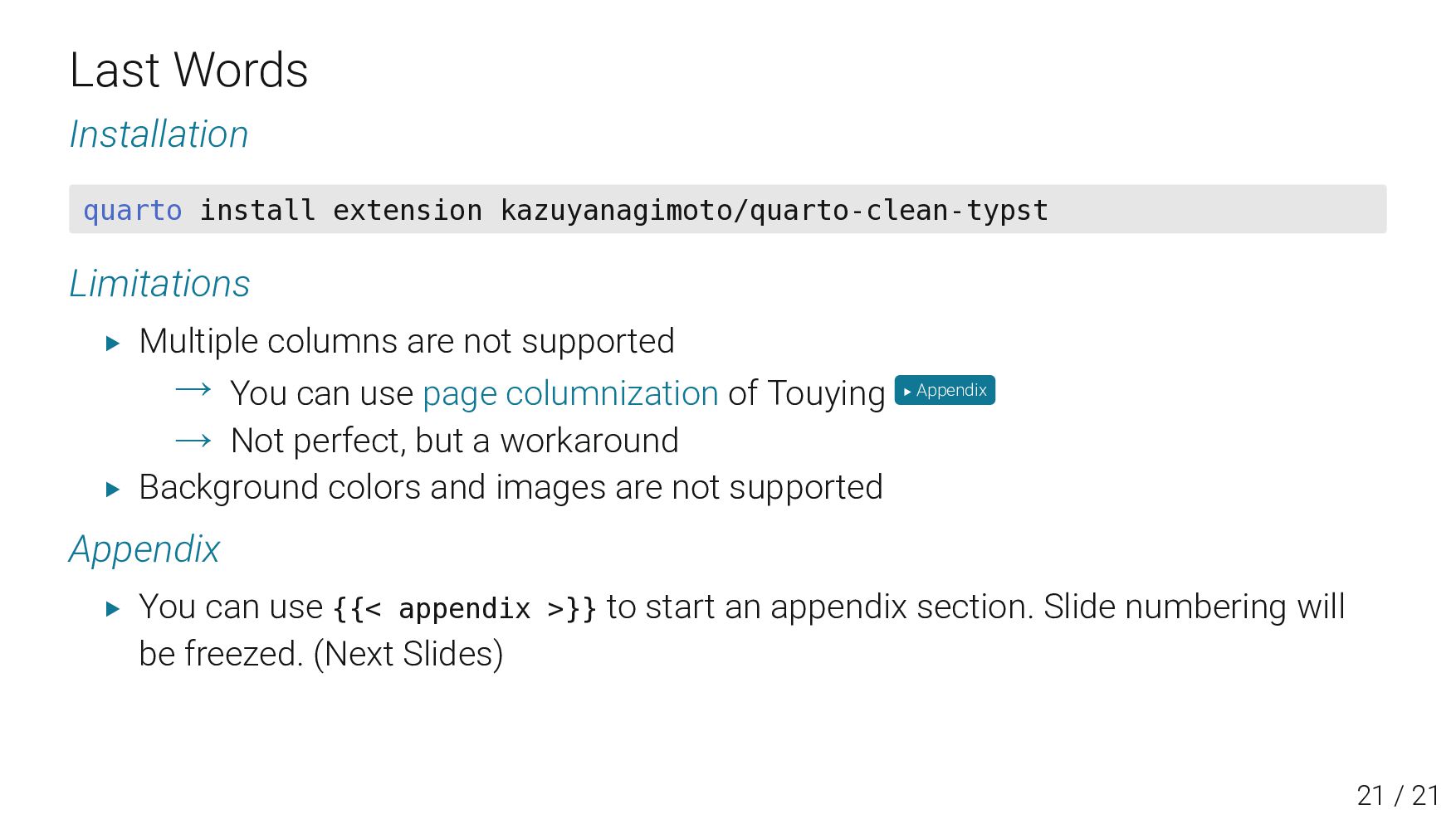
colors and images are not supported Appendix ▶ You can use {{< appendix >}} to start an appendix section. Slide numbering will be freezed. (Next Slides) 23 / 23