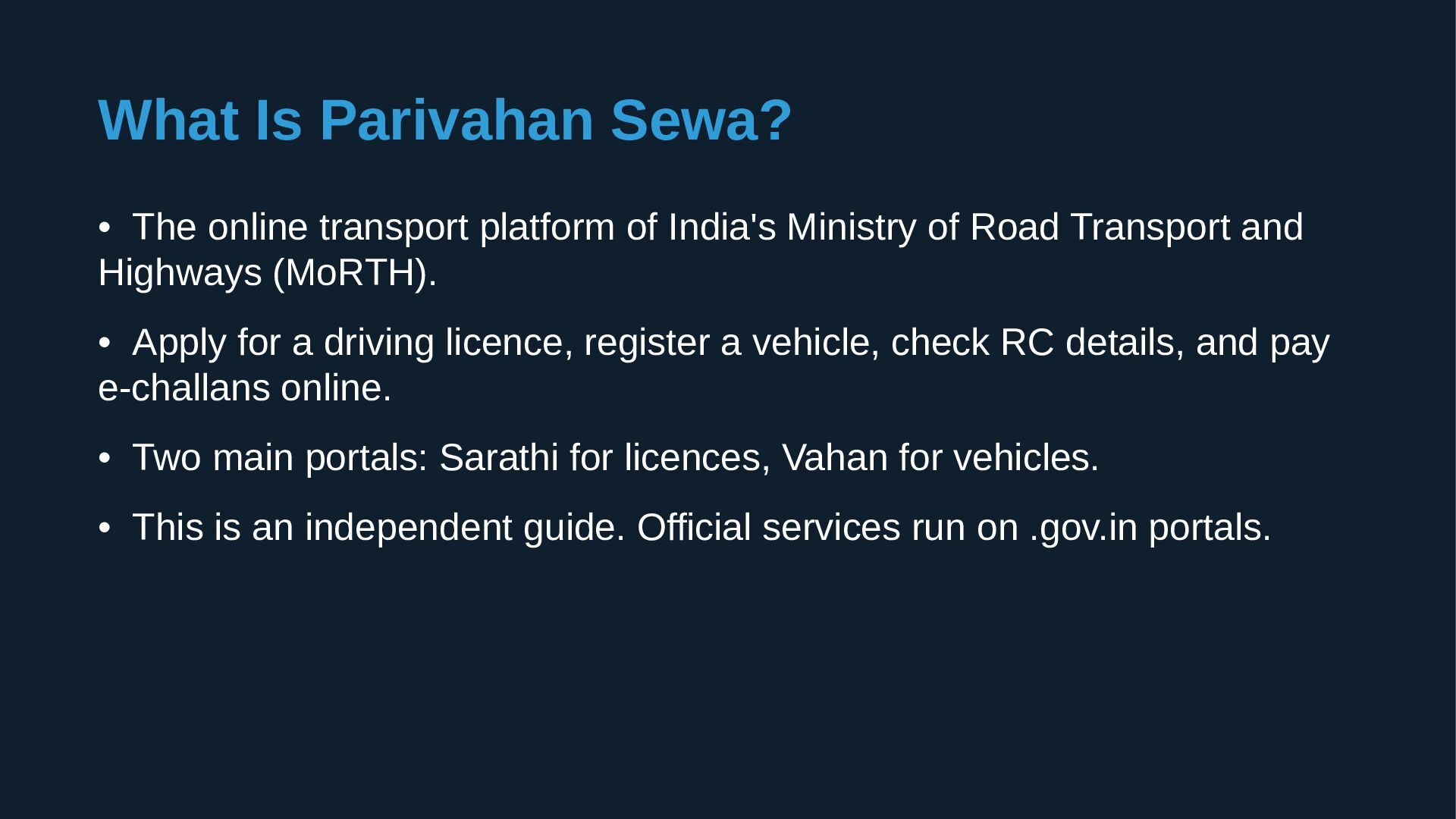
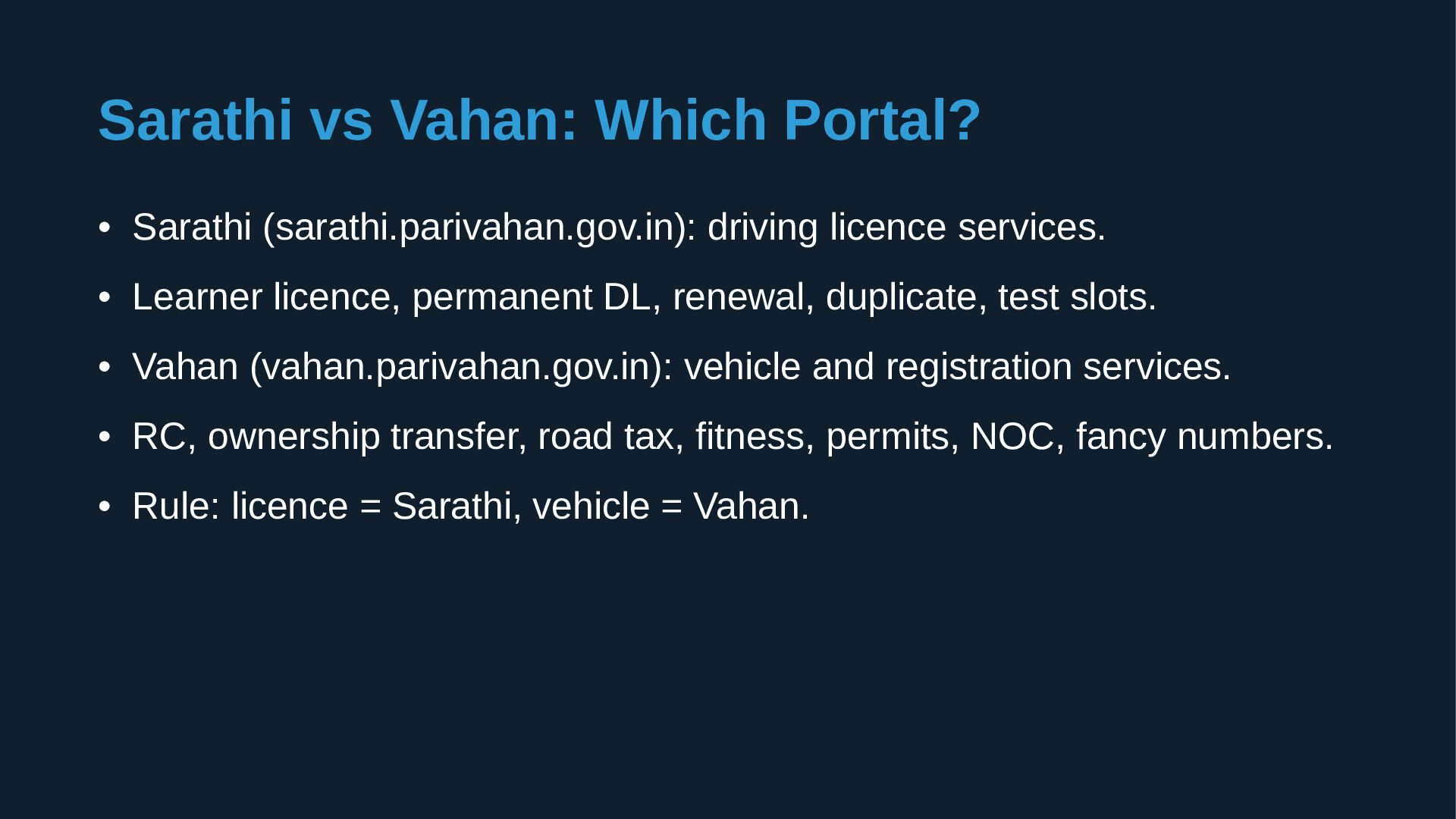
India's Ministry of Road Transport and Highways (MoRTH). • Apply for a driving licence, register a vehicle, check RC details, and pay e-challans online. • Two main portals: Sarathi for licences, Vahan for vehicles. • This is an independent guide. Official services run on .gov.in portals.
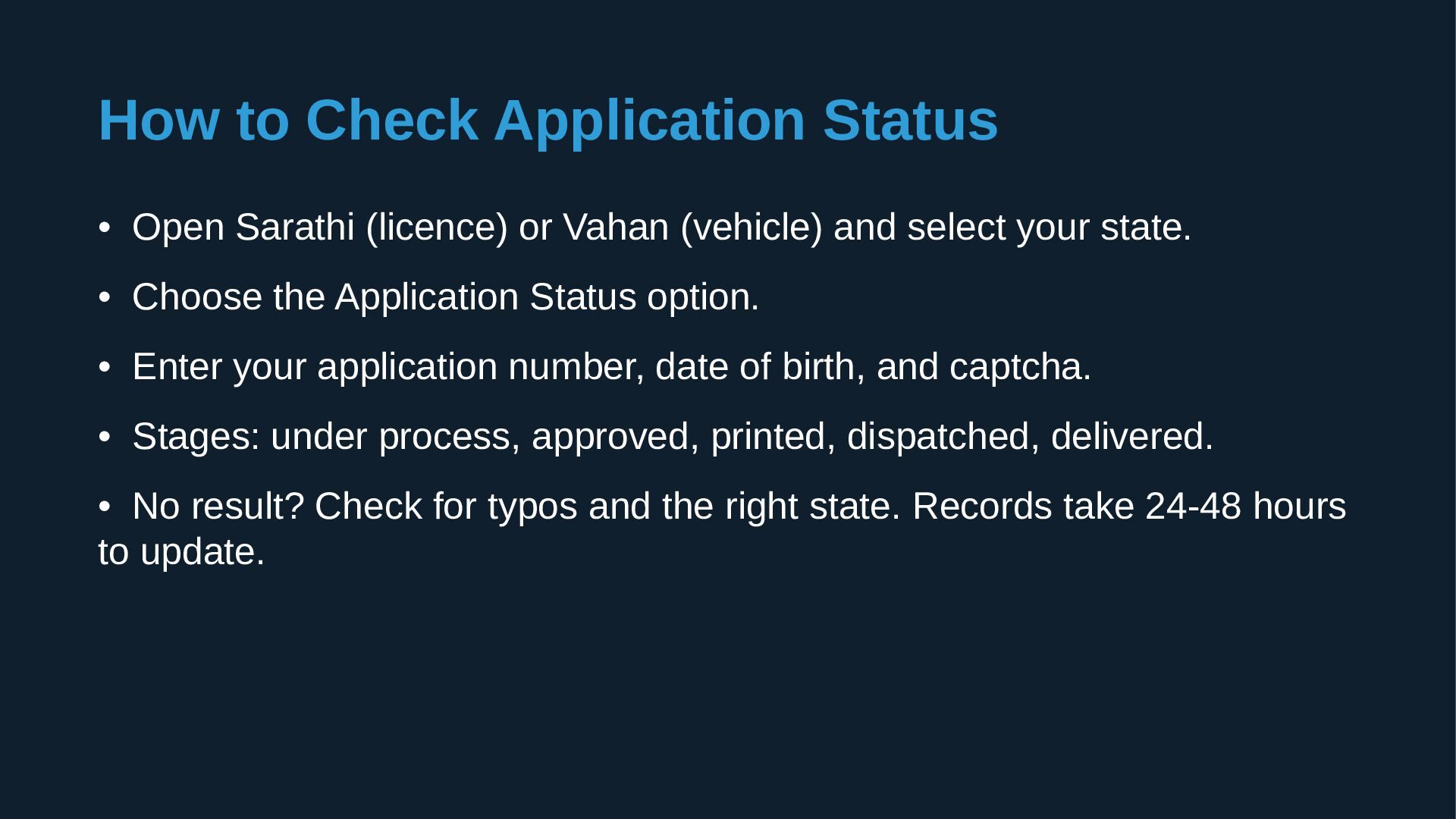
Vahan (vehicle) and select your state. • Choose the Application Status option. • Enter your application number, date of birth, and captcha. • Stages: under process, approved, printed, dispatched, delivered. • No result? Check for typos and the right state. Records take 24-48 hours to update.
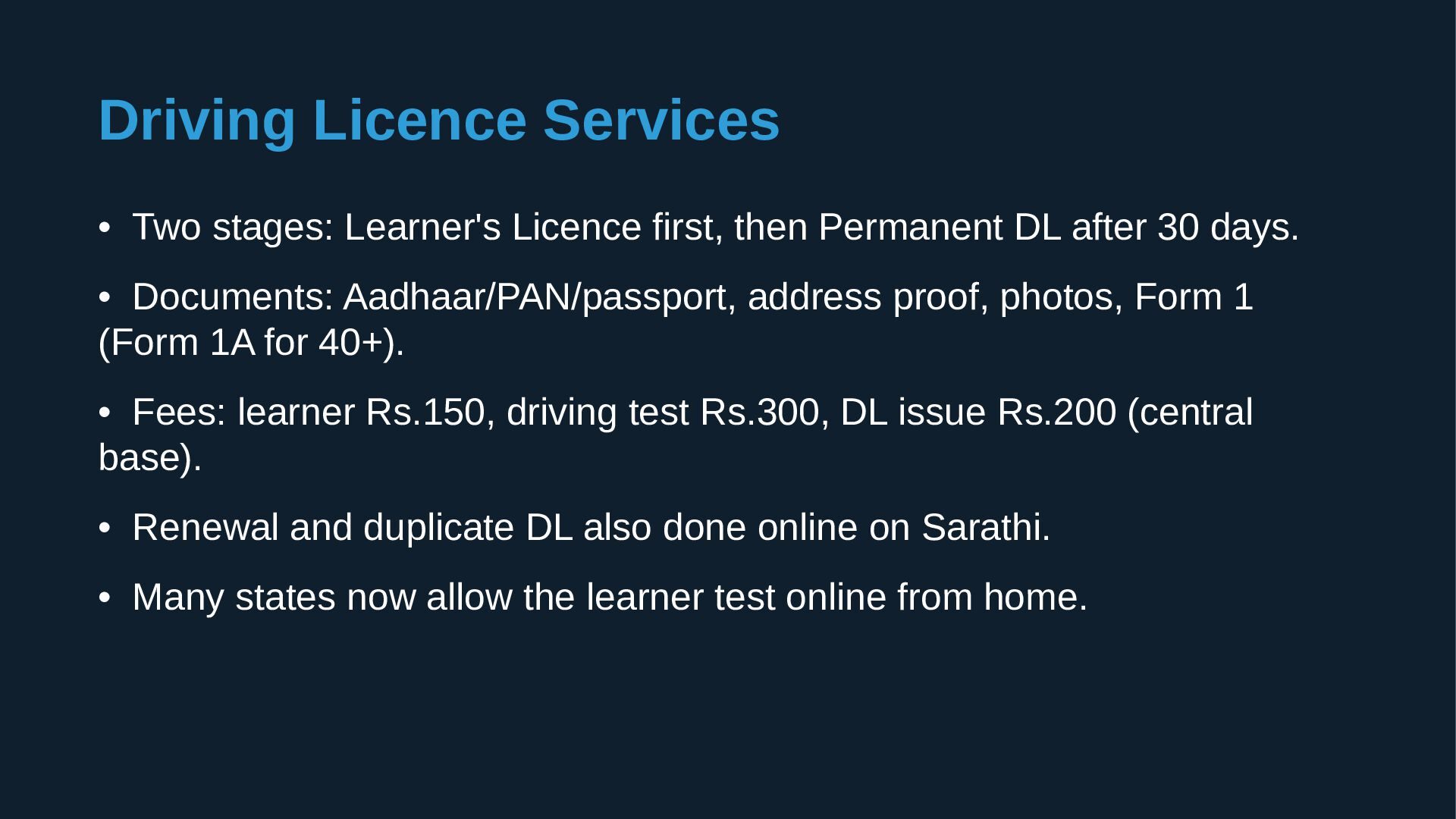
Permanent DL after 30 days. • Documents: Aadhaar/PAN/passport, address proof, photos, Form 1 (Form 1A for 40+). • Fees: learner Rs.150, driving test Rs.300, DL issue Rs.200 (central base). • Renewal and duplicate DL also done online on Sarathi. • Many states now allow the learner test online from home.
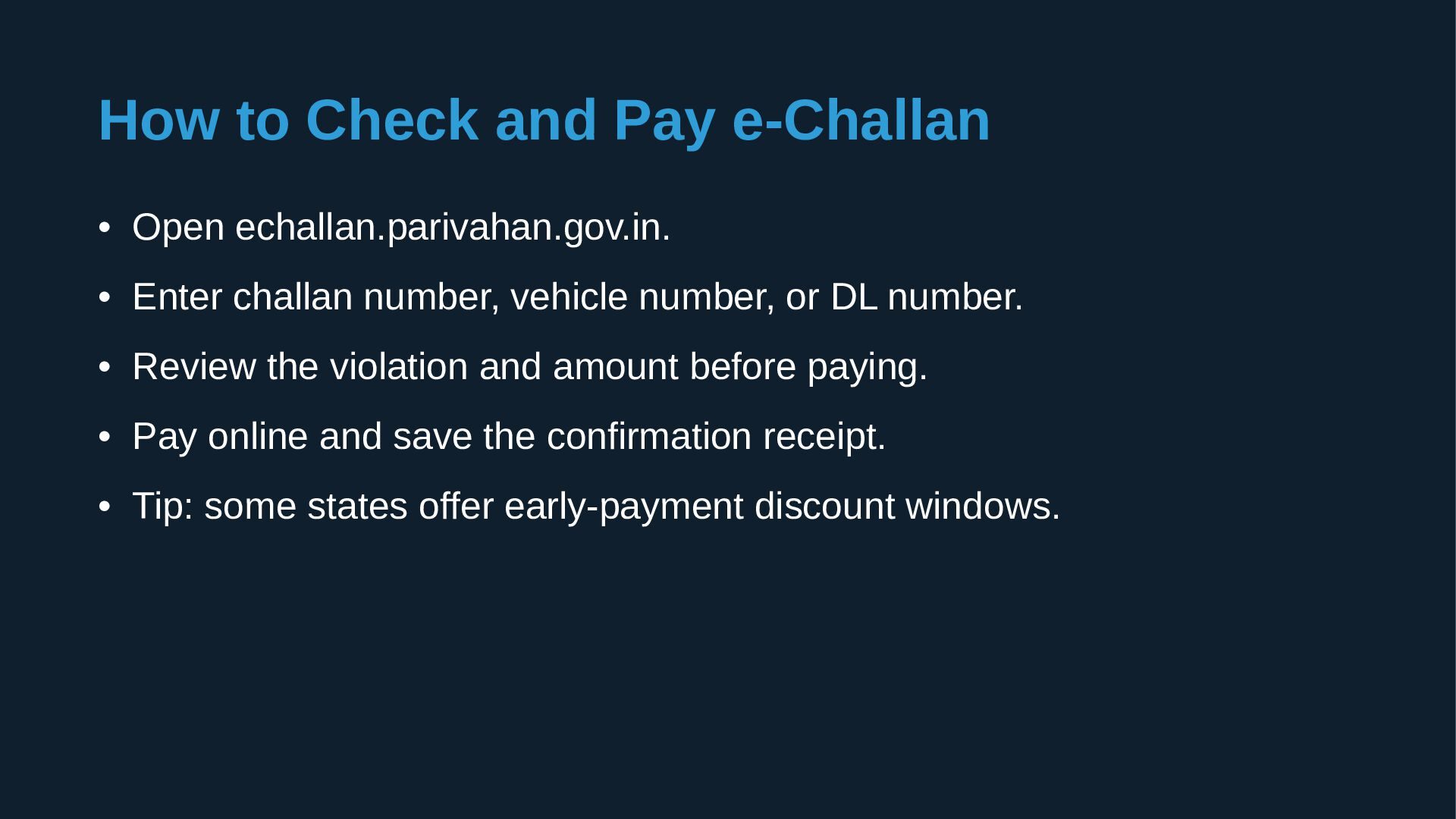
Enter challan number, vehicle number, or DL number. • Review the violation and amount before paying. • Pay online and save the confirmation receipt. • Tip: some states offer early-payment discount windows.
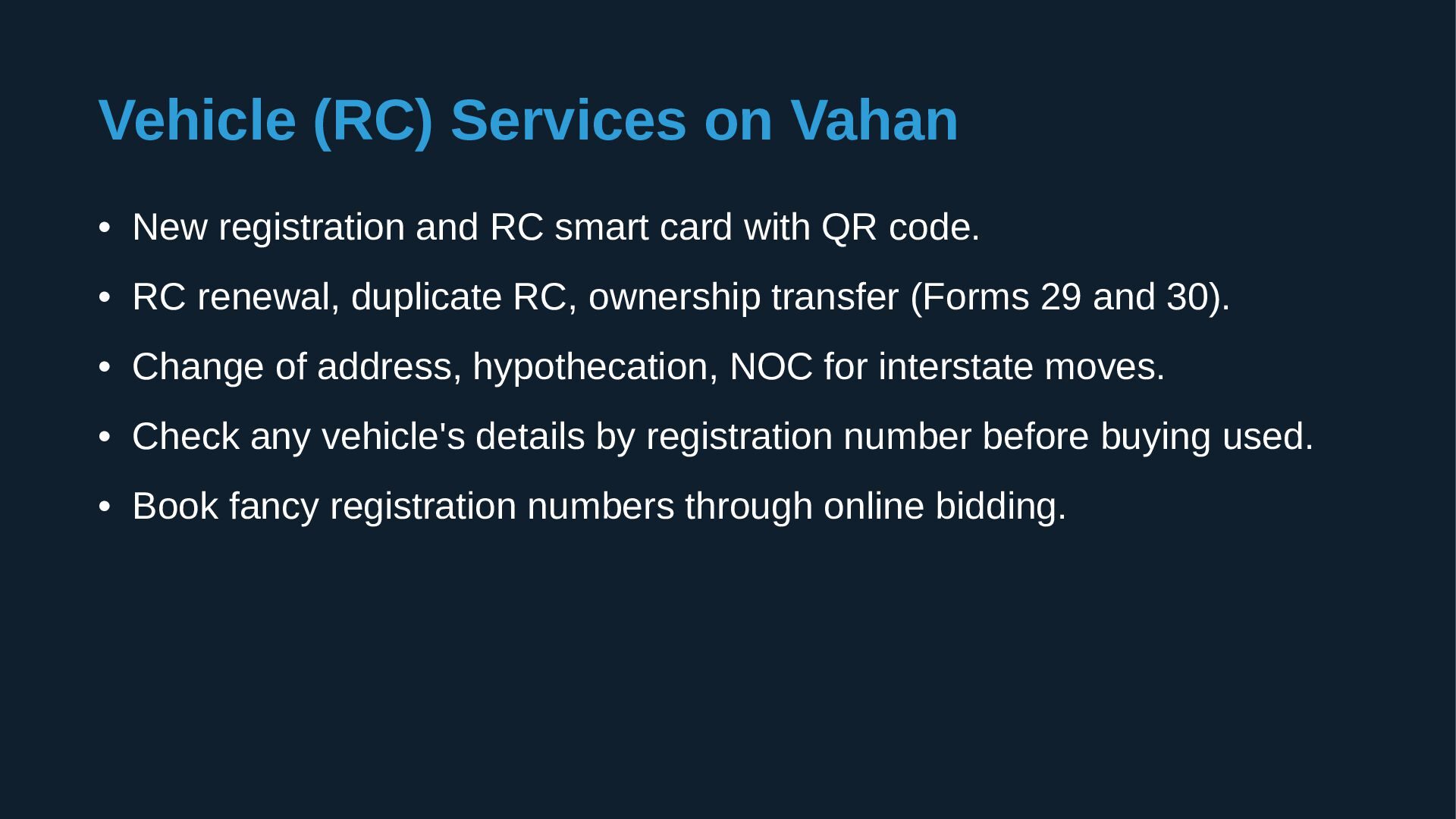
smart card with QR code. • RC renewal, duplicate RC, ownership transfer (Forms 29 and 30). • Change of address, hypothecation, NOC for interstate moves. • Check any vehicle's details by registration number before buying used. • Book fancy registration numbers through online bidding.
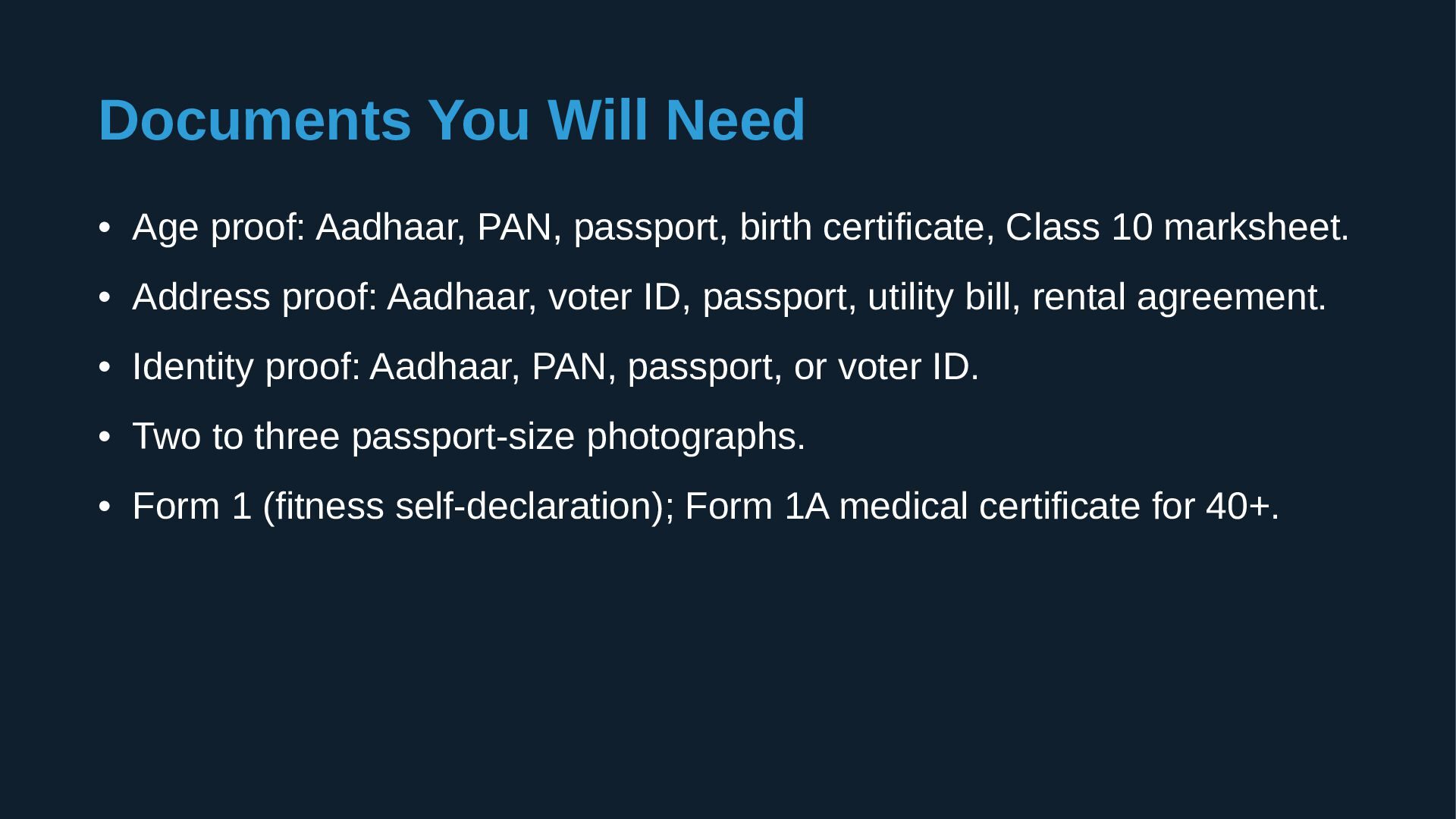
birth certificate, Class 10 marksheet. • Address proof: Aadhaar, voter ID, passport, utility bill, rental agreement. • Identity proof: Aadhaar, PAN, passport, or voter ID. • Two to three passport-size photographs. • Form 1 (fitness self-declaration); Form 1A medical certificate for 40+.
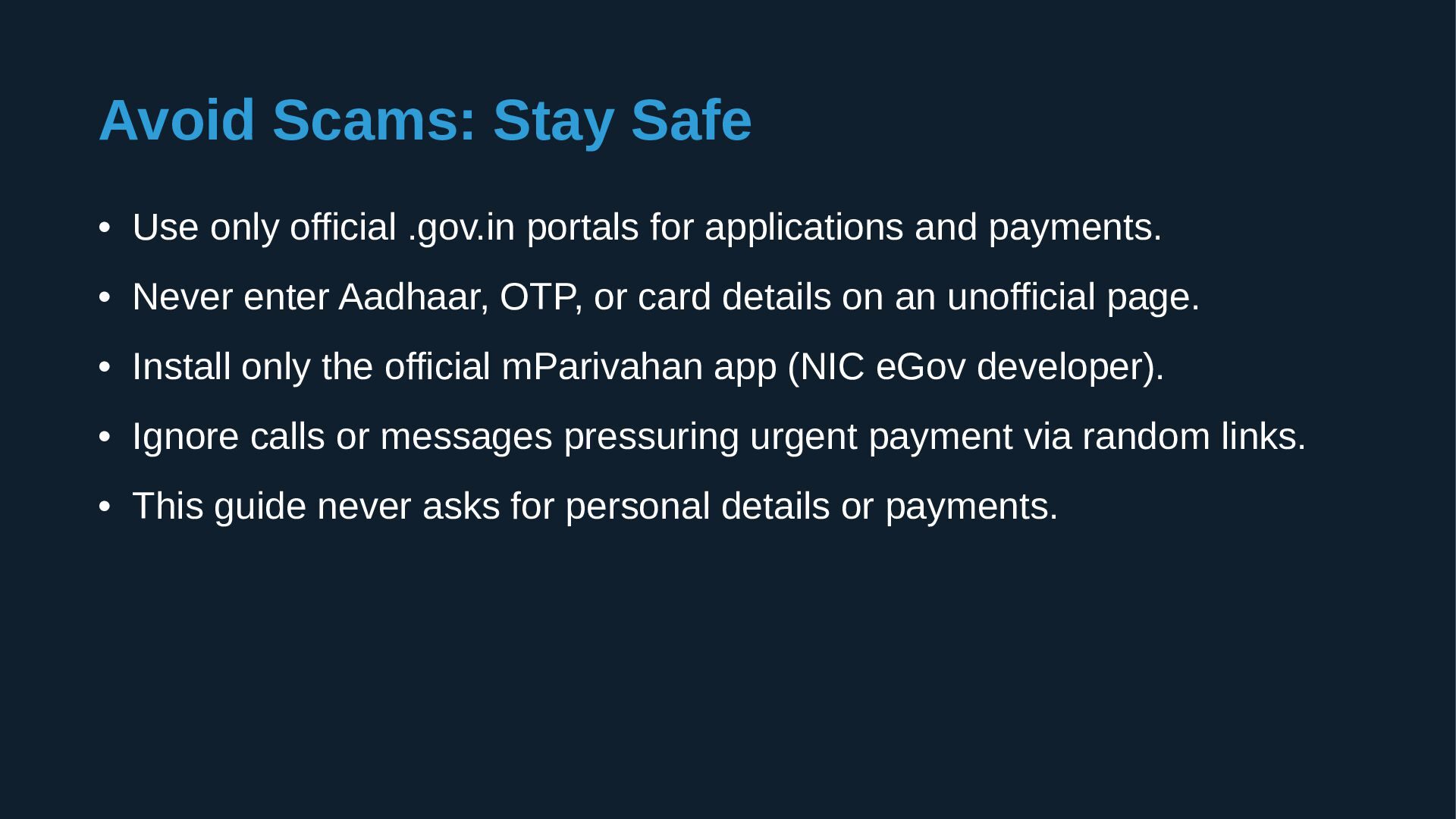
for applications and payments. • Never enter Aadhaar, OTP, or card details on an unofficial page. • Install only the official mParivahan app (NIC eGov developer). • Ignore calls or messages pressuring urgent payment via random links. • This guide never asks for personal details or payments.


 tomokusaba
 yahonda
 kash1064
 shumei_ito
 teamlab
 shuta13
 colopl
 4o1sobblue
 satomasahiro2005
 terapyon
 ueponx
 tetsuya28
 chikuwait
 michielstock
 techseoconnect
 philnash
 csswizardry
 destraynor
 rasmusluckow
 deanohume
 bryan
bryan
 morganepeng
 ryanjones
 irinanazarova