Upgrade to Pro — share decks privately, control downloads, hide ads and more …

SETCON'19 - Eugene Semenyuk - Умное тестировани...

Sponsored · SiteGround - Reliable hosting with speed, security, and support you can count on.

SETCON'19 - Eugene Semenyuk - Умное тестирование на умных девайсах

Avatar for Maksim

Maksim

May 10, 2019

More Decks by Maksim

Other Decks in Technology

Transcript

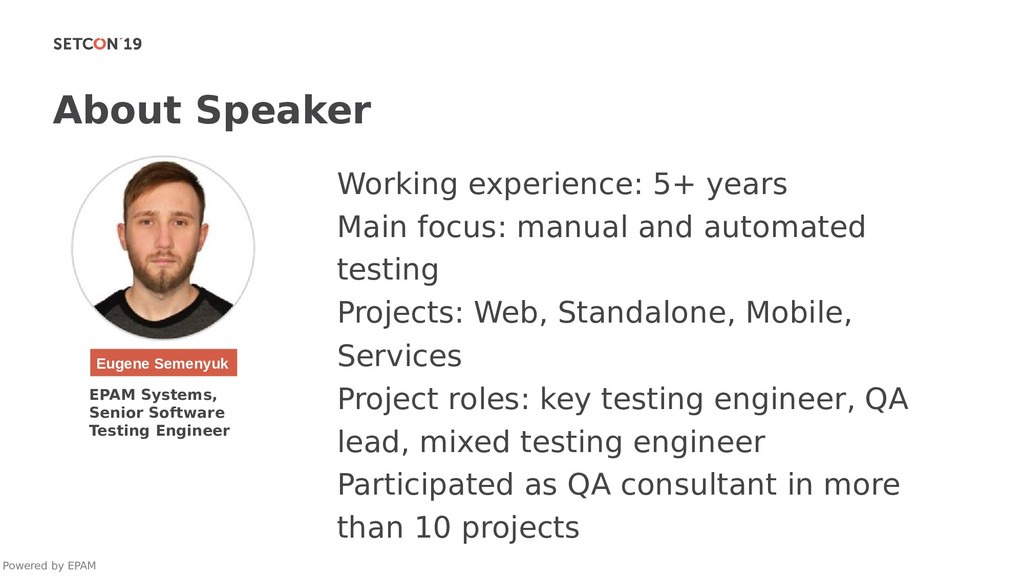
  1. About Speaker Powered by EPAM Eugene Semenyuk EPAM Systems, Senior

    Software Testing Engineer Working experience: 5+ years Main focus: manual and automated testing Projects: Web, Standalone, Mobile, Services Project roles: key testing engineer, QA lead, mixed testing engineer Participated as QA consultant in more than 10 projects
  2. Test Processes • Test Planning • Test Design • Test

    Execution • Analysis and Reporting Powered by EPAM
  3. Test Planning • Determine scope, risks, objectives, resources • Determine

    device coverage • Define the testing approach • Create, confirm and publish test plan Powered by EPAM
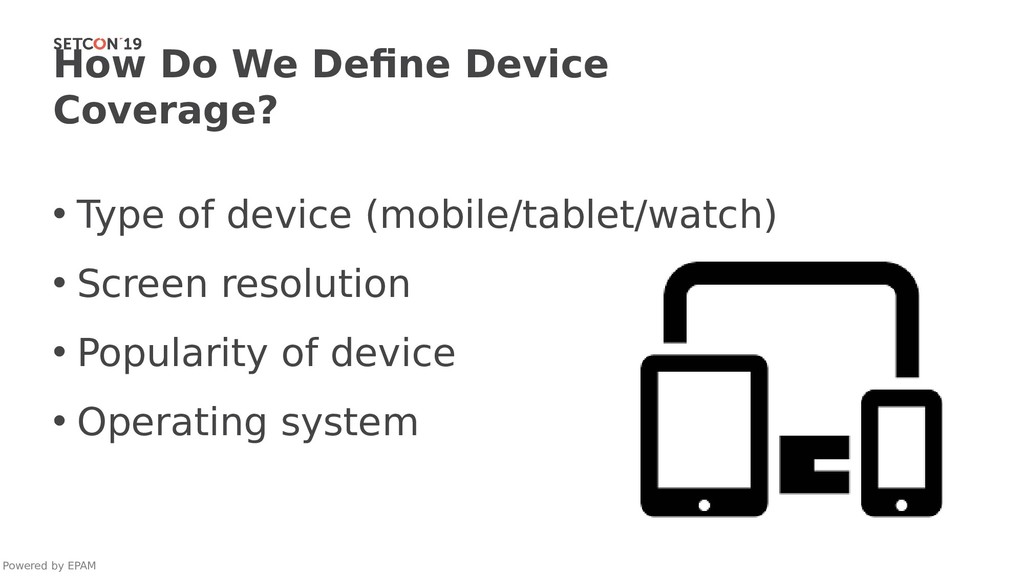
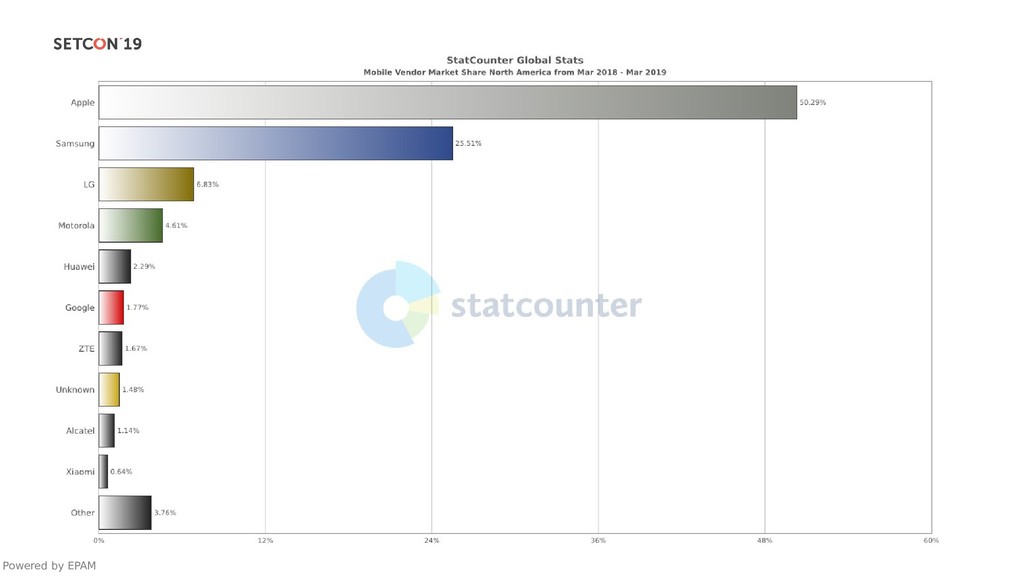
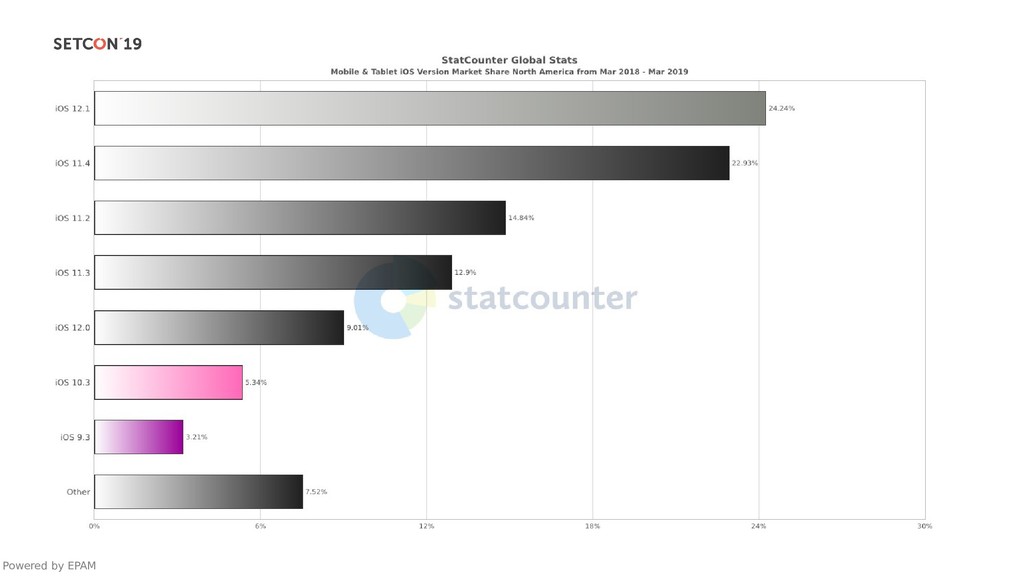
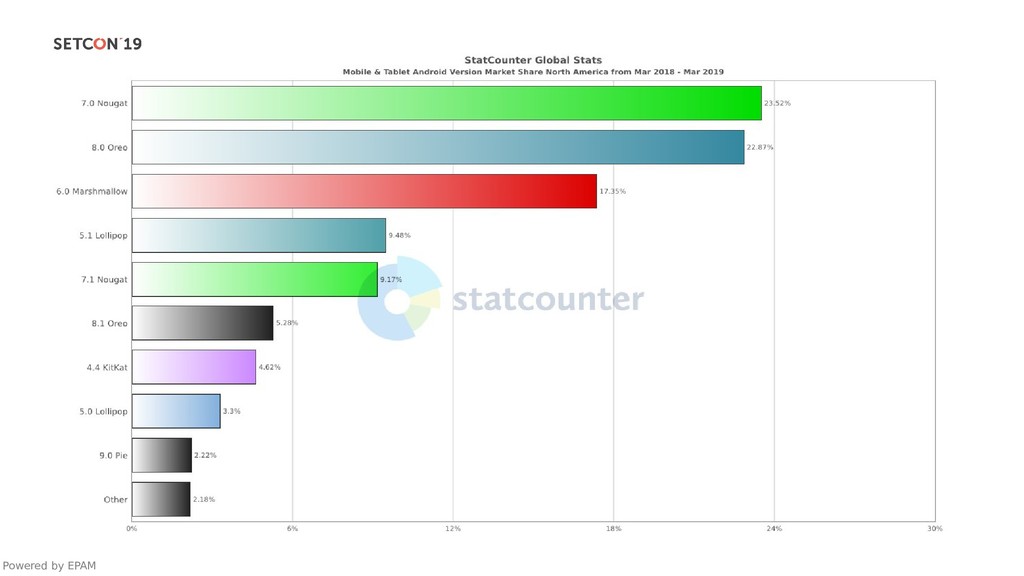
  4. How Do We Define Device Coverage? • Type of device

    (mobile/tablet/watch) • Screen resolution • Popularity of device • Operating system Powered by EPAM
  5. Test Design • Select test techniques to cover risks •

    Perform detailed requirements analysis, peer reviews • Create, confirm and publish test documentation • Establish a test environment Powered by EPAM
  6. Test Execution • Installation, smoke test execution • Run tests

    • Defect reporting • Test cases / Automation scripts update Powered by EPAM
  7. Analysis and Reporting • Metrics collecting and analysis • Test

    results analysis • Test results reporting Powered by EPAM
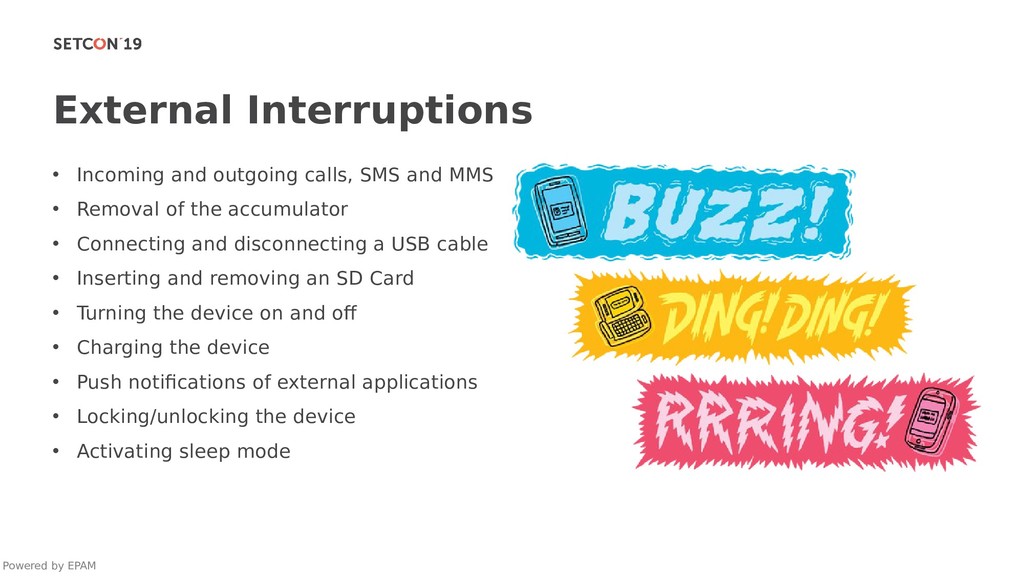
  8. External Interruptions • Incoming and outgoing calls, SMS and MMS

    • Removal of the accumulator • Connecting and disconnecting a USB cable • Inserting and removing an SD Card • Turning the device on and off • Charging the device • Push notifications of external applications • Locking/unlocking the device • Activating sleep mode Powered by EPAM
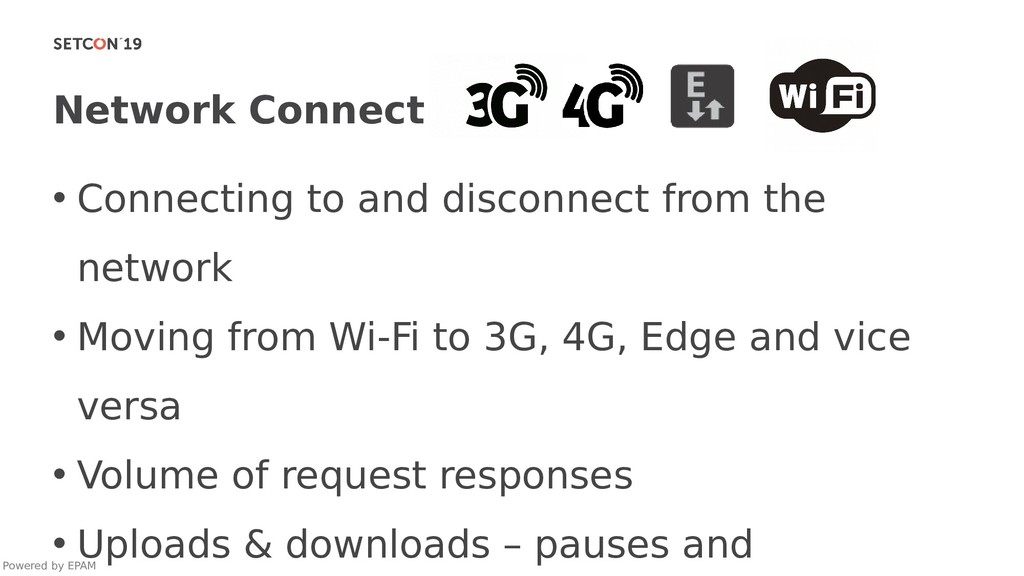
  9. Network Connections • Connecting to and disconnect from the network

    • Moving from Wi-Fi to 3G, 4G, Edge and vice versa • Volume of request responses • Uploads & downloads – pauses and Powered by EPAM
  10. Device Resources • Low disk space • Low battery •

    Installation of an SD Card • Data cleanup after uninstallation • Enabled/Disabled GPS • Supported media files Powered by EPAM
  11. Communication With Users • Notifications for content loading and progress

    bars • Network connection error messages • Confirmation messages • Synchronization of sounds and vibrations • OS versions Powered by EPAM
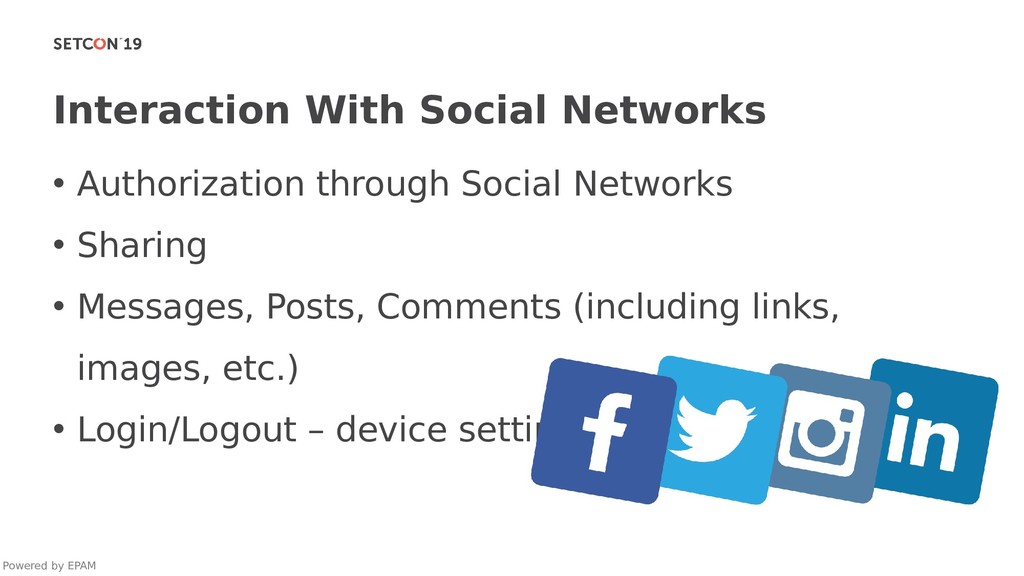
  12. Interaction With Social Networks • Authorization through Social Networks •

    Sharing • Messages, Posts, Comments (including links, images, etc.) • Login/Logout – device settings Powered by EPAM
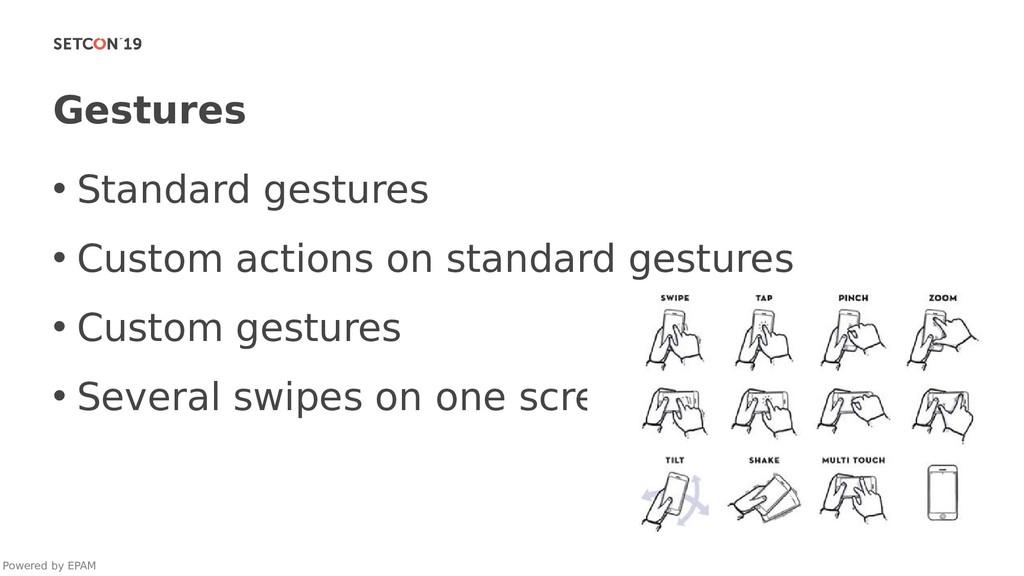
  13. Gestures • Standard gestures • Custom actions on standard gestures

    • Custom gestures • Several swipes on one screen Powered by EPAM
  14. Local Settings • Language of the application • Content language

    • Time zone • Date and time format • Weight, volume, and other measurement formats Powered by EPAM
  15. Other Checks • Application updates • Push notifications and their

    content • Rotation when music plays • Home button • Working with physical keyboards • Purchases and the restoration of purchases Powered by EPAM
  16. Base For Testing • 30%-50% - cases belonging to the

    application • 10%-20% - cases common for OS (iOS, Android/Windows) • 5%-15% - cases common for the specific type of application (video steaming, games, social, etc.) • 5%-10% - border and domain values • 20% - Instincts :) Powered by EPAM
  17. Integration With the Phone • Removing the pairing between the

    phone and the watch • Installing\uninstalling the app from the watch • Installing\uninstalling the app from the phone • Logging into\logging out of the phone • Airplane mode on the phone and the watch • Push notifications and their content • Push notifications in power saving mode Powered by EPAM
  18. Integration With the Phone • Connection types (Bluetooth, Wi-Fi, NFC,

    3G) • Sending data from the watch when the phone is in airplane mode • Changing the localization settings of the phone • Syncing the watch with multiple different phones and tablets • Integration with different mobile platforms • Remote control functionality • Using special characters & UTF-8 within the app Powered by EPAM
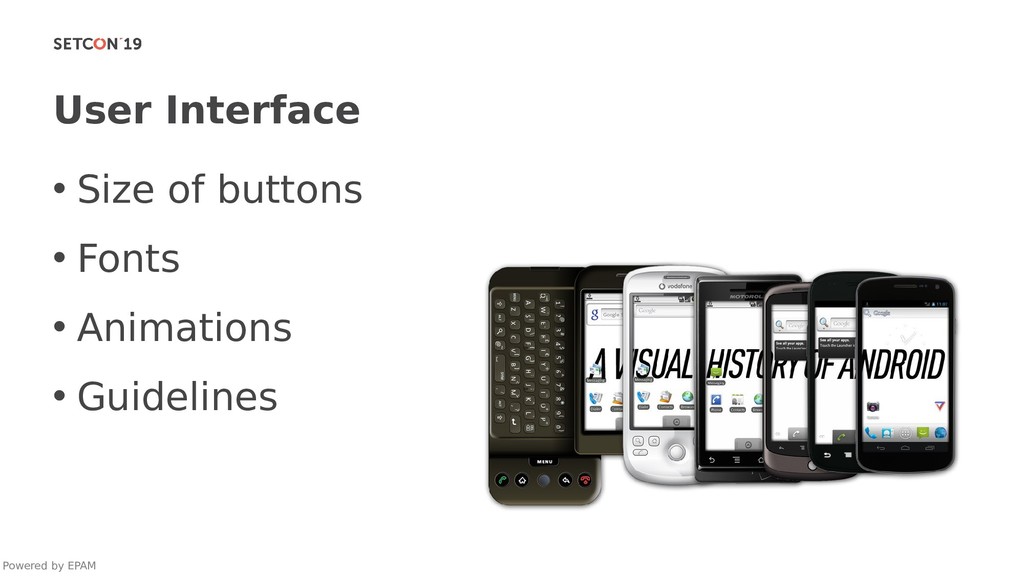
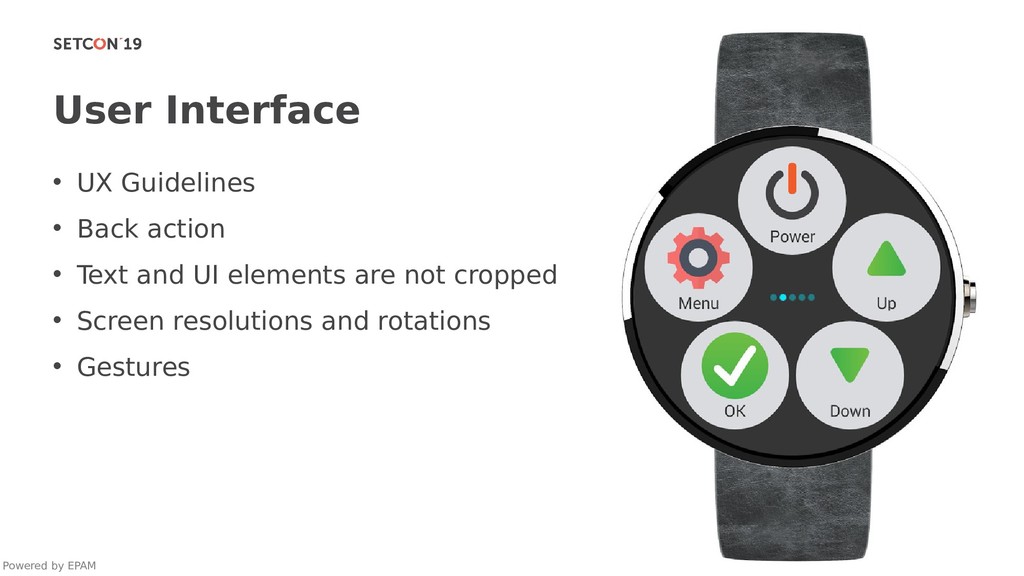
  19. User Interface • UX Guidelines • Back action • Text

    and UI elements are not cropped • Screen resolutions and rotations • Gestures Powered by EPAM
  20. External Interruptions • Receiving calls on the phone • Connecting

    to and disconnecting from the network • Moving between different connection types (Bluetooth, Wi-Fi, NFC, 3G) • Charging the device • Push notification of external applications • Sending the app into the background • Locking/unlocking the device • Turning off GPS • Enabling “Do Not Disturb” mode • Enabling “Sleep” mode Powered by EPAM
  21. Smartwatch Resources • Low disk space • Low battery •

    Battery state during testing • Data cleanup after uninstallation • Enabled/disabled GPS • Supported media files Powered by EPAM
  22. Sensors • Skin surface or temperature • Dry, sweaty and

    tattooed skin • Movement features • Right/left hand • Voice commands • Other sensors Powered by EPAM
  23. Conclusion • Follow the process to gain quality • Remember

    functional testing • Keep in mind the importance of device coverage • Accept that there is no single correct way to test software Powered by EPAM