Upgrade to Pro — share decks privately, control downloads, hide ads and more …

Web Accessibility In Django

Sponsored · Your Podcast. Everywhere. Effortlessly. Share. Educate. Inspire. Entertain. You do you. We'll handle the rest.

Web Accessibility In Django

Many developers want to build accessible applications, but don't know where to start. This talk will cover common accessibility issues and how to address them. The audience will learn about how disabled users interact with web apps, how to build more accessible sites and W3C accessibility guidelines.

Avatar for Parth Shandilya

Parth Shandilya

August 02, 2019

Other Decks in Programming

Transcript

  1. About Me • Python Programmer • Undergraduate Student • Google

    Summer of Code Student 2018 • Presented Poster at EuroPython 2019 • Loves: Travelling, Action Thriller movies • Education: ◦ The LNM IIT, India
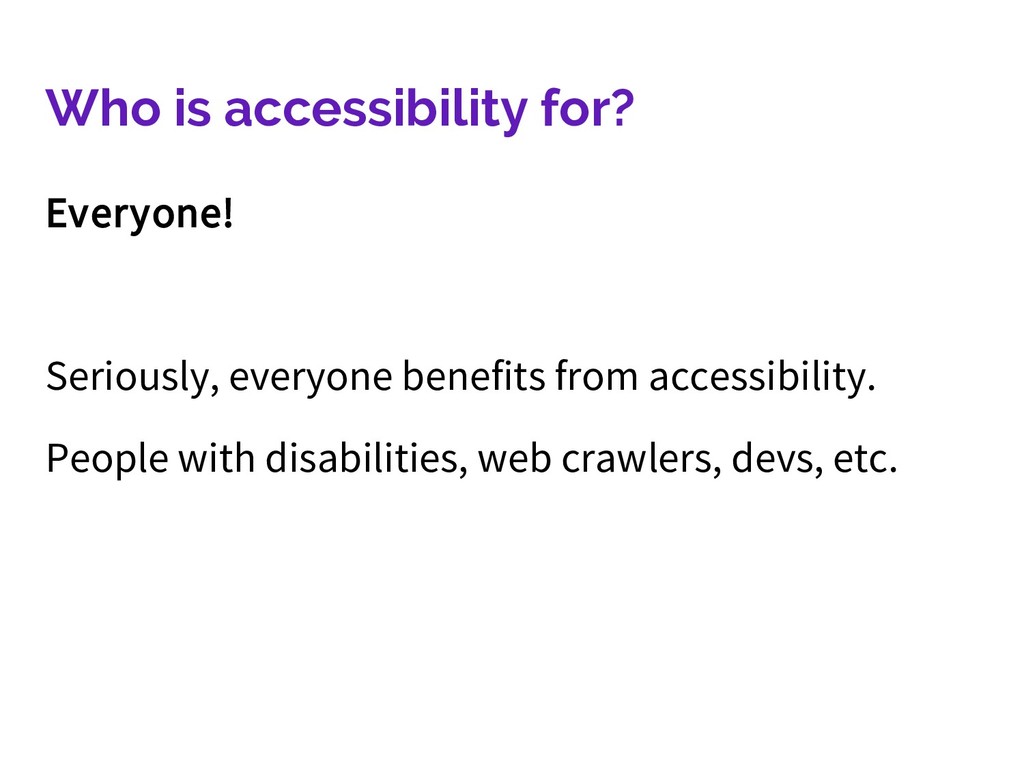
  2. Basics “Web accessibility means that people with disabilities can perceive,

    understand, navigate, and interact with the Web, and that they can contribute to the Web.” -W3C WAI
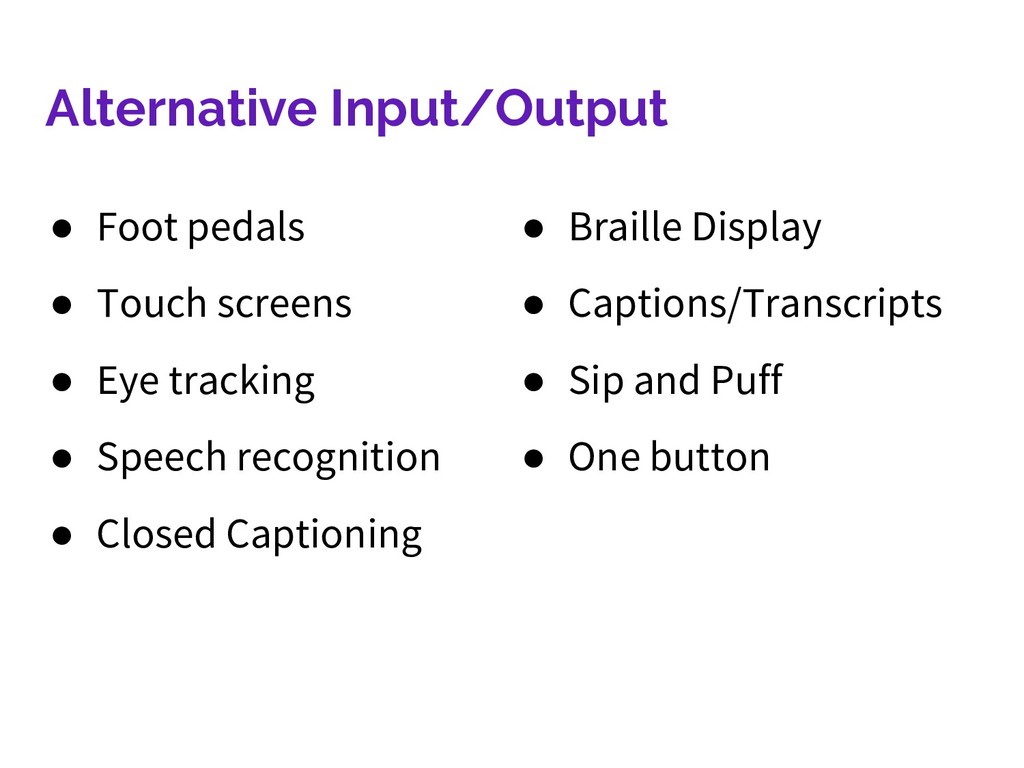
  3. Alternative Input/Output • Foot pedals • Touch screens • Eye

    tracking • Speech recognition • Closed Captioning • Braille Display • Captions/Transcripts • Sip and Puff • One button
  4. Screen Readers • Allow blind or visually impaired users to

    “hear” website content • Around 285 million visually impaired people in the world • Can be used by others navigating web pages using alternative inputs
  5. Think Deeper Categories can be deceptively simple: Users don’t always
    fall into one category Users can be using multiple inputs and outputs People are complicated
  6. Think In A New Paradigm Not edge cases, stress cases,

    or “...the moments that put our design and content choices to the test of real life.” -Eric Meyer & Sara Wachter-Boettcher
  7. Inclusive Design Sometimes known as • Universal Design • Design

    for All Strategies for accessible solutions
  8. Use Logic What is the user flow you think should

    happen Why might it not? How can you make alternatives work?
  9. Have Compassion Your users are relying on you Not all

    users are the same, not everyone has the abilities you do How can you assist them? How can you show kindness to your users?
  10. Tools are not everything Tests can miss issues More importantly--unless

    you created them, they’re generic Generic tests don’t know how your users use your product
  11. Automation + Optimization != infallibility Sometimes great tools for your

    website don’t take accessibility into account Sometimes they require extra work A lot of optimization tools require customization to keep “unnecessary” code like aria tags
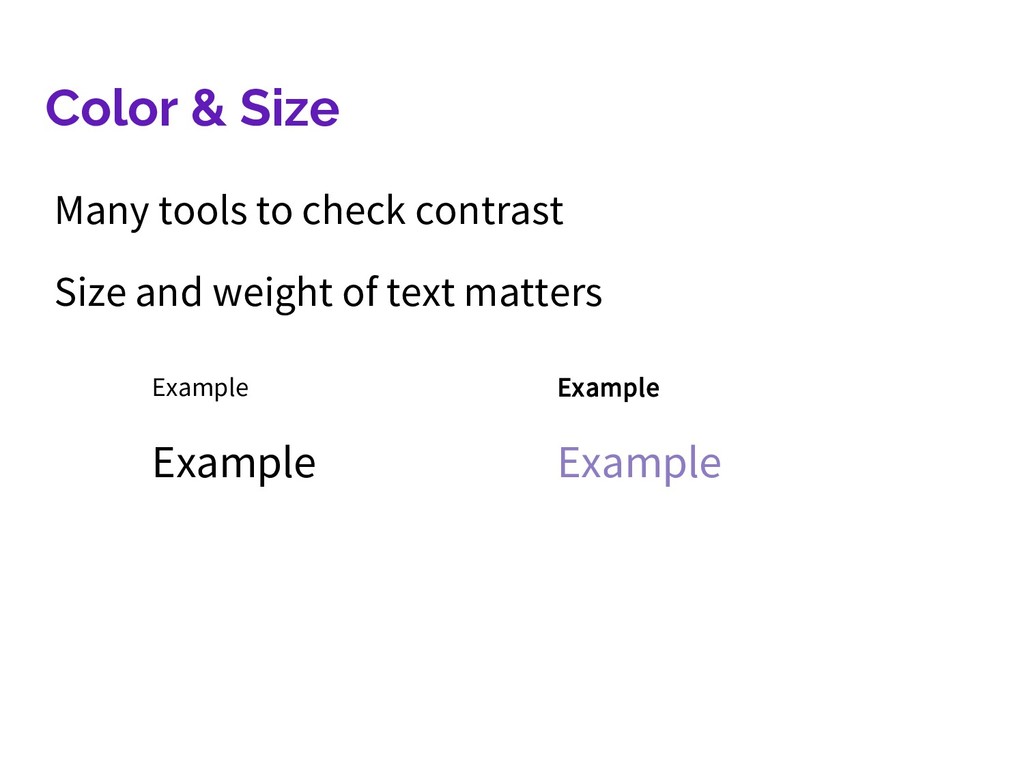
  12. Color & Size Many tools to check contrast Size and

    weight of text matters Example Example Example Example
  13. Aria Attributes • Can do things like alert users with

    screen readers of changes • Make up for visual cues • Help identify parts of form fields • Write long descriptions for small elements
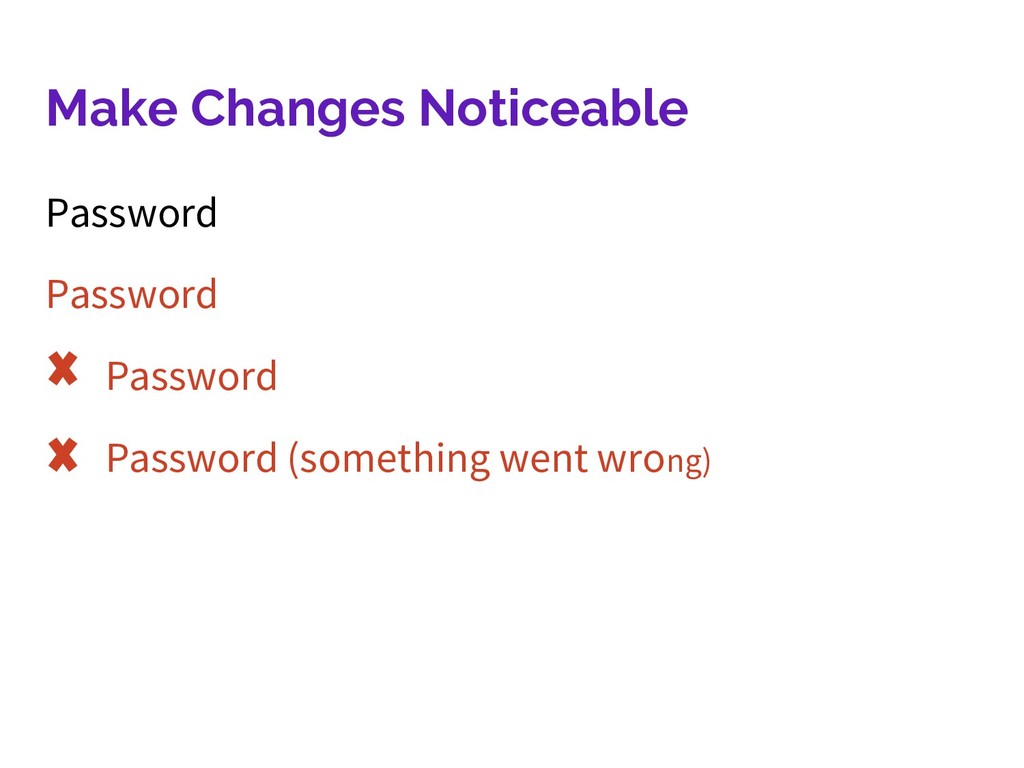
  14. Have feedback in as many ways as you can Don’t

    just use color Or sound Or haptic feedback
  15. Screen Readers Vary Check everything on multiple screen readers Check

    multiple browsers with the same screen reader Realize you are probably not a normal user
  16. Is your styling just a gimmick? Is it good design

    or is it just the style that’s popular? Is it good design if it can cause issues for users?
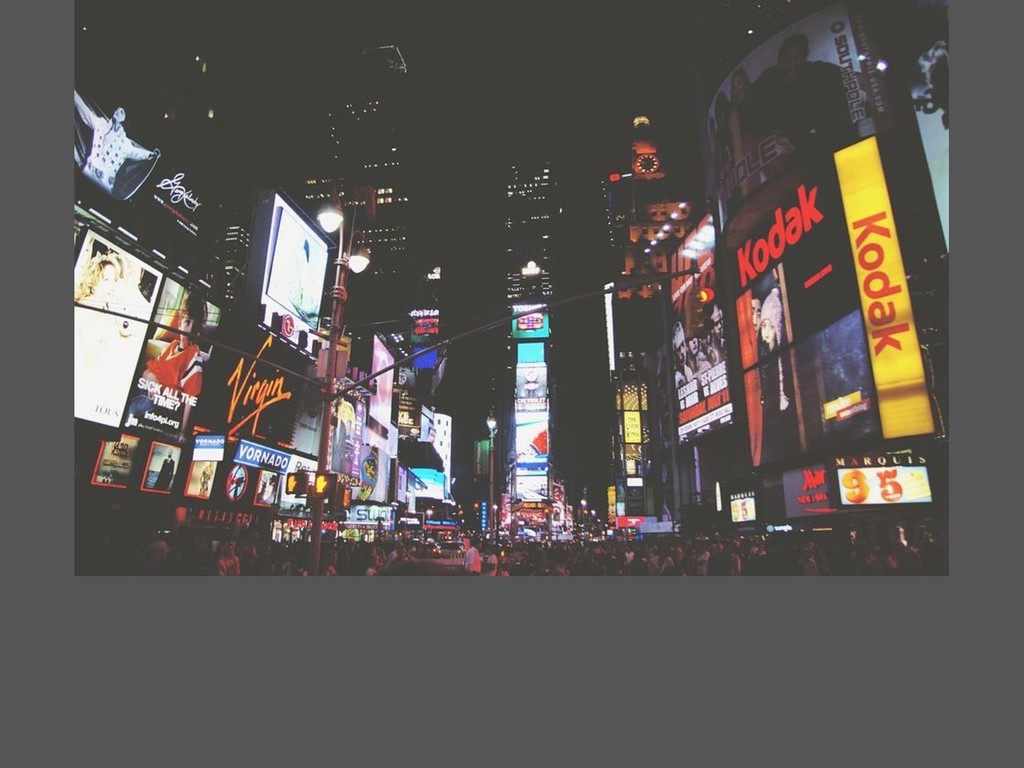
  17. Ads Yes, supposedly they’re making your site money But people

    use ad blockers for lots of reasons The trend of blocking ad blockers makes your site way less accessible
  18. Consult People With Disabilities They’re the true experts on how

    they use the web The more diverse the group, the better
  19. There may be some push-back Stakeholders might want something a

    certain way Designers may not wish to compromise on their vision Developers might insist the code is too hard/would take too long
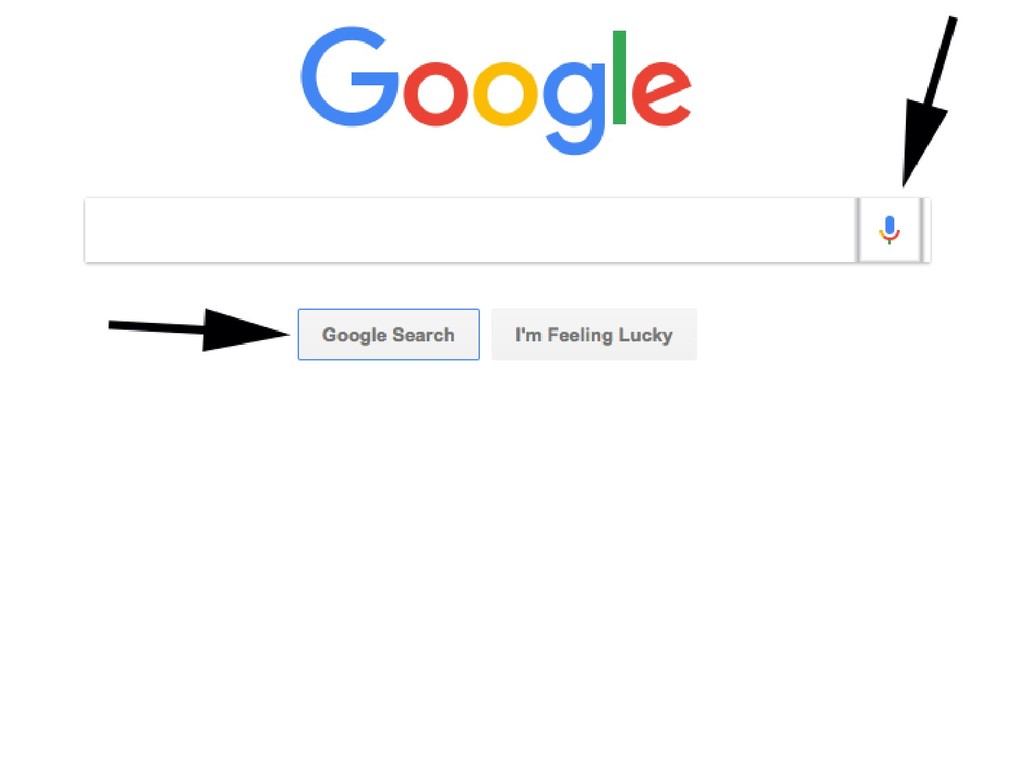
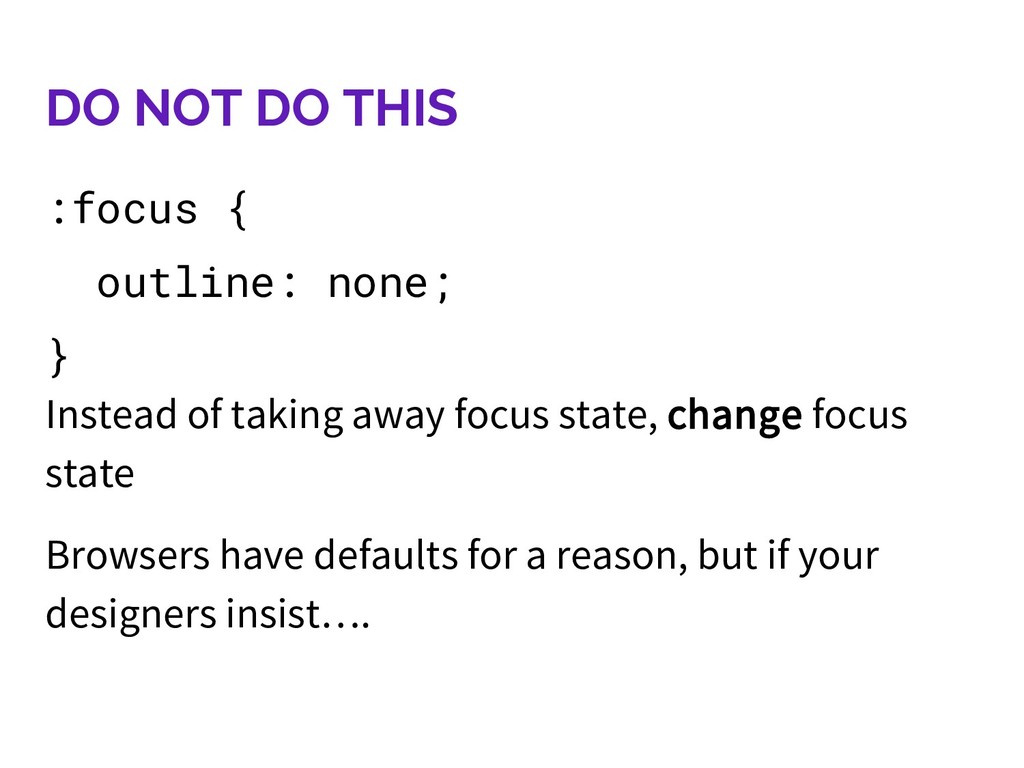
  20. DO NOT DO THIS :focus { outline: none; } Instead

    of taking away focus state, change focus state Browsers have defaults for a reason, but if your designers insist….
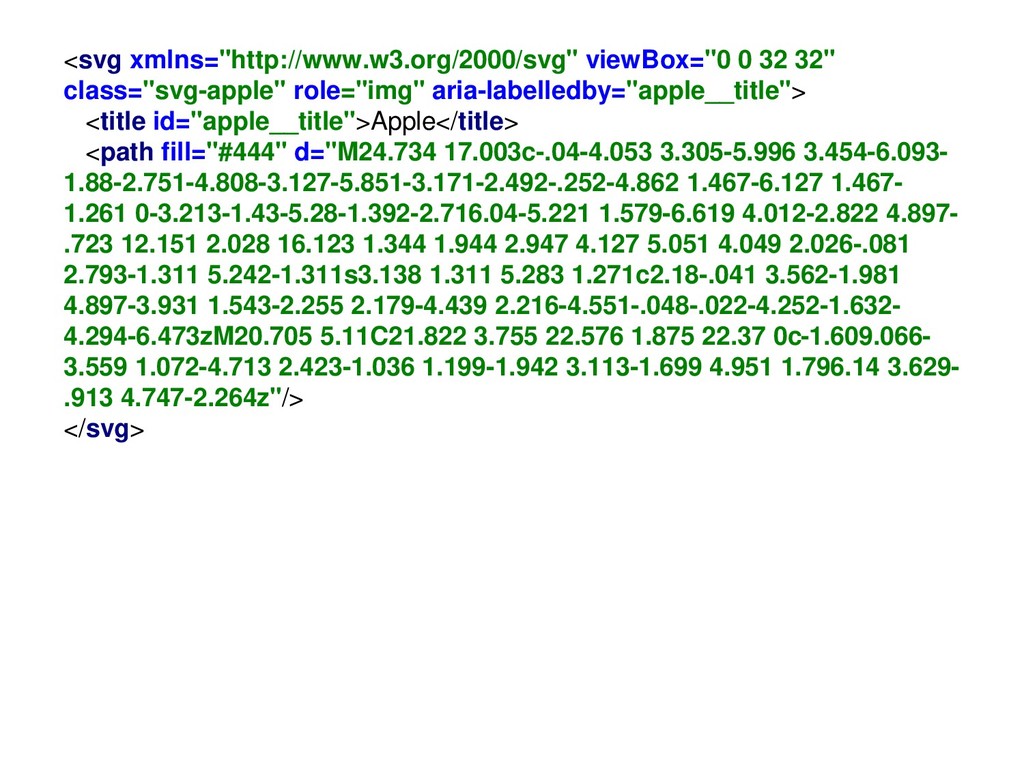
  21. SVGs Easy! Right? Inline SVGs are some of the most

    accessible images you can use Using <img> means a loss of accessibility
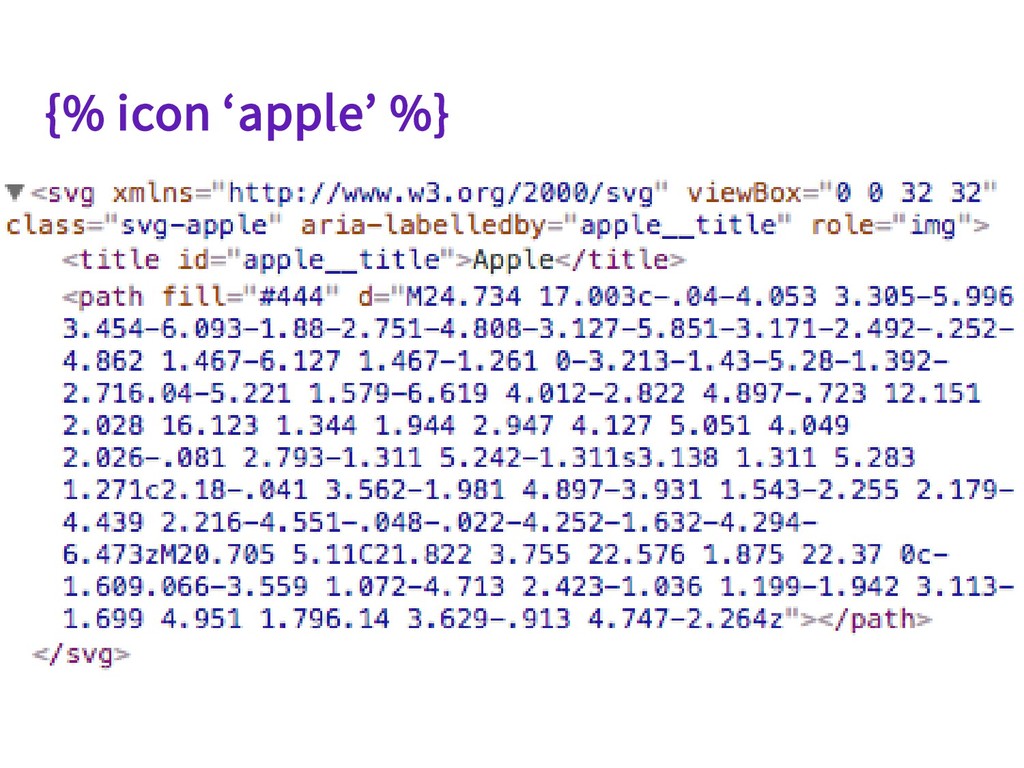
  22. <svg xmlns="http://www.w3.org/2000/svg" viewBox="0 0 32 32" class="svg-apple" role="img" aria-labelledby="apple__title"> <title

    id="apple__title">Apple</title> <path fill="#444" d="M24.734 17.003c-.04-4.053 3.305-5.996 3.454-6.093- 1.88-2.751-4.808-3.127-5.851-3.171-2.492-.252-4.862 1.467-6.127 1.467- 1.261 0-3.213-1.43-5.28-1.392-2.716.04-5.221 1.579-6.619 4.012-2.822 4.897- .723 12.151 2.028 16.123 1.344 1.944 2.947 4.127 5.051 4.049 2.026-.081 2.793-1.311 5.242-1.311s3.138 1.311 5.283 1.271c2.18-.041 3.562-1.981 4.897-3.931 1.543-2.255 2.179-4.439 2.216-4.551-.048-.022-4.252-1.632- 4.294-6.473zM20.705 5.11C21.822 3.755 22.576 1.875 22.37 0c-1.609.066- 3.559 1.072-4.713 2.423-1.036 1.199-1.942 3.113-1.699 4.951 1.796.14 3.629- .913 4.747-2.264z"/> </svg>
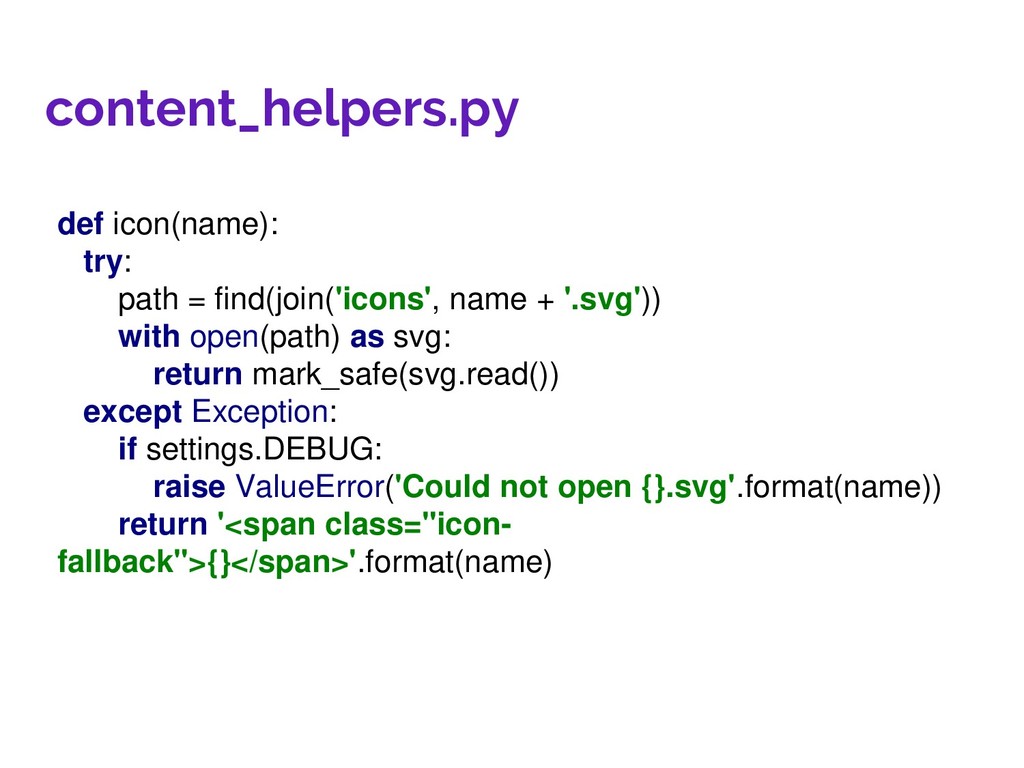
  23. content_helpers.py def icon(name): try: path = find(join('icons', name + '.svg'))

    with open(path) as svg: return mark_safe(svg.read()) except Exception: if settings.DEBUG: raise ValueError('Could not open {}.svg'.format(name)) return '<span class="icon- fallback">{}</span>'.format(name)
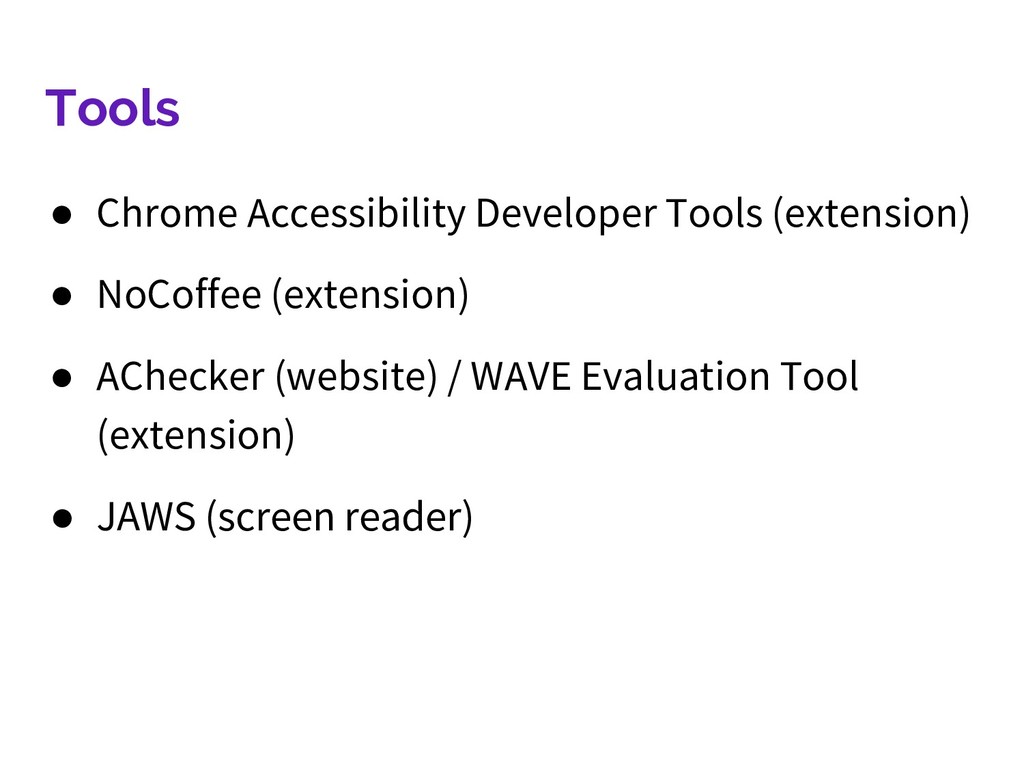
  24. Tools • Chrome Accessibility Developer Tools (extension) • NoCoffee (extension)

    • AChecker (website) / WAVE Evaluation Tool (extension) • JAWS (screen reader)