Upgrade to Pro — share decks privately, control downloads, hide ads and more …

HTML5 Roundup.

Sponsored · Your Podcast. Everywhere. Effortlessly. Share. Educate. Inspire. Entertain. You do you. We'll handle the rest.

HTML5 Roundup.

Avatar for rohitrmehta

rohitrmehta

April 20, 2012
Tweet

Other Decks in Technology

Transcript

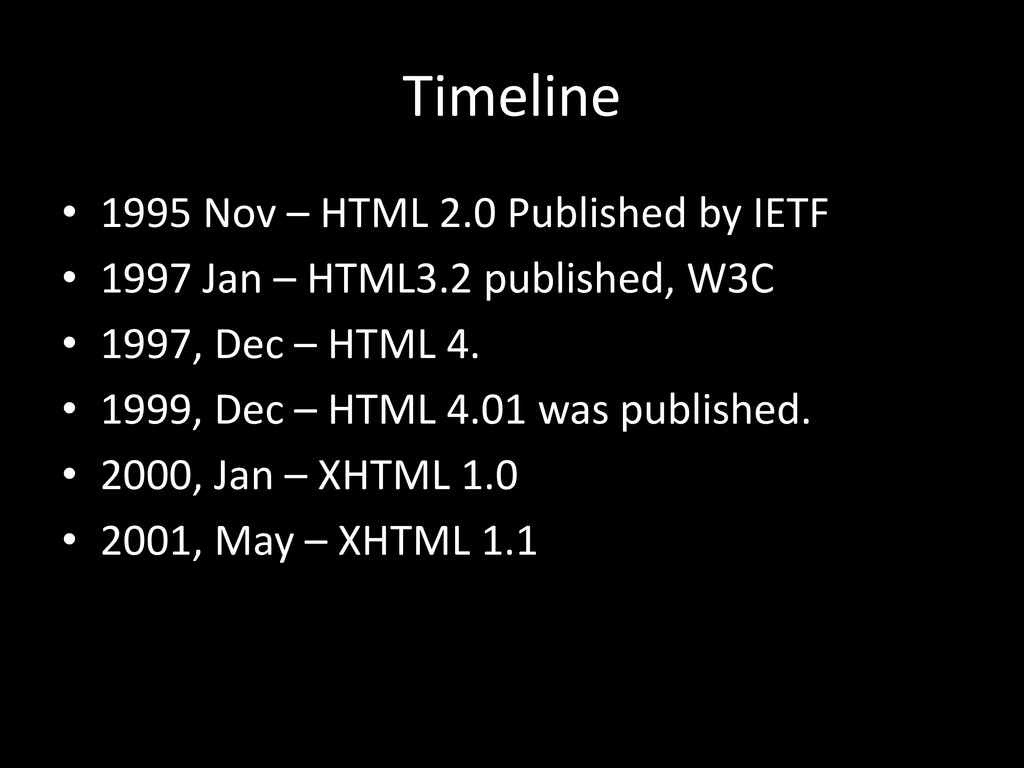
  1. Timeline • 1995 Nov – HTML 2.0 Published by IETF

    • 1997 Jan – HTML3.2 published, W3C • 1997, Dec – HTML 4. • 1999, Dec – HTML 4.01 was published. • 2000, Jan – XHTML 1.0 • 2001, May – XHTML 1.1
  2. W3C & the XHTML2 • In 2002 W3C began work

    on XHTML2 • and.. It was a Disaster……
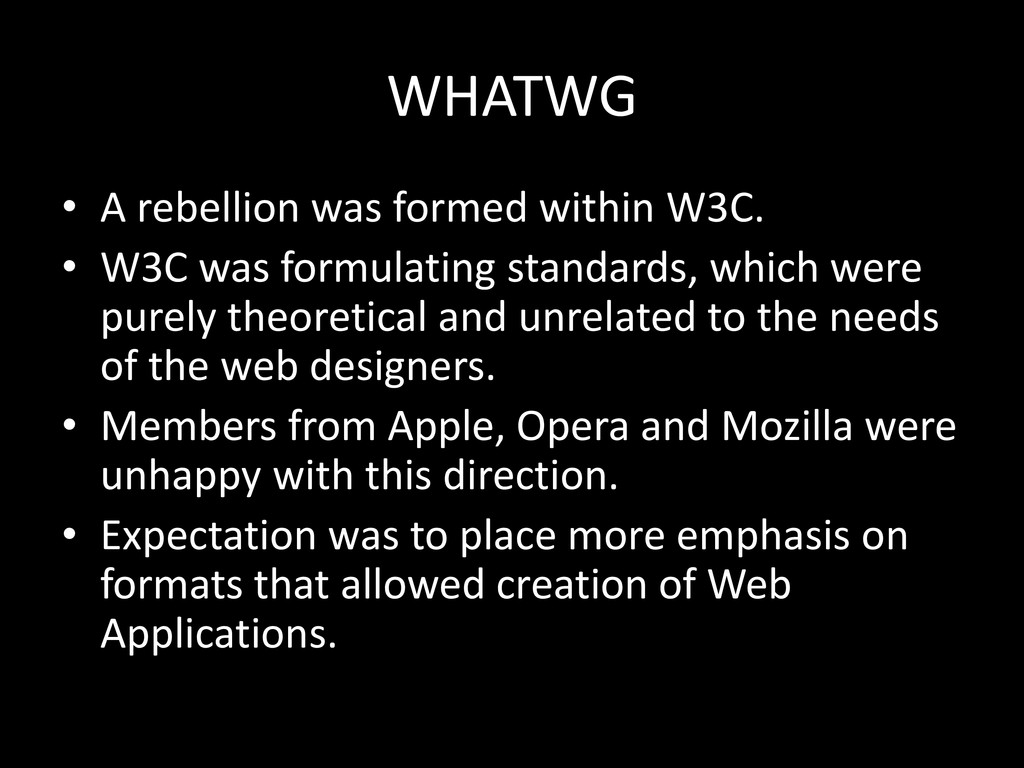
  3. WHATWG • A rebellion was formed within W3C. • W3C

    was formulating standards, which were purely theoretical and unrelated to the needs of the web designers. • Members from Apple, Opera and Mozilla were unhappy with this direction. • Expectation was to place more emphasis on formats that allowed creation of Web Applications.
  4. Birth of WHATWG (& HTML5) • 2004, Ian Hickson, proposed

    the Idea of extending HTML to create Web Applications. • Proposal Rejected • WHATWG formed. • Ian Hickson became the editor of HTML5
  5. Reunification • WHATWG continued to do its work on HTML5

    and W3C continued on XHTML2 • 2006, W3C issued charter to adopt the work done by WHATWG as the basis.
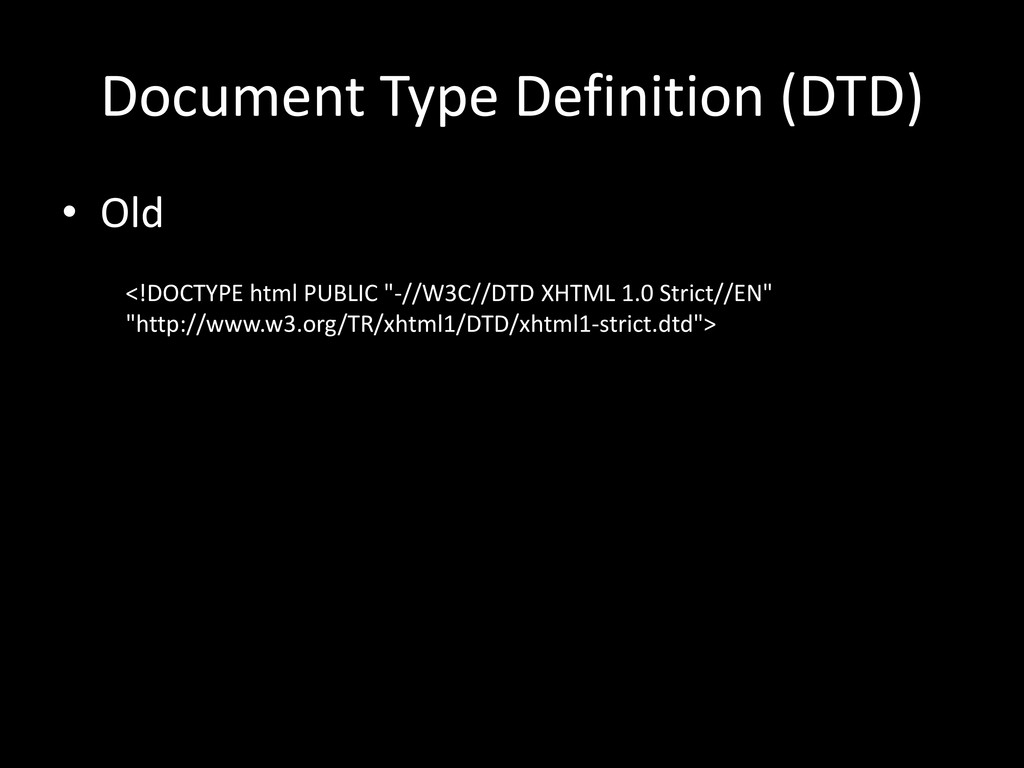
  6. Document Type Definition (DTD) • Old <!DOCTYPE html PUBLIC "-//W3C//DTD

    XHTML 1.0 Strict//EN" "http://www.w3.org/TR/xhtml1/DTD/xhtml1-strict.dtd">
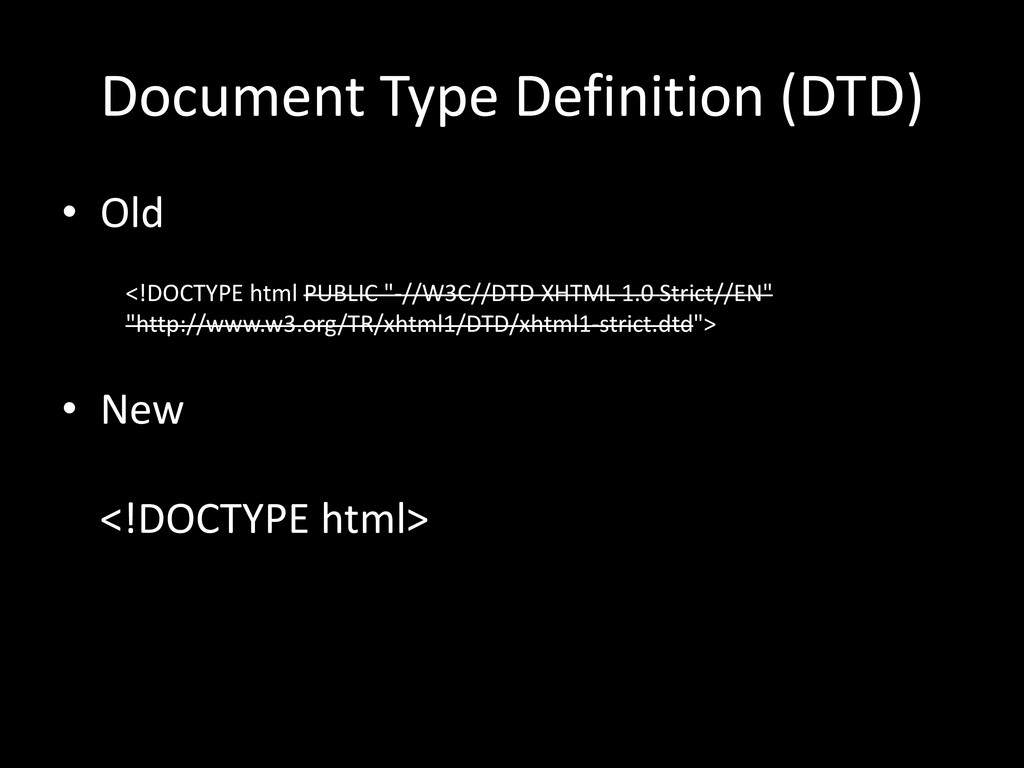
  7. Document Type Definition (DTD) • Old • New <!DOCTYPE html>

    <!DOCTYPE html PUBLIC "-//W3C//DTD XHTML 1.0 Strict//EN" "http://www.w3.org/TR/xhtml1/DTD/xhtml1-strict.dtd">
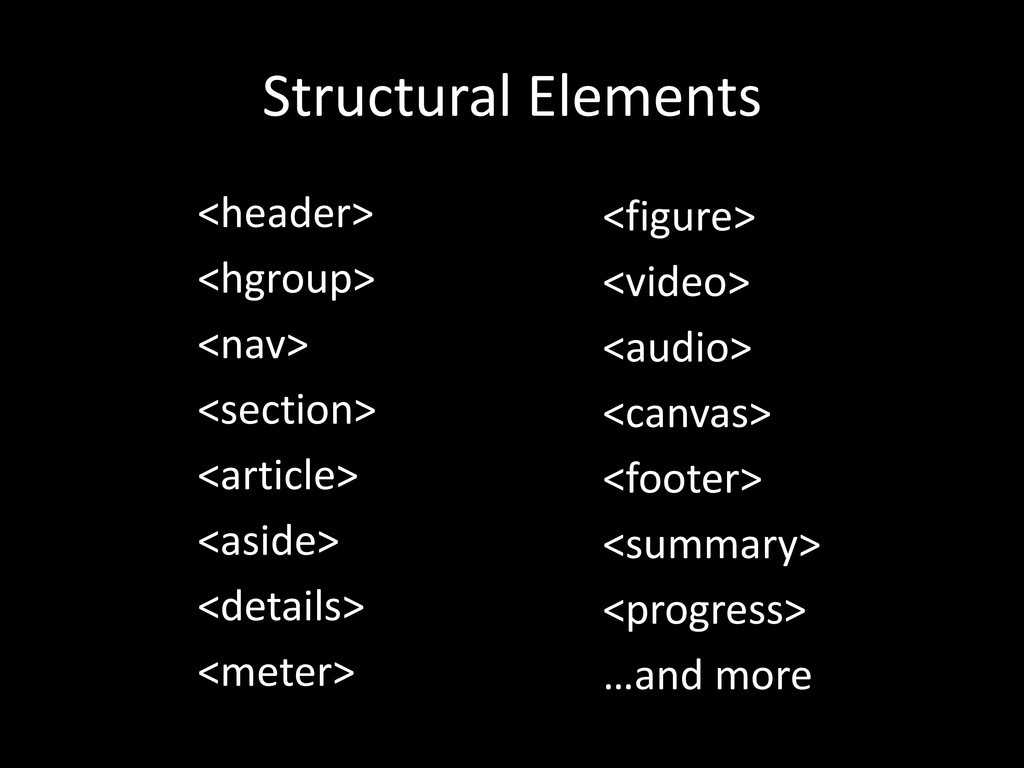
  8. Structural Elements <header> <hgroup> <nav> <section> <article> <aside> <details> <meter>

    <figure> <video> <audio> <canvas> <footer> <summary> <progress> …and more
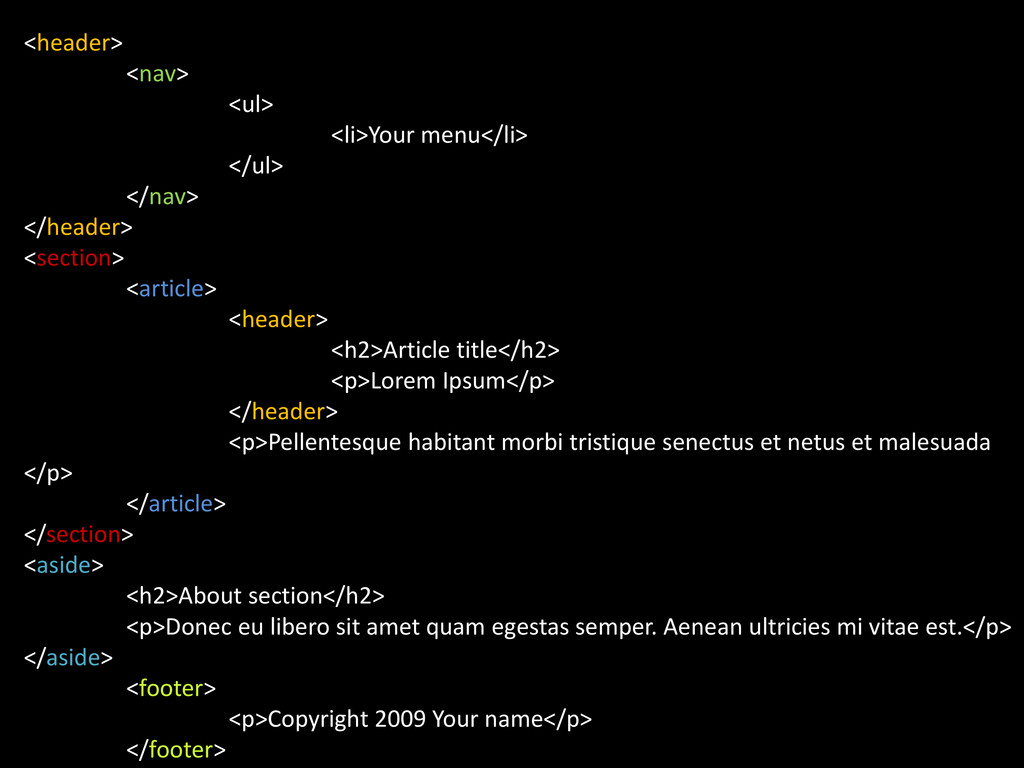
  9. <header> <nav> <ul> <li>Your menu</li> </ul> </nav> </header> <section> <article>

    <header> <h2>Article title</h2> <p>Lorem Ipsum</p> </header> <p>Pellentesque habitant morbi tristique senectus et netus et malesuada </p> </article> </section> <aside> <h2>About section</h2> <p>Donec eu libero sit amet quam egestas semper. Aenean ultricies mi vitae est.</p> </aside> <footer> <p>Copyright 2009 Your name</p> </footer>
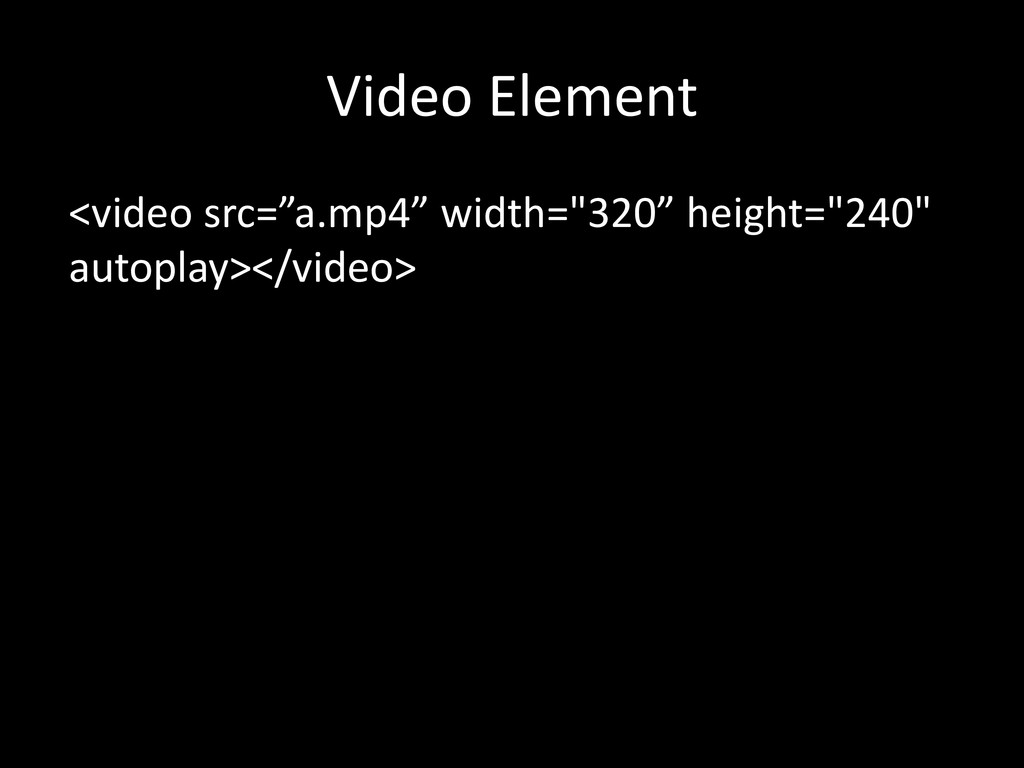
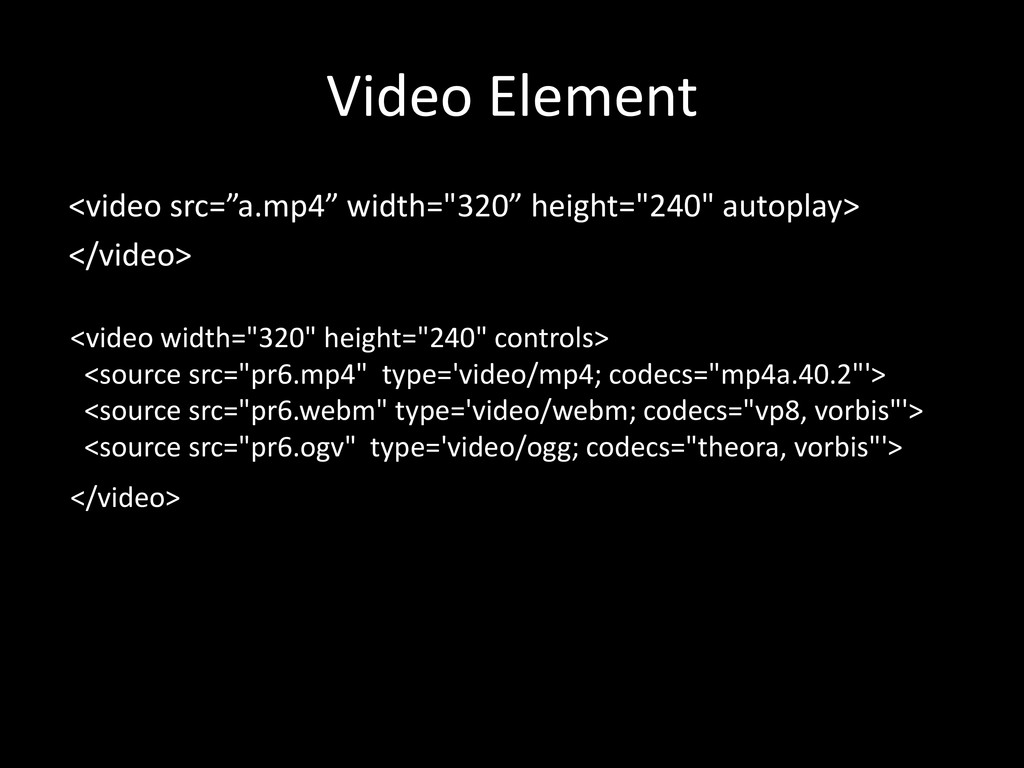
  10. Video Element <video src=”a.mp4” width="320” height="240" autoplay> </video> <video width="320"

    height="240" controls> <source src="pr6.mp4" type='video/mp4; codecs="mp4a.40.2"'> <source src="pr6.webm" type='video/webm; codecs="vp8, vorbis"'> <source src="pr6.ogv" type='video/ogg; codecs="theora, vorbis"'> </video>
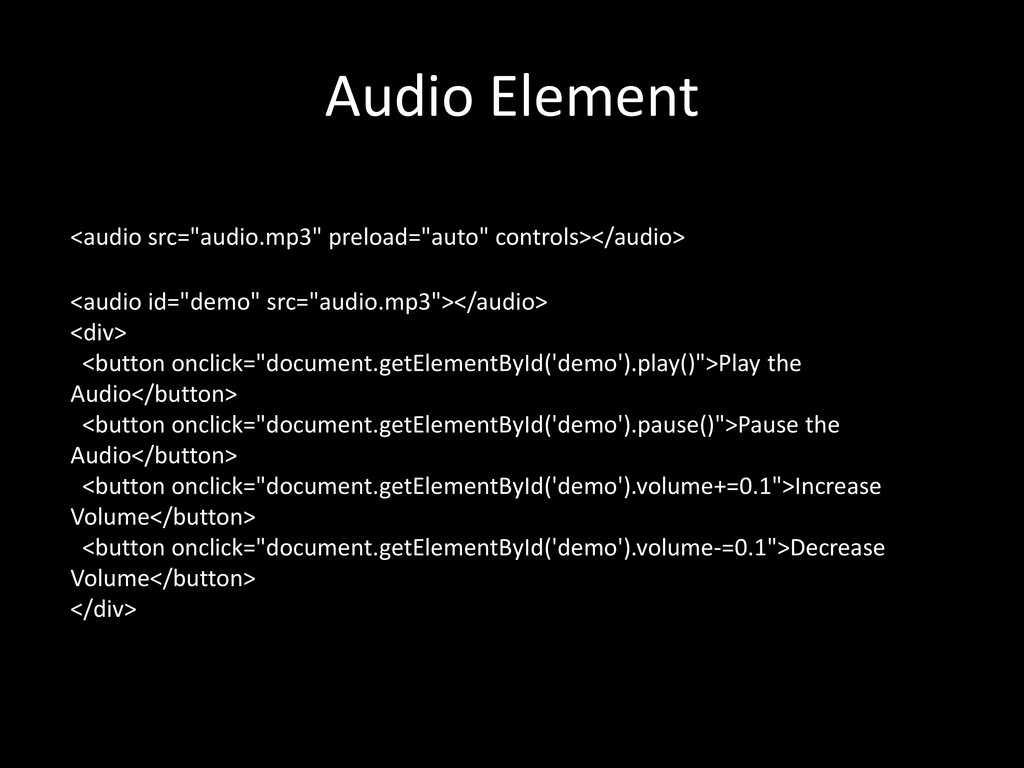
  11. Audio Element <audio src="audio.mp3" preload="auto" controls></audio> <audio id="demo" src="audio.mp3"></audio> <div>

    <button onclick="document.getElementById('demo').play()">Play the Audio</button> <button onclick="document.getElementById('demo').pause()">Pause the Audio</button> <button onclick="document.getElementById('demo').volume+=0.1">Increase Volume</button> <button onclick="document.getElementById('demo').volume-=0.1">Decrease Volume</button> </div>
  12. Canvas • Create graphics with the canvas element • Uses

    Javascript to get the context and draw elements. • Useful for creating Charts, Games, Visualizations etc.
  13. CSS3 • Still work in progress • Already a widely

    used and unsung standard • All modern browsers support CSS3 (Chrome, Firefox, Safari, Opera)
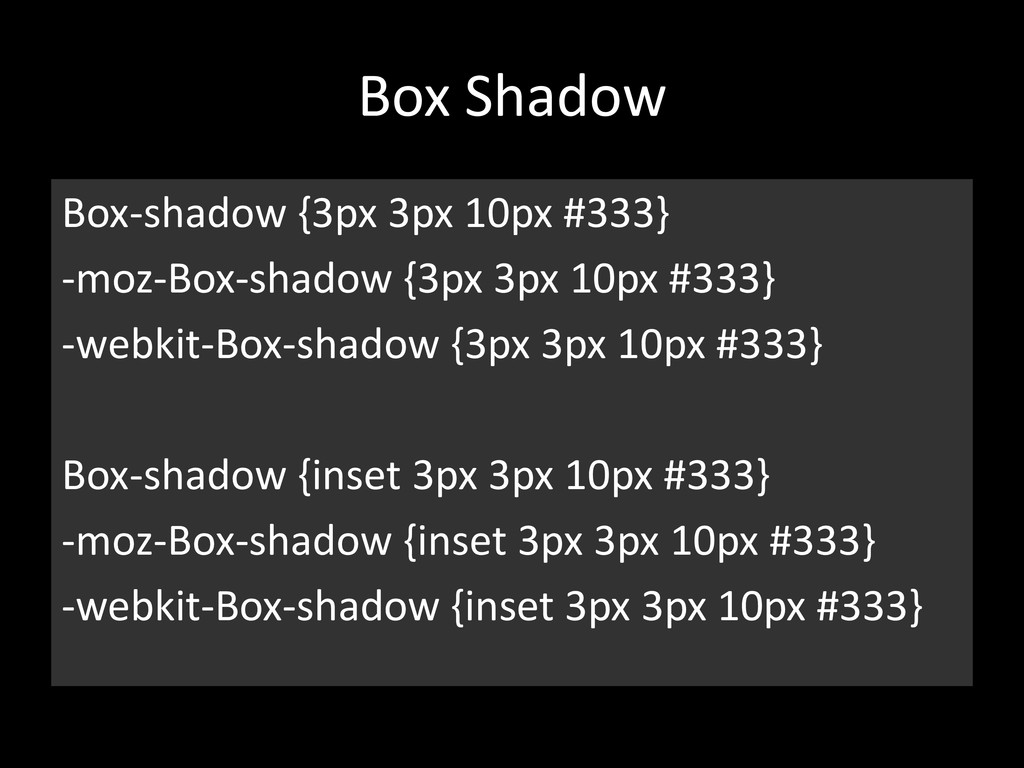
  14. Box Shadow Box-shadow {3px 3px 10px #333} -moz-Box-shadow {3px 3px

    10px #333} -webkit-Box-shadow {3px 3px 10px #333} Box-shadow {inset 3px 3px 10px #333} -moz-Box-shadow {inset 3px 3px 10px #333} -webkit-Box-shadow {inset 3px 3px 10px #333}
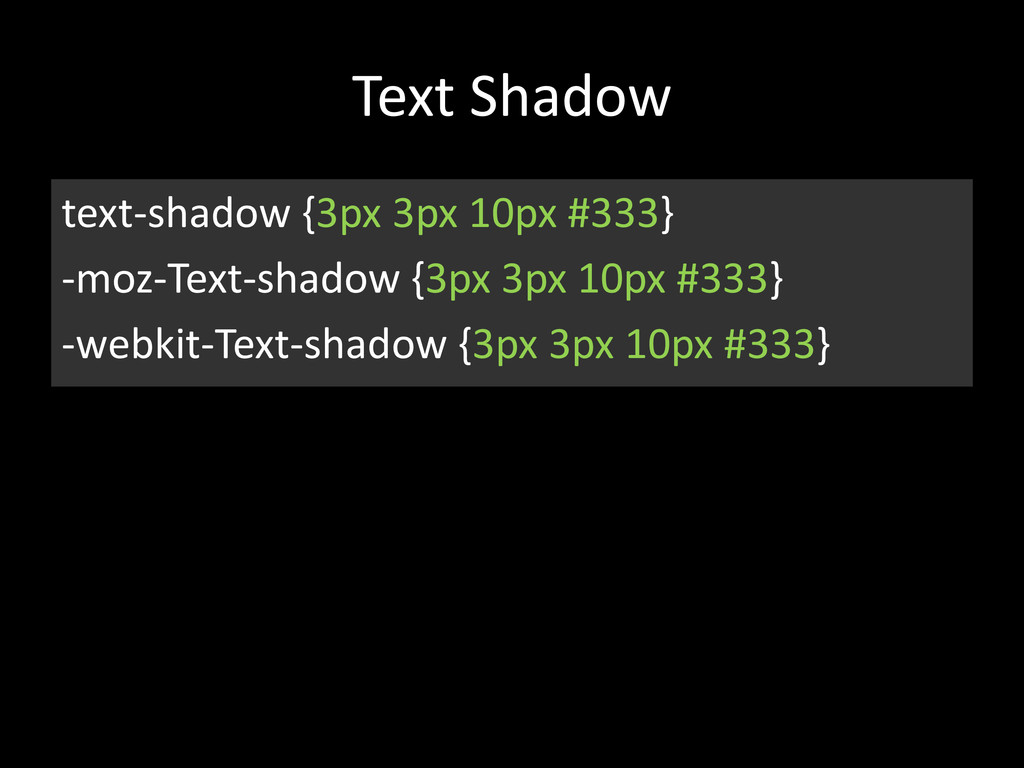
  15. Text Shadow text-shadow {3px 3px 10px #333} -moz-Text-shadow {3px 3px

    10px #333} -webkit-Text-shadow {3px 3px 10px #333}
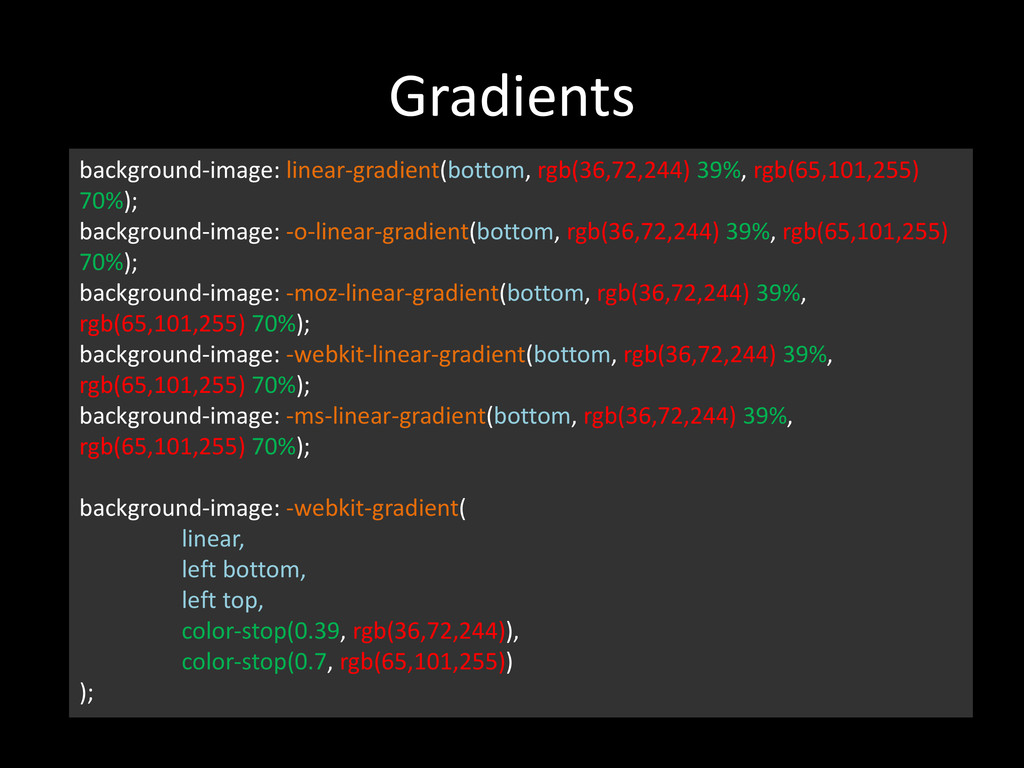
  16. Gradients background-image: linear-gradient(bottom, rgb(36,72,244) 39%, rgb(65,101,255) 70%); background-image: -o-linear-gradient(bottom, rgb(36,72,244)

    39%, rgb(65,101,255) 70%); background-image: -moz-linear-gradient(bottom, rgb(36,72,244) 39%, rgb(65,101,255) 70%); background-image: -webkit-linear-gradient(bottom, rgb(36,72,244) 39%, rgb(65,101,255) 70%); background-image: -ms-linear-gradient(bottom, rgb(36,72,244) 39%, rgb(65,101,255) 70%); background-image: -webkit-gradient( linear, left bottom, left top, color-stop(0.39, rgb(36,72,244)), color-stop(0.7, rgb(65,101,255)) );
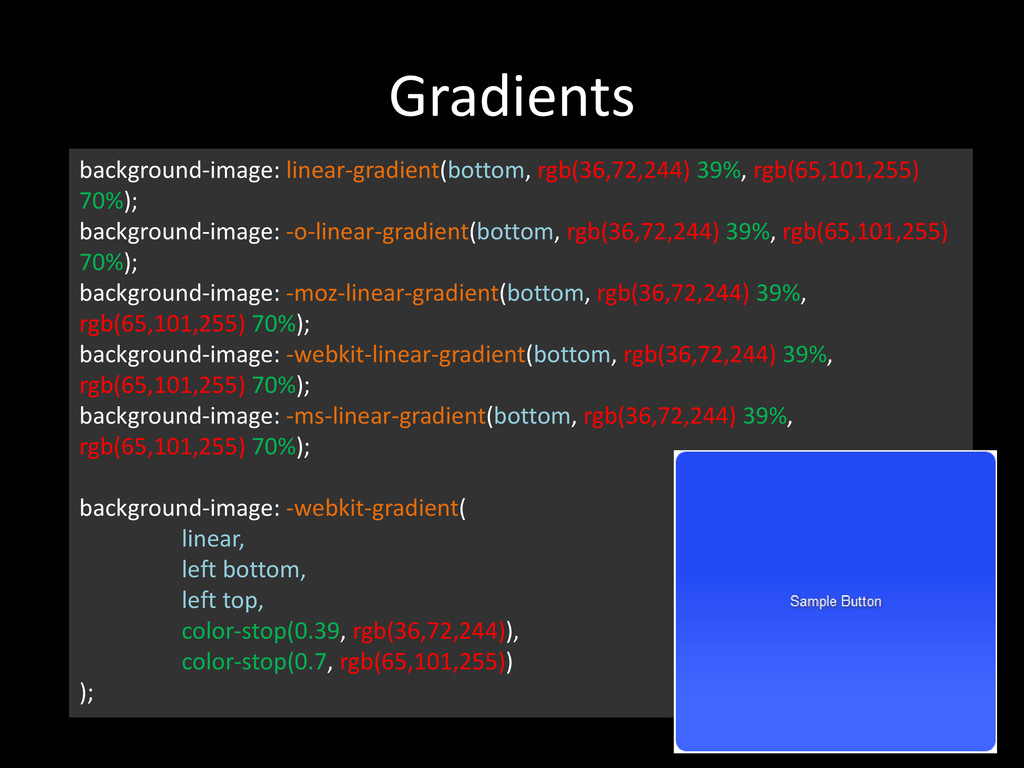
  17. Gradients background-image: linear-gradient(bottom, rgb(36,72,244) 39%, rgb(65,101,255) 70%); background-image: -o-linear-gradient(bottom, rgb(36,72,244)

    39%, rgb(65,101,255) 70%); background-image: -moz-linear-gradient(bottom, rgb(36,72,244) 39%, rgb(65,101,255) 70%); background-image: -webkit-linear-gradient(bottom, rgb(36,72,244) 39%, rgb(65,101,255) 70%); background-image: -ms-linear-gradient(bottom, rgb(36,72,244) 39%, rgb(65,101,255) 70%); background-image: -webkit-gradient( linear, left bottom, left top, color-stop(0.39, rgb(36,72,244)), color-stop(0.7, rgb(65,101,255)) );
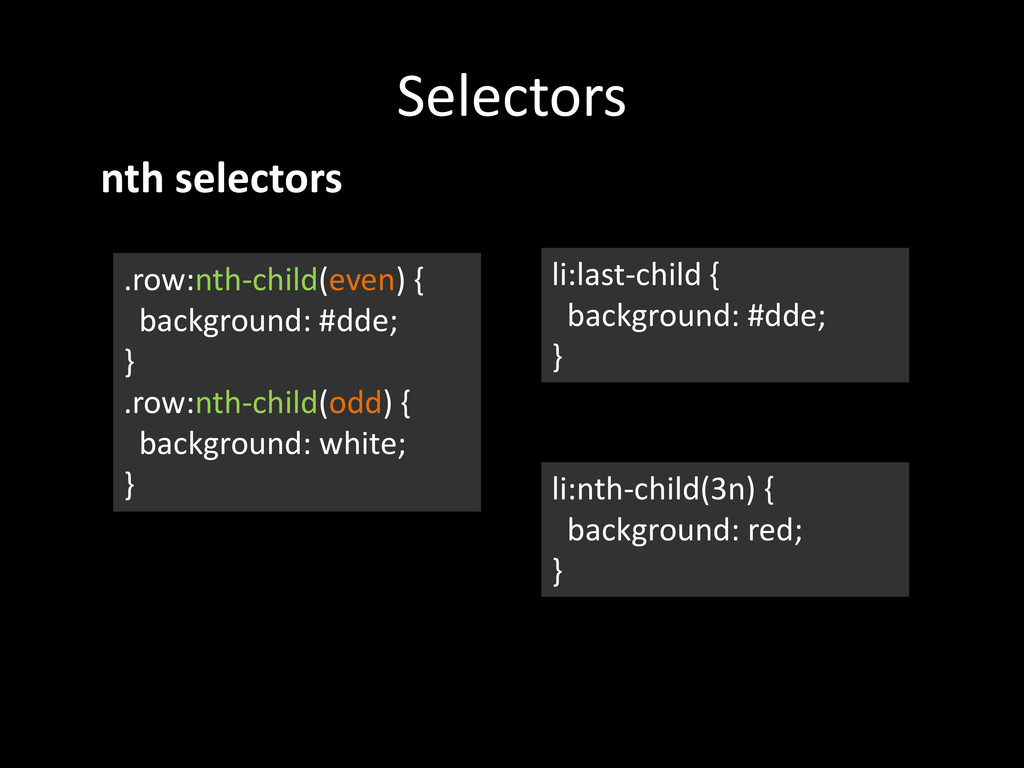
  18. Selectors .row:nth-child(even) { background: #dde; } .row:nth-child(odd) { background: white;

    } nth selectors li:last-child { background: #dde; } li:nth-child(3n) { background: red; }
  19. Selectors form input[type="text"] { border: 1px solid #333; padding: 0.2em;

    width: 400px; } Attribute Selectors a[href*="example.com"] { color : red ; }
  20. Compatibility • Most of the CSS3 elements can be used

    with Vendor Prefixes. • http://caniuse.com/
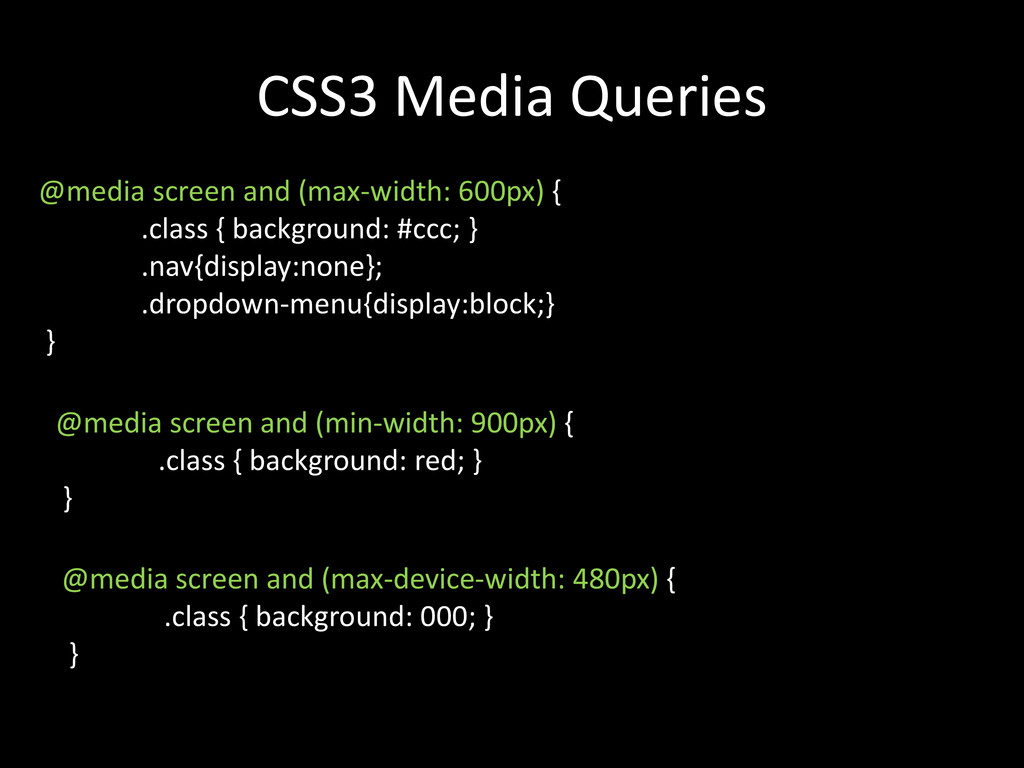
  21. CSS3 Media Queries @media screen and (max-width: 600px) { .class

    { background: #ccc; } .nav{display:none}; .dropdown-menu{display:block;} } @media screen and (min-width: 900px) { .class { background: red; } } @media screen and (max-device-width: 480px) { .class { background: 000; } }
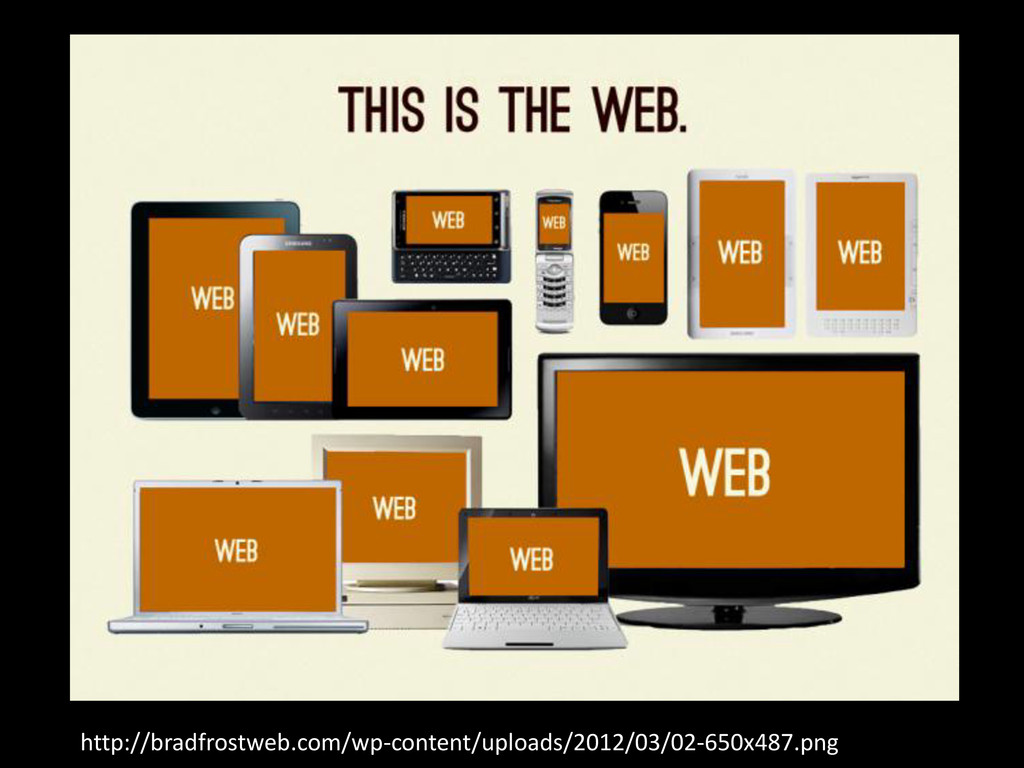
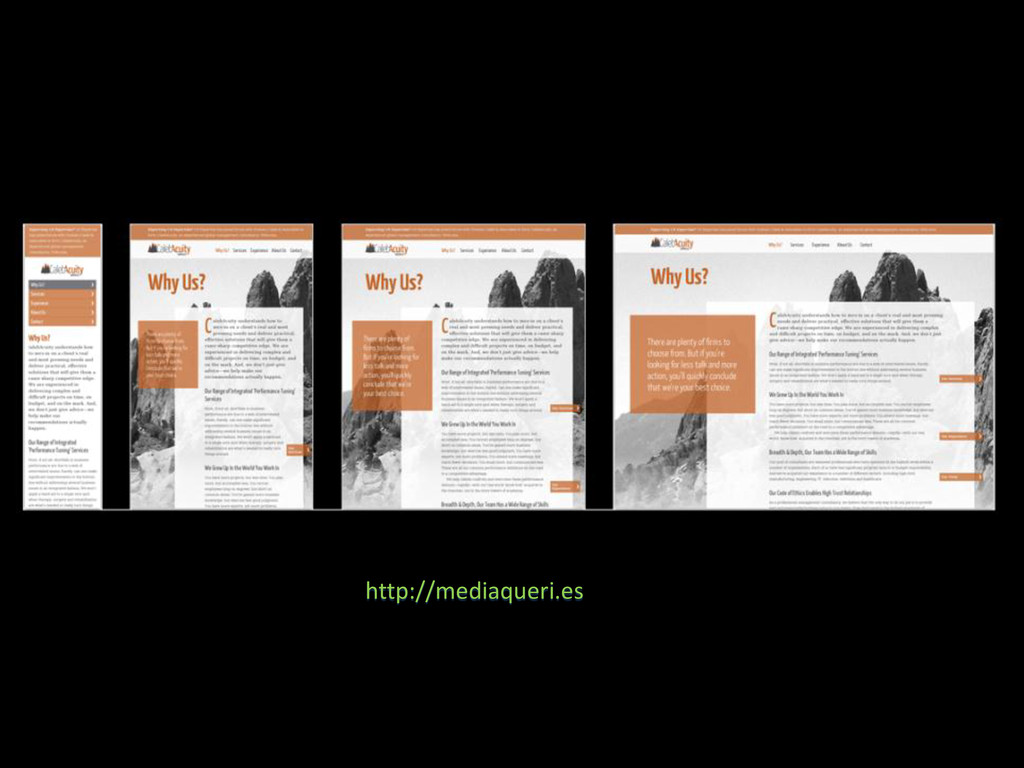
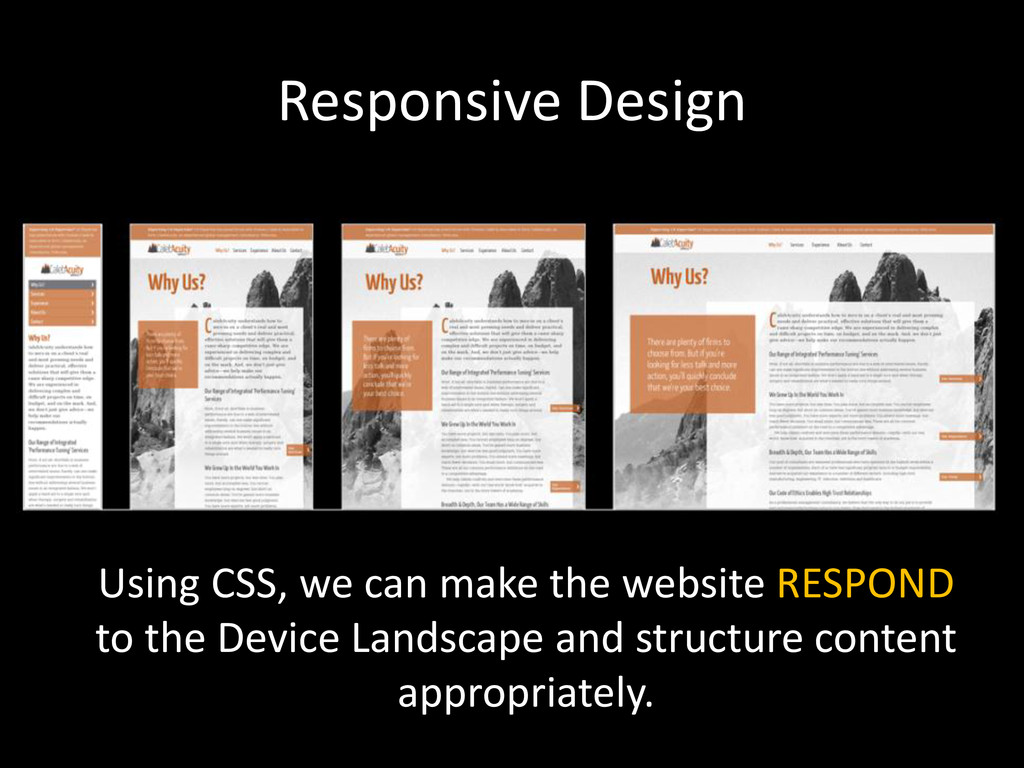
  22. Responsive Design Using CSS, we can make the website RESPOND

    to the Device Landscape and structure content appropriately.
  23. HTML5 & CSS3 are still work in progress, But they

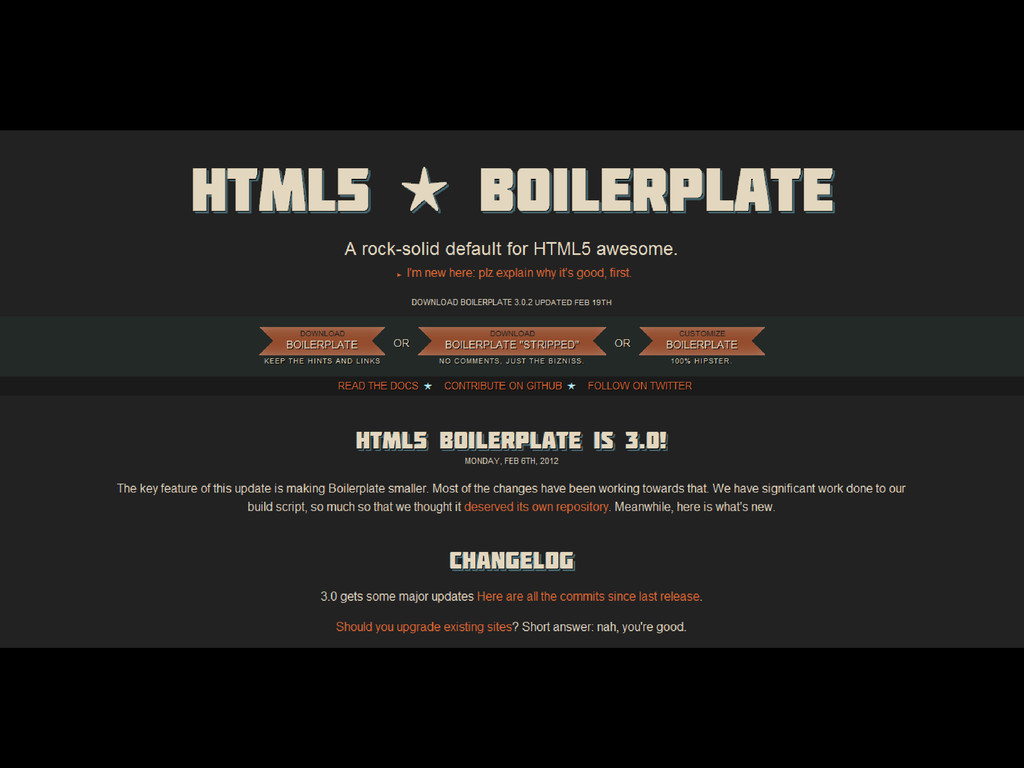
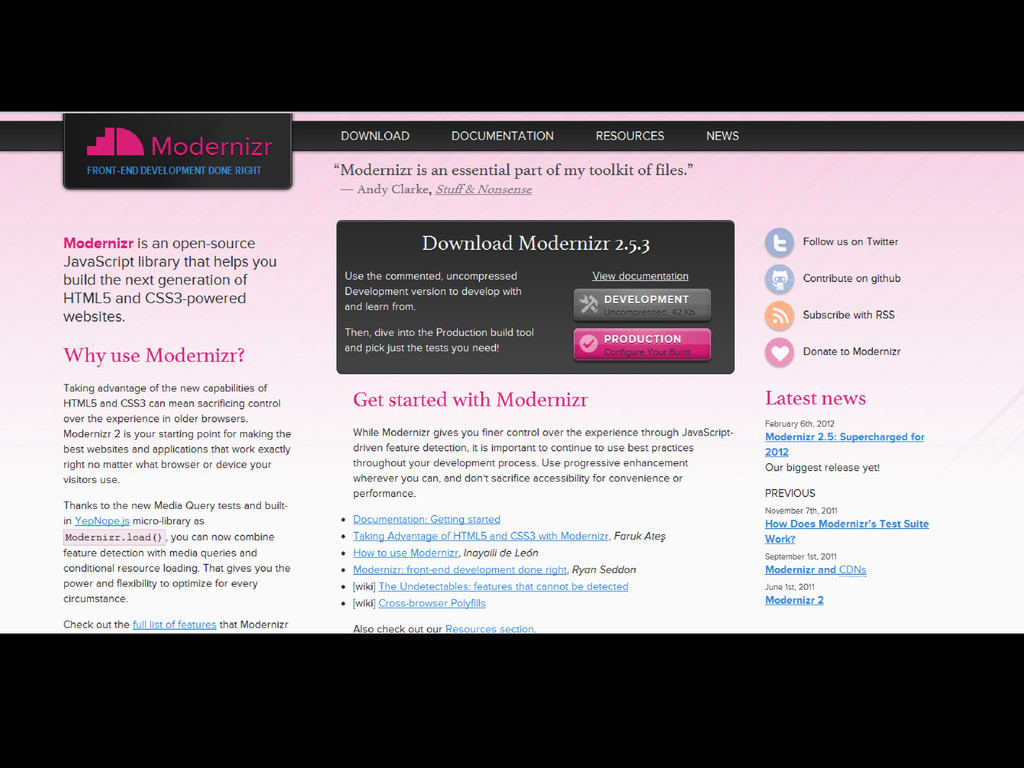
    can be still used. FRAMEWORKS Across Devices
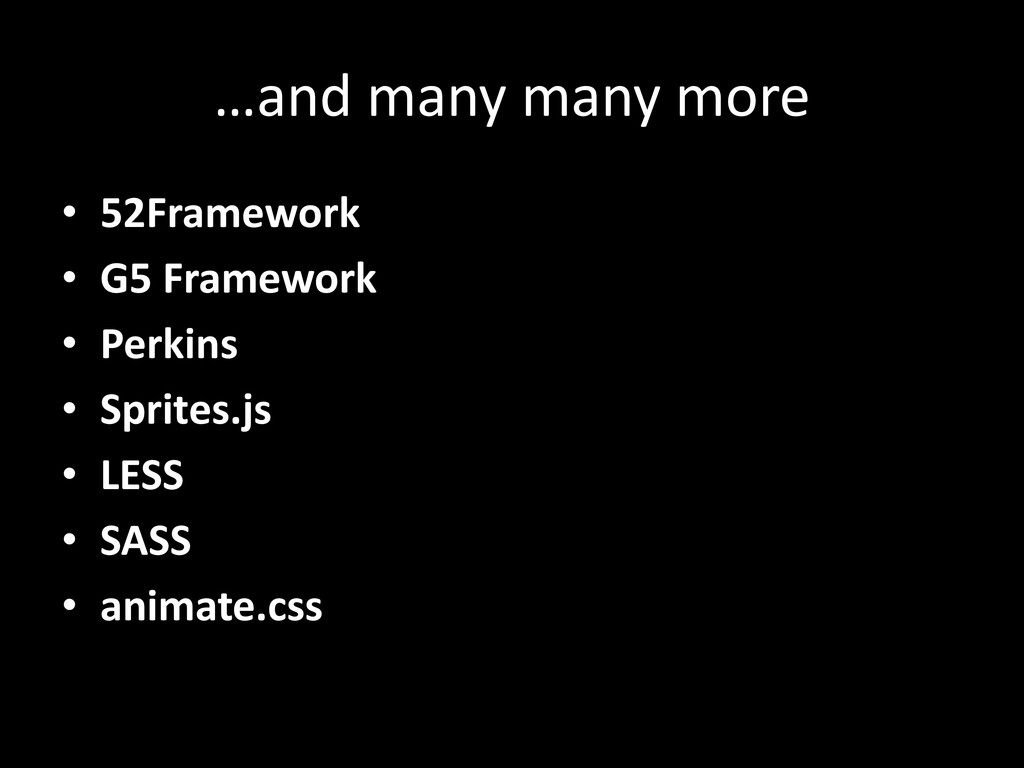
  24. …and many many more • 52Framework • G5 Framework •

    Perkins • Sprites.js • LESS • SASS • animate.css
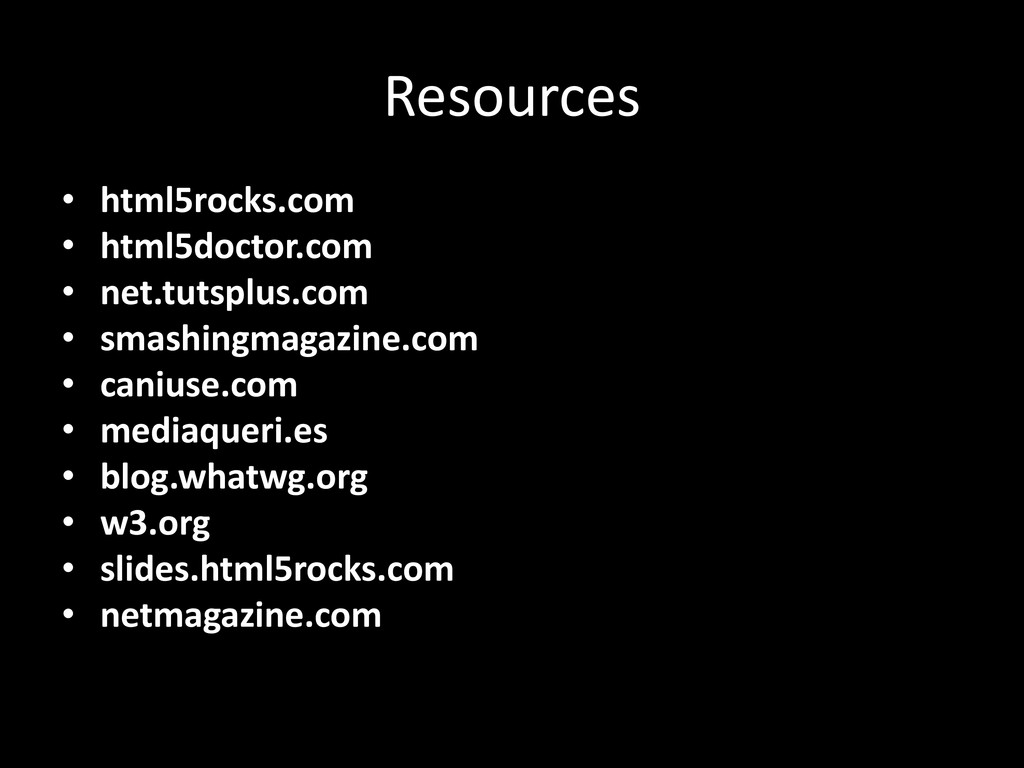
  25. Resources • html5rocks.com • html5doctor.com • net.tutsplus.com • smashingmagazine.com •

    caniuse.com • mediaqueri.es • blog.whatwg.org • w3.org • slides.html5rocks.com • netmagazine.com
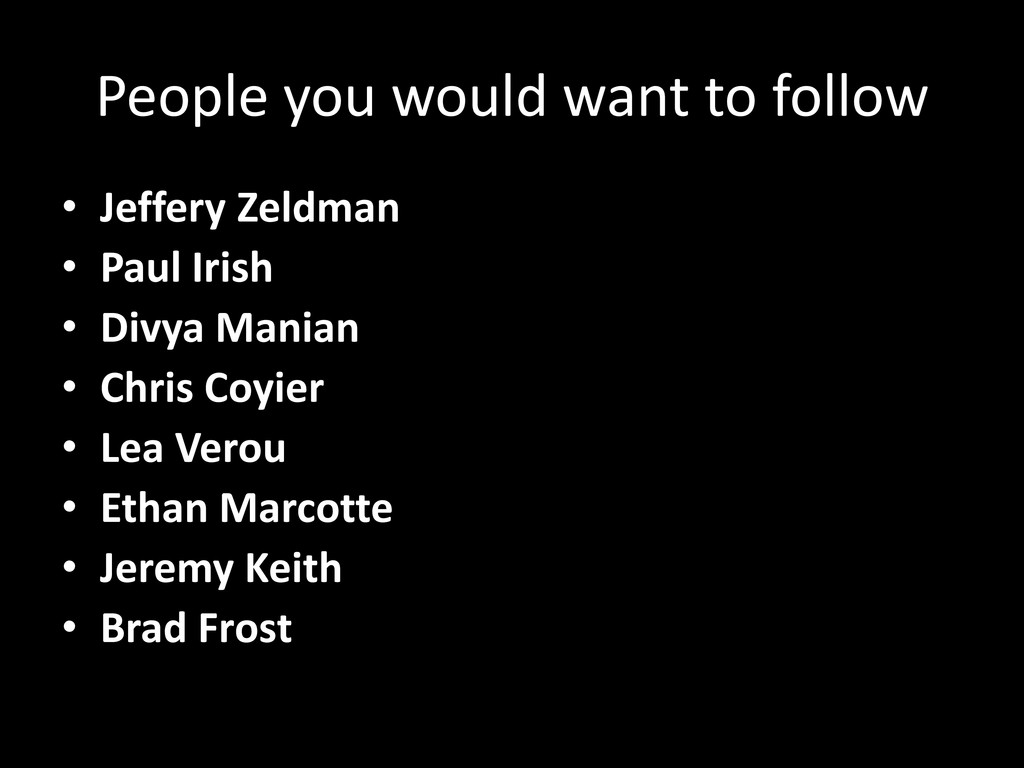
  26. People you would want to follow • Jeffery Zeldman •

    Paul Irish • Divya Manian • Chris Coyier • Lea Verou • Ethan Marcotte • Jeremy Keith • Brad Frost