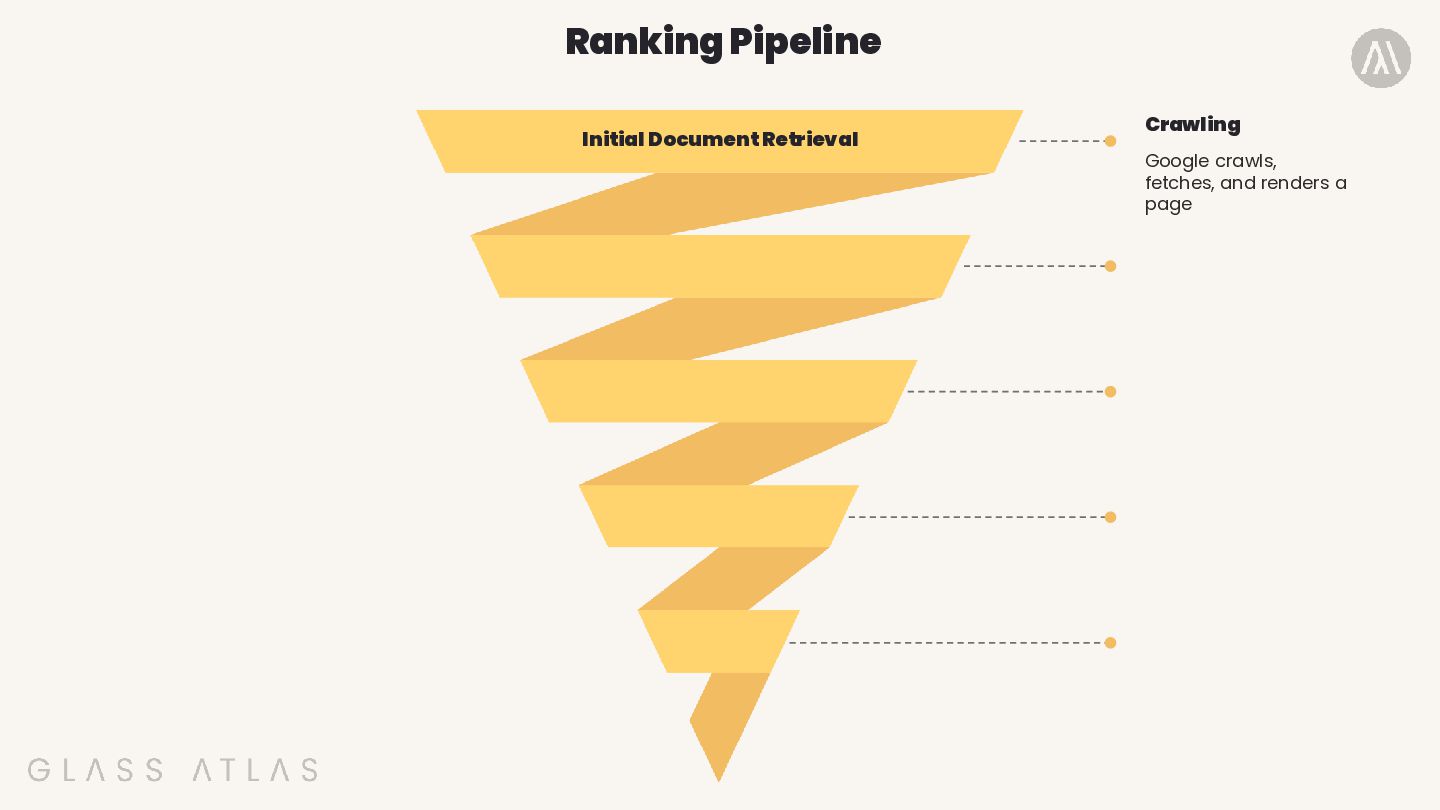
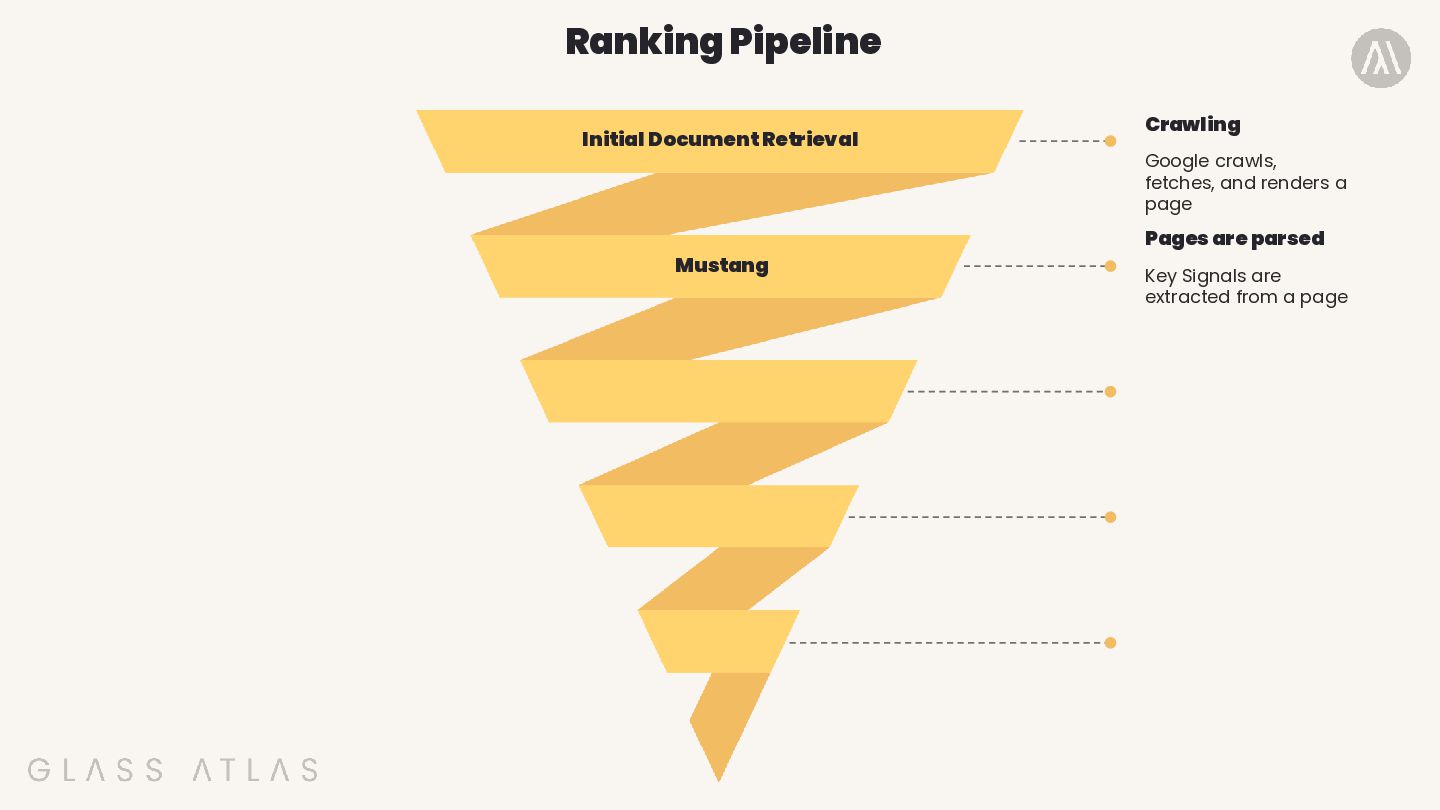
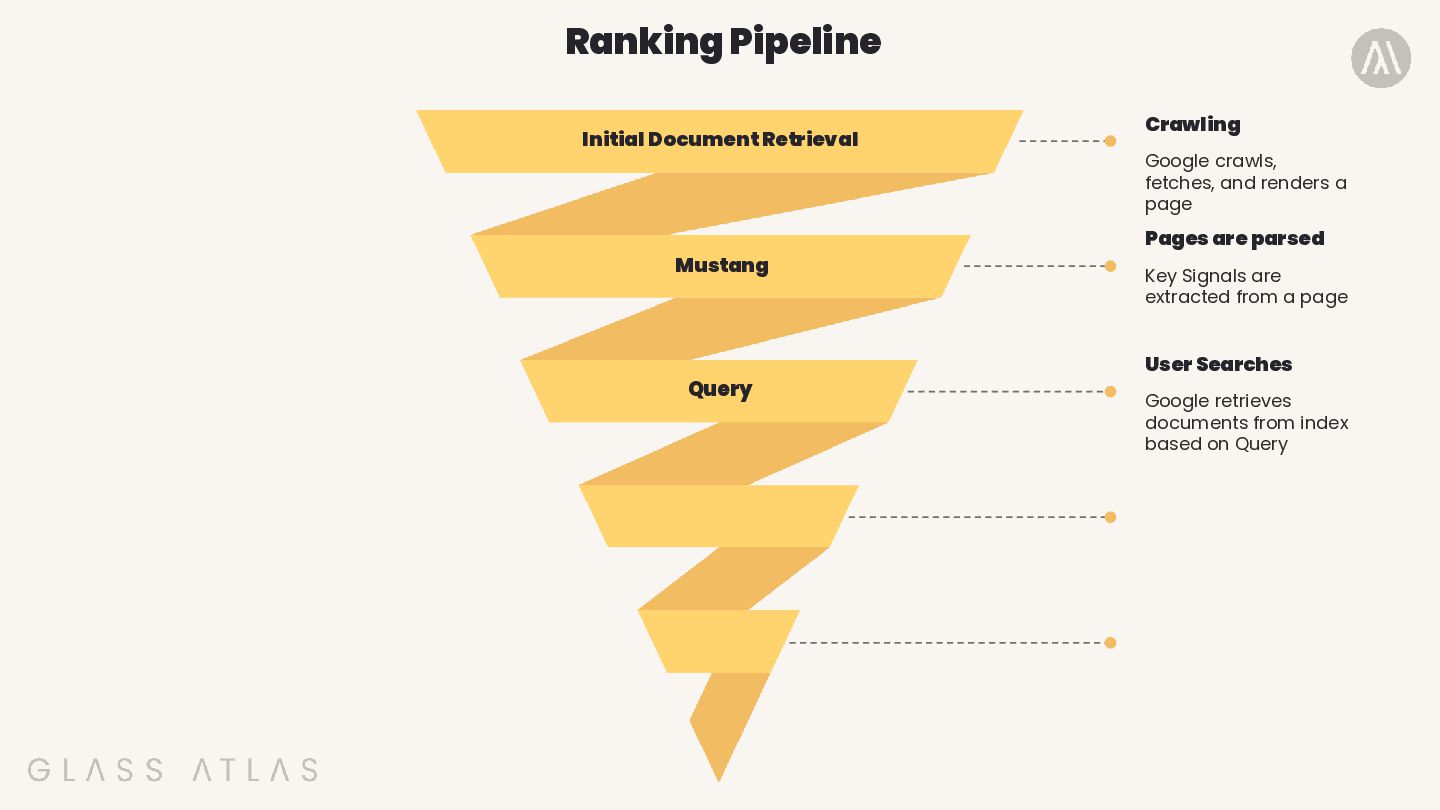
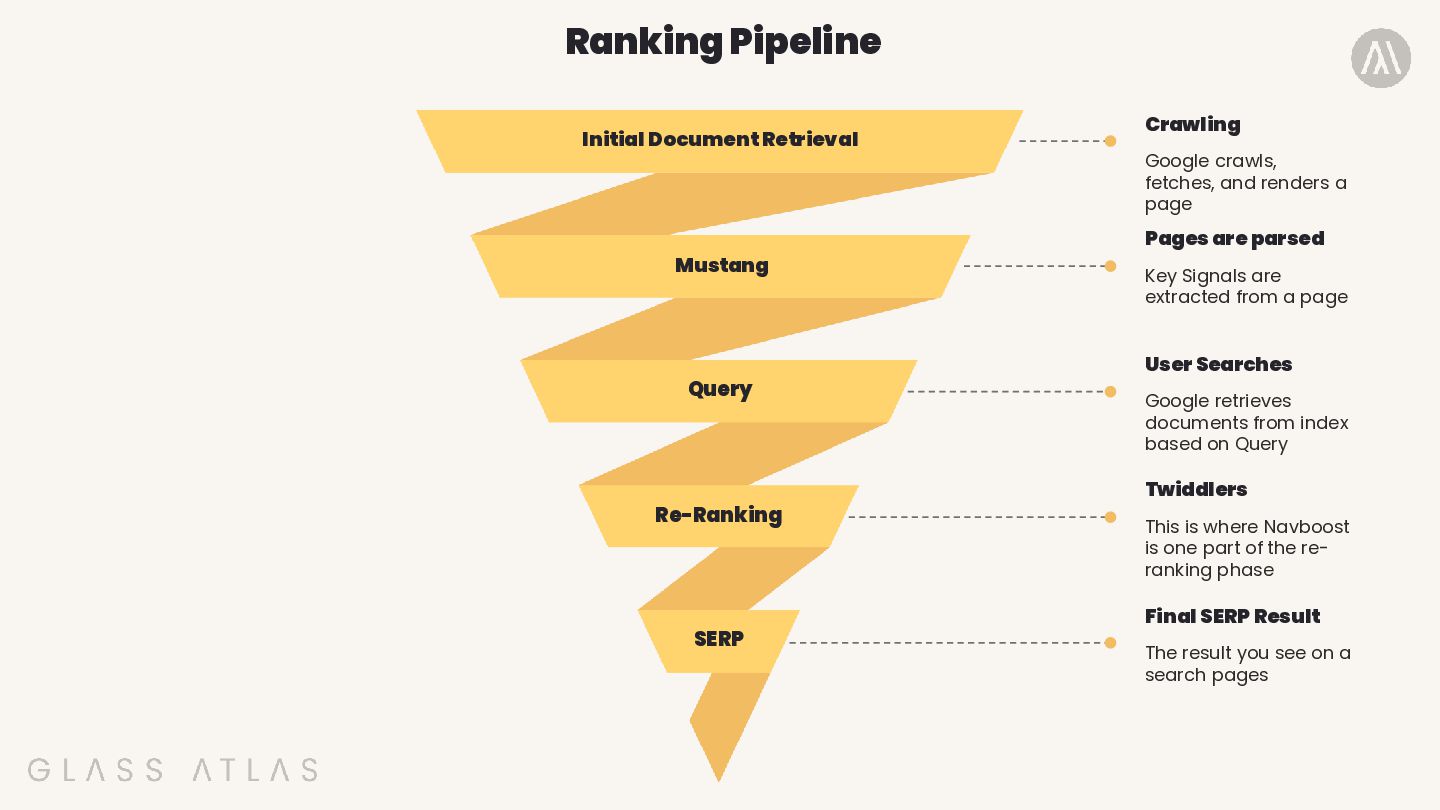
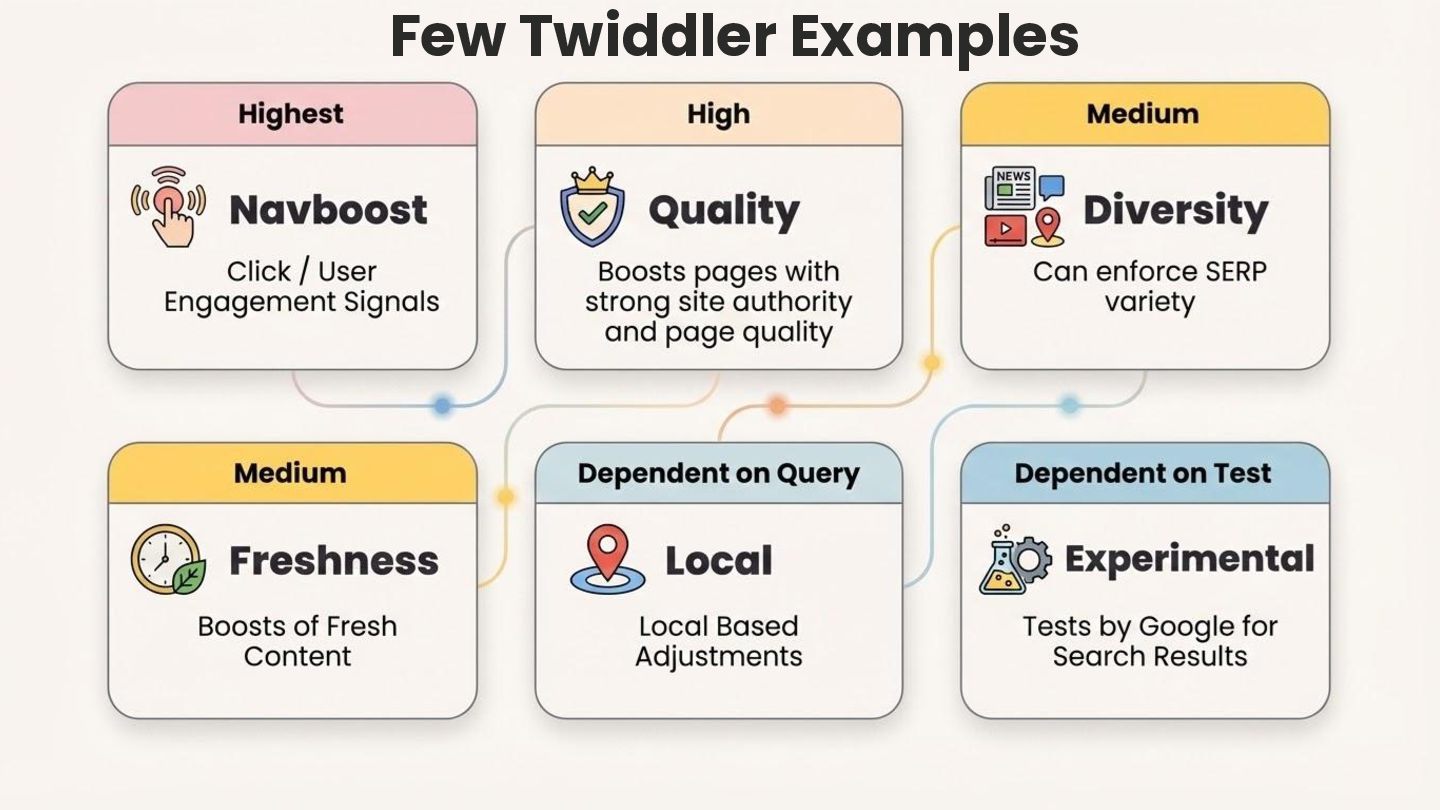
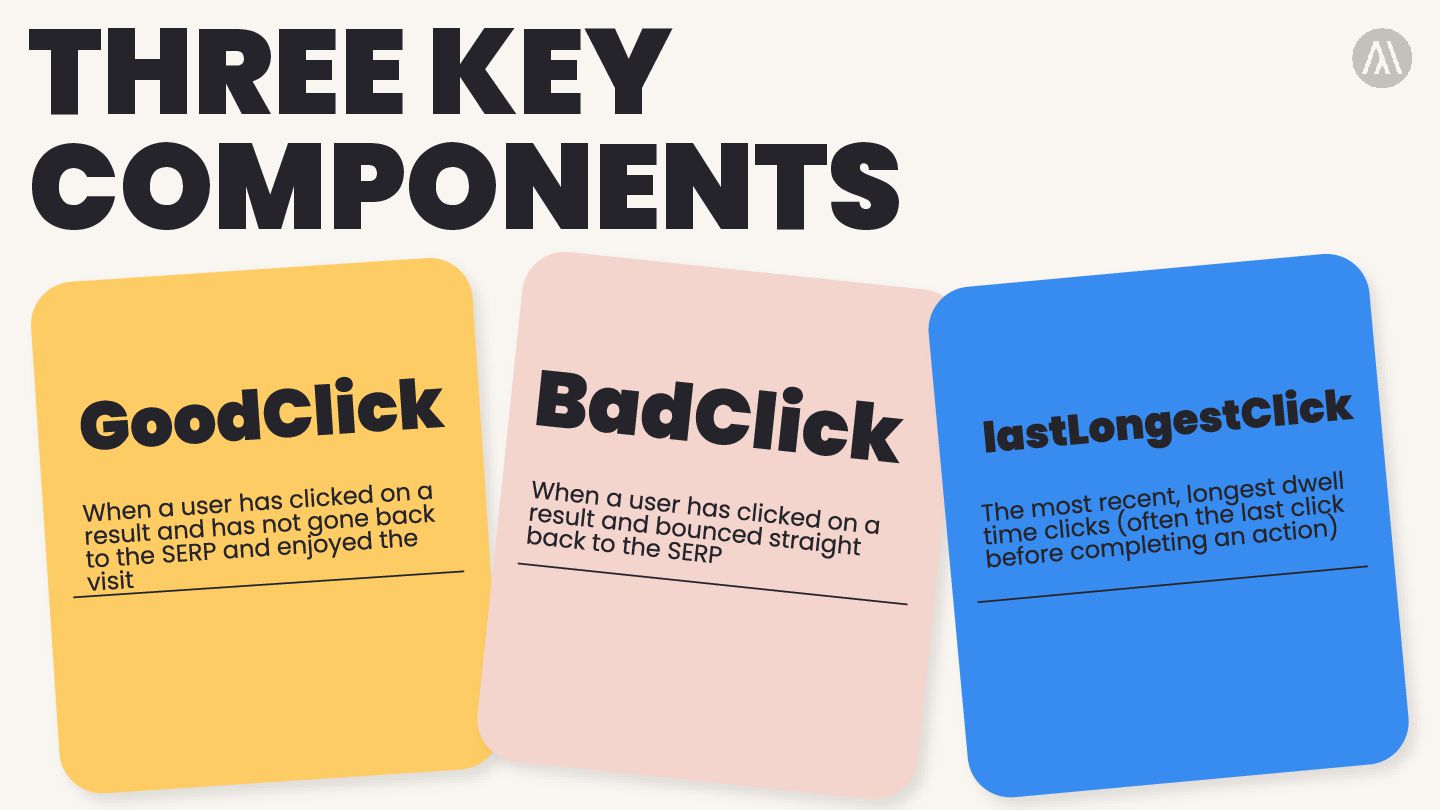
Crawling Google crawls, fetches, and renders a page Key Signals are extracted from a page User Searches Google retrieves documents from index based on Query
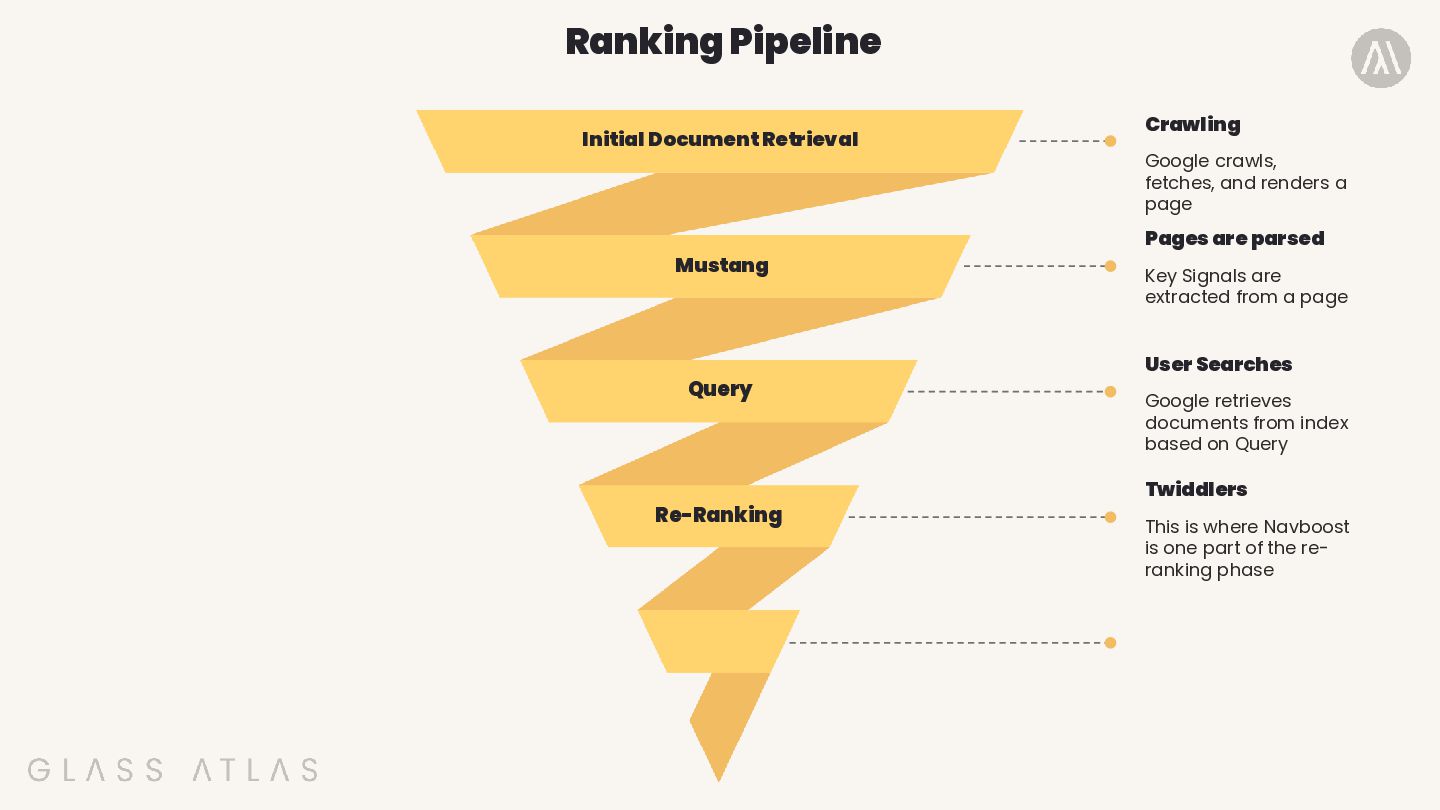
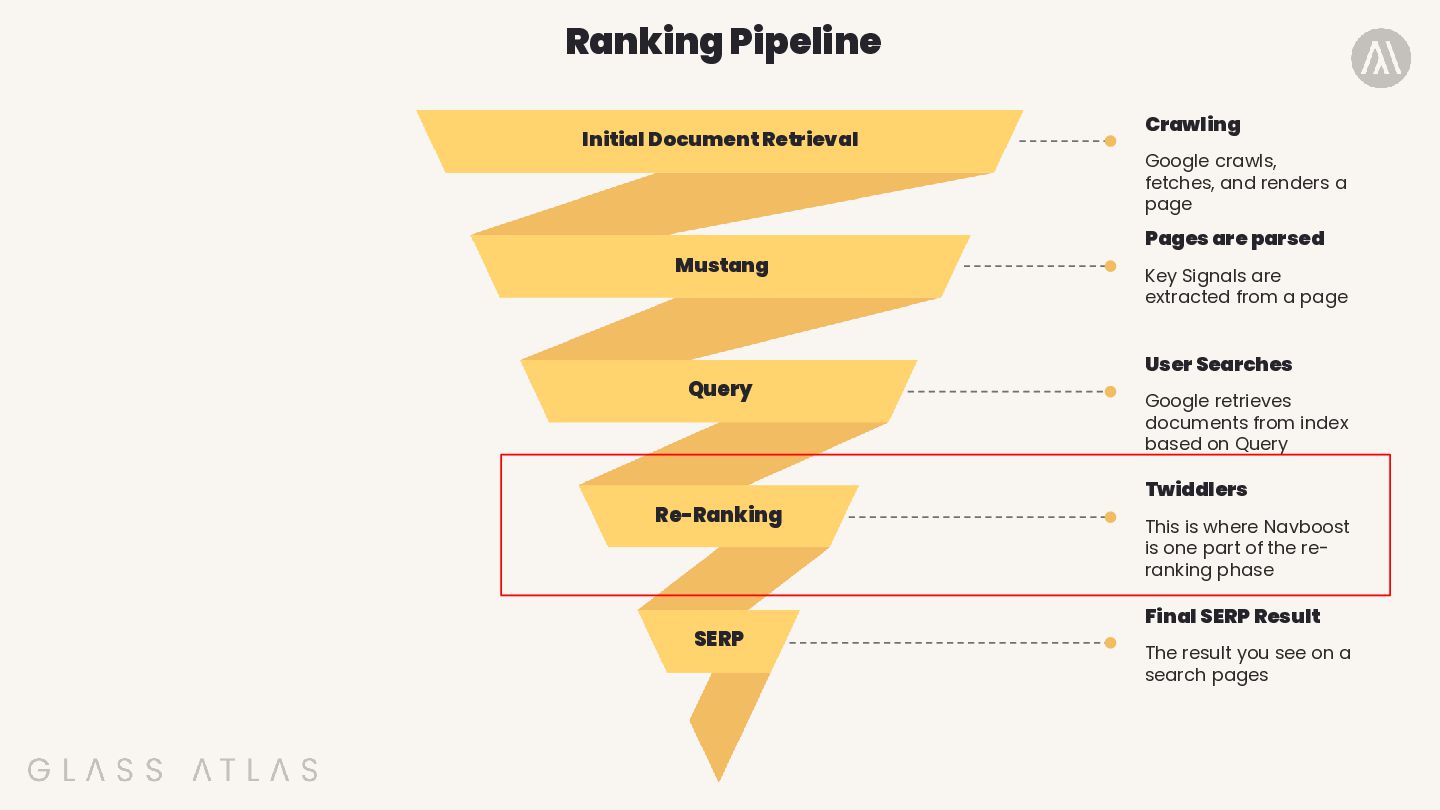
parsed Twiddlers Crawling Google crawls, fetches, and renders a page Key Signals are extracted from a page This is where Navboost is one part of the re- ranking phase User Searches Google retrieves documents from index based on Query
parsed Twiddlers Final SERP Result Crawling Google crawls, fetches, and renders a page Key Signals are extracted from a page This is where Navboost is one part of the re- ranking phase The result you see on a search pages SERP User Searches Google retrieves documents from index based on Query
parsed Twiddlers Final SERP Result Crawling Google crawls, fetches, and renders a page Key Signals are extracted from a page This is where Navboost is one part of the re- ranking phase The result you see on a search pages SERP User Searches Google retrieves documents from index based on Query
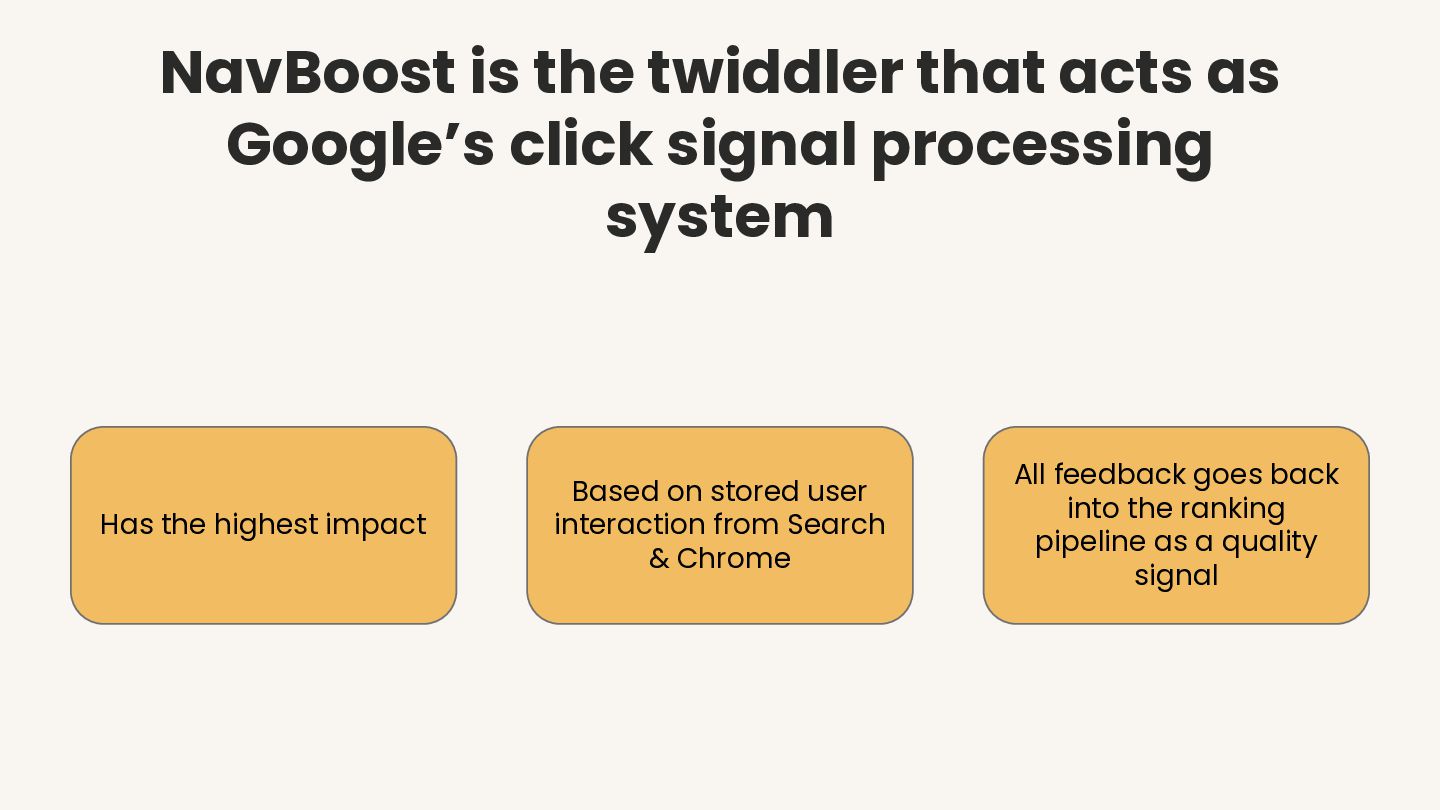
processing system Has the highest impact Based on stored user interaction from Search & Chrome All feedback goes back into the ranking pipeline as a quality signal
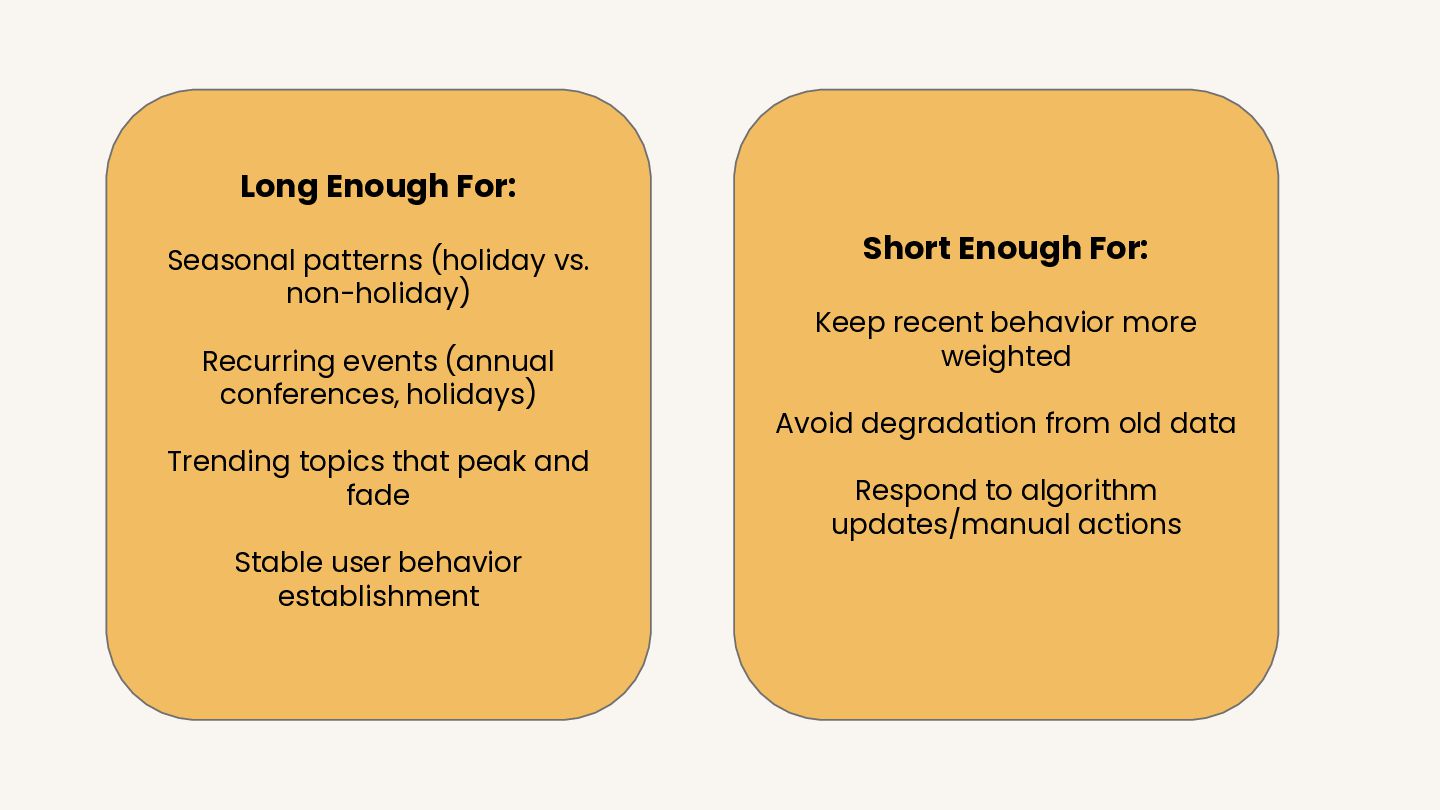
(annual conferences, holidays) Trending topics that peak and fade Stable user behavior establishment Short Enough For: Keep recent behavior more weighted Avoid degradation from old data Respond to algorithm updates/manual actions
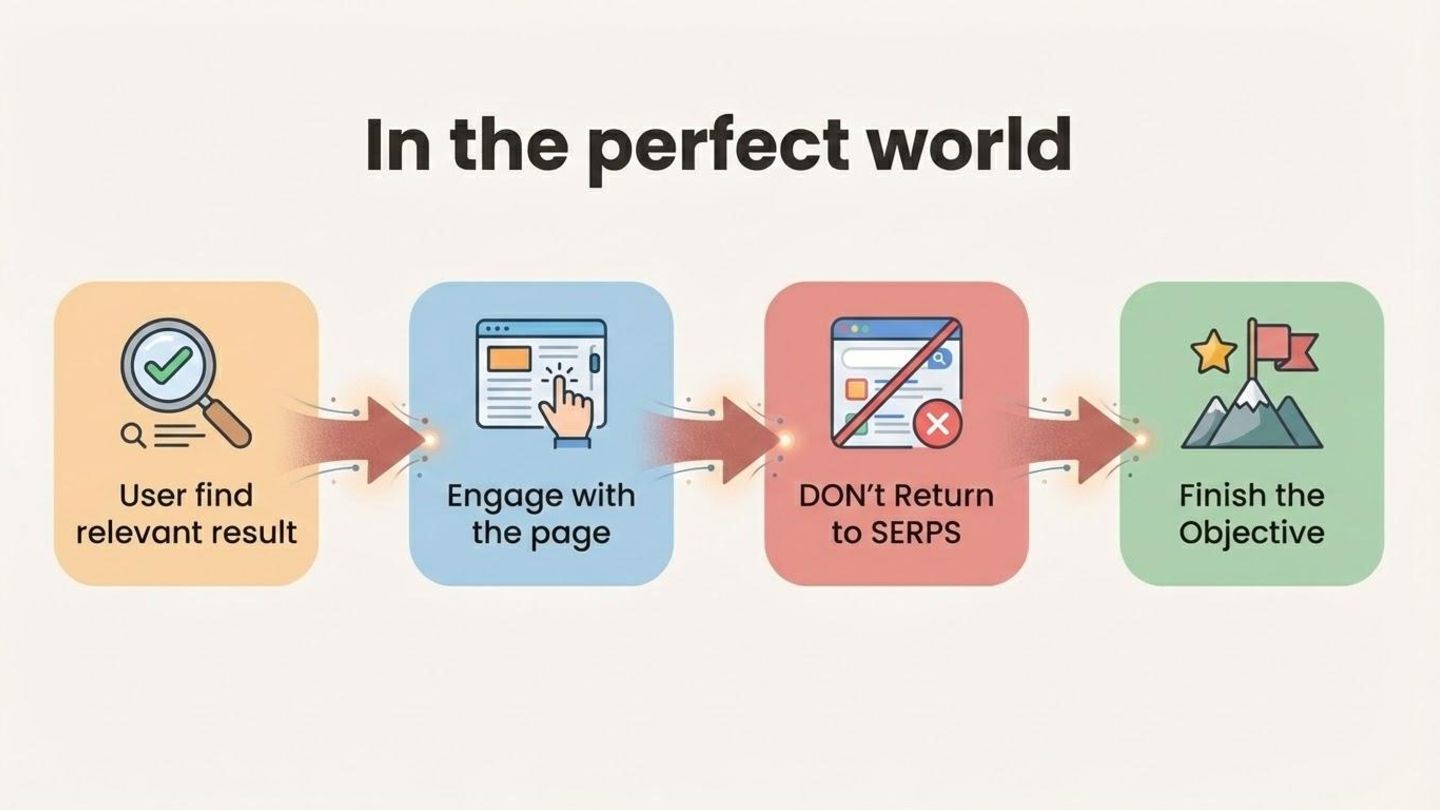
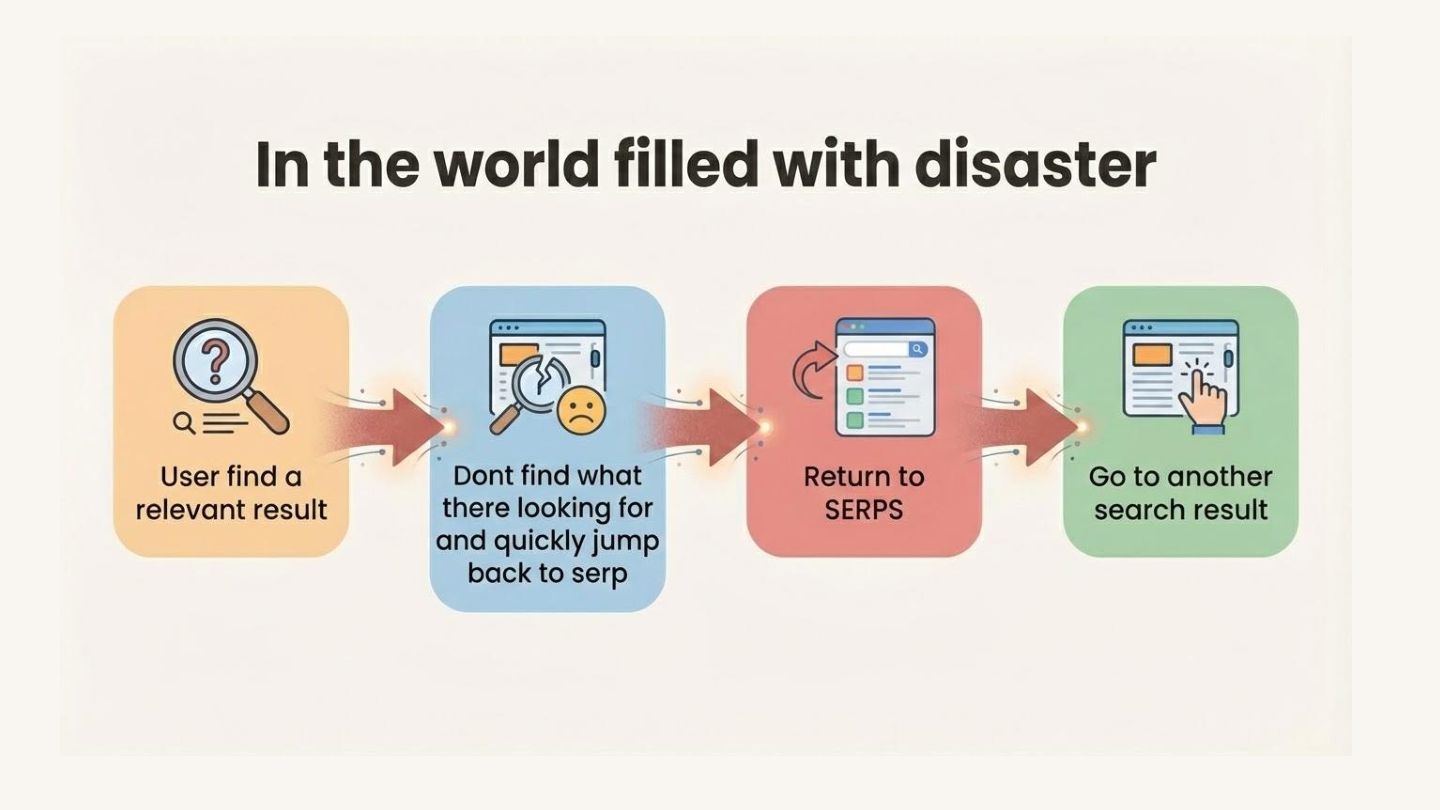
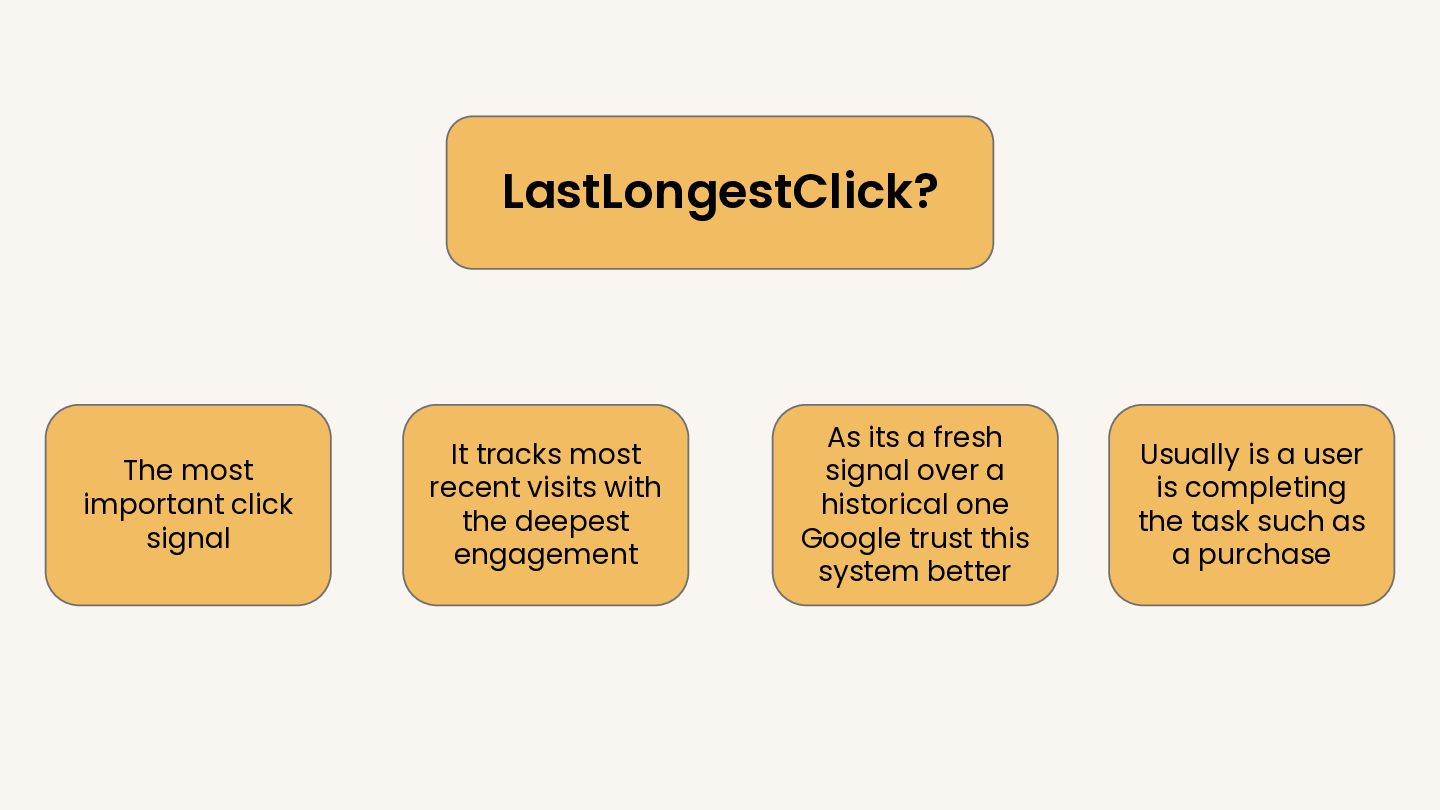
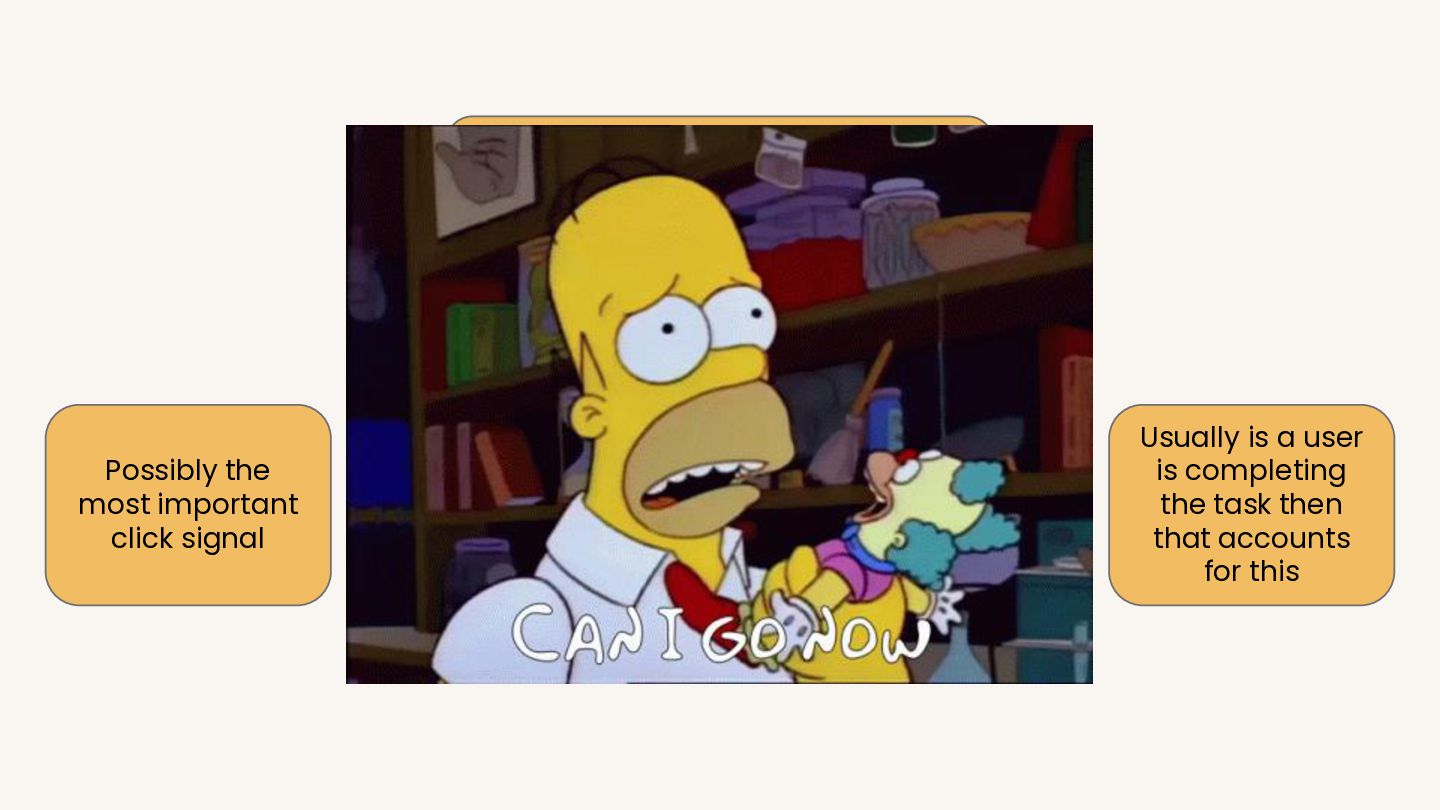
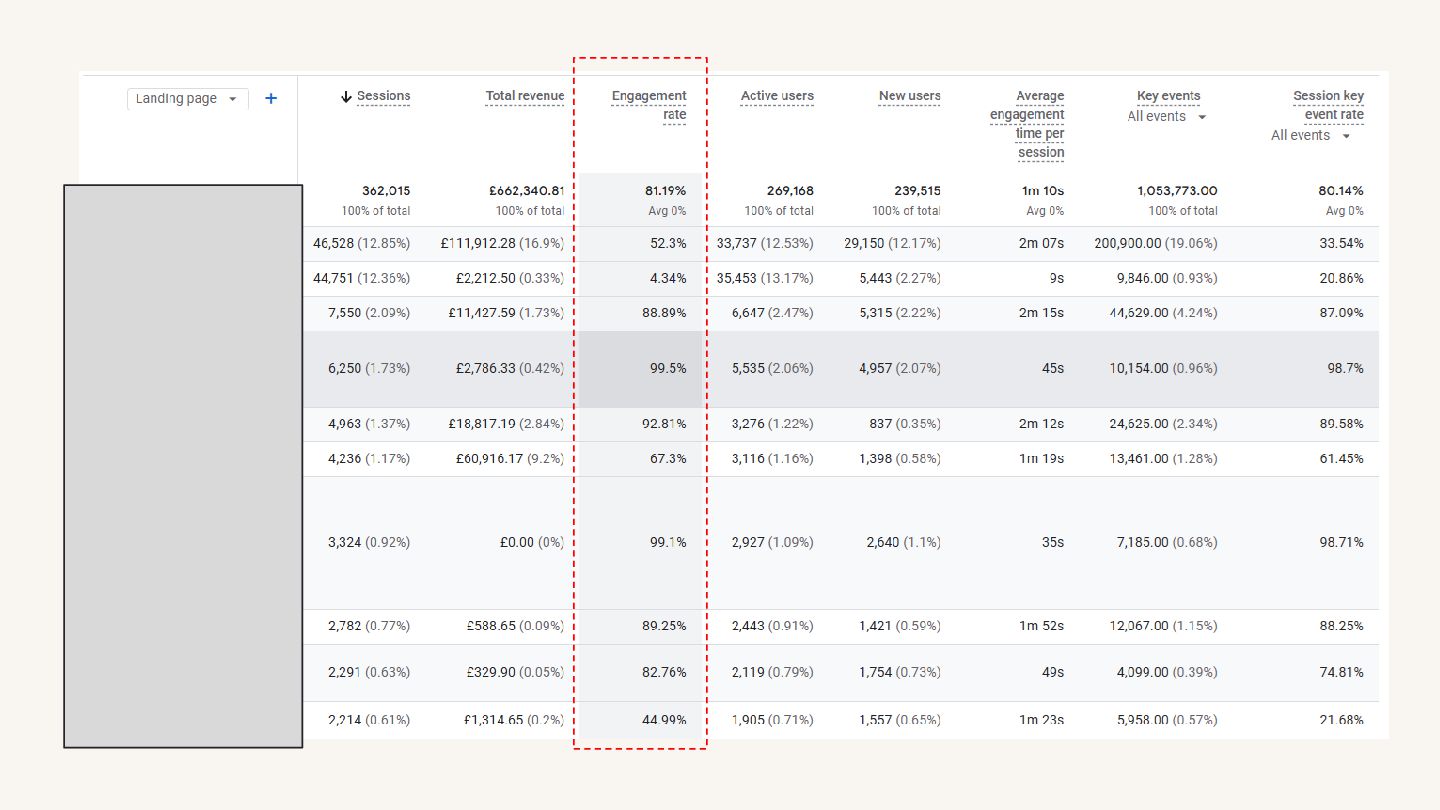
visits with the deepest engagement As its a fresh signal over a historical one Google trust this system better Usually is a user is completing the task such as a purchase
recent visits with the deepest engagement As its a fresh signal over a historical one Google trust this system better Usually is a user is completing the task then that accounts for this
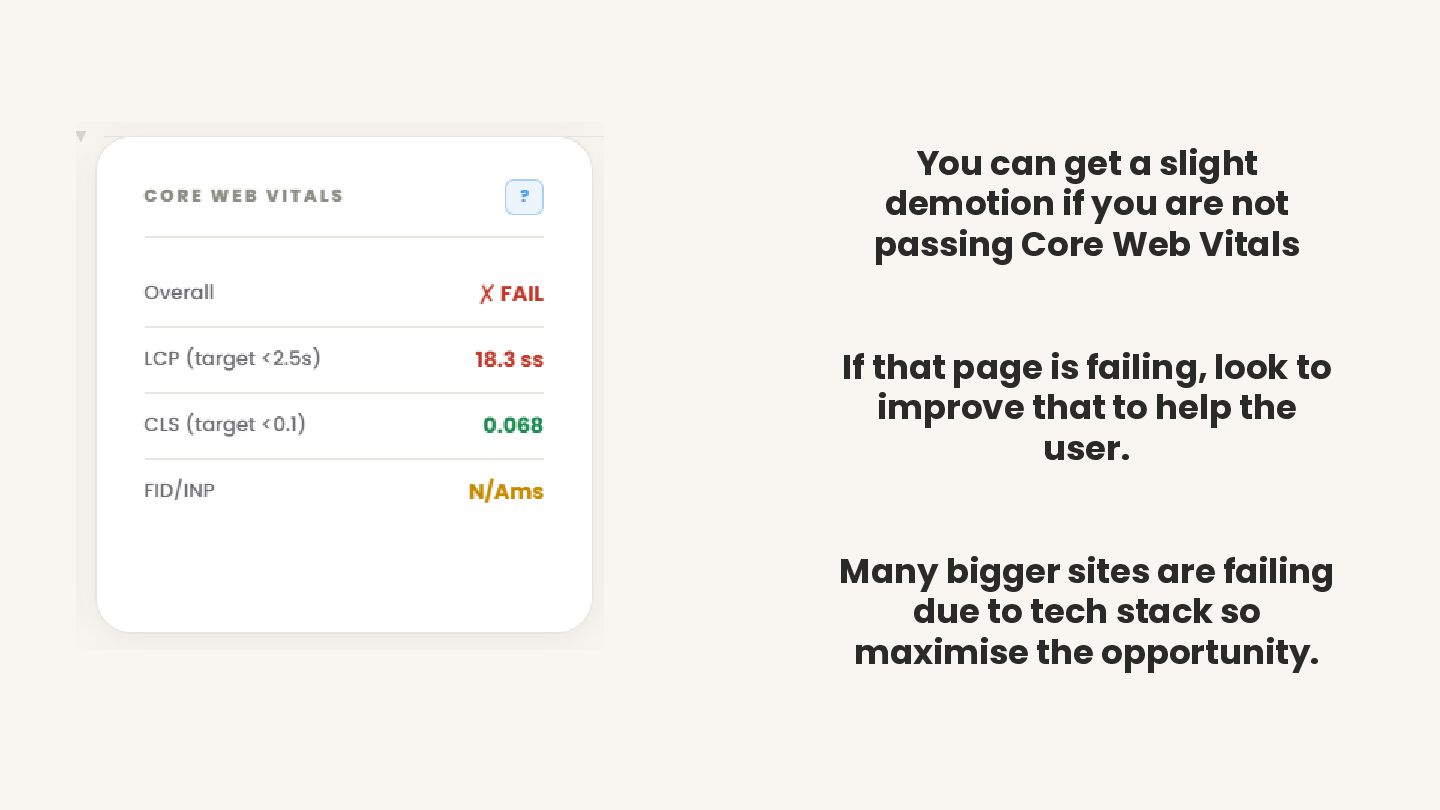
passing Core Web Vitals If that page is failing, look to improve that to help the user. Many bigger sites are failing due to tech stack so maximise the opportunity.


 zjchahalis
 badams
 portentint
 alexgalinos
 tenshoku_draft
 speedyindexteam
 gkoivikko
 tribal
 charlesmeaden
 aleyda
 sstephenson
 codingconduct
 csswizardry
 tonyrice
 gr2m
gr2m
 paigeccino
 keithpitt
 soysaucechin
 bkeepers
 nmsamuel