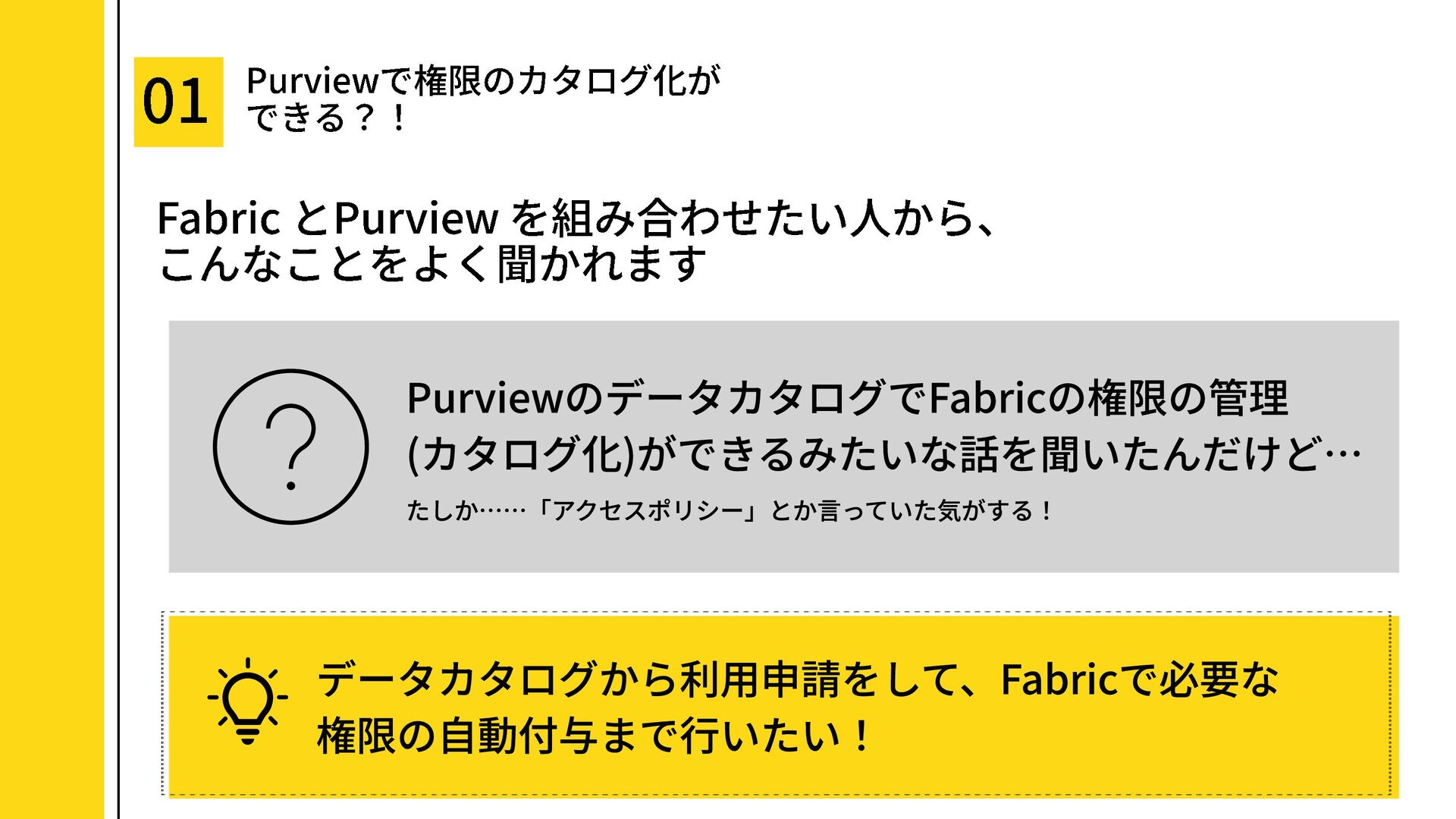
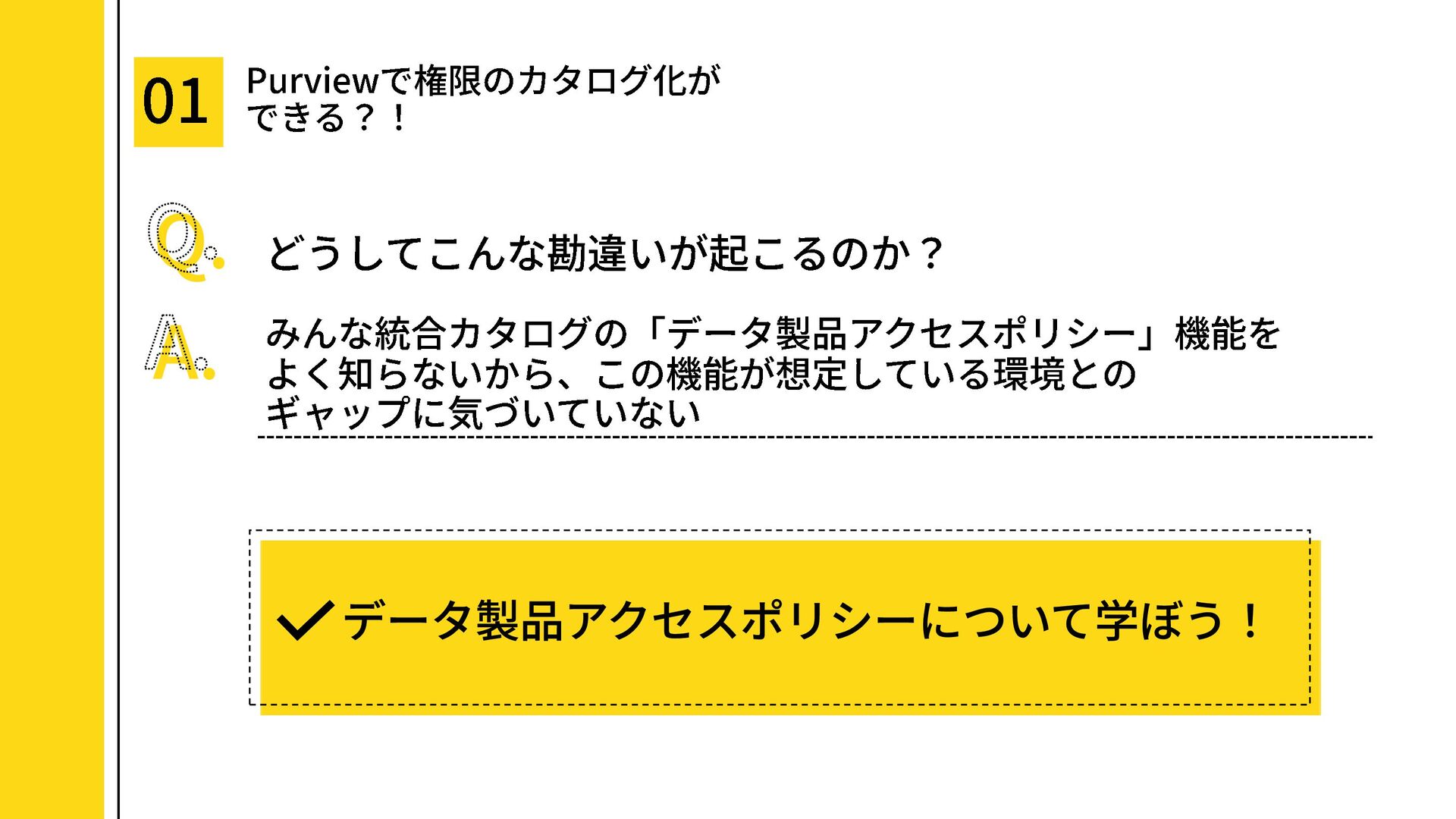
Microsoft Purviewで「Fabricの権限をカタログ化できるの?」というよくある誤解を、データ製品アクセスポリシーの思想と運用フローから整理した資料です。
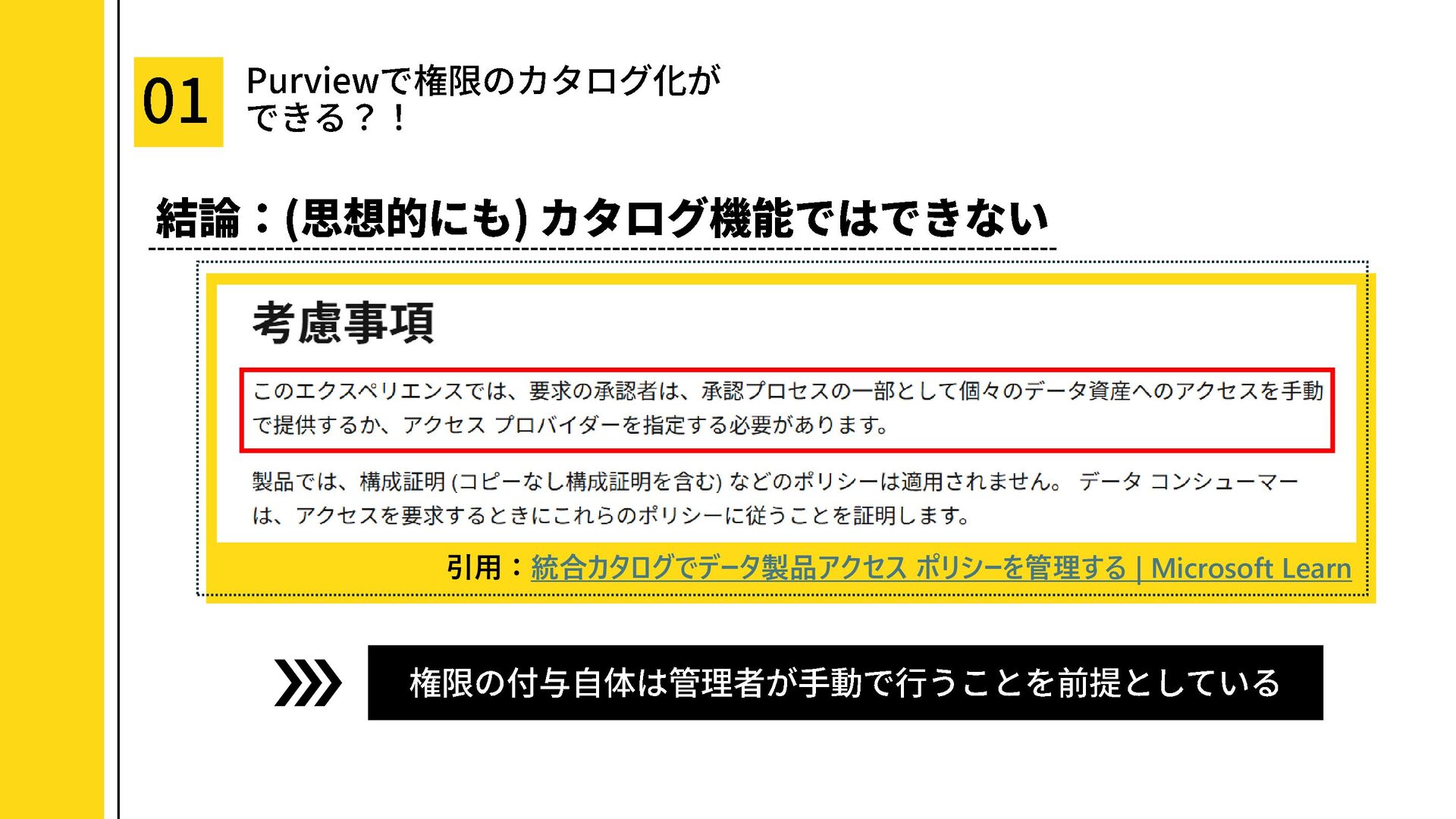
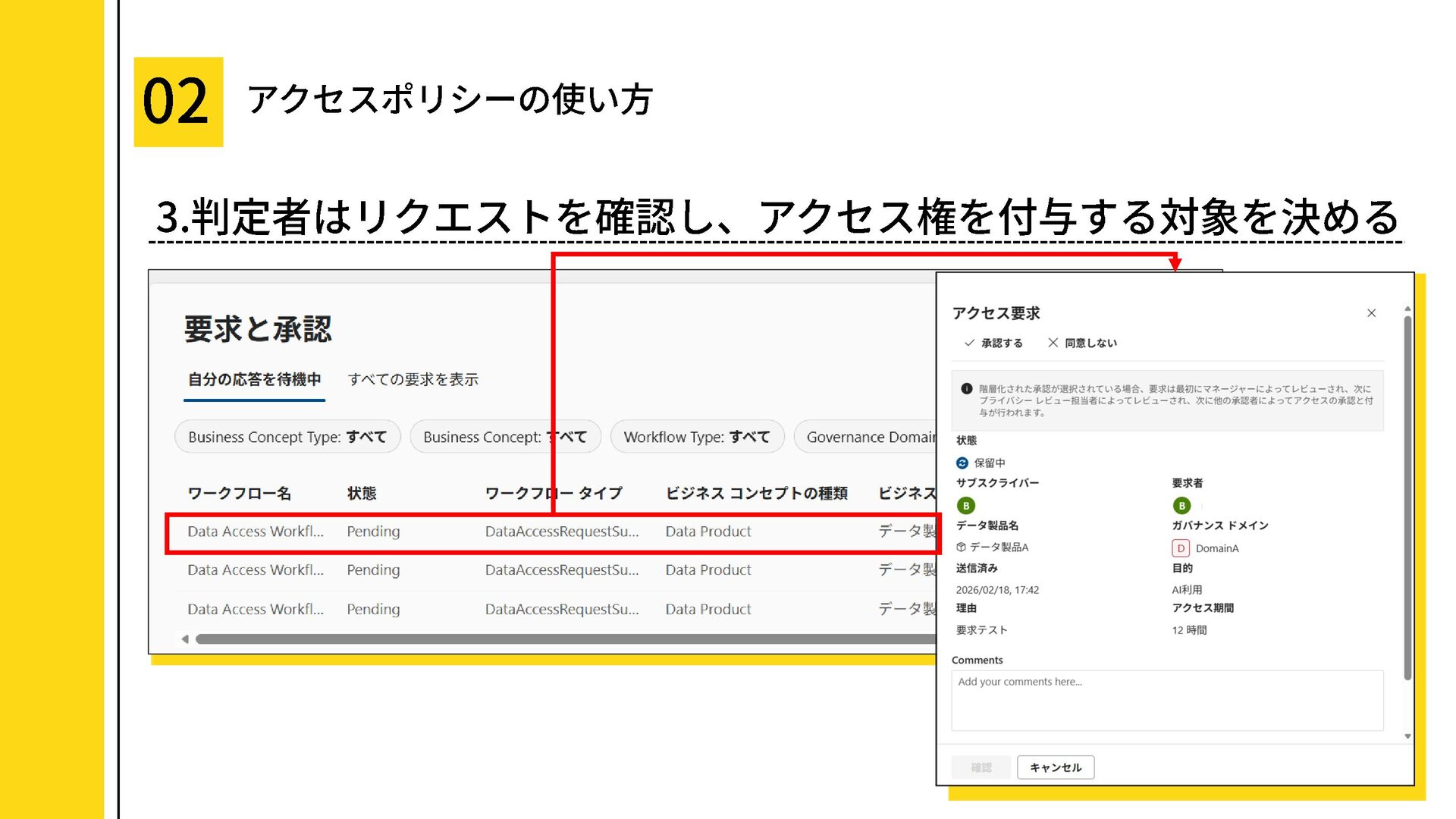
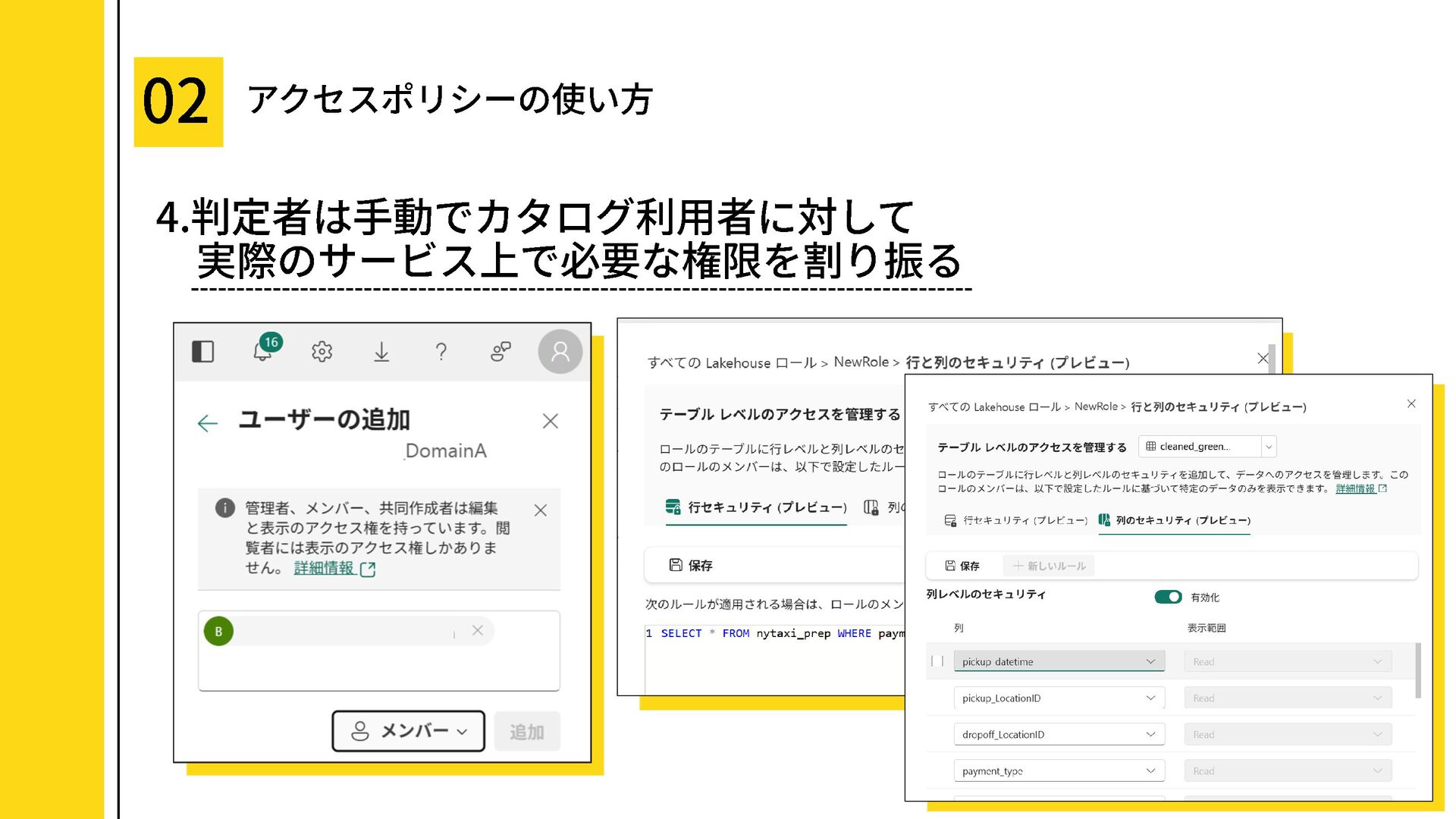
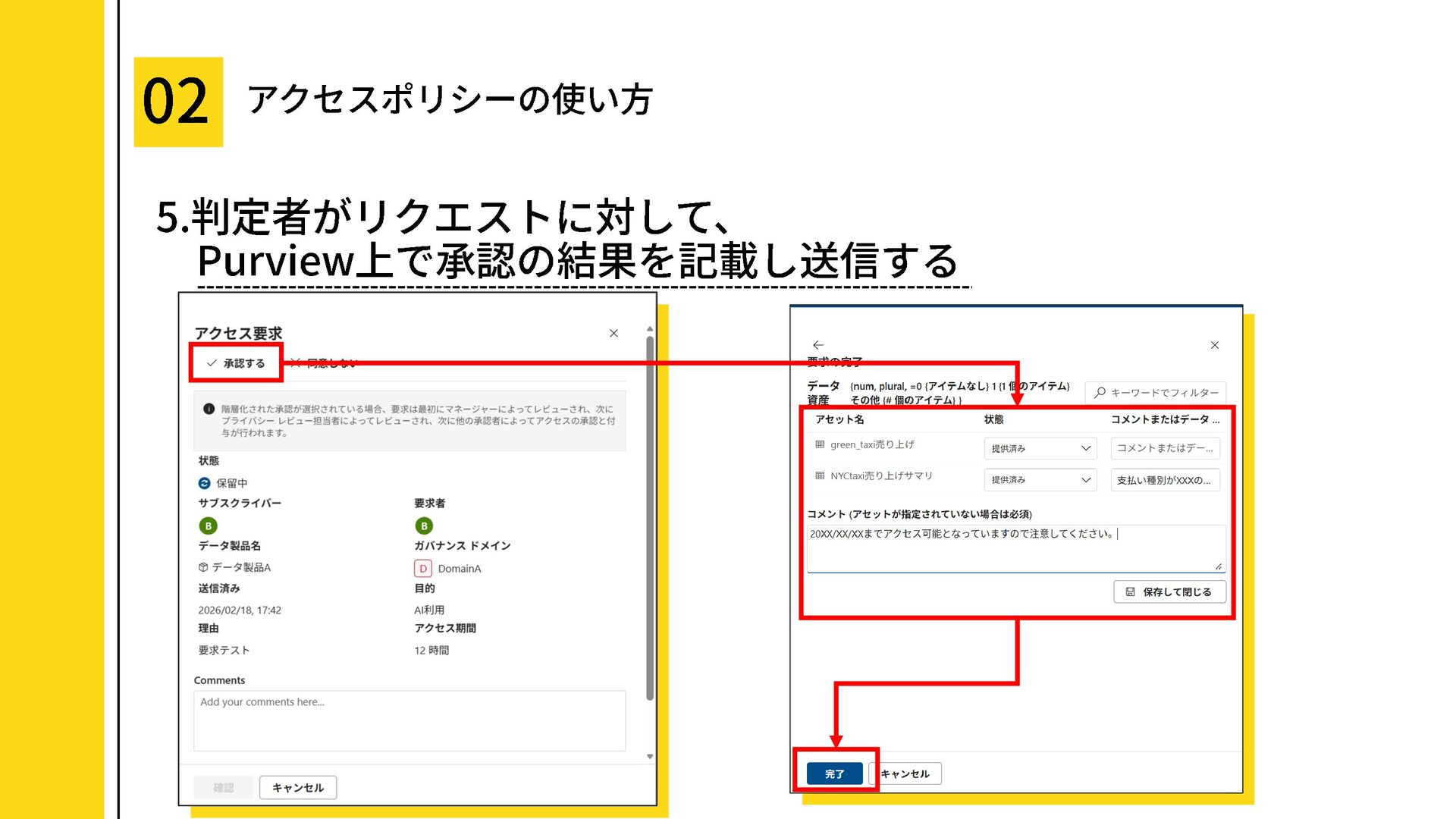
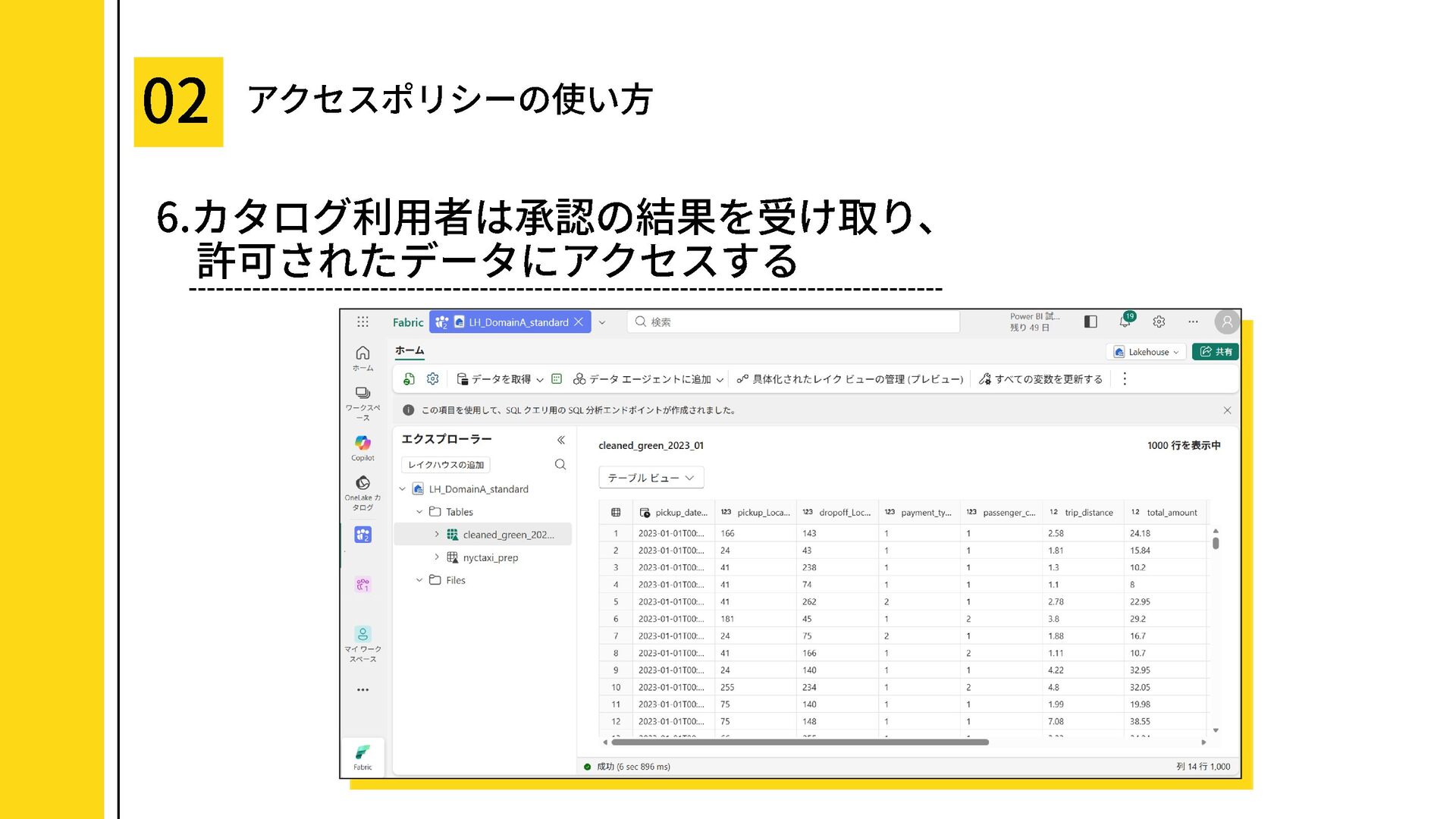
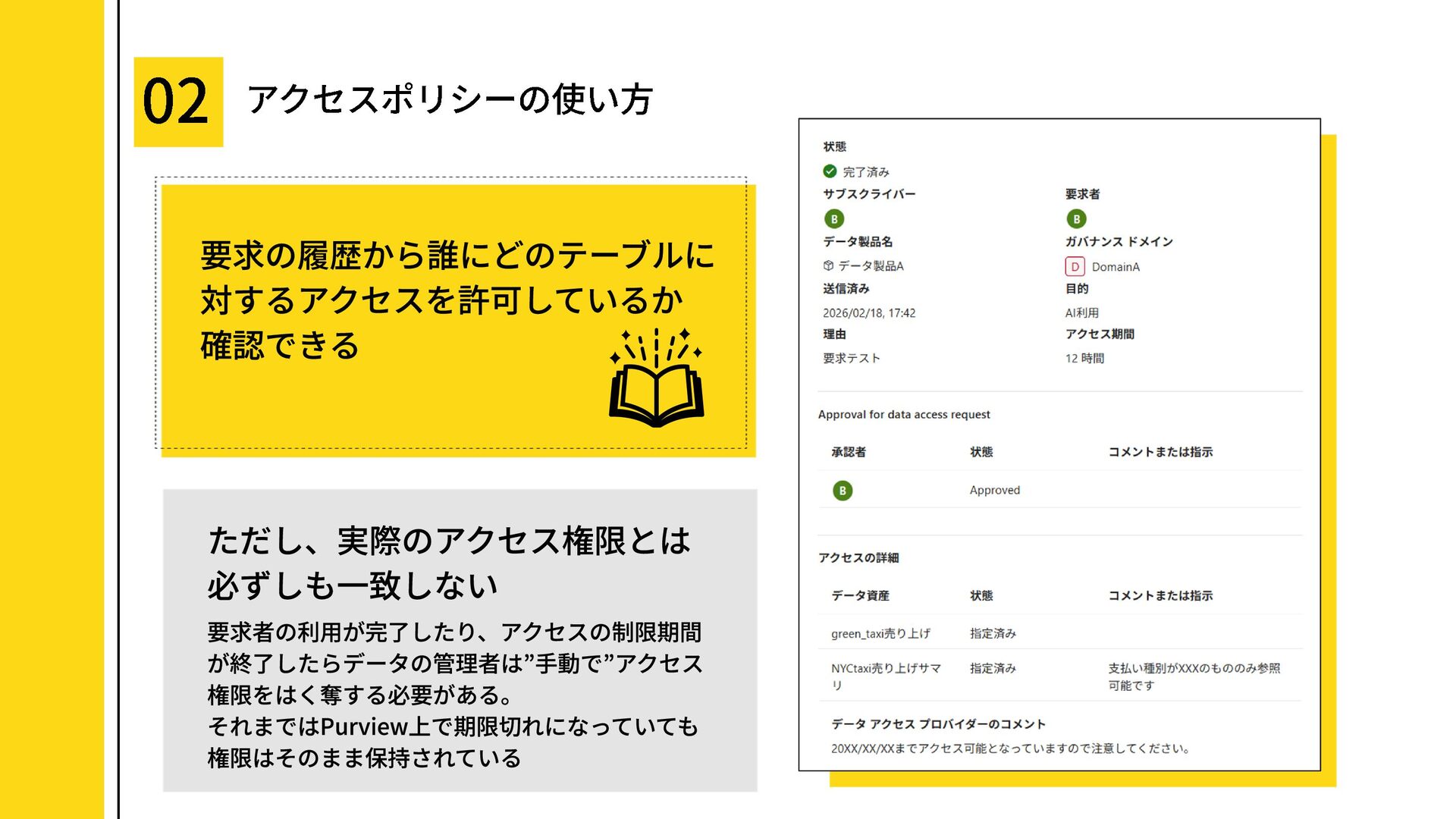
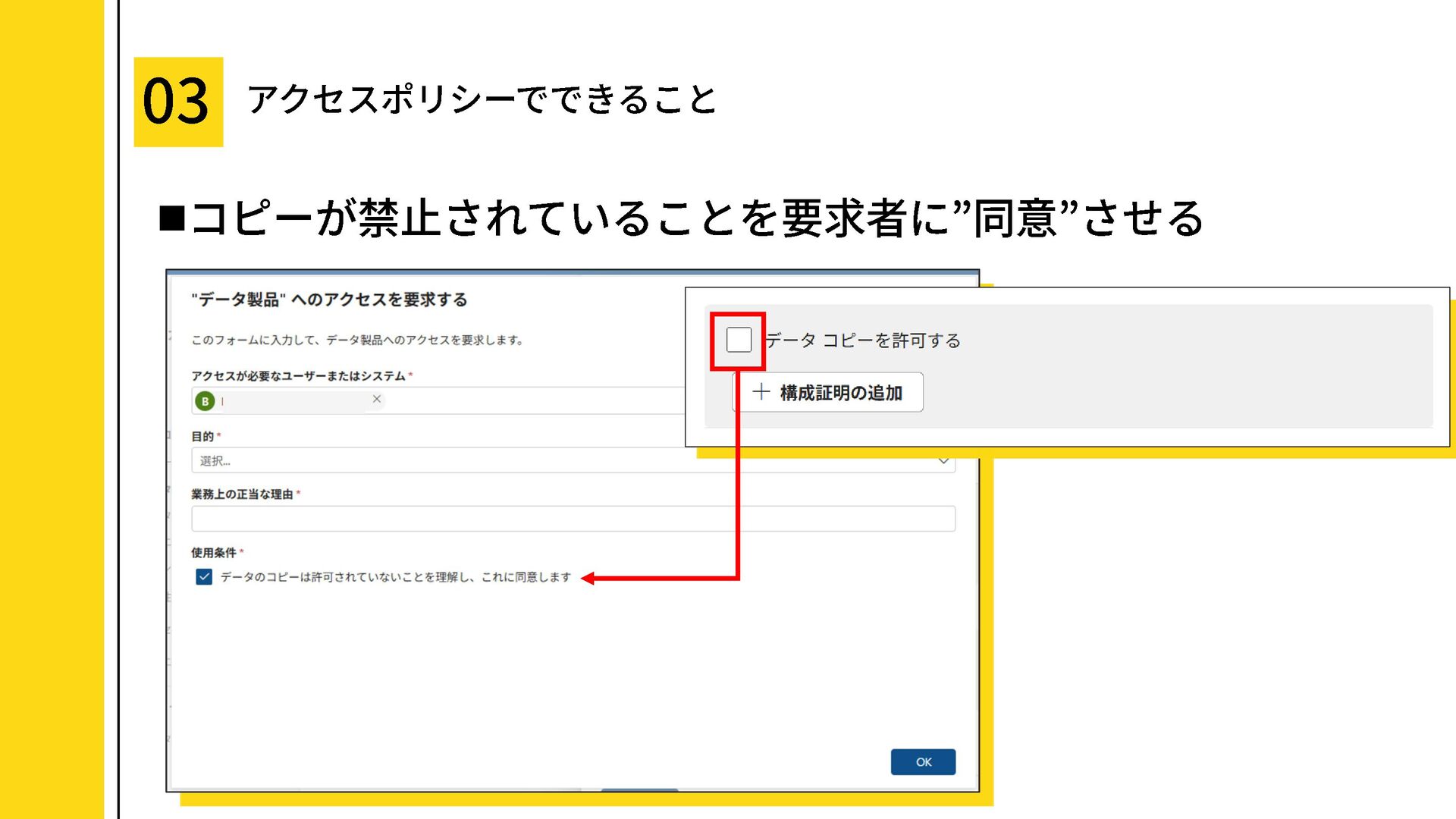
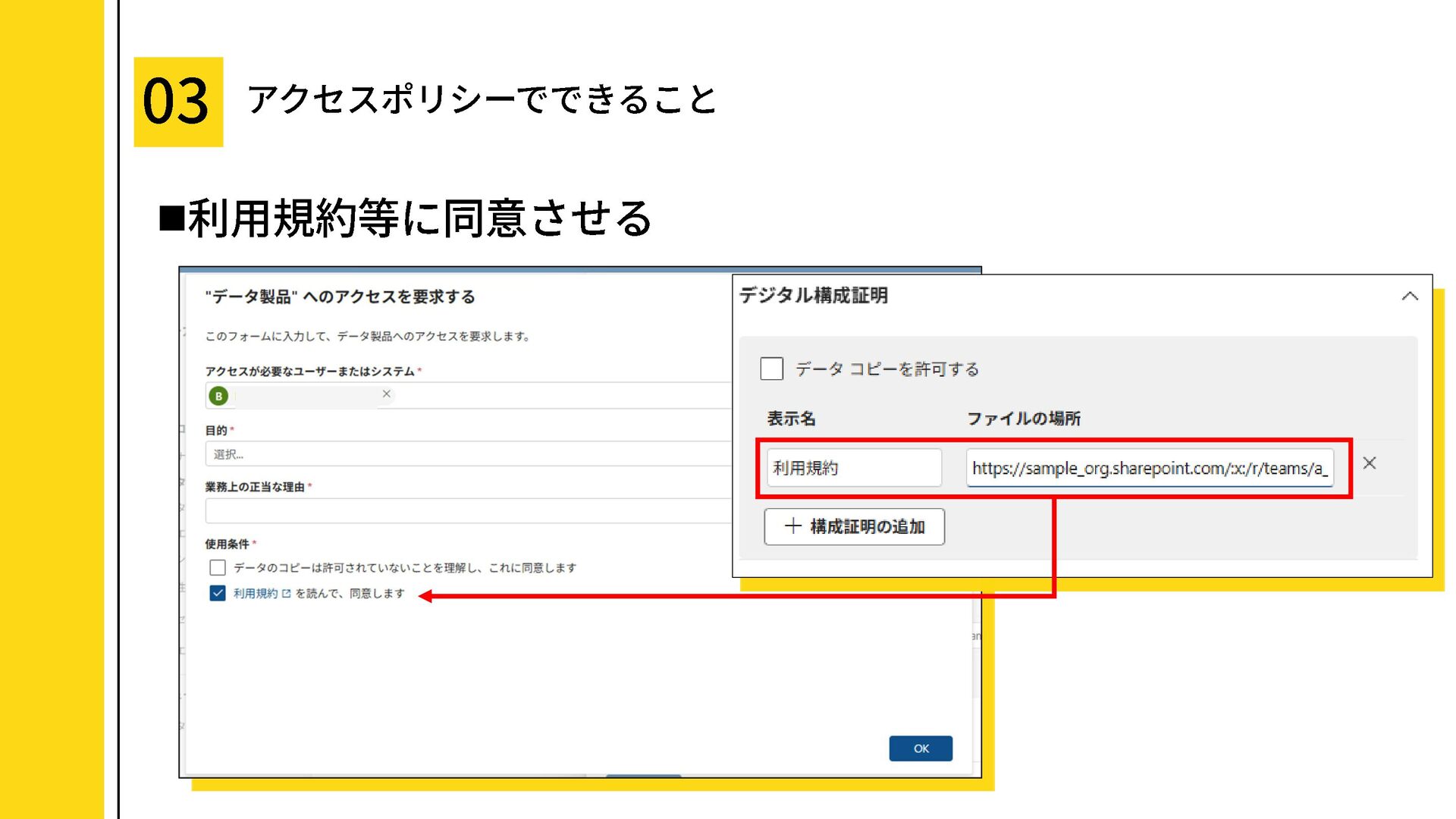
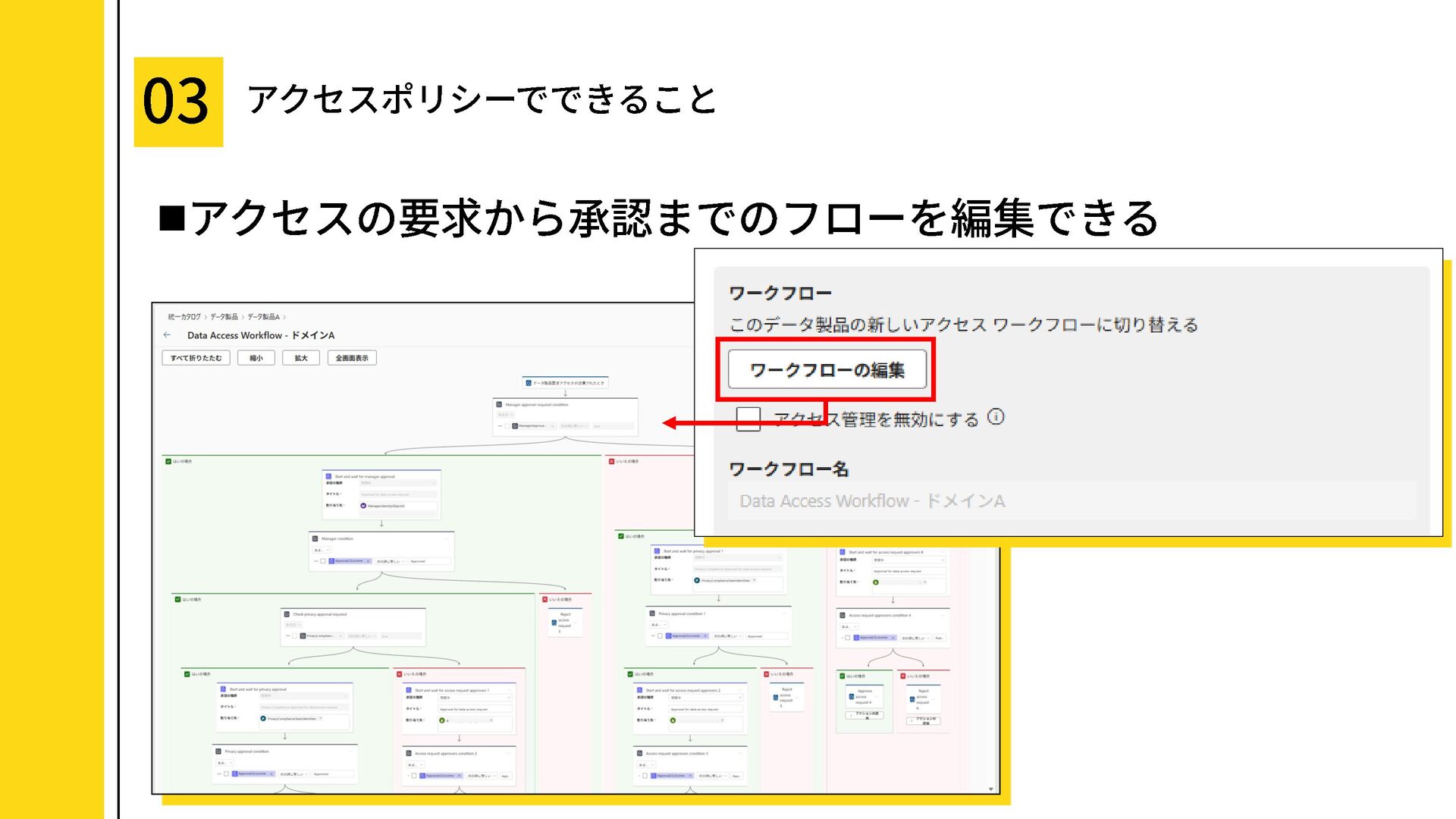
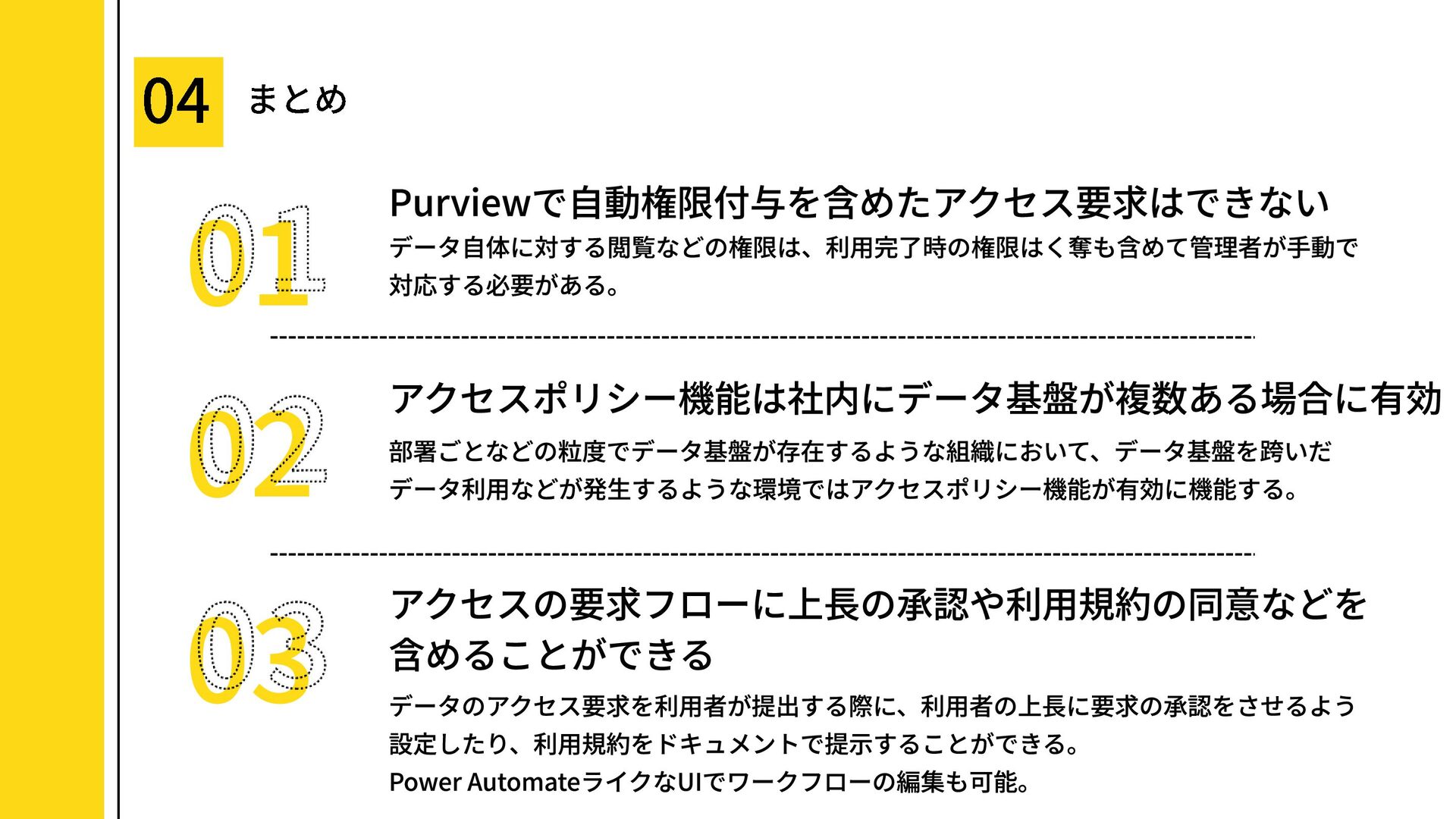
結論として、カタログ上での申請・承認はできても、実際の権限付与は手動前提。
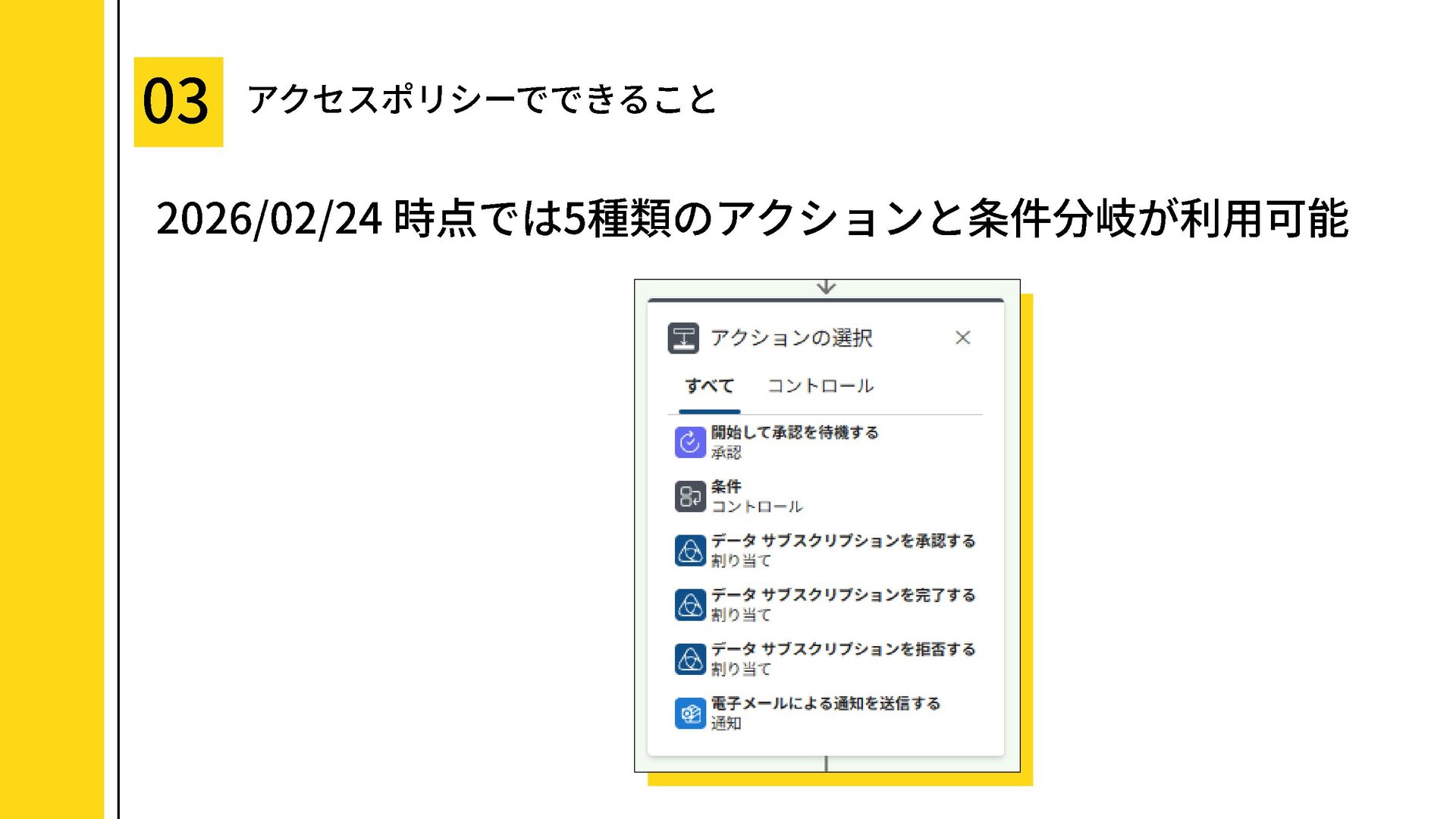
どんな環境で有効な機能なのか、どこまでできてどこから先はできないのかを、画面例つきで解説します。
こんな方へ
・Microsoft Purviewの統合カタログを触り始めた人
・データガバナンス/データカタログ運用担当者
・データ製品(Data Product)を提供する側の担当者
・組織に複数のデータ基盤がある人
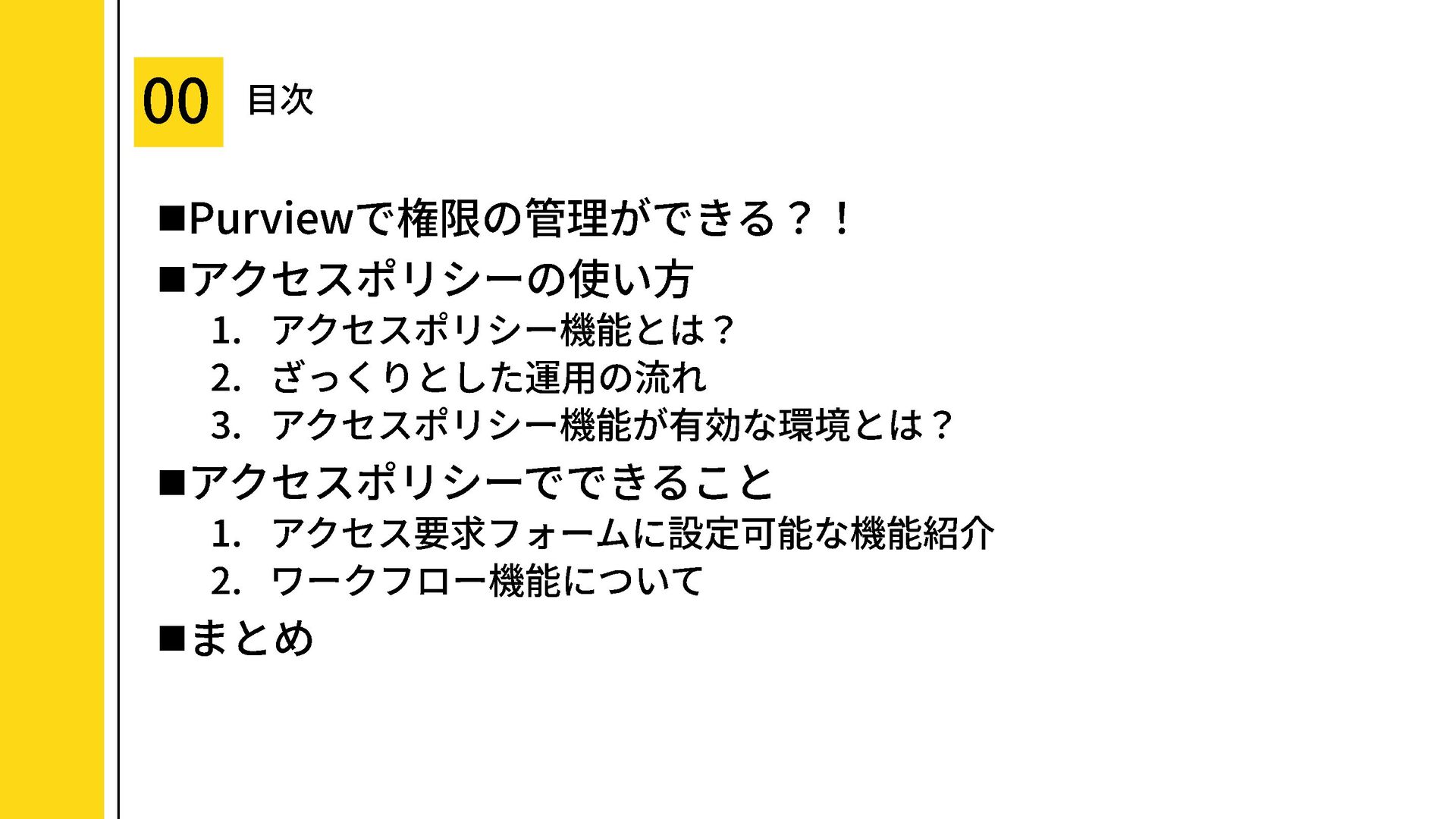
目次
・Purviewで権限の管理ができる?!
・アクセスポリシーの使い方
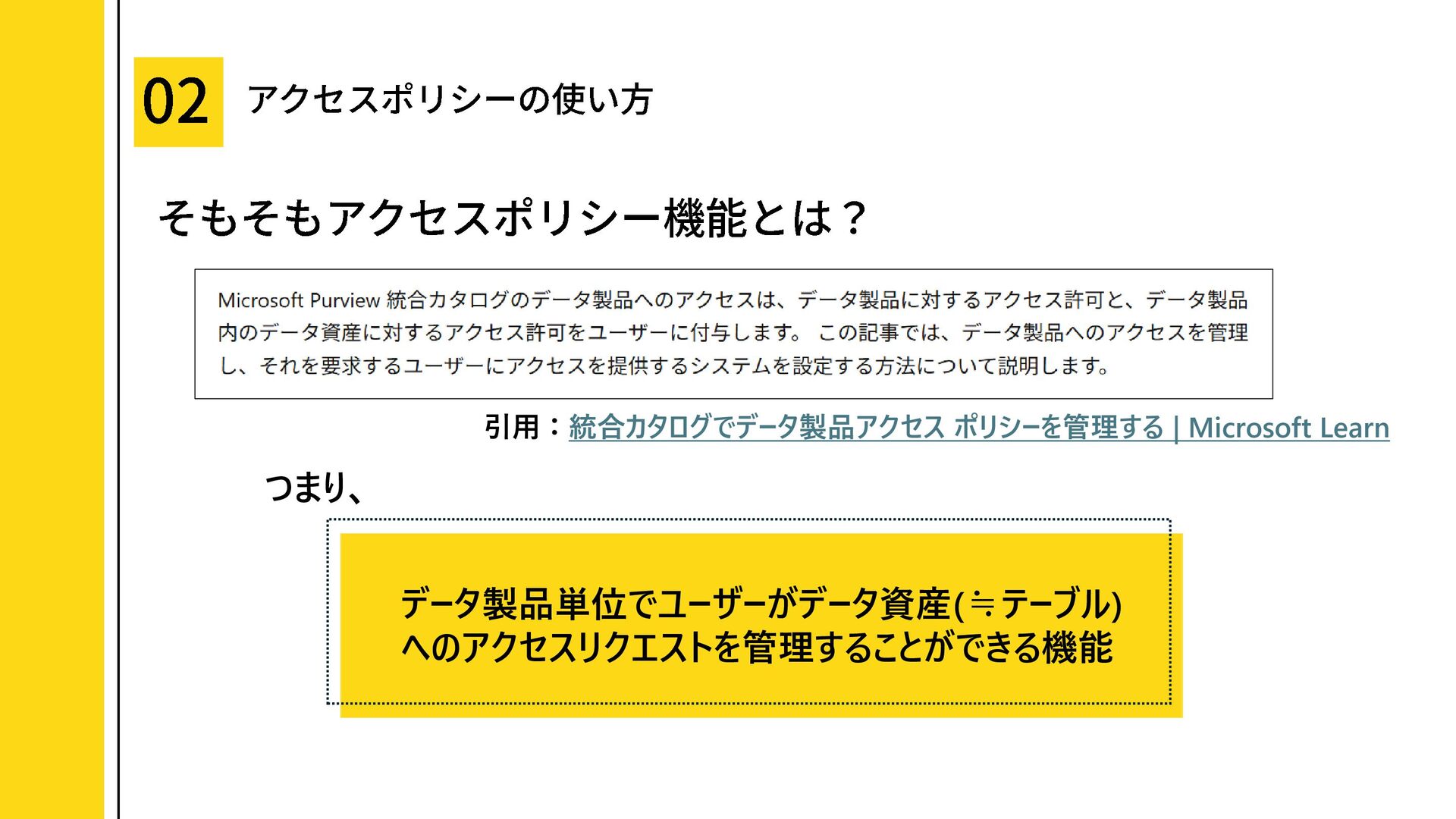
・アクセスポリシー機能とは?
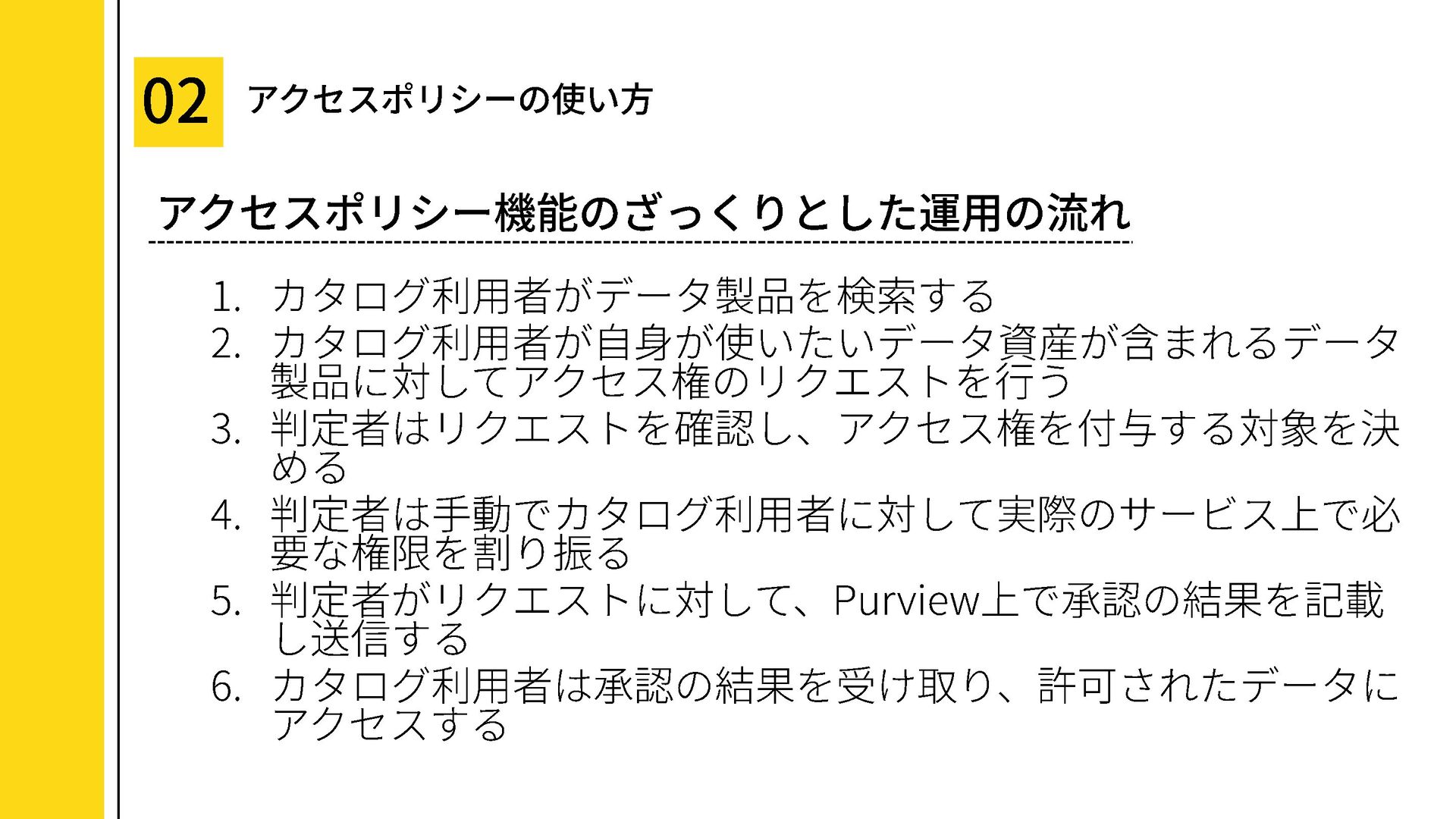
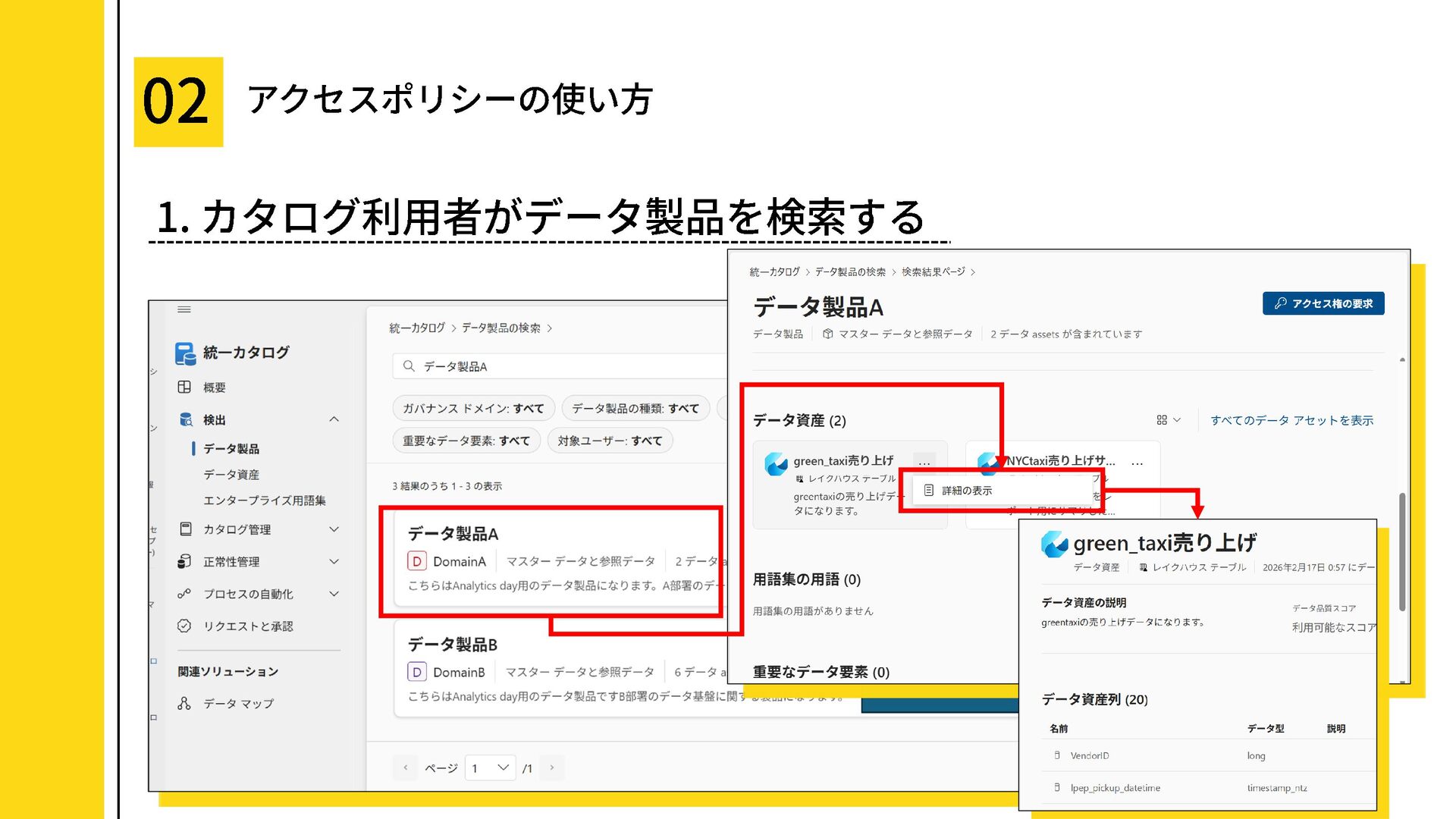
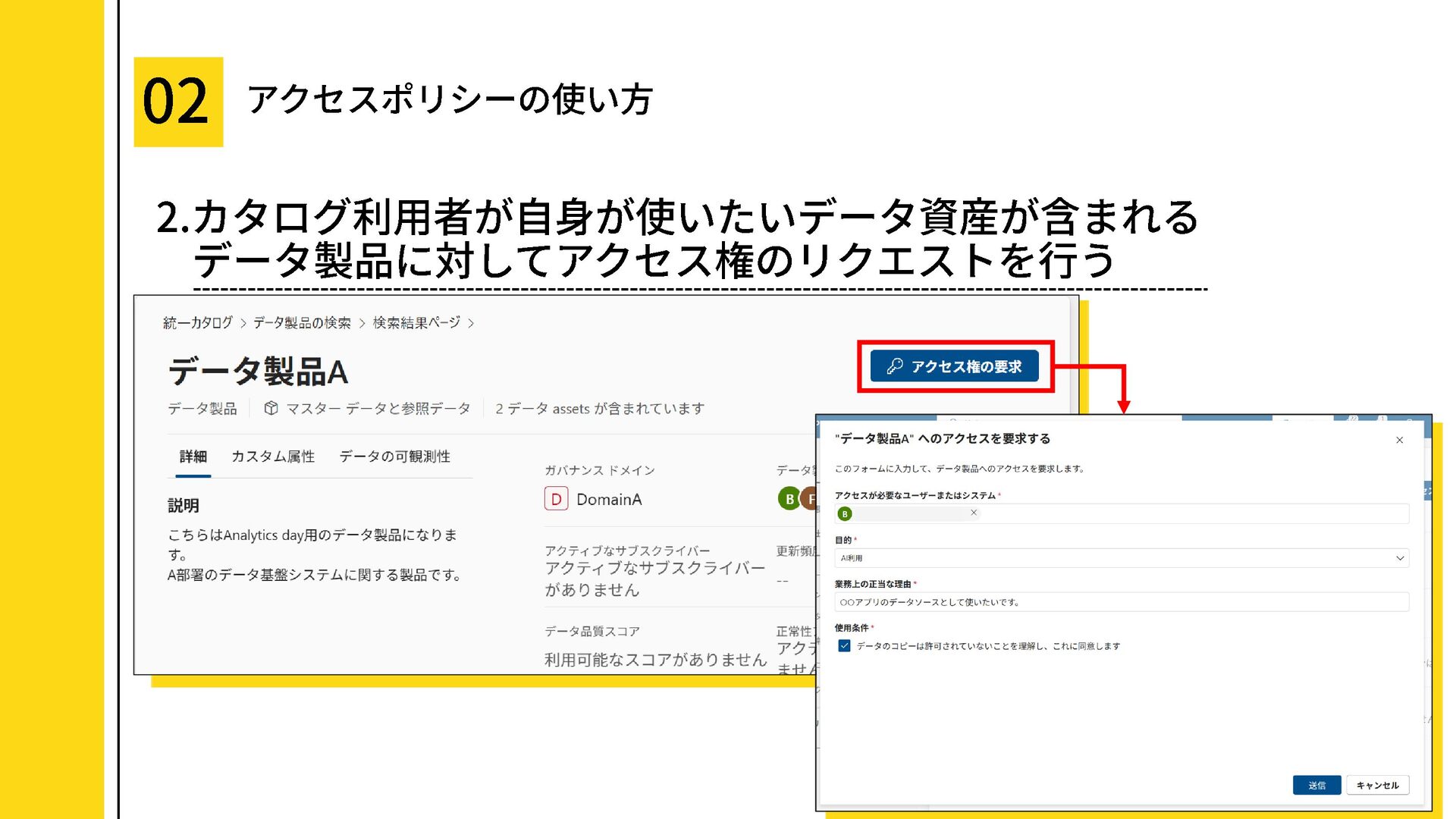
・ざっくりとした運用の流れ
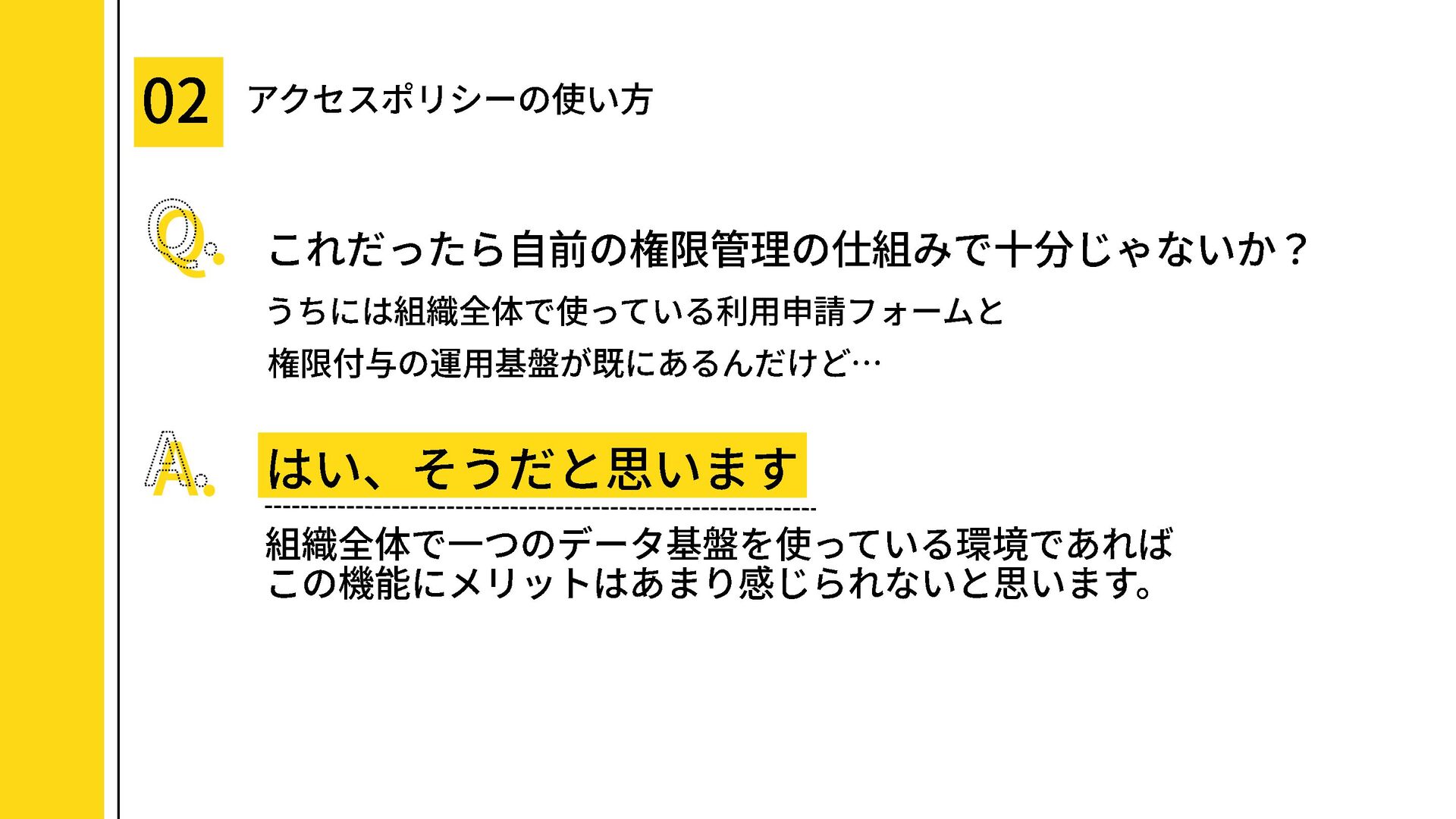
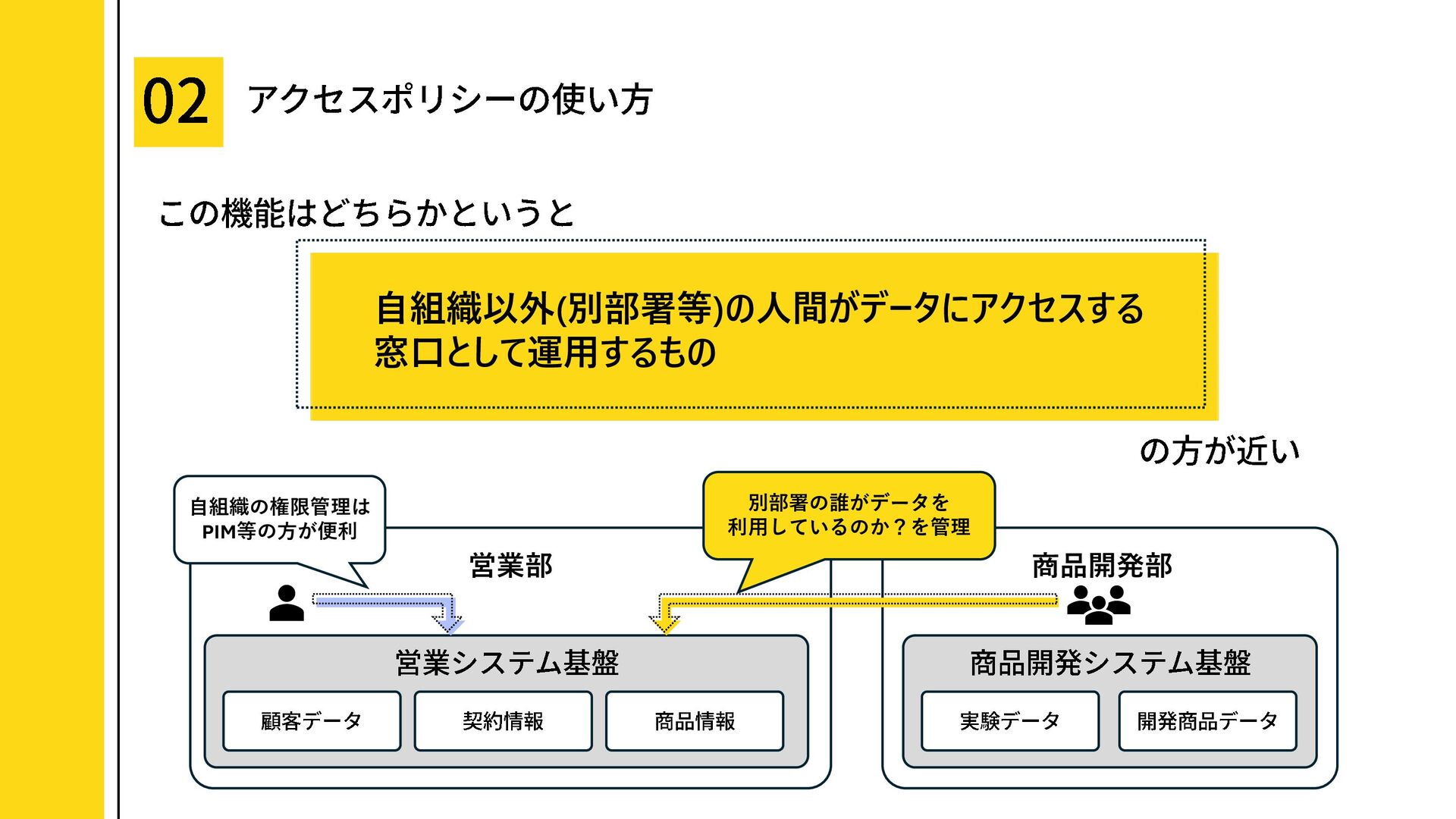
・アクセスポリシー機能が有効な環境とは?
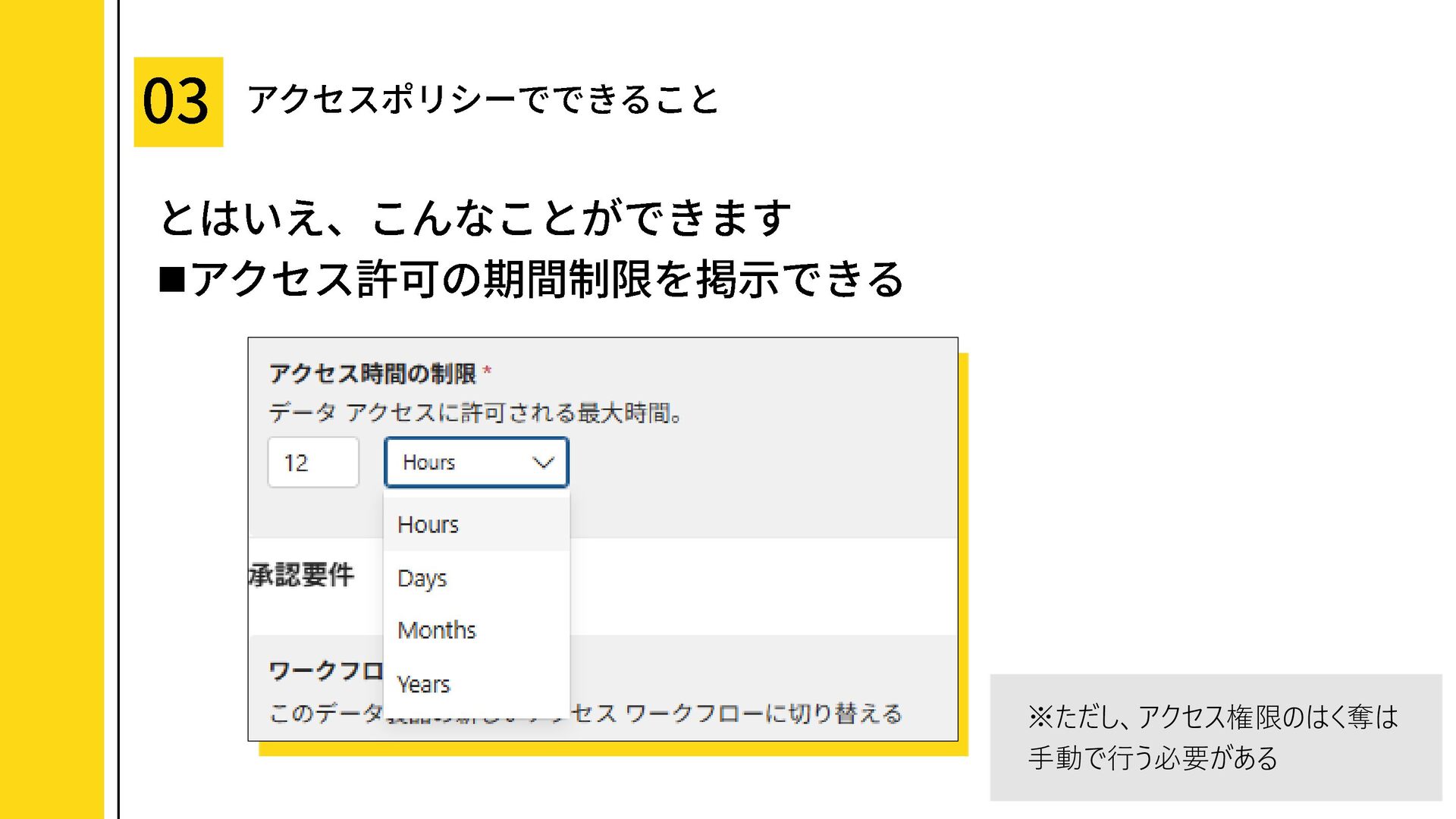
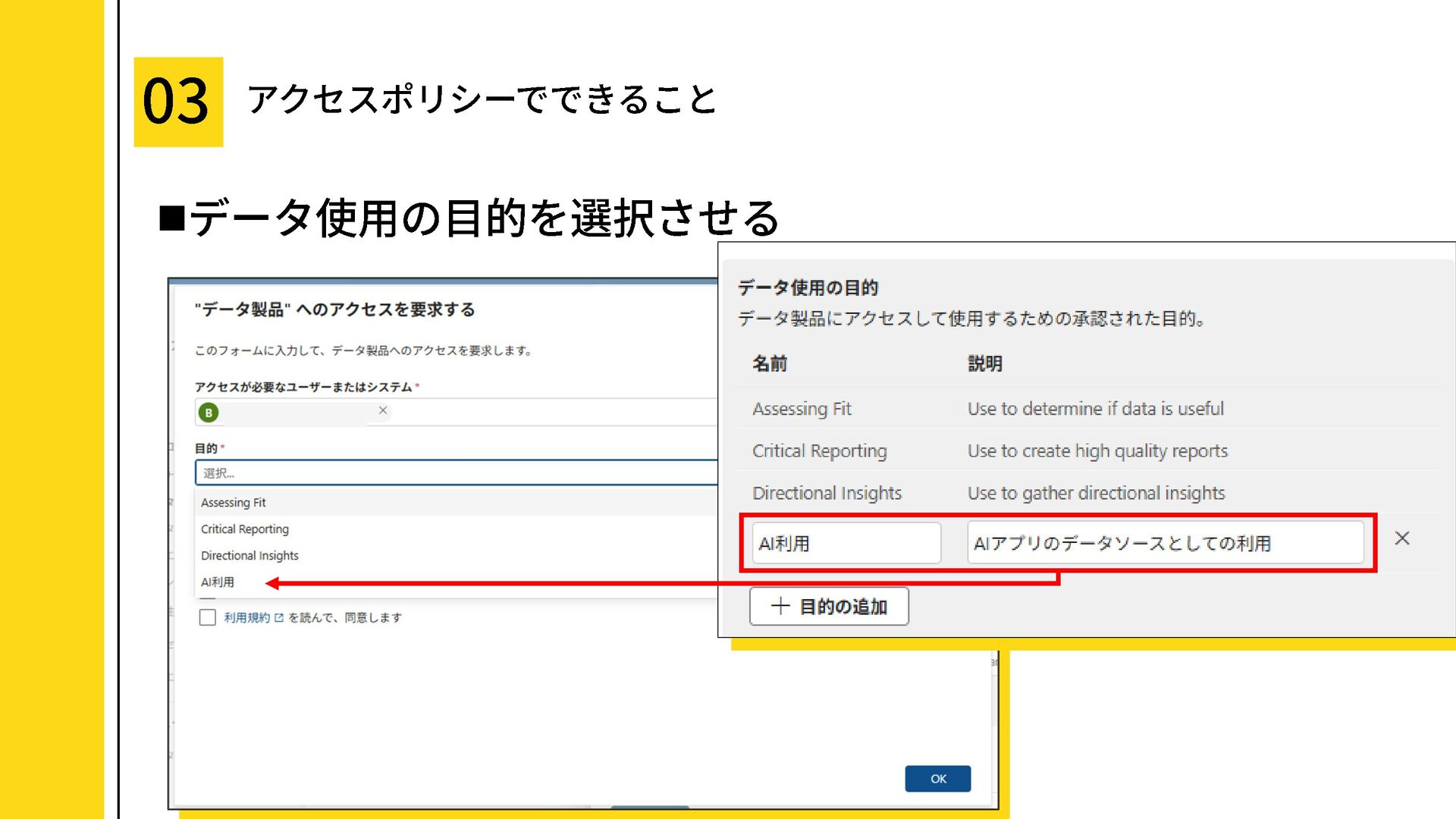
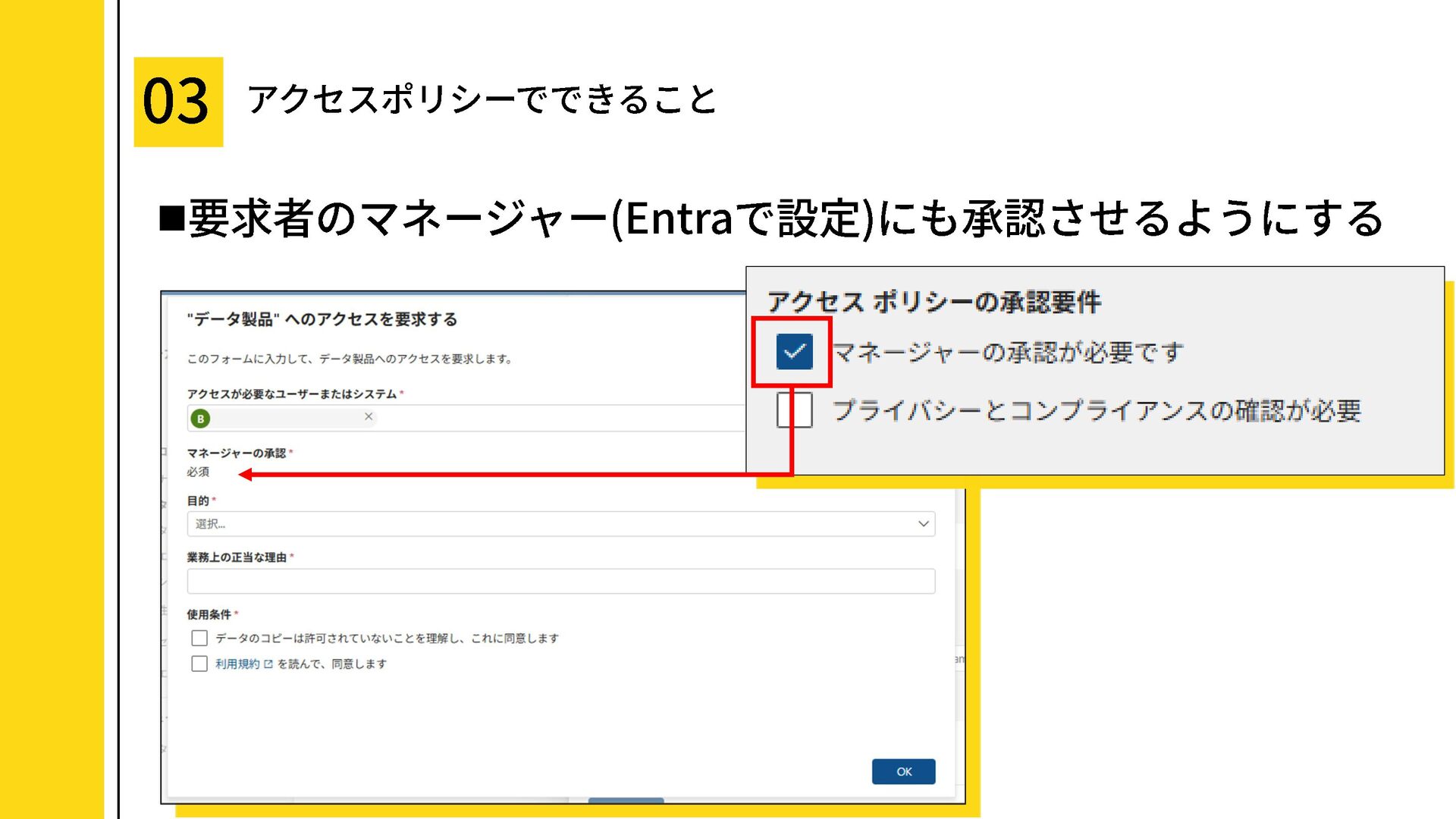
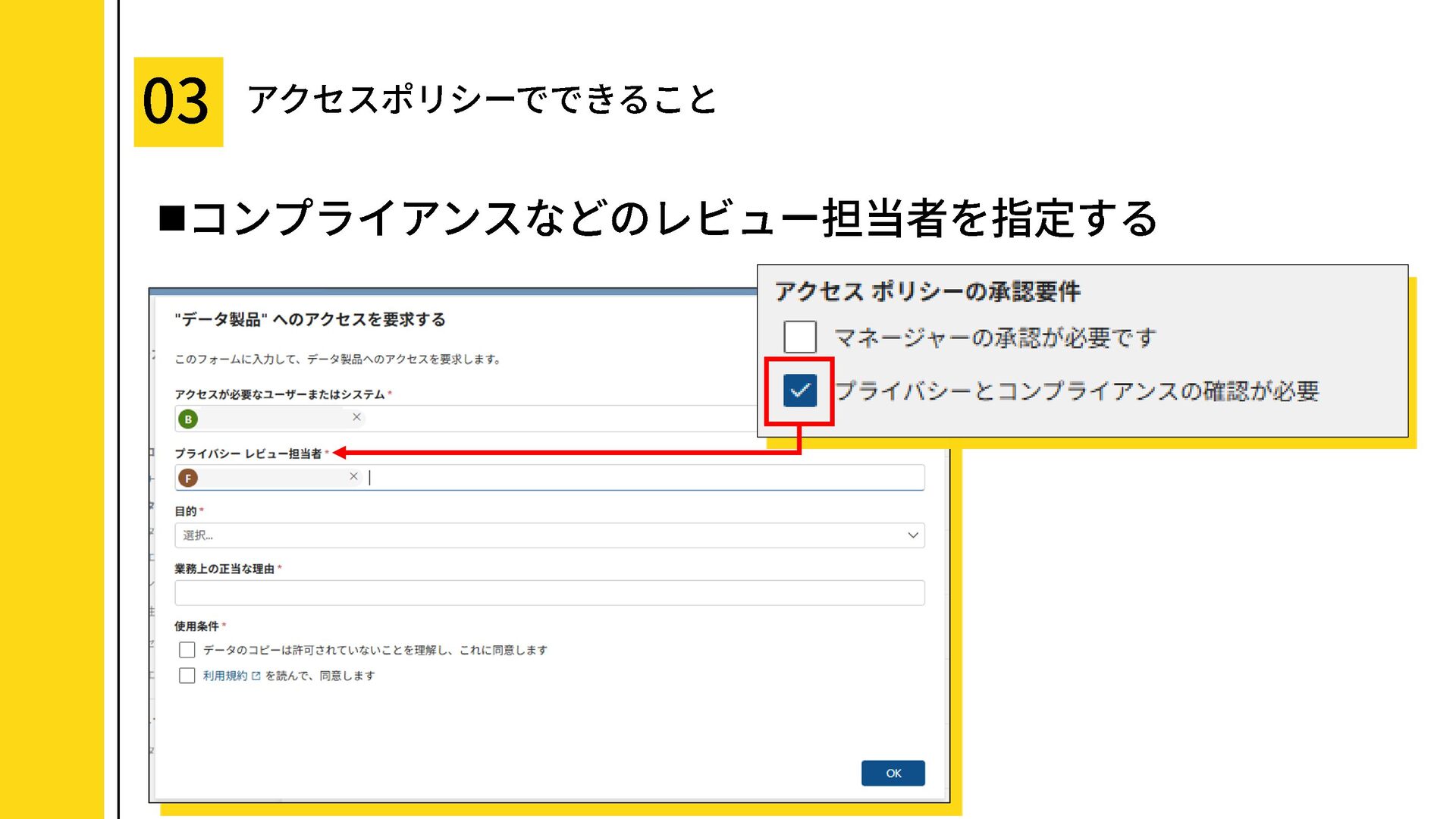
・アクセスポリシーでできること
・アクセス要求フォームに設定可能な機能紹介
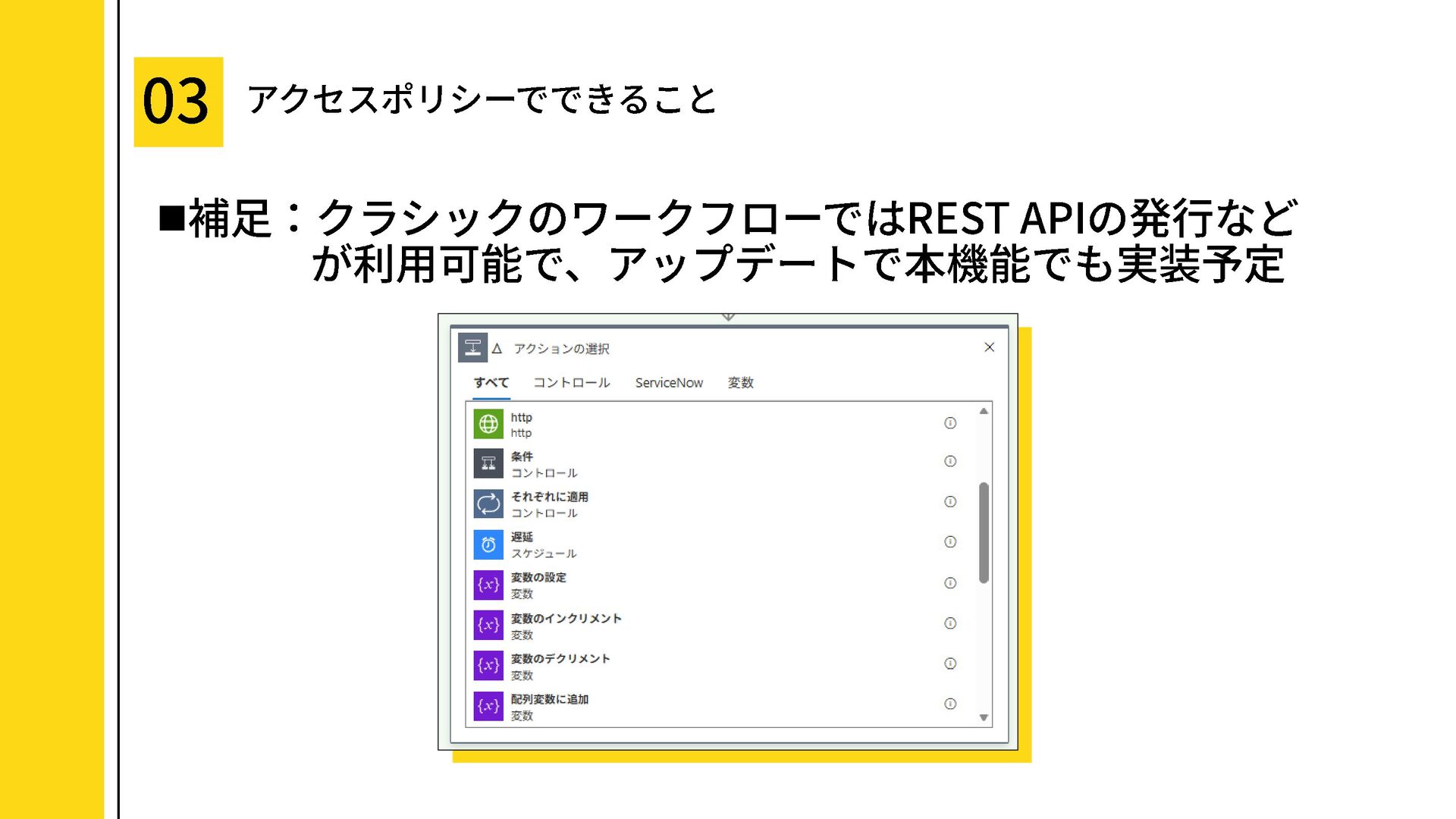
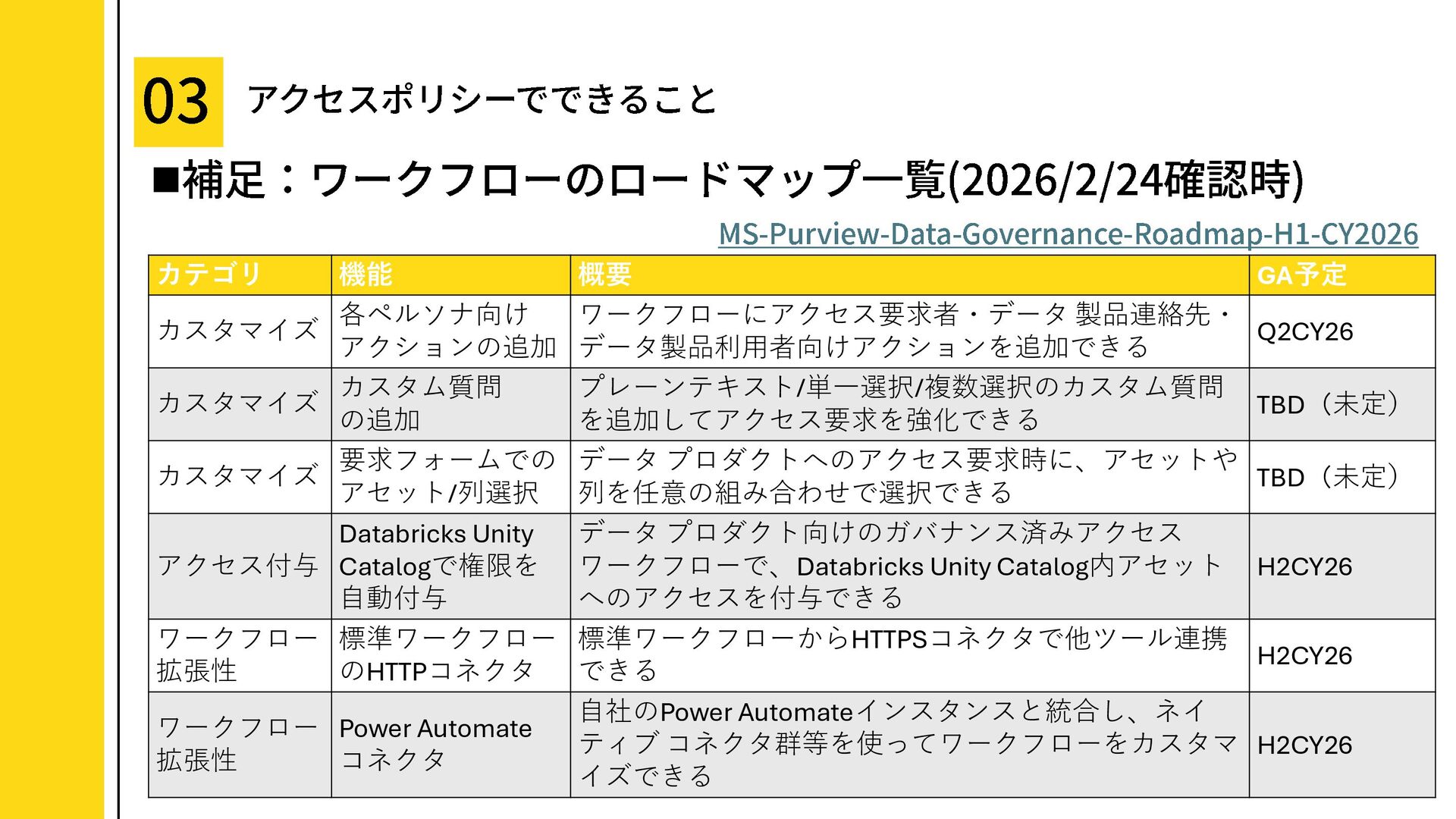
・ワークフロー機能について
・まとめ
This deck organizes a common misconception—“Can Microsoft Purview catalog Fabric permissions?”—by walking through the concept behind Data Product Access Policies and the operational flow.
In short, while you can request and approve access in the catalog, the actual permission granting is essentially manual.
Using screenshots, it explains when this feature is effective, what it can do, and where its limitations begin.
For those who…
・Are just getting started with Microsoft Purview Unified Catalog
・Are responsible for data governance / data catalog operations
・Provide data products (Data Products) on the producer side
・Work in an organization with multiple data platforms
Table of Contents
・Can you manage permissions with Purview?!
・How to use Access Policies
・What is the Access Policy feature?
・A high-level operational flow
・What kind of environment is this feature effective in?
・What you can do with Access Policies
・Features you can configure in the access request form
・About the workflow feature
・Summary


 ryuseiiida
 daiksy
 macbeeplanet
 kawanotron
 tamosan01
 kojima1
 todatomohiro
 auditech2022
 pokotyamu
 openwork
.jpg) yoshikikonishi_
yoshikikonishi_
 hrm
hrm
 behealthy
 akademiya2063
 erikaheidi
 baasie
 mfonobong
 badams
 lauravandoore
 bermonpainter
 danielanewman
 aleyda
 jonoalderson
 mayunak
 sachag