Upgrade to Pro — share decks privately, control downloads, hide ads and more …

AWS Cloud Security Fundamentals

Avatar for Sena Yakut Sena Yakut
February 10, 2026
18

AWS Cloud Security Fundamentals

Avatar for Sena Yakut

Sena Yakut

February 10, 2026
Tweet

More Decks by Sena Yakut

Transcript

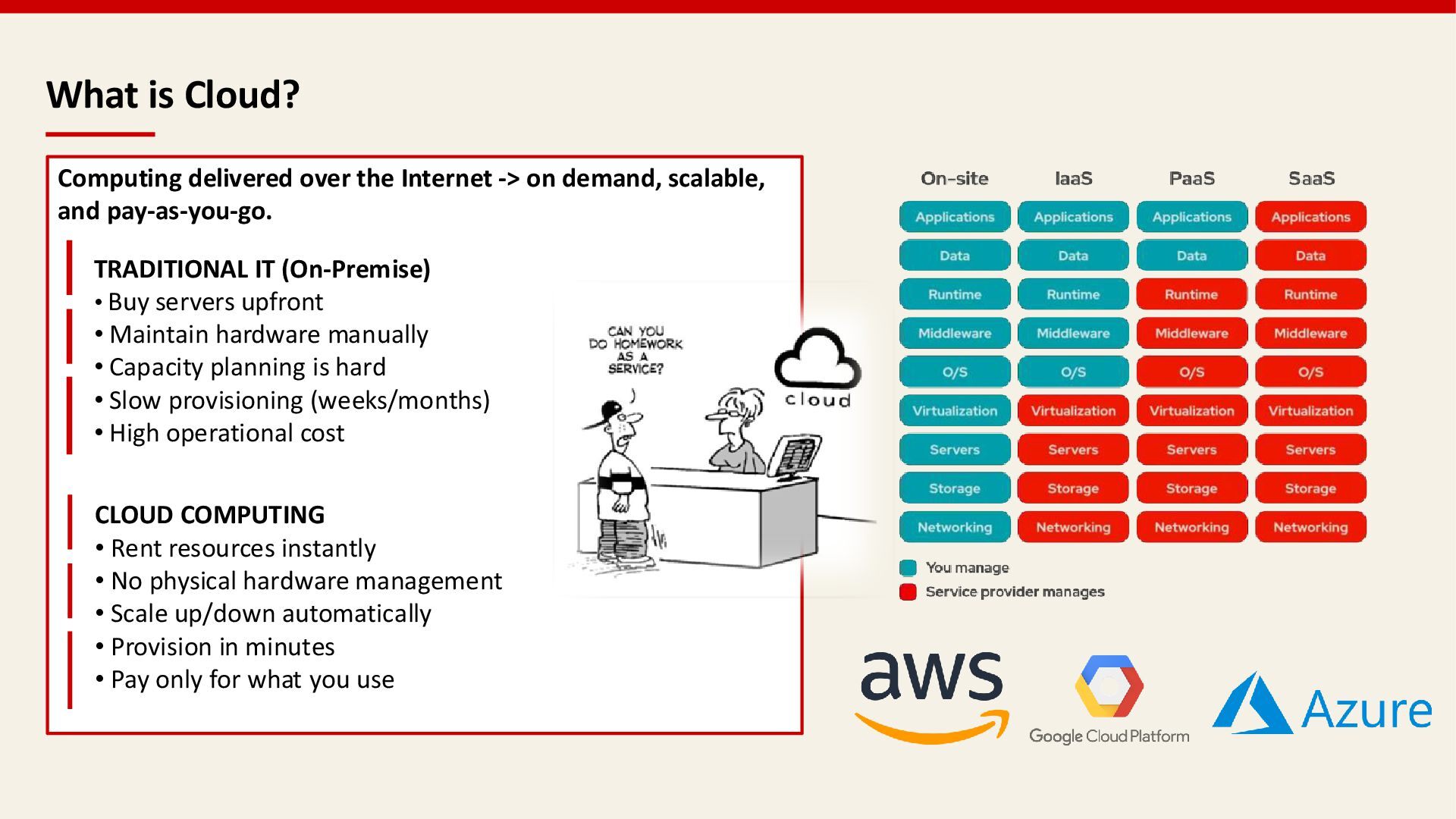
  1. What is Cloud? Computing delivered over the Internet -> on

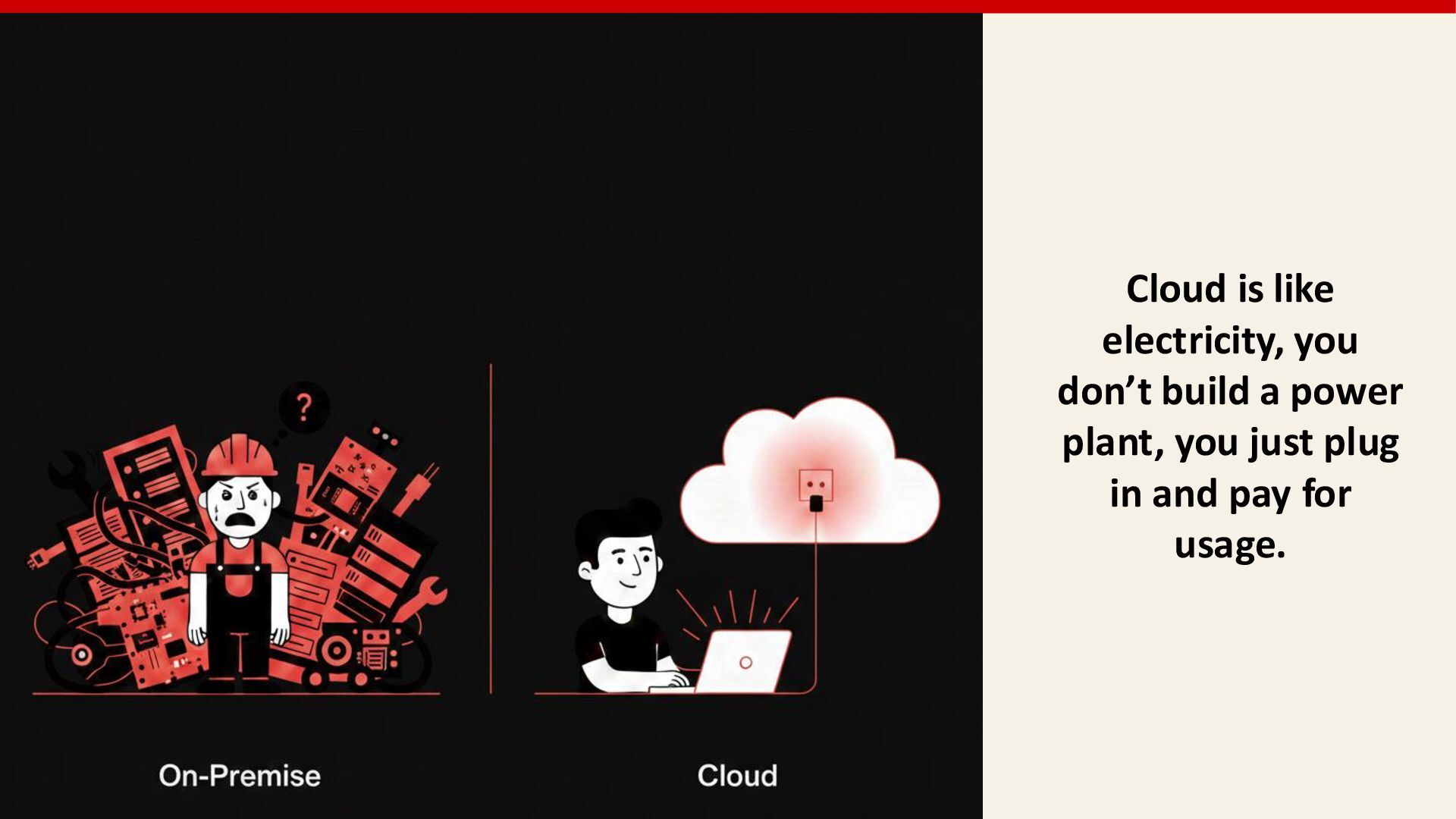
    demand, scalable, and pay-as-you-go. TRADITIONAL IT (On-Premise) • Buy servers upfront • Maintain hardware manually • Capacity planning is hard • Slow provisioning (weeks/months) • High operational cost CLOUD COMPUTING • Rent resources instantly • No physical hardware management • Scale up/down automatically • Provision in minutes • Pay only for what you use
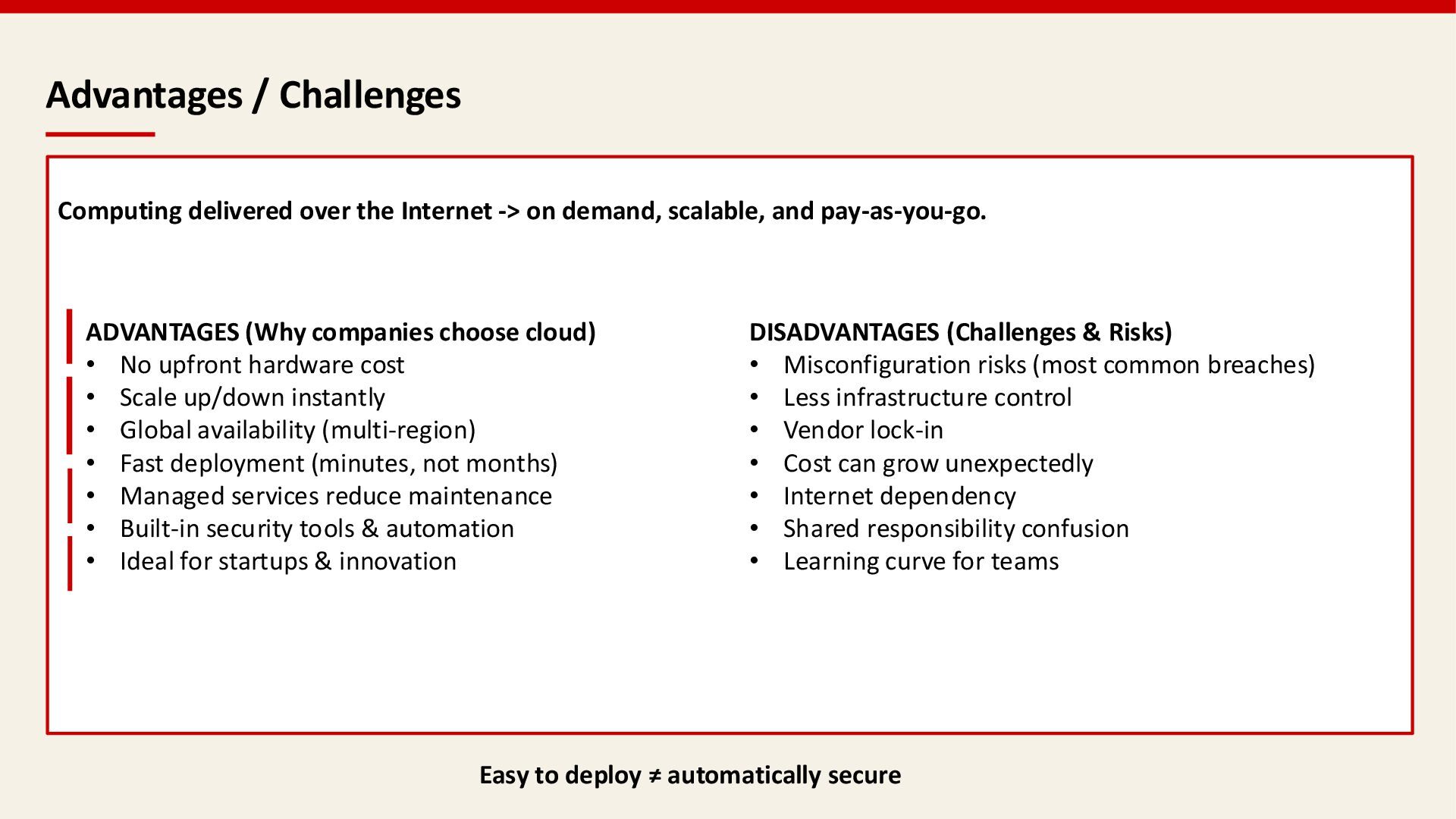
  2. Advantages / Challenges Computing delivered over the Internet -> on

    demand, scalable, and pay-as-you-go. ADVANTAGES (Why companies choose cloud) • No upfront hardware cost • Scale up/down instantly • Global availability (multi-region) • Fast deployment (minutes, not months) • Managed services reduce maintenance • Built-in security tools & automation • Ideal for startups & innovation DISADVANTAGES (Challenges & Risks) • Misconfiguration risks (most common breaches) • Less infrastructure control • Vendor lock-in • Cost can grow unexpectedly • Internet dependency • Shared responsibility confusion • Learning curve for teams Easy to deploy ≠ automatically secure
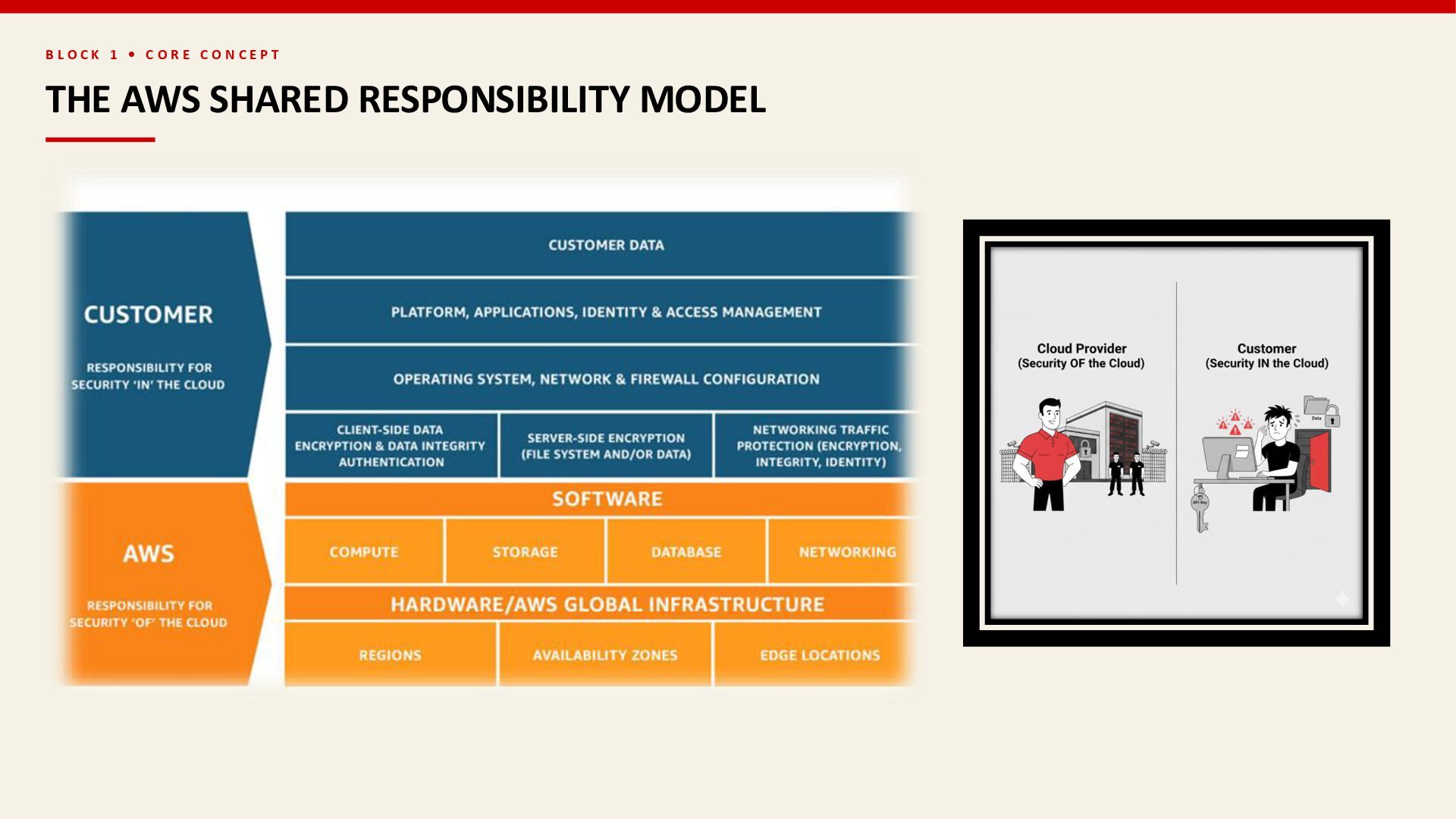
  3. B L O C K 1 • C O R

    E C O N C E P T THE AWS SHARED RESPONSIBILITY MODEL AWS RESPONSIBILITY Security "OF" the Cloud Physical data centers & facilities facilities Global network infrastructure Regions & Availability Zones Zones Edge locations & CDN CDN Hypervisor & host OS CUSTOMER RESPONSIBILITY Security "IN" the Cloud Customer Data: Encryption, classification Applications: Secure coding, patching IAM: Access controls, MFA OS & Network: Config, firewalls Client/Server-Side Encryption: Key management 99% of cloud security failures are the CUSTOMER'S fault
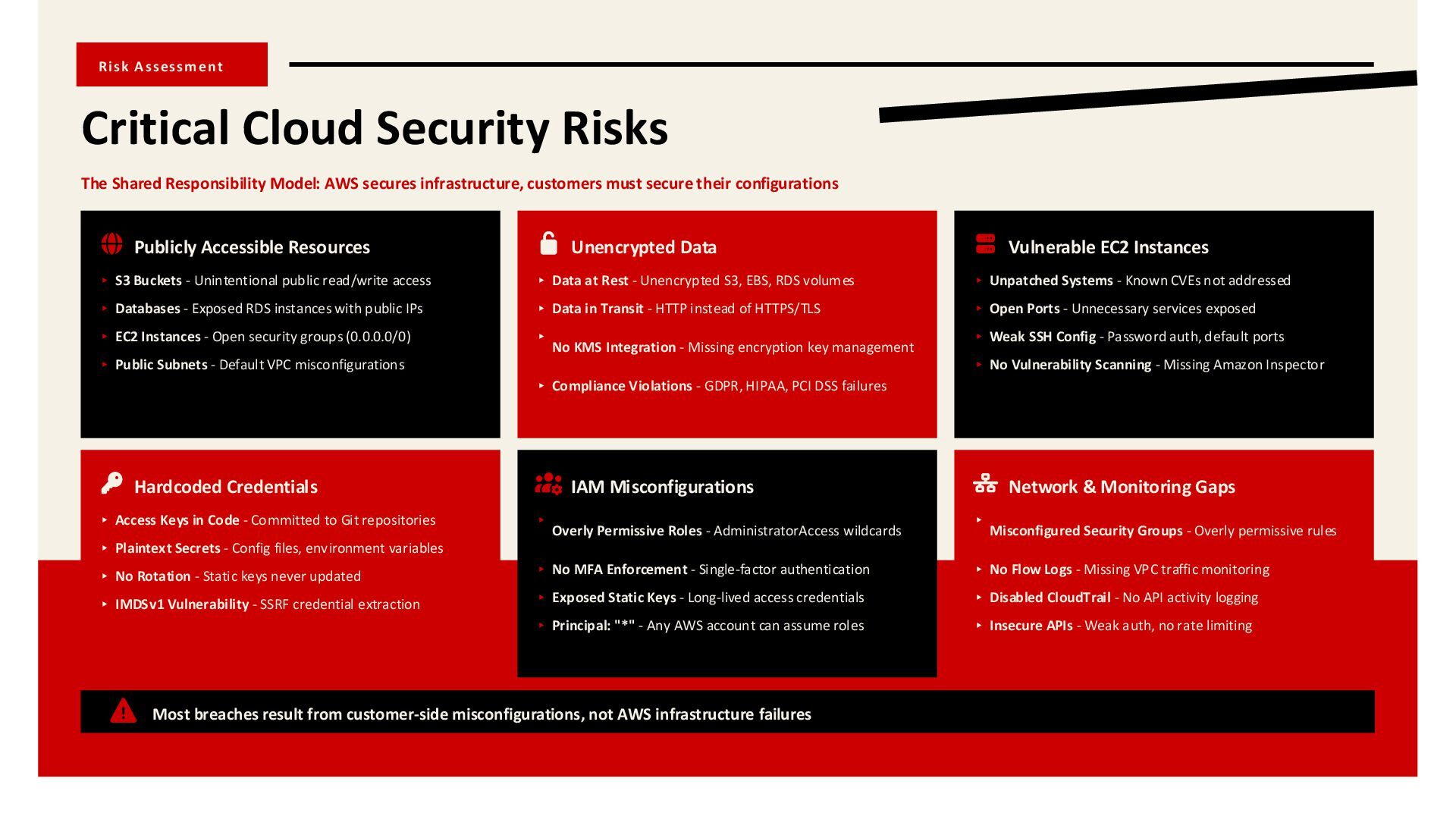
  4. Risk Assessment Critical Cloud Security Risks The Shared Responsibility Model:

    AWS secures infrastructure, customers must secure their configurations Publicly Accessible Resources ▸ S3 Buckets - Unintentional public read/write access ▸ Databases - Exposed RDS instances with public IPs ▸ EC2 Instances - Open security groups (0.0.0.0/0) ▸ Public Subnets - Default VPC misconfigurations Hardcoded Credentials ▸ Access Keys in Code - Committed to Git repositories ▸ Plaintext Secrets - Config files, environment variables ▸ No Rotation - Static keys never updated ▸ IMDSv1 Vulnerability - SSRF credential extraction Unencrypted Data ▸ Data at Rest - Unencrypted S3, EBS, RDS volumes ▸ Data in Transit - HTTP instead of HTTPS/TLS ▸ No KMS Integration - Missing encryption key management ▸ Compliance Violations - GDPR, HIPAA, PCI DSS failures IAM Misconfigurations ▸ Overly Permissive Roles - AdministratorAccess wildcards ▸ No MFA Enforcement - Single-factor authentication ▸ Exposed Static Keys - Long-lived access credentials ▸ Principal: "*" - Any AWS account can assume roles Vulnerable EC2 Instances ▸ Unpatched Systems - Known CVEs not addressed ▸ Open Ports - Unnecessary services exposed ▸ Weak SSH Config - Password auth, default ports ▸ No Vulnerability Scanning - Missing Amazon Inspector Network & Monitoring Gaps ▸ Misconfigured Security Groups - Overly permissive rules ▸ No Flow Logs - Missing VPC traffic monitoring ▸ Disabled CloudTrail - No API activity logging ▸ Insecure APIs - Weak auth, no rate limiting Most breaches result from customer-side misconfigurations, not AWS infrastructure failures
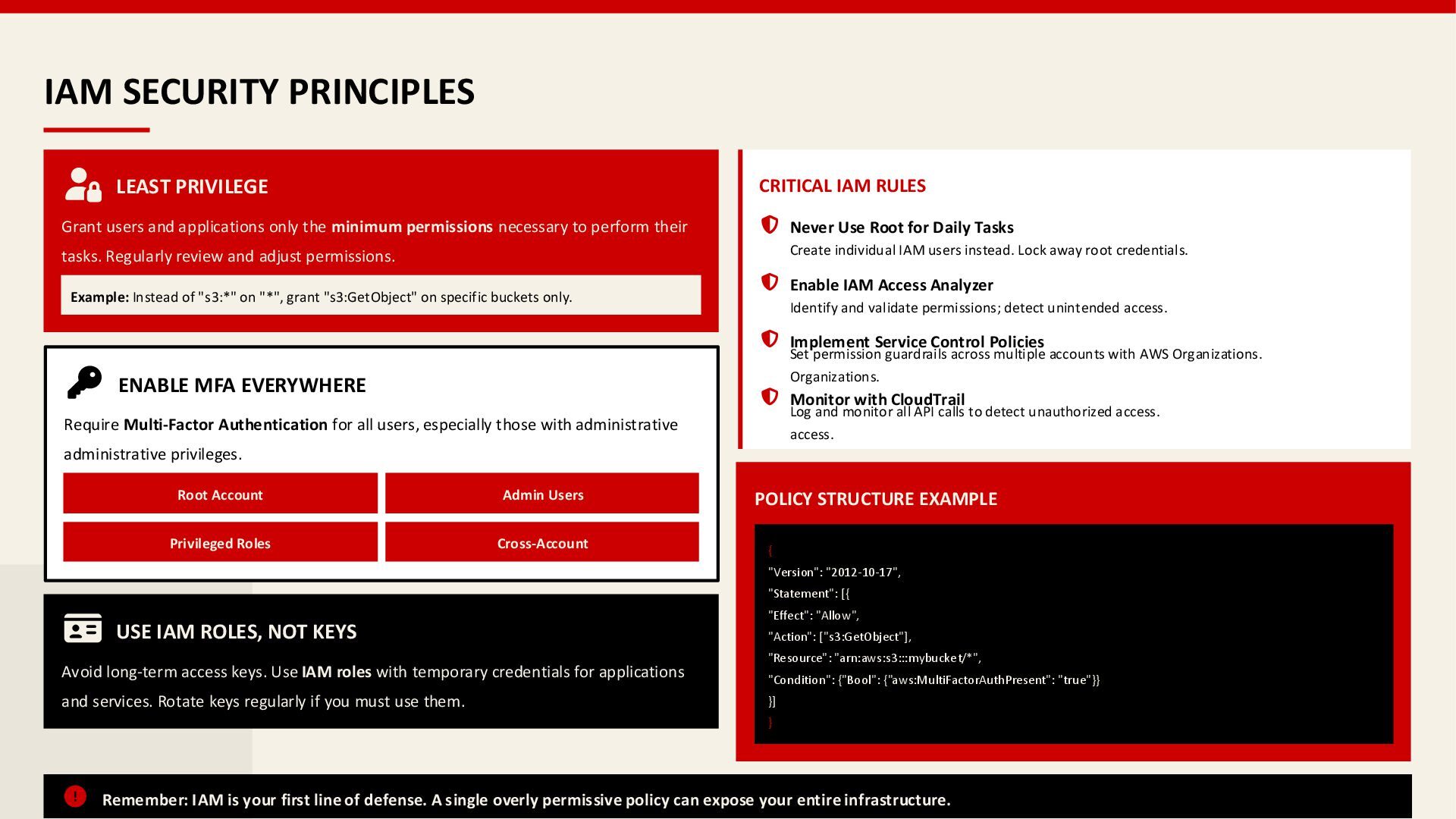
  5. IAM SECURITY PRINCIPLES LEAST PRIVILEGE Grant users and applications only

    the minimum permissions necessary to perform their tasks. Regularly review and adjust permissions. Example: Instead of "s3:*" on "*", grant "s3:GetObject" on specific buckets only. ENABLE MFA EVERYWHERE Require Multi-Factor Authentication for all users, especially those with administrative administrative privileges. Root Account Admin Users Privileged Roles Cross-Account USE IAM ROLES, NOT KEYS Avoid long-term access keys. Use IAM roles with temporary credentials for applications and services. Rotate keys regularly if you must use them. CRITICAL IAM RULES Never Use Root for Daily Tasks Create individual IAM users instead. Lock away root credentials. Enable IAM Access Analyzer Identify and validate permissions; detect unintended access. Implement Service Control Policies Set permission guardrails across multiple accounts with AWS Organizations. Organizations. Monitor with CloudTrail Log and monitor all API calls to detect unauthorized access. access. POLICY STRUCTURE EXAMPLE { "Version": "2012-10-17", "Statement": [{ "Effect": "Allow", "Action": ["s3:GetObject"], "Resource": "arn:aws:s3:::mybucket/*", "Condition": {"Bool": {"aws:MultiFactorAuthPresent": "true"}} }] } Remember: IAM is your first line of defense. A single overly permissive policy can expose your entire infrastructure.
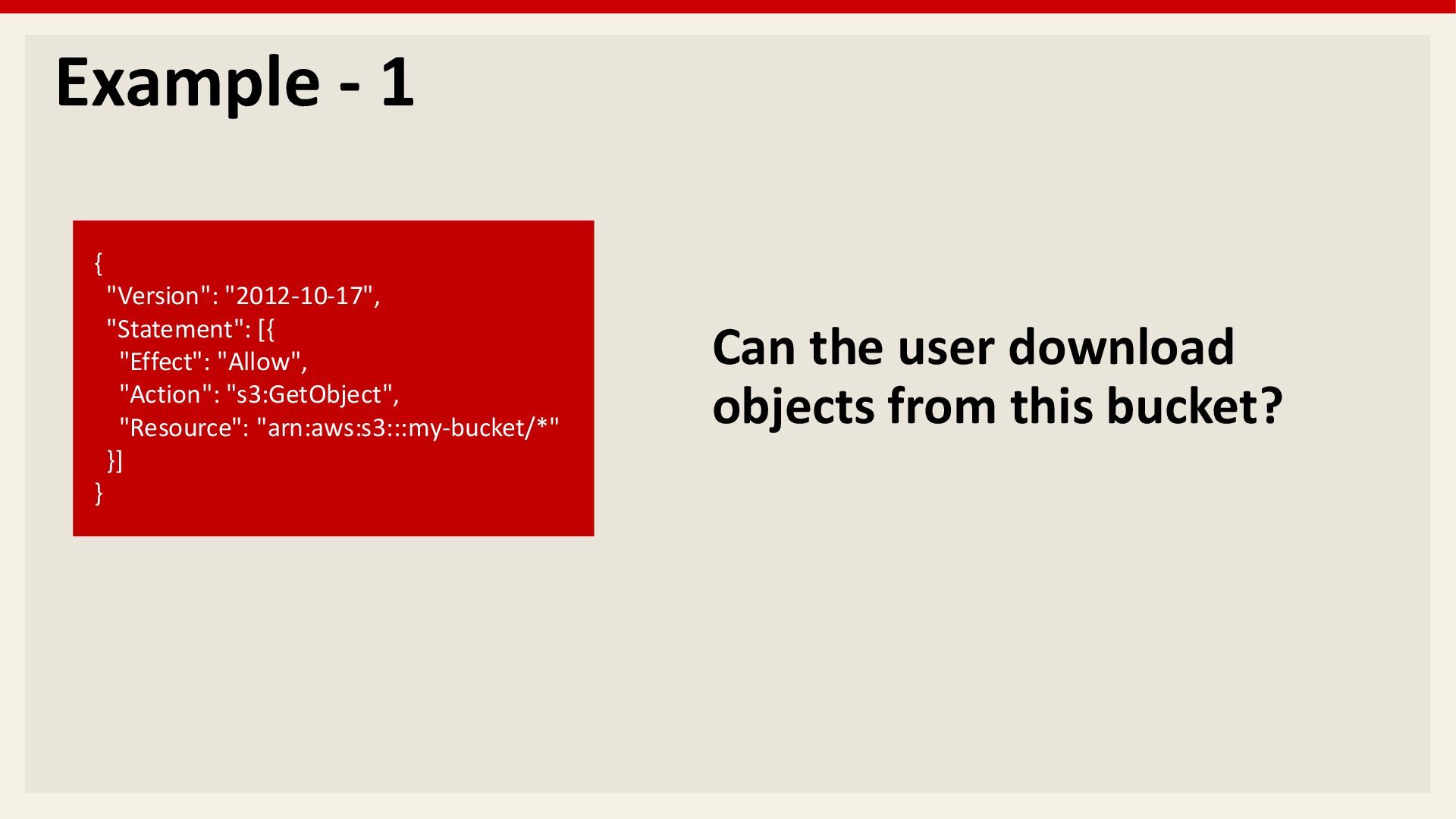
  6. Example - 1 { "Version": "2012-10-17", "Statement": [{ "Effect": "Allow",

    "Action": "s3:GetObject", "Resource": "arn:aws:s3:::my-bucket/*" }] } Can the user download objects from this bucket?
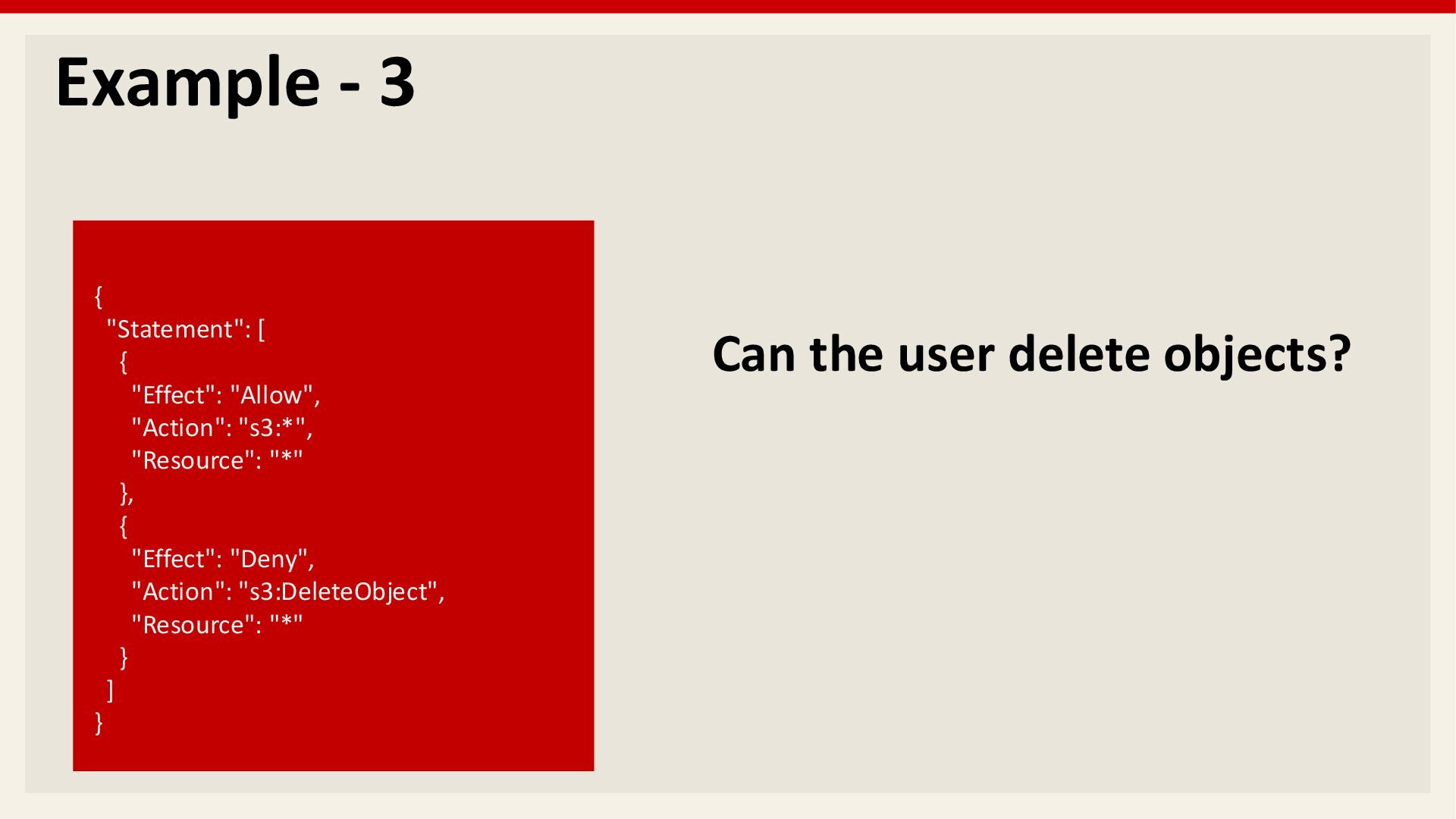
  7. Example - 3 { "Statement": [ { "Effect": "Allow", "Action":

    "s3:*", "Resource": "*" }, { "Effect": "Deny", "Action": "s3:DeleteObject", "Resource": "*" } ] } Can the user delete objects?
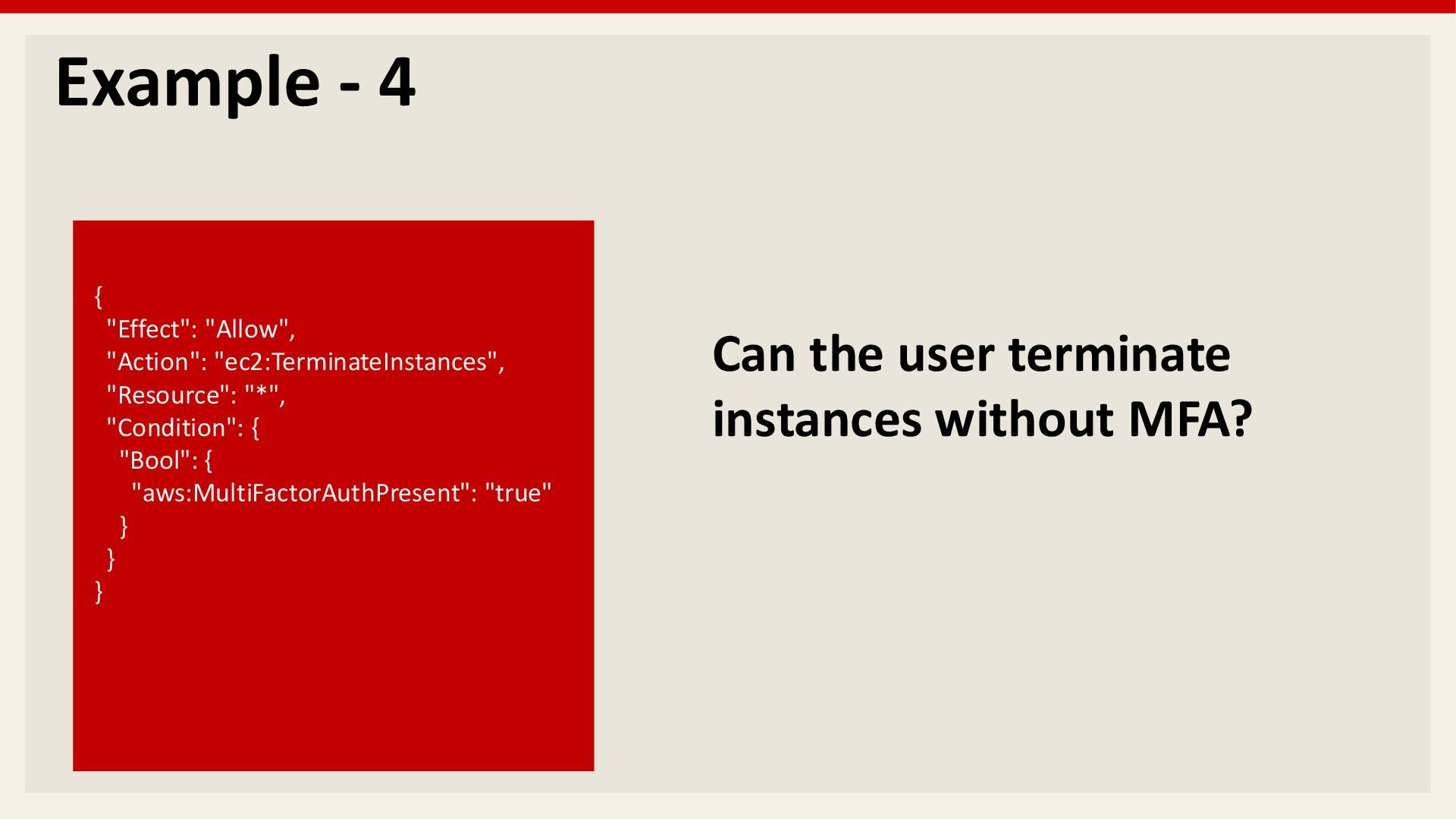
  8. Example - 4 { "Effect": "Allow", "Action": "ec2:TerminateInstances", "Resource": "*",

    "Condition": { "Bool": { "aws:MultiFactorAuthPresent": "true" } } } Can the user terminate instances without MFA?
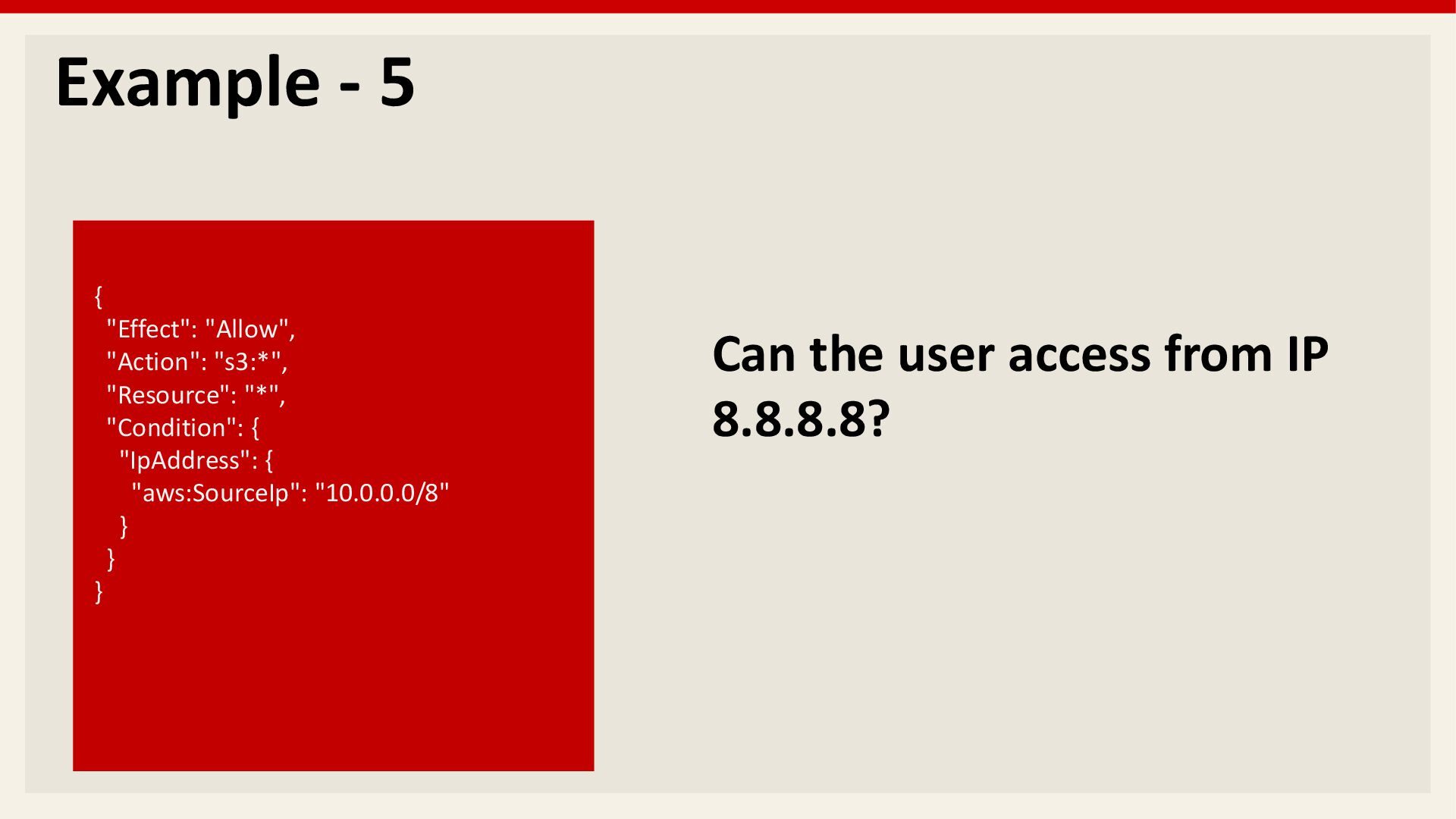
  9. Example - 5 { "Effect": "Allow", "Action": "s3:*", "Resource": "*",

    "Condition": { "IpAddress": { "aws:SourceIp": "10.0.0.0/8" } } } Can the user access from IP 8.8.8.8?
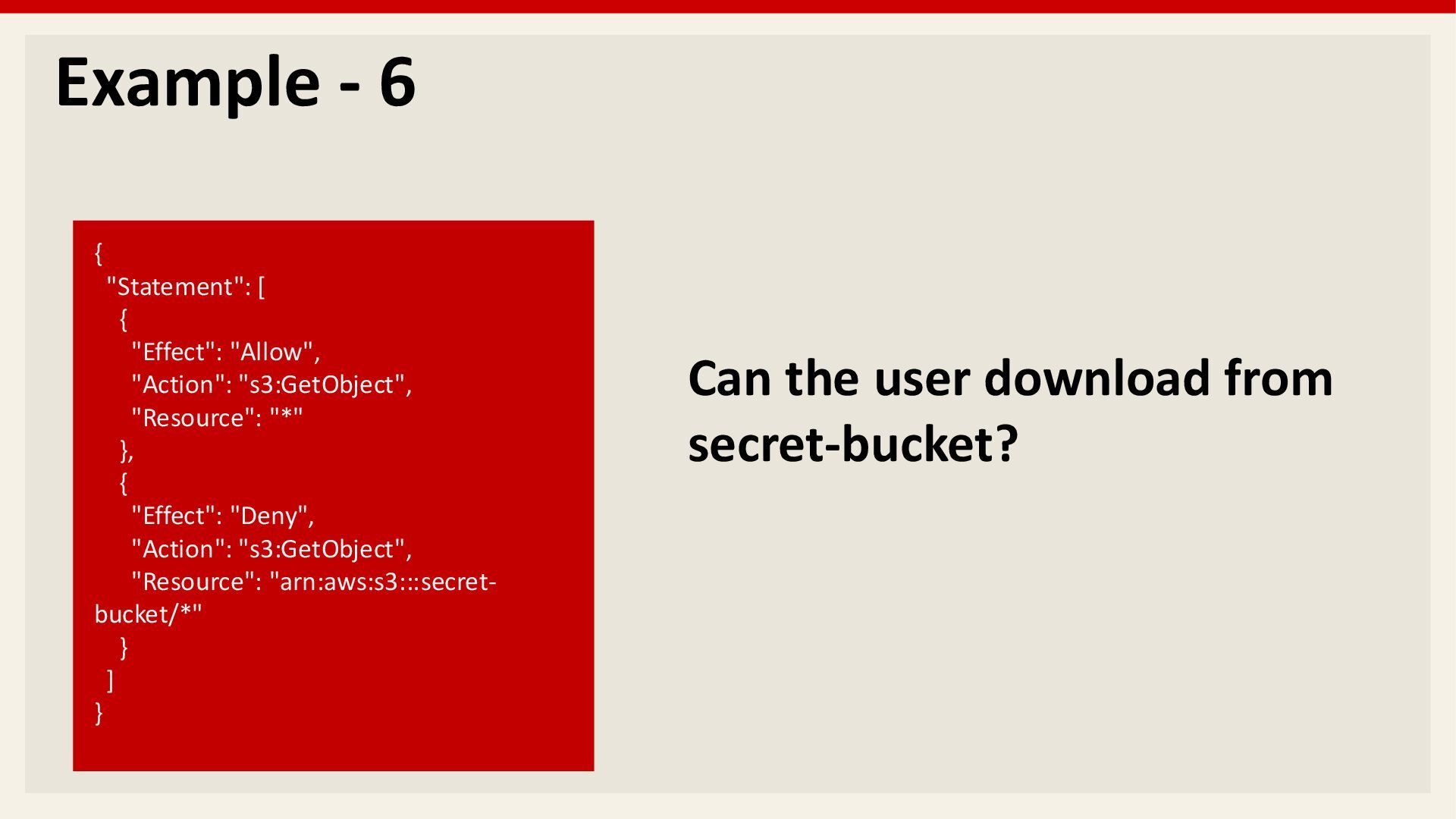
  10. Example - 6 { "Statement": [ { "Effect": "Allow", "Action":

    "s3:GetObject", "Resource": "*" }, { "Effect": "Deny", "Action": "s3:GetObject", "Resource": "arn:aws:s3:::secret- bucket/*" } ] } Can the user download from secret-bucket?
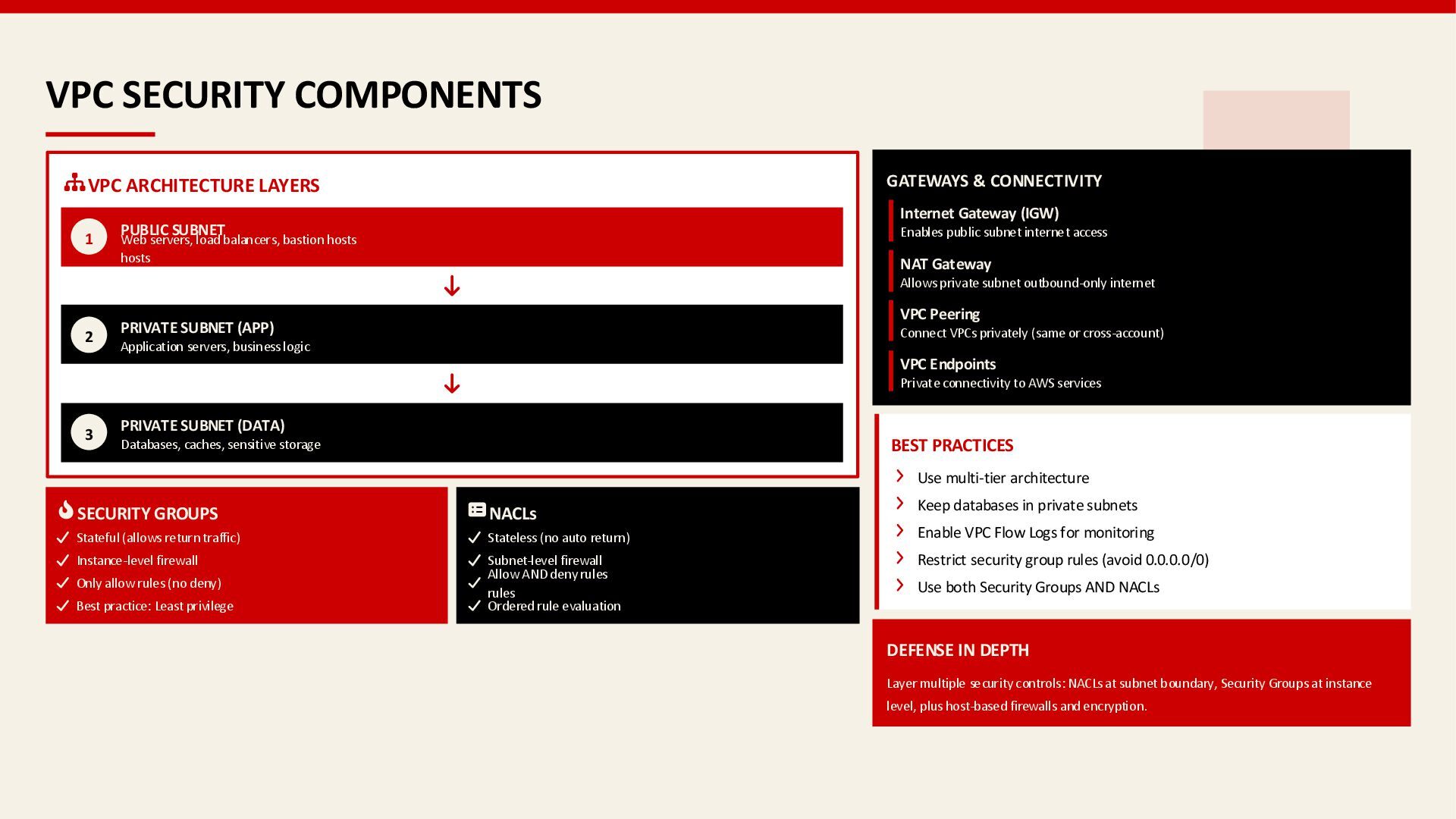
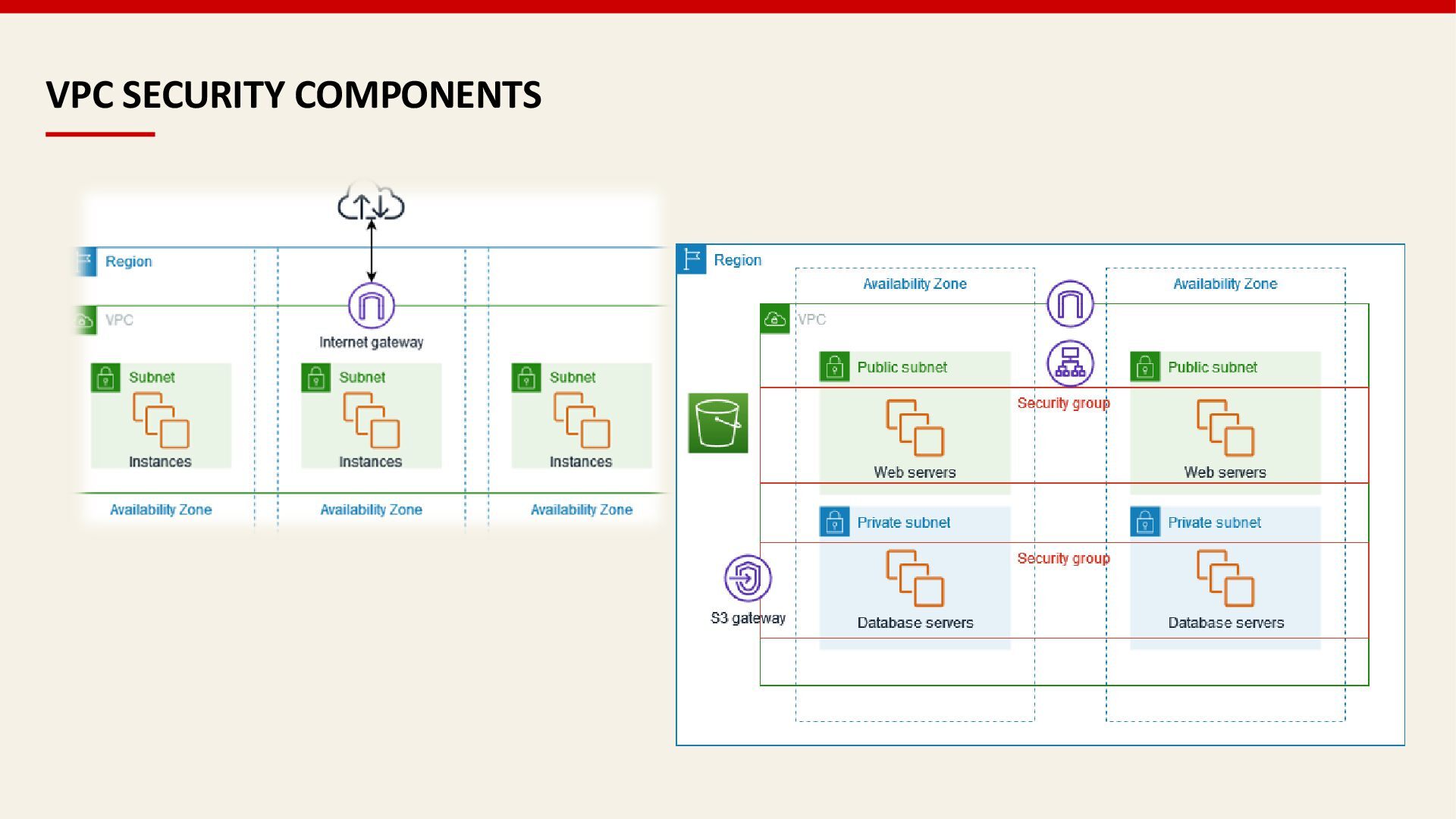
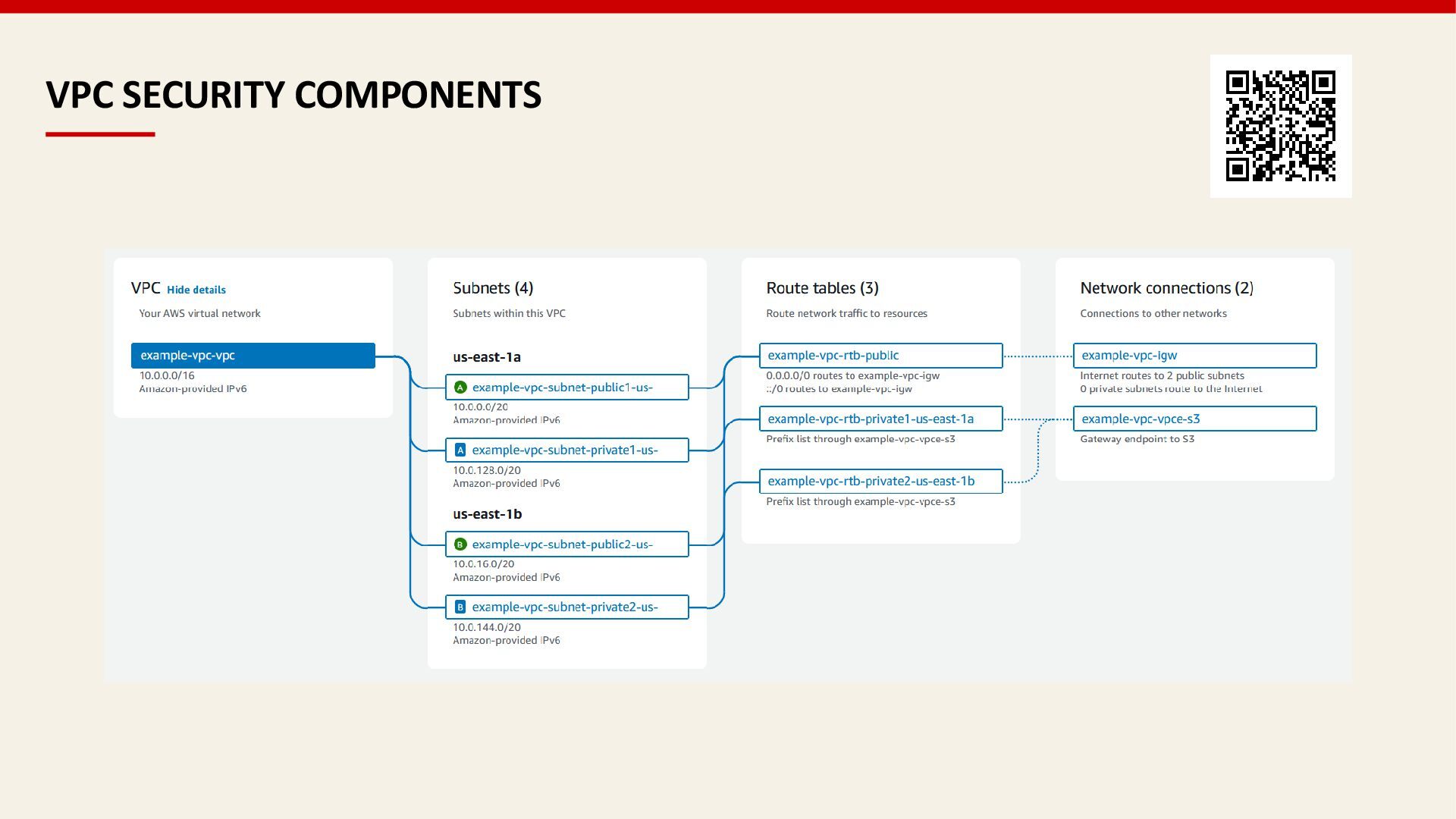
  11. VPC SECURITY COMPONENTS VPC ARCHITECTURE LAYERS 1 PUBLIC SUBNET Web

    servers, load balancers, bastion hosts hosts 2 PRIVATE SUBNET (APP) Application servers, business logic 3 PRIVATE SUBNET (DATA) Databases, caches, sensitive storage SECURITY GROUPS Stateful (allows return traffic) Instance-level firewall Only allow rules (no deny) Best practice: Least privilege NACLs Stateless (no auto return) Subnet-level firewall Allow AND deny rules rules Ordered rule evaluation GATEWAYS & CONNECTIVITY Internet Gateway (IGW) Enables public subnet internet access NAT Gateway Allows private subnet outbound-only internet VPC Peering Connect VPCs privately (same or cross-account) VPC Endpoints Private connectivity to AWS services BEST PRACTICES Use multi-tier architecture Keep databases in private subnets Enable VPC Flow Logs for monitoring Restrict security group rules (avoid 0.0.0.0/0) Use both Security Groups AND NACLs DEFENSE IN DEPTH Layer multiple security controls: NACLs at subnet boundary, Security Groups at instance level, plus host-based firewalls and encryption.
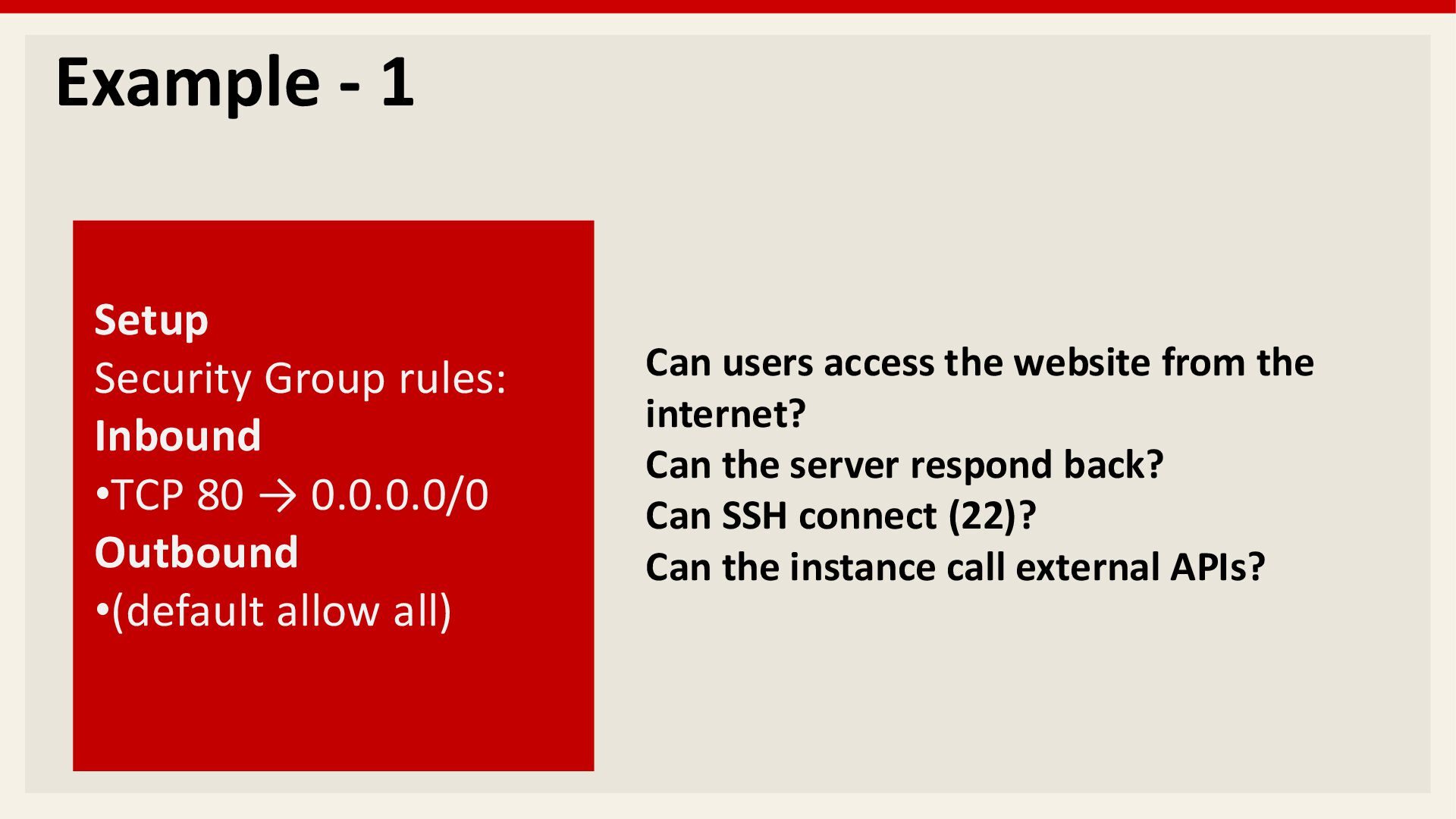
  12. Example - 1 Setup Security Group rules: Inbound •TCP 80

    → 0.0.0.0/0 Outbound •(default allow all) Can users access the website from the internet? Can the server respond back? Can SSH connect (22)? Can the instance call external APIs?
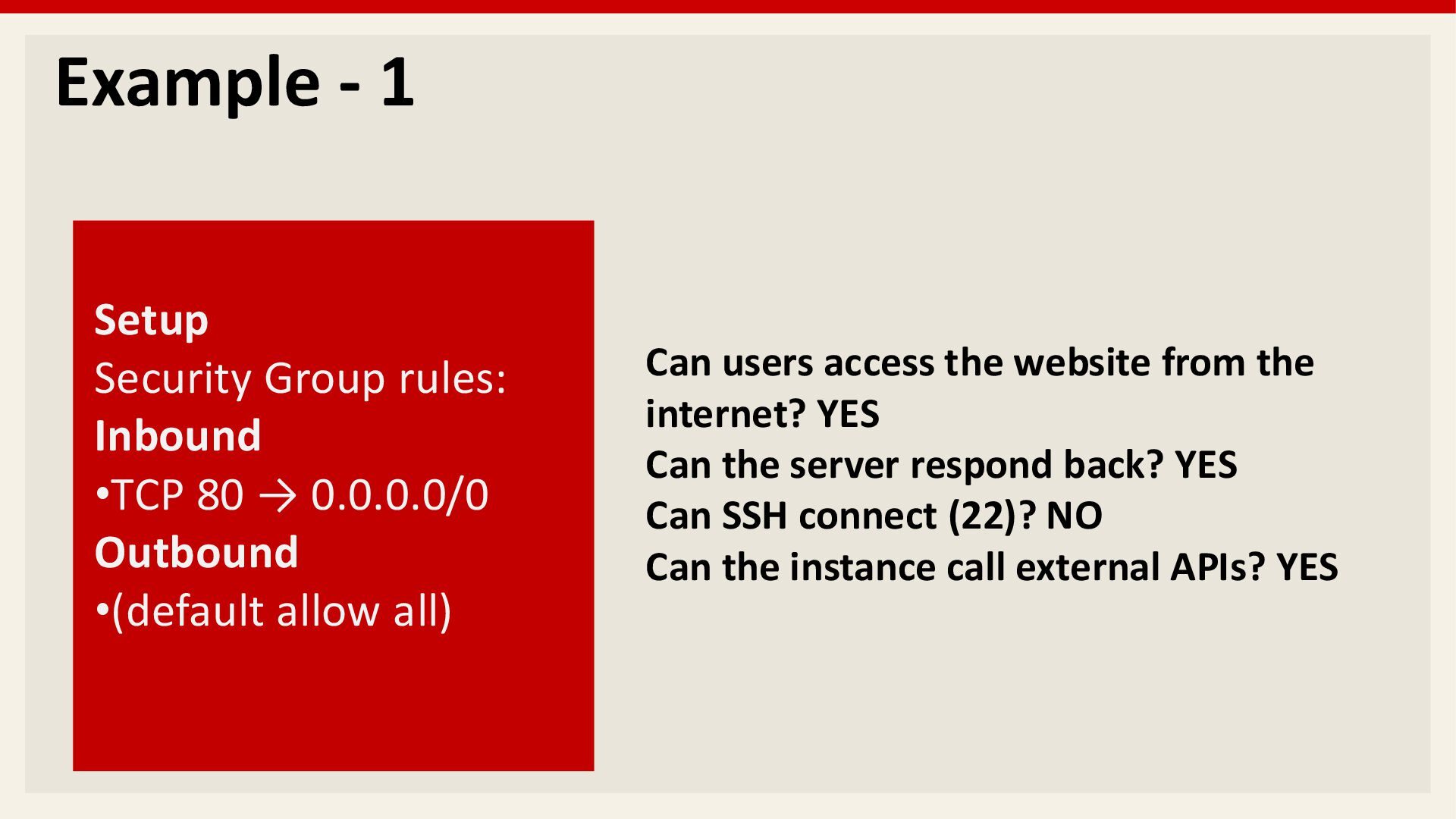
  13. Example - 1 Setup Security Group rules: Inbound •TCP 80

    → 0.0.0.0/0 Outbound •(default allow all) Can users access the website from the internet? YES Can the server respond back? YES Can SSH connect (22)? NO Can the instance call external APIs? YES
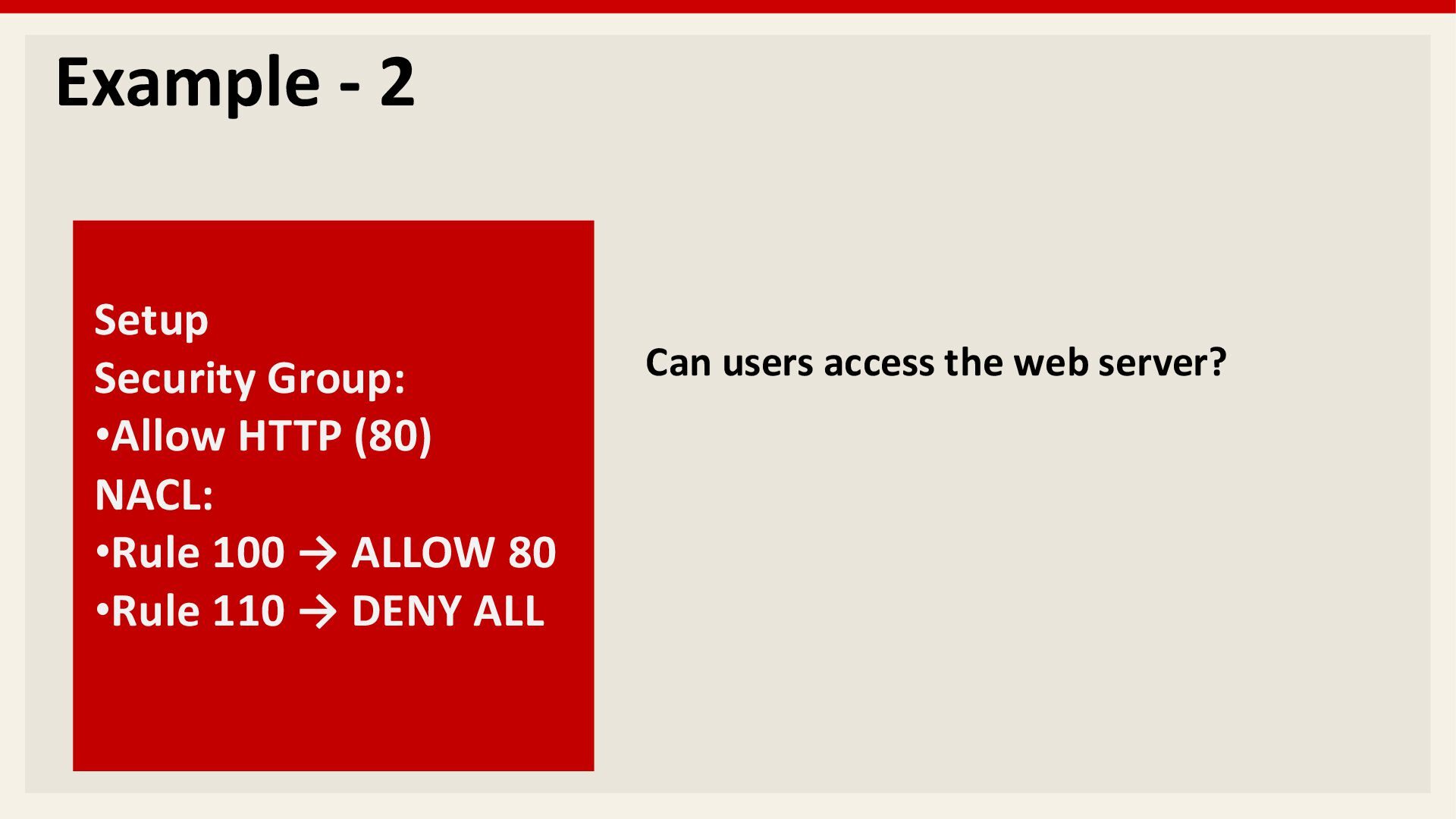
  14. Example - 2 Setup Security Group: •Allow HTTP (80) NACL:

    •Rule 100 → ALLOW 80 •Rule 110 → DENY ALL Can users access the web server?
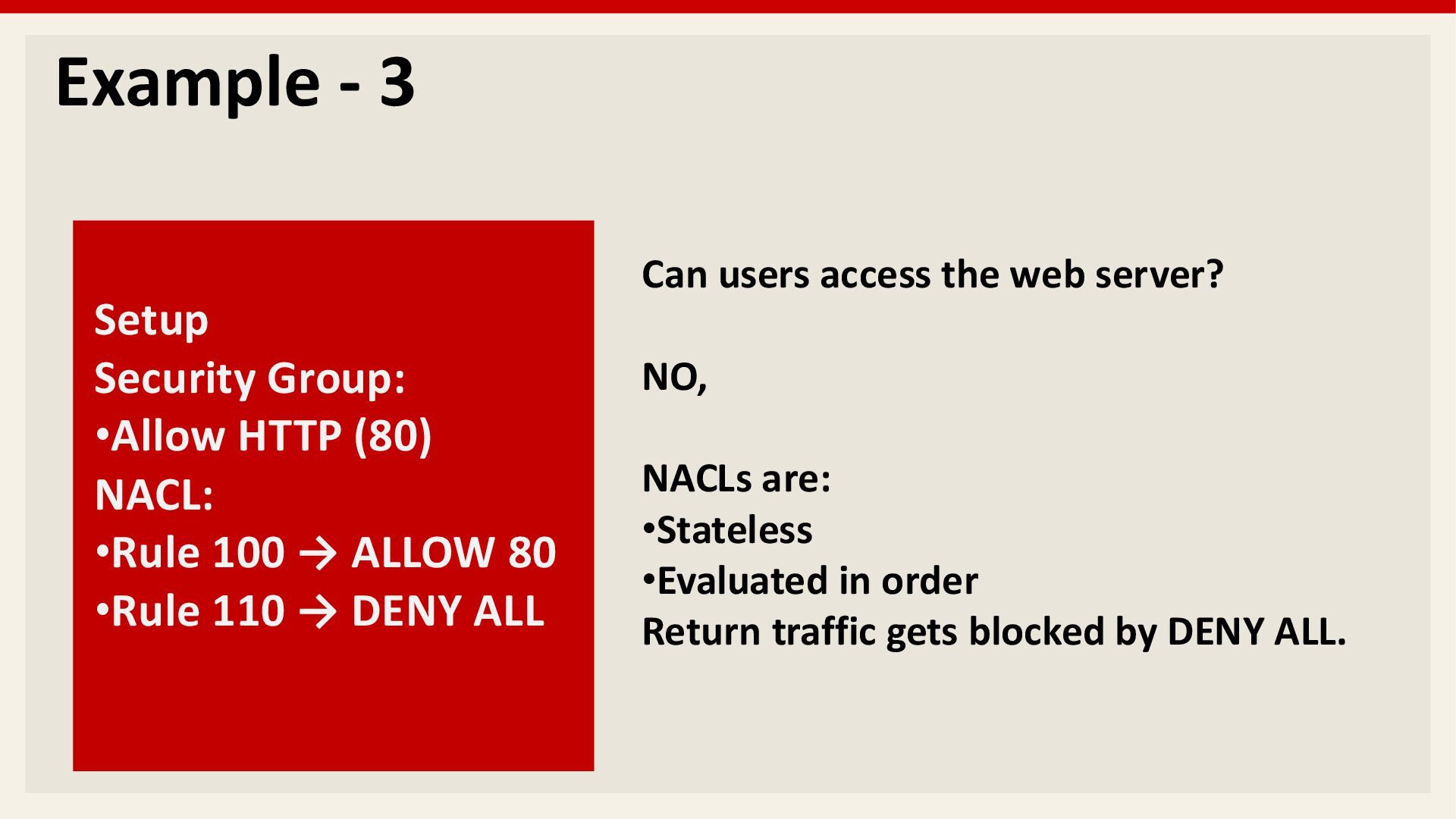
  15. Example - 3 Setup Security Group: •Allow HTTP (80) NACL:

    •Rule 100 → ALLOW 80 •Rule 110 → DENY ALL Can users access the web server? NO, NACLs are: •Stateless •Evaluated in order Return traffic gets blocked by DENY ALL.
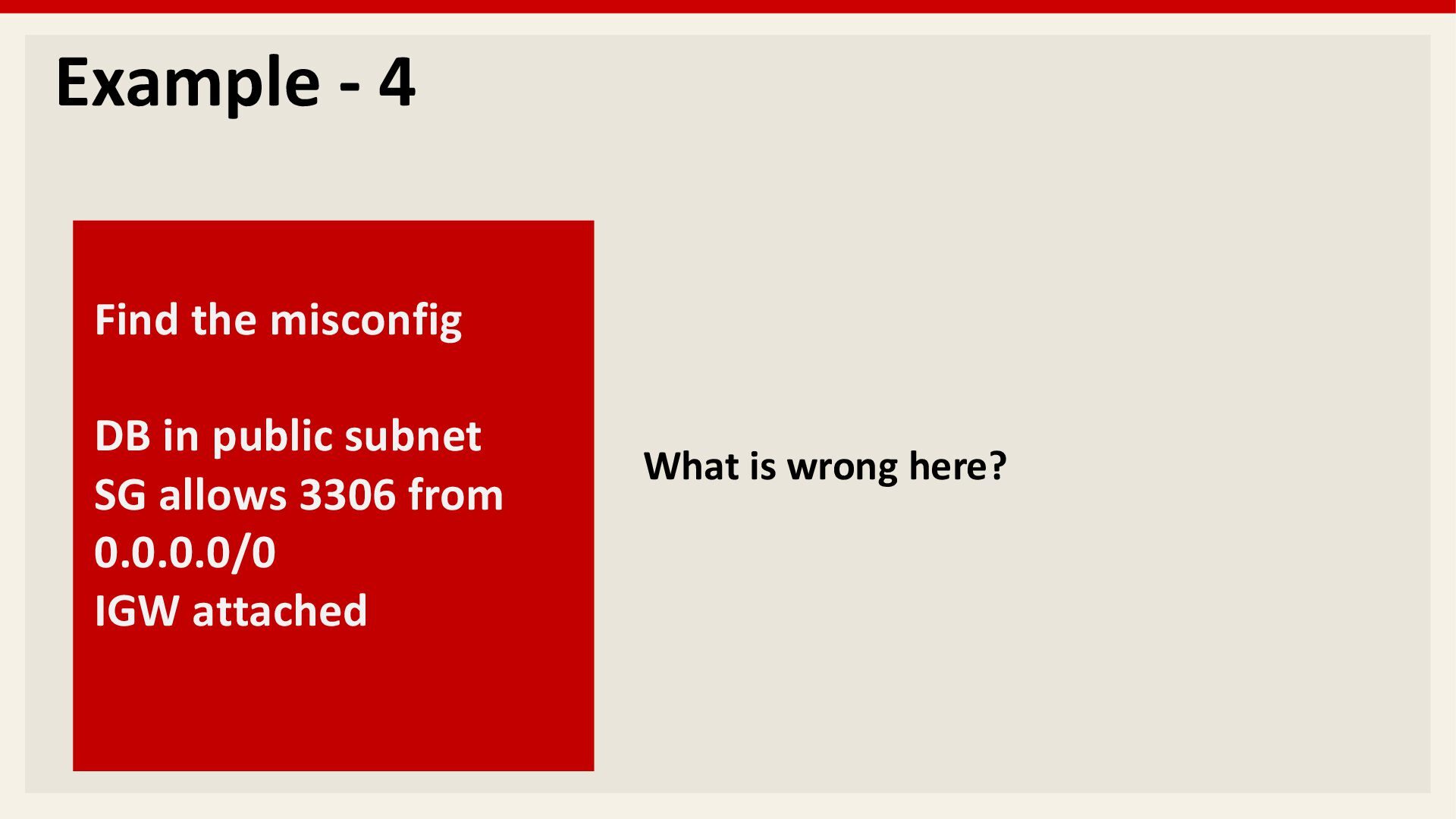
  16. Example - 4 Find the misconfig DB in public subnet

    SG allows 3306 from 0.0.0.0/0 IGW attached What is wrong here?
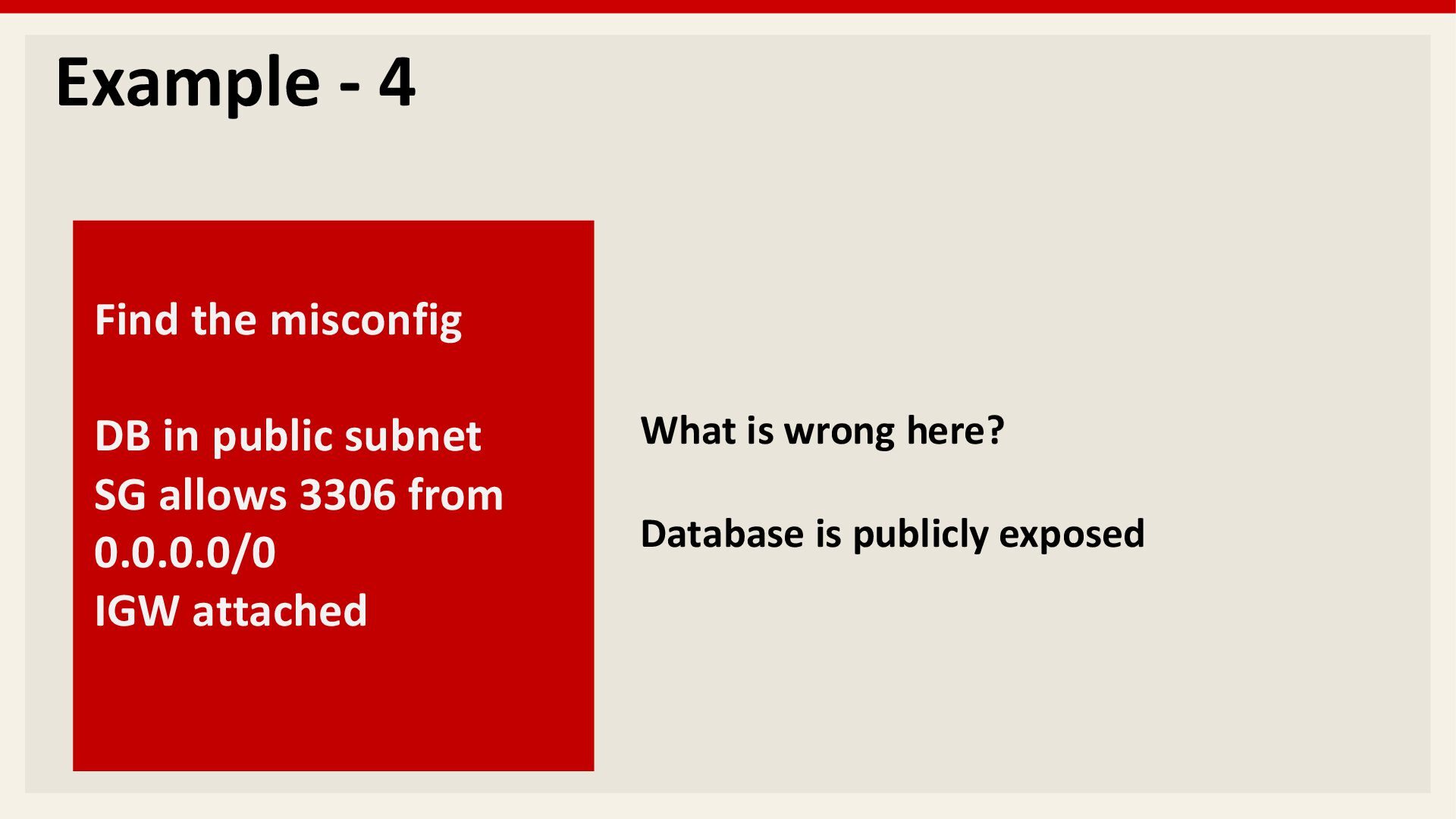
  17. Example - 4 Find the misconfig DB in public subnet

    SG allows 3306 from 0.0.0.0/0 IGW attached What is wrong here? Database is publicly exposed
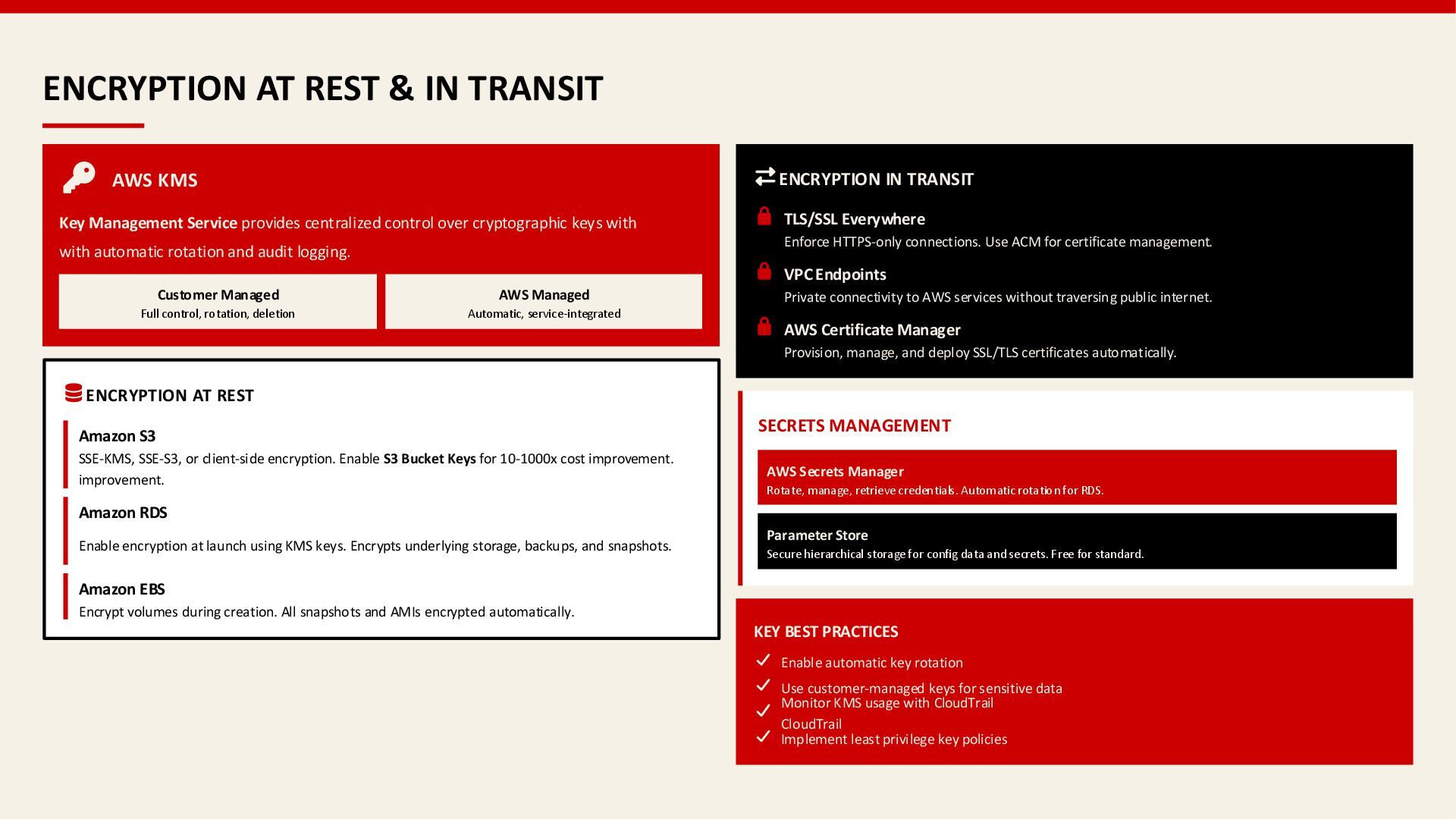
  18. ENCRYPTION AT REST & IN TRANSIT AWS KMS Key Management

    Service provides centralized control over cryptographic keys with with automatic rotation and audit logging. Customer Managed Full control, rotation, deletion AWS Managed Automatic, service-integrated ENCRYPTION AT REST Amazon S3 SSE-KMS, SSE-S3, or client-side encryption. Enable S3 Bucket Keys for 10-1000x cost improvement. improvement. Amazon RDS Enable encryption at launch using KMS keys. Encrypts underlying storage, backups, and snapshots. Amazon EBS Encrypt volumes during creation. All snapshots and AMIs encrypted automatically. ENCRYPTION IN TRANSIT TLS/SSL Everywhere Enforce HTTPS-only connections. Use ACM for certificate management. VPC Endpoints Private connectivity to AWS services without traversing public internet. AWS Certificate Manager Provision, manage, and deploy SSL/TLS certificates automatically. SECRETS MANAGEMENT AWS Secrets Manager Rotate, manage, retrieve credentials. Automatic rotation for RDS. Parameter Store Secure hierarchical storage for config data and secrets. Free for standard. KEY BEST PRACTICES Enable automatic key rotation Use customer-managed keys for sensitive data Monitor KMS usage with CloudTrail CloudTrail Implement least privilege key policies
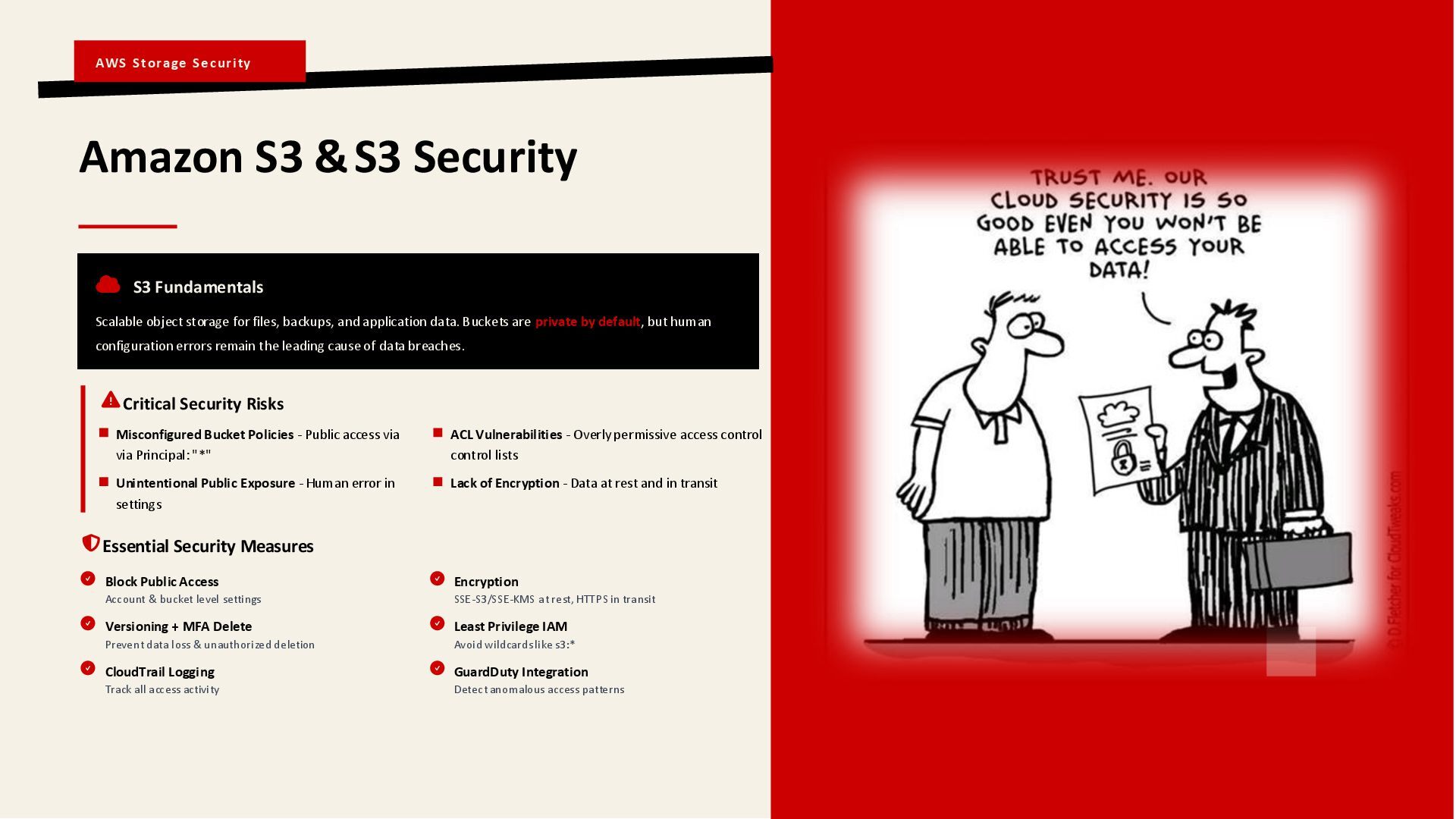
  19. AWS Storage Security Amazon S3 & S3 Security S3 Fundamentals

    Scalable object storage for files, backups, and application data. Buckets are private by default, but human configuration errors remain the leading cause of data breaches. Critical Security Risks Misconfigured Bucket Policies - Public access via via Principal: "*" ACL Vulnerabilities - Overly permissive access control control lists Unintentional Public Exposure - Human error in settings Lack of Encryption - Data at rest and in transit Essential Security Measures Block Public Access Account & bucket level settings Encryption SSE-S3/SSE-KMS at rest, HTTPS in transit Versioning + MFA Delete Prevent data loss & unauthorized deletion Least Privilege IAM Avoid wildcards like s3:* CloudTrail Logging Track all access activity GuardDuty Integration Detect anomalous access patterns
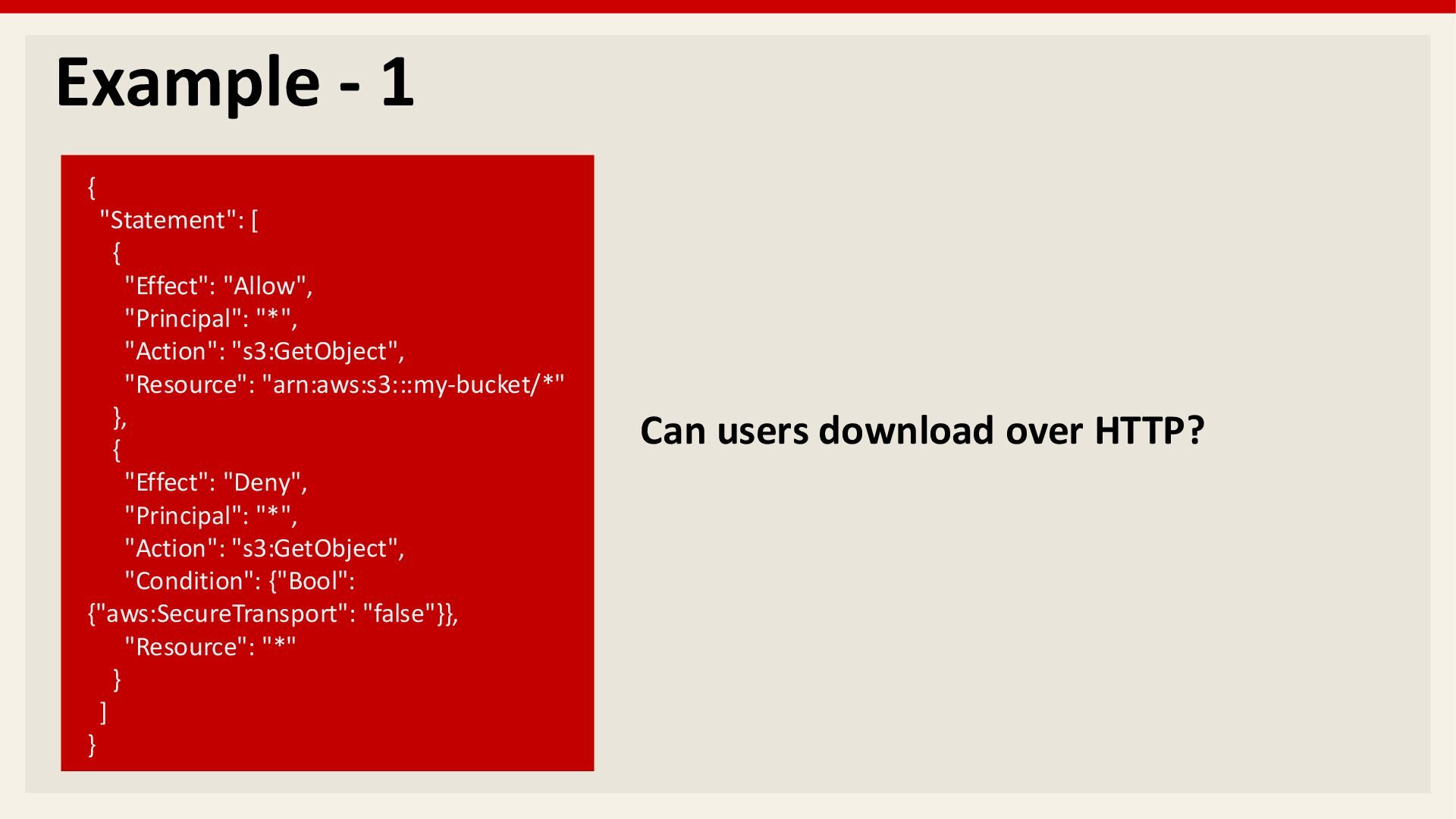
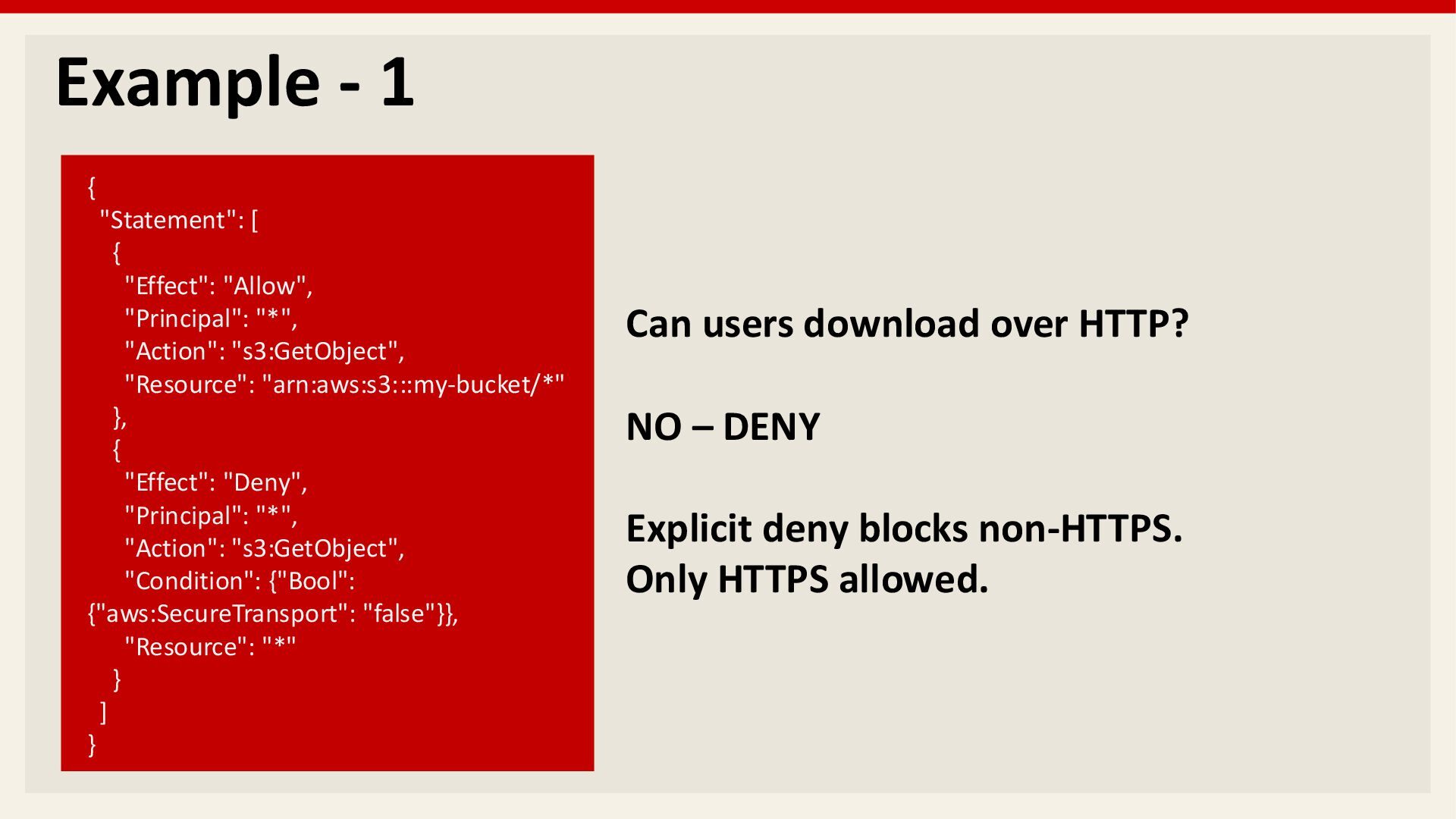
  20. Example - 1 { "Statement": [ { "Effect": "Allow", "Principal":

    "*", "Action": "s3:GetObject", "Resource": "arn:aws:s3:::my-bucket/*" }, { "Effect": "Deny", "Principal": "*", "Action": "s3:GetObject", "Condition": {"Bool": {"aws:SecureTransport": "false"}}, "Resource": "*" } ] } Can users download over HTTP?
  21. Example - 1 { "Statement": [ { "Effect": "Allow", "Principal":

    "*", "Action": "s3:GetObject", "Resource": "arn:aws:s3:::my-bucket/*" }, { "Effect": "Deny", "Principal": "*", "Action": "s3:GetObject", "Condition": {"Bool": {"aws:SecureTransport": "false"}}, "Resource": "*" } ] } Can users download over HTTP? NO – DENY Explicit deny blocks non-HTTPS. Only HTTPS allowed.
  22. Breach News - 1 Healthcare Data Leak (2025) Over 86,000

    healthcare staff records were exposed after an AWS S3 bucket was misconfigured and left unprotected. Sensitive personal information was accessible to anyone who knew the bucket URL.
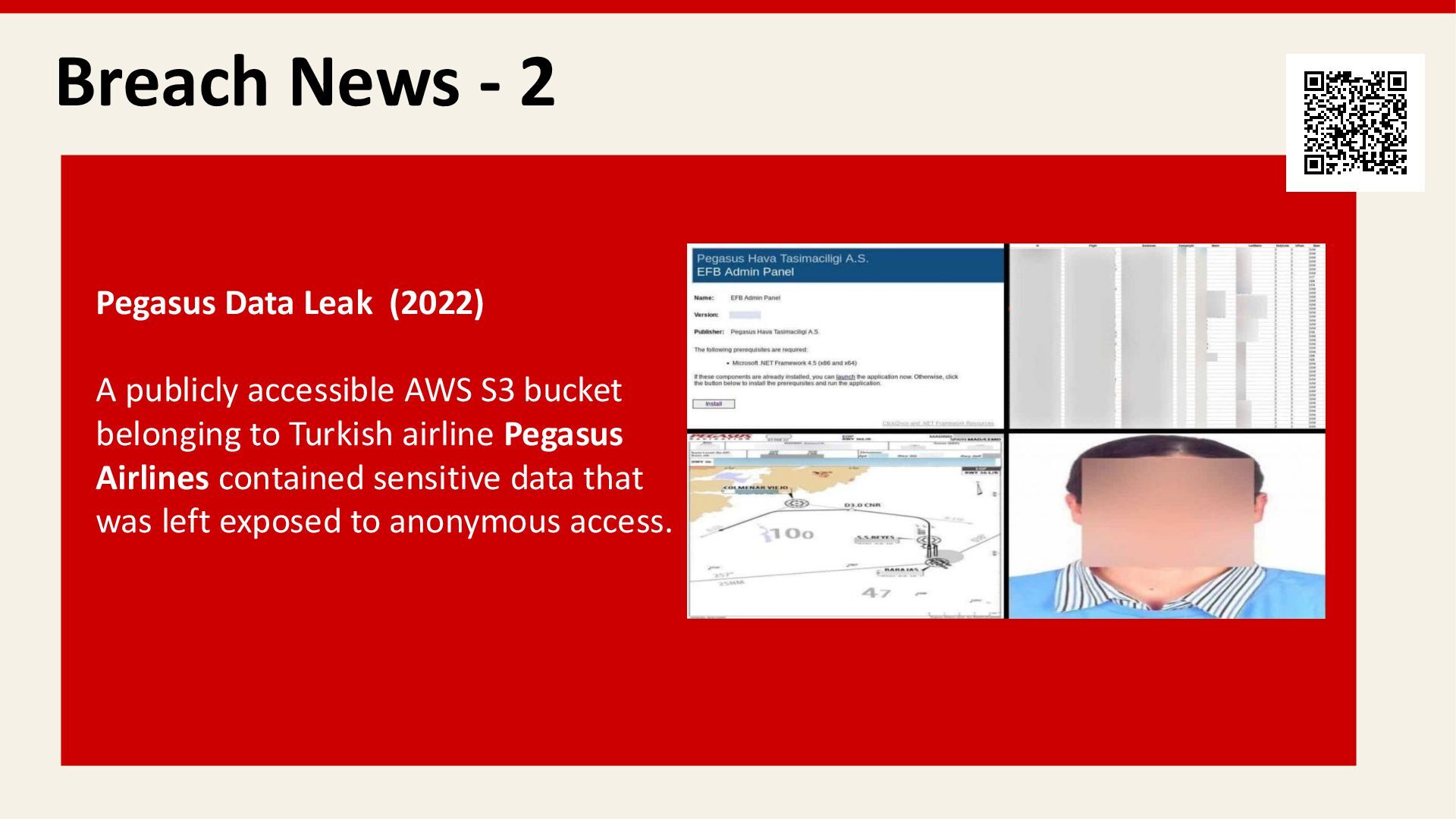
  23. Breach News - 2 Pegasus Data Leak (2022) A publicly

    accessible AWS S3 bucket belonging to Turkish airline Pegasus Airlines contained sensitive data that was left exposed to anonymous access.
  24. Breach News - 3 Accenture (October 2017) A misconfigured publicly

    accessible AWS S3 bucket exposed sensitive internal business data and cloud credentials, demonstrating how simple storage misconfigurations can lead to major enterprise data leaks without any hacking.
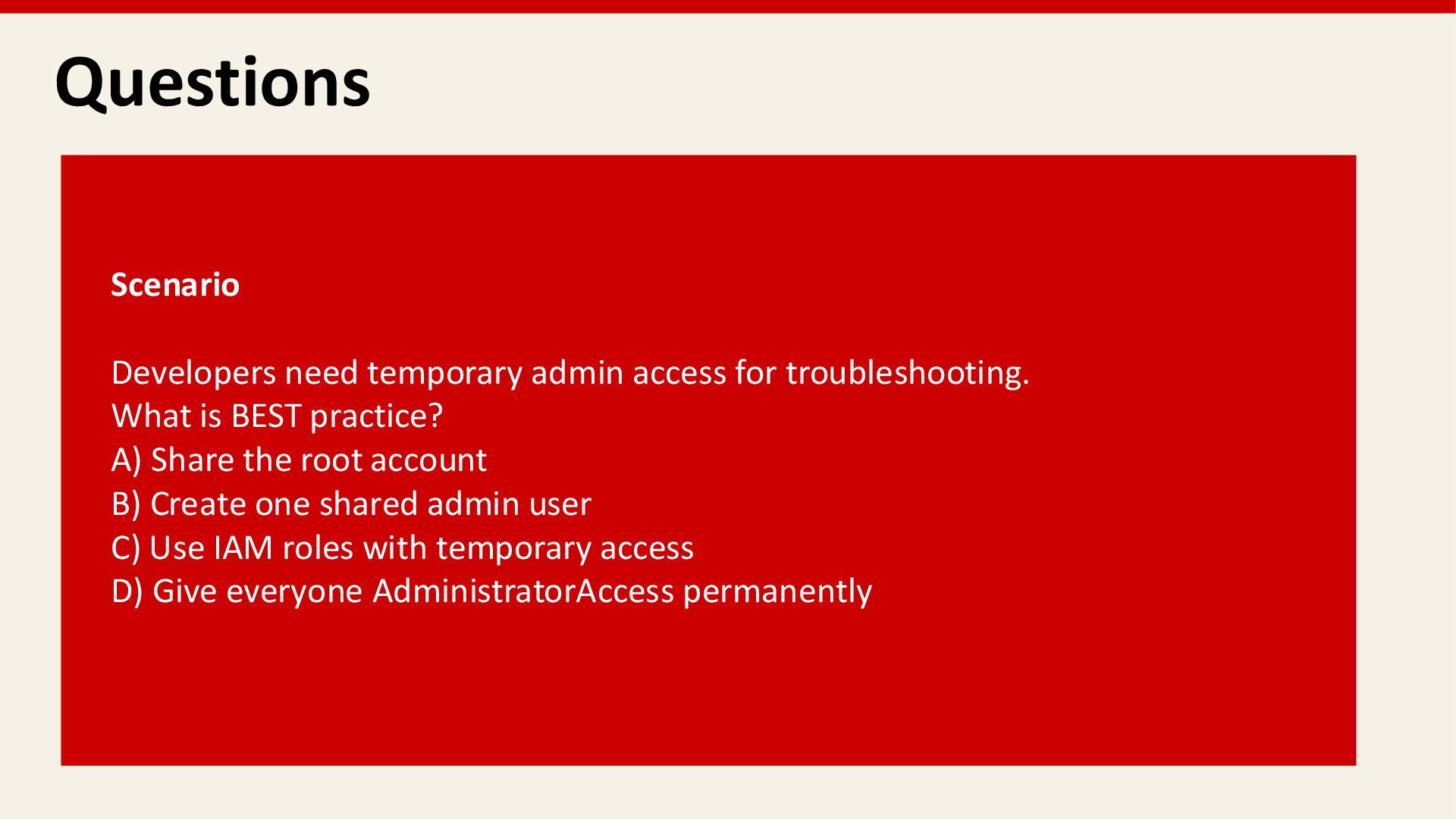
  25. Questions Scenario Developers need temporary admin access for troubleshooting. What

    is BEST practice? A) Share the root account B) Create one shared admin user C) Use IAM roles with temporary access D) Give everyone AdministratorAccess permanently
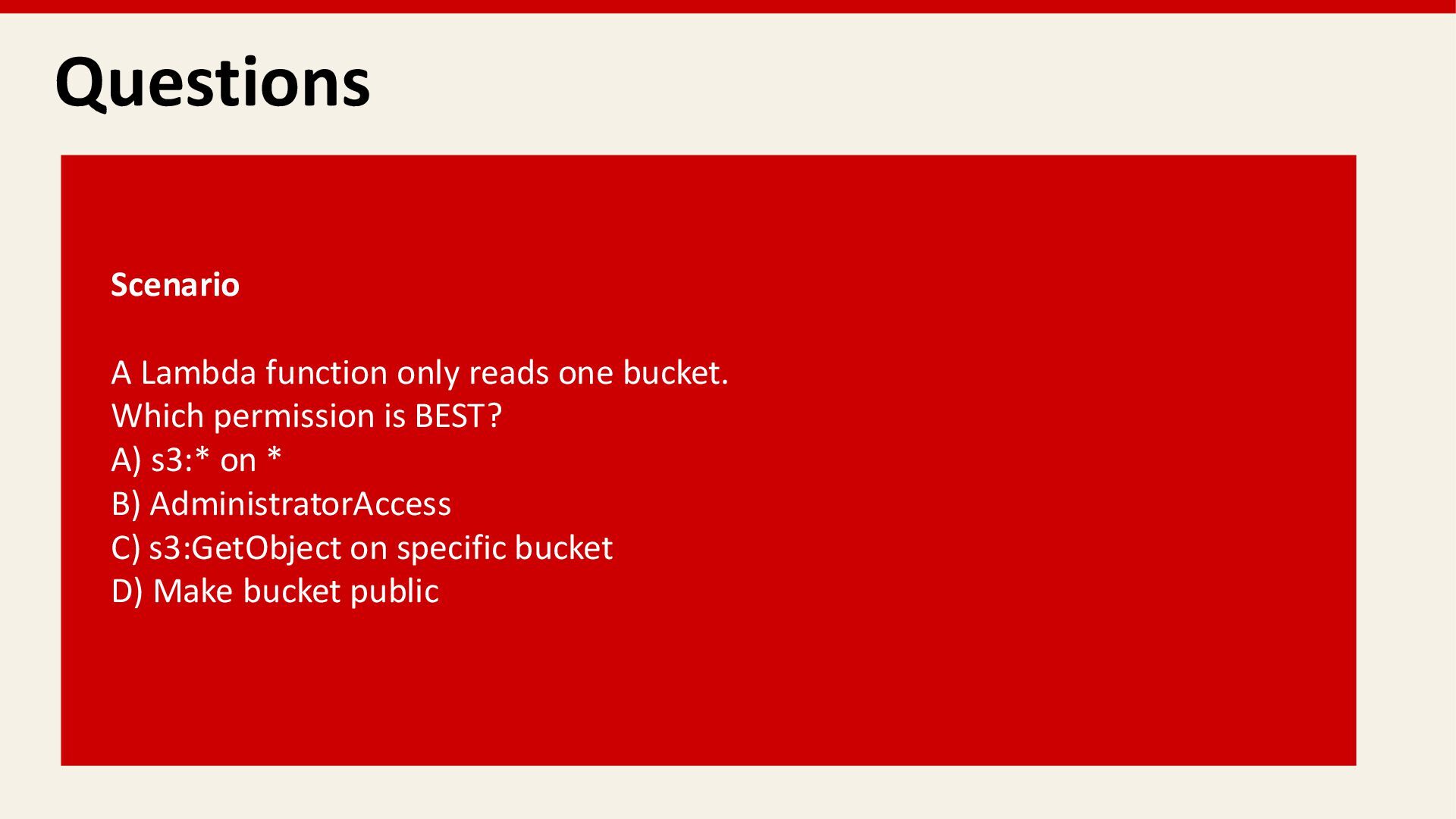
  26. Questions Scenario A Lambda function only reads one bucket. Which

    permission is BEST? A) s3:* on * B) AdministratorAccess C) s3:GetObject on specific bucket D) Make bucket public
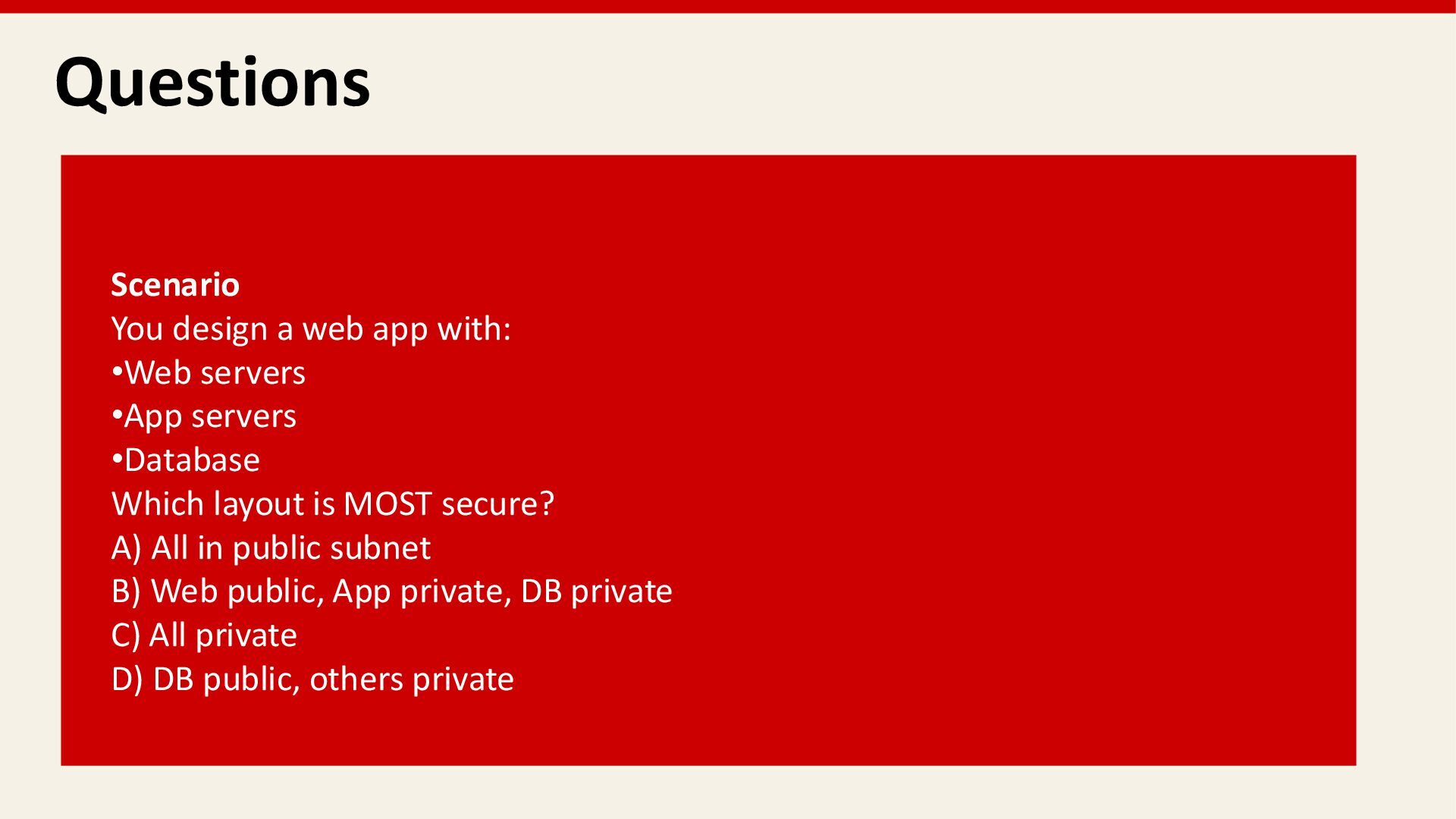
  27. Questions Scenario You design a web app with: •Web servers

    •App servers •Database Which layout is MOST secure? A) All in public subnet B) Web public, App private, DB private C) All private D) DB public, others private
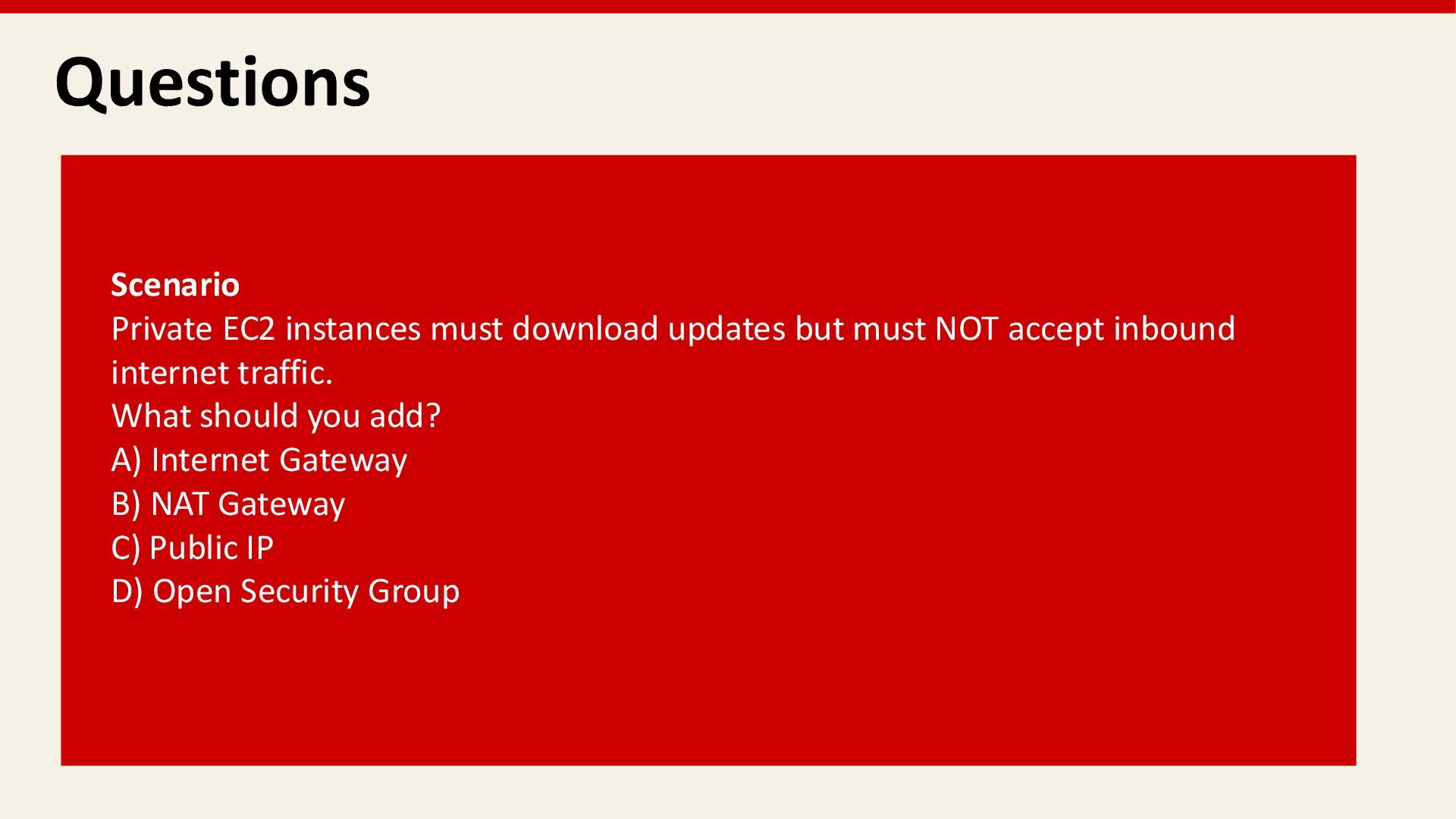
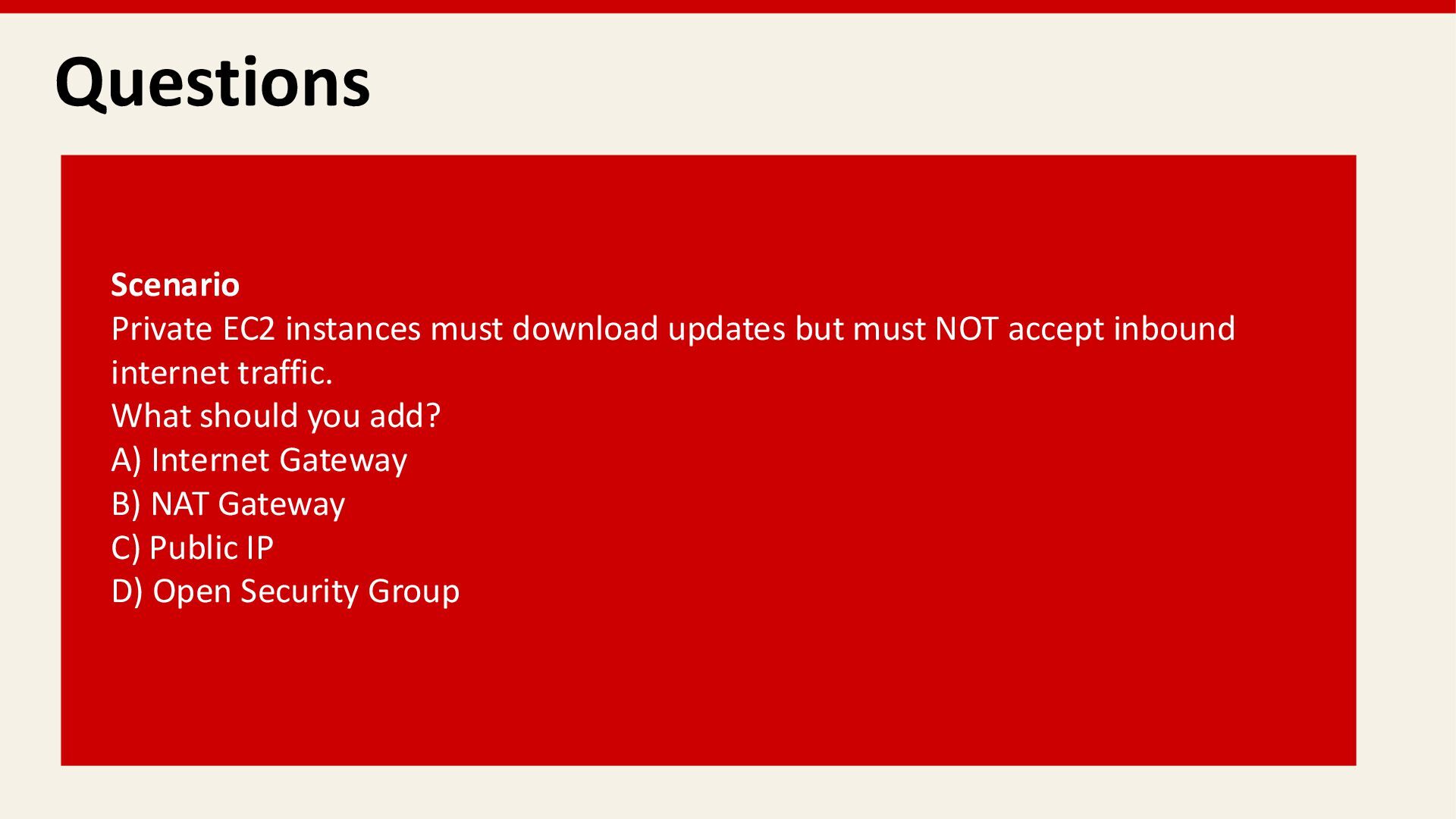
  28. Questions Scenario Private EC2 instances must download updates but must

    NOT accept inbound internet traffic. What should you add? A) Internet Gateway B) NAT Gateway C) Public IP D) Open Security Group
  29. Questions Scenario Private EC2 instances must download updates but must

    NOT accept inbound internet traffic. What should you add? A) Internet Gateway B) NAT Gateway C) Public IP D) Open Security Group
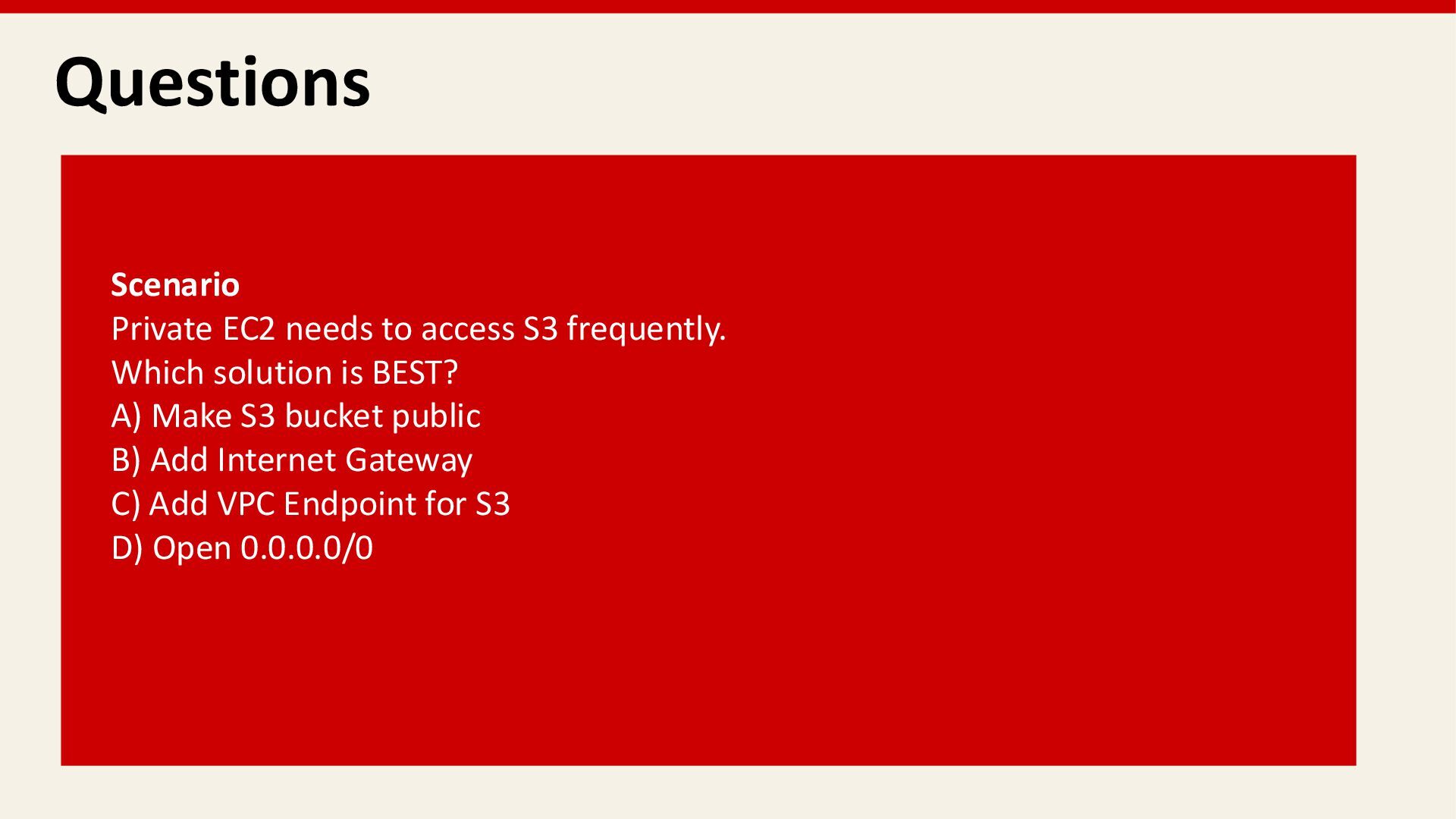
  30. Questions Scenario Private EC2 needs to access S3 frequently. Which

    solution is BEST? A) Make S3 bucket public B) Add Internet Gateway C) Add VPC Endpoint for S3 D) Open 0.0.0.0/0
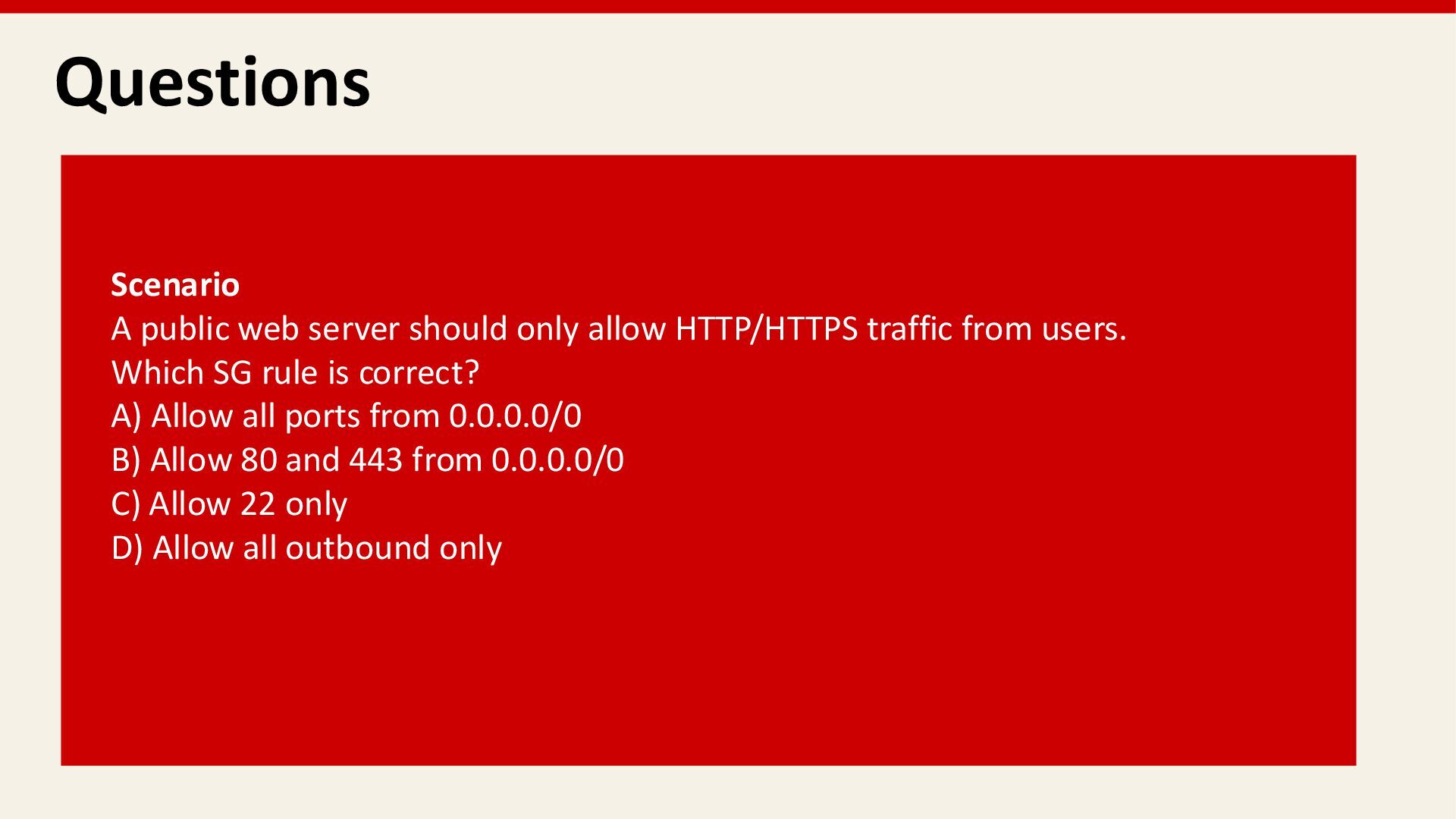
  31. Questions Scenario A public web server should only allow HTTP/HTTPS

    traffic from users. Which SG rule is correct? A) Allow all ports from 0.0.0.0/0 B) Allow 80 and 443 from 0.0.0.0/0 C) Allow 22 only D) Allow all outbound only
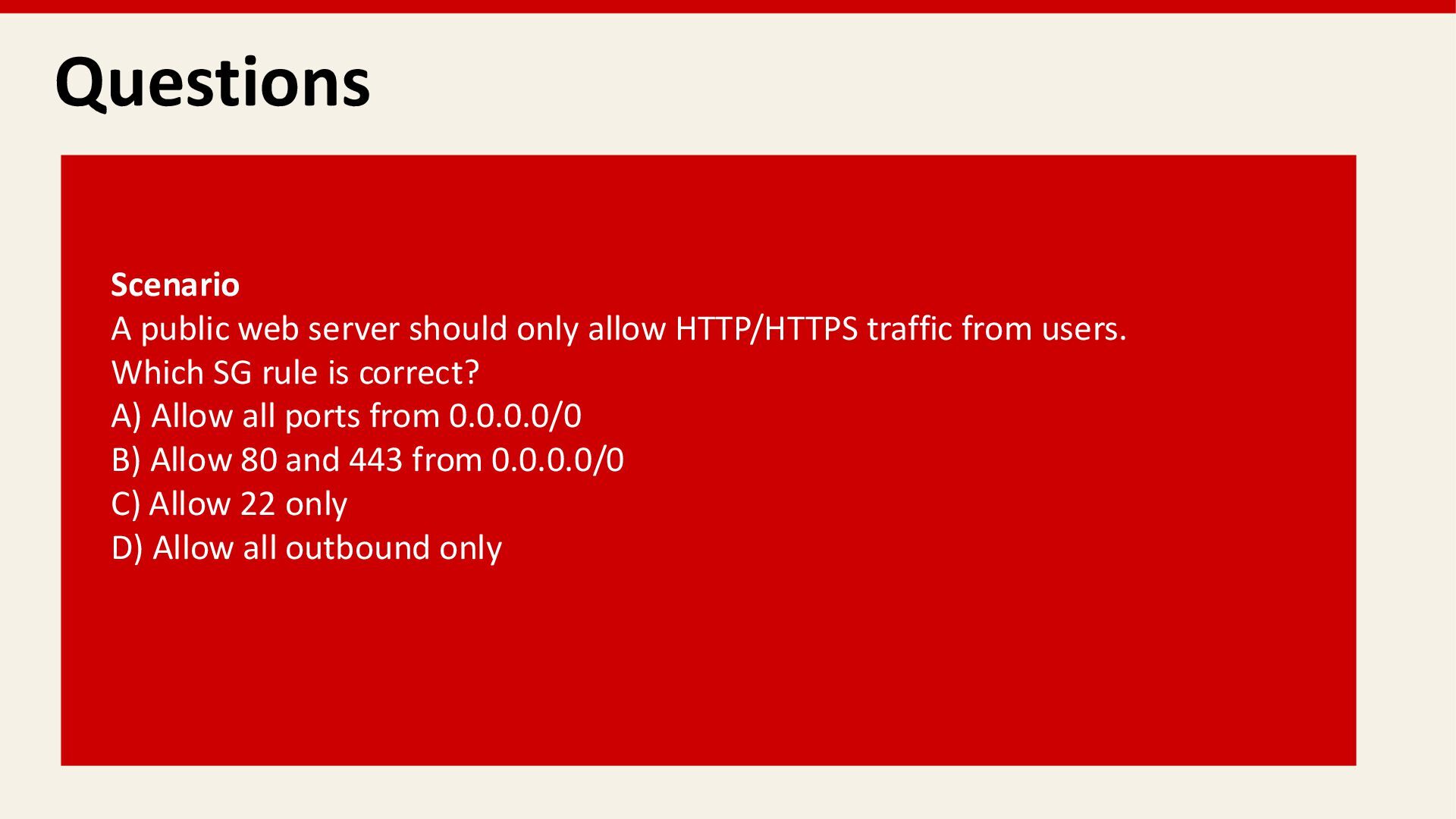
  32. Questions Scenario A public web server should only allow HTTP/HTTPS

    traffic from users. Which SG rule is correct? A) Allow all ports from 0.0.0.0/0 B) Allow 80 and 443 from 0.0.0.0/0 C) Allow 22 only D) Allow all outbound only
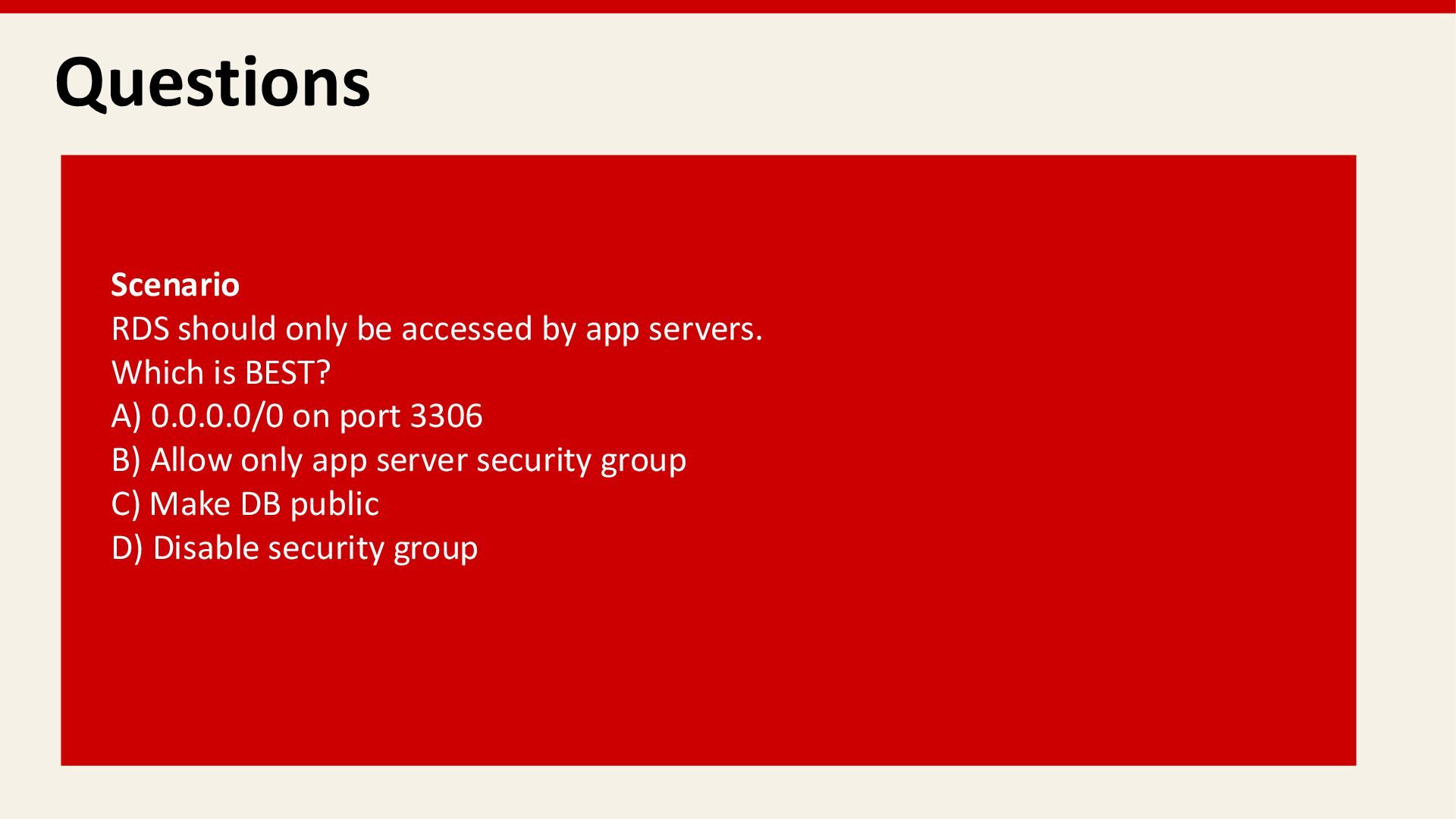
  33. Questions Scenario RDS should only be accessed by app servers.

    Which is BEST? A) 0.0.0.0/0 on port 3306 B) Allow only app server security group C) Make DB public D) Disable security group
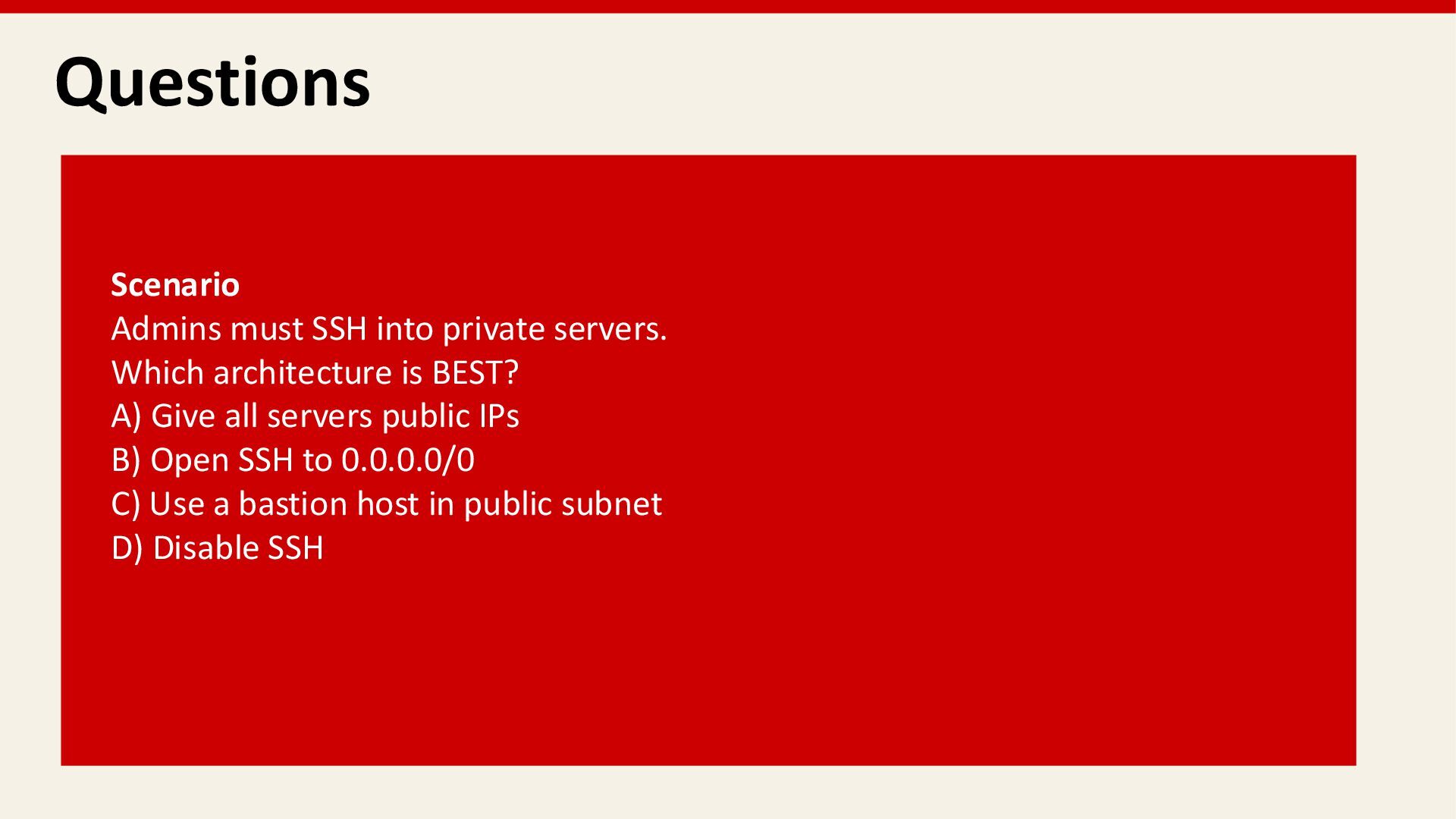
  34. Questions Scenario Admins must SSH into private servers. Which architecture

    is BEST? A) Give all servers public IPs B) Open SSH to 0.0.0.0/0 C) Use a bastion host in public subnet D) Disable SSH
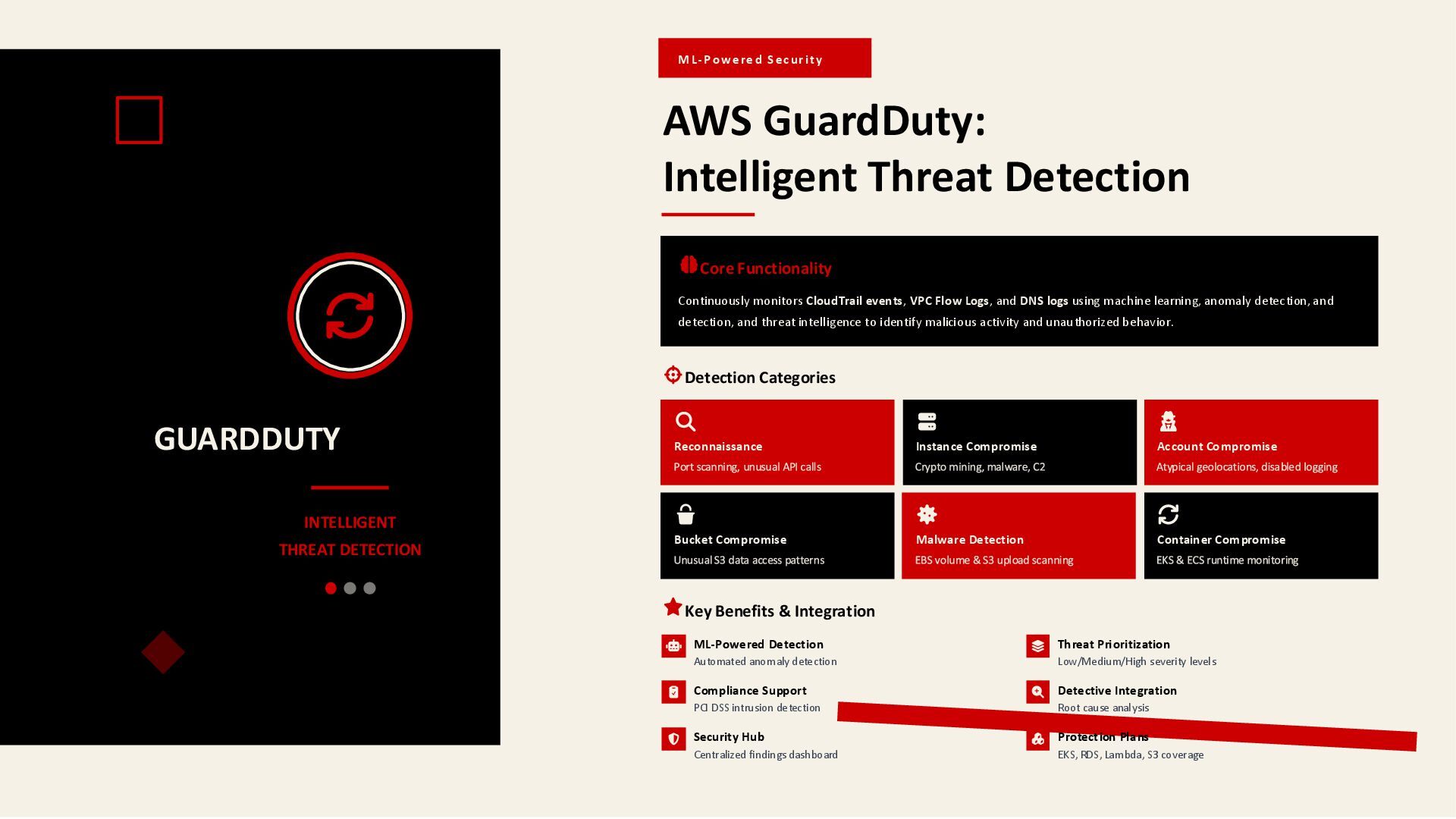
  35. GUARDDUTY INTELLIGENT THREAT DETECTION ML-Powe re d S ec urit

    y AWS GuardDuty: Intelligent Threat Detection Core Functionality Continuously monitors CloudTrail events, VPC Flow Logs, and DNS logs using machine learning, anomaly detection, and detection, and threat intelligence to identify malicious activity and unauthorized behavior. Detection Categories Reconnaissance Instance Compromise Account Compromise Bucket Compromise Malware Detection Container Compromise Key Benefits & Integration ML-Powered Detection Automated anomaly detection Threat Prioritization Low/Medium/High severity levels Compliance Support PCI DSS intrusion detection Detective Integration Root cause analysis Security Hub Centralized findings dashboard Protection Plans EKS, RDS, Lambda, S3 coverage
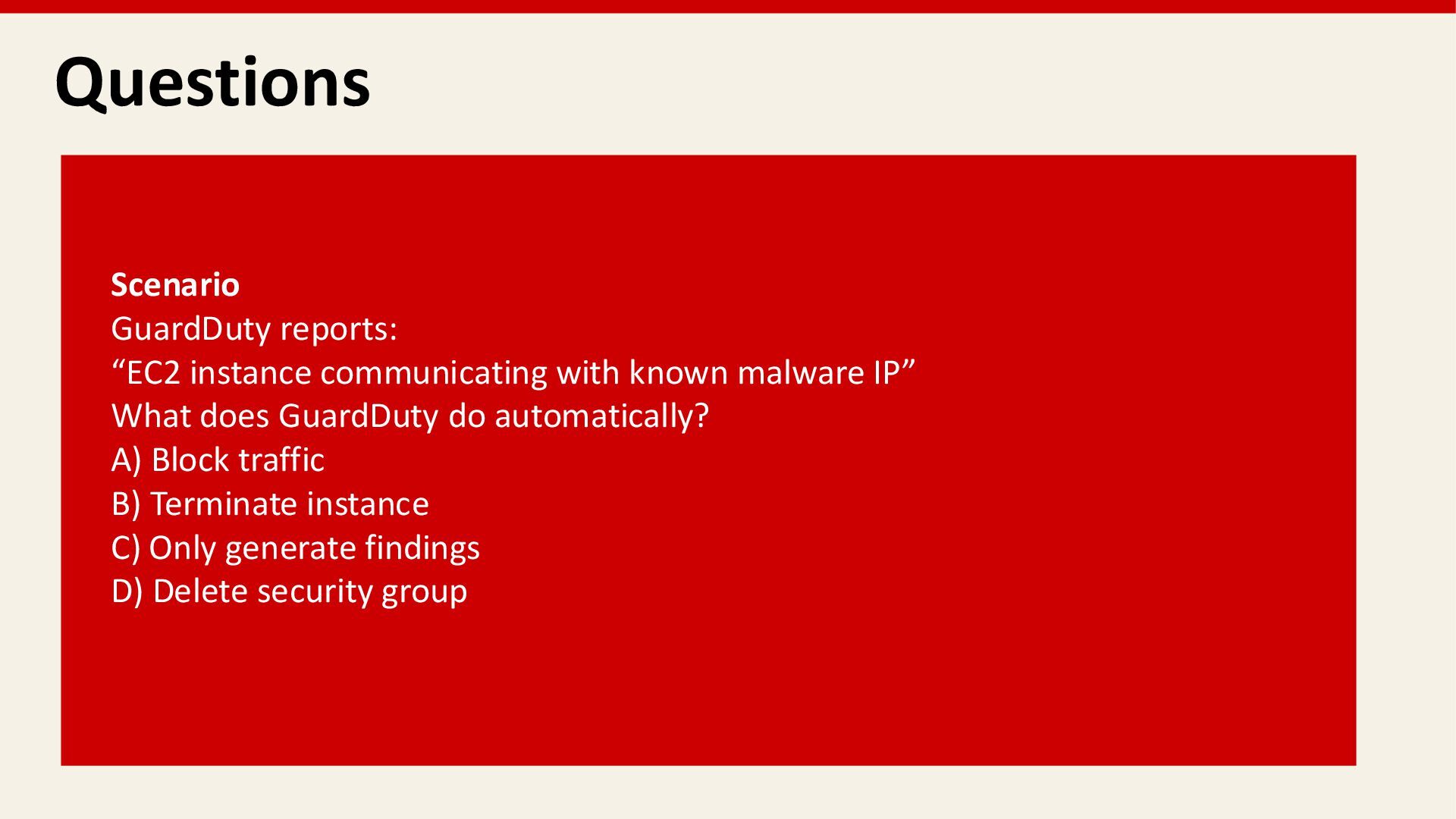
  36. Questions Scenario GuardDuty reports: “EC2 instance communicating with known malware

    IP” What does GuardDuty do automatically? A) Block traffic B) Terminate instance C) Only generate findings D) Delete security group
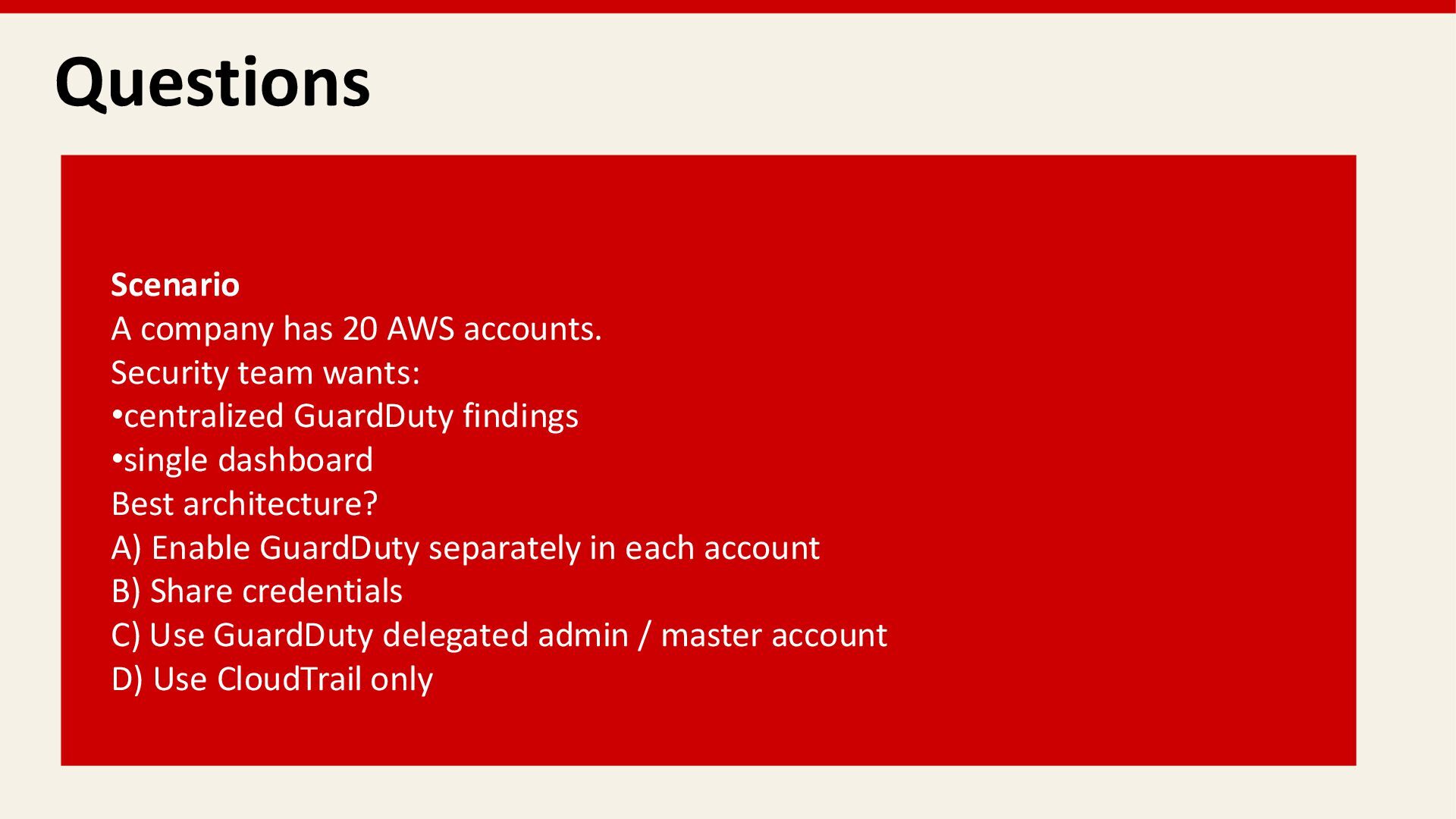
  37. Questions Scenario A company has 20 AWS accounts. Security team

    wants: •centralized GuardDuty findings •single dashboard Best architecture? A) Enable GuardDuty separately in each account B) Share credentials C) Use GuardDuty delegated admin / master account D) Use CloudTrail only
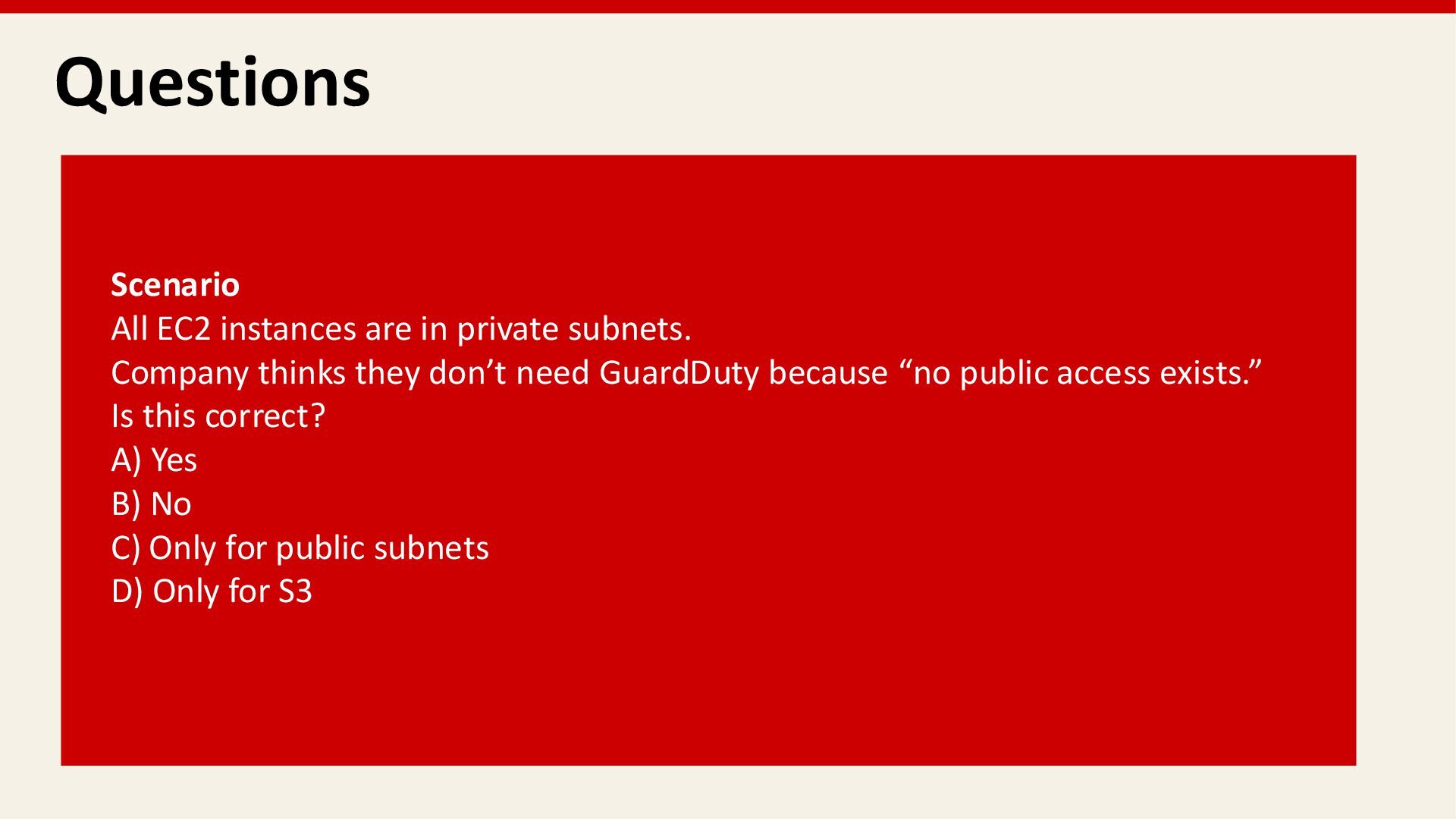
  38. Questions Scenario All EC2 instances are in private subnets. Company

    thinks they don’t need GuardDuty because “no public access exists.” Is this correct? A) Yes B) No C) Only for public subnets D) Only for S3
  39. AWS MONITORING & LOGGING FUNDAMENTALS Amazon CloudWatch CloudWatch Metrics, Logs

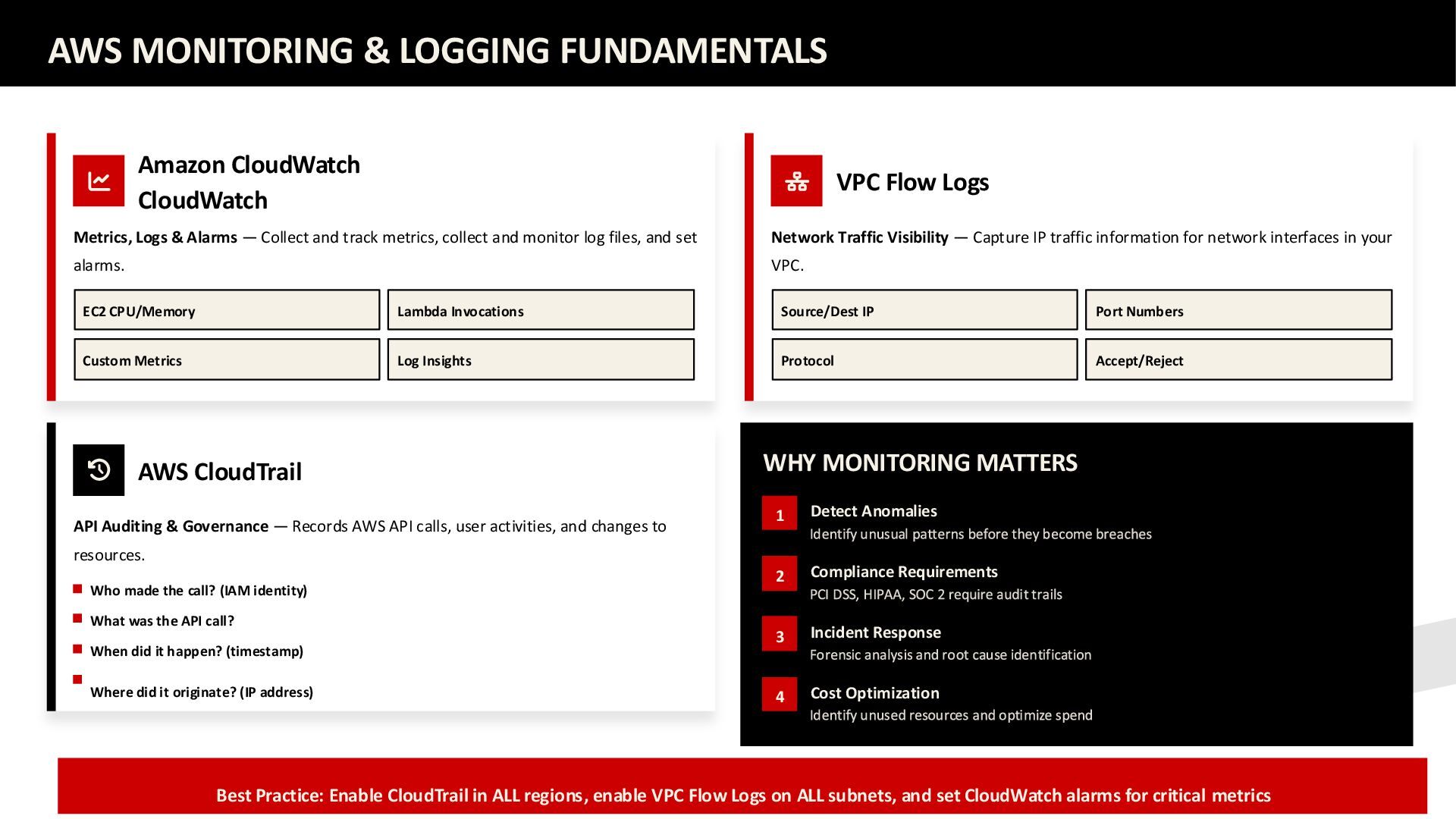
    & Alarms — Collect and track metrics, collect and monitor log files, and set alarms. EC2 CPU/Memory Lambda Invocations Custom Metrics Log Insights AWS CloudTrail API Auditing & Governance — Records AWS API calls, user activities, and changes to resources. Who made the call? (IAM identity) What was the API call? When did it happen? (timestamp) Where did it originate? (IP address) VPC Flow Logs Network Traffic Visibility — Capture IP traffic information for network interfaces in your VPC. Source/Dest IP Port Numbers Protocol Accept/Reject WHY MONITORING MATTERS 1 Detect Anomalies 2 Compliance Requirements 3 Incident Response 4 Cost Optimization Best Practice: Enable CloudTrail in ALL regions, enable VPC Flow Logs on ALL subnets, and set CloudWatch alarms for critical metrics
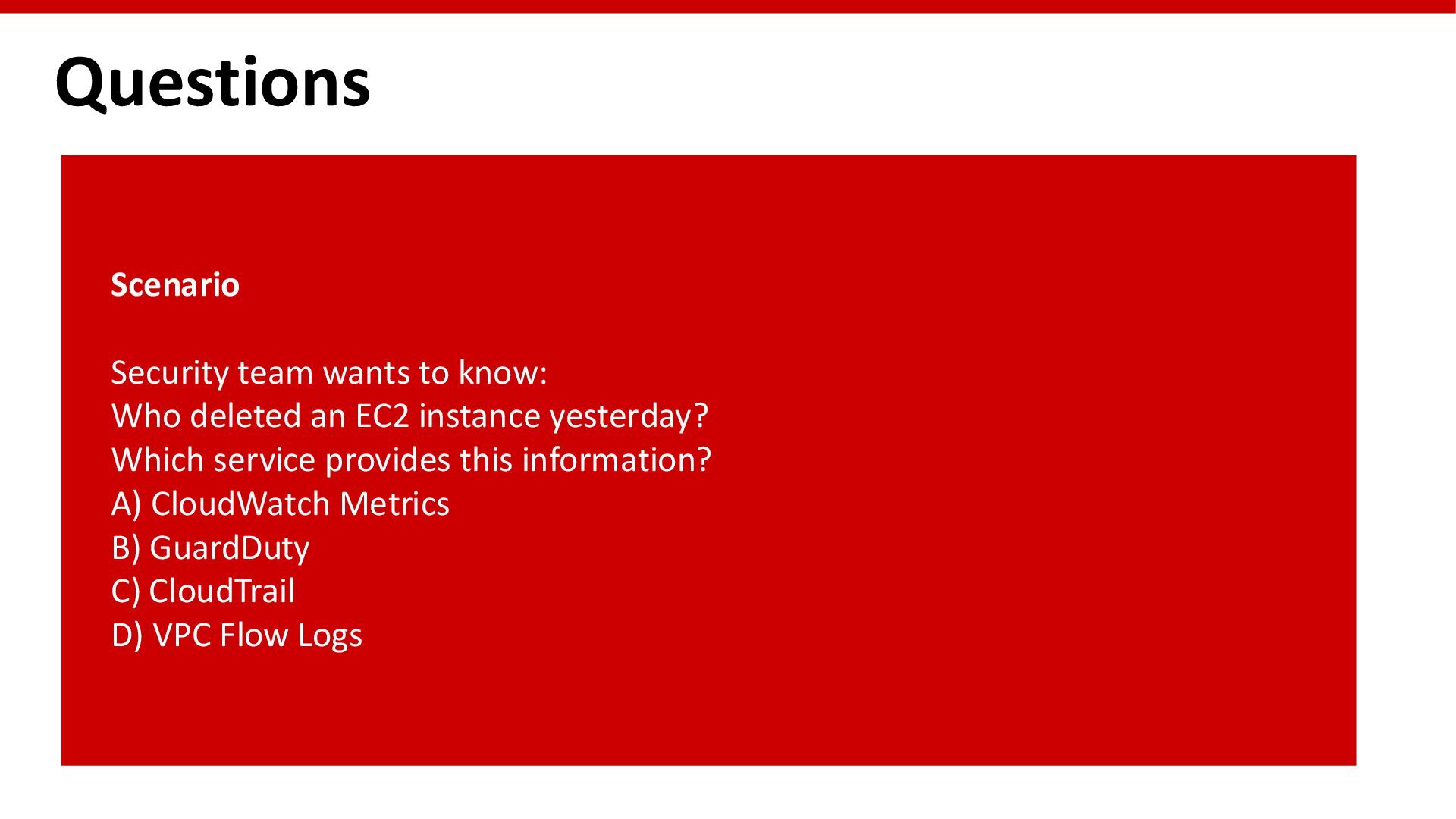
  40. Questions Scenario Security team wants to know: Who deleted an

    EC2 instance yesterday? Which service provides this information? A) CloudWatch Metrics B) GuardDuty C) CloudTrail D) VPC Flow Logs
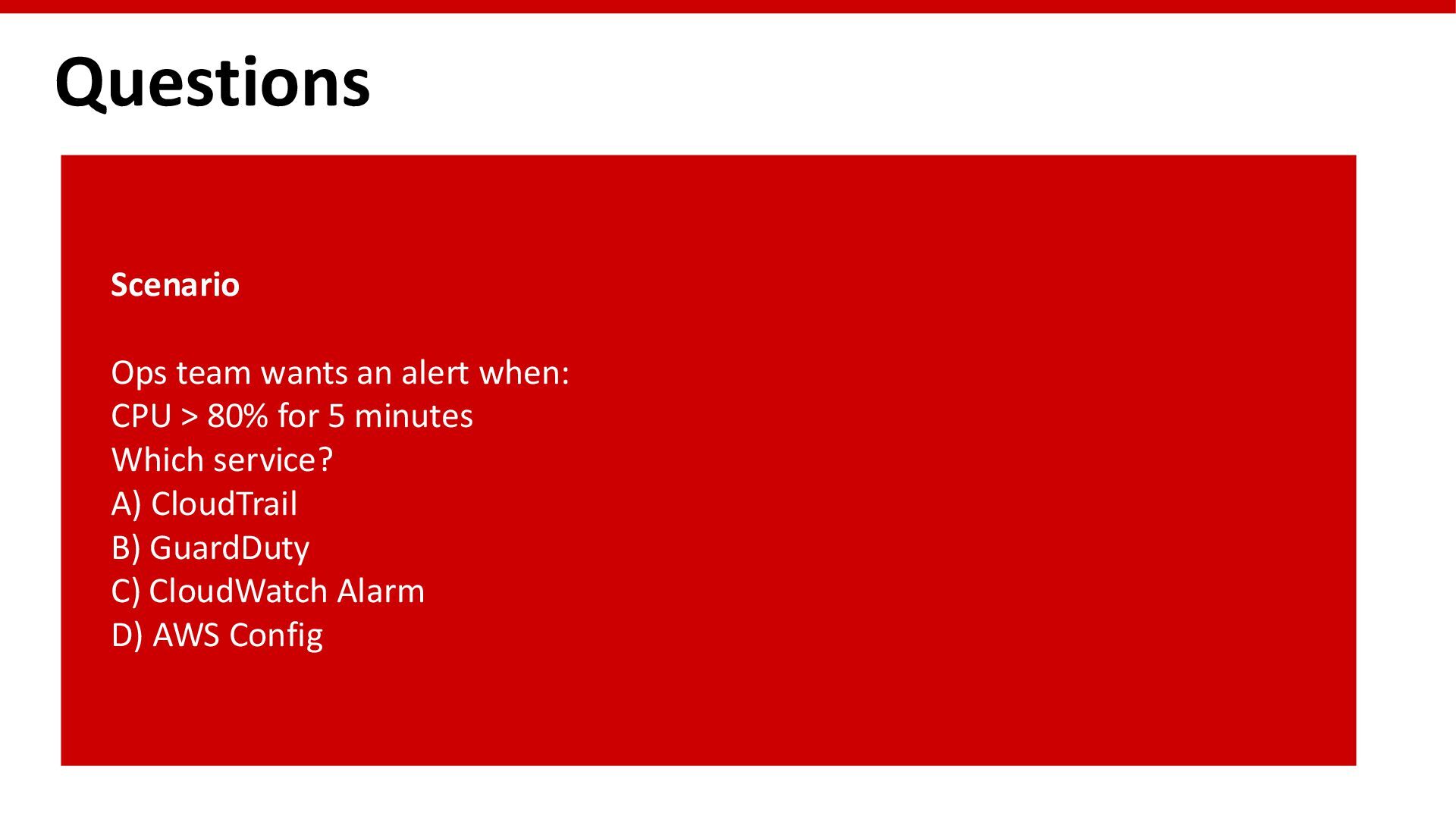
  41. Questions Scenario Ops team wants an alert when: CPU >

    80% for 5 minutes Which service? A) CloudTrail B) GuardDuty C) CloudWatch Alarm D) AWS Config
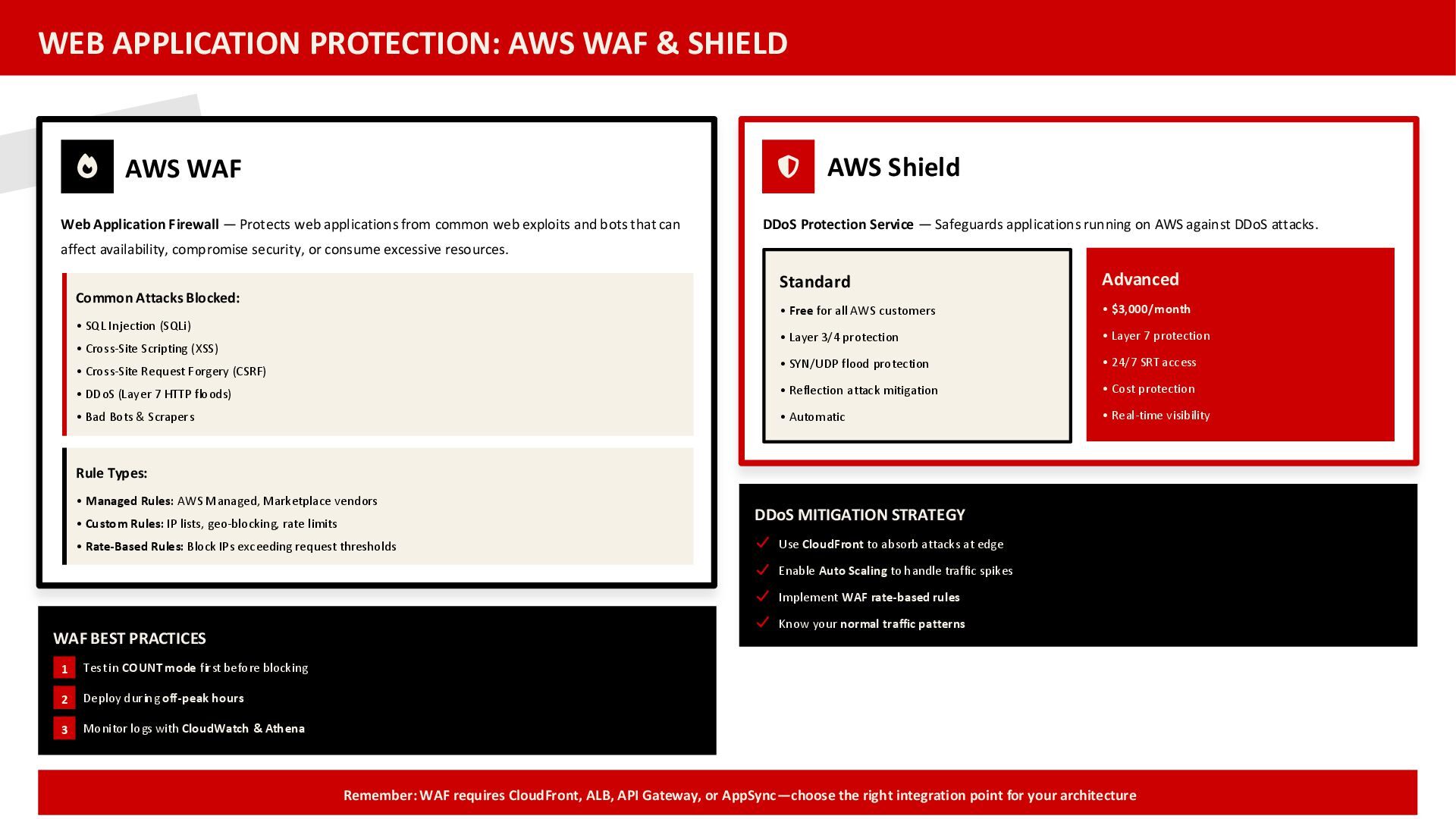
  42. WEB APPLICATION PROTECTION: AWS WAF & SHIELD AWS WAF Web

    Application Firewall — Protects web applications from common web exploits and bots that can affect availability, compromise security, or consume excessive resources. Common Attacks Blocked: • SQL Injection (SQLi) • Cross-Site Scripting (XSS) • Cross-Site Request Forgery (CSRF) • DDoS (Layer 7 HTTP floods) • Bad Bots & Scrapers Rule Types: • Managed Rules: AWS Managed, Marketplace vendors • Custom Rules: IP lists, geo-blocking, rate limits • Rate-Based Rules: Block IPs exceeding request thresholds WAF BEST PRACTICES 1 Test in COUNT mode first before blocking 2 Deploy during off-peak hours 3 Monitor logs with CloudWatch & Athena AWS Shield DDoS Protection Service — Safeguards applications running on AWS against DDoS attacks. Standard • Free for all AWS customers • Layer 3/4 protection • SYN/UDP flood protection • Reflection attack mitigation • Automatic Advanced • $3,000/month • Layer 7 protection • 24/7 SRT access • Cost protection • Real-time visibility DDoS MITIGATION STRATEGY Use CloudFront to absorb attacks at edge Enable Auto Scaling to handle traffic spikes Implement WAF rate-based rules Know your normal traffic patterns Remember: WAF requires CloudFront, ALB, API Gateway, or AppSync—choose the right integration point for your architecture