Upgrade to Pro — share decks privately, control downloads, hide ads and more …

"単体テストの考え方/使い方"をReactの設計に生かす

Avatar for shun144 shun144
January 31, 2026

 "単体テストの考え方/使い方"をReactの設計に生かす

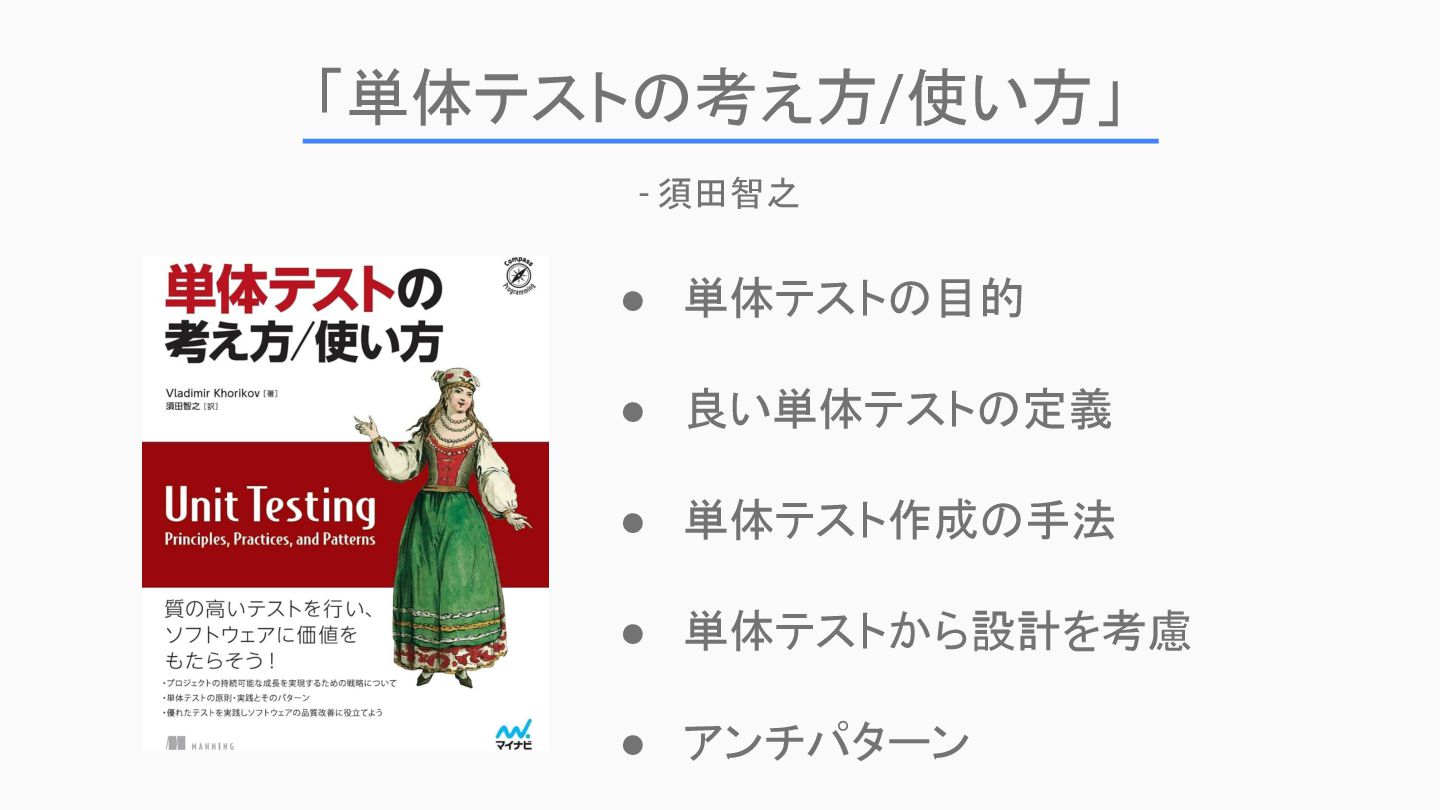
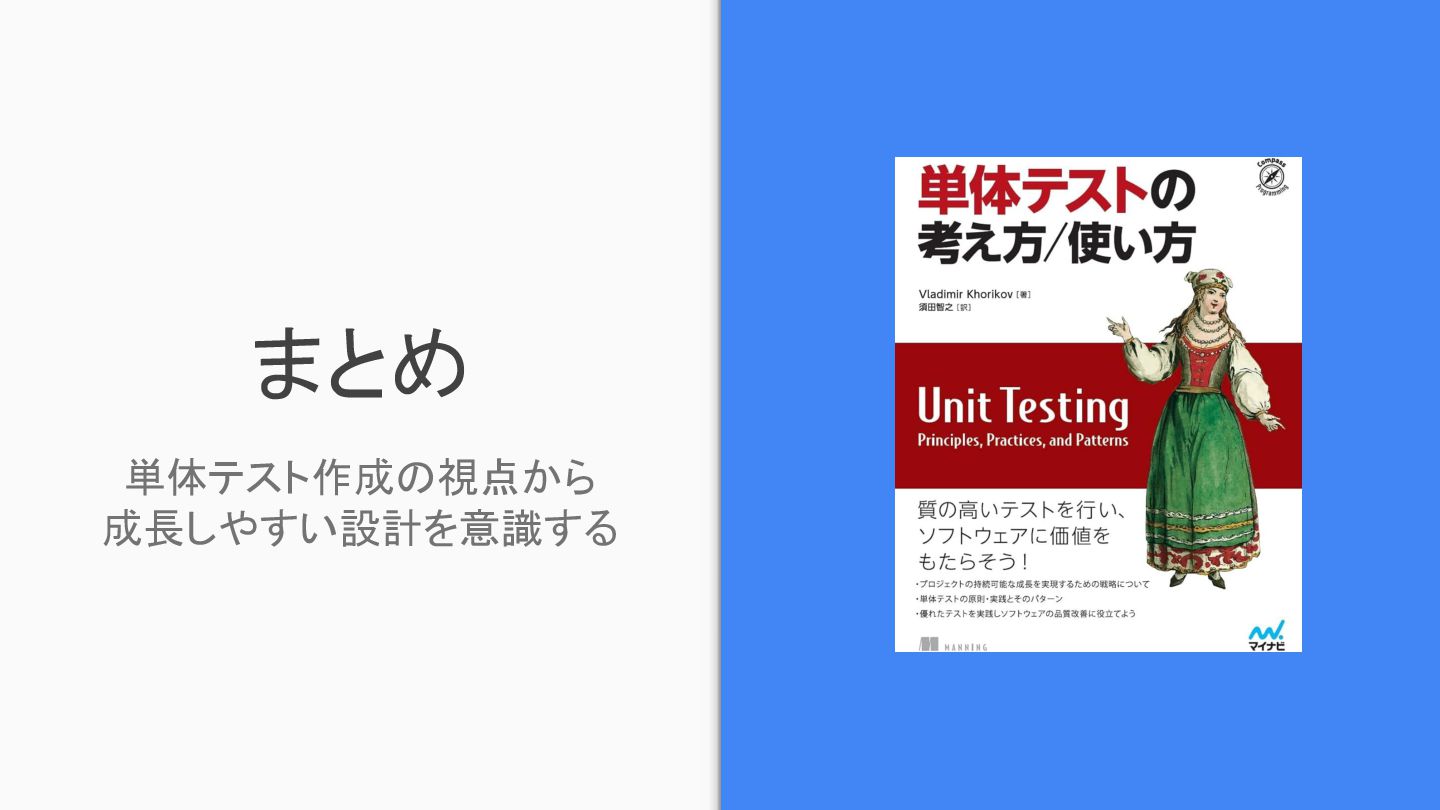
"単体テストの考え方/使い方"という書籍の内容を、Reactの設計に活かす場合どのようなアプローチになるかを検討しました。
https://www.amazon.co.jp/%E5%8D%98%E4%BD%93%E3%83%86%E3%82%B9%E3%83%88%E3%81%AE%E8%80%83%E3%81%88%E6%96%B9-%E4%BD%BF%E3%81%84%E6%96%B9-Vladimir-Khorikov/dp/4839981728?tag=googhydr-22&source=dsa&hvcampaign=books&gad_source=1

書籍には次のようなことが説明されており、C#のサンプルコードもあります。
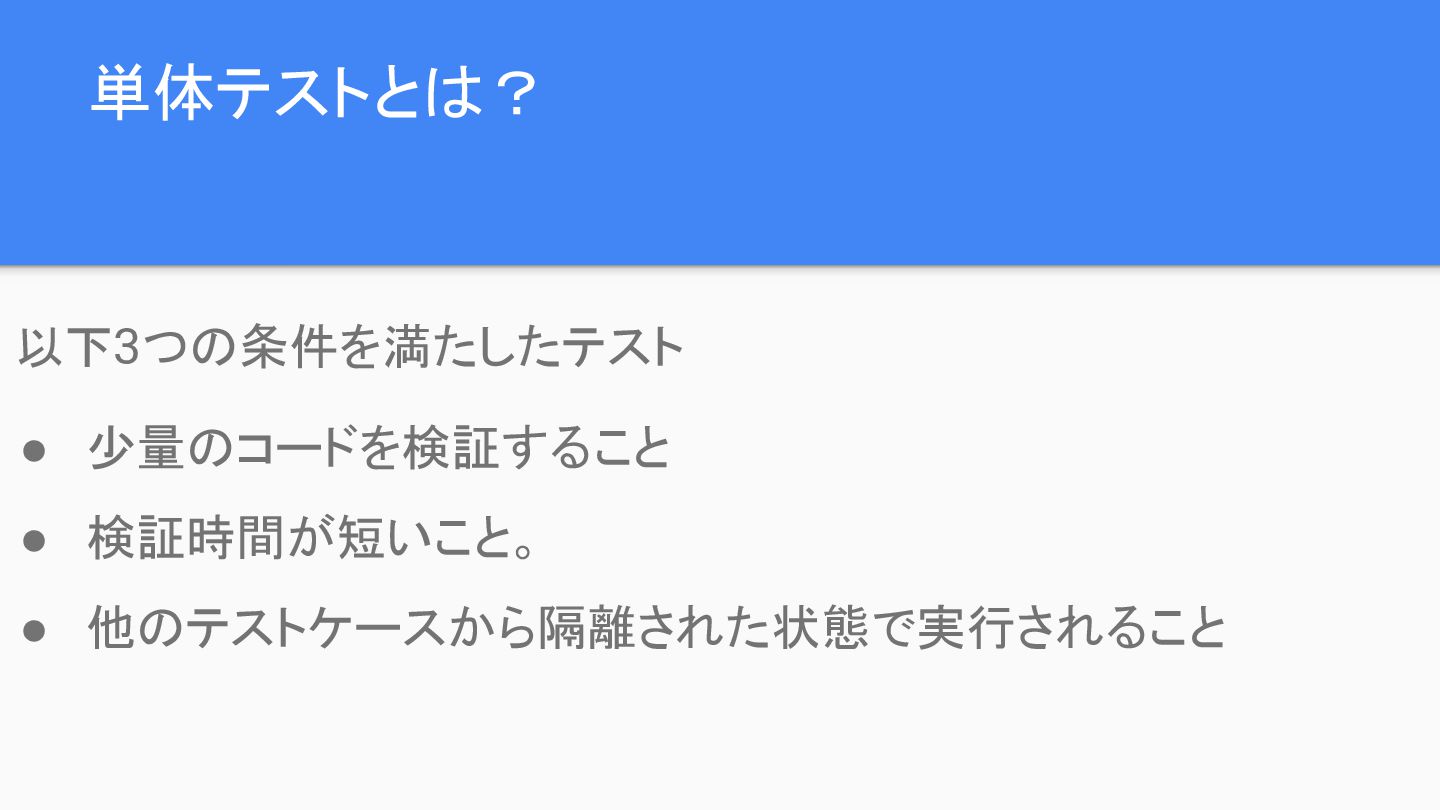
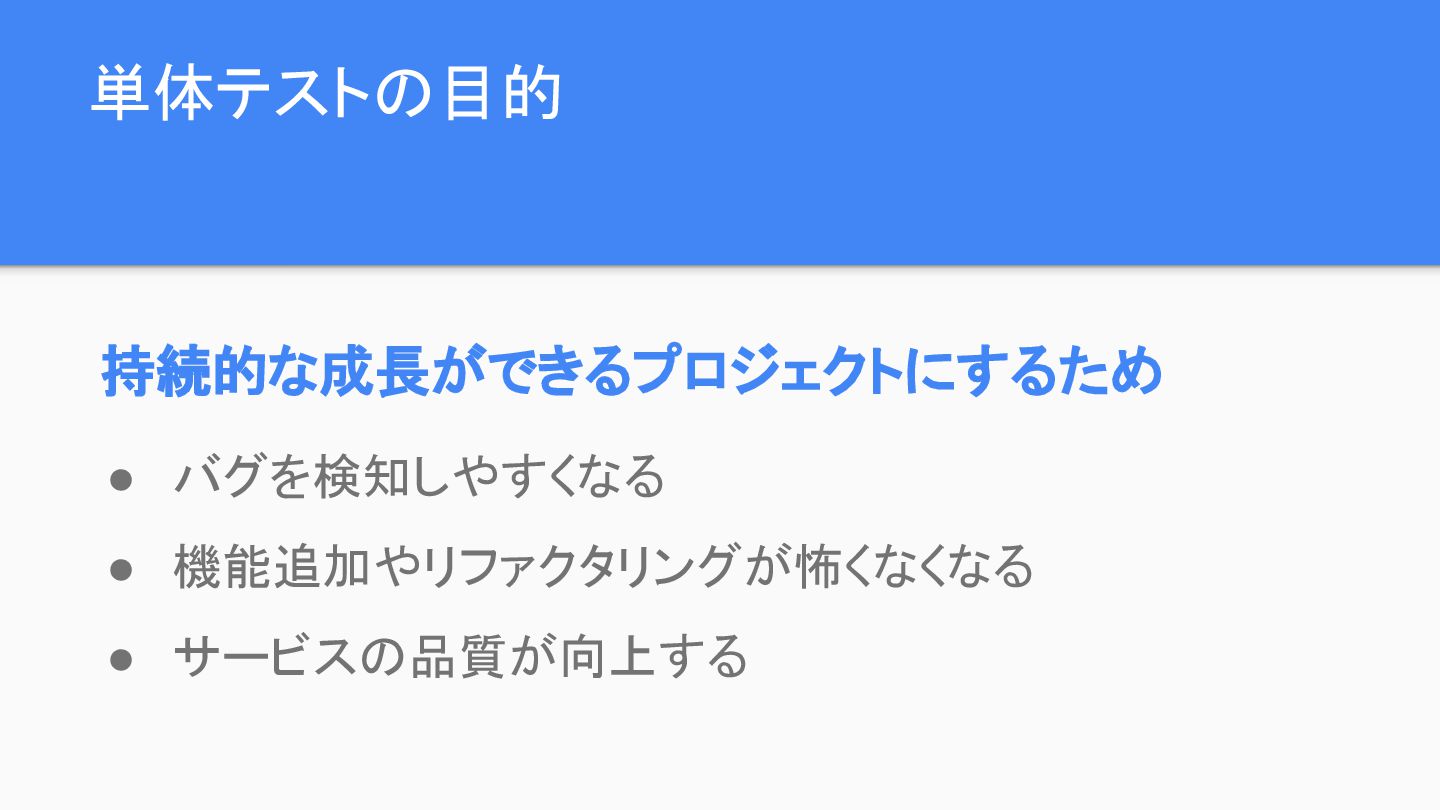
 - 単体テストの目的
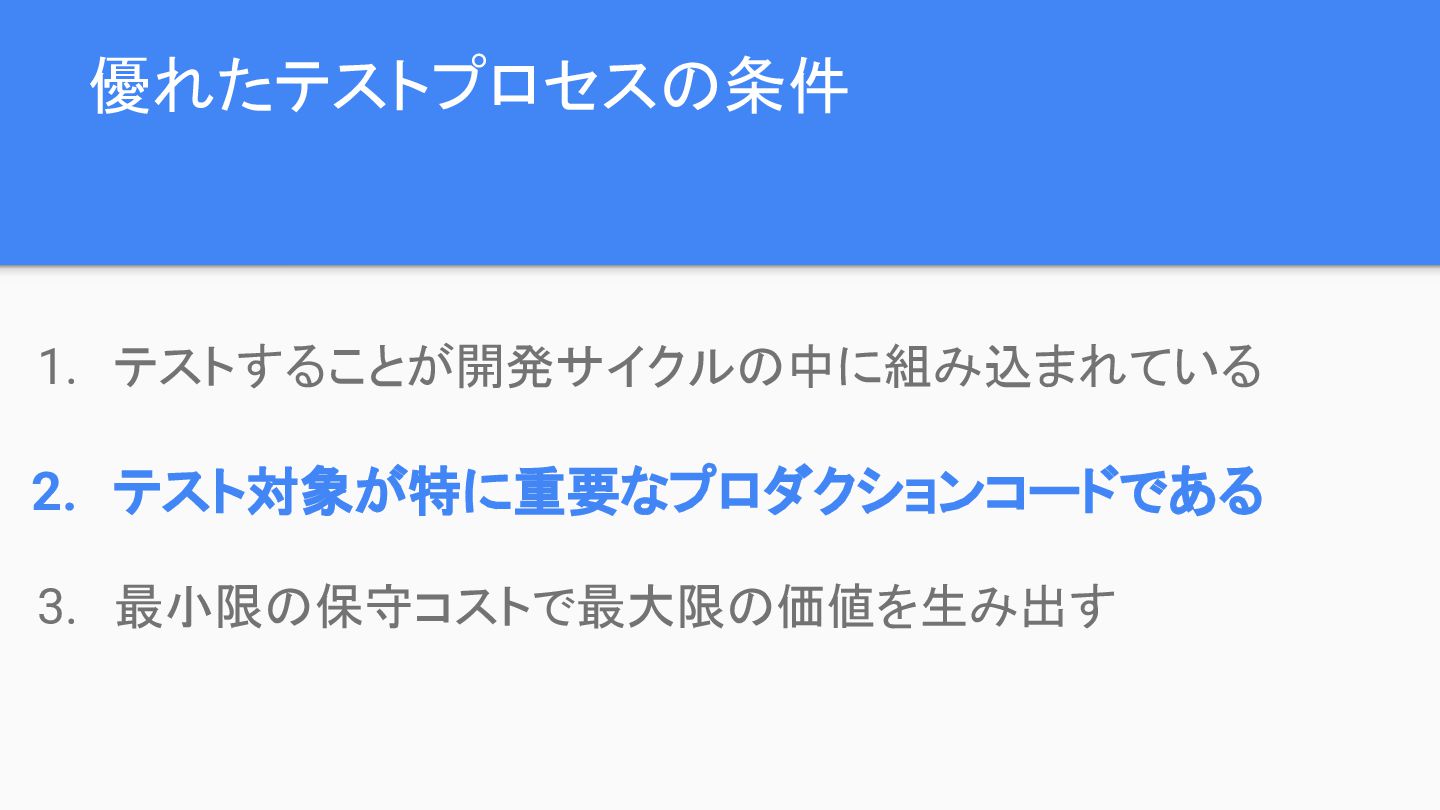
 - 優れたテストスイートの条件
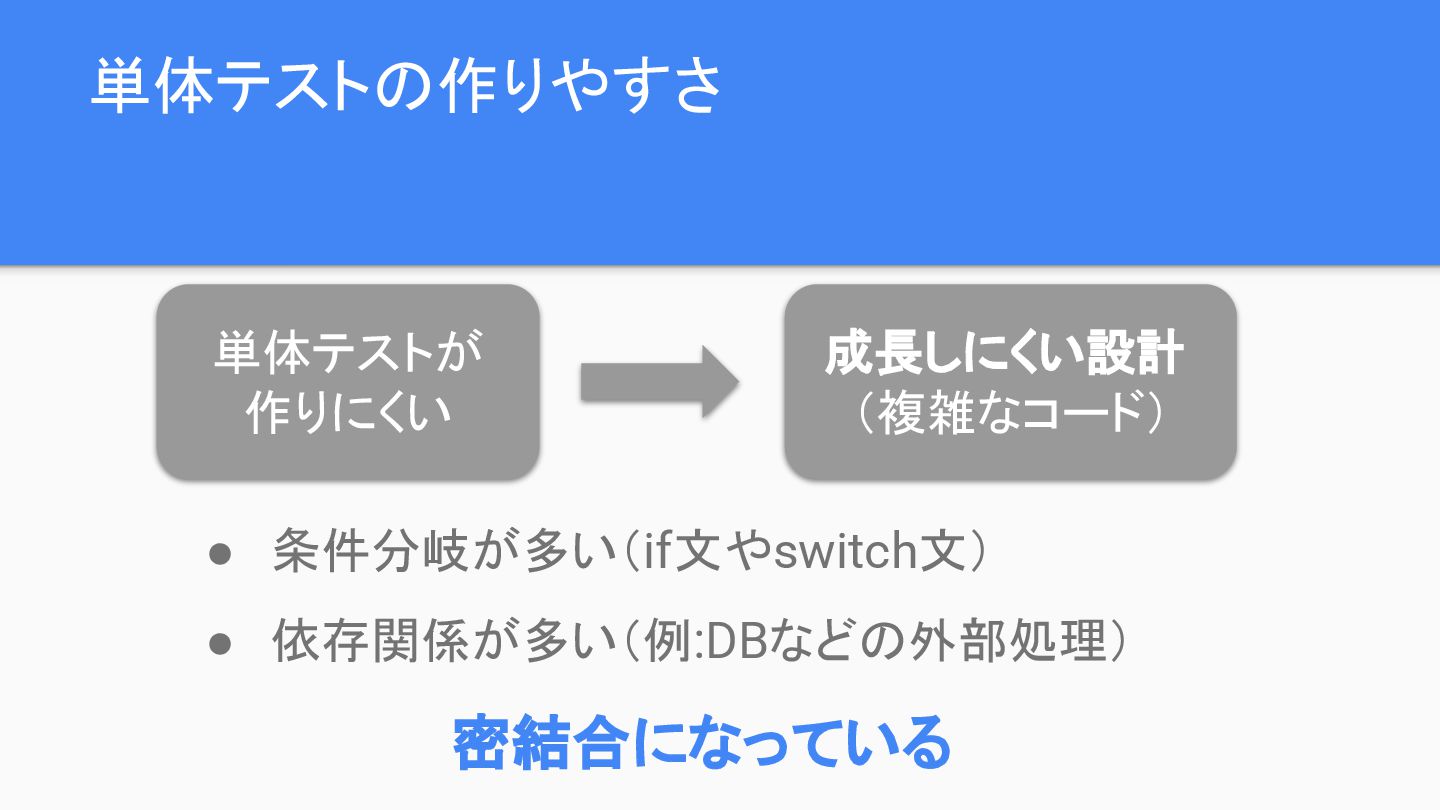
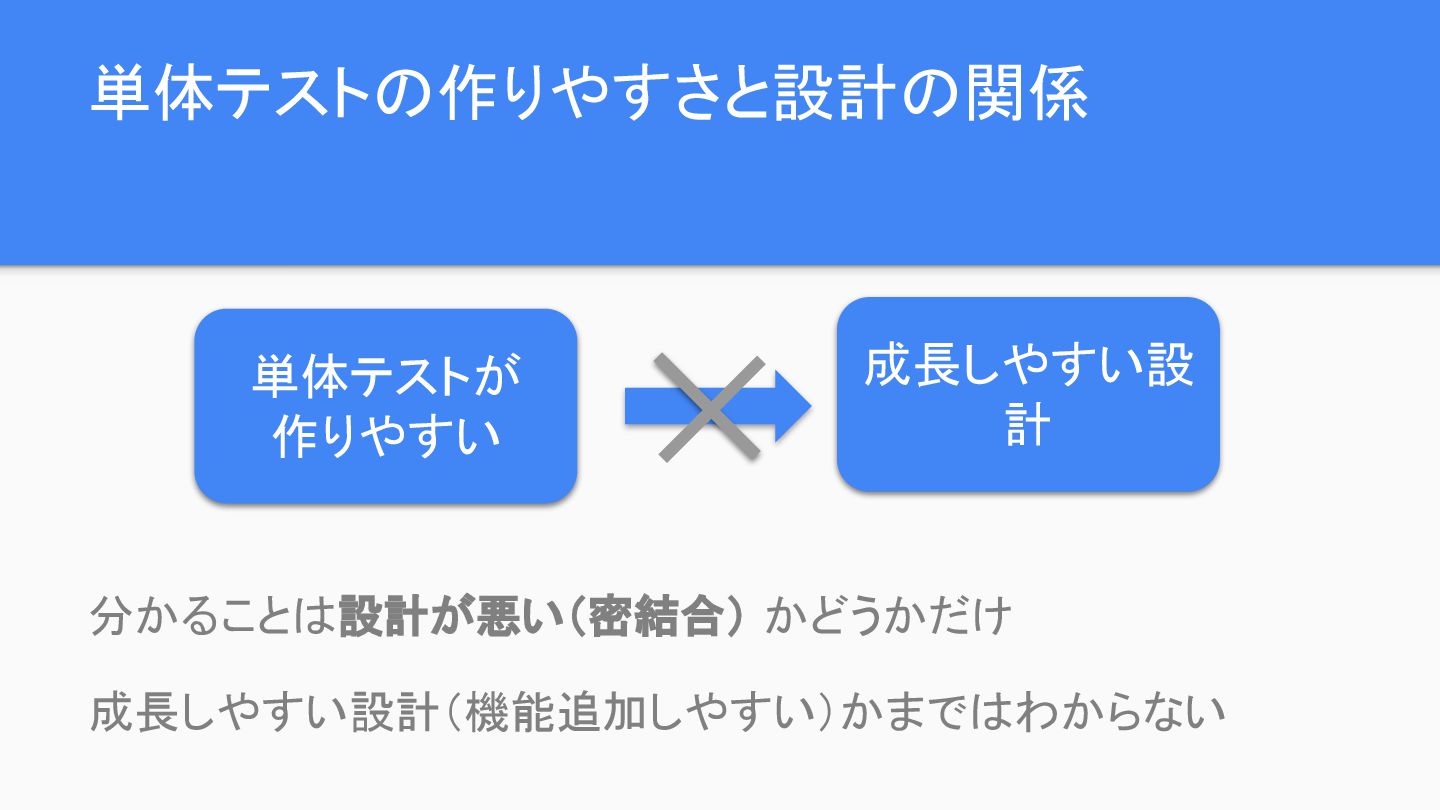
 - 単体テストと設計の関係性
 - 単体テストの記述に関するベストプラクティス etc...
書籍はバックエンドメインの説明なので、本スライドではReact(フロントエンド)の場合を検討しています。

Avatar for shun144

shun144

January 31, 2026

Other Decks in Design

Transcript

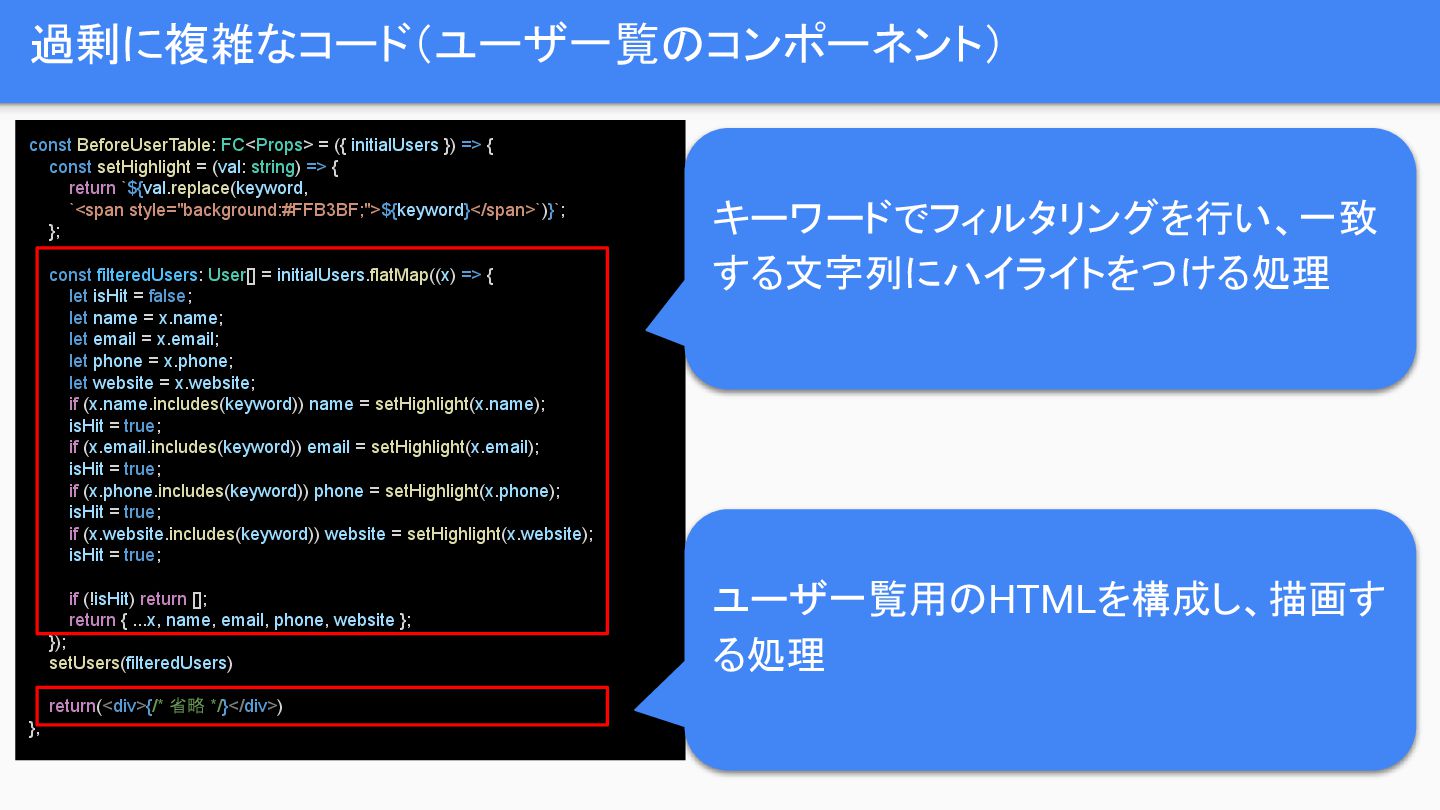
  1. 過剰に複雑なコード(ユーザ一覧のコンポーネント) const BeforeUserTable: FC<Props> = ({ initialUsers }) => {

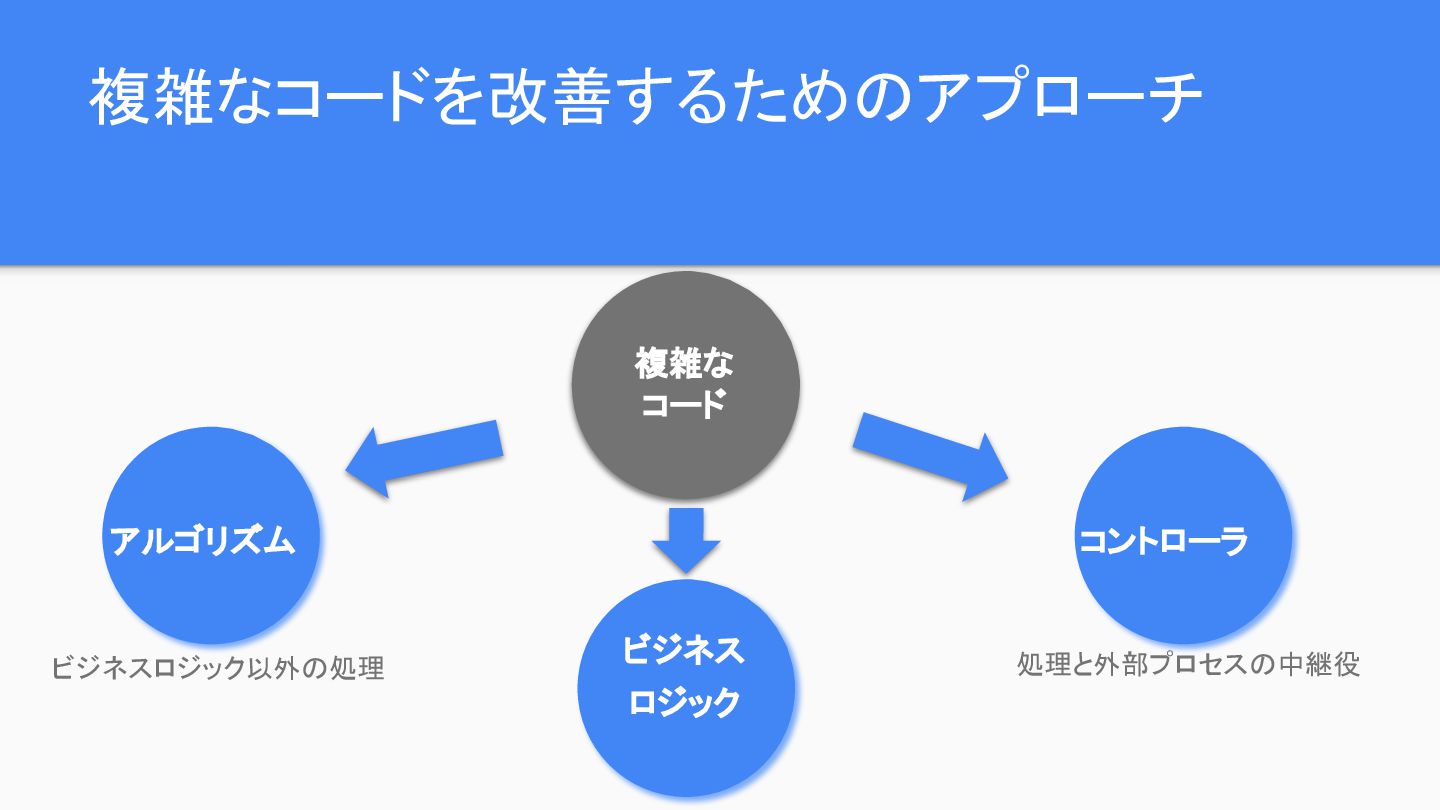
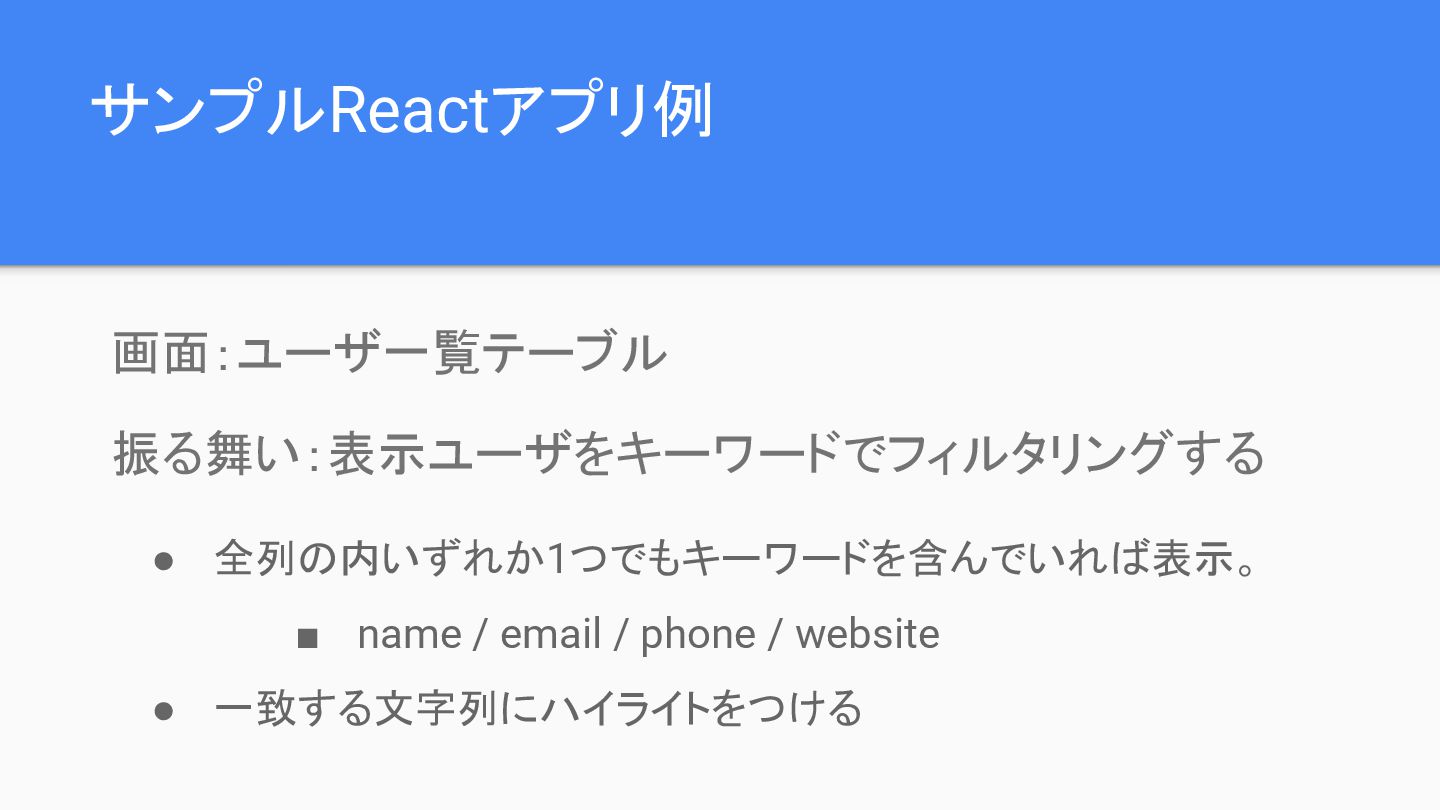
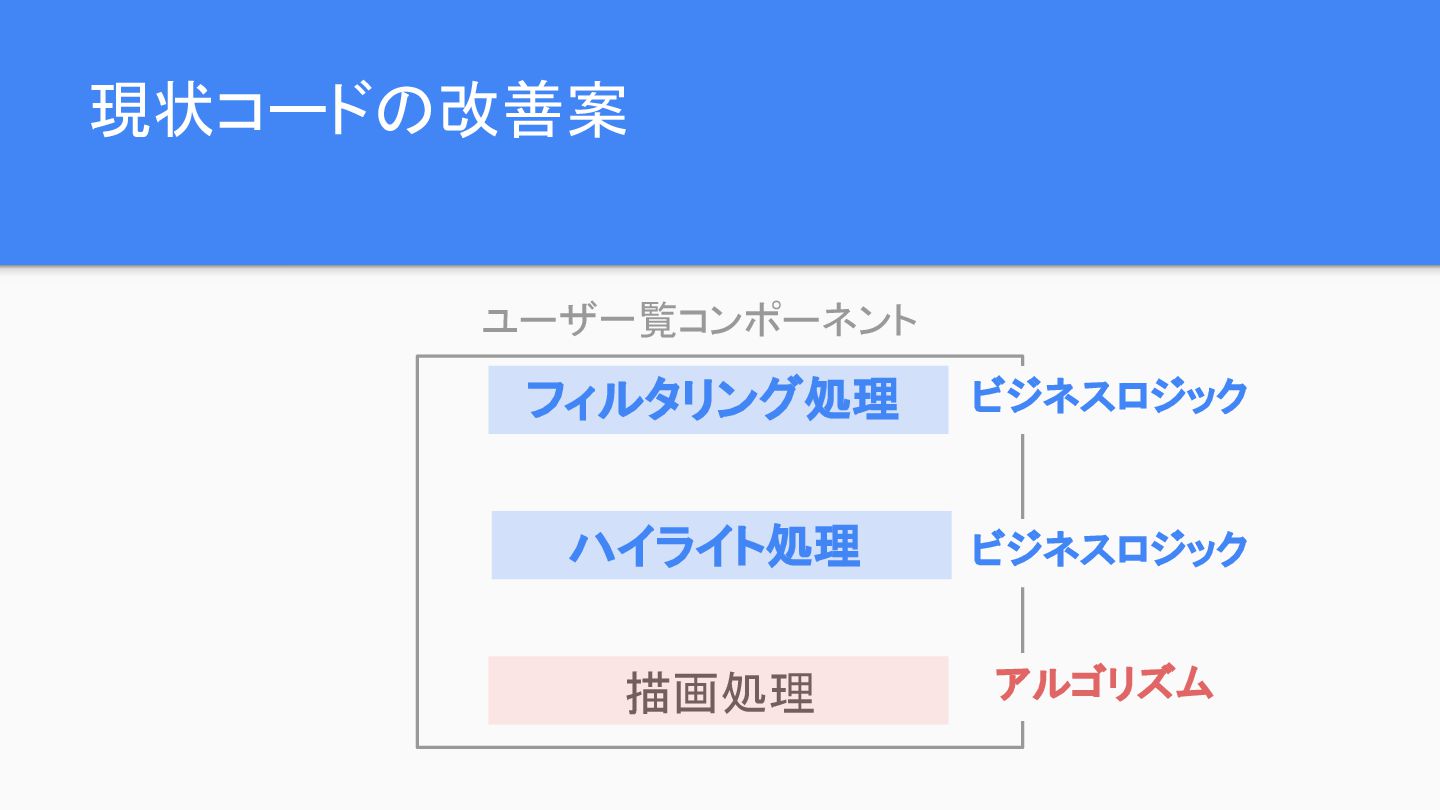
    const setHighlight = (val: string) => { return `${val.replace(keyword, `<span style="background:#FFB3BF;">${keyword}</span>`)}`; }; const filteredUsers: User[] = initialUsers.flatMap((x) => { let isHit = false; let name = x.name; let email = x.email; let phone = x.phone; let website = x.website; if (x.name.includes(keyword)) name = setHighlight(x.name); isHit = true; if (x.email.includes(keyword)) email = setHighlight(x.email); isHit = true; if (x.phone.includes(keyword)) phone = setHighlight(x.phone); isHit = true; if (x.website.includes(keyword)) website = setHighlight(x.website); isHit = true; if (!isHit) return []; return { ...x, name, email, phone, website }; }); setUsers(filteredUsers) return(<div>{/* 省略 */}</div>) }; キーワードでフィルタリングを行い、一致 する文字列にハイライトをつける処理 ユーザ一覧用のHTMLを構成し、描画す る処理
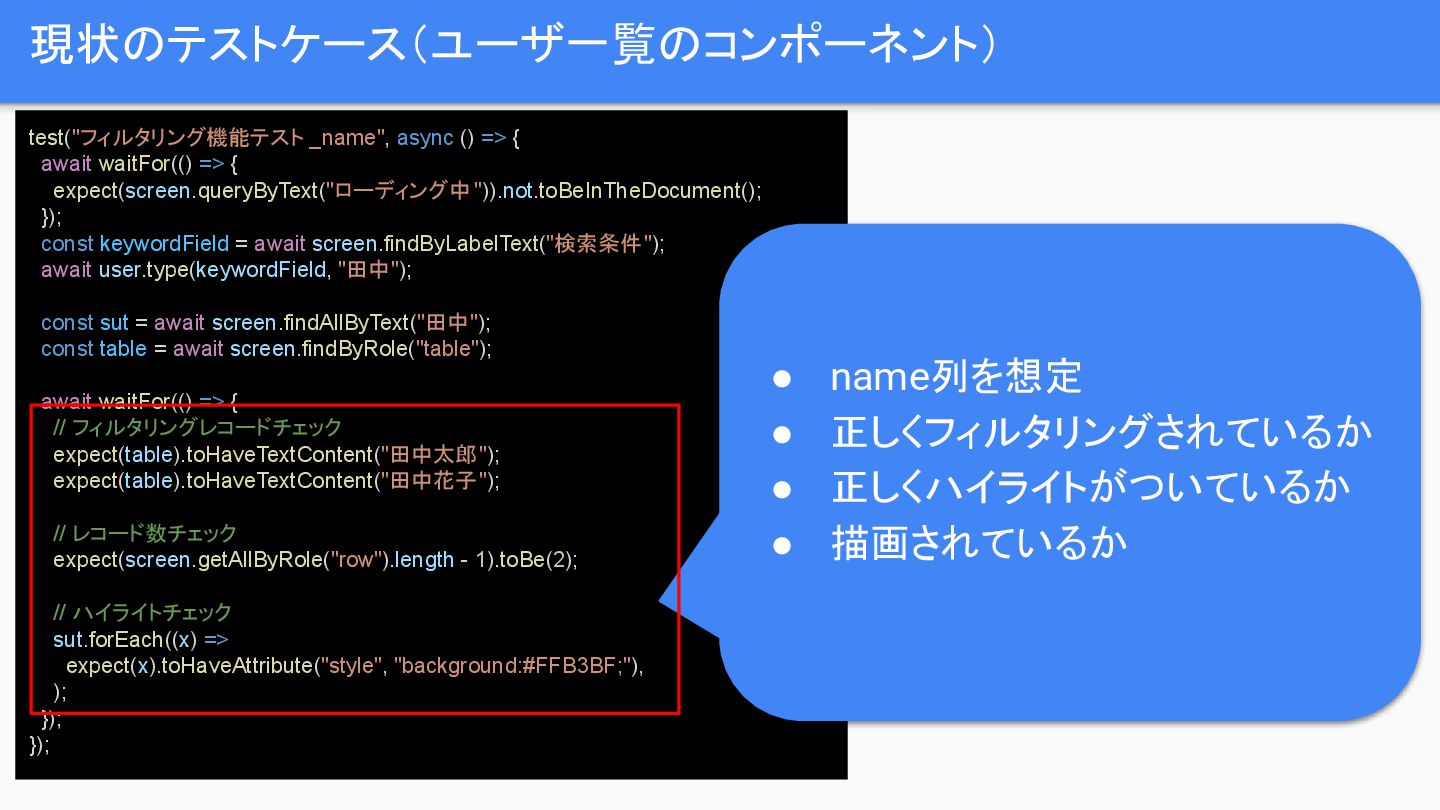
  2. 現状のテストケース(ユーザ一覧のコンポーネント) test("フィルタリング機能テスト _name", async () => { await waitFor(() =>

    { expect(screen.queryByText("ローディング中")).not.toBeInTheDocument(); }); const keywordField = await screen.findByLabelText("検索条件"); await user.type(keywordField, "田中"); const sut = await screen.findAllByText("田中"); const table = await screen.findByRole("table"); await waitFor(() => { // フィルタリングレコードチェック expect(table).toHaveTextContent("田中太郎"); expect(table).toHaveTextContent("田中花子"); // レコード数チェック expect(screen.getAllByRole("row").length - 1).toBe(2); // ハイライトチェック sut.forEach((x) => expect(x).toHaveAttribute("style", "background:#FFB3BF;"), ); }); }); • name列を想定 • 正しくフィルタリングされているか • 正しくハイライトがついているか • 描画されているか
  3. リファクタリング(ビジネスロジック切り出し) export class Users { initialUsers: User[]; #setHighlight(val: string, keyword:

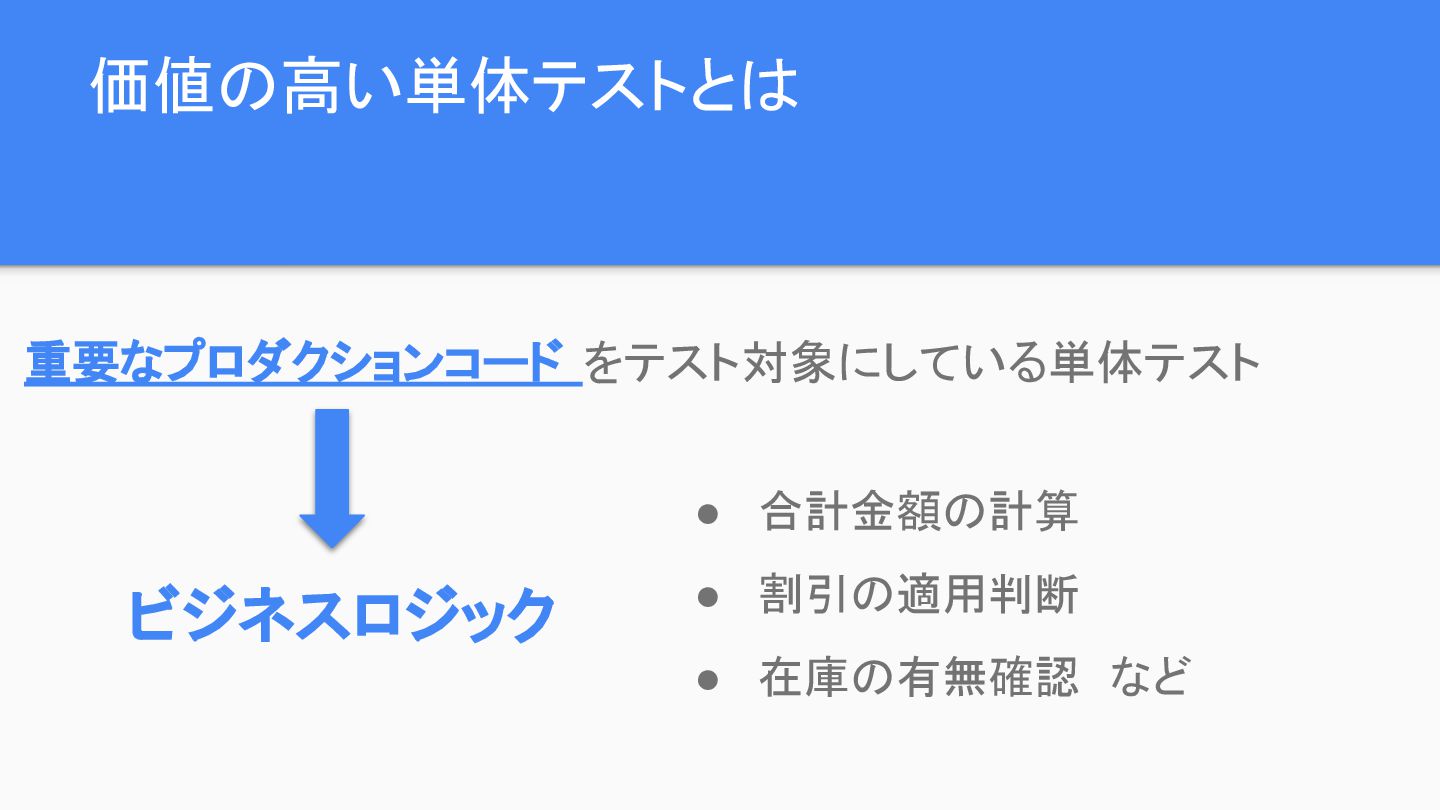
    string) { return `${val.replace(keyword, `<span style="background:#FFB3BF;">${keyword}</span>`)}`; } filterUsers(keyword?: string) { if (!keyword) return this.initialUsers; return this.initialUsers.filter( (x) => x.name.includes(keyword) ||x.email.includes(keyword) || x.phone.includes(keyword) || x.website.includes(keyword), ); } filterUsersWithHighlight(keyword?: string) { return this.filterUsers(keyword).map((x) => ({ ...x, name: this.#setHighlight(x.name, keyword!), email: this.#setHighlight(x.email, keyword!), phone: this.#setHighlight(x.phone, keyword!), website: this.#setHighlight(x.website, keyword!), })); } } • 表示するユーザ情報を保持するクラ ス • キーワード(引数)でフィルタリングし た結果を返すメソッド • フィルタリング結果にハイライトをつ けるメソッド
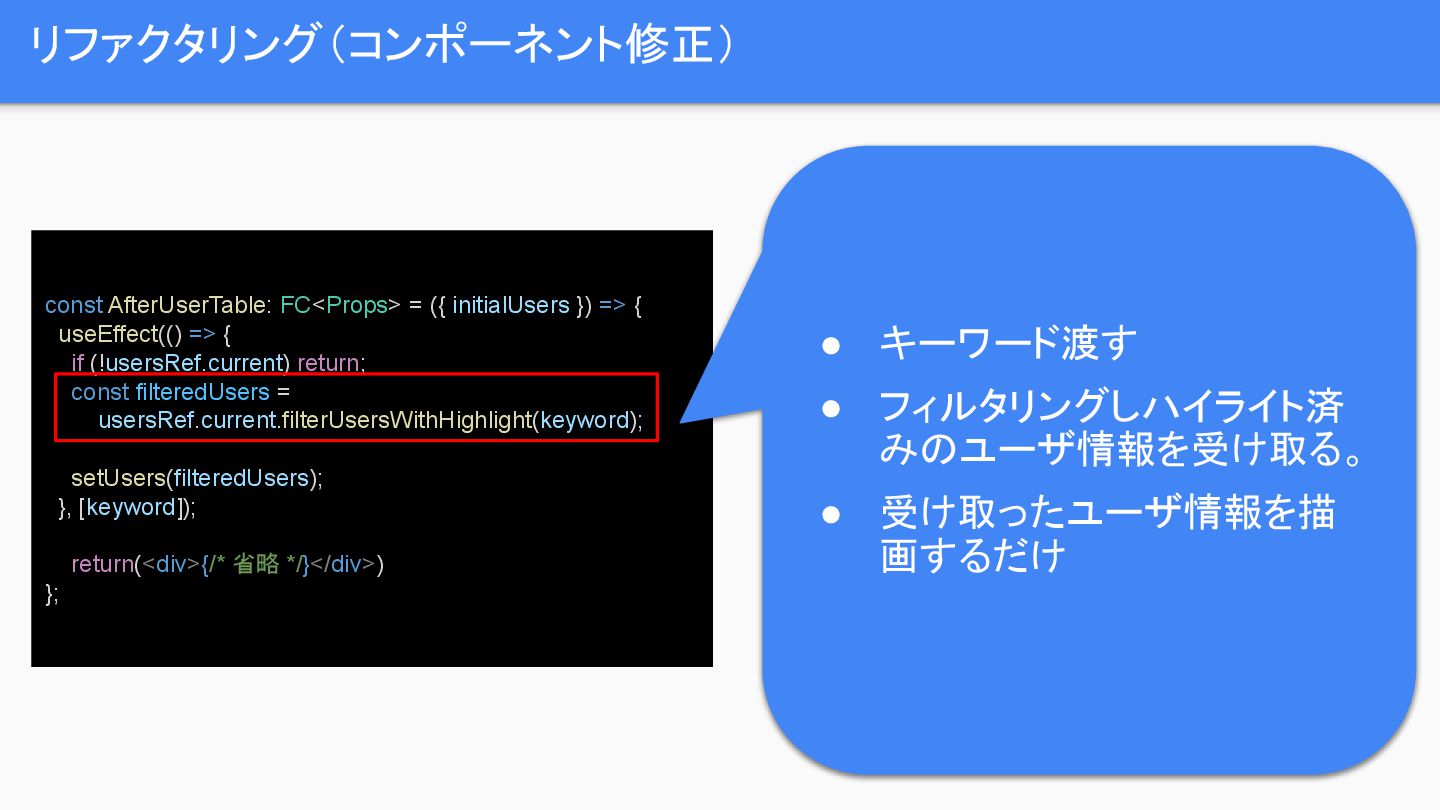
  4. リファクタリング(コンポーネント修正) const AfterUserTable: FC<Props> = ({ initialUsers }) => {

    useEffect(() => { if (!usersRef.current) return; const filteredUsers = usersRef.current.filterUsersWithHighlight(keyword); setUsers(filteredUsers); }, [keyword]); return(<div>{/* 省略 */}</div>) }; • キーワード渡す • フィルタリングしハイライト済 みのユーザ情報を受け取る。 • 受け取ったユーザ情報を描 画するだけ
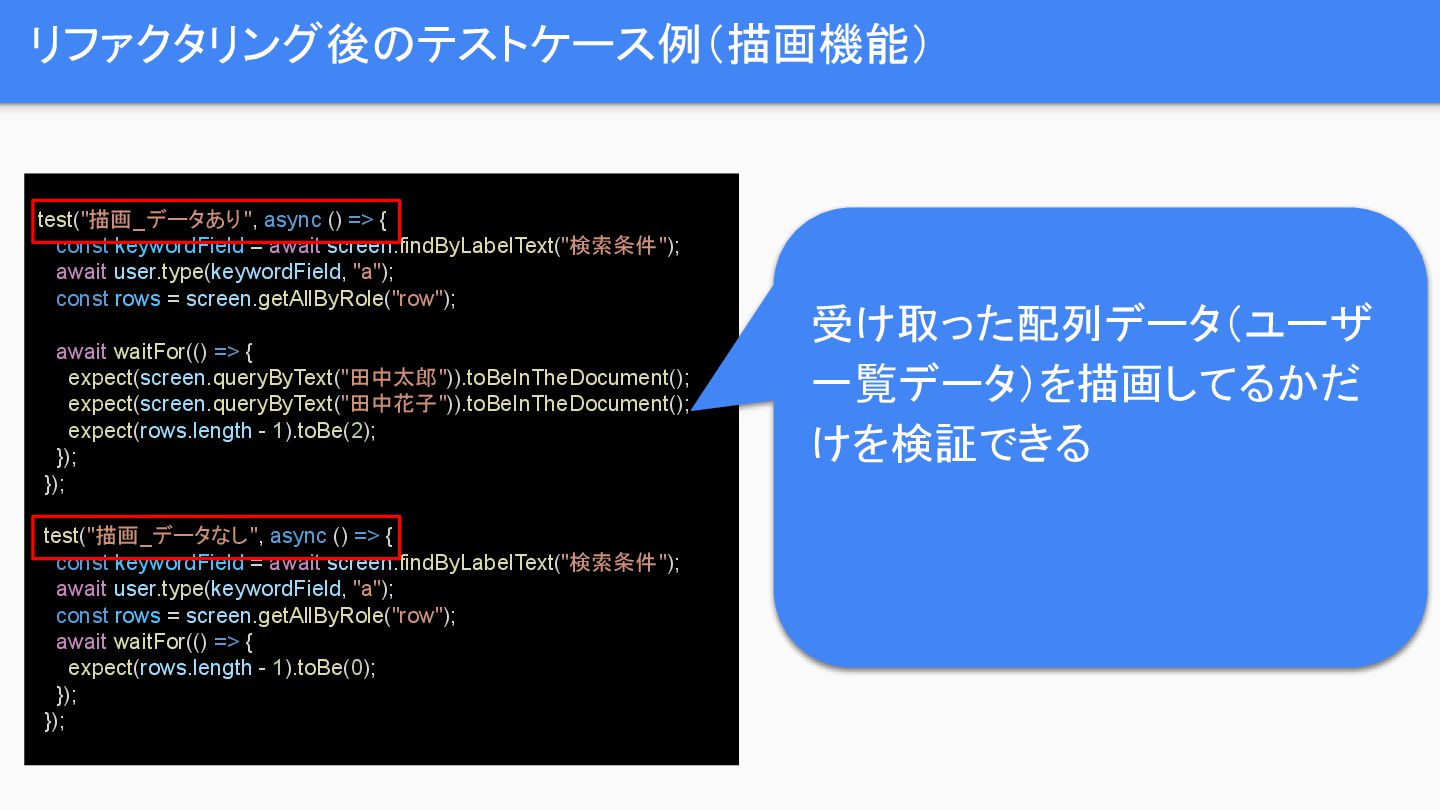
  5. リファクタリング後のテストケース例(描画機能) test("描画_データあり", async () => { const keywordField = await

    screen.findByLabelText("検索条件"); await user.type(keywordField, "a"); const rows = screen.getAllByRole("row"); await waitFor(() => { expect(screen.queryByText("田中太郎")).toBeInTheDocument(); expect(screen.queryByText("田中花子")).toBeInTheDocument(); expect(rows.length - 1).toBe(2); }); }); test("描画_データなし", async () => { const keywordField = await screen.findByLabelText("検索条件"); await user.type(keywordField, "a"); const rows = screen.getAllByRole("row"); await waitFor(() => { expect(rows.length - 1).toBe(0); }); }); 受け取った配列データ(ユーザ 一覧データ)を描画してるかだ けを検証できる
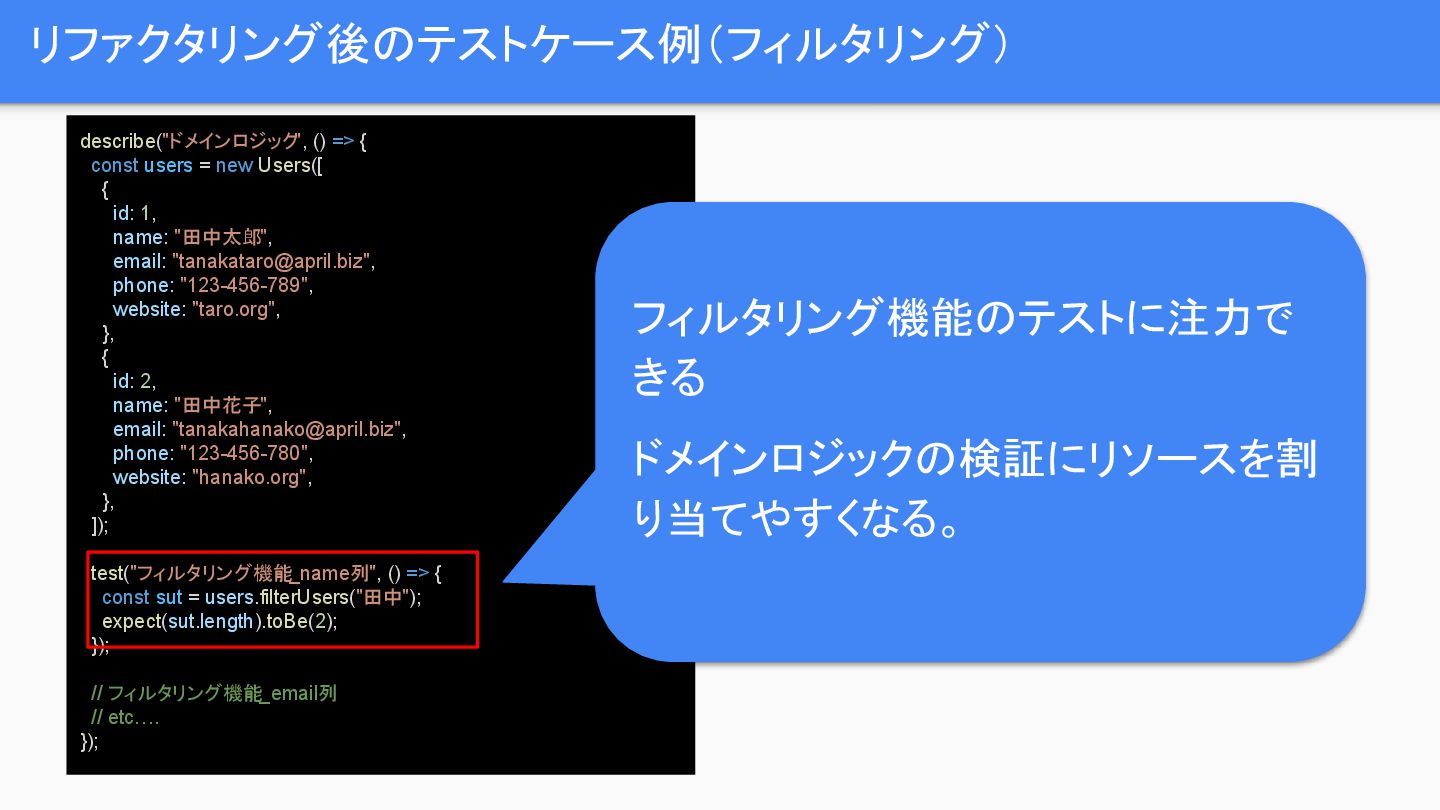
  6. リファクタリング後のテストケース例(フィルタリング) describe("ドメインロジック", () => { const users = new Users([

    { id: 1, name: "田中太郎", email: "[email protected]", phone: "123-456-789", website: "taro.org", }, { id: 2, name: "田中花子", email: "[email protected]", phone: "123-456-780", website: "hanako.org", }, ]); test("フィルタリング機能_name列", () => { const sut = users.filterUsers("田中"); expect(sut.length).toBe(2); }); // フィルタリング機能_email列 // etc…. }); フィルタリング機能のテストに注力で きる ドメインロジックの検証にリソースを割 り当てやすくなる。