Upgrade to Pro — share decks privately, control downloads, hide ads and more …

Solo iOS Growth Diary — Vol. 14: Capture-First ...

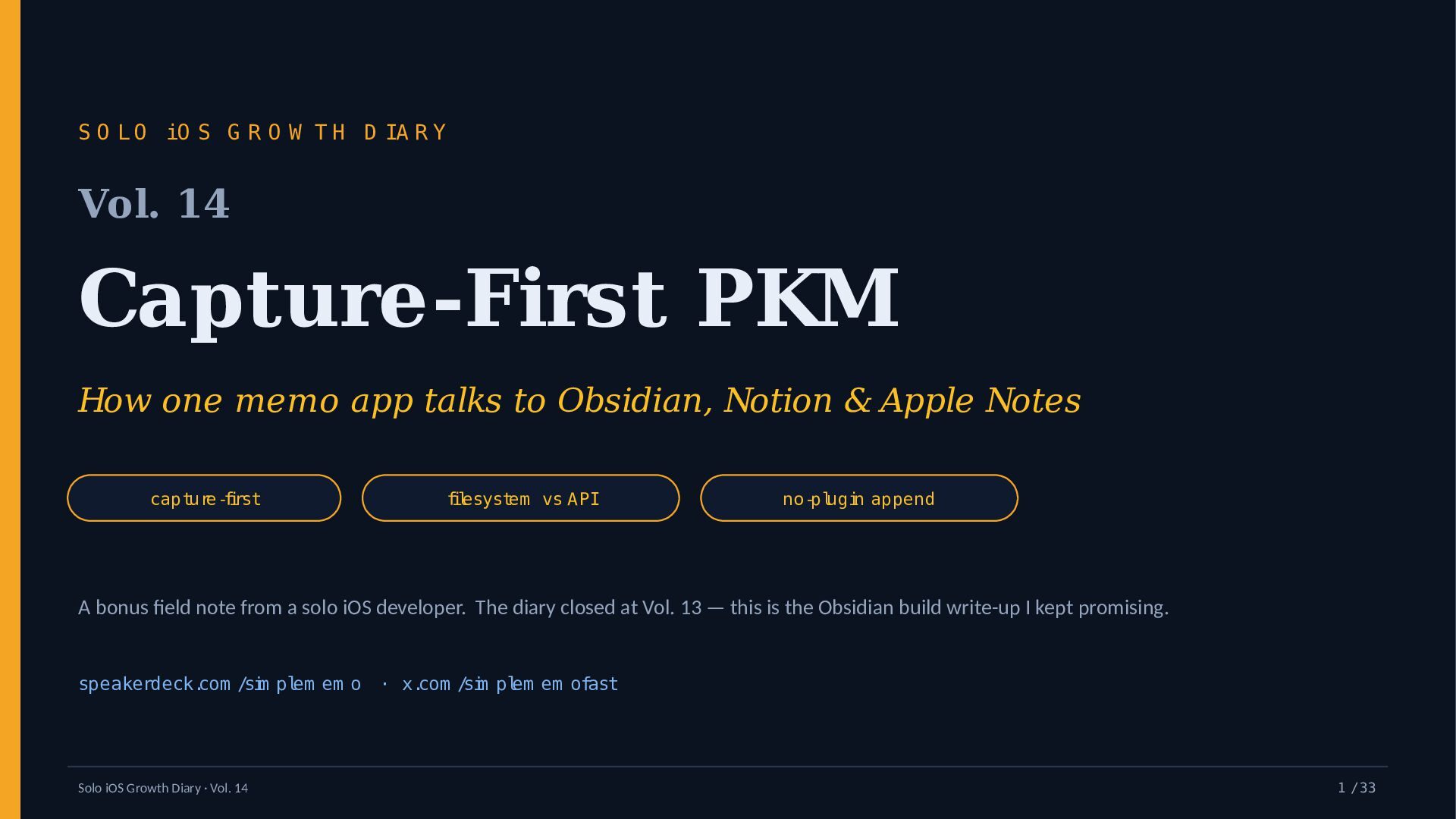
Solo iOS Growth Diary — Vol. 14: Capture-First PKM (How a Memo App Talks to Obsidian, Notion & Apple Notes)

Capture-first PKM, from a solo iOS developer: how one memo app reaches Obsidian, Notion and Apple Notes with two sinks instead of N integrations — a first-class file append to your iCloud vault, plus the universal email rail.

Vol. 14 of Solo iOS Growth Diary is a bonus field note after the finale (Vol. 13, "Year One in Numbers"). Thesis: capture and organization are two jobs. A memo app should own capture — fast and lossless; Obsidian, Notion or Apple Notes own organization.

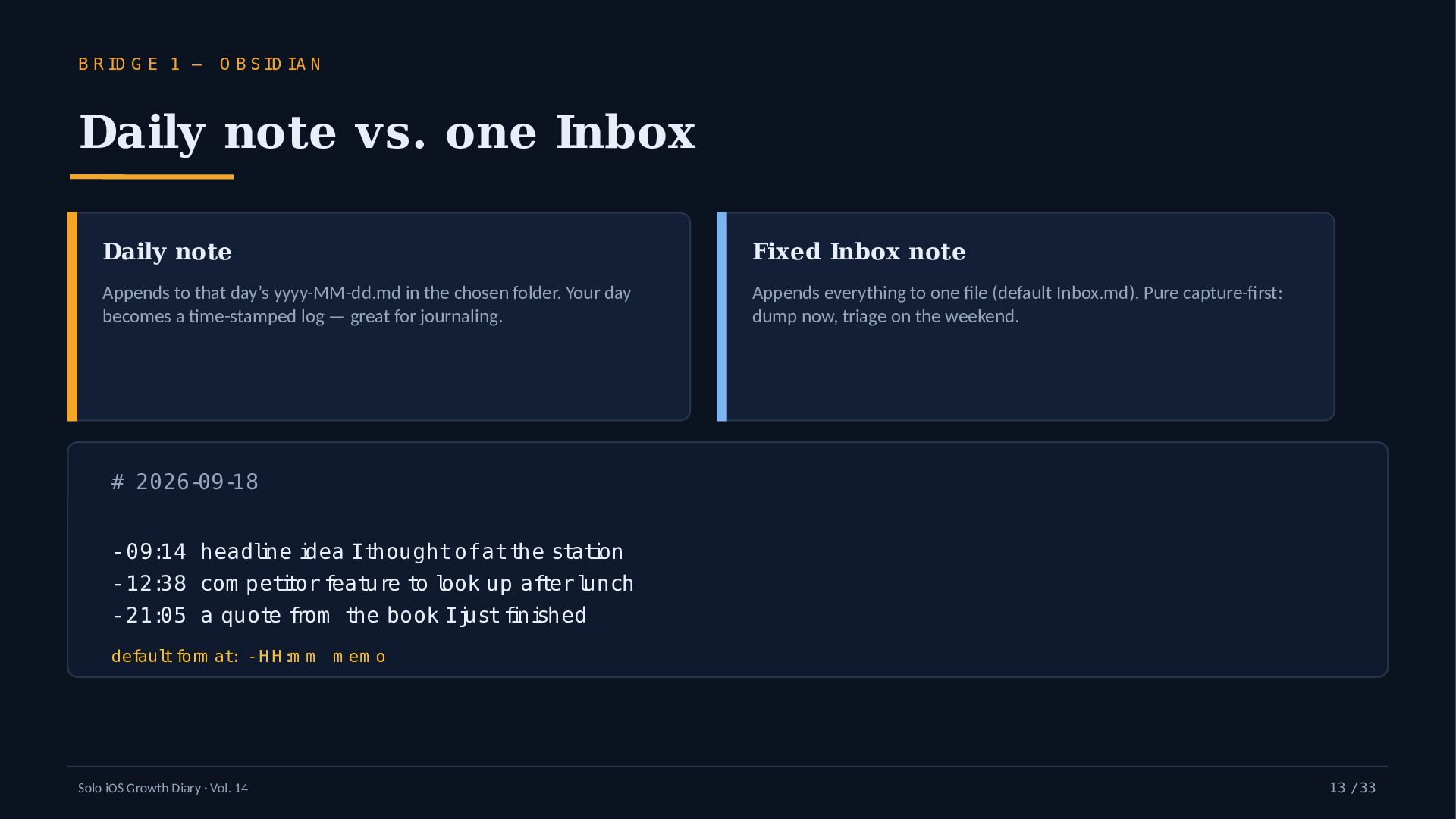
The build: Simple Memo (an iPhone app by YURIKA K.K., iOS 16+) appends directly to a file in your iCloud Drive Obsidian vault — the daily note (yyyy-MM-dd.md) or a fixed Inbox.md — no community plugin, in the background, offline, using the default "- HH:mm memo" format (shipped 2026-05-30). Notion and Apple Notes are reached through the email rail rather than bespoke APIs. On-device Apple Foundation Models add a short title, 1–3 tags and a type before the append.

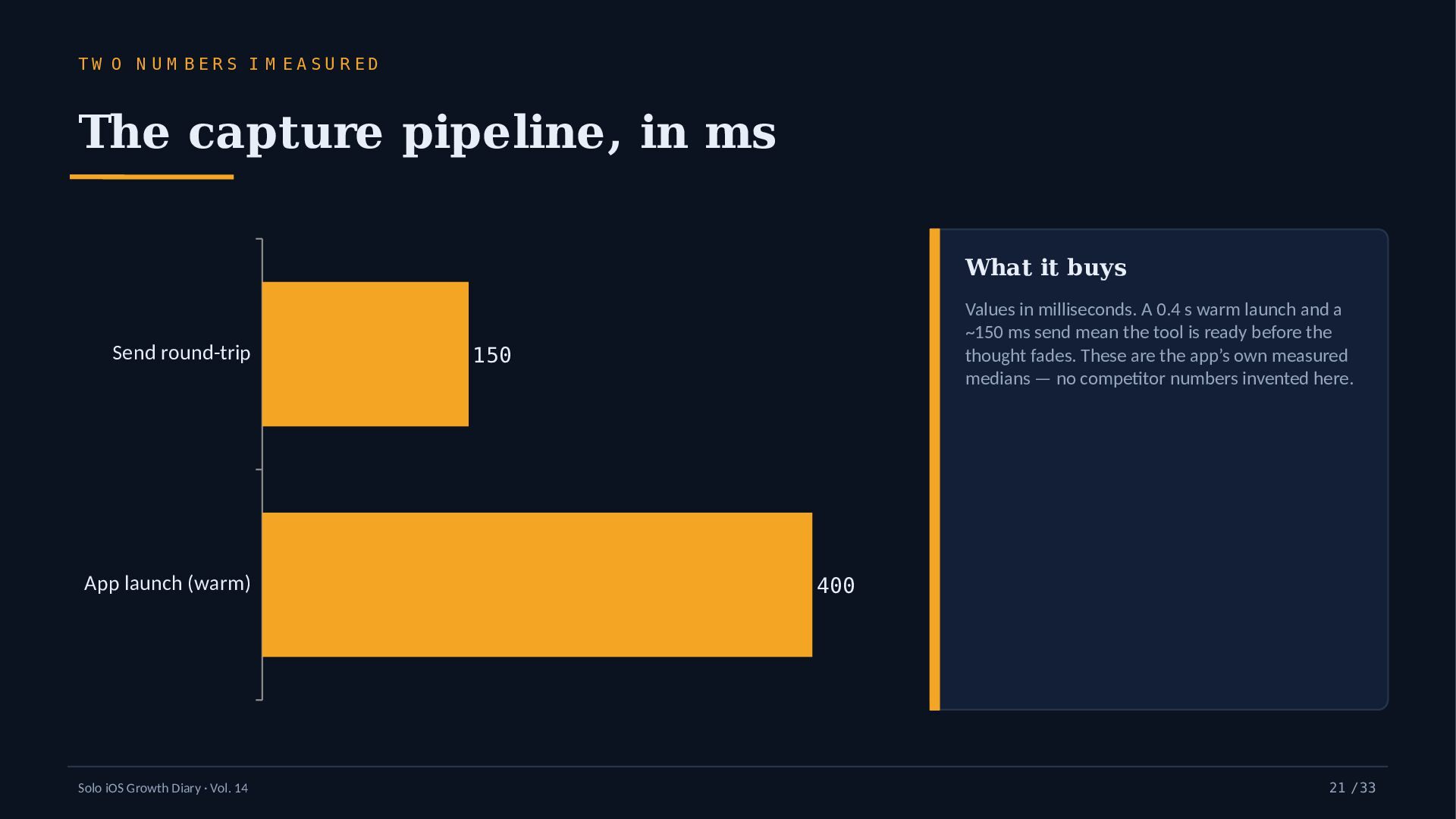
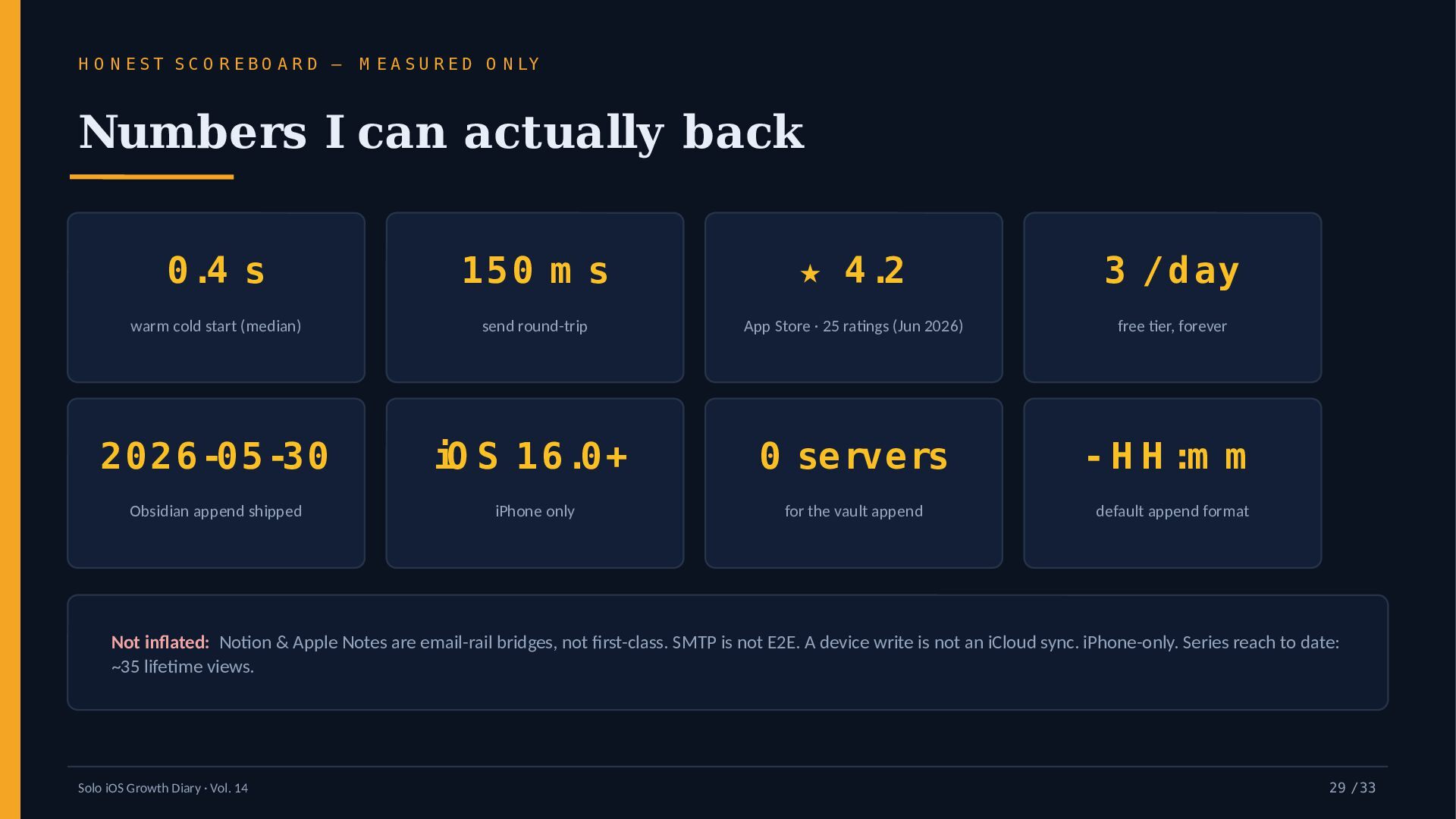
Measured numbers only: 0.4 s warm cold start, ~150 ms send, App Store ★4.2. Three objections are answered in question form — filesystem fragility, plugin vs share sheet, and email as a sync layer — each with its honest caveat: SMTP is not end-to-end encrypted, a device write is not an iCloud sync, and daily-note naming must match.

Topics: capture-first PKM · Obsidian iPhone append · email-to-Notion & sync surfaces · offline-first capture.

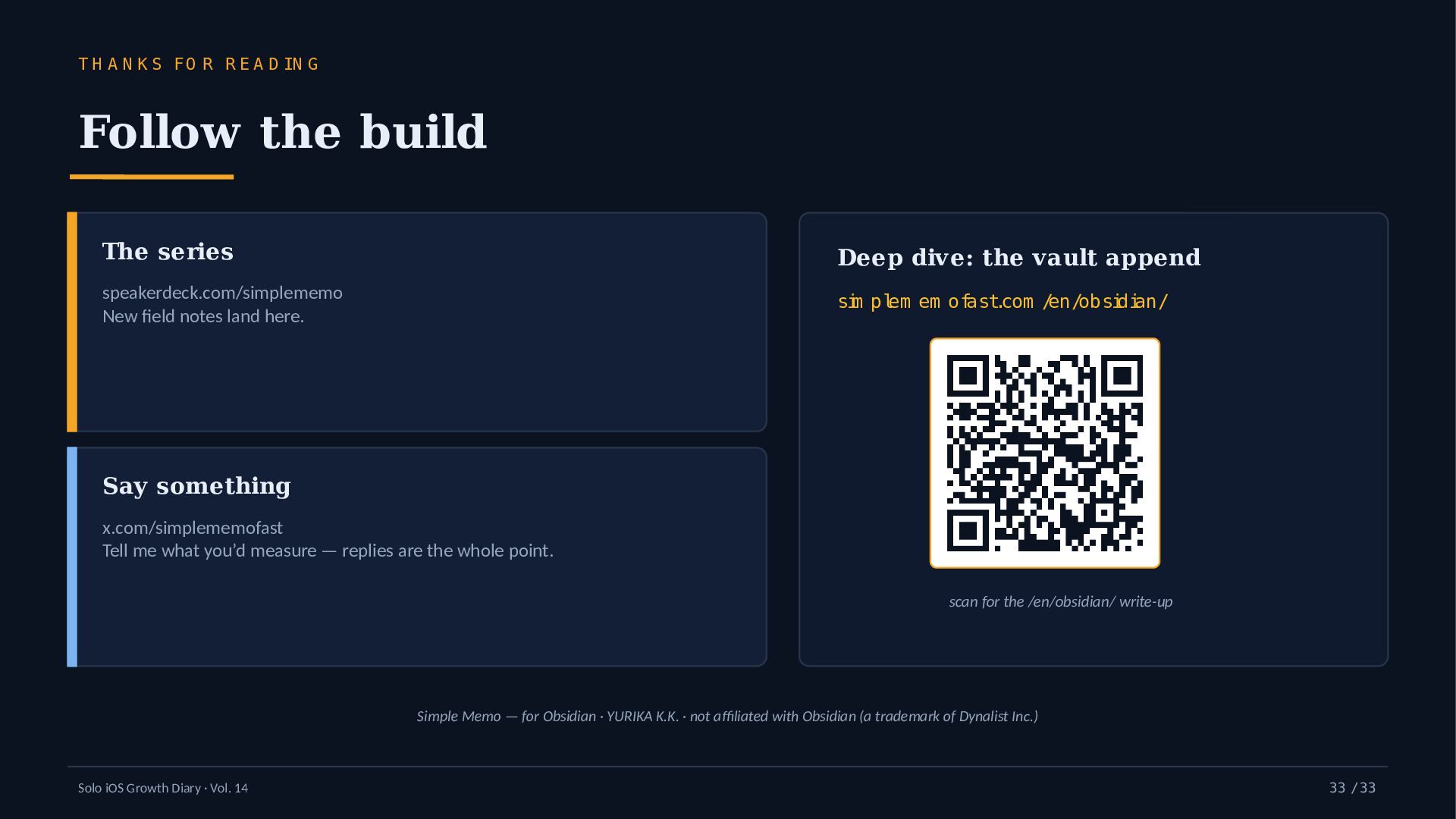
More: speakerdeck.com/simplememo · x.com/simplememofast
References: the vault-append write-up — https://simplememofast.com/en/obsidian/ · App Store — https://apps.apple.com/app/id6758438948?ct=obsidian-en&mt=8

Avatar for Simple Memo Developer

Simple Memo Developer

September 17, 2026

More Decks by Simple Memo Developer

Other Decks in Programming

Transcript

  1. S O L O iO S G R O W

    T H D IA R Y Vol. 14 Capture-First PKM How one memo app talks to Obsidian, Notion & Apple Notes capture-first filesystem vs API no-plugin append A bonus field note from a solo iOS developer. The diary closed at Vol. 13 — this is the Obsidian build write-up I kept promising. speakerdeck.com /sim plem em o · x.com /sim plem em ofast Solo iOS Growth Diary · Vol. 14 1 / 33
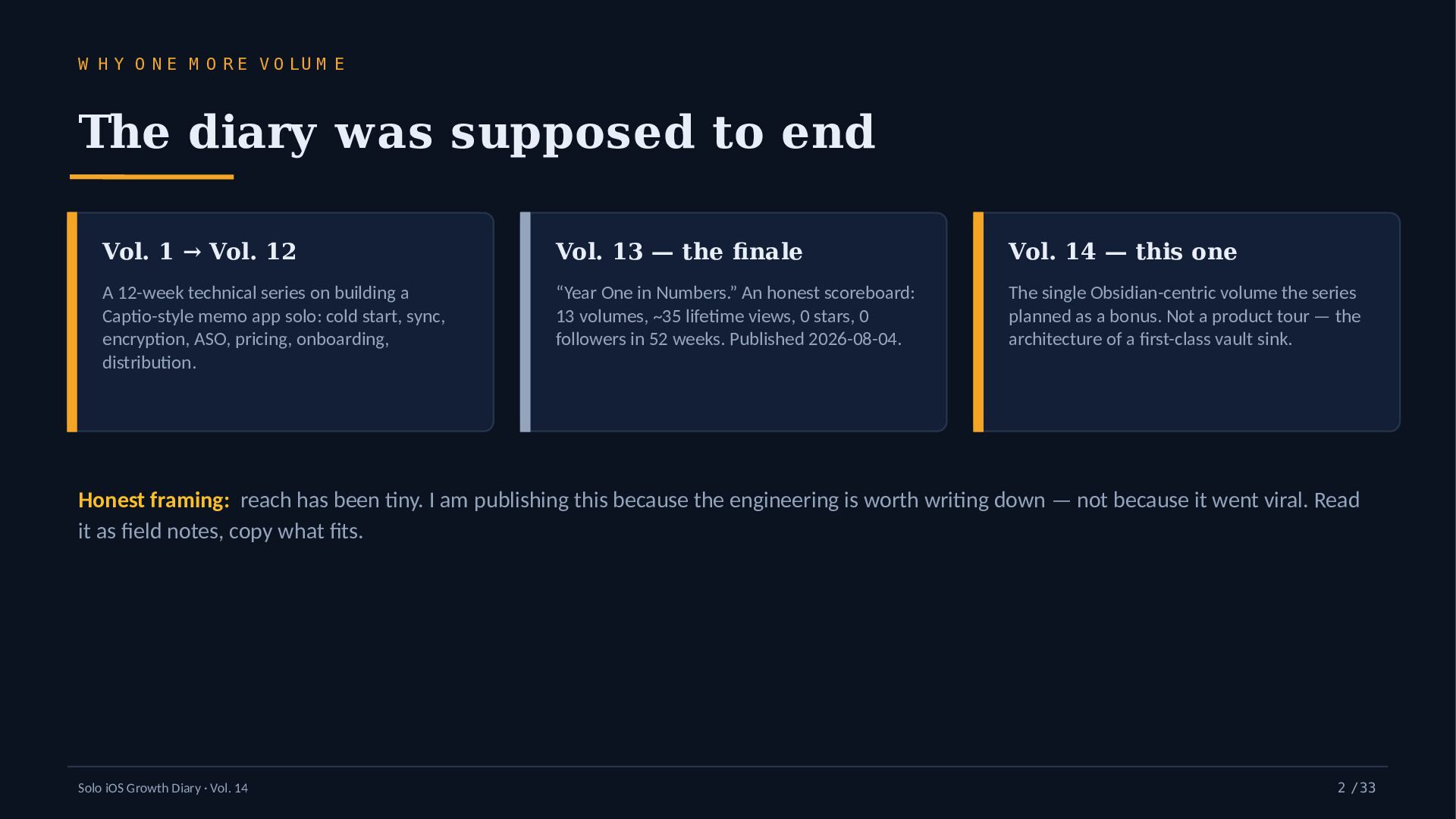
  2. W H Y O N E M O R E

    V O LU M E The diary was supposed to end Vol. 1 → Vol. 12 Vol. 13 — the finale Vol. 14 — this one A 12-week technical series on building a Captio-style memo app solo: cold start, sync, encryption, ASO, pricing, onboarding, distribution. “Year One in Numbers.” An honest scoreboard: 13 volumes, ~35 lifetime views, 0 stars, 0 followers in 52 weeks. Published 2026-08-04. The single Obsidian-centric volume the series planned as a bonus. Not a product tour — the architecture of a first-class vault sink. Honest framing: reach has been tiny. I am publishing this because the engineering is worth writing down — not because it went viral. Read it as field notes, copy what fits. Solo iOS Growth Diary · Vol. 14 2 / 33
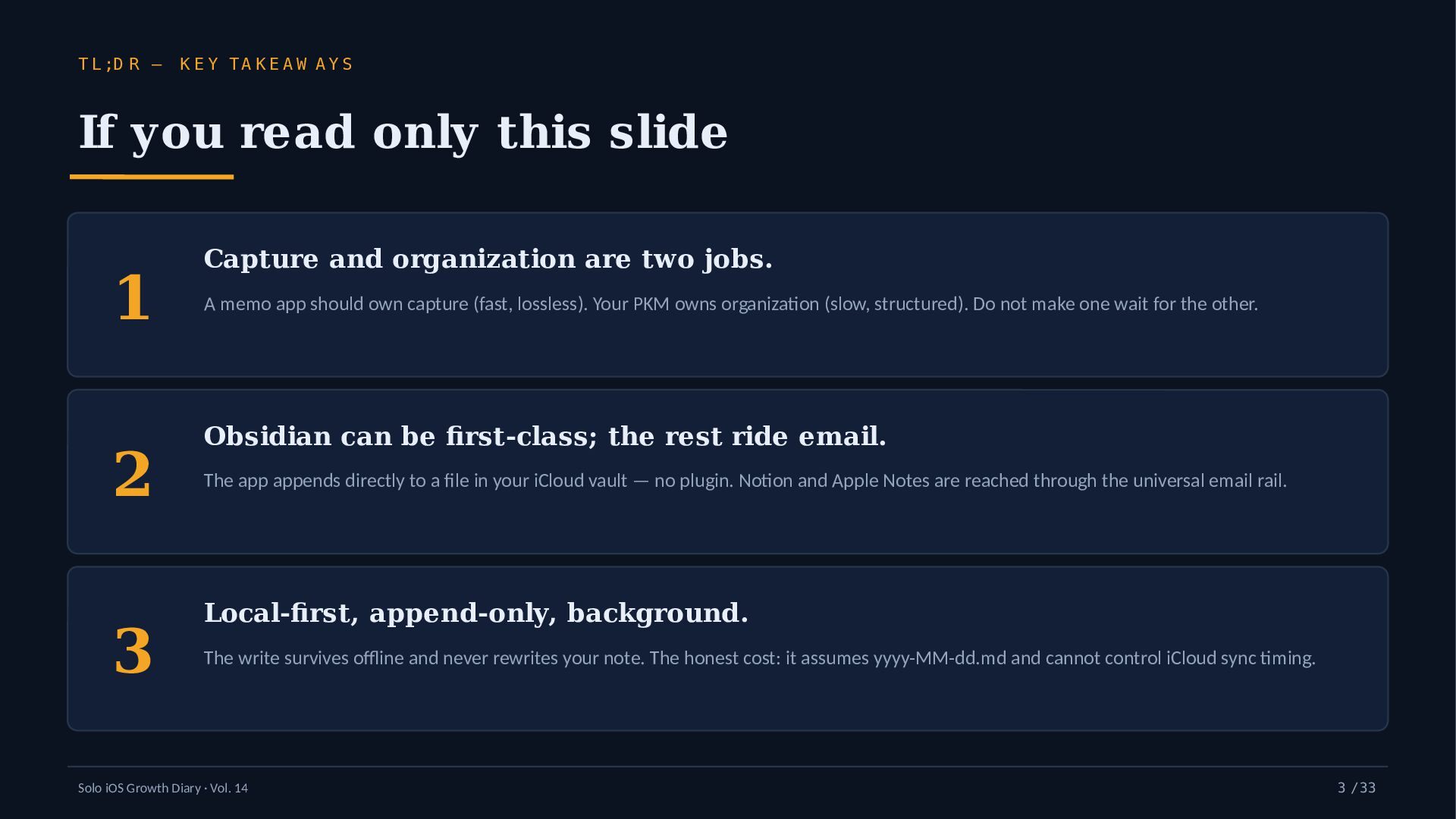
  3. T L ;D R — K E Y TA K

    E A W A Y S If you read only this slide 1 2 3 Capture and organization are two jobs. A memo app should own capture (fast, lossless). Your PKM owns organization (slow, structured). Do not make one wait for the other. Obsidian can be first-class; the rest ride email. The app appends directly to a file in your iCloud vault — no plugin. Notion and Apple Notes are reached through the universal email rail. Local-first, append-only, background. The write survives offline and never rewrites your note. The honest cost: it assumes yyyy-MM-dd.md and cannot control iCloud sync timing. Solo iOS Growth Diary · Vol. 14 3 / 33
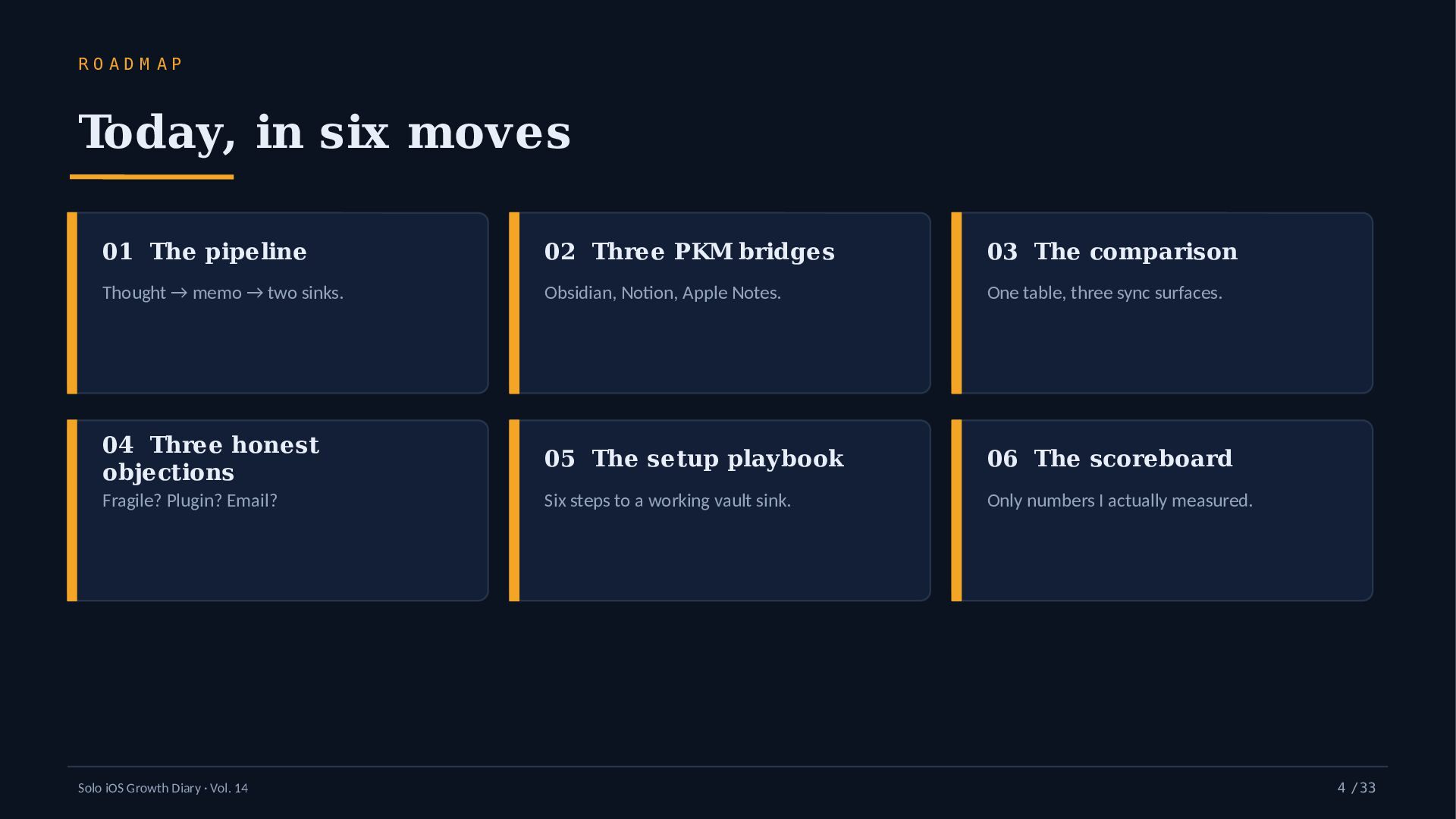
  4. RO AD M AP Today, in six moves 01 The

    pipeline 02 Three PKM bridges 03 The comparison Thought → memo → two sinks. Obsidian, Notion, Apple Notes. One table, three sync surfaces. 04 Three honest objections 05 The setup playbook 06 The scoreboard Fragile? Plugin? Email? Six steps to a working vault sink. Only numbers I actually measured. Solo iOS Growth Diary · Vol. 14 4 / 33
  5. T H E P R O B LE M Why

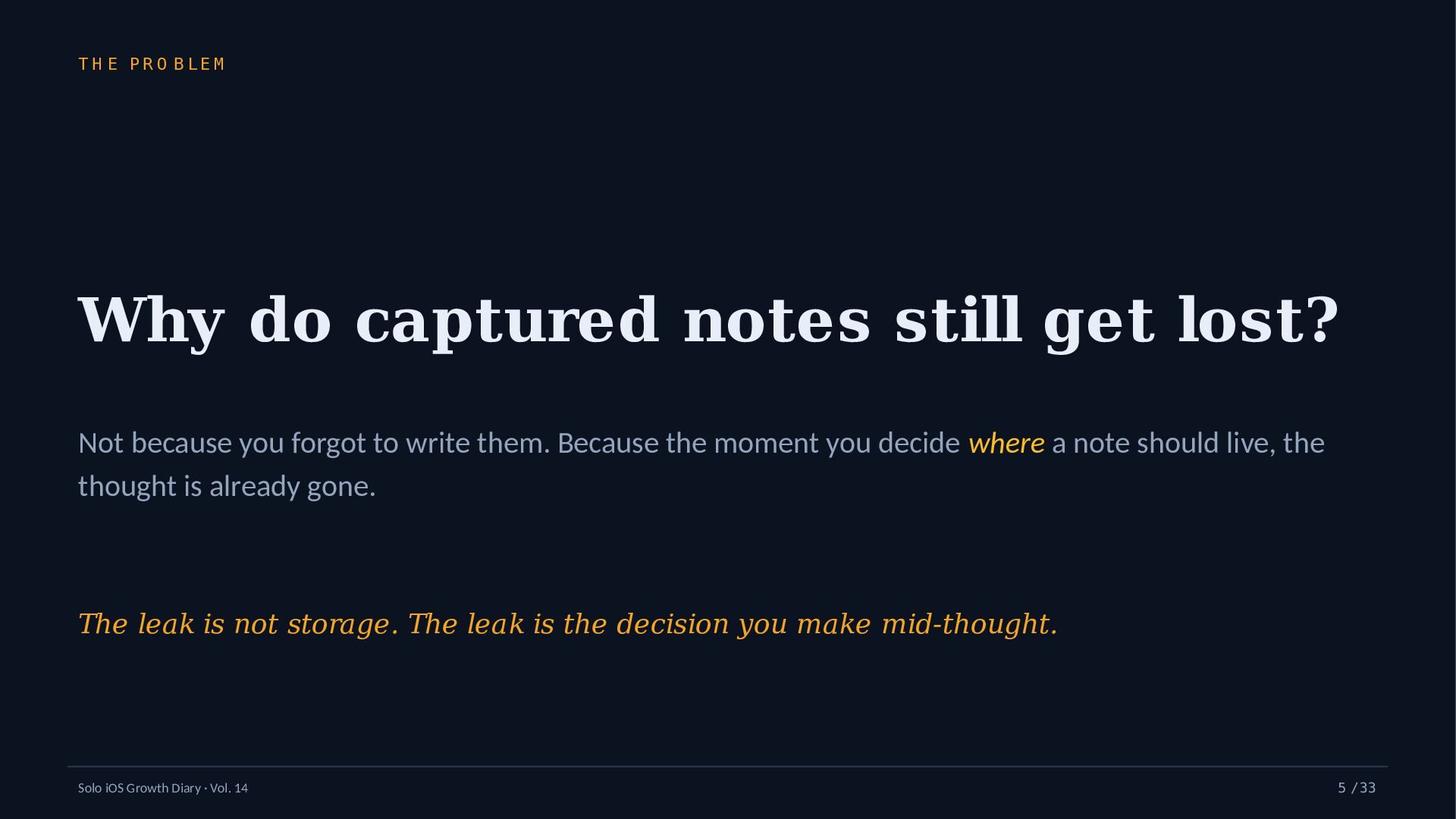
    do captured notes still get lost? Not because you forgot to write them. Because the moment you decide where a note should live, the thought is already gone. The leak is not storage. The leak is the decision you make mid-thought. Solo iOS Growth Diary · Vol. 14 5 / 33
  6. D E F IN IT IO N What “capture-first” means

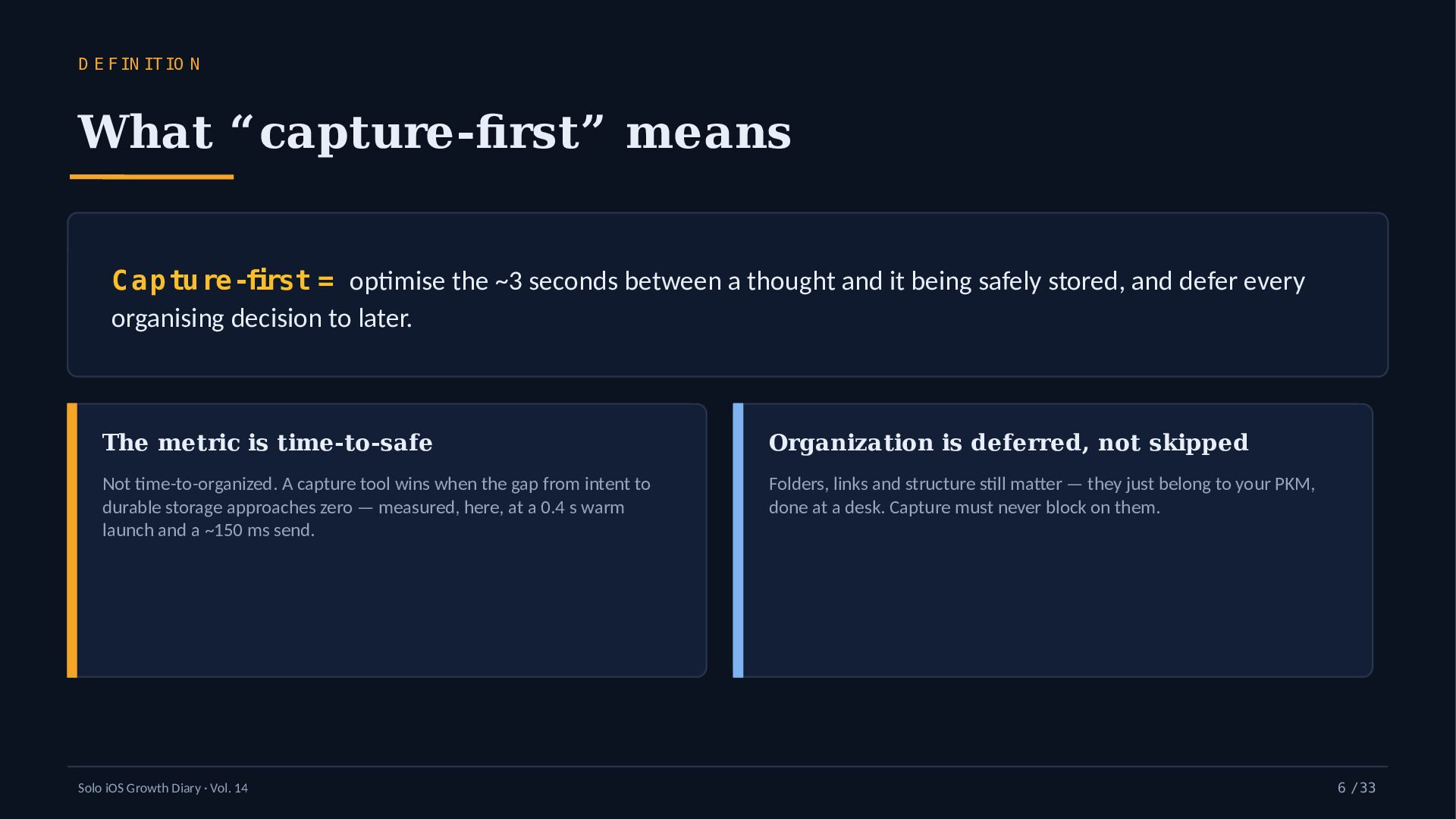
    C ap tu re-first = optimise the ~3 seconds between a thought and it being safely stored, and defer every organising decision to later. The metric is time-to-safe Organization is deferred, not skipped Not time-to-organized. A capture tool wins when the gap from intent to durable storage approaches zero — measured, here, at a 0.4 s warm launch and a ~150 ms send. Folders, links and structure still matter — they just belong to your PKM, done at a desk. Capture must never block on them. Solo iOS Growth Diary · Vol. 14 6 / 33
  7. T H E C O R E S P L

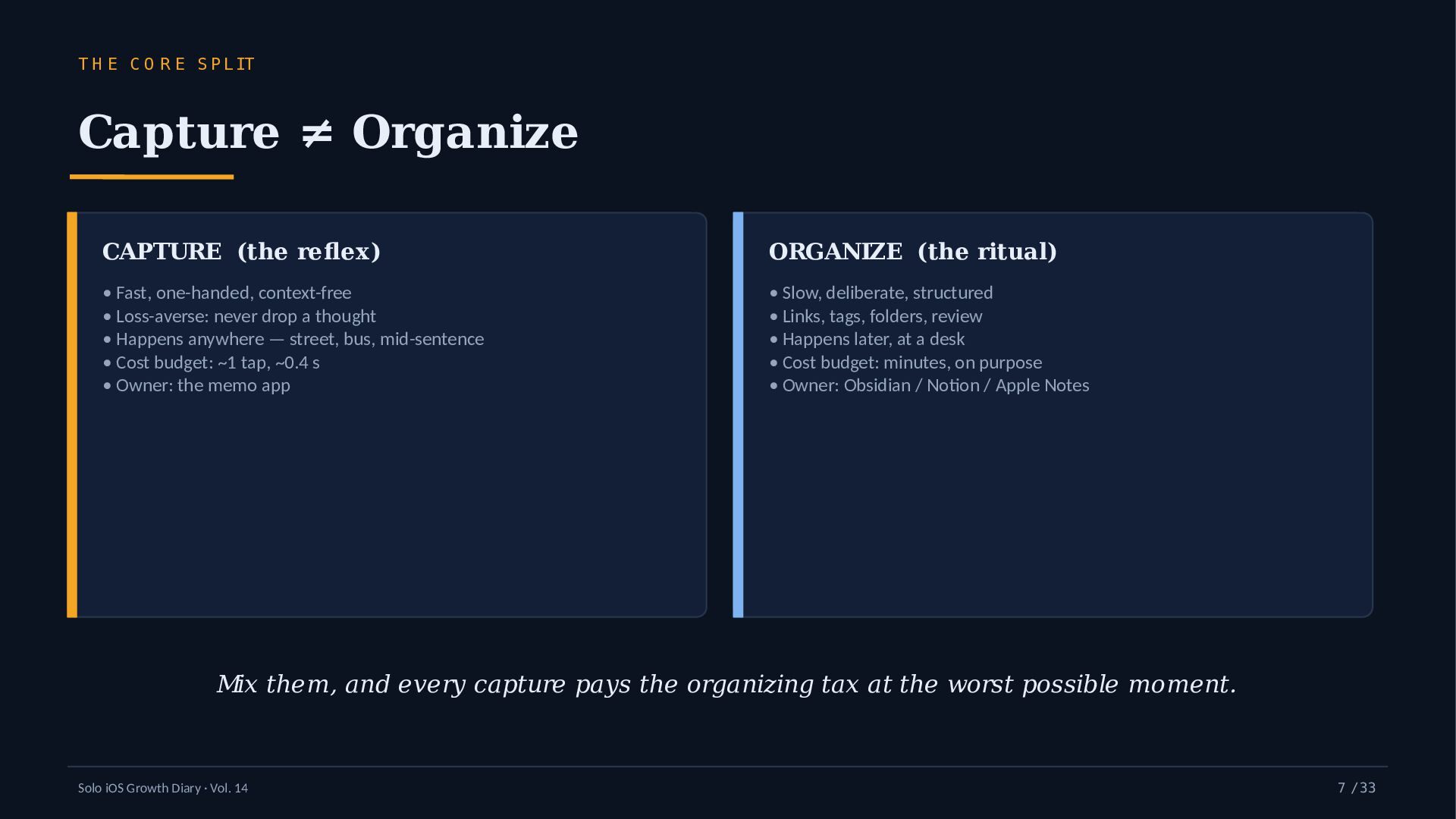
    IT Capture ≠ Organize CAPTURE (the reflex) ORGANIZE (the ritual) • Fast, one-handed, context-free • Loss-averse: never drop a thought • Happens anywhere — street, bus, mid-sentence • Cost budget: ~1 tap, ~0.4 s • Owner: the memo app • Slow, deliberate, structured • Links, tags, folders, review • Happens later, at a desk • Cost budget: minutes, on purpose • Owner: Obsidian / Notion / Apple Notes Mix them, and every capture pays the organizing tax at the worst possible moment. Solo iOS Growth Diary · Vol. 14 7 / 33
  8. T H E C A P T U R E

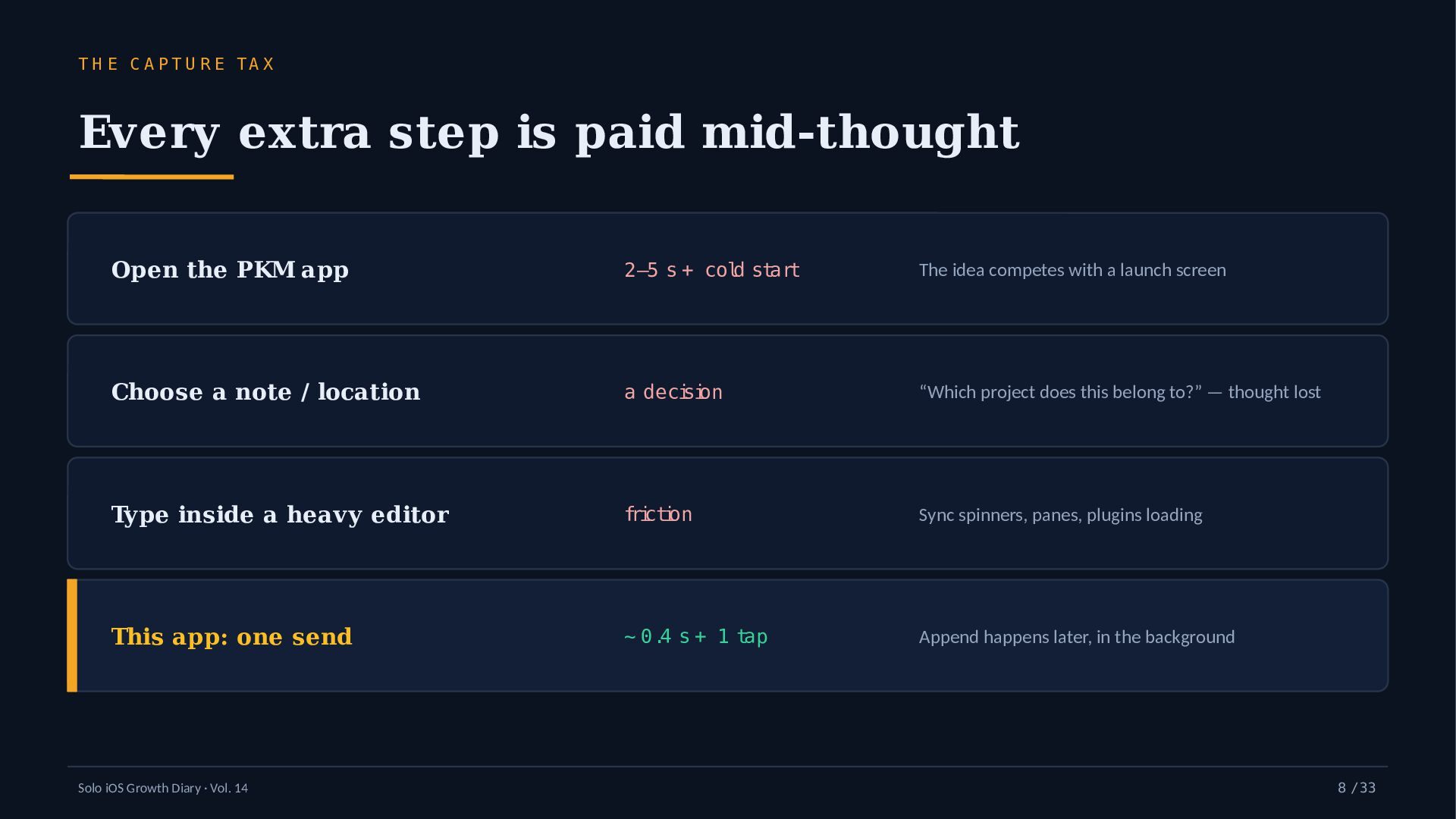
    TA X Every extra step is paid mid-thought Open the PKM app 2–5 s + cold start The idea competes with a launch screen Choose a note / location a decision “Which project does this belong to?” — thought lost Type inside a heavy editor friction Sync spinners, panes, plugins loading This app: one send ~ 0.4 s + 1 tap Append happens later, in the background Solo iOS Growth Diary · Vol. 14 8 / 33
  9. L IN E A G E Why the backbone is

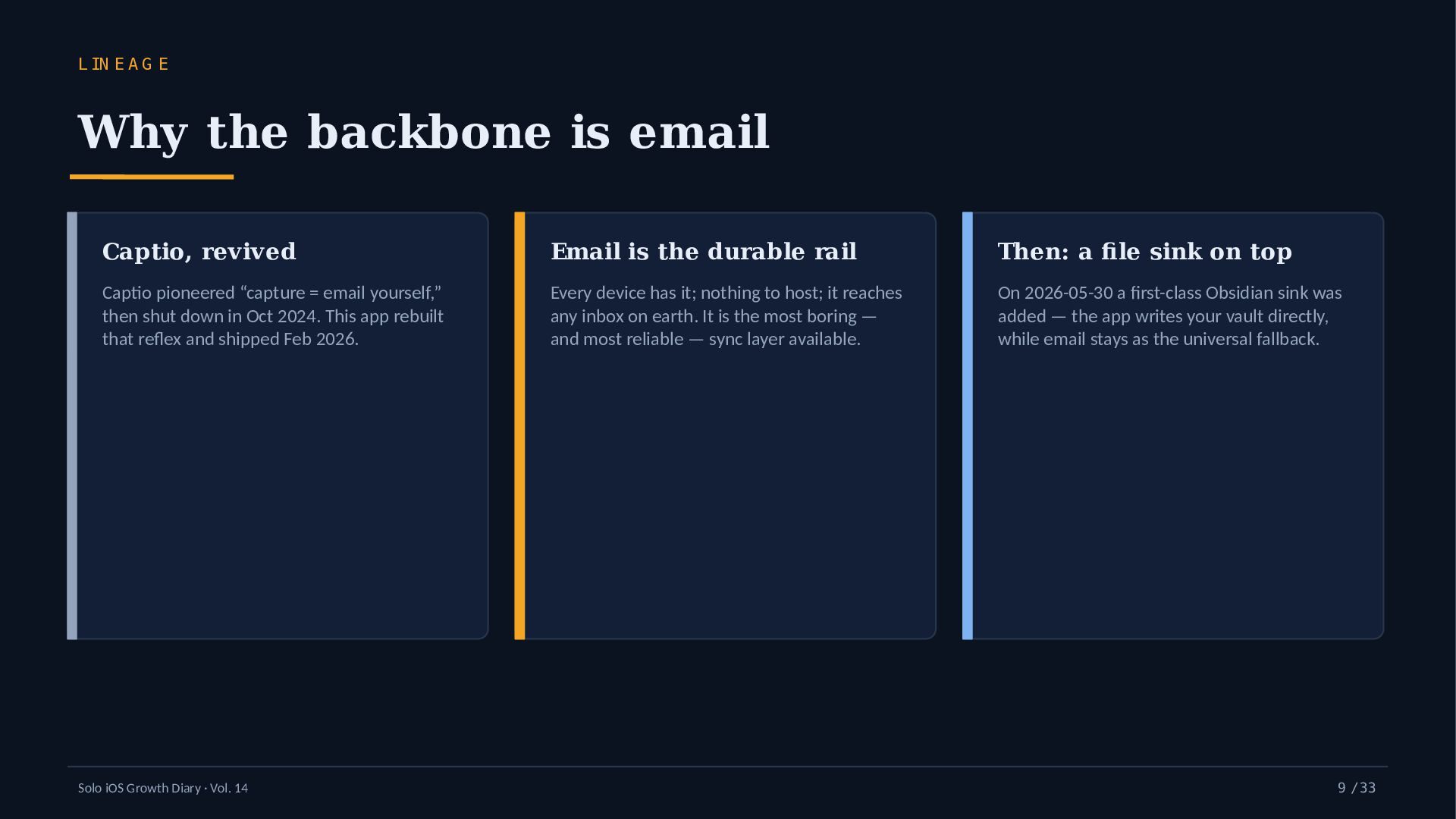
    email Captio, revived Email is the durable rail Then: a file sink on top Captio pioneered “capture = email yourself,” then shut down in Oct 2024. This app rebuilt that reflex and shipped Feb 2026. Every device has it; nothing to host; it reaches any inbox on earth. It is the most boring — and most reliable — sync layer available. On 2026-05-30 a first-class Obsidian sink was added — the app writes your vault directly, while email stays as the universal fallback. Solo iOS Growth Diary · Vol. 14 9 / 33
  10. T H E D E S IG N Q U

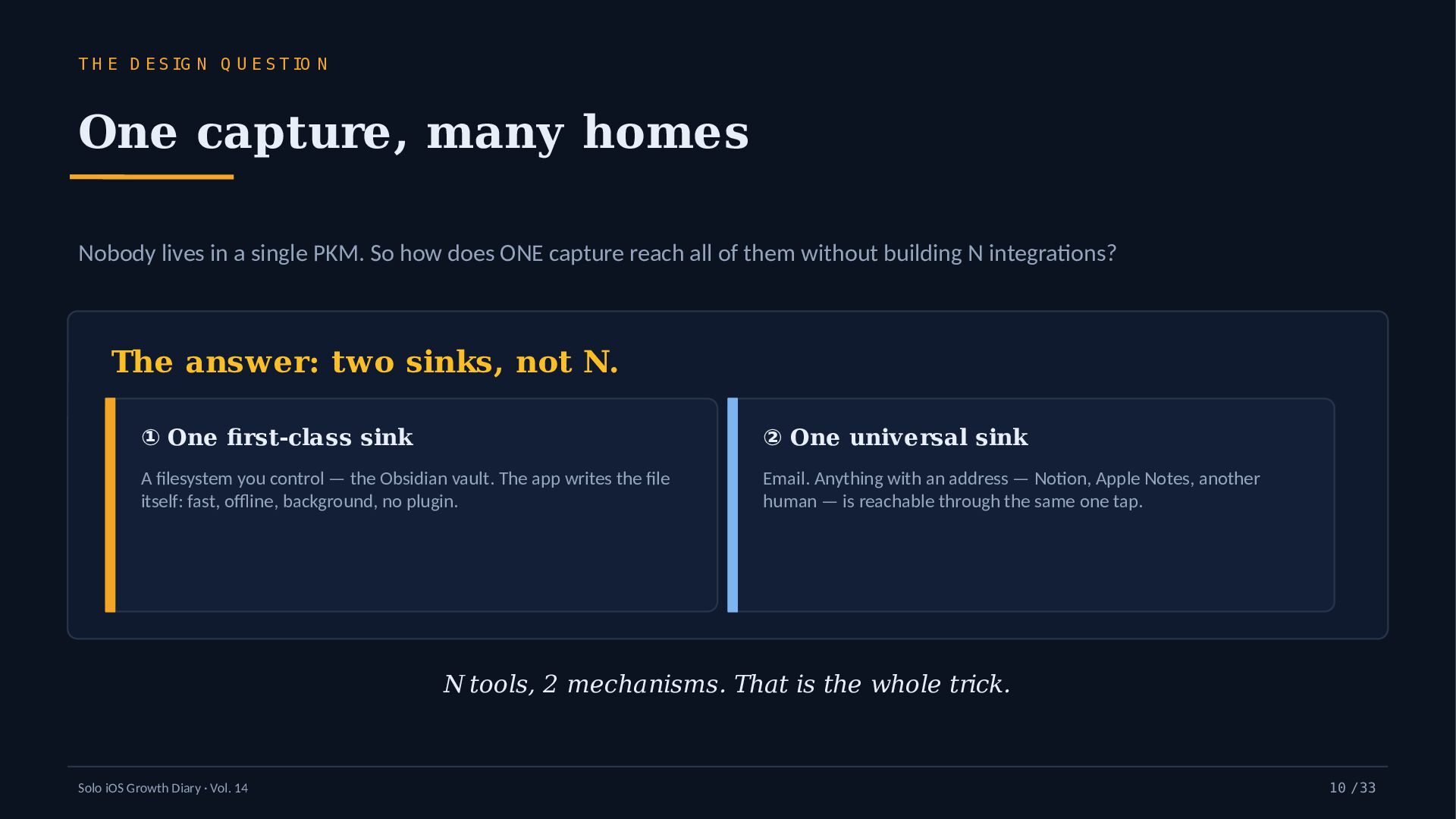
    E S T IO N One capture, many homes Nobody lives in a single PKM. So how does ONE capture reach all of them without building N integrations? The answer: two sinks, not N. ① One first-class sink ② One universal sink A filesystem you control — the Obsidian vault. The app writes the file itself: fast, offline, background, no plugin. Email. Anything with an address — Notion, Apple Notes, another human — is reachable through the same one tap. N tools, 2 mechanisms. That is the whole trick. Solo iOS Growth Diary · Vol. 14 10 / 33
  11. A R C H IT E C T U R

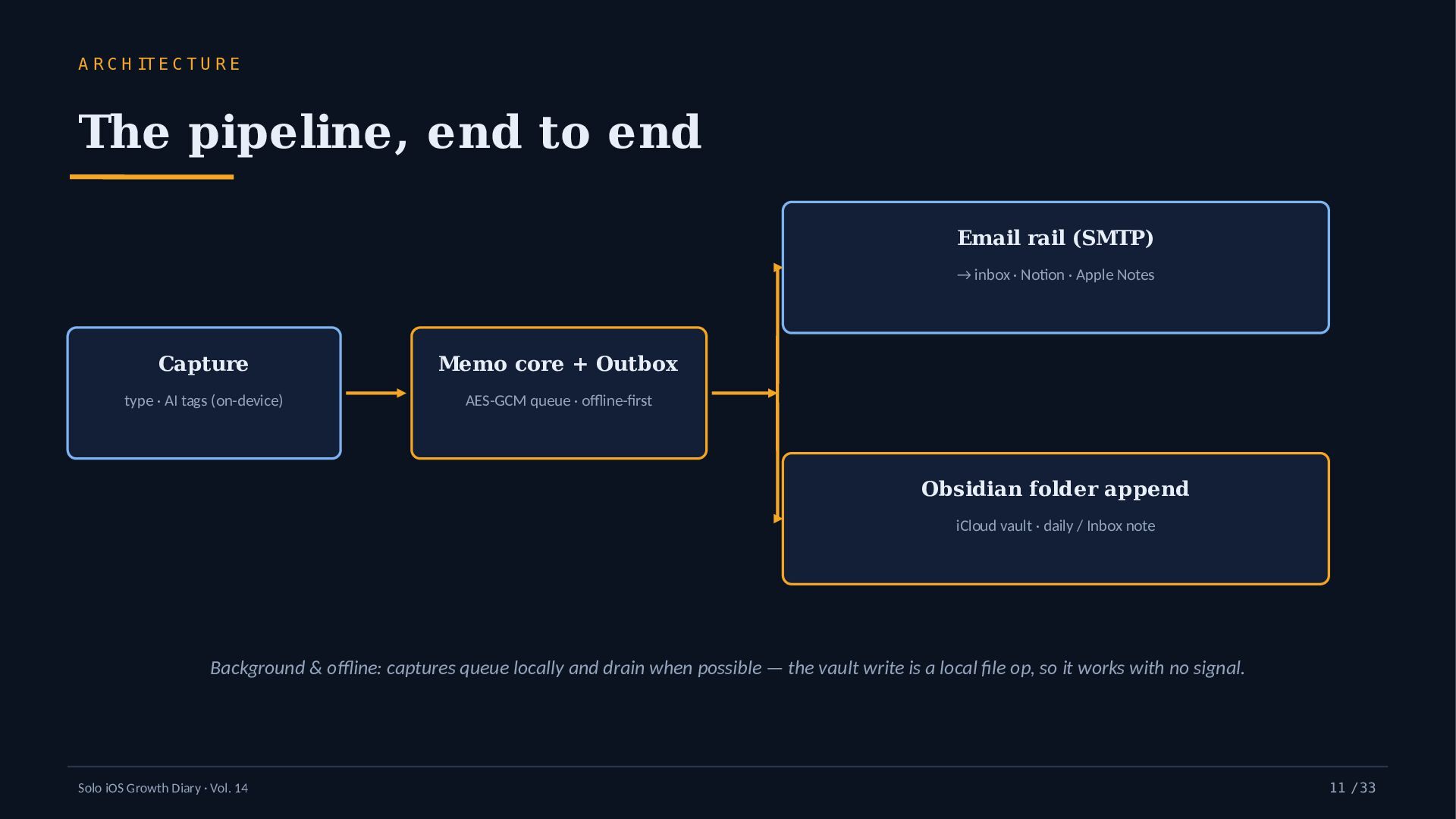
    E The pipeline, end to end Email rail (SMTP) → inbox · Notion · Apple Notes Capture Memo core + Outbox type · AI tags (on-device) AES-GCM queue · offline-first Obsidian folder append iCloud vault · daily / Inbox note Background & offline: captures queue locally and drain when possible — the vault write is a local file op, so it works with no signal. Solo iOS Growth Diary · Vol. 14 11 / 33
  12. B R ID G E 1 — O B S

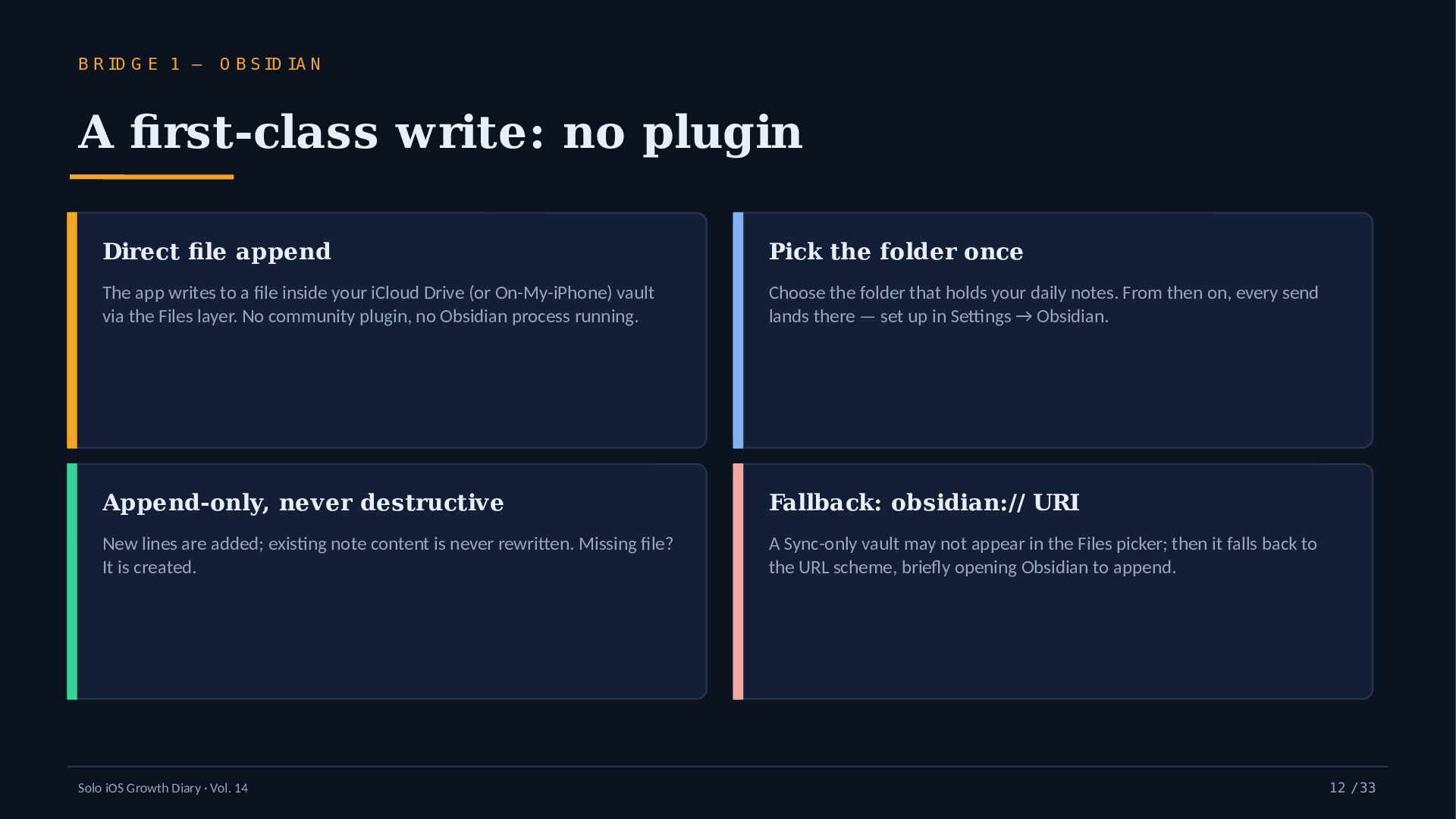
    ID IA N A first-class write: no plugin Direct file append Pick the folder once The app writes to a file inside your iCloud Drive (or On-My-iPhone) vault via the Files layer. No community plugin, no Obsidian process running. Choose the folder that holds your daily notes. From then on, every send lands there — set up in Settings → Obsidian. Append-only, never destructive Fallback: obsidian:// URI New lines are added; existing note content is never rewritten. Missing file? It is created. A Sync-only vault may not appear in the Files picker; then it falls back to the URL scheme, briefly opening Obsidian to append. Solo iOS Growth Diary · Vol. 14 12 / 33
  13. B R ID G E 1 — O B S

    ID IA N Daily note vs. one Inbox Daily note Fixed Inbox note Appends to that day’s yyyy-MM-dd.md in the chosen folder. Your day becomes a time-stamped log — great for journaling. Appends everything to one file (default Inbox.md). Pure capture-first: dump now, triage on the weekend. # 2026-09-18 - 09:14 headline idea Ithought of at the station - 12:38 com petitor feature to look up after lunch - 21:05 a quote from the book Ijust finished default form at: - H H :m m Solo iOS Growth Diary · Vol. 14 m em o 13 / 33
  14. B R ID G E 1 — O B S

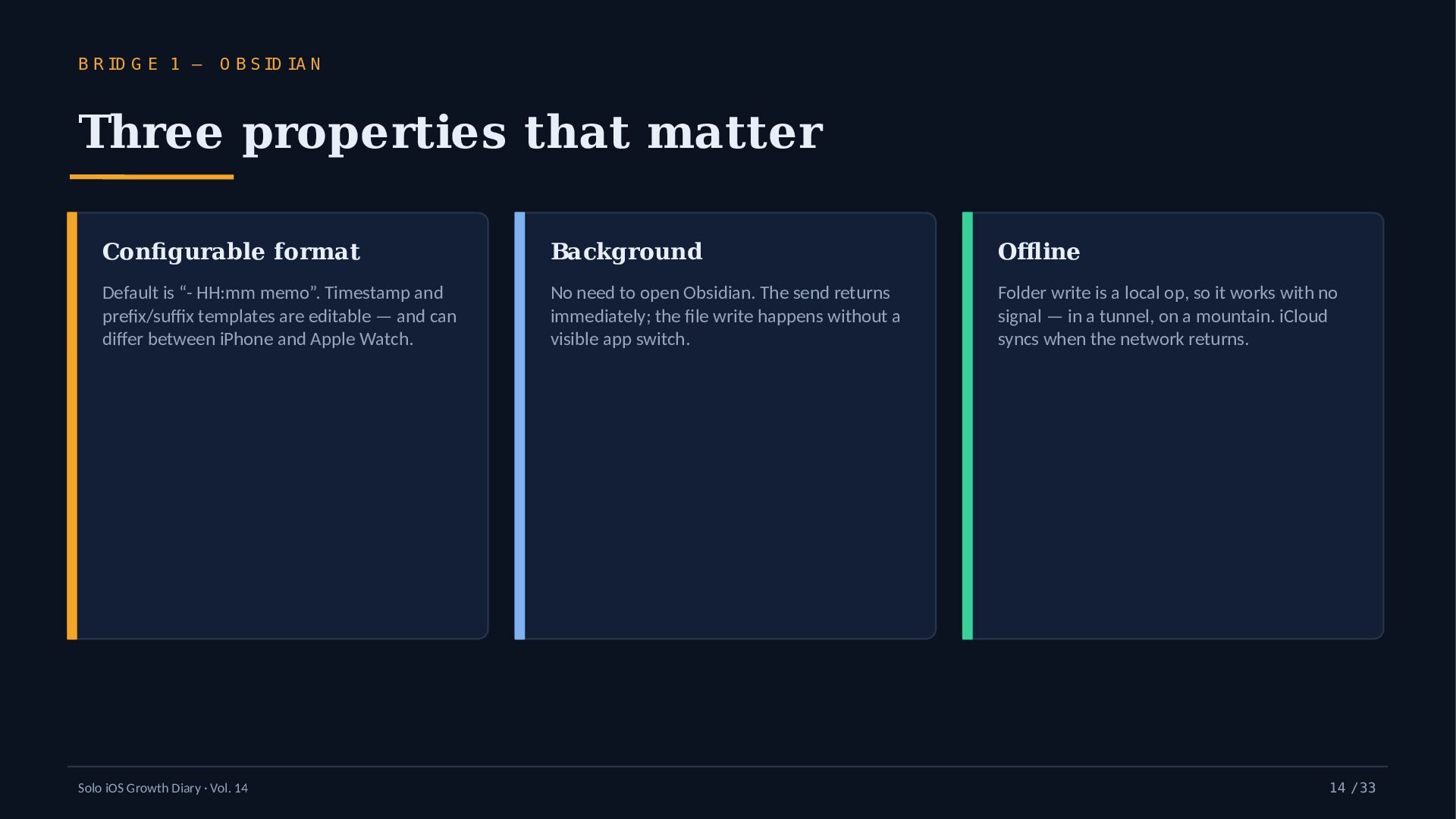
    ID IA N Three properties that matter Configurable format Background Offline Default is “- HH:mm memo”. Timestamp and prefix/suffix templates are editable — and can differ between iPhone and Apple Watch. No need to open Obsidian. The send returns immediately; the file write happens without a visible app switch. Folder write is a local op, so it works with no signal — in a tunnel, on a mountain. iCloud syncs when the network returns. Solo iOS Growth Diary · Vol. 14 14 / 33
  15. B R ID G E 1 — O B S

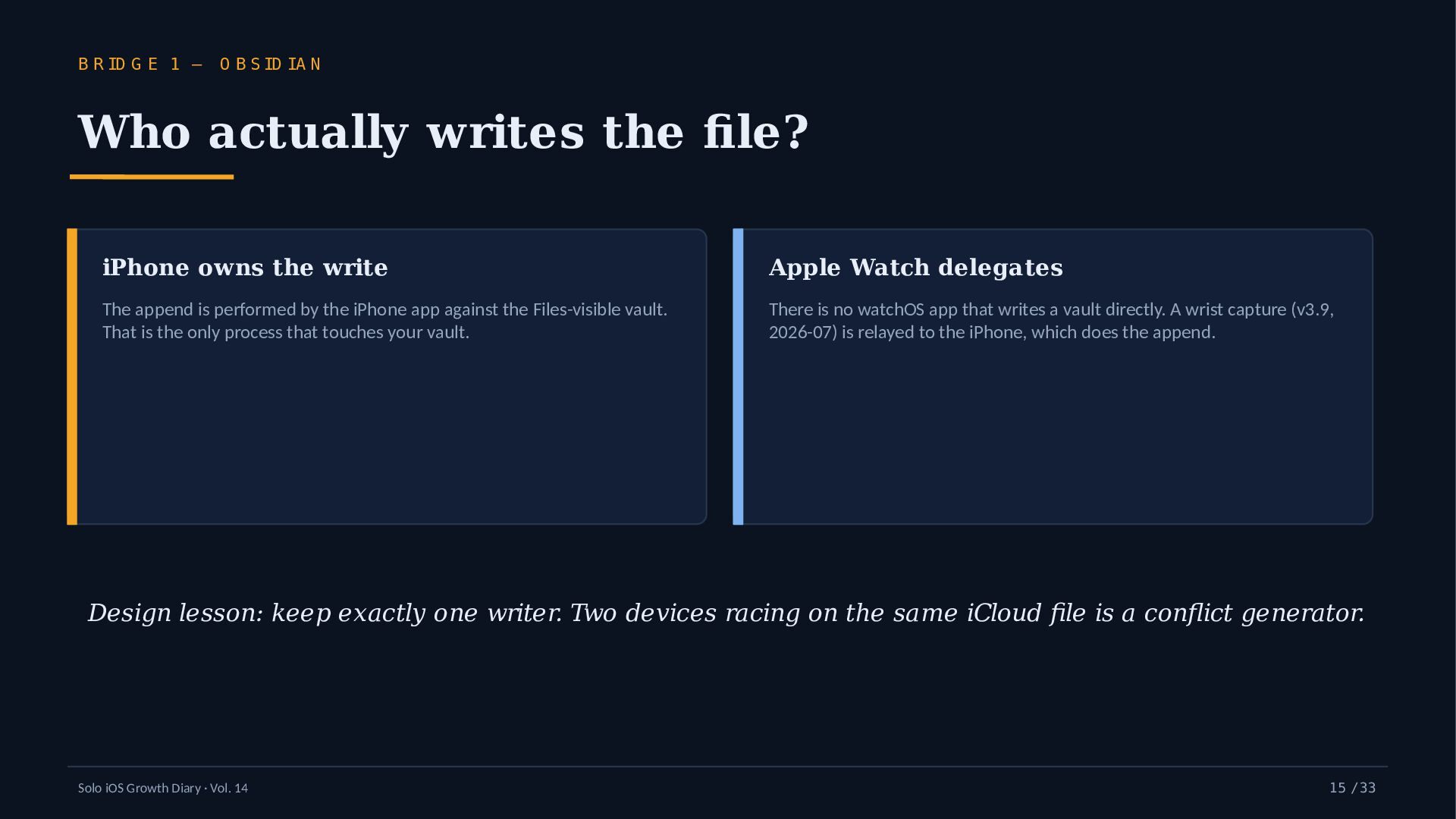
    ID IA N Who actually writes the file? iPhone owns the write Apple Watch delegates The append is performed by the iPhone app against the Files-visible vault. That is the only process that touches your vault. There is no watchOS app that writes a vault directly. A wrist capture (v3.9, 2026-07) is relayed to the iPhone, which does the append. Design lesson: keep exactly one writer. Two devices racing on the same iCloud file is a conflict generator. Solo iOS Growth Diary · Vol. 14 15 / 33
  16. IN T H E P IP E L IN E

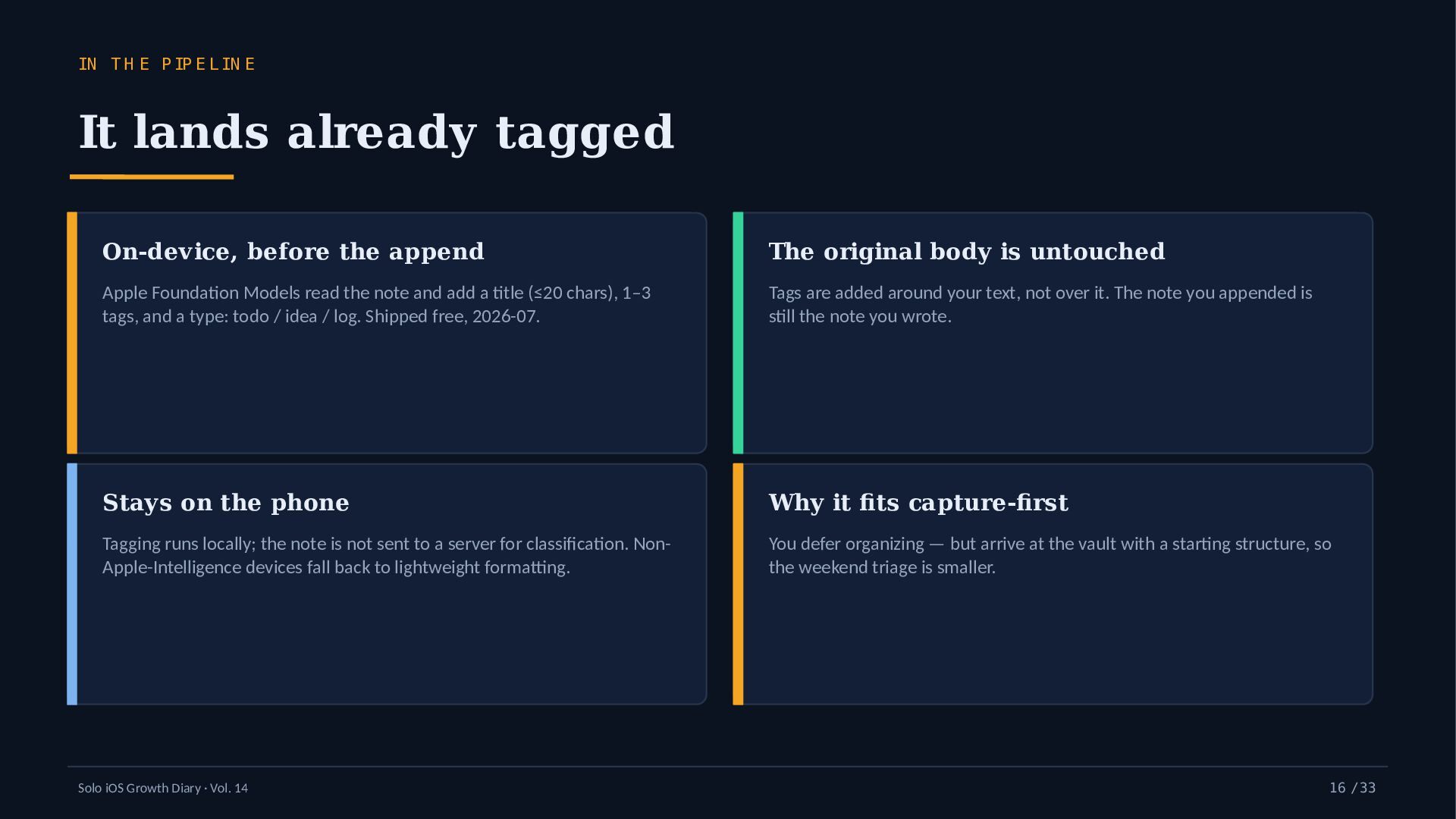
    It lands already tagged On-device, before the append The original body is untouched Apple Foundation Models read the note and add a title (≤20 chars), 1–3 tags, and a type: todo / idea / log. Shipped free, 2026-07. Tags are added around your text, not over it. The note you appended is still the note you wrote. Stays on the phone Why it fits capture-first Tagging runs locally; the note is not sent to a server for classification. NonApple-Intelligence devices fall back to lightweight formatting. You defer organizing — but arrive at the vault with a starting structure, so the weekend triage is smaller. Solo iOS Growth Diary · Vol. 14 16 / 33
  17. B R ID G E 2 — N O T

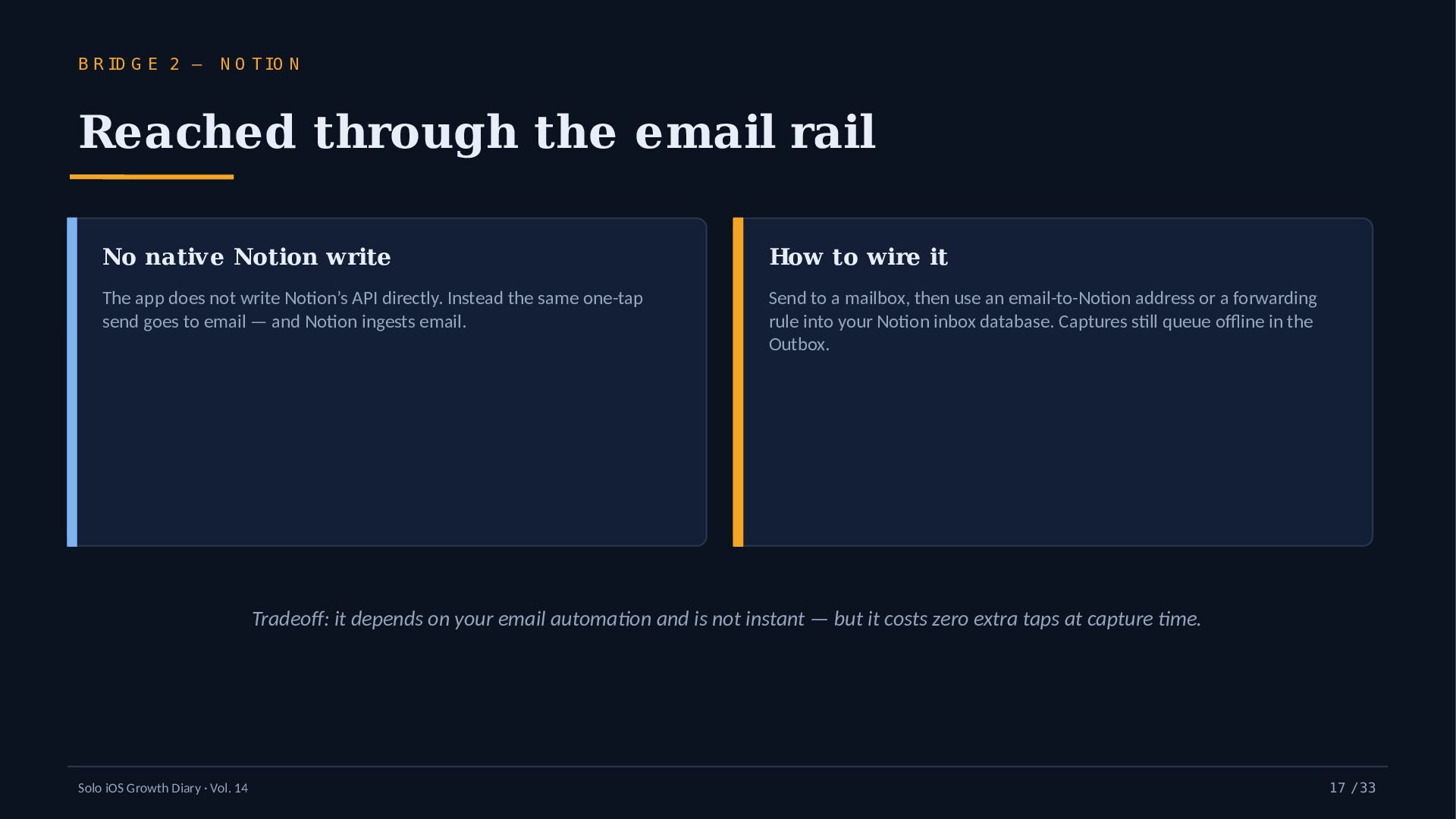
    IO N Reached through the email rail No native Notion write How to wire it The app does not write Notion’s API directly. Instead the same one-tap send goes to email — and Notion ingests email. Send to a mailbox, then use an email-to-Notion address or a forwarding rule into your Notion inbox database. Captures still queue offline in the Outbox. Tradeoff: it depends on your email automation and is not instant — but it costs zero extra taps at capture time. Solo iOS Growth Diary · Vol. 14 17 / 33
  18. B R ID G E 3 — A P P

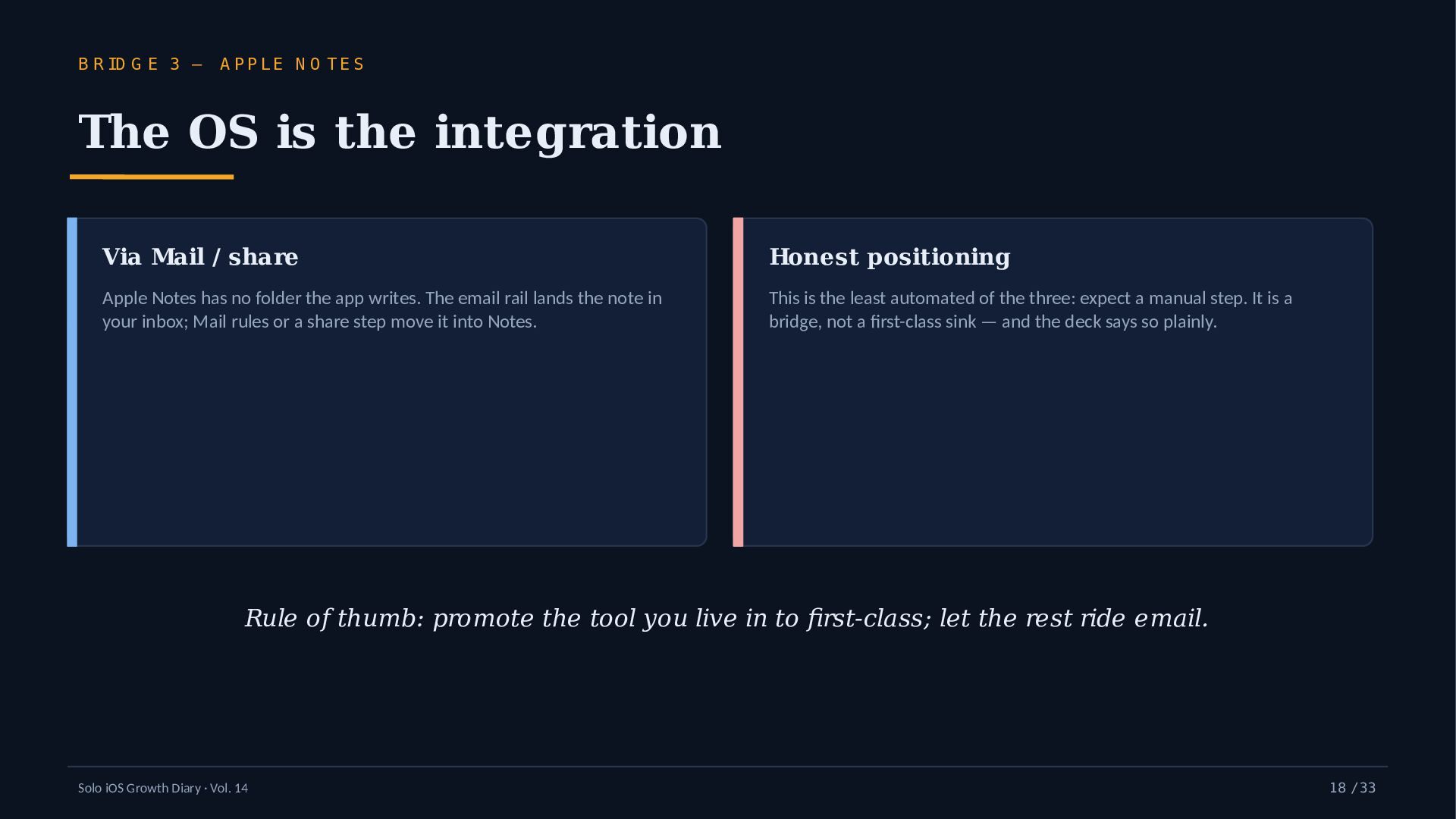
    LE N O T E S The OS is the integration Via Mail / share Honest positioning Apple Notes has no folder the app writes. The email rail lands the note in your inbox; Mail rules or a share step move it into Notes. This is the least automated of the three: expect a manual step. It is a bridge, not a first-class sink — and the deck says so plainly. Rule of thumb: promote the tool you live in to first-class; let the rest ride email. Solo iOS Growth Diary · Vol. 14 18 / 33
  19. T H E C O M P A R IS

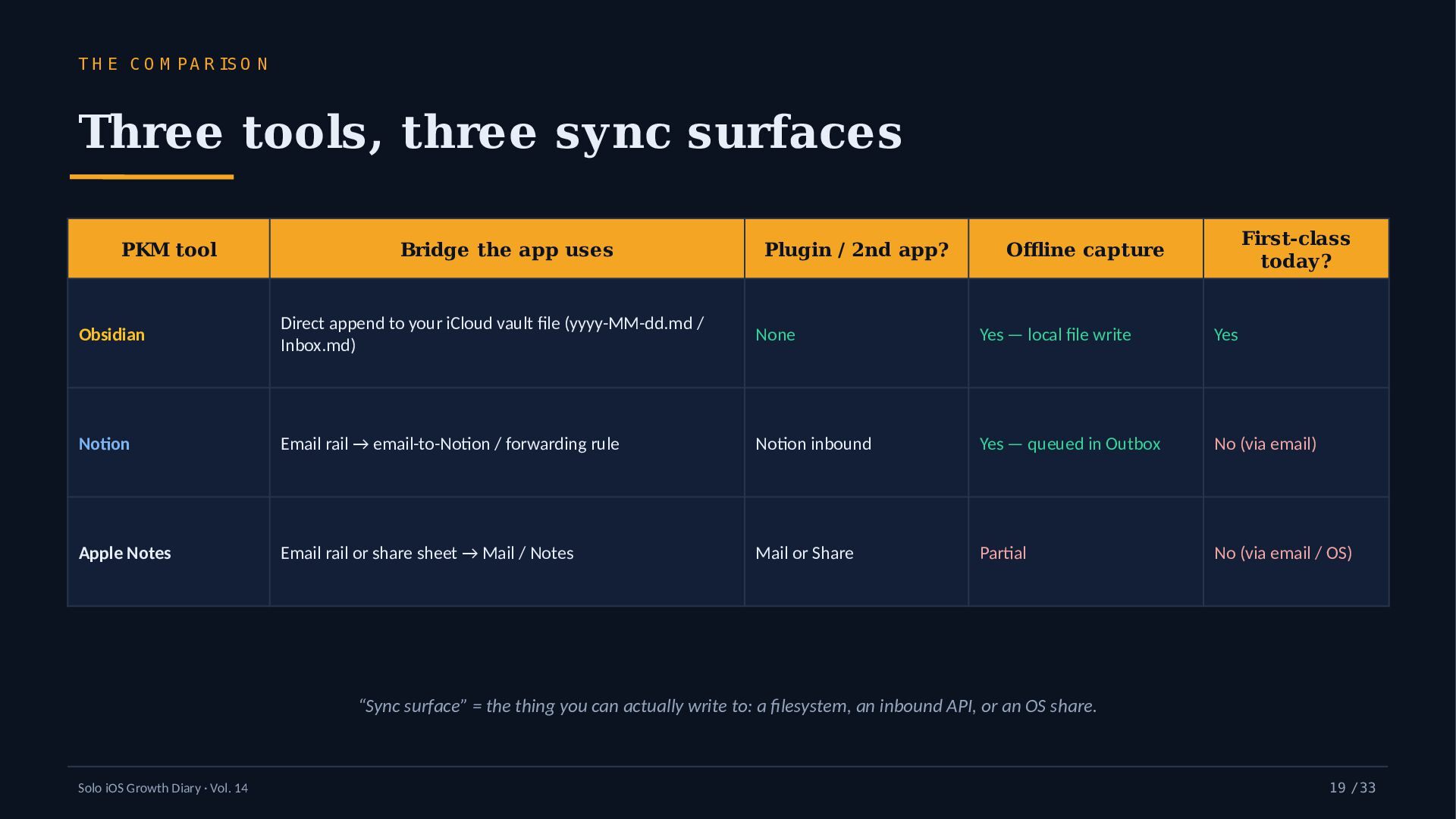
    O N Three tools, three sync surfaces PKM tool Bridge the app uses Plugin / 2nd app? First-class today? Offline capture Obsidian Direct append to your iCloud vault file (yyyy-MM-dd.md / Inbox.md) None Yes — local file write Yes Notion Email rail → email-to-Notion / forwarding rule Notion inbound Yes — queued in Outbox No (via email) Apple Notes Email rail or share sheet → Mail / Notes Mail or Share Partial No (via email / OS) “Sync surface” = the thing you can actually write to: a filesystem, an inbound API, or an OS share. Solo iOS Growth Diary · Vol. 14 19 / 33
  20. T H E ID E A W O R T

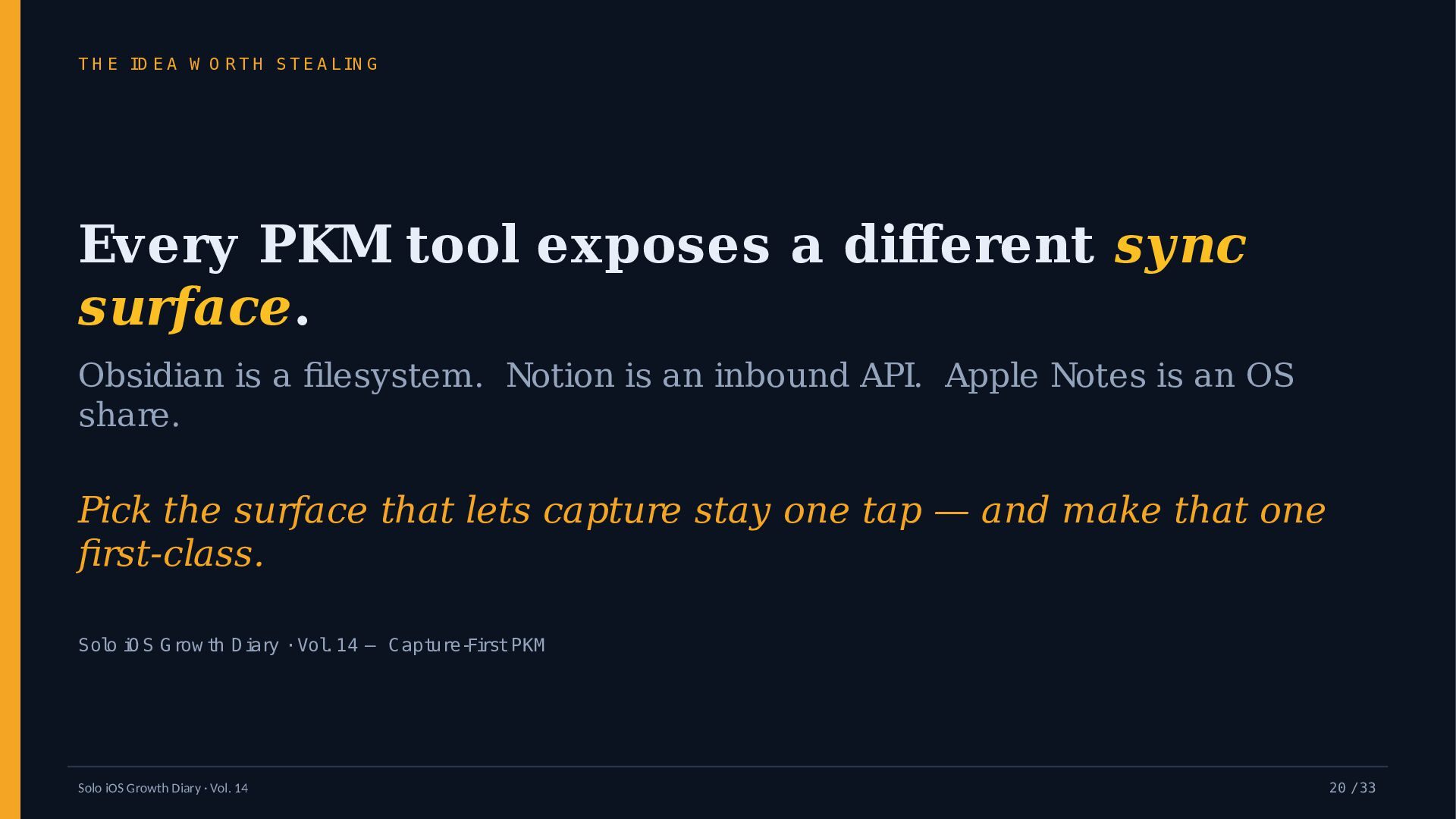
    H S T E A L IN G Every PKM tool exposes a different sync surface. Obsidian is a filesystem. Notion is an inbound API. Apple Notes is an OS share. Pick the surface that lets capture stay one tap — and make that one first-class. Solo iO S G row th D iary · Vol. 14 — Capture-First PKM Solo iOS Growth Diary · Vol. 14 20 / 33
  21. TW O N U M B ER S I M

    EA SU R ED The capture pipeline, in ms What it buys Send round-trip App launch (warm) Solo iOS Growth Diary · Vol. 14 Values in milliseconds. A 0.4 s warm launch and a ~150 ms send mean the tool is ready before the thought fades. These are the app’s own measured medians — no competitor numbers invented here. 150 400 21 / 33
  22. C A P T U R E R O U

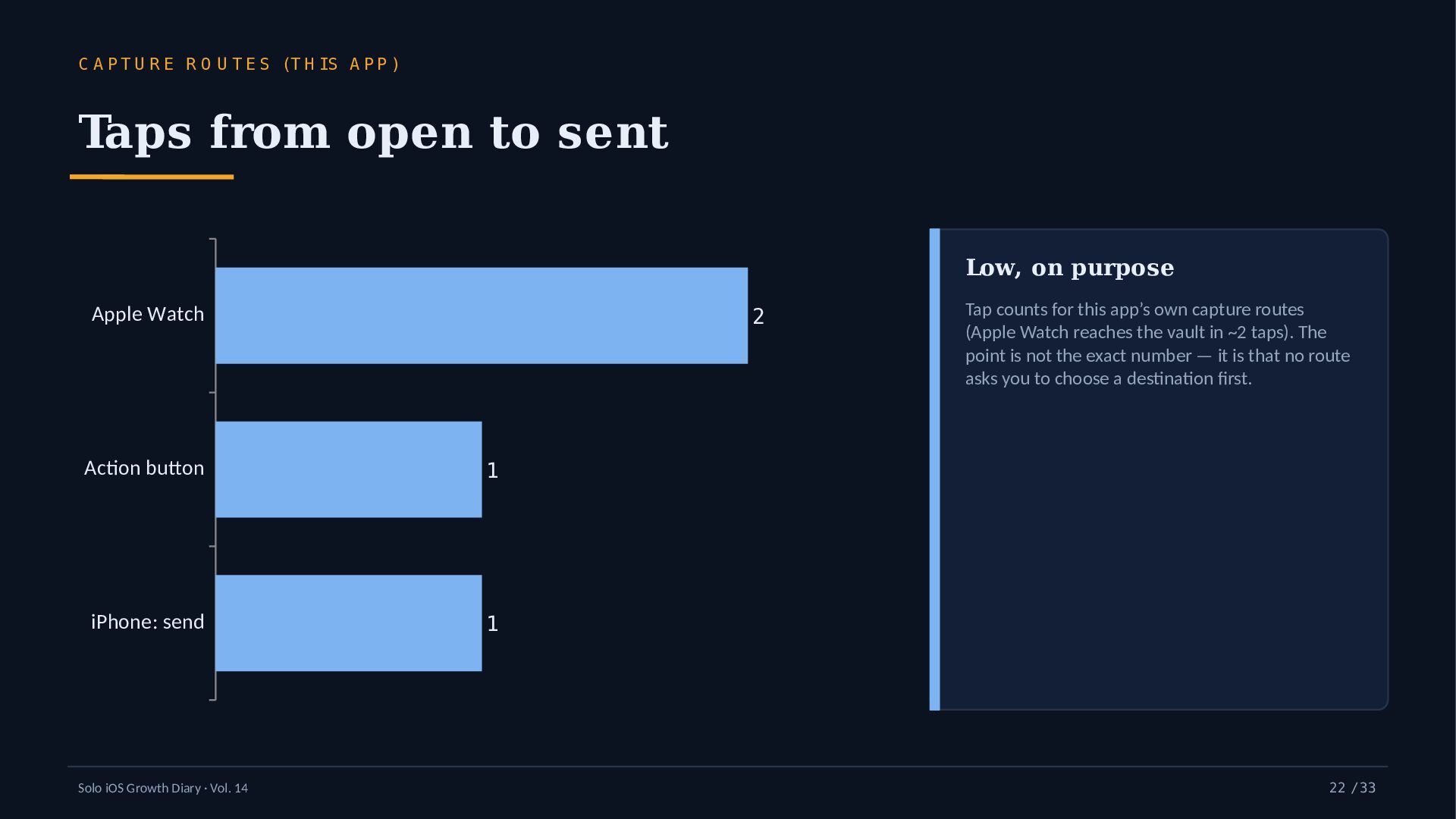
    T E S (T H IS A P P ) Taps from open to sent Low, on purpose Apple Watch 2 Action button 1 iPhone: send 1 Solo iOS Growth Diary · Vol. 14 Tap counts for this app’s own capture routes (Apple Watch reaches the vault in ~2 taps). The point is not the exact number — it is that no route asks you to choose a destination first. 22 / 33
  23. B E H O N EST A BO U T

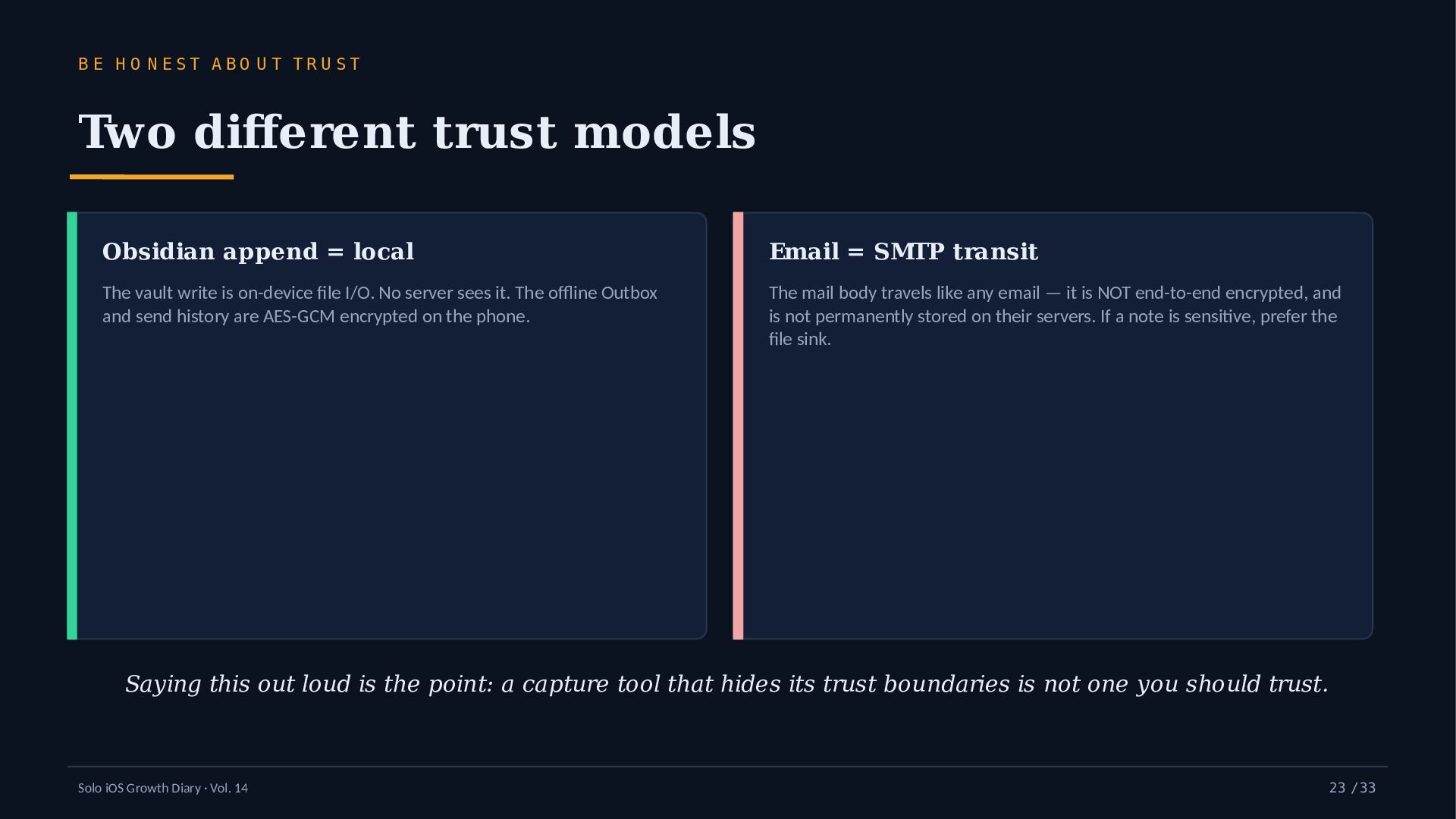
    TR U ST Two different trust models Obsidian append = local Email = SMTP transit The vault write is on-device file I/O. No server sees it. The offline Outbox and send history are AES-GCM encrypted on the phone. The mail body travels like any email — it is NOT end-to-end encrypted, and is not permanently stored on their servers. If a note is sensitive, prefer the file sink. Saying this out loud is the point: a capture tool that hides its trust boundaries is not one you should trust. Solo iOS Growth Diary · Vol. 14 23 / 33
  24. O B JE C T IO N 1 / 3

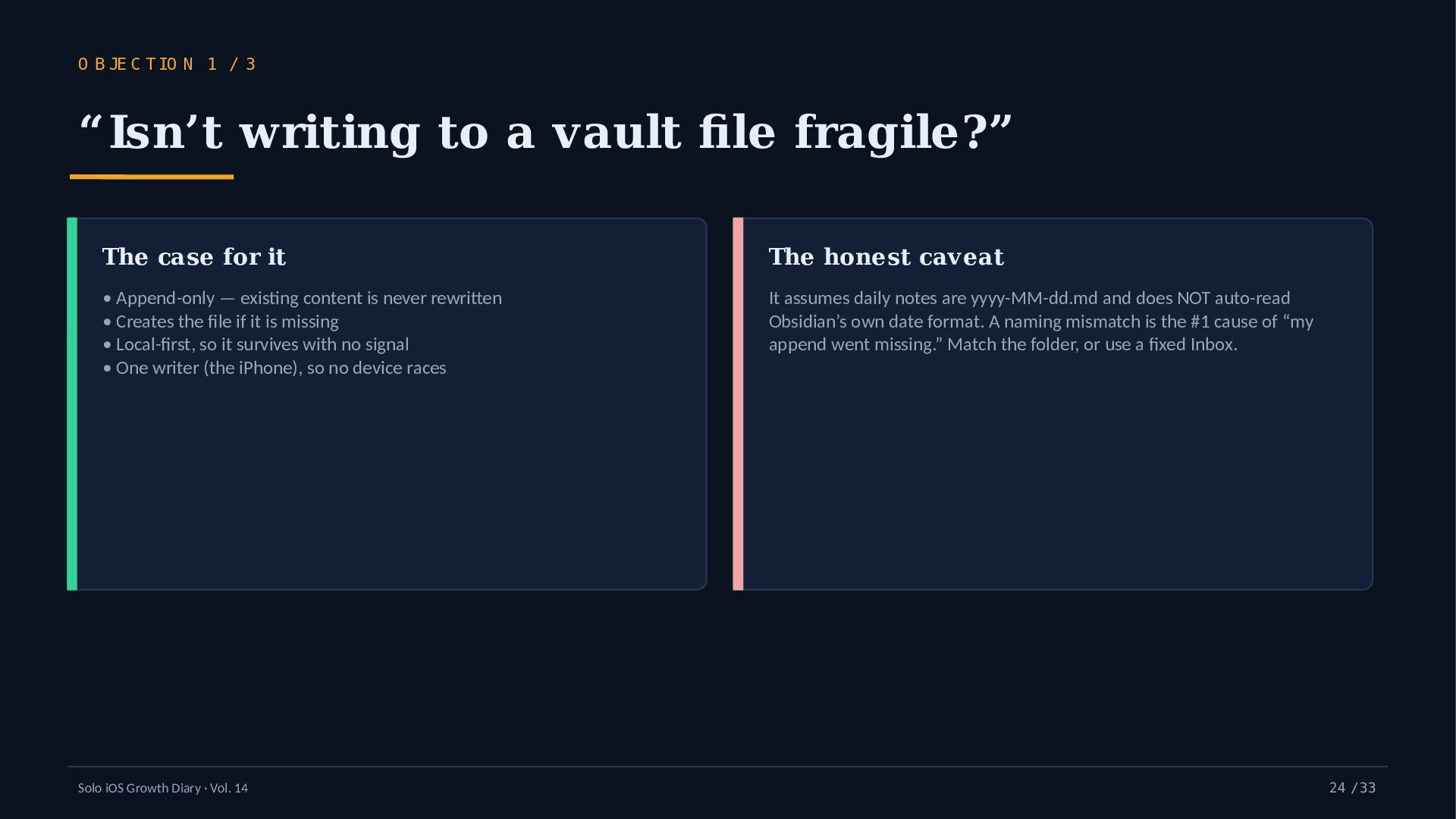
    “Isn’t writing to a vault file fragile?” The case for it The honest caveat • Append-only — existing content is never rewritten • Creates the file if it is missing • Local-first, so it survives with no signal • One writer (the iPhone), so no device races It assumes daily notes are yyyy-MM-dd.md and does NOT auto-read Obsidian’s own date format. A naming mismatch is the #1 cause of “my append went missing.” Match the folder, or use a fixed Inbox. Solo iOS Growth Diary · Vol. 14 24 / 33
  25. O B JE C T IO N 2 / 3

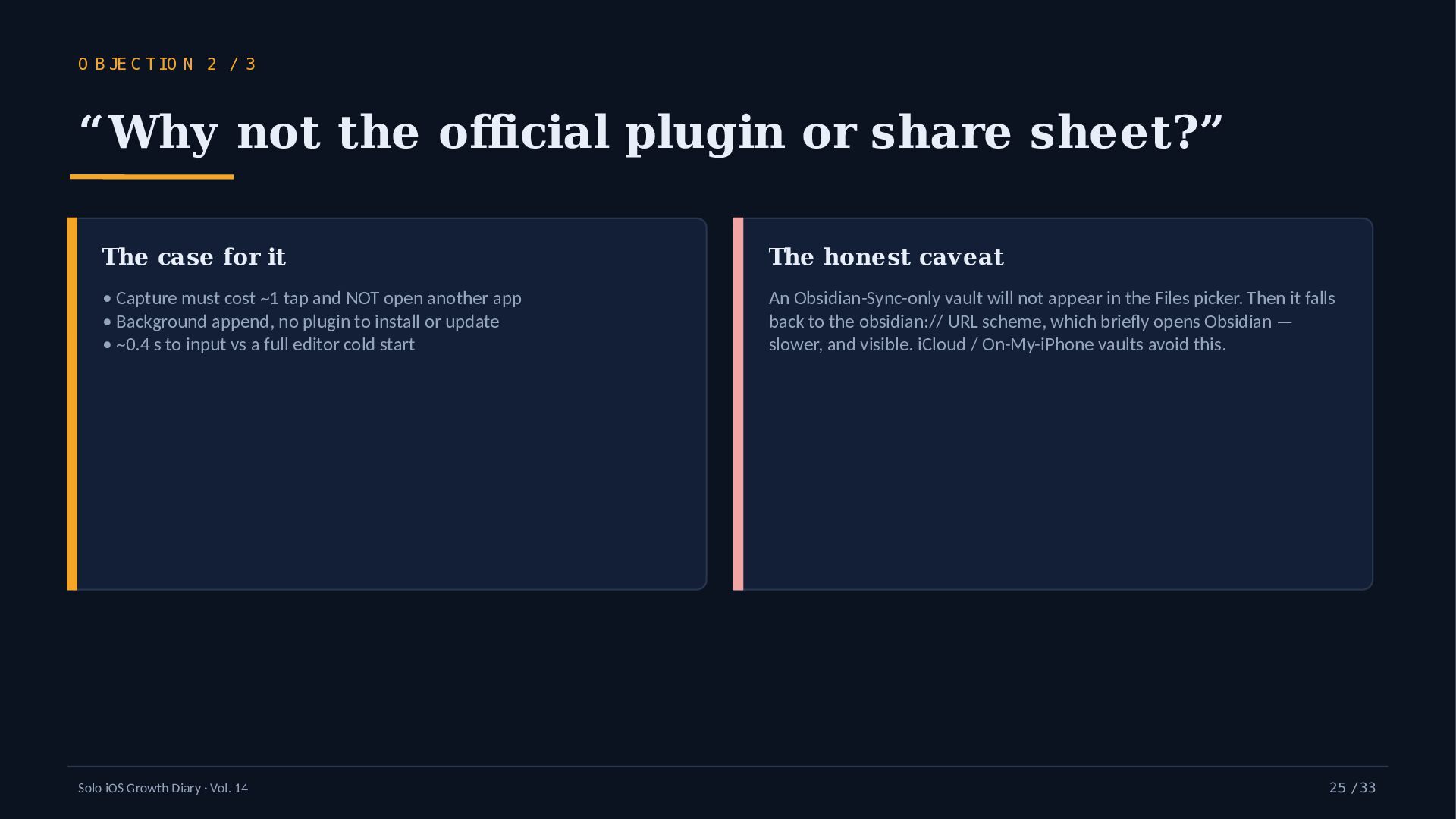
    “Why not the official plugin or share sheet?” The case for it The honest caveat • Capture must cost ~1 tap and NOT open another app • Background append, no plugin to install or update • ~0.4 s to input vs a full editor cold start An Obsidian-Sync-only vault will not appear in the Files picker. Then it falls back to the obsidian:// URL scheme, which briefly opens Obsidian — slower, and visible. iCloud / On-My-iPhone vaults avoid this. Solo iOS Growth Diary · Vol. 14 25 / 33
  26. O B JE C T IO N 3 / 3

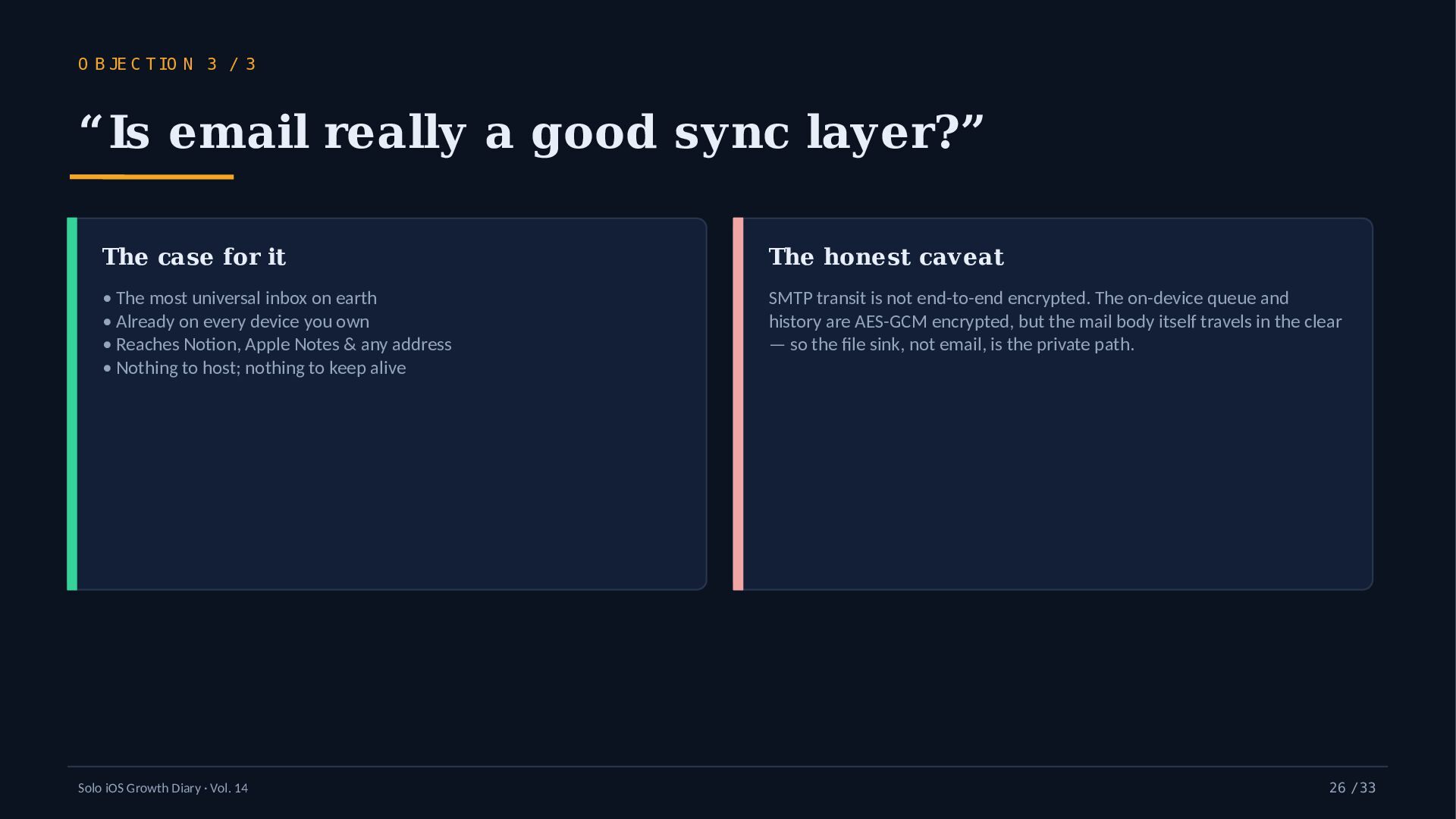
    “Is email really a good sync layer?” The case for it The honest caveat • The most universal inbox on earth • Already on every device you own • Reaches Notion, Apple Notes & any address • Nothing to host; nothing to keep alive SMTP transit is not end-to-end encrypted. The on-device queue and history are AES-GCM encrypted, but the mail body itself travels in the clear — so the file sink, not email, is the private path. Solo iOS Growth Diary · Vol. 14 26 / 33
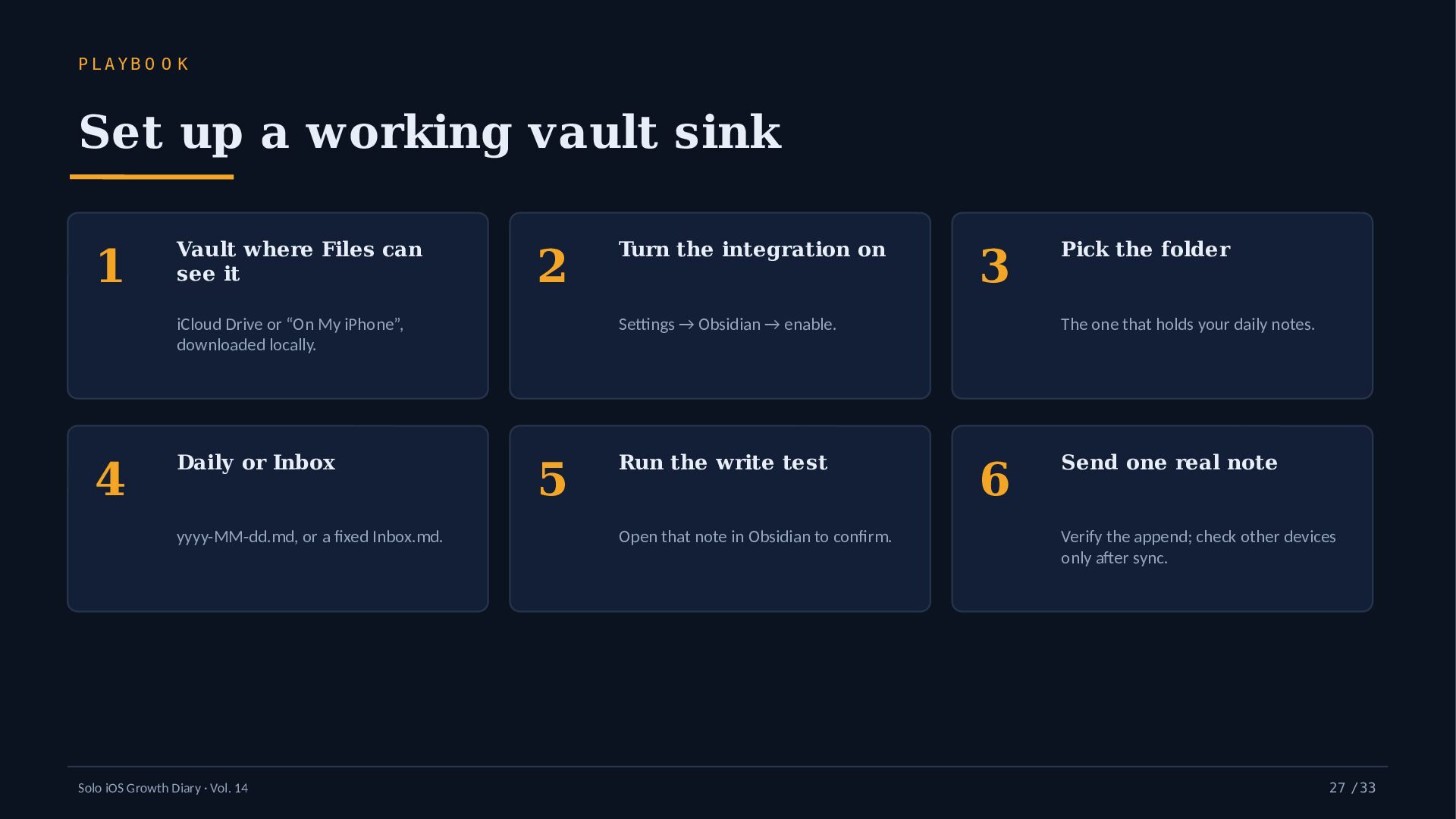
  27. PLAYB O O K Set up a working vault sink

    1 4 Vault where Files can see it 2 Turn the integration on 3 Pick the folder iCloud Drive or “On My iPhone”, downloaded locally. Settings → Obsidian → enable. The one that holds your daily notes. Daily or Inbox Run the write test Send one real note yyyy-MM-dd.md, or a fixed Inbox.md. Solo iOS Growth Diary · Vol. 14 5 Open that note in Obsidian to confirm. 6 Verify the append; check other devices only after sync. 27 / 33
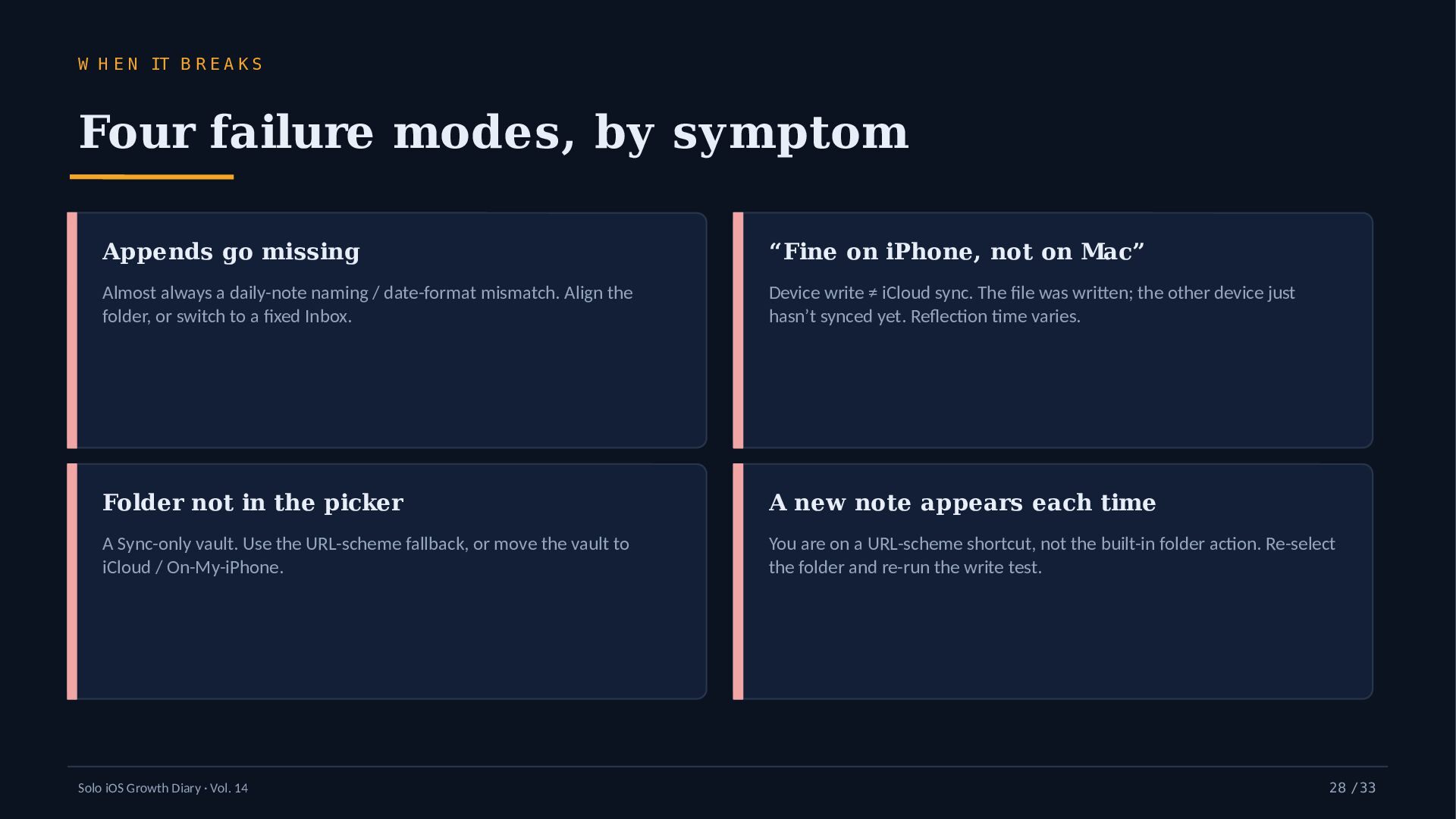
  28. W H E N IT B R E A K

    S Four failure modes, by symptom Appends go missing “Fine on iPhone, not on Mac” Almost always a daily-note naming / date-format mismatch. Align the folder, or switch to a fixed Inbox. Device write ≠ iCloud sync. The file was written; the other device just hasn’t synced yet. Reflection time varies. Folder not in the picker A new note appears each time A Sync-only vault. Use the URL-scheme fallback, or move the vault to iCloud / On-My-iPhone. You are on a URL-scheme shortcut, not the built-in folder action. Re-select the folder and re-run the write test. Solo iOS Growth Diary · Vol. 14 28 / 33
  29. H O N EST SC O REBO ARD — M

    E A S U R E D O N LY Numbers I can actually back 0.4 s 150 m s ★ 4.2 3 / d ay warm cold start (median) send round-trip App Store · 25 ratings (Jun 2026) free tier, forever 2026-05-30 iO S 16.0+ 0 servers - H H :m m Obsidian append shipped iPhone only for the vault append default append format Not inflated: Notion & Apple Notes are email-rail bridges, not first-class. SMTP is not E2E. A device write is not an iCloud sync. iPhone-only. Series reach to date: ~35 lifetime views. Solo iOS Growth Diary · Vol. 14 29 / 33
  30. T H E S E R IE S S O

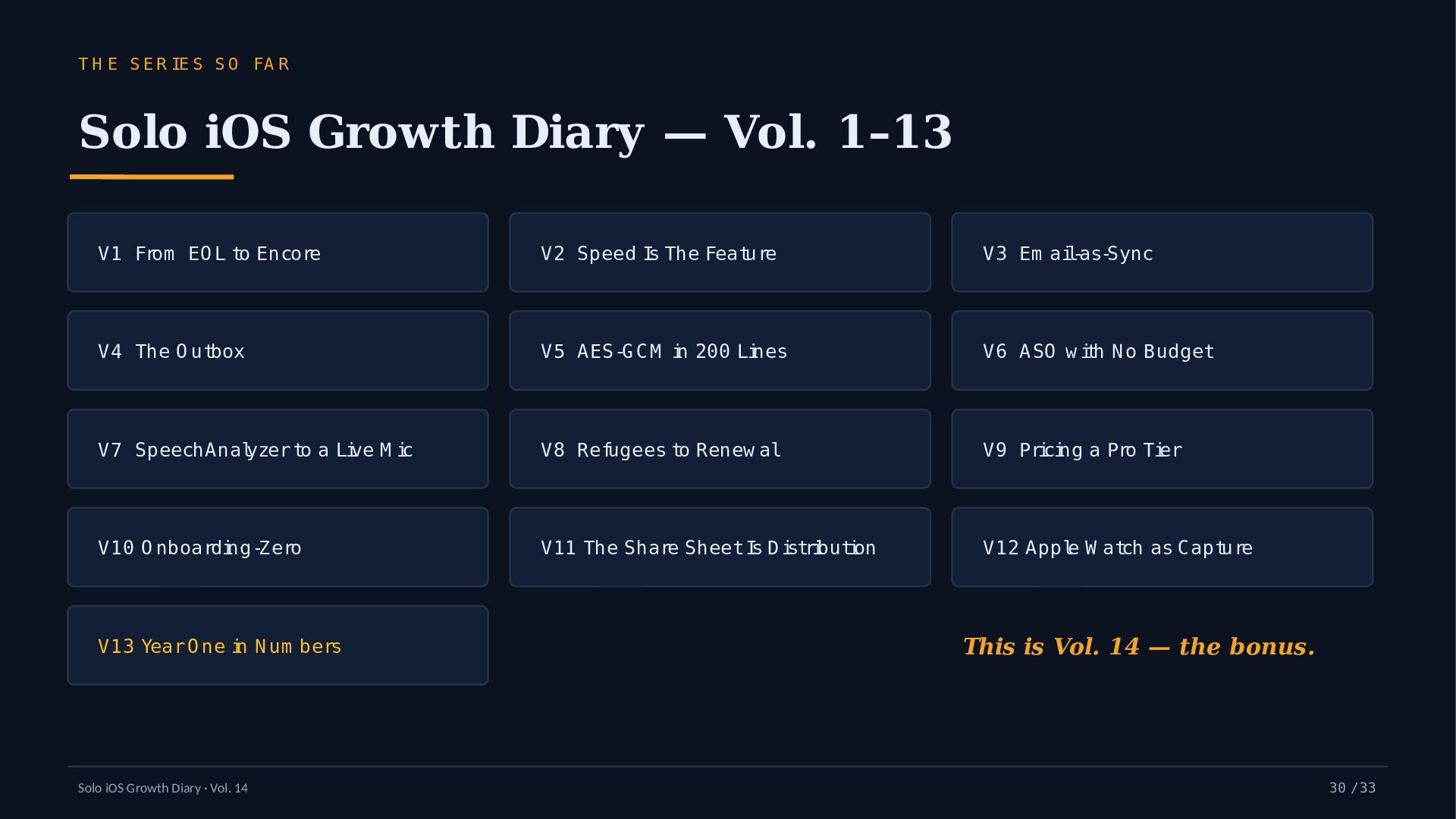
    FA R Solo iOS Growth Diary — Vol. 1–13 V1 From EO L to Encore V2 Speed Is The Feature V3 Em ail-as-Sync V4 The O utbox V5 AES-G CM in 200 Lines V6 ASO w ith N o Budget V7 SpeechAnalyzer to a Live M ic V8 Refugees to Renew al V9 Pricing a Pro Tier V10 O nboarding-Zero V11 The Share Sheet Is D istribution V12 Apple W atch as Capture V13 Year O ne in N um bers Solo iOS Growth Diary · Vol. 14 This is Vol. 14 — the bonus. 30 / 33
  31. F IE L D N O T E S What

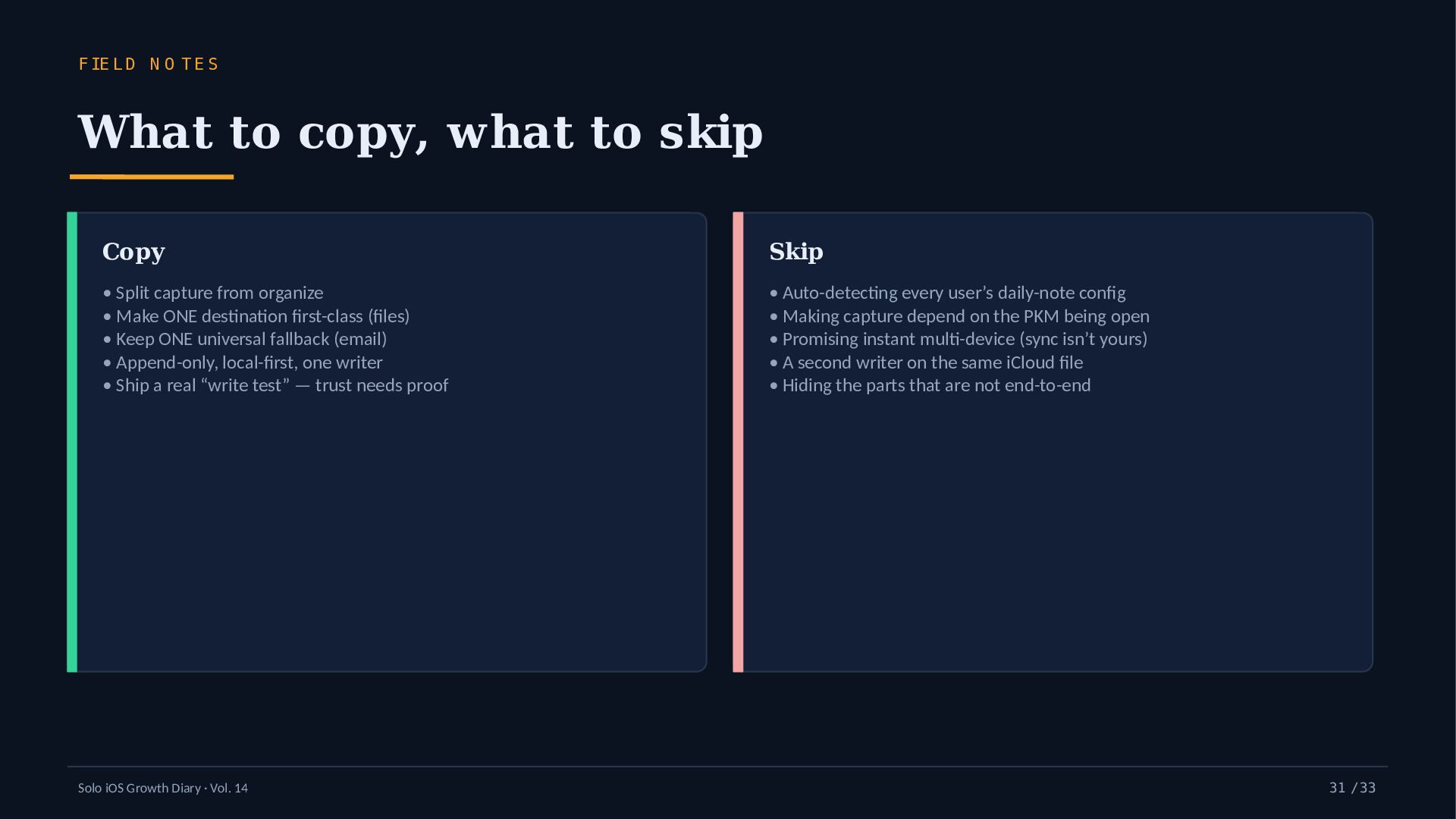
    to copy, what to skip Copy Skip • Split capture from organize • Make ONE destination first-class (files) • Keep ONE universal fallback (email) • Append-only, local-first, one writer • Ship a real “write test” — trust needs proof • Auto-detecting every user’s daily-note config • Making capture depend on the PKM being open • Promising instant multi-device (sync isn’t yours) • A second writer on the same iCloud file • Hiding the parts that are not end-to-end Solo iOS Growth Diary · Vol. 14 31 / 33
  32. C L O S IN G T H O U

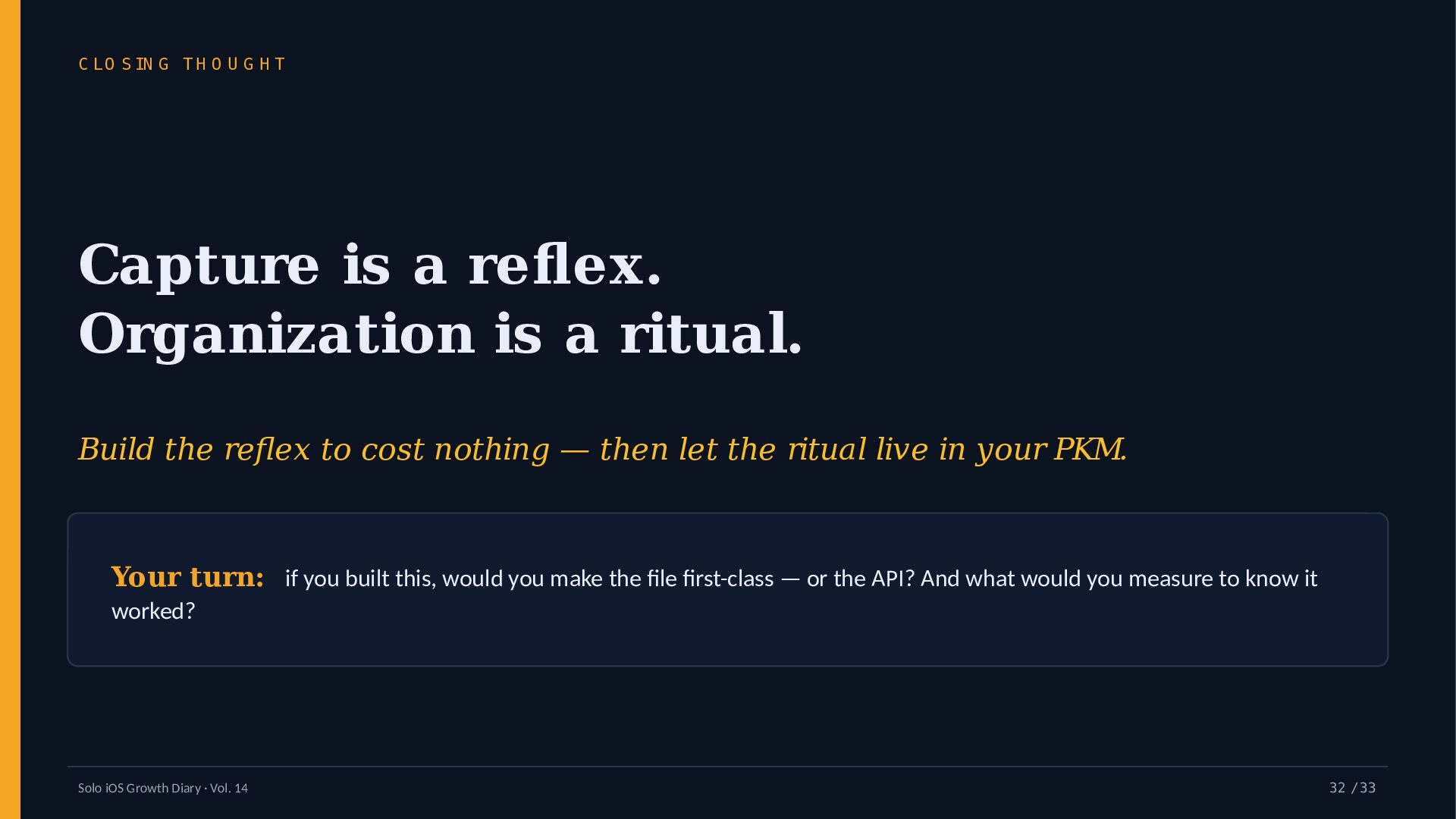
    G H T Capture is a reflex. Organization is a ritual. Build the reflex to cost nothing — then let the ritual live in your PKM. Your turn: if you built this, would you make the file first-class — or the API? And what would you measure to know it worked? Solo iOS Growth Diary · Vol. 14 32 / 33
  33. T H A N K S F O R R

    E A D IN G Follow the build The series Deep dive: the vault append speakerdeck.com/simplememo New field notes land here. sim plem em ofast.com /en/obsidian/ Say something x.com/simplememofast Tell me what you’d measure — replies are the whole point. scan for the /en/obsidian/ write-up Simple Memo — for Obsidian · YURIKA K.K. · not affiliated with Obsidian (a trademark of Dynalist Inc.) Solo iOS Growth Diary · Vol. 14 33 / 33