Unit 2: Programming and Software Paradigms
 Your Podcast. Everywhere. Effortlessly.
Share. Educate. Inspire. Entertain. You do you. We'll handle the rest.
→

Share
Unit 2: Programming and Software Paradigms
Unit 2: Programming and Software Paradigms
Programming Concepts: Machine-level, Assembly-level, and High-level programming; Unstructured, Structured, and Object-oriented programming paradigms; Programming Languages: Machine language, Assembly language, Procedural language, Natural programming language, Visual programming language, Scripting language, HTML, and XML; Characteristics of a Good Program: Key features for effective and efficient program design;
Software Categories: System software (operating systems, device drivers, system utilities) and Application software (desktop publishing software); Software and Hardware Relationship: Understanding how software interacts with hardware in system operations; Software Piracy and Terminologies: Introduction to software piracy issues and key terminologies.

Sona Shaiju
Transcript
62 slides
-
Unit 2: Programming and Software Paradigms Programming Concepts: Machine-level, Assembly-level,
and High-level programming; Unstructured, Structured, and Object-oriented programming paradigms; Programming Languages: Machine language, Assembly language, Procedural language, Natural programming language, Visual programming language, Scripting language, HTML, and XML; Characteristics of a Good Program: Key features for effective and efficient program design; Software Categories: System software (operating systems, device drivers, system utilities) and Application software (desktop publishing software); Software and Hardware Relationship: Understanding how software interacts with hardware in system operations; Software Piracy and Terminologies: Introduction to software piracy issues and key terminologies. -
The Evolution of Programming Paradigms A journey from tangled machine
instructions to elegant, human-centered software design. -
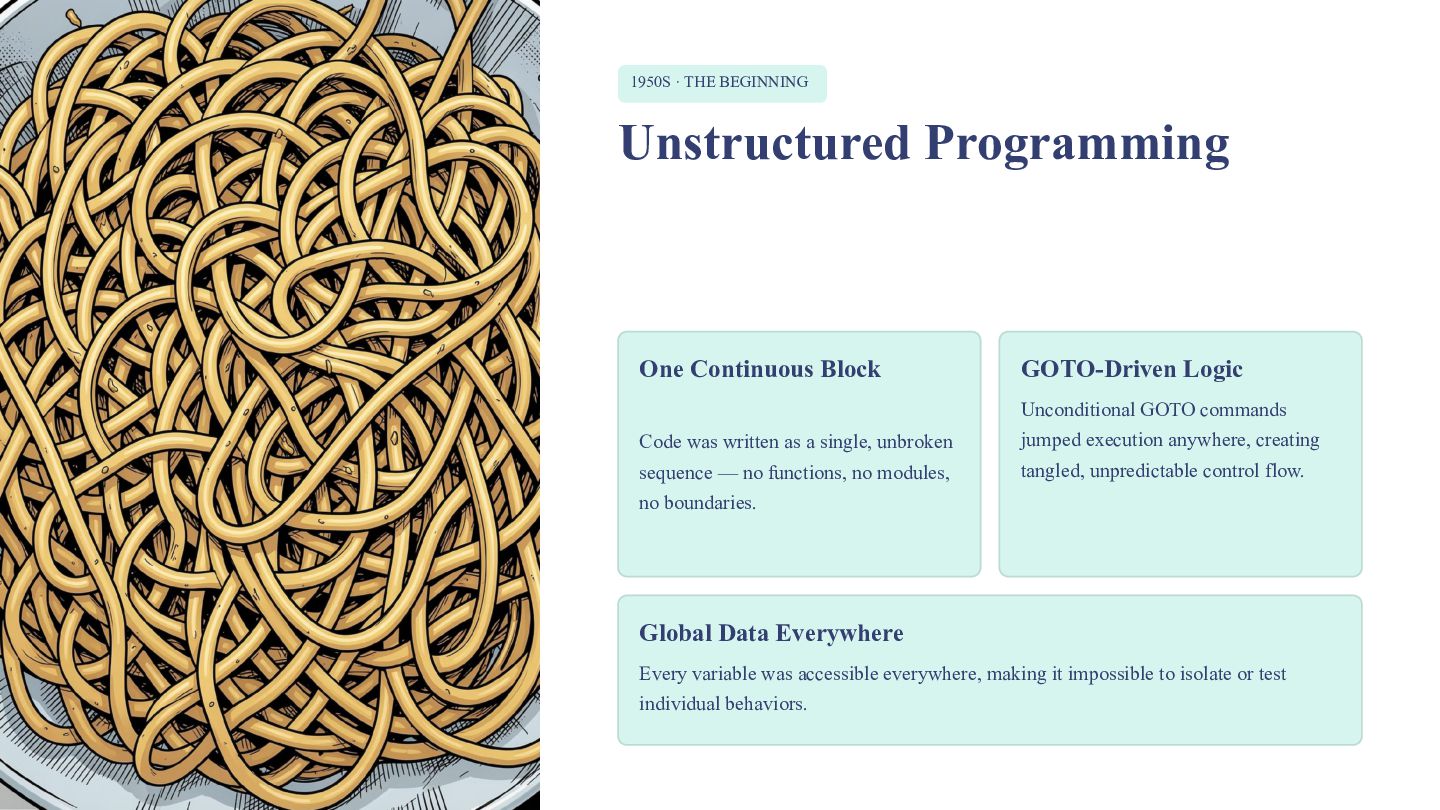
1950S · THE BEGINNING Unstructured Programming One Continuous Block GOTO-Driven
Logic Unconditional GOTO commands Code was written as a single, unbroken jumped execution anywhere, creating sequence — no functions, no modules, tangled, unpredictable control flow. no boundaries. Global Data Everywhere Every variable was accessible everywhere, making it impossible to isolate or test individual behaviors. -
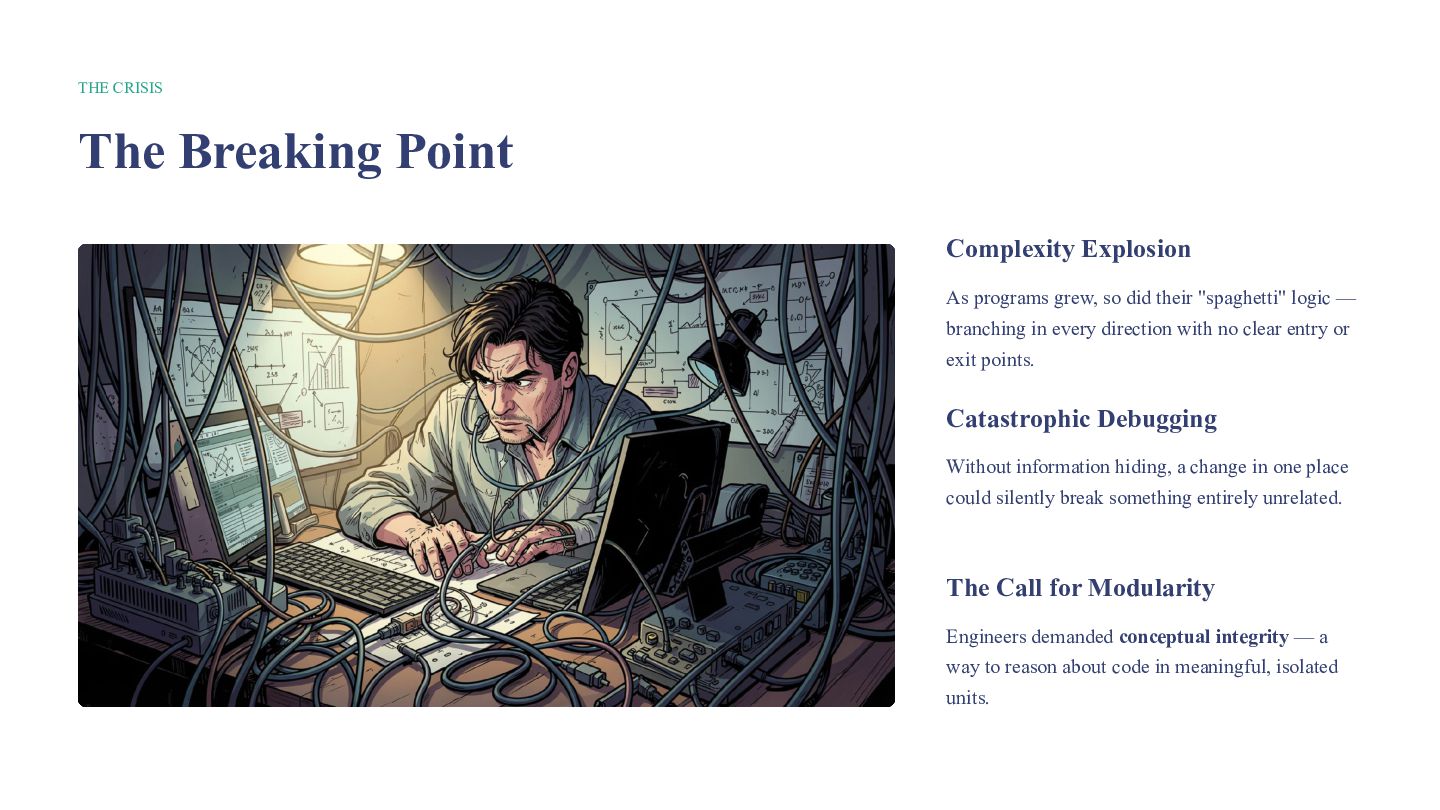
THE CRISIS The Breaking Point Complexity Explosion As programs grew,
so did their "spaghetti" logic — branching in every direction with no clear entry or exit points. Catastrophic Debugging Without information hiding, a change in one place could silently break something entirely unrelated. The Call for Modularity Engineers demanded conceptual integrity — a way to reason about code in meaningful, isolated units. -
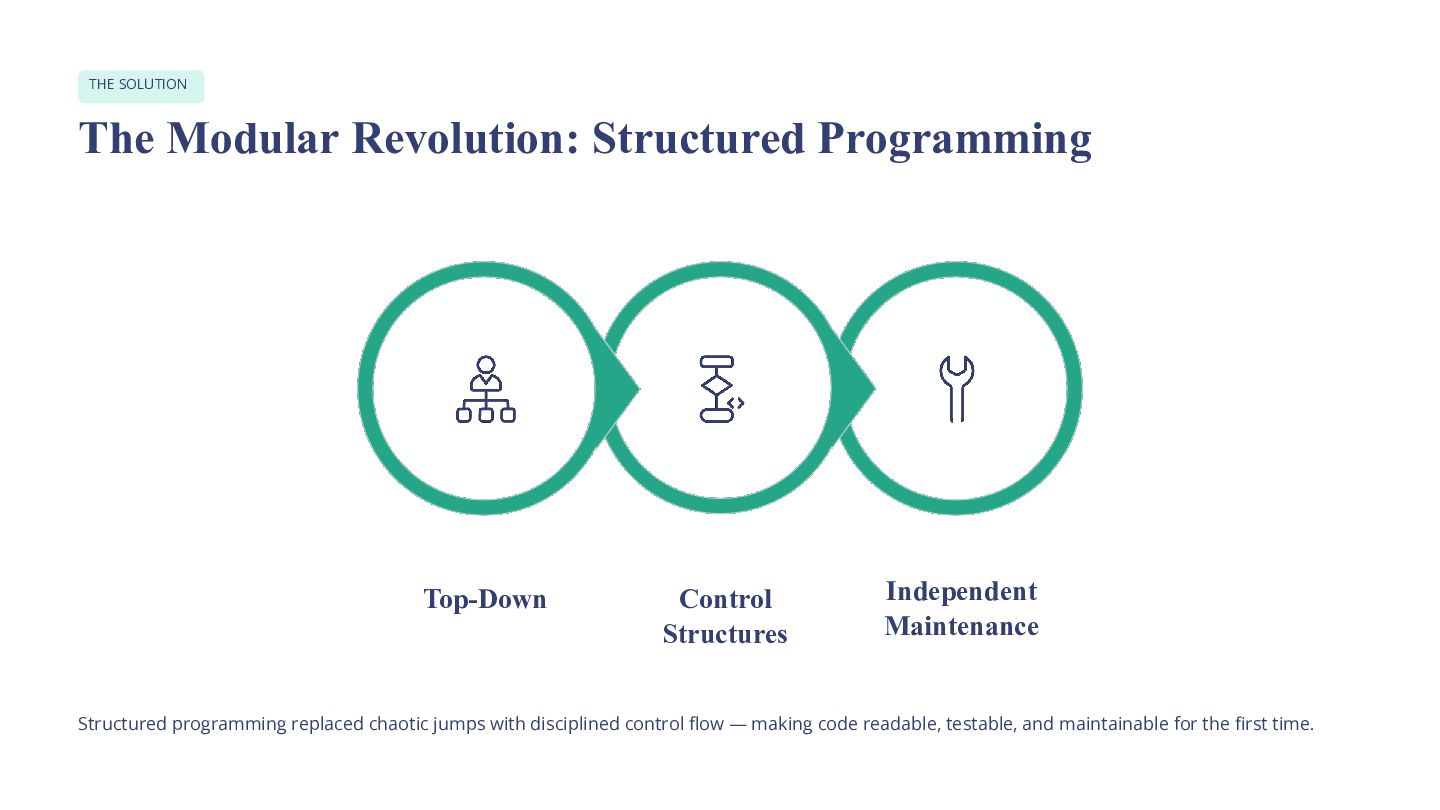
THE SOLUTION The Modular Revolution: Structured Programming Top-Down Control Structures
Independent Maintenance Structured programming replaced chaotic jumps with disciplined control flow — making code readable, testable, and maintainable for the first time. -
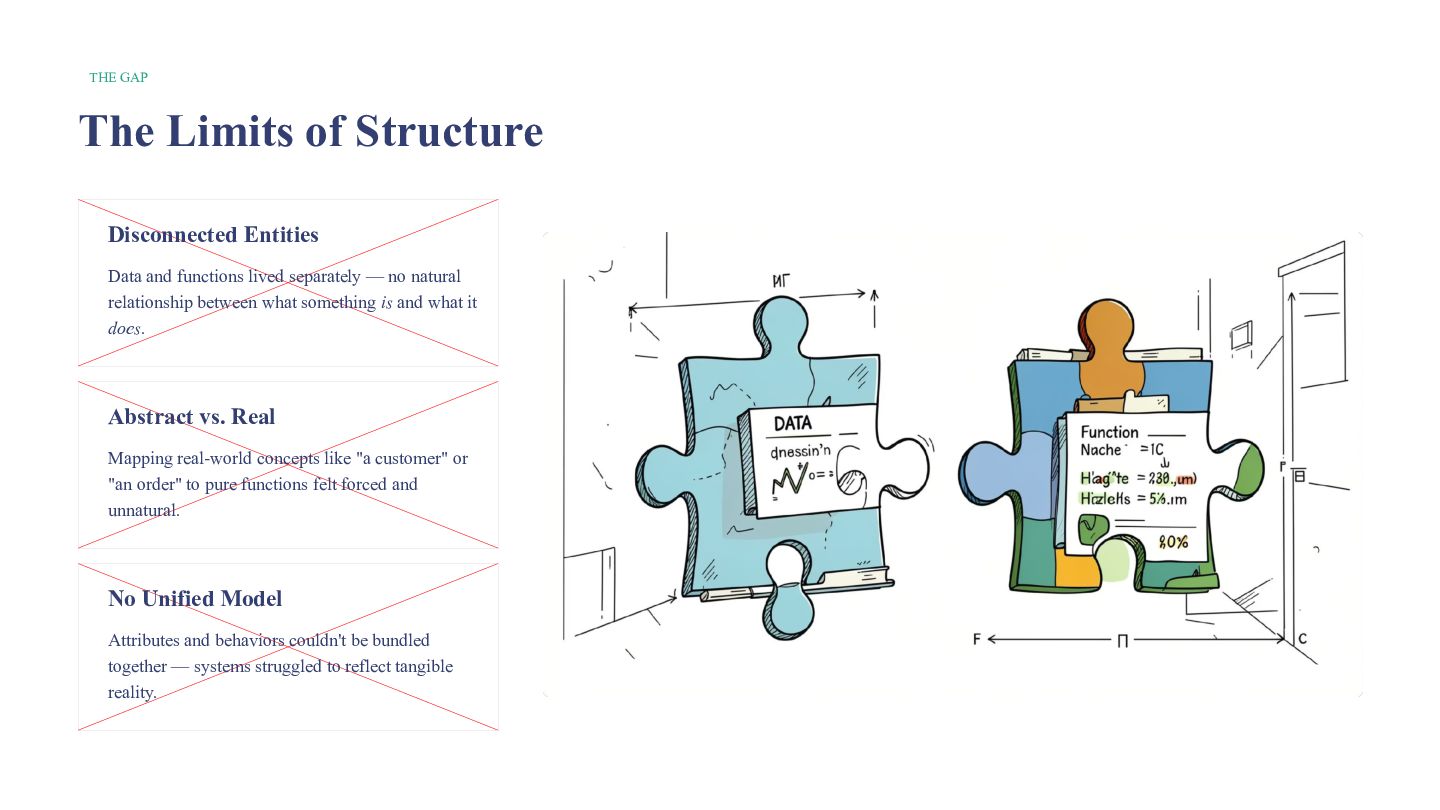
THE GAP The Limits of Structure Disconnected Entities Data and
functions lived separately — no natural relationship between what something is and what it does. Abstract vs. Real Mapping real-world concepts like "a customer" or "an order" to pure functions felt forced and unnatural. No Unified Model Attributes and behaviors couldn't be bundled together — systems struggled to reflect tangible reality. -
THE BREAKTHROUGH Enter the Object: The Power of OOP Object-Oriented
Programming bridged the gap between code and reality by modeling the world as it actually exists. Object = Data + Behavior Model Reality Directly Every object bundles its state and A Car object has color, speed, and actions into a single, self-contained methods like accelerate() — just like unit. the real thing. Three Core Concepts Encapsulation, Inheritance, and Polymorphism became the foundation of modern software design. -
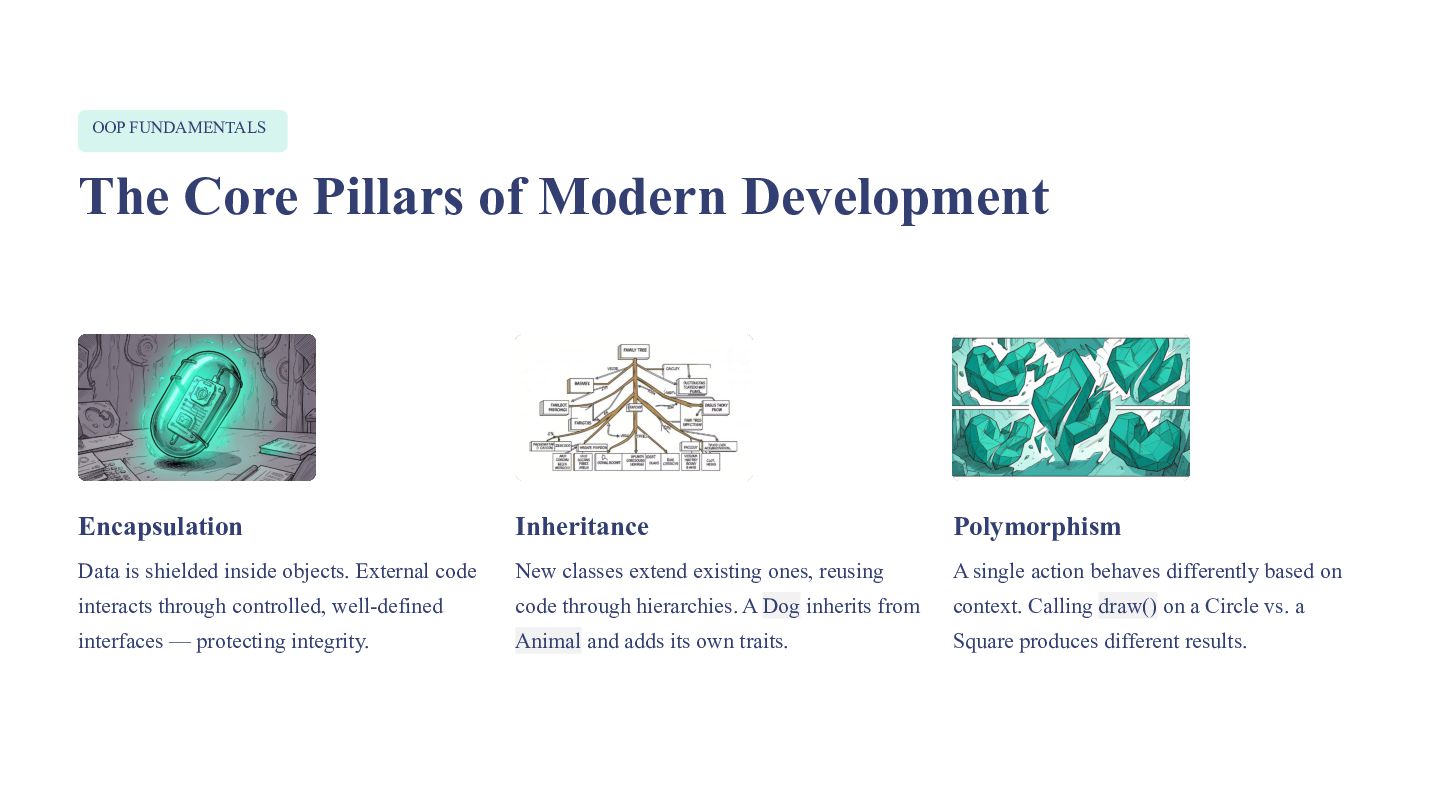
OOP FUNDAMENTALS The Core Pillars of Modern Development Encapsulation Inheritance
Polymorphism Data is shielded inside objects. External code New classes extend existing ones, reusing A single action behaves differently based on interacts through controlled, well-defined code through hierarchies. A Dog inherits from context. Calling draw() on a Circle vs. a interfaces — protecting integrity. Animal and adds its own traits. Square produces different results. -
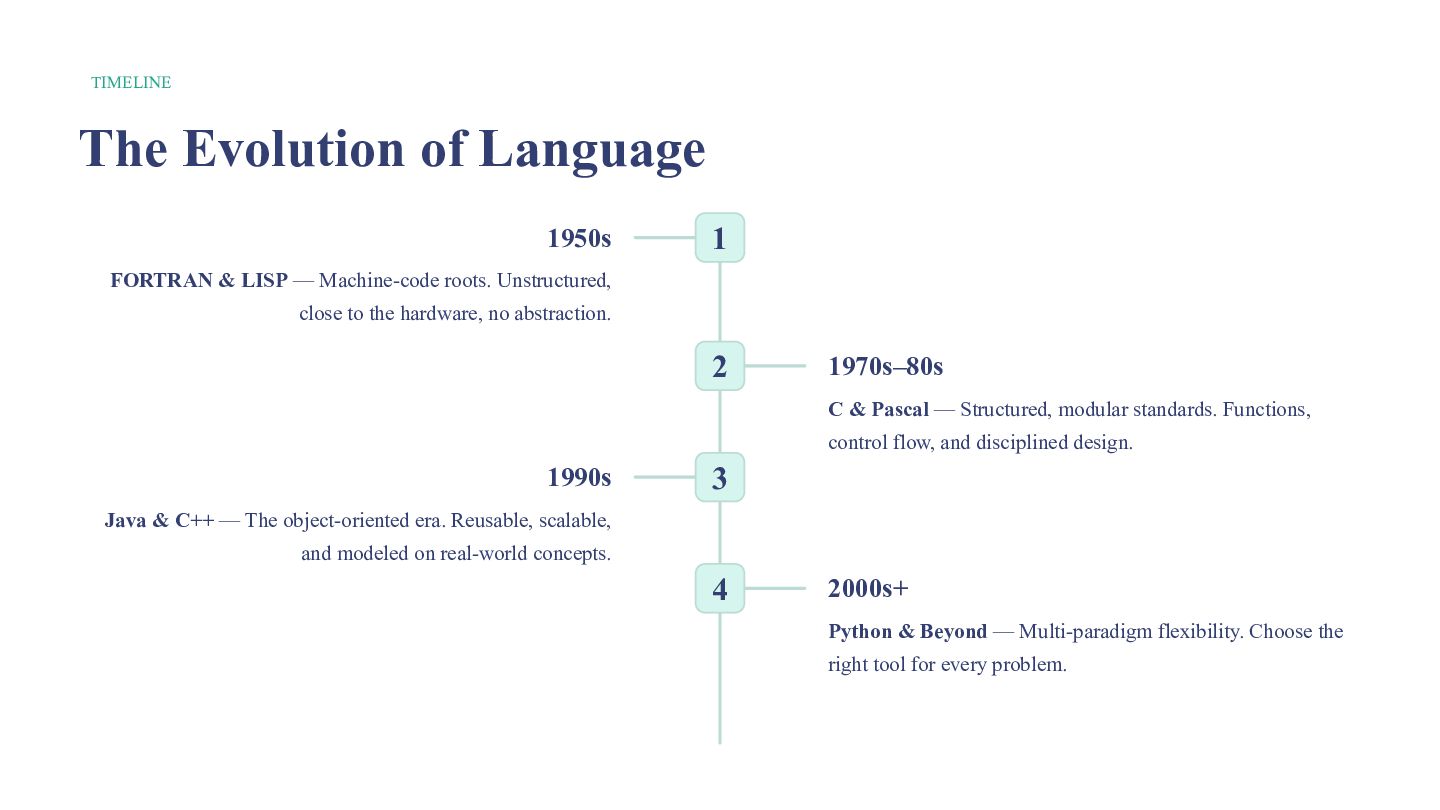
TIMELINE The Evolution of Language 1950s 1 FORTRAN & LISP
— Machine-code roots. Unstructured, close to the hardware, no abstraction. 2 1970s–80s C & Pascal — Structured, modular standards. Functions, control flow, and disciplined design. 1990s 3 Java & C++ — The object-oriented era. Reusable, scalable, and modeled on real-world concepts. 4 2000s+ Python & Beyond — Multi-paradigm flexibility. Choose the right tool for every problem. -
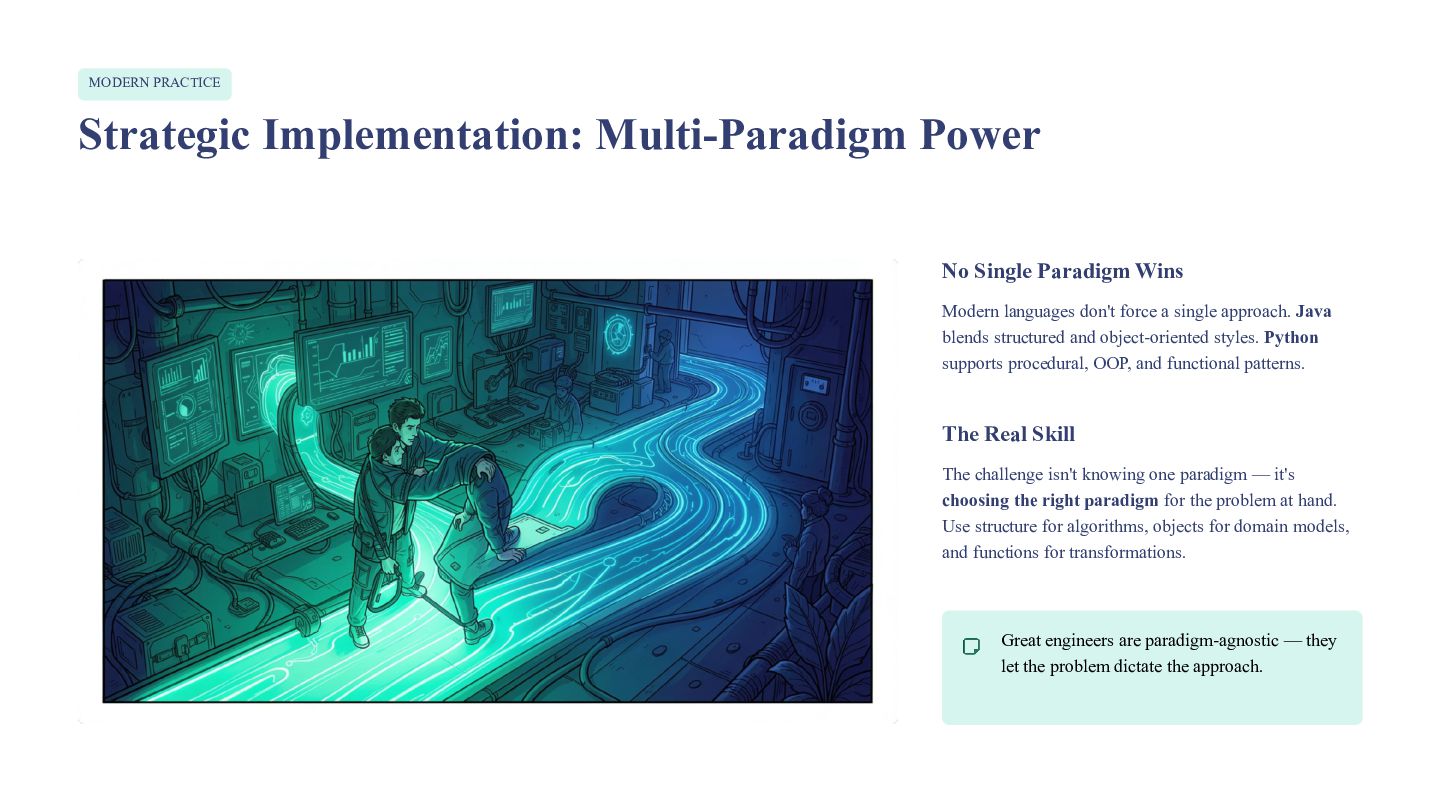
MODERN PRACTICE Strategic Implementation: Multi-Paradigm Power No Single Paradigm Wins
Modern languages don't force a single approach. Java blends structured and object-oriented styles. Python supports procedural, OOP, and functional patterns. The Real Skill The challenge isn't knowing one paradigm — it's choosing the right paradigm for the problem at hand. Use structure for algorithms, objects for domain models, and functions for transformations. Great engineers are paradigm-agnostic — they let the problem dictate the approach. -
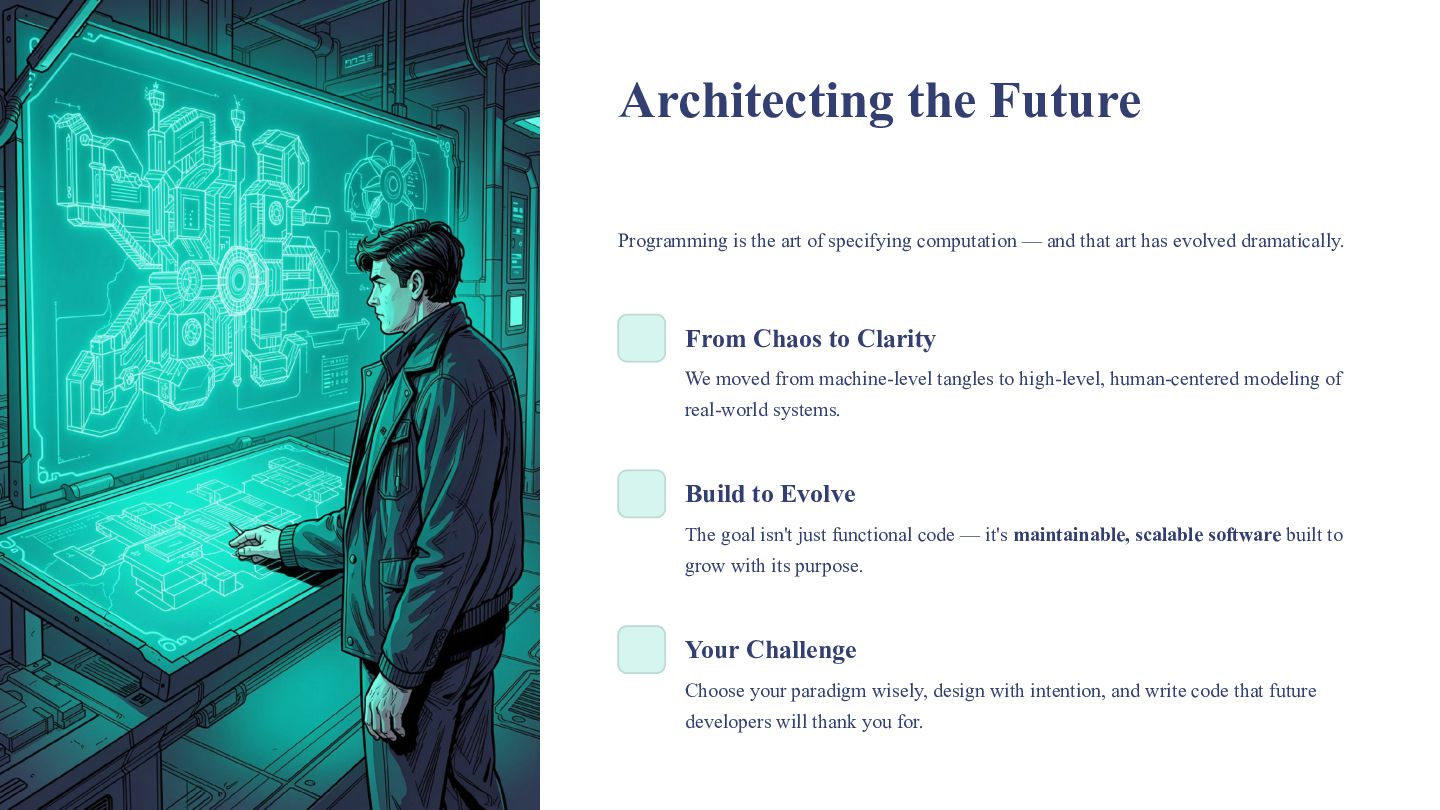
Architecting the Future Programming is the art of specifying computation
— and that art has evolved dramatically. From Chaos to Clarity We moved from machine-level tangles to high-level, human-centered modeling of real-world systems. Build to Evolve The goal isn't just functional code — it's maintainable, scalable software built to grow with its purpose. Your Challenge Choose your paradigm wisely, design with intention, and write code that future developers will thank you for. -
Programming & Software Paradigms Unit 2 — From binary instructions
to object-oriented design, explore how programming languages evolved and why the paradigm you choose shapes everything you build. -
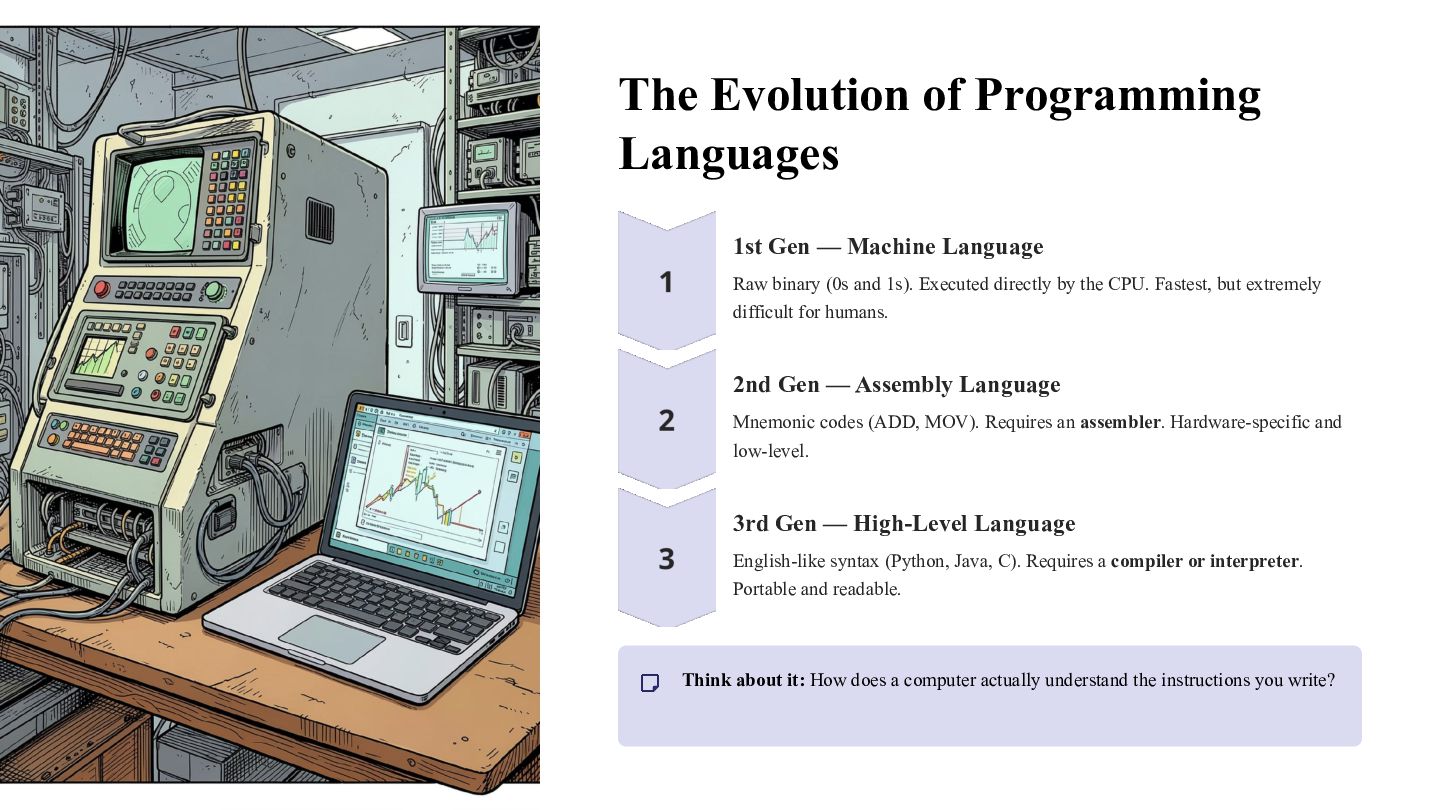
The Evolution of Programming Languages 1st Gen — Machine Language
Raw binary (0s and 1s). Executed directly by the CPU. Fastest, but extremely difficult for humans. 2nd Gen — Assembly Language Mnemonic codes (ADD, MOV). Requires an assembler. Hardware-specific and low-level. 3rd Gen — High-Level Language English-like syntax (Python, Java, C). Requires a compiler or interpreter. Portable and readable. Think about it: How does a computer actually understand the instructions you write? -
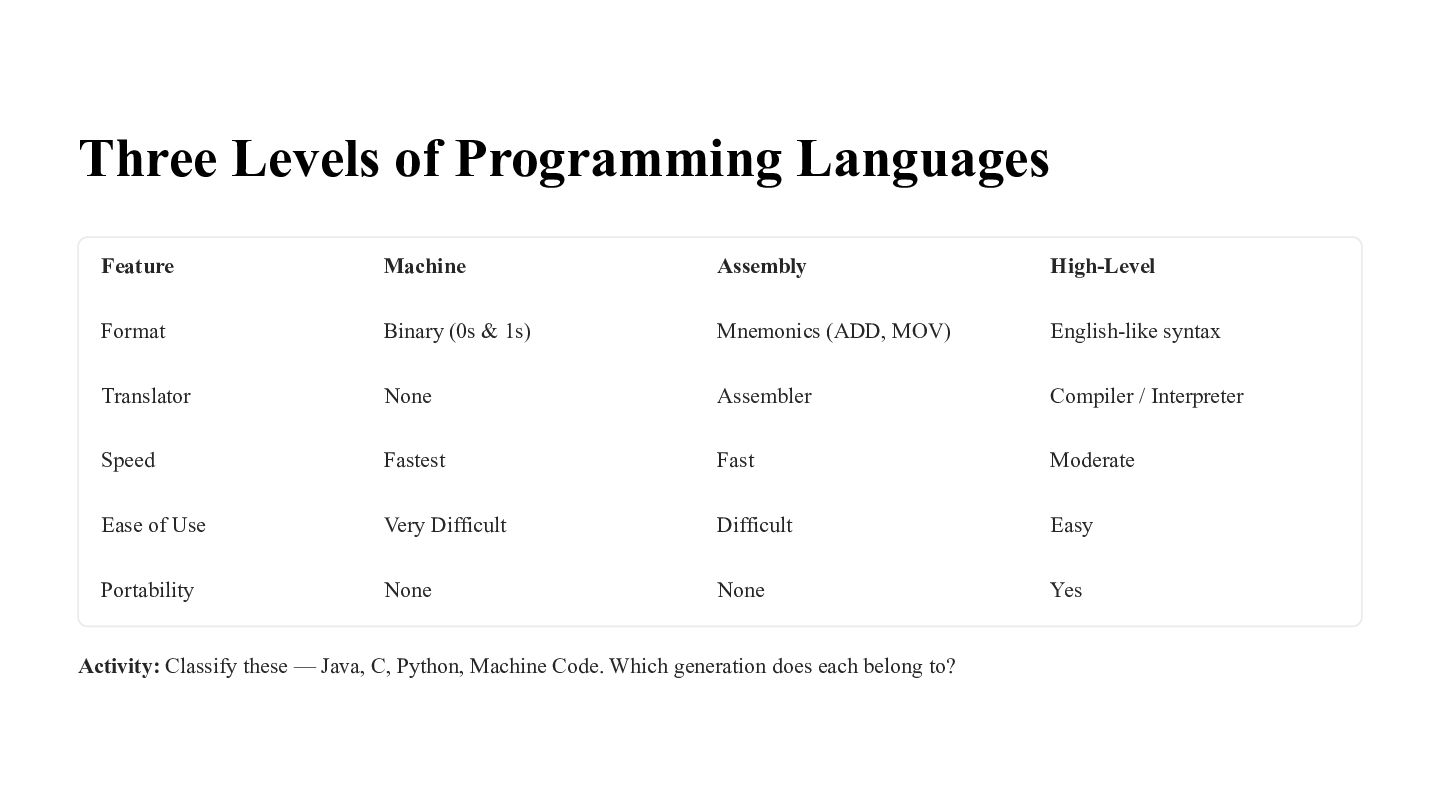
Three Levels of Programming Languages Feature Machine Assembly High-Level Format
Binary (0s & 1s) Mnemonics (ADD, MOV) English-like syntax Translator None Assembler Compiler / Interpreter Speed Fastest Fast Moderate Ease of Use Very Difficult Difficult Easy Portability None None Yes Activity: Classify these — Java, C, Python, Machine Code. Which generation does each belong to? -
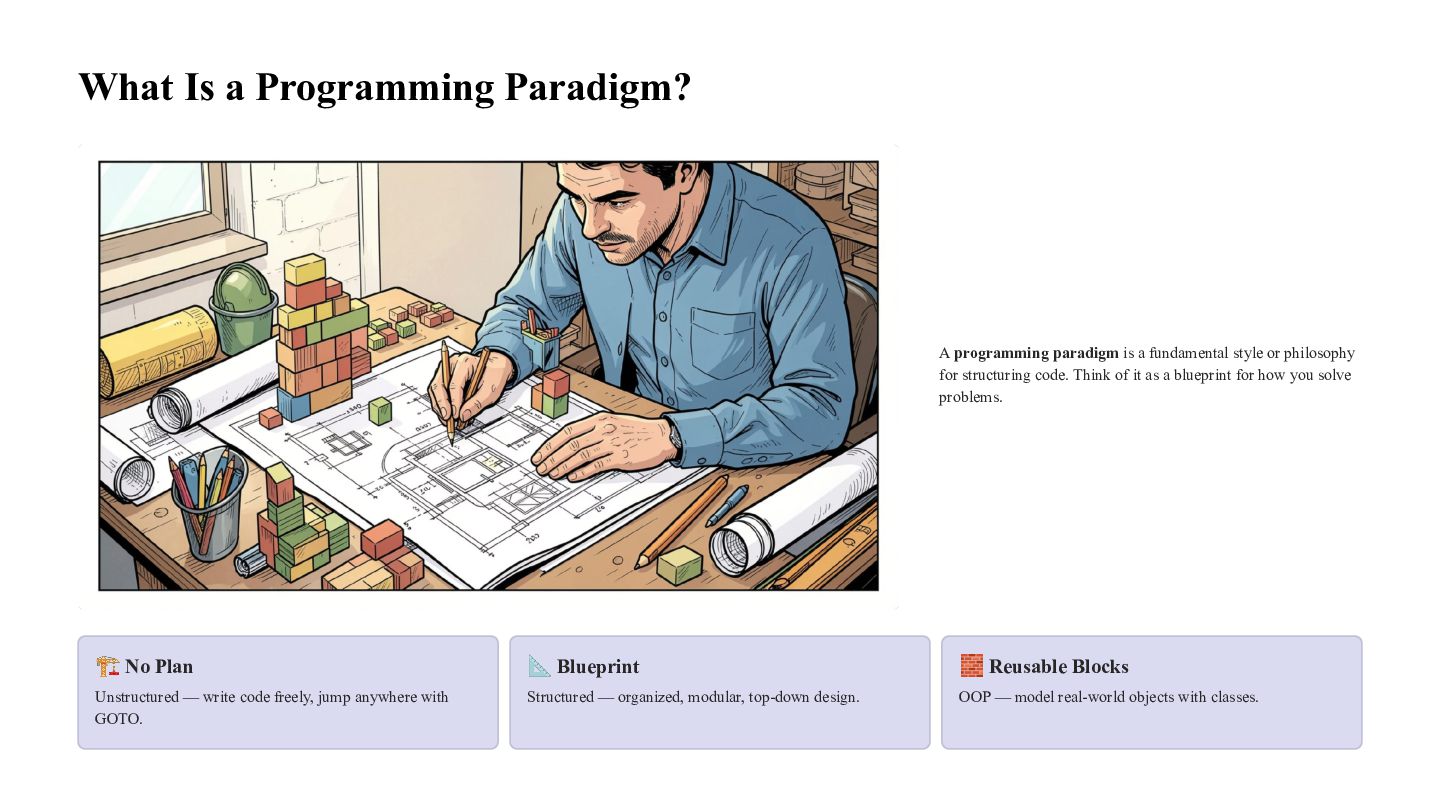
What Is a Programming Paradigm? A programming paradigm is a
fundamental style or philosophy for structuring code. Think of it as a blueprint for how you solve problems. 🏗 No Plan 📐 Blueprint 🧱 Reusable Blocks Unstructured — write code freely, jump anywhere with GOTO. Structured — organized, modular, top-down design. OOP — model real-world objects with classes. -
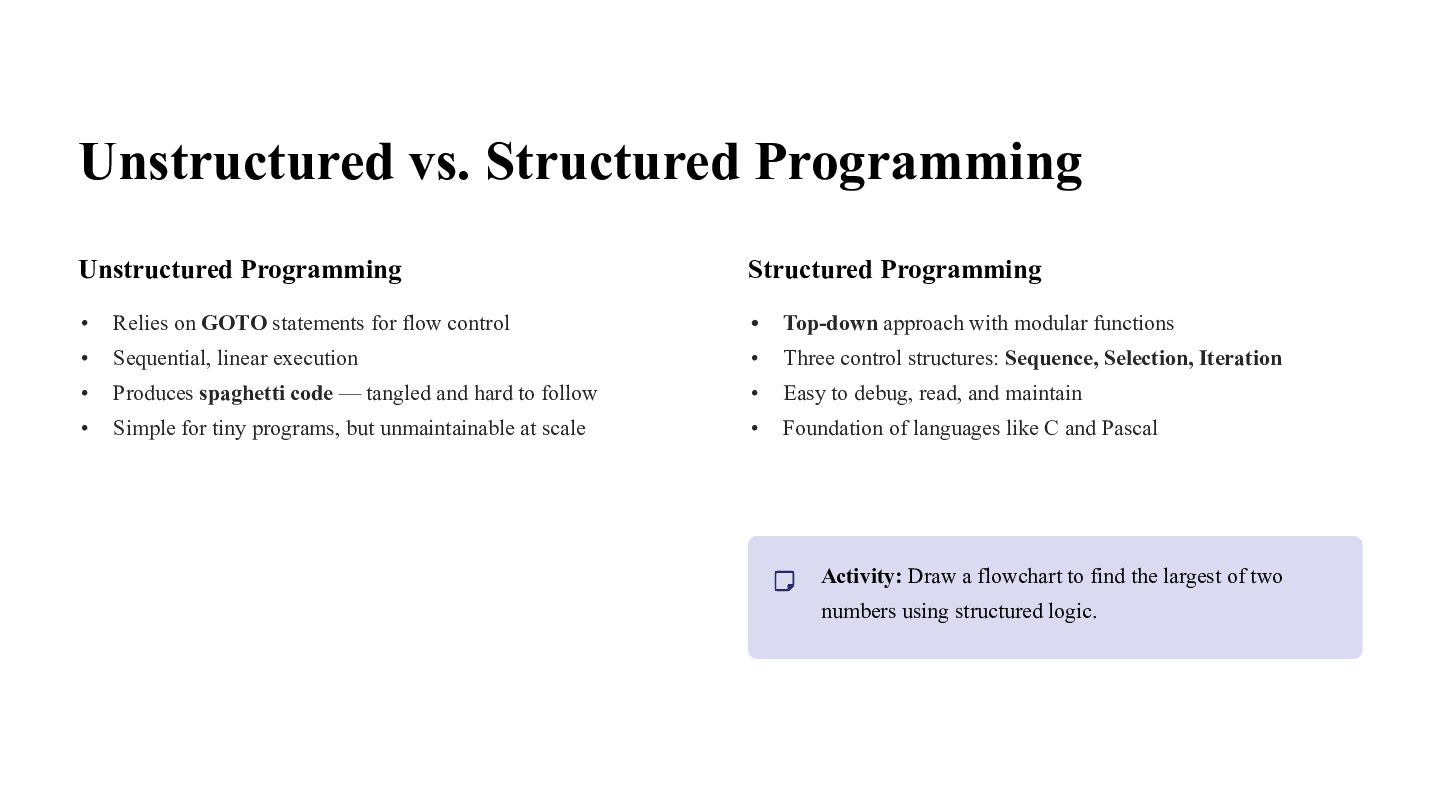
Unstructured vs. Structured Programming Unstructured Programming Structured Programming • Relies
on GOTO statements for flow control • Top-down approach with modular functions • Sequential, linear execution • Three control structures: Sequence, Selection, Iteration • Produces spaghetti code — tangled and hard to follow • Easy to debug, read, and maintain • Simple for tiny programs, but unmaintainable at scale • Foundation of languages like C and Pascal Activity: Draw a flowchart to find the largest of two numbers using structured logic. -
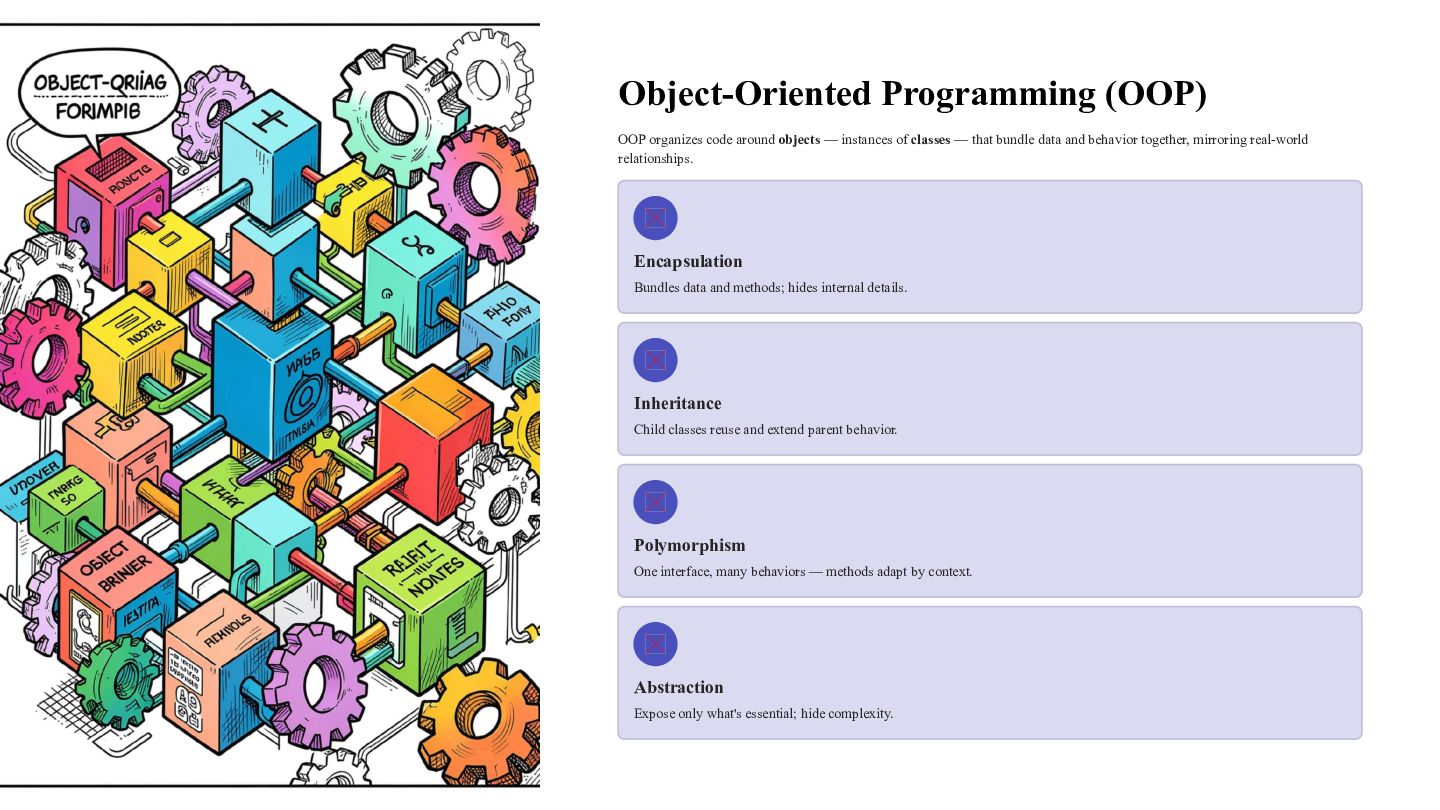
Object-Oriented Programming (OOP) OOP organizes code around objects — instances
of classes — that bundle data and behavior together, mirroring real-world relationships. Encapsulation Bundles data and methods; hides internal details. Inheritance Child classes reuse and extend parent behavior. Polymorphism One interface, many behaviors — methods adapt by context. Abstraction Expose only what's essential; hide complexity. -
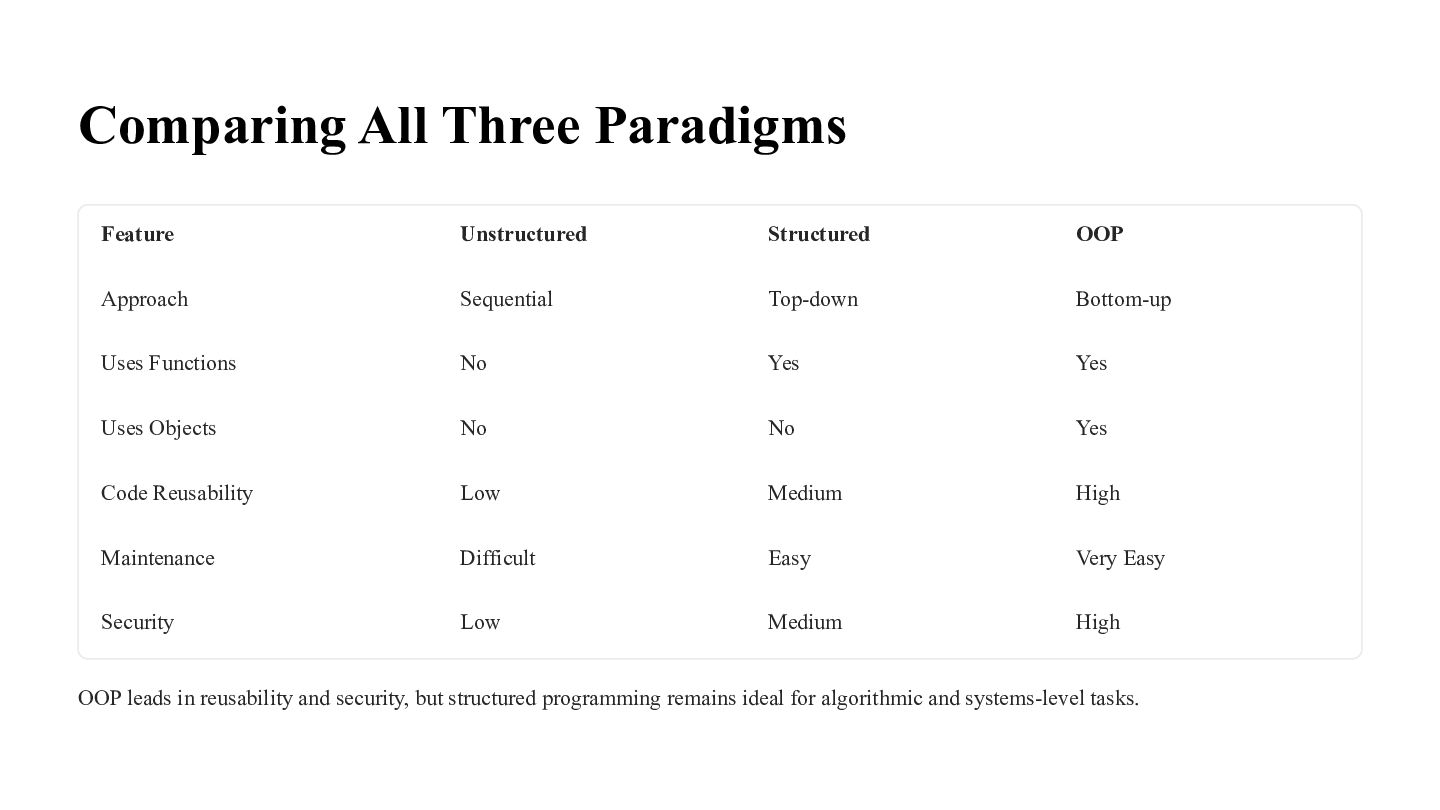
Comparing All Three Paradigms Feature Unstructured Structured OOP Approach Sequential
Top-down Bottom-up Uses Functions No Yes Yes Uses Objects No No Yes Code Reusability Low Medium High Maintenance Difficult Easy Very Easy Security Low Medium High OOP leads in reusability and security, but structured programming remains ideal for algorithmic and systems-level tasks. -
What Makes a Good Program? Writing code that works is
just the start. A truly good program is correct, clear, efficient, and built to last. -
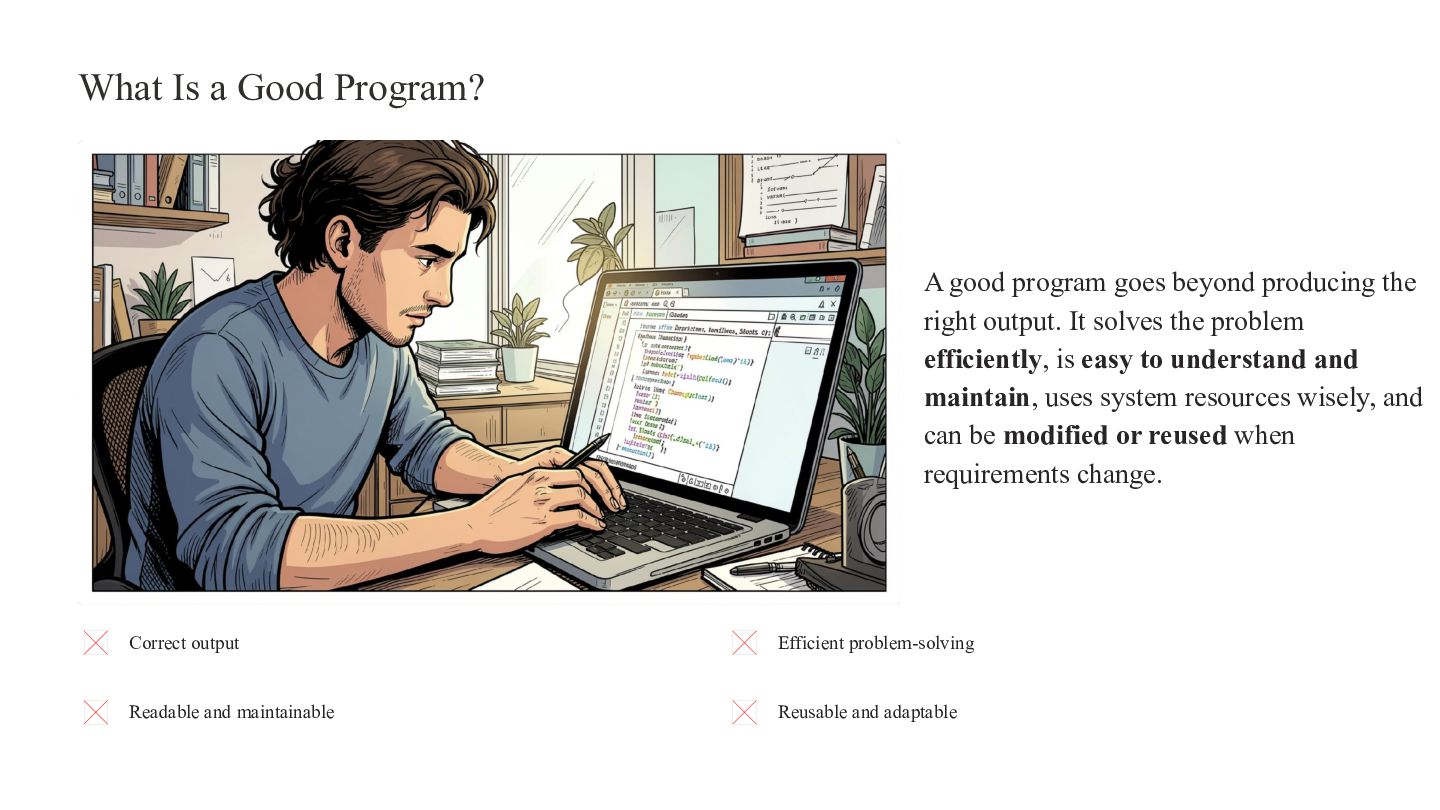
What Is a Good Program? A good program goes beyond
producing the right output. It solves the problem efficiently, is easy to understand and maintain, uses system resources wisely, and can be modified or reused when requirements change. Correct output Efficient problem-solving Readable and maintainable Reusable and adaptable -
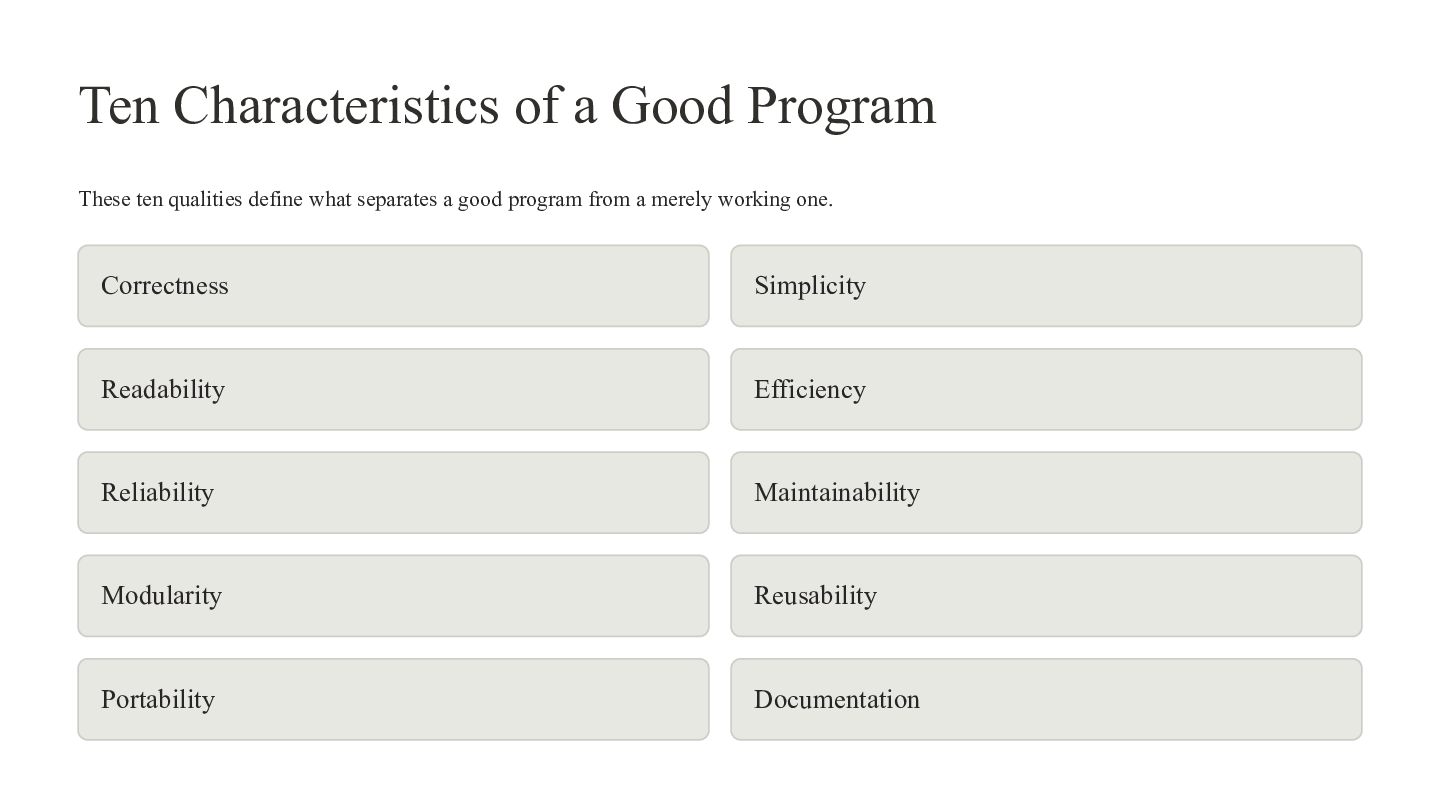
Ten Characteristics of a Good Program These ten qualities define
what separates a good program from a merely working one. Correctness Simplicity Readability Efficiency Reliability Maintainability Modularity Reusability Portability Documentation -
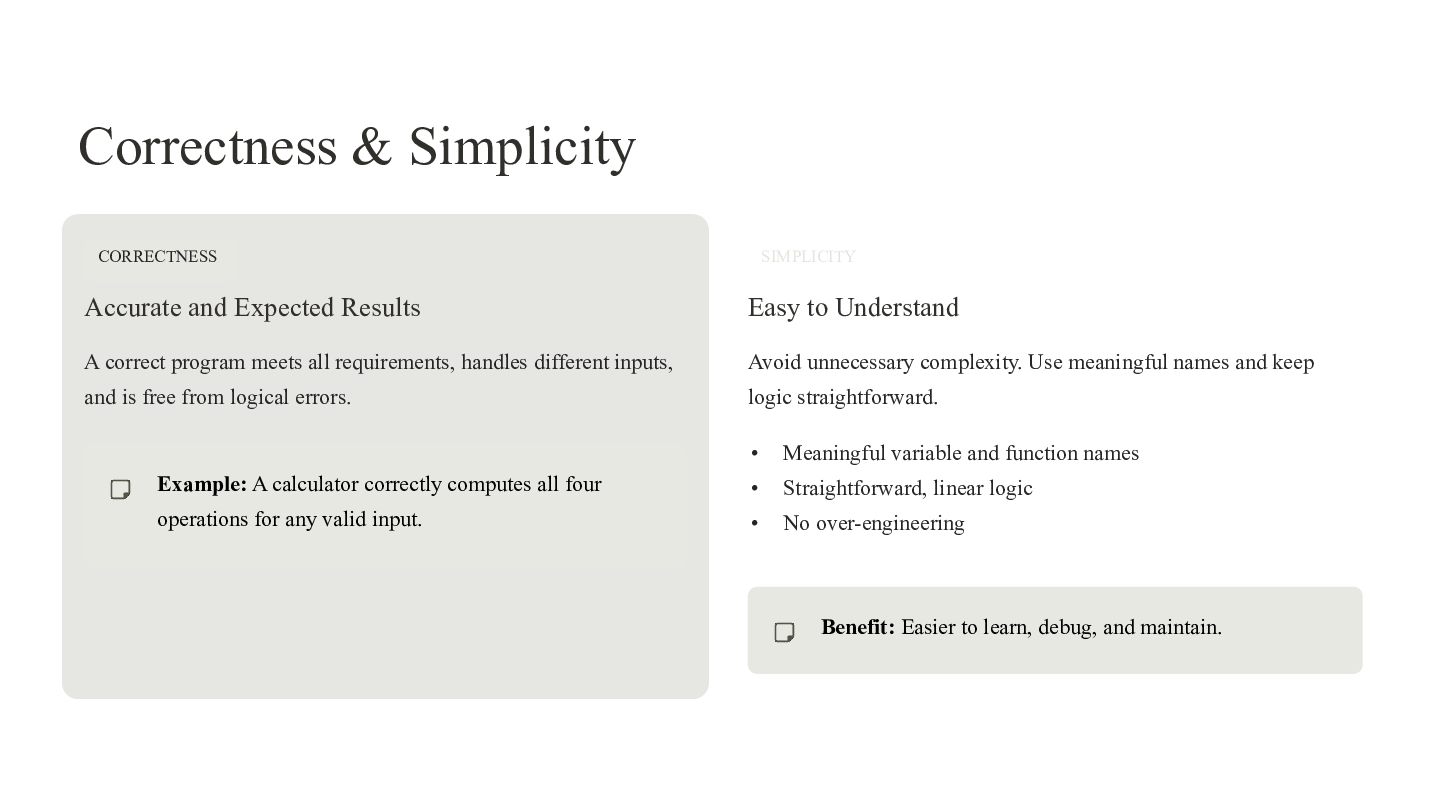
Correctness & Simplicity CORRECTNESS SIMPLICITY Accurate and Expected Results Easy
to Understand A correct program meets all requirements, handles different inputs, Avoid unnecessary complexity. Use meaningful names and keep and is free from logical errors. logic straightforward. • Meaningful variable and function names Example: A calculator correctly computes all four • Straightforward, linear logic operations for any valid input. • No over-engineering Benefit: Easier to learn, debug, and maintain. -
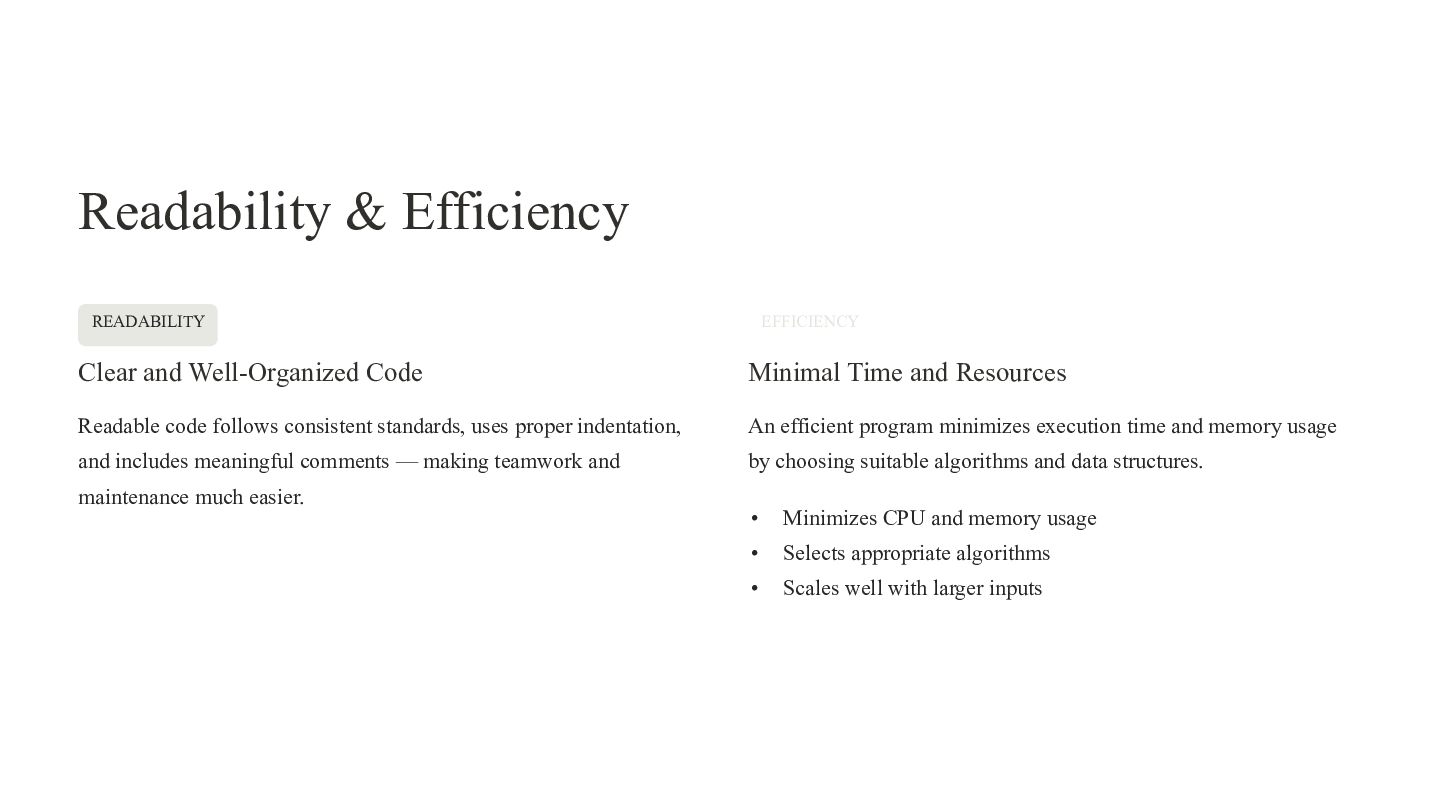
Readability & Efficiency READABILITY EFFICIENCY Clear and Well-Organized Code Minimal
Time and Resources Readable code follows consistent standards, uses proper indentation, An efficient program minimizes execution time and memory usage and includes meaningful comments — making teamwork and by choosing suitable algorithms and data structures. maintenance much easier. • Minimizes CPU and memory usage • Selects appropriate algorithms • Scales well with larger inputs -
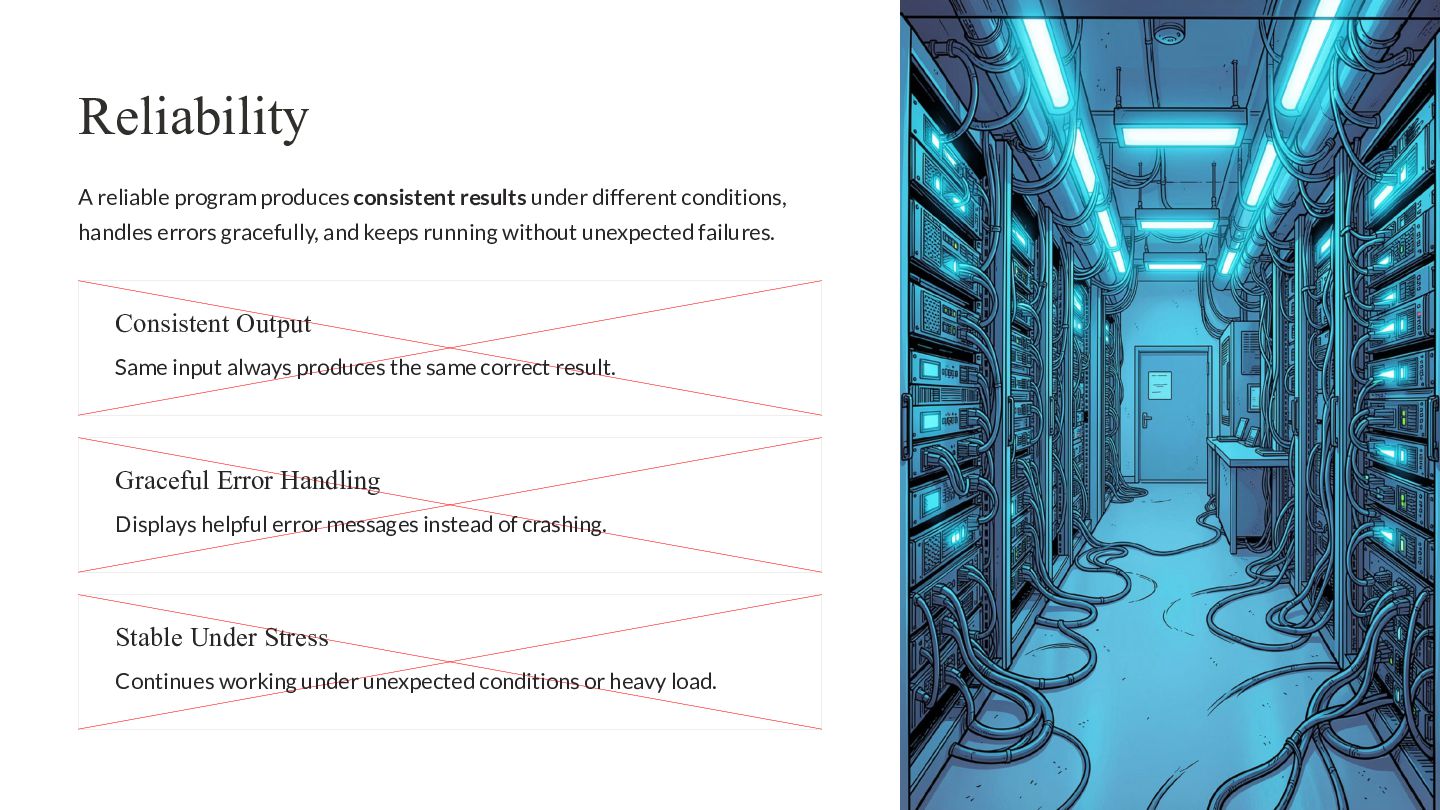
Reliability A reliable program produces consistent results under different conditions,
handles errors gracefully, and keeps running without unexpected failures. Consistent Output Same input always produces the same correct result. Graceful Error Handling Displays helpful error messages instead of crashing. Stable Under Stress Continues working under unexpected conditions or heavy load. -
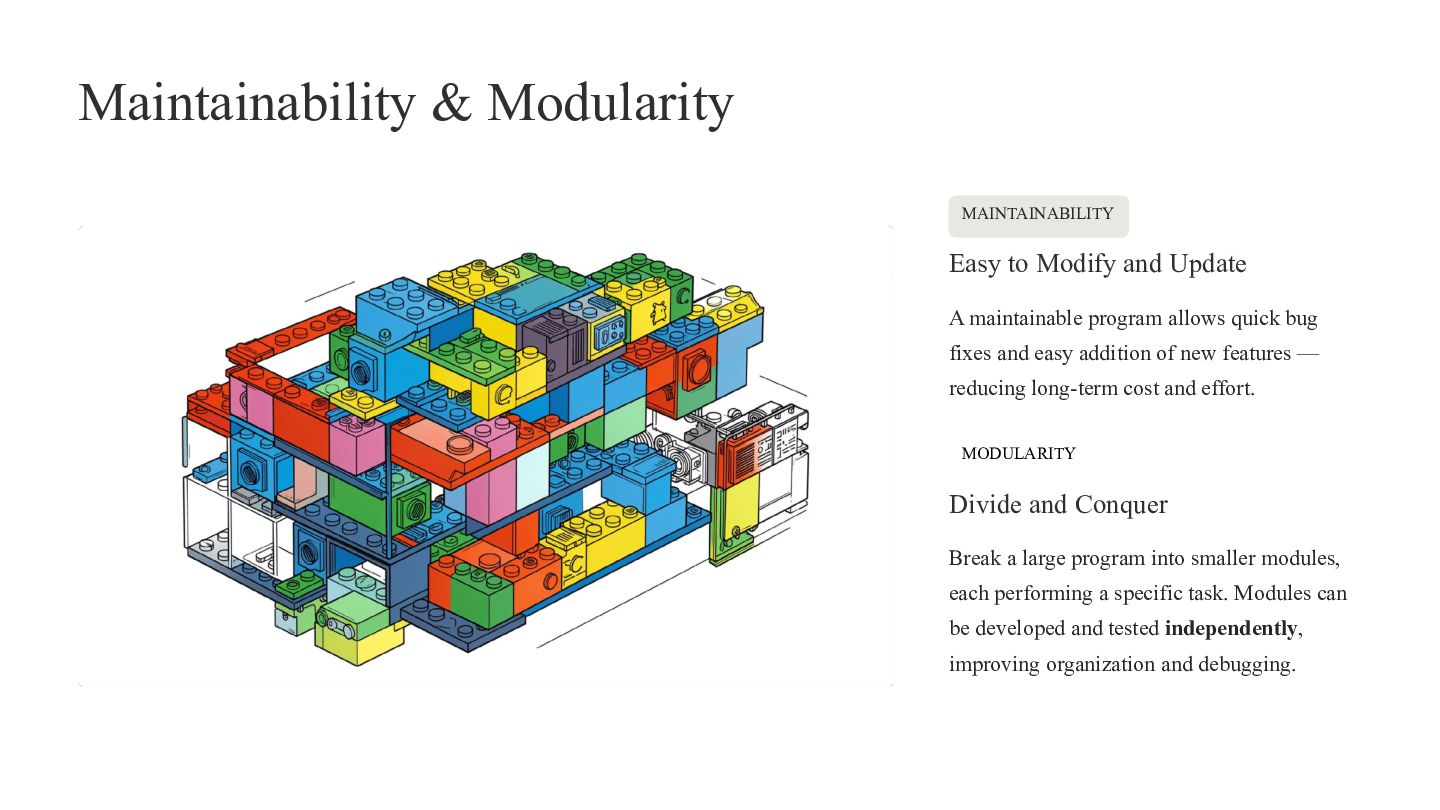
Maintainability & Modularity MAINTAINABILITY Easy to Modify and Update A
maintainable program allows quick bug fixes and easy addition of new features — reducing long-term cost and effort. MODULARITY Divide and Conquer Break a large program into smaller modules, each performing a specific task. Modules can be developed and tested independently, improving organization and debugging. -
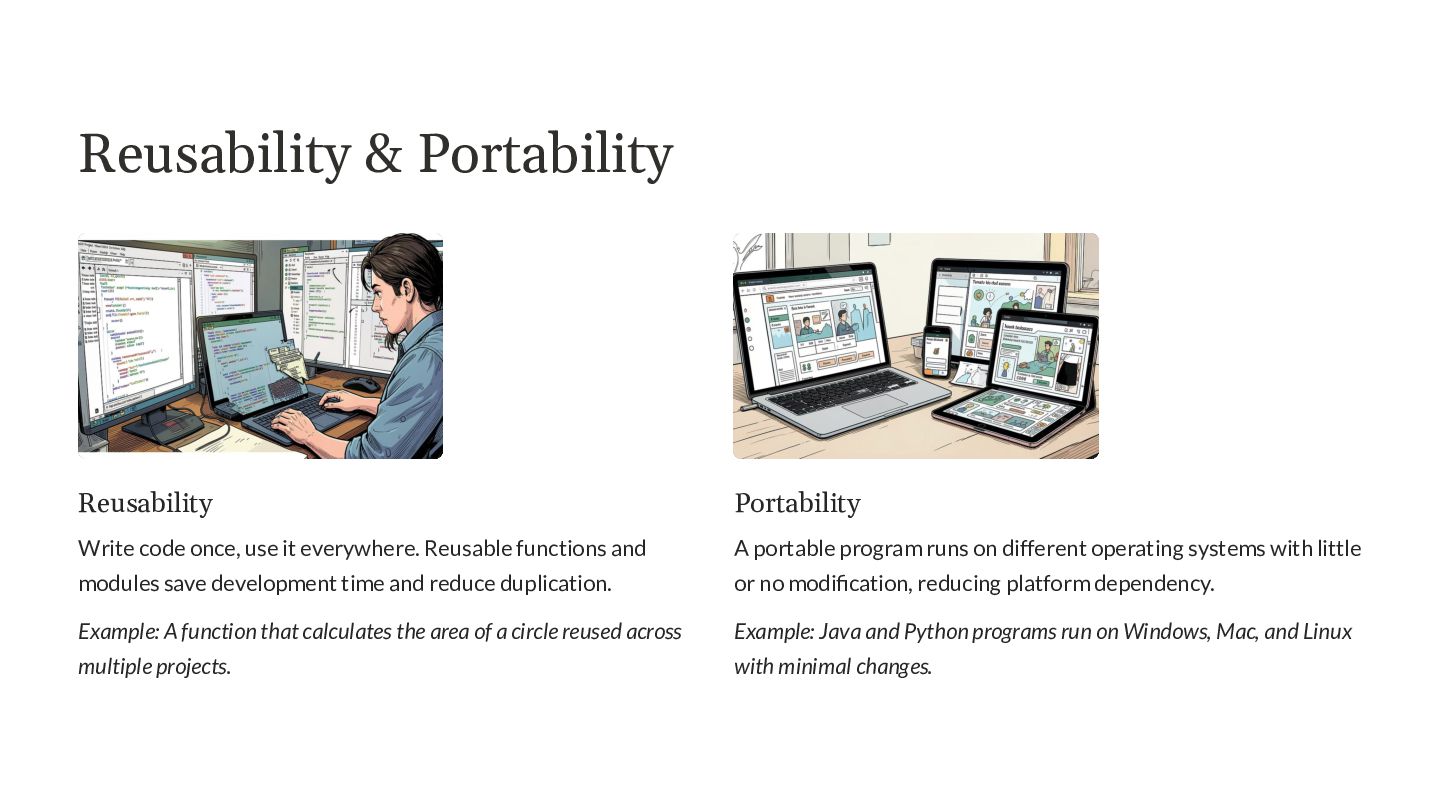
Reusability & Portability Reusability Portability Write code once, use it
everywhere. Reusable functions and A portable program runs on different operating systems with little modules save development time and reduce duplication. or no modification, reducing platform dependency. Example: A function that calculates the area of a circle reused across Example: Java and Python programs run on Windows, Mac, and Linux multiple projects. with minimal changes. -
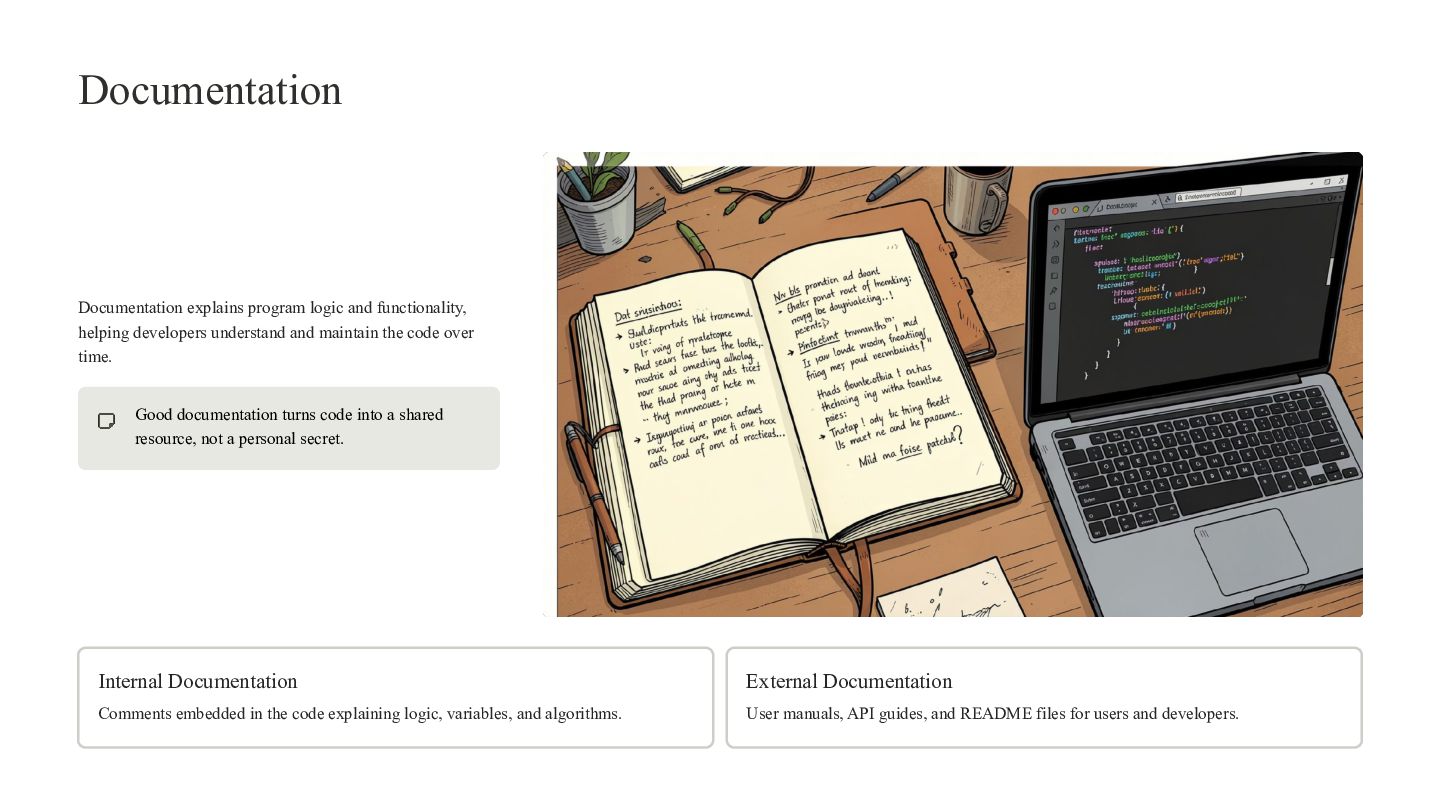
Documentation Documentation explains program logic and functionality, helping developers understand
and maintain the code over time. Good documentation turns code into a shared resource, not a personal secret. Internal Documentation External Documentation Comments embedded in the code explaining logic, variables, and algorithms. User manuals, API guides, and README files for users and developers. -
Summary: The 10 Qualities of a Good Program Keep these
qualities in mind as you design and write every program. Correctness Simplicity Readability Efficiency Reliability Maintainability Modularity Reusability Portability Documentation -
Programming Languages UNIT 2 From binary to browser — explore
the languages that power every piece of software you use. -
What You'll Learn By the end of this unit, you
will be able to: 01 02 Explain Compare Describe the different types of programming languages and how they Distinguish between low-level and high-level languages in terms of are classified. purpose and use. 03 04 Identify Differentiate Recognize real-world applications for each language type. Understand the key differences between HTML and XML. -
What Is a Programming Language? A programming language is a
formal set of instructions used to communicate with a computer. It enables developers to write software, build applications, and control hardware behavior. Communication Development Bridges human intent and machine Used to create software, apps, and execution. systems. Classification Grouped by level of abstraction and purpose. -
Types of Programming Languages Programming languages are organized into generations
— from raw binary to human-friendly syntax. Each type serves a distinct role in software development. Machine Language Assembly Language Binary code directly executed by the CPU. Mnemonic codes mapped to machine instructions. Procedural Language Natural Language Step-by-step functions and procedures. Human-readable, English-like syntax. Visual Language Scripting Language Graphical drag-and-drop programming. Interpreted automation and web scripts. HTML XML Structures web page content. Stores and exchanges structured data. -
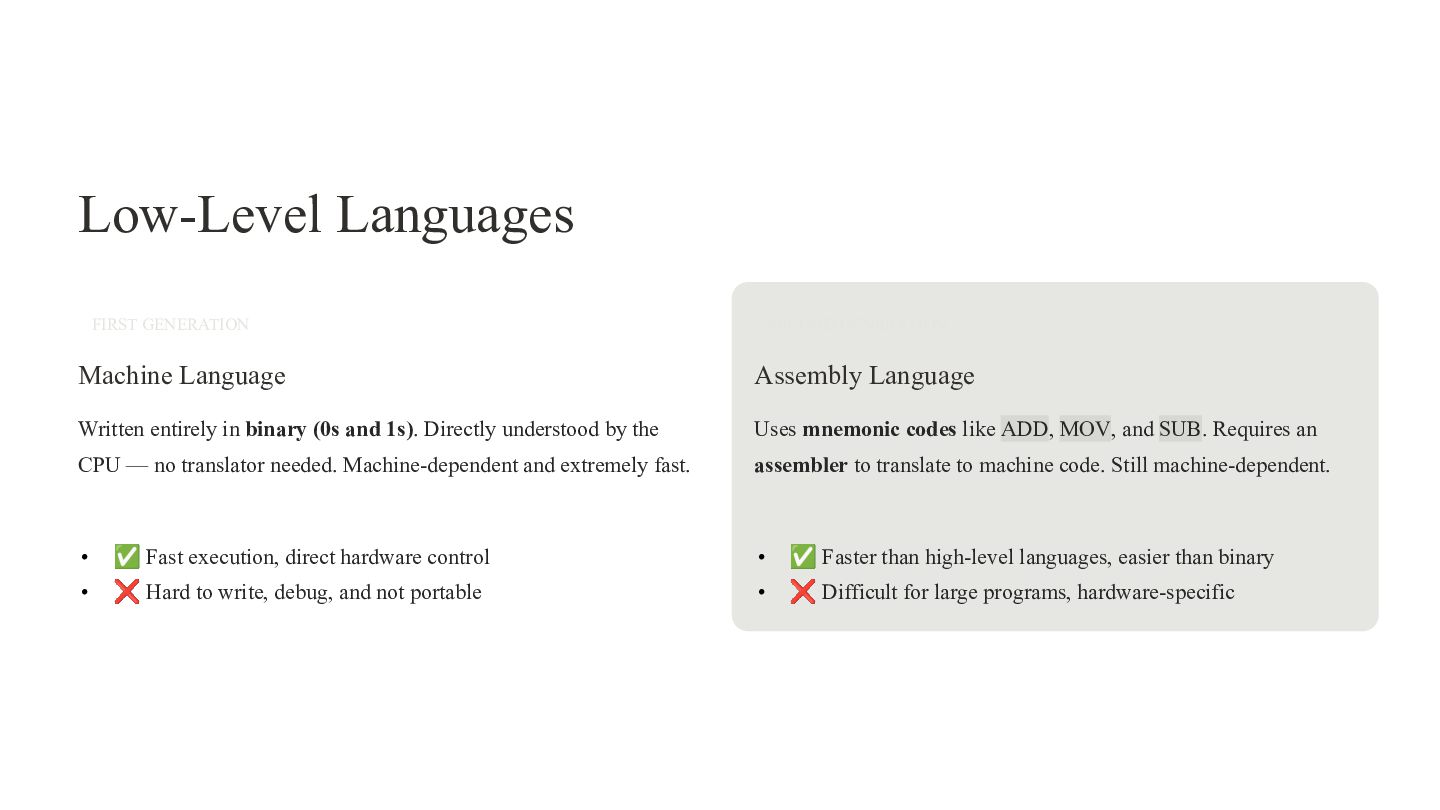
Low-Level Languages FIRST GENERATION SECOND GENERATION Machine Language Assembly Language
Written entirely in binary (0s and 1s). Directly understood by the Uses mnemonic codes like ADD, MOV, and SUB. Requires an CPU — no translator needed. Machine-dependent and extremely fast. assembler to translate to machine code. Still machine-dependent. • ✅ Fast execution, direct hardware control • ✅ Faster than high-level languages, easier than binary • ❌ Hard to write, debug, and not portable • ❌ Difficult for large programs, hardware-specific -
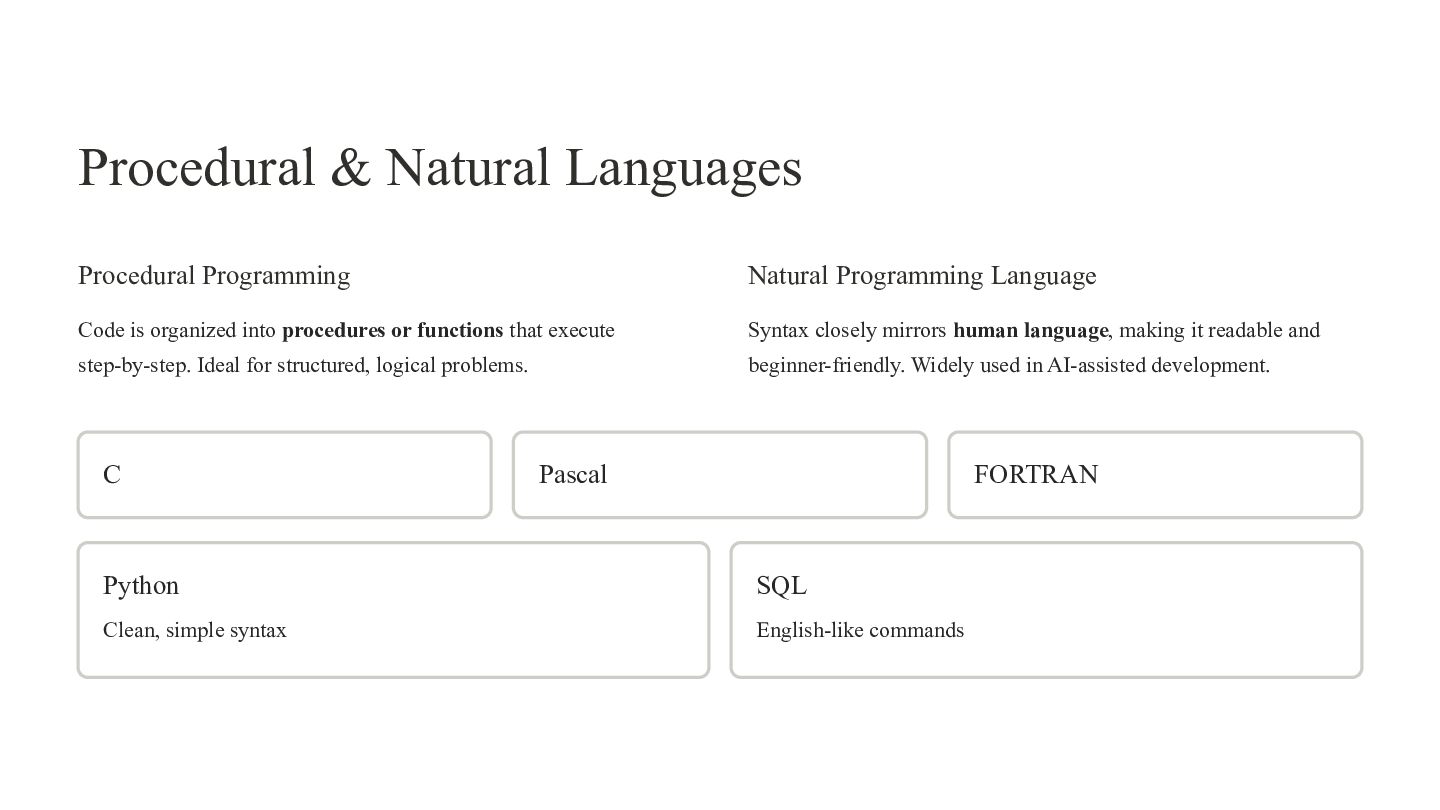
Procedural & Natural Languages Procedural Programming Natural Programming Language Code
is organized into procedures or functions that execute Syntax closely mirrors human language, making it readable and step-by-step. Ideal for structured, logical problems. beginner-friendly. Widely used in AI-assisted development. C Pascal FORTRAN Python SQL Clean, simple syntax English-like commands -
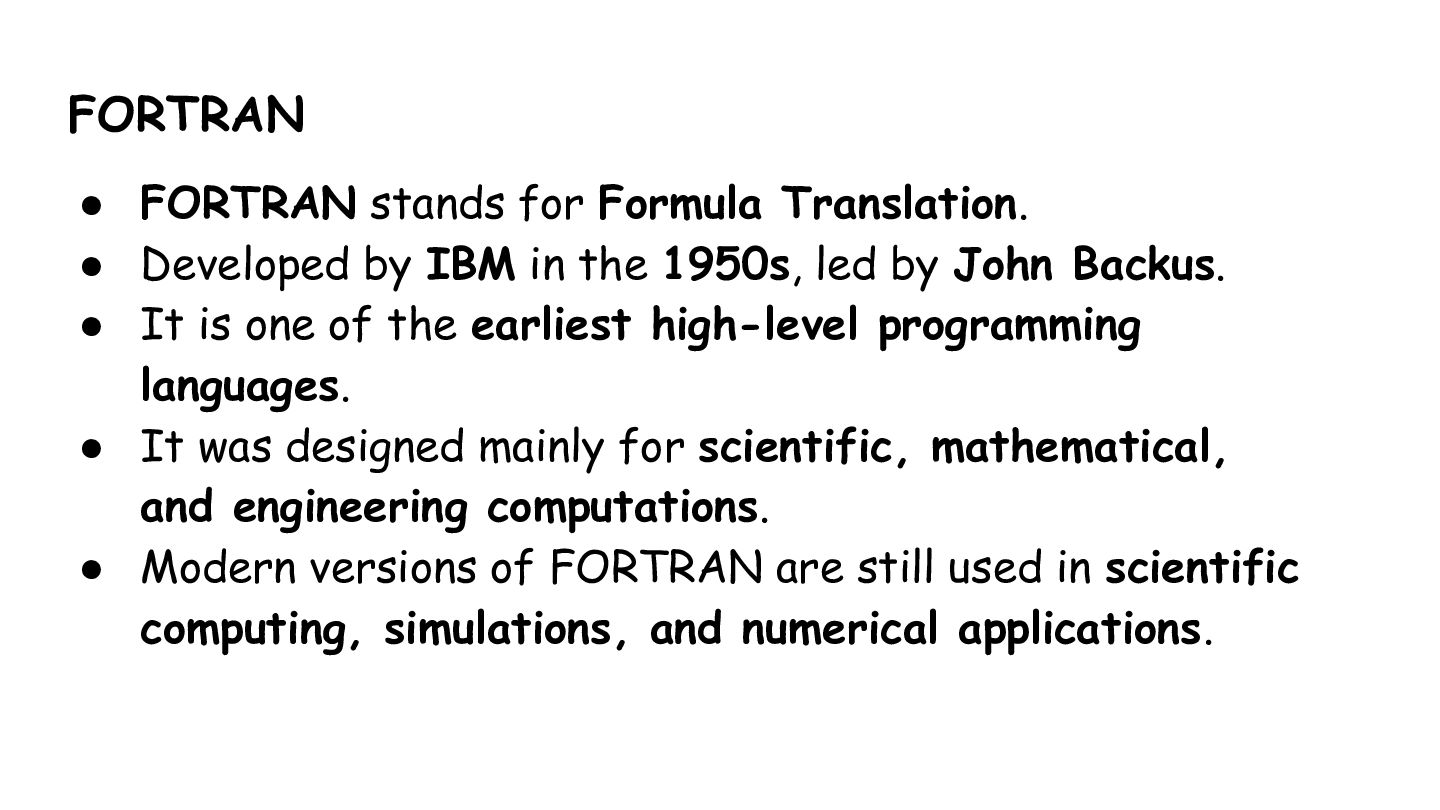
FORTRAN • FORTRAN stands for Formula Translation. • Developed by
IBM in the 1950s, led by John Backus. • It is one of the earliest high-level programming languages. • It was designed mainly for scientific, mathematical, and engineering computations. • Modern versions of FORTRAN are still used in scientific computing, simulations, and numerical applications. -
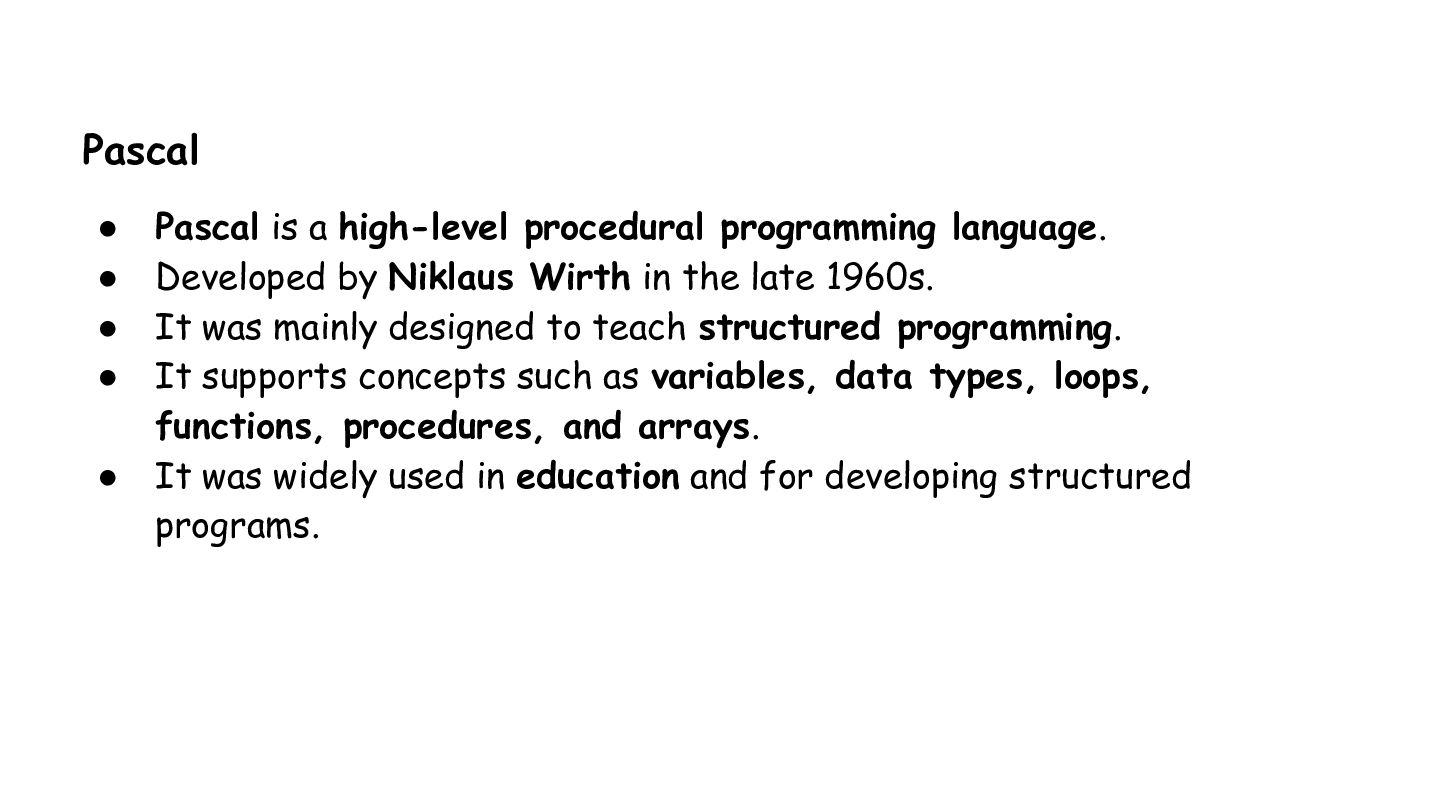
Pascal • • • • • Pascal is a high-level
procedural programming language. Developed by Niklaus Wirth in the late 1960s. It was mainly designed to teach structured programming. It supports concepts such as variables, data types, loops, functions, procedures, and arrays. It was widely used in education and for developing structured programs. -
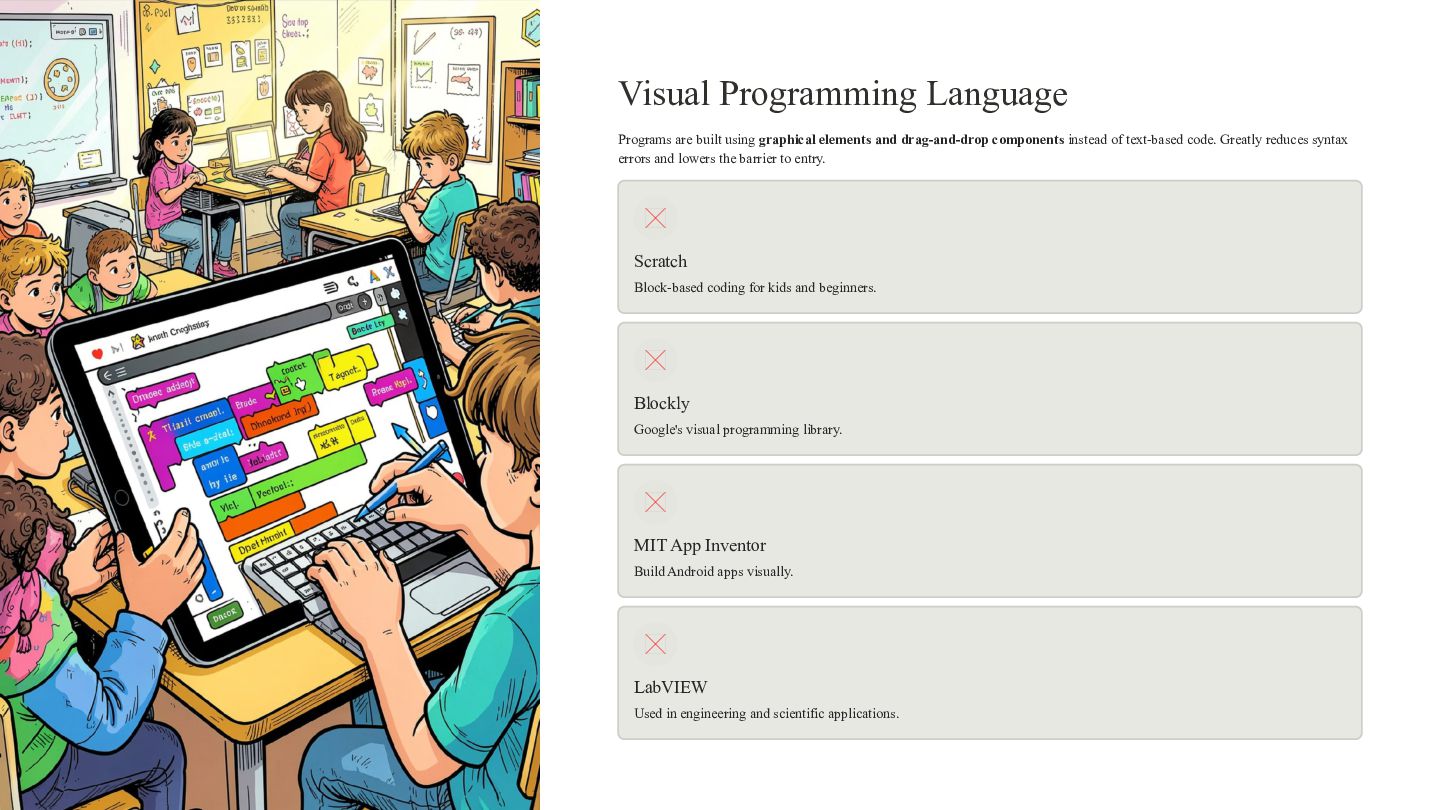
Visual Programming Language Programs are built using graphical elements and
drag-and-drop components instead of text-based code. Greatly reduces syntax errors and lowers the barrier to entry. Scratch Block-based coding for kids and beginners. Blockly Google's visual programming library. MIT App Inventor Build Android apps visually. LabVIEW Used in engineering and scientific applications. -
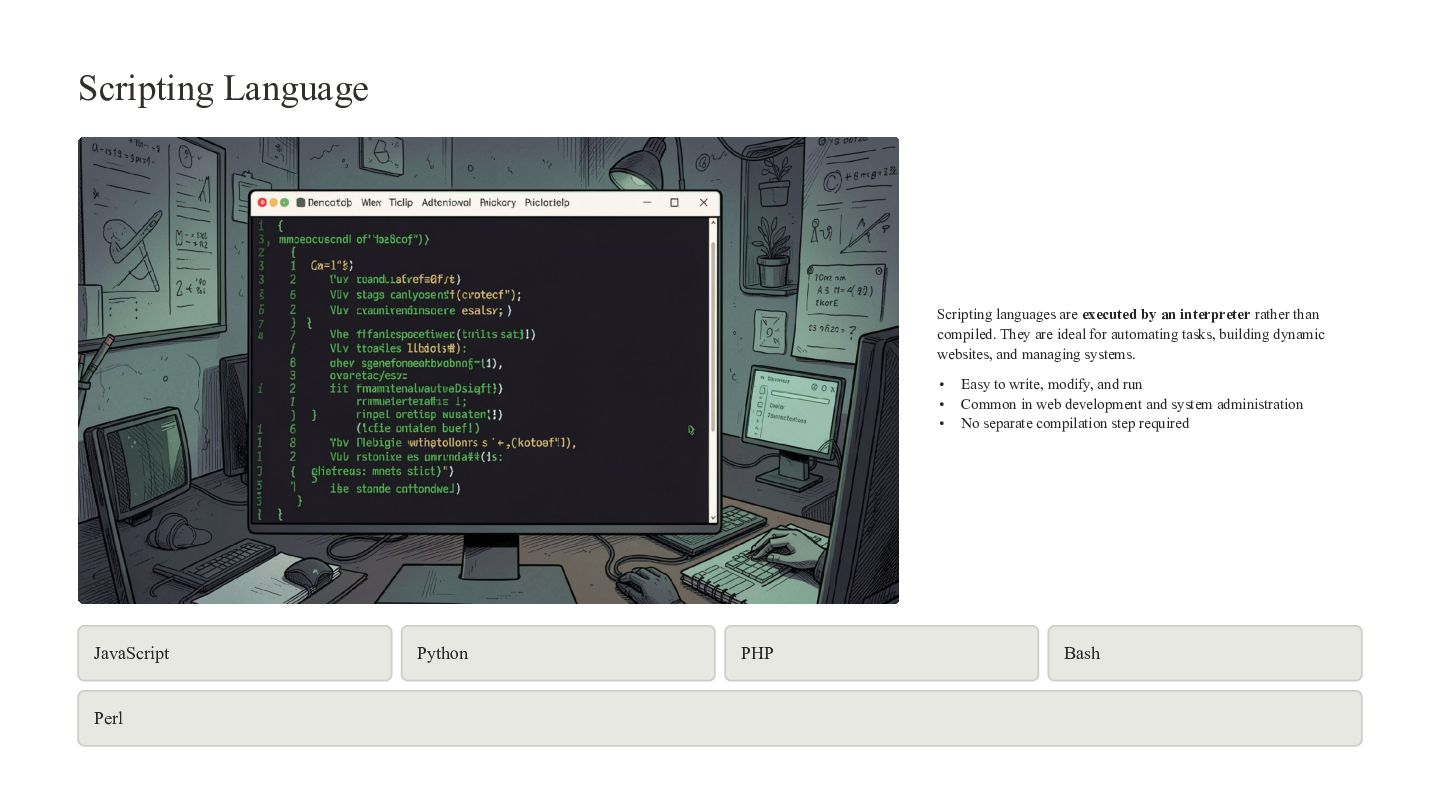
Scripting Language Scripting languages are executed by an interpreter rather
than compiled. They are ideal for automating tasks, building dynamic websites, and managing systems. • • • JavaScript Perl Python PHP Easy to write, modify, and run Common in web development and system administration No separate compilation step required Bash -
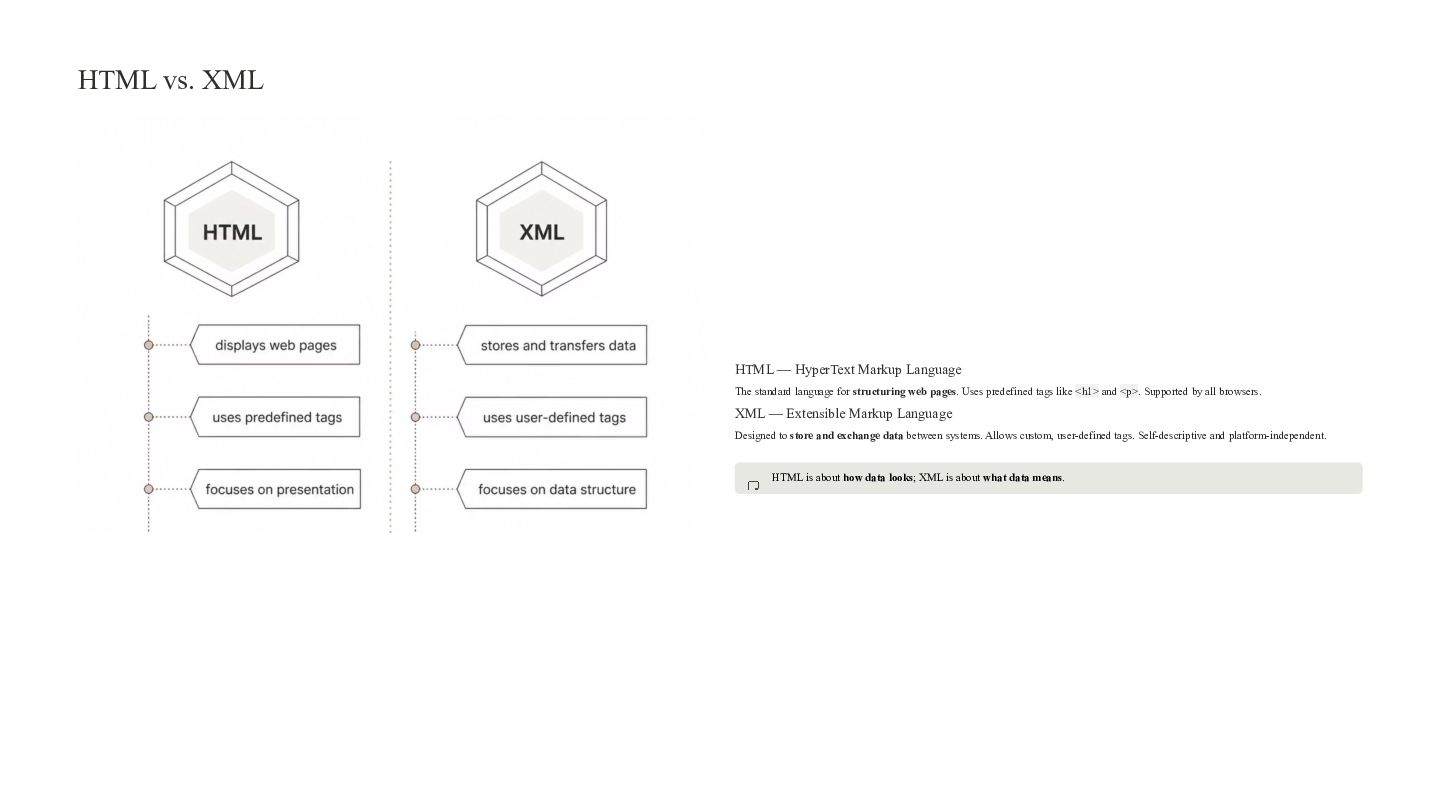
HTML vs. XML HTML — HyperText Markup Language The standard
language for structuring web pages. Uses predefined tags like <h1> and <p>. Supported by all browsers. XML — Extensible Markup Language Designed to store and exchange data between systems. Allows custom, user-defined tags. Self-descriptive and platform-independent. HTML is about how data looks; XML is about what data means. -
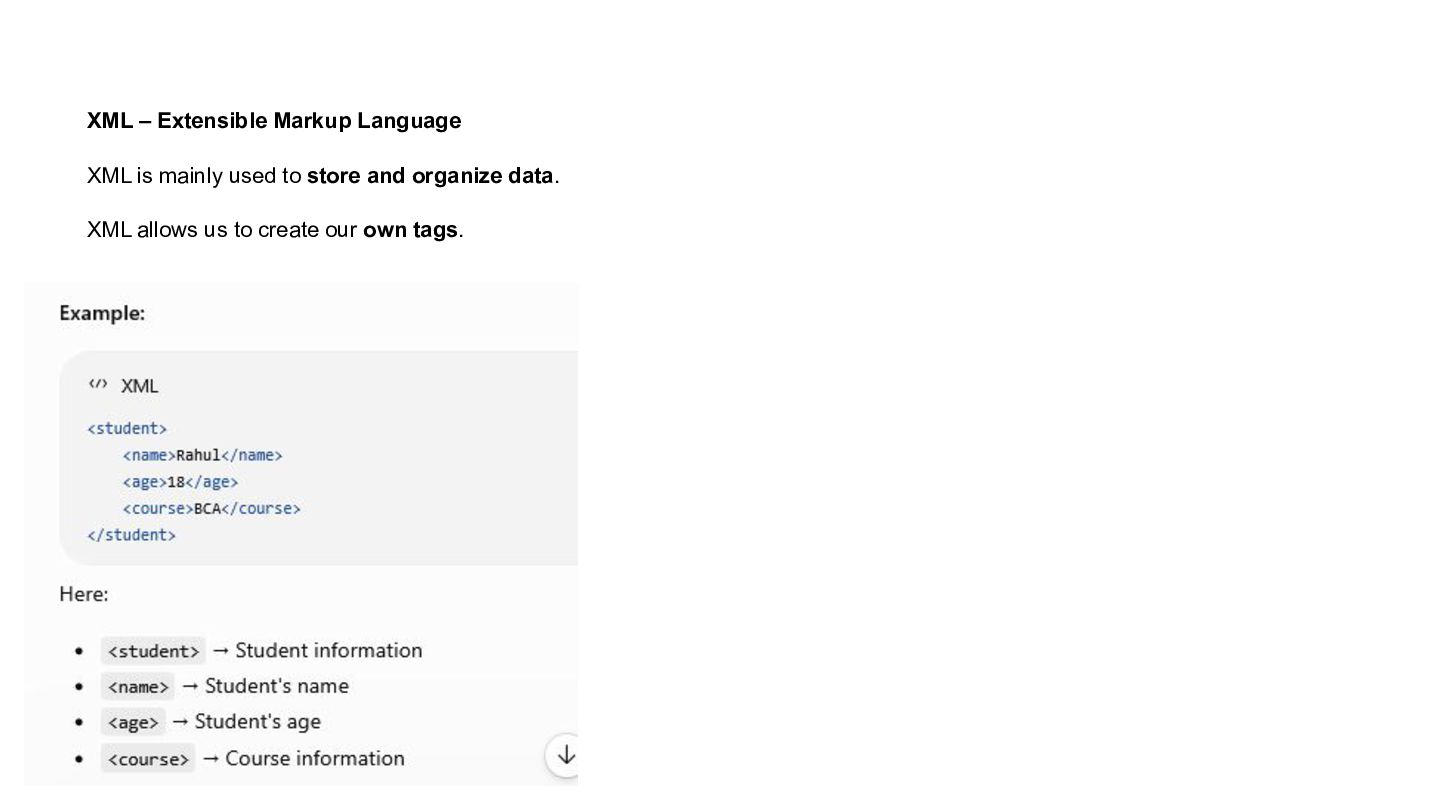
XML – Extensible Markup Language XML is mainly used to
store and organize data. XML allows us to create our own tags. -
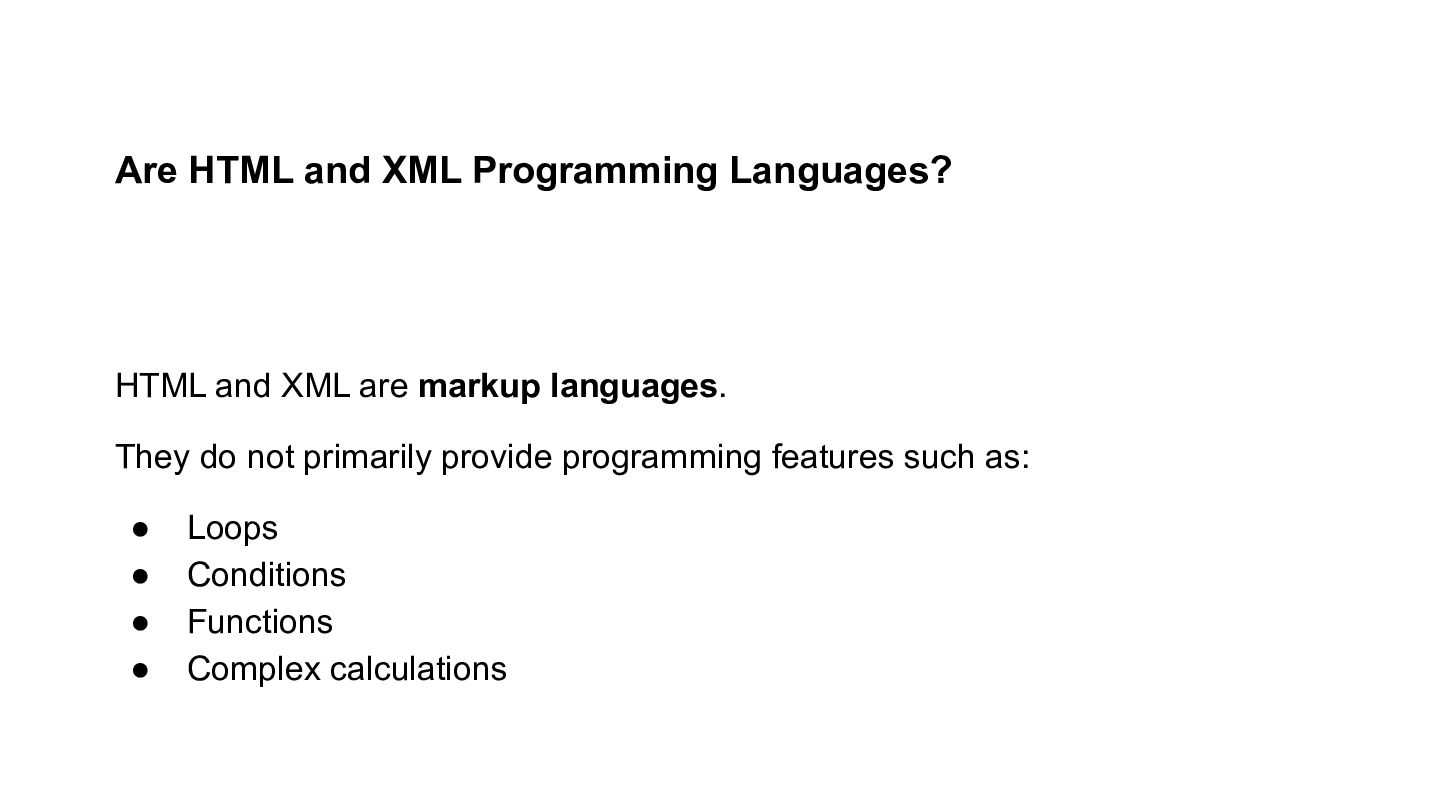
Are HTML and XML Programming Languages? HTML and XML are
markup languages. They do not primarily provide programming features such as: • • • • Loops Conditions Functions Complex calculations -
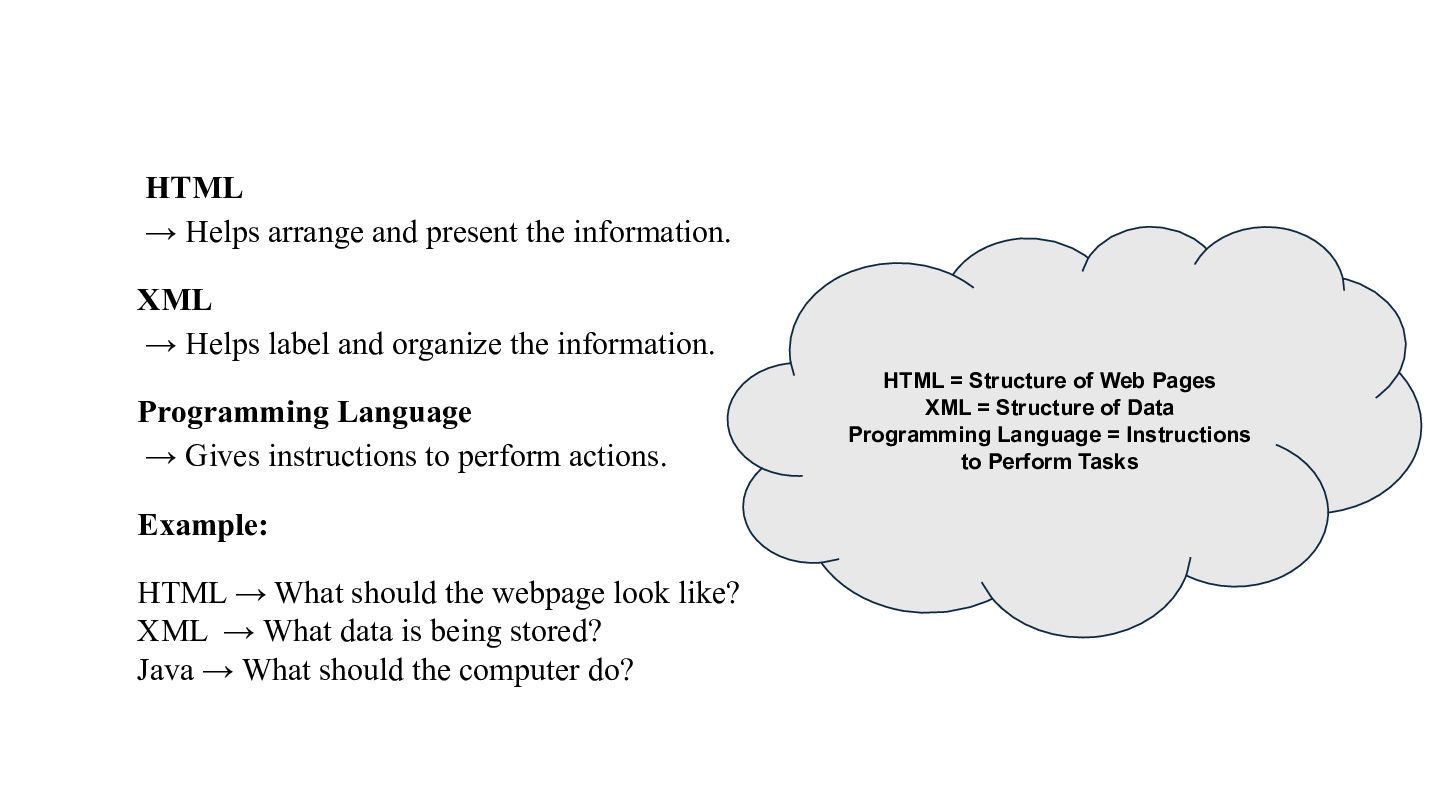
HTML → Helps arrange and present the information. XML →
Helps label and organize the information. Programming Language → Gives instructions to perform actions. Example: HTML → What should the webpage look like? XML → What data is being stored? Java → What should the computer do? HTML = Structure of Web Pages XML = Structure of Data Programming Language = Instructions to Perform Tasks -
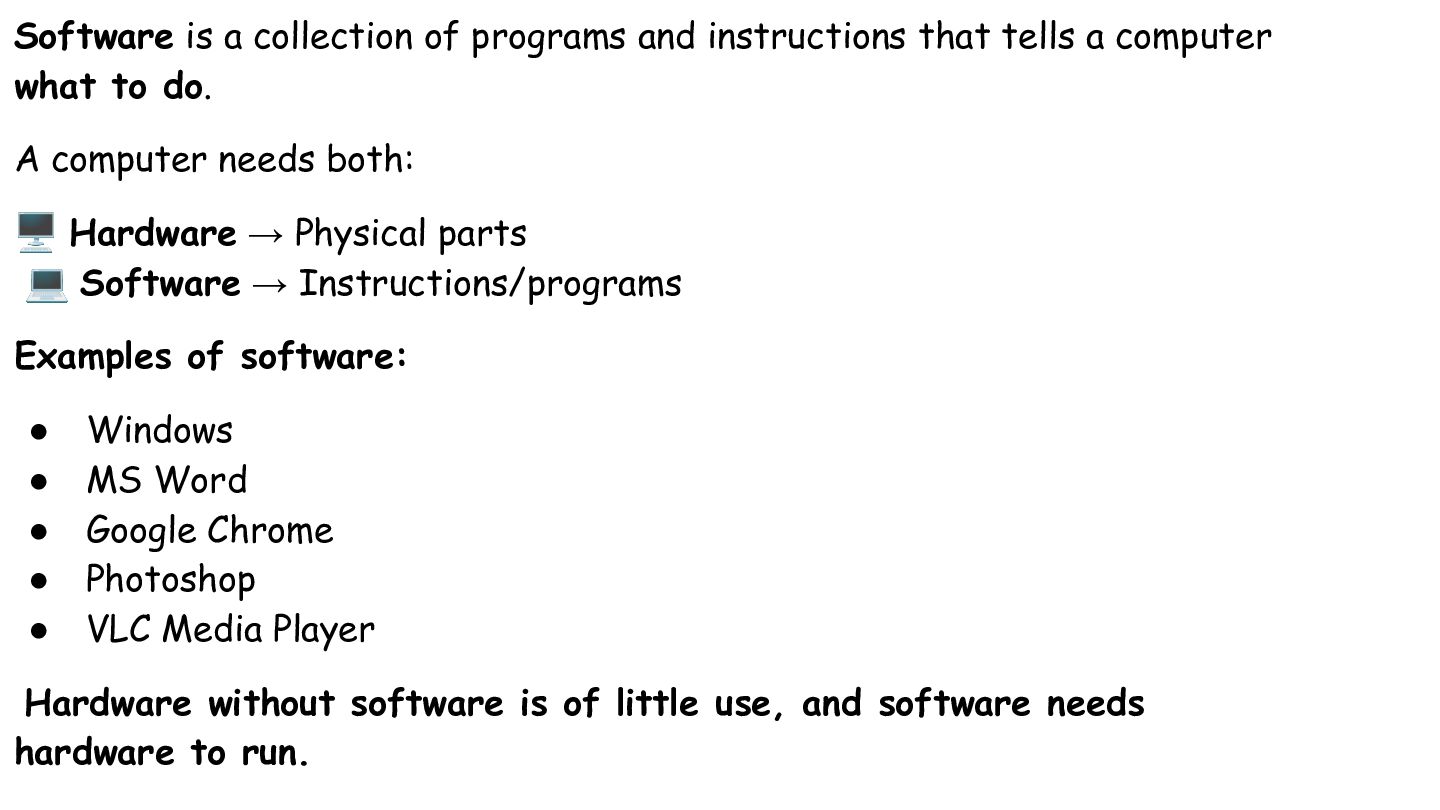
Software is a collection of programs and instructions that tells
a computer what to do. A computer needs both: 🖥 Hardware → Physical parts 💻 Software → Instructions/programs Examples of software: • • • • • Windows MS Word Google Chrome Photoshop VLC Media Player Hardware without software is of little use, and software needs hardware to run. -
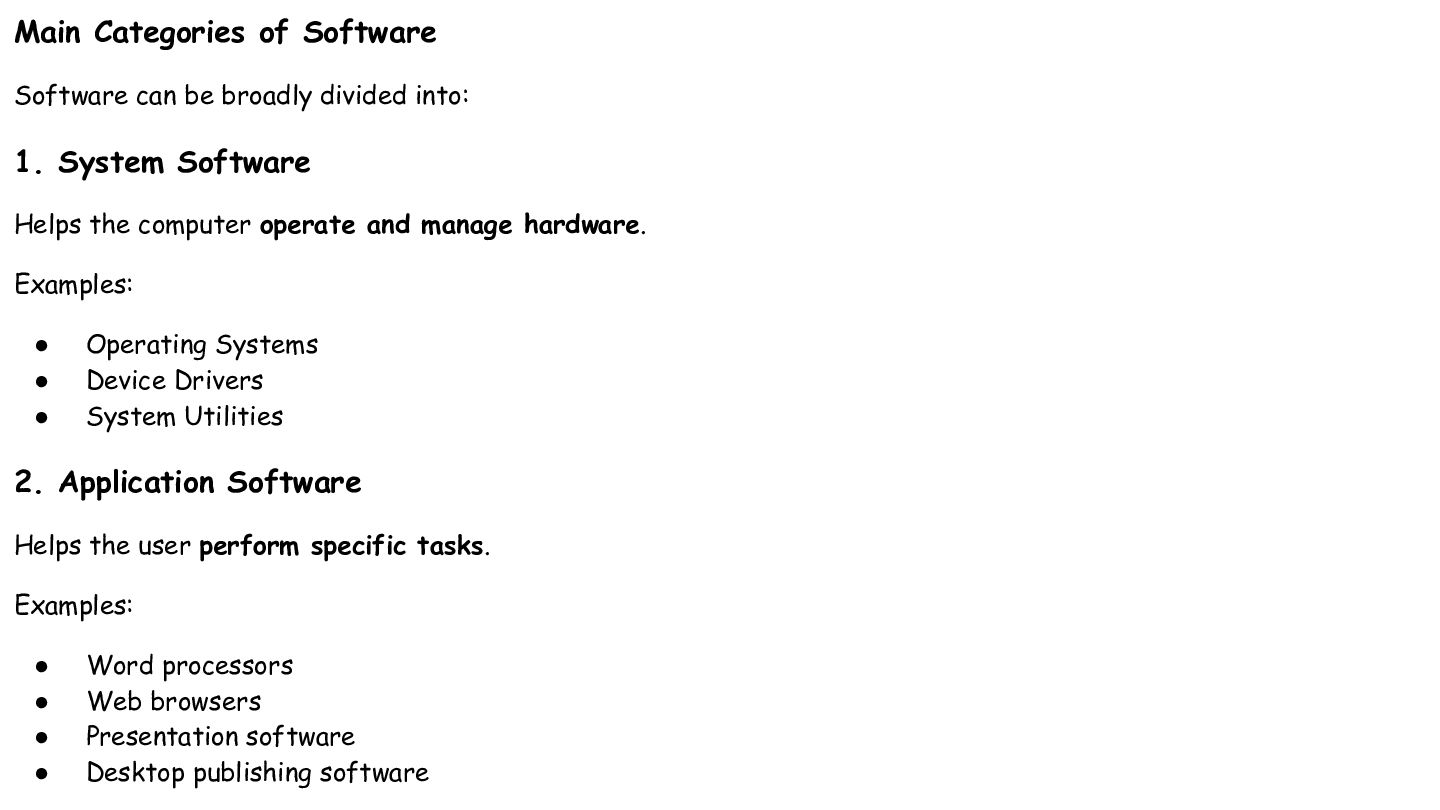
Main Categories of Software Software can be broadly divided into:
1. System Software Helps the computer operate and manage hardware. Examples: • • • Operating Systems Device Drivers System Utilities 2. Application Software Helps the user perform specific tasks. Examples: • • • • Word processors Web browsers Presentation software Desktop publishing software -
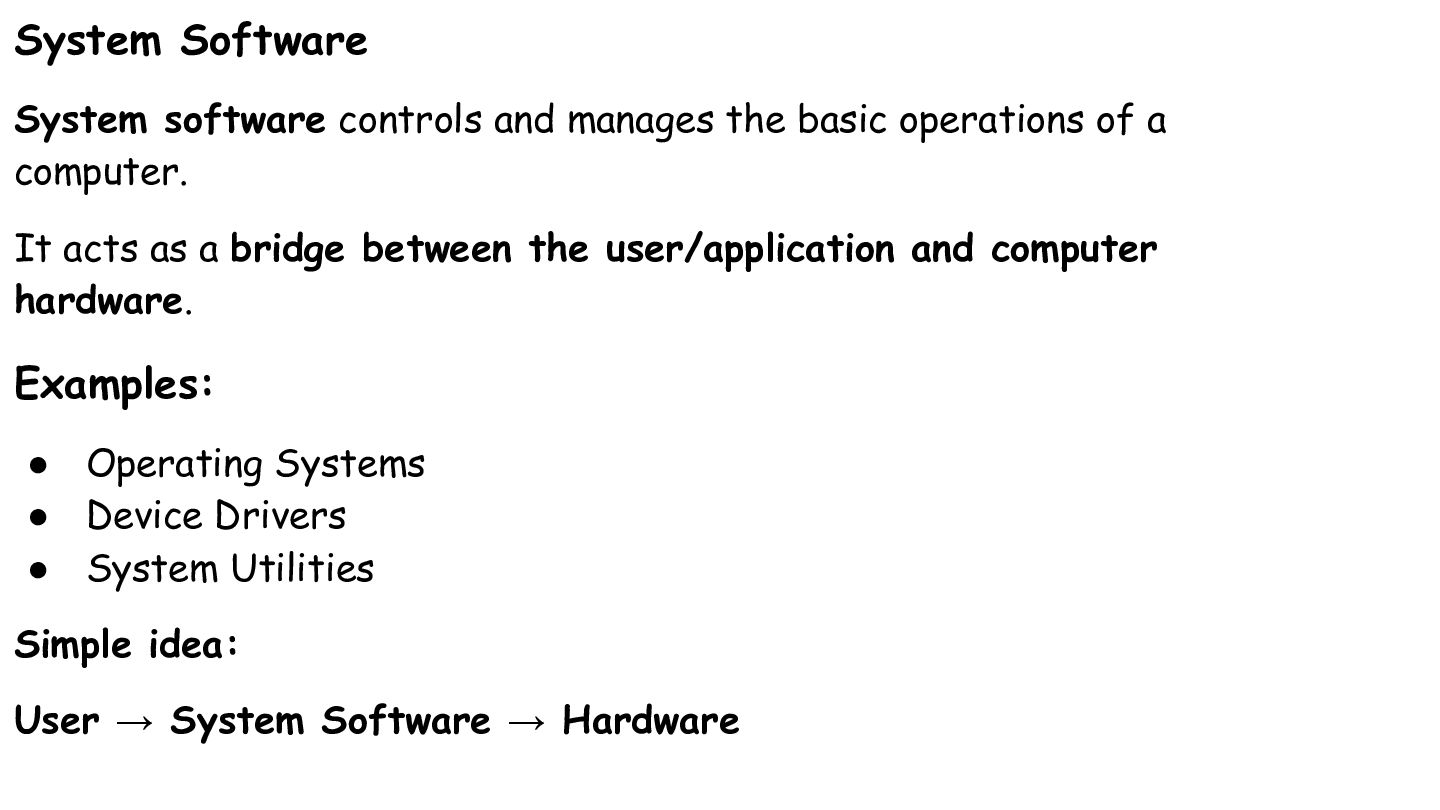
System Software System software controls and manages the basic operations
of a computer. It acts as a bridge between the user/application and computer hardware. Examples: • Operating Systems • Device Drivers • System Utilities Simple idea: User → System Software → Hardware -
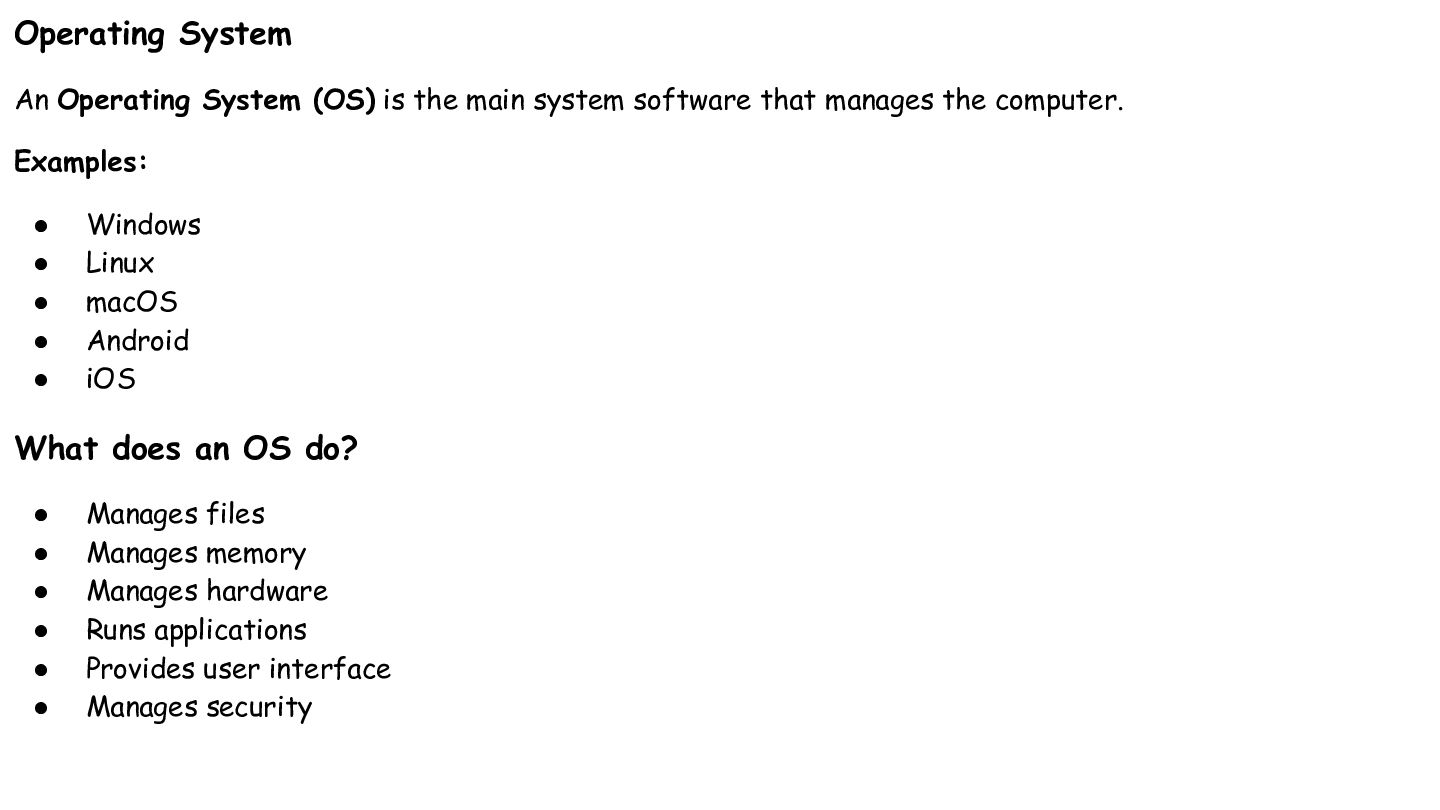
Operating System An Operating System (OS) is the main system
software that manages the computer. Examples: • • • • • Windows Linux macOS Android iOS What does an OS do? • • • • • • Manages files Manages memory Manages hardware Runs applications Provides user interface Manages security -
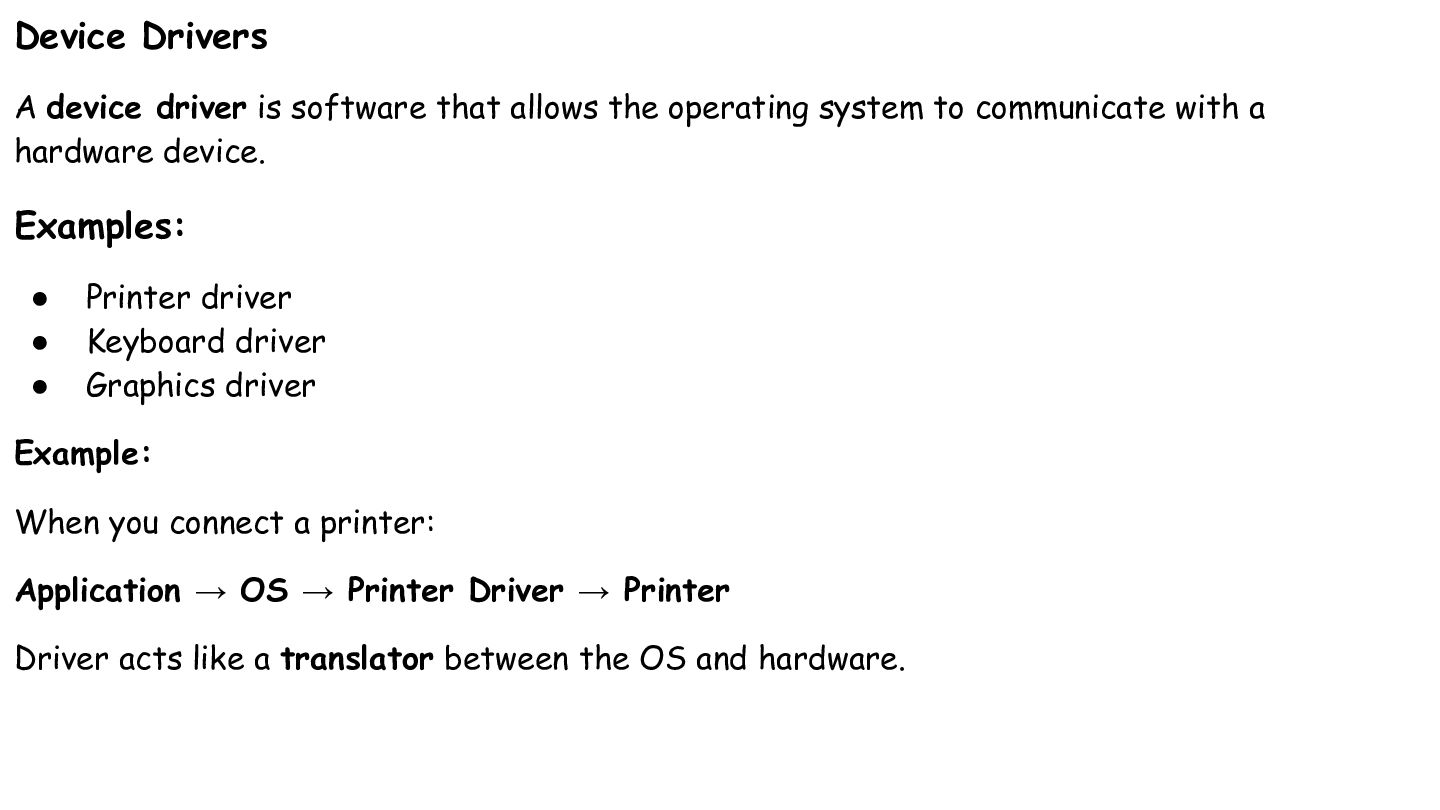
Device Drivers A device driver is software that allows the
operating system to communicate with a hardware device. Examples: • • • Printer driver Keyboard driver Graphics driver Example: When you connect a printer: Application → OS → Printer Driver → Printer Driver acts like a translator between the OS and hardware. -
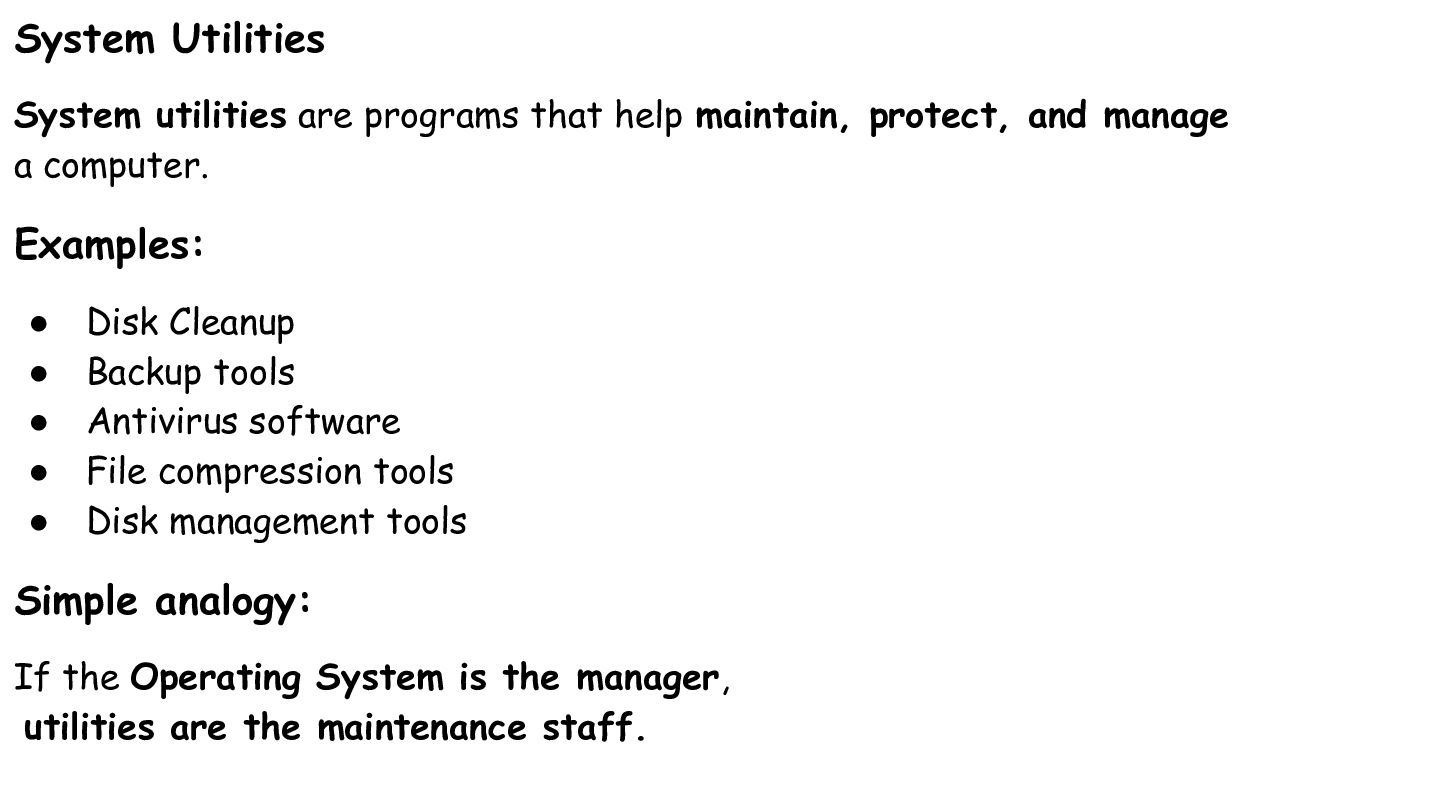
System Utilities System utilities are programs that help maintain, protect,
and manage a computer. Examples: • • • • • Disk Cleanup Backup tools Antivirus software File compression tools Disk management tools Simple analogy: If the Operating System is the manager, utilities are the maintenance staff. -
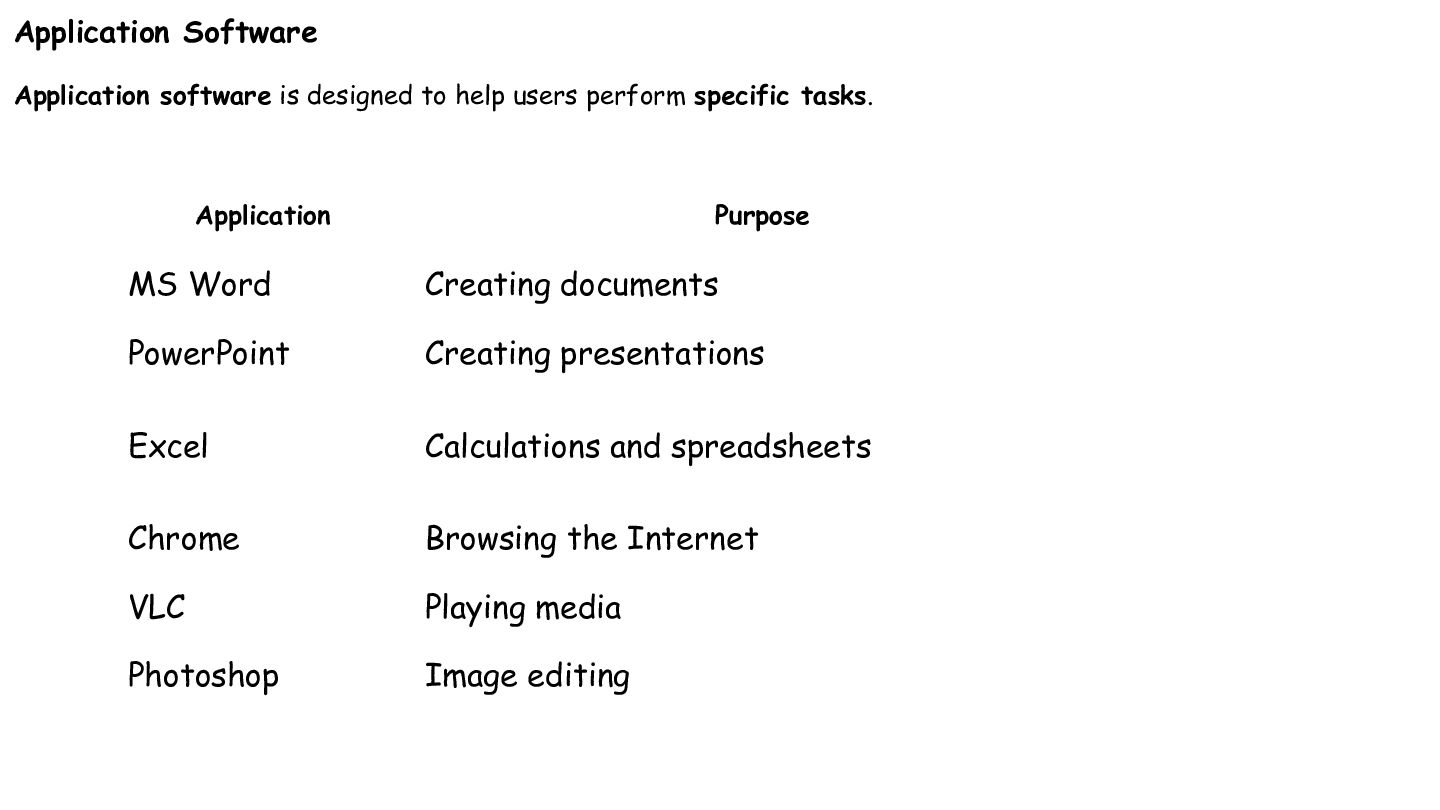
Application Software Application software is designed to help users perform
specific tasks. Application Purpose MS Word Creating documents PowerPoint Creating presentations Excel Calculations and spreadsheets Chrome Browsing the Internet VLC Playing media Photoshop Image editing -
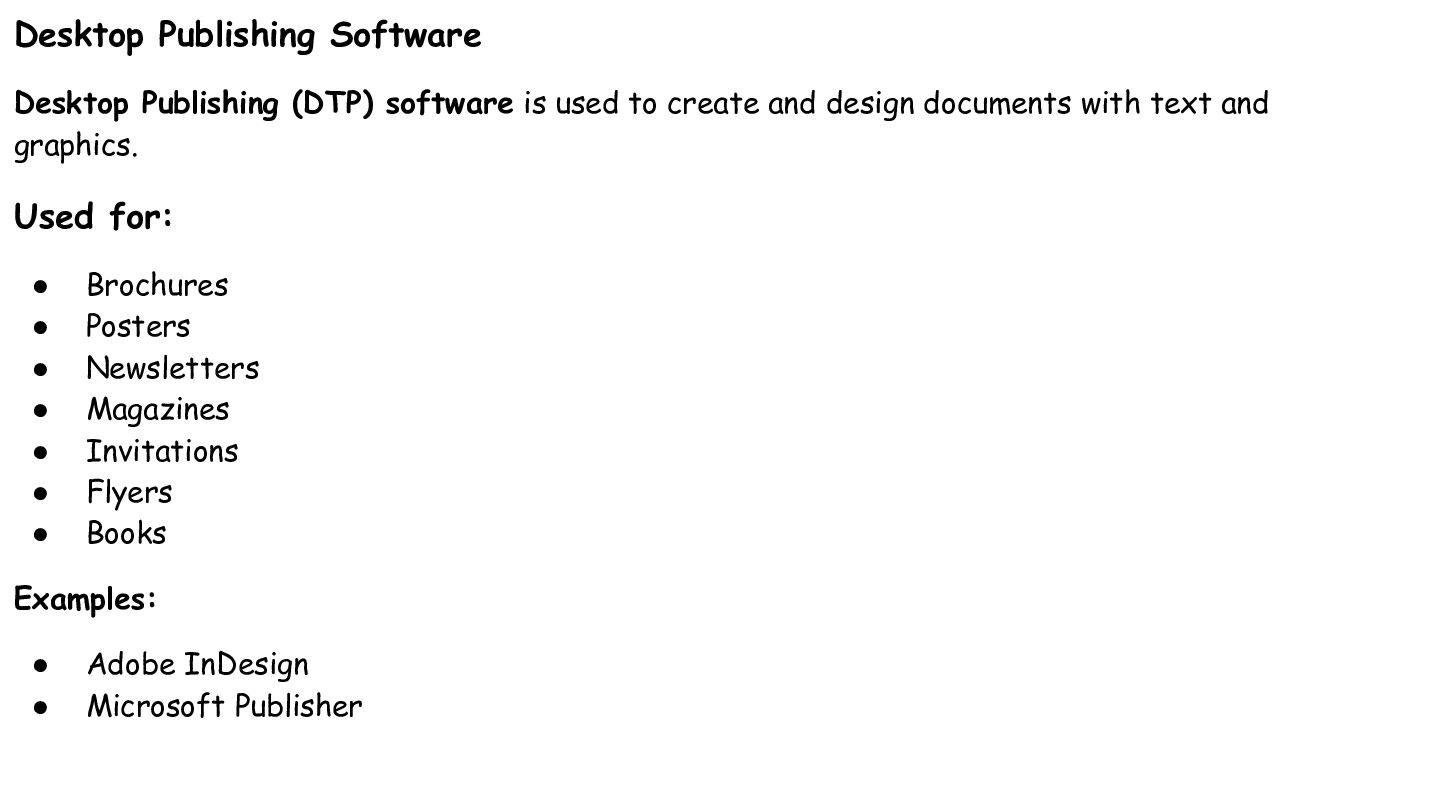
Desktop Publishing Software Desktop Publishing (DTP) software is used to
create and design documents with text and graphics. Used for: • • • • • • • Brochures Posters Newsletters Magazines Invitations Flyers Books Examples: • • Adobe InDesign Microsoft Publisher -
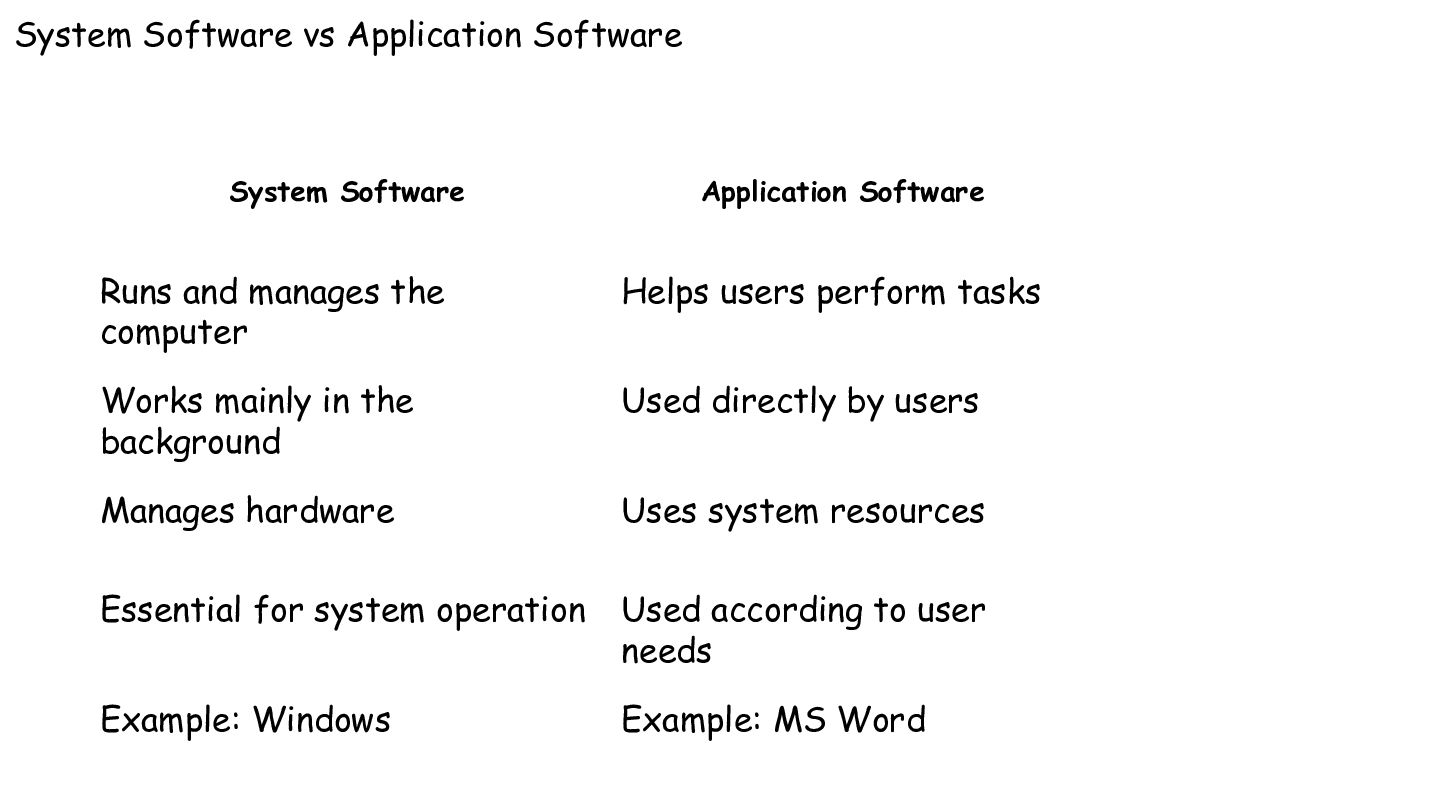
System Software vs Application Software System Software Application Software Runs
and manages the computer Helps users perform tasks Works mainly in the background Used directly by users Manages hardware Uses system resources Essential for system operation Used according to user needs Example: Windows Example: MS Word -
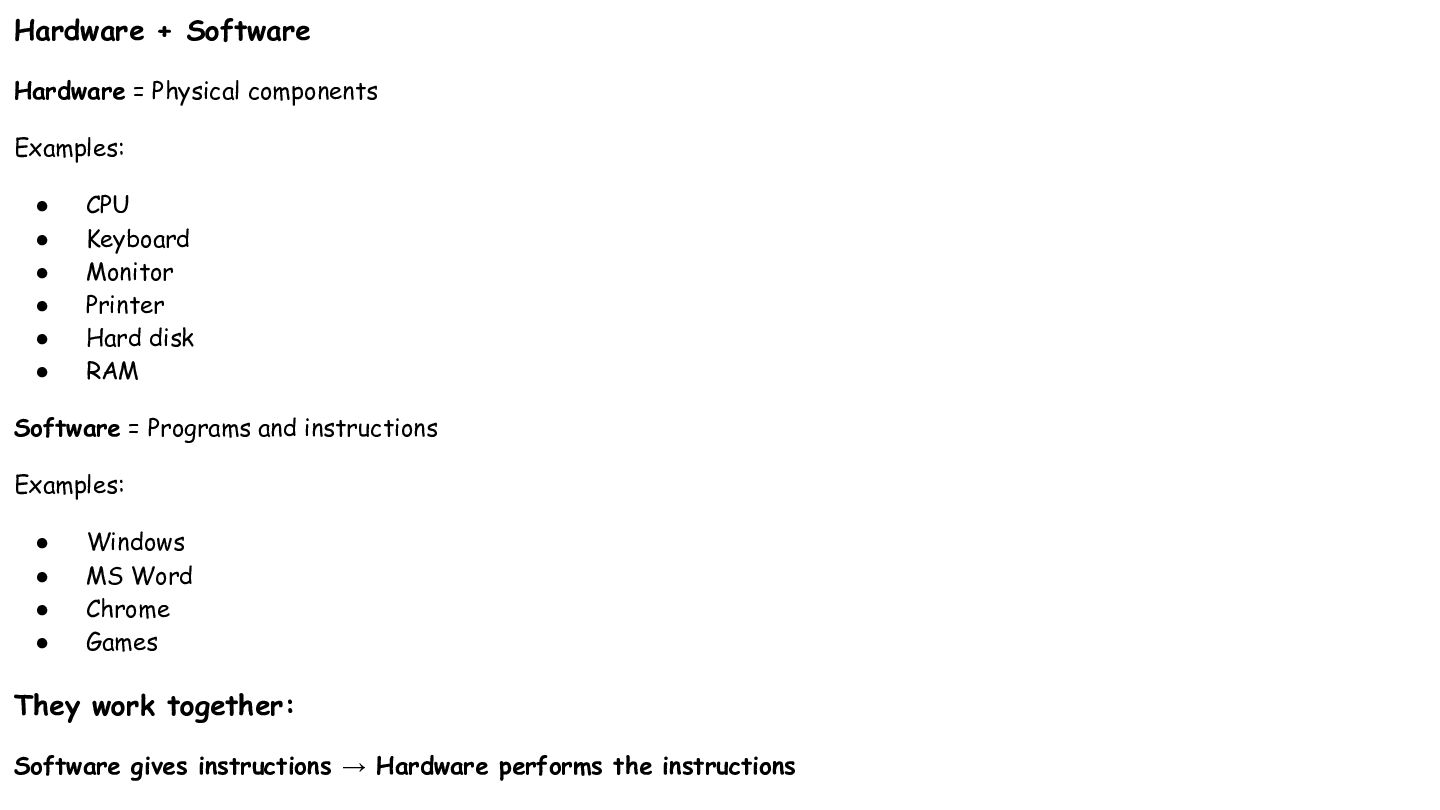
Hardware + Software Hardware = Physical components Examples: • •
• • • • CPU Keyboard Monitor Printer Hard disk RAM Software = Programs and instructions Examples: • • • • Windows MS Word Chrome Games They work together: Software gives instructions → Hardware performs the instructions -
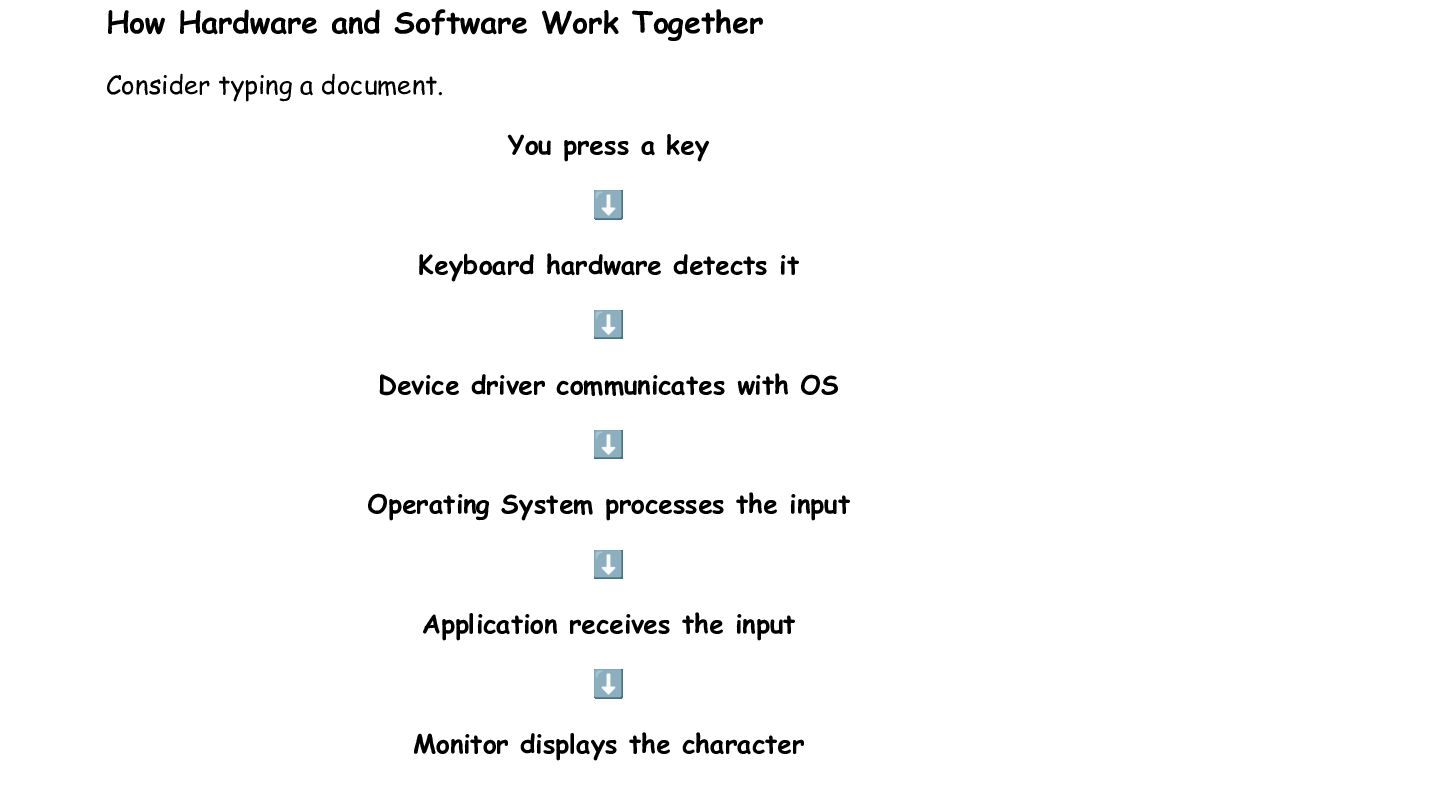
How Hardware and Software Work Together Consider typing a document.
You press a key ⬇ Keyboard hardware detects it ⬇ Device driver communicates with OS ⬇ Operating System processes the input ⬇ Application receives the input ⬇ Monitor displays the character -
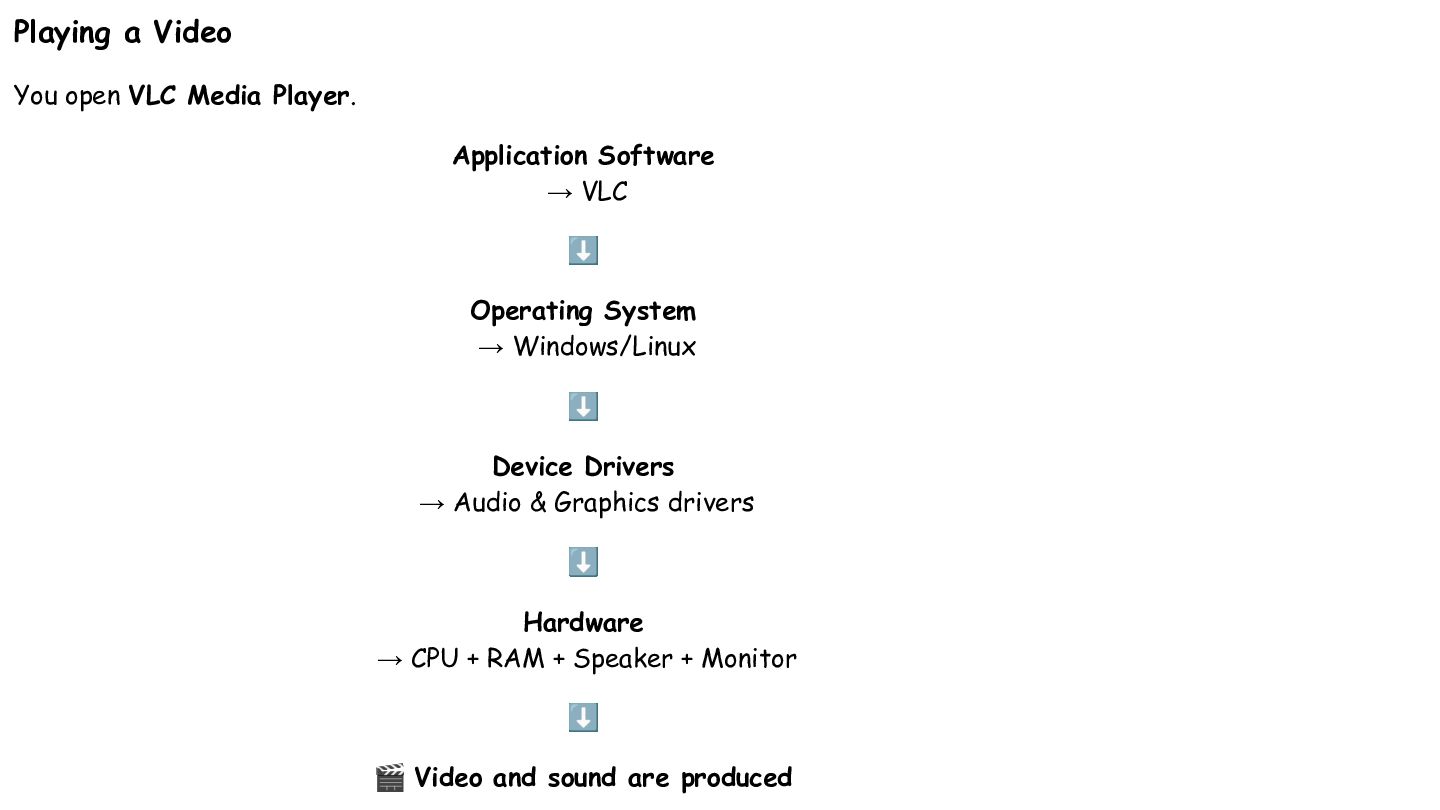
Playing a Video You open VLC Media Player. Application Software
→ VLC ⬇ Operating System → Windows/Linux ⬇ Device Drivers → Audio & Graphics drivers ⬇ Hardware → CPU + RAM + Speaker + Monitor ⬇ 🎬 Video and sound are produced -
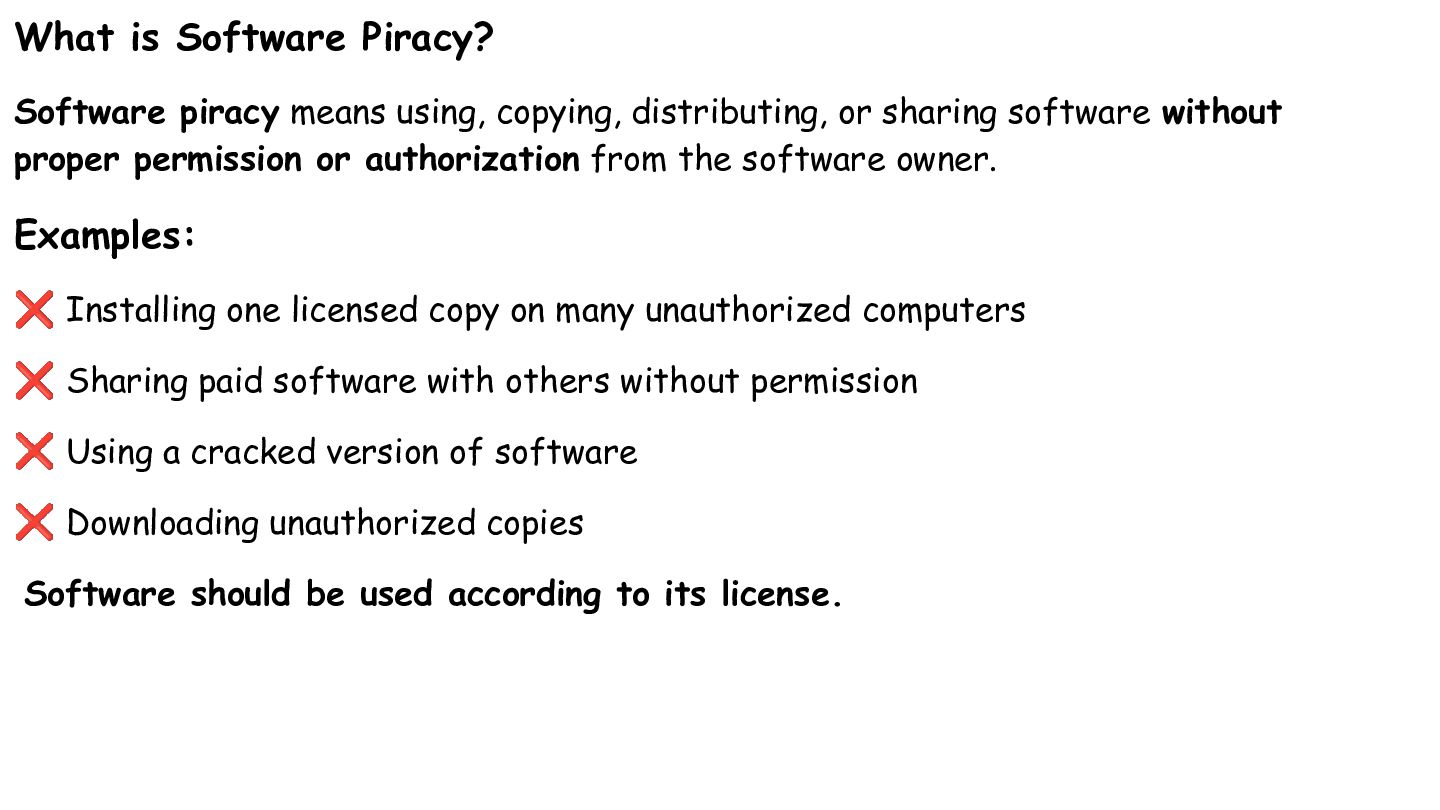
What is Software Piracy? Software piracy means using, copying, distributing,
or sharing software without proper permission or authorization from the software owner. Examples: ❌ Installing one licensed copy on many unauthorized computers ❌ Sharing paid software with others without permission ❌ Using a cracked version of software ❌ Downloading unauthorized copies Software should be used according to its license. -
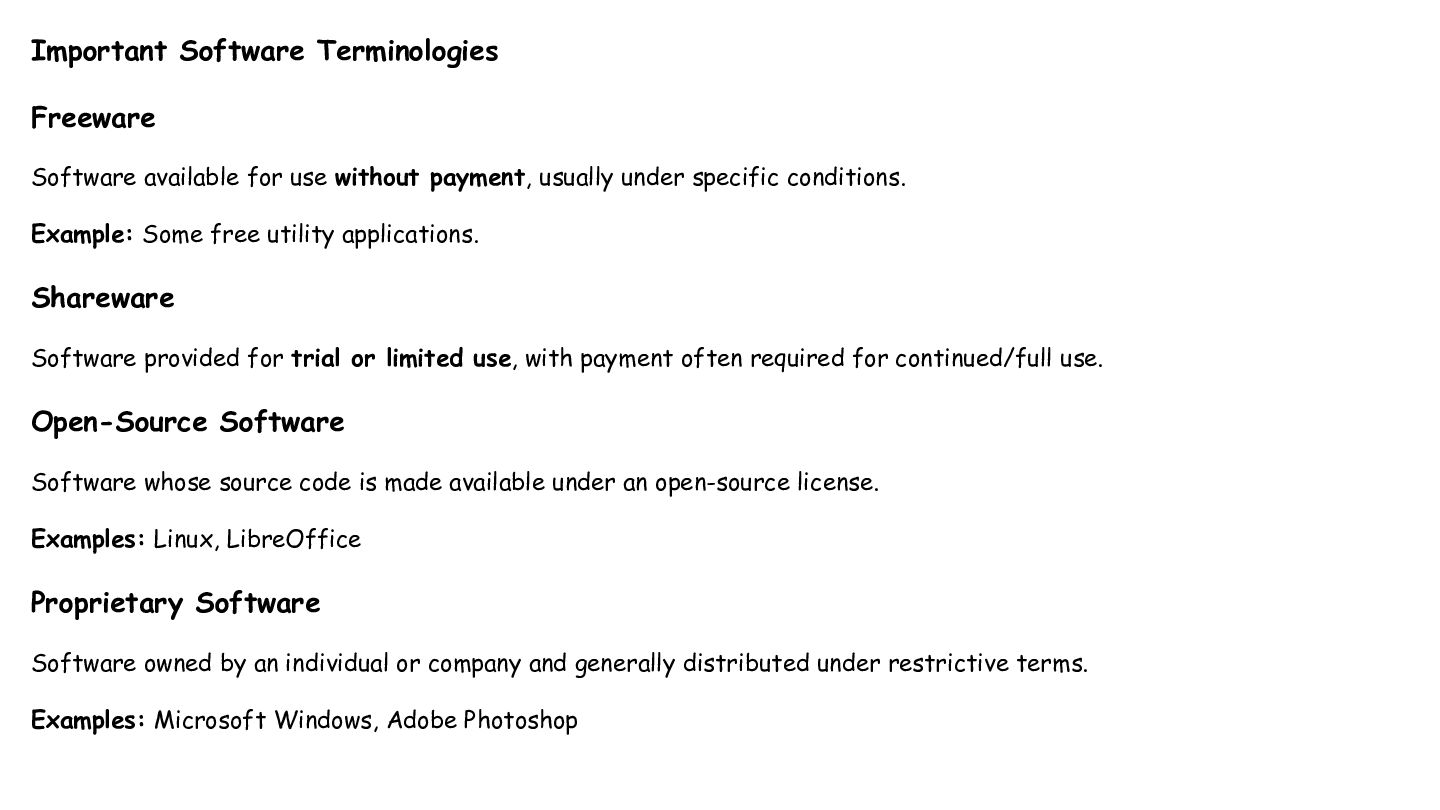
Important Software Terminologies Freeware Software available for use without payment,
usually under specific conditions. Example: Some free utility applications. Shareware Software provided for trial or limited use, with payment often required for continued/full use. Open-Source Software Software whose source code is made available under an open-source license. Examples: Linux, LibreOffice Proprietary Software Software owned by an individual or company and generally distributed under restrictive terms. Examples: Microsoft Windows, Adobe Photoshop -
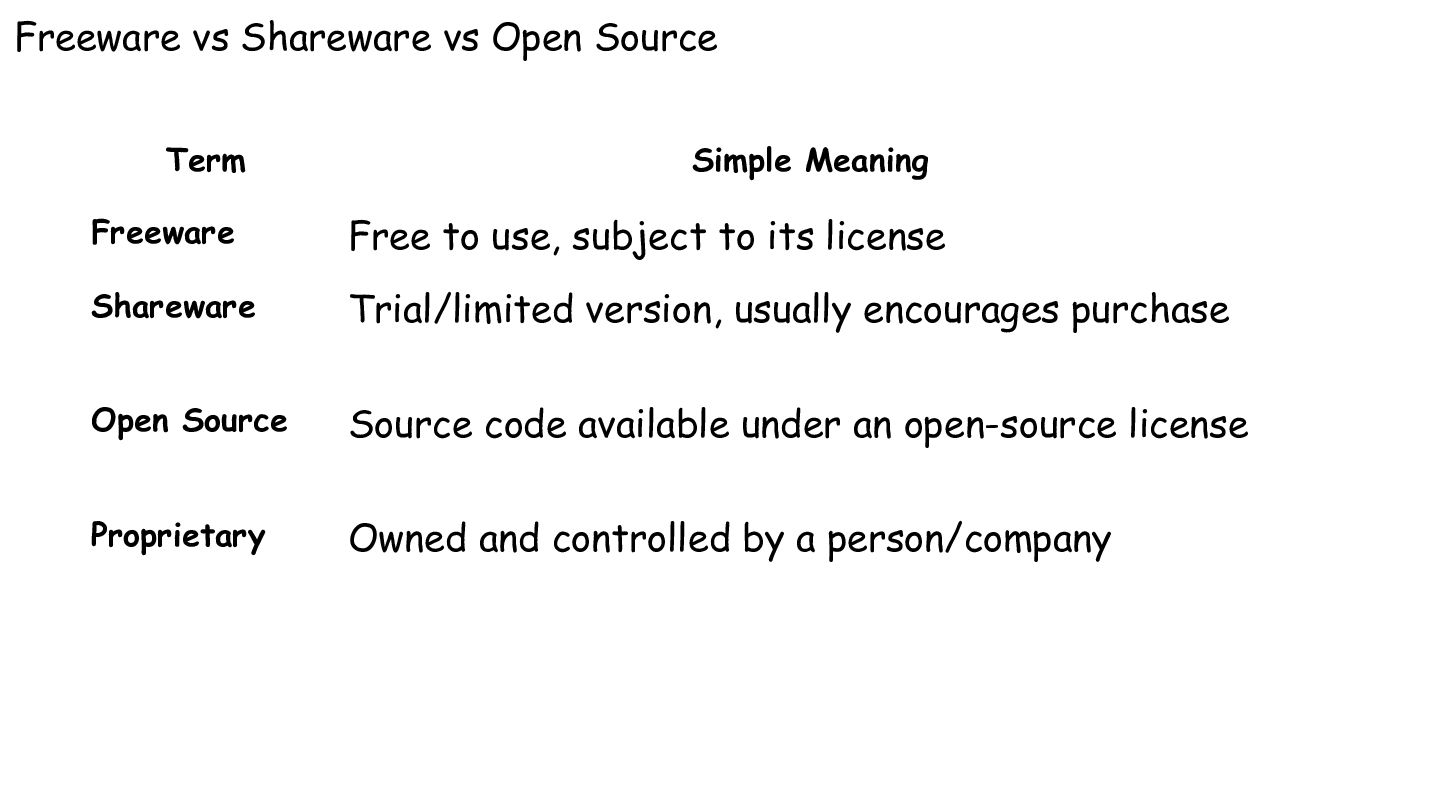
Freeware vs Shareware vs Open Source Term Simple Meaning Freeware
Free to use, subject to its license Shareware Trial/limited version, usually encourages purchase Open Source Source code available under an open-source license Proprietary Owned and controlled by a person/company -
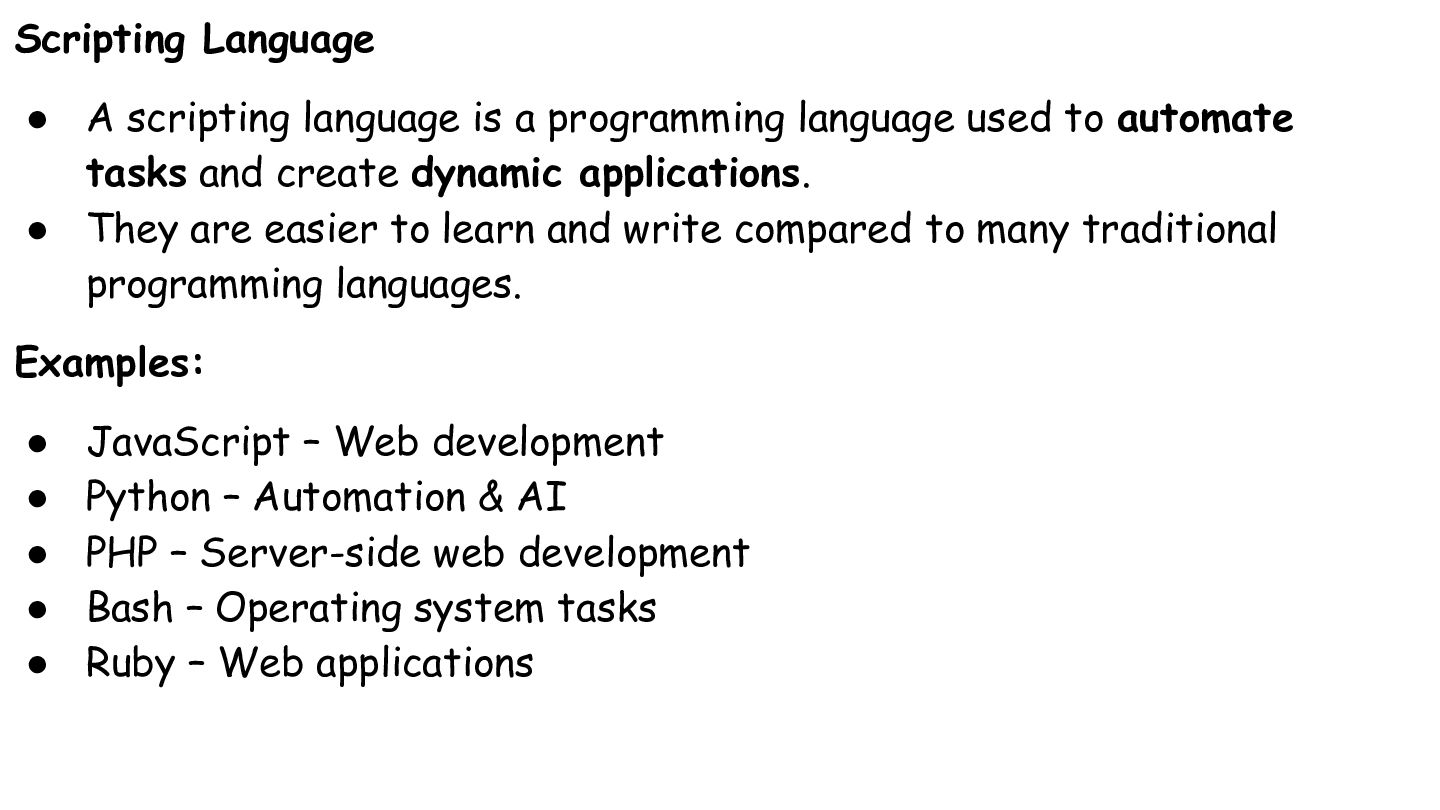
Scripting Language • A scripting language is a programming language
used to automate tasks and create dynamic applications. • They are easier to learn and write compared to many traditional programming languages. Examples: • • • • • JavaScript – Web development Python – Automation & AI PHP – Server-side web development Bash – Operating system tasks Ruby – Web applications -
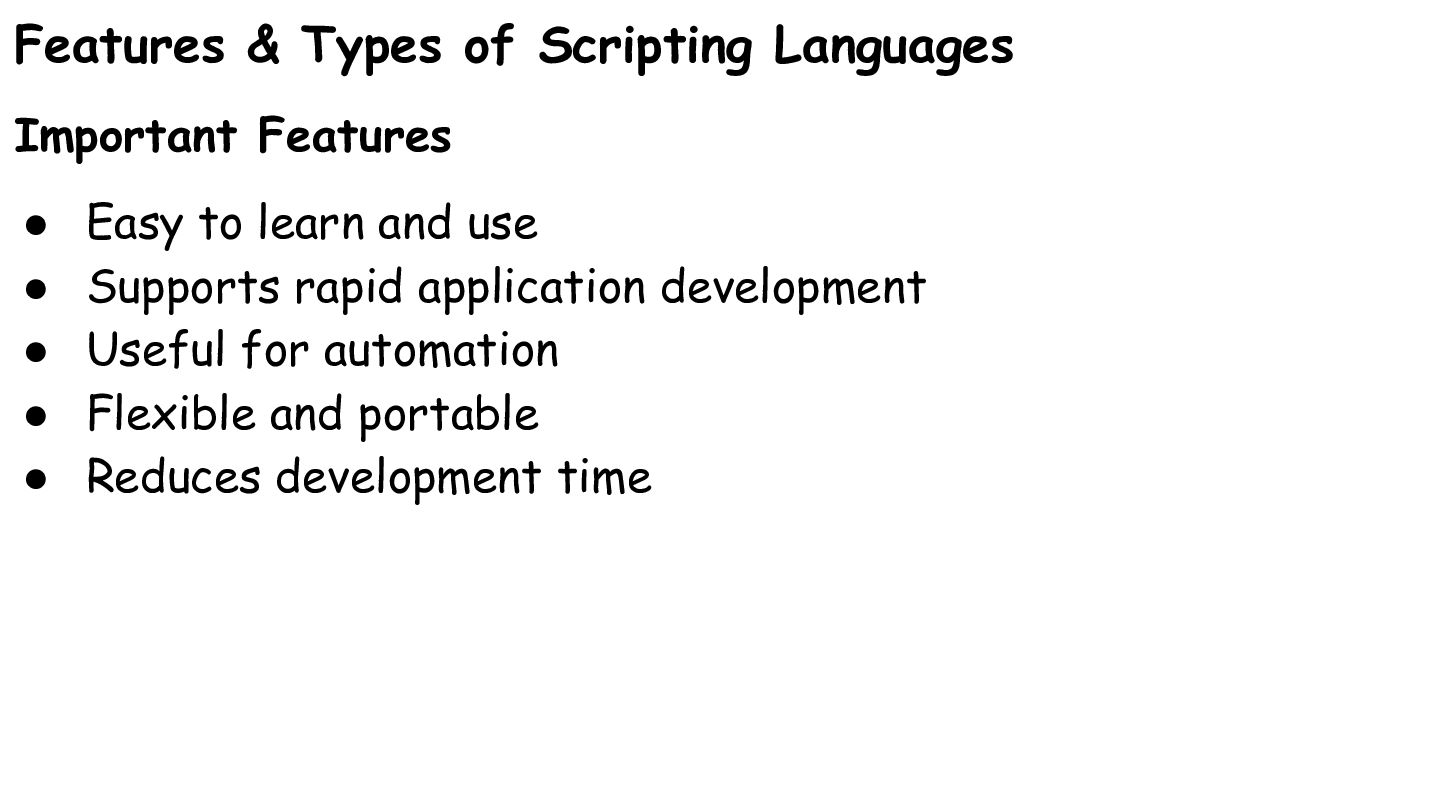
Features & Types of Scripting Languages Important Features • •
• • • Easy to learn and use Supports rapid application development Useful for automation Flexible and portable Reduces development time -
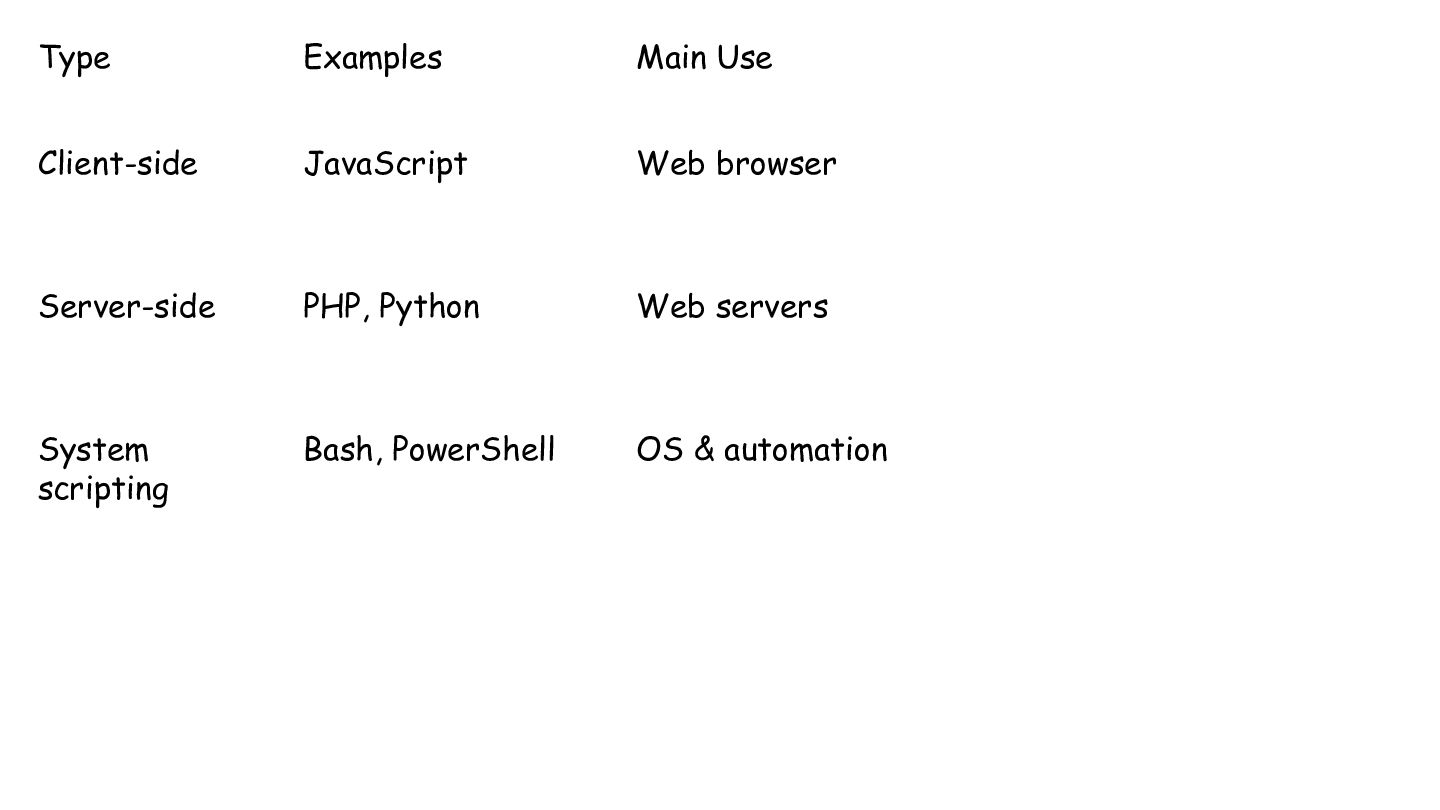
Type Examples Main Use Client-side JavaScript Web browser Server-side PHP,
Python Web servers System scripting Bash, PowerShell OS & automation -
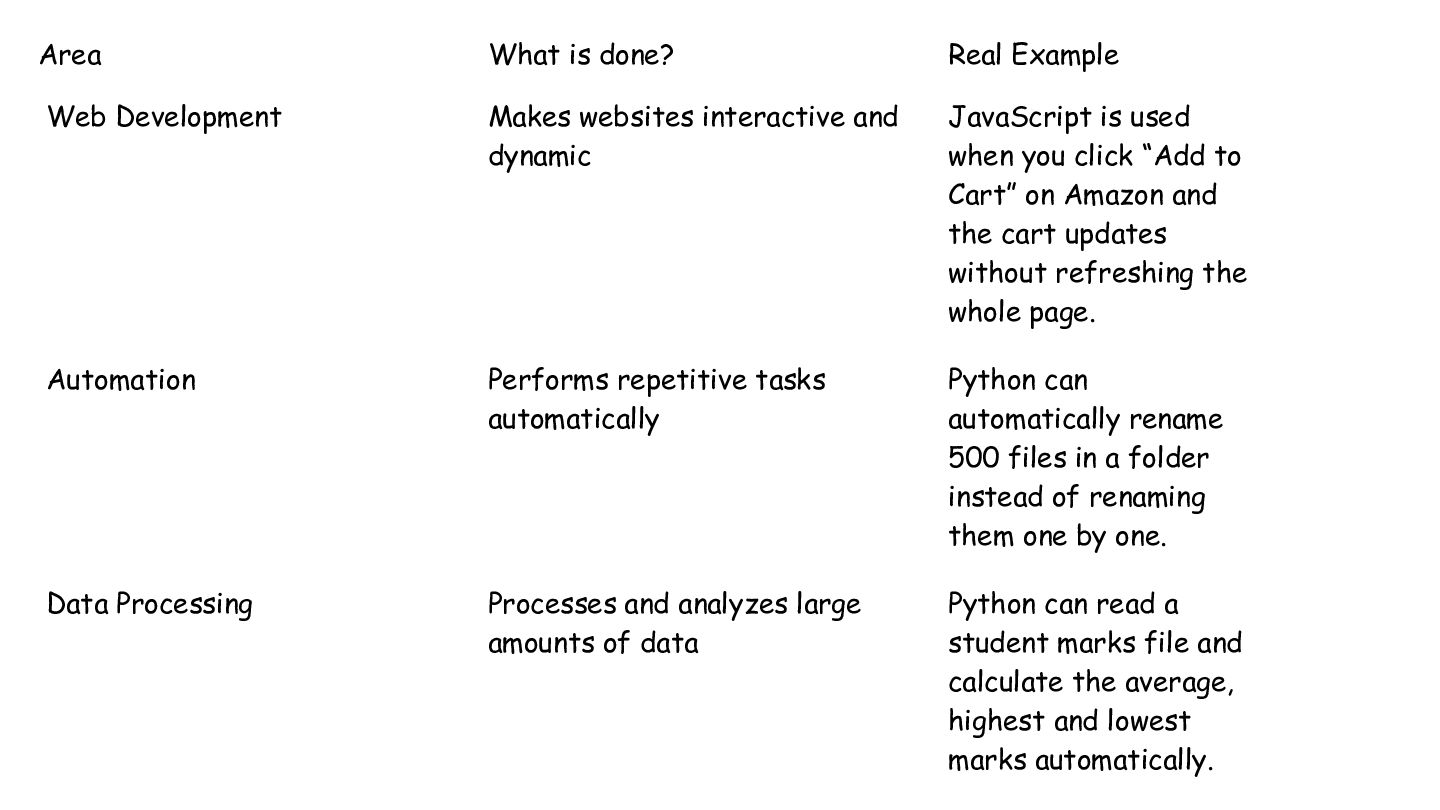
Area What is done? Real Example Web Development Makes websites
interactive and dynamic JavaScript is used when you click “Add to Cart” on Amazon and the cart updates without refreshing the whole page. Automation Performs repetitive tasks automatically Python can automatically rename 500 files in a folder instead of renaming them one by one. Data Processing Processes and analyzes large amounts of data Python can read a student marks file and calculate the average, highest and lowest marks automatically. -
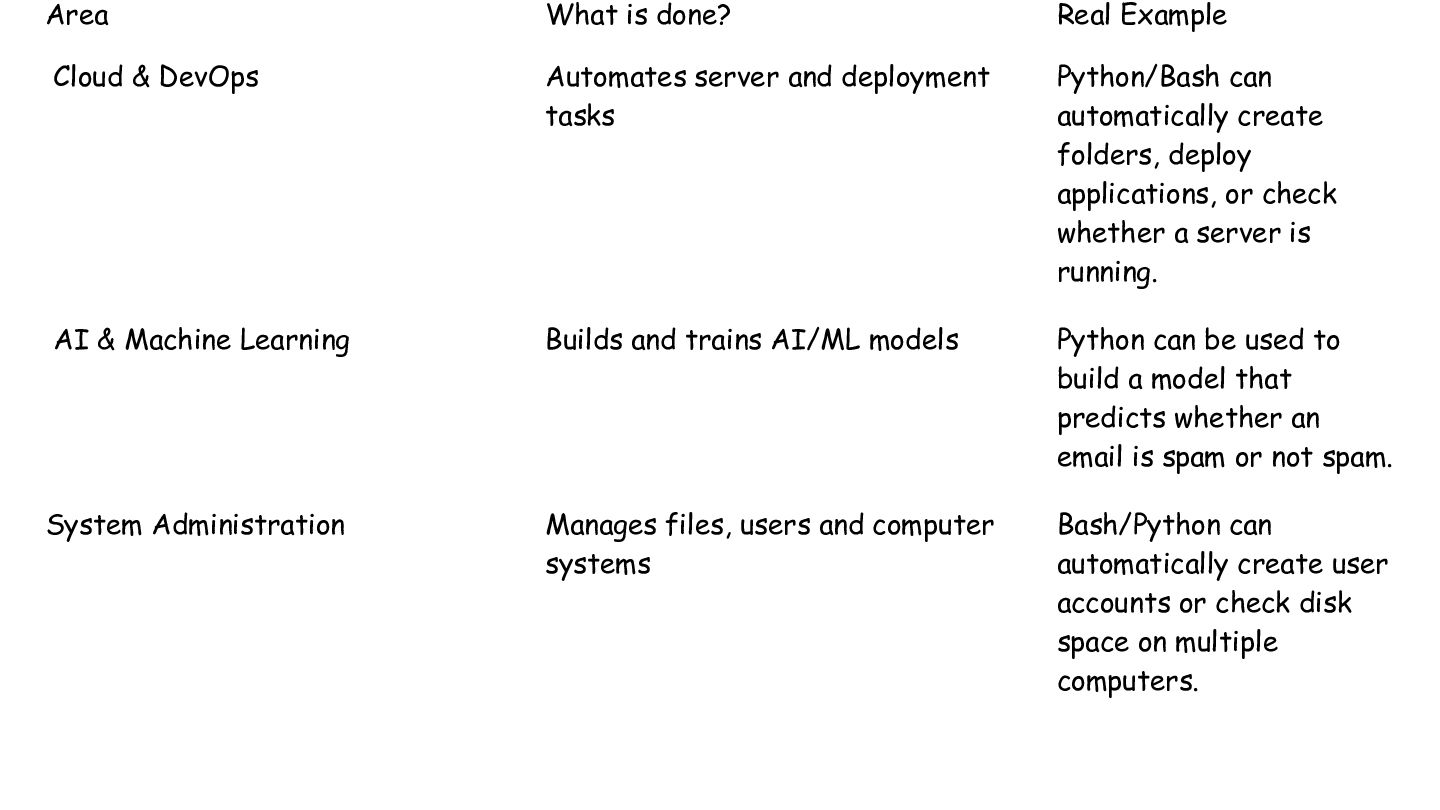
Area What is done? Real Example Cloud & DevOps Automates
server and deployment tasks Python/Bash can automatically create folders, deploy applications, or check whether a server is running. AI & Machine Learning Builds and trains AI/ML models Python can be used to build a model that predicts whether an email is spam or not spam. System Administration Manages files, users and computer systems Bash/Python can automatically create user accounts or check disk space on multiple computers.
 sonakv
 juanmartin2026
 cbtlibrary
 akiraasano
 adeputra13
 pawan_pharm
 signer
 kentaroy47
 kfujita
 hachama
 reverentgeek
 frankvandijk
 portentint
 codingconduct
 geoffreycrofte
 eitanlees
 marcoroth
 axbom
 jonoalderson
 rmw
 bethany
 honzajavorek