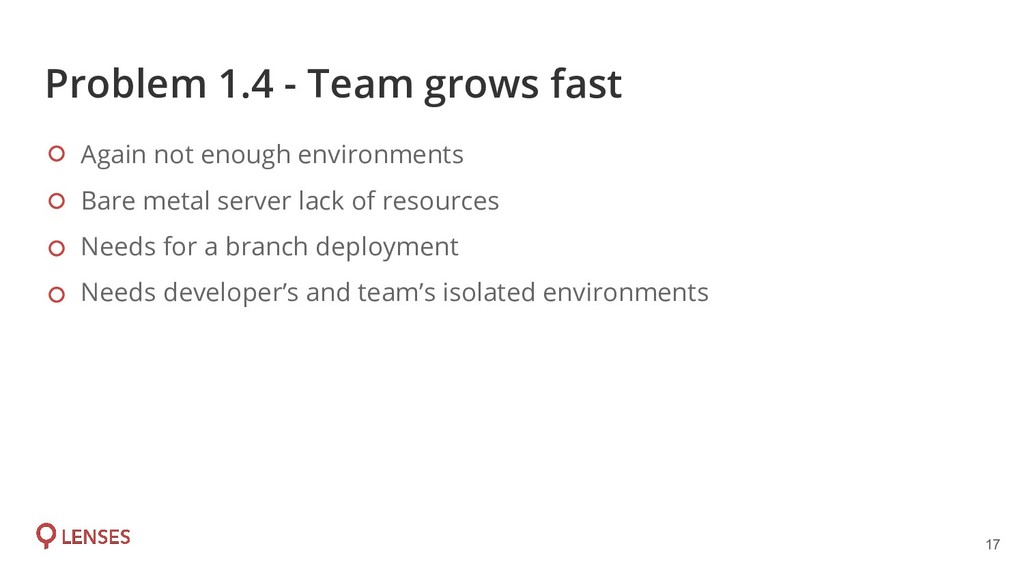
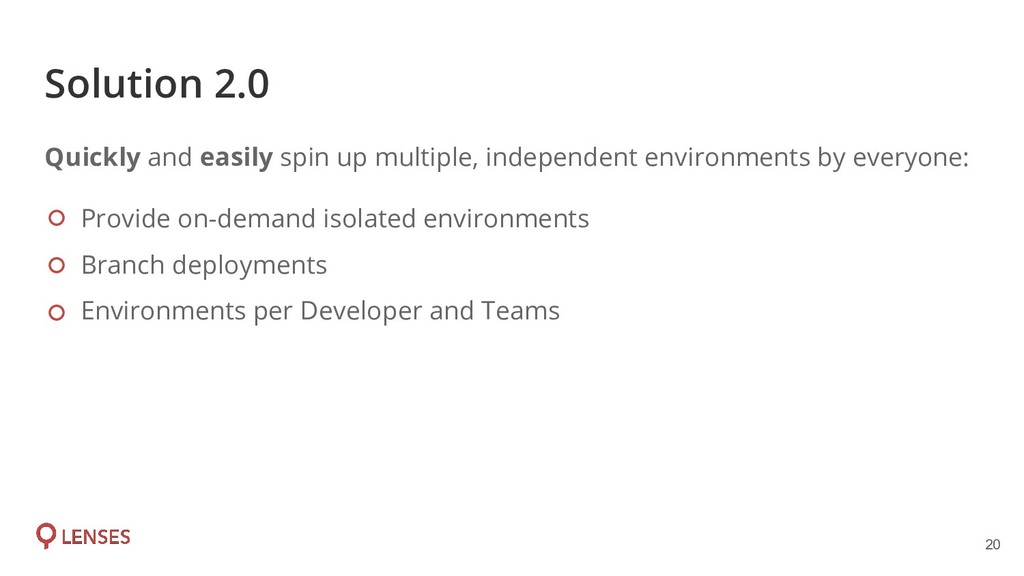
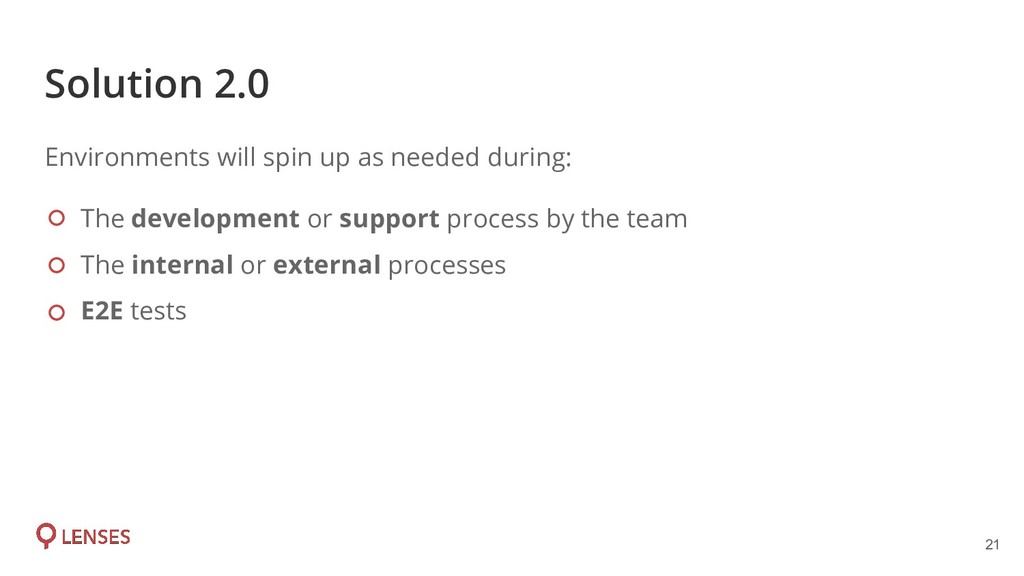
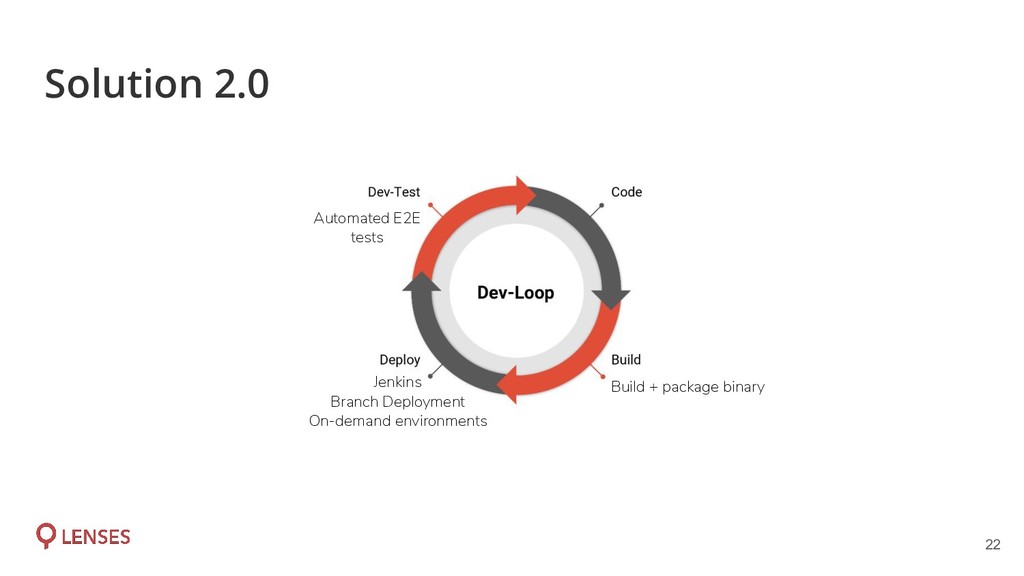
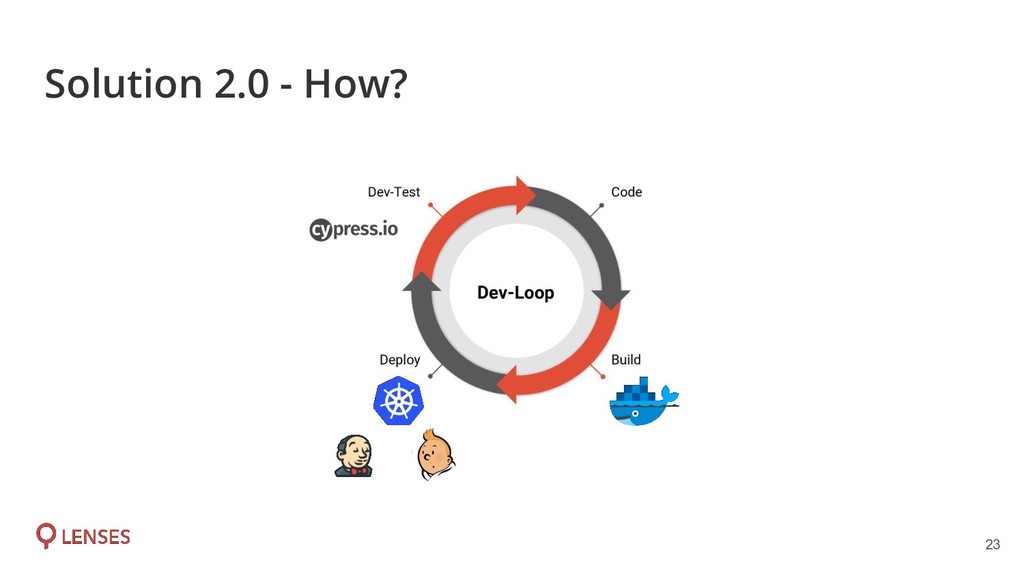
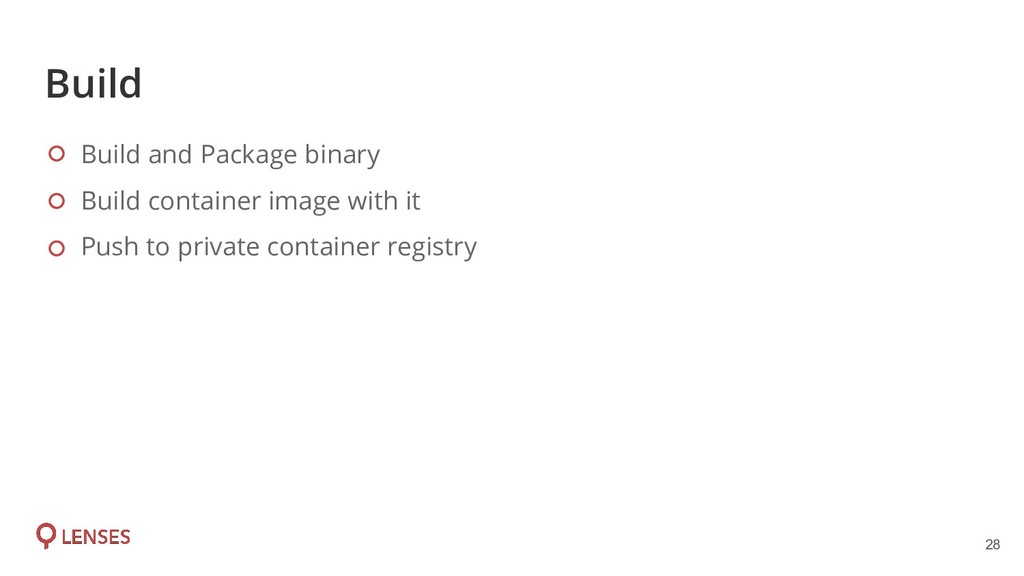
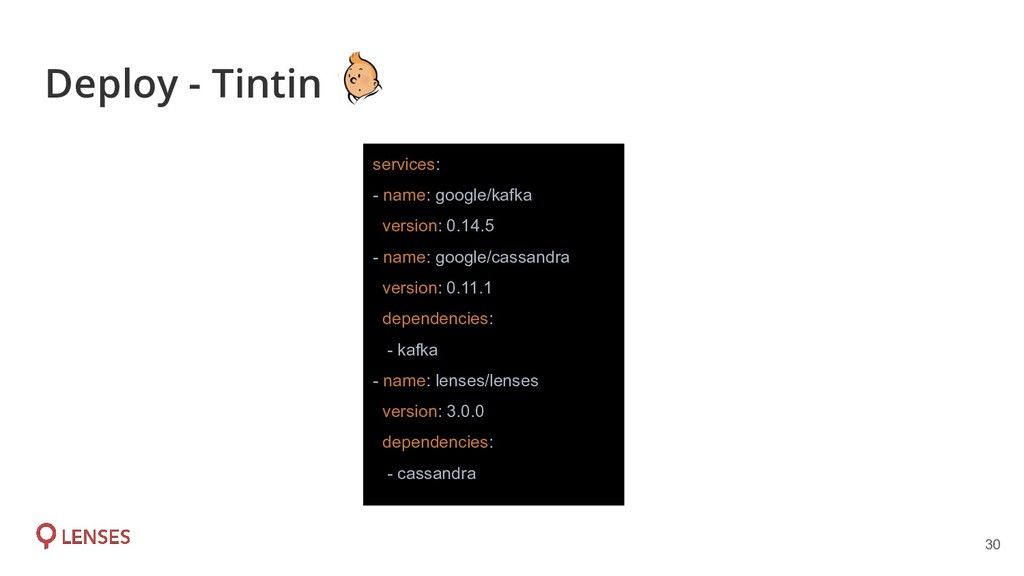
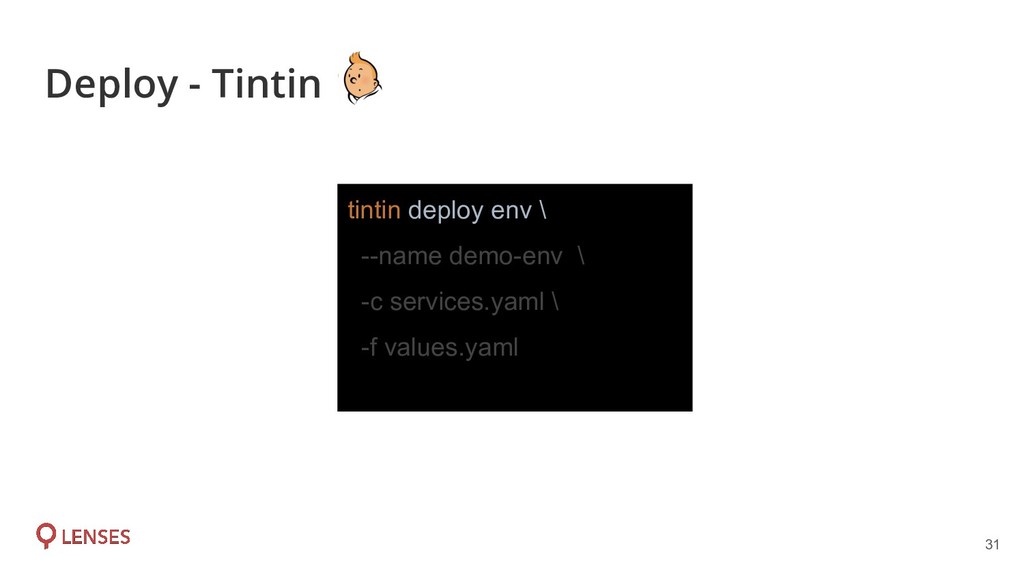
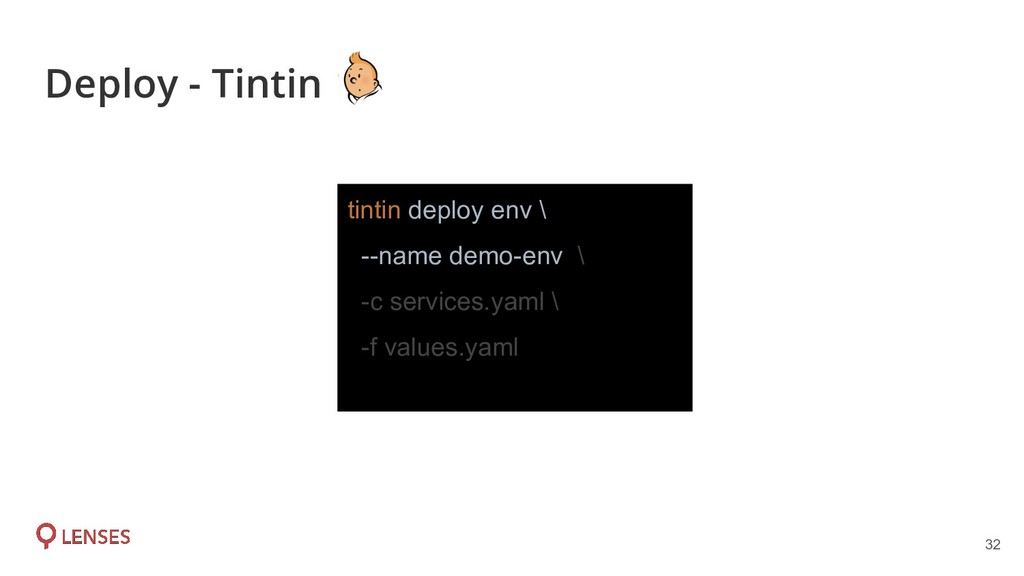
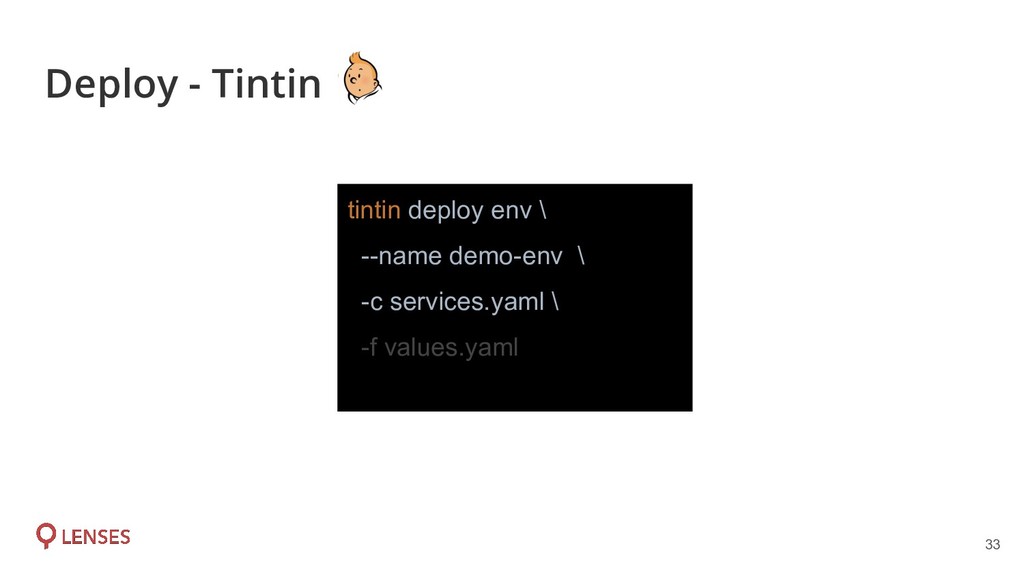
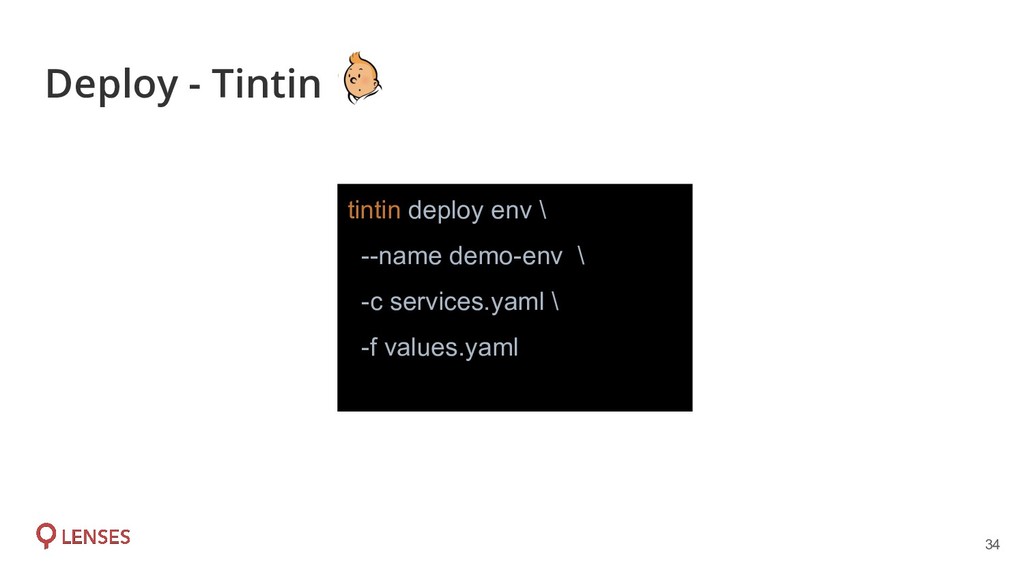
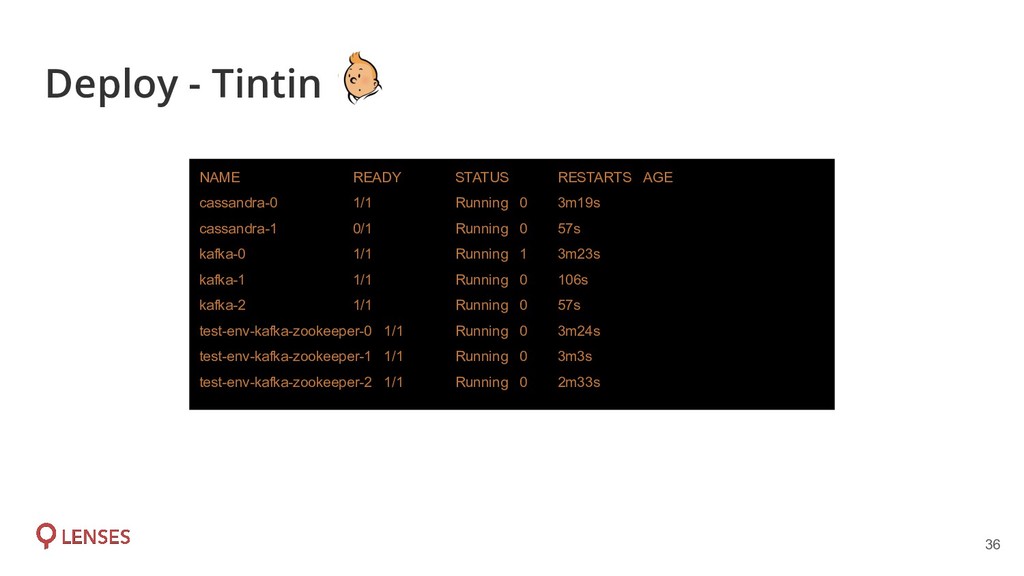
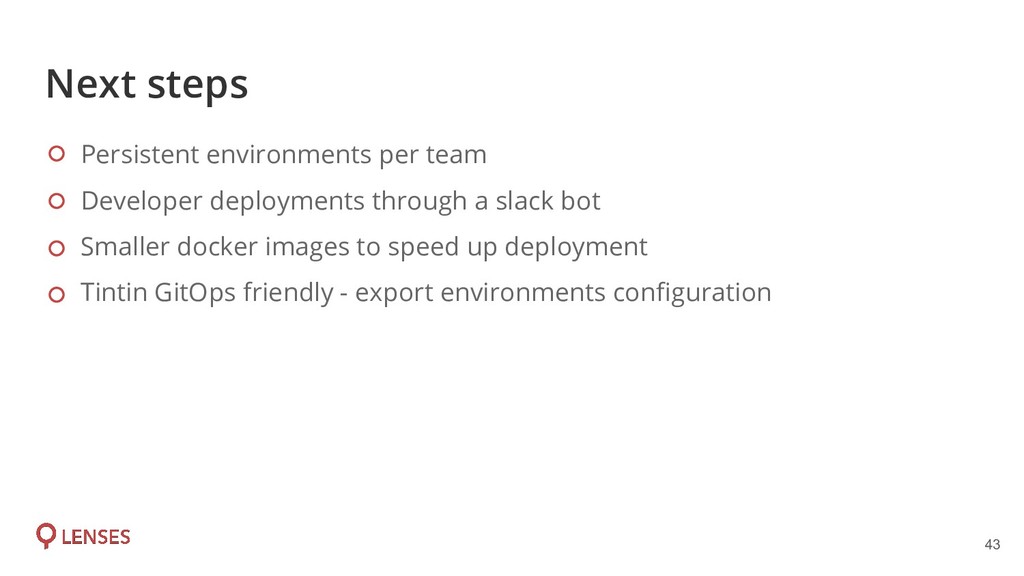
easily by everyone - Zeus Leverage existing Helm charts Build our own tool for CI/CD in K8 - Tintin Environment: is a K8 namespace, along with services deployed in it by the provided branches. On-demand environment: A K8 namespace that will be created on-demand by everyone through Jenkins CI.
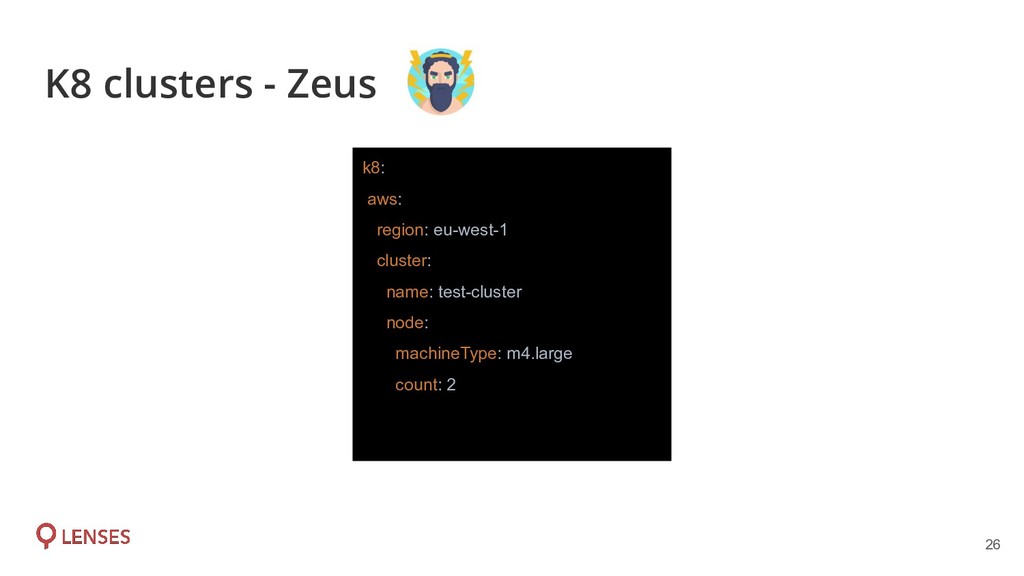
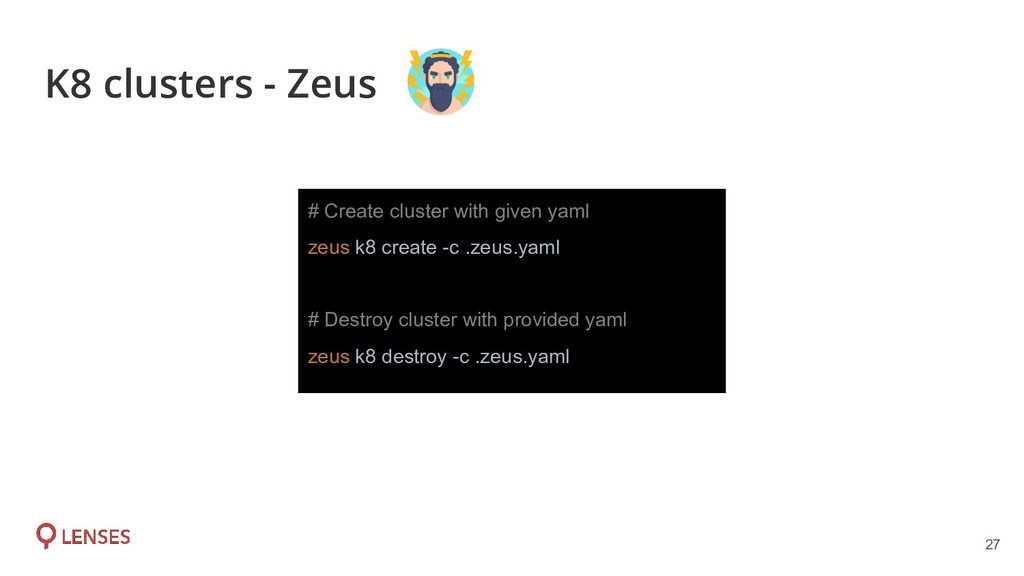
cloud provider (AWS, Google, Azure) Utilises Terraform but it’s an abstraction of it Zeus is a CLI tool & it is created by SRE team to create/destroy K8 clusters easily
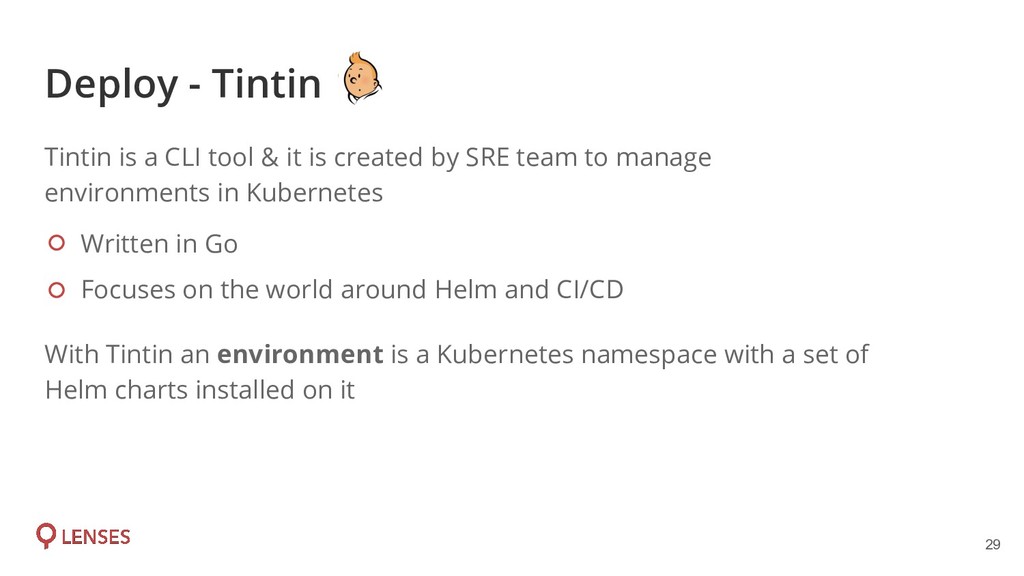
world around Helm and CI/CD Tintin is a CLI tool & it is created by SRE team to manage environments in Kubernetes With Tintin an environment is a Kubernetes namespace with a set of Helm charts installed on it
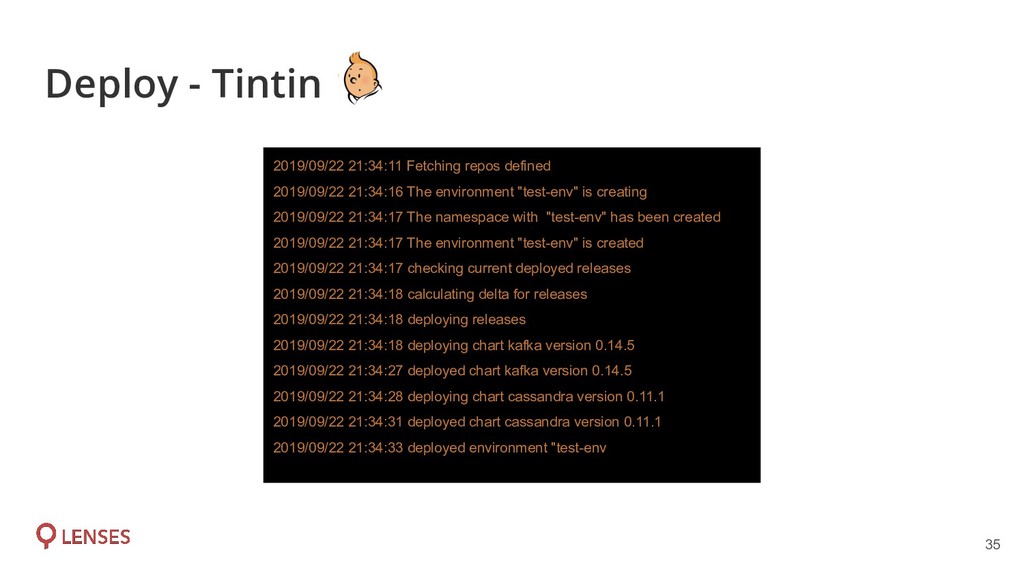
"test-env" is creating 2019/09/22 21:34:17 The namespace with "test-env" has been created 2019/09/22 21:34:17 The environment "test-env" is created 2019/09/22 21:34:17 checking current deployed releases 2019/09/22 21:34:18 calculating delta for releases 2019/09/22 21:34:18 deploying releases 2019/09/22 21:34:18 deploying chart kafka version 0.14.5 2019/09/22 21:34:27 deployed chart kafka version 0.14.5 2019/09/22 21:34:28 deploying chart cassandra version 0.11.1 2019/09/22 21:34:31 deployed chart cassandra version 0.11.1 2019/09/22 21:34:33 deployed environment "test-env Deploy - Tintin
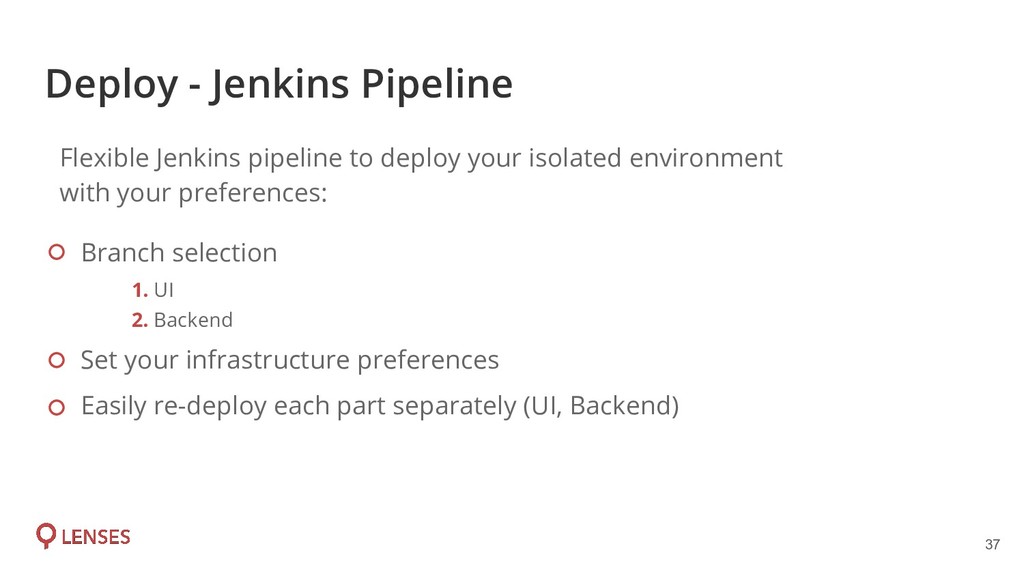
Backend Set your infrastructure preferences Easily re-deploy each part separately (UI, Backend) Flexible Jenkins pipeline to deploy your isolated environment with your preferences:
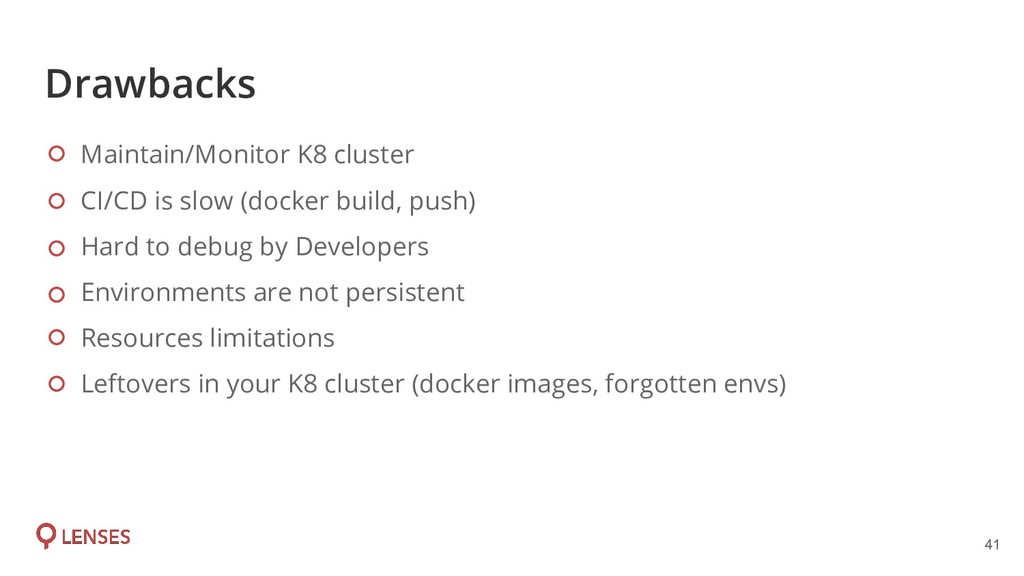
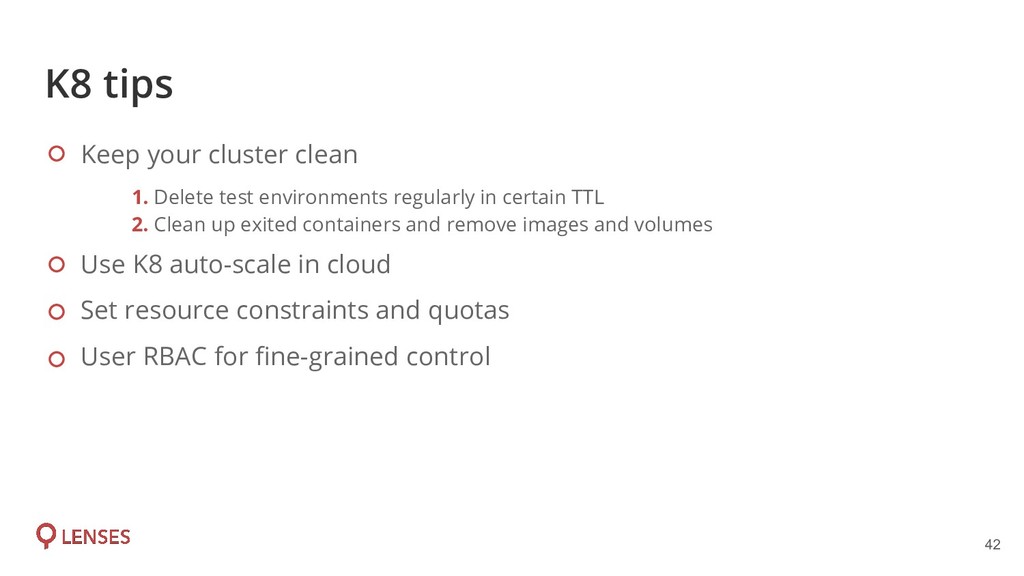
environments regularly in certain TTL 2. Clean up exited containers and remove images and volumes Use K8 auto-scale in cloud Set resource constraints and quotas User RBAC for fine-grained control
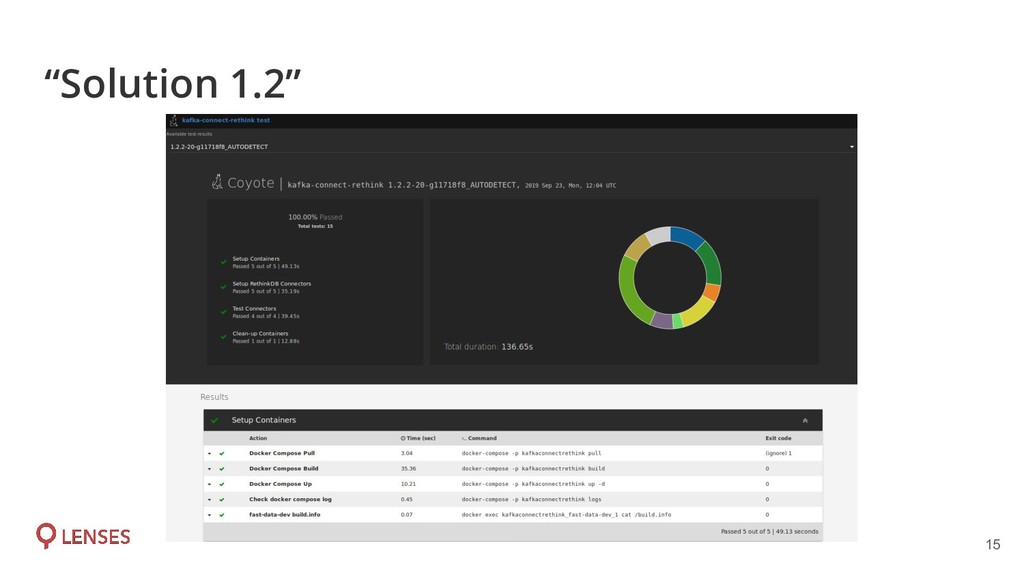
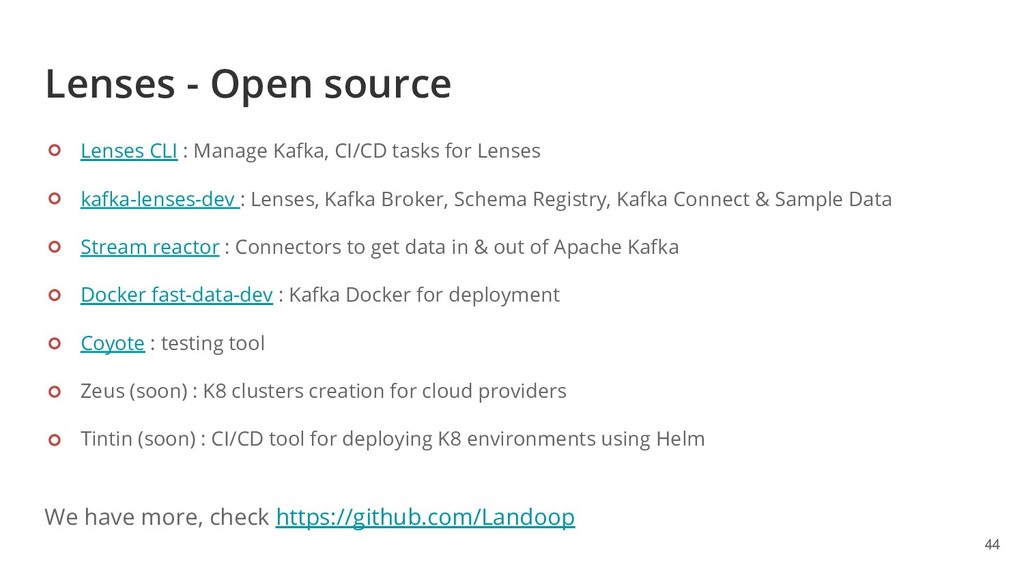
CI/CD tasks for Lenses kafka-lenses-dev : Lenses, Kafka Broker, Schema Registry, Kafka Connect & Sample Data Stream reactor : Connectors to get data in & out of Apache Kafka Docker fast-data-dev : Kafka Docker for deployment Coyote : testing tool Zeus (soon) : K8 clusters creation for cloud providers Tintin (soon) : CI/CD tool for deploying K8 environments using Helm We have more, check https://github.com/Landoop

 SiteGround - Reliable hosting with speed, security, and support you can count on.


 spirosoik
 ykanoh
 keeg
keeg
 recruitengineers
 greenmidori
 ymotongpoo
 kaminashi
 teamlab
 koukihosaka
 sh_fk2
 takanorip
 yahonda
 yuuuuuuu168
 ivargrimstad
 mlcsv
mlcsv
 mfonobong
 ryanjones
 jlugia
 nikkihalliwell
 lfama
lfama
 badams
 frankvandijk
 garrettdimon
 elsirapls
 coloredviolet