Upgrade to Pro — share decks privately, control downloads, hide ads and more …

How to Install Tactile Indicators Correctly: Ea...

How to Install Tactile Indicators Correctly: Easy Guide

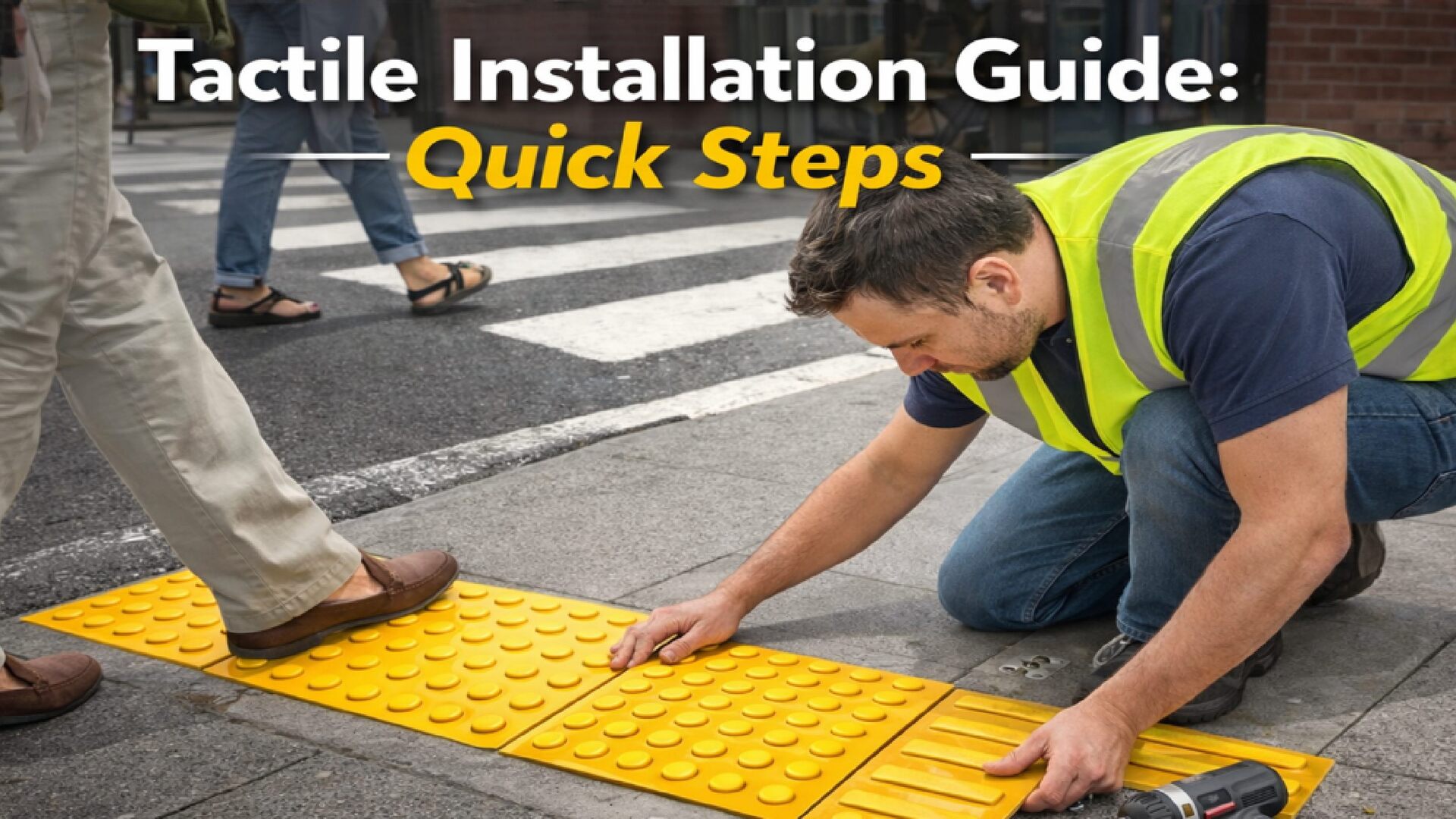
This PDF explains how to install tactile indicators correctly in an easy and step-by-step way. It covers proper placement, spacing, surface preparation, and common mistakes to avoid. This guide is helpful for contractors, architects, builders, and anyone involved in accessible pathway design to ensure safety and compliance with accessibility standards.

Visit: https://tactileindicators.in/services/tactile-installation/

Avatar for tactile indicators

tactile indicators

January 28, 2026

Other Decks in Business

Transcript

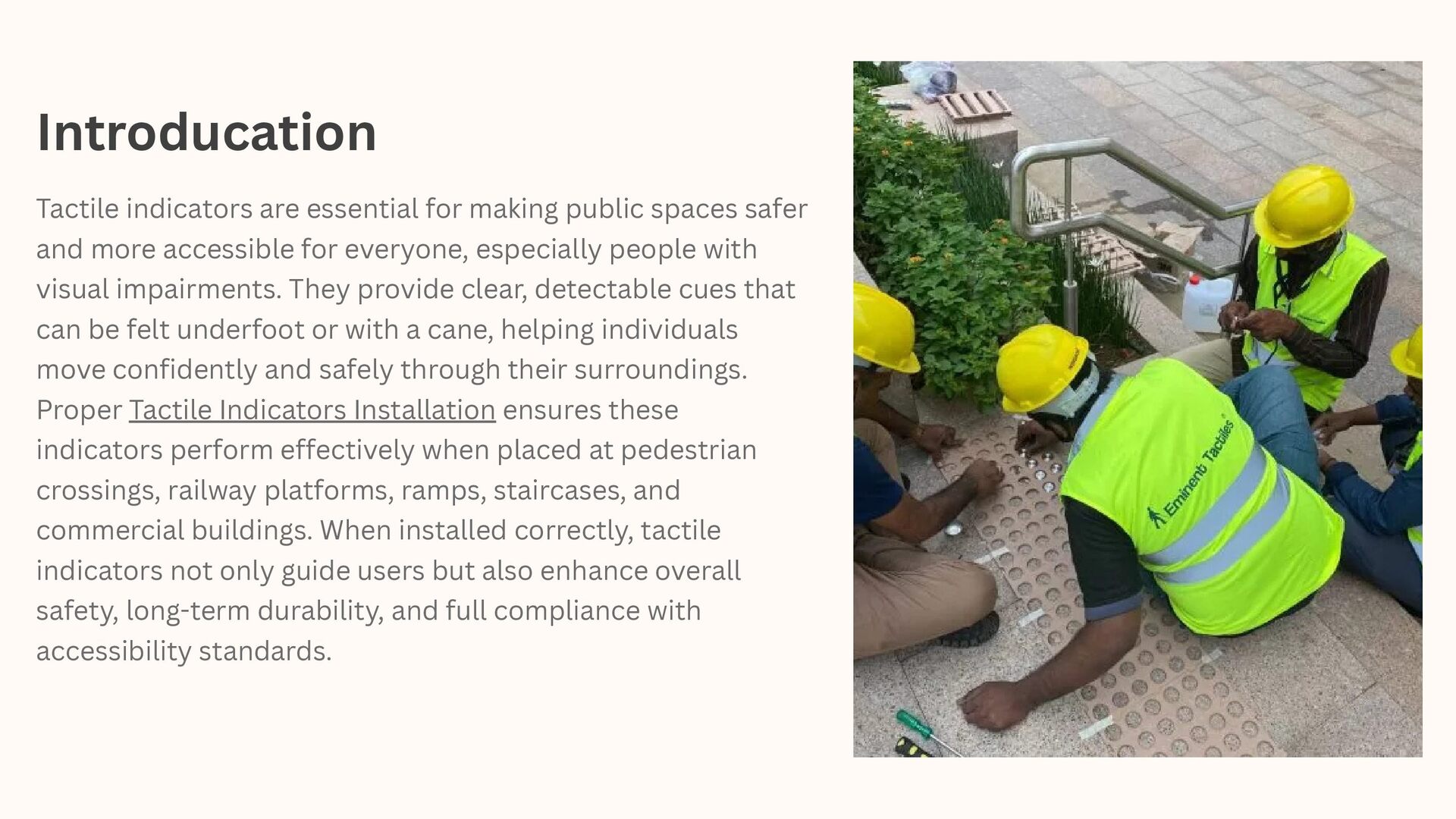
  1. Introducation Tactile indicators are essential for making public spaces safer

    and more accessible for everyone, especially people with visual impairments. They provide clear, detectable cues that can be felt underfoot or with a cane, helping individuals move confidently and safely through their surroundings. Proper Tactile Indicators Installation ensures these indicators perform effectively when placed at pedestrian crossings, railway platforms, ramps, staircases, and commercial buildings. When installed correctly, tactile indicators not only guide users but also enhance overall safety, long-term durability, and full compliance with accessibility standards.
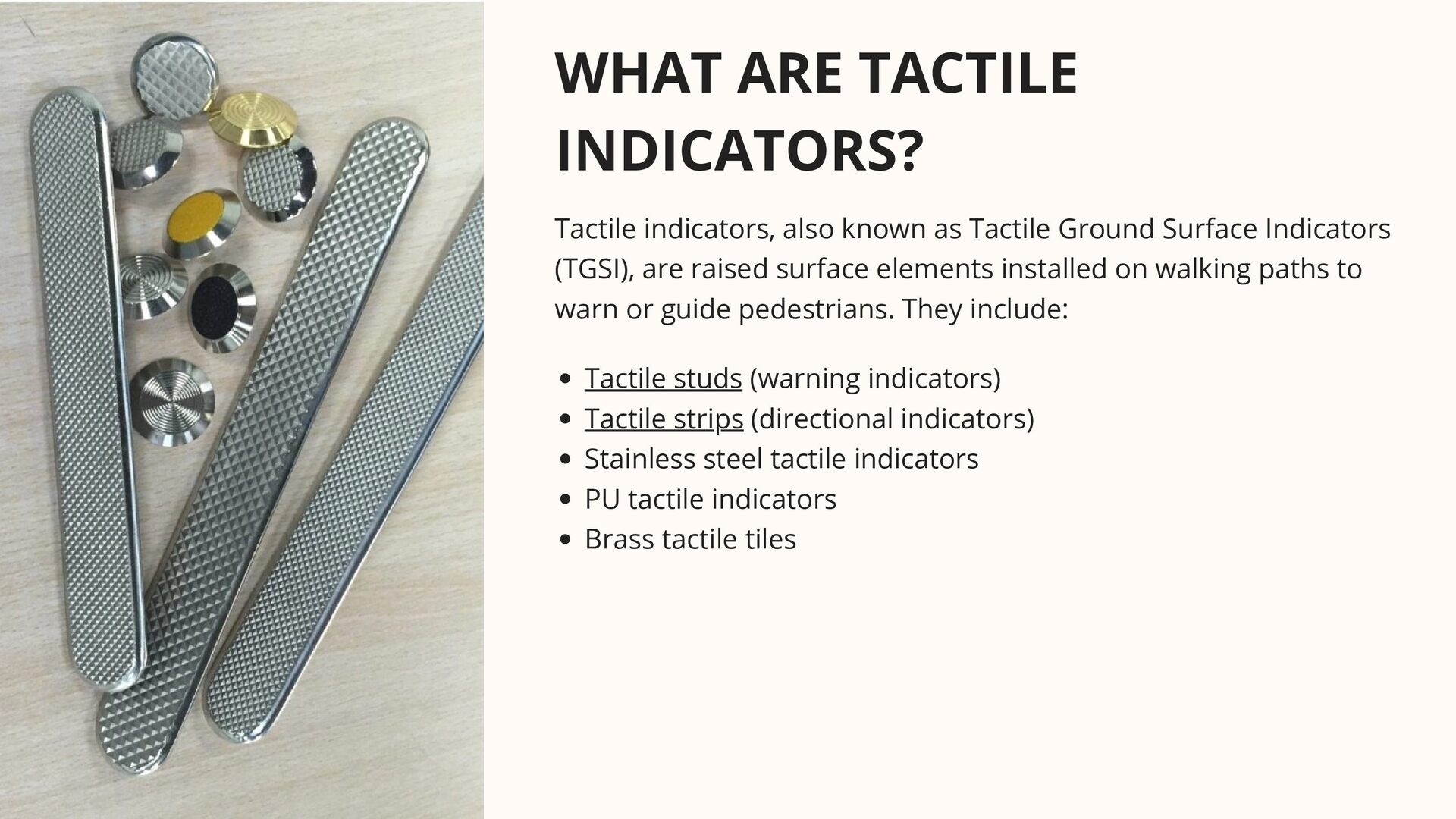
  2. WHAT ARE TACTILE INDICATORS? Tactile indicators, also known as Tactile

    Ground Surface Indicators (TGSI), are raised surface elements installed on walking paths to warn or guide pedestrians. They include: Tactile studs (warning indicators) Tactile strips (directional indicators) Stainless steel tactile indicators PU tactile indicators Brass tactile tiles
  3. Why Correct Installation Matters Clear detectability underfoot and by cane

    Strong bonding and long service life Accurate alignment and spacing Compliance with accessibility standards Reduced maintenance and replacement costs Incorrect installation tactile indicators can reduce safety, cause tripping hazards, and fail accessibility standards. Proper installation ensures: Tools and Materials Required Before starting, prepare the following: Measuring tape and chalk line Marker or stencil template Hammer drill with masonry bits Industrial vacuum or air blower Epoxy or PU adhesive Rubber mallet Spirit level Safety gloves and eye protection
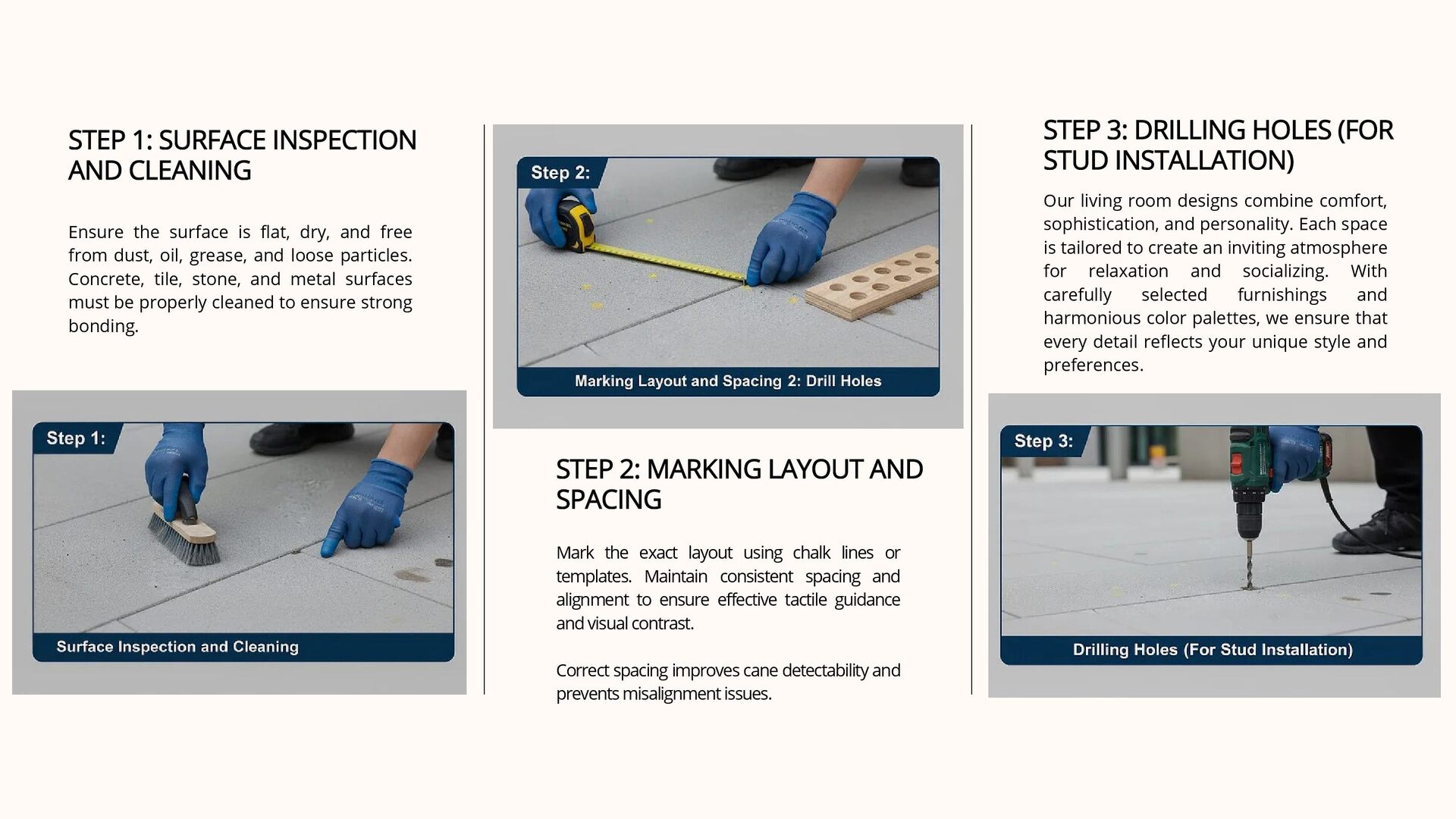
  4. STEP 1: SURFACE INSPECTION AND CLEANING STEP 1: SURFACE INSPECTION

    AND CLEANING Ensure the surface is flat, dry, and free from dust, oil, grease, and loose particles. Concrete, tile, stone, and metal surfaces must be properly cleaned to ensure strong bonding. Our living room designs combine comfort, sophistication, and personality. Each space is tailored to create an inviting atmosphere for relaxation and socializing. With carefully selected furnishings and harmonious color palettes, we ensure that every detail reflects your unique style and preferences. STEP 3: DRILLING HOLES (FOR STUD INSTALLATION) STEP 3: DRILLING HOLES (FOR STUD INSTALLATION) STEP 2: MARKING LAYOUT AND SPACING STEP 2: MARKING LAYOUT AND SPACING Mark the exact layout using chalk lines or templates. Maintain consistent spacing and alignment to ensure effective tactile guidance and visual contrast. Correct spacing improves cane detectability and prevents misalignment issues.
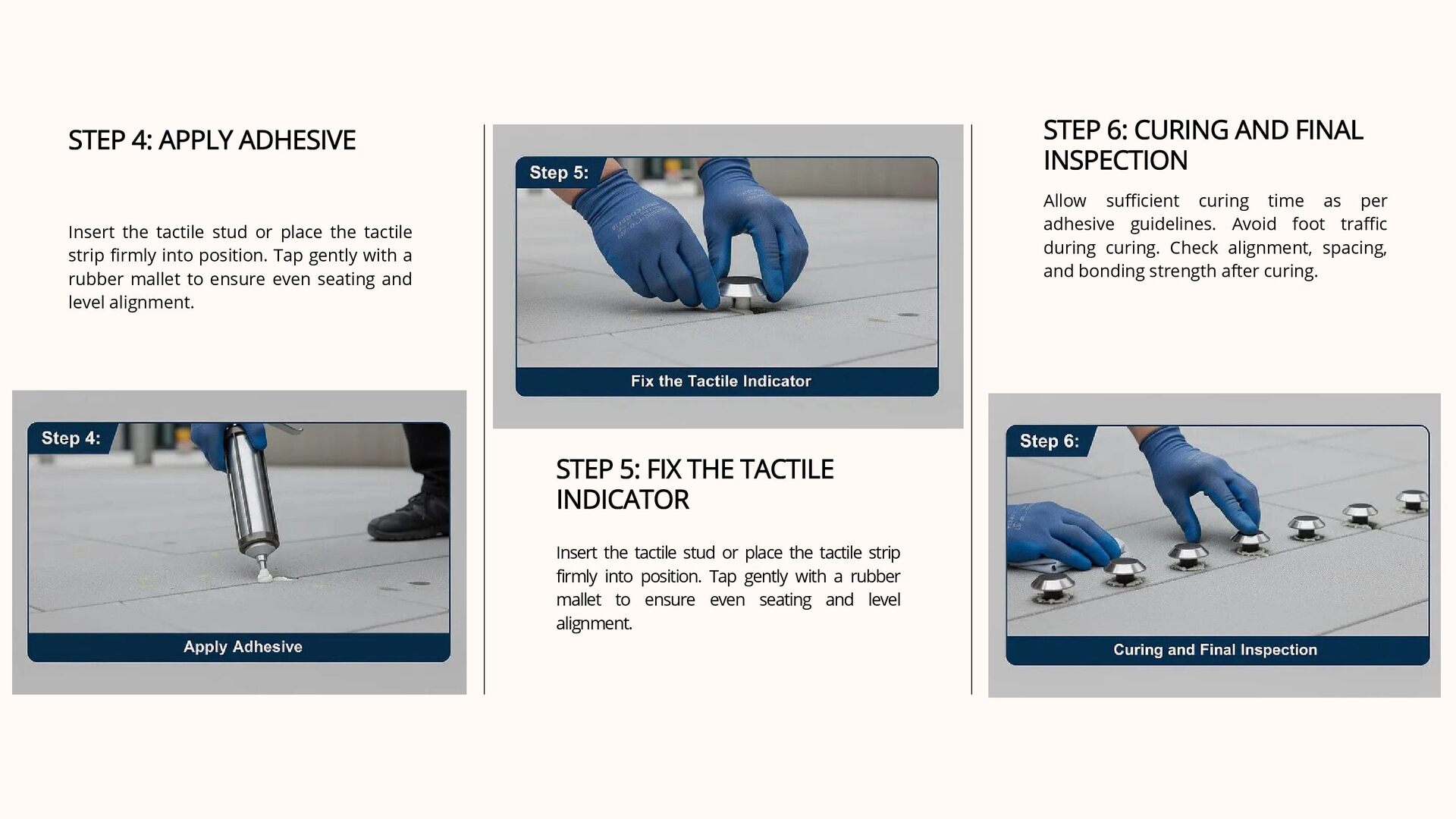
  5. STEP 4: APPLY ADHESIVE STEP 4: APPLY ADHESIVE Insert the

    tactile stud or place the tactile strip firmly into position. Tap gently with a rubber mallet to ensure even seating and level alignment. Allow sufficient curing time as per adhesive guidelines. Avoid foot traffic during curing. Check alignment, spacing, and bonding strength after curing. STEP 6: CURING AND FINAL INSPECTION STEP 6: CURING AND FINAL INSPECTION STEP 5: FIX THE TACTILE INDICATOR STEP 5: FIX THE TACTILE INDICATOR Insert the tactile stud or place the tactile strip firmly into position. Tap gently with a rubber mallet to ensure even seating and level alignment.
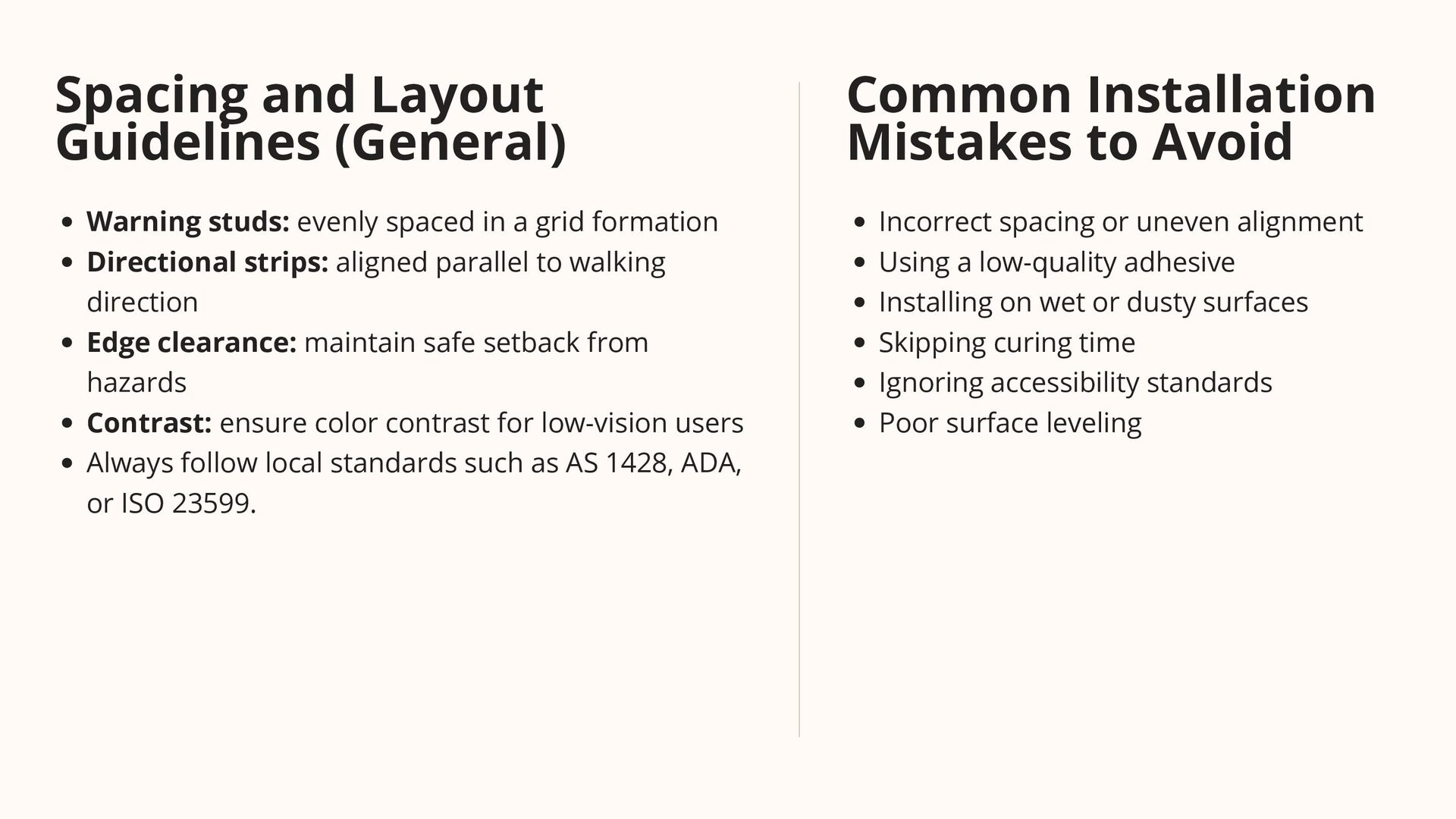
  6. Spacing and Layout Guidelines (General) Warning studs: evenly spaced in

    a grid formation Directional strips: aligned parallel to walking direction Edge clearance: maintain safe setback from hazards Contrast: ensure color contrast for low-vision users Always follow local standards such as AS 1428, ADA, or ISO 23599. Common Installation Mistakes to Avoid Incorrect spacing or uneven alignment Using a low-quality adhesive Installing on wet or dusty surfaces Skipping curing time Ignoring accessibility standards Poor surface leveling
  7. Page 03 Maintenance Tips After Installation Clean regularly using mild

    detergent Inspect adhesive bonding annually Replace damaged studs individually Avoid harsh chemicals
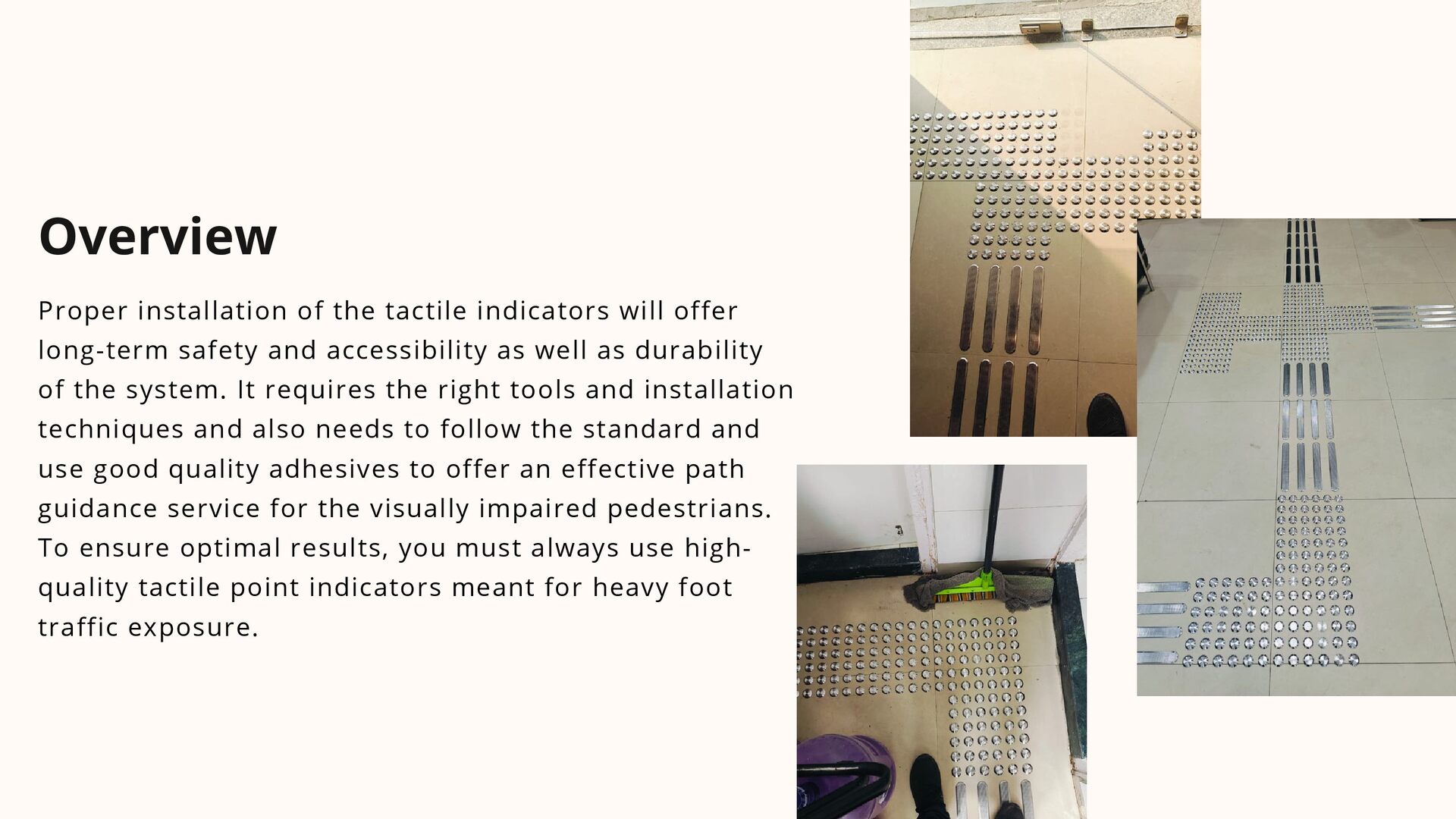
  8. Proper installation of the tactile indicators will offer long-term safety

    and accessibility as well as durability of the system. It requires the right tools and installation techniques and also needs to follow the standard and use good quality adhesives to offer an effective path guidance service for the visually impaired pedestrians. To ensure optimal results, you must always use high- quality tactile point indicators meant for heavy foot traffic exposure. Overview