Upgrade to Pro
— share decks privately, control downloads, hide ads and more …
Speaker Deck
Sign up for free
Menu
Search
Features
All features
Private URLs
Password Protection
Custom URLS
Scheduled publishing
Remove Branding
Restrict embedding
Deck Collections
Notes
Features
All features
Private URLs
Password Protection
Custom URLS
Scheduled publishing
Remove Branding
Restrict embedding
Deck Collections
Notes
Explore
Featured decks
Featured speakers
Programming
Technology
Storyboards
Explore
Featured decks
Featured speakers
Programming
Technology
Storyboards
Pricing
Search
Sign in
Sign up for free
AlarmKitで明後日起きれるアラームアプリを作る
Search
Trickart
May 15, 2026
Programming
460
0
Share
Embed
Copy iframe code
Copy JS code
Copy link
Start on current slide
AlarmKitで明後日起きれるアラームアプリを作る
potatotips #95
https://potatotips.connpass.com/event/389026/
Trickart
May 15, 2026
More Decks by Trickart
See All by Trickart
市販E-Readerを乗っ取れ 〜Embedded Swiftで電子ペーパーガジェットを制御する〜
trickart
0
290
Xcode MCPでスクリーンショット撮りを90%自動化する
trickart
0
210
External Accessory入門
trickart
0
1k
日本語でもいい感じに改行したい!! / Split Japanese sentence for UILabel and SwiftUI Text
trickart
3
4.3k
Other Decks in Programming
See All in Programming
SREの越境 / SRE Collaboration
y0hgi
2
310
AWS CDKのカスタムリソースでContinuum(旧Security Agent)を実装した話 | Implementing Continuum (formerly Security Agent) via AWS CDK Custom Resource
akihisaikeda
2
150
Vue Fes Japan の “作る側”に関わってみて
naokihaba
0
160
複雑なUIコンポーネントとの ⻑い付き合い⽅:波及するバグからテスト戦略を経て、安全な再設計へ
mixplace
0
410
ChromeでローカルLLM
ryu1013
0
140
dotNET_vulnclicker_intro.pdf
deka_morita
0
140
パスワード再設定メールのURLについて知っておこう
uyuki234
0
160
ActionController meets Protocol Buffers
sorah
0
520
Unity6 URPによる海底をテーマにしたVJシステムの解説 | Unity Shader 完全に理解した 勉強会
gam0022
0
370
すこし踏み込む CancellationToken
htkym
2
1.7k
sbt 2.0: takeoff
eed3si9n
0
160
contenteditable と日本語入力に向き合う
colorful12
0
200
Featured
See All Featured
Typedesign – Prime Four
hannesfritz
42
3.2k
Exploring the Power of Turbo Streams & Action Cable | RailsConf2023
kevinliebholz
37
6.6k
How to Ace a Technical Interview
jacobian
280
24k
Building Better People: How to give real-time feedback that sticks.
wjessup
370
20k
HTML-Aware ERB: The Path to Reactive Rendering @ RubyCon 2026, Rimini, Italy
marcoroth
5
820
Code Review Best Practice
trishagee
74
20k
Are puppies a ranking factor?
jonoalderson
2
4.1k
The browser strikes back
jonoalderson
0
1.8k
Embracing the Ebb and Flow
colly
88
5.2k
Chrome DevTools: State of the Union 2024 - Debugging React & Beyond
addyosmani
10
1.4k
Unsuck your backbone
ammeep
672
58k
VelocityConf: Rendering Performance Case Studies
addyosmani
331
25k
Transcript
AlarmKitで 明後日起きれる アラームアプリを作る trickart 1
自己紹介 trickart / POSレジアプリ開発 どうしても明後日起きたくて作った アプリの話です 2
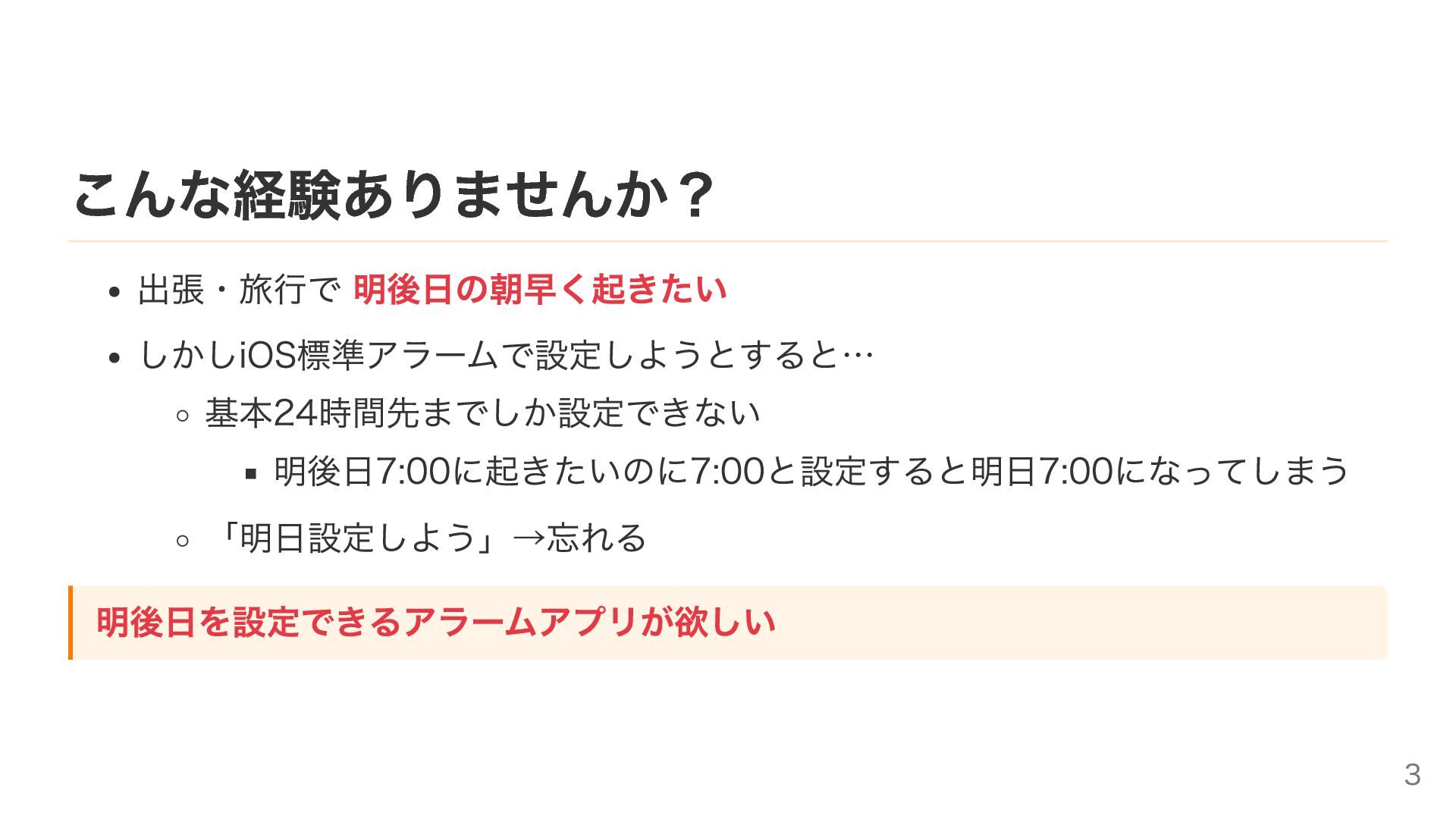
こんな経験ありませんか? 出張・旅行で 明後日の朝早く起きたい しかしiOS標準アラームで設定しようとすると… 基本24時間先までしか設定できない 明後日7:00に起きたいのに7:00と設定すると明日7:00になってしまう 「明日設定しよう」→忘れる 明後日を設定できるアラームアプリが欲しい 3
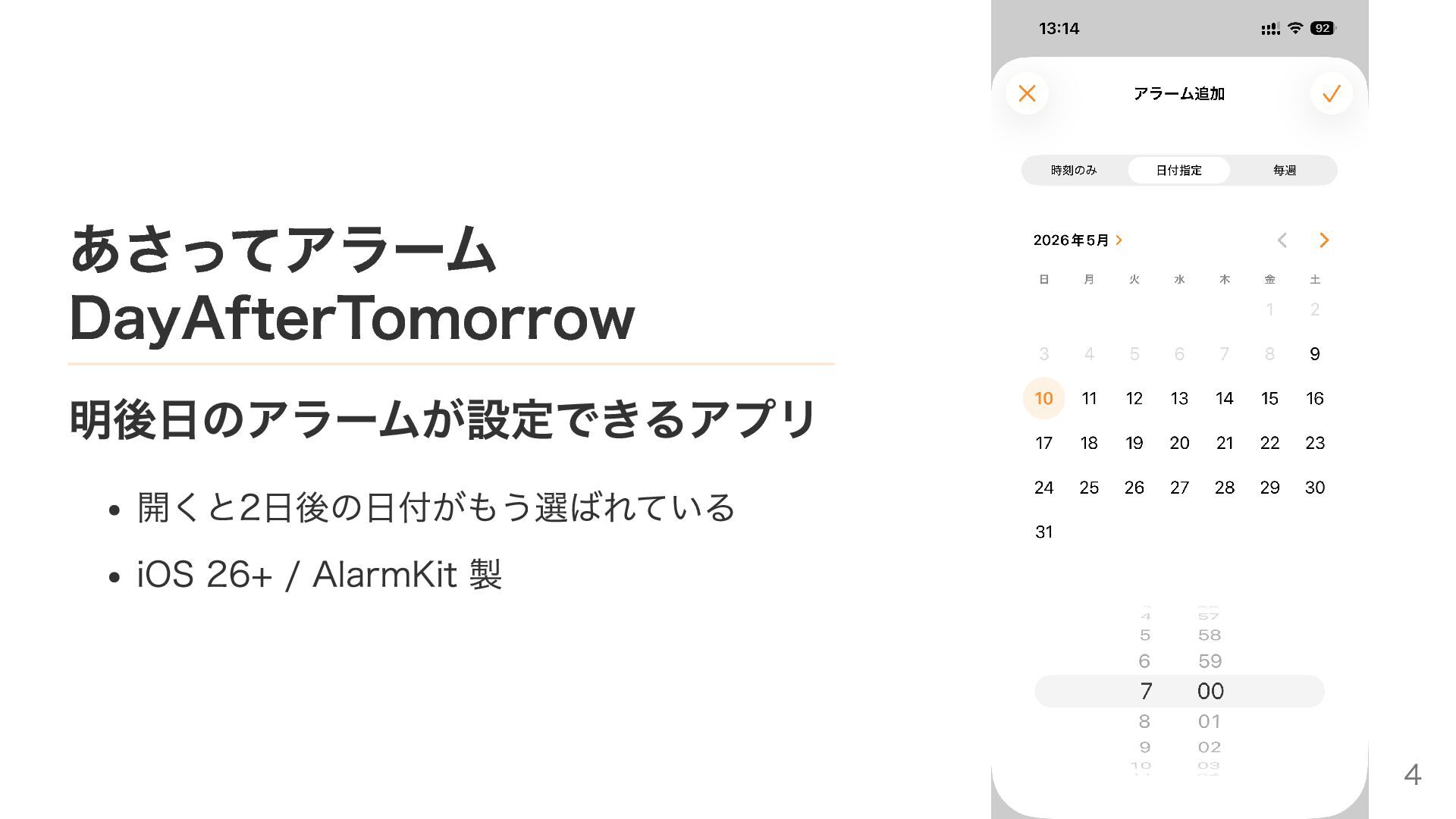
あさってアラーム DayAfterTomorrow 明後日のアラームが設定できるアプリ 開くと2日後の日付がもう選ばれている iOS 26+ / AlarmKit 製 4
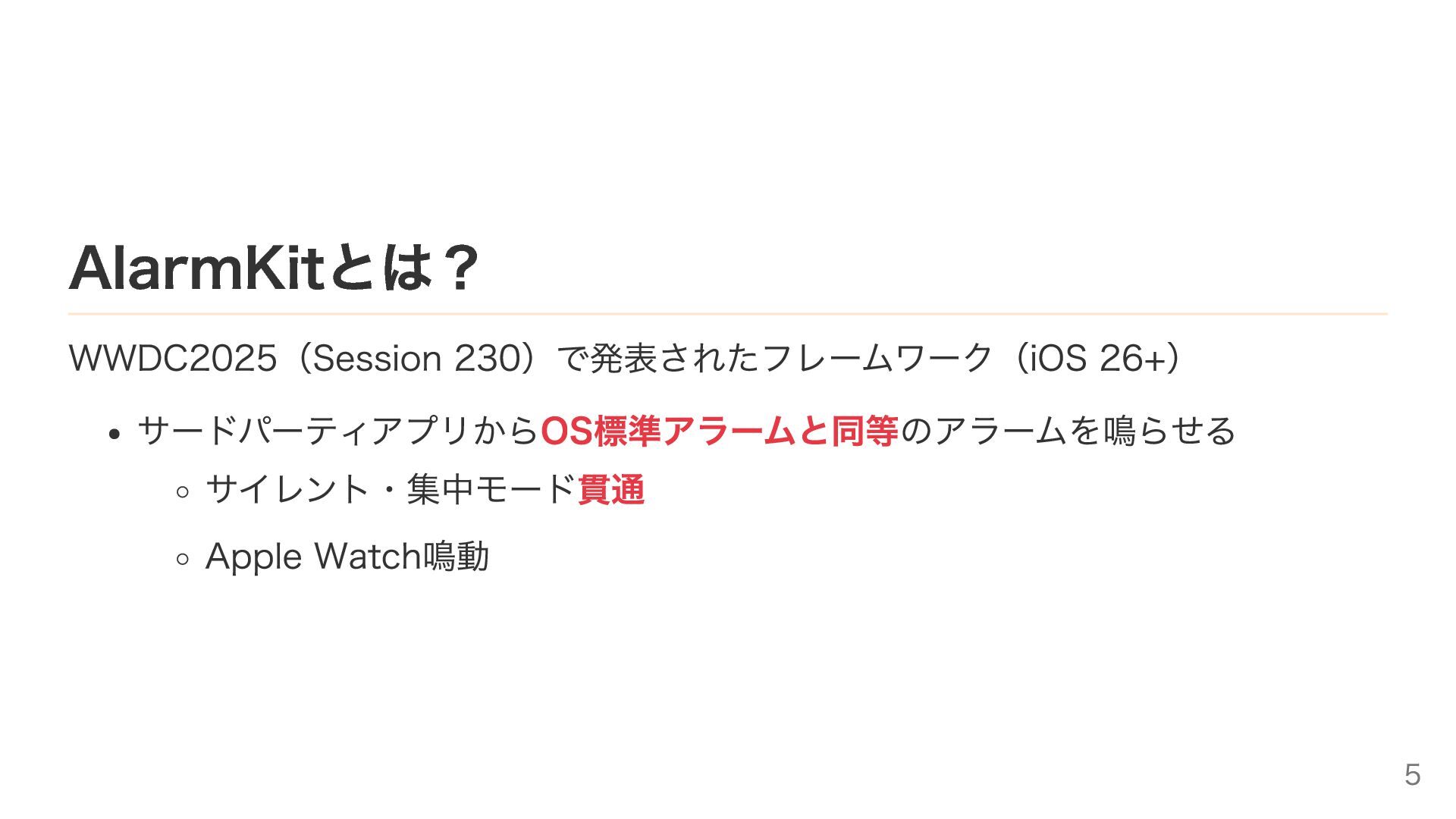
AlarmKitとは? WWDC2025(Session 230)で発表されたフレームワーク(iOS 26+) サードパーティアプリからOS標準アラームと同等のアラームを鳴らせる サイレント・集中モード貫通 Apple Watch鳴動 5
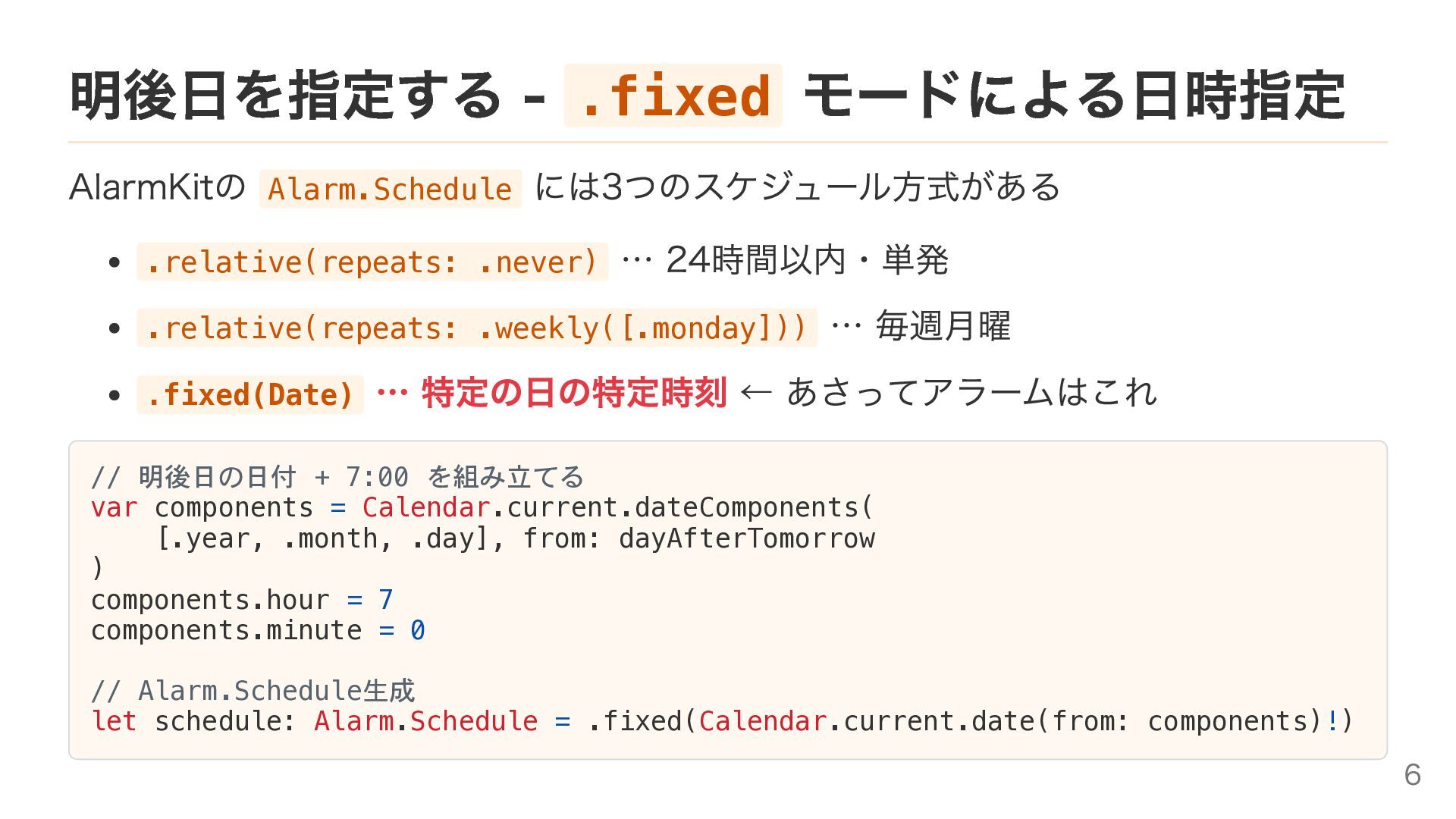
明後日を指定する - .fixed モードによる日時指定 AlarmKitの Alarm.Schedule には3つのスケジュール方式がある .relative(repeats: .never) …
24時間以内・単発 .relative(repeats: .weekly([.monday])) … 毎週月曜 .fixed(Date) … 特定の日の特定時刻 ← あさってアラームはこれ // 明後日の日付 + 7:00 を組み立てる var components = Calendar.current.dateComponents( [.year, .month, .day], from: dayAfterTomorrow ) components.hour = 7 components.minute = 0 // Alarm.Schedule生成 let schedule: Alarm.Schedule = .fixed(Calendar.current.date(from: components)!) 6
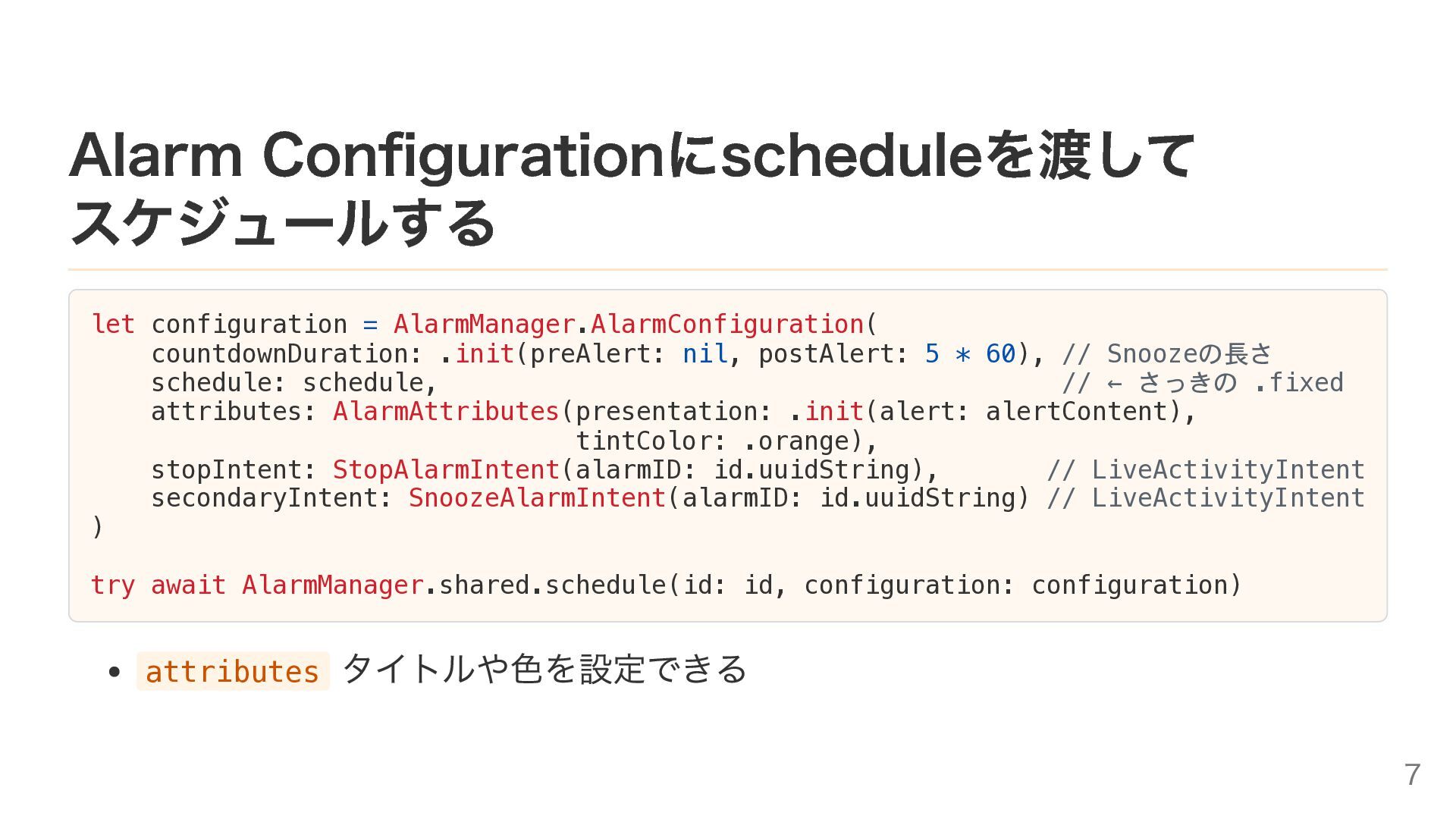
Alarm Configurationにscheduleを渡して スケジュールする let configuration = AlarmManager.AlarmConfiguration( countdownDuration: .init(preAlert: nil,
postAlert: 5 * 60), // Snoozeの長さ schedule: schedule, // ← さっきの .fixed attributes: AlarmAttributes(presentation: .init(alert: alertContent), tintColor: .orange), stopIntent: StopAlarmIntent(alarmID: id.uuidString), // LiveActivityIntent secondaryIntent: SnoozeAlarmIntent(alarmID: id.uuidString) // LiveActivityIntent ) try await AlarmManager.shared.schedule(id: id, configuration: configuration) attributes タイトルや色を設定できる 7
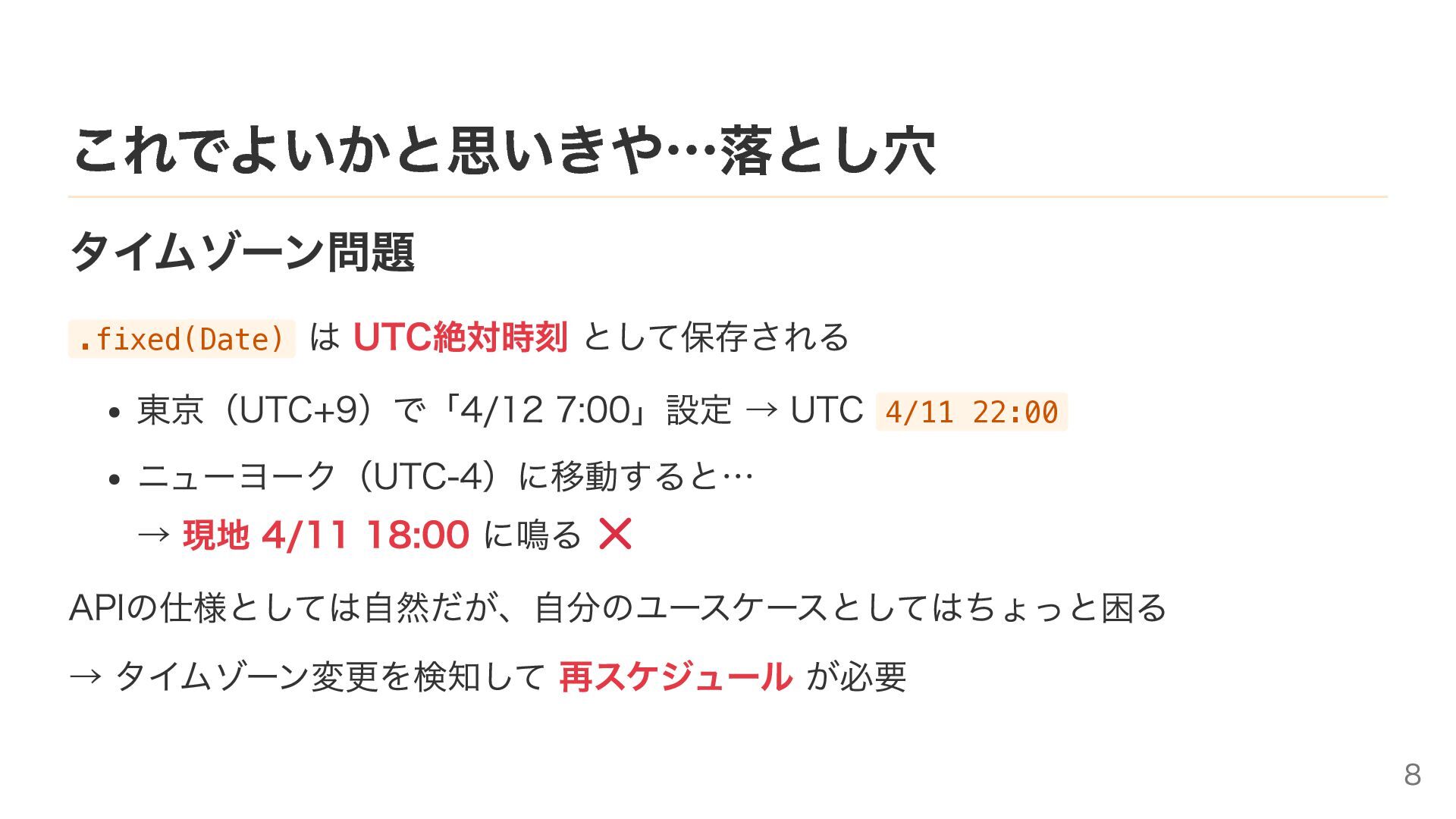
これでよいかと思いきや…落とし穴 タイムゾーン問題 .fixed(Date) は UTC絶対時刻 として保存される 東京(UTC+9)で「4/12 7:00」設定 → UTC
4/11 22:00 ニューヨーク(UTC-4)に移動すると… → 現地 4/11 18:00 に鳴る APIの仕様としては自然だが、自分のユースケースとしてはちょっと困る → タイムゾーン変更を検知して 再スケジュール が必要 8
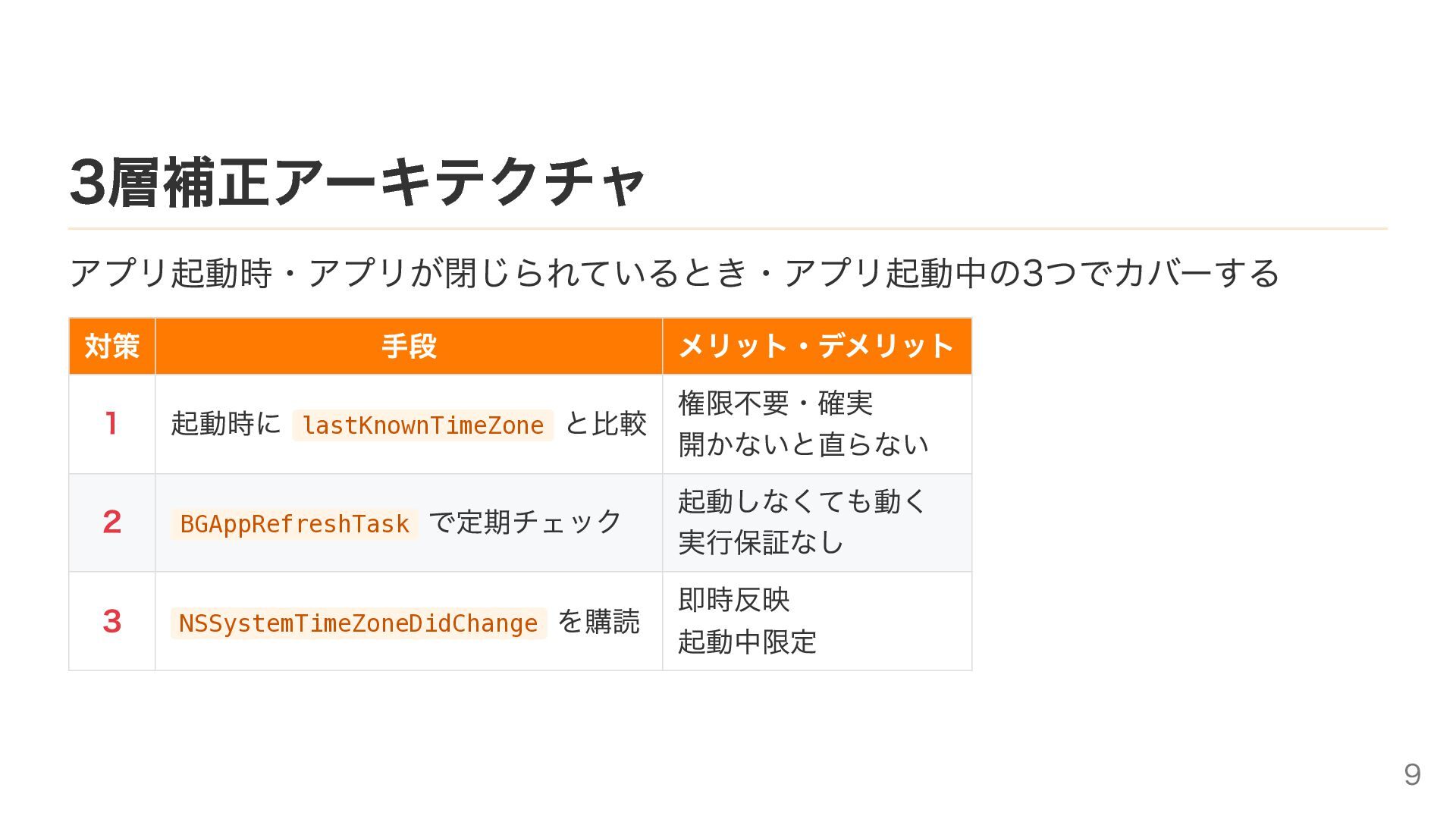
3層補正アーキテクチャ アプリ起動時・アプリが閉じられているとき・アプリ起動中の3つでカバーする 対策 手段 メリット・デメリット 1 起動時に lastKnownTimeZone と比較 権限不要・確実
開かないと直らない 2 BGAppRefreshTask で定期チェック 起動しなくても動く 実行保証なし 3 NSSystemTimeZoneDidChange を購読 即時反映 起動中限定 9
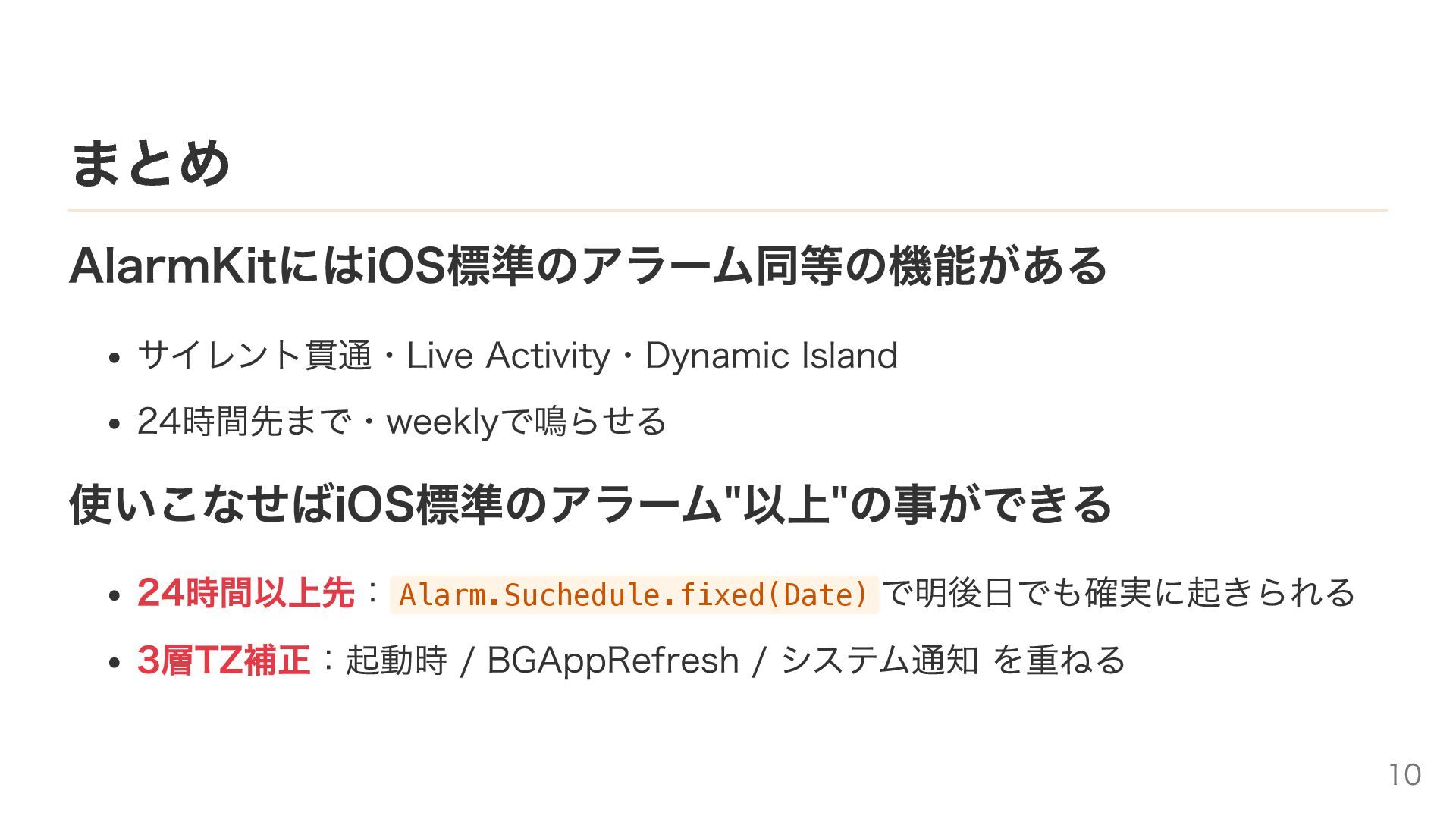
まとめ AlarmKitにはiOS標準のアラーム同等の機能がある サイレント貫通・Live Activity・Dynamic Island 24時間先まで・weeklyで鳴らせる 使いこなせばiOS標準のアラーム"以上"の事ができる 24時間以上先:Alarm.Suchedule.fixed(Date) で明後日でも確実に起きられる 3層TZ補正:起動時
/ BGAppRefresh / システム通知 を重ねる 10
Thank you! ref: AlarmKit – WWDC2025 Session 230 AlarmKit |
Apple Developer Documentation 11


 trickart
 y0hgi
y0hgi
 akihisaikeda
 naokihaba
 mixplace
 ryu1013
 deka_morita
 uyuki234
 sorah
sorah
 gam0022
 htkym
htkym
 eed3si9n
 colorful12
 hannesfritz
 kevinliebholz
 jacobian
 wjessup
 marcoroth
 trishagee
 jonoalderson
 colly
colly
 addyosmani
 ammeep