Share
Embed
Advanced Flask Patterns
More interesting patterns to accomplish certain things with Flask.

Armin Ronacher
July 06, 2012
Transcript
89 slides
-
Advanced Flask Patterns (mysteriously also applicable to other things) —
a presentation by Armin Ronacher @mitsuhiko -
Premise These patterns are indeed advanced They are best practices
for multi-app setups and extension development -
Flask is evolving A lot of what's in this talk
requires Flask 0.9 -
Best Practices are evolving What's state of the art now
could be terrible a year from now -
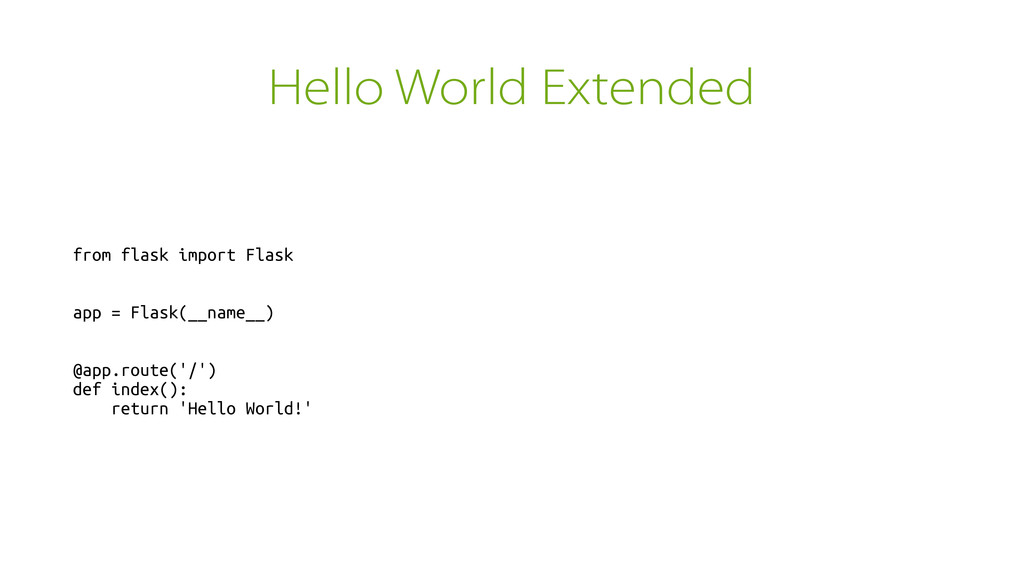
Hello World Extended from flask import Flask app = Flask(__name__)
@app.route('/') def index(): return 'Hello World!' -
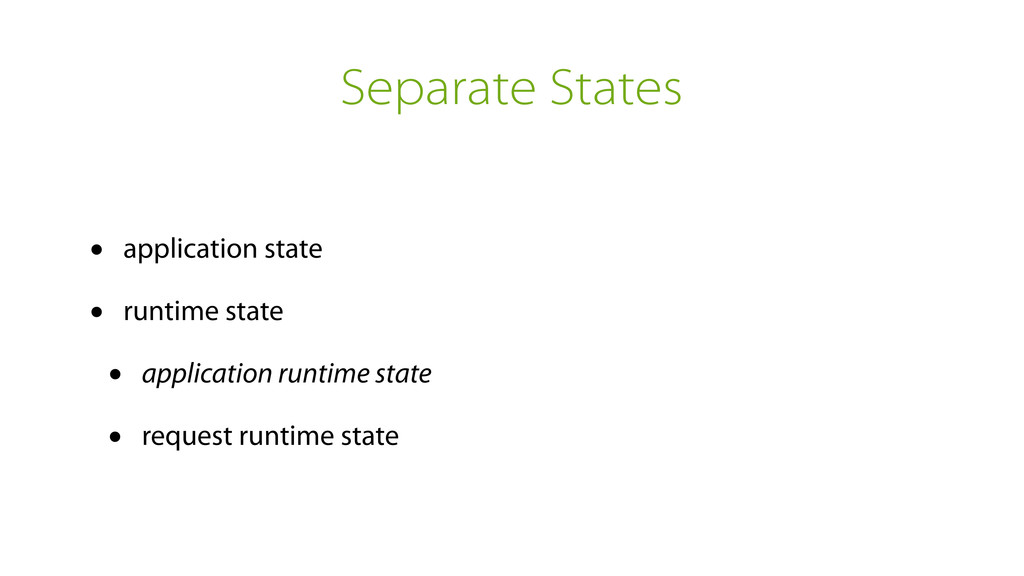
Separate States • application state • runtime state • application
runtime state • request runtime state -
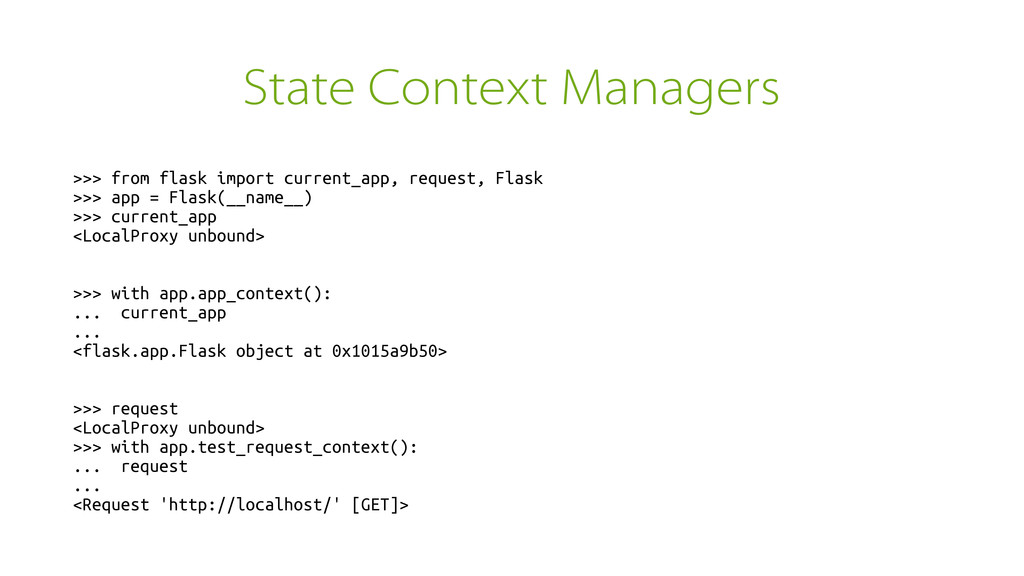
State Context Managers >>> from flask import current_app, request, Flask
>>> app = Flask(__name__) >>> current_app <LocalProxy unbound> >>> with app.app_context(): ... current_app ... <flask.app.Flask object at 0x1015a9b50> >>> request <LocalProxy unbound> >>> with app.test_request_context(): ... request ... <Request 'http://localhost/' [GET]> -
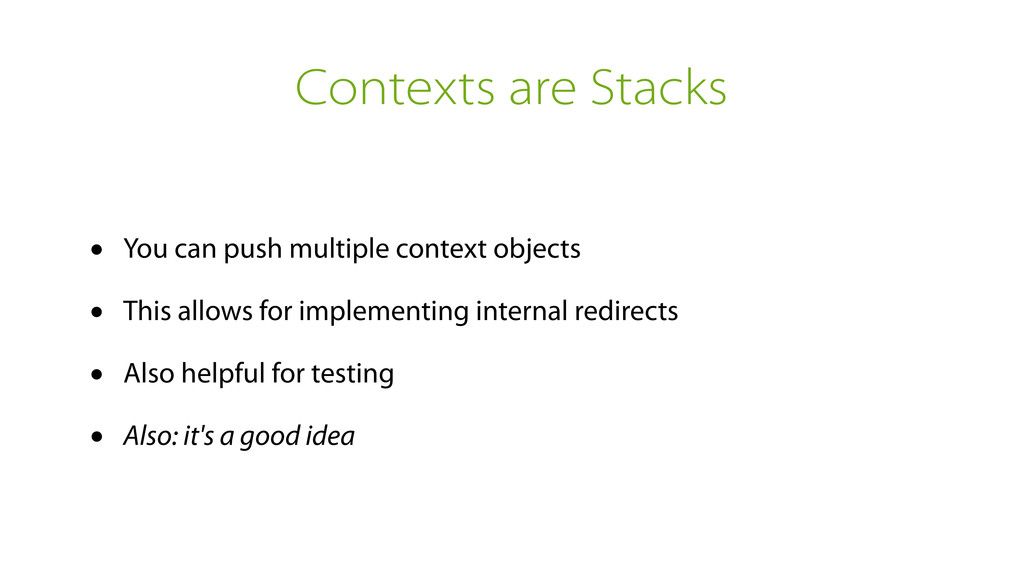
Contexts are Stacks • You can push multiple context objects
• This allows for implementing internal redirects • Also helpful for testing • Also: it's a good idea -
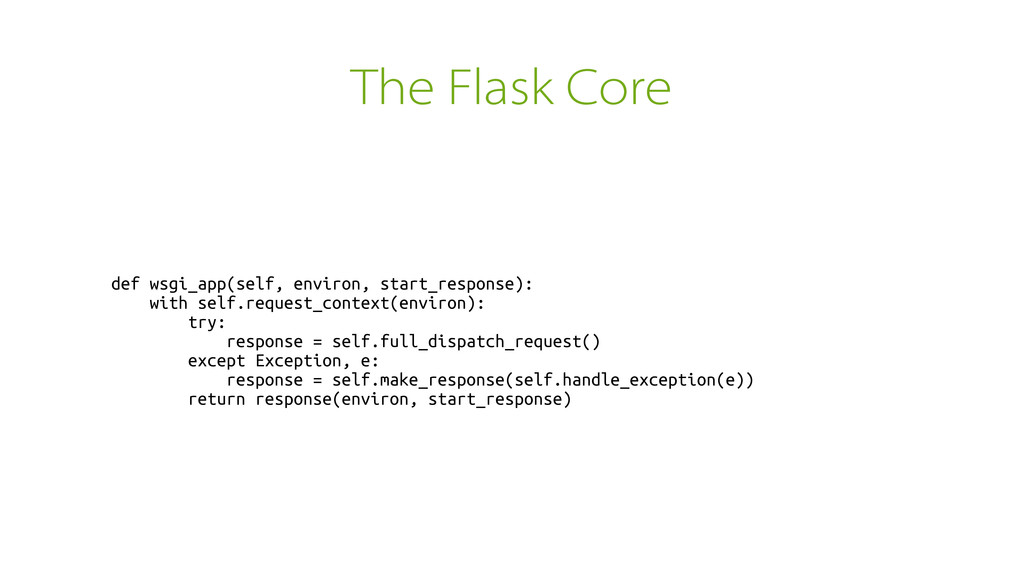
The Flask Core def wsgi_app(self, environ, start_response): with self.request_context(environ): try:
response = self.full_dispatch_request() except Exception, e: response = self.make_response(self.handle_exception(e)) return response(environ, start_response) -
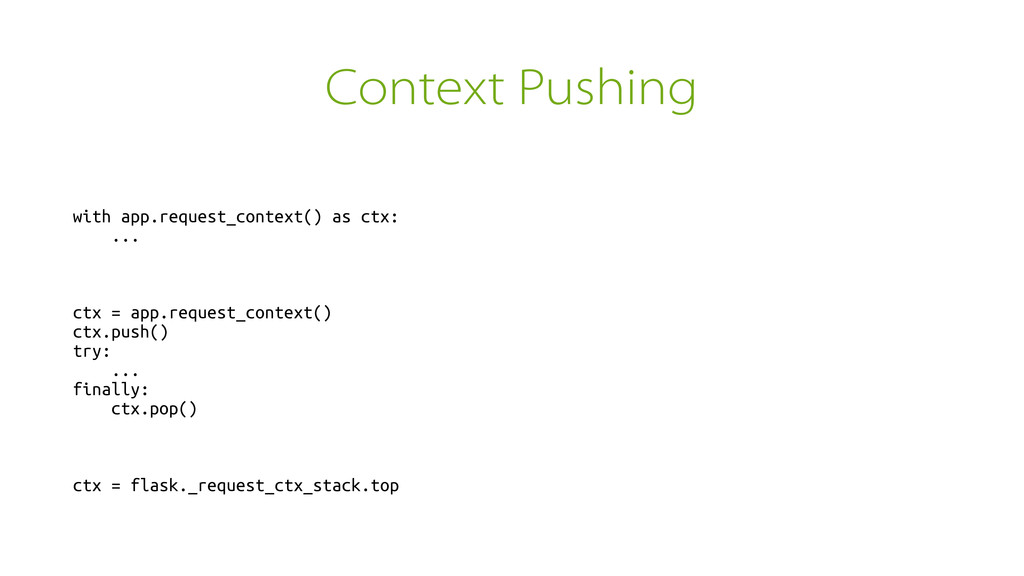
Context Pushing with app.request_context() as ctx: ... ctx = app.request_context()
ctx.push() try: ... finally: ctx.pop() ctx = flask._request_ctx_stack.top -
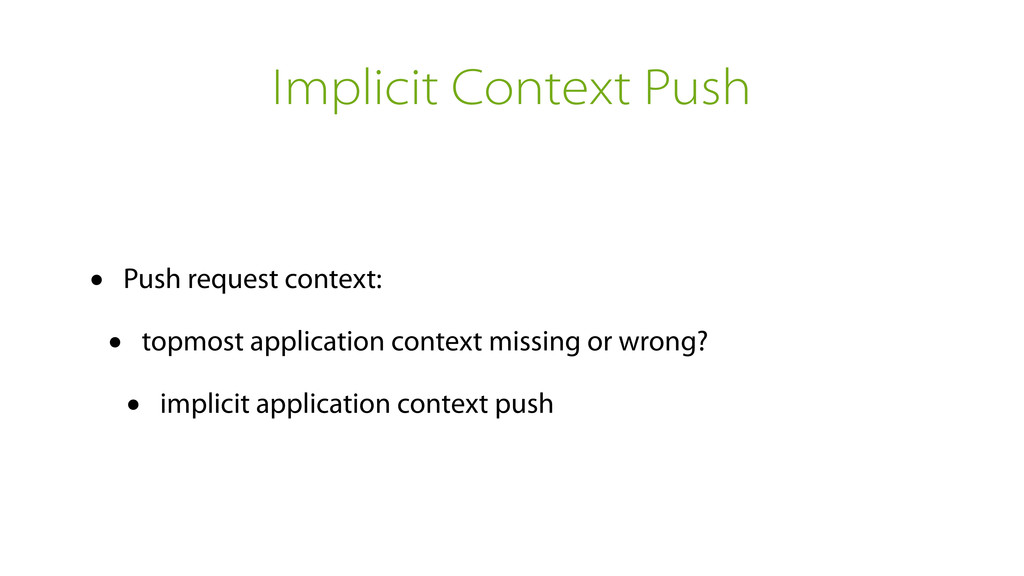
Implicit Context Push • Push request context: • topmost application
context missing or wrong? • implicit application context push -
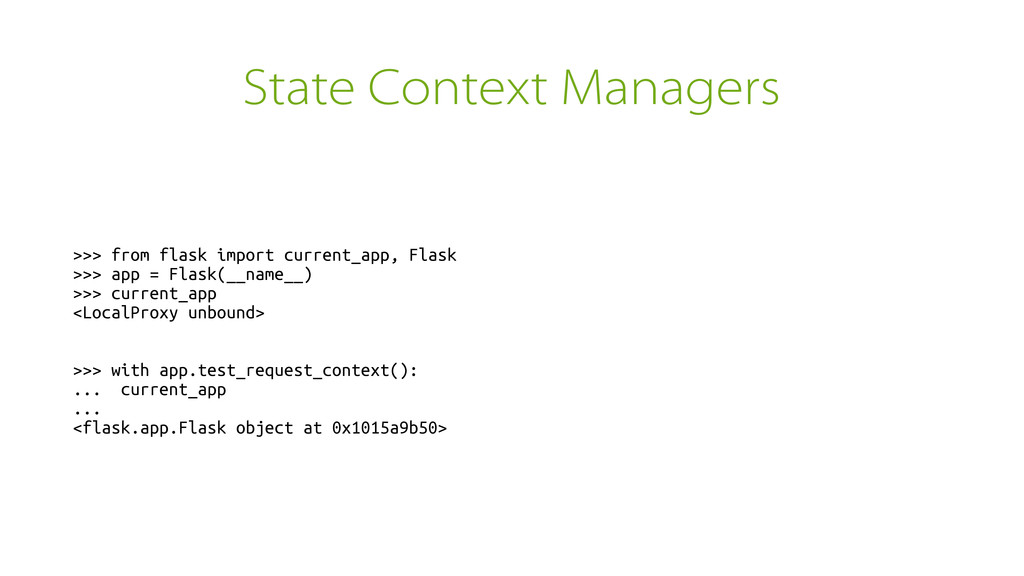
State Context Managers >>> from flask import current_app, Flask >>>
app = Flask(__name__) >>> current_app <LocalProxy unbound> >>> with app.test_request_context(): ... current_app ... <flask.app.Flask object at 0x1015a9b50> -
When to use them? They are like sys._getframe There are
legitimate uses for them but be careful -
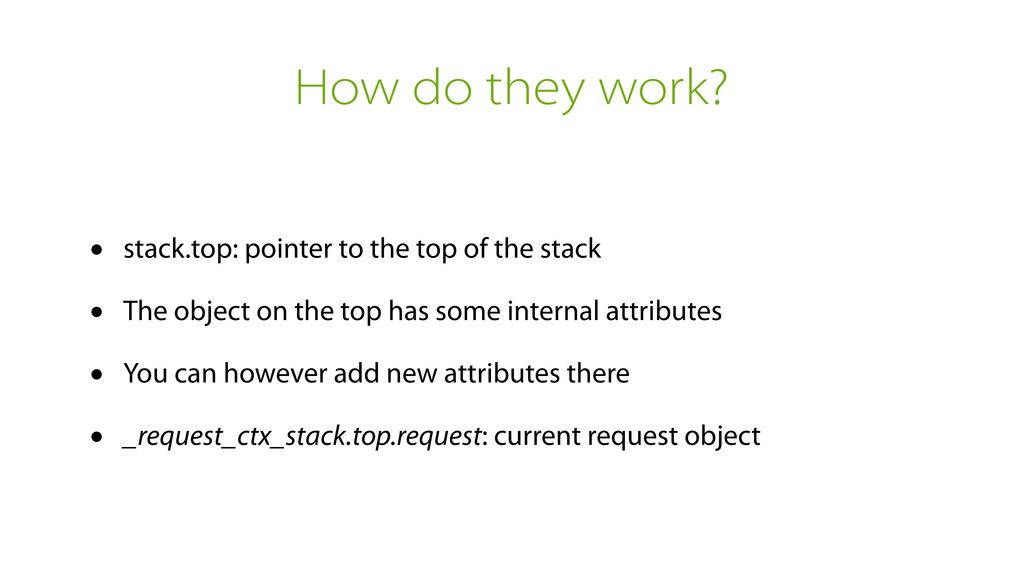
How do they work? • stack.top: pointer to the top
of the stack • The object on the top has some internal attributes • You can however add new attributes there • _request_ctx_stack.top.request: current request object -
Stack Objects are Shared Remember that everybody can store attributes
there Be creative with your naming! -
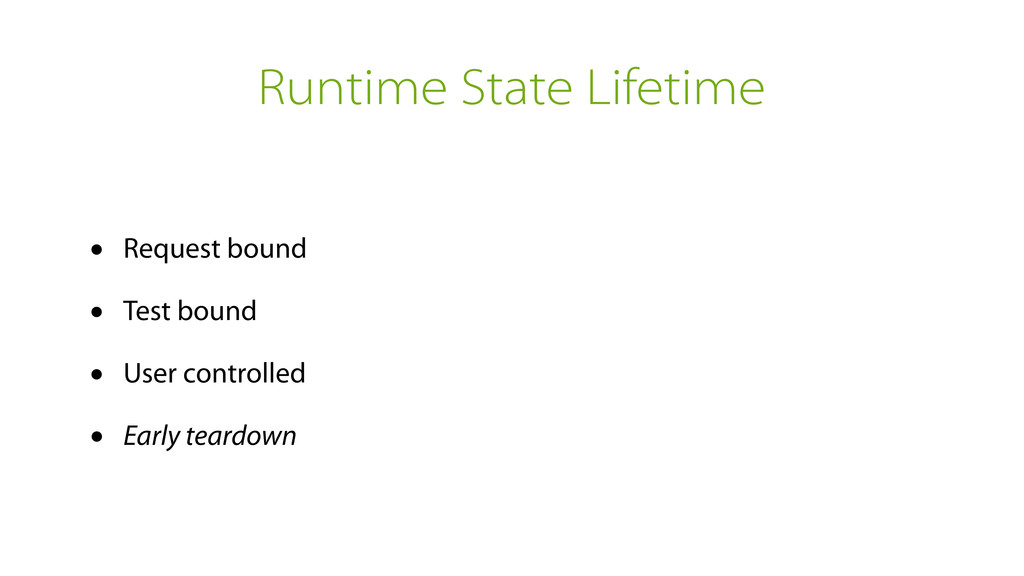
Runtime State Lifetime • Request bound • Test bound •
User controlled • Early teardown -
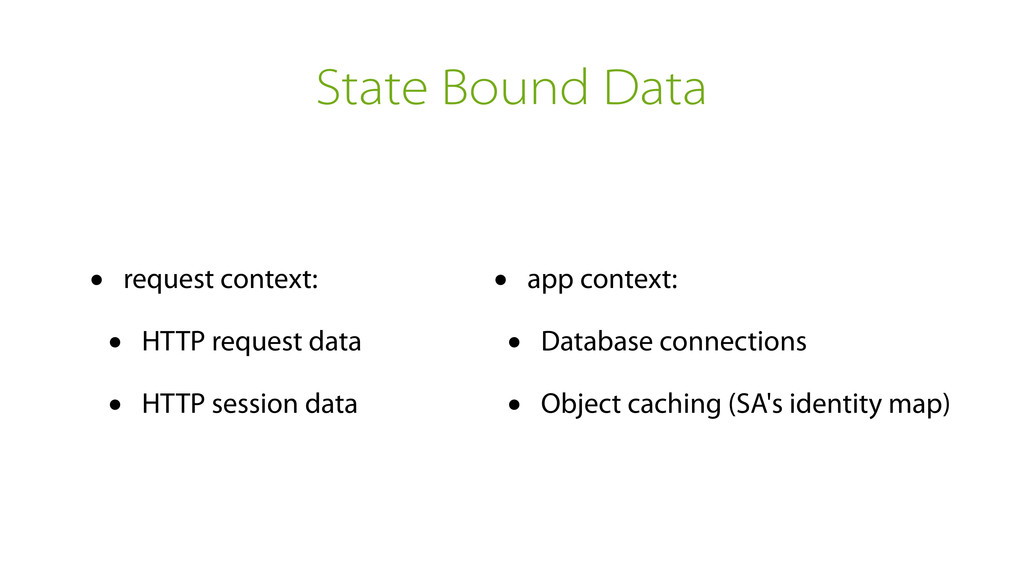
State Bound Data • request context: • HTTP request data
• HTTP session data • app context: • Database connections • Object caching (SA's identity map) -
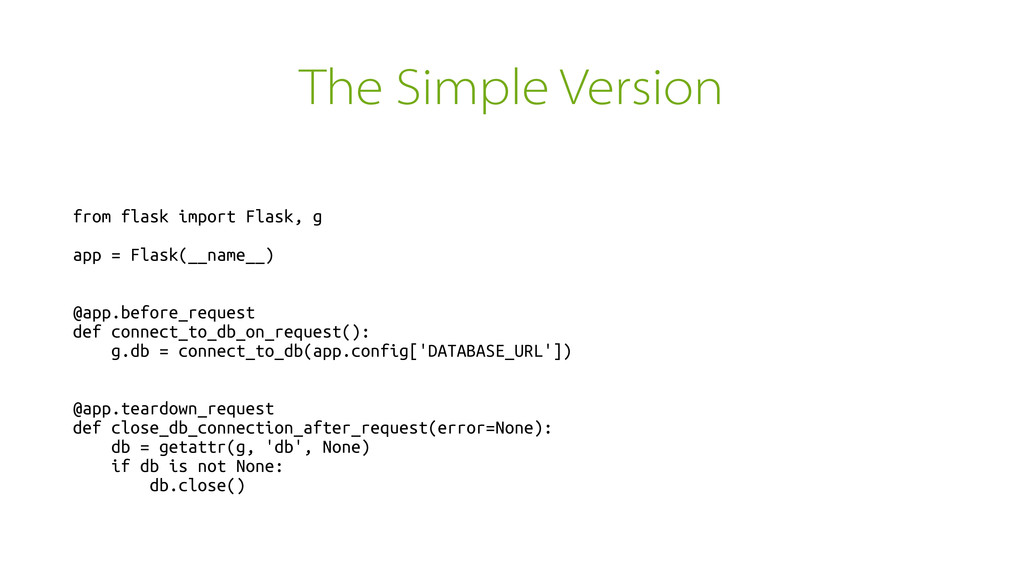
The Simple Version from flask import Flask, g app =
Flask(__name__) @app.before_request def connect_to_db_on_request(): g.db = connect_to_db(app.config['DATABASE_URL']) @app.teardown_request def close_db_connection_after_request(error=None): db = getattr(g, 'db', None) if db is not None: db.close() -
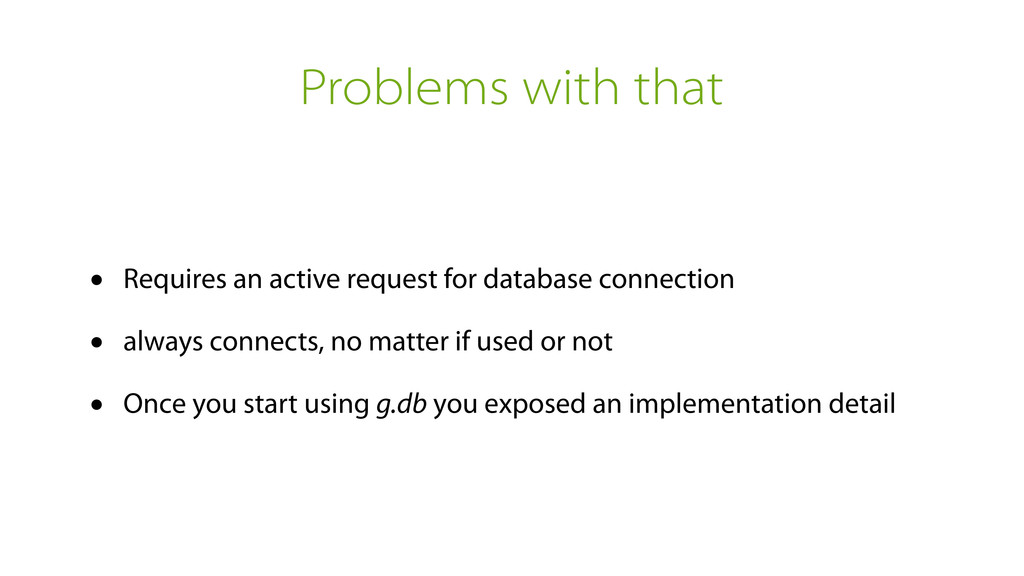
Problems with that • Requires an active request for database
connection • always connects, no matter if used or not • Once you start using g.db you exposed an implementation detail -
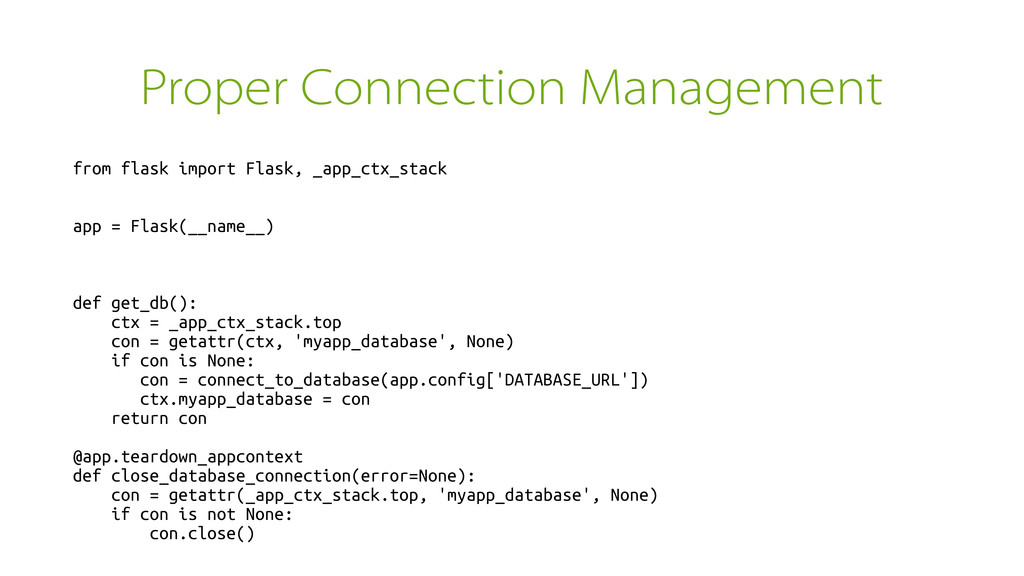
Proper Connection Management from flask import Flask, _app_ctx_stack app =
Flask(__name__) def get_db(): ctx = _app_ctx_stack.top con = getattr(ctx, 'myapp_database', None) if con is None: con = connect_to_database(app.config['DATABASE_URL']) ctx.myapp_database = con return con @app.teardown_appcontext def close_database_connection(error=None): con = getattr(_app_ctx_stack.top, 'myapp_database', None) if con is not None: con.close() -
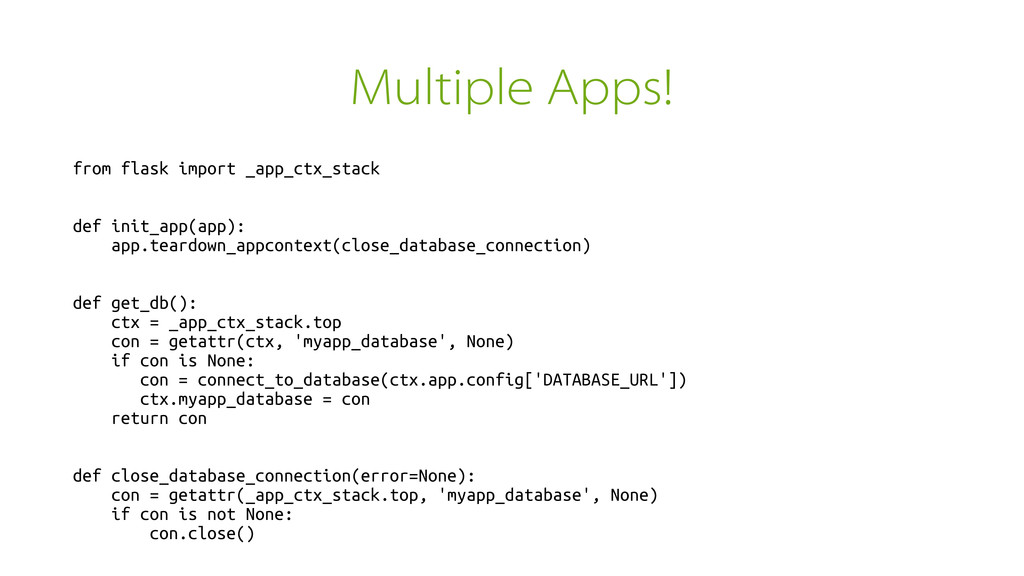
Multiple Apps! from flask import _app_ctx_stack def init_app(app): app.teardown_appcontext(close_database_connection) def
get_db(): ctx = _app_ctx_stack.top con = getattr(ctx, 'myapp_database', None) if con is None: con = connect_to_database(ctx.app.config['DATABASE_URL']) ctx.myapp_database = con return con def close_database_connection(error=None): con = getattr(_app_ctx_stack.top, 'myapp_database', None) if con is not None: con.close() -
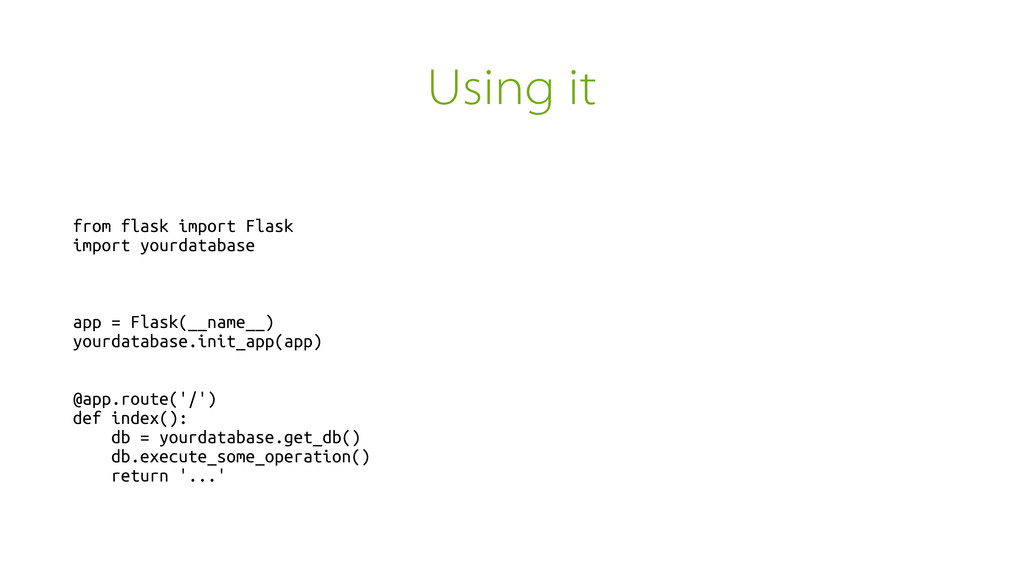
Using it from flask import Flask import yourdatabase app =
Flask(__name__) yourdatabase.init_app(app) @app.route('/') def index(): db = yourdatabase.get_db() db.execute_some_operation() return '...' -
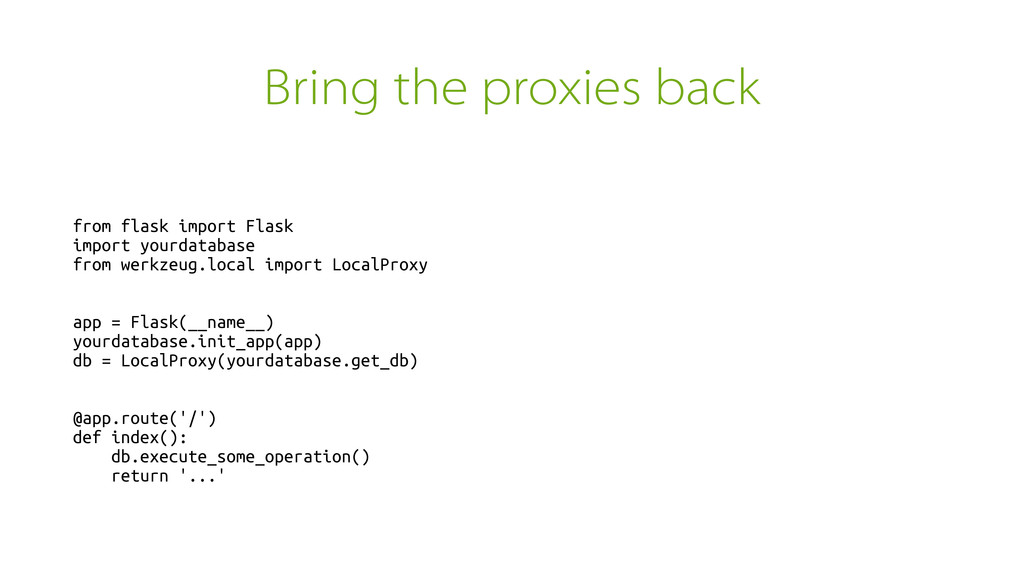
Bring the proxies back from flask import Flask import yourdatabase
from werkzeug.local import LocalProxy app = Flask(__name__) yourdatabase.init_app(app) db = LocalProxy(yourdatabase.get_db) @app.route('/') def index(): db.execute_some_operation() return '...' -
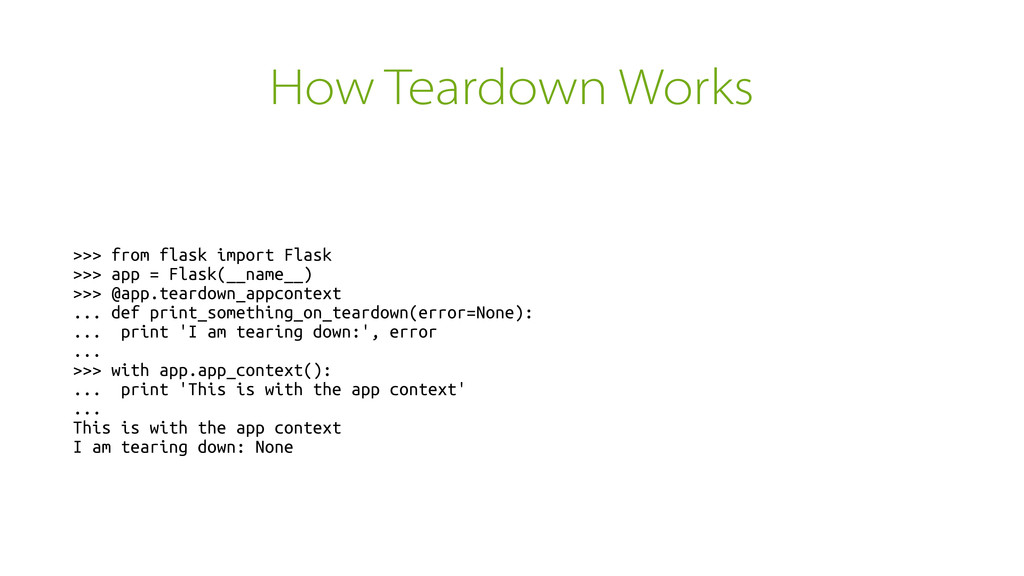
How Teardown Works >>> from flask import Flask >>> app
= Flask(__name__) >>> @app.teardown_appcontext ... def print_something_on_teardown(error=None): ... print 'I am tearing down:', error ... >>> with app.app_context(): ... print 'This is with the app context' ... This is with the app context I am tearing down: None -
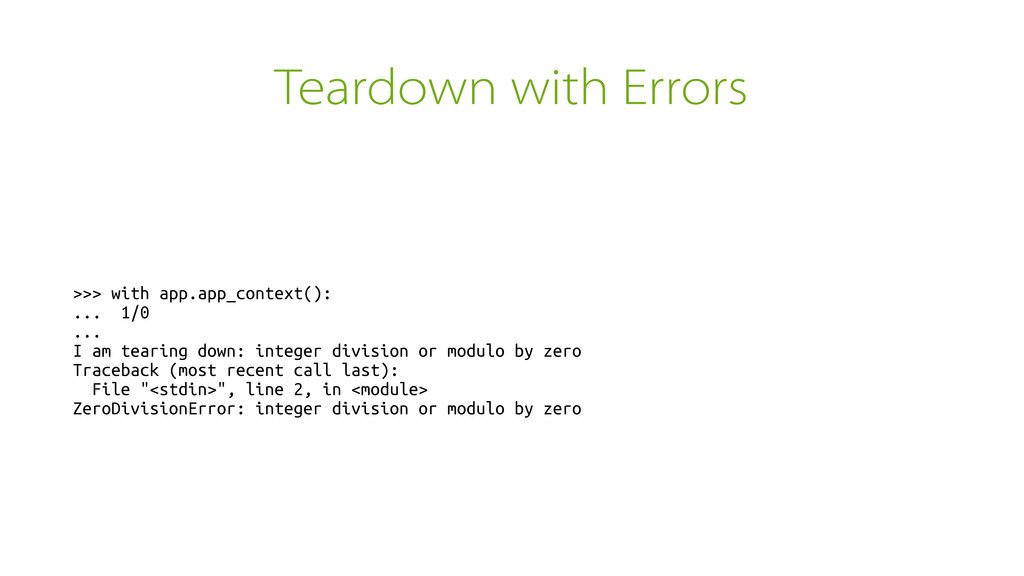
Teardown with Errors >>> with app.app_context(): ... 1/0 ... I
am tearing down: integer division or modulo by zero Traceback (most recent call last): File "<stdin>", line 2, in <module> ZeroDivisionError: integer division or modulo by zero -
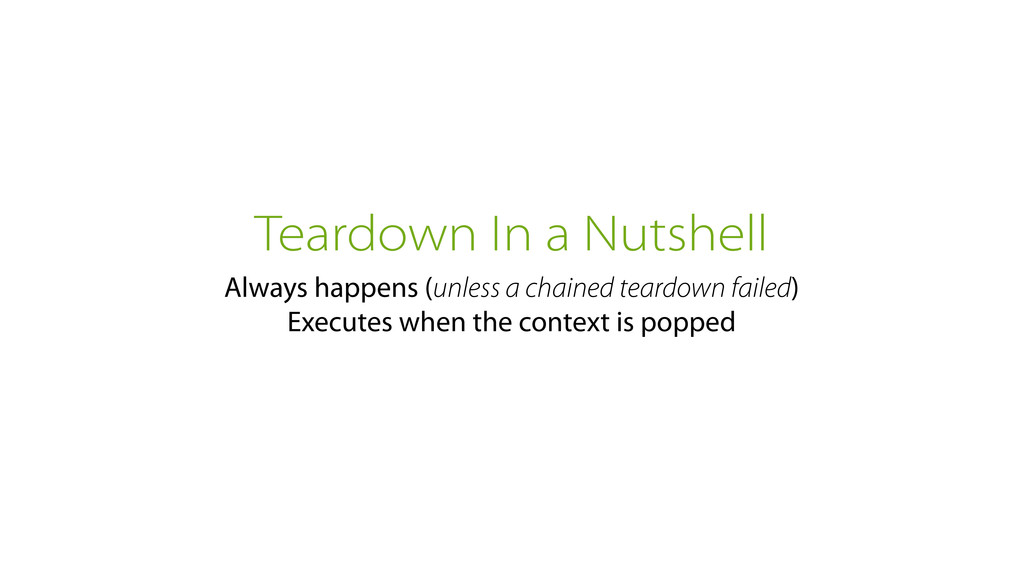
Teardown In a Nutshell Always happens (unless a chained teardown
failed) Executes when the context is popped -
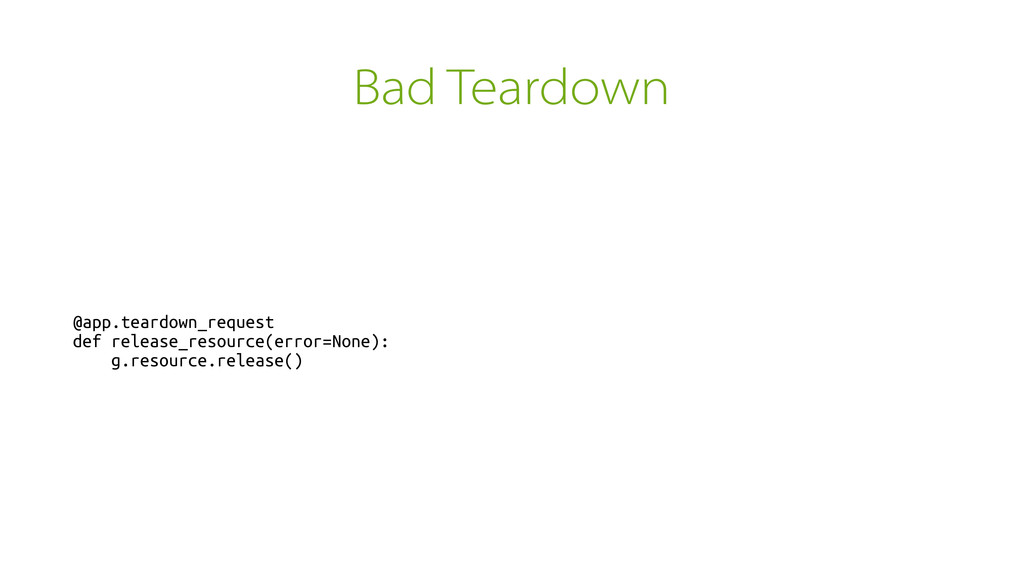
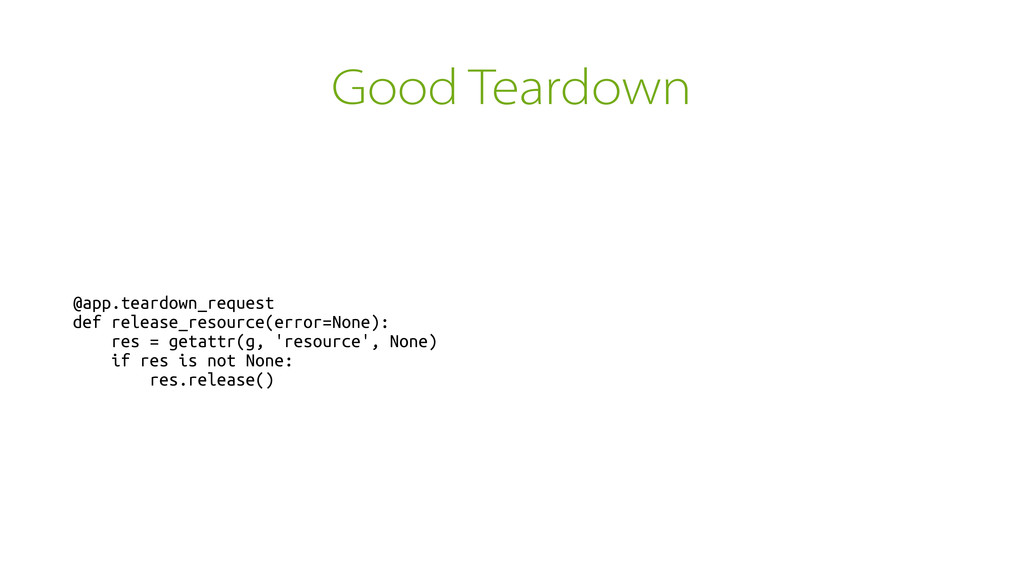
Good Teardown @app.teardown_request def release_resource(error=None): res = getattr(g, 'resource', None)
if res is not None: res.release() -
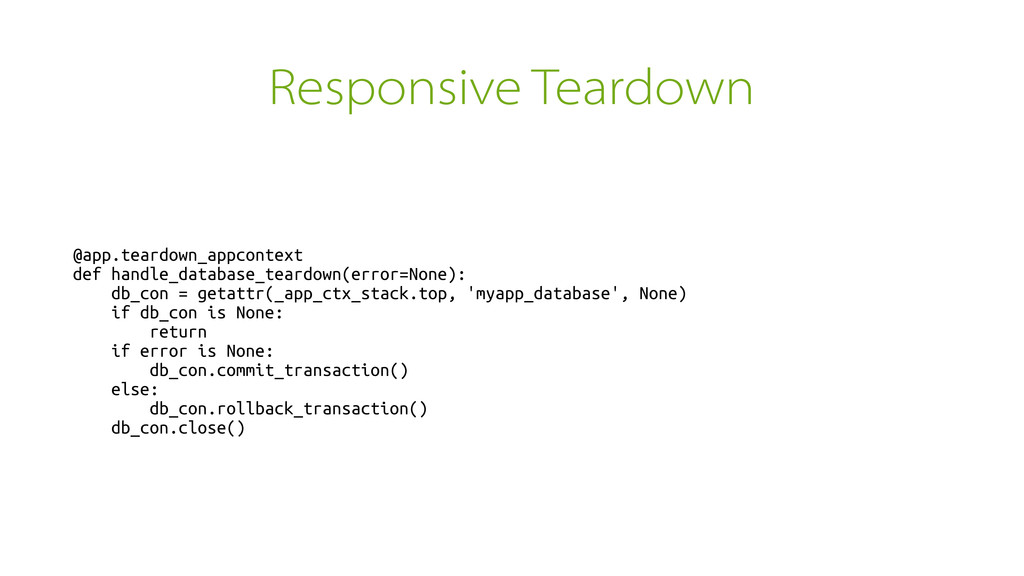
Responsive Teardown @app.teardown_appcontext def handle_database_teardown(error=None): db_con = getattr(_app_ctx_stack.top, 'myapp_database', None)
if db_con is None: return if error is None: db_con.commit_transaction() else: db_con.rollback_transaction() db_con.close() -
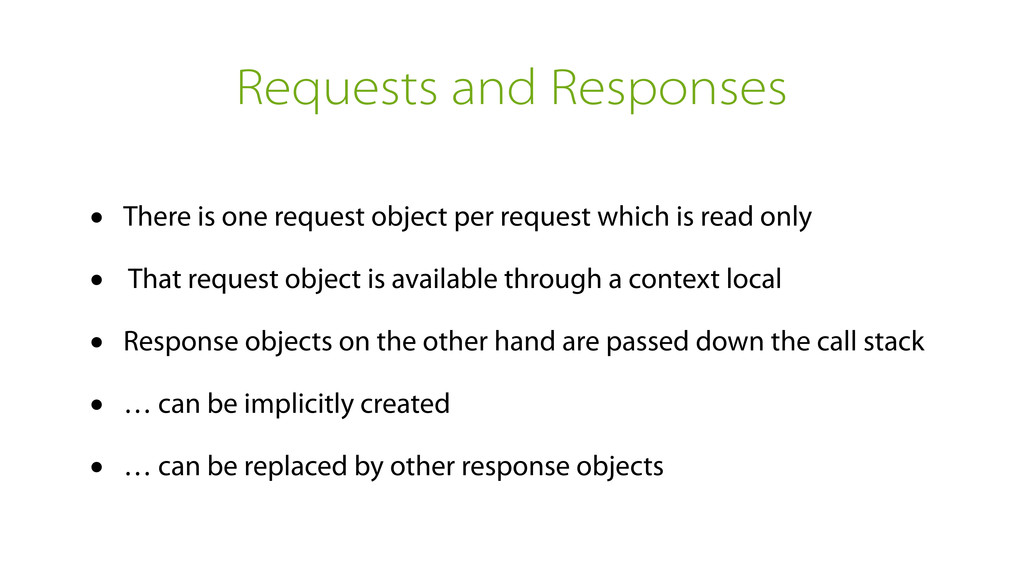
Requests and Responses • There is one request object per
request which is read only • That request object is available through a context local • Response objects on the other hand are passed down the call stack • … can be implicitly created • … can be replaced by other response objects -
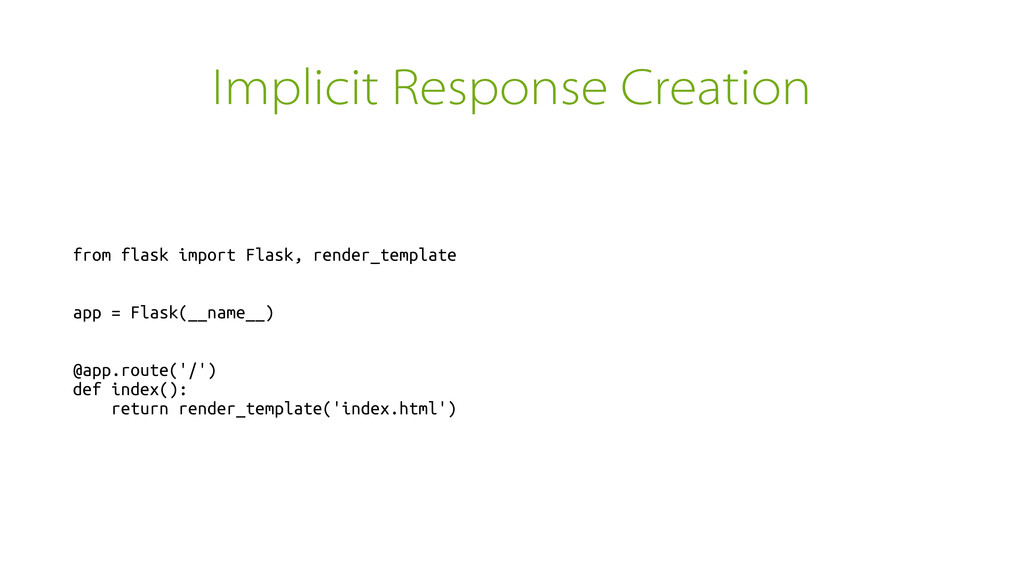
Implicit Response Creation from flask import Flask, render_template app =
Flask(__name__) @app.route('/') def index(): return render_template('index.html') -
Explicit Response Creation from flask import Flask, render_template, make_response app
= Flask(__name__) @app.route('/') def index(): string = render_template('index.html') response = make_response(string) return response -
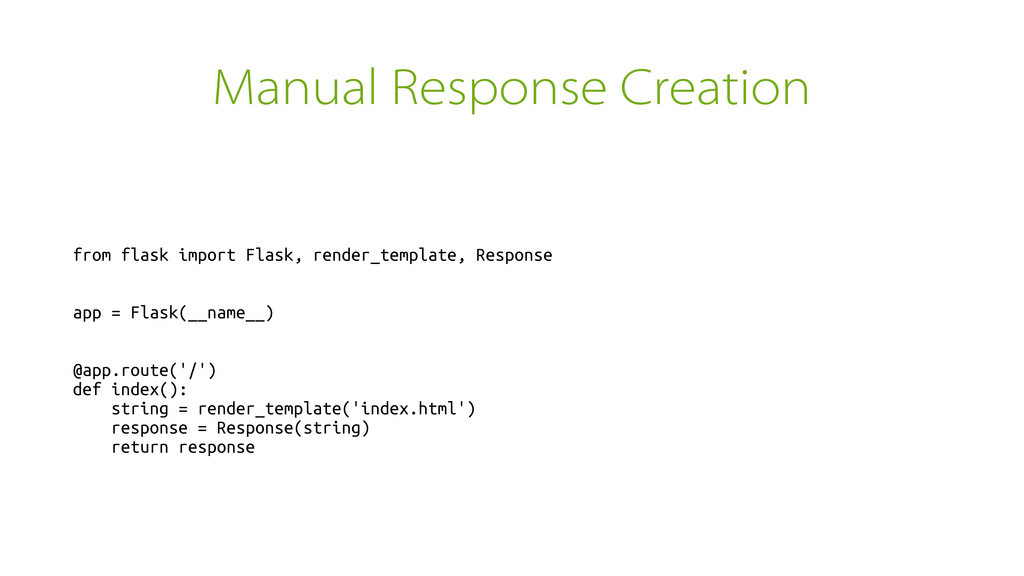
Manual Response Creation from flask import Flask, render_template, Response app
= Flask(__name__) @app.route('/') def index(): string = render_template('index.html') response = Response(string) return response -
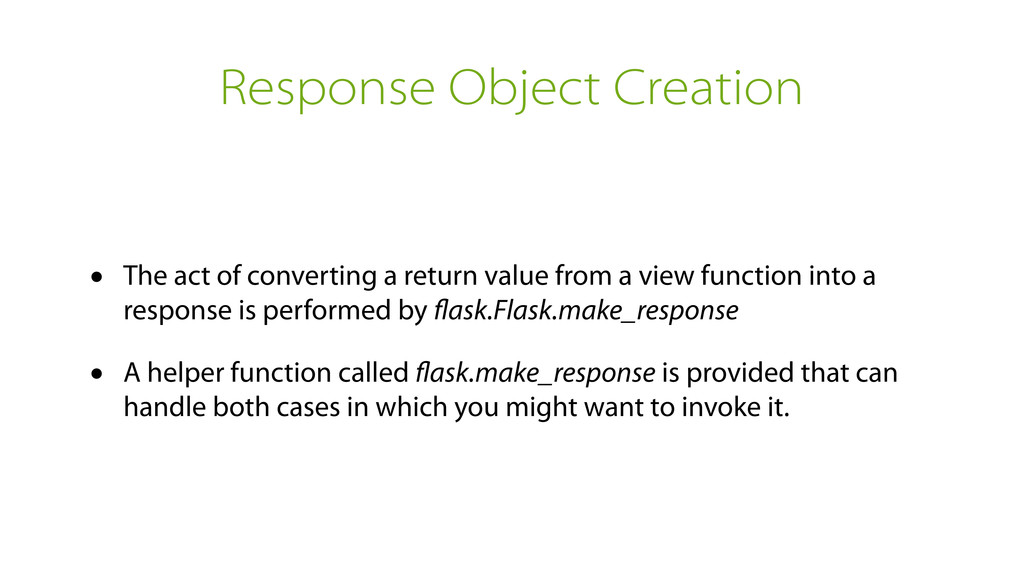
Response Object Creation • The act of converting a return
value from a view function into a response is performed by flask.Flask.make_response • A helper function called flask.make_response is provided that can handle both cases in which you might want to invoke it. -
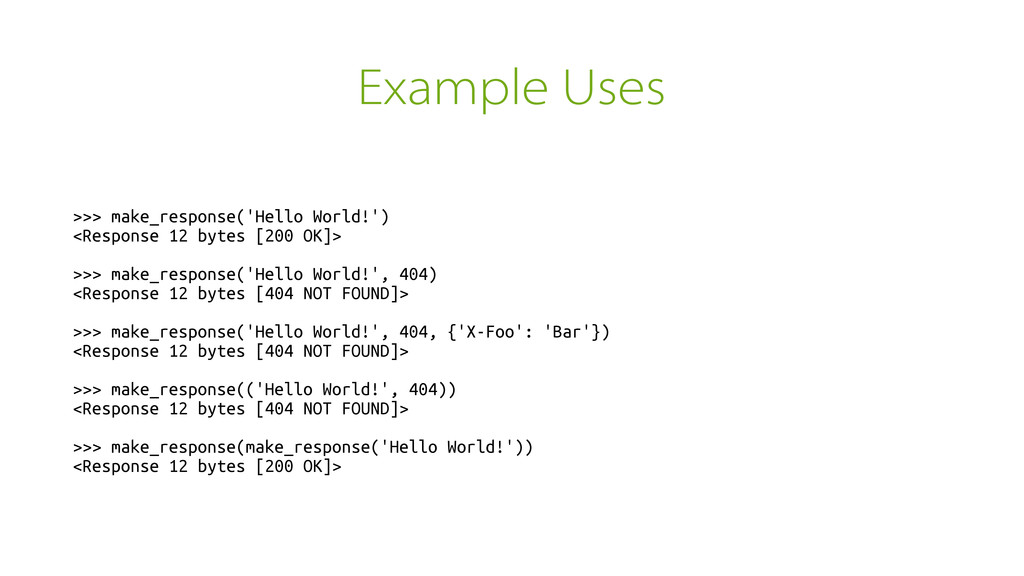
Example Uses >>> make_response('Hello World!') <Response 12 bytes [200 OK]>
>>> make_response('Hello World!', 404) <Response 12 bytes [404 NOT FOUND]> >>> make_response('Hello World!', 404, {'X-Foo': 'Bar'}) <Response 12 bytes [404 NOT FOUND]> >>> make_response(('Hello World!', 404)) <Response 12 bytes [404 NOT FOUND]> >>> make_response(make_response('Hello World!')) <Response 12 bytes [200 OK]> -
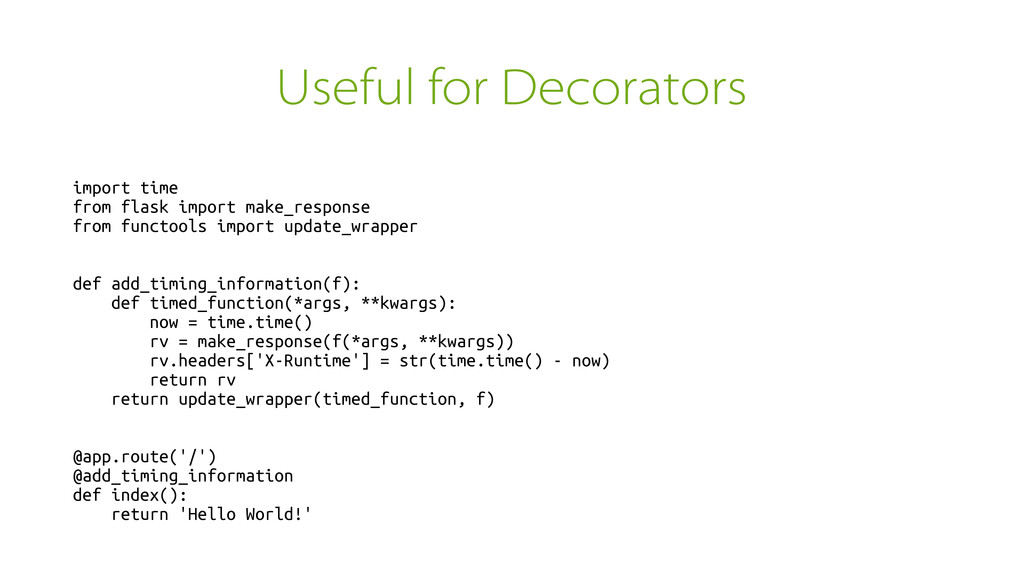
Useful for Decorators import time from flask import make_response from
functools import update_wrapper def add_timing_information(f): def timed_function(*args, **kwargs): now = time.time() rv = make_response(f(*args, **kwargs)) rv.headers['X-Runtime'] = str(time.time() - now) return rv return update_wrapper(timed_function, f) @app.route('/') @add_timing_information def index(): return 'Hello World!' -
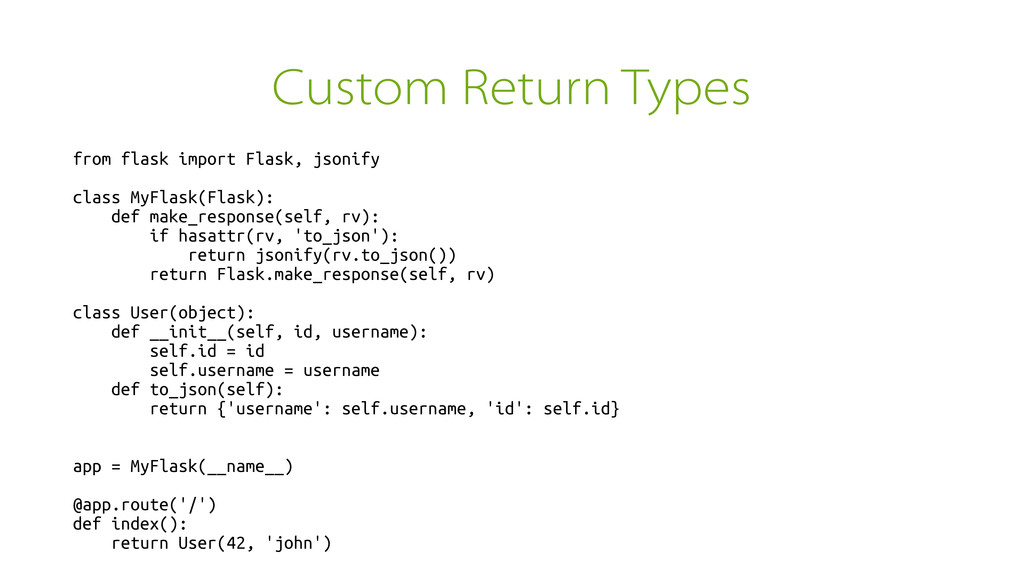
Custom Return Types from flask import Flask, jsonify class MyFlask(Flask):
def make_response(self, rv): if hasattr(rv, 'to_json'): return jsonify(rv.to_json()) return Flask.make_response(self, rv) class User(object): def __init__(self, id, username): self.id = id self.username = username def to_json(self): return {'username': self.username, 'id': self.id} app = MyFlask(__name__) @app.route('/') def index(): return User(42, 'john') -
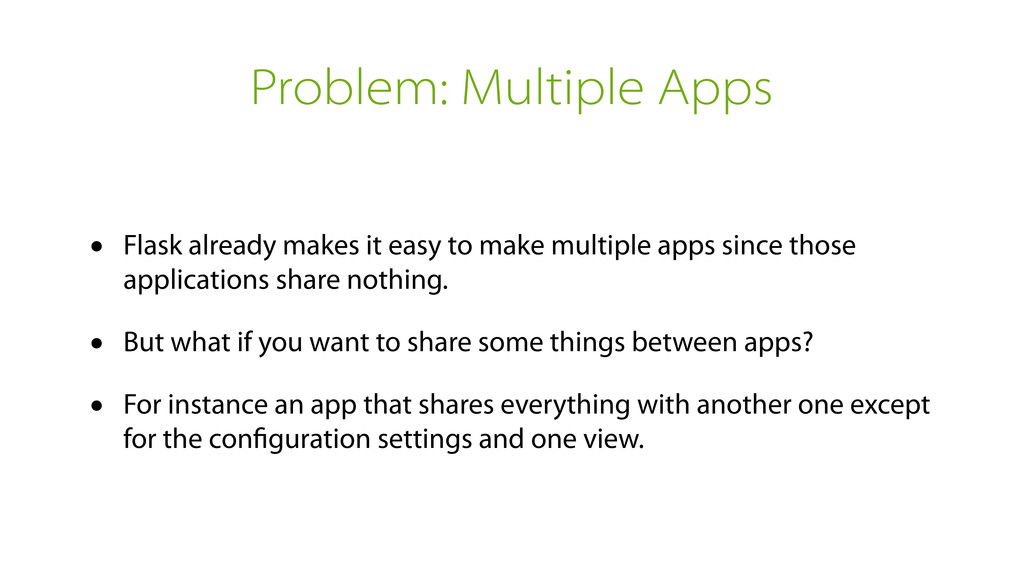
Problem: Multiple Apps • Flask already makes it easy to
make multiple apps since those applications share nothing. • But what if you want to share some things between apps? • For instance an app that shares everything with another one except for the configuration settings and one view. -
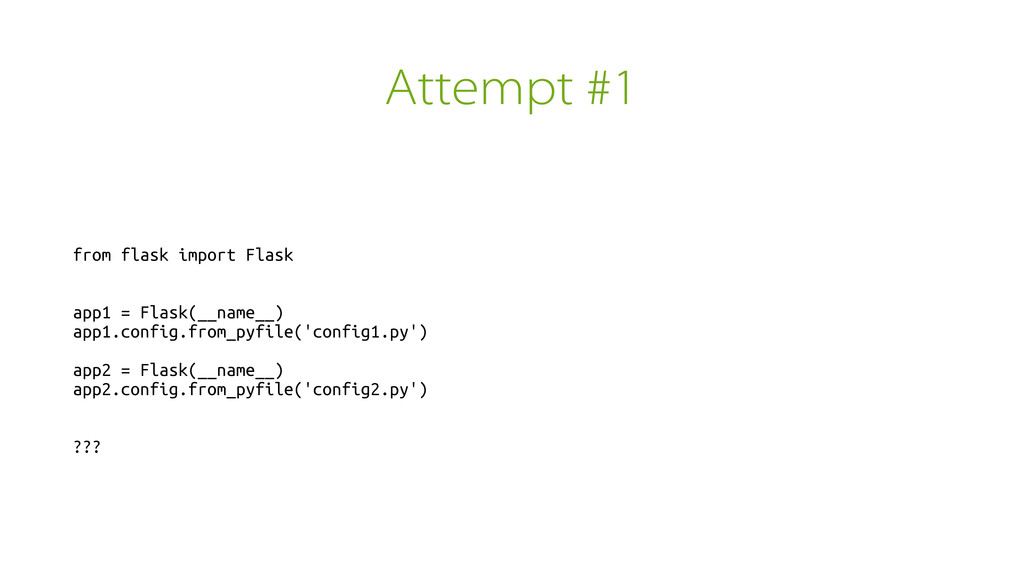
Attempt #1 from flask import Flask app1 = Flask(__name__) app1.config.from_pyfile('config1.py')
app2 = Flask(__name__) app2.config.from_pyfile('config2.py') ??? -
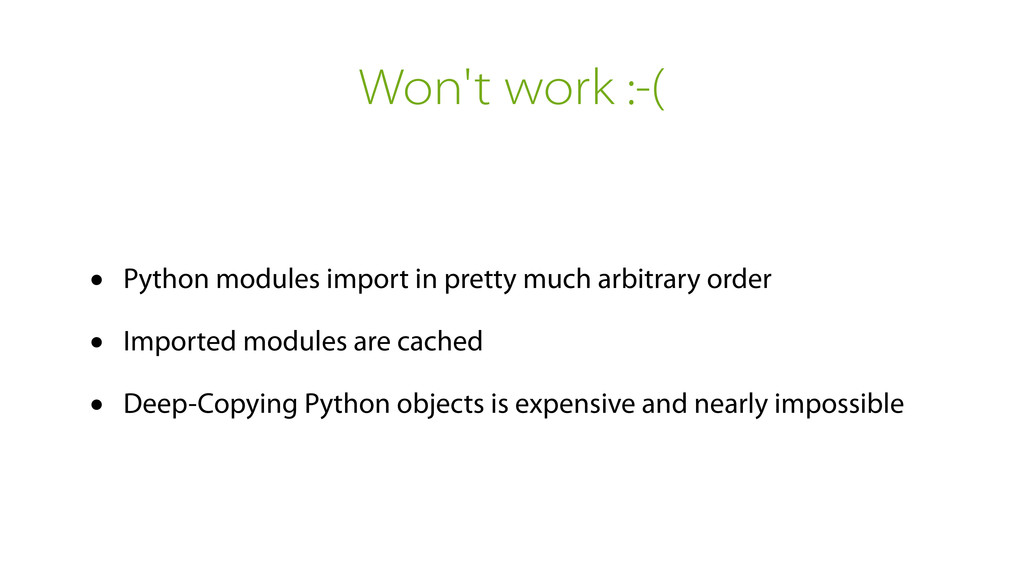
Won't work :-( • Python modules import in pretty much
arbitrary order • Imported modules are cached • Deep-Copying Python objects is expensive and nearly impossible -
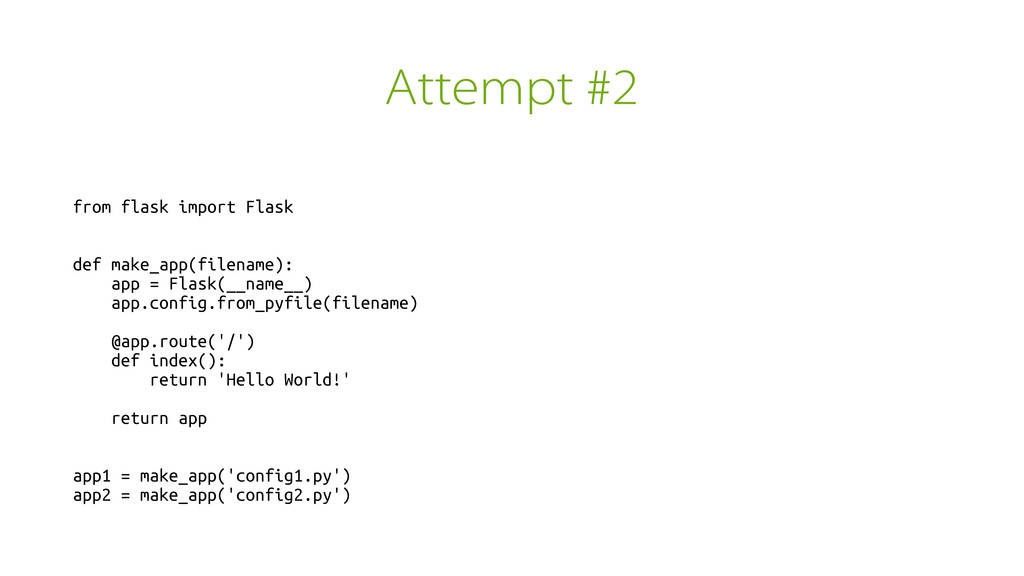
Attempt #2 from flask import Flask def make_app(filename): app =
Flask(__name__) app.config.from_pyfile(filename) @app.route('/') def index(): return 'Hello World!' return app app1 = make_app('config1.py') app2 = make_app('config2.py') -
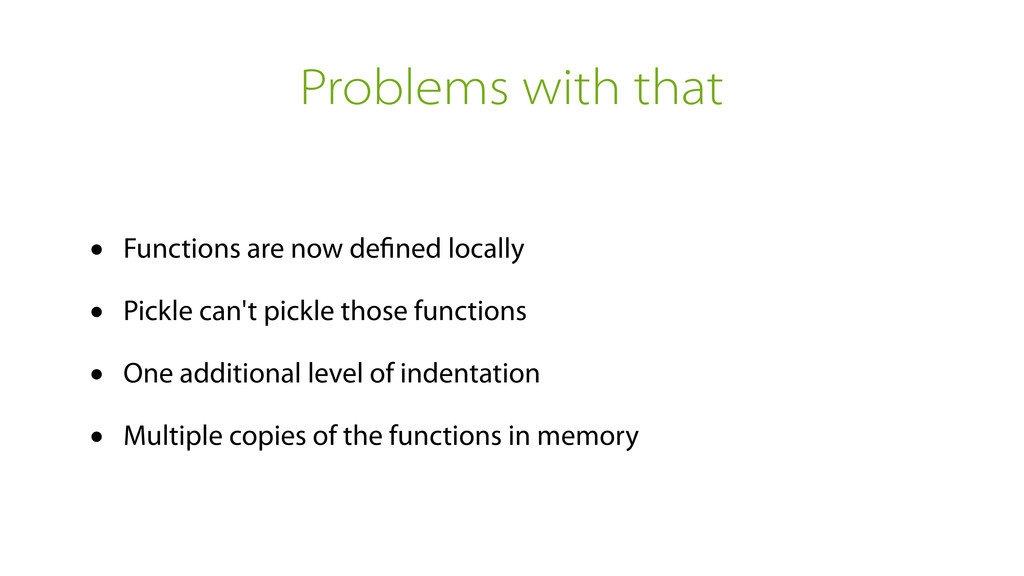
Problems with that • Functions are now defined locally •
Pickle can't pickle those functions • One additional level of indentation • Multiple copies of the functions in memory -
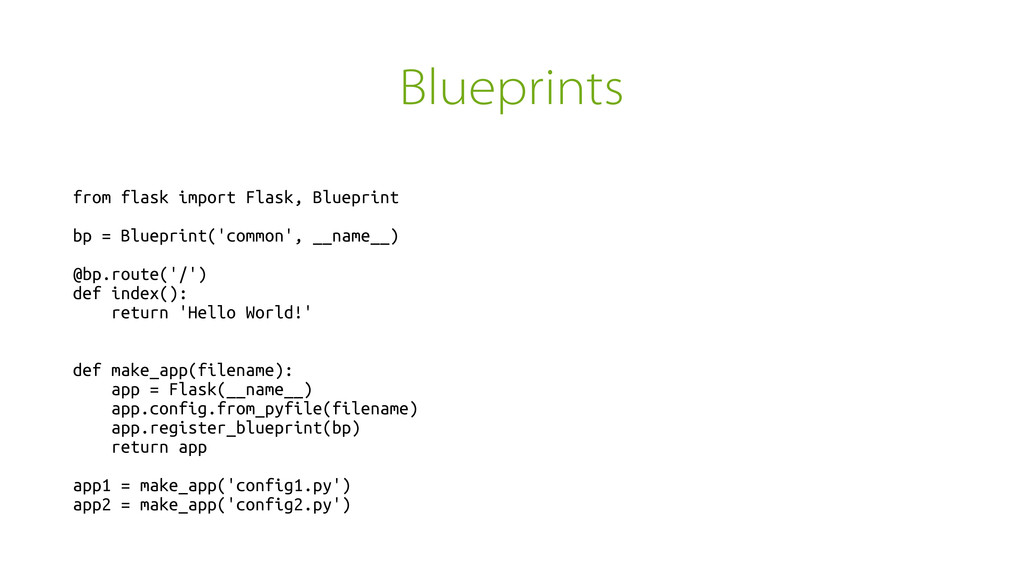
Blueprints from flask import Flask, Blueprint bp = Blueprint('common', __name__)
@bp.route('/') def index(): return 'Hello World!' def make_app(filename): app = Flask(__name__) app.config.from_pyfile(filename) app.register_blueprint(bp) return app app1 = make_app('config1.py') app2 = make_app('config2.py') -
Ugly? Beauty is in the eye of the beholder A
“better” solution is hard — walk up to me -
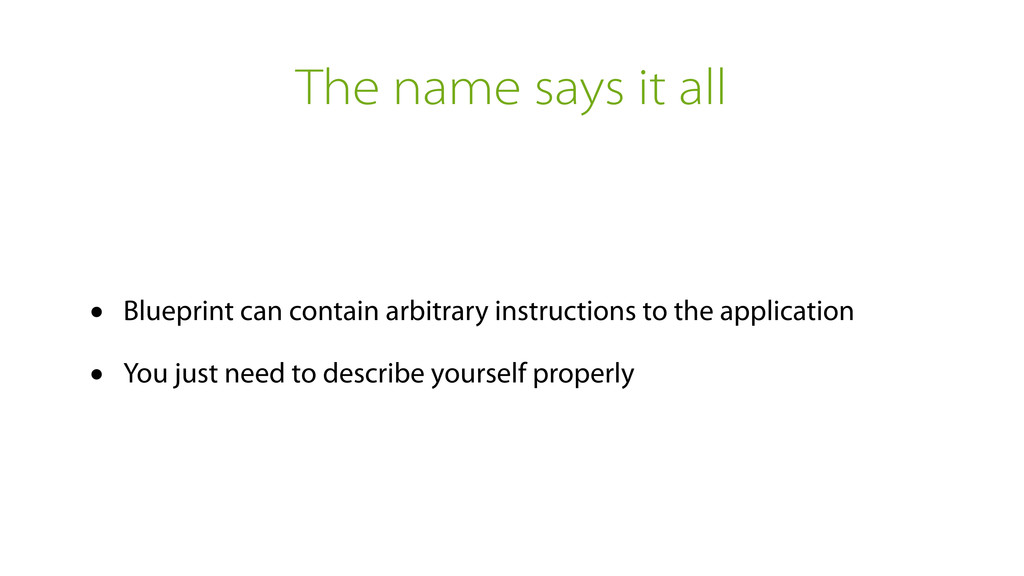
The name says it all • Blueprint can contain arbitrary
instructions to the application • You just need to describe yourself properly -
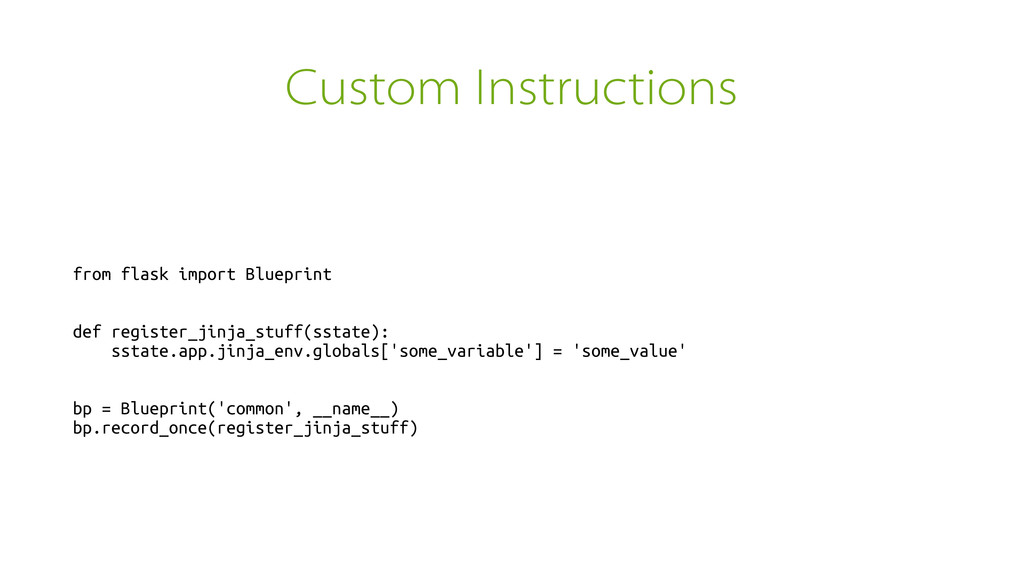
Custom Instructions from flask import Blueprint def register_jinja_stuff(sstate): sstate.app.jinja_env.globals['some_variable'] =
'some_value' bp = Blueprint('common', __name__) bp.record_once(register_jinja_stuff) -
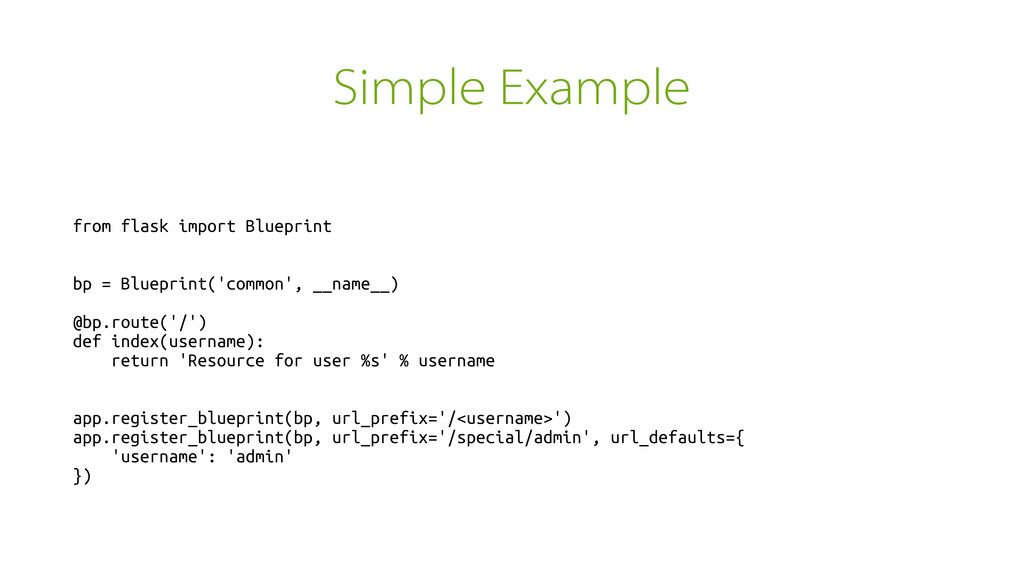
Simple Example from flask import Blueprint bp = Blueprint('common', __name__)
@bp.route('/') def index(username): return 'Resource for user %s' % username app.register_blueprint(bp, url_prefix='/<username>') app.register_blueprint(bp, url_prefix='/special/admin', url_defaults={ 'username': 'admin' }) -
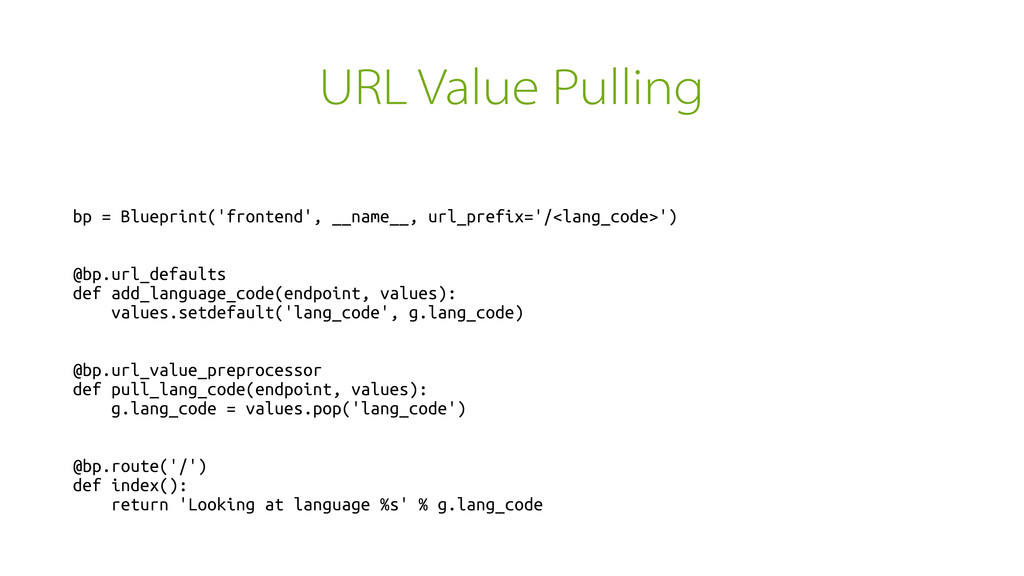
URL Value Pulling bp = Blueprint('frontend', __name__, url_prefix='/<lang_code>') @bp.url_defaults def
add_language_code(endpoint, values): values.setdefault('lang_code', g.lang_code) @bp.url_value_preprocessor def pull_lang_code(endpoint, values): g.lang_code = values.pop('lang_code') @bp.route('/') def index(): return 'Looking at language %s' % g.lang_code -
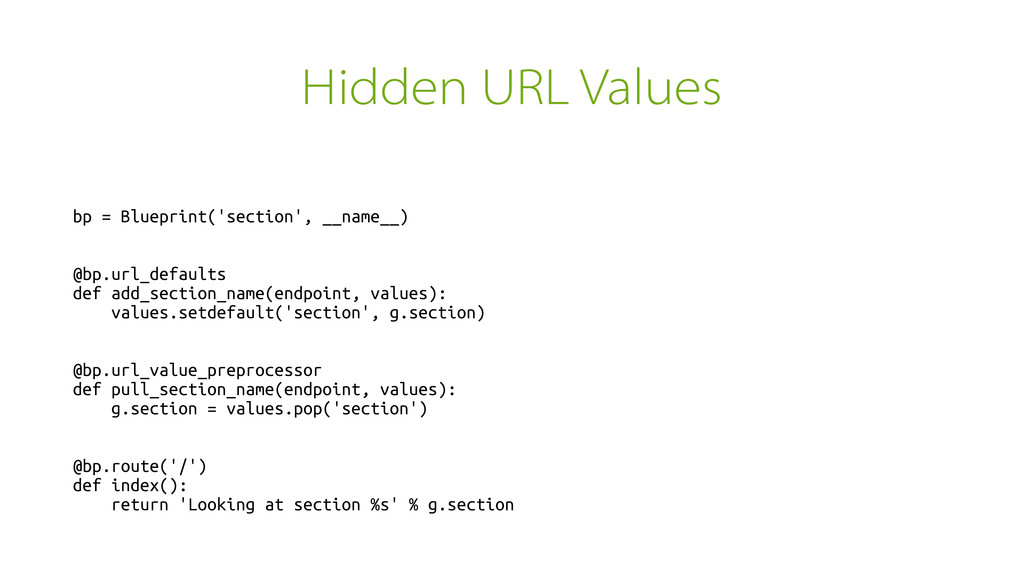
Hidden URL Values bp = Blueprint('section', __name__) @bp.url_defaults def add_section_name(endpoint,
values): values.setdefault('section', g.section) @bp.url_value_preprocessor def pull_section_name(endpoint, values): g.section = values.pop('section') @bp.route('/') def index(): return 'Looking at section %s' % g.section -
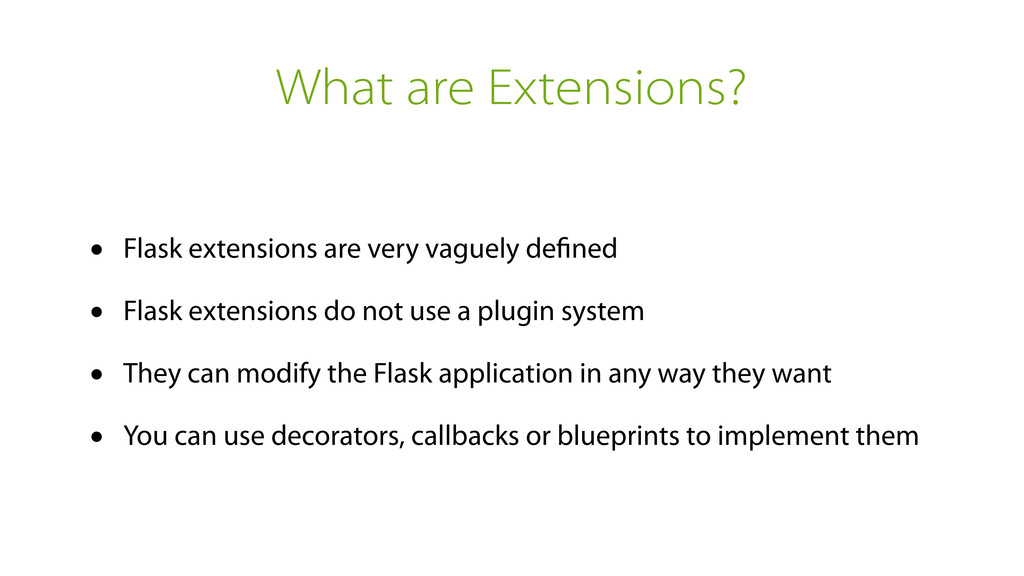
What are Extensions? • Flask extensions are very vaguely defined
• Flask extensions do not use a plugin system • They can modify the Flask application in any way they want • You can use decorators, callbacks or blueprints to implement them -
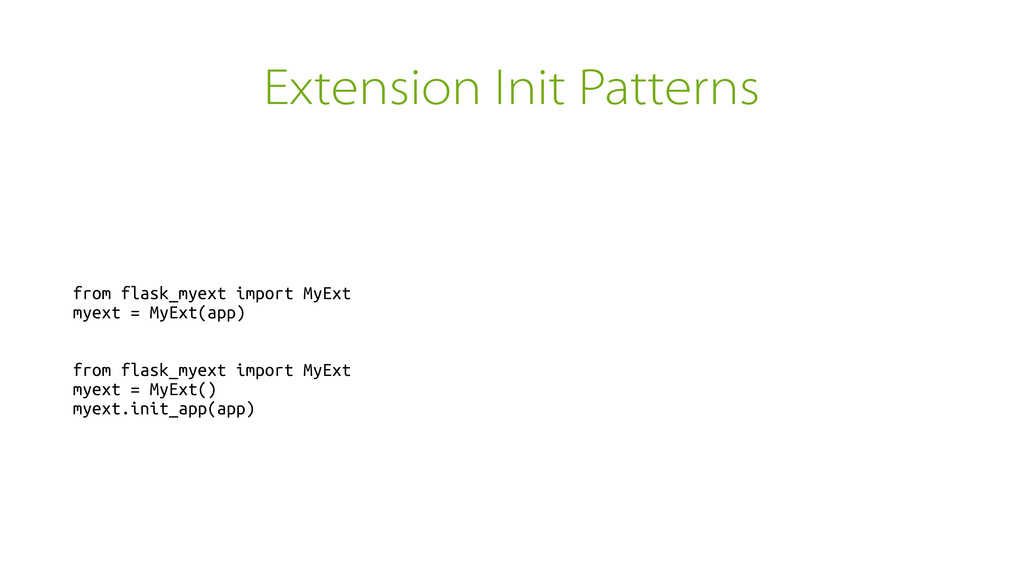
Extension Init Patterns from flask_myext import MyExt myext = MyExt(app)
from flask_myext import MyExt myext = MyExt() myext.init_app(app) -
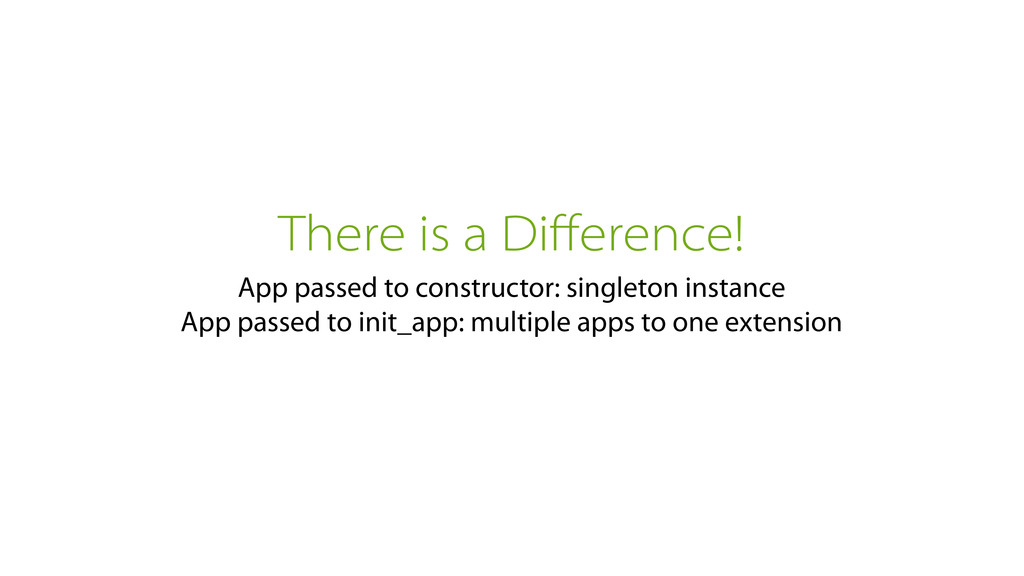
There is a Difference! App passed to constructor: singleton instance
App passed to init_app: multiple apps to one extension -
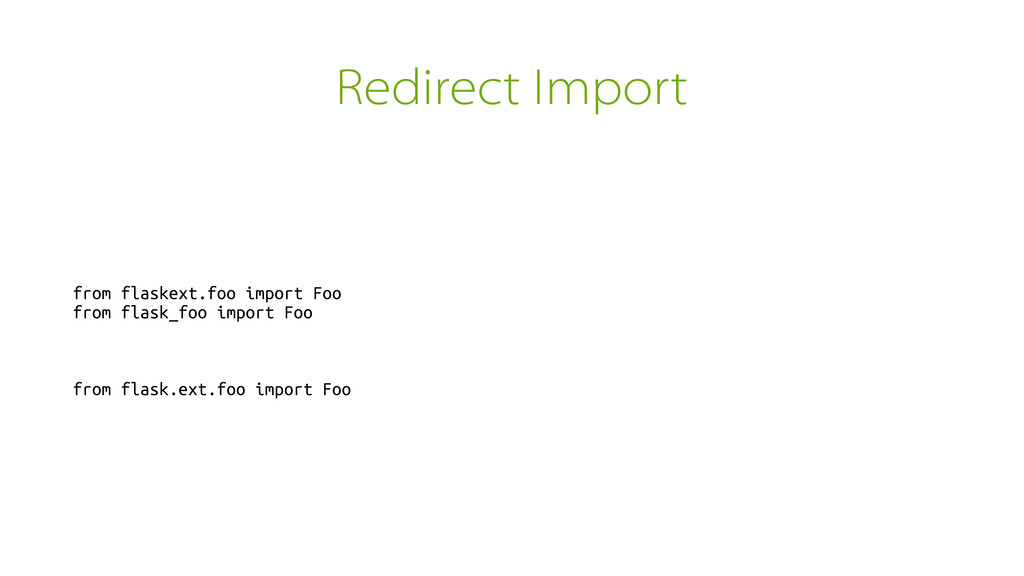
Redirect Import from flaskext.foo import Foo from flask_foo import Foo
from flask.ext.foo import Foo -
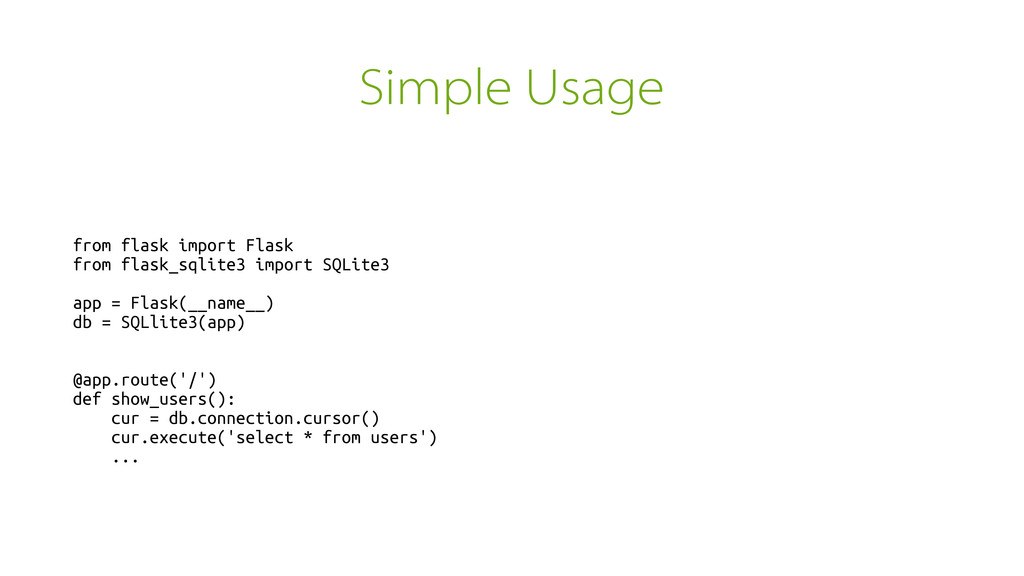
Simple Usage from flask import Flask from flask_sqlite3 import SQLite3
app = Flask(__name__) db = SQLlite3(app) @app.route('/') def show_users(): cur = db.connection.cursor() cur.execute('select * from users') ... -
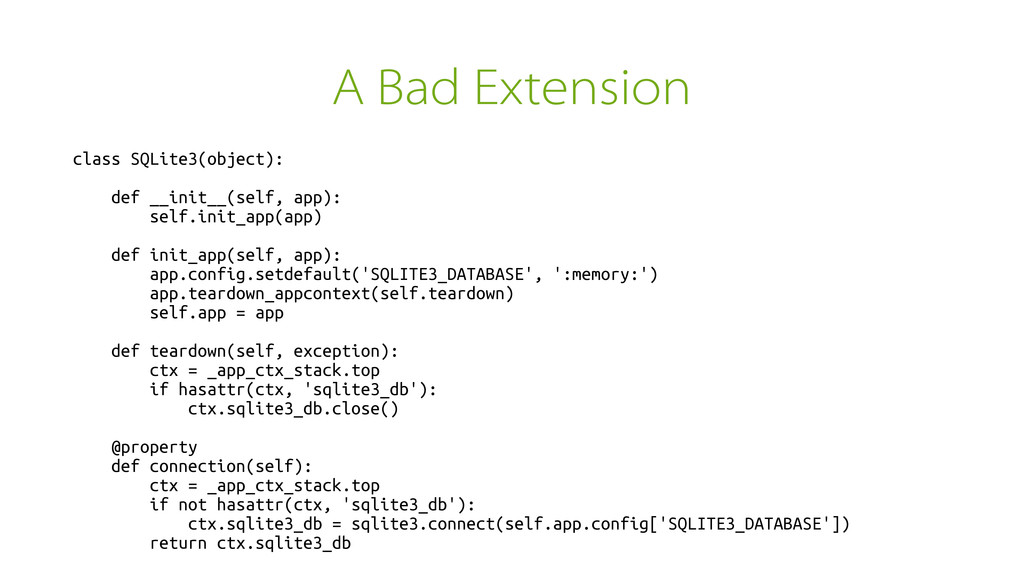
A Bad Extension class SQLite3(object): def __init__(self, app): self.init_app(app) def
init_app(self, app): app.config.setdefault('SQLITE3_DATABASE', ':memory:') app.teardown_appcontext(self.teardown) self.app = app def teardown(self, exception): ctx = _app_ctx_stack.top if hasattr(ctx, 'sqlite3_db'): ctx.sqlite3_db.close() @property def connection(self): ctx = _app_ctx_stack.top if not hasattr(ctx, 'sqlite3_db'): ctx.sqlite3_db = sqlite3.connect(self.app.config['SQLITE3_DATABASE']) return ctx.sqlite3_db -
Better Extension (1) class SQLite3(object): def __init__(self, app): self.init_app(self.app) def
init_app(self, app): app.config.setdefault('SQLITE3_DATABASE', ':memory:') app.teardown_appcontext(self.teardown) def teardown(self, exception): ctx = _app_ctx_stack.top if hasattr(ctx, 'sqlite3_db'): ctx.sqlite3_db.close() -
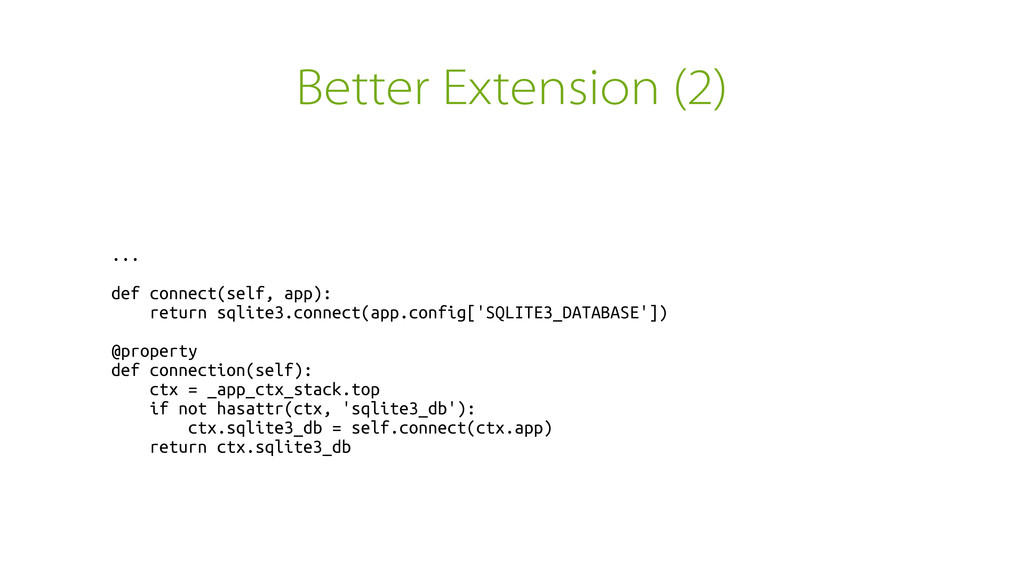
Better Extension (2) ... def connect(self, app): return sqlite3.connect(app.config['SQLITE3_DATABASE']) @property
def connection(self): ctx = _app_ctx_stack.top if not hasattr(ctx, 'sqlite3_db'): ctx.sqlite3_db = self.connect(ctx.app) return ctx.sqlite3_db -
Alternative Usages from flask import Flask, Blueprint from flask_sqlite3 import
SQLite3 db = SQLite3() bp = Blueprint('common', __name__) @bp.route('/') def show_users(): cur = db.connection.cursor() cur.execute('select * from users') ... def make_app(config=None): app = Flask(__name__) app.config.update(config or {}) app.register_blueprint(bp) db.init_app(app) return app -
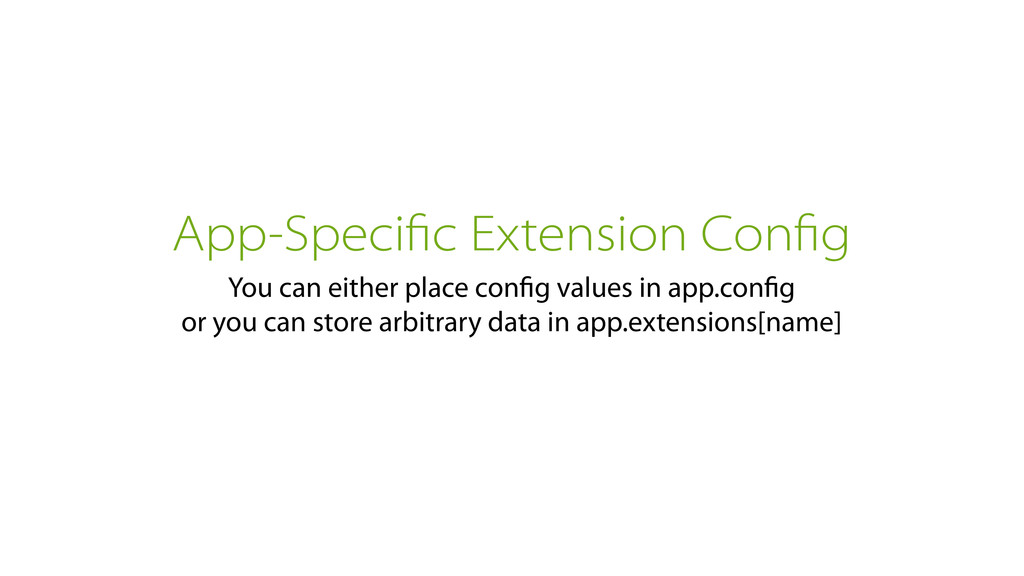
App-Specific Extension Config You can either place config values in
app.config or you can store arbitrary data in app.extensions[name] -
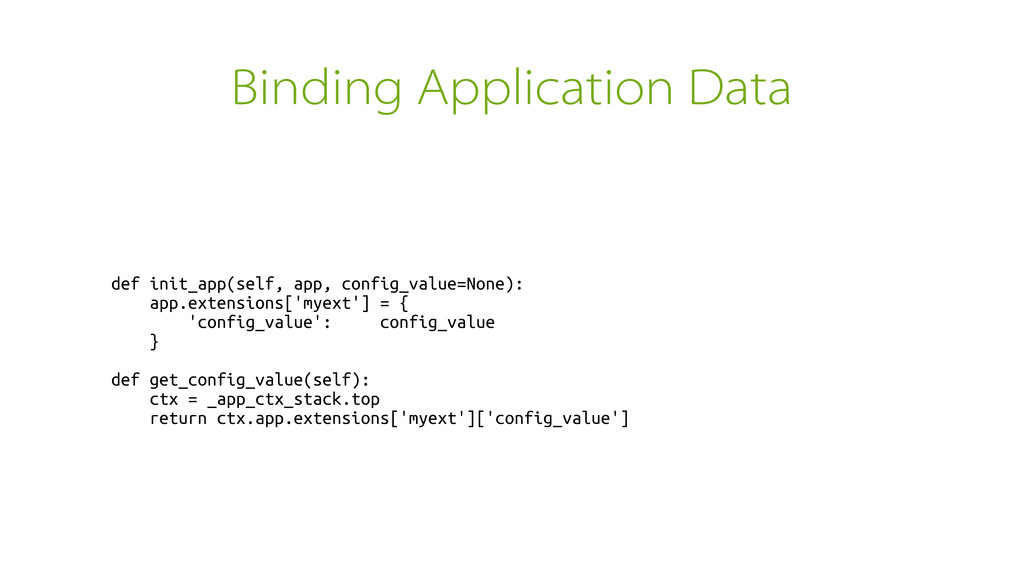
Binding Application Data def init_app(self, app, config_value=None): app.extensions['myext'] = {
'config_value': config_value } def get_config_value(self): ctx = _app_ctx_stack.top return ctx.app.extensions['myext']['config_value'] -
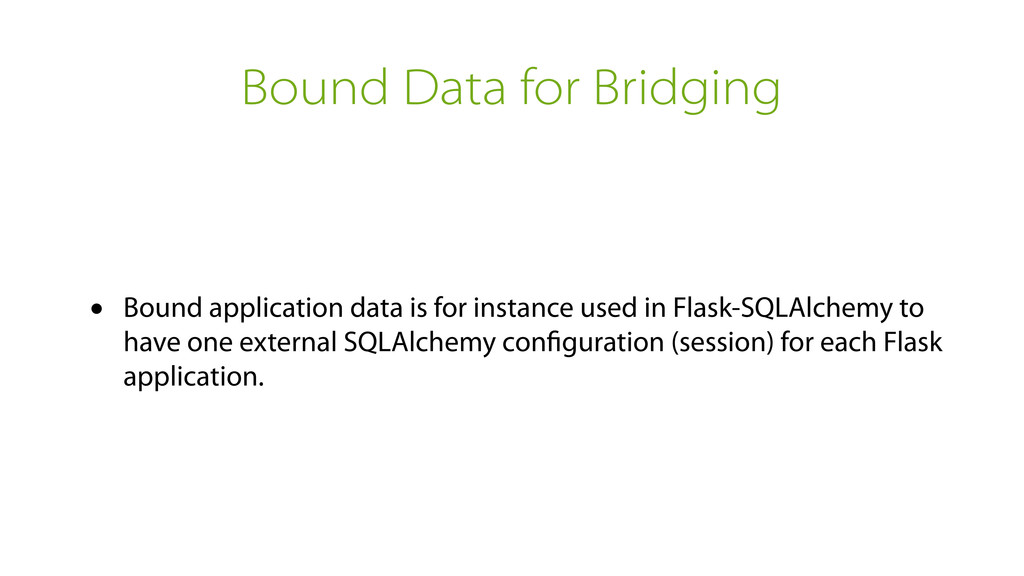
Bound Data for Bridging • Bound application data is for
instance used in Flask-SQLAlchemy to have one external SQLAlchemy configuration (session) for each Flask application. -
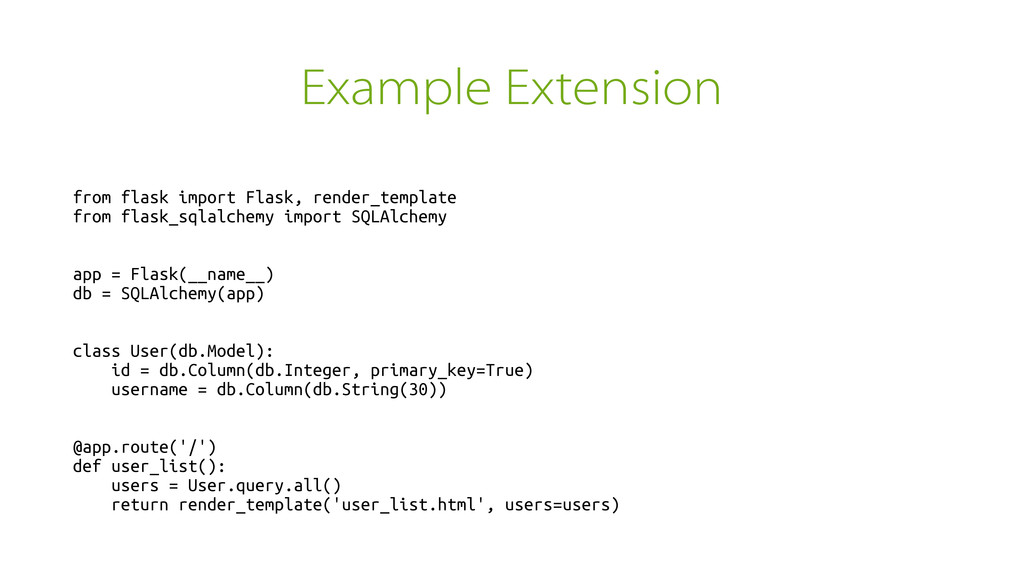
Example Extension from flask import Flask, render_template from flask_sqlalchemy import
SQLAlchemy app = Flask(__name__) db = SQLAlchemy(app) class User(db.Model): id = db.Column(db.Integer, primary_key=True) username = db.Column(db.String(30)) @app.route('/') def user_list(): users = User.query.all() return render_template('user_list.html', users=users) -
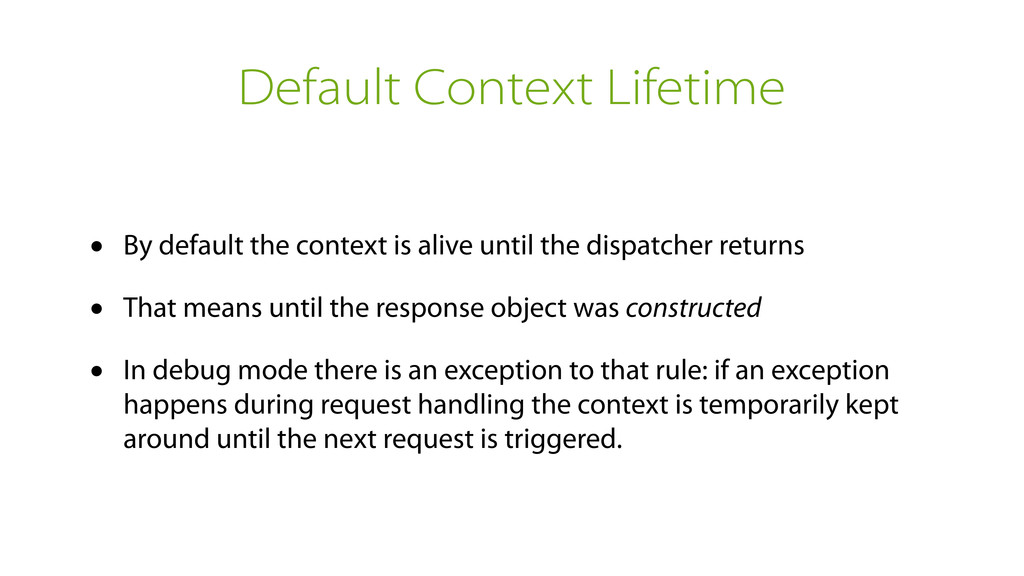
Default Context Lifetime • By default the context is alive
until the dispatcher returns • That means until the response object was constructed • In debug mode there is an exception to that rule: if an exception happens during request handling the context is temporarily kept around until the next request is triggered. -
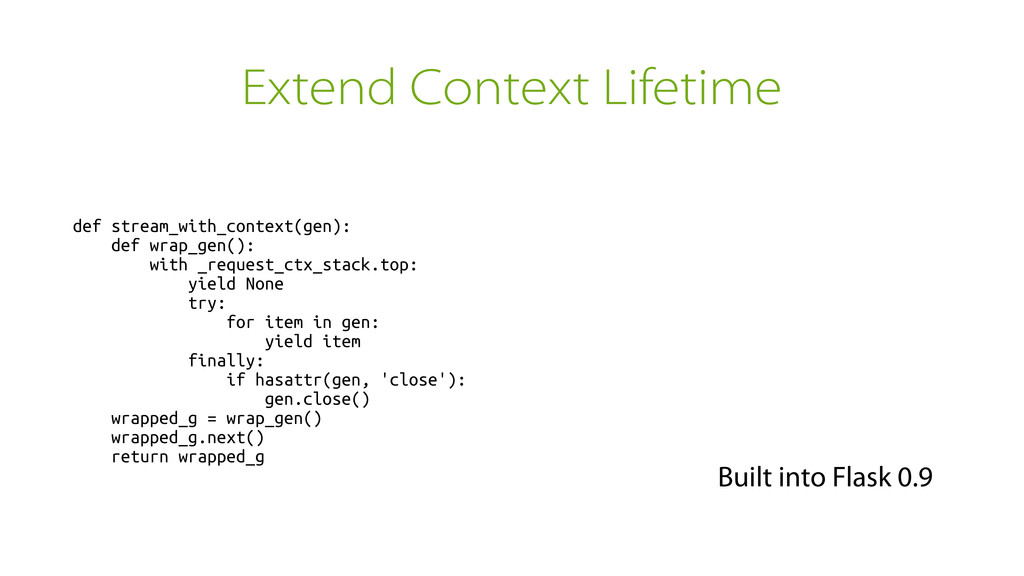
Keeping the Context Alive • If you're dealing with streaming
it might be inconvenient if the context disappears when the function returns. • flask.stream_with_context is a helper that can keep the context around for longer. -
Extend Context Lifetime def stream_with_context(gen): def wrap_gen(): with _request_ctx_stack.top: yield
None try: for item in gen: yield item finally: if hasattr(gen, 'close'): gen.close() wrapped_g = wrap_gen() wrapped_g.next() return wrapped_g Built into Flask 0.9 -
Flask's Sessions • Flask does not store sessions server-side •
It signs a cookie with a secret key to prevent tampering • Modifications are only possible if you know the secret key -
Applicable For Links You can sign activation links instead of
storing unique tokens ➤ itsdangerous -
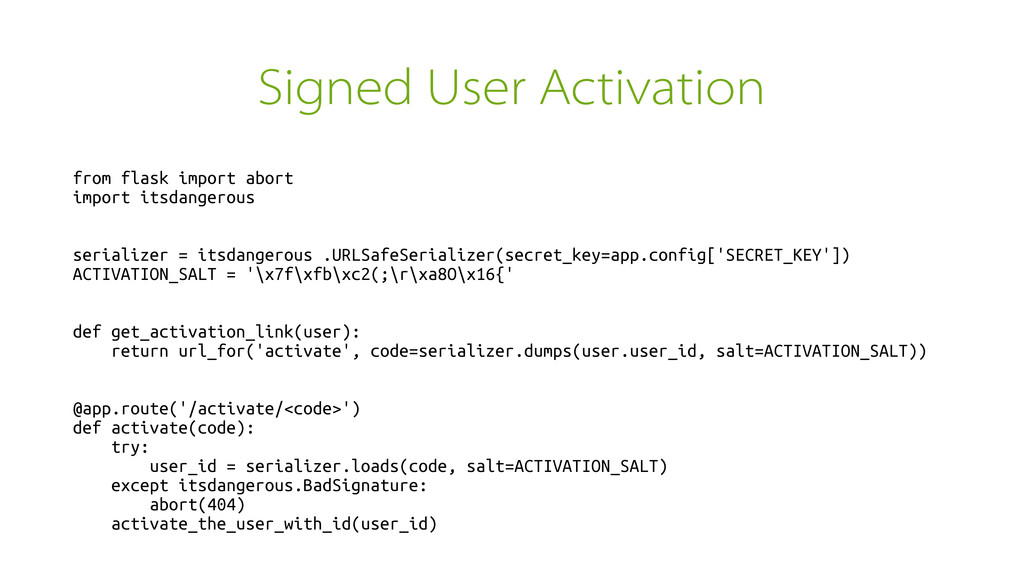
Signed User Activation from flask import abort import itsdangerous serializer
= itsdangerous .URLSafeSerializer(secret_key=app.config['SECRET_KEY']) ACTIVATION_SALT = '\x7f\xfb\xc2(;\r\xa8O\x16{' def get_activation_link(user): return url_for('activate', code=serializer.dumps(user.user_id, salt=ACTIVATION_SALT)) @app.route('/activate/<code>') def activate(code): try: user_id = serializer.loads(code, salt=ACTIVATION_SALT) except itsdangerous.BadSignature: abort(404) activate_the_user_with_id(user_id) -
Signature Expiration • Signatures can be expired by changing the
salt or secret key • Also you can put more information into the data you're dumping to make it expire with certain conditions (for instance md5() of password salt. If password changes, redeem link gets invalidated) • For user activation: don't activate if user already activated. -
Keep things small • Don't build monolithic codebases. If you
do, you will not enjoy Flask • Embrace SOA • If you're not building APIs you're doing it wrong -
Frontend on the Backend • Step 1: write an API
• Step 2: write a JavaScript UI for that API • Step 3: write a server side version of parts of the JavaScript UI if necessary -
Bonus: Craft More • Ignore performance concerns • Chose technology
you're comfortable with • If you run into scaling problems you are a lucky person • Smaller pieces of independent code are easier to optimize and replace than one monolithic one
 mitsuhiko
 l2hyunwoo
 dalinaum
 nextbeatdev
 umigishiaoi
 nakamizu
 fornewid
 tarao
 sodainc
 seike460
 rshindo
 inariku
 pvcresin
 lauravandoore
 kneath
 cassininazir
 codingconduct
 aleyda
 signer
 helenjbeal
 axbom
 kimpetersen
 chriscoyier
 inesmontani
 wjessup