Upgrade to Pro — share decks privately, control downloads, hide ads and more …

Orestis Samaras - Modern WordPress Development ...

Sponsored · Ship Features Fearlessly Turn features on and off without deploys. Used by thousands of Ruby developers.

Orestis Samaras - Modern WordPress Development with Composer

Discover how to bring modern PHP development practices into your WordPress projects using Composer. This talk explores how dependency management, autoloading, and environment configuration, can simplify your setup, improve maintainability, version control and deployment consistency and make your WordPress development more efficient and professional. Perfect for developers looking to modernize their WordPress toolkit and streamline their workflow.

Avatar for WordPress Greek Community

WordPress Greek Community

November 08, 2025
Tweet

More Decks by WordPress Greek Community

Other Decks in Programming

Transcript

  1. Who am I 👦 Orestis Samaras 📌 Thessaloniki 🐘 PHP

    Developer 💻10+ years WordPress 💚 Traveling & food
  2. What is Composer • Composer is a tool for dependency

    management in PHP. • Similar to NPM, Pipenv, Maven etc.
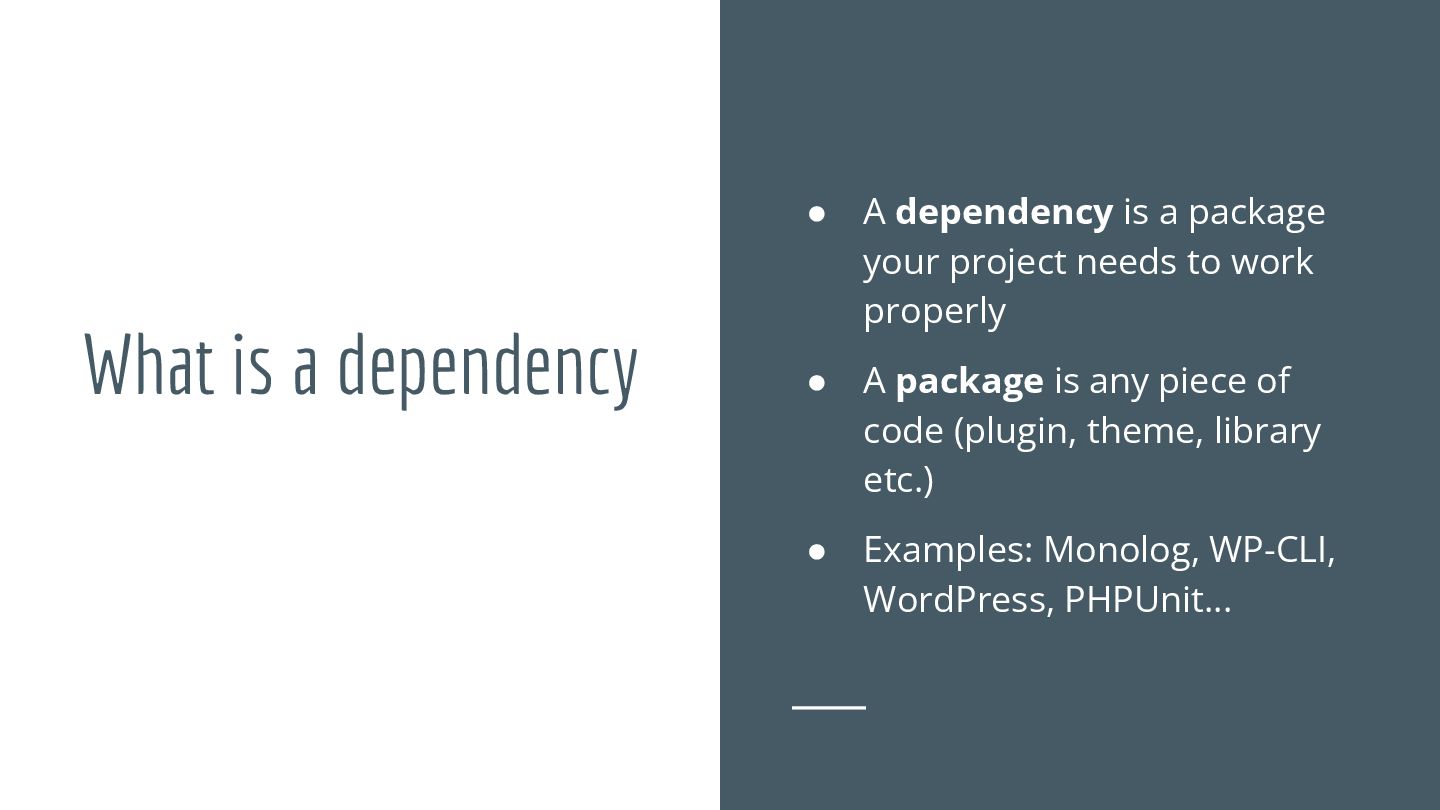
  3. What is a dependency • A dependency is a package

    your project needs to work properly • A package is any piece of code (plugin, theme, library etc.) • Examples: Monolog, WP-CLI, WordPress, PHPUnit…
  4. Why use Composer • Ease of use & maintainability •

    Autoloading & structure • Version control • Streamlining processes
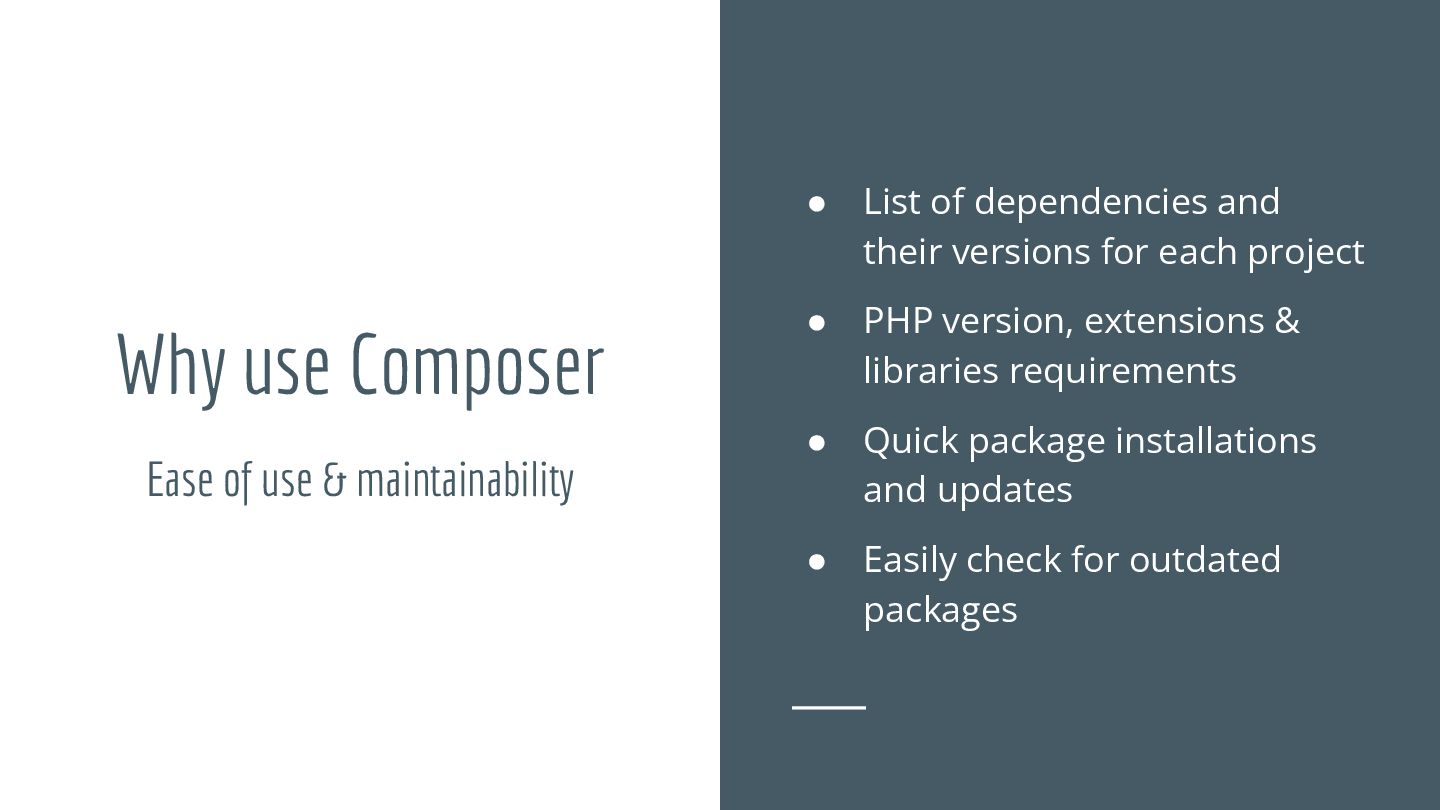
  5. Why use Composer • List of dependencies and their versions

    for each project • PHP version, extensions & libraries requirements • Quick package installations and updates • Easily check for outdated packages Ease of use & maintainability
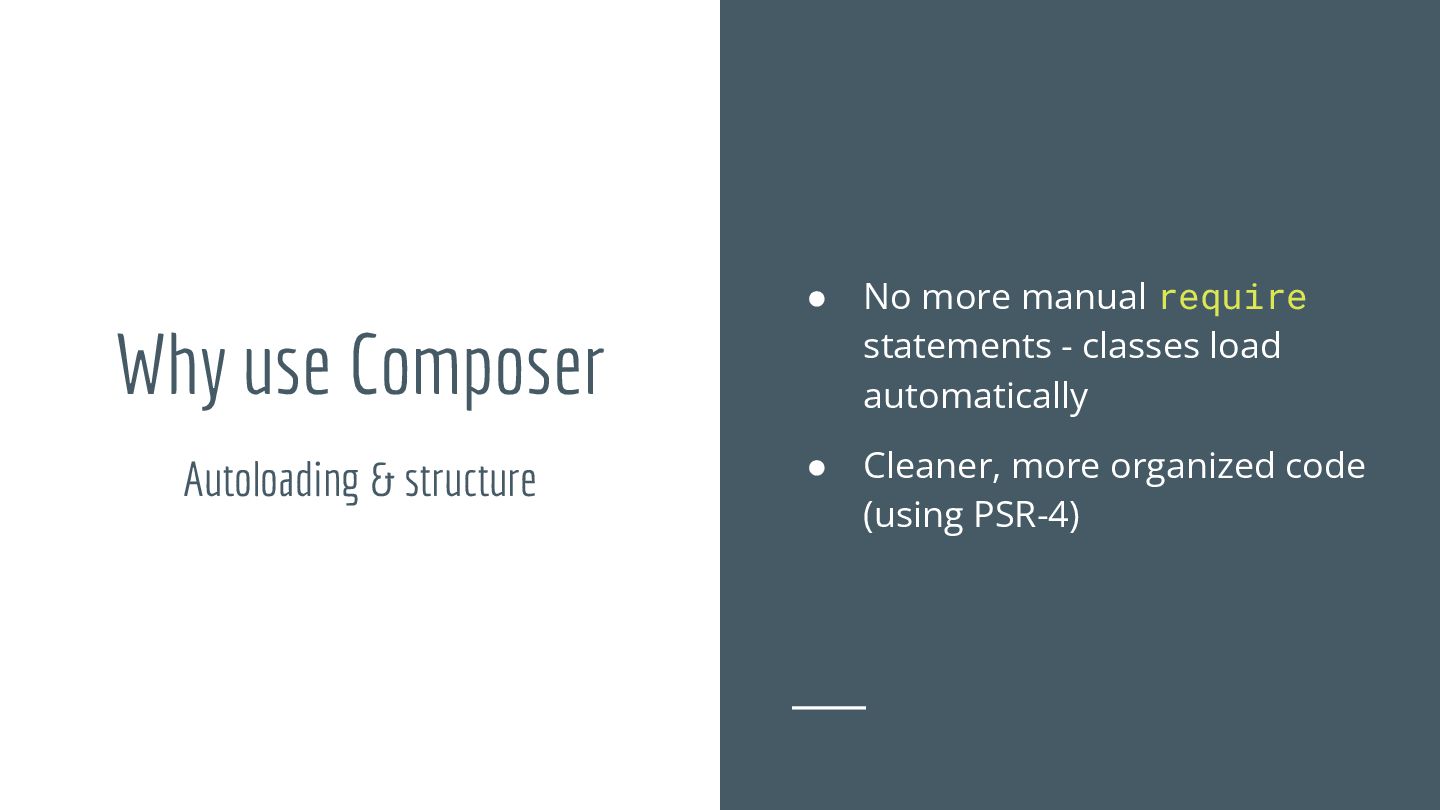
  6. Why use Composer • No more manual require statements -

    classes load automatically • Cleaner, more organized code (using PSR-4) Autoloading & structure
  7. Why use Composer • CI/CD pipelines • Reproducible & predictable

    environments • Execution of scripts Streamlining processes
  8. How to use Composer • Installation • Configuration file •

    Package versions • Package sources • Composer & WordPress
  9. How to use Composer • Use a CLI script •

    Use installer (Windows only) Installation
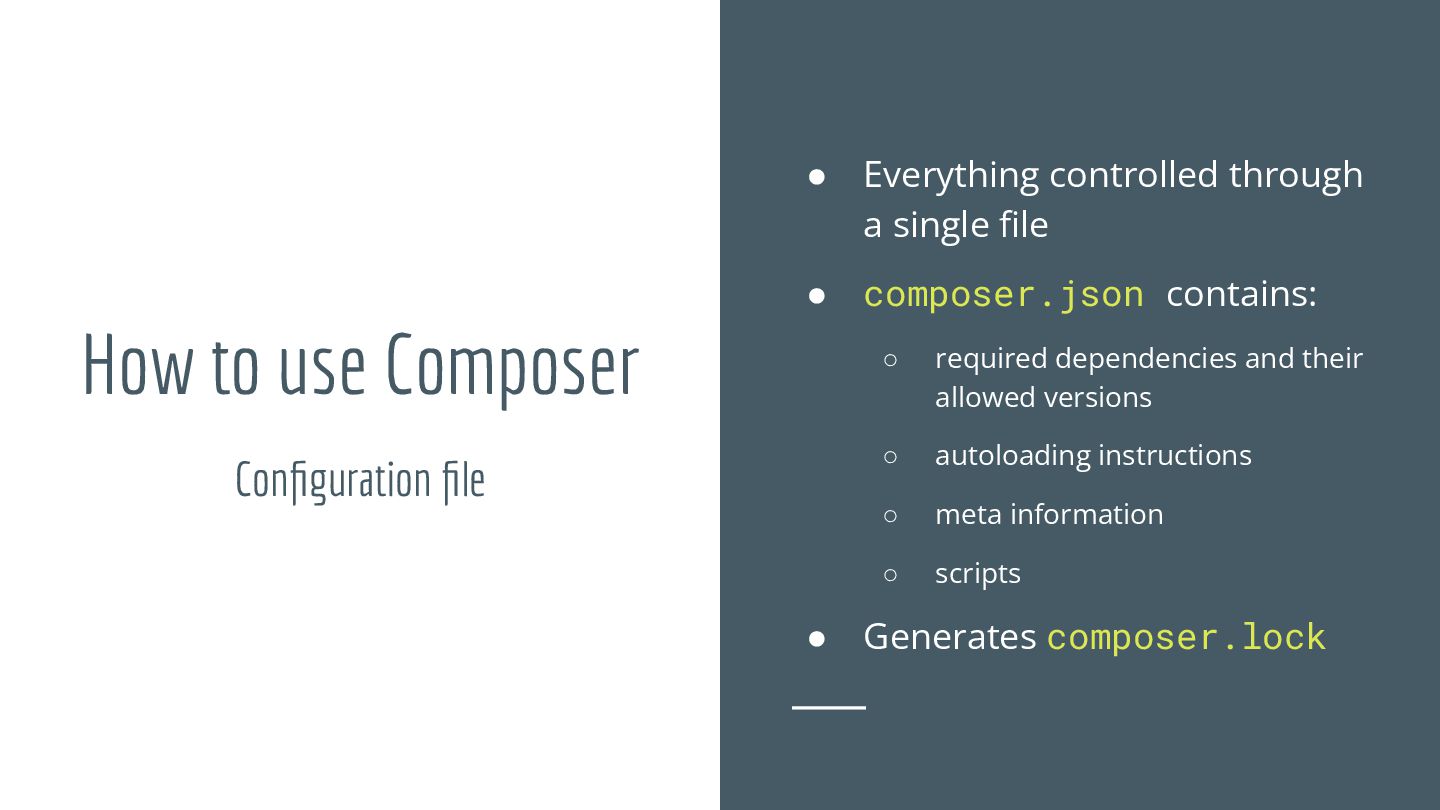
  10. How to use Composer • Everything controlled through a single

    file • composer.json contains: ◦ required dependencies and their allowed versions ◦ autoloading instructions ◦ meta information ◦ scripts • Generates composer.lock Configuration file
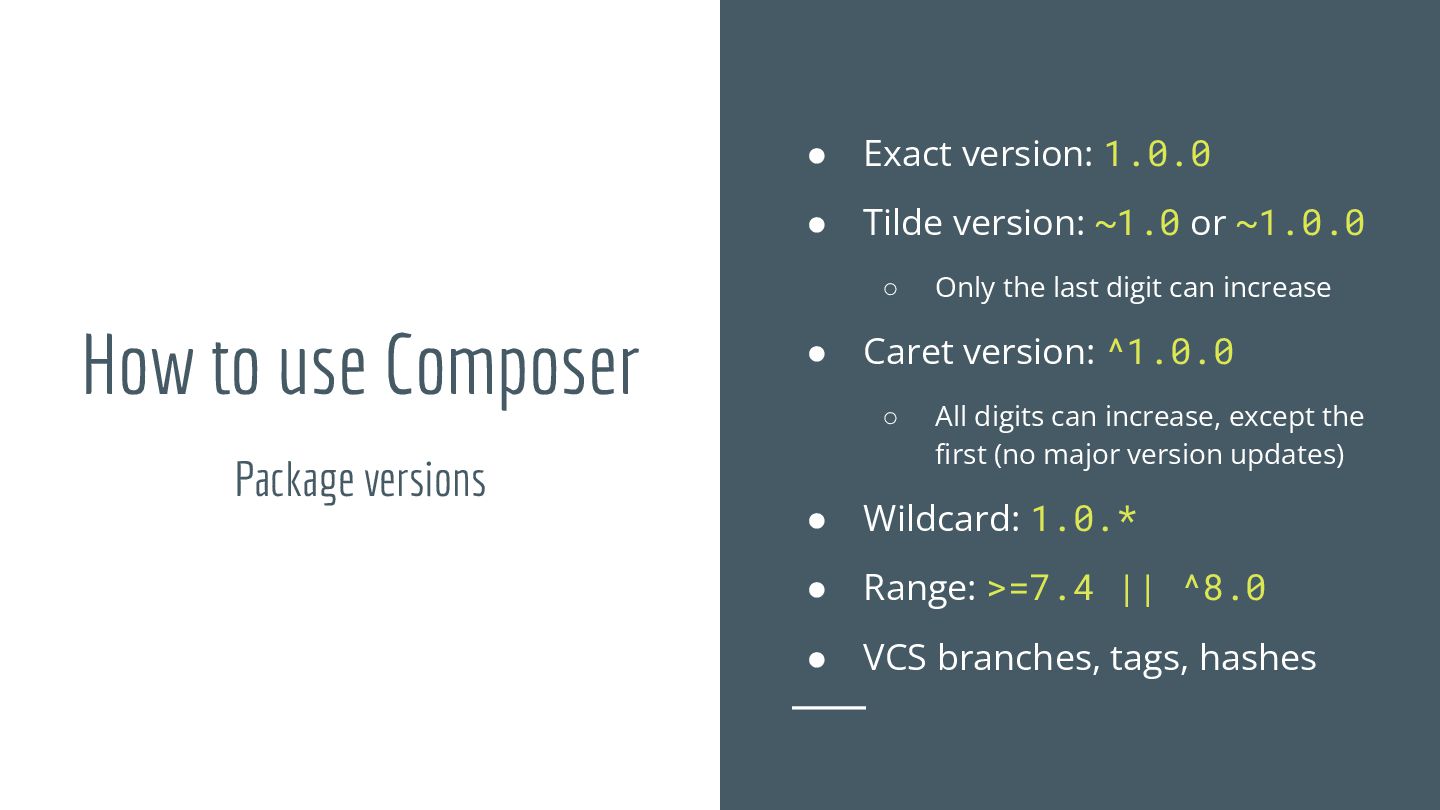
  11. How to use Composer • Exact version: 1.0.0 • Tilde

    version: ~1.0 or ~1.0.0 ◦ Only the last digit can increase • Caret version: ^1.0.0 ◦ All digits can increase, except the first (no major version updates) • Wildcard: 1.0.* • Range: >=7.4 || ^8.0 • VCS branches, tags, hashes Package versions
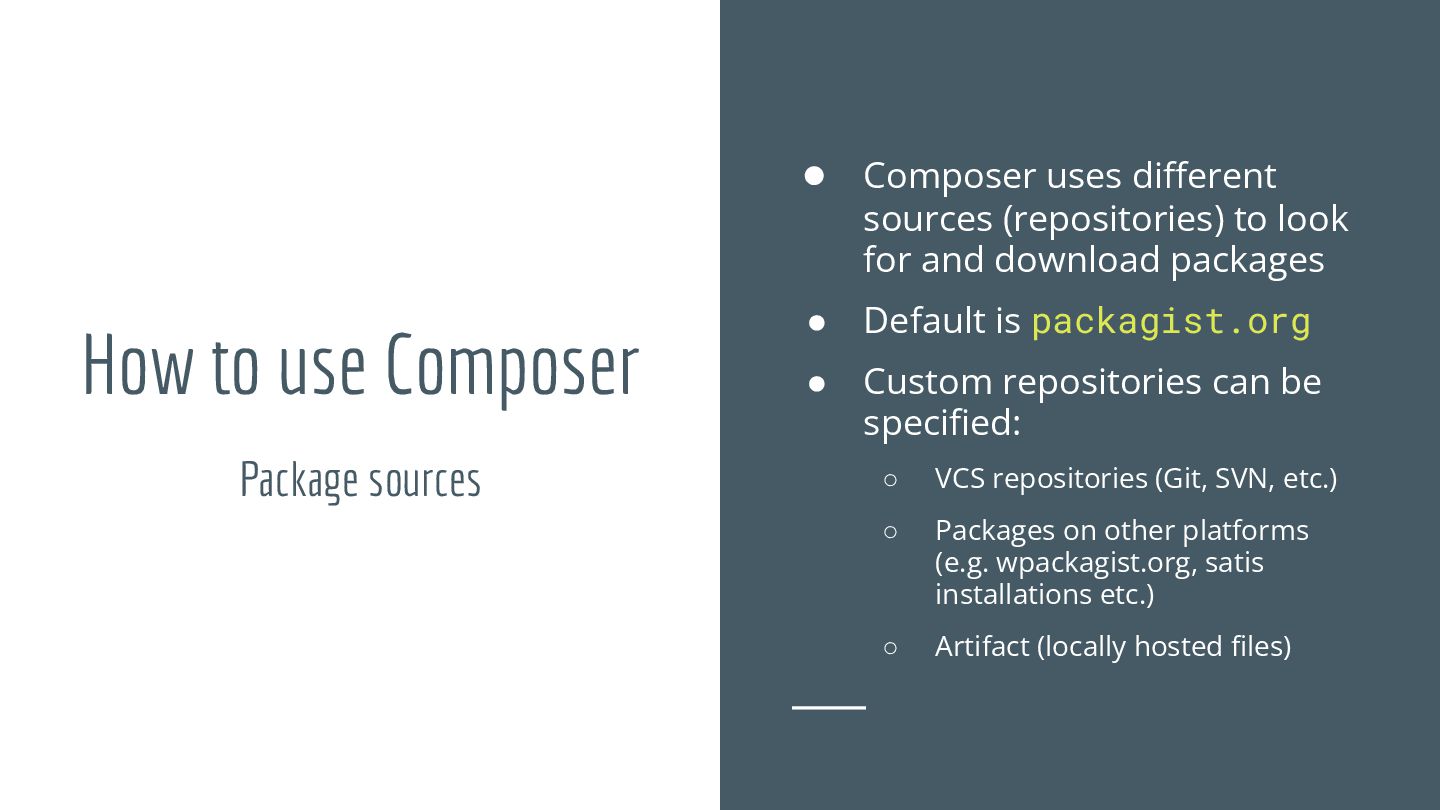
  12. How to use Composer • Composer uses different sources (repositories)

    to look for and download packages • Default is packagist.org • Custom repositories can be specified: ◦ VCS repositories (Git, SVN, etc.) ◦ Packages on other platforms (e.g. wpackagist.org, satis installations etc.) ◦ Artifact (locally hosted files) Package sources
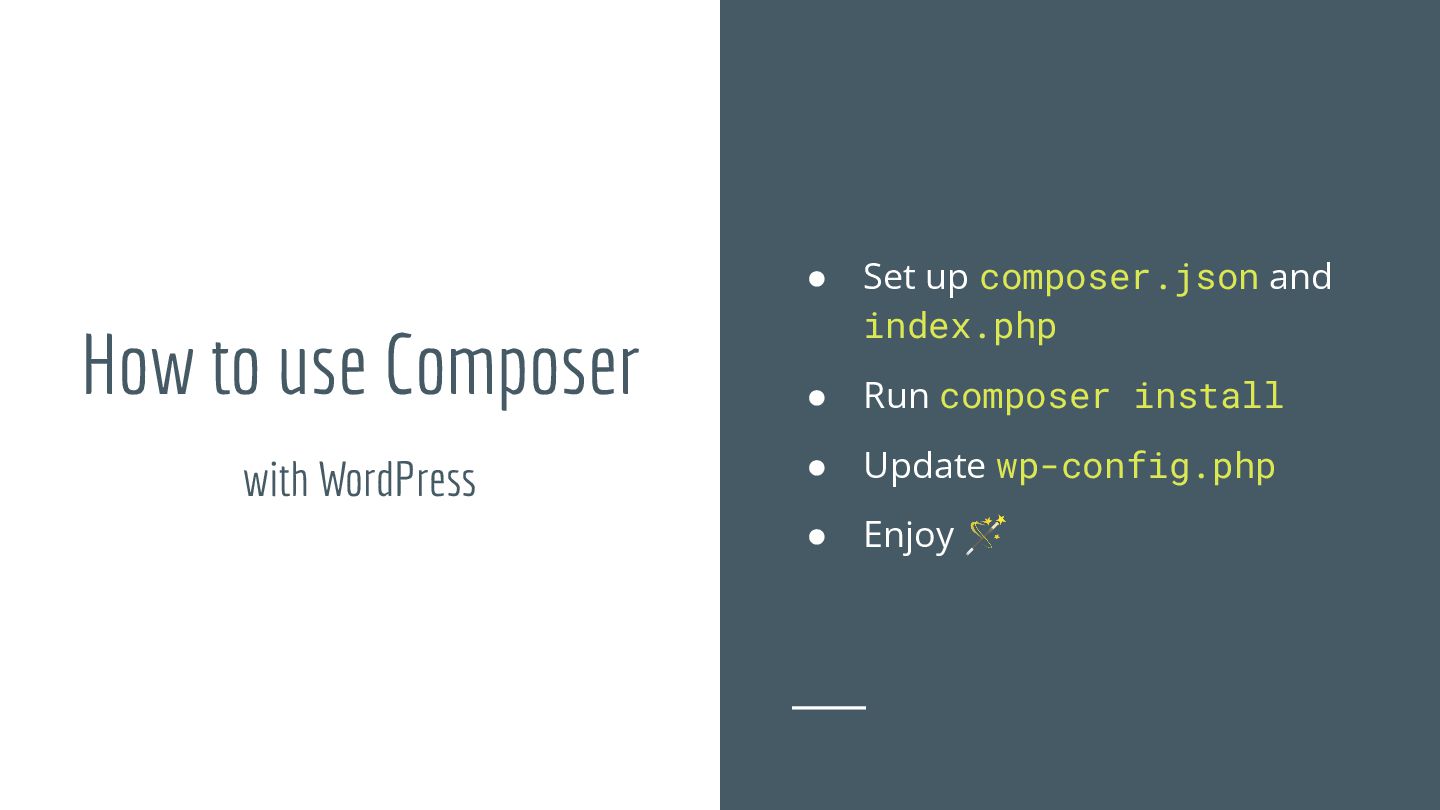
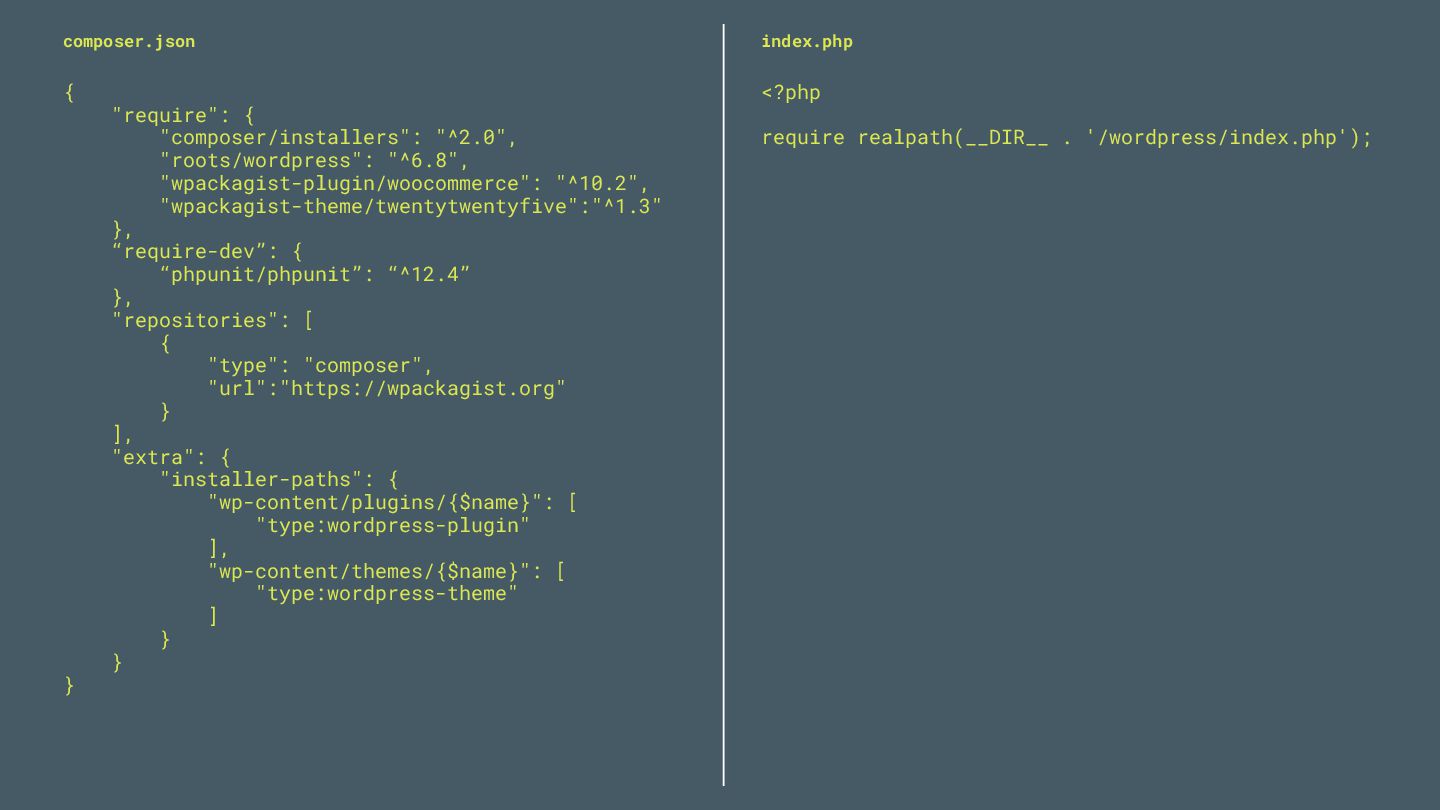
  13. How to use Composer • Set up composer.json and index.php

    • Run composer install • Update wp-config.php • Enjoy 🪄 with WordPress
  14. { "require": { "composer/installers": "^2.0", "roots/wordpress": "^6.8", "wpackagist-plugin/woocommerce": "^10.2", "wpackagist-theme/twentytwentyfive":"^1.3"

    }, “require-dev”: { “phpunit/phpunit”: “^12.4” }, "repositories": [ { "type": "composer", "url":"https://wpackagist.org" } ], "extra": { "installer-paths": { "wp-content/plugins/{$name}": [ "type:wordpress-plugin" ], "wp-content/themes/{$name}": [ "type:wordpress-theme" ] } } } composer.json <?php require realpath(__DIR__ . '/wordpress/index.php'); index.php