Upgrade to Pro
— share decks privately, control downloads, hide ads and more …
Speaker Deck
Sign up for free
Menu
Search
Features
All features
Private URLs
Password Protection
Custom URLS
Scheduled publishing
Remove Branding
Restrict embedding
Deck Collections
Notes
Features
All features
Private URLs
Password Protection
Custom URLS
Scheduled publishing
Remove Branding
Restrict embedding
Deck Collections
Notes
Explore
Featured decks
Featured speakers
Programming
Technology
Storyboards
Explore
Featured decks
Featured speakers
Programming
Technology
Storyboards
Pricing
Search
Sign in
Sign up for free
GitHub Actionsと GitHub CLIと permissions
Search
ゆきか
November 22, 2024
Technology
220
0
Share
Embed
Copy iframe code
Copy JS code
Copy link
Start on current slide
GitHub Actionsと GitHub CLIと permissions
ゆきか
November 22, 2024
More Decks by ゆきか
See All by ゆきか
新潟の鮨のはなし 飯テロver
yukikayuki
0
350
新潟WEBアプリケーション勉強会 Vol.1 LT GraphQL Federation
yukikayuki
0
150
React Hooks勉強会 vol.5
yukikayuki
2
390
Other Decks in Technology
See All in Technology
AIカンパニーへの転換を支えた、エンジニアの仕事の再定義
kworkdev
PRO
2
1.2k
Running Kotlin + Quarkus with Lambda
nealle
1
3.7k
Persisting Massive Data with Rails ~Designing for 60 billion rows, and fighting the bottlenecks~ Railsで挑む大量データ永続化 〜600億件を永続化するための設計とボトルネックとの戦い〜
occhi
0
730
⾮構造化データを価値に変える AI エージェント基盤とその組織
ivry_presentationmaterials
0
190
SAENM ~Jupyterで残すPoCの試行錯誤、未来の自分と仲間を助ける記録!~
terapyon
0
110
WasmをRustにする
sansantech
PRO
0
250
OptunaHub: ブラックボックス最適化のためのプラットフォーム
pfn
PRO
0
140
hackers_champloo_2026_tidb
makocchi
0
160
V8のArray.prototype.flatを最大約20倍速くするまでと、巨大OSSへの大規模コミットの道のり
riyaamemiya
0
290
re:Invent初参加で変わったこと、2回目にやってみたいこと(JAWS-UG彩の国埼玉 #12)
mhrtech
2
230
AIにシークレットを見せない、WSL2で安全な開発環境
yazm
0
300
Conditional PED-ANOVA: Hyperparameter Importance in Hierarchical & Dynamic Search Spaces
pfn
PRO
0
130
Featured
See All Featured
For a Future-Friendly Web
brad_frost
184
10k
Conquering PDFs: document understanding beyond plain text
inesmontani
PRO
4
3.2k
How to optimise 3,500 product descriptions for ecommerce in one day using ChatGPT
katarinadahlin
PRO
3
3.9k
Side Projects
sachag
456
43k
How To Stay Up To Date on Web Technology
chriscoyier
790
250k
HTML-Aware ERB: The Path to Reactive Rendering @ RubyCon 2026, Rimini, Italy
marcoroth
5
820
<Decoding/> the Language of Devs - We Love SEO 2024
nikkihalliwell
1
360
What does AI have to do with Human Rights?
axbom
PRO
1
2.5k
The Straight Up "How To Draw Better" Workshop
denniskardys
239
140k
Making the Leap to Tech Lead
cromwellryan
135
10k
VelocityConf: Rendering Performance Case Studies
addyosmani
331
25k
ReactJS: Keep Simple. Everything can be a component!
pedronauck
666
130k
Transcript
GitHub Actionsと GitHub CLIと permissions 2024-11-22 Niigata 5Min Tech #14
@_yukikayuki
自己紹介 KANEDA Takayuki (@_yukikayuki) 株式会社モニクル ソフトウェアエンジニア(Web) + プロダクトSRE 最近メガネを変えた
GitHub ActionsでGitHub CLIを使いたいことあります か?
GitHub Actions(以降GHA)とは > GitHub Actions は、ビルド、テスト、デプロイのパイプラインを自動化でき る継続的インテグレーションと継続的デリバリー (CI/CD) のプラットフォームで す。
リポジトリに対するすべての pull request をビルドしてテストしたり、 マージされた pull request を運用環境にデプロイしたりするワークフローを 作成できます。
利用例 プルリクオープン時のテスト・リント・プレビュー環境へのデプロイ mainブランチへマージした時の本番デプロイ プレビュー環境のクリーニングの定期実行
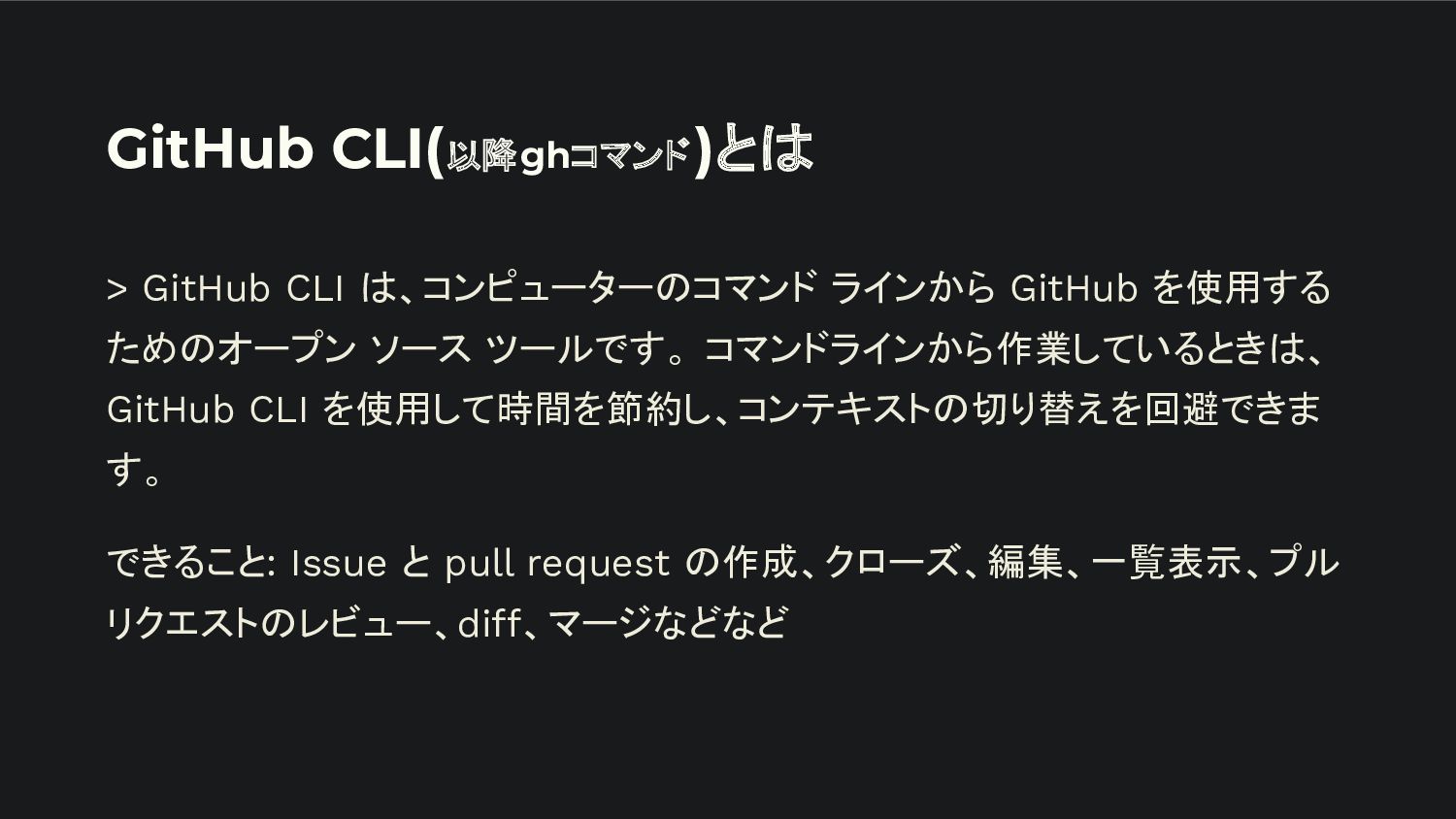
GitHub CLI(以降ghコマンド)とは > GitHub CLI は、コンピューターのコマンド ラインから GitHub を使用する ためのオープン
ソース ツールです。 コマンドラインから作業しているときは、 GitHub CLI を使用して時間を節約し、コンテキストの切り替えを回避できま す。 できること: Issue と pull request の作成、クローズ、編集、一覧表示、プル リクエストのレビュー、diff、マージなどなど
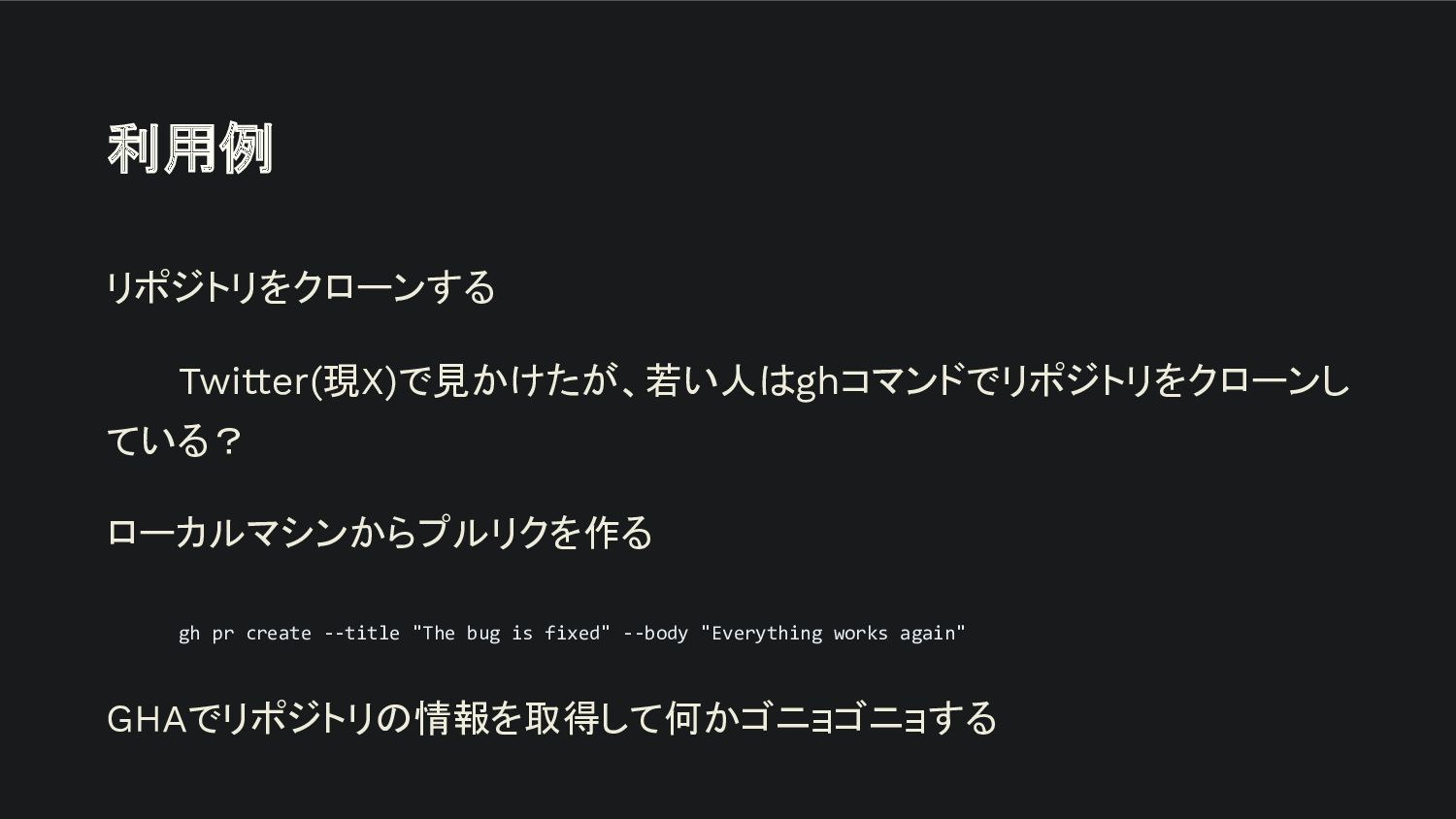
利用例 リポジトリをクローンする Twitter(現X)で見かけたが、若い人はghコマンドでリポジトリをクローンし ている? ローカルマシンからプルリクを作る gh pr create --title "The
bug is fixed" --body "Everything works again" GHAでリポジトリの情報を取得して何かゴニョゴニョする
GHAでghコマンドを使うには?
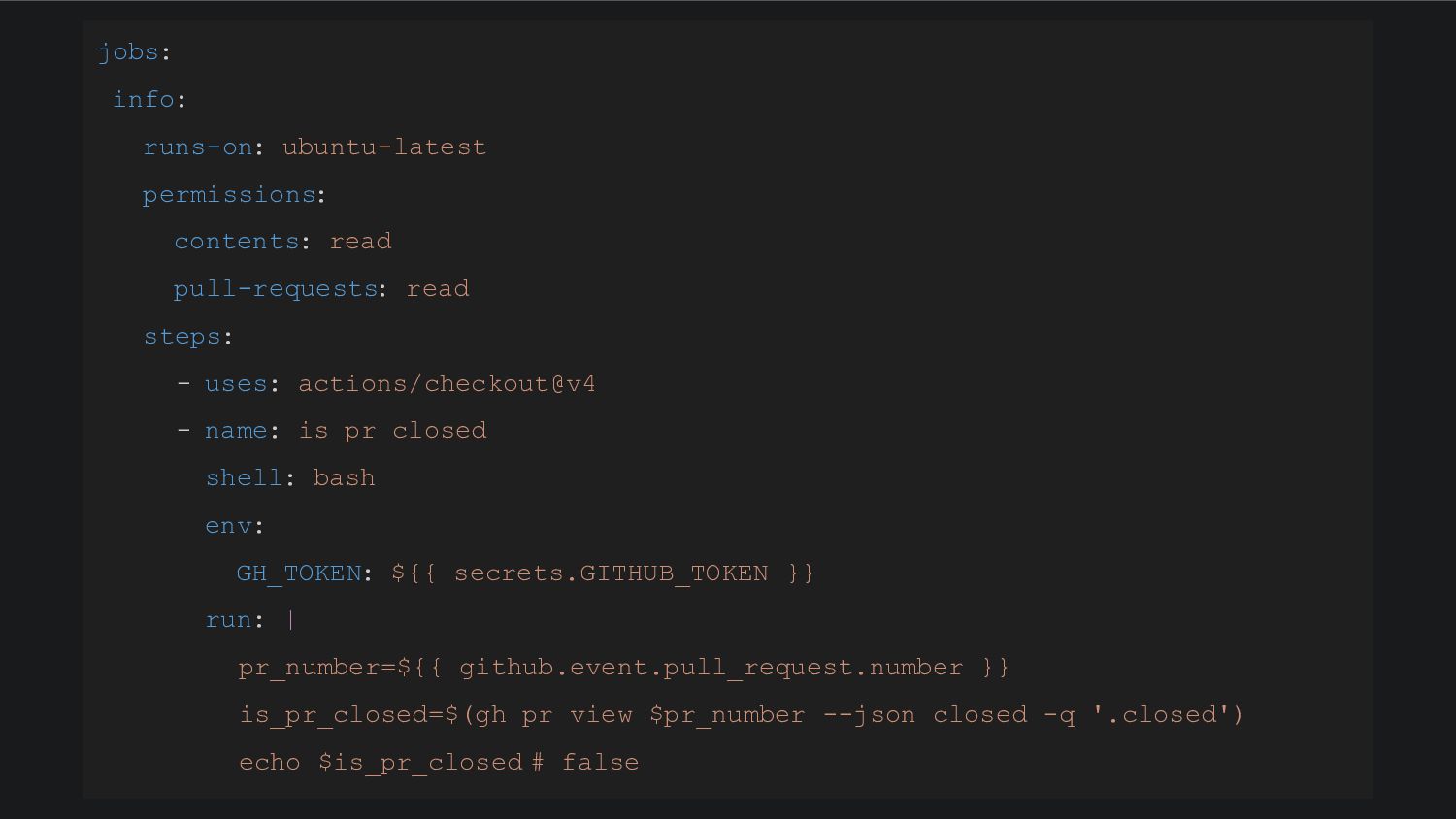
jobs: info: runs-on: ubuntu-latest permissions: contents: read pull-requests: read steps:
- uses: actions/checkout@v4 - name: is pr closed shell: bash env: GH_TOKEN: ${{ secrets.GITHUB_TOKEN }} run: | pr_number=${{ github.event.pull_request.number }} is_pr_closed=$(gh pr view $pr_number --json closed -q '.closed') echo $is_pr_closed # false
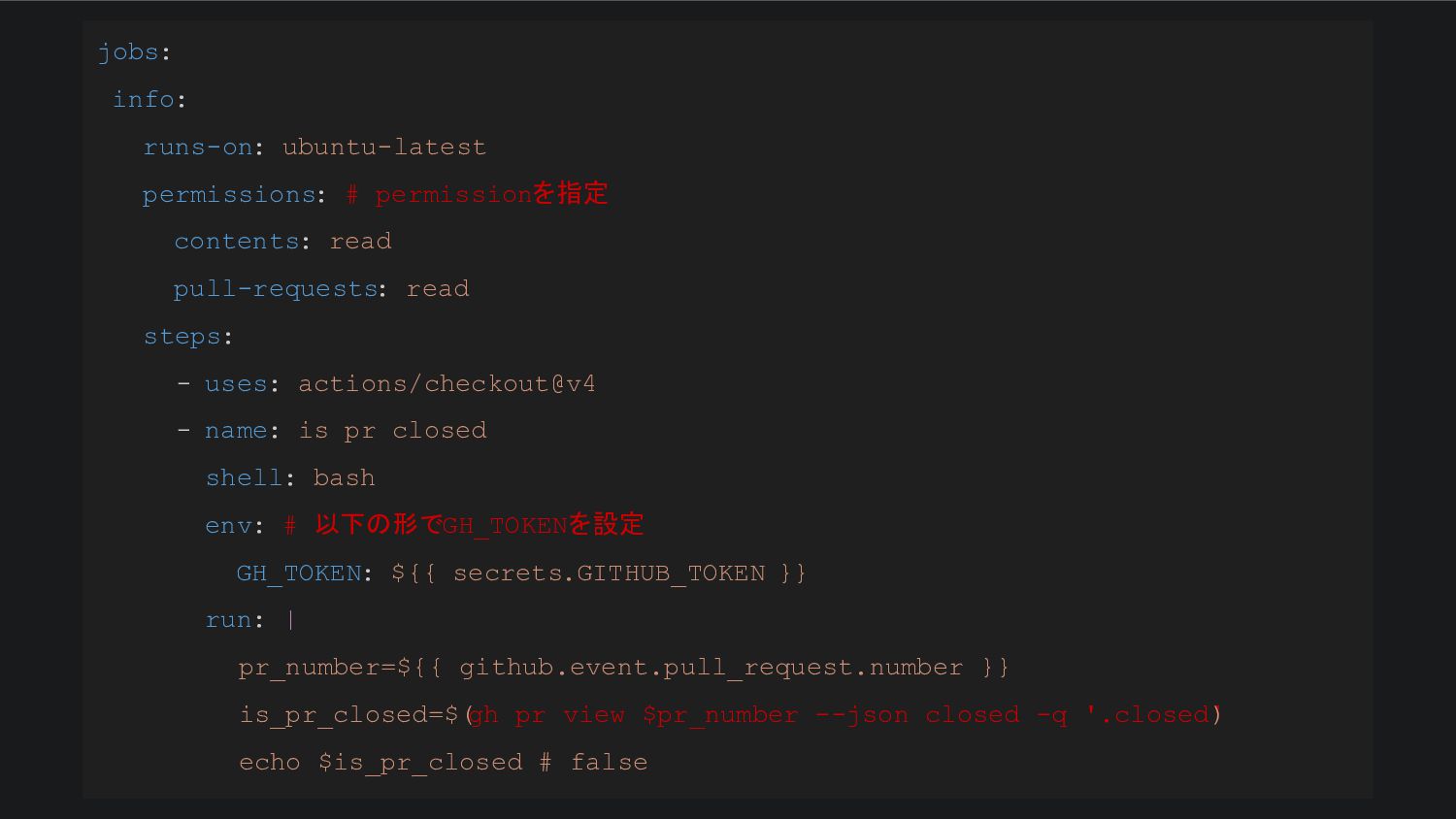
jobs: info: runs-on: ubuntu-latest permissions: # permissionを指定 contents: read pull-requests:
read steps: - uses: actions/checkout@v4 - name: is pr closed shell: bash env: # 以下の形でGH_TOKENを設定 GH_TOKEN: ${{ secrets.GITHUB_TOKEN }} run: | pr_number=${{ github.event.pull_request.number }} is_pr_closed=$( gh pr view $pr_number --json closed -q '.closed' ) echo $is_pr_closed # false
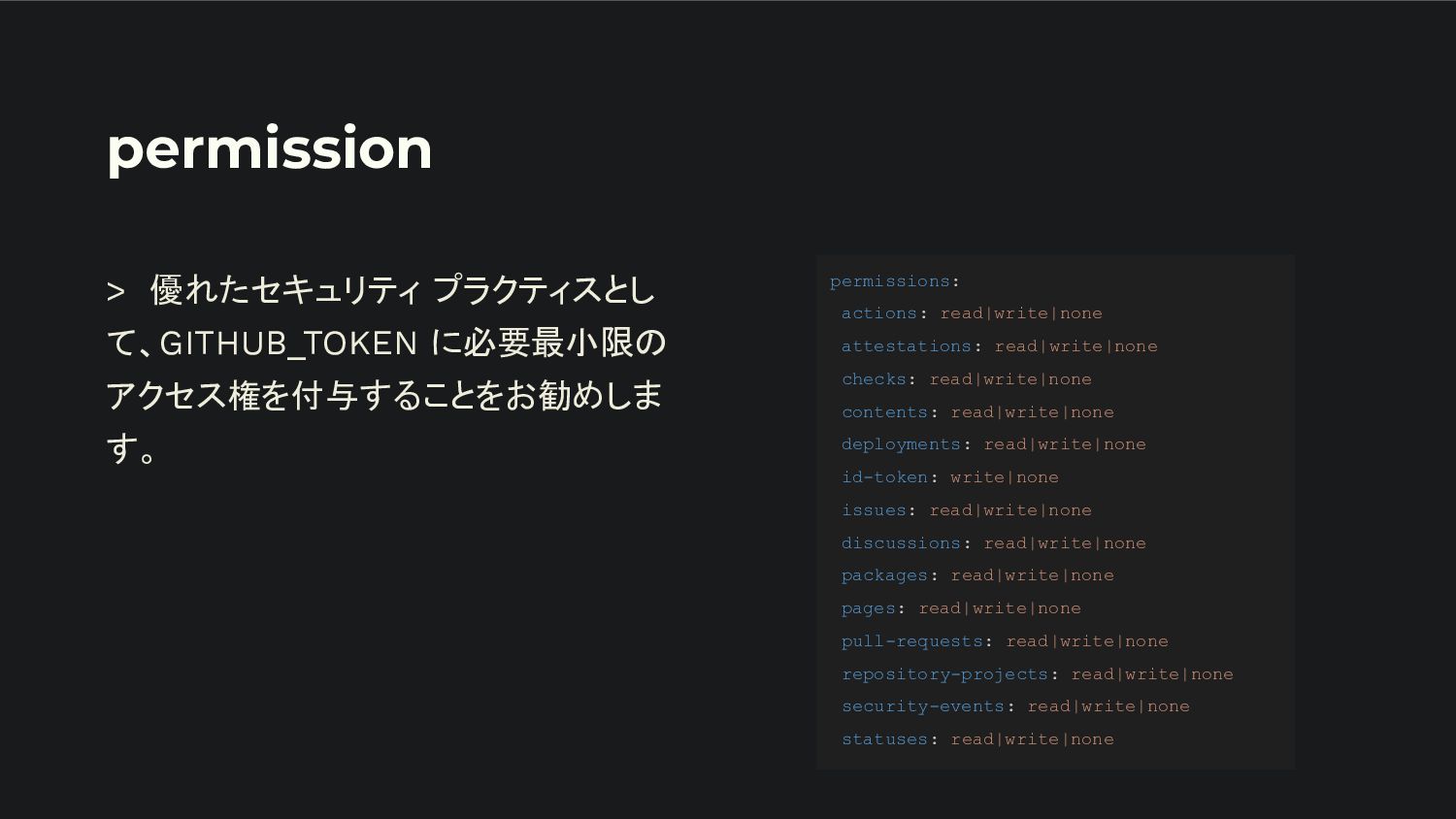
permission > 優れたセキュリティ プラクティスとし て、GITHUB_TOKEN に必要最小限の アクセス権を付与することをお勧めしま す。 permissions: actions:
read|write|none attestations: read|write|none checks: read|write|none contents: read|write|none deployments: read|write|none id-token: write|none issues: read|write|none discussions: read|write|none packages: read|write|none pages: read|write|none pull-requests: read|write|none repository-projects: read|write|none security-events: read|write|none statuses: read|write|none
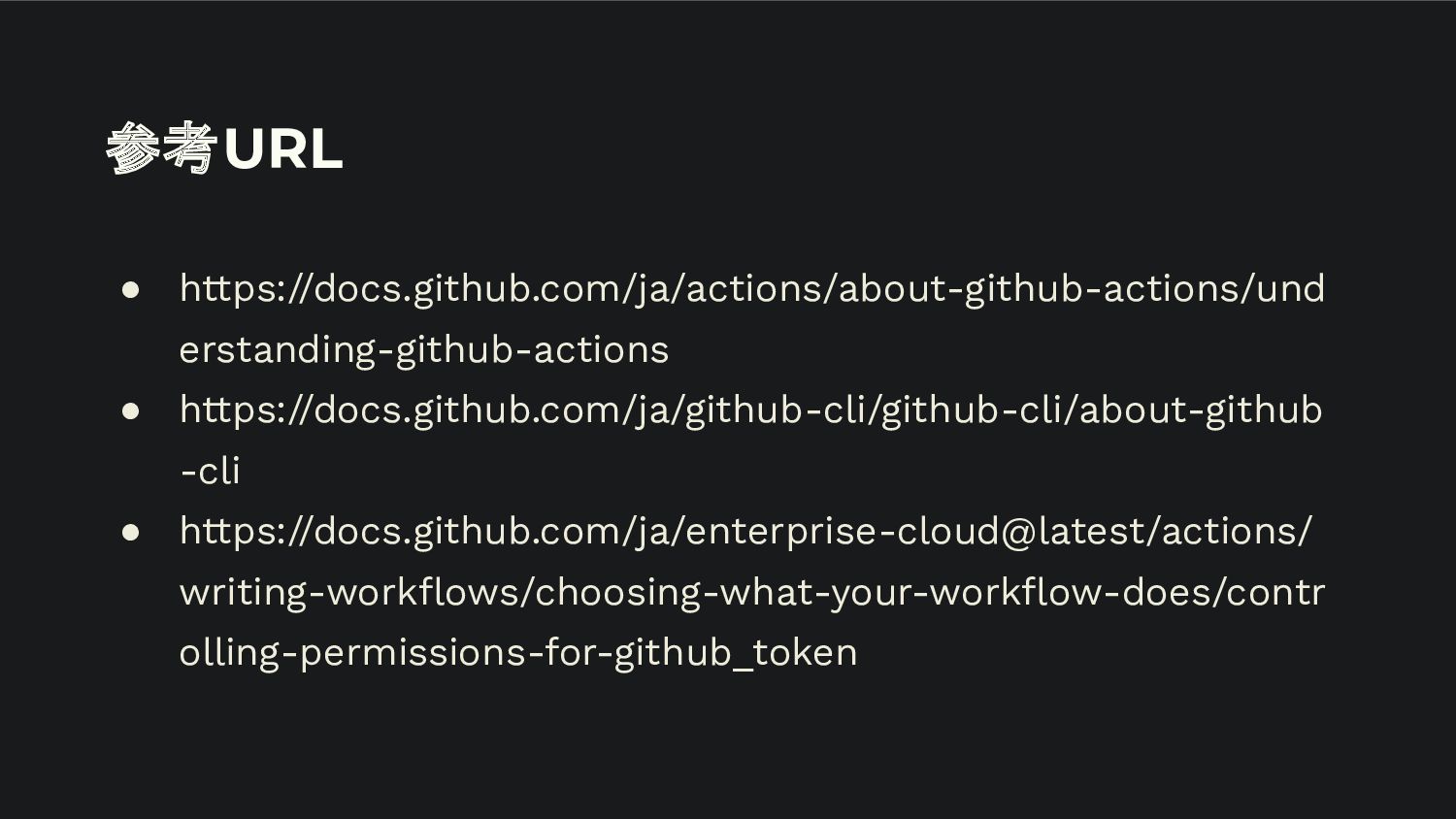
参考URL • https://docs.github.com/ja/actions/about-github-actions/und erstanding-github-actions • https://docs.github.com/ja/github-cli/github-cli/about-github -cli • https://docs.github.com/ja/enterprise-cloud@latest/actions/ writing-workflows/choosing-what-your-workflow-does/contr
olling-permissions-for-github_token


 yukikayuki
 kworkdev
 nealle
 occhi
occhi
 ivry_presentationmaterials
 terapyon
 sansantech
 pfn
pfn
 makocchi
 riyaamemiya
 mhrtech
 yazm
yazm
 brad_frost
 inesmontani
 katarinadahlin
 sachag
 chriscoyier
 marcoroth
 nikkihalliwell
 axbom
axbom
 denniskardys
 cromwellryan
 addyosmani
 pedronauck