Upgrade to Pro
— share decks privately, control downloads, hide ads and more …
Speaker Deck
Sign up for free
Menu
Search
Features
All features
Private URLs
Password Protection
Custom URLS
Scheduled publishing
Remove Branding
Restrict embedding
Deck Collections
Notes
Features
All features
Private URLs
Password Protection
Custom URLS
Scheduled publishing
Remove Branding
Restrict embedding
Deck Collections
Notes
Explore
Featured decks
Featured speakers
Programming
Technology
Storyboards
Explore
Featured decks
Featured speakers
Programming
Technology
Storyboards
Pricing
Search
Sign in
Sign up for free
systemdでよく使うサブコマンド
Search
Kazuhiro NISHIYAMA
June 24, 2018
Technology
390
0
Share
Embed
Copy iframe code
Copy JS code
Copy link
Start on current slide
systemdでよく使うサブコマンド
第136回関西Debian勉強会 + Linux Kernel 勉強会 LT大会
https://debianjp.connpass.com/event/90376/
での発表資料です。
Kazuhiro NISHIYAMA
June 24, 2018
More Decks by Kazuhiro NISHIYAMA
See All by Kazuhiro NISHIYAMA
Reforming the Japanese Ruby reference manual
znz
0
35
Rubyの配布パッケージの変遷
znz
0
57
Headscale + Tailscale に移行中
znz
0
110
Ruby on Rails と私
znz
0
96
riscv64.rubyci.org internal
znz
0
69
Rubyの日本語リファレンスマニュアルの現在と未来
znz
0
130
devise-two-factorを4.xから5.xに上げた話
znz
0
470
docs.ruby-lang.org/ja/ の生成方法を変えた
znz
0
130
Ubuntuのriscv64版をqemuで動かした
znz
0
160
Other Decks in Technology
See All in Technology
分析AIエージェントを育てる、動く環境を育てる
codatum
1
1.1k
パスキーの自動テストはどこまでいけるのか
teamlab
PRO
0
190
Rust で関数型ドメインモデリング
takonda
0
130
ソフトウェア ファクトリー - 再現性のあるソフトウェアの工場づくり / Software factory
iktakahiro
6
4.9k
Conditional PED-ANOVA: Hyperparameter Importance in Hierarchical & Dynamic Search Spaces
pfn
PRO
0
130
実践! SRE × AI - ABEMA における AIOps -
tetsuya28
8
3.1k
Metadata - Section 1: HTML Basics
mohab1
0
110
Rustuna: Rustによる高速なOptuna実装
pfn
PRO
0
190
会社説明資料
persolserverworks
0
9.8k
JAWSUG TOHOKU 青森支部 「LoGoチャット」のAWS移行で 乗り越えたこと
taketakekaho
0
330
DWH の限界突破! AI エージェント向け爆速リアルタイムデータ基盤 ClickHouse
jozono
1
470
"優秀な誰か"の下位互換にならないために
yut0naga1_fa
1
1.8k
Featured
See All Featured
Building Applications with DynamoDB
mza
96
7.2k
The Myth of the Modular Monolith - Day 2 Keynote - Rails World 2024
eileencodes
28
3.7k
Designing Experiences People Love
moore
143
24k
Public Speaking Without Barfing On Your Shoes - THAT 2023
reverentgeek
1
600
Color Theory Basics | Prateek | Gurzu
gurzu
1
490
Noah Learner - AI + Me: how we built a GSC Bulk Export data pipeline
techseoconnect
PRO
0
460
Utilizing Notion as your number one productivity tool
mfonobong
4
620
Thoughts on Productivity
jonyablonski
76
5.4k
CSS Pre-Processors: Stylus, Less & Sass
bermonpainter
360
31k
Claude Code のすすめ
schroneko
67
230k
Heart Work Chapter 1 - Part 1
lfama
PRO
10
37k
The State of eCommerce SEO: How to Win in Today's Products SERPs - #SEOweek
aleyda
2
12k
Transcript
systemdでよく使うサブコマン ド Kazuhiro NISHIYAMA 第136回関西Debian勉強会 + Linux Kernel 勉強会 LT大会
2018/06/24 Powered by Rabbit 2.2.1
self.introduce One of Ruby committers Twitter, GitHub: @znz 1/7
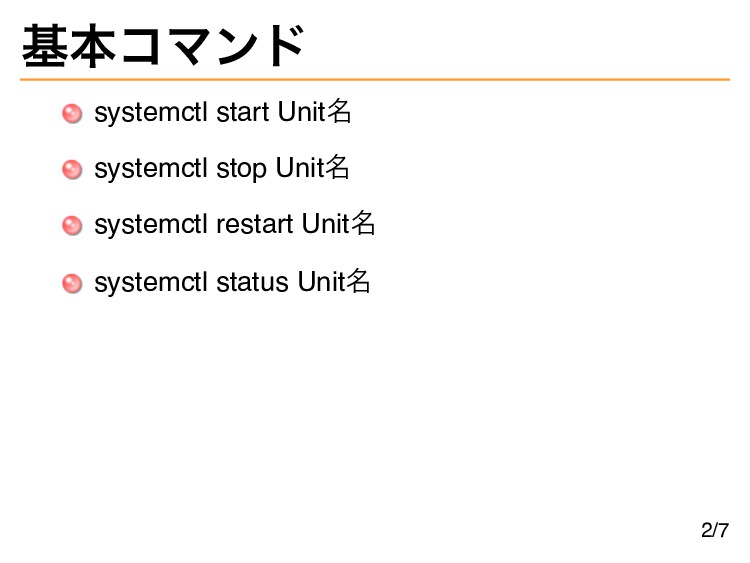
基本コマンド systemctl start Unit名 systemctl stop Unit名 systemctl restart Unit名
systemctl status Unit名 2/7
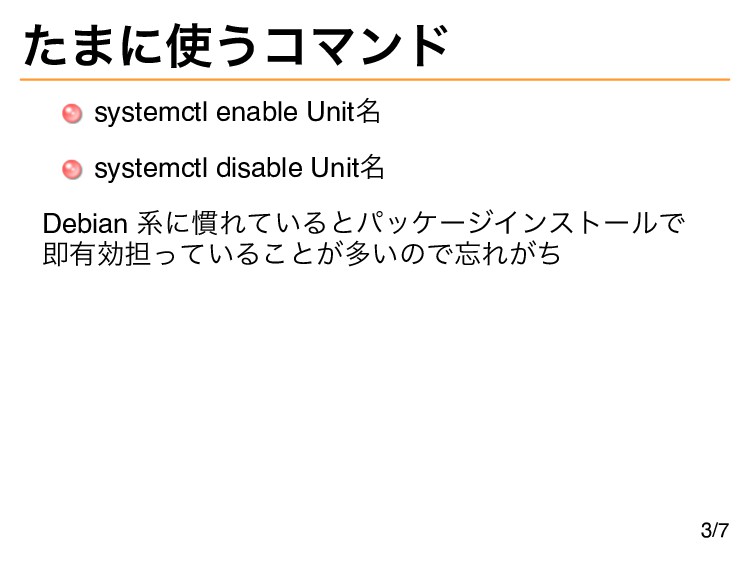
たまに使うコマンド systemctl enable Unit名 systemctl disable Unit名 Debian 系に慣れているとパッケージインストールで 即有効担っていることが多いので忘れがち
3/7
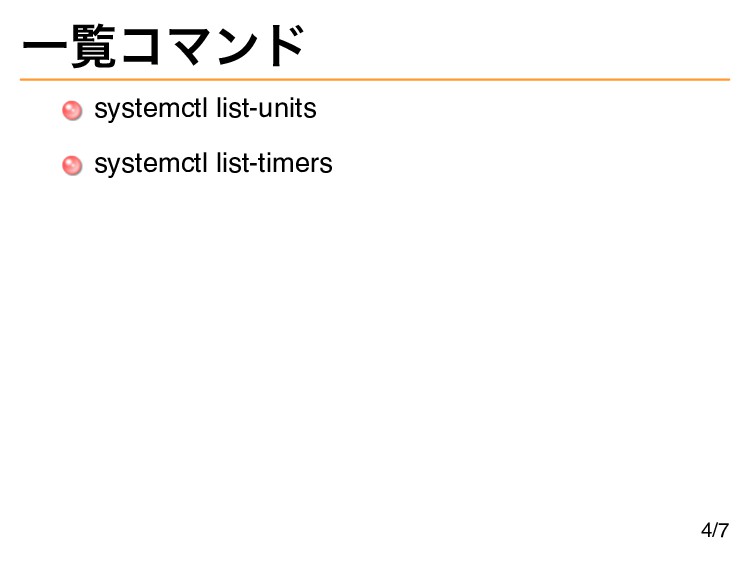
一覧コマンド systemctl list-units systemctl list-timers 4/7
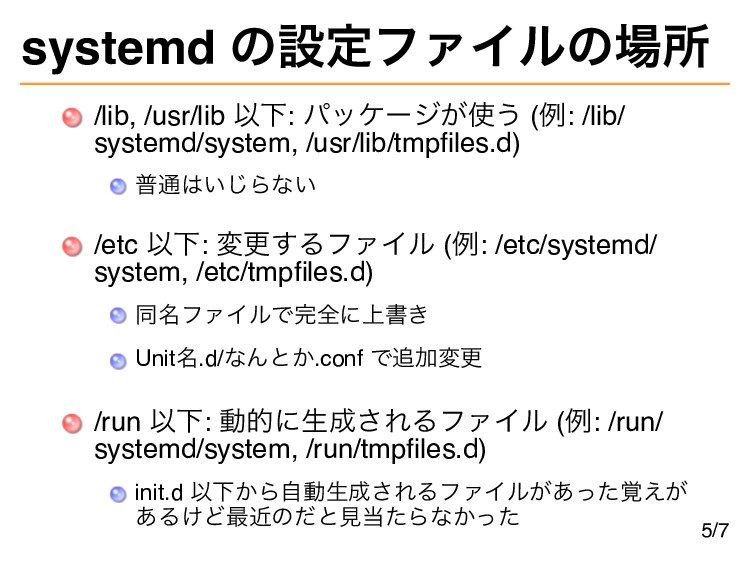
systemd の設定ファイルの場所 /lib, /usr/lib 以下: パッケージが使う (例: /lib/ systemd/system, /usr/lib/tmpfles.d)
普通はいじらない /etc 以下: 変更するファイル (例: /etc/systemd/ system, /etc/tmpfles.d) 同名ファイルで完全に上書き Unit名.d/なんとか.conf で追加変更 /run 以下: 動的に生成されるファイル (例: /run/ systemd/system, /run/tmpfles.d) init.d 以下から自動生成されるファイルがあった覚えが あるけど最近のだと見当たらなかった 5/7
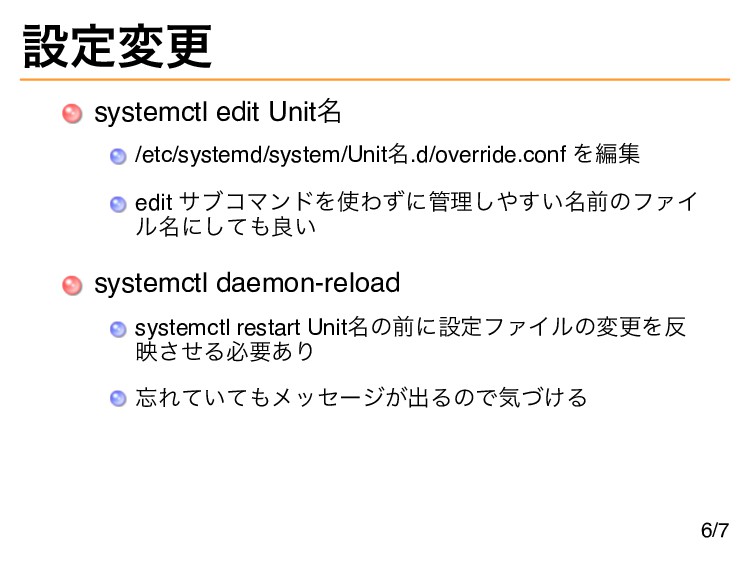
設定変更 systemctl edit Unit名 /etc/systemd/system/Unit名.d/override.conf を編集 edit サブコマンドを使わずに管理しやすい名前のファイ ル名にしても良い systemctl
daemon-reload systemctl restart Unit名の前に設定ファイルの変更を反 映させる必要あり 忘れていてもメッセージが出るので気づける 6/7
systemctl cat $ systemctl cat php7.0-fpm.service # /lib/systemd/system/php7.0-fpm.service [Unit] Description=The
PHP 7.0 FastCGI Process Manager After=network.target [Service] Type=notify PIDFile=/run/php/php7.0-fpm.pid ExecStartPre=/usr/lib/php/php7.0-fpm-checkconf ExecStart=/usr/sbin/php-fpm7.0 --nodaemonize --fpm-config /etc/php/7.0/fpm/php-fpm.conf ExecReload=/usr/lib/php/php7.0-fpm-checkconf ExecReload=/bin/kill -USR2 $MAINPID [Install] WantedBy=multi-user.target # /etc/systemd/system/php7.0-fpm.service.d/override.conf [Unit] After=nslcd.service 上書きも含めて設定確認例 LDAP のユーザーを使って権限分離する設定をしている 都合で nslcd を待ってから起動する必要があった 7/7 Powered by Rabbit 2.2.1


 znz
znz
.png) codatum
codatum
 teamlab
 takonda
 iktakahiro
 pfn
pfn
 tetsuya28
 mohab1
 persolserverworks
 taketakekaho
 jozono
 yut0naga1_fa
 mza
mza
 eileencodes
 moore
moore
 reverentgeek
 gurzu
gurzu
 techseoconnect
 mfonobong
 jonyablonski
 bermonpainter
 schroneko
 lfama
lfama
 aleyda
![systemctl cat $ systemctl cat php7.0-fpm.service # /lib/systemd/system/php7.0-fpm.service [Unit] Description=The](https://files.speakerdeck.com/presentations/1ddbe46076524af1a4e178e69912c3cc/slide_7.jpg)