Upgrade to Pro — share decks privately, control downloads, hide ads and more …

Built for Today: Built for Tomorrow - Future-p...

Sponsored · Your Podcast. Everywhere. Effortlessly. Share. Educate. Inspire. Entertain. You do you. We'll handle the rest.

Built for Today: Built for Tomorrow - Future-proofed Migrations

Don't hold off migrating if your site isn't up to latest standards. Learn how to migrate to a flexible website to futureproof against whatever AI developments may throw at us next.

Avatar for DavetheSEO

DavetheSEO

April 30, 2026

More Decks by DavetheSEO

Other Decks in Marketing & SEO

Transcript

  1. Built for Today: Built for Tomorrow Future-proofed Migrations Dave Cousin

    Dave the SEO & Co. Davetheseo.com | @davetheseo | linkedin.com/in/davecousin/ | Speakerdeck.com/davetheseo
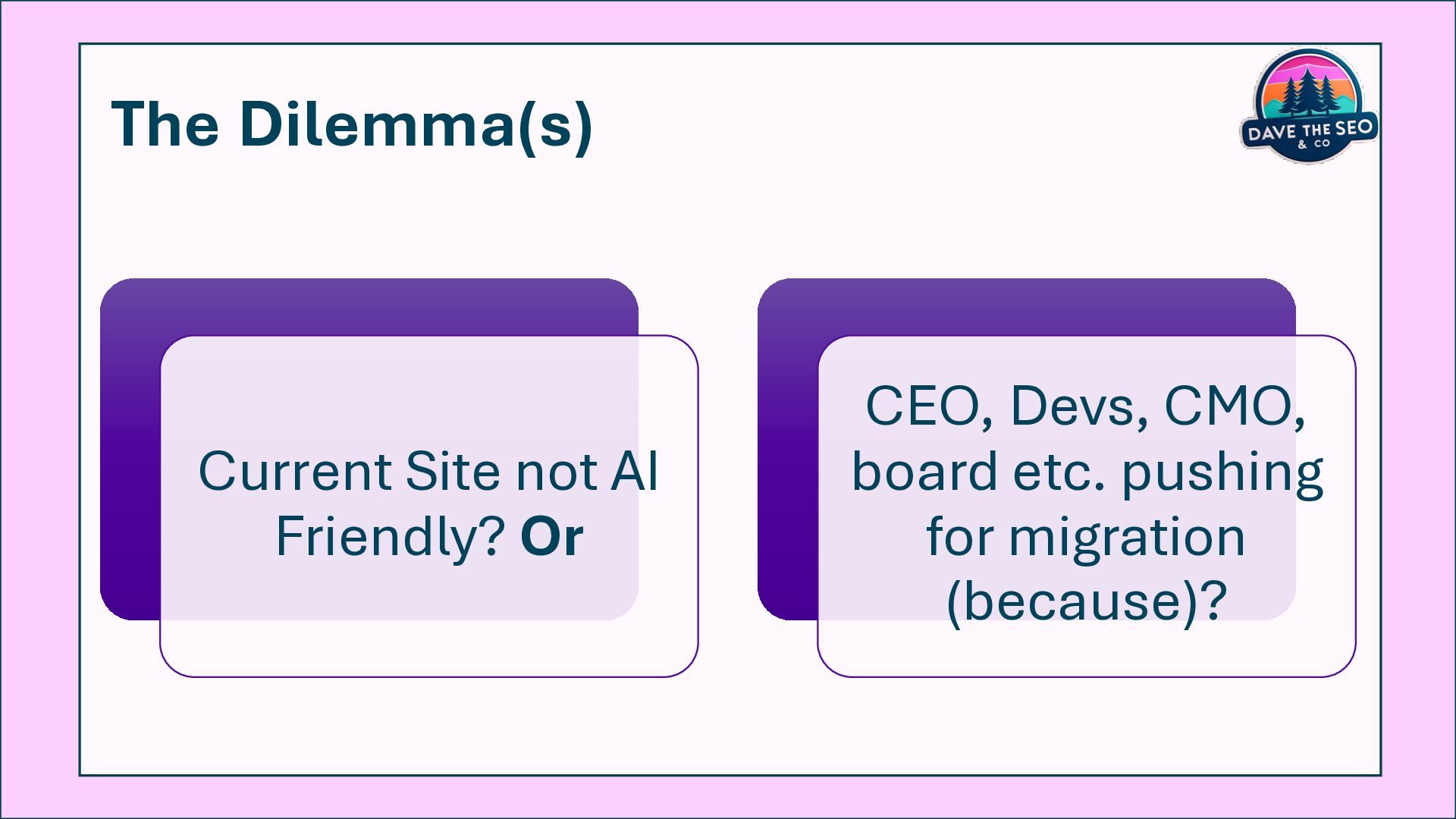
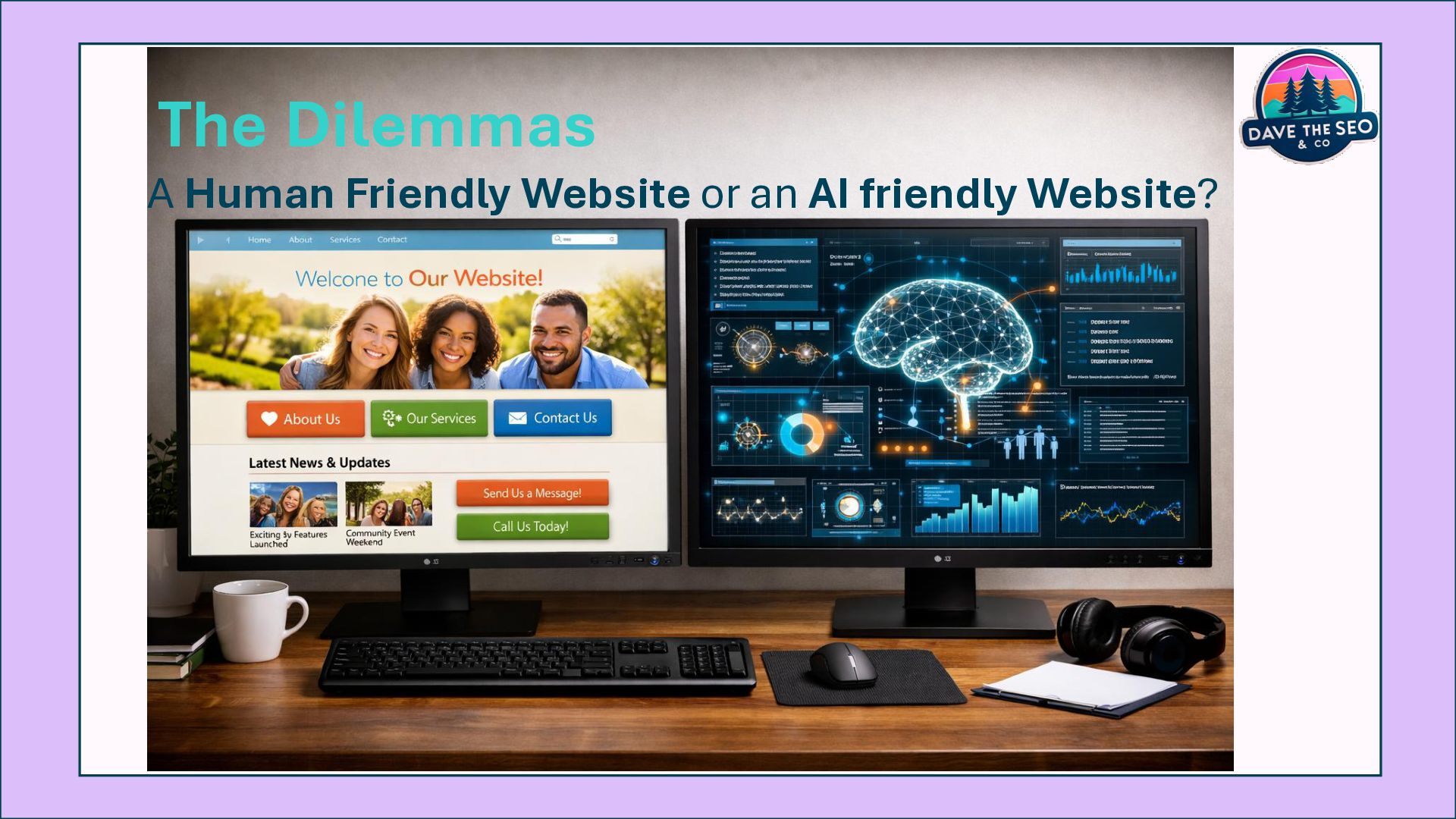
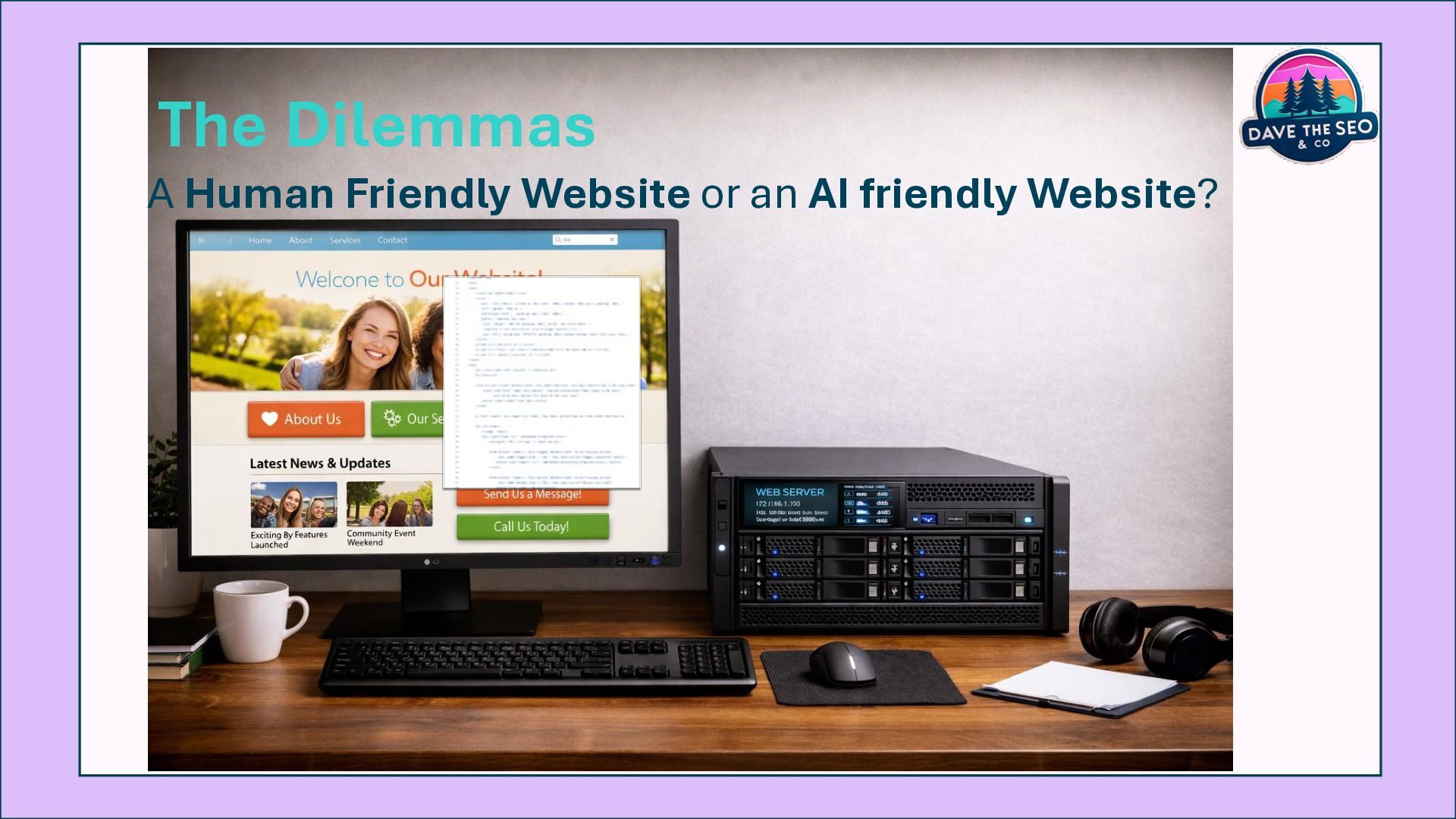
  2. The Dilemma(s) Current Site not AI Friendly? Or CEO, Devs,

    CMO, board etc. pushing for migration (because)?
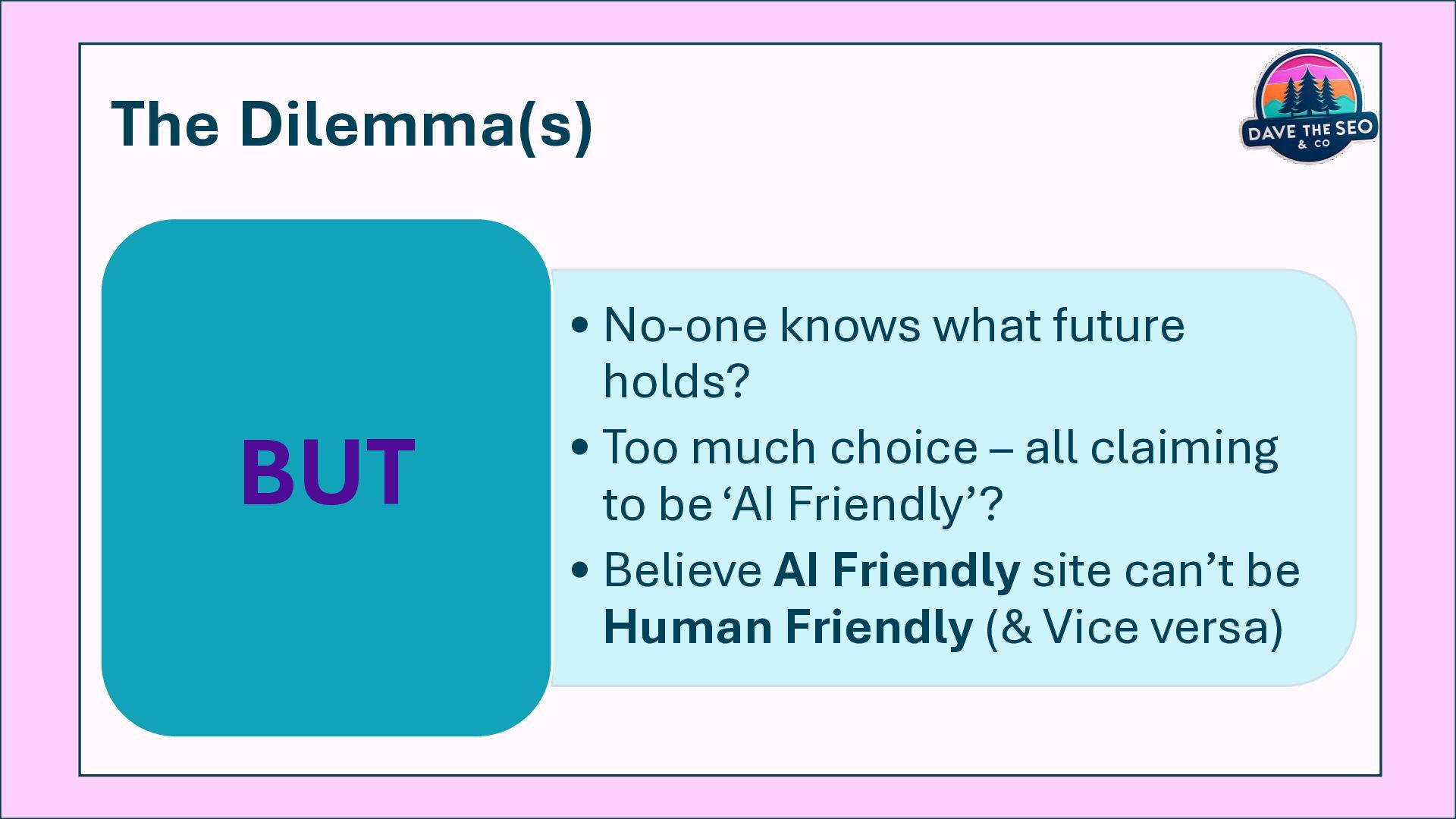
  3. The Dilemma(s) • No-one knows what future holds? • Too

    much choice – all claiming to be ‘AI Friendly’? • Believe AI Friendly site can’t be Human Friendly (& Vice versa) BUT
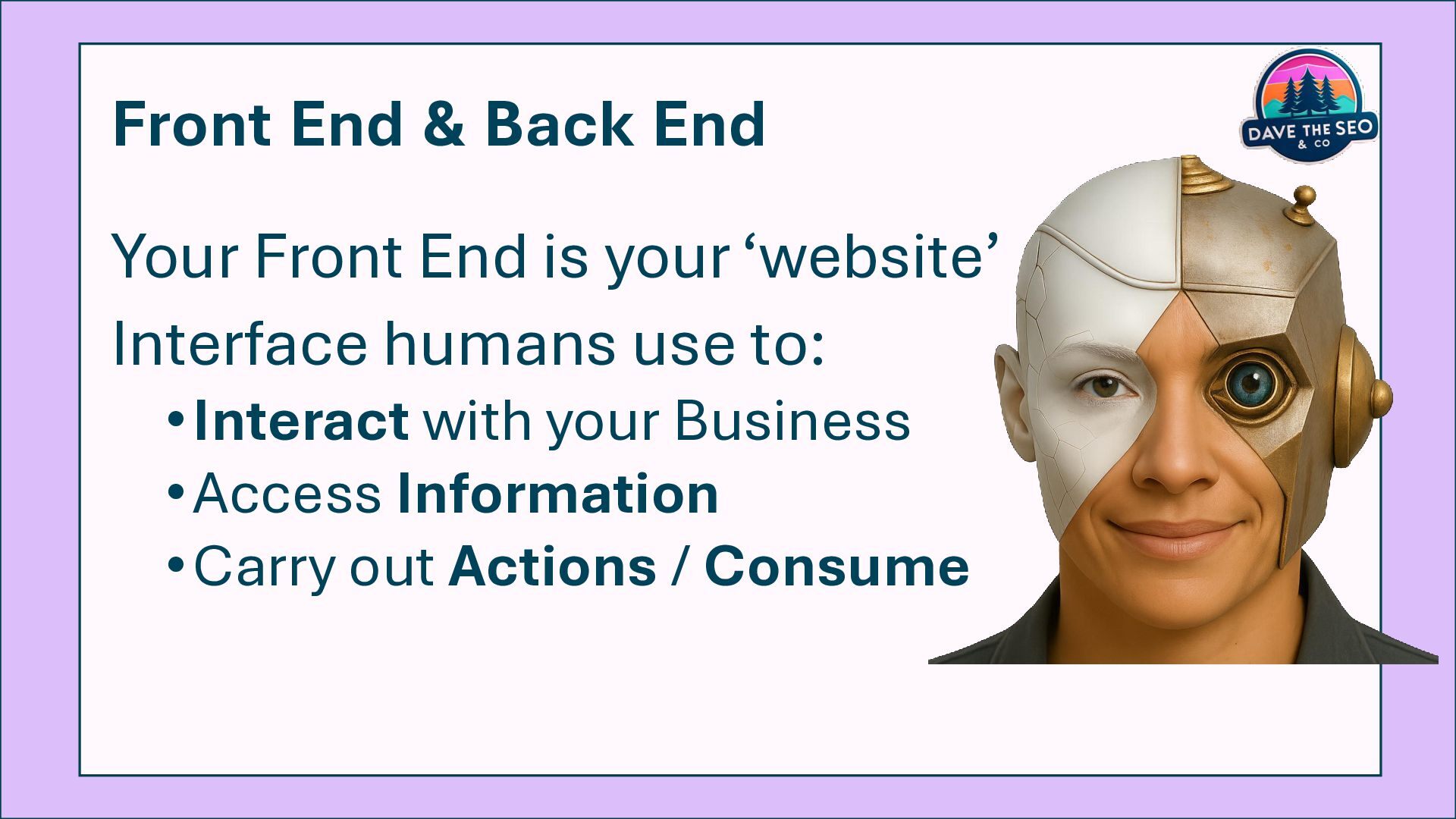
  4. Front End & Back End Your Front End is your

    ‘website’ Interface humans use to: •Interact with your Business •Access Information •Carry out Actions / Consume
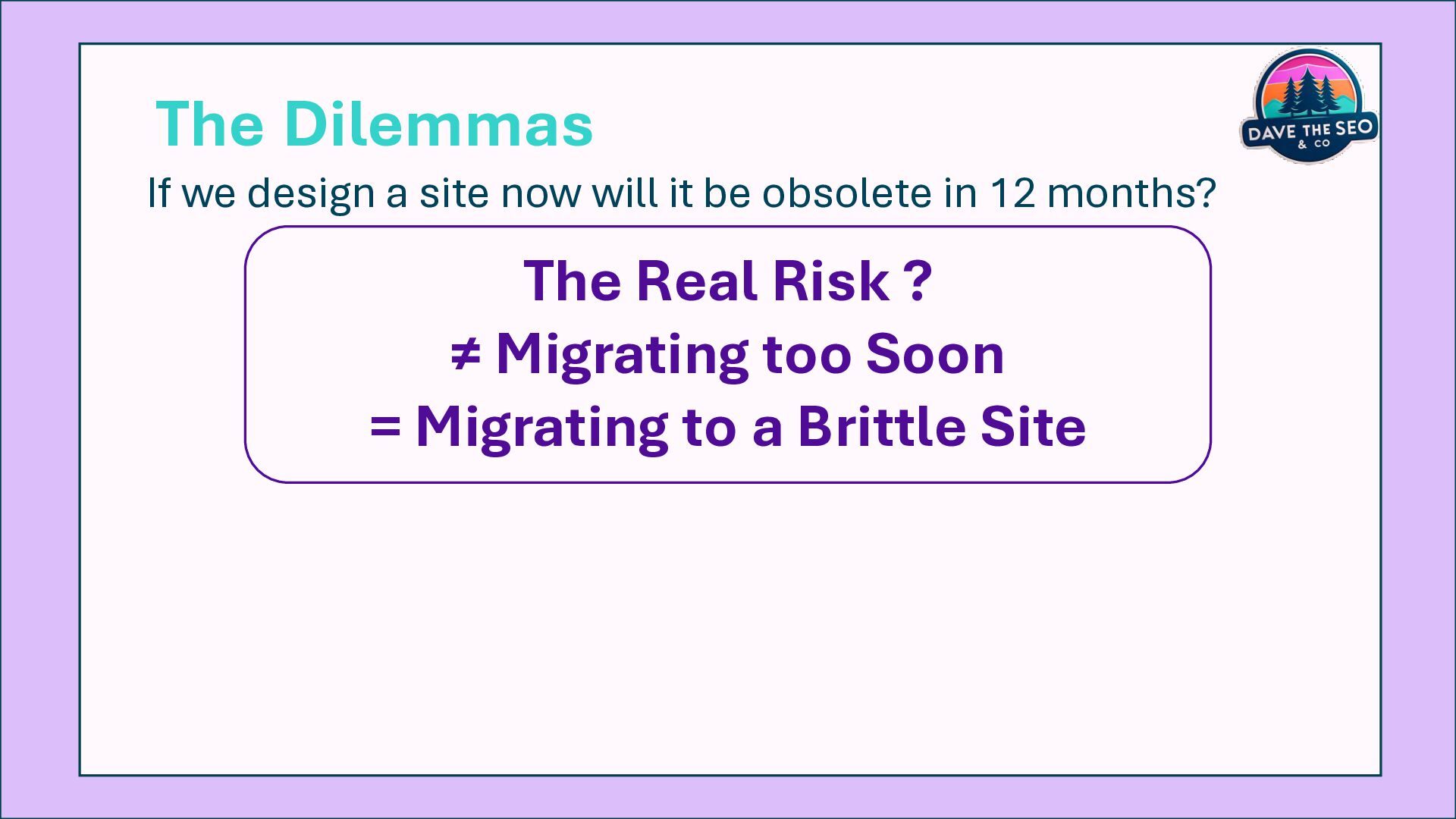
  5. The Real Risk ? ≠ Migrating too Soon = Migrating

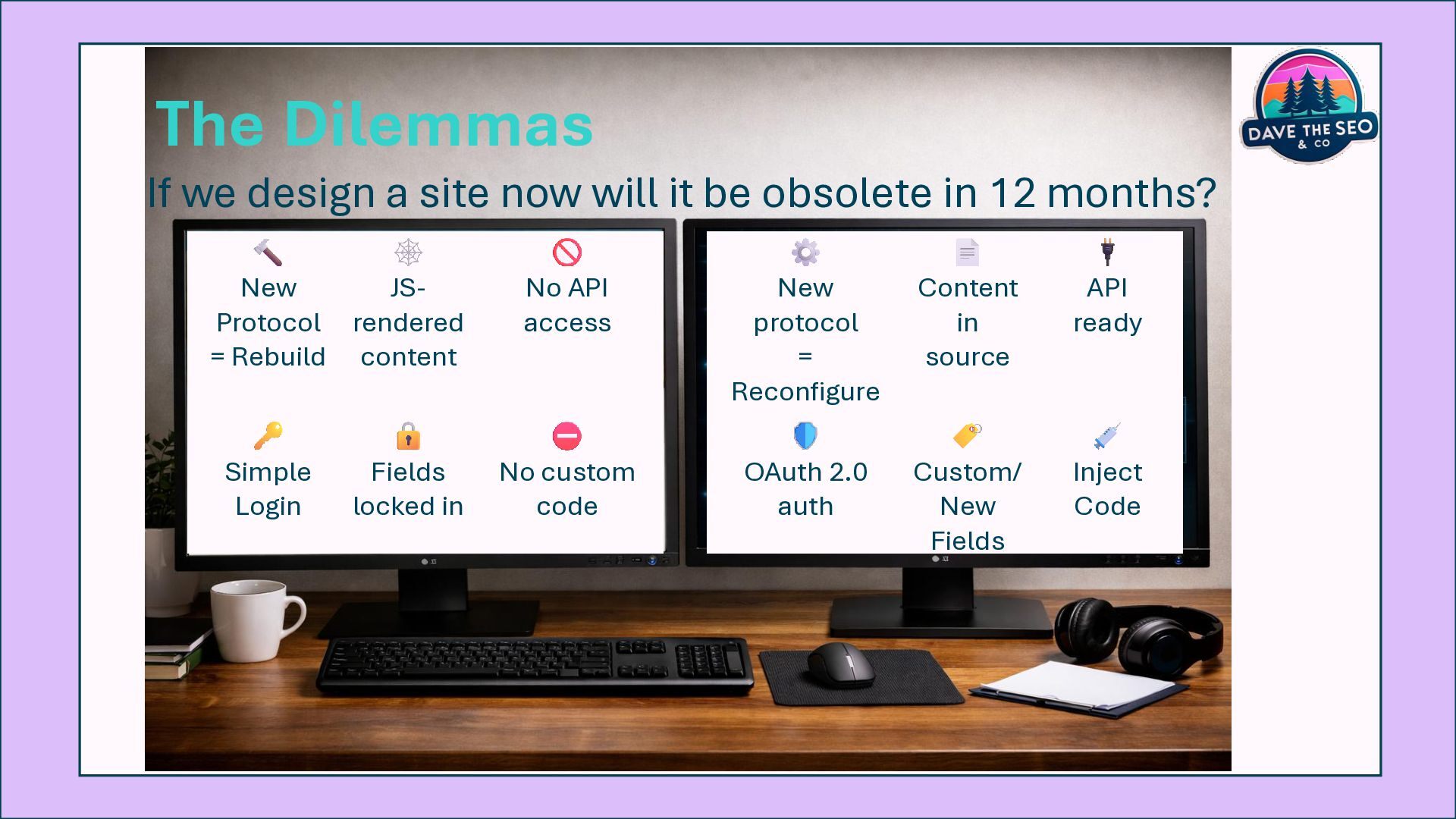
    to a Brittle Site The Dilemmas If we design a site now will it be obsolete in 12 months?
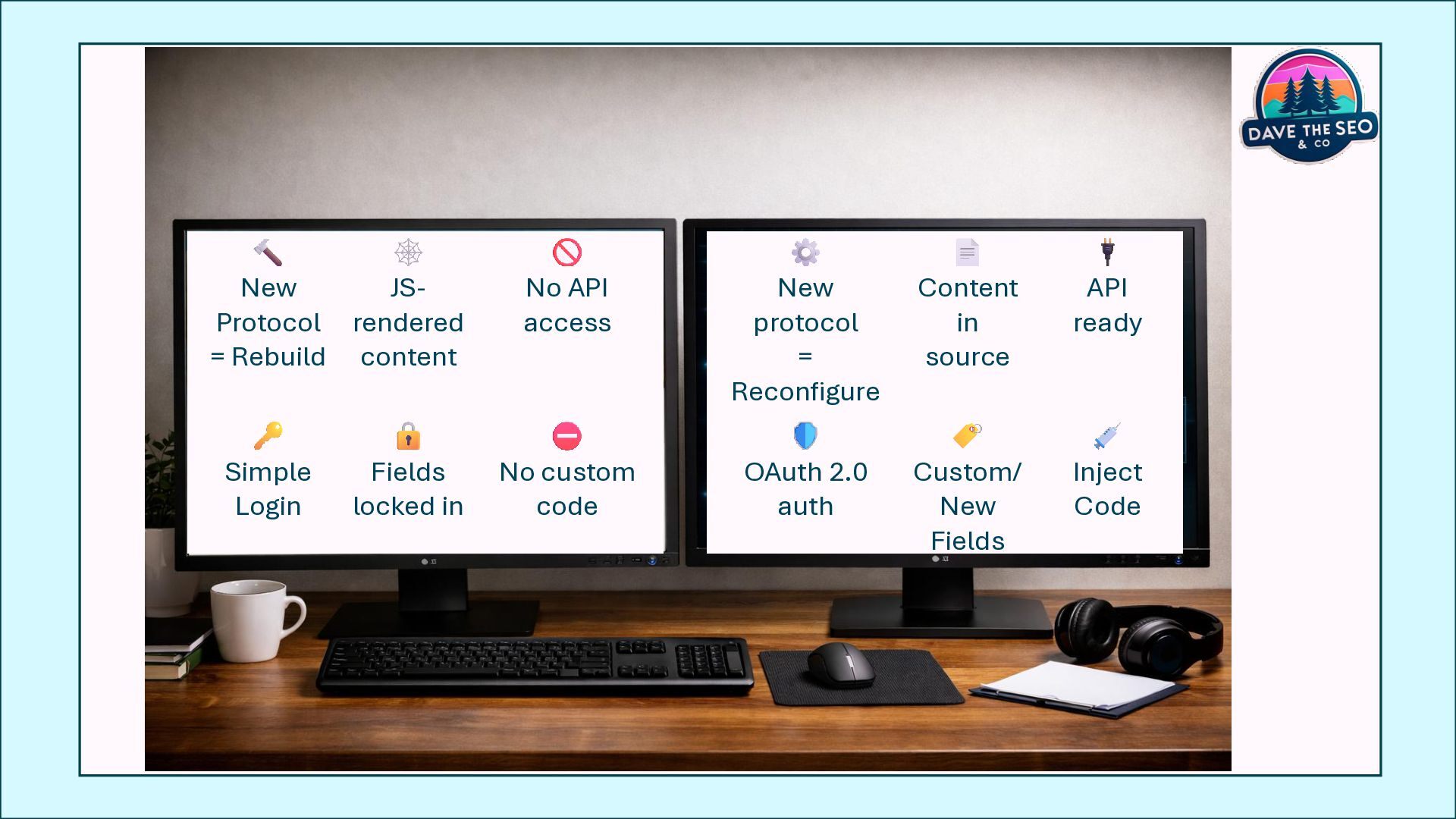
  6. New Protocol = Rebuild JS- rendered content No API access

    New protocol = Reconfigure Content in source API ready Simple Login Fields locked in No custom code OAuth 2.0 auth Custom/ New Fields Inject Code The Dilemmas If we design a site now will it be obsolete in 12 months?
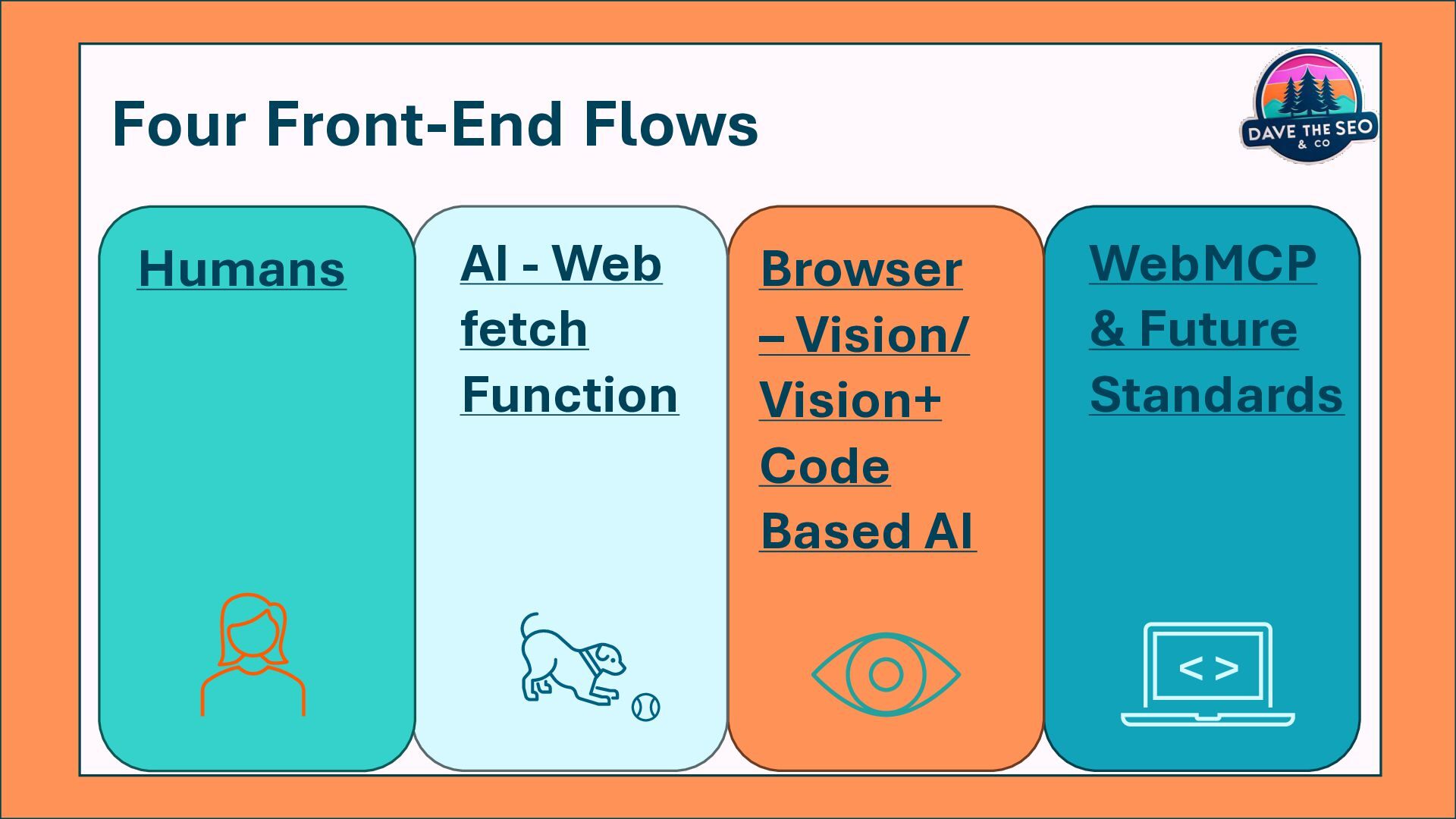
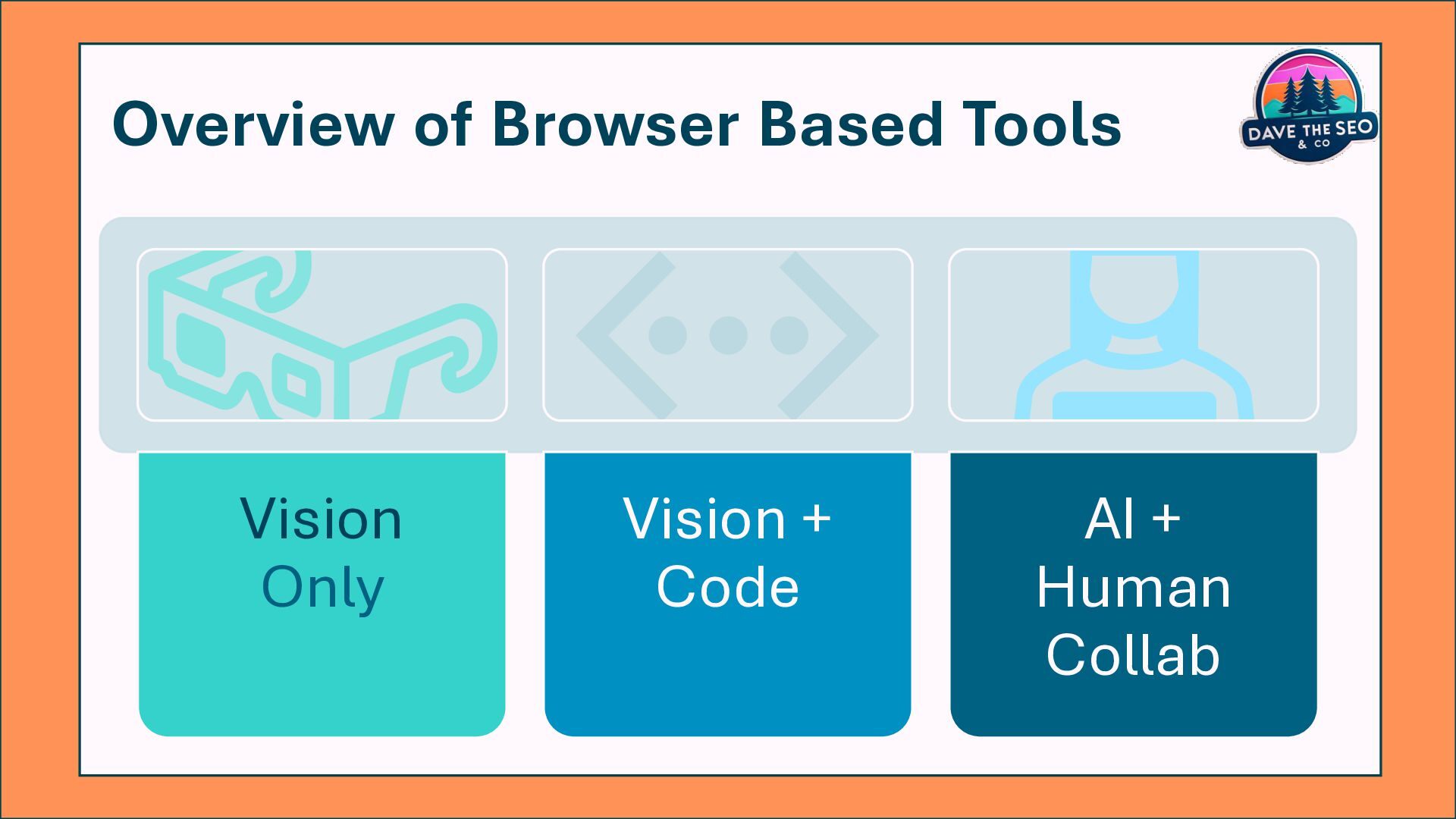
  7. Four Front-End Flows Humans Browser – Vision/ Vision+ Code Based

    AI AI - Web fetch Function WebMCP & Future Standards < >
  8. Four Front-End Flows Browser – Vision/Vision+ Code Based AI WebMCP

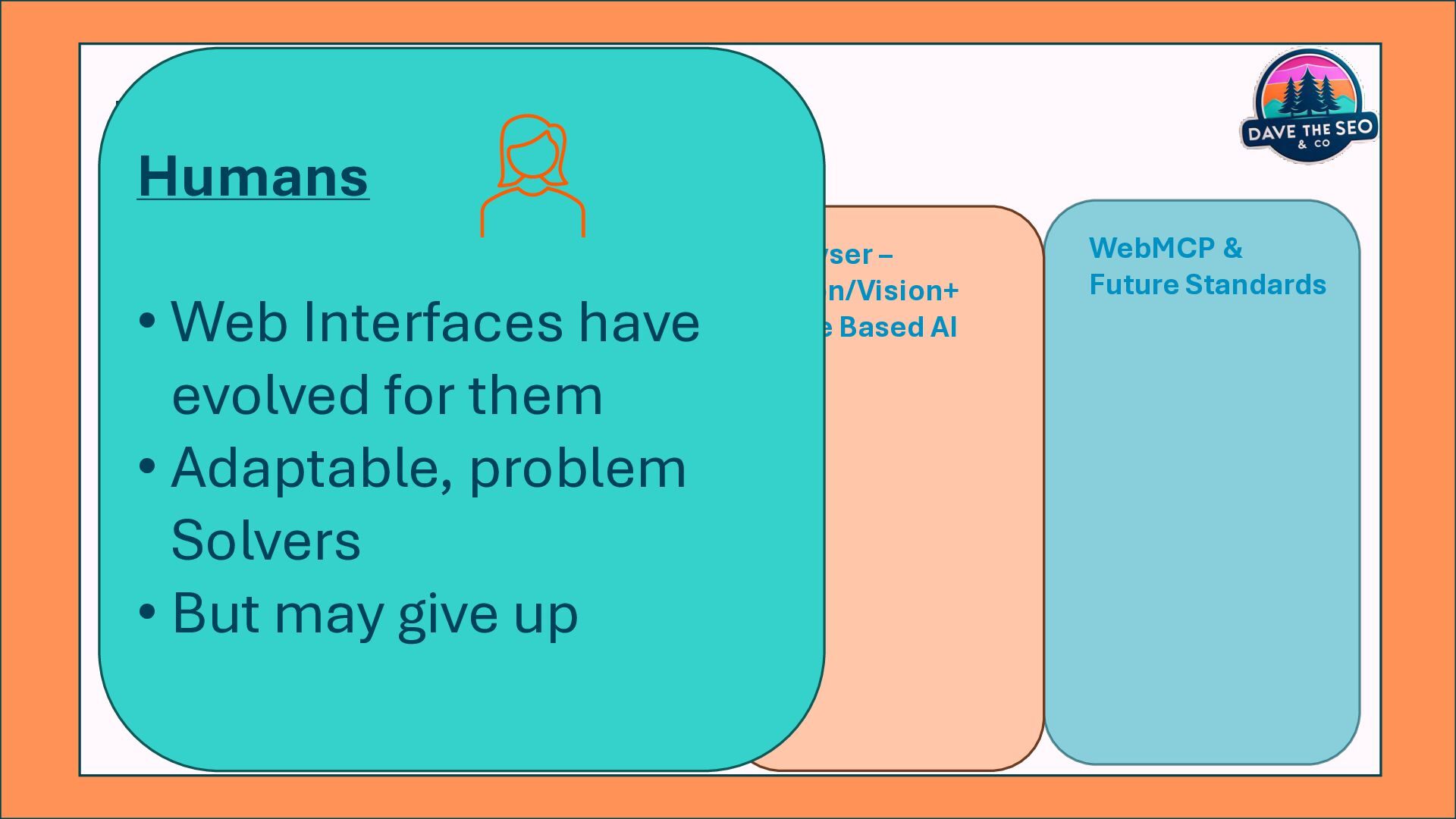
    & Future Standards AI - Web fetch Function Humans • Web Interfaces have evolved for them • Adaptable, problem Solvers • But may give up
  9. Four Front-End Flows Humans • Web Interfaces have evolved for

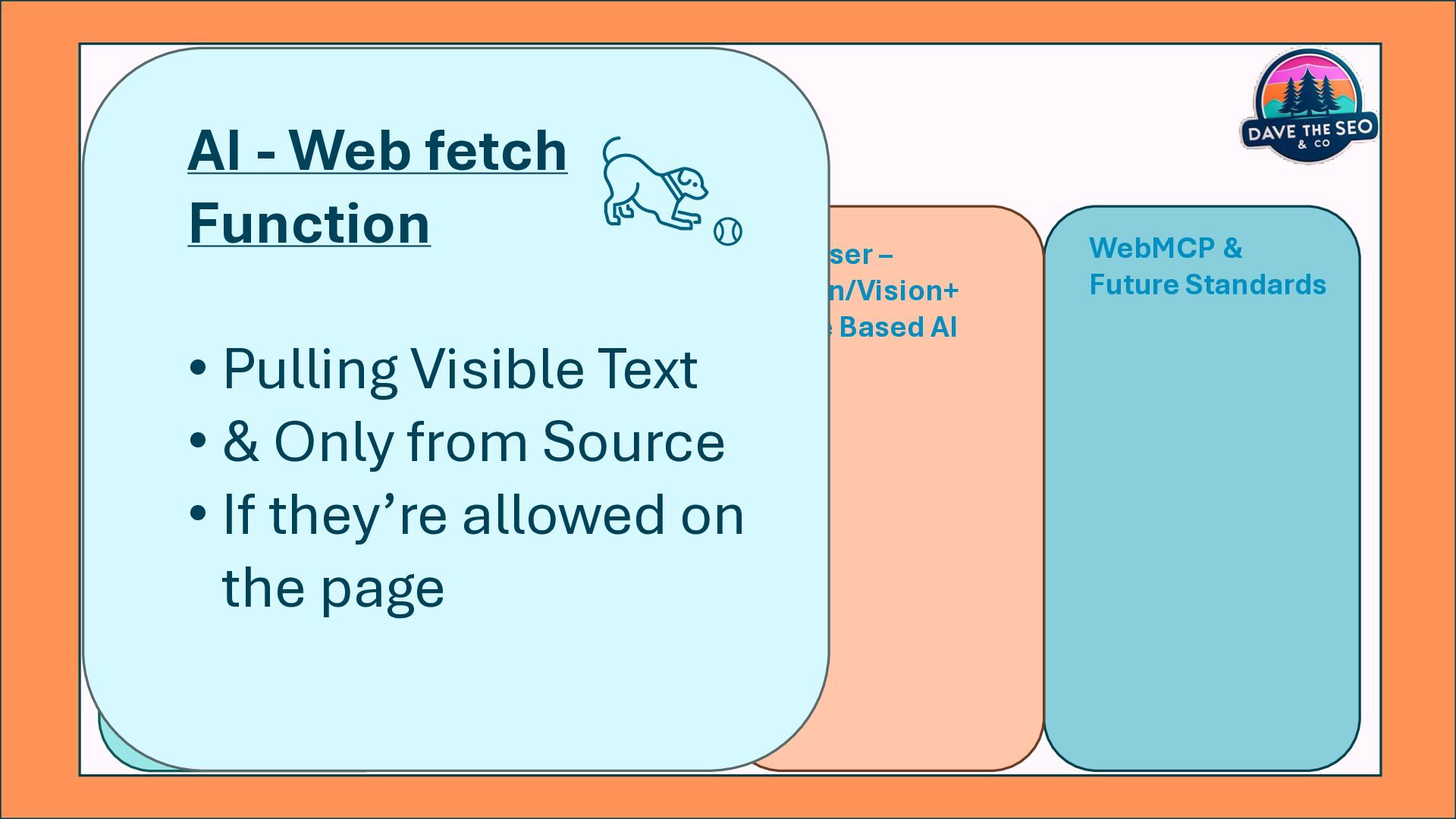
    them • Adaptable, problem Solvers • But may give up Browser – Vision/Vision+ Code Based AI WebMCP & Future Standards AI - Web fetch Function • Pulling Visible Text • & Only from Source • If they’re allowed on the page
  10. Four Front-End Flows Humans • Web Interfaces have evolved for

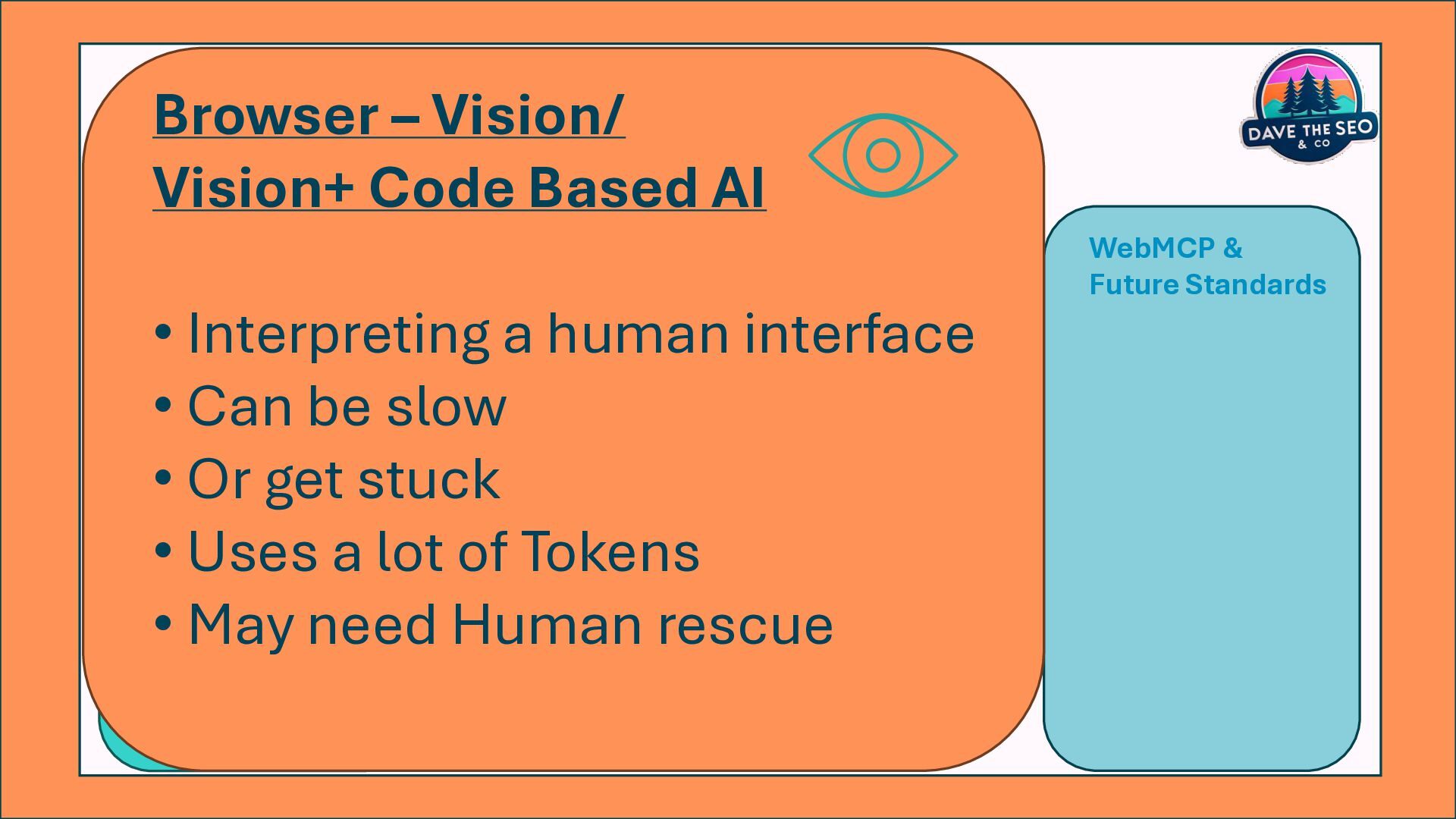
    them • Adaptable, problem Solvers • But may give up AI - Web fetch Function • Pulling only Visible Text • & Only from the Source • If they’re even allowed on the page WebMCP & Future Standards Browser – Vision/ Vision+ Code Based AI • Interpreting a human interface • Can be slow • Or get stuck • Uses a lot of Tokens • May need Human rescue
  11. Four Front-End Flows Humans • Web Interfaces have evolved for

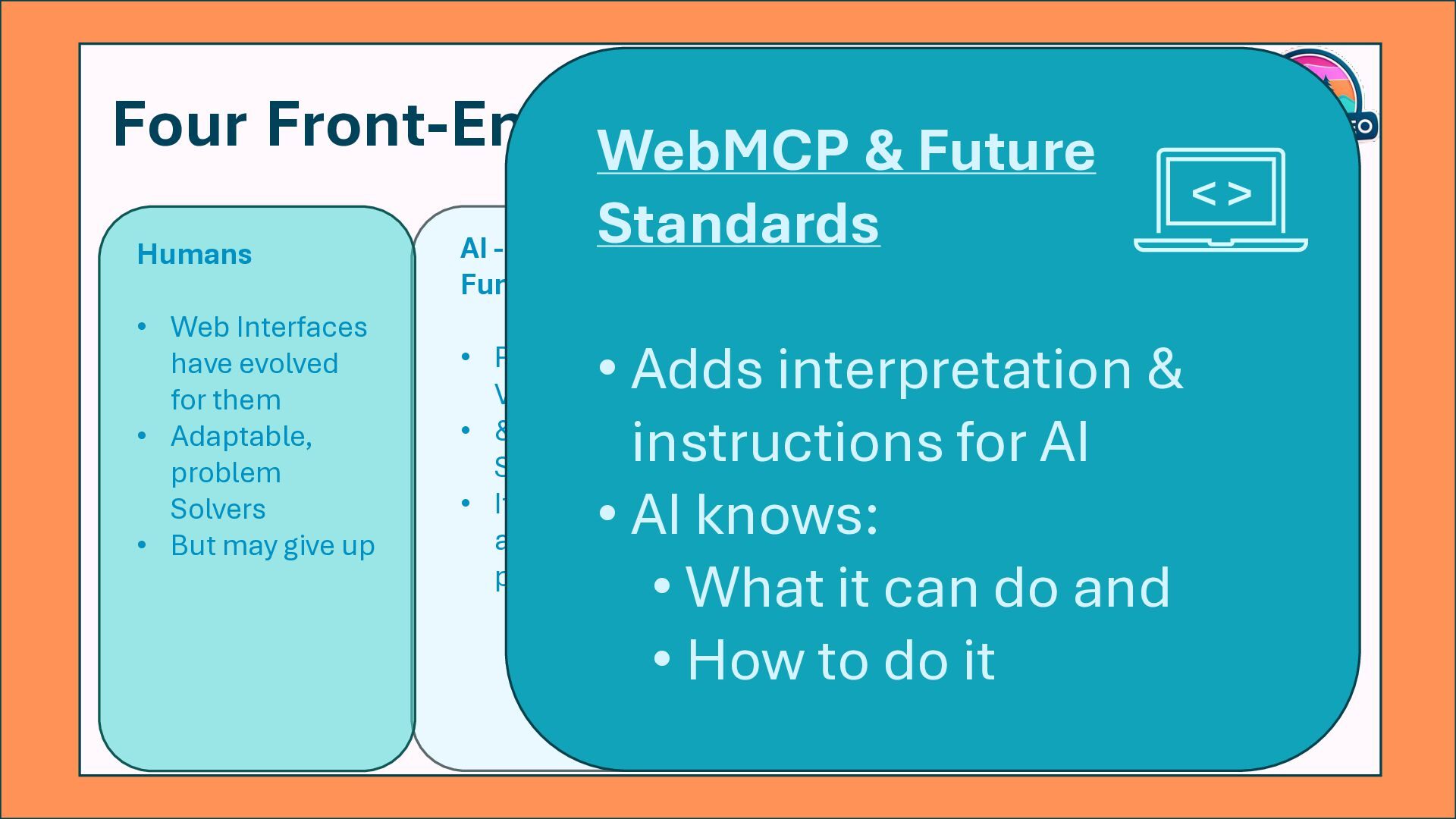
    them • Adaptable, problem Solvers • But may give up Browser – Vision/Vision+ Code Based AI • Interpreting a human interface • Can be slow • Can get stuck • Uses a lot off Tokens • May need Humans to rescue AI - Web fetch Function • Pulling only Visible Text • & Only from the Source • If they’re even allowed on the page WebMCP & Future Standards • Adds interpretation & instructions for AI • AI knows: • What it can do and • How to do it < >
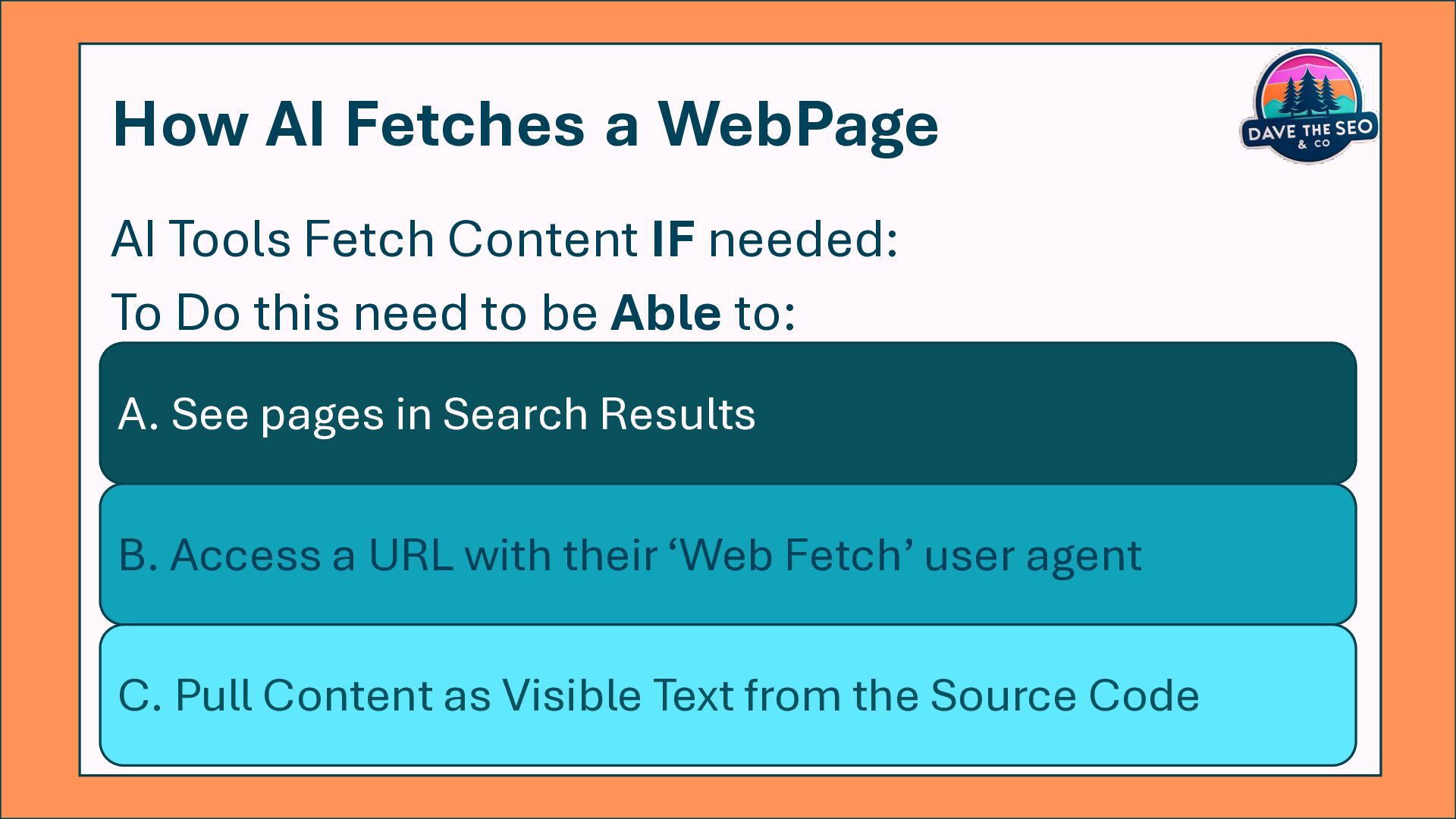
  12. How AI Fetches a WebPage AI Tools Fetch Content IF

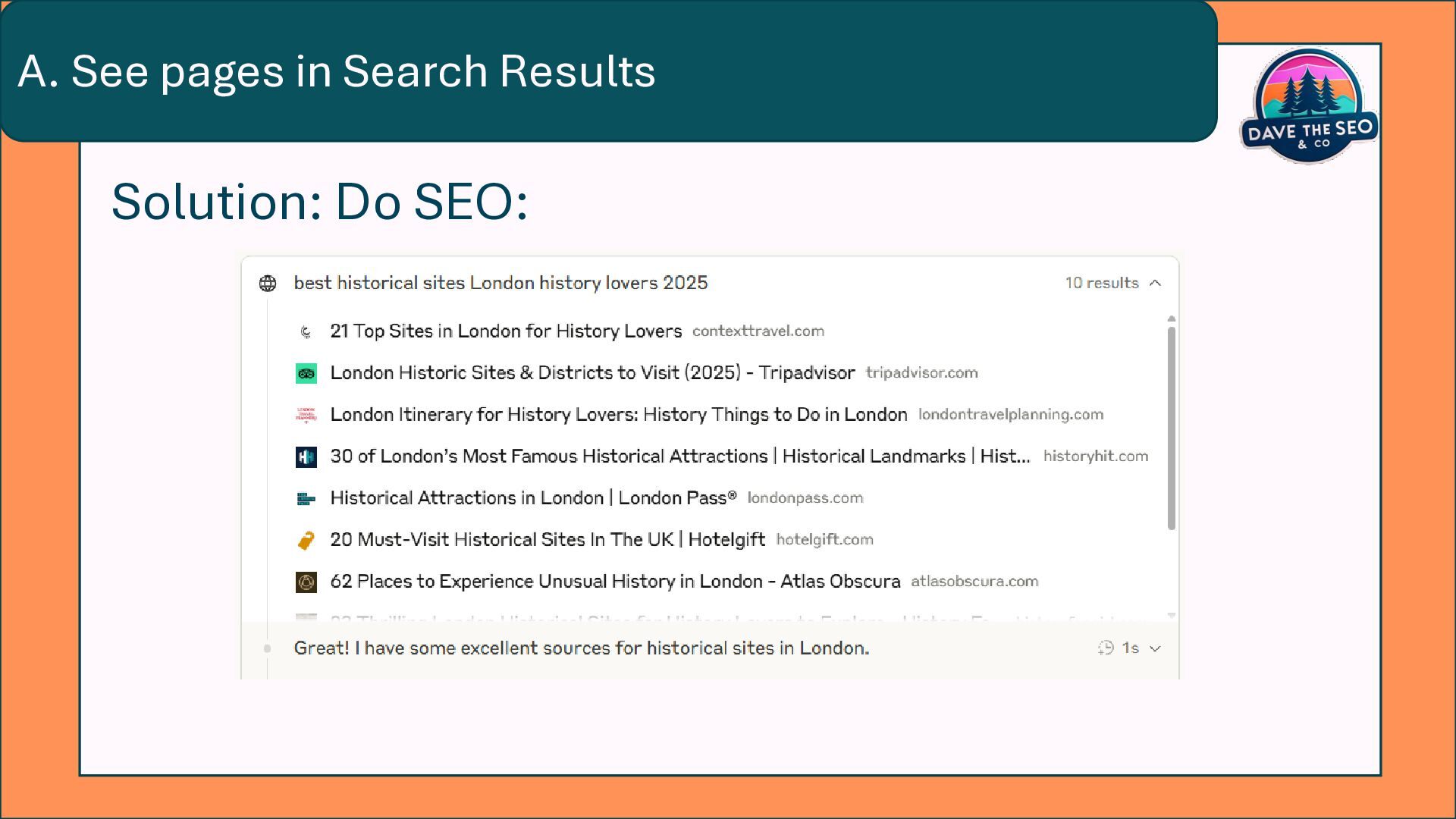
    needed: To Do this need to be Able to: A. See pages in Search Results B. Access a URL with their ‘Web Fetch’ user agent C. Pull Content as Visible Text from the Source Code
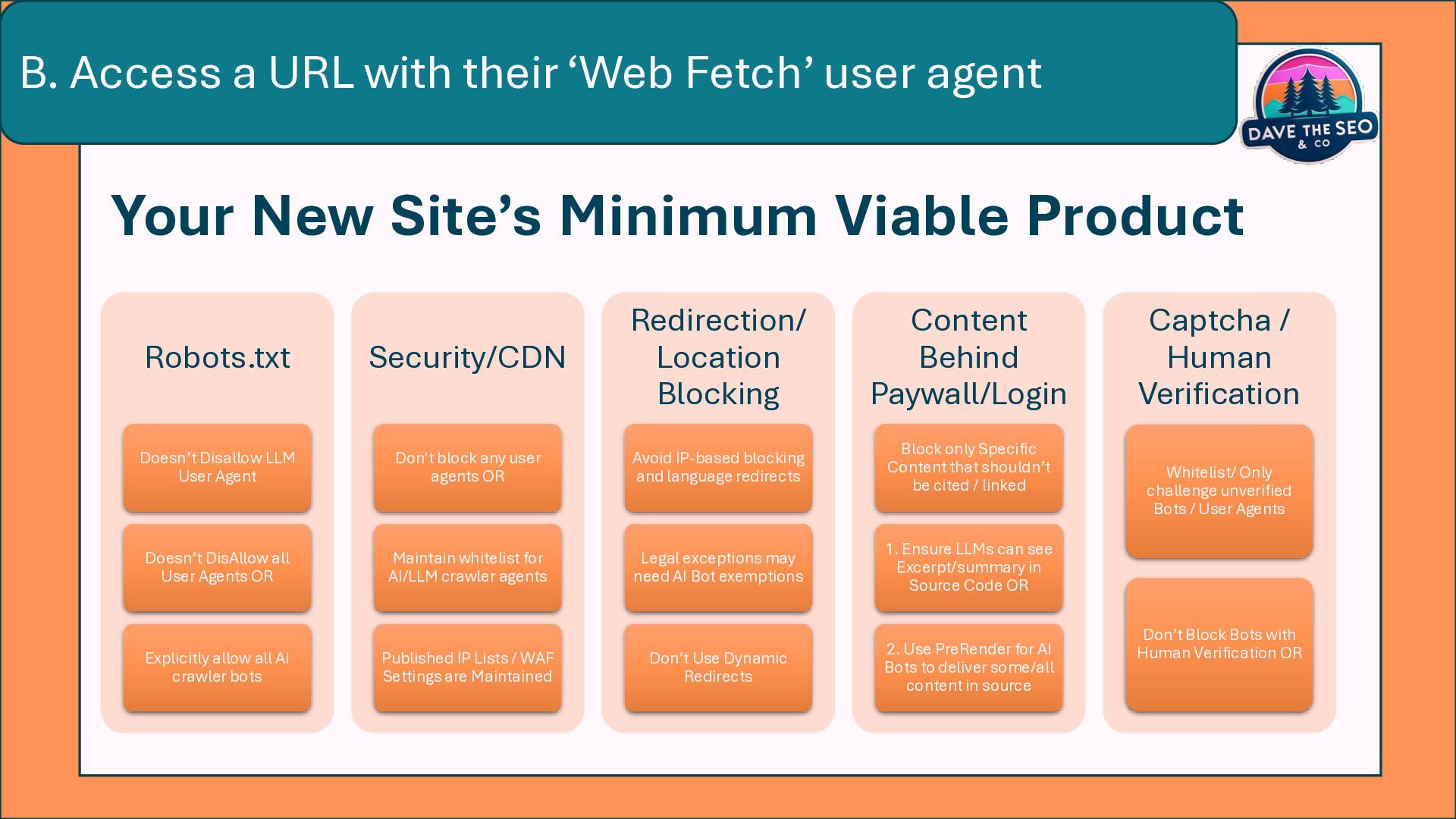
  13. Your New Site’s Minimum Viable Product Robots.txt Doesn’t Disallow LLM

    User Agent Doesn’t DisAllow all User Agents OR Explicitly allow all AI crawler bots Security/CDN Don't block any user agents OR Maintain whitelist for AI/LLM crawler agents Published IP Lists / WAF Settings are Maintained Redirection/ Location Blocking Avoid IP-based blocking and language redirects Legal exceptions may need AI Bot exemptions Don’t Use Dynamic Redirects Content Behind Paywall/Login Block only Specific Content that shouldn’t be cited / linked 1. Ensure LLMs can see Excerpt/summary in Source Code OR 2. Use PreRender for AI Bots to deliver some/all content in source Captcha / Human Verification Whitelist/ Only challenge unverified Bots / User Agents Don’t Block Bots with Human Verification OR B. Access a URL with their ‘Web Fetch’ user agent
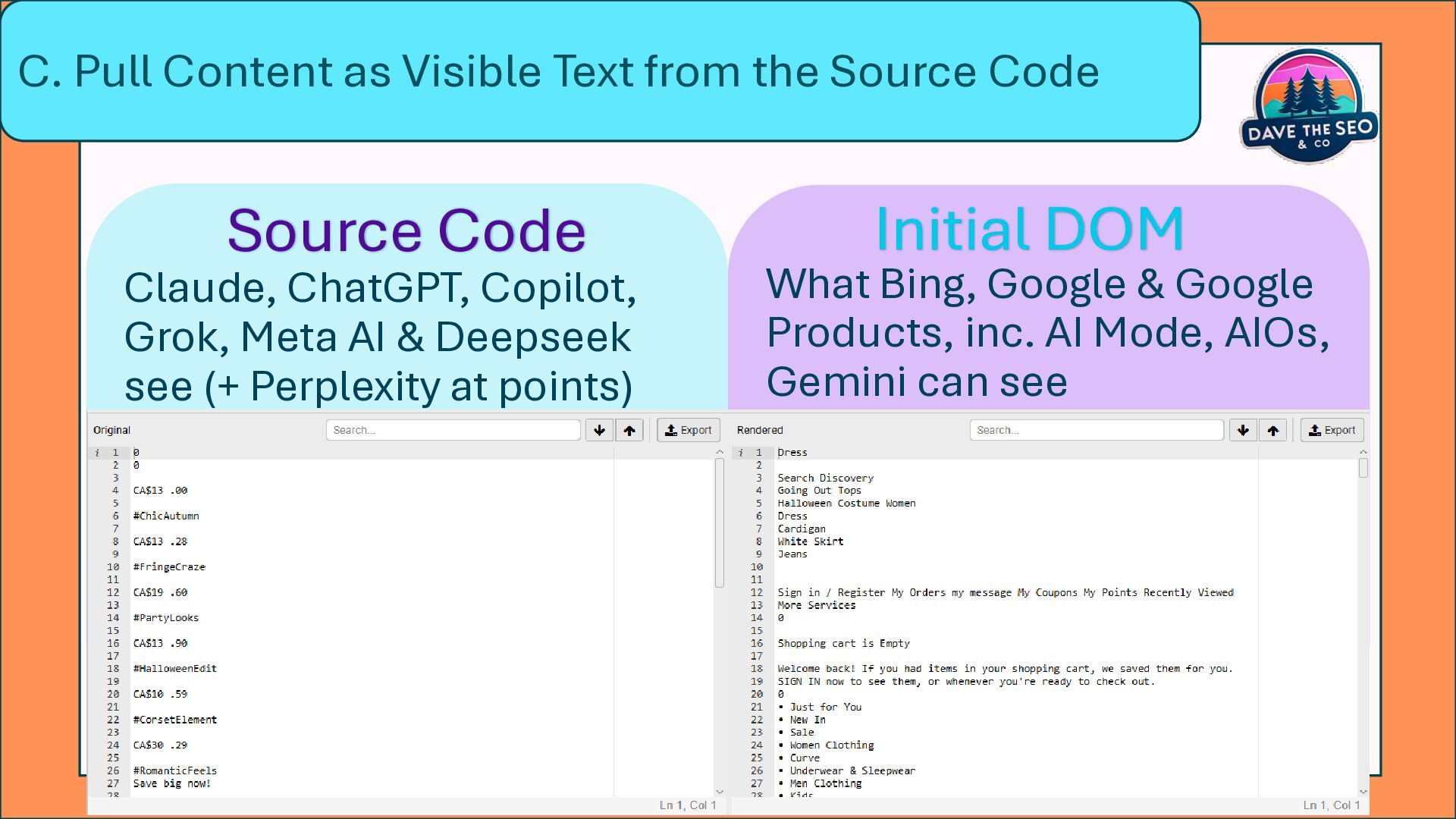
  14. What Bing, Google & Google Products, inc. AI Mode, AIOs,

    Gemini can see Claude, ChatGPT, Copilot, Grok, Meta AI & Deepseek see (+ Perplexity at points) Source Code Initial DOM C. Pull Content as Visible Text from the Source Code
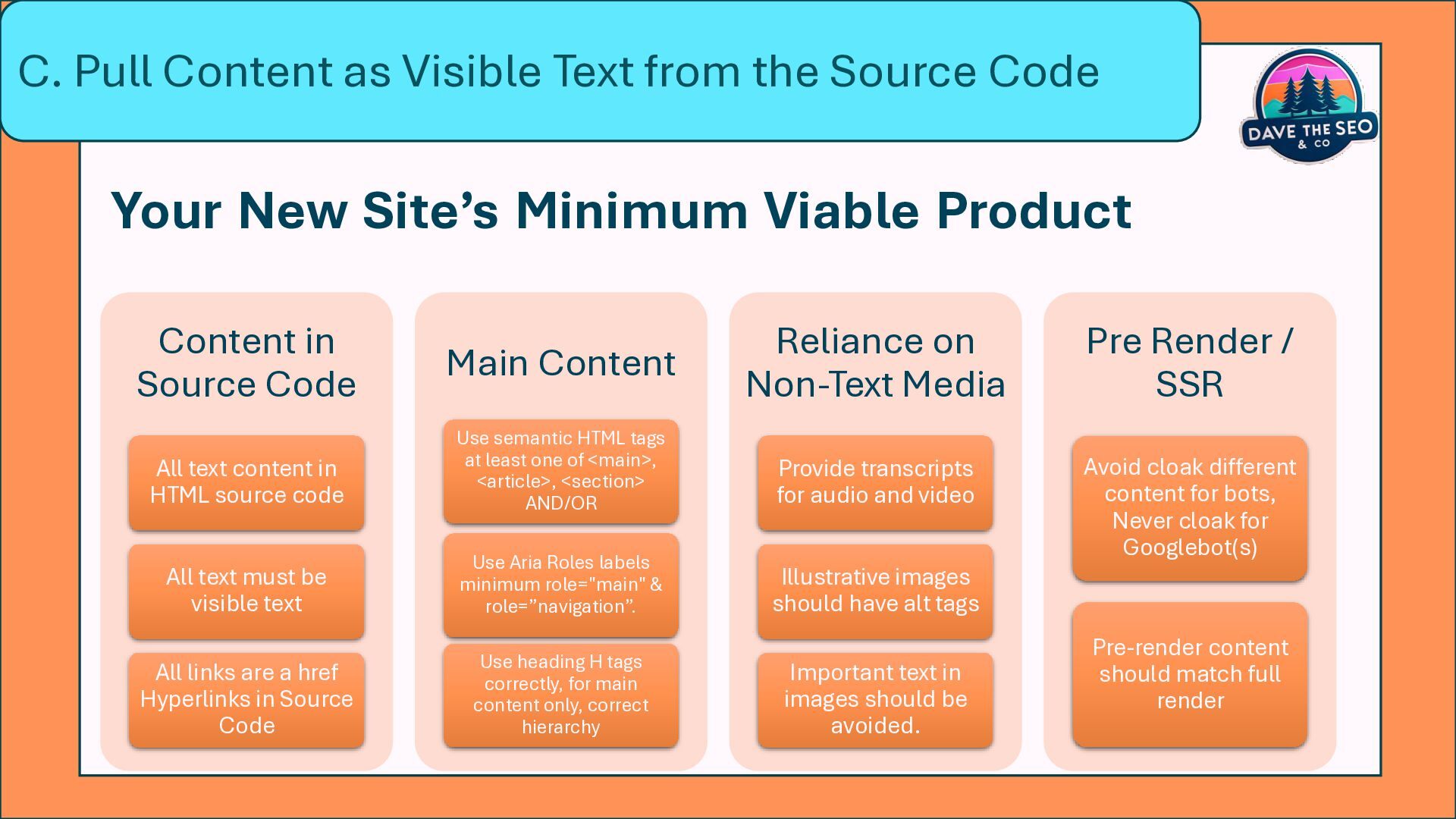
  15. Content in Source Code All text content in HTML source

    code All text must be visible text All links are a href Hyperlinks in Source Code Main Content Use semantic HTML tags at least one of <main>, <article>, <section> AND/OR Use Aria Roles labels minimum role="main" & role=”navigation”. Use heading H tags correctly, for main content only, correct hierarchy Reliance on Non-Text Media Provide transcripts for audio and video Illustrative images should have alt tags Important text in images should be avoided. Pre Render / SSR Avoid cloak different content for bots, Never cloak for Googlebot(s) Pre-render content should match full render C. Pull Content as Visible Text from the Source Code Your New Site’s Minimum Viable Product
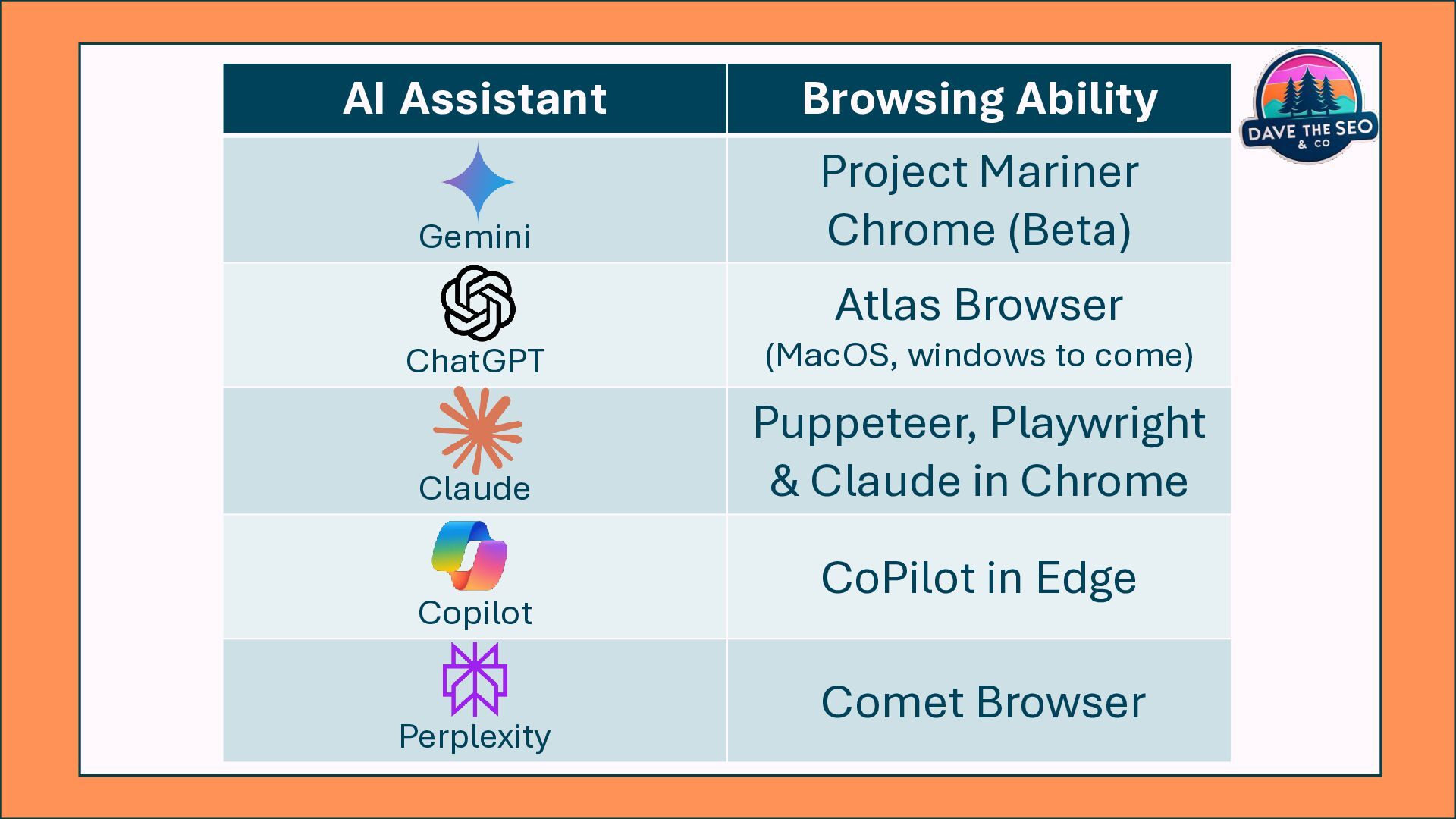
  16. AI Assistant Browsing Ability Gemini Project Mariner Chrome (Beta) ChatGPT

    Atlas Browser (MacOS, windows to come) Claude Puppeteer, Playwright & Claude in Chrome Copilot CoPilot in Edge Perplexity Comet Browser
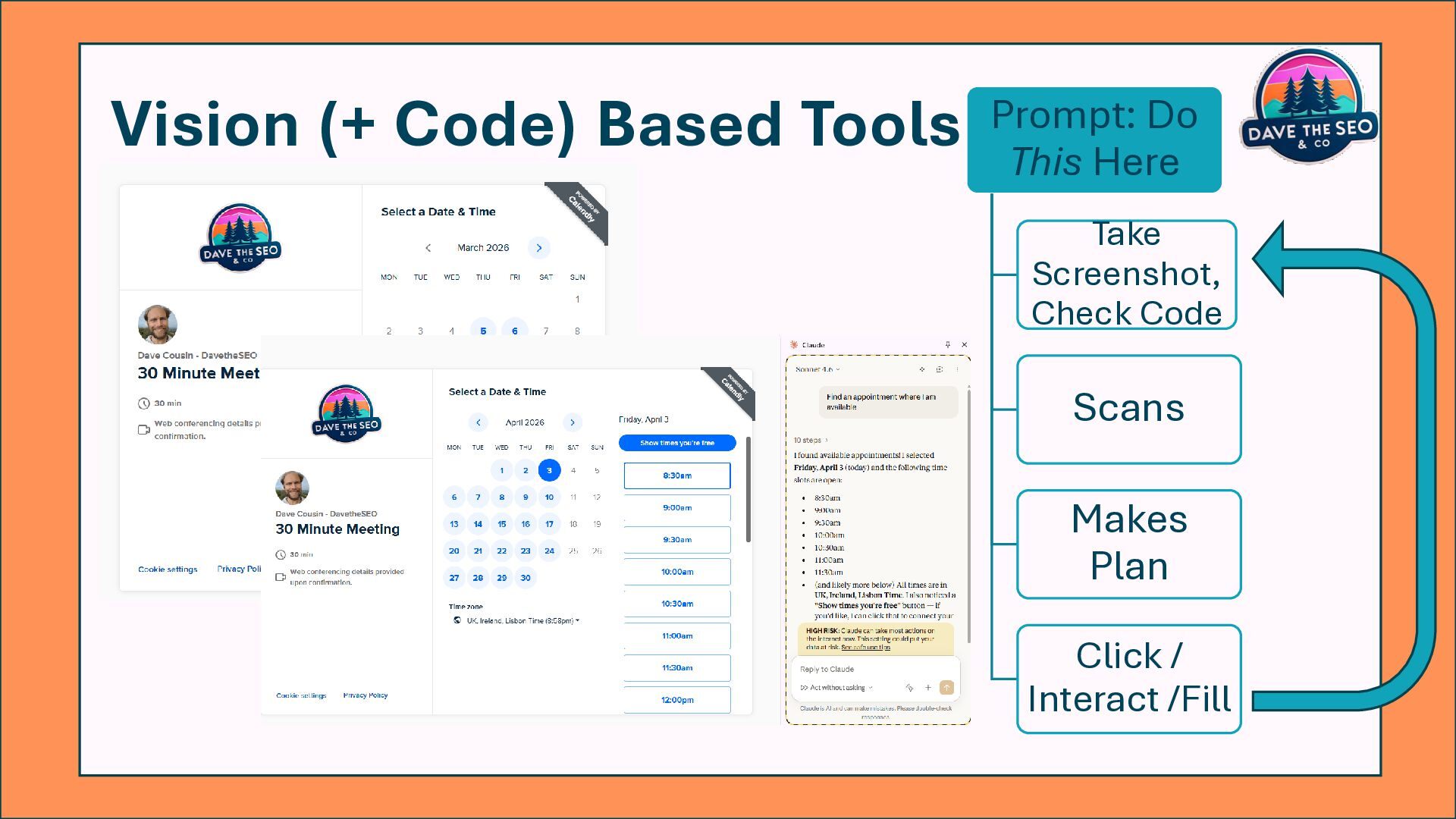
  17. Vision (+ Code) Based Tools Prompt: Do This Here Take

    Screenshot, Check Code Scans Makes Plan Click / Interact /Fill
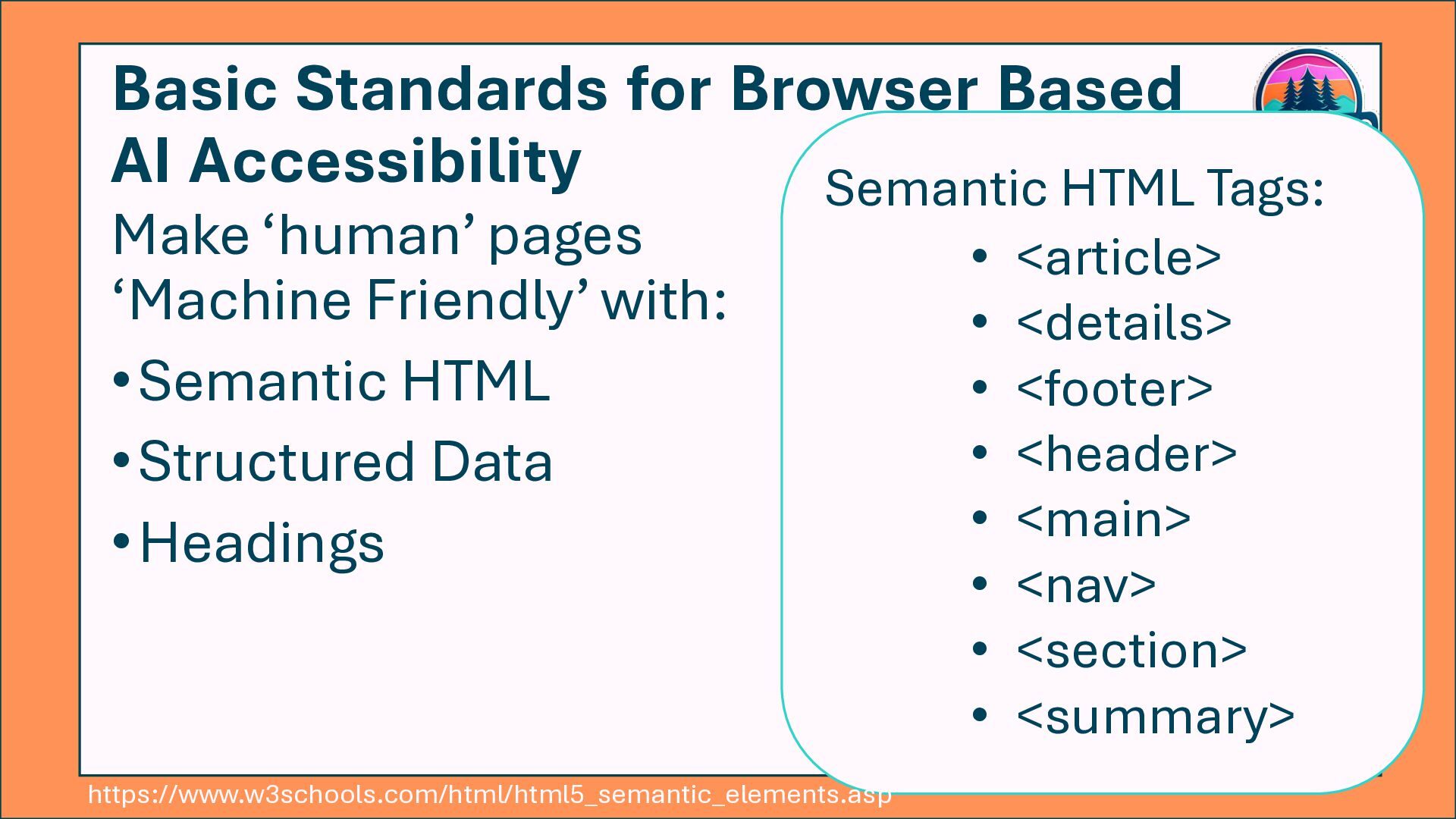
  18. Basic Standards for Browser Based AI Accessibility Make ‘human’ pages

    ‘Machine Friendly’ with: •Semantic HTML •Structured Data •Headings Semantic HTML Tags: • <article> • <details> • <footer> • <header> • <main> • <nav> • <section> • <summary> https://www.w3schools.com/html/html5_semantic_elements.asp
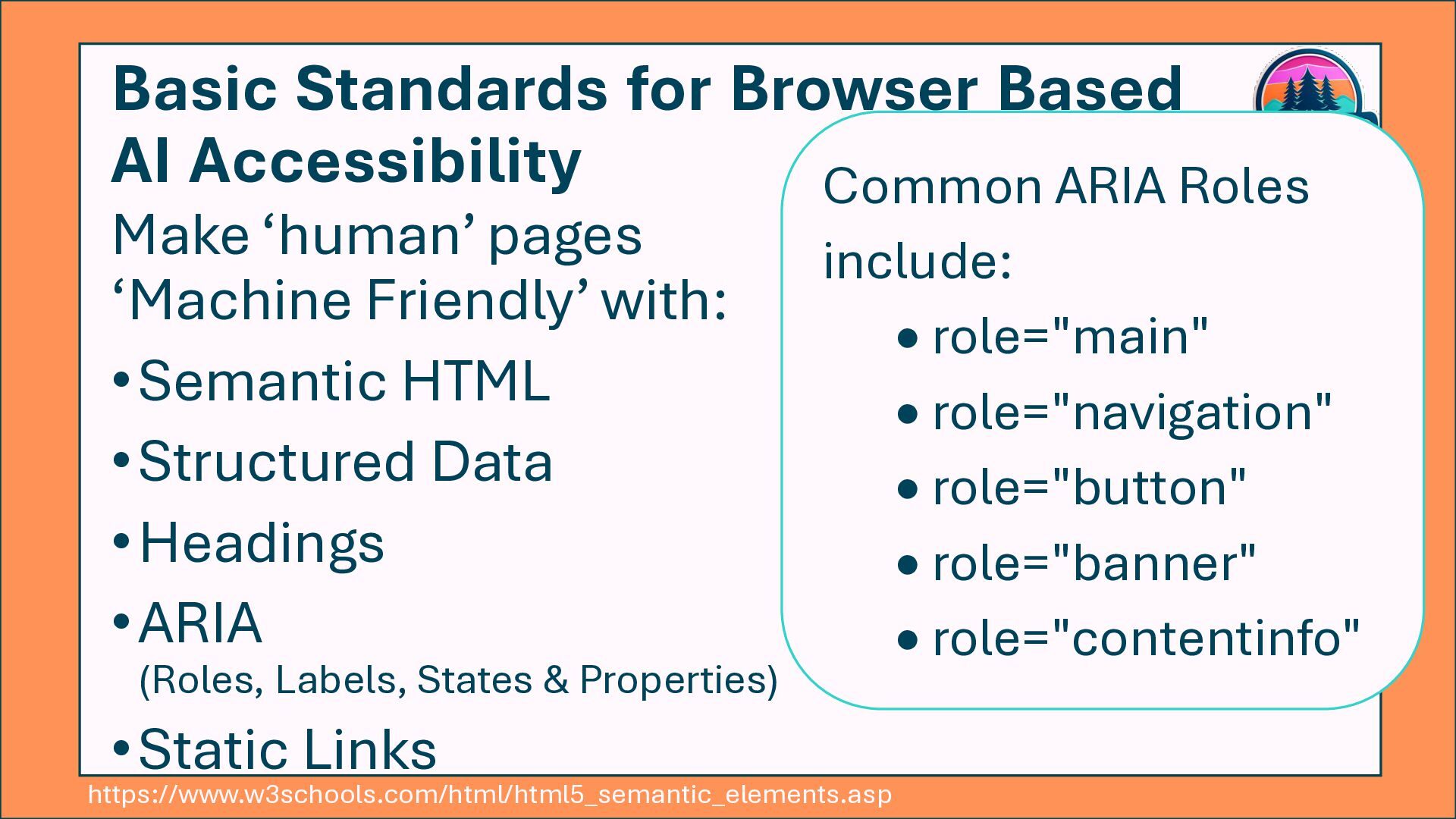
  19. Basic Standards for Browser Based AI Accessibility Make ‘human’ pages

    ‘Machine Friendly’ with: •Semantic HTML •Structured Data •Headings •ARIA (Roles, Labels, States & Properties) •Static Links Common ARIA Roles include: • role="main" • role="navigation" • role="button" • role="banner" • role="contentinfo" https://www.w3schools.com/html/html5_semantic_elements.asp
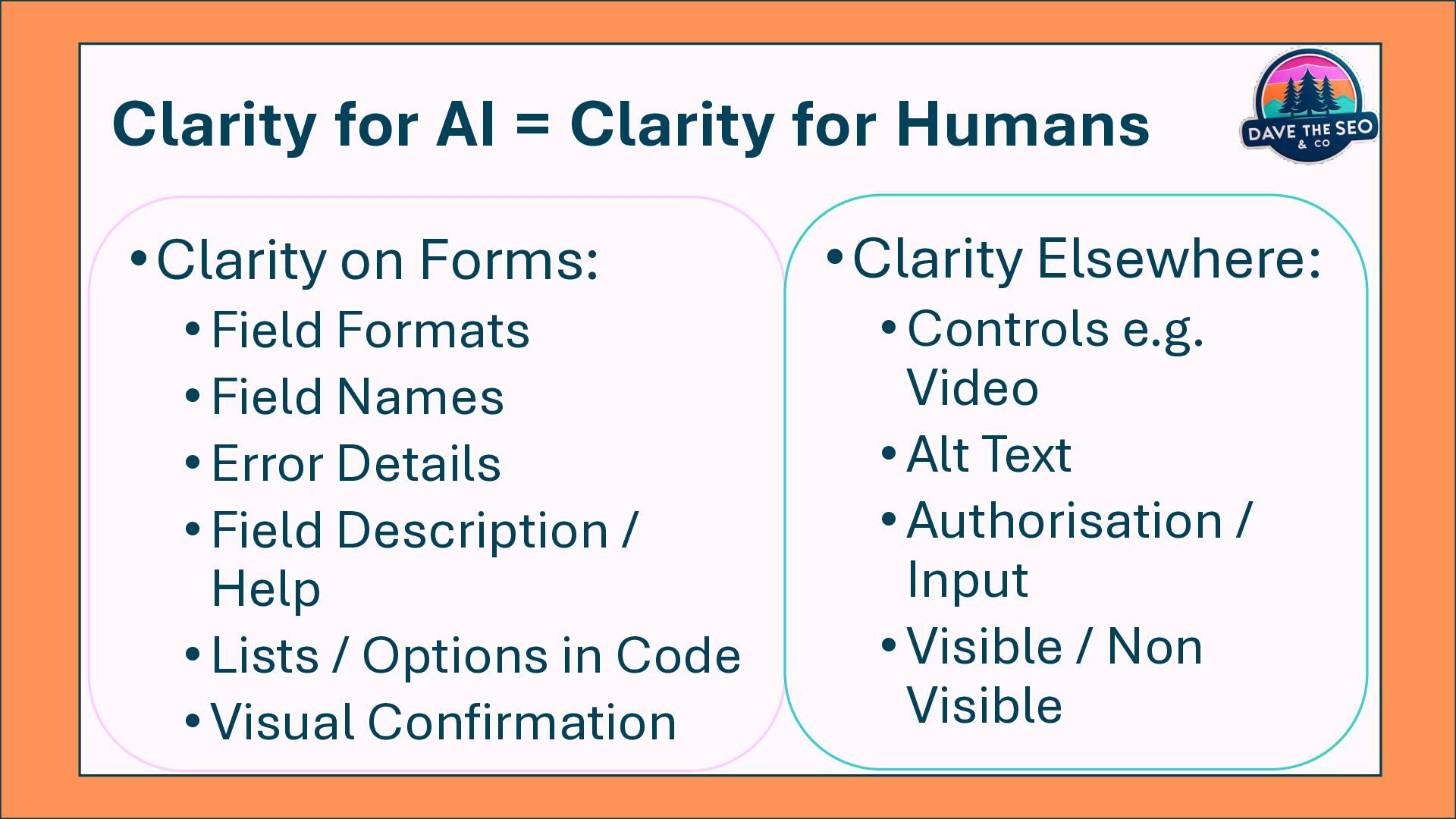
  20. Clarity for AI = Clarity for Humans •Clarity on Forms:

    •Field Formats •Field Names •Error Details •Field Description / Help •Lists / Options in Code •Visual Confirmation •Clarity Elsewhere: •Controls e.g. Video •Alt Text •Authorisation / Input •Visible / Non Visible
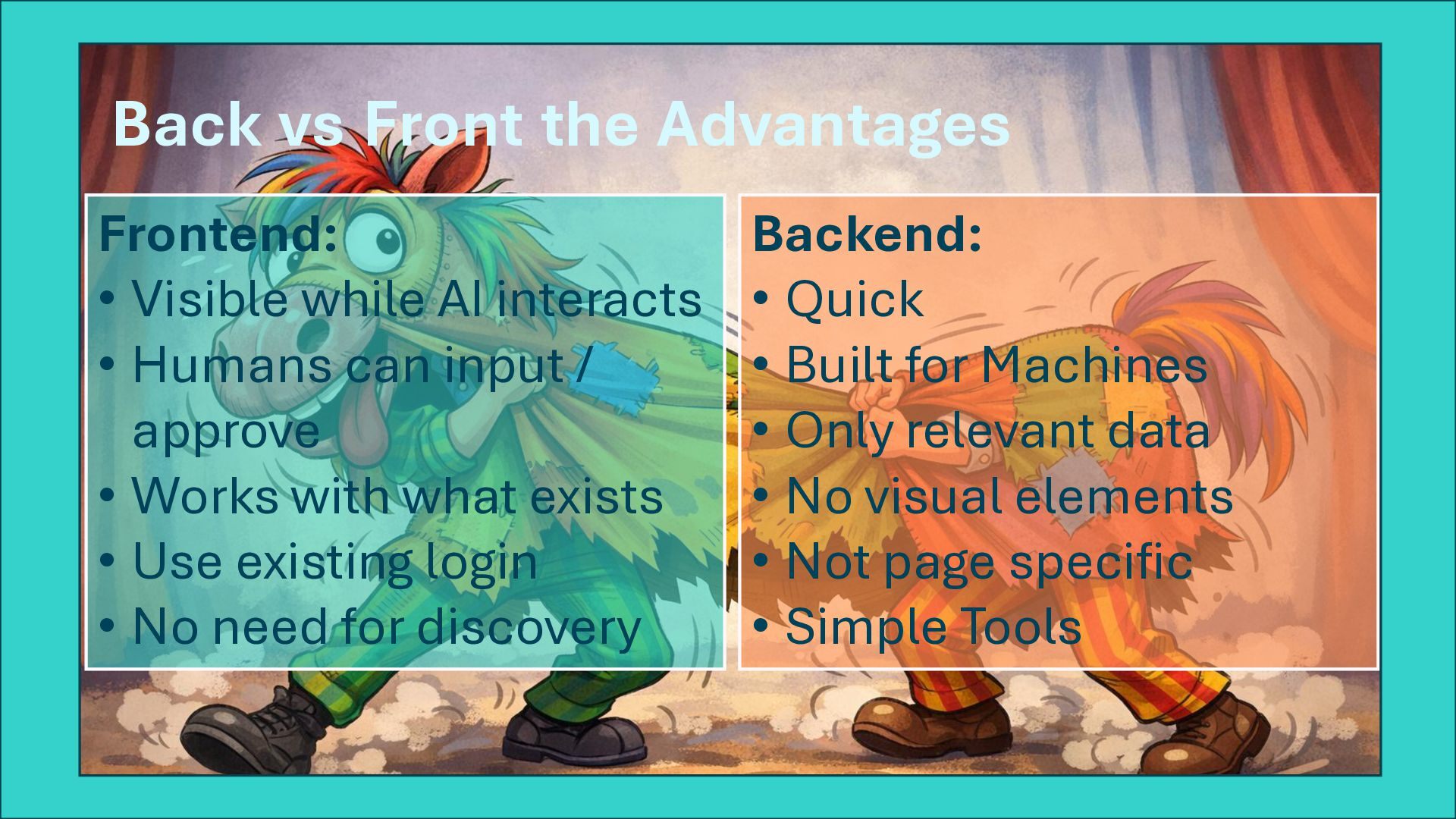
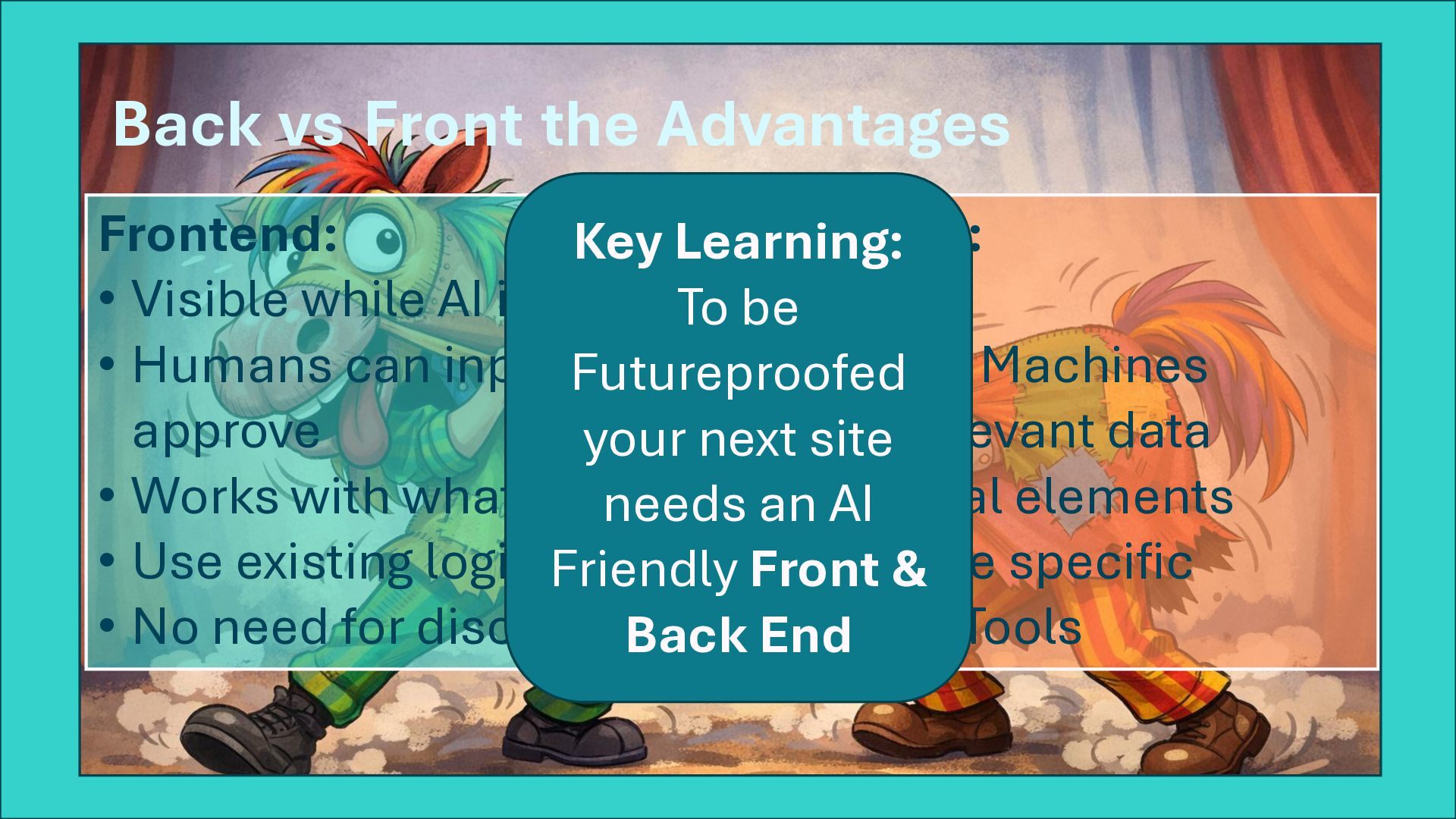
  21. Back vs Front the Advantages Backend: • Quick • Built

    for Machines • Only relevant data • No visual elements • Not page specific • Simple Tools Frontend: • Visible while AI interacts • Humans can input / approve • Works with what exists • Use existing login • No need for discovery
  22. Back vs Front the Advantages Backend: • Quick • Built

    for Machines • Only relevant data • No visual elements • Not page specific • Simple Tools Frontend: • Visible while AI interacts • Humans can input / approve • Works with what exists • Use existing login • No need for discovery Key Learning: To be Futureproofed your next site needs an AI Friendly Front & Back End
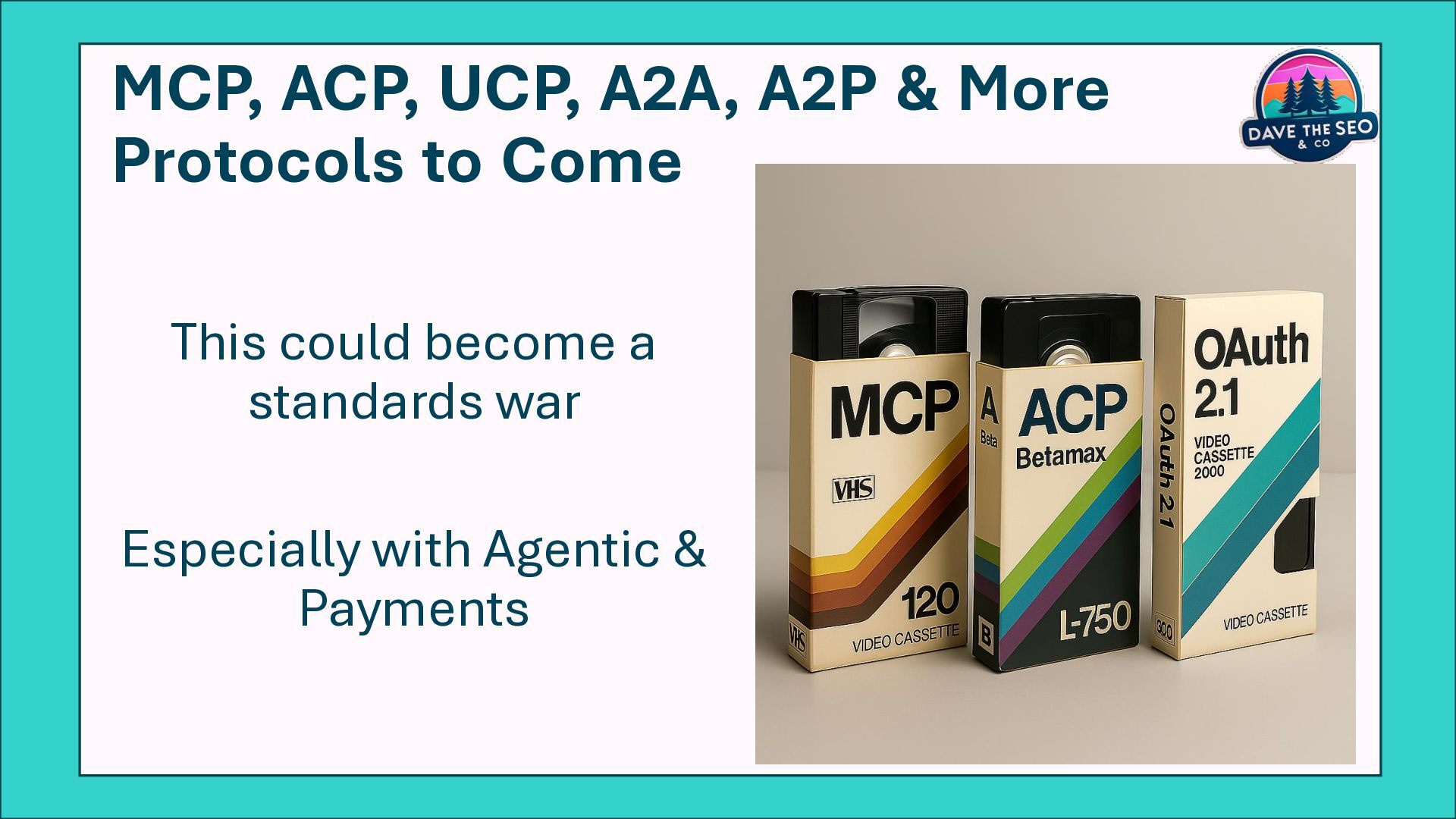
  23. MCP, ACP, UCP, A2A, A2P & More Protocols to Come

    This could become a standards war Especially with Agentic & Payments
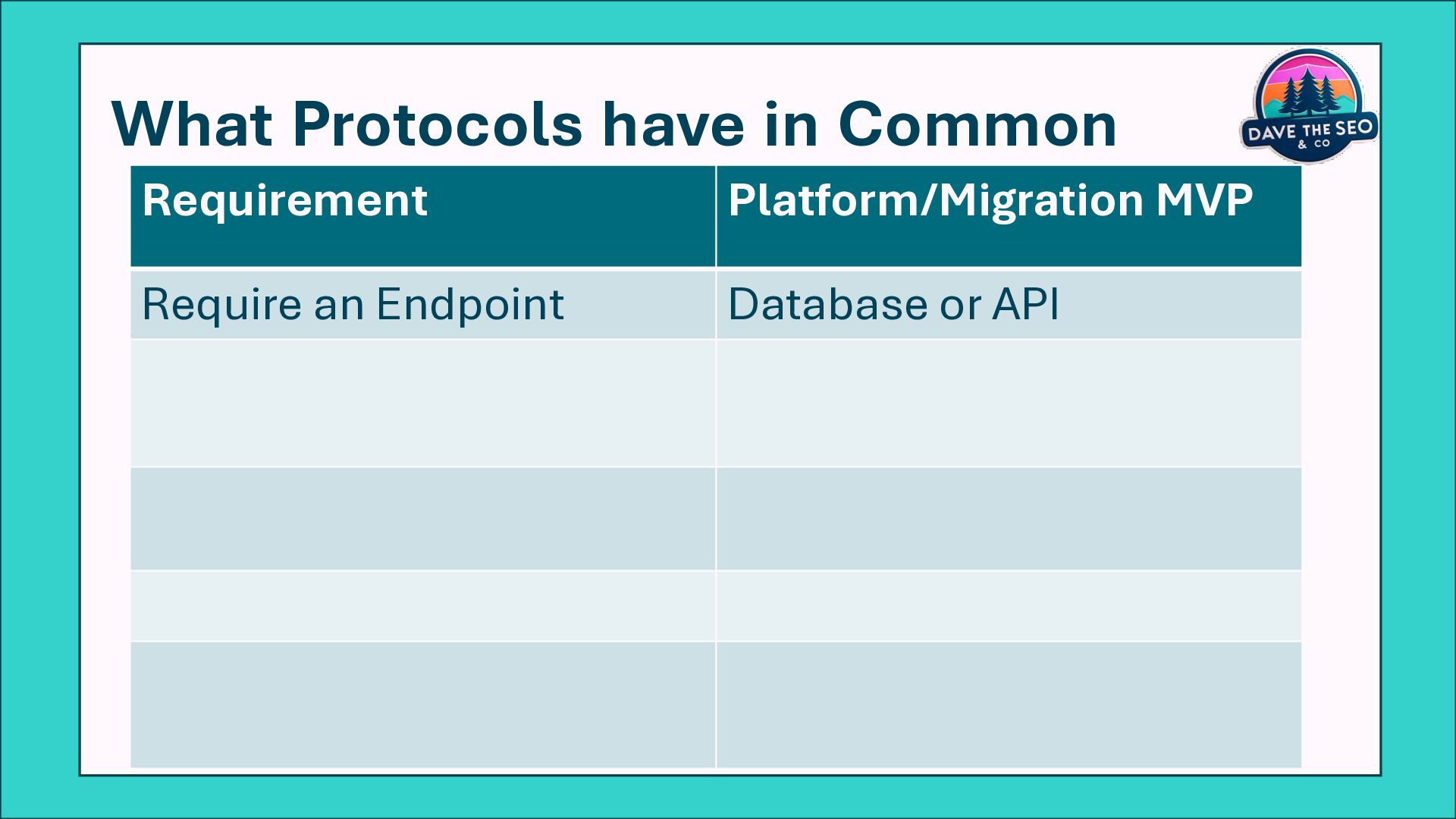
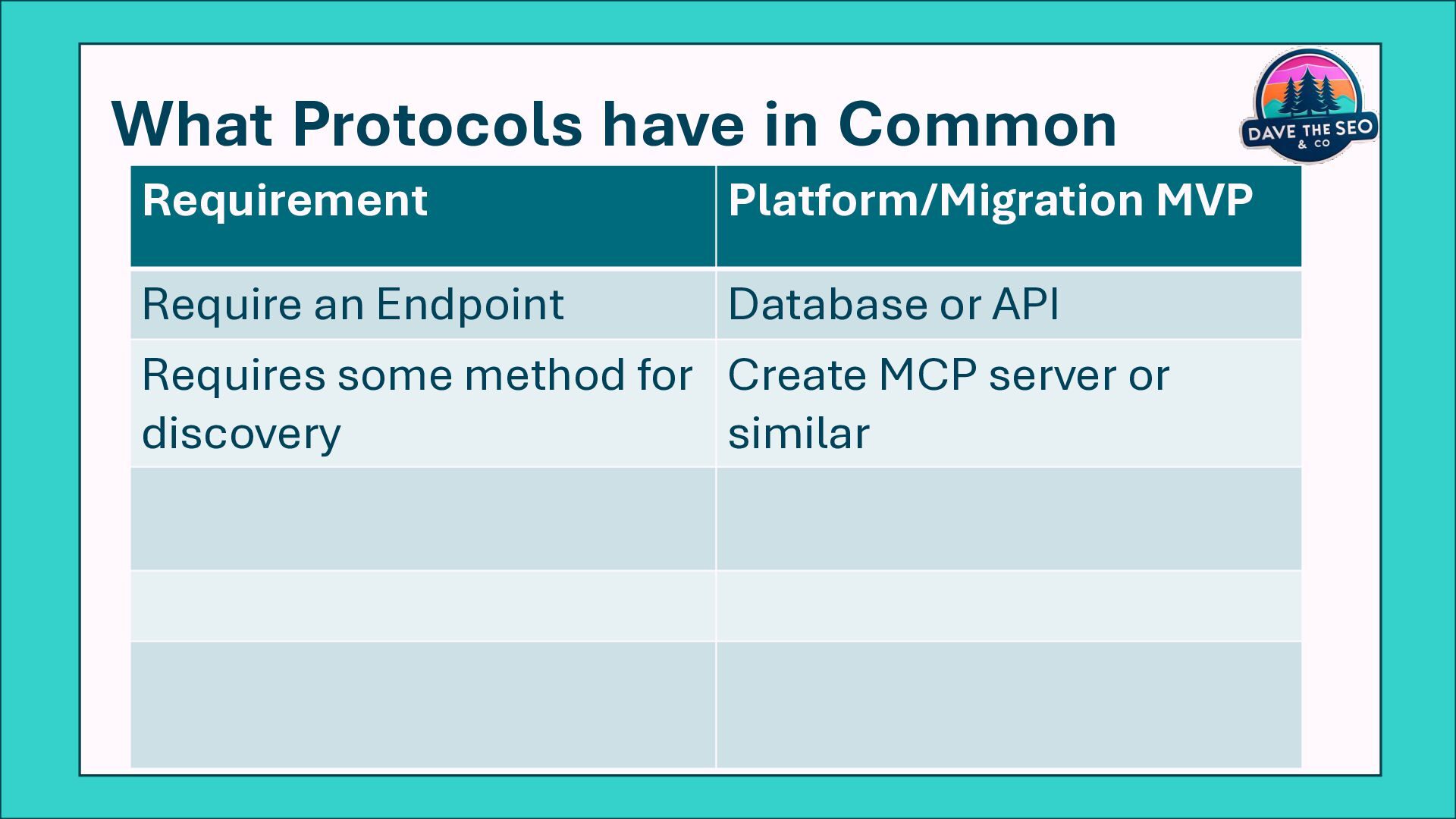
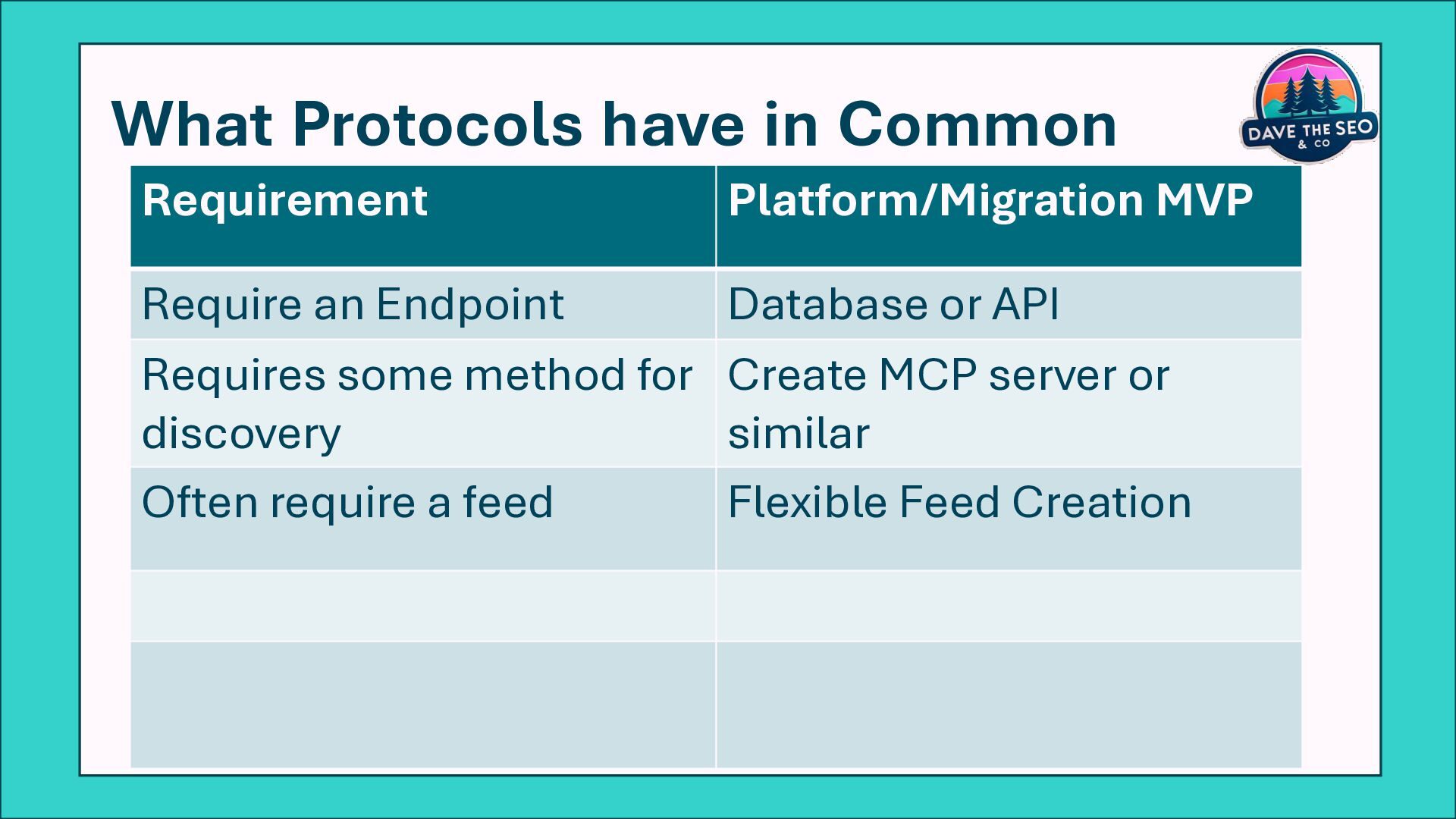
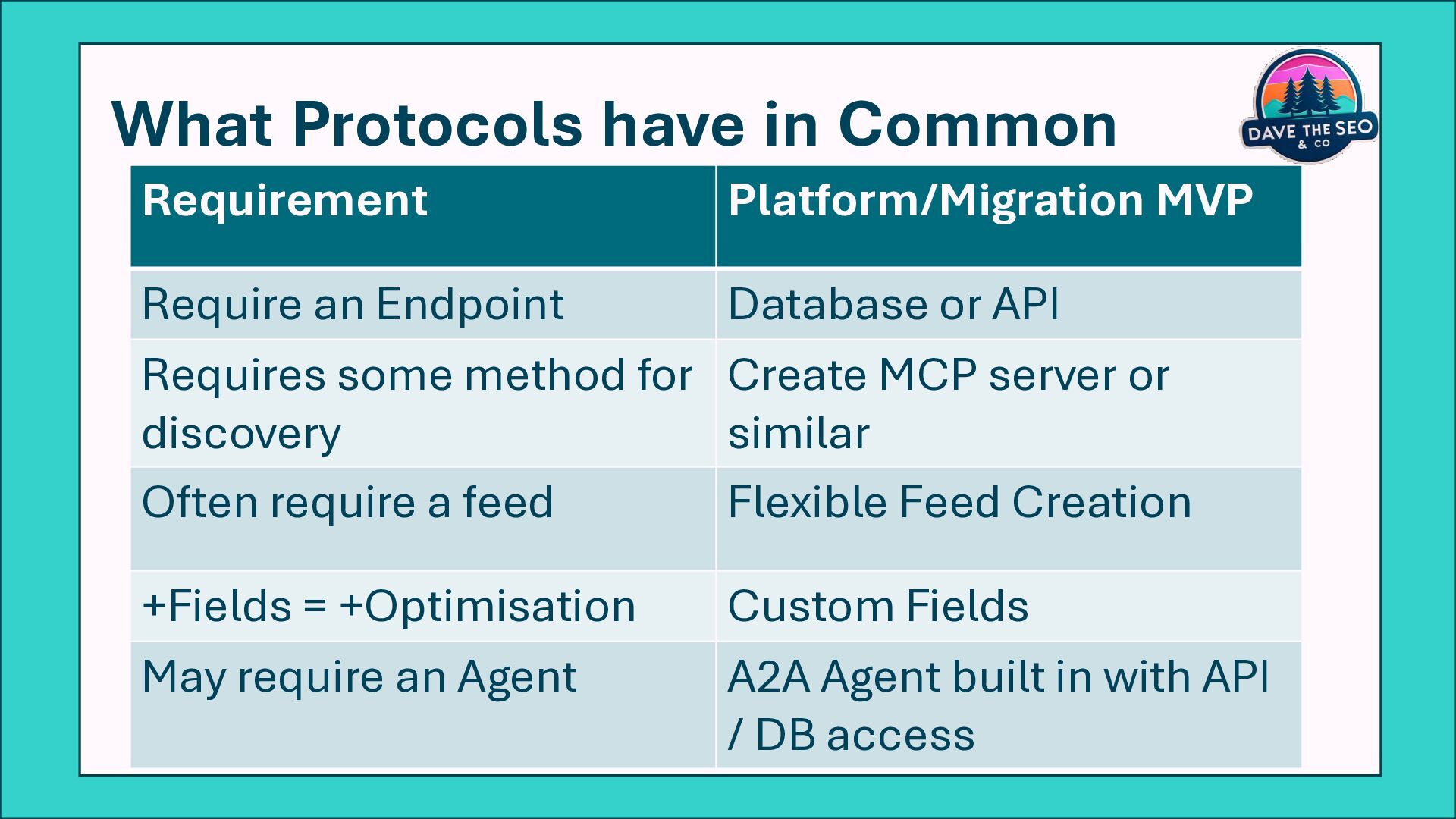
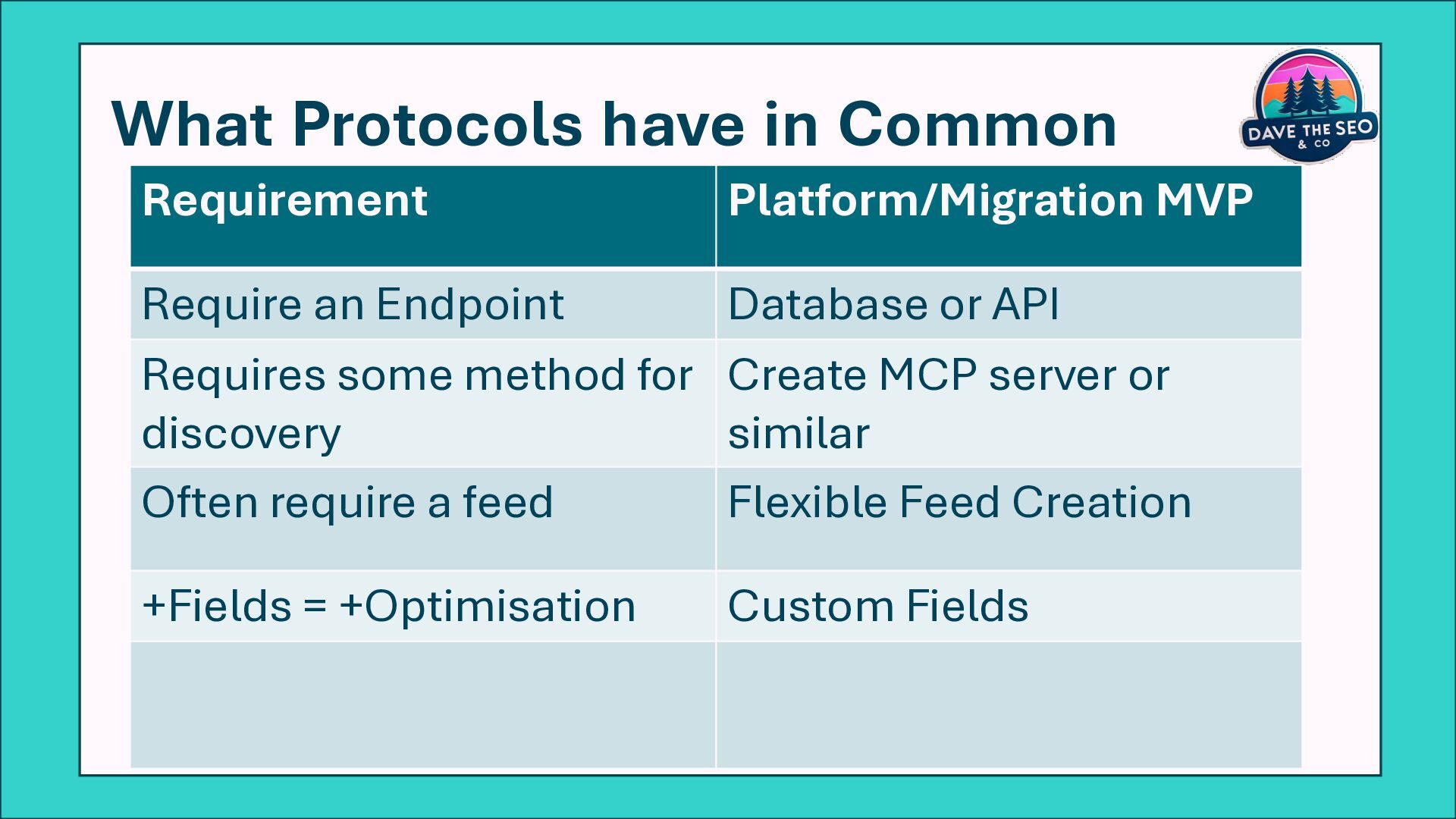
  24. What Protocols have in Common Requirement Platform/Migration MVP Require an

    Endpoint Database or API Requires some method for discovery Create MCP server or similar Often require a feed Flexible Feed Creation +Fields = +Optimisation Custom Fields May require an Agent A2A Agent built in with API / DB access
  25. What Protocols have in Common Requirement Platform/Migration MVP Require an

    Endpoint Database or API Requires some method for discovery Create MCP server or similar Often require a feed Flexible Feed Creation +Fields = +Optimisation Custom Fields May require an Agent A2A Agent built in with API / DB access
  26. What Protocols have in Common Requirement Platform/Migration MVP Require an

    Endpoint Database or API Requires some method for discovery Create MCP server or similar Often require a feed Flexible Feed Creation +Fields = +Optimisation Custom Fields May require an Agent A2A Agent built in with API / DB access
  27. What Protocols have in Common Requirement Platform/Migration MVP Require an

    Endpoint Database or API Requires some method for discovery Create MCP server or similar Often require a feed Flexible Feed Creation +Fields = +Optimisation Custom Fields May require an Agent A2A Agent built in with API / DB access
  28. What Protocols have in Common Requirement Platform/Migration MVP Require an

    Endpoint Database or API Requires some method for discovery Create MCP server or similar Often require a feed Flexible Feed Creation +Fields = +Optimisation Custom Fields May require an Agent A2A Agent built in with API / DB access
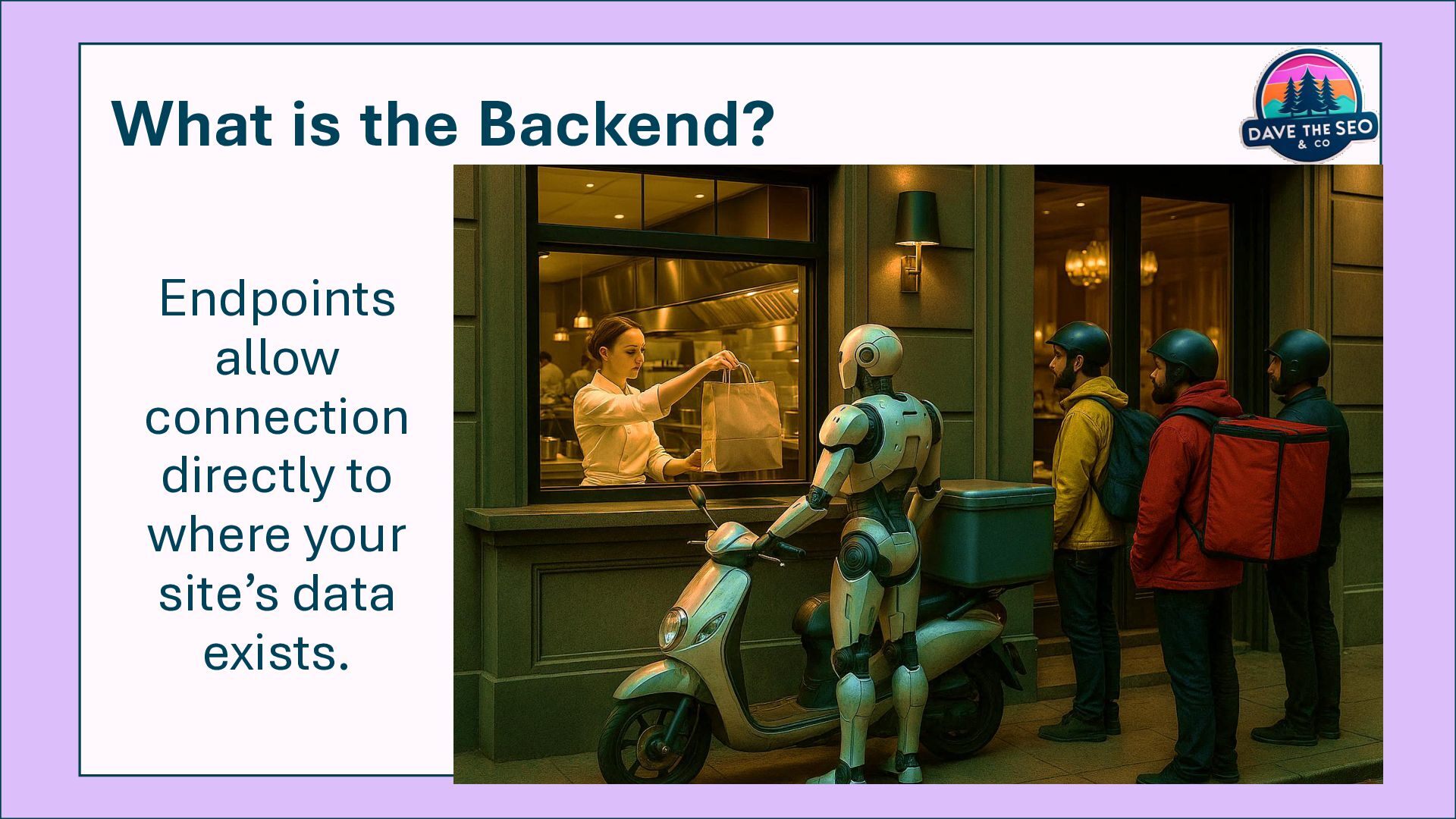
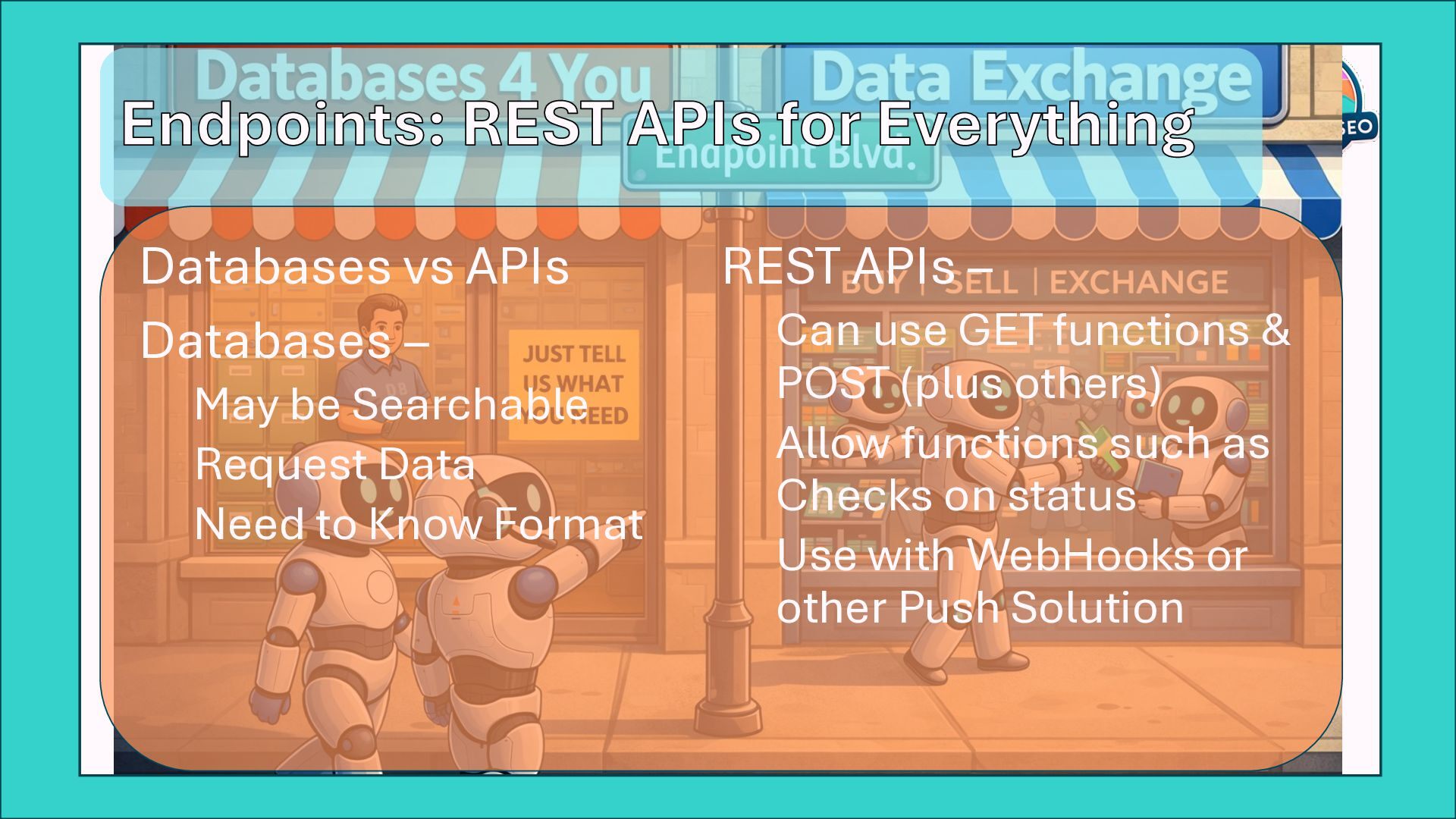
  29. Endpoints: REST APIs for Everything Databases vs APIs Databases –

    May be Searchable Request Data Need to Know Format REST APIs – Can use GET functions & POST (plus others) Allow functions such as Checks on status Use with WebHooks or other Push Solution
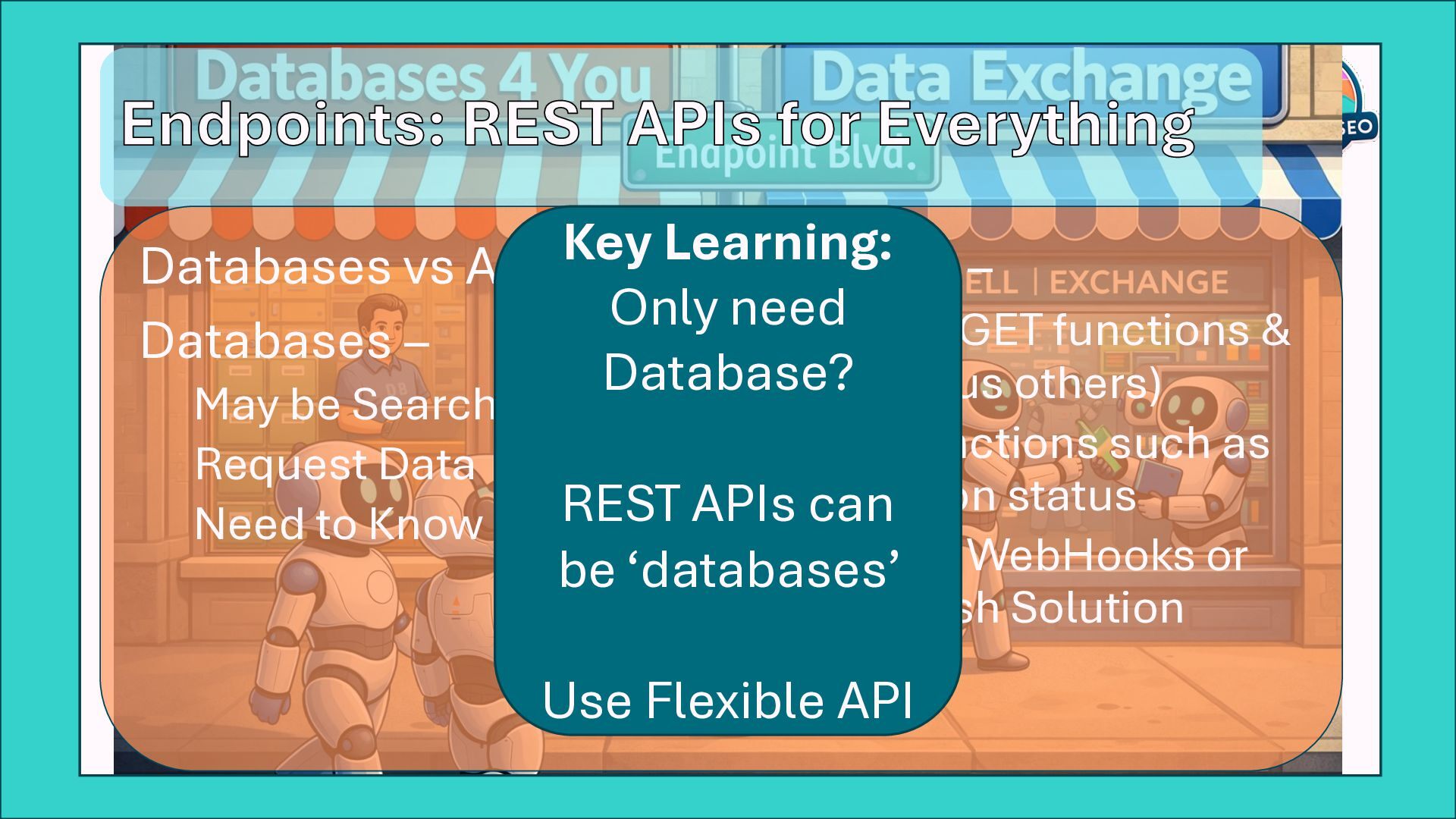
  30. Endpoints: REST APIs for Everything Databases vs APIs Databases –

    May be Searchable Request Data Need to Know Format REST APIs – Can use GET functions & POST (plus others) Allow functions such as Checks on status Use with WebHooks or other Push Solution Key Learning: Only need Database? REST APIs can be ‘databases’ Use Flexible API
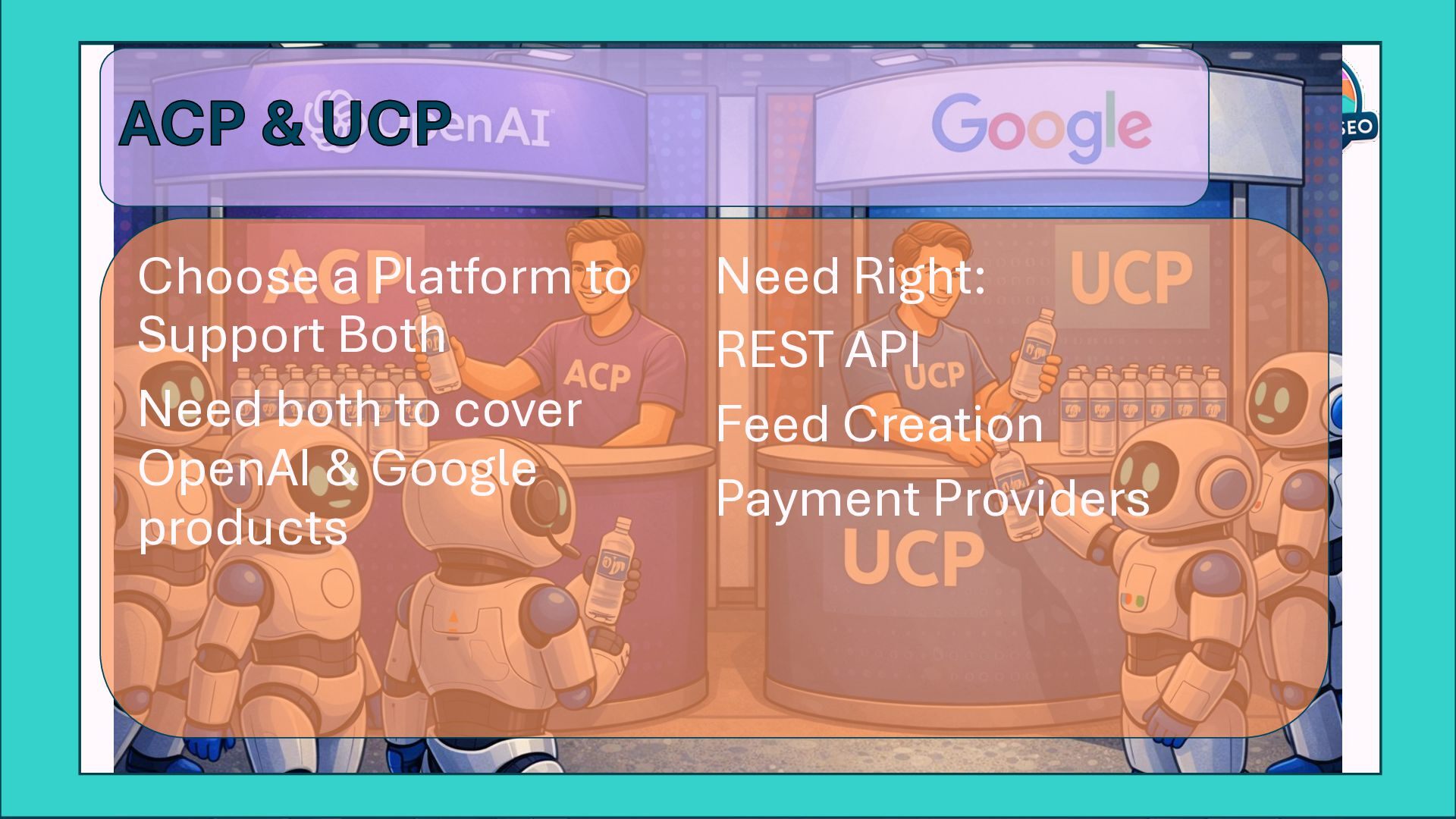
  31. ACP & UCP Choose a Platform to Support Both Need

    both to cover OpenAI & Google products Need Right: REST API Feed Creation Payment Providers
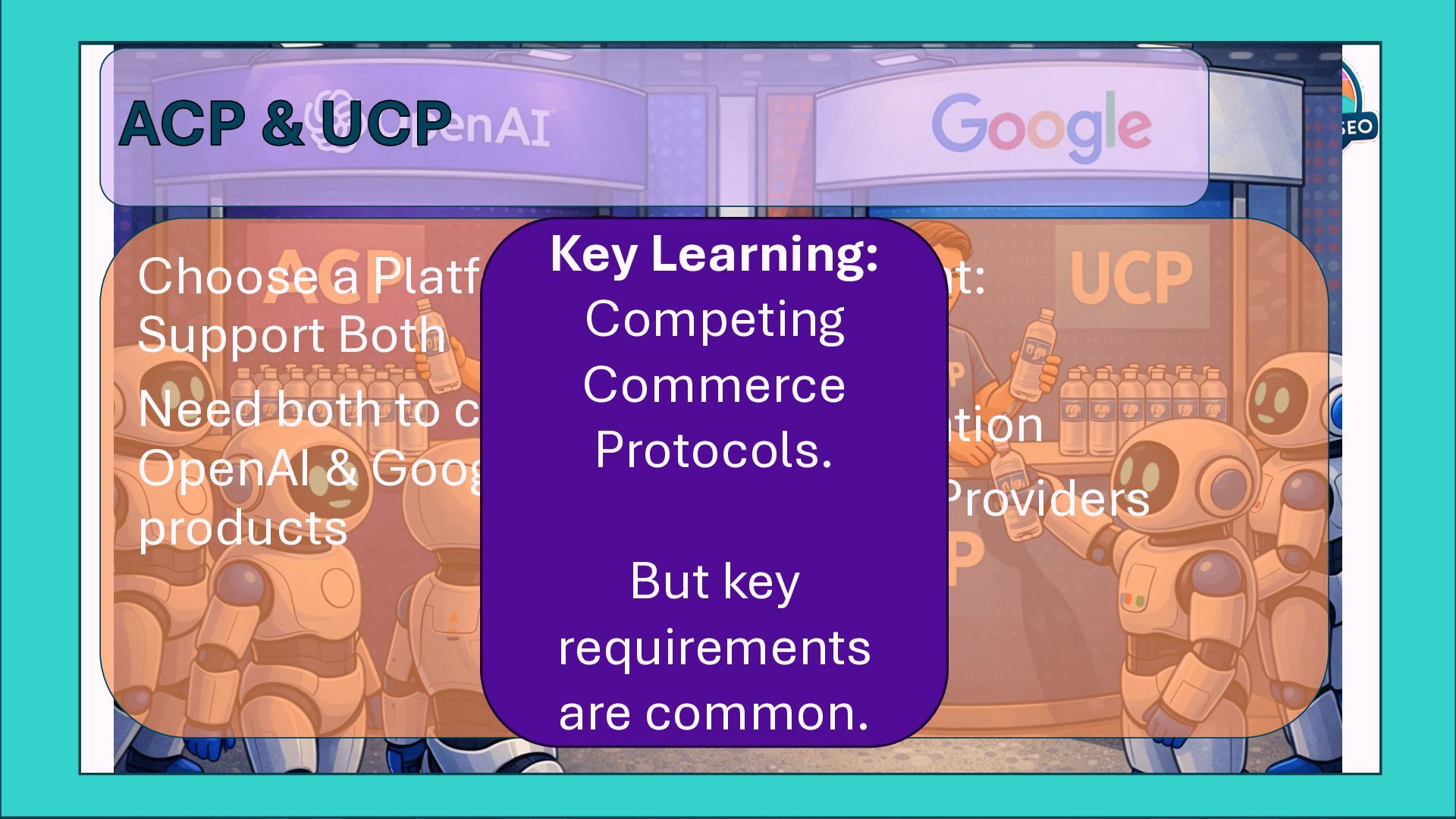
  32. ACP & UCP Choose a Platform to Support Both Need

    both to cover OpenAI & Google products Need Right: REST API Feed Creation Payment Providers Key Learning: Competing Commerce Protocols. But key requirements are common.
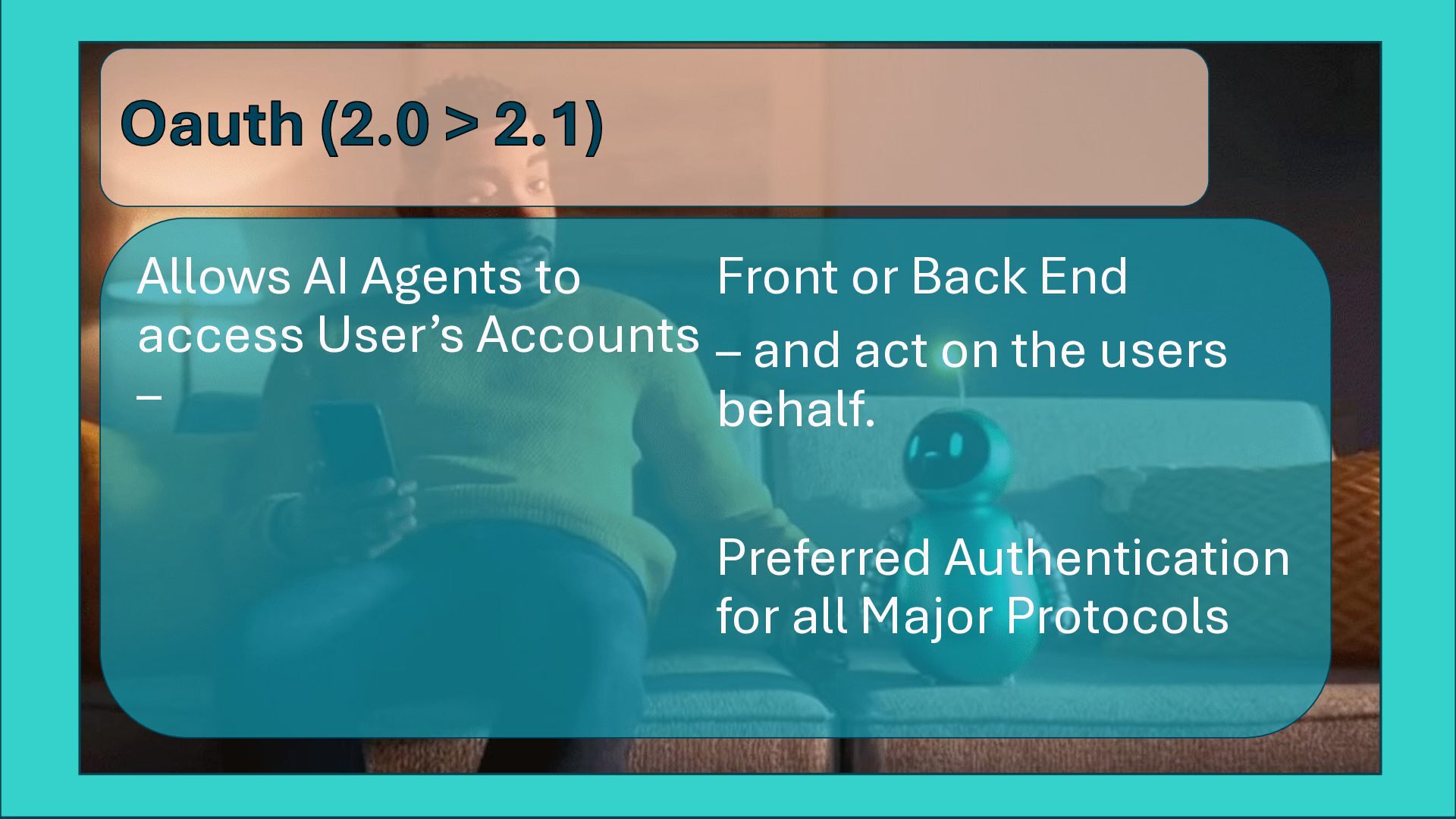
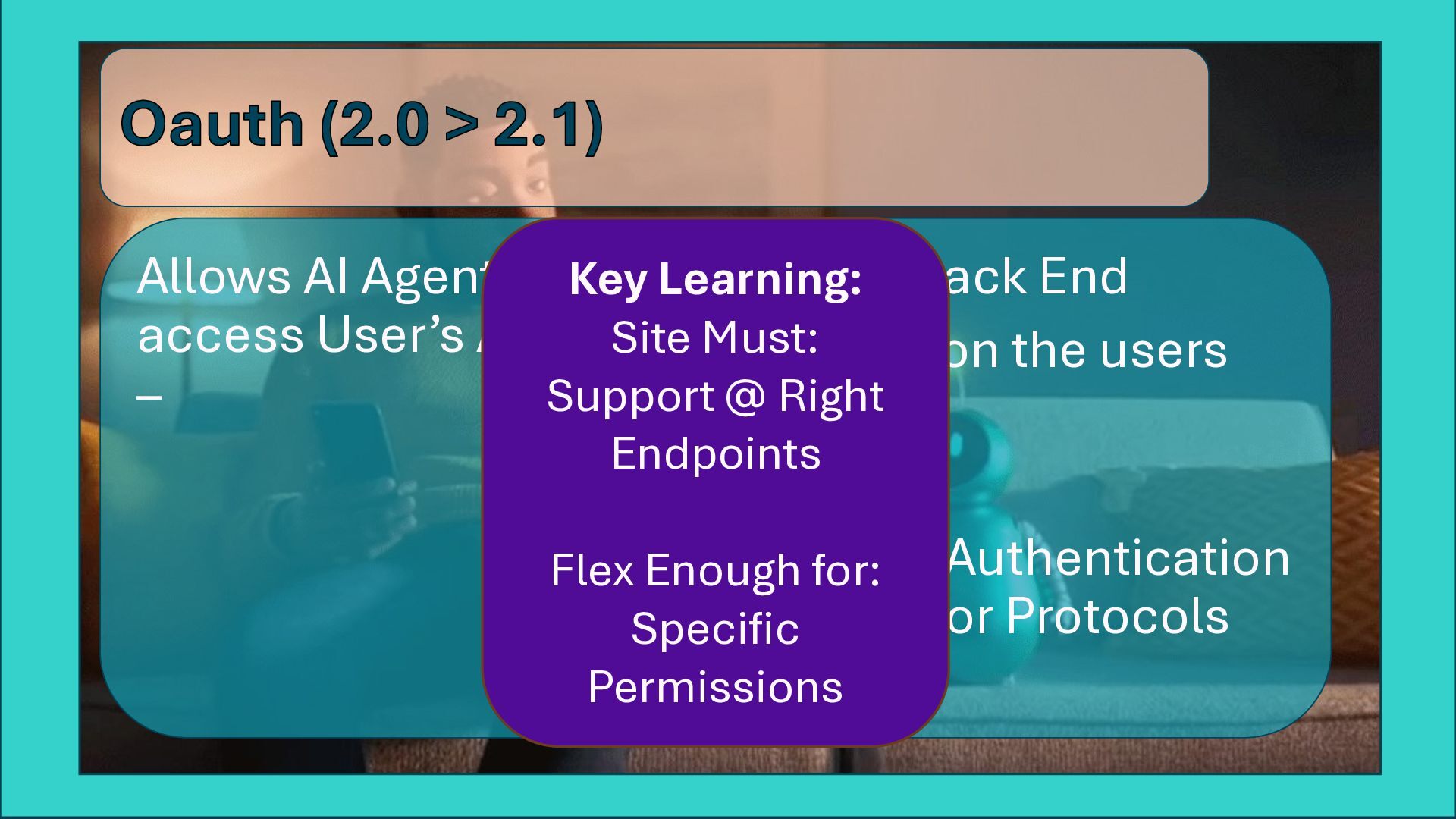
  33. Oauth (2.0 > 2.1) Allows AI Agents to access User’s

    Accounts – Front or Back End – and act on the users behalf. Preferred Authentication for all Major Protocols
  34. Oauth (2.0 > 2.1) Allows AI Agents to access User’s

    Accounts – Front or Back End – and act on the users behalf. Preferred Authentication for all Major Protocols Key Learning: Site Must: Support @ Right Endpoints Flex Enough for: Specific Permissions
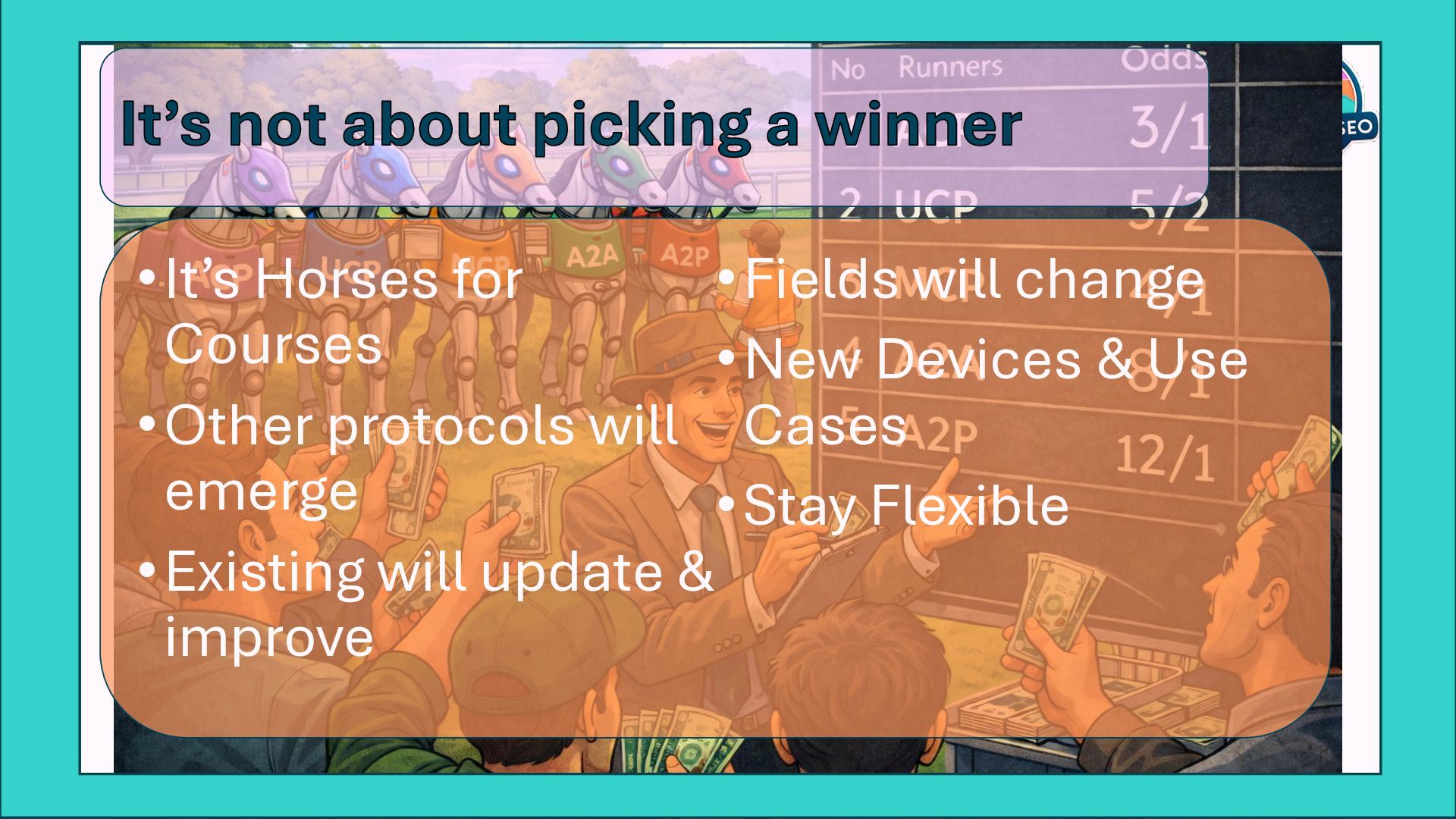
  35. It’s not about picking a winner •It’s Horses for Courses

    •Other protocols will emerge •Existing will update & improve •Fields will change •New Devices & Use Cases •Stay Flexible
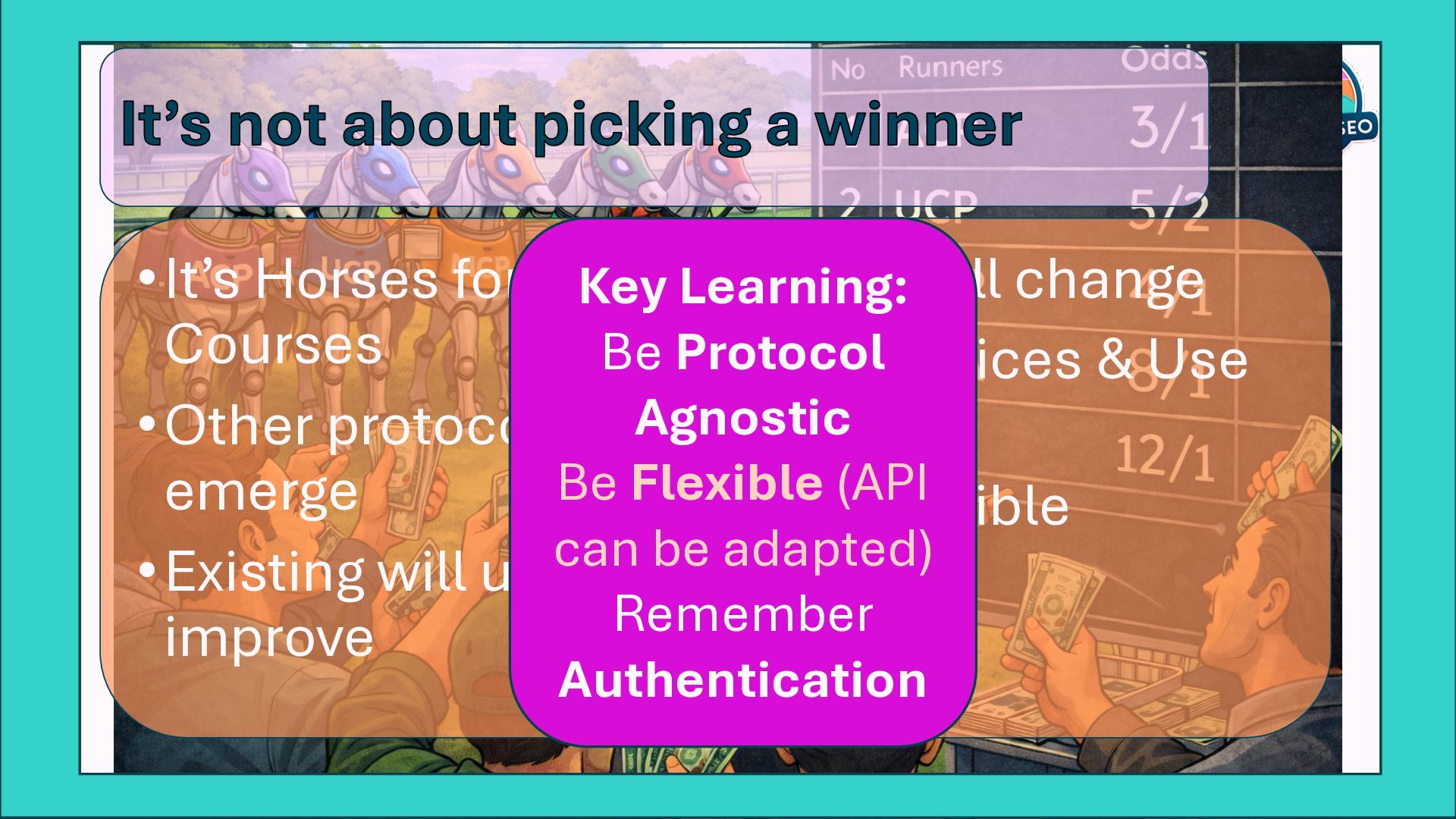
  36. It’s not about picking a winner •It’s Horses for Courses

    •Other protocols will emerge •Existing will update & improve •Fields will change •New Devices & Use Cases •Stay Flexible Key Learning: Be Protocol Agnostic Be Flexible (API can be adapted) Remember Authentication
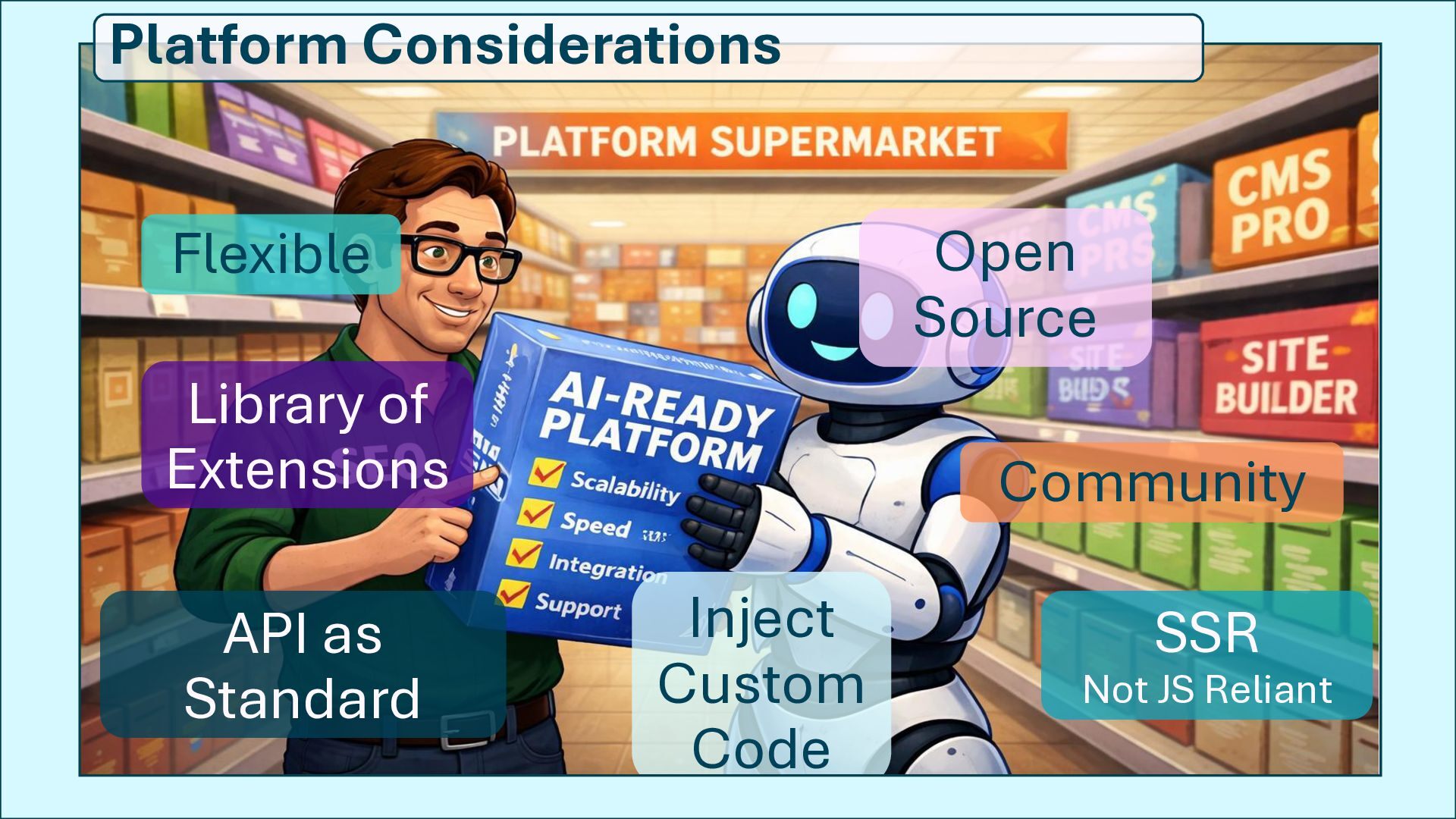
  37. Flexible Open Source Library of Extensions API as Standard Inject

    Custom Code Community SSR Not JS Reliant Platform Considerations
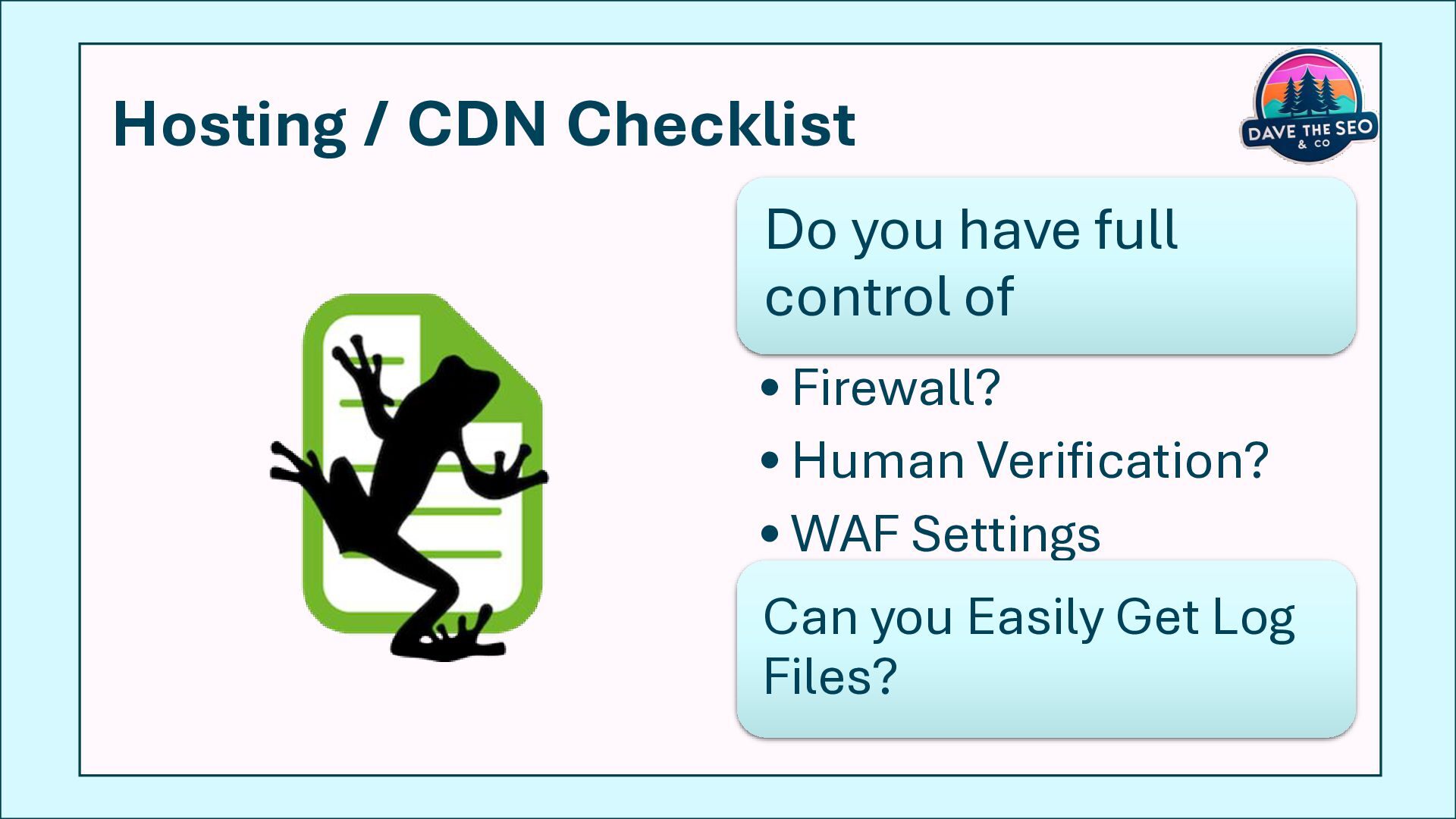
  38. Hosting / CDN Checklist Do you have full control of

    • Firewall? • Human Verification? • WAF Settings Can you Easily Get Log Files?
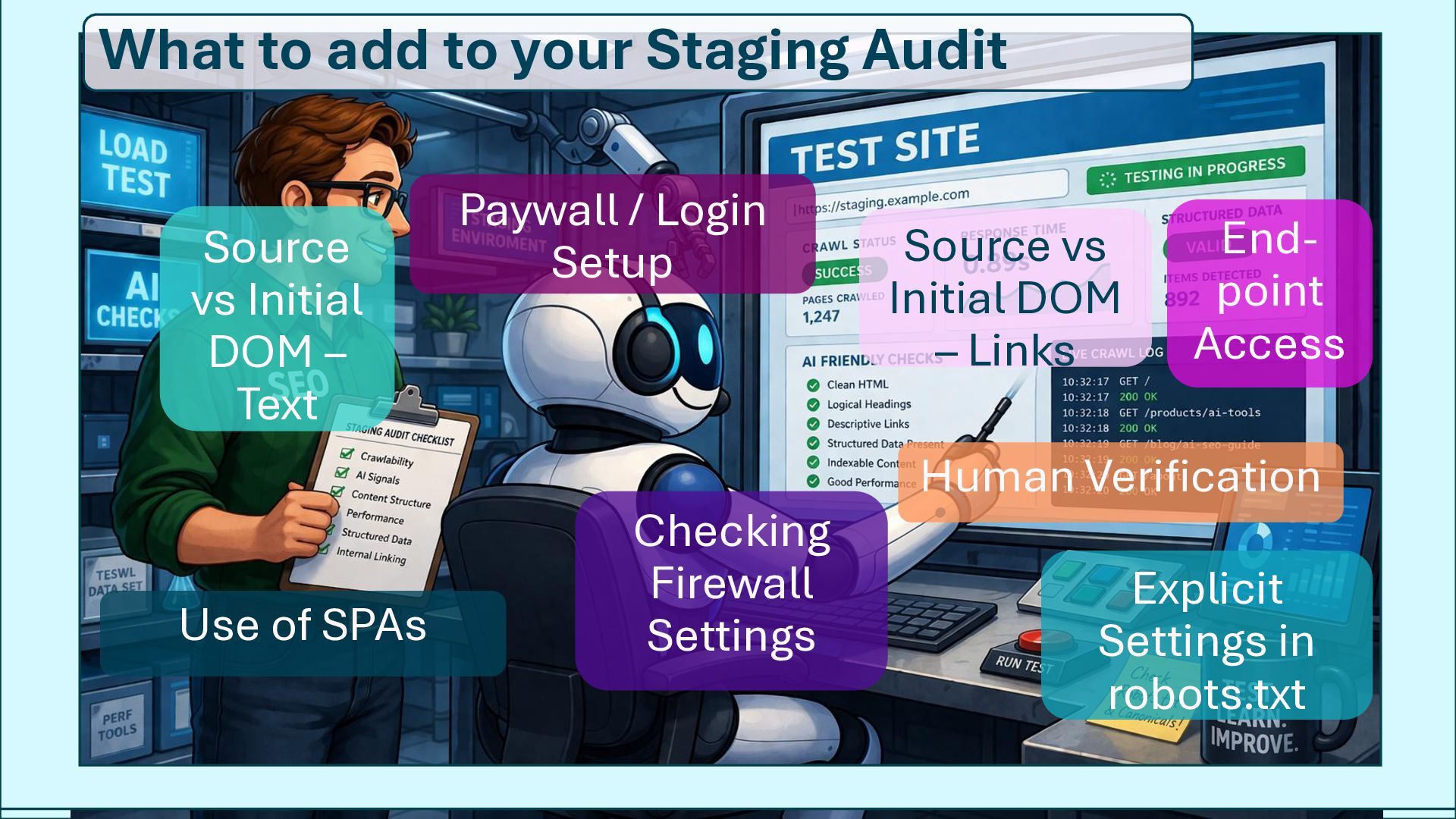
  39. Source vs Initial DOM – Text Source vs Initial DOM

    – Links Checking Firewall Settings Use of SPAs Human Verification Explicit Settings in robots.txt Paywall / Login Setup End- point Access What to add to your Staging Audit
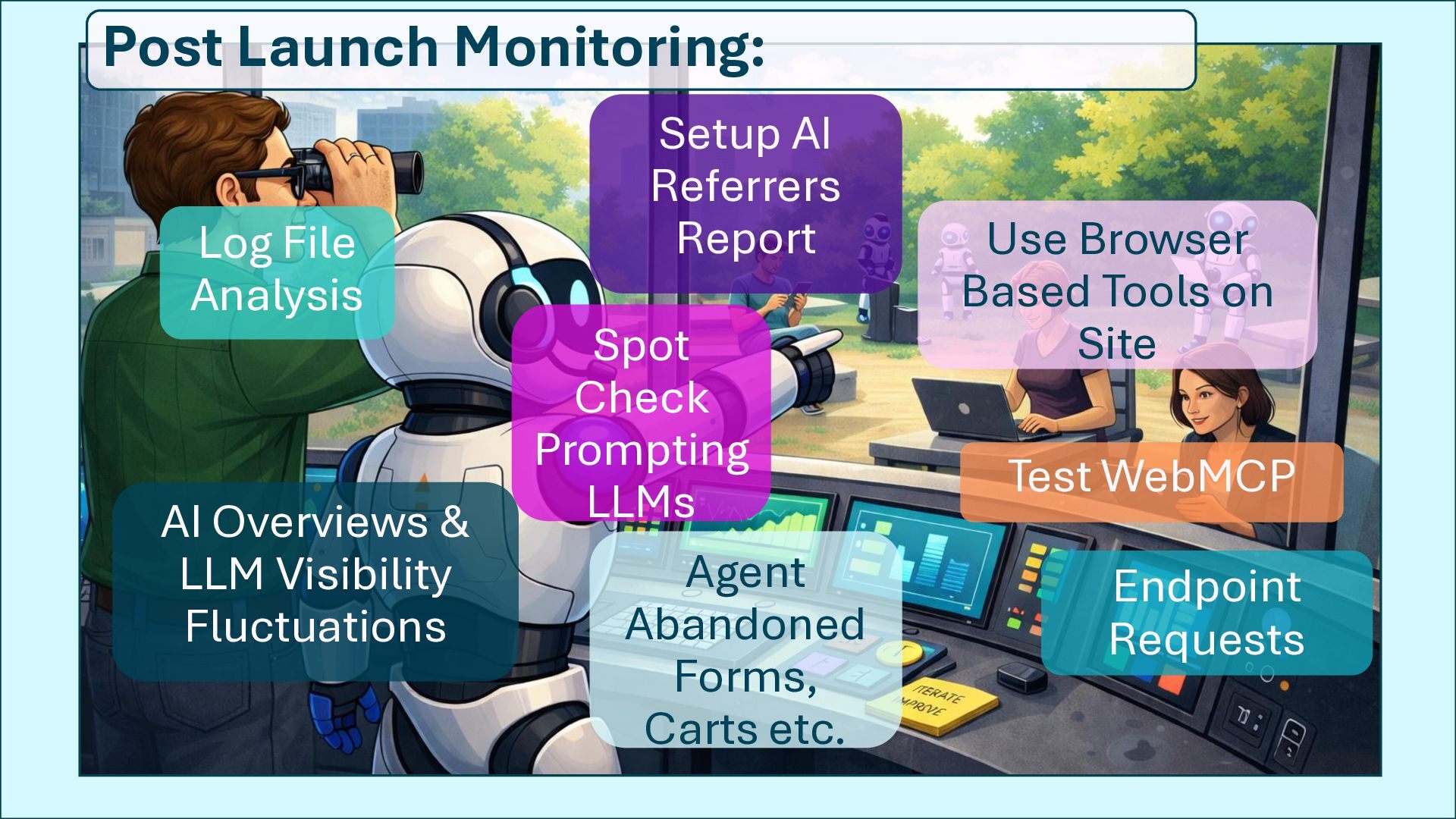
  40. Log File Analysis Use Browser Based Tools on Site Setup

    AI Referrers Report AI Overviews & LLM Visibility Fluctuations Agent Abandoned Forms, Carts etc. Test WebMCP Endpoint Requests Post Launch Monitoring: Spot Check Prompting LLMs
  41. New Protocol = Rebuild JS- rendered content No API access

    New protocol = Reconfigure Content in source API ready Simple Login Fields locked in No custom code OAuth 2.0 auth Custom/ New Fields Inject Code