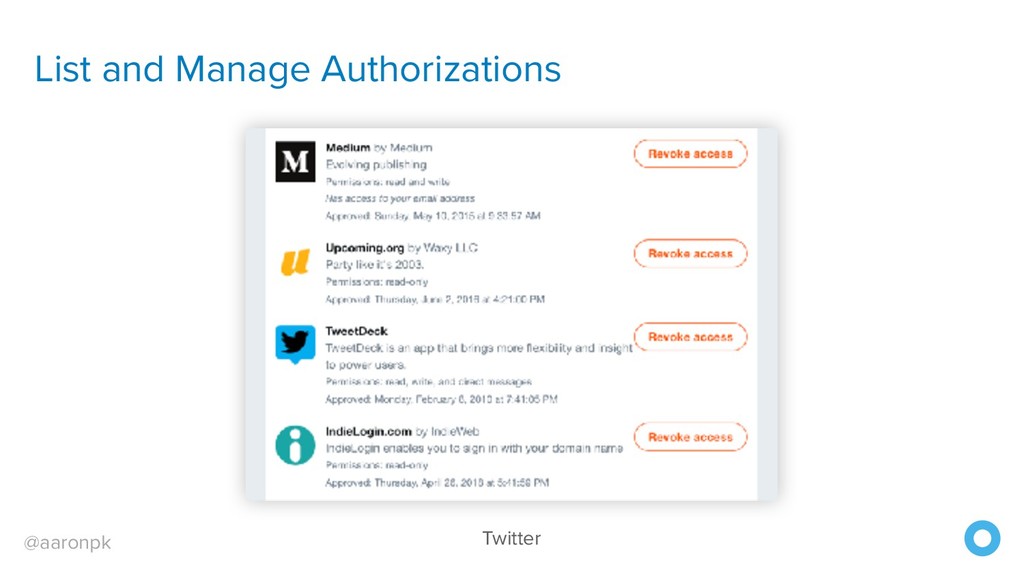
Apps got complete access to a user’s account • Users couldn’t revoke access except by changing their password • Compromised apps exposed the user’s password
to obtain an access token • Authorization Code Flow: web apps, native apps • Device Flow: browserless or input-constrained devices • Password: not really OAuth, only for first-party apps • Refresh Token: getting a new access token when it expires
anything where the client cannot keep strings confidential. • Javascript clients: "view source" • Native apps: can decompile and see strings • No secret is used for these clients, only the ID
I’d like to use this great app App: Please go to the authorization server to grant me access User: I’d like to log in to “The Best App Ever”, it wants write access to my account Authz: Here is a temporary code the app can use App: Here is the temporary code, please give me a token User: Here is the temporary code, please use this to get a token Authz: Here is an access token! App: Please let me access this user’s data with this access token!
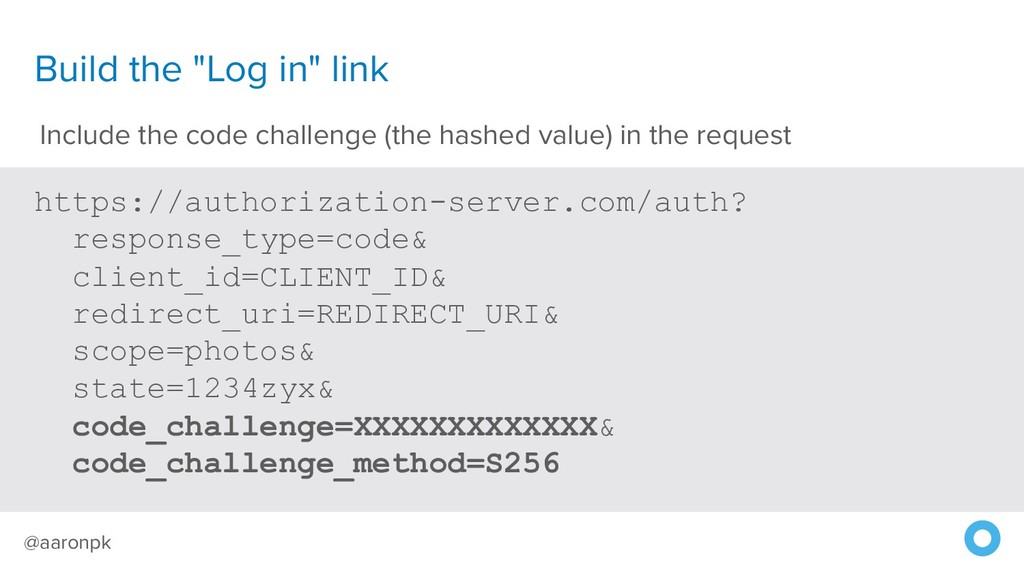
that your client expects to receive an authorization code • client_id=CLIENT_ID - The client ID you received when you first created the application • redirect_uri=REDIRECT_URI - Indicates the URL to return the user to after authorization is complete, such as https://example-app.com/callback • scope=photos - A space-separated string indicating which parts of the user's account you wish to access • state=1234zyx - A random string generated by your application, which you'll verify later
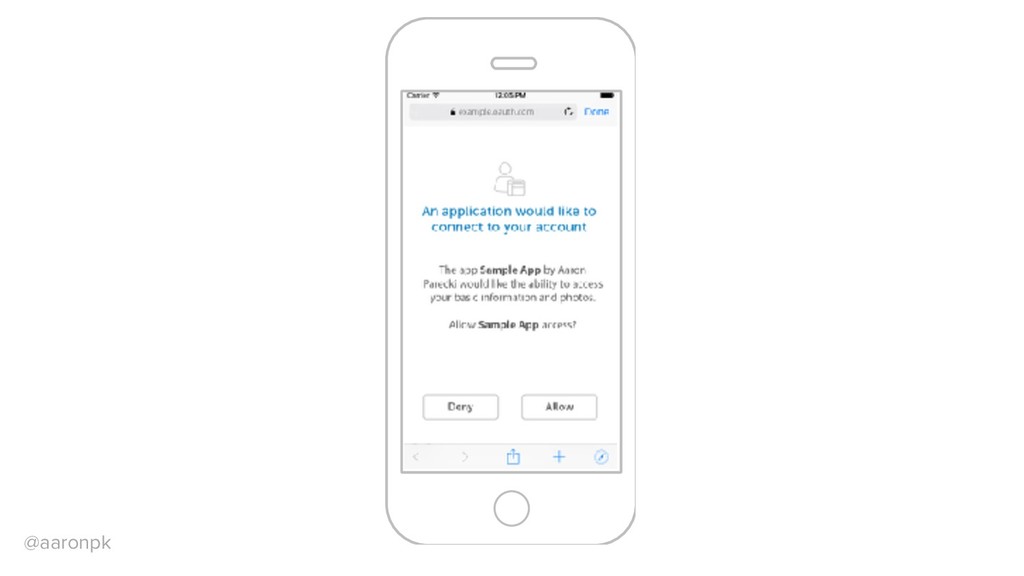
to the application with an authorization code https://example.com/auth?error=access_denied The user is redirected back to the application with an error code If User Denies
- indicates that this request contains an authorization code • code=CODE_FROM_QUERY - Include the authorization code from the query string of this request • redirect_uri=REDIRECT_URI - This must match the redirect_uri used in the original request • client_id=CLIENT_ID - The client ID you received when you first created the application • client_secret=CLIENT_SECRET - Since this request is made from server- side code, the secret is included
"expires_in":3600, "refresh_token":"64d049f8b21191e12522d5d96d5641af5e8" } The server replies with an access token and expiration time or if there was an error: {"error":"invalid_request"}
Server accounts.google.com Yes No Allow Example App to access your public profile and contacts? example-app.com/callback Loading… Direct the user to the authorization server response_type=code &redirect_uri=example-app.com/callback &state=00000 User signs in Authorization server redirects back to the app code=XYZ123&state=00000 Exchange authorization code for an access token
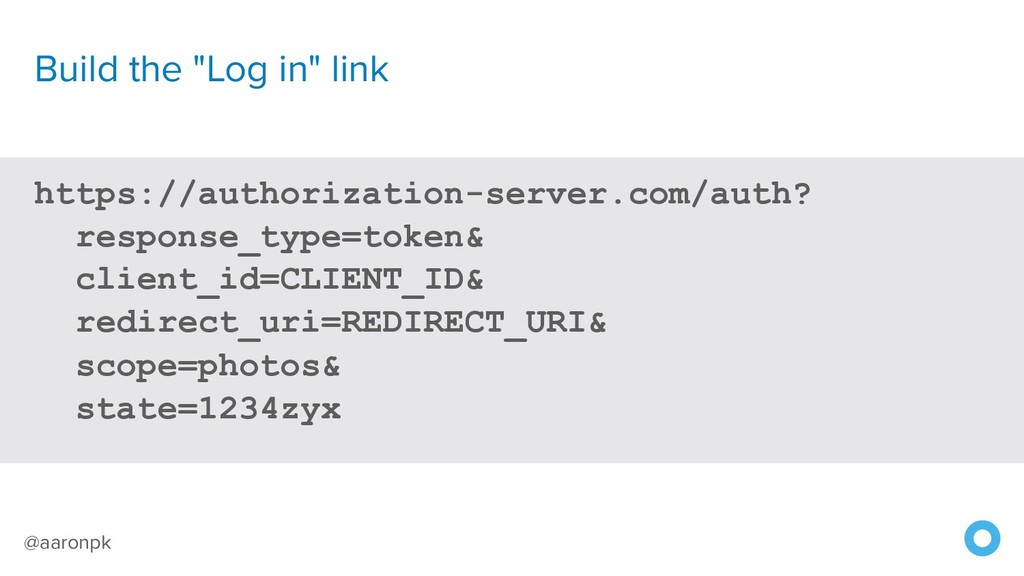
that your client expects to receive an access token • client_id=CLIENT_ID - The client ID you received when you first created the application • redirect_uri=REDIRECT_URI - Indicates the URI to return the user to after authorization is complete, such as https://example-app.com/callback • scope=photos - A space-separated string indicating which parts of the user's account you wish to access • state=1234zyx - A random string generated by your application, which you'll verify later
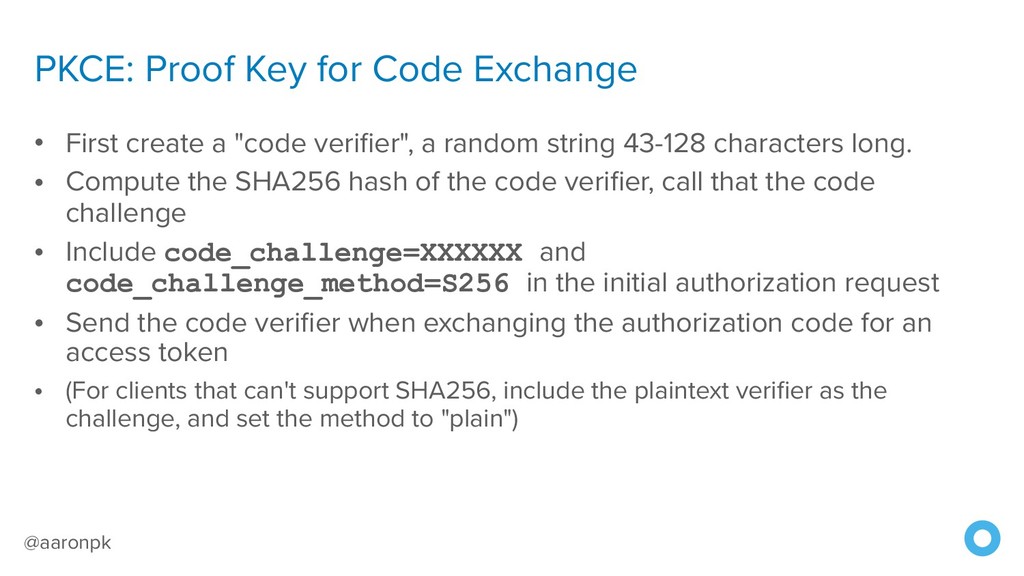
a "code verifier", a random string 43-128 characters long. • Compute the SHA256 hash of the code verifier, call that the code challenge • Include code_challenge=XXXXXX and code_challenge_method=S256 in the initial authorization request • Send the code verifier when exchanging the authorization code for an access token • (For clients that can't support SHA256, include the plaintext verifier as the challenge, and set the method to "plain")
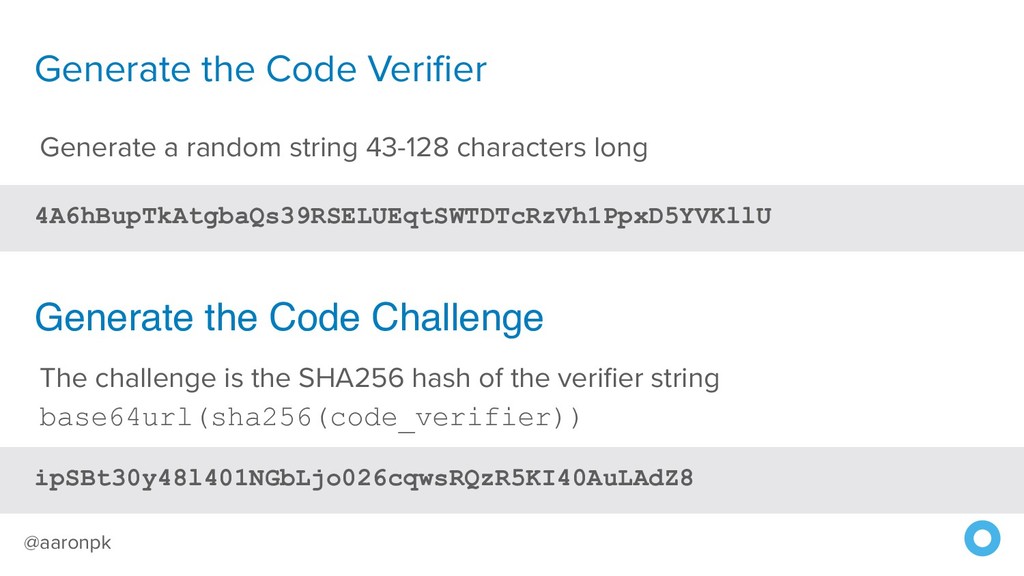
43-128 characters long ipSBt30y48l401NGbLjo026cqwsRQzR5KI40AuLAdZ8 The challenge is the SHA256 hash of the verifier string base64url(sha256(code_verifier)) Generate the Code Challenge
to the application with an authorization code example://auth?error=access_denied The user is redirected back to the application with an error code If User Denies
then make a POST request: • grant_type=authorization_code - indicates that this request contains an authorization code • code=CODE_FROM_QUERY - Include the authorization code from the query string of this request • redirect_uri=REDIRECT_URI - This must match the redirect_uri used in the original request • client_id=CLIENT_ID - The client ID you received when you first created the application • code_verifier=VERIFIER_STRING - The plaintext code verifier initially created
grant_type=authorization_code& code=AUTH_CODE_HERE& redirect_uri=REDIRECT_URI& client_id=CLIENT_ID& code_verifier=VERIFIER_STRING Note: code verifier used in place of client secret
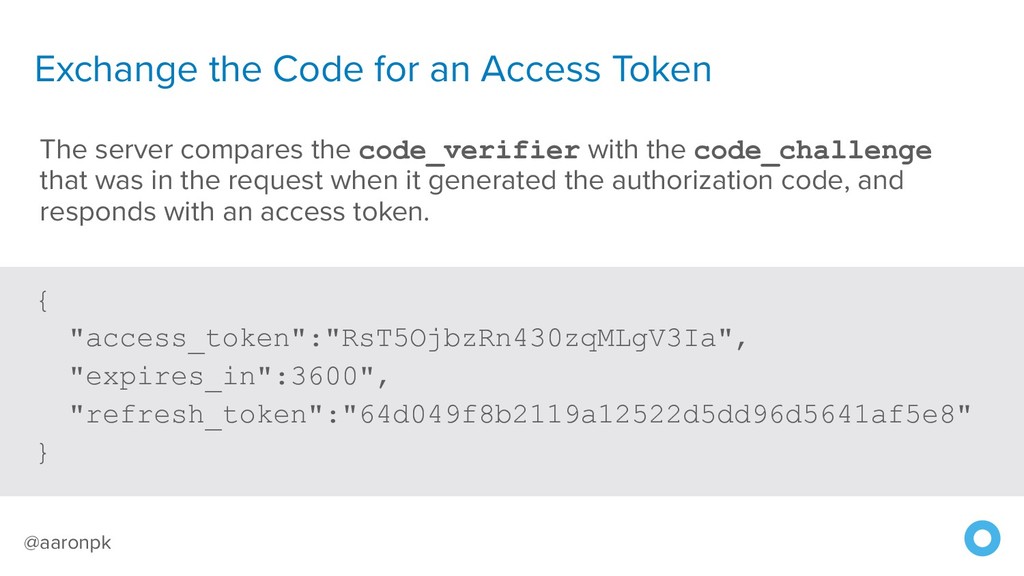
"expires_in":3600", "refresh_token":"64d049f8b2119a12522d5dd96d5641af5e8" } The server compares the code_verifier with the code_challenge that was in the request when it generated the authorization code, and responds with an access token.
https://api.authorization-server.com/token grant_type=password& username=USERNAME& password=PASSWORD& client_id=CLIENT_ID& client_secret=CLIENT_SECRET The user’s credentials are sent directly! Not a good idea for third party apps!
POST https://api.authorization-server.com/token grant_type=client_credentials& client_id=CLIENT_ID& client_secret=CLIENT_SECRET No user context in the request, so the access token can only be used to access the application’s resources
Request a Device Code { "device_code": "NGU5OWFiNjQ5YmQwNGY3YTdmZTEyNzQ3YzQ1YSA", "user_code": "BDWD-HQPK", "verification_uri": "https://example.com/device", "interval": 5, "expires_in": 1800 } The server responds with a new device code and user code, as well as the URL the user should visit to enter the code.
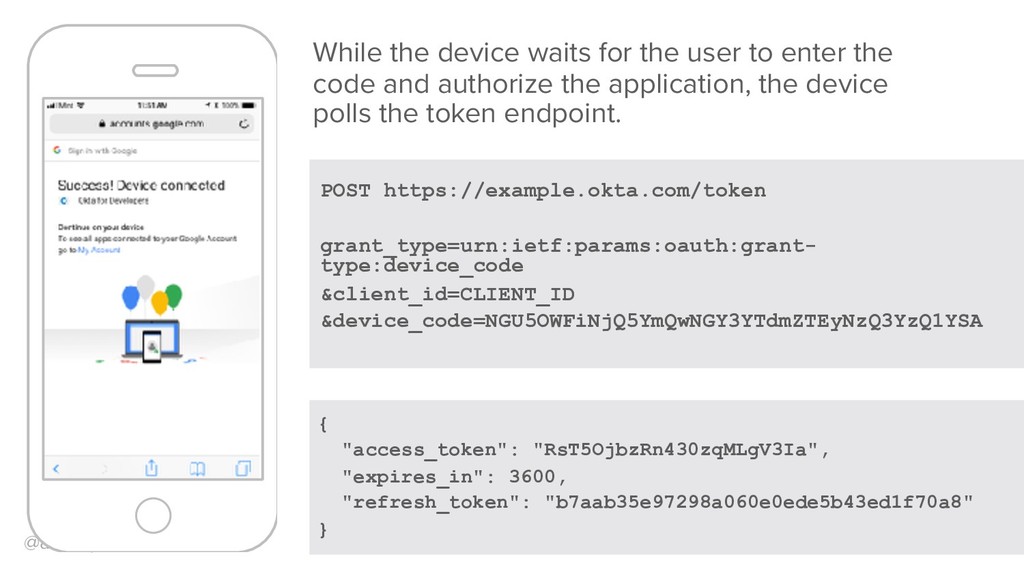
"expires_in": 3600, "refresh_token": "b7aab35e97298a060e0ede5b43ed1f70a8" } While the device waits for the user to enter the code and authorize the application, the device polls the token endpoint.
used to get new access tokens • Requested along with the id_token or access token in the initial step • Usually requires scope: offline_access • Usually not issued to Javascript apps
Defining Scopes 89 • Read / Write • Restrict access to sensitive information • e.g. private repos on GitHub • By functionality • e.g. Google Drive, YouTube, Gmail • Billable resources
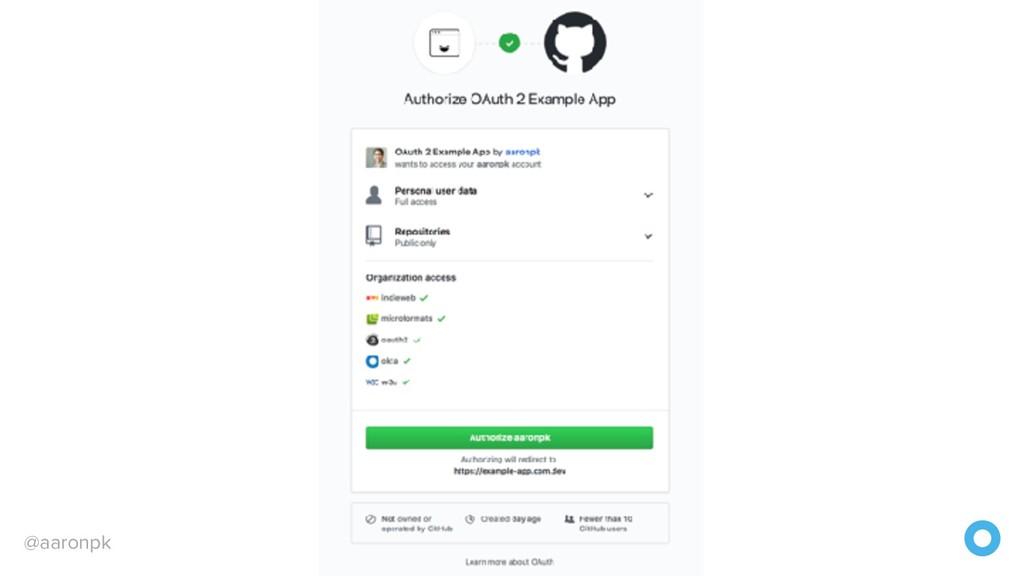
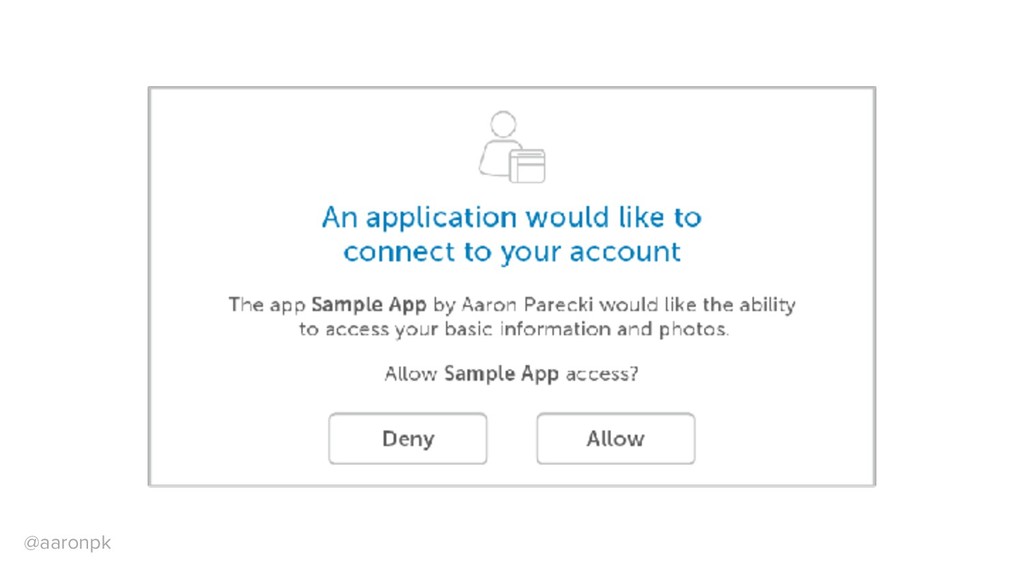
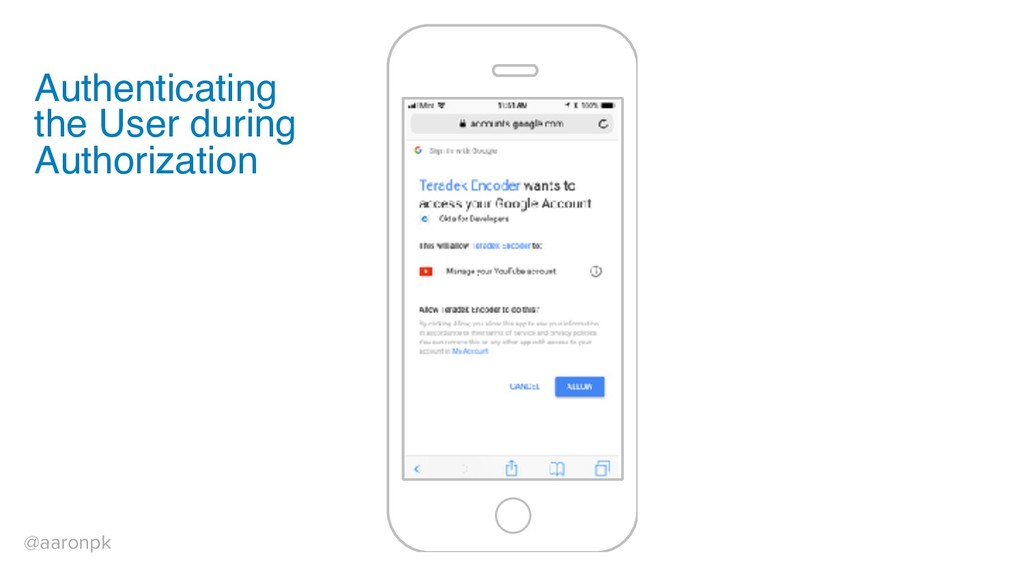
Presenting Scopes to the User 90 • Provide clear and straightforward information • Provide enough detail so the user knows what the application can access • Don't provide too much detail that they are overwhelmed and just click "ok"


 aaronpk
 ama_ch
 daidaidai
 4o1sobblue
 koukihosaka
 atsush1_sada
.jpg) lamaglama39
lamaglama39
 techtekt
 cmusudakeisuke
 emiki
emiki
 finengine
 tokuty
 iktakahiro
 garrettdimon
 sstephenson
 holman
 aleyda
 stuffmc
 dougneiner
 konakalab
 cassininazir
 techseoconnect
 keithpitt