Upgrade to Pro — share decks privately, control downloads, hide ads and more …

Keeping applications secure by evolving OAuth 2...

Keeping applications secure by evolving OAuth 2.0 and OpenID Connect

OAuth 2.0 and OpenID Connect have been around for years to secure web and mobile applications alike with growing popularity.

To keep your applications and their data secure, these standards are evolving to align with security best practices.

Join this talk to see how the FAPI 2.0 Security Profile and the upcoming OAuth 2.1 standard promotes and enforces best practices, how to adapt your applications, and how Keycloak as an Open Source IAM can help you. Expect a demo and examples for some of the enhancements.

Avatar for Alexander Schwartz

Alexander Schwartz

January 25, 2026
Tweet

More Decks by Alexander Schwartz

Other Decks in Technology

Transcript

  1. Keeping applications secure by Evolving OAuth 2.0 and OpenID Connect

    Alexander Schwartz | Keycloak Maintainer FOSDEM (Brussels, BE) | 2025-02-01
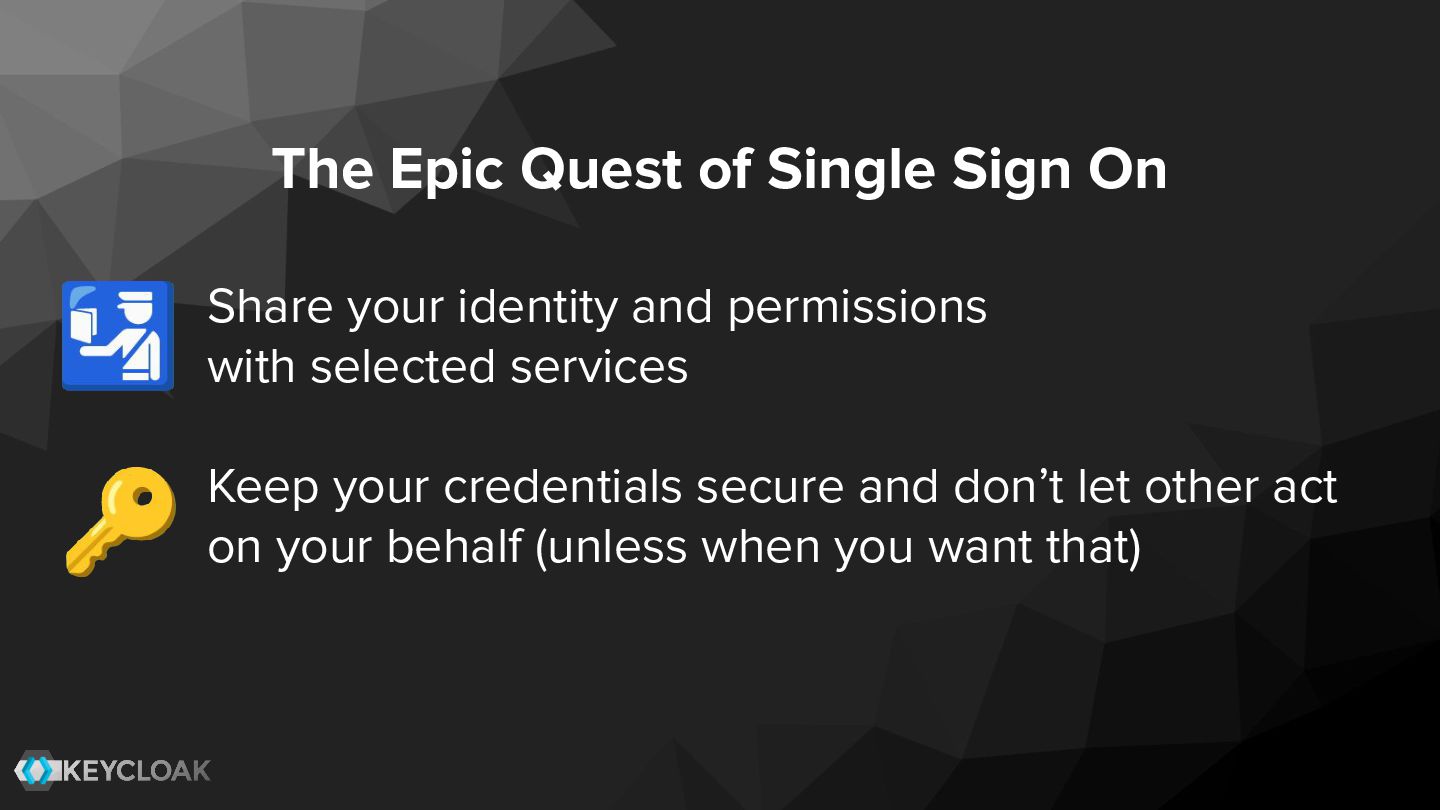
  2. The Epic Quest of Single Sign On Share your identity

    and permissions with selected services Keep your credentials secure and don’t let other act on your behalf (unless when you want that) 🛂 🔑
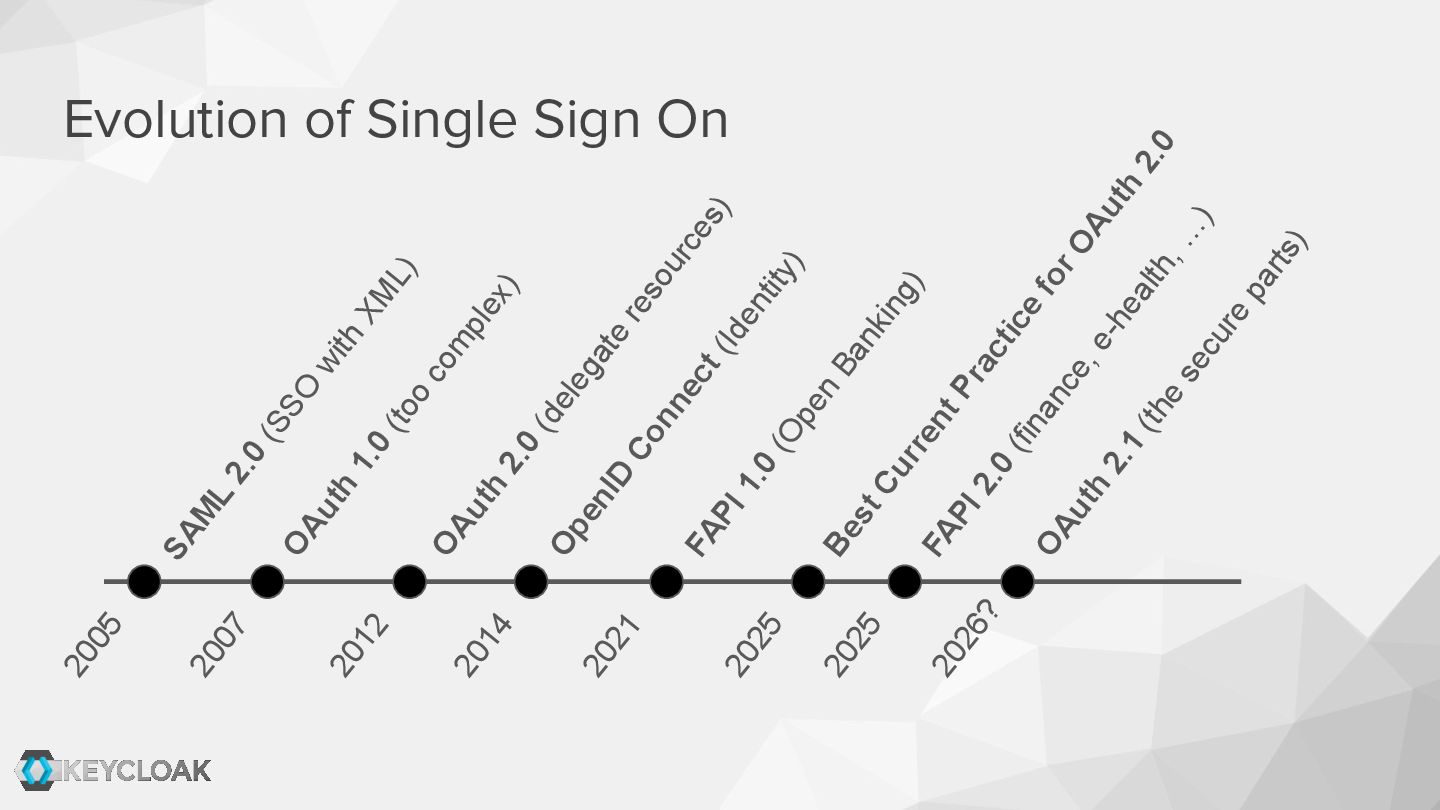
  3. Evolution of Single Sign On SAM L 2.0 (SSO with

    XM L) OAuth 1.0 (too com plex) 2005 2007 OAuth 2.0 (delegate resources) 2012 2014 OpenID Connect (Identity) 2021 FAPI 1.0 (Open Banking) 2025 Best Current Practice for OAuth 2.0 2025 FAPI 2.0 (finance, e-health, … ) OAuth 2.1 (the secure parts) 2026?
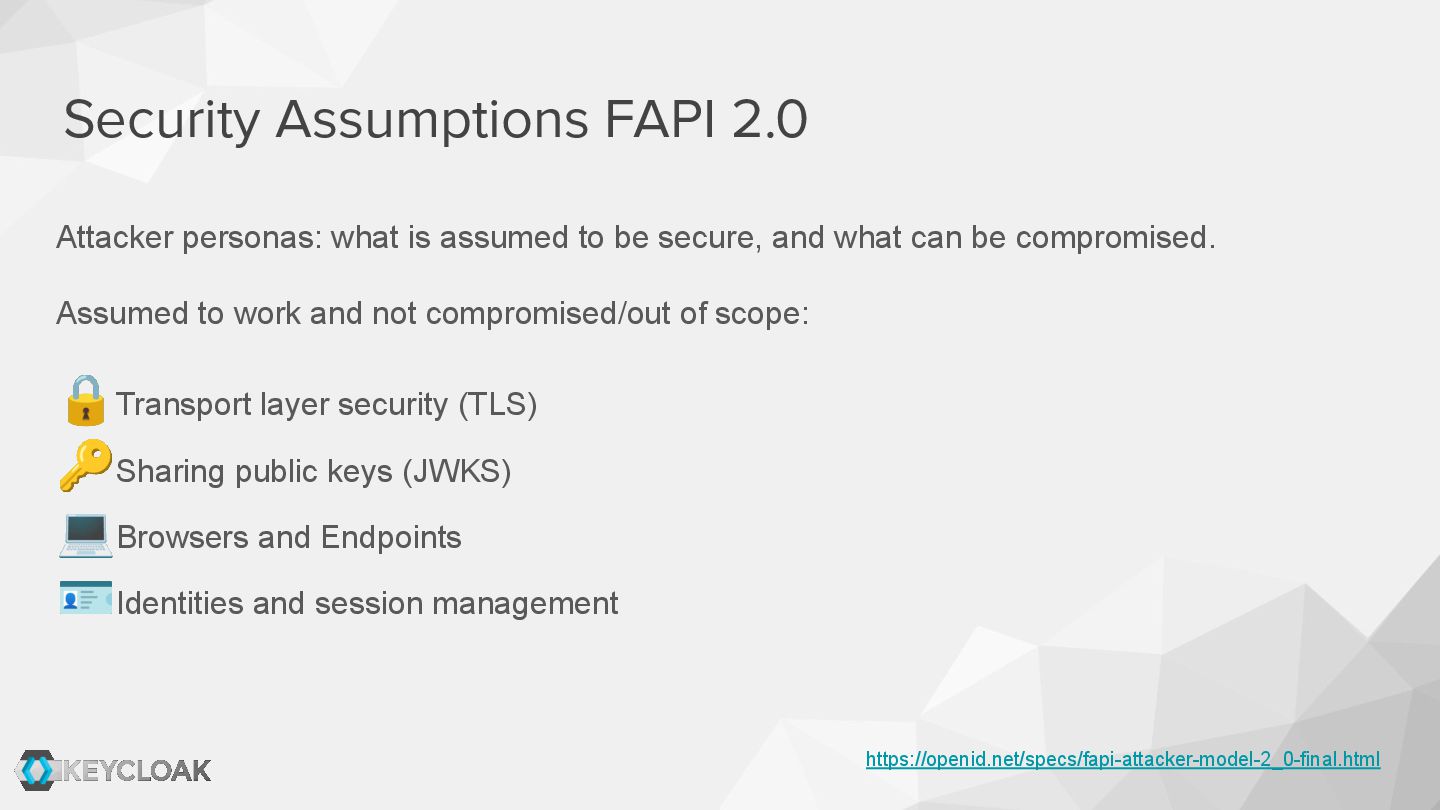
  4. Attacker personas: what is assumed to be secure, and what

    can be compromised. Assumed to work and not compromised/out of scope: 🔒Transport layer security (TLS) 🔑Sharing public keys (JWKS) 💻Browsers and Endpoints 🪪Identities and session management Security Assumptions FAPI 2.0 https://openid.net/specs/fapi-attacker-model-2_0-final.html
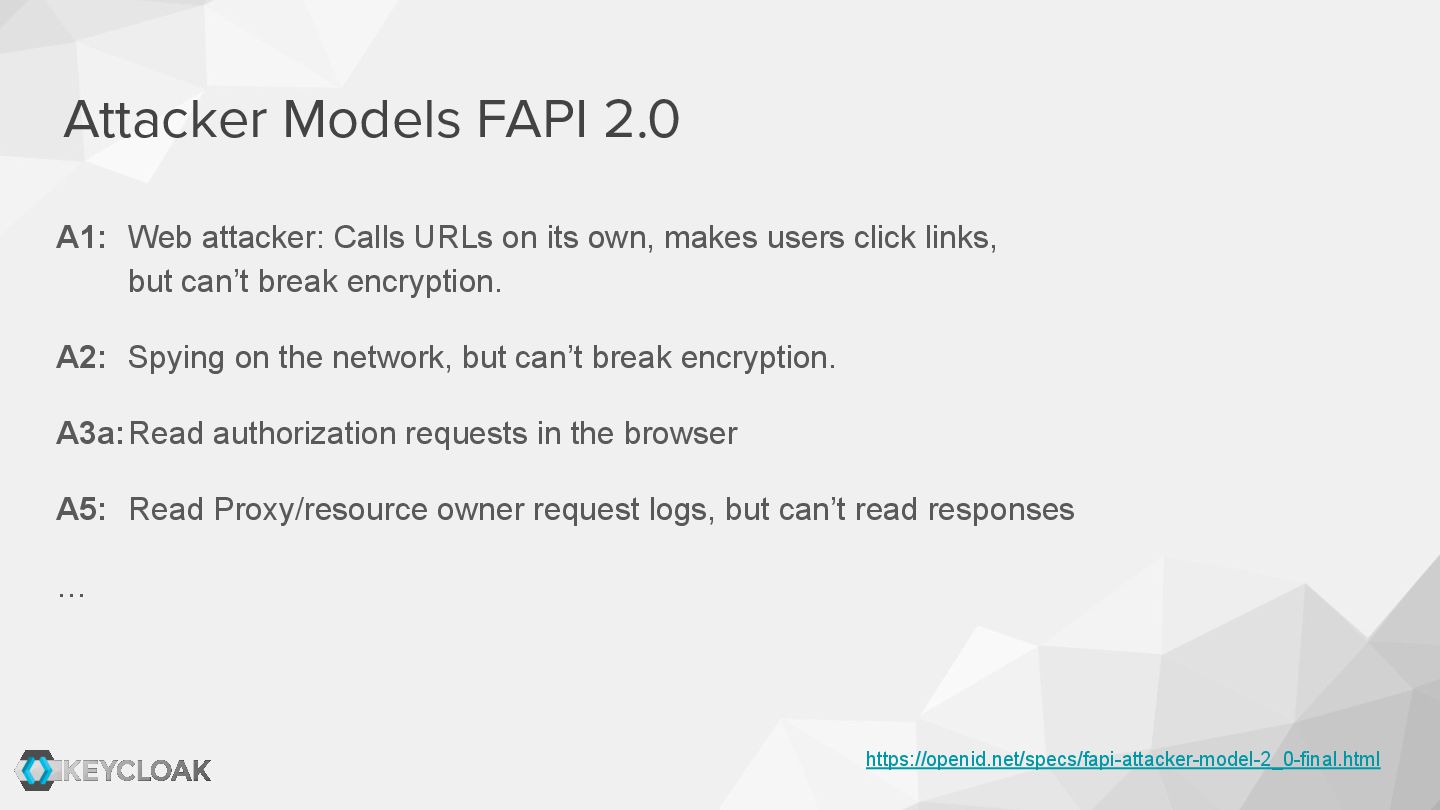
  5. A1: Web attacker: Calls URLs on its own, makes users

    click links, but can’t break encryption. A2: Spying on the network, but can’t break encryption. A3a:Read authorization requests in the browser A5: Read Proxy/resource owner request logs, but can’t read responses … Attacker Models FAPI 2.0 https://openid.net/specs/fapi-attacker-model-2_0-final.html
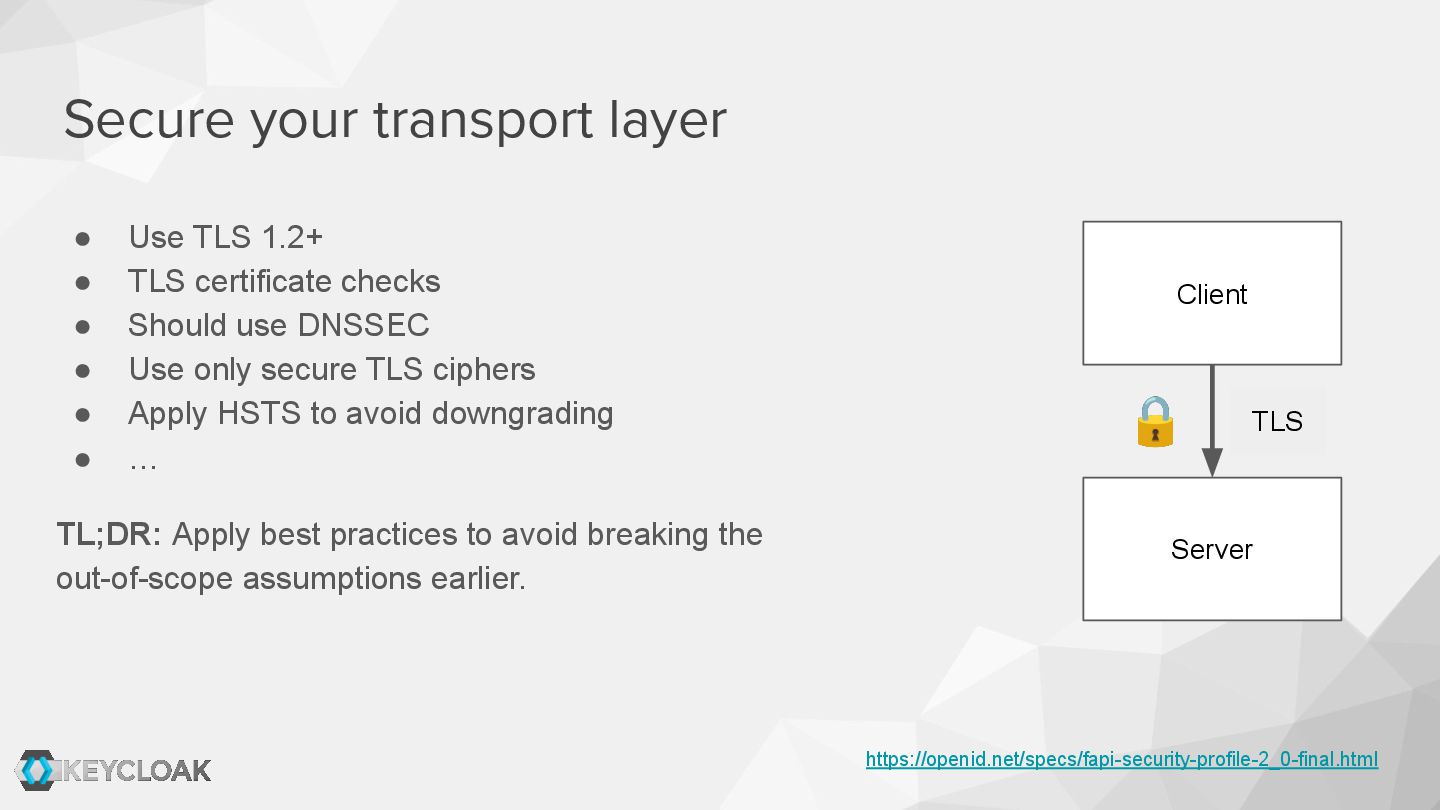
  6. • Use TLS 1.2+ • TLS certificate checks • Should

    use DNSSEC • Use only secure TLS ciphers • Apply HSTS to avoid downgrading • … TL;DR: Apply best practices to avoid breaking the out-of-scope assumptions earlier. Secure your transport layer https://openid.net/specs/fapi-security-profile-2_0-final.html Client Server TLS 🔒
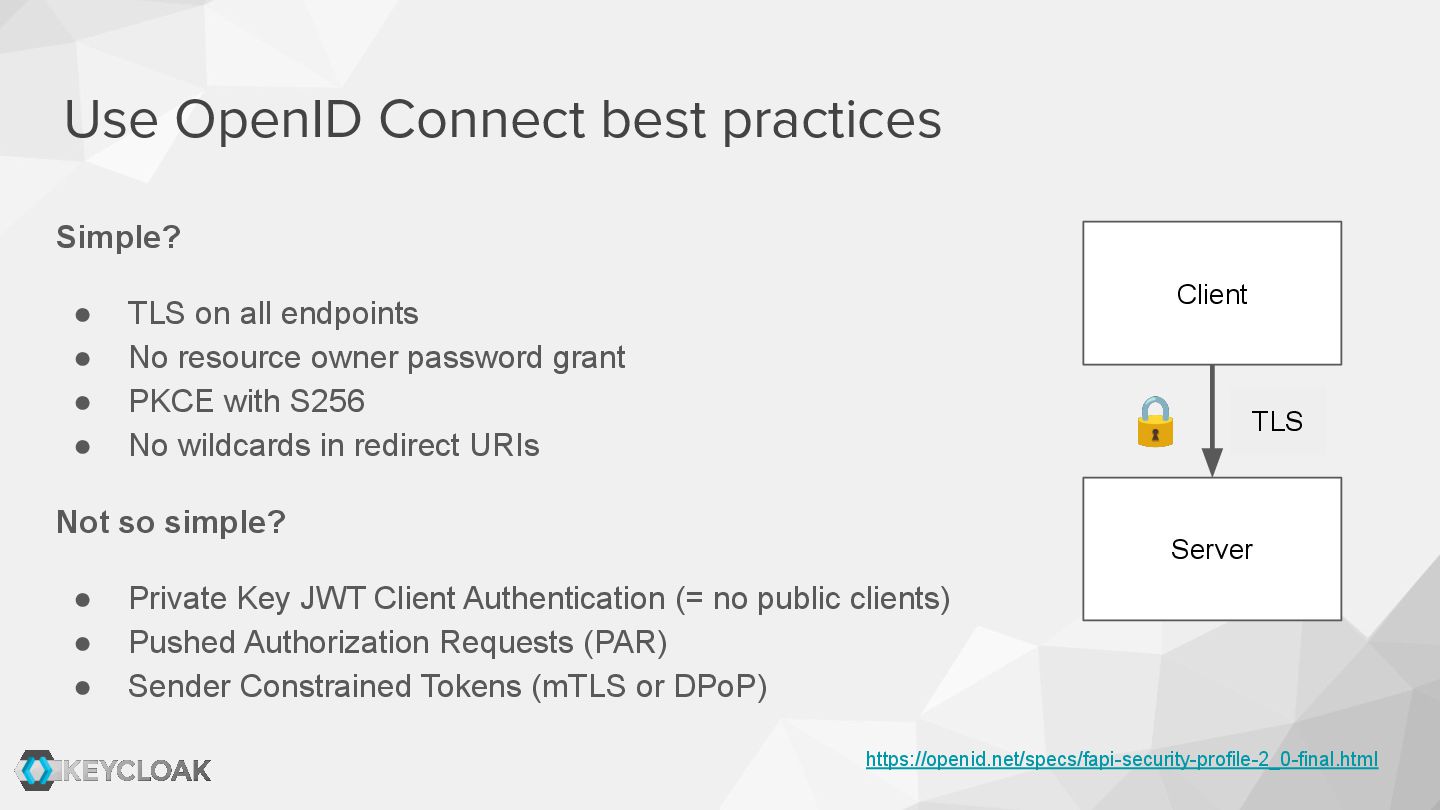
  7. Simple? • TLS on all endpoints • No resource owner

    password grant • PKCE with S256 • No wildcards in redirect URIs Not so simple? • Private Key JWT Client Authentication (= no public clients) • Pushed Authorization Requests (PAR) • Sender Constrained Tokens (mTLS or DPoP) Use OpenID Connect best practices https://openid.net/specs/fapi-security-profile-2_0-final.html Client Server TLS 🔒
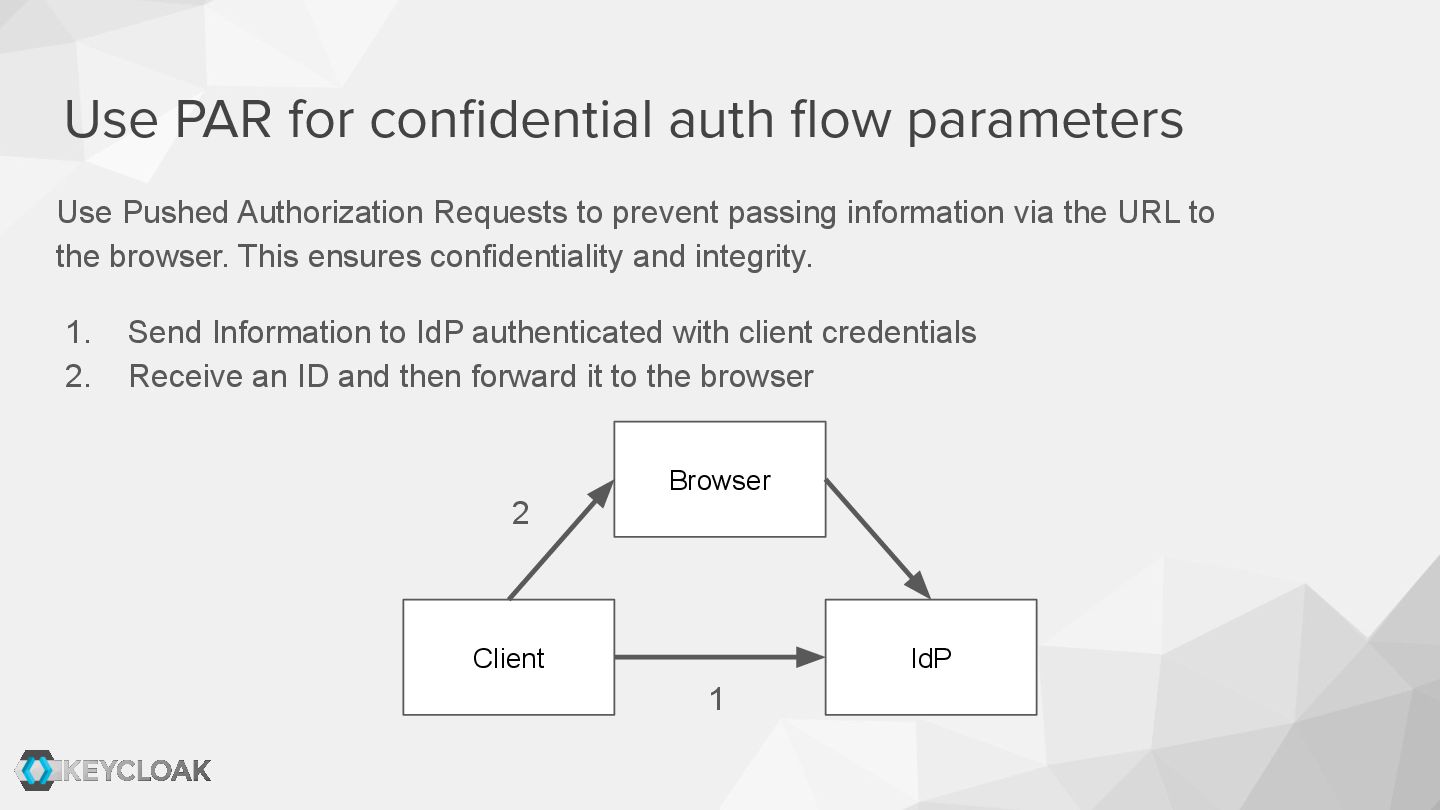
  8. Use PAR for confidential auth flow parameters Use Pushed Authorization

    Requests to prevent passing information via the URL to the browser. This ensures confidentiality and integrity. 1. Send Information to IdP authenticated with client credentials 2. Receive an ID and then forward it to the browser Client IdP Browser 2 1
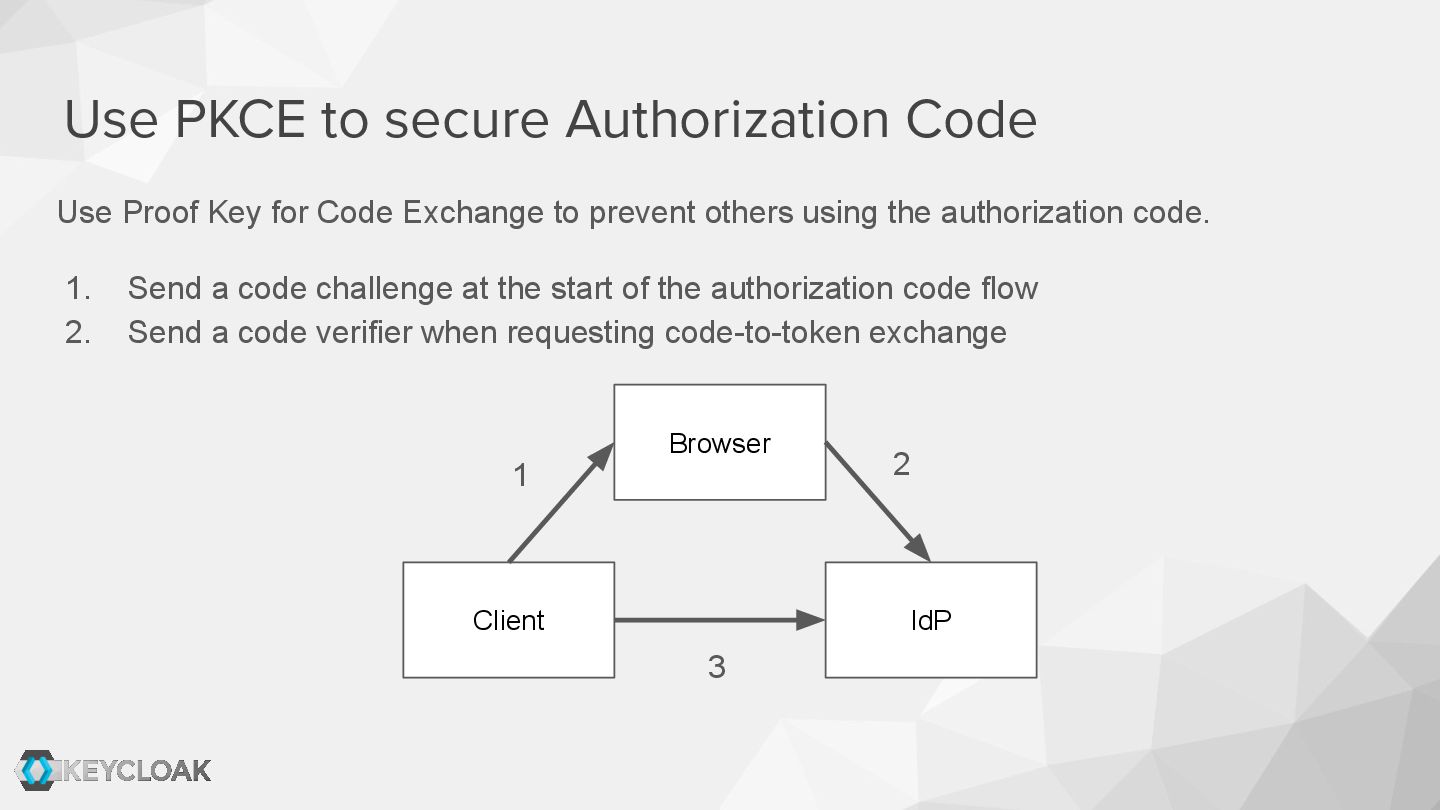
  9. Use PKCE to secure Authorization Code Client IdP Use Proof

    Key for Code Exchange to prevent others using the authorization code. 1. Send a code challenge at the start of the authorization code flow 2. Send a code verifier when requesting code-to-token exchange Browser 2 1 3
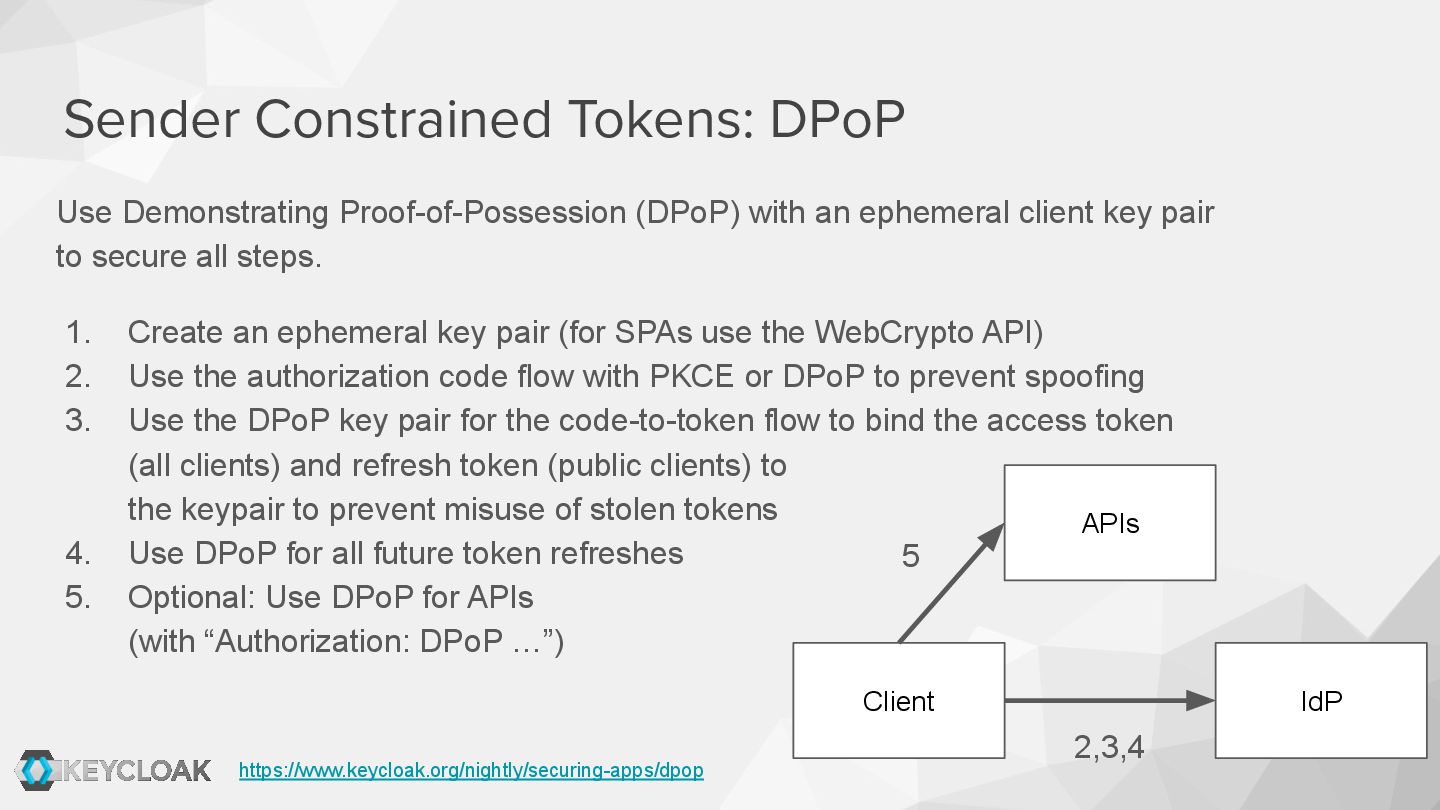
  10. Use Demonstrating Proof-of-Possession (DPoP) with an ephemeral client key pair

    to secure all steps. 1. Create an ephemeral key pair (for SPAs use the WebCrypto API) 2. Use the authorization code flow with PKCE or DPoP to prevent spoofing 3. Use the DPoP key pair for the code-to-token flow to bind the access token (all clients) and refresh token (public clients) to the keypair to prevent misuse of stolen tokens 4. Use DPoP for all future token refreshes 5. Optional: Use DPoP for APIs (with “Authorization: DPoP …”) Sender Constrained Tokens: DPoP Client APIs IdP 5 2,3,4 https://www.keycloak.org/nightly/securing-apps/dpop
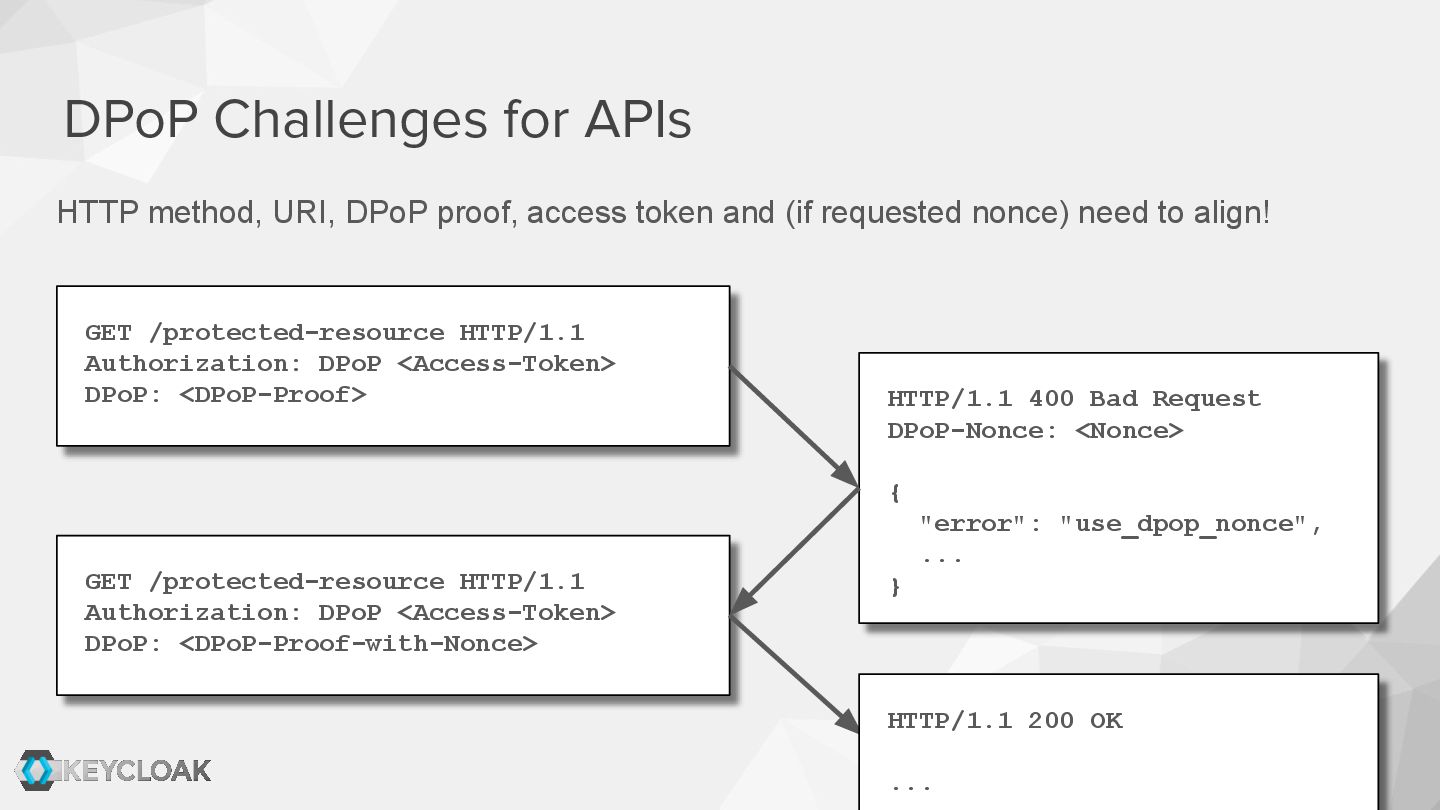
  11. HTTP method, URI, DPoP proof, access token and (if requested

    nonce) need to align! DPoP Challenges for APIs GET /protected-resource HTTP/1.1 Authorization: DPoP <Access-Token> DPoP: <DPoP-Proof> HTTP/1.1 400 Bad Request DPoP-Nonce: <Nonce> { "error": "use_dpop_nonce", ... } GET /protected-resource HTTP/1.1 Authorization: DPoP <Access-Token> DPoP: <DPoP-Proof-with-Nonce> HTTP/1.1 200 OK ...
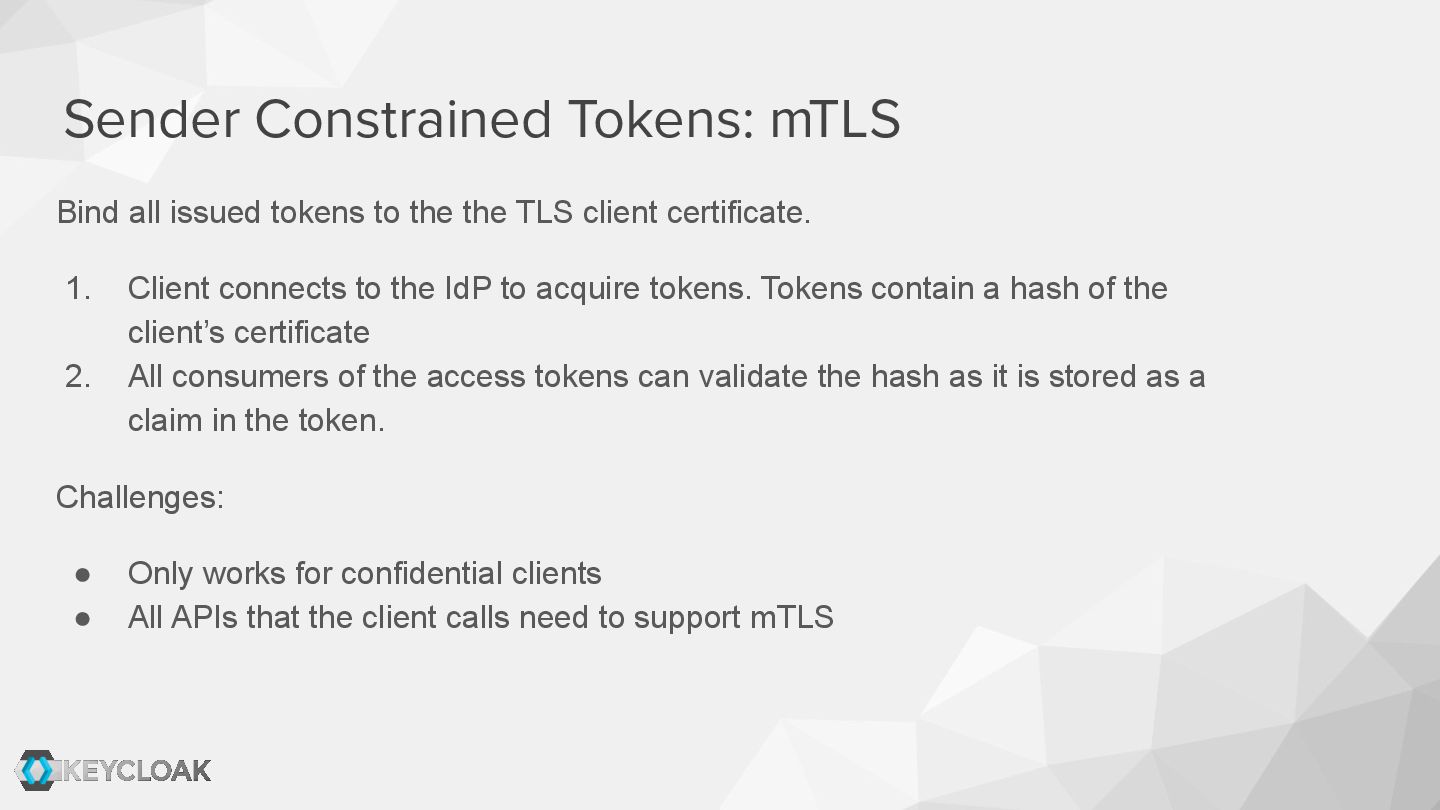
  12. Sender Constrained Tokens: mTLS Bind all issued tokens to the

    the TLS client certificate. 1. Client connects to the IdP to acquire tokens. Tokens contain a hash of the client’s certificate 2. All consumers of the access tokens can validate the hash as it is stored as a claim in the token. Challenges: • Only works for confidential clients • All APIs that the client calls need to support mTLS
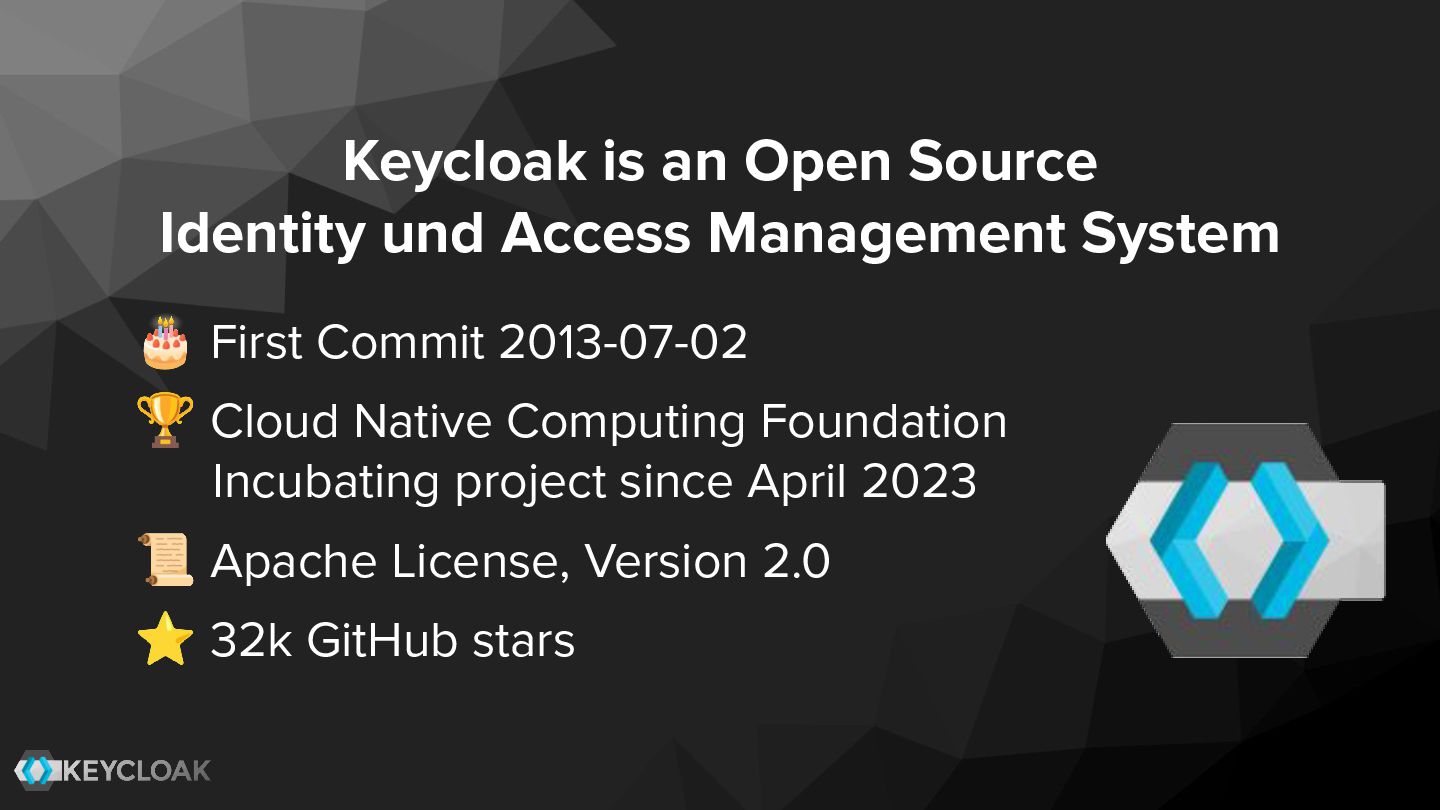
  13. Keycloak is an Open Source Identity und Access Management System

    🎂 First Commit 2013-07-02 🏆 Cloud Native Computing Foundation Incubating project since April 2023 📜 Apache License, Version 2.0 ⭐ 32k GitHub stars
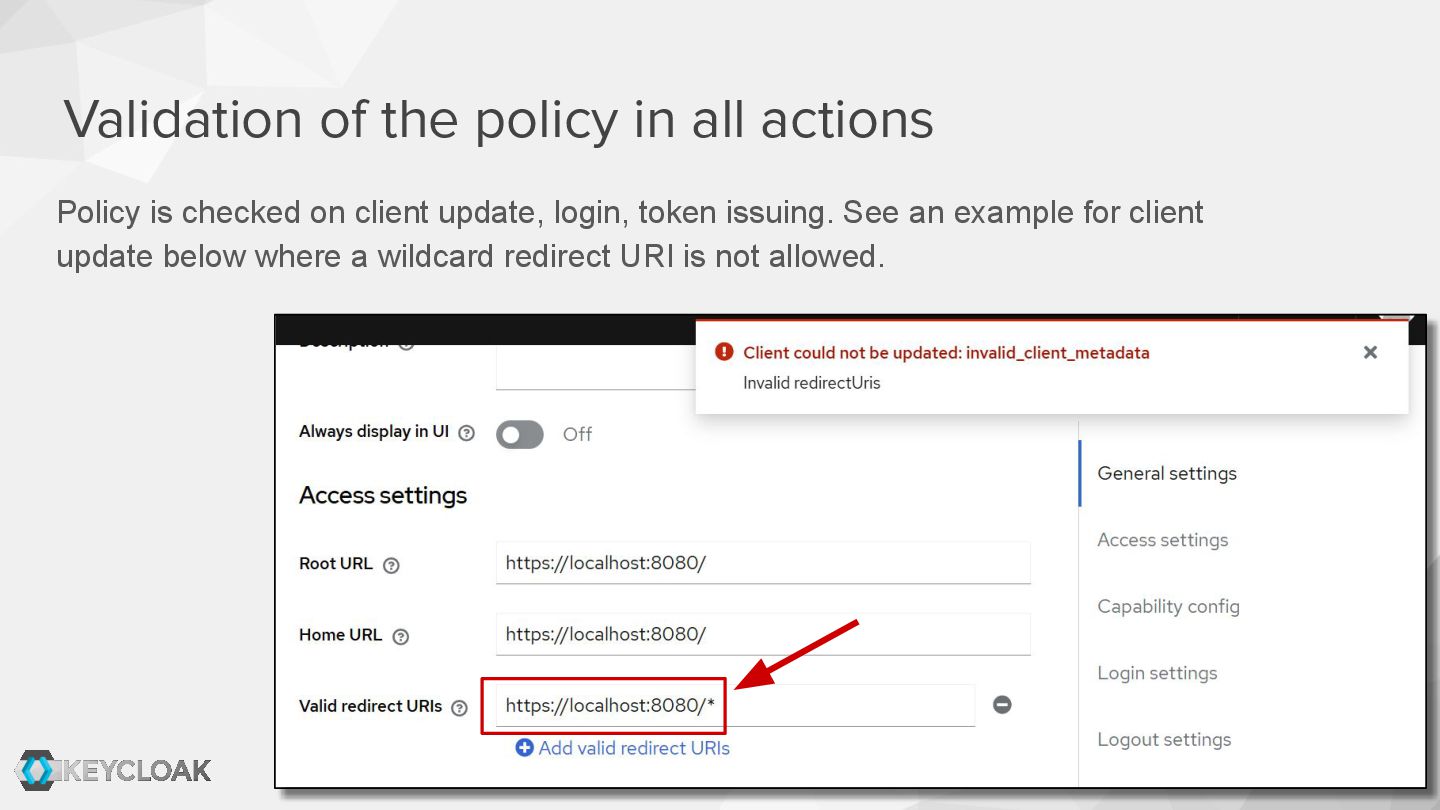
  14. Validation of the policy in all actions Policy is checked

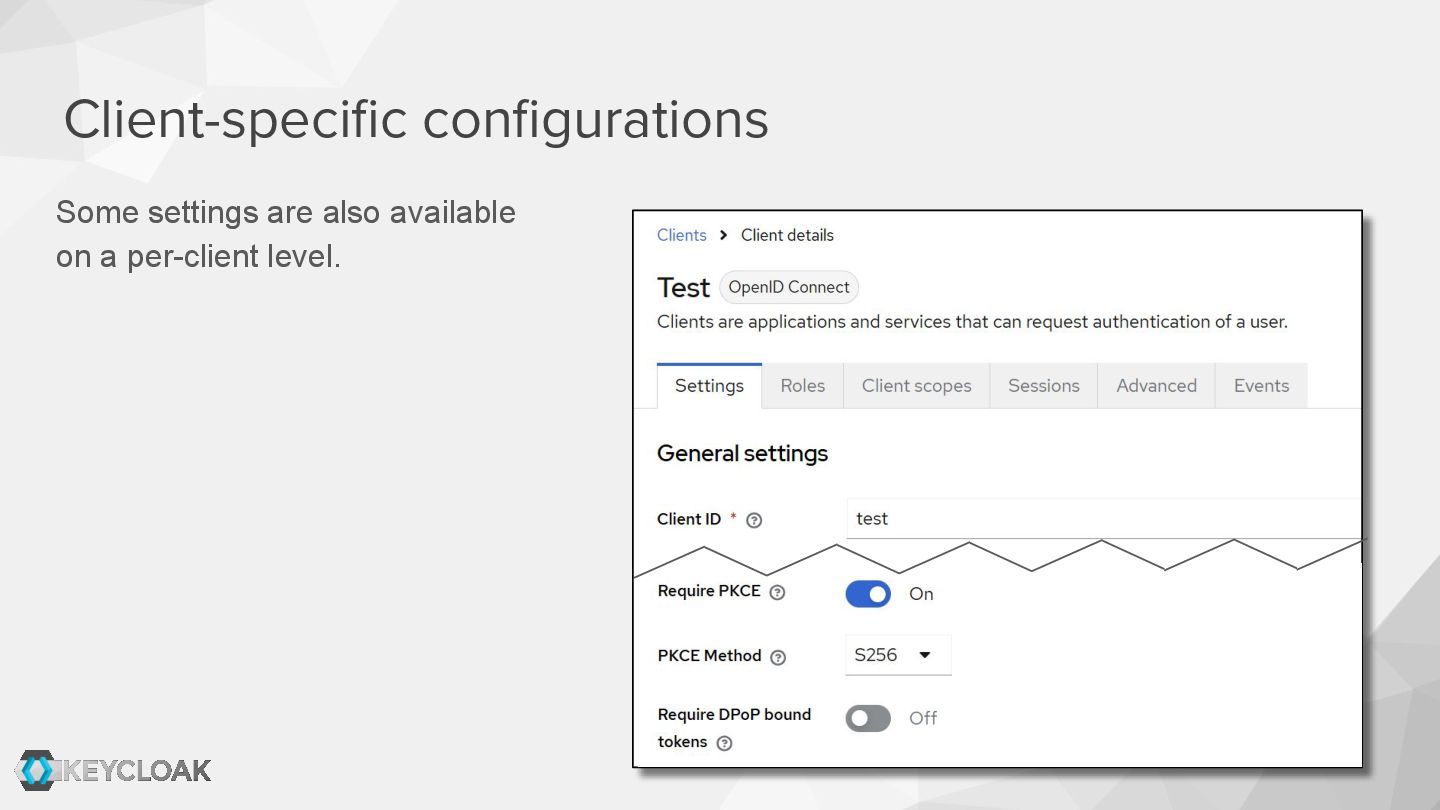
    on client update, login, token issuing. See an example for client update below where a wildcard redirect URI is not allowed.
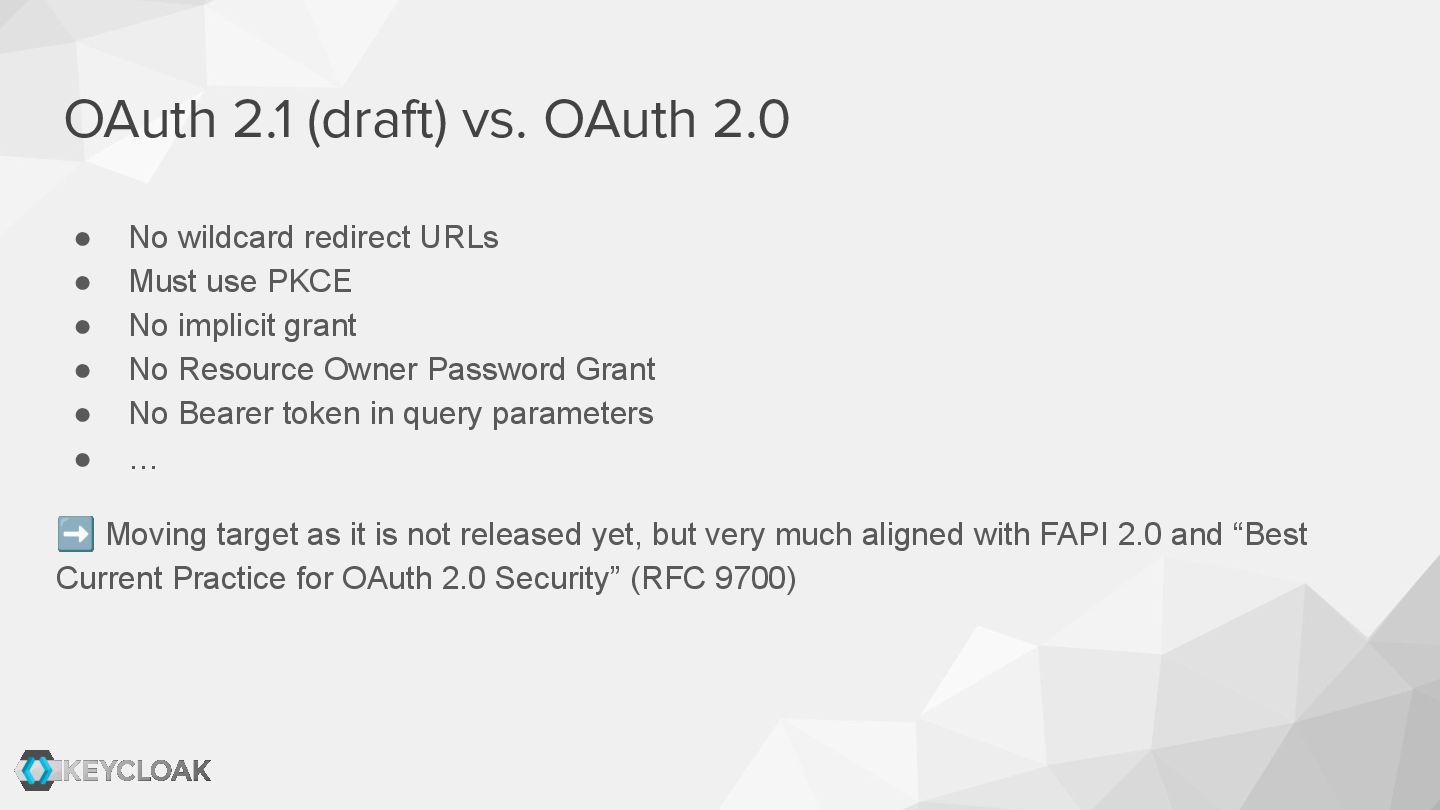
  15. • No wildcard redirect URLs • Must use PKCE •

    No implicit grant • No Resource Owner Password Grant • No Bearer token in query parameters • … ➡ Moving target as it is not released yet, but very much aligned with FAPI 2.0 and “Best Current Practice for OAuth 2.0 Security” (RFC 9700) OAuth 2.1 (draft) vs. OAuth 2.0
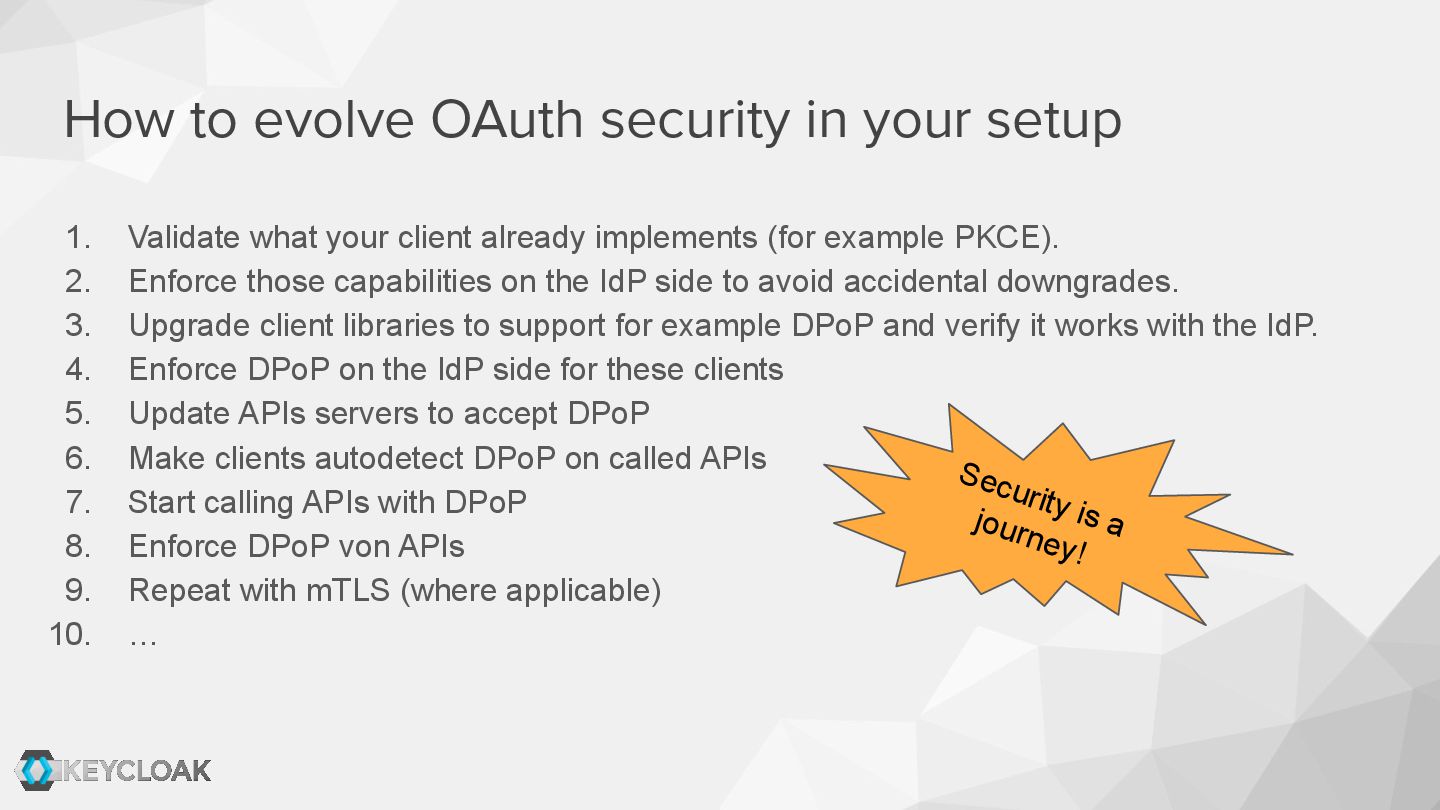
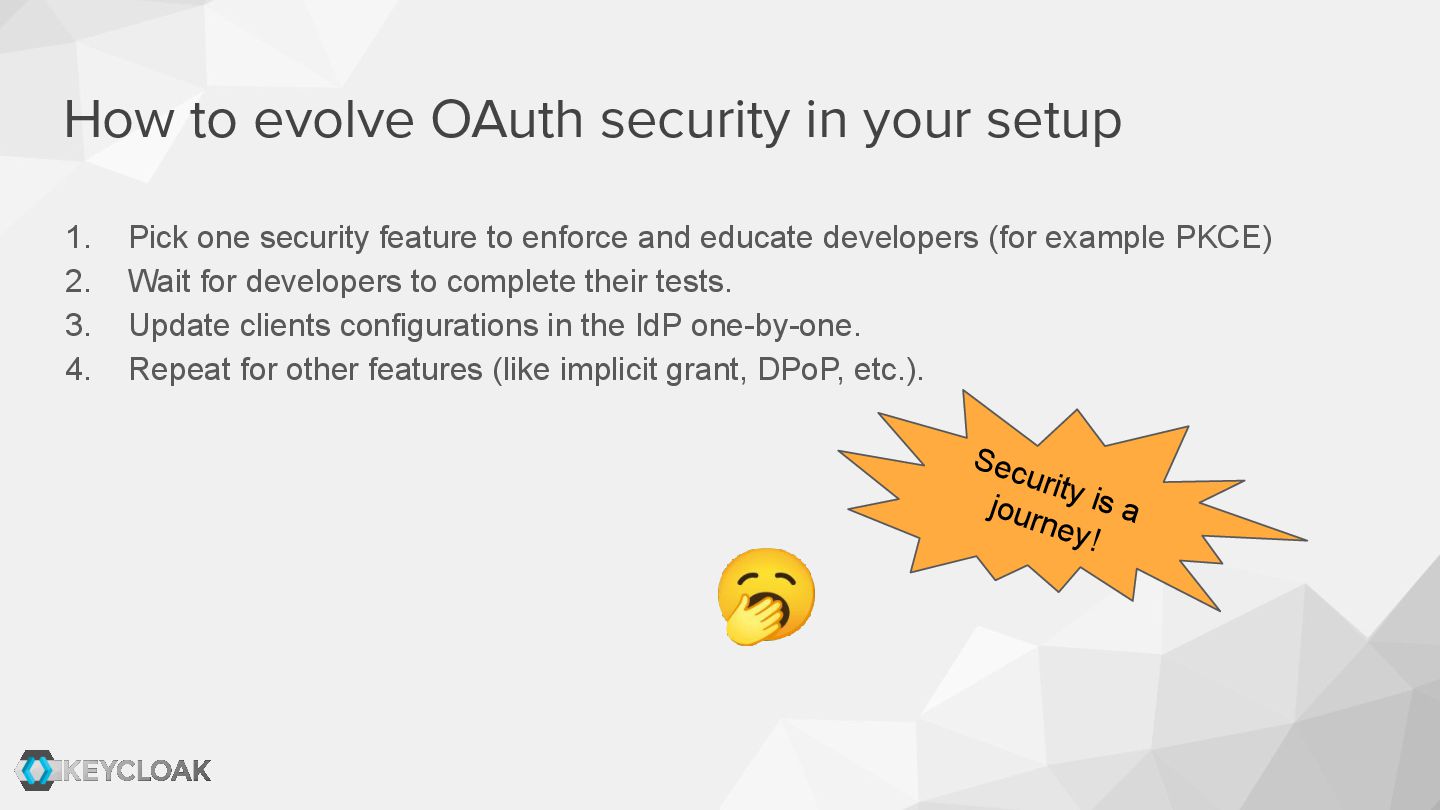
  16. How to evolve OAuth security in your setup 1. Validate

    what your client already implements (for example PKCE). 2. Enforce those capabilities on the IdP side to avoid accidental downgrades. 3. Upgrade client libraries to support for example DPoP and verify it works with the IdP. 4. Enforce DPoP on the IdP side for these clients 5. Update APIs servers to accept DPoP 6. Make clients autodetect DPoP on called APIs 7. Start calling APIs with DPoP 8. Enforce DPoP von APIs 9. Repeat with mTLS (where applicable) 10. … Security is a journey!
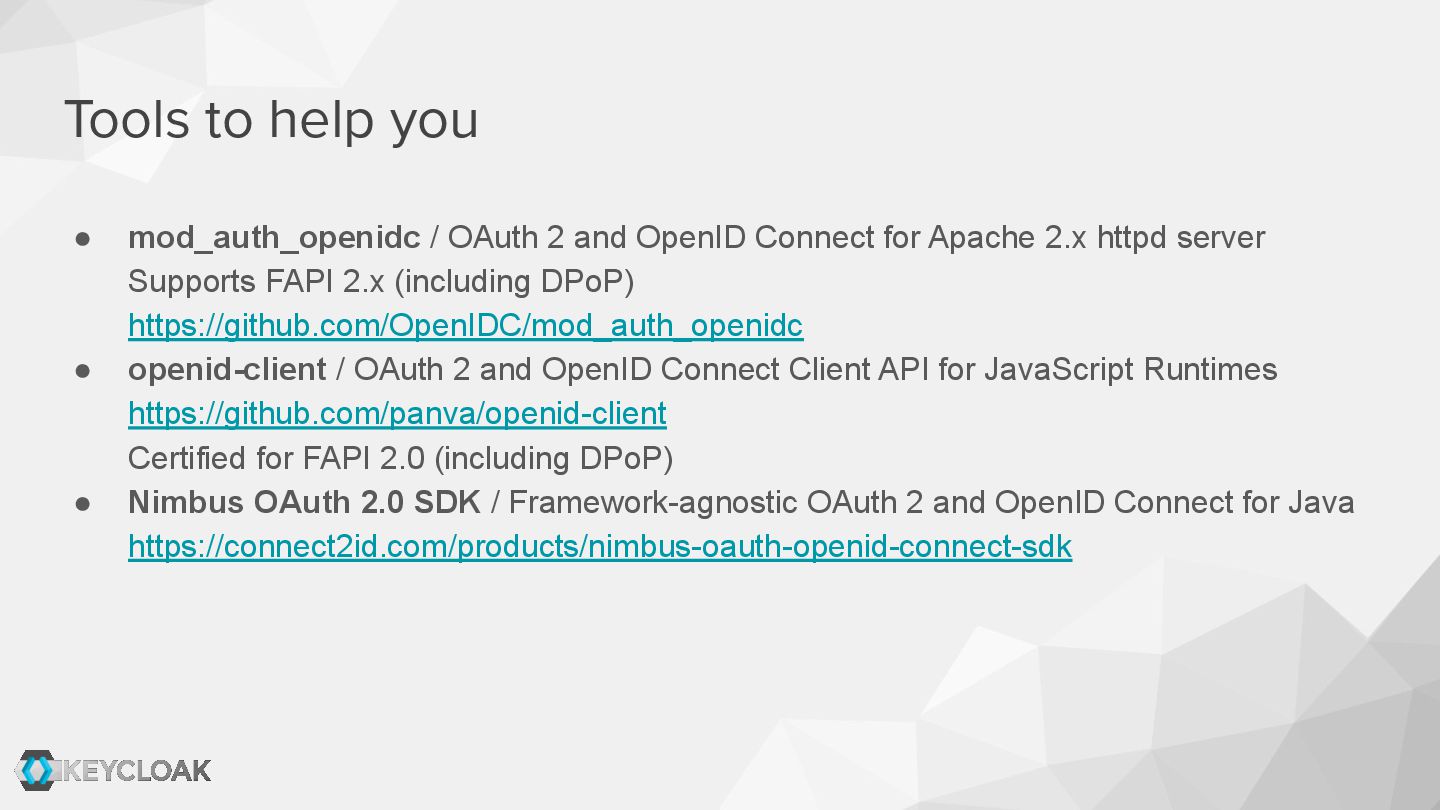
  17. Tools to help you • mod_auth_openidc / OAuth 2 and

    OpenID Connect for Apache 2.x httpd server Supports FAPI 2.x (including DPoP) https://github.com/OpenIDC/mod_auth_openidc • openid-client / OAuth 2 and OpenID Connect Client API for JavaScript Runtimes https://github.com/panva/openid-client Certified for FAPI 2.0 (including DPoP) • Nimbus OAuth 2.0 SDK / Framework-agnostic OAuth 2 and OpenID Connect for Java https://connect2id.com/products/nimbus-oauth-openid-connect-sdk
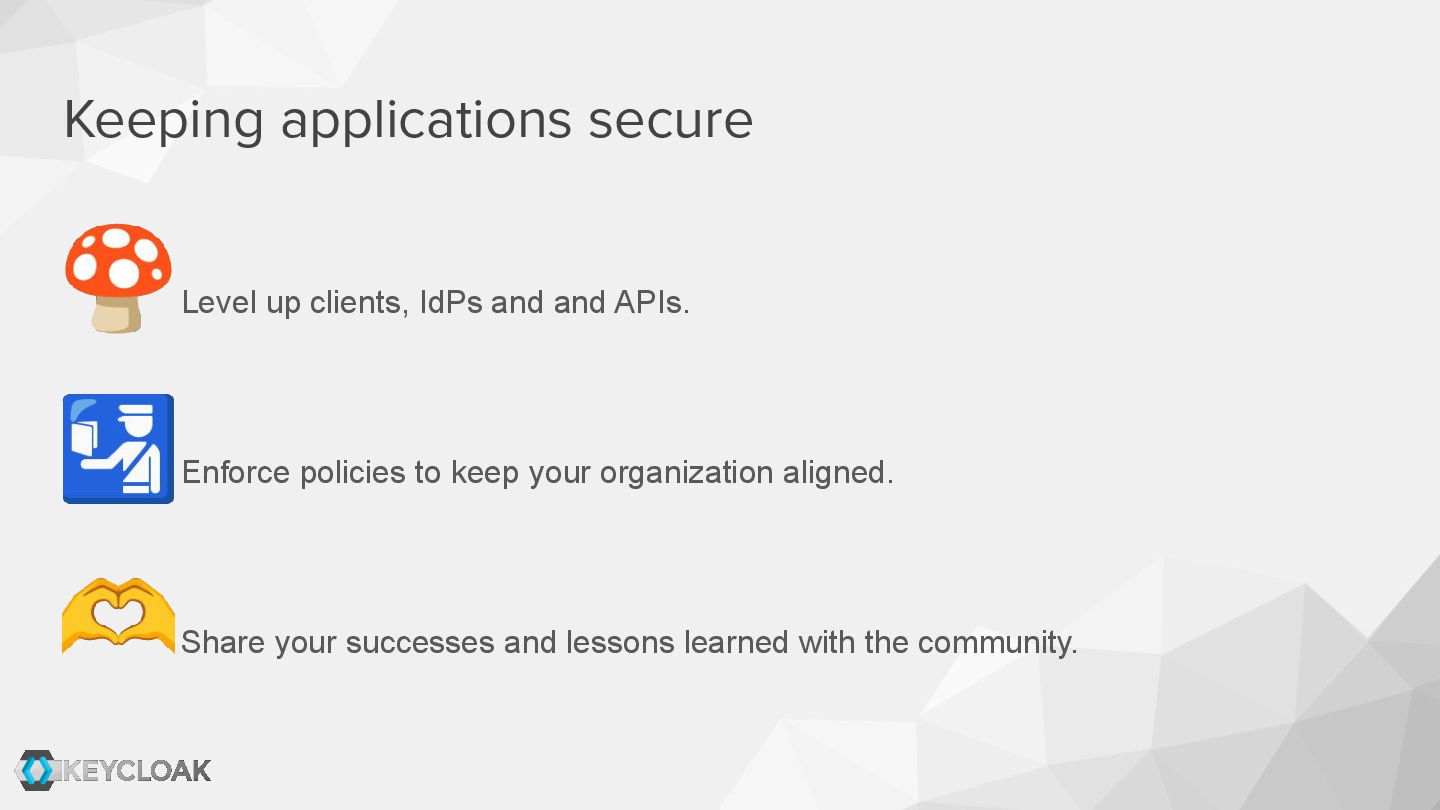
  18. Keeping applications secure 1. Level up clients, IdPs and and

    APIs. 2. Enforce policies to keep your organizations aligned. 3. Share your successes and lessons learned with the community.
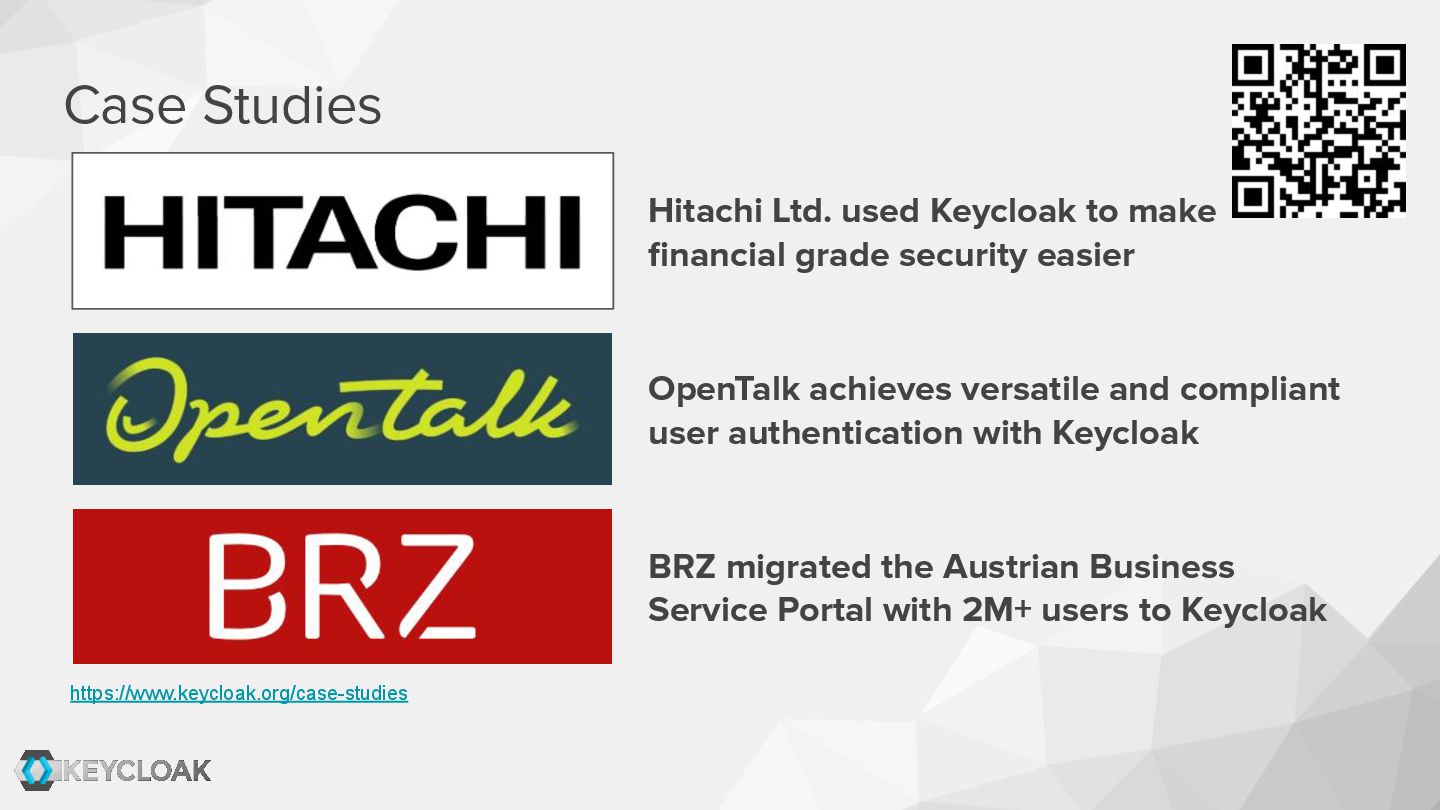
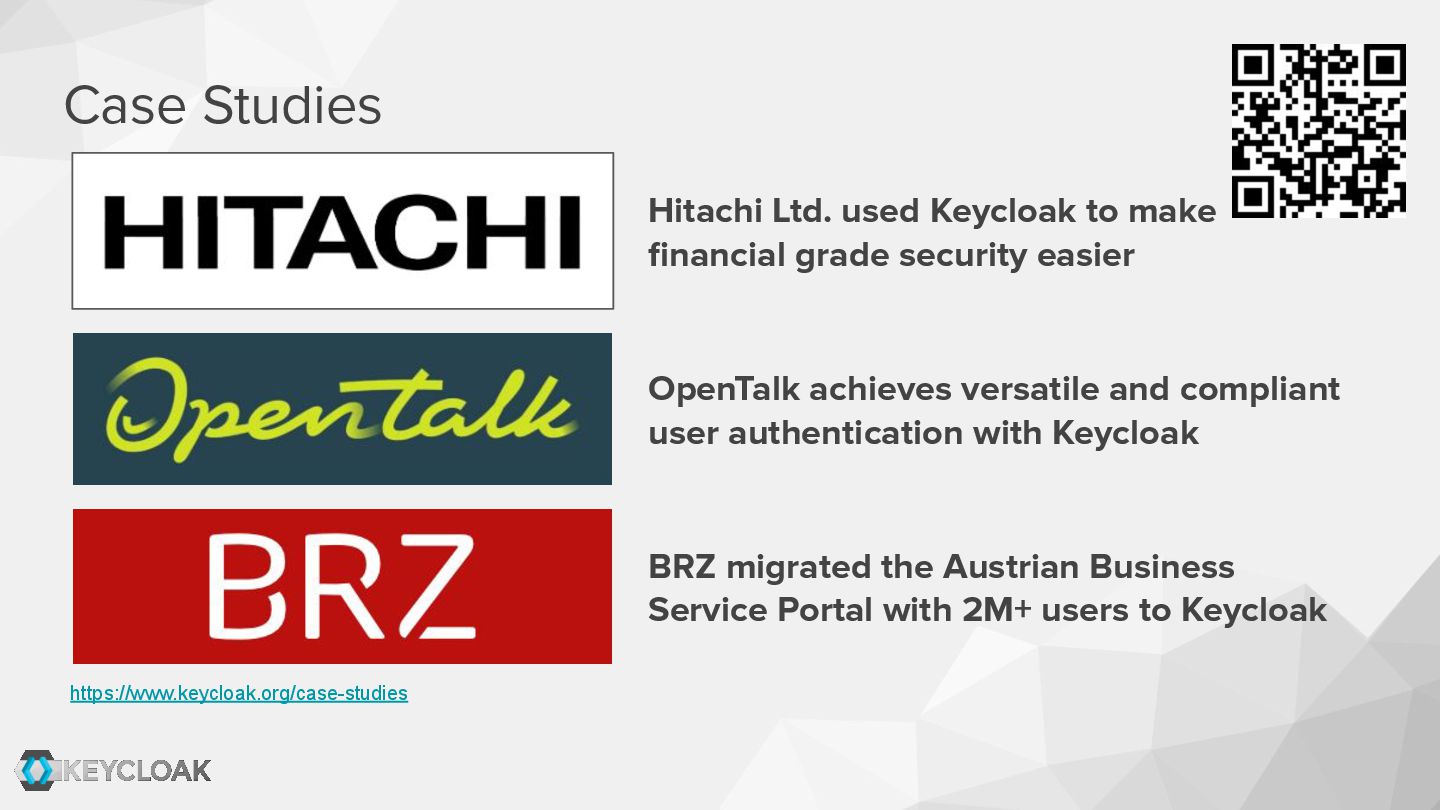
  19. Case Studies https://www.keycloak.org/case-studies Hitachi Ltd. used Keycloak to make financial

    grade security easier OpenTalk achieves versatile and compliant user authentication with Keycloak BRZ migrated the Austrian Business Service Portal with 2M+ users to Keycloak
  20. • Keycloak https://www.keycloak.org/ • Case Studies https://www.keycloak.org/case-studies • Keycloak @

    KubeCon EU … • Using DPoP to use access tokens securely in your Single Page Applications @ FOSDEM 2026 https://archive.fosdem.org/2025/schedule/event/fosdem-2025-5370-using-dpop-to-u se-access-tokens-securely-in-your-single-page-applications/ Links Slides: