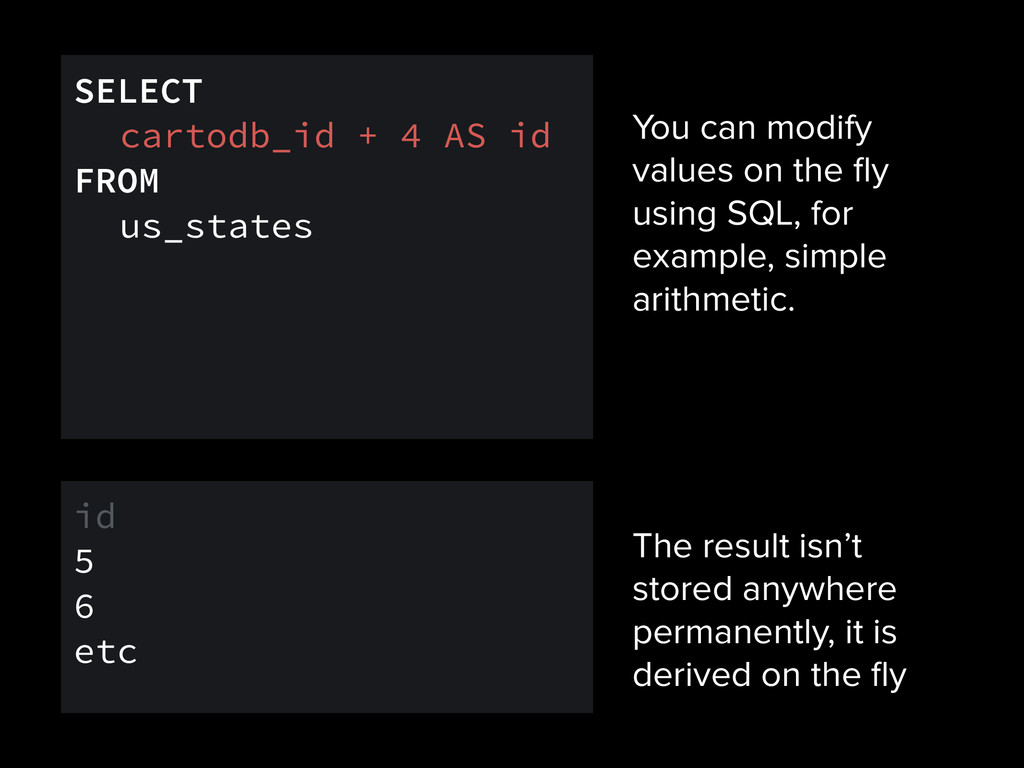
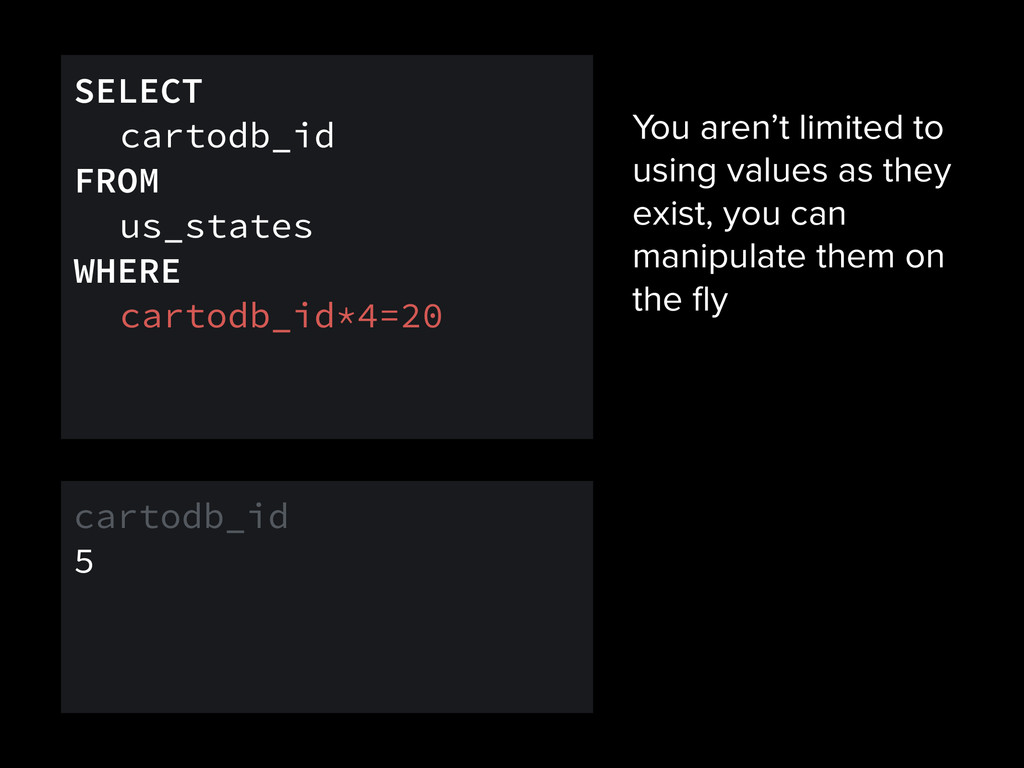
example, simple arithmetic. SELECT cartodb_id + 4 AS id FROM us_states id 5 6 etc The result isn’t stored anywhere permanently, it is derived on the fly
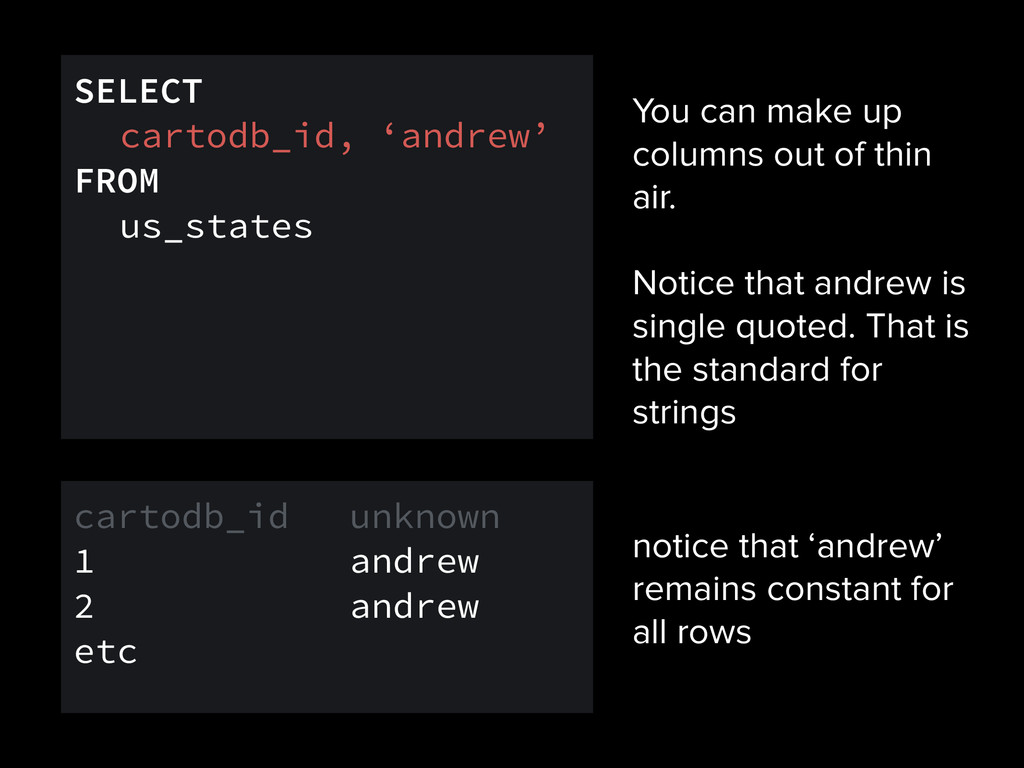
Notice that andrew is single quoted. That is the standard for strings SELECT cartodb_id, ‘andrew’ FROM us_states notice that ‘andrew’ remains constant for all rows cartodb_id unknown 1 andrew 2 andrew etc
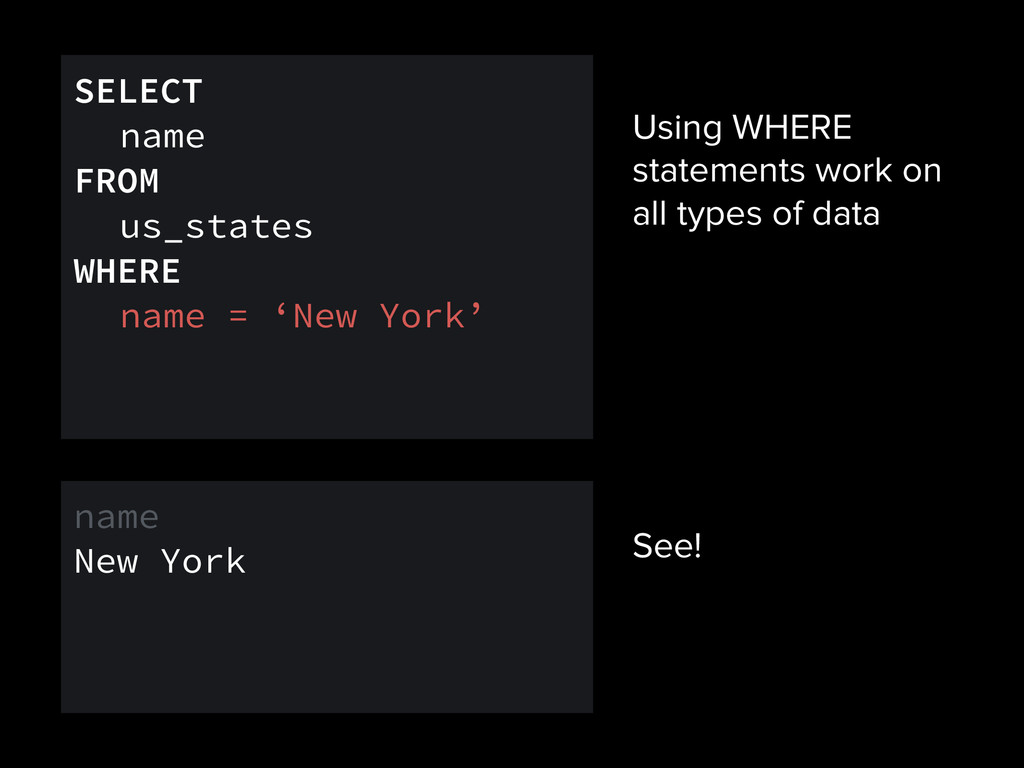
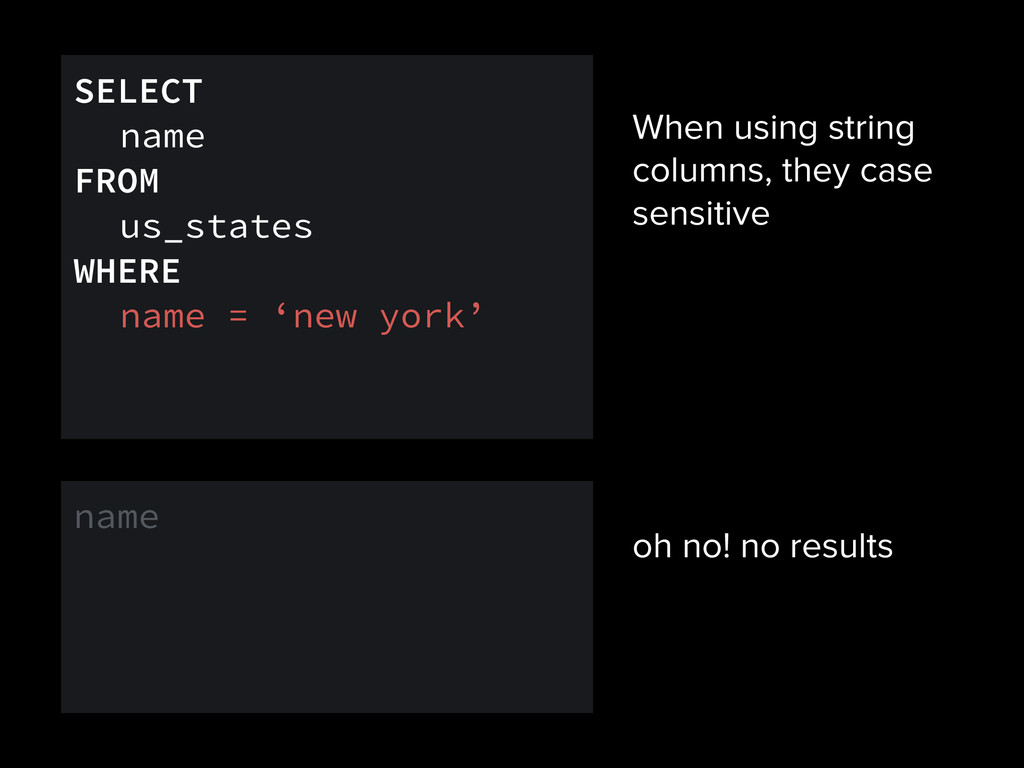
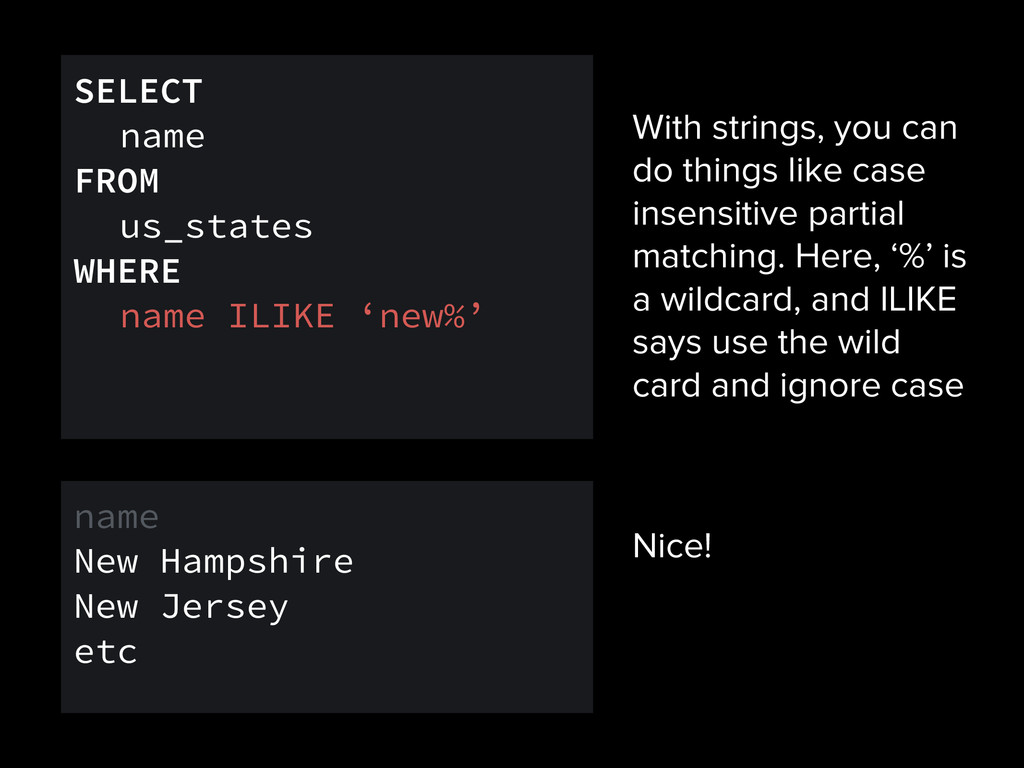
matching. Here, ‘%’ is a wildcard, and ILIKE says use the wild card and ignore case SELECT name FROM us_states WHERE name ILIKE ‘new%’ name New Hampshire New Jersey etc Nice!
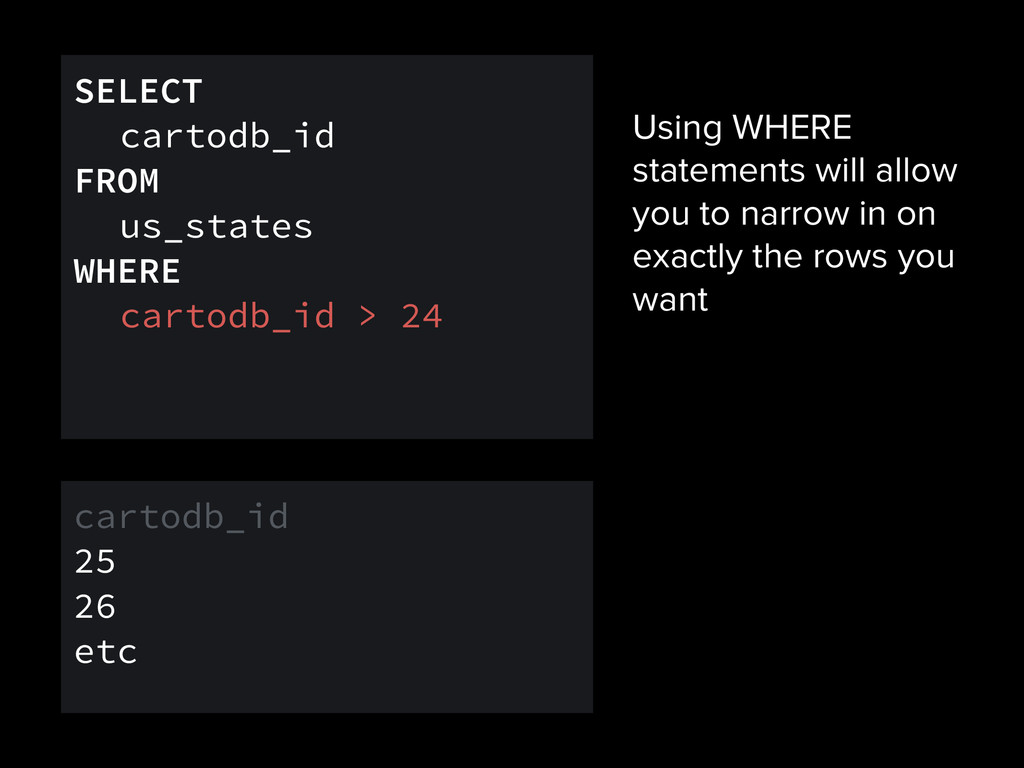
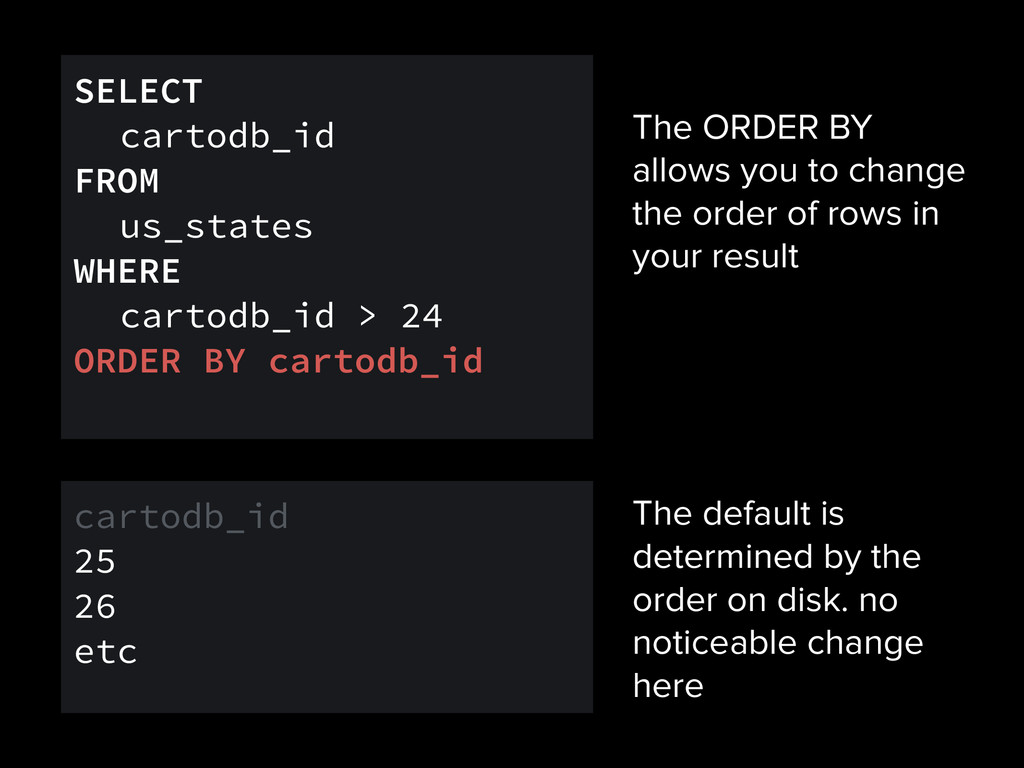
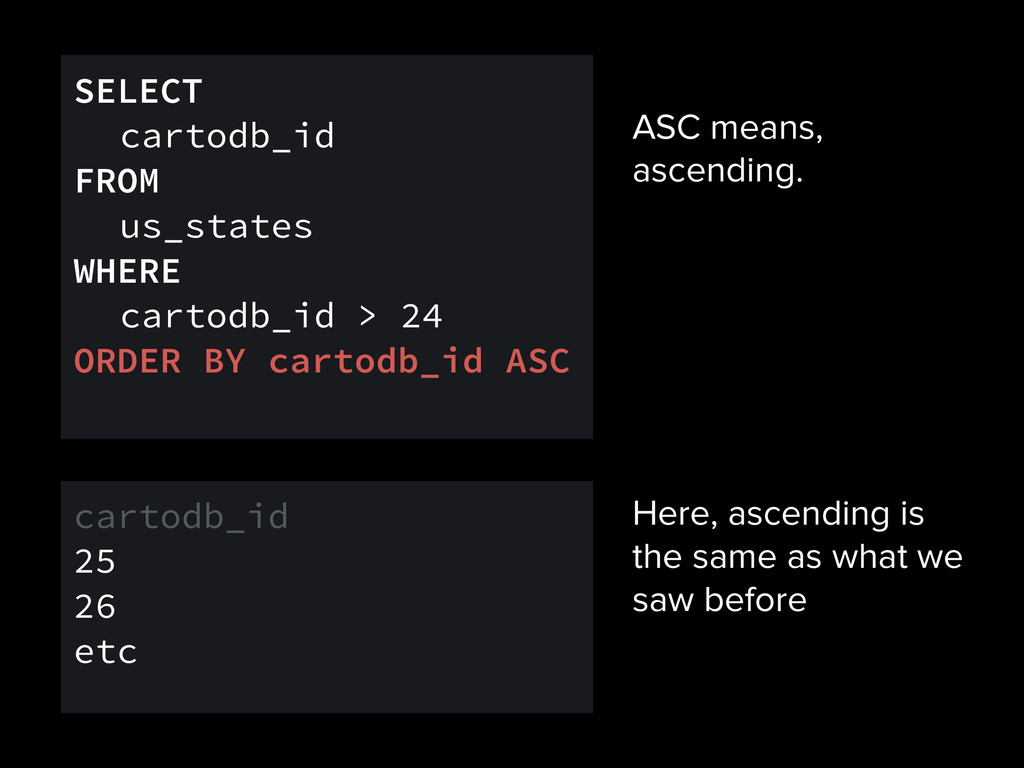
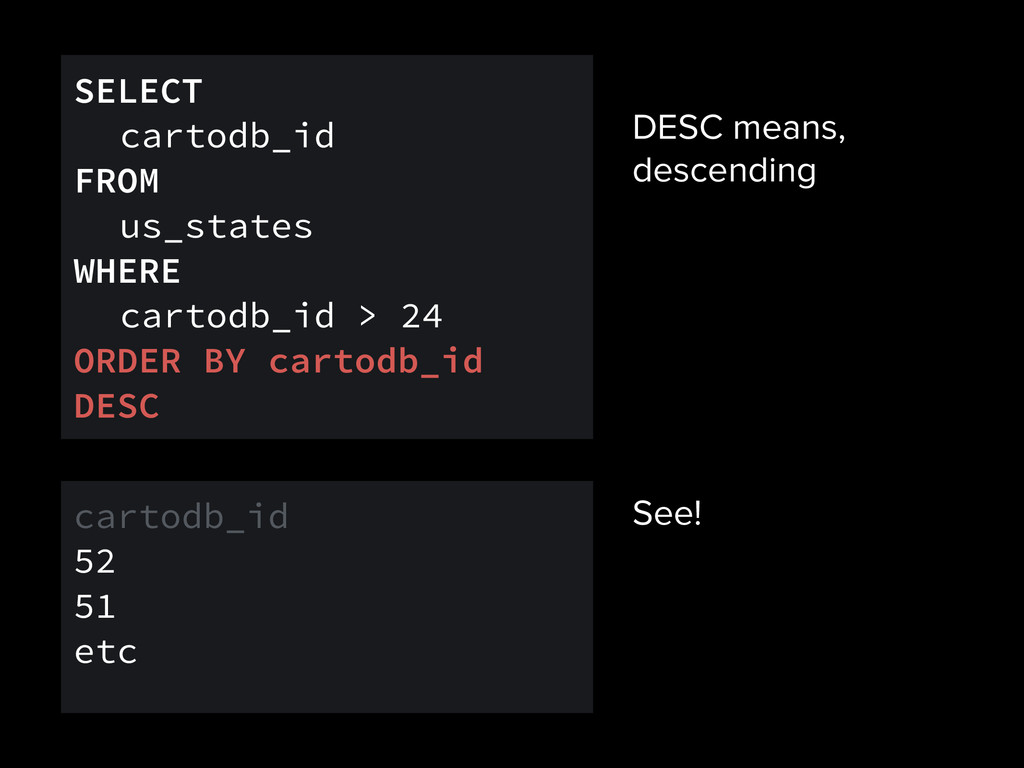
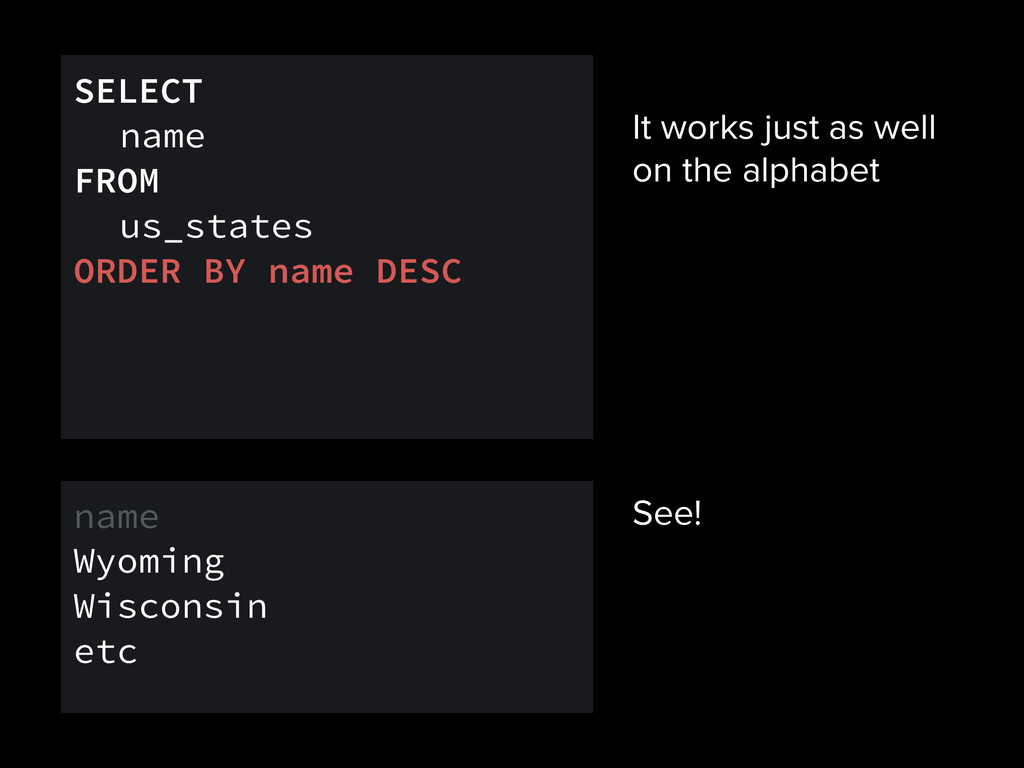
rows in your result SELECT cartodb_id FROM us_states WHERE cartodb_id > 24 ORDER BY cartodb_id cartodb_id 25 26 etc The default is determined by the order on disk. no noticeable change here
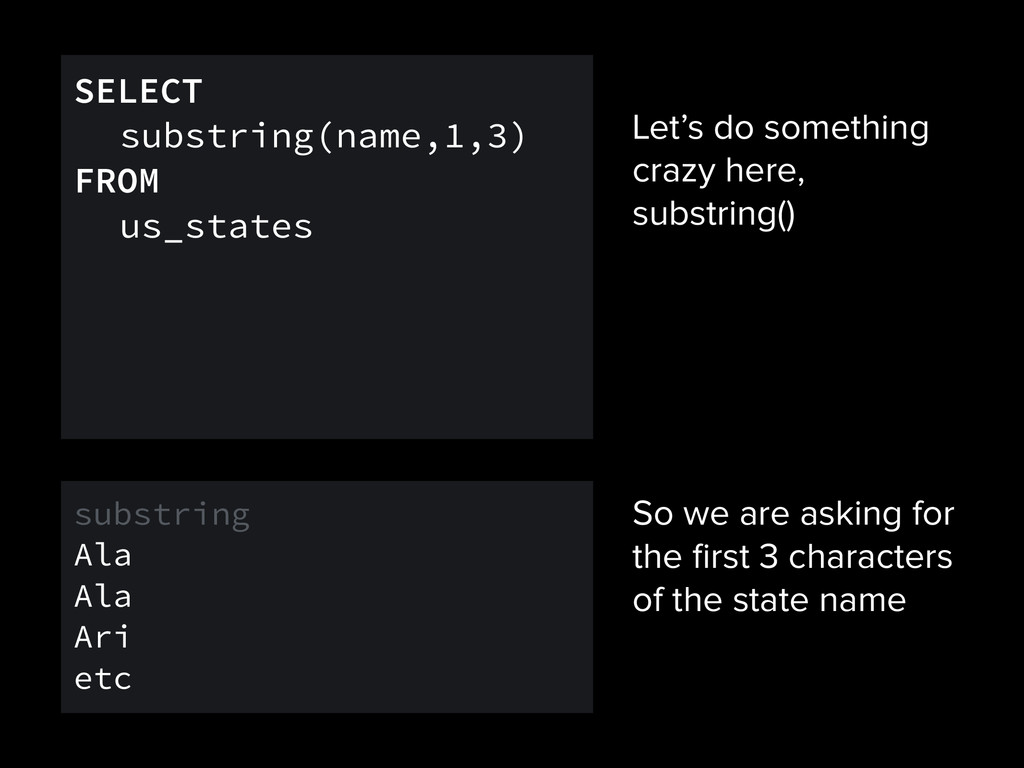
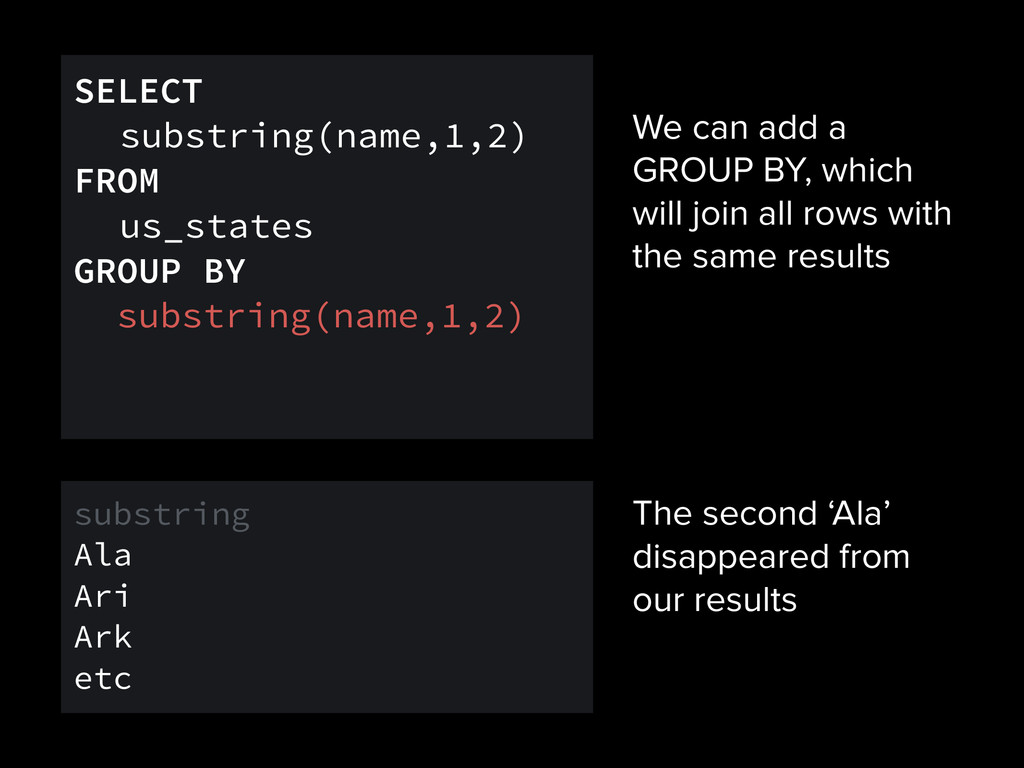
rows with the same results SELECT substring(name,1,2) FROM us_states GROUP BY substring(name,1,2) substring Ala Ari Ark etc The second ‘Ala’ disappeared from our results
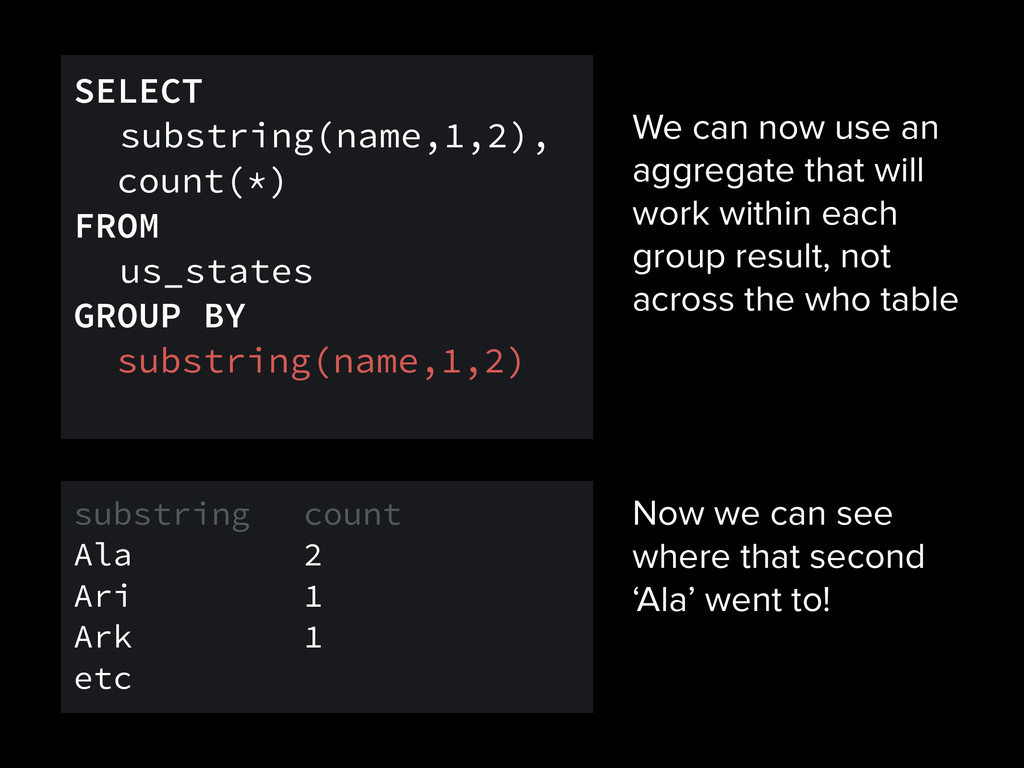
each group result, not across the who table SELECT substring(name,1,2), count(*) FROM us_states GROUP BY substring(name,1,2) substring count Ala 2 Ari 1 Ark 1 etc Now we can see where that second ‘Ala’ went to!
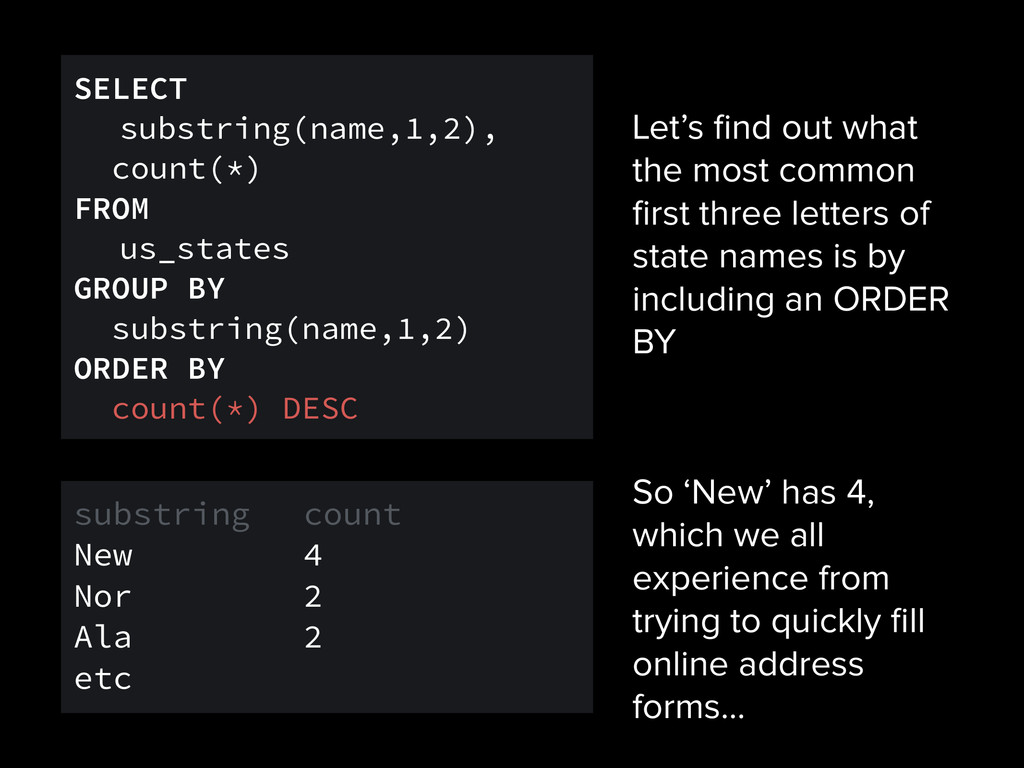
of state names is by including an ORDER BY SELECT substring(name,1,2), count(*) FROM us_states GROUP BY substring(name,1,2) ORDER BY count(*) DESC substring count New 4 Nor 2 Ala 2 etc So ‘New’ has 4, which we all experience from trying to quickly fill online address forms…
results for a state name SELECT name, state FROM us_cities WHERE state IN (SELECT name FROM us_states WHERE name ILIKE ‘new y%’) name state New York New York Albany New York Buffalo New York etc
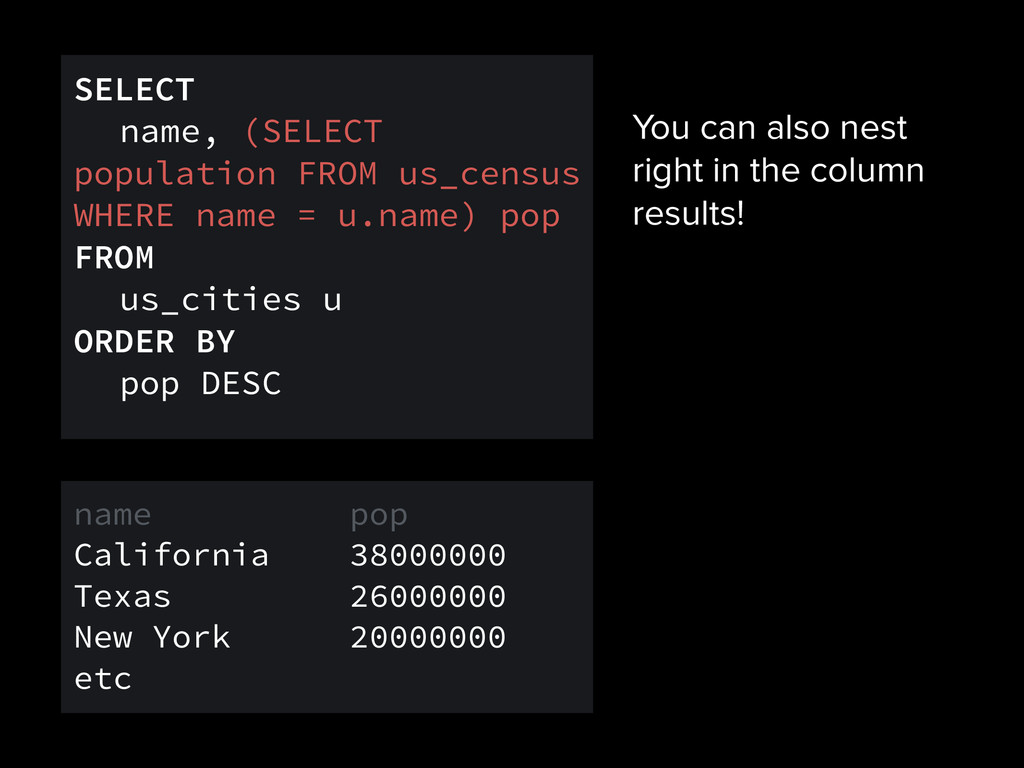
name, (SELECT population FROM us_census WHERE name = u.name) pop FROM us_cities u ORDER BY pop DESC name pop California 38000000 Texas 26000000 New York 20000000 etc
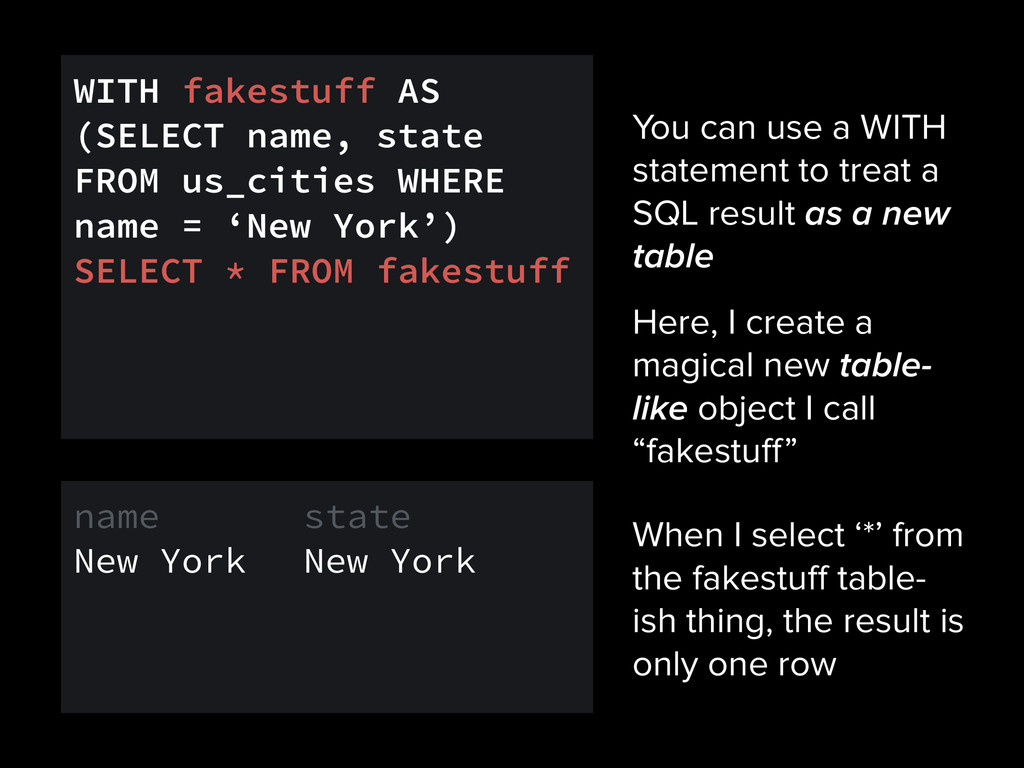
result as a new table WITH fakestuff AS (SELECT name, state FROM us_cities WHERE name = ‘New York’) SELECT * FROM fakestuff name state New York New York Here, I create a magical new table- like object I call “fakestuff” When I select ‘*’ from the fakestuff table- ish thing, the result is only one row
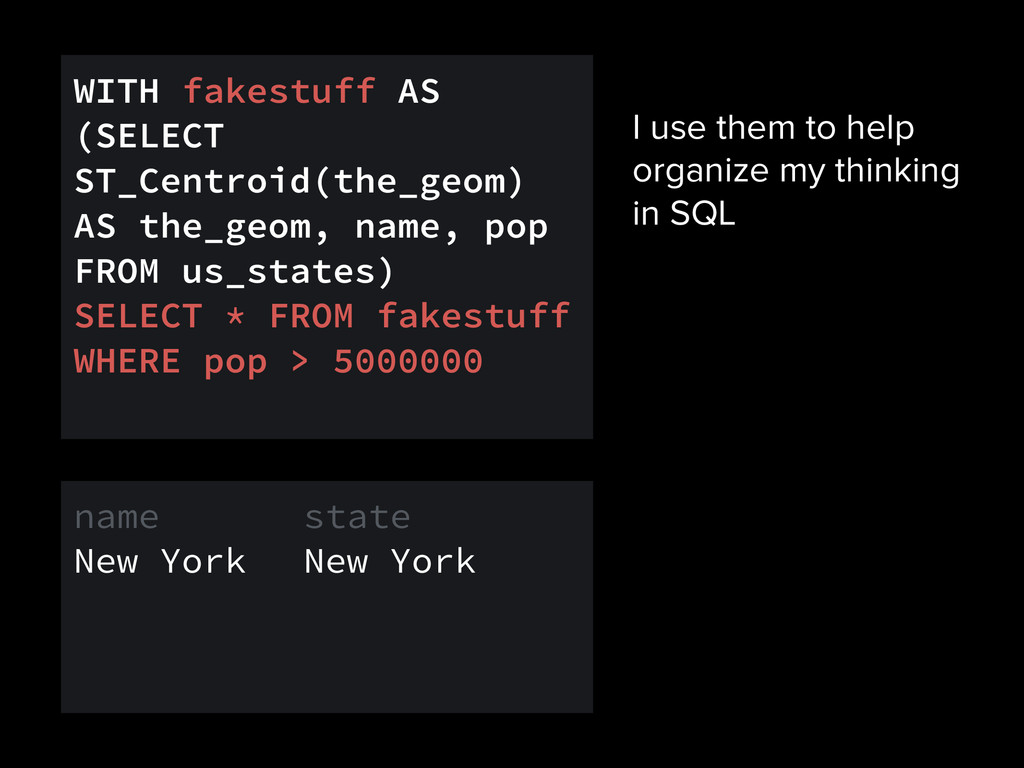
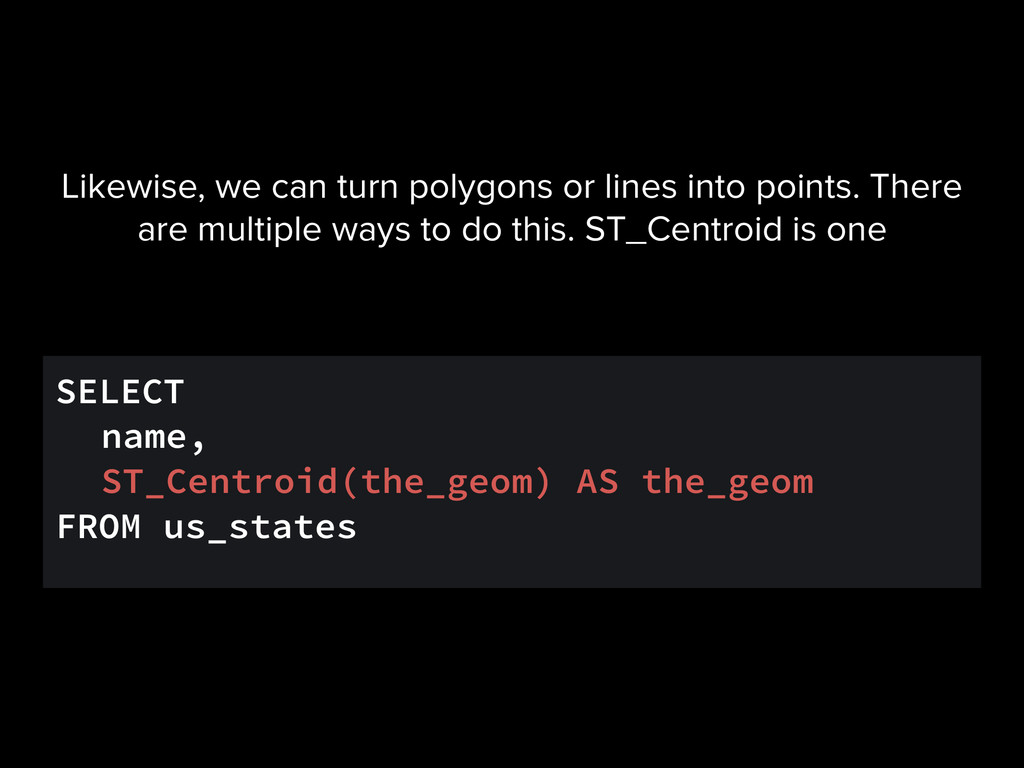
WITH fakestuff AS (SELECT ST_Centroid(the_geom) AS the_geom, name, pop FROM us_states) SELECT * FROM fakestuff WHERE pop > 5000000 name state New York New York
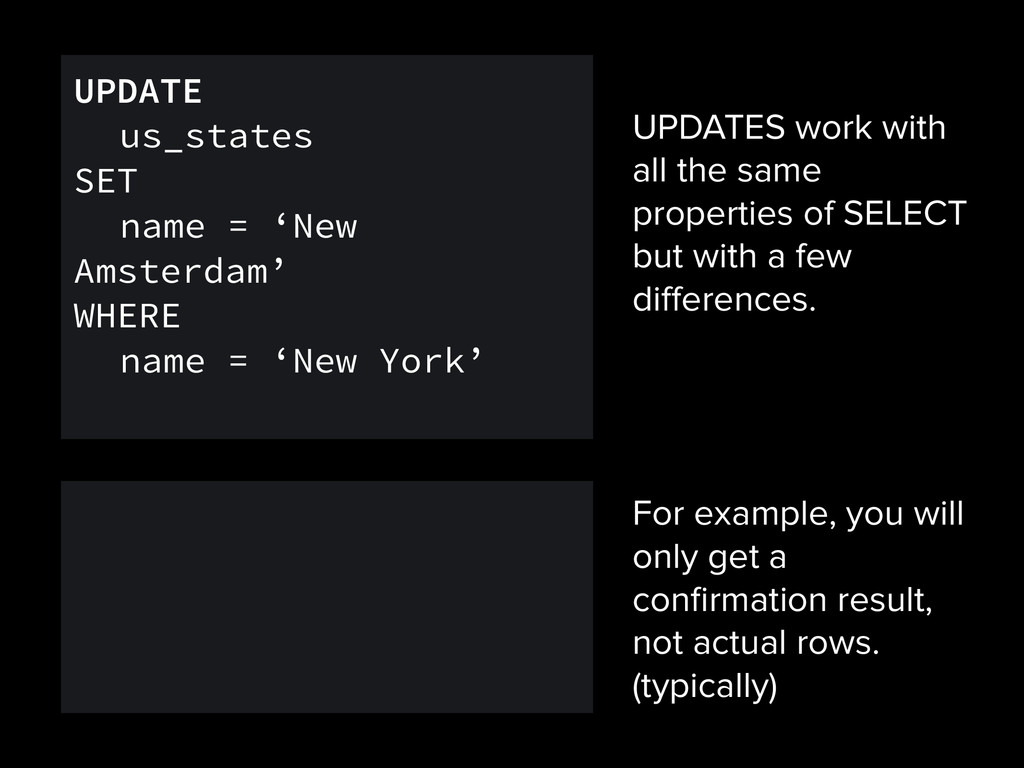
with a few differences. UPDATE us_states SET name = ‘New Amsterdam’ WHERE name = ‘New York’ For example, you will only get a confirmation result, not actual rows. (typically)
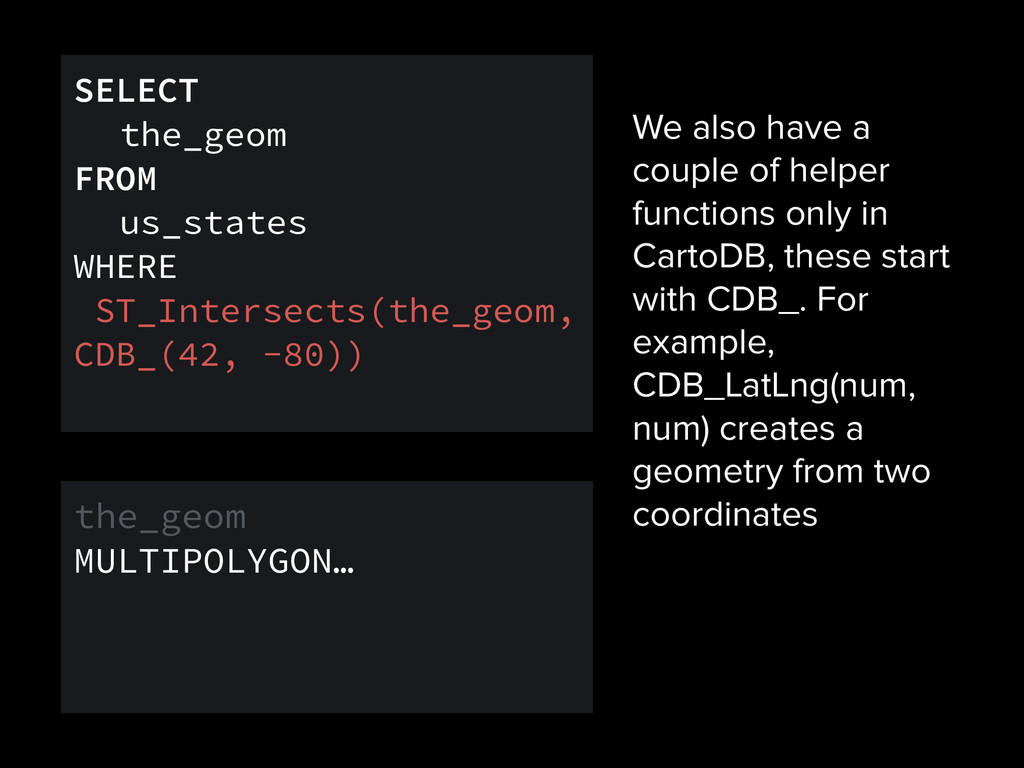
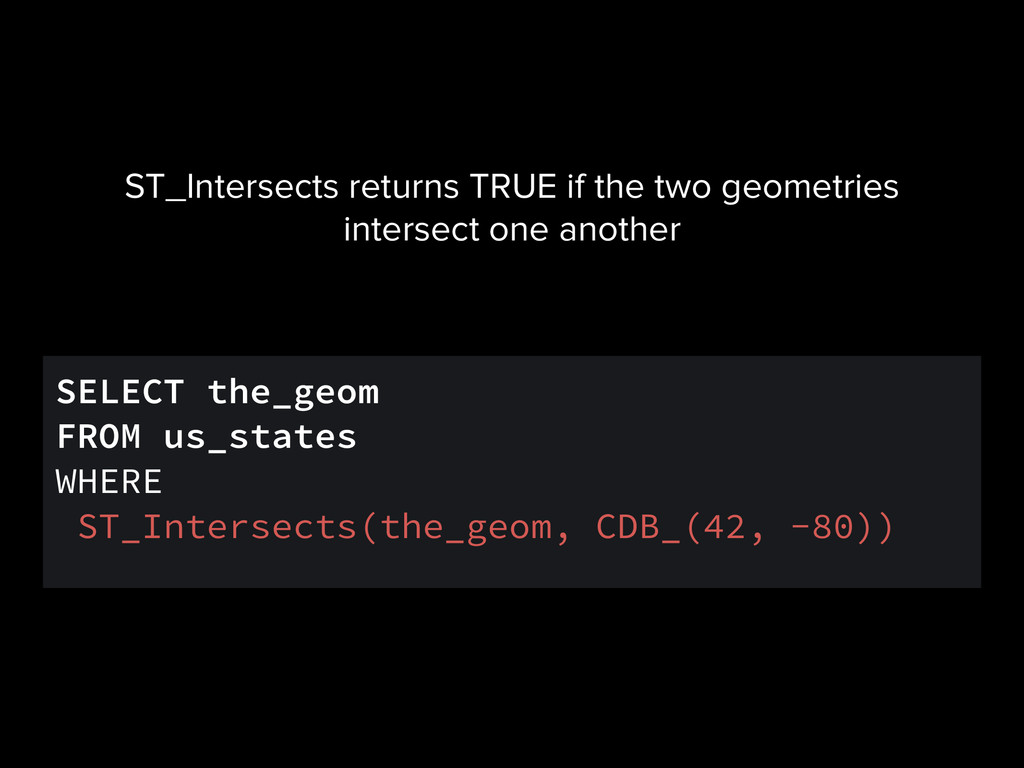
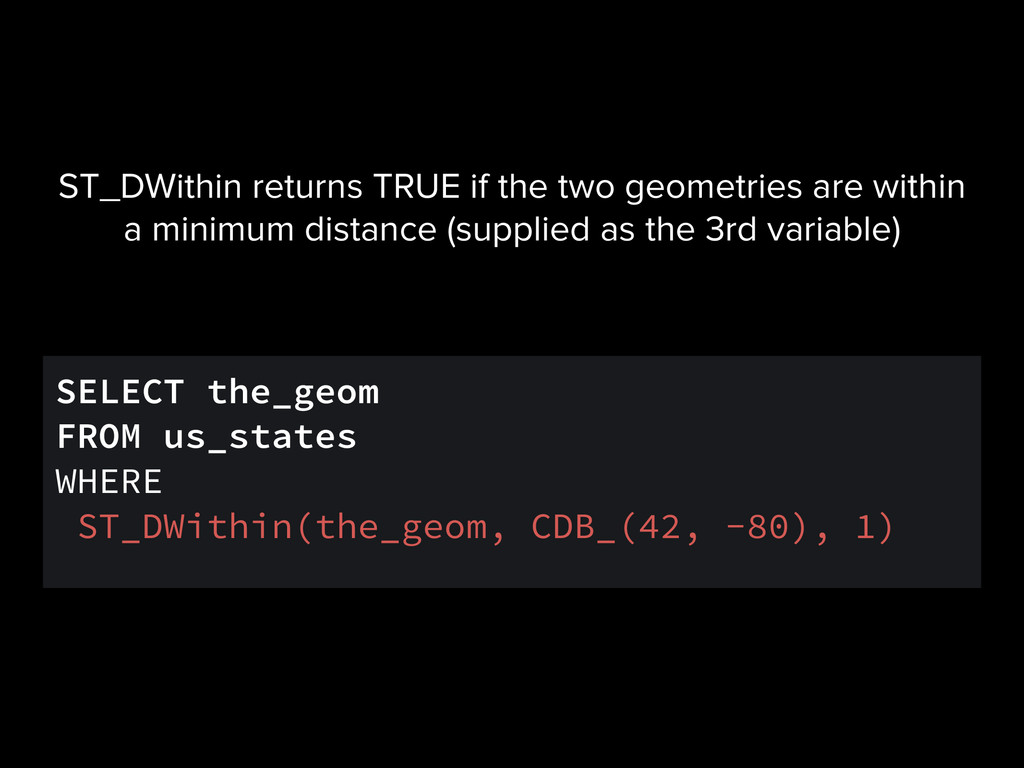
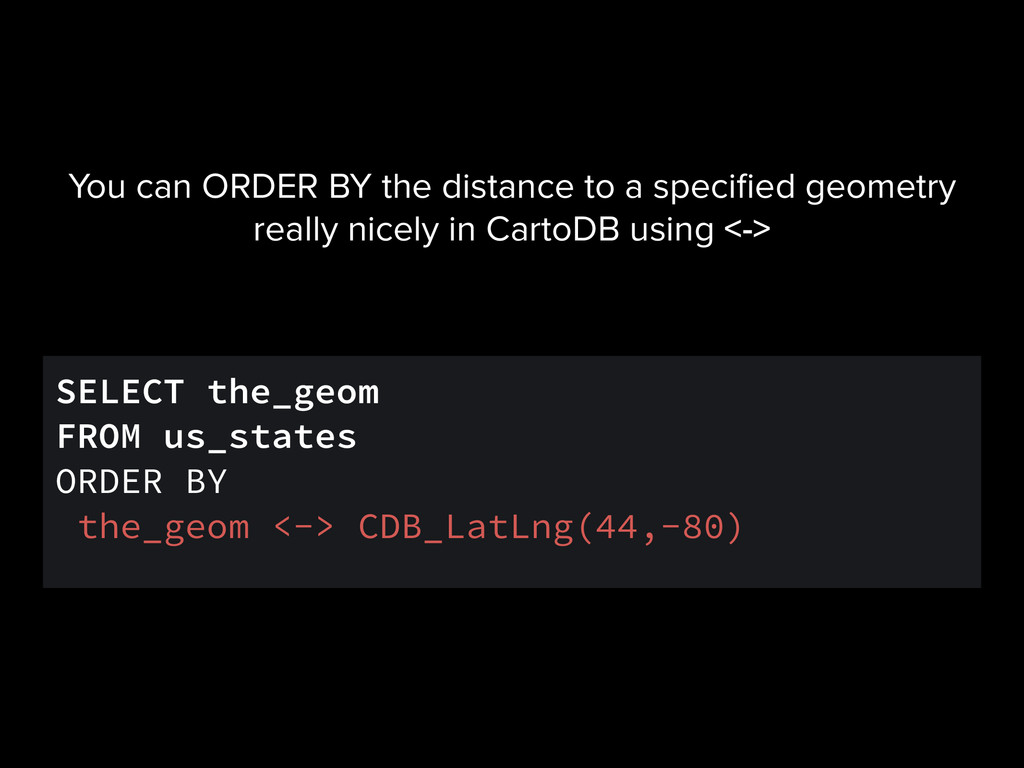
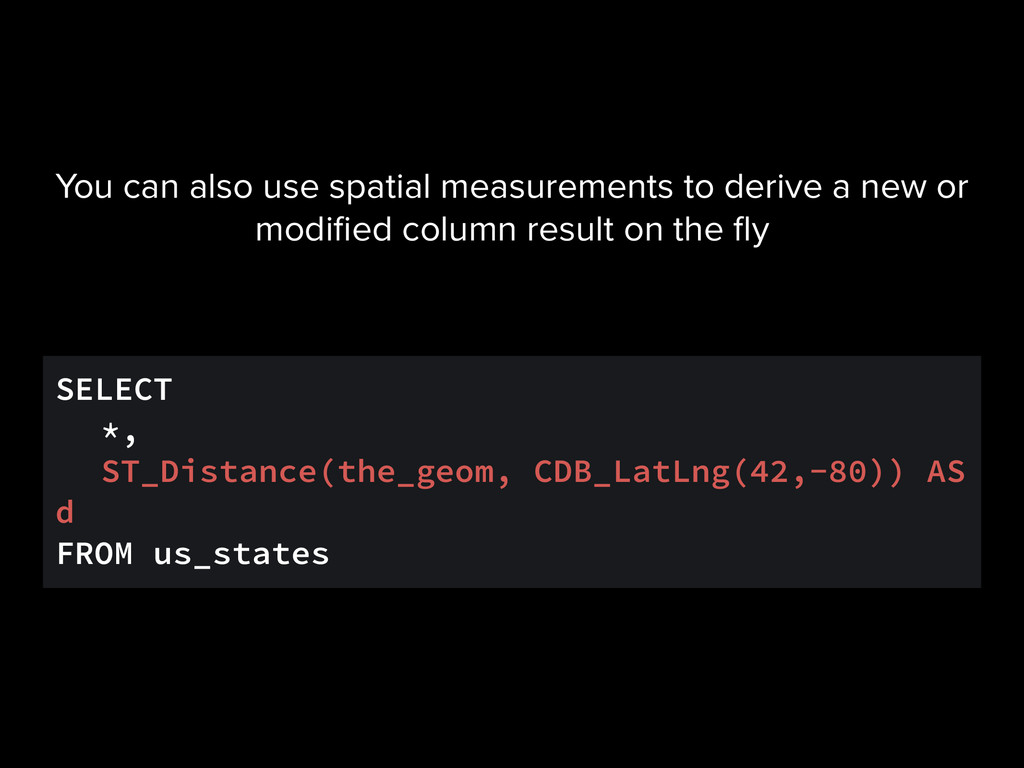
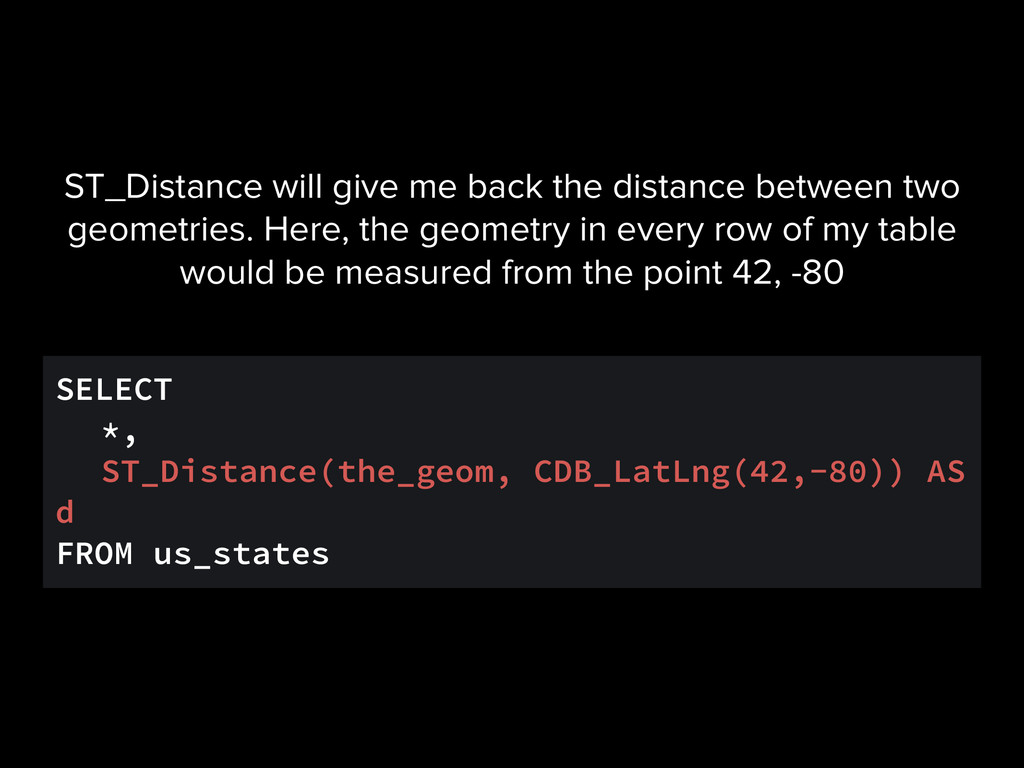
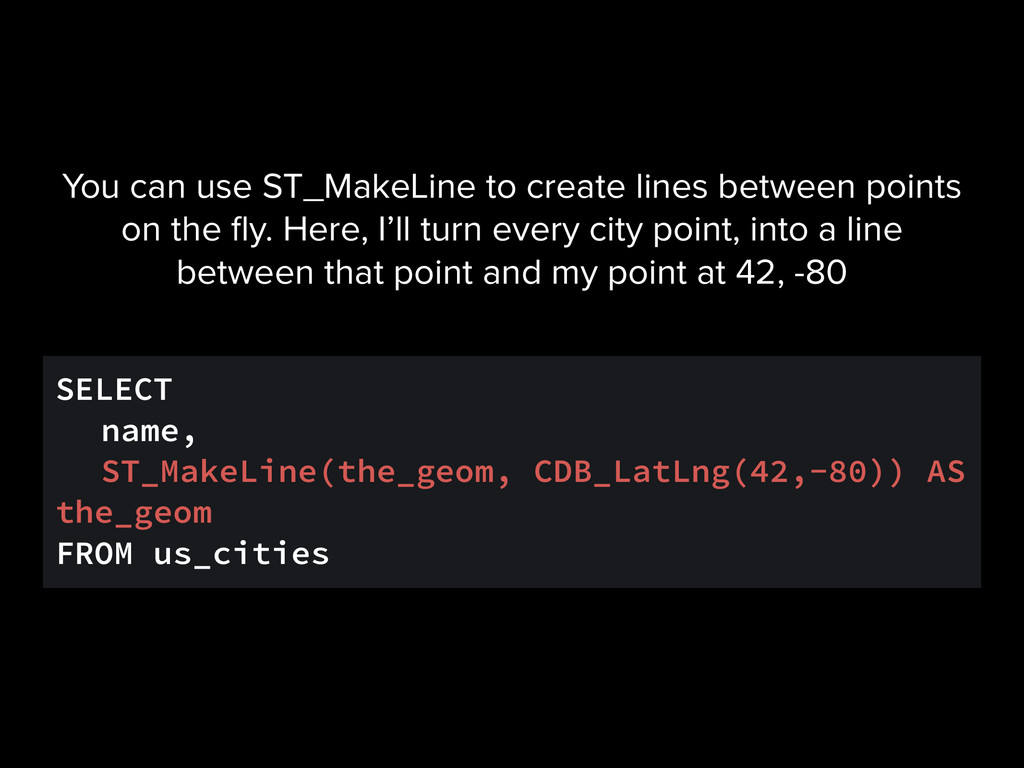
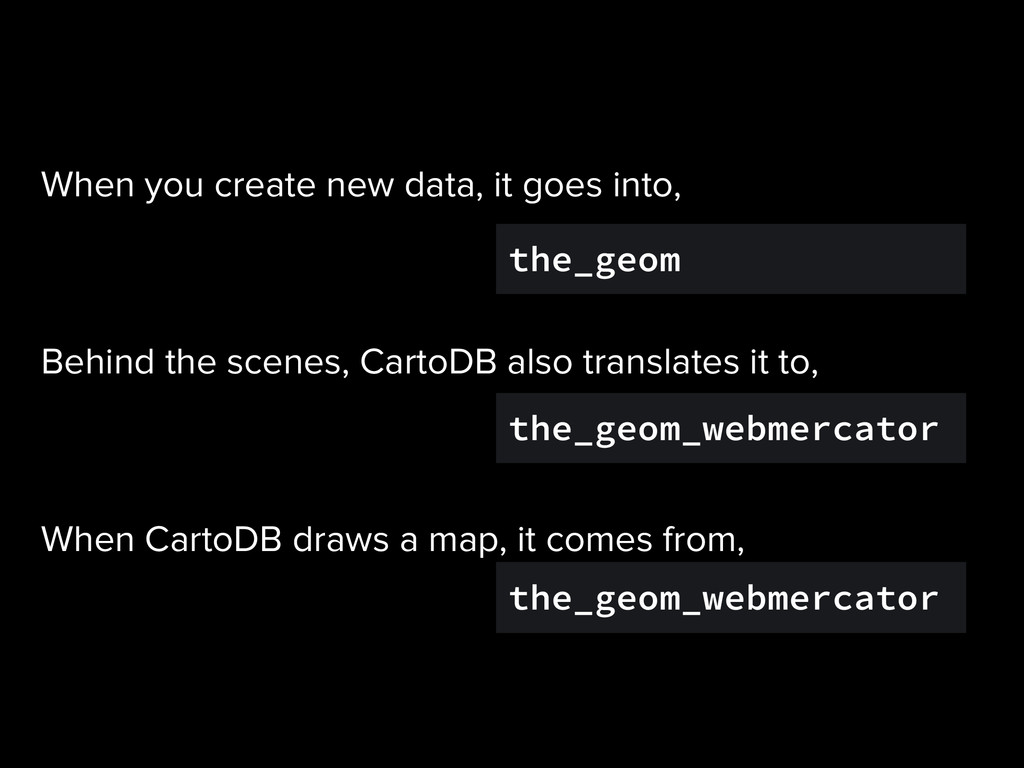
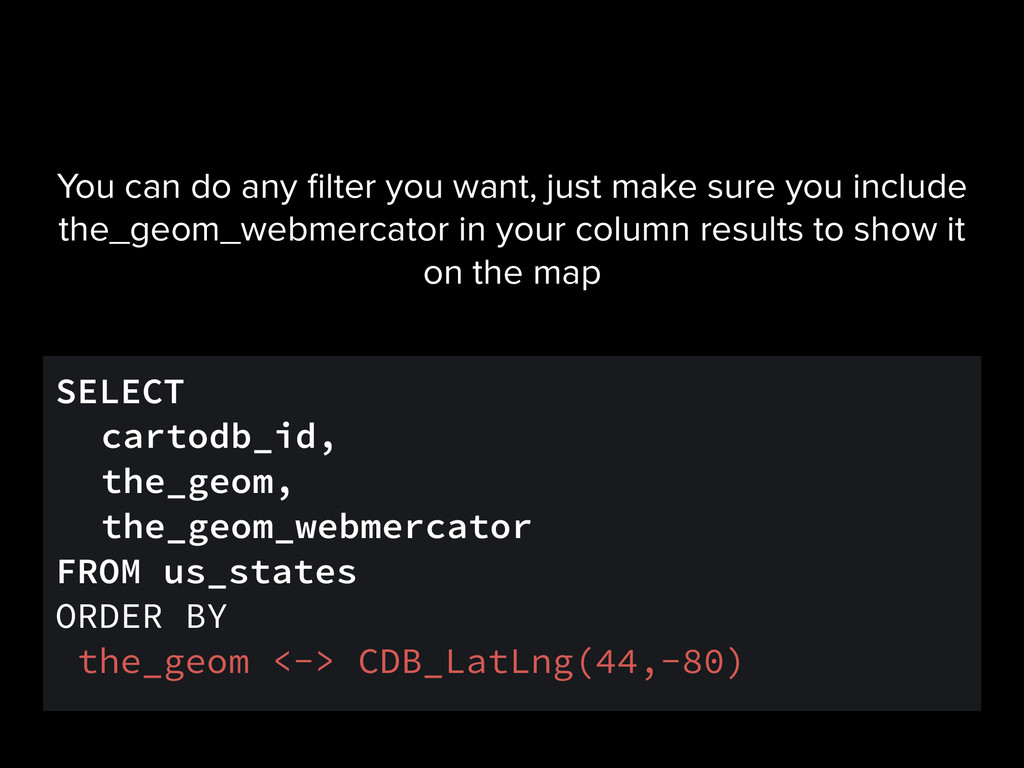
have a couple of helper functions only in CartoDB, these start with CDB_. For example, CDB_LatLng(num, num) creates a geometry from two coordinates the_geom MULTIPOLYGON…
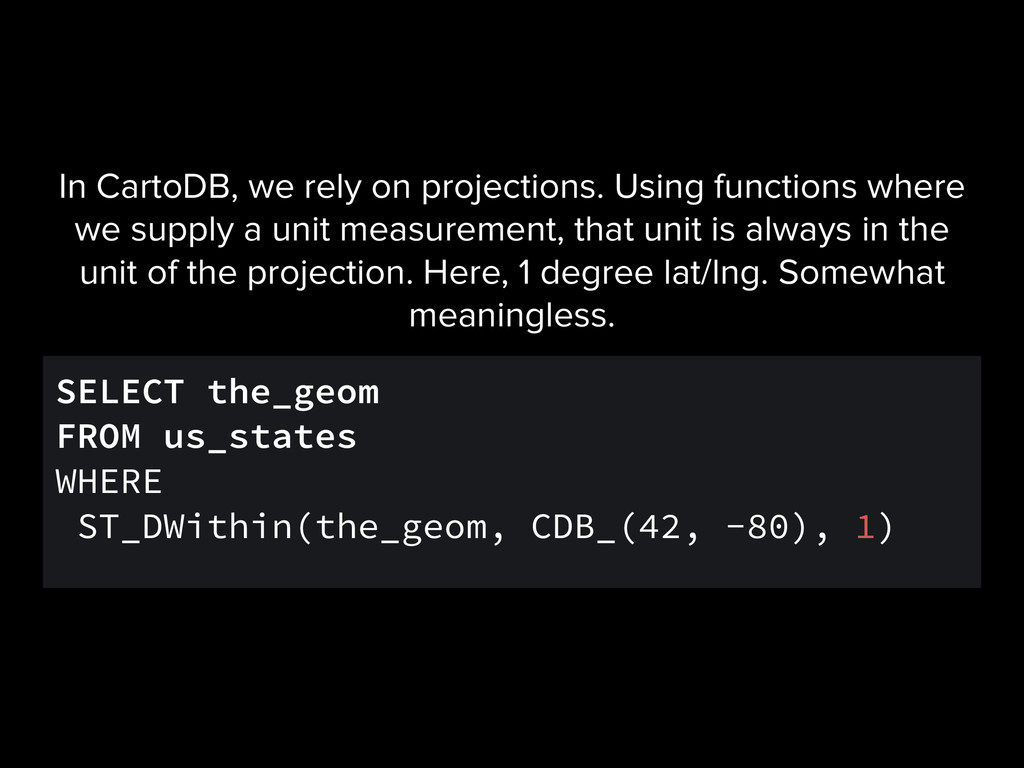
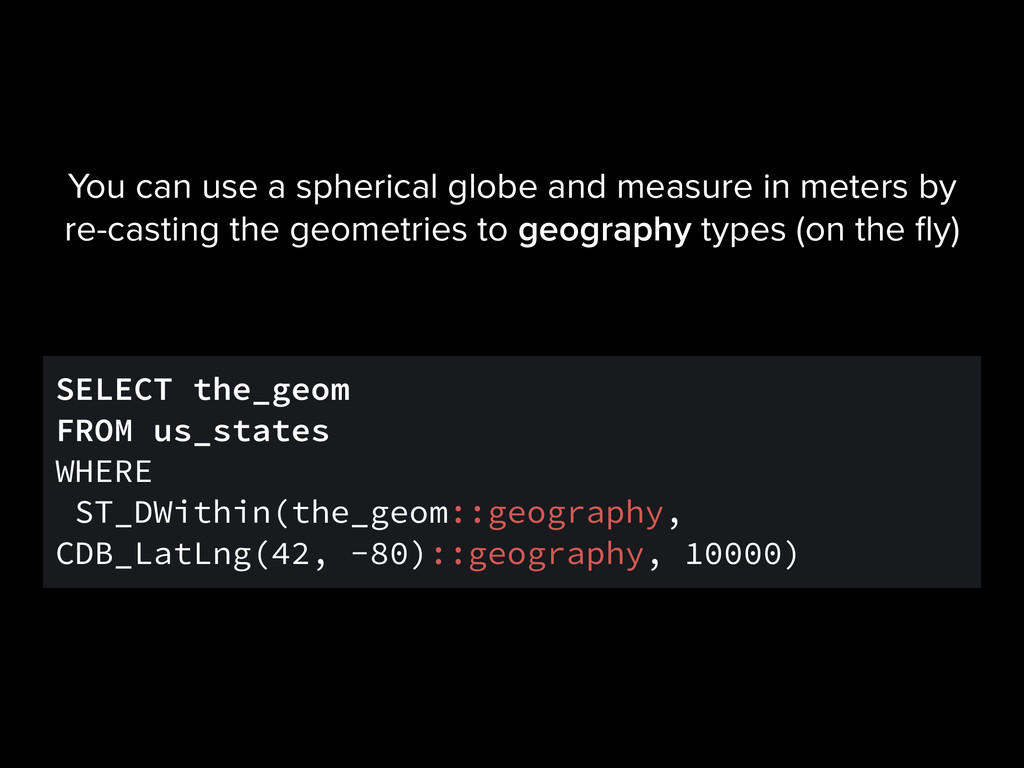
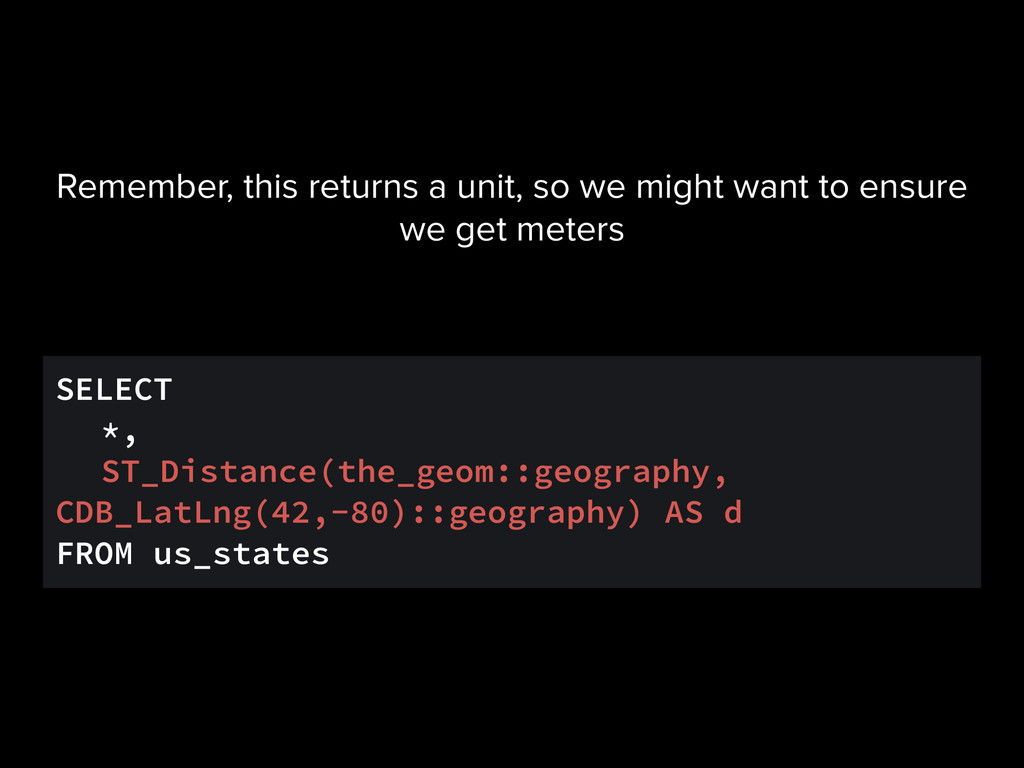
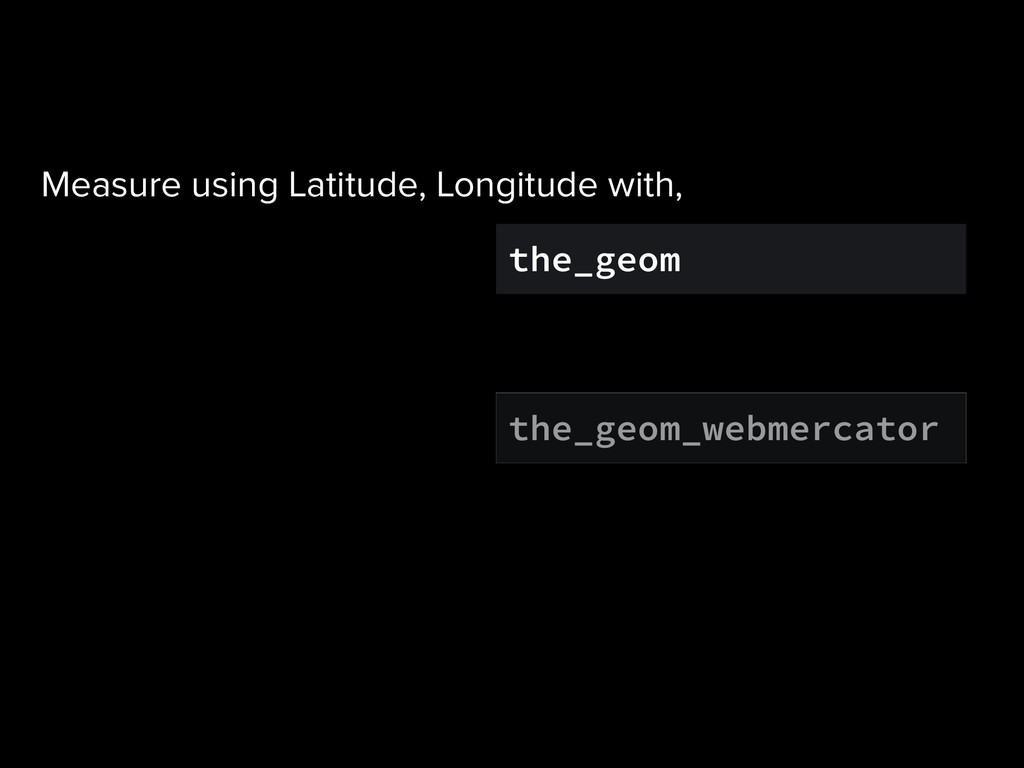
CartoDB, we rely on projections. Using functions where we supply a unit measurement, that unit is always in the unit of the projection. Here, 1 degree lat/lng. Somewhat meaningless.
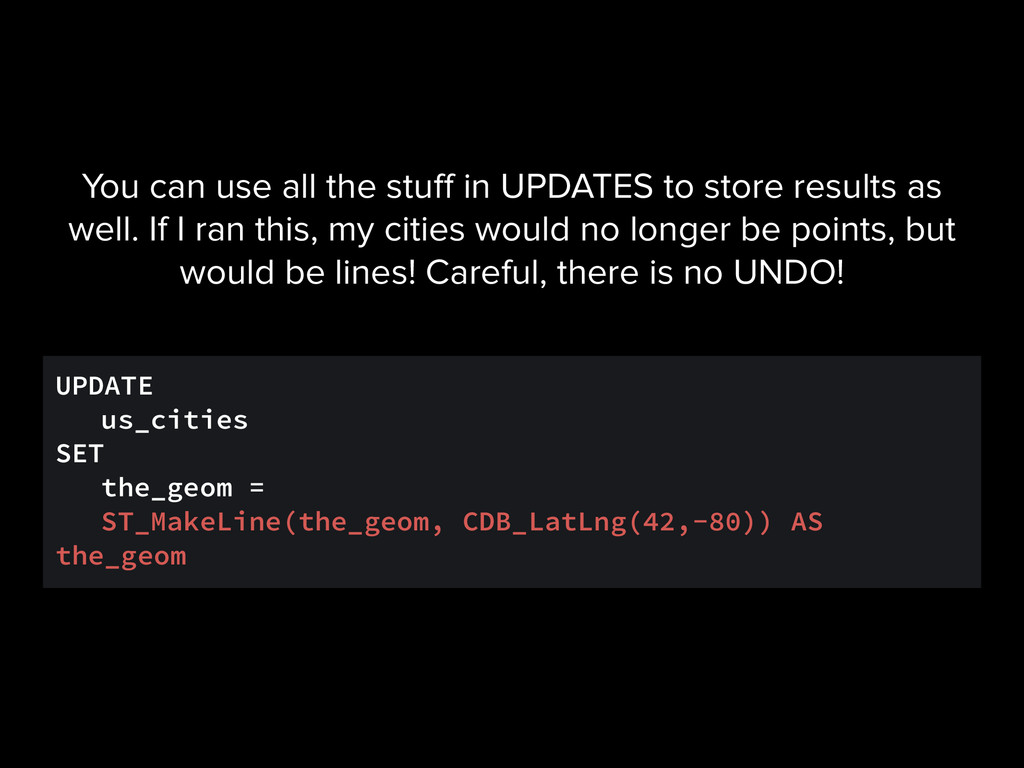
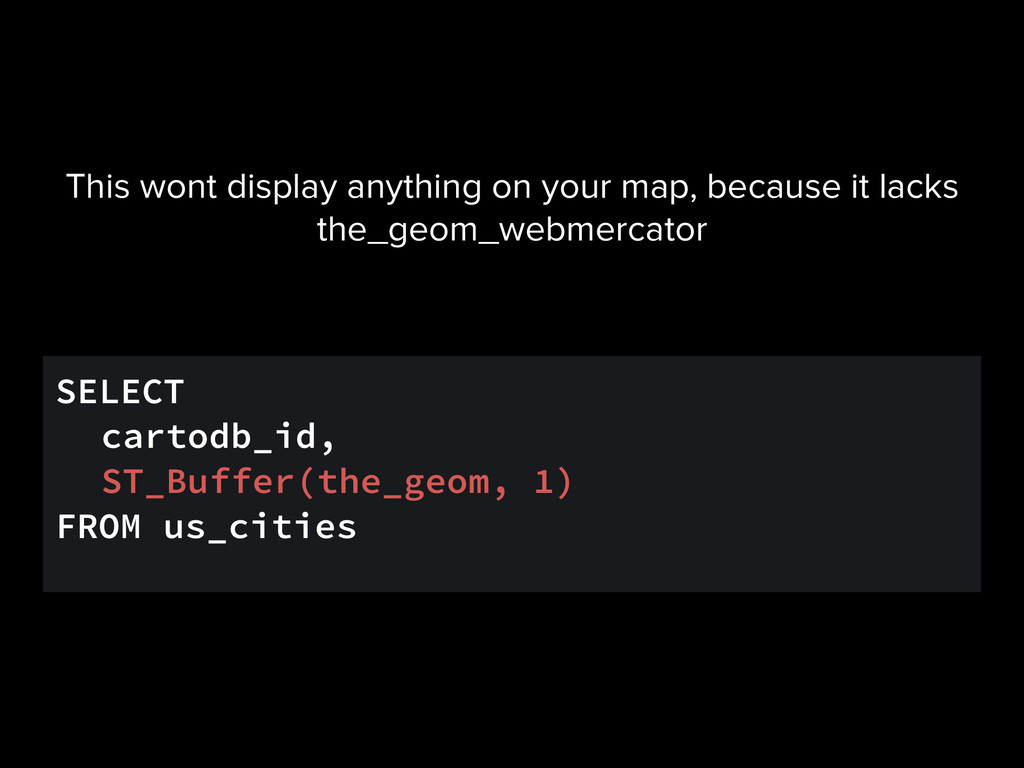
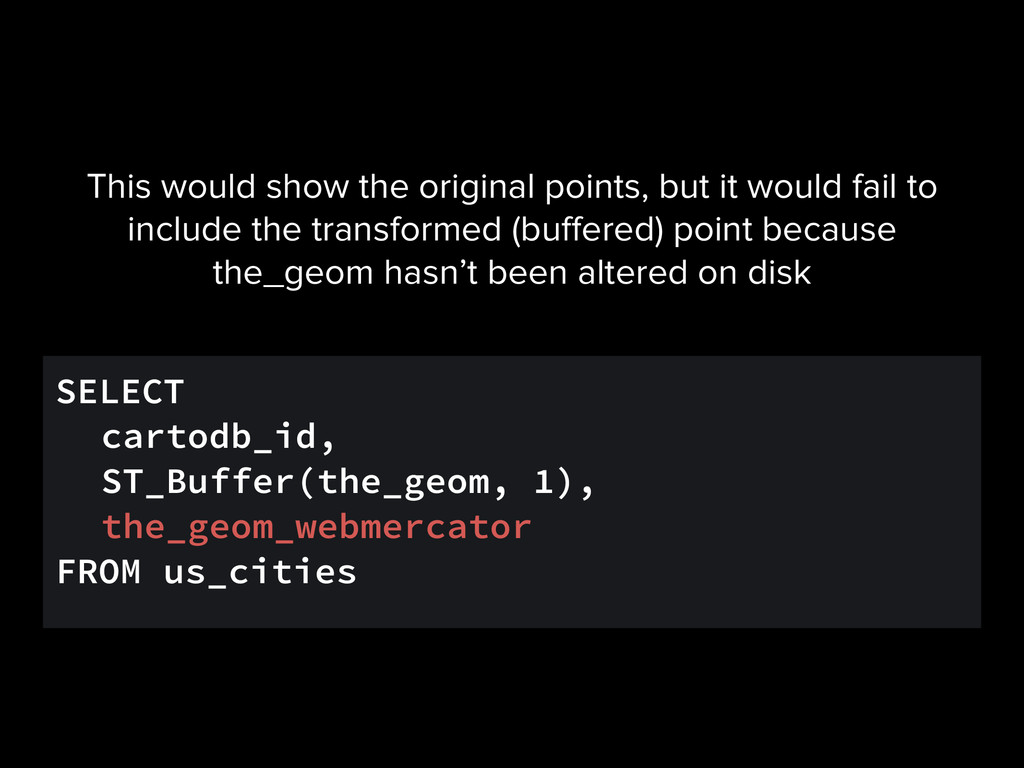
can use all the stuff in UPDATES to store results as well. If I ran this, my cities would no longer be points, but would be lines! Careful, there is no UNDO!
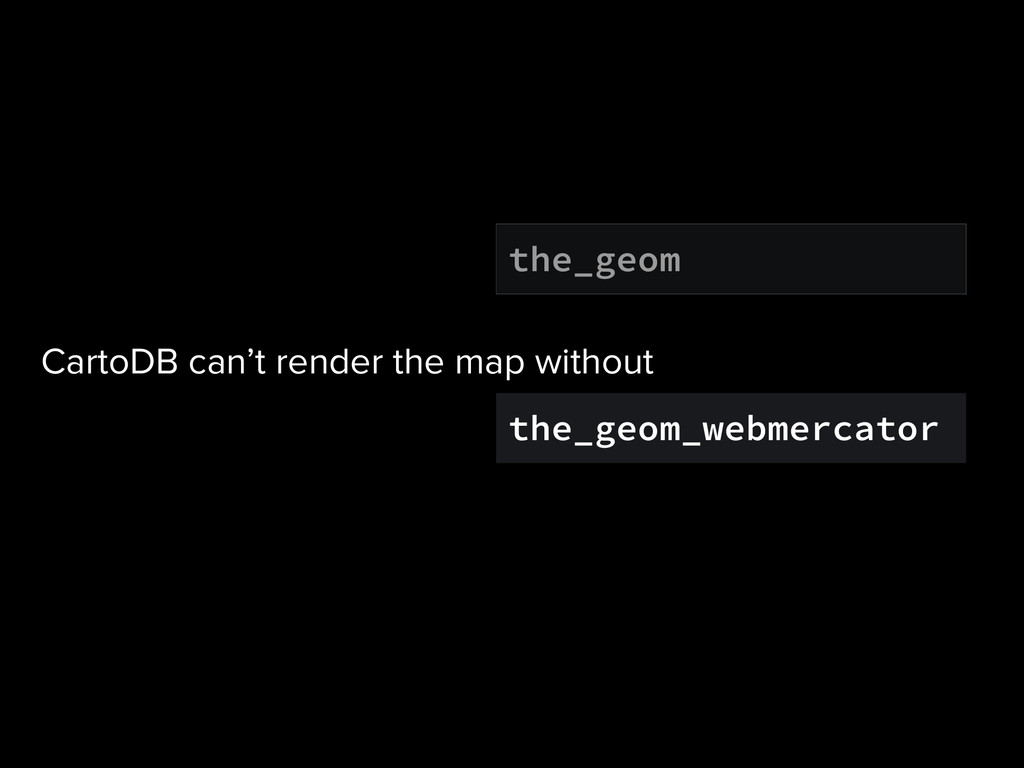
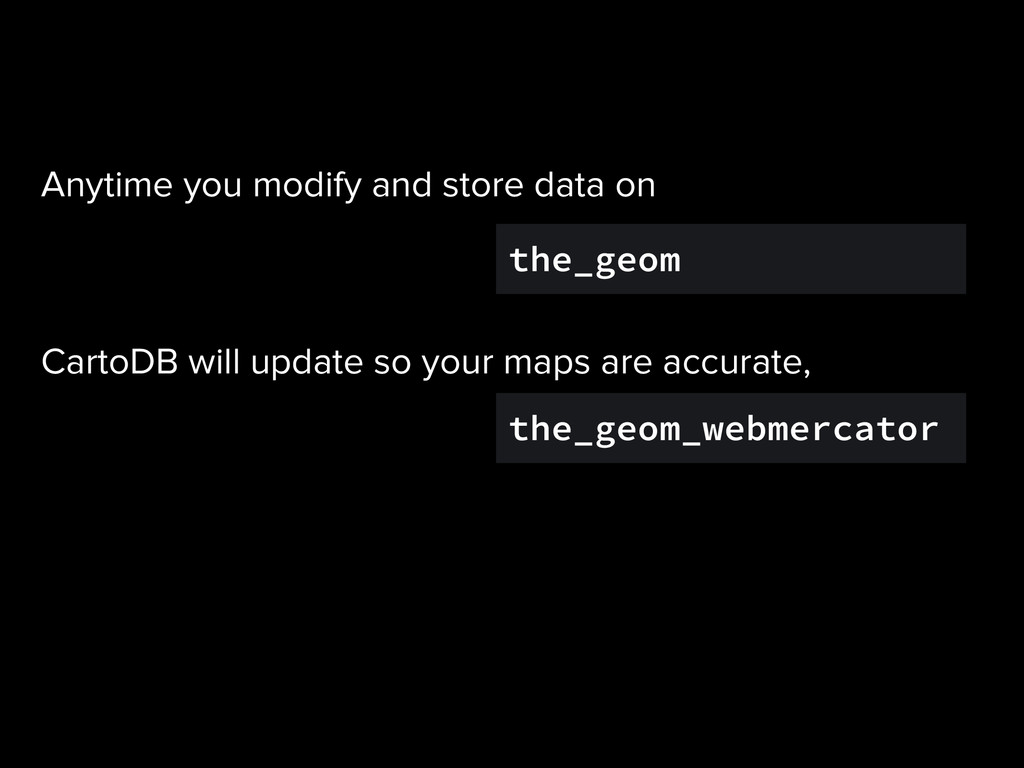
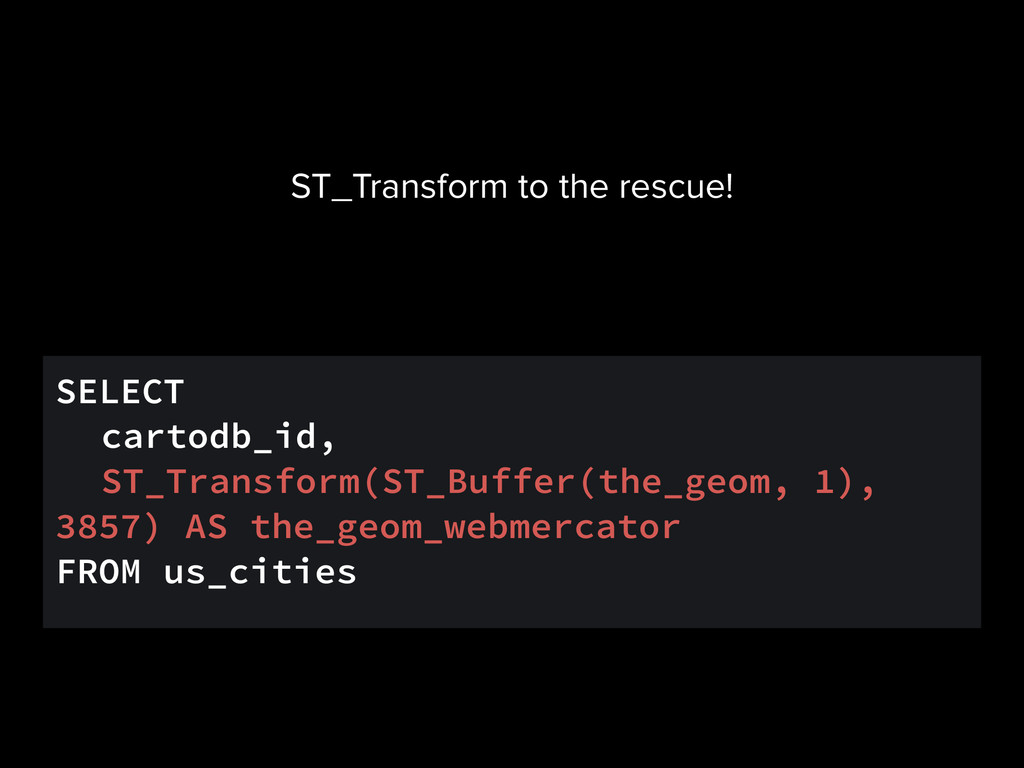
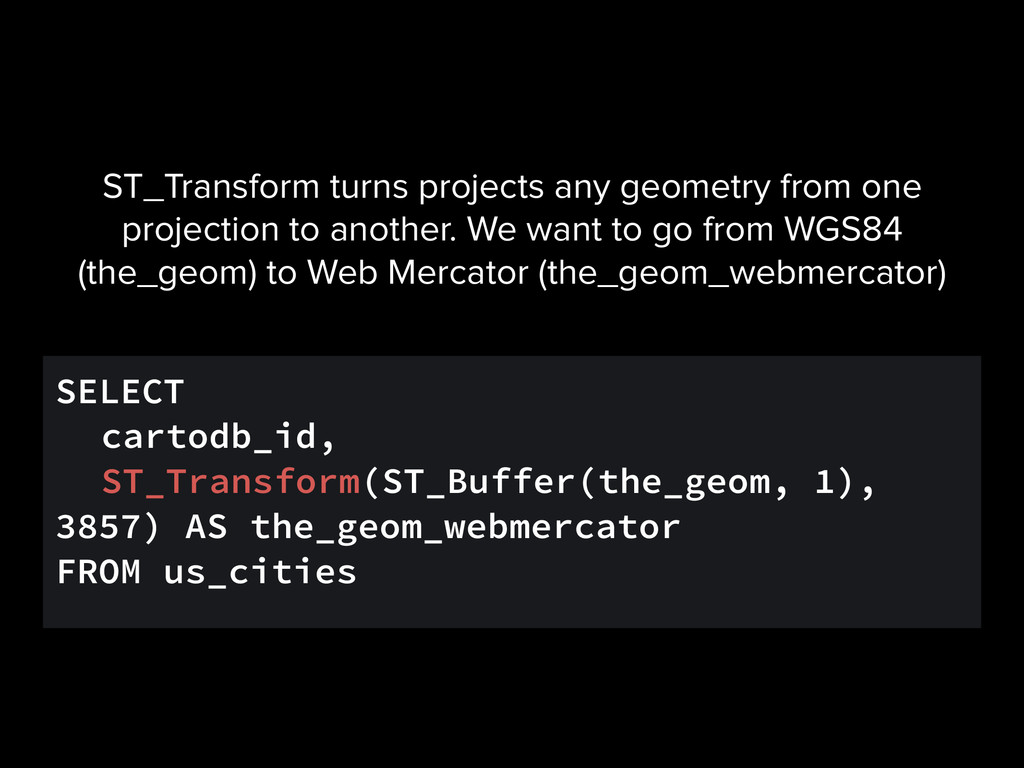
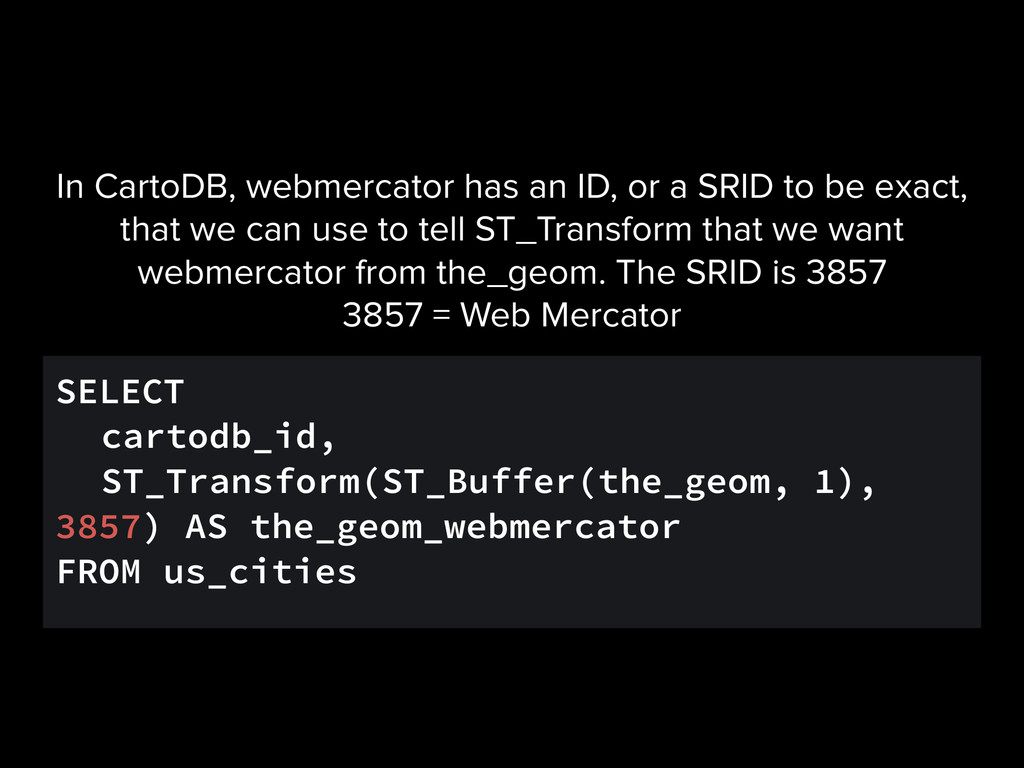
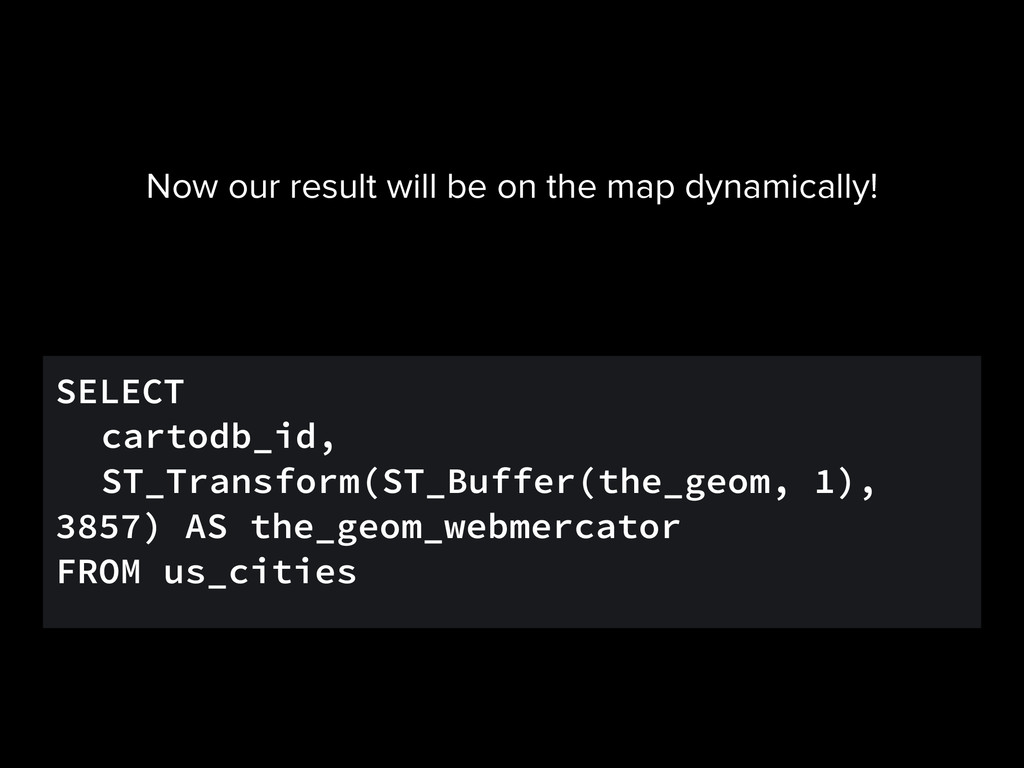
CartoDB, webmercator has an ID, or a SRID to be exact, that we can use to tell ST_Transform that we want webmercator from the_geom. The SRID is 3857 3857 = Web Mercator
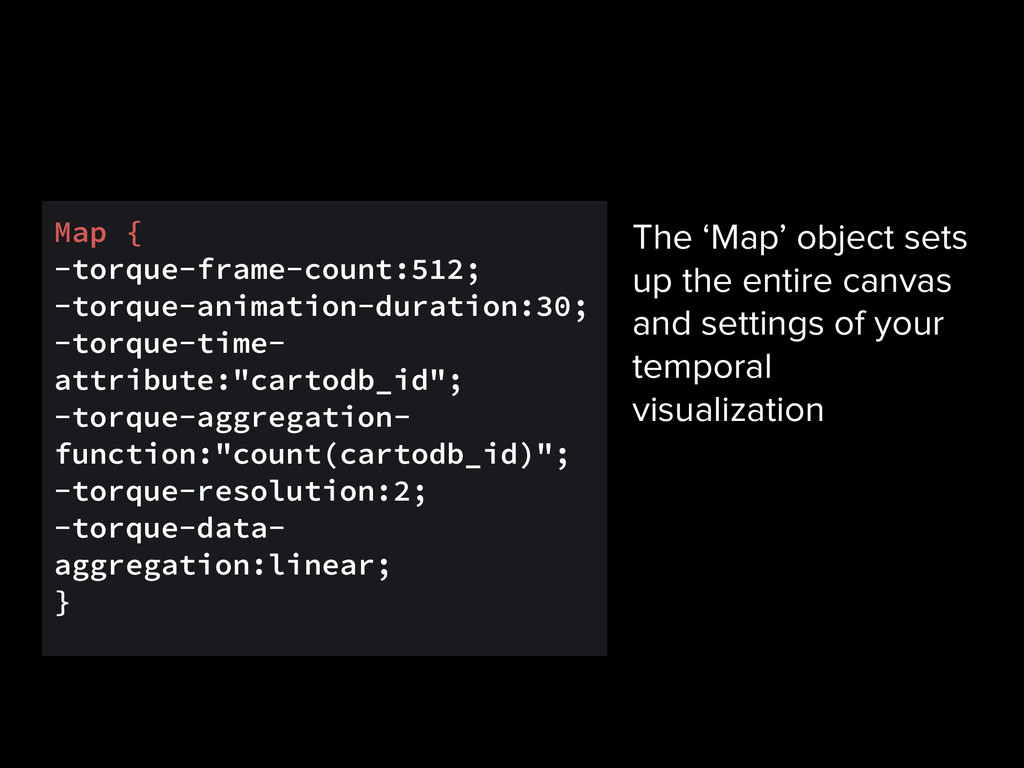
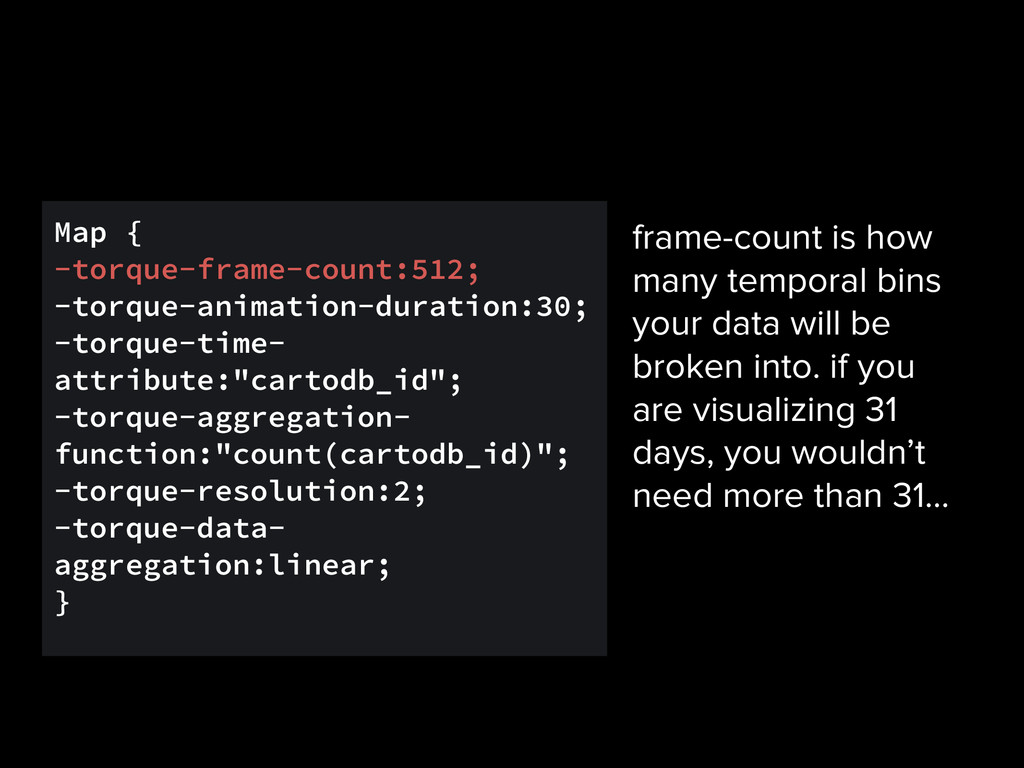
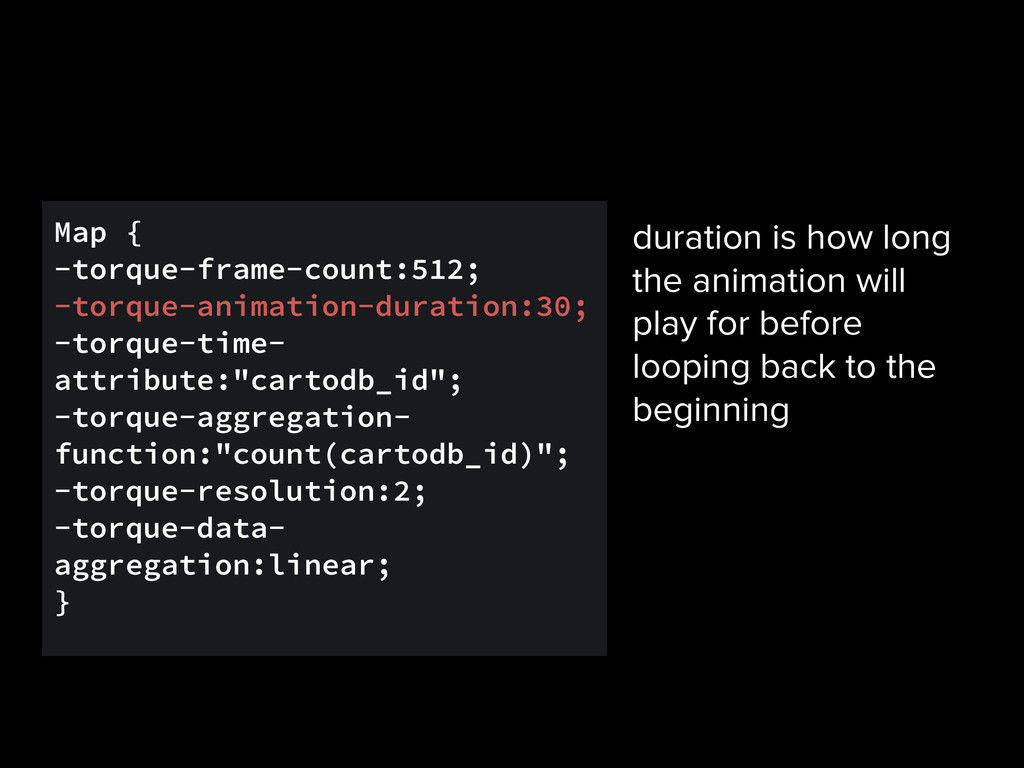
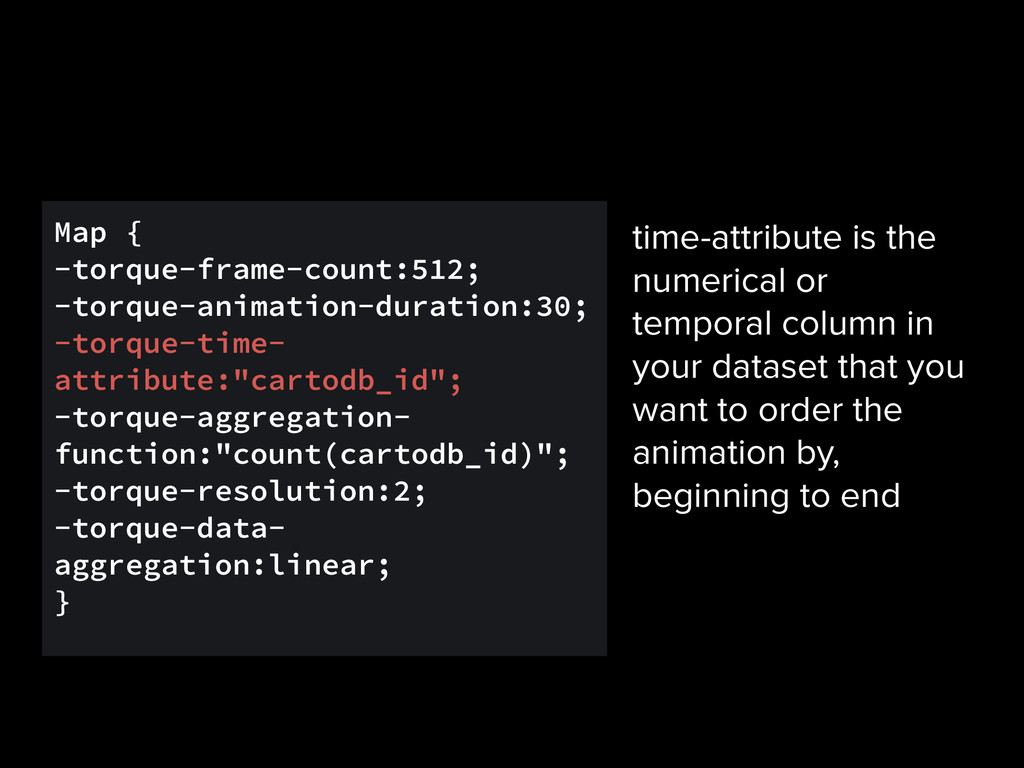
aggregation:linear; } frame-count is how many temporal bins your data will be broken into. if you are visualizing 31 days, you wouldn’t need more than 31…
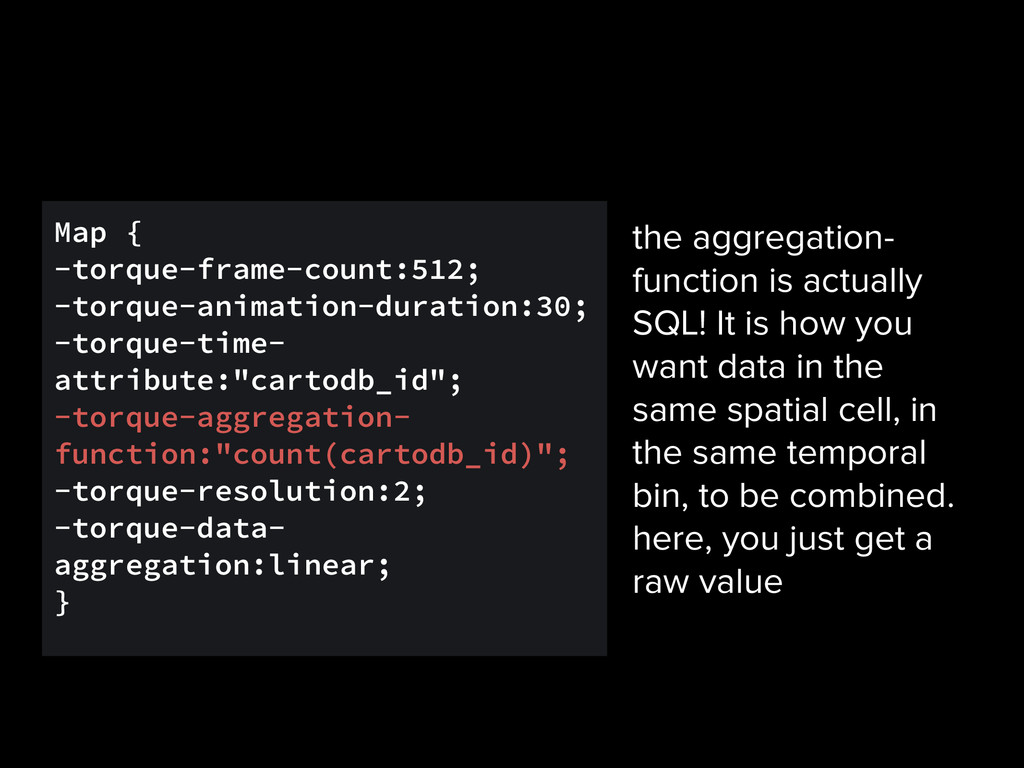
aggregation:linear; } the aggregation- function is actually SQL! It is how you want data in the same spatial cell, in the same temporal bin, to be combined. here, you just get a raw value
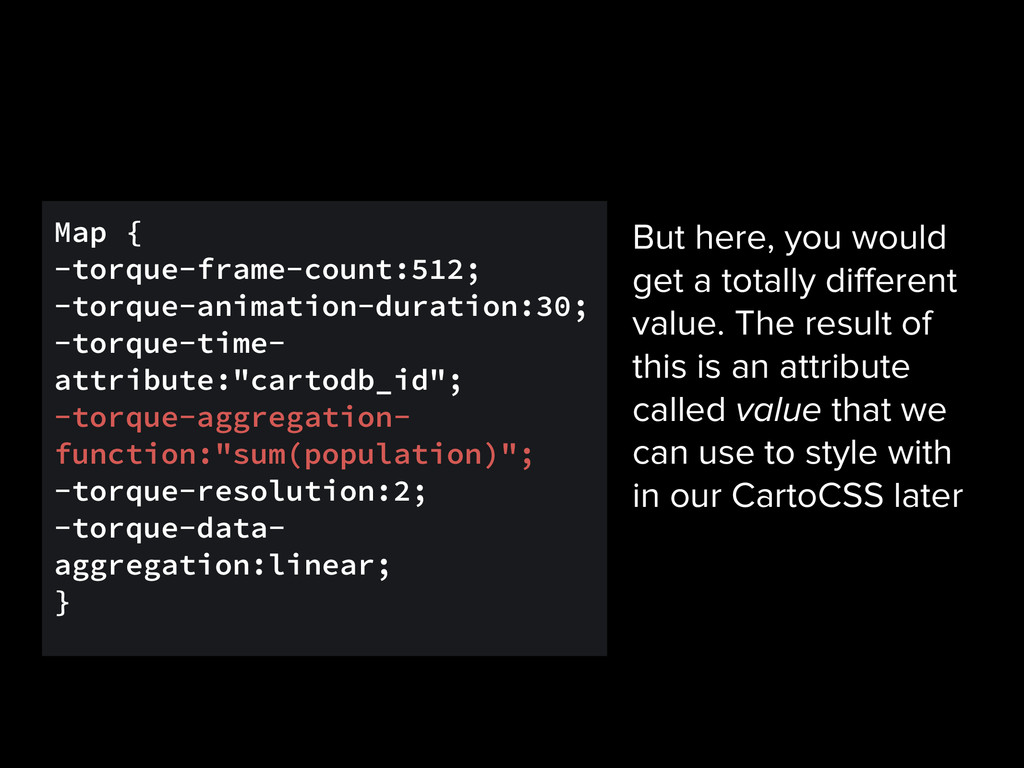
aggregation:linear; } But here, you would get a totally different value. The result of this is an attribute called value that we can use to style with in our CartoCSS later
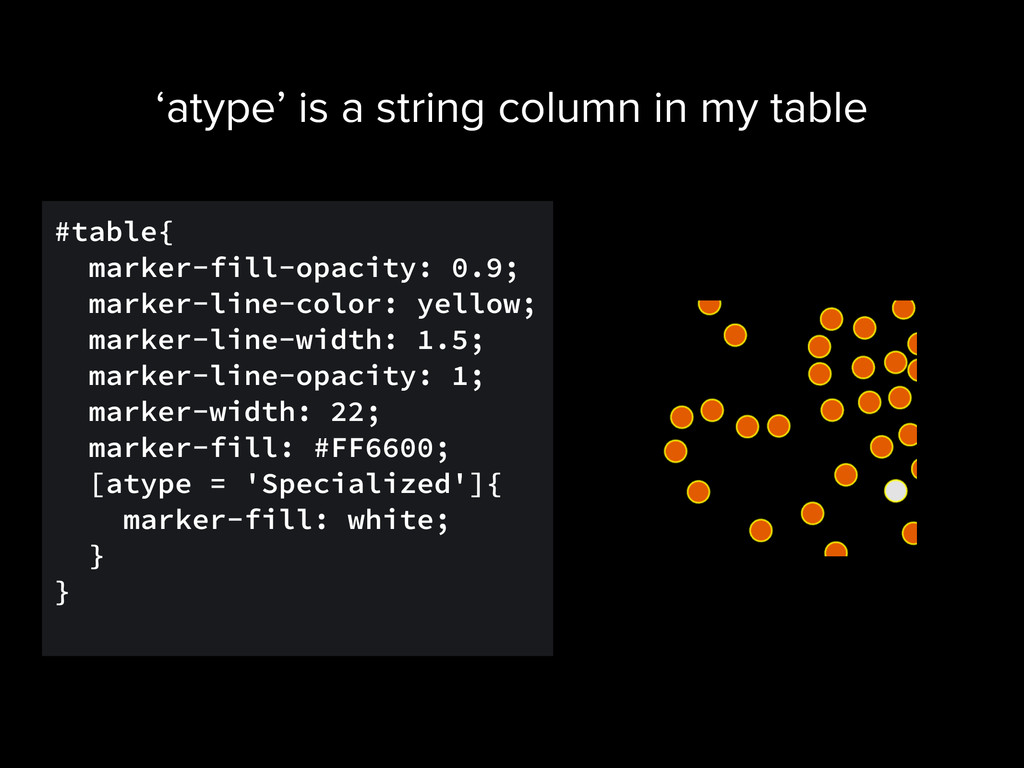
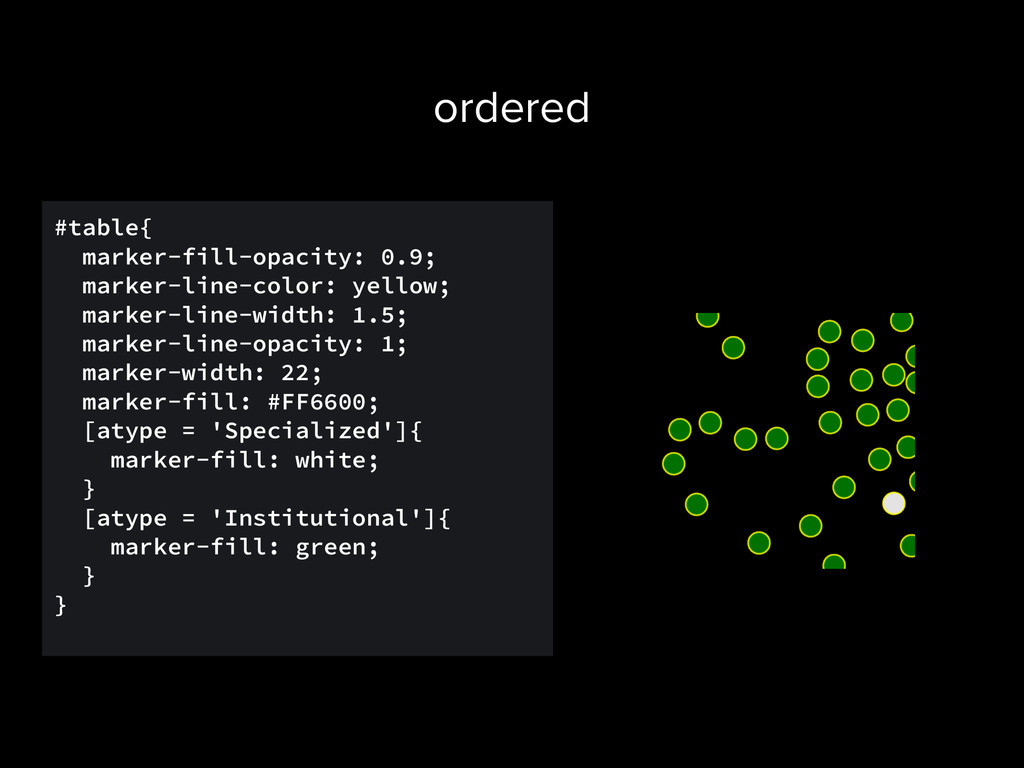
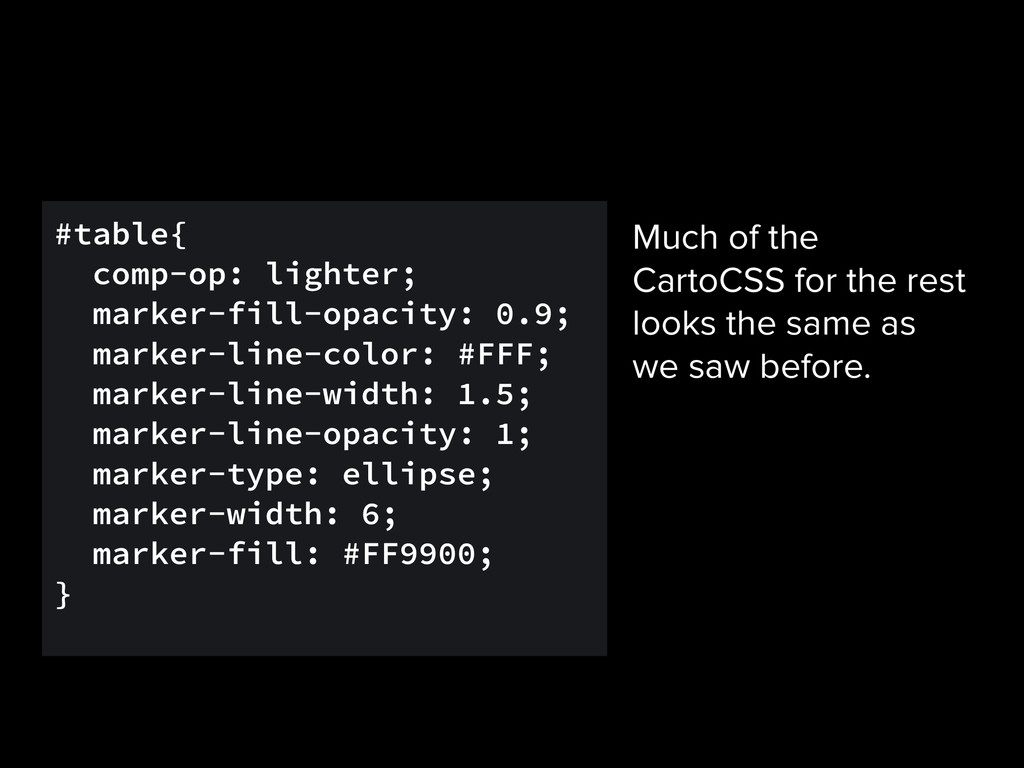
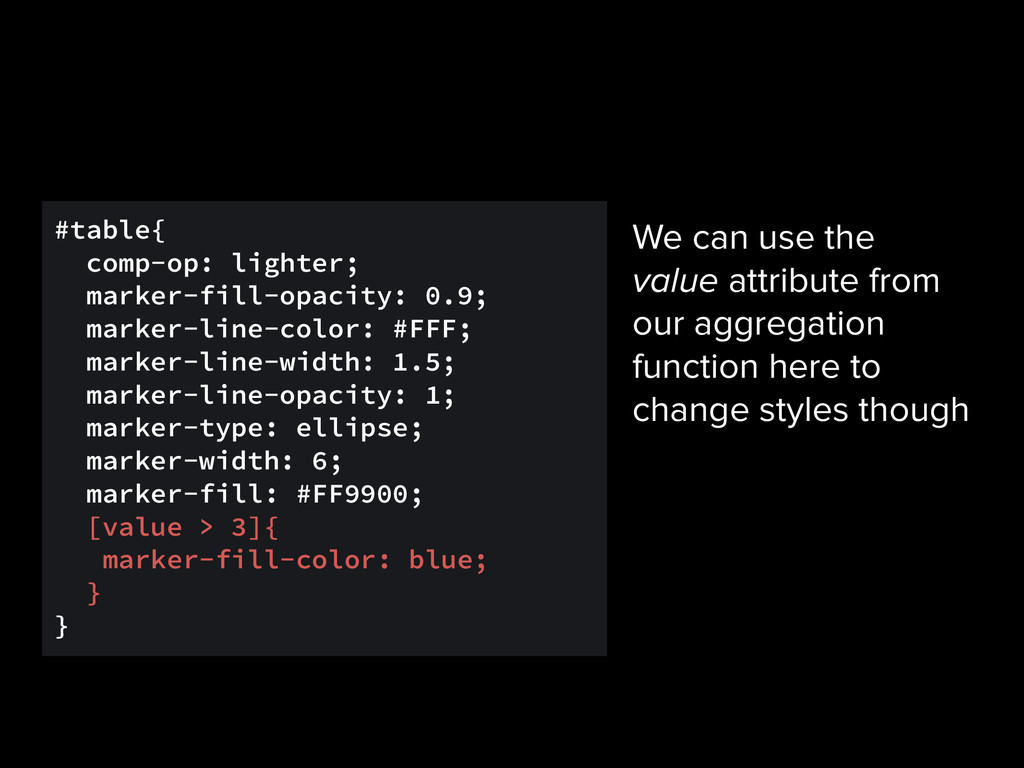
1; marker-type: ellipse; marker-width: 6; marker-fill: #FF9900; [value > 3]{ marker-fill-color: blue; } } We can use the value attribute from our aggregation function here to change styles though
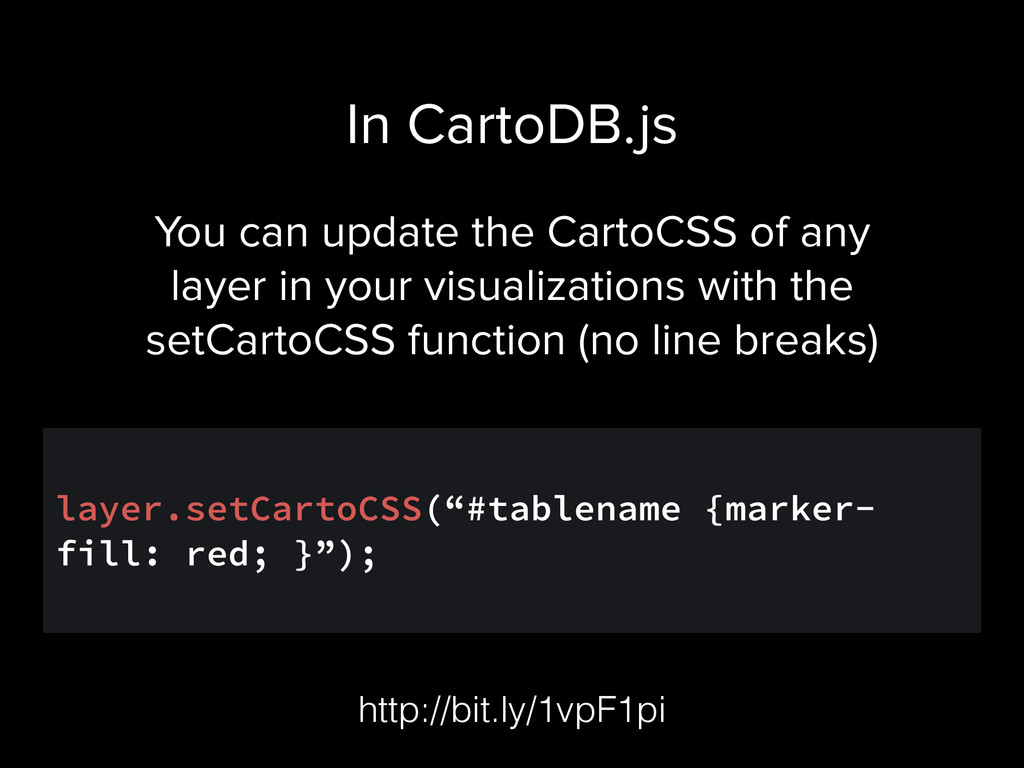
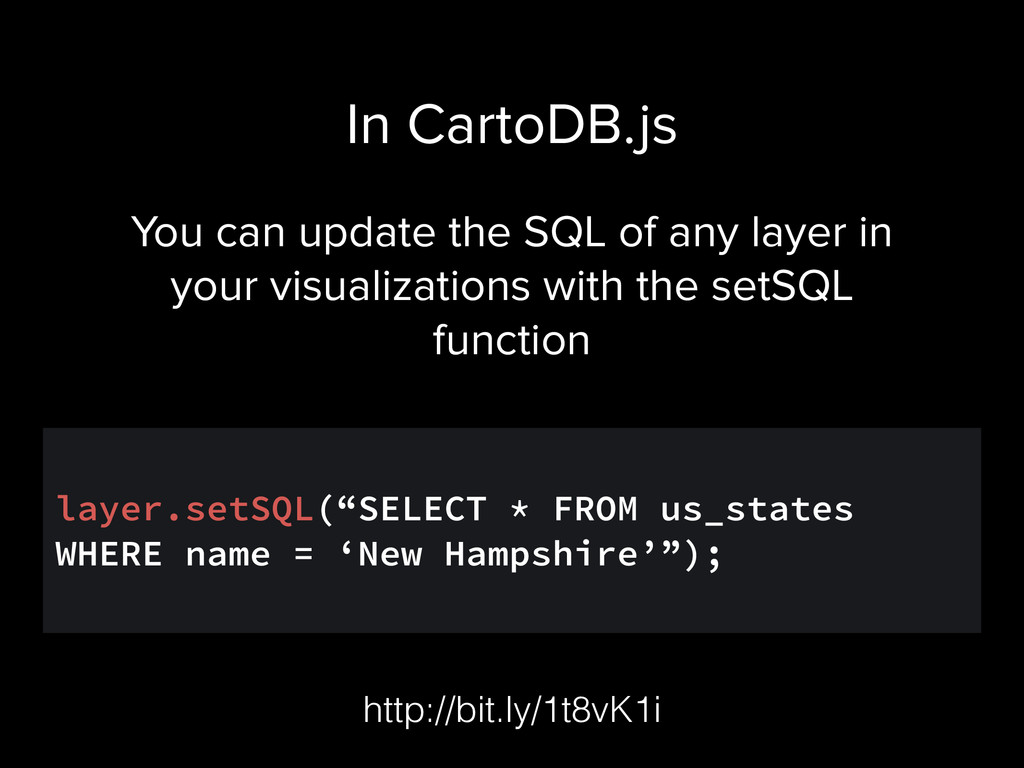
visualizations with the setCartoCSS function (no line breaks) ! layer.setCartoCSS(“#tablename {marker- fill: red; }”); In CartoDB.js http://bit.ly/1vpF1pi
way you can use CartoCSS and/or SQL to create a visualization. It can be a multistep process (UPDATEs, Table from Query), but be sure to document and share every step of your process. Assignment 1
and story of your lie. This should be a narrative story. During the narrative, you should highlight where your lie is exposed through maps. Assignment 2


 andrewxhill
 doratex
 bvr7352
 mariooc
 uchi8977
 soudai
 masakiokuda
 juanmartin2026
 yasslab
 frievea
 kaityo256
 ainischool
 moriyuya
 jakevdp
 axbom
axbom
 gurzu
gurzu
 asonas
 marktimemedia
 eileencodes
 nwiizo
 mojombo
 akihiro_kokubo
 nonsquared
 iamctodd
 bcantrill






































![#table[frame-offset=1] { marker-width:8; marker-fill-opacity:0.45; } We can also use frame-offsets](https://files.speakerdeck.com/presentations/ab06de502af60132c32622d14c40df16/slide_135.jpg)