Upgrade to Pro — share decks privately, control downloads, hide ads and more …

【JP】Accelerating Flutter UI Development with 
F...

Sponsored · Ship Features Fearlessly Turn features on and off without deploys. Used by thousands of Ruby developers.
Avatar for bull bull
October 19, 2025

【JP】Accelerating Flutter UI Development with 
Figma Dev Mode MCP × Claude Code

株式会社アトラエでは、Figmaの構造化(Variables、Component、Annotation)とAIを組み合わせたUI実装の効率化に取り組んでおり、本セッションでは実際の開発現場での試行錯誤から得られた知見をもとに、AIによるコード生成の精度を高める具体的な手法と、UI層とビジネスロジック層の適切な分離によるAI活用戦略について、実装パターンとともにお伝えします。

《 Flutter Alliance 》
Flutter Seoul、Flutter Tokyo、Flutter Taipeiが共同主催するアジア初のカンファレンスです。
備考:https://atrae.co.jp/news/20251016/

Avatar for bull

bull

October 19, 2025
Tweet

More Decks by bull

Other Decks in Programming

Transcript

  1. Accelerating Flutter UI Development with 
 Figma Dev Mode MCP

    × Claude Code Yuta Asada Flutter Alliance 2025
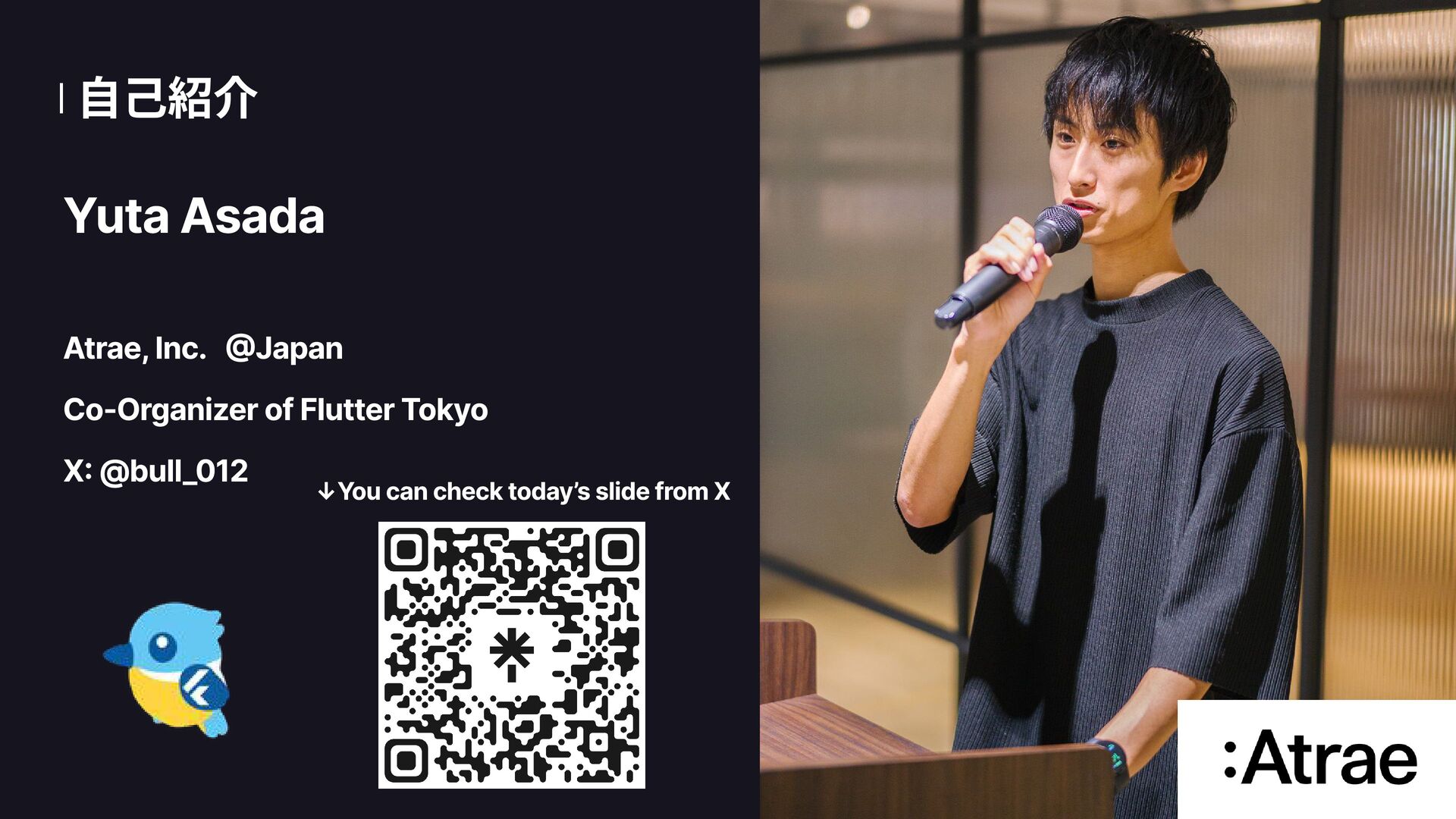
  2. 自己紹介 2 Yuta Asada Atrae, Inc. @Japan Co-Organizer of Flutter

    Tokyo X: @bull_012 ↓You can check today’s slide from X
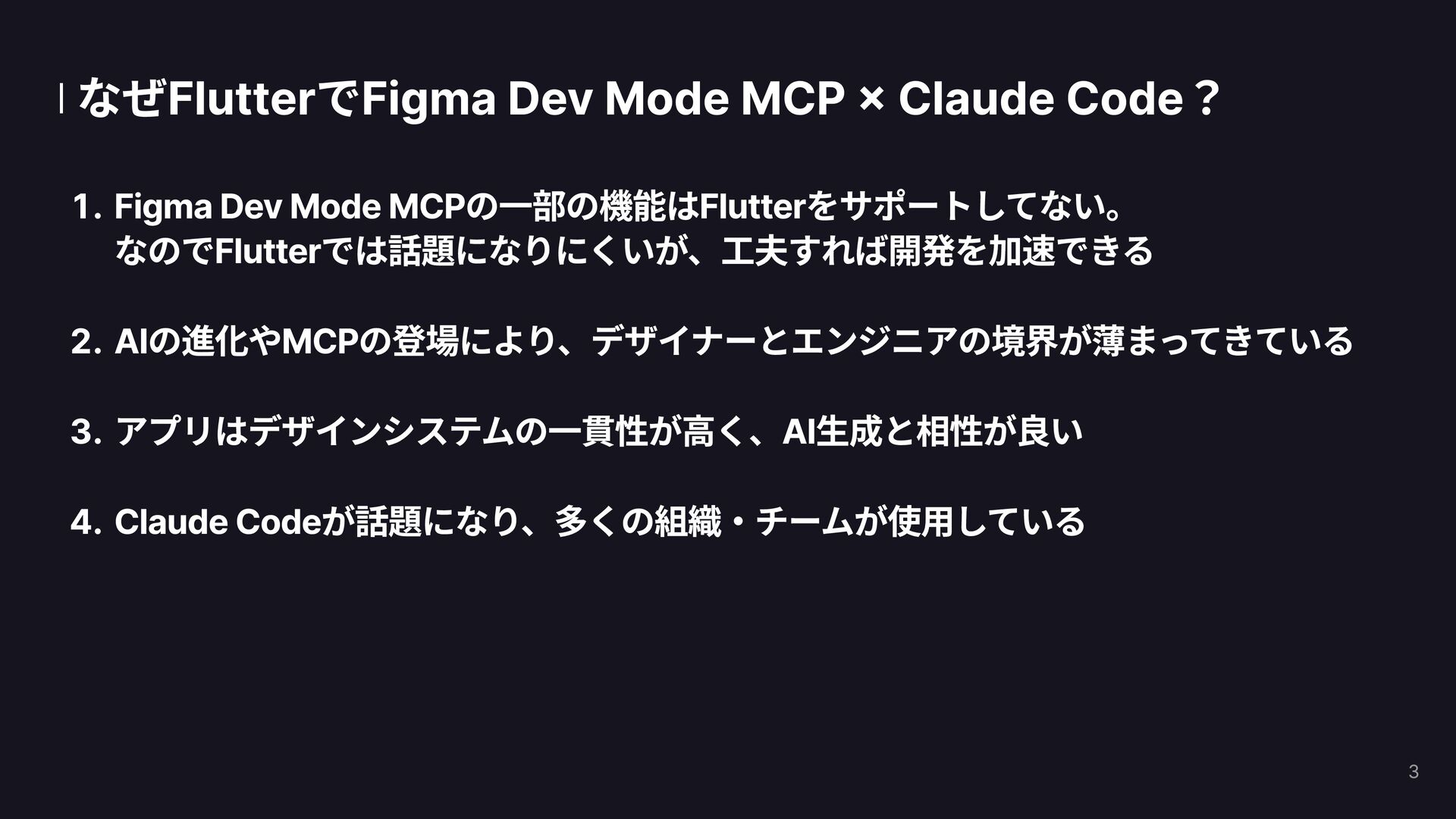
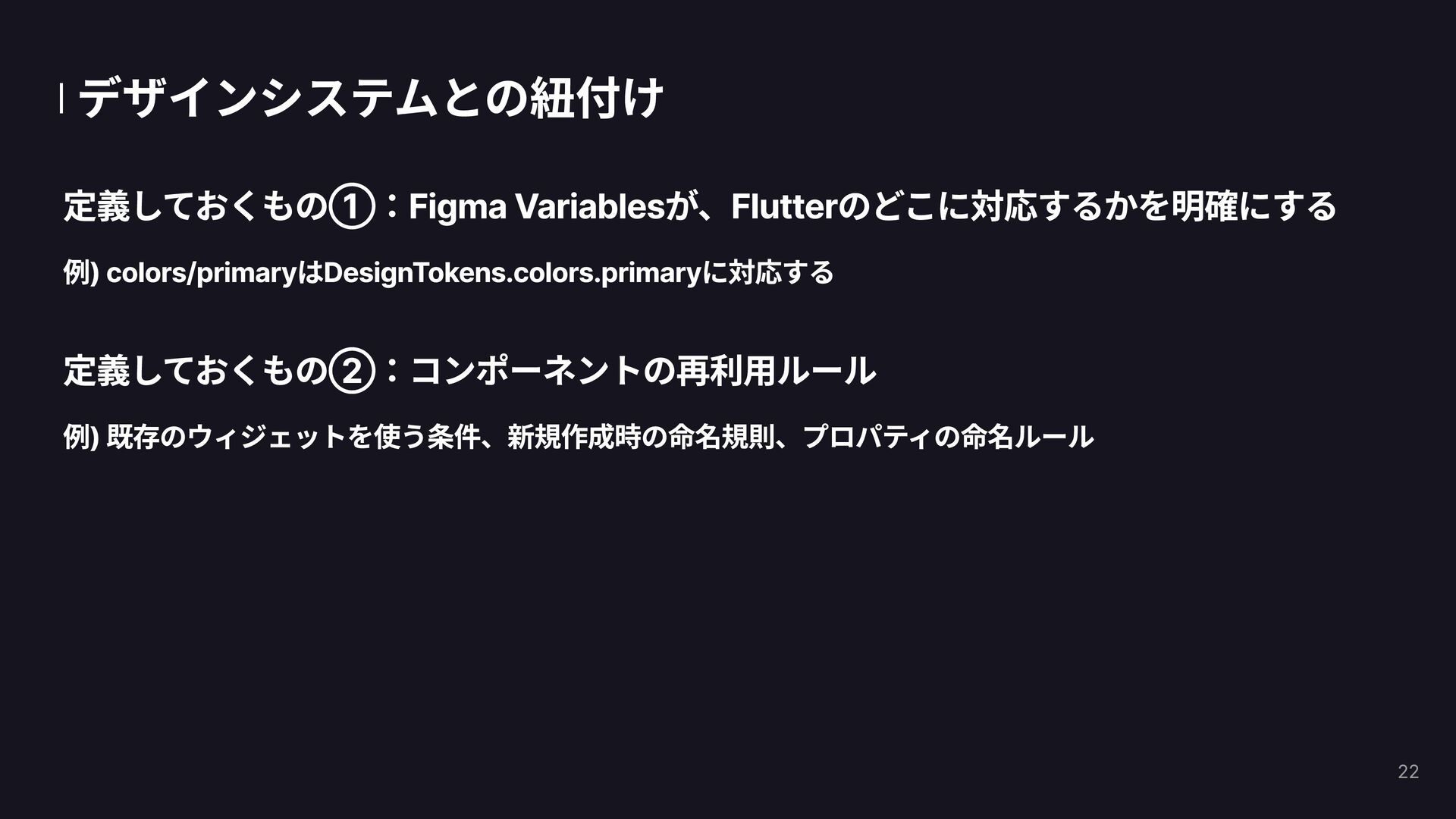
  3. なぜFlutterでFigma Dev Mode MCP × Claude Code? Figma Dev Mode

    MCPの一部の機能はFlutterをサポートしてない。
 なのでFlutterでは話題になりにくいが、工夫すれば開発を加速できる AIの進化やMCPの登場により、デザイナーとエンジニアの境界が薄まってきている アプリはデザインシステムの一貫性が高く、AI生成と相性が良い Claude Codeが話題になり、多くの組織・チームが使用している 3
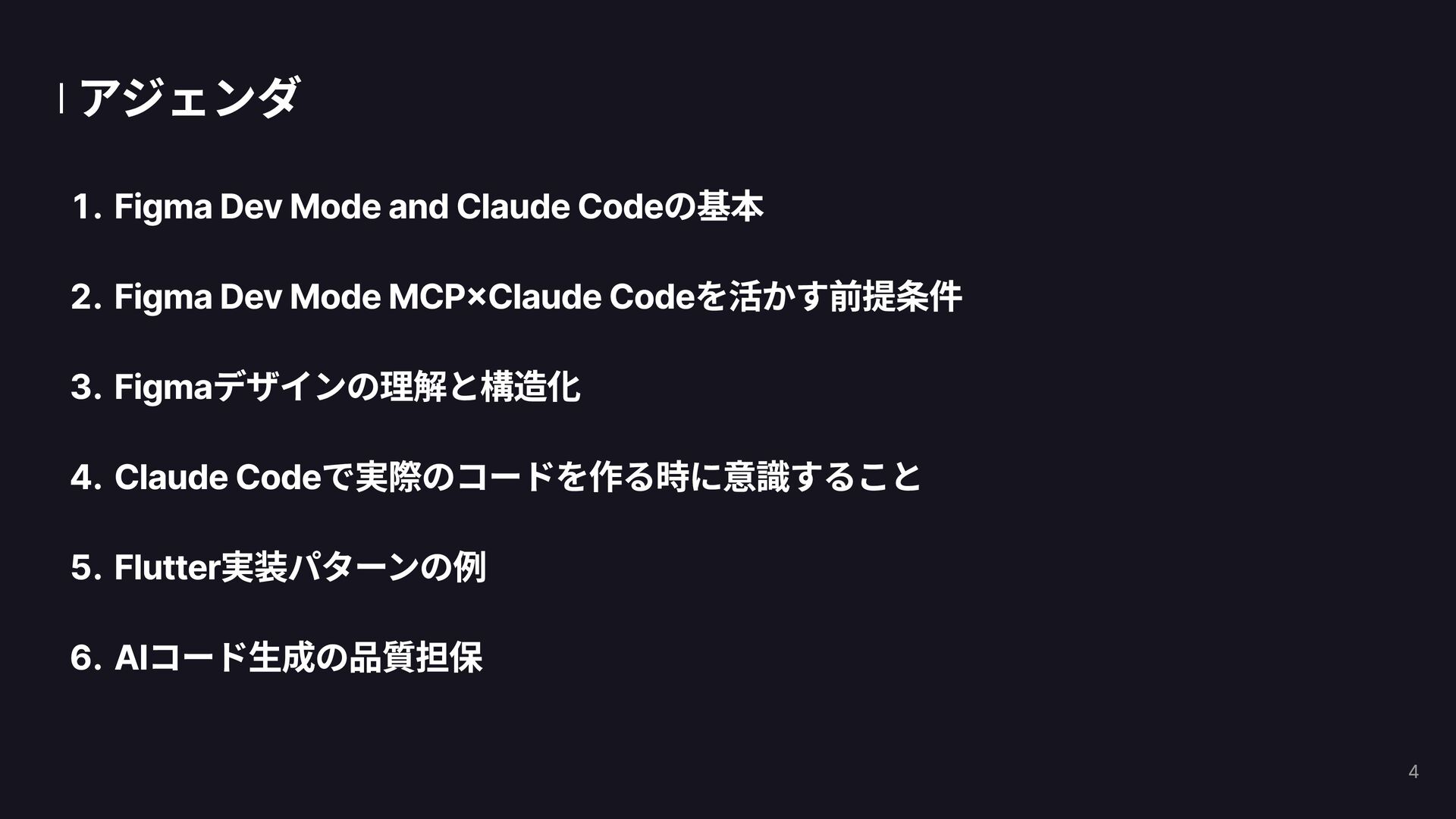
  4. アジェンダ Figma Dev Mode and Claude Codeの基本 Figma Dev Mode

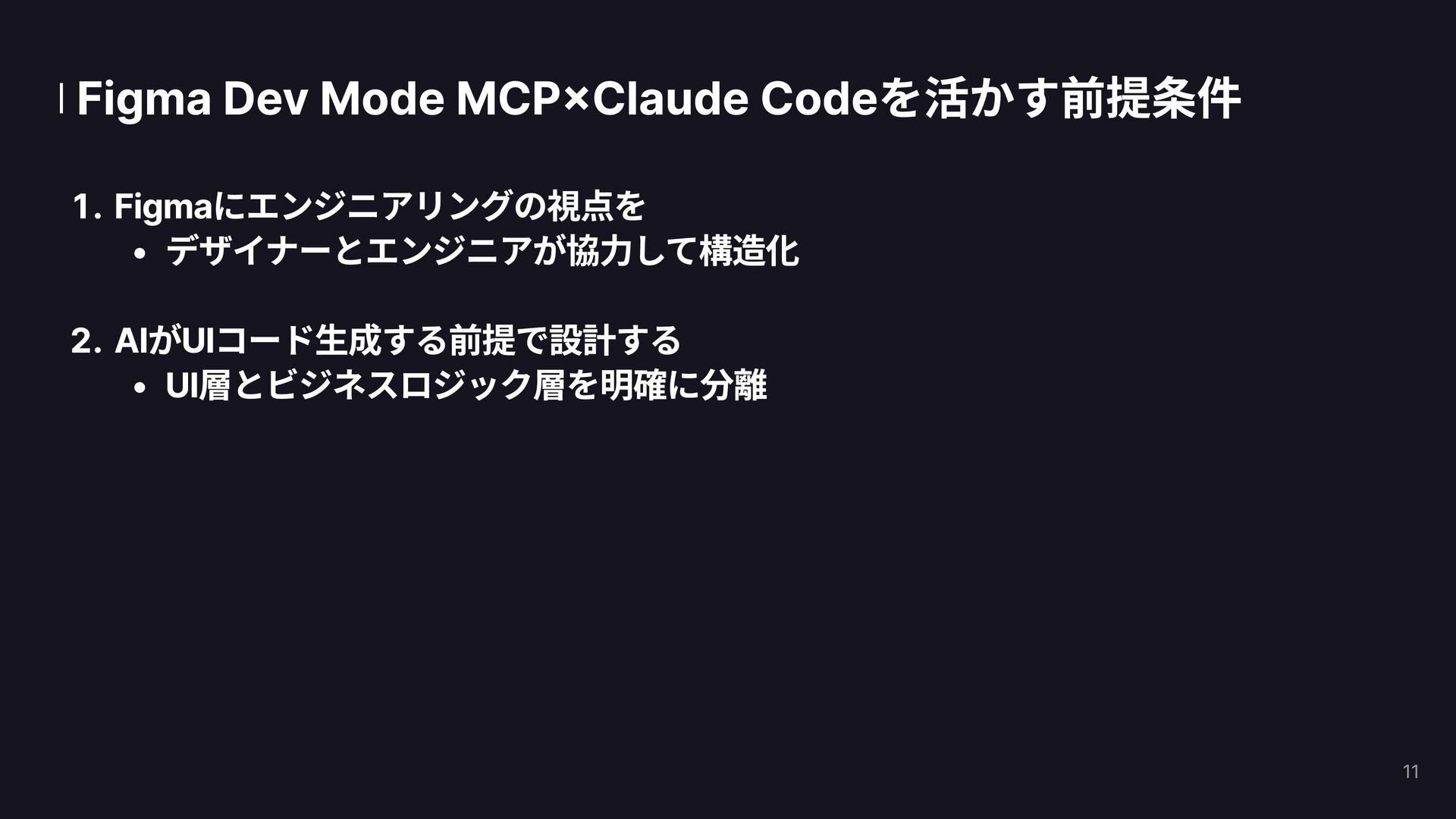
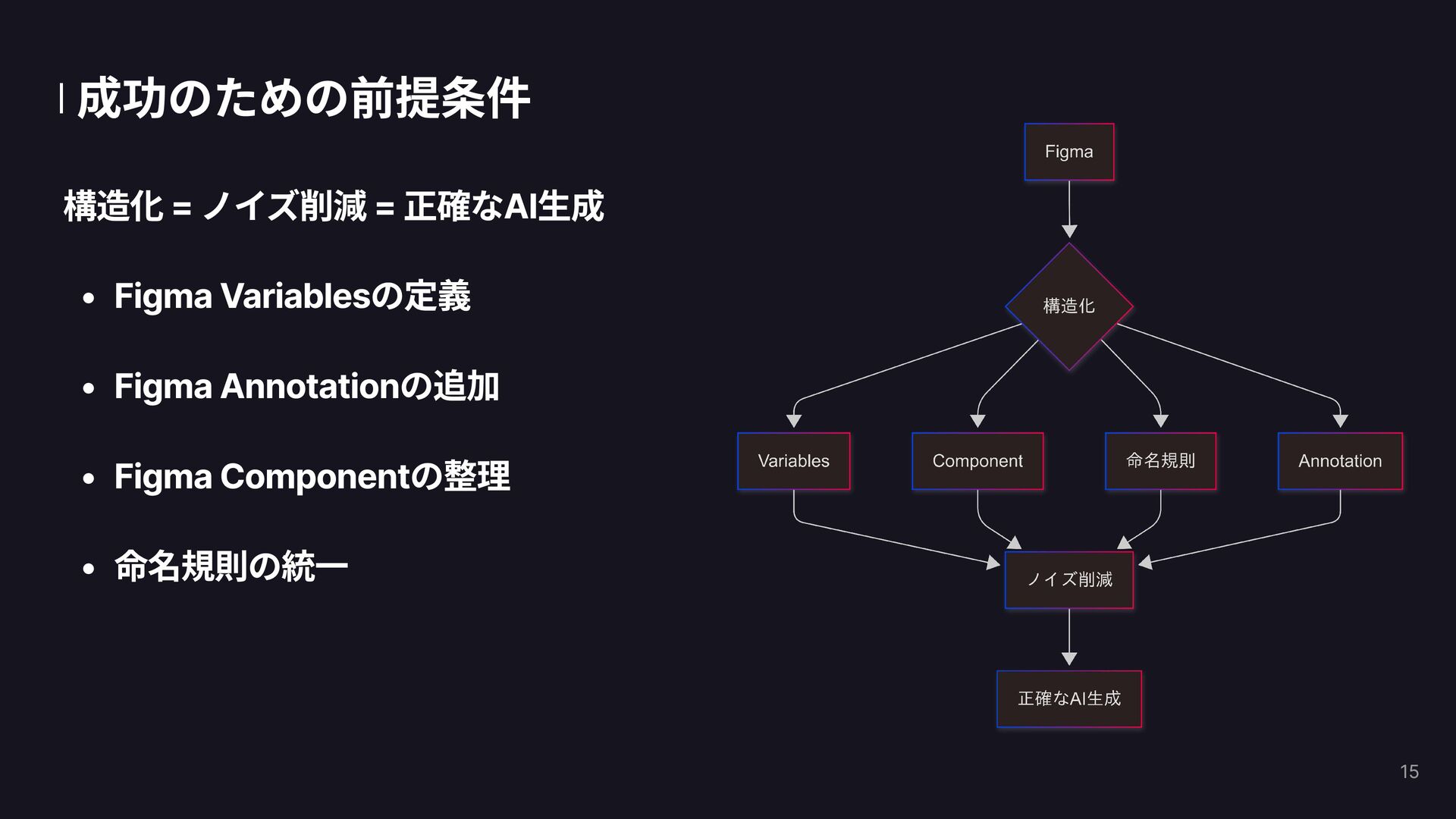
    MCP×Claude Codeを活かす前提条件 Figmaデザインの理解と構造化 Claude Codeで実際のコードを作る時に意識すること Flutter実装パターンの例 AIコード生成の品質担保 4
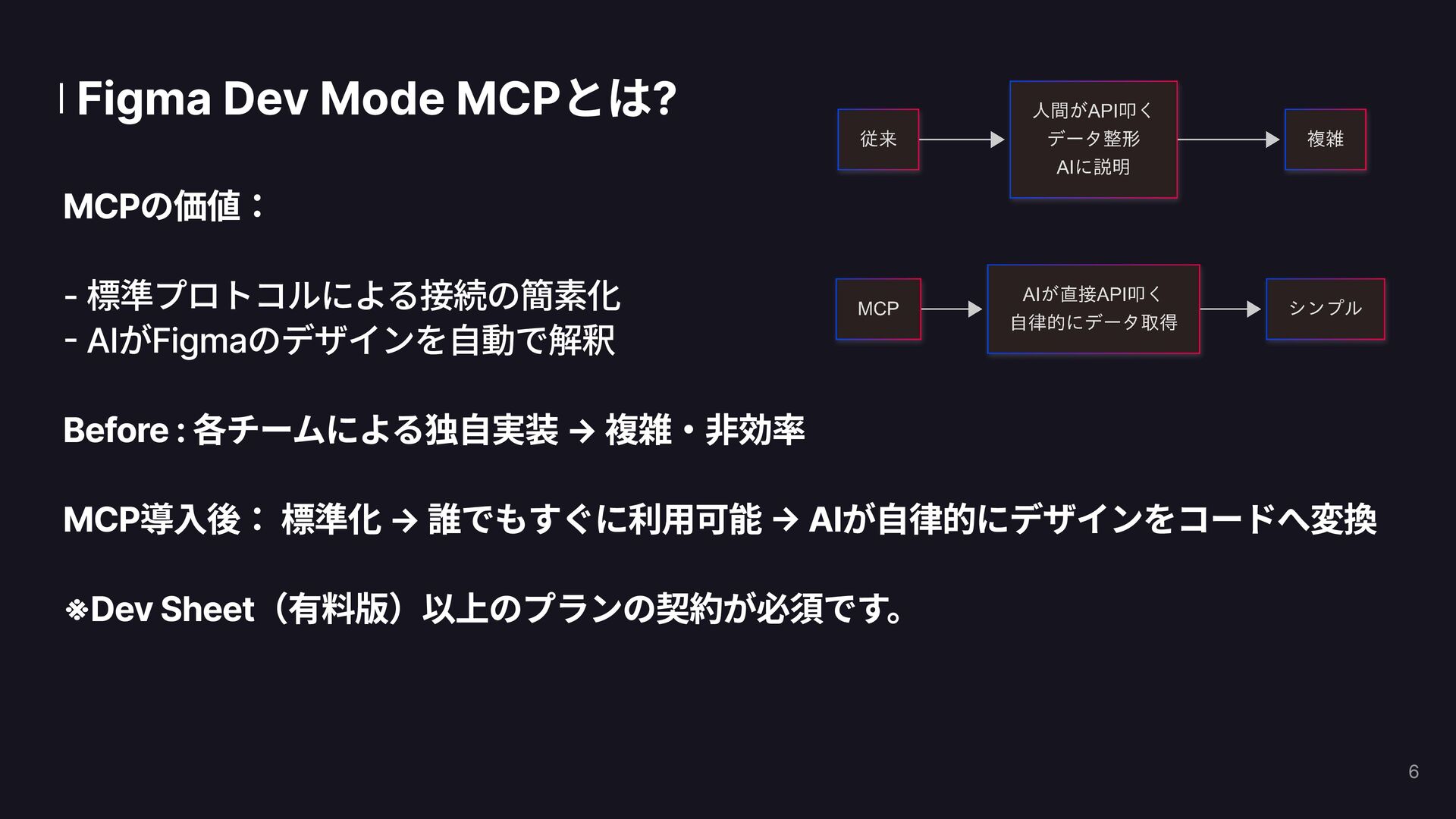
  5. Figma Dev Mode MCPとは? MCPの価値:

 - 標準プロトコルによる接続の簡素化
 - AIがFigmaのデザインを自動で解釈 


    Before : 各チームによる独自実装 → 複雑・非効率 
 MCP導入後: 標準化 → 誰でもすぐに利用可能 → AIが自律的にデザインをコードへ変換 ※Dev Sheet(有料版)以上のプランの契約が必須です。 6
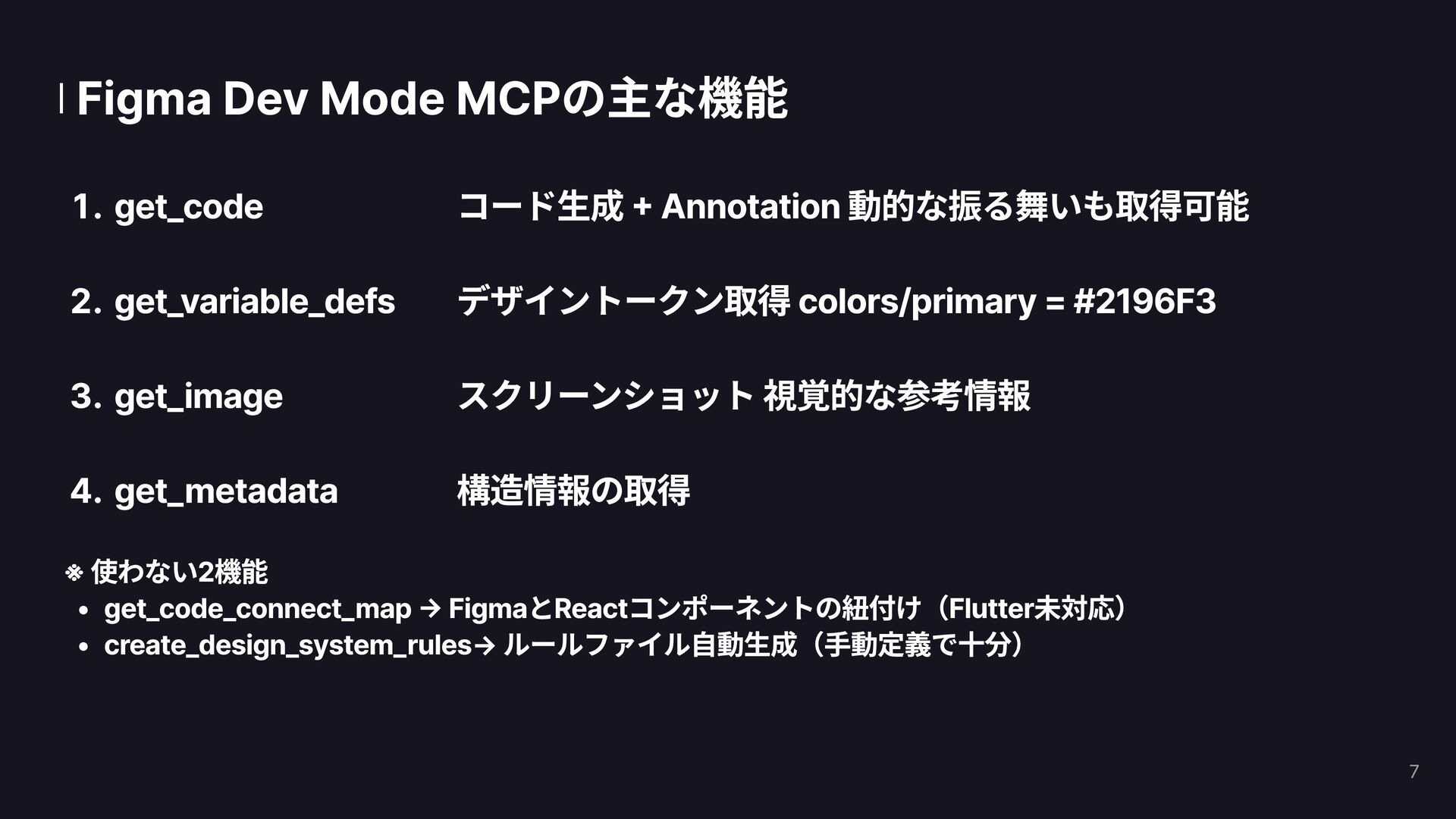
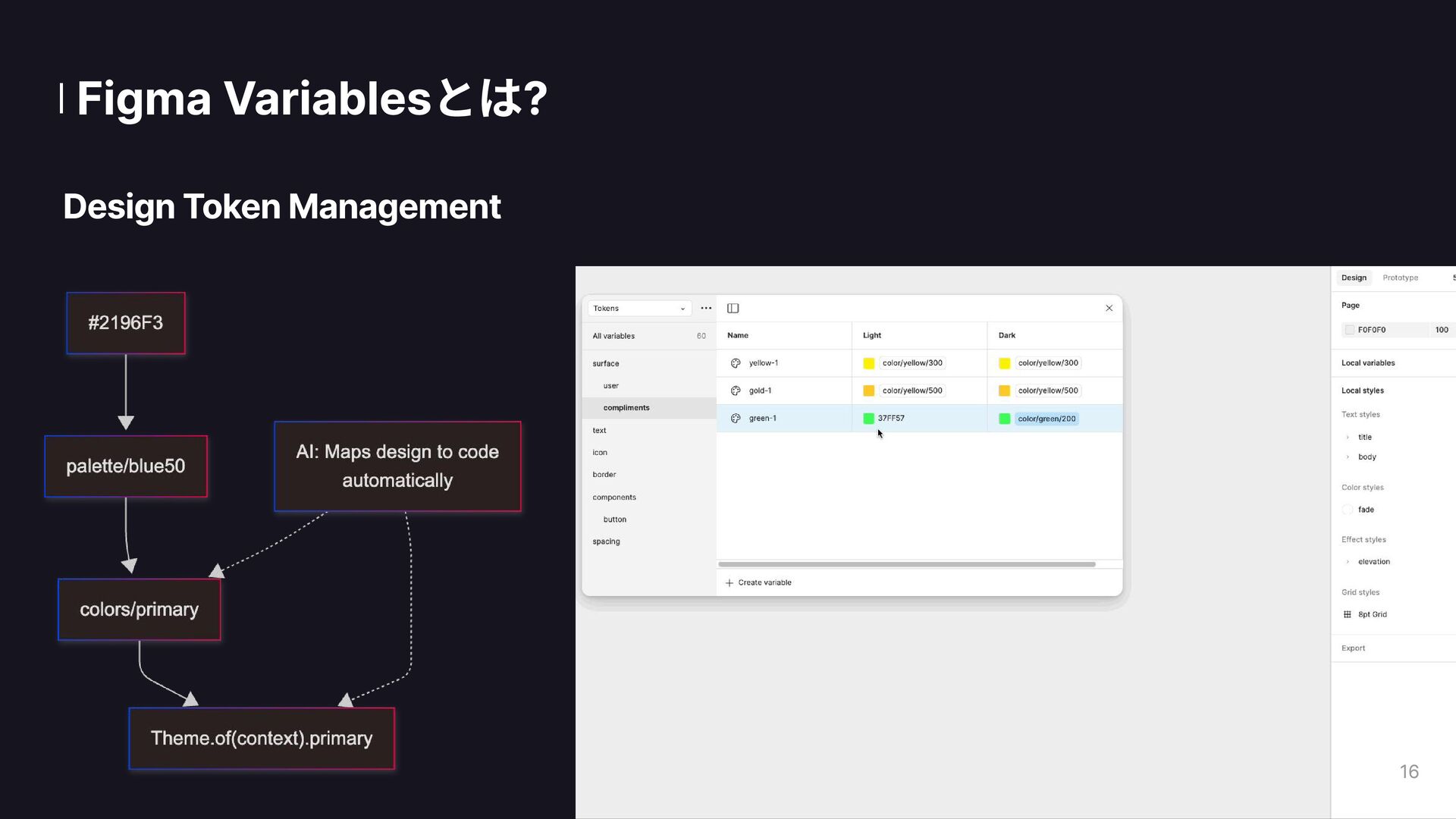
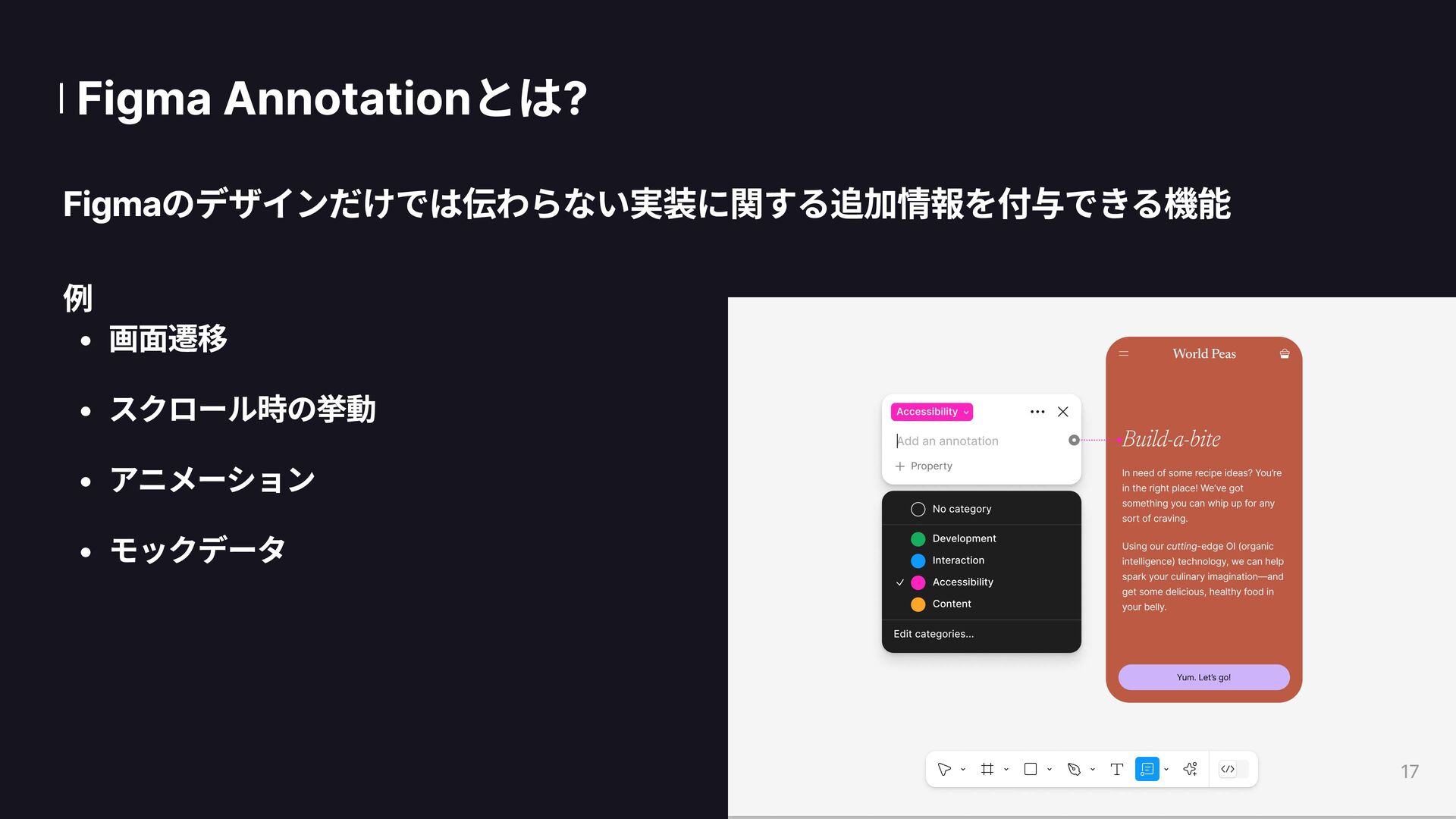
  6. get_design_context get_variable_defs get_image get_metadata コード生成 + Annotation 動的な振る舞いも取得可能 デザイントークン取得 colors/primary

    = #2196F3 スクリーンショット 視覚的な参考情報 構造情報の取得 Figma Dev Mode MCPの主な機能 ※ 使わない2機能 get_code_connect_map → FigmaとReactコンポーネントの紐付け(Flutter未対応) create_design_system_rules→ ルールファイル自動生成(手動定義で十分) 7
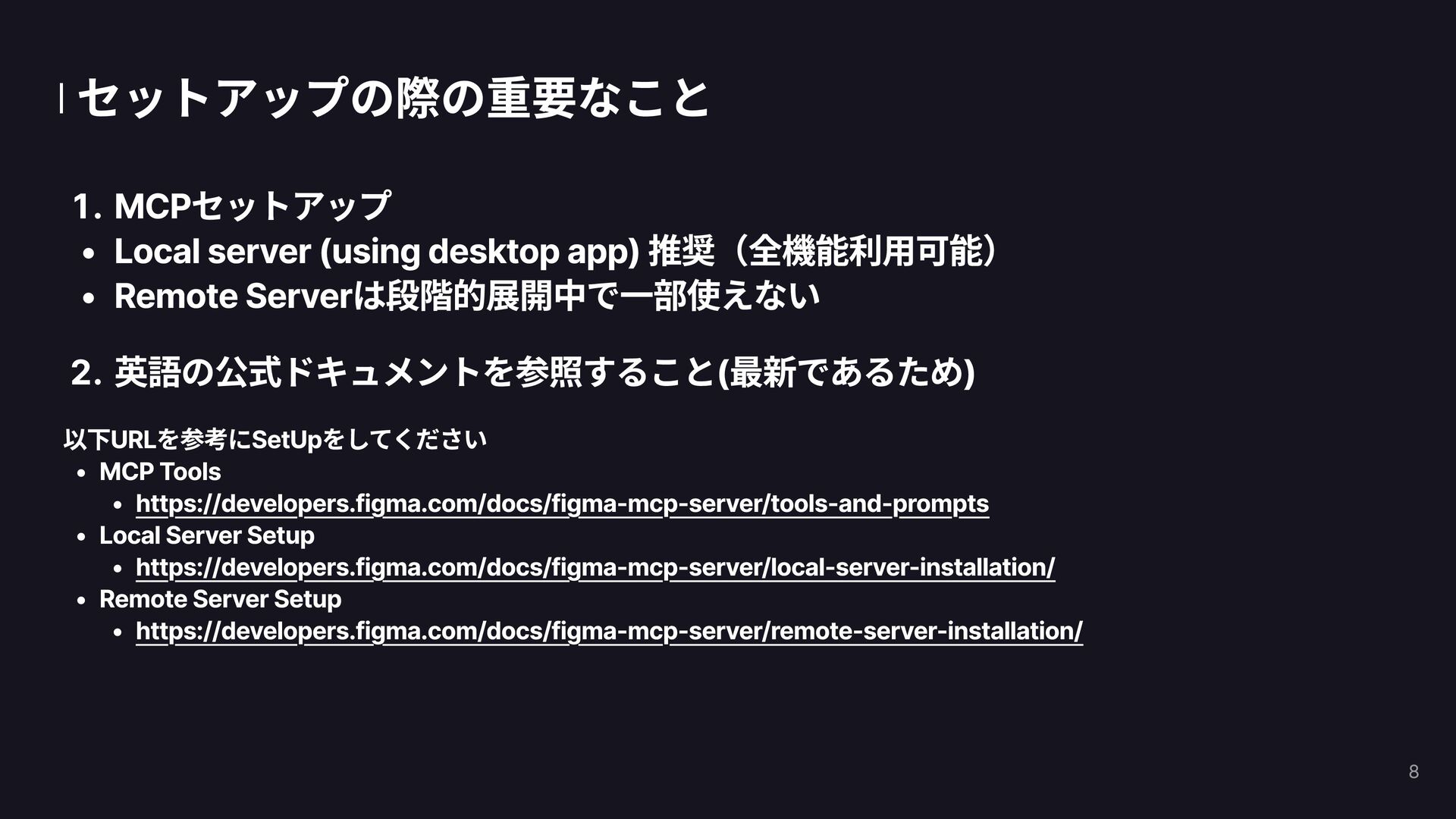
  7. セットアップの際の重要なこと MCPセットアップ Local server (using desktop app) 推奨(全機能利用可能) Remote Serverは段階的展開中で一部使えない

    英語の公式ドキュメントを参照すること(最新であるため) 以下URLを参考にSetUpをしてください MCP Tools https://developers.figma.com/docs/figma-mcp-server/tools-and-prompts Local Server Setup https://developers.figma.com/docs/figma-mcp-server/local-server-installation/ Remote Server Setup https://developers.figma.com/docs/figma-mcp-server/remote-server-installation/ 8
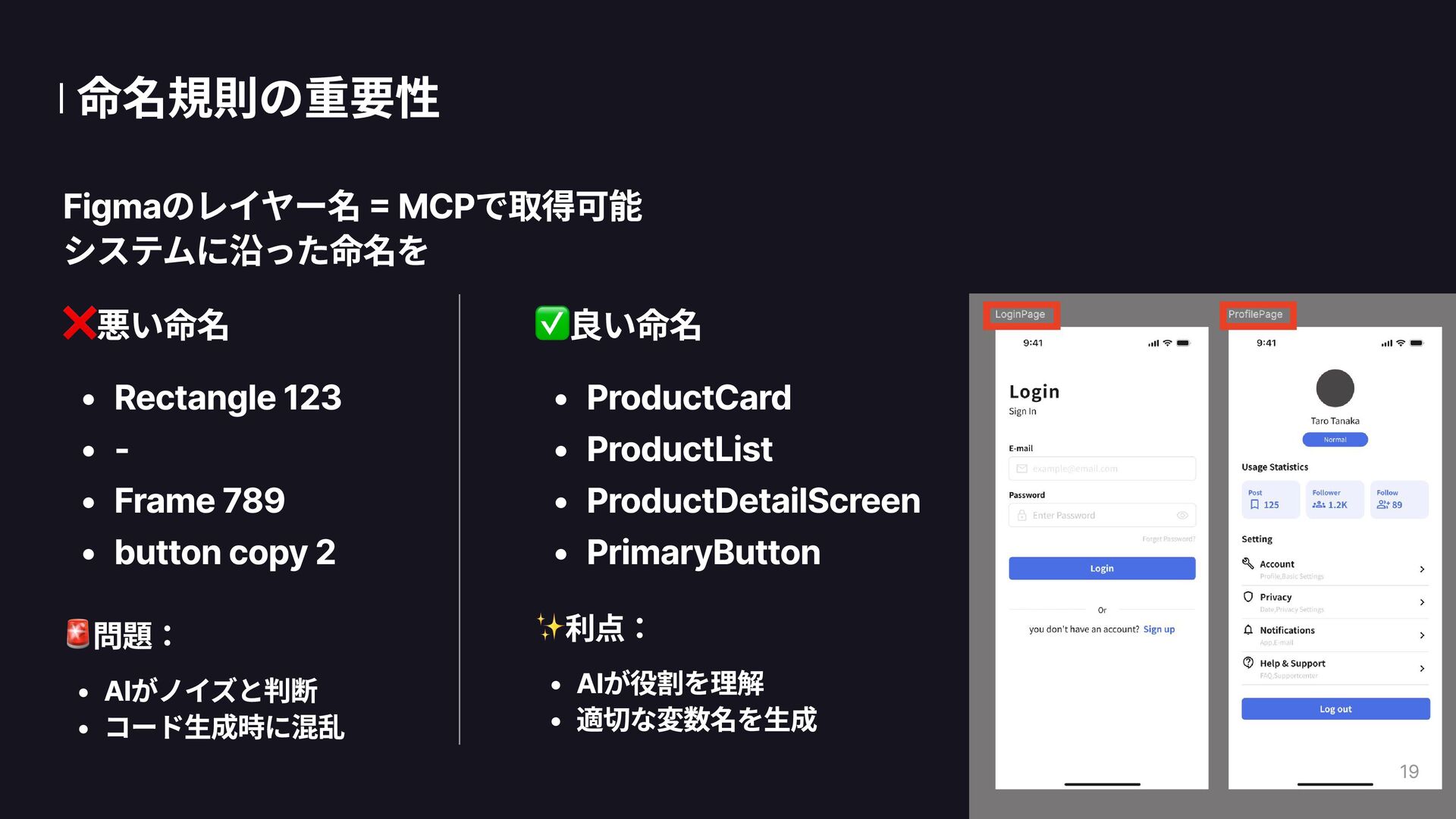
  8. 命名規則の重要性 Figmaのレイヤー名 = MCPで取得可能
 システムに沿った命名を 悪い命名 Rectangle 123 - Frame

    789 button copy 2 問題: AIがノイズと判断 コード生成時に混乱 良い命名 ProductCard ProductList ProductDetailScreen PrimaryButton 利点: AIが役割を理解 適切な変数名を生成 19
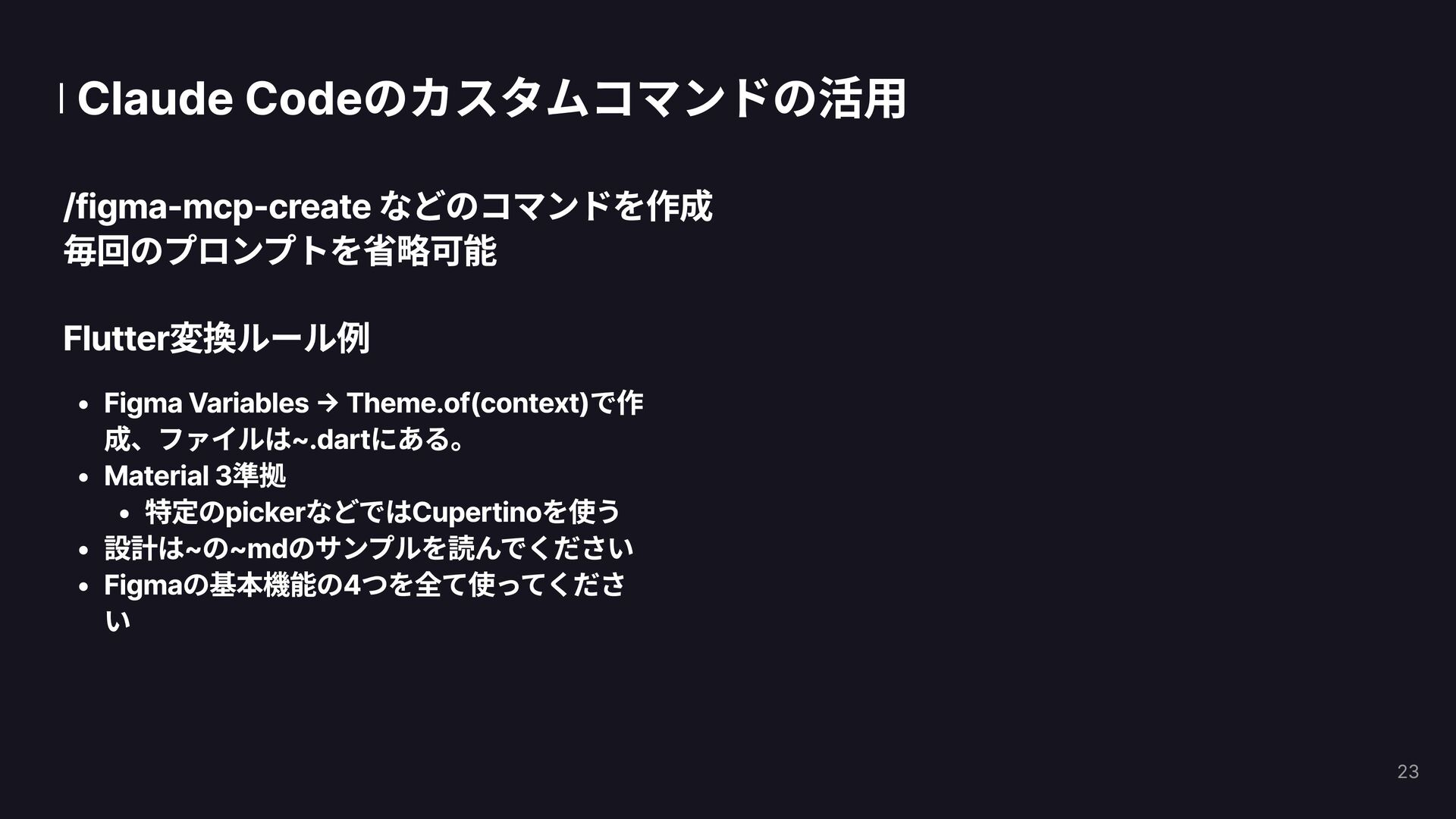
  9. Claude Codeのカスタムコマンドの活用 /figma-mcp-create などのコマンドを作成
 毎回のプロンプトを省略可能 Flutter変換ルール例 Figma Variables → Theme.of(context)で作

    成、ファイルは~.dartにある。 Material 3準拠 特定のpickerなどではCupertinoを使う 設計は~の~mdのサンプルを読んでください Figmaの基本機能の4つを全て使ってくださ い 23
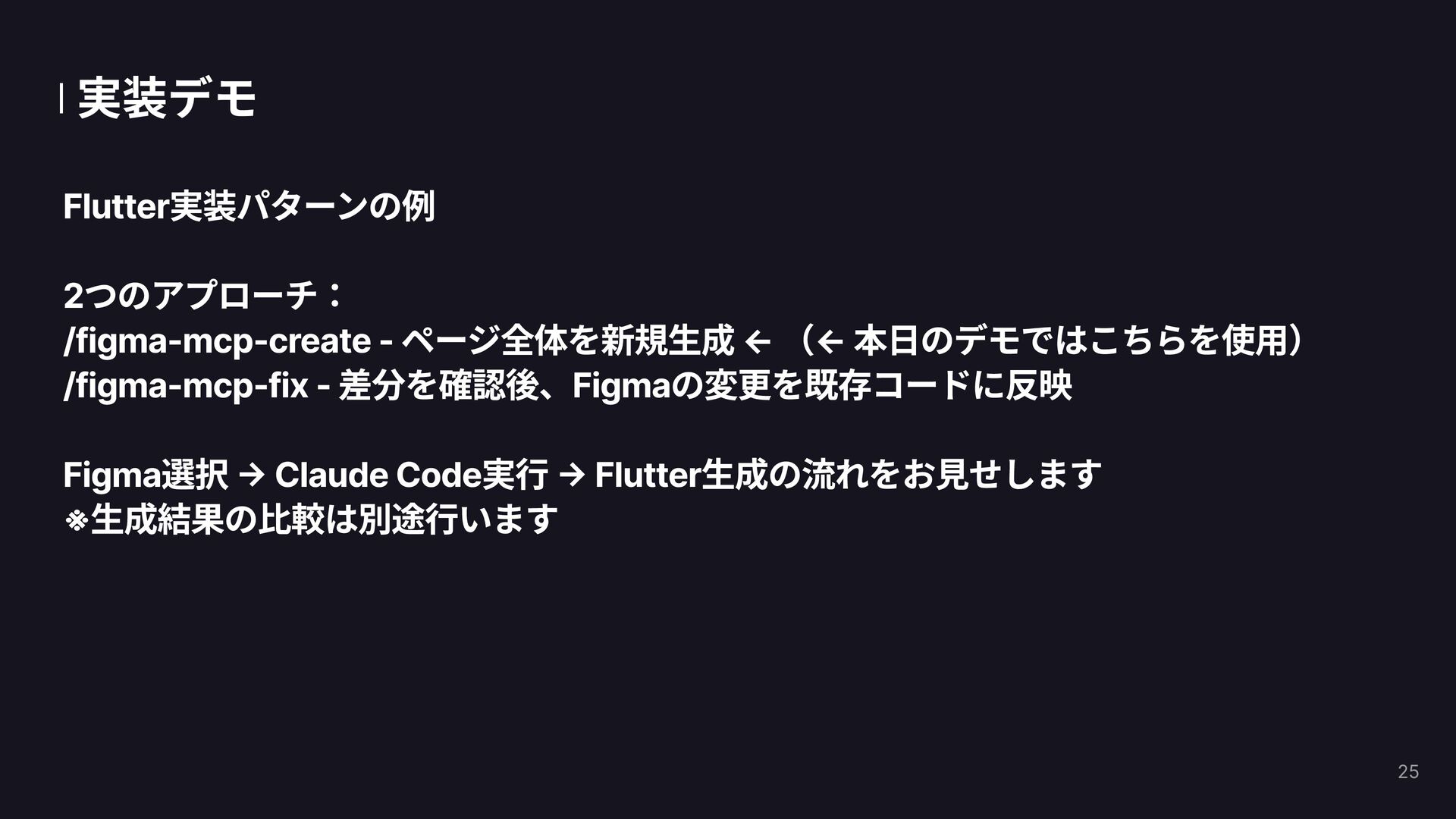
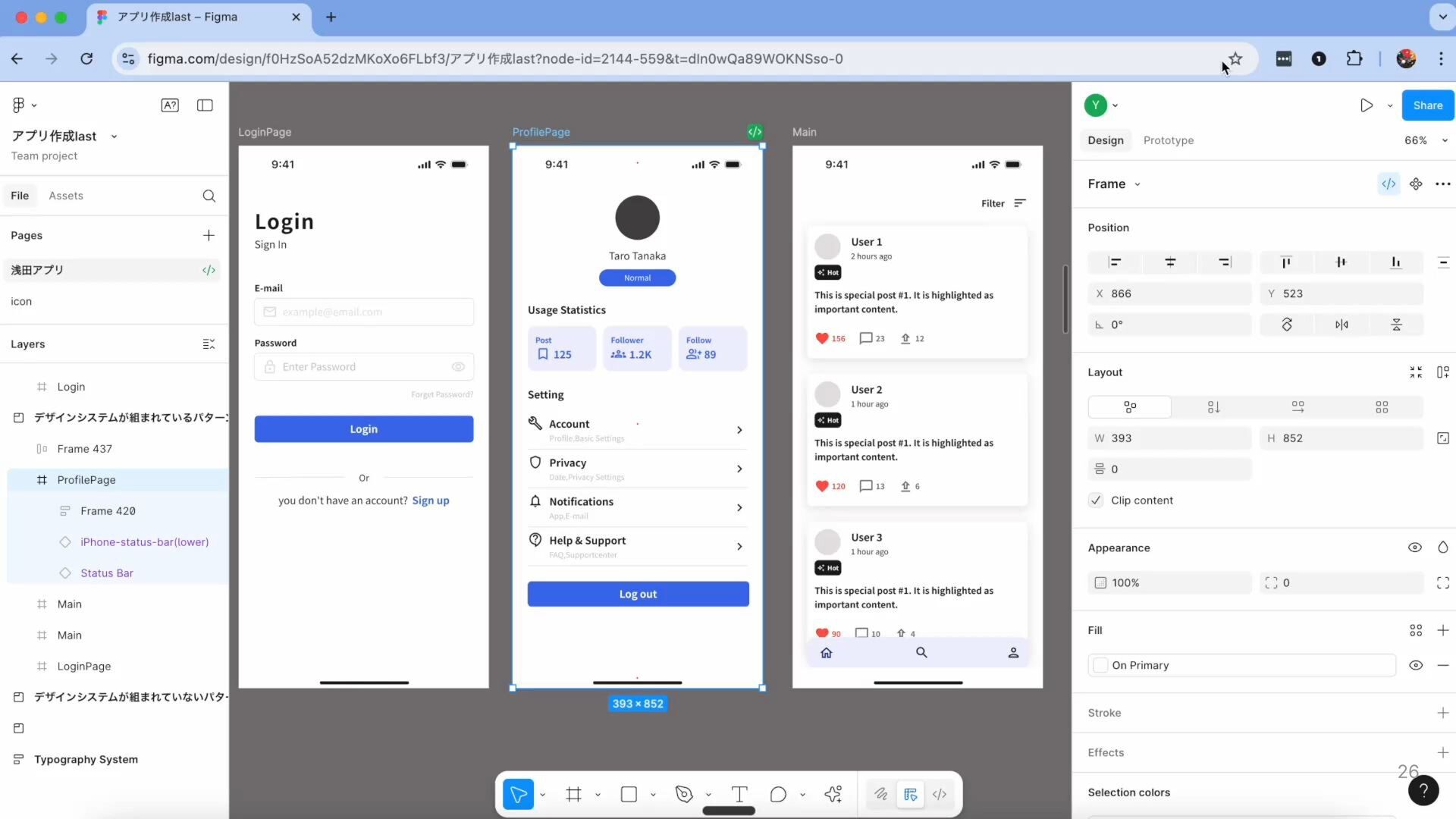
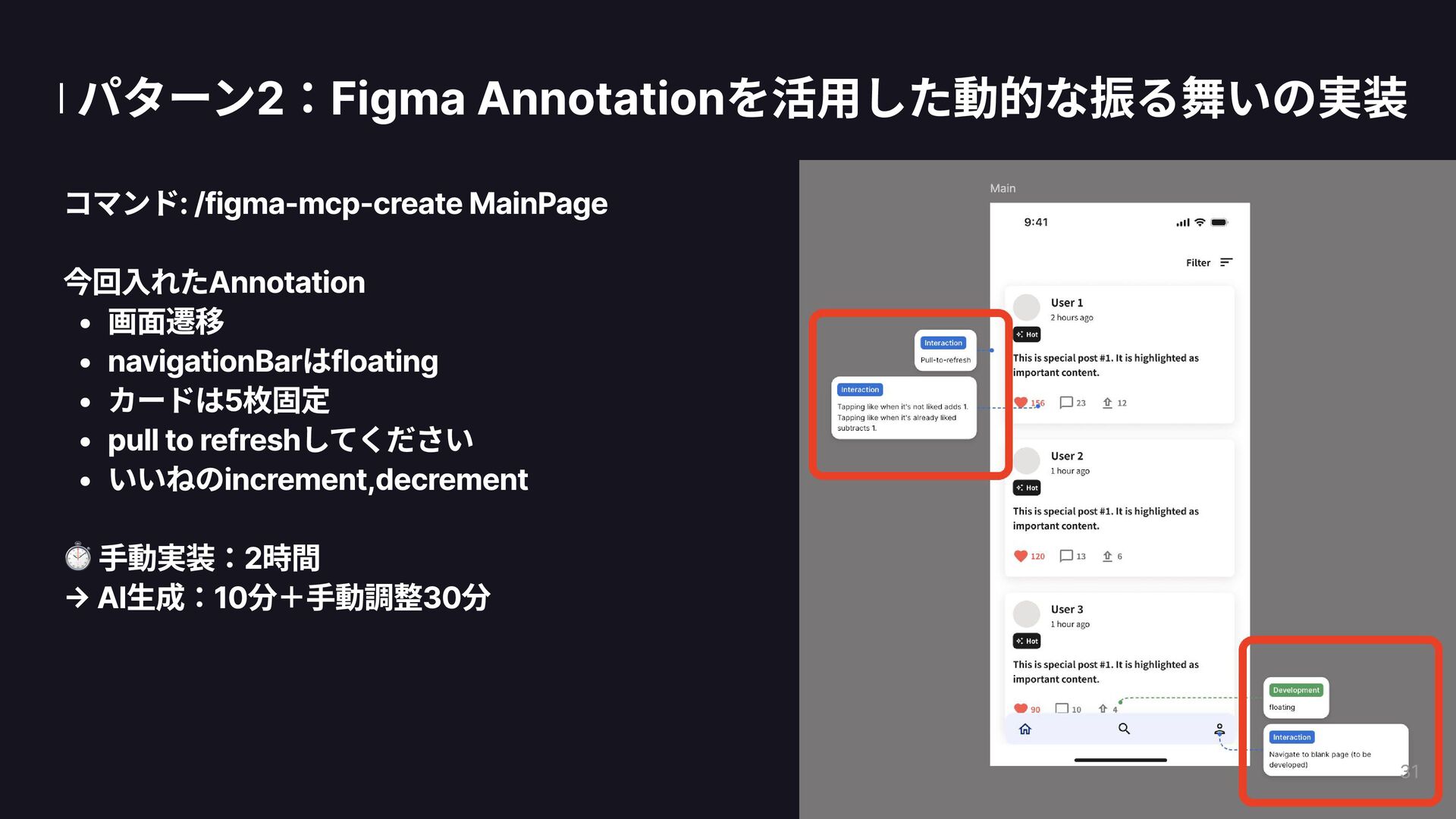
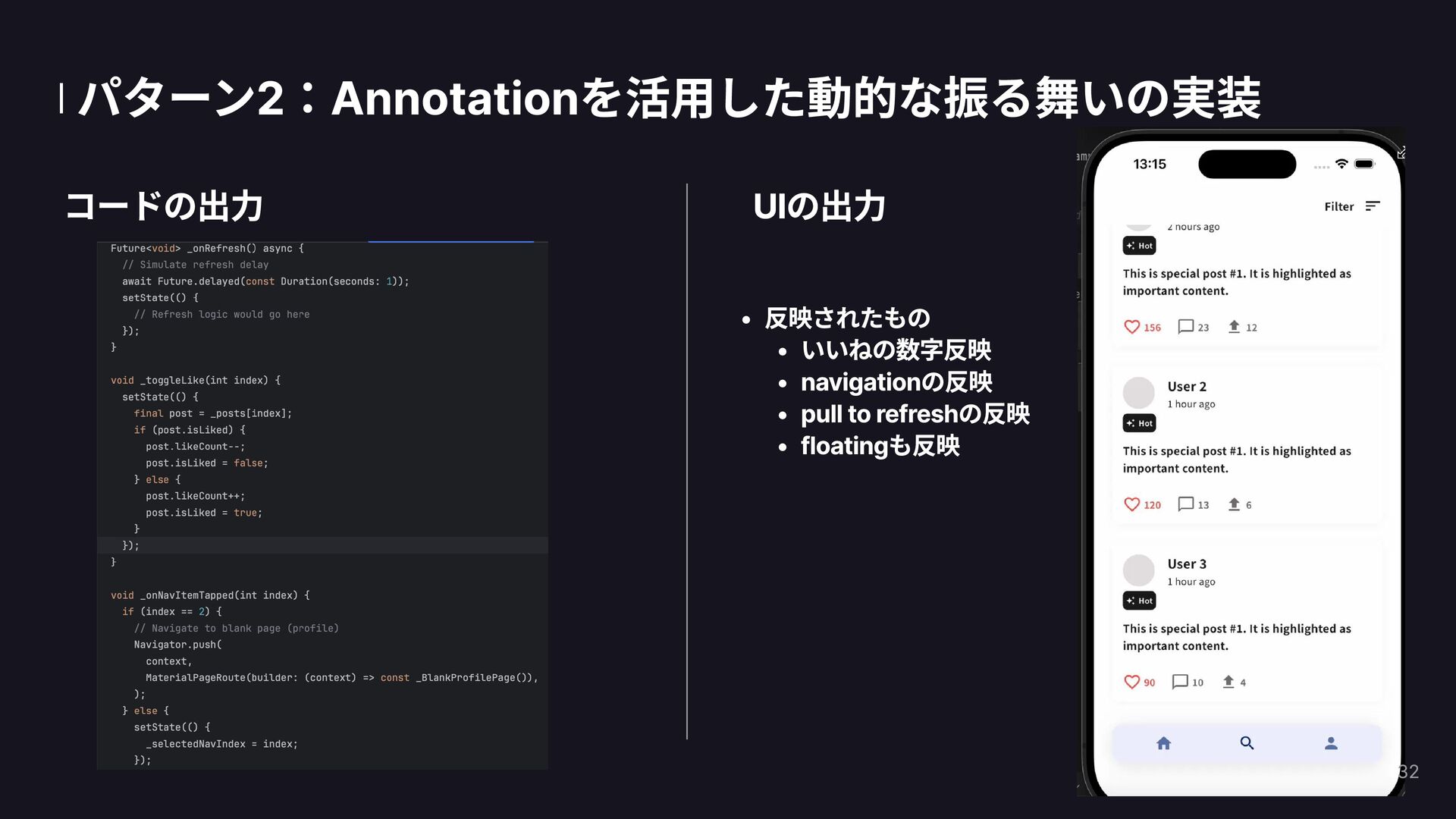
  10. 実装デモ Flutter実装パターンの例 2つのアプローチ: /figma-mcp-create - ページ全体を新規生成 ← (← 本日のデモではこちらを使用) /figma-mcp-fix

    - 差分を確認後、Figmaの変更を既存コードに反映 Figma選択 → Claude Code実行 → Flutter生成の流れをお見せします ※生成結果の比較は別途行います 25
  11. 26

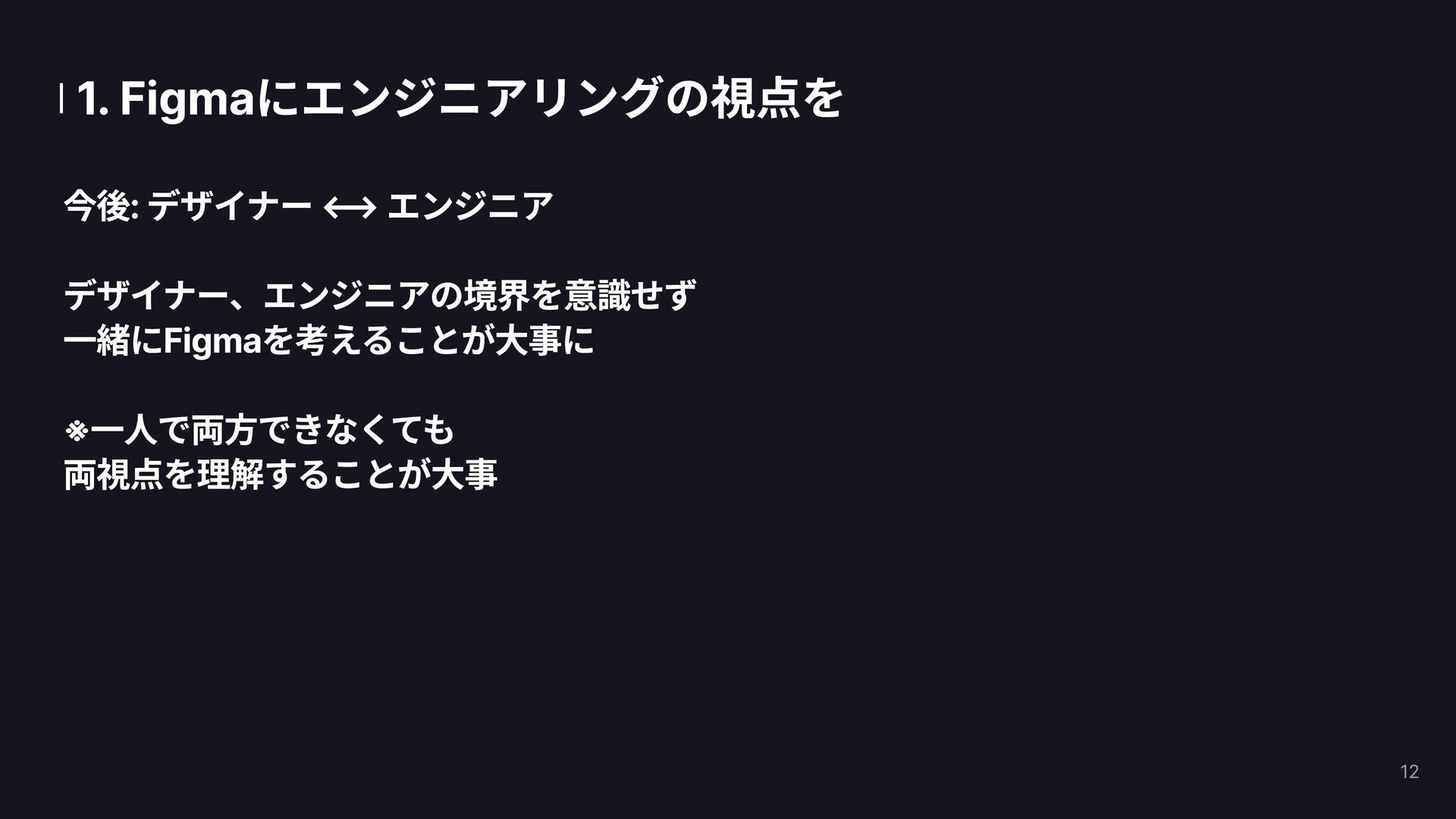
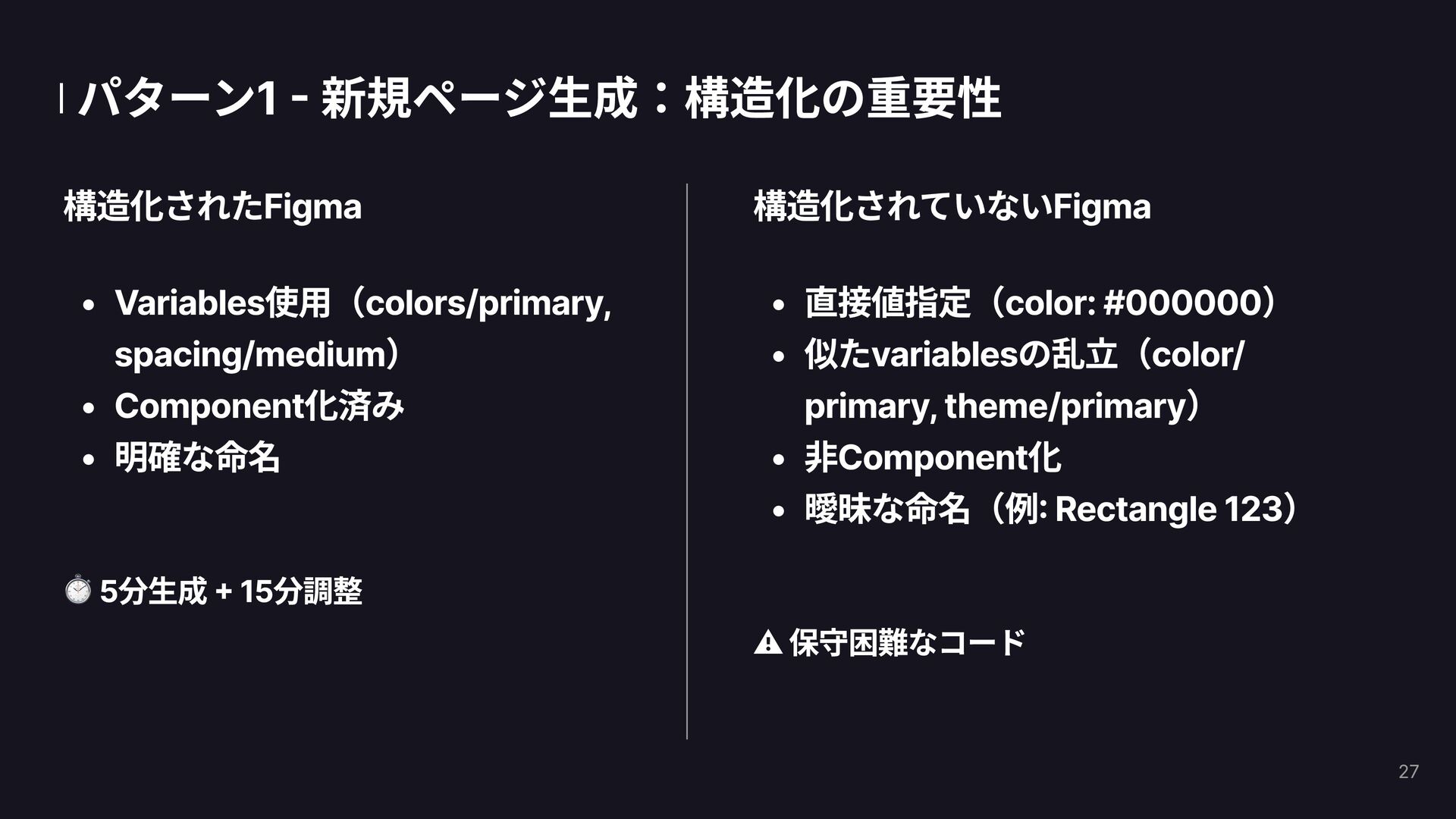
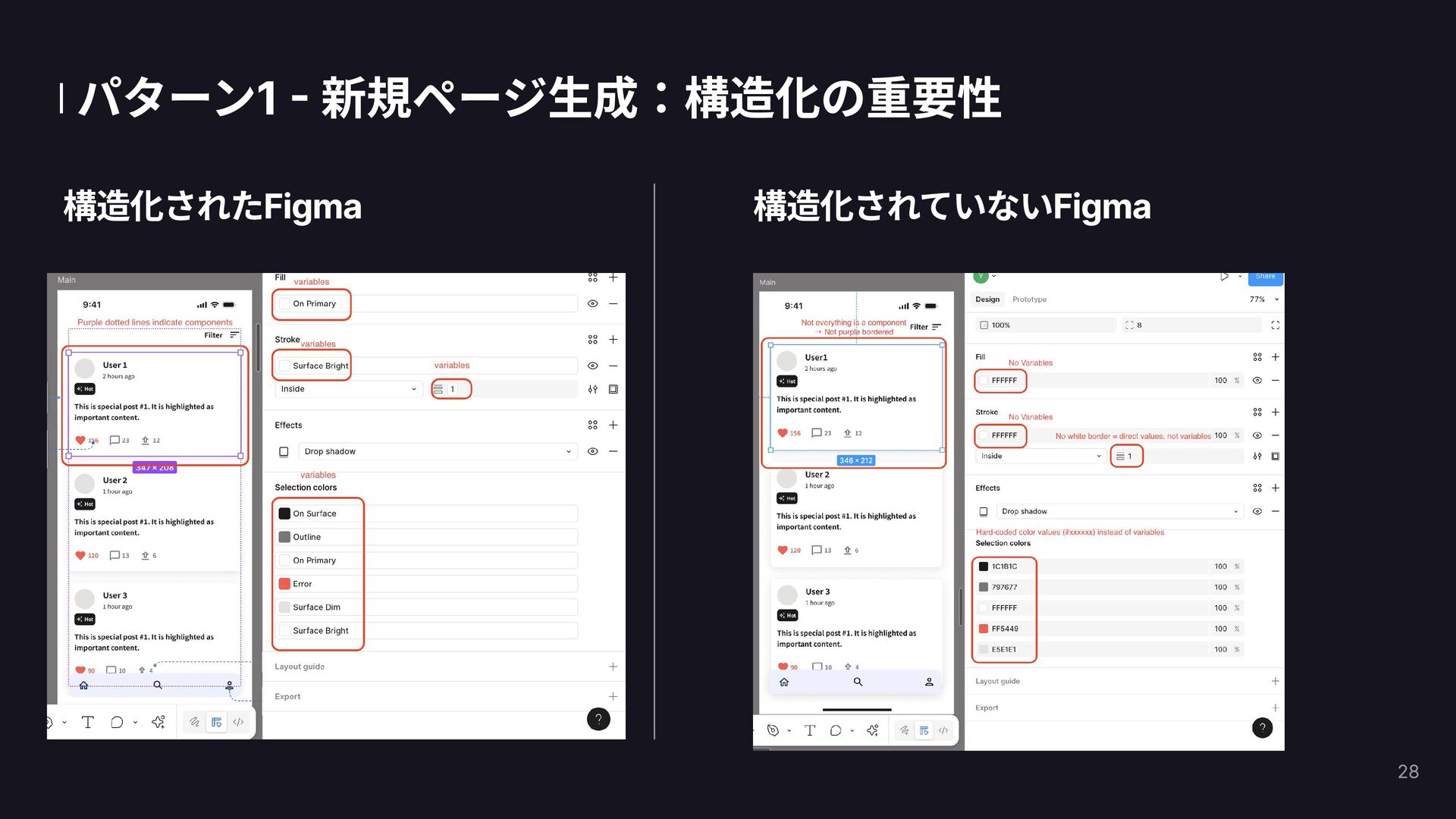
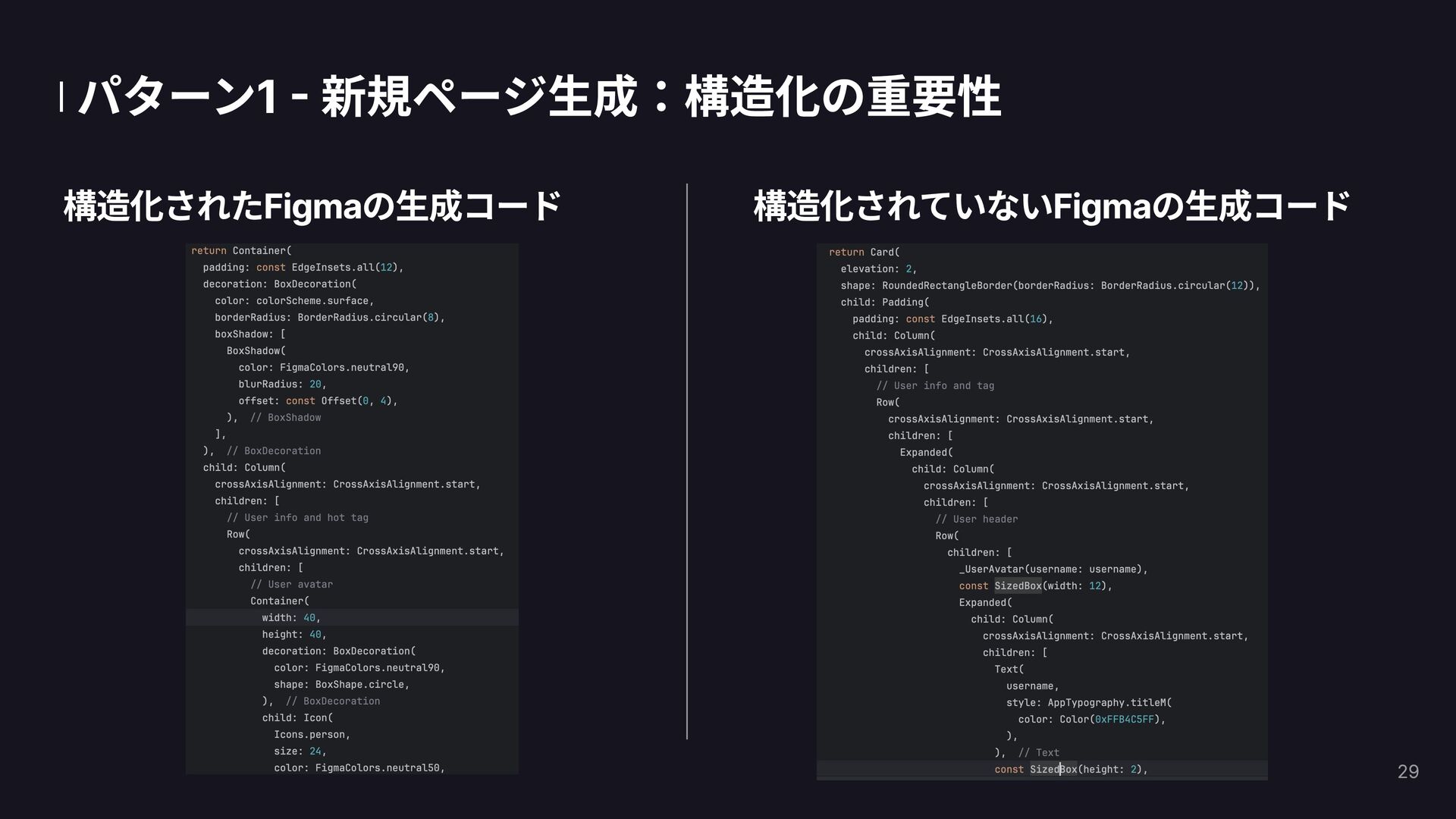
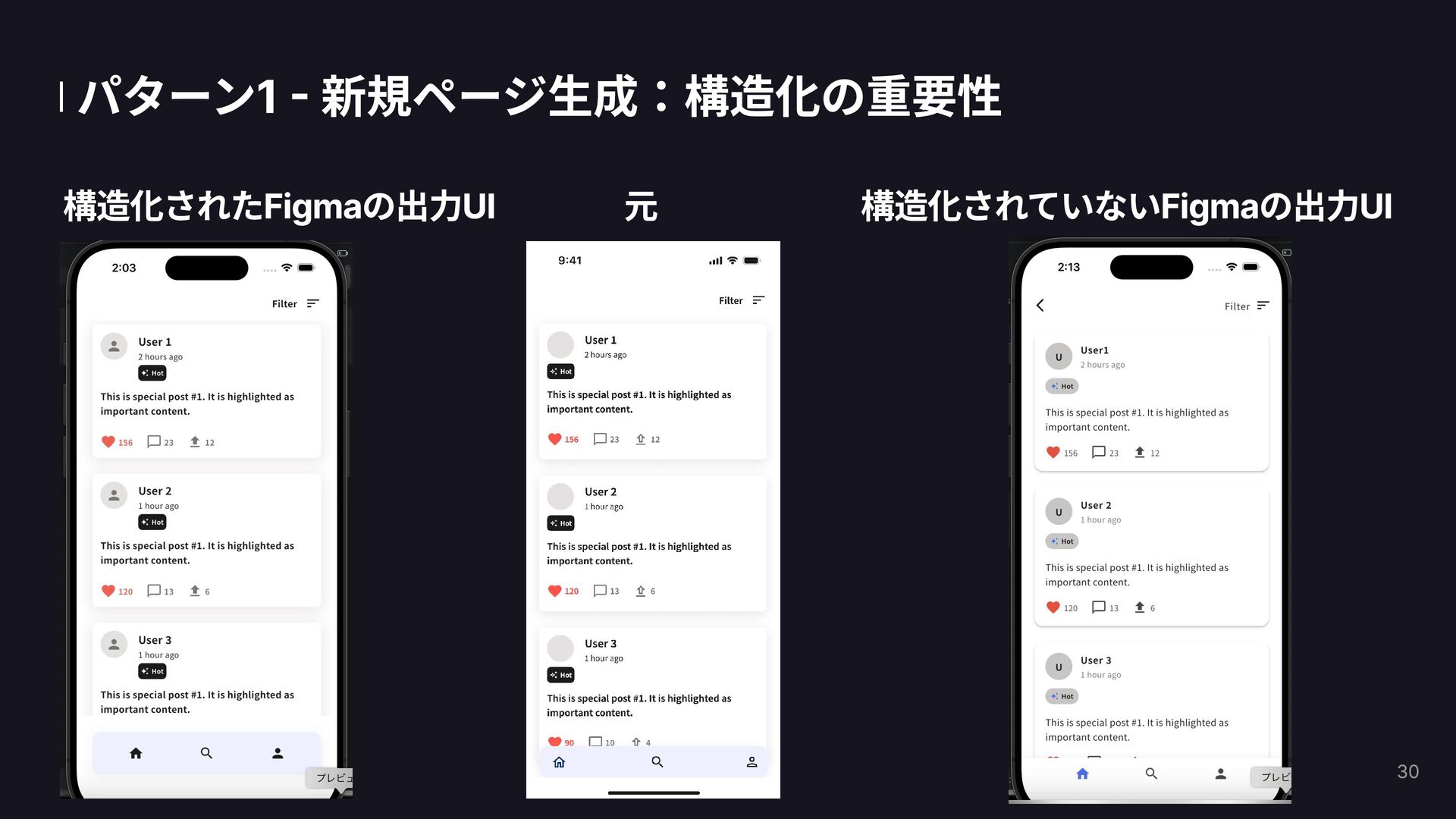
  12. パターン1 - 新規ページ生成:構造化の重要性 構造化されたFigma Variables使用(colors/primary, spacing/medium) Component化済み 明確な命名 5分生成 +

    15分調整 構造化されていないFigma 直接値指定(color: #000000) 似たvariablesの乱立(color/ primary, theme/primary) 非Component化 曖昧な命名(例: Rectangle 123) ⚠️ 保守困難なコード 27
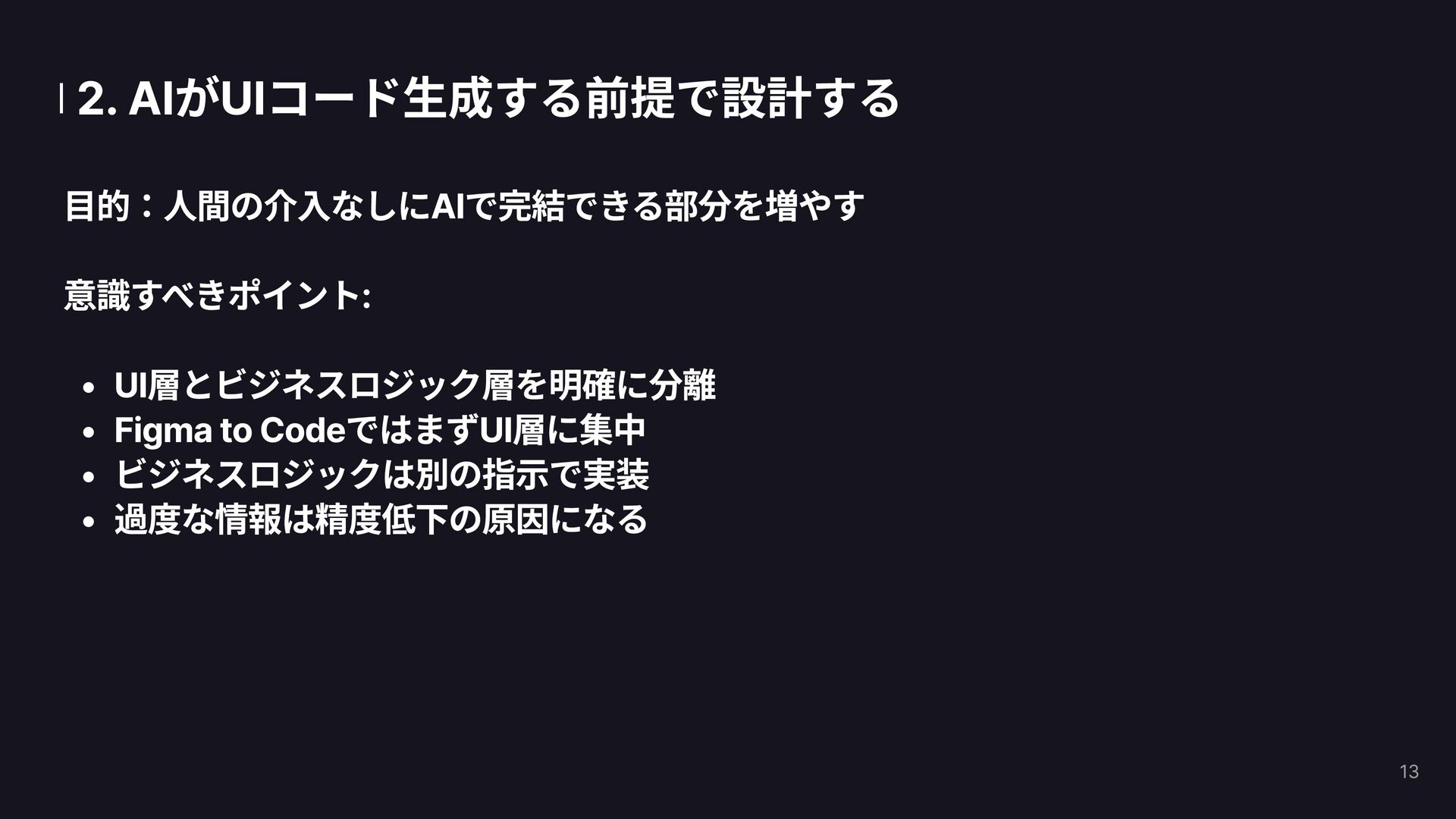
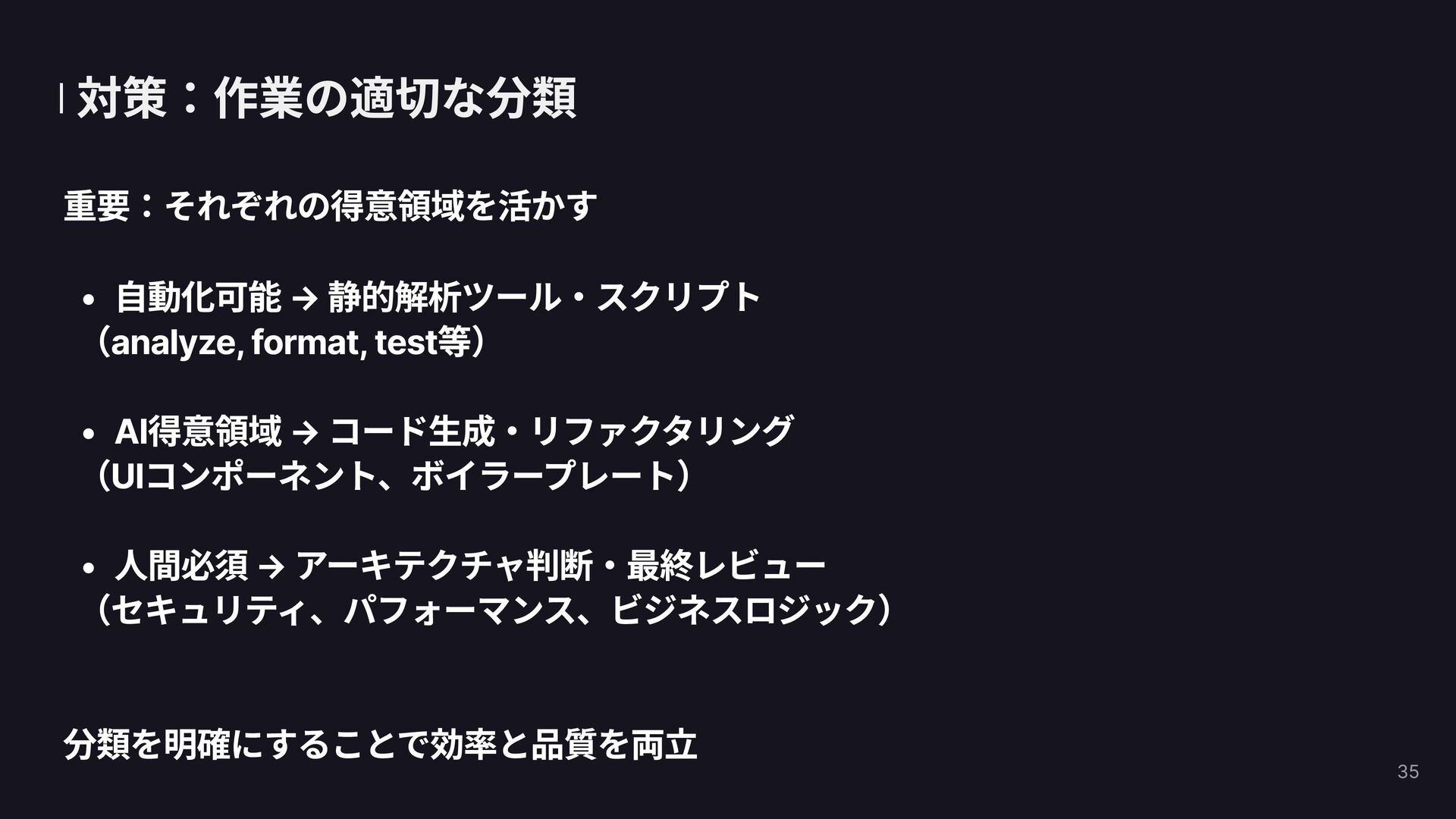
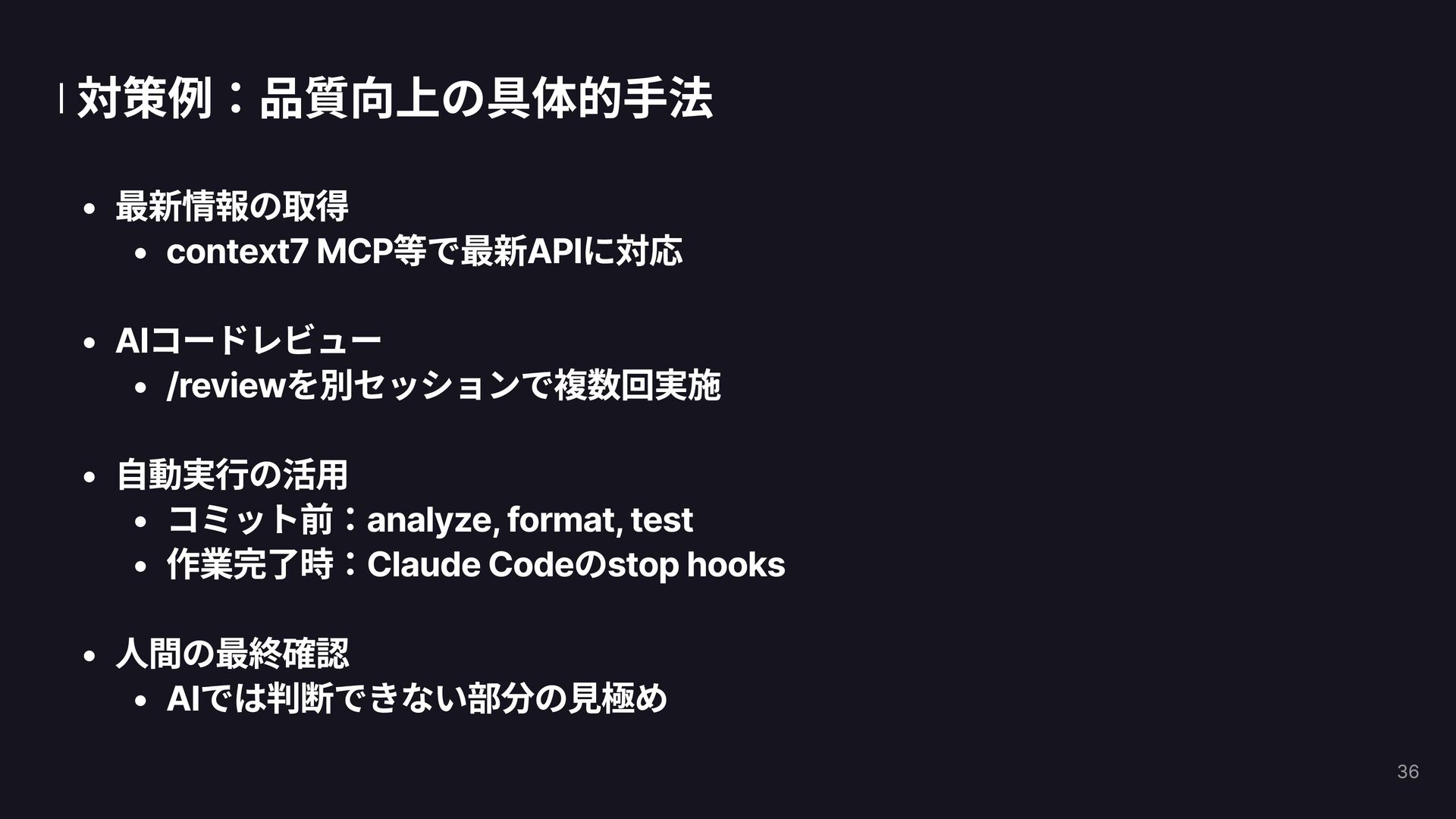
  13. 対策:作業の適切な分類 重要:それぞれの得意領域を活かす 自動化可能 → 静的解析ツール・スクリプト (analyze, format, test等) AI得意領域 →

    コード生成・リファクタリング (UIコンポーネント、ボイラープレート) 人間必須 → アーキテクチャ判断・最終レビュー (セキュリティ、パフォーマンス、ビジネスロジック) 

 分類を明確にすることで効率と品質を両立 35
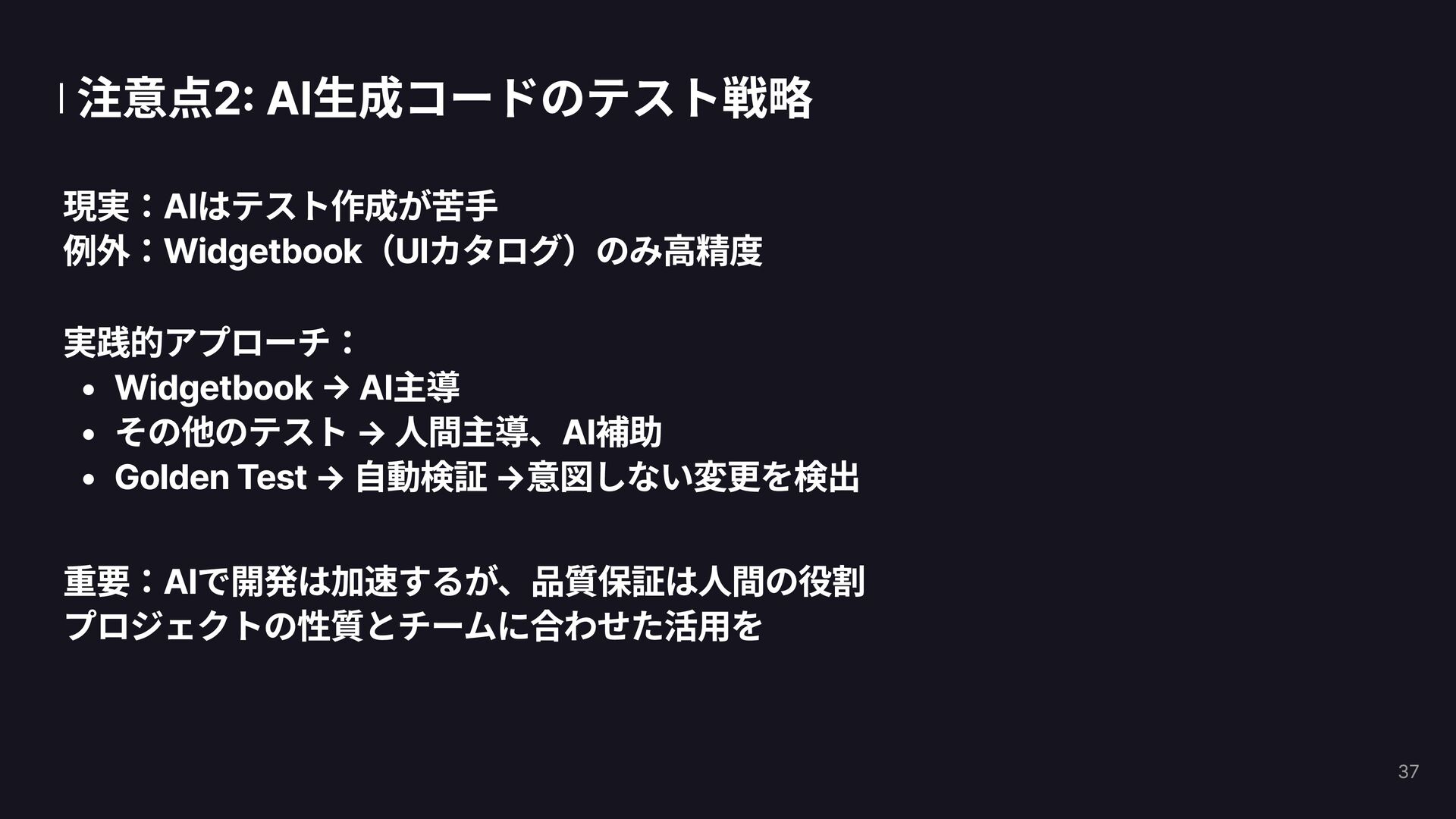
  14. 注意点2: AI生成コードのテスト戦略 現実:AIはテスト作成が苦手 例外:Widgetbook(UIカタログ)のみ高精度 実践的アプローチ: Widgetbook → AI主導 その他のテスト →

    人間主導、AI補助 Golden Test → 自動検証 →意図しない変更を検出 重要:AIで開発は加速するが、品質保証は人間の役割
 プロジェクトの性質とチームに合わせた活用を 37
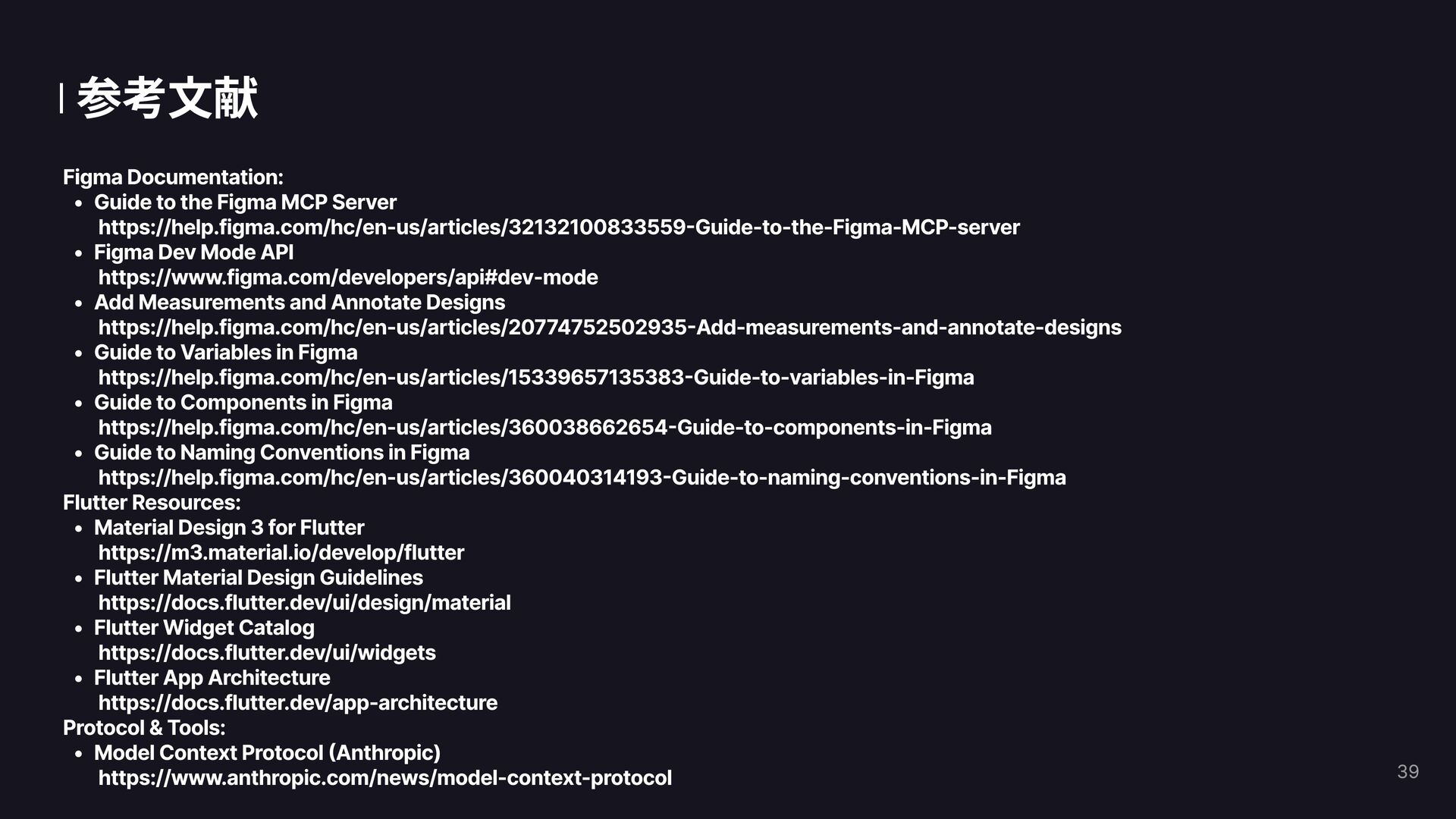
  15. 参考文献 Figma Documentation: Guide to the Figma MCP Server
 https://help.figma.com/hc/en-us/articles/32132100833559-Guide-to-the-Figma-MCP-server

    Figma Dev Mode API
 https://www.figma.com/developers/api#dev-mode Add Measurements and Annotate Designs
 https://help.figma.com/hc/en-us/articles/20774752502935-Add-measurements-and-annotate-designs Guide to Variables in Figma
 https://help.figma.com/hc/en-us/articles/15339657135383-Guide-to-variables-in-Figma Guide to Components in Figma
 https://help.figma.com/hc/en-us/articles/360038662654-Guide-to-components-in-Figma Guide to Naming Conventions in Figma
 https://help.figma.com/hc/en-us/articles/360040314193-Guide-to-naming-conventions-in-Figma Flutter Resources: Material Design 3 for Flutter
 https://m3.material.io/develop/flutter Flutter Material Design Guidelines
 https://docs.flutter.dev/ui/design/material Flutter Widget Catalog
 https://docs.flutter.dev/ui/widgets Flutter App Architecture
 https://docs.flutter.dev/app-architecture Protocol & Tools: Model Context Protocol (Anthropic)
 https://www.anthropic.com/news/model-context-protocol 39