Upgrade to Pro — share decks privately, control downloads, hide ads and more …

Pause, resume, and restart an effect instance

Pause, resume, and restart an effect instance

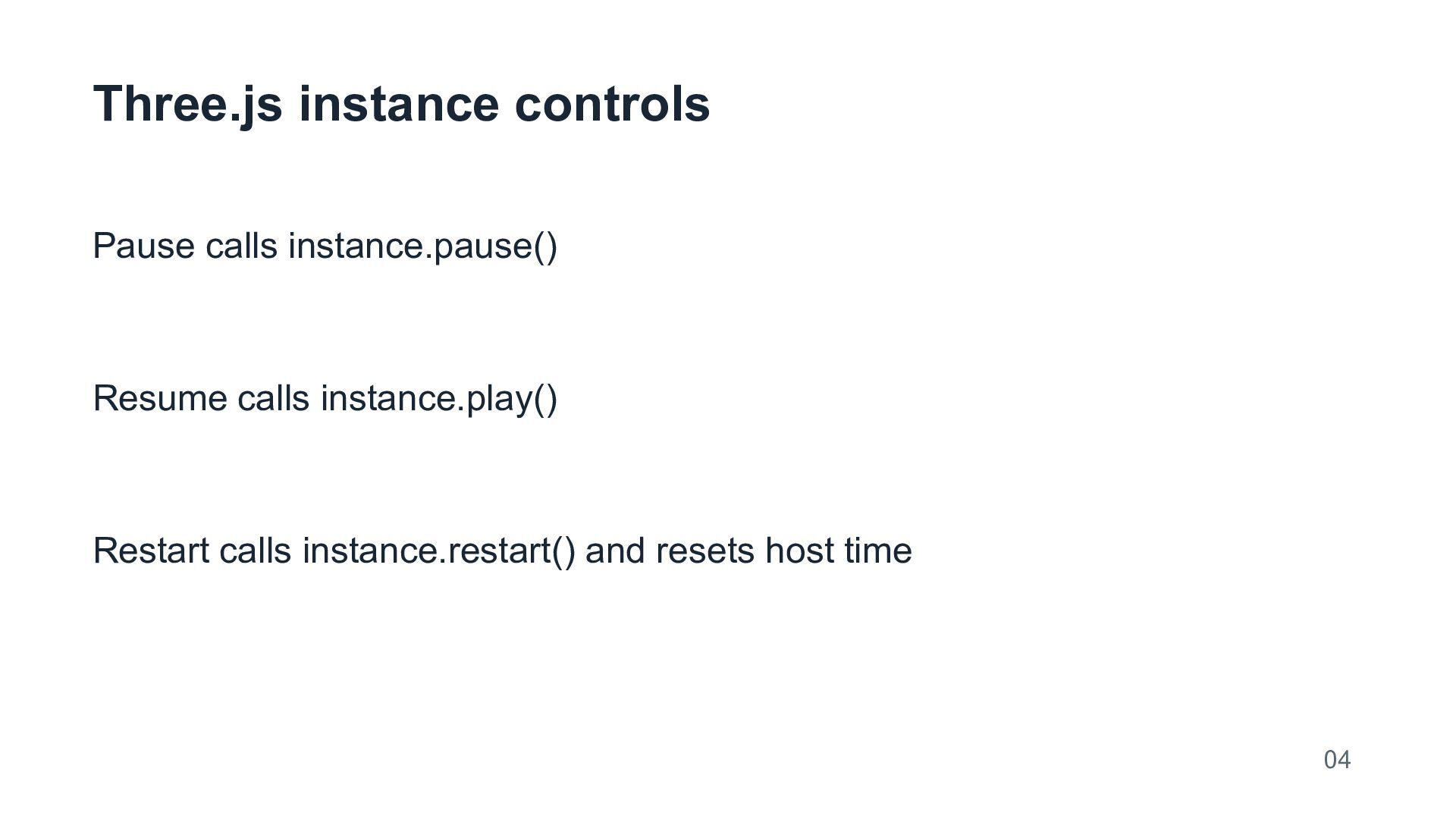
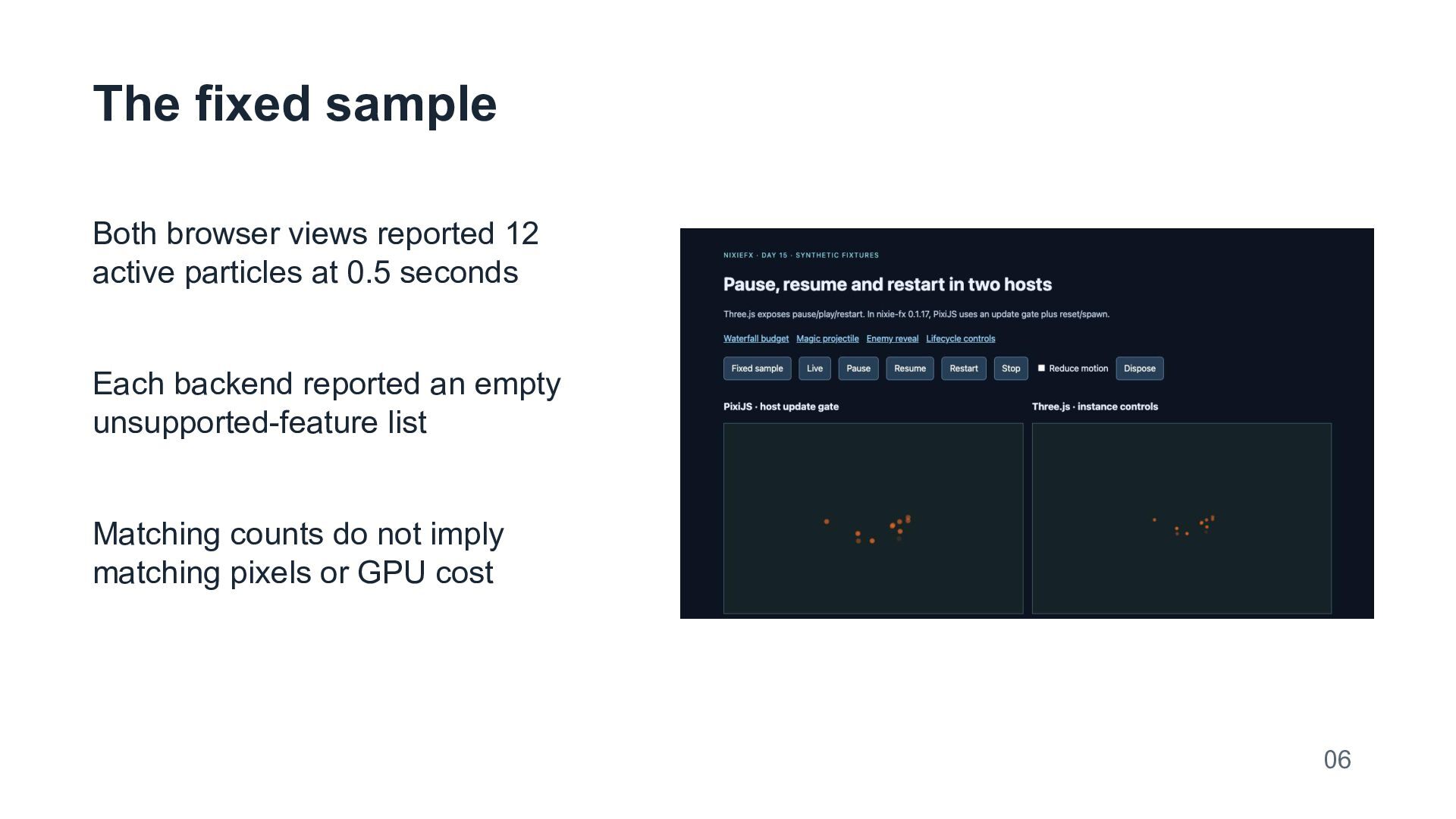
This deck explains pause, resume, and restart using one portable particle export in two browser hosts. The runnable control panel pins nixie-fx 0.1.17 and exposes the API difference directly: the Three.js instance has pause and play methods, while this PixiJS adapter needs a host update gate plus reset and spawn for replay. A fixed sample shows 12 live particles in each view at 0.5 seconds. A separate CPU test checks frozen positions, resumed motion, and repeatable restart in Three.js. Those checks establish fixture behavior rather than identical images or device performance. The NixieFX documentation provides the integration reference. The source also includes export validation, immediate stop, a reduced-motion control, and explicit teardown. AI prepared the deck for NixieFX-related marketing. Production integrations still need their own rendering and accessibility review.

Runnable panel: https://almastparuyryan.github.io/day15.html?mode=lifecycle

Source: https://almastparuyryan.github.io/day15-source.zip

Avatar for Almast Paruyryan

Almast Paruyryan

October 20, 2026

More Decks by Almast Paruyryan

Other Decks in Programming

Transcript

  1. Pause, resume, and restart an effect instance One portable effect

    in Three.js and PixiJS AI-prepared tutorial for NixieFX-related marketing Synthetic fixture with measured lifecycle checks 01
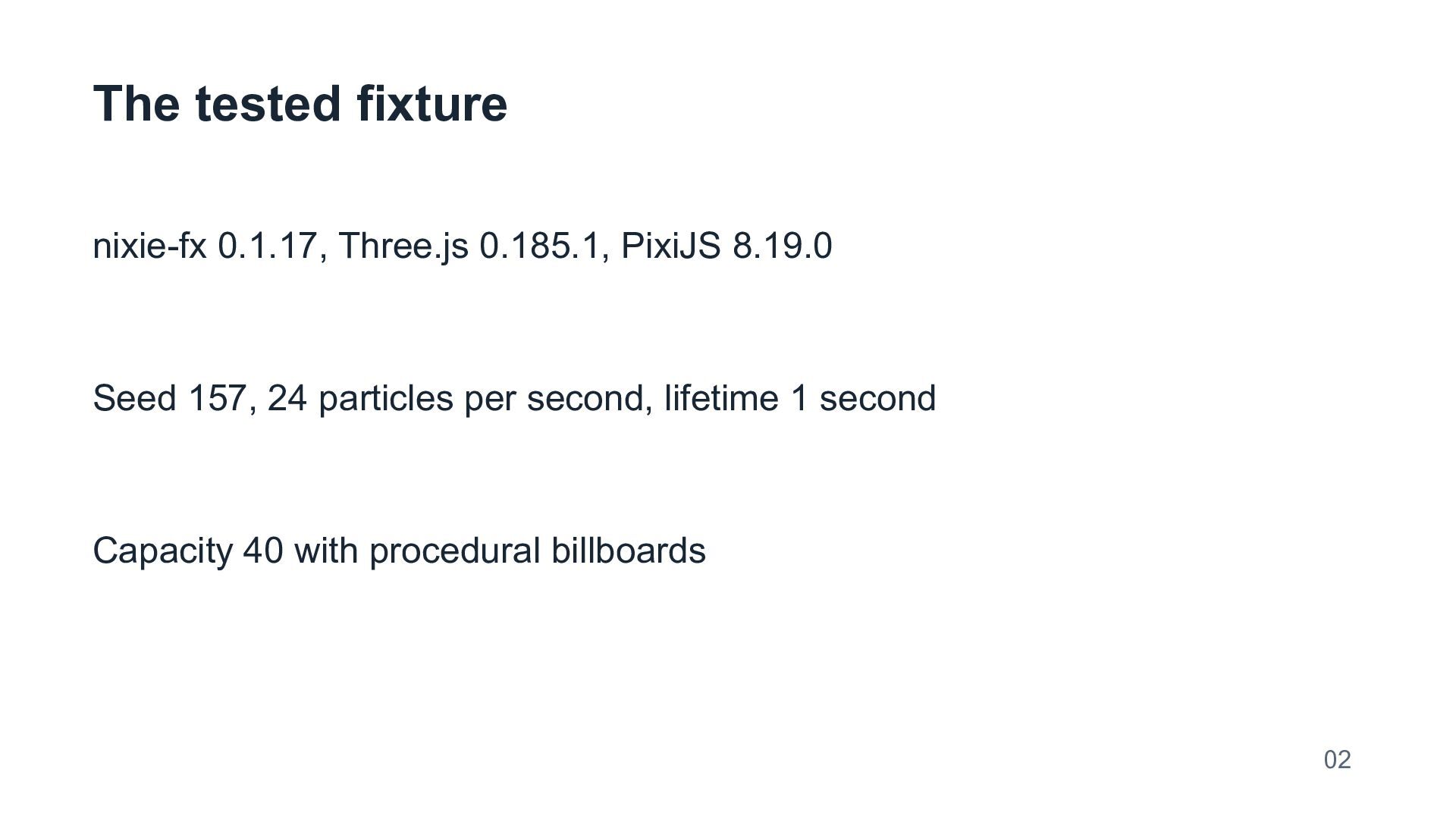
  2. The tested fixture nixie-fx 0.1.17, Three.js 0.185.1, PixiJS 8.19.0 Seed

    157, 24 particles per second, lifetime 1 second Capacity 40 with procedural billboards 02
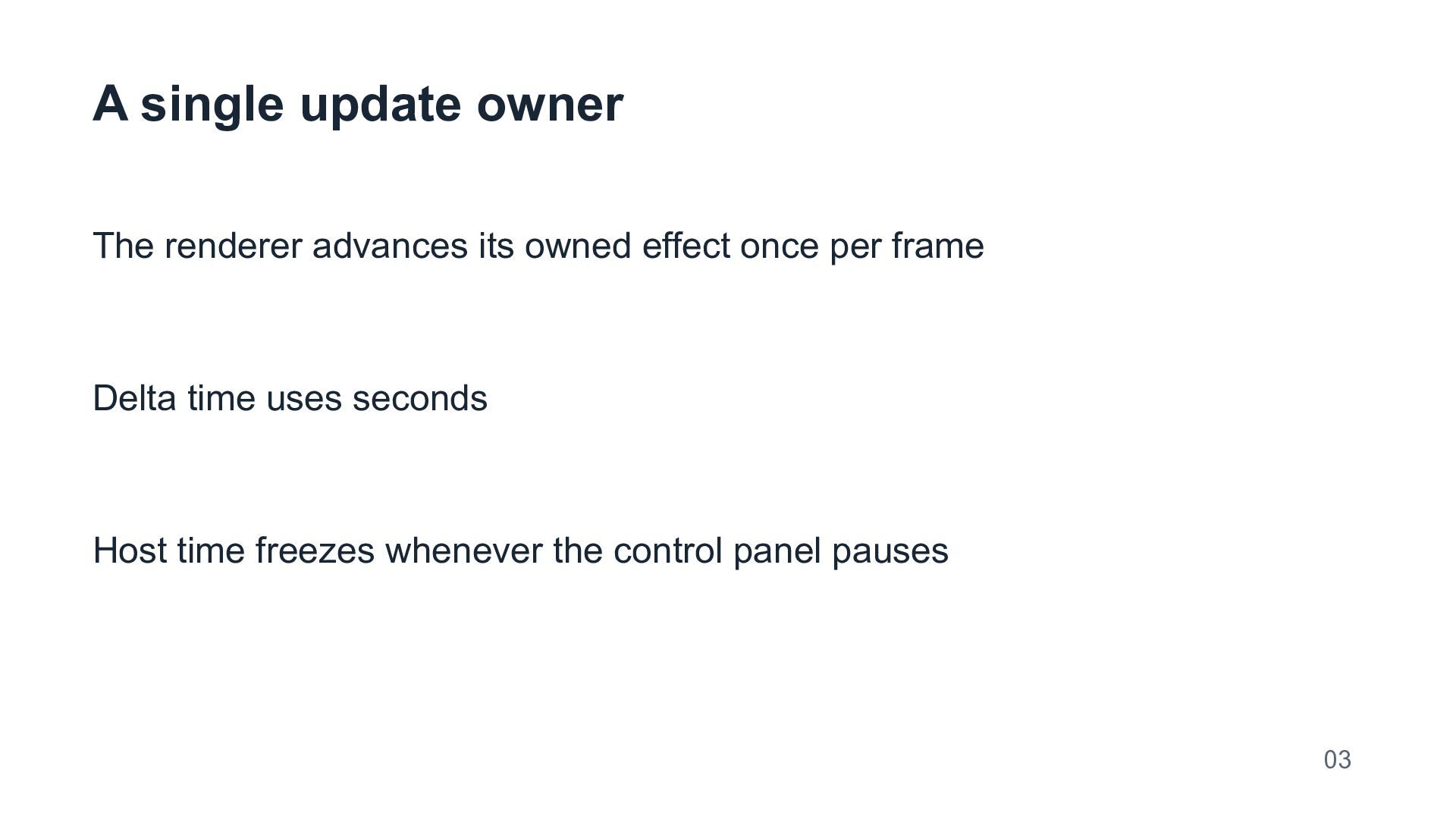
  3. A single update owner The renderer advances its owned effect

    once per frame Delta time uses seconds Host time freezes whenever the control panel pauses 03
  4. PixiJS 0.1.17 control adapter Pause and resume gate host updates

    Restart uses stop(), reset({seed:157}), and spawn() This installed adapter exposes no matching pause() or restart() method 05
  5. The fixed sample Both browser views reported 12 active particles

    at 0.5 seconds Each backend reported an empty unsupported-feature list Matching counts do not imply matching pixels or GPU cost 06
  6. The lifecycle test CPU check preserved Three.js debug positions while

    paused Resume changed positions after twelve fixed updates Restart replayed the seeded 0.3-second position sample 07
  7. Stop and reduced motion Stop clears particles in both views

    The reduced-motion checkbox prevents automatic playback Restart clears old host state before new emission 08
  8. Resource ownership The fixture destroys both renderer instances on disposal

    The host disposes its own scene geometry and WebGL renderer Provider-owned assets need an explicit production cleanup policy 09
  9. Reproduction and limits Download day15-source.zip from the personal GitHub Pages

    site Run npm ci, npm run verify, and npm run dev This synthetic fixture tests lifecycle behavior and makes no performance claim Live demo: almastparuyryan.github.io/day15.html?mode=lifecycle Source: almastparuyryan.github.io/day15-source.zip 10