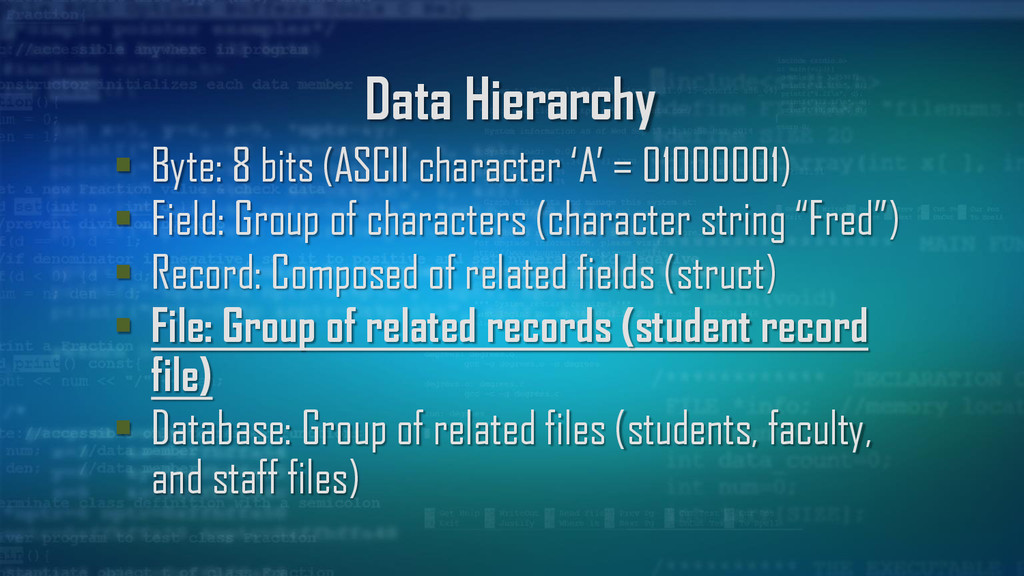
01000001) Field: Group of characters (character string “Fred”) Record: Composed of related fields (struct) File: Group of related records (student record file) Database: Group of related files (students, faculty, and staff files)
related fields For example, in the C language, a structure is the way to define a record Special field called a “record key” or “primary key” is used to help retrieve a specific record
related records Sequential file stores records in order by the record key field or primary key field The C language views a file as a sequential stream of bytes Files end with an end-of-file (EOF) marker
EOF key combinations on different systems: UNIX and Mac: Ctrl-D; PC: Ctrl-Z Often used to loop through a file (see write.c) while(EOF != character){ fputc(character, filePointer); character = fgetc(stdin); }
Reads one character at a time from a file Similar to function getchar() On success, returns character If EOF or error, returns EOF char character1 = fgetc(stdin); char character2 = getchar();
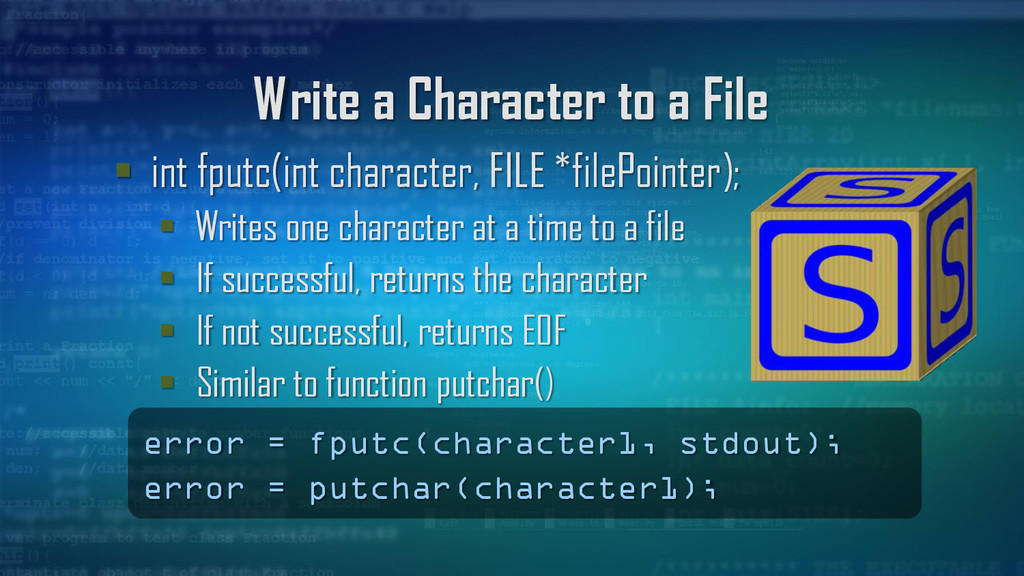
FILE *filePointer); Writes one character at a time to a file If successful, returns the character If not successful, returns EOF Similar to function putchar() error = fputc(character1, stdout); error = putchar(character1);
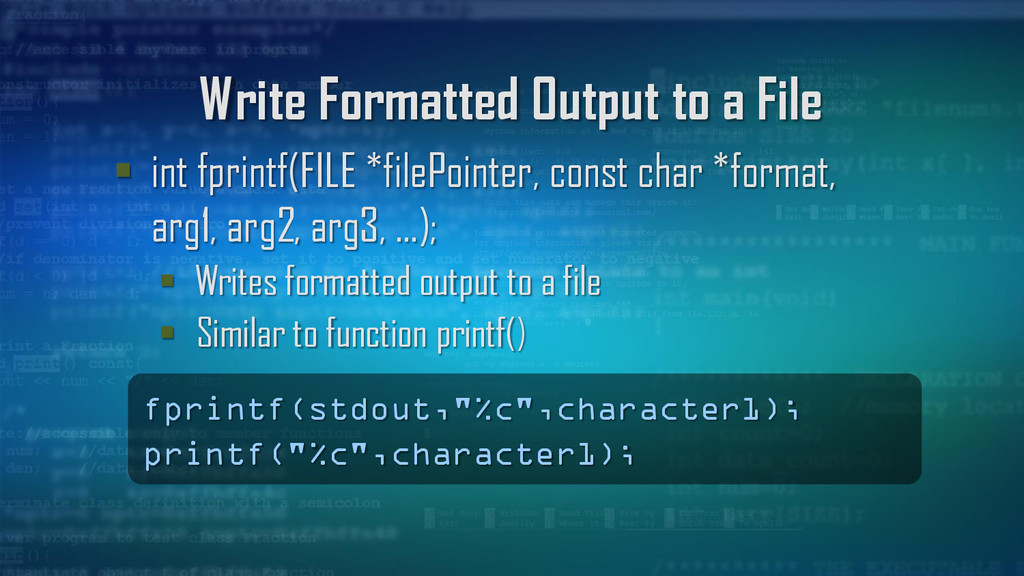
const char *format, arg1, arg2, arg3, …); Writes formatted output to a file Similar to function printf() fprintf(stdout,"%c",character1); printf("%c",character1);
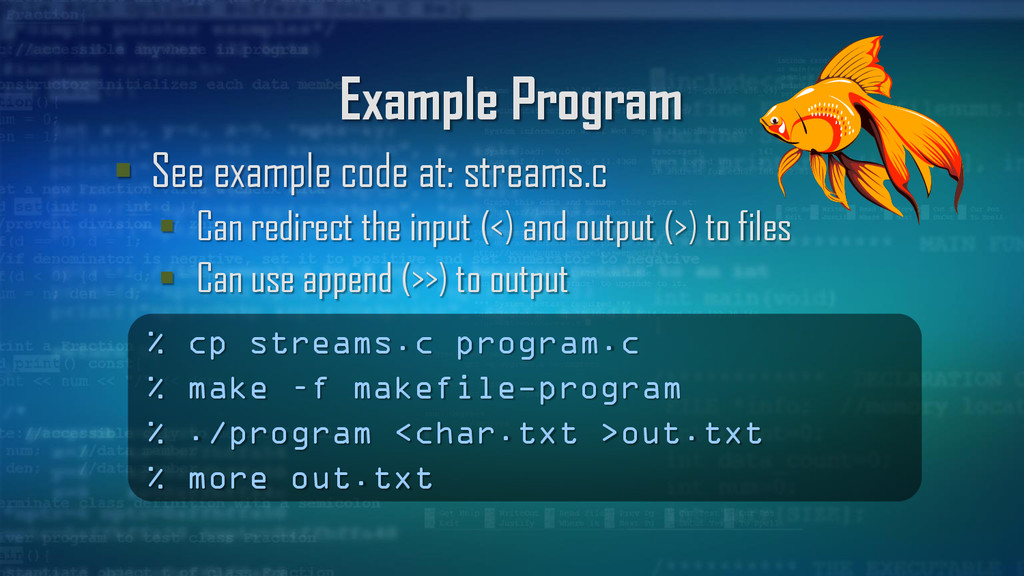
redirect the input (<) and output (>) to files Can use append (>>) to output % cp streams.c program.c % make –f makefile-program % ./program <char.txt >out.txt % more out.txt
Contains data used to process a file Location of a buffer Current character position in the buffer Whether file is being read or written Whether errors or EOF have occurred
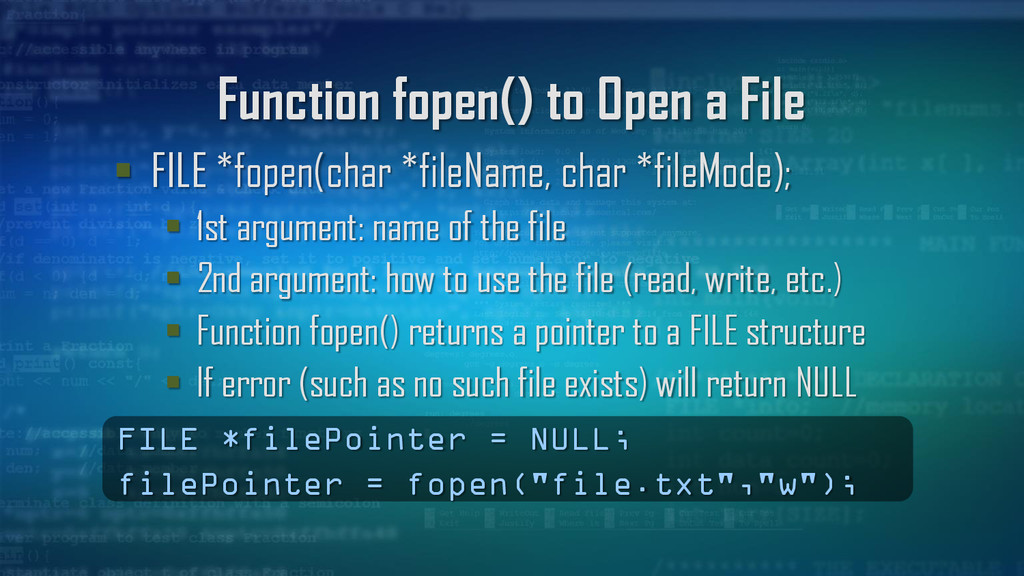
char *fileMode); 1st argument: name of the file 2nd argument: how to use the file (read, write, etc.) Function fopen() returns a pointer to a FILE structure If error (such as no such file exists) will return NULL FILE *filePointer = NULL; filePointer = fopen("file.txt","w");
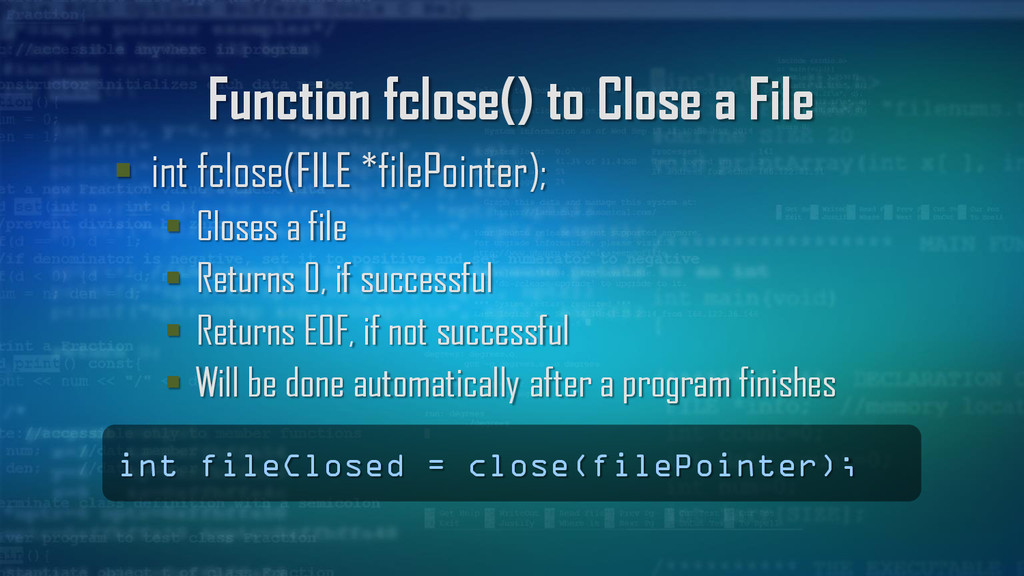
Closes a file Returns 0, if successful Returns EOF, if not successful Will be done automatically after a program finishes int fileClosed = close(filePointer);
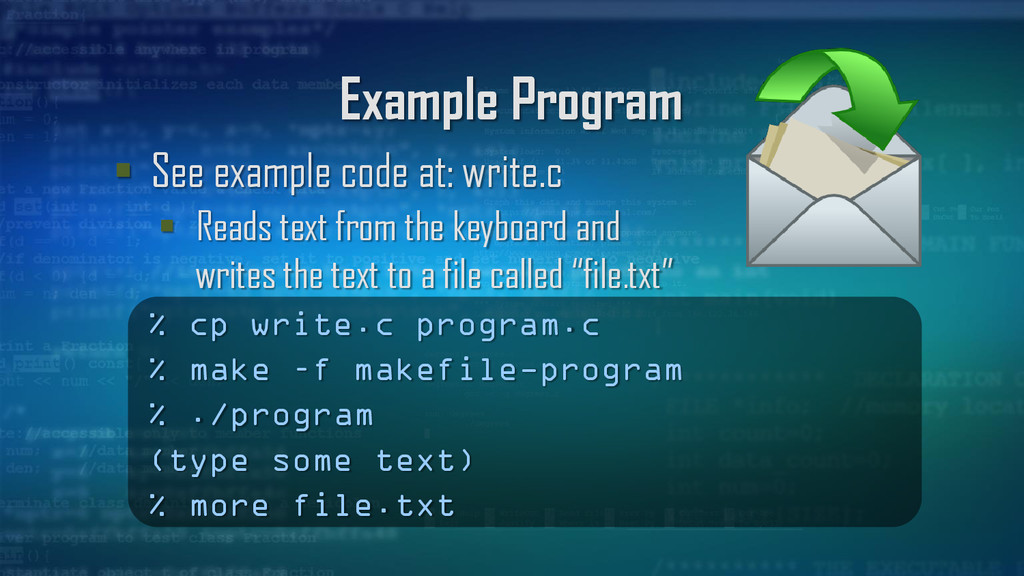
text from the keyboard and writes the text to a file called “file.txt” % cp write.c program.c % make –f makefile-program % ./program (type some text) % more file.txt
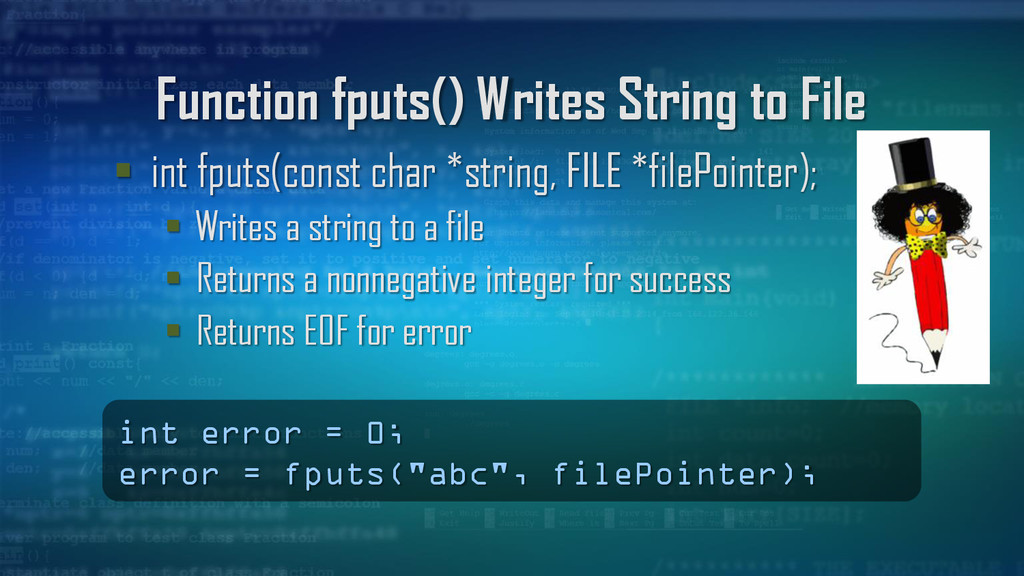
*string, FILE *filePointer); Writes a string to a file Returns a nonnegative integer for success Returns EOF for error int error = 0; error = fputs("abc", filePointer);
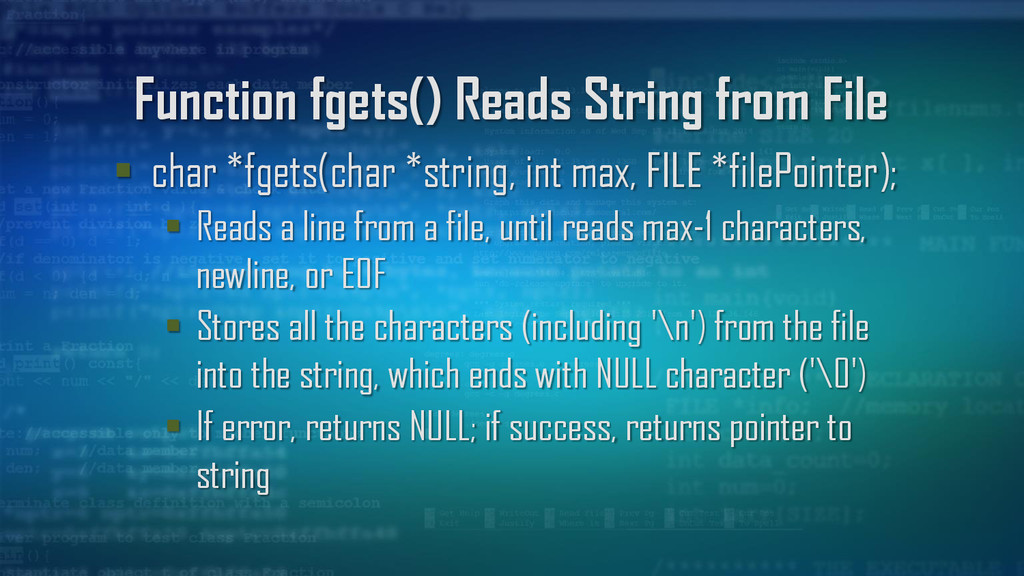
int max, FILE *filePointer); Reads a line from a file, until reads max-1 characters, newline, or EOF Stores all the characters (including '\n') from the file into the string, which ends with NULL character ('\0') If error, returns NULL; if success, returns pointer to string
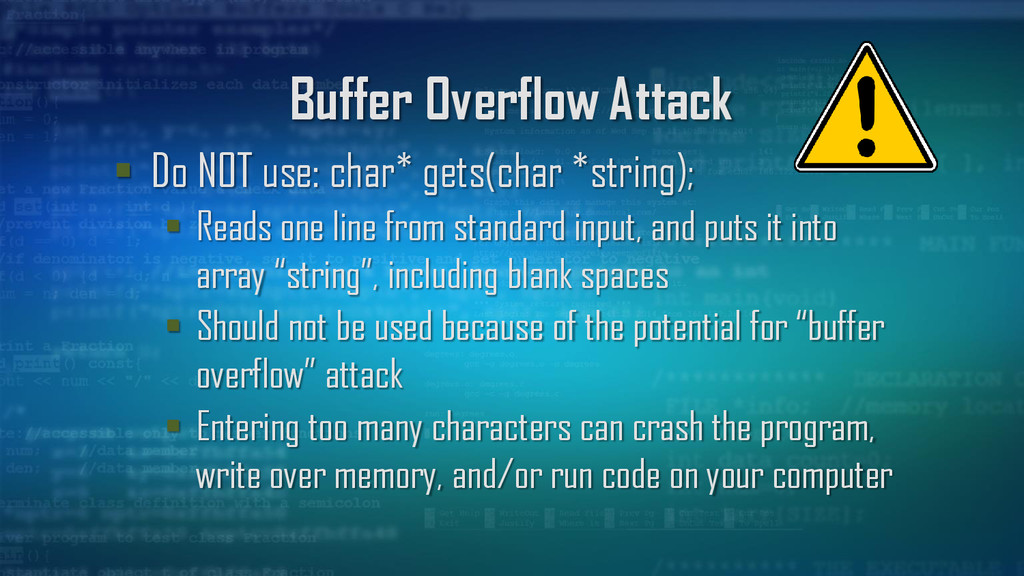
Reads one line from standard input, and puts it into array “string”, including blank spaces Should not be used because of the potential for “buffer overflow” attack Entering too many characters can crash the program, write over memory, and/or run code on your computer
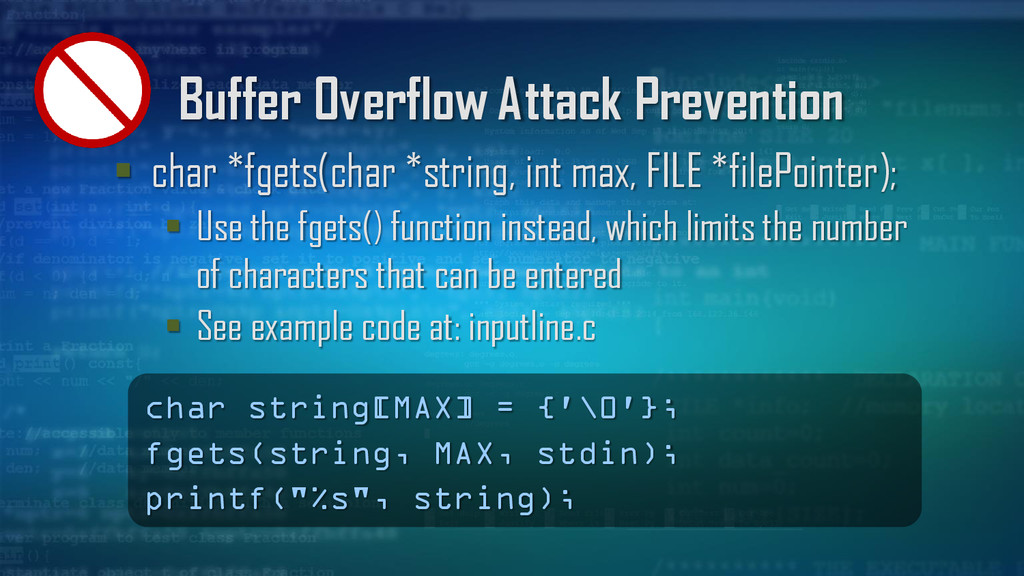
FILE *filePointer); Use the fgets() function instead, which limits the number of characters that can be entered See example code at: inputline.c char string[MAX] = {'\0'}; fgets(string, MAX, stdin); printf("%s", string);
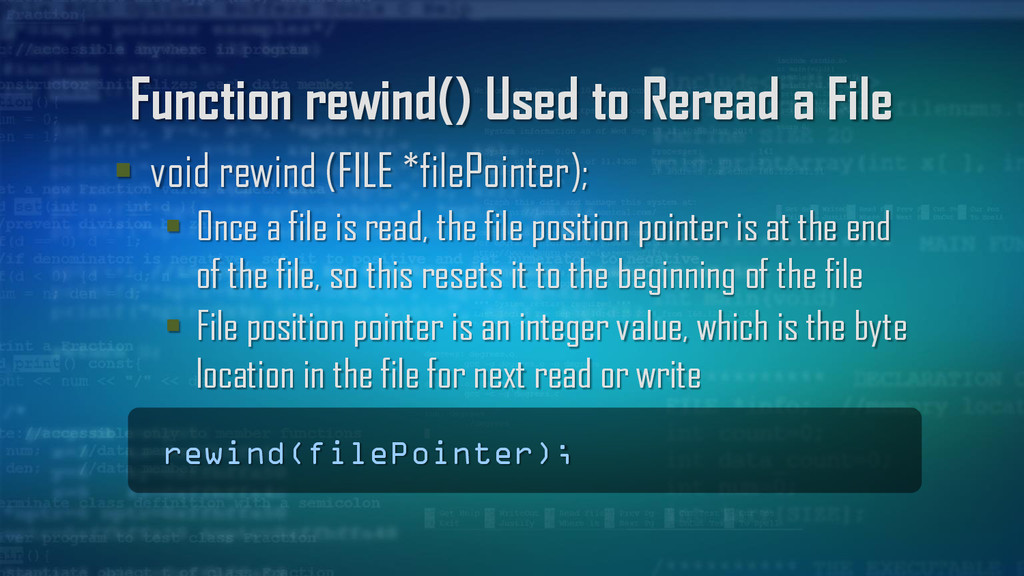
(FILE *filePointer); Once a file is read, the file position pointer is at the end of the file, so this resets it to the beginning of the file File position pointer is an integer value, which is the byte location in the file for next read or write rewind(filePointer);
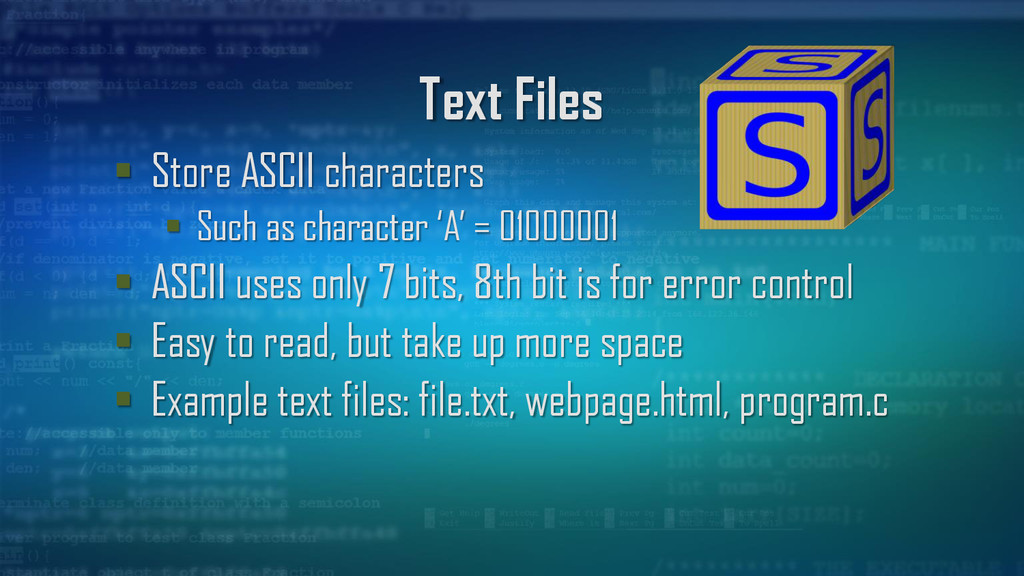
‘A’ = 01000001 ASCII uses only 7 bits, 8th bit is for error control Easy to read, but take up more space Example text files: file.txt, webpage.html, program.c
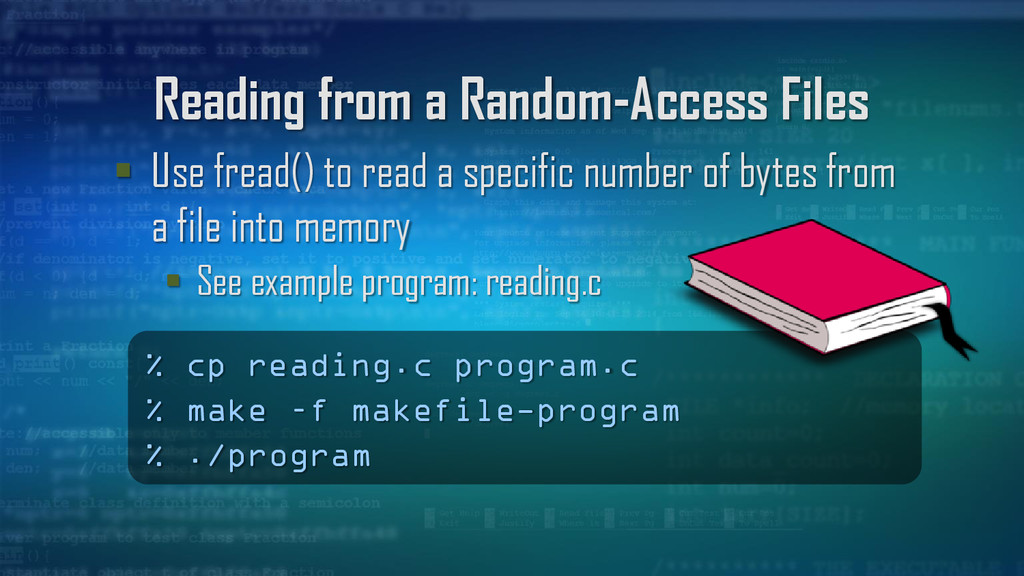
records, which are fixed in length Can be access a specific record without searching though other records Much quicker to access data than sequential access files
to locate a record by calculating the distance from the beginning of the file Can update and delete data in the file without overwriting other data in the file
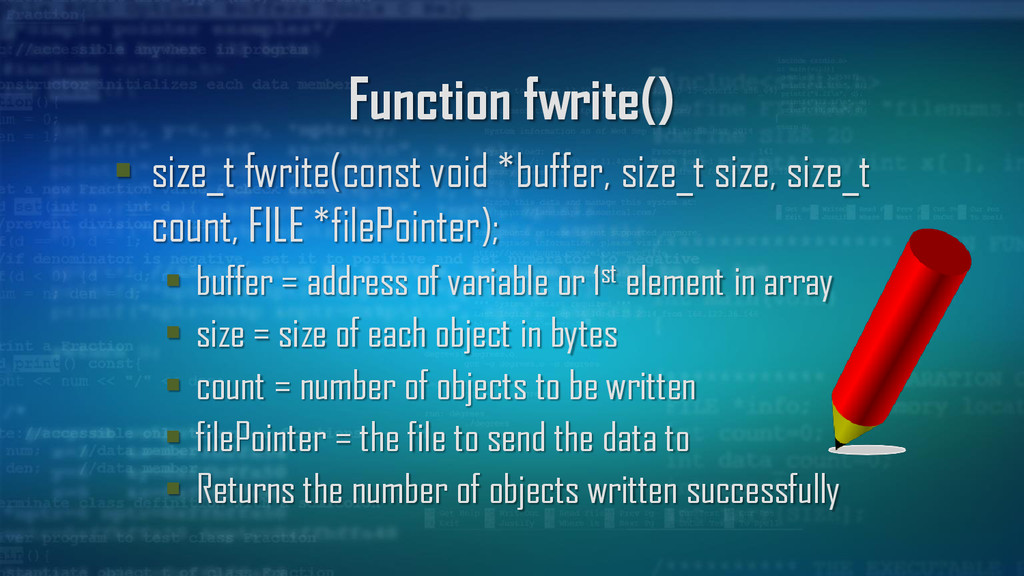
count, FILE *filePointer); buffer = address of variable or 1st element in array size = size of each object in bytes count = number of objects to be written filePointer = the file to send the data to Returns the number of objects written successfully
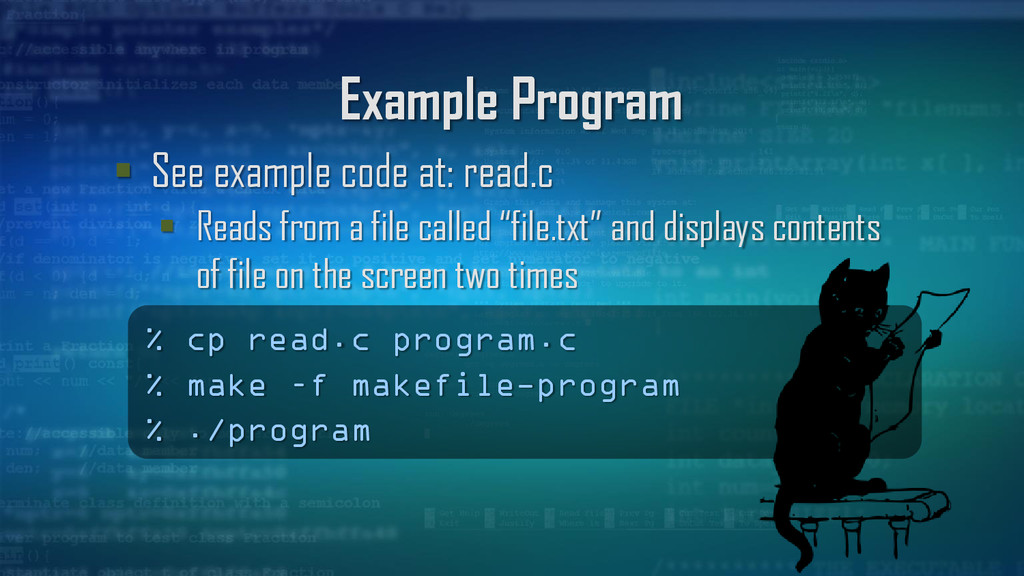
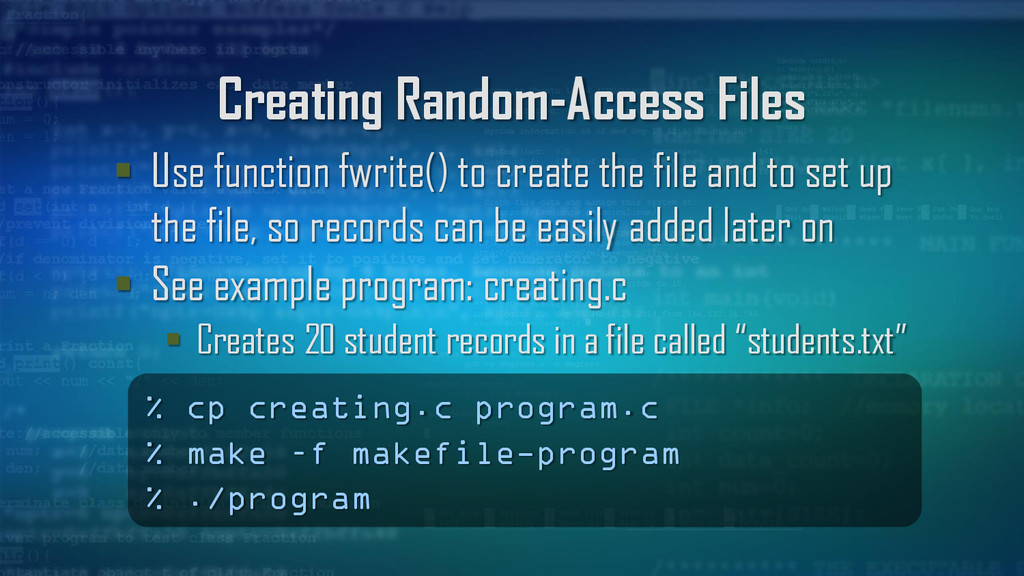
file and to set up the file, so records can be easily added later on See example program: creating.c Creates 20 student records in a file called “students.txt” % cp creating.c program.c % make –f makefile-program % ./program
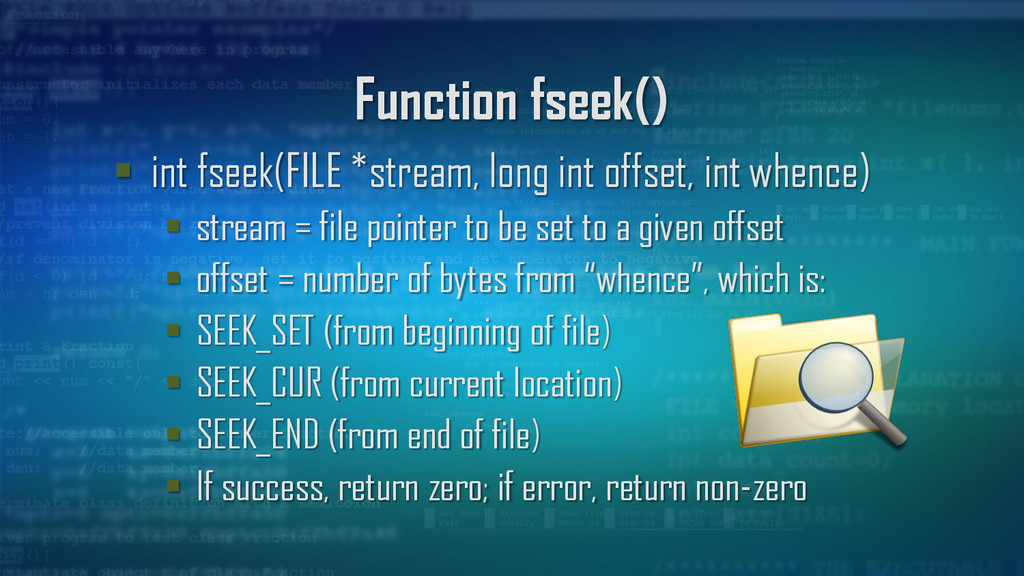
whence) stream = file pointer to be set to a given offset offset = number of bytes from “whence”, which is: SEEK_SET (from beginning of file) SEEK_CUR (from current location) SEEK_END (from end of file) If success, return zero; if error, return non-zero
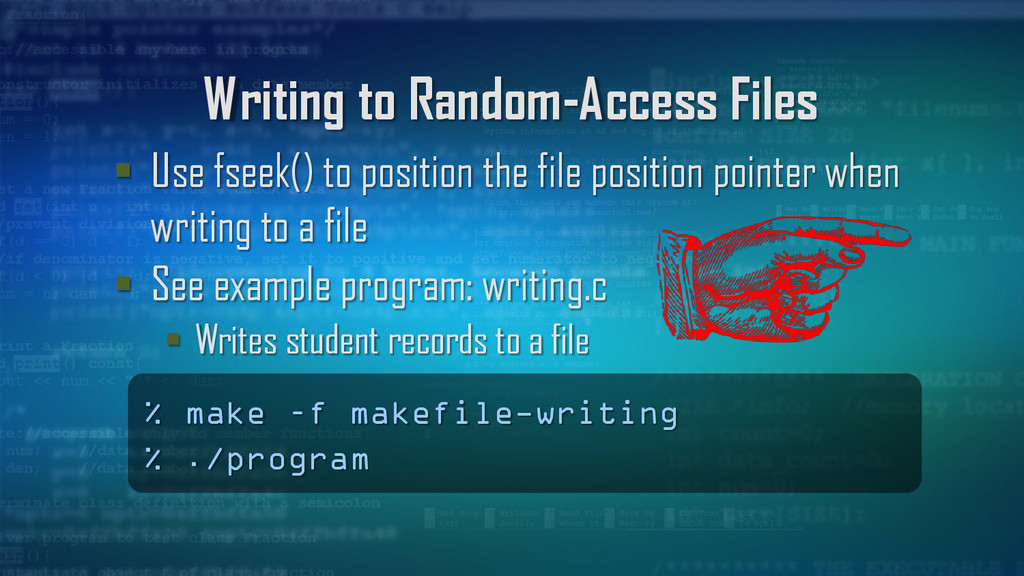
file position pointer when writing to a file See example program: writing.c Writes student records to a file % make –f makefile-writing % ./program
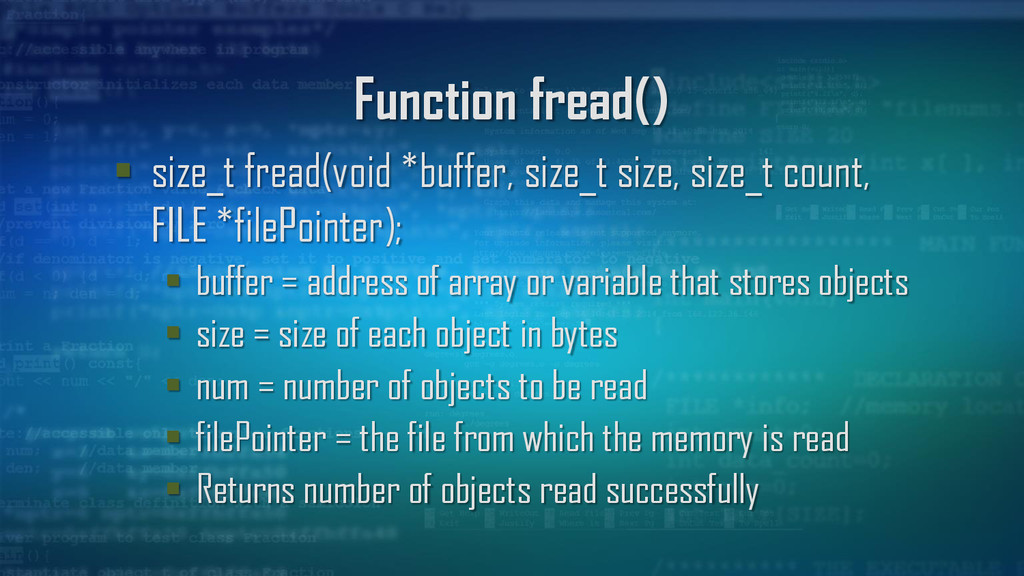
FILE *filePointer); buffer = address of array or variable that stores objects size = size of each object in bytes num = number of objects to be read filePointer = the file from which the memory is read Returns number of objects read successfully


 billlymacc
 moro
moro
 lynnswap
 irinanazarova
 dske104
 morizo_1984
 y0hgi
y0hgi
 tanahiro2010
 eed3si9n
 uyuki234
 seike460
 gam0022
 ivargrimstad
 greggifford
 thoeni
 holman
 helmedeiros
 skoyamalab
 chrisshort
 rkaga
rkaga
 soudai
 sergeychernyshev
 stuffmc
 sarafernandez
 kneath