Upgrade to Pro — share decks privately, control downloads, hide ads and more …

Learning Computer Science Via Building Analog S...

Learning Computer Science Via Building Analog Synthesizers

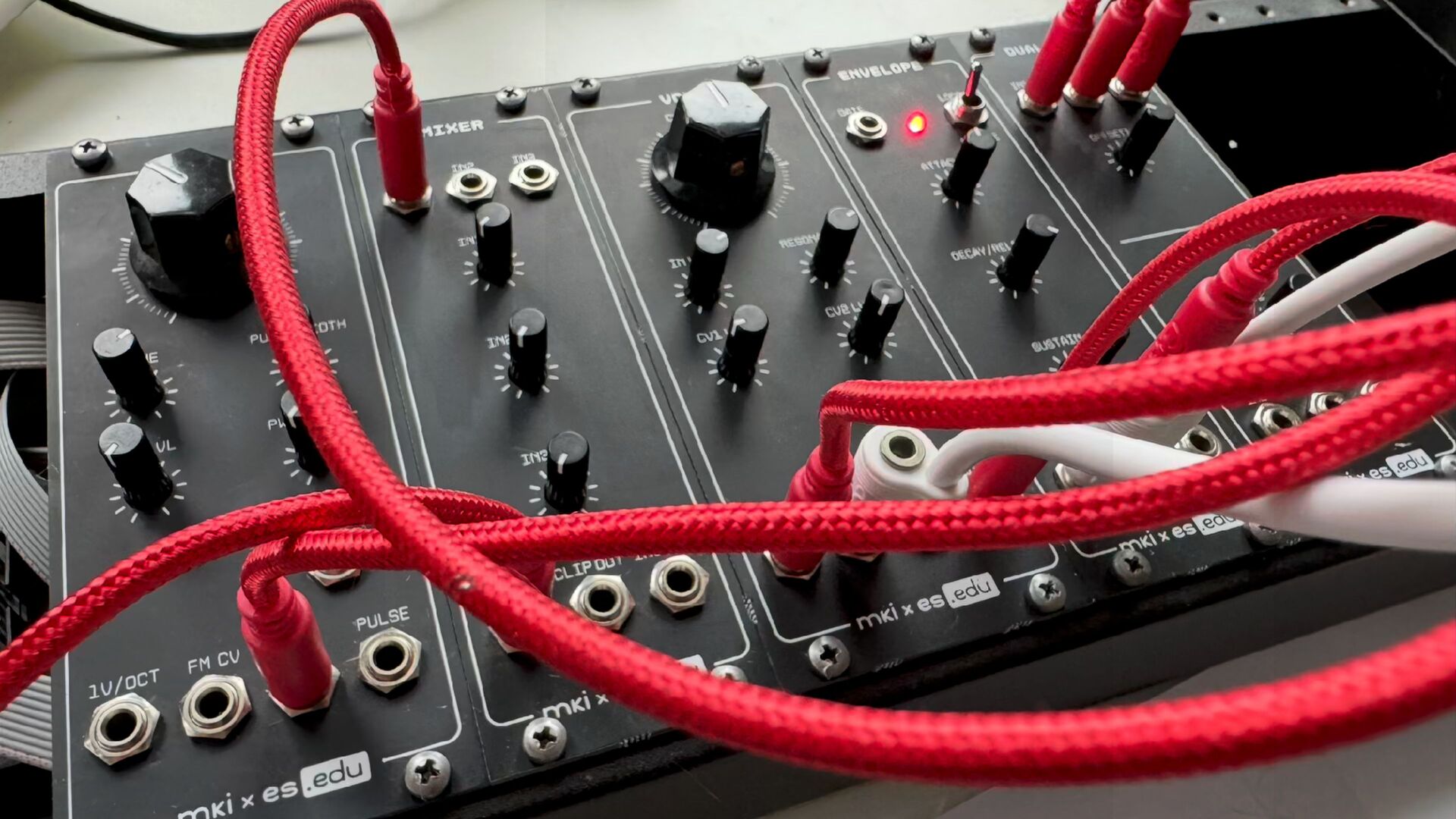
This presentation is an alternate history of your own journey learning computer science. If you started learning all over again, and instead of reading books on C# development or watching videos about Vue.js, you decided to become a developer by building hardware analog synthesizers instead, what would the programming world look like to you? Imagine that the first computer you used was analog instead of digital, that you learned about abstraction from op amps instead of base classes, and you had to solve problems with an oscilloscope instead of a debugger. You might be very good at understanding computational abstractions! Building an analog synthesizer from electronic components is a fun way to learn about electrical engineering, but it also holds many lessons about computer science. In this delightfully strange talk, we will build several computational models from the transistors up, learn how to debug from first principles, understand dynamic typing in terms of modular synthesis, and also have a bunch of beeps, blorps, and solder.

Avatar for Craig Stuntz

Craig Stuntz

January 15, 2026
Tweet

More Decks by Craig Stuntz

Other Decks in Technology

Transcript

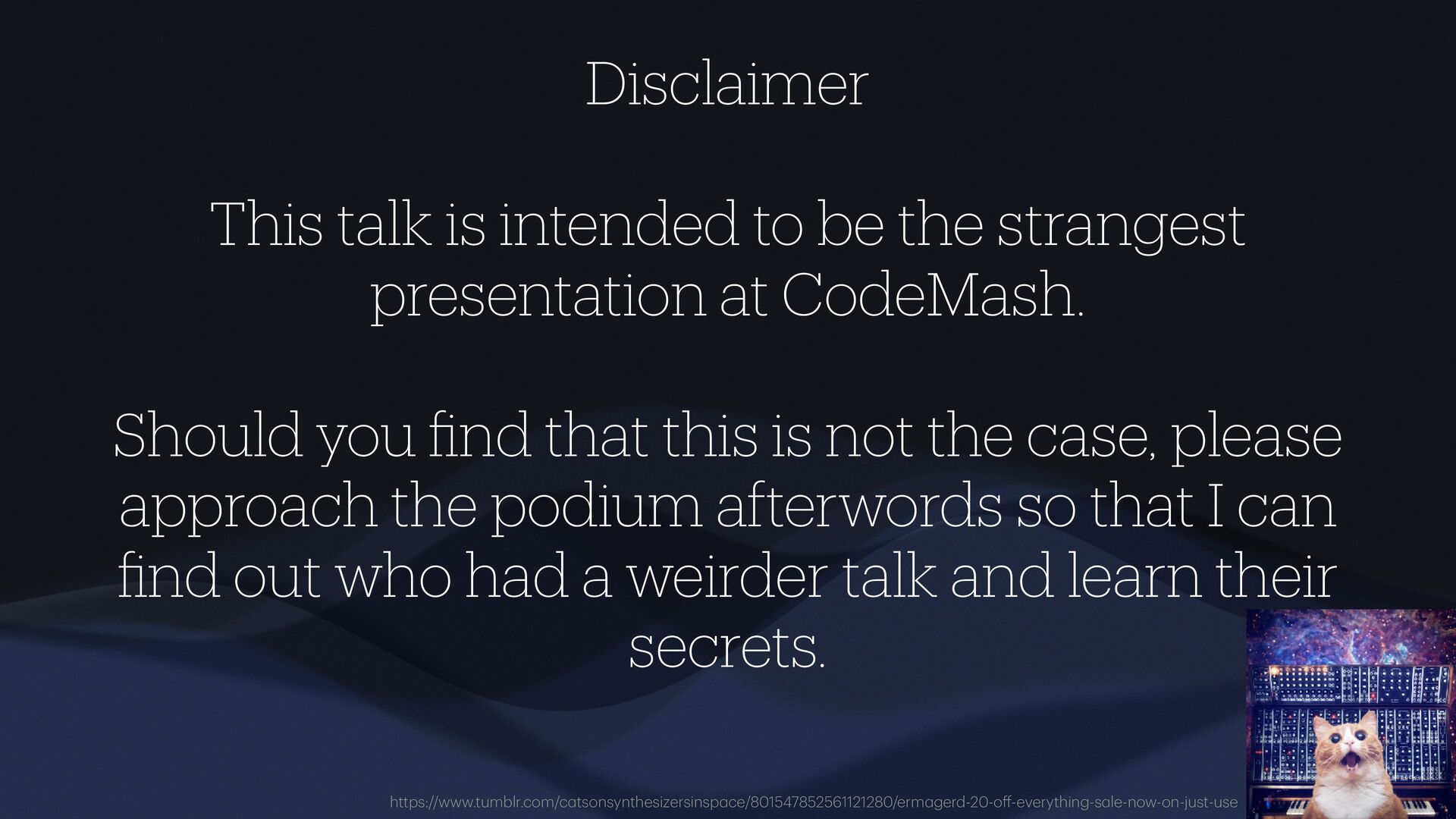
  1. Disclaimer This talk is intended to be the strangest presentation

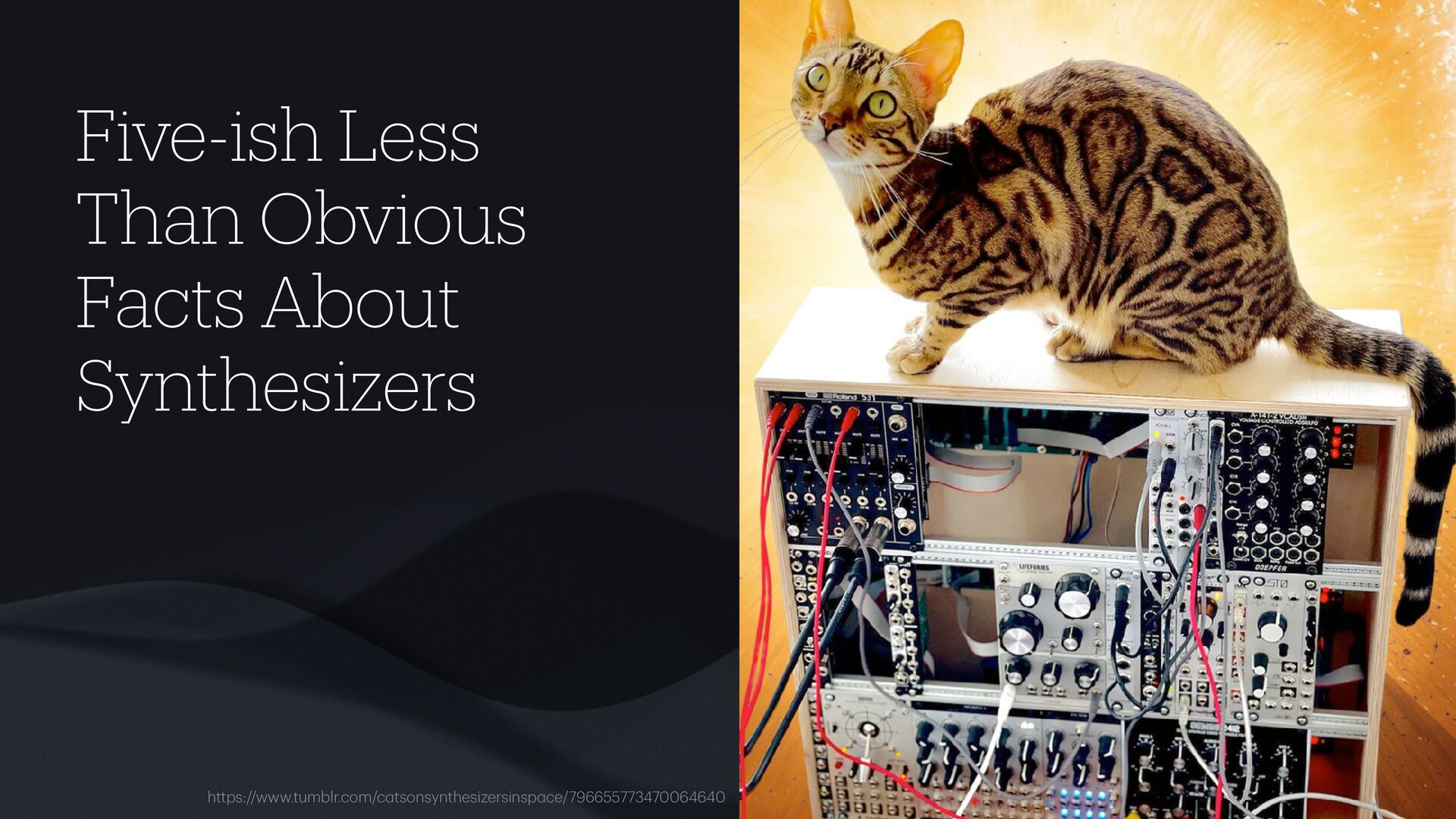
    at CodeMash. Should you fi nd that this is not the case, please approach the podium afterwords so that I can fi nd out who had a weirder talk and learn their secrets. https://www.tumblr.com/c a tsonsynthesizersinsp a ce/801547852561121280/erm a gerd-20-o ff -everything-s a le-now-on-just-use
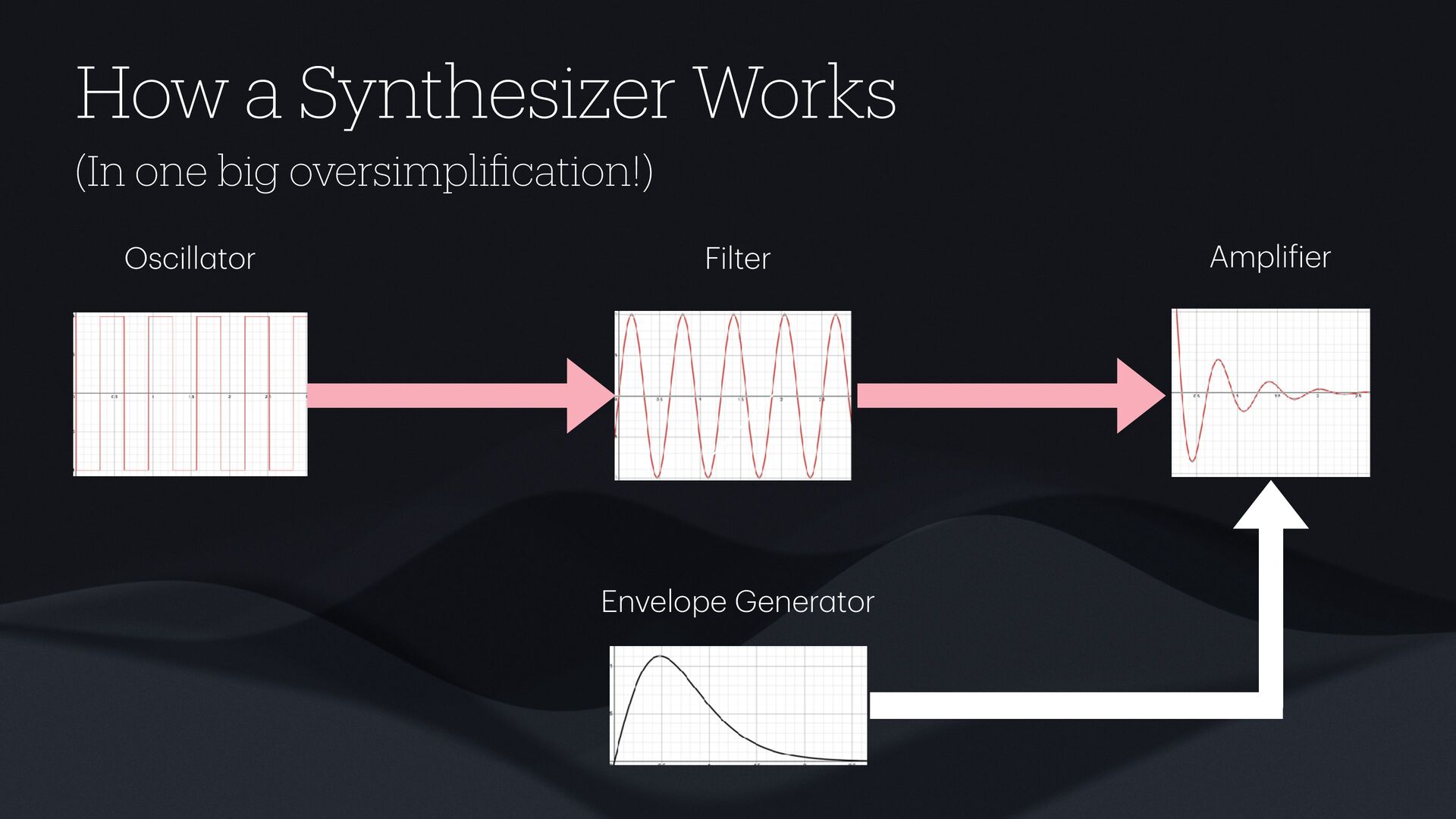
  2. How a Synthesizer Works (In one big oversimpli fi cation!)

    Oscill a tor Filter Envelope Gener a tor Ampli f ier
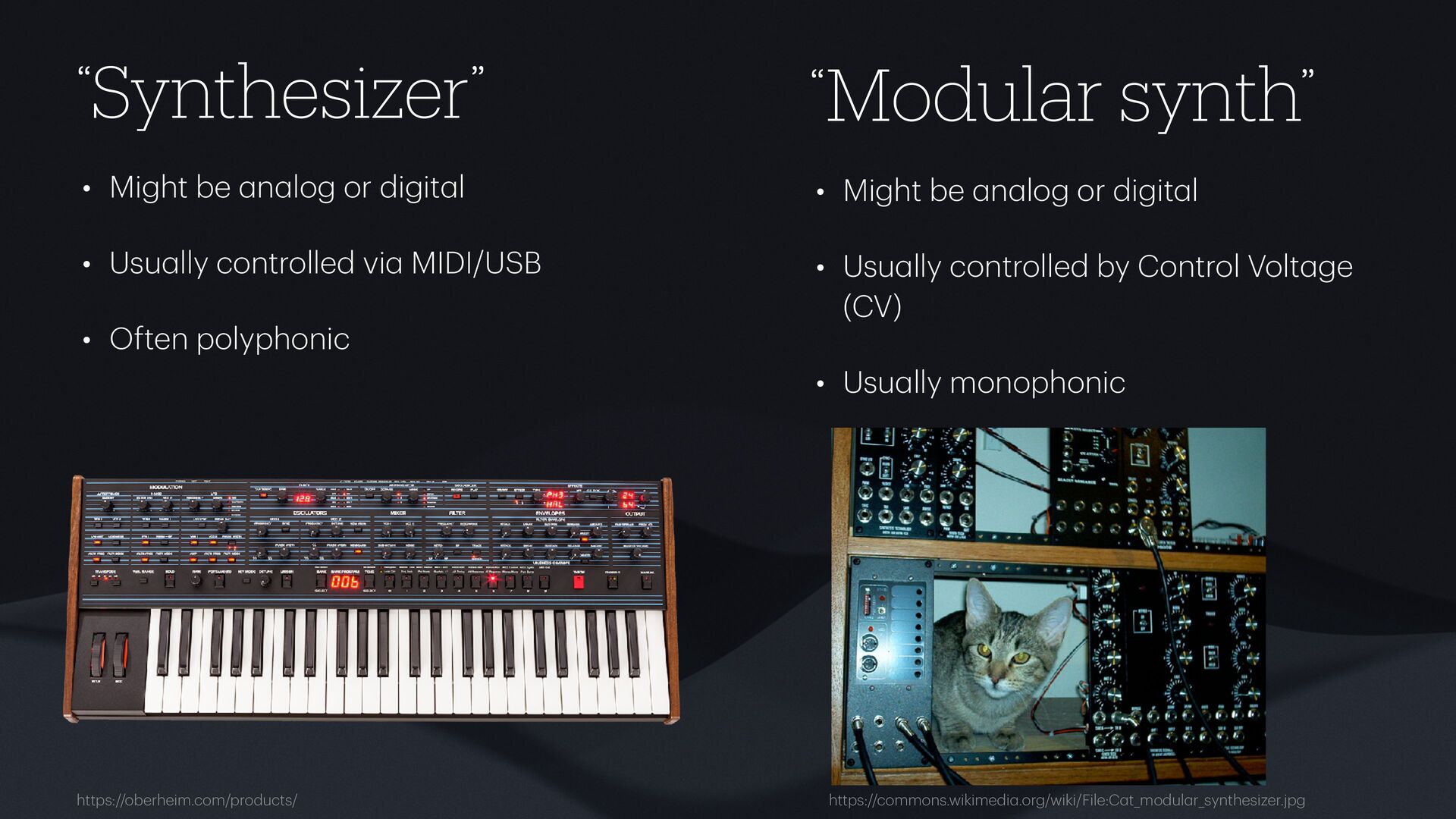
  3. “Synthesizer” • Might be a n a log or digit

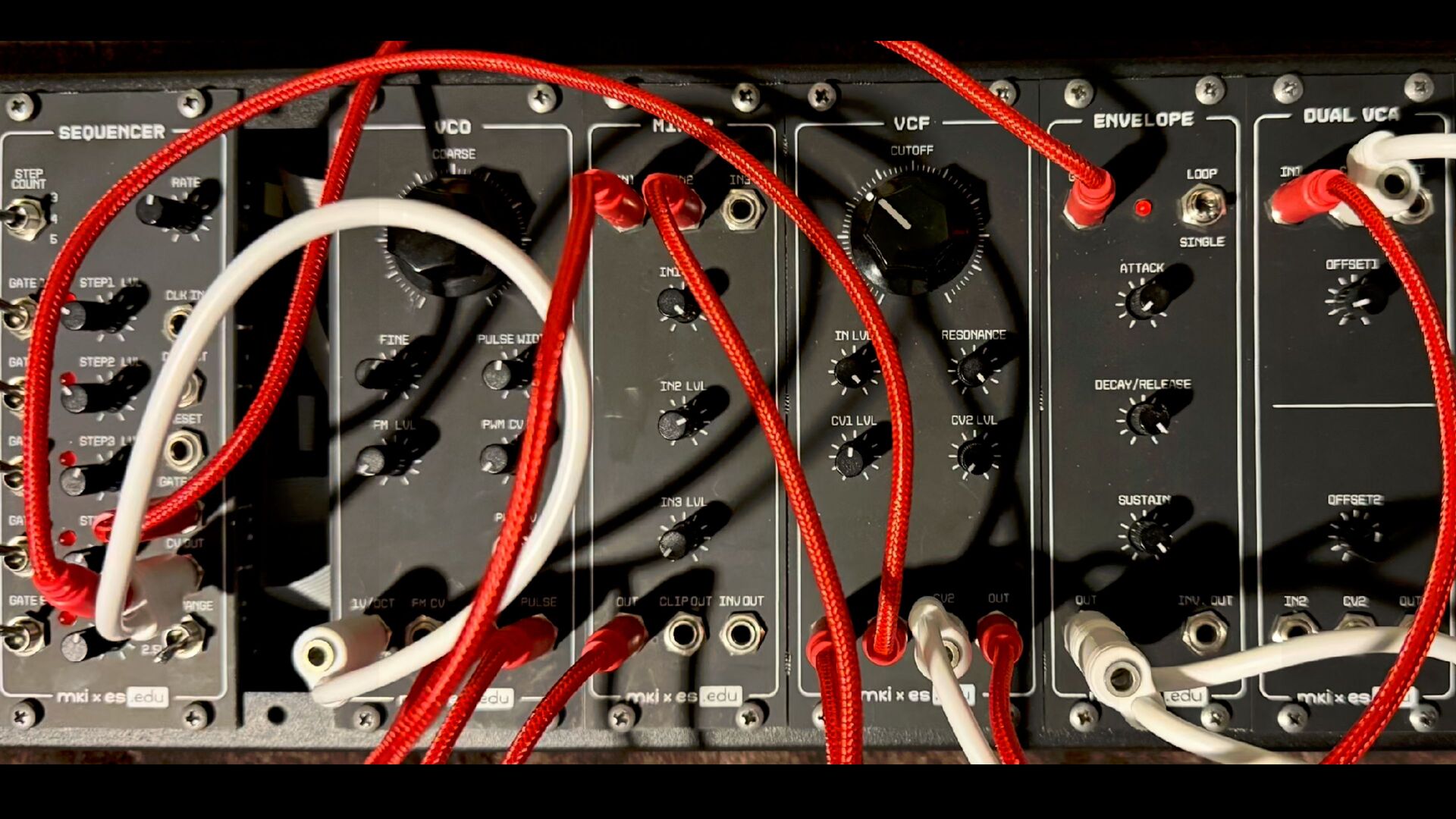
    a l • Usu a lly controlled vi a MIDI/USB • Often polyphonic “Modular synth” • Might be a n a log or digit a l • Usu a lly controlled by Control Volt a ge (CV) • Usu a lly monophonic https://oberheim.com/products/ https://commons.wikimedi a .org/wiki/File:C a t_modul a r_synthesizer.jpg
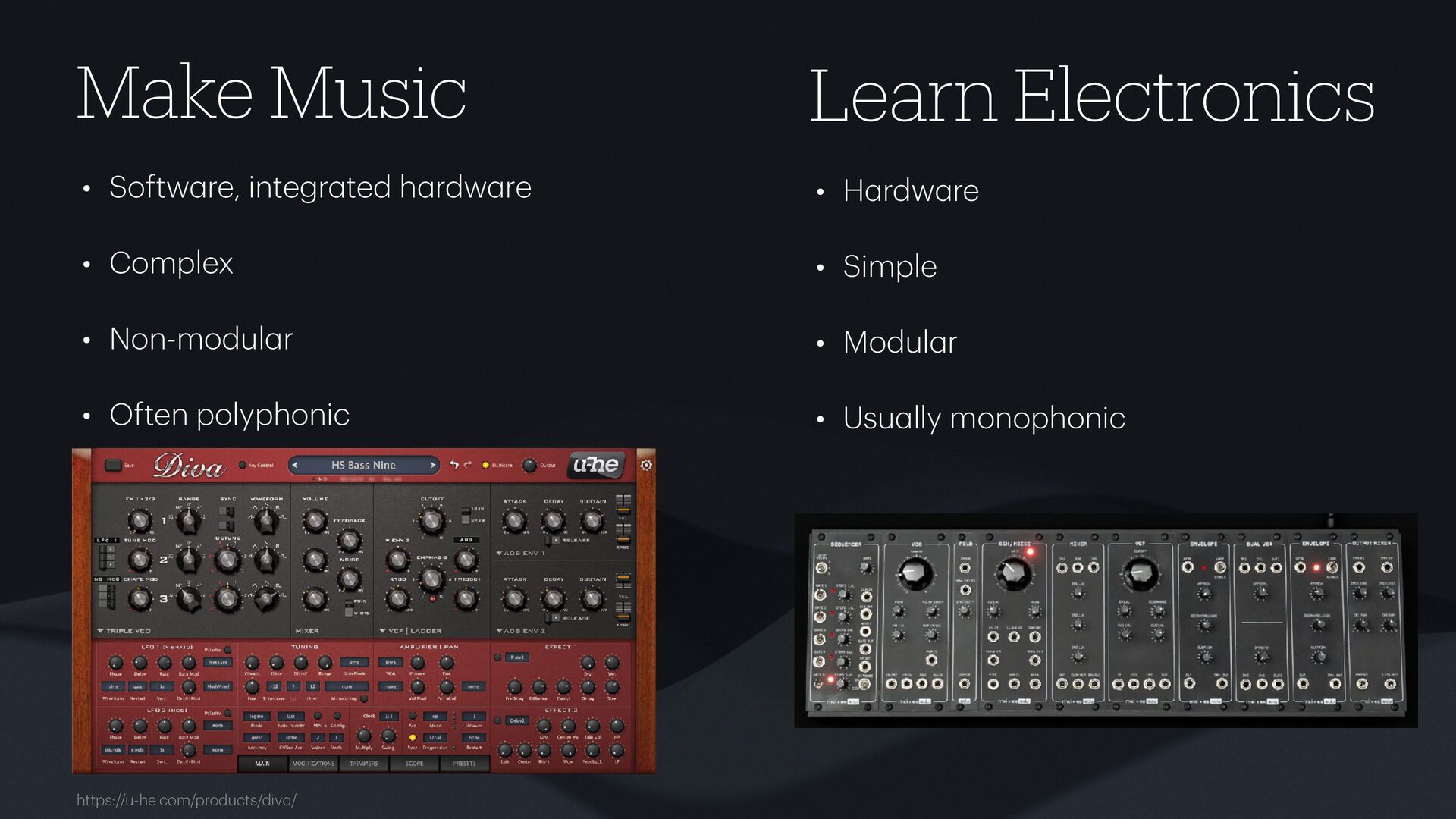
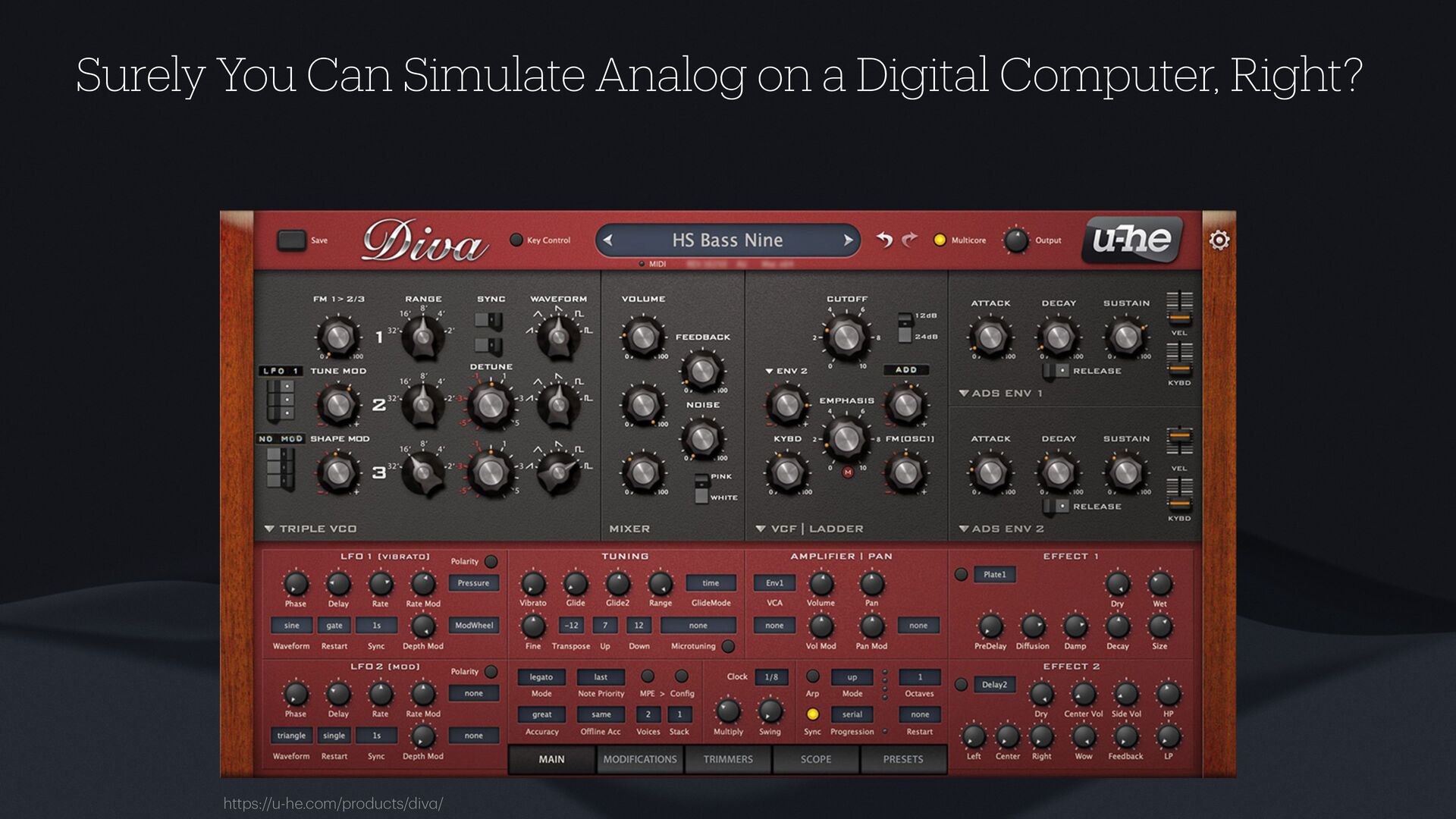
  4. Make Music • Softw a re, integr a ted h

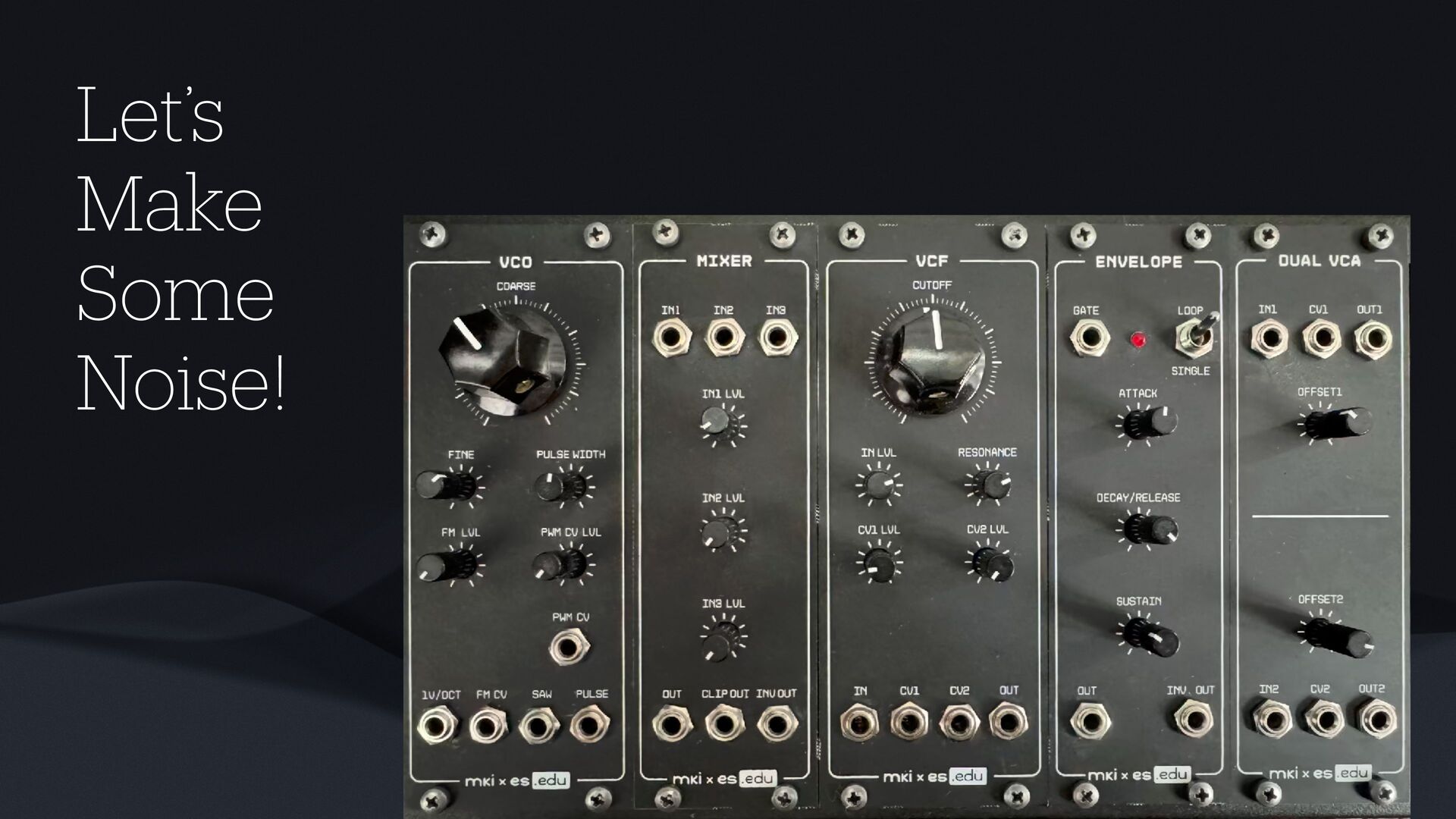
    a rdw a re • Complex • Non-modul a r • Often polyphonic • Complic a ted! Learn Electronics • H a rdw a re • Simple • Modul a r • Usu a lly monophonic https://u-he.com/products/div a /
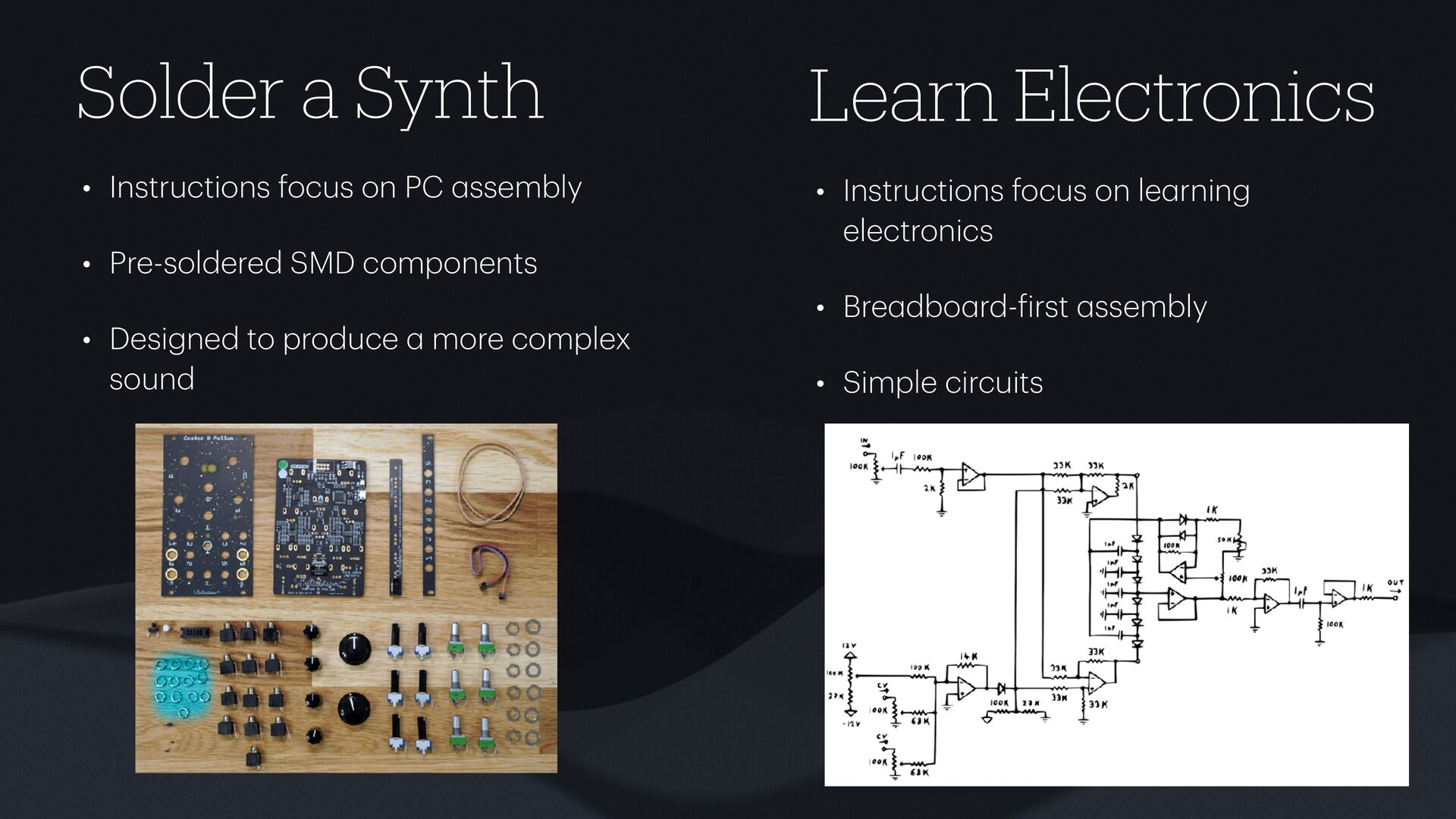
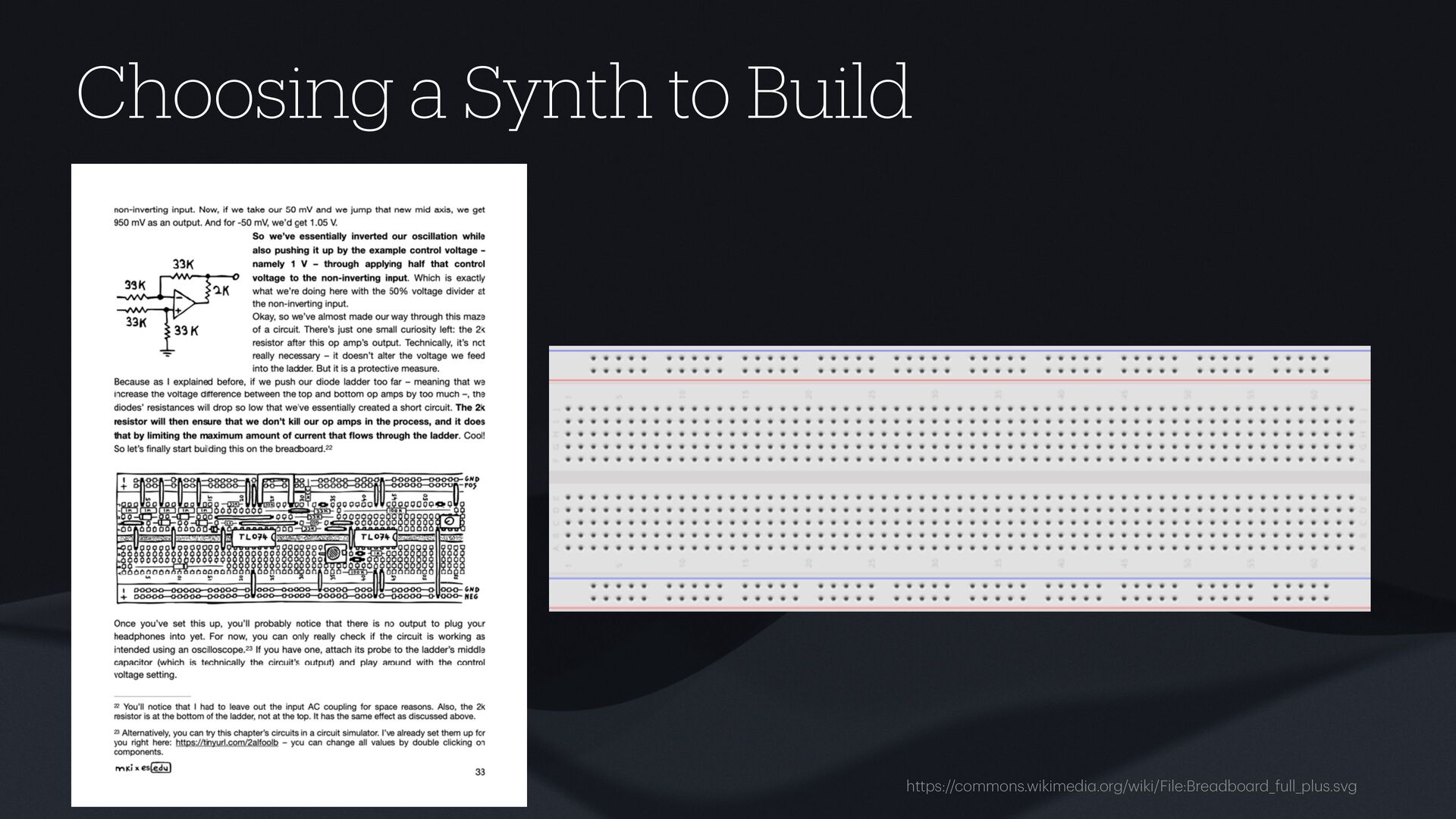
  5. Solder a Synth • Instructions focus on PC a ssembly

    • Pre-soldered SMD components • Designed to produce a more complex sound Learn Electronics • Instructions focus on le a rning electronics • Bre a dbo a rd- f irst a ssembly • Simple circuits
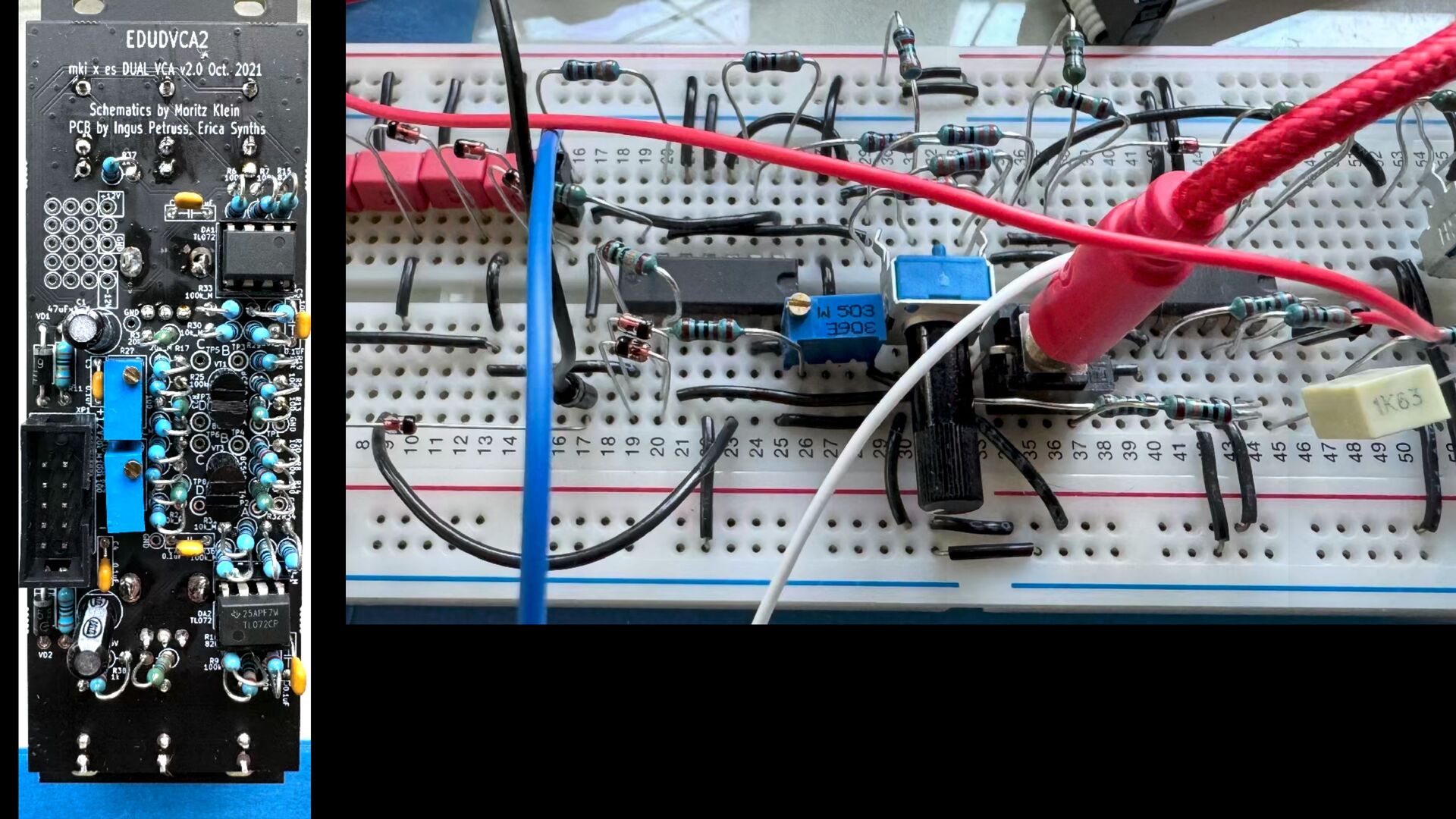
  6. Some Things That Are Challenging Building a Kit • Le

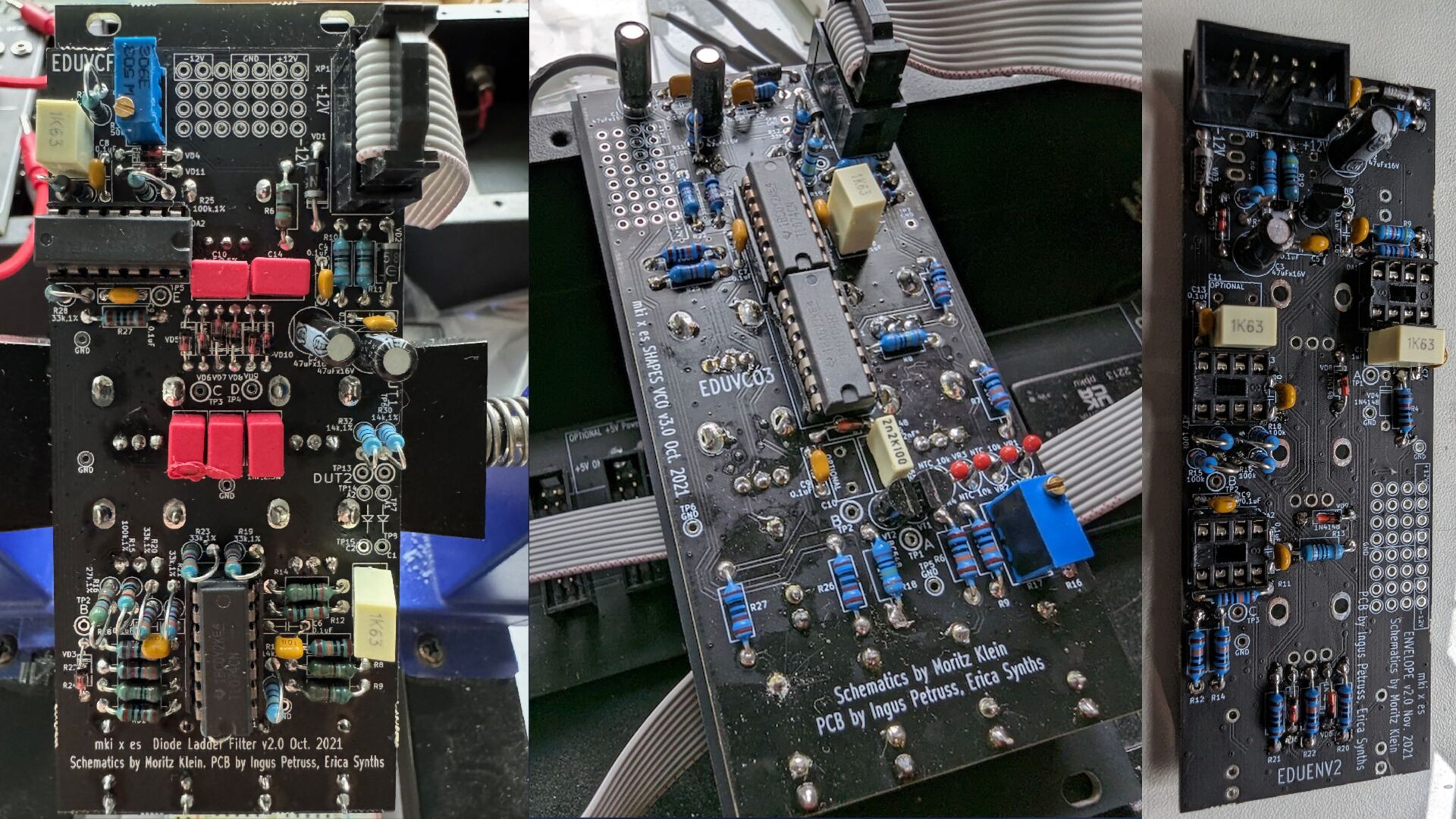
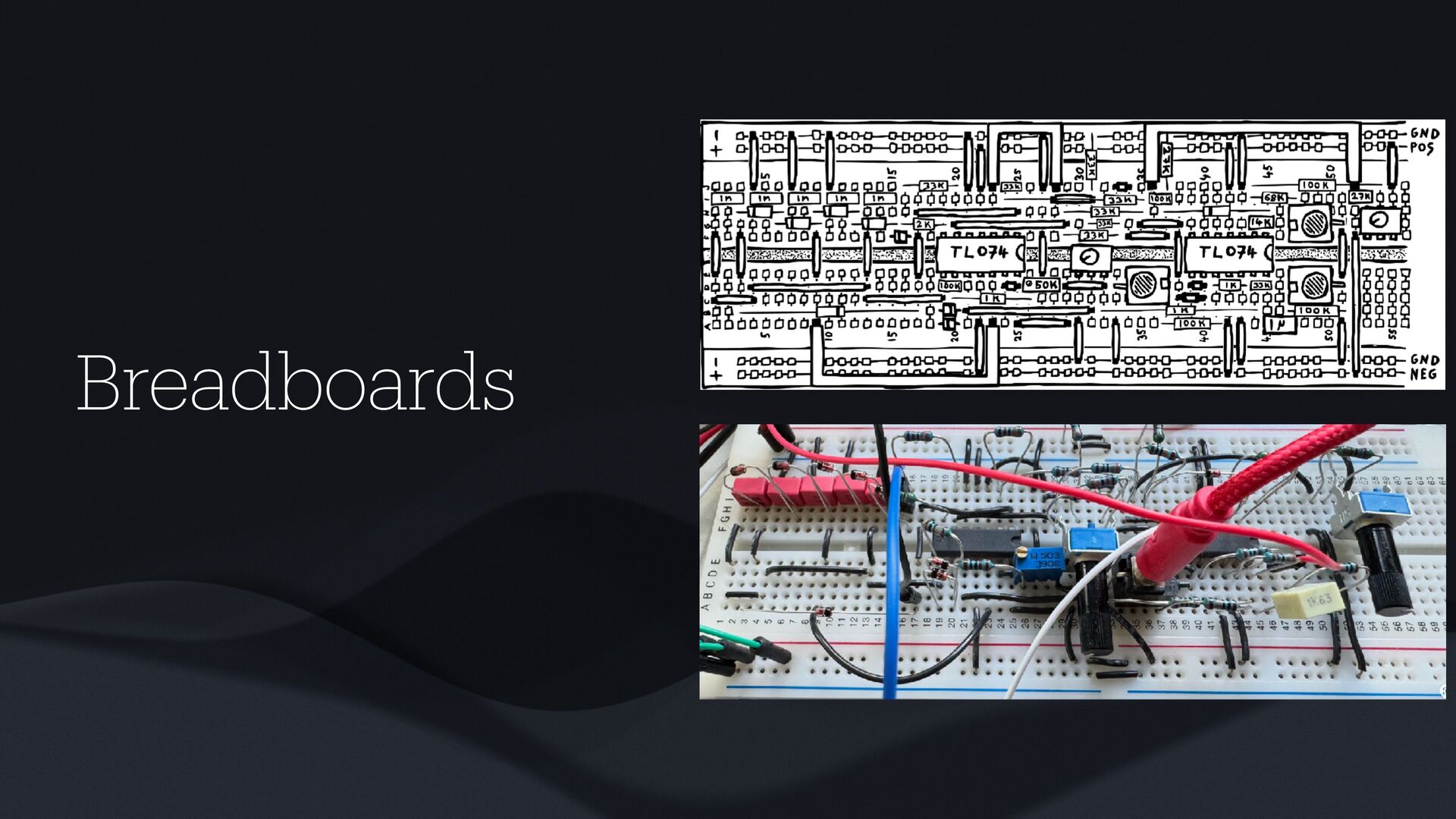
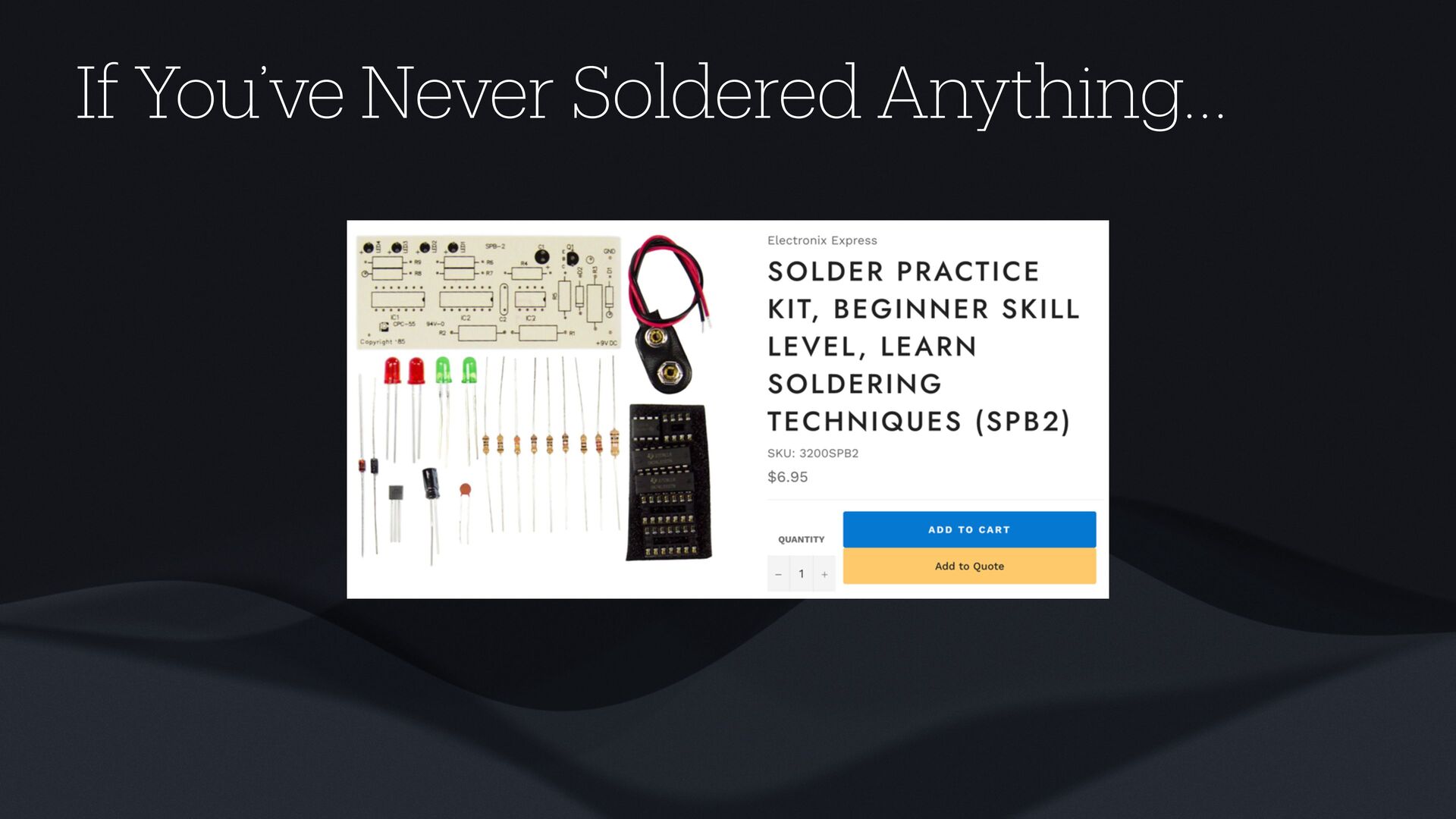
    a rning to solder • Le a rning b a sic circuit theory • Le a rning how synthesizer circuits work • Debugging circuits when they don’t work • Designing a circuit which works in pr a ctice • Building synthesizer circuits th a t work in the re a l world, not just on a bre a dbo a rd • Le a rning KiC a d/designing circuit bo a rds Designing a Circuit
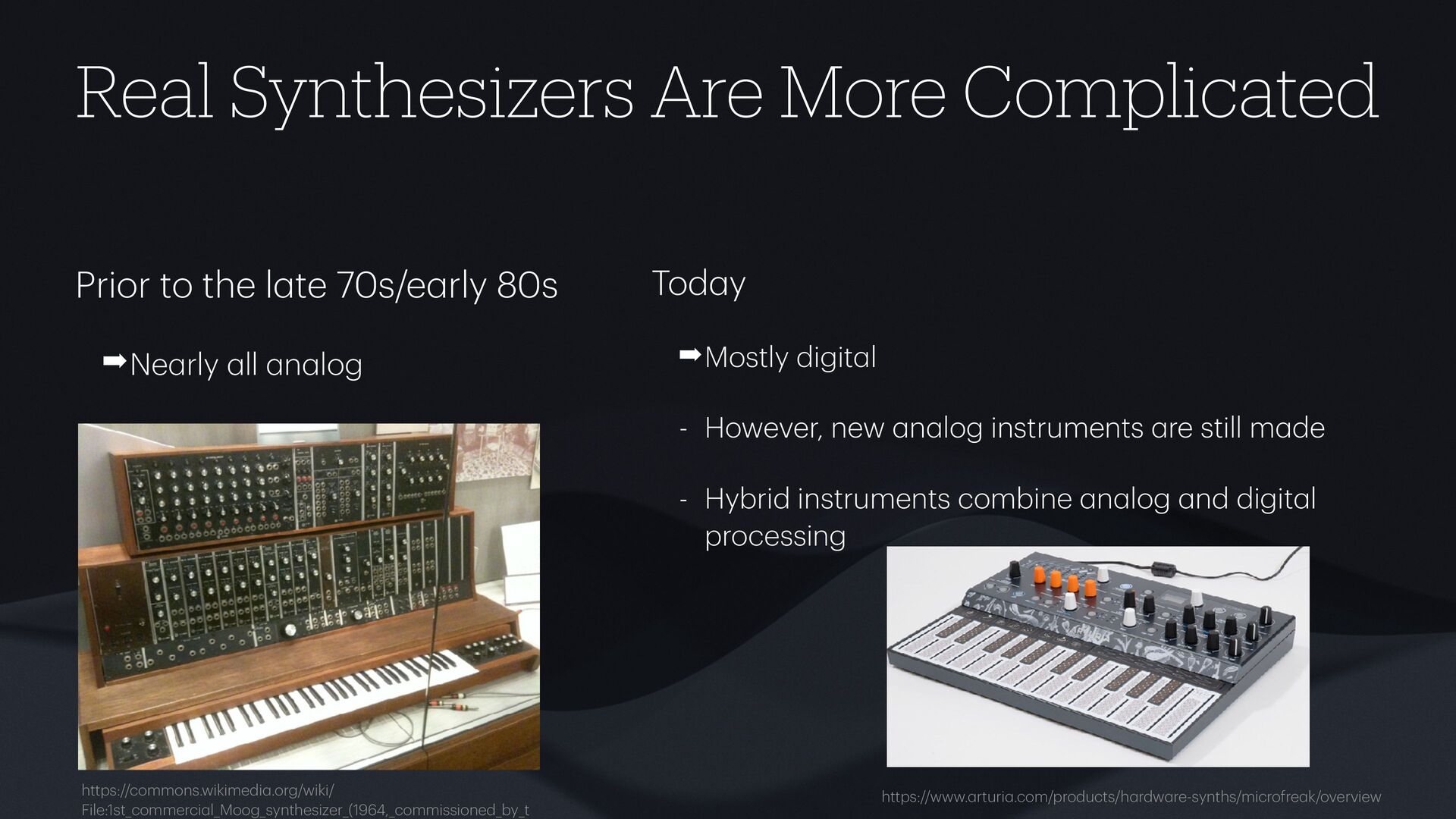
  7. Real Synthesizers Are More Complicated Prior to the l a

    te 70s/e a rly 80s ➡Ne a rly a ll a n a log Tod a y ➡Mostly digit a l - However, new a n a log instruments a re still m a de - Hybrid instruments combine a n a log a nd digit a l processing https://commons.wikimedi a .org/wiki/ File:1st_commerci a l_Moog_synthesizer_(1964,_commissioned_by_t a a a a https://www. a rturi a .com/products/h a rdw a re-synths/microfre a k/overview
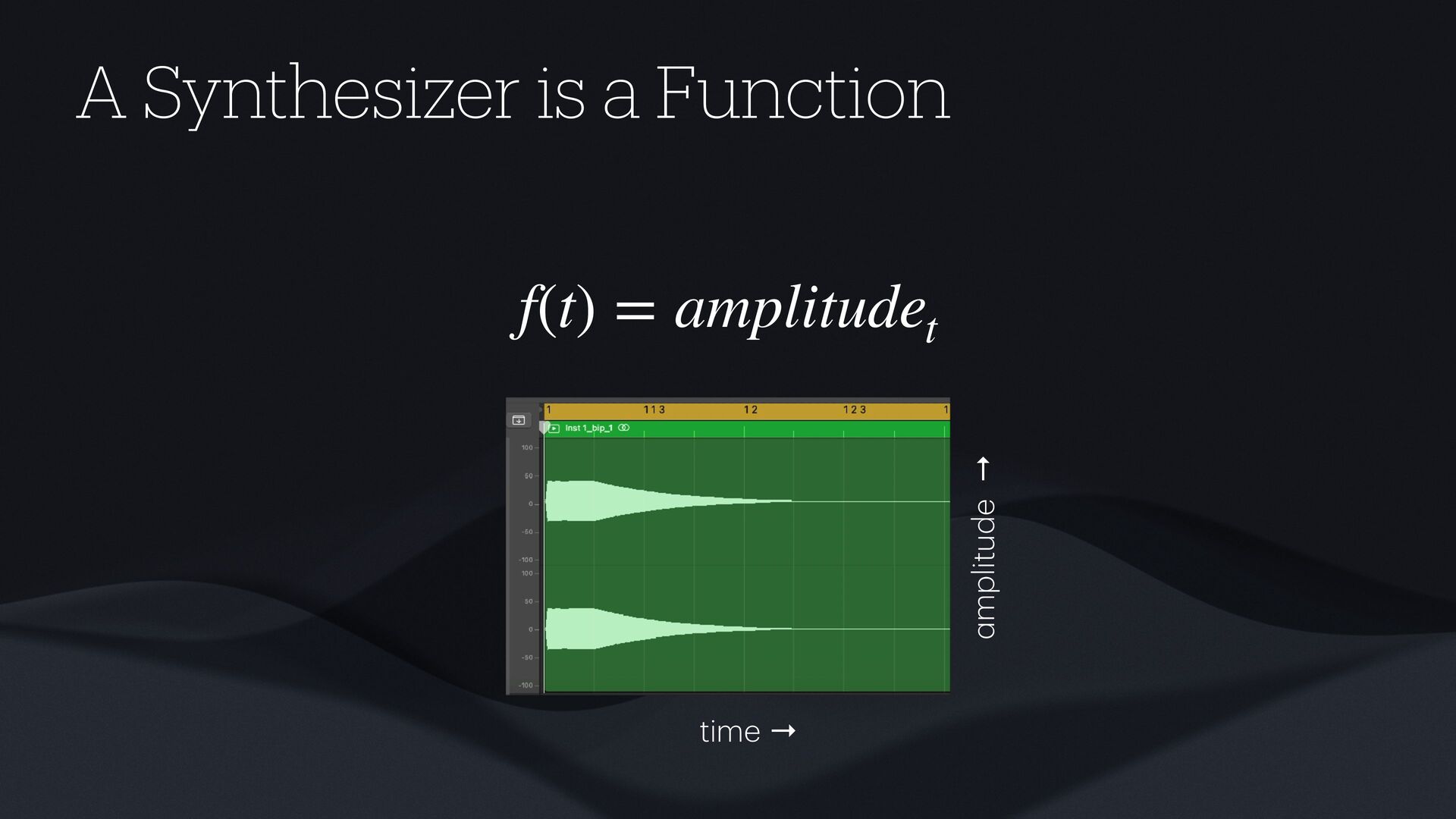
  8. A Synthesizer is a (Collection of) Functions […] etc. bell(t,

    inputs) = amplitudet piano(t, inputs) = amplitudet guitar(t, inputs) = amplitudet
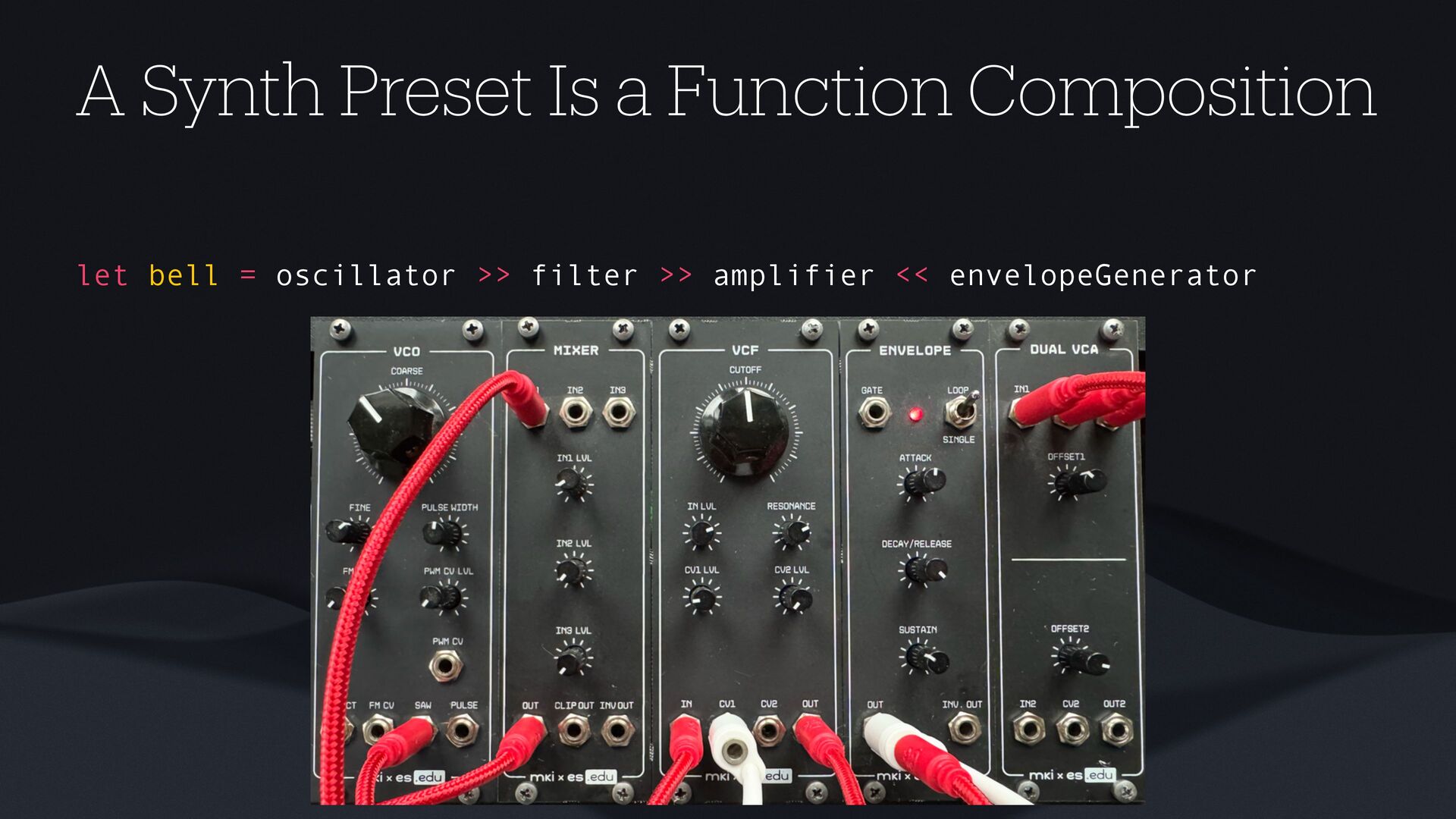
  9. A Synth Preset Is a Function Composition let bell =

    oscillator >> filter >> amplifier << envelopeGenerator
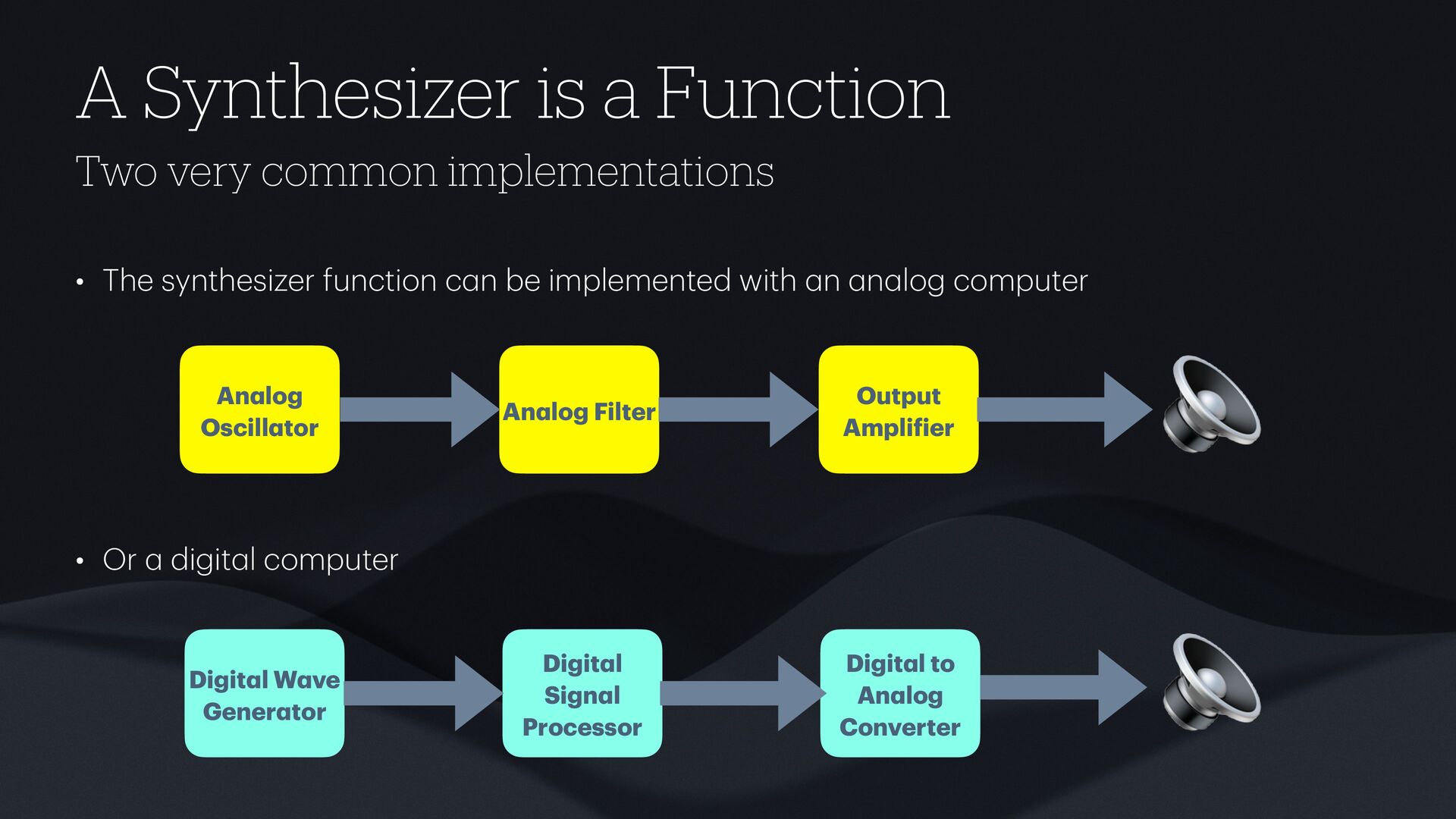
  10. A Synthesizer is a Function Two very common implementations •

    The synthesizer function c a n be implemented with a n a n a log computer An a log Oscill a tor An a log Filter Output Ampli f ier Digit a l W a ve Gener a tor Digit a l Sign a l Processor Digit a l to An a log Converter • Or a digit a l computer 🔈 🔈
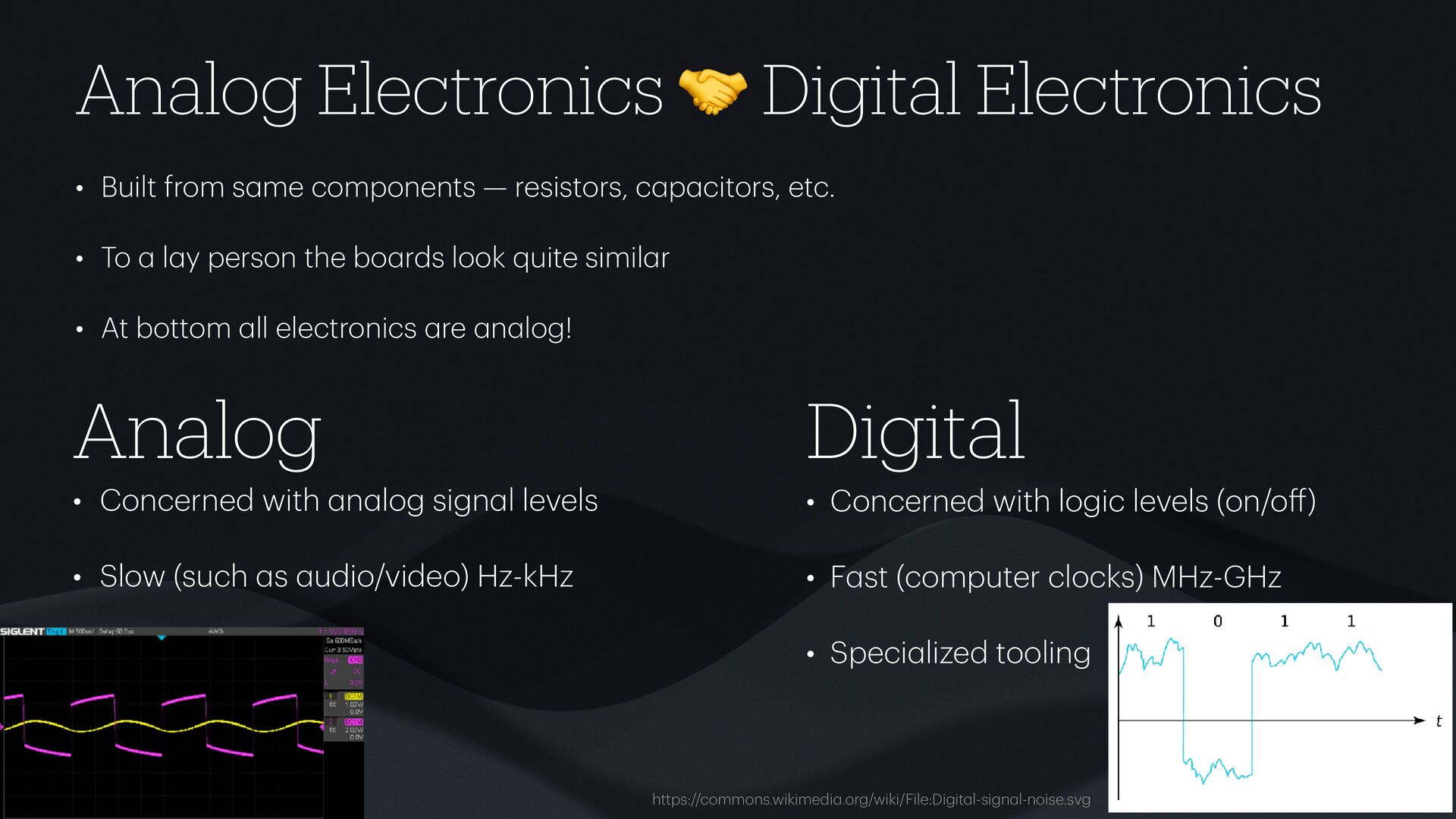
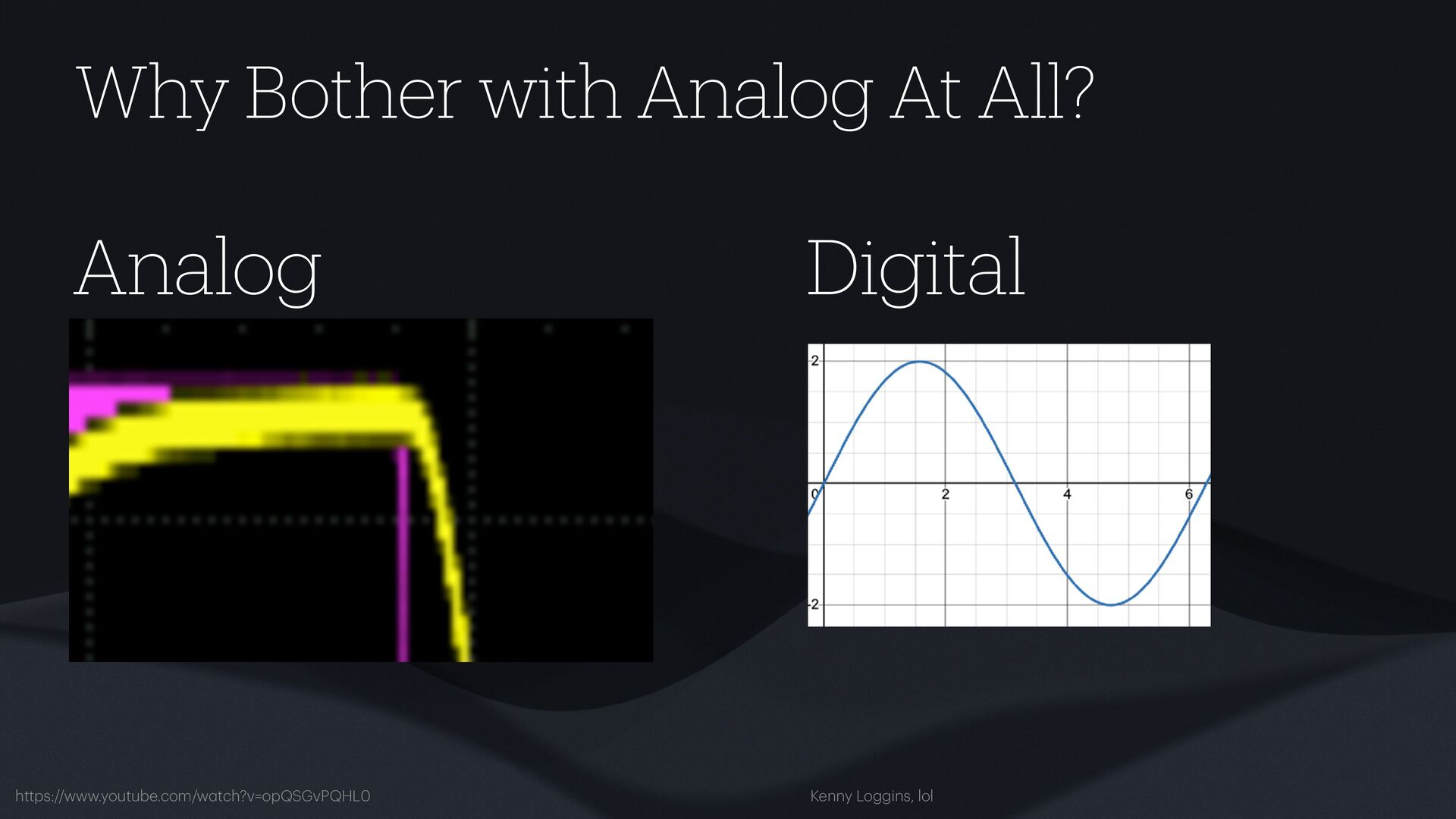
  11. Analog • Concerned with a n a log sign a

    l levels • Slow (such a s a udio/video) Hz-kHz Digital • Concerned with logic levels (on/o ff ) • F a st (computer clocks) MHz-GHz • Speci a lized tooling Analog Electronics 🤝 Digital Electronics • Built from s a me components — resistors, c a p a citors, etc. • To a l a y person the bo a rds look quite simil a r • At bottom a ll electronics a re a n a log! https://commons.wikimedi a .org/wiki/File:Digit a l-sign a l-noise.svg
  12. Analog and digital synths are just functions from time to

    amplitude. They just use an analog or a digital computer, respectively, to do it.
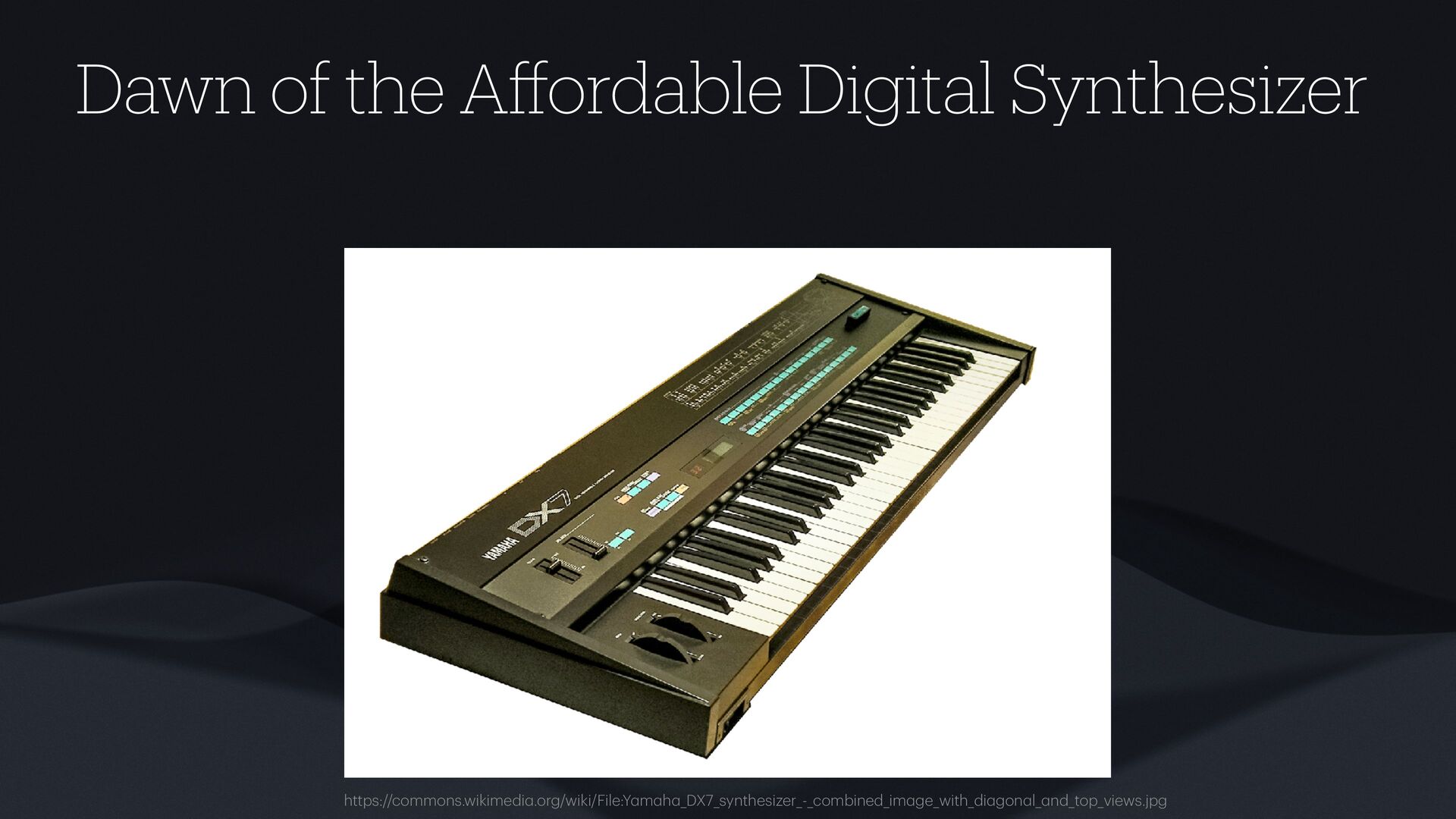
  13. Dawn of the A ff ordable Digital Synthesizer https://commons.wikimedi a

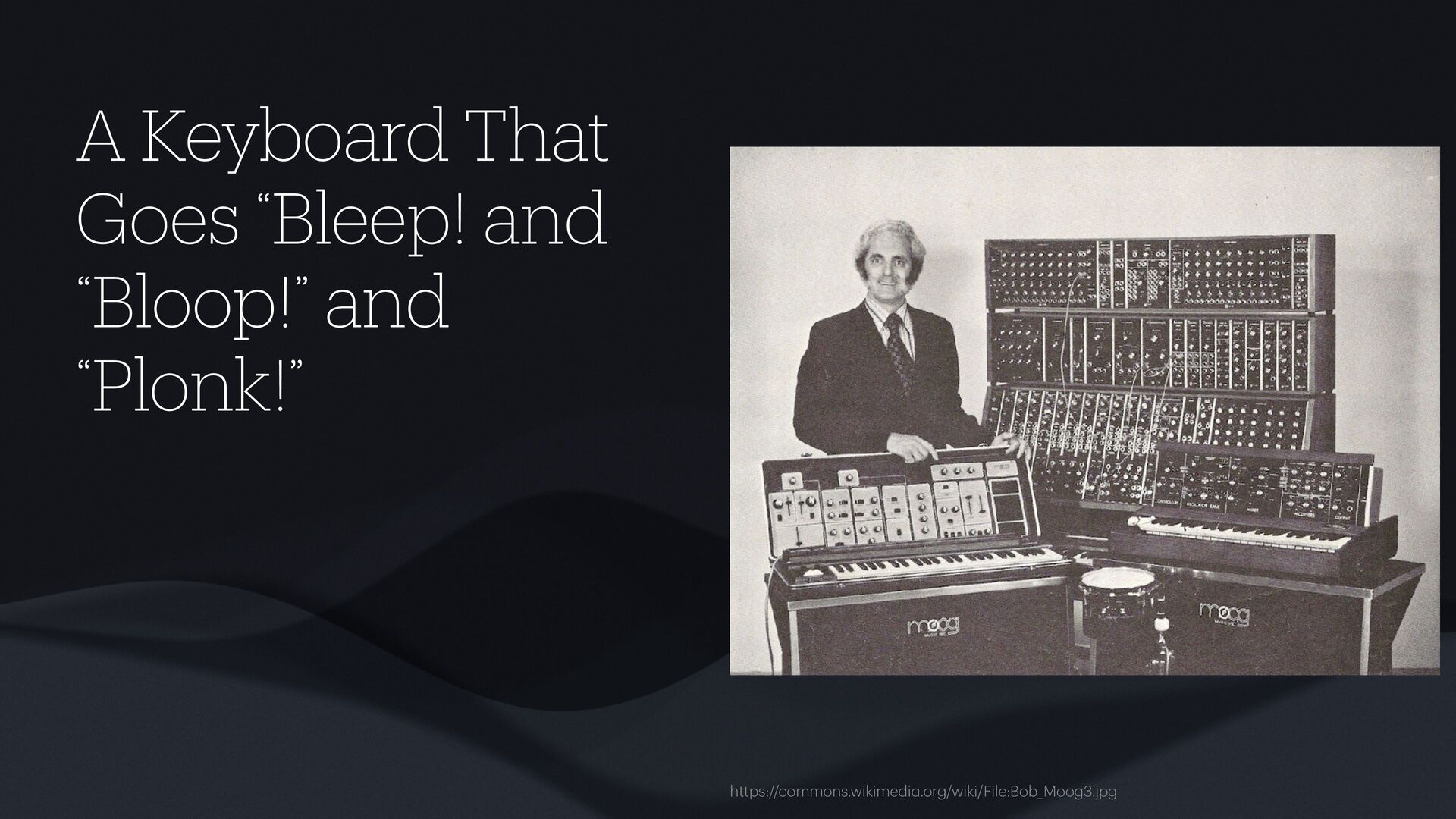
    .org/wiki/File:Y a m a h a _DX7_synthesizer_-_combined_im a ge_with_di a gon a l_ a nd_top_views.jpg
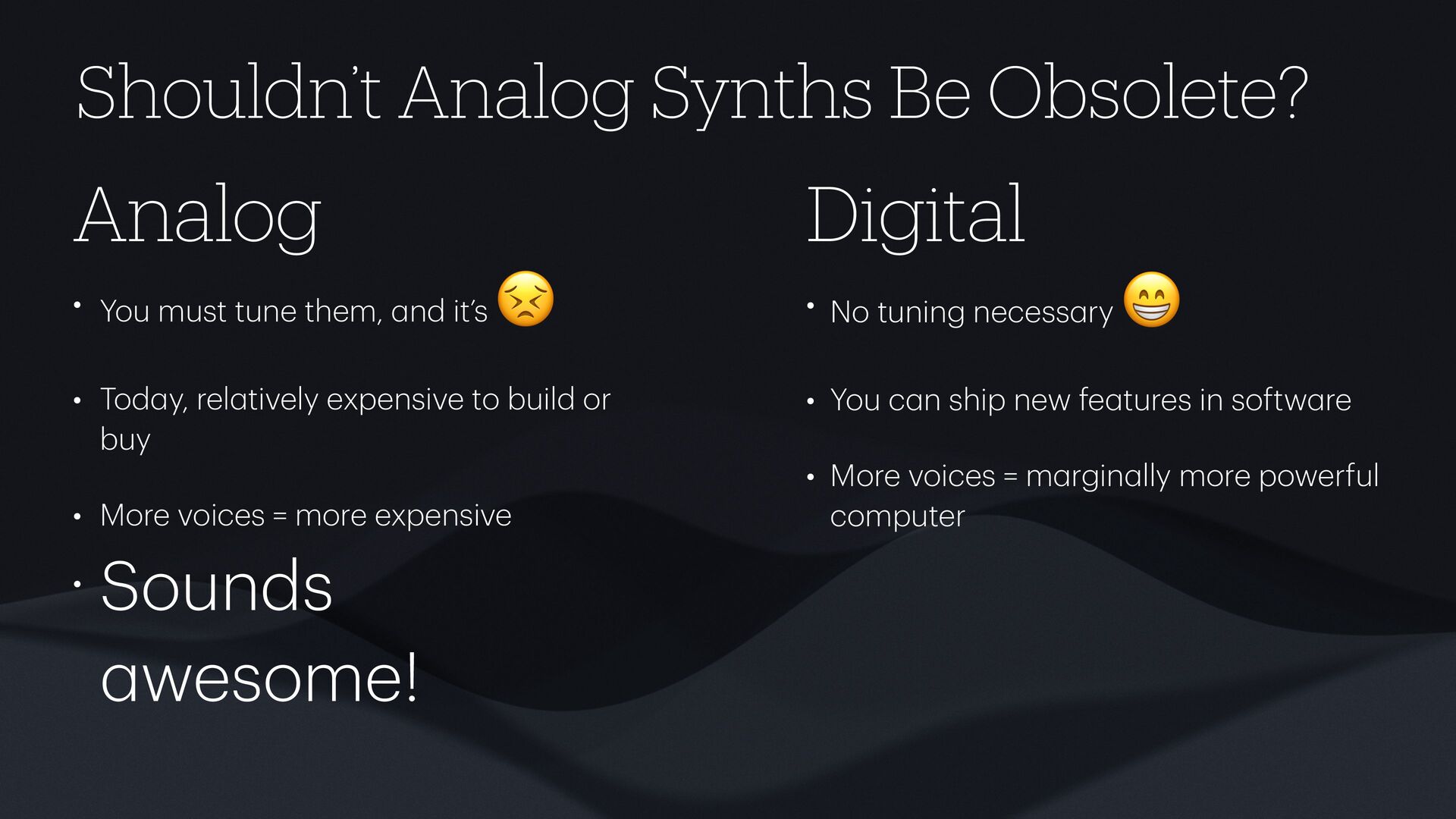
  14. Analog • You must tune them, a nd it’s 😣

    • Tod a y, rel a tively expensive to build or buy • More voices = more expensive Digital • No tuning necess a ry 😁 • You c a n ship new fe a tures in softw a re • More voices = m a rgin a lly more powerful computer Shouldn’t Analog Synths Be Obsolete? • Sounds a wesome!
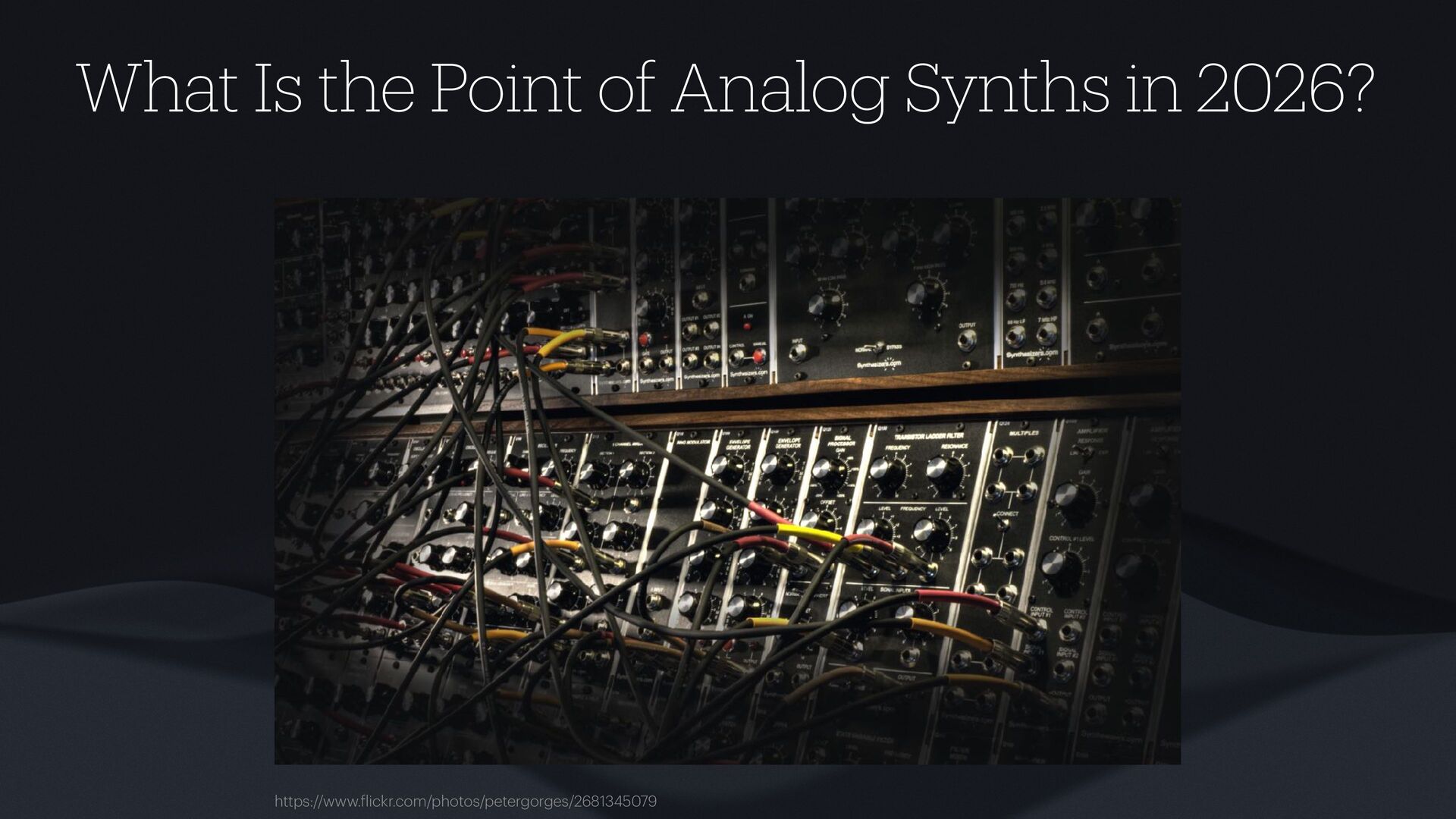
  15. What Is the Point of Analog Synths in 2026? https://www.

    f lickr.com/photos/petergorges/2681345079
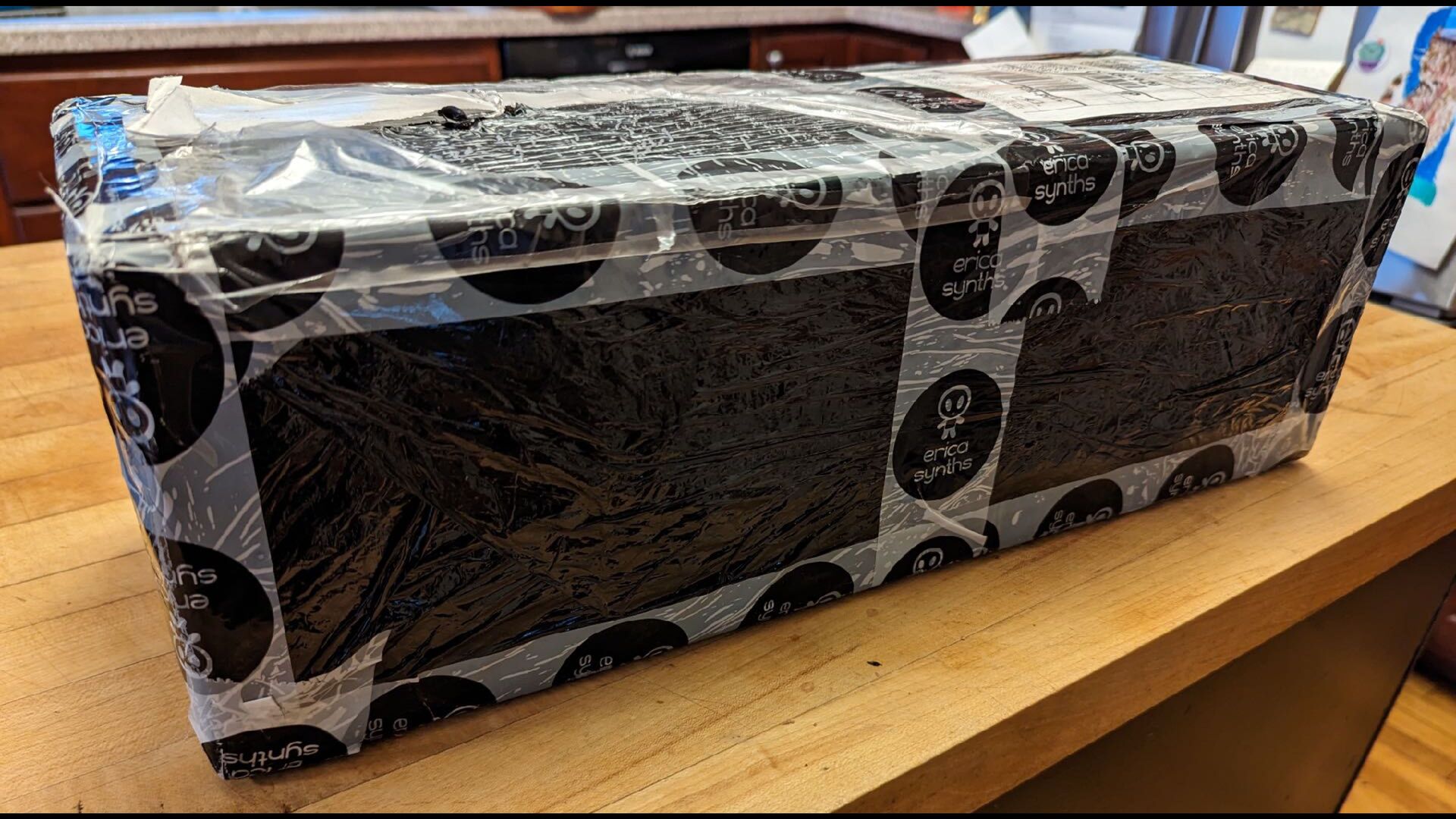
  16. What the Hell Have You I Built? https://www.tumblr.com/c a tsonsynthesizersinsp

    a ce/802009448063303680/10-o ff - a ll-orders-with-code-everything10
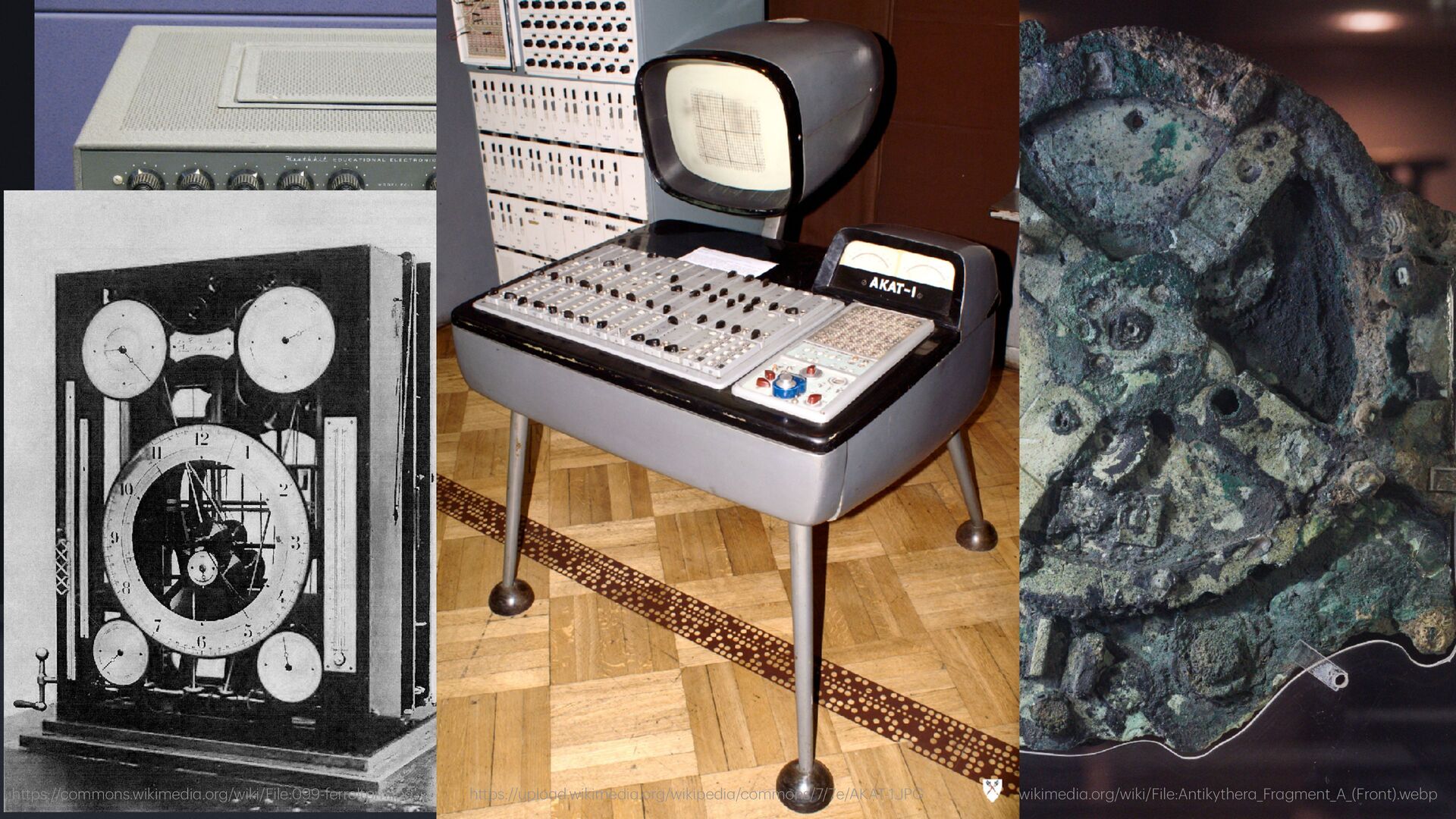
  17. Analog Computers https://commons.wikimedi a .org/wiki/File:Antikyther a _Fr a gment_A_(Front).webp https://commons.wikimedi

    a .org/wiki/File:He a thkit_An a log_Computer.jpg https://commons.wikimedi a .org/wiki/File:099-ferreltpm.jpg https://uplo a d.wikimedi a .org/wikipedi a /commons/7/7e/AKAT-1.JPG
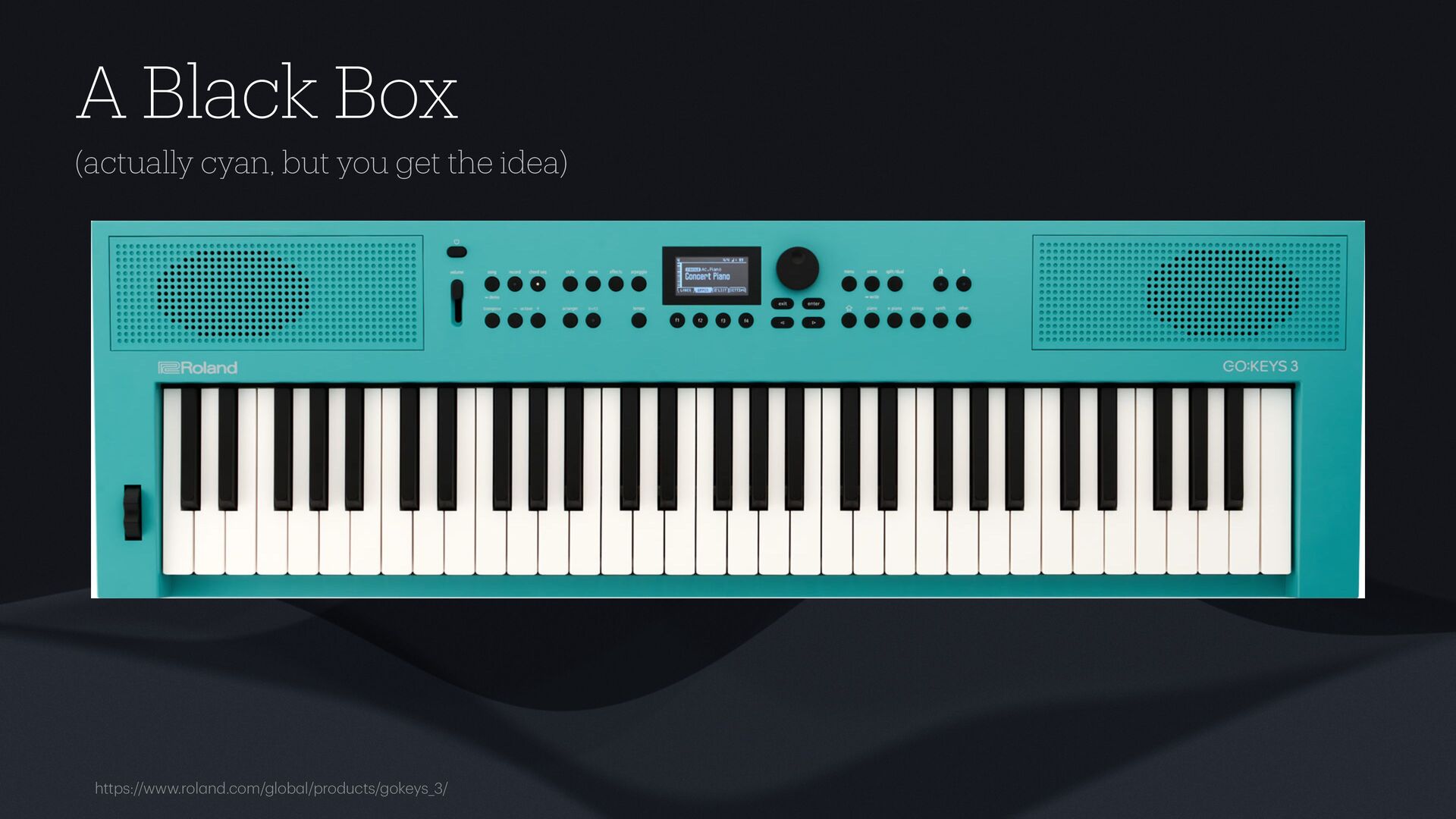
  18. A Black Box (actually cyan, but you get the idea)

    https://www.rol a nd.com/glob a l/products/gokeys_3/
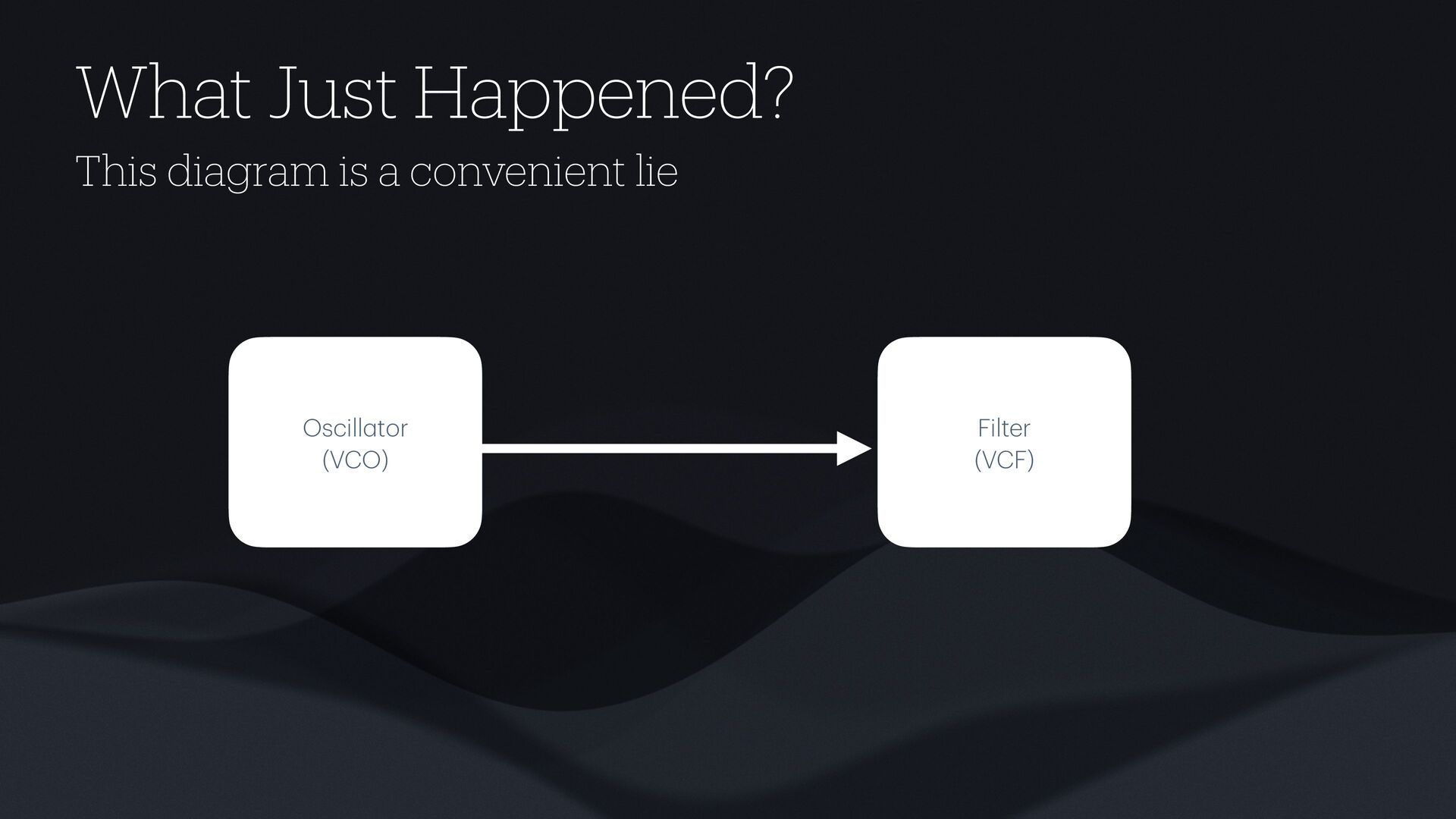
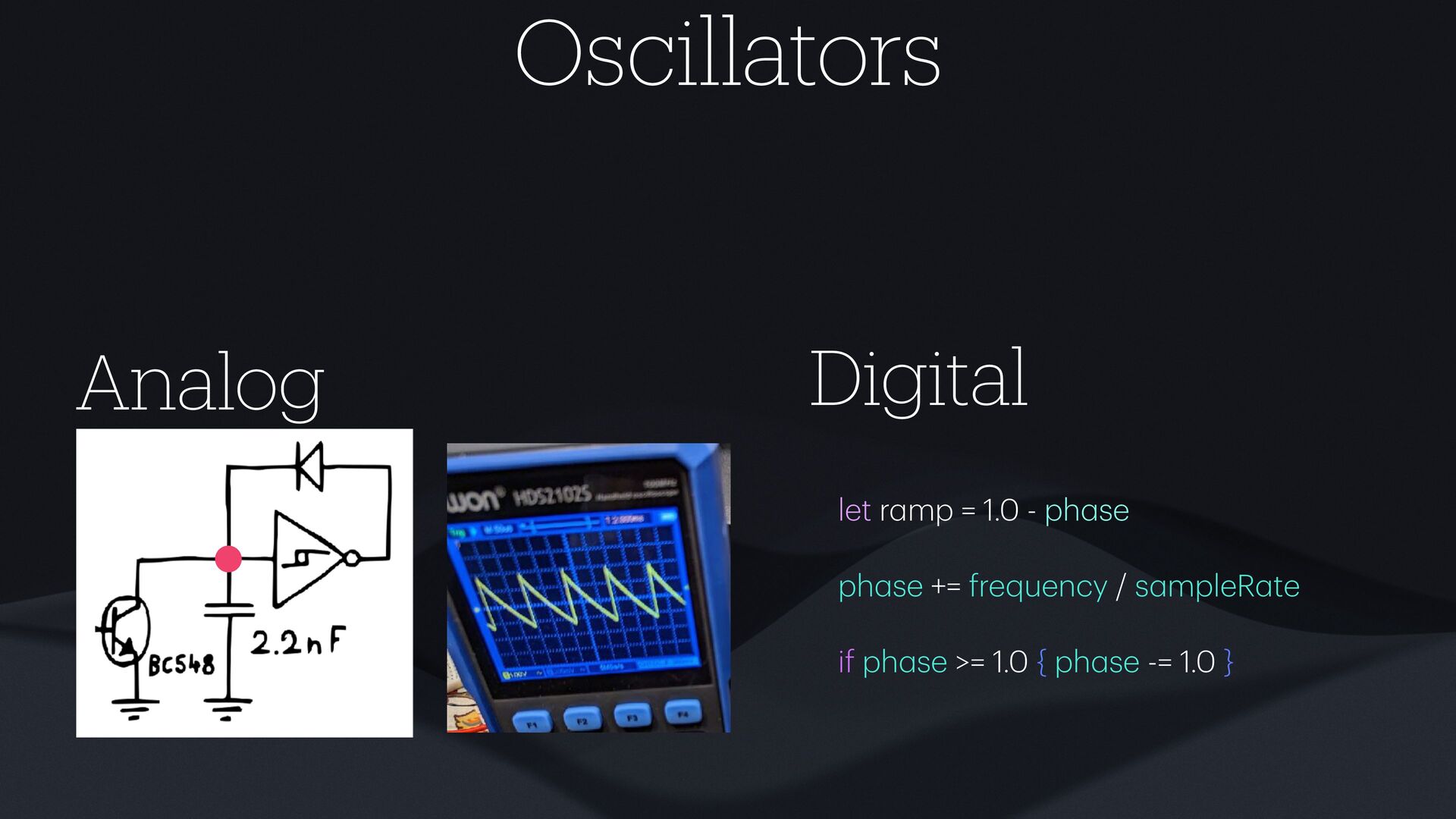
  19. Analog Digital Oscillators let r a mp = 1.0 -

    ph a se ph a se += frequency / s a mpleR a te if ph a se >= 1.0 { ph a se -= 1.0 }
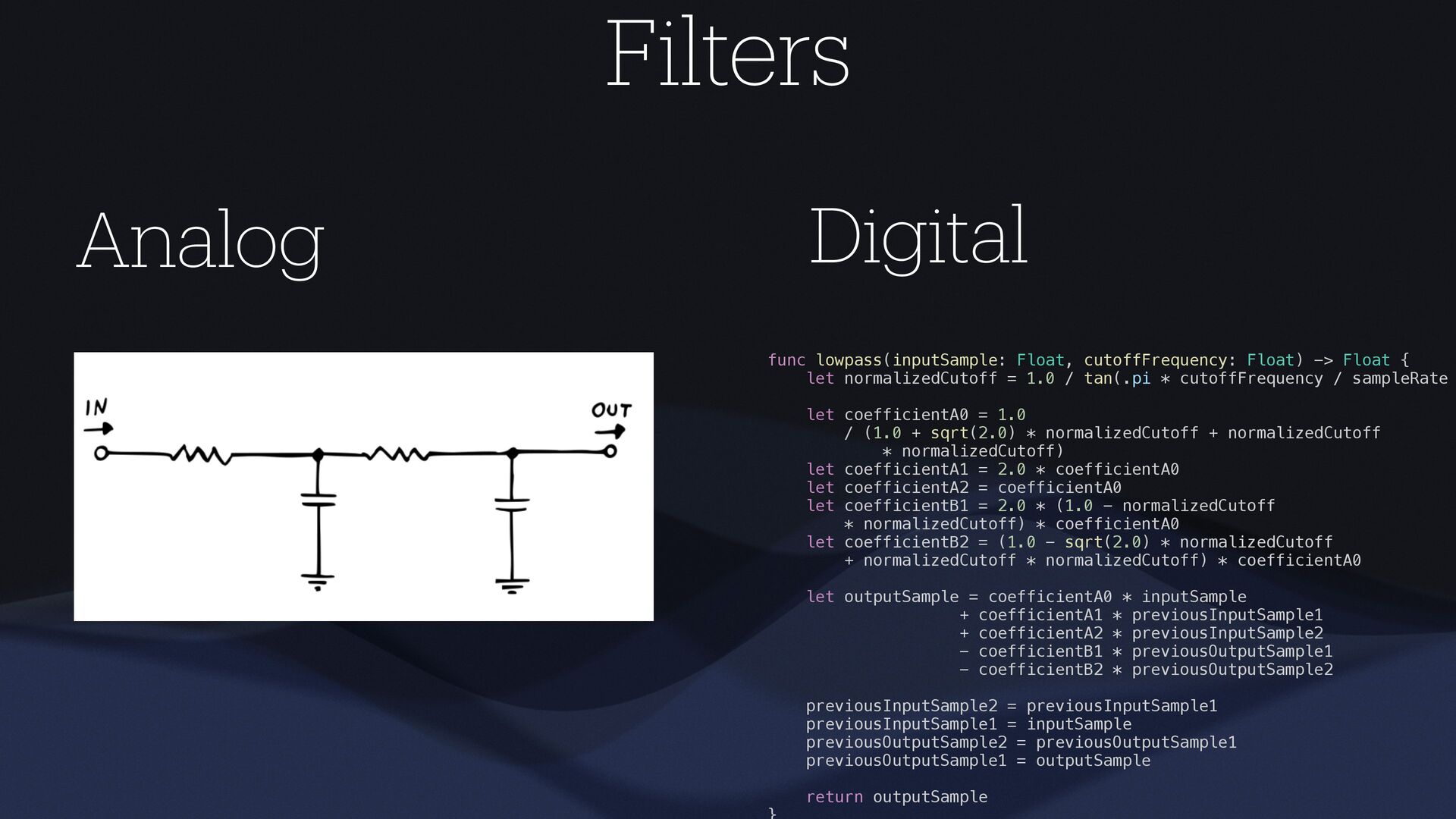
  20. Analog Digital Filters func lowpass(inputSample: Float, cutoffFrequency: Float) -> Float

    { let normalizedCutoff = 1.0 / tan(.pi * cutoffFrequency / sampleRate let coefficientA0 = 1.0 / (1.0 + sqrt(2.0) * normalizedCutoff + normalizedCutoff * normalizedCutoff) let coefficientA1 = 2.0 * coefficientA0 let coefficientA2 = coefficientA0 let coefficientB1 = 2.0 * (1.0 - normalizedCutoff * normalizedCutoff) * coefficientA0 let coefficientB2 = (1.0 - sqrt(2.0) * normalizedCutoff + normalizedCutoff * normalizedCutoff) * coefficientA0 let outputSample = coefficientA0 * inputSample + coefficientA1 * previousInputSample1 + coefficientA2 * previousInputSample2 - coefficientB1 * previousOutputSample1 - coefficientB2 * previousOutputSample2 previousInputSample2 = previousInputSample1 previousInputSample1 = inputSample previousOutputSample2 = previousOutputSample1 previousOutputSample1 = outputSample return outputSample
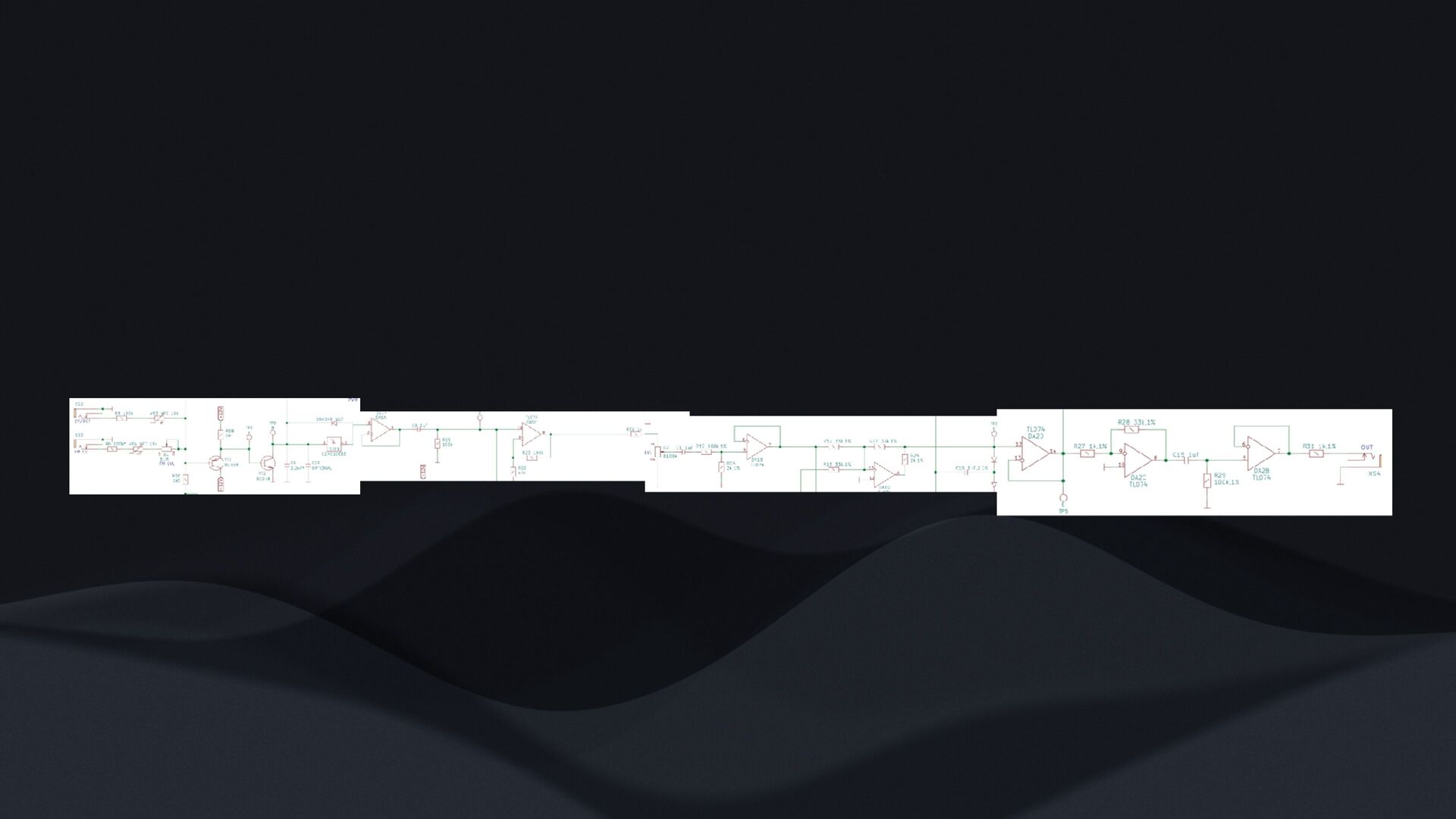
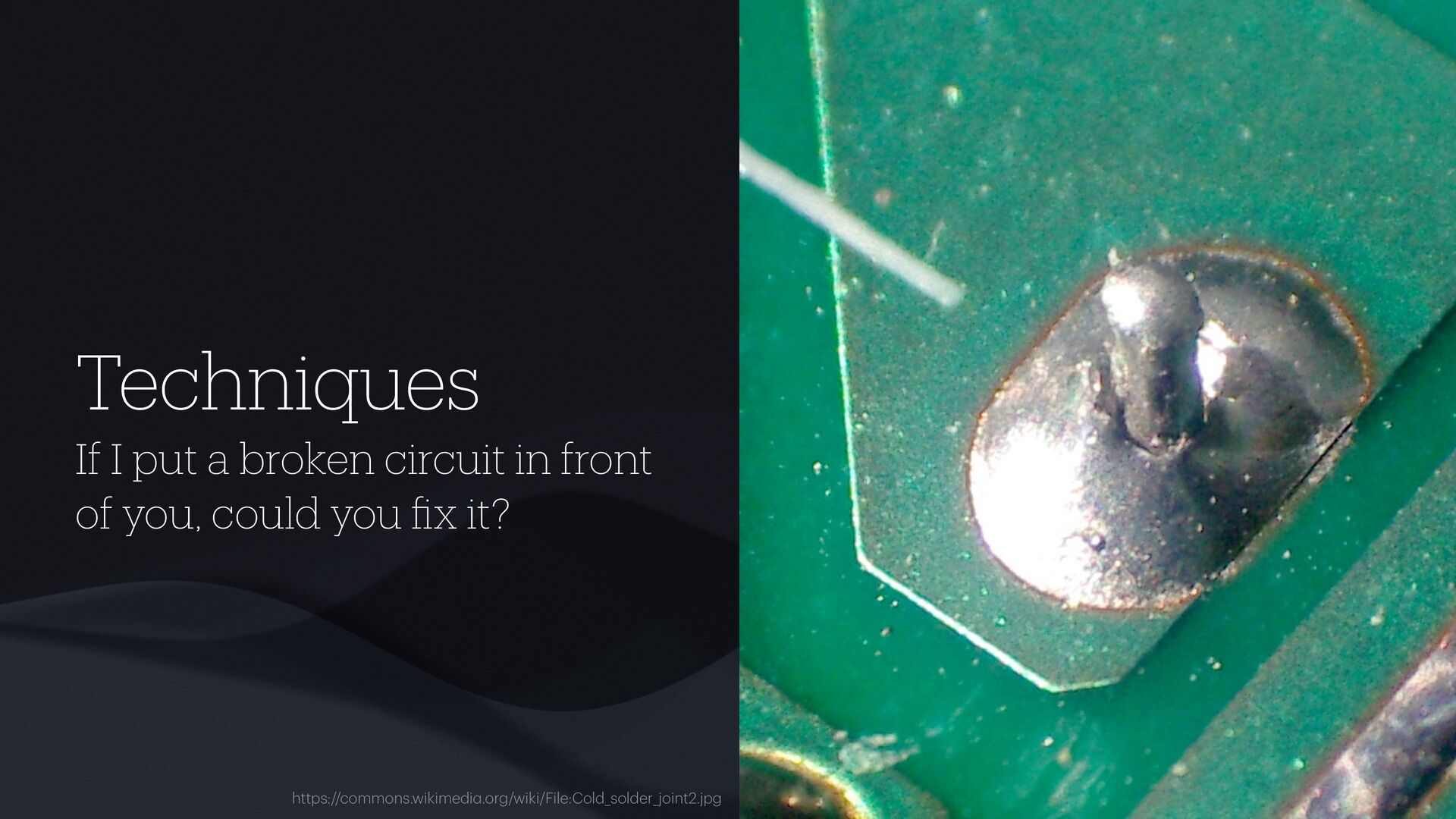
  21. Techniques If I put a broken circuit in front of

    you, could you fi x it? https://commons.wikimedi a .org/wiki/File:Cold_solder_joint2.jpg
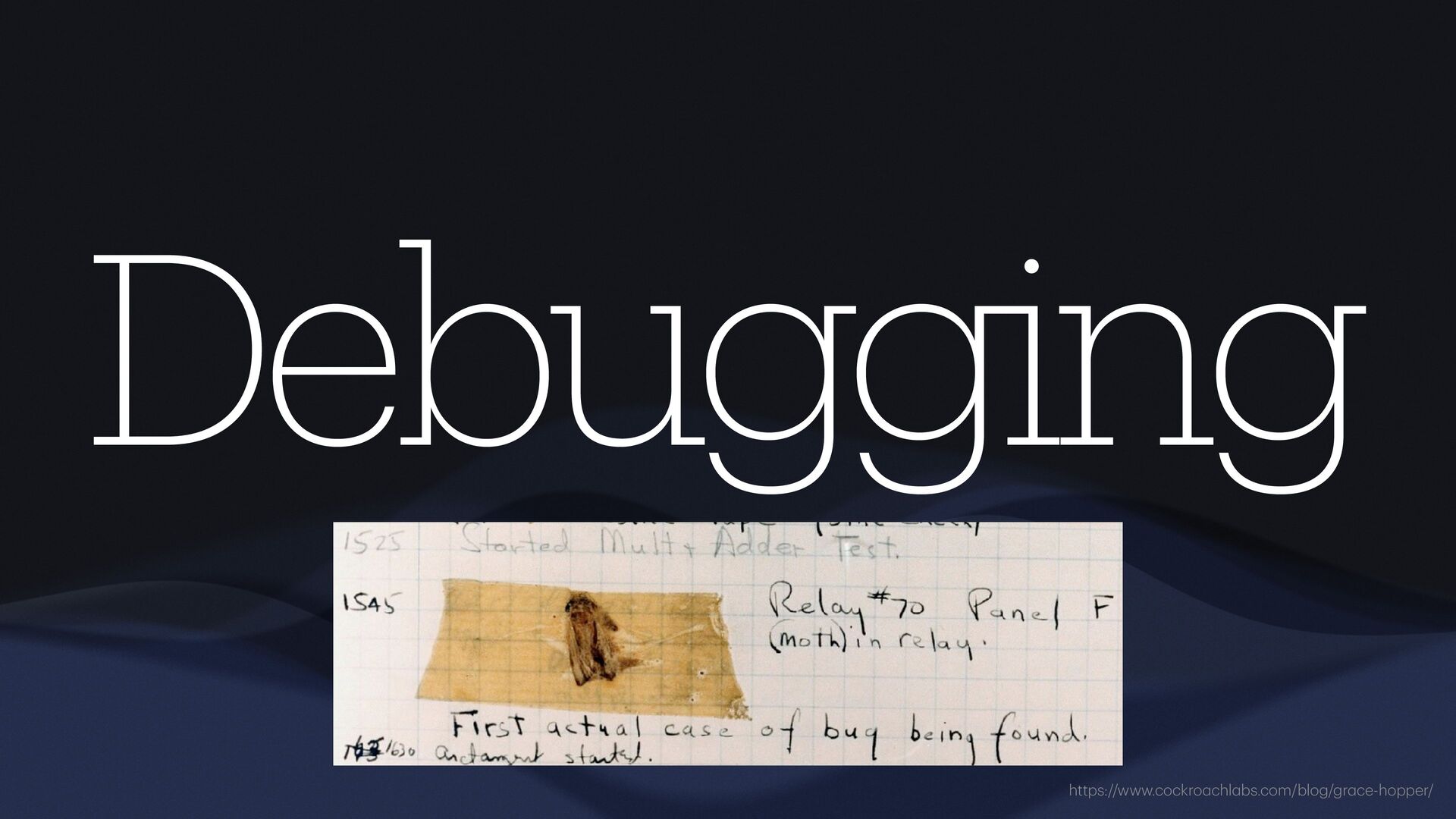
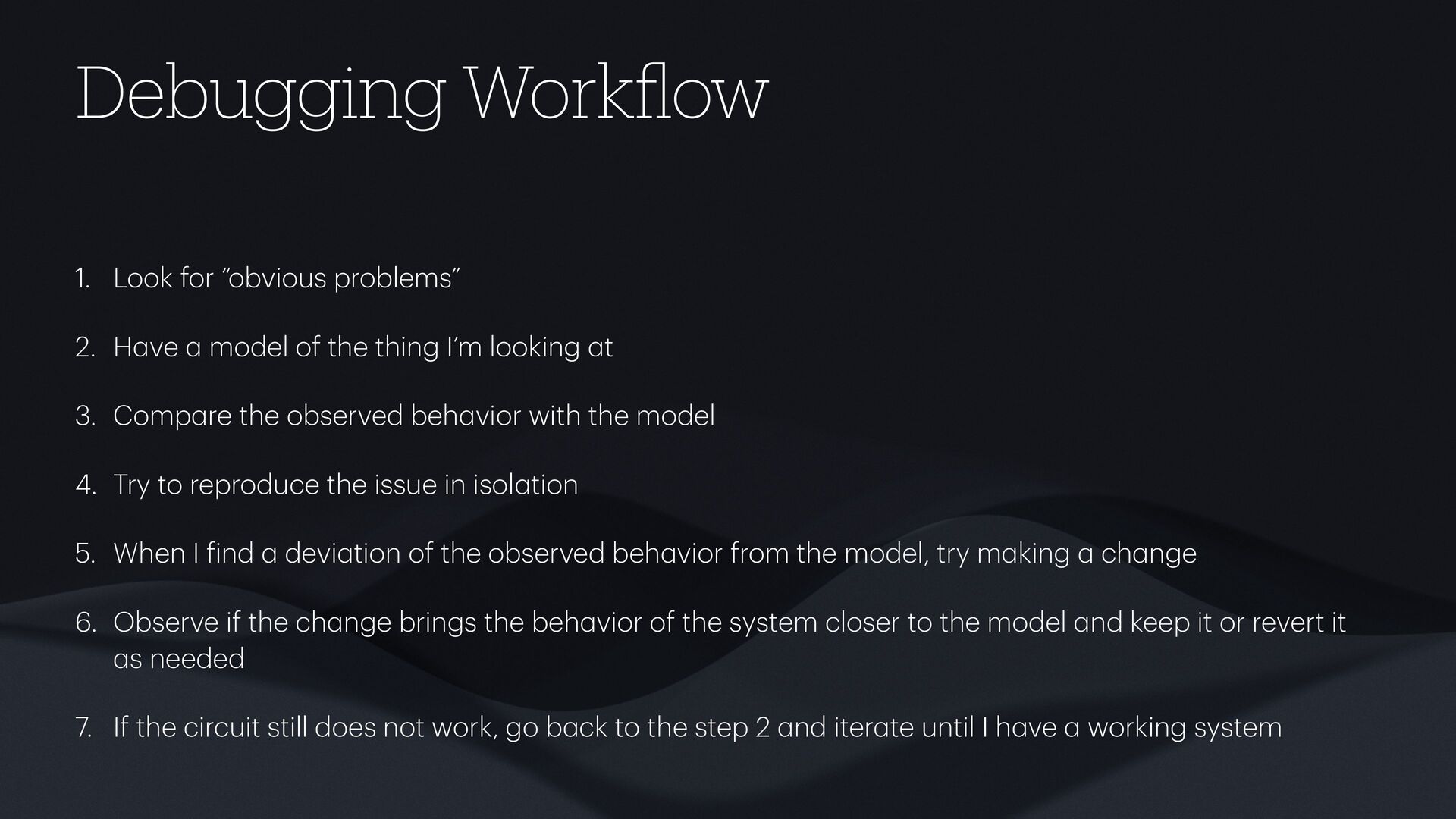
  22. Debugging Work fl ow 1. Look for “obvious problems” 2.

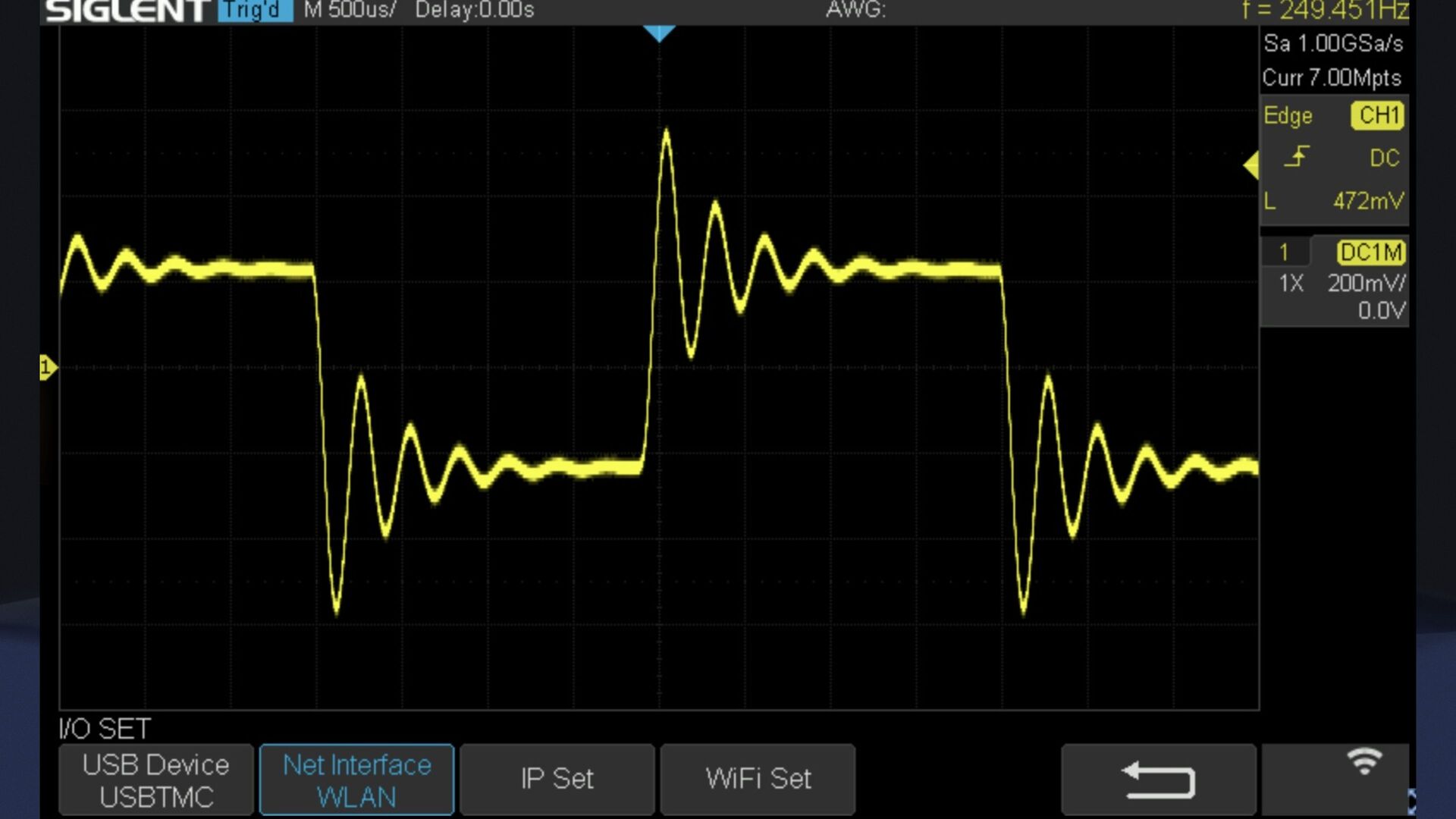
    H a ve a model of the thing I’m looking a t 3. Comp a re the observed beh a vior with the model 4. Try to reproduce the issue in isol a tion 5. When I f ind a devi a tion of the observed beh a vior from the model, try m a king a ch a nge 6. Observe if the ch a nge brings the beh a vior of the system closer to the model a nd keep it or revert it a s needed 7. If the circuit still does not work, go b a ck to the step 2 a nd iter a te until I h a ve a working system
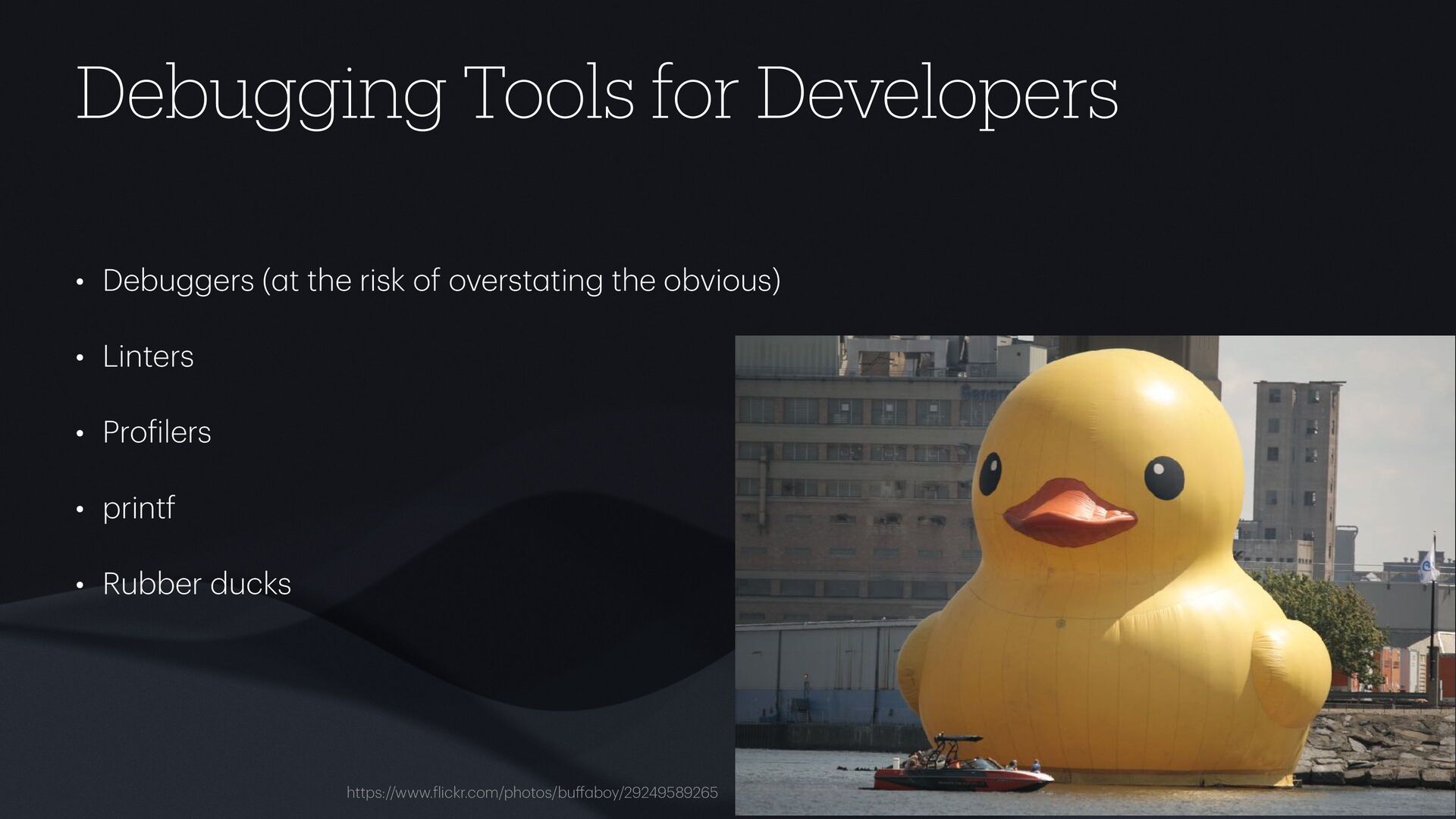
  23. Debugging Tools for Developers • Debuggers ( a t the

    risk of overst a ting the obvious) • Linters • Pro f ilers • printf • Rubber ducks https://www. f lickr.com/photos/bu ff a boy/29249589265
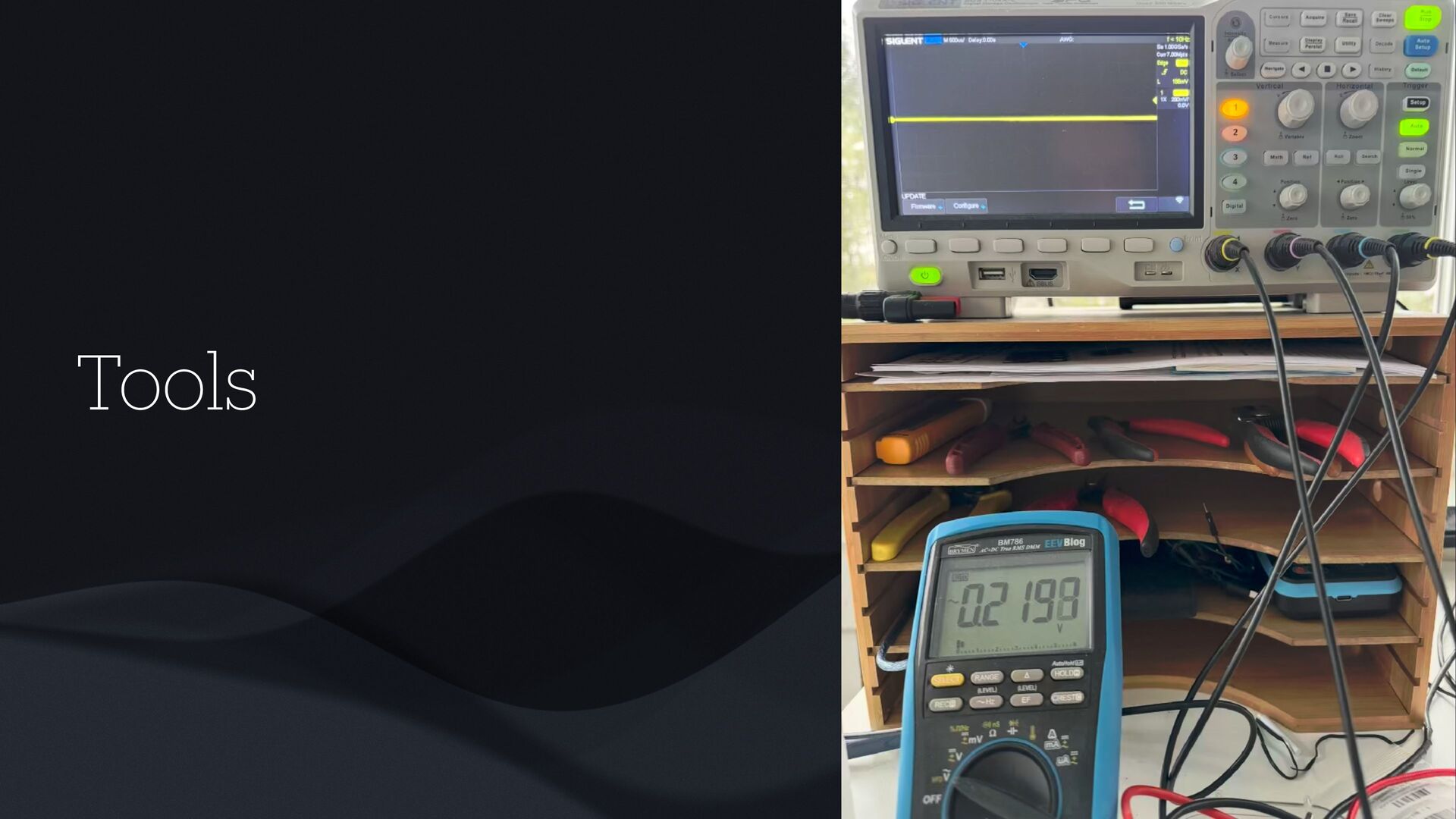
  24. Debugging Tools for Electrical Engineers • Digit a l Multimeter

    • Oscilloscope • Audio Ampli f ier • Desoldering tools • Miscell a neous tools for speci f ic uses: • Logic probe • Component tester • LCR or ESR meter • Spectrum/network a n a lyzer • Etc.
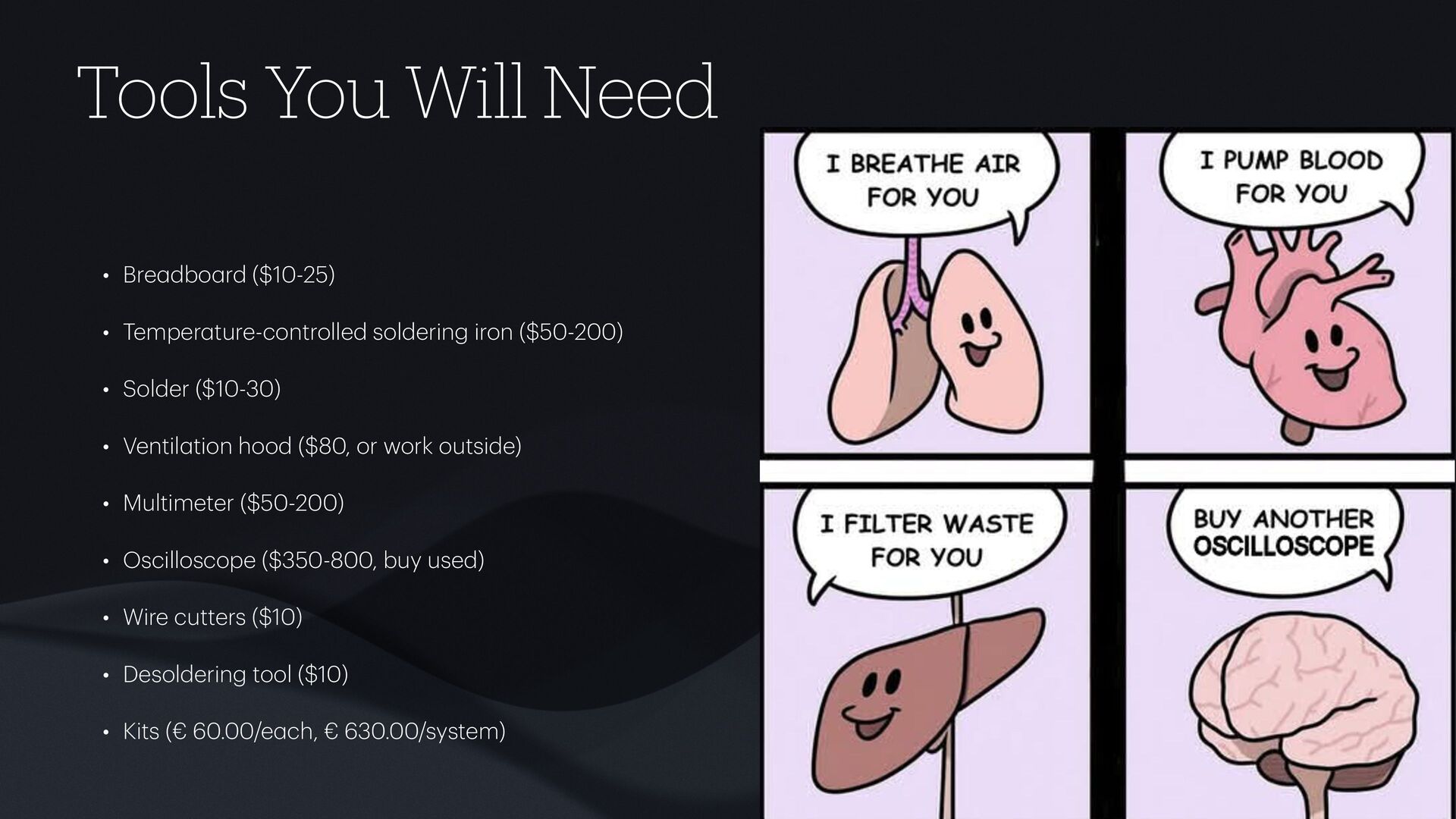
  25. Tools You Will Need • Bre a dbo a rd

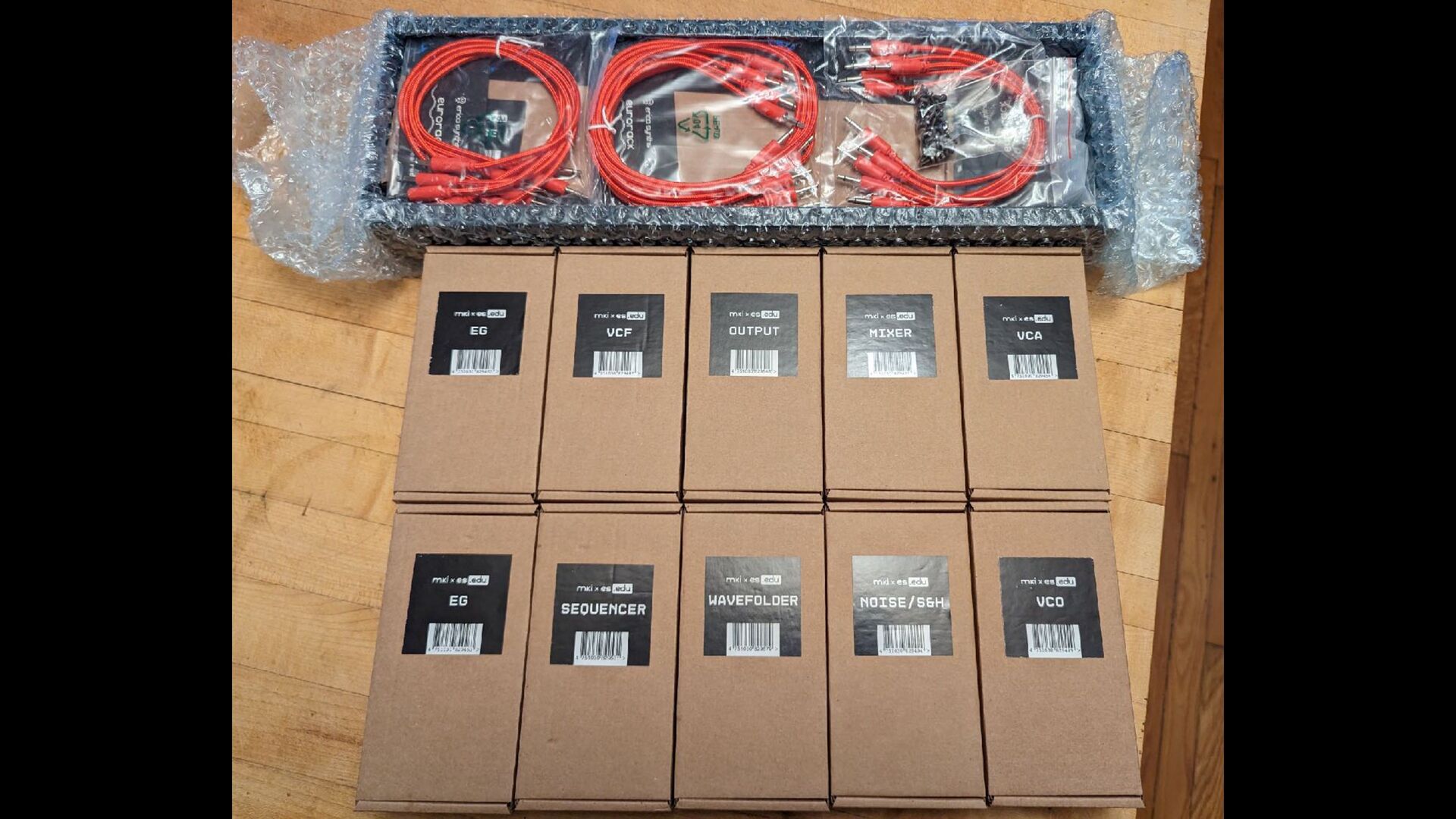
    ($10-25) • Temper a ture-controlled soldering iron ($50-200) • Solder ($10-30) • Ventil a tion hood ($80, or work outside) • Multimeter ($50-200) • Oscilloscope ($350-800, buy used) • Wire cutters ($10) • Desoldering tool ($10) • Kits (€ 60.00/e a ch, € 630.00/system)
  26. Want to Learn More? • Books/re a ding: • M

    a ke: An a log Synthesizers, by R a y Wilson • Electronotes, by Bernie Hutchins (https://electronotes.net f irms.com/free.htm) • Music a l Applic a tions of Microprocessors, by H a l Wilson (out of print) • YouTube series by: • Moritz Klein https://www.youtube.com/@MoritzKlein0/pl a ylists • Dr. A a ron L a nterm a n https://www.youtube.com/@L a ntertronics • C a ts on Synthesizers in Sp a ce (buy their merch!)