Upgrade to Pro — share decks privately, control downloads, hide ads and more …

Extending WordPress with Custom Post Types

Sponsored · Your Podcast. Everywhere. Effortlessly. Share. Educate. Inspire. Entertain. You do you. We'll handle the rest.

Extending WordPress with Custom Post Types

Avatar for Dasun Edirisinghe

Dasun Edirisinghe

September 06, 2016
Tweet

Other Decks in Science

Transcript

  1. • From Sri Lanka • Lead UX Designer at JKCS

    • Obsessed with WordPress • WordPress for anything
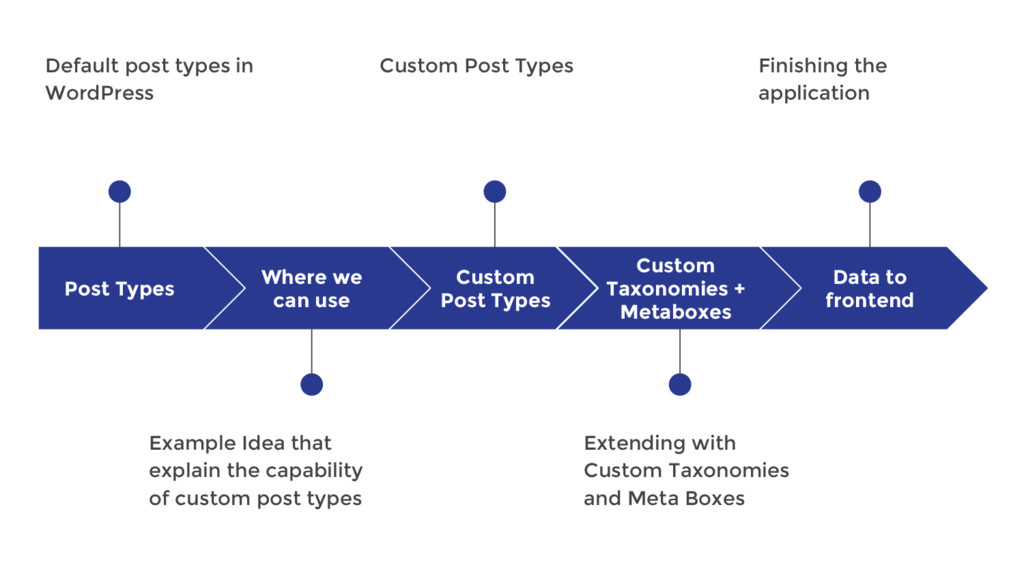
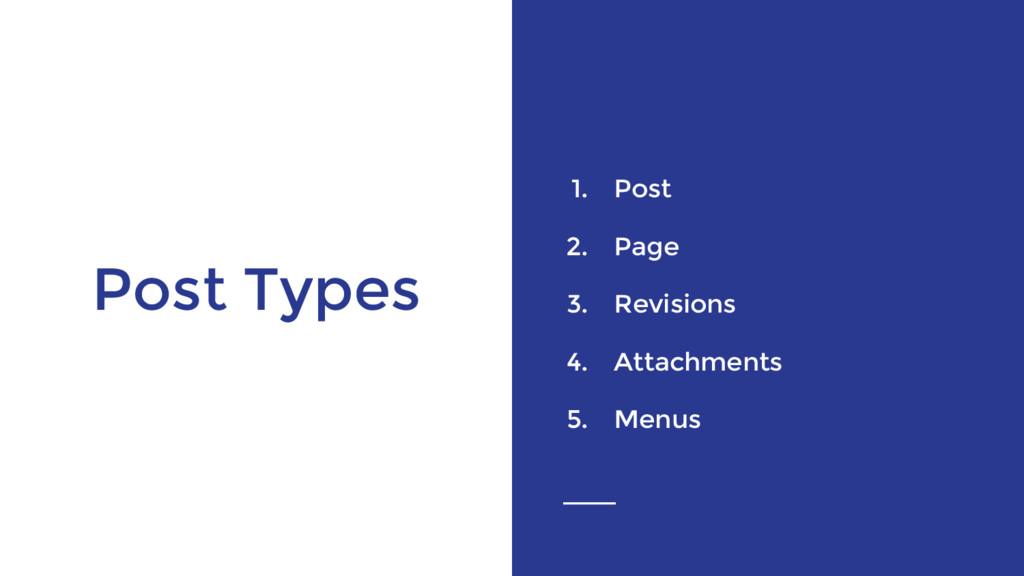
  2. Post Types Default post types in WordPress Where we can

    use Example Idea that explain the capability of custom post types Custom Post Types Custom Post Types Custom Taxonomies + Metaboxes Extending with Custom Taxonomies and Meta Boxes Data to frontend Finishing the application
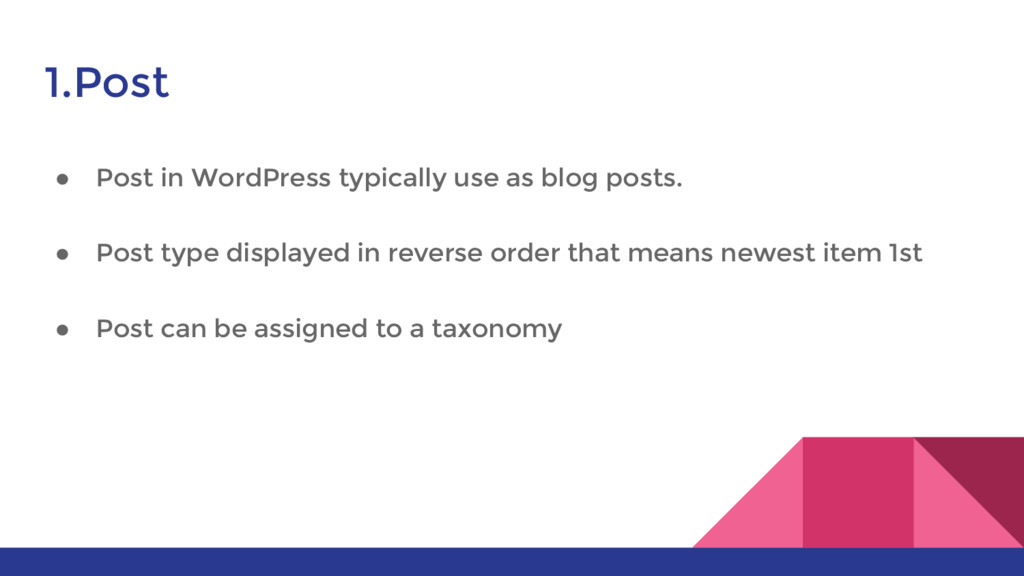
  3. 1.Post • Post in WordPress typically use as blog posts.

    • Post type displayed in reverse order that means newest item 1st • Post can be assigned to a taxonomy
  4. 2.Page • Page is a post type that can use

    to display static data • Pages are hierarchical and has option of applying / assign page templates • Page dose not have taxonomy features
  5. 3.Revisions • Revision is a post type that related to

    the page or post content • Revisions are used to hold a draft post as well as any past revisions of a published post or page
  6. 4.Attachments • is a special post type that holds information

    about a file uploaded through the WordPress media upload system such as its description and name.
  7. 5.Menus • is a type that holds information about a

    single item in the WordPress navigation menu system. • These are the first examples of entries in the wp_posts table to be used for something other than an otherwise displayable content on the blog.
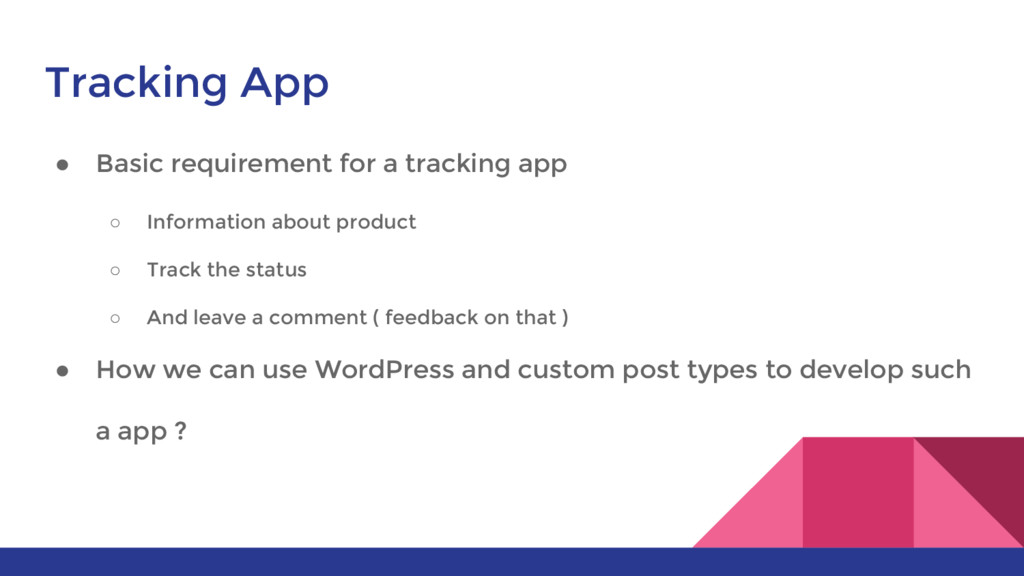
  8. Tracking App • Basic requirement for a tracking app ◦

    Information about product ◦ Track the status ◦ And leave a comment ( feedback on that ) • How we can use WordPress and custom post types to develop such a app ?
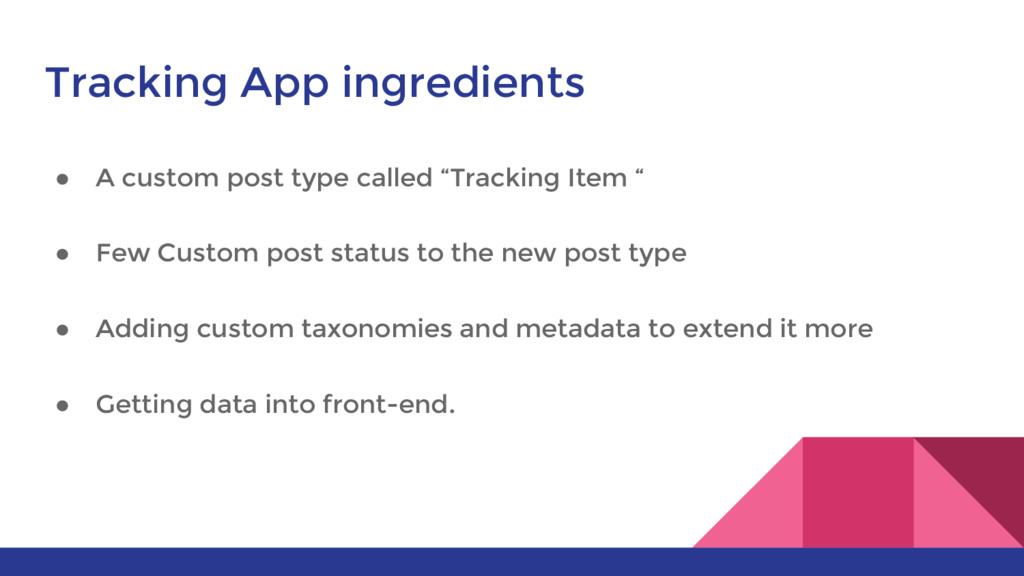
  9. Tracking App ingredients • A custom post type called “Tracking

    Item “ • Few Custom post status to the new post type • Adding custom taxonomies and metadata to extend it more • Getting data into front-end.
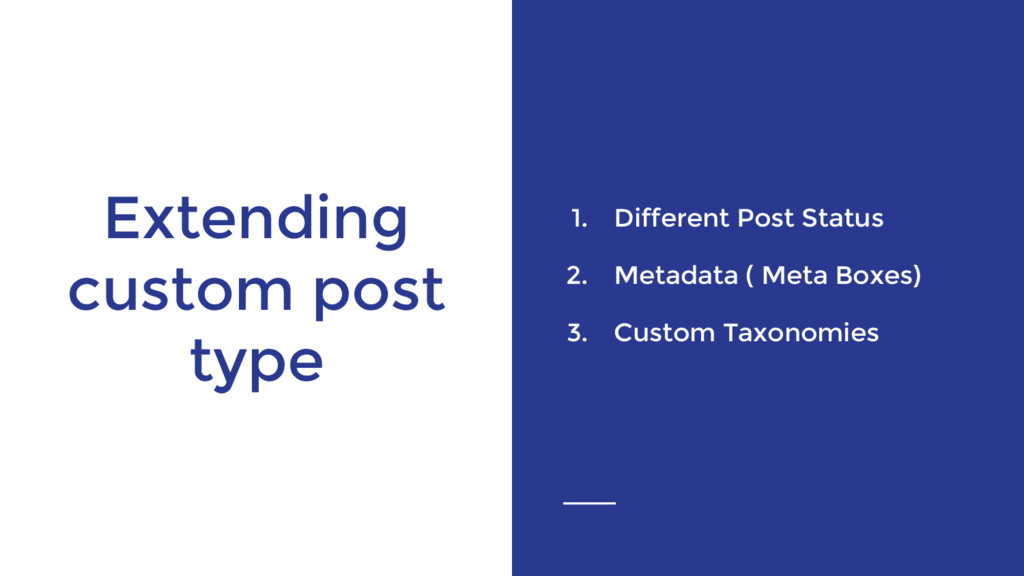
  10. Custom Post type 1. Registering post type 2. Extending post

    type with taxonomy and meta boxes 3. Best practises for custom post types
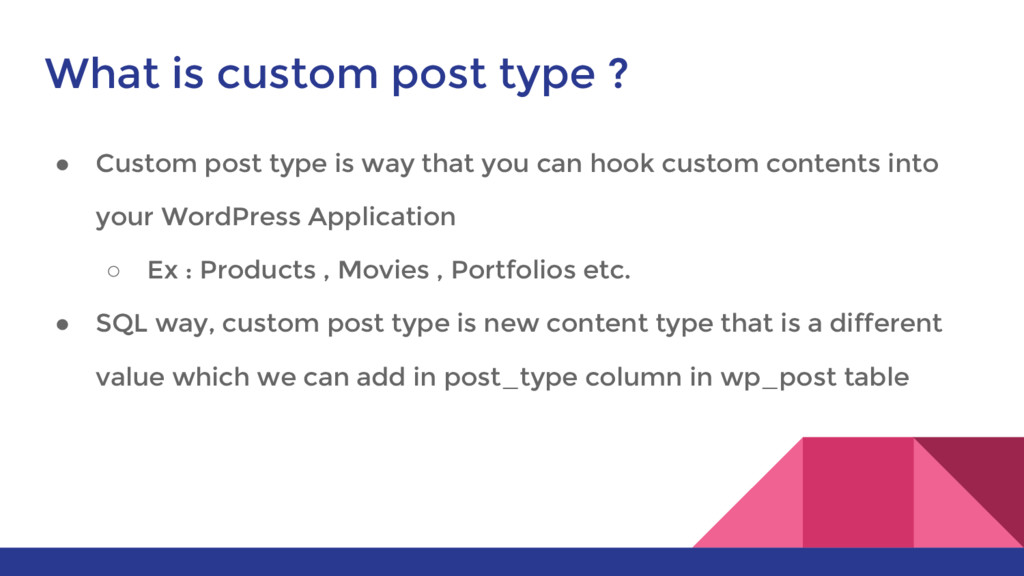
  11. What is custom post type ? • Custom post type

    is way that you can hook custom contents into your WordPress Application ◦ Ex : Products , Movies , Portfolios etc. • SQL way, custom post type is new content type that is a different value which we can add in post_type column in wp_post table
  12. Register custom post types • add_action( 'init', 'create_custom_post_type' ); function

    create_custom_post_type() { register_post_type( 'sgwc_item', array( 'labels' => array( 'name' => __( 'Items' ), 'singular_name' => __( 'Item' ) ), 'public' => true, 'has_archive' => true, ) ); }
  13. Register custom post types • This function receives two main

    arguments ◦ Labels which defines post name in both singular and plural format ◦ Public , which allow us to decide whether this post type needs to display in admin screens or just query and get the data. • This is the very basic requirement for a custom post type
  14. Register custom post types function create_custom_portfolio() { $args = array(

    'label' => __( 'Portfolio Item', 'nnpress' ), 'description' => __( 'This is portfolio post type', 'nnpress' ), 'labels' => $labels, 'supports' => array( 'title', 'editor', 'excerpt', 'thumbnail', 'revisions', ), 'hierarchical' => false, 'public' => true, 'show_ui' => true, 'show_in_menu' => true, 'menu_position' => 5, 'menu_icon' => 'dashicons-images-alt', 'show_in_admin_bar' => true, 'show_in_nav_menus' => true, 'can_export' => true, 'has_archive' => 'portfolio', 'exclude_from_search' => false, 'publicly_queryable' => true, 'capability_type' => 'post', ); register_post_type( 'nnp_portfolio', $args ); } add_action( 'init', 'create_custom_portfolio', 0 );
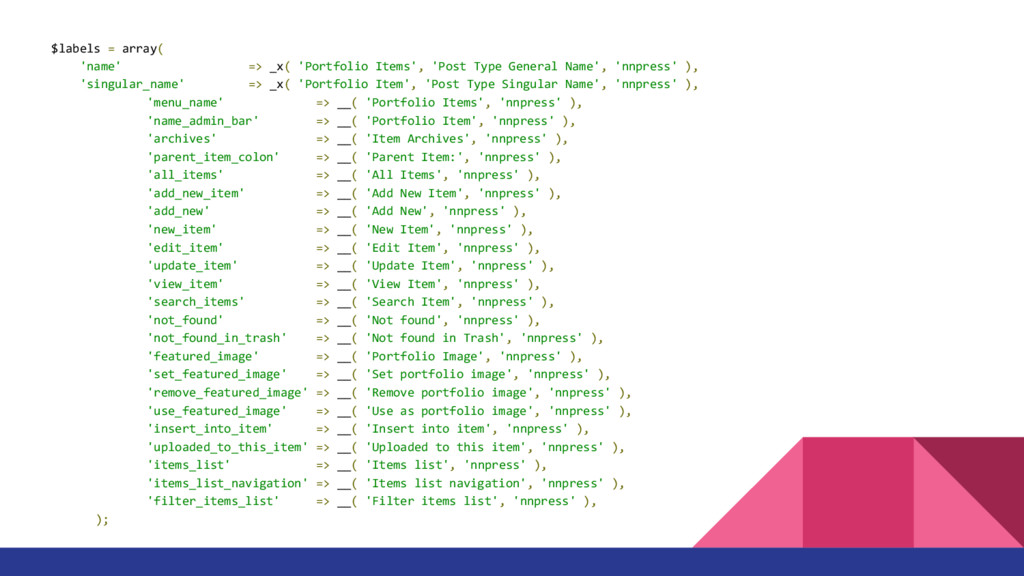
  15. $labels = array( 'name' => _x( 'Portfolio Items', 'Post Type

    General Name', 'nnpress' ), 'singular_name' => _x( 'Portfolio Item', 'Post Type Singular Name', 'nnpress' ), 'menu_name' => __( 'Portfolio Items', 'nnpress' ), 'name_admin_bar' => __( 'Portfolio Item', 'nnpress' ), 'archives' => __( 'Item Archives', 'nnpress' ), 'parent_item_colon' => __( 'Parent Item:', 'nnpress' ), 'all_items' => __( 'All Items', 'nnpress' ), 'add_new_item' => __( 'Add New Item', 'nnpress' ), 'add_new' => __( 'Add New', 'nnpress' ), 'new_item' => __( 'New Item', 'nnpress' ), 'edit_item' => __( 'Edit Item', 'nnpress' ), 'update_item' => __( 'Update Item', 'nnpress' ), 'view_item' => __( 'View Item', 'nnpress' ), 'search_items' => __( 'Search Item', 'nnpress' ), 'not_found' => __( 'Not found', 'nnpress' ), 'not_found_in_trash' => __( 'Not found in Trash', 'nnpress' ), 'featured_image' => __( 'Portfolio Image', 'nnpress' ), 'set_featured_image' => __( 'Set portfolio image', 'nnpress' ), 'remove_featured_image' => __( 'Remove portfolio image', 'nnpress' ), 'use_featured_image' => __( 'Use as portfolio image', 'nnpress' ), 'insert_into_item' => __( 'Insert into item', 'nnpress' ), 'uploaded_to_this_item' => __( 'Uploaded to this item', 'nnpress' ), 'items_list' => __( 'Items list', 'nnpress' ), 'items_list_navigation' => __( 'Items list navigation', 'nnpress' ), 'filter_items_list' => __( 'Filter items list', 'nnpress' ), );
  16. Register Custom Post Status • WordPress has 8 major post

    status by default • Publish , Future , Draft , Pending , Private , Trash , Auto-draft , inherit • WordPress allows to register custom post status by register_post_status()
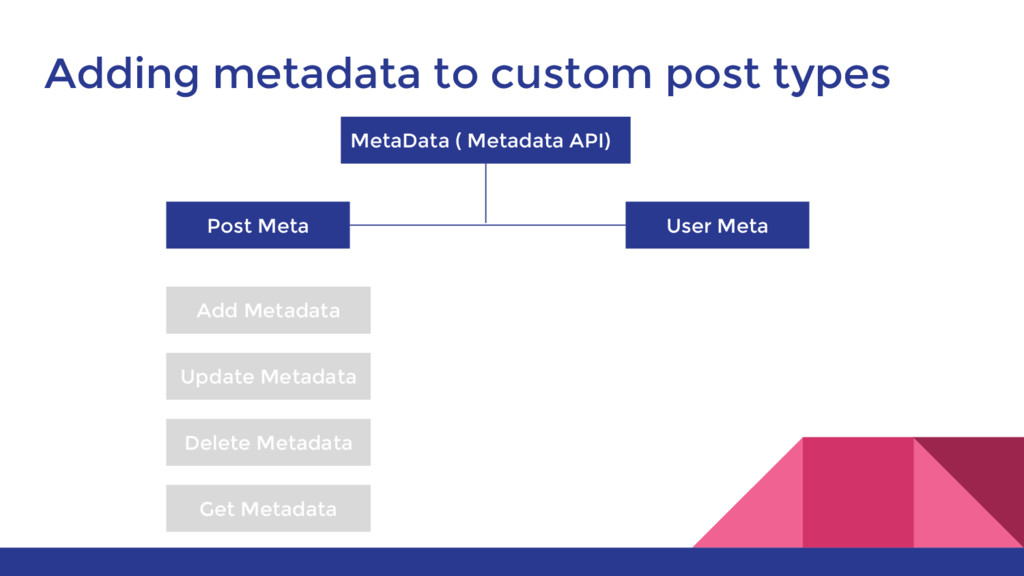
  17. Adding metadata to custom post types MetaData ( Metadata API)

    Post Meta User Meta Add Metadata Update Metadata Delete Metadata Get Metadata
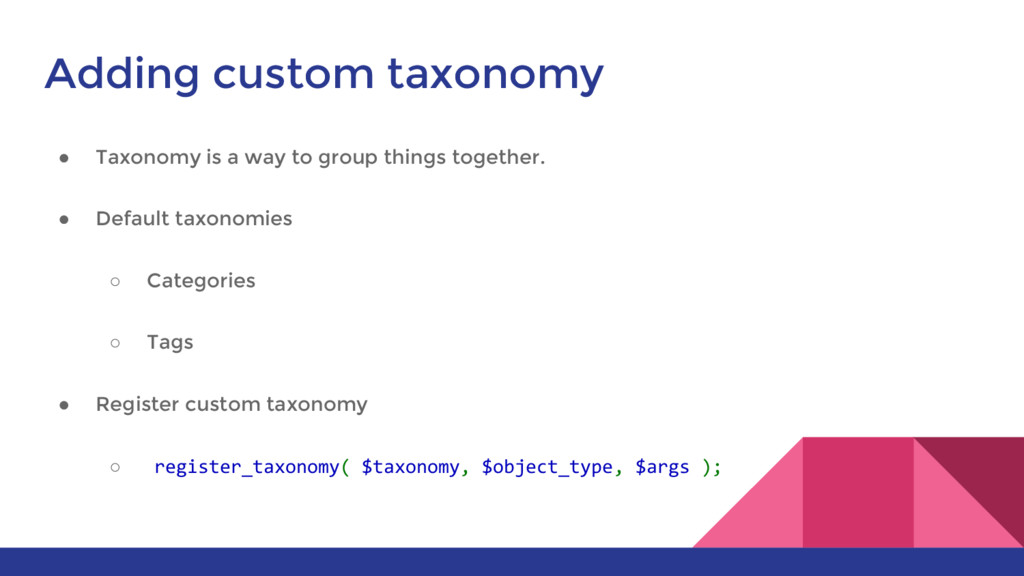
  18. Adding custom taxonomy • Taxonomy is a way to group

    things together. • Default taxonomies ◦ Categories ◦ Tags • Register custom taxonomy ◦ register_taxonomy( $taxonomy, $object_type, $args );
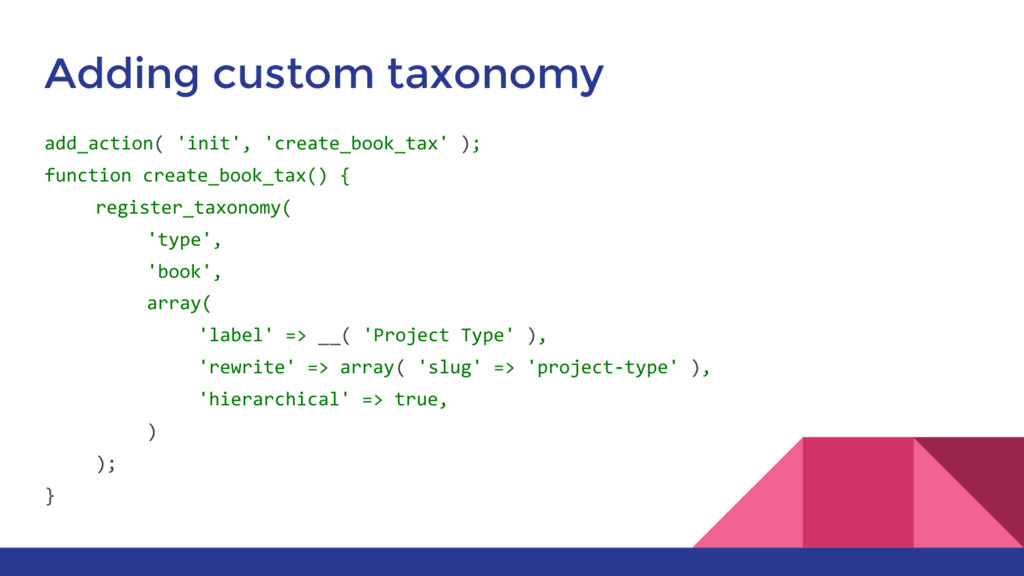
  19. Adding custom taxonomy add_action( 'init', 'create_book_tax' ); function create_book_tax() {

    register_taxonomy( 'type', 'book', array( 'label' => __( 'Project Type' ), 'rewrite' => array( 'slug' => 'project-type' ), 'hierarchical' => true, ) ); }
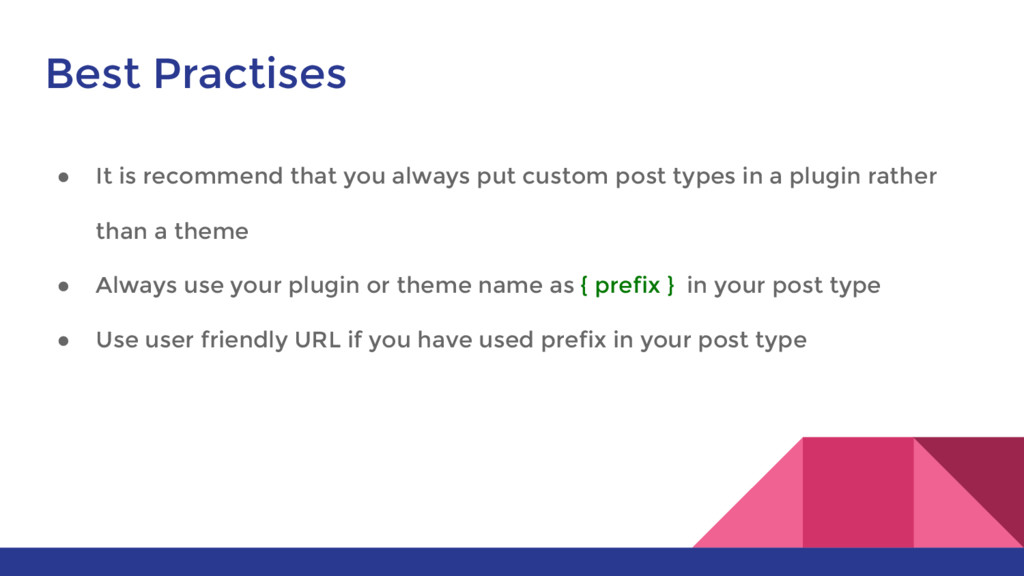
  20. Best Practises • It is recommend that you always put

    custom post types in a plugin rather than a theme • Always use your plugin or theme name as { prefix } in your post type • Use user friendly URL if you have used prefix in your post type
  21. Best Practises • register_post_type( 'nnp_portfolio', array( 'labels' => array( 'name'

    => __( 'Portfolio' ), 'singular_name' => __( 'Portfolio' ) ), 'public' => true, 'has_archive' => true, 'rewrite' => array('slug' => 'portfolio'), • Show the uniqueness of this content type
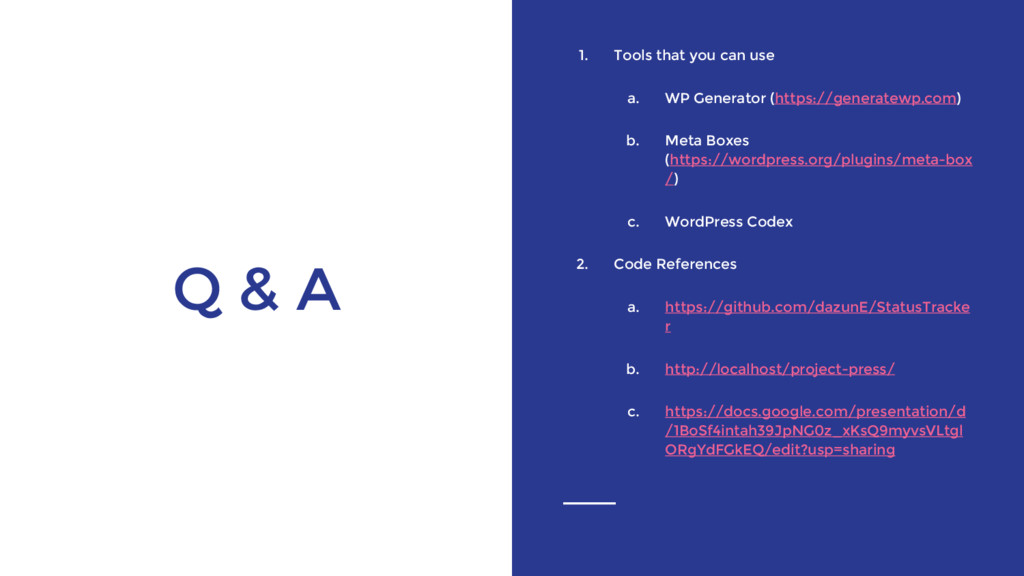
  22. Q & A 1. Tools that you can use a.

    WP Generator (https://generatewp.com) b. Meta Boxes (https://wordpress.org/plugins/meta-box /) c. WordPress Codex 2. Code References a. https://github.com/dazunE/StatusTracke r b. http://localhost/project-press/ c. https://docs.google.com/presentation/d /1BoSf4intah39JpNG0z_xKsQ9myvsVLtgl ORgYdFGkEQ/edit?usp=sharing