Upgrade to Pro — share decks privately, control downloads, hide ads and more …

10 Essential Features of a High-Converting Law ...

Sponsored · Your Podcast. Everywhere. Effortlessly. Share. Educate. Inspire. Entertain. You do you. We'll handle the rest. →

10 Essential Features of a High-Converting Law Firm Website

A practical guide for lawyers, law firm owners and legal professionals on what makes a law firm website easier to trust and easier to contact. The deck covers eight areas: professional first impressions, mobile-friendly design, website speed, clear practice-area pages, attorney profiles and credibility, simple navigation and accessibility, contact and consultation options, and search engine optimization basics. Each section ends with steps you can apply to your own site, and the final slide gives you a simple self-audit.

Created by Digital Barristers. For further reading, see these law firm website design resources: https://digitalbarristers.com/

Avatar for Digital Barristers

Digital Barristers

October 15, 2026

Other Decks in Design

Transcript

  1. Digital Barristers 10 Essential Features of a High-Converting Law Firm

    Website A practical guide for lawyers, law firm owners and legal professionals Request a consultation
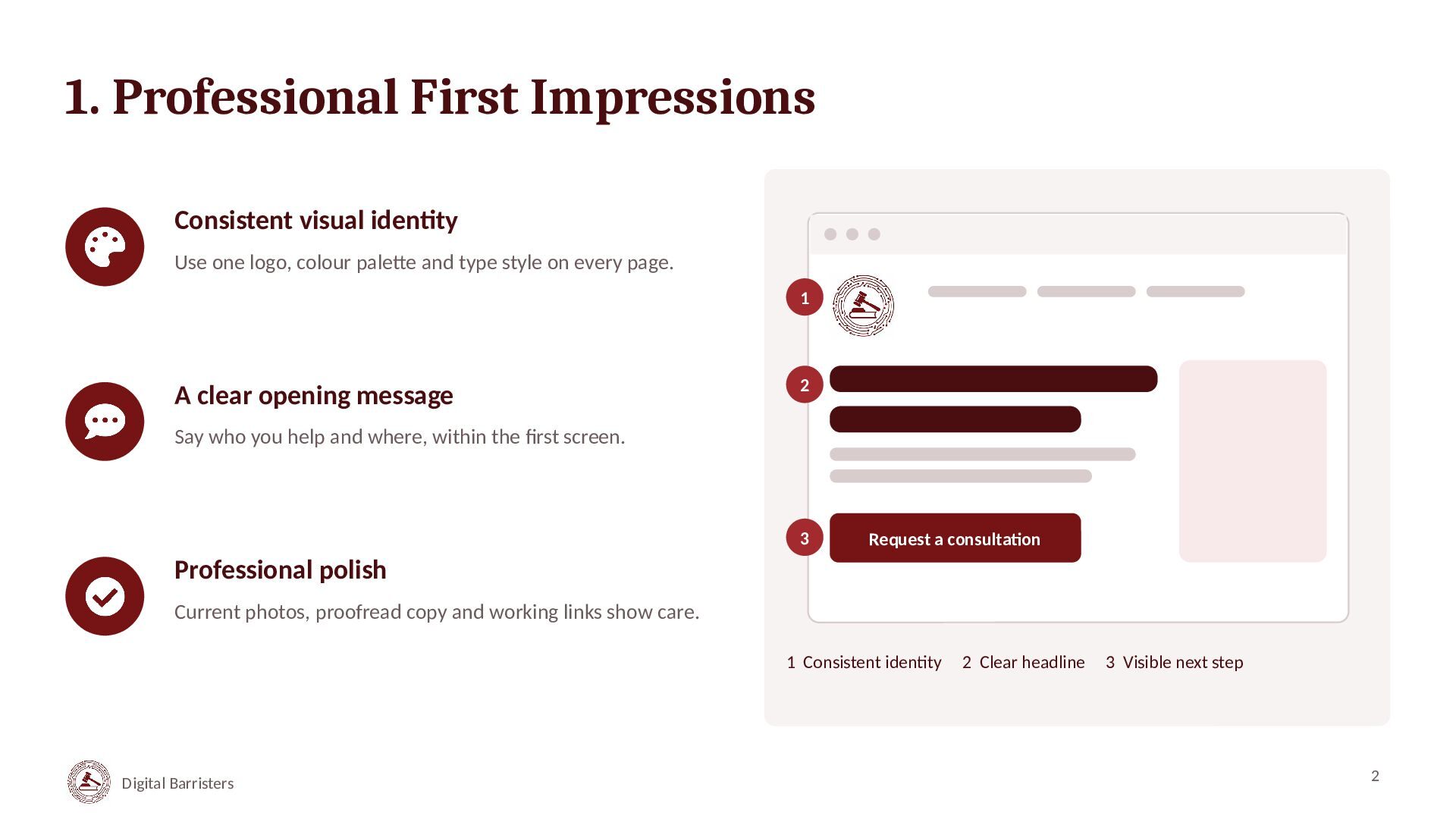
  2. 1. Professional First Impressions Consistent visual identity Use one logo,

    colour palette and type style on every page. 1 A clear opening message 2 Say who you help and where, within the first screen. 3 Request a consultation Professional polish Current photos, proofread copy and working links show care. 1 Consistent identity Digital Barristers 2 Clear headline 3 Visible next step 2
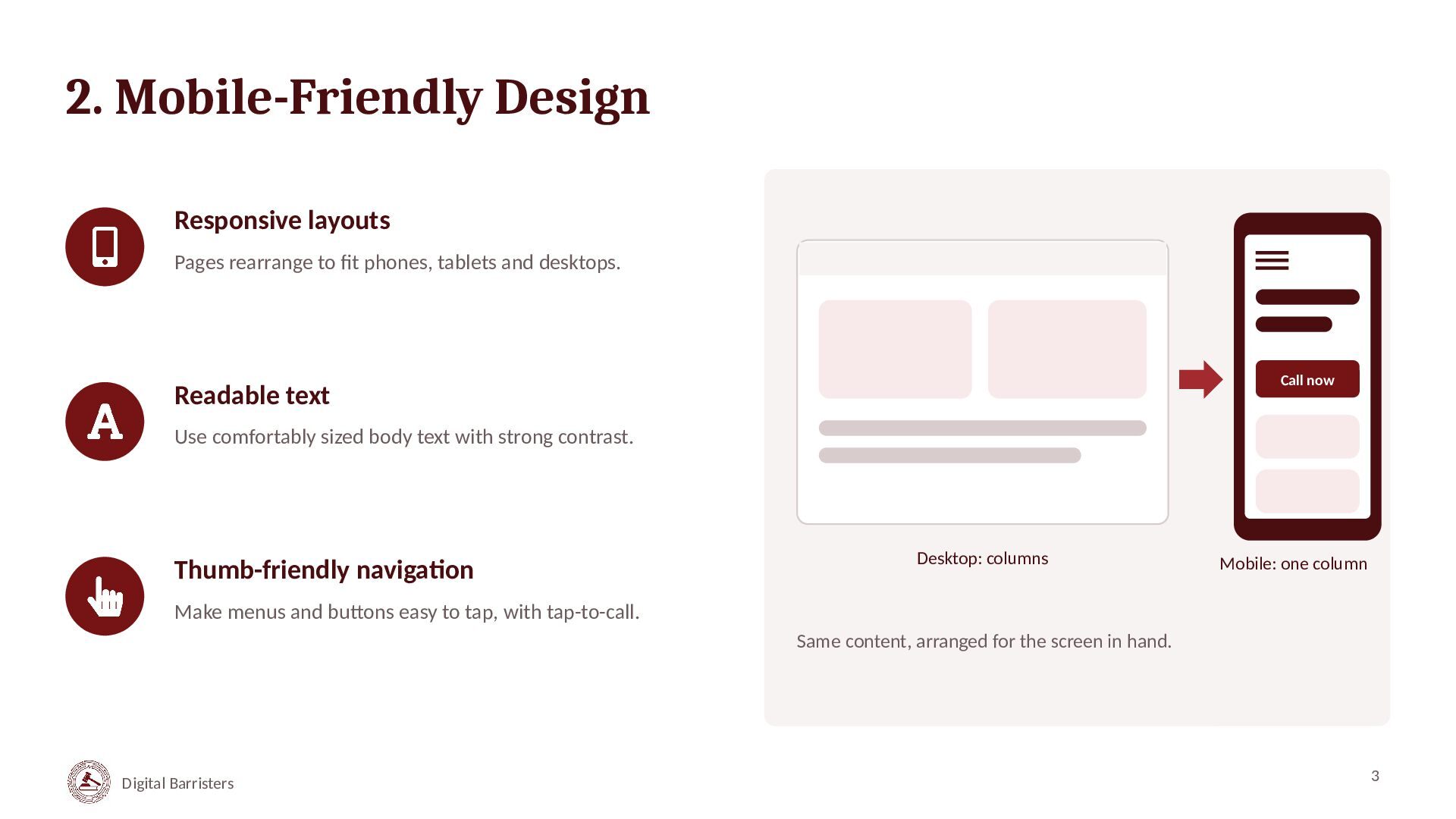
  3. 2. Mobile-Friendly Design Responsive layouts Pages rearrange to fit phones,

    tablets and desktops. Call now Readable text Use comfortably sized body text with strong contrast. Thumb-friendly navigation Desktop: columns Mobile: one column Make menus and buttons easy to tap, with tap-to-call. Same content, arranged for the screen in hand. Digital Barristers 3
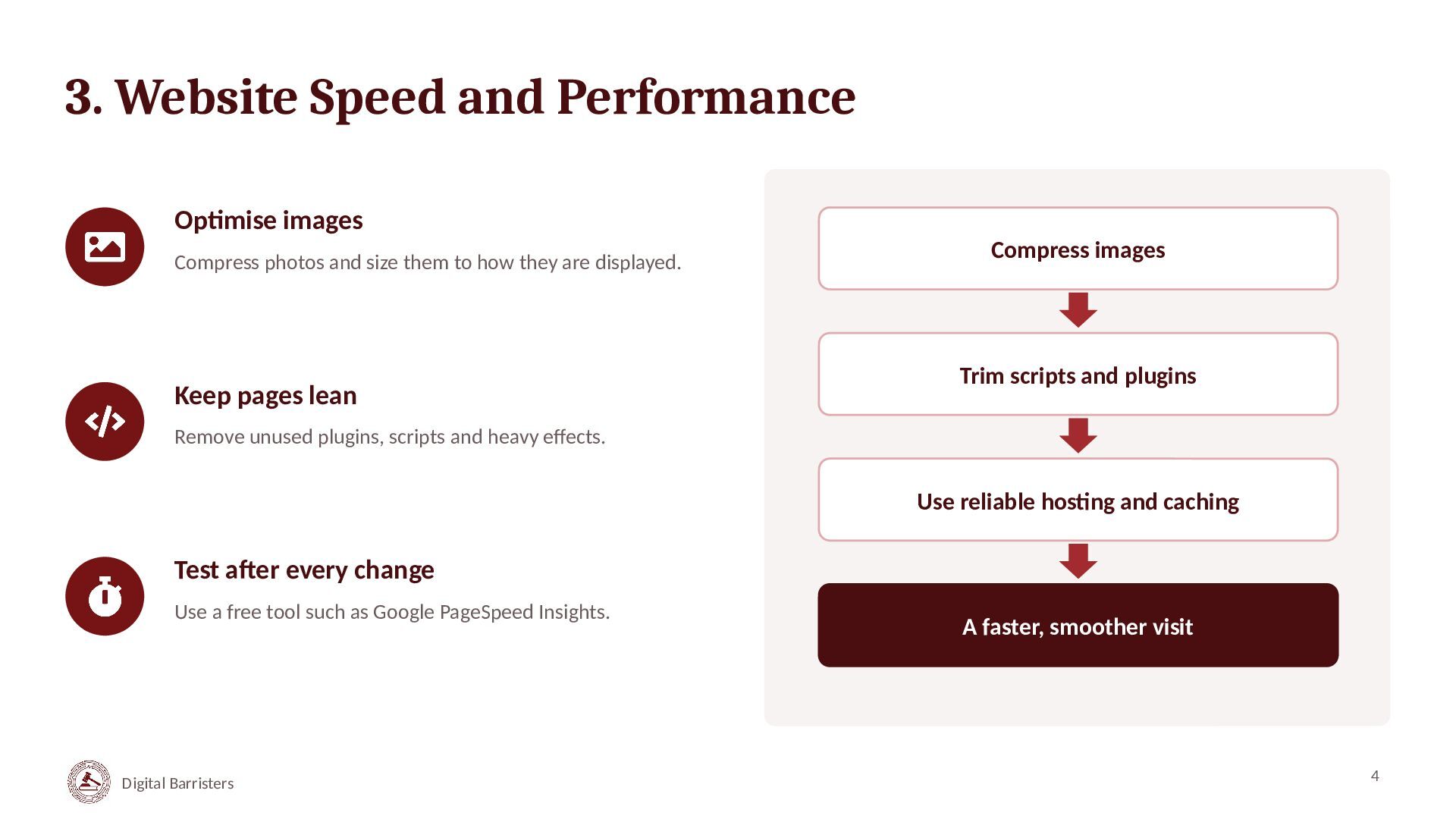
  4. 3. Website Speed and Performance Optimise images Compress photos and

    size them to how they are displayed. Keep pages lean Compress images Trim scripts and plugins Remove unused plugins, scripts and heavy effects. Use reliable hosting and caching Test after every change Use a free tool such as Google PageSpeed Insights. Digital Barristers A faster, smoother visit 4
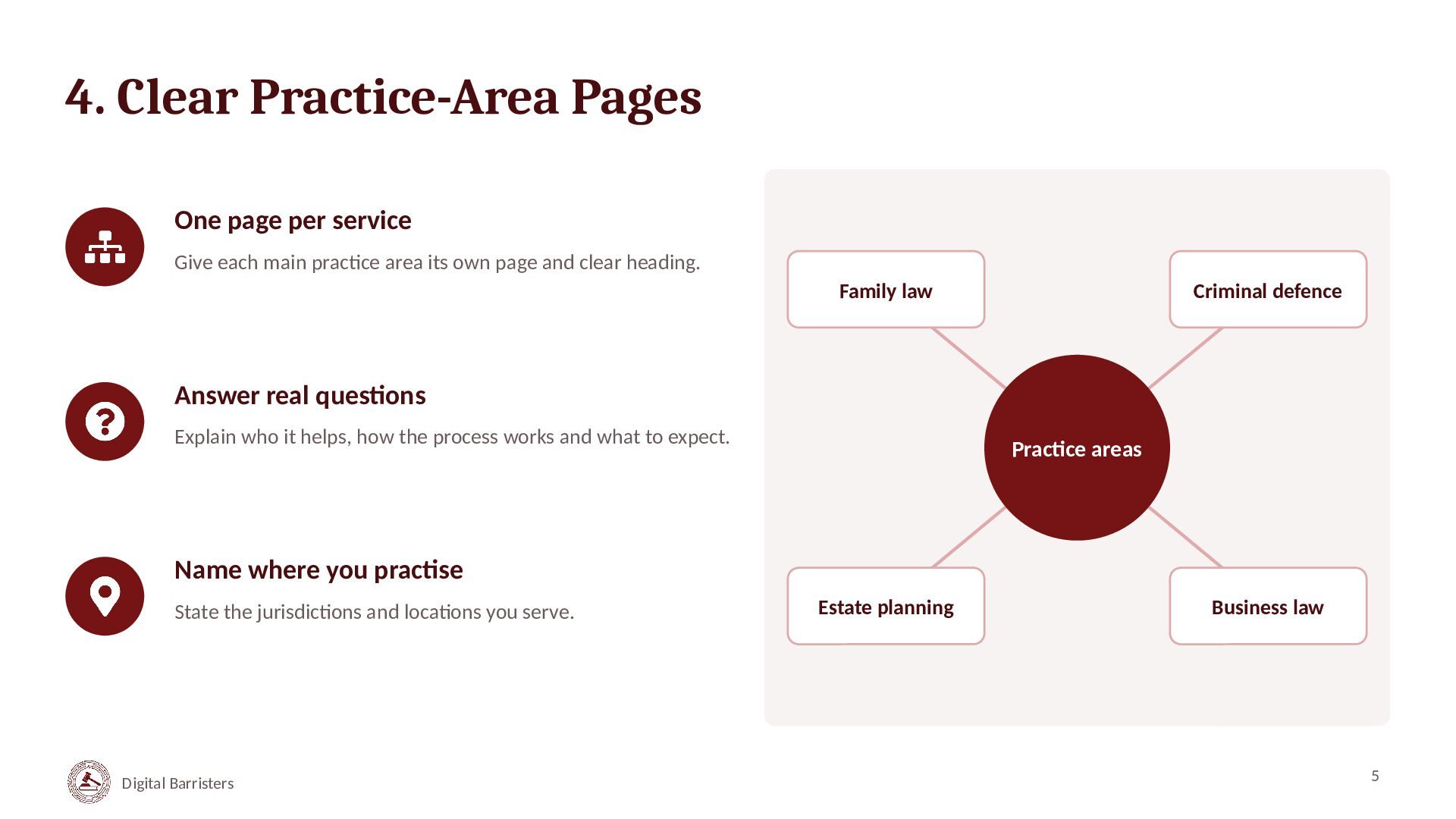
  5. 4. Clear Practice-Area Pages One page per service Give each

    main practice area its own page and clear heading. Family law Criminal defence Answer real questions Explain who it helps, how the process works and what to expect. Practice areas Name where you practise State the jurisdictions and locations you serve. Digital Barristers Estate planning Business law 5
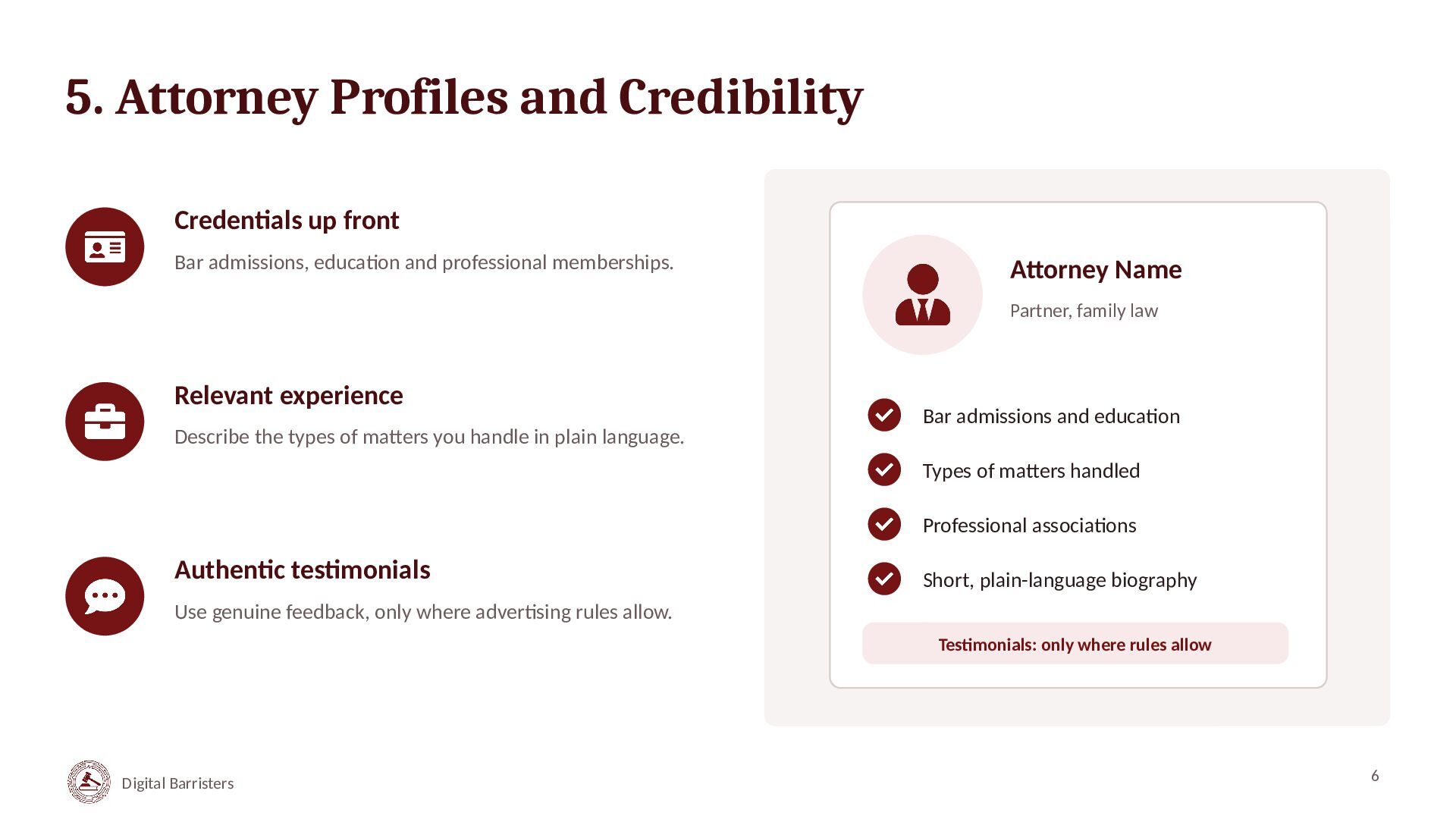
  6. 5. Attorney Profiles and Credibility Credentials up front Bar admissions,

    education and professional memberships. Attorney Name Partner, family law Relevant experience Describe the types of matters you handle in plain language. Bar admissions and education Types of matters handled Professional associations Authentic testimonials Short, plain-language biography Use genuine feedback, only where advertising rules allow. Testimonials: only where rules allow Digital Barristers 6
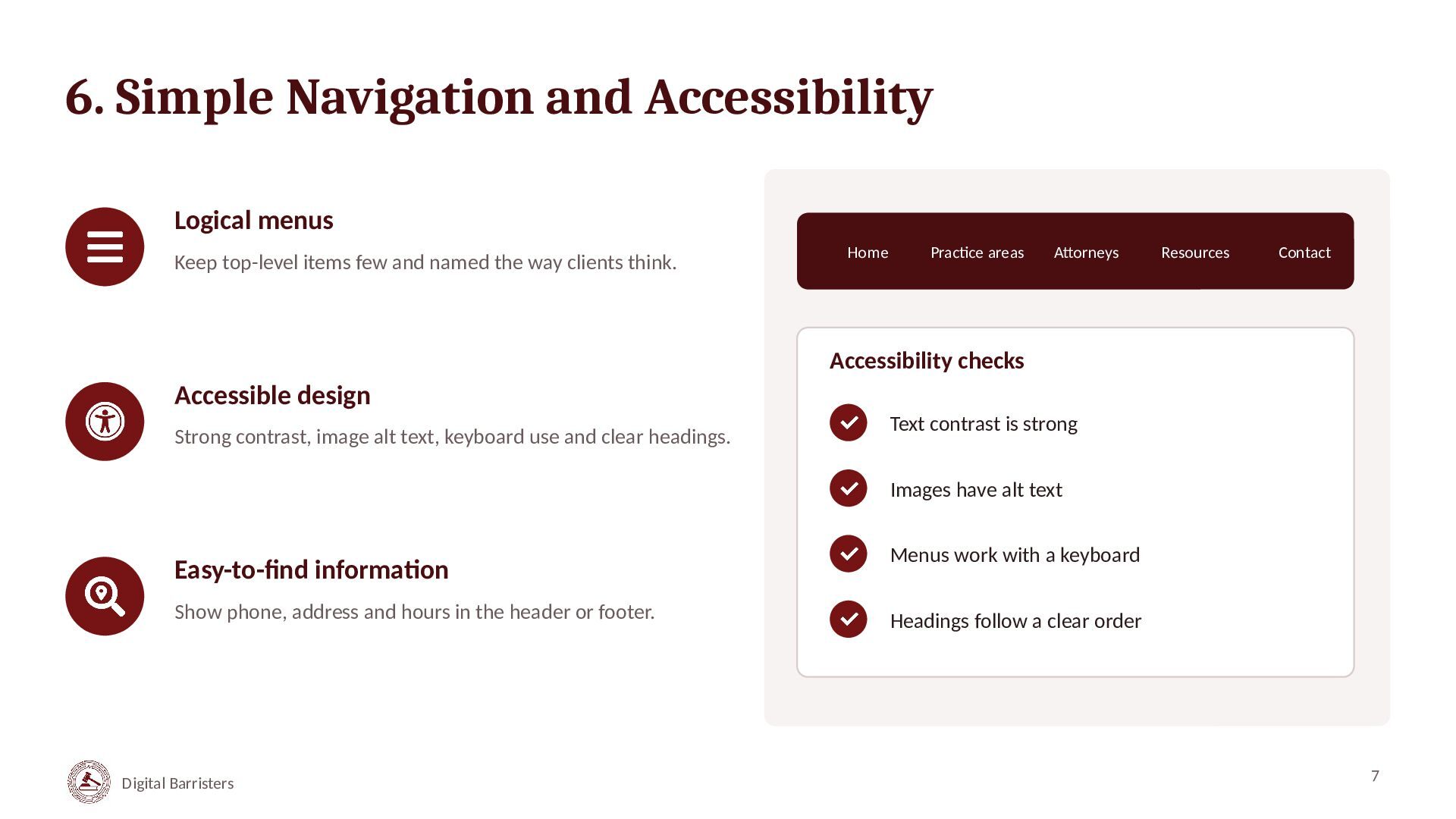
  7. 6. Simple Navigation and Accessibility Logical menus Keep top-level items

    few and named the way clients think. Home Practice areas Attorneys Resources Contact Accessibility checks Accessible design Strong contrast, image alt text, keyboard use and clear headings. Text contrast is strong Images have alt text Easy-to-find information Show phone, address and hours in the header or footer. Digital Barristers Menus work with a keyboard Headings follow a clear order 7
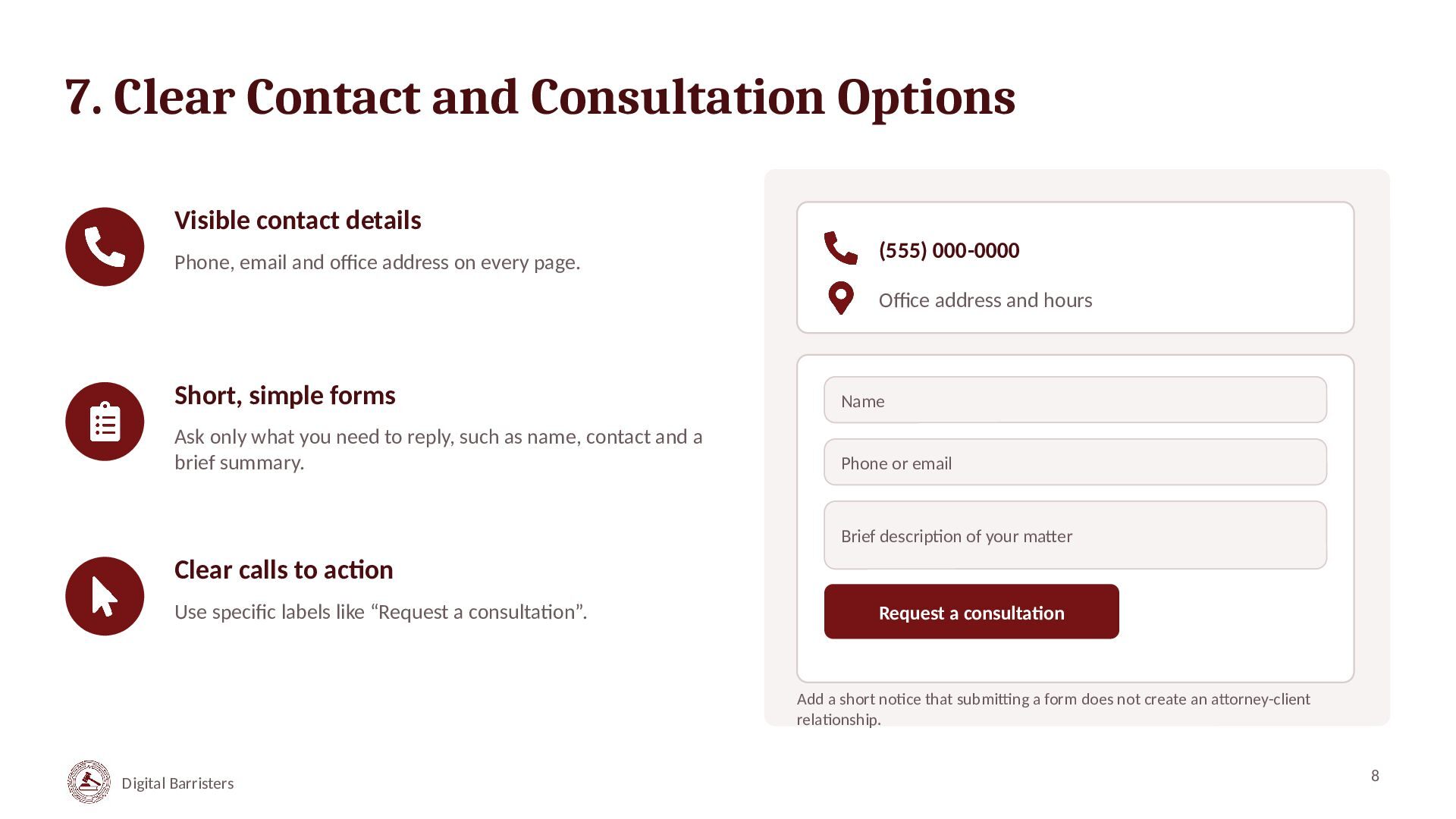
  8. 7. Clear Contact and Consultation Options Visible contact details Phone,

    email and office address on every page. (555) 000-0000 Office address and hours Short, simple forms Name Ask only what you need to reply, such as name, contact and a brief summary. Phone or email Brief description of your matter Clear calls to action Use specific labels like “Request a consultation”. Request a consultation Add a short notice that submitting a form does not create an attorney-client relationship. Digital Barristers 8
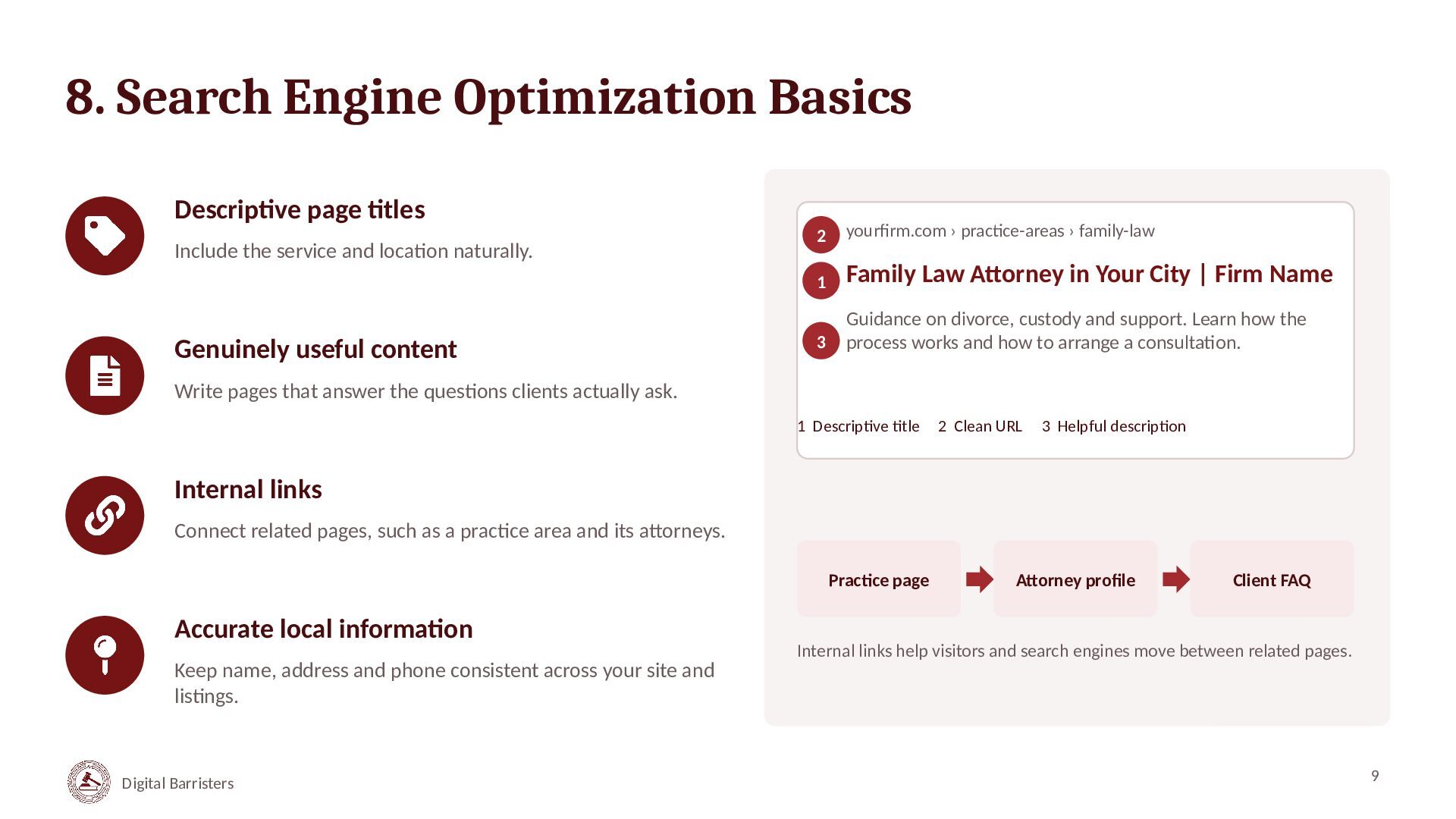
  9. 8. Search Engine Optimization Basics Descriptive page titles Include the

    service and location naturally. Genuinely useful content 2 yourfirm.com › practice-areas › family-law 1 Family Law Attorney in Your City | Firm Name 3 Guidance on divorce, custody and support. Learn how the process works and how to arrange a consultation. Write pages that answer the questions clients actually ask. 1 Descriptive title 2 Clean URL 3 Helpful description Internal links Connect related pages, such as a practice area and its attorneys. Practice page Accurate local information Keep name, address and phone consistent across your site and listings. Digital Barristers Attorney profile Client FAQ Internal links help visitors and search engines move between related pages. 9
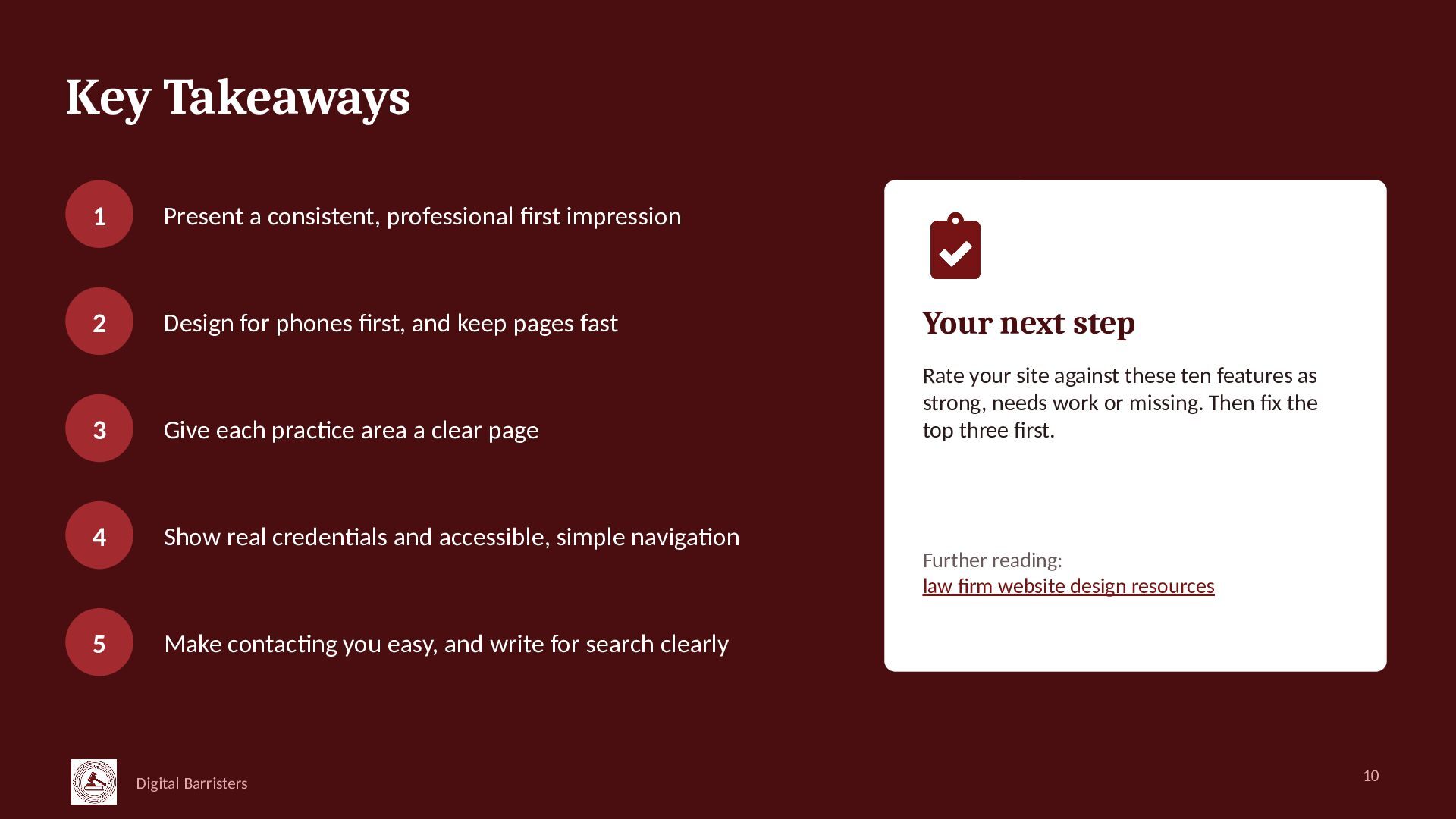
  10. Key Takeaways 1 Present a consistent, professional first impression 2

    Design for phones first, and keep pages fast Your next step 3 Give each practice area a clear page Rate your site against these ten features as strong, needs work or missing. Then fix the top three first. 4 Show real credentials and accessible, simple navigation 5 Make contacting you easy, and write for search clearly Digital Barristers Further reading: law firm website design resources 10