Upgrade to Pro — share decks privately, control downloads, hide ads and more …

Gatling.io - load testing made easy!

Gatling.io - load testing made easy!

Continuous web performance testing made easy with gatling.
#t3cs15

Daniel Lienert

May 09, 2015

Transcript

30 slides
  1. An extra 500 millisecods in search page generation time dropped

    traffic by 20%. Every 100 millisecods of latency costs 1% in sales.
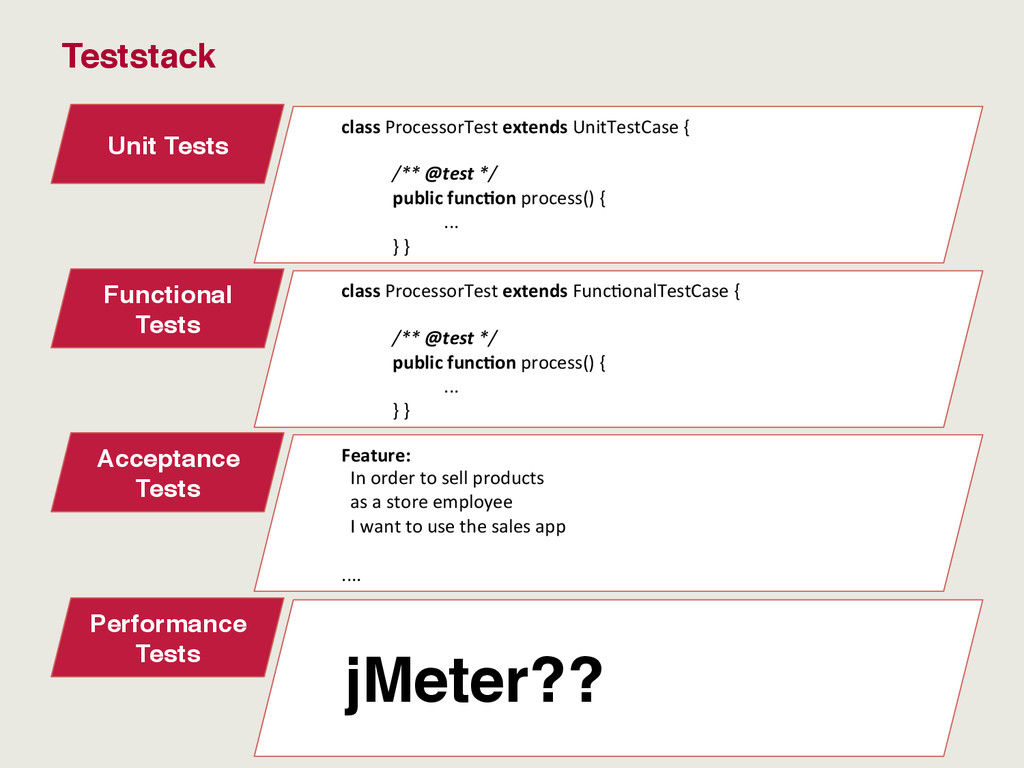
  2. Teststack Unit Tests class  ProcessorTest  extends  UnitTestCase  {    

     /**  @test  */    public  func0on  process()  {      ...    }  }   Functional Tests class  ProcessorTest  extends  Func<onalTestCase  {      /**  @test  */    public  func0on  process()  {      ...    }  }   Acceptance Tests Feature:      In  order  to  sell  products      as  a  store  employee      I  want  to  use  the  sales  app     ....   Performance Tests jMeter??
  3. •  Written in Scala •  NonBlocking IO / Asynchronous – 

    Less Resourcen / better performance then jMeter •  Testcases written in Scala DSL gatling.io   Gatling
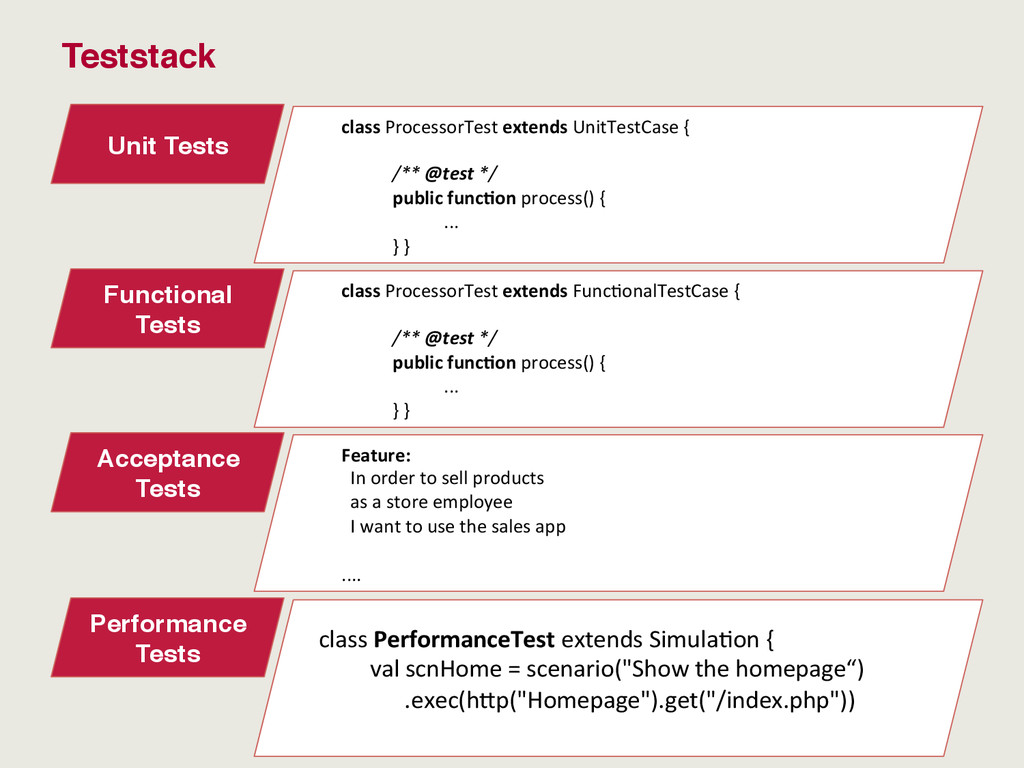
  4. Teststack Unit Tests class  ProcessorTest  extends  UnitTestCase  {    

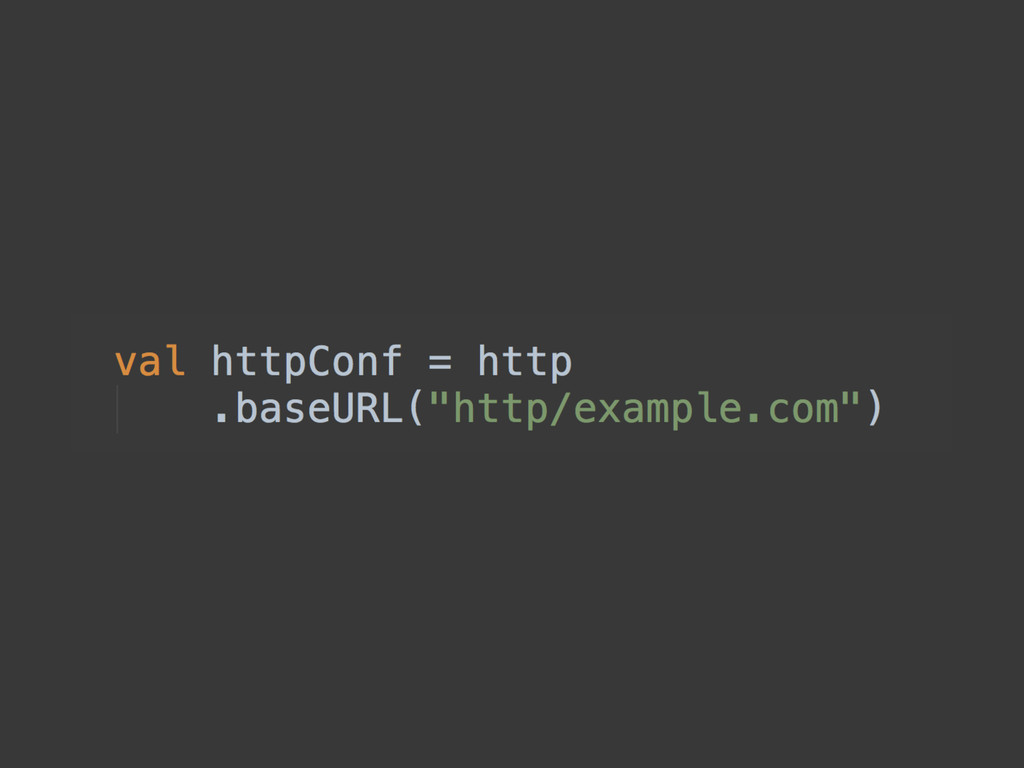
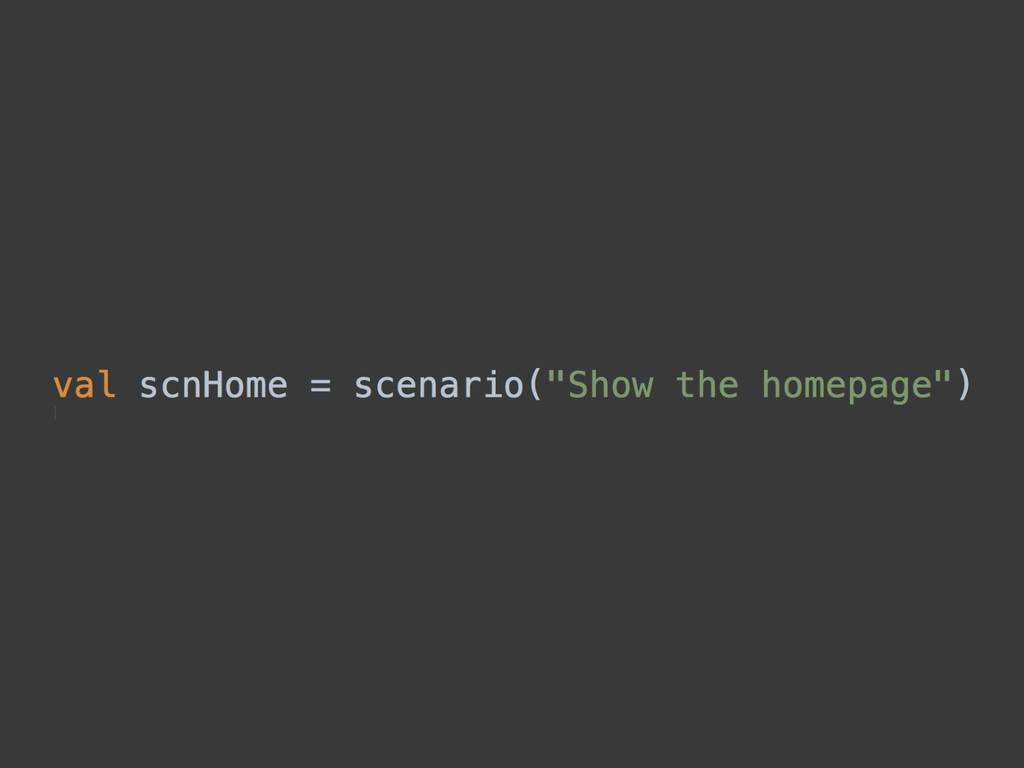
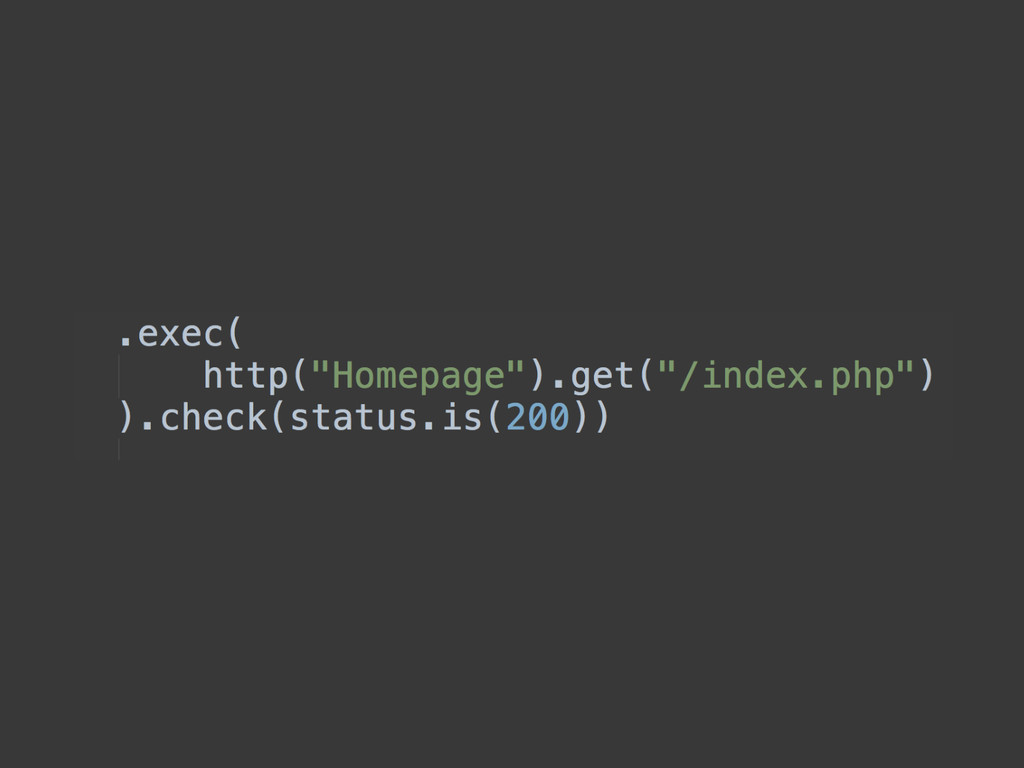
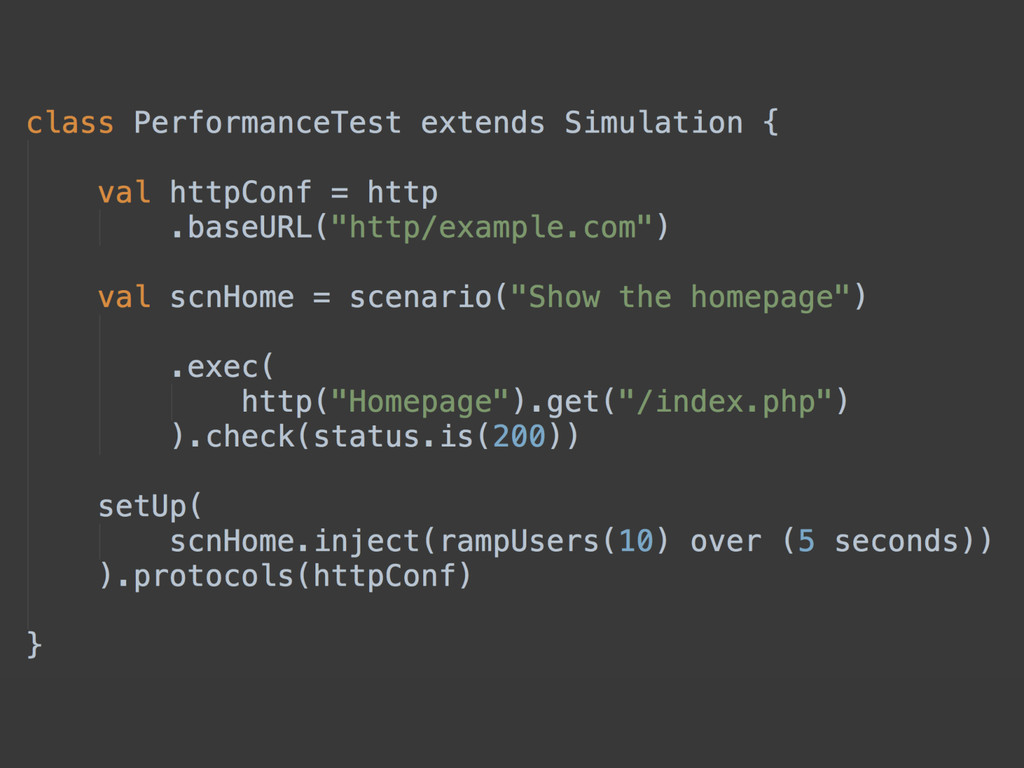
     /**  @test  */    public  func0on  process()  {      ...    }  }   Functional Tests class  ProcessorTest  extends  Func<onalTestCase  {      /**  @test  */    public  func0on  process()  {      ...    }  }   Acceptance Tests Feature:      In  order  to  sell  products      as  a  store  employee      I  want  to  use  the  sales  app     ....   Performance Tests class  PerformanceTest  extends  Simula<on  {   val  scnHome  =  scenario("Show  the  homepage“)              .exec(hKp("Homepage").get("/index.php"))  
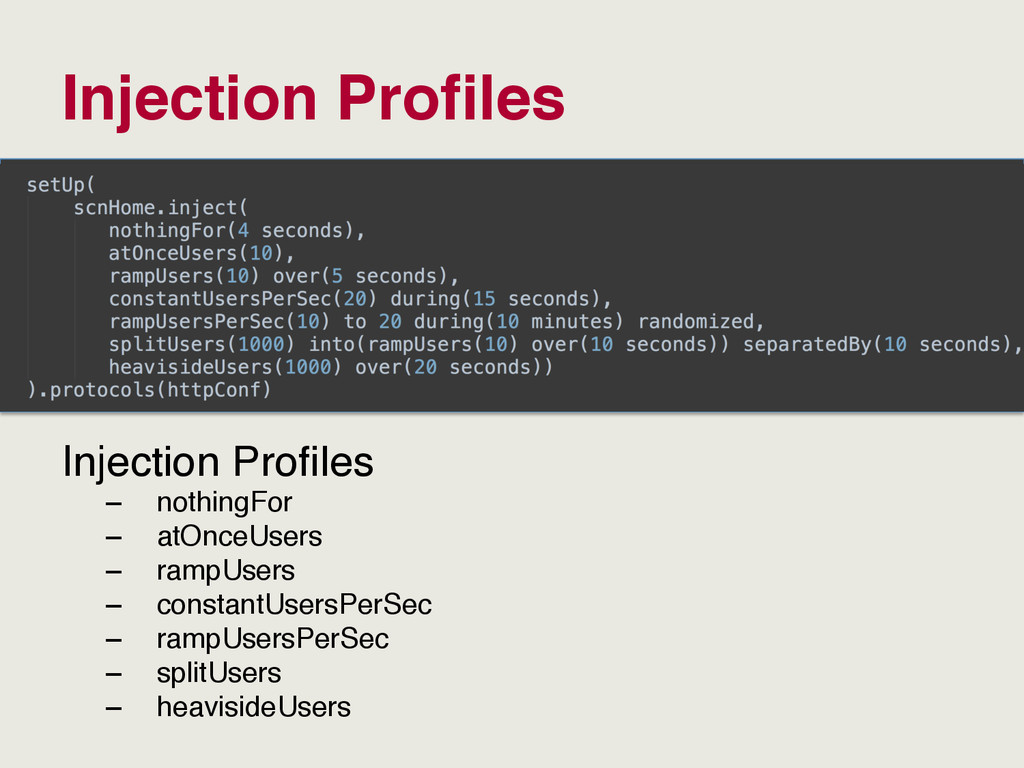
  5. Injection Profiles Injection Profiles –  nothingFor –  atOnceUsers –  rampUsers

    –  constantUsersPerSec –  rampUsersPerSec –  splitUsers –  heavisideUsers
  6. Assertions Scopes –  global –  forAll –  details Conditions – 

    lessThan –  greaterThan –  between –  is –  in Statistics –  responseTime –  allRequests –  failedRequests –  successfulRequests –  requestsPerSec
  7. Checks Header & Request –  status –  currentLocation –  header

    –  headerRegex –  responseTimeInMillis –  latencyInMillis Body –  bodyString –  bodyBytes –  substring –  regex –  xpath –  jsonPath, jsonpJsonPath –  css
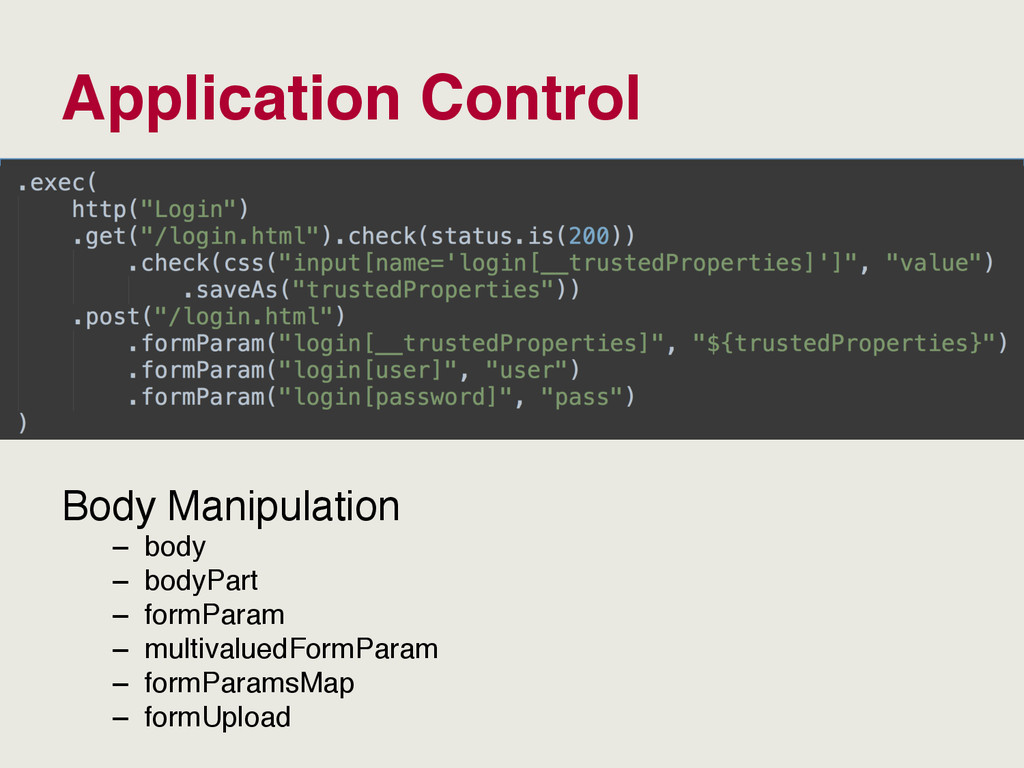
  8. Application Control Body Manipulation –  body –  bodyPart –  formParam

    –  multivaluedFormParam –  formParamsMap –  formUpload
  9. Launch bin/gatling.sh \! -df Data/ \! -sf Tests/Performance/Simulations/ \! -rf

    Tests/Performance/Reports/ \! -s typo3Project.performanceTest!
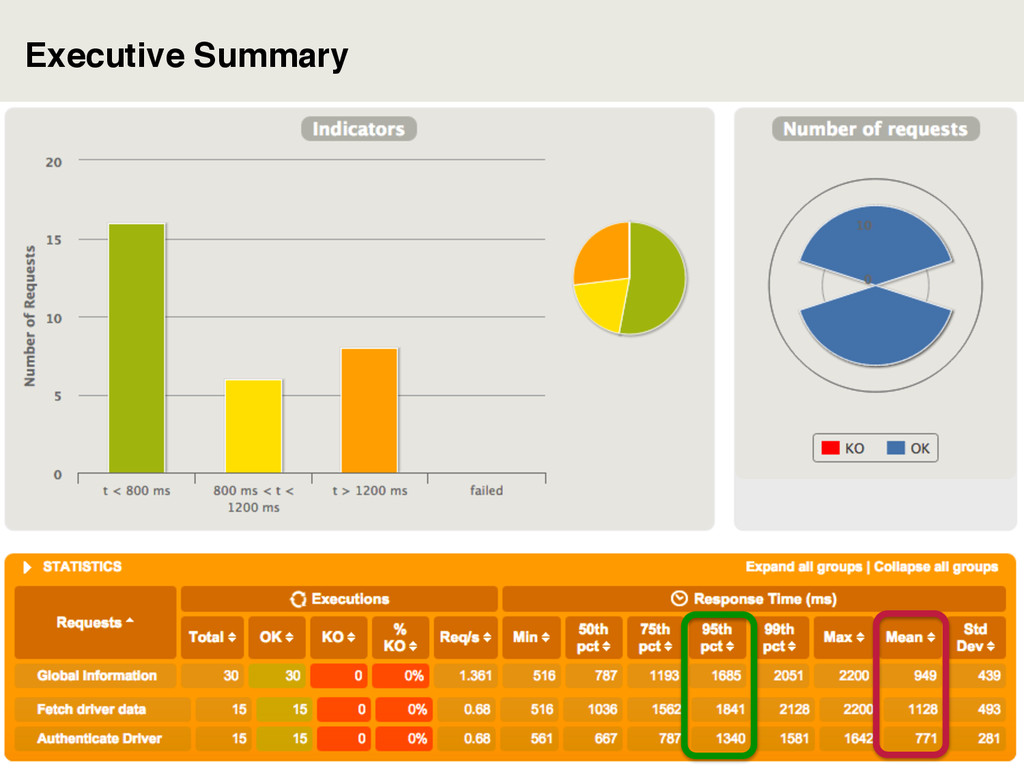
  10. ---- Show the homepage ---------------------------------------------------------! [##########################################################################]100%! waiting: 0 / active:

    0 / done:1! ---- Requests ------------------------------------------------------------------! > Global (OK=1 KO=0 )! > Homepage (OK=1 KO=0 )! ================================================================================! ! Simulation finished! Parsing log file(s)...! Parsing log file(s) done! Generating reports...! ! ================================================================================! ---- Global Information --------------------------------------------------------! > request count 1 (OK=1 KO=0 )! > min response time 462 (OK=462 KO=- )! > max response time 462 (OK=462 KO=- )! > mean response time 462 (OK=462 KO=- )! > std deviation 0 (OK=0 KO=- )! > response time 50th percentile 462 (OK=462 KO=- )! > response time 75th percentile 462 (OK=462 KO=- )! > mean requests/sec 1.821 (OK=1.821 KO=- )! ---- Response Time Distribution ------------------------------------------------! > t < 800 ms 1 (100%)! > 800 ms < t < 1200 ms 0 ( 0%)! > t > 1200 ms 0 ( 0%)! > failed 0 ( 0%)! ================================================================================!
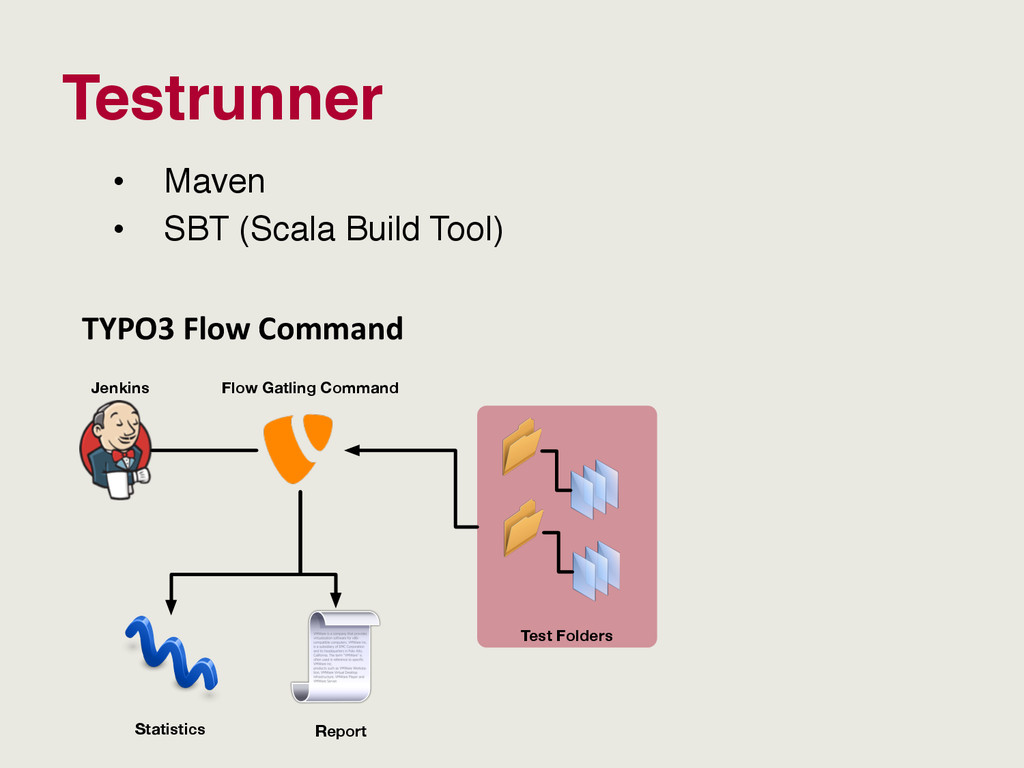
  11. Testrunner •  Maven •  SBT (Scala Build Tool) TYPO3  Flow

     Command     Test Folders Flow Gatling Command Jenkins Statistics Report

More Decks by Daniel Lienert

Other Decks in Programming