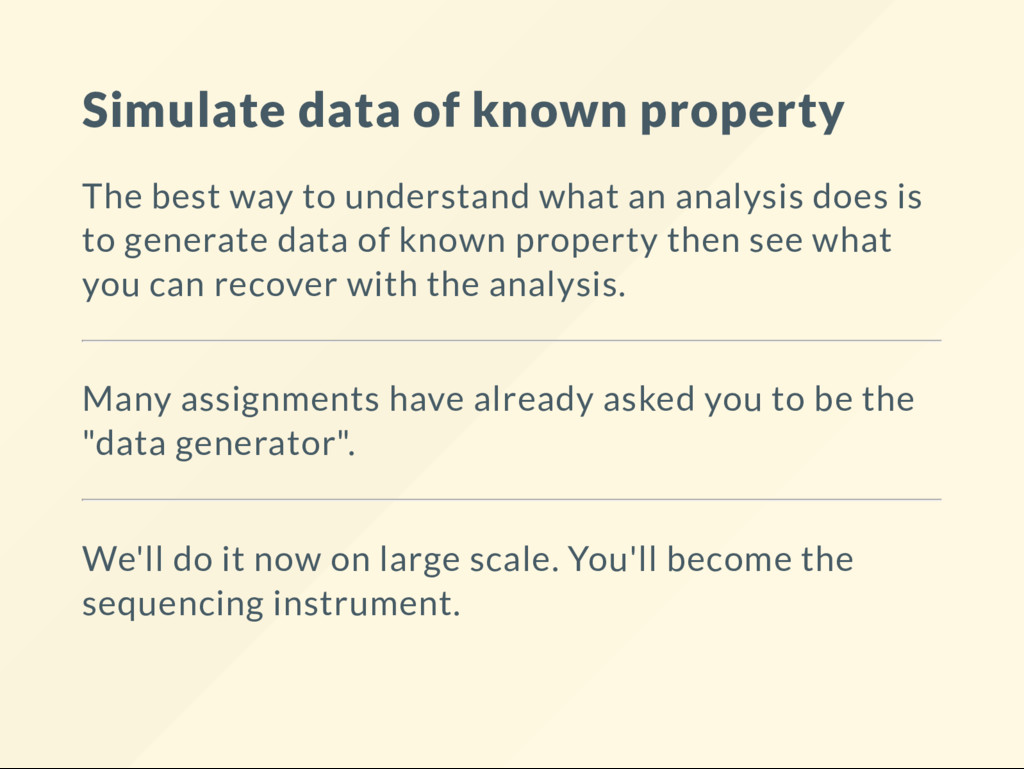
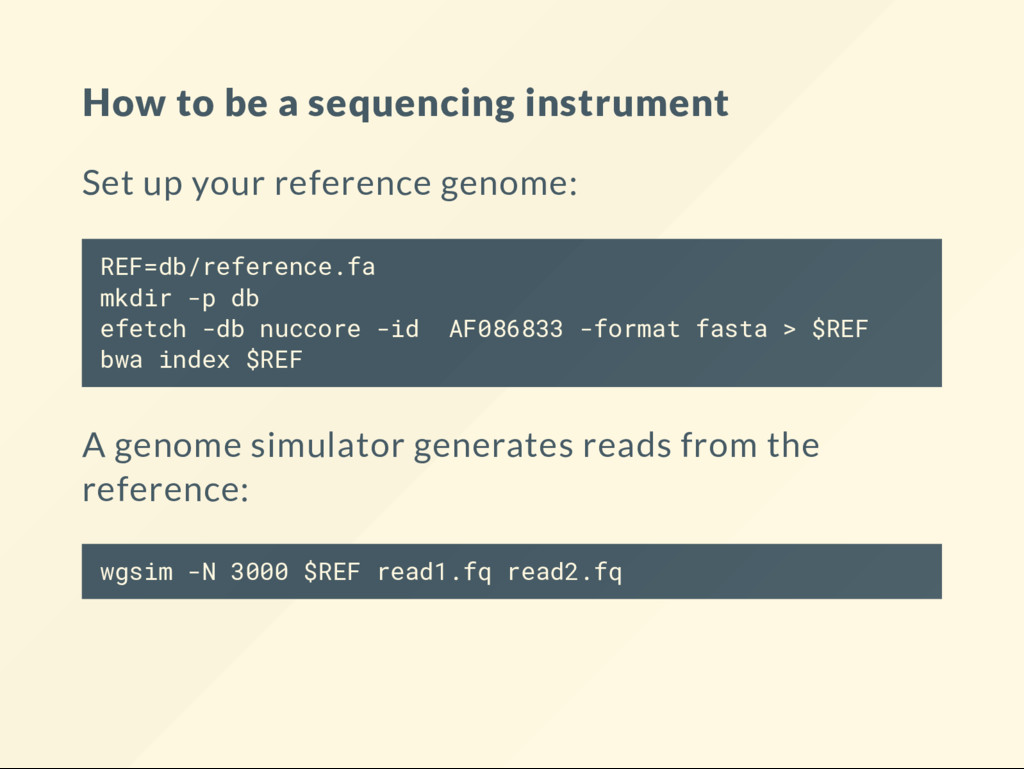
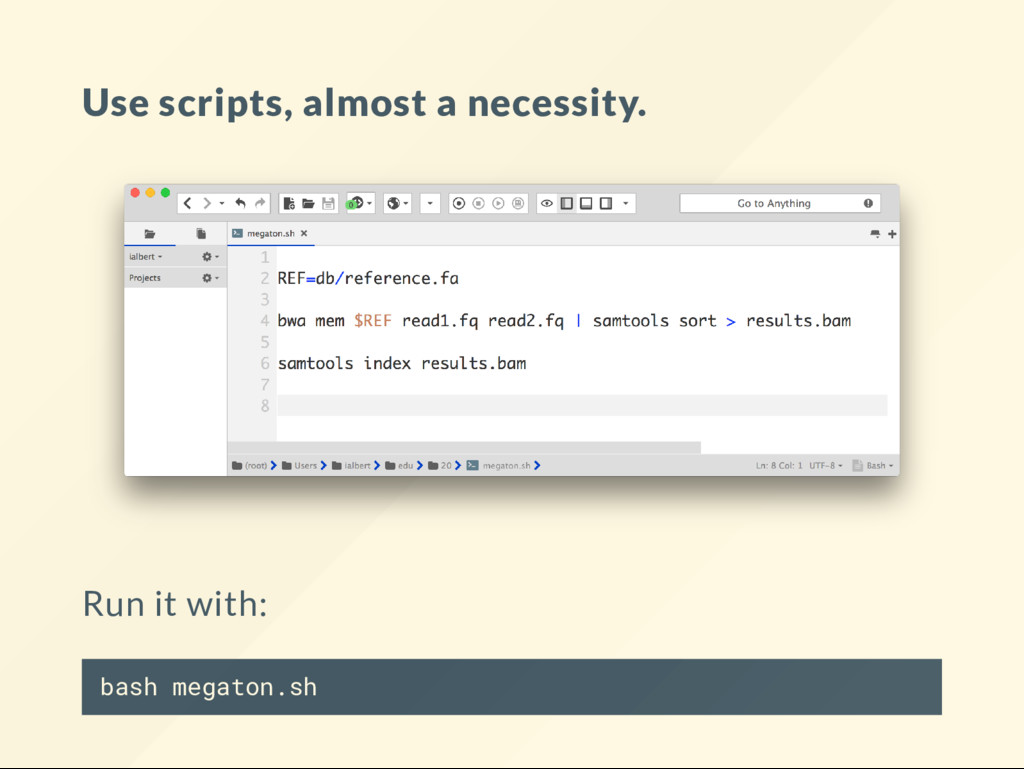
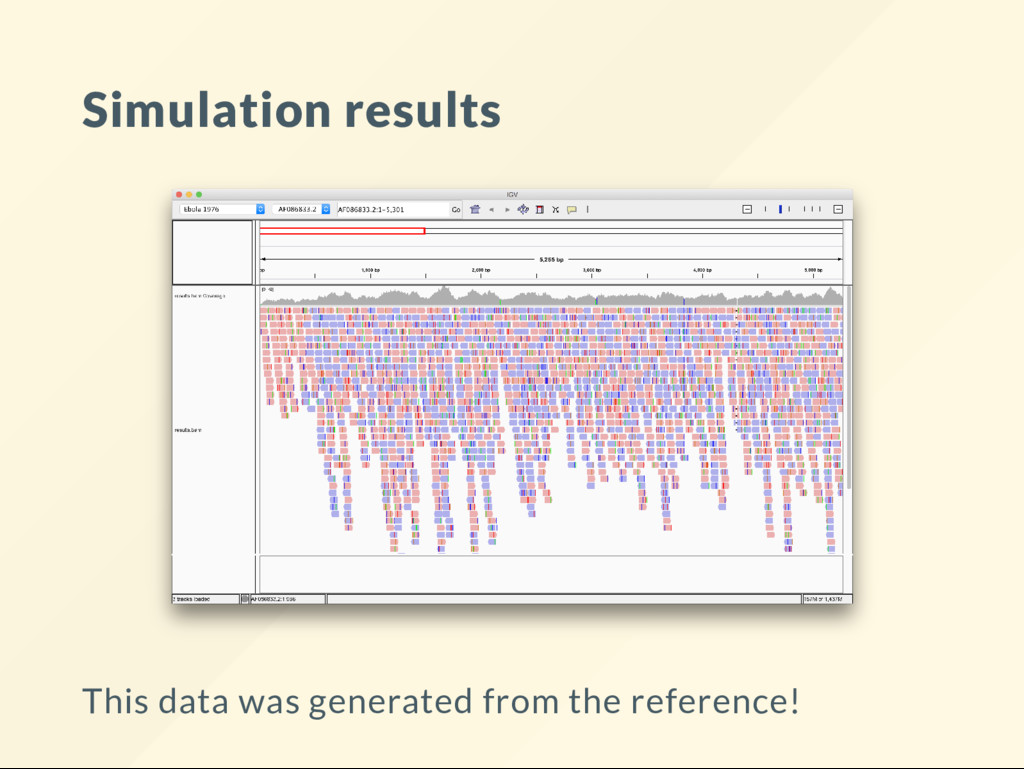
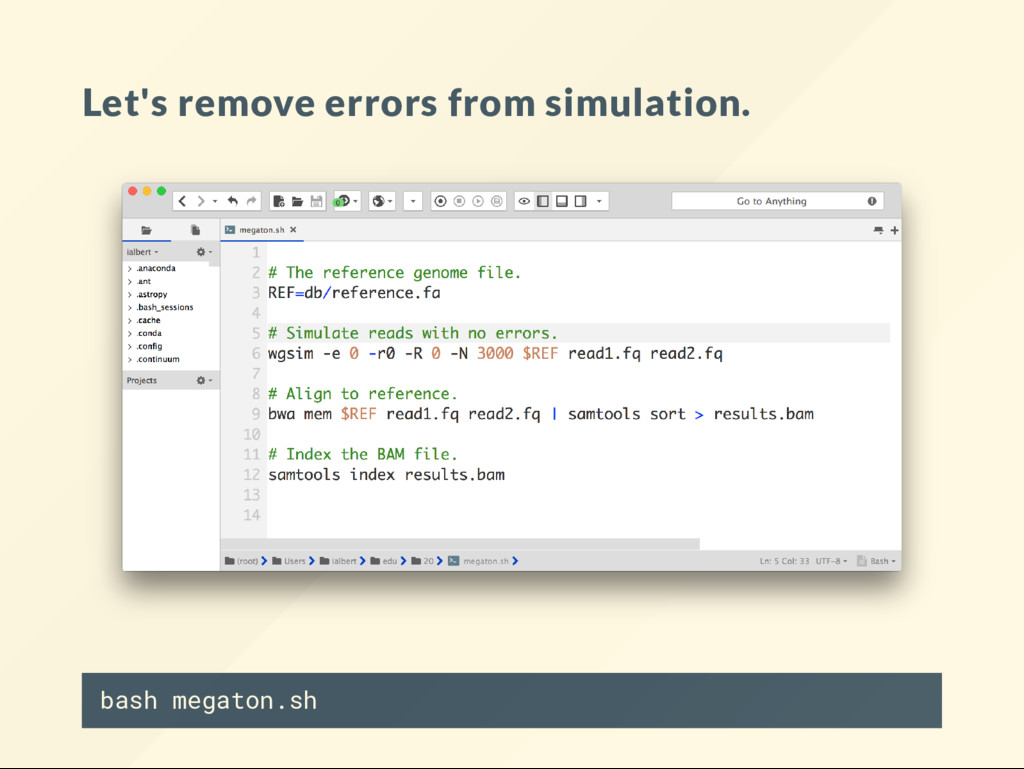
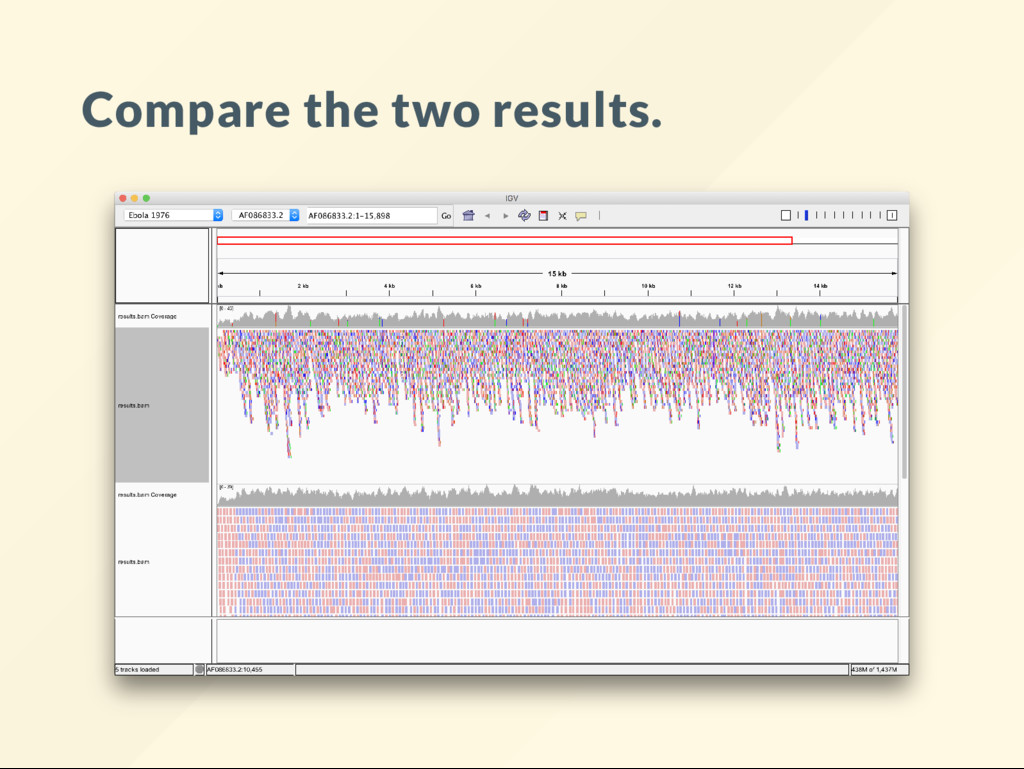
what an analysis does is to generate data of known property then see what you can recover with the analysis. Many assignments have already asked you to be the "data generator". We'll do it now on large scale. You'll become the sequencing instrument.
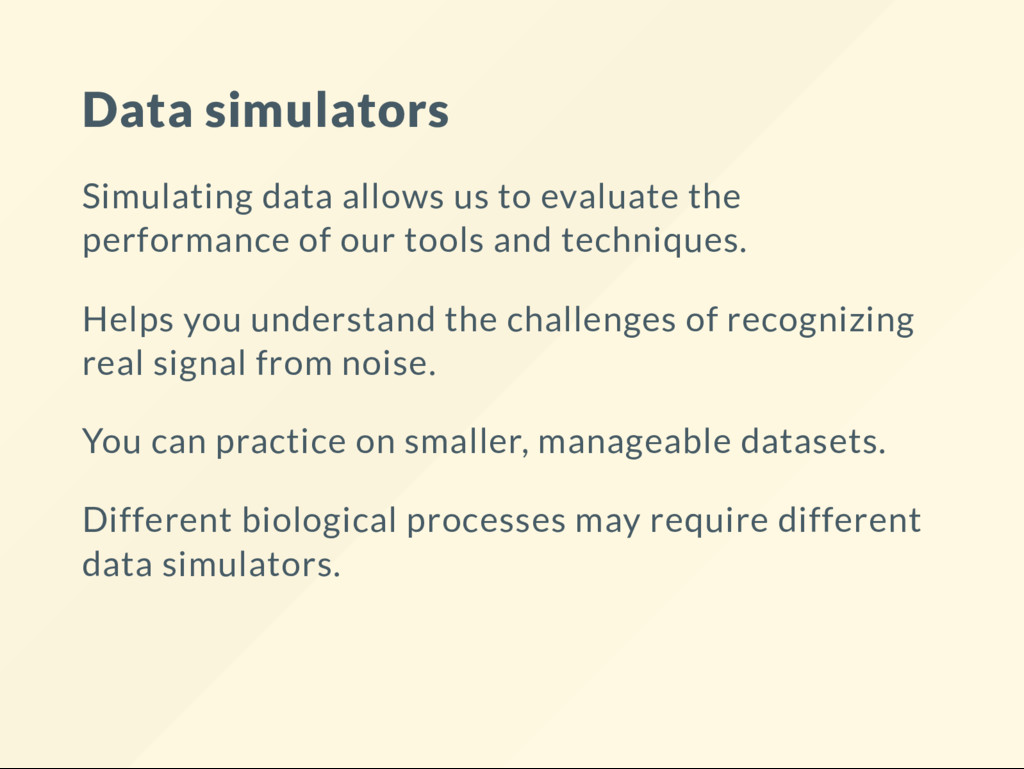
of our tools and techniques. Helps you understand the challenges of recognizing real signal from noise. You can practice on smaller, manageable datasets. Different biological processes may require different data simulators.
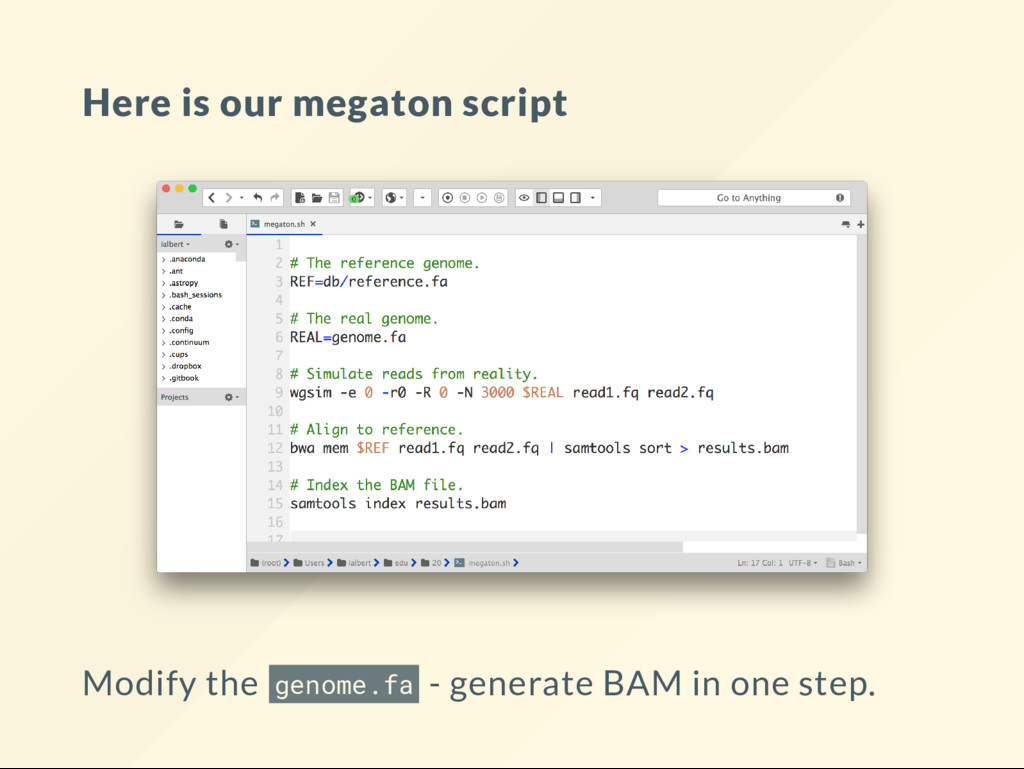
I came up this word. I call a megaton script a code that automates a tedious tasks so well that it allows your mind to focus and understand concepts that did not even occur to you before. The CPU power of you mind is nite. It is easy to waste it all. Megatons break down the barriers. All of your scripts should be megatons.
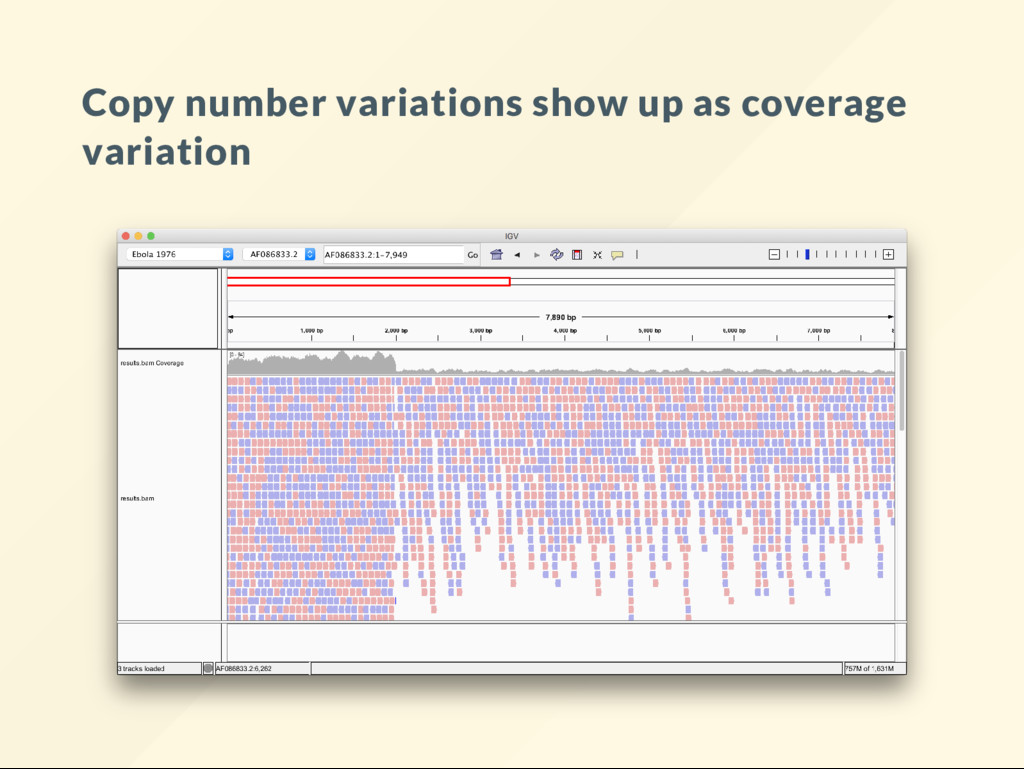
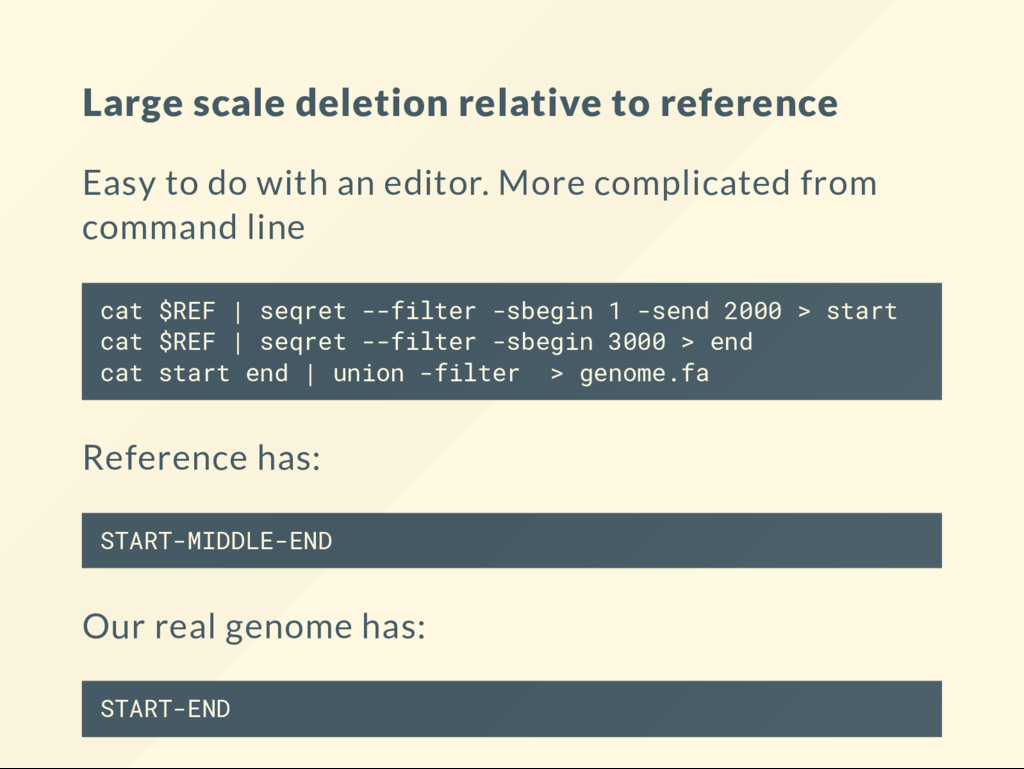
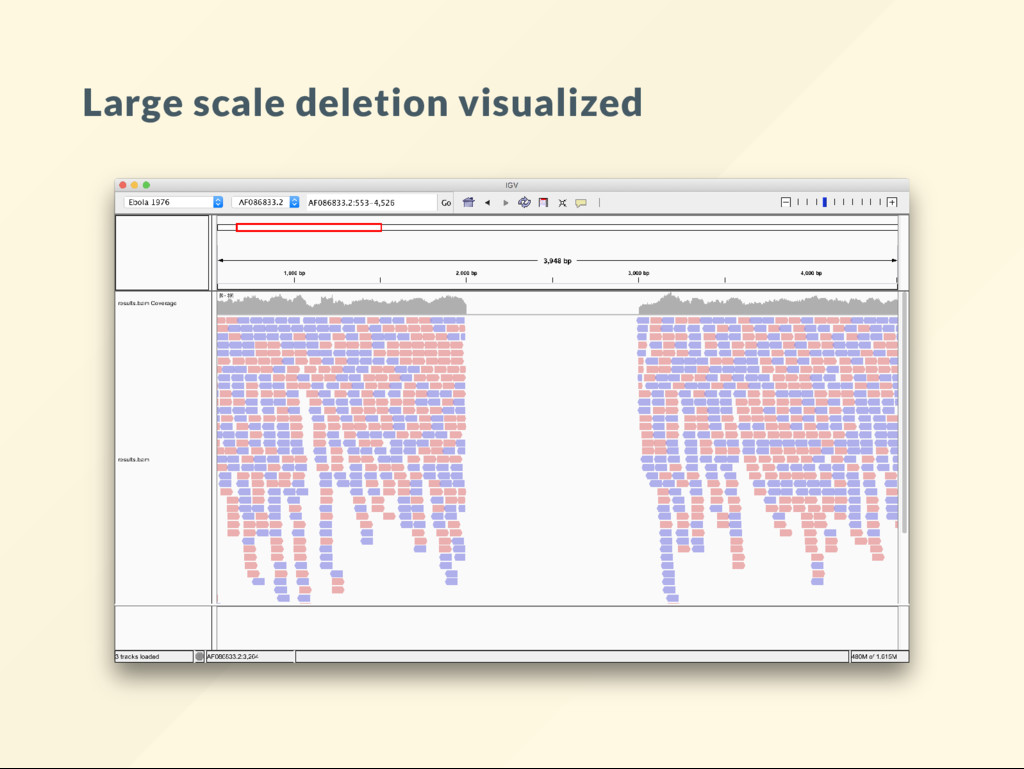
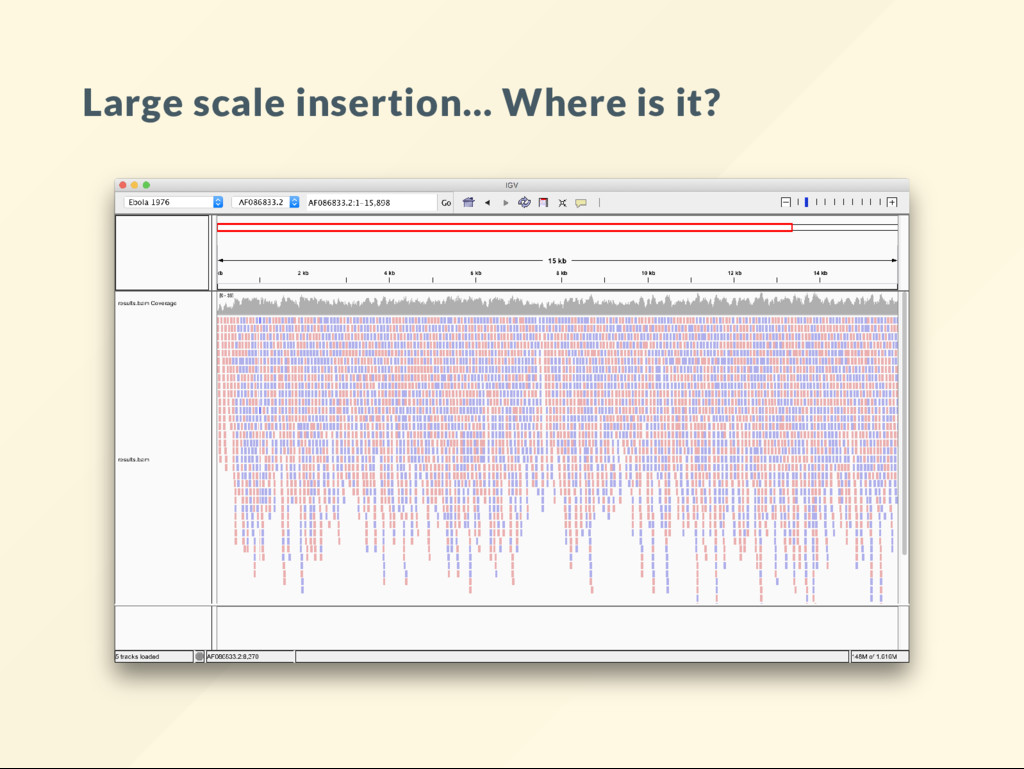
allows us to quickly visualize the effect of large scale genomic rearrangements. We want to focus on the effect of changes and ignore everything else, alignment, BAM le, sorting, indexing ... etc We want to just do it.
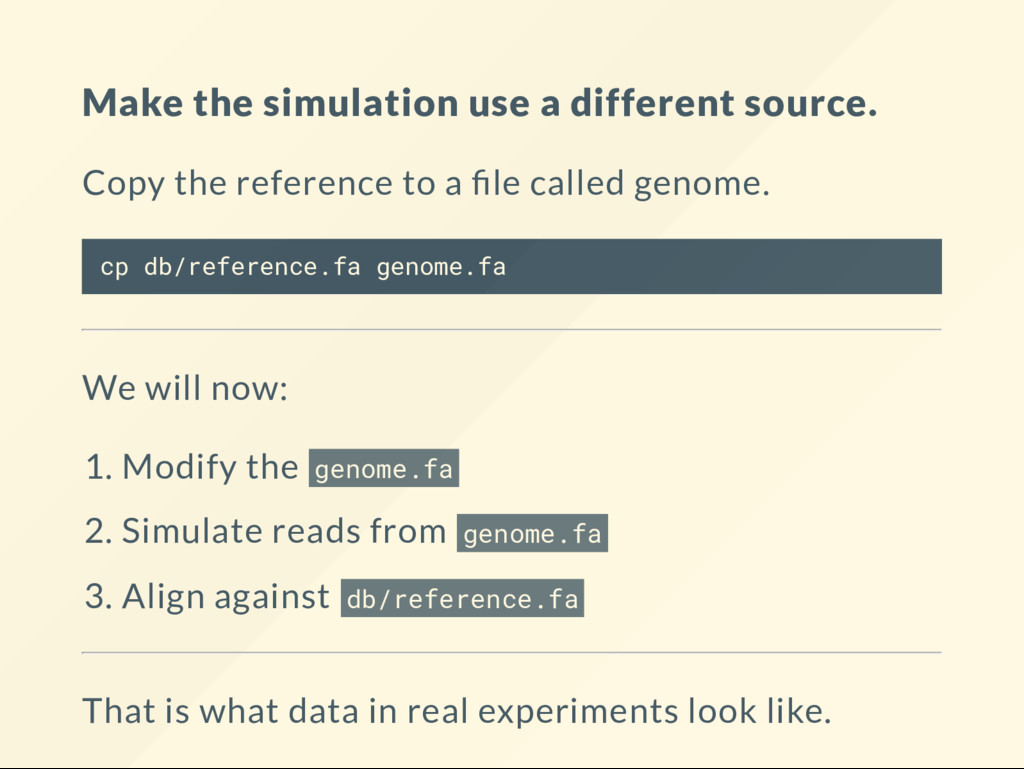
to a le called genome. cp db/reference.fa genome.fa We will now: 1. Modify the genome.fa 2. Simulate reads from genome.fa 3. Align against db/reference.fa That is what data in real experiments look like.
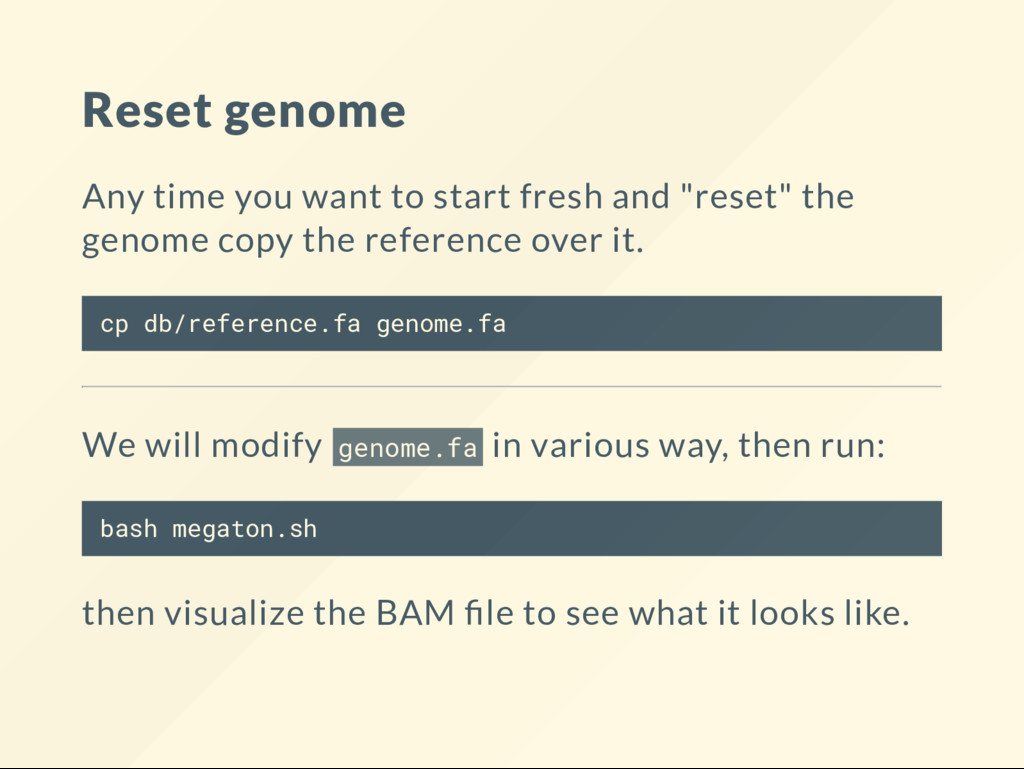
"reset" the genome copy the reference over it. cp db/reference.fa genome.fa We will modify genome.fa in various way, then run: bash megaton.sh then visualize the BAM le to see what it looks like.
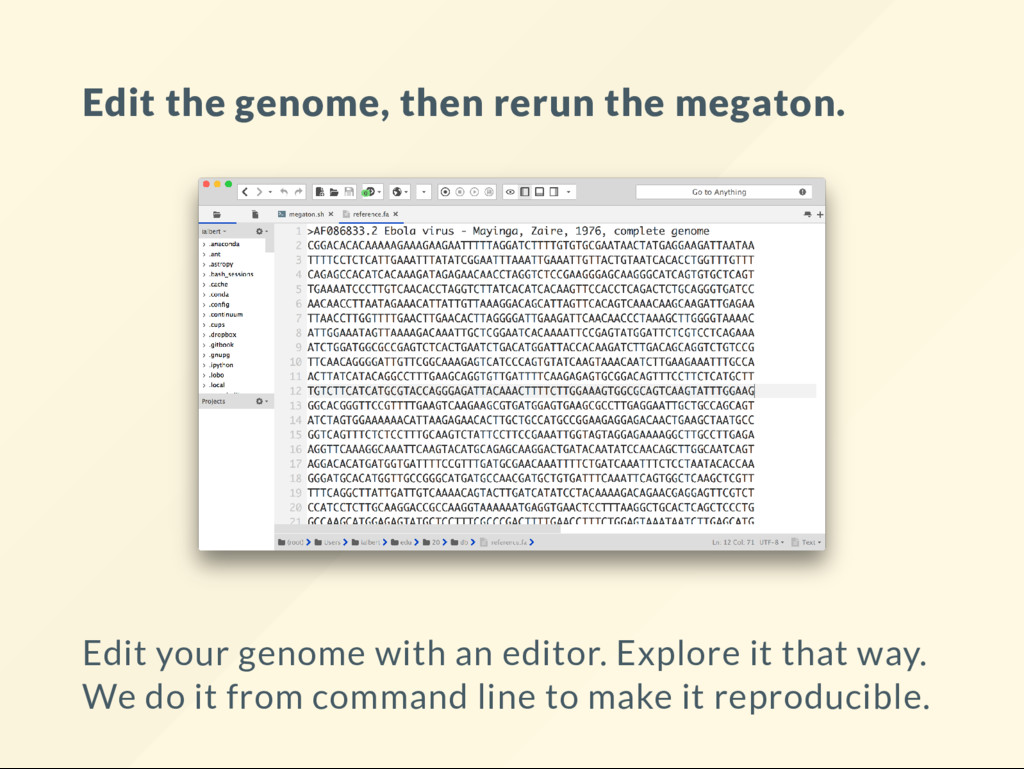
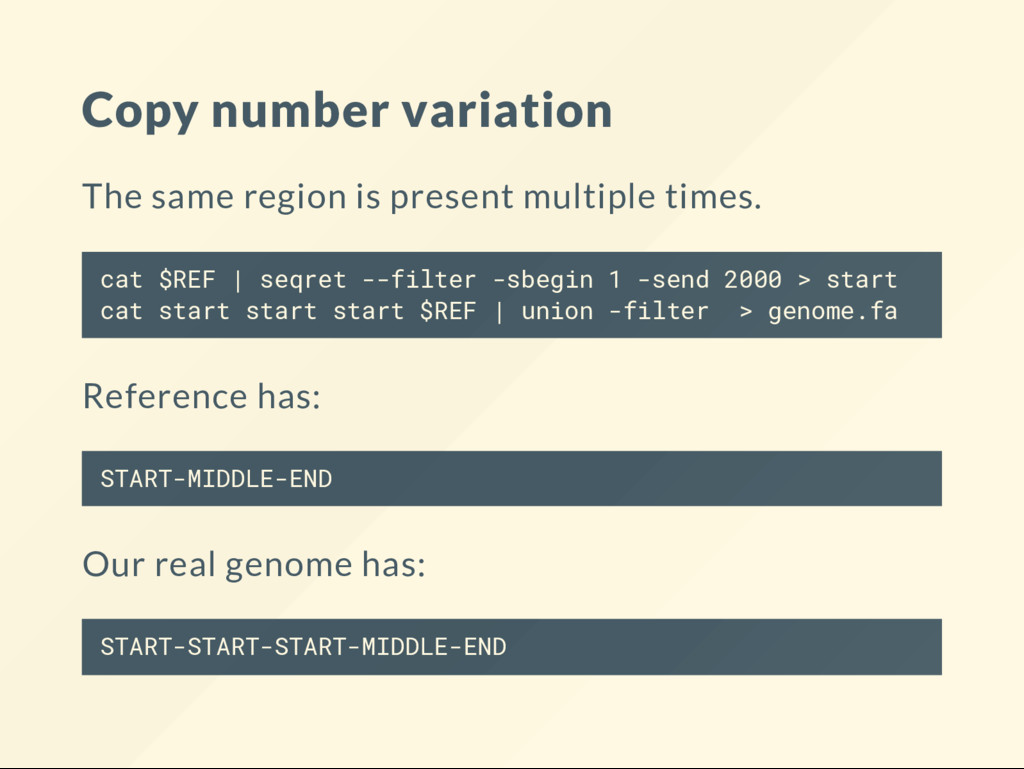
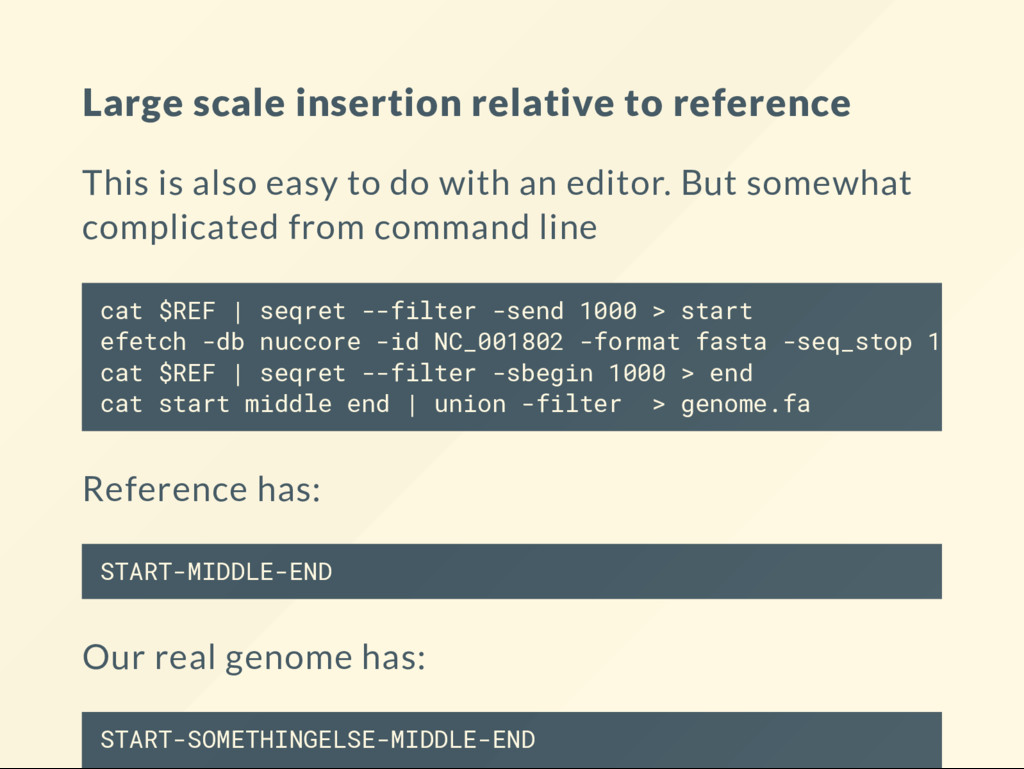
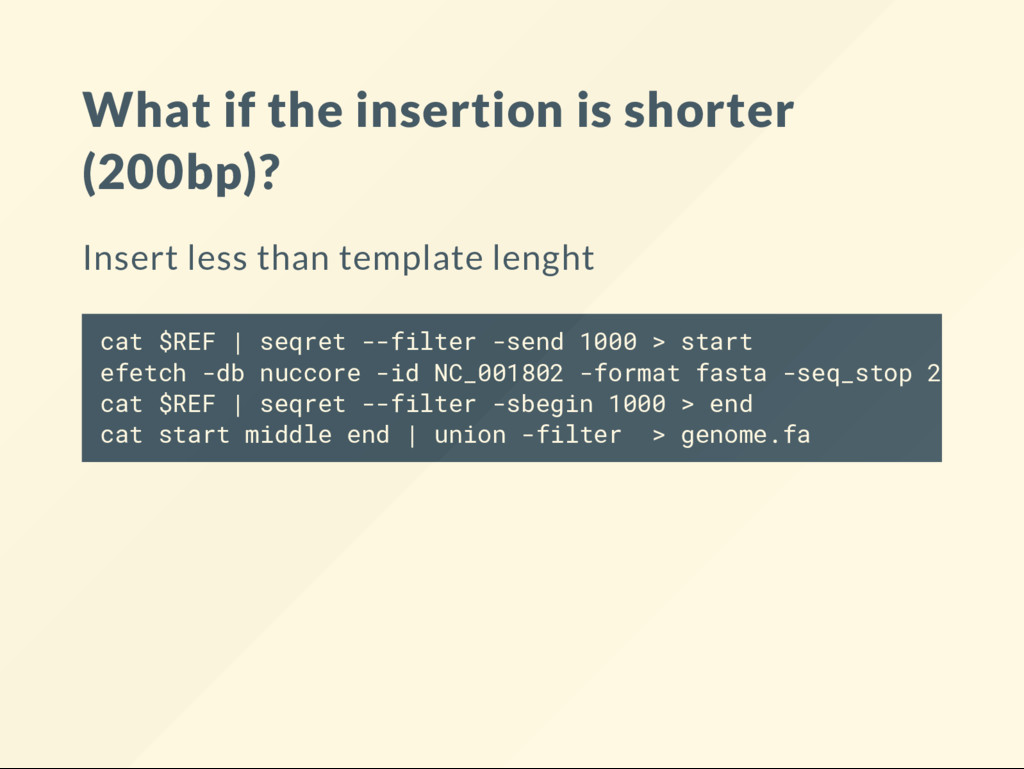
to do with an editor. But somewhat complicated from command line Reference has: START-MIDDLE-END Our real genome has: START-SOMETHINGELSE-MIDDLE-END cat $REF | seqret --filter -send 1000 > start efetch -db nuccore -id NC_001802 -format fasta -seq_stop 1000 > cat $REF | seqret --filter -sbegin 1000 > end cat start middle end | union -filter > genome.fa
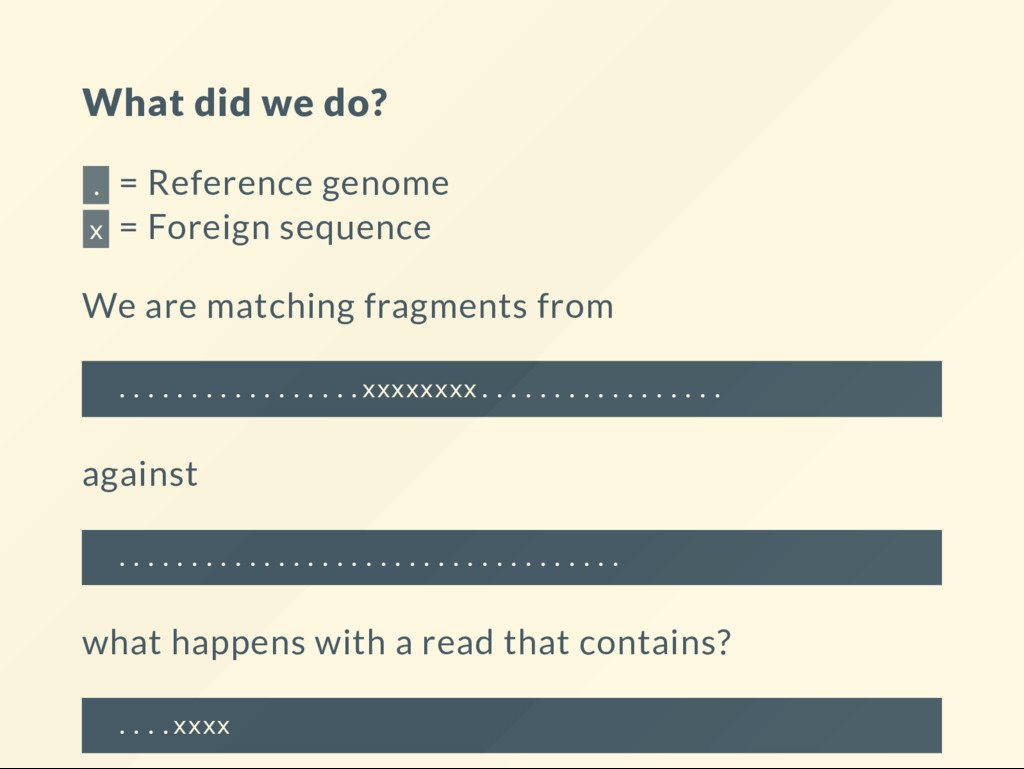
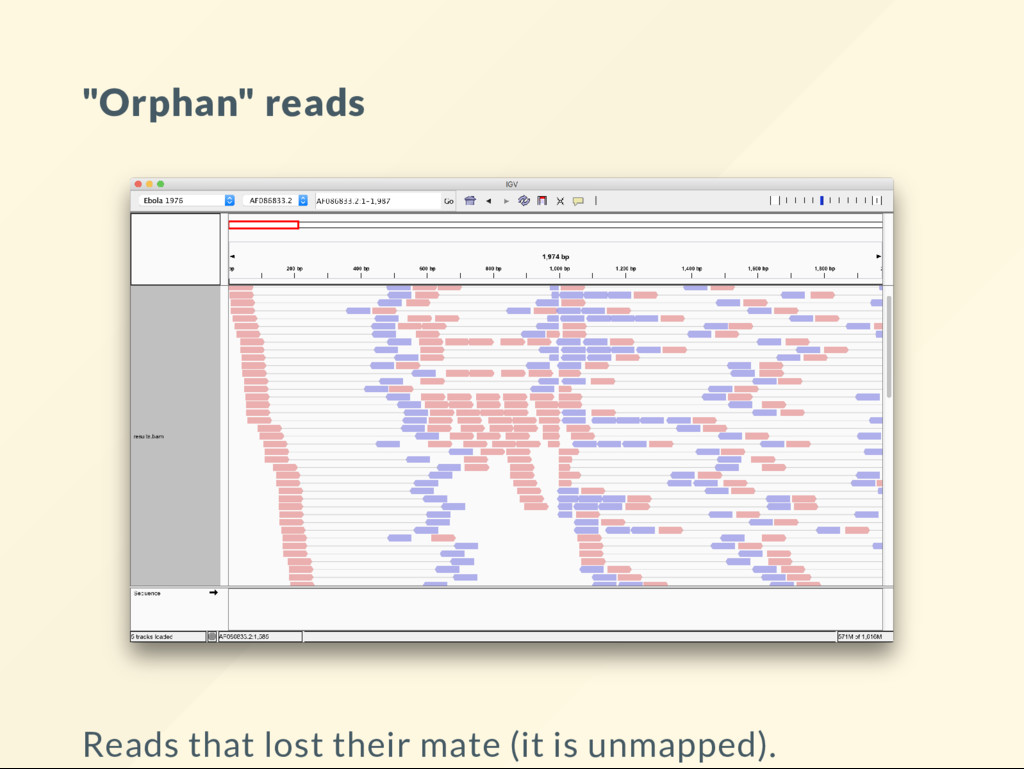
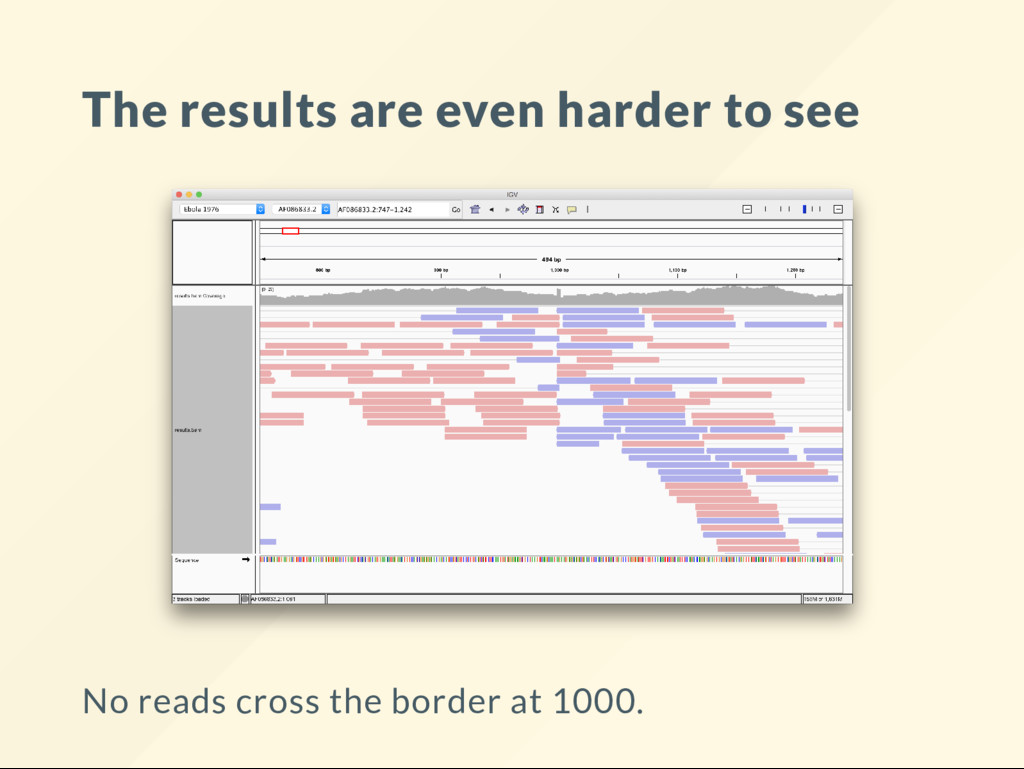
Foreign sequence We are matching fragments from .................xxxxxxxx................. against ................................... what happens with a read that contains? ....xxxx


 ialbert
 trycycle
 estie
 junkashihara
 konakalab
 yu4u
 ktatsuya
 miyayou
 naospon
 analokmaus
 ryanjones
 ivargrimstad
 kneath
 brad_frost
 michielstock
 soudai
 varn
 frankvandijk
 sabderemane
 asonas
 techseoconnect
 62gerente