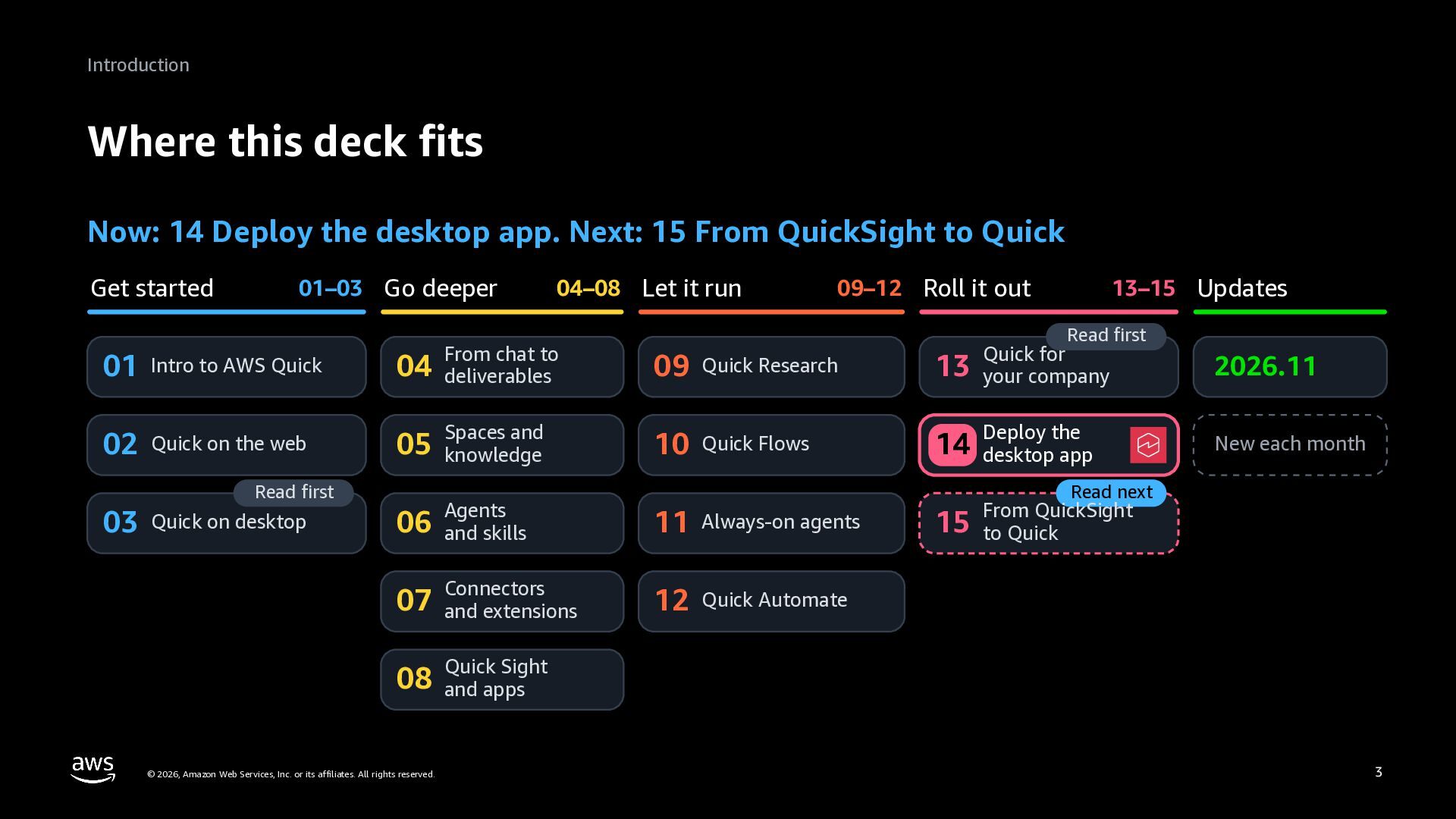
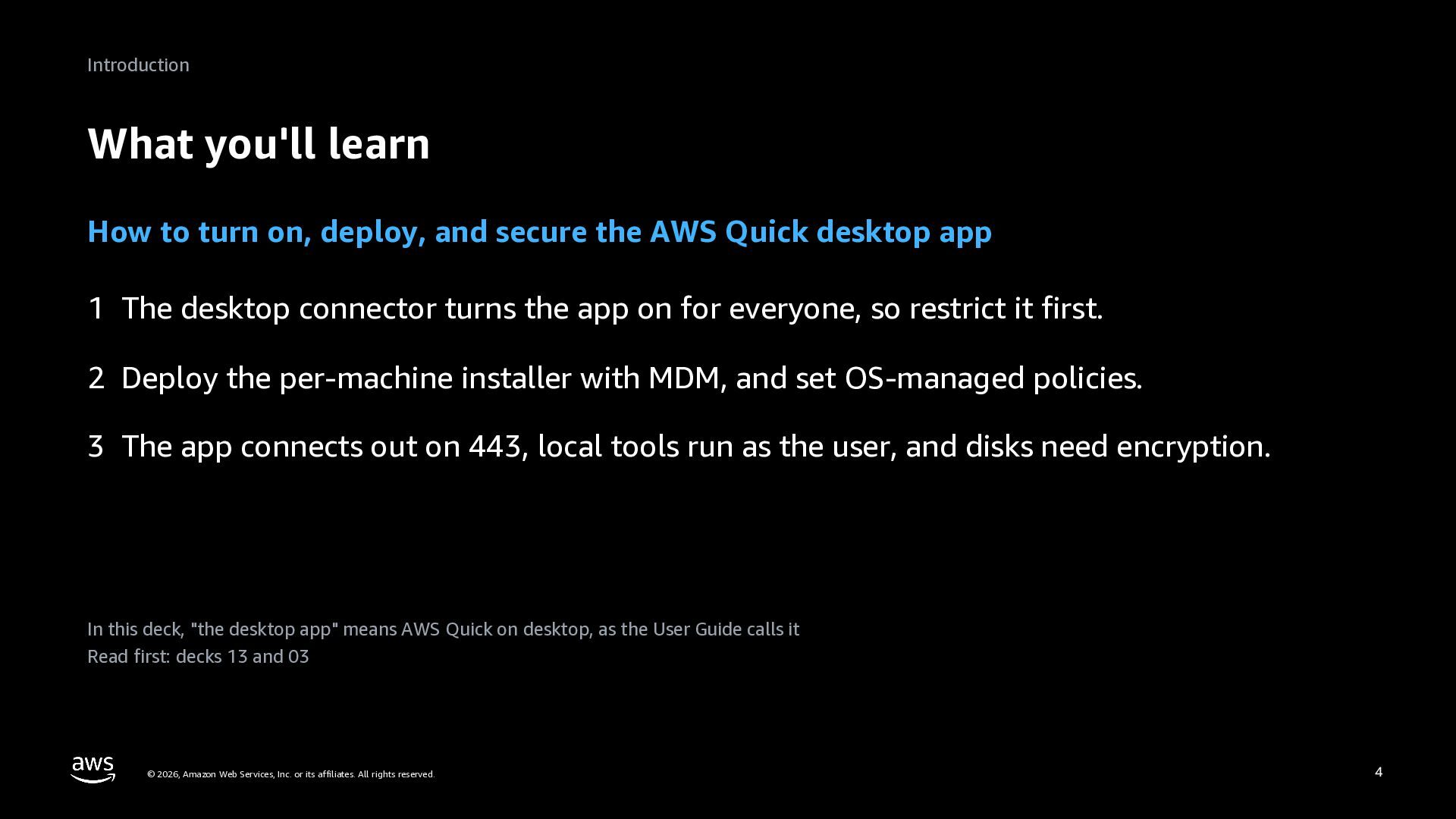
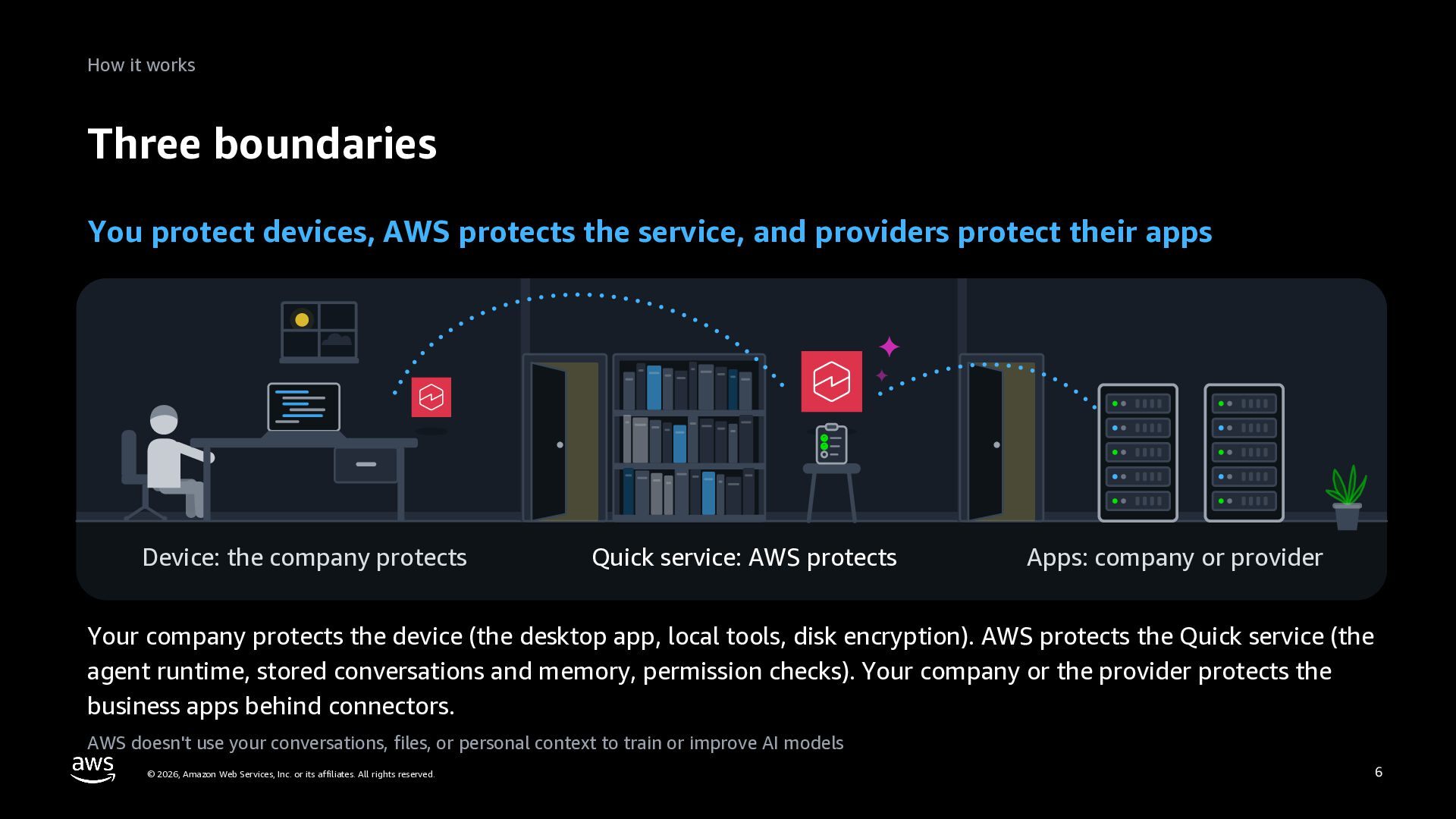
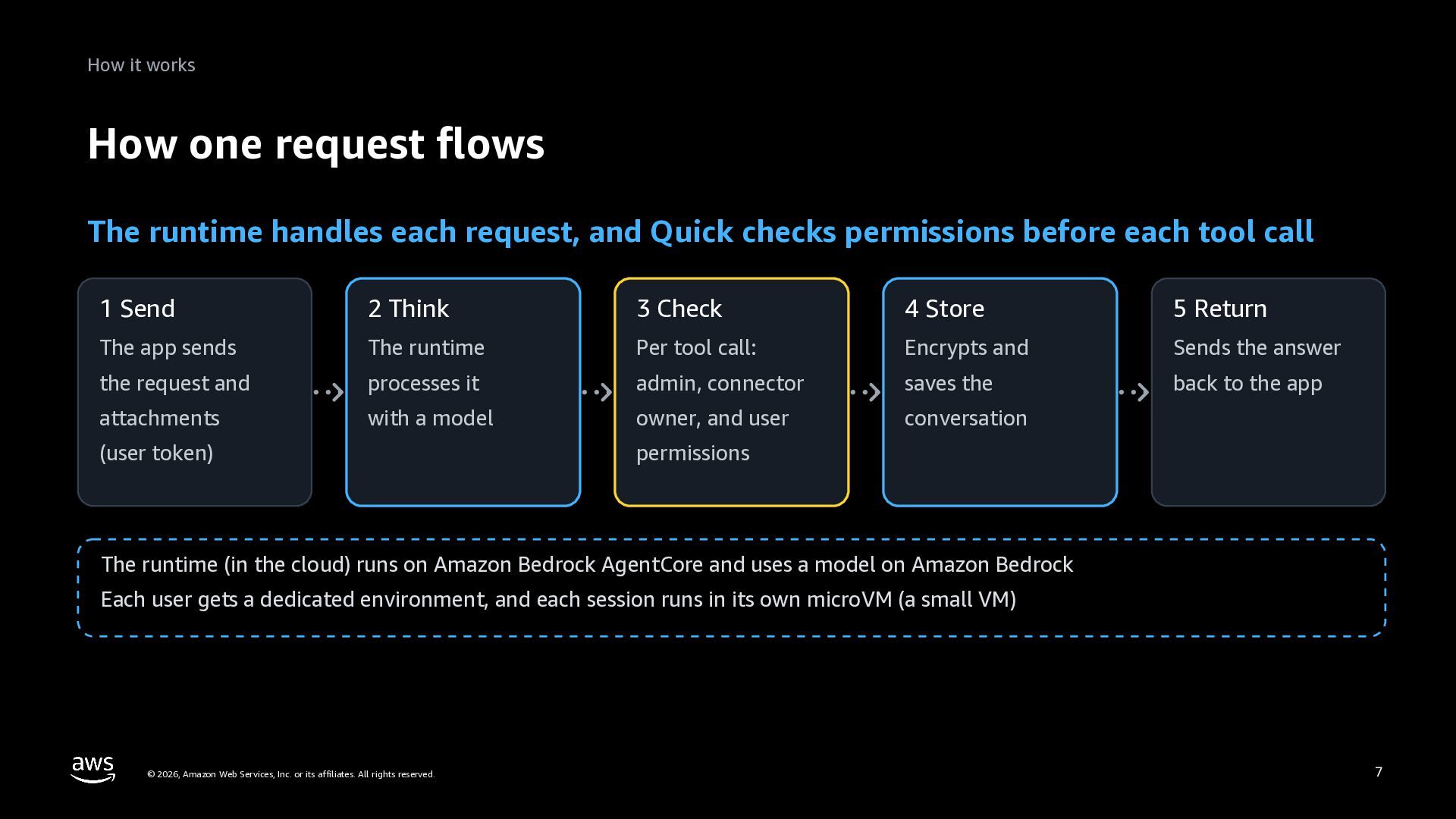
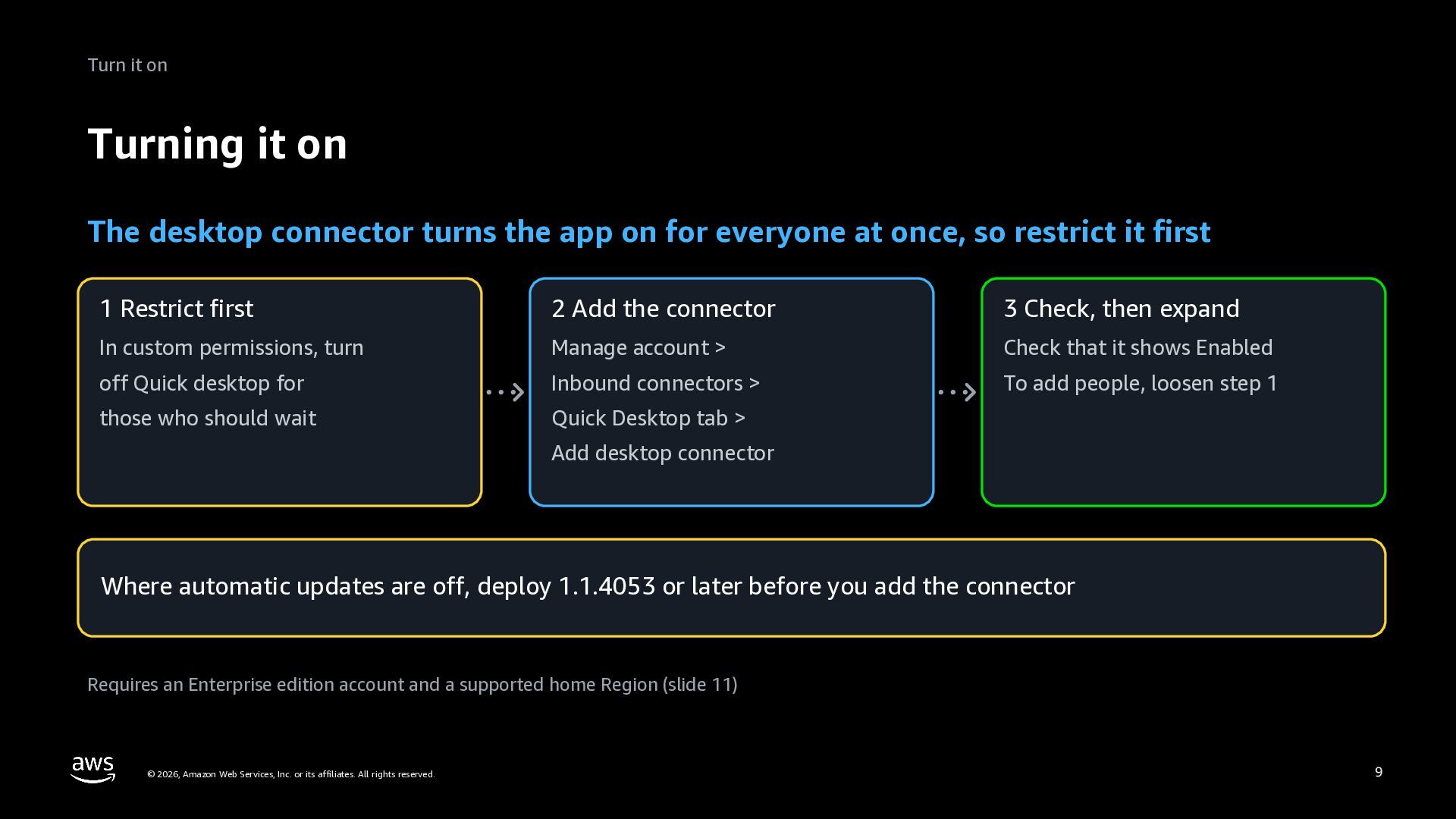
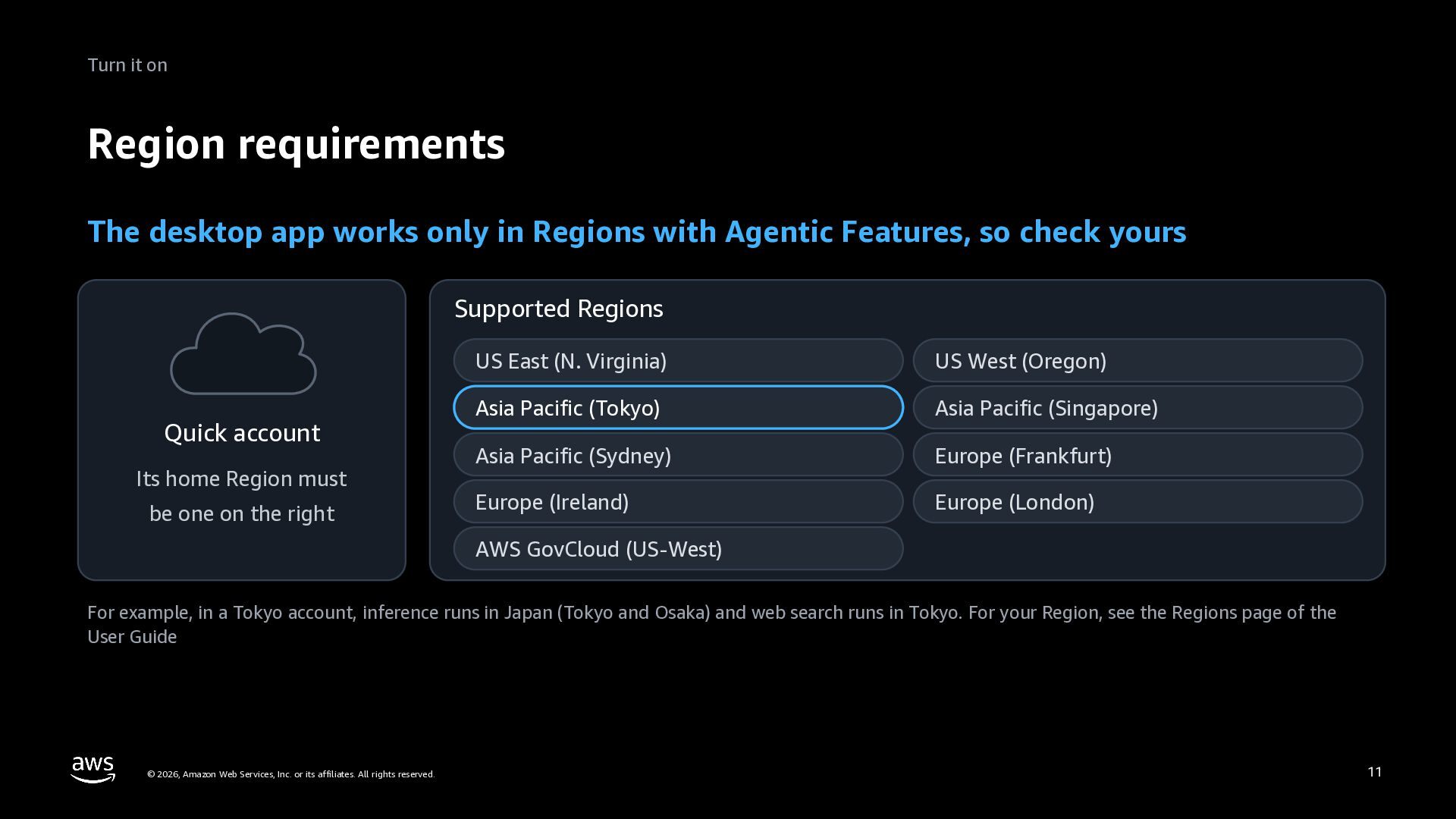
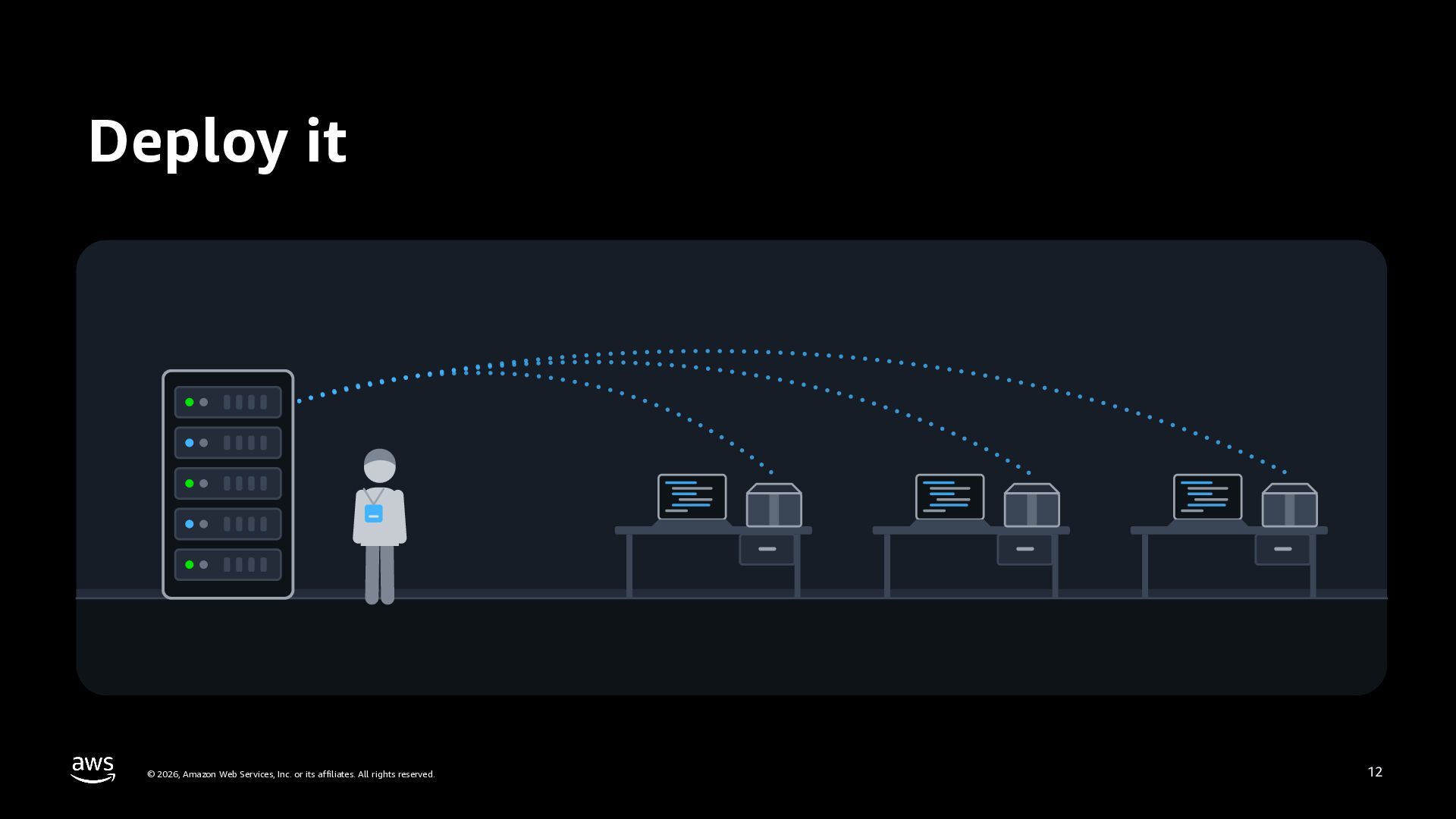
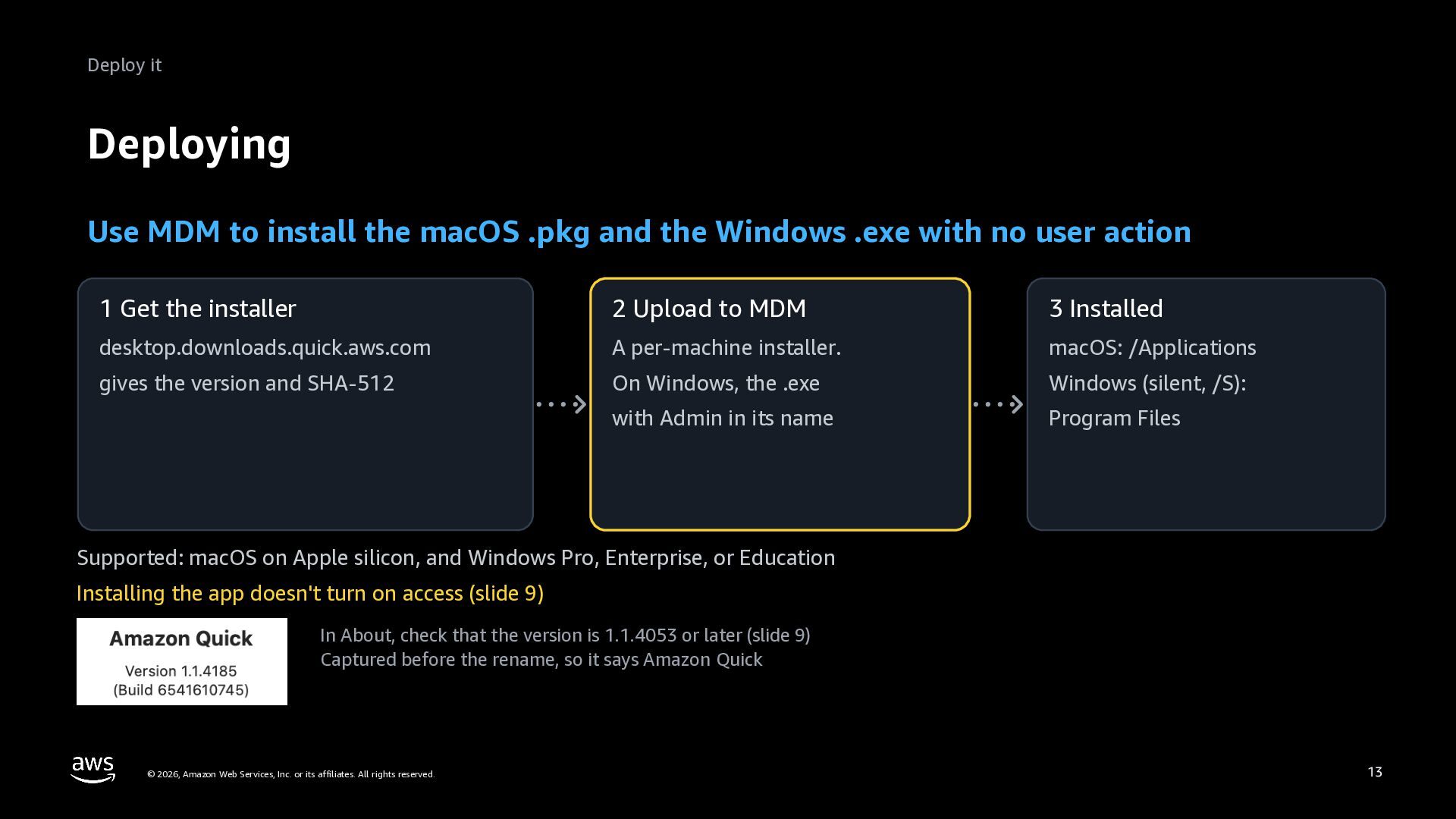
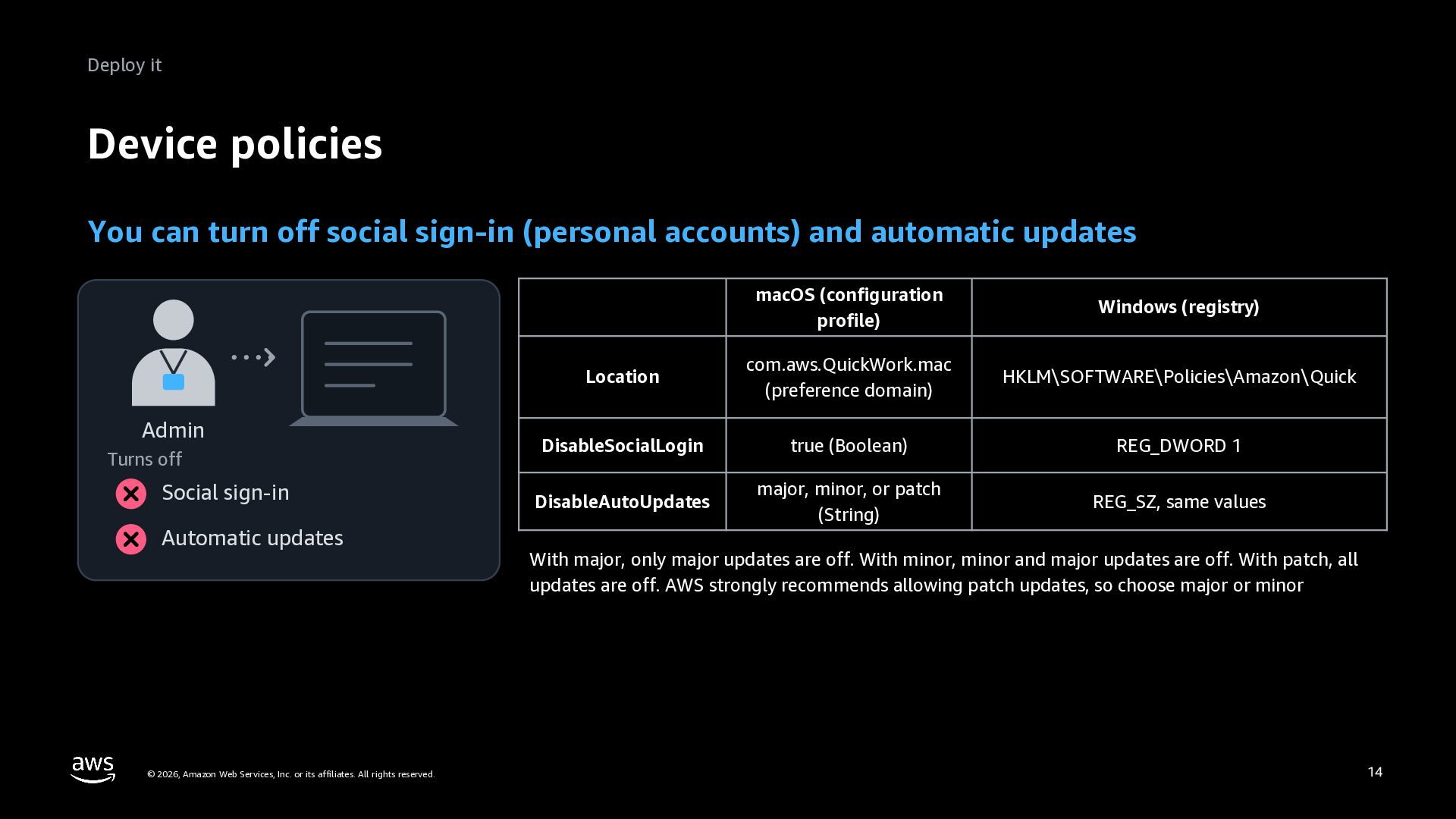
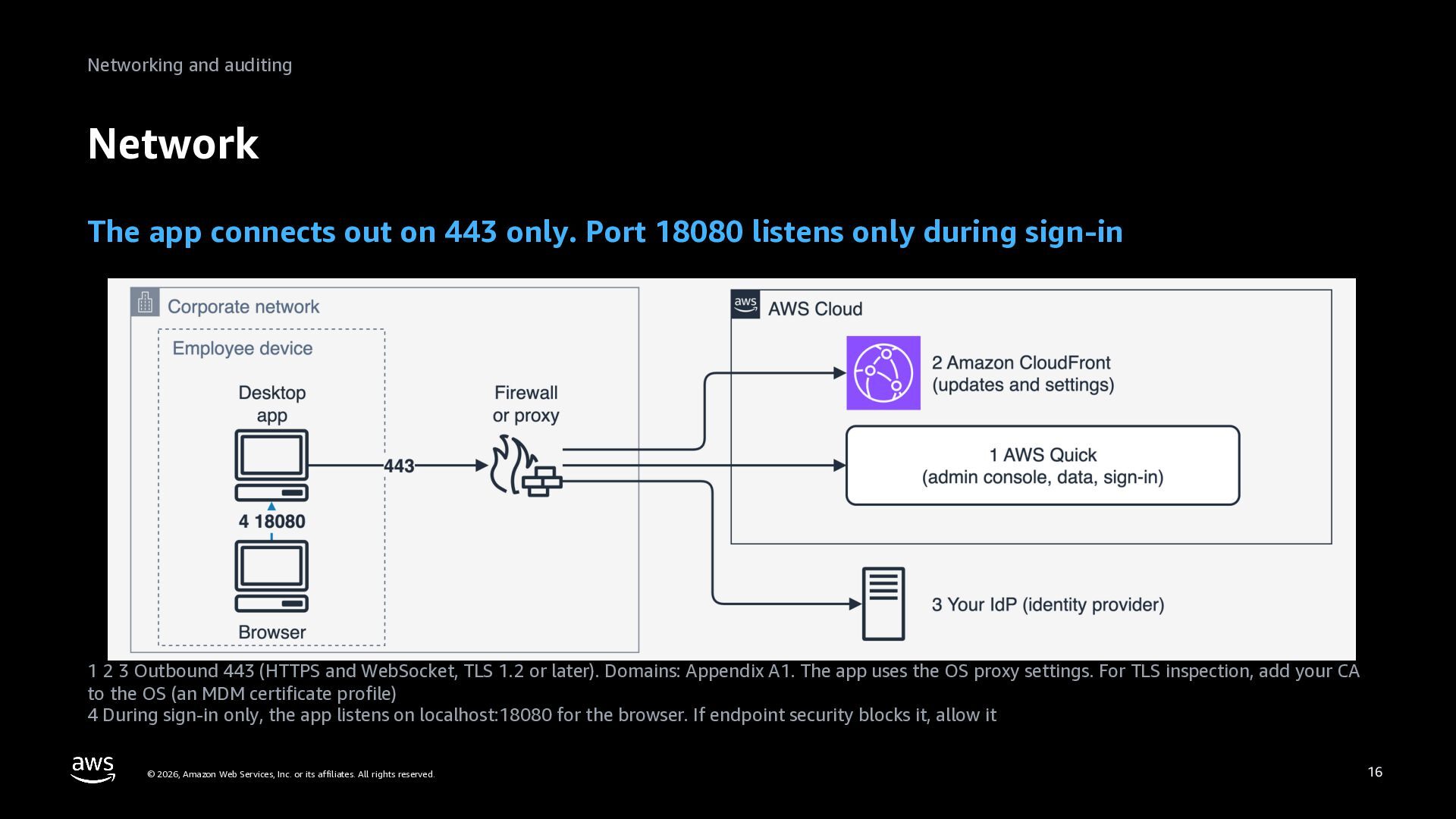
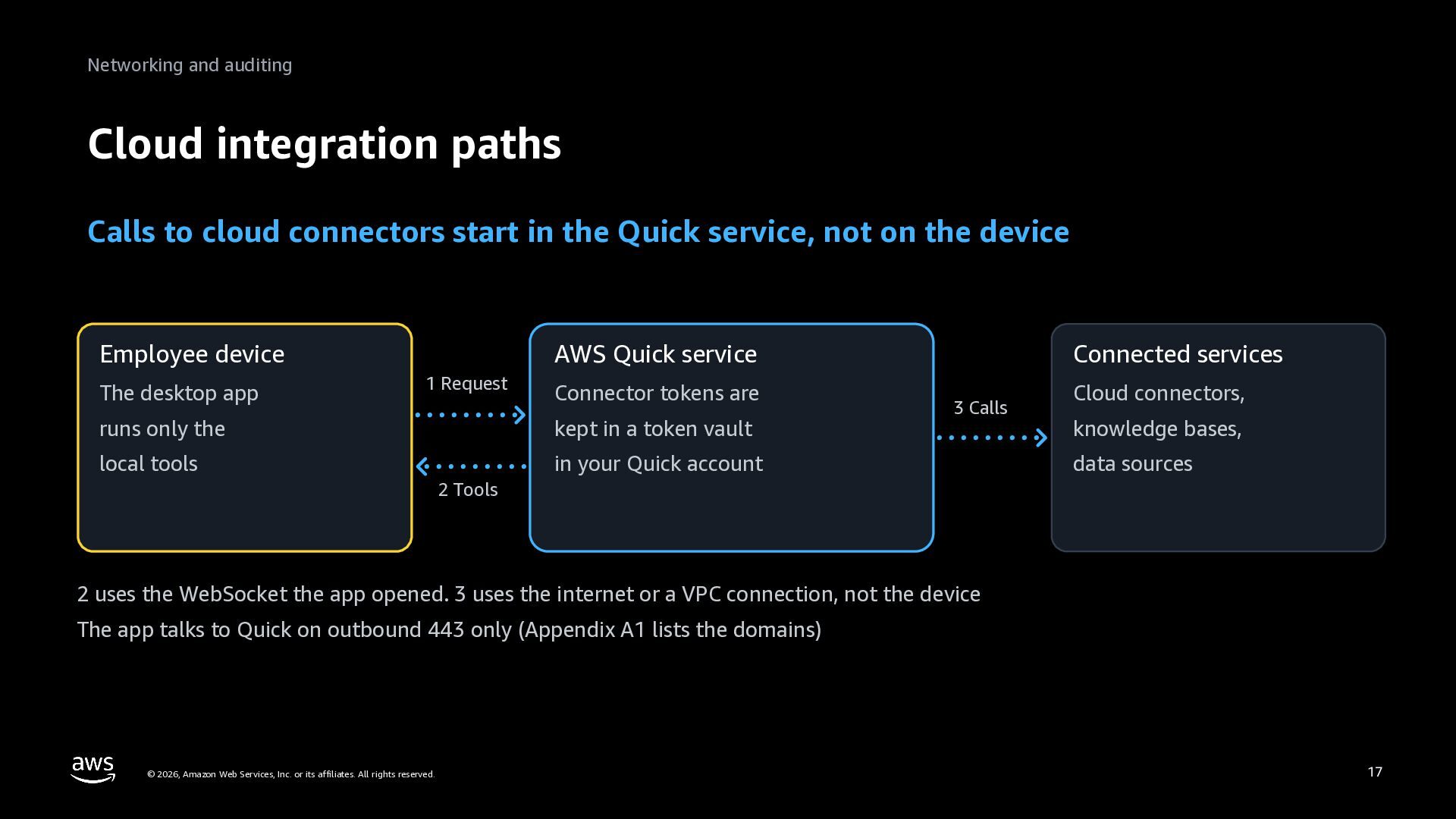
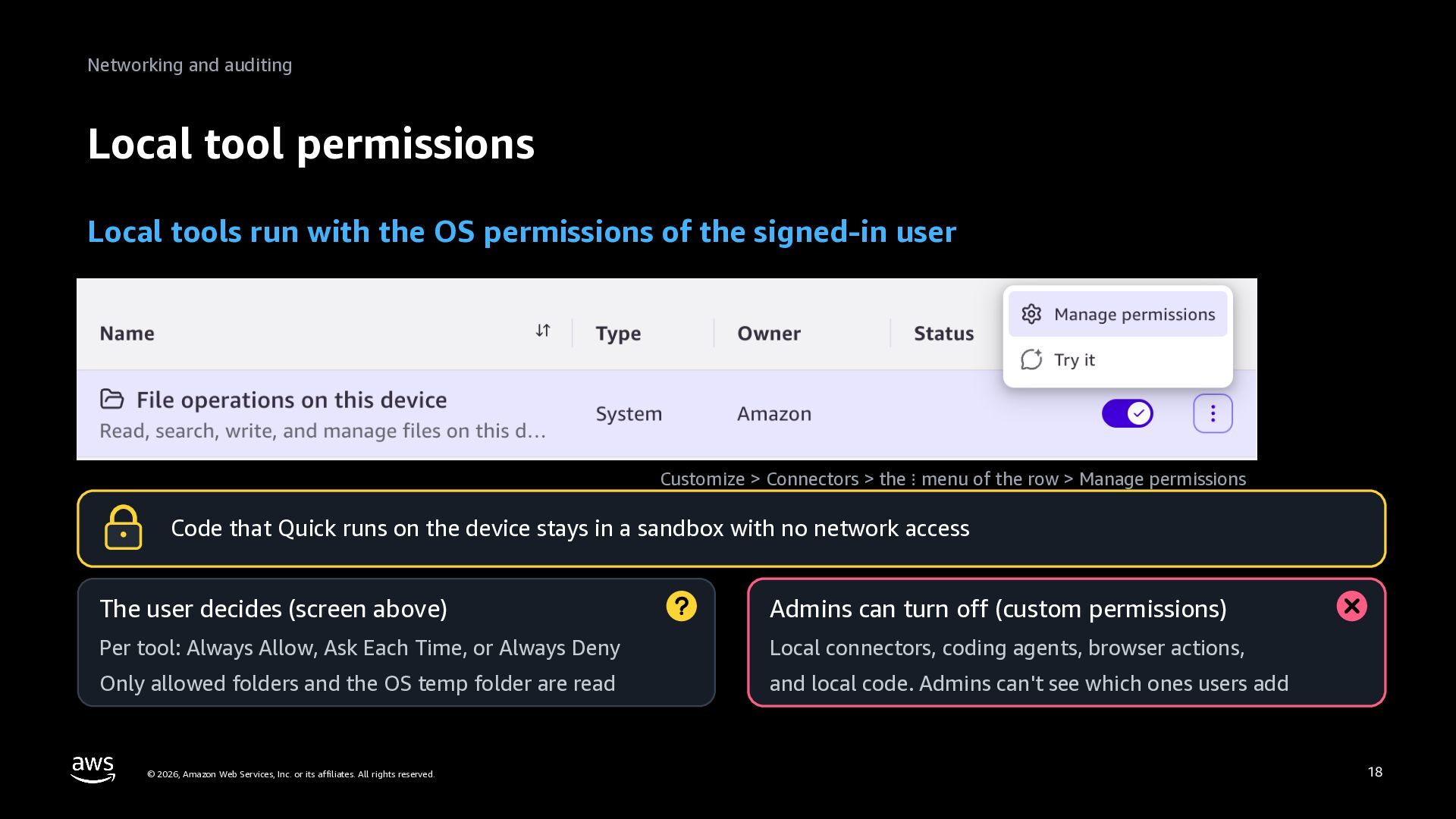
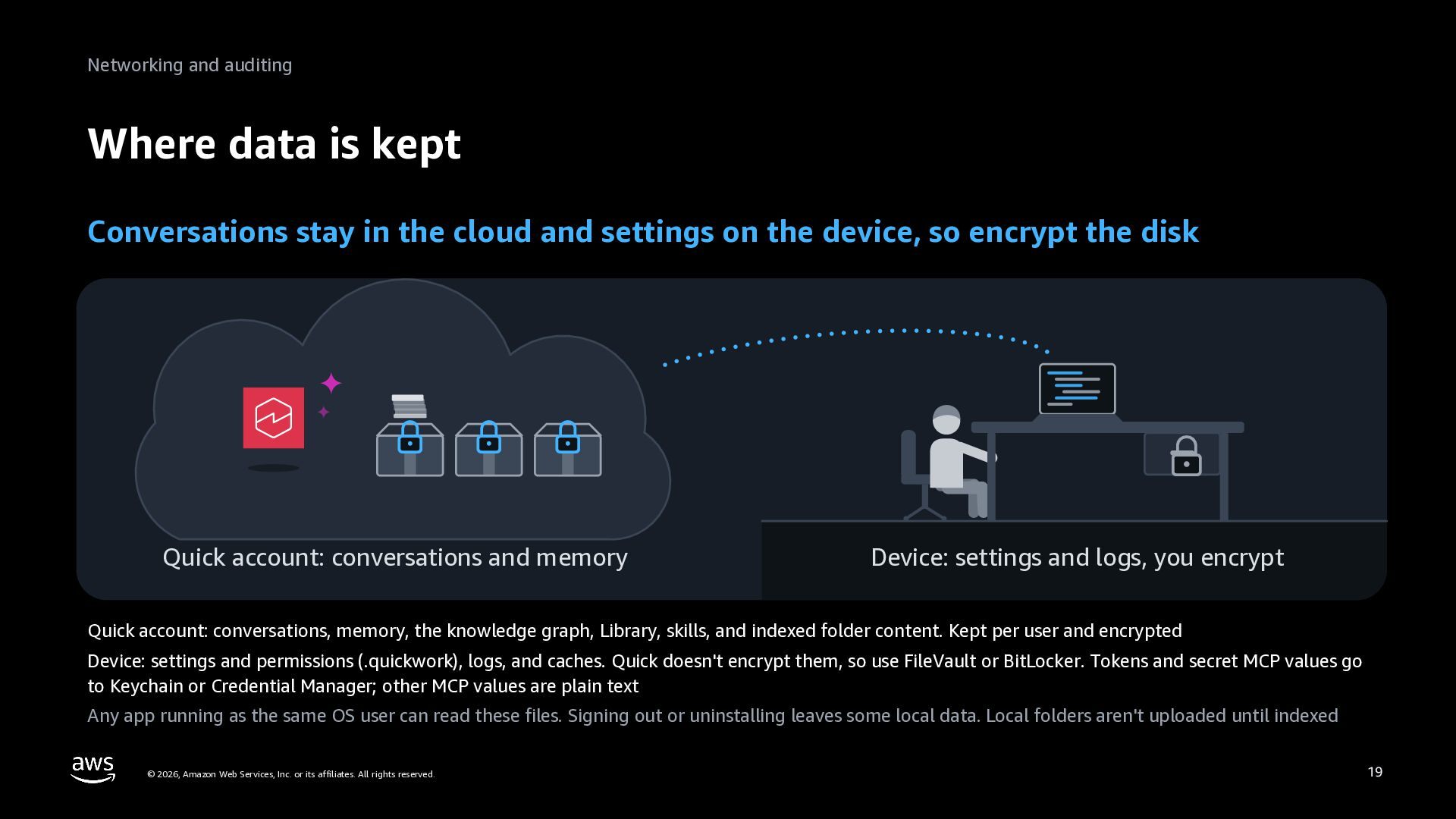
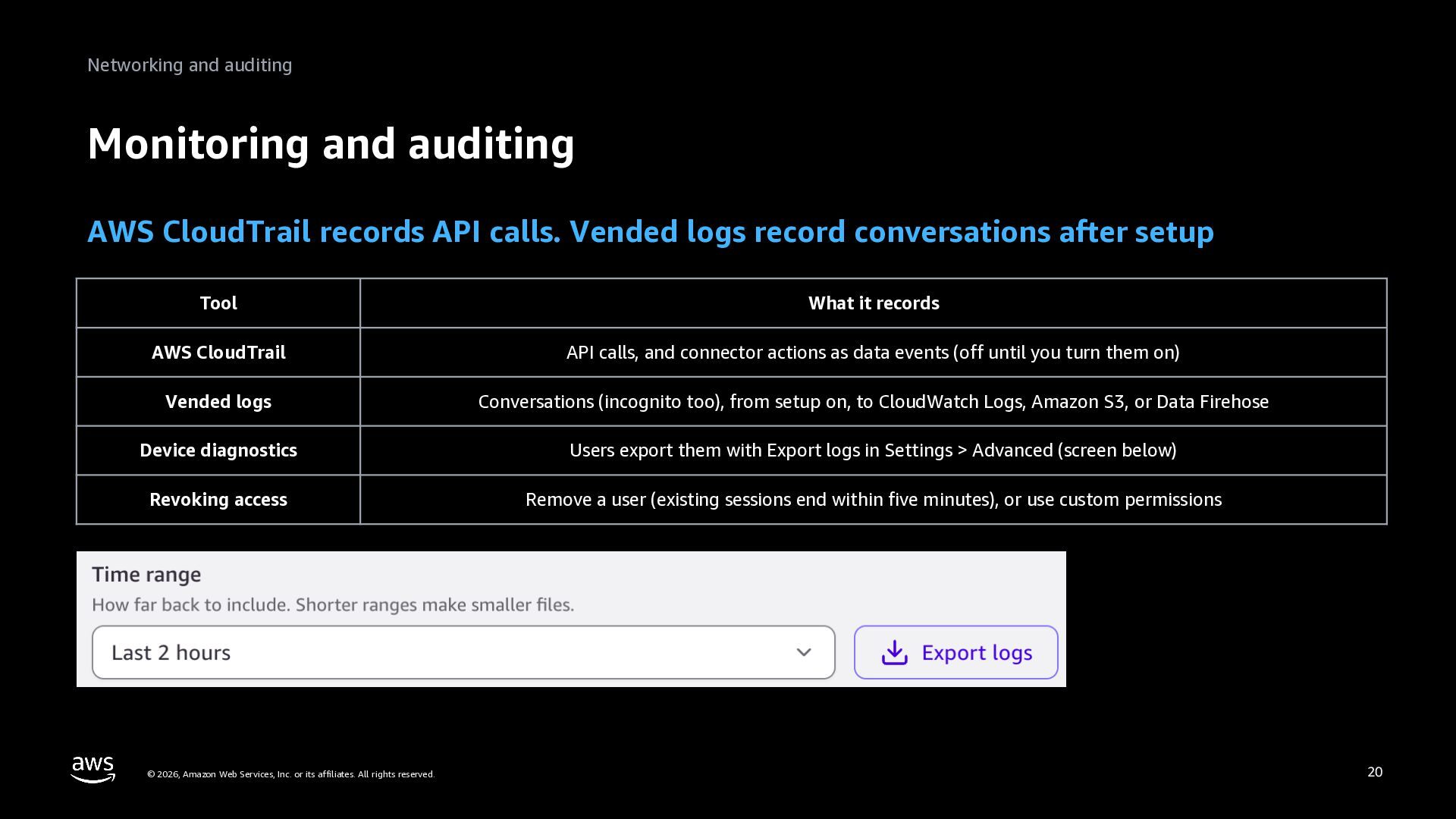
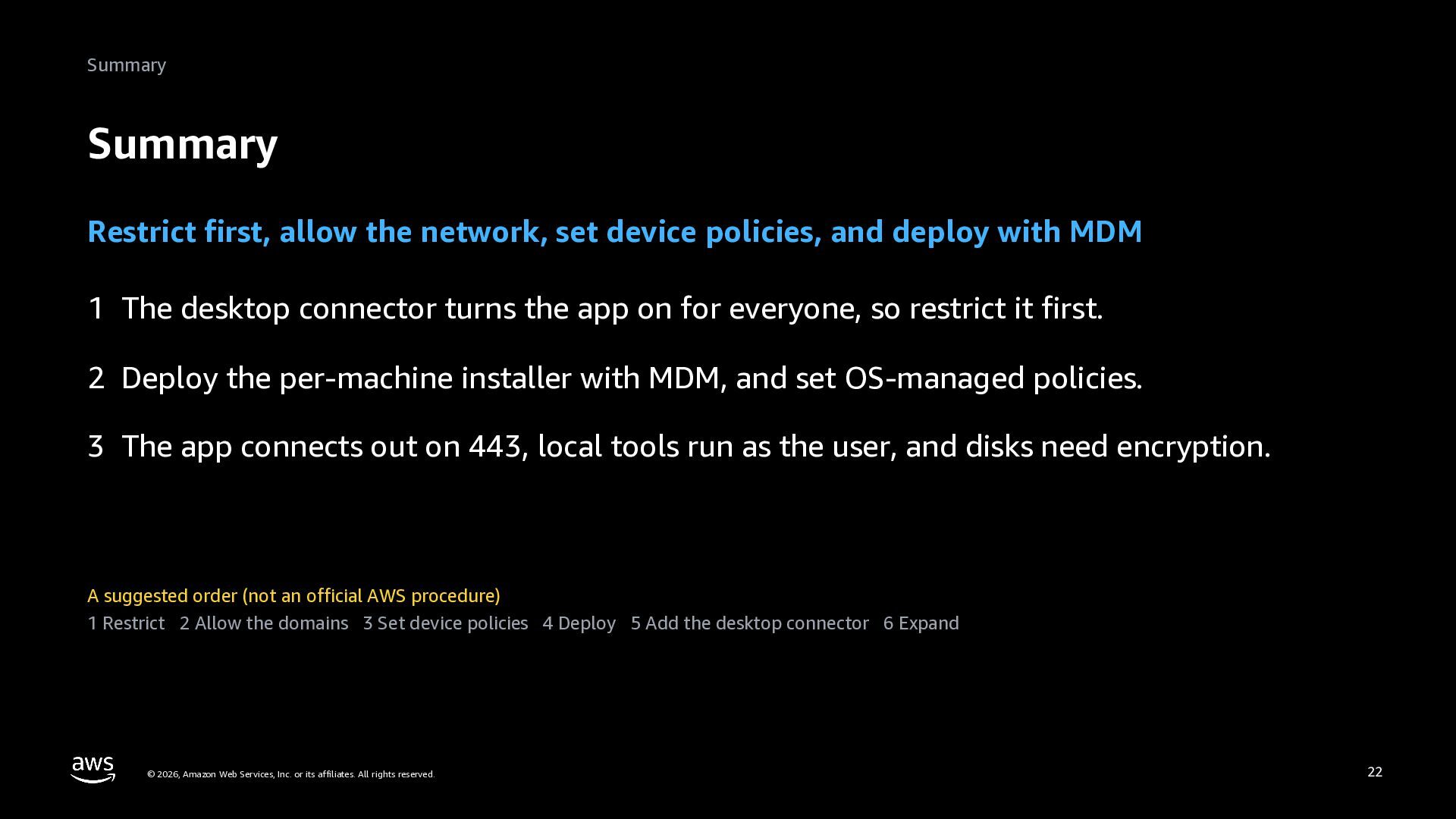
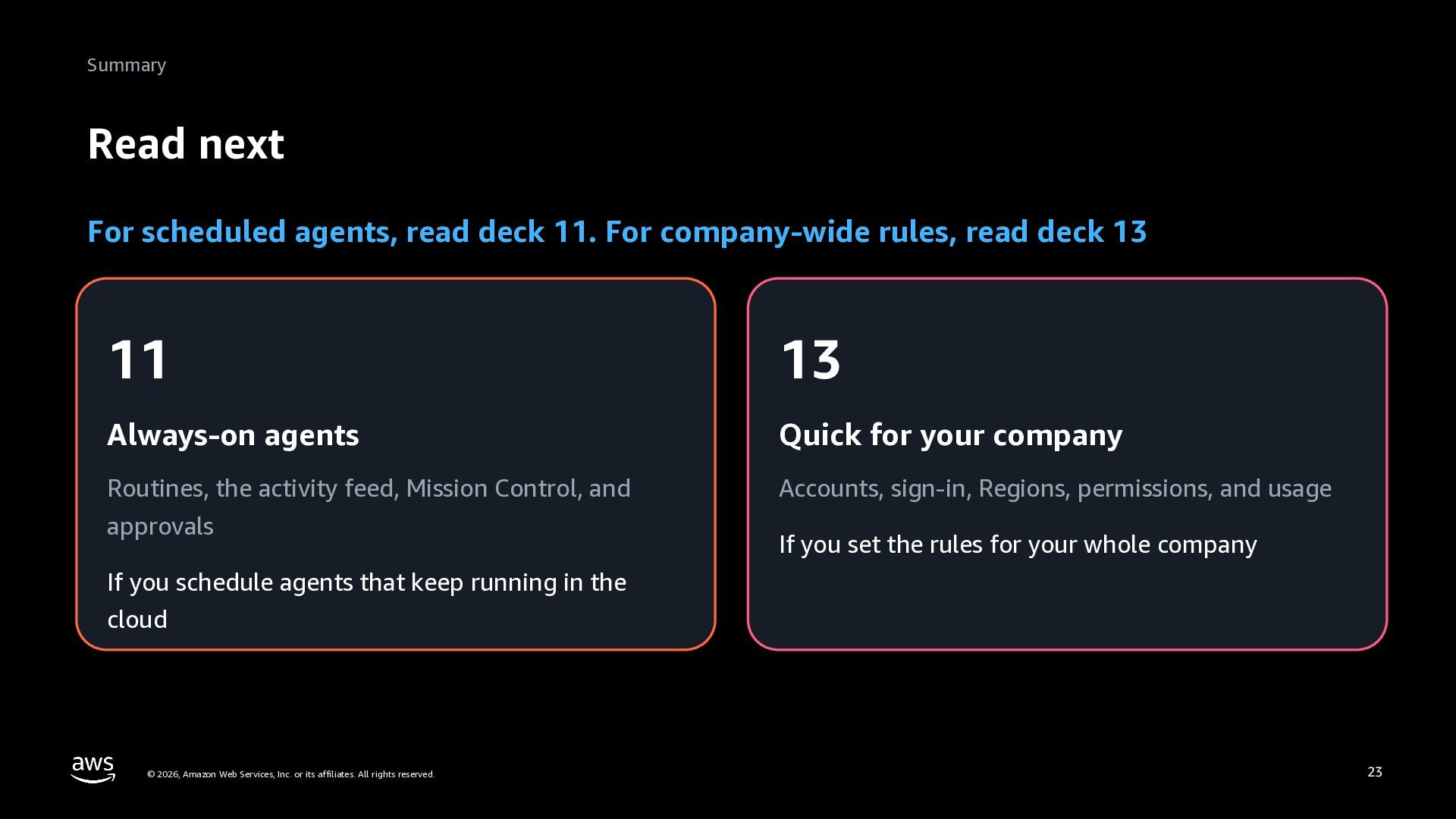
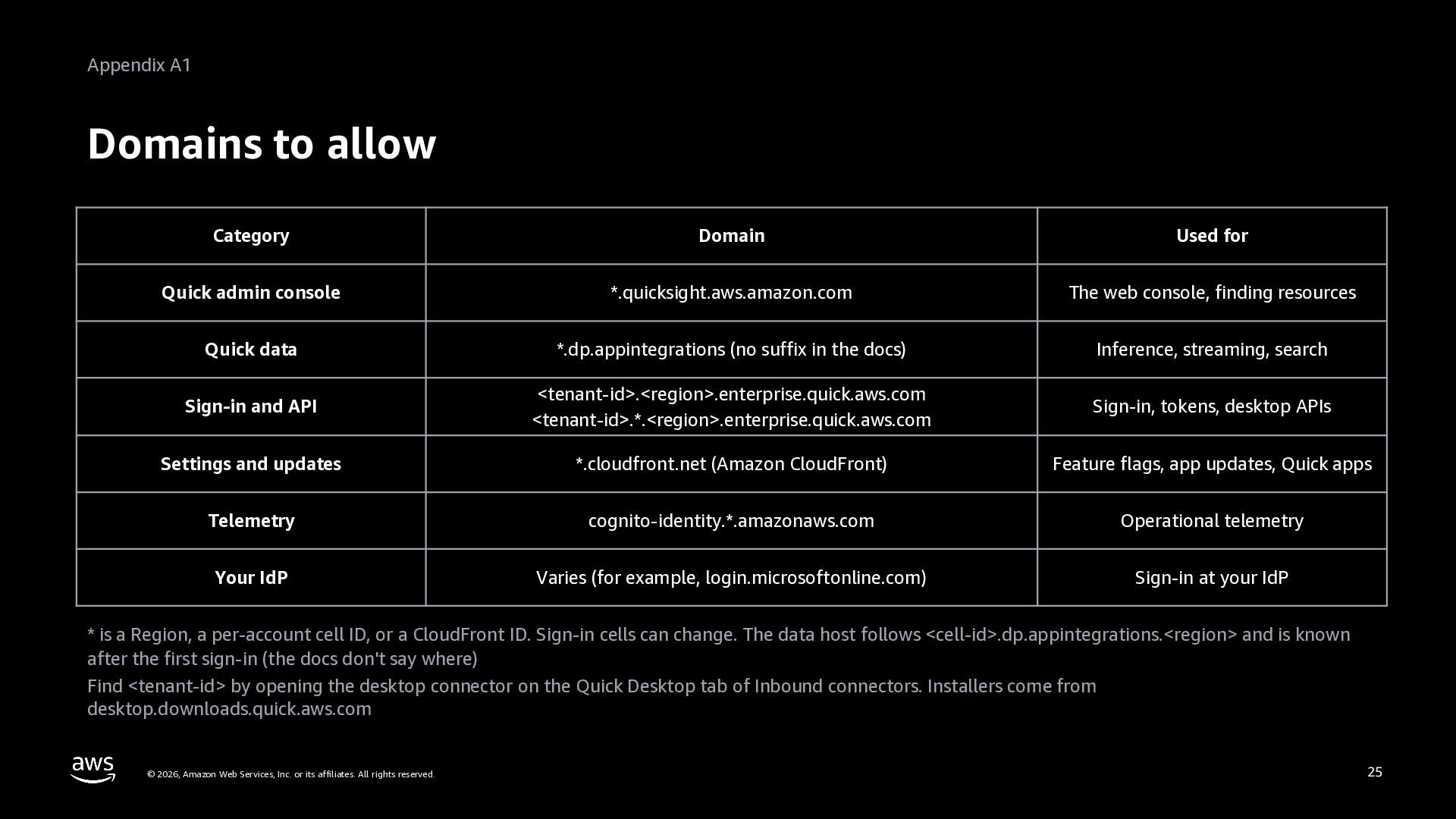
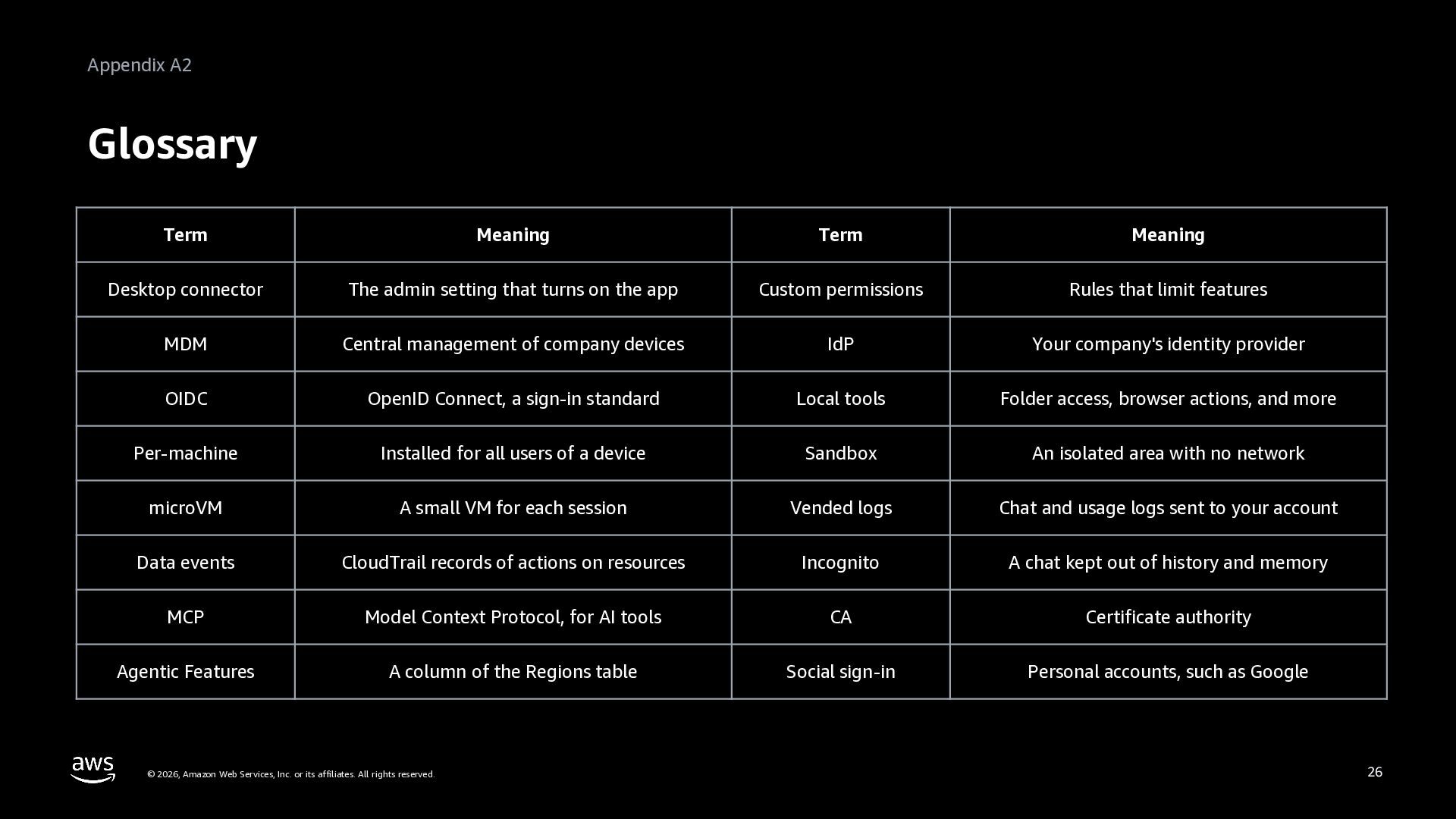
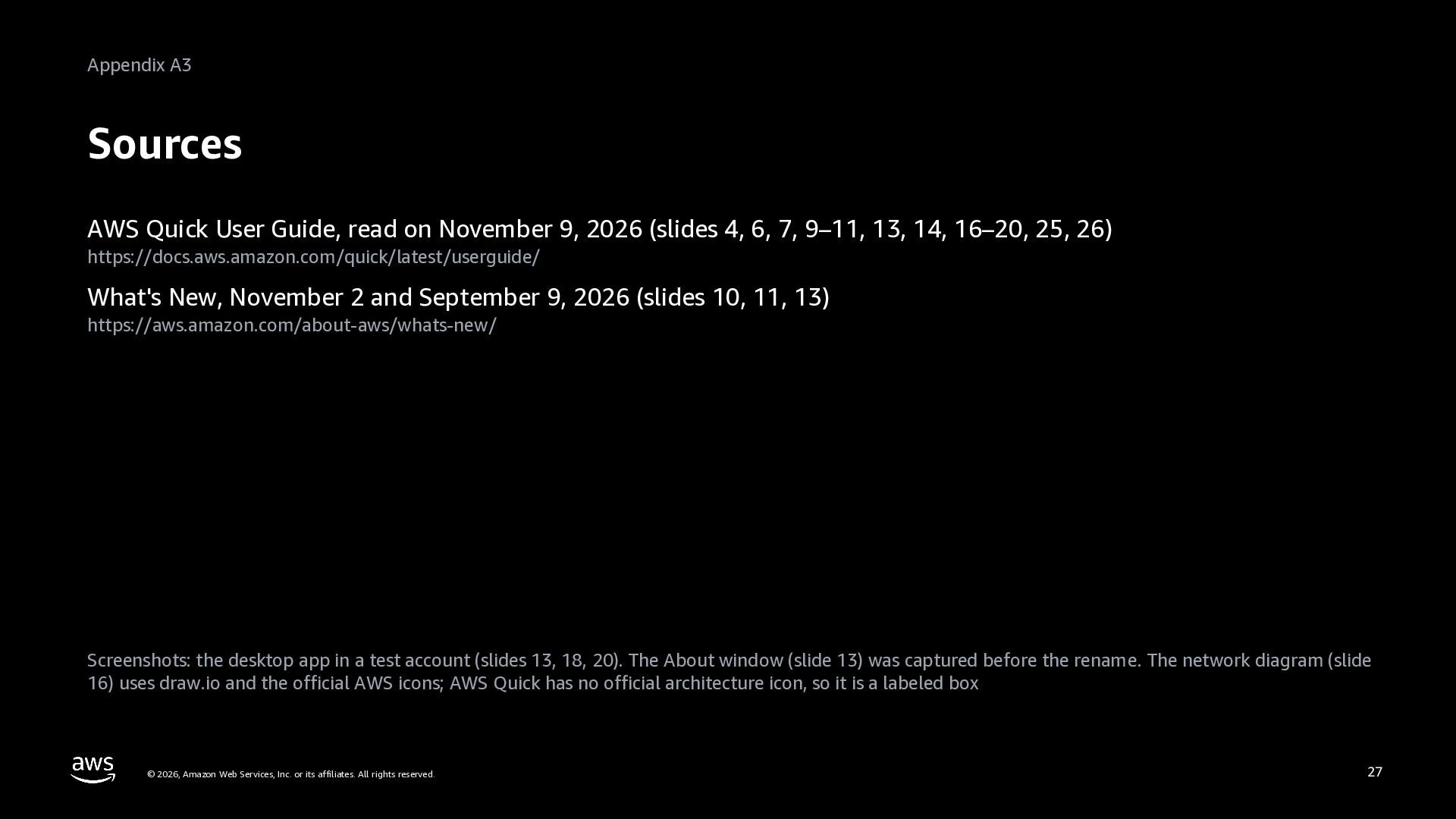
Level 200. A handout for IT teams and Quick administrators on deploying the AWS Quick desktop app (AWS Quick on desktop) to company devices. How it works: the three boundaries (the device, the Quick service, and connected apps) and how one request flows through the agent runtime. Turning it on: restrict access with custom permissions first, because adding the desktop connector turns the app on for everyone; sign-in the same way as on the web or with a dedicated IdP; and the Regions with Agentic Features. Deploying it: per-machine installers for macOS (.pkg) and Windows (.exe) with MDM, and the managed policies that turn off social sign-in and automatic updates (DisableSocialLogin, DisableAutoUpdates). Networking and auditing: outbound 443 only, with port 18080 on localhost during sign-in (a diagram); cloud connector calls that start in the Quick service; permissions for local tools such as folder access and browser actions; where data is kept (Quick doesn't encrypt device data, so use FileVault or BitLocker); and AWS CloudTrail, vended logs, and device diagnostics. Three screens of the desktop app show the version, tool permissions, and exporting logs. The rollout order is the author's suggestion, not an official AWS procedure. The appendix has the domains to allow, a glossary, and sources. Based on public documentation as of November 2026. Deck 14 (Roll it out) of the series AWS Quick: Zero to Hero.


 inariku
 kintotechdev
 sansantech
 rmetzger
 tomoaki25
 shift_evolve
 toshi_atsumi
 kazzpapa3
 keio_smilab
 murachiakira
 iwamot
 amixedcolor
 tammielis
 mojombo
 aleyda
 frankvandijk
 tammyeverts
 eitanlees
 sabderemane
 jeffersonlam
 chrislema
 inesmontani
 lemiorhan
 uxyall